

The Kindle Paperwhite 16GB is the model worth watching first when Amazon’s Prime Big Deal Days sale opens on October 6-7, 2026, because it pairs a 7 inch glare-free screen with up to 12 weeks per charge and a 4.6 rating across more than 23,000 owner reviews, the widest proven comfort of any Kindle on this list. The Kindle 16GB is the lighter, cheaper way in for readers who want a device small enough for one hand, and the Paperwhite Signature 32GB is the one to watch if bedtime reading and storage matter more than price.
Prime Big Deal Days is Amazon’s two-day October event, and most device offers require a Prime membership, though a free trial counts. Offers change through the window, so treat the picks below as the models worth tracking rather than confirmed discounts.
Our Top 3 Picks for Best Amazon Prime Big Deal Days Kindle Deals in 2026

Kindle Paperwhite 16GB
- 7 inch glare-free display
- Up to 12 weeks per charge
- Waterproof build
- 16 GB storage


Paperwhite Signature 32GB
- Auto-adjusting front light
- 32 GB storage
- Wireless charging
- Up to 12 weeks per charge
Best Amazon Prime Big Deal Days Kindle Deals Compared
Every model below is listed in the same order, with the same four fields, so you can scan the storage, screen and battery figures side by side before opening any single listing.
| Product | Specifications | Action |
|---|---|---|
| Kindle Paperwhite 16GB |
|
Check Deal Price |
| Kindle 16GB |
|
Check Deal Price |
| Paperwhite Signature 32GB |
|
Check Deal Price |
 Kindle Scribe 64GB Kindle Scribe 64GB |
|
Check Deal Price |
 Kindle Colorsoft 16GB Kindle Colorsoft 16GB |
|
Check Deal Price |
 Scribe Colorsoft 64GB Scribe Colorsoft 64GB |
|
Check Deal Price |
 Kindle Kids 16GB Kindle Kids 16GB |
|
Check Deal Price |
 Paperwhite Kids 16GB Paperwhite Kids 16GB |
|
Check Deal Price |
 Colorsoft Kids 16GB Colorsoft Kids 16GB |
|
Check Deal Price |
 Kindle Scribe 32GB Kindle Scribe 32GB |
|
Check Deal Price |
 Paperwhite Bundle 16GB Paperwhite Bundle 16GB |
|
Check Deal Price |
 Colorsoft Signature 32GB Colorsoft Signature 32GB |
|
Check Deal Price |
How We Chose
We compared the specs that actually separate one Kindle from another: screen size and resolution, storage, battery life per charge, front light behaviour, waterproofing, stylus support and what arrives in the box. Alongside those, we read through owner ratings and reviews on Amazon for each model, paying attention to the complaints that keep repeating. The data was checked in October 2026, just before the event opens.
1. Kindle Paperwhite 16GB: Editor’s Choice for Everyday Reading
Amazon Kindle Paperwhite 16GB (newest model) – 20% faster, with new 7″ glare-free display and weeks of battery life – Black
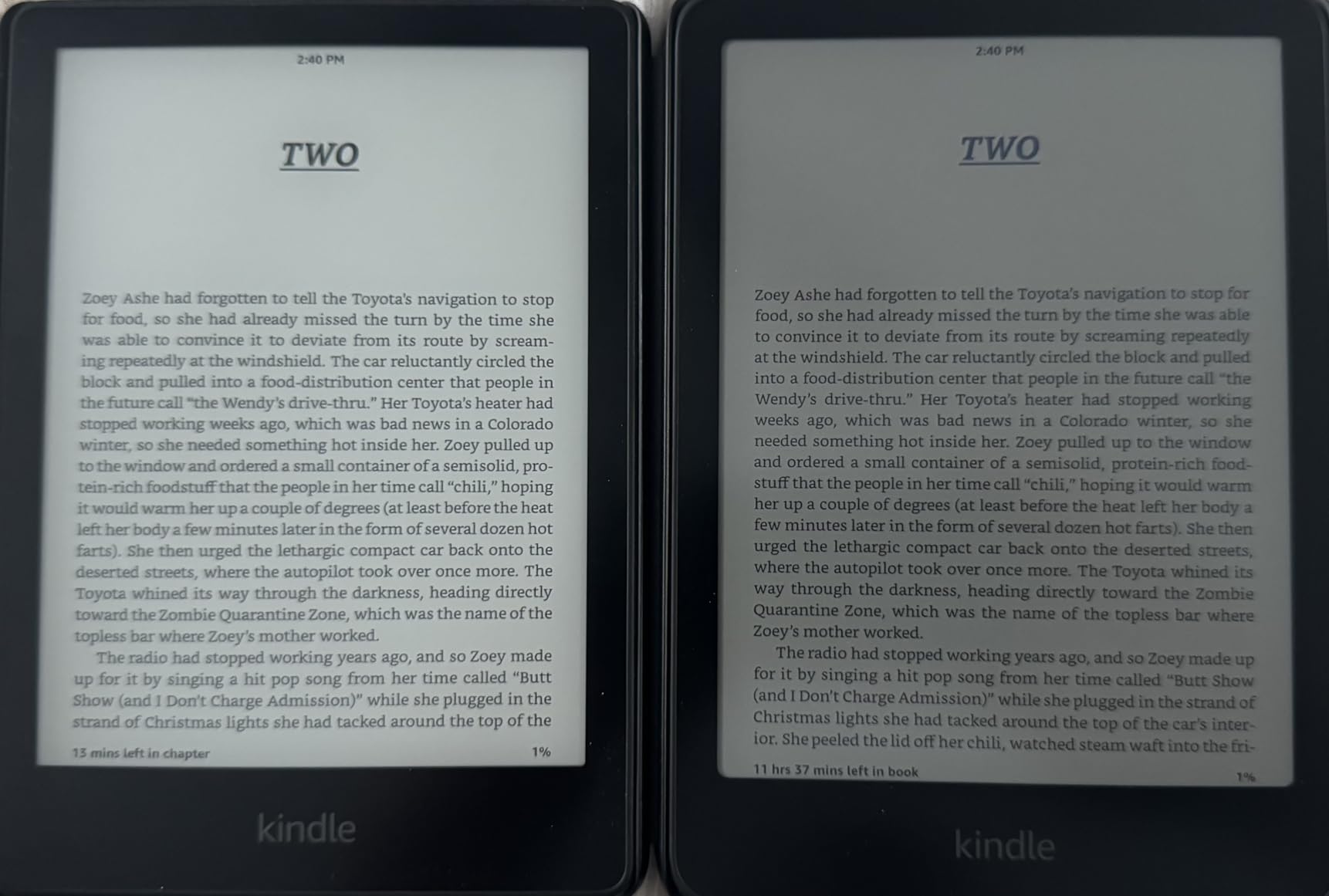
- Crisp paper-like screen with 25% faster page turns
- Weeks between charges with USB-C
- Lightweight enough for long sessions
- Warm front light for night reading
- Waterproof build
- No support for third-party reading apps
- Power button sits where a hand can brush it
- Ad-supported version shows lockscreen promotions
If you read one book a week and want the device to disappear into the routine, this is the one to watch. The 7 inch next-generation Paperwhite display has a higher contrast ratio than the model before it, and page turns run 25% faster, which owners notice most in long unbroken chapters rather than in the first ten pages.
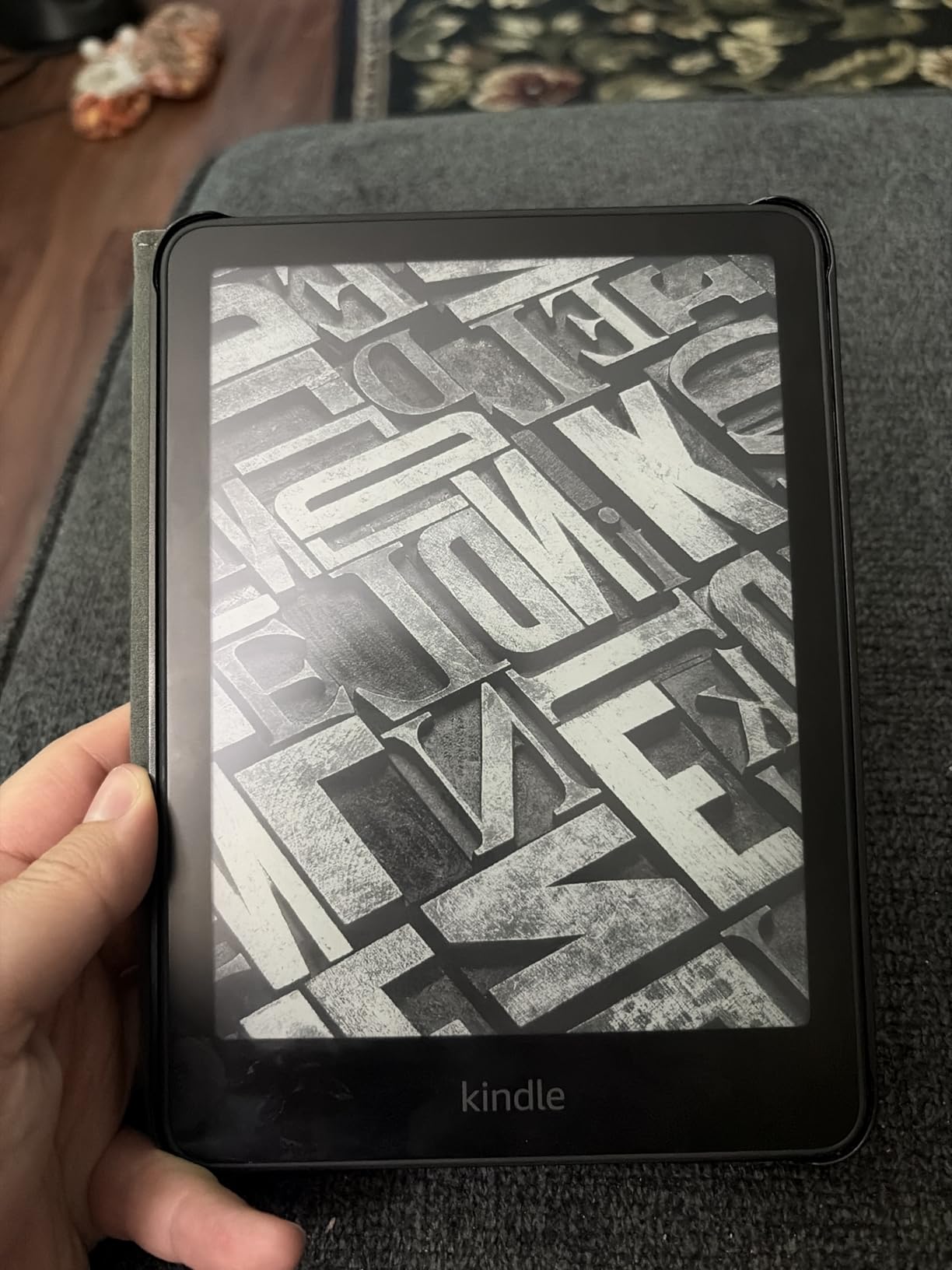
The battery figure is the quiet hero. Up to 12 weeks on a single USB-C charge means a holiday week without a charger, and a commute reader who charges every few nights will rarely think about it. Reviewers also single out the adjustable front light, which runs from white to amber and is the reason many adults read longer at night than they used to.
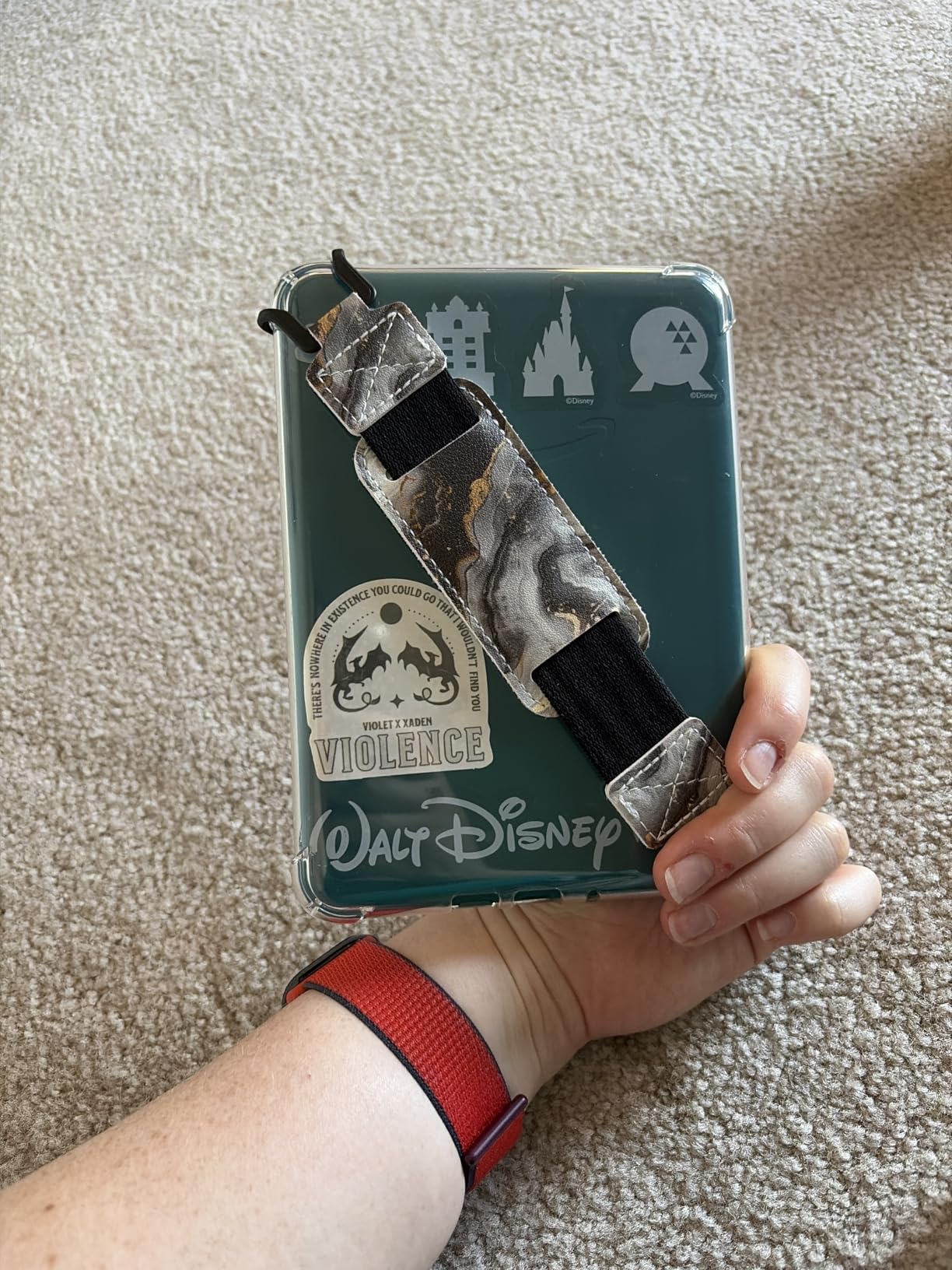
Owners report three small frictions rather than real faults: there is no native support for apps such as Libby, the power button on the bottom edge can be pressed by accident mid-read, and the ad-supported version puts promotions on the lock screen. Long-time Kindle owners often call it their favourite model overall, largely because it stays fast with no lag compared with a Fire tablet.
Compared with the Paperwhite Signature 32GB, the difference is storage, the auto-adjusting light and wireless charging, none of which most novel readers use. Compared with the base Kindle 16GB, you gain waterproofing and the warm light for a larger device in the hand. If you read anywhere but a desk, the waterproof build is the reason to step up.
2. Kindle 16GB: Budget Pick for One-Hand Reading
- About 158 g for comfortable one-hand reading
- Very fast page turns and snappy interface
- 16 GB holds thousands of books
- USB-C charging
- Matcha finish stands out
- White light only with no amber setting
- Not waterproof
- Back plastic scratches easily without a case
The lightest Kindle in the lineup at about 158 g, and that weight is the whole argument. Owners describe it as the most comfortable model for reading in bed, because you can hold it low with one hand for an hour without wrist fatigue.
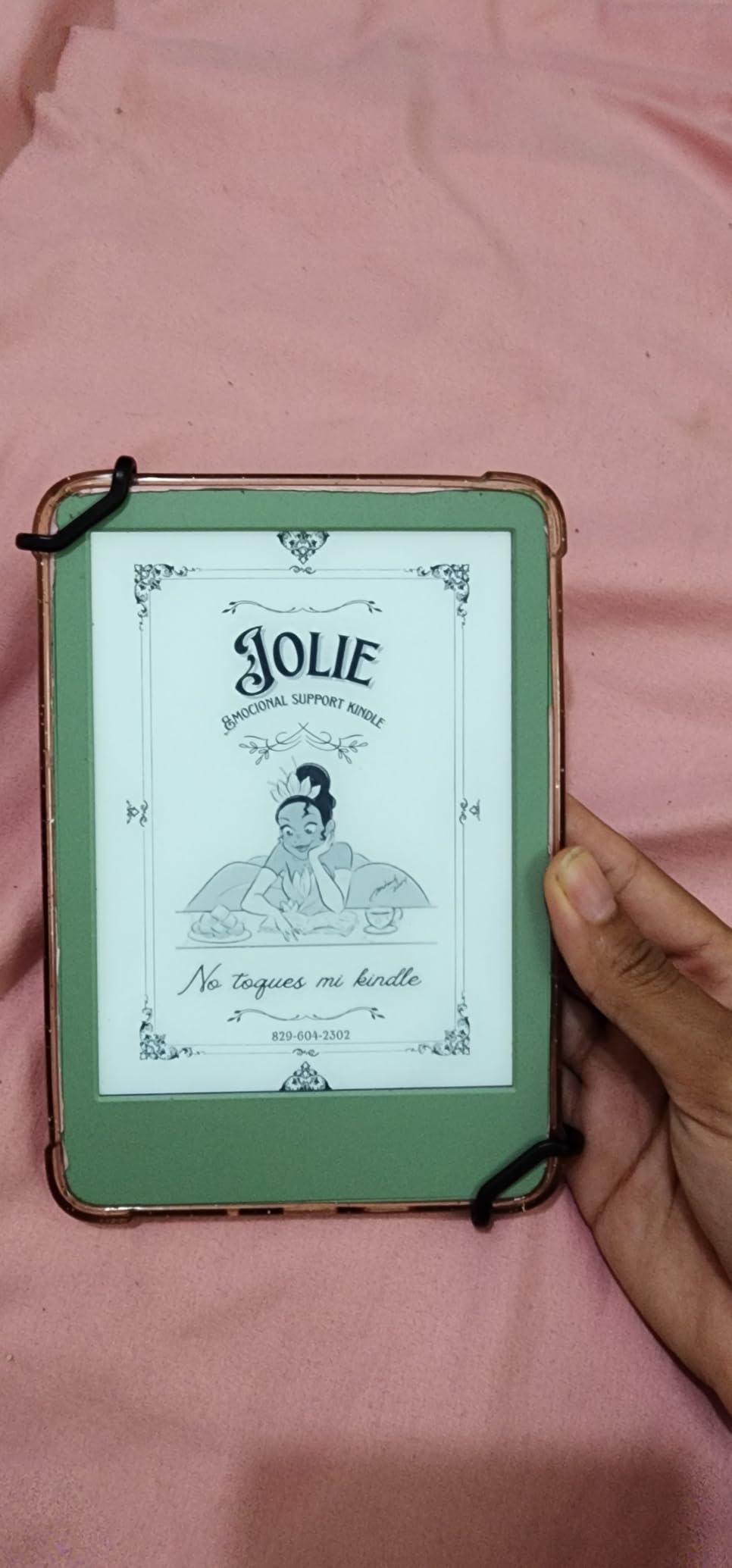
The 6 inch display has a 25% brighter front light and a higher contrast ratio than earlier base models, and the interface stays responsive in a way that older budget Kindles did not. Dark mode is available, so a low-light setting exists even without the warmer amber tones.
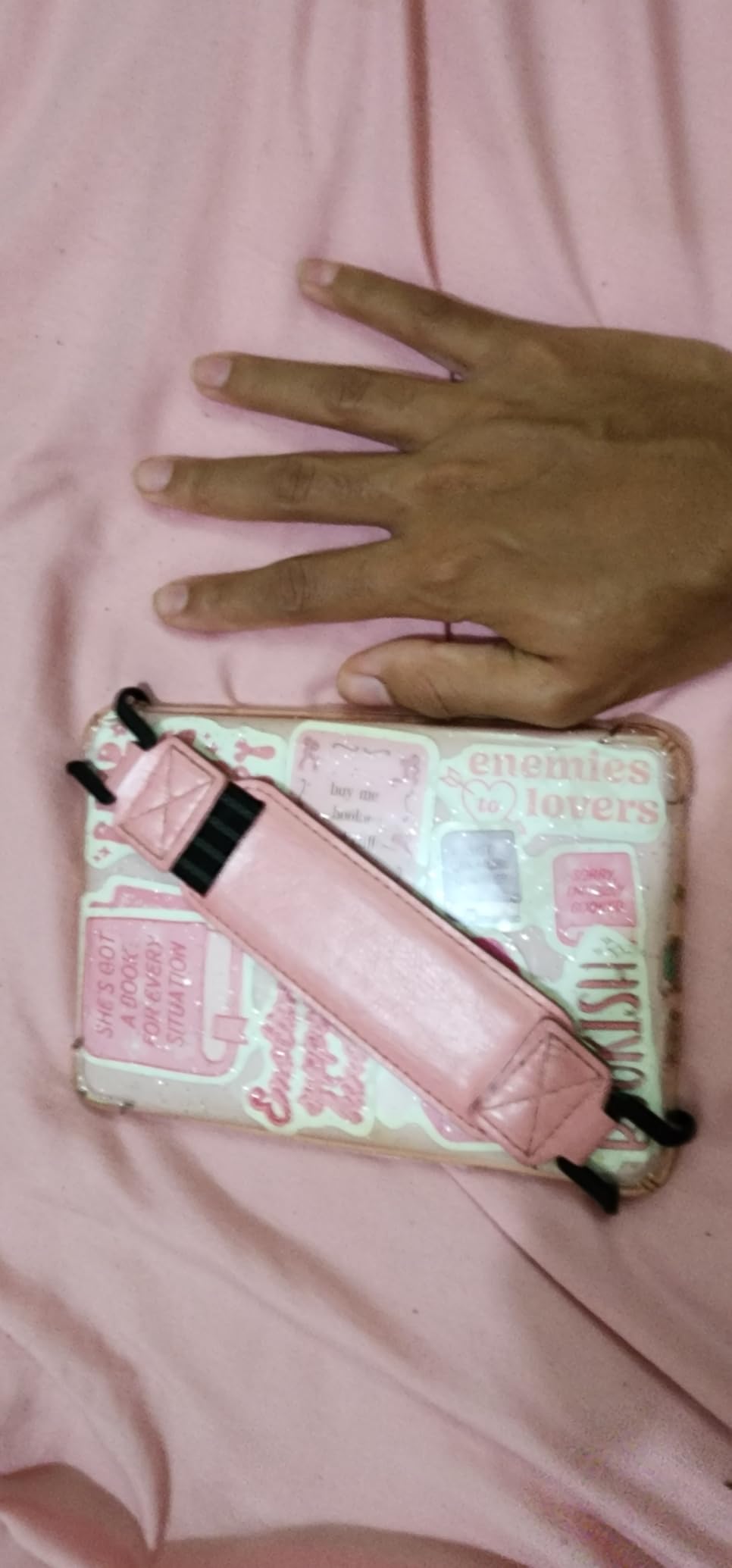
Good to know: there is no warm light here, no waterproofing, and no hardware page-turn buttons. The orientation when you turn the device sideways is also fixed, since there is no tilt detection. The rear plastic needs a case, and Matcha is the finish most people choose because it does not scratch as visibly as black.
Where the Paperwhite 16GB wins is the warm light and the waterproof build. Where this one wins is size: it slides into a coat pocket or a small handbag where a 7 inch reader will not. If you read paperbacks and nothing else, this is the cheapest sensible way into the format.
3. Paperwhite Signature 32GB: Best for Bedtime Reading
- Front light that adapts to ambient conditions
- 32 GB holds a large library
- Wireless charging support
- Metallic build with dyslexia-friendly fonts
- Full dark mode
- No built-in speakers for audiobooks
- Charging dock sold separately
- Auto-brightness sometimes needs a manual nudge
The feature that separates this from the standard Paperwhite is the auto-adjusting front light, which responds to the room rather than waiting for you to open a menu. Reviewers name it more than any other single improvement, and the adjustable warmth means night reading no longer means staring at a blue page.
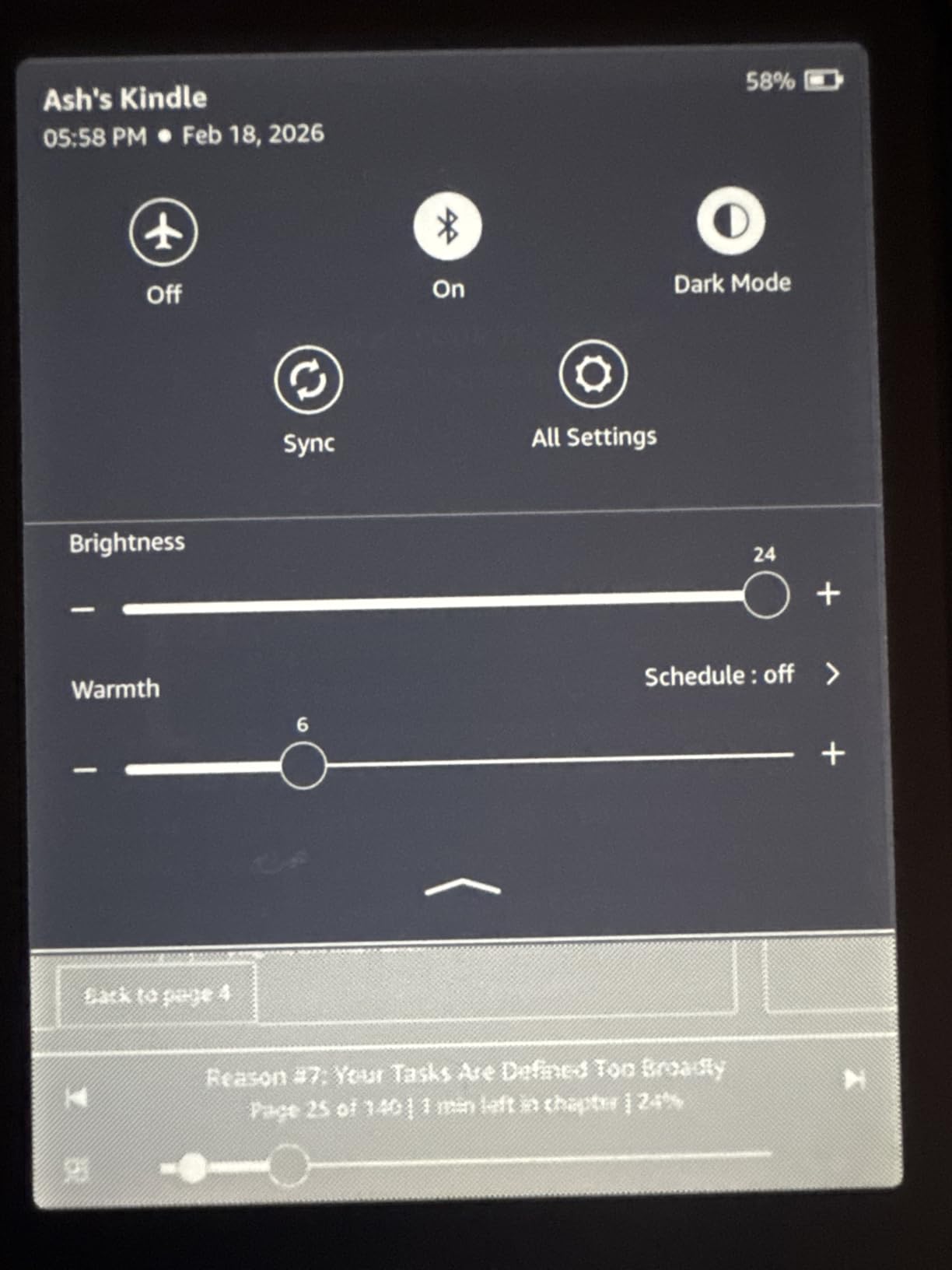
Storage moves to 32 GB, which comfortably holds hundreds of titles plus a large audiobook or reference library, and the device supports a wireless charging dock if you want to drop it on a stand rather than plug in a cable. The dock is a separate purchase, and a few owners say the auto-brightness still occasionally needs a manual correction when a lamp is right next to the reader.
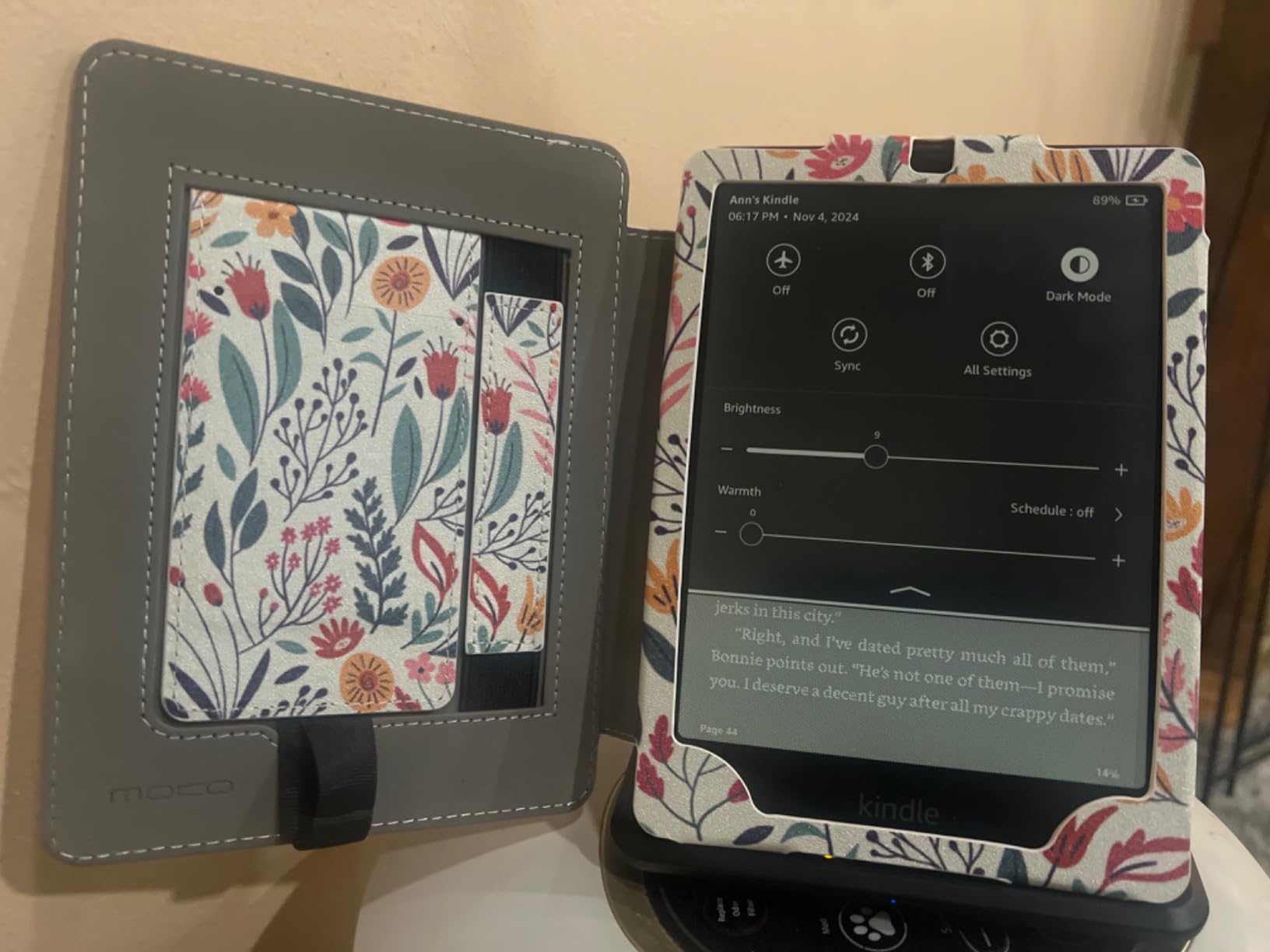
The honest trade-off: there are no built-in speakers, so audiobooks go through a paired Bluetooth setup, and reviewers commonly say the Signature extras feel nice rather than essential next to the standard Paperwhite. The built-in dyslexia-friendly fonts and a readable full dark mode are quieter wins that matter more than the spec sheet suggests.
If you read in bed every night, this is the pick over the Paperwhite 16GB. If you read at a desk in daylight, spend that difference on more books or the Colorsoft 16GB instead.
4. Kindle Scribe 64GB: Best for Note-Taking
- Pen-on-paper feel on a 300 ppi screen
- Premium Pen needs no charging and has an eraser
- AI tools summarize and clean up notes
- PDF import and markup
- Months of reading per charge
- Most expensive configuration in the range
- Only two colour and storage options
- Large enough to need a firm surface or a stand
The Scribe is the Kindle to watch if you read textbooks, mark up documents or keep a handwritten journal. The 10.2 inch 300 ppi front-lit display is large enough for a full page of typed text beside a margin of notes, and Active Canvas lets you write in the margins of an actual book rather than on a separate notepad.
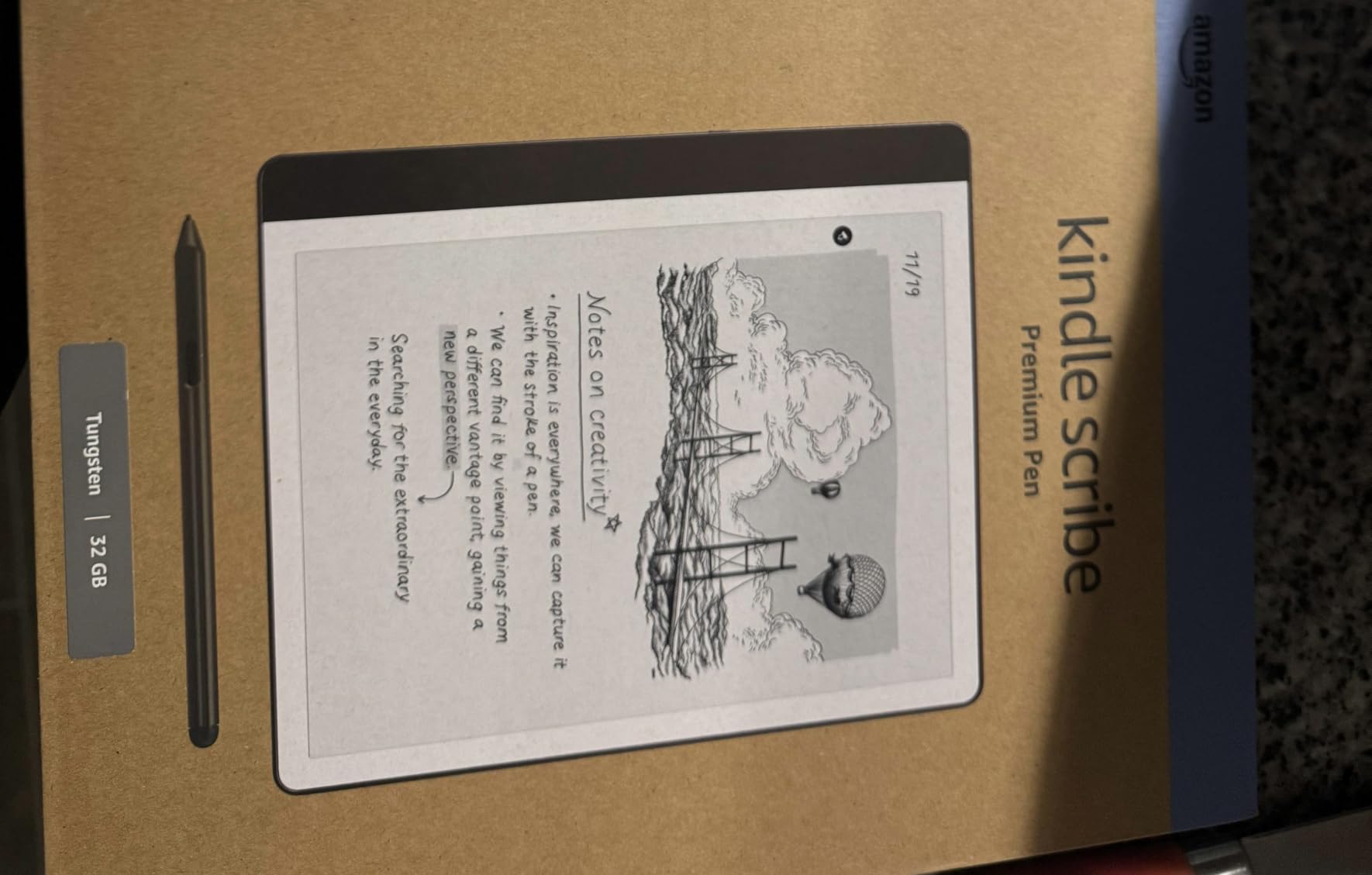
The included Premium Pen never needs charging and has an eraser on the end, which removes the usual stylus anxiety. Reviewers also use the built-in AI tools: it converts messy handwriting into typed text, summarizes a page of notes and rewrites them to a different length or tone, which is genuinely useful after a long seminar.
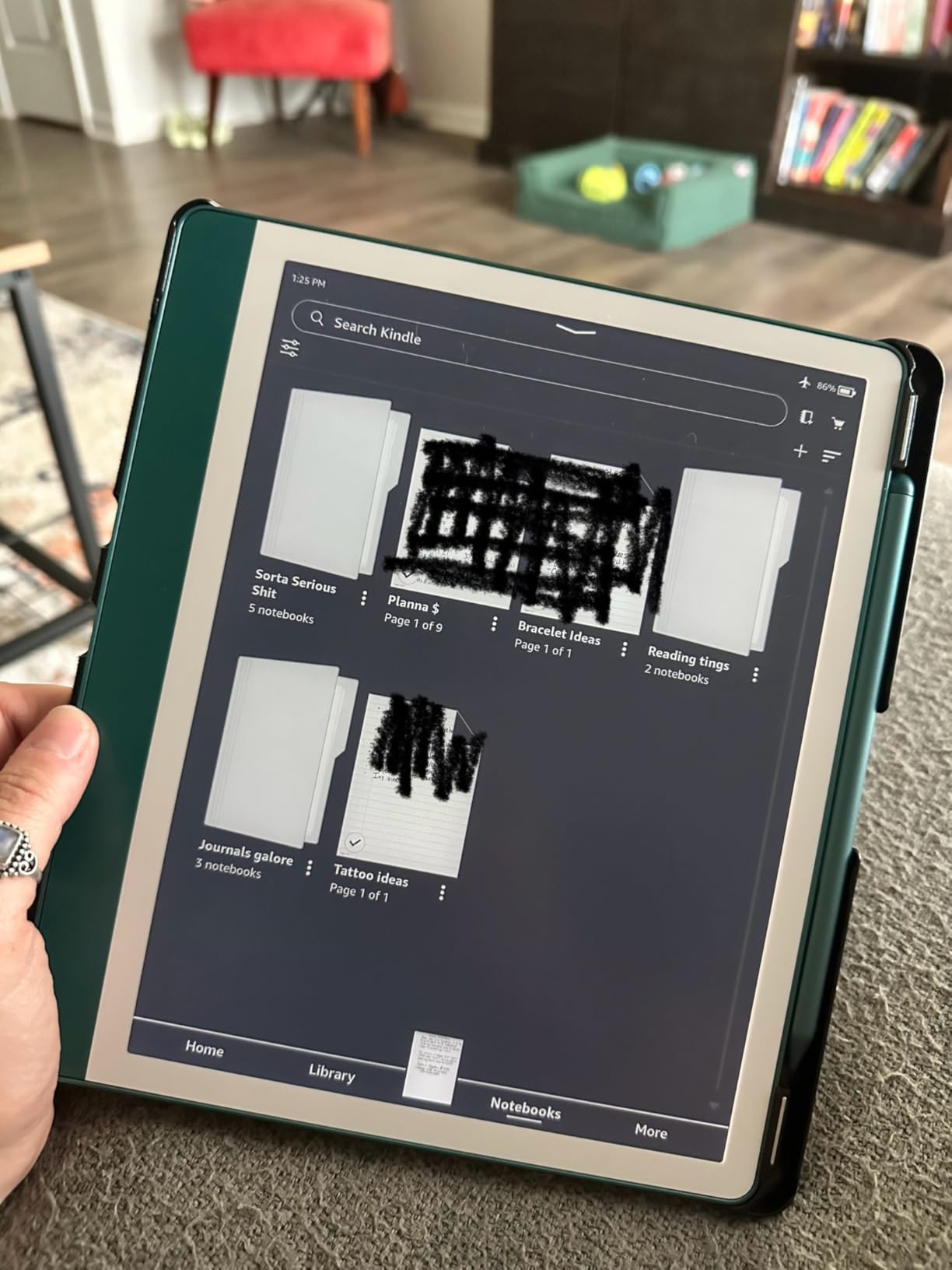
Battery is measured differently here. Owners describe months of reading and weeks of continuous writing on a charge, so the comparison to a 12-week Paperwhite is not like for like. Send to Kindle imports PDFs and documents, and the markup happens directly on the file.
Skip it if you only read fiction, because the size and the 64 GB configuration are the priciest combination on this list. Compared with the Scribe 32GB, the 64 GB version gives you room for large document libraries rather than more novels.
5. Kindle Colorsoft 16GB: Best for Graphic Novels
Amazon Kindle Colorsoft 16 GB (newest model) – With color display that brings covers and content to life, now highlight in color – No Ads – Black
- Paper-like color that suits comics and picture books
- Ad-free with pleasant screen-saver artwork
- Color highlights in four shades
- Waterproof and compact
- Up to 8 weeks per charge
- Colors are muted against an LED screen
- Some outdoor glare at certain angles
- Text is slightly softer than the Paperwhite
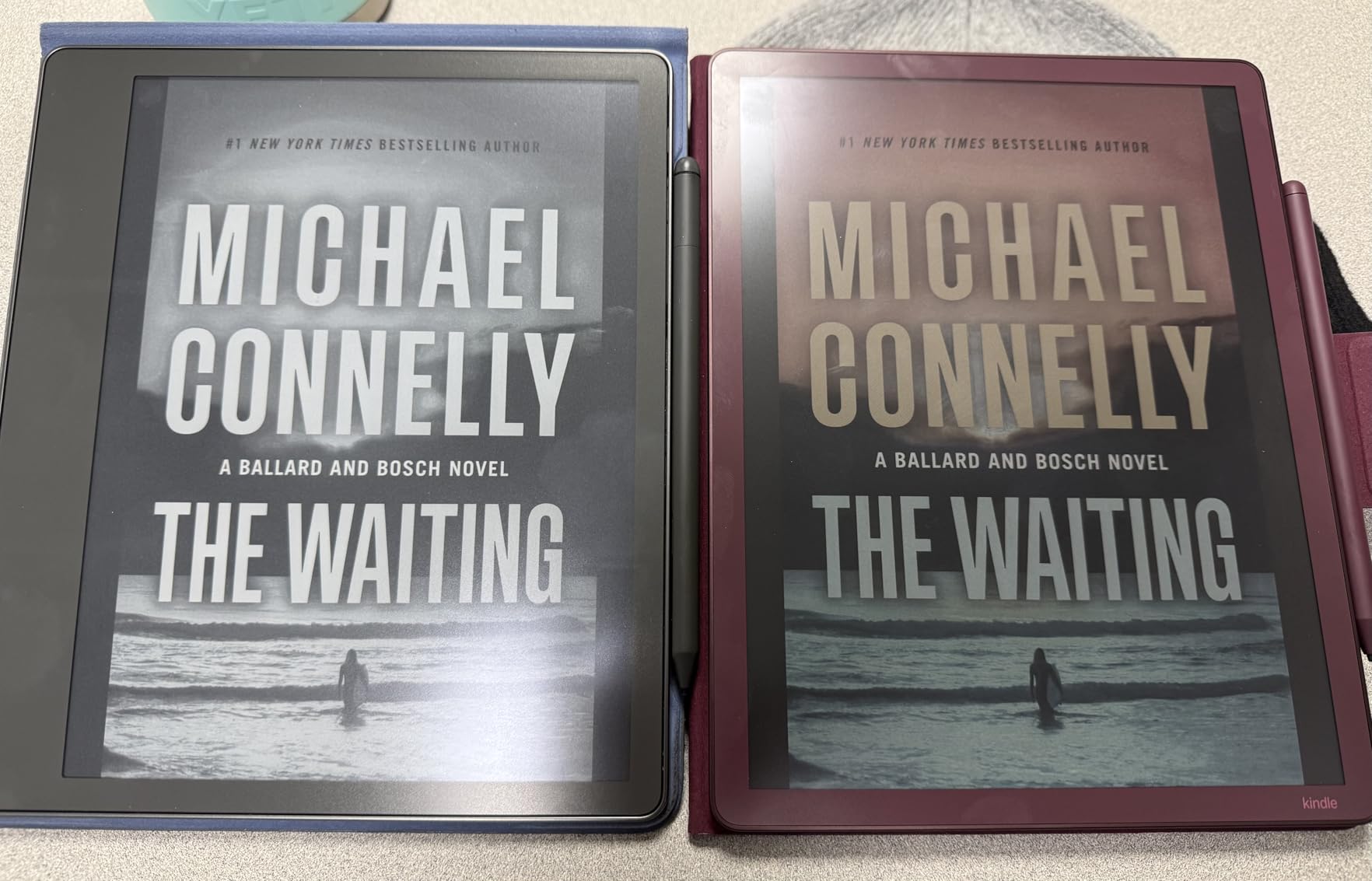
Color is the whole point, and this is the ad-free 7 inch version. Owners with large graphic-novel libraries describe the muted palette as reading like newsprint rather than a glowing tablet, which is easier on the eyes over a long illustrated session.
Highlights come in yellow, orange, blue and pink, so a colour-coded notes system is possible even on a colour device. Battery is rated at up to 8 weeks on USB-C, though heavy readers say they get through it faster than that, and the waterproof build makes it a reasonable pool and holiday companion.

The trade-offs are real. Several reviewers find the colours more muted than they expected, and a few mention adjusting the brightness and warmth to find a sweet spot. Some also report glare outdoors that needs an angle change, and text is described as slightly less crisp than the Paperwhite, which makes sense once the colour layer is added.
Compared with the Paperwhite 16GB, the Paperwhite wins for pure text clarity and the Colorsoft wins for anything illustrated. If you read mostly prose, the money is better spent on the monochrome model and a colour screen is a genuine downgrade.
6. Scribe Colorsoft 64GB: Best for Color Note-Taking
Amazon Kindle Scribe Colorsoft 64GB (newest model) — 11” paper-like color display — Write in notebooks, docs, and books. Read in any light. Pen included – Fig
- Largest Kindle screen at 11 inch with front light
- Textured paper-like writing surface
- Pen has an eraser and shortcut button
- AI summaries and handwriting cleanup
- Imports from Drive and OneDrive
- Most expensive device in the lineup
- Lowest average rating here at 4.3
- Big enough to want a stand or desk
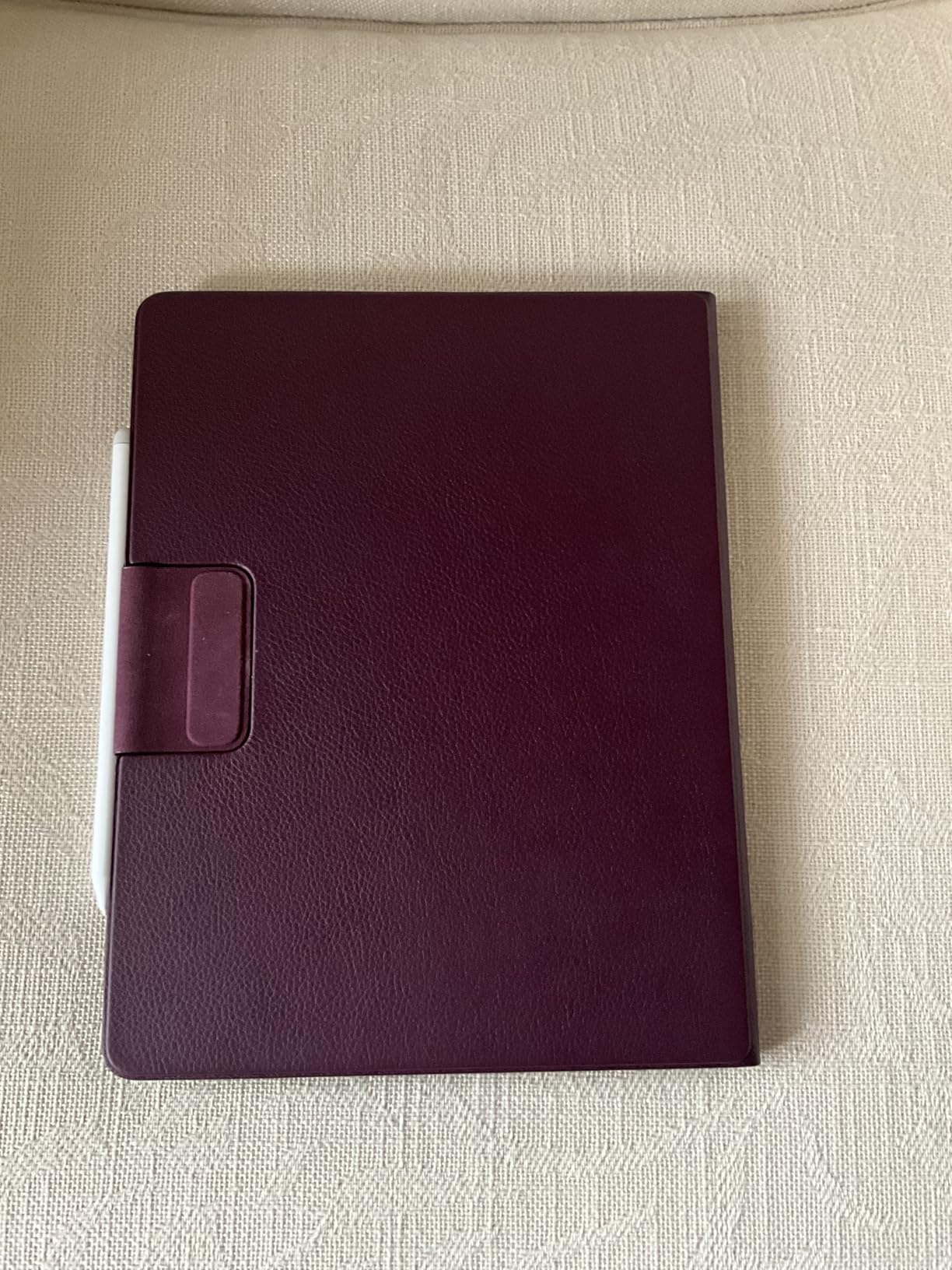
This is the device that replaces a notebook and a colour tablet in one. The 11 inch Colorsoft display is the largest Kindle screen, and the textured surface gives the pen enough resistance to feel like writing rather than drawing on glass.
At 5.4 mm thin and 400 g, it is lighter than it looks, and the included pen needs no charging while carrying an eraser and a highlighter shortcut on the barrel. The notebook tools handle search inside your own notes, question answering across them, summaries and handwriting conversion, and files move in from Google Drive and Microsoft OneDrive and back out to PDF or OneNote.
Be honest about the trade-off. This is the most expensive device listed and it carries the lowest average rating in the group at 4.3, with owners mostly praising the screen and pen rather than the software. Reviewers note it is big enough that reading in bed takes two hands and a stand helps.
Compared with the Scribe 64GB, you trade monochrome crispness and a lower price for colour and a larger canvas. Compared with the Scribe 32GB, you add colour and lose nothing except storage headroom. Buy it once, for colour work.
7. Kindle Kids 16GB: Best for Small Hands
- Compact body built for one-handed reading
- Two-year guarantee replaces it if it breaks
- Cover and six months of Kids+ included
- Reading only with no apps or games
- Light and dark modes
- Kids+ auto-renews monthly after the trial
- Not waterproof
The 6 inch body is the reason this is the pick for ages roughly 3 to 12, since smaller hands cannot hold a 7 inch reader comfortably for a whole chapter. The front light runs 25% brighter at maximum, which matters in a bright room or a car.
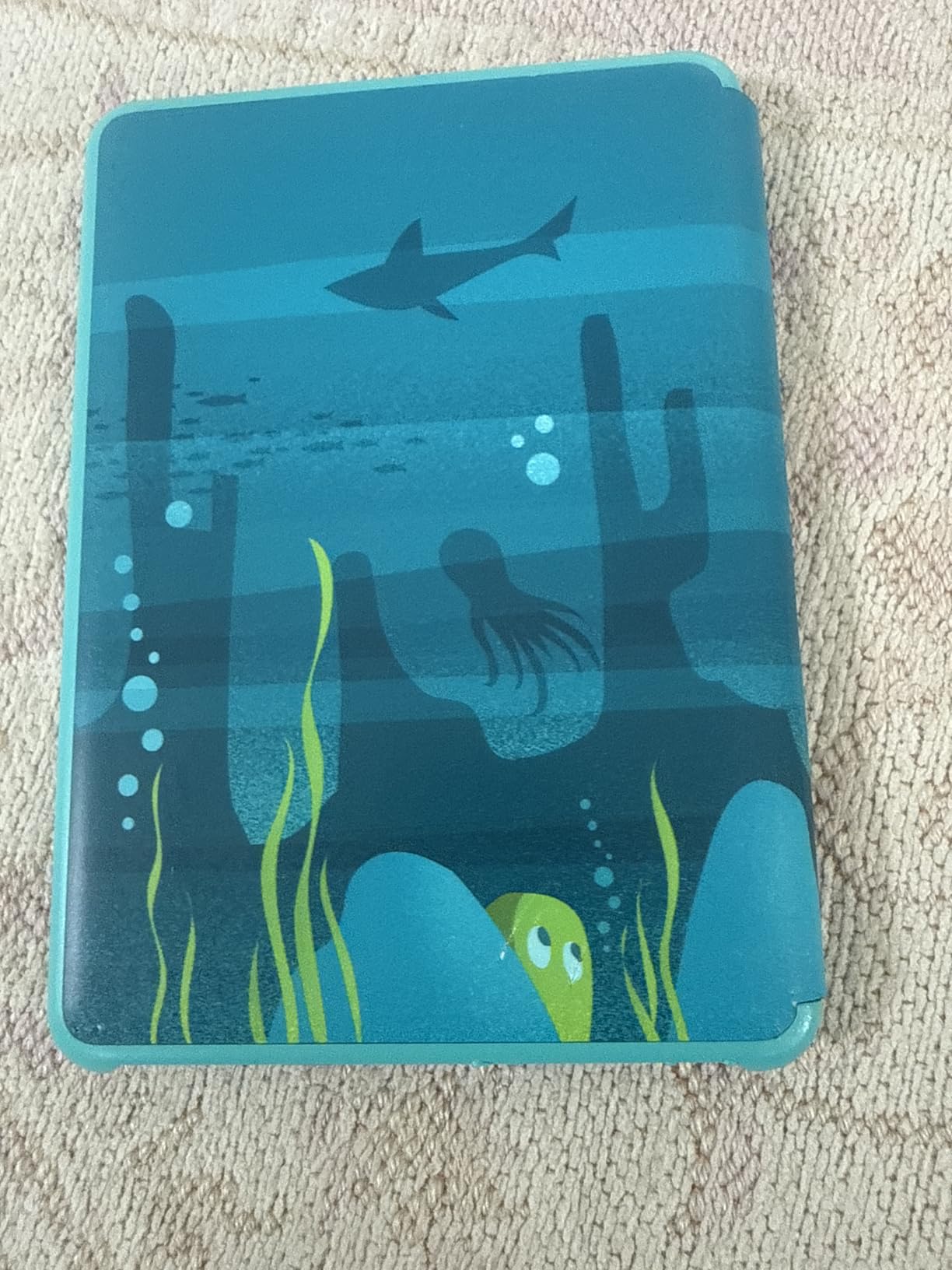
Two details carry most of the value: a two-year guarantee that replaces the device if it breaks, and six months of Amazon Kids+ included with a kid-friendly cover in the box. The Parent Dashboard sets age filters, a bedtime stop and reading progress, so the rules live on the device rather than in an argument.
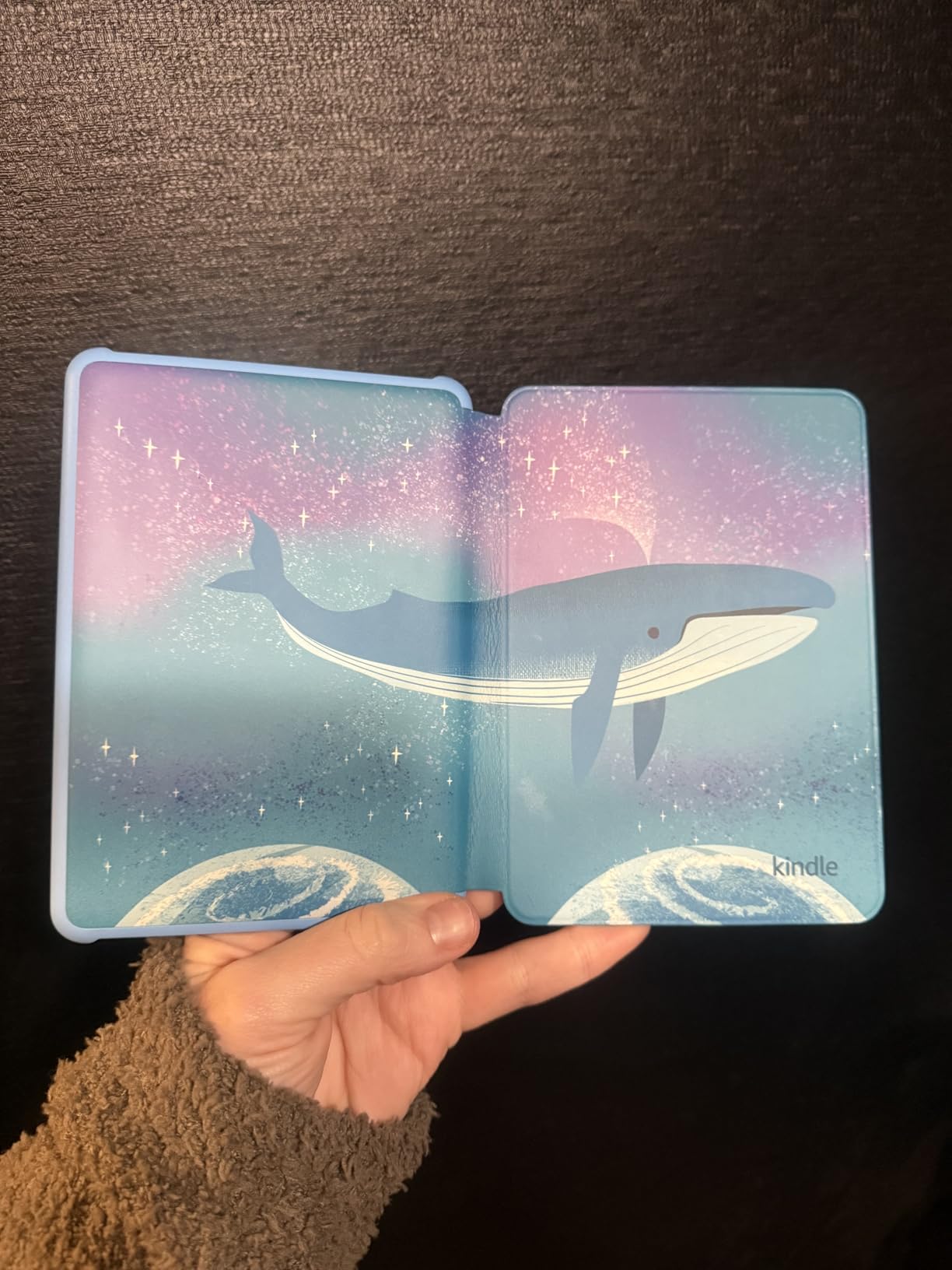
Good to know: the Kids+ subscription auto-renews monthly once the trial ends, and the device itself is not waterproof. There are no apps, videos or games, so a child cannot route around the reading, which parents mention more than any other benefit.
Compared with the Paperwhite Kids 16GB, the smaller screen suits younger children better while the 7 inch model suits independent readers. If your child is under seven, this is the one to watch.
8. Paperwhite Kids 16GB: Best for Outdoor Reading
Amazon Kindle Paperwhite Kids 16GB (2024 model) – large 7″ glare-free display – Kids read an average of 1+ hour per day with Kindle – Cyber City
- 7 inch screen with higher contrast and faster page turns
- Waterproof for pool and beach
- Cover and six months of Kids+ included
- Warm light for bedtime
- Two-year guarantee
- Kids+ auto-renews monthly after the trial
- Bulkier than the 6 inch model for small hands
This is the kids model for a child who reads like an adult: chapter books rather than picture books, and a screen that holds up in bright light. It is also the only kids Kindle here that is waterproof, which is why it is the one to take to a pool or a beach.
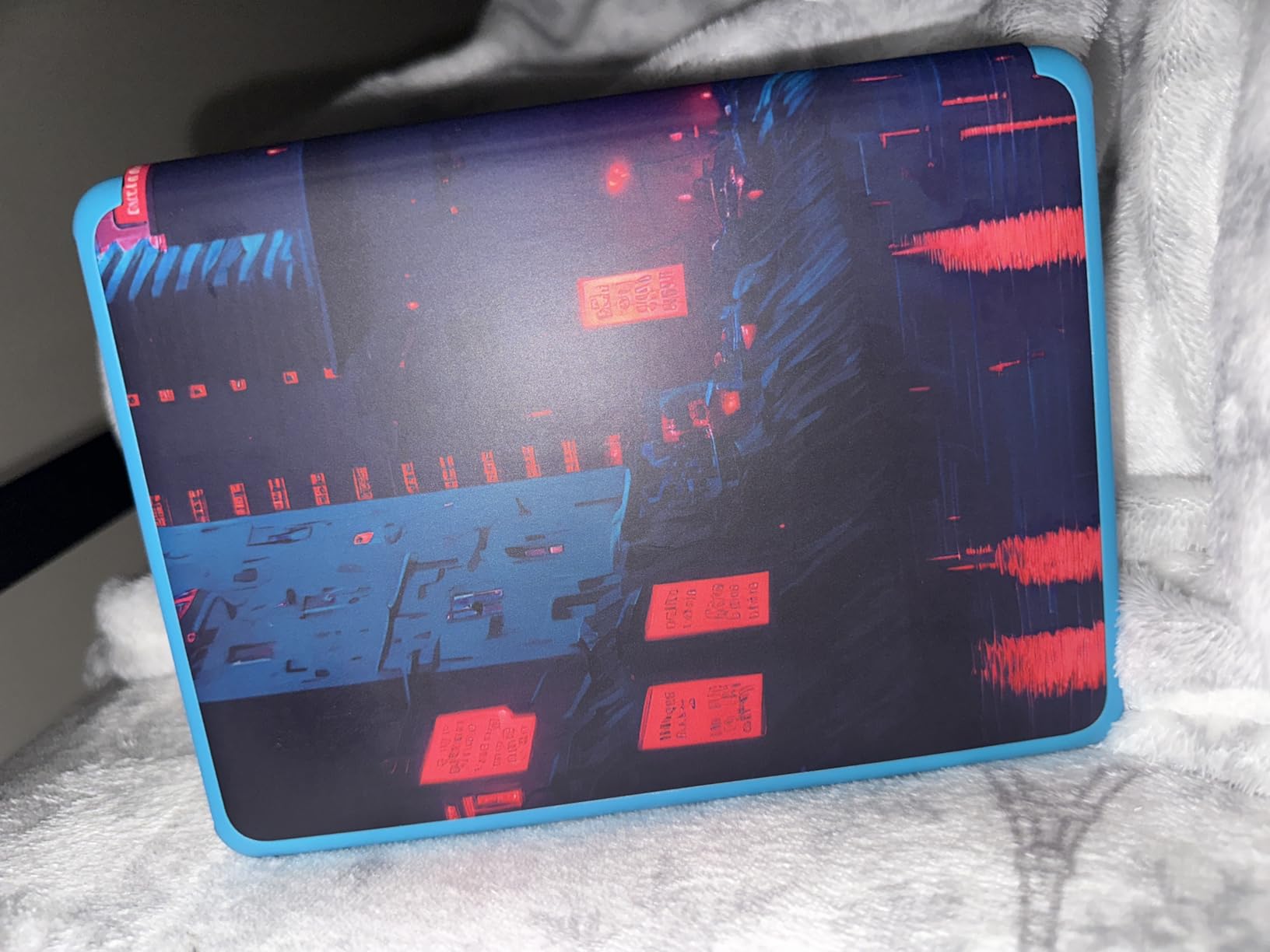
Owners rate it at 4.5, higher than the 6 inch kids model, and most attribute that to the display and the waterproofing. The bundle carries a kid-friendly cover, six months of Amazon Kids+ and the two-year guarantee, and the front light adjusts from white to amber for bedtime reading.
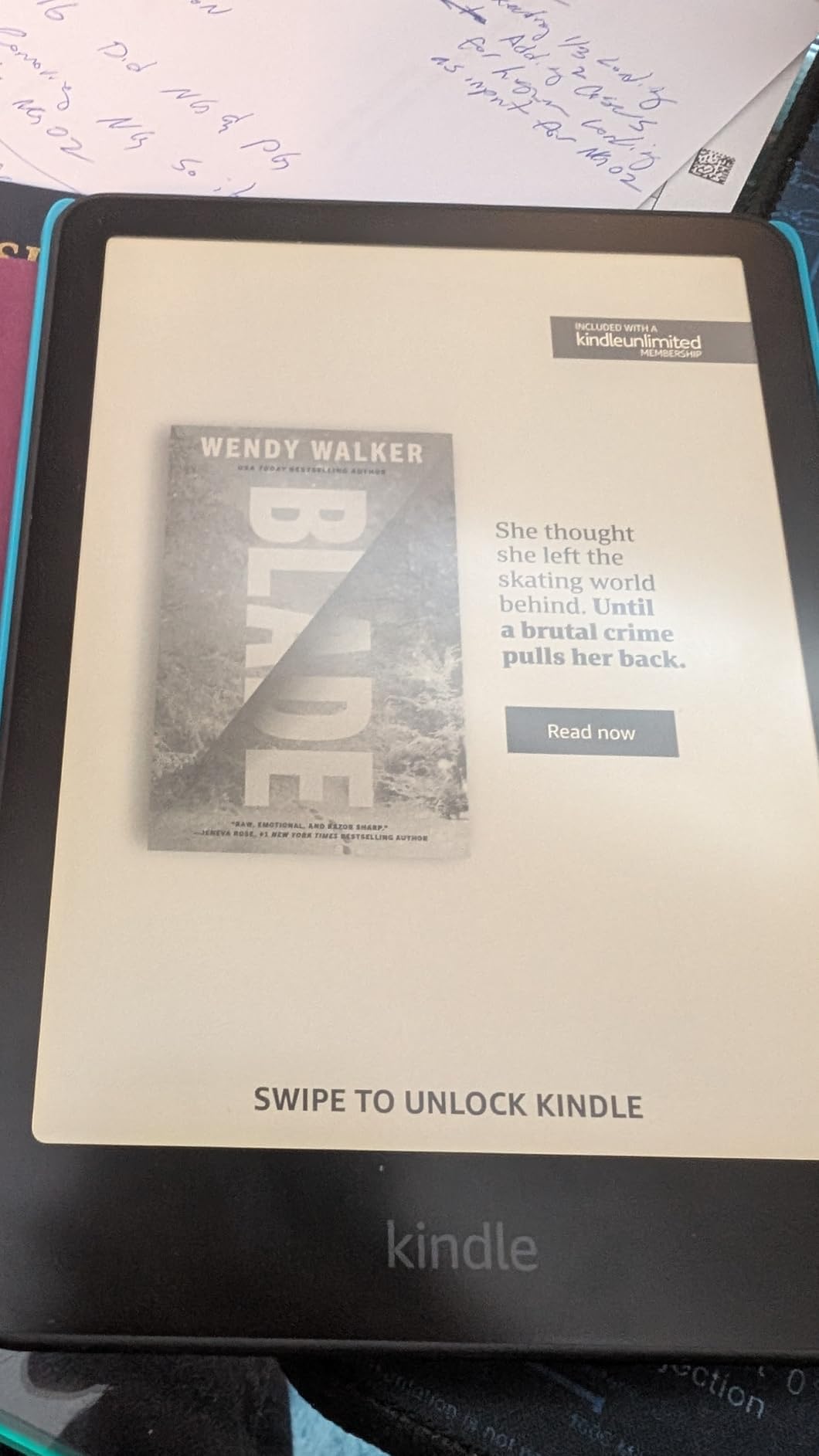
The catch is size again. For a six-year-old the 7 inch body is bulkier, and the cover adds to that. The Kids+ subscription also starts its monthly billing after the included six months unless you cancel it in advance.
Compared with the Colorsoft Kids 16GB, you get a sharper monochrome screen and a lower entry point but no colour for illustrated content. For a child moving into chapter books, this is the one.
9. Colorsoft Kids 16GB: Best for Kids Comics
- Colour display for illustrated and graphic content
- Twelve months of Kids+ included
- Cover and two-year guarantee
- Waterproof and compact
- Parent Dashboard controls
- Premium pricing against the monochrome kids models
- Smaller review base than the adult models
The first Kindle built in colour specifically for children, and the reason to watch it is simple: a child who has just discovered comics is not going to be impressed by black and white. The display is optimised for reading in colour rather than for maximum saturation, which suits illustrated books better than a bright screen would.
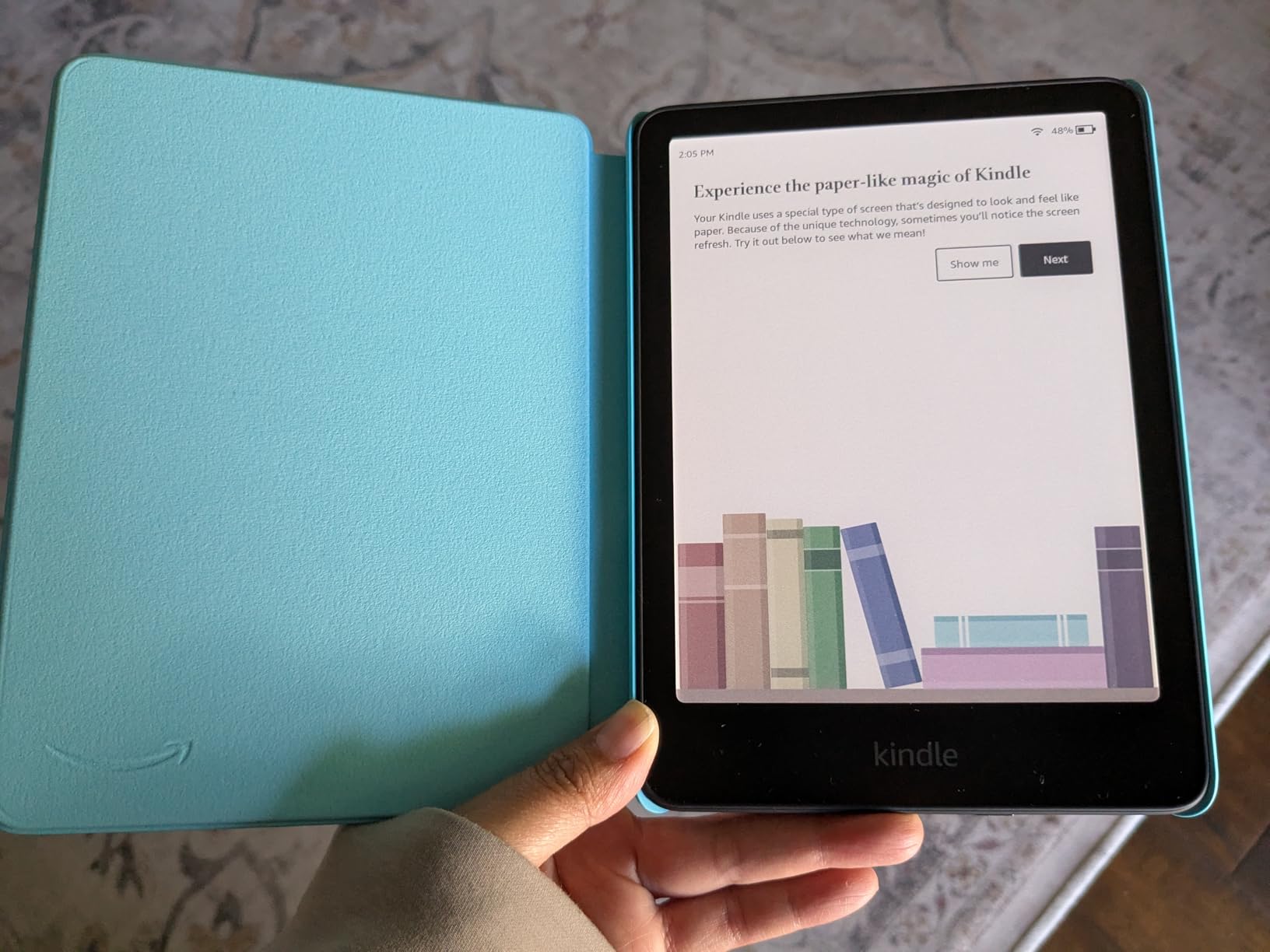
The bundle is the strongest part of the offer, with twelve months of Amazon Kids+ rather than six, plus a kid-friendly cover and the two-year guarantee. Titles in the subscription cover the usual range of illustrated and early chapter series, and the Parent Dashboard handles age filters and bedtime the same way as the other kids models.
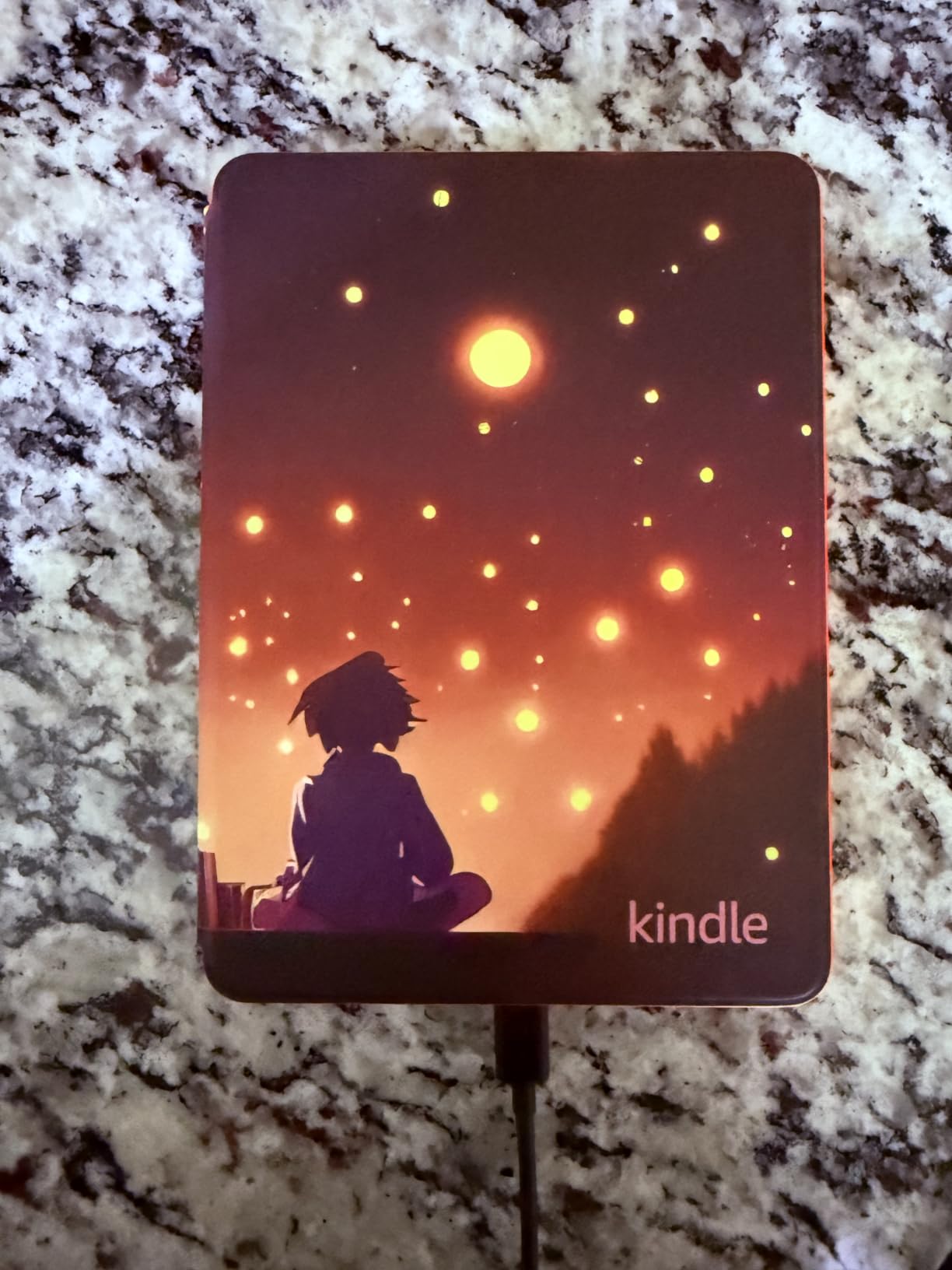
Owners are positive but this is a newer model with a smaller review base, around 730 reviews at a 4.4 average, so the long-term picture is less settled than for the Paperwhite Kids. It is also waterproof and light, which makes it a good holiday companion.
Compared with the Paperwhite Kids 16GB, you pay more for colour and a longer included subscription. If the child is a comic reader, that gap is worth paying. If they are not, buy the monochrome model and keep the difference.
10. Kindle Scribe 32GB: Best for Large-Screen Writing
Amazon Kindle Scribe 32GB (newest model) — 11” display with front light, paper-like feel, and no distractions — Write in notebooks, docs, and books. Pen included – Graphite
- 11 inch front-lit display with auto-brightness
- Textured paper-like writing surface
- 40% faster writing and page turns
- Pen included with eraser and shortcut
- Drive and OneDrive import with PDF export
- High price for a dedicated e-reader
- Only one colour option
- Smaller review base than the Paperwhite line
If you want a big writing canvas without paying for a colour layer, this is the Scribe to watch. The 11 inch display runs 40% faster for writing and page turns than the previous generation, and the front light adjusts for brightness and warmth automatically.
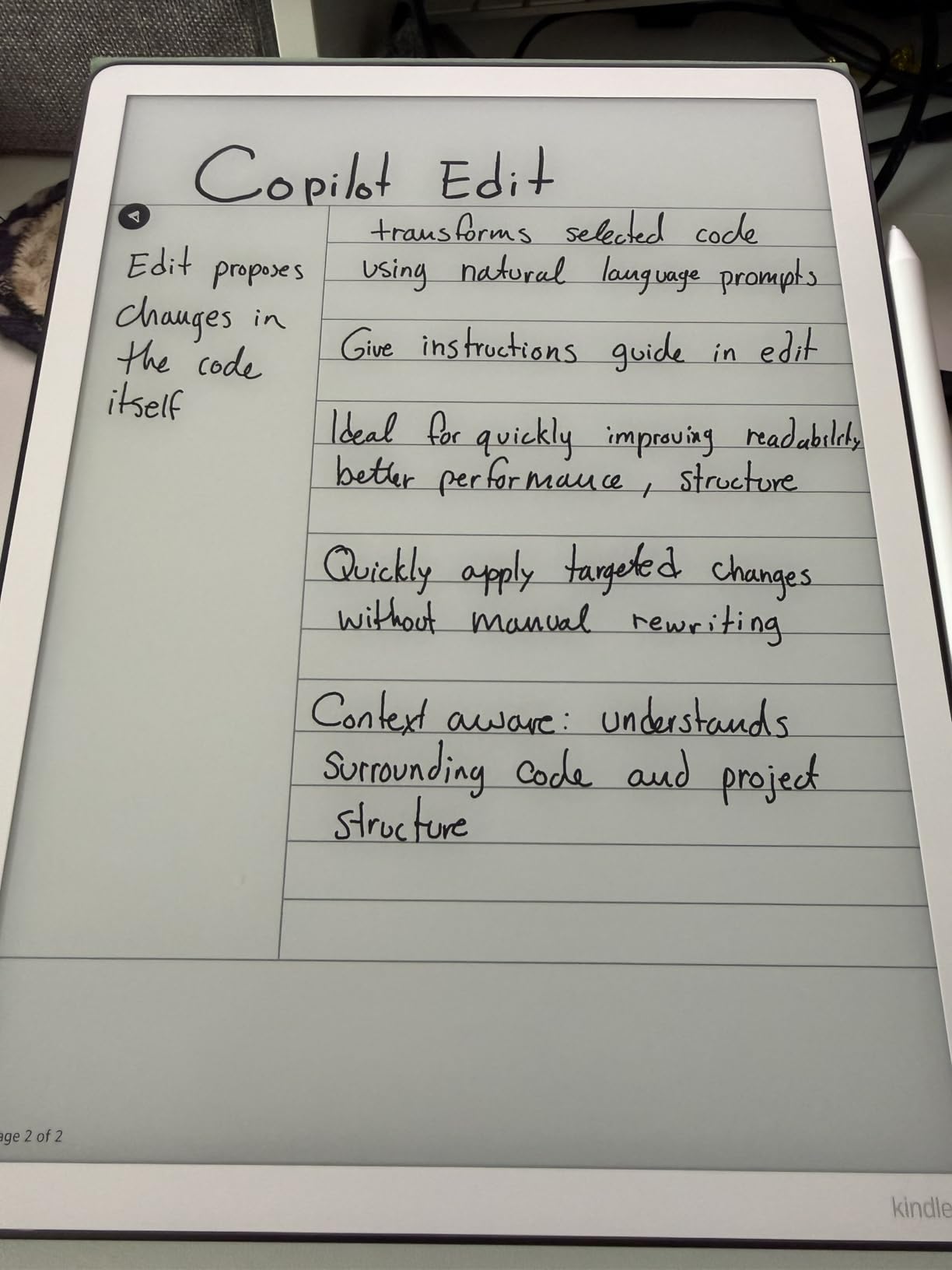
The pen is the same no-charge style with an eraser and a highlighter shortcut, and the notebook tools handle AI search, question answering across your own notes, summaries and handwriting conversion. Imports and exports run through Google Drive, Microsoft OneDrive and OneNote, with PDF export at the other end.
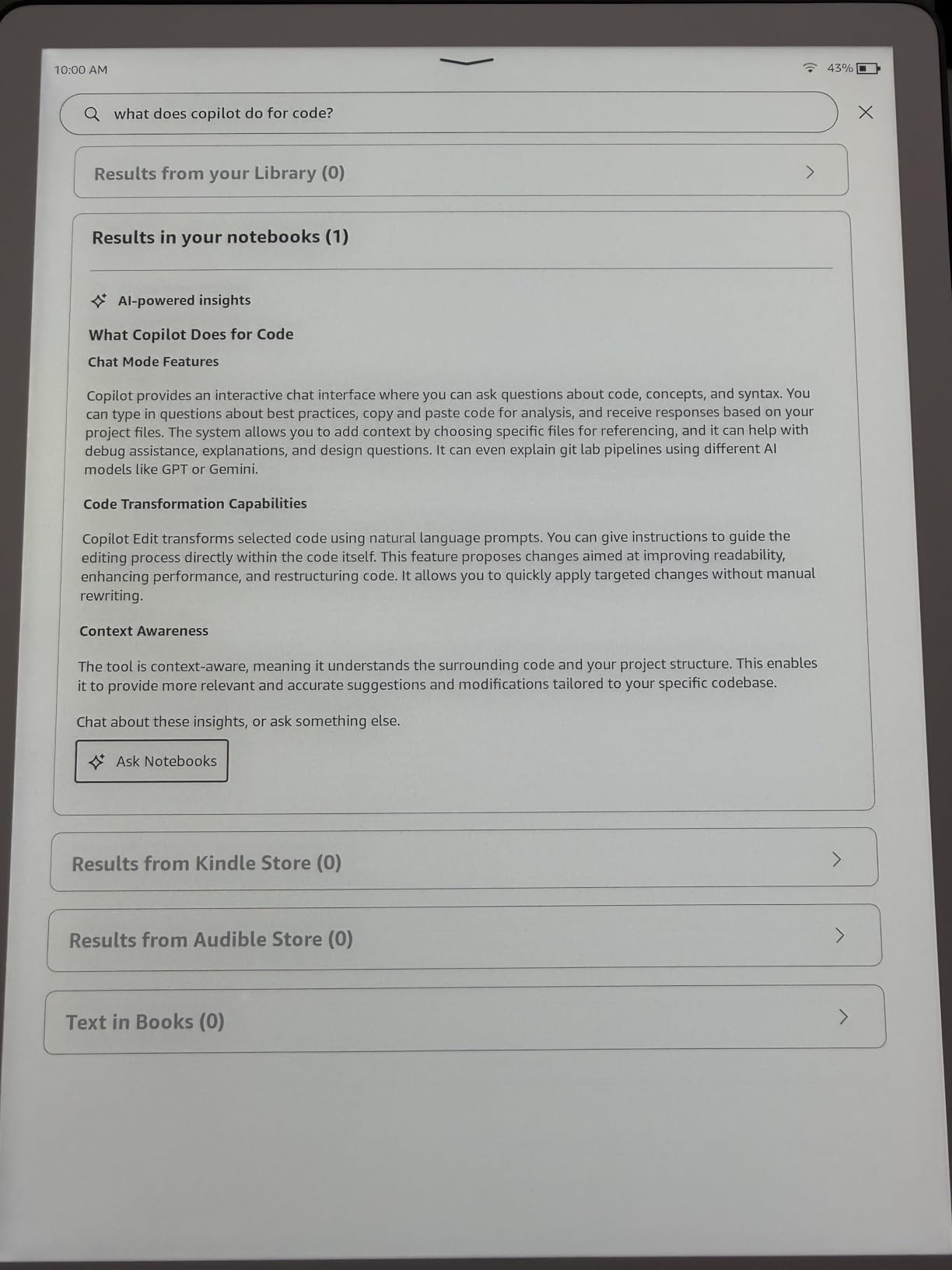
What holds it back is choice and confidence in the data. It comes in a single Graphite colour, and with about 450 reviews at a 4.4 average it has a much thinner owner history than the Paperwhite line, so you are buying a newer product with less long-term feedback.
Compared with the Scribe 64GB, you give up 32 GB of storage that matters only for very large document libraries. Compared with the Scribe Colorsoft 64GB, you keep the same canvas and lose the colour. For a monochrome notebook, this is the cheaper way onto the big screen.
11. Paperwhite Bundle 16GB: Best Ready-to-Gift Set
Amazon Kindle Paperwhite Bundle: Includes, Amazon Kindle Paperwhite 16GB | Jade, Fabric Cover | Jade, & Power Adapter
- Device plus matching fabric cover plus 9W adapter
- Highest average rating in this group at 4.8
- Cover opens like a book to wake the device
- Sharp display with better warmth and brightness controls
- Waterproof build
- Accessories may not suit every buyer
- Small review base of about 230 reviews
This is the bundle version of the Paperwhite 16GB in Jade, and the contents solve two small problems at once: the fabric cover that opens and closes like a book wakes and sleeps the device, and the 9W power adapter means the box is complete without a second purchase.
The cover folds back for one-handed reading, so the case does not force two hands. Owners rate this bundle at 4.8, the highest average in the group, and mention sharper text than earlier Paperwhites, faster Wi-Fi syncing and USB-C charging. The waterproof build carries over as well.
Two cautions. The review base is small at roughly 230 reviews, so treat that rating as encouraging rather than proven across years of ownership. And if you already own cases and a charger, the accessories may be redundant for you specifically.
Compared with the standard Paperwhite 16GB, the device itself is the same class of hardware and the difference is what is in the box. This is the one to watch if the Kindle is a gift and you would rather not chase a matching case afterwards.
12. Colorsoft Signature 32GB: Best for Refurbished Value
- Like-new certified with the same limited warranty as new
- 32 GB with colour highlights in four shades
- Auto-adjusting front light
- Page Color inverts text and keeps images in colour
- Wireless charging support
- Generic Amazon-branded packaging
- Smallest review base here at about 200 reviews
- Charging dock sold separately
This is the value route into Signature-level hardware. The unit is certified like-new, tested and covered by the same limited warranty as a new device, which removes the usual reason to avoid a refurbished e-reader. Owners regularly recommend like-new units as the sensible way into higher-end models.
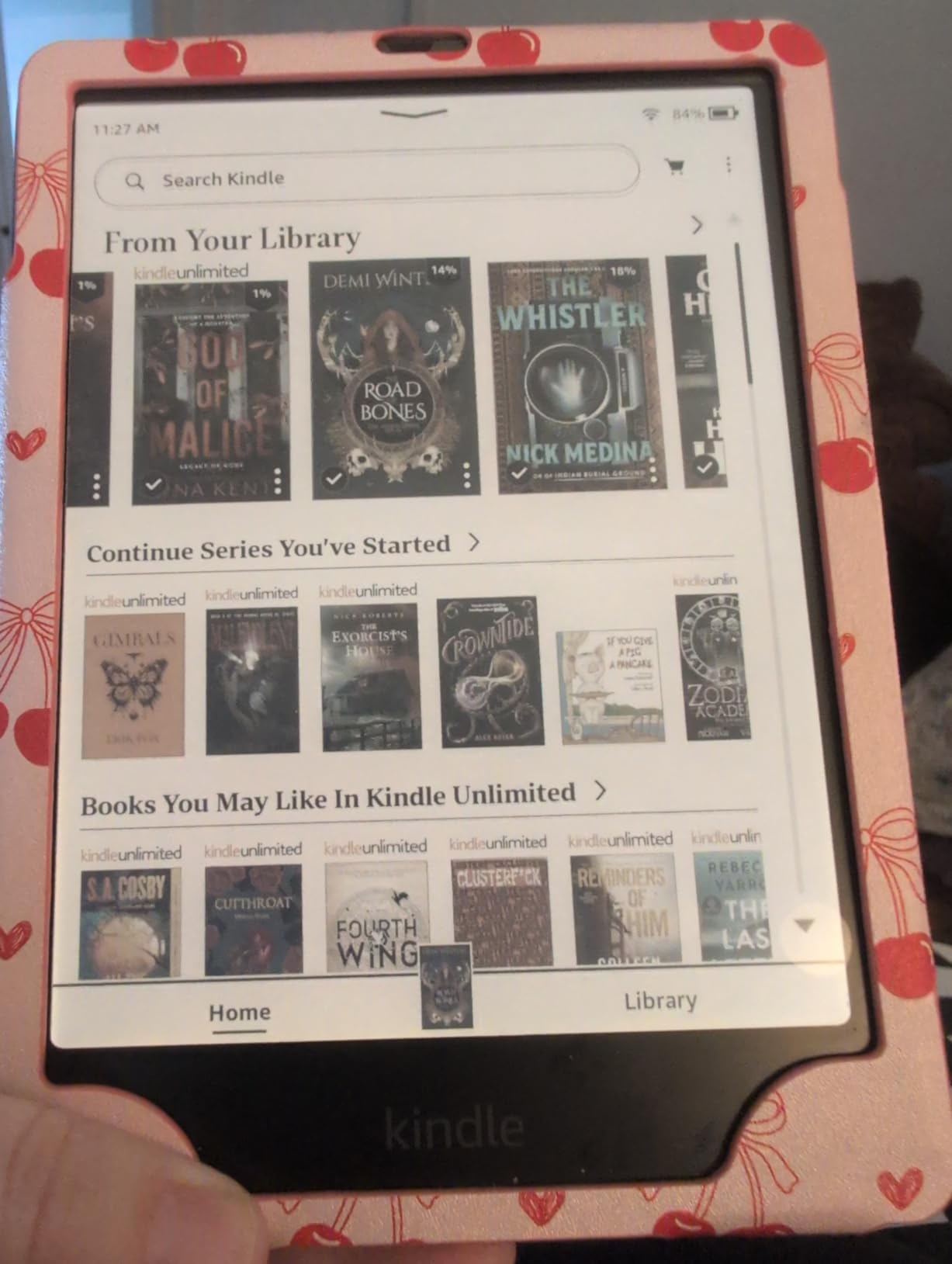
On features it is a Colorsoft with 32 GB, an auto-adjusting front light and support for a wireless charging dock. Page Color is the feature owners mention most: it inverts black text and the white background while keeping images in colour, so a comic or an illustrated textbook becomes easier to read in a dark room.
Good to know: like-new units may arrive in generic Amazon-branded packaging rather than retail boxes, so it is not the gift to hand over as-is. The review base is the thinnest in the group at roughly 200 reviews, and the dock is a separate purchase if you want wireless charging.
Compared with the new Colorsoft 16GB, you get double the storage, the auto light and Page Color. Compared with the Paperwhite 16GB, you get colour. Buy it if you want the Signature feature set and would rather not pay new-device money for it.
How to Choose a Kindle During Prime Big Deal Days
How to Choose a Kindle for Your Reading Habits
Start with what you actually read, not with the biggest screen. Novel readers who want a device that vanishes in the evening are best served by the Kindle Paperwhite 16GB, and readers of comics, manga or picture books need the colour layer of the Colorsoft 16GB. Textbooks, PDFs and handwritten notes are a different category entirely, and the Scribe models exist for that job.
Comfort matters as much as content. If you read for an hour at a time, a supported posture and a comfortable seat do more for the experience than any spec on the list, and picking the right chair is worth a look if you want our picks for gaming chairs for big and tall users or for recliners for big guys that suit a longer reading session.
How to Choose Between Kindle Screen Sizes
There are four sizes here and they split cleanly. The 6 inch screens, on the base Kindle 16GB and the Kindle Kids 16GB, disappear into a pocket and suit small hands. The 7 inch screens, covering the Paperwhite, Colorsoft and their Signature and Kids variants, are the standard for adult reading and hold more text per page. The 10.2 inch Scribe is for documents, and the 11 inch Scribe models are for writing.
Two practical thresholds help. If you are under seven, or you read in a bed and regularly drop the device, stay at 6 inch. If you read PDFs with dense diagrams, go to 10.2 inch or larger. Between those, 7 inch is the answer for almost everyone.
How Much Storage Does a Kindle Need?
Storage is the field buyers most often overpay for. 16 GB holds thousands of ebooks, and since the library lives in Amazon’s cloud and downloads on demand, you are really storing the titles you are offline. That is plenty for a fiction reader and for anyone who reads on holiday.
Move up to 32 GB when you keep large PDFs, audiobooks or an illustrated library, and to 64 GB only if you work with heavy document collections or record classes. The Colorsoft Signature 32GB is the interesting middle case: double the storage of the standard Colorsoft plus the Page Color feature.
Which Kindle Features Are Worth Comparing?
Four features genuinely change the experience. Warm light matters if you read at night, and it rules out the base Kindle 16GB. Waterproofing rules out the base Kindle and both monochrome kids models. Colour is the whole reason to choose a Colorsoft rather than a Paperwhite. A stylus is the reason to choose a Scribe, and every Scribe listing here includes a pen that never needs charging.
Also check the small print on what arrives in the box. The Scribe models include a pen, the kids bundles include a cover and a subscription trial, and the Paperwhite Bundle includes a fabric cover and a 9W adapter. Wireless charging on the Signature and Colorsoft Signature models needs a dock sold separately.
Do You Need a Kindle Scribe?
Only if you write as well as read. A Scribe earns its size when you annotate PDFs for study, keep meeting notes, or want handwriting in the margins of books. If your reading is novels and the occasional magazine, the extra money buys screen you will not use and a device too large for a comfortable session in bed.
Between the Scribe models, choose monochrome for pure writing, the Colorsoft version for colour work, and 32 GB over 64 GB unless you genuinely handle large document libraries.
How to Shop Kindle Deals During the Sale
On a Kindle listing, check the generation or model year in the title, because an older Paperwhite and the current one look nearly identical and only the year tells them apart. Confirm the storage size, since 16 GB and 32 GB variants of the same model sit on the same page. Check the condition field on anything marked like-new or renewed, read what the bundle contains, and note who the seller and shipper are. Most Prime Big Deal Days device offers need a Prime membership and the price can change through the event, so the button below is the only reliable place to see the current price.
- Check the model year in the listing title before you compare two similar Kindles
- Confirm the storage size, since the same model comes in more than one capacity
- Read the condition field on like-new or renewed listings and check the warranty wording
- List what the bundle includes, particularly the pen on a Scribe or the cover on a kids model
- Check the seller and shipper, and whether the offer needs a Prime membership
- Re-check the price before checkout, since offers change through the two days
Frequently Asked Questions
When does Amazon Prime Big Deal Days run in 2026?
Amazon Prime Big Deal Days runs October 6-7, 2026, as confirmed by Amazon. Most device offers during the two-day event require a Prime membership, and a free trial counts as membership. Kindle prices can change through the window, so check the listing price at the time you buy.
Which Kindle is the best value in Amazon Prime Big Deal Days Kindle deals?
The Kindle Paperwhite 16GB is the best all-round value in Amazon Prime Big Deal Days Kindle deals, because it combines a 7 inch glare-free screen, up to 12 weeks per charge and a waterproof build with a 4.6 average across more than 23,000 reviews. If you want to spend as little as possible, the base Kindle 16GB does the job for a lower outlay.
Which Kindle is best for reading large print books?
The 7 inch models give you the most text on screen at a comfortable type size, so the Kindle Paperwhite 16GB is the strongest choice for large print. The base Kindle 16GB is smaller at 6 inch, which means more page turns for the same book, and the 10.2 inch and 11 inch Scribe models show the most text but are far too big to hold comfortably for long sessions.
Is 16 GB of storage enough for most readers?
Yes, 16 GB holds thousands of ebooks because your library is stored in the cloud and downloads on demand. Move to 32 GB if you keep large PDFs, audiobooks or a big illustrated library, and to 64 GB only if you work with heavy document collections or record classes. Storage is the field buyers most often overpay for.
Should I buy a Kindle bundle or the device on its own during the sale?
Buy the bundle if the extras would cost you extra anyway. The Paperwhite Bundle 16GB includes a fabric cover that opens like a book and a 9W adapter, and the kids models include a cover plus six or twelve months of Amazon Kids+. Buy the device alone if you already own cases and a charger, or if you want to choose your own accessories.
What should I check before buying a Kindle deal?
Check the model year in the listing title, since generations look almost identical, and confirm the storage size because 16 GB and 32 GB versions of the same model share a page. Then read the condition field on like-new units, list what the bundle contains, and confirm the seller. Most Prime Big Deal Days offers need a Prime membership.
Final Verdict: Best Amazon Prime Big Deal Days Kindle Deals
Watch the Kindle Paperwhite 16GB first, since it leads on proven owner satisfaction and covers the widest set of readers with warm light, waterproofing and a 12-week battery. If you want the lowest outlay, the base Kindle 16GB does the job for readers who mainly read paperbacks. The Paperwhite Signature 32GB is the bedtime pick, the Colorsoft 16GB handles comics and picture books, and the Scribe 64GB is the one for notes and documents.
For parents, the Kindle Kids 16GB fits small hands and the Paperwhite Kids 16GB fits older readers and wet weather. The Colorsoft Signature 32GB is the value route into Signature features, and the Paperwhite Bundle 16GB is the easiest gift. Open the listing on the day the sale starts and check the price then.