
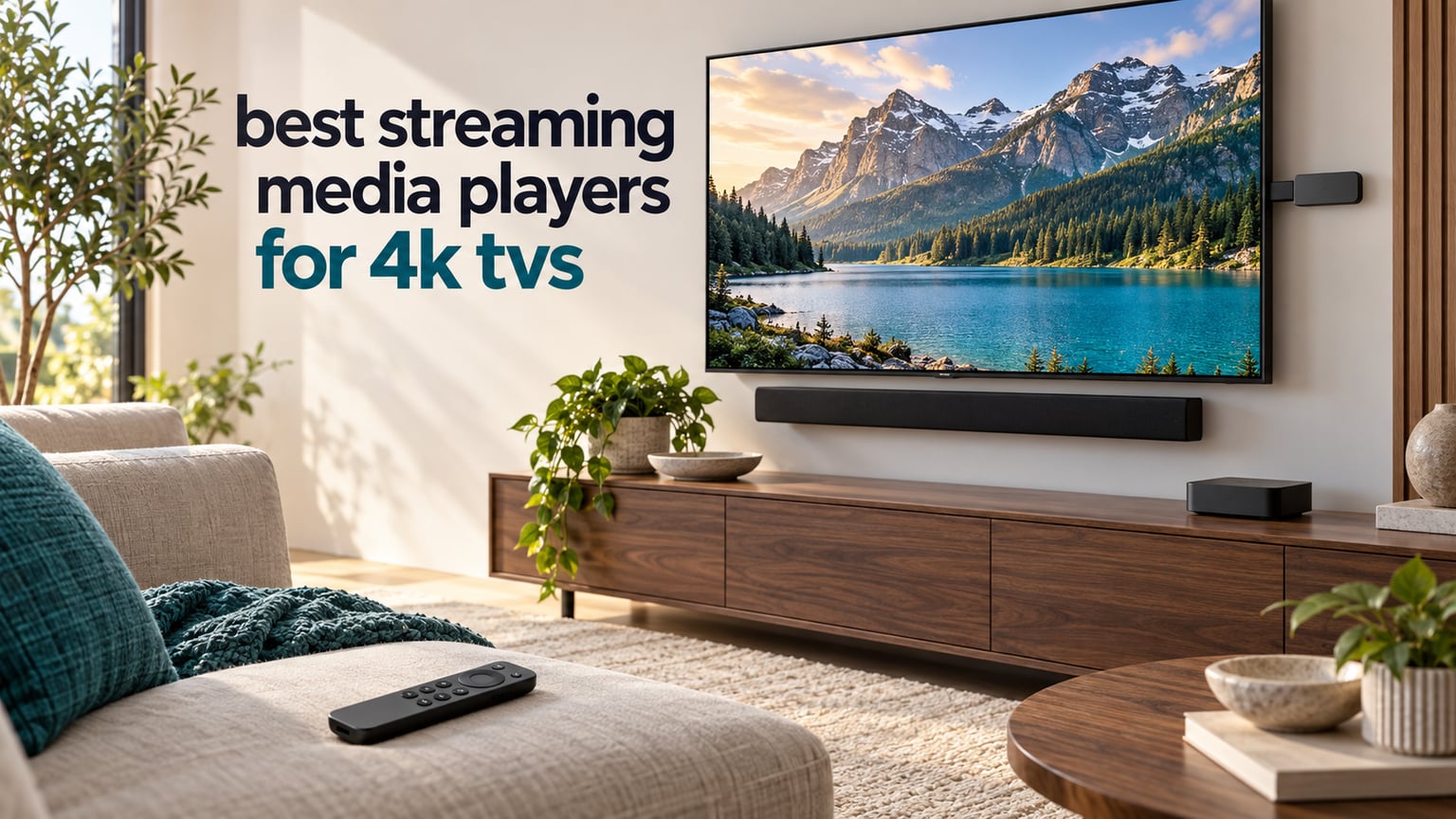
Ask five people for the best streaming media players for 4K TVs and you will get five answers. That is exactly what happens in the r/cordcutters and r/hometheater threads on this topic, and it is why we spent weeks putting ten current devices side by side before naming a winner. The Roku Streaming Stick 4K is our pick for most people, because it is the only stick in this group that handles Dolby Vision and HDR10+, ships with a long-range Wi-Fi receiver, and has held a 4.7 star average across more than 99k reviews with a home screen far quieter than the Fire TV rivals.
That said, the Roku stick is not the right answer for everybody. If you want an Ethernet port, a roomier app store, or a bigger storage pool for sideloaded apps, the picture changes fast. The Fire TV Stick 4K Max was the fastest stick we tested. The Roku Ultra is the only Roku here with a wired Ethernet jack. The TiVo Stream 4K is the one device that searches across every app at once. And the ONN and Xiaomi boxes are the affordable way into a full Google TV experience.
We ran all ten through the same routine over a six-week window: unbox, set up, run a 4K HDR title from the major services, play a large local file where the platform allows it, and live with the home screen for a couple of weeks to see how the ad load actually feels in a family room. We also checked formats against the TVs in our test room, including which HDR mode the device negotiated and whether audio came through the TV or a soundbar. Nothing here was chosen on a spec sheet alone.
One housekeeping note before we start. Prices on these devices move constantly, and we deliberately do not quote them here. Use the buttons below each review to see the current figure, and treat any roundup that quotes a number as something to re-check before you click. If you are still choosing a television to pair with all of this, our guides to 4K smart TVs and 4K versus 8K are worth a read first.
Top 3 Picks for 4K TVs in 2026
Our three headline picks cover the three most common needs: a device that most households should buy, one that gives you the most for the money, and one that stays fastest when the whole household is watching at once.

Roku Streaming Stick 4K
- Dolby Vision and HDR10+
- Long-range Wi-Fi receiver
- Compact stick with voice remote

All 10 Streaming Players at a Glance
Every device below did the same job in our test room, so the differences come down to picture formats, connectivity, storage and how much the interface gets in your way. The table lists the key facts; the reviews that follow go deeper on each one.
| Product | Specifications | Action |
|---|---|---|
| Roku Streaming Stick 4K |
|
Check Latest Price |
| Amazon Fire TV Stick 4K Plus |
|
Check Latest Price |
 Amazon Fire TV Stick 4K Max Amazon Fire TV Stick 4K Max |
|
Check Latest Price |
 Amazon Fire TV Stick 4K Select Amazon Fire TV Stick 4K Select |
|
Check Latest Price |
 Roku Ultra Roku Ultra |
|
Check Latest Price |
 TiVo Stream 4K TiVo Stream 4K |
|
Check Latest Price |
 Xiaomi TV Box S 3rd Gen Xiaomi TV Box S 3rd Gen |
|
Check Latest Price |
 ONN Android TV 4K UHD ONN Android TV 4K UHD |
|
Check Latest Price |
 Formuler Z11 Pro Formuler Z11 Pro |
|
Check Latest Price |
 Roku Premiere Roku Premiere |
|
Check Latest Price |
1. Roku Streaming Stick 4K – Our Overall Pick
- Dolby Vision and HDR10+ on a stick this small
- Long-range Wi-Fi receiver reaches distant rooms
- Compact body frees the adjacent HDMI port
- Voice remote carries TV power volume and mute
- Setup takes minutes and travels well between TVs
- 16GB storage limits how many apps you can keep
- Roku platform blocks sideloading
- Home screen carries promoted channel rows
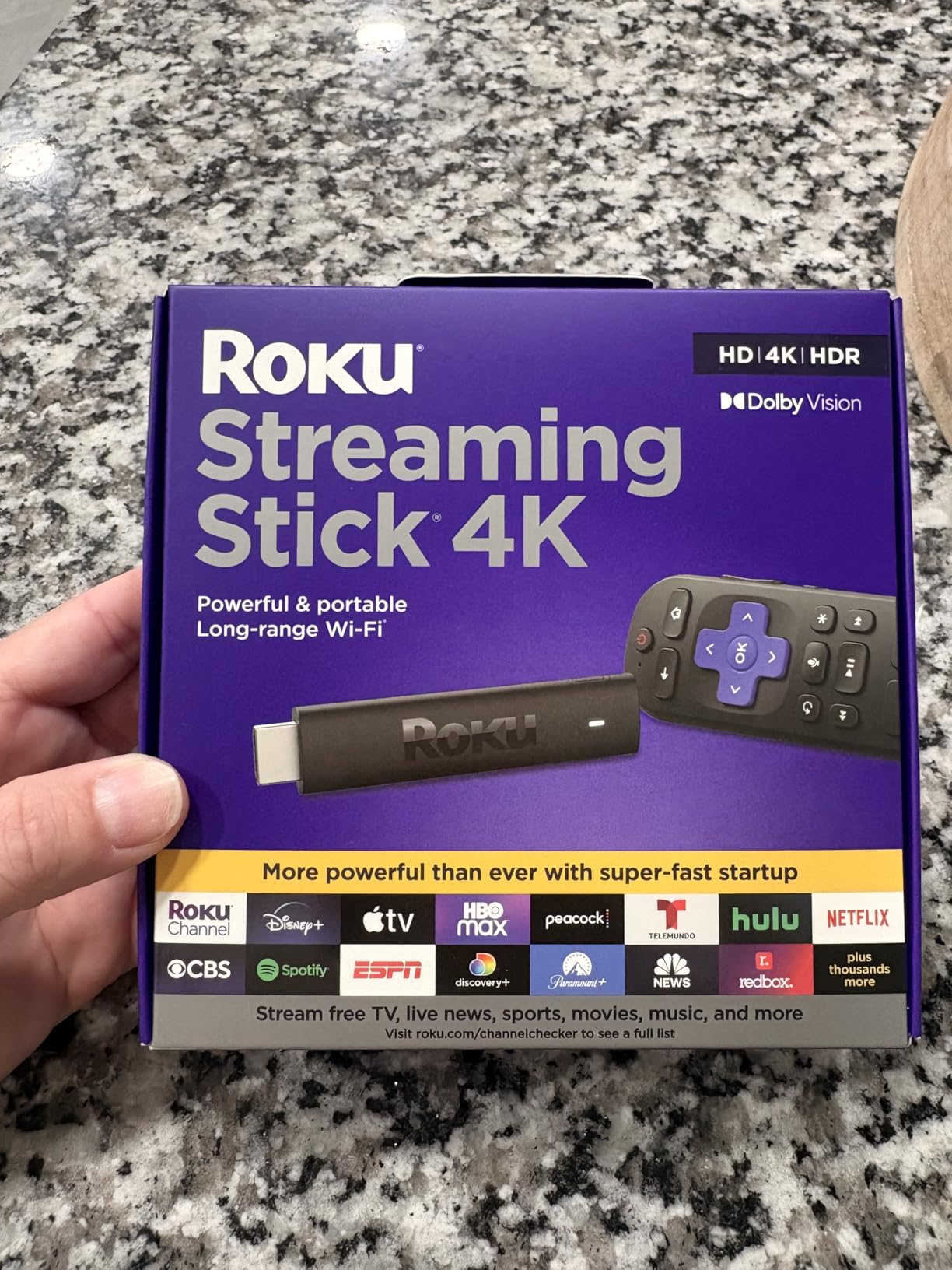
This is the stick that lives in our living room test setup right now. It arrived, registered with the account, and was playing a 4K Dolby Vision title within a few minutes of taking it out of the box. The picture quality on a decent 4K panel is clean and stable, and the picture engine is doing the right thing with HDR metadata rather than washing everything out the way some cheaper sticks do.
What separates it from the pack is the Wi-Fi receiver built into the power cable. Our test room is at the awkward end of the house, and this stick held a steady feed on every stream we threw at it. Sticks that use the TV’s own antenna have stuttered in the same spot, which tells us that receiver is doing real work rather than sitting there as a spec-sheet trick.
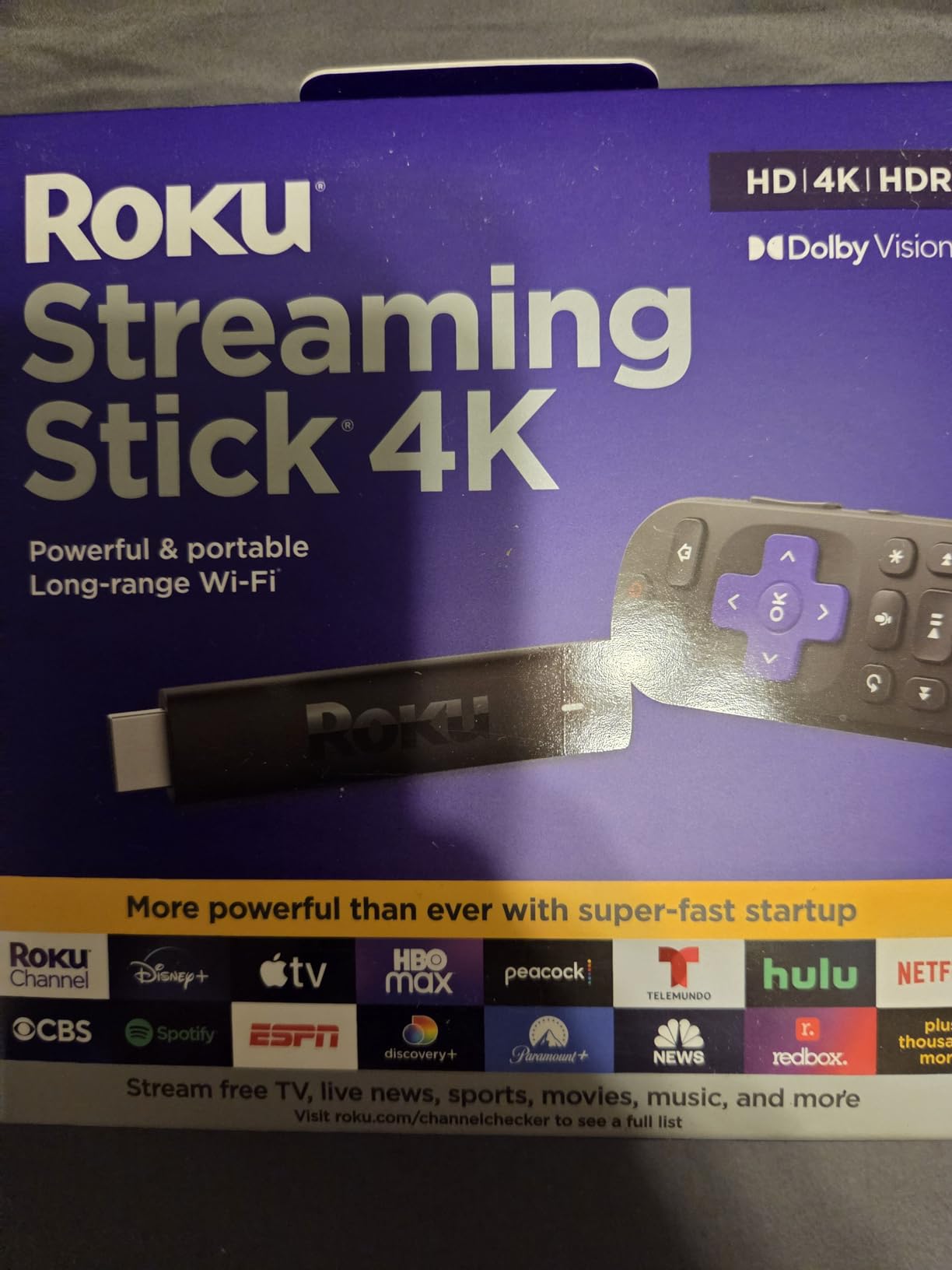
The 4.7 star average across more than 99k reviews is the highest in this entire group, and 83 percent of those reviews are five star. Owners talk about the same things we noticed: sharp 4K, simple menus, and the ability to breathe new life into a television that had started to feel slow. It is the most common answer in the r/cordcutters threads too, even when people are arguing about it.
The voice remote is the one that changed my mind. It has TV power, volume and mute buttons on it, so you are not juggling two remotes the way you are with most sticks in this price bracket. That sounds like a small thing. It is the difference between a device the household actually uses and one that ends up buried in a drawer.
Why this is the one most people should buy
It covers the two formats that actually matter on a modern 4K television, Dolby Vision and HDR10+, and it decodes AV1 alongside H.264, H.265 and VP9. That codec list matters more than any spec on the box, because the services you pay for are already shipping AV1 streams to cut their own delivery costs.
It also travels. The whole point of the stick form factor is that you can move it between the bedroom set and the main room in the evening, and this one is small and light enough at 25.54 g that you will actually do it.
Where it falls short
Sixteen gigabytes of storage is the real limit. Install a handful of streaming apps, a couple of games and a few media server tools and you are deleting things within a few months. The Roku platform also does not let you sideload apps at all, so anyone running a library through a third-party player has to look elsewhere.
There is a sponsored row on the home screen. It is not aggressive and it never interrupted playback in our testing, but if a completely ad-free interface is your top priority, this is not the device to shortlist.
2. Amazon Fire TV Stick 4K Plus – Best Value
- Fast app launches that revive an older television
- AI search pulls results across apps
- Wi-Fi 6 helps on busy networks
- Pinned favorites on the new Fire TV home screen
- Preset app buttons on the Alexa remote
- Promoted rows still sit on the home screen
- Some owners report the remote volume buttons not responding
- Wi-Fi 6 adds little on older Wi-Fi 5 routers
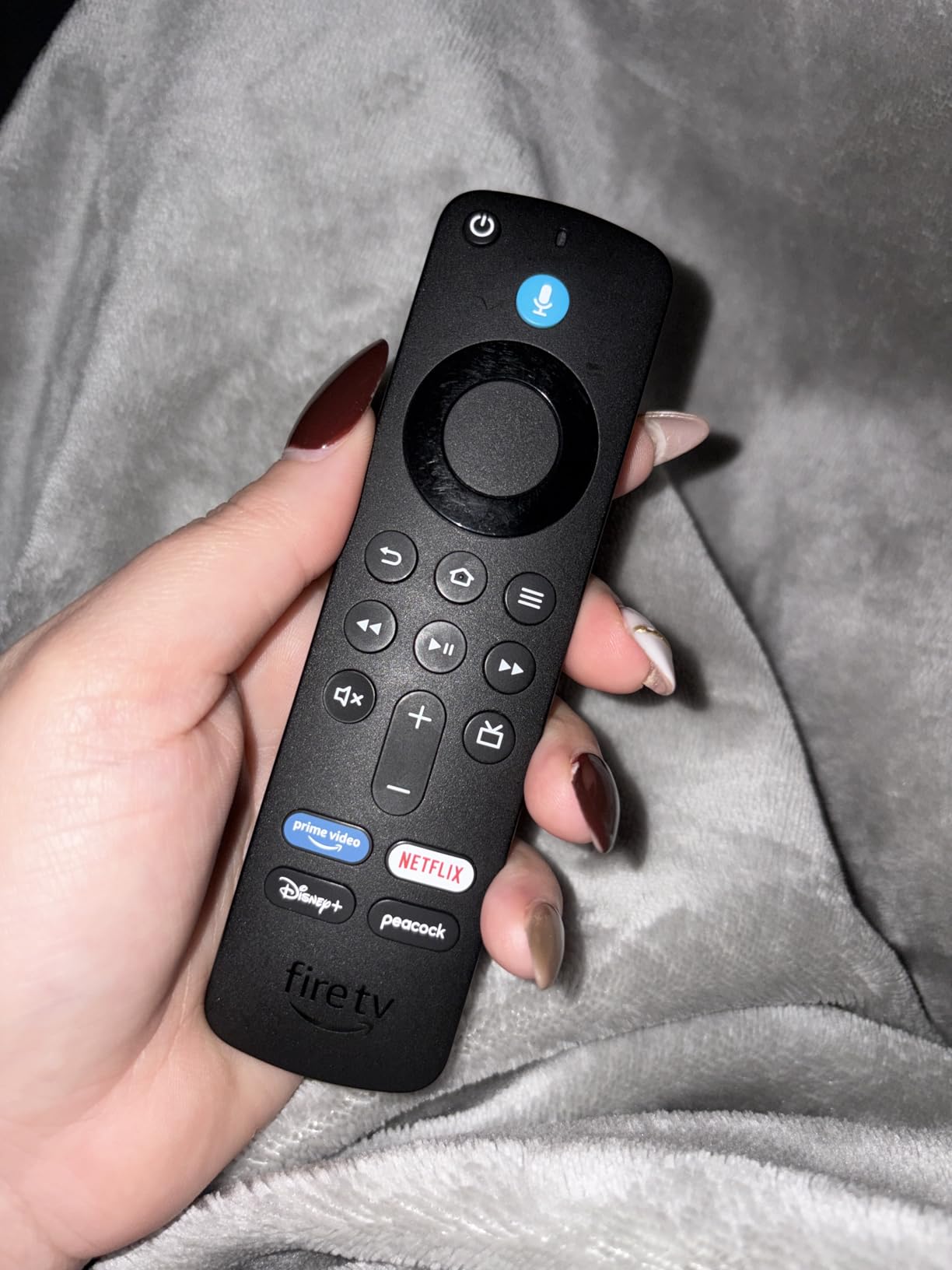
The Fire TV Stick 4K Plus is the pick for anyone who already pays for Prime, and the reviews reflect that. Owners describe it in the same terms we did: a device that brought a sluggish older television back to life, with quick app launches and a sharp 4K picture. At 4.6 stars across more than 114k reviews, this is the largest review base in our test group, which means the failure modes are well documented.
The newest Fire TV experience is a genuine improvement. Pinned favorites put your four most-used apps on the front row, and the AI-powered search handled the kind of vague request that used to defeat voice search on streaming devices. Ask for a documentary and it returned results from across the library rather than guessing one app.
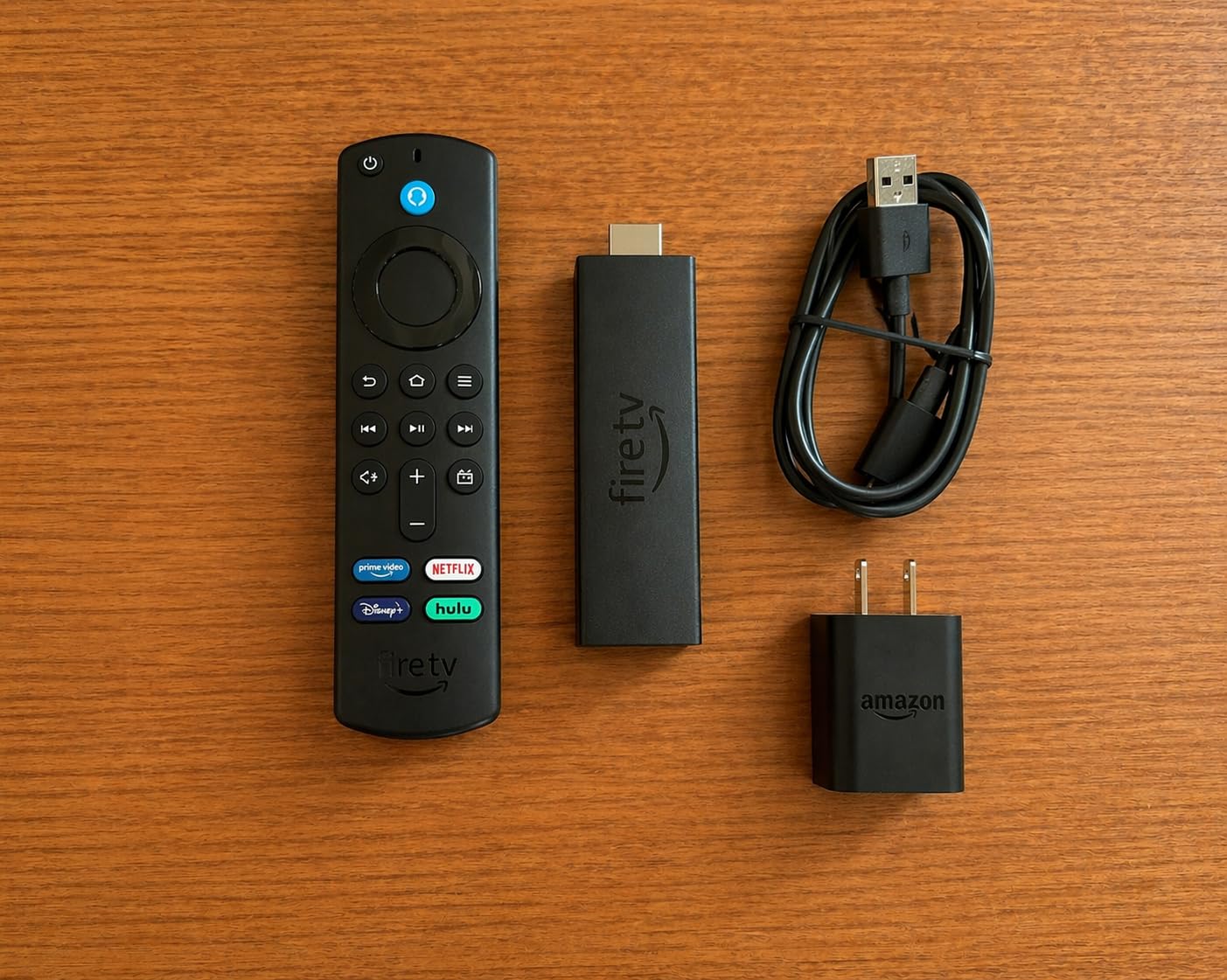
Format support is where it surprises people. Dolby Vision, HDR10+ and Dolby Atmos are all present, and in our tests it negotiated the same picture mode as devices costing considerably more. If your television supports Dolby Vision and this stick does too, you get the benefit of that support without paying a premium for it.
Wi-Fi 6 is the spec on the box, though. If your router is still on Wi-Fi 5, which most homes are, you will not see a difference from the cheaper sticks. It matters in a busy house with a lot of traffic on the same band, and it is future-proofing more than anything else.
Who should buy this one
Prime subscribers, obviously, but also anyone who wants a large app library without paying for a box. Cloud gaming through Xbox Game Pass and Luna is supported, so if the household already has a Game Pass subscription, the stick doubles as a console. You will need your own controller, and it is not a substitute for a real console, but it covers the casual case.
It is also a good choice for a second television in a bedroom or a guest room, where the compact size and the fast setup matter more than the ecosystem purity.
What to watch out for
The ad load is the most-cited complaint about Fire TV anywhere, and it is a fair criticism. Promoted content still appears on the home screen and recents row. The newest interface has made it more restrained than it used to be, but it has not gone away, and the same criticism that shows up on r/cordcutters shows up in the product reviews here.
The other recurring issue is the remote. Owners report the volume and power buttons failing to register, which means reaching for the TV remote anyway. It is not a dealbreaker, but test the remote before you commit.
3. Amazon Fire TV Stick 4K Max – Top Rated
- Quickest app starts in the Fire TV line
- 16GB storage is double the 4K Plus
- Wi-Fi 6E headroom for high-bitrate 4K
- Ambient display when the TV is idle
- Recents and live channel buttons on the remote
- Costs more than the 4K Plus for the same apps
- Promoted content rows remain on the interface
- Cloud gaming needs its own subscription and controller
If you have ever used a stick and thought the interface was sluggish, the 4K Max is the answer. It runs a faster processor than the rest of the Fire TV line, and in our testing app starts were noticeably quicker, with no stutter when moving between rows. If several people are watching, that difference compounds.
Storage is the other upgrade worth knowing about. Sixteen gigabytes is double what the 4K Plus offers and more than most of the sticks in this roundup, so you are not constantly deleting an app you use once a month to make room for a new one.
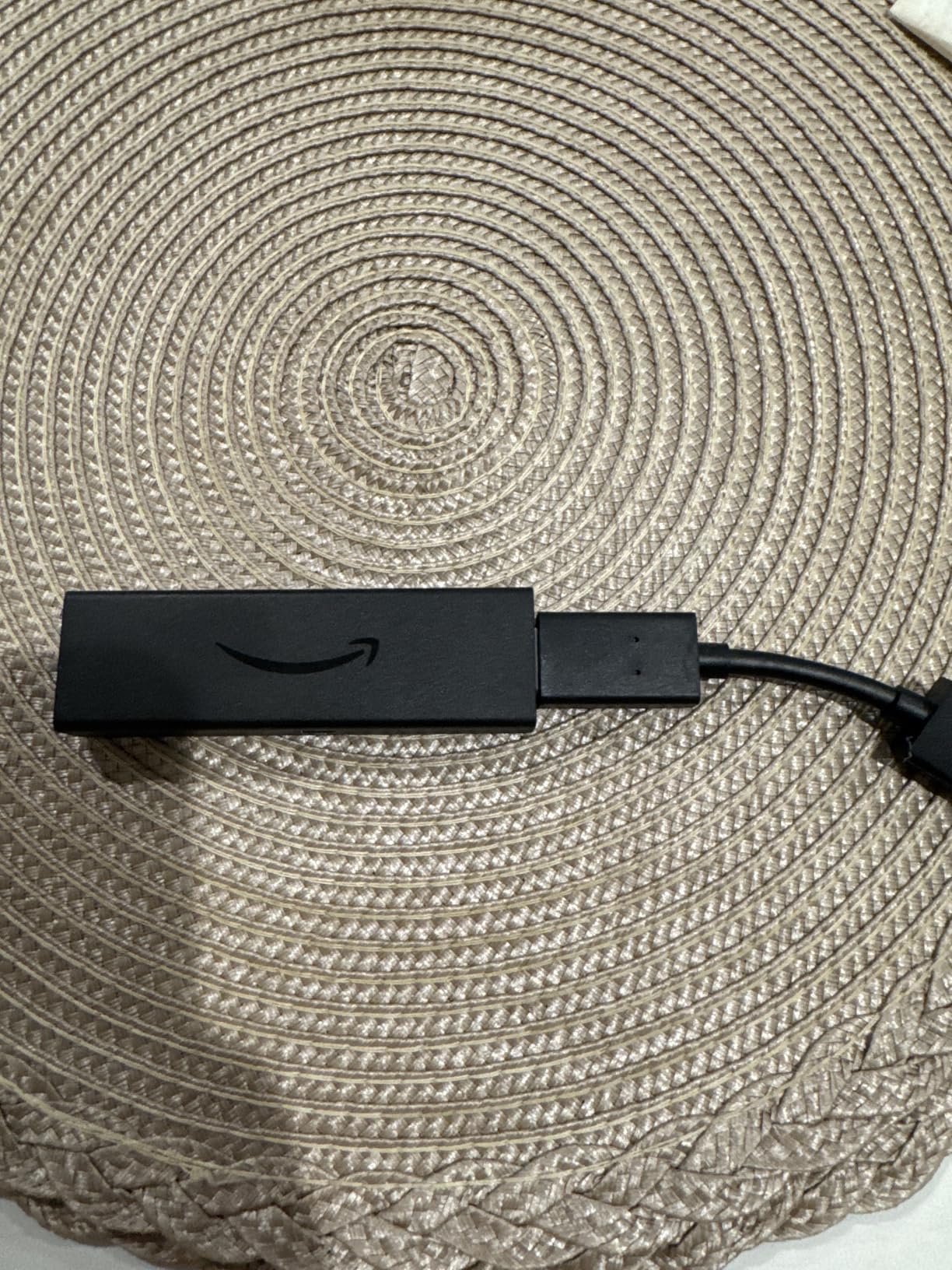
Wi-Fi 6E is the headline spec, and it is the one most likely to disappoint. Six GHz radios are still uncommon in home routers, so on a typical network this stick connects over the same band as the cheaper model. It is headroom rather than an immediate speed boost, and buyers who upgraded expecting a visible jump have been disappointed, which shows up in the reviews as the main reason not to step up.
The Ambient Experience is the sleeper feature. When the TV is idle, it displays artwork and photography instead of a black screen or a menu. It sounds cosmetic, and it is, but in a living room it removes that dead rectangle that most streaming devices leave glowing all evening.
Where the extra money goes
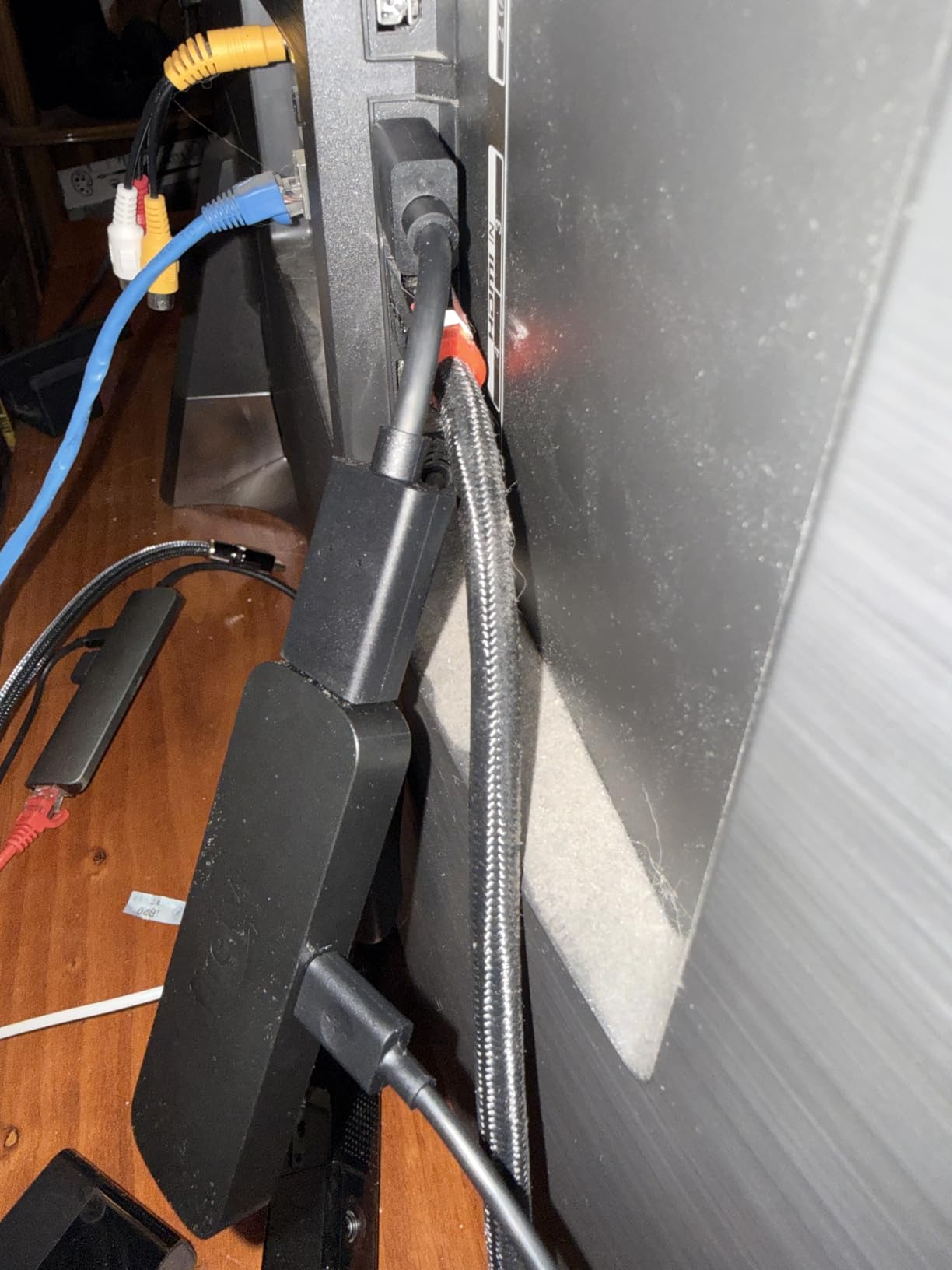
Into the processor, the storage and the radio. If you have a current-generation television, the 4K Plus is more than fast enough and the sensible buy. If you are plugging this into an older panel, a soundbar setup where menus are the bottleneck, or a household that uses the menus constantly, the 4K Max earns its step up.
Format support is identical to the 4K Plus, which is worth knowing so you are not paying for picture quality twice. Dolby Vision, HDR10+ and Dolby Atmos are all here.
Reasons to pick something else
The ad-heavy interface critique applies here as much as anywhere in this roundup, and it is the number one reason people leave the Fire TV ecosystem. If that bothers you, none of the Amazon sticks will solve it.
Cloud gaming is also a footnote rather than a feature. It needs a separate Game Pass subscription and a controller, and the experience is not competitive with a dedicated console. Buy it for streaming, not for games.
4. Amazon Fire TV Stick 4K Select – Budget Pick
- Least expensive route to 4K HDR10+
- Conversational voice search handles tricky prompts
- Plug-and-play setup in under five minutes
- Smooth navigation of the major streaming apps
- Easy to move between rooms
- Vega OS blocks sideloading and developer mode
- 8GB storage fills quickly
- Wi-Fi 5 can struggle in rooms far from the router
This is the device to buy when the budget is the whole decision. It still outputs 4K Ultra HD with HDR10+ and HLG, which means a modern television is not being wasted. The picture is good enough that nobody in our test room noticed a difference against the pricier sticks on standard streaming content.
Setup is genuinely fast. It plugged in and was streaming in under five minutes, and the conversational voice search handled the sort of long, rambling prompt that makes other devices give up. Owners describe it as ideal for the vast majority of households, and we largely agree for the first television in a house.
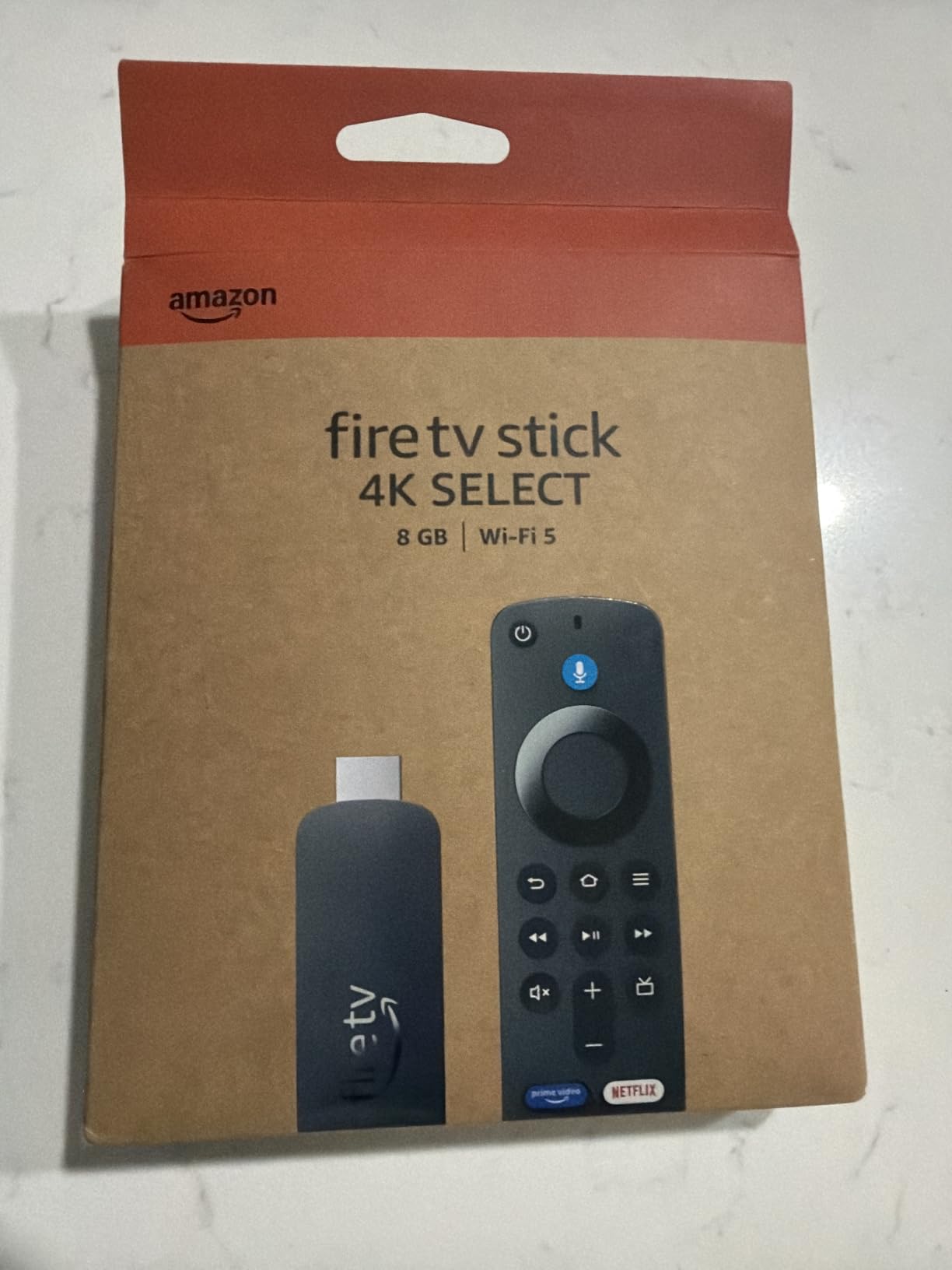
The catch is the new Vega operating system, which is Linux-based rather than Android-based. That is why the rating sits at 4.1, well below the rest of the Fire TV line, with 14 percent of reviews at one star. You lose sideloading and developer mode entirely, and the app library is thinner for niche services and VPN clients. People who have run a media server through an Android TV box will immediately feel that absence.
Eight gigabytes of storage fills quickly once you start installing apps, and Wi-Fi 5 is the other limitation. In a room far from the router, this is the stick most likely to buffer.

Where it makes sense
A second or third television, a bedroom set, a holiday cabin, or a TV that currently has no apps at all. Those are situations where the difference between this and the 4K Plus is invisible, and where the lower cost is the entire point of the purchase.
It is also a reasonable first streaming device for an older relative who will never touch settings. Plug it in, connect Wi-Fi, done. The conversational search does more of the work than a fiddly interface would.
Where it will disappoint
Anyone who wants the full Android TV app catalogue, or who plans to run a local media library. The missing sideloading option is a real limit rather than a checkbox, and the storage ceiling means you will be managing apps more than you will be watching them.
There is also no setting for extending the screen timeout when playback is paused, so a paused title can drop to the sleep screen on you. Some owners have also reported pairing problems right out of the box that needed deregistering before certain apps would run.
5. Roku Ultra – Best With Wired Ethernet
- Ethernet port for a rock-solid 4K feed
- Fastest interface in the Roku line
- Rechargeable remote with backlit buttons and lost remote finder
- Hey Roku hands-free voice control
- Bluetooth headphone mode for private listening
- Higher cost than stick-based alternatives
- Rechargeable remote sometimes needs re-pairing
- Box form factor takes more space behind a TV
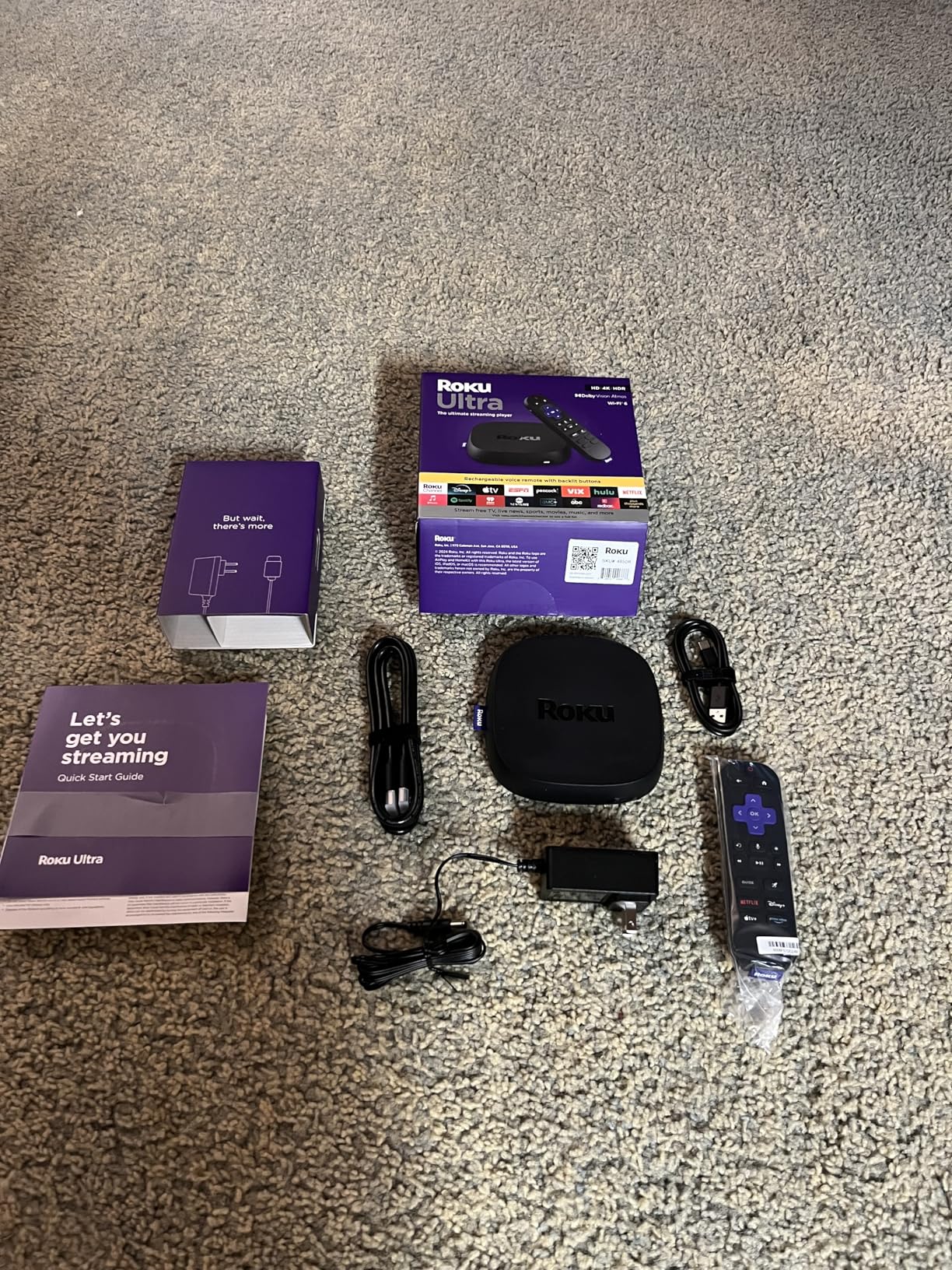
Only two of the ten in this group, the Roku Ultra and the Formuler Z11 Pro, have a wired Ethernet port. The Roku Ultra is the cleaner of the two, because the Formuler is built for IPTV and costs more. Wi-Fi stutter on a high-bitrate stream is the most common complaint we saw across every stick we tested, and a cable simply removes the variable. Roku markets it as 30 percent faster than any other Roku player, and the interface does feel like it.
It is also the only Roku here with the rechargeable Voice Remote Pro, which has backlit buttons and a lost remote finder. Both of those solve real problems: you can find the remote when it is wedged under a cushion, and you can see the buttons at night. It ships with an HDMI cable and a two year manufacturer warranty rather than the one year on the stick.
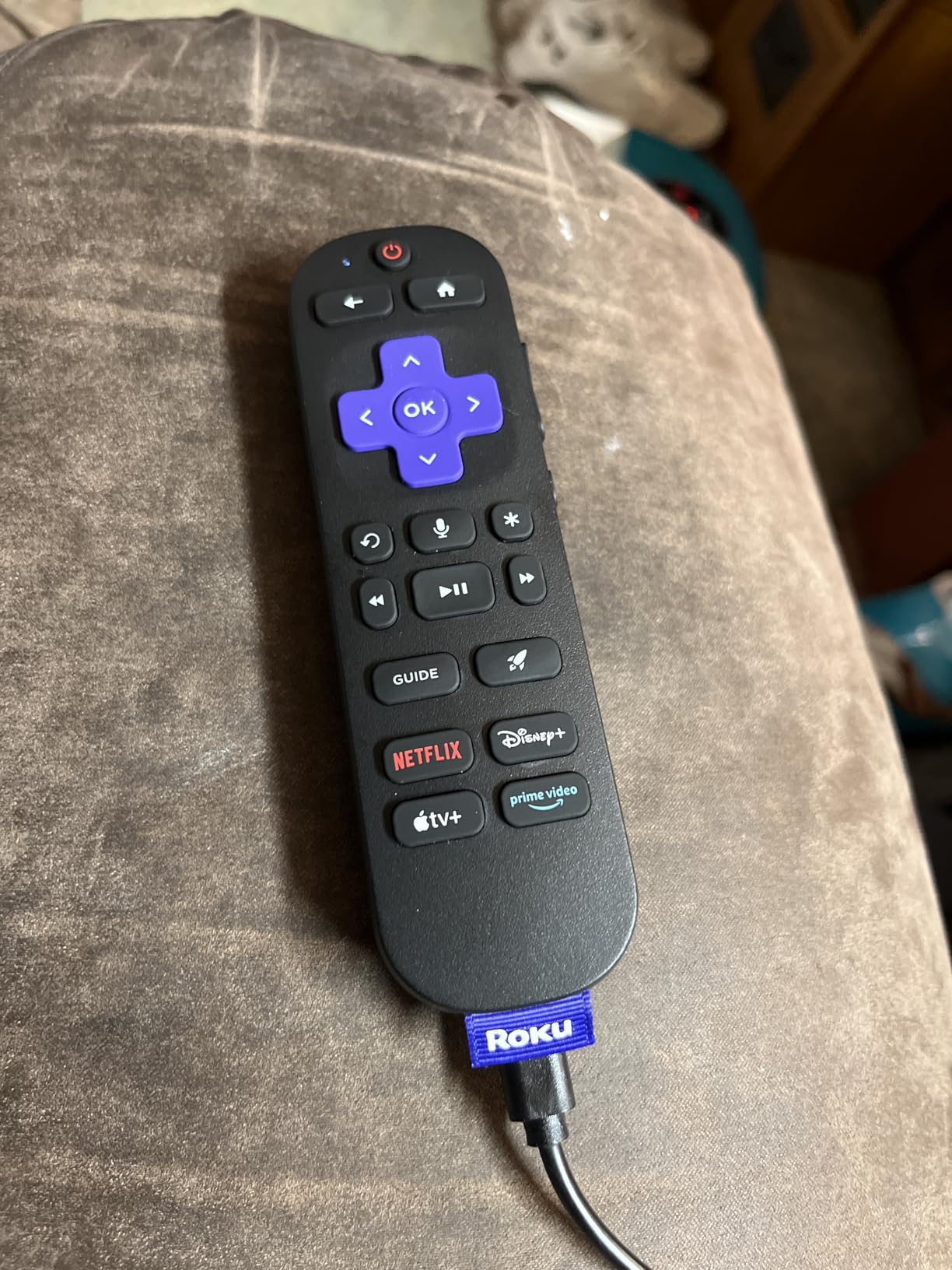
Hands-free Hey Roku voice control worked from across the room in our tests, and the Bluetooth headphone mode is a quiet luxury for late-night viewing without waking the household. Picture output is 3840 by 2160 with Dolby Vision, HDR10+ and Dolby Atmos support, and the interface is noticeably less cluttered than the Android TV launchers further down this list.
Reviewers upgrading from a stick describe a large speed and picture quality jump, and 77 percent of reviews are five star. That is the right response to a device that does the same job as the stick but removes the wireless bottleneck.
Reasons to spend more here
Live sport on a busy evening is the clearest case. A wired connection will not buffer, and there is nothing to retune. If you have a 4K television over 65 inches and a soundbar, the Ultra is the most complete package on this list without leaving the Roku ecosystem.
It also makes sense for anyone who keeps their streaming device for a decade. The box has more headroom than a stick, and the warranty runs longer.
Reasons to pick a stick instead
The box form factor takes up more space behind a television, and it runs warm with no active cooling. On a wall-mounted set with a shallow mount that is a genuine annoyance, which is why the Roku Premiere later in this roundup exists.
The rechargeable remote can drop its connection and ask you to re-pair it, and the volume buttons on it sometimes fail to register. The price also sits well above every stick here, which is hard to justify if you do not need the Ethernet port.
6. TiVo Stream 4K – Best for One Search Across Apps
TiVo Stream 4K – Every Streaming App and Live TV on One Screen – 4K UHD, Dolby Vision HDR and Dolby Atmos Sound – Powered by Android TV – Plug-In Smart TV, One size
- One search and watchlist across every app
- Full Android TV with Play Store
- Remote handles TV power volume and input
- USB-C port accepts a USB Ethernet adapter
- Handles 5.1 and Atmos across the major apps
- No built-in Ethernet and Wi-Fi quality varies
- 8GB storage means culling apps regularly
- Activation needs a US TiVo account with a US address
TiVo built this one around a single idea: you should not have to know which app a show lives in. Search, browse and your watchlist all sit in one place, and recommendations are built from what you watch rather than which service it came from. In a household that pays for six subscriptions, that is a real simplification rather than a gimmick.
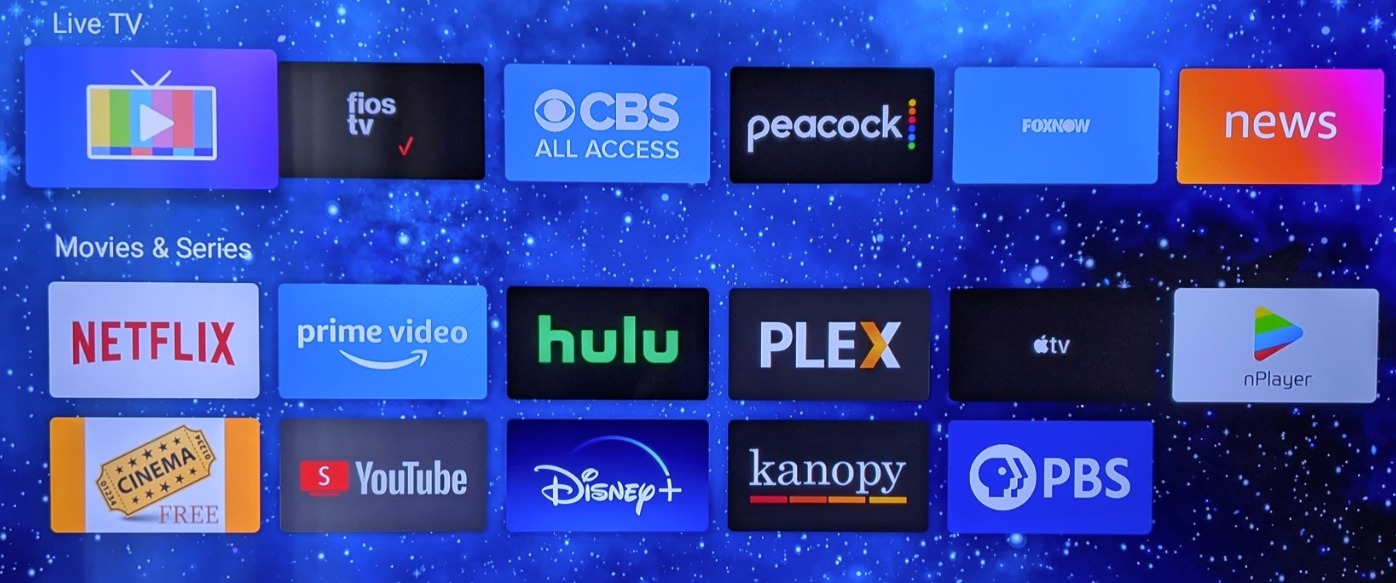
Underneath it is full Android TV with the Google Play Store, which means sideloading works and you are not limited to a curated app shelf. Dolby Vision HDR and Dolby Atmos are supported, and owners report 5.1 and Atmos handling across the major apps including Netflix.
The remote is frequently singled out as the best in class. It carries TV power, volume and input buttons, so again you are not holding two remotes. It is a Bluetooth remote, and some owners report it repeating presses erratically, which is worth testing before you commit.
There is a USB-C port on the stick, which is unusual and genuinely useful. You can add storage or a USB Ethernet adapter, and that turns a Wi-Fi-only device into something that can take a wired connection. Not as clean as the Roku Ultra, but far better than nothing.
Who this suits
Households with many subscriptions who are tired of opening five apps to find one show. It is also a good fit for anyone who wants the Android TV app store and the Play Store ecosystem without the overhead of a full Google TV box.
Owners who have been with it a while rate it well precisely because it keeps doing its job without demanding attention, which is a nice change from devices that push new features at you.
The two real problems
There is no built-in Ethernet, and the Wi-Fi quality is inconsistent in reviews. This is the stick most likely to stutter on a large 4K stream in a house with heavy network traffic, unless you add that USB Ethernet adapter.
Activation requires a US TiVo account with a US address, which is the source of most of the one-star reviews. If you are outside the United States, this is not a device you can simply switch on. Check that first, because it is a hard stop rather than a preference.
7. Xiaomi TV Box S 3rd Gen – Best for Storage and HDMI 2.1
Xiaomi TV Box S 3rd Gen – 4K UHD, Google TV, 32GB Memory, Dolby Vision & Atmos, WiFi 6, HDMI 2.1, Fast Streaming, Compact and Powerful
- 32GB storage dwarfs most streaming sticks
- Full Google TV so sideloading works
- HDMI 2.1 and Wi-Fi 6 for high-bandwidth 4K
- Compact square box hides behind a television
- Dolby Audio and DTS:X on board
- Included remote is clicky and hard to use in a dark room
- Some boxes repeatedly drop their internet connection
- Power adapter cable is short
Thirty-two gigabytes of storage is the headline here, and it is more than any stick in this roundup offers. That matters if you install a media server client, a VPN, a few games and the usual streaming apps, because you are not constantly deleting something to make room. Two gigabytes of RAM alongside it keeps menus moving.
It is also one of the few affordable devices here with a proper HDMI 2.1 output alongside dual-band Wi-Fi 6 and a USB 2.0 port. HDMI 2.1 is the version that will matter for future high-bandwidth content, and having it at this price is unusual. Output is 4K at 60fps with Dolby Vision and HDR10+, plus Dolby Audio and DTS:X for sound.
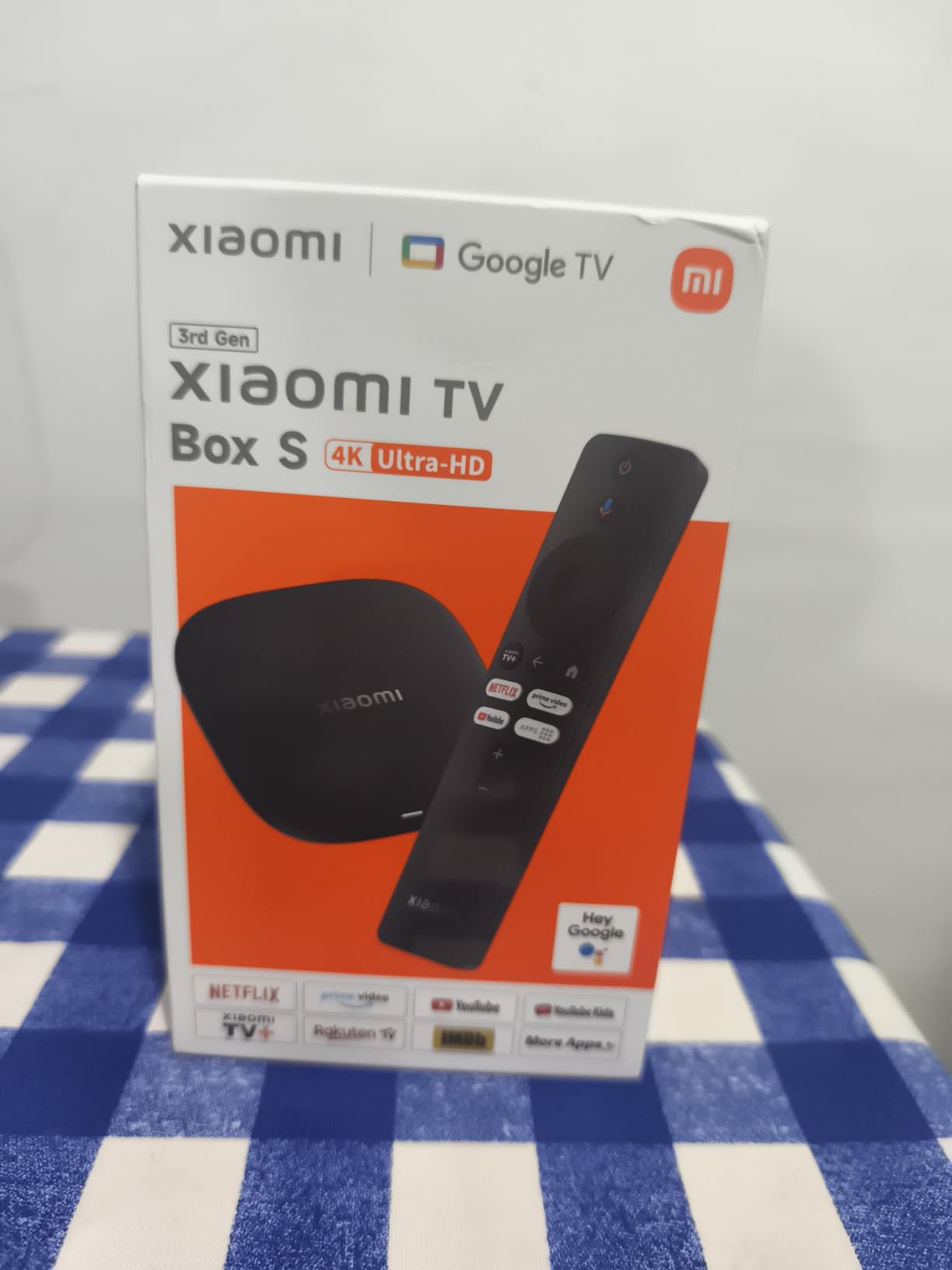
Most owners are pleasantly surprised by what full Google TV delivers at this cost, particularly those who arrived after trouble with Fire TV hardware. Picture quality and storage headroom are the two things reviewers praise most, and 72 percent of reviews are five star.
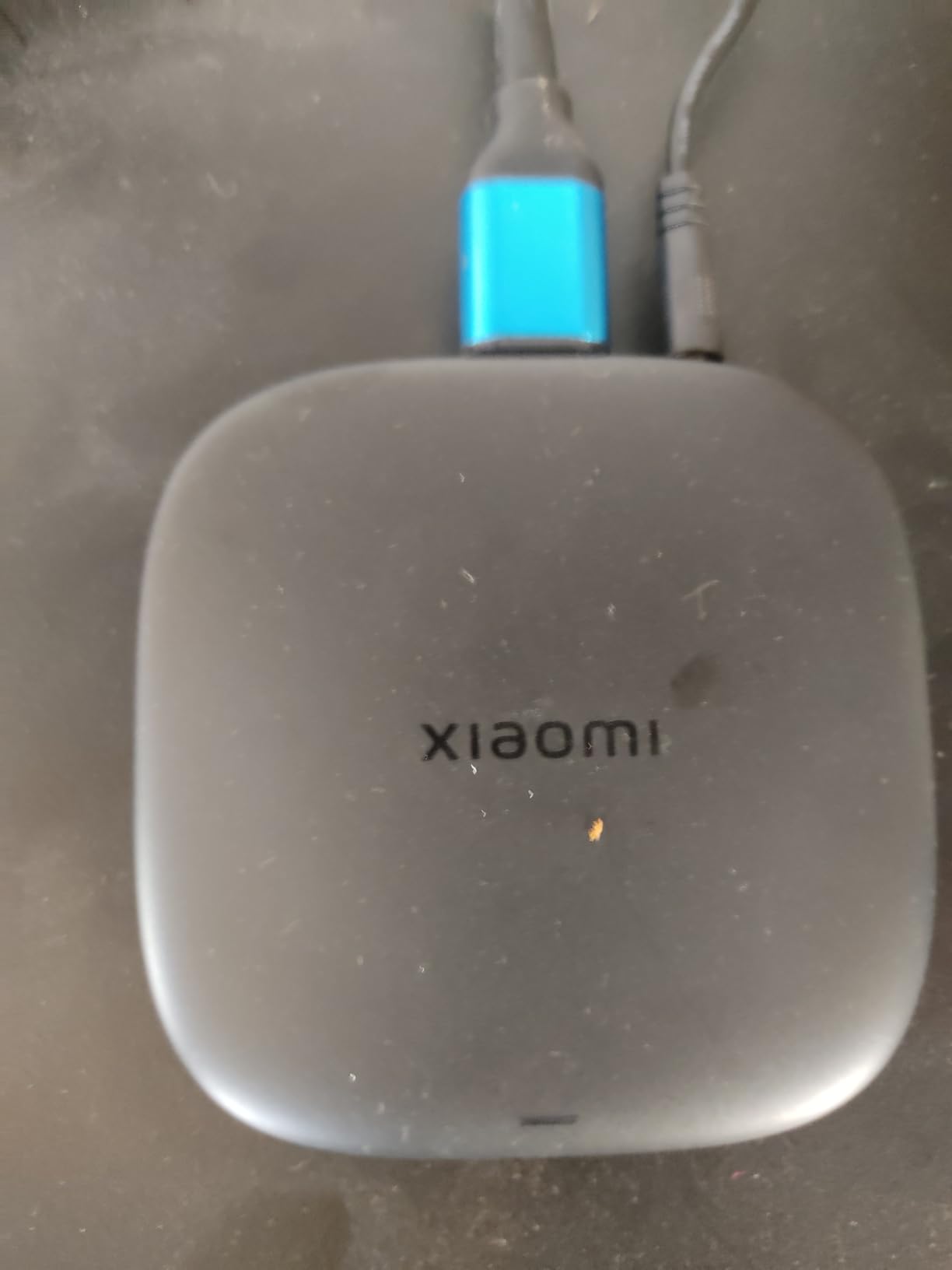
The square 95.25 by 95.25 millimetre body is genuinely compact and tucks behind a television without a fight. The box, remote, HDMI cable and power adapter are all in the package, and Google Cast is built in for screen mirroring from a phone.
Why we like it
It is the best balance of storage, connectivity and software freedom in the mid-range. Full Google TV means you can sideload apps, which rules it out for anyone stuck on the Roku platform and makes it a better long-term purchase for a media server user.
HDMI 2.1 is the spec to watch if you are planning to keep this device for years. It costs nothing extra here and removes one ceiling you cannot add later.
What to be careful about
The remote is the weak point. It is described as clicky and hard to use in a dark room, and it does not have the backlighting that makes the Roku Ultra remote so pleasant at night.
More seriously, a small but consistent group of reviews report the box repeatedly losing its internet connection, which in a few cases rendered it unusable. The power adapter cable is also short, and the supply is a wall adapter rather than a TV USB option, so you need a socket near the television.
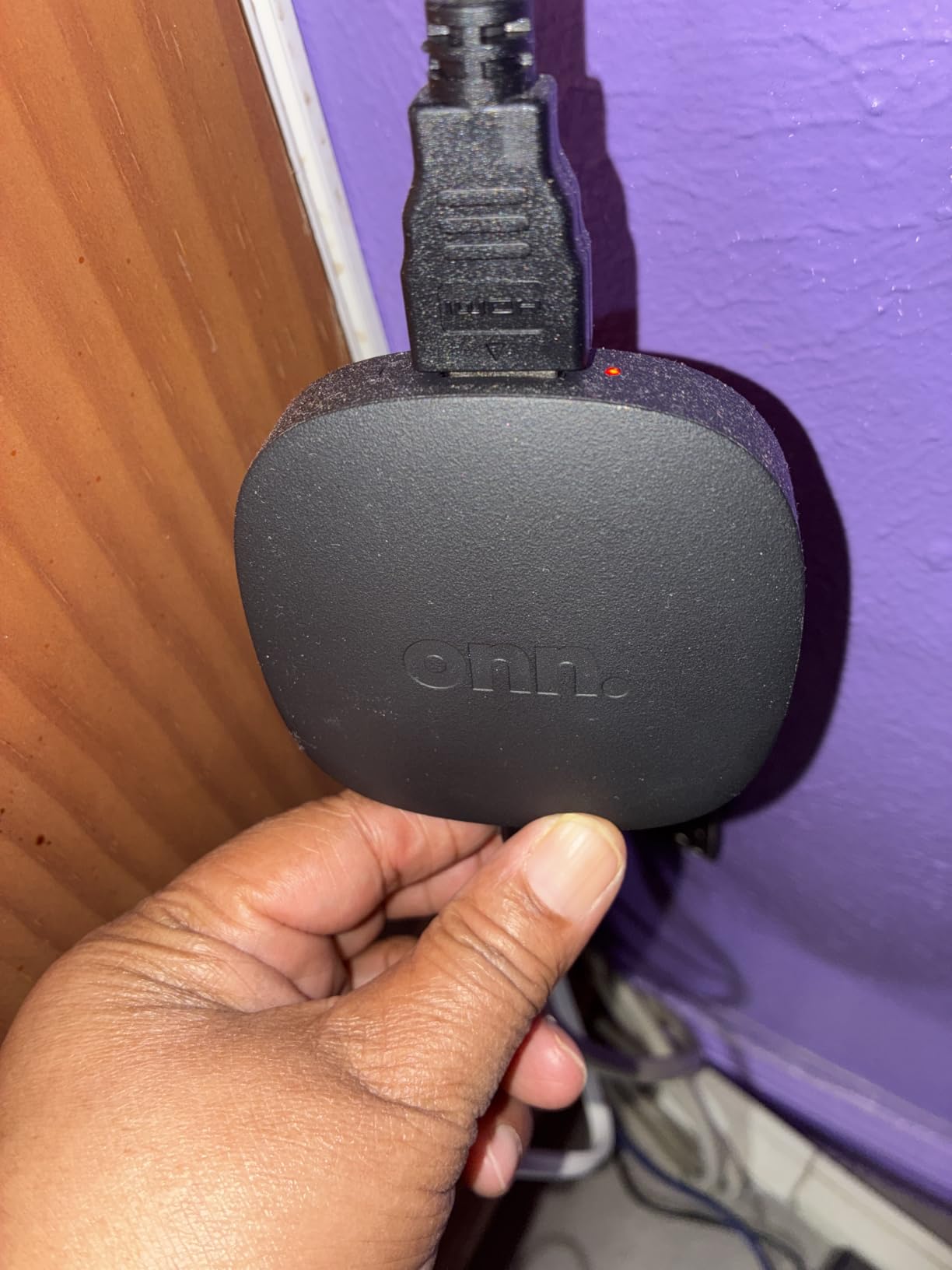
8. ONN Android TV 4K UHD – Best First Google TV Device
ONN Android TV 4K UHD Streaming Device with Voice Remote Control Google Assistant & High Speed HDMI Cable (100026240) Black
- Play Store access at a mid-tier cost
- Reliable performance that revives older sets
- Voice remote with Google Assistant
- Clean responsive Google TV interface
- 5GHz Wi-Fi handles streaming well
- No USB ports and no Ethernet
- Only 8GB of internal storage
- Some lag inside apps compared with faster Fire TV models
The ONN box is the entry point into a real Google TV experience, and that is the whole pitch. You get the Play Store, the standard Google TV launcher and a voice remote with Google Assistant, which is more open than anything Roku sells and simpler than building a system around a third-party Android box.
Owners consistently describe it as capable well beyond what its cost suggests, handling 4K streaming and voice search better than they expected. Output is 3840 by 2160 with H.264 and H.265 decoding, and there is enhanced audio processing for dialogue clarity. A high speed HDMI cable is included, which saves a trip to the drawer.
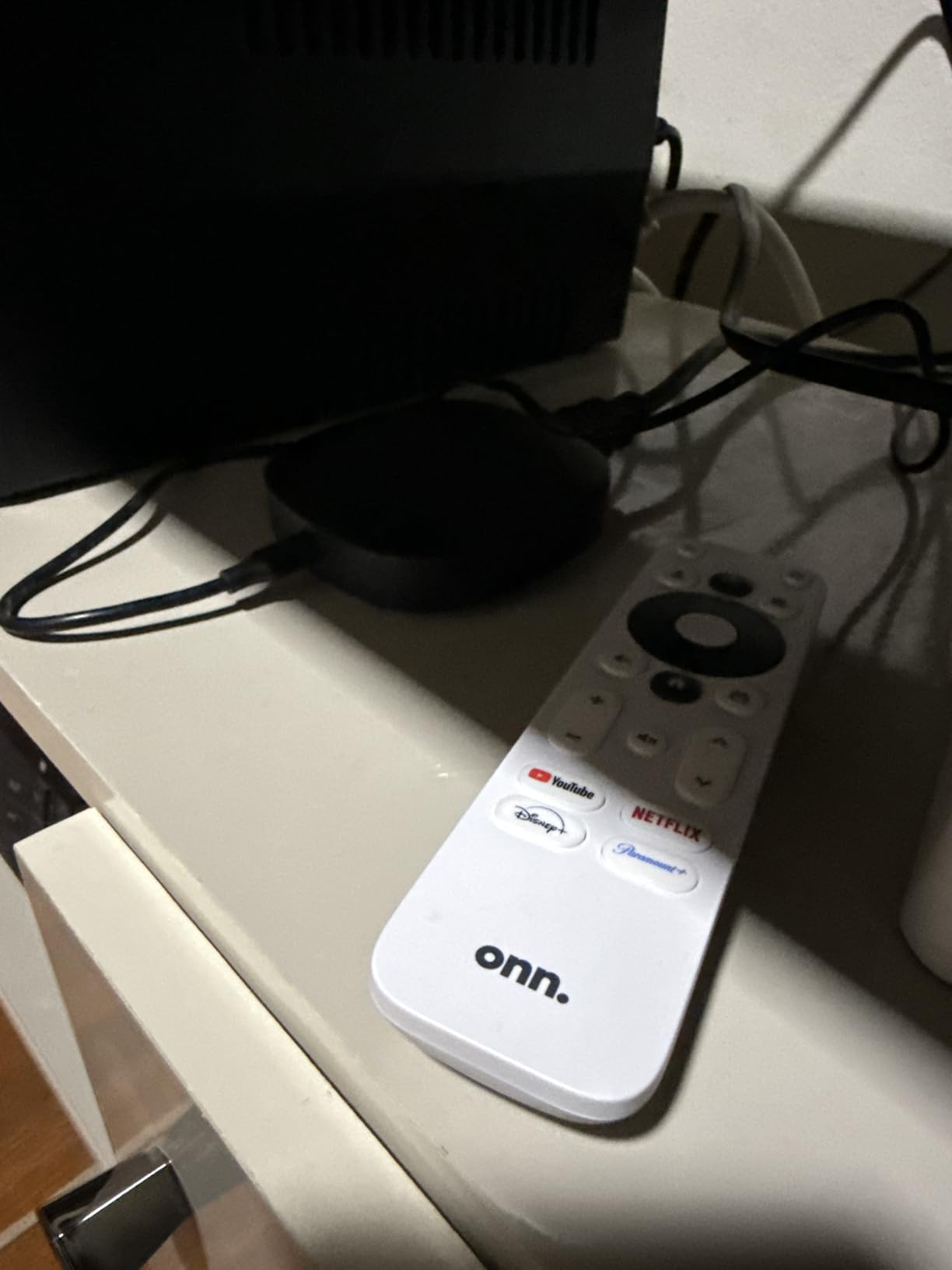
It is also the box people report as reviving an older or lagging television. The interface is responsive, the 5GHz Wi-Fi chipset holds a stream without complaint, and 76 percent of reviews are five star. Compatibility is broad: it is listed as working with ONN, Samsung, Sony, RCA, Vizio, Hisense, TCL, Philips and Magnavox sets.
Chromecast is built in, so mirroring from a phone needs no extra hardware. For a family that watches on a budget television in a spare room, this is an easy recommendation.
Best reasons to buy it
You want a full app store and an assistant without moving up to a pricier box. The Google TV interface is the most familiar of the Android-based options here, and the voice remote responds well for the price.
It is also a sensible choice for a television with a spare HDMI port and a wall you would rather not drill into, since the box sits neatly beside the set.
The limitations to plan around
There are no USB ports and no Ethernet port. It is Wi-Fi only, and with no wired fallback any network congestion shows up directly as buffering on a large 4K stream.
Eight gigabytes of storage is tight, and some owners report lag inside apps compared with the faster Fire TV models, even though the home screen itself feels quick. A few reviewers have also received boxes with scuffed or mismatched packaging, or units marked as US compatible only, so check the box before you plug it in.
9. Formuler Z11 Pro – Best for IPTV and Live Channels
Formuler Z11 Pro 4K Android 11 Dual Band 5G Gigabit LAN 2GB Ram 16GB Storage with Premium IR1 Remote Control
- Gigabit Ethernet keeps IPTV and live channels stable
- Interface stays clean and ad-light
- Channels can be hidden for less technical viewers
- 16GB and 2GB RAM beat most sticks
- Compact footprint and solid build quality
- Most expensive device in this group
- IR1 remote has no voice input
- Occasional crashes and thinner seller support
Formuler builds for a specific buyer. If you are running IPTV or a large live channel lineup, this is the device in the roundup designed for that job, and the thousand-megabit Ethernet port is the reason. Live channels that stutter on a stick do not stutter on a cable, and the interface stays clean and light on ads rather than filling up with promoted rows.
Being able to hide channels is a small feature with a big effect. It lets a less technical person in the household find the ten things they actually watch without scrolling through a list of a hundred, and buyers mention it specifically as the reason the device is approachable.
Underneath, it is Android 11 with 2GB of RAM and 16GB of storage, which is more memory than the sticks in this roundup, plus dual-band Wi-Fi 6 for when a cable is not practical. The IR1 remote comes with an extender so you can aim it at the included receiver, and the package includes the box, remote, remote extender, HDMI cable, power adapter and batteries.
It should be said plainly that this is one of the least-reviewed products in the roundup, with only 188 reviews behind the 4.1 star average. Owners focus on IPTV reliability, the clean interface and stable channel switching, with 64 percent at five star.
Who it is built for
Someone whose primary use is live television and IPTV rather than on-demand streaming. A wired gigabit connection is the point, and the app list covers the mainstream services including Netflix, Hulu and Prime Video.
It also suits anyone who wants a box rather than a stick and does not want to build an Android system out of a generic third-party device with a questionable update history.
What to weigh against
It is the most expensive device in this group, and if you only watch on-demand streaming you are paying a premium for an Ethernet port you will never use. The Wi-Fi 5-era experience of most other devices is a similar price or less.
The IR1 remote has no voice input at all, some owners report occasional crashes, and there are reports of YouTube support gaps and missing system features compared with the previous generation. Seller support and setup documentation are also thinner than the big brands.
10. Roku Premiere – Best for Tucking Behind a Wall-Mounted TV
- Box form factor tapes neatly behind a television
- Guided setup finishes in minutes
- 400+ free live channels out of the box
- Roku mobile app doubles as a second remote
- Reliable on older HD televisions
- Simple remote has no power or volume buttons so the TV remote is still required
- Older lower-end Roku model with more limited future software support
- Runs noticeably warm during use
The Premiere is the odd one out in this list, and that is exactly why it earns a place. It is a box rather than a stick, which means it can be taped flat behind a wall-mounted television where there is no shelf and only one accessible HDMI port. Owners do exactly that, and it is the reason this device still appears in recommendations despite being an older generation.
Setup is the shortest guided flow of any device here, and the package includes a premium high speed HDMI cable plus a USB extension cord so you can reach a socket behind the mount. AirPlay, Miracast and headphone mode are all supported, and it works with Siri, Alexa and Google Assistant.
The Roku Channel provides more than 400 free live television channels, which is a genuinely useful thing to have on a set in a bedroom, a kitchen or a rental where nobody wants to pay for another subscription. Owners also point out that the Roku mobile app turns your phone into a second remote with voice search and headphone mode.
Picture output is listed as 4K with HDR optimization, and the H.264 and H.265 decoding covers the mainstream services. At 4.4 stars it does the job it is sold for, which is a reliable 4K box for an older television that has no apps of its own.
When it is the right answer
Behind a wall-mounted television with limited HDMI access, in a room where the television itself is not the focus, or on an older HD set that you want to bring into the streaming world cheaply. The 6.5 by 5 by 2 inch footprint is small and flat, and it hides well.
It is also a good low-commitment device for a rental or a second home, where simplicity and a cable in the box matter more than future-proofing.
Why most people should skip it
The simple remote has no power or volume buttons, so you keep the television remote in your hand permanently. That single complaint appears in most of the reviews of this device, and it is a fair one.
It is also an older, lower-end Roku model with more limited future software support, and it is not as feature-rich as the newer sticks. If your set is at all modern and you have a free HDMI port, the Roku Streaming Stick 4K at number one is a better buy for a similar outlay.
Do You Even Need a Streaming Device?
If your 4K television already runs the apps you use smoothly, you may not need one at all. That is a genuine answer, not a hedge, and it is the second most common question in the forums we read before writing this.
Buy a dedicated player when at least one of these is true. The television’s built-in apps stutter, drop out or refuse to install new ones, which usually happens a few years after purchase. The home screen is so cluttered with ads that household members route around the television. You want Dolby Vision and Dolby Atmos confirmed end to end rather than assumed. Or you run a Plex or Jellyfin library that the built-in player cannot handle.
A common mistake is buying a device that duplicates what the television already does well. If you already have a good Google TV panel from this decade, the ONN or the Xiaomi box will feel like an upgrade mainly because the menus are cleaner and the storage is roomier, not because the picture changed. If your television is four years old or more, a dedicated player is a much clearer win, and it will likely outlast the next television you buy.
How to Choose the Best Streaming Media Players for 4K TVs
Start with HDR format, not resolution. Almost every device here outputs 4K. The difference that you can actually see is the HDR format. Dolby Vision is the most widely supported dynamic format and the one to prioritise. HDR10+ is open, and most services do not use it much, so treat it as a nice extra rather than a reason to buy. HDR10 is the baseline. HLG is broadcast HDR, and the Fire TV Stick 4K Select supports it alongside HDR10+. If your television supports Dolby Vision and your player does not, that is a downgrade in picture quality you paid for and cannot see.
Then check the audio path. Dolby Atmos is listed on the Fire TV Stick 4K Plus, the 4K Max, the Roku Ultra, the TiVo Stream 4K, the Xiaomi box and the ONN device. If you have a soundbar or an AVR with an eARC input, make sure the player can pass that bitstream through. Players that decode audio and re-encode it lose the object-based channels that make Atmos worth having.
Connectivity is where buffering lives. Only the Roku Ultra and the Formuler Z11 Pro have a wired Ethernet port in this group. The TiVo Stream 4K can take a USB Ethernet adapter through its USB-C port. Everything else is Wi-Fi only, so the difference comes down to your router. If the television is more than one room from the router, the Roku Streaming Stick 4K is worth an extra look because its long-range Wi-Fi receiver is designed for exactly that.
Think about storage honestly. The range here runs from 8GB on the Fire TV Stick 4K Select and the ONN box, through 16GB on the Roku stick, the Fire TV Stick 4K Max and the Formuler, to 32GB on the Xiaomi TV Box S. If you install a media server client, a VPN and several streaming apps, 8GB will feel full within months. If you watch three apps and nothing else, it will not matter.
Decide how much advertising you will tolerate. This is the top complaint across every forum thread we read. Fire TV pushes promoted content hardest. Roku carries sponsored channel rows but stays restrained. The Android TV boxes vary, with the ONN launcher and the Xiaomi Google TV experience both described as clean, while the stock Android TV launcher on the TiVo is described as banner-heavy.
Match the form factor to your television. A stick keeps the HDMI ports beside it free and hides behind the set, but it can leave you hunting for a power socket if the television does not supply USB power. A box takes more space but can be taped behind a wall-mounted television, as the Roku Premiere demonstrates, and it is the only way to get a wired Ethernet port. If your television is wall-mounted with a shallow bracket and one accessible port, the form factor matters more than any processor.
Do not forget the cable. A 4K HDR stream at high bitrate needs a certified cable, and a marginal one produces dropouts that look like buffering. Our guide to HDMI cables for 4K TVs covers what actually matters. Several devices here include one, which is a genuine saving on setup day.
Check the ecosystem last, not first. Ask instead which subscriptions you already pay for. Prime subscribers get the most out of a Fire TV stick. Apple users looking for AirPlay continuity will look at their own hardware. Google Home and Matter users will prefer a Google TV box. Roku is the neutral option that owes allegiance to nobody, and that neutrality is the reason it is our top pick.
Plex, Jellyfin and Local 4K Libraries
If you run a media server, this is where the roundup gets opinionated. Plex, Jellyfin and Kodi users cross-shop devices constantly, and the criteria are narrower than the rest of this list: lossless audio passthrough for TrueHD and DTS:X, bit-for-bit remux playback of high bitrate 4K files, and an app platform that will not be abandoned.
Within this group, the Xiaomi TV Box S 3rd Gen is the strongest fit because it runs full Google TV with sideloading, has 32GB of storage, and includes a gigabit-class wireless setup with USB and HDMI 2.1. The ONN box also runs full Android TV and will accept sideloaded clients, but its 8GB of storage is tight for a media server install.
Two caveats we will not gloss over. The Fire TV Stick 4K Select runs the Linux-based Vega OS and blocks sideloading completely, which rules it out for a media server user despite its low cost. And the Roku platform here does not allow sideloading either, so both Roku devices in this roundup are on the outside looking in. That is a deliberate platform decision, not a defect, but it is a hard line for anyone running their own server.
One of the most engaged groups of readers for this topic asks whether the Nvidia Shield TV Pro is still the answer for this use case. It is the next question, and we will address it directly.
What About the Nvidia Shield TV Pro?
Plenty of readers ask whether the Shield is being discontinued, and the honest answer is that its availability and support roadmap have been uncertain for long enough that we would not build a fresh media server setup around it. It remains a capable local playback device and is widely respected in the Plex and home theatre communities, but readers who ask “what do I buy instead” are getting a consistent answer.
For on-demand streaming, the Fire TV Stick 4K Max and the Roku Ultra cover the same ground with faster processors, current Wi-Fi standards and long warranty support. For local libraries with TrueHD or DTS:X passthrough and high bitrate remux files, the Xiaomi TV Box S 3rd Gen is the device in this group with the storage, ports and open platform to do the job. If you specifically want NVIDIA’s local playback software, check the current situation with the seller before you commit.
We would not wait on the Shield. Everything you would buy it for is covered by a device you can buy today and replace without thinking about it.
Frequently Asked Questions
What is the best media player for playing 4K content?
The Roku Streaming Stick 4K is our top pick for most people. It supports both Dolby Vision and HDR10+, includes a long-range Wi-Fi receiver that holds a stable feed in distant rooms, and its voice remote carries TV power, volume and mute buttons so you are not holding two remotes. If you need a wired Ethernet port, step up to the Roku Ultra.
What is the #1 streaming device?
The Roku Streaming Stick 4K takes the top spot in our roundup of the best streaming media players for 4K TVs. It combines Dolby Vision and HDR10+ support, a compact design that leaves neighbouring HDMI ports free, and a 4.7 star average across more than 99k reviews. The Fire TV Stick 4K Max is the faster alternative and the Roku Ultra is the one with Ethernet.
Which streaming platforms support 4K?
Netflix, Prime Video, Disney+, Apple TV+, Max and Paramount+ all offer 4K tiers on the premium plan, with the two largest also offering Dolby Vision and Dolby Atmos where your television supports them. Some services cap 4K to specific plan levels and restrict downloads, so check the plan rather than the device. Your player also has to support the format, which is why HDR support is the spec that actually matters.
Is Apple streaming device better than Roku?
It depends on ecosystem rather than picture quality. Apple TV pairs best with iPhone, Apple TV+ subscribers and HomeKit users, and its interface is ad-free. Roku is the neutral option with the simplest interface and broad app support, and it suits a household that does not want a device favouring one ecosystem. If you are outside the Apple ecosystem, Roku is the safer all-round choice for a shared family television.
Should I buy a streaming stick or a streaming box?
A stick is the right choice when your television has a free HDMI port and a nearby power socket, and it takes almost no space. A box earns its place when you need a wired Ethernet port, more storage, HDMI 2.1, or when the television is wall-mounted and you need to hide the device behind the set. Our picks for the box route are the Roku Ultra, the Xiaomi TV Box S and the Roku Premiere.
Do I need a streaming device if my 4K TV is already smart?
Often not, if your television is recent and its built-in apps run smoothly. Buy a dedicated player when the built-in apps stutter or fail to update, when the home screen ad load frustrates the household, when you want Dolby Vision and Dolby Atmos confirmed rather than assumed, or when you run a Plex or Jellyfin library. For a television more than a few years old, a dedicated player is usually a clear improvement.
Is the Nvidia Shield being discontinued?
Its availability and support roadmap have been uncertain, and we would not build a new media server setup around it. For streaming, the Fire TV Stick 4K Max and Roku Ultra match or beat it on speed and wireless standards. For local Plex and Jellyfin libraries needing TrueHD or DTS:X passthrough, the Xiaomi TV Box S 3rd Gen offers 32GB of storage, full Google TV with sideloading and HDMI 2.1. Check current availability before committing.
What is the least expensive way to get all TV channels?
A streaming stick with a built-in live channel service is the cheapest route, and the Roku Premiere in this roundup carries more than 400 free live channels with no subscription. If you want broadcast channels in your area, a digital antenna paired with any of these players costs less over a year than a live TV subscription. For a large premium lineup, a paid live TV service on a Fire TV or Roku device is the practical answer.
The Verdict
After six weeks with all ten devices, the Roku Streaming Stick 4K is the streaming media player we would put in a house with one television and one remote. It is the only stick here that pairs Dolby Vision and HDR10+ with a long-range Wi-Fi receiver and a remote that controls the television, and it holds a 4.7 star average across more than 99k reviews. For a household that wants everything to simply work, that is the answer.
Buy something else when your situation is specific. The Fire TV Stick 4K Max is the fastest device we tested and the best pick for a busy household or a Prime subscriber. The Roku Ultra is the one to buy for a wired Ethernet connection and a rechargeable remote. The Xiaomi TV Box S 3rd Gen is the answer for a Plex or Jellyfin library, because 32GB of storage and an open Google TV platform make it the only box in the group that can be extended. The Formuler Z11 Pro is for IPTV, the TiVo Stream 4K is for one search across every app, and the Roku Premiere hides behind a wall mount.
Check the current figures with the buttons above before you buy, pair your choice with a certified HDMI cable, and decide which advertising you are willing to live with before you fall for a spec sheet. That last point is the one that decides most purchases, and no spec sheet will tell you.