
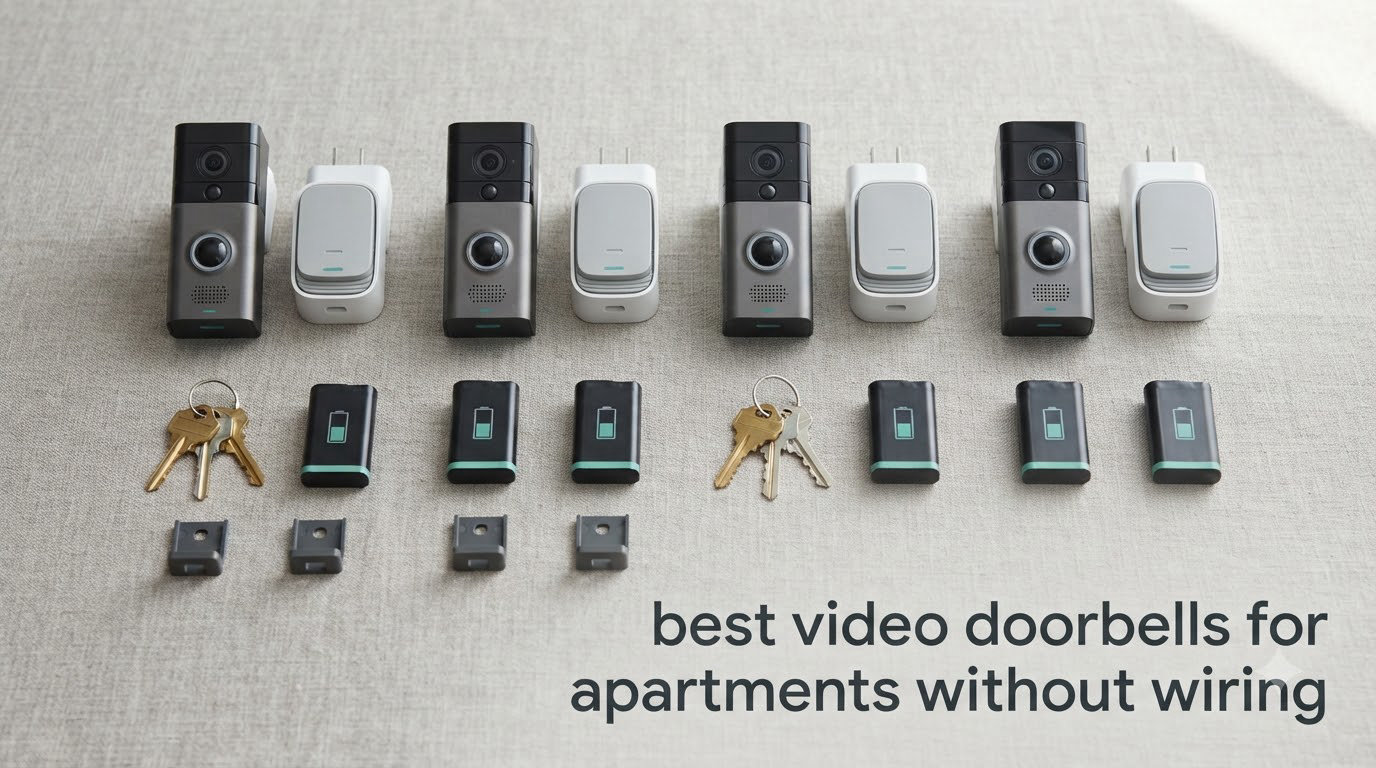
The best video doorbells for apartments without wiring are battery-powered doorbell cameras that mount with adhesive, a nail, or by swapping out the peephole you already have. If your lease stops you from drilling or running cable, that constraint decides everything: you need a camera that powers itself, attaches without permanent holes, and can be removed cleanly when you move out.
I spent weeks comparing the ten models below against the same renter checklist: no wiring, no drilling, no monthly fee where possible, and a field of view tall enough to see a courier on the floor with a parcel. Two form factors came out on top, and they solve the problem in very different ways. A no-drill plate stuck beside your door frame gives you the widest view and the easiest setup, while a peephole-style camera is nearly invisible from the hallway but sees a narrower slice.
Two apartment-specific problems decide a purchase more than resolution does. The first is Wi-Fi: a concrete corridor or a wall behind an elevator shaft can drop a 2.4GHz-only camera in a busy building, and no amount of megapixels fixes a connection that will not hold. The second is what happens at move-out, because adhesive residue on a painted door is the single thing renters get deductions for. Every pick here is judged on how it reverses.
If you want the wider view of the category first, our general video doorbell picks cover wired models too. Everything in this guide is chosen specifically for people who cannot touch the wiring.
Top 3 Picks for Apartments Without Wiring in 2026

Ring Battery Doorbell
- Head-to-Toe Video
- 66% more vertical coverage
- Built-in battery with USB-C charging

aosu 5MP Video Doorbell
- 5MP sensor and 166-degree view
- 8GB local storage with 60-day loop
- Dual-band Wi-Fi

Tapo Video Doorbell D210
- 2K with 160-degree view
- Color night vision spotlight
- microSD up to 512GB
The Ring leads on proven reliability and the largest review base of any no-wiring doorbell we looked at. The aosu is the pick when you refuse to pay a monthly fee and want a microSD-free local recording option with a wider sensor. The Tapo D210 is the value winner: colour night vision and a 512GB card slot at a fraction of the price of the big brands.
Quick Overview: All 10 Apartment Picks in 2026
| Product | Specifications | Action |
|---|---|---|
| Ring Battery Doorbell |
|
Check Latest Price |
 Blink Video Doorbell Blink Video Doorbell |
|
Check Latest Price |
| aosu 5MP Video Doorbell |
|
Check Latest Price |
 Google Nest Doorbell Battery Google Nest Doorbell Battery |
|
Check Latest Price |
 eufy Video Doorbell E340 eufy Video Doorbell E340 |
|
Check Latest Price |
 MUBVIEW Bell J7 MUBVIEW Bell J7 |
|
Check Latest Price |
| Tapo Video Doorbell D210 |
|
Check Latest Price |
 BOIFUN 2K Video Doorbell BOIFUN 2K Video Doorbell |
|
Check Latest Price |
 ieGeek Bell J9 ieGeek Bell J9 |
|
Check Latest Price |
 WYZE Wireless Duo Cam Doorbell WYZE Wireless Duo Cam Doorbell |
|
Check Latest Price |
Every row above runs without wiring. The differences that matter in a rental are the install method, whether a hub is needed, and whether the footage lives on your own card or in a paid cloud.
How to install a video doorbell in an apartment without wiring
There are three realistic ways to mount a doorbell camera in a rental, and they are not equally reversible. Which one you pick decides how your security deposit survives move-out.
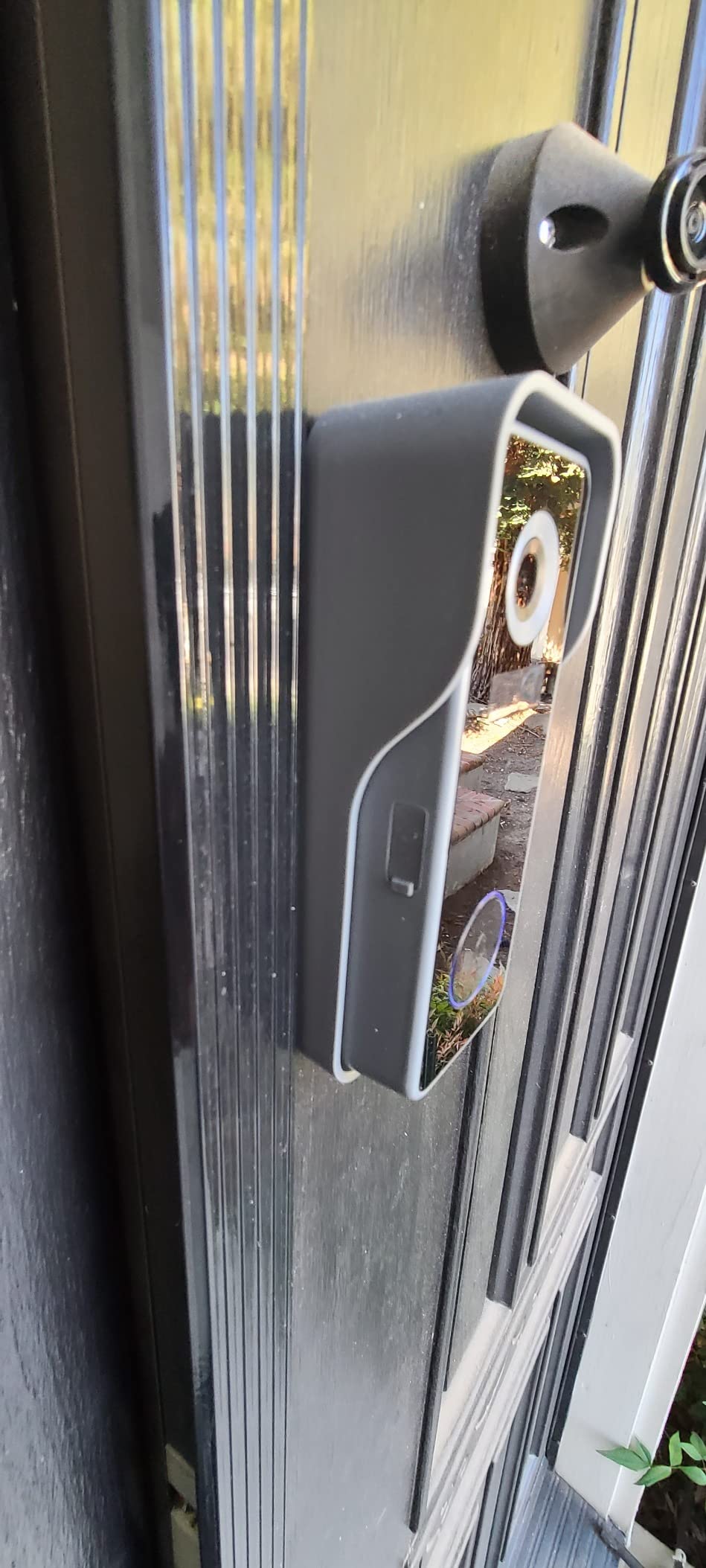
Method 1: peel-and-stick or no-drill plate. A mounting plate with industrial adhesive holds the camera beside your door frame. Installation takes a few minutes and no tools, and the widest views come from this position because the camera sits at chest height. Reversibility is good if you lift it while the adhesive is still warm and slow, and poor if you pull a cold mount off painted steel, which can take the paint with it.
Method 2: single nail or screw into the door frame. Some cheaper kits ship a nail bracket, which is genuinely reversible in a hollow-core interior door because the hole is a few millimetres wide and can be filled with filler. It is the least noticeable method but the least stable, and vibration from slam-closing doors works the fastener loose over time.
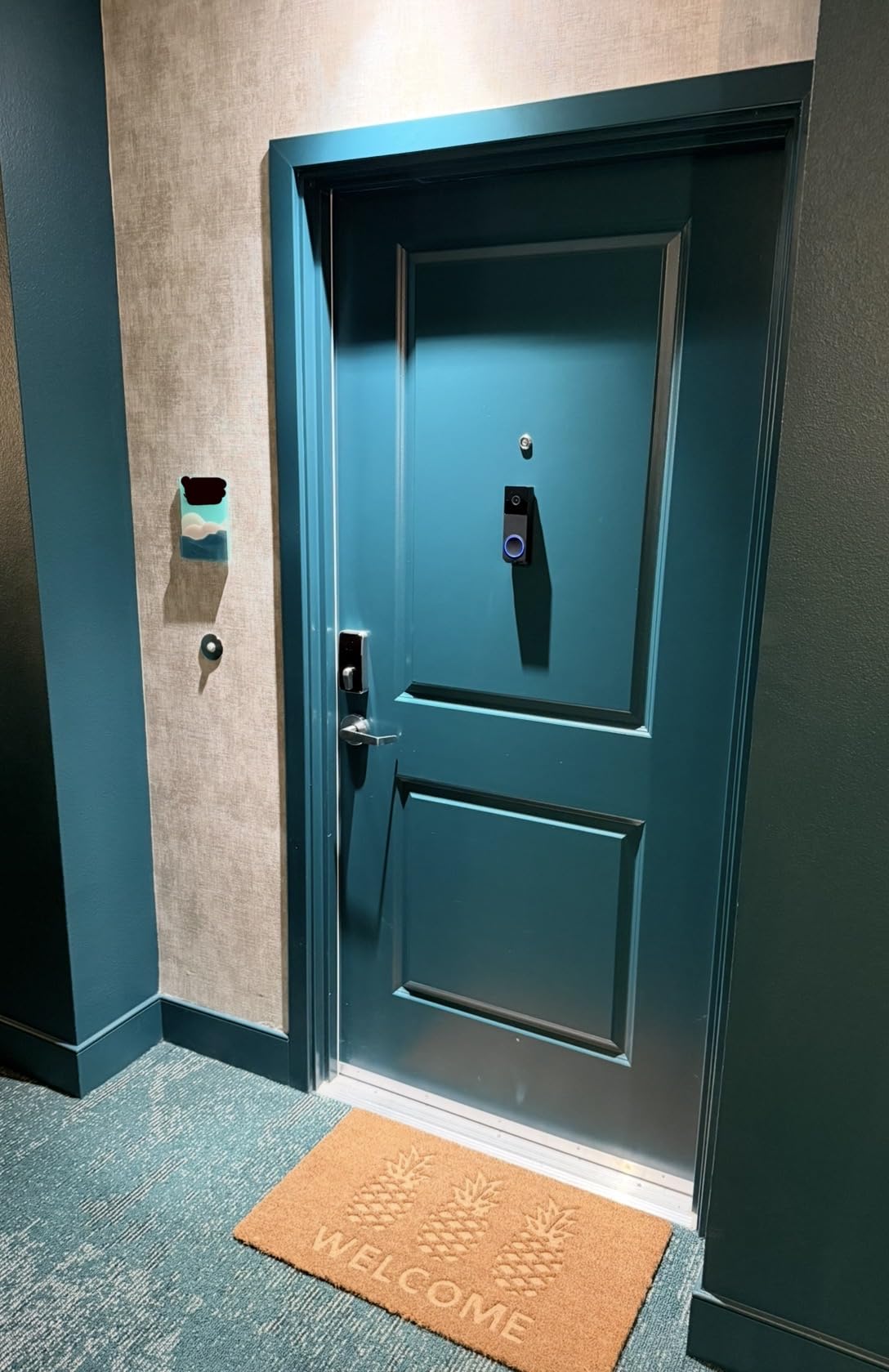
Method 3: peephole swap. A camera that replaces your existing peephole screws into the bore that is already in the door. This is the most elegant answer for a building with a shared exterior wall because nothing new is screwed into the outside of the building at all. Renters on Reddit single it out for exactly that reason, and one r/homeautomation thread describes it as the model to pick when you do not want to screw anything into an exterior wall. Check your bore first: most standard peepholes are between 14mm and 16mm, and doors without a peephole or with a decorative plate need a different approach.
Before you mount anything, photograph the door and frame in daylight. Do the same once you are finished. Move-out inspection is usually a visual comparison, and a timestamped photo set is the fastest way to settle a deduction dispute. Our wired doorbell guide explains the alternative if your building does allow hardwiring.
At move-out, work the adhesive warm. A hairdryer on low for a minute softens the pad, then peel slowly at a low angle rather than straight back. Clean any residue with a cloth and warm soapy water, never a blade. If you used a nail bracket, fill the hole with wood filler and sand flush. Photograph the finished door again.
1. Ring Battery Doorbell – the head-to-toe standard for rentals
- Tool-free wiring-free install
- Excellent 1080p day and night with head-to-toe coverage
- Multiple owners report 3+ months per charge
- Reliable two-way talk and alerts
- Works with Alexa and a Ring Chime
- Recorded history and Smart Alerts need Ring Protect
- Motion sensitivity needs raising to Frequently
- A few seconds of delay before alerts arrive
- Some Wi-Fi disconnects reported
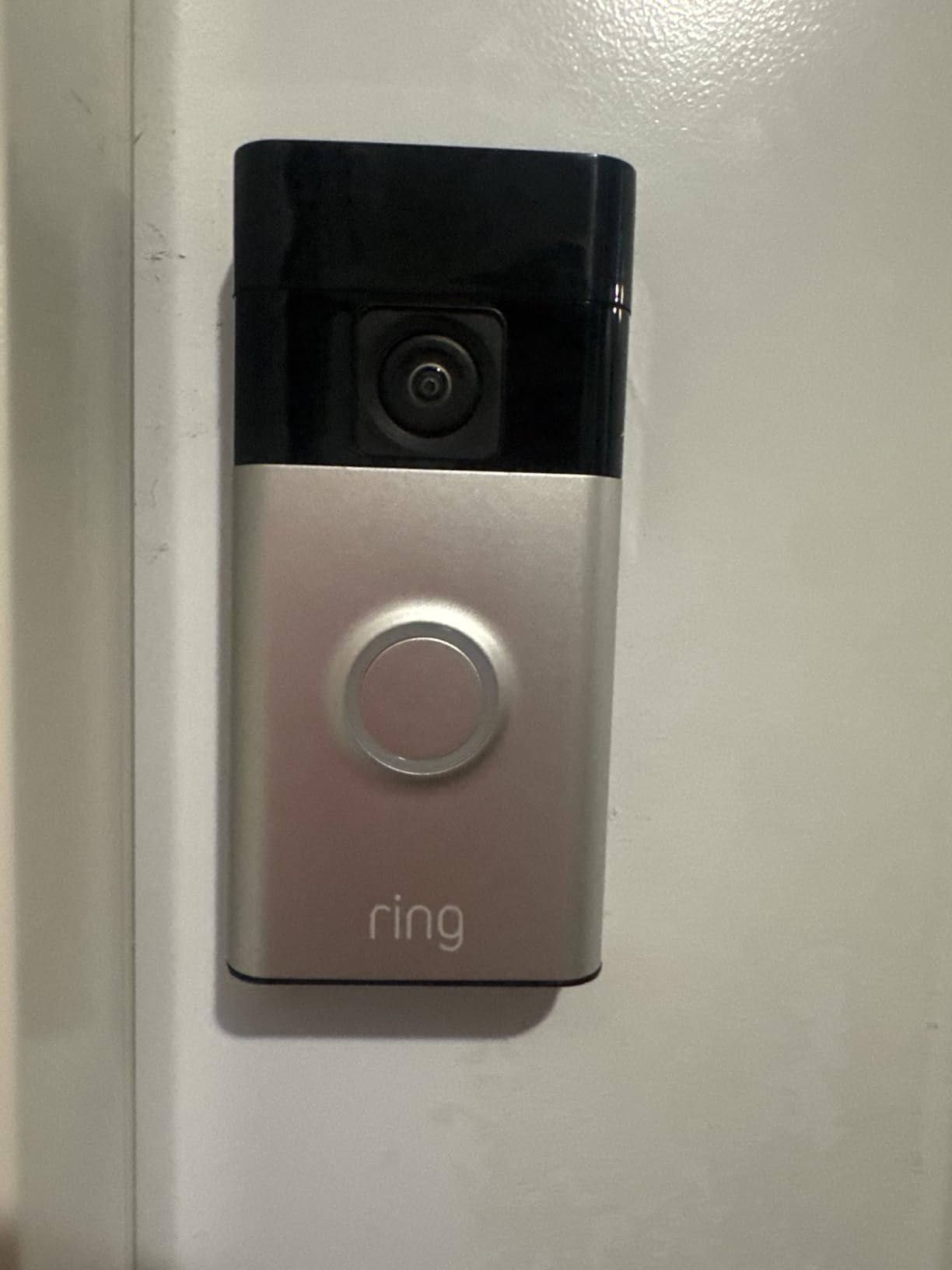
Out of everything we compared, this is the one I would put on an apartment door without hesitating. The clip-in mount goes over the existing base plate or straight onto the wall, so a renter never touches a wire, and the head-to-toe framing with 66% more vertical coverage is exactly what you need when a courier crouches to put a parcel down.
Battery life is the other reason it keeps winning. Multiple owners report more than three months between charges, and the built-in pack charges over USB-C while the unit stays in place on some mounts. The app setup is the calmest of the ten: scan a code, name the door, done.
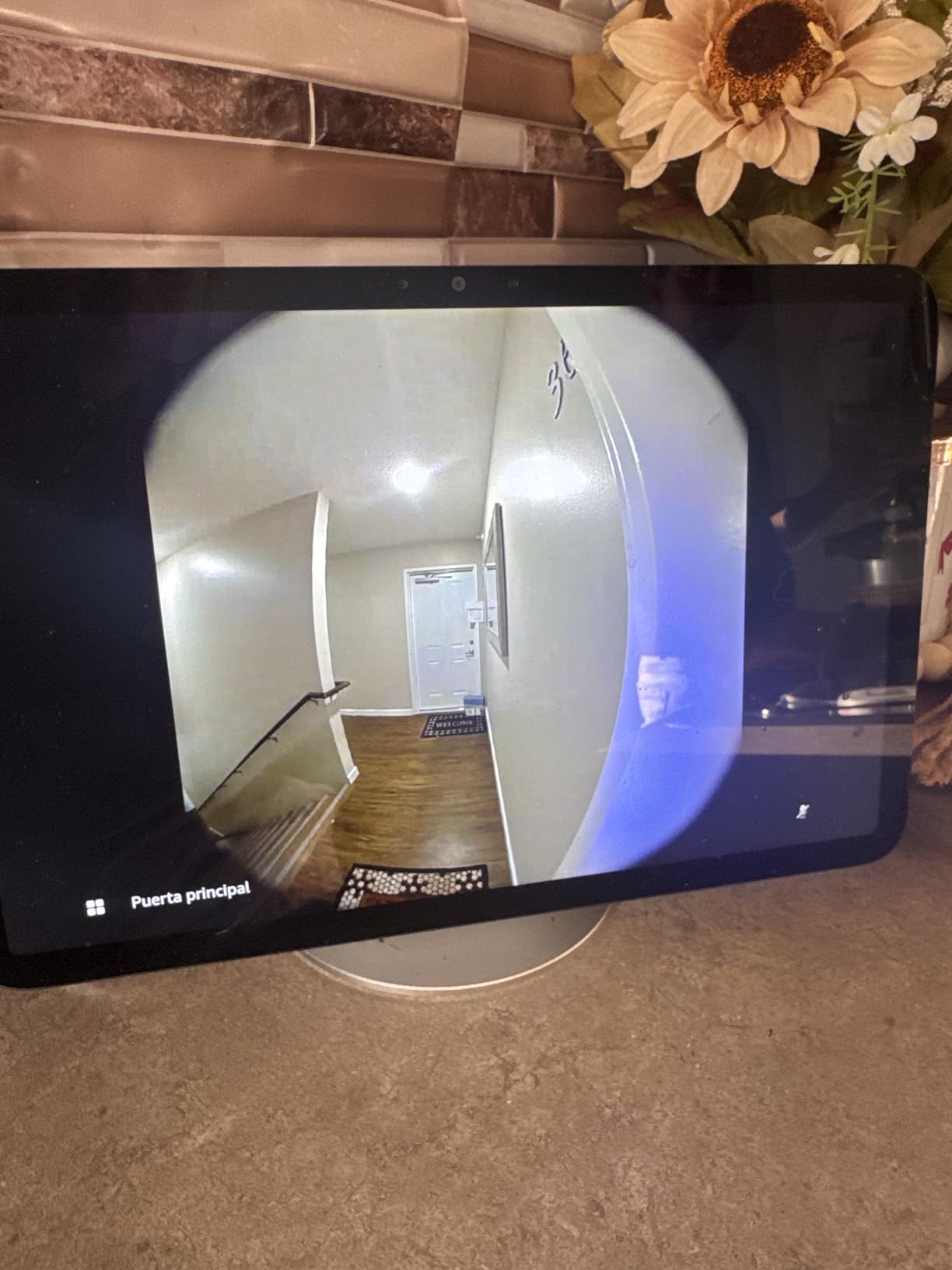
Colour night vision holds up in a dim shared corridor without washing out a face at the buzzer, and two-way talk is clear enough to say “I will be down in two minutes” and be understood. Pairing with a Ring Chime gives you an indoor alert so you hear the press from another room, which matters in a small flat where the phone is often on silent.
The trade-off is the subscription. Without Ring Protect you get live view and alerts, but no recorded history and no Smart Alerts that distinguish a person from a stray cat, a car headlight, or a neighbour walking past. If you want to review what happened at 4pm while you were out, you need the paid plan.
What the motion settings get wrong in a busy hallway
Owners frequently report needing to set motion sensitivity to “Frequently” before the camera reliably catches people at the door, which is a trade: more sensitivity means more alerts from hallway foot traffic and a shorter battery cycle. Narrow the detection zone to your door plus the floor in front of it rather than widening the camera’s view of the corridor.
If your building has a shared entrance and a constant stream of passers-by, the tuning is the whole game. A few seconds of alert delay is also normal here, so a visitor can be at the keypad before the phone buzzes.
Who should skip it
Skip this model if you refuse to pay a subscription for basic video history, or if your building’s 2.4GHz signal is weak at your door. If either is true, the aosu or the Tapo D210 give you the same no-wiring install with footage you can actually review later.
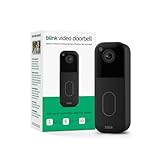
2. Blink Video Doorbell – the longest claimed battery life
Blink Video Doorbell – Head-to-toe HD view, two-year battery life, and simple setup. Required Sync Module not included – Add-On (Black)
- Wire-free setup in minutes
- Up to two years claimed on three AA lithium cells
- Head-to-toe HD view with IR night vision
- Can be wired later if you own the place
- Sync Module sold separately
- No cloud video storage without a subscription
- Wireless installs need a separate speaker for indoor chime
The Blink wins on one number that matters enormously to a renter: up to two years of battery from three AA lithium cells that you can swap in seconds. No charging cable, no taking the camera off the wall, no landlord conversation. For a door on a busy corridor, that is the least hands-on ownership of any pick here.
The head-to-toe HD view is narrower than the 5MP and 166-degree models further down this list, but it is tall enough to frame a person and a parcel on the mat. Infrared night vision handles the dark half of a stairwell landing without the colour wash some rivals show.
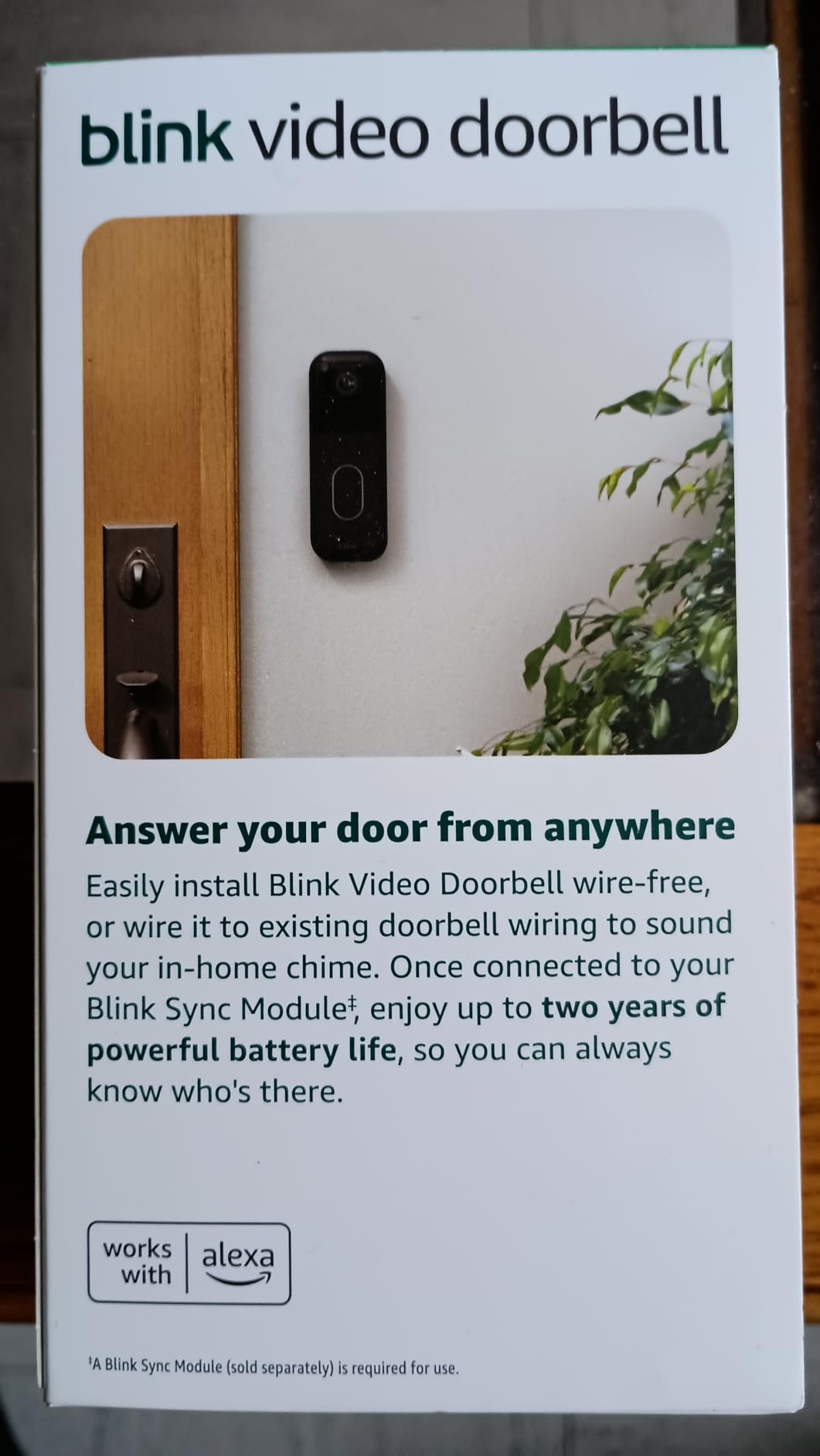
Two structural details catch renters out. First, this doorbell does not talk to Wi-Fi on its own; it needs a Blink Sync Module, which is a separate purchase and belongs inside your flat. Second, if you are running it wire-free you also need a separate speaker, such as a Blink Mini, for indoor chime audio. The add-on variant also means the module must be paired in the app before setup finishes.
Blink Moments and person detection sit behind a subscription plan that comes with a 30-day free trial, so you can judge the footage quality before deciding. Without it, you still get live view and two-way talk through the Blink app.
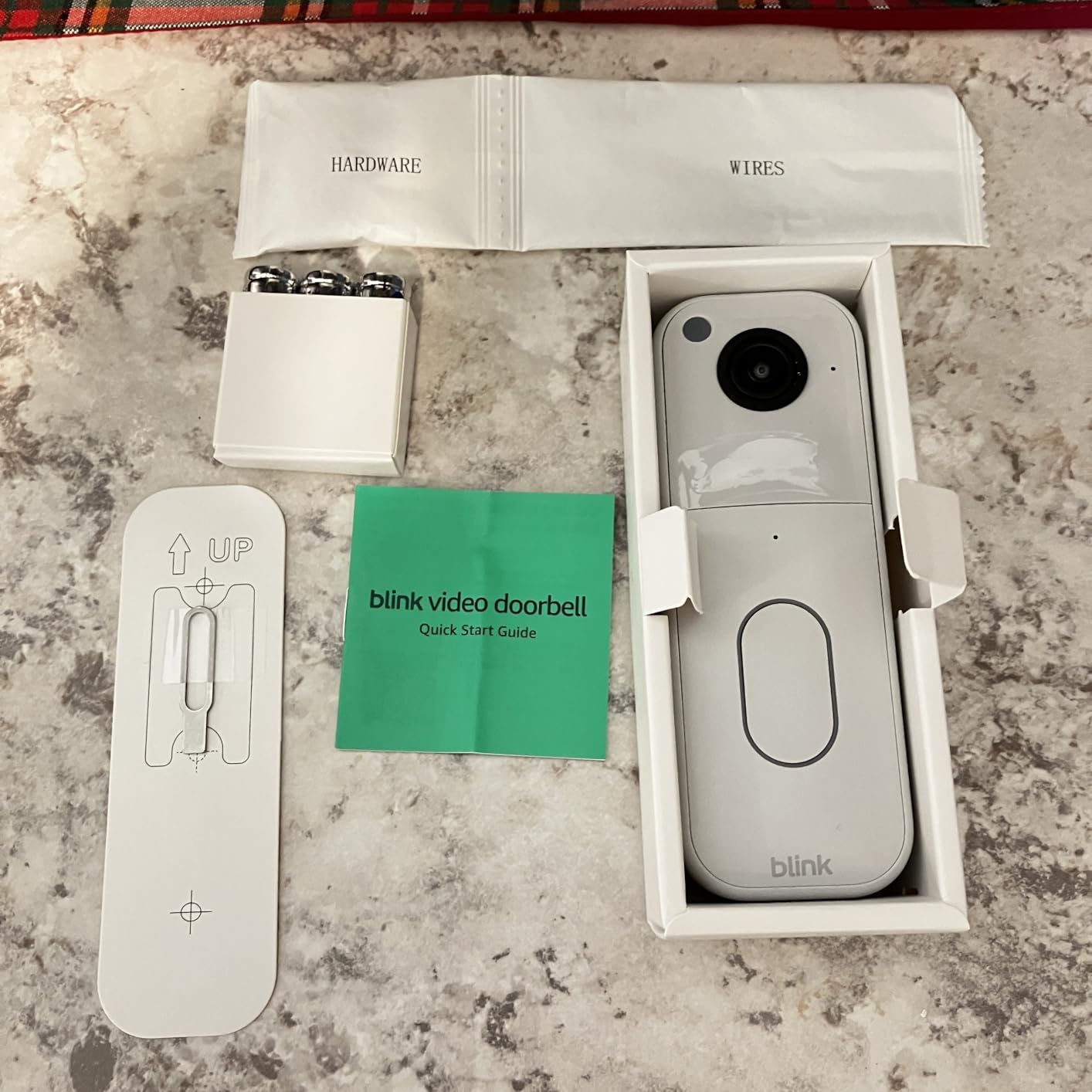
What two years of battery actually depends on
The two-year figure is a manufacturer claim under lab conditions, and your hallway decides how it lands. A door in a low-traffic building could genuinely approach it. A door beside a lift in a building with heavy foot traffic will pull alerts all day, and every one of them is a wake-up for the camera.
Set the motion zone to your doorway and the floor in front of it before you leave the house. Most of the battery drain in an apartment comes from recording the corridor you did not ask about.
Who should skip it
Skip the Blink if the extra Sync Module purchase pushes it past your budget for the whole setup, or if indoor chime audio matters and you would rather not add a second speaker. It is also the weakest choice for anyone who wants a wide, floor-level view of a low camera angle.
3. aosu 5MP Wireless Video Doorbell – local storage with no monthly fee
- No subscription with 60-day local loop recording
- Crisp 5MP with a 166-degree 4:3 view
- Radar plus PIR plus AI cuts false alerts
- Runs on battery or wired
- Owners report 2-3 years of reliability
- Battery drains faster on high-traffic wireless installs
- App interface is clunky with buried settings
- Playback can be choppy
- Only 8GB storage with no SD slot
This is the pick for anyone who read the phrase “no subscription required” and took it literally. Recording happens on 8GB of built-in storage in the included aosuBase Mini, looping at 60 days, and nobody bills you a monthly fee to look at it. Long-term owners specifically name the absence of a subscription, along with no Wi-Fi dropouts, as the reason they stayed for two or three years.
The 5MP sensor and 166-degree view on a 4:3 aspect ratio are the best framing in this guide for package visibility, because the tall ratio reaches the floor in front of a door. Triple detection combines radar, PIR infrared, and AI human recognition, which is the combination that most reliably keeps a hallway from generating a stream of false person alerts.
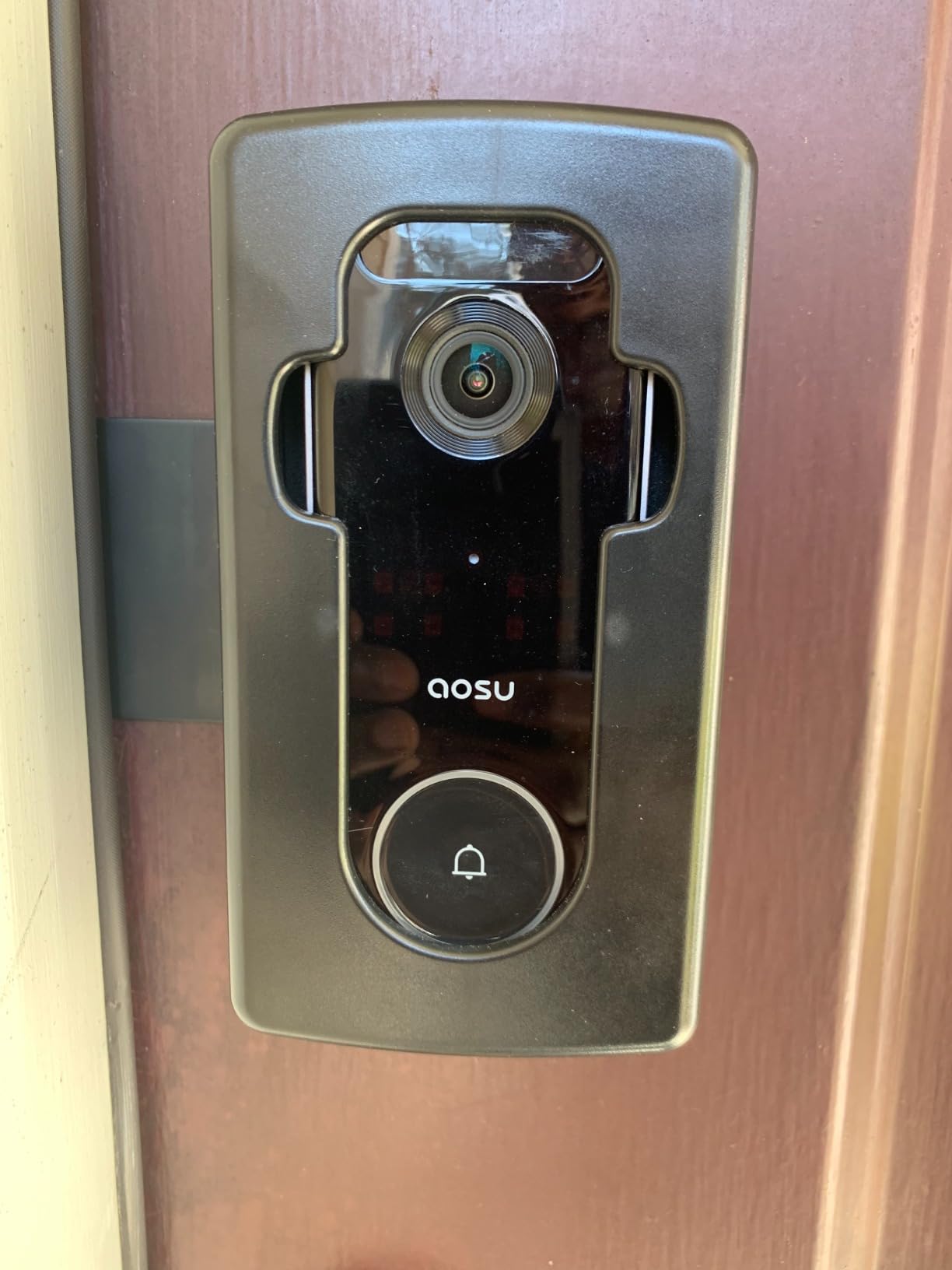
Two details make it stand out for apartments specifically. It is one of the few picks here with dual-band 2.4GHz and 5GHz Wi-Fi, which matters a great deal in a dense building where the 2.4GHz band is crowded. It also runs on battery or wired power, so if you ever move to a place you own you can convert it.
The storage model has limits worth understanding. The 8GB sits in the base rather than a card slot, so there is no way to expand it, and several owners add wiring or a solar panel once battery drain becomes an issue in a high-traffic doorway. IP65/IP66 weather resistance covers a shared exterior corridor adequately.
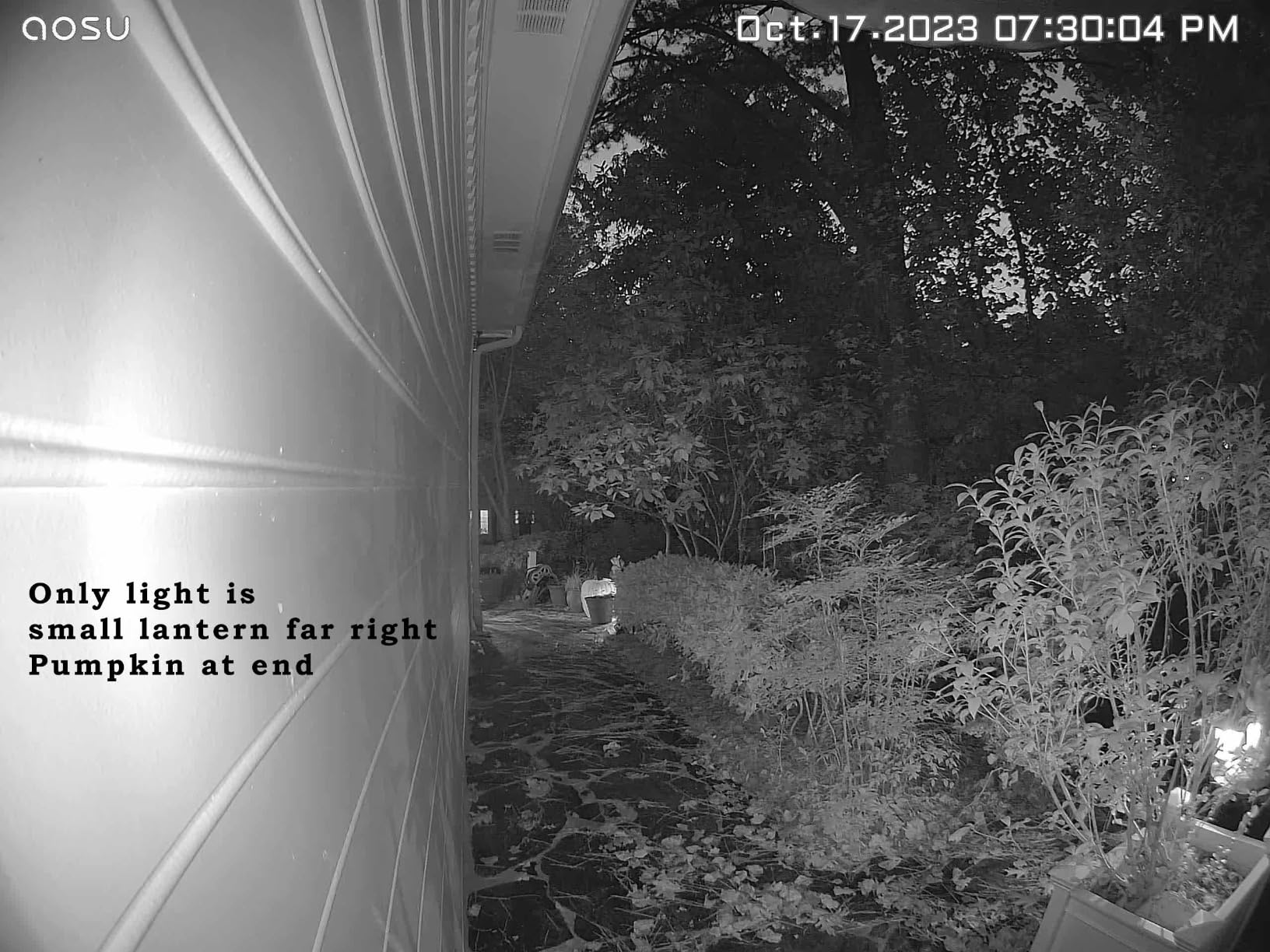
What local storage changes for a renter
With footage on hardware in your own flat, you can review an event from three months ago without a login, a plan, or an internet connection. That matters when a package dispute happens weeks later, and it is the exact reason r/homesecurity users single out a doorbell with an onboard storage option.
The trade is that 8GB loops, so a busy door can overwrite an event faster than a large card. Record at the default setting and set your alerts to person-only to slow the cycle.
Who should skip it
Skip it if app polish matters to you. The aosu app is described as clunky with settings buried several taps deep, and playback can stutter even when the captured image is sharp. If you want a large expandable card instead of a fixed 8GB base, the Tapo D210 or the WYZE Duo Cam is a better fit.
4. Google Nest Doorbell (Battery) – on-device detection with no subscription
- Battery power means no wiring
- On-device detection for people and packages with no fee
- Good night vision and clear two-way audio
- Stores an hour of footage during an outage
- 145-degree view is the narrowest here
- App battery estimate runs high
- Three hours of free history is very short
- Some units have frozen and stopped recording
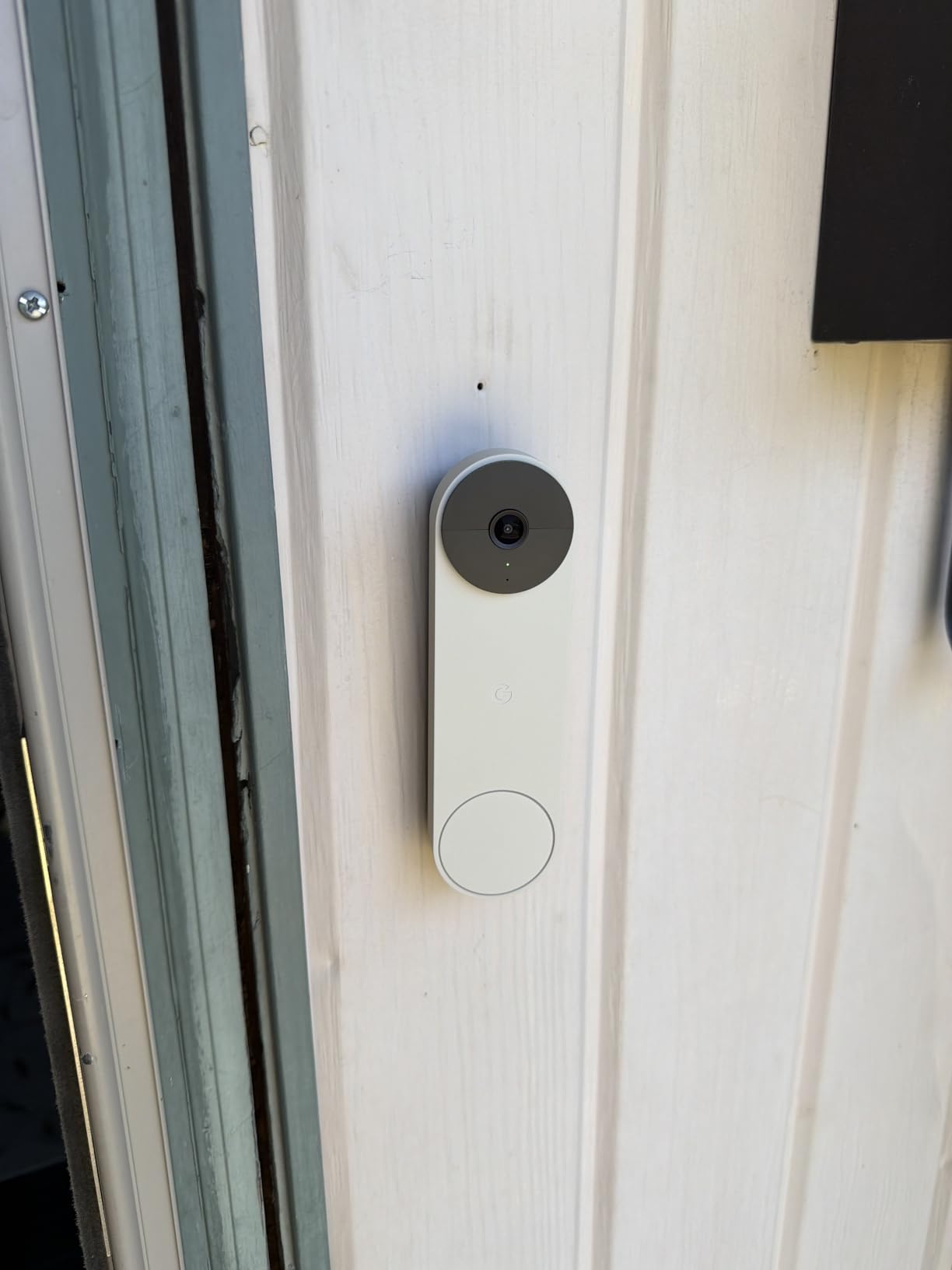
The Nest is the only pick here that runs its object detection on the device itself, so it tells the difference between a person, a package, an animal, and a car with no subscription attached. In a building where the buzzer panel chirps every time a bird lands on the walkway, that local intelligence is a real advantage rather than a spec-sheet line.
Install is genuinely no-wiring: a base plate, a charge cable, wall anchors, and a wire connector in the box, and the unit mounts with the included anchors. The built-in 6600 mAh battery keeps most owners going three to four weeks between charges at moderate traffic, and Google Home, Alexa, and Google Assistant all work.
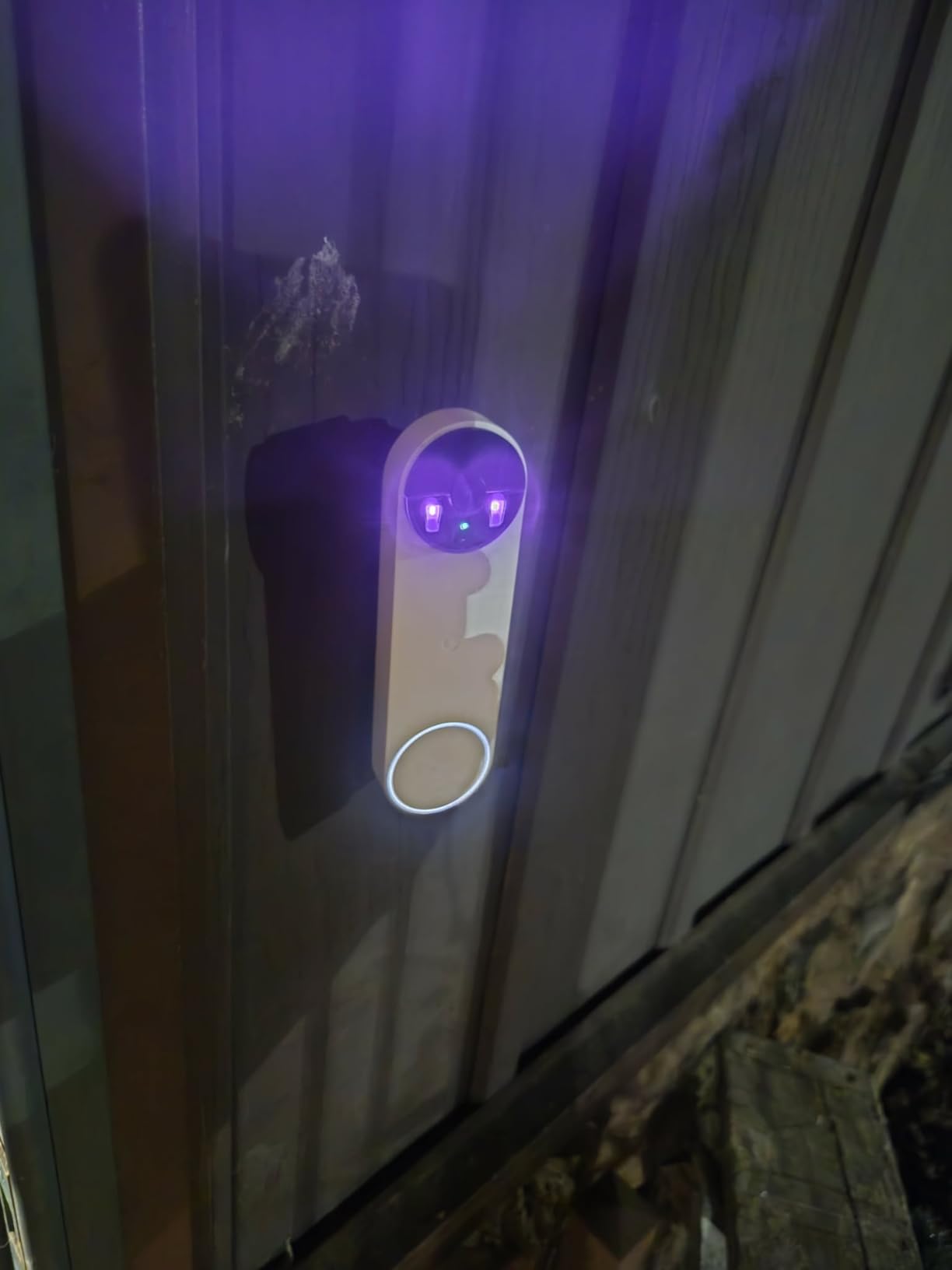
Two things constrain it in a rental. The 145-degree field of view is the narrowest in this guide, and owners report that someone standing at the very inside edge of the door can avoid face detection because of it. And the free event history is three hours, which is enough to catch a knock you slept through and not much else; Nest Aware extends it to up to 60 days.
Useful for renters: it buffers up to an hour of recorded events during a Wi-Fi or power outage, so a building-wide internet drop does not erase the knock you missed. IP54 is the lowest weather rating here, fine for a sheltered hallway door but worth knowing if yours is exposed.
What the battery estimate gets wrong
The in-app estimate regularly reads higher than real endurance, and a high-traffic entry needs more frequent charging than the app suggests. Treat the estimate as an upper bound and plan a charge rhythm rather than trusting the number.
The battery model also cannot record continuously even with a paid plan, so anyone wanting round-the-clock coverage has to hardwire it, which puts it out of scope for most renters.
Who should skip it
Skip the Nest if you need a wide view that captures a courier crouched on your mat, if you want a month of free history, or if you already live in an Apple-only household with no interest in Google or Alexa. There are also isolated reports of units freezing and dropping event recording.
5. eufy Security Video Doorbell E340 – dual cameras for packages
- Dual cameras show visitors and packages at once
- 8GB local storage with no monthly fee
- Motion detection filters cars and shadows
- Quick-release battery swaps in seconds
- Works with an existing mechanical chime
- Notifications and app loading are noticeably slow
- Battery closer to two months than four
- Needs a HomeBase or eufy chime hub
- Can overheat in direct sun
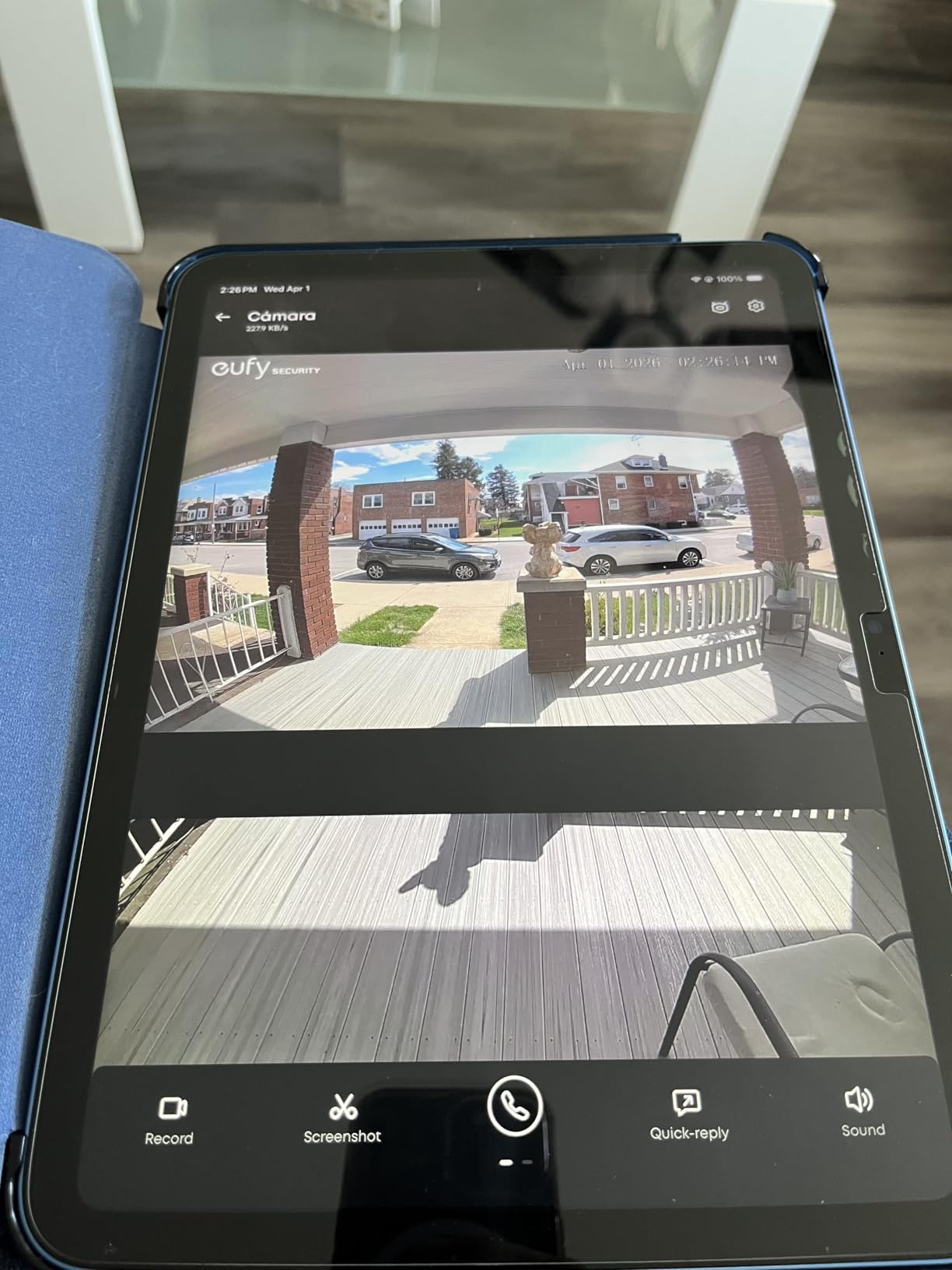
Among apartment security cameras, the E340 is the one that solves the package problem most directly. One camera faces the person head-to-toe; a second points down at the doorstep, so you can tell whether the parcel is still there without guessing from a wide-angle frame.
Storage is 8GB of eMMC on the unit with no subscription and no monthly fee, and detection is the strongest in this group for filtering out cars, shadows, and headlights in a corridor with glass walls. The quick-release battery changes in seconds rather than minutes, and it works with your existing mechanical chime or a eufy HomeBase 2 or 3.
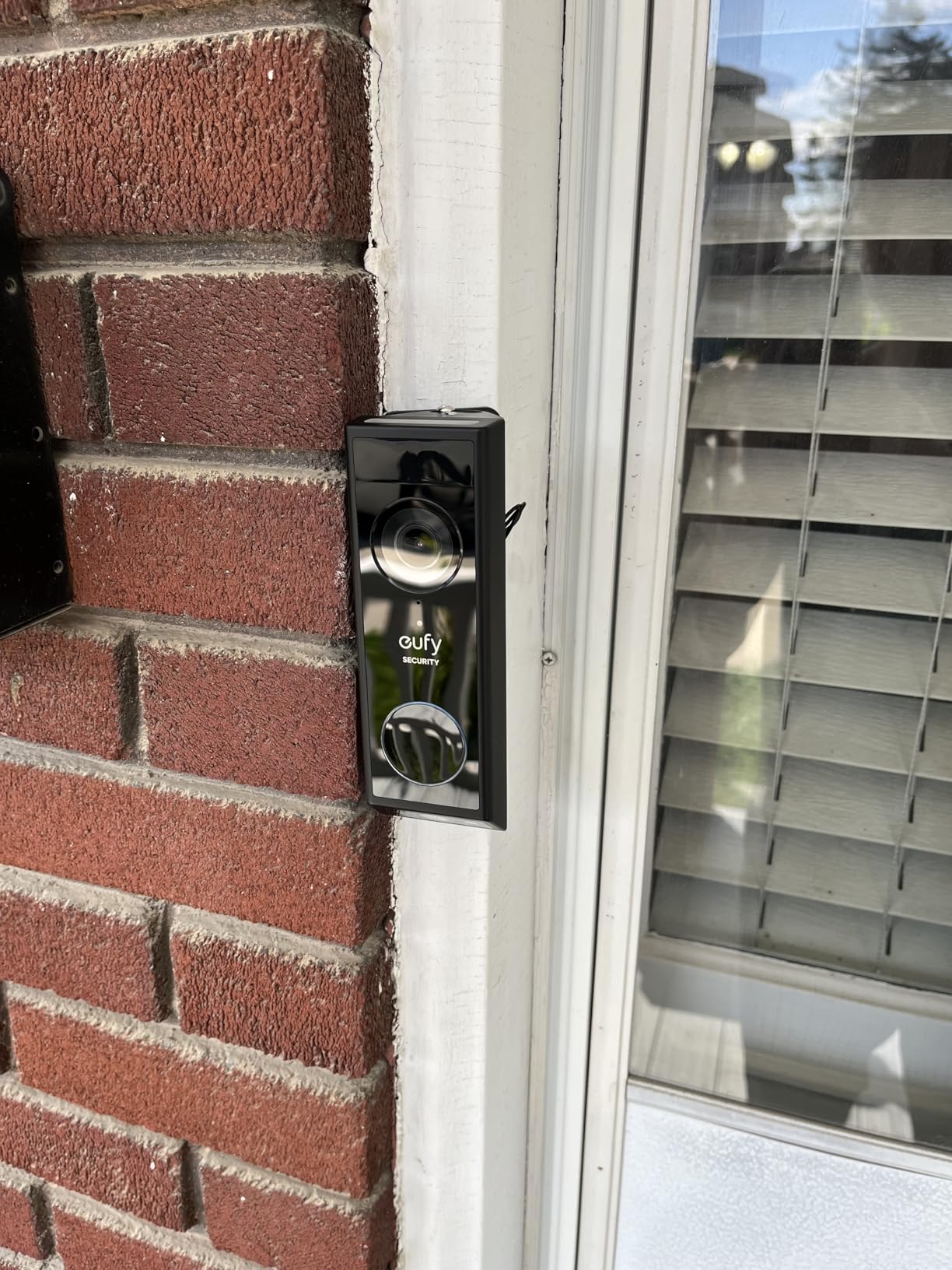
The 2K sensor is sharp in daylight, and the dual-light colour night vision reaches about 16 feet, which covers a typical apartment door and the mat in front of it. A 15-degree mount adapter is included, which helps when your door sits slightly recessed in the frame.
Two setup realities. It cannot pair straight to Wi-Fi; a HomeBase or eufy Minibase Chime is required, so budget for that as part of the system. And the doorbell button only registers when pressed in its upper portion, which is a small thing that irritates more people than it should.
Why the software is the weak point
Owners repeatedly report slow notifications and slow app loading, and many live events are missed because the alert arrives after the visitor has gone. The hardware is good; the responsiveness is not. Set your phone to vibrate as well as sound so you catch events even if the app lags.
Battery life also falls well short of the four-month claim, landing nearer two months in practice. Direct sun can also overheat the unit and shut it down, a real risk on an exterior corridor door.
Who should skip it
Skip the E340 if instant alerts matter more to you than package framing, or if you want one device and no hub. The HomeBase requirement is the biggest reason people return it. Our guide to subscription-free video doorbells covers the alternatives in more detail.
6. MUBVIEW Bell J7 – subscription-free with an indoor chime in the box
- No subscription with microSD and lifetime free cloud loop
- Clear 2K day and night with a 145-degree view
- Good AI person detection filters shadows and cars
- Indoor chime with ringtones and volume control
- Built-in tamper alarm
- 2.4GHz Wi-Fi only
- App can log you out and lags
- Tamper alarm is overly sensitive
- Two-way talk drops audio on first app open
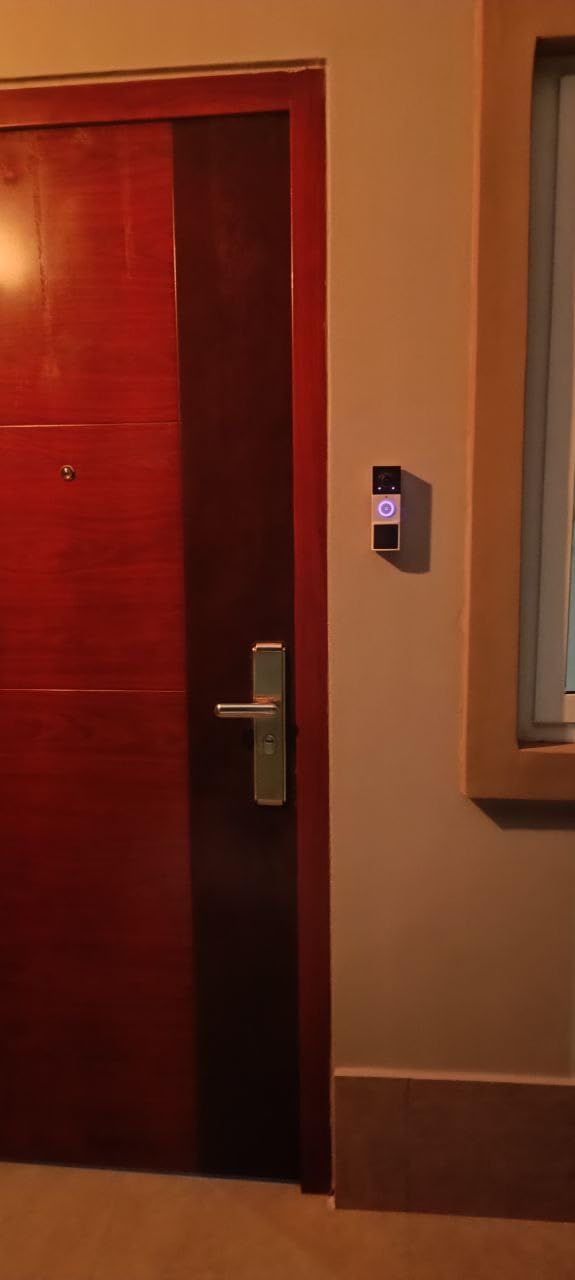
The Bell J7 is the pick when the priority is simply having a camera and a working indoor bell without a recurring charge, and the box contains the chime. Multiple ringtones with volume control matter more than they sound in a small apartment where you want to hear the press from the bedroom without the neighbour hearing your television.
Storage is the strongest no-subscription arrangement at this end of the market: a microSD slot up to 128GB plus lifetime free 7-day cloud loop recording. The 3MP sensor captures at 1296p, the 145-degree view is serviceable, and starlight night vision reaches about 33 feet, which is more than enough for a corridor.
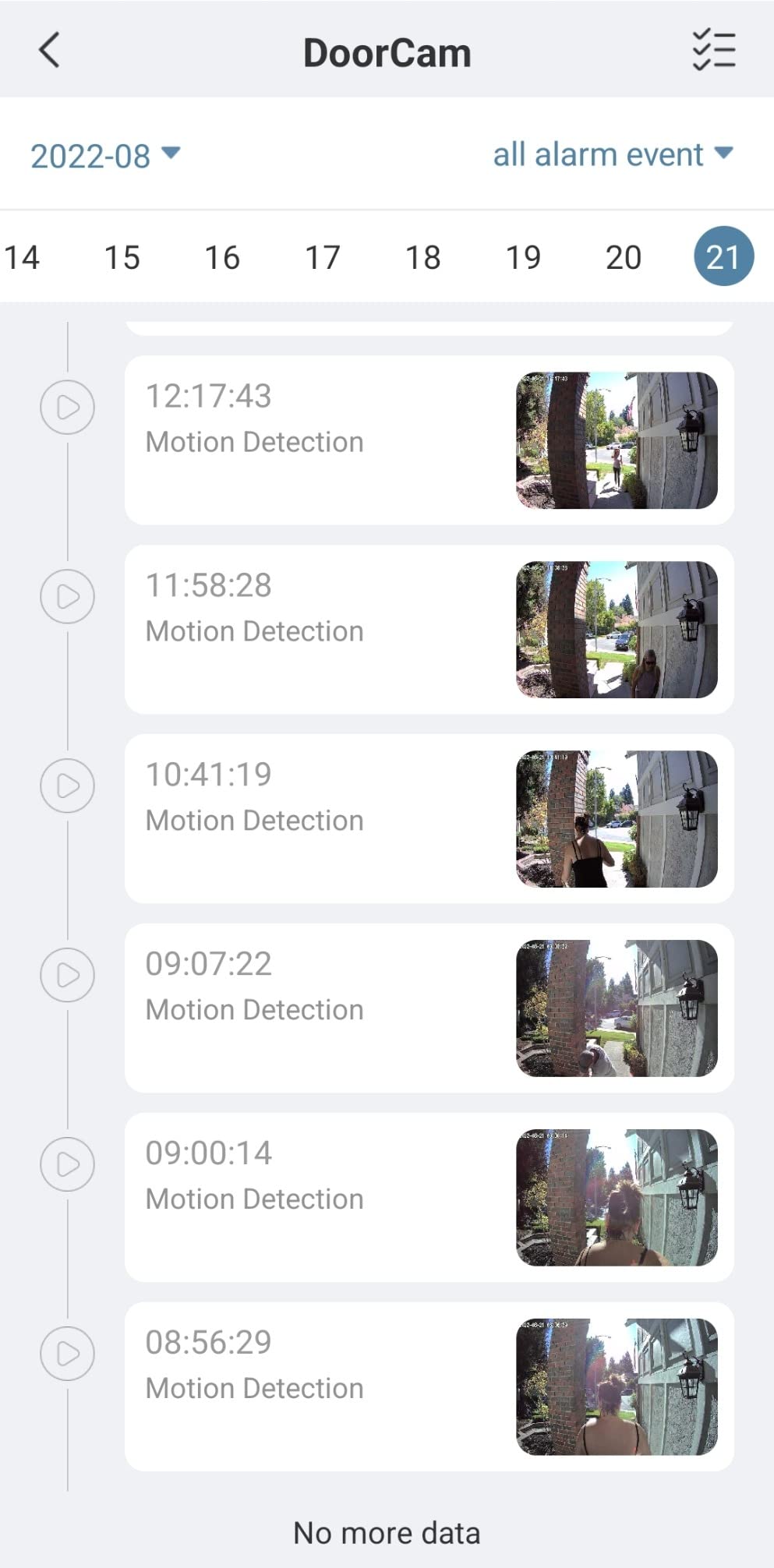
The AI person detection is a genuine strength here. Owners report it filtering waving flags, shadows, and passing cars, which is the difference between a doorbell you keep and one you mute. There is also a pre-recorded 10-second voice message for when you cannot answer live.
The device is 2.4GHz only, and owners note it can slow phone network performance on the same router. A built-in anti-theft and tamper detection alarm is included, and at least one owner reports the camera surviving a Category 5 hurricane.
What the tamper alarm does in a shared hallway
That tamper alarm is also the most common complaint. It is sensitive enough to trigger while the unit is simply seated, which in a building with lots of incidental vibration trains you to ignore the chime. If you install it yourself, check the sensitivity setting on day one.
The two-way audio also drops sound when you first open the app after a press, so a visitor can leave before you reconnect. Two-way audio quality is otherwise clear and stays in sync with the video.
Who should skip it
Skip the Bell J7 if you need 5GHz support, if you plan to rely on two-way talk for every visitor, or if app stability is a dealbreaker; some owners report being logged out and finding that an update removed the delete option for stored clips.
7. Tapo Video Doorbell D210 – the best value with colour night vision
- Excellent 2K quality with a 160-degree head-to-toe view
- Full color night vision via motion spotlight
- microSD up to 512GB with no mandatory plan
- Ring Call answers visitors by phone
- Owners report 4-6 months of battery
- Battery only
- no hardwire option
- Battery drains faster with all detection modes on
- microSD hatch is easy to remove
- Ring Call can conflict with other streaming devices
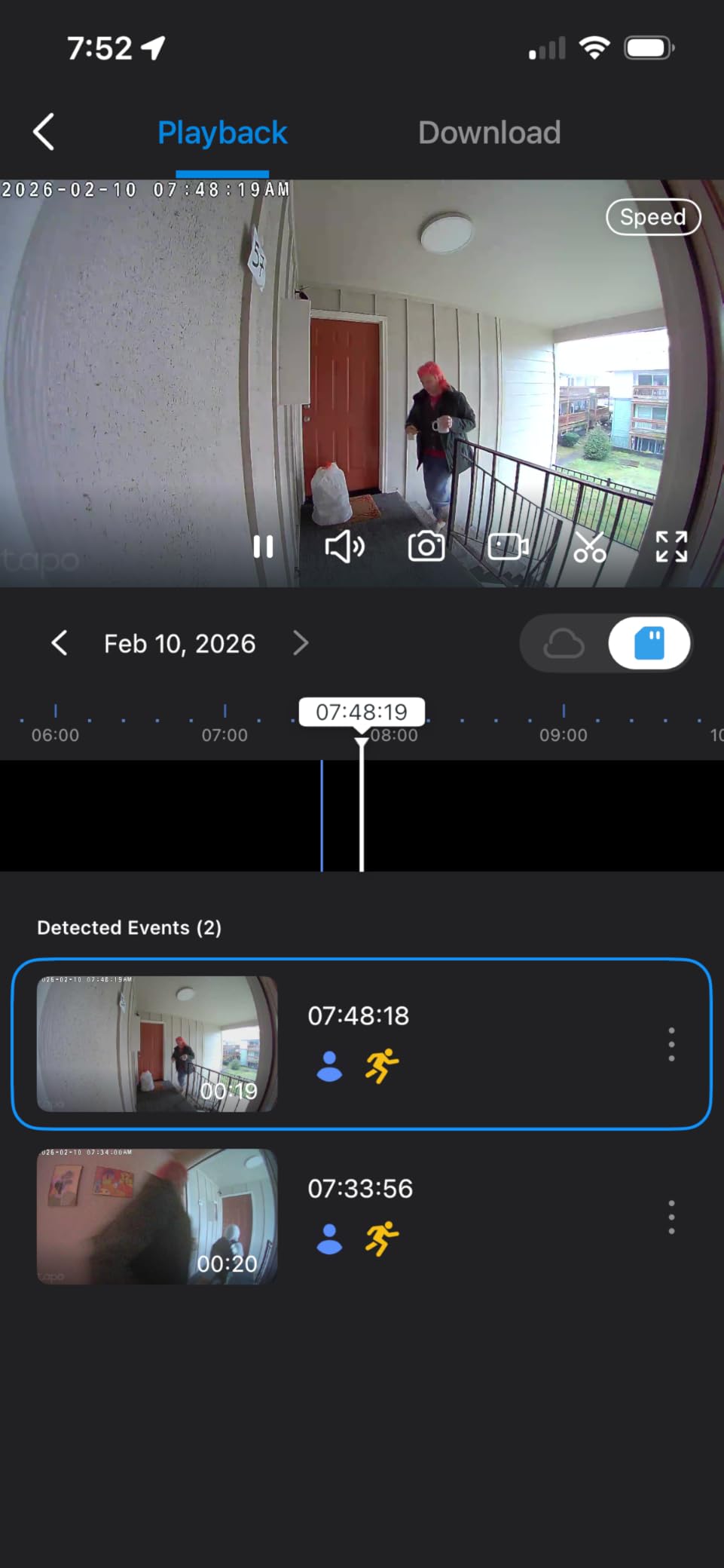
The D210 is the configuration we kept coming back to for a first apartment: a 160-degree diagonal view in 2K, colour night vision, a 512GB card slot, and a phone-call answer mode, with no subscription required for any of it. Person detection and activity zones are free, which is unusual at this level.
Colour night vision with a motion-activated spotlight is the feature that quietly wins. A spotlight means you get colour identification of a face at the buzzer at 11pm rather than a grey infrared smear, and the adjustable brightness keeps it from lighting up the whole corridor.
Ring Call is the other stand-out. When someone presses the button your phone rings as a call, so you answer without hunting for an app, and several renters tell us this alone stopped them missing deliveries. AES 128-bit and TLS 1.2 encryption cover stored and transmitted data, and the included indoor chime means you are not relying on your phone alone.
For installation, the box includes a 15-degree horizontal mounting wedge, a mounting template, and 3M adhesive, so you can angle the camera to see the floor without drilling. That combination is the most complete no-wiring kit in this guide.
What the battery-only design costs you
There is no hardwire option, so the unit has to come off the wall to charge. With a 6400 mAh pack, owners report four to six months per charge at normal traffic, but that figure drops in a high-traffic entry when every detection mode is enabled. Turning off animal detection and narrowing the activity zone buys back most of that.
One practical note for renters: the microSD slot is protected only by a small hatch and a screw, which is easy to remove while mounted. If card theft is a concern in your building, a camera with a base-station card is harder to disturb.
Who should skip it
Skip the D210 if you need dual-band Wi-Fi, since it connects on 2.4GHz only, or if Ring Call is essential to you and you already stream another Wyze or Echo device from the same account, which owners report can throw errors. Video can also wash out in direct sunlight on a south-facing corridor.
8. BOIFUN 2K Video Doorbell – the most complete budget kit
BOIFUN Video Doorbell Camera Wireless – No Subscription Required, 2K HD
- Strong value against far costlier doorbells
- Crisp 2K and 3MP stills with a 166-degree view
- No subscription with working microSD playback
- Simple wire-free install with hardware and adhesive included
- Two-year warranty
- Occasionally misses fast-moving people
- Battery is built-in and non-removable
- 2.4GHz Wi-Fi only
- Anti-theft deterrent is basic
The BOIFUN is the honest answer to the question renters ask most: can you get a real doorbell camera for the price of a takeaway? Reviewers consistently describe it as punching well above its class, with features they would expect to pay several times more for.
The sensor is a 2K capture with 3MP stills behind an f/2.5 aperture and a 7-piece style multi-element lens, and the 166-degree view covers a doorway plus the floor. No subscription means real-time alerts, two-way audio, human detection, and playback are all free, with a microSD slot up to 128GB for actual storage.
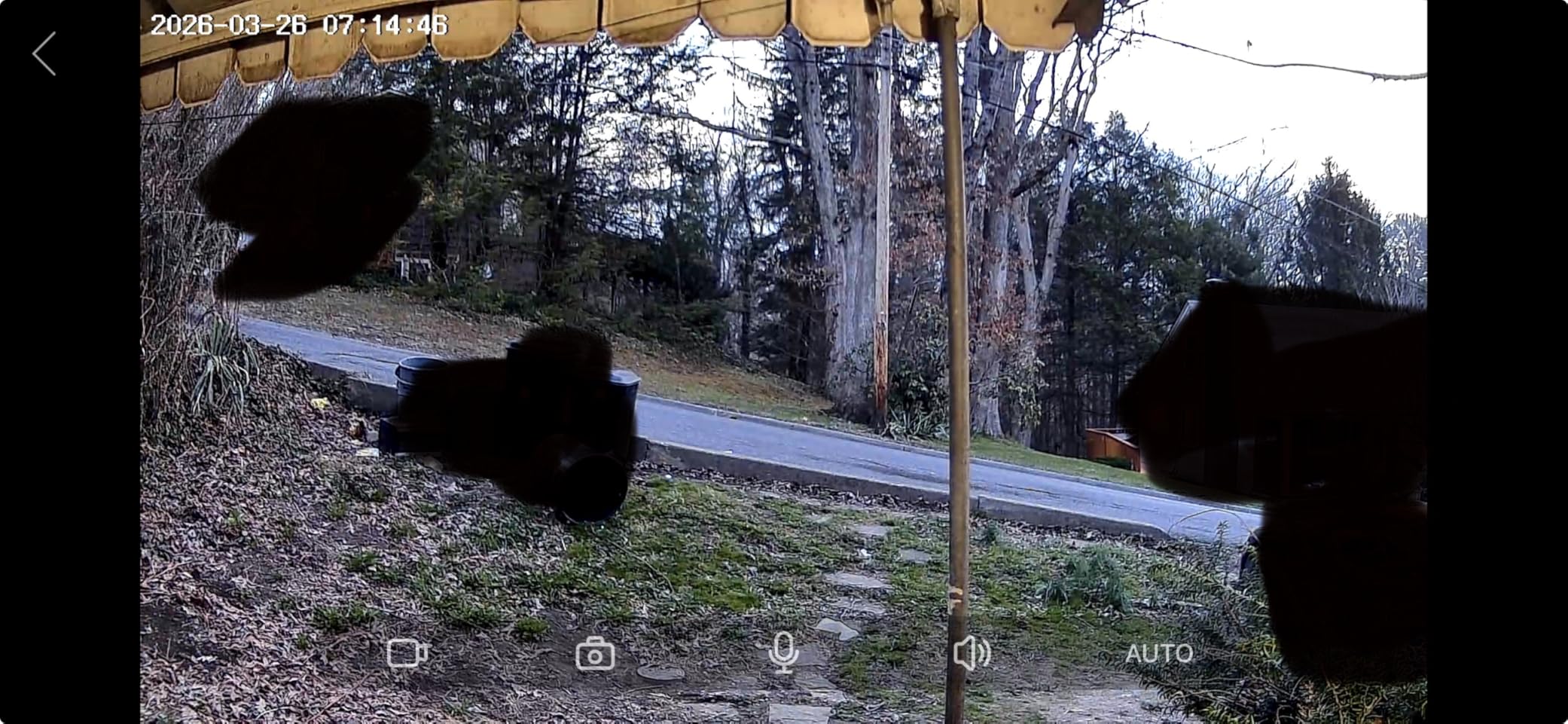
Everything you need is in the box: the camera, an indoor chime that is portable enough to move between rooms, mounting hardware, and adhesive for a no-drill install. The built-in tamper alarm and a two-year warranty are both ahead of what cheaper units offer, and owners report responsive support.
Night performance is a 33-foot range with HDR and invisible 940nm infrared, which keeps the light source from glowing red in a dark corridor and alerting anyone standing outside. IP65 weather resistance is appropriate for an apartment threshold.
Where the budget shows in real use
The most common real-world limitation is missed motion. Owners report the camera occasionally failing to catch people walking or running quickly toward the door, most likely a combination of frame rate and mount angle. Mount it a little higher and angle it slightly down to catch more of the approach.
The 5200 mAh battery is built in and non-removable, so charging means removing the whole unit. Lab figures of up to 60 days assume 30 activations a day; a busier door shortens that. The included anti-theft ejector pin is a simple tool rather than a security device.
Who should skip it
Skip the BOIFUN if your building only offers 5GHz, if you need a swappable battery, or if package interception is your main concern and you cannot afford occasional missed events. The Tapo D210 costs a similar amount and adds colour night vision and a much larger card.
9. ieGeek Bell J9 – privacy-first for shared apartments
- No monthly fee with lifetime free cloud plus 128GB microSD
- Clear 2K and 3MP images day and night
- Simple no-drill install with nails or adhesive
- Two-way audio with a voice changer and pre-recorded replies
- Two-year warranty
- Battery life falls well short of the stated 40 days
- False alerts from insects and birds
- App notifications can lag or show the wrong clip
- 2.4GHz only with a 50 ft practical range
The Bell J9’s distinguishing feature for a flat is the voice changer and the option to record up to three pre-recorded replies. In shared housing you can answer a knock without giving out your name or your voice, which is a small privacy win that no other pick in this guide offers.
Storage is genuinely free: a microSD slot up to 128GB plus lifetime free basic cloud storage, with a built-in anti-theft bracket protecting the card. The 166-degree view and 3MP stills produce clear day and night images, and starlight with infrared reaches about 32 feet.
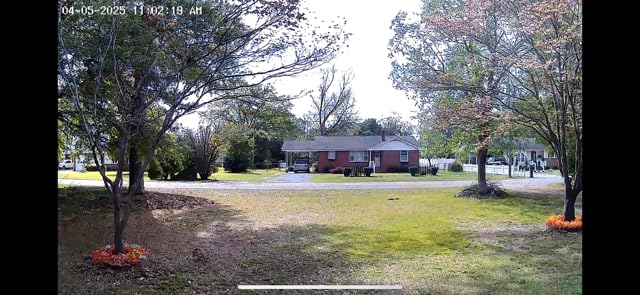
Install is a nail or adhesive mount, so no wiring and no sockets, and three AAA batteries plus an indoor chime are included. PIR motion detection covers about 16 feet and triggers alerts in roughly three seconds. Multiple account sharing lets a partner or flatmate see the door too.
The 2.4GHz-only limitation is stated plainly in the product name, which is refreshing, and the practical connection distance is about 50 feet from the router. In a large flat with thick internal walls, that is the number to test before you commit.
Battery claims versus cold-weather reality
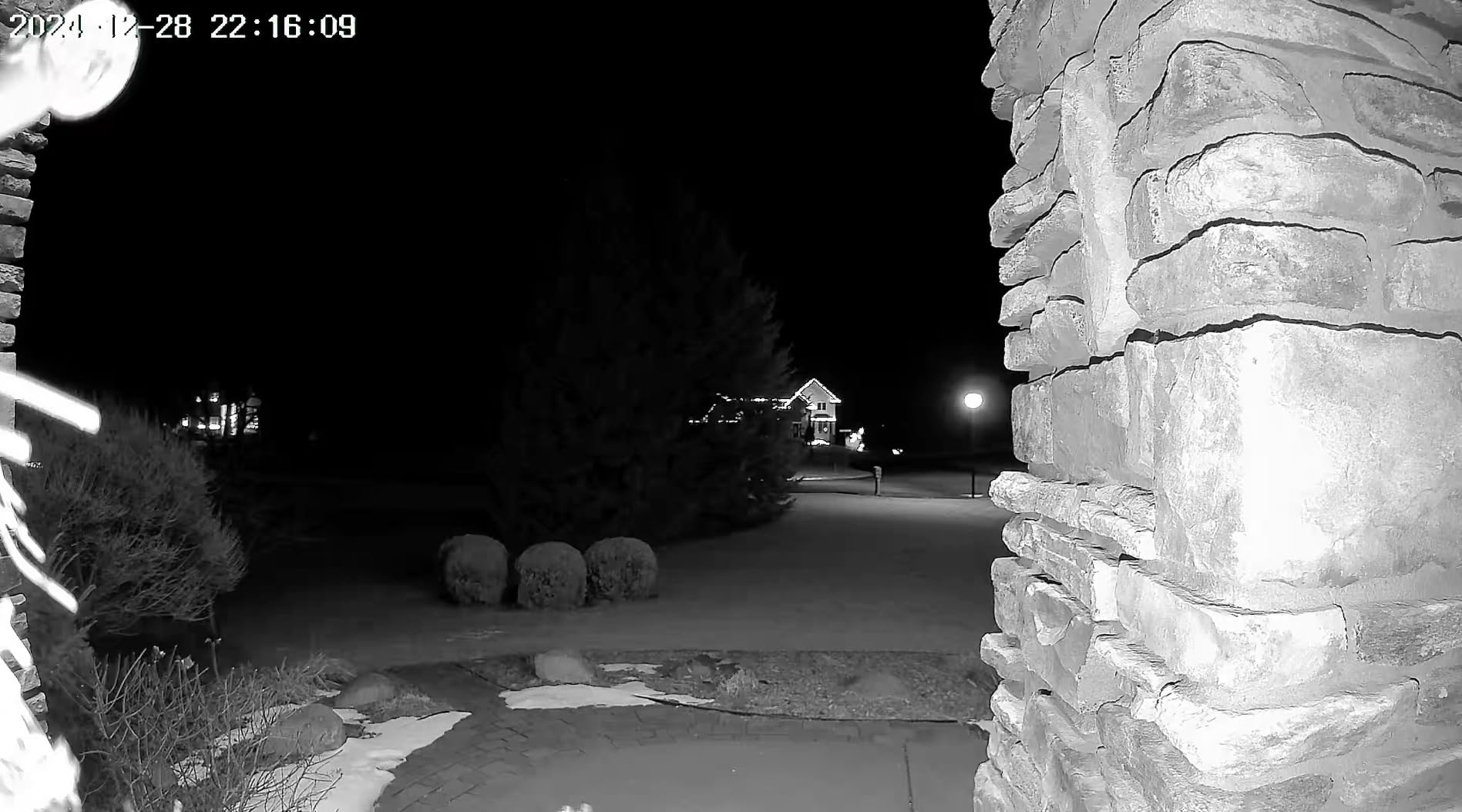
This is the model where the stated battery figure is most often missed. Owners report a few weeks in cold weather and, after a year of use, charging weekly in some cases. A busy hallway plus winter weather is the worst-case combination, so plan a monthly top-up rather than quarterly.
Insect and bird false alerts persist even on human-only detection at low settings, which is a nuisance in a ground-floor flat. The app can also lag and occasionally show a clip that does not match the alert you tapped.
Who should skip it
Skip the Bell J9 if you need 5GHz support, if you cannot top up the battery monthly through winter, or if you want a colour night view; this unit is infrared and starlight only. The indoor chime also takes AAA batteries and is not rechargeable.
10. WYZE Wireless Duo Cam Doorbell – dual-band Wi-Fi with a removable battery
WYZE Wireless Duo Cam Doorbell Camera Video Doorbell w Wi-Fi Chime, 2K HD
- Two cameras give a people view and a package view
- No monthly fee with microSD up to 512GB
- Removable battery rated up to six months
- Dual-band 2.4GHz and 5GHz support
- Adhesive-only install with a Wi-Fi chime included
- Younger review base with more one-star feedback
- Some have failed to power on or dropped Wi-Fi
- microSD not included and must be formatted
- Cloud storage limited to 14 days without a plan
The Duo Cam Doorbell is the only adhesive-mounted pick here that supports both 2.4GHz and 5GHz Wi-Fi, and in a crowded apartment building that is not a small detail. If your building’s routers already fill the 2.4GHz band, this is the one most likely to hold a steady connection at the door.
Like the eufy E340, it uses two cameras: one framing people and one pointed at the doorstep for package detection. Video is 2K with a starlight sensor for colour night vision at up to 30 feet, and there is a motion-activated voice deterrence prompt for someone loitering rather than delivering.
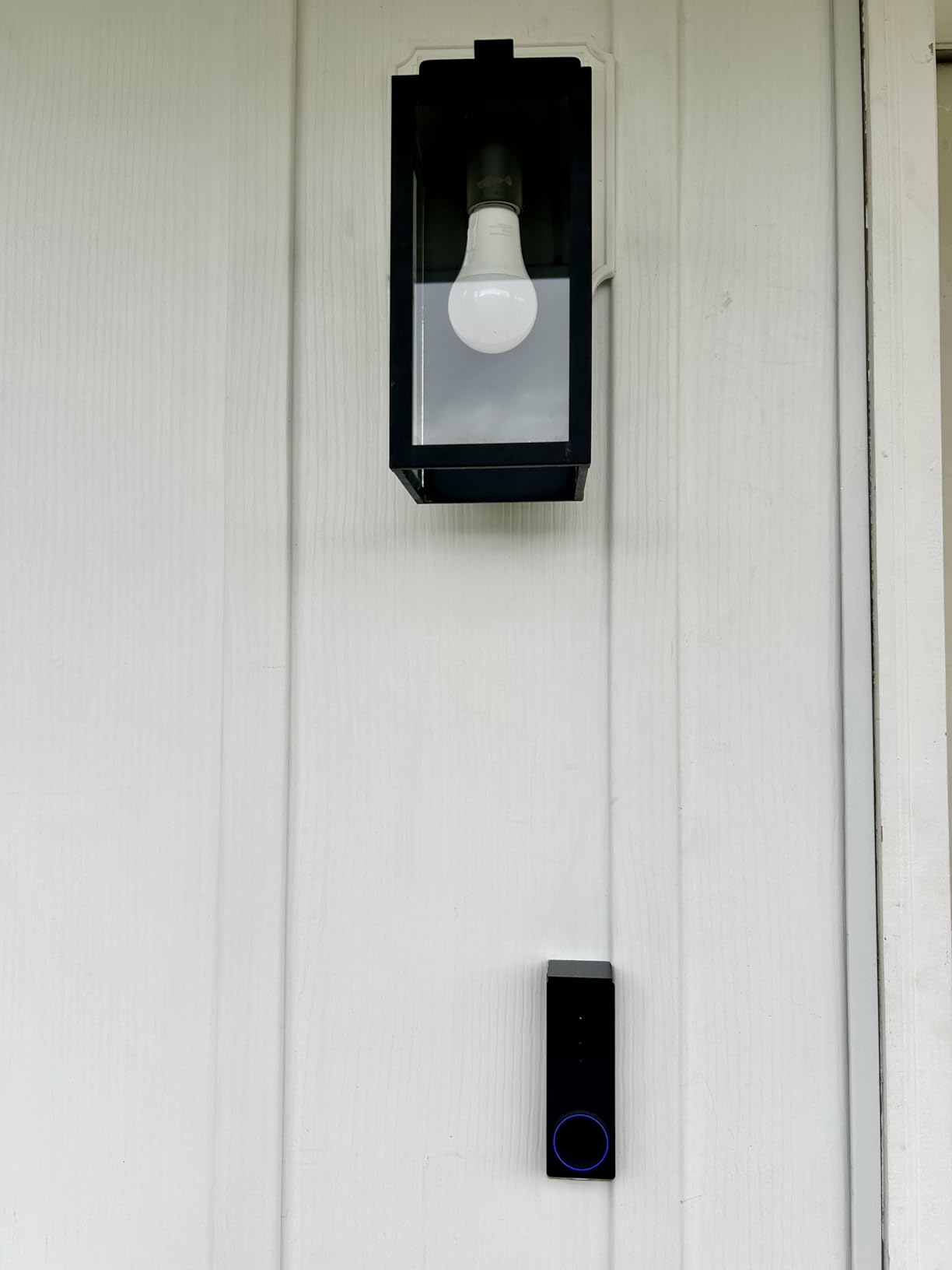
The battery is a removable 6200 mAh pack rated at up to six months per charge, which removes the take-it-down-to-charge problem, and if you ever own the place it can be hardwired for 24/7 local recording with a card. The install is adhesive only, described as a one-minute mount with no screws and no wires.
Storage is microSD up to 512GB with no monthly fee, and an optional Cam Plus plan gives 14 days of cloud. Alexa, Google Assistant, and IFTTT are all supported, and the included Wi-Fi chime pairs with other Wyze cameras so the indoor alert is not tied to your phone.
What a younger review base means for you
This is the newest product in the guide and has the smallest review base, which is worth weighing. Owners are positive on package detection and video quality, but the one-star feedback is proportionally higher than the Ring, Blink, and eufy options, and some owners report units failing to power on or dropping Wi-Fi.
Buy it if dual-band support and a swappable battery matter most. Expect the firmware to be a work in progress and give it a firmware update before you trust it at move-out time.
Who should skip it
Skip it if you want the deepest proven reliability record, if you need more than 14 days of history without supplying a card, or if you would rather not fuss with card formatting. The card is not included and must be FAT32 or exFAT before the camera will use it.
What to look for in a no-wiring video doorbell
Mounting method first, everything else second. Check whether the kit includes adhesive or a no-drill plate, a nail bracket, or a base plate that fits over an existing mount. Any product that requires a screw into an exterior wall is out of scope for most leases, however good the camera is. Our wireless doorbell guide covers the mounting options in more detail.
Power source, and whether the battery is swappable. A no-wiring setup means battery, full stop. The only genuine alternative is a small solar panel, which needs an unshaded south-facing spot most apartment doors do not have. Beyond that, ask whether the pack comes out for charging or whether you must take the whole camera down: a removable pack costs you nothing on install day and saves a screwdriver every few months.
Field of view, framed vertically. The headline number is diagonal, and diagonal numbers flatter wide-but-short cameras. For an apartment you want a tall frame, ideally on a 4:3 or square sensor, that reaches from a visitor’s face to the floor in front of the door. A 166-degree diagonal view is more useful than a 145-degree one, but a 4:3 ratio beats a 16:9 ratio at the same number.
Storage: cloud, card, or base station. These are three different products. Cloud-only means you get live view free and pay monthly for history. A card slot means the footage is yours, on hardware you own, with no plan. A base station adds a hub inside your flat but keeps the card out of a hallway. “No subscription” often still means three hours of free history, so read the fine print rather than the badge.
Connectivity, and this is where apartment buildings bite. Most doorbells are 2.4GHz only, and only the aosu and the WYZE Duo Cam support 5GHz as well. Concrete, brick, and a wall shared with an elevator shaft can drop a signal that works fine in a detached house. Test before you commit: stand at your door with your phone, connect to your 2.4GHz network, and run a speed test. If it struggles there, it will not improve once the camera is mounted.
Battery in real conditions, not lab conditions. Manufacturer figures assume a set number of daily activations. A door beside a lift in a busy building produces far more events, and cold weather shortens the cell. Treat claims as an upper bound: a swipe of two AA cells or a swappable pack that claims months is usually closer to the truth than a lab number.
Privacy zones, and the neighbours you will inevitably record. A hallway doorbell will see other people’s doors. Use motion zones and any privacy masking the app offers to confine recording to your own threshold, and keep audio recording on only where your building allows it. Our apartment-specific picks guide covers the other renter trades where a shared space shapes your choices.
Ecosystem, because renter lock-in is real. Ring and Blink lean into Amazon Alexa, the Tapo D210 works with Alexa and Google Assistant, and the aosu supports both. If you already live in one of those worlds, matching it removes friction; if you expect to move often, an app-independent card is cheaper in the long run.
Why people are moving off Ring, honestly. The recurring reasons are not the hardware, which is good. They are that recorded history and person detection sit behind a paid plan, that Ring leans heavily on the Amazon ecosystem, and that the privacy history from the shared video and law-enforcement requests period still colours how people feel about it. If any of that bothers you, the subscription-free picks here do the same job without the plan.
Lease terms, landlord approval and hallway privacy
Can you use a video doorbell in an apartment? Usually yes, as long as you cover only your own entry point. The recurring renter concern is not the camera, it is the recording of a shared corridor that belongs to everyone who uses it. Point the camera at your door and the floor immediately in front of it, use motion zones to exclude the rest of the hall, and disable audio if your building treats hallway audio as intrusive.
Before you mount, read your lease for language on alterations, exterior fixtures, and cameras. A doorbell mounted on the inside face of your own door, or inside your own frame, is almost never treated as a building alteration. The same device screwed to the exterior wall of a shared building can be, which is exactly why the peephole swap and the adhesive mount are the safe choices for renters.
If you are in doubt, a short written message to your landlord or property manager describing the device and where it points resolves almost every dispute before it starts. Tenants have reported being asked to remove devices aimed at common areas, so avoid anything covering shared space.
Photograph the door before and after. That habit costs you a minute and settles more move-out deductions than anything else in this guide.
Frequently Asked Questions
What is the best video doorbell for apartments?
The best video doorbells for apartments without wiring are battery-powered doorbell cameras that mount with adhesive, a nail, or by replacing your existing peephole. For most renters the Ring Battery Doorbell is the easiest reliable option, while the Tapo D210 and the aosu 5MP model are better if you refuse to pay a subscription for video history. All three need no wiring and no permanent drilling.
Can you use a video doorbell in an apartment?
Yes, in most leases, provided the camera covers only your own door and the floor immediately in front of it. Mount it on the inside of your own door or frame, use motion zones to exclude the shared corridor, and read your lease for language on cameras and alterations before you start.
Can you have a doorbell camera without a subscription?
Yes. Several models record to a microSD card or to built-in base storage instead of a paid cloud, with live view, two-way audio, and person detection included free. The Tapo D210, the aosu 5MP, the eufy E340, the WYZE Duo Cam, the BOIFUN, the MUBVIEW, and the ieGeek all work without a monthly fee. Check the free history window, because some only include a few hours of cloud events.
What is the best doorbell camera without a monthly fee?
The Tapo Video Doorbell D210 is our pick for a subscription-free setup, combining 2K video, a 160-degree view, colour night vision, a microSD slot up to 512GB, and free person detection with activity zones. The aosu 5MP is the alternative if you want a wider 166-degree sensor and dual-band Wi-Fi, and the eufy E340 is best if package framing is your priority.
Why are people ditching Ring doorbells?
The most common reasons are not about video quality. Recorded video history and the Smart Alerts that separate a person from a car or an animal sit behind the Ring Protect plan, so a doorbell you own still needs a subscription to review what happened. Other cited reasons are a heavy dependence on the Amazon Alexa ecosystem and Ring’s history of sharing user video with law enforcement, which many privacy-focused renters dislike.
Are there any doorbell cameras that don’t require batteries?
Only if you can hardwire the camera to existing doorbell wiring, which is exactly what most apartment leases prevent. For a no-wiring setup, battery is the only option, with a small solar panel as the alternative where the door gets unobstructed sun. Choose a model with a removable or swappable battery pack so you never have to take the camera off the door to charge it.
Which is better, Ring or Blink or eufy for an apartment?
For the least maintenance, Blink wins on claimed battery life but needs a separate Sync Module. For the most proven all-round install, Ring is the safer bet, with a large review base, though history needs a subscription. For no monthly fee and a package camera, eufy is the strongest of the three, but it requires a HomeBase and its notifications are noticeably slower.
The bottom line for renters in 2026
For most apartments, the Ring Battery Doorbell remains the pick to beat in 2026: no wiring, no drilling, a reversible mount, and the largest body of long-term owner feedback of any model here. It is the safest first doorbell camera for a rental.
Choose the Tapo D210 instead if a monthly fee for video history bothers you, and the aosu 5MP if you also want 5GHz support and a wider sensor. Pick the eufy E340 when parcels on the doorstep are the real worry, and the Blink when the least hands-on battery life matters more than everything else.
Whichever you choose, photograph the door before and after, and warm the adhesive before you peel it at move-out. That single habit protects more of a deposit than any spec on this list.