
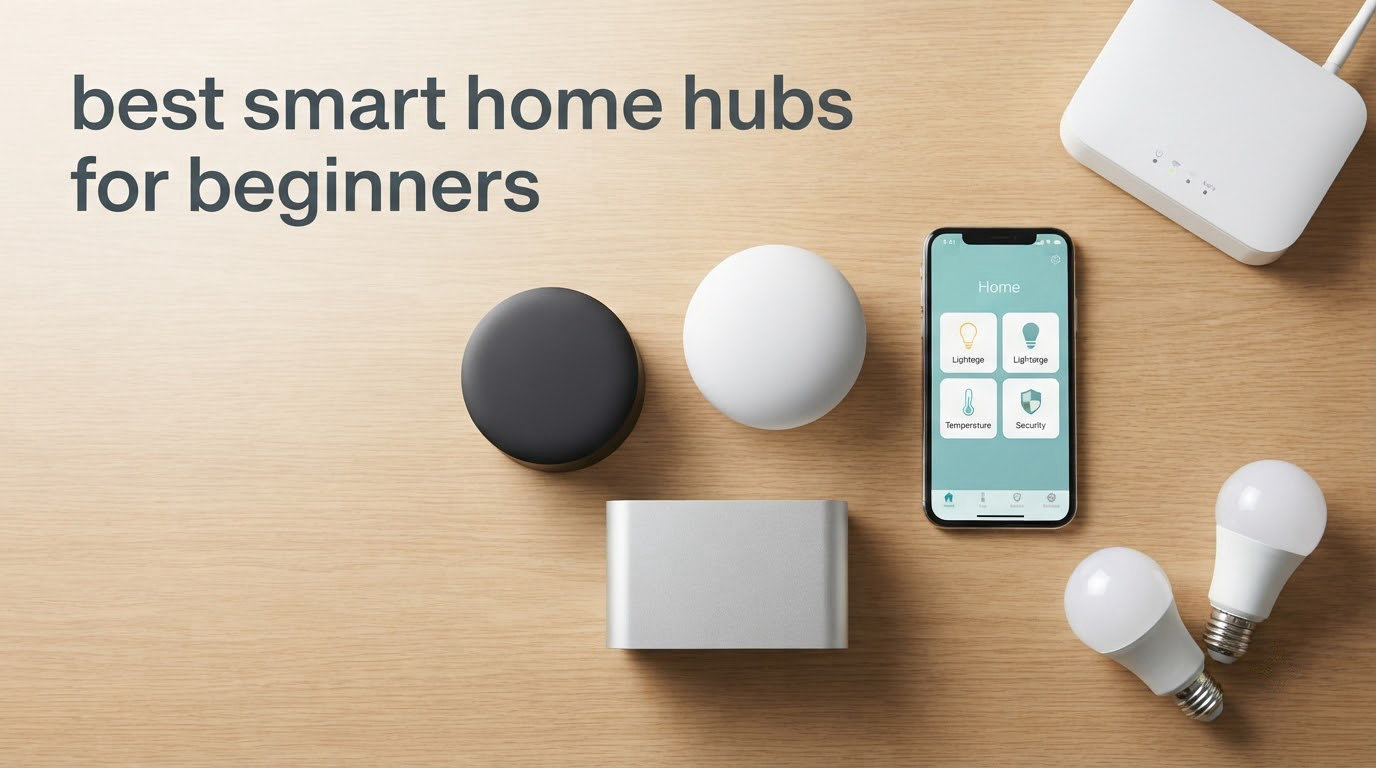
If you have a drawer full of smart bulbs from three different brands and four apps on your phone, you are describing the exact problem that pushes people to search for the best smart home hubs for beginners. The top thread on the biggest smart home forum right now is somebody admitting they need a real hub instead of juggling a bunch of apps. That is the most honest description of the category I can think of.
A hub is the box that turns that pile of mismatched gadgets into one system. It speaks the radio languages your devices use, runs the automations, and gives you a single place to see what is happening in your house. Get the right one and your lights, locks, sensors and shades start cooperating. Get it wrong and you have joined a club of people who regret it.
We spent weeks with these eight hubs, reading thousands of owner reviews, and comparing them on the only things that matter to a first-timer: how long setup takes, how many brands it actually talks to, what happens when the internet drops, and whether it costs anything extra after you buy it. Below is the short answer first, then the full breakdown, then a buying guide that starts from the devices you already own.
Table of Contents
What a Smart Home Hub Actually Does
A smart home hub is the central device that connects your smart lights, locks, thermostats, sensors and cameras and lets you control them from one app or with voice commands, instead of juggling a separate app for every brand. Hubs speak several radio protocols, most importantly Zigbee, Z-Wave, Thread and Matter, and they either run automations locally in the box or send commands out to the manufacturer’s cloud.
That distinction is the one thing worth understanding before you buy anything. With cloud control, your front door lock talks to a data centre somewhere else, and if the internet drops or the company shuts the service down, the lock becomes a very expensive paperweight. With local control, the hub makes the decisions itself, so a routine that says the hallway light comes on at 10 pm keeps working with the router unplugged.
It also helps to separate three things that get marketed under the same name. A smart speaker is a voice assistant that can also run a few routines. A smart display is a speaker with a screen, useful for someone who would rather tap than talk. A hub is the thing that actually owns the radios and the automation engine. Some products are all three at once, and for a beginner that is usually fine, as long as you know which one you are buying.
One more term trips people up. A bridge is a stripped-down hub that speaks one brand or one protocol and does nothing else. A hub is the same idea, but multi-protocol and built to grow. For your first device, a bridge is enough. For anything past your tenth device, you want a hub.
Top 3 Smart Home Hubs for Beginners

SwitchBot Hub 2
- Infrared learning for old appliances
- Built-in temperature and humidity sensors
- Matter and Thread support

Quick Picks by Situation
Here is the short list. Every hub below earned a place because it solves a real beginner problem, not because it tops a spec sheet.
- SwitchBot Hub 2 – the best all-round first hub, because it retrofits the appliances you already own and doubles as a working sensor. Best for: making old TVs and air conditioners smart.
- Samsung SmartThings Hub 3rd Generation – the widest compatibility of anything we tested, spanning Zigbee, Z-Wave and cloud-to-cloud integrations. Best for: a house full of mixed brands.
- Lutron Caseta Smart Hub – the highest satisfaction score in the group, with near-instant response and no subscription. Best for: lights and shades done properly.
- Aeotec Smart Home Hub (V3) – Z-Wave Plus, Zigbee, Matter and SmartThings in a single box with Ethernet. Best for: Z-Wave locks and sensors.
- Amazon Echo Hub 8-inch – a wall panel where the whole family can see the lights and cameras at a glance. Best for: a kitchen or entryway command centre.
- Aqara Smart Home Hub M3 – Thread border router, Matter bridge, Zigbee, IR blaster and encrypted local storage. Best for: an apartment full of sensors and one stubborn air conditioner.
- Home Assistant Green – everything stays on your hardware, with no cloud service in the loop. Best for: privacy-minded beginners willing to learn.
- YoLink Smart Home Hub – the cheapest route into home monitoring, with a deep sensor catalog and no subscription. Best for: leak and freezer alarms on a tight budget.
All 8 Smart Home Hubs Compared in 2026
| Product | Specifications | Action |
|---|---|---|
| SwitchBot Hub 2 |
|
Check Latest Price |
 Samsung SmartThings Hub 3rd Generation Samsung SmartThings Hub 3rd Generation |
|
Check Latest Price |
| Lutron Caseta Smart Hub |
|
Check Latest Price |
 Aeotec Smart Home Hub V3 Aeotec Smart Home Hub V3 |
|
Check Latest Price |
 Amazon Echo Hub 8-inch Amazon Echo Hub 8-inch |
|
Check Latest Price |
 Aqara Smart Home Hub M3 Aqara Smart Home Hub M3 |
|
Check Latest Price |
 Home Assistant Green Home Assistant Green |
|
Check Latest Price |
 YoLink Smart Home Hub YoLink Smart Home Hub |
|
Check Latest Price |
How We Picked These Hubs
Every hub here was judged on the same five things, and the same five things decided the ranking. First, setup time for someone who has never done this before. Second, the breadth of brands and radio protocols it can hold at once. Third, whether automations can run locally rather than through a cloud. Fourth, what it costs to own after the purchase, including any subscription. Fifth, and this one matters more than people expect, how long owners say they have kept it.
That last point shaped the article heavily. The most useful signal we found was not star ratings but repeat ownership in the long-running community threads, where people talk about hubs they have actually lived with for years. Several picks here are recommended as the simple starting point that later buyers still defend years later. One pick is included precisely because reviewers are honest that it is not the easiest option, and we would rather tell you that up front than have you discover it on a Sunday afternoon.
We also read the negative reviews carefully. Every hub below has at least one complaint that we consider a genuine reason to choose something else, and we have written those down.
1. SwitchBot Hub 2 – The Best Smart Home Hub for a First Apartment
- Plugs in and pairs in minutes
- Doubles as a working thermometer hygrometer and light sensor
- Infrared learning retropfits older TVs and air conditioners
- Two included buttons for non-smartphone household members
- Works with Alexa Google Home and Apple Home
- Infrared only with no RF so some ceiling fans are out of reach
- 2.4 GHz Wi-Fi only
- IR codes usually have to be learned by hand
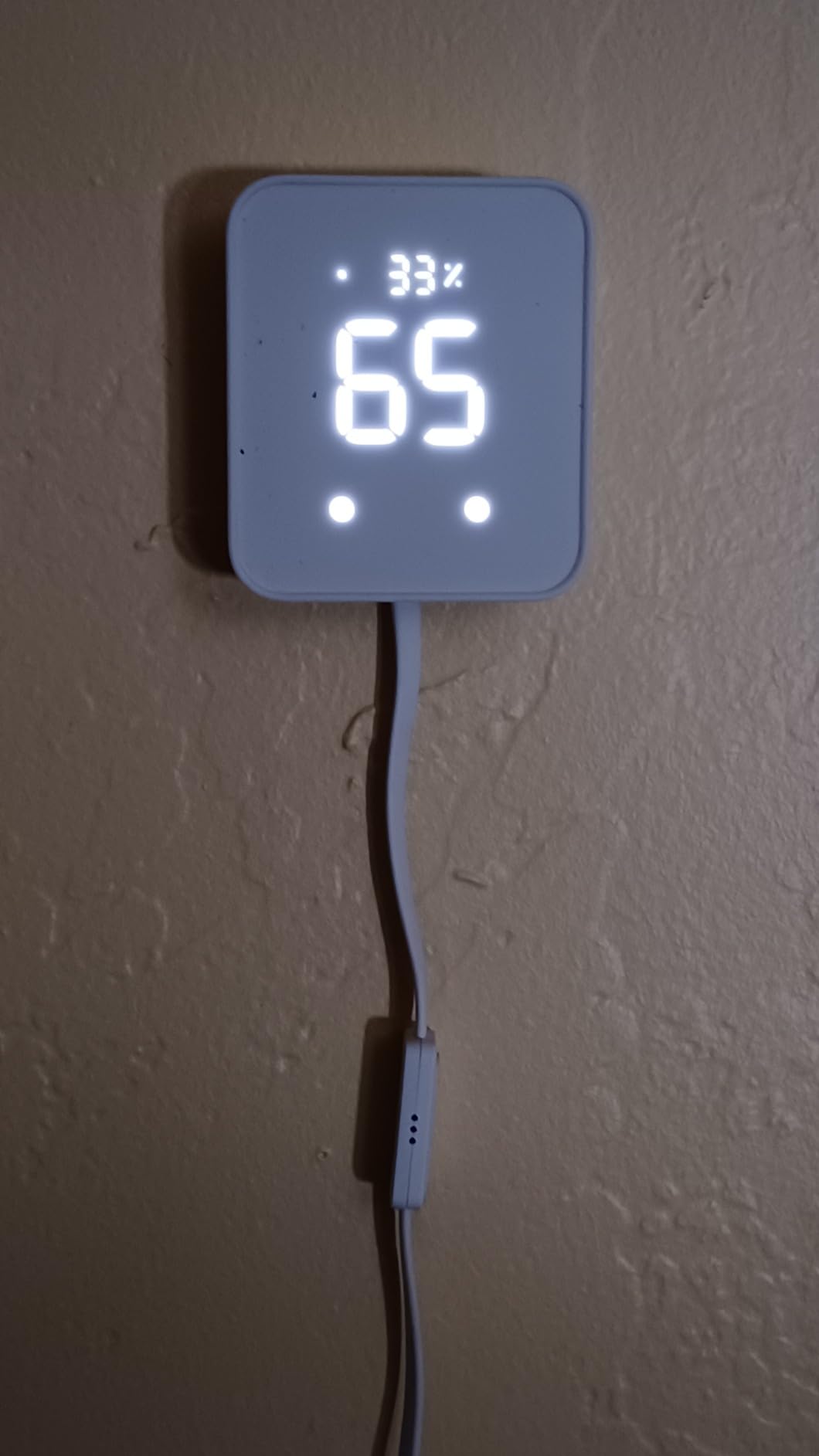
The SwitchBot Hub 2 is the first one I hand to people who say they just want fewer apps. It plugs into a wall outlet, pairs over 2.4 GHz Wi-Fi, and immediately does two jobs: it teaches your old television and air conditioner to be controlled by phone or voice, and it reports the temperature and humidity of whichever room it sits in. That second function is the one people underestimate, because a hub that doubles as a real sensor is already earning its place before you have automated anything.
Setup took me under five minutes. SwitchBot is a Bluetooth mesh line, so most of its own devices pair straight to the hub rather than to your router, and the hub passes commands to Alexa, Google Home or Apple Home on your behalf. It also supports Matter and Thread, which means the SwitchBot locks, curtains and blind tilt can be exposed to Apple Home rather than trapped in one app.
Two physical buttons come in the box. That sounds like a small thing until you live with someone who will not open an app, because a button by the door that triggers a movie scene does more for household harmony than any voice assistant.
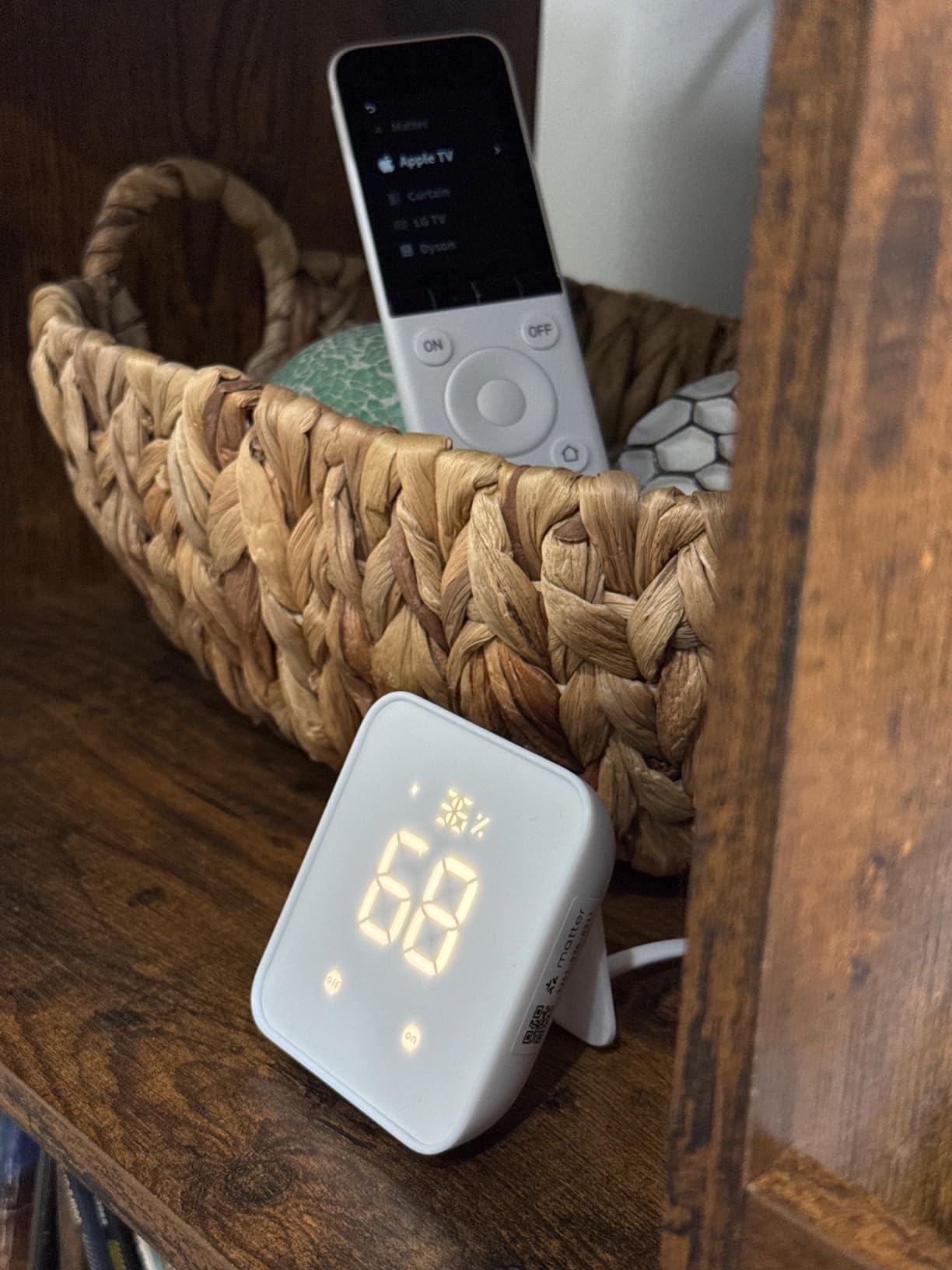
The range figure is listed at 10 metres, and I found that accurate for Bluetooth mesh. It is not a house-wide sensor network on its own, so if you have a large property or a detached garage, look at the Aqara M3 or SmartThings instead. Maximum supported SwitchBot devices is listed as 6, which is a real limit if you plan to fill a house with their products.
Geofencing works reliably, which is the automation most first-timers actually use, arriving home and having the hallway lights come on. The temperature, humidity and light readings can also drive scenes, so the air conditioner kicks in when the room crosses a threshold rather than on a fixed timer.
What to check before you buy the Hub 2
Check your old appliances for an infrared emitter. Anything controlled by a remote with a visible bulb or a red flash is a candidate, and almost every television and window air conditioner from the last two decades qualifies. Ceiling fans and some LED fixtures are the exception, because those often use radio-frequency remotes that infrared cannot reach.
Also check that your router still serves 2.4 GHz. The Hub 2 does not join 5 GHz networks, and that trips up people who have split their bands or moved to a mesh system with 5 GHz-only guest networks.
Where the Hub 2 falls short
The app has few pre-built infrared device templates, so most codes have to be learned by hand, one button press at a time on the original remote. Budget twenty minutes for a television. HomeKit users also report that exposing infrared devices to Apple Home can take hours to complete, which is a long wait if you want the result tonight.
And the Alexa path surprised a few buyers, because it routes through Matter and a Google Nest hub rather than connecting directly. If you are deep in the Alexa ecosystem and want the most direct route, the Echo Hub is the simpler path for you.
2. Samsung SmartThings Hub 3rd Generation – The Widest Compatibility You Can Buy
- Broadest device compatibility in this group
- Single mature app for devices scenes and automations
- Automations triggered by doors opening and arrivals
- Compact wall-mountable and low power draw
- Pairs with Alexa and Google Home
- Most expensive hub we tested
- Pairing can take extra steps for first-time users
- Full experience depends on the SmartThings ecosystem
If your problem is compatibility anxiety, this is the hub. The SmartThings Hub 3rd Generation speaks Zigbee, Z-Wave and cloud-to-cloud, and the cloud-to-cloud piece is the underrated part. It means devices from manufacturers who will never release a radio chip can still be pulled into the same dashboard as your sensors, so a mismatched pile of gadgets stops being a mismatched pile.
It is a small box, 5 by 5 by 1.2 inches and 8 ounces, it draws 3 watts, and it can go on a wall. That physical design is still one of the nicer things about it, because a hub that sits next to your router with an Ethernet cable is a hub you will not forget about.
The automations are the reason most people stay. A rule that says turn the hallway light on when the front door opens, or switch everything off when the last person leaves, is a few taps in one app rather than a juggling act across three. The app is mature, which matters more than it sounds, because you will live in it for years.
![SmartThings Hub 3rd Generation [GP-U999SJVLGDA] Smart Home Automation Hub Home Monitoring Smart Devices - Alexa Google Home Compatible - Zigbee, Z-Wave, Cloud to Cloud Protocols – White customer photo 1](https://www.talkofthehouse.com/wp-content/uploads/2026/09/B07FJGGWJL_customer_1.jpg)
What surprised me was how the community treats this category. The top thread on the biggest smart home forum is not a spec comparison, it is people describing hubs they have used long term, and the recurring recommendation for a first-timer is a SmartThings unit. Several owners mention that it kept working through a broadband provider change, which is the kind of dull reliability nobody writes a review about.
It works with Alexa and Google Home for voice, so you are not locked into Samsung for the assistant itself. The box ships with a power adapter, a quick start guide, a health sensor guide and a LAN cable, and carries a one year limited warranty.
![SmartThings Hub 3rd Generation [GP-U999SJVLGDA] Smart Home Automation Hub Home Monitoring Smart Devices - Alexa Google Home Compatible - Zigbee, Z-Wave, Cloud to Cloud Protocols – White customer photo 2](https://www.talkofthehouse.com/wp-content/uploads/2026/09/B07FJGGWJL_customer_2.jpg)
What to check before you buy
Check what you already own, brand by brand, and look for the word Matter or Zigbee on the box before anything else. SmartThings can absorb a lot, but it cannot absorb a device that only works inside its own closed app, and no hub on this list can.
Then check your router. Some people need the Ethernet cable and some get away with Wi-Fi, and the Ethernet route is the one that keeps working when your wireless is crowded.
Where it falls short
It is the most expensive hub in this group by a wide margin, and that cost only makes sense if you genuinely have mixed-brand hardware to connect. If you have six bulbs from one brand, you are paying for capability you will not use, and a cheaper dedicated hub will serve you better.
First-time users also report that setup and device pairing can involve extra steps. This is not a two-minute unbox. Budget an evening, and expect to add devices one at a time rather than in a batch.
3. Lutron Caseta Smart Hub – The Most Reliable Lights and Shades Setup
- Highest satisfaction score in the group
- Near-instant voice and app response
- Clear Connect mesh avoids competing with Wi-Fi devices
- No subscription fees
- Plugs into an outlet and pairs in minutes
- Largely Lutron-specific with limits for mixed-vendor homes
- No Leviton support without the more expensive SmartBridge Pro
- Re-pairing previously paired switches can stall onboarding
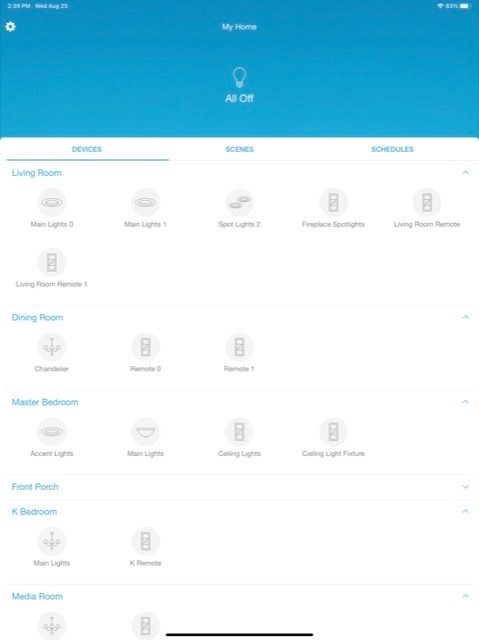
The Lutron Caseta Smart Hub is not a universal hub, and I want to lead with that. It is a lighting and shades system that happens to be excellent at its job. If your smart home is mostly bulbs, dimmers and blinds, this is the one I would put in a house today without hesitating.
Its secret is Clear Connect, Lutron’s own mesh network, which runs on a frequency band that does not compete with your Wi-Fi. The practical result is a network that stays responsive in a crowded house, and the sales rank for this hub in the home automation controllers category reflects how many people have settled on it.
Voice and app responses feel near-instant, which is the single most common thing owners mention. It works with Alexa, Apple HomeKit, Google Assistant, Ring, Serena shades and Sonos, and it can replace a Wink hub for anyone who still has Lutron switches paired to one.
There is no subscription. That is increasingly rare, and it means your lights keep working without a monthly bill appearing, and without a company deciding one day that your hub is no longer supported.
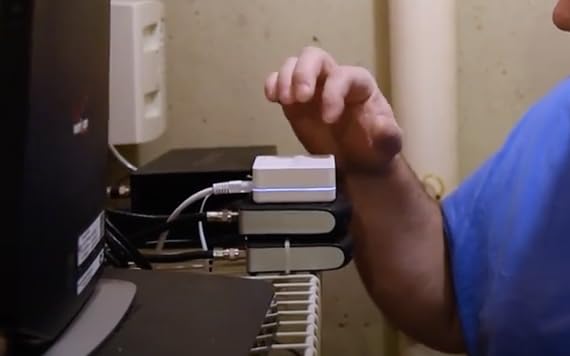
Scale is the other quiet strength. It supports up to 75 Caseta devices, so you can add a room at a time over years rather than planning a whole-house system in a weekend. It plugs straight into an outlet, measures 1.44 by 2.94 by 4.69 inches, and runs on 120 volts.
Some owners also report lower energy use and better voice control reliability than their previous hub, which is a reasonable thing to notice when your lights are on all day.
What to check before you buy
Check whether your existing switches are Lutron Caseta. If they are not, this hub will not adopt them, and mixing brands here leads to disappointment. The bridge is designed to grow within its own ecosystem, not to absorb other people’s hardware.
Check your in-wall box space as well. Some reviewers describe the install as finicky, and the power cord is short, so plan the outlet position before you start.
Where it falls short
It is largely Lutron-specific, and mixed-vendor households will hit compatibility limits quickly. It does not work with Leviton smart devices or many other manufacturers without the more expensive SmartBridge Pro, which changes the calculation entirely.
Factory-resetting switches that were previously paired to a different hub can stall onboarding, and a few owners had to push through a firmware update loop. The app is functional but offers less customisation than some competitors, so if you enjoy rearranging dashboards this is not the place to spend your weekend.
4. Aeotec Smart Home Hub V3 – The Best Balance for Z-Wave and Zigbee
Aeotec Smart Home Hub, Works as a SmartThings Hub, Z-Wave, Zigbee, Matter Gateway, Compatible with Alexa, Google Assistant, WiFi
- Four standards in one enclosure
- Supports both wired Ethernet and Wi-Fi
- Many automations now run locally
- Pairs through the SmartThings app
- Works with Alexa and Google Home
- Z-Wave Plus radio only on the V3 model
- Large share of 1-star reviews
- Less beginner-friendly than consumer-brand hubs
This is the hub most regular people in the smart home forums mean when they say SmartThings hub, because it works as a SmartThings hub and adds a Z-Wave radio alongside Zigbee, Matter and SmartThings. Four standards in one white box, with a 1 year manufacturer warranty, and it accepts both Ethernet and Wi-Fi so you can place it wherever your signal works.
That flexibility is why it suits a house rather than an apartment. Ethernet is a genuine advantage once you have twenty-odd devices, because a wired backbone removes a whole category of frustrating problems. It weighs 1.1 pounds, which is heavier than the others here and a hint that it is built for a shelf rather than a shelf-edge.
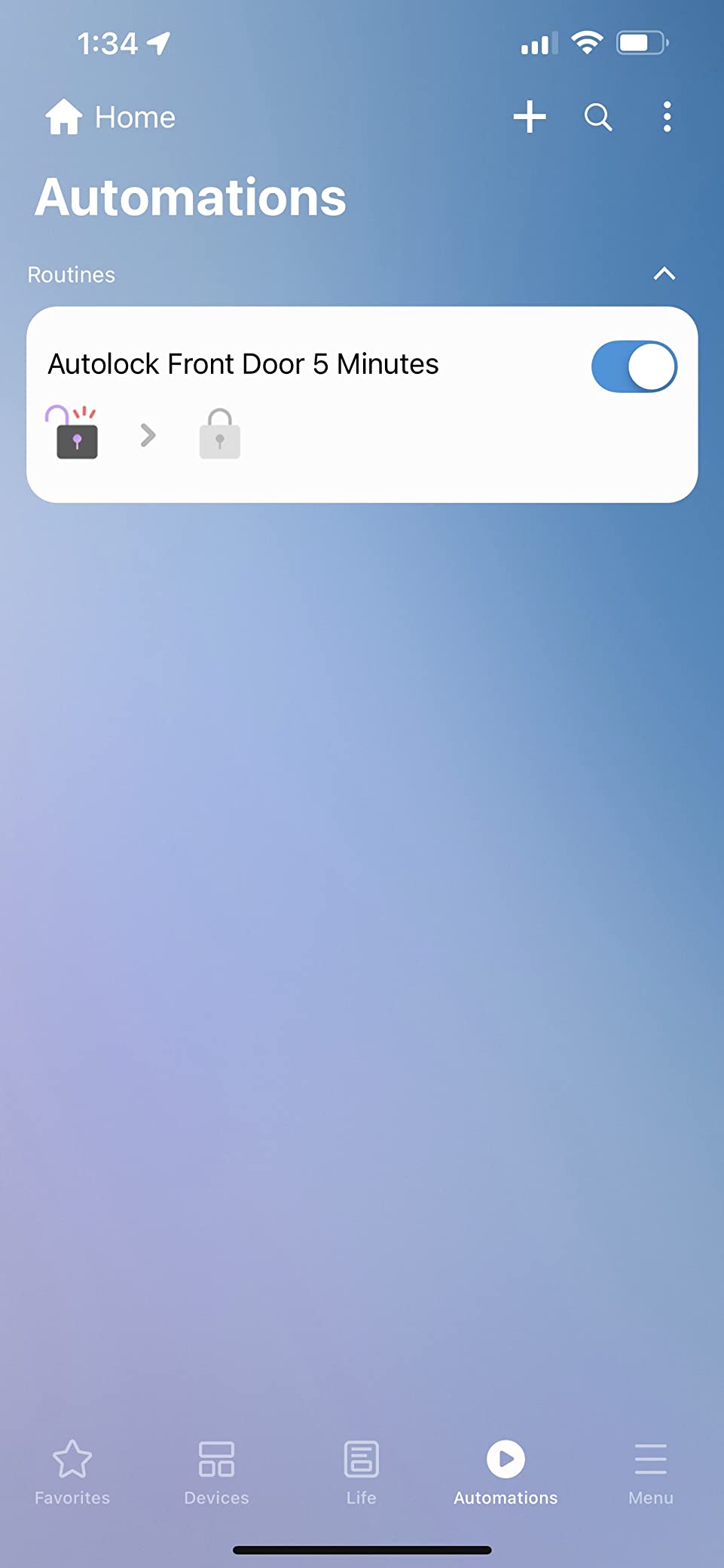
Custom automations are built in the SmartThings app on iOS, Android or iPadOS, and a growing share of them now execute locally rather than in the cloud. That is a meaningful upgrade: local automations are faster and they keep working when your connection does not. The hub is designed for North America, using a 908.42 MHz Z-Wave frequency, so it is the right unit for a US or Canadian home.
It works with Alexa, Google Home, Ring and SmartThings, and it links lighting, comfort, voice and energy management devices. Setup over Wi-Fi or Ethernet takes minutes according to owners, and the box includes an adapter and an Ethernet cable.
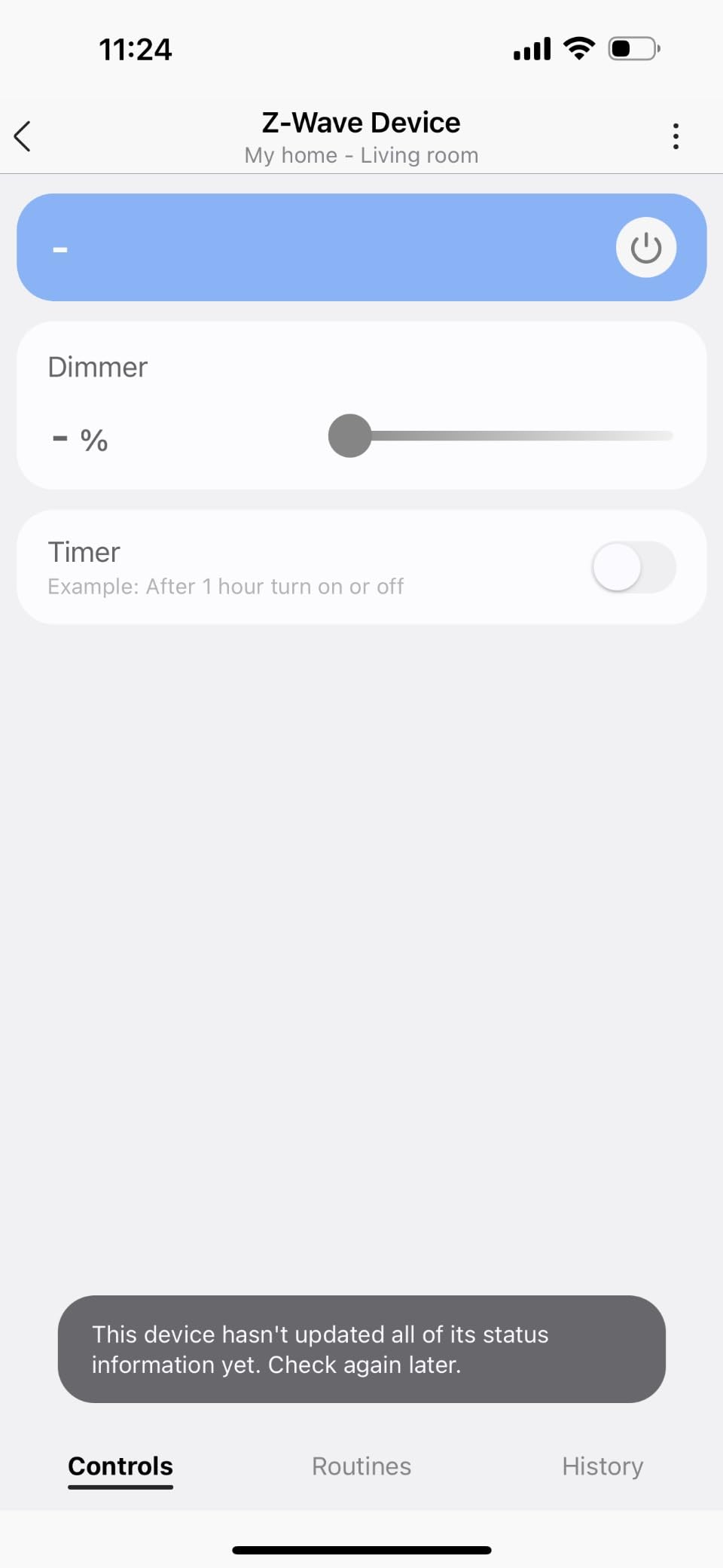
The honest part of this entry is the star distribution. Reviewers with existing Z-Wave and Zigbee gear love the value, but a sizeable share of 1-star reviews suggests the experience is uneven, and the hardware is less welcoming to a first-timer than a consumer-brand hub with a guided first-run setup.
What to check before you buy
Check the variant, and this matters more than anything else on this page. The Z-Wave Plus radio is only present on the V3 model. If you buy a different Aeotec unit expecting Z-Wave locks and sensors, you will find out at pairing time rather than at checkout. Confirm the model number reads GP-AEOHUBV3US.
Check your region as well. This unit is built for North American Z-Wave frequencies, so it is the wrong purchase for a home in Europe.
Where it falls short
It is not the most beginner-friendly hub here. There is no glossy onboarding flow, and getting a Z-Wave device paired for the first time involves a pairing mode that takes a little patience. If you have never done this and you are nervous, start with the SwitchBot or the Echo Hub and move up when you outgrow them.
The uneven review pattern is the other caution. Some buyers report inconsistent reliability, and the consensus online is that the hub’s value depends entirely on how much mixed-brand hardware you actually connect to it.
5. Amazon Echo Hub 8-Inch – The Best Wall Panel for a Family That Taps
Amazon Echo Hub (newest model), 8″, Redesigned with customizable control and Alexa+, Compatible with thousands of devices
- Lowest-friction option for a first-time buyer
- Wall panel shows lights cameras and security status
- Built-in radios cover Zigbee Matter Sidewalk and Thread
- Functions as a Thread border router
- Physical microphone off button
- Interface feels slow with visible stutter
- No Ethernet port so in-wall power needs a specific supply
- Weakest star score in this group
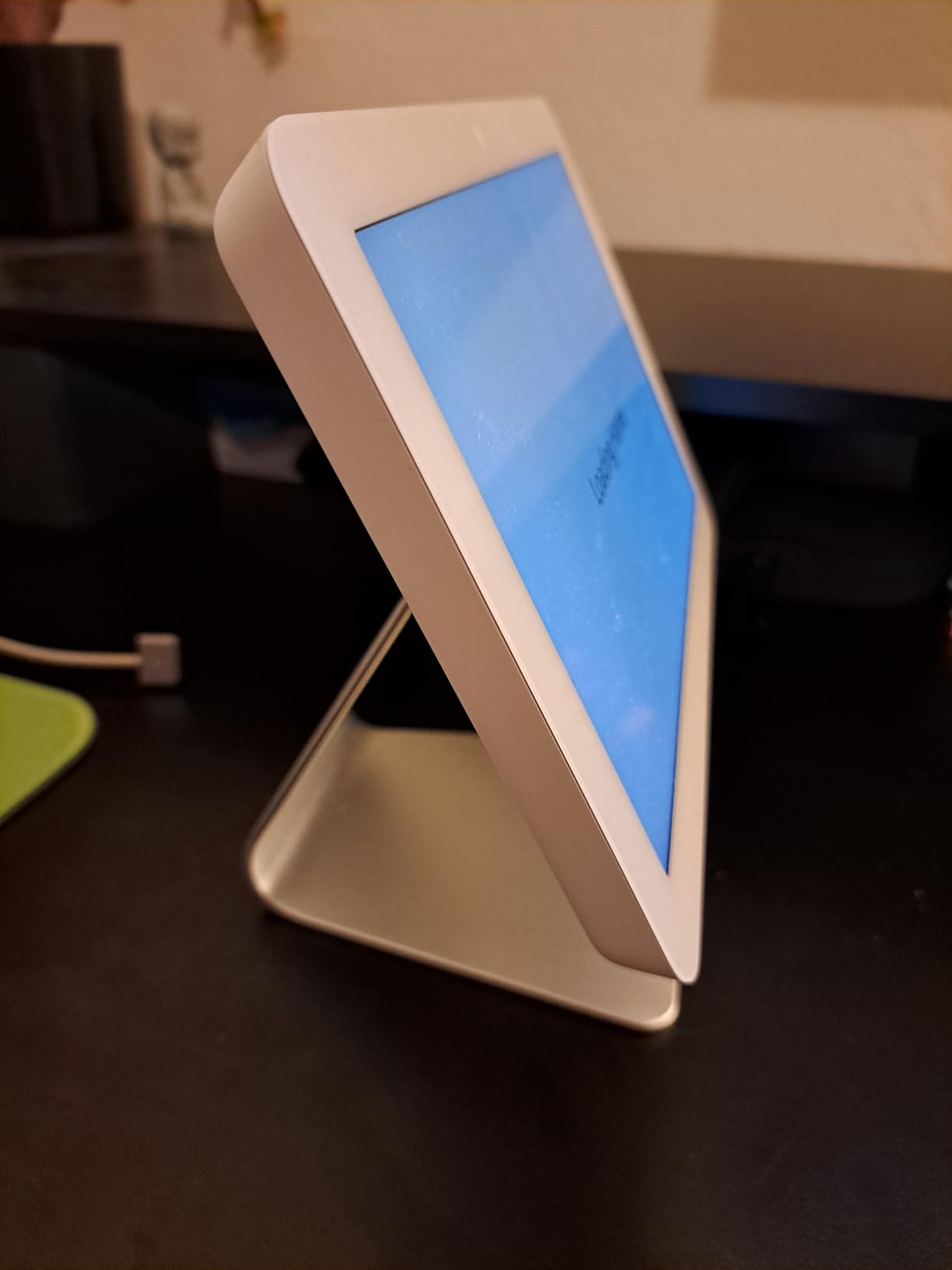
The Echo Hub is the lowest-friction way into this whole category, and for a specific kind of household it is the correct answer. There is no hub to pair and no second app. Lights, cameras, routines and security status all sit on an 8-inch panel, and everyone in the house can see them without a phone.
That visibility is the real feature. A screen you can read from across the kitchen is the difference between a smart home that your household uses and one that your household works around. The screen brightness adapts automatically, and a proximity sensor flips it back to a clock interface when nobody is nearby, so it is not a glowing rectangle all evening.
The radios are the surprise. It syncs Wi-Fi, Bluetooth, Zigbee, Matter, Sidewalk and Thread devices, and it can act as a Thread border router for Matter blinds and accessories. For someone who assumed a screen meant no radio support, that is a lot of hardware in one wall panel. There is also a physical microphone off button, which is the right answer to a fair question.
It can be wall mounted at any outlet with in-wall cable pass-throughs, a power-over-ethernet adapter or table-top stands, though the accessories are sold separately. The panel is made from 27 percent recycled materials and the packaging is 97 percent wood fibre based.
It is also the pick that divides reviewers most sharply, and the star score of 3.9 is the lowest in this group. People who wanted a glanceable wall panel call it exactly right and even preferable to a smart display. Detractors describe it as a slow, limited tablet that duplicates what the phone app already does.
What to check before you buy
Check your power situation at the mounting point, because this is where owners run into trouble. There is no real Ethernet port, and an in-wall install needs a specific PD3.0 or PPS power supply. If you are not comfortable with in-wall electrical work, plan on the table-top stand instead.
Check whether you already have Ring cameras and a subscription, because the features that justify the panel, camera event summaries and voice search of footage, are tied to a compatible Ring subscription with Alexa+.
Where it falls short
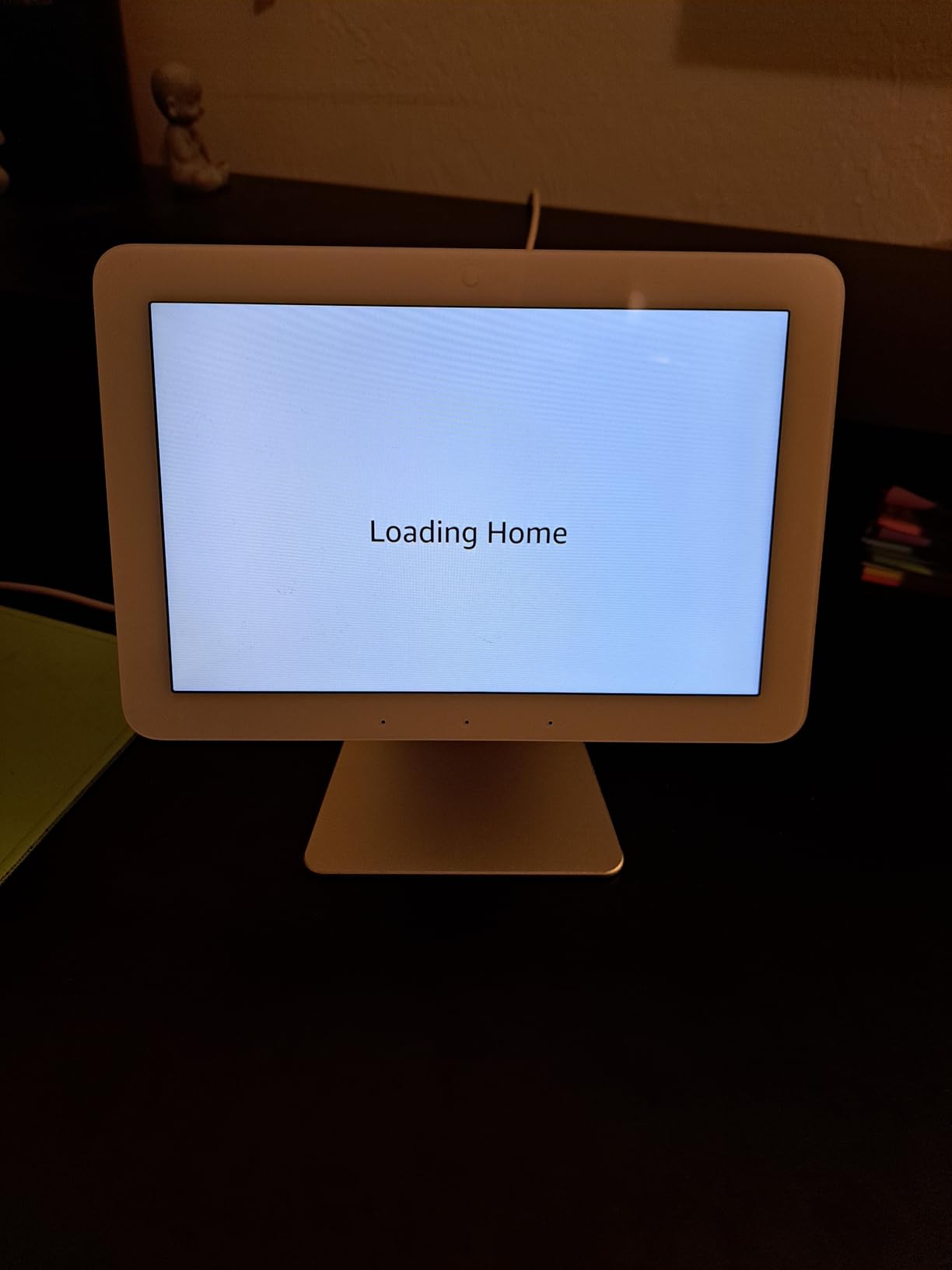
The interface feels slow, with visible stutter on some actions, and it is not a good surface for detailed device settings, watching video or serious music listening. Device groups and dashboard customisation are limited next to what a phone app can do, and the dashboard sections are the only customisation you get.
Some users report flaky camera tiles, unresponsive buttons and needing to restart the panel, and a very large share of 1-star reviews is the weakest of any hub here. Buy it because you want a wall panel. Do not buy it because you want a powerful controller.
6. Aqara Smart Home Hub M3 – The Best for Apartments, Sensors and Old Air Conditioners
Aqara Smart Home Hub M3 for Advanced Automation, Matter Controller, IR
- Zigbee Thread Matter Bluetooth Wi-Fi and IR in one box
- Local-first automations stay fast
- IR blaster reports device state accurately
- 8GB of end-to-end encrypted local storage
- No microphone or camera
- Zigbee limited to Aqara-branded devices
- Only one IR air conditioner exposed to Matter
- Power adapter not included
The Aqara M3 is what I would call a second hub. If you have outgrown starter gear and now have sensors spread across rooms, this is the box that pulls them together. It combines Aqara Zigbee, Thread border routing, a Matter bridge, Bluetooth, dual-band Wi-Fi and a 360-degree IR blaster, and it measures 4.13 inches square by 1.41 inches tall.
It is an edge hub, which is the technical way of saying automations run on the box itself. That makes them fast and it makes them survive a bad internet connection. It also carries 8GB of end-to-end encrypted local storage for device lists and automation configurations, and there is no microphone and no camera, which matters if you were nervous about that.
The IR blaster is better than most. Rather than blindly firing codes, it detects when you use the existing remote and reports the current state back, so the app shows an accurate on or off. Paired with an Aqara temperature sensor it can even act as an air conditioner thermostat in Matter.
Dual-band Wi-Fi with WPA3 and a Power over Ethernet port is unusual flexibility for a hub this small, and the USB-C port accepts a mini-UPS or power bank so the automations survive a power cut. It supports up to 127 Aqara Zigbee devices and 127 Thread devices with repeaters, and it can migrate Zigbee devices from older Aqara hubs.
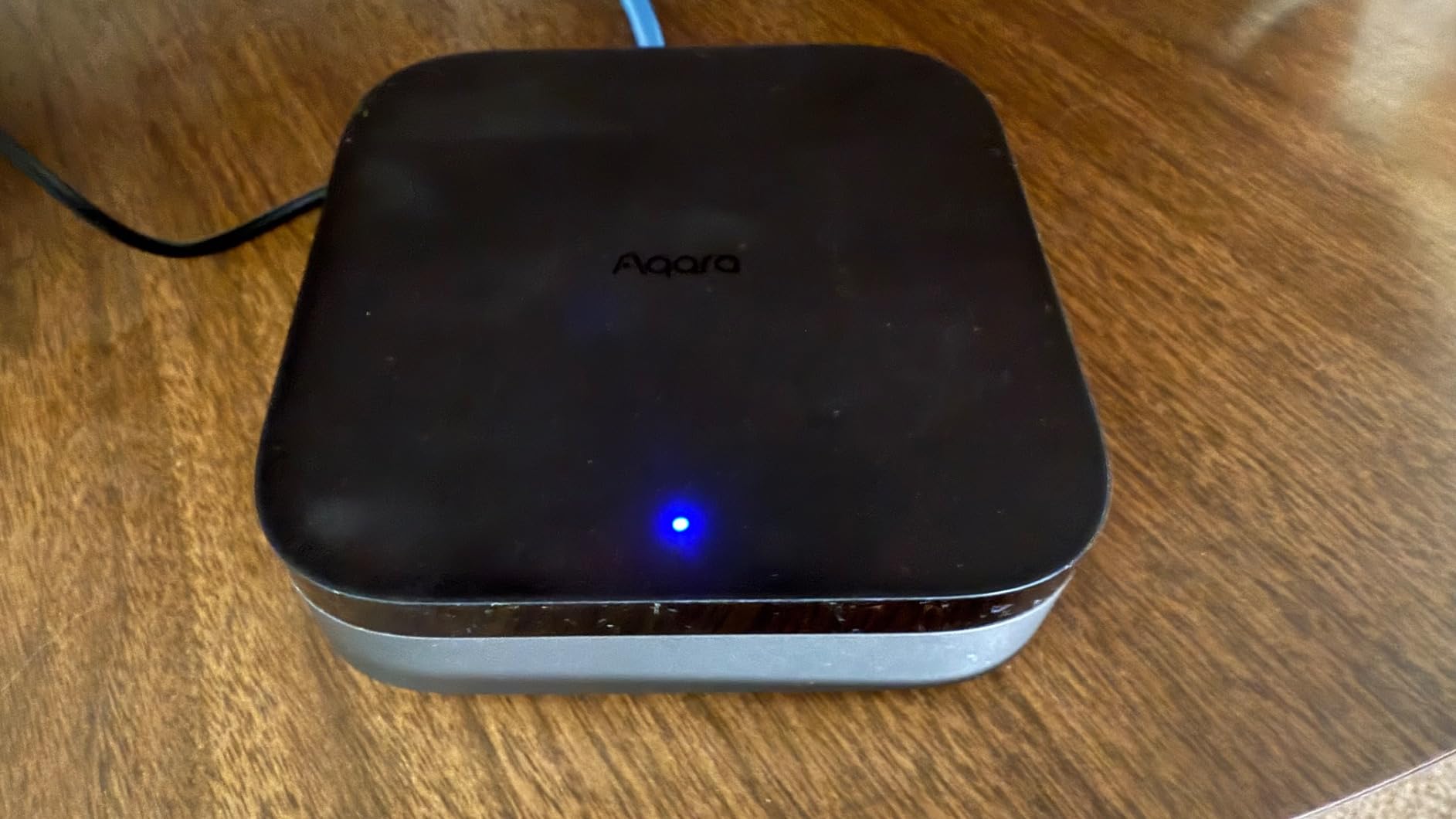
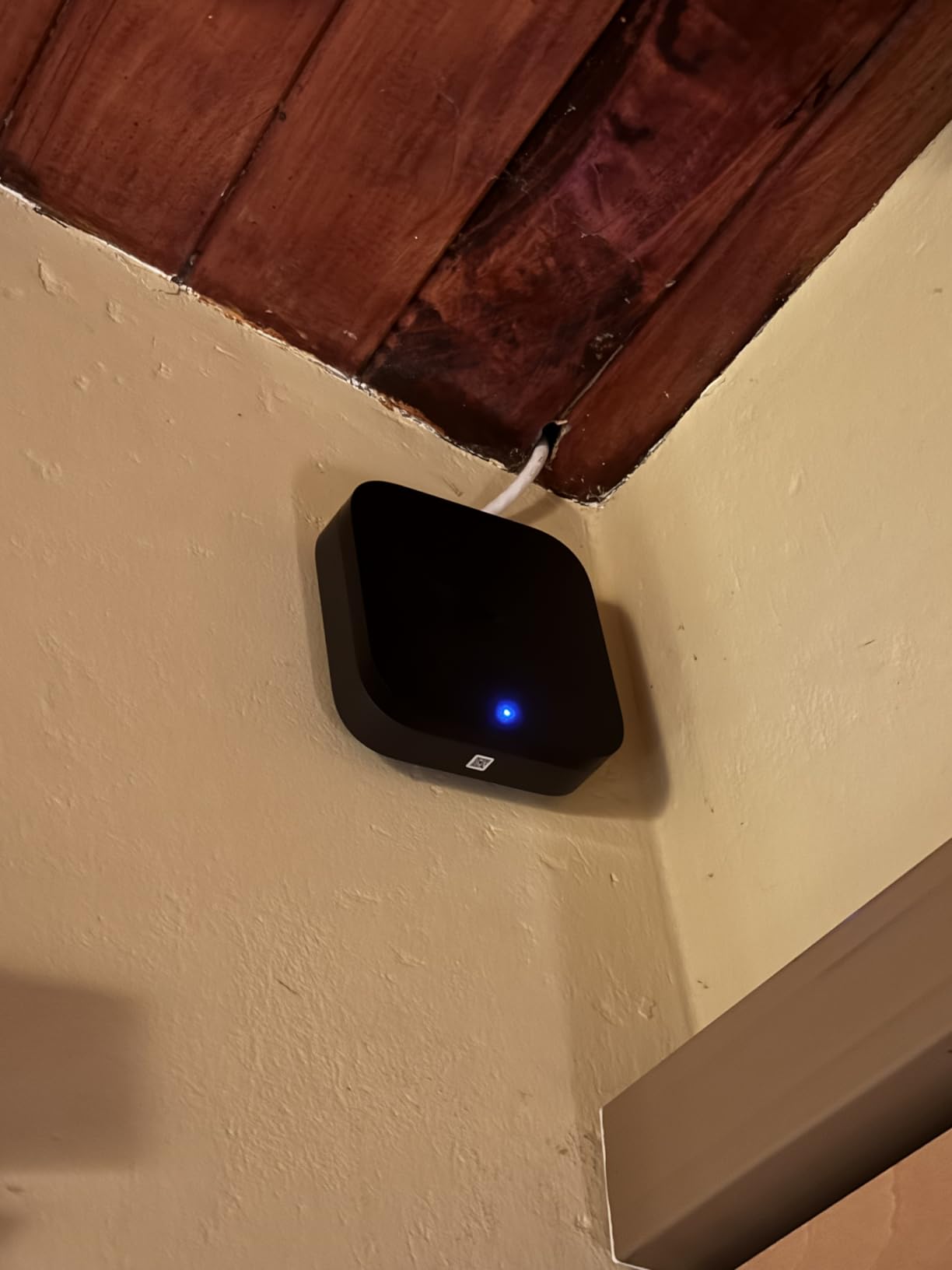
It works with Apple HomeKit, Alexa, SmartThings and Home Assistant, and it comes with a mount and screws for flat, wall or ceiling placement. There is a 12 month warranty.
Reviewers describe it as an advanced pick rather than the simplest first hub, and that framing is right. You will get more out of it if you already own Aqara sensors than if you are buying from scratch.
What to check before you buy
Check whether your existing sensors are Aqara. Zigbee support here is limited to Aqara-branded devices, not third-party Zigbee, so a mixed bag of sensors from other makers will not connect. If you are starting fresh and want maximum choice, the SmartThings Hub is the safer bet.
Check where your router is. The recommended placement is 6 to 19 feet from the router for a stable connection, which rules out tucking it behind a television in a small flat.
Where it falls short
Only one infrared air conditioner can be exposed to Matter, and Matter behaviour varies by which app you use, with Apple Home best set up through Matter rather than HomeKit. Thread capacity beyond the initial device count requires repeaters, and some cloud-based notifications still need an internet connection even though the automations are local.
Also budget for a power adapter, because a 2A USB adapter is not included. That is a small annoyance that catches people on the day of setup.
7. Home Assistant Green – The Best for Local Control and Privacy
Home Assistant Green | Smart Home hub with Advanced Automation | Official Home Assistant Hardware
- All data stays local with no cloud service
- Home Assistant OS preinstalled so setup is power and Ethernet
- Silent compact and draws only a couple of watts
- Grows from a handful of devices to dozens
- Two USB ports for Zigbee Z-Wave and Thread radios
- Steepest learning curve in this group
- Remote access and voice need a paid plan or a self-hosted workaround
- No built-in Zigbee Z-Wave or Thread radio
- Migrating an Alexa-only home can mean replacing devices
Home Assistant Green is the official hardware from Nabu Casa, the team that drives Home Assistant itself, and it is the most interesting choice here for a specific reason: nothing leaves your house. There is no company cloud in the loop, no account, and no subscription deciding what your automations are allowed to do. Owners consistently describe local storage as the reason they bought it.
The setup is genuinely easy for something this capable. Home Assistant OS comes preinstalled, so you plug in the included universal power supply and the included Gigabit Ethernet cable and you are running. The hardware is a small fanless box, 4.41 inches square by 1.26 inches, 12 ounces, with a quad-core processor, 4GB of LPDDR4X RAM and 32GB of storage, drawing only a couple of watts.
Its job is fanning other brands and protocols into one dashboard, replacing scattered vendor apps, and it scales from a handful of devices to dozens with a large community behind troubleshooting. It runs quietly enough to sit in a living room, which matters more than it sounds.
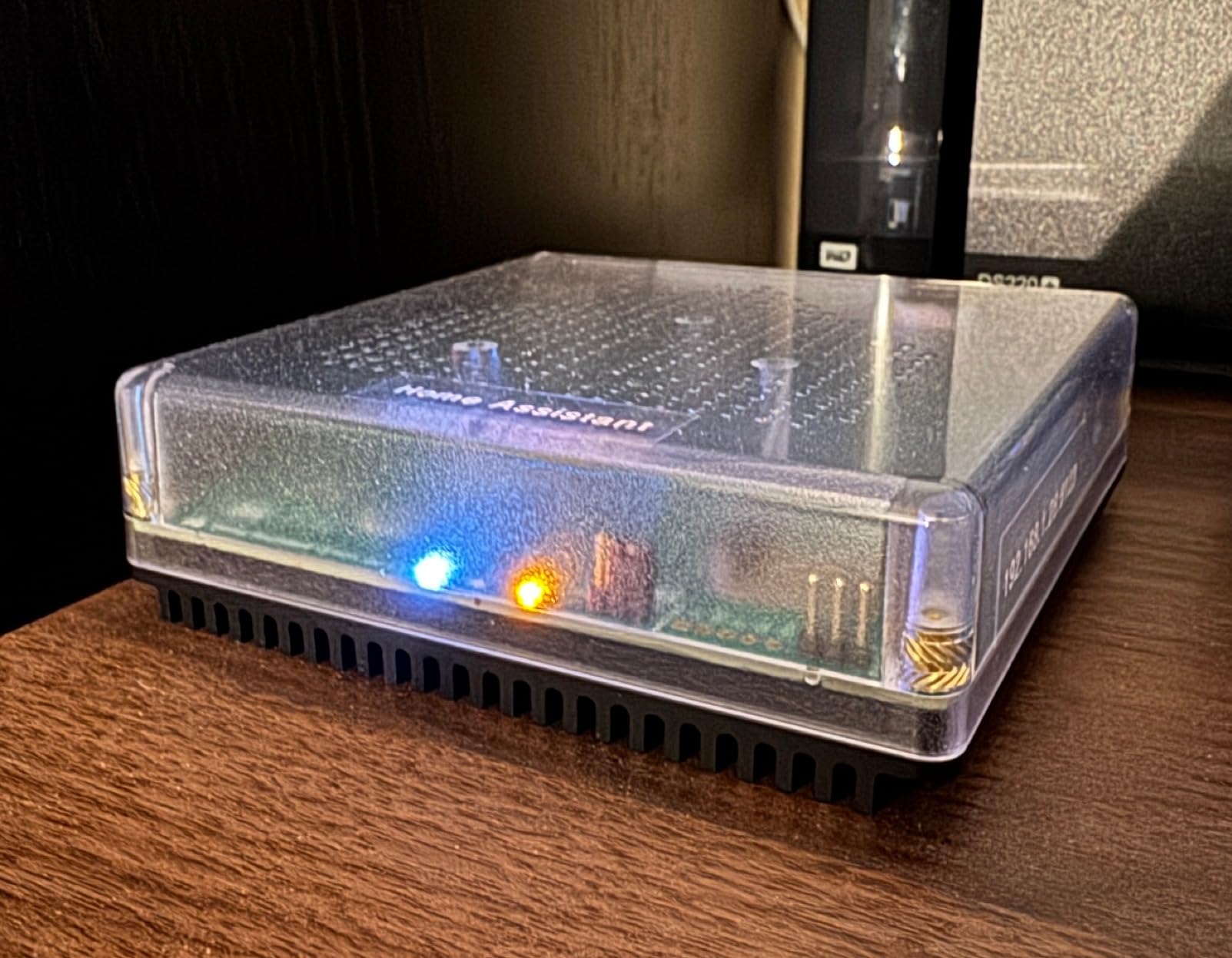
What it does not have is a radio. There is no built-in Zigbee, Z-Wave or Thread, and the two USB ports exist so you can add Z-Wave, Zigbee or Thread dongles as the system grows. Plan for that expense and that step before you buy, not after.
Remote access and voice assistants generally need a Home Assistant Cloud subscription, or a self-hosted workaround if you are willing to do the work. It ships with an Ethernet cable, a sticker, a quick start guide, warranty and safety information, and the power supply.
What to check before you buy
Check honestly whether you enjoy learning. This has the steepest learning curve of the eight, and experienced users in the community warn non-technical buyers away. The hardware is easy; the software is where the time goes.
Check what you already bought. Migrating an existing Alexa-only home can require replacing switches and plugs you already own, which turns a modest purchase into an expensive one.
Where it falls short
Some buyers report it disrupting a mature Thread network and causing border routers to churn, and one unit arrived with the stripped-back Container install instead of Home Assistant OS and had to be reflashed. That is a support issue rather than a design flaw, but it is the kind of thing that only happens on a platform where you run the software yourself.
If you want this route, the alternative is running Home Assistant on a Raspberry Pi, which costs less and doubles as other things but is pitched squarely at technical users. Either way, budget time rather than money as the main investment.
8. YoLink Smart Home Hub – The Best Budget Hub for Home Monitoring
- Lowest cost hub in the group
- QR code setup takes about a minute
- Exceptionally long range through walls
- Broad sensor catalog for leaks and temperatures
- No subscription for ordinary use
- Only pairs with YoLink devices so it is not a general-purpose hub
- SMS and email alerts are capped with no custom SMTP
- Brief power interruptions disrupt switches until they retry
The YoLink hub solves a narrower problem than the others here, and it solves it very well. If what you actually want is to know when a pipe leaks, when the freezer temperature climbs, or when a garage door is left open, this is the cheapest reliable way to do it, and at a 4.5 rating it is the second highest satisfaction score in this group after Lutron.
Setup is close to unbeatable. You scan a QR code, connect to the network, and you are done. There is no radio protocol to learn and no ecosystem decision to make, because the hub speaks to YoLink devices and that is the whole scope of it.
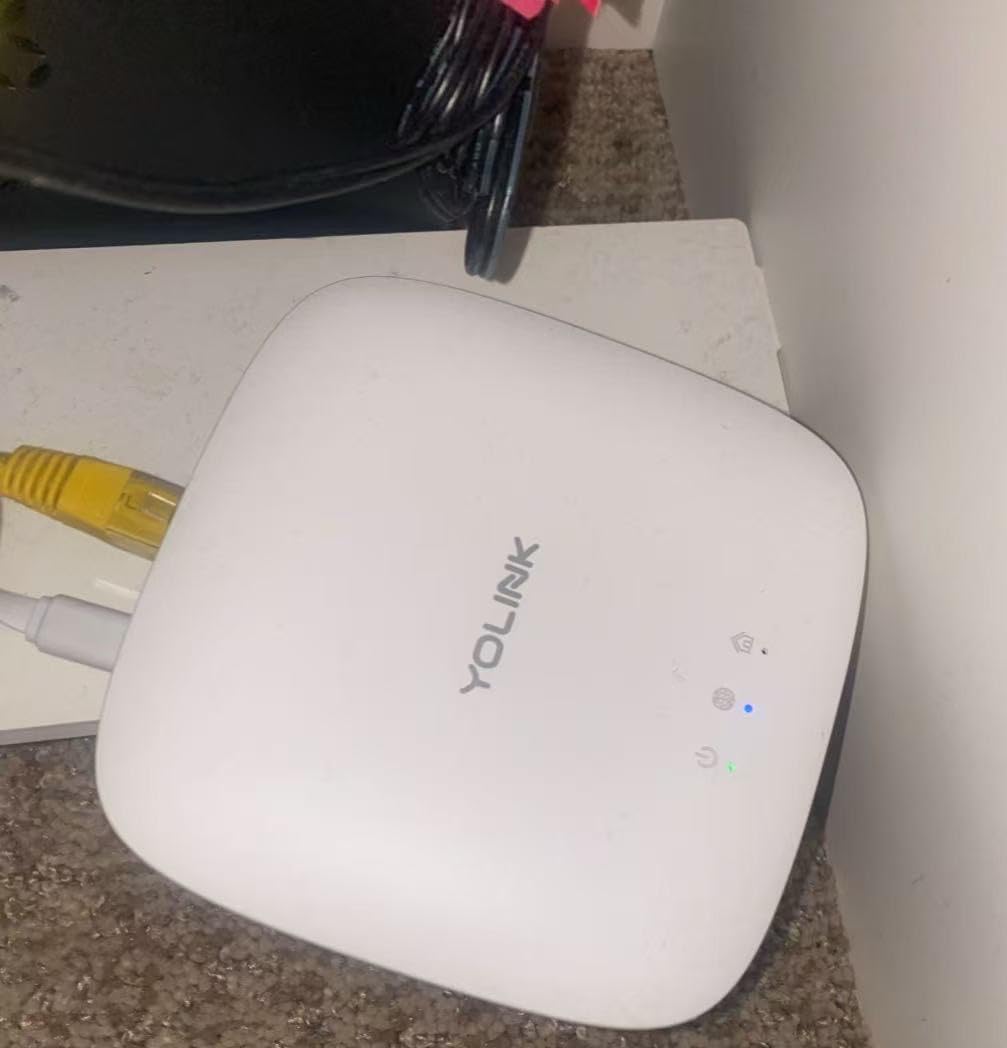
The range is the standout specification. Maximum range is listed at 0.25 miles, and owners report sensors reaching the hub through walls and even metal appliance casings, which is why it keeps appearing in recommendations for basements, garages and detached buildings.
The sensor catalog is unusually deep for a closed system, covering water leak sensors, automated valves, temperature sensors and garage door modules. It plugs into an outlet, runs on 5 volts, and has Ethernet and Wi-Fi connection options. It measures 4.33 inches square by 1.06 inches and weighs 0.19 kg.
No subscription is required for ordinary use, and support has been described as responsive and helpful, including replacing faulty hardware. This is a plug-in hub without battery backup, though cellular and battery-backed variants exist for anyone who needs alerts during an outage.
The catch is the same catch as the Lutron in reverse, only more pronounced. It only pairs with YoLink-branded devices, so it is not a general-purpose hub and it will never be the answer to the mixed-brand pile.
What to check before you buy
Check that you are happy to stay inside one brand. Every sensor you add from here on has to be a YoLink device, so this is a system, not a starting point. If you want one hub for lights, locks, sensors and shades, look at SmartThings or the Aqara M3.
Check where the hub sits. Half a mile of theoretical range is useless if the nearest outlet is behind the boiler, and the alerting is only valuable if the signal arrives.
Where it falls short
SMS and email alerts are capped, and custom SMTP settings are not supported, which matters if you want alerts to a work address or a specific provider. Brief power interruptions can disrupt switch and dimmer operation until they retry, and one of the QR pairing fobs has reversed black-on-white printing that the app will not scan without a workaround.
Some users also report the Alexa integration as problematic. This is a monitoring hub that happens to accept voice commands, not a voice-first system.
Is the SmartThings Hub Obsolete?
No. The SmartThings hub is not obsolete, and the fear that it is comes from conflating two different boxes that share a name. The community favourite is the Aeotec Smart Home Hub V3, which runs SmartThings on its own hardware and is the unit most people mean when they recommend a SmartThings hub as a first step. The Samsung SmartThings Hub 3rd Generation is a separate product, and that one is a fair question for you to ask about.
What makes both still worth buying is that SmartThings still speaks Zigbee, Z-Wave and cloud-to-cloud, and Matter support is expanding rather than shrinking. Protocols do not get discontinued, which is the opposite of how most platform churn works. The risk is not that the hub stops working; it is that Samsung could one day stop supporting new features.
My advice is to buy for the protocol coverage rather than the brand. If you want a general-purpose hub today, the Aeotec V3 gives you SmartThings plus a Z-Wave radio and Ethernet, which is the combination the community keeps recommending. If you already own Caseta lights, none of this applies, and Lutron is the better answer for you.
Start With What You Already Own
The most useful question is not which hub is best, but which devices are already in your house. Buying the hub that matches your existing gear is the single biggest decision you can make, and it removes most of the compatibility anxiety before it starts.
- You own Apple Home devices and an Apple TV – start with a hub that exposes Matter rather than trying to force Zigbee devices in. The SwitchBot Hub 2 or the Aqara M3 both bridge their own gear into HomeKit cleanly.
- You have Amazon Echo speakers and Alexa is your assistant – the Echo Hub 8-inch is the low-friction choice, because everything is already in the Alexa app and you skip setup entirely.
- You have Google Nest speakers and use Google Home – look at the hubs that support Google Home natively, which is every one of the eight here, and pick on protocols rather than on assistant.
- You have a mixed pile from several brands – the Samsung SmartThings Hub 3rd Generation or the Aeotec V3. This is the only category where the higher cost genuinely pays for itself, because cloud-to-cloud and Z-Wave coverage is the whole point.
- You mainly want lights, dimmers and shades – the Lutron Caseta Smart Hub, provided your switches are already Caseta. Nothing else on this list responds as quickly.
- You already own Aqara sensors, or you rent a flat with one stubborn air conditioner – the Aqara M3. The local automations and IR feedback are the reason to choose it.
- You care about privacy and enjoy tinkering – the Home Assistant Green, with the USB dongles budgeted for.
- You want leak and temperature alarms only – the YoLink hub, and nothing more complicated.
Whichever branch you take, buy the hub first and let the automations grow afterwards. Most people who regret a hub regret buying for devices they planned to own rather than the ones they already had.
What to Look for in a Smart Home Hub
Protocols come first. Zigbee and Z-Wave are the two classic low-power radio standards that most battery sensors and locks use, and Thread is the newer low-power mesh that Matter devices increasingly run on. Matter is the layer that sits across them, and a Matter-compatible hub can usually work with devices that speak Matter even if you have never heard the word Zigbee.
Local control versus cloud control is the second thing, and it is the one that bites you years later. A hub that runs automations itself keeps working when the internet is down and does not care whether a company has kept a server running. A cloud-only hub works beautifully right up until the day it does not. If privacy matters to you at all, local execution is worth a steeper learning curve.
The voice assistant is the third. Every hub here works with Alexa and Google Home, so this is rarely the deciding factor, but the display options are not equal. If your household prefers tapping, a wall panel beats a speaker, and if they prefer talking, almost anything on this list will do.
Device capacity is the fourth. Entry hubs often list a maximum around six or so devices, while the multi-protocol units scale into the dozens or beyond. Buy for where you will be in two years, not where you are today, because migrating sensors later is genuinely tedious work.
The subscription is the fifth, and it is the easiest to forget. Several ecosystems push paid tiers for remote access, camera history or voice features. The Lutron Caseta hub, the SwitchBot Hub 2 and the YoLink hub all function without a recurring fee, which is a real saving over a decade.
Physical placement matters more than it should. Hubs that need Ethernet, hubs that must sit 6 to 19 feet from the router, and hubs that need a specific in-wall power supply are all facts you should check before you commit.
Finally, think about migration. Hubitat, SmartThings, Google and Homey users all describe a cycle of switching, sometimes repeatedly. The safest hedge is to buy a hub that speaks multiple protocols, because a multi-protocol hub can be re-paired to a new platform far more easily than a closed one. If you are still comparing options, our guide to the best home automation hubs goes deeper on that side of the market.
What Not to Buy as a Beginner
Do not buy a hub for devices you do not own yet. The most common beginner mistake is choosing the most capable box on the market and then having nothing to connect to it. Start with the two or three devices that will make your life easier this week.
Do not buy a single-brand bridge and assume it will grow. A Lutron bridge or a YoLink hub is excellent inside its own ecosystem and useless outside it. That is fine as a deliberate choice and frustrating as an accident.
Do not ignore subscriptions. A hub that is free to buy and paid to use is a different purchase from one that is free to keep, and the difference compounds every year.
And do not buy a hub with a screen if the household will not use the screen. The wall panel picks on this list are brilliant for a family that taps and useless for a household that speaks. If you are still working out what a smart home should include, start with our beginner smart home device guide and add the hub once you know what you are connecting.
Frequently Asked Questions
Which smart home hub is best for a smart home?
The SwitchBot Hub 2 is the best all-round choice for a beginner because it pairs in minutes, retrofits older infrared appliances and works with Alexa, Google Home and Apple Home. Choose the Samsung SmartThings Hub 3rd Generation instead if you already own devices from several brands, and the Lutron Caseta Smart Hub if your home is mostly lights, dimmers and shades.
Is SmartThings Hub obsolete?
No. The SmartThings hub is not obsolete, because it still speaks Zigbee, Z-Wave and cloud-to-cloud and its Matter support is expanding. The confusion comes from two different products sharing a name: the community favourite is the Aeotec Smart Home Hub V3, which runs SmartThings on its own hardware, while the Samsung SmartThings Hub 3rd Generation is a separate device.
What is the cheapest Matter hub that supports all devices?
The SwitchBot Hub 2 is the lowest-cost hub here that supports Matter and bridges other protocols, and it adds temperature, humidity and light sensing on top. The YoLink hub costs less again but only pairs with YoLink devices, so it is not a universal Matter option.
Which home assistant hub is best?
For official Home Assistant hardware, the Home Assistant Green is the easiest start because Home Assistant OS is preinstalled and setup is a power cable and an Ethernet cable. It has no built-in Zigbee, Z-Wave or Thread radio, so budget for a USB dongle. Running Home Assistant on a Raspberry Pi costs less but is pitched at more technical users.
Does a smart home hub still work without internet?
It depends on the hub. The Home Assistant Green runs everything locally, and the Aqara M3, the Aeotec V3 and some SmartThings automations also execute on the box itself. A hub that sends every command to a manufacturer’s cloud will stop responding during an outage, which is the main practical difference between local and cloud control.
What are the must-have smart home devices to buy first?
Start with a small number of things that make a visible difference: a couple of smart bulbs in the rooms you use most, a leak sensor if you have a basement or a washing machine, and a smart plug for whatever draws the most power. Add a lock or camera only once the basics are reliable, since those need more thought about placement and wiring.
The Verdict: Which Smart Home Hub Should You Buy?
Start with the SwitchBot Hub 2. It is the only device on this list that makes things you already own work better on day one, and it does that while acting as a genuinely useful room sensor. For a first apartment, a couple of rooms, or a household tired of four apps, that combination is hard to beat.
Move to the Samsung SmartThings Hub 3rd Generation when your pile of devices is genuinely mixed, and to the Aeotec V3 when Z-Wave locks are in the plan. If lights and shades are the job, buy the Lutron Caseta Smart Hub and nothing else. If you want your data to stay in your house and you enjoy a project, the Home Assistant Green is the destination rather than the starting point.
Whichever you choose, buy the hub to match the devices you have now, not the ones you are planning. That single habit avoids most of the disappointment beginners report. For the wider picture before you start, our guides to smart home automation systems and universal remotes for smart home control cover what to add once the hub is running.