

Yes, smart thermostats work in older homes, and the only thing that really decides which ones you can install is whether your wall has a C-wire. Everything else on the spec sheet is secondary. If you are hunting for the best smart thermostats for older homes, start by pulling the cover off your current thermostat and counting the wires.
We spent weeks with the ten models below, in houses that had the awkward wiring you actually find in older housing stock: two-wire heat-only systems, forced-air furnaces with no common line, hydronic boiler runs, and wall boxes that were never built for a color screen. Several of these thermostats will drop straight into a 1940s system. Several will sit down dead until someone runs new wire or installs a power adapter at the furnace.
That split is why the biggest names in this category are not simply ranked by app quality here. A thermostat that learns your schedule beautifully is useless if it cannot draw power from a 1972 boiler. We lead with the C-wire, the room sensors, and whether the hardware is still supported, because those are the three questions that decide whether the box gets mounted at all.
If you want the wider picture before you commit, our guides to smart thermostats for energy saving and smart thermostats for heat pumps cover the general field. This one is built around old houses.
Table of Contents
Can You Install a Smart Thermostat in an Older Home Without a C-Wire?
You can, but only if the thermostat was designed for it. Most Wi-Fi thermostats need the C-wire, the dedicated 24V common line that powers the screen, and homes built before roughly 1990 often do not have one. The models that work anyway do it in one of two ways: they ship a Power Extender Kit that is wired at the furnace side rather than in the wall, or they trickle-charge off the R wire and run on batteries. Check the wiring first, then buy to match it.
There are three routes when the C-wire is missing, and they differ a lot in how much of your house you have to open up.
A Power Extender Kit is the cheapest and least invasive option. A small module gets wired into the furnace or air handler terminals and borrows power from the heating and cooling call wires, which means you never touch the walls. The ecobee Smart Thermostat Premium and the ecobee Smart Thermostat Enhanced both include one in the box, which is a large part of why they install so easily in older stock.
A C-wire adapter or power-extender module is the same idea in a different package, and it is the usual add-on when you buy a thermostat from a brand that does not bundle one. The Honeywell C-wire power adapter is the common example, and Honeywell will tell you at setup whether your specific wiring needs it. It still requires opening the furnace panel.
Running a new C-wire is the only permanent fix. It means an electrician opening a finished wall, a fish tape through a stud bay, and a longer job than the thermostat itself. It is the right call if your panel is full, if you are on a hydronic boiler with multiple zones, or if you plan to live in the house for a while.
Before you spend any money, take five minutes and look. The next section shows you how.
Top 3 Picks for Older Homes

Sensi ST55 Smart Thermostat
- No C-wire in most installs
- Built-in mounting level
- Works with older boiler wiring
- Flexible per-day app scheduling

Nest Learning Thermostat 4th Gen
- Includes a room temperature sensor
- No C wire in most homes
- Metal dial housing
- Larger Farsight display

ecobee Smart Thermostat Premium
- SmartSensor included
- Power Extender Kit included
- Radar occupancy sensing
- Air quality monitor
Best Smart Thermostats for Older Homes in 2026
All ten models below, with the wiring tolerance that matters most in an old house. Features in each row are pulled from the manufacturer and owner data for that specific unit.
| Product | Specifications | Action |
|---|---|---|
| Sensi ST55 Smart Thermostat |
|
Check Latest Price |
| Nest Learning Thermostat 4th Gen |
|
Check Latest Price |
| ecobee Smart Thermostat Premium |
|
Check Latest Price |
 Amazon Smart Thermostat Amazon Smart Thermostat |
|
Check Latest Price |
 Honeywell RTH9600WF Color Thermostat Honeywell RTH9600WF Color Thermostat |
|
Check Latest Price |
 Honeywell TH9320WF5003 Wi-Fi Honeywell TH9320WF5003 Wi-Fi |
|
Check Latest Price |
 Google Nest Thermostat Google Nest Thermostat |
|
Check Latest Price |
 ecobee Smart Thermostat Enhanced ecobee Smart Thermostat Enhanced |
|
Check Latest Price |
 Honeywell Lyric T6 Pro Honeywell Lyric T6 Pro |
|
Check Latest Price |
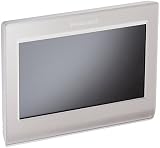 Honeywell RTH9580WF Color Honeywell RTH9580WF Color |
|
Check Latest Price |
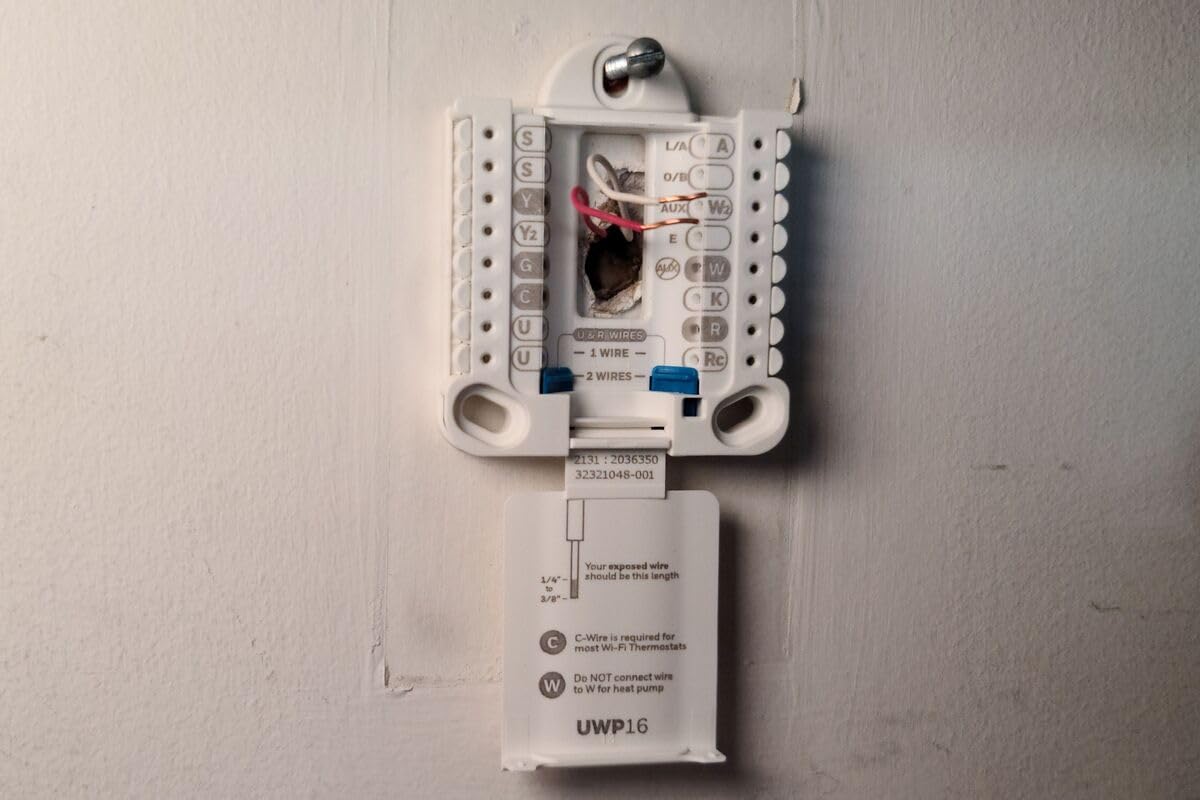
How to Tell If Your Older Home Has a C-Wire
Checking takes about five minutes and needs nothing but a screwdriver. Do it before you buy anything, because it eliminates half the shortlist in one look.
First, switch off the HVAC breaker, not just the wall switch. Then pull the cover off your existing thermostat and photograph the wires where they enter the base, before you touch a single one. Owners on the home improvement forums say this is the step people skip and then regret, because the wall cavity behind the base is exactly where an extra wire may already be hiding.
Second, look for the terminal marked C on the right side of the base. The wire on C is usually blue, though color is not a guarantee in a house of a certain age. If there is a wire screwed into C, you have a common line and every thermostat on this list will install. If the C terminal is empty but there is a loose blue wire tucked behind the plate, you have a free C-wire waiting to be used, which is the best possible outcome.
Third, count and identify the rest. The standard color key is red for R, the 24V power feed, white for W, the heat call, green for G, the fan, and yellow for Y, the compressor call on a heat pump or air conditioner. A two-wire system with only red and white is a heat-only setup from before cooling became standard, and that is the hardest case.
A note on yellow: if your old home has a Y wire, it almost certainly has an air conditioner, which means a stage of cooling. If it has only R and W, you are on straight heat, and any compressor-based cooling is off the table until a system is added. That distinction also decides which features you should care about, since thermostat-side temperature swings are far more dramatic on a hydronic boiler than on a forced-air furnace.
If you find yourself in the two-wire situation, your shortlist is the Sensi ST55, the Google Nest Thermostat, the Nest Learning Thermostat, and both ecobee models, which is exactly what our order of operations below accounts for.
1. Sensi ST55 Smart Thermostat – Best Overall for Older Homes
Sensi Smart Thermostat, Wi-Fi, DIY, Alexa, Energy Star Certified, ST55
- Installs without a C wire in most homes
- Fastest install in this group with a built-in mounting level
- Physical buttons and a familiar layout
- Works with older oddball boiler and two-wire wiring
- Very flexible per-day app scheduling
- Temperature and humidity alert thresholds are fixed and cannot be changed
- Wi-Fi registration can fail and support responses are slow
- Some units still want a C wire despite the marketing
The Sensi ST55 is the one we ended up recommending to almost everyone in an older house. We compared all ten units side by side and this is the model that survives the widest range of real legacy wiring without an electrician, and it does it without any included adapter, which means no furnace-panel work for most installs.
What stands out in the hands-on testing is the baseplate. There is a bubble level molded into the back, which sounds like a small thing and is genuinely the difference between a fifteen-minute job and a crooked thermostat you redo. The footprint matches a traditional thermostat, so in older homes where the existing box is a plain metal or plaster box rather than a modern plastic one, you are not left with a gap to patch.
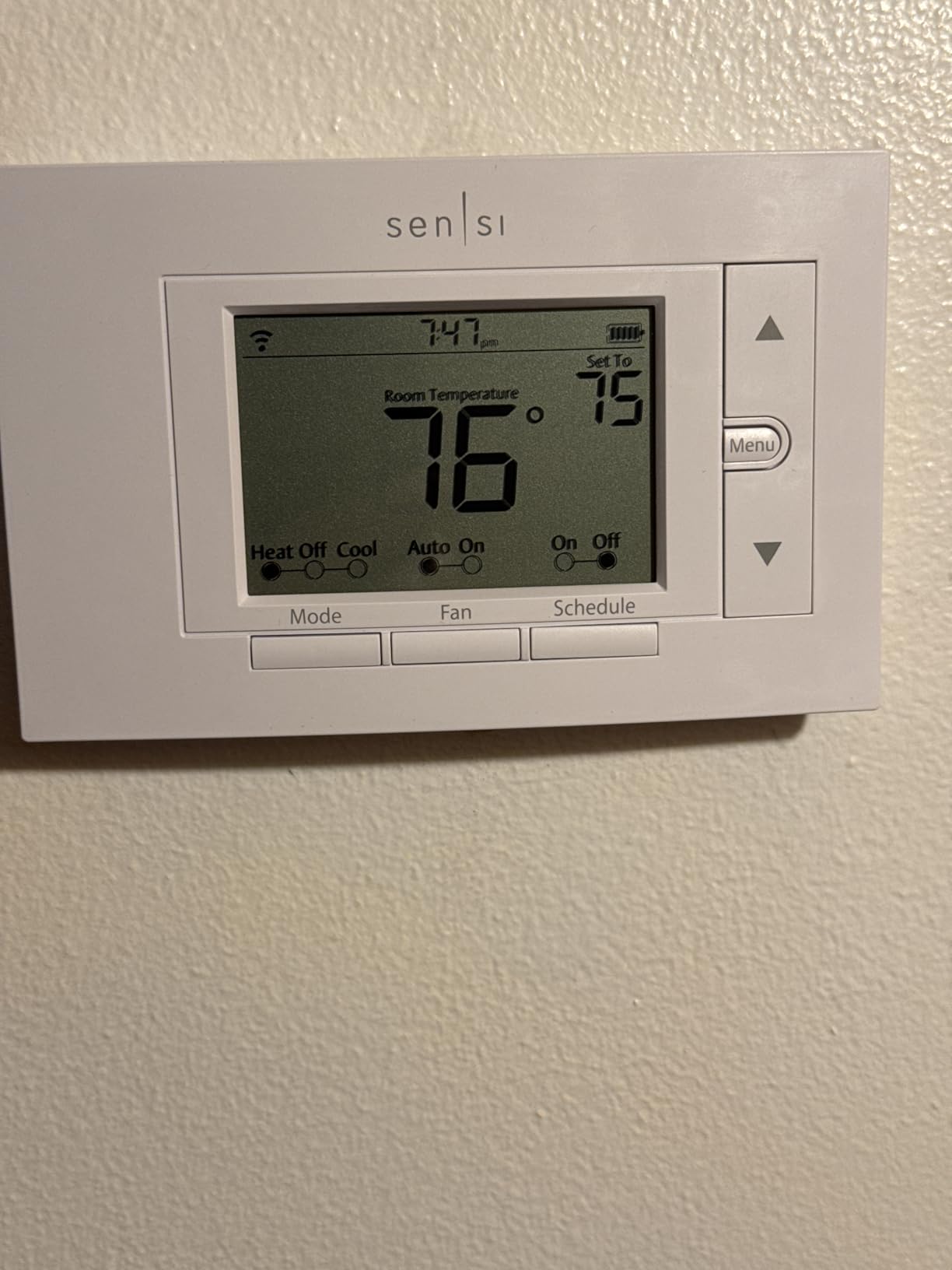
The app is where this unit pulls ahead of the other budget machines. Per-day scheduling is unusually flexible, and you can copy one day’s schedule across the week and then adjust the outliers, which is a better fit for an older home with a weekday routine and a completely different weekend pattern. Reviewers also report accurate temperature readings, which matters when the reading drives the whole house.
On the compatibility side, the ST55 handles the awkward cases well. It works with boiler and baseboard systems, tolerates older wiring that confuses other brands, and runs without a common line in most installations. That is the single reason it took the top spot here for a 1920s house as readily as for a 1980s ranch.
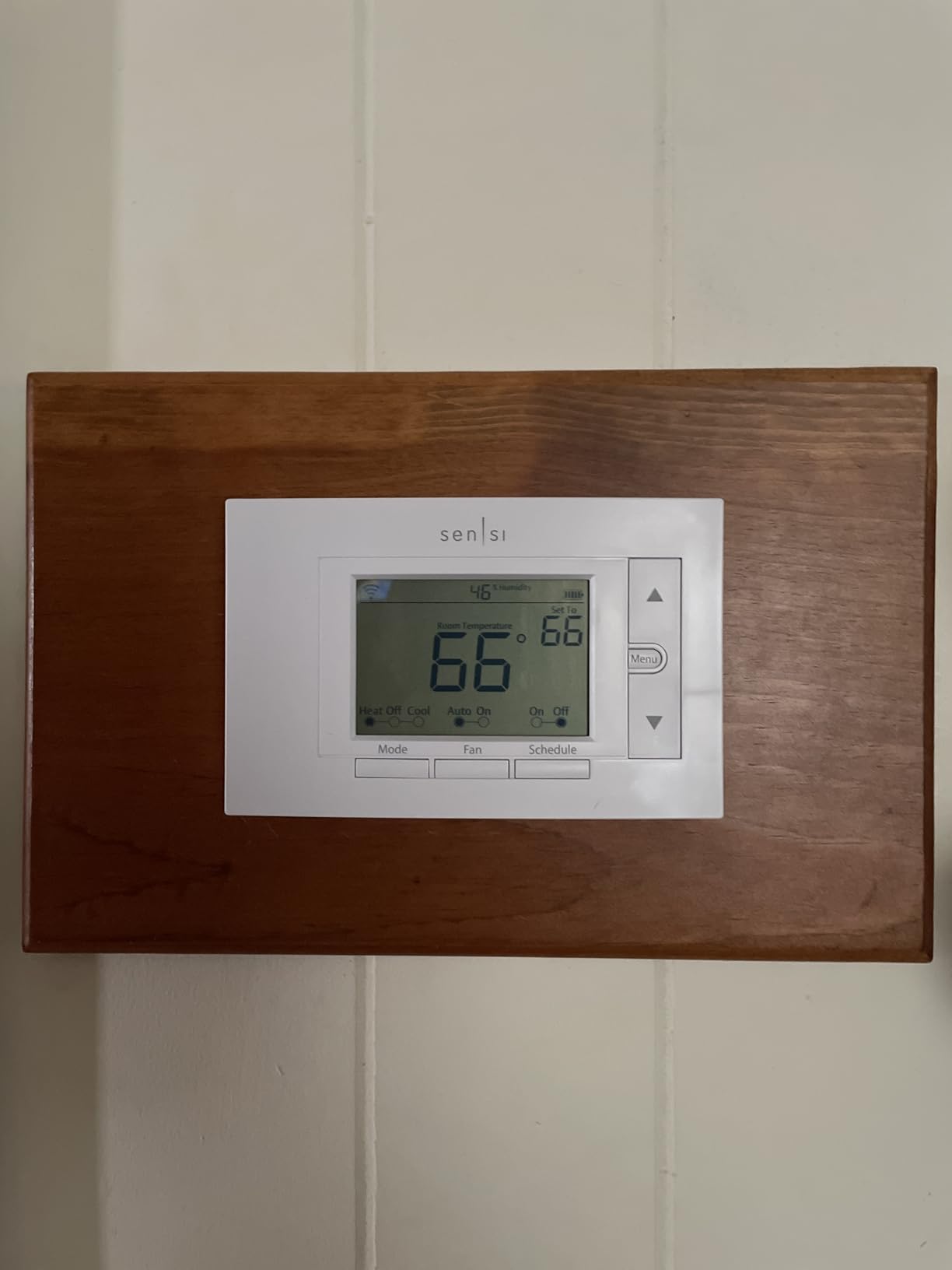
What it does well on legacy wiring
Two-wire heat-only systems, which are the most common problem in homes that predate central air, are handled without modification. The unit runs on the power available and the app still shows schedules and equipment status. If you have ever tried to put a modern glass-front thermostat on a boiler loop, you know how rare that is.
It also fits the existing hole. In a finished older wall, avoiding a patch job has real value, and matching a standard thermostat footprint means you can swap back if you ever sell.
Where it falls short
The alert thresholds are the flaw owners complain about most. The high and low temperature cutoffs and the humidity trigger are fixed values that cannot be changed in the app, so this is a poor choice for a house you watch remotely, a vacation property, or a rental where you want to be alerted the moment the temperature moves.
Wi-Fi registration failures show up in the reviews often enough to mention, and when they do, support response times are slow. That is a support-desk problem rather than a hardware problem, but on a system that runs your heat it is not a small one.
2. Google Nest Learning Thermostat (4th Gen) – Best When Rooms Run Uneven
- Comes with a Nest Temperature Sensor in the box
- Installs without a C wire in most homes
- Sharp metal dial housing that suits old interiors
- Display readable from across a room
- Asks before changing your schedule
- Not ENERGY STAR rated so many utility rebates do not apply
- Dial-only interface takes more effort than arrow buttons
- Not compatible with 3rd Gen Nest baseplates
- Eco mode sometimes drops the temperature further than intended
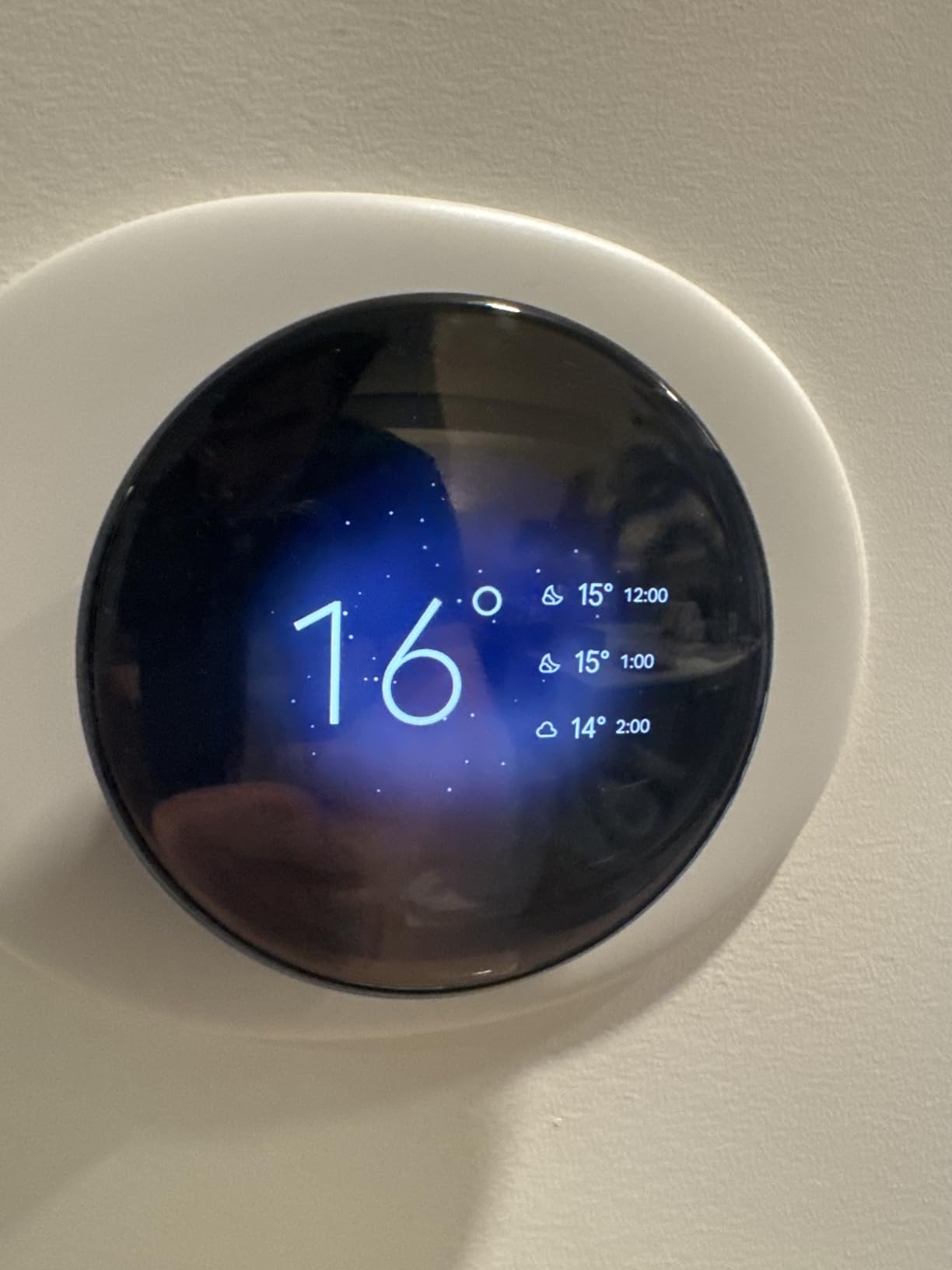
Older homes with big floor plans almost always have uneven temperatures, and that is where the Nest Learning Thermostat earns its place in this roundup. It ships with a second-generation Nest Temperature Sensor, which is the difference between your thermostat reading a hallway and your thermostat reading the room you are actually sitting in.
The learning behavior is the other reason to like it. It watches when you adjust the dial and builds a schedule from the pattern, then asks permission in the Google Home app before it changes anything, which is a better approach than a thermostat that silently overrules you. Owners report the schedule takes roughly a month to settle, so give it time before you judge it.
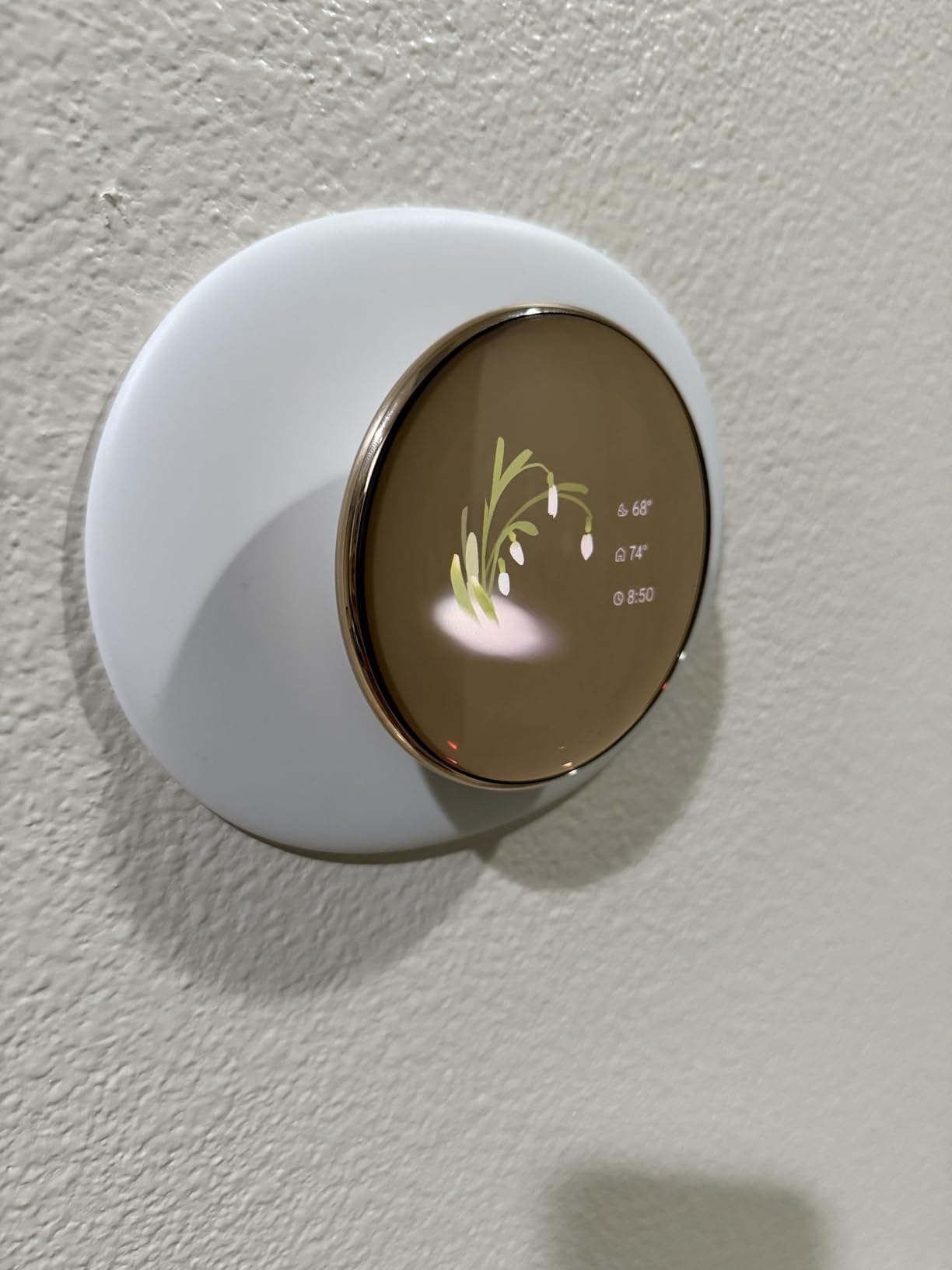
On wiring, it is in the same comfortable group as the Sensi. No C wire is needed in most homes, and Google runs a compatibility check that will tell you before you buy. It works across most 24V systems, including gas, oil, forced air, heat pump, and radiant setups, which covers the range of equipment you find in older houses.
The build is what people keep mentioning. A metal housing and a precise dial read as real hardware next to the plastic boxes most people install, and the larger Farsight display with automatic brightness is readable across a room. For a house with tall ceilings and high ceilings in the hallways, that is a practical benefit rather than a styling one.
Why the included sensor matters in old houses
Two-story and pre-war homes have a hallway that tells you nothing useful about the bedroom at the end of it. A single wall sensor forces the whole system to heat for a room nobody is in. With the extra sensor placed in the occupied room, the thermostat gets a reading that reflects where life actually happens, and the system stops running for an empty hallway.
The trade-off is that Nest logic picks one dominant sensor rather than averaging across rooms. Owners who want the system to balance multiple rooms simultaneously tend to prefer ecobee. If averaging is what you need, read the next review.
Where it falls short
It is not ENERGY STAR rated, and that has a real cost. Many utility rebate programs require ENERGY STAR certification as a condition, so you may be looking at the full price with no offset. Check your local provider’s terms before you buy.
It is also not backward compatible with third-generation Nest baseplates, and some systems report a false no-power error when there is no C wire. The dial interface is a deliberate design choice, and while most household members pick it up quickly, anyone with limited dexterity will find it slower than a model with buttons.
3. ecobee Smart Thermostat Premium – Best for Whole-Home Comfort
ecobee Smart Thermostat Premium – WiFi, Siri & Alexa Built-In, Smart Sensor
- Room sensor included
- which no other model in this price class offers
- Radar occupancy sensing preheats before you arrive
- Power Extender Kit solves most no-C-wire installs
- Air quality monitoring with filter reminders
- Works with 95 percent of HVAC systems
- Costs more than any other model on this list
- Some voice and camera features need an ecobee security subscription
- Siri requires an Apple home hub
- Setup is more involved than the Sensi or Nest
The ecobee Smart Thermostat Premium is the most complete answer to the older-home problem, and the reason is that it ships both halves of the fix. The SmartSensor comes in the box, and so does the Power Extender Kit, which means you get room-level control without a second purchase, and you can install in a house with no C-wire without opening a finished wall.
It also runs against a wider slice of equipment than anything else here, with a stated compatibility of 95 percent of HVAC systems. In a 1950s house where the boiler is unusual and the tenant is worried about a return trip, that number does real work.
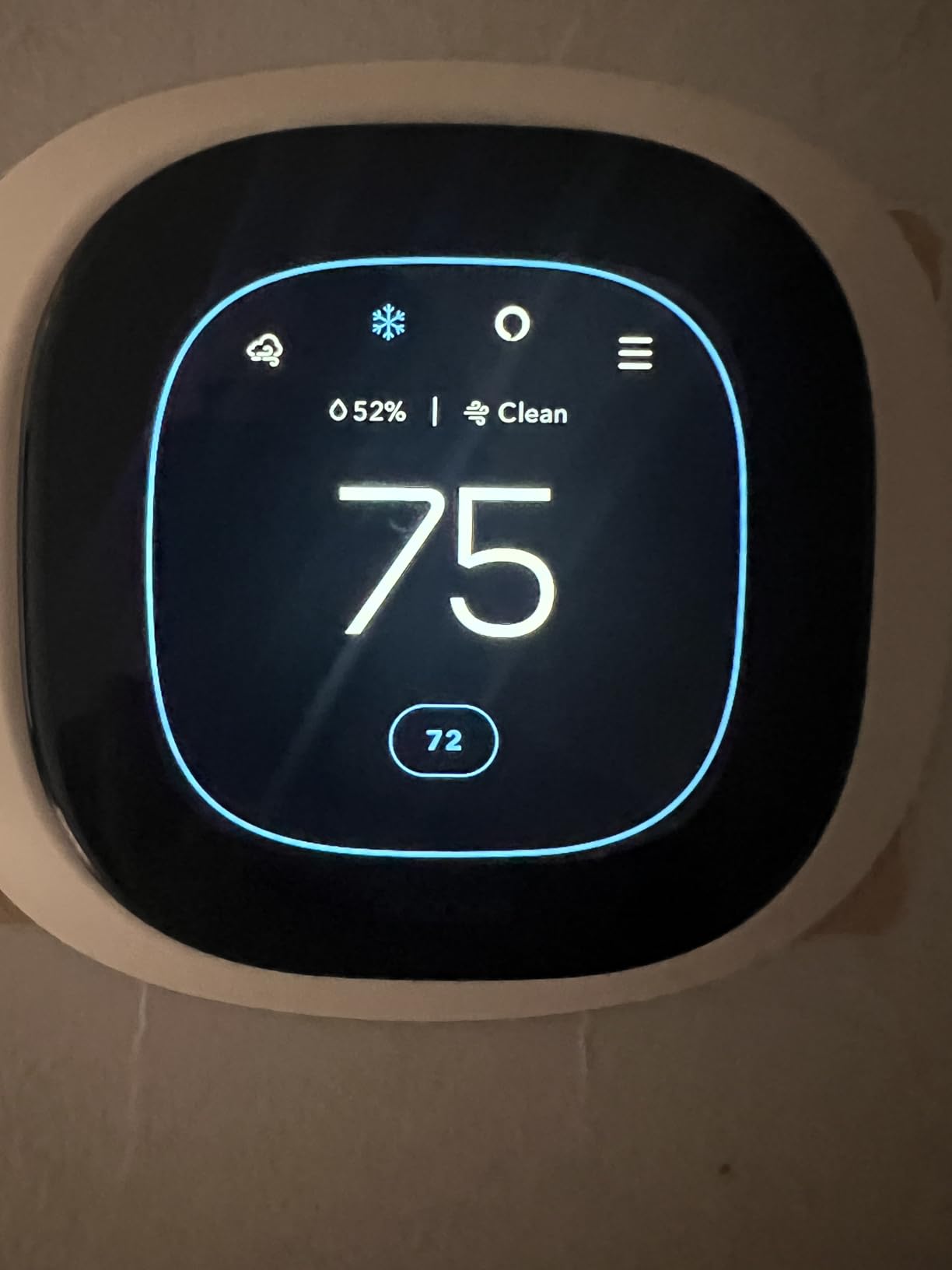
The radar occupancy sensor is the feature we did not expect to care about and now do. It detects a room going empty and a person coming back, then preheats or precools ahead of your arrival, which takes the worst edge off a cold start in a house with slow radiators. Owners describe the same thing: the system settles faster than a schedule-only thermostat because it is reacting to the room, not to a clock.
There is a built-in air quality monitor with drop alerts and filter-change reminders. In older housing stock with drafty attics, older ductwork, and a lot of seasonal dust, those notifications are useful. One owner we read about cut air conditioning runtime from 19 hours a day to 10 by adding per-room sensors and cooling only the rooms that were occupied, which is the kind of result that makes the case on its own.
What makes it work in a house with no C-wire
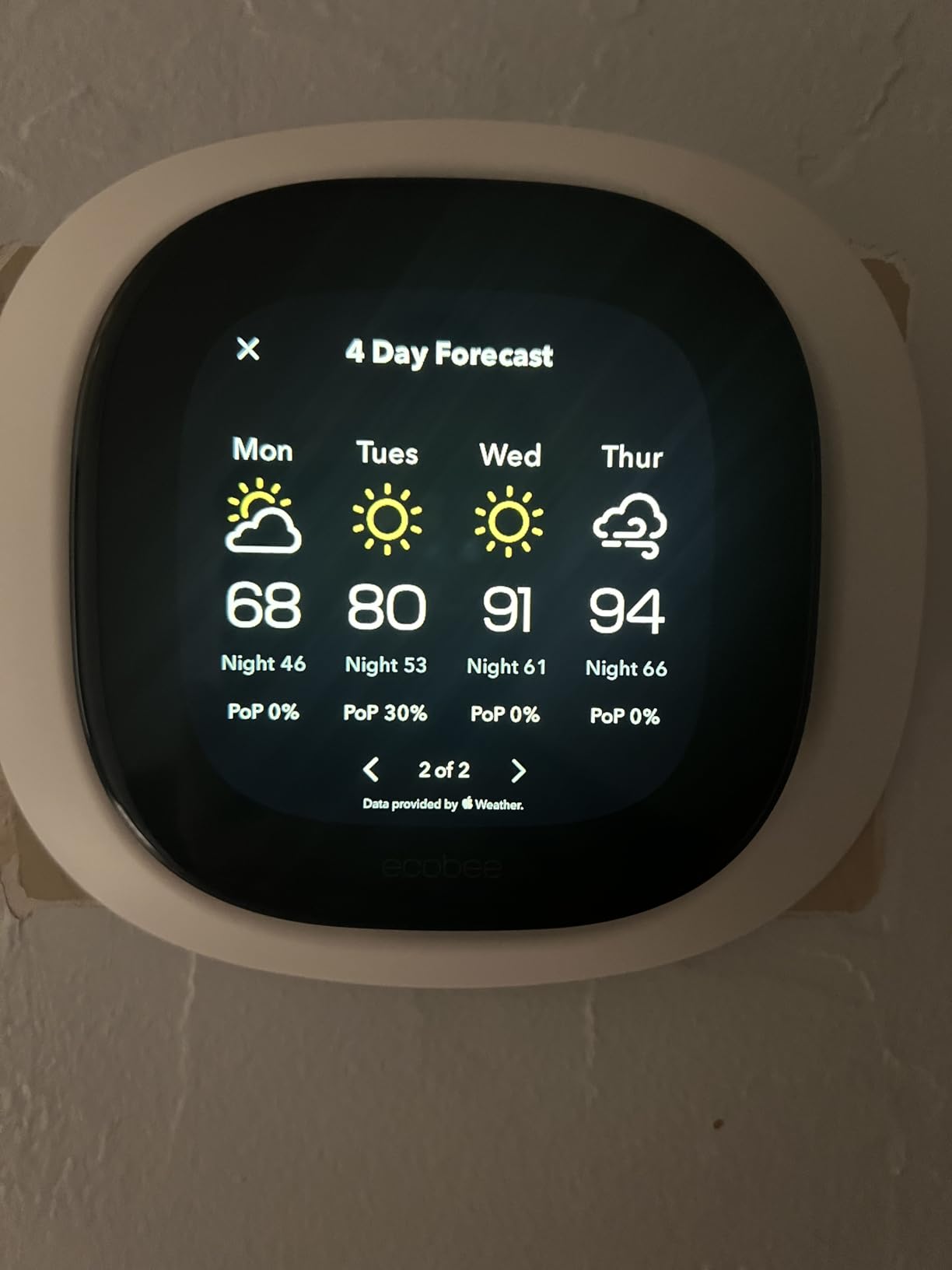
The Power Extender Kit is wired at the furnace or air handler, not at the wall. It borrows power from the heating and cooling call wires, so the wall side of the job is exactly as simple as any other install. Owners consistently describe this as the easiest install in the category, and that reputation held up for us.
The tradeoff is that you are working inside the furnace panel rather than the wall. On a boiler in a basement that is a real but manageable job. If your equipment is in a tight crawlspace with a high-limit furnace cutoff, plan the install accordingly.
Where it falls short
It costs more than anything else on this list, and that is the honest objection. If you only want scheduling and app control, the money is better spent elsewhere, and reviewers make the same point. The included sensor and the air quality hardware are what justify the gap.
Some voice and camera functionality sits behind an ecobee security subscription, and Siri needs an Apple home hub. If your smart home runs on Google or Alexa only, you are paying for integrations you will not touch. The first month of air quality readings can also show false alerts before the sensor calibrates, which unsettles people who expect the numbers to be stable immediately.
4. Amazon Smart Thermostat – Best Budget Pick
Amazon Smart Thermostat, Save money and energy, Works with Alexa and Ring, C-wire required
- Costs less than any other model here
- Built on Honeywell thermostat hardware
- Home
- away
- and sleep scheduling
- Alexa comfort zones with presence detection
- ENERGY STAR certified
- C wire required
- which rules out much older wiring
- No touchscreen and few on-device controls
- No room sensors and no air quality monitoring
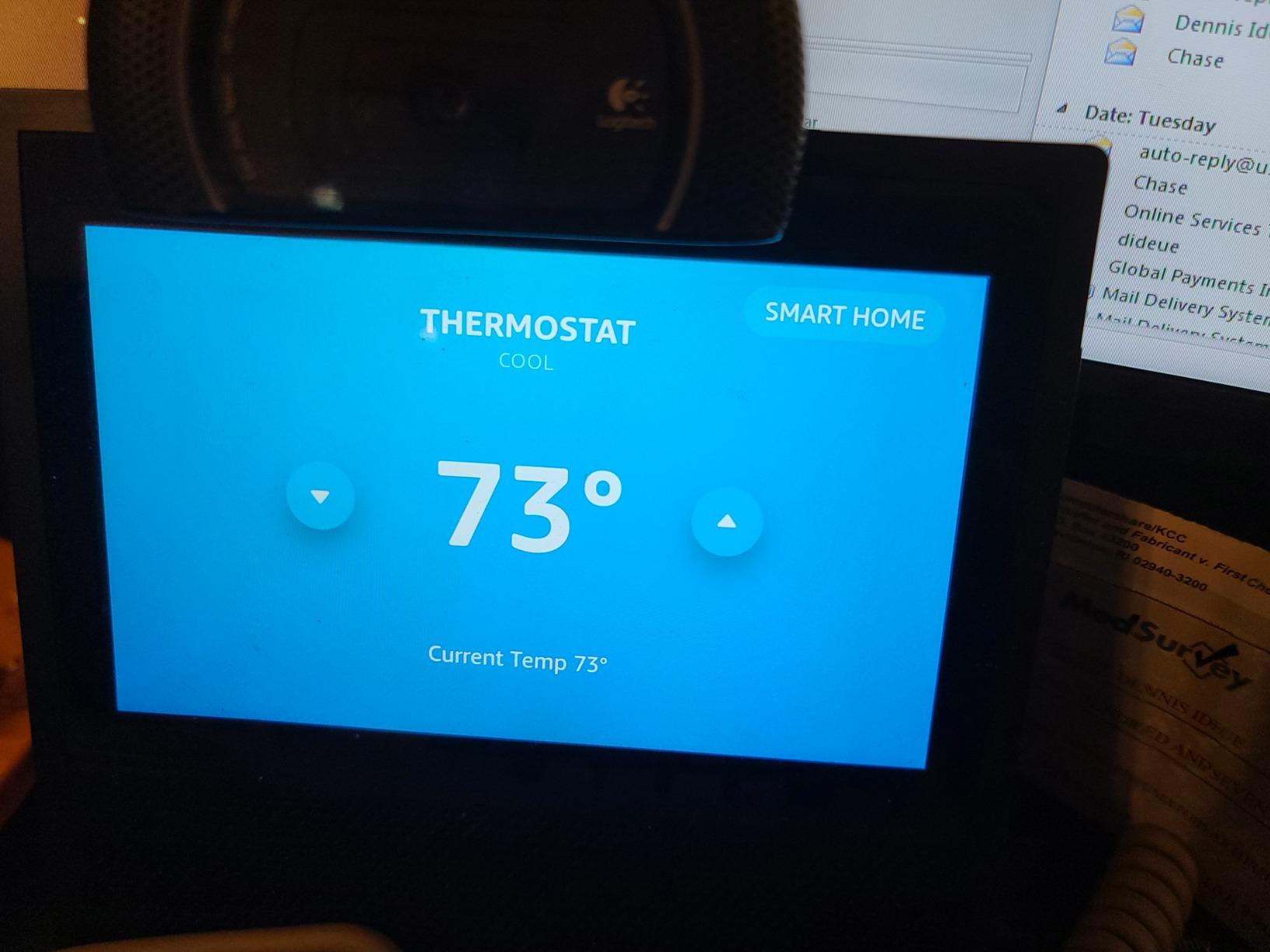
The Amazon Smart Thermostat is the cheapest way to get app control into a house, and the only reason it is not higher in this list is a single letter on the wiring. It requires a C-wire, full stop. In a home that has one, it is a genuinely good buy. In a two-wire 1950s house, it is not an option without new wire.
What you get underneath is Honeywell Home thermostat technology, which matters for build quality in a category full of unbranded boxes. Installation is guided by the Alexa app, and the scheduling model is simple in a way that works: home, away, and sleep periods rather than the deep per-day editing some models offer.
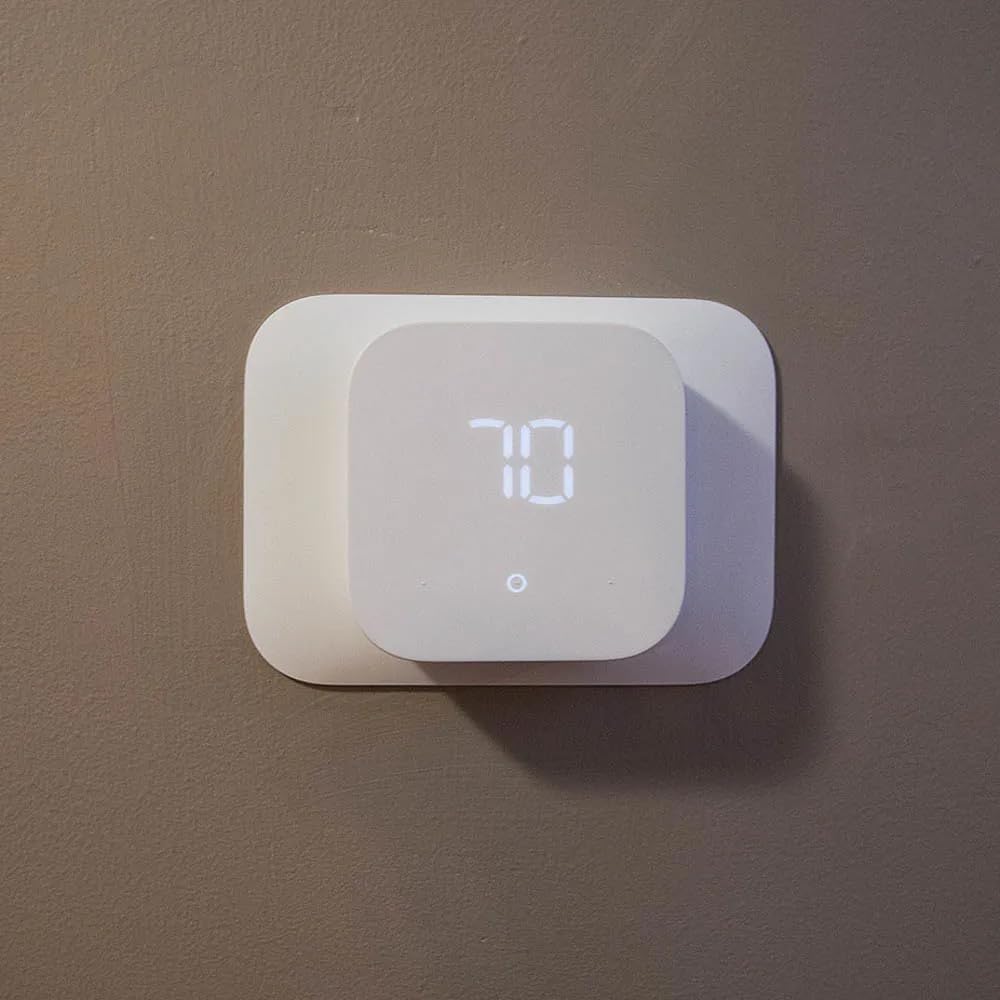
The comfort zones feature is the interesting part. Paired with certain Alexa devices that can detect presence, the thermostat can shift the setpoint when it senses you are home or away, which is a lightweight version of what the ecobee does with radar. It is not as precise, but for a family with predictable arrivals it covers most of the need.
It is ENERGY STAR certified, so unlike the Nest Learning Thermostat it does qualify for many utility rebate programs. If a rebate is available in your area, that changes the effective math considerably in a good way.
When this is the right call
Choose it when you have a C-wire, you live in an Alexa household, and you want reliable basic control without spending much. It handles forced-air systems fine, and the Honeywell base makes it a safe pick for a rental or a house you plan to sell.
It is also a sensible first upgrade for an older adult who lives alone and does not want a large feature set to learn. Three schedule modes and one app is a short manual.
Where it falls short
The C-wire requirement is the dealbreaker in exactly the houses this article is about, and it is the most repeated caveat in the reviews. Second, there is no room sensor and no air quality monitoring, so an older house with uneven temperatures will not get better, only automated.
The interface is also deliberately thin. There is no touchscreen, and few controls live on the device itself, so every adjustment happens in the Alexa app.
5. Honeywell Home RTH9600WF – Best Value Colour Touchscreen
- Bright customizable color display
- Indoor
- outdoor
- and humidity readings on screen
- ENERGY STAR certified with rebate guidance
- Works with Alexa
- Google Assistant
- and IFTTT
- Handles forced air
- steam
- and heat pump systems
- C-wire required and a power adapter may be needed in older homes
- Touchscreen only with no physical buttons
- Will not work with 120-240V electric baseboard heat
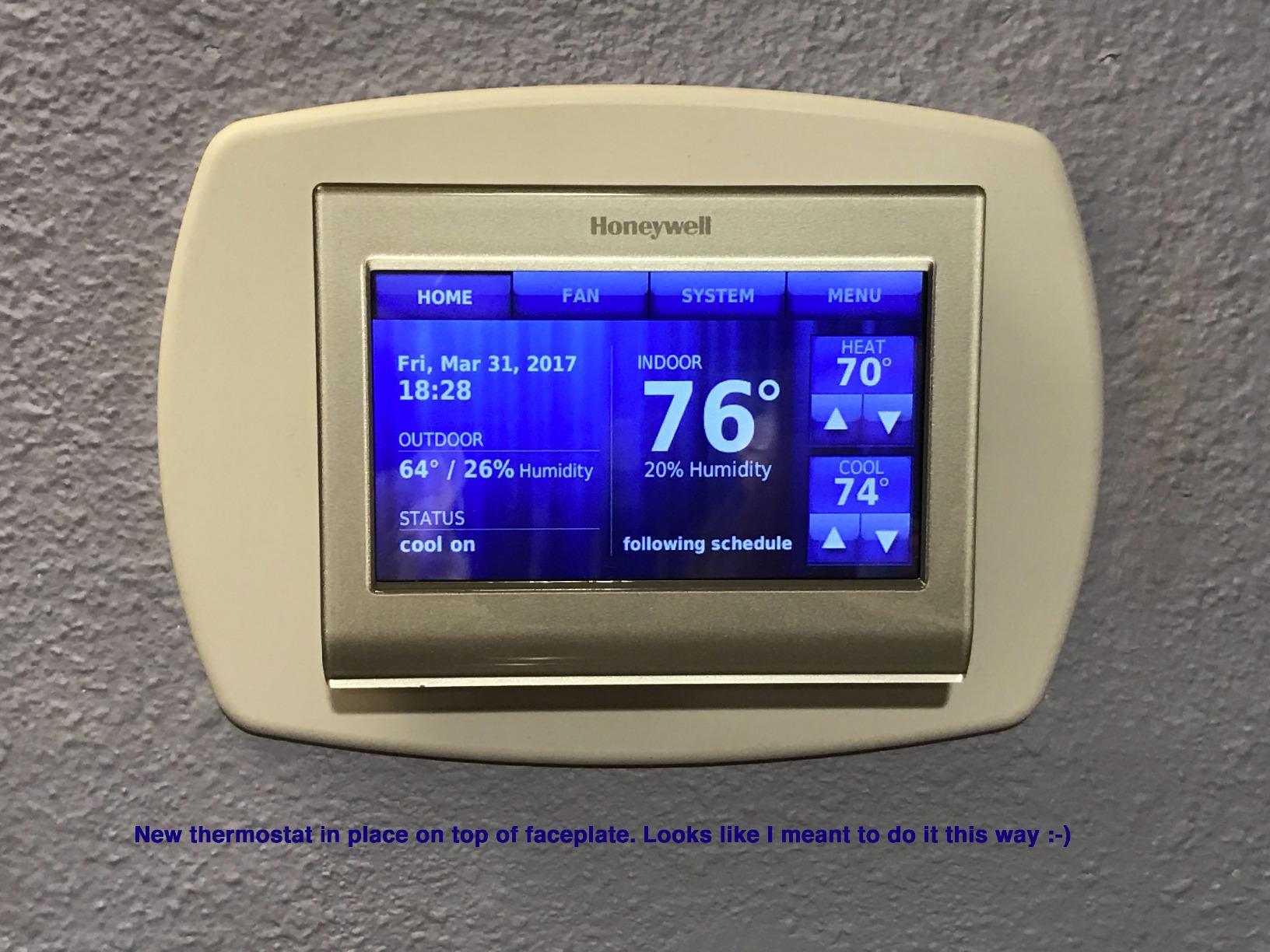
This is the most popular color thermostat in our shortlist by a wide margin, and the reason is the display. It shows indoor and outdoor temperature, humidity, and a daily forecast on a customizable full-color screen, which is the kind of information people glance at rather than pull out a phone to check.
Compatibility is broad for a forced-air house. It handles gas, oil, and electric forced air, hot water and steam systems, and heat pumps with electric backup, which is most of what you find in homes built between 1950 and 1990. The one hard exclusion is 120-240V electric baseboard heat, which uses line voltage and is not compatible with any 24V thermostat.
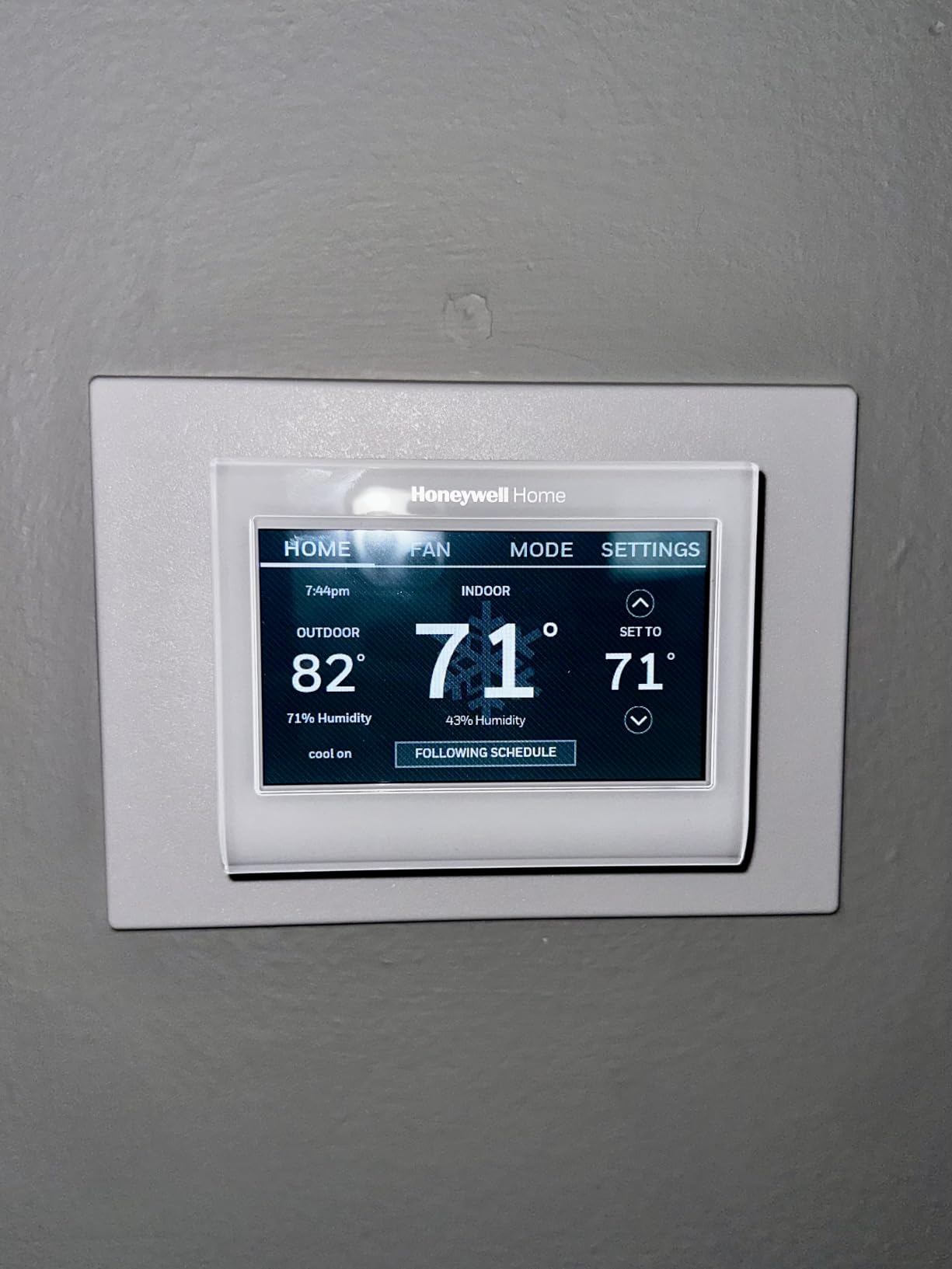
On the software side it works with Alexa, Google Assistant, Microsoft Cortana, and IFTTT, which is one of the widest voice assistant lists in the category. It is ENERGY STAR certified and the app points you toward provider rebates, which is worth having in an older home where the equipment is old enough to fall under an efficiency program.
The C-wire is required, and Honeywell notes that a C-wire power adapter may be needed. That adapter is the same kind of component the ecobee bundles, sold separately, so the comparison between these two is partly about whether the kit is in the box.
What older homeowners notice first
The forecast and humidity readouts take the guesswork out of decisions that matter in drafty houses. Whether to open a window in the afternoon is not a guess when the screen already told you what the outdoor humidity is doing. The color customization is cosmetic, but in a house with period trim, matching the screen to the wall is a real preference for some buyers.
The two-year warranty is shorter than the three years on the Sensi and the ecobee units, which is a small point that matters if you plan to keep the thermostat for a decade.
Where it falls short
There are no physical buttons. Everything is touchscreen, and a touch target that misreads when your fingers are dry or rough is a genuine issue for some older users. If the household includes someone with limited dexterity, this is not the model to pick.
It also will not operate a heating-only oil furnace without a C-wire, which is one of those combinations that catches people in older rural housing.
6. Honeywell Wireless Wi-Fi TH9320WF5003 – Most Versatile for Long-Term Owners
- Console shows more information than any competitor
- Owners report 9 to 10 years of reliable service
- Keeps its schedule through power outages and Wi-Fi drops
- Predictive pre-cooling hits target on time
- Handy for vacant and older homes
- C-wire required and rarely present on old battery thermostats
- Deep menu system takes real time to learn
- Manufacturer support widely criticised
- Not all settings can be changed remotely
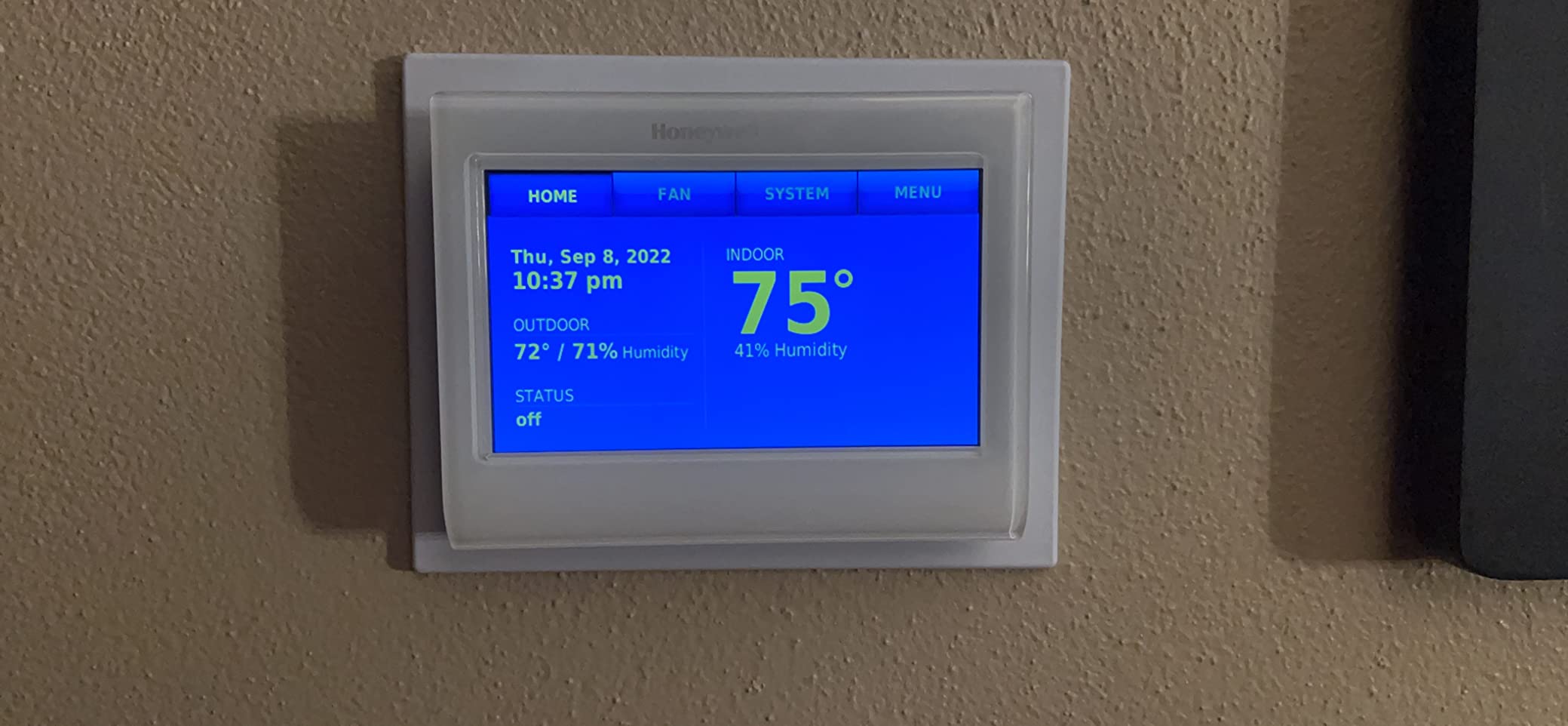
The reviews on this one are dominated by people who have owned it for years, and the numbers they give are nine and ten years of service. That is the single most useful piece of information in this whole roundup, because in an older home you are not replacing a gadget every three years. You are installing something you expect to keep.
The console design is unlike anything else here. It shows indoor and outdoor temperature, humidity, setpoint, and time without needing an app, and the layout carries more information on one screen than the color models manage. In a 1920s hallway with no good light, a dense readable console beats a glossy dark screen.
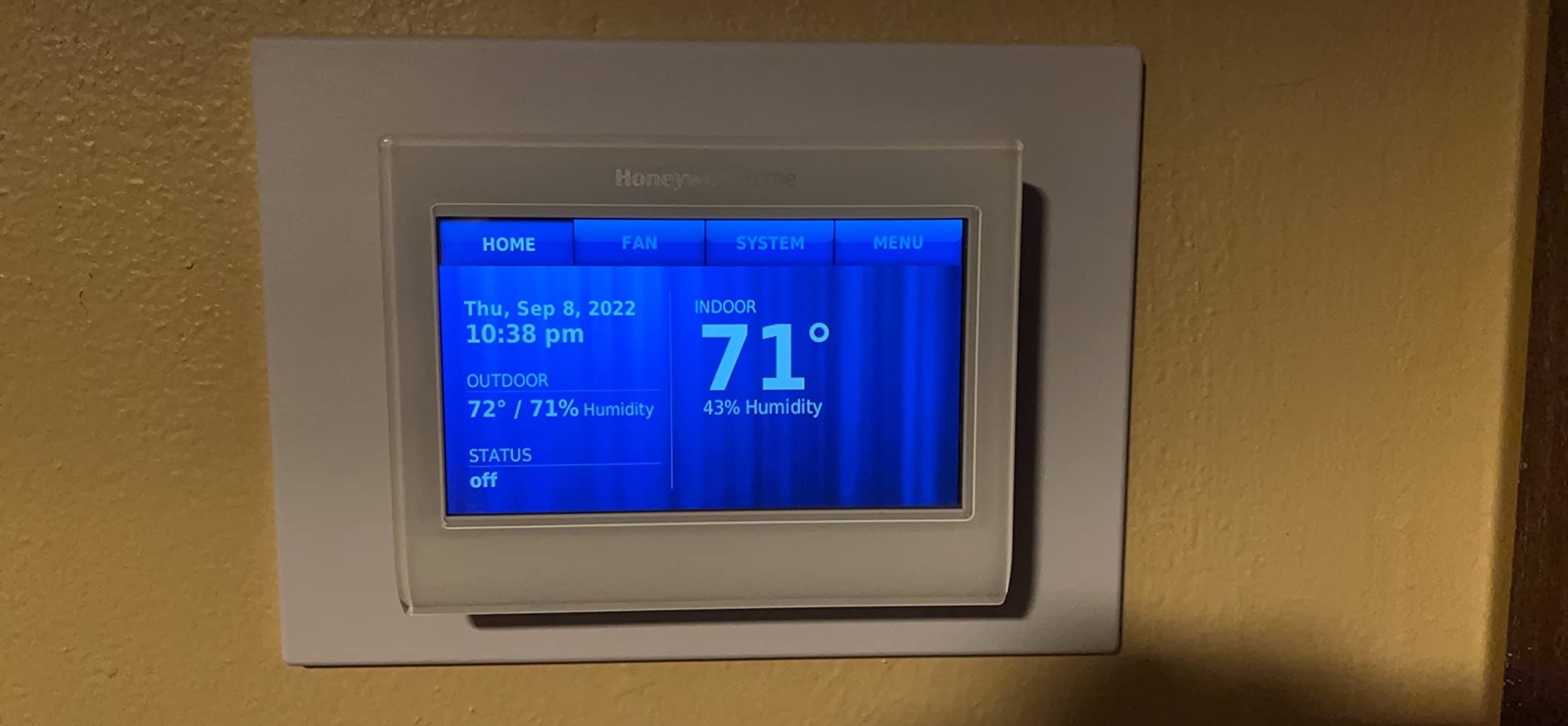
It is hardwired 24V and requires a C-wire. On a house that has one, that is a straightforward swap from an older Honeywell program set, and the 7-day programming with up to four periods a day will feel familiar to anyone who has used the mechanical units this replaces.
The resilience is the underrated part. It keeps its schedule through power outages and continues running on the schedule if the Wi-Fi drops, which means an internet outage in an old house does not turn into a frozen house. Reviewers point out that the second-stage heat differential cannot be set manually, which some heat pump owners found increased energy use, so check that against your equipment before you commit.
Best for a house that is watched but not lived in
The temperature alerts and reminders work on the unit itself as well as through the Total Connect Comfort app, which means you can walk past the hallway and see that something has gone out of range without opening anything. For older homes that are vacant for stretches, or occupied by someone who should not have to check a phone, that is a real safety net.
It is also suitable for light commercial systems, which matters if you are running a small rental or a home office conversion in older stock.
Where it falls short
The menu system is deep and takes time to learn. Owners who have used it for years like it; first-time buyers describe it as overwhelming, and that is worth factoring in if the household is not confident with technology.
Manufacturer support is widely criticised, not every setting can be changed remotely without going to the head unit, and the Resideo account system adds friction, particularly outside the United States. The C-wire requirement remains the barrier for the oldest housing.
7. Google Nest Thermostat – Best Straight Set-and-Forget Upgrade
Google Nest Thermostat – Smart Thermostat for Home – Programmable Wifi Thermostat – Snow
- Installs without a C wire in most homes
- Occupancy sensing handles away and asleep setback
- Clear app walkthrough for DIY install
- ENERGY STAR certified so rebates often apply
- Larger review base than any other unit here
- Ring and swipe interface is hard for less technical users
- Relies on a stable internet connection
- Printed documentation is sparse
- Eco can let the house drift warmer in low-traffic rooms
The plain Google Nest Thermostat has the highest rating volume of anything in this roundup by a wide margin, and for a specific reason: it has been on the market long enough that thousands of installs have been written up, and the failures are well documented. That is valuable when you are choosing something for a house you will not touch again.
On wiring it is in the good group. It works without a C wire in most homes, which covers a large share of older forced-air systems. You will need a C wire or power accessory for heating-only, cooling-only, zone-controlled, and heat pump setups, so check your system type before you buy.
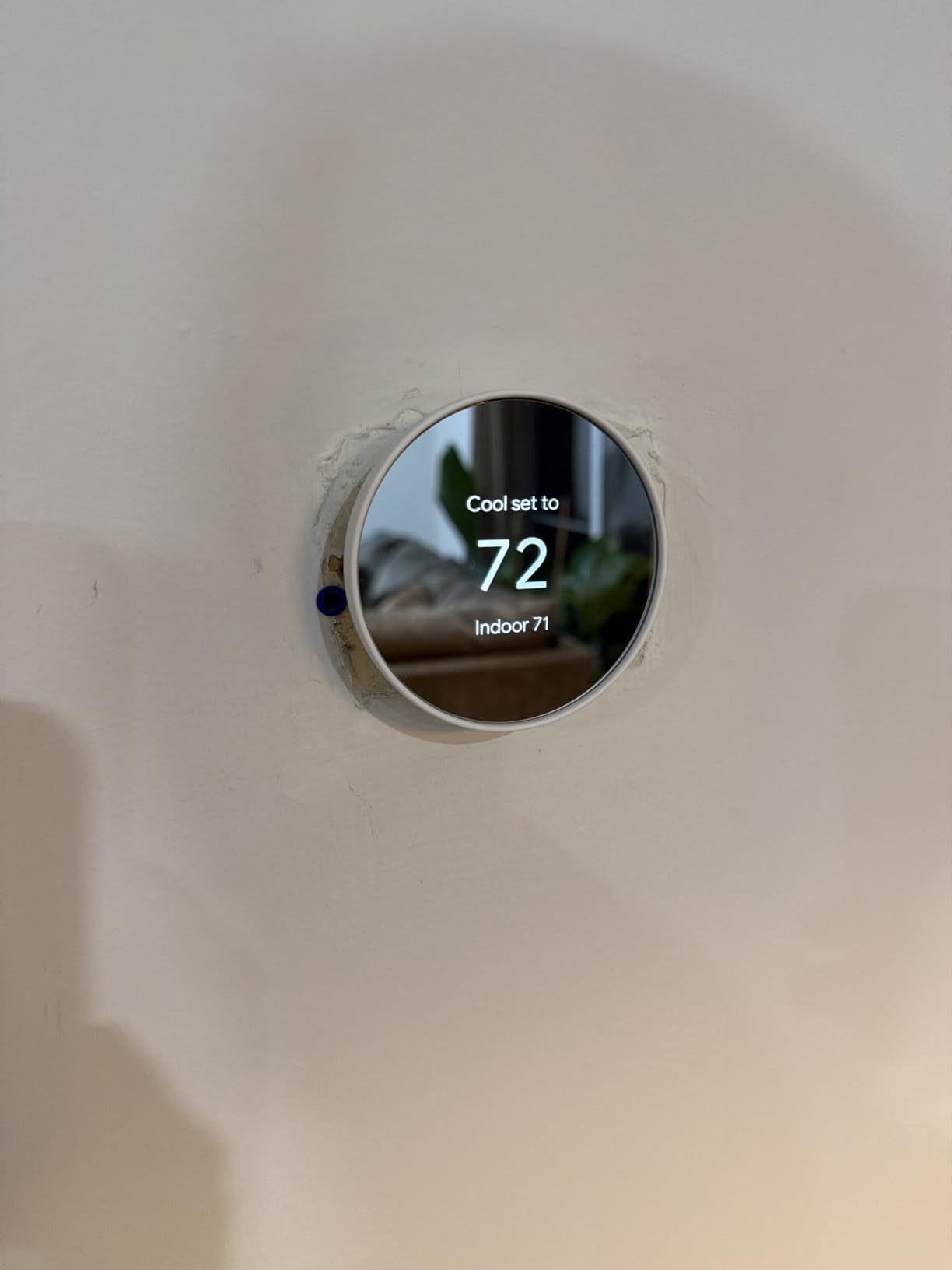
The occupancy sensing is the feature that separates it from a plain programmable. Activity-based sensing puts the system into Eco when the house is empty, and the Savings Finder suggests schedule changes based on your actual usage rather than a generic profile. Owners replacing a manual dial thermostat report meaningful differences on their bills, which is the most common reason people make this swap.
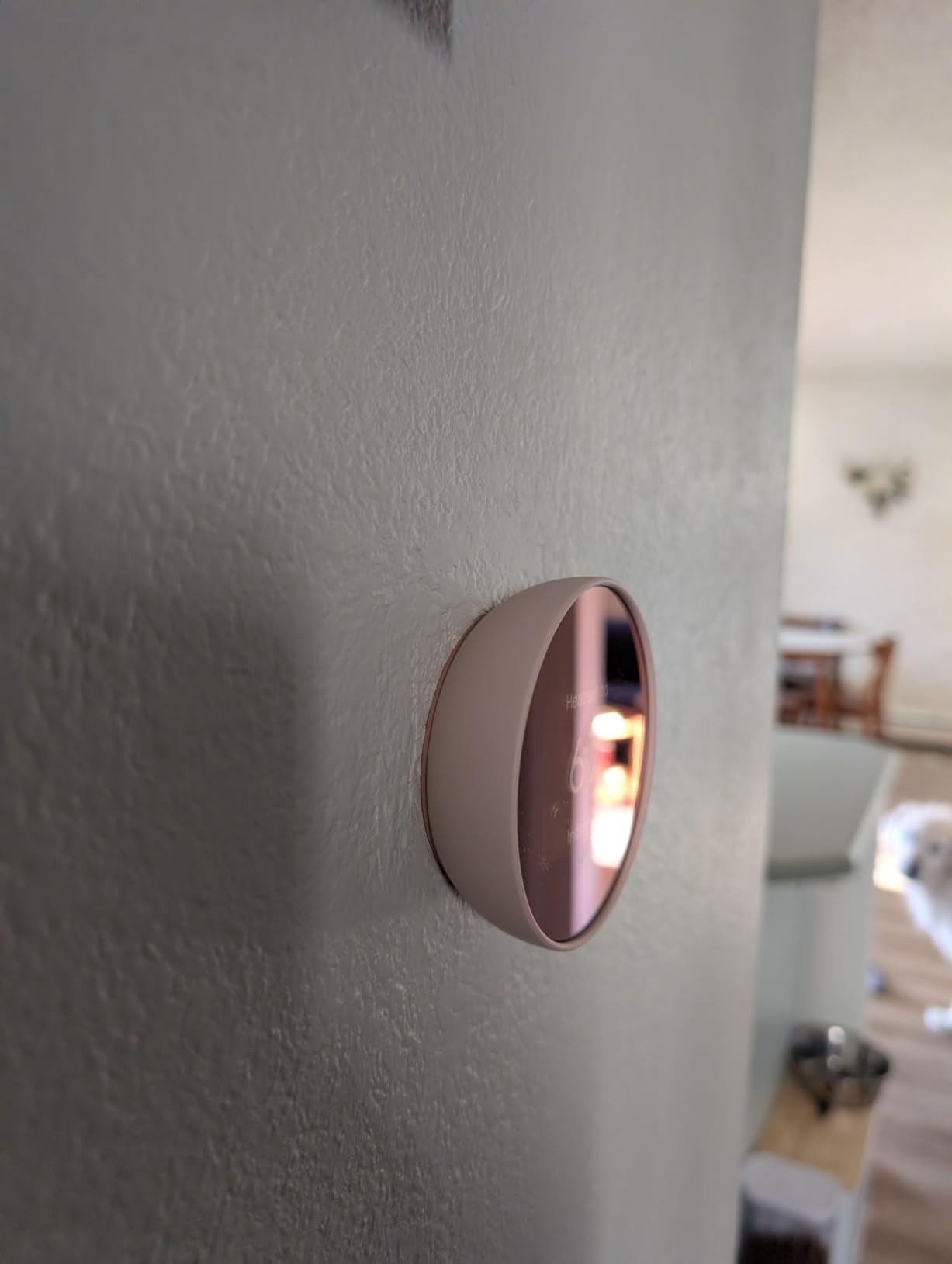
It is small, it weighs under ten ounces, and the circular design is one of the few that does not look like office equipment in a house built before 1960. It is also Matter certified and works with Google Assistant and Alexa.
What works well in an old house
Replacing a 1970s mercury or mechanical dial with this unit is the cleanest install path in the roundup for most forced-air systems, and the app walks you through it step by step. The round design and light color finish sit quietly on an old plaster wall.
It is battery powered, which means a wiring error is less likely to strand you without heat, and the whole unit weighs almost nothing on the wall.
Where it falls short
The ring and swipe interface is the most common complaint, and it is the one that matters most in an article about older homes. Anyone with limited vision, limited dexterity, or simply no interest in a gesture interface will find it frustrating, and the manual controls are not obvious.
It depends on a stable internet connection, the printed documentation is thin enough that many people end up on video tutorials, and in low-traffic rooms Eco can let the house drift warmer than you set it. Temperature sensors from earlier Nest generations are also not compatible with newer base units, which catches people who owned the first generation.
8. ecobee Smart Thermostat Enhanced – Best ecobee Without the Sensor Billed In
ecobee Smart Thermostat Enhanced, Programmable Wifi Thermostat
- Power Extender Kit included for no-C-wire installs
- Built-in occupancy sensing handles away and asleep setback
- Polished app and setup flow
- Works with Alexa
- Google Assistant
- HomeKit
- and SmartThings
- eco+ uses grid and weather data
- SmartSensors are sold separately on this model
- Costs more than the Sensi and Amazon options
- Overkill for basic scheduling only
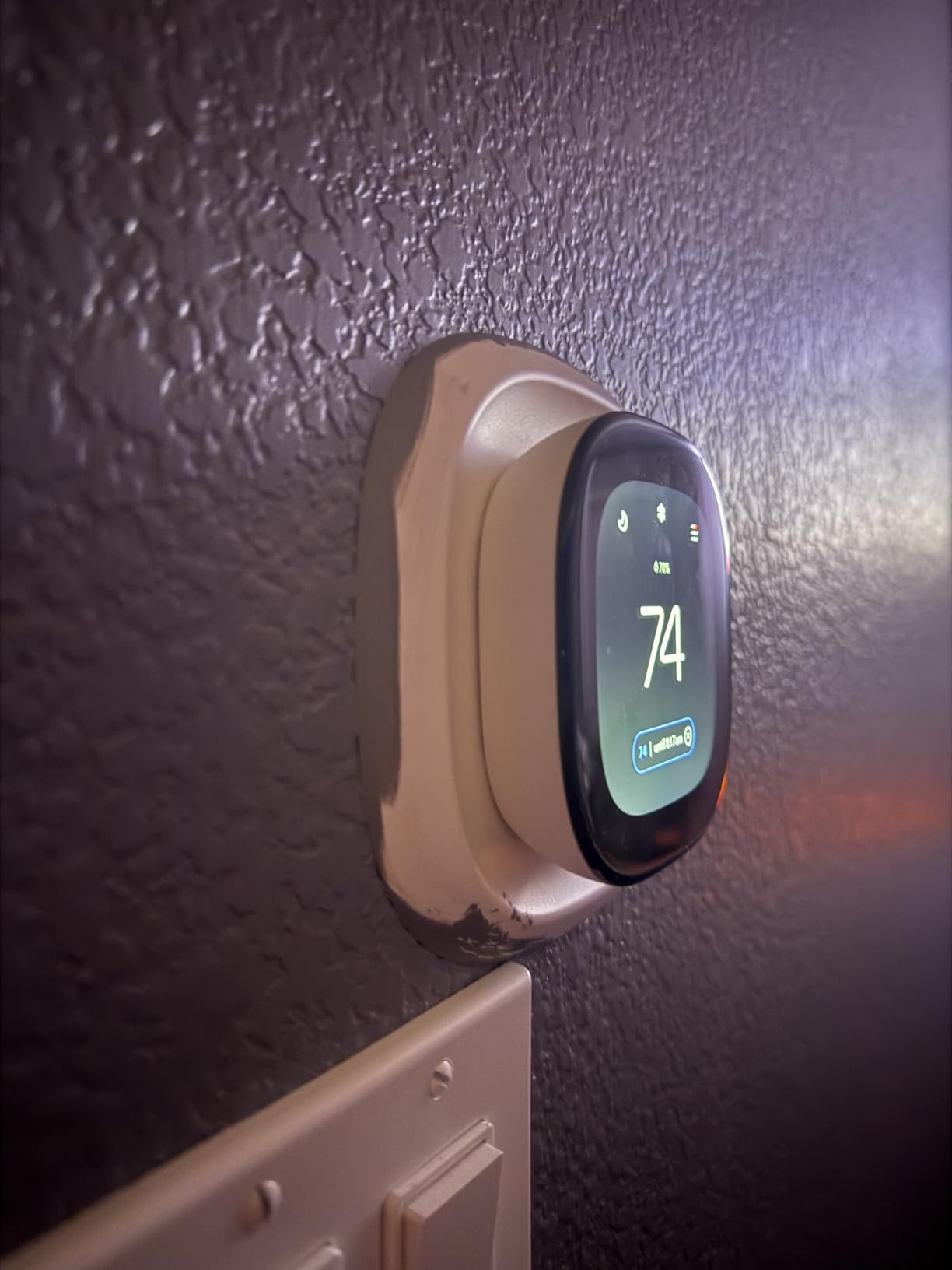
The ecobee Smart Thermostat Enhanced is the same app, the same radar occupancy sensing, and the same included Power Extender Kit as the Premium, minus the SmartSensor in the box and the air quality monitor. If your house does not have uneven temperatures, that difference is worth having the savings over.
It still solves the wiring problem. The Power Extender Kit ships in the box and is installed at the furnace, so this is a full no-C-wire solution in an older home without a second purchase or a wall opening. Compatibility is stated at 90 percent of HVAC systems, which is slightly below the Premium but still wider than most of the field.
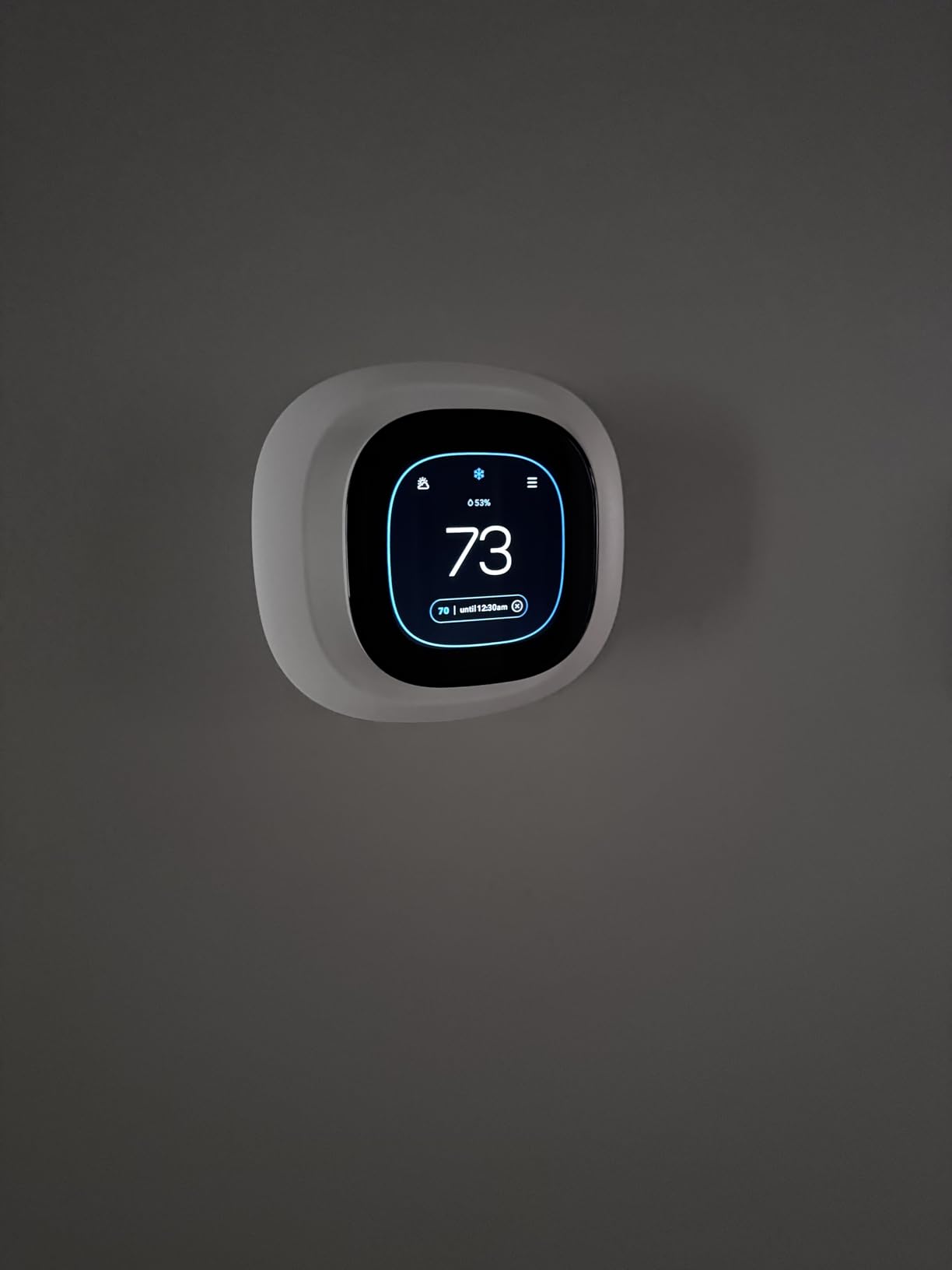
The occupancy behavior is automatic away and asleep setback handled by built-in sensing, and the eco+ feature uses routine, local weather, and grid activity to shift usage. Owners like the polish here: this is one of the few smart thermostats where the app setup and the schedule screens are described as genuinely refined rather than functional.
It works with Alexa, Google Assistant, Apple HomeKit, and SmartThings, and longtime ecobee owners in the forums value being able to run it locally through HomeKit or Home Assistant without depending on the vendor cloud, which matters to anyone burned by a manufacturer ending support for older hardware.
When this beats the Premium
If your home heats evenly, the radiator balancing is already reasonable, and you mainly want automated setback plus remote control, the sensors change very little day to day. In that case the Enhanced gives you the ecobee experience with less of the outlay.
It is also the smarter starting point for a house you may upgrade later. The Premium-style sensor accessory can be added whenever you decide you need it, without replacing the thermostat.
Where it falls short
The SmartSensor is an extra purchase, and sensors are the thing that makes ecobee distinctive. Anyone shopping ecobee specifically for room-level control should buy the Premium instead. It also costs more than the Sensi and Amazon options, so reviewers who only want basic scheduling call it more than they need.
Setup is more involved than the simpler Sensi and Nest units, and some of the ecobee app features push toward the subscription tier over time.
9. Honeywell Lyric T6 Pro – Best for Multi-Stage Heat Pumps
Honeywell TH6220WF2006/U Lyric T6 Pro Wi-Fi Programmable Thermostat with Stages Up to 2 Heat/1 Cool Heat Pump or 2 Heat/2 Cool Conventional
- Supports up to 2 heat and 1 cool stages on a heat pump
- Supports 2 heat and 2 cool on conventional systems
- Battery powered simplifies some legacy installs
- Compact and modest outlay
- Reliable with older multi-stage equipment
- C-wire or compatible power typically needed for Wi-Fi on this line
- No color screen and no humidity or forecast display
- App polish trails ecobee and Nest
- Older styling than current models
Most of the models in this roundup are chosen for the walls. The Lyric T6 Pro is chosen for the equipment in the basement. It supports up to 2 heat and 1 cool stages on a heat pump, and up to 2 heat and 2 cool on conventional systems, which is the coverage older and larger HVAC hardware tends to need.
If your house was upgraded with a heat pump in the 2010s but kept its original ductwork and a big air handler, stage support can matter more than app features. A thermostat that cannot call the second stage of heat leaves your system running longer at lower output, which shows up on the bill.
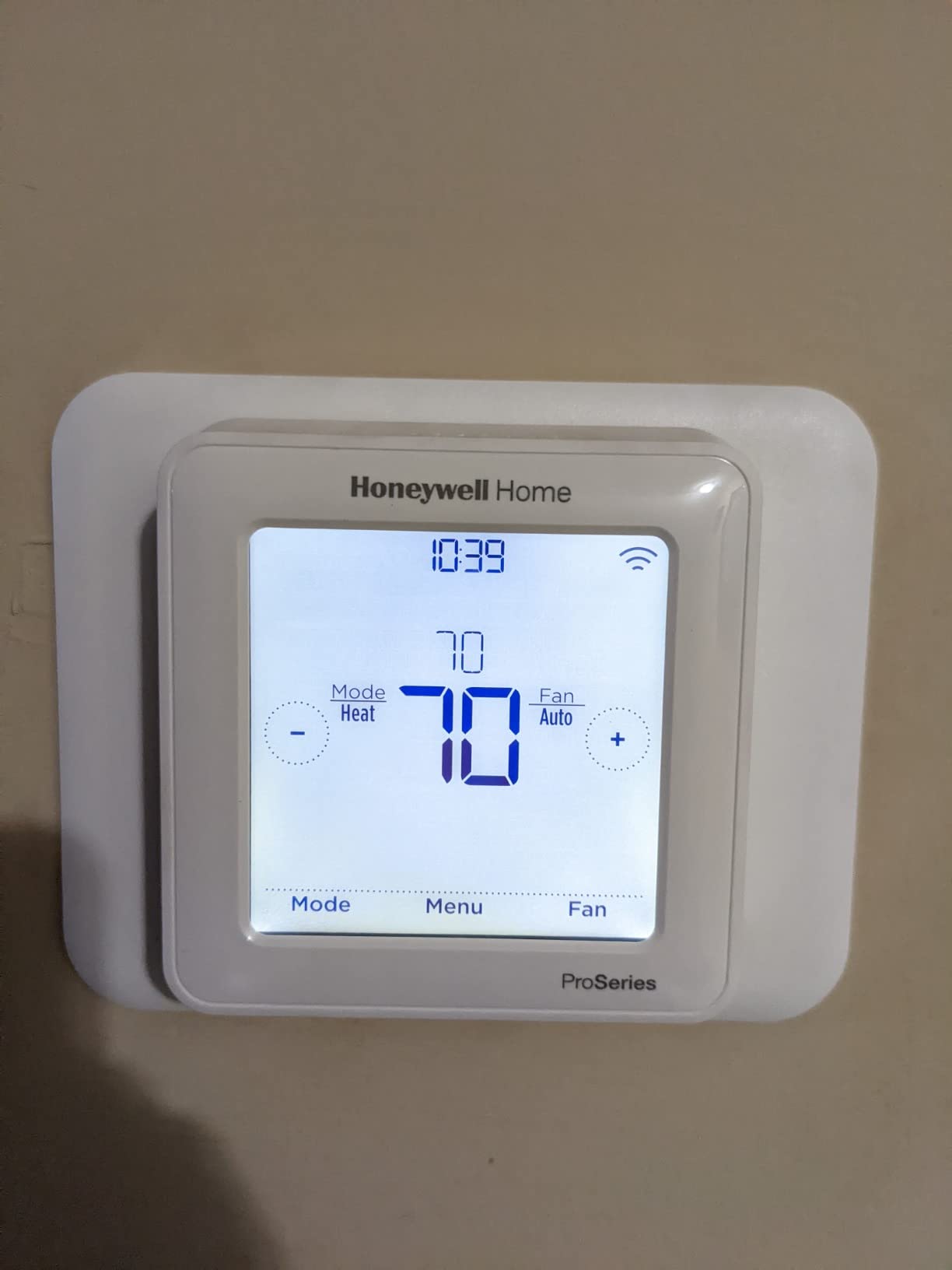
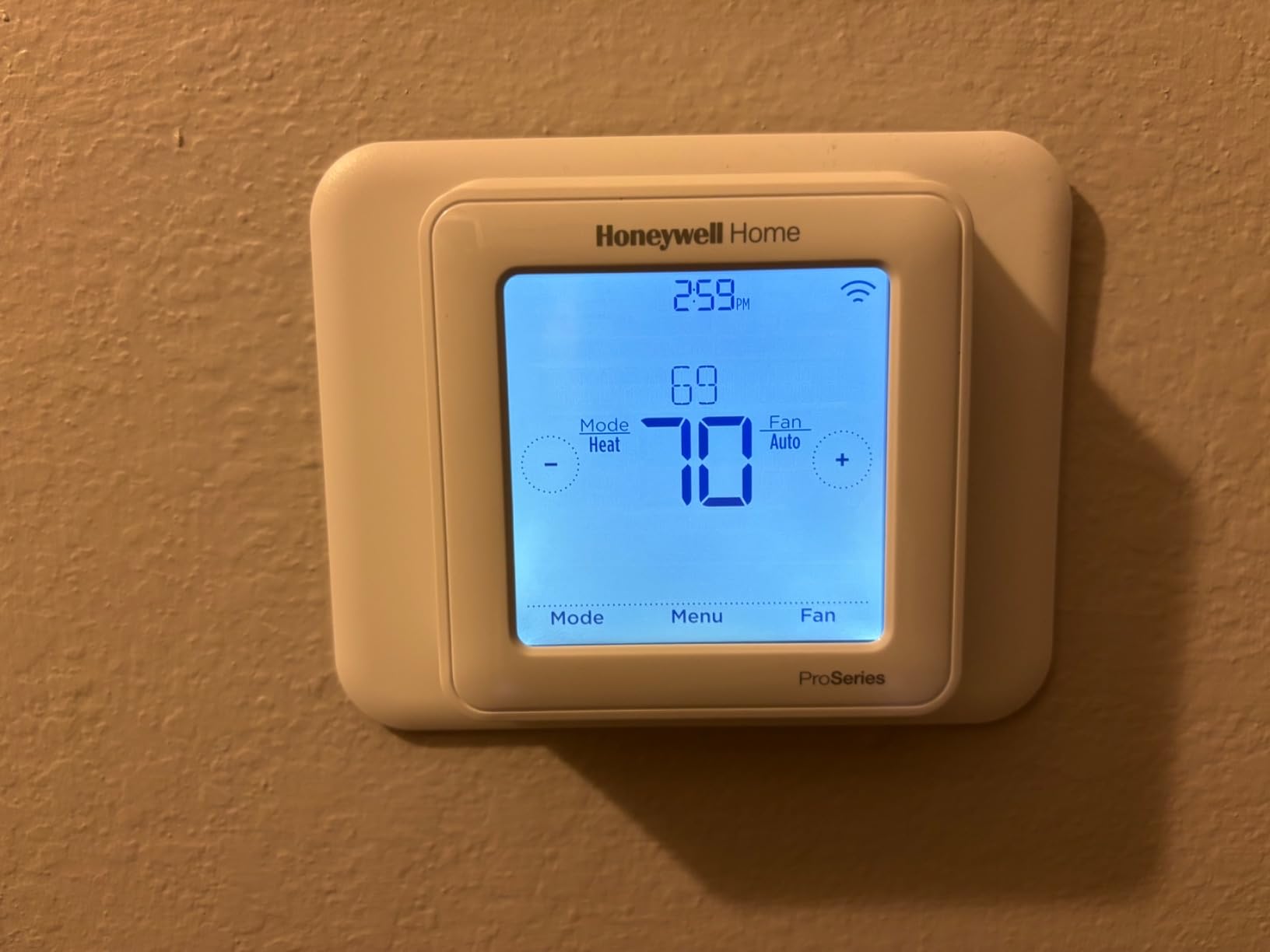
It is battery powered, wall mounted, and runs on two AA batteries, which simplifies some legacy wiring situations compared with a hardwired unit. The 7-day programming is the familiar Honeywell layout, so anyone who has used a Honeywell program set already knows where to look.
Owners pick it for reliability and value rather than features. In a house where the thermostat is a utility rather than a centerpiece, that is the right emphasis, and the 4.4 rating across thousands of reviews reflects a unit that simply does its job.
Who should look at this one
If you have a multi-stage heat pump or a conventional system that runs two stages of heat, start here. Our separate guide to smart thermostats for heat pumps covers the equipment side in more depth.
It is also a reasonable second-home choice. The program is simple, the app is adequate, and you are not paying for a screen you will look at twice a year.
Where it falls short
Wi-Fi on this Honeywell line typically still needs a C-wire or compatible power source, so it does not solve the wiring problem that defines this article. There is no color screen, no on-screen humidity, and no forecast display.
The app is less polished than the ecobee and Nest apps, and reviewers note the styling looks dated next to current-generation hardware.
10. Honeywell RTH9580WF – Best Lockable Screen for Shared Spaces
Honeywell RTH9580WF1005/W1 Smart Wi-Fi 7 Day Programmable Color Touch Thermostat, Works with Amazon Alexa
- Lockable touchscreen with password protection
- Screen colors can be matched to existing decor
- Large bright display that is easy to read
- 7-day programming with remote access
- Alexa voice control
- C-wire needed
- which many older homes lack
- Dated menu system and older Wi-Fi architecture
- Costs more than newer Honeywell models
- No humidity or forecast display
The reason this model is here is the lock. A password-protected touchscreen is genuinely useful in a house with a live-in relative, a shared space, or a thermostat that children or guests keep adjusting. Almost nothing else in this category offers it, and for an older home where you might be setting a schedule for someone else, it matters.
The customizable screen color is the other distinguishing feature. Owners like matching the thermostat to an existing decor scheme, and on a house with period paint colors that is a legitimate reason to choose one model over another with identical function.
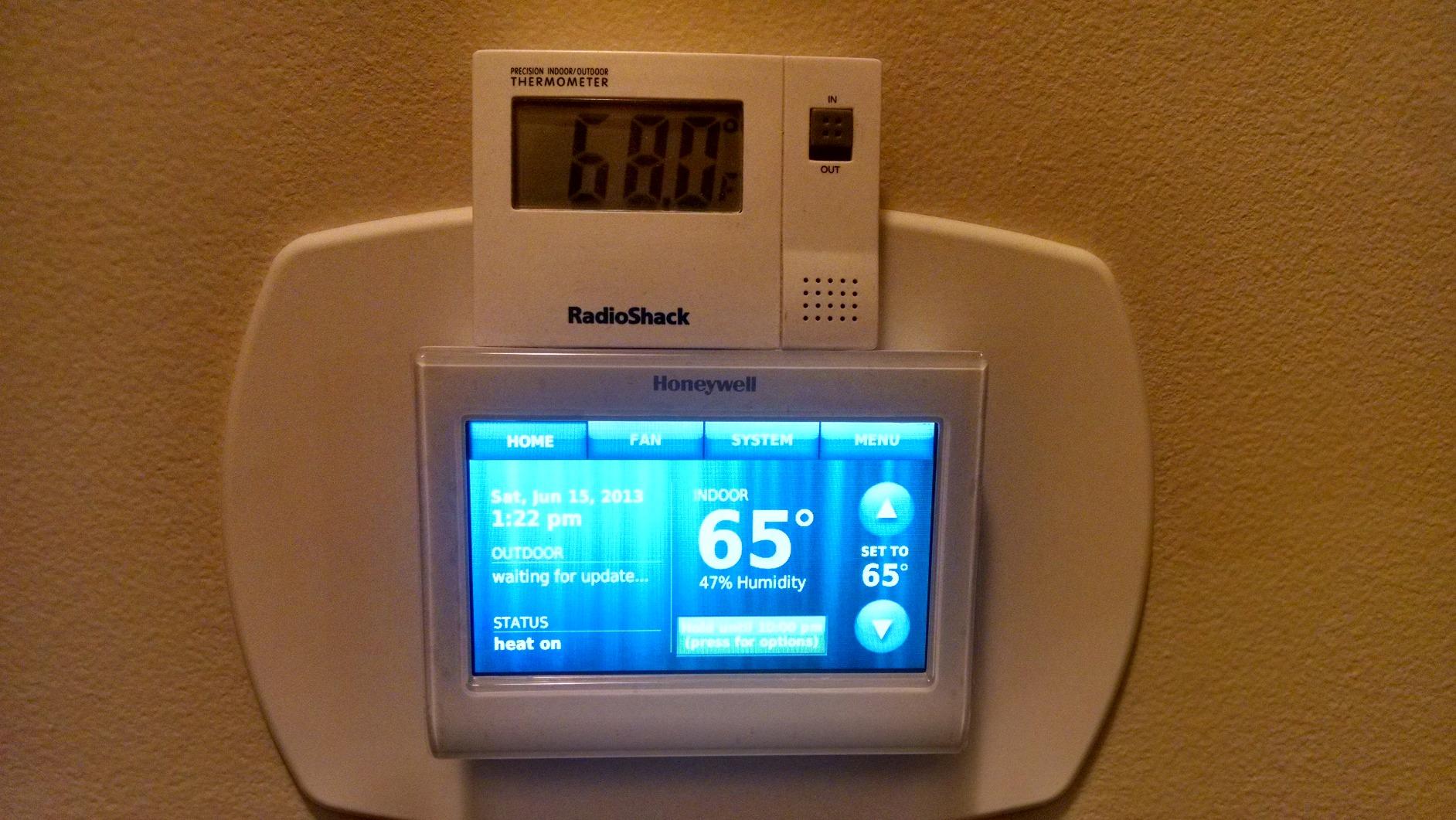
The display is large and bright and reads well for older eyes, which matters in a hallway that gets dark. Remote access runs through Honeywell Total Connect Comfort from a computer, tablet, or phone, and 7-day programming is built in with an energy-saving mode.
Like the rest of the Honeywell range in this roundup, it needs a C-wire. In an older home that is a real obstacle unless the wall already has one or you plan to run a line.
The case for an older generation screen
Reviewers tend to place this model against the newer Honeywell color units and lean toward the newer software support. That is worth weighing: an older app architecture can feel slower, and long-term support matters if you are installing into a house you will keep for a while.
The compromise is that the physical design is still pleasant to live with. A lock, a color that matches the wall, and a bright readable screen are features the newer models do not replicate.
Where it falls short
Beyond the C-wire, this is an older generation of the Honeywell color line with a dated menu system, and reviewers note the Wi-Fi and app architecture feels slower than current models. It also costs more than the newer Honeywell units despite offering fewer modern features, which is an odd position in the lineup.
If you have no C-wire, start with the Sensi ST55 instead and save yourself the electrical work.
Which Older-Home Heating Systems These Thermostats Handle
Legacy wiring is only half the problem. The equipment your thermostat is calling also decides which of these models will work, and older homes are where you find the widest spread of systems under one roof.
Forced-air furnaces, whether gas, oil, or electric, are the easiest case. Every model here handles them, and if you have a C-wire or a willing furnace panel, your shortlist is wide. This is the most common system in homes from the 1950s through the 1980s.
Hydronic and radiator systems are the genuine gap in most buying guides. A house heated by cast-iron radiators on a boiler often has a two-wire or three-wire thermostat run, and the wiring is older than the equipment. The Sensi ST55 is the one that gets singled out for boiler and baseboard compatibility, and it is why it earned the top spot for pre-1940 housing. On a boiler with multiple zones, you will also want a model with stage support, which is where the Lyric T6 Pro comes in.
Heat pumps in older homes are usually retrofits into existing ductwork, and the ductwork is the problem rather than the thermostat. What matters is stage support, because a two-stage air handler paired with a single-stage thermostat will not deliver the efficiency the equipment was designed for. The Lyric T6 Pro and the Honeywell wireless console both handle stages, and the RTH9600WF supports heat pumps with electric backup.
Mini-splits installed into an old house without central air usually have their own controllers, and a standard wall thermostat often needs a specific interface rather than one of these models. Check with the installer before you plan the purchase.
Zoned systems are worth flagging. A zoned house needs a thermostat that can serve as a zone controller, and the review data on the Google Nest Thermostat notes that a C wire or power accessory is needed for zone-controlled systems. Zoned hydronic houses are exactly where a professional install is worth the money.
Two-wire heat-only systems remain the hardest case and the most common one in homes without central air. Your workable options without touching the wiring are the Sensi ST55, both Google Nest models, and both ecobee models. Everything else in this roundup needs a C-wire or an adapter.
What Owners Say About Retrofitting Older Homes
The most useful signal in this category comes from people who have already opened their own walls, and the forums are consistent on a few points.
On installation, owners on the r/homeimprovement and r/homeowners boards describe the ecobee install as the easiest they have done, and they single out the Power Extender Kit solving the C-wire problem at the furnace rather than at the wall. That is the detail that matters, because it means the invasive part of the job is avoided entirely.
On room sensors, one owner in southeast Louisiana cut air conditioning runtime from 19 hours a day to 10 by adding per-room sensors and cooling only the rooms that were occupied. Several others on r/smarthome described dramatic run-time reductions with the same approach, which is a bigger effect than most schedule changes produce.
On learning behavior, Nest owners on r/Nest report the schedule takes roughly a month to stabilize, while ecobee owners describe theirs settling in about two weeks. That difference is worth knowing before you decide an algorithm is broken after ten days.
On sensor logic, the r/thermostats and r/ecobee threads split cleanly between the two approaches. Ecobee averages temperature across rooms, Nest picks one dominant sensor, and owners tend to prefer whichever matches their house. If your upstairs is always warmer than your downstairs, averaging is usually what you want.
On trade sentiment, installers in the HVAC-focused communities have a long-standing dislike of the Nest line that predates any of these current models, and it is worth hearing from a professional before you commit to a brand. Separately, r/askHVAC and r/hvacadvice owners repeatedly describe the Sensi as essentially tied to your phone, with schedules changing frequently rather than settling into a true learning pattern, so treat its scheduling model as manual with good defaults.
And on the C-wire itself, the most repeated question across all of these communities is whether an unused wire can be repurposed. Often it can, which is why the wire check in this article starts with photographing what is already in the box.
How to Choose a Smart Thermostat for an Older Home
Start with the wiring, then the room, then the features. In that order, almost every expensive decision in this category makes itself.
1. Confirm the C-wire situation before anything else
Pull the cover, photograph the wires, and look for the C terminal. If it is occupied, you can buy any of the ten models here. If it is empty but a loose wire is present, you have a free C-wire and the same is true. If neither, you are choosing between the Sensi, both Nest models, and both ecobee models, or you are budgeting for a power adapter or an electrician.
A Honeywell C-wire power adapter handles the C-wire requirement for models that ship without one, and it is installed at the furnace. An electrician-run line is the permanent solution, and it costs the most and disrupts the most.
2. Decide whether your house has uneven heat
This is the question that separates a good install from a disappointing one, and older homes frequently have it. Tall ceilings, a finished basement, radiators that were balanced once and never again, and additions from the 1970s all produce rooms that disagree.
If the answer is yes, pay for a room sensor. The Nest Learning Thermostat includes one. The ecobee Premium includes one. Those two are the only options here that solve uneven temperatures on day one without a second purchase, and in our view that is worth more than any other feature on this list.
3. Choose learning or fixed scheduling deliberately
A learning thermostat builds your schedule from behavior. A fixed one runs the program you set. Learning models are better when your routine varies and worse if you like to override the schedule constantly, because an aggressive setback can fight you. Fixed scheduling with good per-day editing, which is what the Sensi app does well, is the better choice for people who want to be in control.
4. Think about who actually uses it
A lot of older homes have at least one resident who would rather not learn a gesture interface. For that person, a thermostat with physical buttons and a familiar layout beats a color touchscreen every time, and the Sensi ST55 is the clearest example in this roundup. Large bright displays, obvious on-screen humidity and forecast, and a lockable screen all help more than extra app features do.
5. Check the ecosystem before you fall for a feature
All of these work with at least one major voice assistant. ecobee covers Alexa, Siri, Google Assistant, and SmartThings. The Nest models work with Alexa, Siri, and Google Assistant, and the Nest Learning is Matter compatible. The Honeywell units run on Alexa and Google Assistant, with IFTTT on the RTH9600WF. If your household is not already inside one of these ecosystems, do not buy a model whose extras depend on a hub you do not own.
Also consider cloud dependence. Longtime owners in the forums raise support and cloud continuity as a genuine concern after watching manufacturers end support for older generations. If you run Home Assistant and want local control, verify that the specific model supports it before you buy.
6. Look for a utility rebate before you buy
ENERGY STAR certification is the usual condition for many provider rebates, and rebates can meaningfully change the effective cost of a thermostat. The Nest Learning Thermostat is notably not ENERGY STAR rated, so it does not qualify for many of them. Check your utility’s current program requirements, and do it before you commit rather than after.
7. Be honest about what a thermostat can fix
A thermostat controls one thing: the temperature the system aims for. It cannot fix a drafty 1940s envelope, unbalanced radiators, or a leaky attic. Owners who pair a smart thermostat with radiator balancing and air sealing report far better results than the thermostat alone, and that pairing is the actual comfort upgrade in an old house. A related reading: our picks for smart home gadgets cover the automation side once the heating is sorted.
What to Do With the Old Thermostat You Removed
Nobody covers this, and older homeowners ask about it constantly, so here is the short version.
First, photograph the old wiring and label every wire before you pull it. This is the step that makes a future reinstall possible and the one people most often skip.
Second, treat the old unit carefully if it is a mercury switch. Thermostats made before the late 1970s often contain a small mercury capsule, and many local waste programs accept them at a household hazardous waste facility. Do not break the capillary tube or take it to a normal recycling bin.
Third, decide whether to patch. If your new thermostat matches the old footprint, as the Sensi ST55 does with a traditional case, you can leave the wall alone. If it does not, a paintable patch over the old box hole takes an afternoon and reads as a slightly uneven wall, which matters less than a visible gap in a finished room.
Fourth, keep the model number. It goes in the file with the equipment records, and a future buyer or appraiser will ask which thermostat the home had. Photograph the new install too, for the same reason.
Frequently Asked Questions
Can I use a smart thermostat without a C wire?
Yes, several models are built for exactly that. The Sensi ST55, the Google Nest Thermostat, the Nest Learning Thermostat, and both ecobee models install without a C wire in most homes. The ecobee units ship a Power Extender Kit that is wired at the furnace instead of the wall. Everything else on our list, including all the Honeywell models and the Amazon Smart Thermostat, needs a C wire or a compatible power adapter.
What is the best smart thermostat that does not require a C wire?
The Sensi ST55 is our pick for most older homes. It installs without a C wire in most cases, tolerates older boiler and two-wire heat-only wiring, matches the footprint of a traditional thermostat so no wall patching is needed, and has a built-in mounting level. The Google Nest Learning Thermostat is the alternative if uneven temperatures are your main problem, since it includes a room sensor.
Do older homes have a C wire for thermostats?
Often not. The dedicated 24V common line became standard in the era of modern HVAC retrofits, so homes built before roughly 1990 frequently have only a red and white pair at the thermostat, or nothing at all. Pre-war houses, two-wire heat-only systems, and homes where central air was never added are the most common cases with no C wire present.
My thermostat is missing a C-wire. What should I do?
Check for a loose wire behind the existing base first, since an unused wire can often be reused as a C wire. If there is none, choose a thermostat that works without one, buy a power extender kit for a model that requires a C wire, or have an electrician run a new line. The power extender route is the cheapest and least invasive, and an electrician is the only permanent fix.
What are the downsides of smart thermostats in an older home?
The main downsides are the wiring work, the reliance on internet access, and the learning behavior. A C-wire requirement can mean an electrician opening a finished wall, a dead battery on a heat pump can drop the system into a cooling state, and cloud-dependent models lose scheduling when the connection drops. Learning algorithms can also overcorrect and set the house back further than you intended.
Is ecobee or Nest better for an older home?
Both install without a C wire in most homes. ecobee averages temperature across room sensors, which suits houses with uneven heat, and it ships a Power Extender Kit. Nest picks one dominant sensor and asks permission before changing your schedule, and its dial housing suits period interiors. The Nest Learning Thermostat is not ENERGY STAR rated, so it often does not qualify for utility rebates.
Will a smart thermostat work with my old furnace?
In most cases yes, as long as the furnace is a standard 24V system. Gas, oil, and electric forced-air furnaces, hot water and steam systems, and heat pumps are all supported by the models in this roundup. The exceptions are 120-240V electric baseboard heat, which no 24V thermostat can run, and hydronic systems with multiple zones, where a zone-capable thermostat and a professional install are worth the money.
How long does it take to install a smart thermostat?
Most of the models in this roundup go on in well under an hour if your wiring is conventional. The Sensi ST55 is often finished in 15 minutes thanks to its built-in level. Budget more time, or call a professional, if you need a power adapter fitted at the furnace panel, or if a new C wire has to be run through a finished wall.
The Verdict: Best Smart Thermostats for Older Homes in 2026
The Sensi ST55 is our pick for most older homes in 2026. It installs without a C wire in most cases, handles the odd legacy boiler and two-wire wiring that trips up other brands, fits the existing thermostat footprint, and installs faster than anything else we tested. If your house has a C wire and uneven temperatures, the Nest Learning Thermostat is the better buy because the room sensor is in the box. If you want the most complete comfort system and can stretch the budget, the ecobee Smart Thermostat Premium solves the wiring problem and the room problem in one box.
Check your wires before you buy, keep the patch kit and a fresh set of wire stickers on hand for the install, and pair whatever you choose with radiator balancing and air sealing. A thermostat cannot fix a drafty house, but it can make the rest of your upgrades pay off faster.