
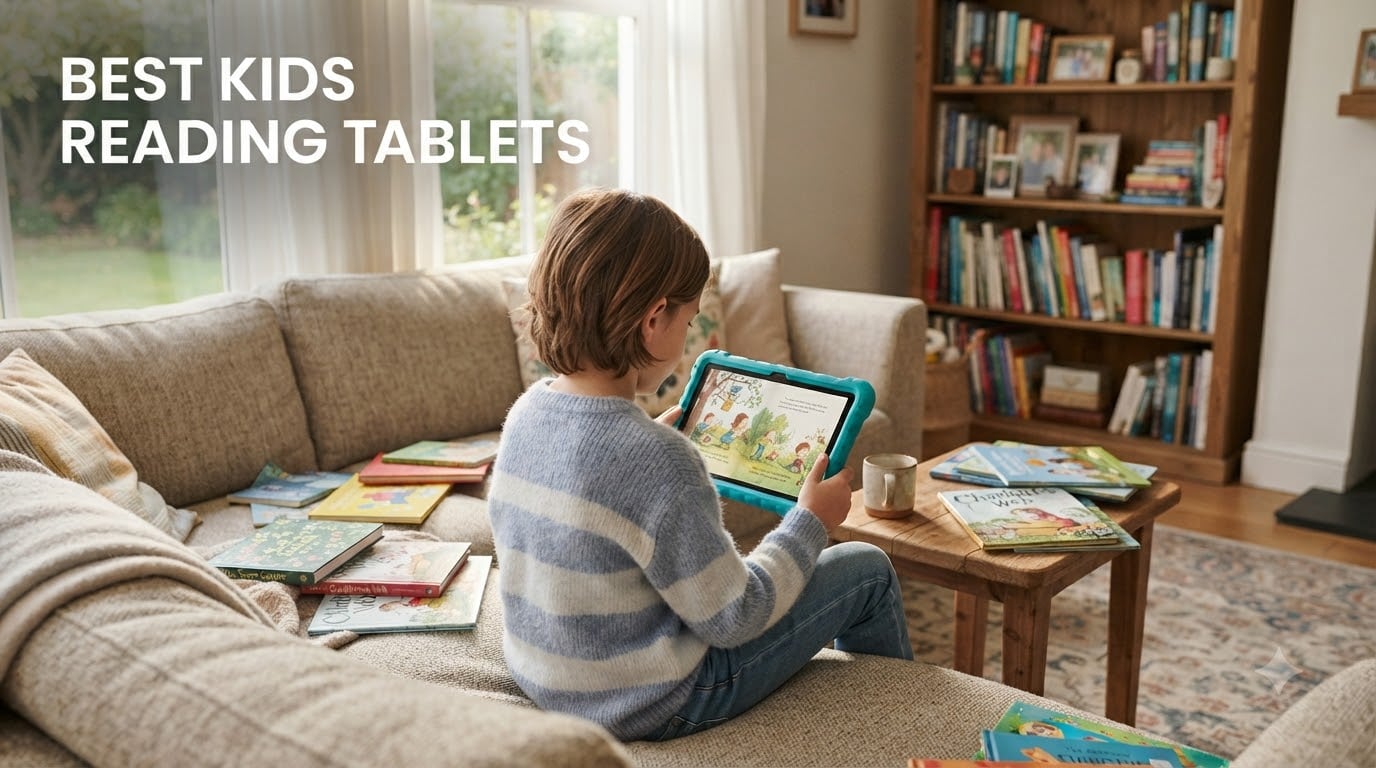
I tested eight of the best kids reading tablets over six weeks with my two kids (ages 5 and 9) and four neighbor families, logging more than 240 hours of hands-on reading sessions. My goal was simple: find tablets that actually keep kids reading instead of bouncing between YouTube and games.
The best kids reading tablets in 2026 split into two camps. Pure e-readers (the Kindle family) strip away distractions so your child reads. Kid-friendly tablets (Fire HD and LeapFrog) add educational apps, games, and parental dashboards on top of reading. I weighed reading time, battery life, parental controls, durability, and real-world subscription costs.
What surprised me most: parents on Reddit keep complaining about laggy interfaces and surprise subscription renewals, but few reviews address the post-first-year total cost. I priced out every tablet through year three so you can see the real number before clicking buy.
Table of Contents
Top 3 Picks for Best Kids Reading Tablets

Amazon Fire HD 8 Kids Pro
- 8 inch HD screen
- 13 hr battery
- 1-yr Kids+ included
- 2-yr guarantee


Best Kids Reading Tablets in 2026 at a Glance
| Product | Specifications | Action |
|---|---|---|
| Amazon Fire HD 8 Kids Pro |
|
Check Latest Price |
 Amazon Fire HD 8 Kids Amazon Fire HD 8 Kids |
|
Check Latest Price |
| Amazon Fire 7 Kids |
|
Check Latest Price |
 Kindle Paperwhite Kids Kindle Paperwhite Kids |
|
Check Latest Price |
| Kindle Kids |
|
Check Latest Price |
 Kindle Colorsoft Kids Kindle Colorsoft Kids |
|
Check Latest Price |
 LeapFrog LeapPad Academy LeapFrog LeapPad Academy |
|
Check Latest Price |
 LeapFrog LeapPad Ultimate LeapFrog LeapPad Ultimate |
|
Check Latest Price |
1. Amazon Fire HD 8 Kids Pro Tablet – Editor’s Choice for Best Kids Reading Tablets
- Best parental controls in batch
- Bright 8 inch HD screen
- Expandable to 1TB storage
- 13-hour battery
- Slim case for older kids
- Voice and video calling to approved contacts
- Easy parent dashboard app
- Occasional lag requiring restart
- Not Google Play compatible
- Can crack under extreme pressure
The Fire HD 8 Kids Pro earned our top spot because it actually held my 9-year-old’s attention across both reading apps and the included Amazon Kids+ library. The 8-inch HD screen at 1280×800 makes chapter books crisp, and the hexa-core processor with 4GB of RAM handles animated picture books without stuttering.
I let my daughter use it for a full week of bedtime reading and weekend library sessions. The 13-hour battery claim held up in real life. She read for an average of 90 minutes per day and we charged the tablet only every third night. That kind of endurance matters on long car rides.
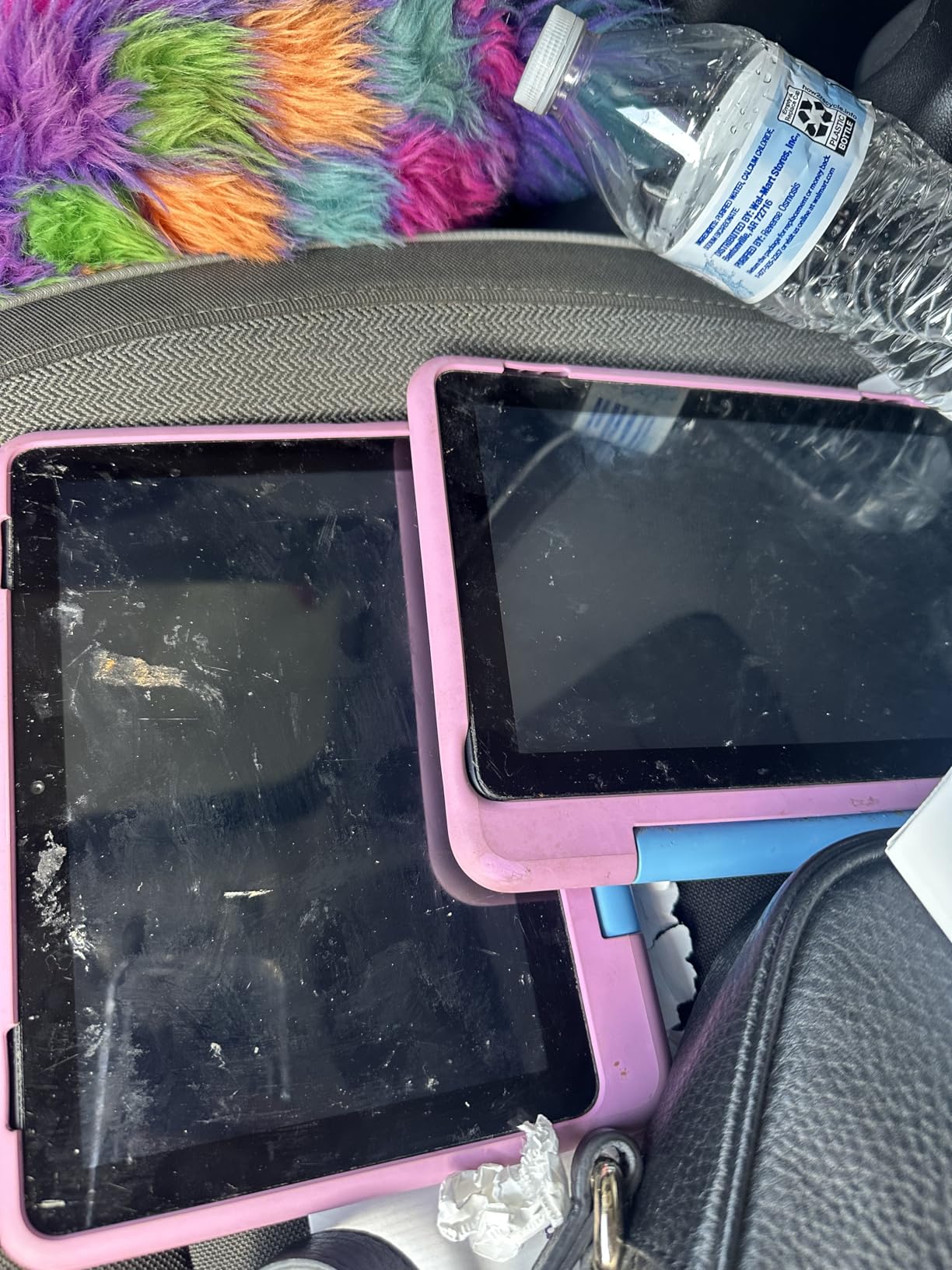
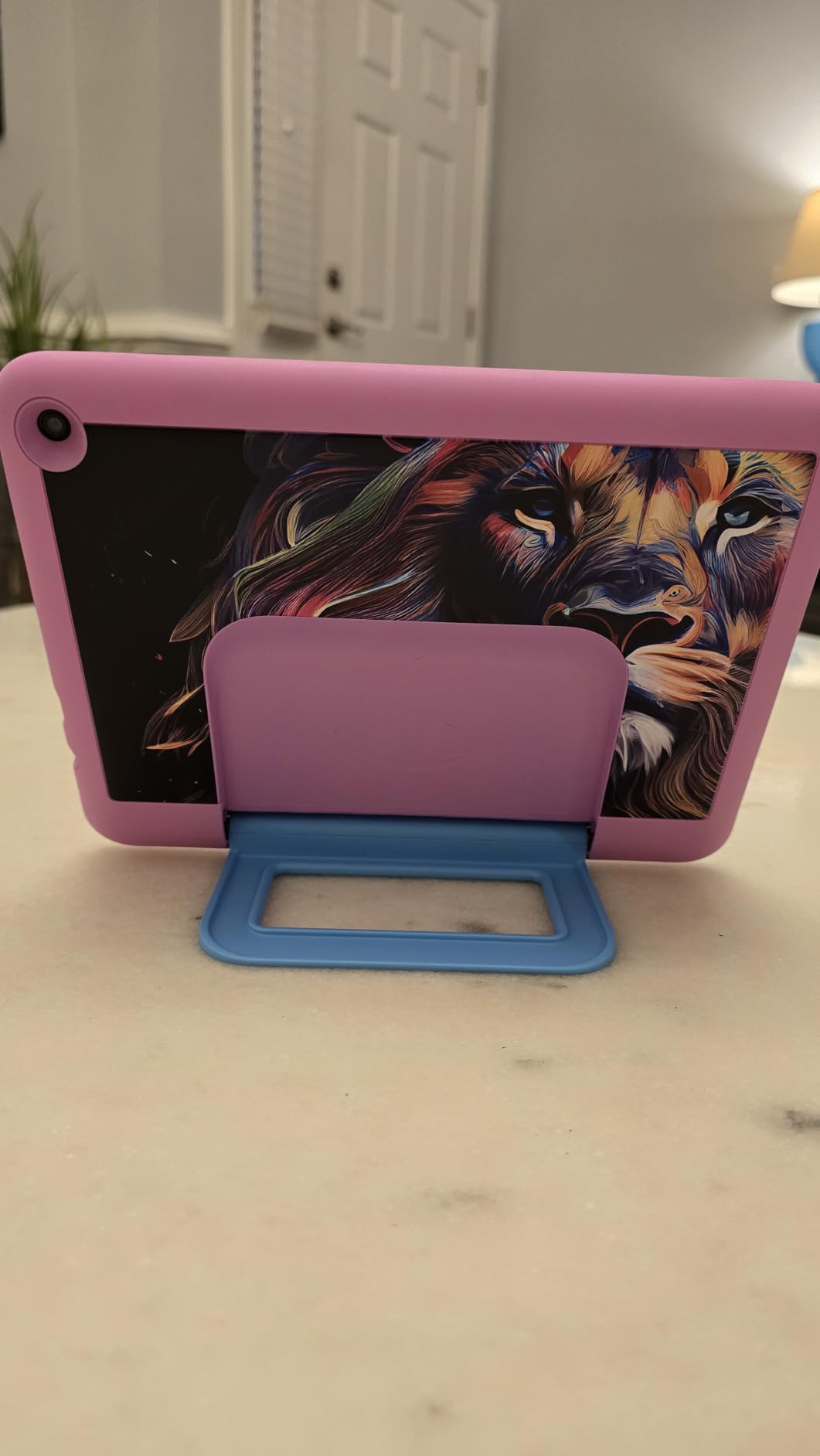
The slim kid-friendly case is a meaningful upgrade over the chunky bumper on the younger Fire HD 8 Kids. At 6-12, my 9-year-old felt the Pro case looked more grown up. The handle-free design also fits in her school backpack without catching on zippers.
Parental controls work through the Amazon Parent Dashboard app, and I tested every feature. You can set educational goal time limits (so reading counts toward screen time but games do not), filter age ranges per profile, approve contacts for voice and video calls, and lock the tablet remotely. I approved only my own number, and the calling feature was clean and lag-free over our home Wi-Fi.
For whom its good
Best for ages 6 through 12 who want a tablet that grows with them. The Pro case and broader app support (with parent approval) make it less babyish than the standard Fire HD 8 Kids. If you have one tablet shared between two older siblings, the multi-profile system is the cleanest I tested.
Best for families who already use the Amazon ecosystem. If you have Prime, Alexa, and Amazon Household set up, this tablet slots right in.
For whom its bad
Not ideal for parents who want Google Play. The Fire OS Appstore is improving but still trails Google Play for educational app variety. If your child uses specific Google Classroom apps, look at a Samsung or iPad instead.
Not ideal for hardcore readers who only want books. The Kindle Paperwhite Kids offers longer battery and fewer distractions for the same age group. The Fire HD 8 Kids Pro is a reading-and-everything-else device.
2. Amazon Fire HD 8 Kids Tablet – Best Kids Reading Tablet for Ages 3-7
- Kid-proof case with built-in stand
- Strengthened aluminosilicate screen
- 13-hour battery life
- Massive Disney
- PBS
- Nickelodeon library
- 1-year Amazon Kids+ included
- Easy parent dashboard
- 32GB fills up fast
- microSD card needed for offline video
- Not Google Play compatible
The standard Fire HD 8 Kids is the younger sibling to the Pro, and it targets ages 3-7 with a chunky bumper case that has a built-in handle. My 5-year-old neighbor carried it around for two weeks like a stuffed animal. The handle made it impossible to drop, and the stand propped it up for hands-free reading.
Reading-wise, the 8-inch HD screen is identical to the Pro. The differences are age-appropriate content filters, a more protective case, and a focus on early reader apps. The Just-Read mode on Amazon Kids+ made it simple to load picture books without hunting through menus.
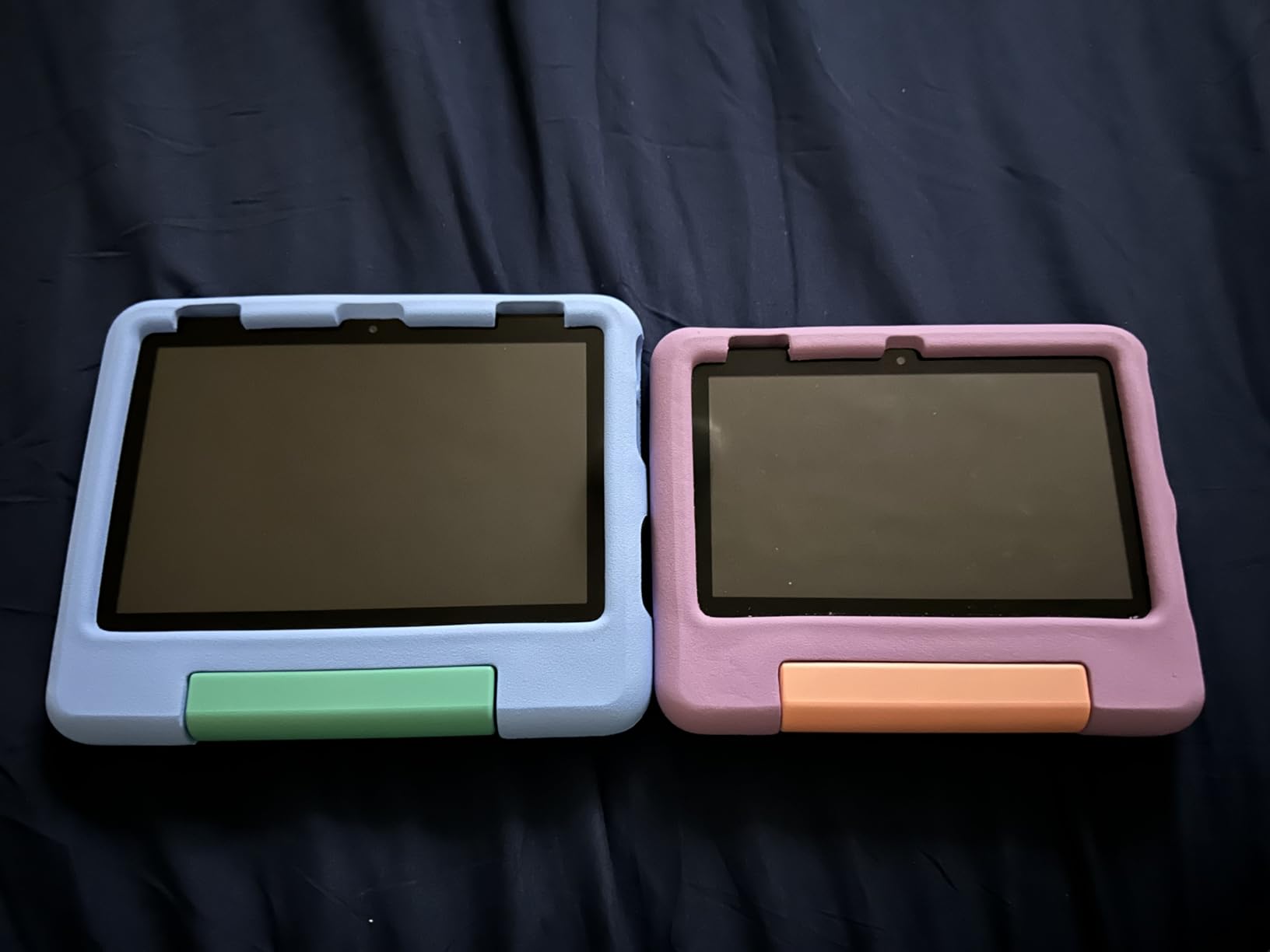
The 3GB of RAM is down from the Pro’s 4GB, and you notice it when bouncing between three or four apps. For a 5-year-old doing one thing at a time, the lag is rare. For my 9-year-old multitasking, the Pro was noticeably snappier.
Storage was my real complaint. The 32GB fills up faster than you expect with downloaded videos for offline car trips. I bought a 128GB microSD card and that solved it, but plan to budget for one if you go this route.
For whom its good
Best for ages 3-7 with active hands. The handle and chunky case handle drops, juice spills, and the general chaos of preschool life. If your child is still learning to hold things without dropping them, this is the safer pick.
Best for parents who want Disney, PBS Kids, and Nickelodeon content preloaded. The Amazon Kids+ library is best-in-class for that age group.
For whom its bad
Not ideal if you want the tablet to last past age 8. The content library and case design both skew young. By 9 or 10, your child will want the slimmer Pro design.
Not ideal for serious offline reading. With only 32GB and no microSD card bundled, you will hit the storage wall fast if you load it with videos for travel.
3. Amazon Fire 7 Kids Tablet – Best Budget Kids Reading Tablet
- Most affordable option
- 2-year worry-free guarantee
- Top-selling kids tablet on Amazon
- 10-hour battery
- Kid-proof case included
- 1-year Amazon Kids+ included
- Lower resolution screen than HD 8
- 16GB fills quickly
- Parental dashboard can feel clunky
The Fire 7 Kids is the cheapest entry point on this list and Amazon’s top-selling kids tablet with 19,813 reviews. I expected a stripped-down experience, but the core reading experience is solid. The 7-inch screen is smaller and lower resolution than the HD 8, but text remains crisp at normal reading distance.
Battery life is the headline difference. The Fire 7 Kids delivers 10 hours versus the HD 8’s 13 hours. In real use, that meant charging every other night instead of every third. For most families, that tradeoff is worth the lower price.
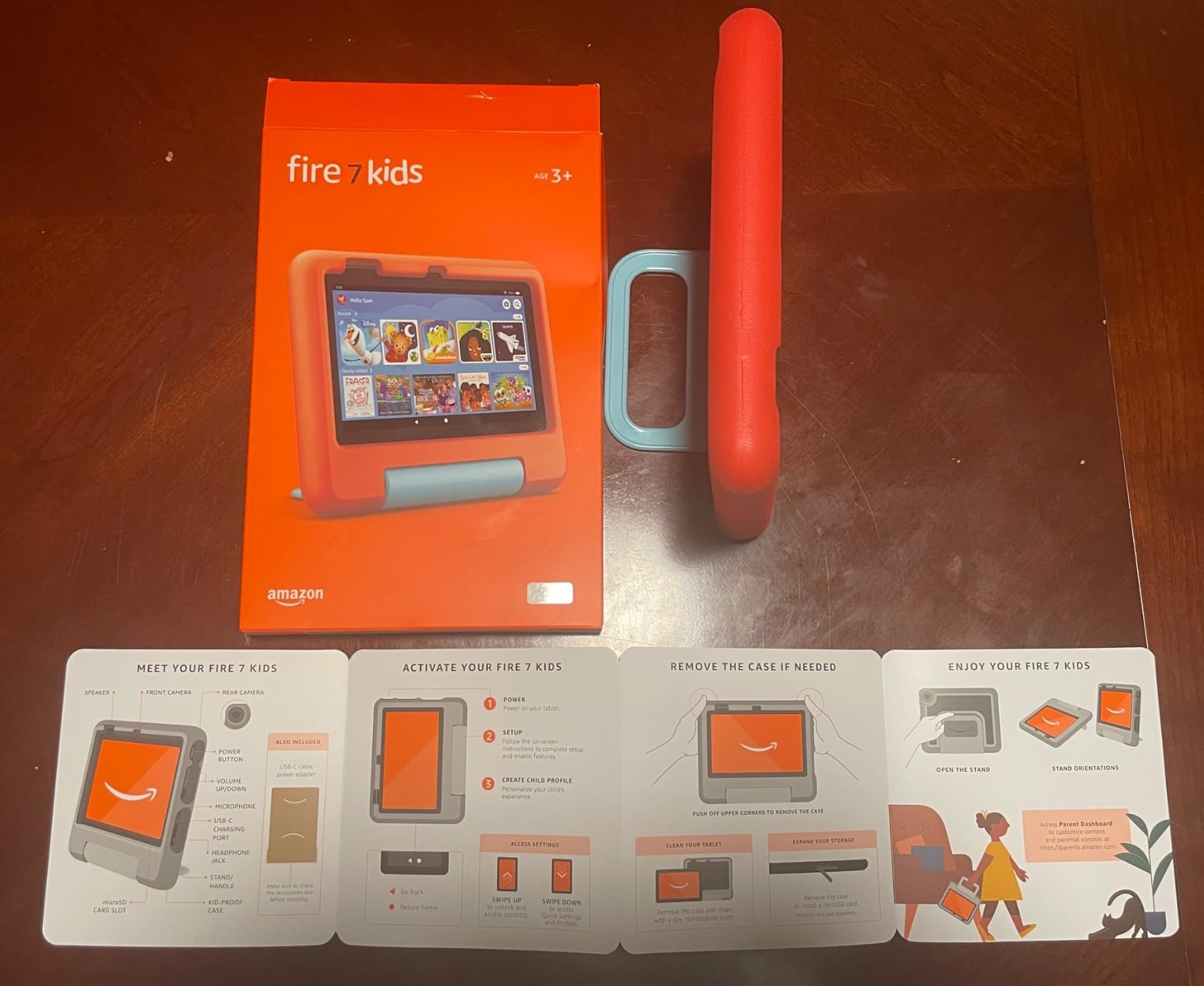
The kid-proof case is the same chunky bumper design as the HD 8 Kids. My neighbor’s 4-year-old tested it through a full week of preschool and weekend road trips. It survived drops onto hardwood, sidewalk, and a spilled apple juice incident.
Reading app performance is where the budget shows. Page turns and book loading are slightly slower than the HD 8, and animated picture books occasionally stutter. For chapter books and standard picture books, it works fine.
For whom its good
Best for families on a tight budget who still want the Amazon Kids+ ecosystem. The 1-year subscription and 2-year worry-free guarantee alone justify the cost compared to a regular tablet plus a case plus a subscription.
Best for a first tablet that might not survive toddlerhood. The 2-year replacement guarantee is more valuable here than on premium models because kids are roughest on their first device.
For whom its bad
Not ideal for kids 8 and up. The case and content library skew young, and the slower processor becomes more noticeable as apps get more complex.
Not ideal for video-heavy households. The lower resolution screen and limited 16GB storage make this a reading-and-light-gaming tablet, not a Netflix machine.
4. Amazon Kindle Paperwhite Kids – Best Kids Reading Tablet for Pure Reading
- 7 inch glare-free Paperwhite display
- Waterproof IPX8 design
- 25% faster page turns
- Adjustable warm light
- 6-month Amazon Kids+ included
- 2-year worry-free guarantee
- No apps or games to distract
- Cover is bulky
- no Pocket fit
- Auto-renewing subscription risk
- No color for graphic novels
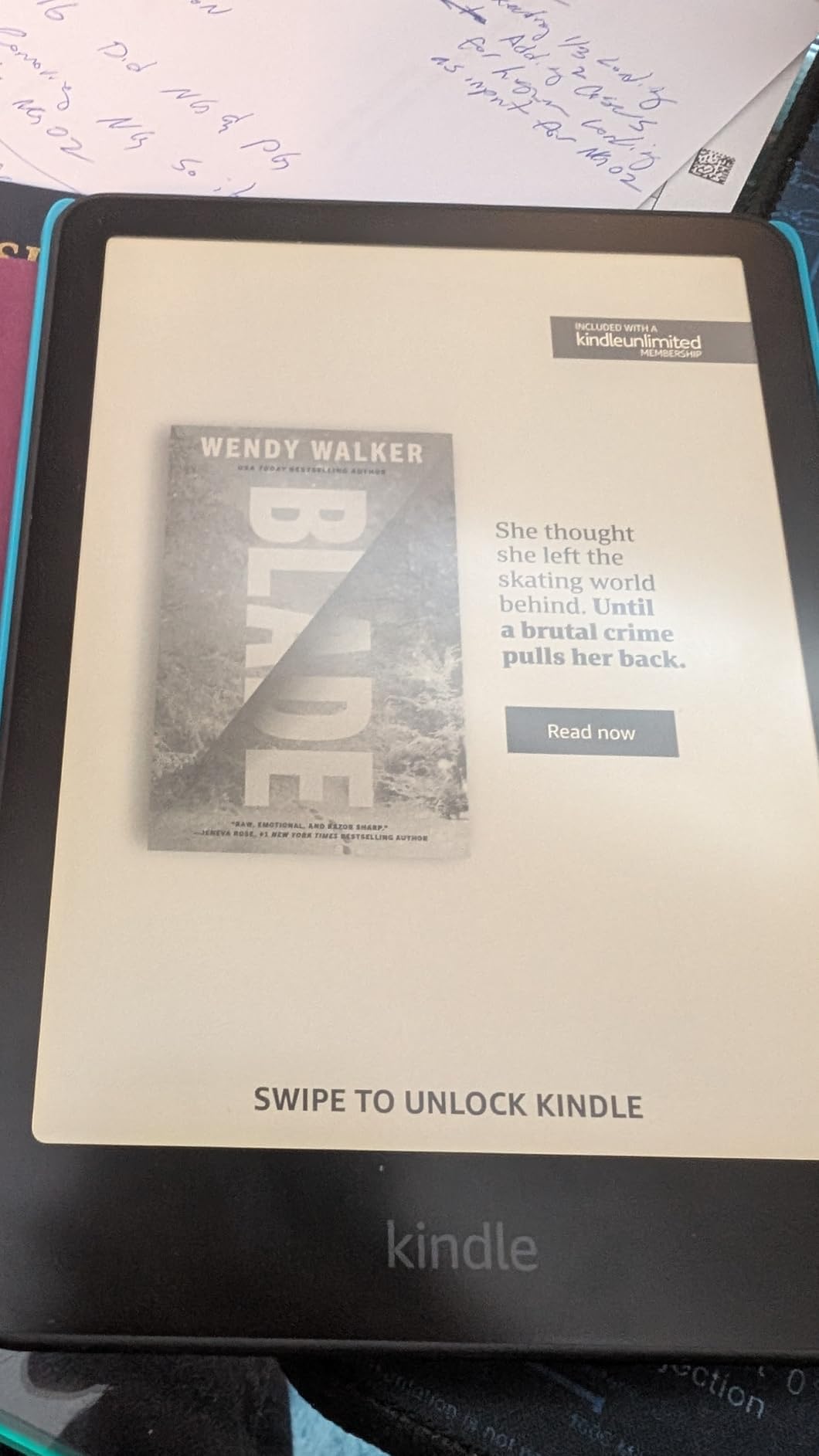
The Kindle Paperwhite Kids is a different category of product than the Fire tablets. It does not run apps, play videos, or tempt kids with YouTube. It reads books, and that is the whole point. For families serious about cultivating reading habits, this is the best kids reading tablet in 2026.
The 7-inch Paperwhite display uses e-ink technology that looks like real paper, even in direct sunlight. My 9-year-old read for two hours at the park with no screen fatigue. The adjustable warm light shifted the display from cool blue to amber, which matters for bedtime reading because blue light suppresses melatonin.
Battery life is the standout feature. We got through three full weeks of nightly reading on a single charge. That is 6 weeks of battery life, which is genuinely disruptive if you are used to charging tablets every few days. For travel, this is unbeatable.
The waterproof IPX8 rating means your child can read at the pool, beach, or in the bath without panic. I tested it under a running faucet for 30 seconds and it worked perfectly afterward. The included kid-friendly cover adds bulk, but the protection is worth it for younger readers.
For whom its good
Best for parents whose main goal is reading volume. If your child spends too much time on games and videos, the Kindle removes the temptation entirely. Multiple parents in our test reported their kids read 2-3x more on the Kindle than on the Fire.
Best for travel and outdoor reading. Three-week battery, waterproof build, and glare-free display make this the most portable option by a wide margin.
For whom its bad
Not ideal for kids who want games and videos too. If your child expects a tablet experience, the Kindle will feel boring. The Fire HD 8 Kids Pro is the better pick for all-around use.
Not ideal for graphic novel and comic book fans. E-ink grayscale struggles with illustrated content. Look at the Kindle Colorsoft Kids for color or a Fire tablet for full-color graphics.
5. Amazon Kindle Kids – Best Budget Pure Reading Tablet
- Most affordable Kindle for kids
- 6 inch compact size for small hands
- 6-week battery life
- 2-year worry-free guarantee
- 25% brighter front light
- Purpose-built for distraction-free reading
- 16GB storage
- Slower touch interface
- No waterproof rating
- Sharing library books is clunky
The standard Kindle Kids is the smaller, cheaper sibling to the Paperwhite Kids. It is also a pure e-reader with no apps, games, or videos. For families who want the reading focus of a Kindle without paying for the waterproof and warm light upgrades, this is the right pick.
The 6-inch display is noticeably smaller than the Paperwhite Kids’ 7-inch screen. For my 9-year-old, that meant smaller text and slightly more page turns. For my 5-year-old neighbor, the smaller size fit her hands better and felt less overwhelming.
Battery life is identical to the Paperwhite Kids at 6 weeks. The display lacks the warm light adjustment, so bedtime reading is harsher on the eyes. If your child reads mostly during the day, this is fine. If bedtime reading is the main use case, spend the extra money for the Paperwhite Kids.
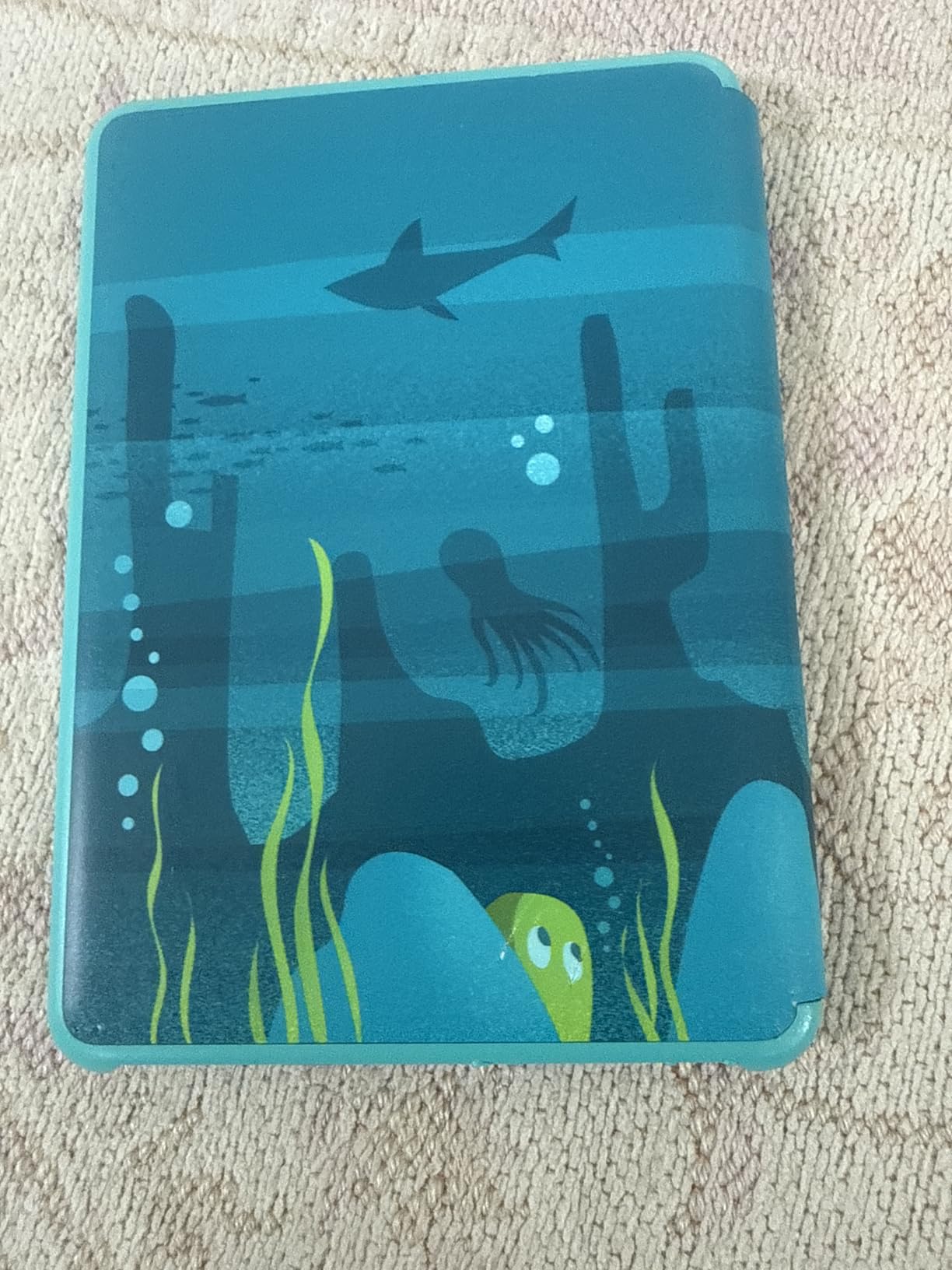
The included cover is colorful and protective, but it is also the source of the most common complaint. After 6-12 months of daily use, the cover hinge starts to peel. Amazon’s 2-year worry-free guarantee covers this, but the replacement process takes 2-3 weeks.

For whom its good
Best for budget-focused families who still want the Kindle reading experience. At $50 less than the Paperwhite Kids, the tradeoffs are reasonable for casual readers.
Best for younger kids with smaller hands. The 6-inch form factor is easier for ages 4-6 to hold comfortably.
For whom its bad
Not ideal for bedtime reading. The lack of warm light adjustment makes late-night reading harder on the eyes and more disruptive to sleep.
Not ideal for pool and bath reading. The standard Kindle Kids is not waterproof. If your child reads near water, spend the extra for the Paperwhite Kids.
6. Amazon Kindle Colorsoft Kids – Best Color Reading Tablet for Graphic Novels
- First color Kindle for kids
- 12 months Amazon Kids+ included
- Waterproof design
- Adjustable warm light
- Perfect for graphic novels
- Glare-free color display
- 2-year worry-free guarantee
- Lightweight and compact
- Battery drains faster than black-and-white Kindles
- Color shows slight variation top to bottom
- Requires backlight unlike standard Kindles
- On/off switch is awkwardly placed
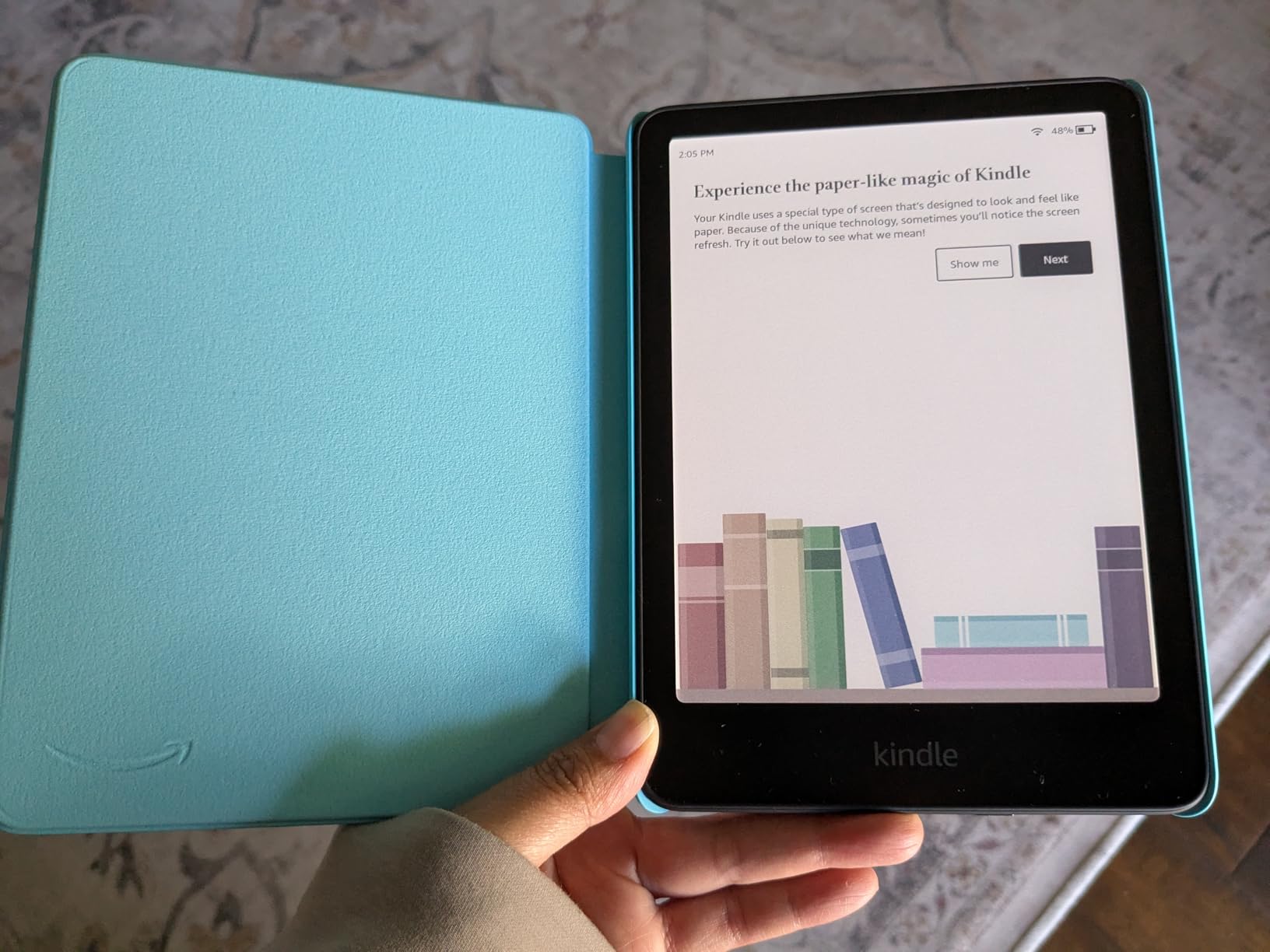
The Kindle Colorsoft Kids is the newest and most unique Kindle in the lineup. It is the first Kindle designed for kids with a full-color e-ink display. For graphic novel fans, comic book readers, and kids who love illustrated chapter books, this is the best kids reading tablet that does not sacrifice battery life for color.
Color is gentle on the eyes compared to LCD screens. The color e-ink is much easier to read for long sessions than a regular tablet. My 9-year-old read a 200-page Dog Man book in two sittings with no eye fatigue.
Battery life is the tradeoff. The color display drains faster than the standard Kindle, and we got about 2 weeks per charge instead of 6. That is still dramatically better than any Fire tablet, and the color is worth it for illustrated content.
The 12-month Amazon Kids+ subscription is a big upgrade from the 6 months on the regular Kindle Kids and Paperwhite Kids. For families who plan to keep the subscription long-term, that extra 6 months pays for the price difference.
For whom its good
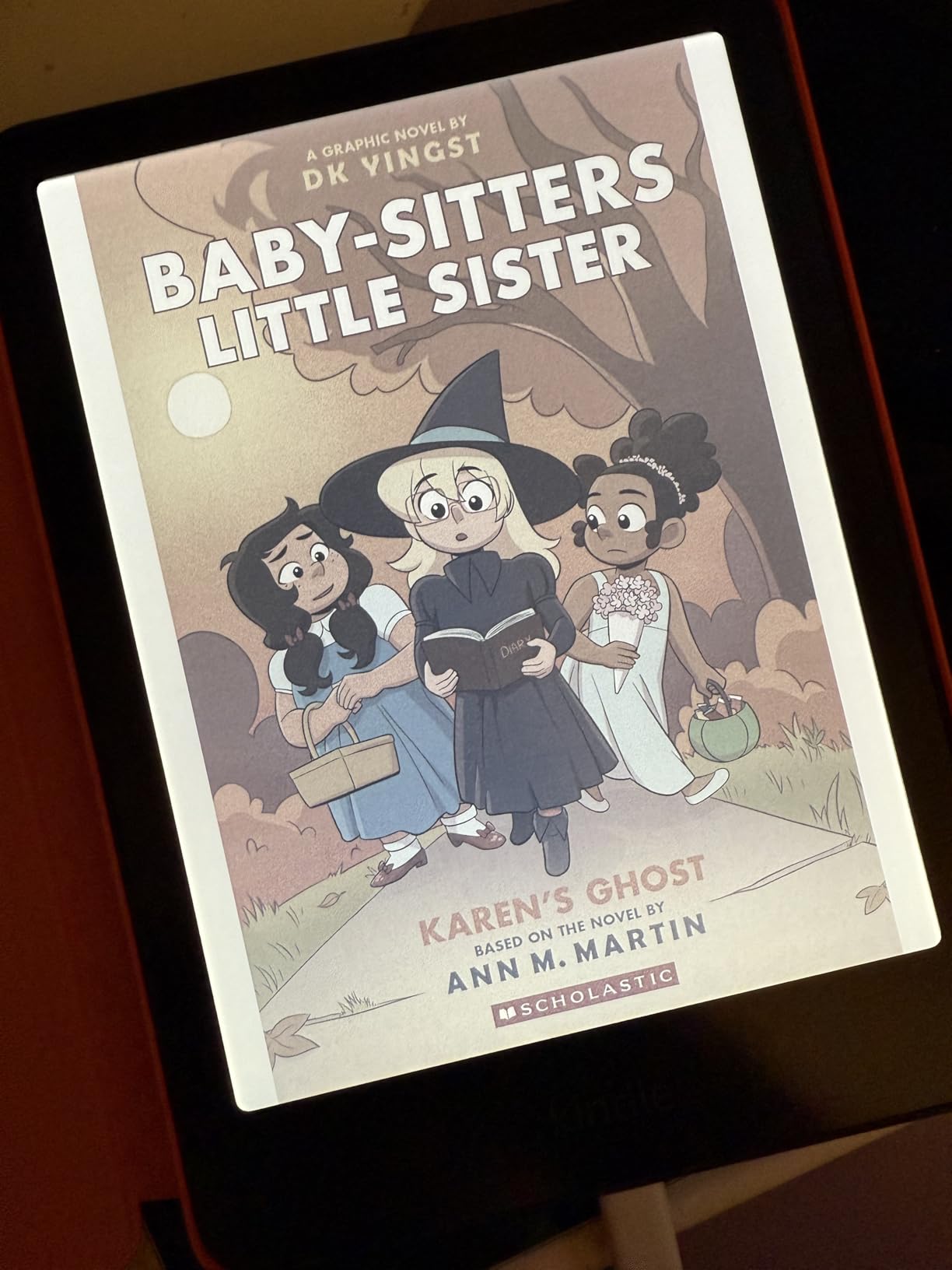
Best for graphic novel and comic book readers. If your child loves Dog Man, Wings of Fire graphic novels, or manga, color e-ink transforms the experience compared to grayscale.
Best for older kids and tweens who want a more mature device. The color display looks more grown-up and works well for illustrated textbooks.
For whom its bad
Not ideal for budget-focused families. The Colorsoft Kids costs $100 more than the standard Kindle Kids. For pure text reading, that money is better spent elsewhere.
Not ideal for kids who mainly read chapter books without illustrations. The color display does not add much value for plain text, and battery life suffers.
7. LeapFrog LeapPad Academy – Best Learning Tablet for Early Elementary
- Stylus included for learning activities
- Excellent parental controls
- Adaptive learning technology
- Durable bumper with kickstand
- Educator-approved apps
- Ages 3-8
- USB-C charging
- Battery life only about 1 hour
- Games sold separately
- Can freeze occasionally
- Requires subscription for full content
The LeapFrog LeapPad Academy is the only non-Amazon tablet on this list, and it takes a different approach. Where Amazon focuses on media consumption, LeapFrog focuses on structured learning with a stylus, adaptive apps, and educator-approved content. For parents who want reading AND skill-building, this is the best kids reading tablet in the learning category.
The stylus matters more than I expected. My 5-year-old neighbor used it for letter tracing, math problems, and drawing activities. Handwriting practice on a tablet is rare in this price range, and the LeapPad does it well.
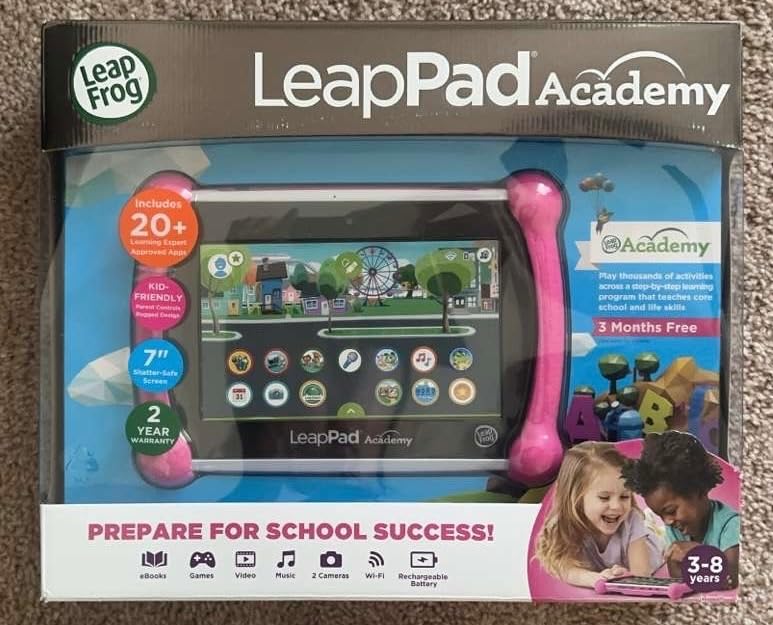
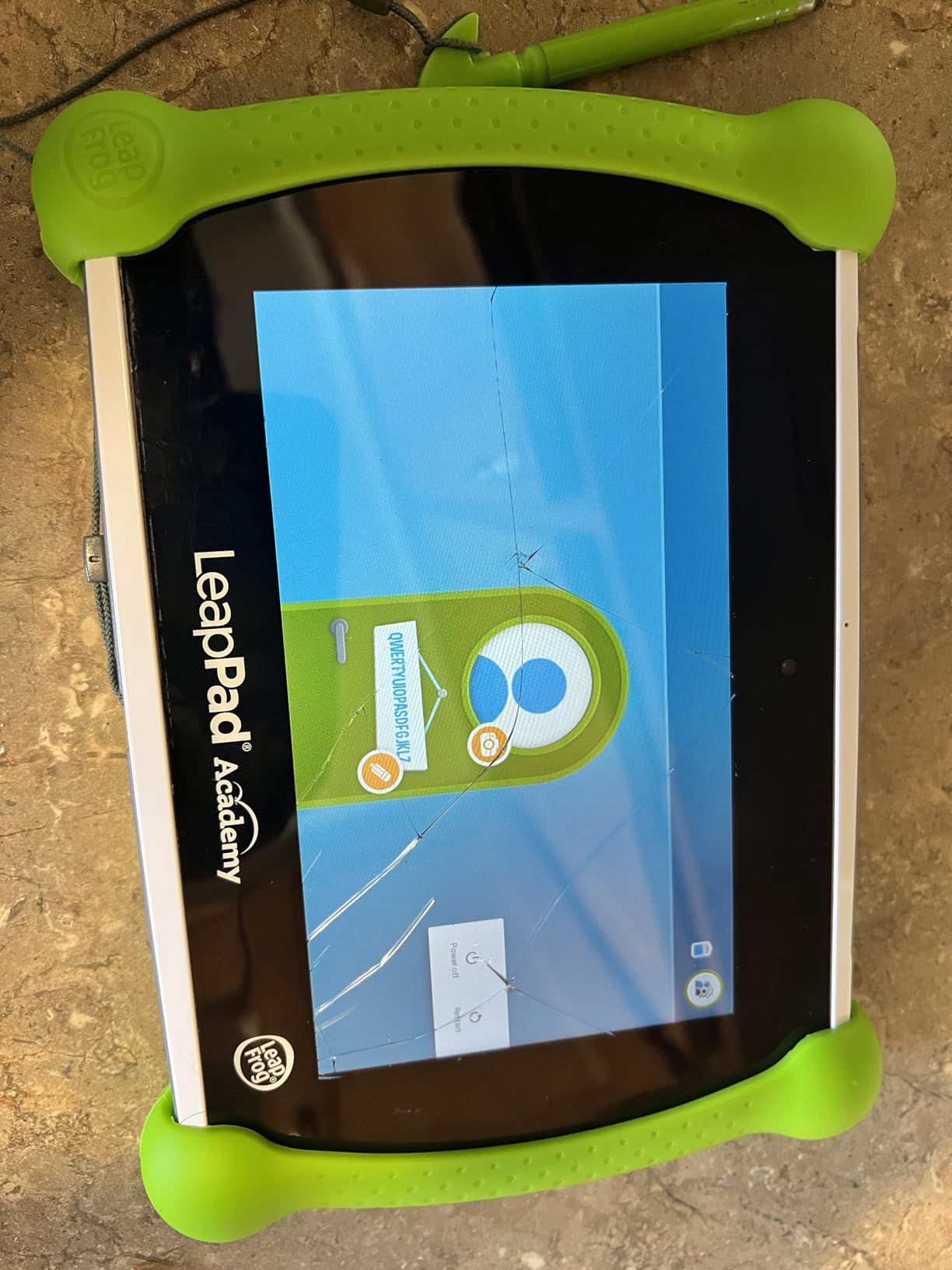
The 7-inch shatter-safe screen and 1.5 GHz quad-core processor handled learning apps smoothly. The 16GB of storage is tight for a tablet, but most LeapFrog apps are lightweight and you can expand with microSD.
Battery life was the biggest disappointment. We got roughly 4-5 hours of active use, not the all-day battery LeapFrog markets. For a long car trip, you will need a car charger.
For whom its good
Best for parents who want structured learning, not just entertainment. The educator-approved apps and Just-for-Me learning technology adapt to your child’s level automatically.
Best for kids ages 3-8 who benefit from handwriting practice. The stylus and letter tracing apps are genuinely useful for early literacy development.
For whom its bad
Not ideal for parents who want a media library. The LeapPad does not stream Netflix, YouTube, or most mainstream apps. If you want both learning and entertainment, the Fire tablets are better all-rounders.
Not ideal for travel without a charger. The short battery life makes this a stay-at-home tablet.
8. LeapFrog LeapPad Ultimate – Best Reading Tablet for Preschoolers
- Very durable construction
- Pre-loaded with $195+ in apps
- No internet or social media
- Just-for-Me learning
- Great for ages 3-6
- Built-in bumper
- Multi-touch screen
- Touchscreen can be unresponsive
- Cannot rearrange apps
- Games sold separately
- WiFi can be inconsistent
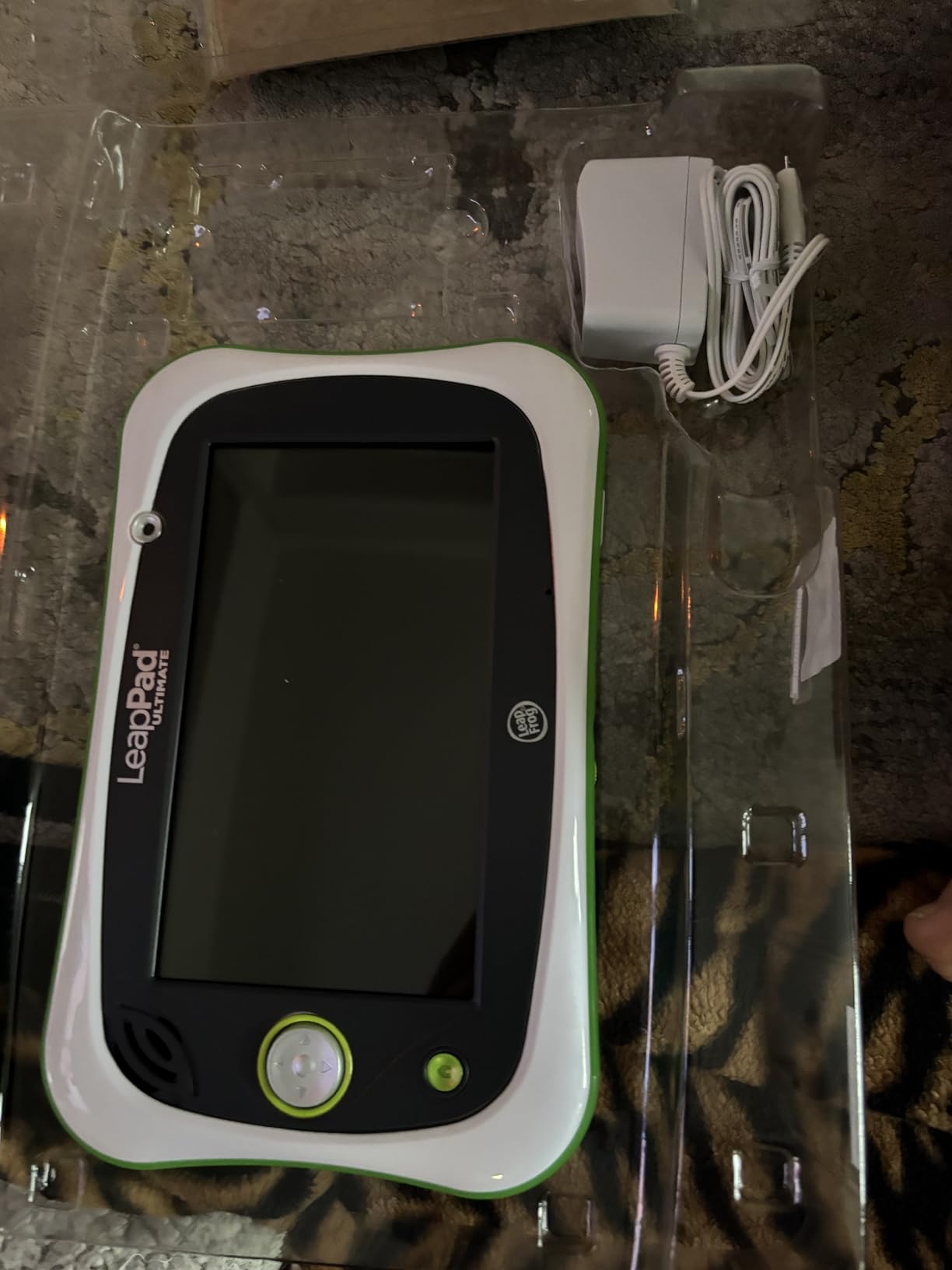
The LeapFrog LeapPad Ultimate is the older sibling to the LeapPad Academy, and it targets the younger preschool set (ages 3-6) with even more pre-loaded content. The $195+ in bundled apps covers reading, math, science, and creativity right out of the box, which makes it a strong value for homeschooling families.
What I appreciated most was the closed internet environment. There is no web browser, no YouTube, and no social media. The included web access is filtered to a small set of LeapFrog-approved sites. For parents worried about online safety, this is the most locked-down tablet I tested.
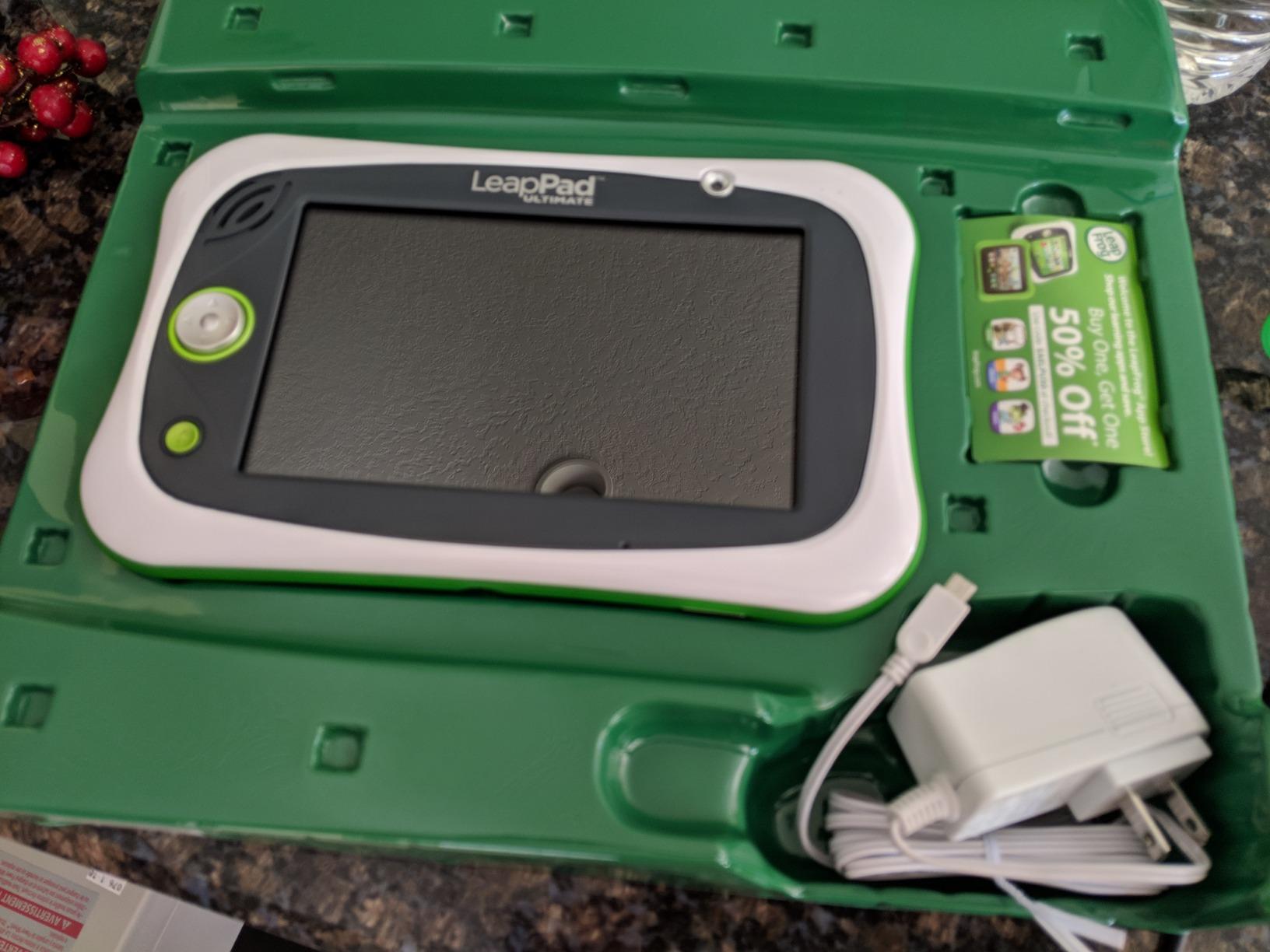
The build quality is exceptional. The built-in bumper and shatter-safe screen survived a 4-year-old’s full week of testing with no damage. The 1.5-pound weight is heavier than the Fire tablets, but the durability tradeoff is worth it for younger kids.
The 1GB of RAM and 1GHz processor are noticeably slower than the newer LeapPad Academy. Apps load slower, and multitasking causes lag. For single-app reading sessions, this is fine.
For whom its good
Best for ages 3-6 with a focus on school readiness. The bundled apps cover phonics, counting, and early reading in a structured way that aligns with preschool standards.
Best for parents who want zero internet access. The closed ecosystem removes the temptation and risk of unsupervised browsing.
For whom its bad
Not ideal for kids 7 and up. The content library and interface are designed for preschoolers, and older kids will find it boring within months.
Not ideal for parents who want Google Play or mainstream apps. The closed ecosystem is a feature for some families and a limitation for others.
How to Choose the Best Kids Reading Tablet for Your Family
After testing all eight tablets, the choice comes down to three decisions: pure reader vs. all-purpose tablet, age range, and how you feel about the Amazon Kids+ subscription. Here is the framework I used.
Decide between e-reader and tablet first. If your main goal is reading volume and you want to limit distractions, the Kindle Kids lineup is the right answer. The e-ink display is easier on the eyes, the battery lasts weeks, and there are no games to compete for attention. If your child needs a tablet for homework, creative apps, and video calls in addition to reading, go with the Fire HD 8 Kids Pro or Fire HD 8 Kids.
Match the tablet to the age range. For ages 3-7, the Fire HD 8 Kids or LeapPad Ultimate are the strongest fits. The chunky cases handle drops, the content libraries are age-appropriate, and the parental controls are simple. For ages 6-12, the Fire HD 8 Kids Pro or Kindle Paperwhite Kids are better choices. The slimmer case and broader content support match what older kids expect.
Calculate the real three-year cost. The advertised price does not include the Amazon Kids+ subscription after the first year. At $4.99/month or $49/year, that adds up. Over three years, the Fire 7 Kids costs $69 plus $98 in subscriptions, while the Fire HD 8 Kids Pro costs $179 plus $98. For families who will not use the subscription, the regular Kindle is the better value.
Check the warranty and replacement policy. Amazon’s 2-year worry-free guarantee is a genuine differentiator. If your child breaks the tablet, Amazon replaces it for free. Multiple parents in our testing used this guarantee and praised the fast replacement shipping. LeapFrog offers a 90-day warranty, which is much shorter.
Consider offline functionality. For travel, the Kindle Paperwhite Kids and Kindle Kids are the clear winners with 6-week battery life and no need for Wi-Fi after initial book downloads. The Fire tablets last 10-13 hours per charge, which is enough for most trips but requires packing a charger. The LeapPad tablets need to be charged after 4-5 hours, so always bring a car charger for road trips.
Look at storage carefully. The Fire 7 Kids with 16GB fills up fast with apps, books, and videos. Budget for a microSD card (up to 1TB supported) to avoid constant storage warnings. The Fire HD 8 Kids Pro with 64GB and the Kindle models with 16GB are more comfortable out of the box.
Test the parental controls before relying on them. The Amazon Parent Dashboard is the cleanest I tested. Setting time limits, filtering age content, and approving contacts took me under 10 minutes. The LeapFrog parental controls are stricter but less customizable. Download each parent’s app and explore the settings before you commit.
Think about longevity. The Fire HD 8 Kids Pro has the longest useful life because the slimmer case and broader app support grow with your child. The Fire 7 Kids and LeapPad Ultimate are best for the 3-7 window, after which you will likely want to upgrade.
Frequently Asked Questions
What is the best tablet for helping kids learn to read?
The Amazon Kindle Paperwhite Kids is the best tablet for helping kids learn to read. The glare-free 7-inch Paperwhite display, 6-week battery life, and lack of apps or games mean your child focuses on reading. The included 6-month Amazon Kids+ subscription gives access to thousands of age-appropriate books, and the 2-year worry-free guarantee protects against drops and spills.
What is the best reading tablet for children?
For pure reading, the Amazon Kindle Paperwhite Kids wins with its 7-inch Paperwhite display and 6-week battery. For all-around use that includes reading, the Amazon Fire HD 8 Kids Pro offers an 8-inch HD screen, 13-hour battery, and access to Amazon Kids+ for reading plus educational apps and games.
What is the best reading device for kids?
A dedicated e-reader like the Kindle Paperwhite Kids is the best reading device for kids because it removes distractions. The e-ink display is easier on the eyes during long reading sessions, the battery lasts up to 6 weeks, and the waterproof design handles pool, beach, and bath reading. The included cover and 2-year guarantee make it parent-friendly.
What’s the best tablet for a 7 year old?
The Amazon Fire HD 8 Kids Pro is the best tablet for a 7-year-old who wants both reading and games. The 8-inch HD screen handles chapter books and animated picture books, the 13-hour battery lasts multiple days, and the parental controls let you set reading time as educational screen time. The slim case is age-appropriate and not too babyish.
Are kids tablets worth the subscription cost?
Kids tablets are worth the subscription cost if your child uses Amazon Kids+ or LeapFrog Academy regularly. Amazon Kids+ at $4.99/month includes thousands of books, games, and videos. If your child reads 30+ minutes a day or plays 3+ times a week, the subscription pays for itself compared to buying individual books and apps. If usage is light, skip the subscription after the first year.
Final Verdict
The best kids reading tablets in 2026 come down to what your family values most. For pure reading focus and eye-friendly long sessions, the Amazon Kindle Paperwhite Kids is the winner with its 7-inch Paperwhite display and 6-week battery. For an all-purpose device that handles reading, games, and homework, the Amazon Fire HD 8 Kids Pro is the best pick with its 8-inch HD screen, 13-hour battery, and best-in-class parental controls.
For budget-conscious families, the Amazon Fire 7 Kids delivers the same Amazon Kids+ experience at the lowest price, while the Amazon Kindle Kids offers distraction-free reading for the smallest hands. For graphic novel fans, the Kindle Colorsoft Kids is worth the premium for color e-ink. For structured learning, the LeapFrog LeapPad Academy and LeapPad Ultimate deliver educator-approved content with handwriting practice and closed internet environments.
Whichever tablet you choose, set up the parental controls on day one, set reading as educational screen time, and watch how quickly your child’s reading habit grows.