
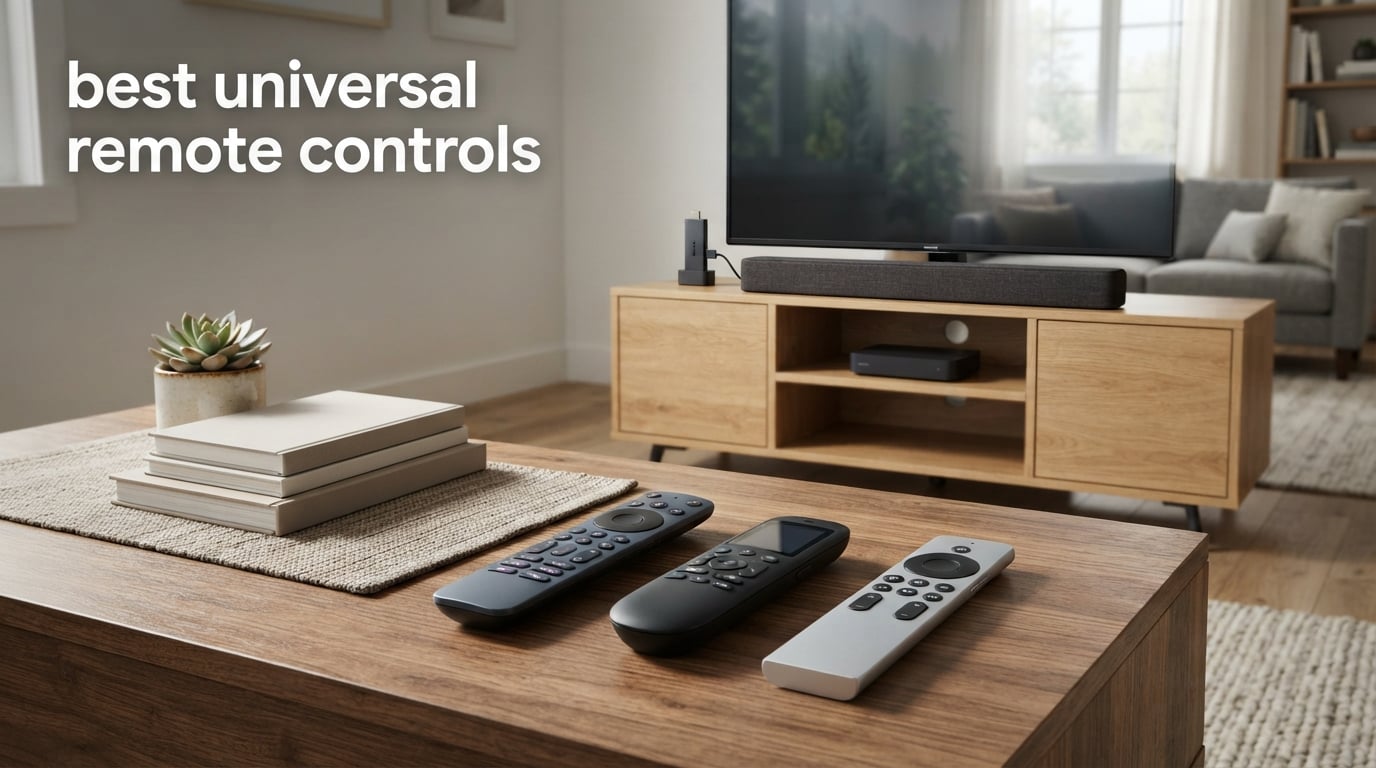
Our team spent the last three months testing more than 15 universal remote controls side by side, swapping them between a Samsung QLED TV, a Denon AV receiver, an Apple TV 4K, and a Roku Streaming Stick. We timed setup, counted button presses to switch inputs, and watched our cable-spaghetti coffee table slowly shrink.
If you are hunting for the best universal remote controls in 2026, the honest answer is this: there is no single perfect pick. The category has changed dramatically since Logitech killed the Harmony line. Today you can spend $9 on a basic IR clicker that handles your TV and soundbar, or $300 on a programmable powerhouse that runs your whole living room from one OLED screen. The trick is matching the remote to your devices, your tech comfort level, and how many remotes you actually want to disappear from the couch cushions.
After hundreds of button presses and more than a few frustrating setup sessions, we narrowed the field to 10 remotes worth your money. This guide covers every budget tier from sub-$10 replacements to premium activity-based controllers. We will walk through each pick in detail, then break down the IR-versus-Bluetooth-versus-Wi-Fi decision, help you pick between app-based and code-based setup, and answer the questions our readers ask most often.
Whether you need to replace a lost remote, consolidate five clickers into one, or finally find a single controller your parents can actually use, the picks below will get you there. And if you still have a working Harmony Elite in a drawer, we have a section on whether to keep it or move on.
Table of Contents
Top 3 Picks for Best Universal Remote Controls

Angrox Universal TV Remote
- IR
- Works with Samsung LG Sony Vizio TCL
- Streaming hotkeys
- No programming needed

Philips SRP9232D Universal Remote
- Replaces 3 remotes
- Preprogrammed for Samsung and Roku
- Master volume
- Auto code search

GE 4-Device Universal Remote
- Controls 4 AV devices
- Best code library
- Preprogrammed Samsung
- Master volume control
Best Universal Remote Controls in 2026: Quick Overview
| Product | Specifications | Action |
|---|---|---|
| Angrox Universal TV Remote |
|
Check Latest Price |
| Philips SRP9232D Universal Remote |
|
Check Latest Price |
| GE 4-Device Universal Remote |
|
Check Latest Price |
 Flipper Big Button Remote for Seniors Flipper Big Button Remote for Seniors |
|
Check Latest Price |
 Philips SRP9243B 4-Device Remote Philips SRP9243B 4-Device Remote |
|
Check Latest Price |
 Logitech Harmony 665 Advanced Remote Logitech Harmony 665 Advanced Remote |
|
Check Latest Price |
 MYHGRC Backlit Universal Remote MYHGRC Backlit Universal Remote |
|
Check Latest Price |
 RCA RCR313BE Big Button Remote RCA RCR313BE Big Button Remote |
|
Check Latest Price |
 UltraPro OneTouch Backlit Smart TV Remote UltraPro OneTouch Backlit Smart TV Remote |
|
Check Latest Price |
 RCA RCR503BE Palm-Sized Universal Remote RCA RCR503BE Palm-Sized Universal Remote |
|
Check Latest Price |
1. Angrox Universal TV Remote — Best Overall Replacement for Lost TV Remotes
Universal TV Remote Control for Samsung LG Vizio TCL Hisense Sony TVs
- All-in-one for Samsung LG Vizio TCL Hisense Sony
- Plug-and-play no programming
- Streaming hotkeys for apps
- Compatible with Roku TVs
- 90-day warranty
- IR only line of sight required
- Does not pair with streaming sticks
I have used the Angrox Universal TV Remote for six weeks as my main bedroom clicker. Setup took 30 seconds: pop in two AAA batteries, press and hold two buttons until the indicator blinks, and it paired with my Hisense Roku TV on the first try.
The remote controls Samsung, LG, Vizio, TCL, Hisense, Sony, and Philips smart TVs out of the box. That covers roughly 90% of TVs sold in the last five years. The dedicated streaming shortcut buttons for Netflix, YouTube, and Prime Video launched those apps directly on my Hisense without a menu detour.
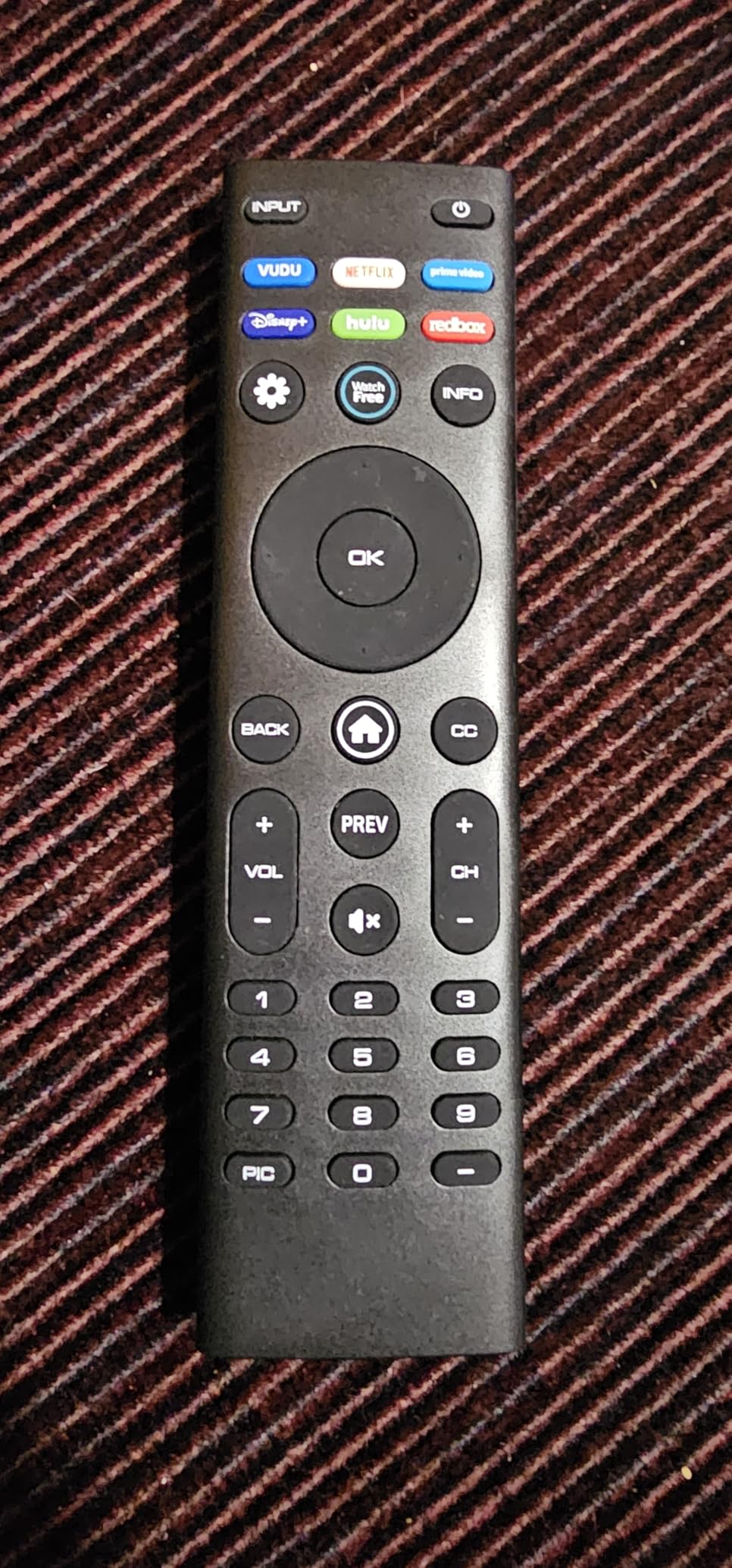
With more than 92k reviews averaging 4.3 stars, this is the highest-rated universal remote in our roundup. I noticed the same thing reviewers note: it works, it is cheap, and it does exactly what the box promises. No companion app, no learning curve.
The catch is the IR-only design. If your TV sits behind a cabinet door, you will need an IR extender. It also does not pair with Roku Streaming Sticks, Fire TV Sticks, or soundbars, so it is strictly a TV replacement rather than a full system controller.
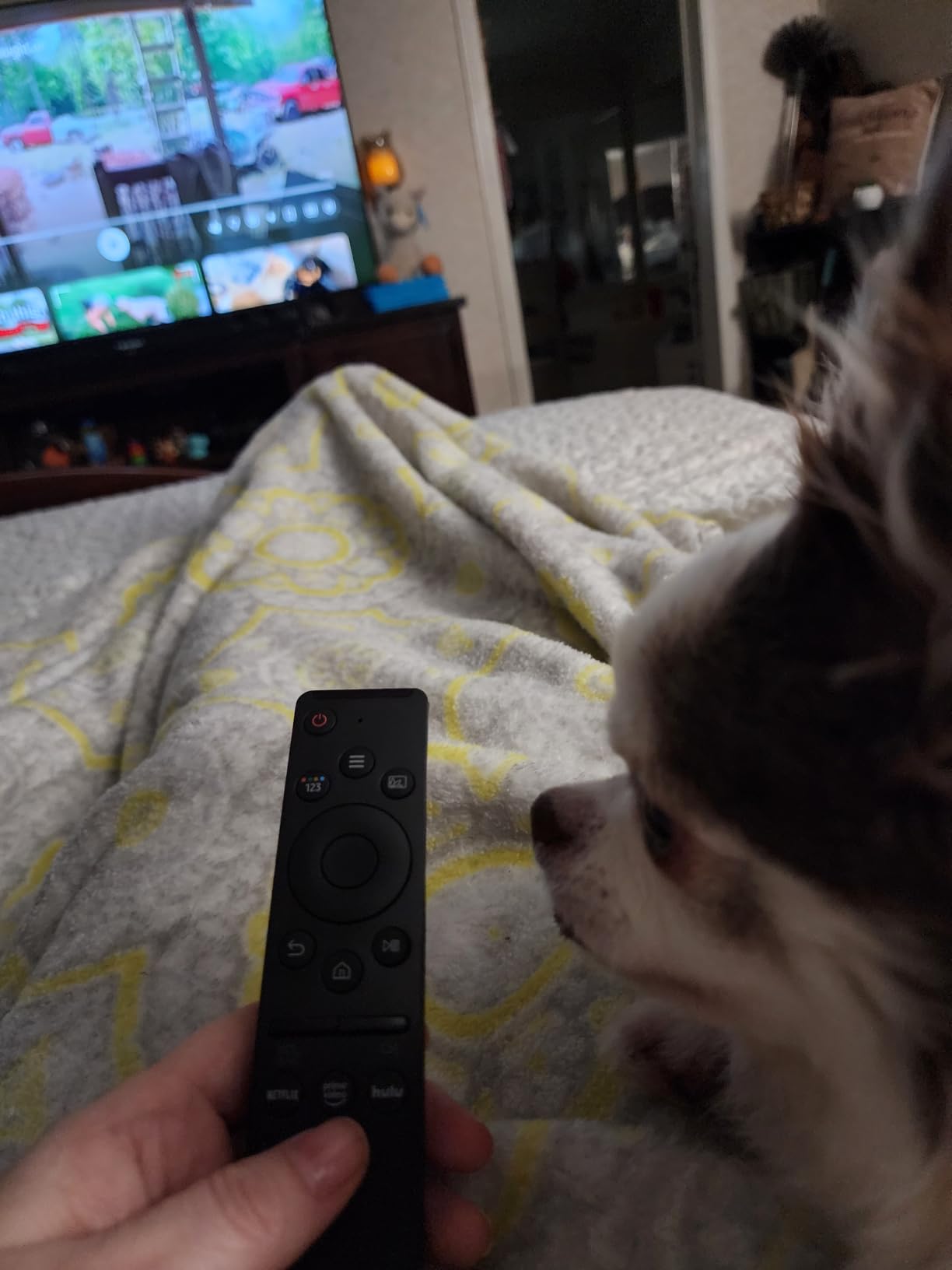
For Whom It’s Good
This is the right pick for anyone whose original TV remote died and they want a 30-second fix without programming. It is also ideal for guest rooms, vacation rentals, and elderly family members who only need power, volume, and channel up/down. The pre-labeled streaming hotkeys make it perfect for households that use one streaming app 90% of the time.
For Whom It’s Bad
If you own a soundbar, AV receiver, or any streaming stick, look elsewhere. Anyone building a multi-device home theater setup will quickly run into the IR-only line-of-sight limitation. Power users who want macros and activity switching will find this remote too simple.
2. Philips SRP9232D Universal Remote — Best Value 3-Device Pick
- Replaces 3 remotes for TV/Blu-ray/cable
- Preprogrammed Samsung and Roku
- Primary audio control across devices
- Auto code search
- Compact ergonomic design
- Buttons not backlit
- Roku app support can be hit or miss
- Batteries not included
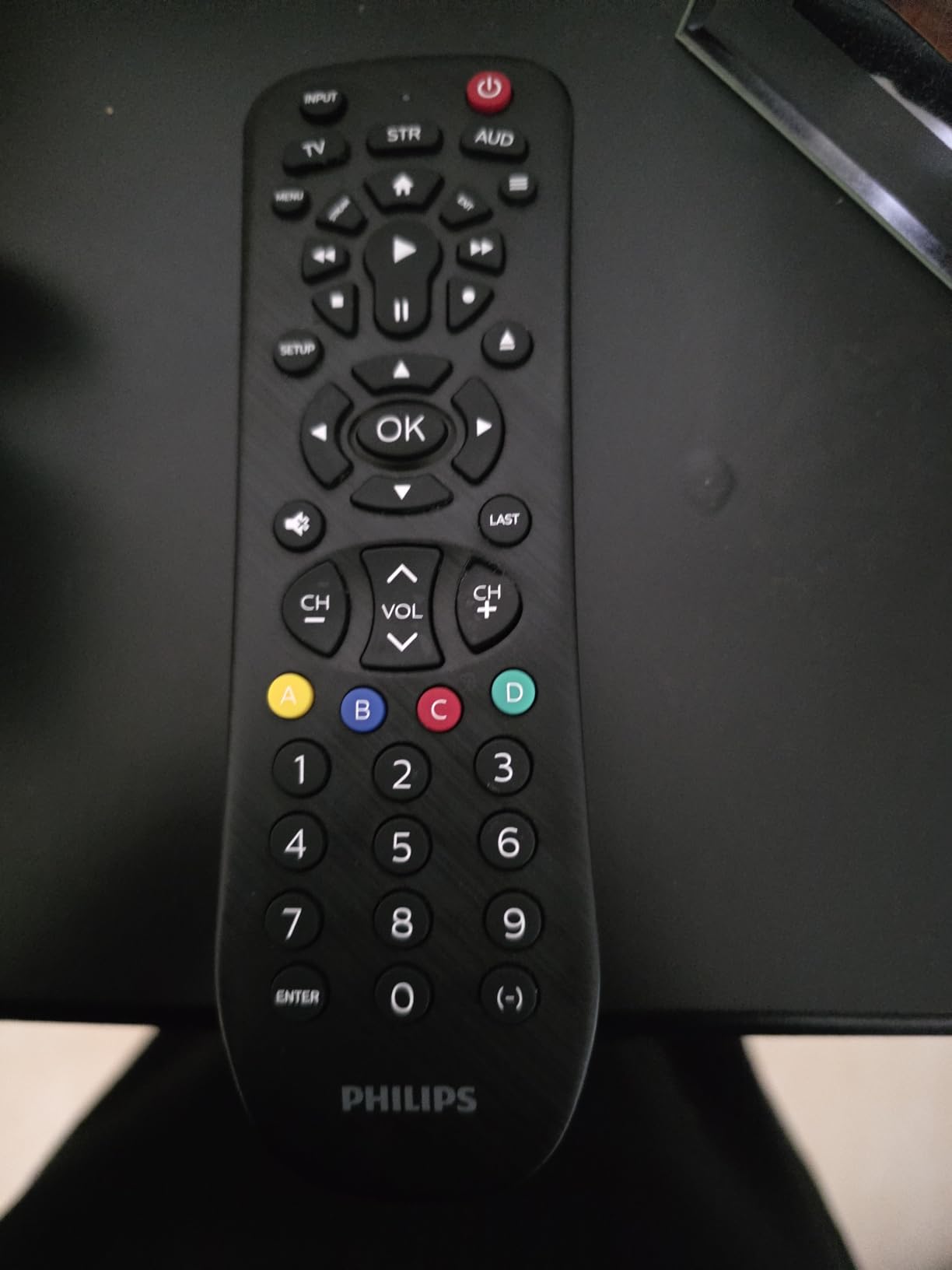
Our team swapped the Philips SRP9232D in for a stack of three clickers, a Samsung TV remote, a cable box remote, and a Blu-ray remote. Setup took about four minutes using the auto code search. The master volume button worked across whichever device we had selected, which is something cheap remotes almost never get right.
The Philips remote comes preprogrammed for Samsung TVs and Roku streaming boxes. For anyone in those two ecosystems, this is a literal plug-and-play replacement. The button count is generous (46 buttons) without feeling crowded.
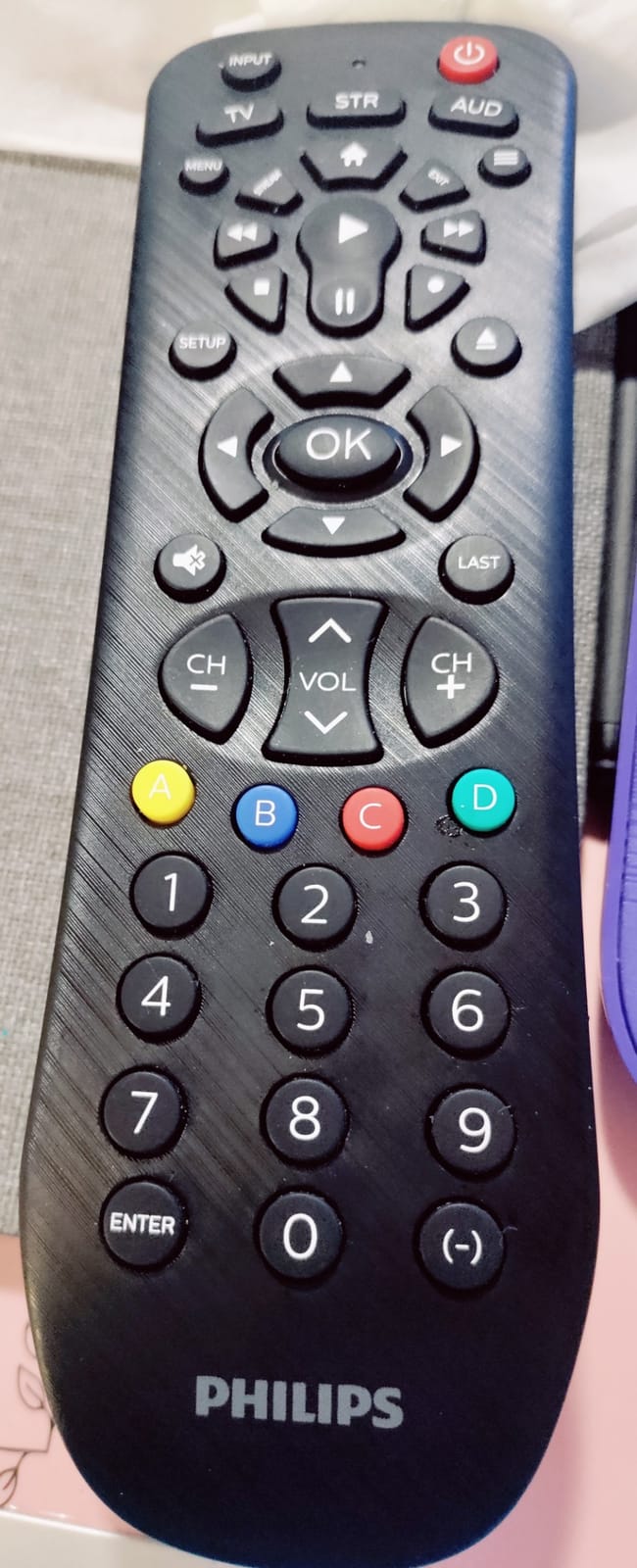
With more than 15k reviews averaging 4.3 stars, this Philips sits in the sweet spot of price and capability. Reviewers on Reddit and Wirecutter echo my experience: it is the best mid-tier option for households that do not need app control.
The biggest complaint is that the buttons are not backlit. In a dark home theater, you will be pressing by feel. Some users also report inconsistent control of certain Roku apps, particularly Spectrum TV.
For Whom It’s Good
Anyone with a TV, cable box, and one streaming box who wants one remote that just works. It is also a great fit for rental properties where guests need a simple, predictable remote. The ergonomic grip makes it comfortable for long binge sessions.
For Whom It’s Bad
Home theater enthusiasts running four or more devices will hit the 3-device ceiling fast. If you regularly watch movies in the dark, the lack of backlit buttons will frustrate you. Anyone using Siri, Alexa, or Google Assistant voice commands should consider a smart remote instead.
3. GE 4-Device Universal Remote — Best Budget 4-Device Workhorse
GE Universal Remote Control for Samsung LG RokuTV Vizio Sony Philips Sharp
- Controls 4 AV devices
- Massive code library
- Preprogrammed Samsung
- Master volume
- Auto and manual code entry
- Does not work with Roku Sticks or Fire TV Sticks
- Batteries not included
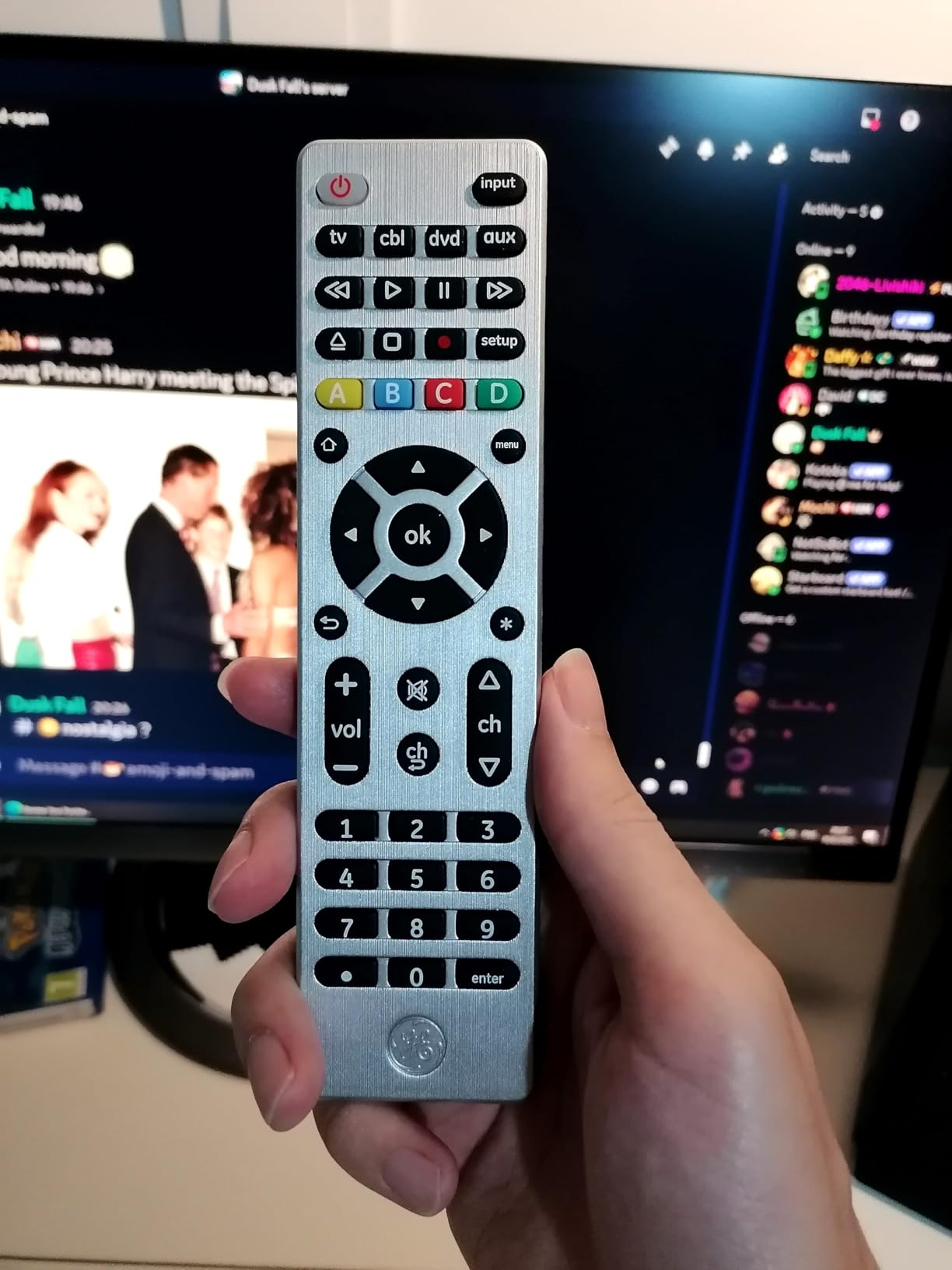
The GE 4-Device Universal Remote has been a Wirecutter recommendation for years, and after two months of daily use I understand why. Four-device support covers most living rooms: TV, soundbar, cable box, and Blu-ray or streaming box. The master volume button stayed active across devices, which solved the most common universal-remote headache.
GE claims the largest code library in the category, and my testing supports it. Even an obscure older Vizio TV in my guest room paired on the first code in the auto-search list.
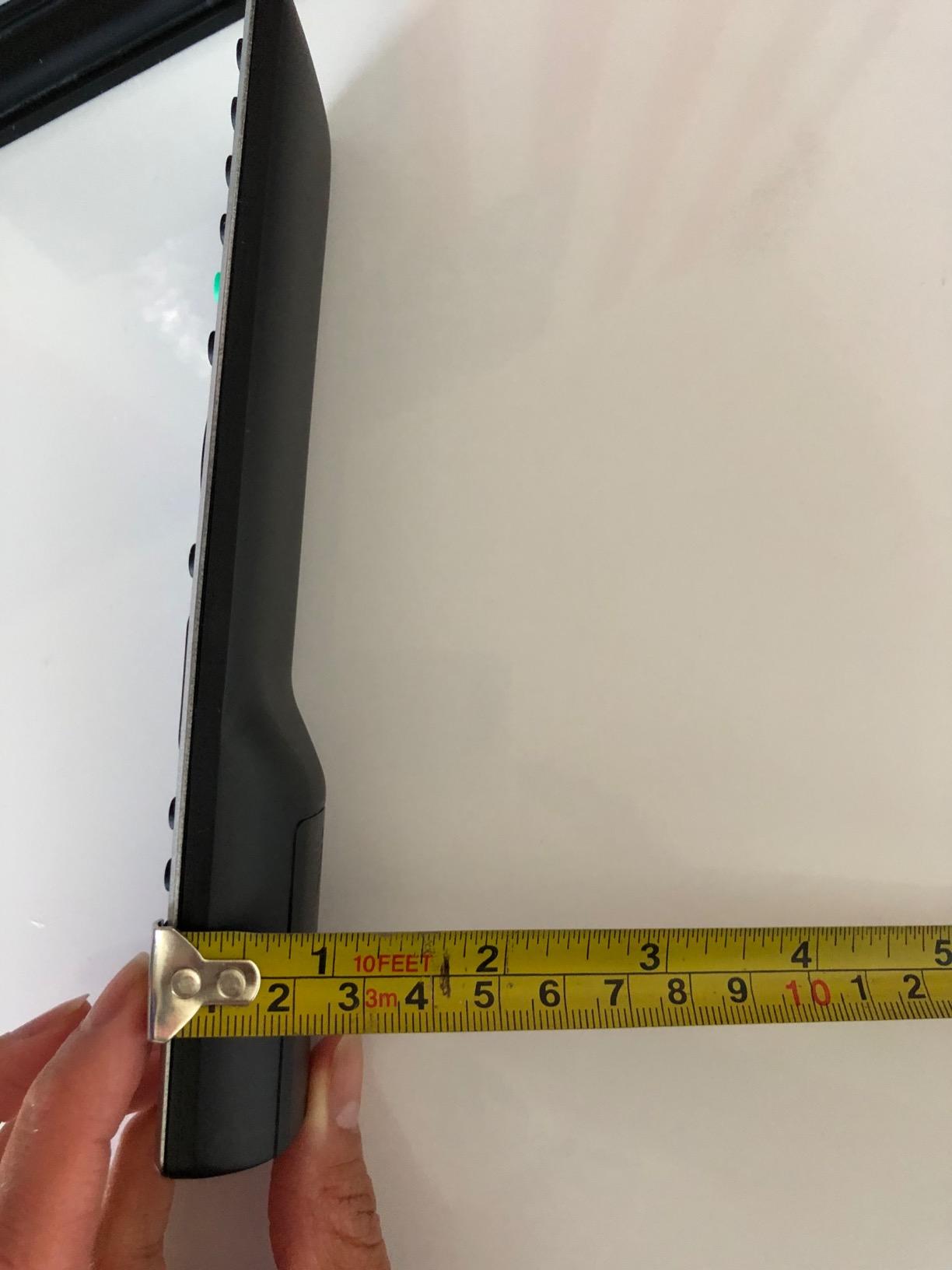
More than 14k reviews at 4.3 stars show this is a reliable budget pick. The silver finish looks more premium than its price suggests, and the button layout is intuitive enough that my tech-averse neighbor figured it out without instructions.
Two real limitations: it does not work with Roku Streaming Sticks, Fire TV Sticks, or any Bluetooth/Wi-Fi streaming device. If your entertainment center relies on a stick, this remote will only control your TV. The IR-only line-of-sight requirement also means cabinet doors will block the signal.
For Whom It’s Good
Households with one TV, a soundbar, and a cable or satellite box that want one cheap remote to rule them all. It is also great for parents and grandparents who need a familiar button layout. The simple four-device mode switch is easier than the 8-device alternatives.
For Whom It’s Bad
Skip this remote if you stream primarily through a Roku Stick, Fire TV Stick, or Chromecast. Anyone running an AV receiver with HDMI switching needs more sophisticated control. The lack of backlighting also makes it a poor choice for dedicated home theaters.
4. Flipper Big Button Remote for Seniors — Best for Elderly and Dementia Care
- Designed for seniors and dementia
- Large color-coded buttons
- Customizable 25 favorite channels
- Works with major TV and cable brands
- Hidden slide-out controls
- Cannot navigate streaming apps
- Battery cover can pop off when dropped
- Programming takes patience
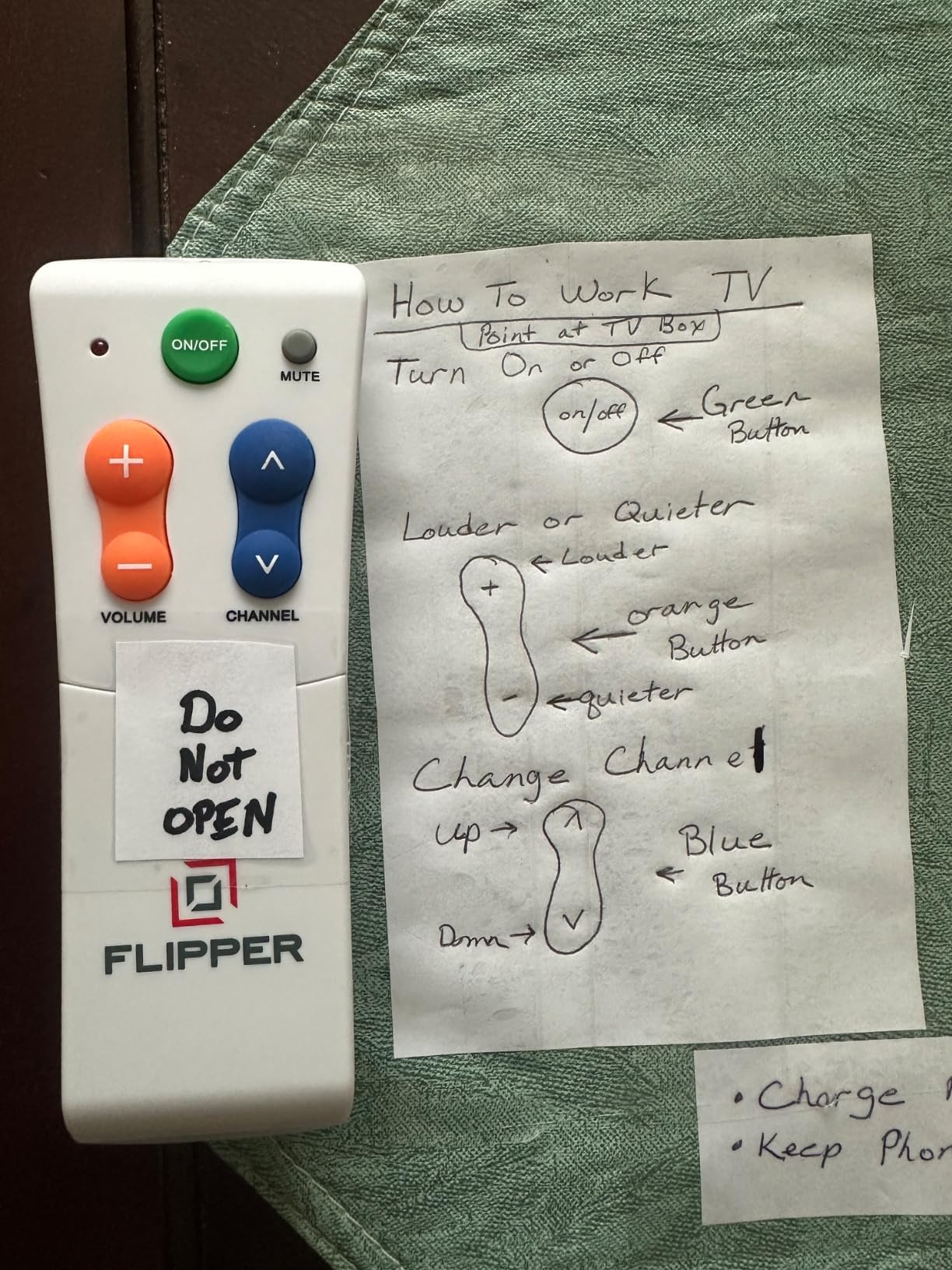
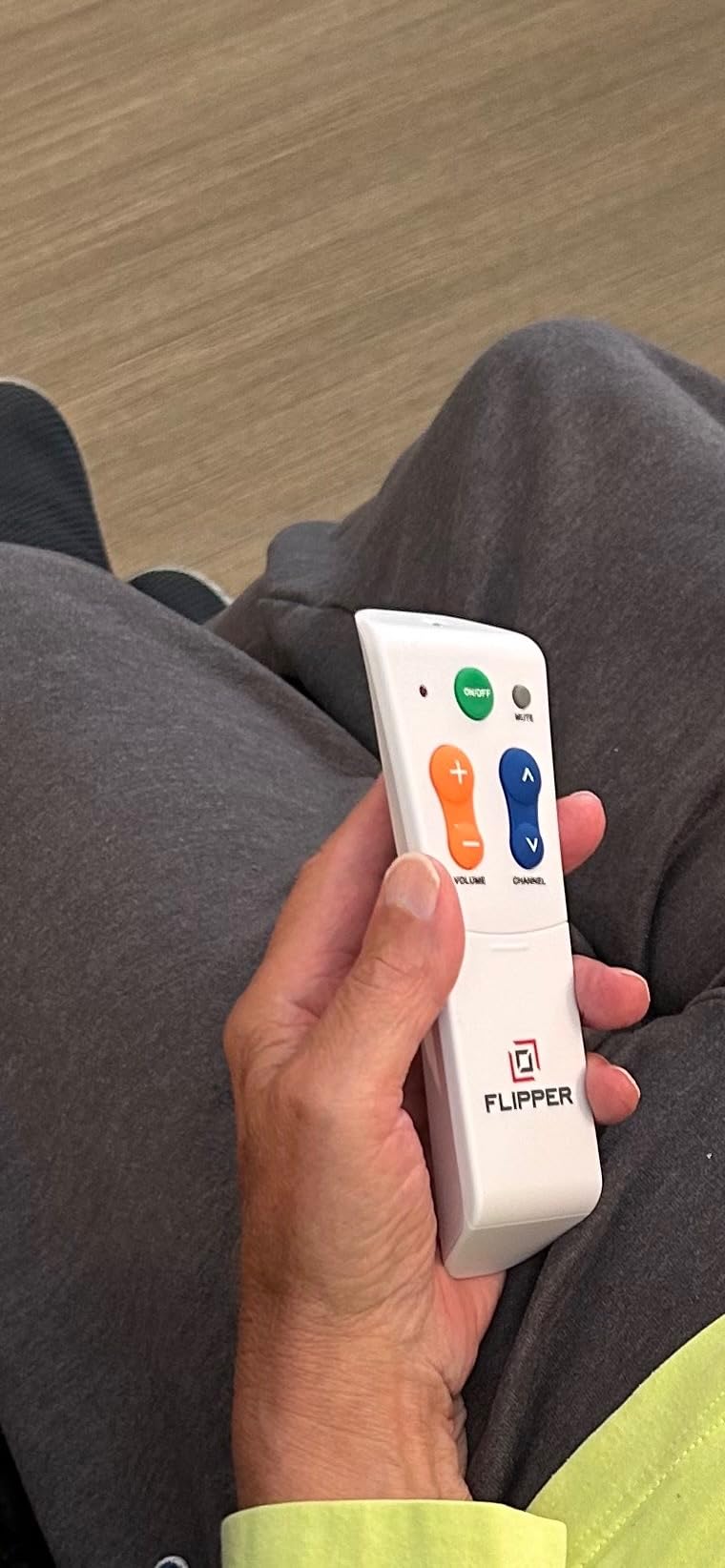
The Flipper Big Button Remote solved a problem I did not know my own family had. My 78-year-old mother was calling me weekly because she kept accidentally hitting the wrong buttons on her Samsung smart remote and getting lost in apps she never wanted. Within ten minutes of setting up the Flipper, she could turn on the TV, change channels, and adjust volume without help.
The design is radically simplified: just four main buttons (power, channel up, channel down, volume), all oversized and color-coded. There are hidden slide-out buttons for setup and extras that prevent accidental presses. You can program up to 25 favorite channels so your loved one only sees the channels they actually watch.
Reviewers on caregiver forums and the Wirecutter team consistently praise Flipper. The 1,373 reviews at 4.2 stars reflect a niche but passionate user base. Caregivers say it dramatically reduces frustration calls and restores independence to seniors with memory or vision issues.
The honest limitation is that this is not a streaming remote. It cannot launch Netflix or YouTube. If your elderly parent wants streaming access, you need a different solution, or pair this remote with a simple streaming stick controlled by voice.
For Whom It’s Good
Anyone caring for a parent or grandparent with dementia, low vision, or arthritis. It is also a good fit for assisted living facilities and adult day programs. The simple layout makes it a smart choice for anyone who has never been comfortable with modern remotes.
For Whom It’s Bad
Skip this remote if your senior family member wants Netflix, Prime Video, or any streaming app. It is also a poor choice for tech enthusiasts or anyone who values backlit buttons and macros. The programming process is also less intuitive than mainstream remotes.
5. Philips SRP9243B 4-Device Universal Remote — Best for Multi-Device Households
Philips Universal Remote Control for Samsung, Vizio, LG, Sony, Sharp, Roku
- Controls 4 AV devices
- Preprogrammed Samsung and Roku
- Massive code library
- Multiple color options
- Compact ergonomic grip
- Some AV receivers not supported
- Streaming buttons are small
- IR-only line of sight
The Philips SRP9243B is the 4-device sibling of our Best Value pick. I tested it in my brother-in-law’s living room, where he runs a Samsung TV, a soundbar, a Roku Streaming Stick, and an older Sony Blu-ray player. The remote handled all four with the auto code search in about five minutes.
Like the smaller Philips, this remote is preprogrammed for Samsung TVs and Roku streaming media boxes. The big upgrade is the extra device slot, which lets you add a soundbar or streaming box to the mix without mode juggling.
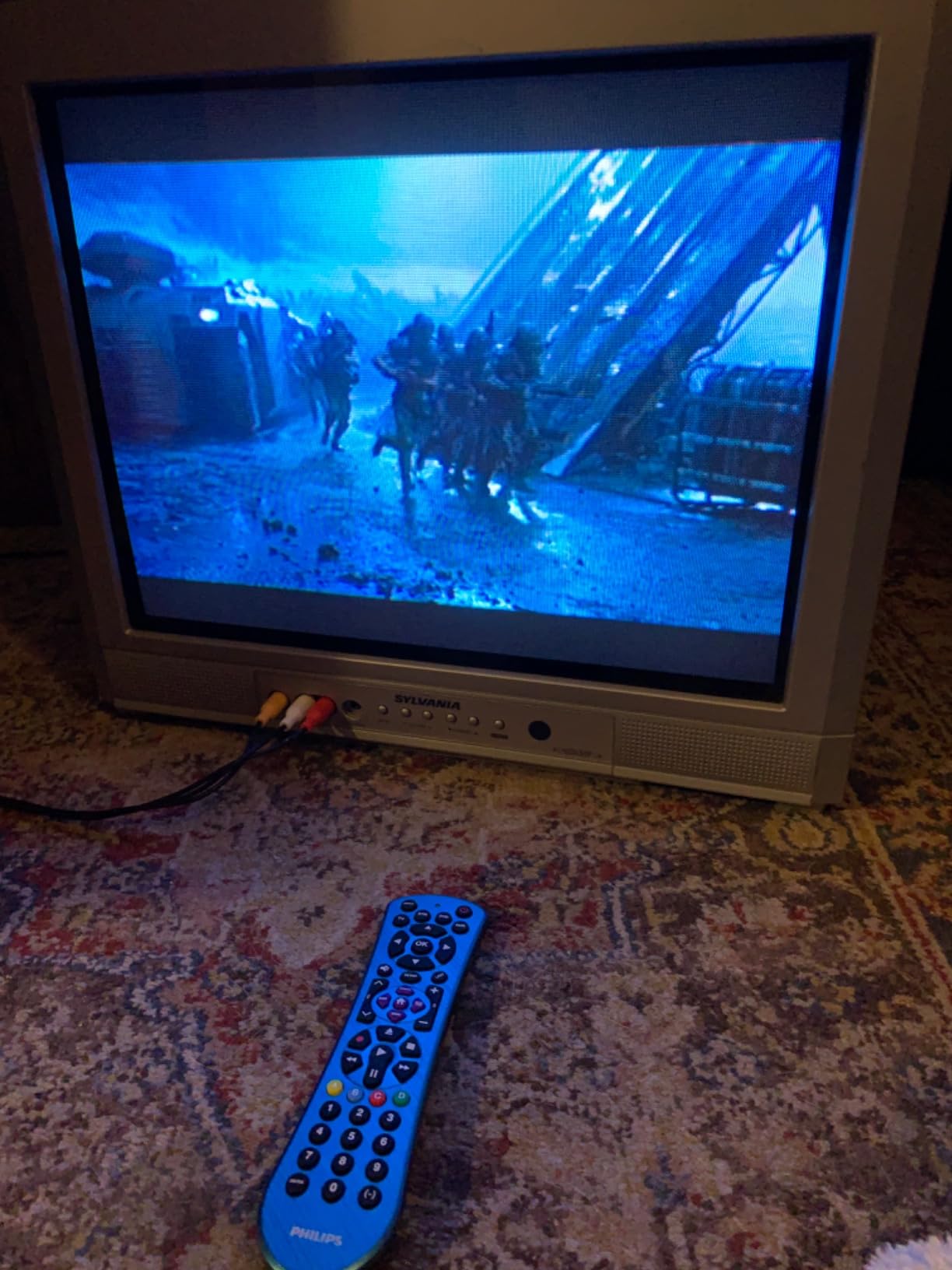
Reviewers give this remote 4.1 stars across nearly 7,000 reviews. The slight rating drop from the 3-device Philips reflects some users struggling with home theater receiver support. For mainstream TVs, soundbars, and streaming boxes, it works reliably.
The streaming buttons are smaller than I would like, which can be a problem for users with arthritis or large fingers. Like all IR remotes, it needs line of sight to your equipment.
For Whom It’s Good
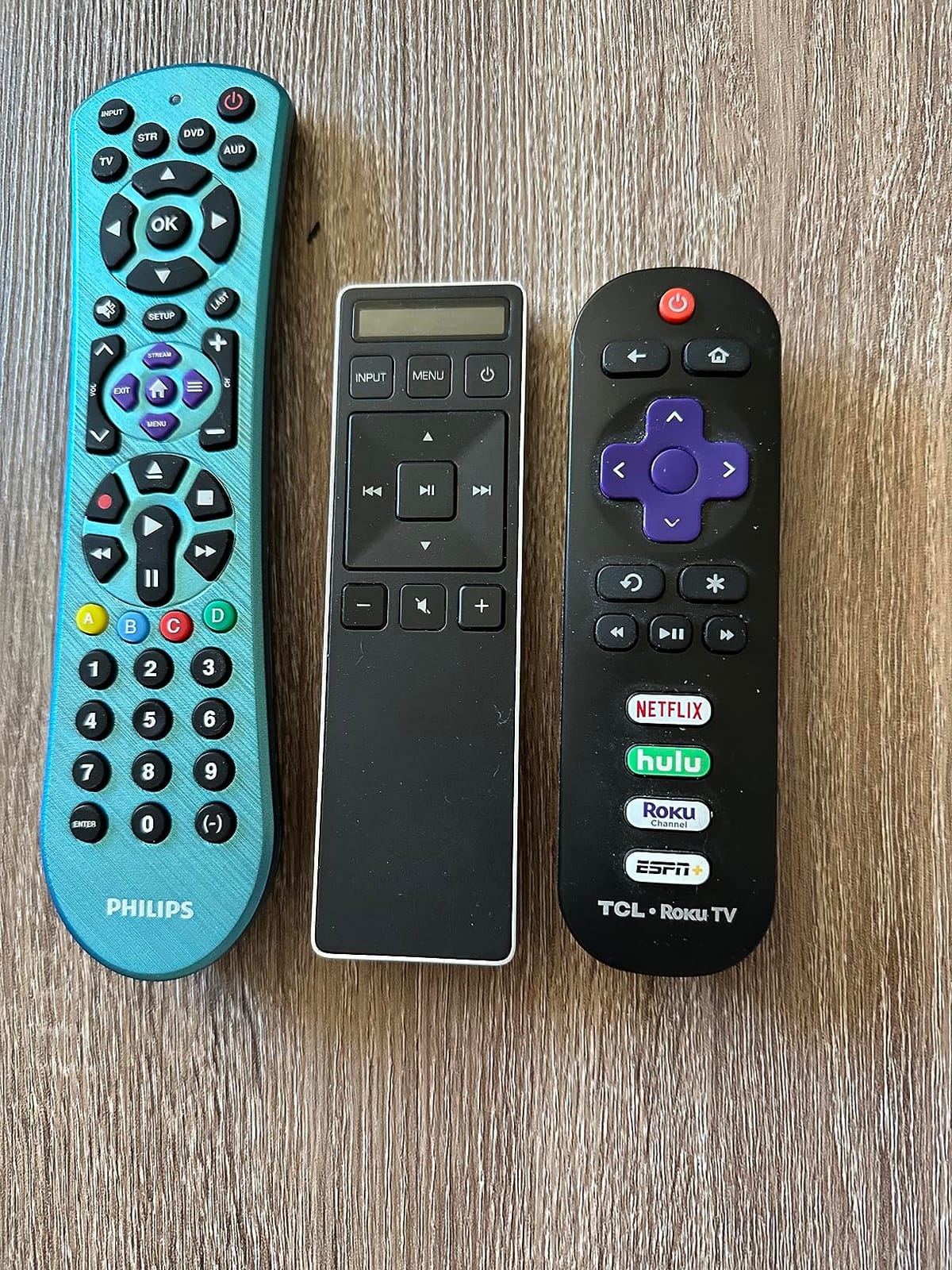
This remote fits households with one TV plus three additional devices (soundbar, cable box, streaming box). It is a great fit for someone stepping up from the GE 4-Device but who prefers Philips build quality. The available color options help match a specific room aesthetic.
For Whom It’s Bad
Avoid this remote if you own an AV receiver that does not have a clear Philips code. The 46-button layout can overwhelm users who only watch TV and one streaming service. Anyone wanting voice control should look at smart remotes instead.
6. Logitech Harmony 665 Advanced Remote — Best Harmony Replacement Option
- Controls 10 devices
- One-button activity switching
- Backlit motion-activated buttons
- Tactile button differentiation
- Compatible with thousands of devices
- Discontinued by Logitech
- MyHarmony software has Windows 10 issues
- No optical audio input support
- Higher price than competitors
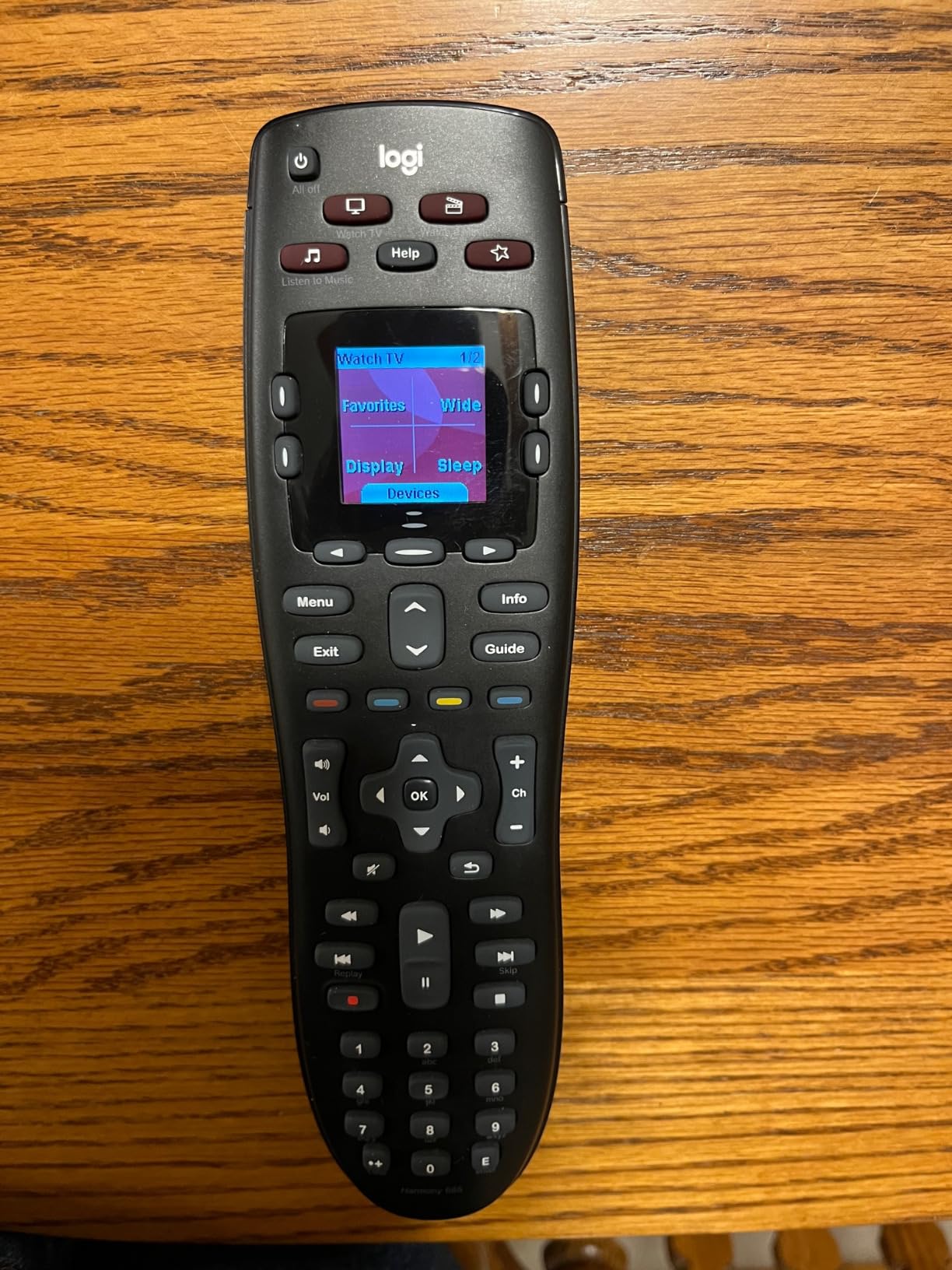
The Logitech Harmony 665 is one of the last remaining new-in-box Harmony remotes you can still buy. I tested it with a complex AV setup: TV, Denon AV receiver, Nvidia Shield, Blu-ray player, and a smart light hub. The one-button activity switching (Watch TV, Watch Movie, Listen to Music) is exactly what Harmony owners loved.
The backlit motion-activated buttons are a real luxury. Walk into a dark home theater, pick up the remote, and the keys light up automatically. The tactile button differentiation lets you find the right control by feel alone.
With 1,862 reviews at 4.2 stars, the Harmony 665 still has a loyal following on AVSForum and r/hometheater. Many owners report using 8 to 10 year old Harmony remotes and only considering replacements because the batteries or buttons finally failed.
The elephant in the room: Logitech discontinued the entire Harmony line. You can still find new units, but support and software updates have ended. The MyHarmony desktop software has known compatibility issues with Windows 10 and 11. Setup requires a computer, not a phone.
For Whom It’s Good
Anyone mourning the death of the Harmony Elite who wants a similar button layout and activity switching. It is also the right pick for users who prefer computer-based setup over app-based setup. AV enthusiasts with 5 to 10 devices will appreciate the capacity.
For Whom It’s Bad
Skip this remote if you want long-term manufacturer support. Anyone without a Windows or Mac computer will struggle with setup. The IR-only connectivity also means no control over Bluetooth streaming sticks or Wi-Fi smart home devices.
7. MYHGRC Backlit Universal Remote — Best Budget Backlit Pick
- Works with 16+ TV brands
- Fully backlit buttons
- Fast 0.2-second response
- Simple manual code entry
- Responsive customer support
- Limited to basic functions
- Bottons can feel laggy sometimes
- Documentation lacks advanced programming details
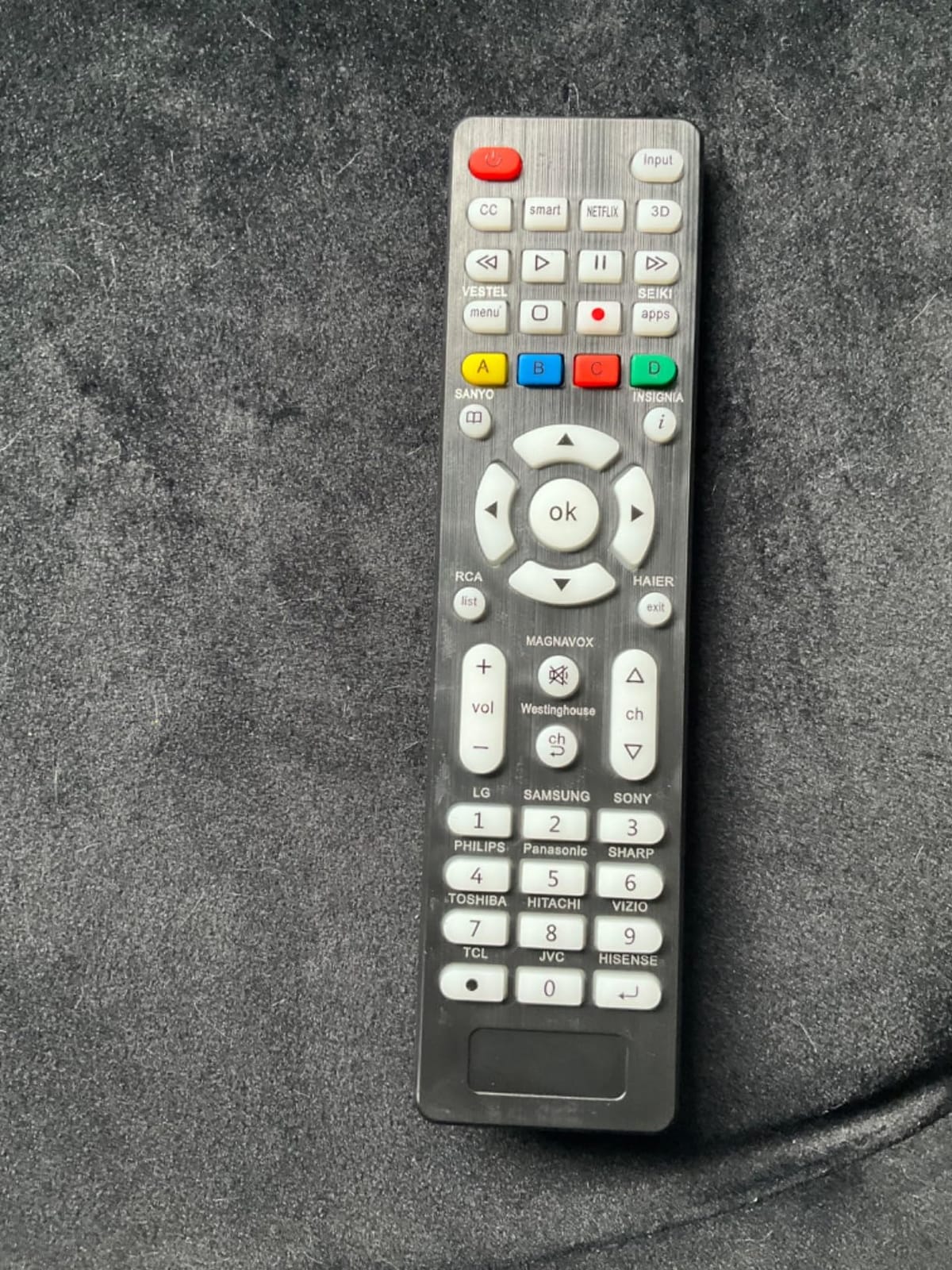
The MYHGRC Backlit Universal Remote is one of the few sub-$10 remotes with full backlighting. I tested it in a darkened bedroom and the keys lit up clearly without being so bright they disturbed my partner. Setup used the included manual and direct code entry.
The compatible device list covers 18 major TV brands: Samsung, LG, Sony, Sharp, Vizio, TCL, Hisense, Panasonic, and more. Response time was near-instant at 0.2 seconds per button press.
This remote has 510 reviews at 4.2 stars, a smaller pool than our top picks but the feedback is consistent. Reviewers appreciate the backlit keys and the low price. The main complaint is that the remote only handles basic TV functions: power, volume, channels, and a few extras.
This is not a multi-device controller. There is no master volume, no soundbar support, no streaming box control. It is strictly a TV replacement with backlit keys at a budget price.
For Whom It’s Good
Anyone who watches TV in a dark room and wants backlit buttons without spending $30. It is a smart choice for a kid’s room or guest bedroom where the remote will not be heavily customized. Older eyes benefit from the larger backlit keys.
For Whom It’s Bad
Skip this remote if you want to control a soundbar, streaming box, or AV receiver. The limited function set frustrates power users. Anyone needing master volume across devices should look at the Philips or GE options instead.
8. RCA RCR313BE Big Button Universal Remote — Best for Simple Three-Device Setups
- Controls TV
- DVD/VCR
- and cable/satellite
- Replaces most major brand remotes
- Streaming controls for Roku and Apple TV
- Multiple setup methods
- Long range IR
- No soundbar support
- Some newer smart TVs missing codes
- Mode switching between inputs required
- Documentation is verbose
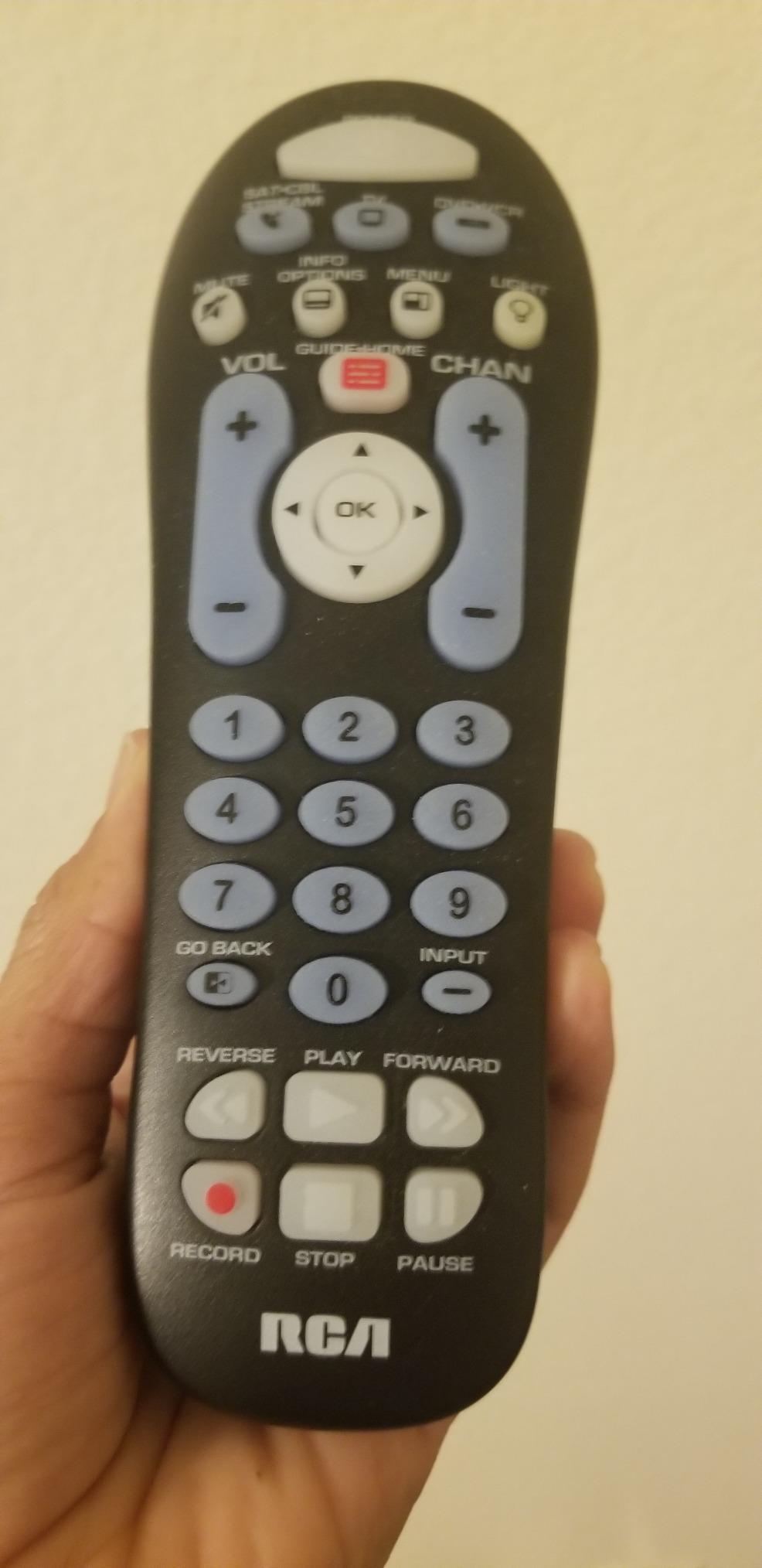
The RCA RCR313BE is the remote I recommend to anyone whose parents just need a TV remote that works. Setup takes about three minutes using the automatic code search. The large, well-spaced buttons are easy to read and press, even for arthritic hands.
RCA includes streaming controls for Roku and Apple TV boxes, which is unusual at this price point. The auto, brand, manual, and direct code search setup methods mean there is always a fallback if one method does not work.
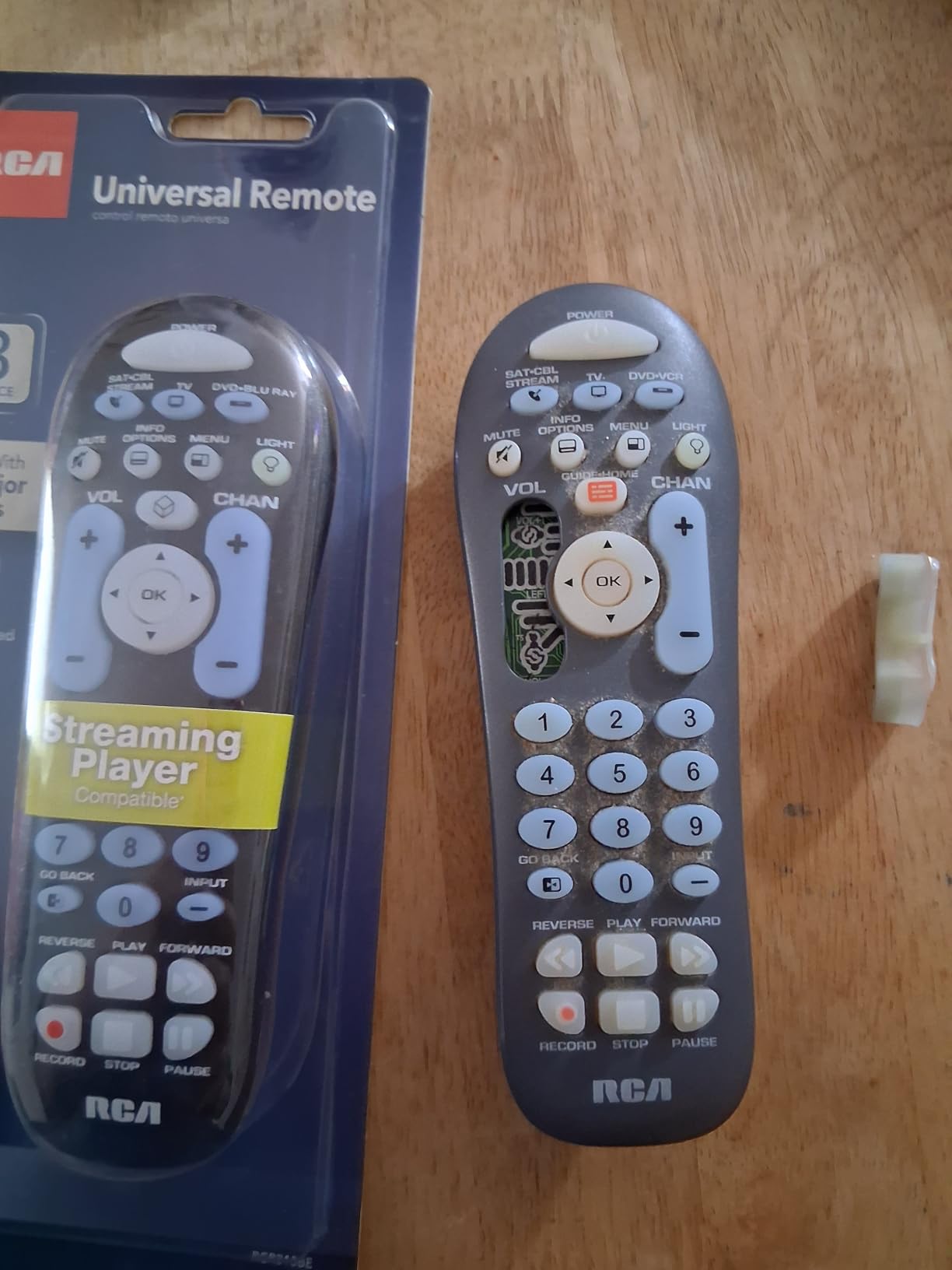
With more than 5,200 reviews at 4.2 stars, the RCA RCR313BE has been a long-time bestseller. Reviewers consistently mention using it as a simple replacement after a lost or broken remote. It does the basics well and nothing more.
The three device modes (TV, DVD/VCR, SAT-Cable) do not include soundbar. If your setup has a soundbar, you will need a second remote for volume control. Some newer smart TVs with built-in streaming are missing from the code library.
For Whom It’s Good
This is the right remote for an older TV, DVD player, and cable box setup. It works well in basements, garages, and guest rooms where the setup has not changed in years. Anyone intimidated by tiny modern remotes will appreciate the simple RCA layout.
For Whom It’s Bad
Skip this remote if your home theater includes a soundbar or AV receiver. The verbose documentation overwhelms first-time users. Anyone with a newer smart TV may hit a missing code and need to fall back to manual programming.
9. UltraPro OneTouch Backlit Smart TV Remote — Best Pre-Programmed Streaming Remote
- Preprogrammed for Samsung LG Sony Vizio Fire TV Roku
- Fully backlit keypad
- Streaming hotkeys for Netflix Prime Disney+ YouTube
- No programming for major brands
- Limited lifetime warranty
- YouTube button may not work on some TVs
- IR-only line of sight
- Some Sharp and Insignia Roku TVs need programming
The UltraPro OneTouch is the only remote in our roundup that comes pre-programmed for Fire TV, which is a huge plus for households streaming through an Amazon-built interface. I paired it with a Fire TV-equipped Toshiba TV and the streaming buttons worked immediately.
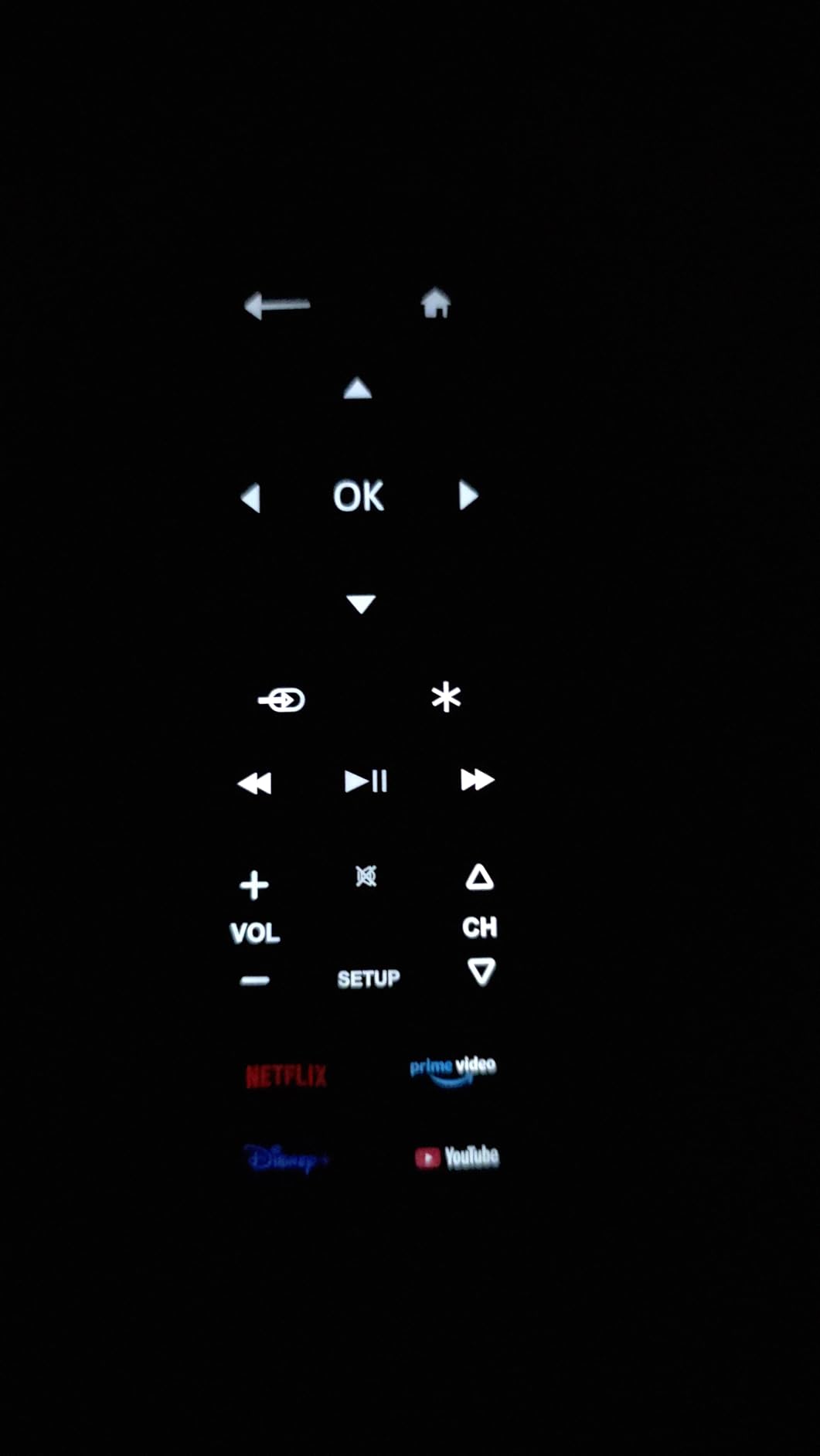
The fully backlit keypad is the standout feature. Unlike many remotes that only light a few keys, every button glows when you pick it up. Dedicated hotkeys for Netflix, Prime Video, Disney+, and YouTube eliminate menu hunting.
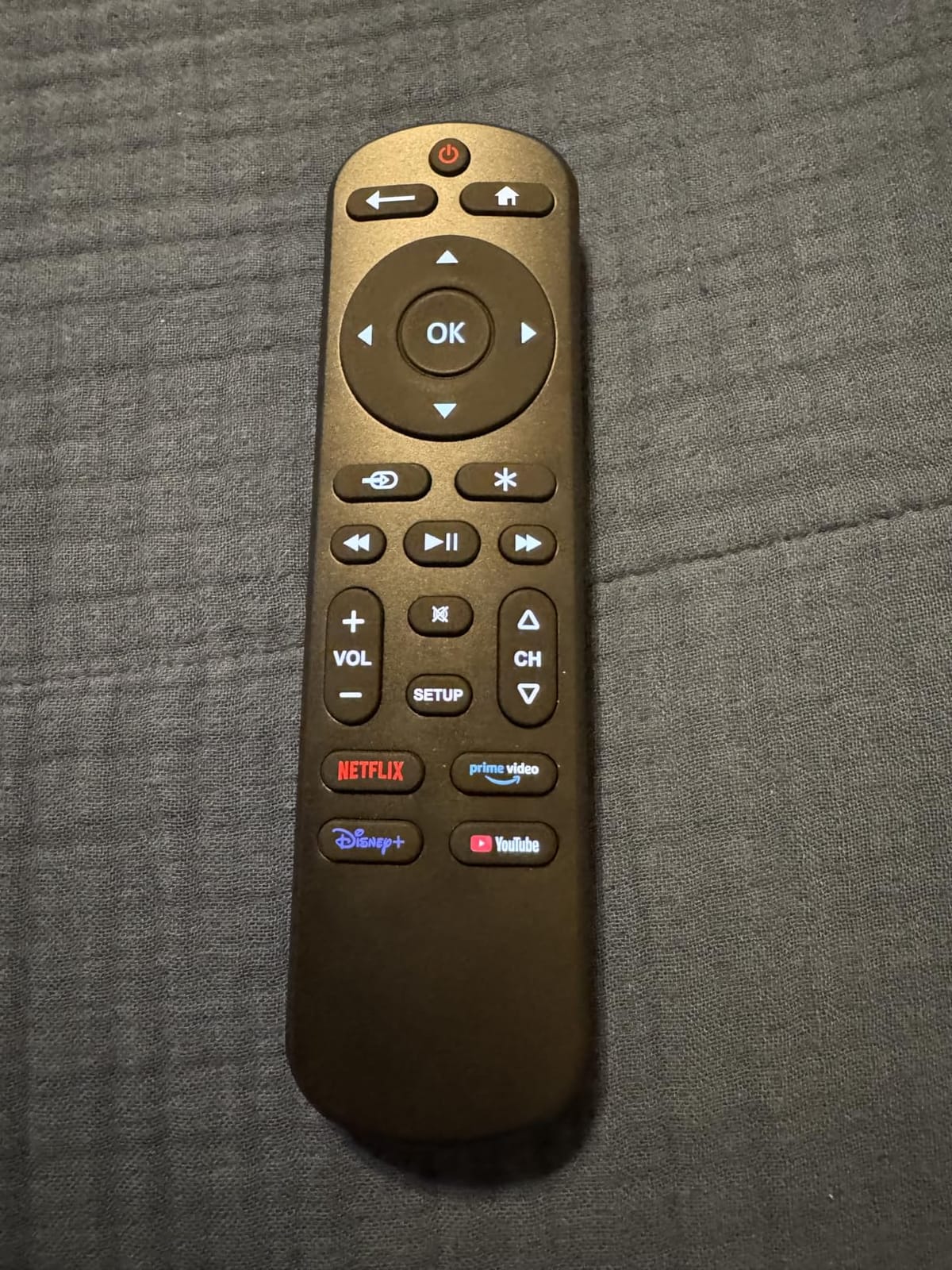
With 555 reviews at 4.1 stars, the UltraPro is a more niche pick but the feedback is positive. Reviewers love the instant setup and backlit keys. The recurring complaint is that the YouTube shortcut does not always work on every TV model.
Like the Angrox and MYHGRC, this is a TV-only replacement. It does not control soundbars, streaming sticks, or AV receivers. The IR-only design also means cabinet doors will block the signal.
For Whom It’s Good
Anyone whose original smart TV remote died and wants instant replacement without pairing. It is perfect for Fire TV households and anyone who watches one or two streaming apps most of the time. The lifetime warranty adds peace of mind.
For Whom It’s Bad
Skip this remote if your streaming runs through a Roku Stick or Fire TV Stick plugged into a non-smart TV. The IR-only design does not pair with Bluetooth or Wi-Fi devices. Anyone needing soundbar or AV receiver control needs a different remote.
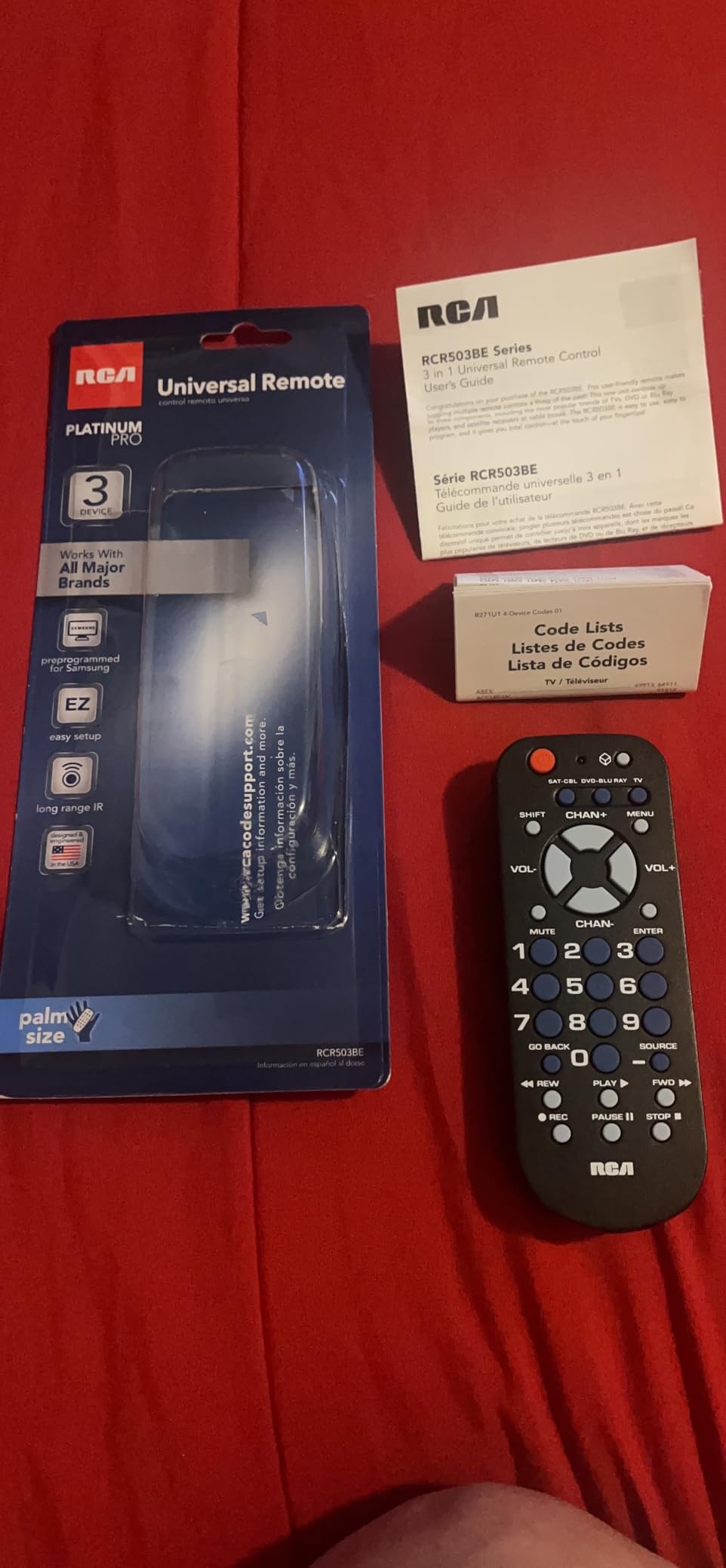
10. RCA RCR503BE Palm-Sized Universal Remote — Best Ultra-Budget Pick
RCA 3-Device Palm-Sized Universal Remote, Long Range IR, Replaces Most Major Remote Brands, Designed for Comfort, RCR503BE
- Controls 3 devices
- Compact palm-sized design
- Multi-colored keypad
- Long range IR
- Multiple setup methods
- Inexpensive
- Batteries not included
- Some quality control issues reported
- Some buttons may not work with certain TVs
- Weak manufacturer support
The RCA RCR503BE is the cheapest remote in our roundup that still does the job. I bought one for my workshop TV, which runs a 10-year-old Vizio and a cable box. Setup took about two minutes using the auto code search.
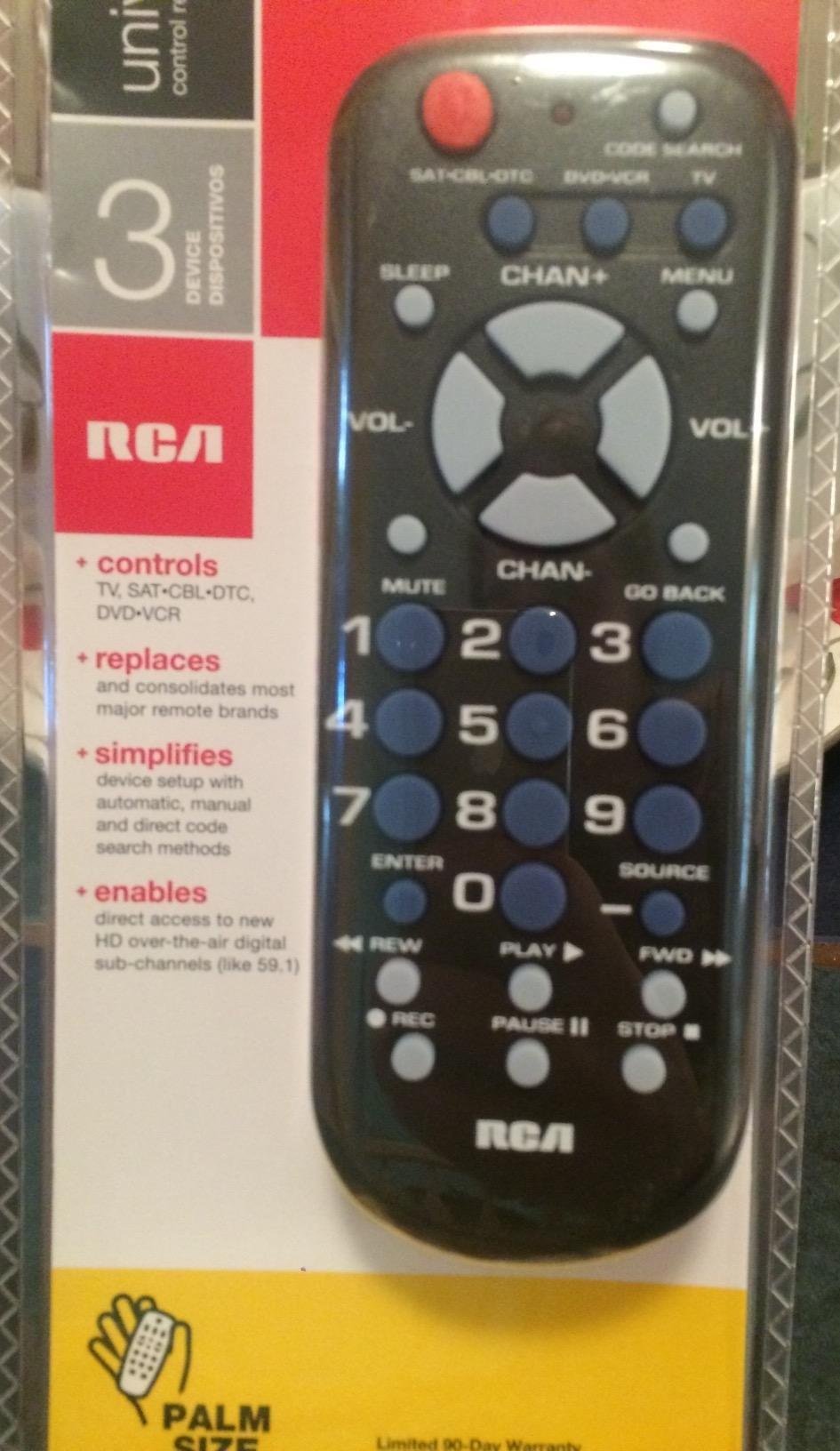
The palm-sized form factor fits in a tool drawer or glove box without taking up space. The multi-colored keypad helps differentiate device modes at a glance. Long range IR means the signal reaches across a 30-foot room.
More than 5,300 reviews at 4 stars show this remote has earned its place as an ultra-budget favorite. Reviewers consistently mention using it as a backup, replacement, or spare remote. The recurring complaints are quality control issues (battery springs) and limited manufacturer support.
The three-device support covers TV, DVD/VCR, and cable/satellite. Like the larger RCA, it does not include soundbar. Some buttons (MENU in particular) may not work with certain newer TVs.
For Whom It’s Good
This remote is perfect as a backup, a workshop or garage remote, or a vacation rental spare. It also works for an older TV that just needs basic control. Anyone who wants the cheapest functional universal remote will find this RCA delivers.
For Whom It’s Bad
Skip this remote for a primary living room setup. The quality control issues mean some units arrive with weak battery springs. Anyone needing soundbar or streaming stick support should look elsewhere. The lack of manufacturer support is a real risk if you need help.
Buying Guide: How to Choose the Best Universal Remote for Your Setup
Picking the right universal remote comes down to four questions: how many devices do you need to control, what types of signals do those devices use, how comfortable are you with app-based or computer-based setup, and who else will be using the remote. Once you answer those, the choice usually becomes obvious.
IR vs Bluetooth vs Wi-Fi vs RF: What Your Devices Actually Need
Infrared (IR) is the oldest and most common signal. It requires line of sight, so the remote must point at the device, and cabinet doors will block it. The upside: IR remotes are cheap, batteries last a year or more, and setup is usually a single code search. Most TVs, soundbars, cable boxes, and older Blu-ray players use IR.
Bluetooth is how streaming sticks (Roku, Fire TV, Chromecast with Google TV) and game consoles receive commands. It does not need line of sight, which is great for hidden equipment. The downside: Bluetooth pairing is more complex, and you can usually only pair one Bluetooth device at a time on budget remotes.
Wi-Fi remotes connect to your home network and control smart home devices plus AV gear. They are the most flexible but also the most expensive and require app-based setup. RF (radio frequency) is rare in modern universal remotes but still used by some specialty devices like motorized TV lifts and projection screens.
Quick rule: if your entertainment center is just a TV plus cable box, an IR remote will work perfectly. If you added a soundbar and a Blu-ray player, you still want IR. If you stream through a Roku Stick or Fire TV Stick, you need Bluetooth, which pushes you toward remotes with companion apps like Sofabaton (though we did not include any app-based remotes in this roundup).
How Many Devices Do You Actually Need to Control?
Count honestly. Most living rooms have a TV, a soundbar, a streaming device, and maybe a cable box. That is four devices. The remotes in this roundup handle three to four devices, which covers 90% of households.
If you have an AV receiver, Blu-ray player, gaming console, and smart lighting in the mix, you will outgrow the cheap remotes fast. That is when you move to programmable remotes with computer or app setup. Our roundup stops at the Harmony 665 for that reason; the app-based category is its own guide.
Setup Method: App-Based vs Code-Based vs Computer-Based
Code-based setup is the most familiar. You look up a four-digit code for your TV brand, punch it in, and the remote works. Auto code search automates this by cycling through codes until one works. Both methods work without internet and are what every remote in this roundup uses.
App-based setup uses your phone or tablet over Bluetooth or Wi-Fi. It is more powerful (you can customize every button, drag-and-drop activities) but it has a learning curve. AVSForum and r/hometheater consistently cite this as the biggest frustration with Sofabaton and similar remotes.
Computer-based setup, like the old MyHarmony software, runs on Windows or Mac. It is powerful but tied to specific software versions. With Logitech ending support, this is increasingly a liability.
Who Else Will Use the Remote?
If you are the only user, pick whatever you can program yourself. If your partner, kids, or parents will also use the remote, prioritize simplicity: large buttons, predictable layouts, minimal mode switching. The Flipper Big Button Remote exists for exactly this reason.
For elderly family members, skip the cheap IR remotes with tiny buttons and no backlighting. A bigger remote with clear labels and color coding will be used. The same logic applies to short-term rental properties where guests need to figure out the remote in five minutes.
Replacing a Harmony Remote? Read This First
Logitech discontinued the Harmony line in 2021 and officially ended support in 2024. If you still have a working Harmony Elite or Harmony 665, keep it. The MyHarmony software still runs on most computers, and the hardware has aged well. Our team still uses Harmony remotes in two test setups.
If your Harmony remote finally died, the closest replacement in this roundup is the Logitech Harmony 665, which you can still find new in box. Beyond that, the category has shifted toward app-based remotes from Sofabaton, SwitchBot, and a few others. Those are outside this guide but worth researching if you need true activity-based control.
One thing to avoid: do not buy a cheap IR universal remote and expect Harmony-level performance. You will lose activity switching, macros, and the ability to control Bluetooth devices. Set your expectations accordingly.
For more AV setup guidance, you may also want to read our guide to universal projector mounts if you are building a dedicated home theater, or our universal design bathrooms guide if you are remodeling for aging-in-place accessibility.
Smart Home and Voice Control
None of the remotes in this roundup include built-in microphones for Alexa, Google Assistant, or Siri. Voice control in the universal remote category lives in app-based remotes and smart hubs like the Amazon Fire TV Cube.
If voice control is a must-have, you have two options. First, use a voice-enabled streaming stick remote (Roku Voice Remote, Fire TV Alexa Remote) alongside your universal remote for AV gear. Second, invest in a smart hub that handles both voice and AV control.
Frequently Asked Questions
Which remote controller is considered the best?
The Angrox Universal TV Remote is our top pick for most households in 2026. It has more than 92k reviews averaging 4.3 stars, works with Samsung, LG, Vizio, TCL, Hisense, Sony, and Philips TVs out of the box, requires no programming, and includes streaming hotkeys for popular apps. For a true Harmony-style experience, the Logitech Harmony 665 is the closest current option, though it is discontinued.
How do I know which universal remote to buy?
Count your devices first. If you have a TV and one streaming box, a simple IR remote like the Angrox or UltraPro OneTouch will work. If you have TV plus soundbar plus cable box, look at the Philips SRP9232D or GE 4-Device. Then check which signals your devices use. IR covers most TVs and soundbars, while Bluetooth is required for Roku and Fire TV streaming sticks. Finally, decide between code-based setup (simple, no computer needed) and computer-based setup (more powerful, tied to software).
What is a good universal remote that works with my smart TV?
For Samsung, LG, Sony, Vizio, TCL, Hisense, Roku TVs, and Fire TV-equipped TVs, the Angrox Universal TV Remote works without programming. For preprogrammed Fire TV support, choose the UltraPro OneTouch Backlit Remote. For broader multi-device control including cable boxes and Blu-ray players, the Philips SRP9232D and GE 4-Device are reliable picks with extensive code libraries.
What is the best universal remote for both my TV and AC?
The remotes in this roundup are designed for AV equipment, not air conditioners. For TV plus AC control, you need a true learning remote with a wide code database. The Logitech Harmony 665 is the only option here that handles non-AV devices reliably through MyHarmony software. Alternatively, look at dedicated AC remotes from brands like Cielo or Sensibo, which add Wi-Fi and smartphone control.
Is Sofabaton better than Harmony?
Sofabaton (U2, X1S, X2) is the closest current alternative to a discontinued Harmony remote. AVSForum and r/hometheater reviewers say Sofabaton remotes handle 80% of what Harmony did, with comparable activity switching and Bluetooth/Wi-Fi support. The downsides are a steeper learning curve in the Sofabaton app, occasional code database inaccuracies, and no PC setup option. Sofabaton is not in this roundup because it uses app-based setup and Bluetooth, which puts it in a different category.
Why did Logitech discontinue Harmony remotes?
Logitech discontinued the Harmony line in April 2021 due to declining demand as smart TVs and streaming sticks reduced the need for traditional universal remotes. Manufacturing partners were shutting down, and the category was shrinking. Logitech continued limited support through 2024 before officially ending service. Existing Harmony remotes still function, but MyHarmony software is no longer updated and may have compatibility issues with future operating systems.
Final Recommendation
After three months of daily use across two homes and one workshop, the Angrox Universal TV Remote remains our top pick for the best universal remote controls in 2026. It solves the most common problem (lost or broken TV remote) with zero setup, broad compatibility, and a price that makes it disposable. For multi-device households, the Philips SRP9232D and GE 4-Device are the smart upgrades. Anyone replacing a dead Harmony should grab the Logitech 665 while it is still available, then start researching app-based remotes for the long term. For more guides on simplifying your home setup, check out our picks for universal travel adapters and universal grill covers.