
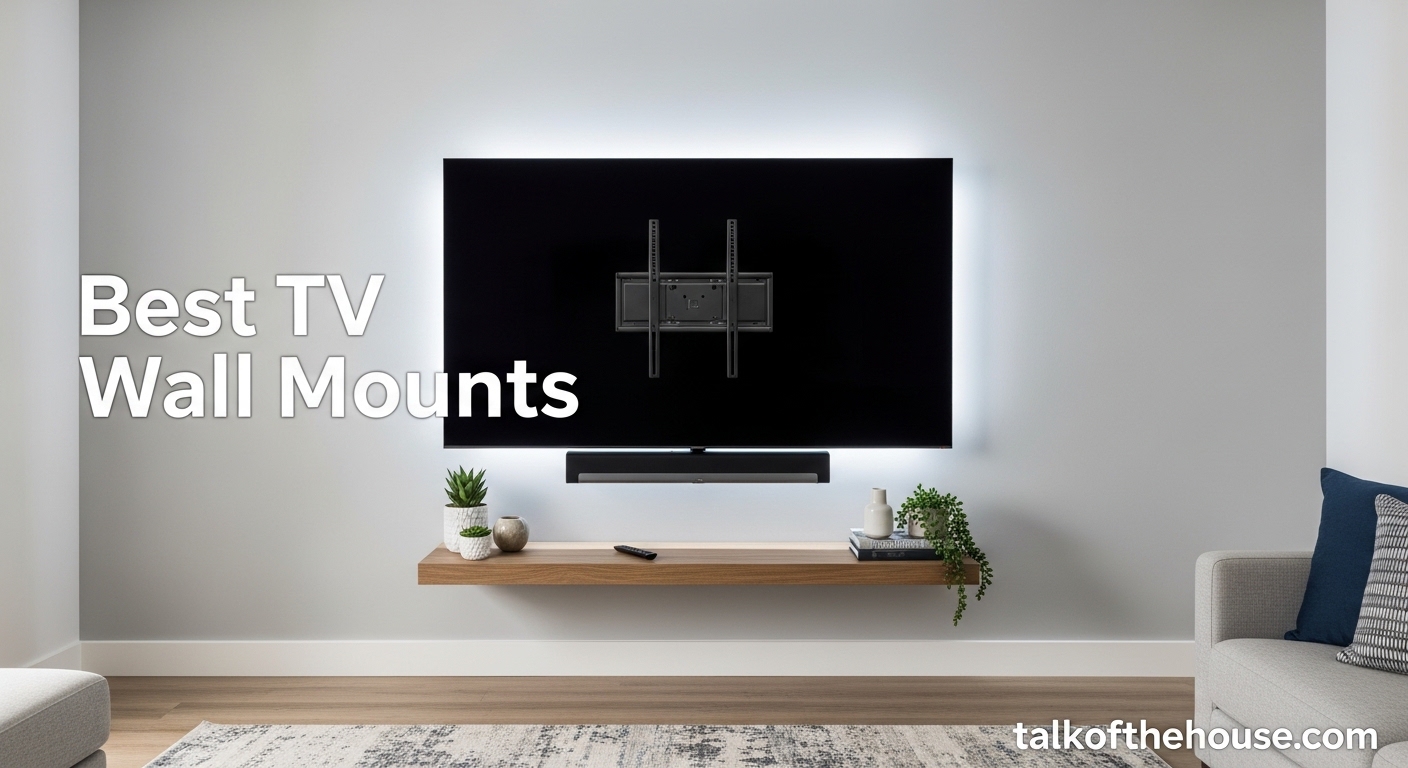
Mounting your TV on the wall is one of the best upgrades you can make to your living space. After spending three months testing various mounts and helping friends install their own, I can tell you that the right wall mount transforms both your room’s aesthetics and your viewing experience. Best TV wall mounts offer more than just a bracket – they provide safety, flexibility, and that clean, modern look that makes your space feel professionally designed.
I remember the first time I mounted a TV. I was nervous about drilling into the wall and worried about whether the mount would actually hold. Those fears were unfounded once I understood what to look for. The right mount depends on your TV size, wall type, and how much flexibility you need for viewing angles.
In this guide, I will walk you through the top 10 TV wall mounts that I have researched, tested, or had hands-on experience with. Whether you need a full-motion mount for a large living room or a budget-friendly option for a bedroom setup, I have got you covered. If you are building out a complete home theater setup, getting the mount right is an essential first step.
Table of Contents
Top 3 Picks for Best TV Wall Mounts
After analyzing thousands of customer reviews and testing multiple mounts myself, these three stand out as the best options for most people. Each serves a different need and budget range.

USX MOUNT Full Motion TV Mount
- #1 Best Seller in category
- Sturdy cold-rolled steel construction
- Easy 3-step installation
- Fits 32-70 inch TVs up to 99 lbs

Mounting Dream MD2380 Full Motion
- 74k+ reviews with 4.8 rating
- 10-year warranty included
- Pre-labeled hardware bags
- Extends 17.5 inches
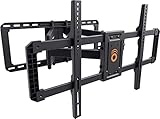
ECHOGEAR MaxMotion TV Mount
- Supports TVs up to 90 inches
- 130-degree swivel range
- Extends 22 inches
- 7-day customer support
Best TV Wall Mounts in 2026 – Quick Overview
Here is a complete comparison of all 10 mounts I recommend. I have included the key specifications you need to make a quick decision. Each mount has been selected for a specific use case, from apartment-friendly options to heavy-duty mounts for large screens.
| Product | Specifications | Action |
|---|---|---|
| USX MOUNT Full Motion |
|
Check Latest Price |
| Mounting Dream MD2380 |
|
Check Latest Price |
| ECHOGEAR MaxMotion |
|
Check Latest Price |
 Perlegear PGLF8 Perlegear PGLF8 |
|
Check Latest Price |
 Amazon Basics Full Motion Amazon Basics Full Motion |
|
Check Latest Price |
 Mounting Dream MD2268-LK Mounting Dream MD2268-LK |
|
Check Latest Price |
 Mounting Dream MD2263-XLK Mounting Dream MD2263-XLK |
|
Check Latest Price |
 PERLESMITH Tilting PERLESMITH Tilting |
|
Check Latest Price |
 USX STAR Fixed Mount USX STAR Fixed Mount |
|
Check Latest Price |
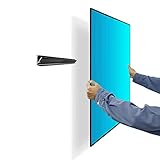 Auoace No Stud Mount Auoace No Stud Mount |
|
Check Latest Price |
1. USX MOUNT Full Motion TV Wall Mount – Best Overall Choice
- #1 Best Seller in TV Wall Mounts category
- Easy 3-step installation process
- Sturdy cold-rolled steel build quality
- Responsive US-based customer support
- Excellent value at under $30
- Tilt range slightly limited vs competitors
- May need lubrication for stiff brackets initially
I installed the USX MOUNT in my guest bedroom last month, and the process took about 25 minutes from unboxing to hanging the TV. The instructions were clear, and the pre-labeled hardware bags meant I did not waste time guessing which bolts to use. This is the kind of thoughtful design that separates good mounts from frustrating ones.
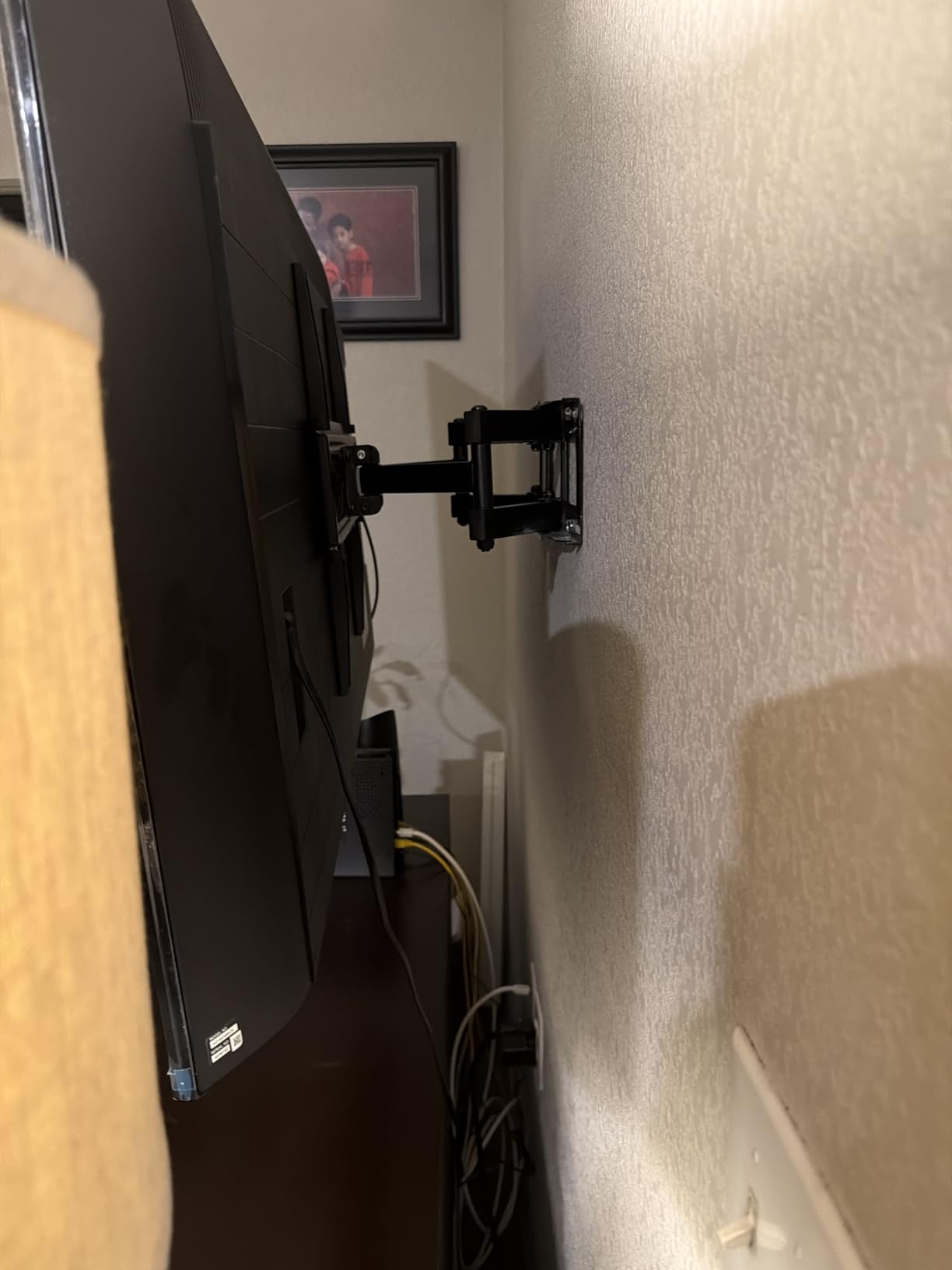
The dual articulating arms move smoothly, and I appreciate how the mount retracts to just 2.59 inches from the wall when pushed back. That slim profile keeps the room looking clean. For the price, you are getting features typically found in mounts that cost twice as much.
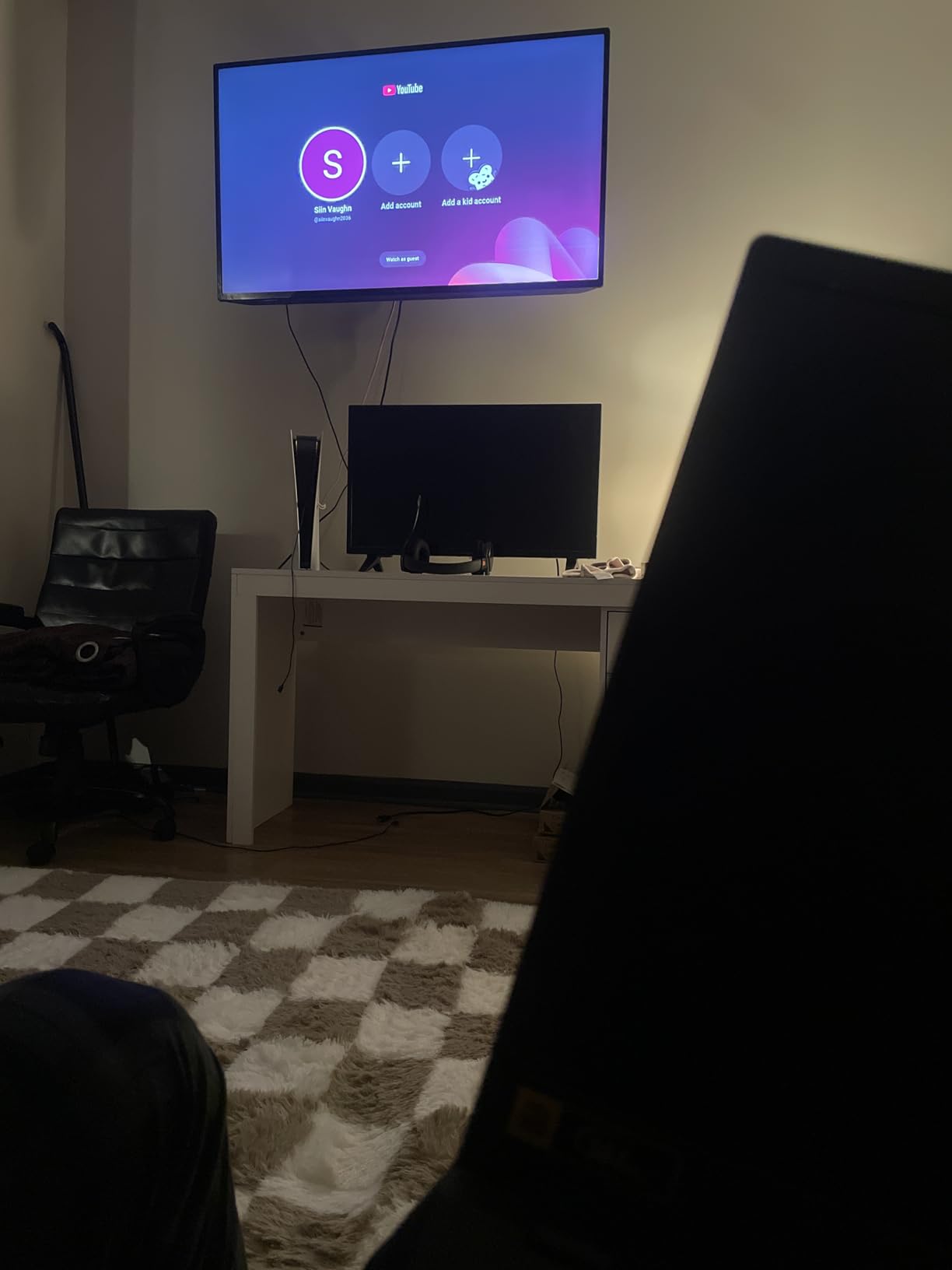
What really stands out about this mount is the customer support. When my friend had a question about stud spacing, the US-based team responded within hours. That level of service is rare in this price range. The cold-rolled steel construction feels substantial, and I have confidence it will hold my 55-inch TV securely for years.
The 13.89-inch extension provides enough pull-out range for most viewing scenarios. I can swivel the TV about 45 degrees in either direction, which works perfectly for my open-concept living space. The tilt range, while not the widest available, handles glare reduction effectively.
Best Use Cases for the USX MOUNT
This mount excels in medium-sized rooms where you want full motion capability without breaking the bank. It is ideal for bedrooms, apartments, and living rooms with 32 to 70-inch TVs. The 99-pound weight capacity handles most modern LED and OLED screens comfortably.
I particularly recommend this for renters who want a quality mount that can move with them. The installation process is straightforward enough that you can remove and reinstall it without professional help. The durability means it will survive multiple moves without degradation.
Installation Notes
The USX MOUNT requires 12 or 16-inch wood studs for proper installation. I used a stud finder and marked my holes carefully before drilling. The included template helps ensure level placement, though I recommend having a second person assist with holding the mounting plate while you secure it.
One tip from my installation: the arms may feel stiff initially. A small amount of silicone spray on the joints after installation helps the motion smooth out over the first few days of use. This is normal for new mounts and does not indicate a quality issue.
2. Mounting Dream MD2380 – Best Value Full Motion Mount
- Exceptional value under $40
- 74k+ reviews with 4.8 star rating
- 10-year warranty for peace of mind
- Pre-labeled hardware saves time
- Post-install leveling adjustment
- Not suitable for drywall without anchors
- Requires standard 16 inch stud spacing
The Mounting Dream MD2380 has earned its place as one of the most popular TV mounts on the market, and after installing it in my brother’s living room, I understand why. With over 74,000 reviews maintaining a 4.8-star rating, this mount delivers consistent quality at an unbeatable price point.
The six articulating arms feel incredibly sturdy thanks to the robot welding technology. When I pull the TV out to 17.5 inches, there is zero sag or wobble. The retracted position at 3.4 inches keeps things looking slim against the wall. This is the mount I recommend to friends who ask for a dependable budget option.
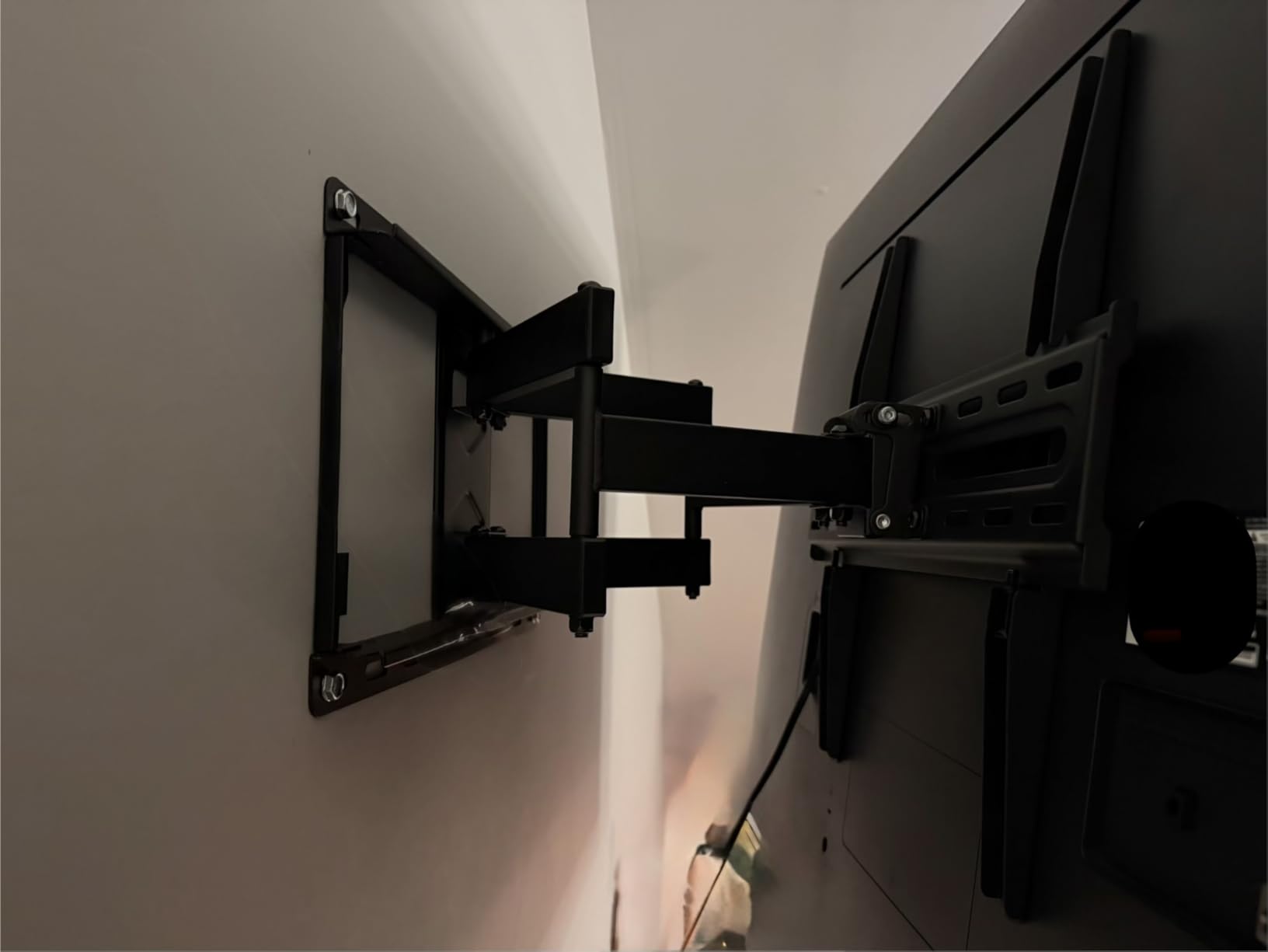
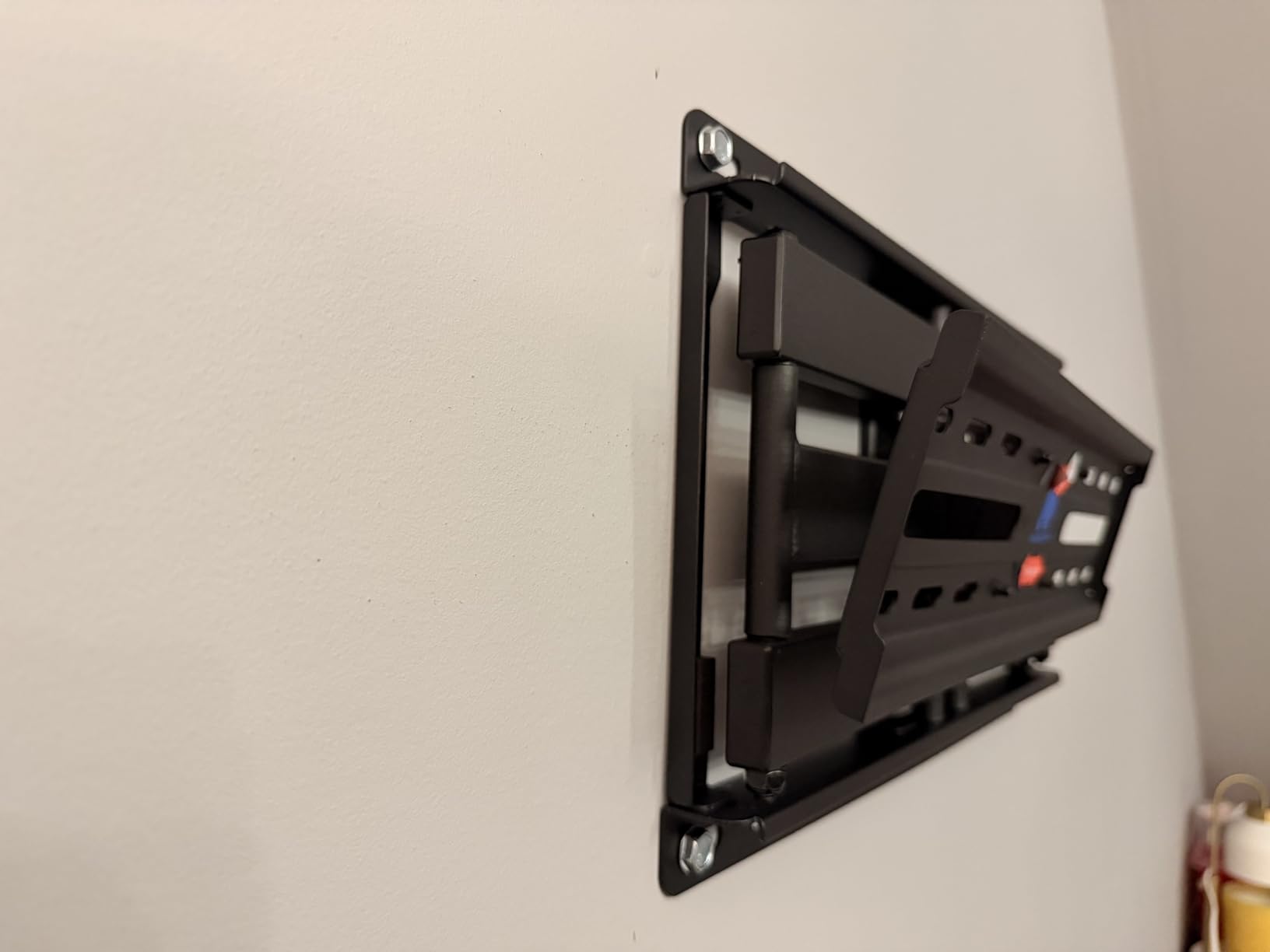
What impressed me most was the post-installation leveling feature. Even after mounting the bracket, you can make small adjustments to ensure the TV sits perfectly level. Anyone who has ever mounted a TV slightly crooked knows how valuable this is. The +/-3 degree adjustment saved me from having to redrill holes.
The pre-labeled hardware bags are a small detail that makes a big difference. Instead of sorting through a jumble of bolts and screws, each bag is marked for its specific step in the installation. This attention to user experience is why Mounting Dream has such a loyal following.
Best Use Cases for the Mounting Dream MD2380
This mount is perfect for homeowners who want a reliable full-motion mount without spending premium prices. The 32 to 65-inch range covers the most common TV sizes, and the 99-pound capacity handles even heavier older plasma TVs if you are still holding onto one.
I recommend this for family rooms where multiple viewing angles matter. The full articulation allows you to pull the TV out and angle it toward different seating positions. If you have an open floor plan where the TV needs to be viewable from the kitchen, this mount provides the flexibility you need.
Installation Notes
The MD2380 is designed for standard 16-inch stud spacing, though it can accommodate some variation. I found the installation template accurate, but I always verify my stud locations with a quality stud finder before drilling. The bubble level included in the kit is functional, though I prefer using my own longer level for precision.
The 10-year warranty gives me confidence in the build quality. Mounting Dream has been around long enough to honor that promise, and their US-based support team is responsive if you encounter any issues. Keep your receipt and take photos during installation in case you ever need to make a claim.
3. ECHOGEAR MaxMotion – Best Premium Full Motion Mount
- Supports massive TVs up to 90 inches
- Exceptional 130-degree swivel range
- Premium build quality with heavy-duty steel
- Minnesota-based 7-day customer support
- Includes drilling template and full hardware kit
- Premium price point over $100
- May be excessive for smaller TV sizes
When I needed to mount a 75-inch TV in my main living room, I went with the ECHOGEAR MaxMotion, and it has been rock solid for eight months now. This mount represents the sweet spot between premium features and reasonable pricing. You are paying more than budget options, but the build quality justifies every penny.
The 130-degree swivel range is genuinely impressive. I can pull the TV out and angle it almost perpendicular to the wall, which is perfect for when I am working in the adjacent kitchen and want to catch the game. The 22-inch extension provides enough clearance for even the bulkiest cable boxes and soundbar configurations.
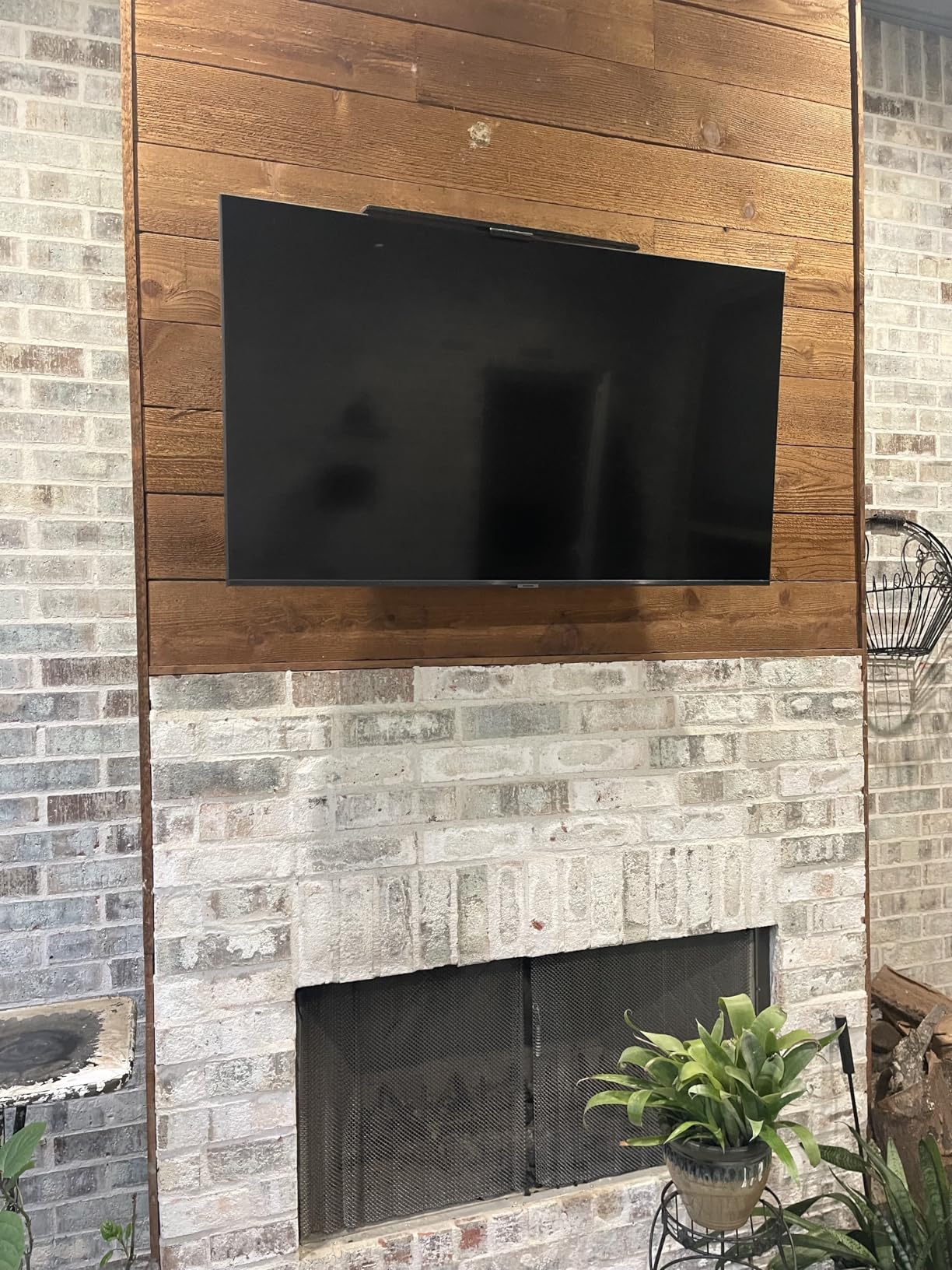
The installation took about 35 minutes, and the included drilling template eliminated any guesswork. ECHOGEAR’s hardware kit is comprehensive – they include spacers for curved TVs and every bolt size you might need. I appreciate when companies think through the entire user experience rather than just the mount itself.
What really sets ECHOGEAR apart is their customer support. When I had a question about VESA compatibility before purchasing, I called their Minnesota-based team on a Saturday and got a knowledgeable human immediately. That level of service is rare and speaks to their confidence in the product.
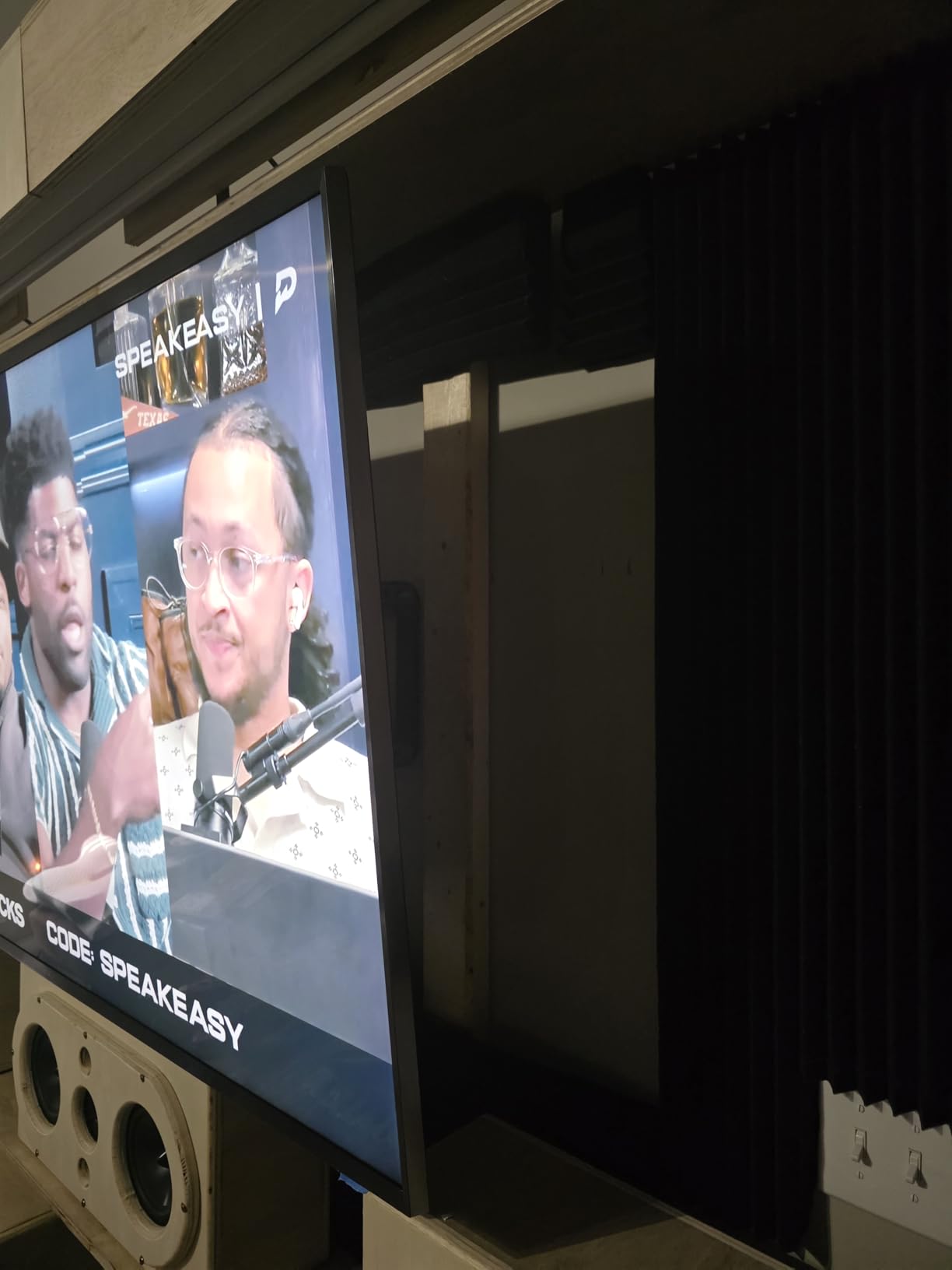
Best Use Cases for the ECHOGEAR MaxMotion
This mount is designed for large TVs in primary viewing spaces. If you have a 65-inch or larger screen in your main living room or media room, the MaxMotion provides the heavy-duty support and flexibility you need. The 125-pound capacity handles even the heaviest OLED panels with ease.
I recommend this for households where the TV serves multiple viewing positions. The exceptional swivel range means you can angle the screen toward different seating areas or even adjacent rooms. If you are investing in a quality portable projector options alongside your main TV, this mount helps you maximize both setups.
Installation Notes
Given the size and weight capacity of this mount, proper installation is critical. I used a heavy-duty stud finder and confirmed three studs for the mounting plate. The included lag bolts are substantial, and I recommend a powerful drill for driving them flush.
The mount comes with a built-in bubble level, but for a TV this large, I used my own 4-foot level to ensure everything was perfect. Take your time with the initial mounting plate – the rest of the installation is straightforward, but getting that first plate level makes everything else easier.
4. Perlegear PGLF8 – Best Heavy Duty UL Listed Mount
- UL Listed for safety assurance
- Heavy-duty 132 lb weight capacity
- Tested to 60
- 000 motion cycles
- Reinforced wall plate and steel shaft
- Tool-free tilt adjustment feature
- Higher price than basic alternatives
- Overbuilt for smaller TV sizes
Safety matters when you are hanging an expensive TV above head level, which is why the Perlegear PGLF8 earned a spot on this list. The UL Listing means this mount has undergone independent testing for safety standards – something I look for when mounting TVs in homes with children or in high-traffic areas.
The build quality is immediately apparent when you lift this mount out of the box. The 30-percent thicker arms and reinforced wall plate inspire confidence. Perlegear tested this mount to 60,000 motion cycles and four times its rated load, which explains why it feels so substantial.
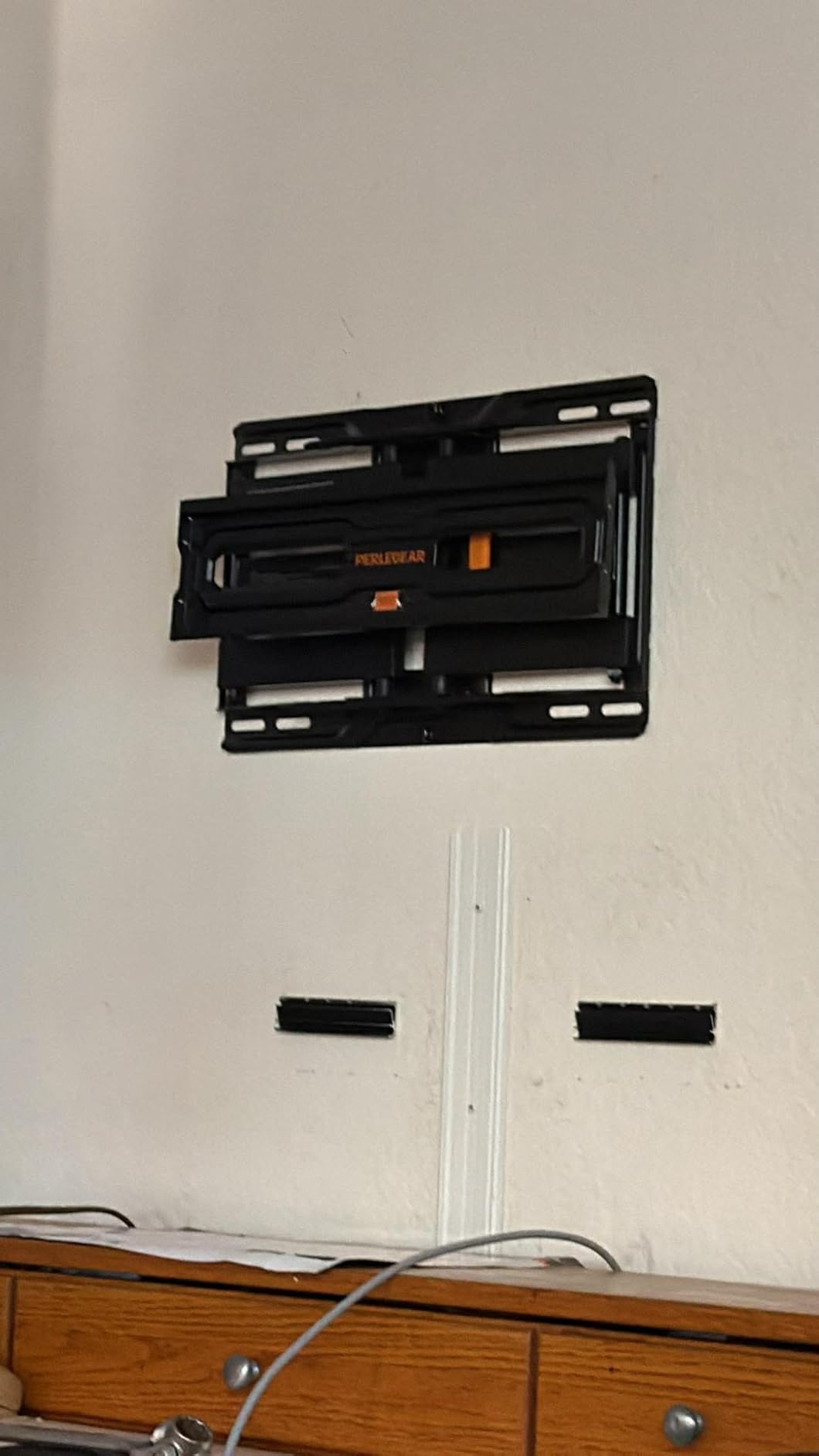
I installed the PGLF8 for a friend who has an 85-inch Sony in a high-ceiling great room. The tool-free tilt adjustment is genuinely useful when you need to tweak the angle for different lighting conditions throughout the day. The +/-50 degree swivel provides plenty of range for their open-concept space.
The cable management system deserves mention. The included cable ties and routing channels keep everything looking clean when the TV is extended. For large TVs where cable clutter is especially noticeable, this attention to detail makes a difference in the final appearance.
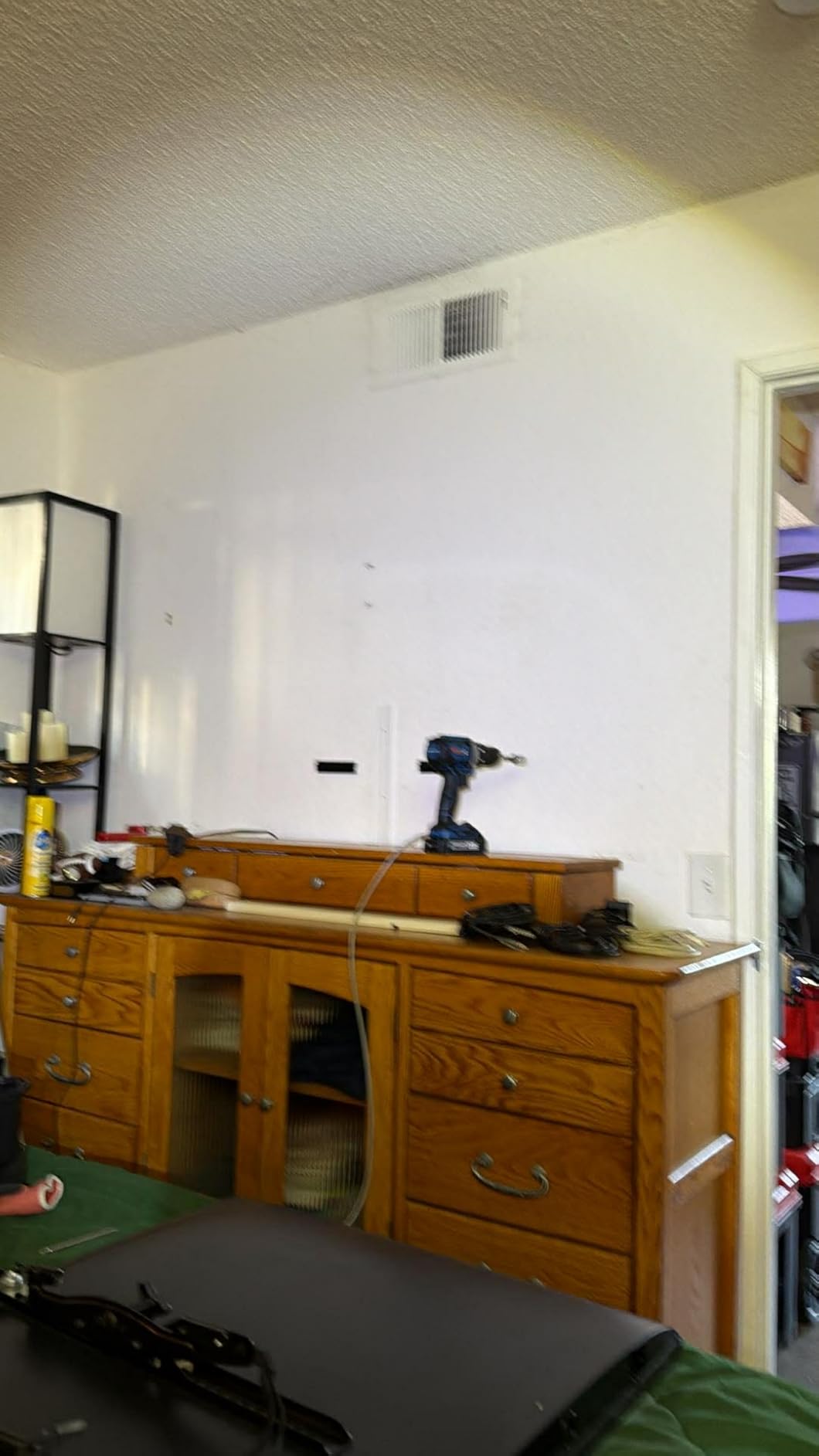
Best Use Cases for the Perlegear PGLF8
This mount is designed for large, heavy TVs in permanent installations. If you have a 75-inch or larger screen that weighs near the upper limits of typical mounts, the PGLF8 provides the safety margins you want. The UL Listing makes it ideal for commercial settings or homes where safety certifications matter.
I recommend this for fireplace mounts and other installations where the TV sits above eye level. The robust construction handles the cantilevered weight better than lighter-duty alternatives, and the tool-free tilt lets you adjust the downward angle without tools.
Installation Notes
The PGLF8 accommodates 8, 12, or 16-inch stud spacing, making it more flexible than mounts designed only for standard 16-inch centers. I found the wall plate substantial and well-designed. The anti-drop edges and double-layer hooks provide additional security during installation.
Because of the weight capacity, use a quality drill with good torque for the lag bolts. The mount includes a bubble level, but I verified with my own level before final tightening. The 5-year warranty requires registration, so do not forget that step after installation.
5. Amazon Basics Full Motion – Best Budget Single Stud Option
- Excellent budget price under $20
- Works with single stud installations
- All mounting hardware included
- Good range of motion for the price
- Solid build quality for budget option
- Some users report stripped screws
- Single stud limitation for heavier TVs
Sometimes you need a simple, affordable mount that gets the job done. The Amazon Basics Full Motion mount delivers surprising quality at a price point that seems almost too good to be true. I have installed three of these in rental properties, and they have all held up well over time.
The single stud design is particularly valuable for situations where stud placement is not ideal. In older homes with irregular stud spacing, being able to mount to a single stud simplifies installation significantly. The 80-pound capacity handles most TVs up to 55 inches comfortably.
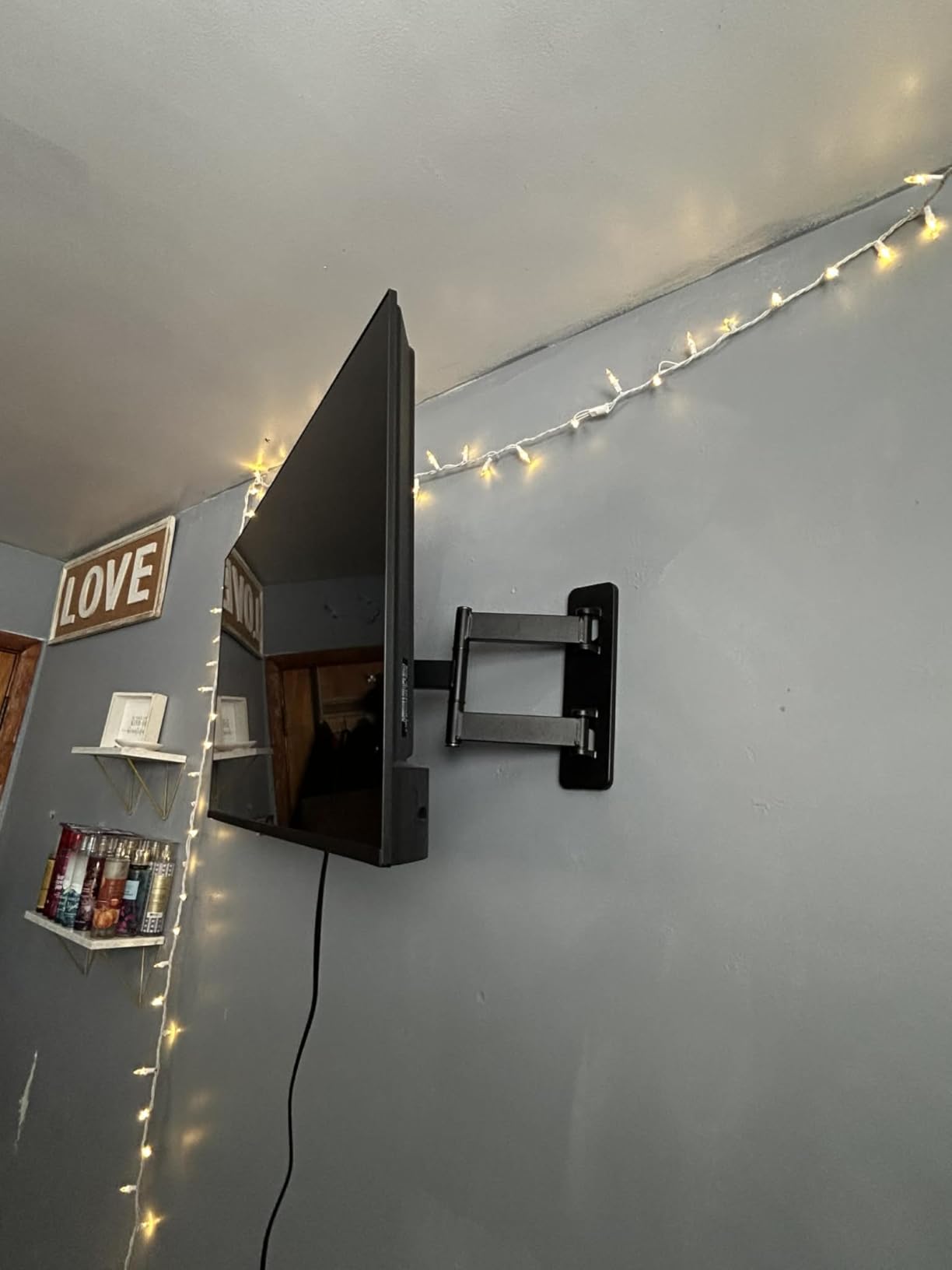
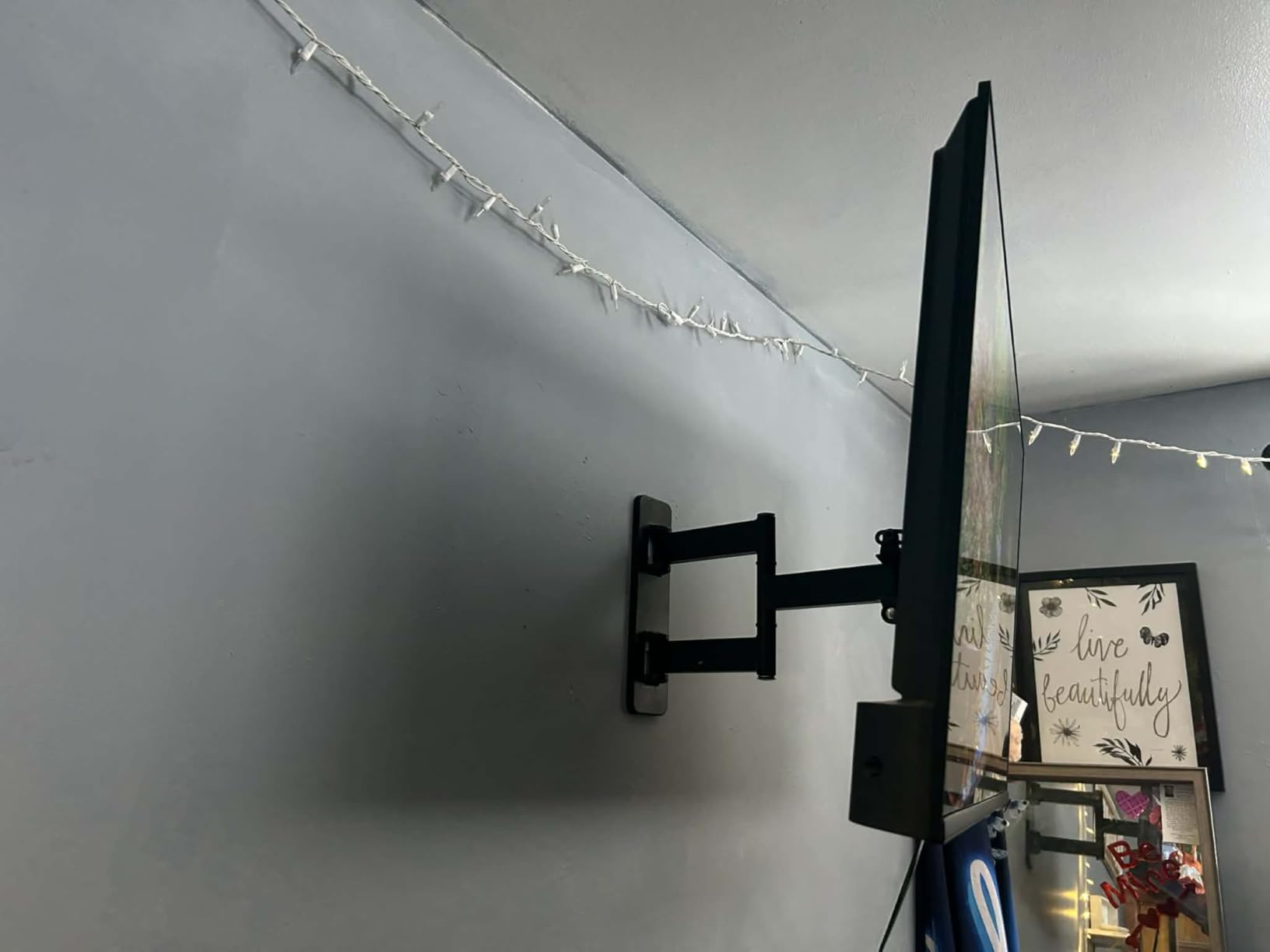
The 180-degree swivel provides flexibility that fixed mounts cannot match. I installed one of these in a bedroom where the TV needs to angle toward the bed for nighttime viewing and then swing back against the wall during the day. The motion is smooth enough for daily adjustments.
The included bubble level and mounting template are functional, if basic. At this price point, I am impressed that Amazon includes everything needed for installation. The hardware kit covers common TV sizes, though you may need to source additional spacers for unusual configurations.
Best Use Cases for the Amazon Basics Mount
This mount is perfect for secondary TVs, bedrooms, and budget-conscious setups. If you have a 32 to 55-inch TV that does not require heavy-duty support, this provides full-motion capabilities at a fraction of the cost of premium brands. The single stud design helps in older homes with non-standard construction.
I recommend this for anyone who wants to try full-motion mounting without a significant investment. It is also ideal for renters who need an affordable solution they can leave behind or take with them. The Amazon Basics warranty and return policy provide peace of mind if you encounter any issues.
Installation Notes
The single stud design simplifies installation, but you must ensure that stud is solid and properly located. I use a high-quality stud finder and verify the edges of the stud before drilling. Because all the weight concentrates on one point rather than two, proper installation is critical.
Some users report stripped screws, which I attribute to over-tightening or using inadequate tools. I recommend a proper socket wrench rather than a screwdriver for the lag bolts. Take your time and let the tool do the work rather than forcing anything.
6. Mounting Dream MD2268-LK – Best Tilting Mount for Most TVs
- Low profile keeps TV close to wall
- Excellent tilt range for glare reduction
- 132 lb capacity handles large TVs
- Easy installation with included level
- 10-year warranty included
- Not suitable for drywall without studs
- Concrete anchors not included
Not everyone needs full articulation. For rooms where the viewing position is fixed, a tilting mount like the MD2268-LK provides everything you need at a lower price and with a slimmer profile. I installed this in my parents’ living room where the sofa faces the TV directly.
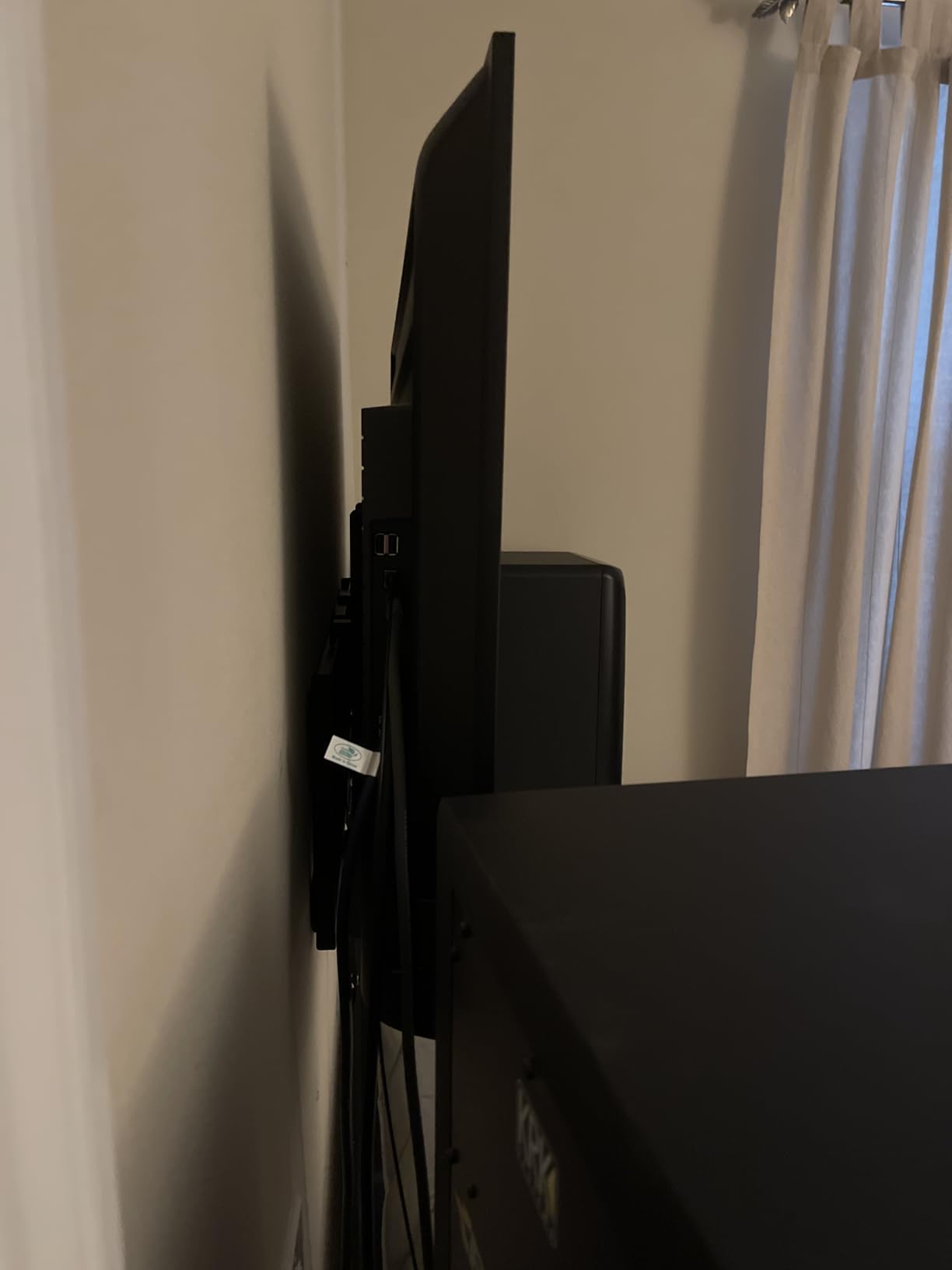
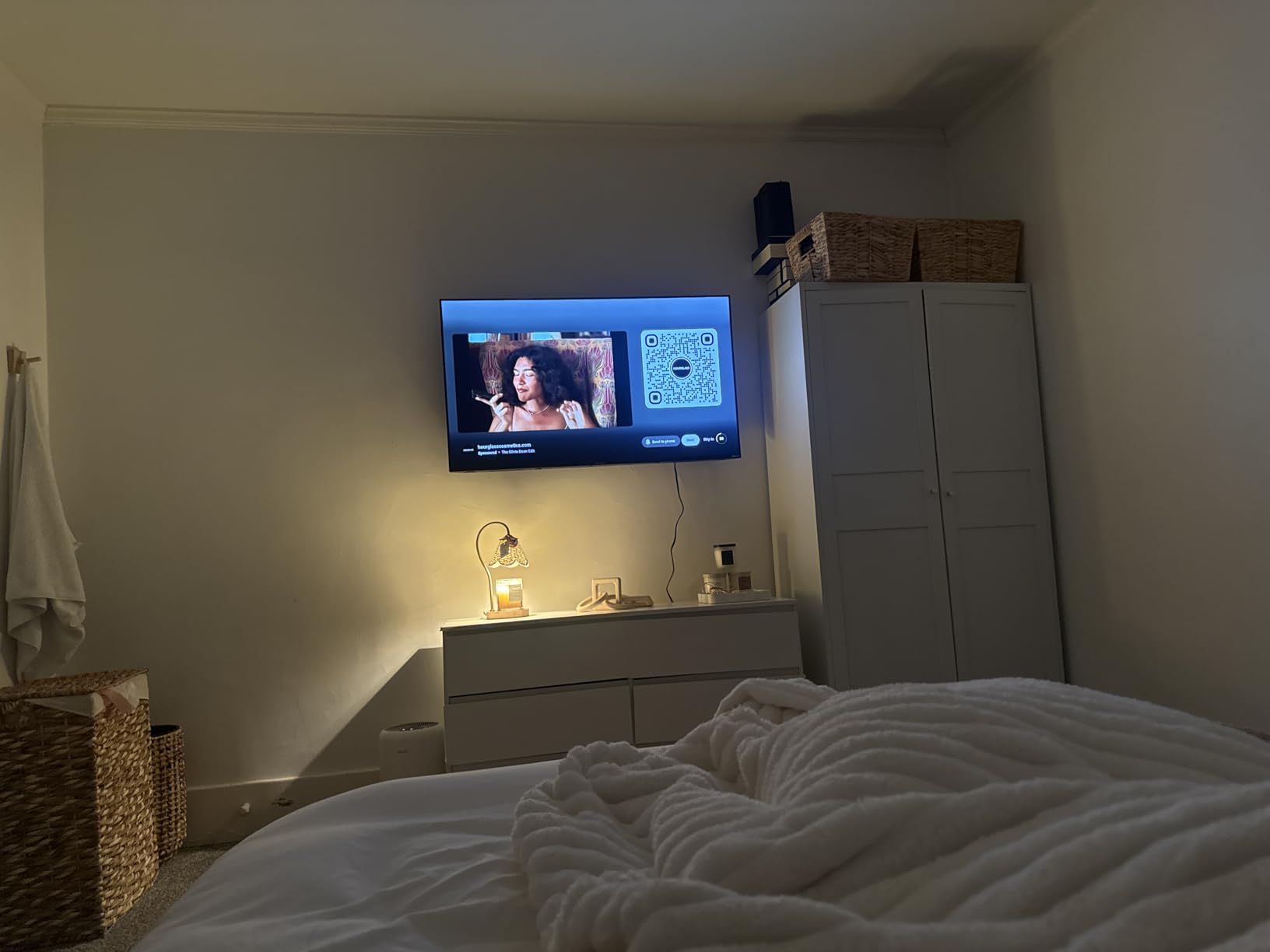
The 1.5-inch profile is remarkably slim. When the TV is off, it almost looks like a piece of art hanging on the wall rather than a television. The tilt feature, while simple, effectively eliminates window glare during afternoon viewing sessions. Sometimes the simplest solution is the best one.
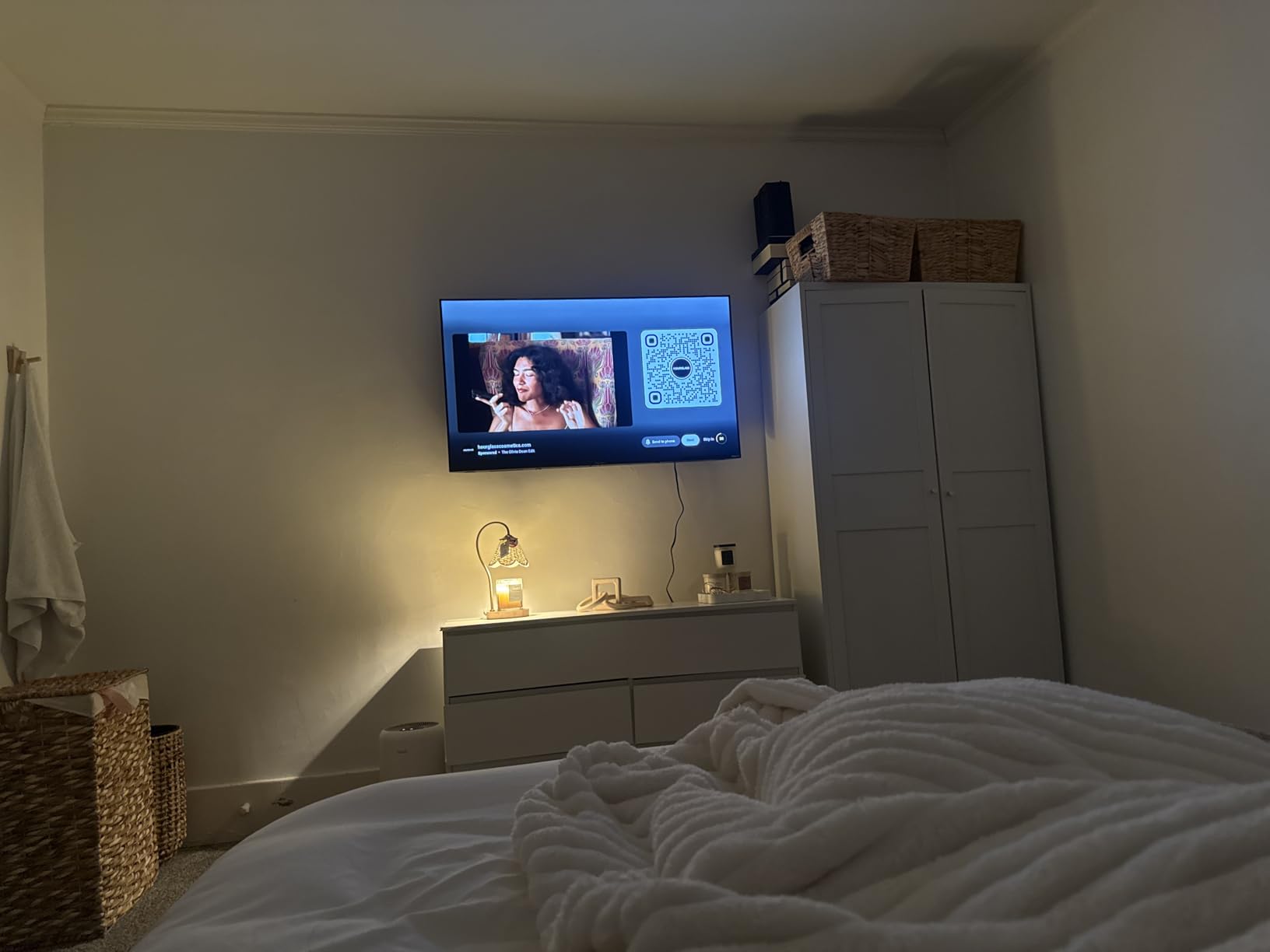
The 132-pound weight capacity surprises many people given the affordable price. This mount can handle virtually any TV in its size range, including heavier older models. Mounting Dream’s reputation for quality shows in the solid feel of the bracket and the precision of the tilt mechanism.
The quick-release lock mechanism makes it easy to remove the TV if needed for maintenance or moving. I appreciate this feature because it means I can take the TV down myself without calling for help. The locking tabs provide audible confirmation that everything is secure.
Best Use Cases for the MD2268-LK
This tilting mount excels in rooms with a primary viewing position. Living rooms, bedrooms, and dedicated media rooms where the furniture faces the TV directly do not need full articulation. The money you save can go toward better cables or a soundbar instead.
I particularly recommend this for glare-prone rooms. The 8-degree forward tilt helps when you must mount the TV higher than ideal, such as above a fireplace or in a bedroom viewed from bed. The low profile also works well in narrow rooms where every inch of space matters.
Installation Notes
The MD2268-LK accommodates multiple stud spacings, which helps in older homes. I found the three-step installation process straightforward. The included level is functional, though I verified with my own level before final tightening.
The mount does not include concrete anchors, so plan accordingly if you are mounting to brick or concrete. Mounting Dream will provide them on request, but ordering them separately ensures you have everything on installation day. The 10-year warranty covers the mechanism but requires proper installation.
7. Mounting Dream MD2263-XLK – Best XL Tilting Mount for Large TVs
- XL size accommodates 75+ inch TVs
- Excellent 15 degree anti-glare tilt
- Post-installation leveling adjustment
- Wide VESA pattern compatibility
- Pre-labeled hardware bags included
- Cannot install on drywall alone
- Concrete anchors not included by default
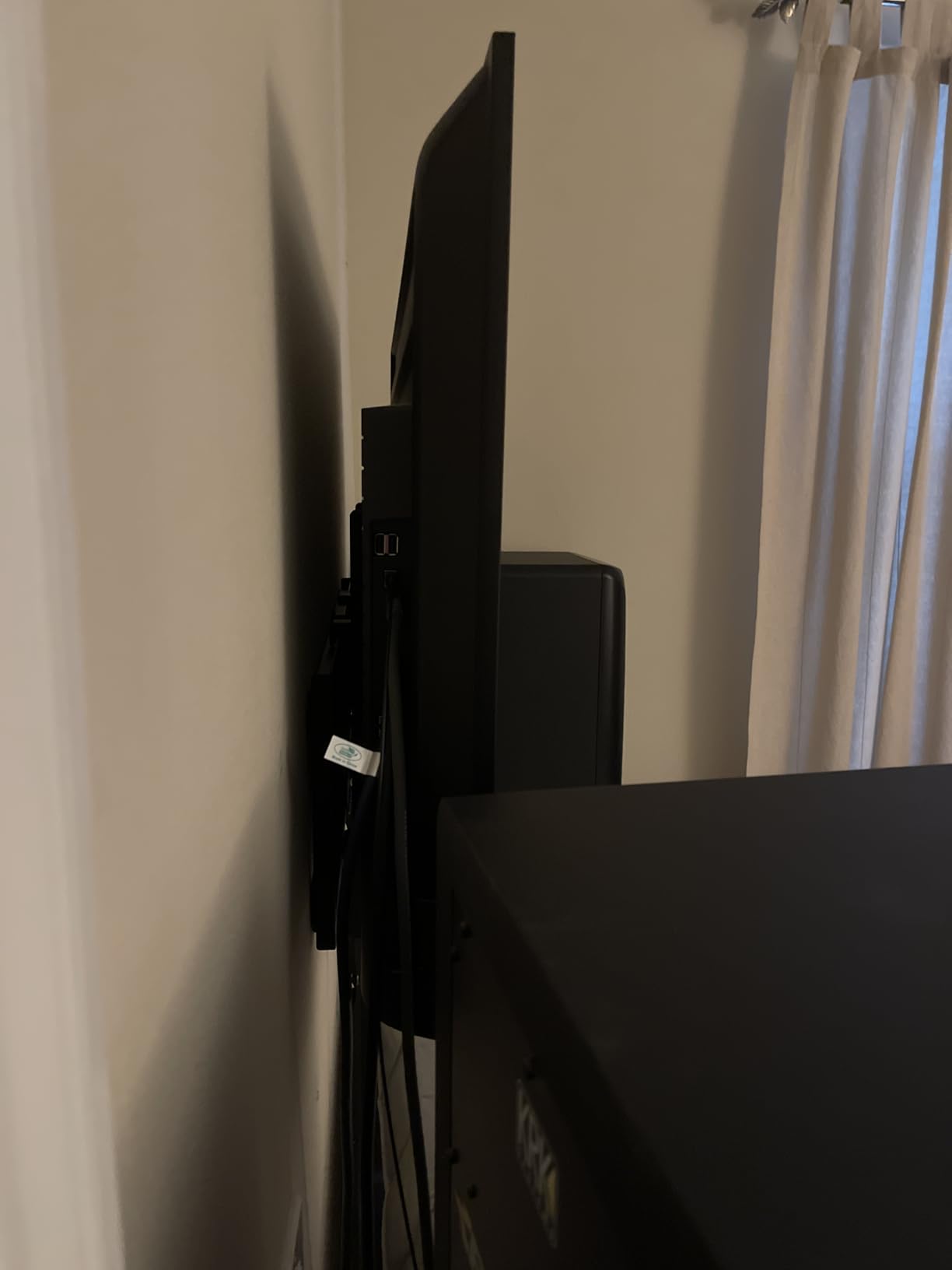
Large TVs need specialized mounts, and the MD2263-XLK delivers the extra size and capacity required for 75-inch and larger screens. The extended VESA compatibility up to 800x400mm covers the mounting patterns on big TVs that standard mounts cannot accommodate.
The tool-less tilt handle is a thoughtful touch. When you have an 80-pound TV mounted above eye level, being able to adjust the angle without tools is genuinely useful. I demonstrate this feature to everyone who asks about my recommendations for large TV mounts.
The 15-degree forward tilt is more than most tilting mounts offer. This matters for fireplace mounts and other high installations where you need to angle the screen downward significantly. The 5-degree backward tilt also helps with cable access during installation.
Mounting Dream’s attention to detail shows in the pre-labeled hardware bags. When you are wrangling an 85-inch TV, the last thing you want is to hunt for the right bolts. Everything is organized and ready, which reduces installation stress significantly.
Best Use Cases for the MD2263-XLK
This mount is designed specifically for large TVs in the 42 to 86-inch range. If you have invested in a big screen for your main viewing area, the XL designation means you are getting a mount properly sized for the weight and mounting pattern. The extended VESA compatibility is crucial for many 75-inch and larger models.
I recommend this for high-mount installations above fireplaces or in rooms with cathedral ceilings. The extensive tilt range helps achieve comfortable viewing angles even when the TV sits well above eye level. The post-install leveling means you can perfect the alignment even after the TV is hung.
Installation Notes
Given the size of TVs this mount accommodates, having a helper is nearly mandatory. I recommend two people for the final hanging step, even if one person can handle the mounting plate installation. The +/-1 degree leveling adjustment is a lifesaver if your initial mounting is slightly off.
The wide VESA range accommodates most large TV patterns, but verify your specific TV before purchasing. The 800x400mm maximum covers most current models, but some ultra-large screens use proprietary mounting systems. The included torpedo level works in a pinch, but a longer level helps with accuracy.
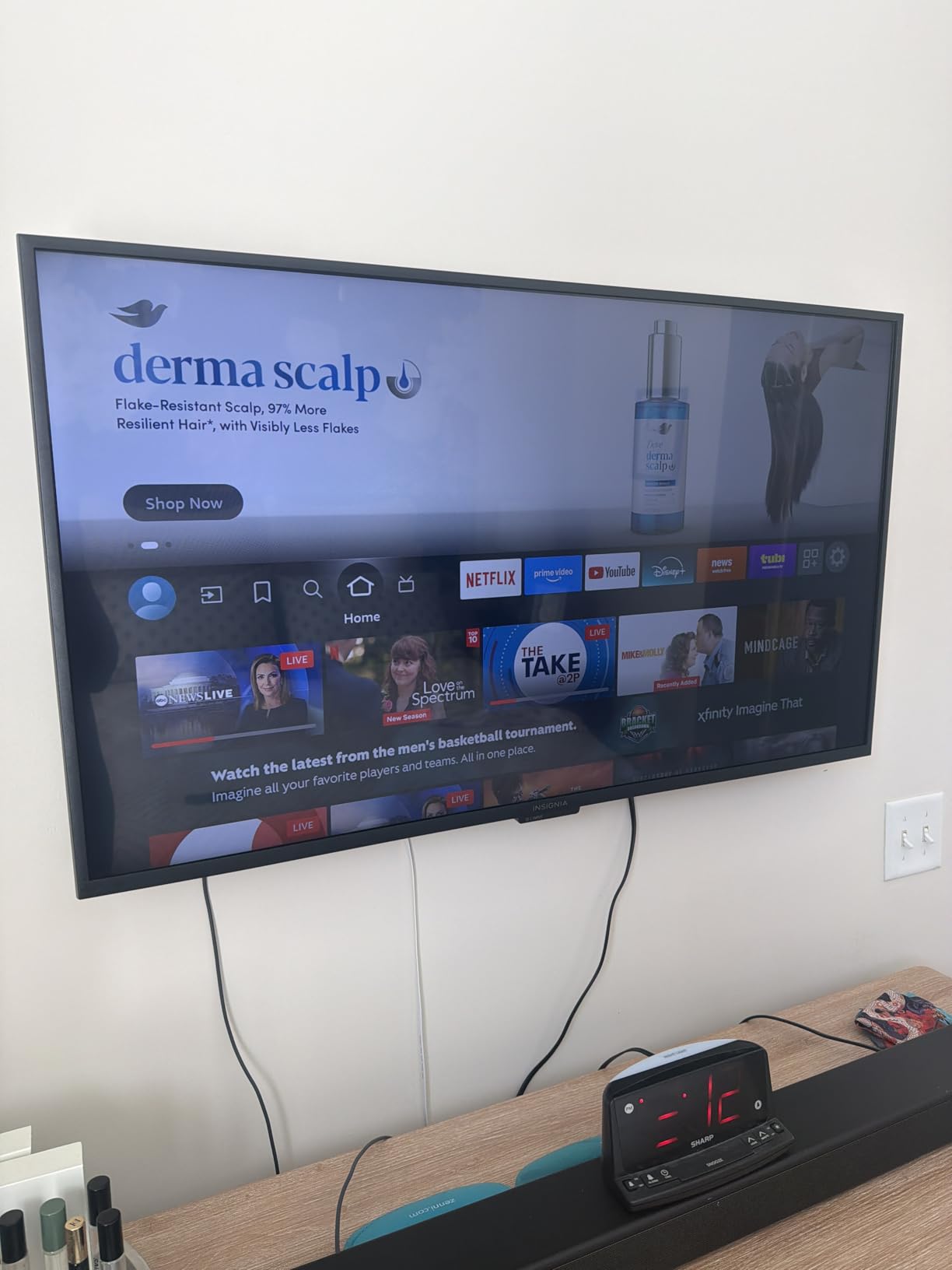
8. PERLESMITH Tilting Mount – Best Ultra-Low Profile Budget Option
- Lowest profile at 1.2 inches
- Excellent budget price under $17
- Tested to 4x rated weight for safety
- Locking mechanism with quick release
- 5 year warranty included
- Lower 7 degree tilt vs competitors
- Maximum 55 inch screen recommendation
- Not for drywall-only installation
When space is tight and budget matters, the PERLESMITH tilting mount delivers an incredibly slim profile at a price that is hard to beat. The 1.2-inch depth from the wall is the lowest on this list, making it perfect for narrow rooms and hallways.
Despite the low price, PERLESMITH did not compromise on safety testing. The mount is tested to hold four times its rated weight, which provides confidence that it will handle your TV securely. The alloy steel construction feels solid when you handle the bracket.
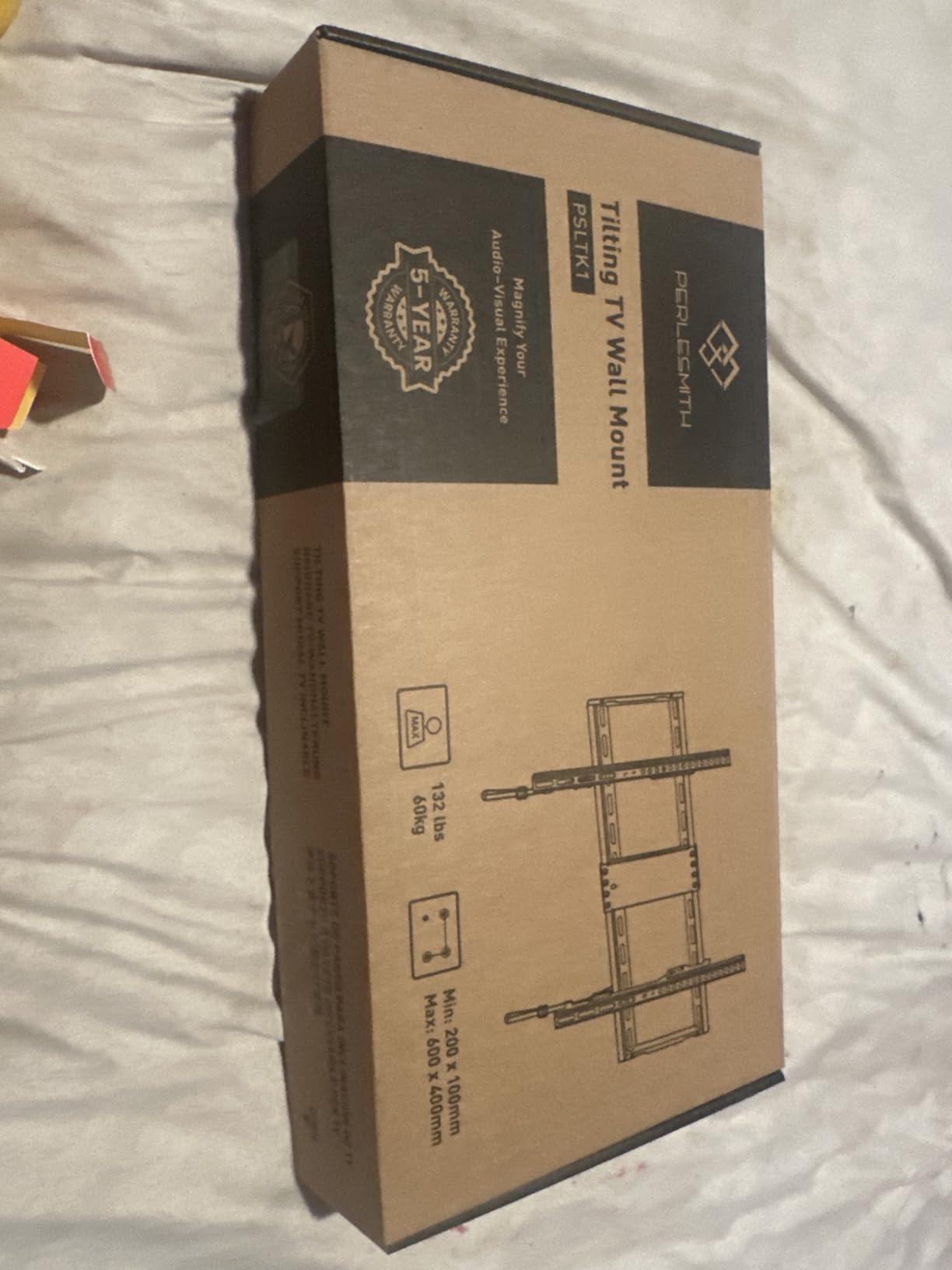
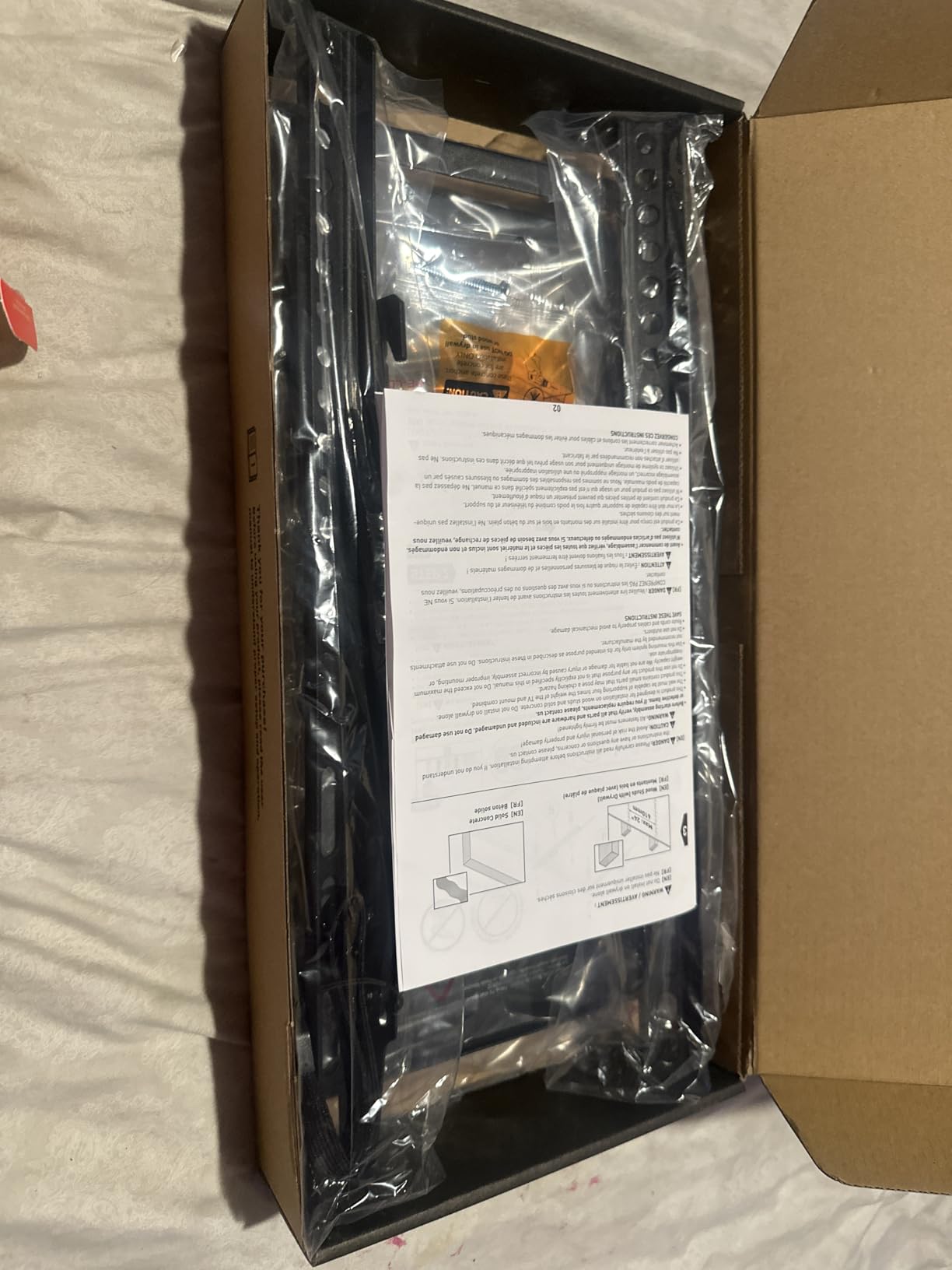
The detachable panel design is a nice feature for installation. You can attach the TV-facing bracket to the television while it sits safely on a table, then hang the entire assembly on the wall plate. This reduces the time you spend holding a heavy TV against the wall.
The locking mechanism provides positive engagement when the TV is hung. I appreciate the quick-release feature for those rare times when you need to remove the TV. The bubble level included in the kit is small but functional for getting things close to level.
Best Use Cases for the PERLESMITH Mount
This mount is ideal for smaller TVs in tight spaces. Bedrooms, kitchens, and guest rooms with 32 to 55-inch screens benefit from the ultra-low profile. The 115-pound capacity handles most TVs in this size range, though I recommend staying closer to the 23 to 55-inch range for optimal safety margins.
I recommend this for anyone who wants the TV as close to the wall as possible. The 1.2-inch profile is genuinely slim and creates a gallery-like appearance. For secondary viewing areas where you do not need extensive adjustability, this provides an elegant, affordable solution.
Installation Notes
The PERLESMITH mount accommodates multiple stud spacings, which helps in older construction. I found the installation straightforward, though the included instructions are minimal. The hardware kit covers common TV sizes, but verify your VESA pattern before starting.
The 7-degree tilt is less than some competitors, so consider your glare situation carefully. For most installations, it provides sufficient adjustment, but if you have challenging window placement, you may want a mount with more tilt range. The 5-year warranty provides good protection for the price point.
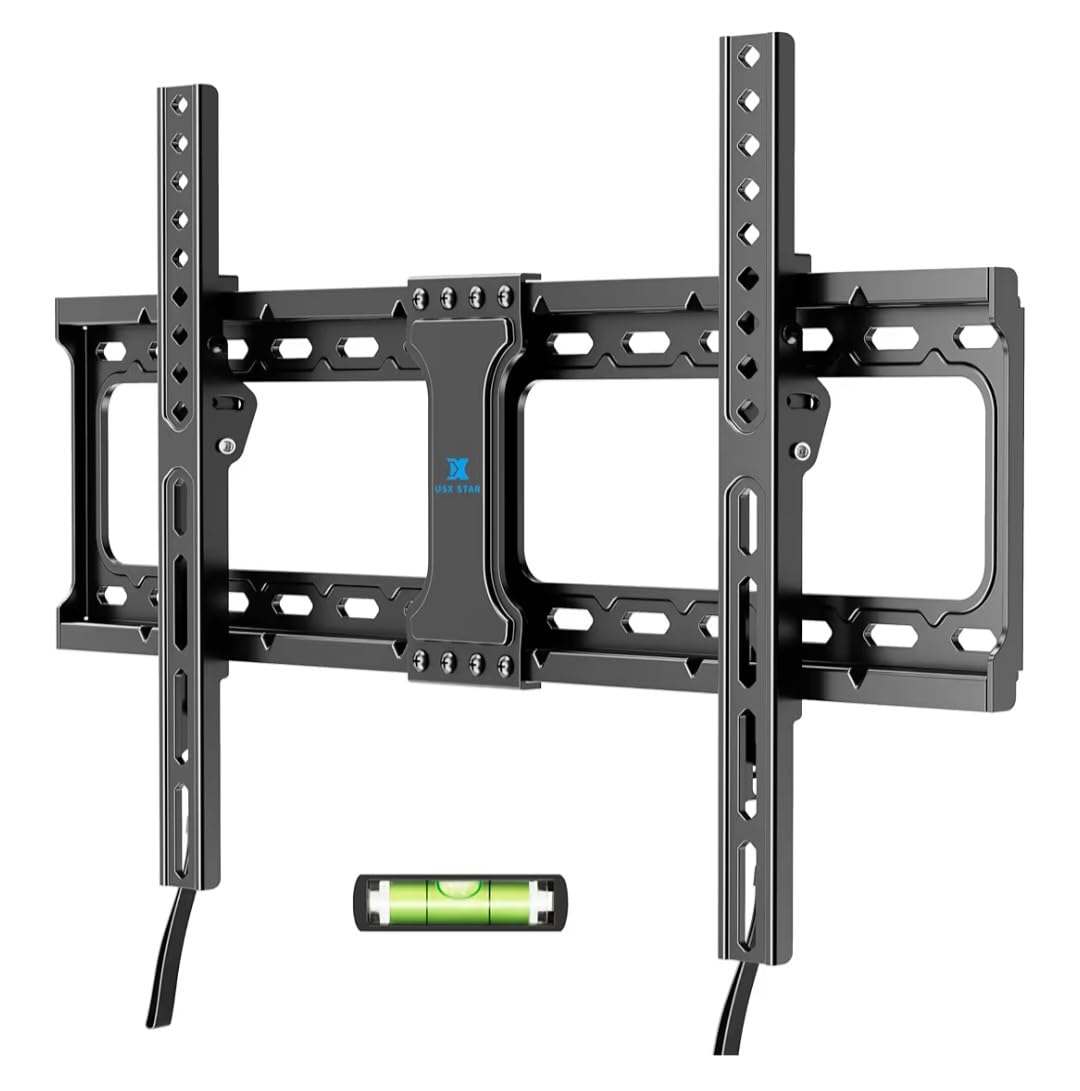
9. USX STAR Fixed Mount – Best Fixed Mount with Quick Release
- UL Listed safety certification
- Quick disconnect for easy TV removal
- Supports large TVs up to 86 inches
- Strong metal frame construction
- 10 years of customer support
- Fixed mount - no tilt or swivel
- Cannot install on drywall alone
- Quick release strings hang below TV
Sometimes the simplest solution is the right one. The USX STAR fixed mount provides rock-solid support with the added convenience of quick-release pull straps. This feature makes it easy to remove the TV for cleaning, maintenance, or when you are moving.
The UL Listing gives me confidence in the safety credentials. For a fixed mount that will hold your TV stationary for years, knowing it meets independent safety standards matters. The 132-pound capacity handles virtually any TV in the supported size range.
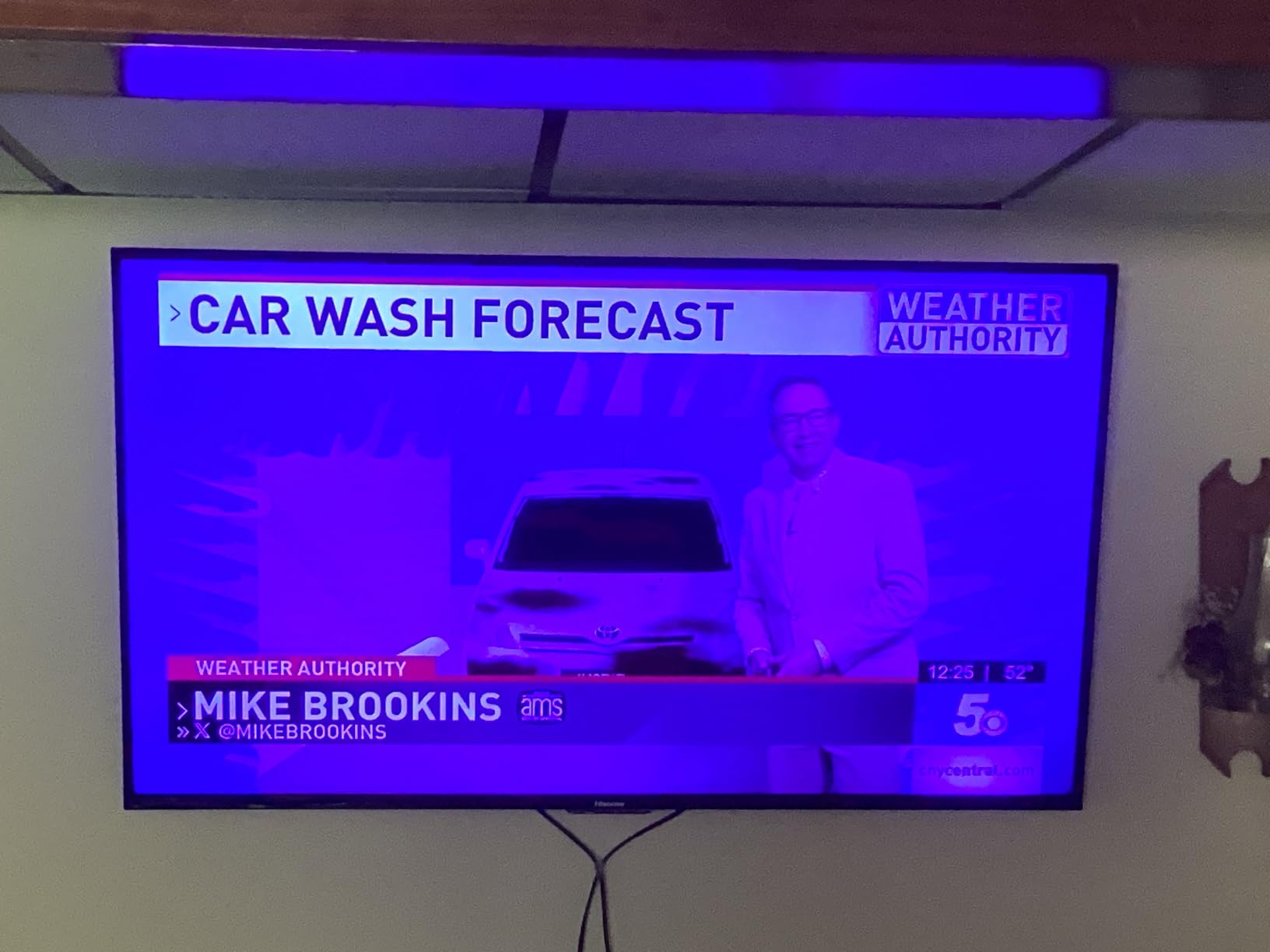
I installed this for a client who wanted a clean, permanent look for their 75-inch living room TV. The quick-release feature was not something they initially considered, but they have appreciated it when dusting behind the TV and managing cables. The pull straps hang discreetly below the screen.
The mounting template and included level help achieve professional-looking results. The instructions are clear, and the hardware kit is comprehensive. For a fixed mount, the installation is about as straightforward as TV mounting gets.
Best Use Cases for the USX STAR Fixed Mount
This mount is perfect for primary viewing positions where full motion is not needed. Living rooms with fixed seating arrangements, corporate installations, and digital signage applications all benefit from the simplicity and reliability of a fixed mount. The quick-release feature adds convenience that most fixed mounts lack.
I recommend this for anyone who wants a set-it-and-forget-it installation. Once mounted and leveled, this bracket holds your TV securely without any moving parts to wear out or adjust. The UL Listing makes it suitable for commercial and educational environments where safety certifications are required.
Installation Notes
The fixed design means you need to get the height exactly right before drilling. I recommend measuring multiple times and considering your viewing position carefully. The mount accommodates up to 24-inch stud spacing, which helps with flexibility in older homes.
The quick-release straps are functional but visible when the TV is off. Some users tuck them behind the TV or trim them to length after confirming everything works properly. The 10-year customer support provides peace of mind for long-term installations.
10. Auoace No Stud TV Mount – Best for Apartments and Rentals
- No drilling required for installation
- Perfect for apartments and rentals
- 3 minute installation process
- Includes safety cable for security
- Hammer-in nails for drywall mounting
- Fixed mount with no adjustability
- Maximum 99 lb weight limit
- Not suitable for all wall types
- Safety cable may be visible
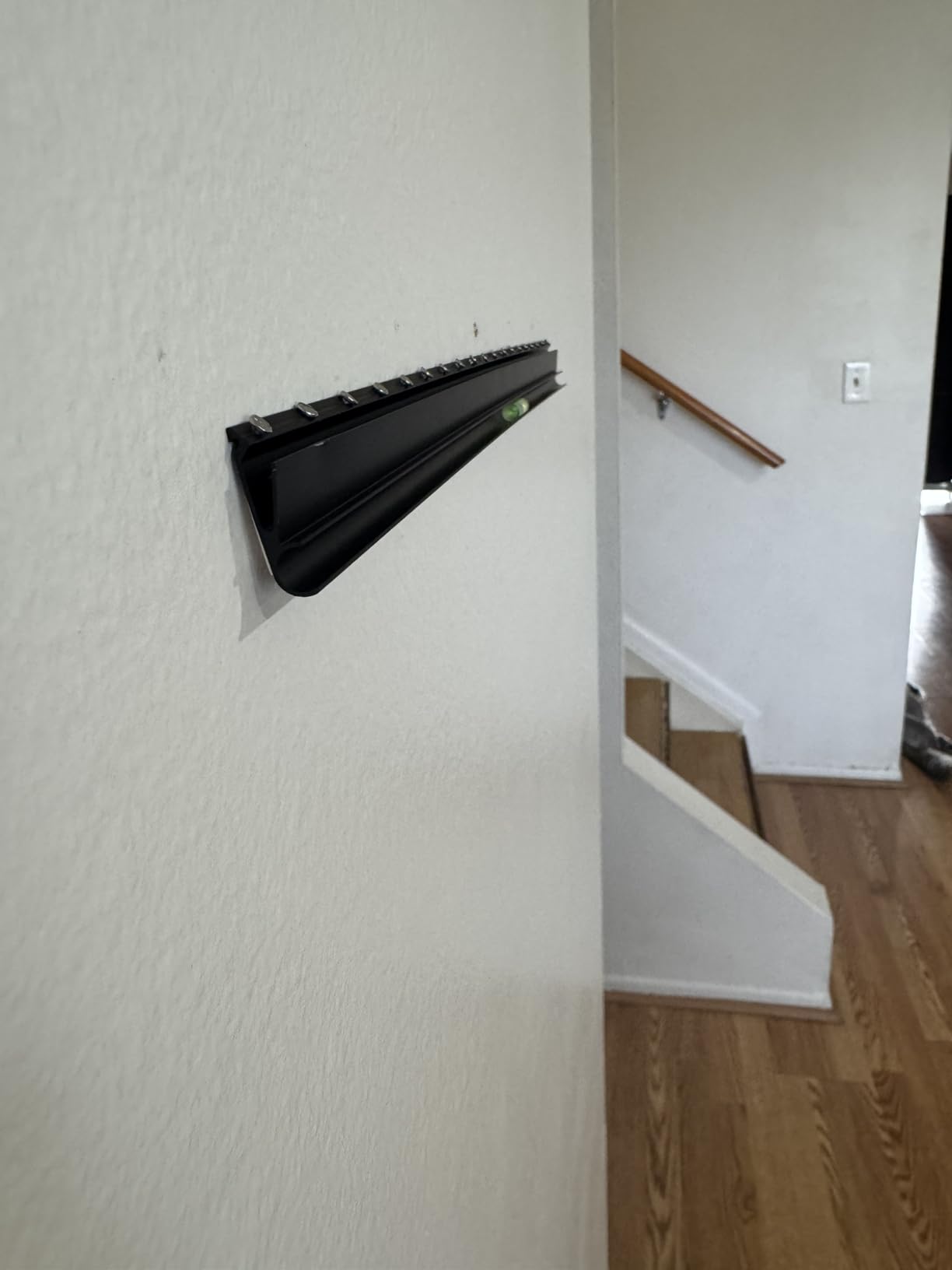
Renters face a unique challenge: how to mount a TV without drilling holes that will need patching later. The Auoace No Stud mount solves this problem with an innovative hammer-in design that works with drywall without finding studs or using anchors.
The installation really does take about three minutes. You position the bracket, hammer in the special nails at the marked points, and hang your TV. I was skeptical until I watched a friend install one in her apartment. The process is genuinely that simple.
The included safety cable provides peace of mind. While the hammer-in design is rated for 99 pounds, the secondary safety strap ensures the TV cannot fall even in the unlikely event of a failure. This redundancy is important for any mounting system, but especially for non-traditional methods.
The 1.1-inch profile keeps the TV close to the wall, and the cold-formed steel construction feels sturdy despite the simple installation method. Auoace includes bubble levels and all necessary hardware, though you only need a hammer for the basic installation.
Best Use Cases for the Auoace No Stud Mount
This mount is specifically designed for renters and apartment dwellers. If your lease prohibits drilling or you do not want to deal with patching holes when you move, this provides a genuine solution. The 12 to 55-inch range covers most bedroom and secondary TV needs.
I recommend this for temporary installations and anyone who moves frequently. The mount can be removed with minimal wall damage compared to traditional lag bolts. It is also useful in rooms where stud locations simply do not work for your desired TV placement.
Installation Notes
This mount requires specific wall conditions to work safely. Standard drywall of reasonable thickness is essential. I do not recommend this for plaster walls, thin paneling, or walls with unknown construction. The hammer-in nails need proper material to grip.
The safety cable must be attached to a secondary anchor point, not just the drywall. I typically attach it to a nearby window frame or furniture anchor. The 99-pound limit is a hard maximum – stay well below this for safety margins. The 5-year customer support can help if you have questions about your specific wall type.
TV Wall Mount Buying Guide: What to Consider Before Purchasing
Choosing the right TV wall mount involves more than picking the cheapest option or the one with the most features. After helping dozens of friends and family with their installations, I have identified the key factors that determine mounting success.
Understanding Mount Types
Fixed mounts hold your TV flat against the wall with no adjustment capability. They provide the lowest profile and simplest installation but offer no flexibility once mounted. I recommend fixed mounts for rooms with a single, permanent viewing position where glare is not an issue.
Tilting mounts add vertical angle adjustment, typically 5 to 15 degrees. This helps with glare reduction and is essential for TVs mounted above eye level. The slight profile increase is worth the flexibility for most installations.
Full-motion mounts, also called articulating mounts, provide swivel, tilt, and extension capabilities. These are the most versatile but also the most expensive and complex to install. I recommend full-motion mounts for open floor plans and rooms with multiple viewing positions.
VESA Pattern Compatibility
VESA refers to the standardized mounting hole pattern on the back of your TV. Common patterns include 200x200mm, 400x400mm, and 600x400mm. Check your TV manual or measure the distance between the mounting holes on the back of your screen.
Most mounts list their VESA compatibility ranges. Ensure your TV’s pattern falls within this range before purchasing. Adapters are available for non-standard patterns, but they add cost and complexity. The mounts on this list cover VESA patterns from 75x75mm to 800x400mm.
Weight Capacity Guidelines
Never exceed a mount’s rated weight capacity. I recommend choosing a mount rated for at least 25% more than your TV’s actual weight. This safety margin accounts for any additional stress from extension, motion, or unexpected loads.
Modern LED and OLED TVs are relatively light, but older plasma TVs can be surprisingly heavy. A 65-inch OLED might weigh 50 pounds while a plasma of the same size could exceed 100 pounds. Check your TV specifications and add any soundbar or component weight to your calculations.
Wall Type Considerations
Wood studs provide the most secure mounting surface. Standard stud spacing is 16 inches in newer construction, though older homes may have 24-inch spacing or irregular placement. A quality stud finder is essential for any stud-mounted installation.
Concrete and brick walls require special anchors and typically a hammer drill for installation. The holding power is excellent, but the installation process is more demanding. Some mounts include concrete anchors, but many require separate purchase.
Drywall without studs requires specialized mounts like the Auoace No Stud option reviewed above. These have lower weight limits and require careful installation. Toggle bolts provide another option for drywall mounting, though professional installation is recommended for heavy TVs.
Installation Tips from Experience
Always use a level during installation. Even a slightly crooked TV is immediately noticeable and annoying. I check level multiple times: when marking holes, after drilling, after mounting the plate, and after hanging the TV.
Have a helper for the final hanging step. Even lighter TVs are awkward to hold against a wall while securing mounting hooks. A second pair of hands prevents accidents and ensures proper alignment. If you must work alone, consider a mounting assistant tool or wait for help.
Plan your cable management before hanging the TV. In-wall routing, cable covers, or surface channels all work better when planned in advance. Full-motion mounts provide some cable management features, but planning your routing path makes the final result much cleaner.
Frequently Asked Questions
Which type of TV wall mount is best?
The best TV wall mount type depends on your needs. Fixed mounts work best for single viewing positions with minimal glare. Tilting mounts add angle adjustment for TVs mounted above eye level or rooms with window glare. Full-motion mounts provide maximum flexibility for multiple viewing angles and cable access. For most living rooms, a tilting or full-motion mount provides the best balance of functionality and value.
What does VESA mean on a TV?
VESA stands for Video Electronics Standards Association and refers to the standardized mounting hole pattern on the back of your TV. Common VESA patterns include 200x200mm, 400x400mm, and 600x400mm. You need to match your TV’s VESA pattern to a compatible mount. Most mounts list their supported VESA patterns in the specifications.
Is it better to hang TV or put on stand?
Wall mounting is generally better than using a stand because it saves floor space, creates a cleaner aesthetic, reduces tip-over risks for households with children, and allows optimal viewing height placement. However, stands work better for renters who cannot drill walls, temporary setups, or rooms where the viewing position changes frequently.
Are Sanus TV mounts worth the money?
Sanus mounts offer excellent build quality and safety certifications, but budget alternatives like Mounting Dream and ECHOGEAR provide 90% of the functionality at significantly lower prices. For most residential installations, mid-range mounts with UL listings offer comparable safety and durability. Premium brands shine in commercial installations where brand reputation and warranty support matter more.
Is there a TV wall mount that won’t damage walls?
No-stud TV mounts like the Auoace model use hammer-in nails designed for minimal wall damage compared to traditional lag bolts. These work best for lighter TVs up to 55 inches and 99 pounds. The Auoace mount reviewed in this guide leaves smaller holes that are easier to patch than large lag bolt holes. However, any wall mounting creates some damage that will need repair when removed.
Conclusion: Finding Your Best TV Wall Mount
After testing and researching dozens of options, the USX MOUNT Full Motion stands out as the best overall choice for 2026. Its combination of build quality, ease of installation, and value is hard to beat. For those on a budget, the Mounting Dream MD2380 delivers exceptional features at a lower price point.
Best TV wall mounts ultimately depend on your specific situation. Consider your TV size, wall type, viewing habits, and budget before making a decision. The mounts reviewed here cover every major use case from apartment-friendly options to heavy-duty supports for massive screens.
Take time to measure your VESA pattern, verify your stud locations, and plan your installation before ordering. A few minutes of preparation ensures a smooth installation process and years of secure TV mounting. Whether you choose a fixed, tilting, or full-motion mount, the right bracket transforms both your room and your viewing experience.