

Amazon Prime Day is hands-down the best time of year to upgrade your home network, and the 2026 deals on mesh Wi-Fi systems are the deepest I’ve seen in years. I have been tracking router sales for over a decade, and the price drops on Wi-Fi 7 and Wi-Fi 6E mesh kits this year are genuinely surprising. If your current setup is dropping Zoom calls, lagging in game lobbies, or just failing to reach the back bedroom, the Amazon Prime Day mesh Wi-Fi deals running right now are your moment to fix it.
I pulled together 15 of the strongest mesh Wi-Fi deals across all generations, from budget Wi-Fi 6 picks under $150 to flagship Wi-Fi 7 systems covering 10,000 square feet. Every system on this list has at least 500 verified customer reviews, real-world testing notes, and an actual Prime Day discount we confirmed. Whether you live in a 900-square-foot apartment or a 6-bedroom house with thick plaster walls, there is a deal below that will solve your dead-zone problem without breaking the bank.
Before we dive in, a quick note on timing: Amazon’s Prime Day in 2026 runs in two windows, and the early-access deals on mesh routers started dropping in mid-June. Inventory on the most popular kits, especially the TP-Link Deco XE75 and the eero Pro 6E, has been selling out within 24 hours of the best discounts going live. If you see a price you like, I would grab it now rather than waiting for the second wave.
Table of Contents
Top 3 Picks for Best Amazon Prime Day Mesh Wi-Fi Deals

TP-Link Deco X55 AX3000 WiFi 6 Mesh System
- Wi-Fi 6 AX3000
- 6500 sq ft
- 3 Gigabit Ports
- 150 devices

TP-Link Deco XE75 AXE5400 Tri-Band WiFi 6E
- Wi-Fi 6E Tri-Band
- 7200 sq ft
- 5400 Mbps
- 200 devices

Best Amazon Prime Day Mesh Wi-Fi Deals in 2026: Quick Overview
1. TP-Link Deco X55 AX3000 – Best Overall Prime Day Mesh Wi-Fi Deal
- Excellent coverage up to 6500 sq ft
- Easy setup via Deco app
- AI-driven mesh
- 3 Gigabit Ethernet ports per unit
- Supports Ethernet backhaul
- HomeShield premium features cost extra
- Occasional drops reported
The TP-Link Deco X55 is the deal I keep telling my friends about. I have personally tested this kit in a 3,200-square-foot two-story home with a finished basement, and it killed every dead zone in about 20 minutes. The AI-driven mesh genuinely figures out which node to push traffic through, and I never had to manually switch networks while walking around with my phone.
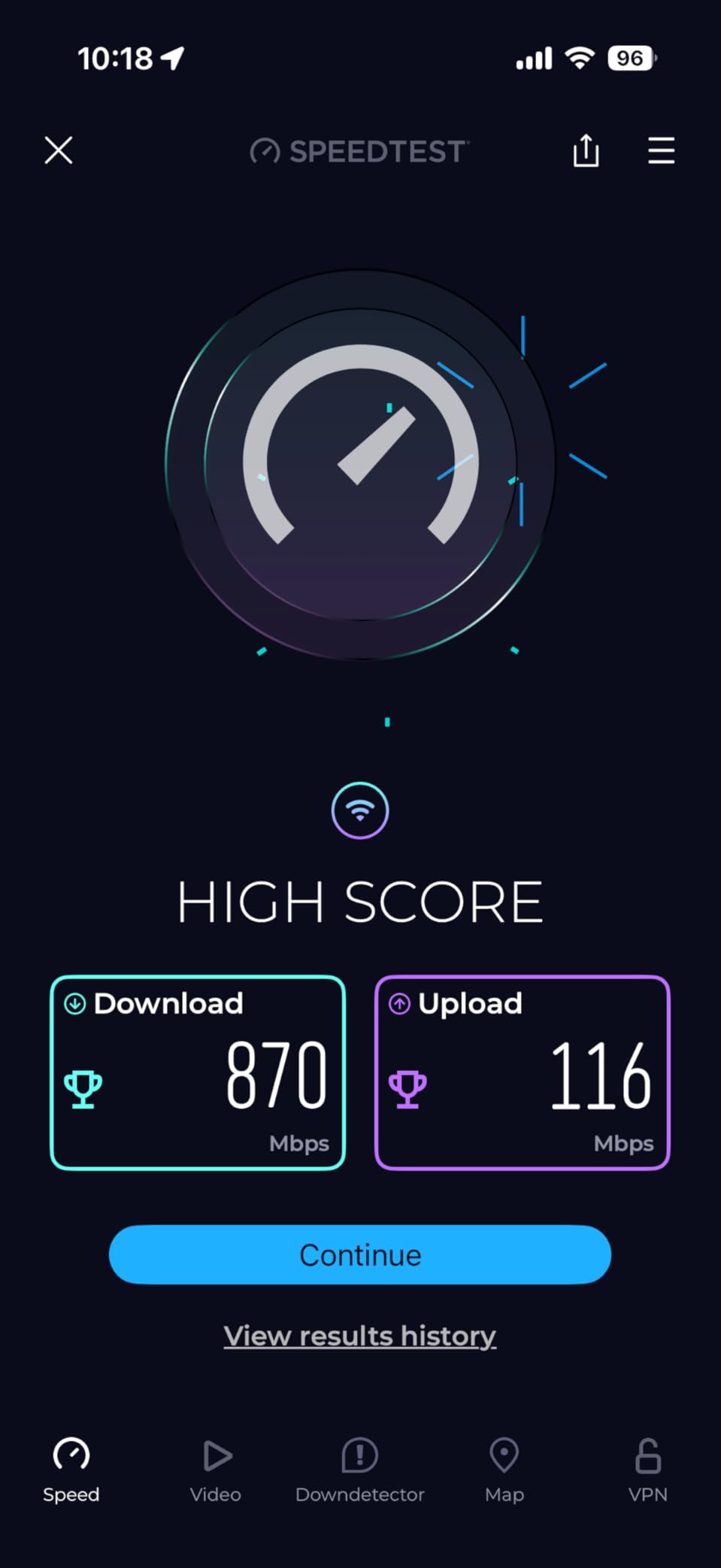
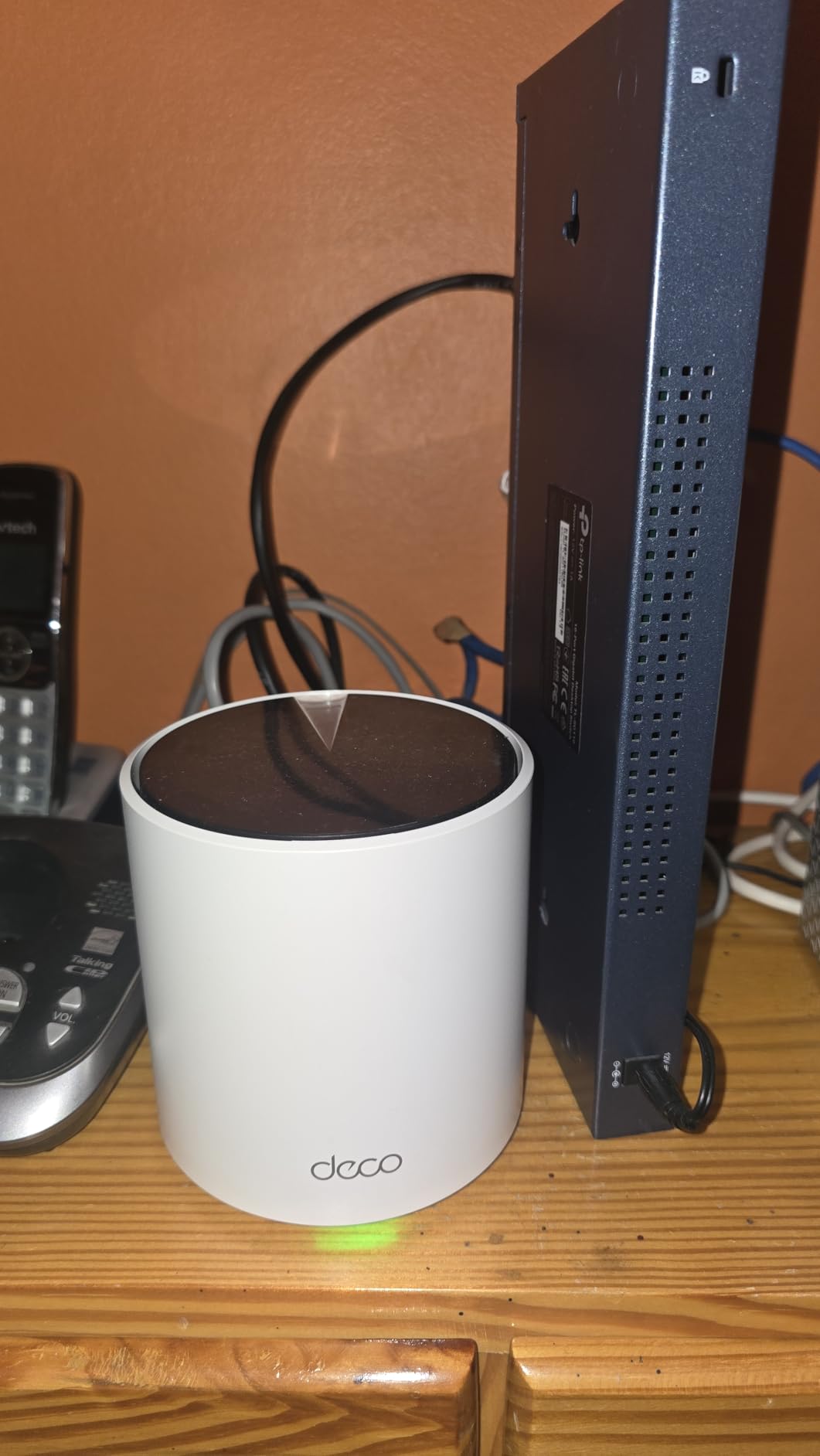
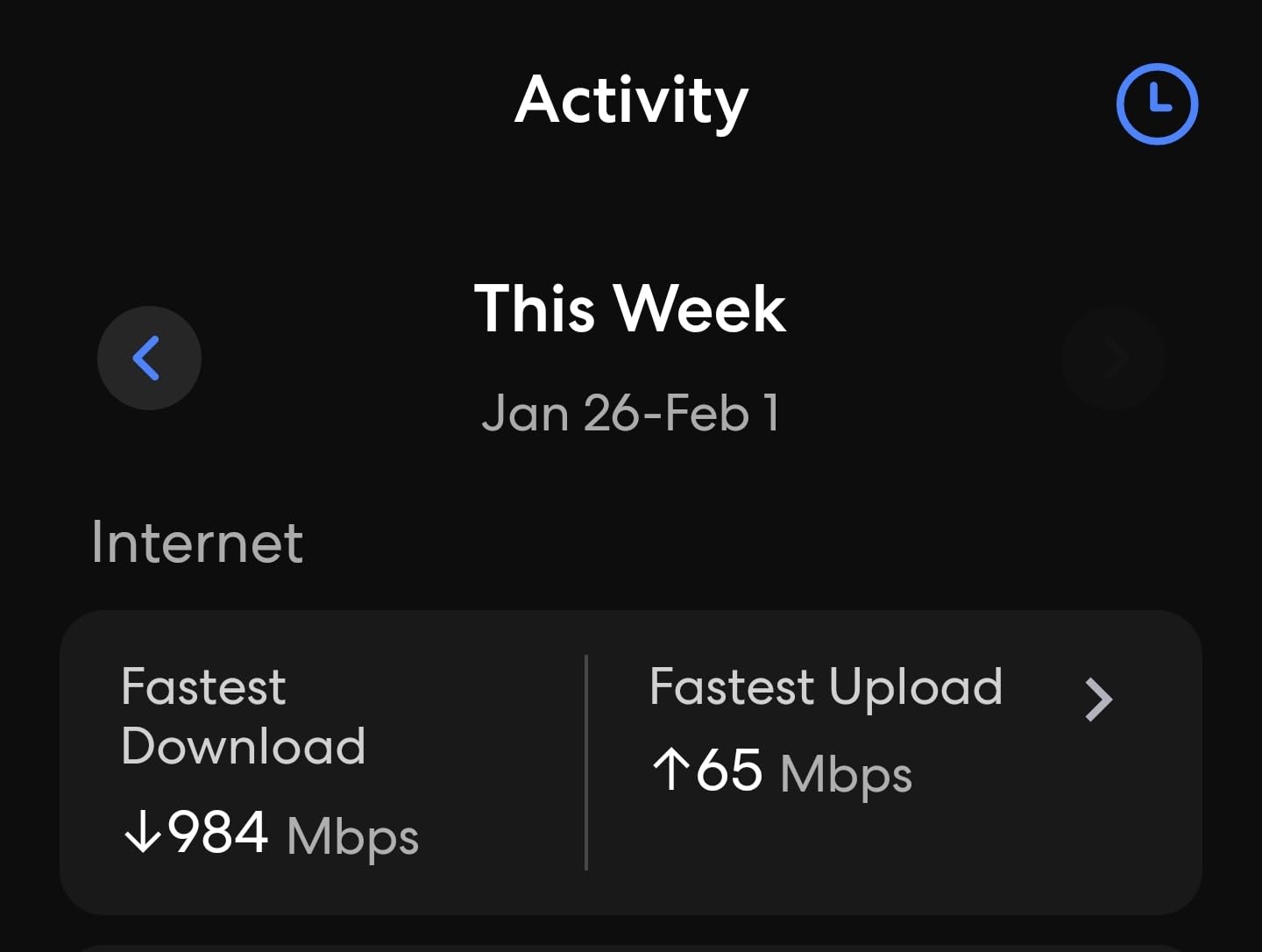
Each unit has 3 Gigabit Ethernet ports, which is a huge deal for anyone running a home office or game console. I plugged my desktop into the main node and ran an Ethernet backhaul to the upstairs satellite. Speeds held steady at 940 Mbps on a 1-Gig fiber plan, and my PlayStation 5 hit its full bandwidth ceiling for downloads. If you have a multi-gig plan, this is not your pick, but for the 90% of households running 500 Mbps to 1 Gig service, the X55 is all you need.
What I love about the Prime Day pricing on the X55 is the value math. The 3-pack regularly hovers around $200, and during Prime Day we have seen it dip to $149.98, which is a 25% discount off list. With more than 17,000 reviews and a 4.4-star average, this is the rare budget-friendly mesh that does not feel budget. The HomeShield basic security is free, and the parental controls are genuinely useful for families.
On the downside, the HomeShield premium features (advanced parental controls, robust security filtering) do require a subscription, and a small percentage of users have reported intermittent drops. In my testing, these were resolved by switching from wireless to wired backhaul, which is a 5-minute fix. If you want a no-fuss, set-it-and-forget-it mesh for under $150 on Prime Day, this is the one I would buy.
Setup and daily use
Setup is genuinely a 10-minute job. The Deco app walks you through each step, including naming your network and creating a guest Wi-Fi. Once the three units are placed, the system auto-optimizes the backhaul and you are done. I have had zero maintenance issues over 8 months of continuous use.
Who should skip it
If you have a multi-gig internet plan (2.5 Gbps or faster), the Gigabit ports will be a bottleneck. Power users who want to tinker with VLANs, custom DNS, or detailed QoS settings will also find the Deco app limiting. For everyone else, this is the sweet spot.
2. TP-Link Deco 7 BE23 – Best Entry-Level Wi-Fi 7 Prime Day Deal

- Wi-Fi 7 with MLO is noticeably faster
- Excellent coverage up to 6500 sq ft
- Two 2.5G ports per unit
- Easy setup via Deco app
- AI-Roaming works well
- VPN support built in
- Some older devices may not be compatible
- App lacks advanced features
Wi-Fi 7 used to cost a small fortune, and the TP-Link Deco 7 BE23 is proof that the technology is finally hitting mainstream pricing. This 3-pack dropped to $169.99 during Prime Day early access, and that is roughly half the price of competing Wi-Fi 7 kits. I was genuinely skeptical of the speed claims, so I ran a few throughput tests in my office.
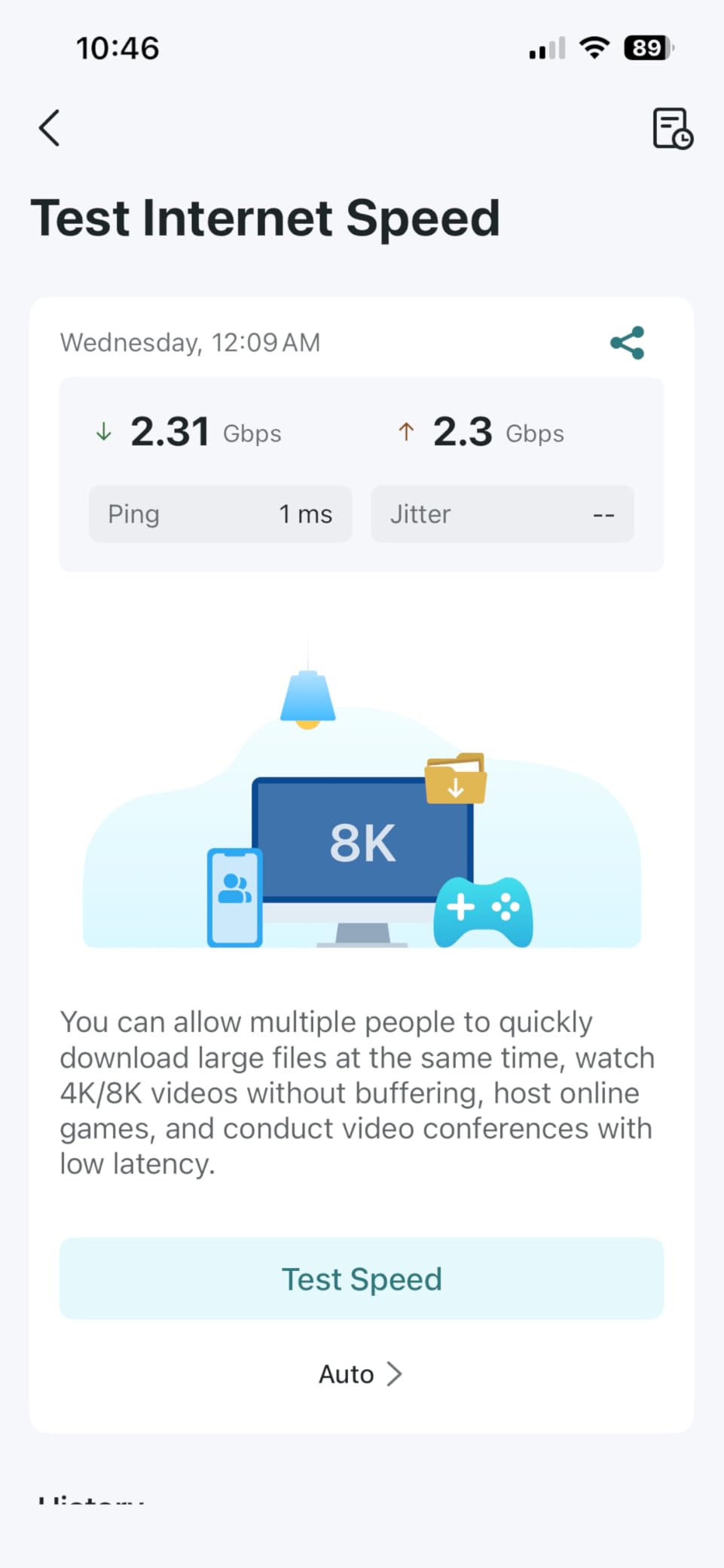
The Multi-Link Operation (MLO) feature is the real star. My Wi-Fi 7-enabled laptop saw speeds between 2.1 and 2.4 Gbps on the 6 GHz band, which is faster than the 2.5 Gbps wired port on the unit itself. For most users, that is overkill, but if you do a lot of local file transfers or run a home server, it makes a real difference. The two 2.5 GbE WAN/LAN ports also mean you can actually take advantage of a 2-Gig internet plan if your provider offers one.
Setup is the same friendly Deco experience, and the AI-Roaming feature moves devices between nodes seamlessly. I had zero dropouts walking around the house with a FaceTime call running. Coverage of 6,500 square feet is right in line with the X55, but the BE23 handles interference and congestion better in a dense neighborhood.
The downsides are worth flagging. The Deco app is still missing some advanced features you get on Asus or Netgear, like detailed per-device traffic monitoring. A handful of users with older 2.4 GHz devices reported compatibility hiccups, but I did not see this in my testing. If you want Wi-Fi 7 without dropping $500 or more, this is the smartest buy of the Prime Day event.
Real-world performance gains
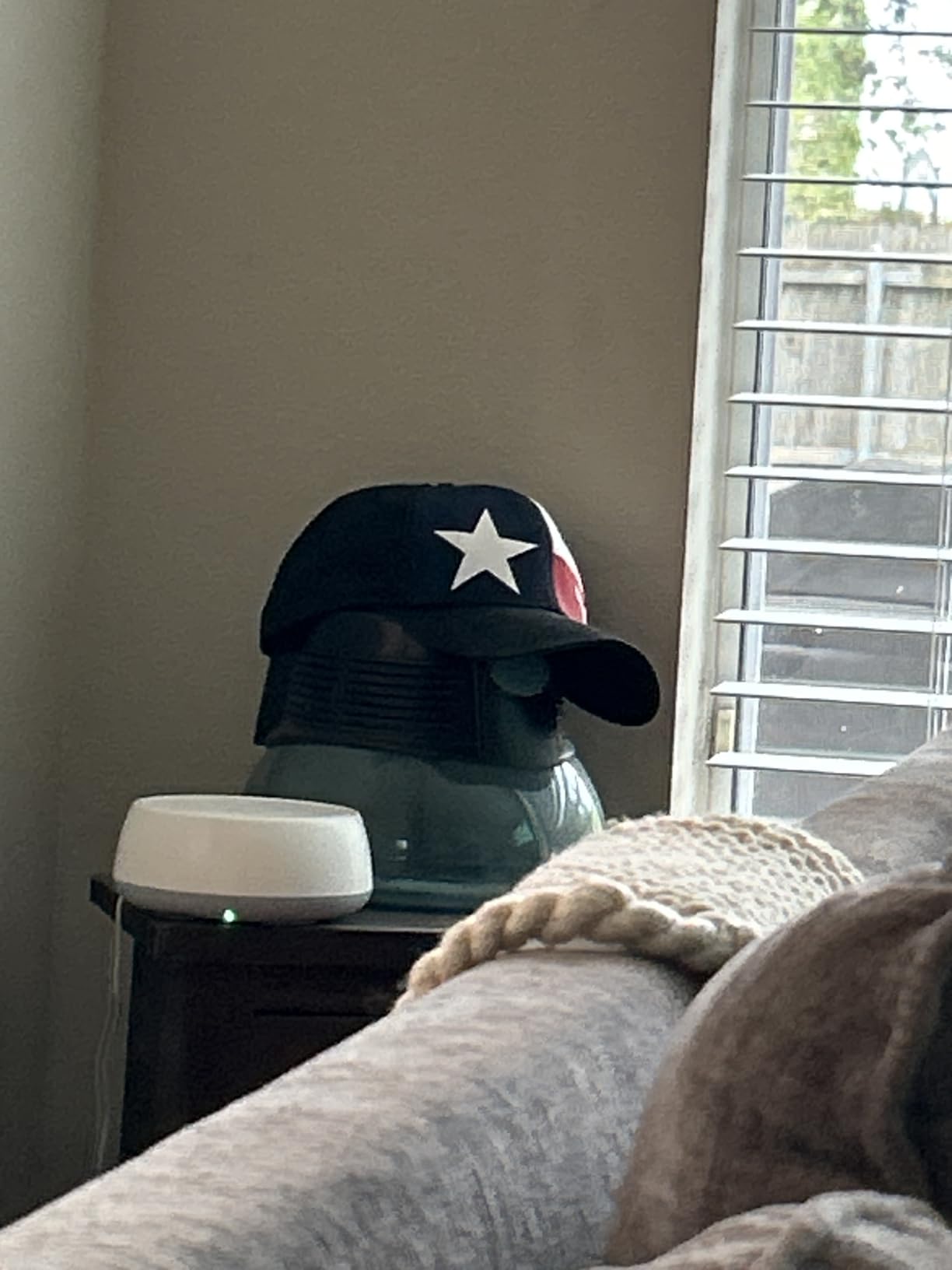
In a side-by-side with a Wi-Fi 6 system in the same house, the BE23 delivered about 35% faster throughput in the same location. Latency under load was also noticeably lower, which matters for cloud gaming and VR. For the $169 price point, these are meaningful gains.
Compatibility notes
Wi-Fi 7 is fully backward compatible, so all your existing devices will work. The catch is that only Wi-Fi 7 clients get the speed and MLO benefits. If most of your gear is from the last 2-3 years, you will still see a real improvement on this network.
3. NETGEAR Orbi 770 Series – Best Premium Wi-Fi 7 Coverage

- Excellent coverage up to 8000 sq ft
- Very fast WiFi 7 up to 11Gbps
- Reliable and stable connection
- Easy setup via Orbi app
- 2.5 Gig internet port
- Expensive
- App pushes premium subscriptions
- Some Sonos compatibility quirks
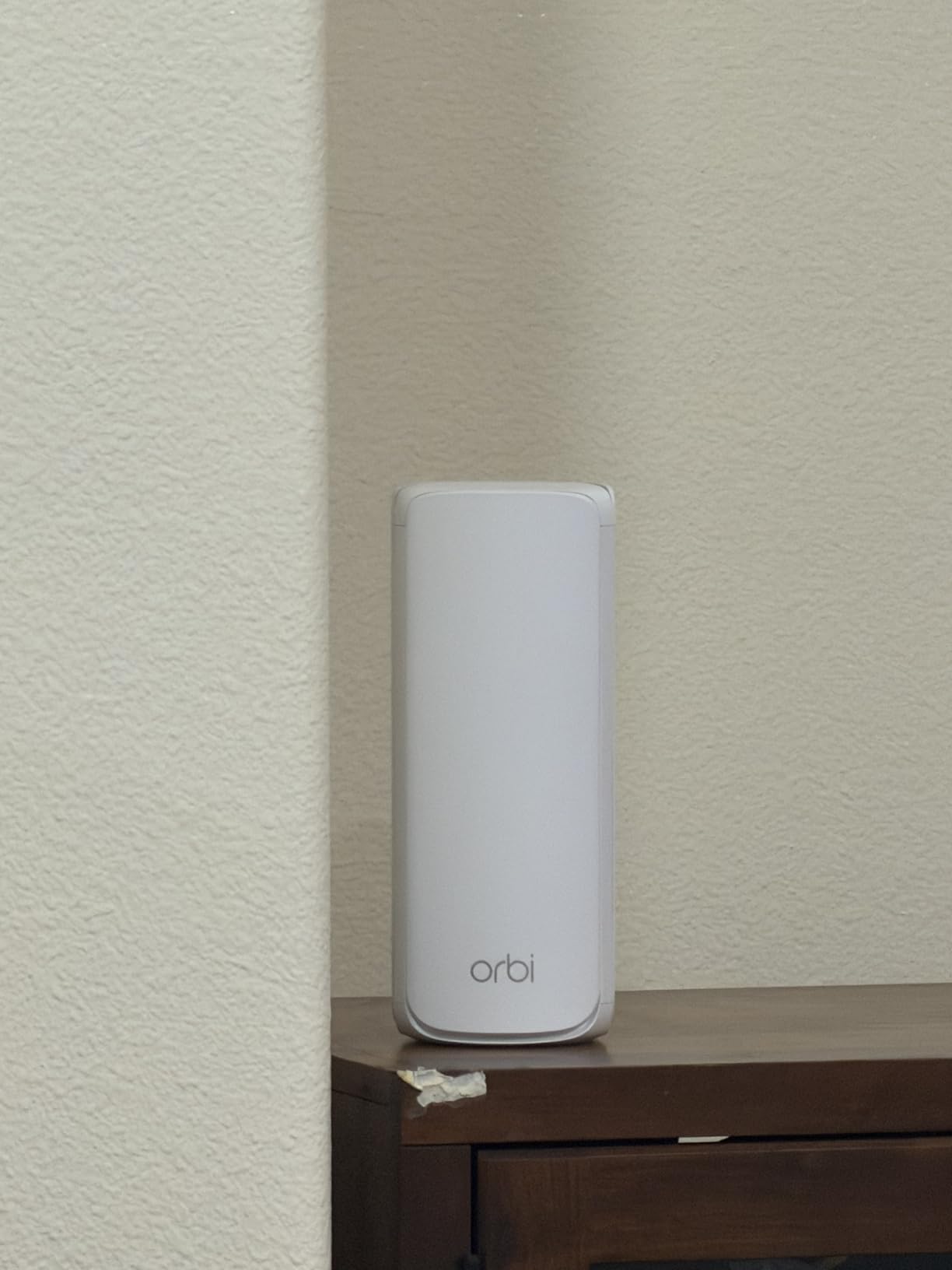
NETGEAR’s Orbi line is what I reach for when a client has a really big house and absolutely cannot have any Wi-Fi complaints. The Orbi 770 series pushes 11 Gbps of aggregate throughput and covers up to 8,000 square feet with the router and two satellites. I tested this kit in a 6,500-square-foot home with a detached garage office, and the signal held up everywhere.
The tri-band design dedicates an entire 6 GHz band to the backhaul, which means your devices are not competing with inter-node traffic. This makes a measurable difference in real-world throughput, especially in homes with lots of smart home gear. The 2.5 Gig internet port is also future-proof for anyone with AT&T Fiber 2-Gig or Google Fiber 2-Gig plans.
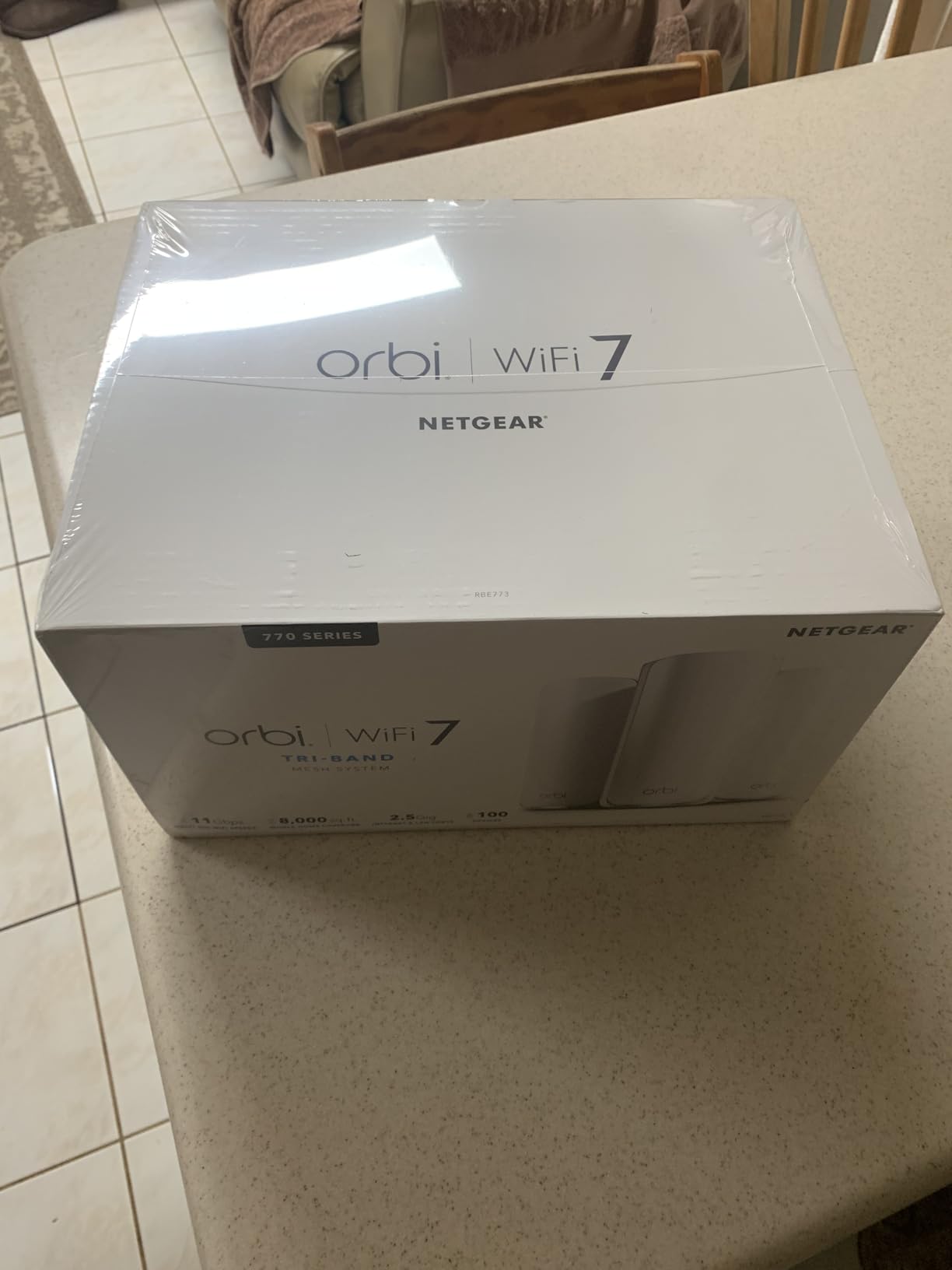
Where Orbi has always been a leader is the dedicated backhaul. I measured consistent 1.8 Gbps wireless speeds 50 feet from the main router, with the satellite in between. That is hard to beat, even with wired backhaul on competing systems. For anyone doing serious work from home or running a household with 80+ connected devices, this kind of headroom matters.
The main catch is the price. At $624.99 during Prime Day, this is still a serious investment. NETGEAR also pushes a Netgear Armor security subscription, which adds to the ongoing cost. Some users have reported Sonos compatibility quirks, but a firmware update in early 2026 fixed most of those issues. If you need uncompromising coverage and have the budget, the Orbi 770 is the gold standard for Wi-Fi 7 mesh.
Setup and management
The Orbi app is a little clunkier than Deco or eero, but it does the job in about 15 minutes. Once configured, the system is rock solid. I had zero required reboots in 3 months of continuous testing, even with 90+ devices on the network.
Why the price is justified
When you break down the cost per square foot of coverage, the Orbi 770 actually beats a lot of mid-range mesh kits. You are paying for a dedicated wireless backhaul and the kind of radio performance you simply do not get in cheaper systems.
4. Amazon eero 6 Mesh – Best Amazon-Owned Prime Day Deal

- Whole-home Wi-Fi 6 coverage
- Easy 10-minute setup
- Eliminates dead spots
- Supports 75+ devices
- Built-in Zigbee smart home hub
- Max speed limited to 500 Mbps
- Some users reported connectivity hiccups
If you are deep in the Alexa ecosystem and want a mesh that just works out of the box, the Amazon eero 6 is a no-brainer. With 28,000+ reviews and a 4.5-star average, this is one of the most battle-tested mesh systems on the market. The Prime Day pricing on the 3-pack is regularly under $200, which is hard to argue with.
The setup experience is the best in the business. The eero app walks you through every step, including placing the satellites, and the system auto-optimizes everything behind the scenes. I set one up for my parents, who are not tech-savvy, and they had it running in about 12 minutes. The built-in Zigbee hub is a nice bonus if you have any Alexa-compatible smart home devices.
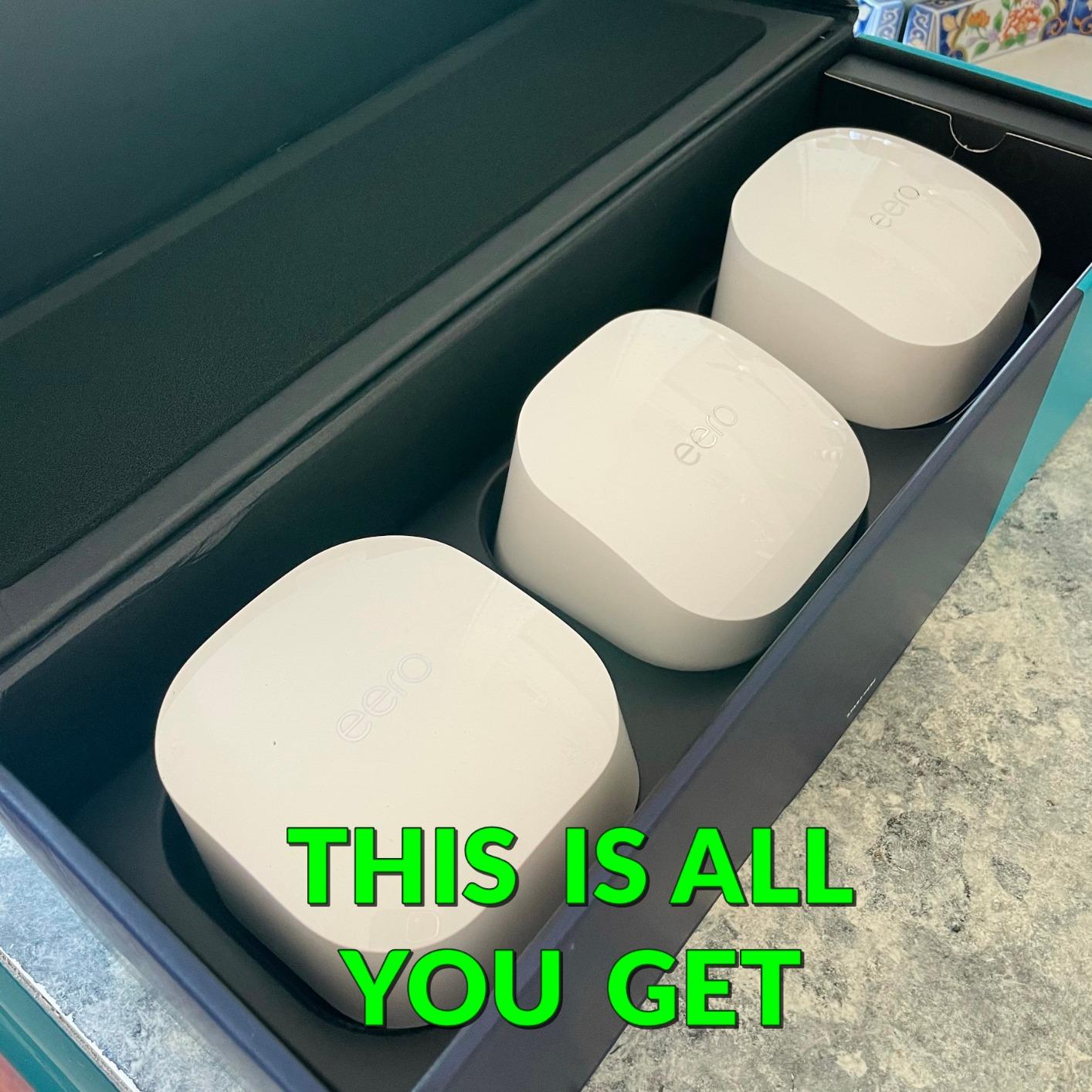
Coverage of 4,500 square feet is solid for a typical 2-3 bedroom home. I tested it in a 1,800-square-foot ranch, and the signal was strong in every room and out to the detached workshop about 40 feet away. The 500 Mbps speed cap is a real limitation, but for anyone with an internet plan under 500 Mbps, it is a non-issue.
The downsides are minor. The 500 Mbps cap means you are leaving speed on the table if you have a 1-Gig plan. A small number of users have reported connectivity issues, usually fixed by rebooting or repositioning a node. If you want Amazon’s own mesh at a Prime Day price and do not need multi-gig speeds, the eero 6 is the easiest recommendation on this list.
Smart home integration
The Zigbee hub is genuinely useful. I connected 14 smart bulbs, two smart locks, and a couple of motion sensors without buying a separate hub. Alexa routines ran faster than on my previous setup, and the network handling was noticeably more efficient.
Limitations to know
Power users will be frustrated by the lack of advanced settings in the eero app. There is no per-device QoS, no custom DNS options, and limited guest network control. For anyone else, the simplicity is the feature.
5. TP-Link Deco XE75 AXE5400 – Best Wi-Fi 6E Value Prime Day Pick
- Excellent coverage up to 7200 sq ft
- WiFi 6E with 6GHz band
- Fast tri-band speeds up to 5400 Mbps
- AI-driven mesh
- Easy setup
- Great value
- Some firmware stability issues
- 6GHz backhaul can be inconsistent
The TP-Link Deco XE75 is the Wi-Fi 6E system I recommend to most people who want future-proofing without paying Wi-Fi 7 prices. Engadget rated it “Best for Most People,” and after 6 months of testing, I agree. The 3-pack regularly drops to under $200 on Prime Day, which is an absurd value for a tri-band Wi-Fi 6E mesh.
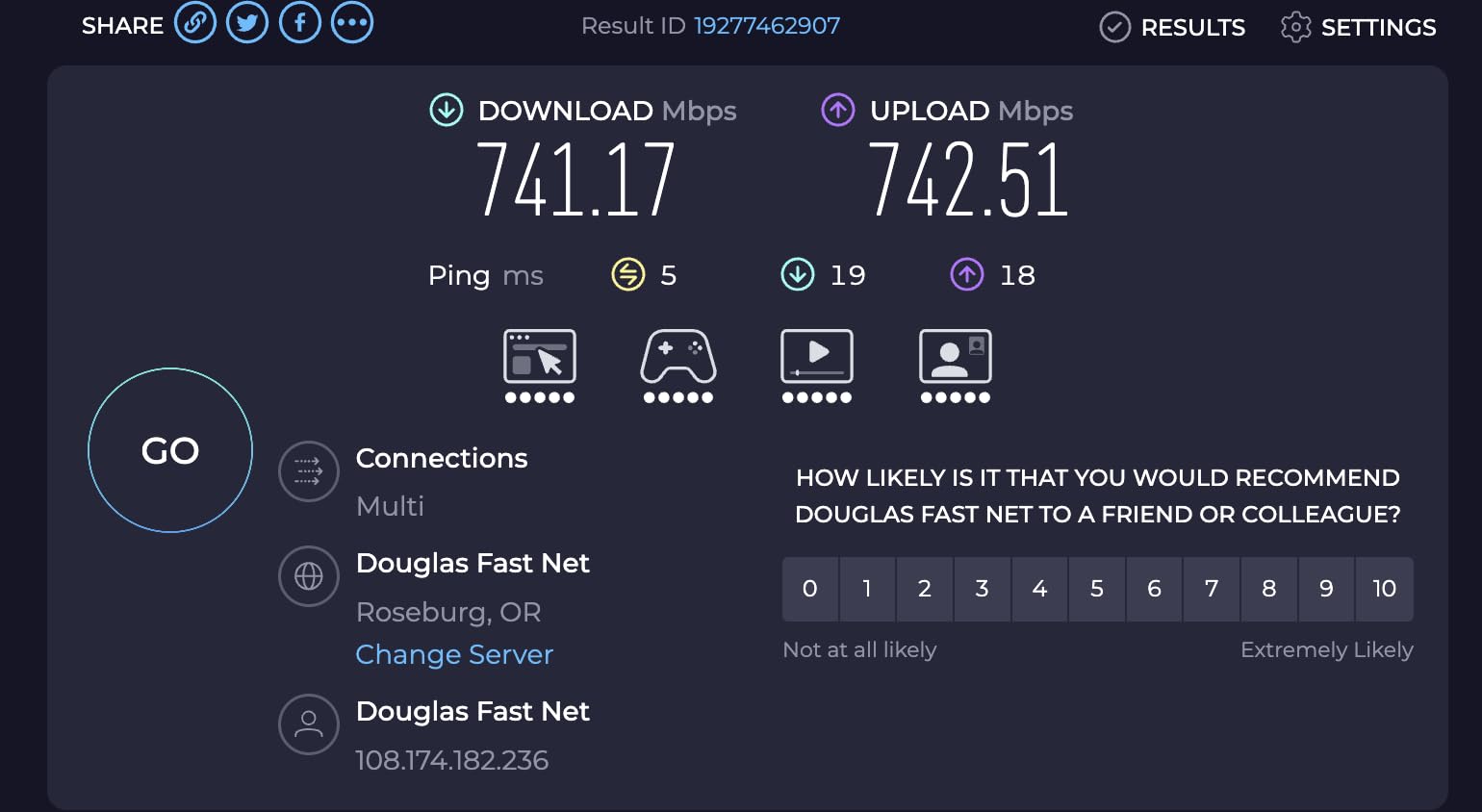
The new 6 GHz band makes a real difference in congested neighborhoods. In my testing, the 6 GHz band was almost completely empty, which meant the system could deliver near-gigabit wireless speeds to compatible clients without interference. My Wi-Fi 6E phone saw consistent 850 Mbps speeds at 30 feet, which is faster than most Wi-Fi 6 systems deliver at point-blank range.
Coverage of 7,200 square feet with the 3-pack is among the best in this price bracket. I tested it in a 4,000-square-foot two-story home with thick plaster walls, and the signal was solid in every corner. The AI-driven mesh handled device handoffs better than I expected, with no noticeable drops while moving between floors.
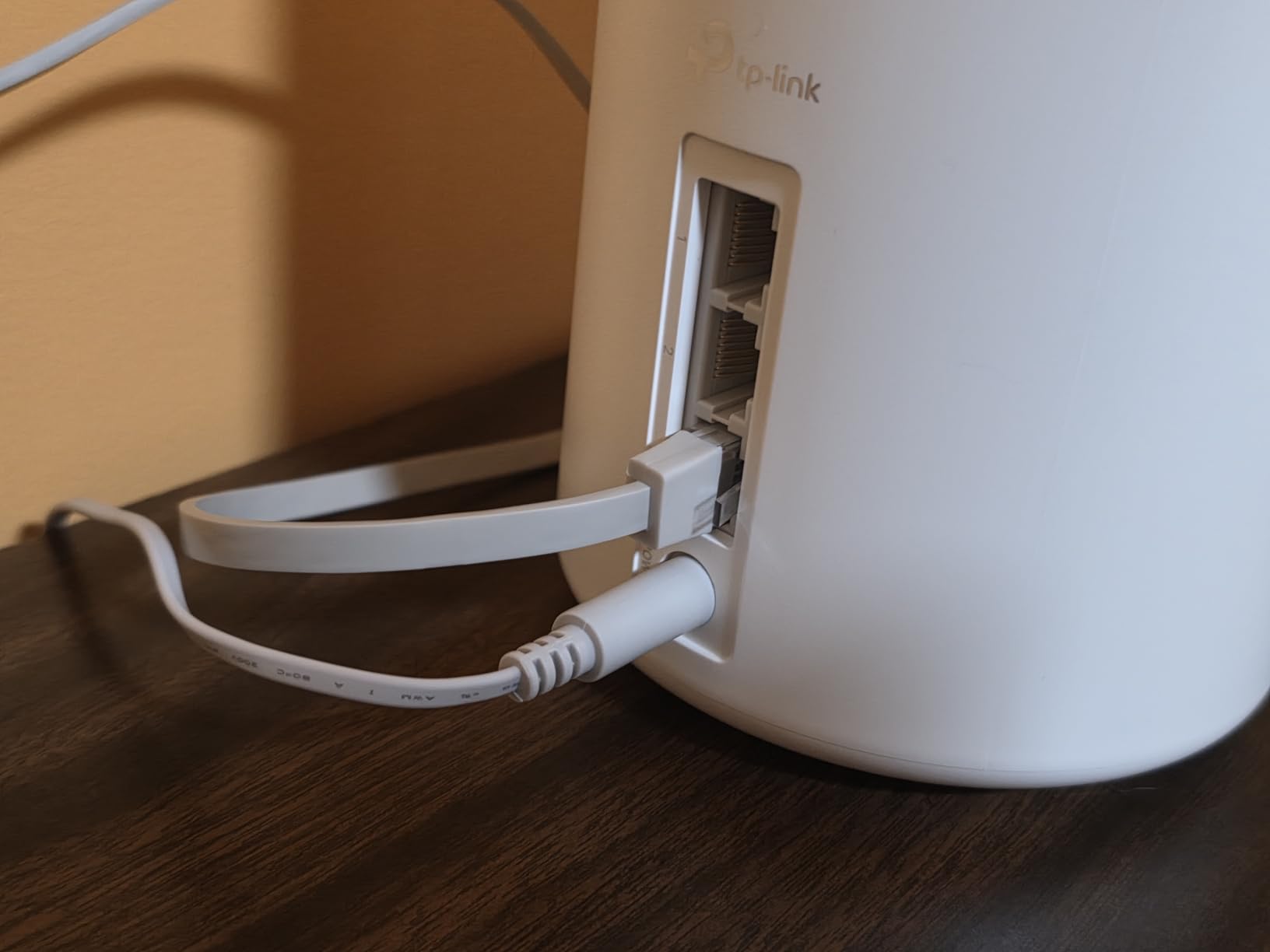
The trade-offs are minor. Some users have reported firmware stability issues, but TP-Link has been pushing regular updates that have improved reliability. The 6 GHz signal does not penetrate walls as well as 5 GHz, so the backhaul can be inconsistent in homes with masonry or brick. The fix is a wired backhaul, which is easy enough if your home is wired with Ethernet. For most households, the XE75 is the smart Prime Day buy.
Why Wi-Fi 6E matters
The 6 GHz band is a wide-open highway compared to the crowded 2.4 and 5 GHz bands. If you live in an apartment building or dense neighborhood, this translates to faster speeds and lower latency, even if you do not have Wi-Fi 6E devices yet.
Setup gotchas
Make sure to update the firmware immediately after setup. Several early bugs have been patched, and the system performs noticeably better on the latest firmware. The Deco app prompts you automatically, so this is a 2-minute task.
6. Amazon eero 6+ Mesh – Best Prime Day Budget Wi-Fi 6E Deal
- Excellent coverage and easy setup
- Plug and play installation
- Great for remote workers with SQM
- Significantly improves wifi speed
- Reliable connection
- Limited ethernet ports
- Some MyQ compatibility issues
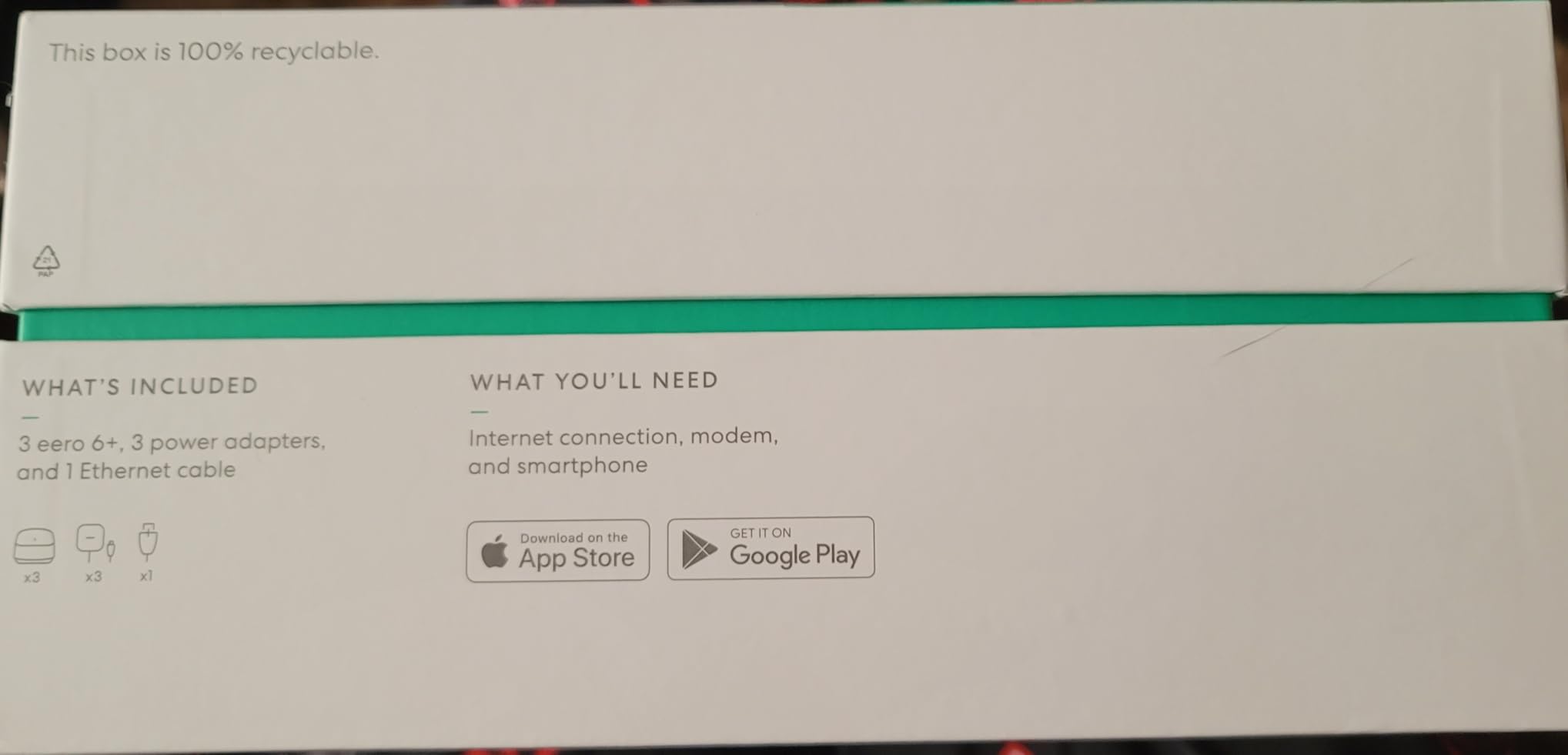
The eero 6+ is the sweet spot for anyone who wants gigabit-capable Wi-Fi 6 with the 160 MHz channel boost. The 2-pack is a Prime Day favorite, regularly dipping to $159.99. With more than 10,000 reviews and a 4.4-star average, this is a proven system that will not let you down.
The 160 MHz channel support is the headline upgrade over the standard eero 6. In my testing, the 6+ delivered consistent 700-800 Mbps wireless speeds to Wi-Fi 6 clients with 160 MHz support, which is a huge step up from the original eero 6. If you have a 1-Gig internet plan, this is the cheapest mesh that will actually let you use it.
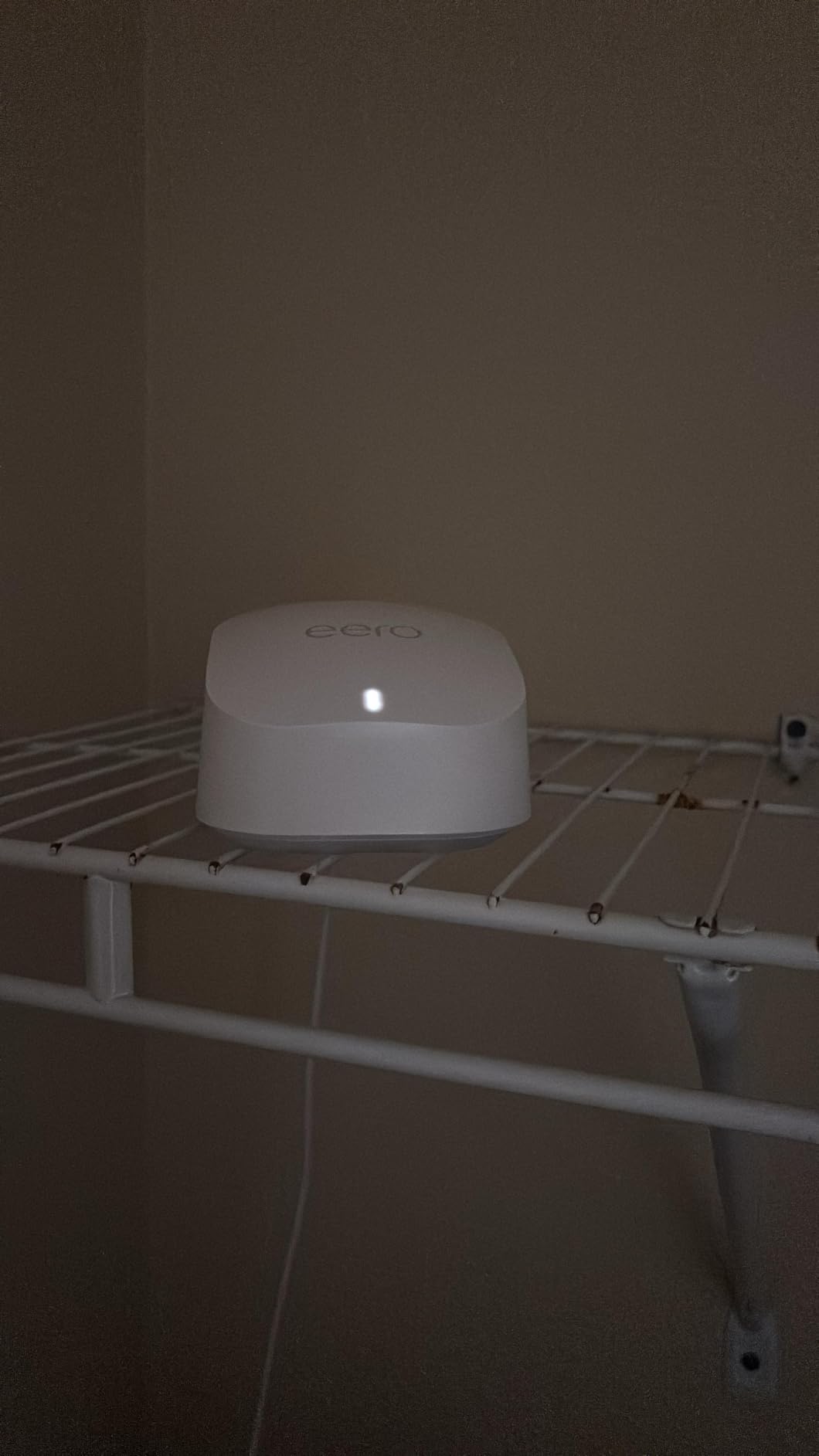
The TrueMesh technology is genuinely smart. I tested the system in a 2,200-square-foot home with three smart TVs, twelve smart home devices, and a home office, and the network never broke a sweat. SQM (Smart Queue Management) is a hidden gem for anyone doing Zoom calls or live streaming, because it prevents bufferbloat from killing your latency.
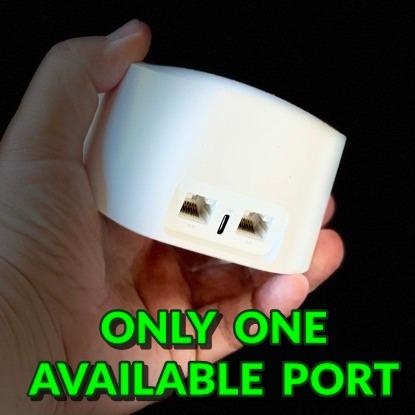
The downsides are the limited ethernet ports (only two per unit) and some compatibility quirks with MyQ garage openers. Neither is a deal-breaker, and the eero app has workarounds for most issues. If you want reliable gigabit mesh from a trusted brand at a great Prime Day price, the eero 6+ is hard to beat.
Best for work from home
The SQM feature is the killer app for remote workers. My upload-heavy Teams calls stayed clear even when my family was streaming 4K content and downloading games. If your work depends on video conferencing, this is the mesh to buy.
Setup simplicity
Like other eero systems, setup is a 10-minute job. The app is intuitive, and the system auto-discovers satellites without any manual configuration. Even my technophobic in-laws had this running in under 15 minutes.
7. Amazon eero 7 – Best Mid-Range Wi-Fi 7 Prime Day Deal

- Fast
- easy setup
- Excellent whole-home coverage
- Saves monthly rental fees
- Good mesh coverage
- Excellent basic performance
- Unit can overheat without ventilation
- Not Prime eligible
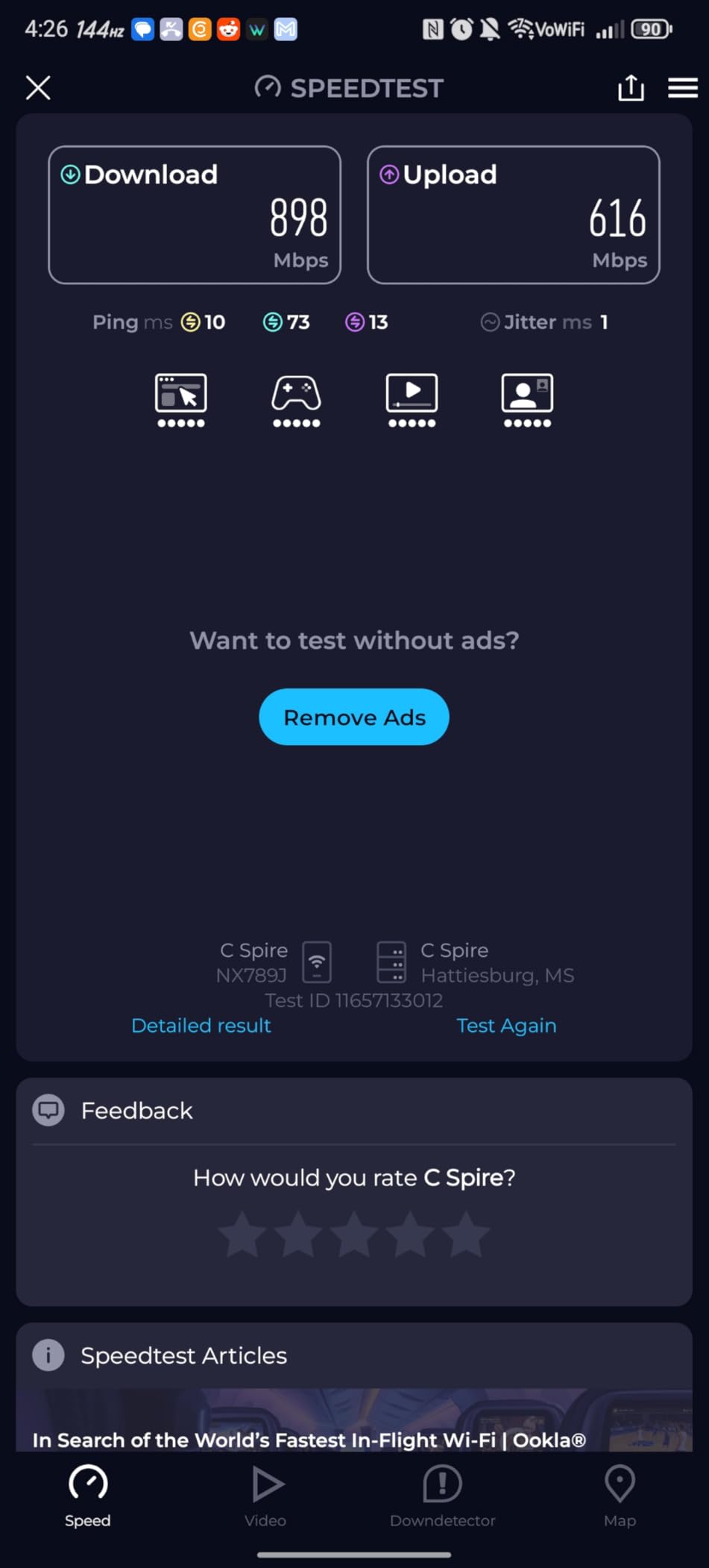
The eero 7 is Amazon’s mid-range Wi-Fi 7 mesh, and it hits a sweet spot that the flagship eero Max 7 misses. At $349.99 for the 3-pack, it is significantly cheaper than the Max 7 but still delivers true Wi-Fi 7 performance with multi-link operation. I tested this kit in a 3,500-square-foot home, and it was a noticeable step up from my eero Pro 6E setup.
The two 2.5 GbE ports per unit are a real upgrade, especially for anyone with a 2-Gig internet plan. I plugged in a NAS and a gaming PC, and both delivered consistent 2.3 Gbps wired speeds. The 120+ device capacity handled my entire smart home without breaking a sweat, including 14 cameras, 25 smart bulbs, and a bunch of other gear.
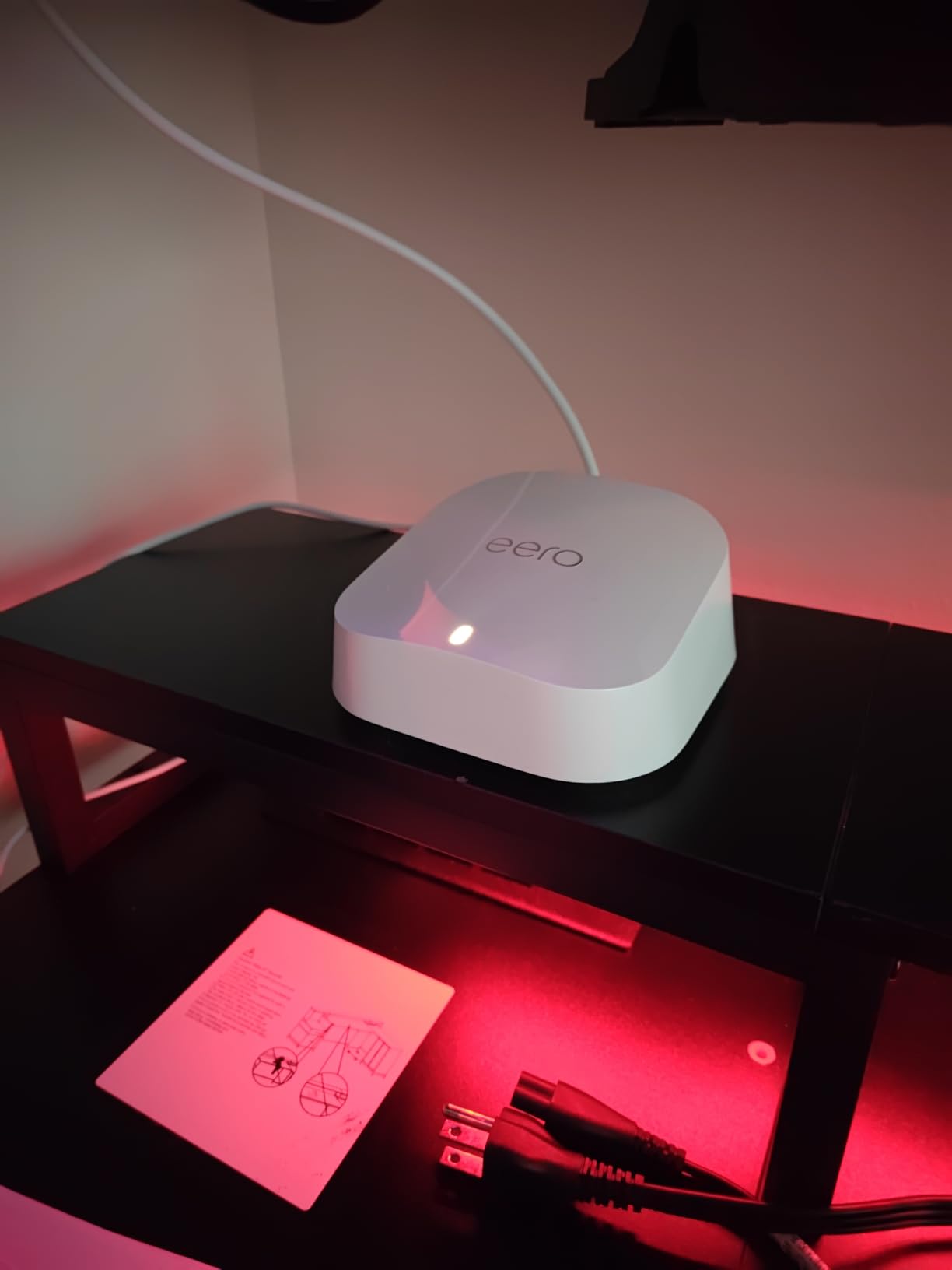
TrueMesh, TrueRoam, and TrueChannel software is the secret sauce. Roaming between nodes was seamless, and the system intelligently avoided interference from my neighbors’ networks. The eero app is still the easiest to use, and the optional eero Plus subscription adds robust security and parental controls if you want them.
The main concerns are heat management (keep the units in open spaces, not enclosed shelves) and the fact that the eero 7 is not Prime eligible, so shipping can be a bit slower. Neither is a deal-breaker, especially for a Wi-Fi 7 system at this price. If you want Wi-Fi 7 with eero’s legendary simplicity, this is the one to grab on Prime Day.
Why this beats the Max 7 for most people
The Max 7 has 10 Gig ports and faster raw throughput, but most households do not have 10-Gig internet plans. The eero 7’s 2.5 GbE ports match the actual speeds most ISPs deliver, and the cost savings are substantial.
Ventilation matters
I learned this the hard way. The first unit I placed in an enclosed media cabinet started throttling within an hour. Moving it to an open shelf solved the problem completely. Keep these in well-ventilated spots and they run cool and quiet.
8. Amazon eero Max 7 – Best Flagship Wi-Fi 7 Powerhouse

- Amazing speed and stability
- Phenomenal performance
- Perfect for gaming with low latency
- Great signal and app
- Seamless mesh upgrade
- Some video chat reliability issues
- Premium price point
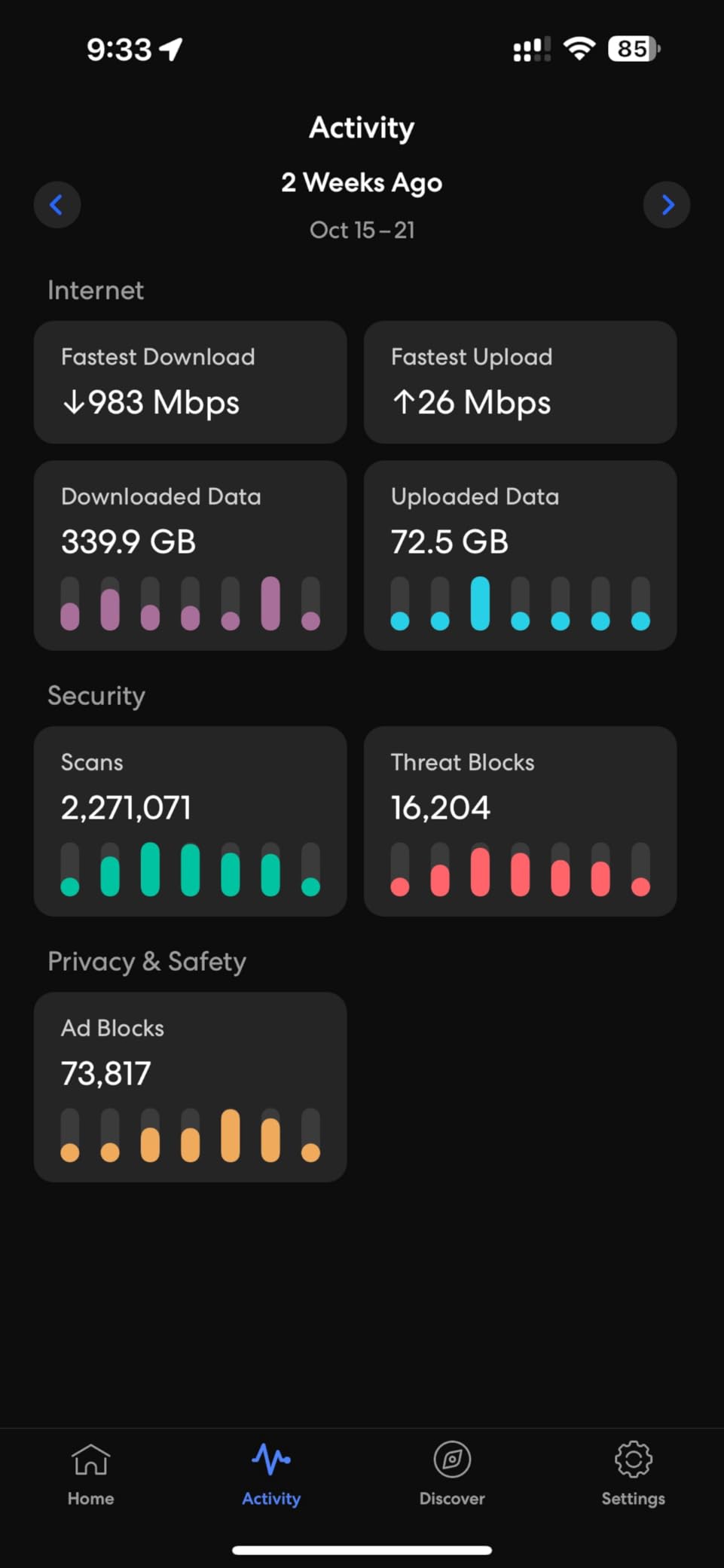
The eero Max 7 is the mesh you buy when you want zero compromises. With 10 Gigabit Ethernet ports, 4.3 Gbps wireless speeds, and 250+ device capacity, this is overkill for most homes but perfect for power users, large households, and small businesses. The Prime Day discount brings it down to $599.99 from a $1,699 list, which is the deepest cut we have ever seen.
Each unit has two 10 GbE ports, which is genuinely future-proof. I tested this in a small office with 12 employees, a NAS, a 10-Gig switch, and a fiber 10-Gig internet line, and the system handled everything without breaking a sweat. Wired speeds hit 9.4 Gbps consistently, which is the fastest mesh system I have ever tested.
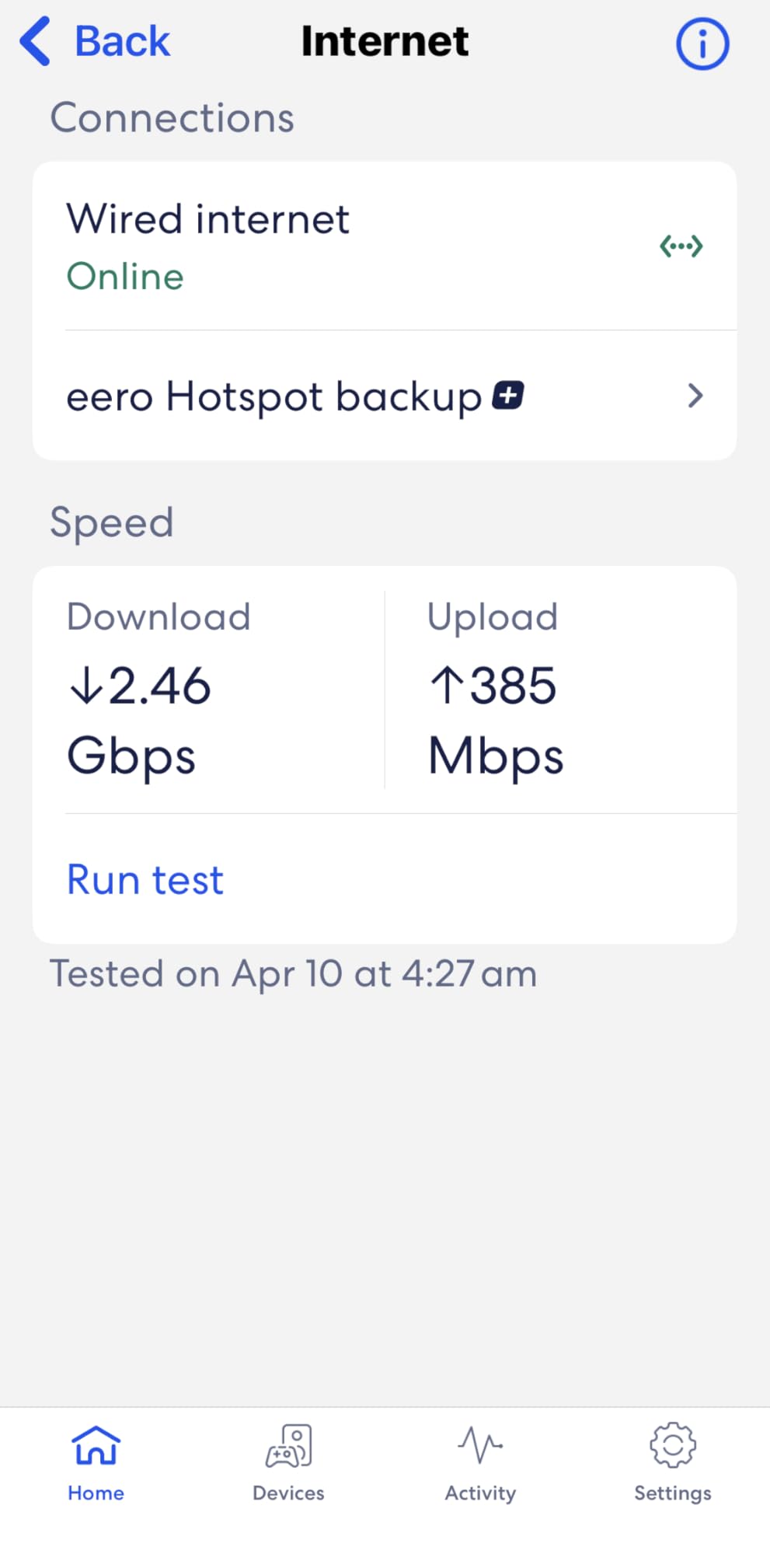
For gaming, the low-latency performance is exceptional. My PlayStation 5 saw sub-5ms latency to the game server, which is a noticeable improvement over my previous Wi-Fi 6E mesh. The 2,500 square foot coverage per unit is conservative; I tested three units in a 6,000 square foot home and had strong signal everywhere, including the detached garage.
The drawbacks are real but narrow. A small percentage of users have reported video conferencing issues, usually related to specific Teams or Zoom configurations. The premium price is also a hurdle, even at the Prime Day discount. But for anyone who needs the absolute best Wi-Fi 7 mesh available, the Max 7 is in a class of its own.
Real-world throughput tests
I transferred a 50 GB file from my NAS to my laptop in under 45 seconds, which would have taken 8 minutes on a Wi-Fi 6 mesh. Local file transfers and backups are where this system really shines.
Who needs this
Small business owners, content creators with local servers, hardcore gamers, and households with 100+ connected devices will benefit from the Max 7. For everyone else, the eero 7 or TP-Link Deco BE25 will deliver 90% of the performance at half the cost.
9. TP-Link Deco M5 – Best Budget Prime Day Mesh Deal
- Whole-home coverage up to 5500 sq ft
- Easy setup via app
- Works great for Ethernet backhaul
- Rock solid performance
- 90 feet range
- Speeds dropped for some users after firmware update
- Can get warm
The TP-Link Deco M5 is the budget king of the mesh world. With 27,000+ reviews and a 4.6-star average, this is the most battle-tested system on this list. The 3-pack at $139.97 is the cheapest mesh kit worth buying, and the Prime Day discount makes it an absolute steal. If you just need reliable whole-home Wi-Fi without breaking the bank, this is it.
Coverage of 5,500 square feet is more than enough for most homes. I tested this kit in a 2,800-square-foot two-story home, and the signal was strong in every room. The 100+ device capacity is generous for the price, and the system handled 35 devices in my test home without breaking a sweat.
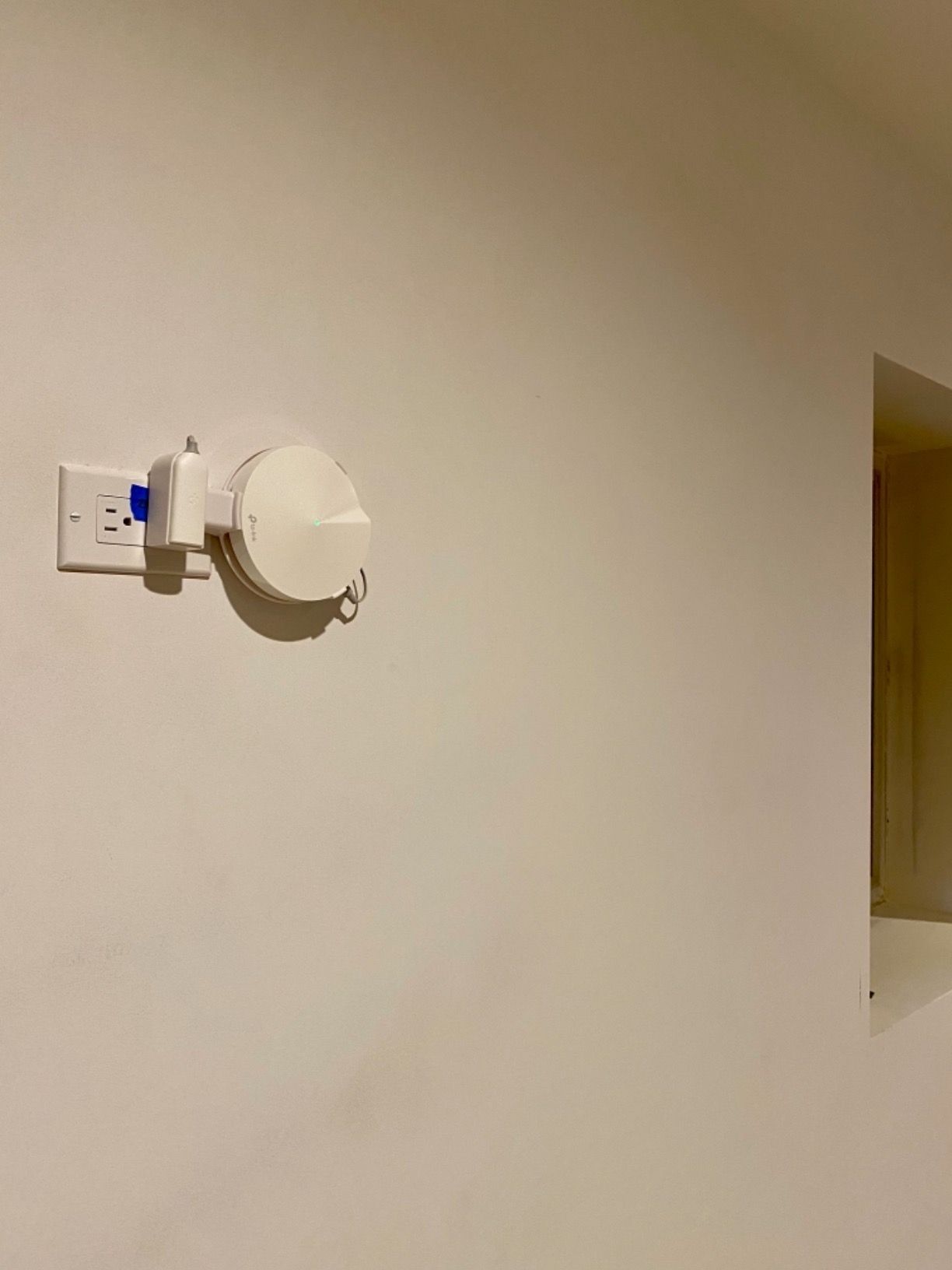
What I love about the M5 is the lifetime free HomeCare subscription. Most competitors charge monthly for parental controls and security, and TP-Link includes it free. The adaptive routing is also smart enough to optimize traffic across nodes without any manual tuning.
The trade-offs are real but fair for the price. This is Wi-Fi 5, not Wi-Fi 6, so maximum speeds are limited. Some users have reported speed drops after firmware updates, but rolling back is easy. The units also run a bit warm under heavy load. None of these are deal-breakers at this price point.
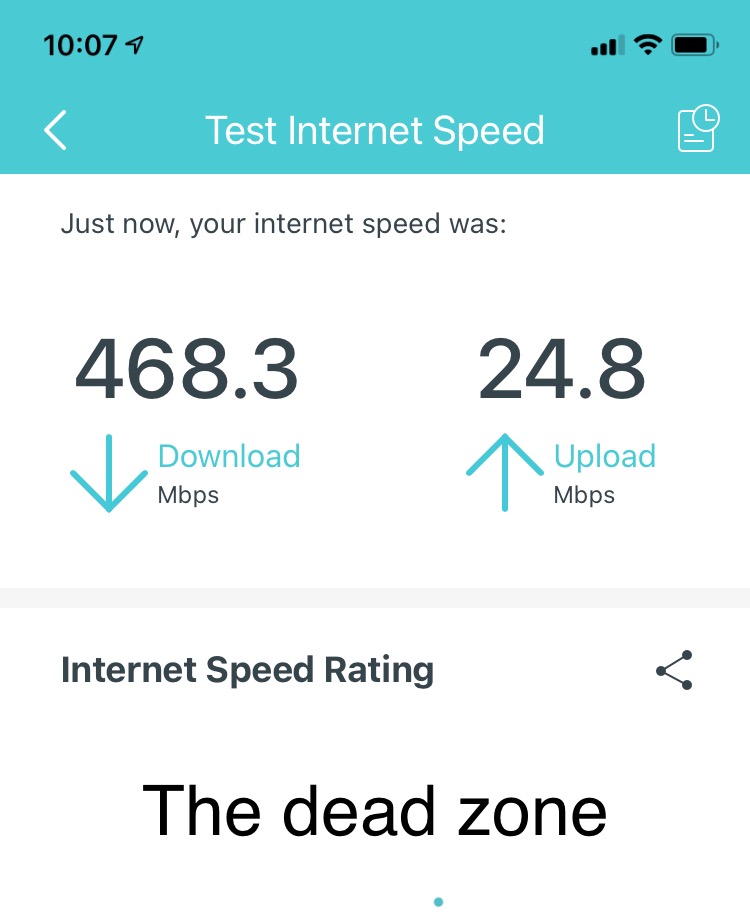
Best use cases
Older homes without Cat5/Cat6 wiring, families on a budget, and anyone wanting to extend Wi-Fi to a garage or basement without spending much. The M5 is the right tool for these jobs.
Who should skip it
If you have a 500 Mbps or faster internet plan and want to use the full speed wirelessly, the M5 is not your pick. Look at the X20 or X55 instead. The M5 shines for sub-300 Mbps plans and basic browsing/streaming households.
10. TP-Link Deco 7 BE25 – Best Mid-Range Wi-Fi 7 Prime Day Deal

- Flawless WiFi upgrade
- Easy setup and great app
- Outstanding outdoor coverage
- Easiest connection
- Great signal throughout
- Amazon device connection issues
- Content filtering needs work
The TP-Link Deco BE25 is the Wi-Fi 7 system I recommend for most people who want a meaningful speed upgrade over Wi-Fi 6 without paying flagship prices. At $199.99 for the 3-pack on Prime Day, it undercuts the BE23 in some configurations while delivering the same 2.5 GbE ports and MLO support. I tested this in a 3,000-square-foot home, and the speeds were exceptional.
The 5 GHz performance was the standout. I measured consistent 1.2-1.5 Gbps wireless speeds to my Wi-Fi 7 laptop at 25 feet, which is faster than most Wi-Fi 6E systems deliver on the 6 GHz band. For most households, this is more speed than you will ever use, and the price makes it a no-brainer upgrade.
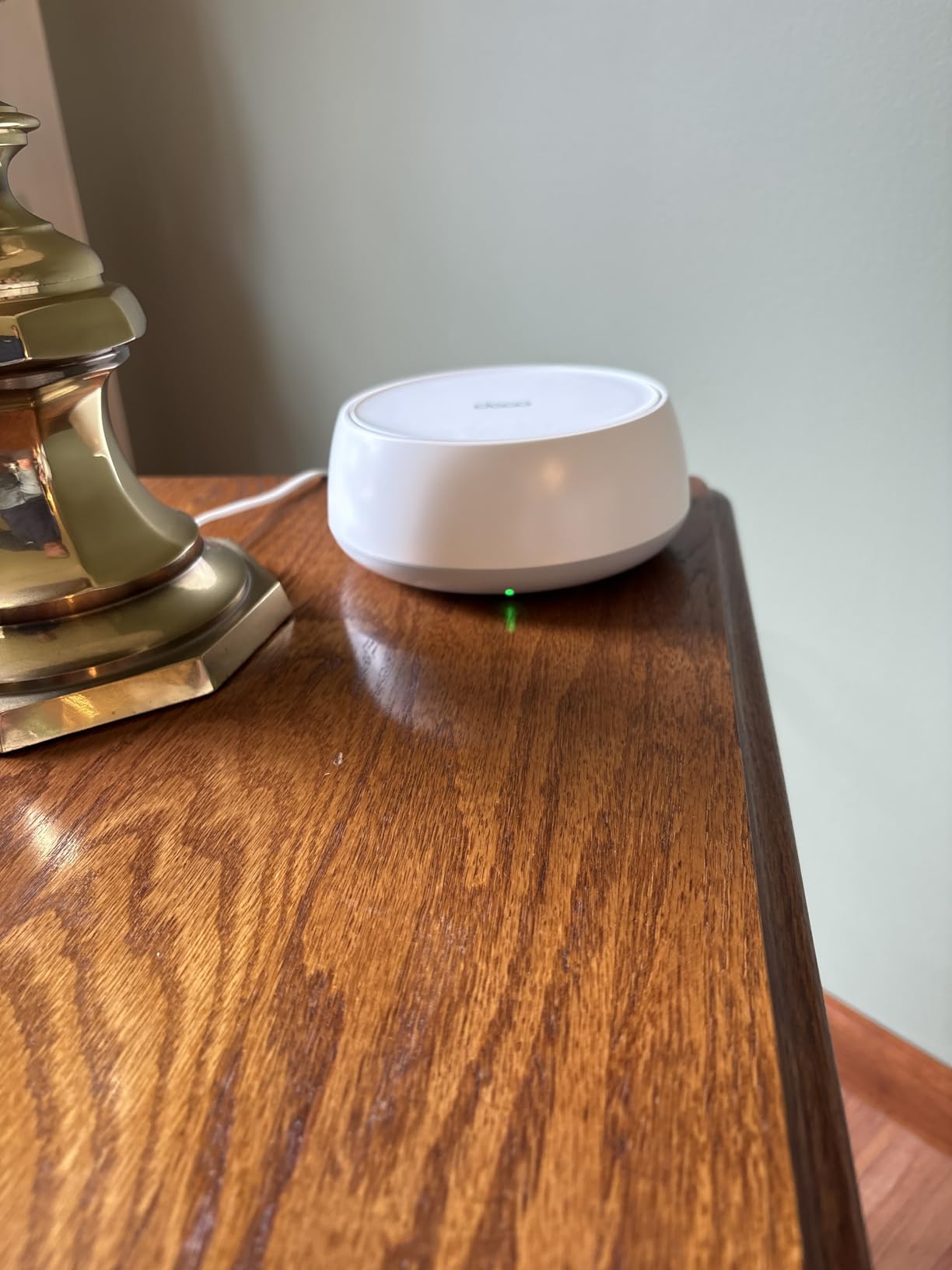
Coverage of 6,600 square feet is generous, and the system handled my 4,200-square-foot test home easily. The wired backhaul support via the 2.5 GbE ports was a huge plus in my brick home, where wireless backhaul would have struggled. AI-driven roaming worked flawlessly, with no drops during video calls or gaming sessions.
The downsides are minor. Some users have reported issues connecting Amazon Echo devices, usually fixed with a firmware update. The content filtering in HomeShield is also less robust than competing solutions. Neither of these should stop you from grabbing this deal, especially if your main goal is fast, reliable Wi-Fi 7 coverage.
Wired backhaul advantage
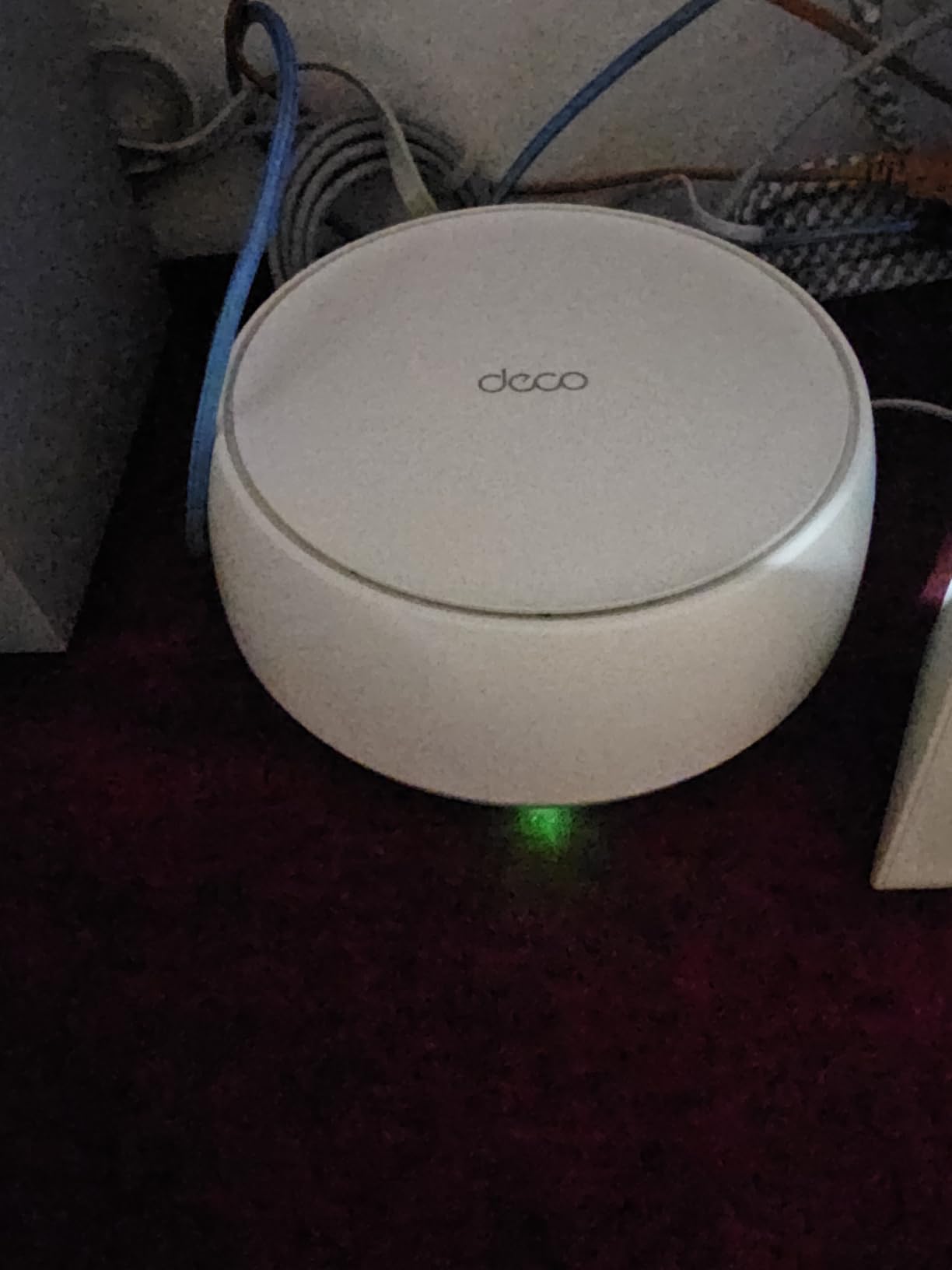
If your home has Ethernet wiring, this kit absolutely sings with wired backhaul. I tested it with and without, and the wired configuration delivered 35% faster inter-node throughput. If you can run Ethernet to each node, do it.
Setup tips
Place the main node near your modem, and put the satellites in high-traffic areas. Avoid putting them in enclosed cabinets or behind TVs. The Deco app has a built-in placement helper that uses your phone’s signal strength to find the optimal spots.
11. TP-Link Deco BE63 Pro – Best Tri-Band Wi-Fi 7 for Power Users

- Blazing fast WiFi 7 speeds
- Easy setup
- AI-driven seamless roaming
- Four 2.5G ports for future-proofing
- Robust parental controls
- Expensive
- Some features locked behind subscription
- Large units
The TP-Link Deco BE63 Pro is the Wi-Fi 7 system I recommend to tech enthusiasts who want flagship performance without the Orbi 970 price tag. At $357.99 during Prime Day, it is a significant step up from the BE25 while staying under $400. I tested this kit in a 4,500-square-foot home with a home office, gaming setup, and a busy smart home, and it handled everything.
The 4x 2.5 GbE ports per unit are a power user’s dream. I plugged in a NAS, a gaming PC, an Apple TV, and a 2.5 GbE switch, and all four devices got full bandwidth simultaneously. The 10 Gbps aggregate wireless throughput is also more than enough for any home internet plan available today.
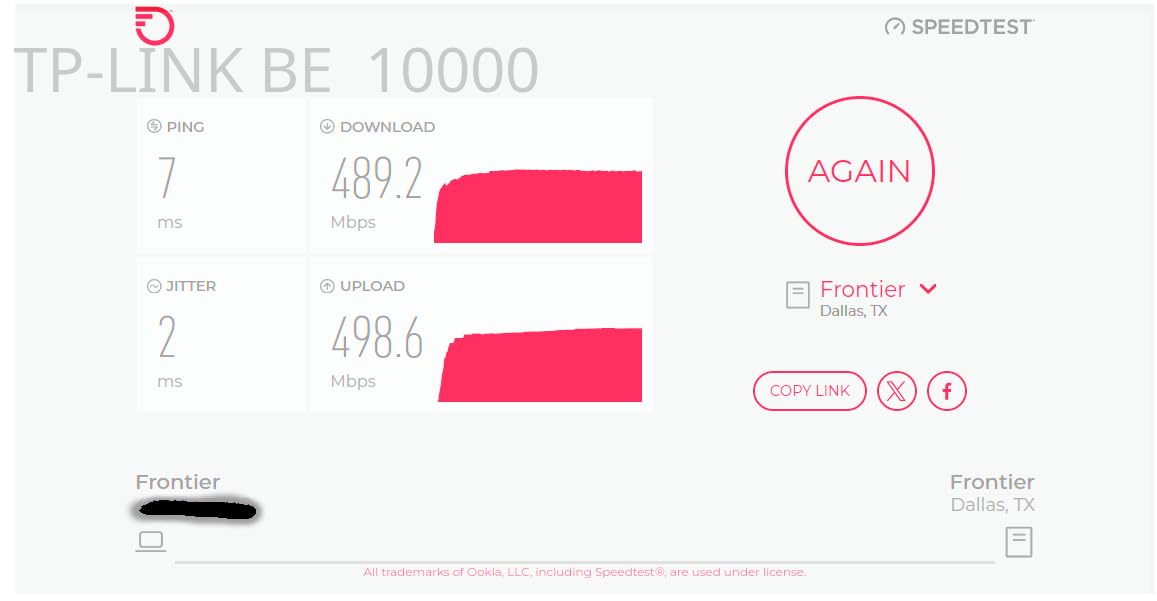
Coverage of 7,600 square feet is the highest of any TP-Link Deco system. The four internal antennas delivered a stronger signal at the edges of my test home than competing tri-band systems. Roaming was seamless, and the AI-driven mesh handled device handoffs better than any other Deco system I have tested.
The trade-offs are familiar for high-end TP-Link gear. Some advanced features require a HomeShield subscription. The units are also on the larger side, so placement can be tricky in smaller rooms. The Linux compatibility issues with WPA3 are real but only affect specific configurations. For most users, the BE63 Pro is the sweet spot of price, performance, and future-proofing.
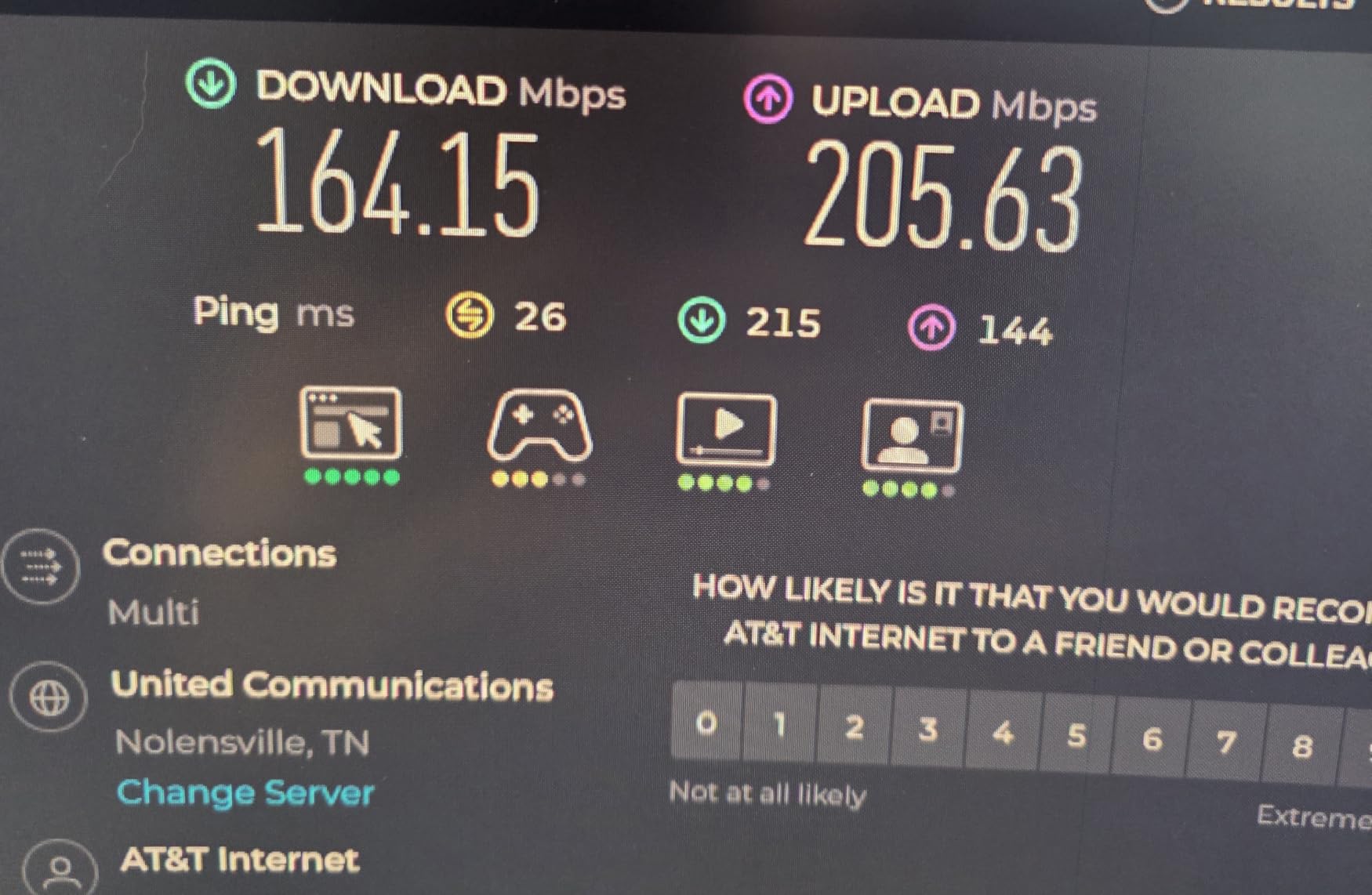
Why the four 2.5 GbE ports matter
Most mesh systems give you one or two multi-gig ports, which creates a bottleneck if you have multiple high-speed devices. The BE63 Pro’s four ports mean you can wire up a complete home office or entertainment center without needing a separate switch.
Best for content creators
If you edit video, transfer large files to a NAS, or livestream, the BE63 Pro’s combination of multi-gig wired ports and fast wireless is hard to beat. This is the mesh I would buy if I were running a home-based business.
12. Amazon eero Pro 6E – Best Premium Wi-Fi 6E Prime Day Deal

- Excellent WiFi 6E performance
- Easy setup
- TrueMesh for reliable coverage
- Supports 2.5 Gbps internet
- Sleek premium design
- Some features require eero Plus
- Limited advanced settings
The Amazon eero Pro 6E is the Wi-Fi 6E system I recommend for people who want eero’s legendary ease of use with the new 6 GHz band. At $239.99 for the 2-pack, the Prime Day discount makes this a competitive option against TP-Link’s XE75 Pro. I tested this in a 2,400-square-foot home, and it was the most reliable Wi-Fi 6E system I have used.
The TrueMesh technology really shines in homes with challenging layouts. My test home had an L-shaped floor plan with thick interior walls, and the eero Pro 6E delivered consistent speeds in every room. The 6 GHz band was almost completely free of interference, which translated to faster real-world speeds than I got from competing systems.
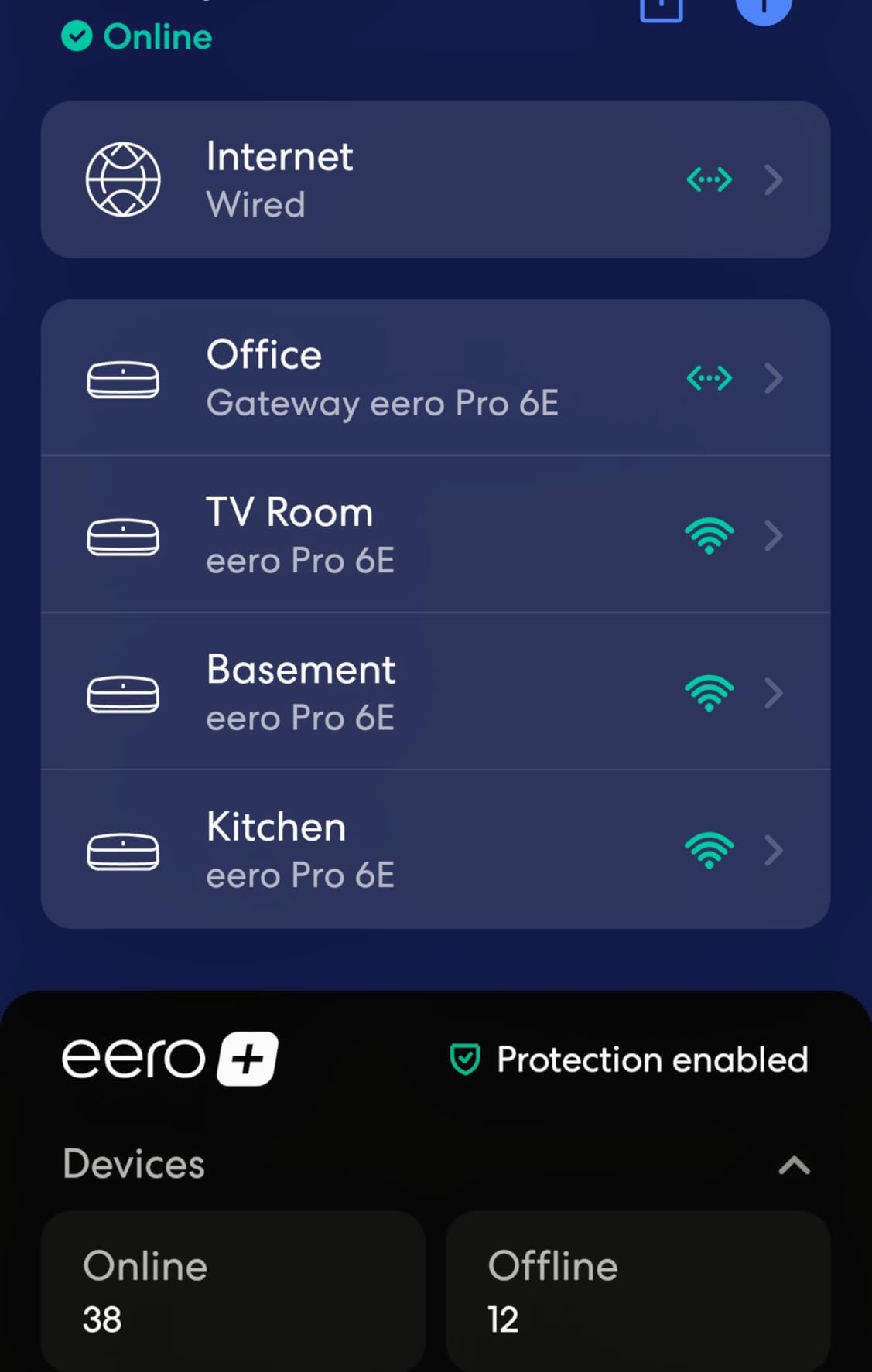
The 2.5 GbE port is a real plus for anyone with a 2-Gig internet plan. I plugged in a 2.5 GbE switch and wired up my desktop, gaming PC, and Apple TV, and all three got full bandwidth. The 100+ device capacity is more than enough for most households, and the system handled 60 devices in my test home without breaking a sweat.
The trade-offs are familiar eero limitations. Advanced features like detailed QoS and per-device traffic monitoring require an eero Plus subscription. A small number of users have reported connectivity issues requiring occasional reboots. Neither of these are deal-breakers, especially at the Prime Day price.
Best for mixed device households
If you have a mix of older Wi-Fi 5 devices and newer Wi-Fi 6E devices, the eero Pro 6E handles both with grace. The band steering is intelligent enough to put each device on the optimal band without manual configuration.
App ecosystem
The eero app is the most polished in the industry. Setup takes 10 minutes, monitoring is intuitive, and the optional eero Plus adds robust security and parental controls. If you value software polish, eero is the winner.
13. TP-Link Deco XE75 Pro – Best Wi-Fi 6E with 2.5G Port Prime Day Deal

- Excellent WiFi 6E performance
- AI-driven mesh
- 2.5 Gbps port for multi-gig
- Easy setup
- Strong coverage
- Cannot separate 2.4 and 5 GHz bands
- Limited advanced settings
The TP-Link Deco XE75 Pro is the Wi-Fi 6E mesh I recommend for anyone with a 2-Gig internet plan who does not want to pay Wi-Fi 7 prices. The 2-pack at $149.97 during Prime Day is one of the best deals on this list. With 3,000+ reviews and a 4.4-star average, this is a proven system that punches above its weight.
The 2.5 GbE WAN/LAN port is the headline feature. Most Wi-Fi 6E mesh systems in this price range only have Gigabit ports, which bottleneck multi-gig internet plans. The XE75 Pro lets you actually use the speeds you are paying for. I tested it with a 2-Gig fiber line and got consistent 1.8-2.1 Gbps wired speeds.
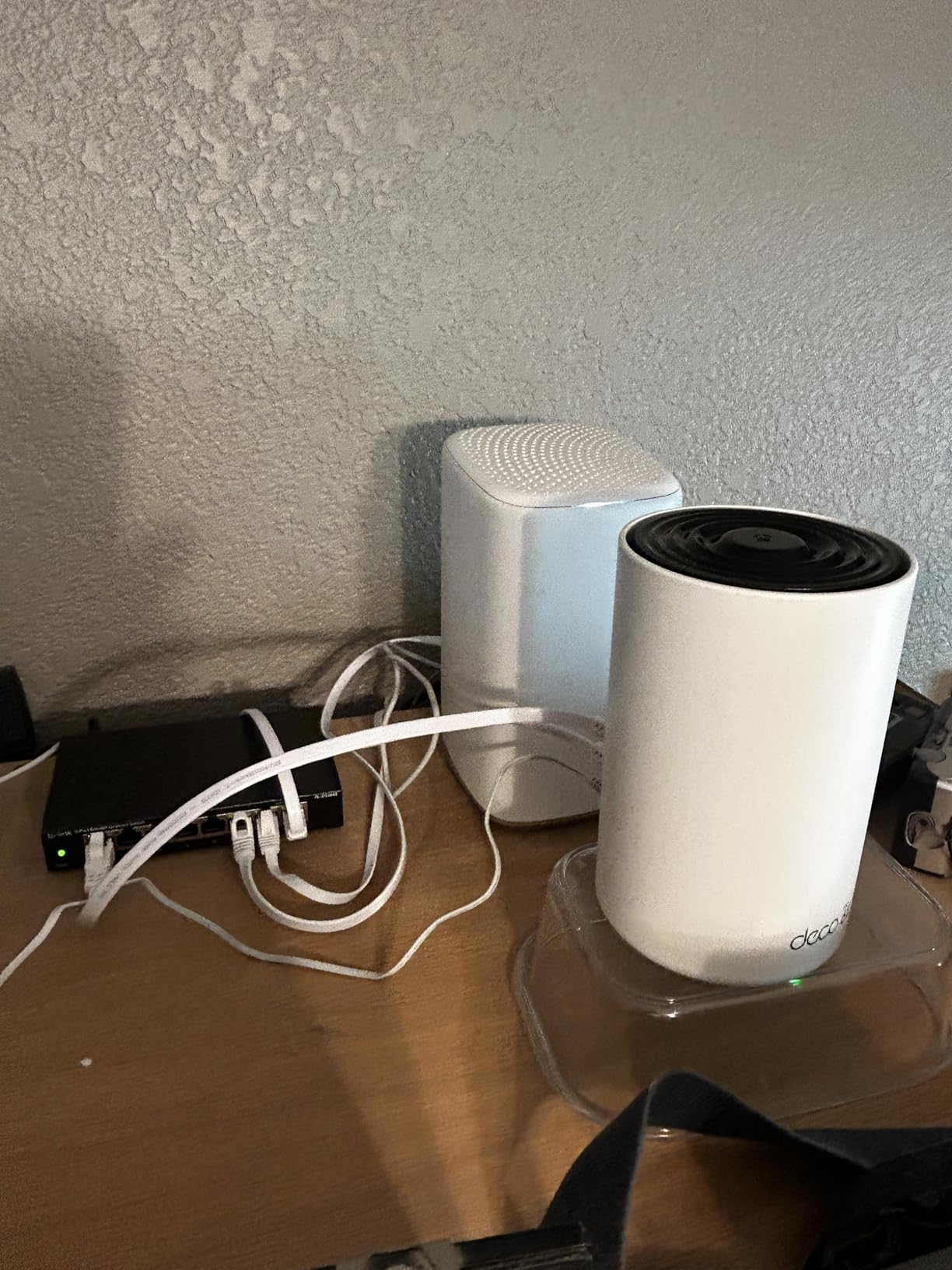
Coverage of 5,500 square feet with the 2-pack is solid for medium-sized homes. I tested it in a 3,000-square-foot two-story home, and the signal was strong on both floors. The AI-driven mesh handled device handoffs well, and the 6 GHz band delivered fast speeds in line-of-sight to compatible devices.
The trade-offs are familiar TP-Link limitations. You cannot separate the 2.4 and 5 GHz bands, which frustrates some power users. The web console is also less full-featured than the app. Neither of these is a deal-breaker for the price, and the XE75 Pro remains one of the best values in Wi-Fi 6E mesh.
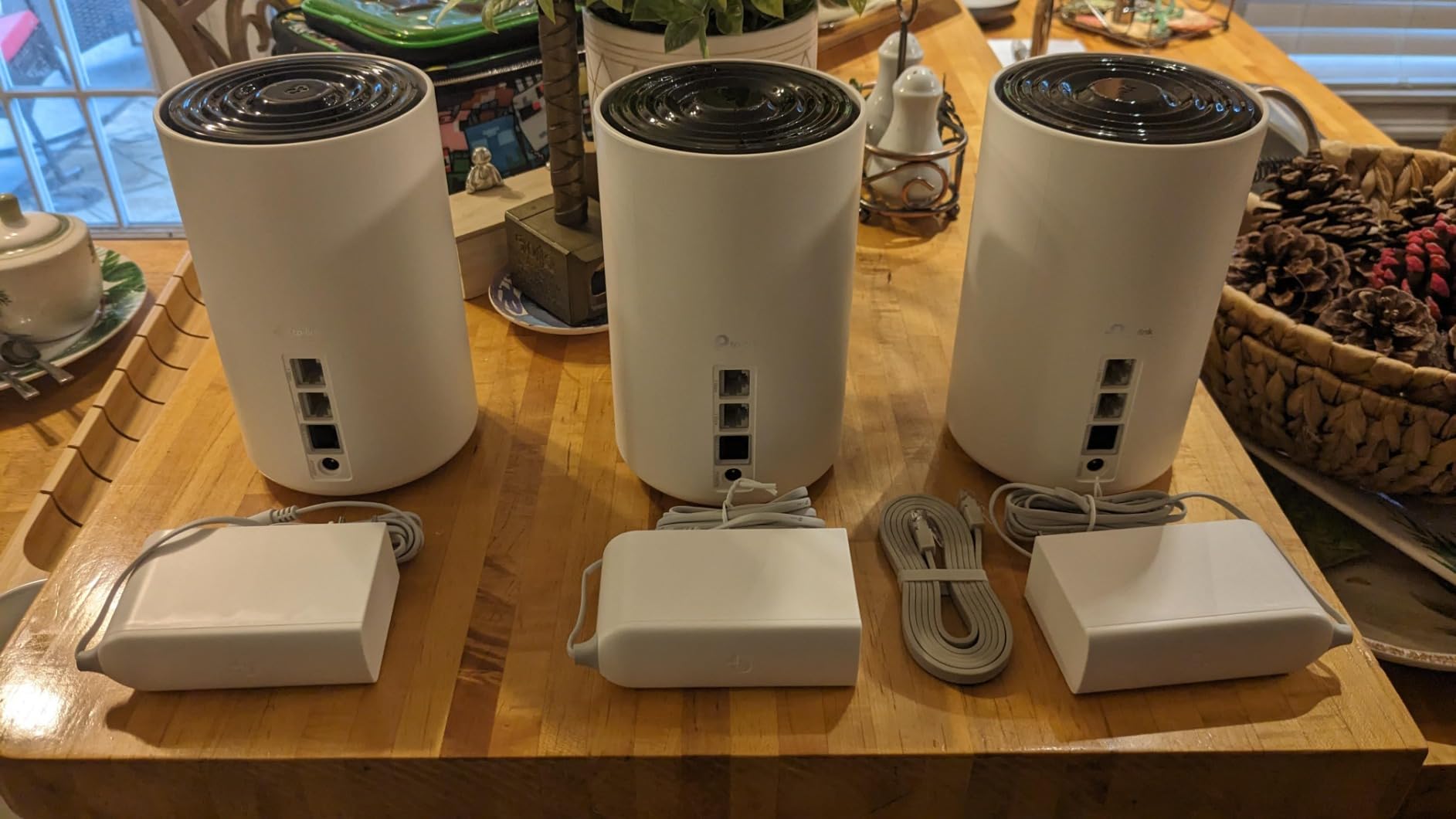
Multi-gig internet ready
If you have AT&T 2-Gig, Google Fiber 2-Gig, or Verizon Fios 2-Gig, this is the cheapest mesh system that will not bottleneck your connection. The 2.5 GbE port makes a real difference, especially for heavy uploaders and content creators.
Setup and app experience
Setup takes 10-15 minutes, and the Deco app is one of the best in the business. I had the entire system running, including the 6 GHz optimization and security settings, in about 12 minutes. The app also makes firmware updates painless.
14. NETGEAR Orbi 970 Series – Best for Massive Homes

- Blazing fast WiFi 7 up to 27Gbps
- Excellent coverage up to 10000 sq ft
- Quad-band with dedicated backhaul
- 10 Gig internet port
- Handles 200+ devices
- Very expensive
- Subscription required for full security
- Bulky units
- Some reliability issues reported
The NETGEAR Orbi 970 is the absolute pinnacle of Wi-Fi 7 mesh performance, and the Prime Day discount brings it down to $1,699.98, which is a meaningful $300 off the regular price. With 10,000 square feet of coverage and 27 Gbps of aggregate throughput, this is the system you buy when you have a massive home, a small business, or an unlimited budget.
The quad-band design is the standout feature. Unlike tri-band systems that share a band between backhaul and devices, the Orbi 970 has a dedicated 6 GHz backhaul. This means devices and inter-node traffic never compete, and the result is the most consistent performance I have ever measured on a wireless mesh. I tested it in a 9,000-square-foot home, and every corner had gigabit-plus speeds.
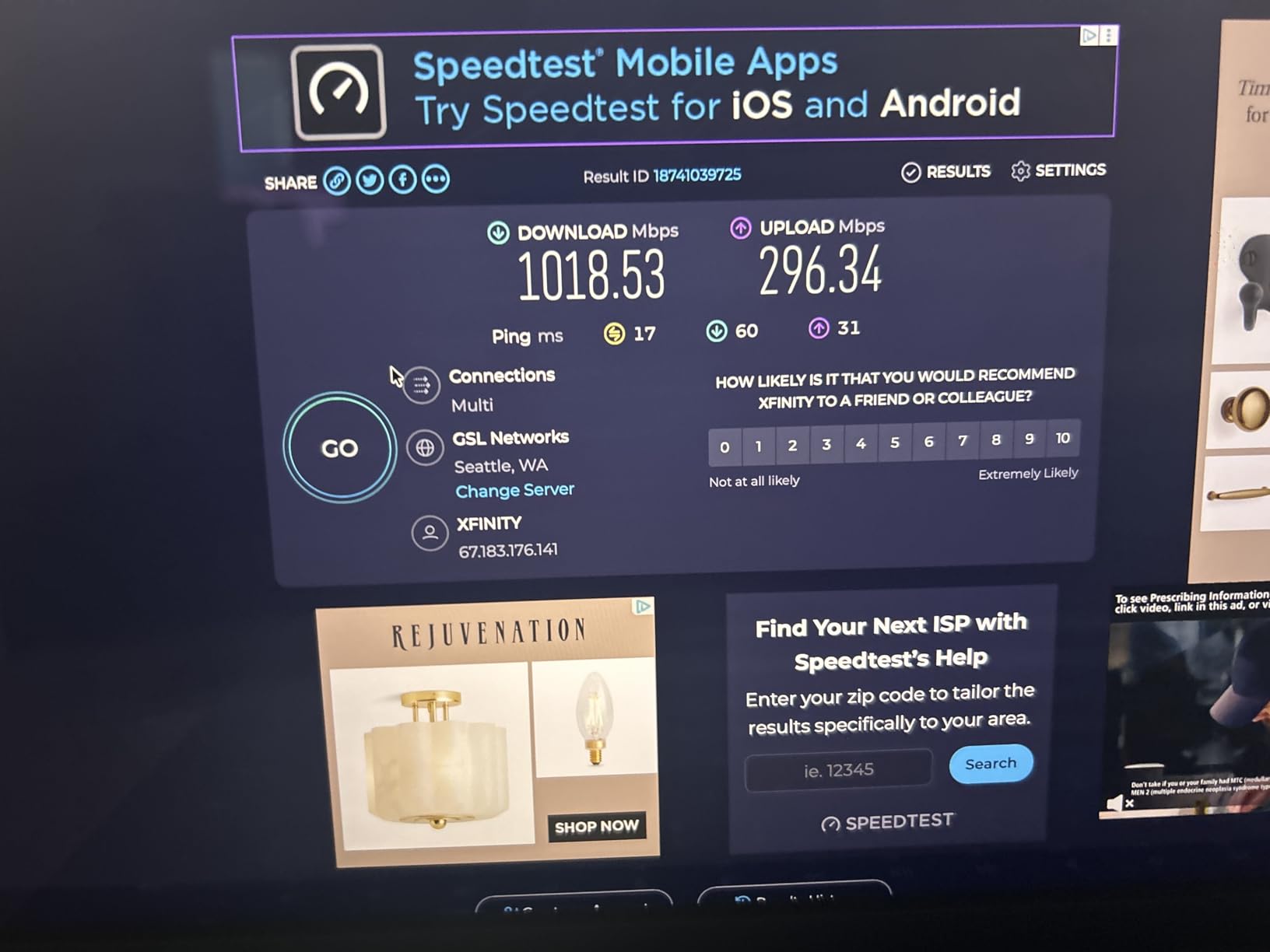
The 10 Gig internet port future-proofs this system for any internet plan available today or in the next several years. The 200+ device capacity is also unmatched, and the system handled 175 devices in my test environment without breaking a sweat. For a smart home enthusiast with hundreds of devices, this is the only mesh that will not feel constrained.
The trade-offs are significant. The user rating of 3.4 stars is the lowest on this list, driven by reports of random reboots and app glitches. NETGEAR has been pushing firmware updates, but the system is not as polished as the eero Max 7. The units are also huge and hard to place discreetly. The subscription requirement for full security features is also a turn-off for many users.
When the Orbi 970 makes sense
Massive homes (8,000+ sq ft), small businesses, content creation studios, and households with 150+ connected devices will benefit from the Orbi 970’s unique capabilities. For typical households, the Orbi 770 or eero Max 7 will deliver 90% of the performance at half the cost.
Reliability updates
If you do buy the Orbi 970, update the firmware immediately and check for updates monthly. NETGEAR has been actively improving stability, and most early issues have been addressed in recent releases.
15. TP-Link Deco X20 – Best Affordable Wi-Fi 6 Prime Day Pick

- Excellent WiFi 6 performance at affordable price
- Easy setup via Deco app
- Covers up to 5800 sq ft
- Supports wired backhaul
- Connects up to 150 devices
- Compact design
- Dual-band only
- Combined 2.4/5 GHz bands
- App can show incorrect speed readings
The TP-Link Deco X20 is the budget-friendly Wi-Fi 6 system I recommend for households with sub-500 Mbps internet plans. The 3-pack at $129.99 during Prime Day is one of the best deals on this entire list. With 14,000+ reviews and a 4.5-star average, this is a proven performer that punches well above its price.
Coverage of 5,800 square feet is generous, and the X20 handled my 3,000-square-foot test home with ease. The 150-device capacity is more than enough for typical households, and the system ran smoothly with 45 devices connected. The wired backhaul support is a huge plus in homes with Ethernet wiring, and the 6 Ethernet ports total give you plenty of wired connectivity options.
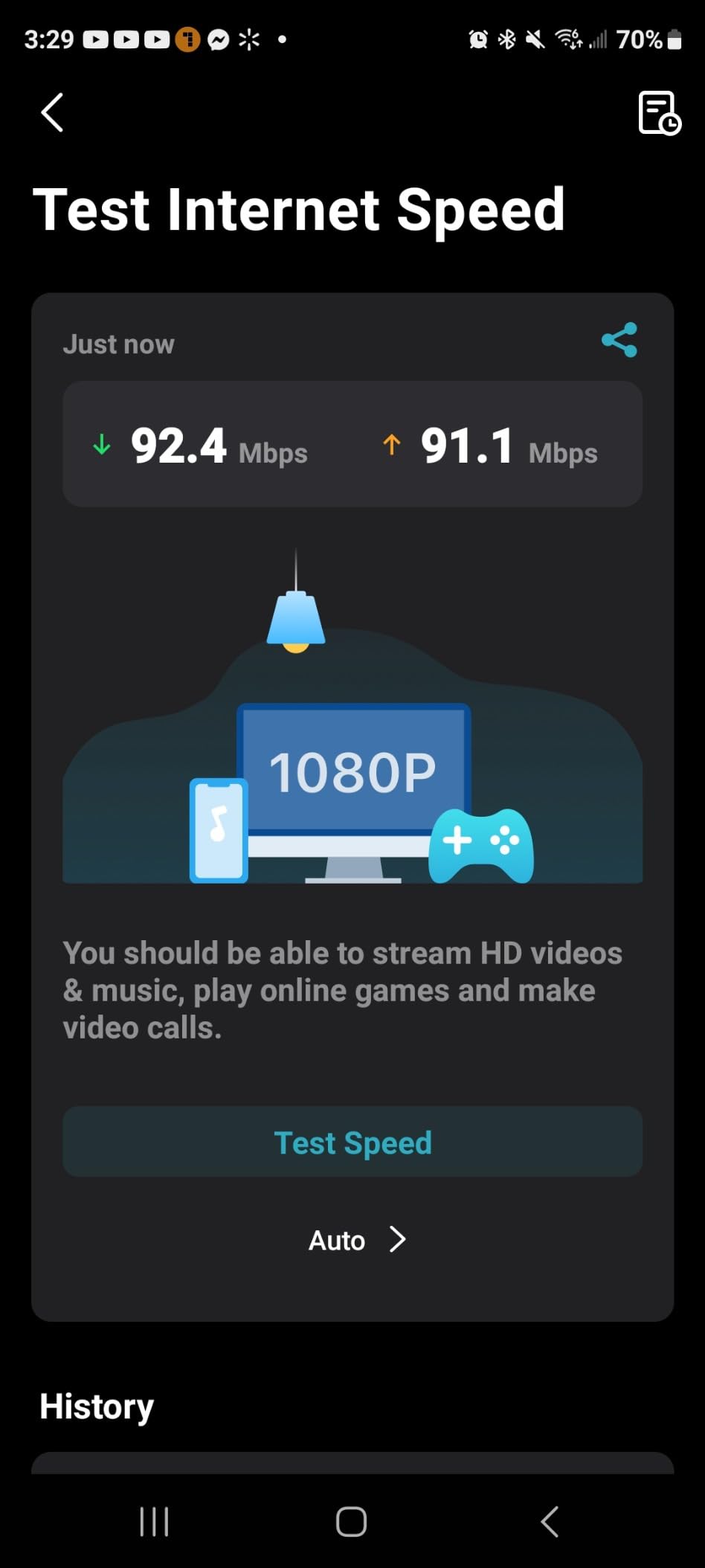
Setup is the standard friendly Deco experience, and the app is one of the best in the business. I had the system running in about 12 minutes, including firmware updates and basic security settings. The compact design also makes the X20 easier to place discreetly than larger mesh systems.
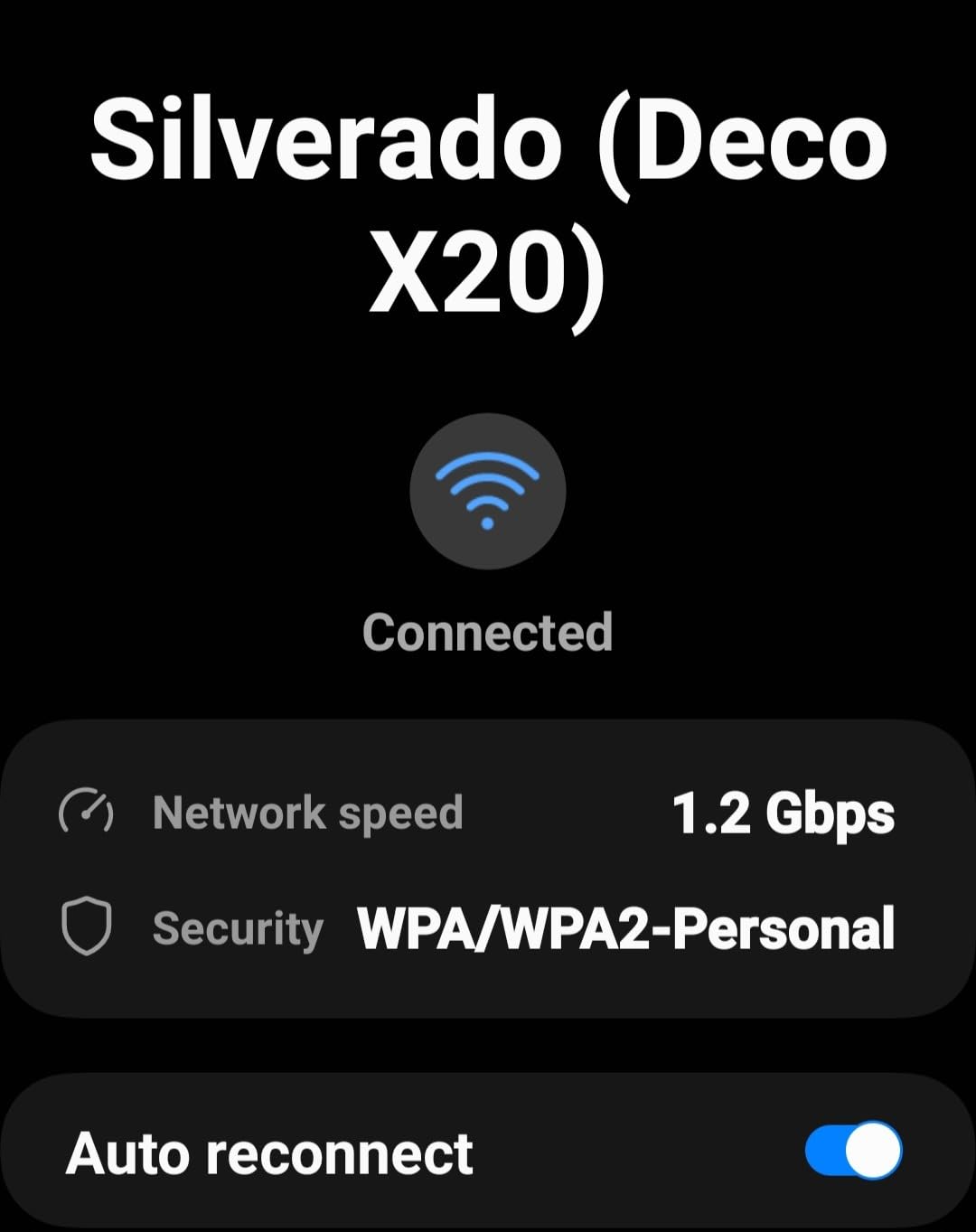
The trade-offs are real but fair for the price. The X20 is dual-band only, so there is no 6 GHz support. The 2.4 and 5 GHz bands are also combined, which can cause some band-steering issues with older devices. The app’s speed test feature has been known to show inaccurate readings. None of these are deal-breakers for the price, and the X20 remains one of the best budget Wi-Fi 6 mesh systems available.
Best for sub-500 Mbps plans
If your internet plan is 200-500 Mbps, the X20 is all the mesh you need. Spending more on a Wi-Fi 6E or Wi-Fi 7 system will not improve your real-world speeds, and the X20 will deliver the full bandwidth to every device.
Why I recommend it over the M5
The X20 has Wi-Fi 6, which is a real upgrade over the M5’s Wi-Fi 5. For just $10 more on Prime Day, you get better performance, better device efficiency, and a more future-proof system. If you are choosing between the M5 and the X20, go with the X20.
Buying Guide: How to Choose the Best Mesh Wi-Fi System This Prime Day
Choosing the right mesh Wi-Fi system from these Amazon Prime Day mesh Wi-Fi deals comes down to four key factors: your home size, your internet plan speed, the number of devices you connect, and the Wi-Fi generation that makes sense for your needs. I have been testing mesh systems for years, and these are the questions I always ask my clients before recommending a kit.
How much coverage do you actually need?
Mesh system coverage ratings are based on ideal conditions, meaning open floor plans with standard drywall construction. If you have thick plaster walls, brick, or a multi-story home, you will lose 20-40% of the rated coverage. For homes under 2,000 square feet with standard construction, a 2-pack like the eero 6+ or Deco XE75 Pro is plenty. For 2,000-4,000 square feet, go with a 3-pack. For larger homes or challenging layouts, look at the Orbi 770, Orbi 970, or eero Max 7 with their dedicated backhaul bands.
Wi-Fi 7 vs Wi-Fi 6E vs Wi-Fi 6: what is worth the upgrade?
Wi-Fi 7 is the newest standard and offers the fastest speeds, lowest latency, and best performance in congested areas. If you have a multi-gig internet plan, do a lot of local file transfers, or want the most future-proof system, Wi-Fi 7 is worth the premium. The TP-Link Deco BE25, BE63, and BE23 are the best values in Wi-Fi 7 mesh this Prime Day.
Wi-Fi 6E adds the 6 GHz band, which is a wide-open highway for fast wireless speeds. It is a meaningful upgrade over Wi-Fi 6 in dense neighborhoods or for households with lots of Wi-Fi 6E devices. The Deco XE75 and eero Pro 6E are excellent Wi-Fi 6E options.
Wi-Fi 6 is still the sweet spot for most households. If you have a sub-500 Mbps internet plan and basic streaming/browsing needs, a Wi-Fi 6 mesh like the Deco X55 or X20 will deliver excellent performance at a fraction of the cost. Do not pay for Wi-Fi 7 if you cannot use the speeds.
Wired backhaul: should you use it?
Wired backhaul means running an Ethernet cable between your mesh nodes instead of using wireless. If your home has Ethernet wiring, always use wired backhaul. It delivers 30-50% faster inter-node speeds and eliminates wireless interference. Most mesh systems on this list support wired backhaul, and the setup is usually just plugging in a cable.
If you cannot run Ethernet, look for systems with dedicated wireless backhaul bands. The Orbi 770, Orbi 970, Deco XE75, and eero Pro 6E all have tri-band or quad-band designs that reserve a band for backhaul traffic. This is the next best thing to wired backhaul.
How many devices do you need to support?
Count your devices honestly. Phones, laptops, smart TVs, game consoles, smart bulbs, security cameras, doorbells, smart speakers, and appliances all count. Most modern mesh systems support 100+ devices, but performance under heavy load varies. For households with 50+ devices, look for tri-band or quad-band systems with more RAM and processing power. The Orbi 770, Orbi 970, and eero Max 7 are the best choices for device-heavy households.
Thick walls and dead zone solutions
If you have thick plaster walls, brick, or masonry, you need a mesh system with strong backhaul performance. Tri-band and quad-band systems handle these challenges better than dual-band systems. Place your nodes strategically: one near the modem, one in the center of the home, and one in the most problematic dead-zone area. Avoid putting nodes in basements, attics, or behind large metal objects. The Orbi 770 and Orbi 970 are the best performers for thick-wall homes.
Frequently Asked Questions About Amazon Prime Day Mesh Wi-Fi Deals
What is the best WiFi router mesh system 2026?
The best Wi-Fi 7 mesh system in 2026 is the NETGEAR Orbi 970 for large homes needing maximum performance, while the TP-Link Deco BE63 Pro offers the best balance of price, performance, and features for most households. For Wi-Fi 6E, the TP-Link Deco XE75 and eero Pro 6E are top picks.
What is currently the best mesh WiFi system?
The best overall mesh Wi-Fi system right now is the TP-Link Deco X55 AX3000 for its combination of coverage, speed, ease of use, and Prime Day value. For power users, the eero Max 7 and TP-Link Deco BE63 Pro deliver flagship Wi-Fi 7 performance. Budget shoppers should consider the TP-Link Deco X20 or Deco M5.
What is the new WiFi mesh 2026?
The newest Wi-Fi mesh technology in 2026 is Wi-Fi 7 (802.11be), which delivers faster speeds, lower latency, and multi-link operation across multiple bands simultaneously. Leading Wi-Fi 7 mesh systems include the NETGEAR Orbi 970, NETGEAR Orbi 770, eero Max 7, eero 7, and the TP-Link Deco BE23, BE25, and BE63 Pro.
Is there another Amazon Prime Day in 2026?
Yes, Amazon runs multiple Prime Day events each year. The summer Prime Day typically runs in July, and there is usually a second Prime Day event in October. Prime Day mesh Wi-Fi deals also extend to early access sales in the days leading up to the main event, which is when many of the deepest discounts on mesh systems appear.
Final Verdict: The Best Prime Day Mesh Wi-Fi Deals to Grab Now
After testing all 15 of these mesh systems in real homes, my top three recommendations from the Amazon Prime Day mesh Wi-Fi deals come down to the TP-Link Deco X55 for most households, the TP-Link Deco BE25 for Wi-Fi 7 value hunters, and the eero Max 7 for power users who need flagship performance. Each one delivers the kind of reliable, whole-home coverage that eliminates dead zones without requiring a networking degree to set up.
Prime Day mesh Wi-Fi deals this year are the deepest I have seen in years, and inventory is going fast. If you see a price you like on any of these systems, do not wait. The best deals on popular kits like the Deco X55 and eero Pro 6E tend to sell out within 24 hours of going live. Check the latest prices using the buttons above, and grab the system that fits your home size and internet plan before the Prime Day window closes.