

If your Wi-Fi stutters in the back of the house and you are done paying your ISP to rent you a router, the TP-Link Deco S4 is the one to watch during Amazon’s October sale. It covers up to 5,500 sq ft across three identical nodes, and it carries more owner reviews than anything else in this list.
Two alternatives suit different homes: the Amazon eero 6 is a single unit for smaller spaces, and the TP-Link Archer AX21 is the cheapest way off an ISP-supplied box. Prime Big Deal Days runs October 6-7, 2026, and most offers need a Prime membership.
Our Top 3 Picks for Best Amazon Prime Big Deal Days Wi-Fi Router Deals in 2026


Best Amazon Prime Big Deal Days Wi-Fi Router Deals Compared
| Product | Specifications | Action |
|---|---|---|
| TP-Link Deco S4 |
|
Check Deal Price |
| Amazon eero 6 |
|
Check Deal Price |
| TP-Link Archer AX21 |
|
Check Deal Price |
 TP-Link Deco X55 TP-Link Deco X55 |
|
Check Deal Price |
 NETGEAR Nighthawk RS700S NETGEAR Nighthawk RS700S |
|
Check Deal Price |
 Amazon eero 7 Amazon eero 7 |
|
Check Deal Price |
 NETGEAR Orbi 770 NETGEAR Orbi 770 |
|
Check Deal Price |
 ASUS RT-BE82U ASUS RT-BE82U |
|
Check Deal Price |
How We Chose
We compared the specs that decide a router purchase: Wi-Fi generation, band count, Ethernet port speed and layout, coverage claims and device capacity. We weighed those against owner ratings and review volume on Amazon, and checked the data in October 2026. Prices change through the event, so the buttons show the current figure rather than a number printed here.
1. TP-Link Deco S4: Best for Whole-Home Coverage
- Covers up to 5500 sq ft with seamless roaming
- Two Gigabit Ethernet ports on every node for wired backhaul
- App setup usually finished in well under half an hour
- Handles 50 to 100 connected devices
- Holds up in multi-storey homes with thick walls
- Only two Ethernet ports per node
- App-only management with no web interface
- Wi-Fi 5 means no 6 GHz headroom
The safest whole-home buy on this list, with the biggest owner base behind it.
The Deco S4 is a three-pack of identical mesh nodes, and TP-Link rates the set for 5,500 sq ft. Every node carries AC1900 class speeds and two Gigabit Ethernet ports, which is the detail that matters more than the Wi-Fi 5 label. You can wire the nodes back to a central switch and get a real backbone instead of hoping radio hops hold up.
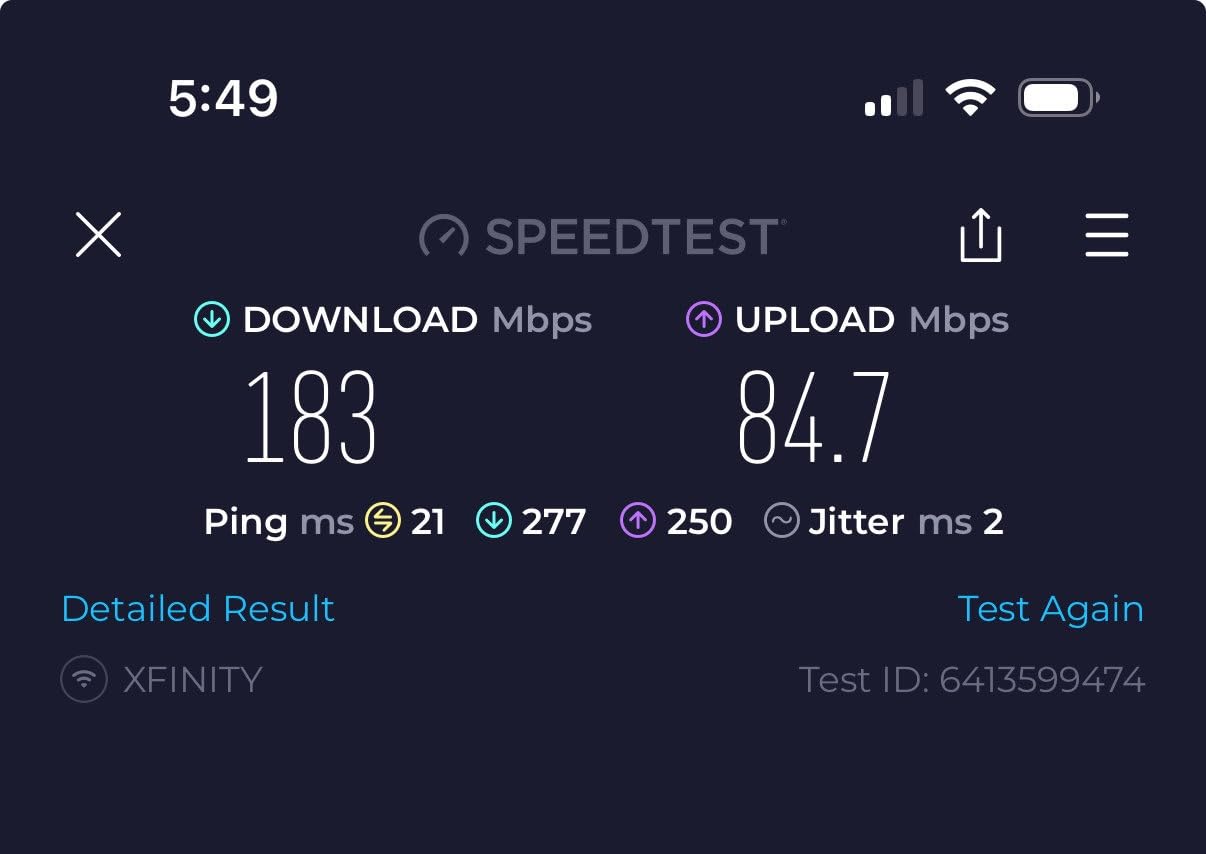
Owners replacing an ISP box tend to tell the same story: dead zones in the upstairs hallway disappear, and video calls stop buffering. Setup runs through the Deco app and most people finish all three nodes in under half an hour, which is about the only part of a router install anyone enjoys.
Pick something else if device count is the problem rather than distance. The Deco X55 handles up to 150 devices and gives you three ports per node; the Deco S4 is built for a family of 50 to 100 gadgets spread over a lot of floor.
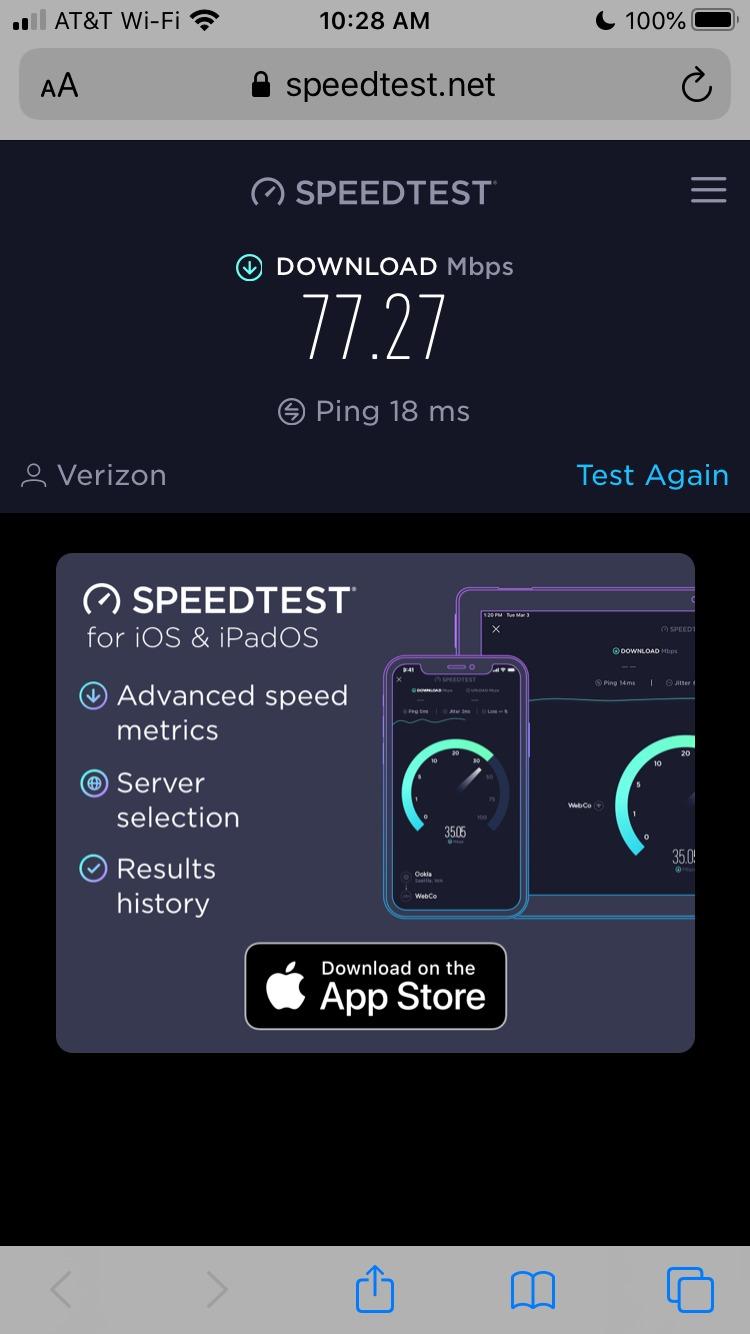
One wiring detail matters here: owners who ran the nodes through an unmanaged switch report them dropping offline during firmware updates. A managed switch removes that problem entirely.
2. Amazon eero 6: Best for Small Spaces
- Covers up to 1500 sq ft at a 22 foot radius
- Supports internet plans up to 900 Mbps
- TrueMesh routing smooths out dead spots
- Built-in Zigbee hub for smart home devices
- Setup takes minutes in the eero app
- One Ethernet port so wired devices need a switch
- Parental controls and security sit behind a subscription
- Some owners report intermittent streaming dropouts
One box, no cables to run, and coverage that matches a flat or a two-bedroom house. That is the whole pitch of the eero 6, and for apartments, condos and small detached homes it is a genuinely complete answer.
The unit covers 1,500 sq ft with a stated 22 foot radius and supports internet plans up to 900 Mbps. Wi-Fi 6 with TrueMesh handles 75 or more connected devices, which covers most homes including several cameras and a few smart TVs.

The built-in Zigbee hub is the quiet bonus. Owners building out lights, locks and sensors can skip a separate bridge, and the whole system expands later with cross-compatible eero hardware if you outgrow the room.
Compared with the Deco S4, the trade is simple: eero gives you less hardware and one port, and in exchange the setup is about as hands-off as networking gets. Neither node count nor Ethernet layout matters much in a 1,200 sq ft apartment. Skip the Deco S4 here, because three nodes in a small flat is money spent on coverage you already have.
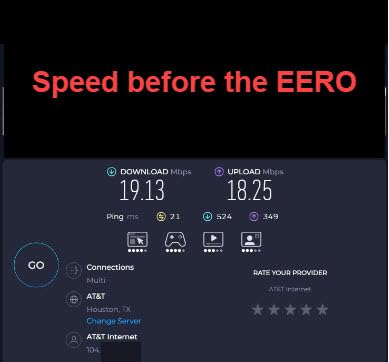
Note that advanced security, ad blocking and the fuller parental controls sit behind an eero Plus subscription. The network itself runs perfectly well without one, which is why this stays a reasonable pick for a small home.
3. TP-Link Archer AX21: Best for a First Upgrade
- Entry point into Wi-Fi 6 at the lowest price here
- 1.8 Gbps aggregate bandwidth
- Five Gigabit ports for wired devices
- OFDMA and beamforming with four antennas
- OpenVPN and PPTP server support built in
- Dual-band only with no 6 GHz band
- Peak throughput well under tri-band models
- Needs a cable or DSL modem for most setups
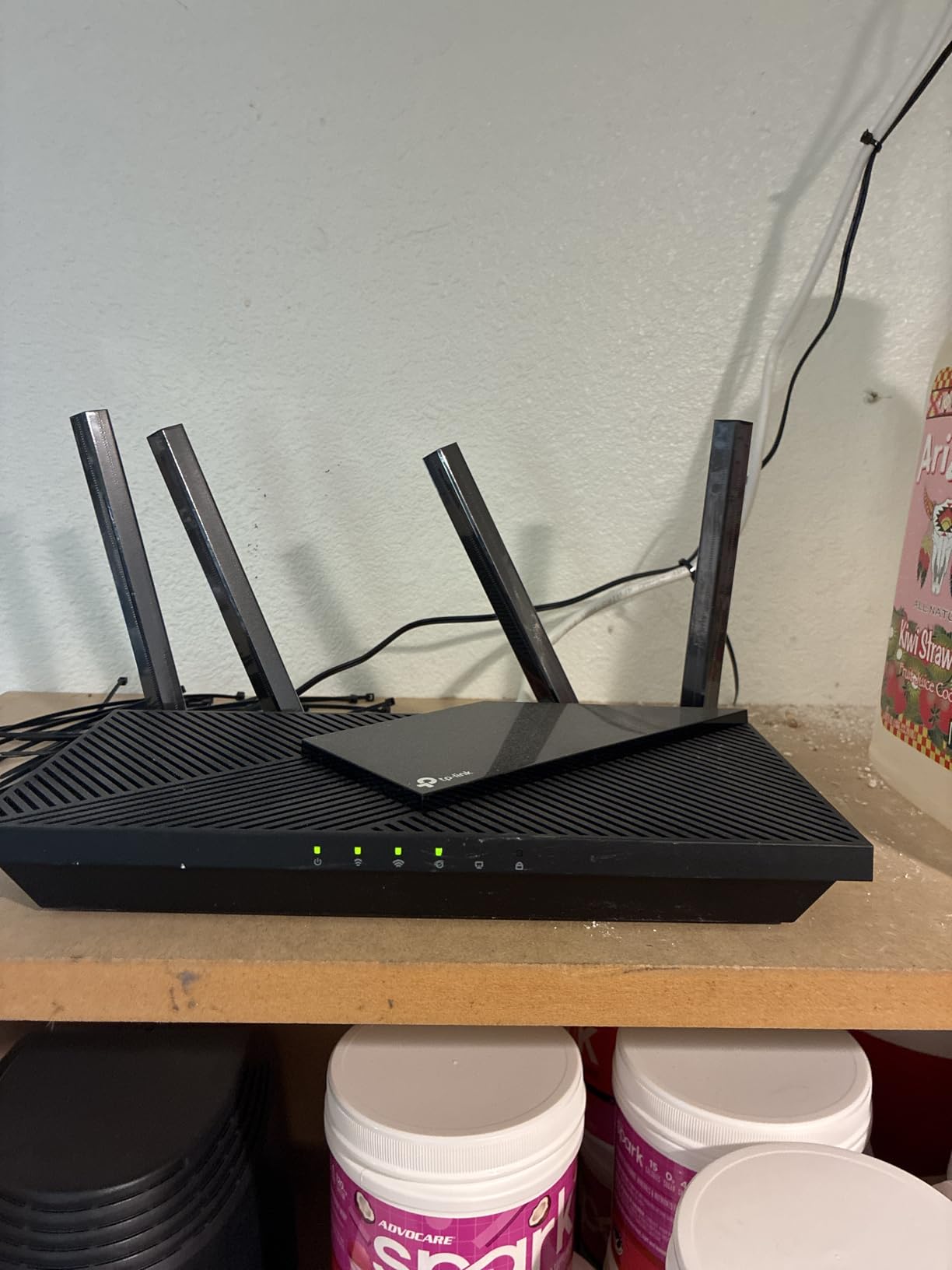
Cheapest way to stop renting a router, and the first name to search during the sale if your broadband plan tops out around a gigabit.
The Archer AX21 is a conventional dual-band Wi-Fi 6 router, up to 1200 Mbps on 5 GHz and 574 Mbps on 2.4 GHz for 1.8 Gbps in total. It weighs 1.1 lb, measures about 10 inches wide, and ships with a two-year manufacturer warranty. Five Gigabit ports mean a desktop, a printer and a game console can all run wired.
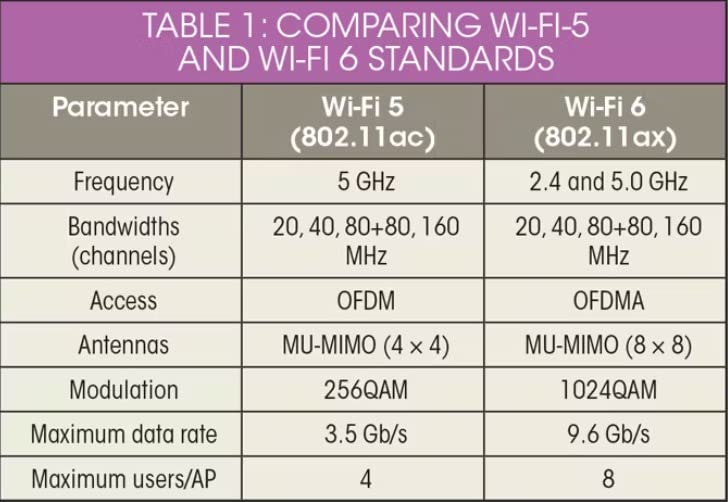
OFDMA lets several devices transmit in the same window rather than queueing, and beamforming with four fixed antennas keeps the far rooms usable. The OpenVPN and PPTP server options are unusual at this level, and EasyMesh support means you can add compatible hardware later instead of replacing everything.
This is not a mesh system, and that is the limit worth understanding. It will cover one floor of a home up to roughly 1,500 sq ft. If you have two floors or brick walls, the Deco S4 is the more sensible target. Owners note the AX21 needs a separate cable or DSL modem in most installs, which the mesh kits do not.
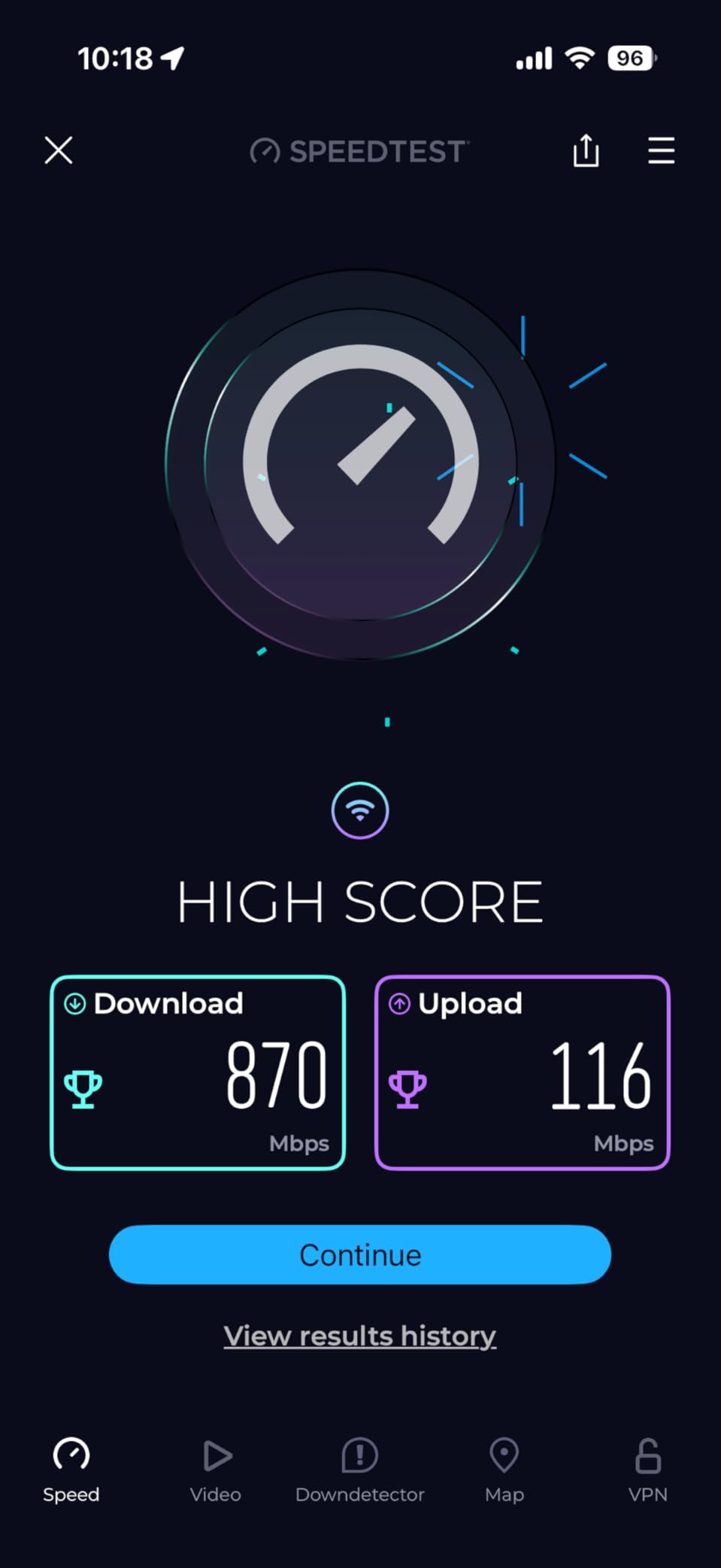
Before you buy, check your broadband speed. A router cannot push data faster than the line delivers, so anything under about 300 Mbps gains nothing from a faster box.
4. TP-Link Deco X55: Best for Smart Homes
- Rated for up to 150 connected devices
- Covers up to 6500 sq ft
- Three Gigabit ports per node for daisy-chained backhaul
- Setup usually done in 10 to 15 minutes
- HomeShield parental controls and QoS included
- Node placement matters more than usual
- Nodes can hang during reboots and firmware updates
- Dual-band only with no 6 GHz option
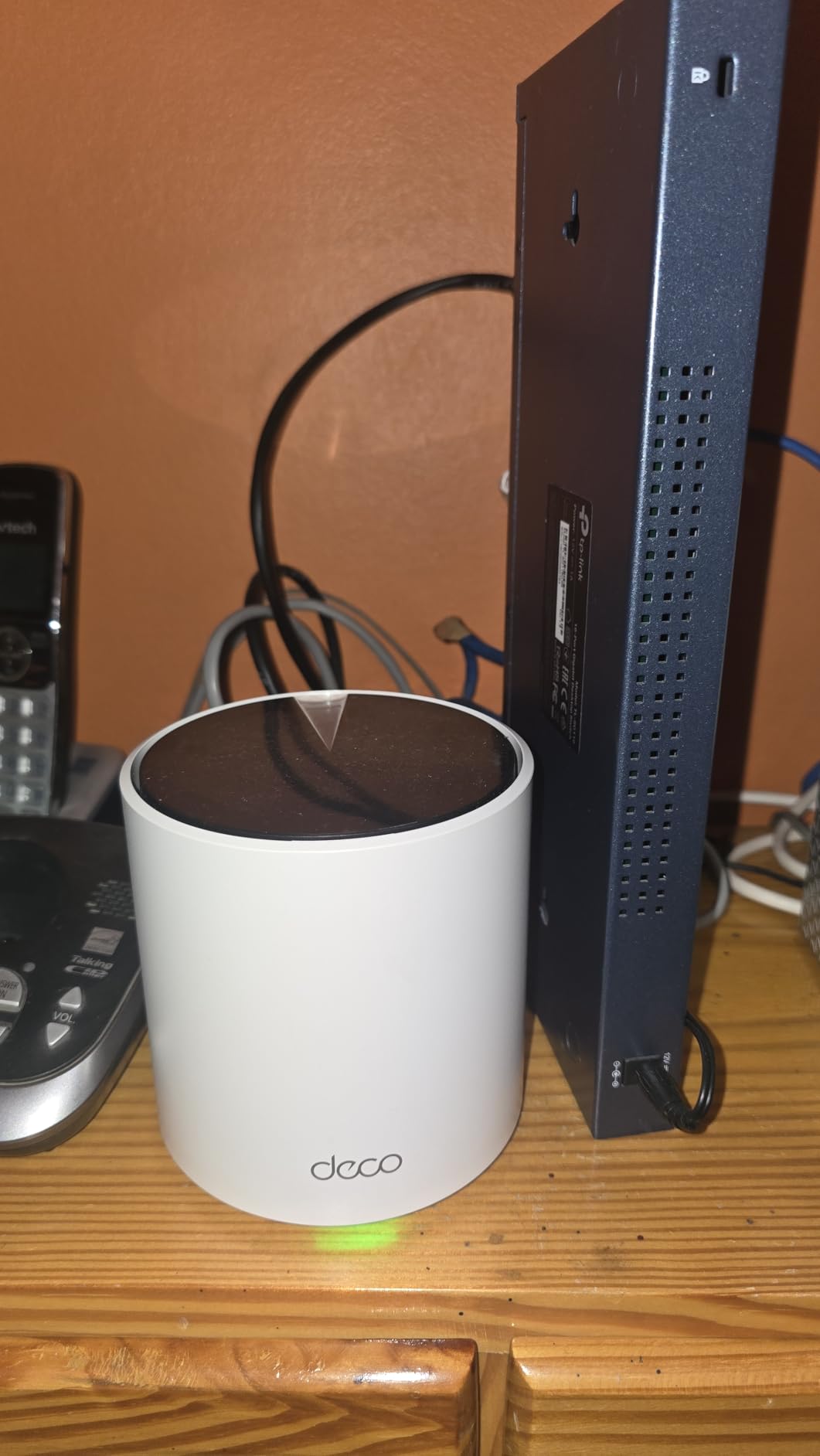
When the complaint is cameras and sensors dropping off rather than a weak signal in the hallway, the Deco X55 is the pick. Its headline number is 150 connected devices, up from the 100 the Deco S4 is built around, and it holds 6,500 sq ft of coverage across three nodes.
It is Wi-Fi 6 at AX3000, which works out to 2402 Mbps on 5 GHz and 574 Mbps on 2.4 GHz. Each node carries three Gigabit Ethernet ports, so you can daisy-chain wired backhaul through the whole house and still have ports spare for a switch. Owners who came from a single router plus old extenders report their speeds roughly doubling once it went in.
Firmware updates have added custom IP reservations, a dedicated IoT network and VPN support, which matters more than usual in a house with a lot of small devices. HomeShield gives you per-profile time limits, site blocking and QoS traffic prioritisation without a subscription.
The trade-off is placement. Owners are clear that throughput falls sharply when nodes sit too far apart or with several walls between them. Two nodes a floor apart usually beats three in a row. If you already own eero hardware, the eero 7 is the alternative here, and it adds a 2.5 GbE path to multi-gig service.
Both of those are recurring threads in owner reviews rather than isolated complaints: the app sometimes shows a device as offline or loses a custom device name, and nodes can take a long time to finish a reboot.
5. NETGEAR Nighthawk RS700S: Best for Fiber Speeds
- 10 Gig WAN port for multi-gig fiber service
- Tri-band Wi-Fi 7 with up to 19 Gbps aggregate
- Covers up to 3500 sq ft and 200 devices
- Guided setup and speed tests in the Nighthawk app
- Automatic firmware updates out of the box
- Costs more than mesh kits covering the same floor
- Only three antennas in a single box
- Full security suite needs the Armor subscription after the trial
For anyone on a fiber plan above a gigabit, the port layout is the reason to look here. The RS700S pairs a 10 Gig WAN port with a 10 Gig LAN port and four 1 Gig LAN ports, and nothing else in this list at this level of speed comes close.
It is a tri-band Wi-Fi 7 router rated at up to 19 Gbps aggregate, covering 3,500 sq ft and up to 200 devices with a 12-stream design. MU-MIMO and OFDMA keep a busy house from queueing, and the Nighthawk app handles setup, speed tests, pausing and guest networks.
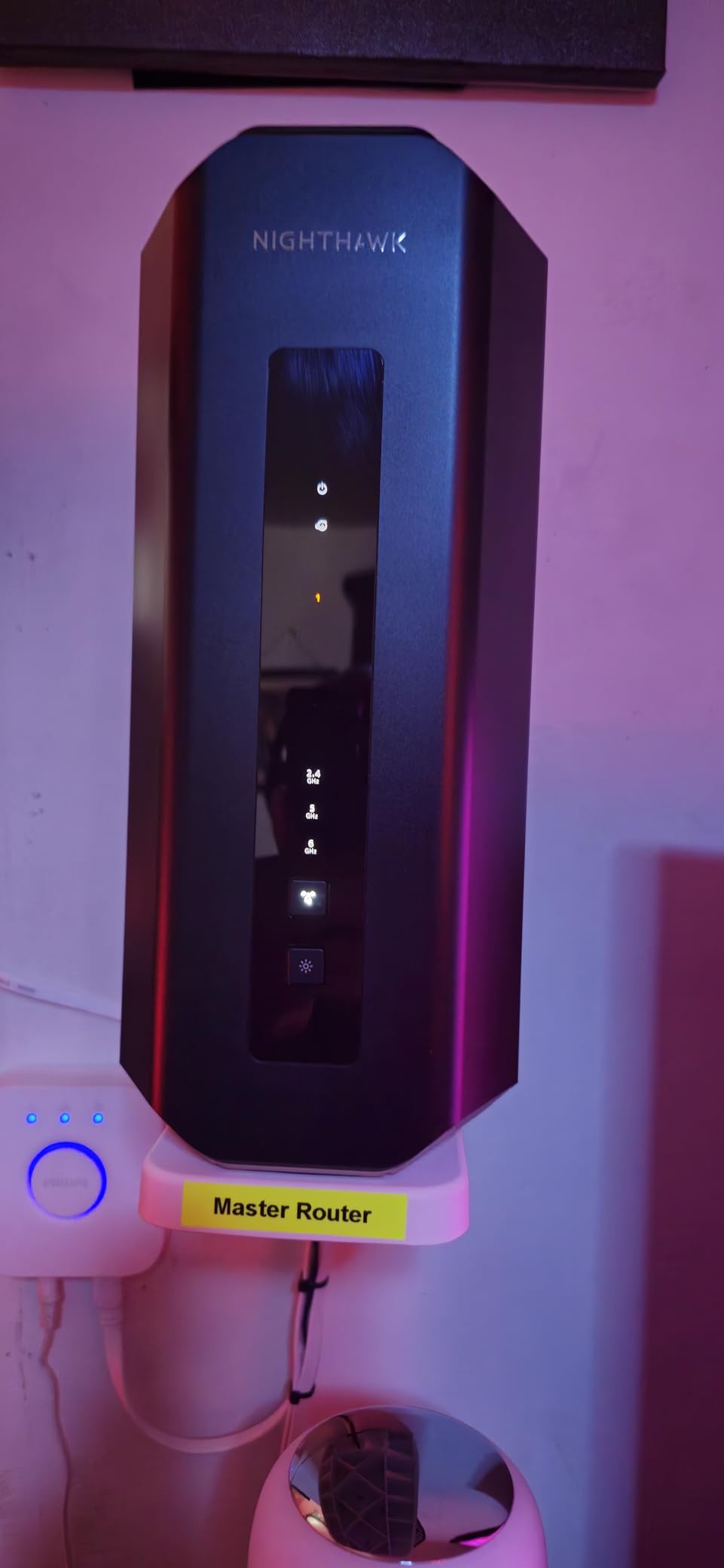
Two things give owners pause here: the price compared with a mesh kit covering similar floor space, and the fact that real speeds depend on whether your own phones and laptops support Wi-Fi 7.
Look at the Orbi 770 if the house has more than one floor, because three antennas in one box will not push signal up a staircase. The warranty on this one is one year, with 90 days of complimentary technical support.
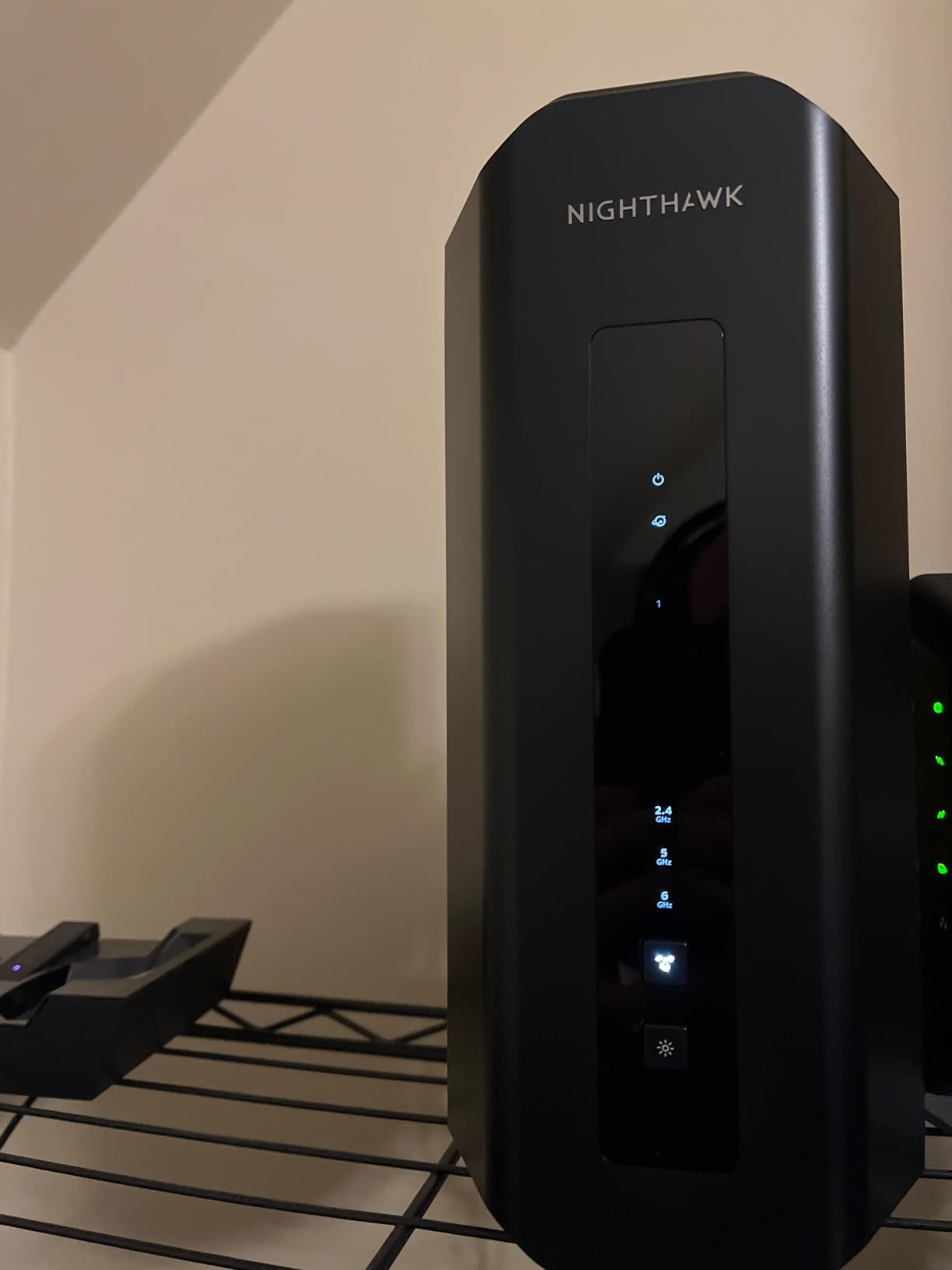
Expect one step before it pairs: some modem and gateway combinations need bridge mode enabled first, which is a two-minute setting in your ISP account.
6. Amazon eero 7: Best for Wi-Fi 7 Mesh
- Wi-Fi 7 mesh covering up to 6000 sq ft
- Two auto-sensing 2.5 GbE ports on every node
- Supports internet plans up to 2.5 Gbps
- Multi-link Operation for lower latency
- Backs older eero hardware for mixed setups
- Security and parental controls sit behind eero Plus
- Dual-band so there is no 6 GHz band
- Only two 2.5 GbE ports per node
eero’s cheapest route to a Wi-Fi 7 mesh network, and the option to watch if you already own eero hardware and want to add a generation rather than start again.
Three nodes cover up to 6,000 sq ft and 120 or more devices. Each one has two auto-sensing 2.5 GbE ports, which is the step up that matters for multi-gig fiber, and the system supports plans up to 2.5 Gbps with wireless speeds up to 1.8 Gbps. Multi-link Operation and the TrueMesh, TrueRoam and TrueChannel software keep connections steady as you move between rooms.
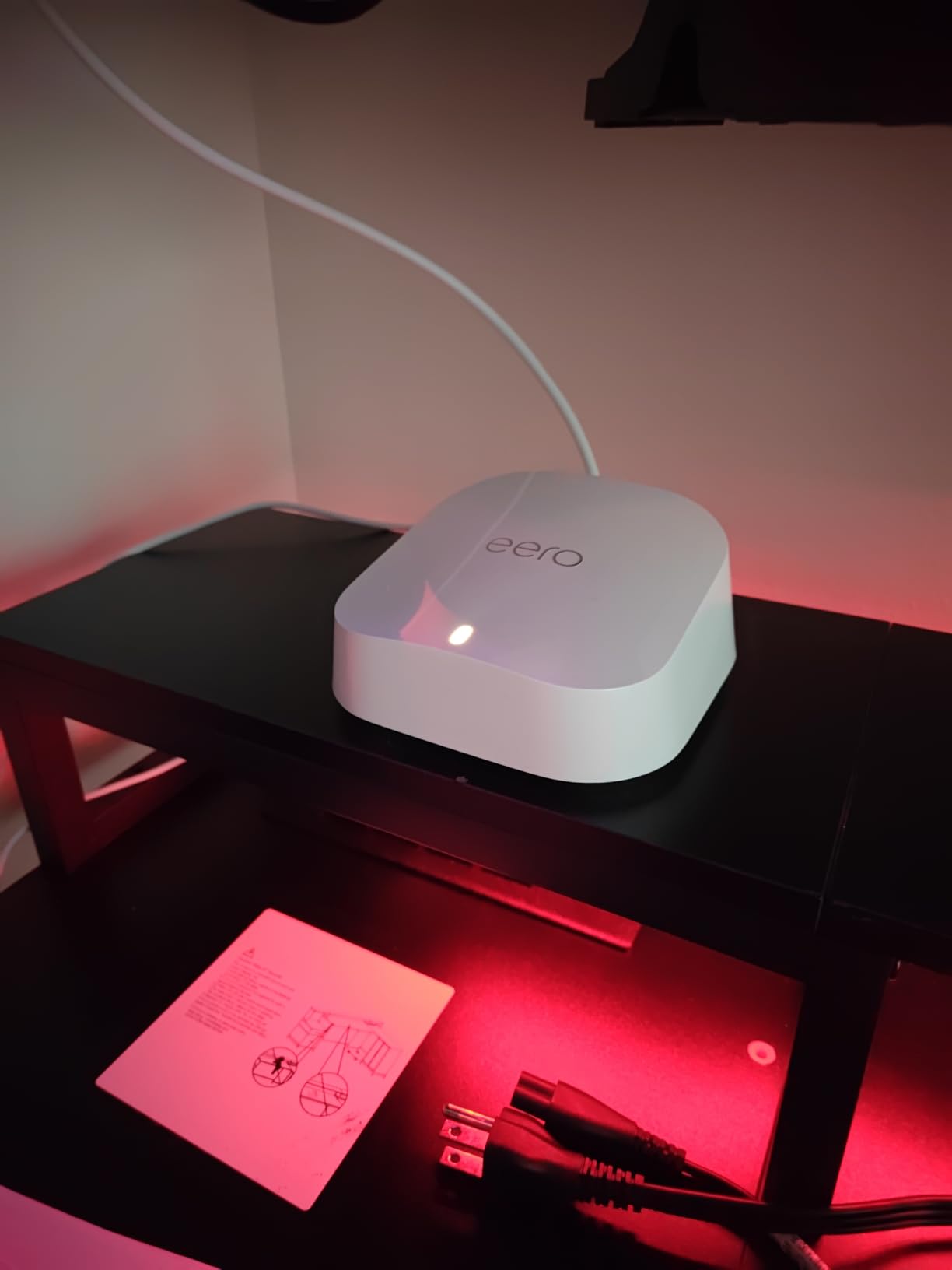
It stays backward compatible with earlier eero generations, so a mixed network is realistic rather than theoretical. The warranty on new Wi-Fi 7 eero routers is three years, longer than the NETGEAR options here.
Two caveats come up repeatedly. The advanced security, ad blocking and parental controls are eero Plus subscription features, and the dual-band design means there is no 6 GHz band despite the Wi-Fi 7 label. Owners wanting a 6 GHz band and more ports per node end up with the Deco X55 on ports, or the ASUS RT-BE82U on a wired budget.
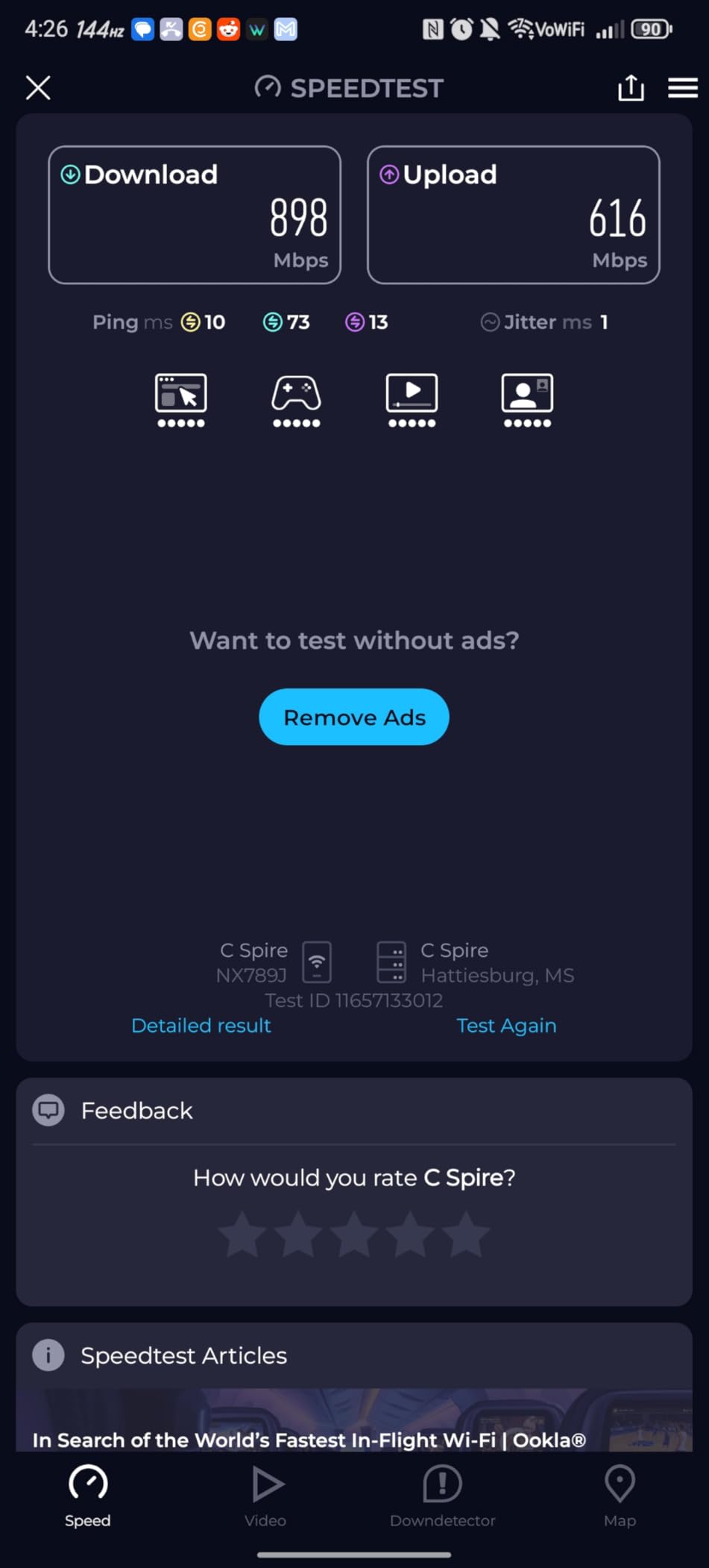
One practical detail: if you are upgrading an existing eero setup, this pack slots into the same app and the same network name with no reconfiguration.
7. NETGEAR Orbi 770: Best for Very Large Homes
- Three nodes cover up to 8000 sq ft
- Tri-band Wi-Fi 7 at up to 11 Gbps
- Enhanced Backhaul reserves a band for node traffic
- Handles 100 devices on one network
- Expandable with extra 770 series satellites
- Most expensive option here and the lowest average rating
- Made for use in the US only
- Full security suite needs the Armor subscription
The widest coverage claim in this lineup, and the one to watch only if the square footage genuinely justifies it. Three nodes cover up to 8,000 sq ft and 100 devices across a router and two satellites.
It is tri-band Wi-Fi 7 with up to 11 Gbps and Enhanced Backhaul, which reserves bandwidth for the link between nodes instead of sharing the airtime with your devices. The 2.5 Gig port is ready for fiber plans up to 2.5 Gbps, and the Orbi app walks you through setup and device management. Backwards compatibility with Wi-Fi 6 and Wi-Fi 5 clients means older phones and IoT gear stay on the network.
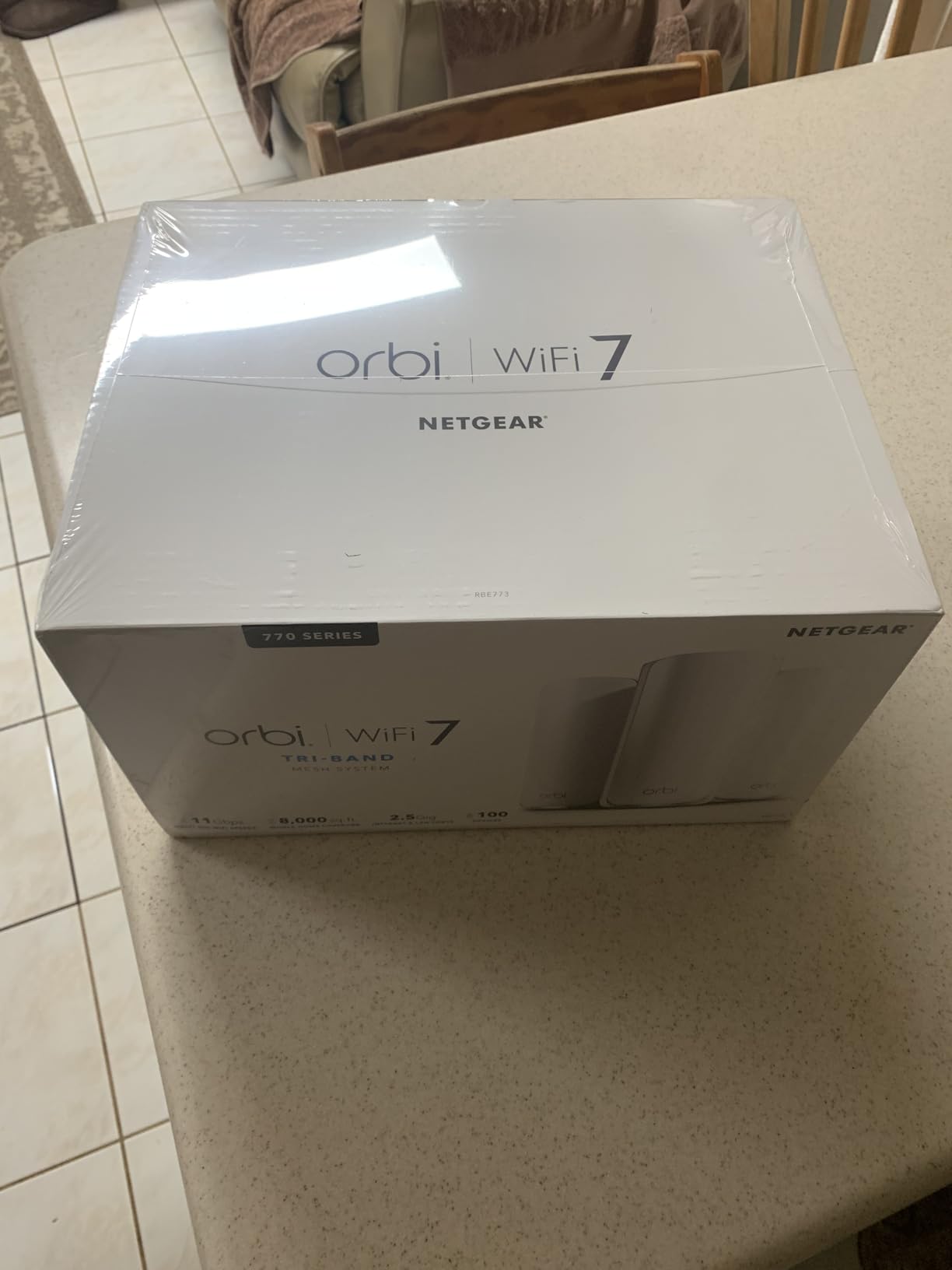
This is also the entry with the weakest owner consensus here, at a 4.1 average with a heavier share of one-star reviews than the rest of the list. Owners buying on price alone tend to regret it; owners with 4,000 sq ft spread over three floors tend to be happy. Coverage still depends on where you put the satellites, and a modem is required.
Compare it with the Deco X55, which covers a similar footprint for a fraction of the outlay on Wi-Fi 6 rather than Wi-Fi 7. The Orbi 770 earns its place only when you need the tri-band throughput or the multi-gig port as well as the range. Its warranty is one year.
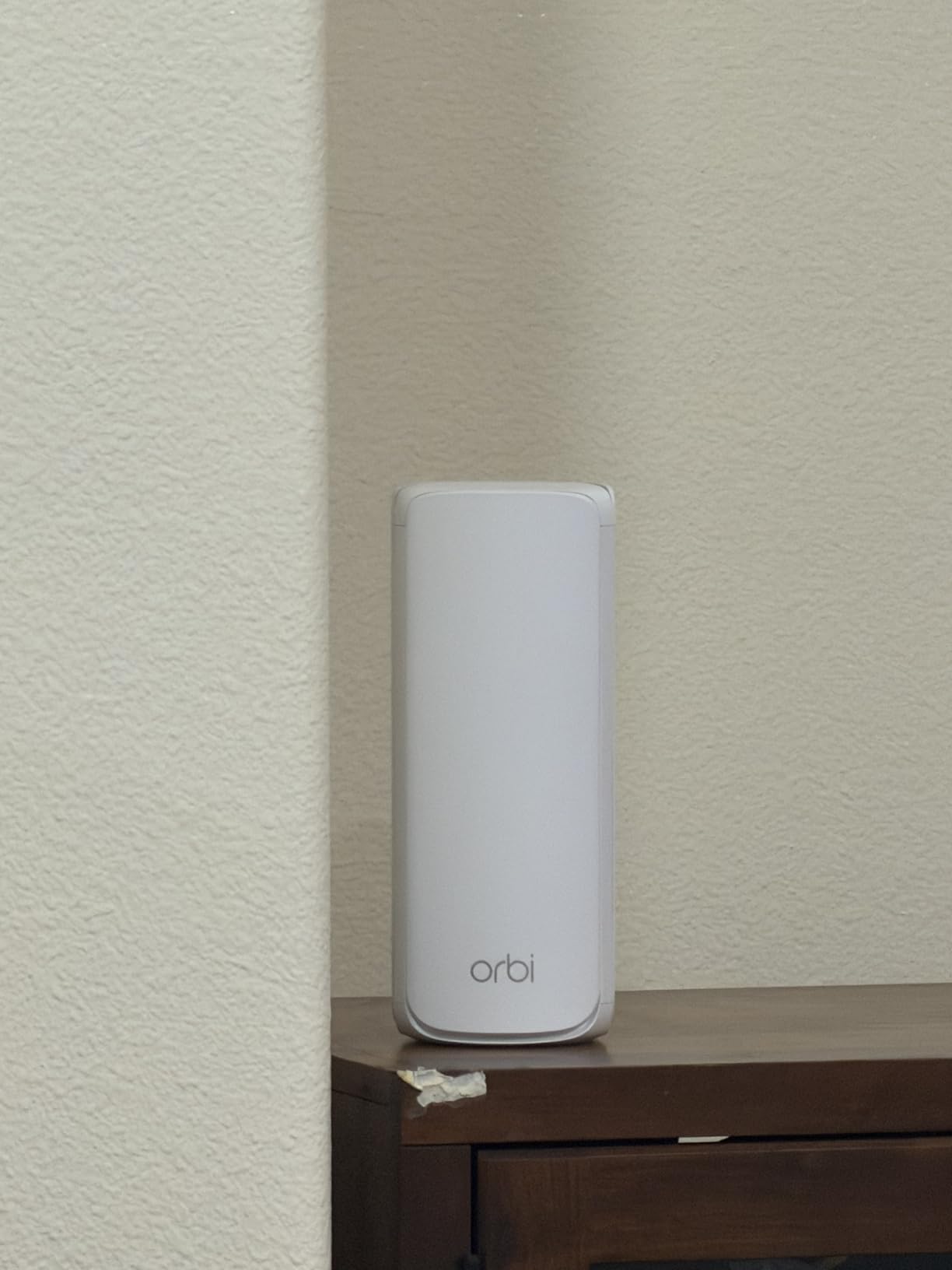
Plan where it goes before ordering: there are no wall-mounting holes on the bottom, so this one needs a shelf rather than a wall bracket.
8. ASUS RT-BE82U: Best for Wired Devices
- Five 2.5GbE ports in a single box
- Wi-Fi 7 dual-band at up to 6500 Mbps
- AiProtection security and parental controls included
- AiMesh compatible for later expansion
- Three-year warranty and a compact footprint
- Fewer than 250 ratings on this platform
- Dual-band so no 6 GHz band
- No wall-mounting holes on the underside
Five 2.5GbE ports is the reason this one is interesting. Every other Wi-Fi 7 router in this list gives you one or two multi-gig ports at most, and here every wired device gets 2.5 GbE without a switch in between.
Underneath it is dual-band Wi-Fi 7 at up to 6,500 Mbps with 4096-QAM, and Multi-link Operation for steadier transfers. It weighs 1.1 lb and measures about 9.3 inches tall in Eclipse Gray. AiMesh support means you can expand into a whole-home network later, and setup keeps your existing network name and password, which matters when smart devices are already paired.
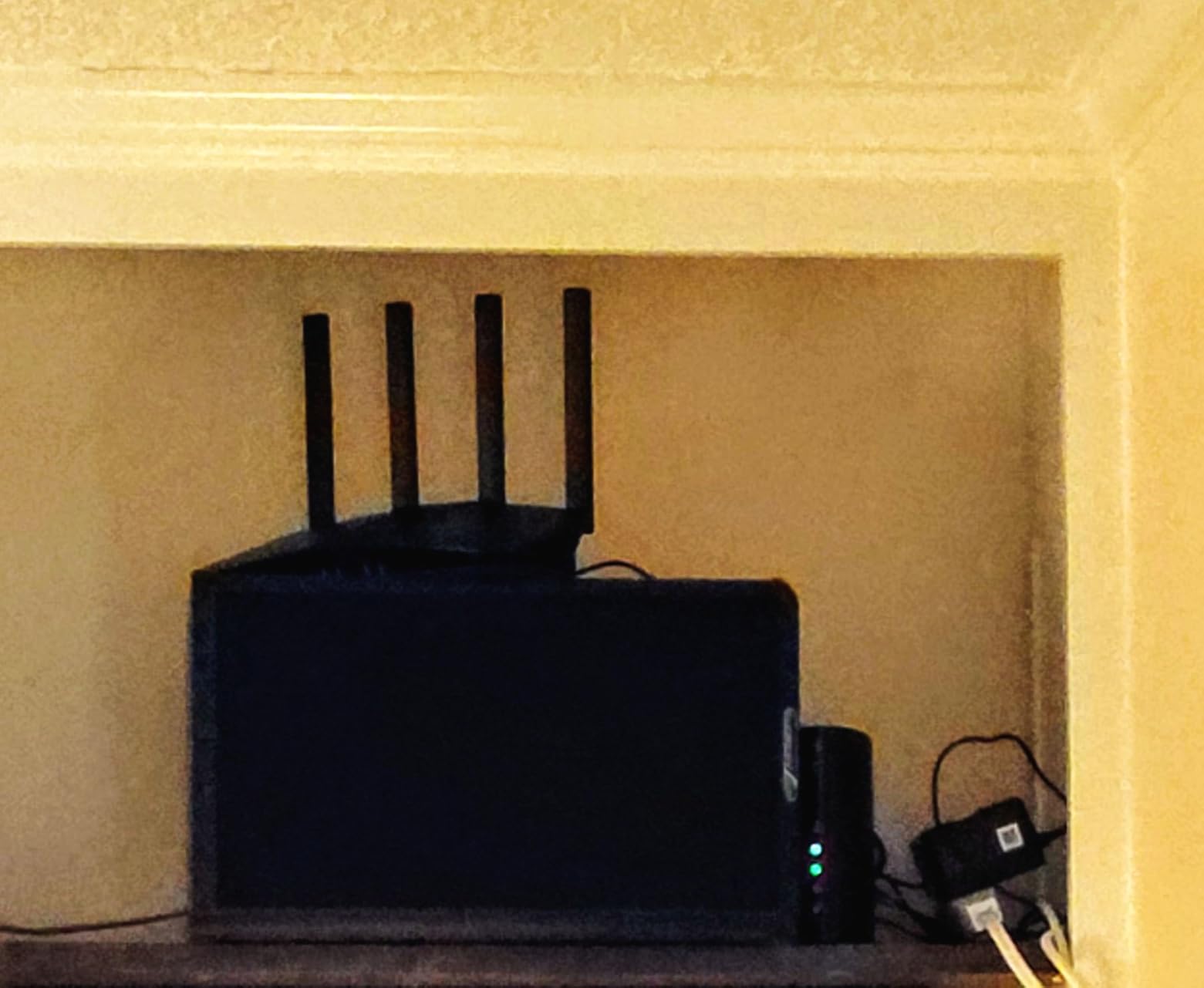
The security story is the other differentiator. AiProtection Pro with a one-tap security scan, Safe Browsing, parental controls and VPN support are included without a subscription, and the warranty runs three years. That is a genuine contrast with the NETGEAR and eero options, which gate their full feature sets behind a paid plan after a trial.
Be honest about the evidence. With 212 ratings this is an early platform, and owner reviews are thin. A minority report Ethernet board failures and disconnections shortly after purchase, and some older smart devices need the security protocols enabled by hand during setup. Owners replacing aging gear report restored speeds and solid coverage across homes of roughly 1,600 sq ft.
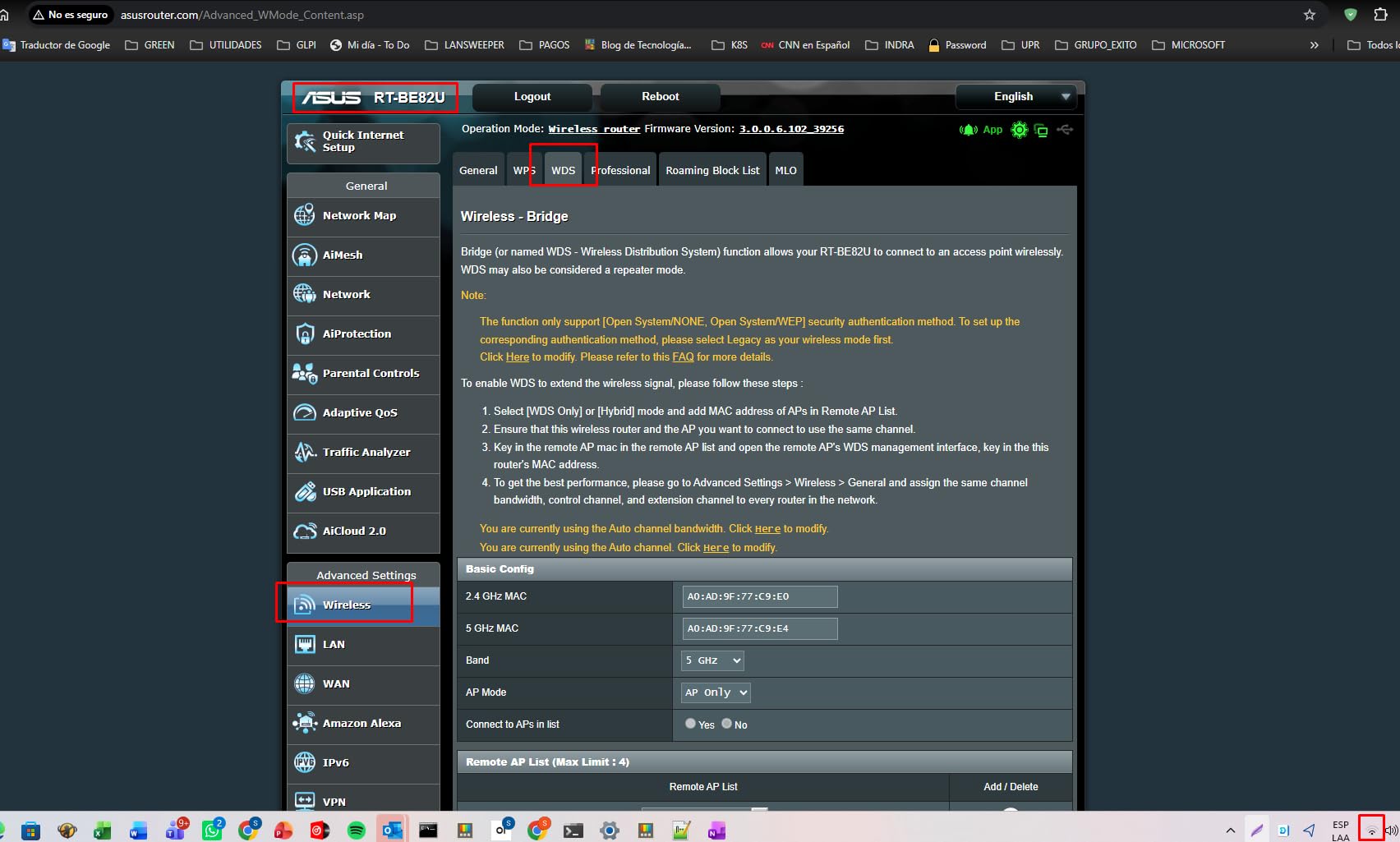
Good to know: check that you can place it on a shelf. There are no wall-mounting holes on the bottom.
How to Choose Wi-Fi Routers During Prime Big Deal Days
Check your broadband speed before you pick anything
A router cannot deliver more than the line carries. On a plan under 300 Mbps, a Wi-Fi 7 mesh system adds cost and nothing else, and the TP-Link Archer AX21 covers that case. Above a gigabit, port speed starts to matter, which is where the Nighthawk RS700S and the eero 7 earn their place.
Pick mesh or a single router by floor count, not by square footage alone
One box handles a single floor up to about 1,500 sq ft. Two or more floors, brick, or a dead zone at the back of the house points to mesh, where the Deco S4 and Deco X55 cover up to 5,500 and 6,500 sq ft across three nodes. A range extender is cheaper but halves throughput on devices that hop through it.
Decide between wireless and wired backhaul before the sale ends
Wireless backhaul needs no cabling and works out of the box, but nodes share airtime with your devices. Wired backhaul, using the Gigabit ports on the Deco S4 or Deco X55, keeps full speed and makes the biggest difference in a house where someone is working from home. The Orbi 770 reserves a band for backhaul instead, which is a different way to solve the same problem.
Count nodes against your floors
A three-pack for a 3,000 sq ft house is generous. Two nodes placed one floor apart usually outperform three spaced closely, and the third node is worth adding only if the building has thick walls or the coverage runs past 3,000 sq ft. The Deco S4 and Deco X55 both come as three-packs for that reason.
Match ports to your wired devices
Count the desktops, consoles, NAS boxes and cameras that will run on cable. Two ports per node suits most homes, three gives you room to daisy-chain, and the ASUS RT-BE82U puts five 2.5GbE ports on the board. Anyone on fiber above a gigabit should check for a 2.5 GbE or 10 Gig port rather than relying on the wireless side.
Check your smart home gear will still connect
Older cameras, sensors and locks that run on 2.4 GHz can struggle after a jump to a new band arrangement, and mixed-brand pairing in mesh setups is a repeated source of frustration. Keep your current network name and password where possible, and expect to re-pair a few devices after any upgrade.
How to shop Wi-Fi router deals during the sale
Look at the model number rather than the listing headline, since router names carry version codes that change the hardware. Check the box contents, because a pack of three and a pack of two are separate listings, and confirm whether the seller is Amazon or a marketplace partner. A deal figure on a two-day event is a snapshot rather than a floor, so compare it against the regular price you have seen before. Most offers need a Prime membership and can change at any point through the event.
- Run a speed test and write down the number before you shop
- Count floors and the devices that must run on cable
- Match the pack size to the floors, not the square footage
- Decide wireless or wired backhaul before the sale ends
- Check the network name and password stay the same after setup
- Look at the seller’s offer history, not only the discount
Frequently Asked Questions
When does Amazon Prime Big Deal Days run in 2026, and do I need Prime?
Amazon Prime Big Deal Days runs October 6-7, 2026. Most router offers during the event are limited to Prime members, and a free trial counts if you have not had one before. Router deals often change during those two days, so the listing you watched yesterday may carry a different figure today. Check the product page for the current offer before you buy.
How many mesh nodes do I need for a 3,000 sq ft house?
Two nodes handle 3,000 sq ft well when they sit on different floors and no more than about 40 feet apart. Add a third only for thick walls, three floors or a finished basement. Placement matters more than quantity, because nodes spaced too closely waste coverage while nodes behind several walls lose throughput.
What is a major disadvantage of a mesh network?
The main drawback is that nodes share the same air as your devices, so wireless backhaul cuts throughput in busy homes. Placement is also unforgiving, since nodes too far apart or behind several walls lose speed. Some systems also lock advanced settings behind a paid subscription, and older IoT devices sometimes need re-pairing after an upgrade.
Will a Wi-Fi 7 router work with my older smart home devices?
Usually yes, but expect some work. Wi-Fi 7 routers support older standards, yet devices that only join on 2.4 GHz can drop off after the network is reorganised. Mixed-brand pairing is the other common snag. Keep your existing network name and password during setup, and be ready to re-pair a few cameras, sensors and locks afterwards.
Do I need a new router if my broadband plan is only 300 Mbps?
Probably not a faster one. A router cannot push more data than your line delivers, so a Wi-Fi 7 mesh system adds cost without adding speed. A dual-band Wi-Fi 6 router such as the TP-Link Archer AX21 handles a 300 Mbps plan easily. Buy faster hardware when the symptom is dead zones or congestion, not raw speed.
How do I verify an Amazon Prime Big Deal Days Wi-Fi Router Deal is a real saving?
Compare the event figure with what the same model has cost in the previous few months, and check whether the listed original price is the real regular price. A two-day event price moves through the window, so a deal on the first evening is not necessarily the lowest point. Cross-brand equivalents usually shift too, so compare the specification rather than the discount alone.
Final Verdict: Best Amazon Prime Big Deal Days Wi-Fi Router Deals
Buy the TP-Link Deco S4, our editor’s choice, if you are replacing an ISP router and the problem is reach. Three nodes, 5,500 sq ft, two Gigabit ports each and the largest owner base of anything here.
For a budget-friendly alternative, the TP-Link Archer AX21 is the cheapest way onto Wi-Fi 6 for a single-floor home, and the Amazon eero 6 covers a small space in one box with the least setup of the lot.
Buy the Deco X55 for a smart home with more than 100 devices, the Nighthawk RS700S for fiber plans above a gigabit, the eero 7 if you want Wi-Fi 7 mesh and already use eero, the Orbi 770 for a very large multi-floor house that needs the range, and the ASUS RT-BE82U when you want five 2.5GbE ports with security features included rather than sold as a subscription. Use the buttons to see the current figures, and check your broadband speed before anything else.