
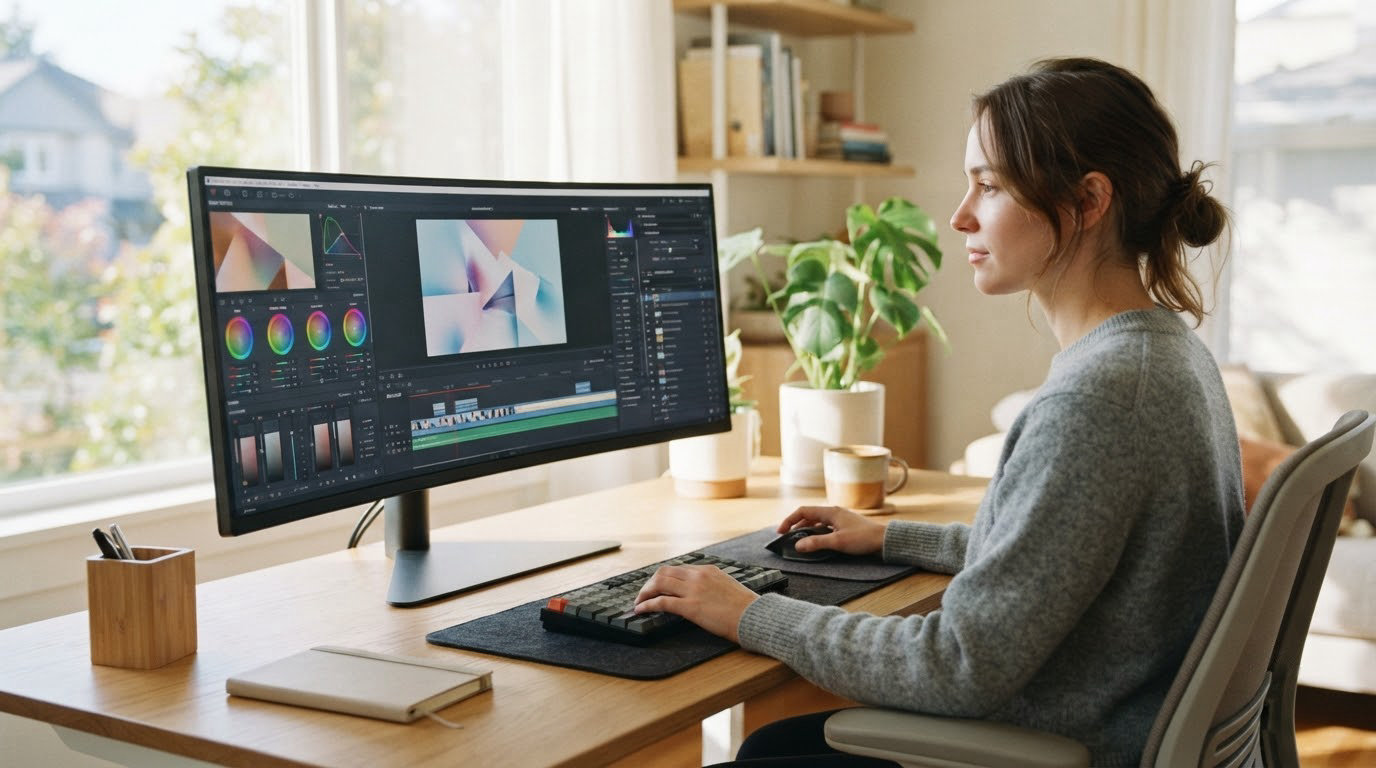
The SANSUI 34 200Hz is the ultrawide we would keep an eye on through Amazon’s Prime Big Deal Days sale, and the reason is unglamorous: it is the only pick here that pairs a 200Hz refresh rate with 3440×1440 resolution and a 4.4 rating across more than 4700 reviews. Nothing else on this list gives you that much speed per pixel on a 21:9 panel without stepping up to an OLED.
Two alternatives suit different desks. The Amzfast 49 DQHD is the one to watch if your work is spreadsheets, timelines and sim racing, since it gives you a full 5120×1440 canvas on a stand that actually adjusts. The Samsung Odyssey G93SC is the pick for anyone who wants 49 inches of OLED with a 240Hz refresh rate and does not mind a static desktop being on screen all day.
Prime Big Deal Days runs October 6-7, 2026, and most offers need a Prime membership, though a free trial counts. Prices move through the event, so treat everything below as a shortlist worth checking rather than a confirmed discount.
Table of Contents
Our Top 3 Picks for Best Amazon Prime Big Deal Days Ultrawide Monitor Deals

SANSUI 34 200Hz
- 200Hz on 3440x1440
- VA panel with 1ms OD response
- FreeSync with HDMI 2.1 VRR

Amzfast 49 DQHD
- 49-inch 5120x1440 canvas
- Stand adjusts 110mm plus swivel and tilt
- PIP and PBP split screen

Samsung Odyssey G93SC
- QD-OLED panel with true blacks
- 240Hz and 0.03ms response
- USB hub and auto source switch
The SANSUI 34 200Hz leads because it solves the problem most buyers actually have during this sale, which is getting a genuinely fast ultrawide without buying an OLED panel that needs careful management. The Amzfast covers the 49-inch productivity crowd, and the Samsung G93SC covers the buyers chasing the biggest image quality jump.
Best Amazon Prime Big Deal Days Ultrawide Monitor Deals Compared (October 2026)
| Product | Specifications | Action |
|---|---|---|
| SANSUI 34 200Hz |
|
Check Deal Price |
| Amzfast 49 DQHD |
|
Check Deal Price |
| Samsung Odyssey G93SC |
|
Check Deal Price |
 Samsung ViewFinity S50GC Samsung ViewFinity S50GC |
|
Check Deal Price |
 Deco Gear 49 DQHD Deco Gear 49 DQHD |
|
Check Deal Price |
 Alienware AW3423DWF Alienware AW3423DWF |
|
Check Deal Price |
 LG UltraGear 45GX950A LG UltraGear 45GX950A |
|
Check Deal Price |
 Dell S3425DW Dell S3425DW |
|
Check Deal Price |
 CRUA 49 DQHD CRUA 49 DQHD |
|
Check Deal Price |
 LG UltraGear 34GS95QE LG UltraGear 34GS95QE |
|
Check Deal Price |
Every panel in this table is 21:9 or wider, which is the whole point: more horizontal space than a 16:9 screen of the same height. The differences come down to how wide you go, how fast it refreshes and whether the panel is LCD or OLED.
How We Chose
We compared the specs that actually decide an ultrawide purchase: native resolution, aspect ratio, panel type, refresh rate, response time, adaptive sync, stand adjustment, port selection and warranty coverage. Ratings and owner reviews on Amazon told us where the real-world complaints sit, and we checked the data on October 2026.
1. SANSUI 34 200Hz: The Editor’s Choice 34-Inch Pick
SANSUI 34-Inch Curved Gaming Monitor UWQHD 3440 x 1440P 200Hz Ultrawide
- 200Hz refresh rate at 3440x1440
- 3440x1440 width suits code and spreadsheets
- DP 1.4 and two HDMI 2.1 ports both reach 200Hz
- VESA 100x100 mount and PIP and PBP
- Tilt-only stand with no height adjustment
- Needs OSD and GPU calibration out of the box
- No built-in speakers
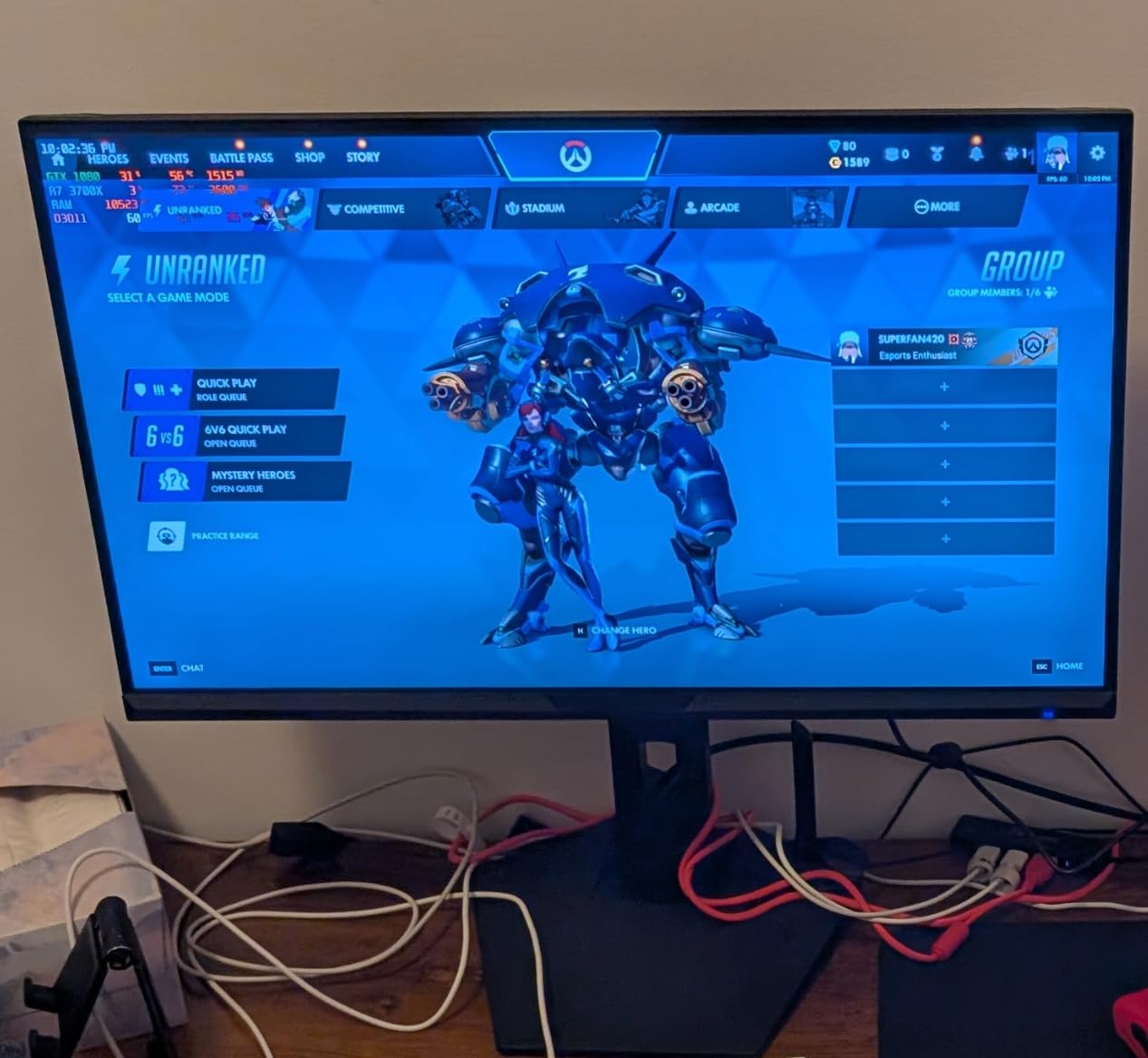
The fastest 21:9 screen in this roundup, and the one most people can actually justify. A 200Hz refresh rate on a 3440×1440 VA panel is unusual at this end of the market, and reviewers consistently single it out as the reason they bought. At 4.4 stars across more than 4700 reviews, it is also the most observed pick here, so the weaknesses are well documented rather than a surprise.
What stands out beyond the refresh number is port flexibility. DisplayPort 1.4 and both HDMI 2.1 inputs are listed as reaching 200Hz, which means you are not choosing a cable or a connector to get the full speed. For a laptop user that matters more than it does on most 34-inch screens.
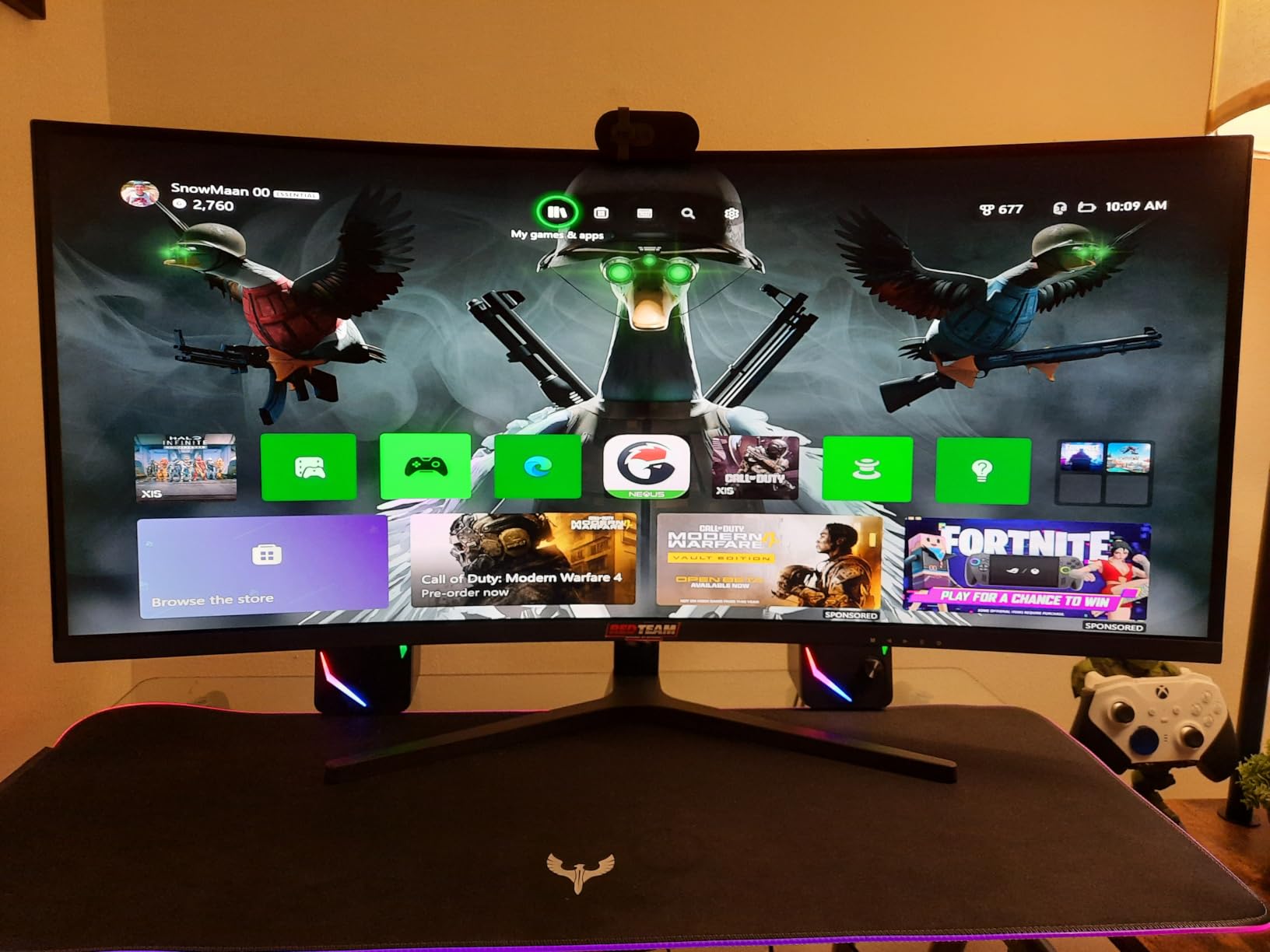
The trade-off owners report most is the stand. It tilts only, with no height adjustment, so if your desk height does not line up with the panel you will be living with an awkward neck angle or buying an arm. Reviewers also mention that colors and sharpness need some tuning in the on-screen menu before the picture stops looking flat.
Two smaller notes. The 1500R curve is mild enough that image geometry stays honest, but the far edges can look dark when you sit well off-centre, so plan to sit square to the screen. And the AI crosshair and picture modes come across as gimmicks in several reviews, which is harmless but not a reason to buy.
Compared with the Samsung ViewFinity S50GC, which also runs 3440×1440 but at 100Hz, this is twice the refresh rate for a very different kind of buyer: the S50GC is a productivity screen that tolerates casual gaming, while this one is a gaming screen that tolerates work. Compared with the Alienware AW3423DWF, you give up OLED contrast and factory color calibration, and you gain a panel that will not develop a permanent taskbar outline.
Good to know: the listing carries a 30-day money-back and replacement window plus lifetime technical support, which matters more than usual on a panel this size if something goes wrong after the event.
2. Amzfast 49 DQHD: Best for 49-Inch Productivity
- Full 5120x1440 canvas at 49 inches
- Stand adjusts 110mm with swivel and tilt
- PIP and PBP splits two sources into dual 1440p windows
- HDMI 2.0 and DisplayPort 1.4 inputs
- 120Hz only over DisplayPort
- Basic HDR rather than certified high-end HDR
- Needs a capable GPU to drive 5120x1440
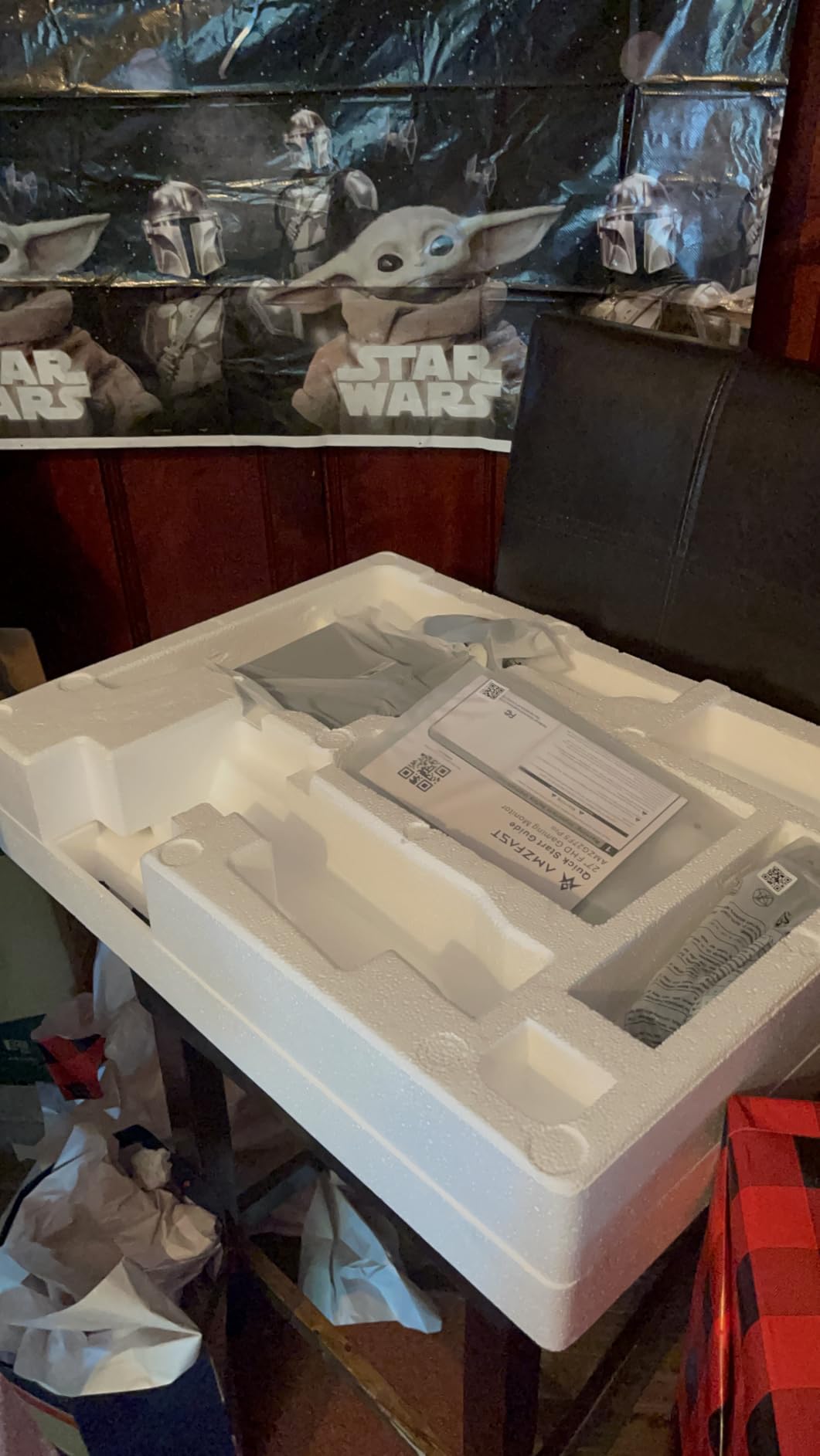
Buy this one if your day is made of wide documents. A 49-inch 32:9 panel at 5120×1440 gives you two 2560×1440 windows side by side with no bezel in the middle, and the PIP and PBP mode will split two signal sources into dual 1440p panels without you touching a splitter. Reviewers call out color accuracy and the split-screen feature as the two things that surprised them most.
The stand is the quiet differentiator here. Most 49-inch panels at this tier come with a fixed neck, and this one gives you 110mm of height travel, swivel and tilt. On a panel this size, being able to set the top edge at eye level is worth more than another spec line.
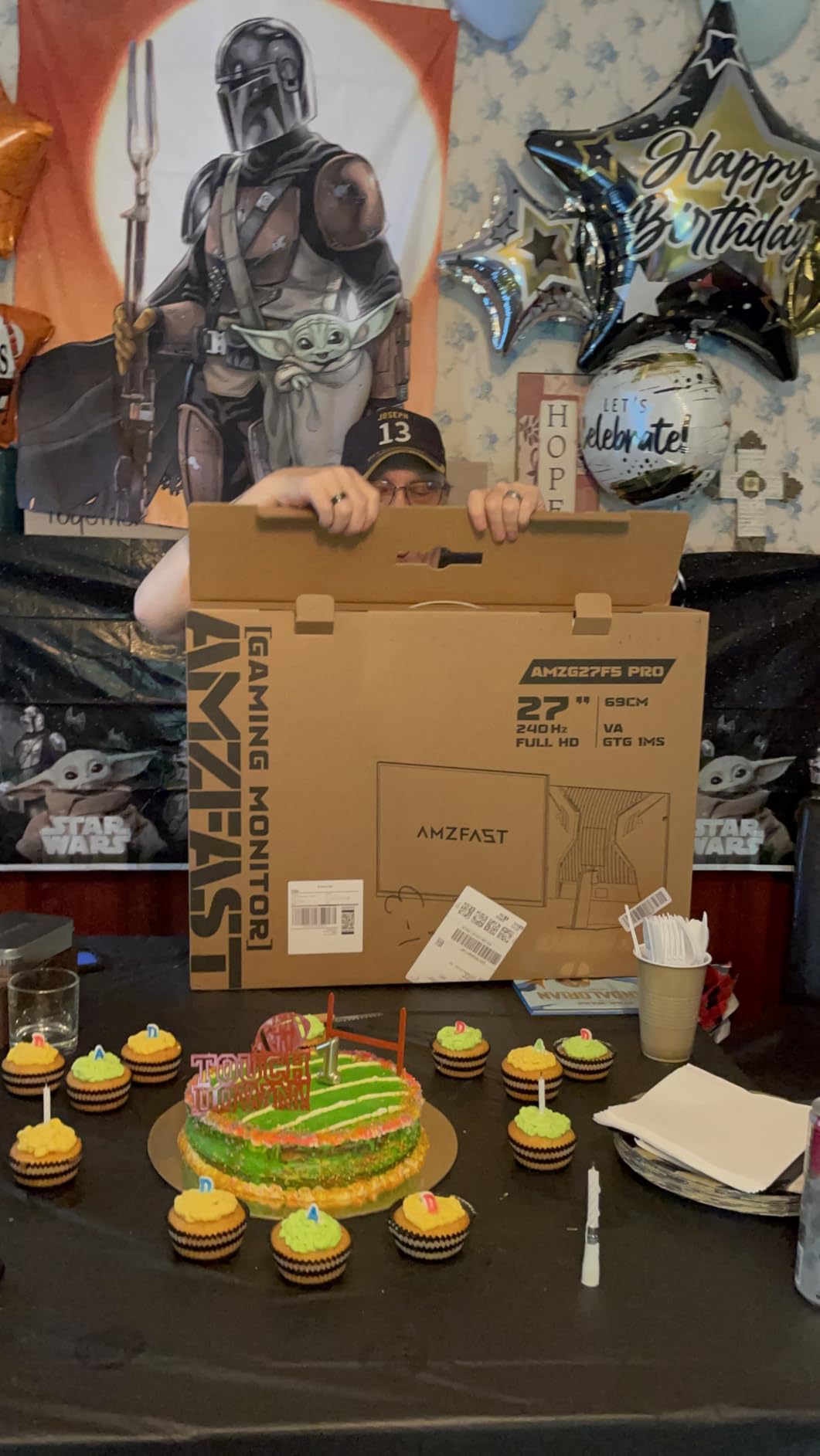
Owners are honest about the limits. The full 120Hz refresh rate is reached over DisplayPort only, so an HDMI source will settle for less. The HDR support is basic, which is another way of saying you will not be buying this for a bright room and a specular highlight.
Where it sits against the rest of the list: it is one of only two 49-inch picks here with a stand that actually moves, and the other one, the Deco Gear 49 DQHD, answers the same need with USB-C docking and a KVM switch. If your work is documents rather than games, the Amzfast is the straightforward stop; if you play at speed, the CRUA 49 DQHD runs 165Hz on the same canvas size.
Measure your desk before you commit. A 49-inch panel is nearly 47 inches wide and about 12 inches deep with the stand, so this needs a real workstation, not a writing desk, and the 1500R curve means sitting centred in front of the middle of the panel.
3. Samsung Odyssey G93SC: Best for 49-Inch OLED Gaming
Samsung 49″ Odyssey (G93SC) Series QD-OLED Curved Gaming Monitor
- True blacks with 1000000:1 contrast
- 240Hz and 0.03ms response
- USB hub with three USB 3.0 and three USB 2.0 ports
- Auto source switch and picture-by-picture
- OLED burn-in risk with static desktop use
- 250 cd brightness is modest for HDR
- Some units ship with firmware that needs updating
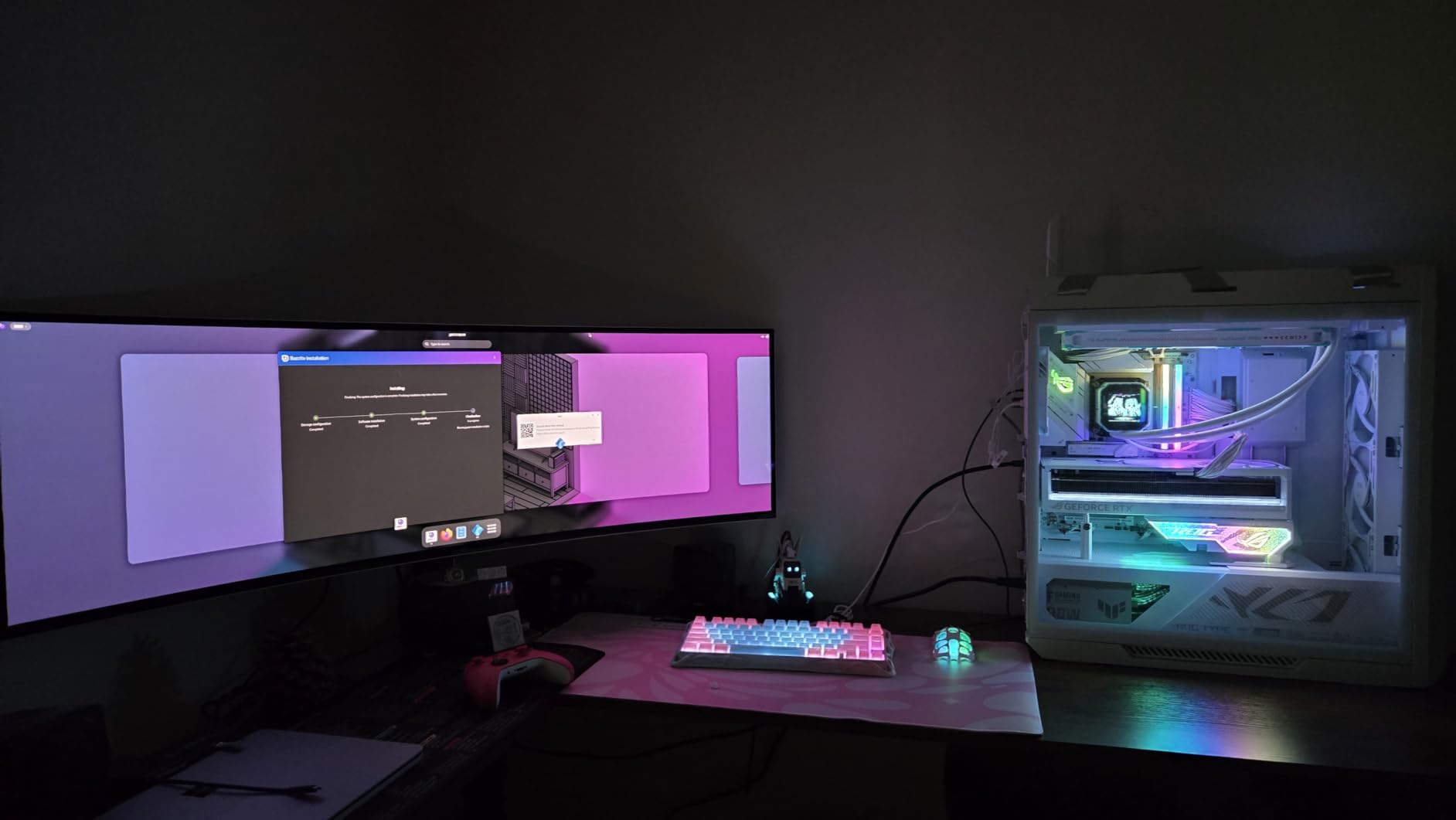
This is the picture quality jump you feel on day one. QD-OLED means true blacks and a 1,000,000:1 contrast ratio, and paired with 240Hz and 0.03ms response it is the fastest 49-inch screen in the list. For sim racing, flight sims and single-player shooters, the 32:9 field of view is the reason people buy a super-ultrawide at all.
The 1800R curve is deliberately shallow compared with the LGs on this list, which keeps geometry straighter for desk work. Samsung also packs in a USB hub with three USB 3.0 and three USB 2.0 ports, auto source switch so two machines can be plugged in without touching the menu, and picture-by-picture at native resolution.
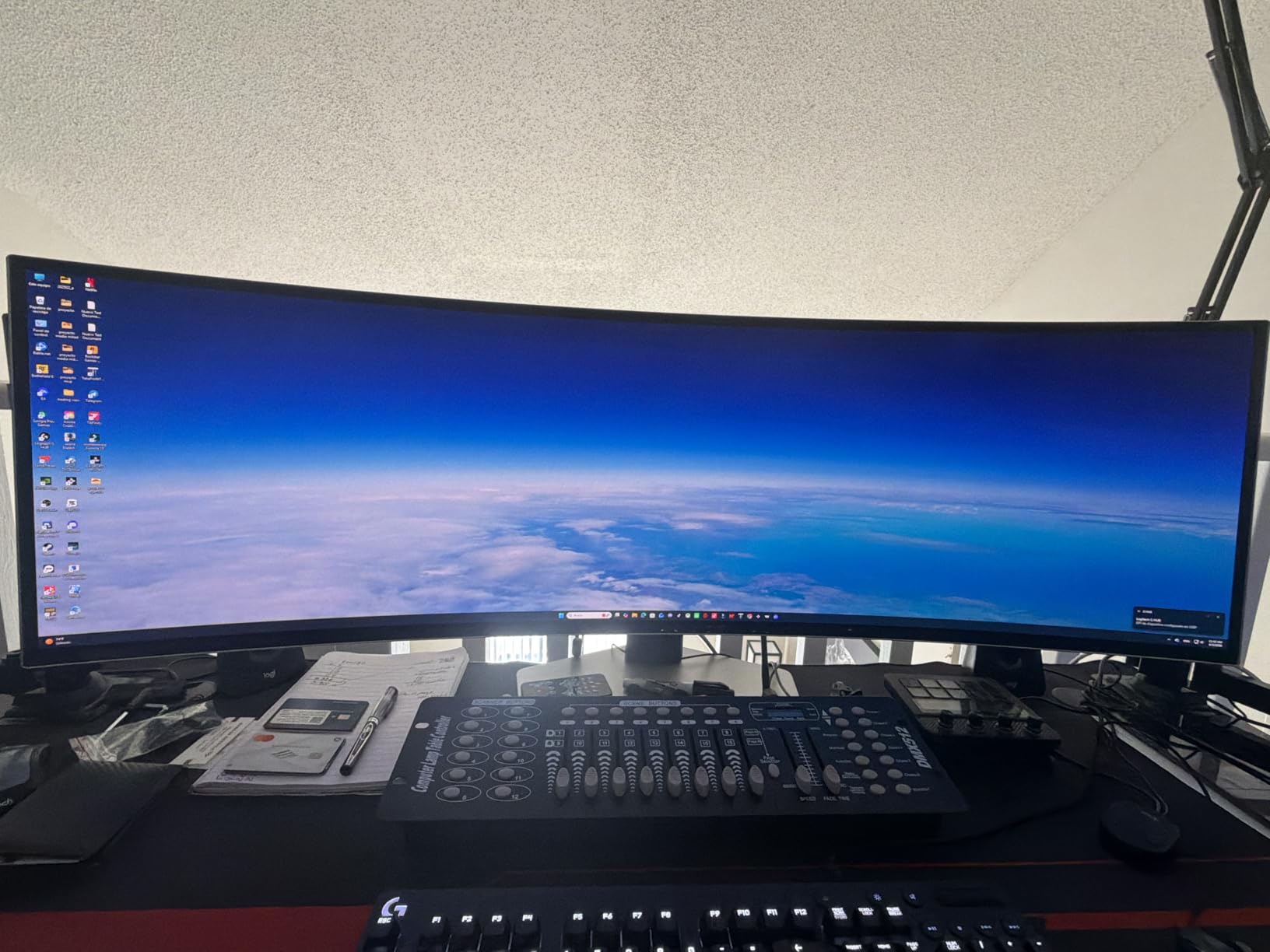
It also carries the lowest average rating here at 4.1 stars, and the reason is visible in the review distribution: 13 percent one-star. That share comes from OLED-specific complaints rather than picture quality. Owners who game hard are delighted; people who leave a taskbar, a spreadsheet and a chat window open for ten hours a day worry about permanent outlines, and 250 cd of brightness is not enough to fight a bright office.
Two practical notes from the reviews. Several buyers report running a firmware update straight out of the box changed how the panel behaved for the better. And a 49-inch QD-OLED needs a high-end GPU to hold 240Hz at 5120×1440, so check your frame rates at your actual resolution before assuming the headroom is there.
Against the LG UltraGear 45GX950A, the Samsung gives you more width and a faster native refresh, while the LG gives you a taller 5K2K canvas, 125 pixels per inch and a dual mode that hits 330Hz in a lower resolution. Against the Deco Gear 49 DQHD, the Samsung wins on image and loses on the docking and height adjustment that the Deco Gear includes.
4. Samsung ViewFinity S50GC: Best for Work-First Setups
SAMSUNG 34″ ViewFinity S50GC Series Ultra-WQHD Monitor, 100Hz, 5ms, HDR10, AMD FreeSync, Eye Care, Borderless Design, PIP, PBP, LS34C502GANXZA, 2023, Black
- 3440x1440 width fits two full windows side by side
- Three-sided borderless design with no middle bezel
- Ambient light sensor adjusts brightness automatically
- Eye Saver Mode and flicker-free comfort features
- Fixed stand with no height adjustment
- VA panel needs a head-on viewing position
- 100Hz is low for competitive gaming
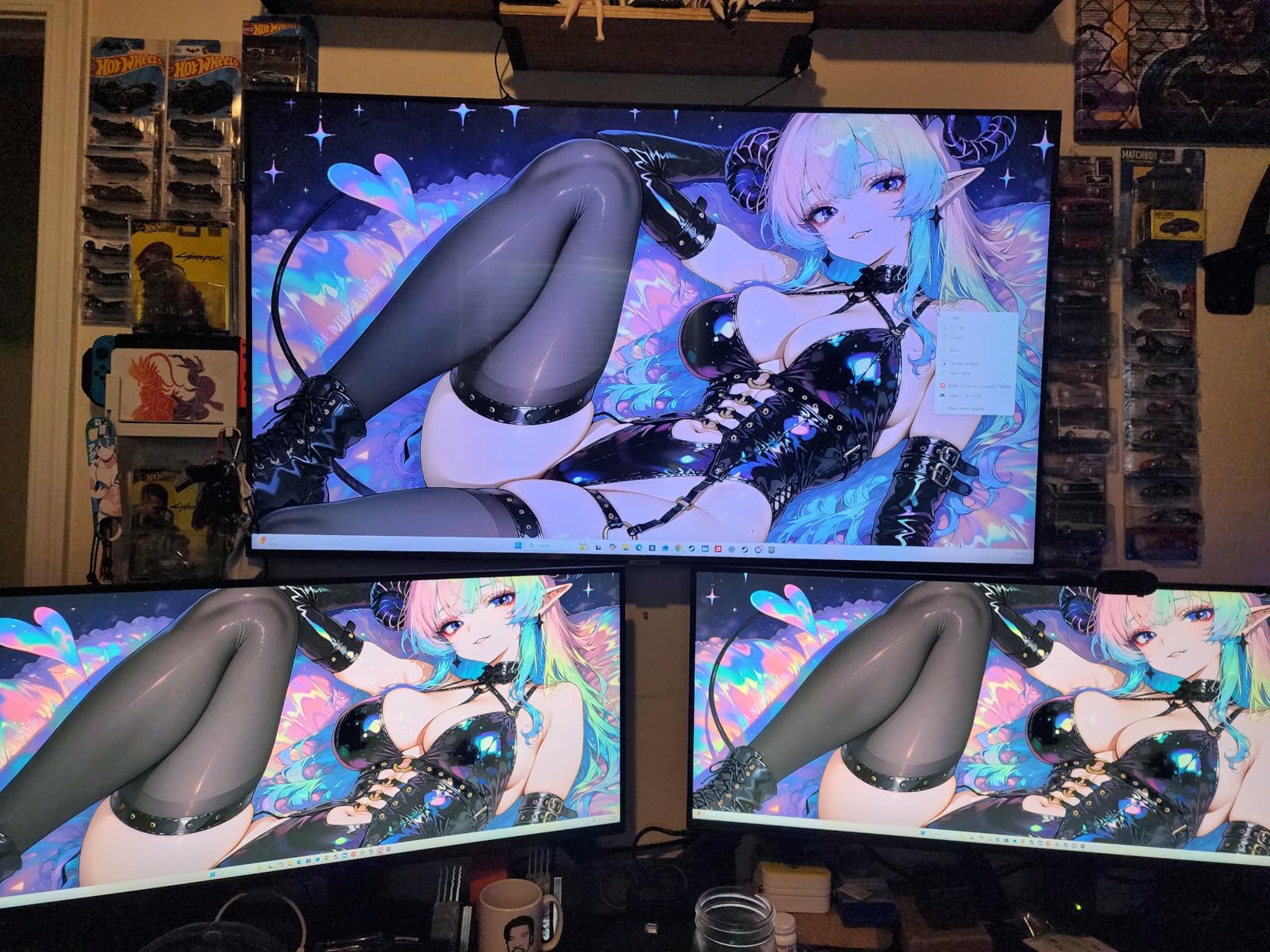
Owners buy this one to delete a second monitor. The 21:9 width fits two full application windows side by side, and the three-sided borderless design means no vertical strip of bezel splitting the middle of your spreadsheet. Audio mixing, video editing and programming are the use cases reviewers name most often, and the picture is described as bright and sharp straight out of the box.
It is a productivity monitor, and the specs reflect that honestly. 100Hz keeps scrolling and casual play smooth, and 5ms response is not going to trouble anyone who is not playing competitive shooters. The ambient light sensor that raises and lowers brightness with the room is a small touch that gets mentioned more than you would expect.
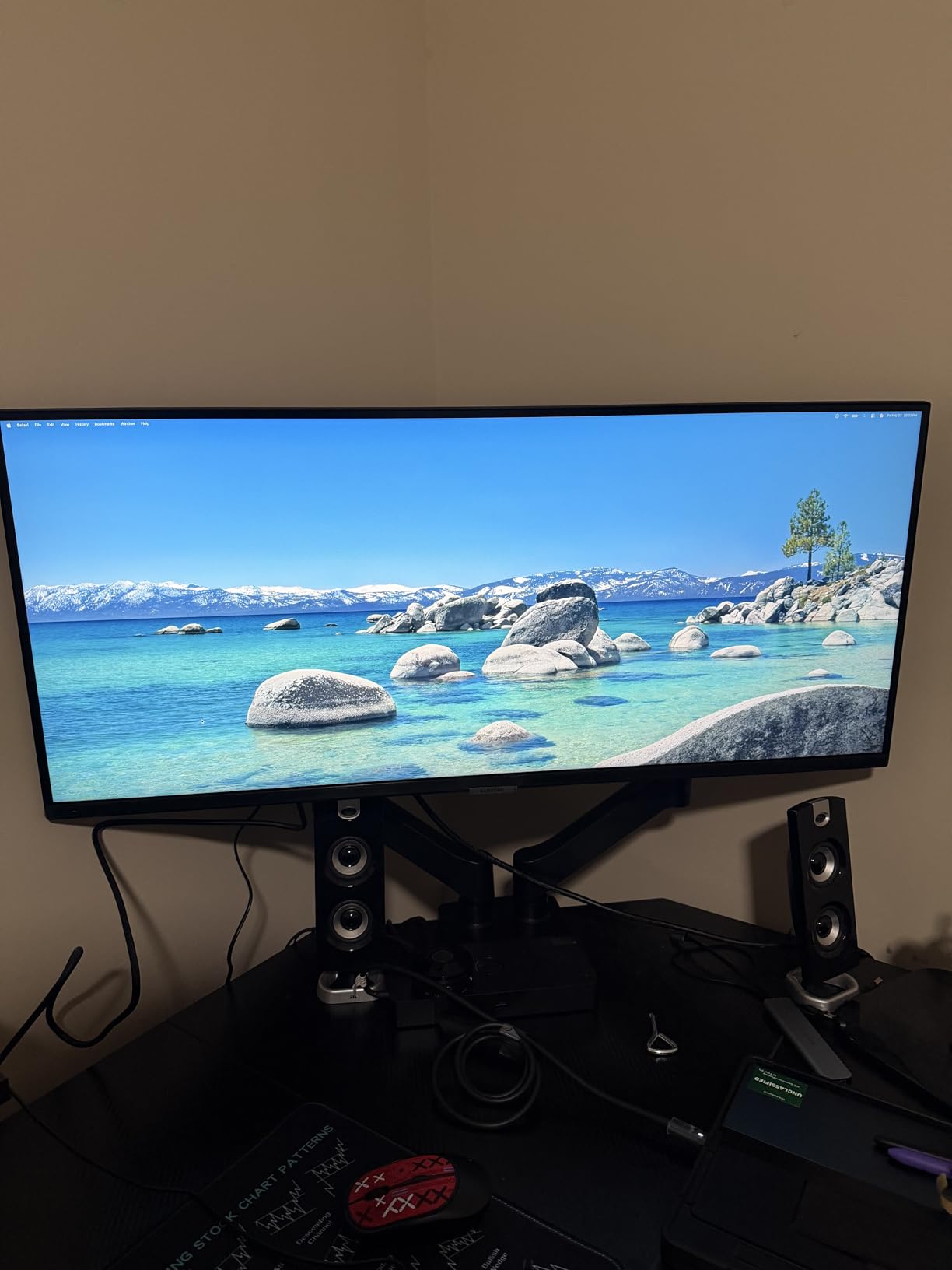
The trade-offs are predictable. The stand is fixed height and sits fairly high on a desk, which is the single most common complaint in the reviews and the reason the Dell S3425DW on this list exists. As a VA panel, colors shift when you are not sitting directly in front of it, so a side-by-side second user on the same screen will notice.
HDR10 support here is basic rather than a certified HDR experience, and the on-screen menu is slow and click-heavy when you are switching sources. But if the plan is one screen for the office and occasional gaming, this is a low-risk pick from a name that has stood behind its warranties for decades.
Compared with the SANSUI 34 200Hz, both are 34-inch 3440×1440 VA panels, and the gap between them is refresh rate rather than price: the SANSUI doubles the refresh rate and adds a VESA mount, while the Samsung wins on ambient light sensing, eye care features and a cleaner desk edge. Compared with the Dell S3425DW, you trade 100Hz for 120Hz and a fixed stand for height adjustment plus a USB-C cable.
5. Deco Gear 49 DQHD: Best for One-Cable Setups
Deco Gear 49″ Super Ultrawide Curved Monitor, 5120×1440, 5K2K, 120Hz, 32:9
- 65W USB-C handles video and data and charging
- Built-in KVM switch for one keyboard and mouse
- Height and swivel and tilt adjustment
- Built-in speakers and a full port set
- One-star share of 12 percent over panel defects
- 100 percent sRGB is not wide-gamut work
- HDR300 support is entry level
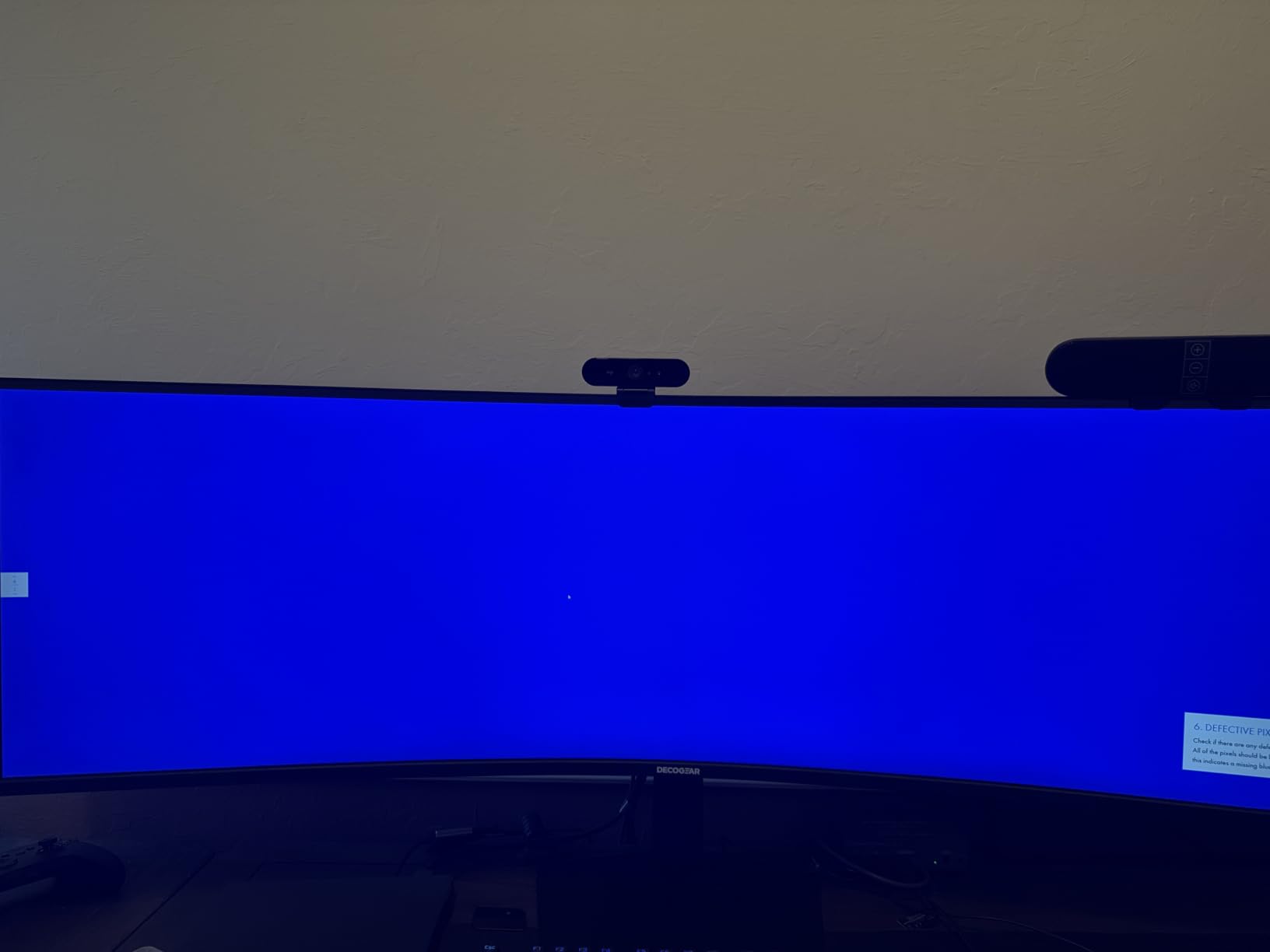
Skip this if the warranty length is what matters most to you. Watch it if you want a 49-inch workspace with a single cable to your laptop. The USB-C port carries 65W of power delivery alongside data and video, and there is a built-in KVM switch, which is the combination that lets a laptop user undock from a desk setup with one plug and no separate dock.
It also adjusts properly: generous height travel plus swivel and tilt, with a VESA mount. Built-in speakers and an audio out are included, which several 49-inch panels at this tier skip entirely.
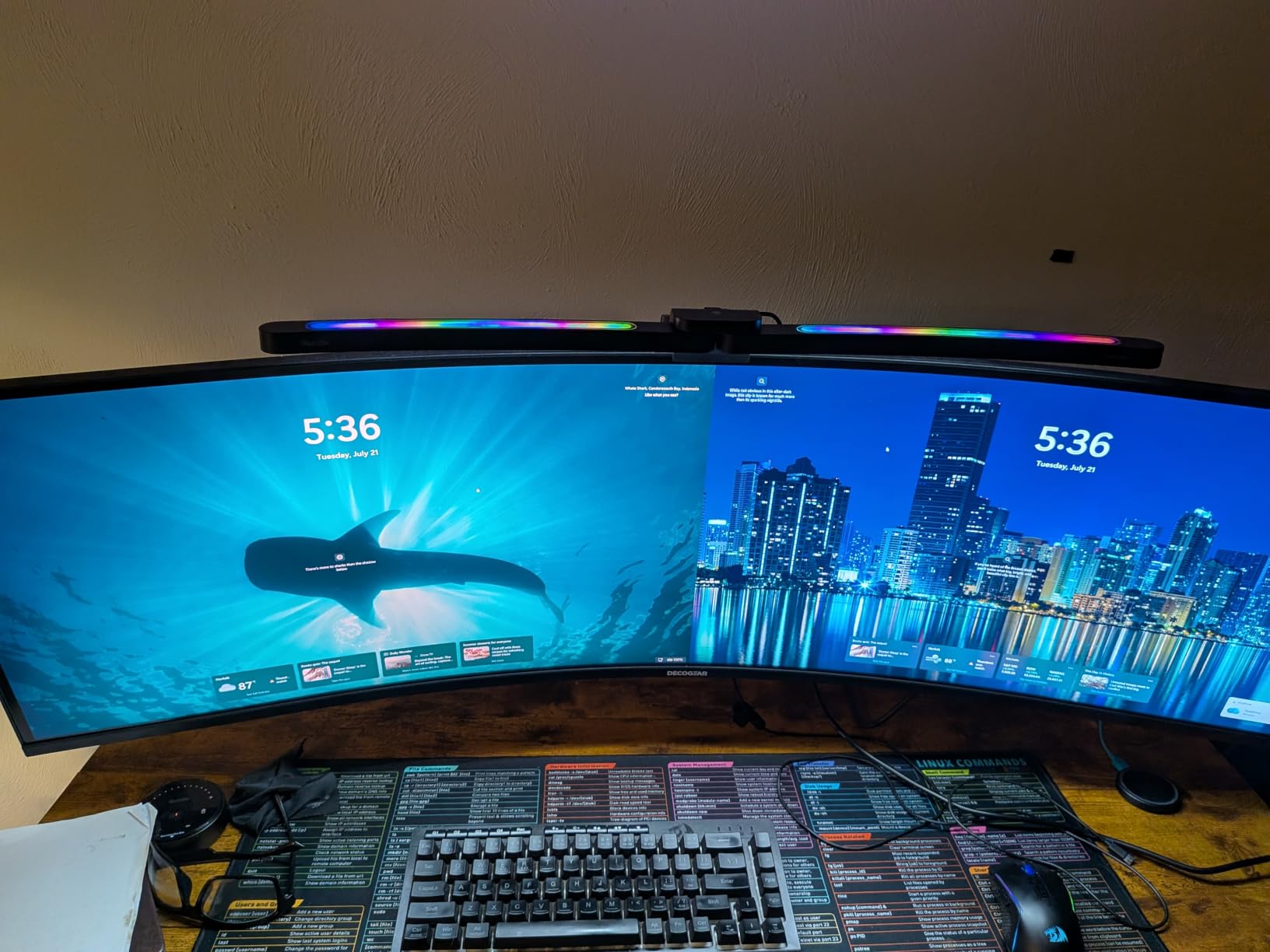
The reason this is not higher in the list is the review distribution. At 4.2 stars it holds a 12 percent one-star share, and those reviews describe internal panel ribboning and vertical-line failures developing within weeks. That is a small number of units rather than a systemic complaint, but it is the risk you take with an off-brand panel, and buyers who read long owner-review threads consistently distrust that combination.
Set against that, support is repeatedly praised, including for shipping replacement VESA mounts years after the original purchase. On color, 100 percent sRGB is fine for general work and not fine for grading, and the HDR300 label describes a picture quality mode rather than a certified HDR experience.
Compared with the Amzfast 49 DQHD, both cover the same 5120×1440 canvas and both have height-adjustable stands, so the decision is docking and brand risk rather than resolution. Compared with the CRUA 49 DQHD, you trade 45Hz of refresh for USB-C power delivery, a KVM switch and built-in audio.
6. Alienware AW3423DWF: Best for Color-Critical Work
Alienware AW3423DWF Curved QD-OLED Gaming Monitor – 34-inch Quantum Dot, 0.1Ms 165Hz 21:9, 99.3% DCI-P3 Color Gamut, VESA DisplayHDR, 400, AMD FreeSync Premium Pro – Black
- 99.3 percent DCI-P3 color with a factory calibration report
- Three-year warranty with OLED burn-in coverage
- Height and tilt and swivel and slant adjustable stand
- Five USB 3.2 Gen 1 ports in the hub
- HDMI tops out at 100Hz so 165Hz needs DisplayPort
- 250 cd brightness is modest for HDR
- Low-brightness flicker bothers some users
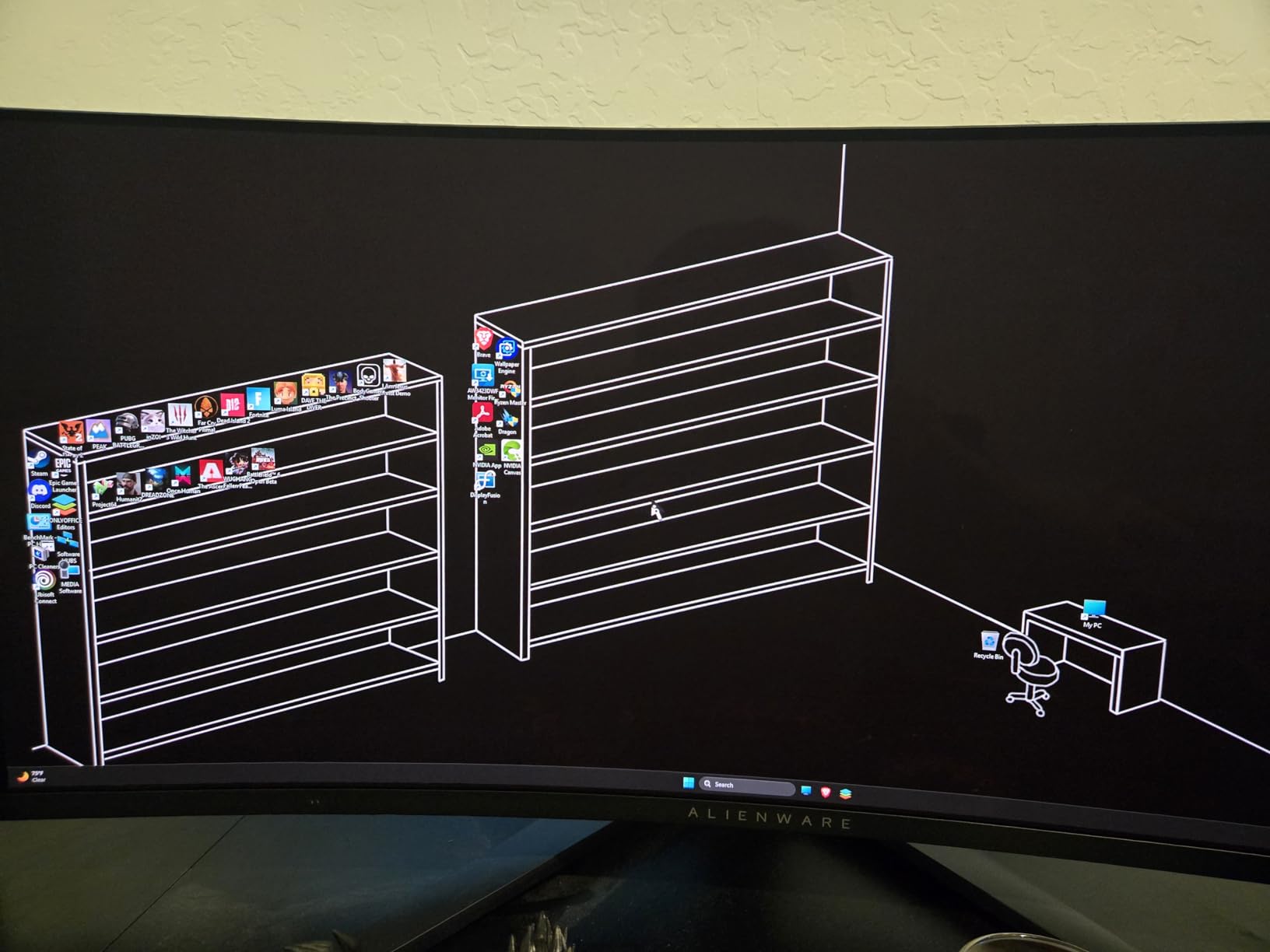
The reason to buy OLED here is color, and this is the pick where that claim is backed up. 99.3 percent DCI-P3 coverage ships with a factory calibration report, and a Creator Mode switches the panel to native DCI-P3 or sRGB with gamma adjustment. If you edit photos or grade footage, that is worth more than raw refresh rate.
The warranty matters as much as the gamut. It carries three years of advanced exchange service plus premium panel exchange coverage that explicitly includes burn-in, which is the single biggest objection buyers raise about OLED monitors. At 4.4 stars across 640 reviews, the picture quality and the motion handling are described as clearly ahead of VA panels.
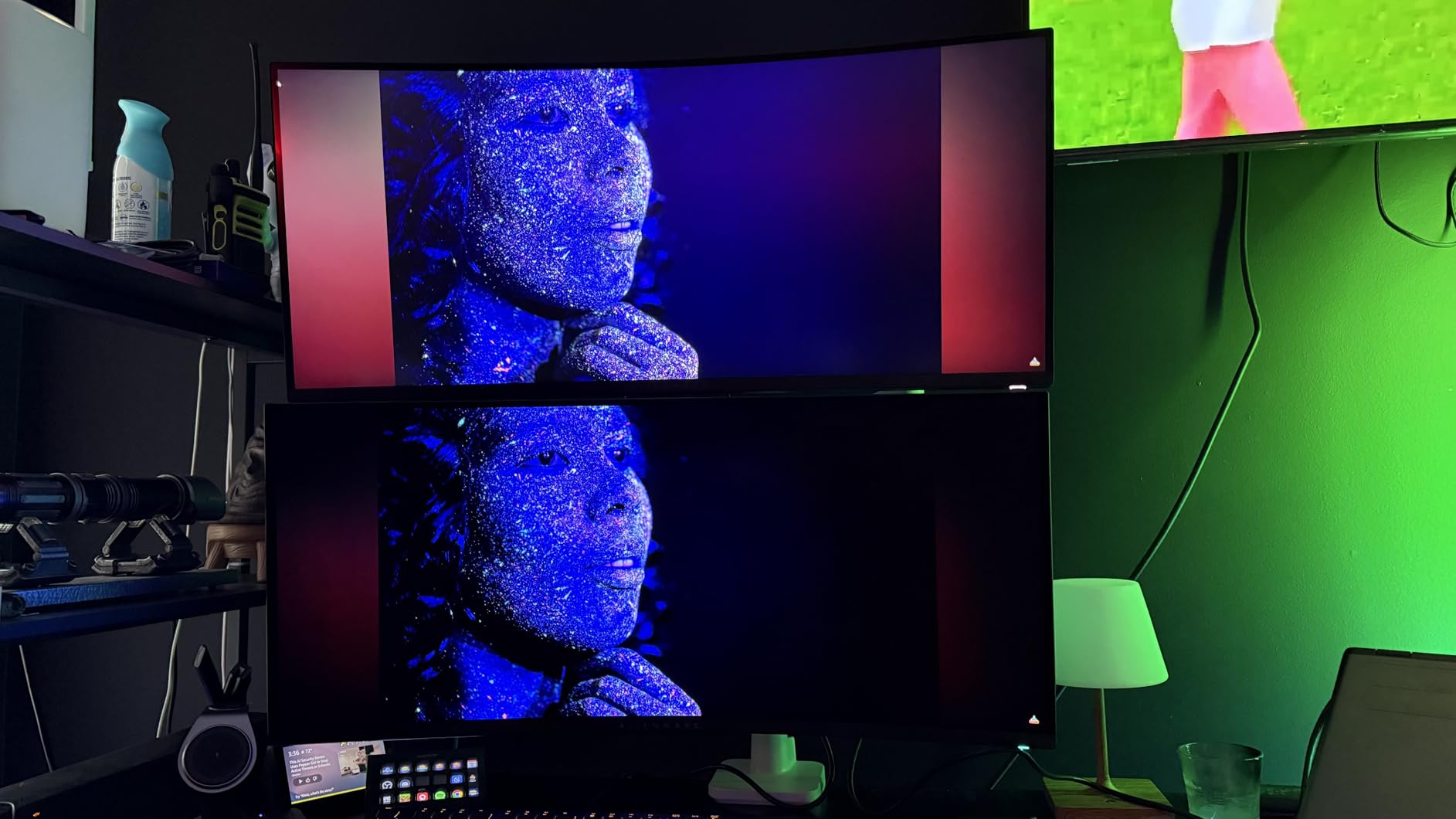
Watch the cable. DisplayPort reaches the full 165Hz, but HDMI caps at 100Hz, and the most repeated practical note in the reviews is exactly that. The stand is fully adjustable, the OSD runs off a five-axis joystick, and the hub carries five USB 3.2 Gen 1 ports, which is generous for a 34-inch.
The honest caveats: burn-in management is still a consideration with a static desktop, 250 cd is not enough to make HDR shine in daylight, and a minority of reviewers report flicker at very low brightness settings that bothers sensitive eyes.
Against the LG UltraGear 34GS95QE, the Alienware is the better productivity and color tool with its burn-in warranty and calibration report, while the LG is the better competitive gaming screen with 240Hz and a deeper 800R curve. Against the SANSUI 34 200Hz, you are paying for picture and calibration rather than raw speed.
7. LG UltraGear 45GX950A: Best for 5K2K Sharpness
- 125 pixels per inch at 5K2K with an updated subpixel layout
- Dual mode runs 165Hz at 5K2K or 330Hz at WFHD
- Up to 1300 nits peak brightness and 98.5 percent DCI-P3
- USB-C with 90W power delivery and built-in speakers
- Heavy at 30.9 pounds and awkward to mount
- Demanding on GPUs at this pixel count
- 800R curve warps still images
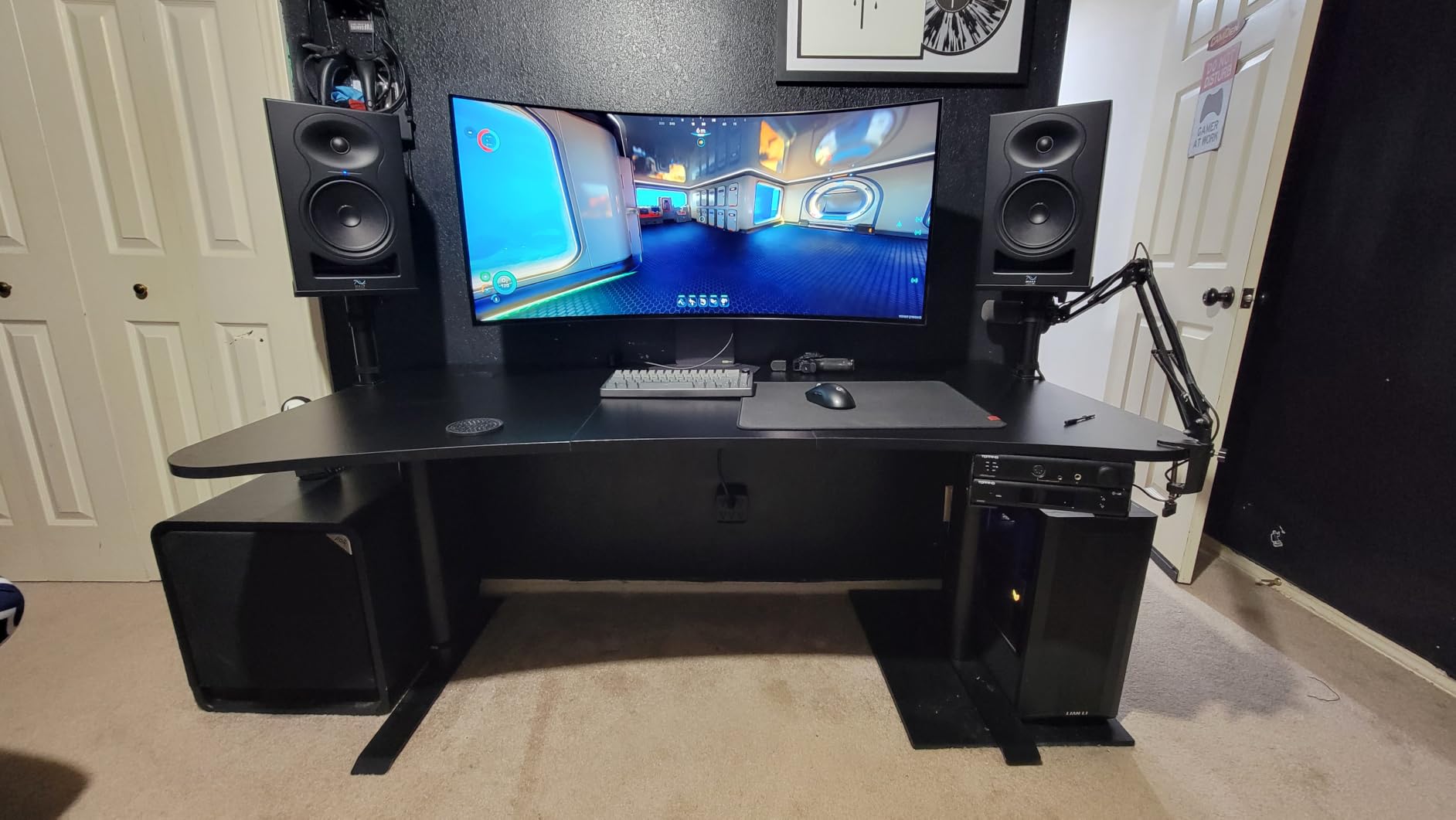
This is the only 21:9 screen in the list rather than a 32:9 one, and that is the whole argument. At 5120×2160 across 45 inches it works out to 125 pixels per inch, and the updated subpixel layout reduces the color fringing that normally makes text on a curved panel uncomfortable. People who read code all day single that out as the reason it is easier on the eyes.
It is also the brightest OLED here, with peak brightness up to 1300 nits against 250 or 275 cd on the other three OLED panels in this roundup. That gap shows in daylight and in HDR, and with 1,500,000:1 contrast and 98.5 percent DCI-P3 it holds up in a lit room where the Alienware and the two LGs at 34 and 49 inches do not.
The dual mode is the sleeper feature. One hotkey switches between 5K2K at 165Hz and Wide Full HD at 330Hz, which turns a productivity panel into a competitive shooter machine when the weekend calls for it. DisplayPort 2.1 provides the bandwidth, and USB-C delivers 90W so a laptop can run from the monitor.
Now the part that decides it for a lot of people: the reviews describe this as the most polarizing pick by use case. The 800R curve is steep enough to visibly warp still photography, which is a problem if you edit images rather than video. It weighs 30.9 pounds, dual mode scaling looks softer rather than letterboxed, and the out-of-box picture can look washed out until HDR calibration is done. A minority of panels also arrive with artifacts that the built-in pixel cleaning routine clears.
Compared with the Samsung Odyssey G93SC, the LG is taller, denser and brighter, but the Samsung is wider and faster at native resolution. Compared with the Alienware AW3423DWF, the LG is sharper and brighter and loses the factory calibration report and the burn-in warranty.
8. Dell S3425DW: Best for Productivity and Docking
Dell 34 Monitor S3425DW, WQHD VA, 120Hz, FreeSync Premium, Eye Comfort
- Single USB-C cable with 65W power delivery
- Height and tilt adjustable stand at this size
- 99 percent sRGB and 95 percent DCI-P3 coverage
- One-year advanced exchange service
- No DisplayPort and a thin port selection
- Recessed VESA plate makes arm mounting awkward
- VA panel is not color-critical
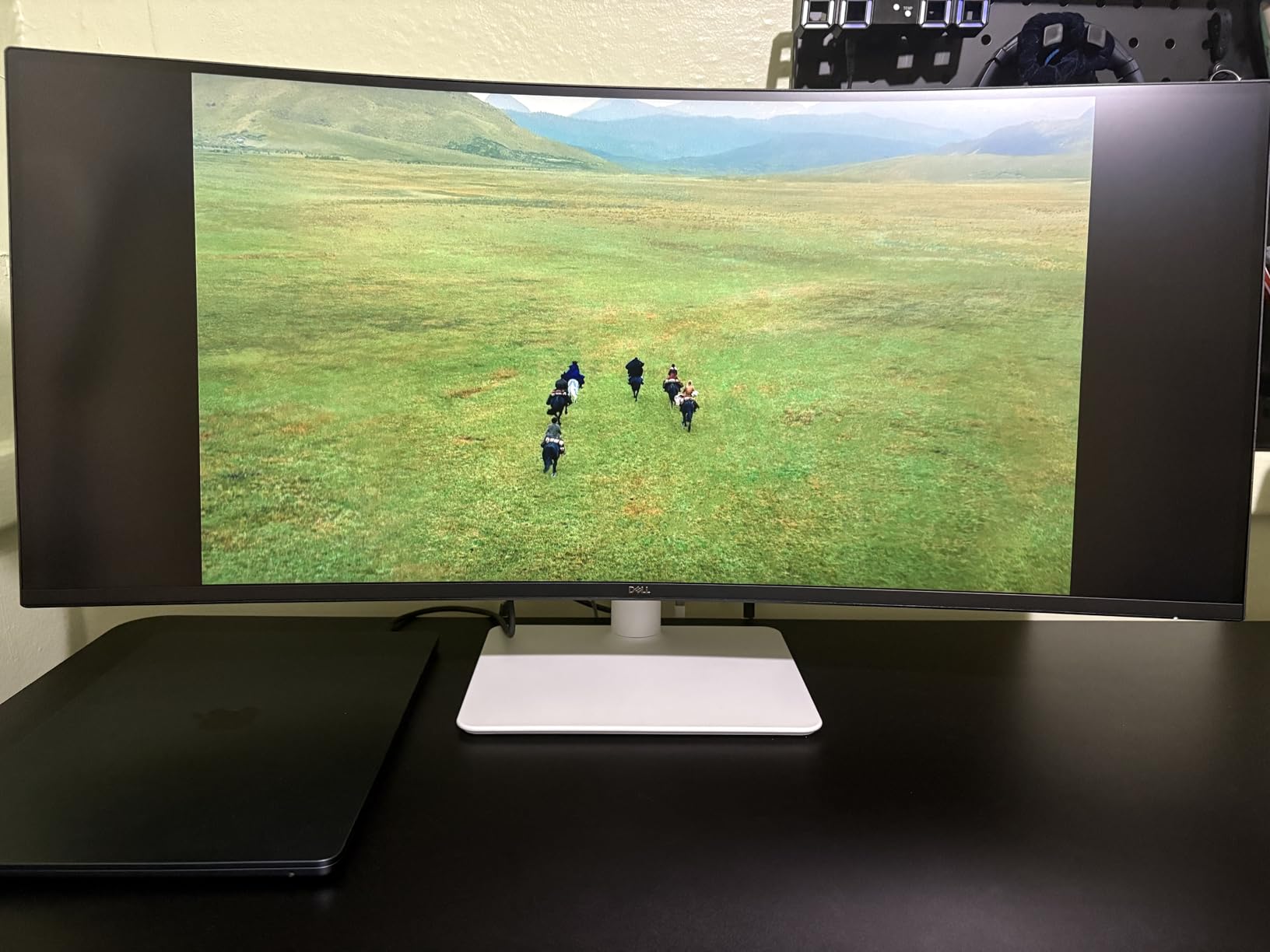
Most of the 34-inch monitors in this list want a DisplayPort cable and a separate charging brick. This one does not. A single USB-C cable carries video, data and up to 65W of charging to a laptop, and owners pairing it with a laptop at the full 120Hz rate say that is the feature that made it stick.
The other thing reviewers mention first is the stand. Height adjustment on a 34-inch curved panel is not common at this tier, and combined with tilt it means the screen can actually land at eye level on a normal desk rather than on a stack of books.
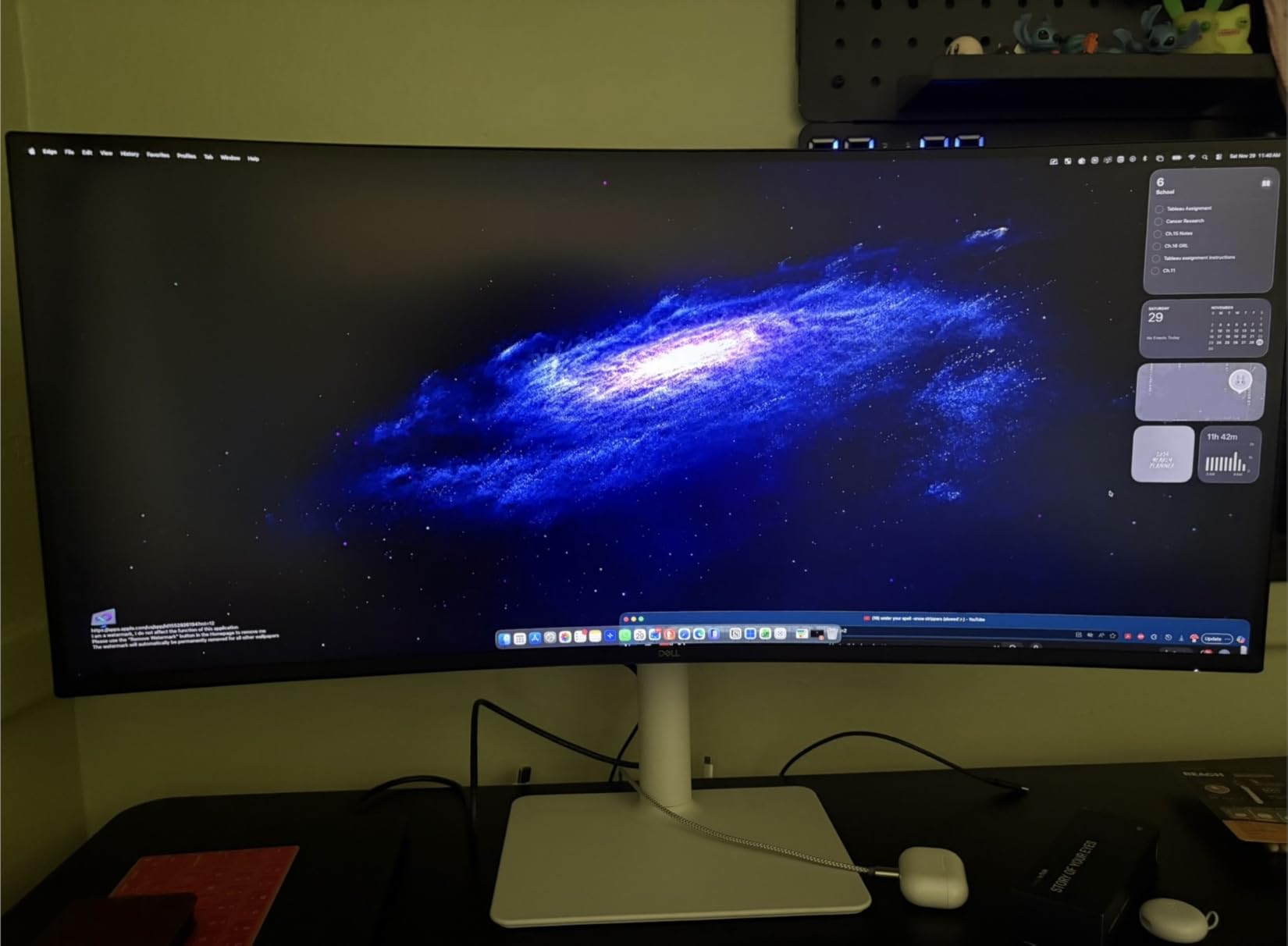
Ports are the weak point, and they are the weak point in a specific way. There are two HDMI inputs, a USB-A and the USB-C, but no DisplayPort, which rules out the highest refresh rates and locks some older or long cables out entirely. The recessed VESA plate is also awkward if you plan to put this on an arm rather than the stand, a detail that only shows up after delivery.
On the display itself: 99 percent sRGB and 95 percent DCI-P3 with 3000:1 contrast and 120Hz, which is a fine productivity panel and a fine casual gaming panel but not a color-critical one. Built-in speakers are adequate rather than good, and 16:9 video puts black bars on either side of the frame because of the aspect ratio.
Against the Samsung ViewFinity S50GC, this is the more modern desk: 120Hz, 95 percent DCI-P3 and a stand that moves. Against the Deco Gear 49 DQHD, the docking story is similar but the canvas is a third smaller, and there is no KVM switch and no 49-inch width to split across.
9. CRUA 49 DQHD: Best for Fast 49-Inch Gaming
CRUA 49″ DQHD 165Hz Ultrawide Curved Gaming Monitor, 1500R, FreeSync, Black
- 165Hz on a 49-inch 5120x1440 VA panel
- Height adjustable stand with tilt and lift
- HDMI 2.1 and DisplayPort 1.4 inputs
- One year warranty with 30 day returns
- No built-in speakers so audio needs a headset
- 1ms is an MPRT figure rather than true pixel response
- No KVM or USB hub on a productivity-sized screen
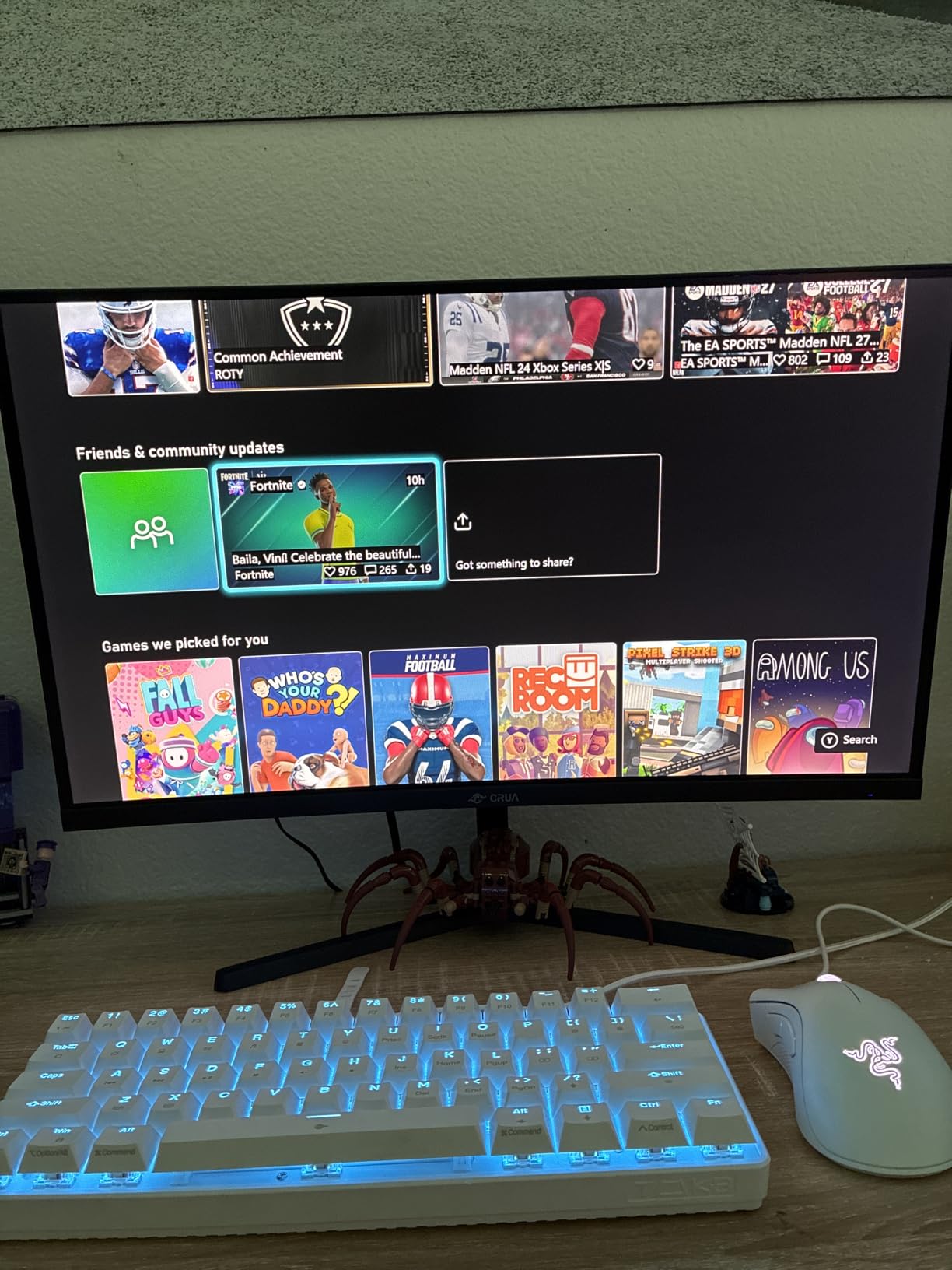
With more than 3600 reviews at a 4.4 average, this is the second most observed product here, which means its strengths and its gaps are both well established rather than discovered after delivery. Owners are consistent about the same thing: the 32:9 canvas is huge, 165Hz feels quick, and the color is good for a VA panel at this resolution.
The refresh rate is what separates it from the other 49-inch LCD picks here. The Amzfast 49 DQHD and the Deco Gear 49 DQHD both stop at 120Hz, which is fine for documents and quick games but leaves frames on the table in a shooter or a racing sim.
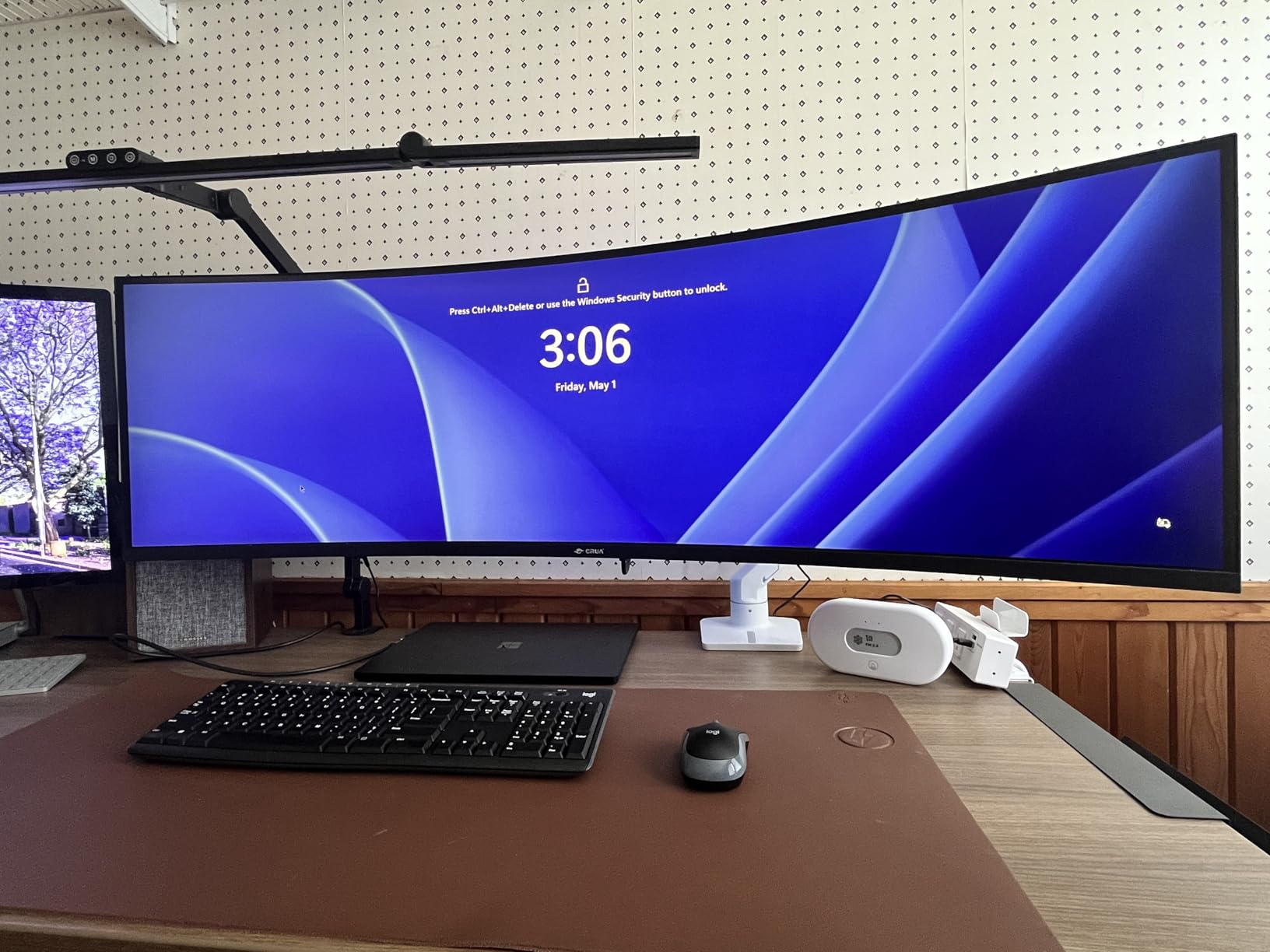
The limitations owners mention most are about omissions rather than faults. There are no built-in speakers, so you need a headset or external audio, and there is no USB hub and no KVM switch on a screen whose whole pitch is productivity. The 1ms rating is MPRT, a measure that smooths motion in testing without removing blur the way a true pixel response figure would.
As with any VA ultrawide, sitting centered matters, and 5120×1440 at 165Hz needs a capable GPU and the right cable to deliver. The stand adjusts in height with tilt and lift, which matters on a panel this wide, and the panel is wall mount compatible.
Put it next to the Samsung Odyssey G93SC and the decision is panel type rather than size. The CRUA is the sensible 49-inch gaming buy for someone who would rather not manage an OLED desktop, while the Samsung is the buy for someone who wants true blacks and will take the burn-in conversation. Swap to the Deco Gear 49 DQHD and you give up USB-C power delivery and a KVM switch for 45Hz more.
10. LG UltraGear 34GS95QE: Best for Competitive Gaming
- 240Hz with 0.03ms response and no visible ghosting
- 800R curve for peripheral immersion
- FreeSync Premium Pro and G-Sync compatible
- Anti-glare coating for a lit room
- OLED burn-in risk for long static desktop use
- 275 cd brightness is modest in daylight
- DisplayPort 1.4 rather than 2.1 limits headroom
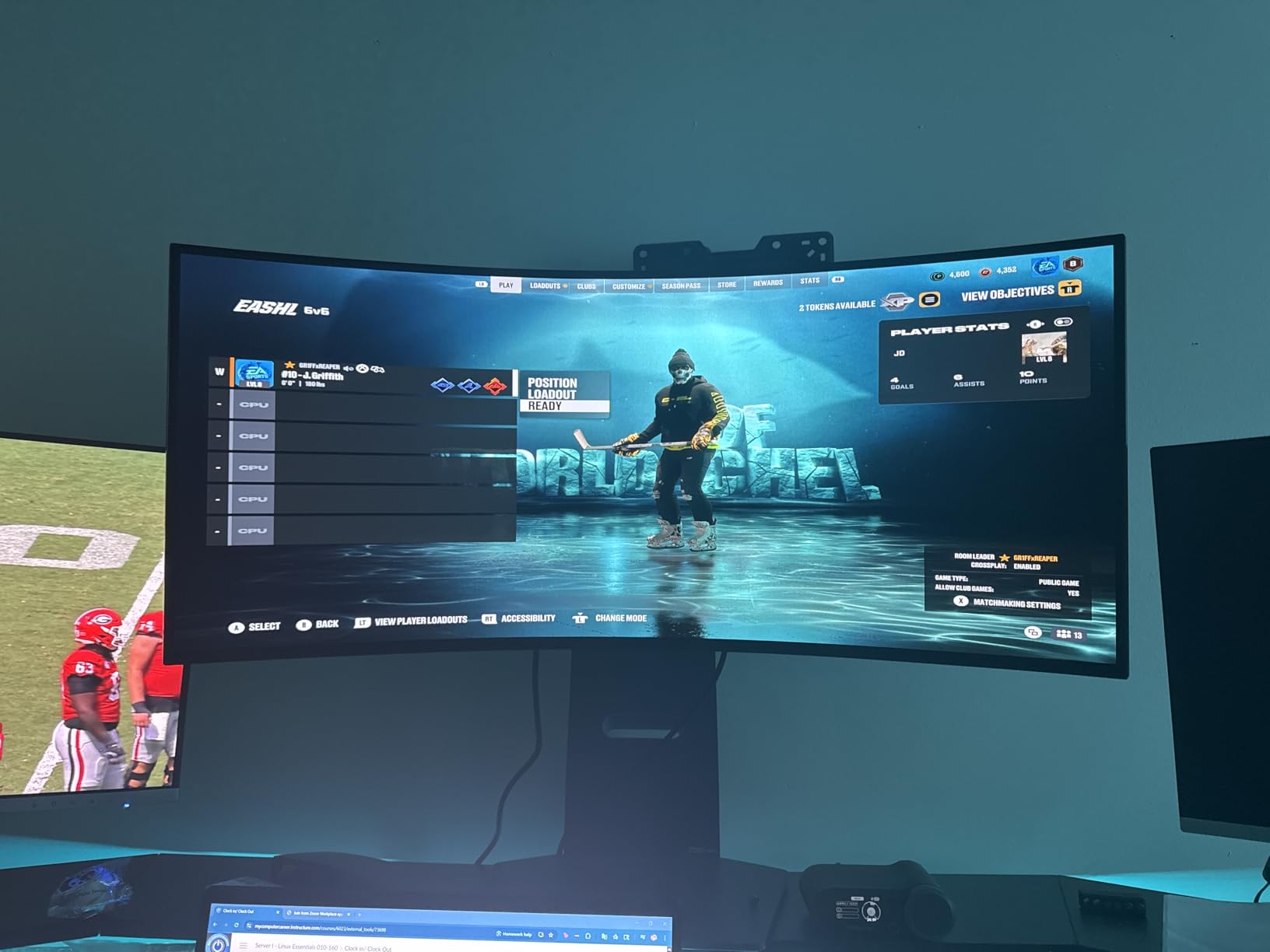
If your primary activity is a competitive shooter, this is the fastest 34-inch screen in the roundup and the only 34-inch OLED that reaches 240Hz. Zero visible ghosting at 0.03ms is the difference you feel in a game, and the 800R curve wraps far enough around the sides to pull peripheral targets into view.
Adaptive sync covers both camps with FreeSync Premium Pro and G-Sync compatibility, and an anti-glare low-reflection coating keeps a lit room from turning into a mirror. The stand adjusts for height, tilt and swivel, and the chassis is described as virtually borderless.
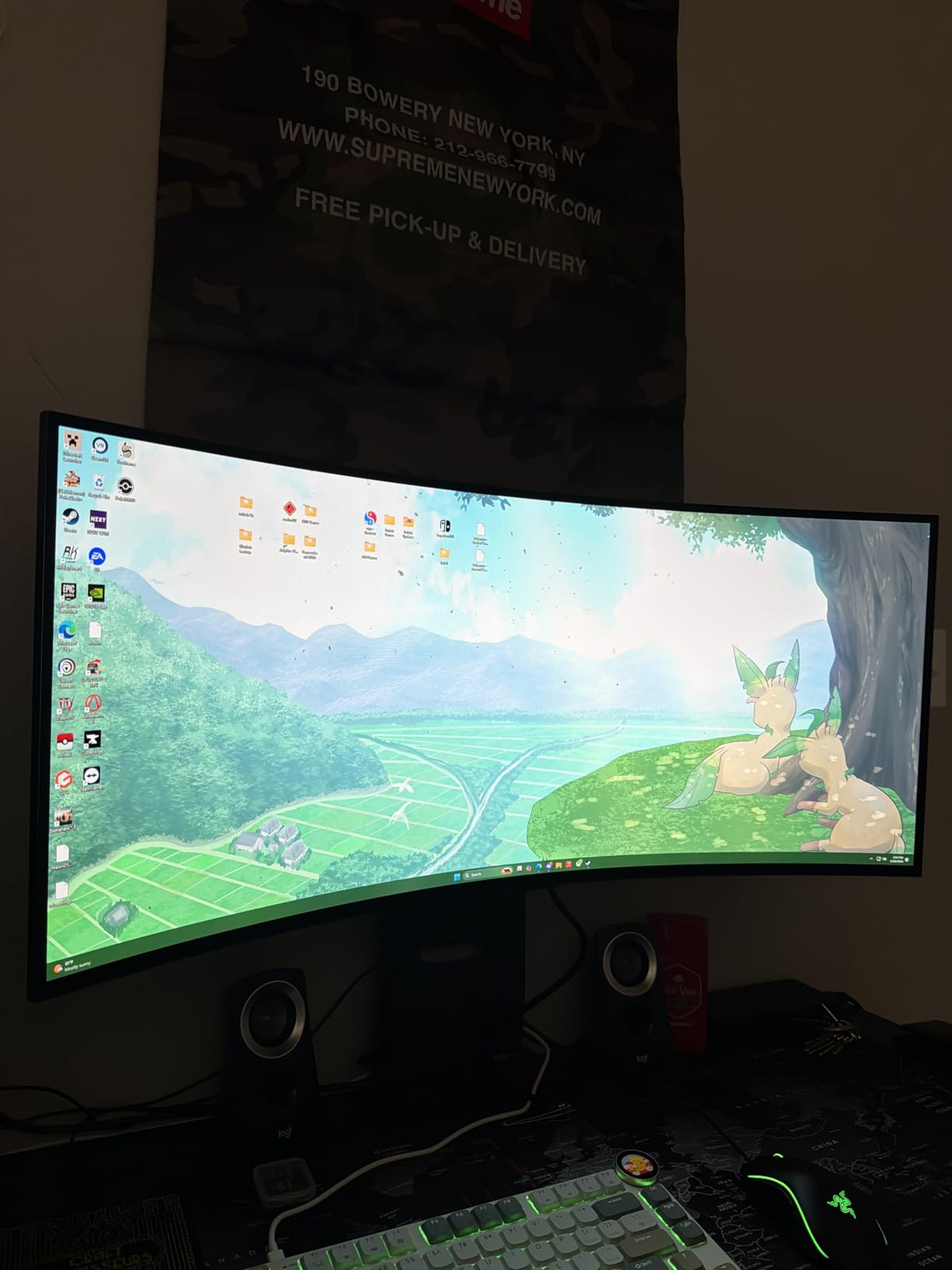
It sits at the bottom of the list because the 11 percent one-star share in its reviews is the highest among the LG models here, and almost all of it is OLED-specific: burn-in worry, brightness that looks weak next to an LCD in a sunlit room, and an 800R curve that some people find uncomfortable for anything that is not a game. Two HDMI 2.1 ports and DisplayPort 1.4 support the full 240Hz, though 1.4 rather than 2.1 is less future-proof than the port on the 45-inch LG.
There is a two-year parts and labor warranty, which is a reasonable reassurance on an OLED and worth weighing against the Alienware AW3423DWF, which pairs a lower 165Hz with a three-year warranty that includes burn-in exchange.
The SANSUI 34 200Hz is the LCD take on the same idea, and the trade runs picture quality and motion clarity against a static desktop that needs managing. Over the Alienware AW3423DWF the speed advantage is 75Hz, while the color advantage goes the other way, toward the Alienware with its 99.3 percent DCI-P3 and factory calibration report.
How to Choose Ultrawide Monitors During Prime Big Deal Days
Decide 21:9 at 34 inches or 32:9 at 49 inches
A 34-inch 21:9 screen at 3440×1440 is the community sweet spot: enough width for sim racing and side-by-side documents without a heavy GPU tax. A 49-inch 32:9 screen at 5120×1440 gives you two full 1440p windows and effectively replaces a dual-monitor arm setup, at the cost of desk depth and GPU headroom.
Measure your desk before choosing. A 49-inch panel is close to 47 inches wide and about 12 inches deep with the stand, so it needs a workstation rather than a writing desk, and a 1500R curve means sitting centred in front of the middle of the panel rather than angled at it.
Match the panel type to what you actually do
VA panels give you 3000:1 contrast at 120 to 200Hz, which is what most of the picks here use, and they are the practical choice for mixed work and play. QD-OLED adds true blacks, near-instant response and wide color, which is the right trade for image and video work or for a monitor that stays in a gaming setup. IPS-style panels are the best for color work but are thin on the ground in this category.
Refresh rate should match your GPU, not your hopes
3440×1440 is easier to run than 4K at 3840×2160, but 5120×1440 at 165Hz asks a great deal more of a graphics card than a 49-inch screen’s size suggests. Buy the refresh rate your GPU can hold at your actual resolution and settings, or plan to play competitive titles at a lower preset.
Check the input, too. The Alienware AW3423DWF runs its full 165Hz over DisplayPort and caps at 100Hz over HDMI, and the Amzfast 49 DQHD reaches 120Hz only over DisplayPort. Cables are not a detail here.
Think about burn-in before an OLED goes on the desk
OLED burn-in is still a real consideration in 2026, mostly because a computer desktop is full of static elements. Taskbars, browser chrome and desktop icons are the usual culprits. If you game and keep the same workspace open all day, a VA panel avoids the conversation entirely; if you want the picture quality, look for burn-in coverage in the warranty, which the Alienware AW3423DWF includes and the LG models do not.
How to shop ultrawide deals during the sale
On a monitor listing, check the model code before anything else. Names like S50GC or AW3423DWF identify a specific generation, and a deal on an older code is a different product from the one the headline number was attached to. Then read the box contents for a stand, a cable set and whether the listing is new or renewed, and check who the seller and shipper are, since third-party fulfilment changes the return path.
Most offers during Prime Big Deal Days need a Prime membership to access the best prices, and a free trial counts. Offers change through the event, so the current price on the listing is the only number that reflects what you would pay today.
A short checklist before you commit:
- Measure desk depth and width, and check that a 49-inch panel clears your monitors and speakers
- Confirm your GPU can hold the refresh rate at the panel’s native resolution
- Check which inputs reach the full refresh rate, and whether you need DisplayPort or USB-C
- Decide whether a static desktop on screen all day makes OLED a sensible panel choice
- Verify the stand adjusts for height, or plan on a VESA arm and check the mount pattern
- Confirm the warranty length and whether burn-in or panel exchange is included
Frequently Asked Questions
When does Amazon Prime Big Deal Days run?
Amazon Prime Big Deal Days runs October 6-7, 2026. Most offers need a Prime membership, and a free trial counts, so a non-member can still reach the member pricing for the length of the trial. Offers change through the event.
What is the best budget ultrawide monitor?
The SANSUI 34 200Hz is the best budget ultrawide here, because a 200Hz refresh rate and 3440×1440 resolution are rare at the lower end. If your budget stretches a little further and you work rather than play, the Samsung ViewFinity S50GC is the name-brand alternative with a fixed stand.
Is 3440×1440 harder to run than 4K?
No. 3440×1440 asks less of a graphics card than 4K at 3840×2160, which is one reason it is the usual recommendation for 34-inch ultrawides. The step that gets expensive is 5120×1440, where a 49-inch super-ultrawide at high refresh rates needs considerably more GPU than a 34-inch panel does.
How far should I sit from an ultrawide monitor?
For a 34-inch 21:9 screen, sit about 70 to 90 cm away and roughly an arm’s length back, with your eyes near the vertical centre. For a 49-inch 32:9 panel, move back to around 90 to 110 cm so the edges are not at an uncomfortable angle. A curved panel should be viewed head-on rather than from one side.
Is OLED burn-in still a problem on ultrawide monitors?
It is still a consideration, mostly because desktops are full of static elements such as taskbars and browser toolbars. Modern panels hold up well with normal mixed use, and burn-in management features help, but if you leave the same windows open all day a VA panel removes the risk entirely. Check whether the warranty covers burn-in exchange.
What are the best Amazon Prime Big Deal Days ultrawide monitor deals?
The strongest picks for this sale are the SANSUI 34 200Hz for fast 34-inch gaming, the Amzfast 49 DQHD for a 5120×1440 workspace and the Samsung Odyssey G93SC for 49-inch OLED gaming. The LG UltraGear 45GX950A wins on sharpness and the Alienware AW3423DWF wins on color-critical work with burn-in coverage.
Final Verdict: Best Amazon Prime Big Deal Days Ultrawide Monitor Deals
Buy the SANSUI 34 200Hz if you want the most capable 34-inch ultrawide per pixel and you can live with a tilt-only stand. It is the pick most worth watching through the sale, with a 200Hz refresh rate on 3440×1440 and the largest review base of anything in this roundup.
For a desk that needs a real workspace, the Amzfast 49 DQHD is the one to check, and it is the most straightforward route here onto a 5120×1440 canvas with a stand that adjusts. For 49-inch gaming on an LCD panel, the CRUA 49 DQHD runs 165Hz where the other 49-inch VA picks stop at 120Hz.
The Samsung Odyssey G93SC is the OLED pick for 49 inches and the fastest 49-inch screen here, if you are comfortable with the static desktop conversation. The LG UltraGear 45GX950A is the sharpest of the lot at 125 pixels per inch with 1300 nits of peak brightness, and the LG UltraGear 34GS95QE is the fastest 34-inch for competitive titles. For color work, the Alienware AW3423DWF pairs a factory calibration report with three years of burn-in coverage.
Two last picks by need: the Dell S3425DW is the tidiest 34-inch desk with a single 65W USB-C cable and a height-adjustable stand, and the Samsung ViewFinity S50GC is the name-brand 34-inch to watch for work-first setups. Check the current price on each listing, and pick the one whose panel type you can live with every day, not just on the day the event starts.