
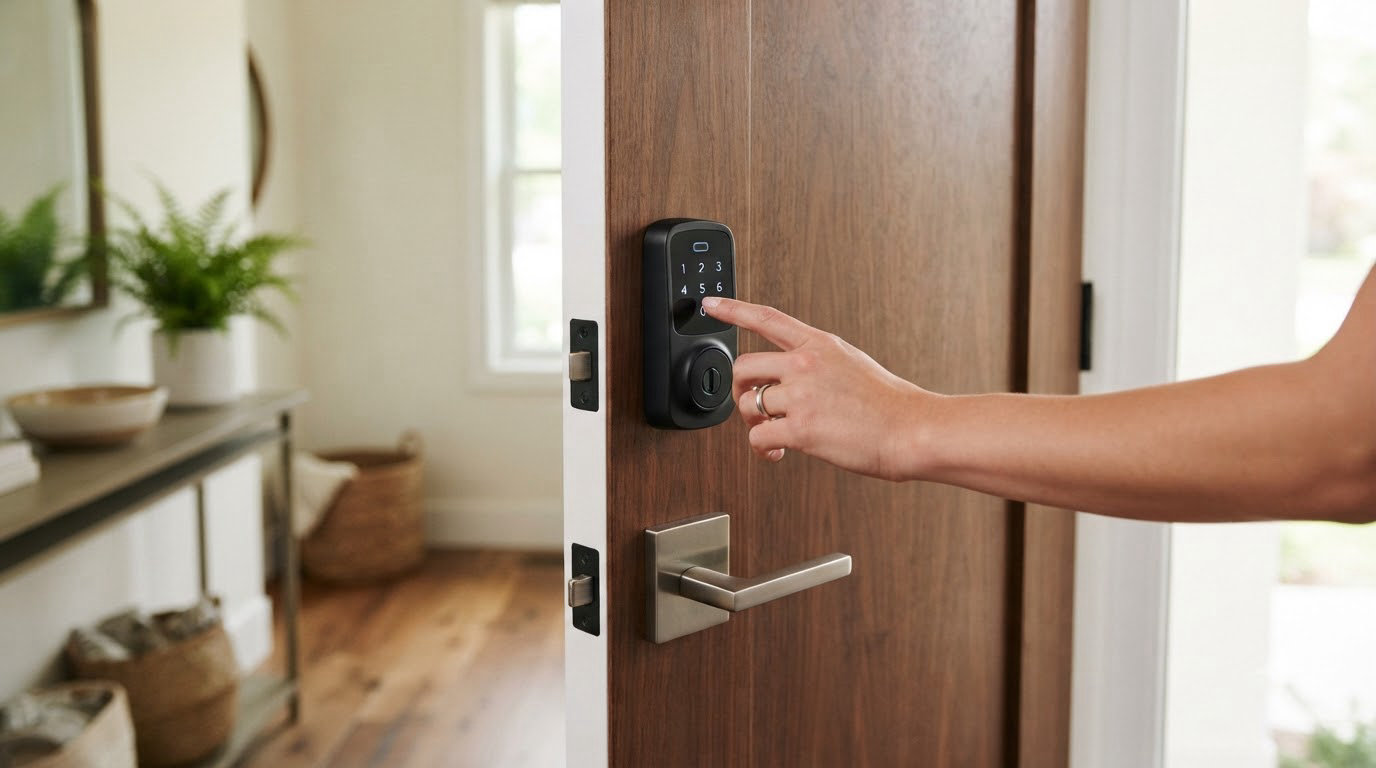
The lock that leads this list is the ULTRALOQ Bolt SE Wi-Fi, and it is the one to watch first when Amazon’s Prime Big Deal Days opens on October 6-7, 2026. It is the most-reviewed lock here, it works with Matter over Thread as well as plain Wi-Fi, and it covers seven ways to unlock a door in a single deadbolt.
For most people the second name to look at is the eufy Smart Lock C220, a fingerprint deadbolt with built-in Wi-Fi and Apple Watch support. The Philips Wi-Fi Smart Deadbolt rounds out the top three for anyone handing out guest codes to cleaners, sitters or a rental unit.
Table of Contents
Our Top 3 Picks for Best Amazon Prime Big Deal Days Smart Lock Deals

ULTRALOQ Bolt SE Wi-Fi
- Fingerprint plus 50 passcodes
- Matter over Thread and Wi-Fi
- Up to 18 months on Thread

eufy Smart Lock C220
- Sub-one-second fingerprint
- Built-in Wi-Fi with no bridge
- BHMA Grade 3 and IP53

Philips Wi-Fi Smart Deadbolt
- Up to 100 custom passcodes
- Away Mode master code
- Adjustable 10-180 second auto-lock
Best Amazon Prime Big Deal Days Smart Lock Deals Compared (October 2026)
| Product | Specifications | Action |
|---|---|---|
| ULTRALOQ Bolt SE Wi-Fi |
|
Check Deal Price |
| eufy Smart Lock C220 |
|
Check Deal Price |
| Philips Wi-Fi Smart Deadbolt |
|
Check Deal Price |
 Veise VE012W Smart Lock Veise VE012W Smart Lock |
|
Check Deal Price |
 TEEHO TE012W Smart Lock TEEHO TE012W Smart Lock |
|
Check Deal Price |
 Wyze Auto-Lock Bolt v2 Wyze Auto-Lock Bolt v2 |
|
Check Deal Price |
 Philips Wi-Fi Handle Deadbolt Philips Wi-Fi Handle Deadbolt |
|
Check Deal Price |
 Tapo DL100 Smart Lock Tapo DL100 Smart Lock |
|
Check Deal Price |
 Veise VE027 Smart Lock Veise VE027 Smart Lock |
|
Check Deal Price |
 eufy Smart Lock C33 eufy Smart Lock C33 |
|
Check Deal Price |
How We Chose
Every lock here was compared on the specs that decide a front door: how many ways it opens, what radios it speaks, how it is powered, what certification it carries and how it fits a standard deadbolt opening. We also weighed owner ratings and the volume of reviews behind them, and checked the data on October 2026.
1. ULTRALOQ Bolt SE Wi-Fi: Editor’s Choice
- Fifty fingerprints and fifty passcodes stored
- Matter over Thread for Apple Home and other ecosystems
- Built-in Wi-Fi needs no separate hub
- ANSI and BHMA certified zinc alloy body
- Ten-minute install
- Wi-Fi limited to 2.4 GHz within about 70 ft
- Matter features need a Thread Border Router
- No door sensor so auto-lock is timer based
This is the lock that covers the most ground without asking you to pick a side. It stores 50 fingerprints and 50 passcodes, shares an eKey with anyone, and works over built-in Wi-Fi for basic remote control, then switches to Matter over Thread when you want it inside Apple Home or another Matter app.
Owners report the battery figure holds up better than on most Wi-Fi deadbolts they have owned, since Thread is built for low-power mesh operation. The zinc alloy body carries ANSI and BHMA certification and an IP65 water rating, which matters more on an uncovered side door than it does on a sheltered front entry.
Good to know: the auto-lock is a timer, not a door sensor. Several reviews mention the bolt throwing while the door is still standing open, so a prop that holds the door ajar is worth keeping in mind if you use auto-lock on a busy entry.
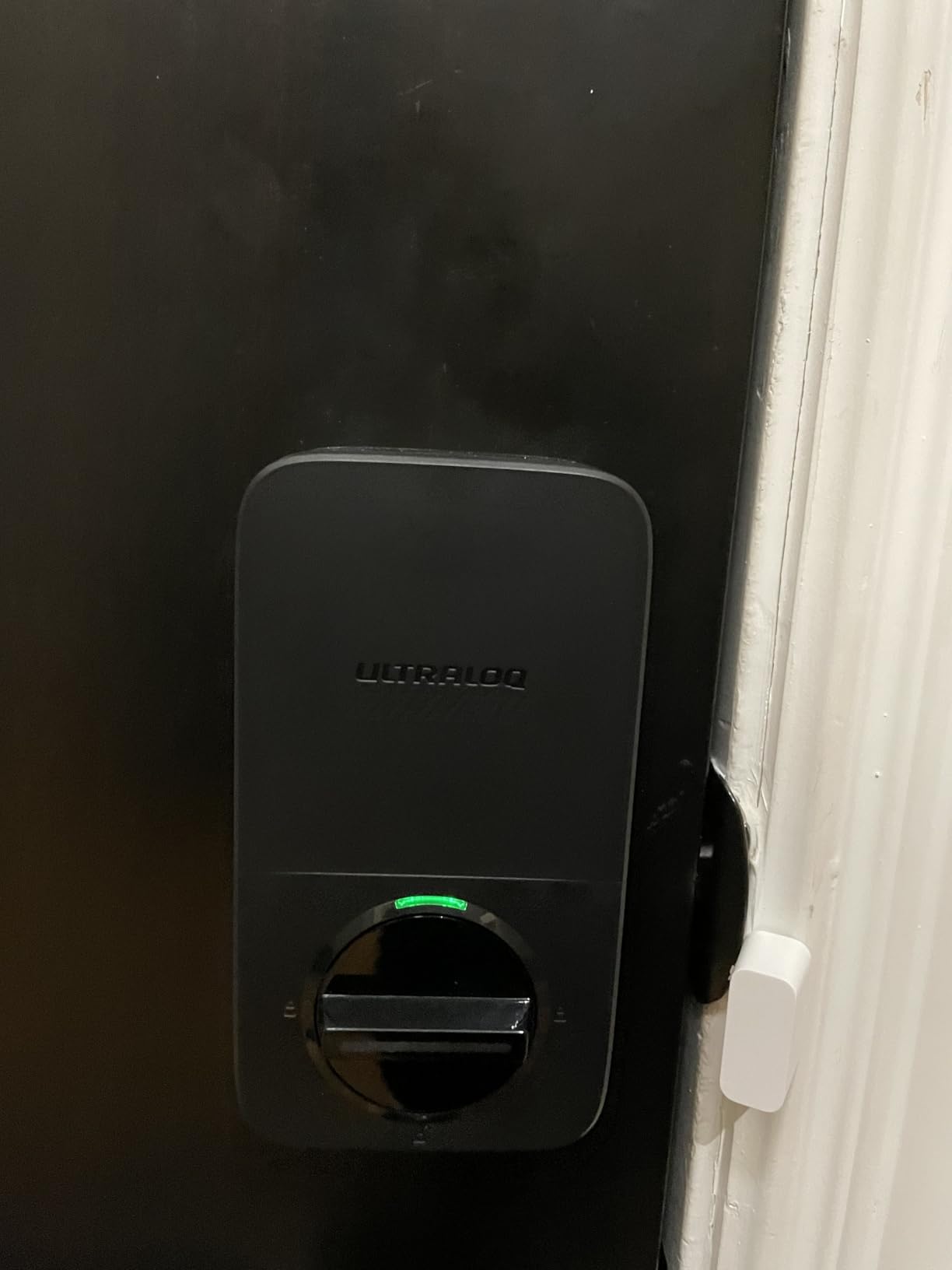
Compared with the eufy Smart Lock C220, the trade is Thread and Matter for Apple’s ecosystem against the C220’s Apple Watch unlock and its larger fingerprint module. Compared with the Tapo DL100, the ULTRALOQ gives up the batteries-in-the-box convenience and a longer stated battery window in exchange for fingerprint entry and a 50-code ceiling instead of 200.
Skip it if your router sits more than about 70 feet from the door, because the built-in Wi-Fi radio is 2.4 GHz only. If you already run a Home Assistant or SmartThings setup, the Matter side needs a Thread Border Router somewhere in that chain, which is usually a device you may already have.
2. eufy Smart Lock C220: Best for Apple Watch Entry
- Fingerprint reads in under a second
- Apple Watch unlock included
- Built-in Wi-Fi so no bridge to buy
- BHMA Grade 3 and IP53 for exterior use
- No-drill install in about 15 minutes
- Eight months of battery life is the shortest claim here
- Uses eight AA cells for a heavier power draw
- About 10 percent of reviews are one star
Six ways in, and one of them is a watch on your wrist. That is the argument for this model: household members who never take a phone out of a pocket can still open the door, and the self-learning fingerprint module gets quicker the more it is used.
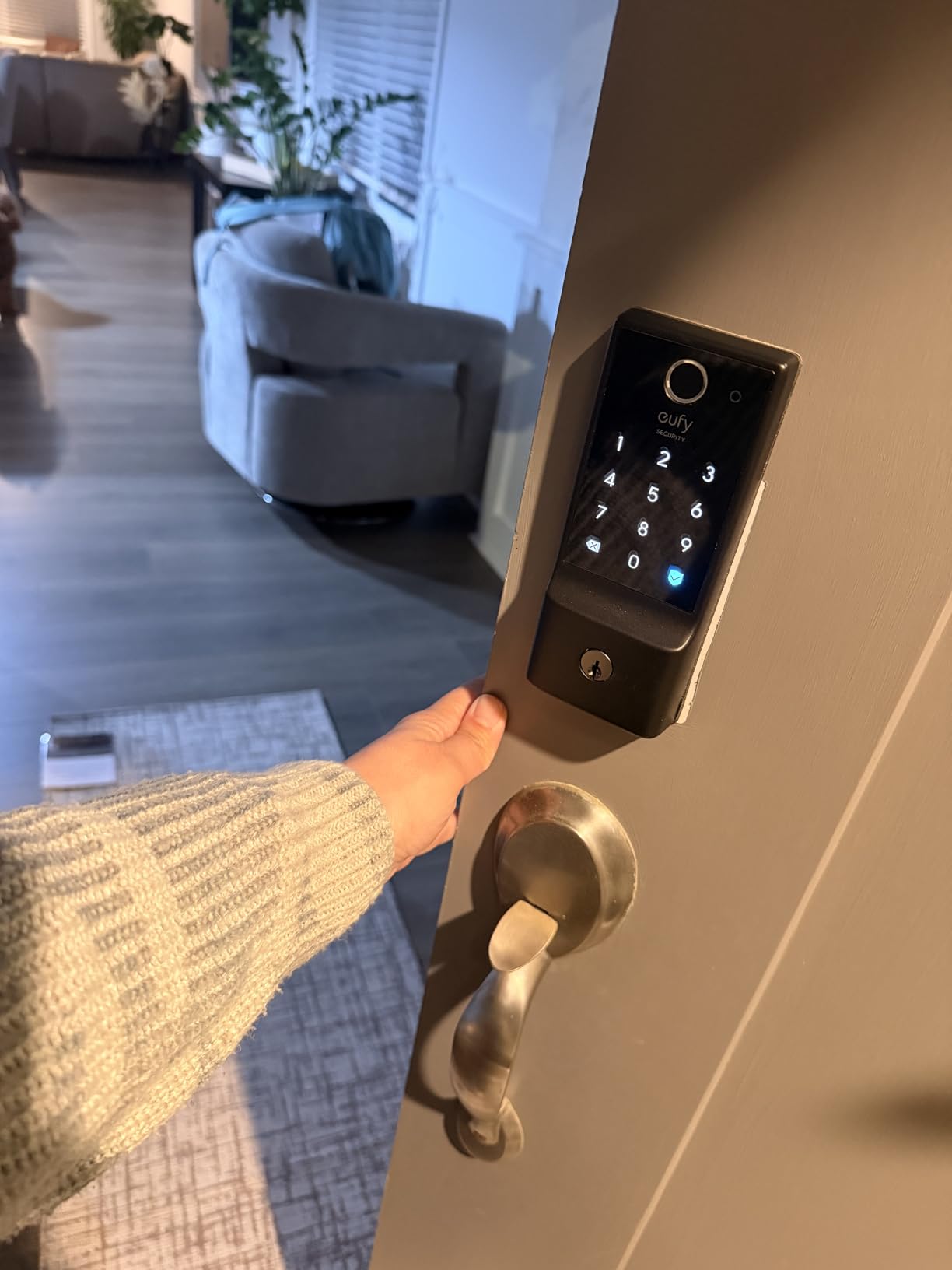
Buyers also like that the Wi-Fi is built into the body, so there is no bridge to mount and power. The body is BHMA Grade 3 certified after 100,000 lock cycles and rated IP53, and the whole install is a fifteen-minute no-drill swap on most standard deadbolts, including bores under 54mm once the spacer comes off.
The trade-off: eight AA batteries and roughly eight months. Owners report replacing them sooner than that in busy households, and the eight-cell pack is heavier than the four-AA designs further down this list. Reviewers also mention occasional fingerprint and connection hiccups.
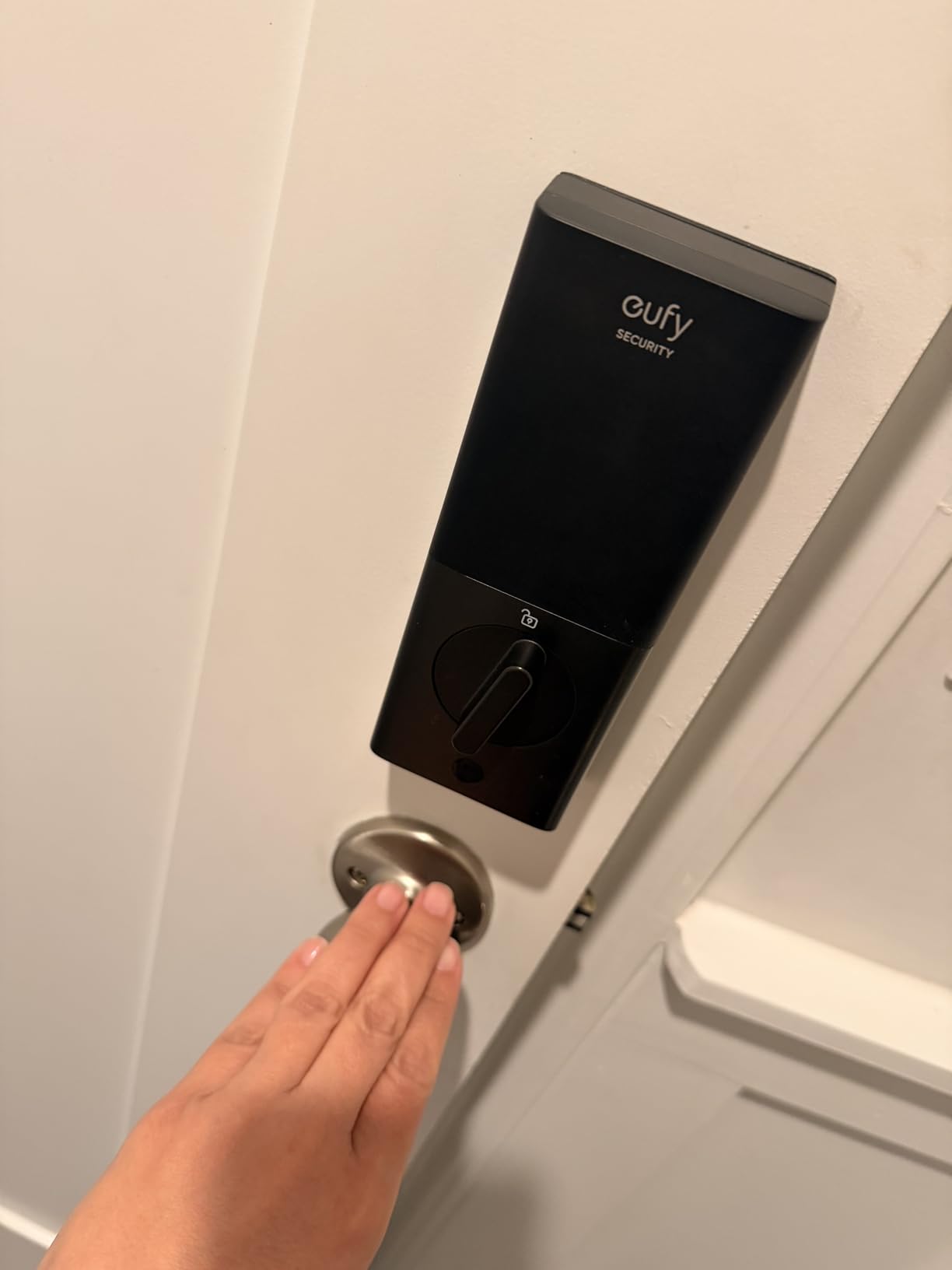
Compared with the ULTRALOQ Bolt SE Wi-Fi, you give up Matter over Thread and a much longer stated battery life, and you gain Apple Watch entry and a fingerprint reader that most owners describe as near instant. If Wi-Fi reliability is your worry rather than battery life, look at the Veise VE012W below, whose eight-cell design is aimed at signal stability.
For a rental or a flat where you cannot touch the interior trim, this no-drill format is easier to justify than a full replacement set. Our smart locks for apartments guide covers the fit measurements and the access-sharing habits that suit shared doors.
3. Philips Wi-Fi Smart Deadbolt: Best for Guest Codes
- Up to 100 custom passcodes plus one-time and scheduled codes
- Away Mode leaves only the master code
- Auto-lock adjustable from 10 to 180 seconds
- Built-in 2.4 GHz Wi-Fi with no hub
- Full access history and real-time alerts
- Batteries are not included and AA alkaline only
- 2.4 GHz network within roughly 65 ft of the router
- No door sensor so auto-lock runs on a timer
Code capacity is where this lock separates itself from the fingerprint crowd. It holds up to 100 custom passcodes on top of unlimited one-time and scheduled codes, so a cleaner, a dog walker and a short-let guest can each have a different entry that expires on its own.
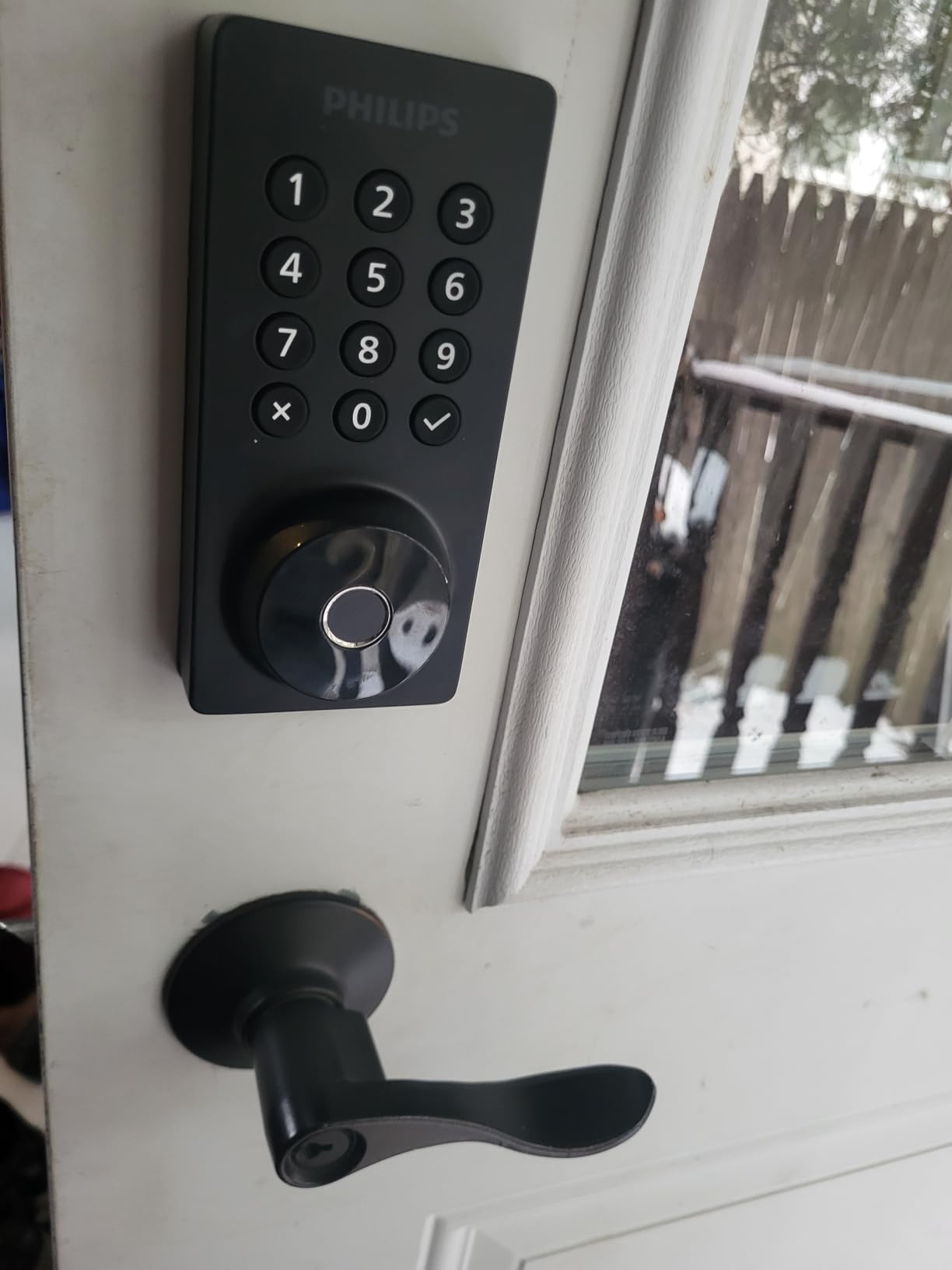
Away Mode is the sleeper feature. It disables every method except the master code, which turns the same hardware into something you can switch to when nobody should be getting in while you are away.
Good to know: the batteries are not in the box and Philips specifies AA alkaline only, so budget for eight cells before the first install. Remote unlocking needs a 2.4 GHz network within about 65 feet, which is the second-tightest Wi-Fi range in this group.
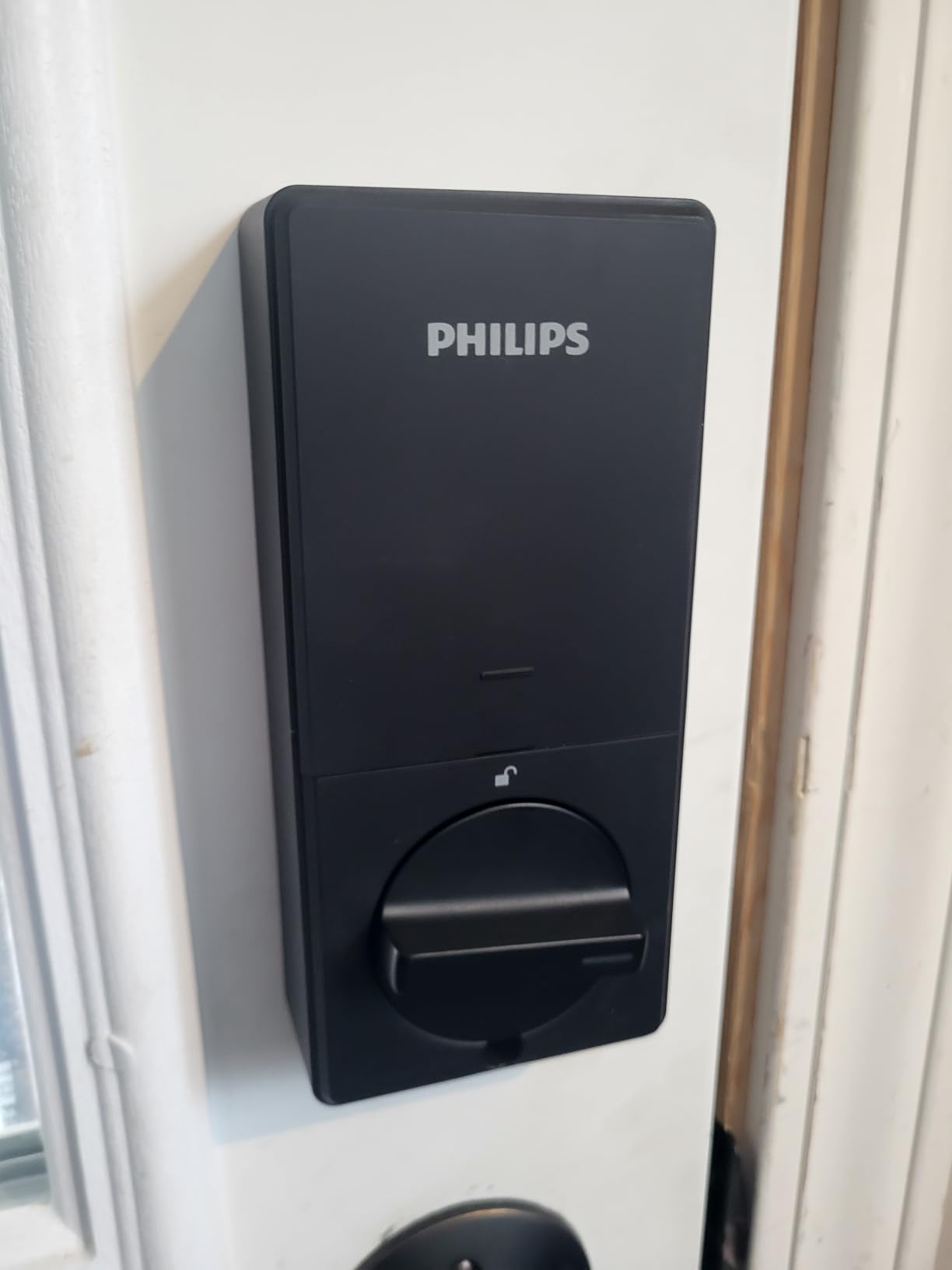
Compared with the TEEHO TE012W further down, you get more code capacity and an Away Mode, while TEEHO’s app tells you which individual user profile just opened the door. The Tapo DL100 goes further still with 200 codes and ships with batteries included, at the cost of any fingerprint reader.
Read this as the short-term-rental pick rather than a family lock. If the door also needs to survive a determined kick, a heavier strike plate or a reinforcement frame does more good than another smart feature.
4. Veise VE012W Smart Lock: Best Value
- Lowest-cost way into fingerprint entry
- Built-in 2.4 GHz Wi-Fi with no gateway
- 0.2 second AI fingerprint recognition
- Local AES-128 encrypted data storage
- Anti-peeping entry and one-time code types
- Batteries are not included
- Alexa routines do not carry over from the app
- App connection depends on a strong signal at the door
- About 11 percent of reviews are one star
Six unlock paths, a 0.2-second fingerprint read, Grade 3 certification and no gateway to buy, which makes this the least expensive way into a fingerprint deadbolt in this roundup. The eight-cell power design is deliberate, and owners credit it with steadier Wi-Fi behaviour than four-battery models.
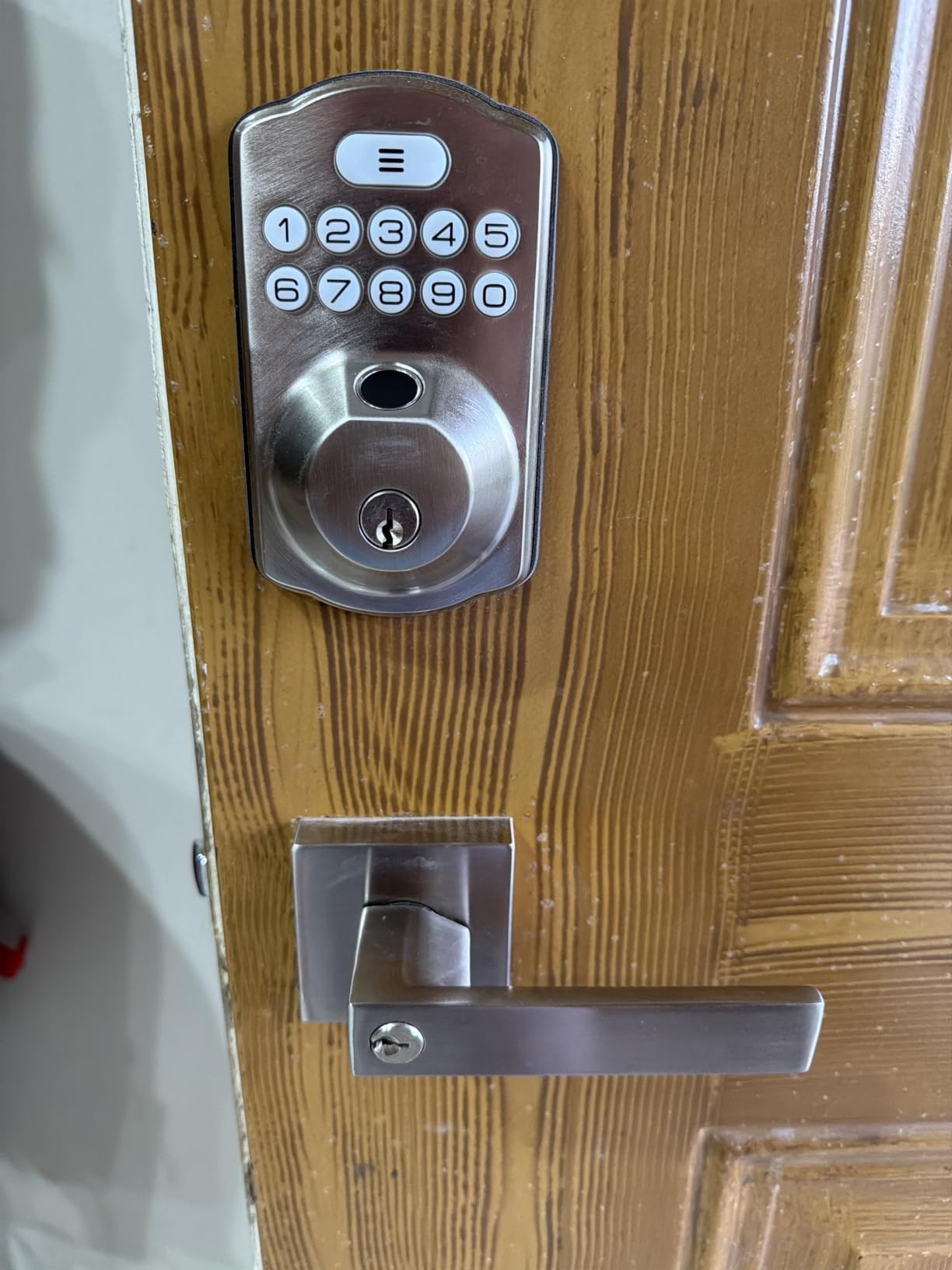
Access data is stored locally with AES-128 encryption rather than sitting only in a cloud account, which matters if you are the kind of buyer who reads the privacy section before the feature list. Codes come in permanent, recurring, time-limited and one-time flavours, with anti-peeping entry to keep a shoulder watcher from reading a PIN.
Watch this: several reviews report that voice unlock works but routines set in the app do not transfer into Alexa. The app connection also leans on having a strong signal at the door, so a router in a far hallway is worth checking before you commit.
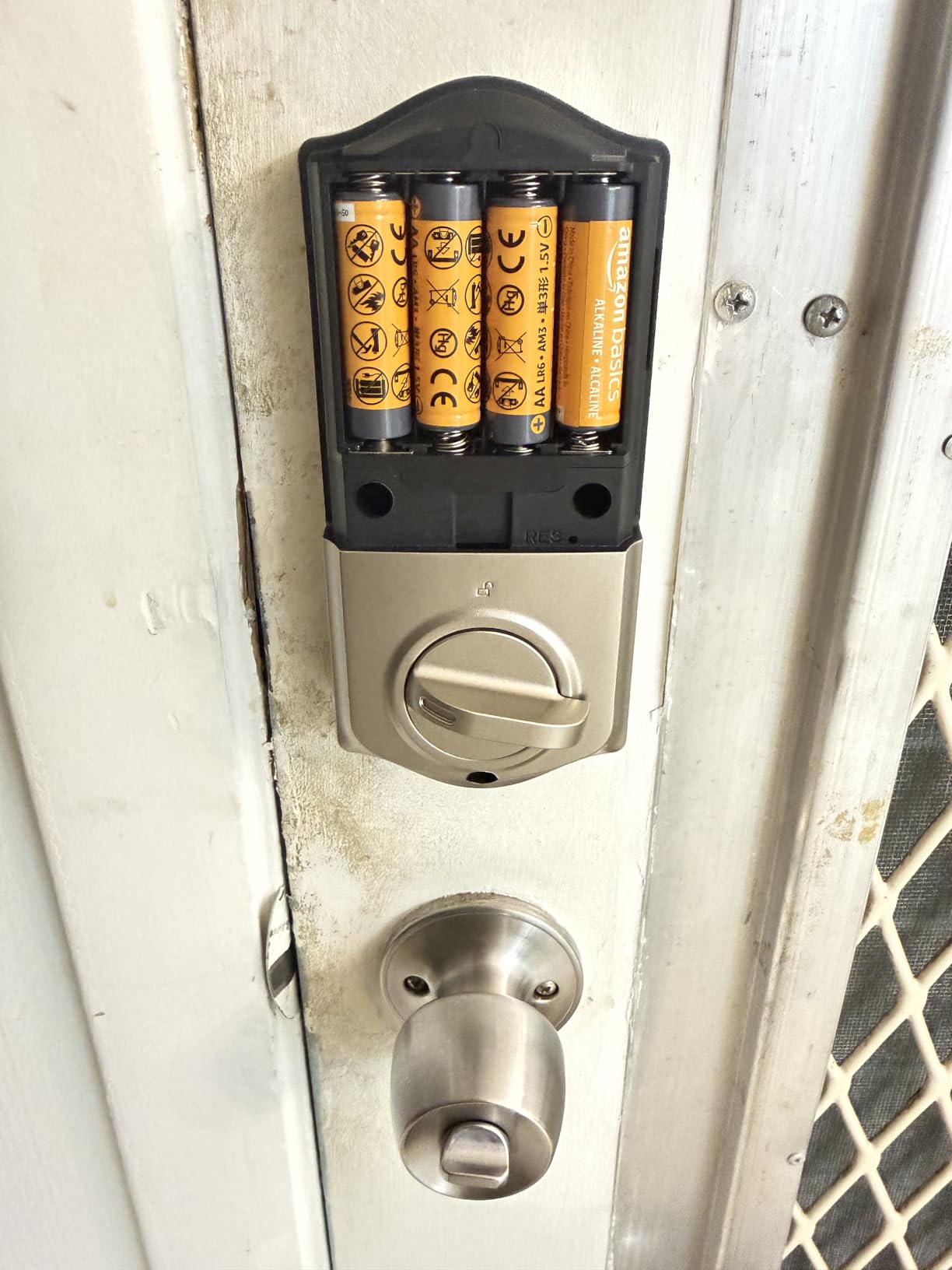
Compared with the Veise VE027 below, the two are close relatives. The VE027 adds IC fob cards, IP65 weather sealing and a 7-in-1 unlock list, at the cost of a much smaller review base.
At this level of the list, whole-home coverage is often the more sensible spend than one more front door. If you are weighing a single lock against cameras and alarms, our security systems for renters guide lays out what each layer actually catches.
5. TEEHO TE012W Smart Lock: Best for Family Notifications
- Notifications name the user profile that opened the door
- Highest average rating among the most-reviewed locks
- Fingerprint recognition works first touch for most owners
- Two-year warranty
- Three-minute lockout after ten wrong PINs
- Owners replace the 8 AA cells more often than advertised
- Alexa routines do not carry over from the app
- Interior components feel plastic against the exterior
- Some non-standard doors need chiselling
The thing owners mention most is the granularity of the alert. When the KK Home app pings you it identifies which profile locked or unlocked the door, so a shared front door stops being a guessing game about who got home.
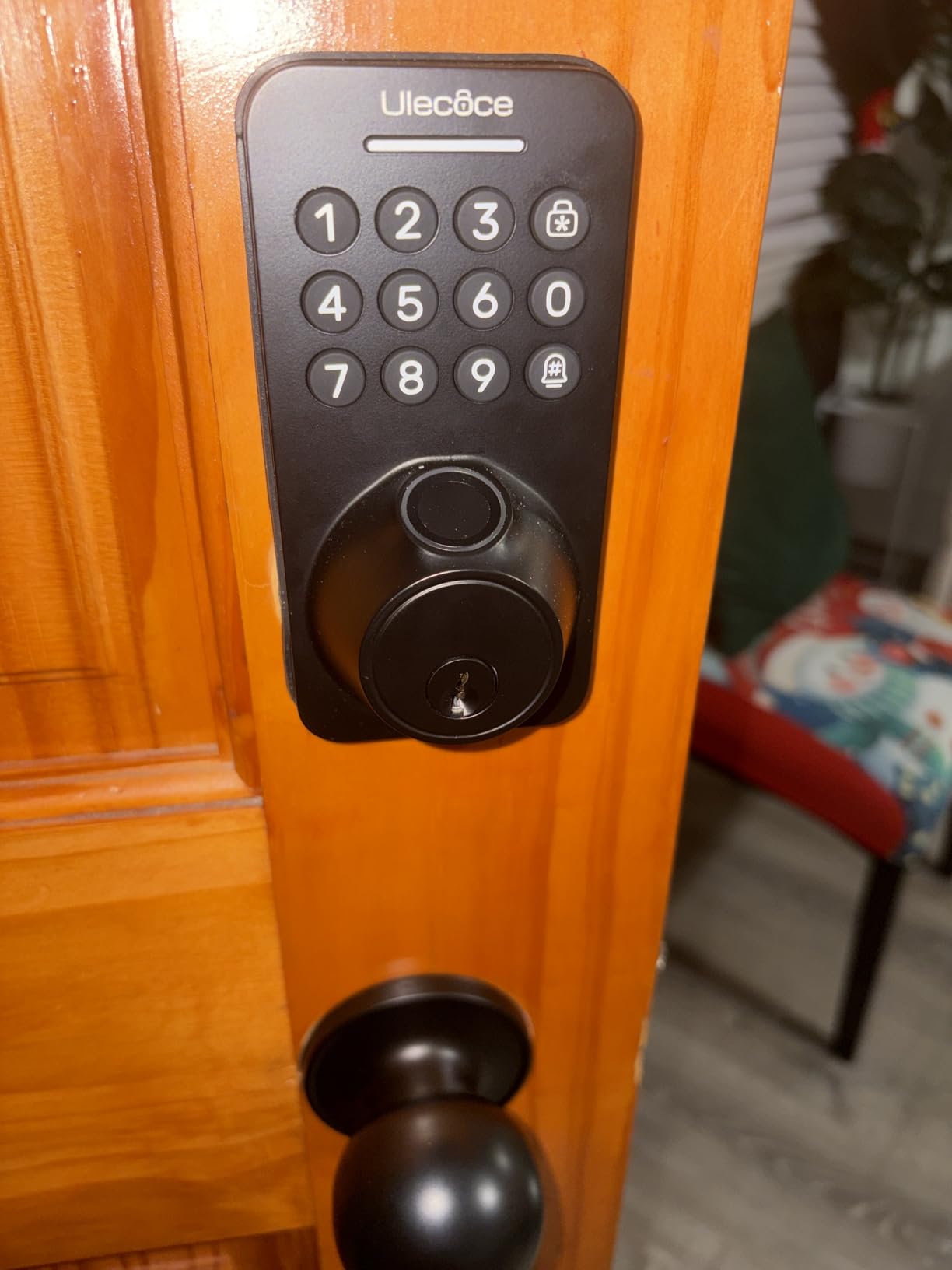
At 4.4 across 771 ratings it holds the highest average among the locks in this list with a meaningful review history, and 76 percent of those ratings sit at five stars. The hardware carries BHMA Grade 3 and IP55 sealing, and wrong PIN attempts trigger a three-minute lockout plus break-in alerts.
Honest caveat: battery life is the repeated complaint. Several owners say the eight AA cells need replacing more often than the packaging implies, and the app will warn you at low battery but the gauge is not always generous with notice.
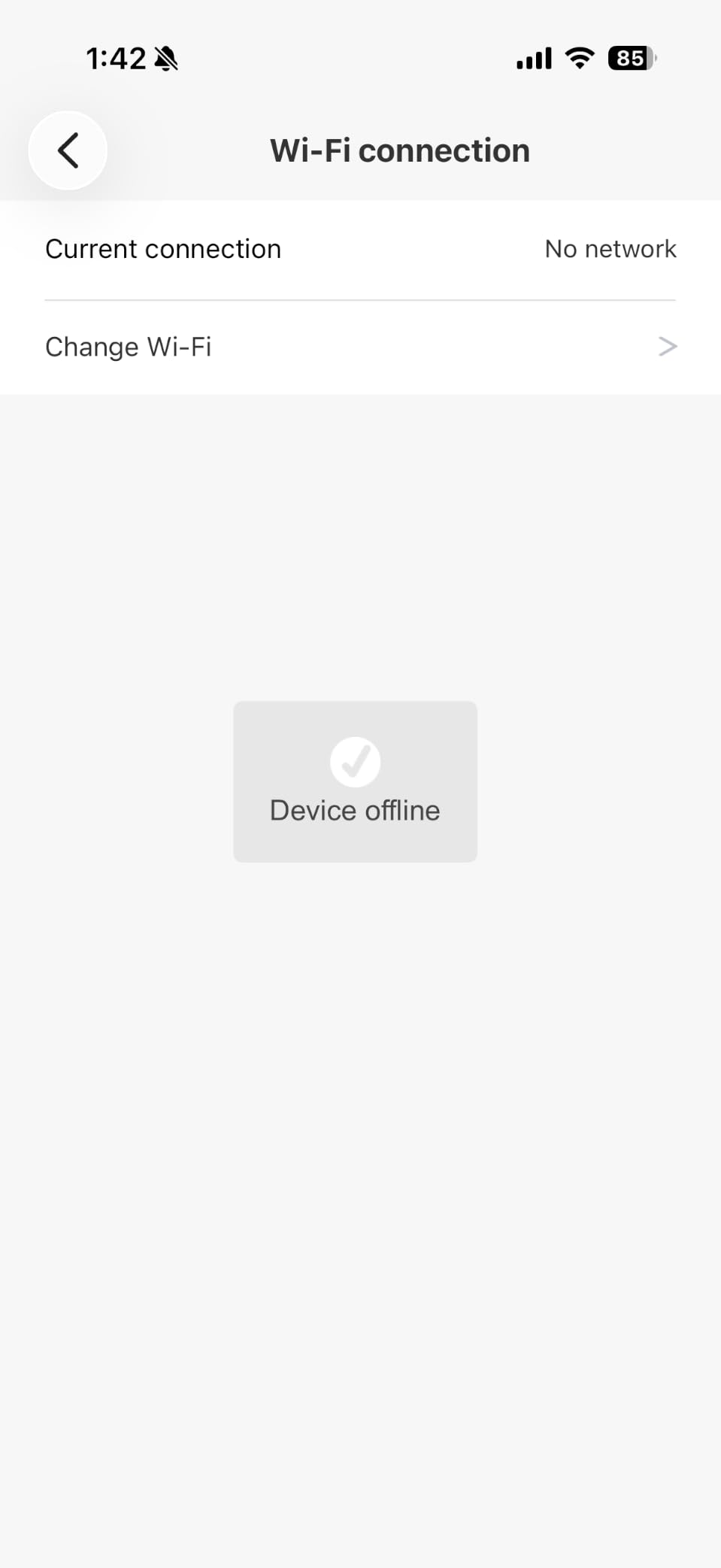
Compared with the Wyze Auto-Lock Bolt v2, the Wyze has the higher raw rating and a video-doorbell handoff, while TEEHO gives you per-user attribution and a two-year warranty. Anyone fitting metal-clad or unusually thick doors should read the install notes first, because a few installs need chiselling or a rotary tool.
6. Wyze Auto-Lock Bolt v2: Best for Secondary Doors
- Highest rating in the group at 4.6
- 0.5 second fingerprint reads on tempered glass
- USB-C port for power bank entry
- Works with a Wyze Video Doorbell live feed
- Number one seller rank in Security and Surveillance Biometrics
- No door sensor so the bolt throws on a timer
- Keypad backlight does not wake on approach
- Quiet keypad beeps
- First-time fingerprint enrolment can misread
At 4.6 this carries the highest average rating here, and owners often buy it as a second lock rather than a front-door centrepiece. That is its real use: a garage, a back door or a home office, secured with the same app as the main entry.
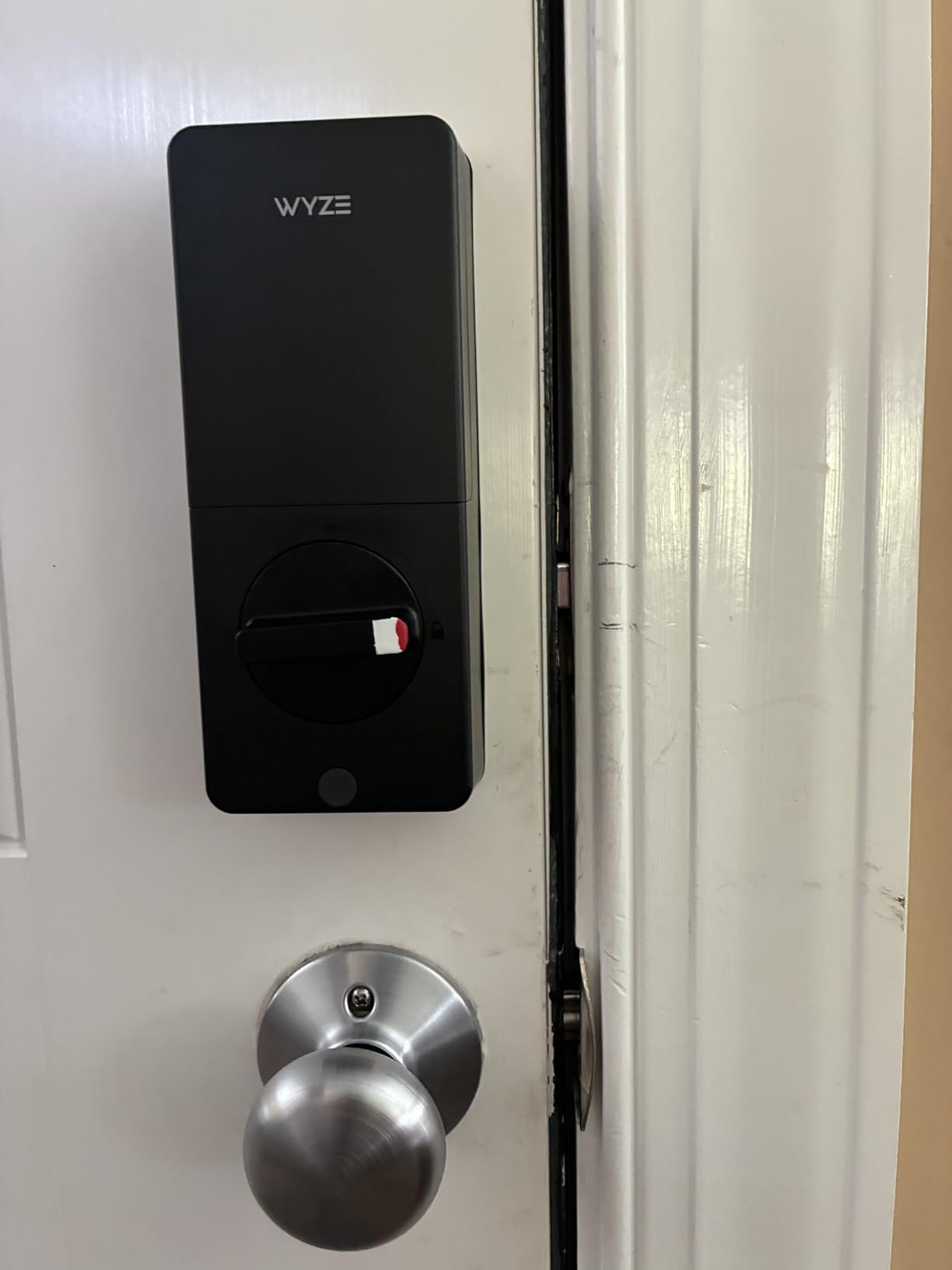
The fingerprint scanner reads in half a second on scratch and smudge-resistant tempered glass, and the AI learning module adapts to each user’s touch over time. A USB-C port on the interior lets you bridge a dead battery with a power bank, which is the kind of detail that prevents a very bad afternoon.
Good to know: there is no door sensor, so auto-lock throws the bolt on a timer regardless of whether the door has closed. Owners also mention the keypad backlight does not wake on approach and the confirmation beeps are quiet, both fair points in a dark entry or for hard-of-hearing household members.
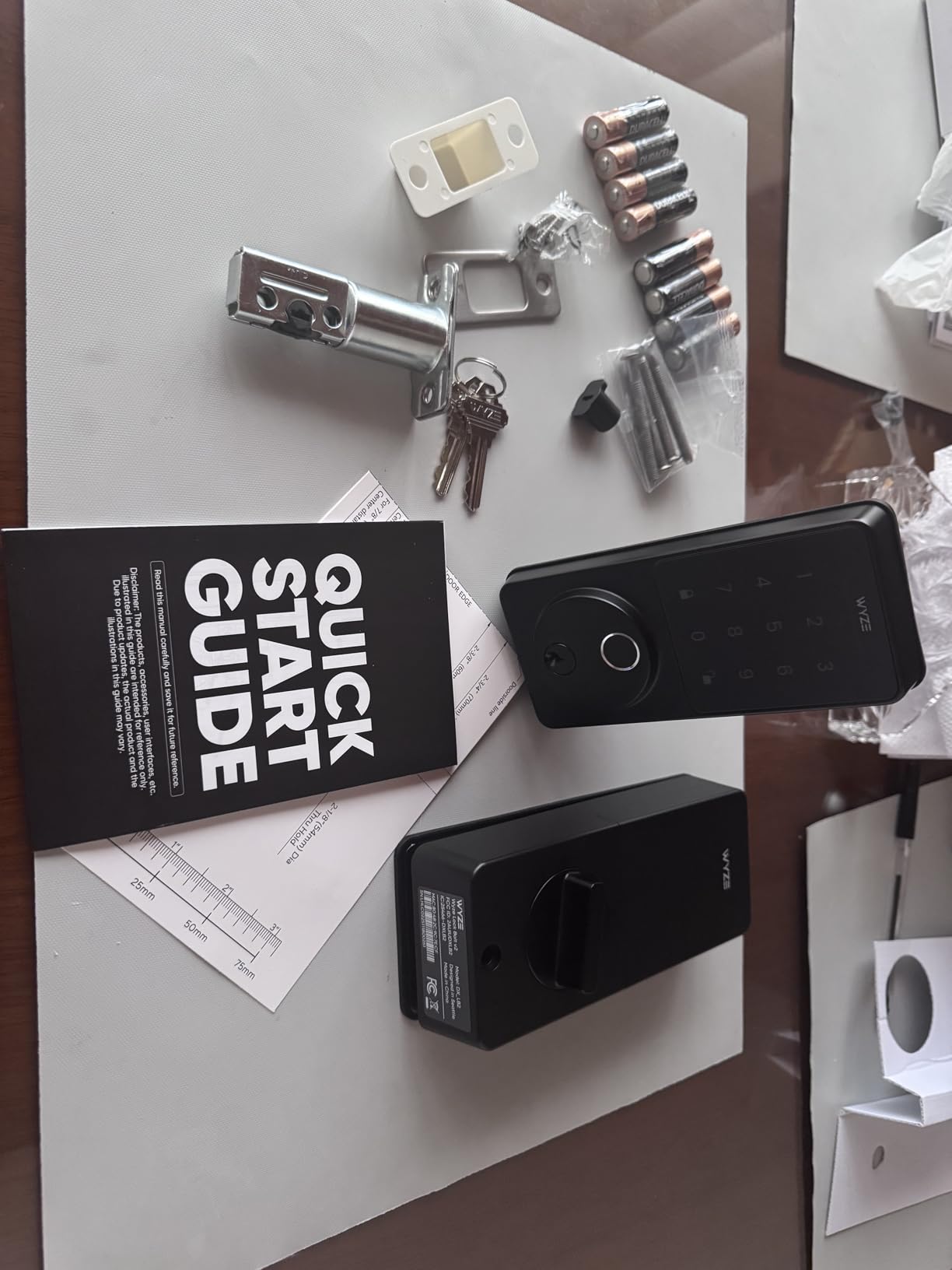
Compared with the ULTRALOQ Bolt SE Wi-Fi, the Wyze is BHMA Grade 2 rather than Grade 3, skips Matter over Thread and offers four unlock methods instead of seven. In return it has the fastest fingerprint hardware in the group and the only direct handoff to a video doorbell feed.
7. Philips Wi-Fi Handle Deadbolt: Best for a Complete Replacement
- Only handle and keypad set in the group
- Replaces the lever and deadbolt in one install
- 0.3 second fingerprint unlock
- Four PIN types including rental and housekeeping codes
- Built-in 2.4 GHz Wi-Fi with no hub
- Must stay within 33 ft of the router
- Auto-lock is off by default until enabled in the app
- About six months of battery life with no cells included
- Set up for one door hand and needs a reset to change
Every other lock here is a deadbolt. This one ships a matching door lever as well, so one install replaces both pieces of hardware on a door that already has a handle set. For a new front door, a rental unit or a full hardware refresh, that is one less trip to the hardware store.
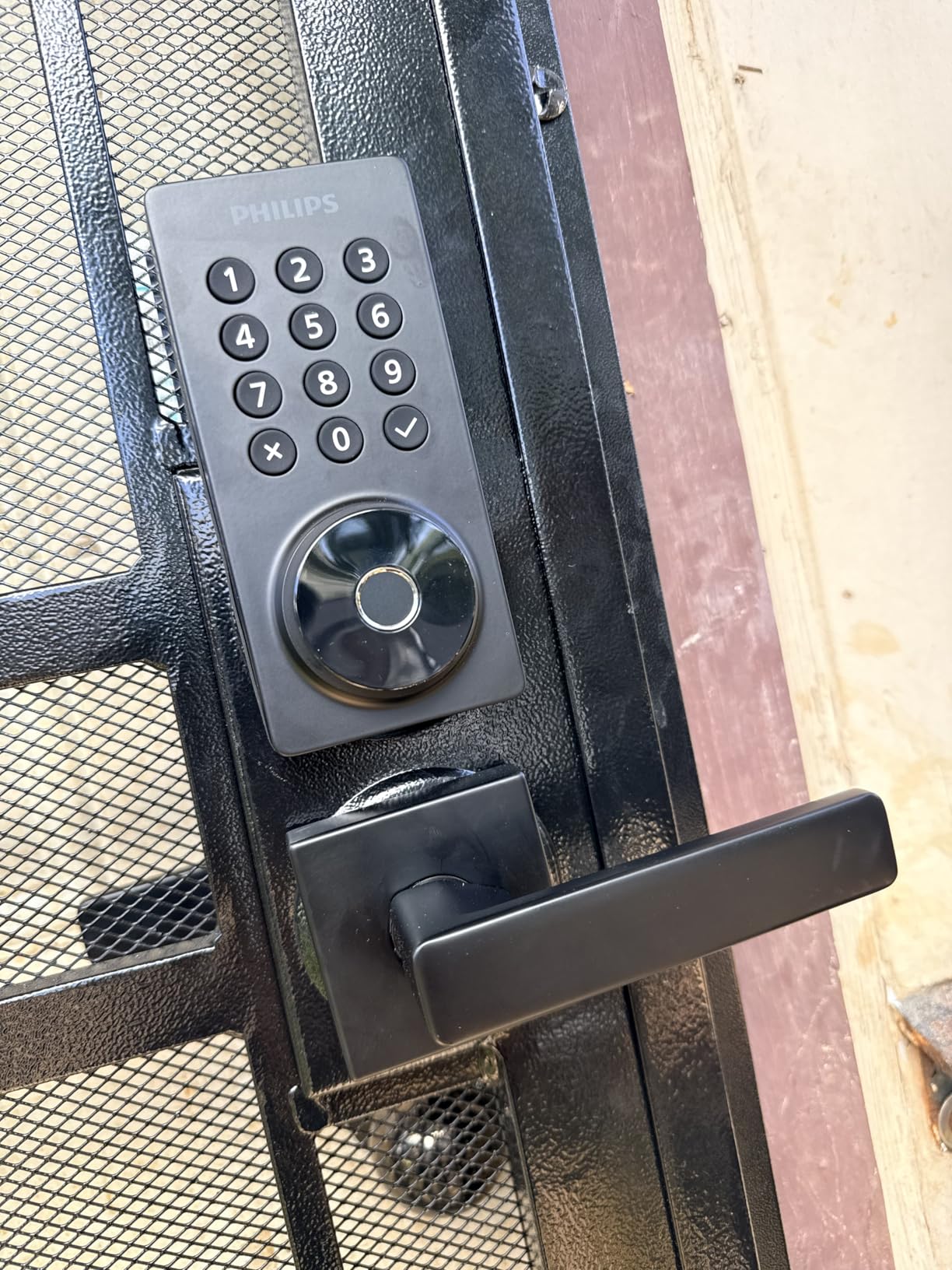
The fingerprint reader is the quickest on this list at 0.3 seconds, and the PIN system covers permanent, one-time, periodic and recurring codes, which is why it ranks well for landlords handing out access to housekeepers and short stays.
Check before you order: the Wi-Fi radio wants to be within 33 feet of the router, the tightest limit in the group. Auto-lock arrives switched off and has to be turned on in the app, the battery figure is the shortest here at around six months, and the batteries are not included.
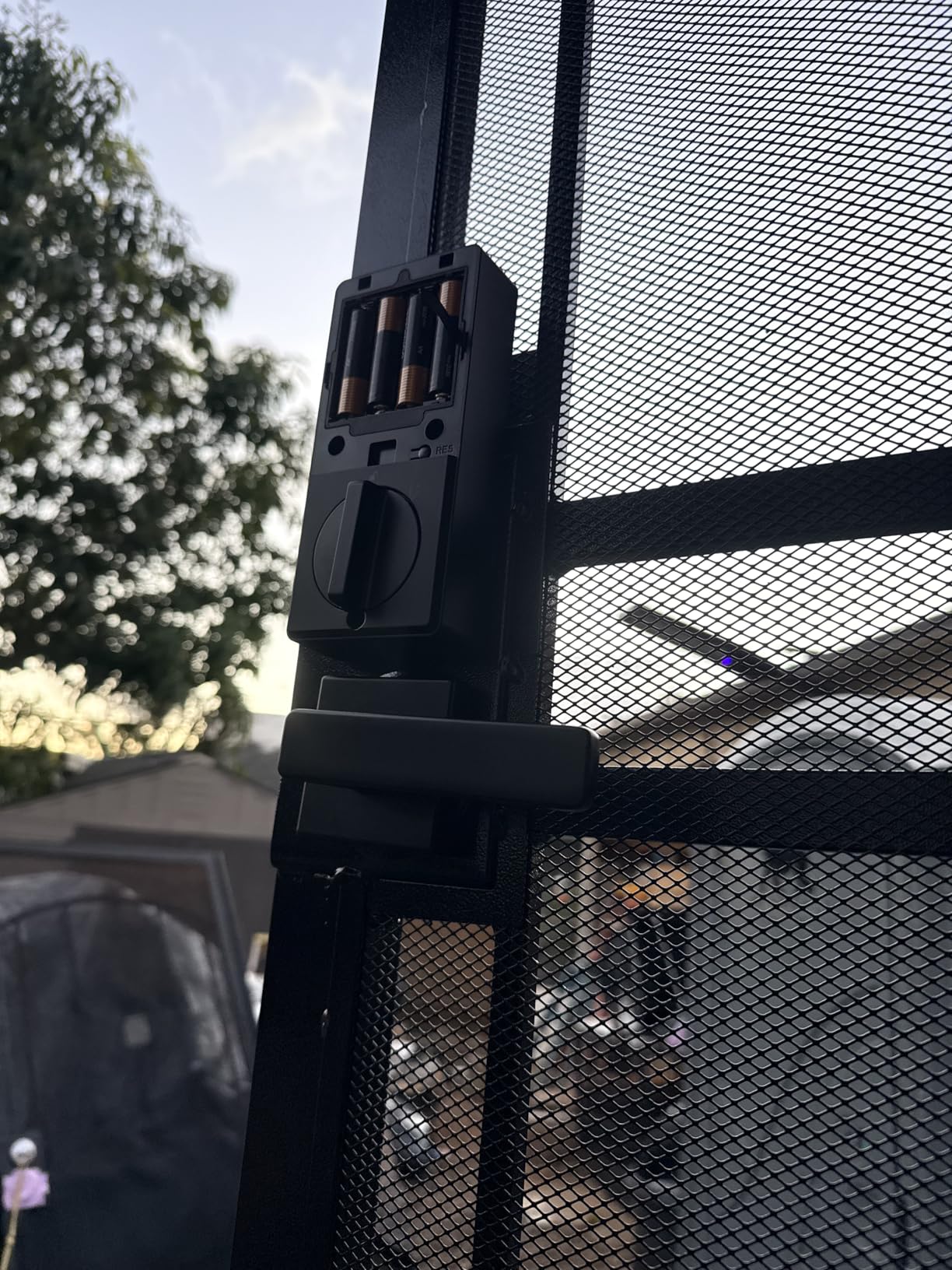
Compared with the Philips Wi-Fi Smart Deadbolt above, this model swaps code capacity for a handle set, tighter router range and a longer door thickness limit to check. If your door is deadbolt-only, the other Philips is the better buy.
8. Tapo DL100 Smart Lock: Best With Batteries Included
- Batteries included in the box
- Up to 200 customizable codes
- Bluetooth low-power mode extends battery life
- Works with Alexa and Google Home plus SmartThings
- USB-C emergency power port
- No fingerprint reader
- Voice unlock requires speaking a PIN
- Richest control needs the Tapo ecosystem
- A shorter review history than most locks here
This is the one to buy if you want a working lock on the door before you make a second trip to the shop. Four AA cells, a measuring template, screws, keys and a USB cable all come in the box, and it fits 2-1/8 inch and 1-1/2 inch bores with no drilling.
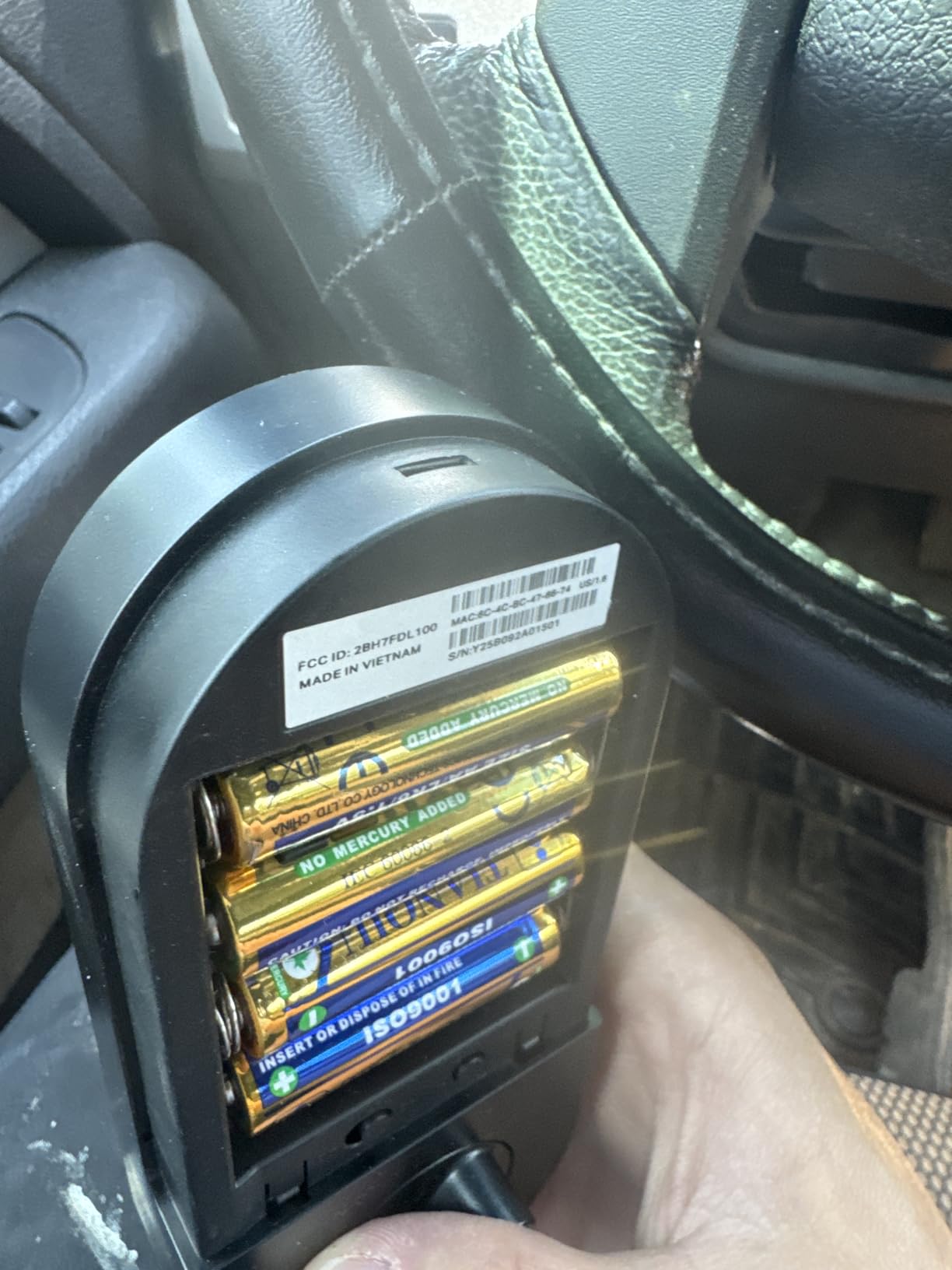
The battery story is the strongest on paper here: up to 200 days in Wi-Fi mode and 300 days when the lock runs over nearby Bluetooth alone. That second mode is a genuinely useful setting for a door where remote unlocking is a nice-to-have rather than the point.
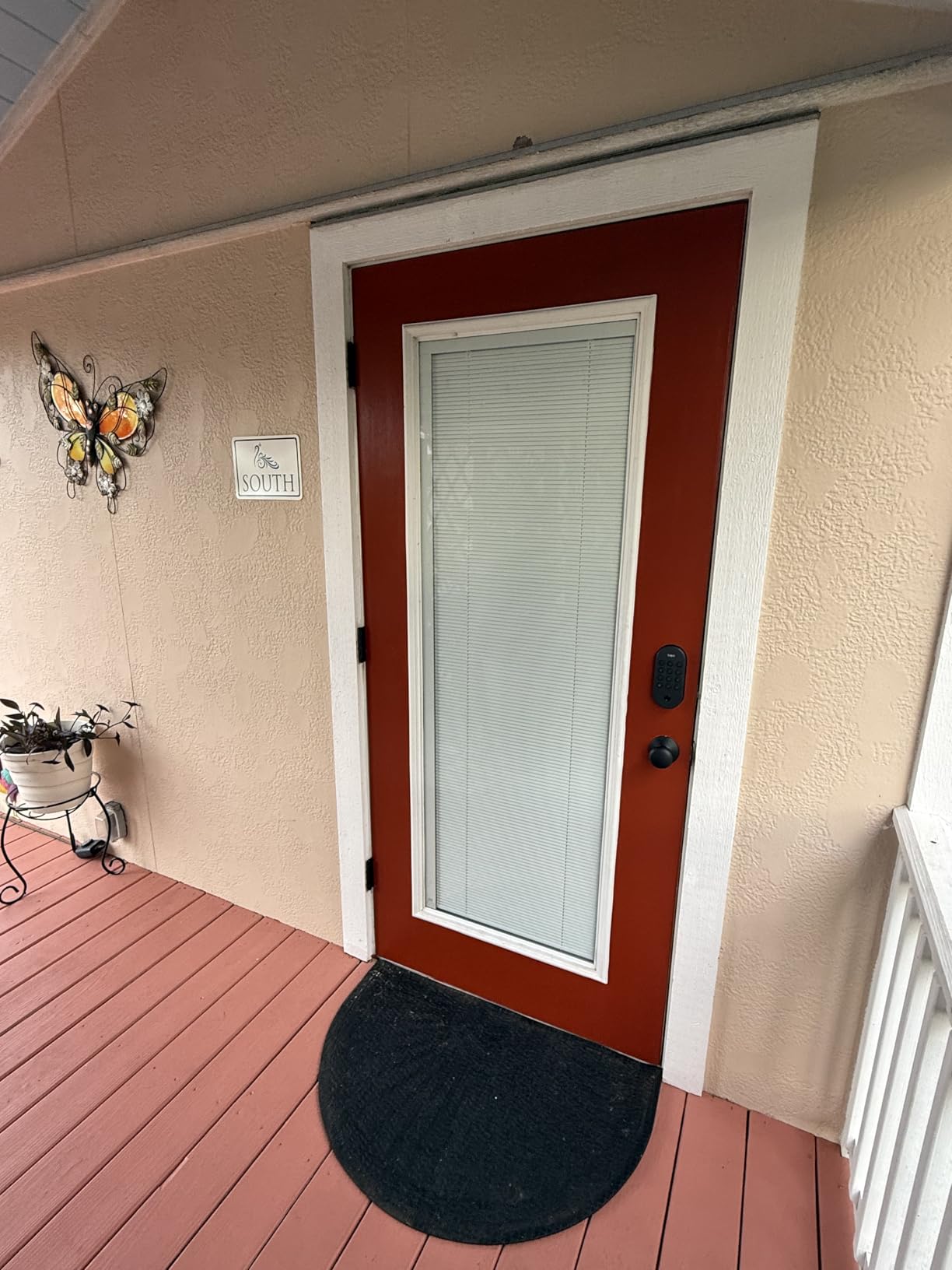
What you give up: there is no fingerprint reader, so every family member types a code. Voice unlock also asks you to speak a PIN, which takes most of the hands-free benefit away. With 596 ratings it also carries a shorter owner history than most locks on this list, despite a 4.4 average.
Compared with the Tapo line’s usual upgrades, the Veise VE012W adds a fingerprint reader and local encrypted storage but leaves the batteries to you. If the door belongs to a household with kids who cannot yet read a keypad reliably, pick the fingerprint option instead.
9. Veise VE027 Smart Lock: Best for Card Entry
- Widest unlock list with IC fob cards included
- 0.2 second AI fingerprint storing 20-plus prints
- IP65 is the highest water rating here
- 100-plus remote codes across four types
- Local AES encrypted storage
- Smallest review base at 429 ratings
- Batteries are not included
- Shim plate may need removing for non-standard bores
- Interior feels plastic next to the alloy exterior
Card entry is the reason to look here. Two IC fob cards come in the box, and the unlock list runs to seven methods including app, fingerprint, PIN, voice, admin access, card and key, with auto-lock and a one-touch interior latch on top.
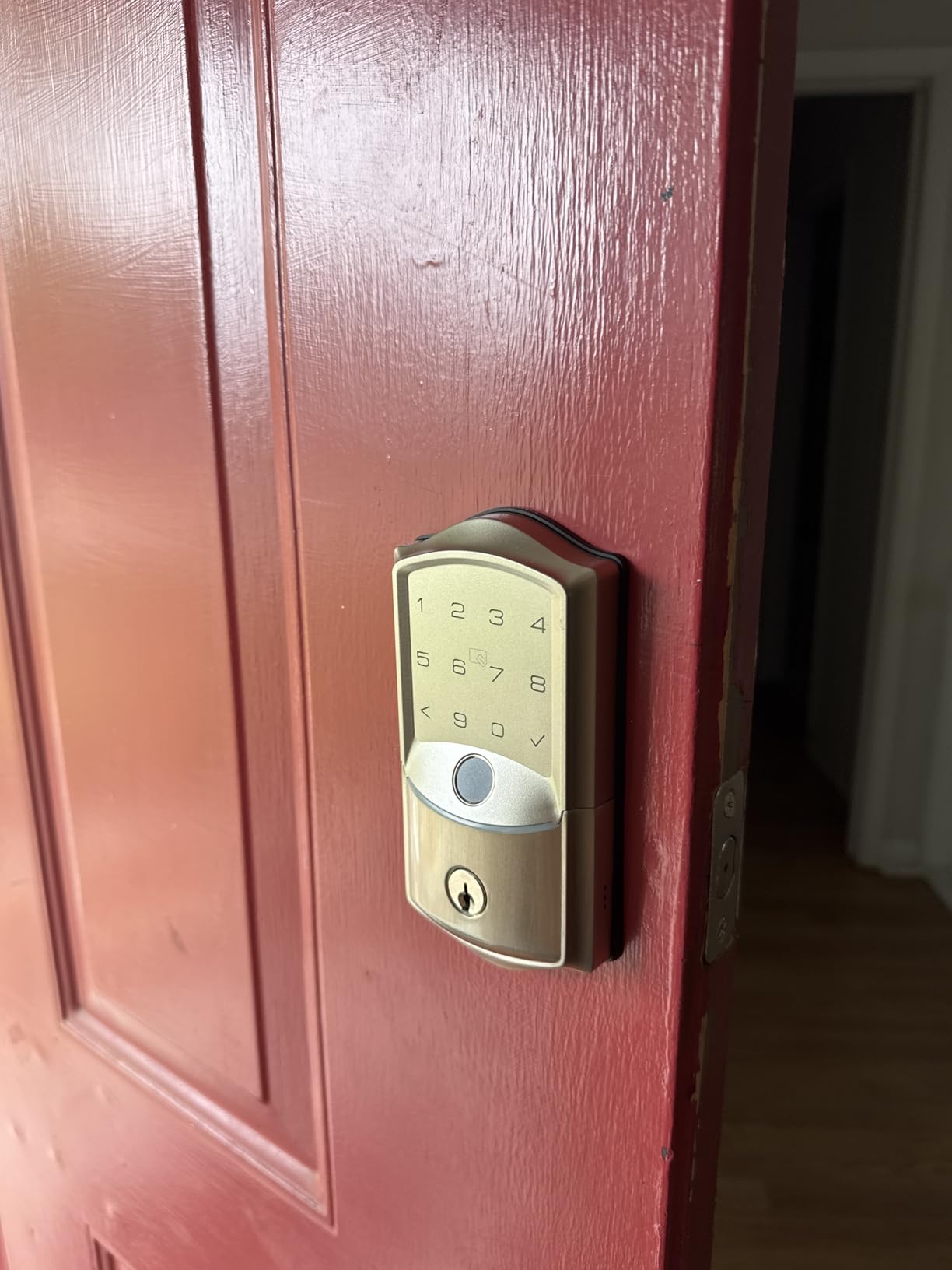
The 4.5 average across 429 ratings is the second highest here, and 79 percent of those ratings sit at five stars, which is encouraging on a newer listing. IP65 sealing is the best water rating in this roundup, worth considering for an exposed door with no porch roof.
The trade-off is evidence, not hardware: with 429 ratings this is the least reviewed lock here, so there is less owner history to lean on. Batteries are not included for the eight-cell design, and non-standard bores may need the shim plate removed.
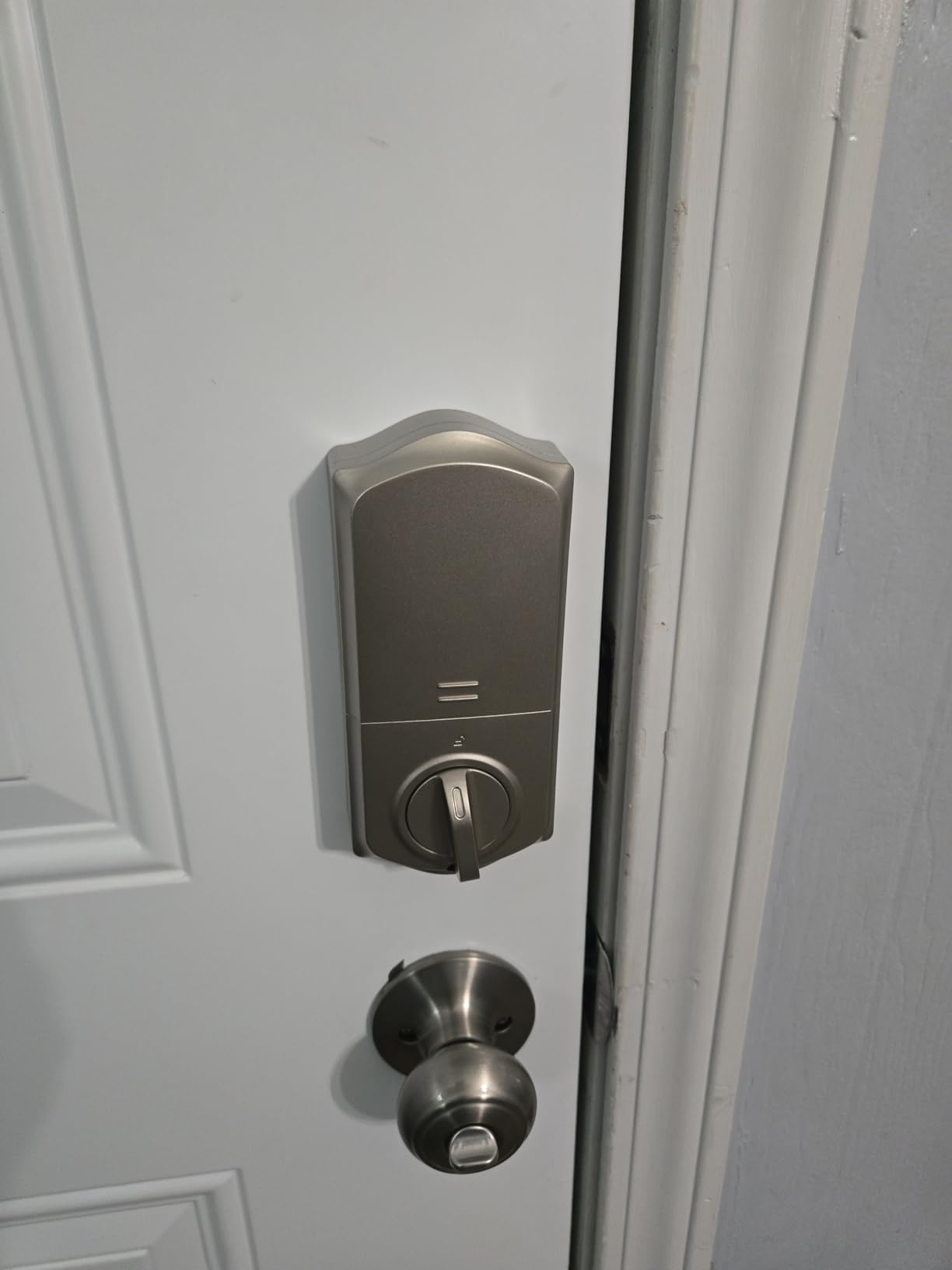
Compared with the Veise VE012W, the older sibling, you add fobs and better sealing here and lose some review history. Between the two, the IP65 body makes this one the stronger pick for a door that takes rain head-on.
10. eufy Smart Lock C33: Best for Scheduled Entry
- Scheduling unlocks by day and locks at night
- Fingerprint reader set into the handle grip
- Solid build owners describe as real security hardware
- Eight AA cells have run about seven months in daily use
- No-drill 15-minute install on either door hand
- Fingerprint sensor misses often for some owners
- Auto-lock cannot be set independently of the schedule
- App occasionally lags and struggles to provision new users
- Supplied key is thicker than standard
The scheduling is the reason to pick this one. You can have the door unlock by itself during set hours and lock again in the evening, which suits a garage, a side entrance or an office where a predictable rhythm beats an app prompt.
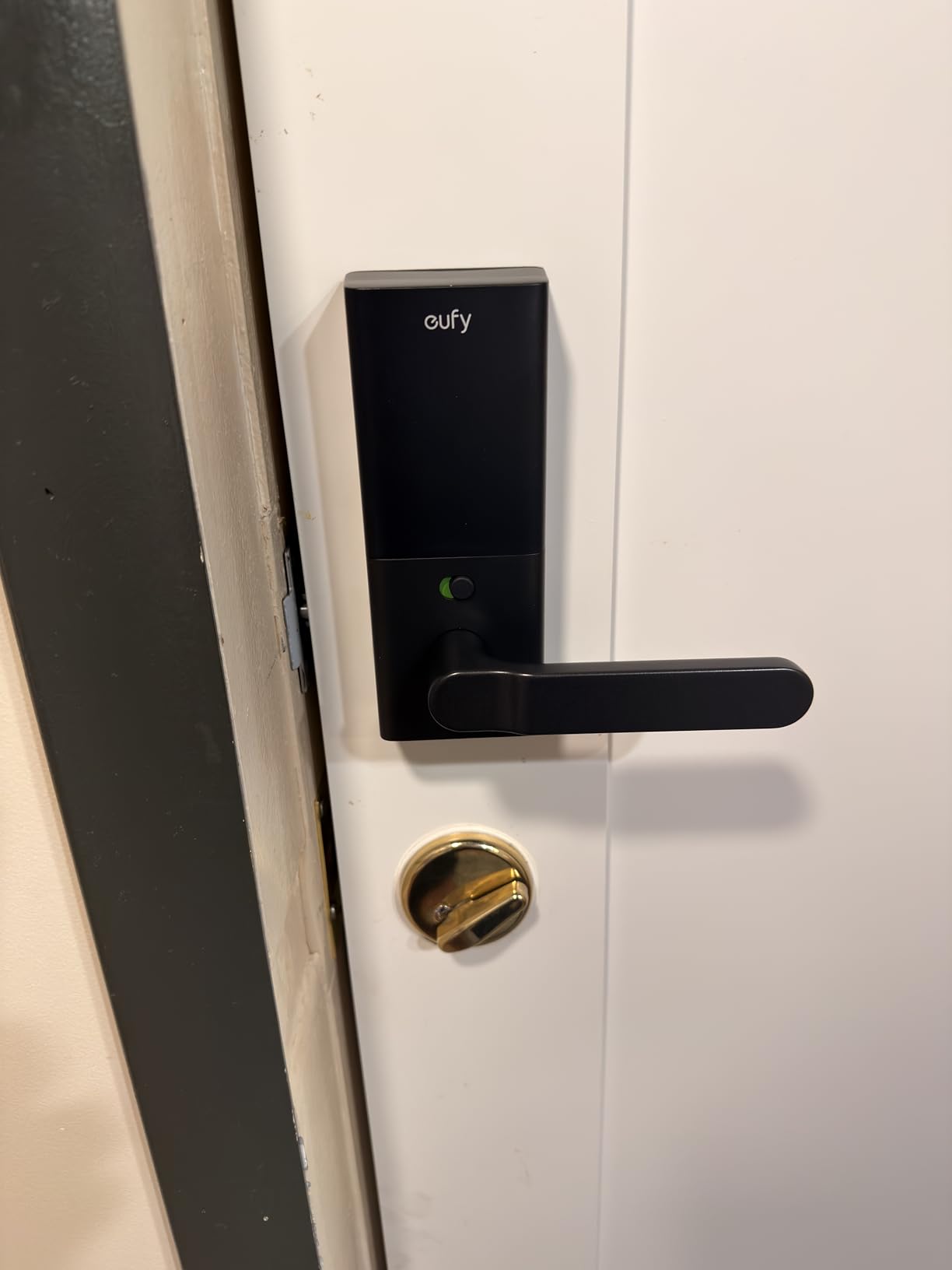
The fingerprint reader sits inside the handle grip rather than on a keypad face, so you can open it while carrying bags, and the 15-minute no-drill install works on either door hand. Owners describe the body as noticeably solid, and eight AA cells have run around seven months in daily use through sun and rain.
Why it sits last: at 4.1 it is the lowest-rated lock in the group. The recurring complaints are fingerprint misses, an auto-lock setting that cannot be separated from the schedule, an app that sometimes lags when adding a new user, and a supplied key thick enough that the rest of a house cannot be rekeyed to it.
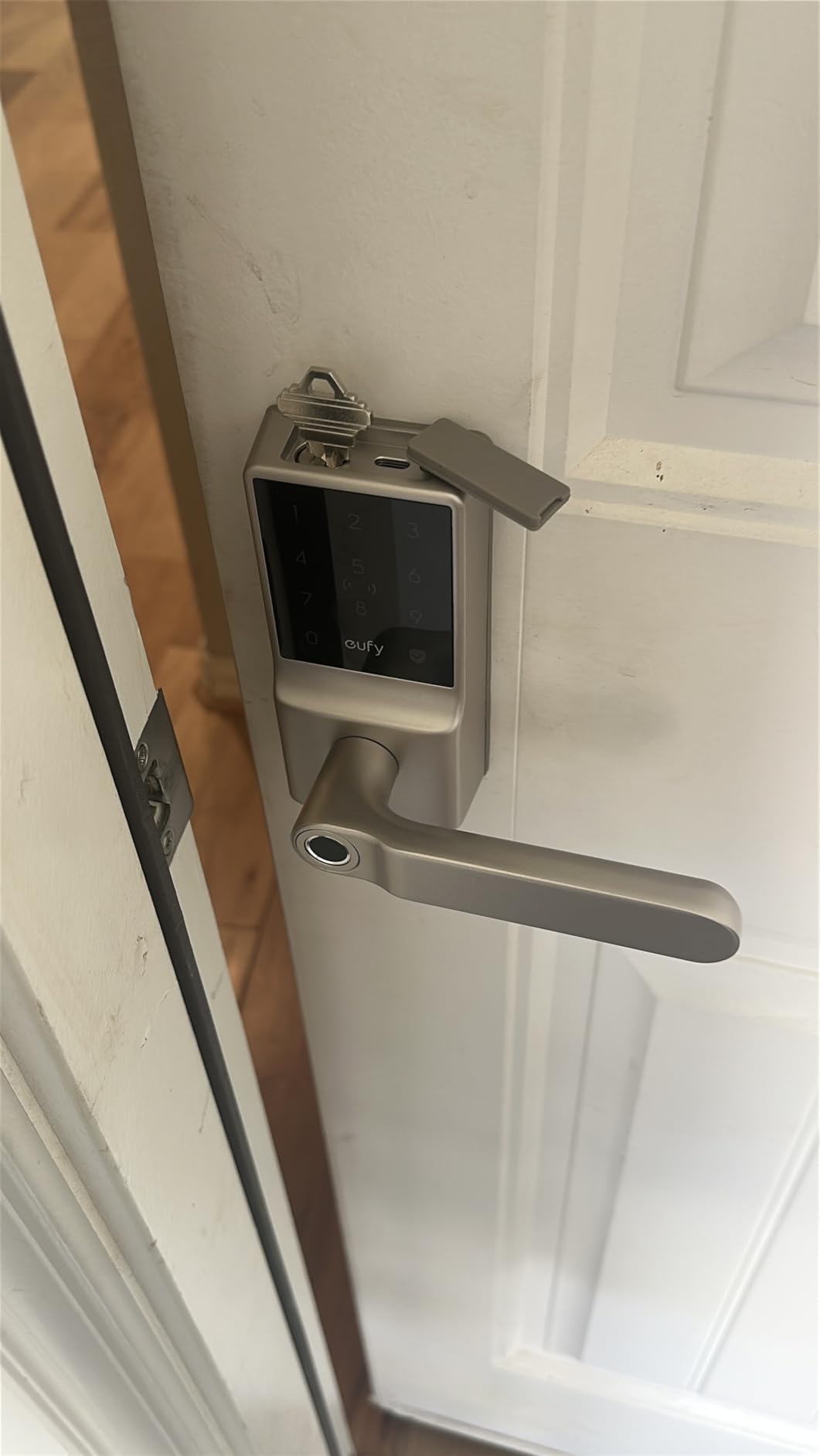
Compared with the eufy Smart Lock C220, both run on eight AA cells and share an app, but the C220 has the better rating, a keypad and a fingerprint reader that owners describe as near instant. The C33 earns its place through scheduling and grip-mounted access, not through consistency.
How to Choose Smart Locks During Prime Big Deal Days
Compatibility With Your Door and Entry
Most of these locks fit a standard deadbolt bore of 2-1/8 inch or 1-1/2 inch, on doors between roughly 1-3/8 and 2 inches thick, with a 2-3/8 or 2-3/4 inch backset. The TEEHO TE012W states those figures outright, which makes it the easiest to check against your door before buying. Measure door thickness and the distance from the door edge to the centre of the bore before you click anything, and note that a handle-and-deadbolt set like the Philips Wi-Fi Handle Deadbolt replaces more hardware than a deadbolt alone.
Security Features That Matter
Look for a stated grade rather than a marketing adjective: BHMA Grade 3 appears on the eufy C220, Veise VE012W, TEEHO TE012W, Tapo DL100 and Veise VE027, while the ULTRALOQ Bolt SE Wi-Fi carries ANSI and BHMA certification and the Wyze Auto-Lock Bolt v2 is Grade 2. Auto-lock, break-in alerts after repeated wrong codes, an Away Mode that leaves only the master code, and temporary PINs matter more day to day than any of it. If physical door security is the priority, our smart door reinforcement locks guide covers the frames and strike plates that pair with a smart deadbolt.
Connectivity and Smart-Home Compatibility
Every lock here reaches the internet over its own 2.4 GHz Wi-Fi, which is why none of them needs a bridge. The exception worth knowing is the ULTRALOQ Bolt SE Wi-Fi, which also speaks Matter over Thread and can sit in Apple Home, SmartThings or Home Assistant through a Thread Border Router. The Tapo DL100 pairs with Alexa, Google Home and SmartThings; the rest stop at Alexa or Google Assistant.
Router distance is the quiet constraint. The Veise VE012W wants a strong signal at the door, the Philips deadbolt about 65 feet, and the Philips handle set only 33 feet. If you already run a hub-based system, our smart home hubs for beginners guide explains what each radio does for you.
Power, Connectivity and Backup Access
Eight AA cells appear on six of these locks, and the Tapo DL100 is the one that includes them. Advertised life runs from about six months on the Philips handle set to 300 days for the Tapo in Bluetooth-only mode, and owners across the group consistently report real-world intervals shorter than the packaging, particularly on Wi-Fi models. Every lock in the list keeps a physical key fallback, and the Wyze and Tapo add a USB-C port for emergency power, so plan a backup entry before you leave for a trip.
Installation, Privacy and Ongoing Upkeep
Install times cluster between ten and fifteen minutes with a screwdriver, though metal-clad or non-standard doors can need chiselling, and the Philips handle set arrives configured for one door hand. On privacy, the Veise models and the Tapo note local encrypted storage, while the ULTRALOQ depends on a Thread Border Router for its Matter features. Shared access needs managing either way, so expect to revoke codes rather than keep them alive indefinitely, and expect to replace batteries a few times a year on busy doors.
How to Shop Smart Lock Deals During the Sale
Check the model number in the listing, not just the product name: the eufy C220 and C33 look alike and do different jobs, and the Philips deadbolt and handle set share a model family. Confirm the finish and whether a handle set is included, check that the seller and the shipper match what you expect, and look at the return terms before a lock ends up on the wrong door. Most offers on this event need a Prime membership, with a free trial counting, and they change through the event.
- Measure door thickness and backset before choosing a model
- Confirm the exact model number and what the box includes
- Check the router distance against the lock’s stated range
- Count unlock methods against how many people actually use the door
- Add the cost of replacement batteries to the comparison
- Keep a physical key as your backup plan
Frequently Asked Questions
When does Amazon Prime Big Deal Days run in 2026?
Amazon Prime Big Deal Days runs October 6-7, 2026. It is the October Prime event, and some offers appear before the opening morning and disappear as soon as the event closes, so the order of the days matters.
Do you need Prime to buy smart locks during Prime Big Deal Days?
Most offers on the event require a Prime membership, and a free trial counts toward that. Some smart lock listings still carry an event price for everyone, but the deepest pricing is usually tied to the membership.
Are smart locks difficult to install on an existing door?
Usually not. Every lock in this list installs with a screwdriver in ten to fifteen minutes on a standard deadbolt bore, with no drilling in most cases. Metal-clad doors, unusual bores and handle sets can add work.
Can a smart lock work when the Wi-Fi is down?
Yes. Keypad, fingerprint, physical key and the interior thumbturn all work without a network, so you can always get in. What you lose offline is remote locking, access history and any automation you built around the lock.
Do smart locks require a subscription?
None of the locks here requires one for core functions such as unlocking, codes, auto-lock and access history. Optional paid tiers in the wider market cover cloud video storage, which matters if you add a camera-equipped model.
What should I check before buying the best Amazon Prime Big Deal Days smart lock deals?
Check the model number, the door thickness and backset, the router distance against the stated Wi-Fi range, whether the finish and handle set match your door, and whether batteries are included. Offers change through the event.
Final Verdict: Best Amazon Prime Big Deal Days Smart Lock Deals
The pick most worth watching during the sale is the ULTRALOQ Bolt SE Wi-Fi, the Editor’s Choice, because seven unlock methods, Matter over Thread and the strongest review history in the group make it the least likely to disappoint after install. The budget-friendly alternative is the Veise VE012W Smart Lock, which reaches fingerprint entry and Grade 3 certification without asking you to buy a gateway or a hub.
Buy the eufy Smart Lock C220 if Apple Watch entry decides it, the Philips Wi-Fi Smart Deadbolt if you are issuing codes to guests and cleaners, the Wyze Auto-Lock Bolt v2 for a back or garage door, the Tapo DL100 when you want batteries in the box, the Veise VE027 for fob access on an exposed door, and the Philips Wi-Fi Handle Deadbolt when the lever has to go too.
Check the current price on each listing, measure your door first, and keep that spare key in a drawer before the first lock goes on.