
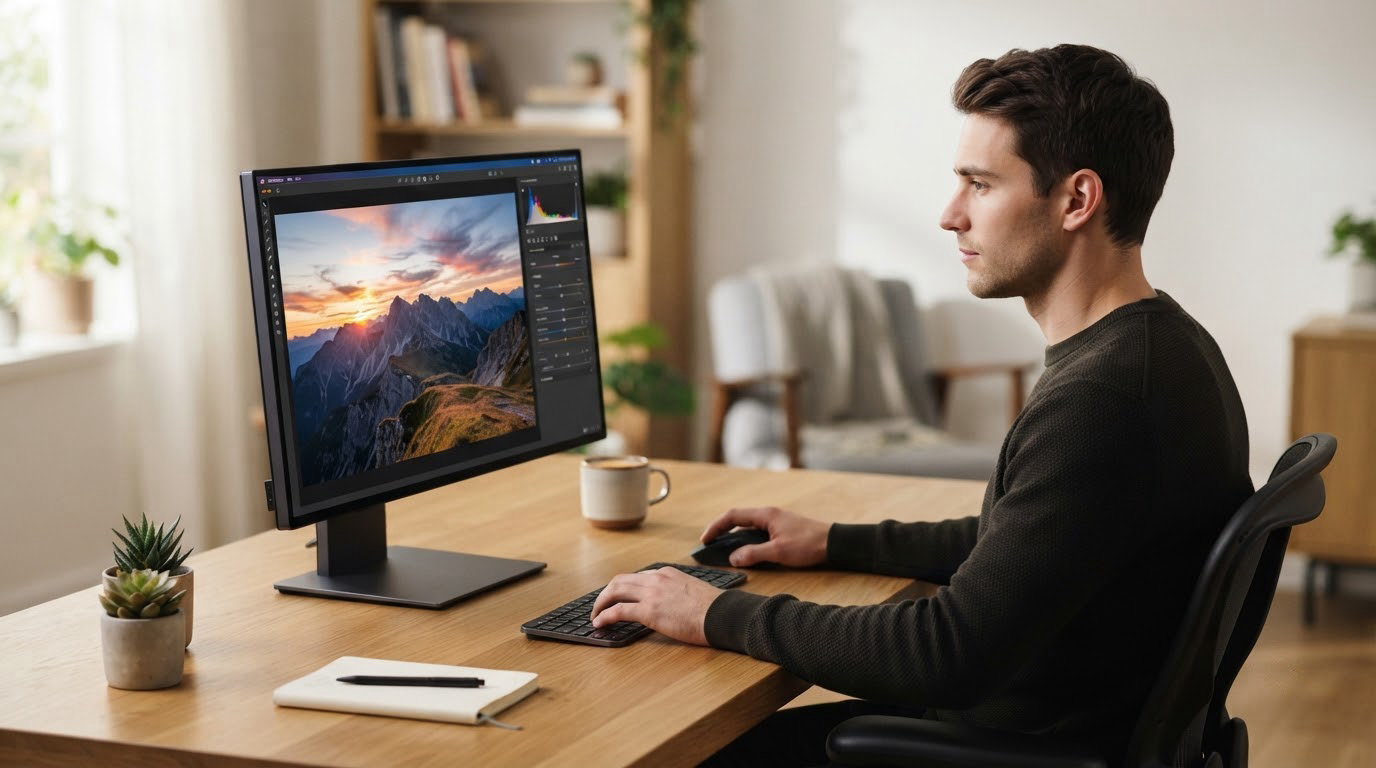
The Samsung Odyssey G9 G93SC is the one to watch first: a 49-inch 32:9 QD-OLED panel at 240Hz that replaces a dual-monitor desk with a single ultrawide, and the most reviewed screen in this group. Buyers who want more conventional proportions get more usable pixels from the ASUS ROG PG32UCDM, a 32-inch 4K QD-OLED that doubles as a sharp work display. First OLED buyers will find the LG UltraGear 27GX704A the least risky jump.
These are the OLED monitor deals worth watching across Prime Big Deal Days, which runs October 6-7, 2026. Nothing here is locked to a specific number, and offers shift through the event, so treat every pick as a model to watch rather than a promise. Use the buttons to see what a screen costs right now.
Table of Contents
Our Top 3 Picks for Best Amazon Prime Big Deal Days OLED Monitor Deals

Best Amazon Prime Big Deal Days OLED Monitor Deals Compared (October 2026)
| Product | Specifications | Action |
|---|---|---|
 Samsung Odyssey G9 G93SC Samsung Odyssey G9 G93SC |
|
Check Deal Price |
 ASUS ROG PG32UCDM ASUS ROG PG32UCDM |
|
Check Deal Price |
| LG UltraGear 27GX704A |
|
Check Deal Price |
 MSI MPG 321CURX MSI MPG 321CURX |
|
Check Deal Price |
 LG 34GS95QE LG 34GS95QE |
|
Check Deal Price |
 Alienware AW3425DW Alienware AW3425DW |
|
Check Deal Price |
 Samsung Odyssey OLED G6 Samsung Odyssey OLED G6 |
|
Check Deal Price |
 AOC Q27GAZD AOC Q27GAZD |
|
Check Deal Price |
 ASUS ROG XG27AQDMGR ASUS ROG XG27AQDMGR |
|
Check Deal Price |
 Samsung Odyssey OLED G9 G91SD Samsung Odyssey OLED G9 G91SD |
|
Check Deal Price |
How We Chose
Ten OLED monitors, compared on panel type, size, resolution, refresh rate, response time, brightness, ports and weight. Alongside the specifications we read the owner reviews and star ratings on Amazon, since a 0.03ms panel only helps if the panel is calibrated and the stand holds. Specs and review data were checked in October 2026.
1. Samsung Odyssey G9 G93SC: Editor’s Choice for Ultrawide Gaming
- 32:9 panel replaces a dual-monitor desk
- 240Hz with 0.03ms response
- HDMI 2.1 and DisplayPort with a USB hub
- Auto Source Switch and Picture-by-Picture
- Three-year manufacturer warranty
- Lowest average rating in the group at 4.1 stars
- 13 percent of reviews are one-star
- 47-inch width needs a very large desk
At 47.1 inches wide and 27.8 pounds, this is the least forgiving screen in the group to own. That is the trade: 5120×1440 of QD-OLED at 240Hz with a 1800R curve, Picture-by-Picture for two inputs at native resolution, and a three-port USB hub on the back.
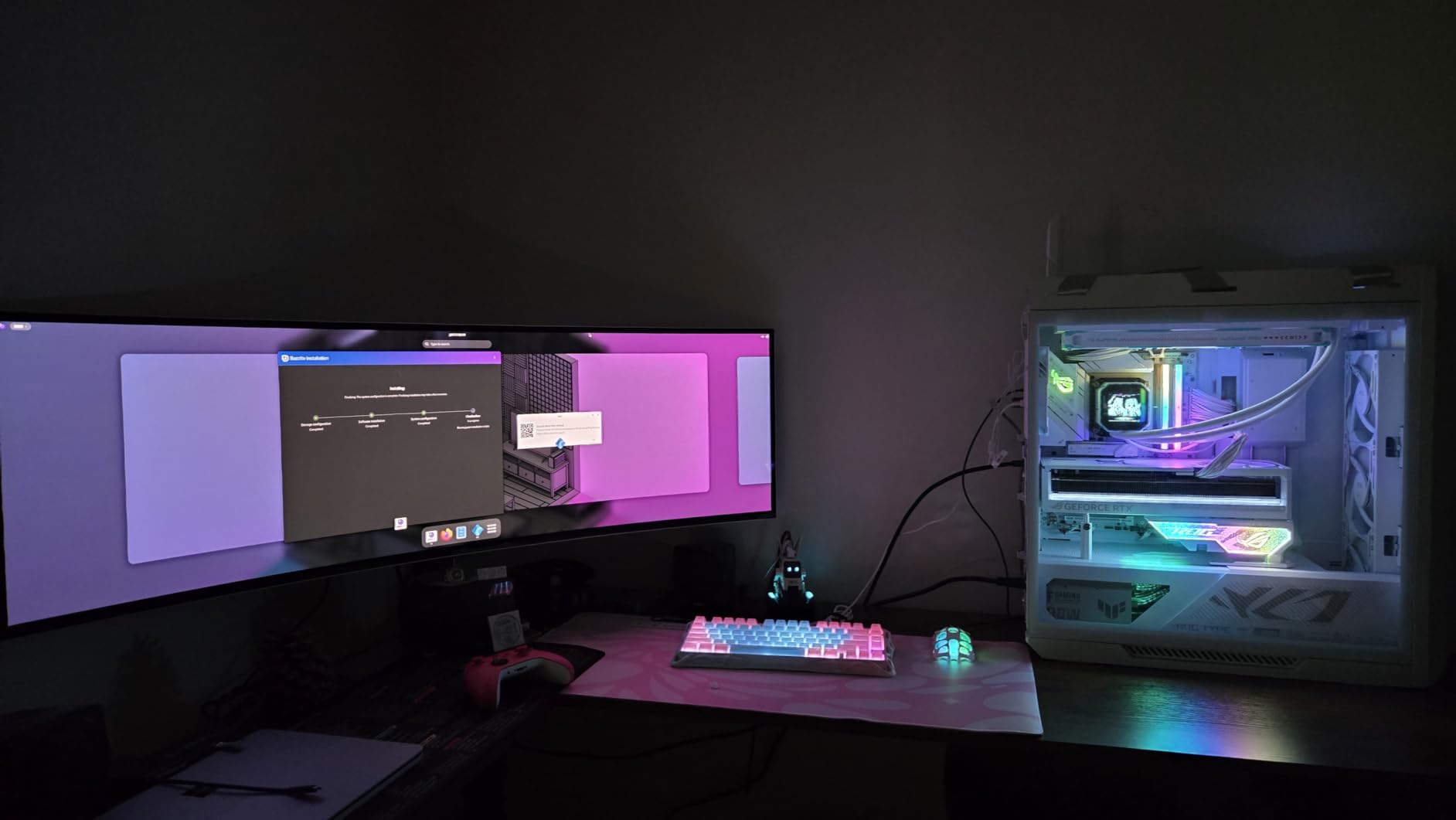
Owners rate it 4.1 stars across 1,233 reviews, the widest spread here: 67 percent five-star, 13 percent one-star. Sim racers and cockpit-sim setups clearly love it. Productivity buyers are the ones filing the complaints, since a curved 32:9 panel is awkward for long stretches of text.
Compared with the ASUS ROG PG32UCDM, the tradeoff is physical rather than visual. That 32-inch 4K screen has roughly double the pixel density and a far better owner rating, but this one gives you a 49-inch field of view with no bezel down the middle.
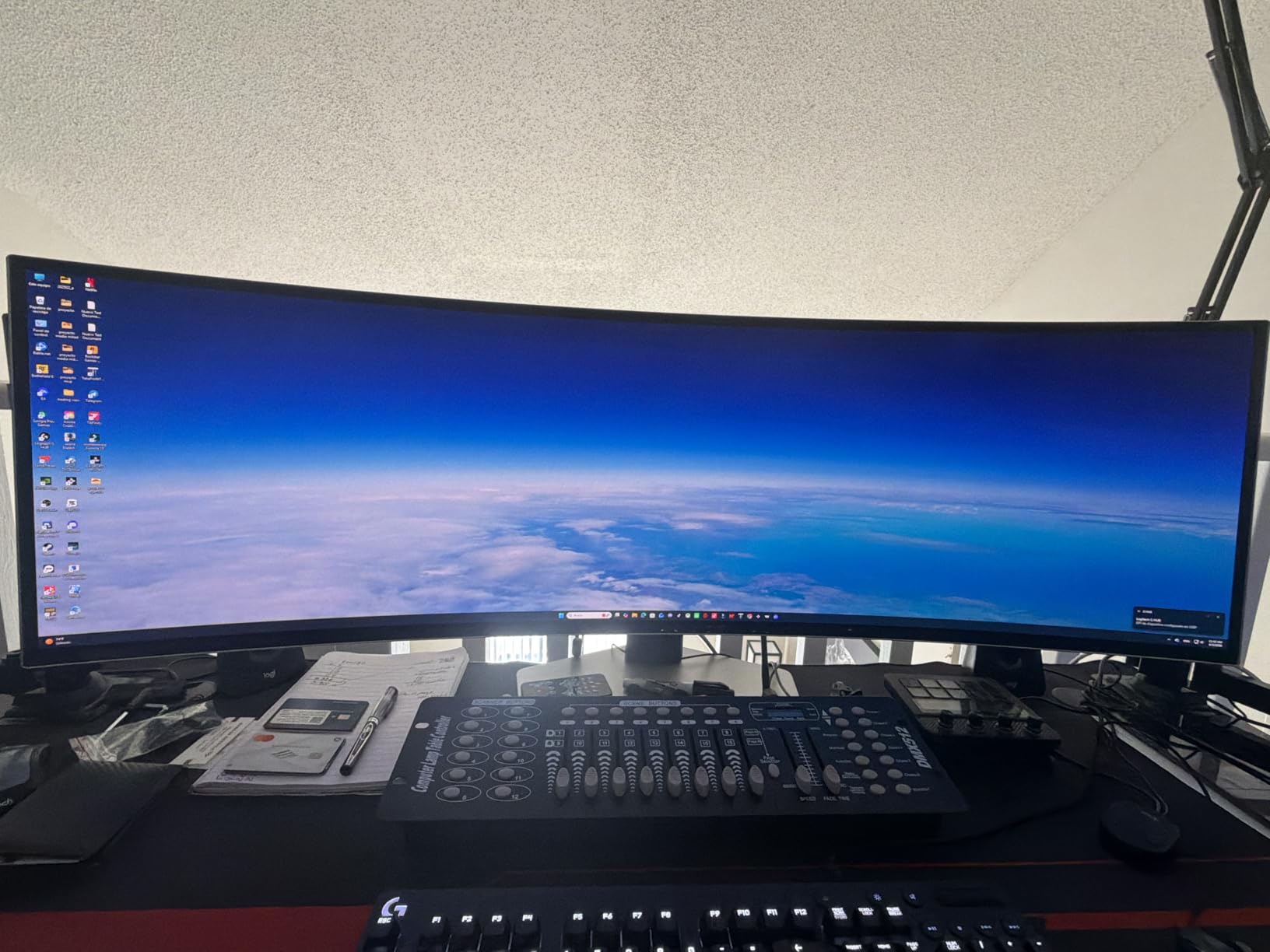
Good to know: the 4.5mm chassis is thin but the stand only offers height and tilt, so check your desk depth before committing. If the width does not work, the Samsung Odyssey OLED G9 G91SD is the other 49-inch option, at a lower refresh rate.
2. ASUS ROG PG32UCDM: Top Rated for 4K Gaming and Work
- Sharpest panel here at 0.18mm pixel pitch
- 99 percent DCI-P3 with Delta E under 2
- 90W USB-C power delivery
- Heatsink and graphene film reduce burn-in risk
- Three-year warranty with burn-in cover
- 19.4-pound chassis needs a sturdy desk
- 42W power draw
- Listed as wall-mount only
0.18mm pixel pitch on a 32-inch 4K screen is the densest panel here, and it is why this one works for a workday and a weekend. Owners score it 4.6 stars from 603 reviews, with 83 percent at five stars and only 6 percent at one star, the cleanest rating spread in the group.
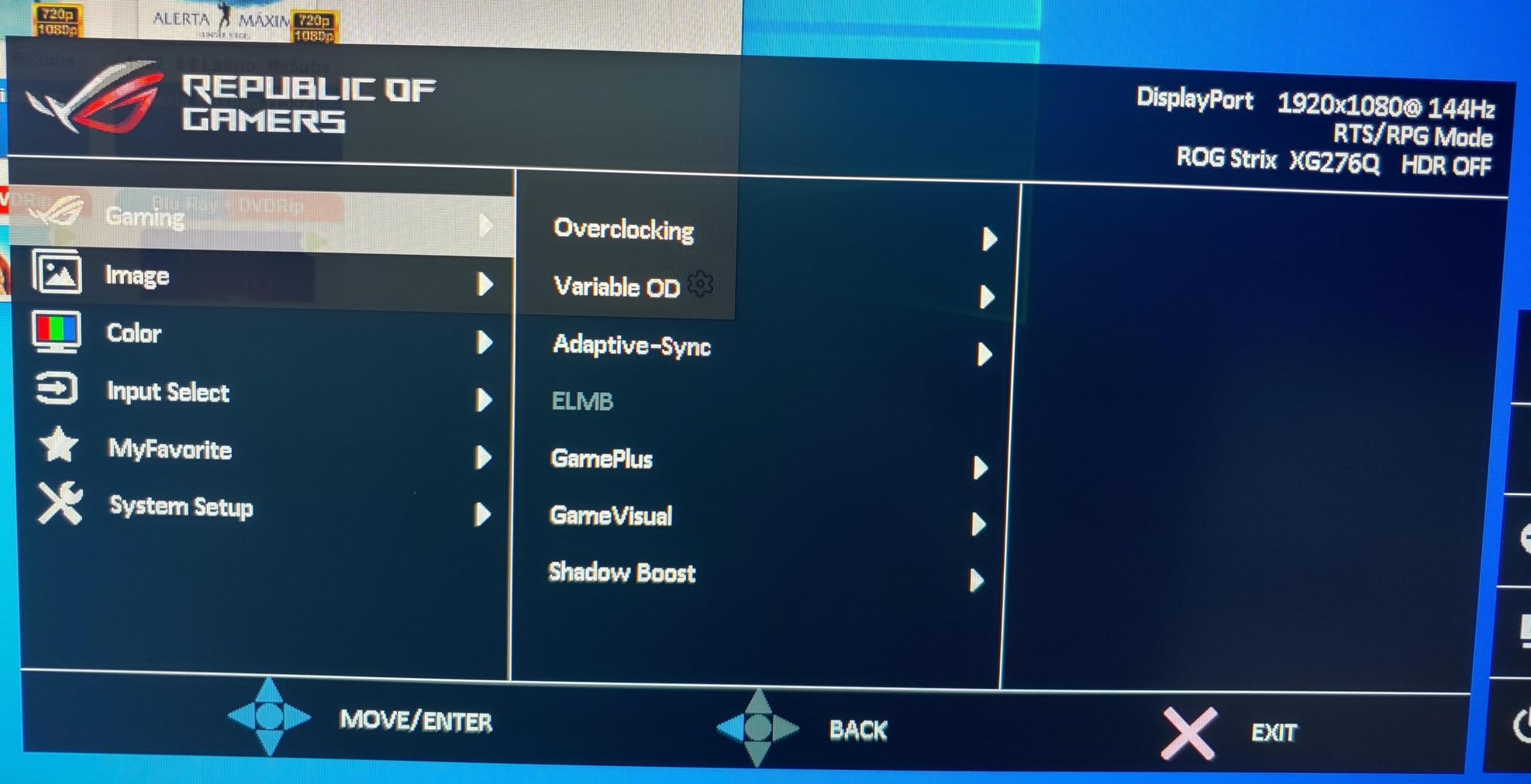
Two details make it the practical pick of the ten. The 90W USB-C port charges a laptop over one cable, and the custom heatsink, airflow design and graphene film are built specifically to manage heat and slow image retention.
- 4K at 240Hz with 0.03ms response and G-Sync Compatible
- 99 percent DCI-P3, true 10-bit color, Delta E under 2
- DisplayWidget Center exposes the OLED Care settings from the mouse
- Two HDMI ports and three USB ports
Where it falls short is desk-related. At 19.4 pounds it needs a surface with real support, and the listing marks it wall-mount only, which is worth confirming if you plan to use an arm.
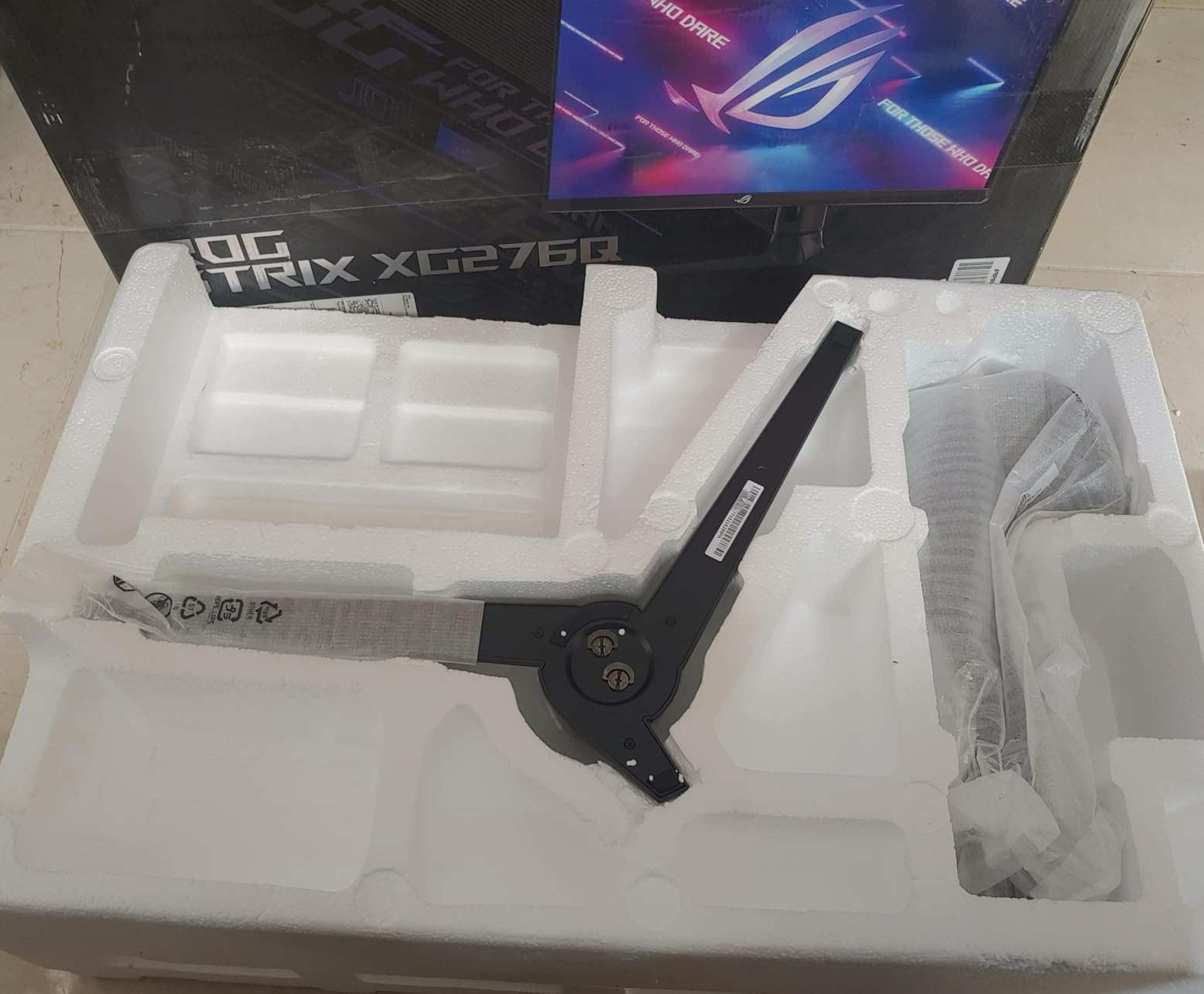
Skip it if: your GPU cannot push 4K at 240Hz. The MSI MPG 321CURX is a similar 4K QD-OLED with a curved panel and a KVM switch, and the LG UltraGear 27GX704A is far easier to drive at 1440p.
3. LG UltraGear 27GX704A: Best Value 27-Inch OLED
- 1300-nit HDR peak from a 275-nit base
- Glossy finish with inky blacks
- 98.5 percent DCI-P3 and 1.5M:1 contrast
- Dual HDMI 2.1 plus USB 3.2 hub
- Height tilt swivel and pivot adjustment
- Some owners report text fringing at 1440p
- External power brick has a short fixed cable
- Two-year parts and labor cover
This is the panel most upgraders land on, and 484 owner reviews averaging 4.5 stars explain why. Owners repeatedly call it a different category of product compared with the IPS screens it replaces, and they single out the glossy finish as more vivid than the matte QD-OLEDs at similar sizes.
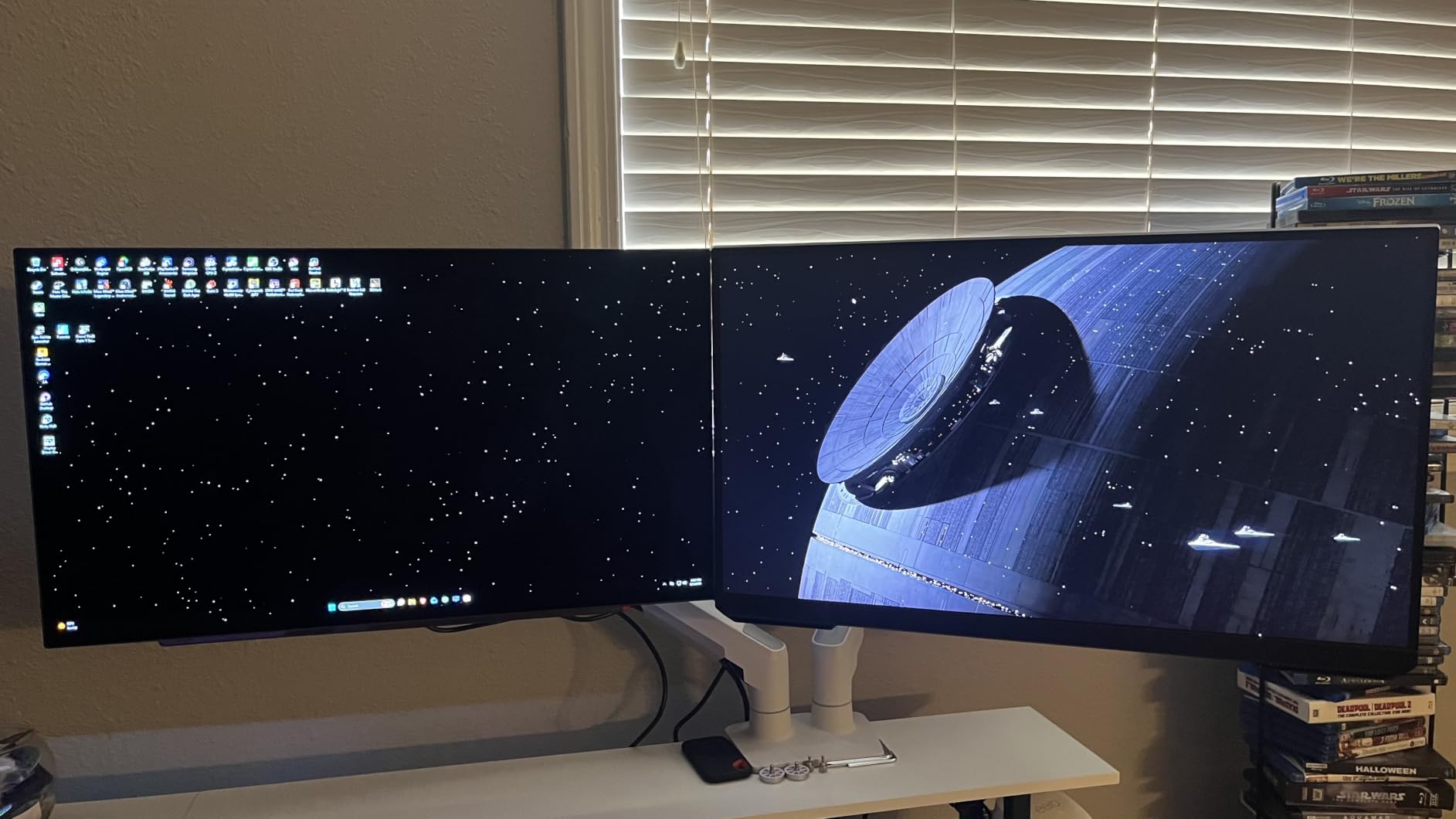
Brightness is the quiet headline. A 275-nit base rating that peaks at 1300 nits is unusually bright for a 27-inch OLED, and the picture quality is flat rather than curved, which keeps it usable for text-heavy desk work.
Compared with the AOC Q27GAZD, the LG costs more but adds USB 3.2 ports, a headphone jack and a fully adjustable stand. The AOC is the cheaper way into the same resolution and refresh rate if ports do not matter to you.
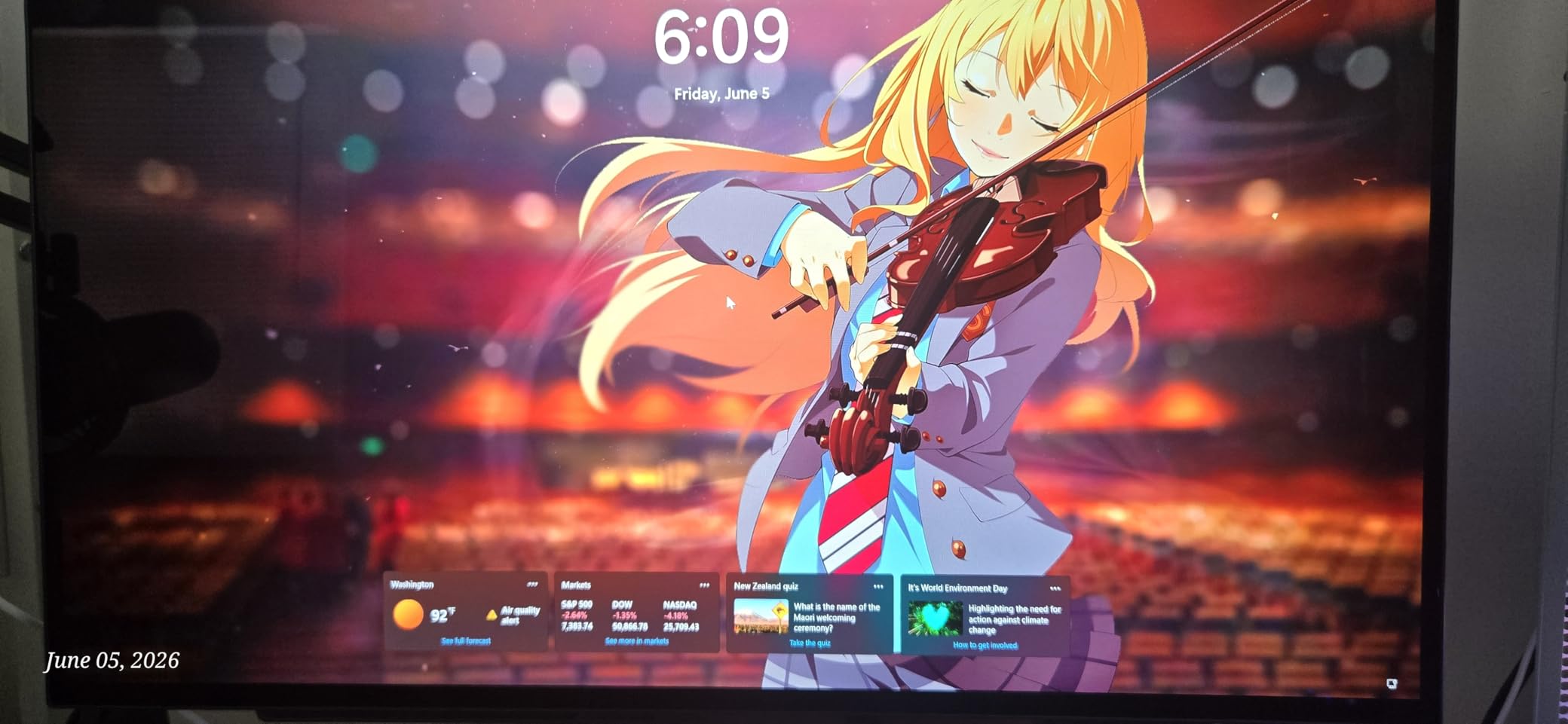
Good to know: the power supply is an external brick with a short fixed lead, so plan cable routing before the monitor goes up. One reviewer also reported out-of-range messages on a PS5 Pro at 1440p and 120Hz.
4. MSI MPG 321CURX: Best for USB-C Desk Setups
- 98W USB-C power delivery
- Delta E of 2 or better color accuracy
- KVM switch for multiple devices
- OLED Care 2.0 refresh system
- HDMI 2.1 with full 48 Gbps bandwidth
- 27.1-pound chassis on a 1700R curve
- 9 percent of reviews are one-star
- No FreeSync Premium Pro listed
The reason to pick this over the other 4K QD-OLEDs is the port selection. USB-C with 98W power delivery means one cable to a laptop, and a KVM switch lets one keyboard and mouse drive two machines across the 32-inch 4K panel.
Color accuracy is measured rather than claimed: Delta E of 2 or better with 98 percent color gamut coverage, plus a Gaming Intelligence app for setting up per-game profiles and OLED Care 2.0 for the refresh cycles that address image retention.
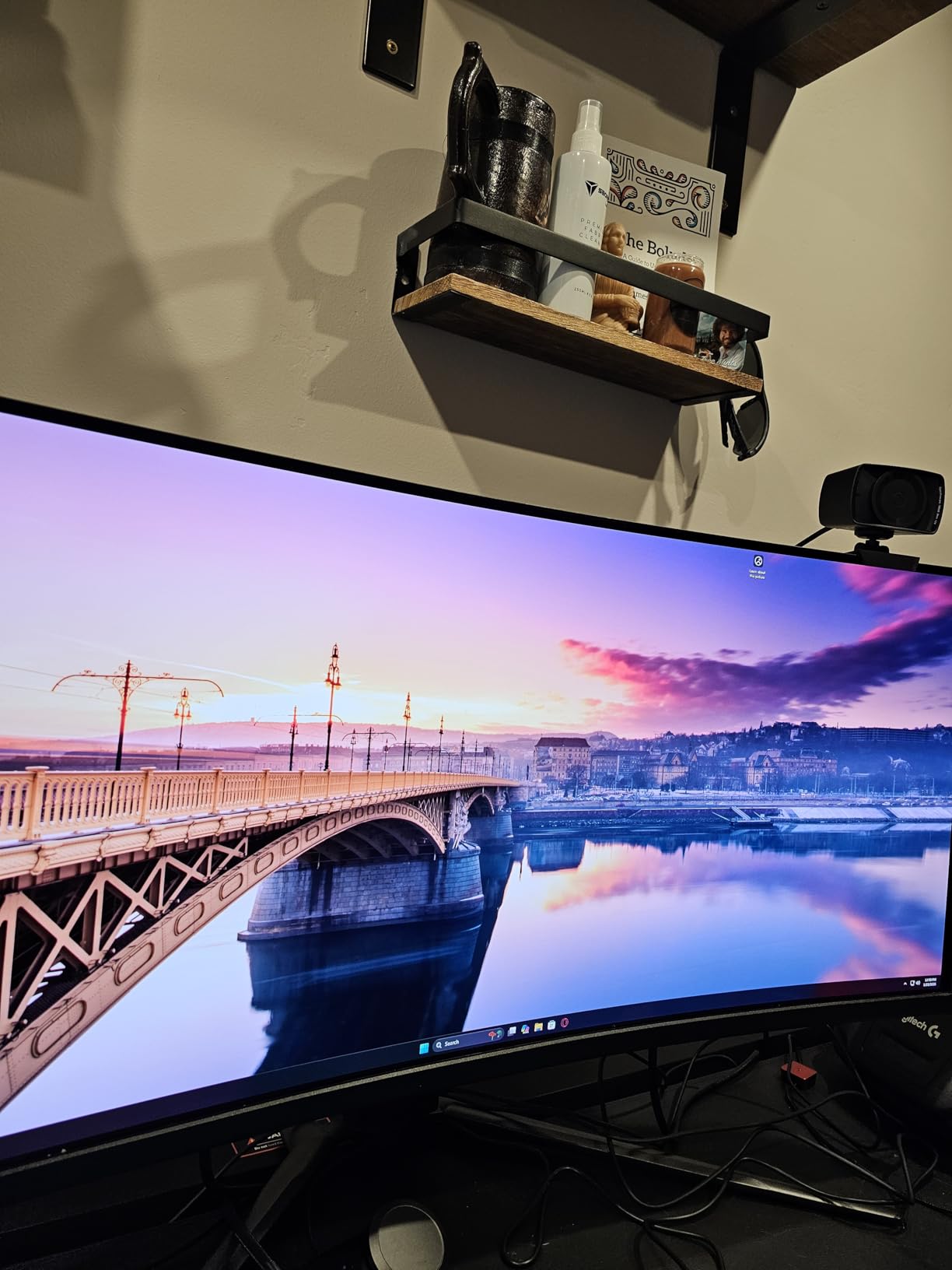
Owners rate it 4.4 stars from 486 reviews, with 78 percent five-star and a 9 percent one-star share, the largest negative share among the 4K models here. That criticism lands on the 27.1-pound weight and the 1700R curve more than on the panel itself.
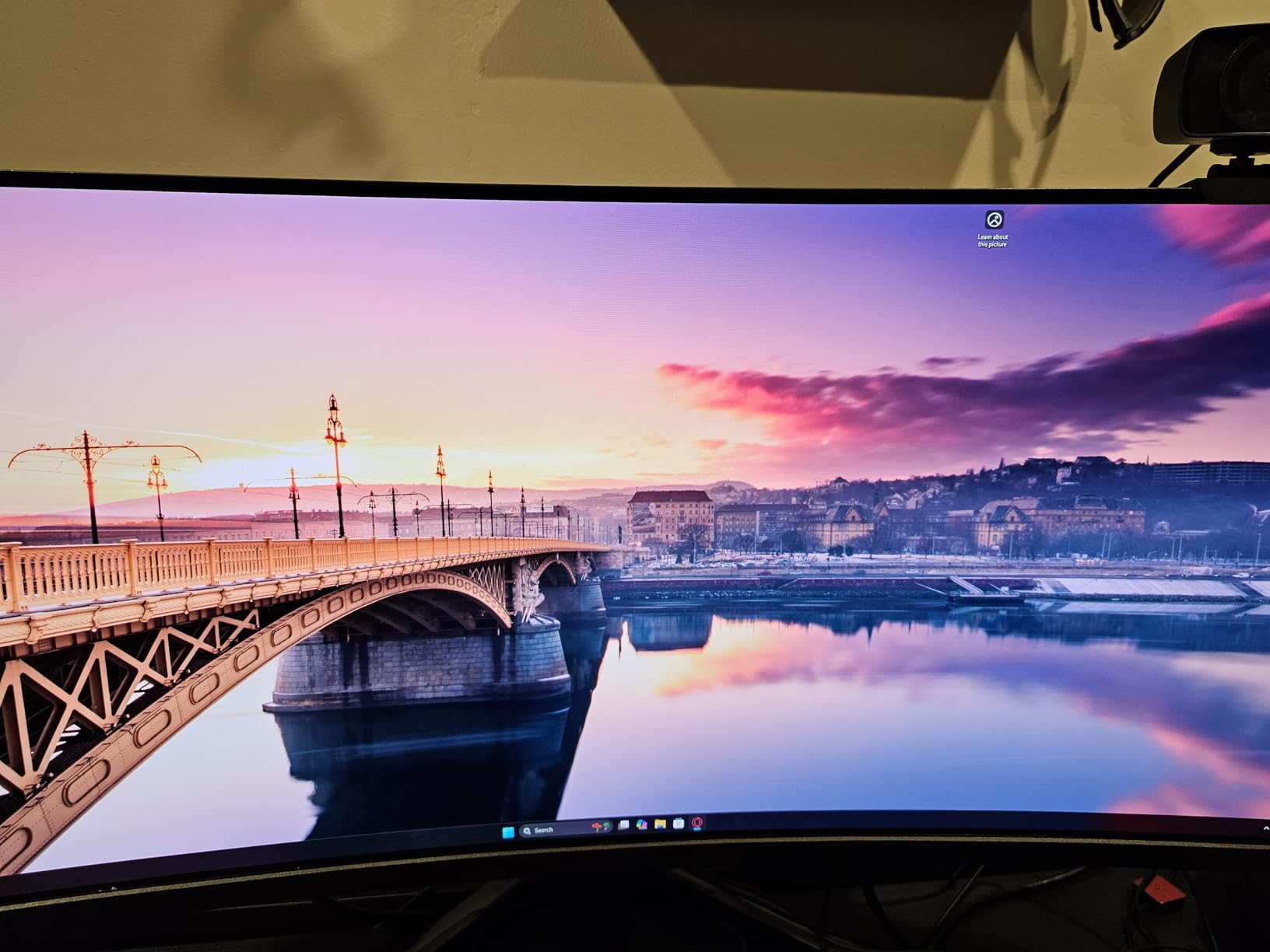
Alongside the ASUS ROG PG32UCDM, this is the USB-C-first option of the two, carrying 98W against 90W, a KVM switch and a curved panel. The ROG is flat, lighter and carries a three-year warranty with burn-in coverage rather than three-year manufacturer cover.
5. LG 34GS95QE: Best for an 800R Curved Ultrawide
- Tighter 800R curve than any rival here
- DisplayHDR True Black 400 with 1.5M:1 contrast
- Both G-Sync Compatible and FreeSync Premium Pro
- Anti-glare low-reflection coating
- Height tilt and swivel adjustment
- 11 percent of reviews are one-star
- Matte finish dulls contrast against glossy panels
- Two-year warranty
An 800R curve is the distinguishing number. Where the 34-inch rivals here sit at 1800R, this one wraps noticeably harder around your head, and that is the entire reason some buyers never look back.
Everything else is a solid 240Hz, 0.03ms, 3440×1440 package with dual adaptive-sync certification and a matte anti-glare coating. Owners rate it 4.3 stars across 406 reviews, with 75 percent at five stars.
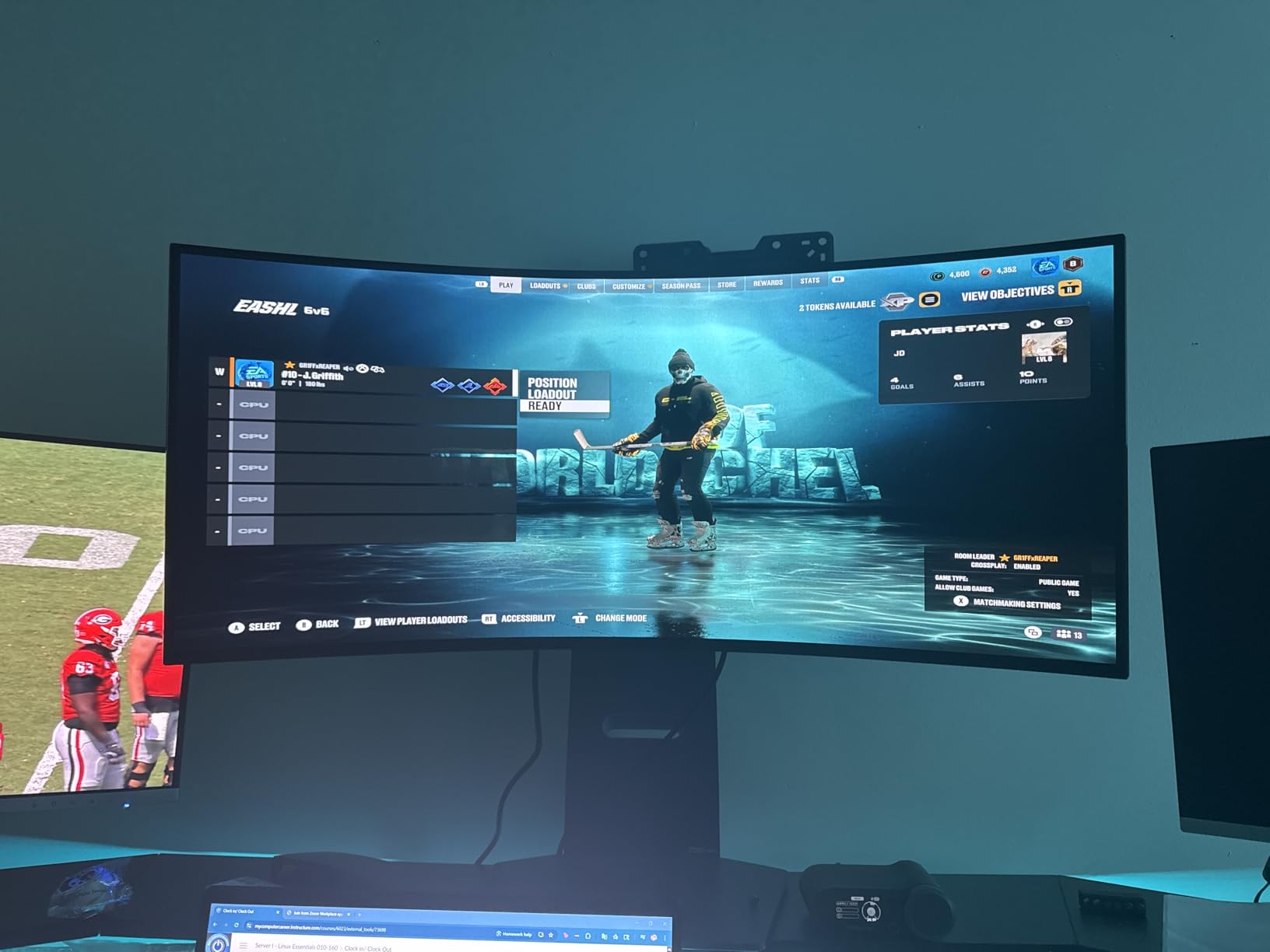
Owners report the matte coating as the most common reservation. It cuts reflections in a bright room but takes some of the punch out of the blacks, which is exactly the trade the glossy LG UltraGear 27GX704A makes in the other direction.
Worth checking before buying: the two-year parts and labor warranty is the shortest here, and at 30.9 inches wide the panel wants a desk with real depth. A monitor arm helps with placement if your desk is shallow.
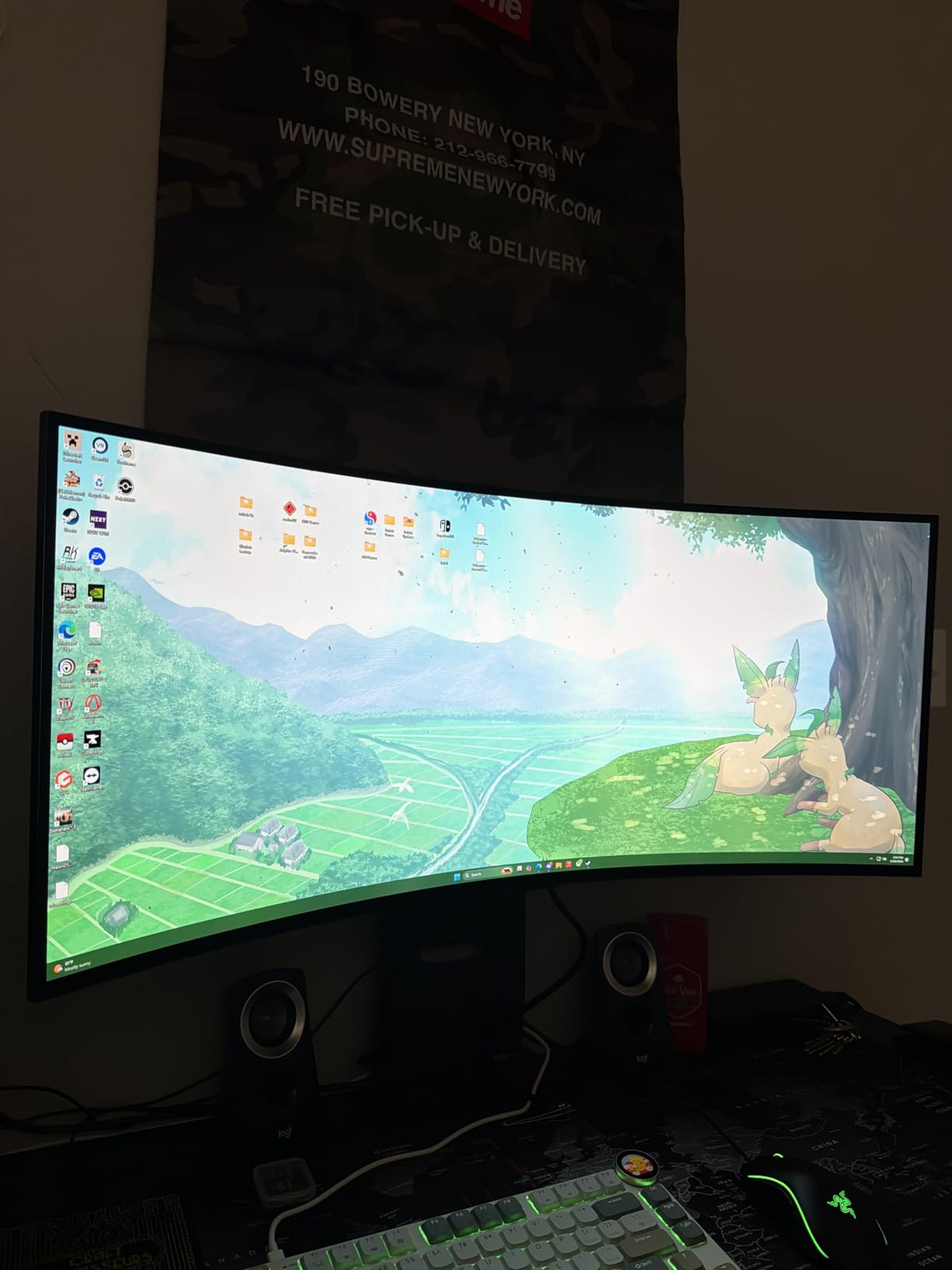
Compared with the Alienware AW3425DW, you give up a little curvature and a longer warranty but keep the same resolution and refresh rate. The Alienware lists better color accuracy figures and a three-year warranty.
6. Alienware AW3425DW: Best for Color Accuracy
- 99.3 percent DCI-P3 with Delta E under 2
- 1000-nit peak HDR brightness
- G-Sync Compatible plus FreeSync Premium Pro and VESA AdaptiveSync
- Microfiber cloth and cables in the box
- Three-year warranty
- FreeSync Premium Pro is the only sync listed
- 21:9 letterboxes 16:9 games
- 250-nit listed brightness
For anyone grading images or matching colors between screens, the specification that matters is 99.3 percent DCI-P3 with Delta E under 2. That is the widest color coverage of the 34-inch models here, and owners reviewing 377 ratings averaging 4.5 stars point to color accuracy and HDR brightness first.
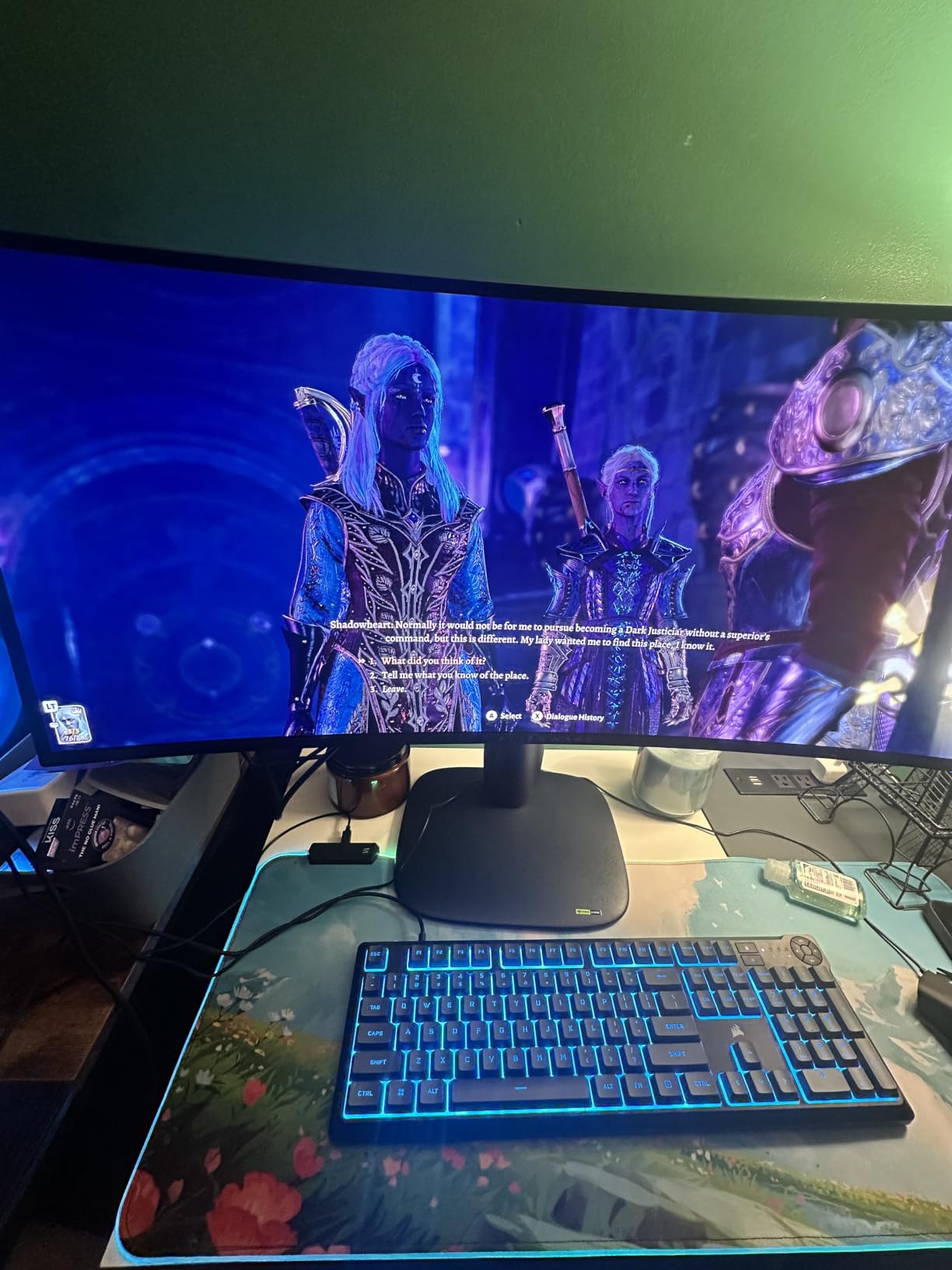
The rest of the package is familiar: a 34.2-inch QD-OLED at 3440×1440, 240Hz, 0.03ms, a 1800R curve and 1000-nit peak brightness with DisplayHDR True Black 400. A microfiber cloth and both DisplayPort and HDMI cables ship in the box, which is a small nicety on a glossy-adjacent panel.
Skip it if: 16:9 games are your main thing. A 21:9 screen letterboxes some of them rather than filling the panel, and only AMD FreeSync Premium Pro is listed as the primary sync mode.
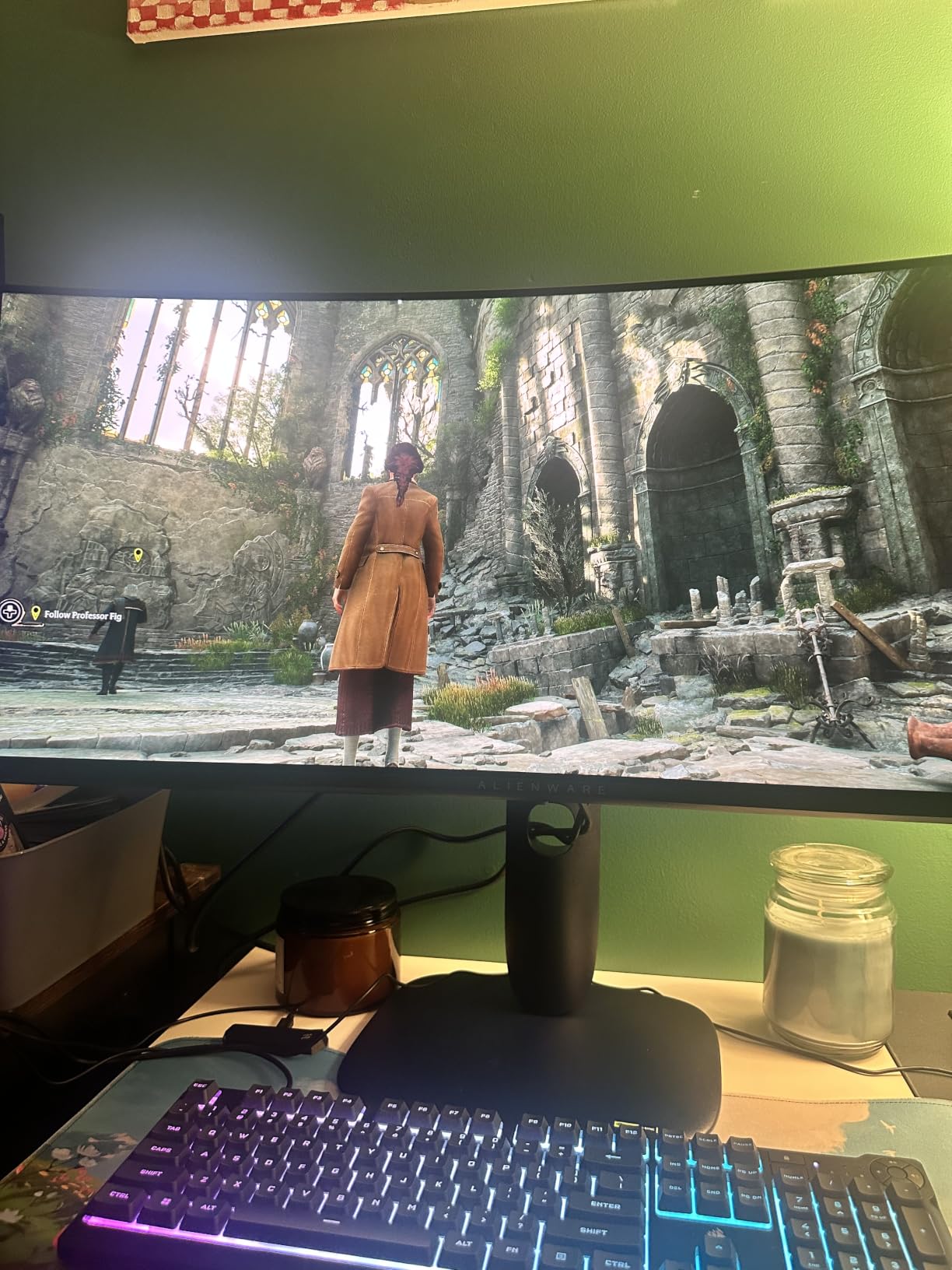
Where the LG 34GS95QE wraps harder, this screen stays mild and lists better color accuracy figures plus a three-year warranty. If your desk is shallow, both want an arm rather than a stand.
7. Samsung Odyssey OLED G6: Best for Bright Rooms
- Highest average rating in the group at 4.6 stars
- Glare Free Technology against window reflections
- Pantone Validated with 2100-plus colors
- Lightest chassis here at 8.4 pounds
- OLED Safeguard thermal modulation
- Only one HDMI port and no USB hub
- 78W listed power consumption
- HDR10 only with no Dolby Vision
Most of this list fights reflections with a matte coating. This screen approaches the problem from the software side with Glare Free Technology, and it is also the easiest to move, at 8.4 pounds.
The 4.6 stars across 236 reviews is the highest average here, with 84 percent five-star and just 4 percent one-star, the tightest rating spread of the ten. Color accuracy is the other repeated highlight: Pantone Validated, more than 2,100 colors and over 110 skin tone shades.
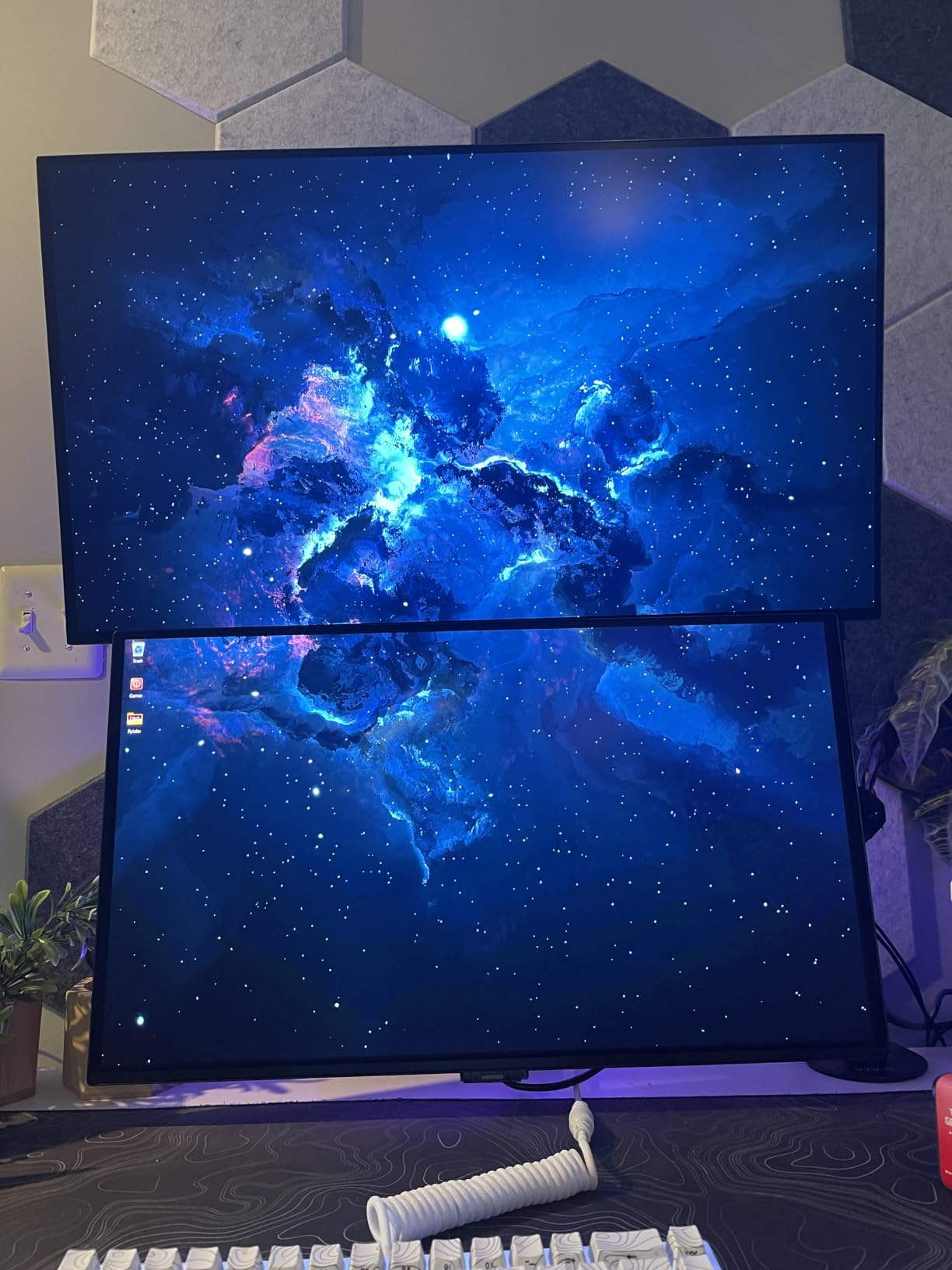
Against the other 27-inch picks, the trade is connectivity. One HDMI port and no USB hub is thin next to the LG UltraGear 27GX704A, which carries dual HDMI 2.1 and a USB 3.2 hub on the same 1440p 240Hz format.
Good to know: burn-in protection here is active rather than passive. OLED Safeguard uses thermal modulation, and the stand adjusts for height, pivot, tilt and swivel, so it suits a desk you will move around.
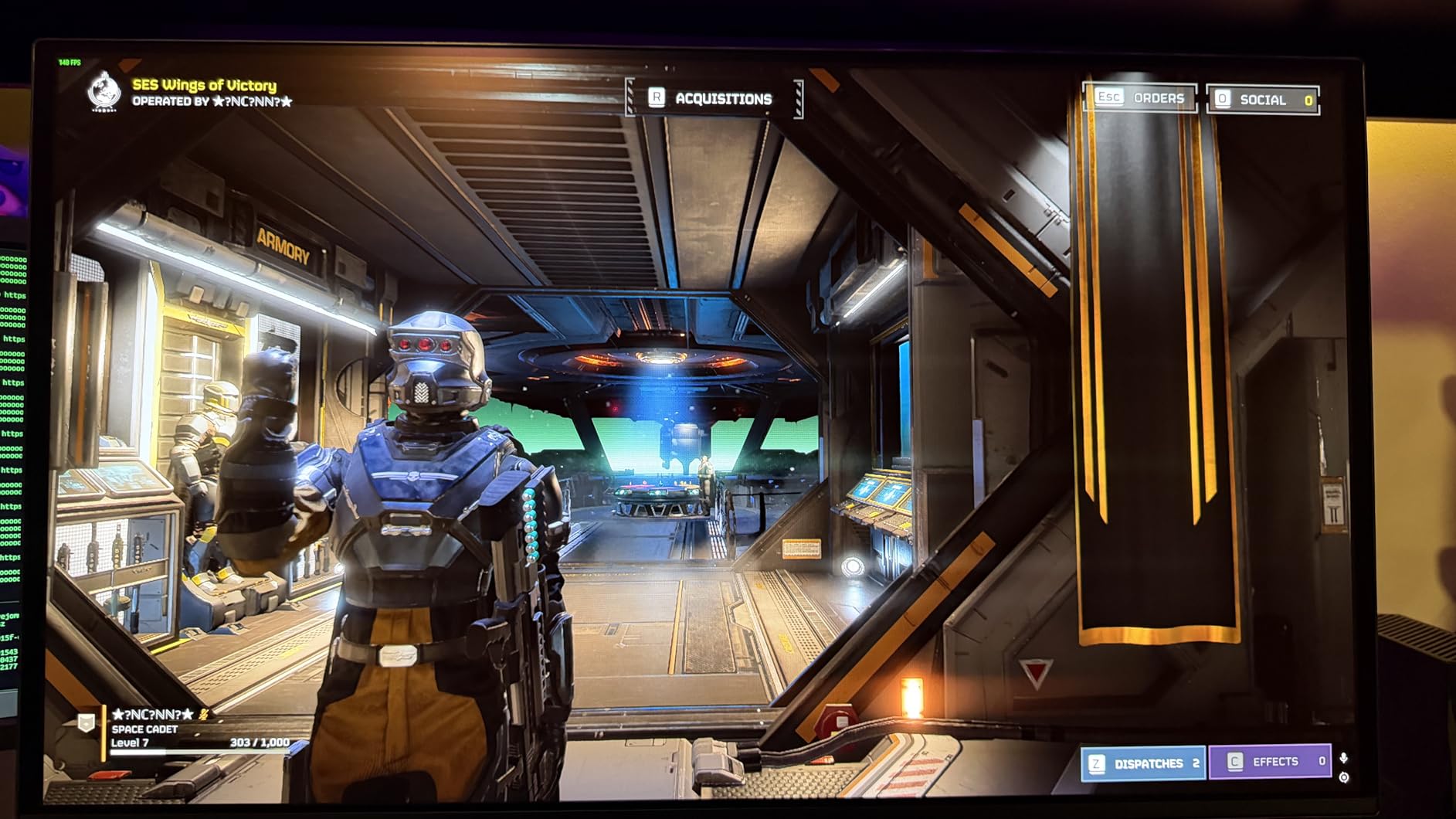
The Pantone Validated label is the detail worth carrying into a color decision. It covers more than 2,100 colors and over 110 skin tone shades, which is closer to a factory-calibrated reference than most 27-inch panels in this group, and it costs less in desk space than any ultrawide here.
8. AOC Q27GAZD: Budget Pick for a First OLED
- Lowest cost entry to a 27-inch QD-OLED
- Best sales rank in the group at 31 in Computer Monitors
- 147.6 percent sRGB and 110.2 percent DCI-P3 coverage
- 0.03ms response at 240Hz
- Frameless flicker-free design
- One HDMI port and no listed height adjustment
- No brightness figure published
- Just under half of reviews sit below five stars
Nothing else in this list drops a 27-inch QD-OLED this far down the price scale, and demand shows it: a best-sellers rank of 31 in Computer Monitors, the strongest of any model here, from 226 reviews averaging 4.5 stars.
The specifications are not thin for the money. 0.03ms response at 240Hz, HDR400 True Black certification, 1.5M:1 contrast and color coverage of 110.2 percent DCI-P3.
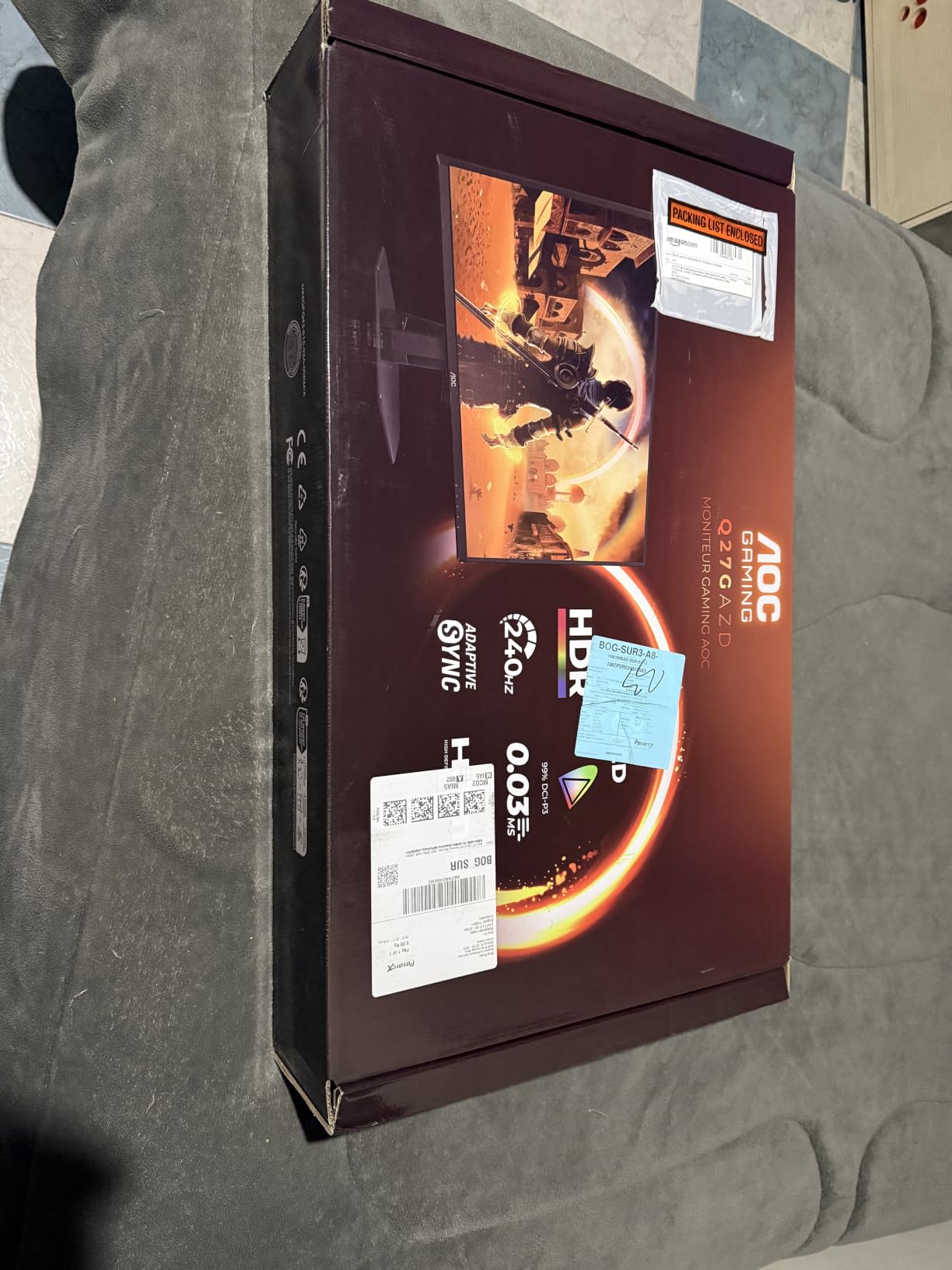
Where owners push back is physical. One HDMI port, no USB hub, and no height adjustment listed in the specifications, so expect to reposition it by tilting rather than raising.
No brightness figure is published for this panel, which matters if you plan to use it in a bright room. The Samsung Odyssey OLED G6 handles glare handling more deliberately and stands up to 4.6 stars.
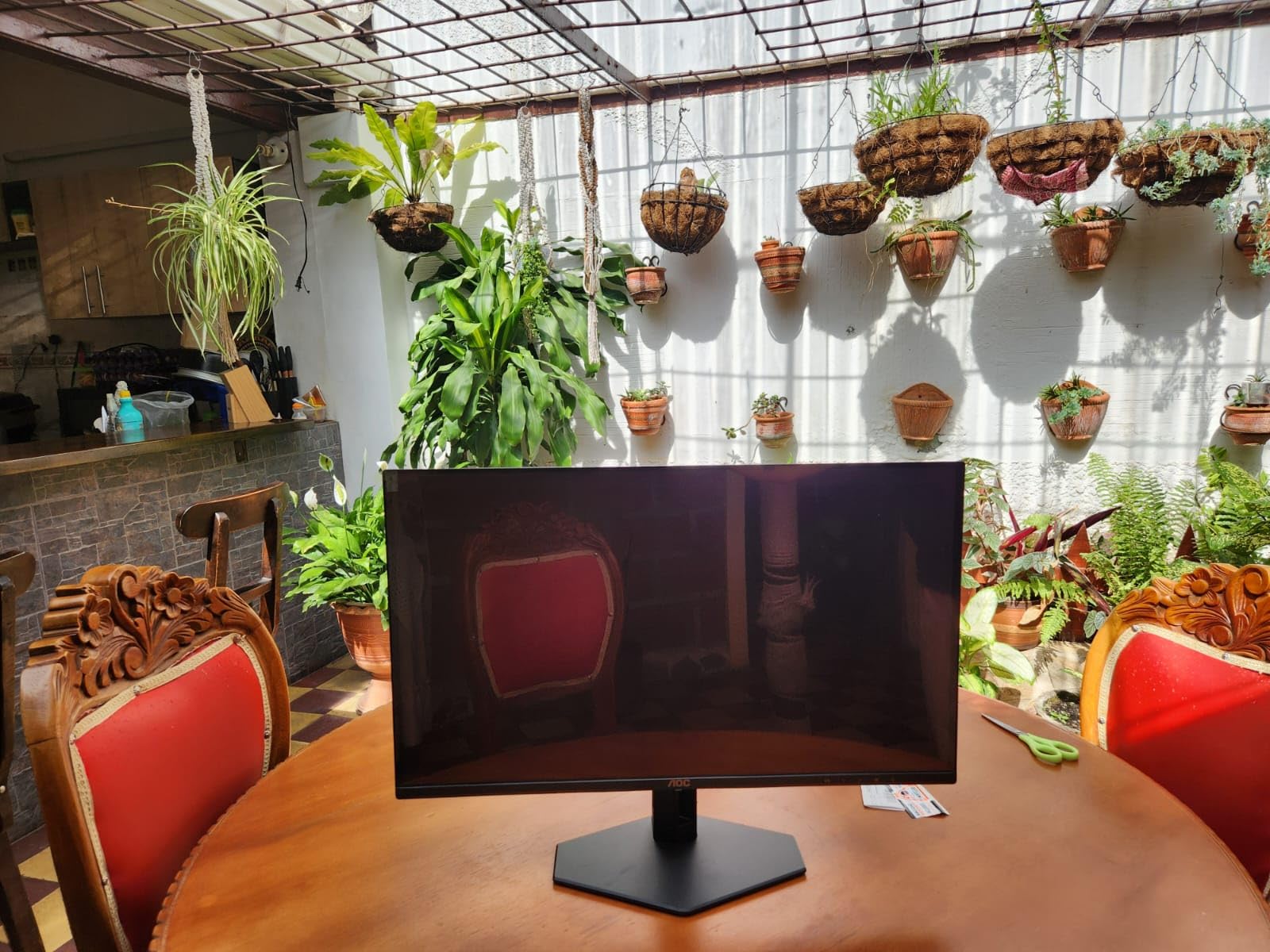
Compared with the LG UltraGear 27GX704A, the AOC gives up the adjustable stand, the USB hub and the published 1300-nit peak, and in return costs meaningfully less. For a first OLED on a modest desk, that is a reasonable swap.
9. ASUS ROG XG27AQDMGR: Best for Deep Glossy Blacks
- Owners report the deepest blacks they have seen
- 1300-nit peak brightness
- OLED Care Pro with a proximity sensor that blanks the screen
- 99 percent DCI-P3 with Delta E under 2
- Compact flat stand replaces the tripod design
- Sub-pixel text fringing is widely reported
- Pixel-refresh reminder every eight hours
- Out-of-box picture needs tuning
A 26.5-inch glossy WOLED with 1300-nit peak brightness, and a smaller review base than the rest at 139 ratings. Even so, 82 percent of those are five stars, and owners describe the blacks as the best they have seen.
The stand is the practical upgrade over older ROG designs: a compact flat base and thin bezels that reclaim desk depth, which matters in a home office where a tripod foot eats surface area.
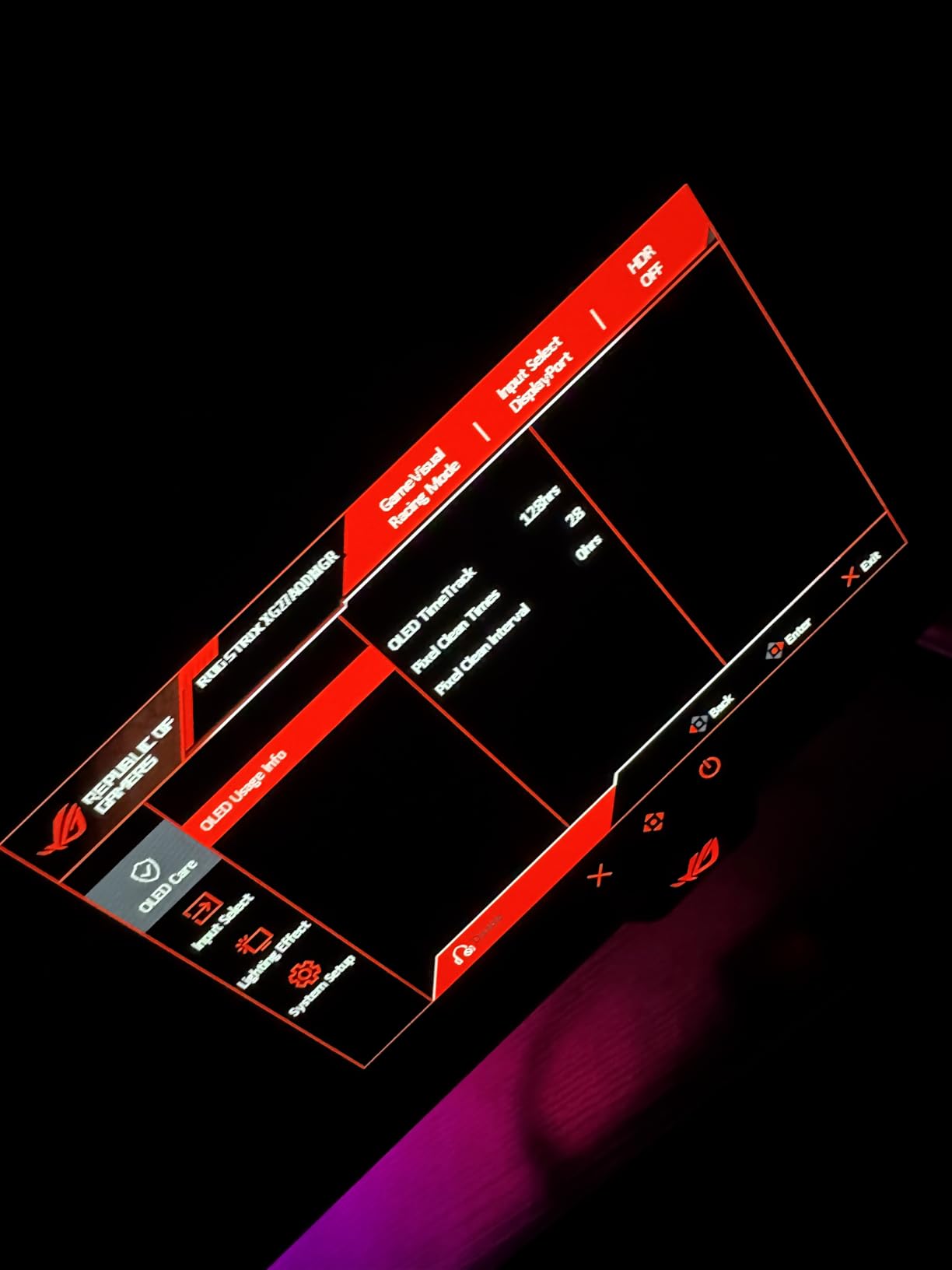
- OLED Care Pro with a Neo Proximity Sensor blanks the screen when you step away
- 0.03ms at 240Hz with no perceptible input delay, per owners
- Three-year warranty with advance replacement and burn-in coverage
- Low 26.8W power draw, the smallest here
Skip it if you read for a living. Sub-pixel text fringing is the most repeated caveat in the reviews, and the Clear Pixel Edge setting reportedly makes it worse. The same 1440p resolution on a matte panel, like the Samsung Odyssey OLED G6, reads more comfortably.
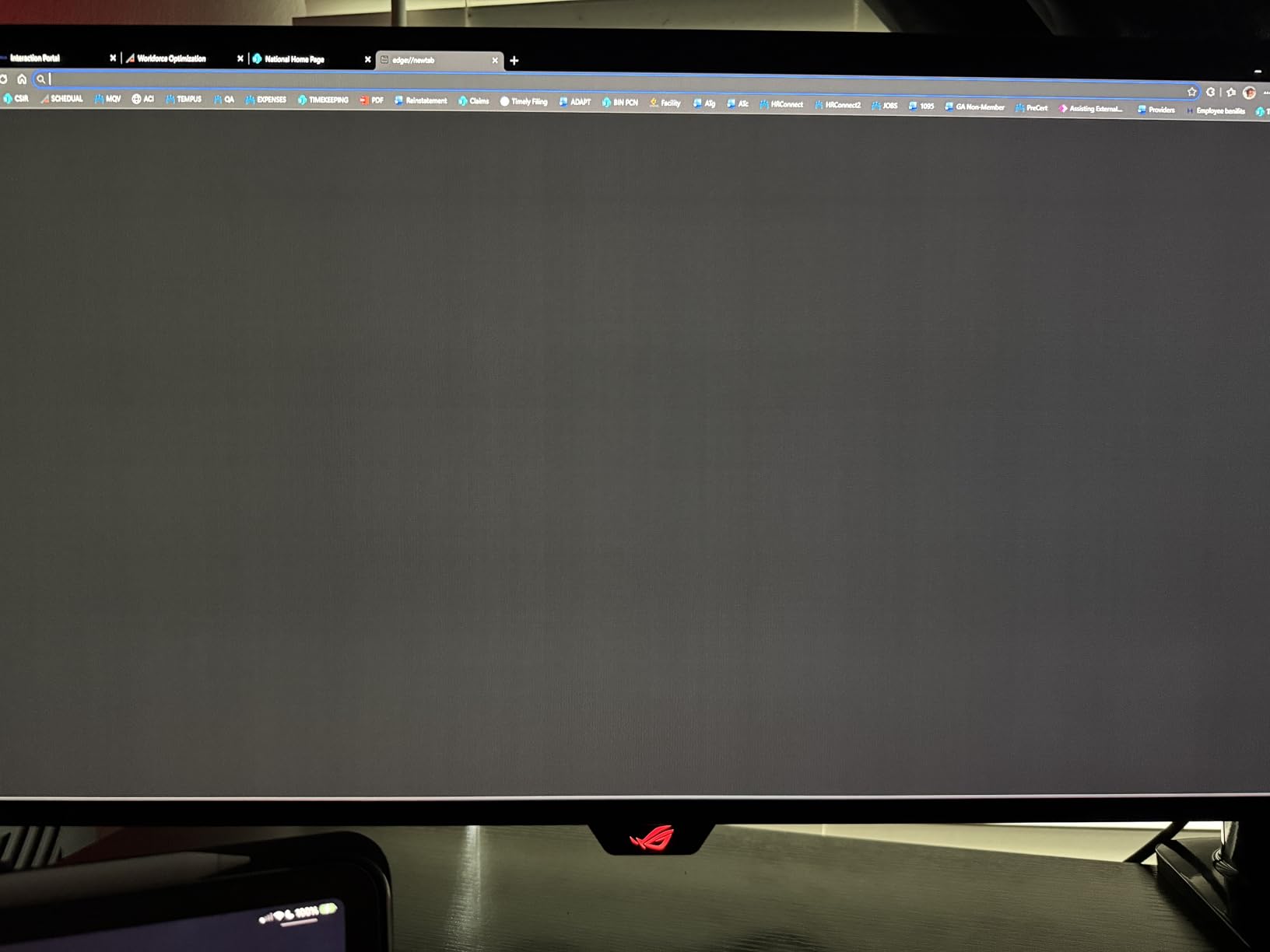
Also expect an eight-hour pixel-refresh prompt and an out-of-box picture that needs real tuning. One owner reports heavy work and gaming use with no burn-in after months, which is worth weighing against that refresh interruption.
10. Samsung Odyssey OLED G9 G91SD: Best for Burn-In Protection
- Thermal modulation plus taskbar and logo detection
- Ten-minute screen saver and picture-in-picture sub-screen
- Dual QHD at 110 pixels per inch
- Height and tilt adjustment
- Three-year manufacturer warranty
- 144Hz is the lowest refresh rate here
- 28.4-pound chassis
- Single HDMI port and no USB hub
Burn-in worry is the thing that stops office buyers from buying a giant OLED. This 49-inch screen answers it with the most complete mitigation stack here: thermal modulation, logo and taskbar detection, and a screen saver that dims after ten minutes of inactivity.
At 110 pixels per inch across the 32:9 panel, the image is noticeably finer than the 49-inch Samsung Odyssey G9 G93SC. Picture-in-picture adds a sub-screen, which on a display this wide can replace a second monitor for chat windows and system readouts.
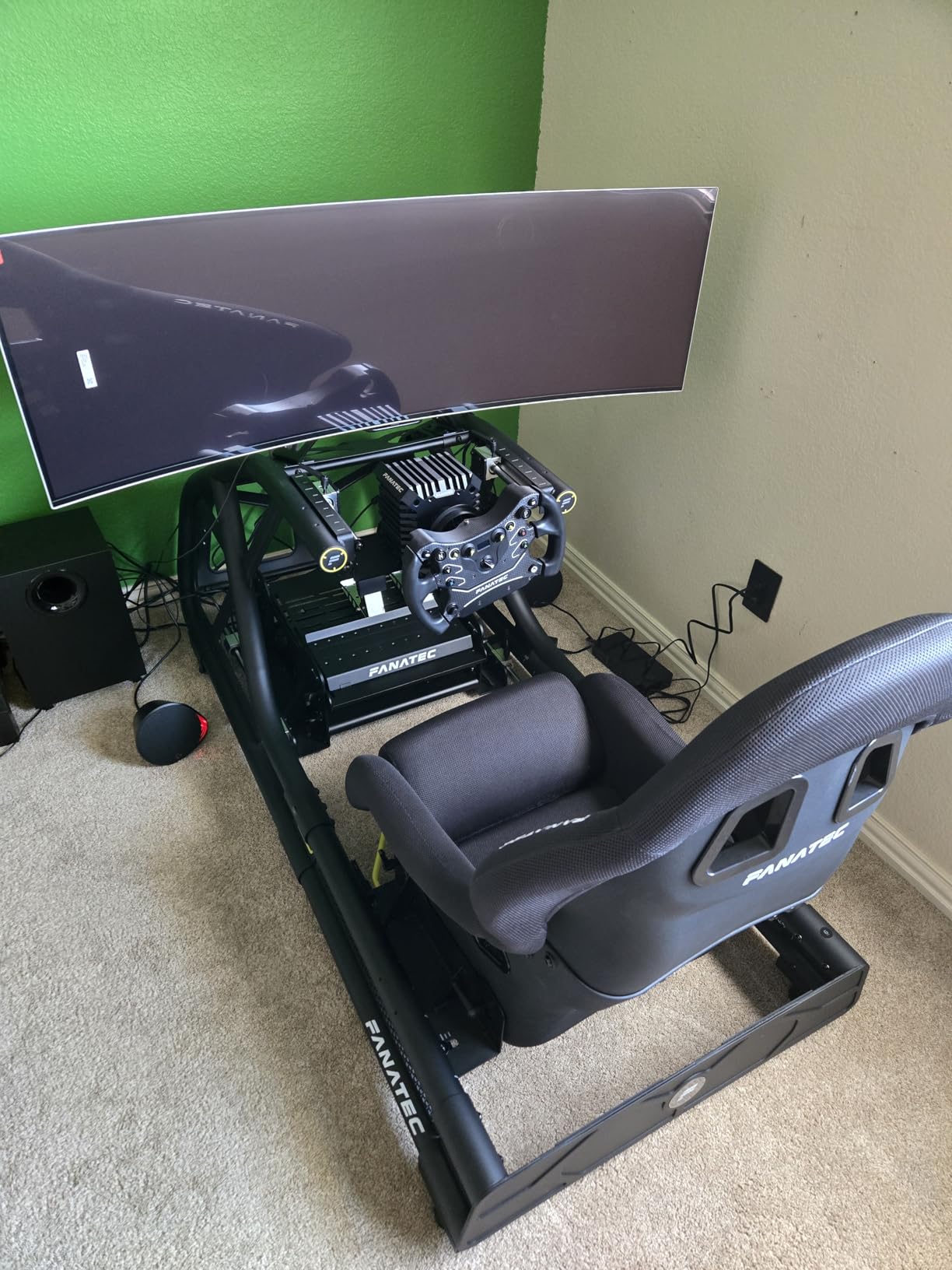
The compromise is refresh rate. 144Hz is the lowest of the ten, and owners notice, rating it 4.2 stars from 226 reviews with 12 percent at one star, the second-largest negative share in the group.
Two things make this a two-person job on a desk: a 220W listed power draw and a 28.4-pound weight. The 47-inch width also rules out a standard workstation. If you want the same width at a faster refresh, the G93SC runs at 240Hz.
How to Choose OLED Monitors During Prime Big Deal Days
Choose Screen Size by Desk Depth and Viewing Distance
A 27-inch 16:9 panel drops into almost any desk and is the right default for gaming, while a 32-inch 4K screen earns its size by giving you more desktop and sharper text. Beyond 34 inches you are into ultrawide territory, where a 21:9 or 32:9 panel is measured in desk width rather than diagonal: 30.9 inches wide for the LG 34GS95QE, 47.1 inches for either 49-inch Samsung.
If your desk is shallow or you like a tidy surface, a monitor stand with drawers can reclaim the footprint an ultrawide would otherwise take.
Prioritize Refresh Rate and Response Time for Gaming
Every screen here runs a 0.03ms response time, so refresh rate is the number that separates them. 240Hz covers the fast games most people play, and most buyers report that they stop noticing the jump past that point. The 144Hz Samsung Odyssey OLED G9 G91SD is the one exception in this list, and it trades speed for screen width.
Match refresh rate to your GPU as well. Driving 4K at 240Hz, as the ASUS ROG PG32UCDM and MSI MPG 321CURX are built for, takes a much stronger card than 1440p at 240Hz.
Check Panel Type, Finish and Color Accuracy for Mixed Use
Glossy panels, such as the LG UltraGear 27GX704A and ASUS ROG XG27AQDMGR, deliver more vivid color and deeper blacks but pick up window reflections and show fingerprints. Matte panels, such as the Samsung Odyssey OLED G6, handle a bright room more gracefully. If the screen will also carry photo work, our monitor picks for photo editing explain why measured color accuracy and factory calibration matter more than refresh rate.
Confirm Ports, VRR and Desk Fit Before You Buy
Check the port list against your hardware. USB-C with power delivery, as on the MSI MPG 321CURX at 98W and the ASUS ROG PG32UCDM at 90W, lets a laptop run on a single cable. For VRR, NVIDIA G-Sync Compatible and AMD FreeSync Premium Pro are not interchangeable, and the AOC Q27GAZD and Alienware AW3425DW list only one mode each. On desk fit, check the stand adjustment and the chassis weight against your surface, and remember our picks for monitor arms for standing desks if a 19-pound or 28-pound panel needs a stronger mount.
How to Shop OLED Monitor Deals During the Sale
Before buying, confirm the exact model number on the listing matches the panel you read about, since several of these lines ship similar-looking variants with different port counts. Check the screen size, the resolution, the finish and the stand adjustment, and read what is in the box, because cables and USB hubs differ between models. Look at who sells and who ships the item, and treat any listing marked as renewed as a separate purchase. Most offers during Prime Big Deal Days require a Prime membership, and both price and availability change through the event, so confirm the details on the day you buy.
- Match the model number exactly, not just the product line
- Confirm 1440p or 4K and the refresh rate before comparing screens
- Check gloss or matte finish against your room lighting
- Verify VRR mode works with your graphics card
- Measure the panel width against your desk depth
- Read the box contents for cables and USB hub ports
Frequently Asked Questions
Are Amazon Prime Big Deal Days OLED Monitor Deals worth waiting for?
Often, yes, because monitor pricing moves a lot across a short window. Models like the Samsung Odyssey G9 G93SC and the LG UltraGear 27GX704A have swung noticeably week to week, so a price seen days earlier is not a reliable baseline. Compare the current number against the recent street price for that exact model, and decide before the event starts if you already know which screen you want.
When do Amazon Prime Big Deal Days run?
Amazon’s Prime Big Deal Days sale runs October 6-7, 2026. Offers start appearing in the days beforehand, and the best price on a given monitor is not always the one advertised first, since event-day drops can go lower. Have your model number ready and check again during both days.
Do I need Prime to buy an OLED monitor during the sale?
Most offers during Prime Big Deal Days require a Prime membership, and a free trial counts for the length of the event. A handful of monitor deals run for everyone, but they are the exception rather than the rule, so joining before the sale starts avoids losing a screen to a shipping threshold.
Is a 27-inch or 32-inch OLED monitor better for gaming?
A 27-inch 1440p panel, like the LG UltraGear 27GX704A or the AOC Q27GAZD, is easier to drive with a midrange graphics card and fits almost any desk. A 32-inch 4K panel, like the ASUS ROG PG32UCDM, gives far sharper text for work but needs a stronger card to hold 240Hz. Choose 27-inch for pure gaming and 32-inch if the screen will also earn its keep during the workday.
Is 4K OLED better than 1440p OLED for gaming?
4K is better for text, mixed work and video editing, and its motion performance is the same class as 1440p at the same refresh rate. In pure gaming, 1440p at 240Hz is often the better value because a midrange card can run it, while 4K at 240Hz frequently drops below the display’s ceiling.
Are glossy OLED screens difficult to clean?
They need a little more care. A microfiber cloth handles dust and light marks, and a lightly damp cloth works for fingerprints, but the finish shows smudges quickly in a bright room. The matte panels here, such as the Samsung Odyssey OLED G6, show far fewer fingerprints and are the easier choice in a sunny space.
Final Verdict: Best Amazon Prime Big Deal Days OLED Monitor Deals
Buy the Samsung Odyssey G9 G93SC if you play sim racers, flight games or anything that rewards a 32:9 field of view, and check your desk depth first. Buy the ASUS ROG PG32UCDM if the screen will carry a workday as well as a weekend, since its 4K density and burn-in coverage handle both. For most first-time OLED buyers, the LG UltraGear 27GX704A is the pick, at 4.5 stars across 484 reviews with a glossy finish owners keep praising.
On a tighter budget, the AOC Q27GAZD gets a 27-inch QD-OLED at 240Hz into the house for the least money, and the Samsung Odyssey OLED G6 is the brighter-room option with the best average rating here. Creators should look at the Alienware AW3425DW for its 99.3 percent DCI-P3 coverage, and anyone sitting on static content all day can read the Samsung Odyssey OLED G9 G91SD’s burn-in protections as the deciding factor.
Pick your model, then watch the listing through both event days and use the buttons above to check the current number.