
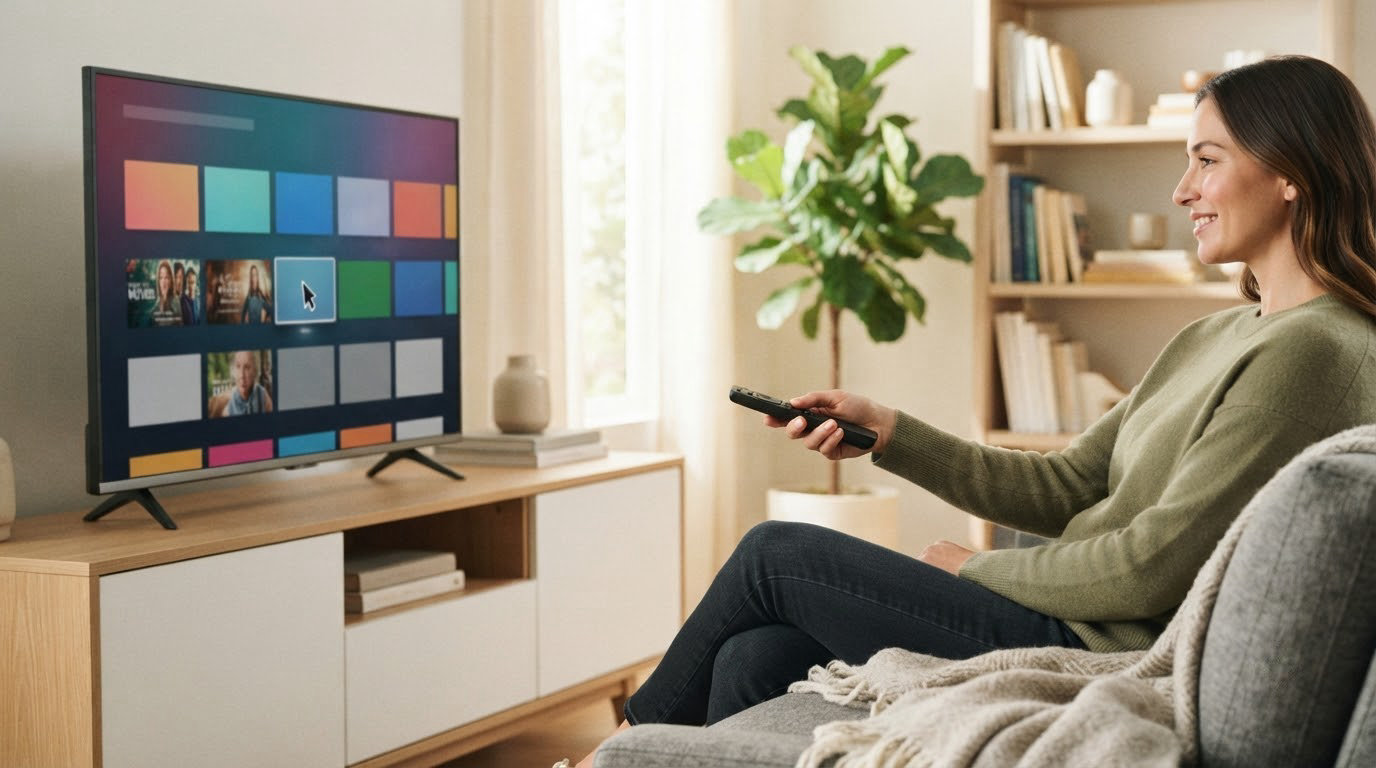
If you are sorting out what to stream on during Amazon’s Prime Big Deal Days sale, the Fire TV Stick 4K Plus is the one worth watching most closely: 4K streaming with Dolby Vision and HDR10+, Wi-Fi 6, cloud gaming and the newest Fire TV interface, from a stick that is the easiest upgrade in this whole list to justify. It leads the pack on the combination of features, owner ratings and how much steady use it takes.
Two other sticks cover most of the rest. The Fire TV Stick 4K Max adds 16GB of storage and Wi-Fi 6E for people who juggle a lot of apps or live on a newer router, and the Fire TV Stick 4K Select is the budget pick for a second bedroom TV. Prime Big Deal Days runs October 6-7, 2026, most offers need a Prime membership, and the numbers move through the event, so every button below shows the current price.
Table of Contents
Our Top 3 Picks for Best Amazon Prime Big Deal Days Fire TV Deals

Fire TV Stick 4K Plus
- 4K Ultra HD with Dolby Vision and HDR10+
- Wi-Fi 6 connectivity
- Cloud gaming via Xbox Game Pass and Luna
- Newest Fire TV interface with pinable apps

Fire TV Stick 4K Max
- 16GB internal storage
- Wi-Fi 6E connectivity
- Ambient Experience on the screen when idle
- Newest Fire TV interface with modern design

Fire TV Stick 4K Select
- 4K Ultra HD with HDR10+ and HLG
- 8GB storage and quad-core processor
- Wi-Fi 5 connectivity
- Vega OS with AI-powered search
Best Amazon Prime Big Deal Days Fire TV Deals Compared (2026)
| Product | Specifications | Action |
|---|---|---|
| Fire TV Stick 4K Plus |
|
Check Deal Price |
| Fire TV Stick 4K Max |
|
Check Deal Price |
| Fire TV Stick 4K Select |
|
Check Deal Price |
 Fire TV Stick HD Fire TV Stick HD |
|
Check Deal Price |
 Fire TV Cube Fire TV Cube |
|
Check Deal Price |
 Insignia 43-inch F50 Insignia 43-inch F50 |
|
Check Deal Price |
 Fire TV Soundbar Fire TV Soundbar |
|
Check Deal Price |
 Toshiba 43-inch C350 Toshiba 43-inch C350 |
|
Check Deal Price |
 Hisense 43-inch E6 Hisense 43-inch E6 |
|
Check Deal Price |
 Ember 43-inch 4-Series Ember 43-inch 4-Series |
|
Check Deal Price |
 Insignia 55-inch QF Insignia 55-inch QF |
|
Check Deal Price |
 Ember 40-inch 2-Series Ember 40-inch 2-Series |
|
Check Deal Price |
How We Chose
We compared the specs that actually change daily use: resolution and HDR formats, Wi-Fi generation, storage, processor, voice remote, ports and audio. We also weighed owner ratings and review counts on Amazon, since a 4.1 average on a small review base means something different from a 4.6 average on six figures’ worth of reviews. Ratings were checked on October 2026.
1. Fire TV Stick 4K Plus: Best Overall Streaming Stick
- Fast simple setup on Wi-Fi 6
- Smooth app performance with no buffering
- Sharp 4K picture with HDR10+
- Cloud gaming through Luna and Xbox Game Pass
- Newest interface with apps you can pin to the home row
- Some owners report dead volume or power buttons on the remote
- Occasional audio dropouts on certain titles
- Some buyers had to replace theirs within a couple of months
The stick to buy if you are replacing something older and want a device that stays quick for years. It runs the 2026 Fire TV experience with pinable apps, supports Dolby Vision and HDR10+ alongside Dolby Atmos, and adds Wi-Fi 6 so it holds a 4K stream on a busy household connection.
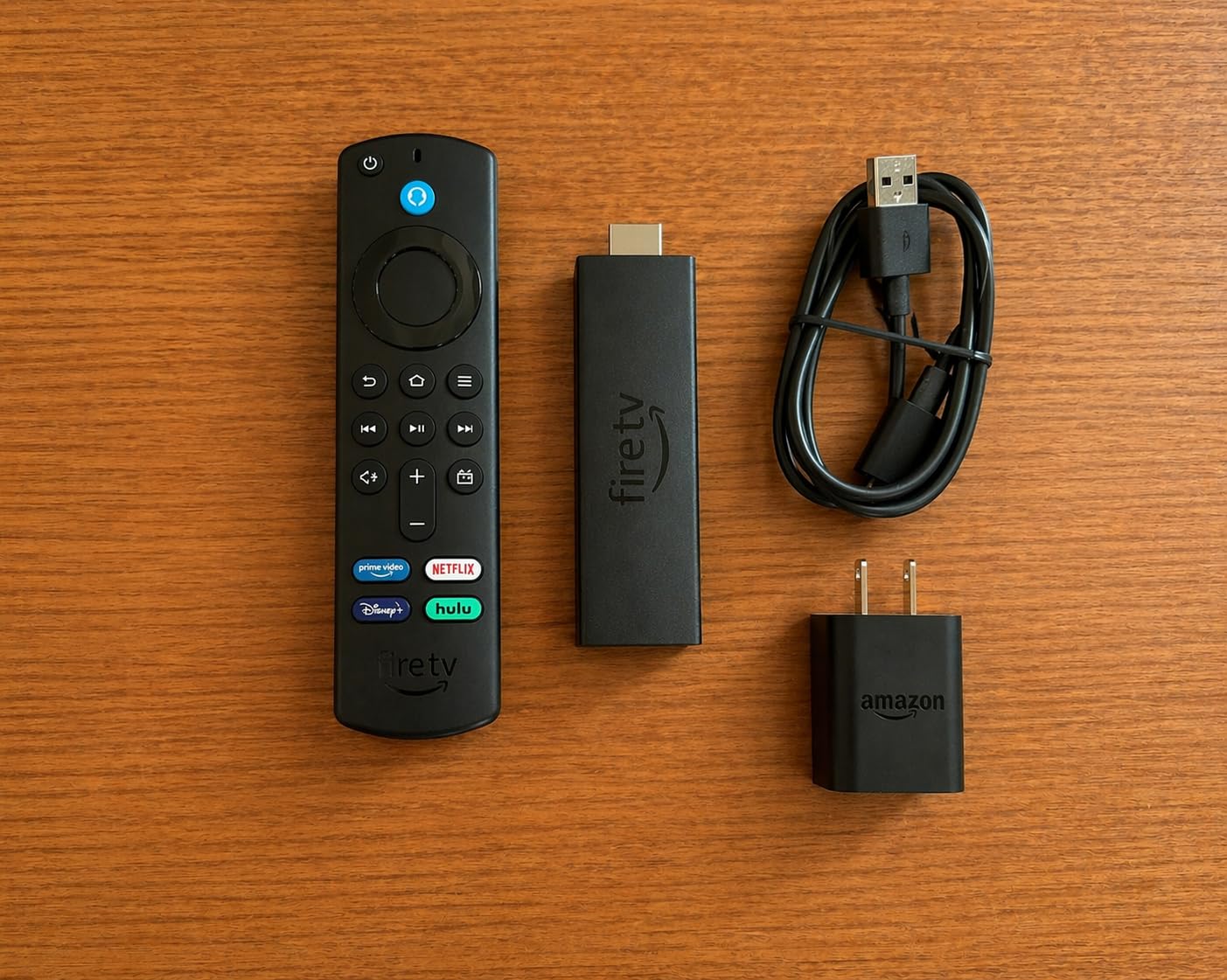
Owners describe setup as a two-minute job: plug into HDMI, scan the code, pair the remote. Navigation goes straight to content rather than through layers of menus, which is the difference you notice daily rather than on the box.
- 4K Ultra HD with HDR10+ and Dolby Vision on supported services
- Wi-Fi 6 rather than the older Wi-Fi 5 found on cheaper sticks
- Cloud gaming through Xbox Game Pass and Amazon Luna
- The remote doubles as a smart home remote for lights and locks
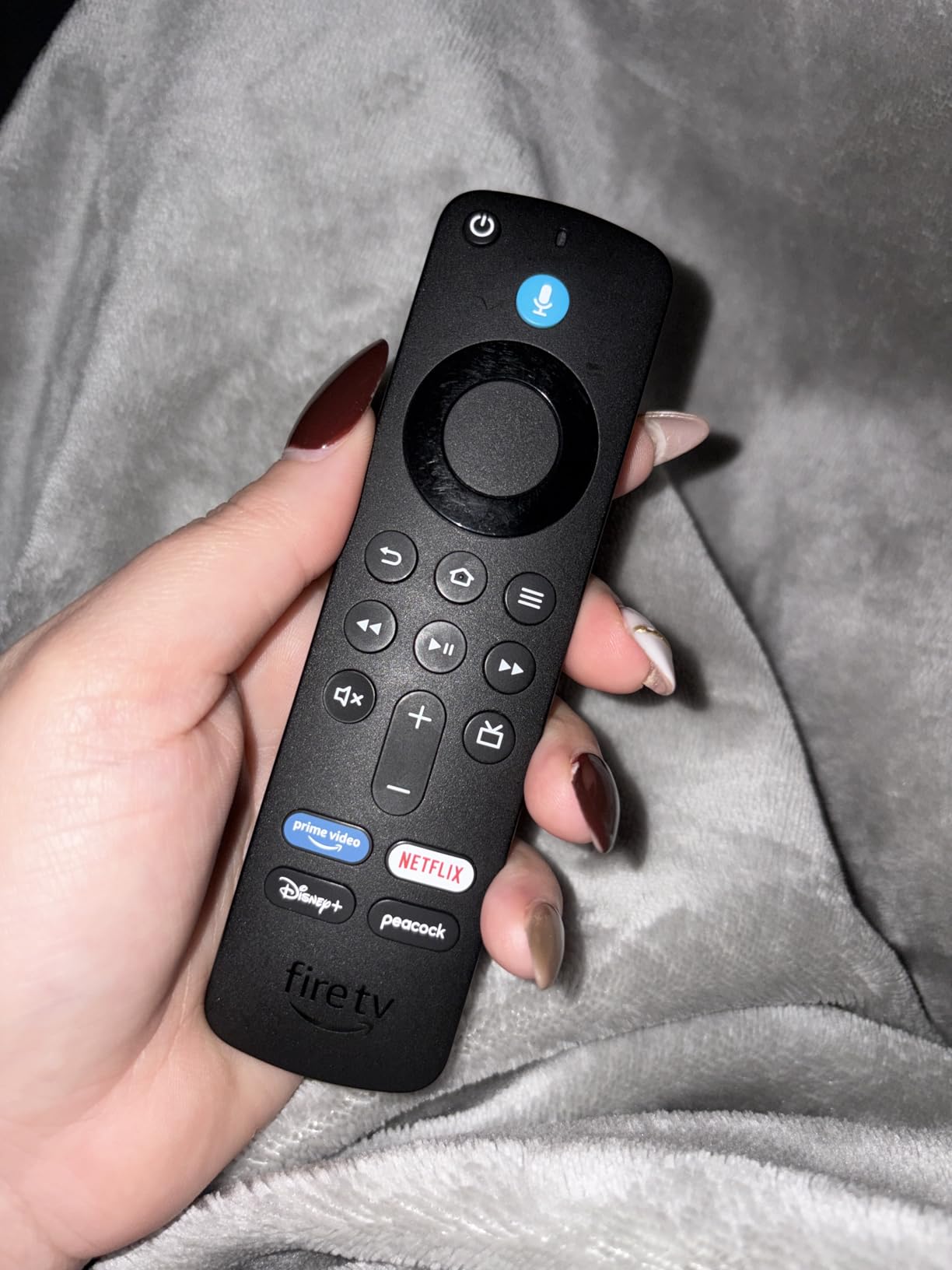
Skip it if the price gap to the Fire TV Stick 4K Max matters more to you than Wi-Fi 6E. Reviewers do raise one recurring complaint about the remote, with some owners ending up keeping a second remote on the coffee table after the volume and power buttons stopped responding.
The Fire TV Stick 4K Max sits at the other end of this list with 16GB of storage and no restriction on which apps you can install, which matters if your household runs anything outside the standard app store.
2. Fire TV Stick 4K Max: Best Value With More Storage
- Fast app starts from a stronger processor
- Double the storage of the 4K Plus for apps and downloads
- Wi-Fi 6E improves streaming stability
- Ambient Experience displays artwork when idle
- Costs more than the 4K Plus for similar core streaming features
- Ambient display needs the stick to be visible on the TV stand
Twice the storage of the 4K Plus is the headline here, and for a household that installs a dozen apps and downloads a few, running out of room is the frustration this solves. Wi-Fi 6E keeps 4K streams steady when the rest of the house is online.
The Ambient Experience is a nice touch in a living room where the TV sits against a wall and stays on all day. Owners like having something better to look at than a black rectangle between films.
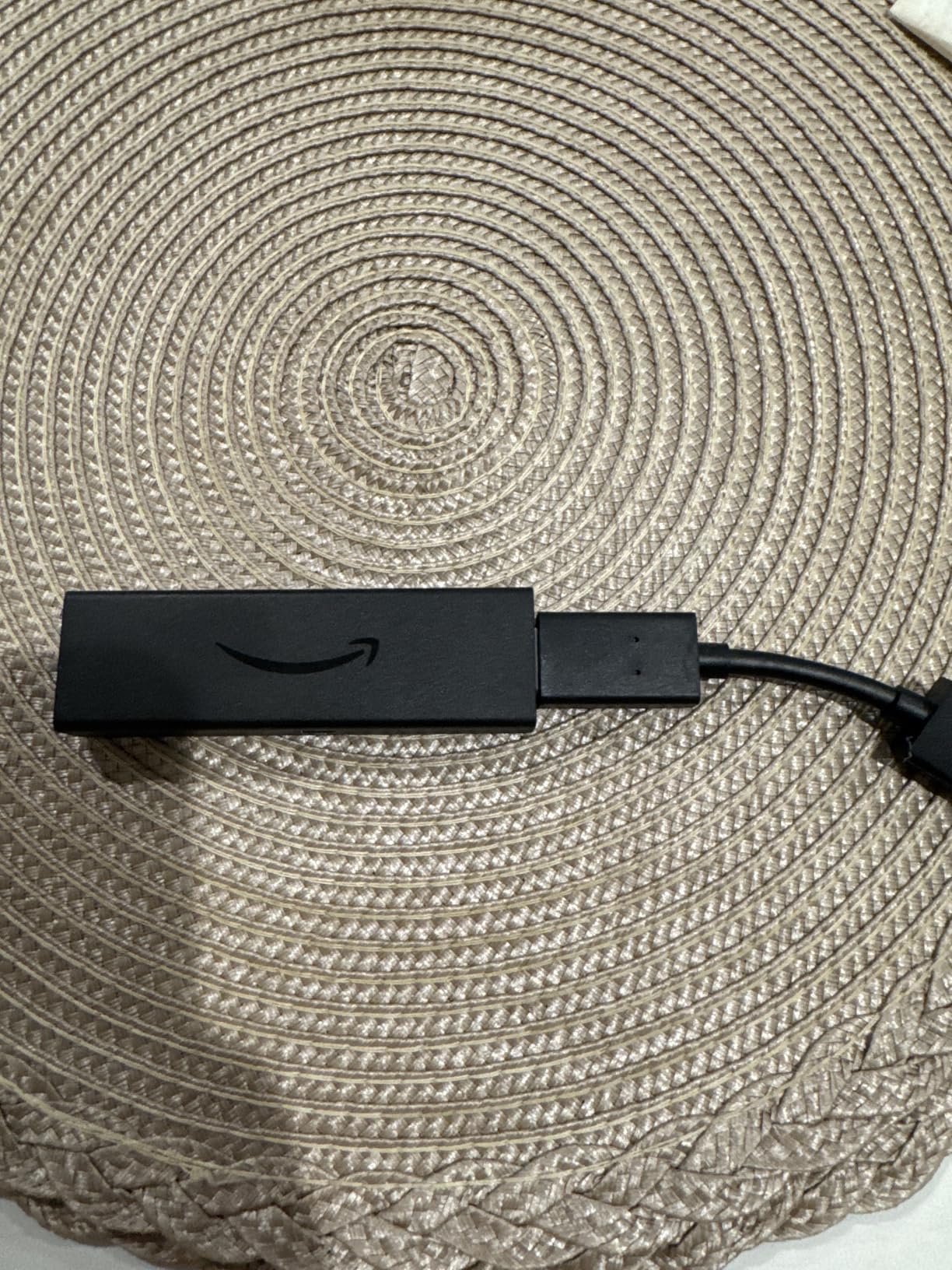
Compared with the Fire TV Stick 4K Plus, the core streaming picture quality is identical. You are paying here for headroom, not for a visibly better image, and the reviews are blunt about that.
Owners of older sticks upgrading during a sale often point to exactly this: the faster chip and the extra room make the interface feel current again, and a 16GB drive stops the constant housekeeping of deleting apps to free space for something else.
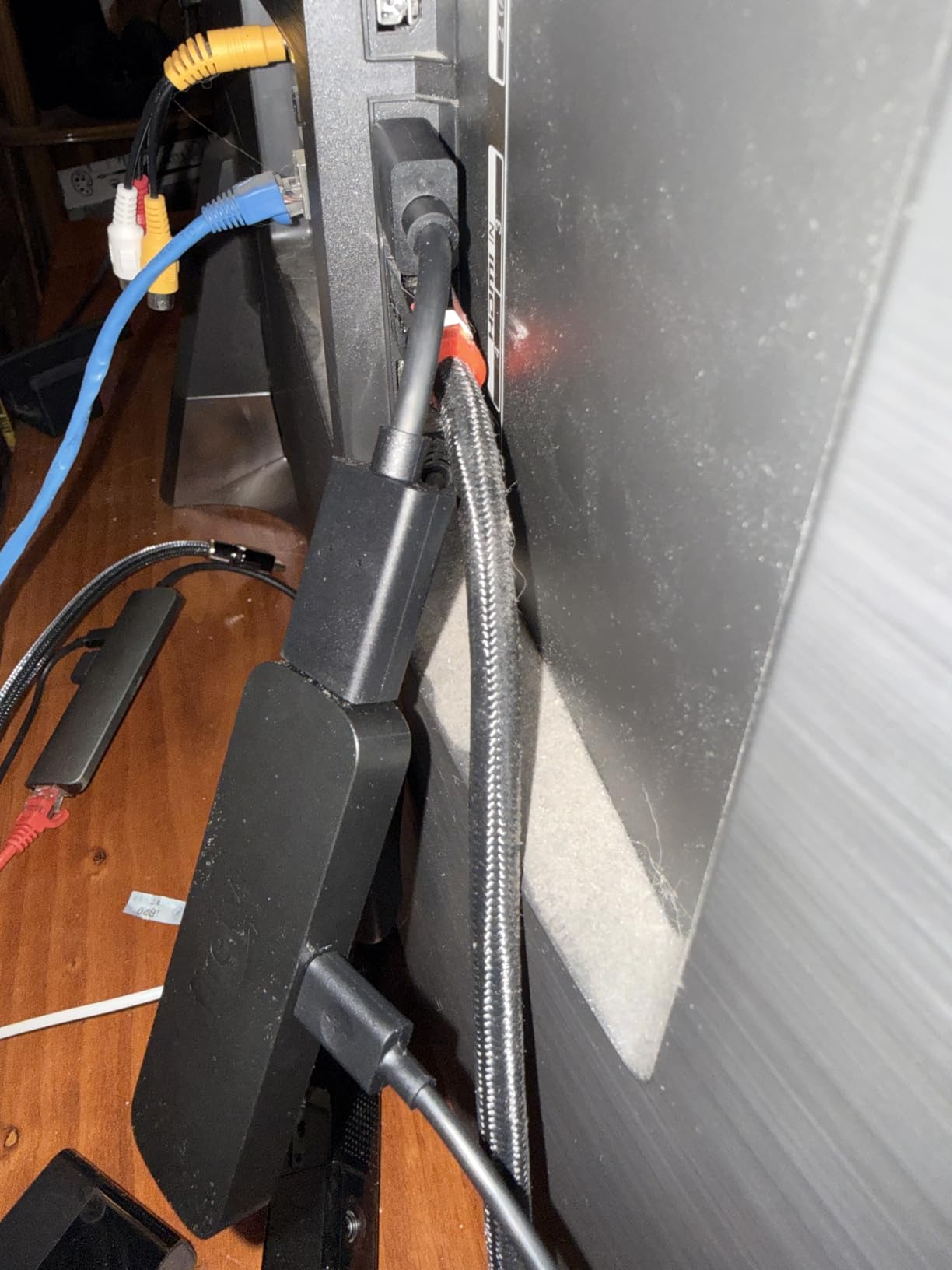
3. Fire TV Stick 4K Select: Best on a Small Budget
- Very affordable way into 4K streaming
- Fast setup and smooth navigation in major apps
- HDR10+ gives good contrast for the money
- Compact enough to move between TVs easily
- Only 8GB of storage which fills quickly
- Wi-Fi 5 can struggle far from the router
- Vega OS blocks sideloading and developer mode
The cheapest route to a 4K Fire TV stick, and for a guest room or a bedroom TV the size of a paperback it does the job well. Setup is quick and the picture holds up at normal bedroom viewing distance.
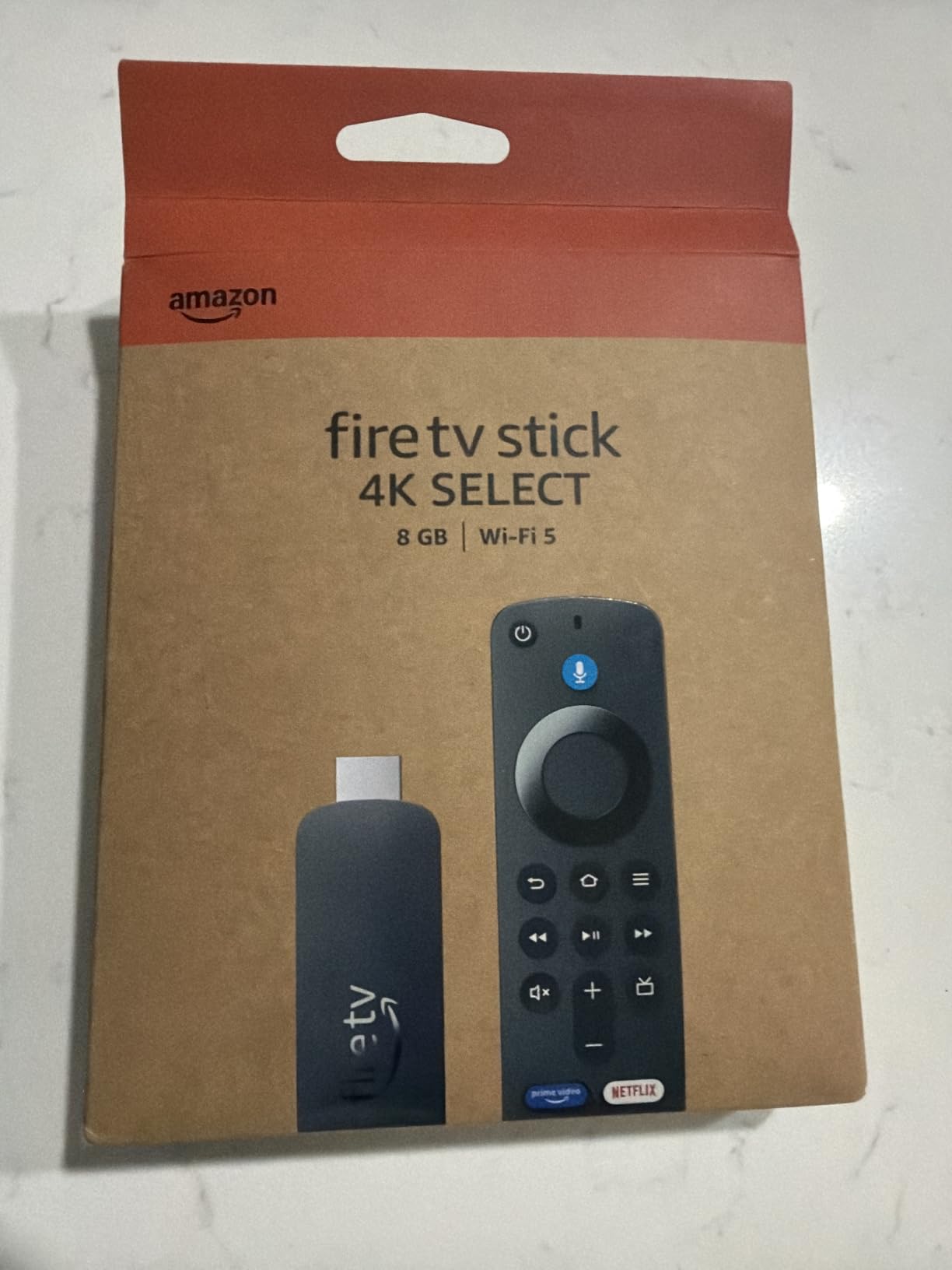
Good to know: this stick runs Vega OS rather than the standard Fire OS build, and that is the detail that decides who should buy it. Sideloading is blocked and there is no developer mode, so niche apps and some VPN clients are simply not available.
That same operating system also carries a higher share of one-star ratings than any other stick in this group, and power users point to the 8GB storage and Wi-Fi 5 as the practical limits. For a bedroom set that mostly runs one or two streaming apps, neither is a daily problem. For a stick that a family uses constantly, they are.
Going cheaper here means giving up storage, the newer Wi-Fi standard and sideloading. Against the Fire TV Stick HD, you gain 4K.

4. Fire TV Stick HD: Best When There Is No Wall Outlet
Amazon Fire TV Stick HD (newest model), free & live TV, Alexa Voice Remote, powered by the TV, effortless setup, find shows faster with Alexa+
- Slim body that does not block other HDMI ports
- Powers from the TV USB-C port with no wall adapter
- Straightforward navigation straight to content
- Wi-Fi 6 in a compact HD stick
- Full HD 1080p rather than 4K
- Lowest rating of the sticks here with a notable share of one-star reviews
Almost nobody plans to find a free wall outlet behind a media console. This stick draws power from the television itself over USB-C, so it works in the awkward spot where nothing else will go, and the slim body keeps the neighboring HDMI port free.
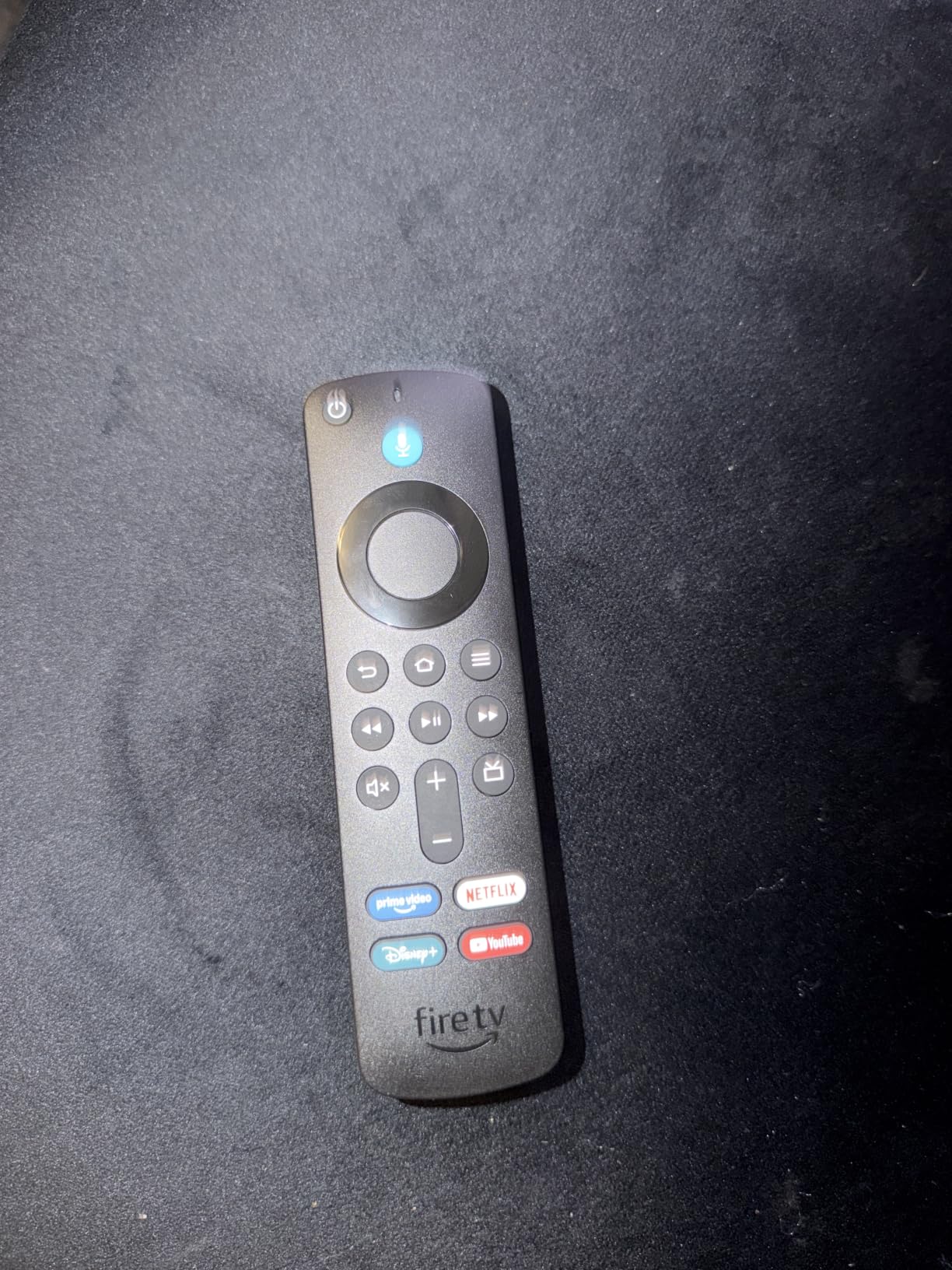
The trade-off is resolution. 1080p looks correct on an older set or a small bedroom television, and wrong the moment you pair it with a 4K panel.
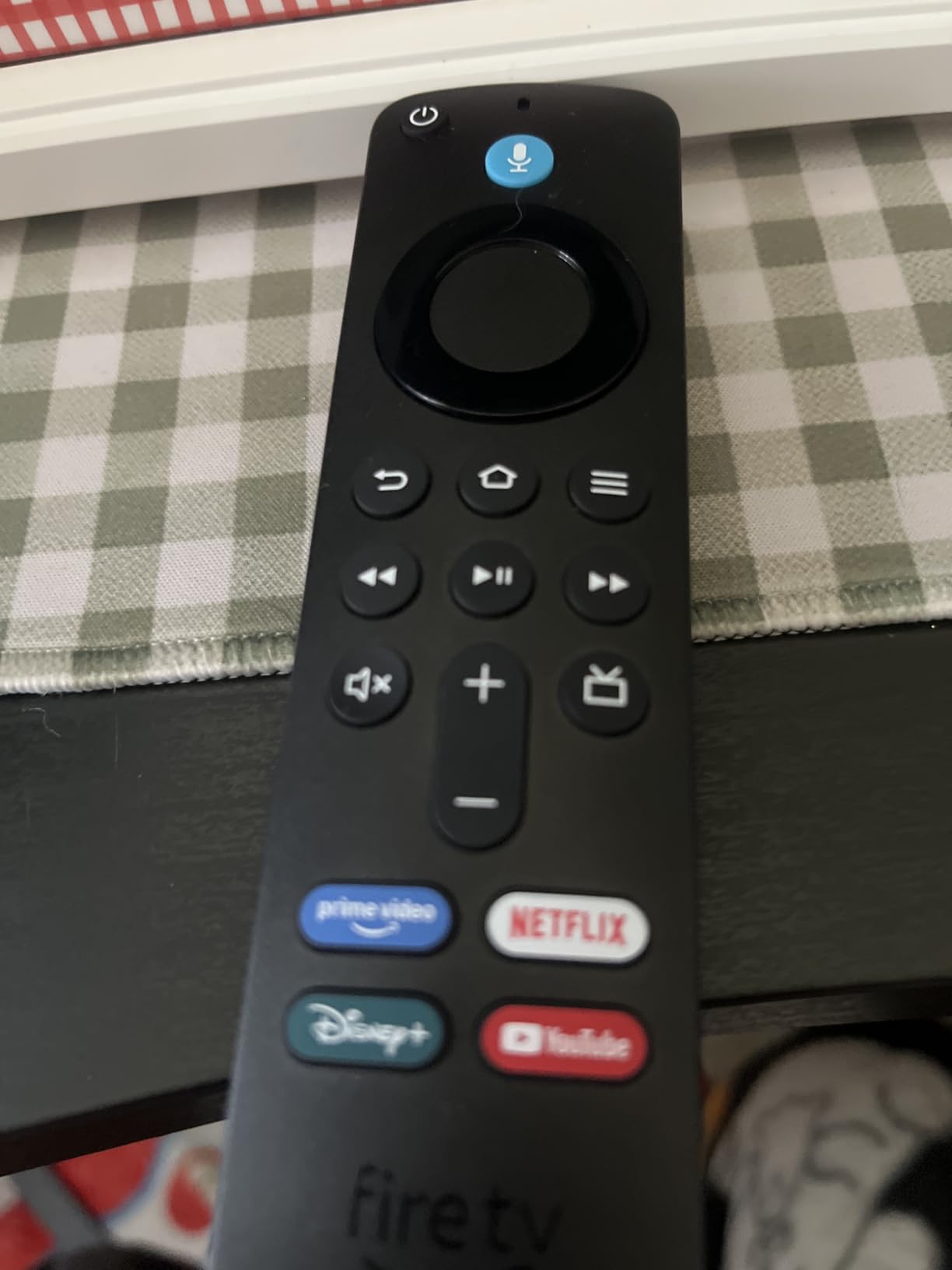
The Fire TV Stick 4K Select covers a similar need at a lower cost, but this one stays on HD resolution and still pulls its power from the television. If your set is 4K, take the 4K Select instead.
5. Fire TV Cube: Best for Hands-Free Voice Control
Amazon Fire TV Cube, with AI-powered Fire TV Search, Hands-free streaming device, find shows faster with Alexa+, Wi-Fi 6E, 4K Ultra HD
- Fastest Fire TV device with an octa-core processor
- Hands-free Alexa from across the room
- Wi-Fi 6E for smoother streaming
- Built-in speakers mean no extra soundbar needed for voice
- Costs more than every stick in this list
- Larger body that needs real shelf space
For a living room where someone actually asks the TV to play things, the Cube is the only device here with built-in speakers and microphones. It hears you from the couch without picking up the remote, which is the whole point of the box rather than a stick.
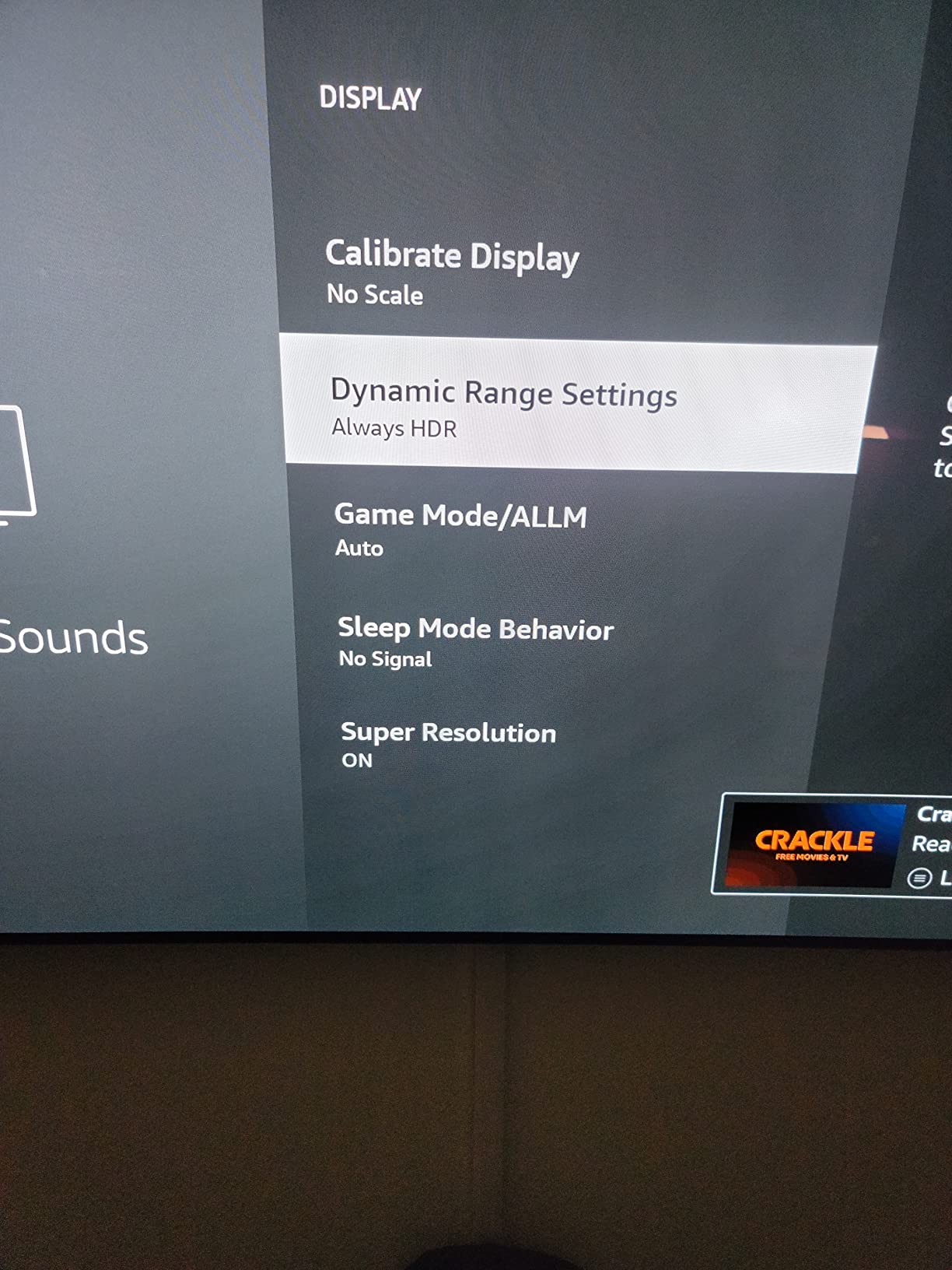
The octa-core processor is listed as twice the power of the Fire TV Stick 4K Max, and owners report that it shows in app starts on a busy evening.
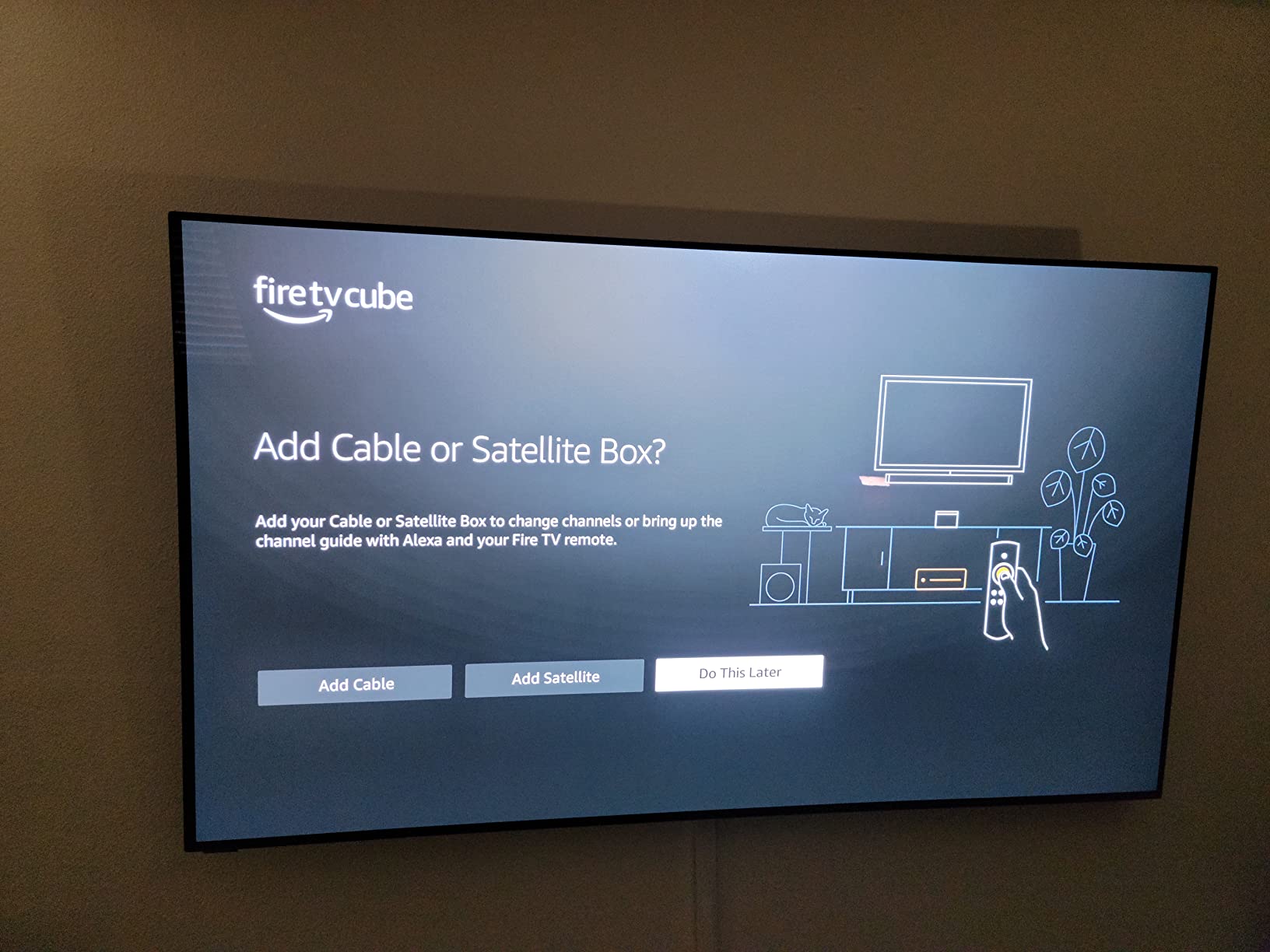
Compared with the Fire TV Stick 4K Max, the streaming picture is the same. You are buying voice control and headroom, and giving up the small footprint that lets a stick hide behind a television.
6. Insignia 43-inch F50: The Budget 43-Inch Living Room Set
INSIGNIA 43″ Class F50 Series LED 4K UHD Smart Fire TV, Voice Remote with Alexa, Stream Live TV Without Cable
- Strong 4K picture and deep blacks for the tier
- Fire TV and Alexa voice remote built in
- Guided on-screen setup gets you running fast
- Light enough to wall mount on a standard bracket
- Interface and app loading can be noticeably slow
- Remote button placement causes accidental presses
- Some buyers report update loops and blank app tiles
A full 43-inch 4K set with Fire TV built in, which means no stick, no extra remote and one power button to find in a dark room. It is the pick when the television itself is the thing that needs replacing rather than the streaming box.
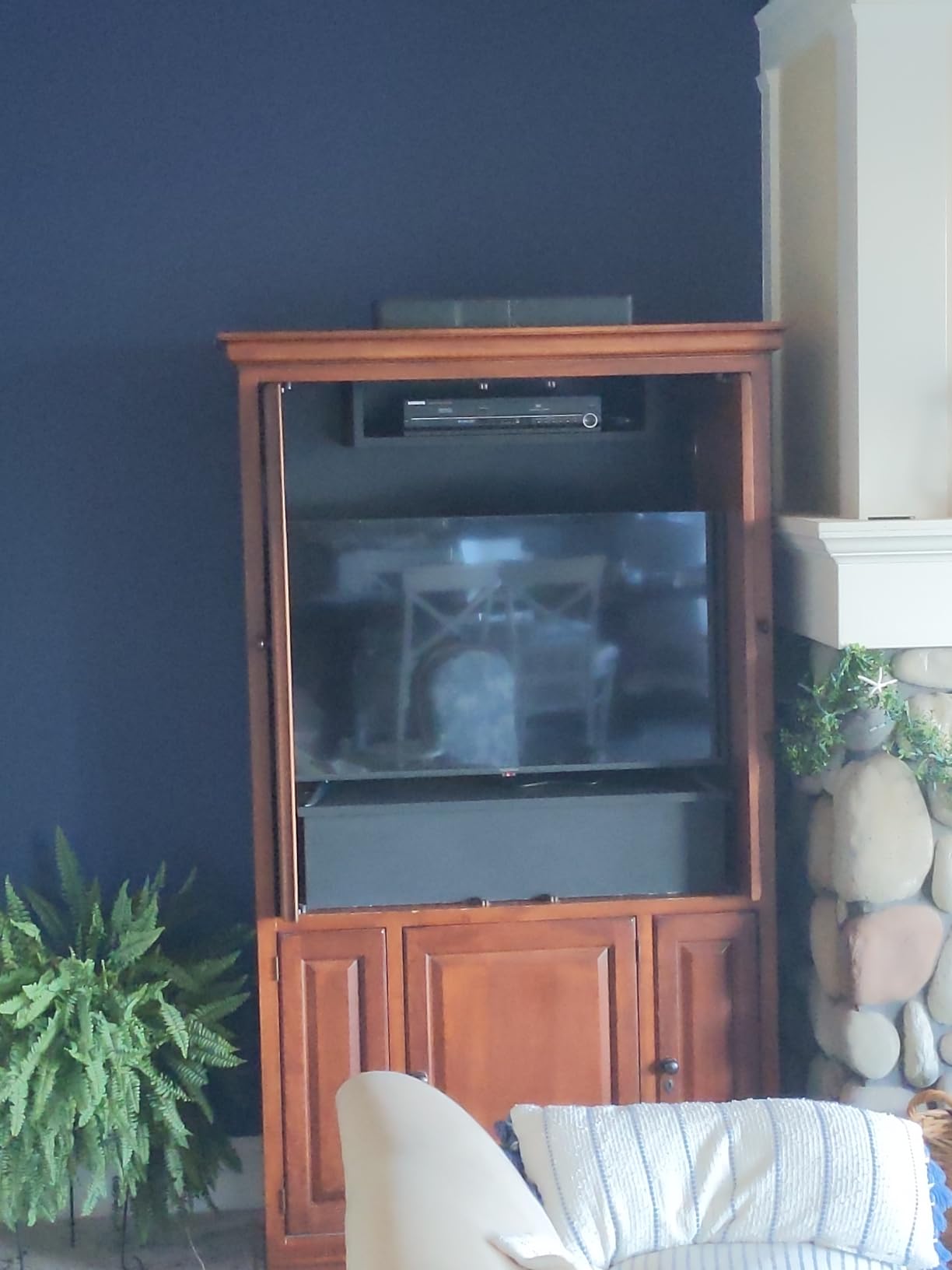
Picture quality earns the praise it gets: 4K 2160p with HDR10 and upscaling, peaking at 375 nits. That brightness suits a normally lit living room rather than a darkened cinema.
The software is the weak point. Owners repeatedly mention slow menus and app loading, and a few describe update loops or app tiles that go blank. Pairing it with a stick would add cost and clutter, so expect a little patience out of the box.
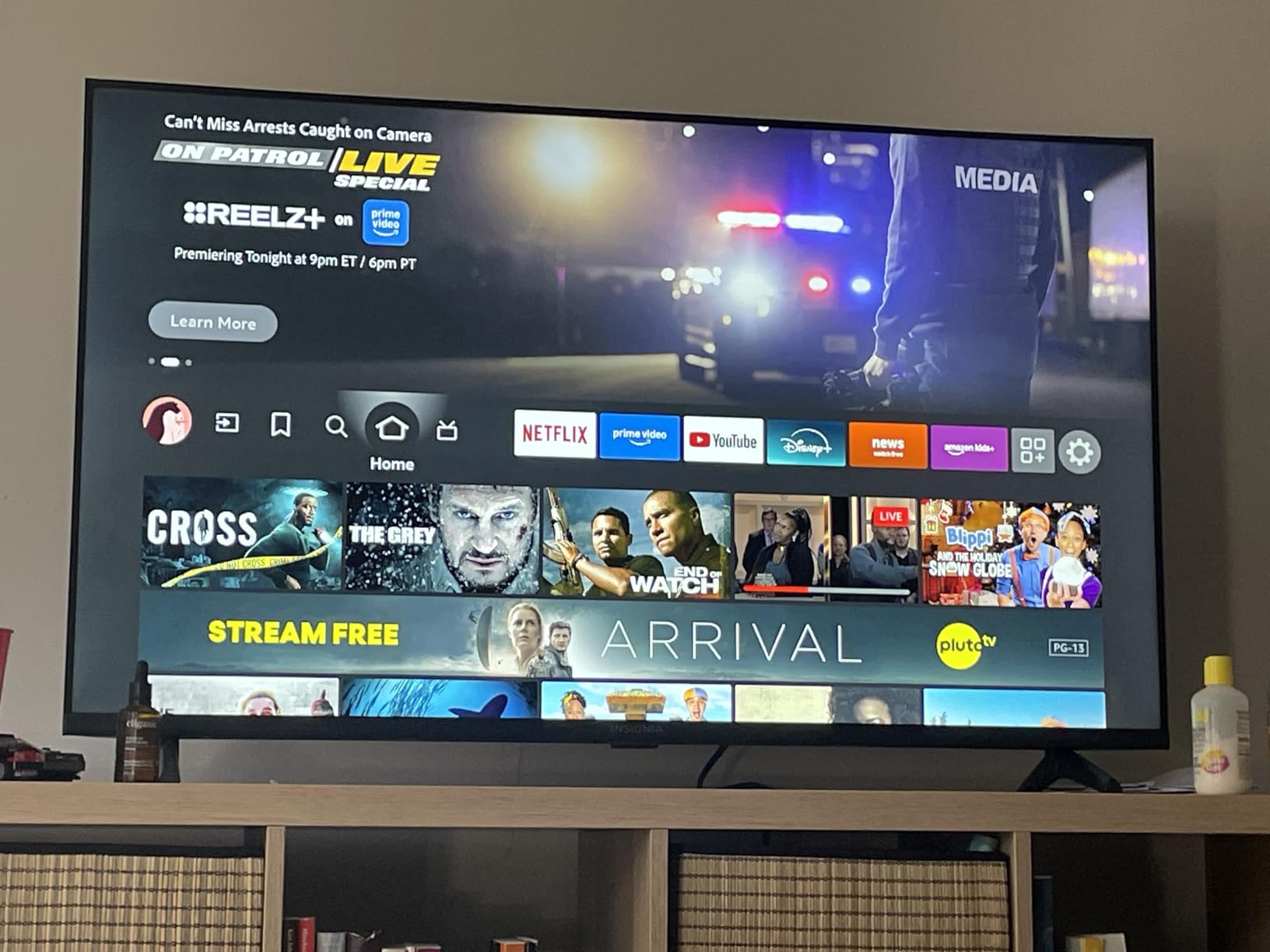
The Toshiba 43-inch C350 offers the same 43-inch footprint with Dolby Vision added, so the real question is which picture format matters more to you than the outlay.
7. Fire TV Soundbar: Best Fix for Thin TV Audio
Amazon Fire TV Soundbar, 2.0 speaker with DTS Virtual:X and Dolby Audio, Bluetooth connectivity
- Fuller sound and much clearer dialogue than TV speakers
- Quick HDMI ARC setup with two cables
- Compact size fits most TV stands
- Bluetooth plays phone music through it
- Some owners report volume control lag and uneven levels
- Few sound mode options compared with rival bars
- Source switching can cause brief audio or black screen issues
Most flat-panel televisions, budget sets especially, are built with speakers that flatten dialogue. This is the cheapest fix for thin TV audio and the one people are most surprised by: two speakers with DTS Virtual:X processing and Dolby Audio in a bar that measures 24 inches long.
Setup is one HDMI cable. It supports eARC and ARC, and it responds to a Fire TV remote, so you are not stacking remotes on the stand.
Owners do report volume control lag through the television remote and occasional hiccups when switching between a console input and an app. If you plan to game and watch in the same evening, test the input switching first.
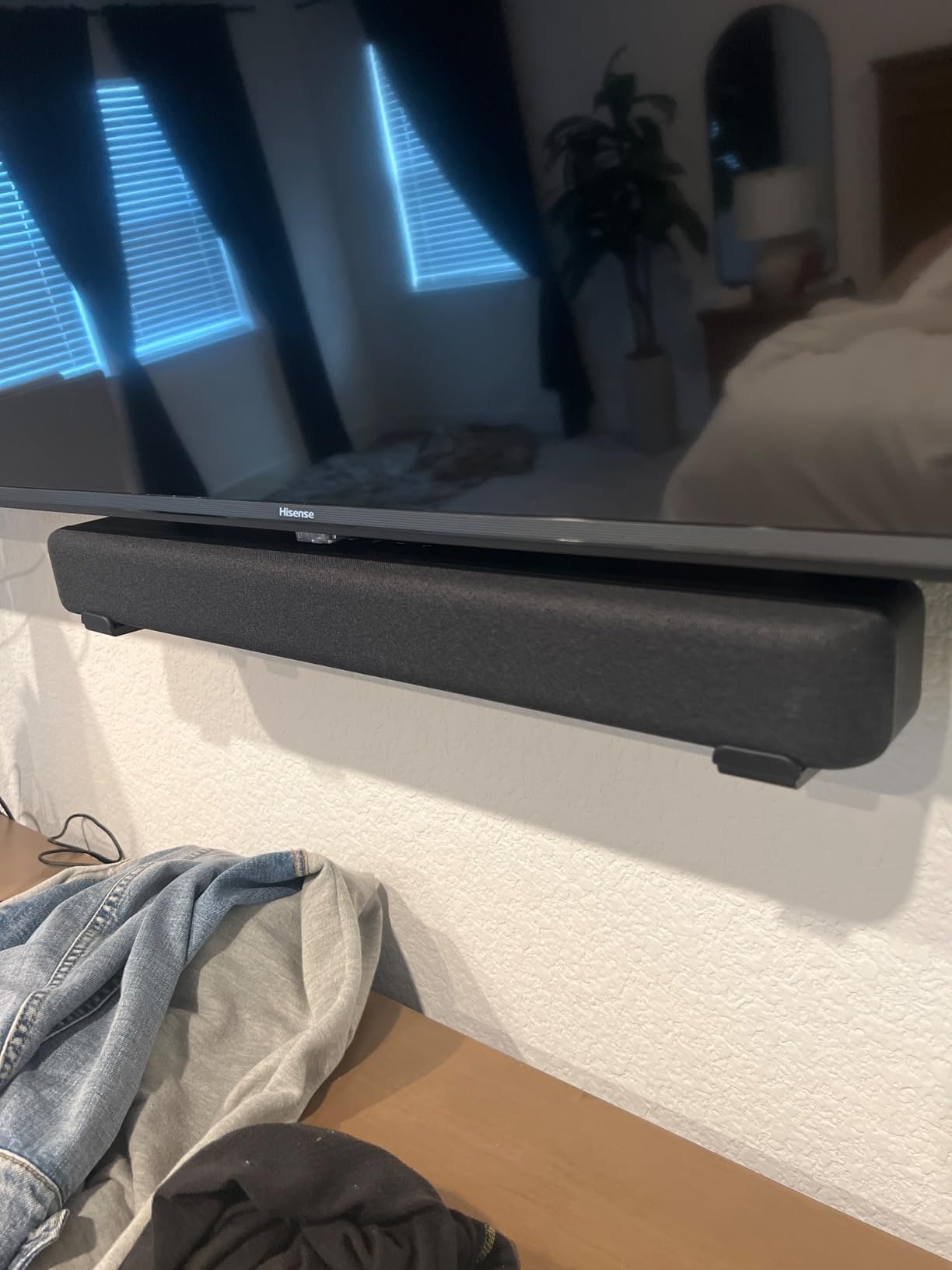
Compared with leaving the television speakers alone, the difference in voice clarity is obvious within a minute. Compared with a surround setup, it adds width and height rather than a rear channel.
8. Toshiba 43-inch C350: Best Budget Set With Dolby Vision
TOSHIBA 43″ Class C350 Series LED 4K UHD Smart Fire TV, Voice Remote with Alexa, Free & Live TV
- Clean vivid picture with strong color at a budget price
- REGZA engine and AI upscaling sharpen HD content
- Lightweight and easy to wall mount
- Fire TV sets up quickly and streams reliably
- Remote response and menu navigation can be slow
- Narrow viewing angles distort when seated off-center
- Default backlight can look washed out
This is the set to look at if Dolby Vision matters to you but the budget stops well short of a QLED panel. Carrying Dolby Vision and Dolby Atmos at this price is unusual, and the picture engine is doing real work behind the label.
The REGZA engine and AI upscaler sharpen older HD material. Owners running a cable channel or a downscaled stream say the picture holds up better than competing sets at the same price.
Two practical notes. The viewing angle is narrow, so seats off to the side see distortion, and the remote response is slow enough that owners mention it. Sit square to the screen and you will not notice either.
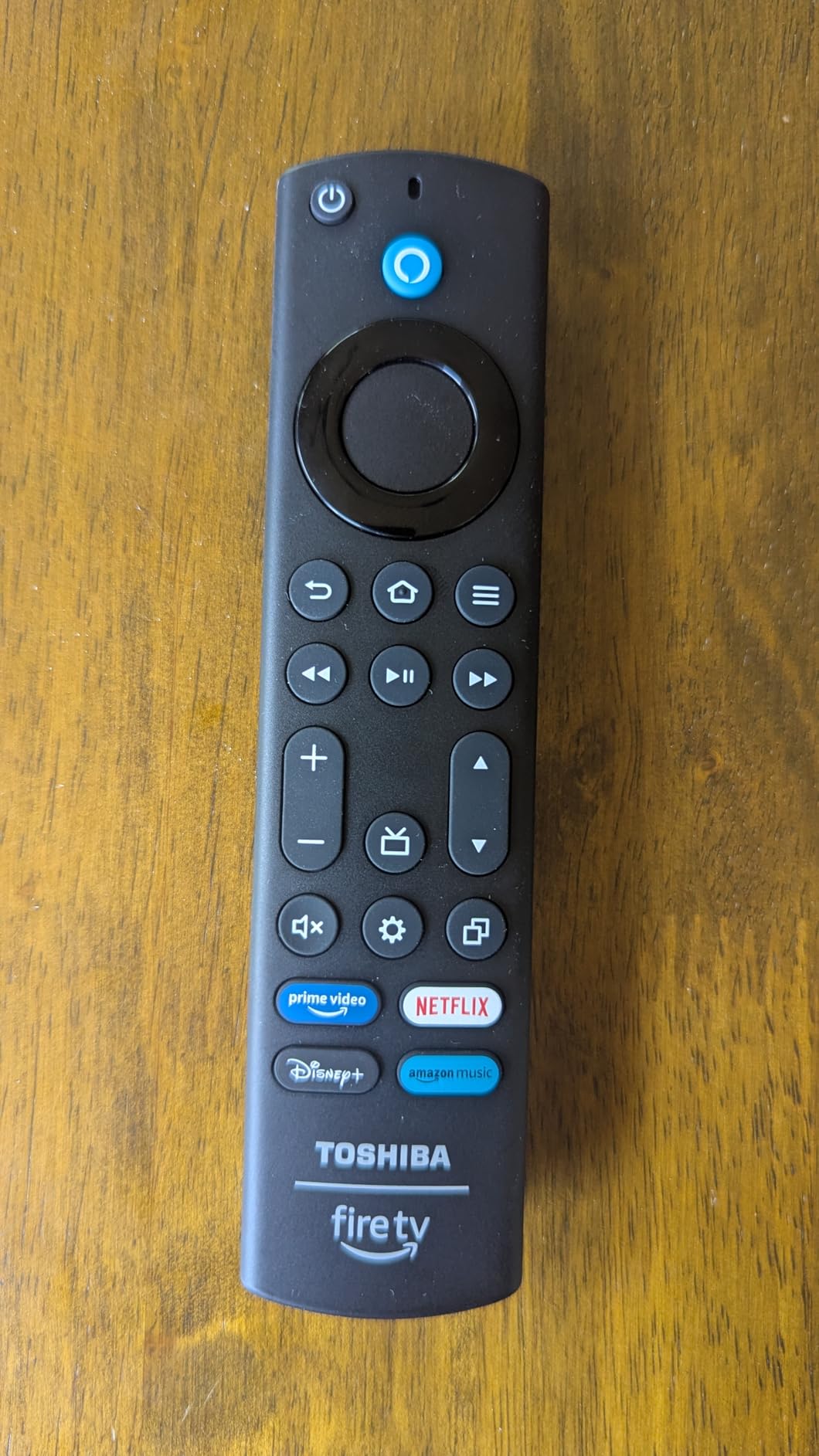
The Insignia 43-inch F50 leaves out Dolby Vision but costs less up front. Take the C350 when films matter more than the outlay, and the F50 when they do not.
9. Hisense 43-inch E6: Best 43-Inch QLED Picture
Hisense 43″ E6 Cinema Series Hi-QLED 4K UHD Smart Fire TV (43E6QF) – AI Light Sensor, Dolby Vision · Atmos, Voice Remote with Alexa, Motion Rate 120, HDR 10+ Adaptive, Game Mode Plus
- Hi-QLED color with a wide color gamut
- Dolby Vision and Dolby Atmos in this price tier
- AI light sensor adjusts brightness to the room
- Motion Rate 120 suits fast sports better than most sets here
- Lowest average rating of the Fire TV sets here
- Highest share of one-star reviews among the sets
- Two onboard speakers are modest
Quantum dot color in a 43-inch frame, which is rare at this size. The E6 covers the major HDR formats including Dolby Vision and HDR10+, and the AI light sensor adjusts brightness to the room so daytime football does not look like a night scene.
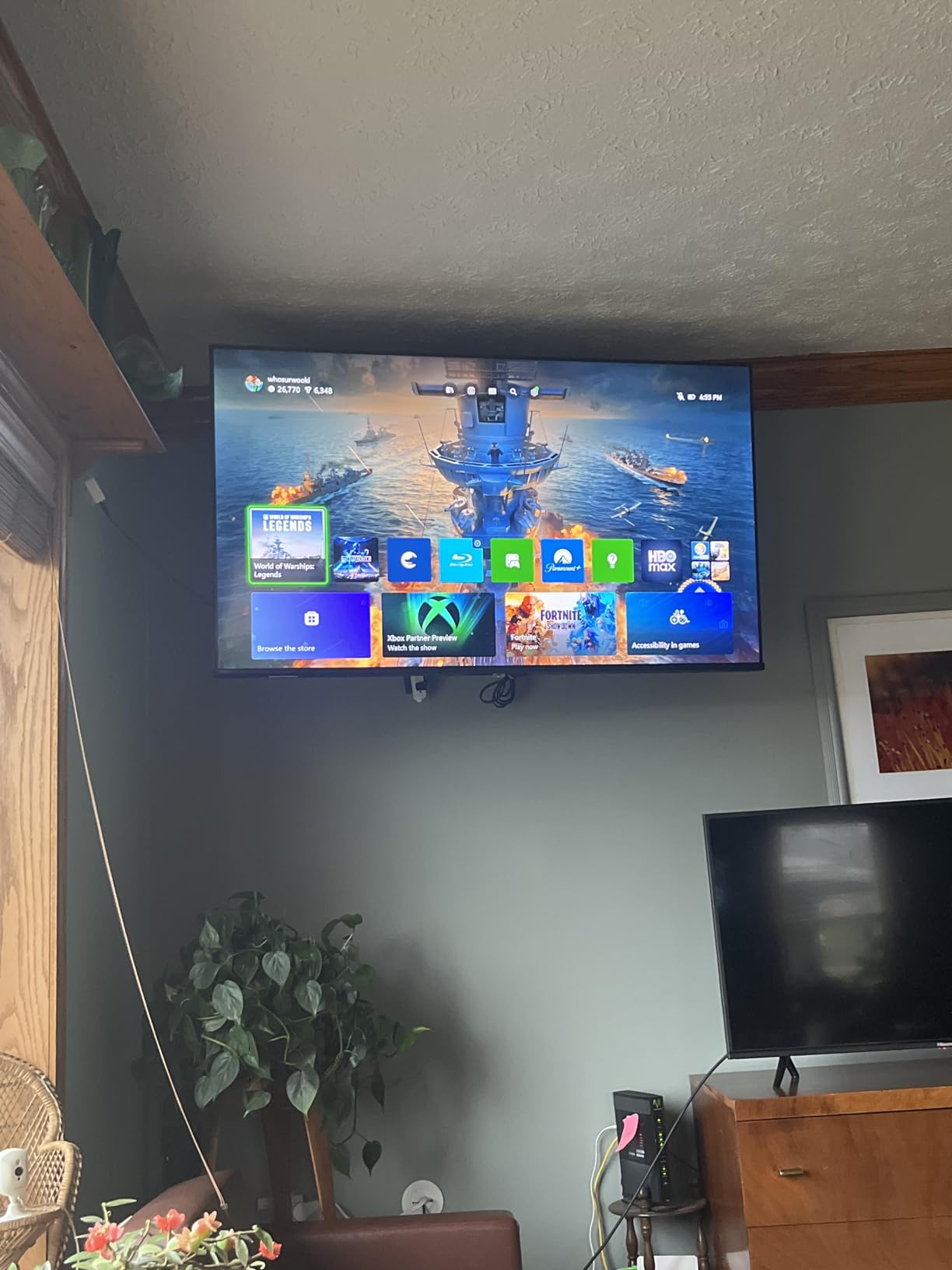
Weighing it fairly: a 4.0 average is the weakest among the Fire TV sets in this roundup, and the share of one-star reviews is the highest. Owners who love the picture tend to stay, and the complaints cluster around consistency rather than color.
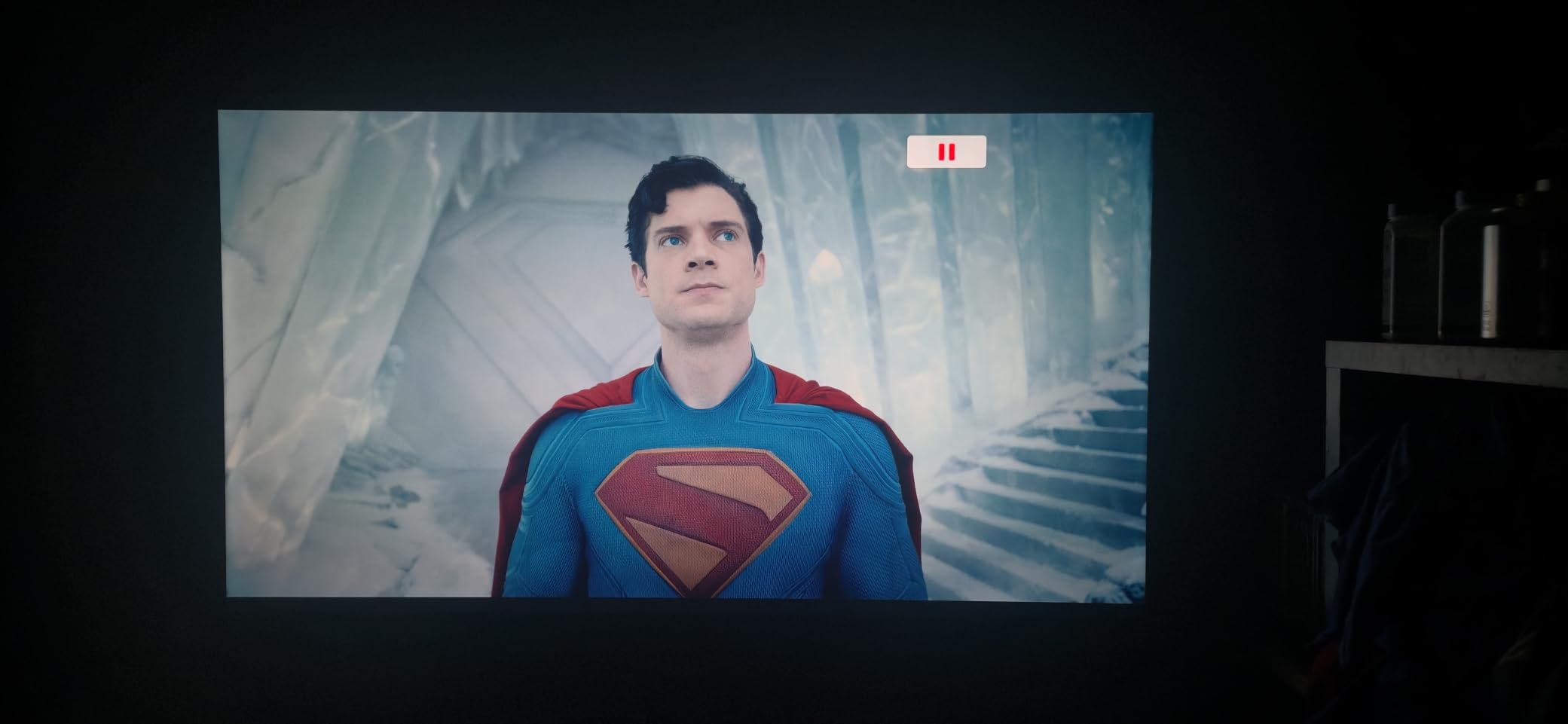
The built-in speakers are modest, which is fine for news and thin for films. Pair it with the Fire TV Soundbar if the living room is the main viewing space.
Compared with the Insignia 43-inch F50, this set adds quantum dot color and a light sensor. Compared with the Insignia 55-inch QF, it is smaller and carries fewer owner reviews.
10. Ember 43-inch 4-Series: Amazon’s Own Fire TV Set
- Bright crisp 4K with strong contrast in dark scenes
- Fast app loading from a quad-core processor and Wi-Fi 6
- Ambient Experience with Omnisense presence sensing
- Alexa Voice Remote Enhanced with shortcut buttons
- Priced above third-party Fire TV sets at this size
- Smaller review base than the established sets
Amazon’s own 43-inch set, and the one television here that pairs the Fire TV interface with the company’s own processor and remote. It runs a quad-core chip on Wi-Fi 6, which shows up in app loading rather than in picture quality.
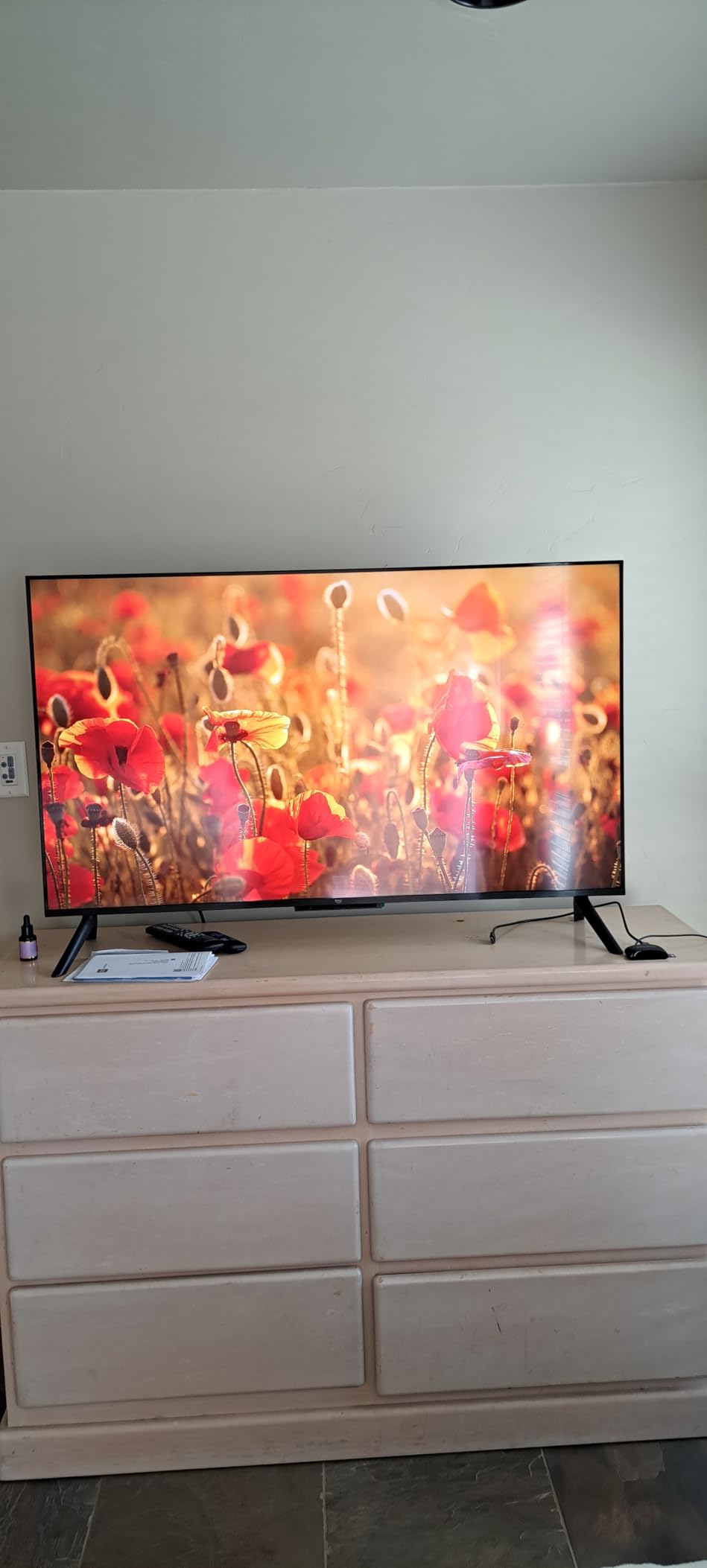
The Ambient Experience is the part owners mention most, with the Omnisense presence sensor waking the set and pulling up artwork when nobody is watching. In a room where the television is on all evening, that is a visible difference from a black panel.
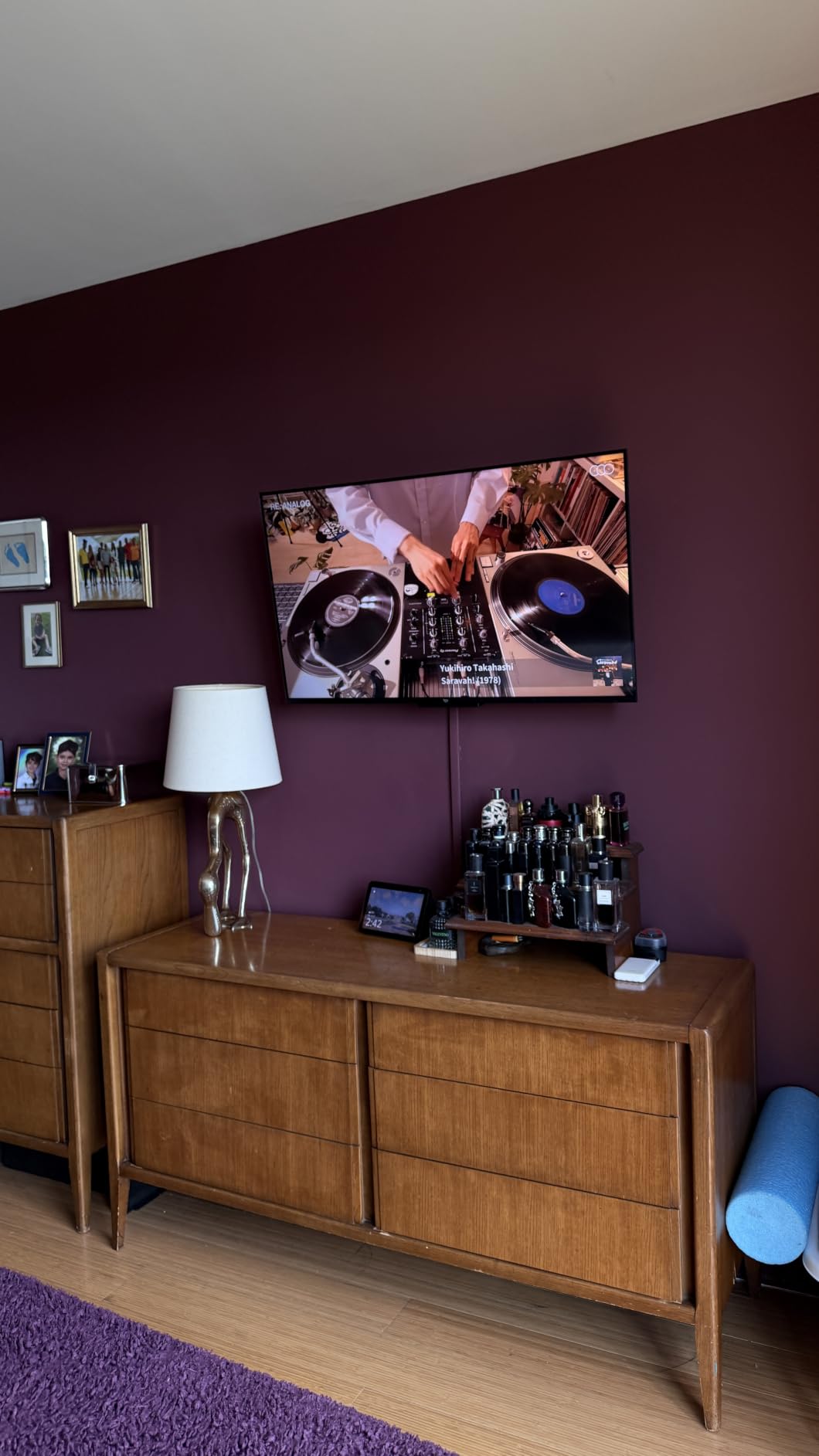
The catch is the outlay. You pay above the Insignia 43-inch F50 and the Toshiba 43-inch C350 for the faster chip and the sensor, and above both in picture format terms. Against the Ember 40-inch 2-Series you gain 4K and a slightly larger panel.
11. Insignia 55-inch QF: Best for a Large Living Room
INSIGNIA 55-inch Class QF Series LED 4K UHD QLED Smart Fire TV with Alexa Voice Remote (NS55-UQFL26)
- QLED color with even direct LED backlight brightness
- Dolby Vision HDR and Dolby Atmos in a mid-range set
- Slim bezel-less metal design that blends into the room
- Fire TV and Alexa voice remote built in
- Motion handling is not its strength for fast sports
- Newer listing with a smaller pool of customer reviews
At 55 inches this is the set that fills a main living room wall without becoming the whole room. The quantum dot panel runs on direct LED backlighting, which keeps brightness even across the screen instead of blooming in the middle.
The metal bezel-less design is unusual at this level and owners mention it repeatedly. From a sofa it reads as a panel of glass rather than a television.
Best for: a room where you watch a few hours most evenings. Streaming and casual gaming are comfortable; anyone following fast sports live should weigh the Hisense 43-inch E6 and its Motion Rate 120 handling instead.
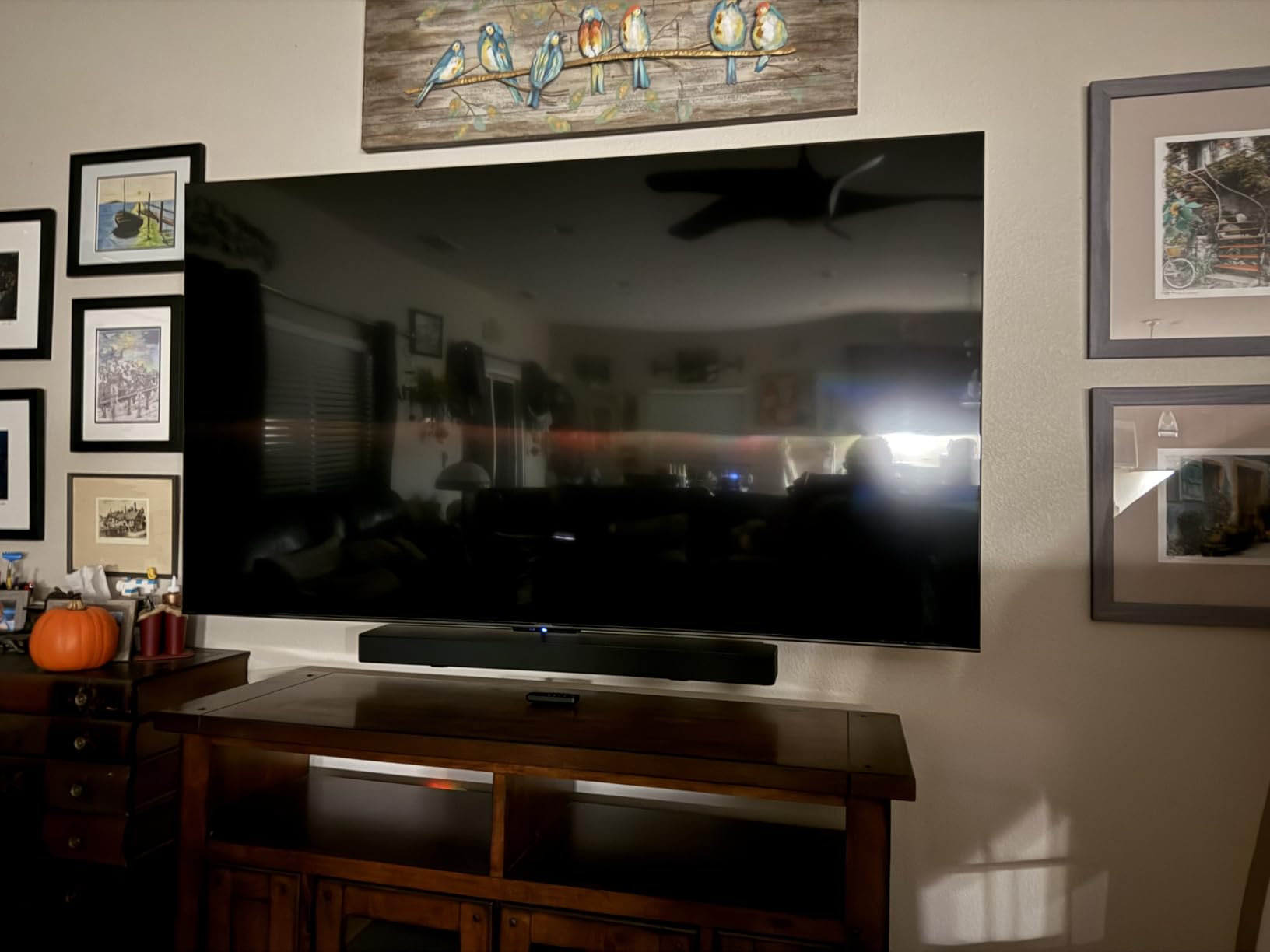
The Hisense 43-inch E6 covers QLED color instead of screen size, and the Ember 43-inch 4-Series is the smaller first-party 4K option with a faster chip. Pick by where the set is going and what you watch on it.
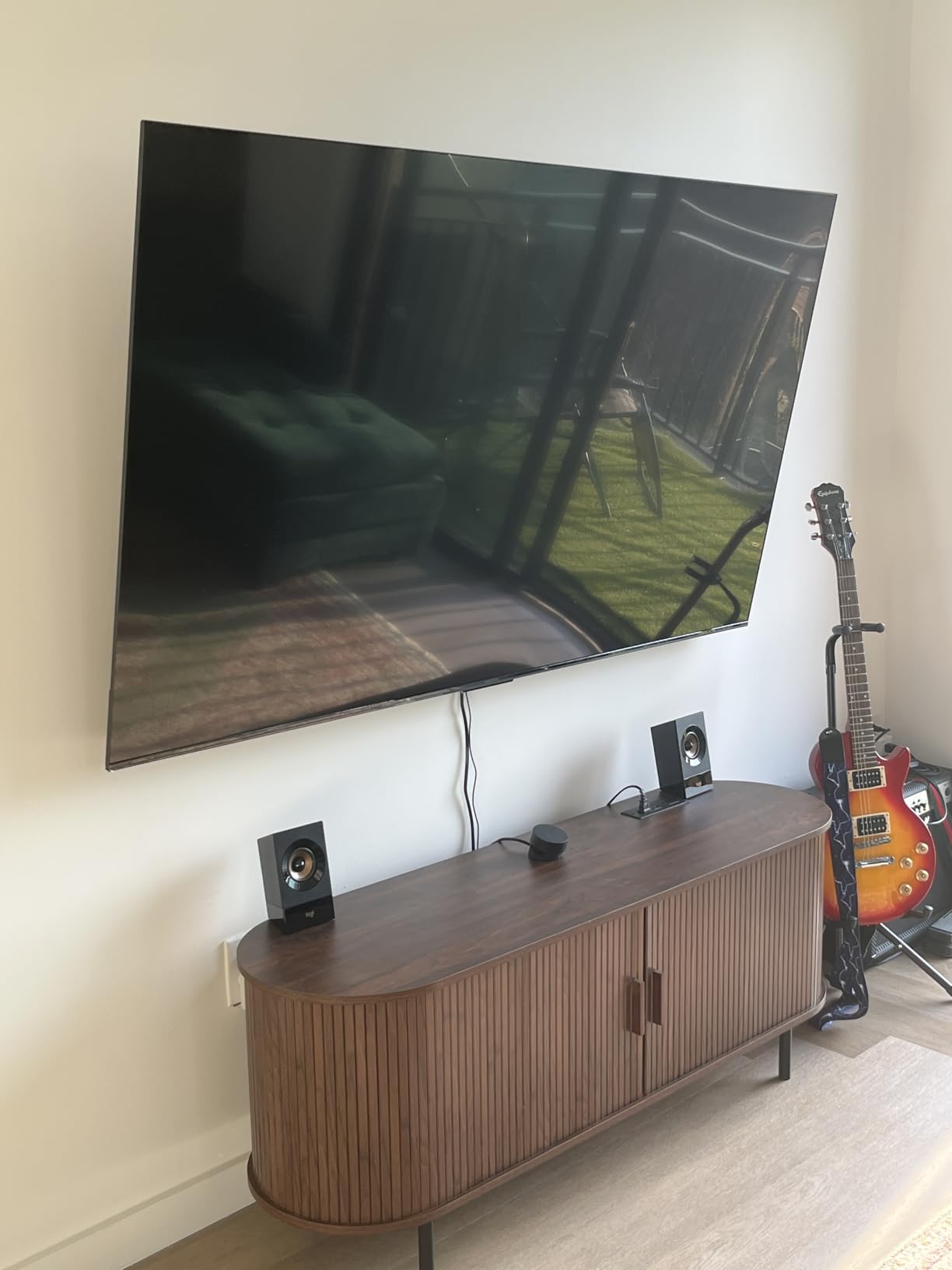
12. Ember 40-inch 2-Series: Best for Bedrooms and Guest Rooms
- Quick setup with the Prime account pre-linked
- Sharp 1080p picture at bedroom viewing distance
- Quad-core processor and Wi-Fi 6 keep apps responsive
- Works well for sports and security camera feeds
- Only 1080p rather than 4K
- Ambient mode only runs briefly before the screen sleeps
- Weak onboard speakers
A second television rather than a main one. Forty inches at Full HD looks sharp from a bed or a desk, and having Fire TV built in means a guest room does not need a stick, a remote and a charging cable left on the dresser.
Owners use it for more than streaming, with mentions of sports, work presentations and home security camera feeds, and they point to the quad-core chip and Wi-Fi 6 keeping apps responsive on a small screen.
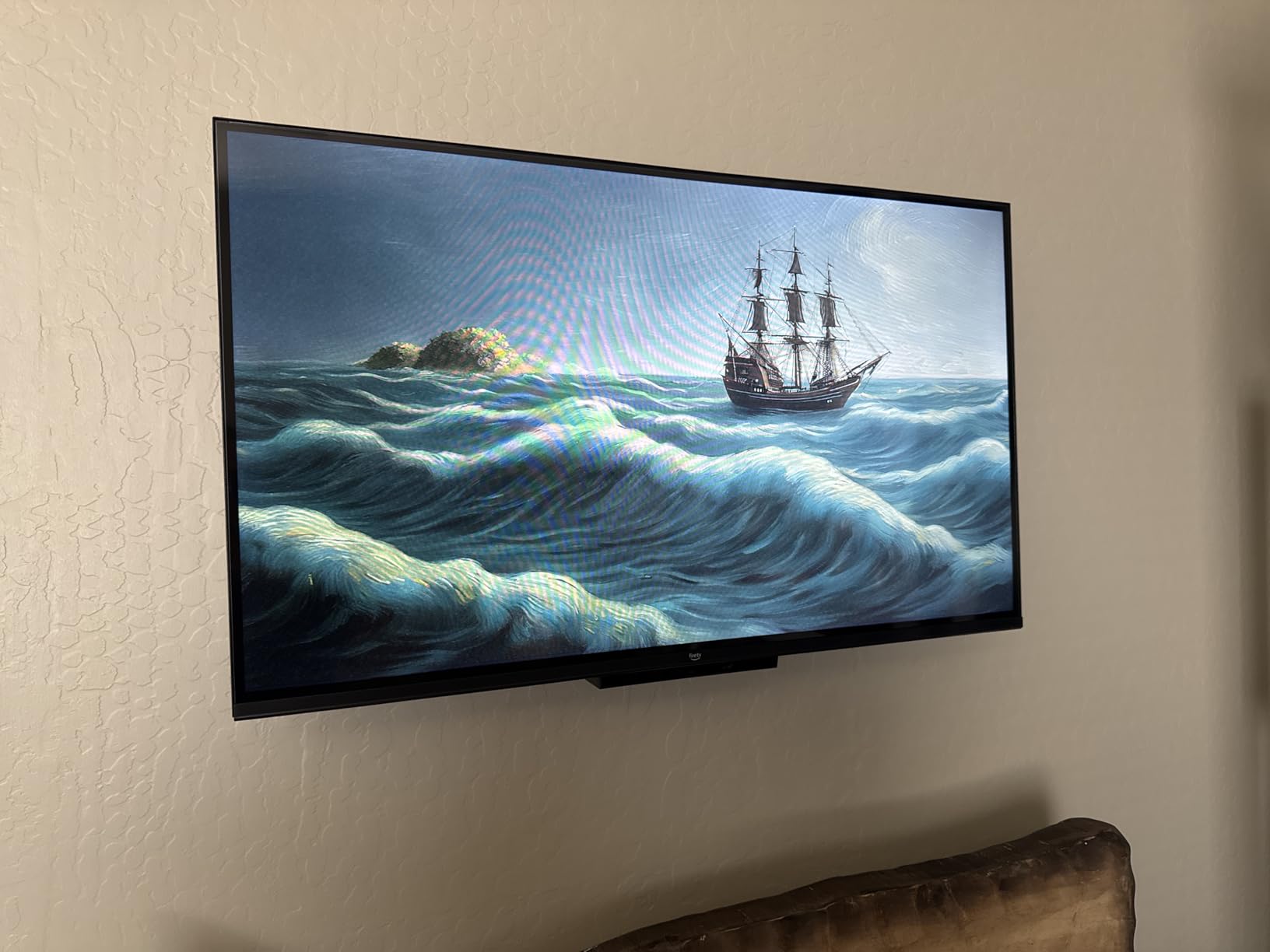
Best for: a bedroom, a guest room or a home office. Skip it for a living room, where 4K resolution and larger speakers earn their cost quickly.
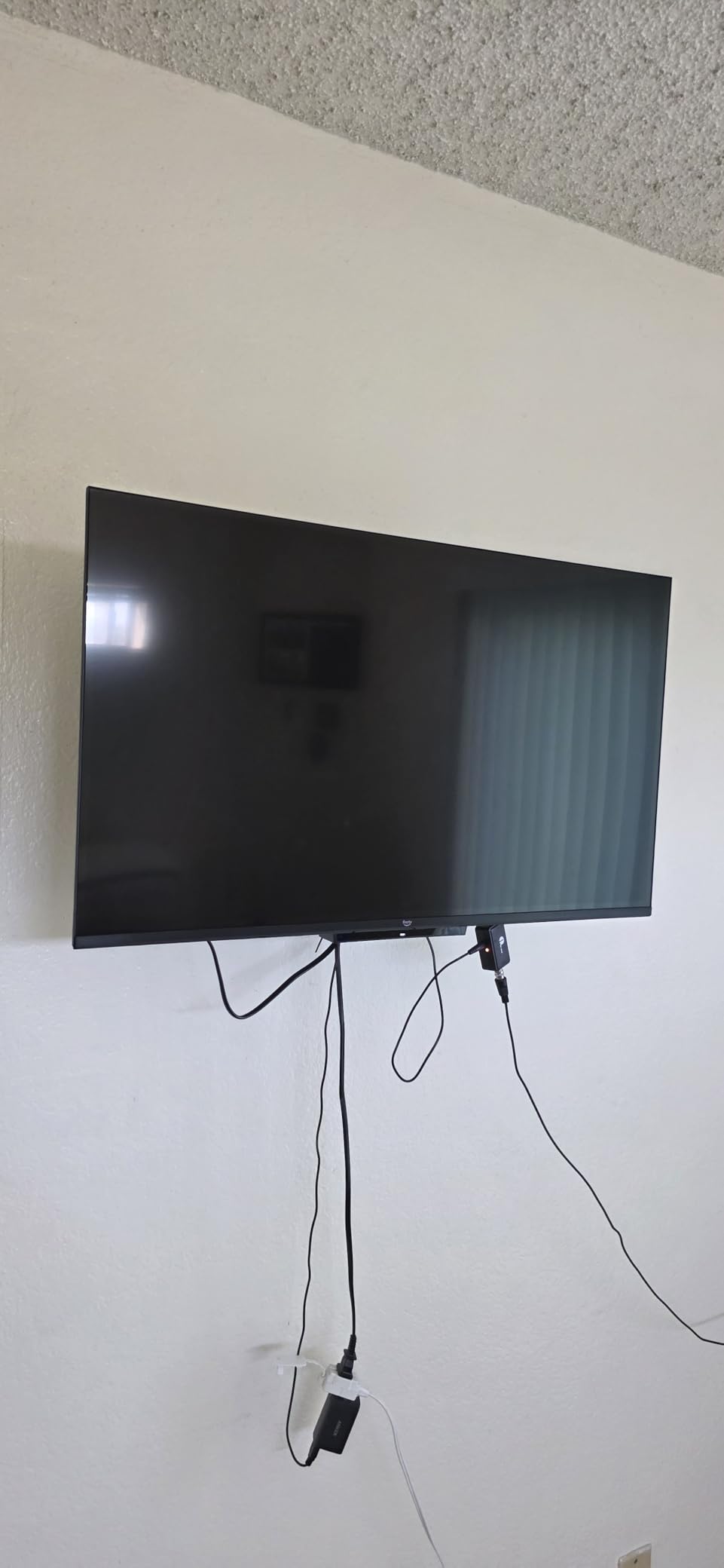
A Fire TV Stick HD gives you streaming on a set you already own for far less, though you supply the screen and the speakers. The Ember 43-inch 4-Series is the 4K option at a larger size.
How to Choose Fire TV Deals During Prime Big Deal Days
Stick or whole television?
If your current television still gives you a good picture and has an HDMI port, buy a stick. A Fire TV Stick HD or the 4K Select costs a fraction of a new set and takes ten minutes to set up. If the set itself dims unevenly, has dead pixels or no smart features at all, spend the difference on a whole Fire TV set and skip the stick entirely.
Picture quality and screen size
Match the screen to the room, not the other way around. Up to 43 inches works for bedrooms and offices, 43 to 55 inches suits a mid-size living room, and 55 inches or more is right for a main room where most people sit more than eight feet back. Look for Dolby Vision and HDR10+ support if you watch films, and 375 nits or more if the room is bright during the day.
Streaming features and app support
Every device here runs the 2026 Fire TV experience and carries the major streaming apps, so the differences are smaller than the model names suggest. The one that matters is sideloading: the Fire TV Stick 4K Select runs Vega OS and blocks it, so if you install unofficial apps or developer builds, choose the Fire TV Stick 4K Plus or the 4K Max instead.
Performance and connectivity
Wi-Fi generation is the quiet differentiator. Wi-Fi 6 covers most homes now, Wi-Fi 6E is worth having if your router supports it, and Wi-Fi 5 can struggle in a large house or a room far from the router. For storage, 8GB fills quickly on a stick with several apps installed, while 16GB gives you room to breathe.
Audio and smart home fit
Thin TV speakers flatten dialogue, and a soundbar is the fastest fix. The Fire TV Soundbar connects with one HDMI cable and answers to your Fire TV remote. Every device here has Alexa voice control built in, and the Fire TV Cube adds hands-free listening for anyone who would rather not pick up the remote.
How to shop Fire TV deals during the sale
Check the model number before you check anything else. Fire TV listings change hands between generations, so confirm the exact model string and the screen size, then read what is in the box to see whether the voice remote is included or sold separately. Look at who sells the set and who handles delivery, whether it is new or renewed, and what the warranty covers. Most offers during Prime Big Deal Days need a Prime membership, and the offer on a given listing can change during the event.
- Confirm the model number and generation match the size you intended to buy
- Check that the Alexa Voice Remote is inside the box rather than bundled separately
- Check who sells it and who handles delivery rather than only the headline discount
- Verify new versus renewed status and the warranty terms
- Read recent reviews for software speed, which is where owners complain most
- Confirm the HDMI count if a console or soundbar is going to stay connected
Frequently Asked Questions
When do Amazon Prime Big Deal Days Fire TV deals run?
Prime Big Deal Days runs October 6-7, 2026, a 48-hour event with most offers open to Prime members only. Early Fire TV offers often appear in the days before the event, and a free Prime trial counts for membership. Offers on a given listing can change during the window.
Is Prime membership required for the best Amazon Prime Big Deal Days Fire TV deals?
Most offers during Prime Big Deal Days require a Prime membership, and a free 30-day trial qualifies. Some listings run a smaller offer for everyone, though the lowest prices are usually member-only. Check the Prime badge on the listing before you plan the purchase.
Are Prime Big Deal Days and October Prime Day the same thing?
Yes. Prime Big Deal Days is the current name for the October Prime Day event, the 48-hour sale that falls between the summer Prime Day and Black Friday, and it runs October 6-7 this year. Older articles may call it October Prime Day.
Which Fire TV stick is best for most people?
The Fire TV Stick 4K Plus suits most households: 4K with Dolby Vision and HDR10+, Wi-Fi 6, and no limits on which apps you install. The 4K Max adds storage and a newer Wi-Fi standard. The 4K Select is the budget option but cannot sideload apps.
Can the Fire TV Stick 4K Select sideload apps?
No. The 4K Select runs Vega OS, which blocks sideloading and developer mode, so unofficial apps and some VPN clients are unavailable. Owners who want that freedom choose the Fire TV Stick 4K Plus or the 4K Max, which run the standard Fire OS.
Should I buy a Fire TV now or wait for Black Friday?
It depends on the product. Streaming sticks are small purchases where the difference between sale days rarely matters. Televisions are worth comparing across the season, since Black Friday TV offers tend to be deeper. Check the current price with the buttons above and decide from there.
Final Verdict: Best Amazon Prime Big Deal Days Fire TV Deals
Buy the Fire TV Stick 4K Plus if you want one stick that covers everything: 4K with Dolby Vision, Wi-Fi 6, cloud gaming and no app restrictions. It is the pick we would put on the television in a house that has one.
For a second TV on a tight budget, the Fire TV Stick 4K Select is the cheapest way into 4K and is fine for a bedroom, as long as you do not need sideloading. If storage or a newer router matters, step up to the Fire TV Stick 4K Max.
When the television itself is going, the Toshiba 43-inch C350 brings Dolby Vision to a smaller budget, the Hisense 43-inch E6 brings QLED color, and the Insignia 55-inch QF fills a main living room wall. Add the Fire TV Soundbar if dialogue has been hard to follow. Check the current price on each listing during Prime Big Deal Days, and buy the one that matches your room rather than the one with the biggest number attached.