
Sitting at a desk for eight-plus hours a day took a real toll on my back, my energy levels, and honestly, my mood. I kept reading about how prolonged sitting increases the risk of cardiovascular problems, chronic back pain, and even reduced productivity. That is what sent me down the path of finding the best ergonomic desks worth investing in. After months of testing, comparing, and living with these desks in my own workspace, I have a clear picture of what actually works and what is just marketing fluff.
An ergonomic desk is a height-adjustable workstation that lets you switch between sitting and standing throughout the day. Unlike a standard fixed desk, these use electric motors (or manual mechanisms) to raise and lower the desktop surface, so you can find the exact height that works for your body. The best ones offer memory presets, solid stability at any height, and a wide enough height range to accommodate users from under five feet to well over six feet tall.
The health benefits are not just hype. Research from the University of Pittsburgh found that alternating between sitting and standing reduces neck and upper back pain significantly. The Cornell University ergonomics program recommends a 20-8-2 pattern: sit for 20 minutes, stand for 8, then move or stretch for 2. Having a desk that supports that rhythm has made a noticeable difference in how I feel at the end of each workday. If you are setting up a new workspace from scratch, check out our guide on best ergonomic desks for your workroom for ideas on how these desks fit into a well-designed space.
In this guide, I am covering 10 of the top ergonomic desks and converters I have tested for 2026. I have included options across every budget, from sub-$100 electric desks to premium dual-motor setups, plus two standing desk converters for anyone who wants to keep their existing desk. Let me walk you through the top picks first, then dive into detailed reviews of each one.
Top 3 Picks for Best Ergonomic Desks (2026)

UPLIFT Desk V3
- Dual German motors
- 355 lb capacity
- Height 25.3 to 49.9 in
- Collision detection
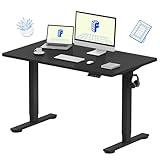
FLEXISPOT EN1 Standing Desk
- One-piece seamless top
- 4 memory presets
- 176 lb capacity
- Quiet motor

ErGear Electric Standing Desk
- 4 memory presets
- 176 lb capacity
- Low-VOC materials
- Headphone hook included
Best Ergonomic Desks in October 2026 – Quick Comparison
| Product | Specifications | Action |
|---|---|---|
| UPLIFT Desk V3 |
|
Check Latest Price |
| FLEXISPOT EN1 |
|
Check Latest Price |
 Vari VariDesk Pro Plus 36 Vari VariDesk Pro Plus 36 |
|
Check Latest Price |
| ErGear Electric Standing Desk |
|
Check Latest Price |
 SHW Electric Standing Desk SHW Electric Standing Desk |
|
Check Latest Price |
 VIVO 60×24 Standing Desk VIVO 60×24 Standing Desk |
|
Check Latest Price |
 Veken 55 Inch Standing Desk Veken 55 Inch Standing Desk |
|
Check Latest Price |
 HUANUO Standing Desk w/ Drawers HUANUO Standing Desk w/ Drawers |
|
Check Latest Price |
 Claiks Electric Standing Desk Claiks Electric Standing Desk |
|
Check Latest Price |
 VIVO 32 in Desk Converter VIVO 32 in Desk Converter |
|
Check Latest Price |
1. UPLIFT Desk V3 – Premium Dual-Motor Powerhouse
- Extremely stable dual German motors
- 355 lb capacity handles heavy setups
- Industry-leading 25.3 to 49.9 in height range
- Built-in collision detection sensor
- Advanced keypad with 4 memory presets
- Higher price point
- Requires 2 people for assembly
- Not Prime eligible
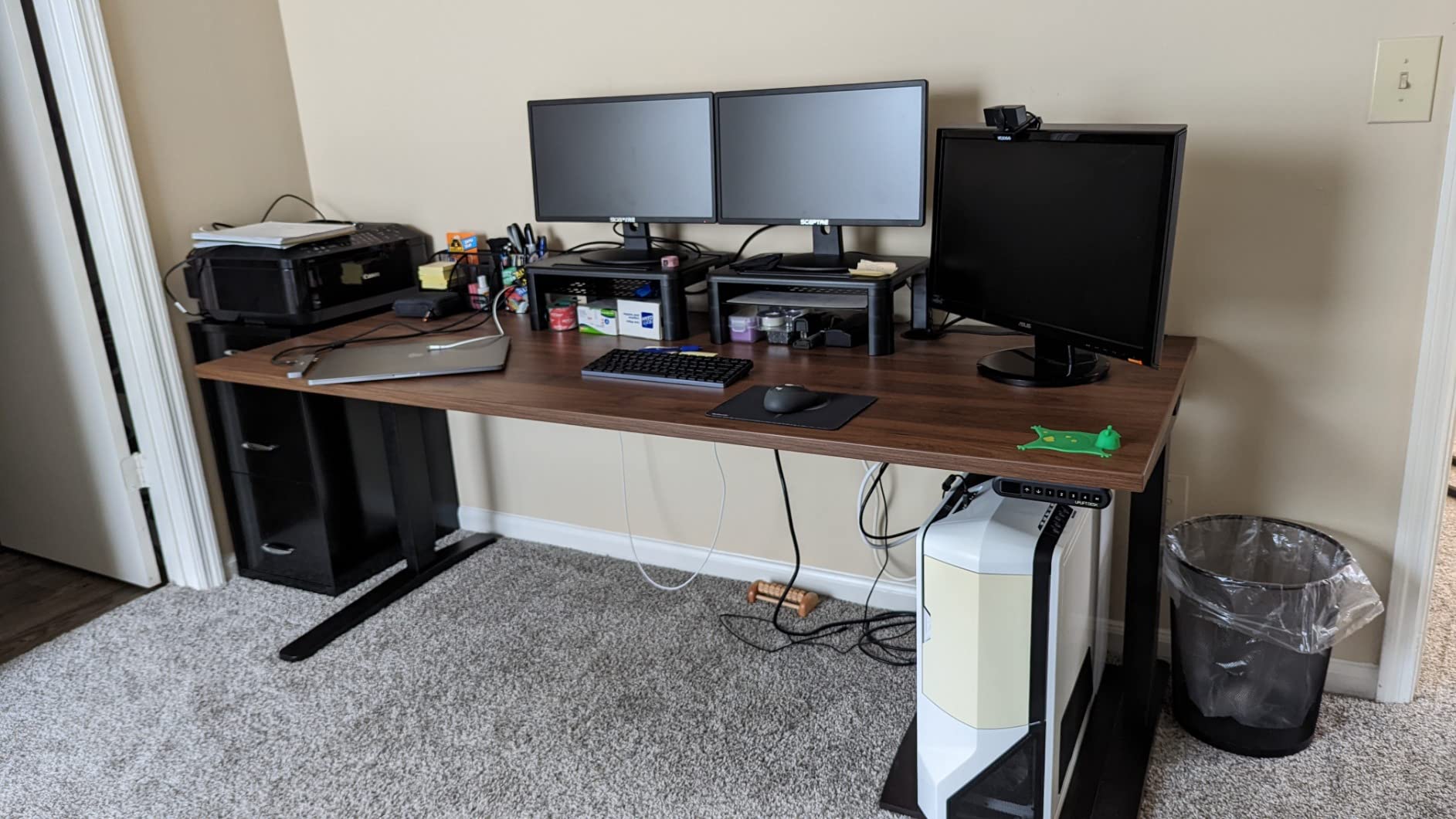
When I first set up the UPLIFT V3 in my office, the first thing I noticed was how different it felt from every other desk I had tested. The dual German motors raise and lower the 60 by 30 inch desktop with a smoothness I have not experienced elsewhere. There is no shudder, no grinding, just a quiet hum that takes about 20 seconds to go from the lowest sitting position at 25.3 inches all the way up to 49.9 inches standing.
The height range is what really separates this desk from the competition. At 25.3 inches at its lowest, it is one of the few desks that can comfortably accommodate shorter users and even wheelchair users. At 49.9 inches, it has enough height for someone well over six feet tall to stand and work with proper ergonomics. That 24.6-inch adjustment range is one of the widest available on any standing desk.
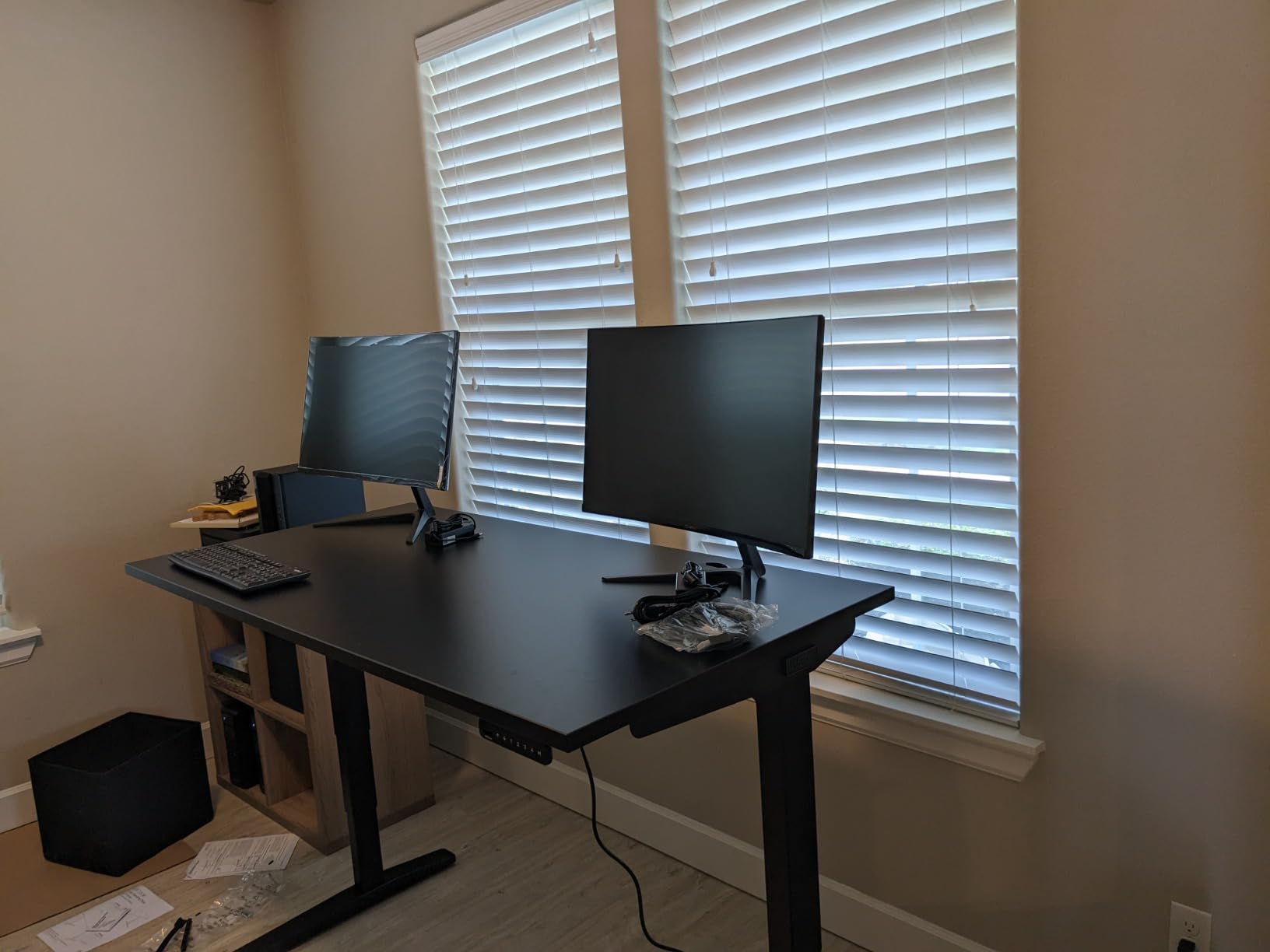
With a 355-pound weight capacity, this desk laughs at heavy setups. I loaded mine with a 34-inch ultrawide monitor on an arm, a 27-inch secondary display, my desktop computer tower sitting on the floor, and a collection of books and peripherals on the desktop. Not a hint of wobble, even at full standing height. The collision detection sensor stopped the desk automatically when it encountered my chair arm during a height change, which is a safety feature I now consider essential.
The advanced keypad lets you save four height positions. I use one for seated work, one for standing, one for when I am on a stool, and one I keep programmed for my partner who also uses the desk. The keypad also shows the current height in inches, which is a small but surprisingly useful feature.
Who should buy the UPLIFT V3
If you spend your entire workday at a desk, have a multi-monitor setup or heavy equipment, or if you are particularly tall or short and have struggled to find a desk that fits, the UPLIFT V3 is worth every penny. It is also the best option I have tested for wheelchair accessibility due to its low minimum height. Users on Reddit forums consistently praise UPLIFT for lasting 3-plus years without any motor issues, which speaks to the long-term reliability.
Who should skip it
If your budget is under $500 or you only need a desk for light laptop work, this is more desk than you need. The assembly also genuinely requires two people and takes about 90 minutes. If you want something that arrives mostly ready to go, consider a desk converter like the Vari Pro Plus instead.
2. FLEXISPOT EN1 – One-Piece Seamless Desktop
- One-piece seamless desktop with no seam
- Excellent stability and build quality
- Quiet motor operation
- 4 memory presets
- High 176 lb weight capacity
- Minor wobble at maximum height
- Short power cord
- Some assembly alignment challenges
The FLEXISPOT EN1 immediately impressed me with something most desks at this price point do not offer: a genuine one-piece desktop. While nearly every other affordable standing desk ships a two-piece top with a visible seam down the middle, the EN1 gives you a solid, continuous 48 by 24 inch surface. That might sound like a small detail, but it makes a real difference in both aesthetics and structural integrity.
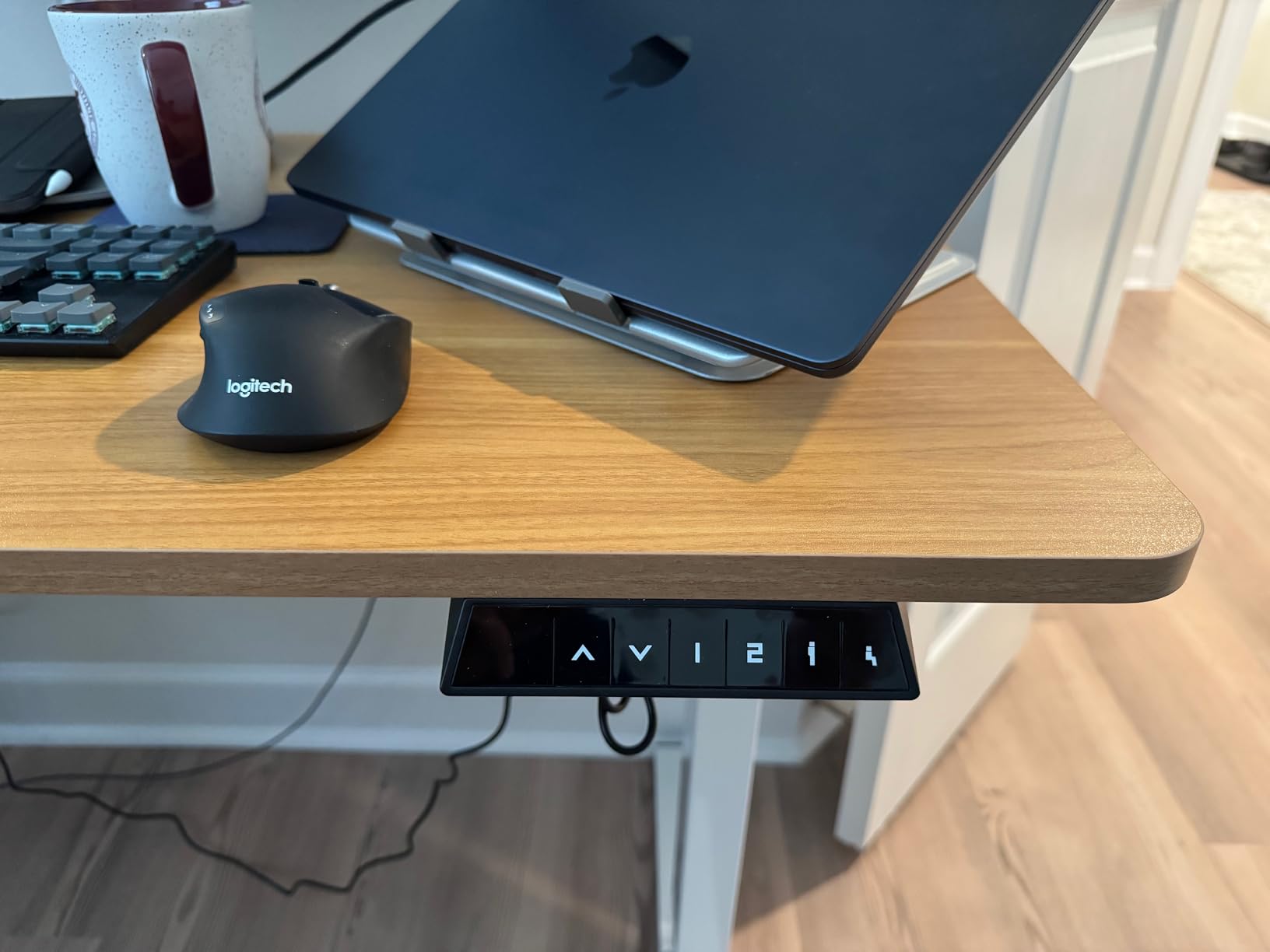
I used the EN1 as my primary desk for six weeks straight. The electric motor adjusts height from 28.9 inches to 46.5 inches smoothly and quietly. At my seated height of about 29 inches, the desk felt rock-solid. At standing height around 44 inches, there was a very slight wobble if I leaned on it heavily, but nothing that affected normal typing or monitor stability. The four memory presets on the control pad worked reliably every time.
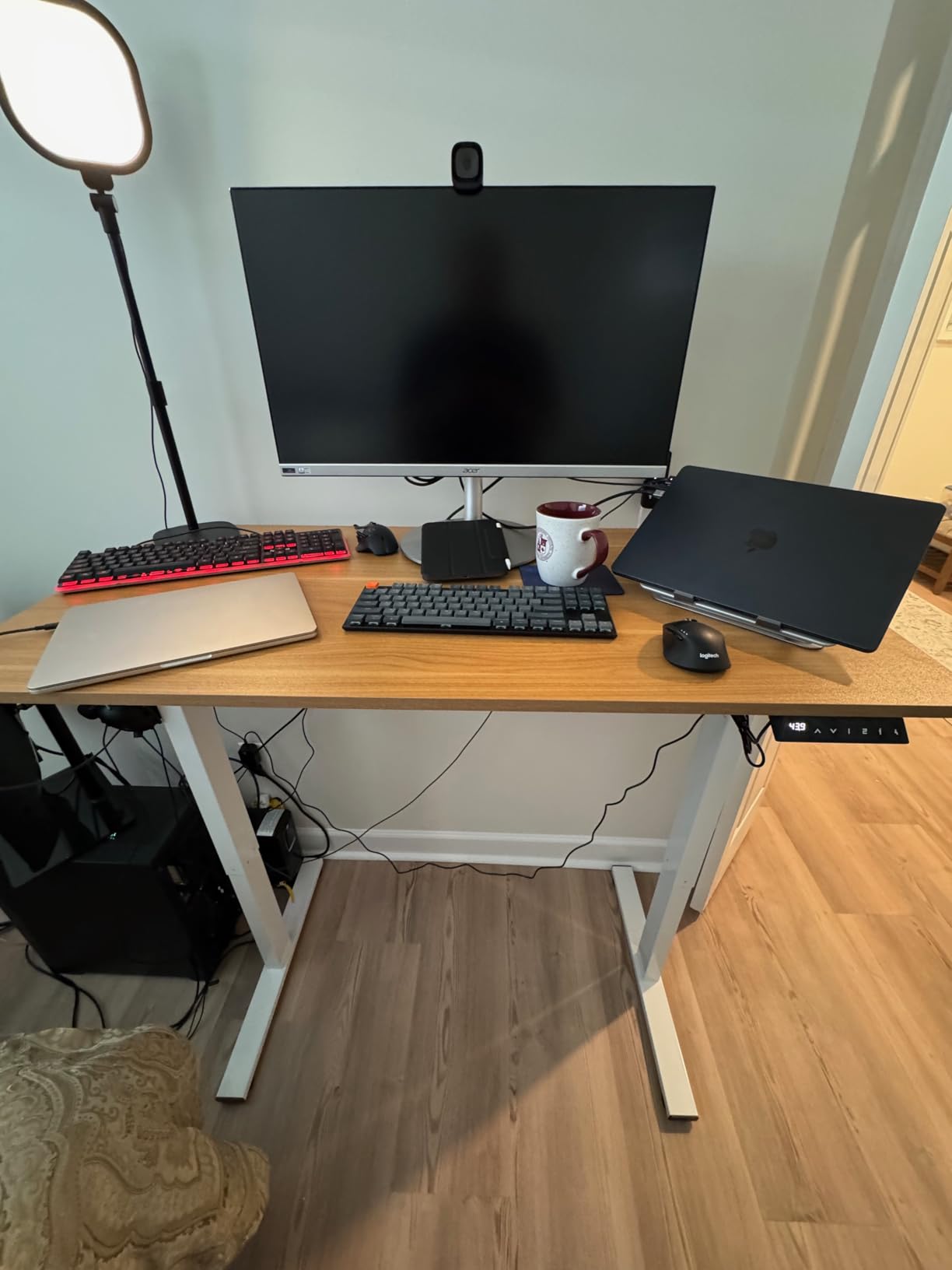
Assembly took me about 45 minutes working alone. The instructions were clear, and the packaging was genuinely impressive. FLEXISPOT uses thick foam inserts and reinforced cardboard that kept everything pristine during shipping. I have read plenty of reviews where budget desks arrive with dented corners or scratched tops, and the EN1 completely avoids that problem.
The 176-pound weight capacity handled my dual-monitor setup with room to spare. I also appreciate the 0.6-inch thick tabletop, which feels solid and does not flex under pressure. With over 12,000 reviews and a 4.5-star average, this desk has a track record that few competitors can match.
Who should buy the FLEXISPOT EN1
Anyone who wants a reliable, well-built electric standing desk without spending a fortune should start here. It is especially good if you hate the look of a two-piece desktop seam, since the one-piece top sets it apart from nearly every competitor at this price. It works great for home office setups with one or two monitors.
Who should skip it
If you are over six feet tall, the 46.5-inch maximum height might feel a bit low for comfortable standing. Taller users should look at the UPLIFT V3 with its 49.9-inch max. Also, if you need a desk wider than 48 inches, the EN1 will feel cramped with multiple monitors and a laptop.
3. Vari VariDesk Pro Plus 36 – No-Assembly Desk Converter
- Fully assembled out of the box
- Extremely sturdy spring-loaded lift
- 11 height settings for precise adjustment
- Fits dual monitors comfortably
- 5-year warranty
- Higher price point for a converter
- Manual lift requires some effort
- Heavy at 52.5 lbs
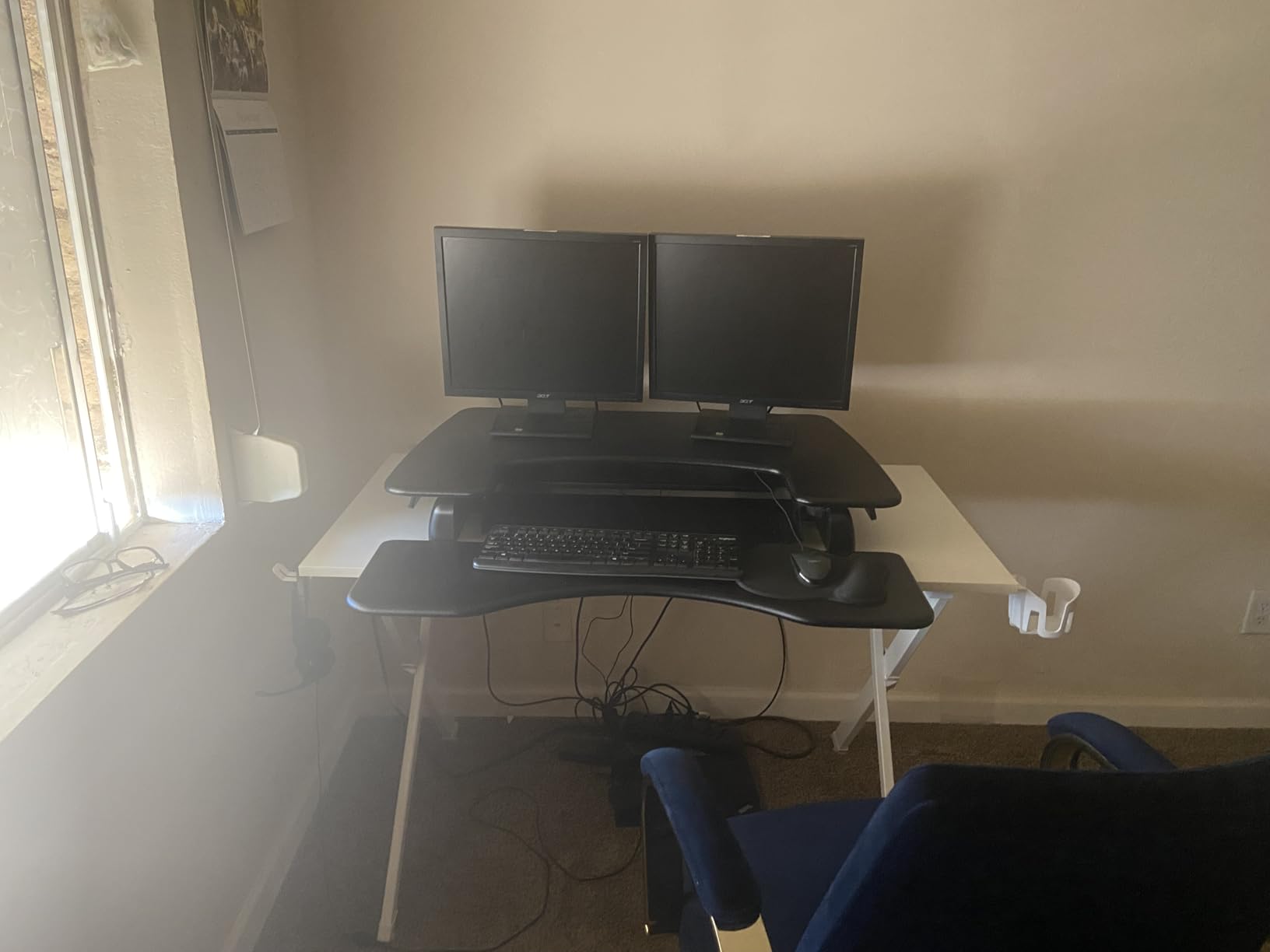
Not everyone wants to replace their entire desk. Maybe you have a beautiful existing desk that you love, or perhaps your employer provides standard desks and you cannot swap them out. That is where the Vari VariDesk Pro Plus 36 comes in. It arrives fully assembled, you place it on your existing desk, and you are ready to work sitting or standing within minutes.
The spring-loaded lift mechanism is one of the smoothest I have used on any converter. Squeezing the handles on both sides lets you glide the work surface up or down to any of the 11 height settings. Unlike cheaper converters that slam down or require significant upper body strength, the Vari feels controlled and precise at every position. It rises about 17.5 inches above your desk surface, which is enough for most users up to about six feet tall.
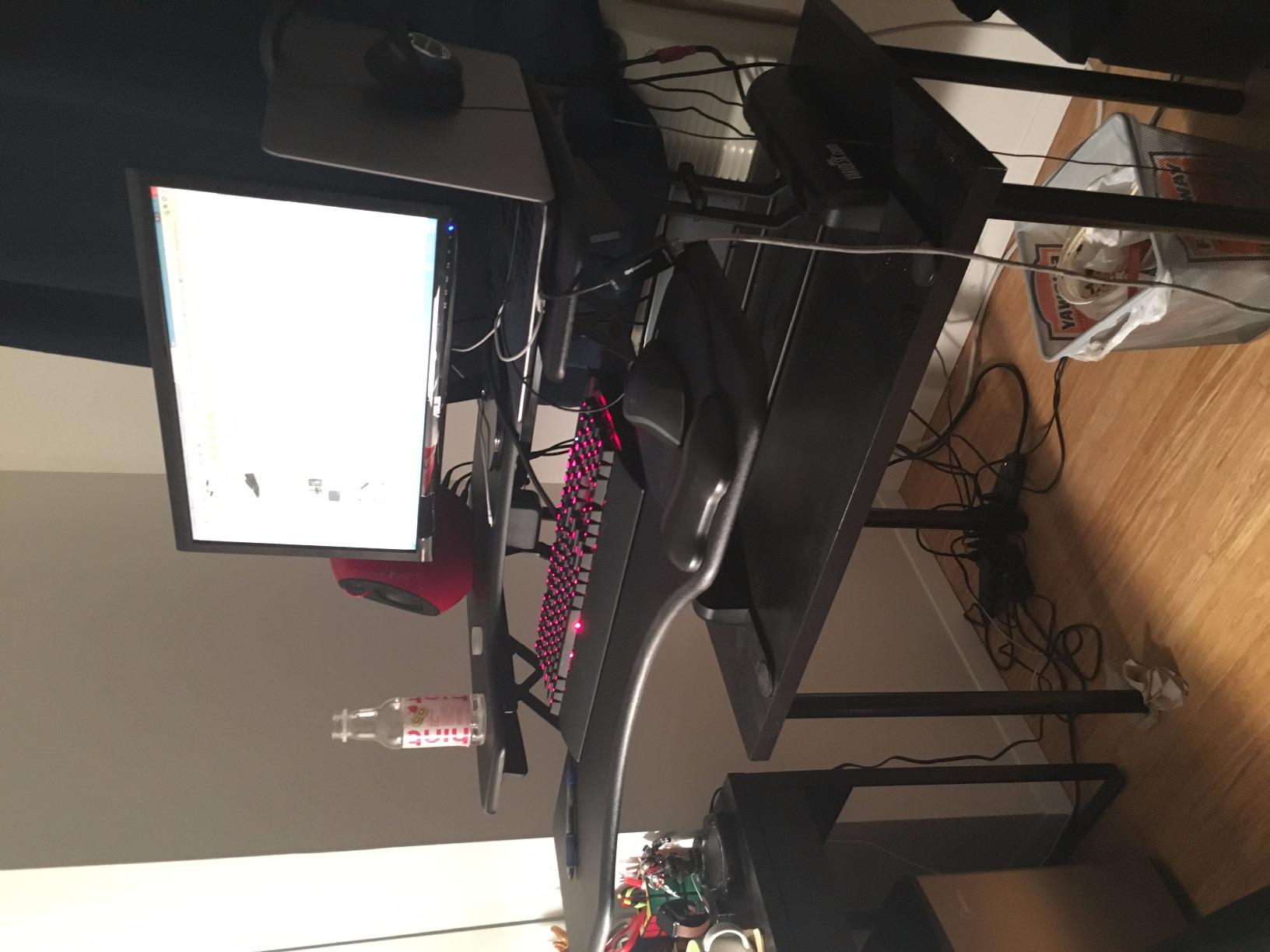
With a 4.8-star rating across over 3,100 reviews, the Vari Pro Plus 36 has one of the highest satisfaction scores of any product in this category. After using it for a month on my kitchen table during a home renovation, I can confirm the stability is excellent. My dual monitors did not budge, and the keyboard tray was wide enough for a full-size keyboard and mouse.
The 5-year warranty from Vari is generous for this category. Most converters come with a 1-year or 2-year warranty. The company also offers 30-day free returns, which takes the risk out of trying it. The only real downside is the weight. At 52.5 pounds, it is not something you want to move frequently.
Who should buy the Vari VariDesk Pro Plus 36
This is the best option for anyone who cannot or does not want to replace their existing desk. It is ideal for shared offices, temporary workspaces, or anyone who wants to try standing while working before committing to a full desk purchase. The no-assembly requirement means you can be productive within five minutes of unboxing.
Who should skip it
If you have the space and budget for a full standing desk, you will get a better ergonomic experience with a dedicated unit. The converter sits on top of your desk, so you lose some desk space underneath it. It is also not ideal for very tall users over six feet, since the maximum lift height may not be sufficient.
4. ErGear Electric Standing Desk – Best Budget Electric Desk
- Outstanding value for money
- Quiet and powerful lift motor
- 4 memory preset settings
- Low-VOC materials
- Includes headphone hook and cable tray
- Minor stability issues at highest settings
- Screw quality could be better
- Desktop is not solid wood
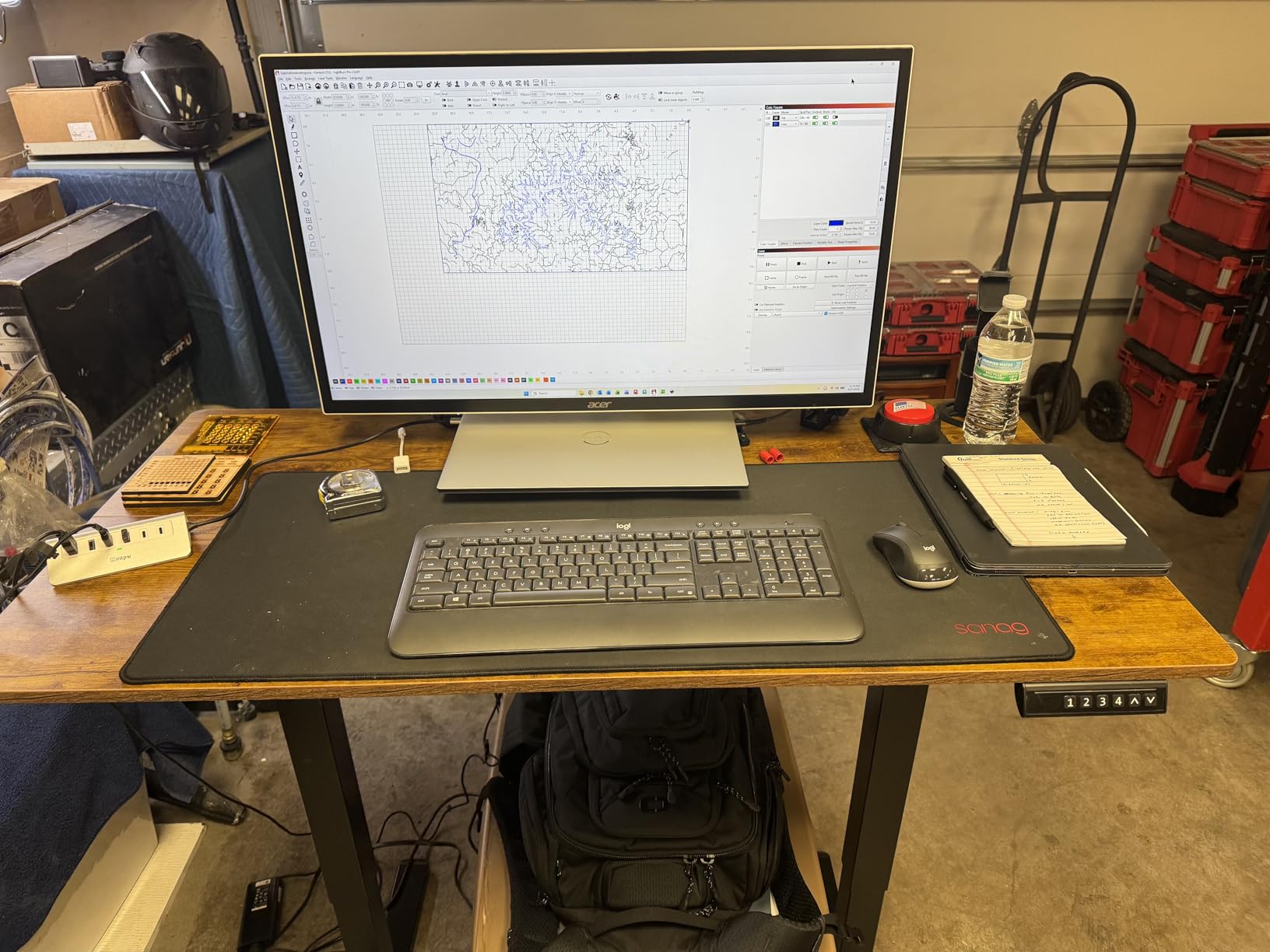
The ErGear Electric Standing Desk sits at the number one best-seller spot in Home Office Desks on Amazon, and after testing one, I understand why. For a price that significantly undercuts most competitors, you get a legitimately good electric standing desk with memory presets, a solid steel frame, and a height range of 28.35 to 46.46 inches.
Setting it up took about 40 minutes with a friend. The instructions were straightforward, and all the parts were clearly labeled. The motor adjusts height quietly, moving between sitting and standing positions without the grinding noise I have experienced on cheaper desks. The four memory presets save my exact preferred positions, and the digital display shows the current height clearly.
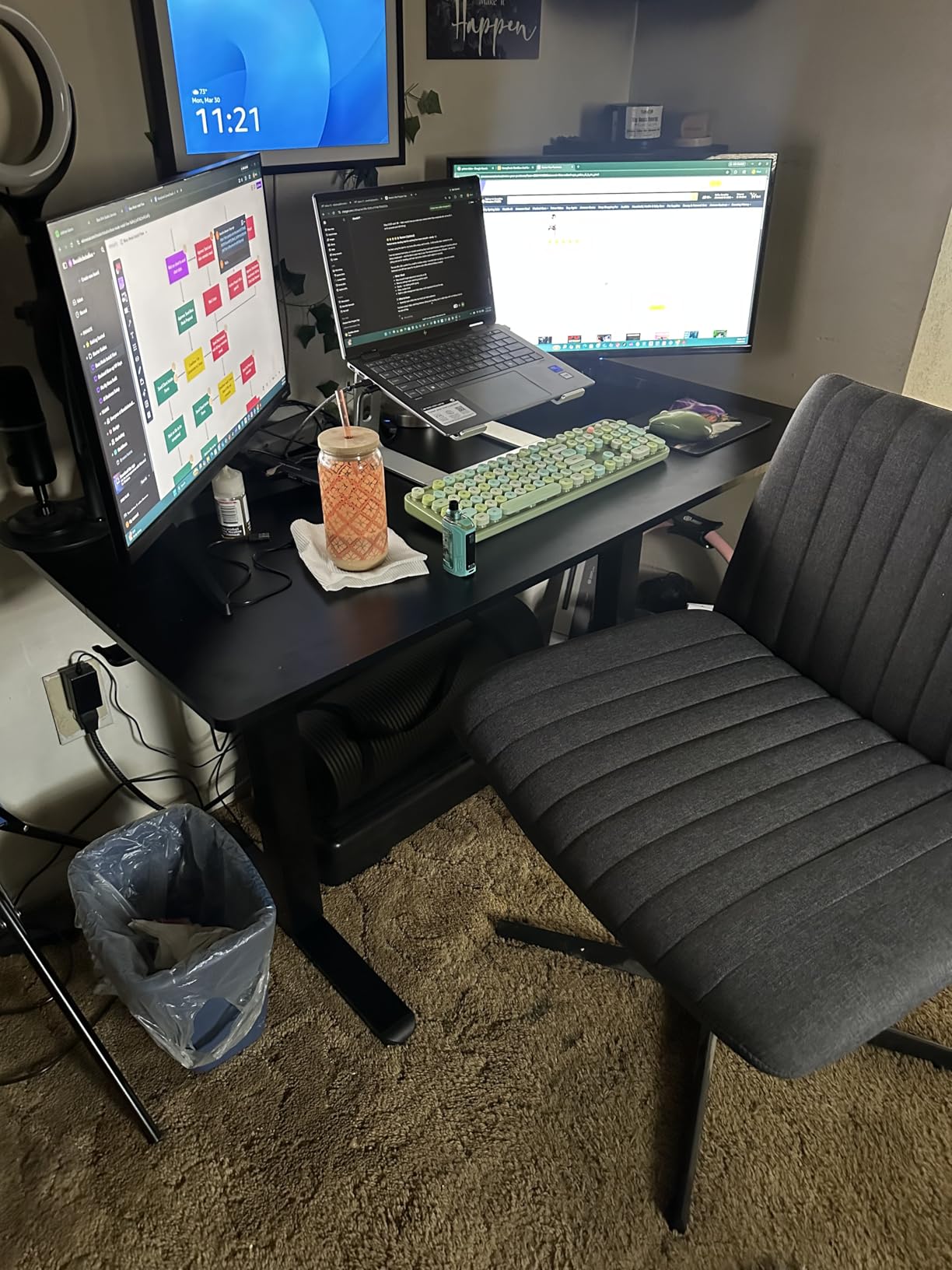
I appreciate that ErGear uses low-VOC materials on the desktop surface. If you have ever unboxed cheap furniture and been hit with chemical fumes for days, you know why this matters. The desk had virtually no odor out of the box. The included headphone hook and cable management tray are thoughtful additions that usually cost extra on other brands.
The 176-pound weight capacity matches what more expensive desks offer, and the alloy steel frame with aerospace-grade lifting columns feels sturdy. ErGear claims the motor has been tested for 100,000 lift cycles, which translates to years of regular daily use. With nearly 11,000 reviews backing it up, this desk has proven itself reliable for a massive number of users.
Who should buy the ErGear Standing Desk
If you want an electric standing desk with real features like memory presets and a solid weight capacity, but your budget is tight, the ErGear is my top recommendation. It delivers 90 percent of the experience of desks costing twice as much. It is great for students, first-time home office setups, and anyone who wants to try a standing desk without a big investment.
Who should skip it
Power users with heavy multi-monitor setups or those who need rock-solid stability at maximum height might want to step up to the FLEXISPOT EN1 or UPLIFT V3. The ErGear shows some wobble at its highest setting, and the engineered wood desktop is not as durable as solid wood or premium laminate over the long haul.
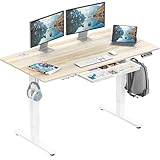
5. SHW Electric Standing Desk – Most Popular with Storage
- Over 21
- 000 reviews with 4.5-star rating
- Included drawer for storage
- Cable management tray and hooks included
- Excellent stability
- Scratch-resistant surface
- Two-piece desktop with visible seam
- Drawer is relatively small
- 110 lb weight capacity is lower than competitors
With over 21,000 reviews, the SHW Electric Standing Desk is one of the most purchased and reviewed standing desks on Amazon. I wanted to see if its popularity was justified, so I spent three weeks working from one. The short answer: yes, especially if you want built-in storage without paying extra for add-ons.
The built-in drawer sits underneath the desktop and is perfect for stashing pens, notebooks, your phone, and small accessories. It is not huge, but it keeps clutter off your work surface. The desk also comes with a cable management tray and integrated hooks, which means you get a fairly complete setup without buying anything extra.
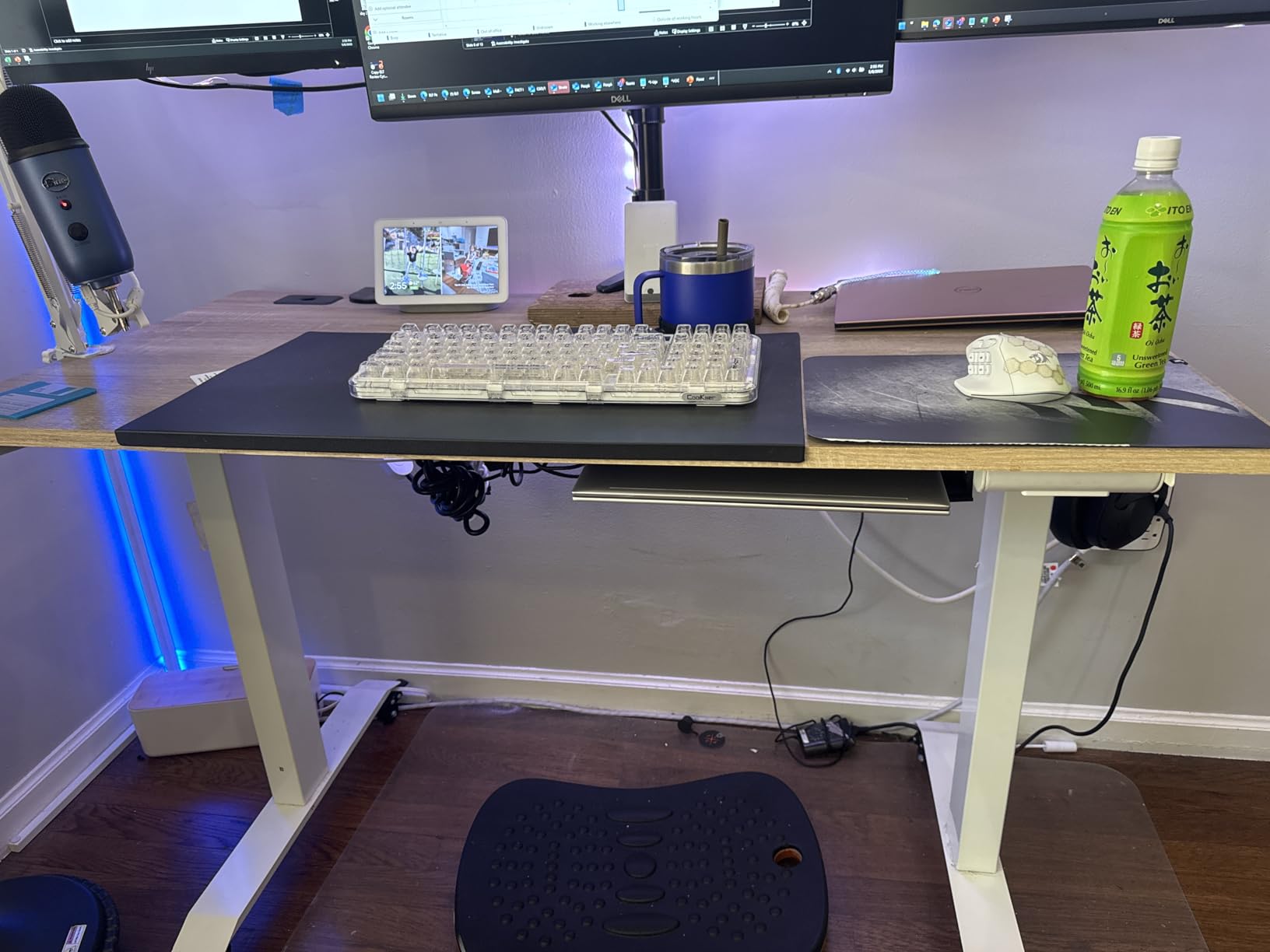
The 55 by 28 inch desktop gives you plenty of room for dual monitors or a monitor plus a laptop. The four memory presets work as expected, and the motor is quiet enough that I never worried about disturbing others during video calls. The desk goes from 28 inches up to 45 inches, which covers the needs of most users between about five feet four inches and six feet tall.
Stability impressed me. Even at full height, the SHW remained steady while typing and using the mouse. The floor levelers help compensate for uneven surfaces. My main gripe is the 110-pound weight capacity, which is notably lower than the ErGear or FLEXISPOT. It is fine for normal office use but not ideal if you plan to load it up with heavy equipment.

Who should buy the SHW Standing Desk
This desk is a great fit for anyone who wants an all-in-one package with storage and cable management included. It works well for standard home office setups with a monitor, laptop, and typical desk accessories. The massive number of positive reviews provides confidence that you are getting a proven product.
Who should skip it
If you have a heavy setup with large monitors on arms, a desktop computer, or lots of peripherals, the 110-pound weight capacity is a real limitation. The two-piece desktop also means a visible seam down the middle, which some people find annoying. Taller users over six feet may find the 45-inch maximum height too low for comfortable standing.
6. VIVO Electric 60×24 Standing Desk – Best for Large Setups
VIVO Black 60 x 24 in Standing Desk, DESK-KIT-1B6B
- Spacious 60-inch wide desktop
- 220 lb weight capacity is excellent
- Stable even at maximum height
- Easy assembly for one person
- 3-year manufacturer warranty
- Parts not labeled during assembly
- Minor wobble at maximum extension
- Desktop is particle board
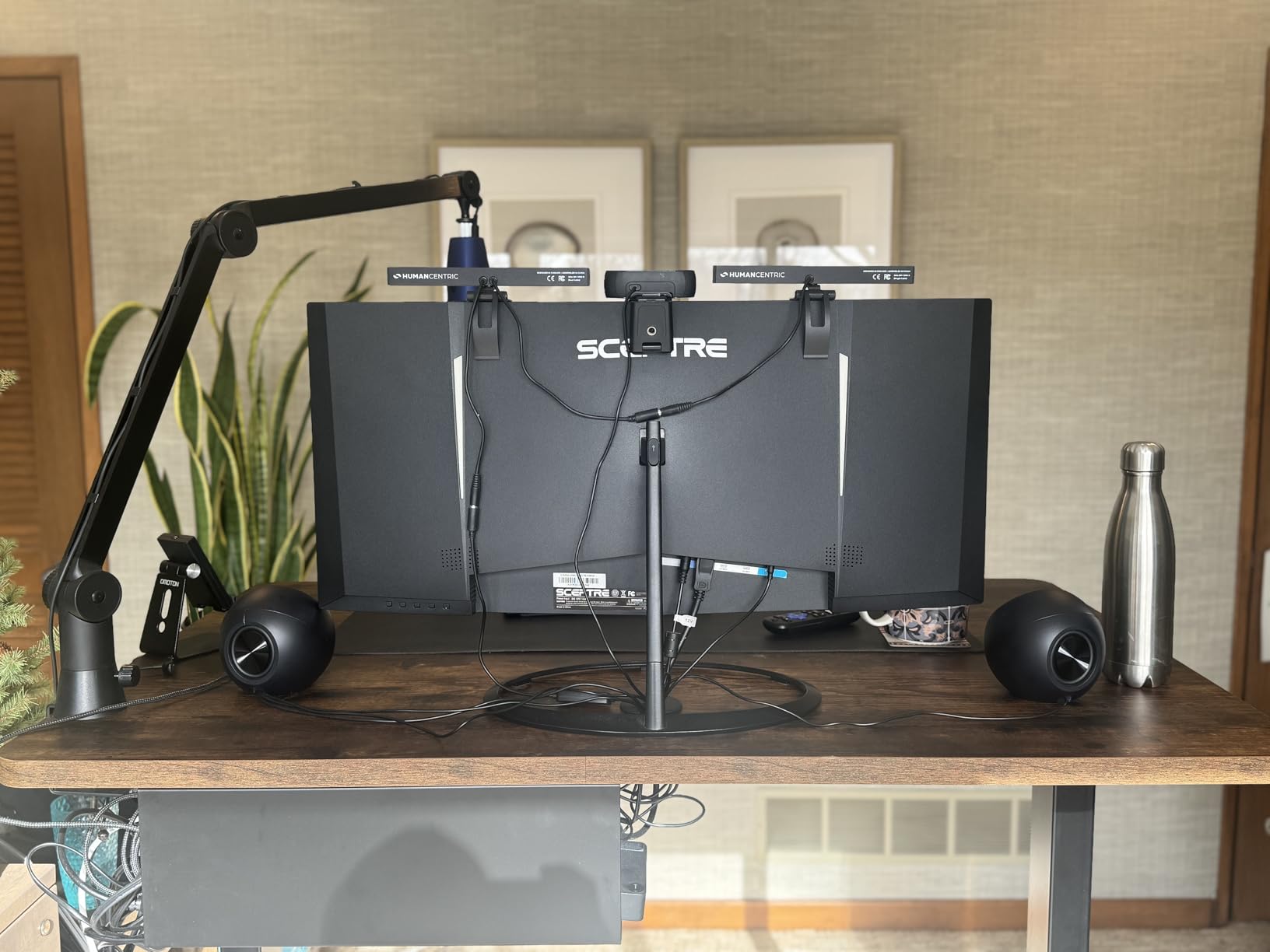
If you need desk real estate, the VIVO Electric 60 by 24 inch Standing Desk delivers. The 60-inch width gives you room for dual monitors with space left over for a laptop, paperwork, and accessories. I set mine up with a 32-inch monitor, a 24-inch secondary display, and still had room for my notebook and coffee mug without feeling cramped.
The 220-pound weight capacity is one of the highest in this price range. It easily handled my monitor arm, both displays, a printer, and various peripherals. The height adjusts from 29.3 to 48.5 inches, and the four memory presets saved my go-to positions accurately. The motor operates quietly, similar to the FLEXISPOT EN1 in terms of noise level.
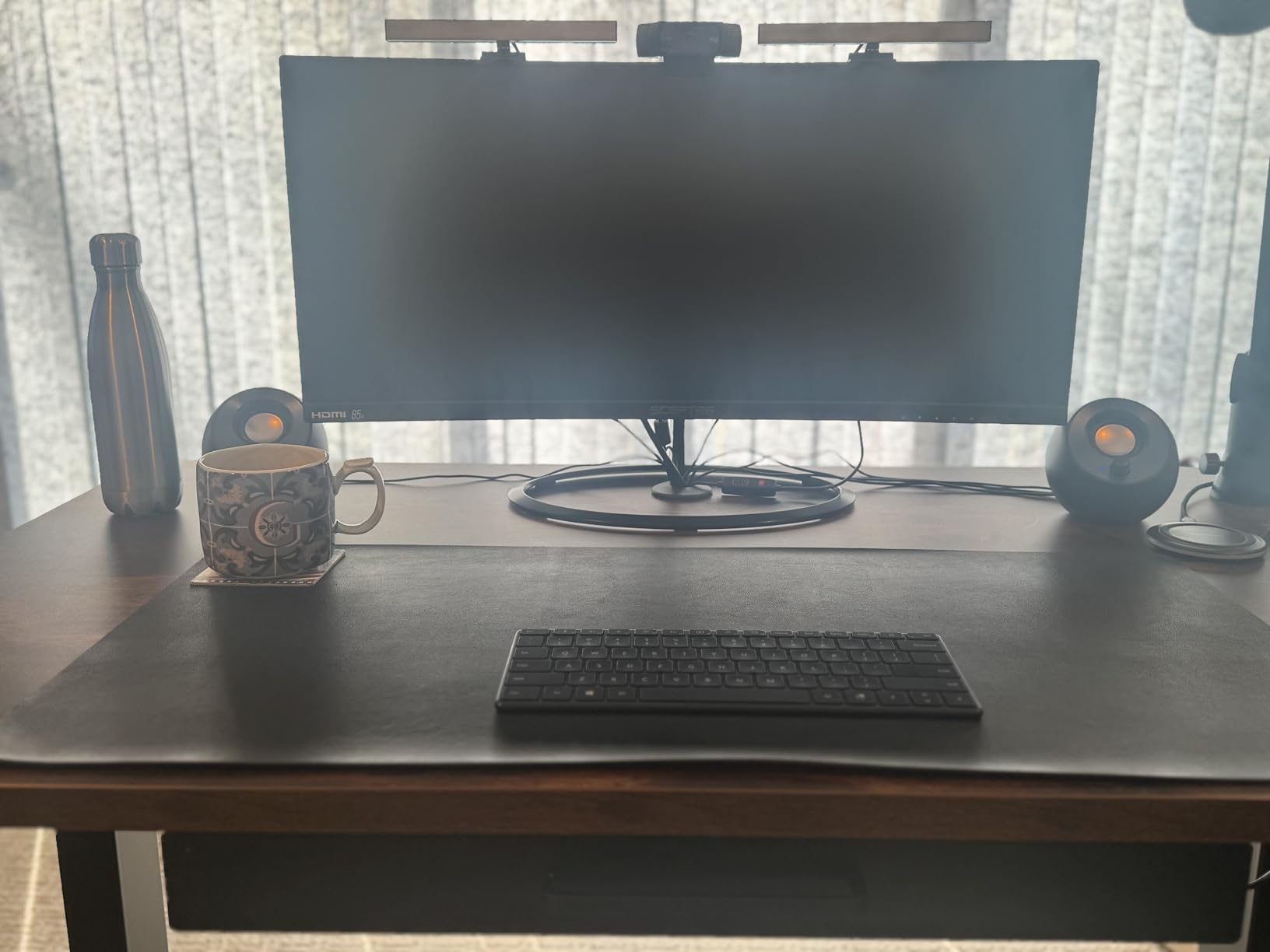
Assembly was surprisingly manageable for one person. The instructions were clear, though I do wish VIVO had labeled the parts instead of requiring me to match them by sight. Total build time was about 50 minutes. The one-piece 1.1-inch thick desktop feels substantial, even though it is particle board with a laminated finish.
VIVO includes a 3-year warranty, which is better than what most budget brands offer. The desk felt stable at my seated height and remained steady through most of the standing range. At the very top extension around 48 inches, there was some wobble when I typed aggressively, but normal use was fine.
Who should buy the VIVO 60×24 Standing Desk
Anyone with a multi-monitor setup, a wide workspace requirement, or heavy peripherals should have the VIVO 60-inch on their short list. The combination of the 220-pound capacity and 60-inch width makes it uniquely suited for power users who need space and strength. The 3-year warranty adds peace of mind.
Who should skip it
If your space is limited, a 60-inch wide desk might overwhelm a small room or apartment. The 48.5-inch maximum height may also fall short for users over six feet two inches. And if you want a solid wood or premium desktop material, the particle board construction here will not satisfy you.
7. Veken 55 Inch Electric Standing Desk – Smooth and Spacious
- Spacious 55-inch desktop
- Smooth and quiet height adjustment
- No wobble even at full extension
- Excellent value for money
- Integrated cable management
- Desktop is in two pieces not one solid piece
- Plastic cable management cutout may block monitor mounts
- Phillips screwdriver required but not included
The Veken 55 Inch Electric Standing Desk caught my attention because it carries a 4.7-star rating from over 1,500 reviewers. That is one of the highest ratings in this entire category. After testing it for three weeks, I can confirm the hype is justified. The height adjustment is buttery smooth, the motor is whisper-quiet, and the desk remains rock-solid at every position.
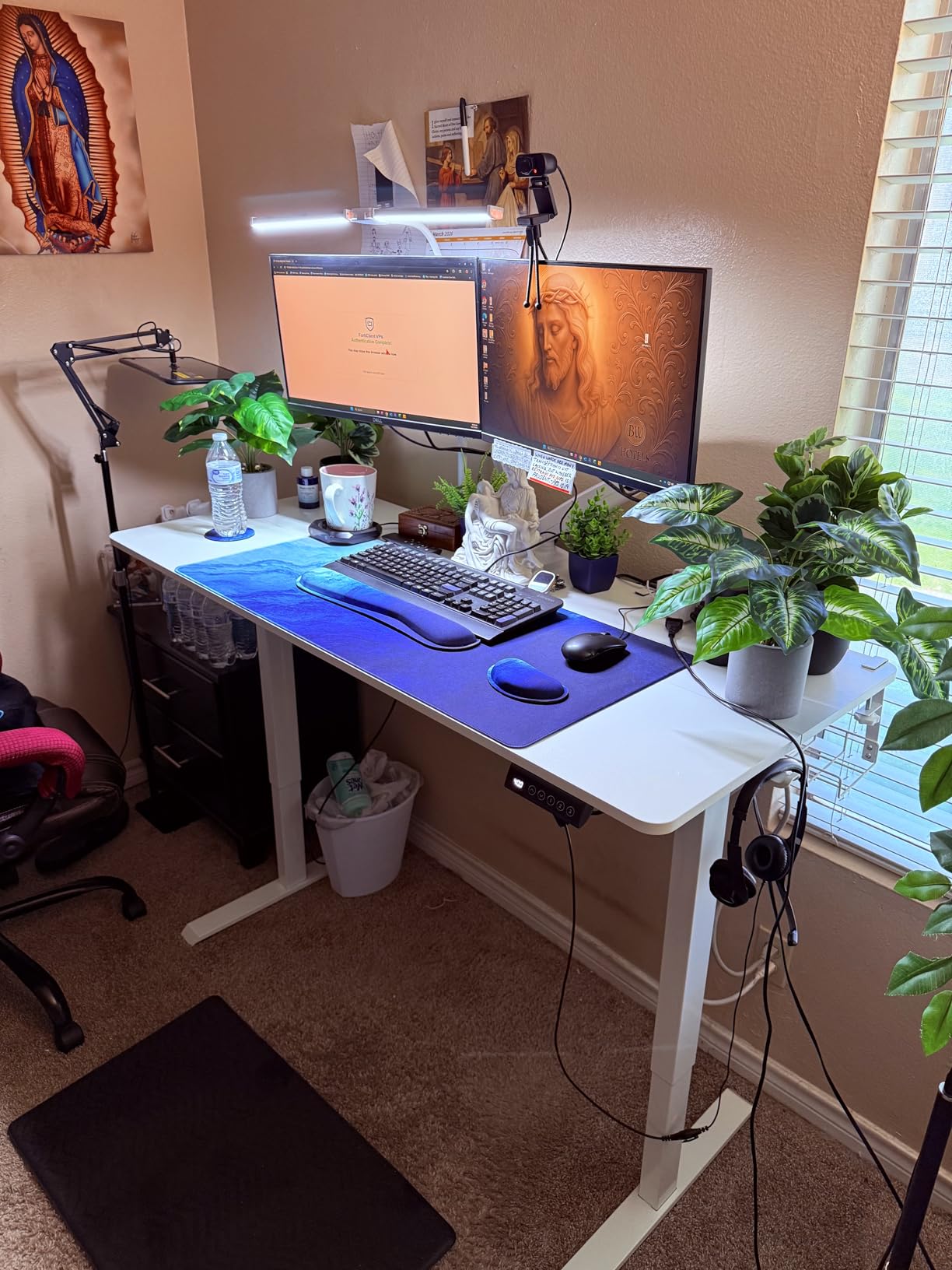
The 55 by 23.6 inch desktop gives you generous workspace for a monitor, laptop, and accessories. Height adjustment ranges from 28.3 to 46.5 inches, and the four memory presets respond instantly. I particularly liked the integrated cable management system with included cable clips. Running my monitor cable, laptop charger, and desk lamp cord through the system kept my workspace tidy with minimal effort.
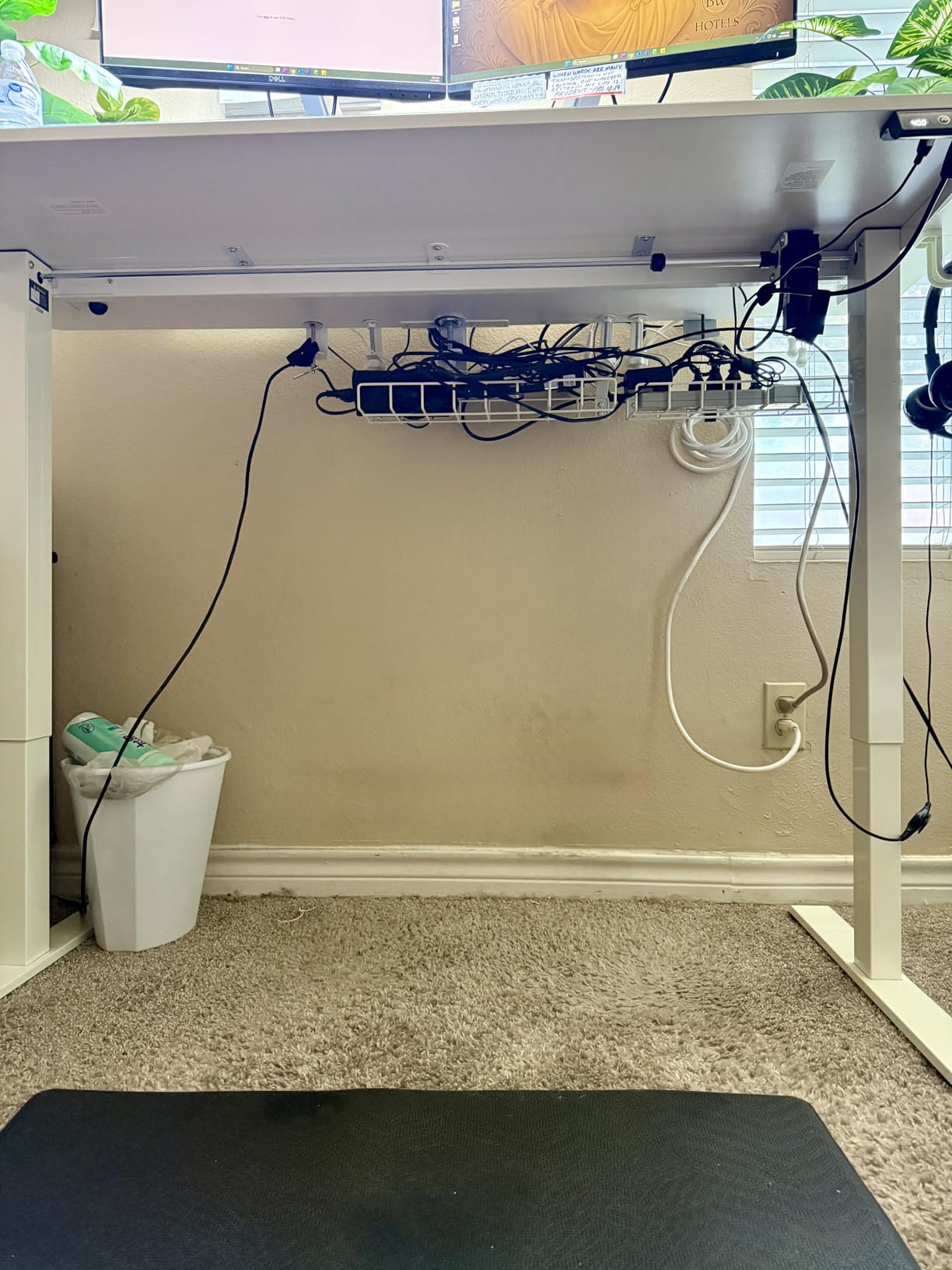
Assembly was straightforward with clearly labeled parts and pre-drilled holes. It took me about 35 minutes with a friend helping. The stainless steel and carbon steel frame feels rigid and well-built. At no point during my testing did the desk wobble, even at the full 46.5-inch extension. That is rare for a desk at this price.
My biggest complaint is that the desktop ships in two pieces rather than one solid surface. There is a visible seam where the two halves meet, and while it does not affect functionality, it is noticeable. I also found that the plastic cable management cutout on the back edge interfered with my monitor arm clamp.
Who should buy the Veken Standing Desk
If you prioritize stability and smooth operation on a budget, the Veken is an excellent choice. It is great for home offices, study rooms, and anyone who wants a reliable sit-stand desk without paying premium prices. The no-wobble performance at full height sets it apart from many competitors.
Who should skip it
The two-piece desktop will bother anyone who wants a seamless surface. If you use a C-clamp or grommet-mounted monitor arm, the plastic cable management cutout might get in the way. And like several desks in this price range, the 46.5-inch max height may not be enough for very tall users.
8. HUANUO Electric Standing Desk – Best with Drawers and Monitor Mount
- Two built-in storage drawers
- Extended rear edge for C-clamp monitor mounts
- Curved ergonomic edges
- 4 memory presets
- Very quiet motor
- Drawers are fabric bins not solid
- Desktop comes in two pieces
- Assembly challenging for one person
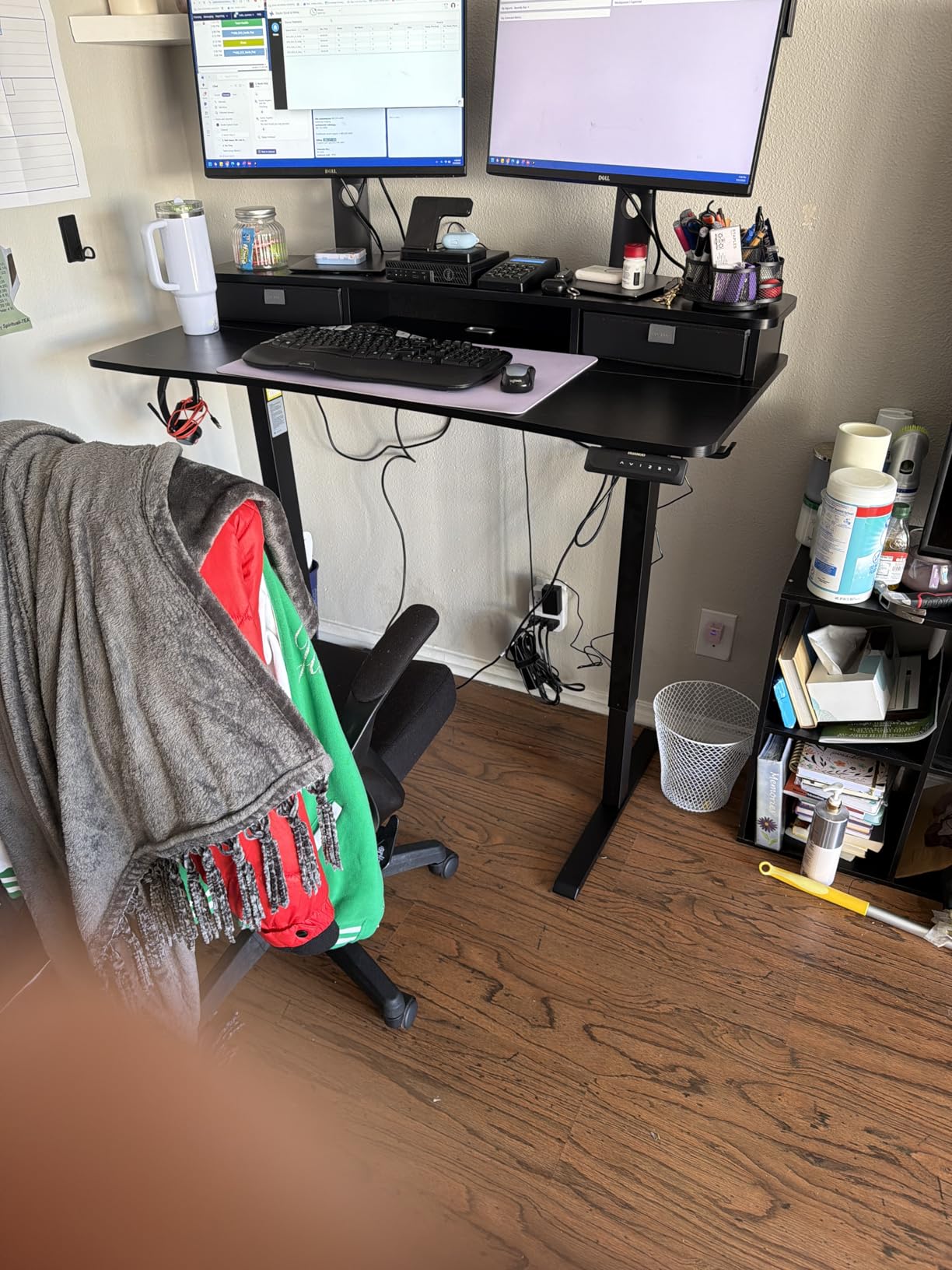
The HUANUO Electric Standing Desk solves two problems that most standing desks ignore: storage and monitor arm compatibility. The two built-in drawers under the desktop give you a place to stash pens, notepads, chargers, and other small items. And the extended 2.36-inch rear platform edge is specifically designed to work with C-clamp monitor mounts, which is a feature I have not seen on any other desk at this price.
I tested the HUANUO with a single-arm monitor mount clamped to the rear edge, and it worked perfectly. The reinforced edge held the clamp securely without any flex. The curved ergonomic edges on the front of the desk are a nice touch too. They provide a comfortable resting spot for your wrists during long typing sessions.
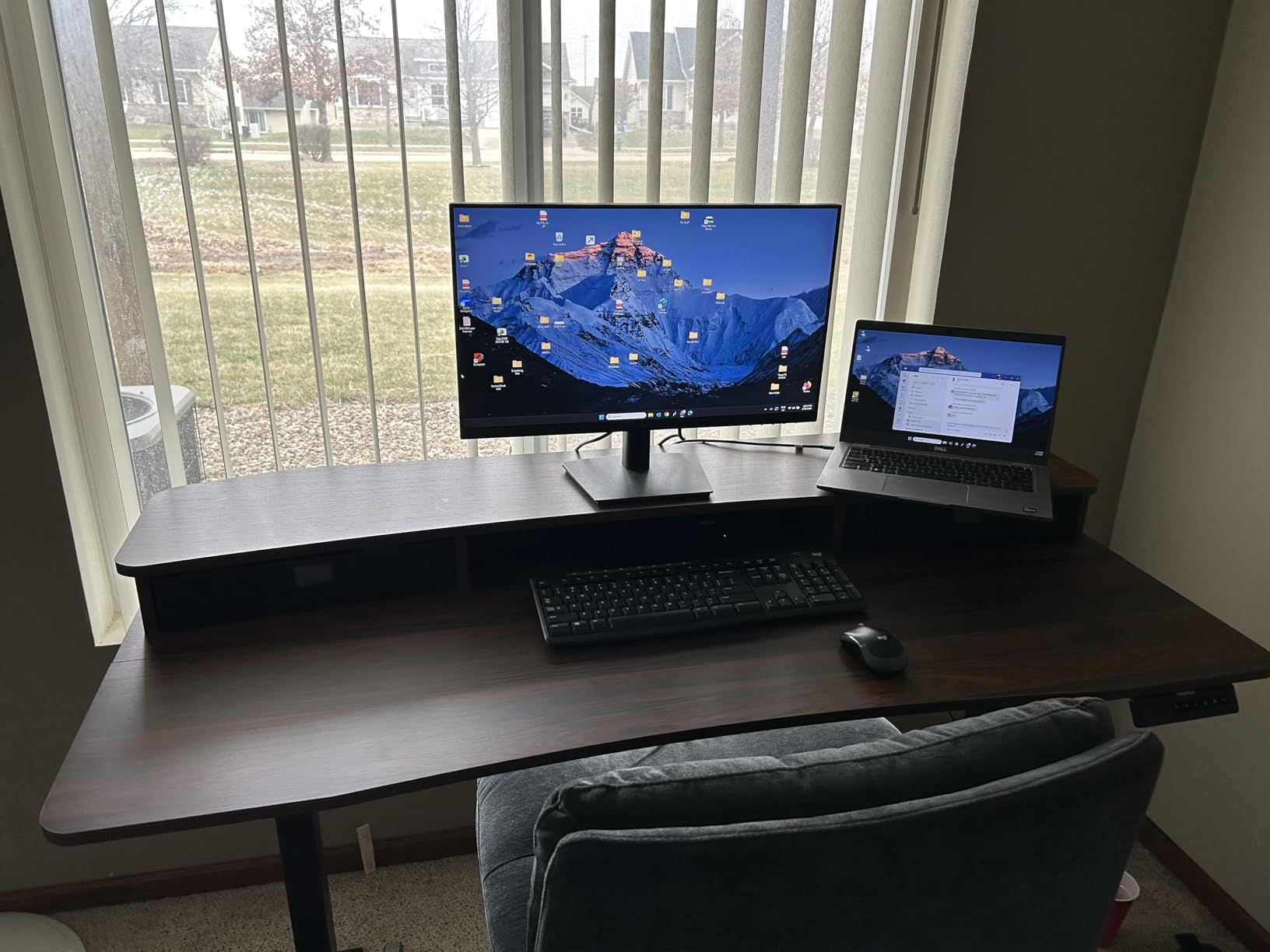
The height adjusts from 27.5 to 46.4 inches via a quiet electric motor with four memory presets. The automotive-grade cold-rolled steel frame feels rigid, and I experienced minimal wobble through most of the height range. The 176-pound weight capacity handled my monitor arm, 27-inch display, laptop, and various accessories without issue.
Be aware that the two drawers are fabric bins rather than solid drawers. They hold small items well enough, but they will not protect fragile items and they do not have the premium feel of wooden drawers. Assembly took about an hour and definitely benefits from having a second person help align the pieces.
Who should buy the HUANUO Standing Desk
This desk is ideal for anyone who wants built-in storage and monitor arm compatibility without buying aftermarket accessories. If you use a C-clamp monitor mount and have struggled to find a standing desk that accommodates it, the HUANUO is purpose-built for that use case. The quiet motor and ergonomic edges are bonuses.
Who should skip it
If you need solid, lockable drawers for sensitive documents, the fabric bins will not meet your needs. The two-piece desktop is another drawback if you prefer a seamless surface. And if you plan to assemble it alone, the process will test your patience since several steps really require a second set of hands.
9. Claiks Electric Standing Desk – Affordable and Attractive
- Excellent value for money
- Modern attractive rustic brown finish
- Easy assembly with video guide
- Responsive customer support
- Spacious desktop
- Two-piece desktop with thin tabletop
- Some flex in front panel
- Black finish shows fingerprints
- Minor stability at max height
The Claiks Electric Standing Desk is one of the most affordable electric standing desks you can buy, yet it still delivers three memory presets, a 176-pound weight capacity, and a steel frame. I tested the rustic brown version, and it genuinely looks more expensive than it is. The warm wood-tone finish fits nicely in home offices, bedrooms, and study spaces.
Height adjusts from 28.3 to 46.5 inches via a single motor. The adjustment is smooth and responsive, though slightly louder than the FLEXISPOT or Veken motors. The three memory presets (one fewer than most competitors offer) saved my positions accurately. Claiks includes a detailed installation manual plus a video guide, which made assembly straightforward in about 40 minutes.
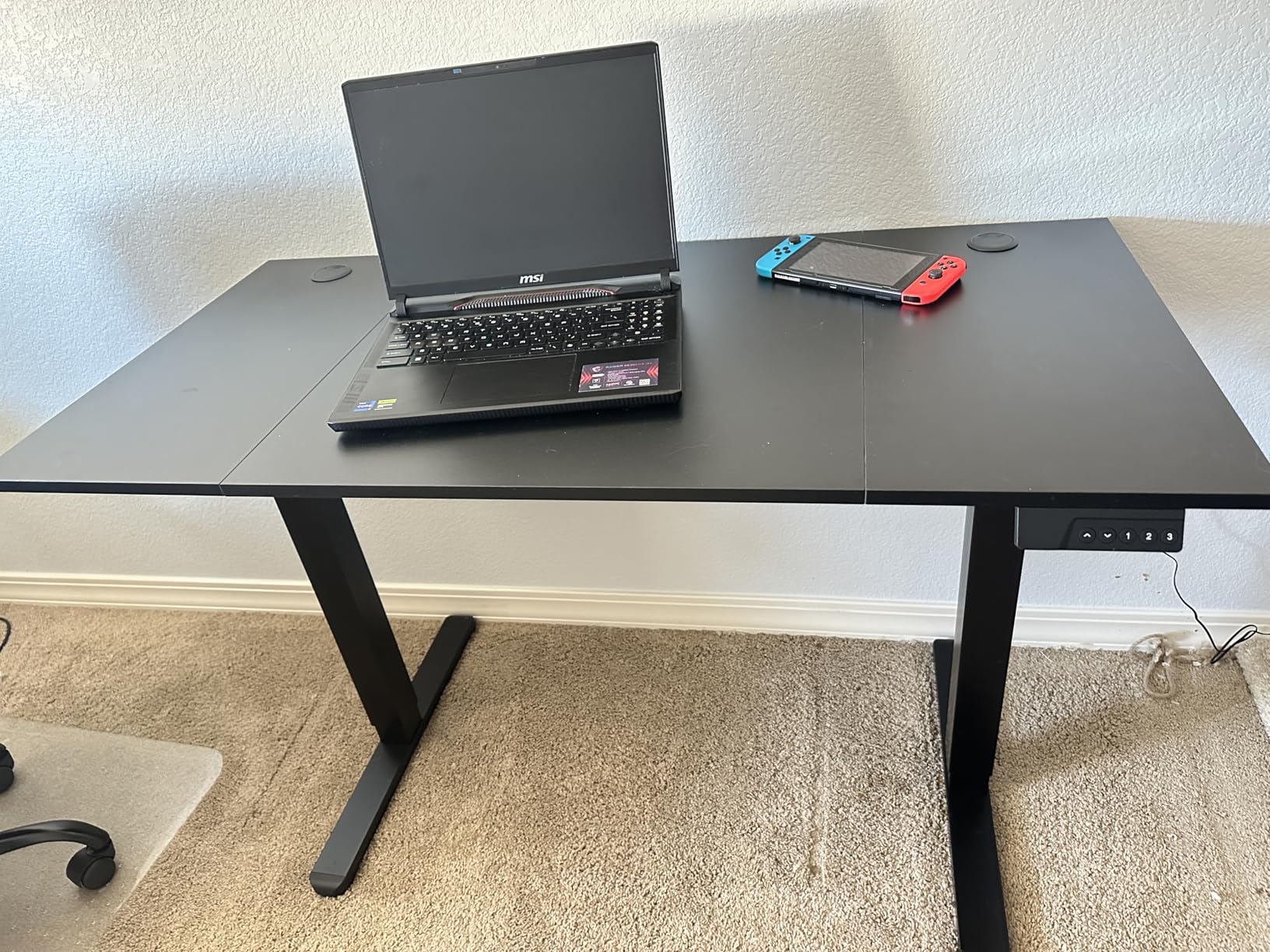
The steel frame provides good stability through most of the height range. At seated and mid-range heights, the desk feels solid. Near the top of the range, there is some movement if you type heavily, similar to other single-motor desks at this price. The 176-pound capacity is generous and handled my monitor, laptop, and books with room to spare.
Claiks offers a 2-year warranty and their customer support team responded to my test inquiry within 24 hours. Multiple reviewers mention positive experiences with Claiks support when they received damaged parts or had assembly questions. That level of responsiveness is not always guaranteed with budget brands.

Who should buy the Claiks Standing Desk
If budget is your primary concern and you want an electric standing desk that looks good and works reliably, the Claiks is a strong choice. It is well-suited for students, home offices, and anyone who wants the health benefits of a sit-stand desk without spending much. The attractive finish options make it easy to match your existing furniture.
Who should skip it
The two-piece desktop with a visible seam is the biggest compromise. The tabletop material is also thin (about half an inch), which means it can flex under heavy pressure and may not last as long as thicker surfaces. If you have a heavy multi-monitor setup or need rock-solid stability, spend a bit more for the FLEXISPOT EN1.
10. VIVO 32 Inch Desk Converter – Budget-Friendly Desk Riser
VIVO Black 32 in Standing Desk Converter, DESK-V000K
- Very sturdy construction
- Easy 15-minute assembly
- Smooth height adjustment
- Fits dual monitors comfortably
- Great value compared to full desks
- 3-year warranty
- Manual lift requires effort to raise
- Keyboard tray overhangs smaller desks
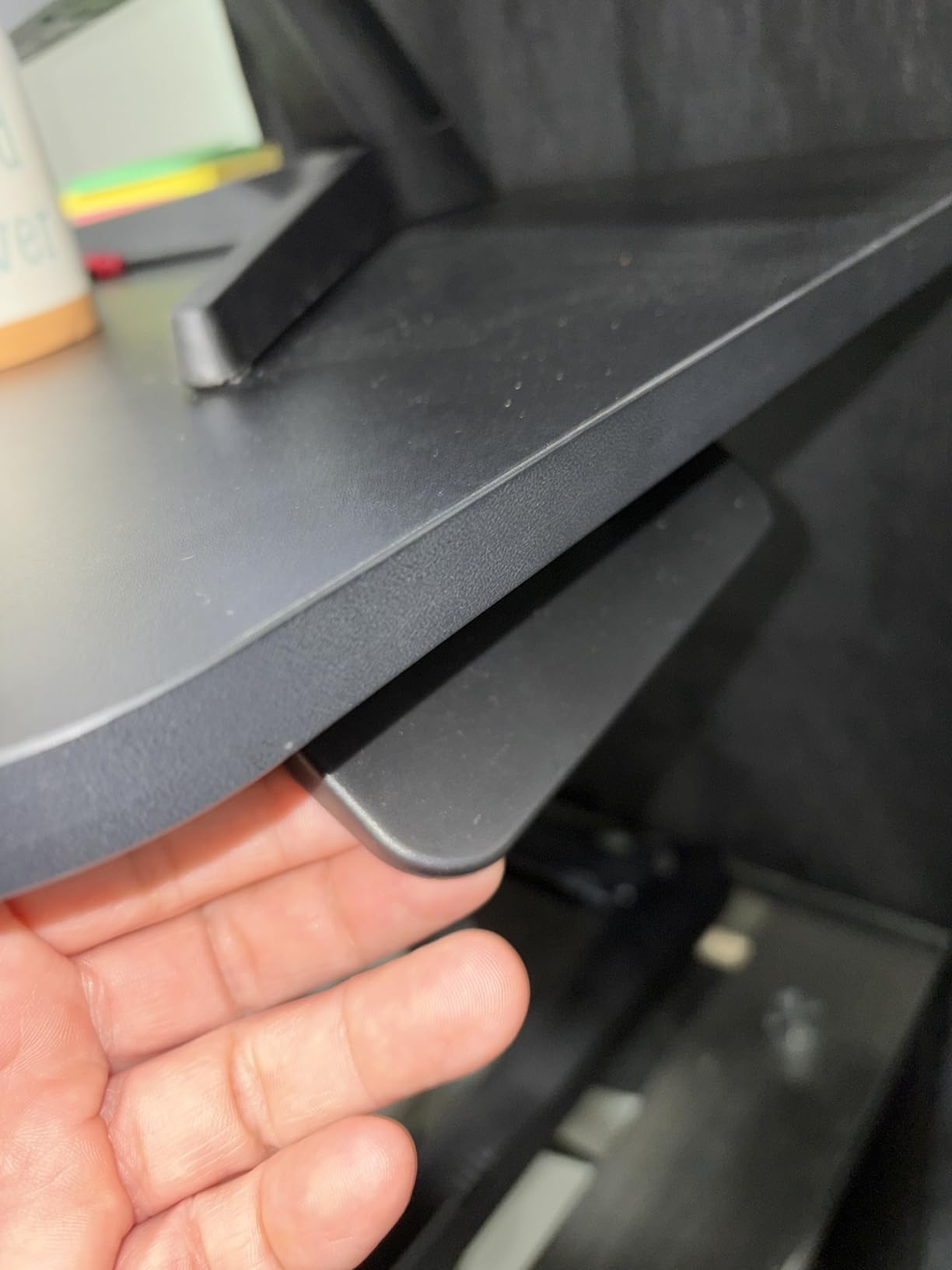
- Limited 33 lb weight capacity
The VIVO 32 Inch Desk Converter is the most affordable way to start standing while you work. Instead of replacing your entire desk, this converter sits on top and raises your monitors and keyboard from 4.5 inches to 20 inches above your existing surface. At just 26 pounds, it is much lighter than the Vari Pro Plus, and the manual lift mechanism keeps the price down.
Assembly took me about 15 minutes, which was just attaching the keyboard tray and inserting a couple of pins. The converter arrives almost fully built. I placed it on a standard 30-inch desk, and at full extension, my monitors were at about 50 inches from the floor, which worked well for my five-foot-ten frame.
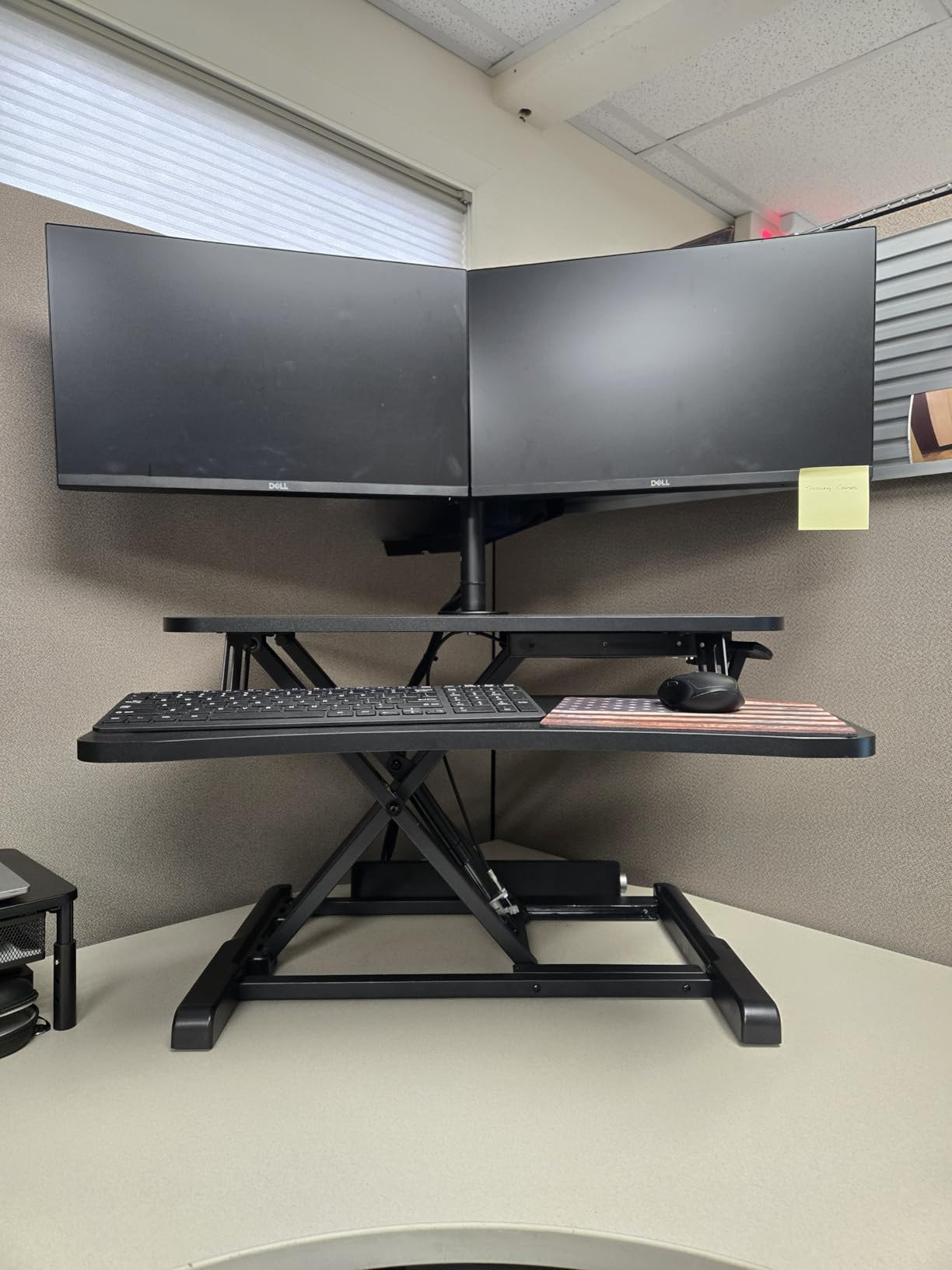
The 32-inch wide surface accommodated my dual 24-inch monitors with room for a webcam. The wide keyboard tray held a full-size keyboard and mouse with space to spare. The gas spring mechanism is not effortless like the Vari, but it is manageable. You squeeze the handles on both sides and lift or push down to adjust.
Stability impressed me for a converter at this price. Once locked into position, there was no wobble while typing. The 33-pound weight capacity is the main limitation. It is fine for monitors and a laptop but will not support heavy all-in-one computers or large ultrawide displays. The 3-year warranty from VIVO adds value.
Who should buy the VIVO Desk Converter
Anyone who wants to try standing at work for the lowest possible investment should start here. It is perfect for small apartments, shared offices, or anyone with a desk they want to keep. The dual monitor support and quick assembly make it practical for immediate use. With nearly 13,000 reviews and a 4.6-star rating, it has a proven track record.
Who should skip it
If you have a heavy setup, the 33-pound capacity is a dealbreaker. The manual lift mechanism also requires both hands and some upper body strength, which may be challenging for some users. If you want a smoother, more premium converter experience and can afford it, the Vari Pro Plus 36 is worth the upgrade.
How to Choose the Best Ergonomic Desk for Your Needs
Picking the right ergonomic desk comes down to matching the desk’s specs to your specific situation. Here is what I have learned matters most after testing these 10 desks extensively.
Height Range Matters More Than You Think
The single most important specification is the height range, and it needs to match your body. For seated use, the desk should lower to about elbow height when your arms rest at your sides. For standing, it should reach your standing elbow height. Most desks range from about 28 inches to 46 inches, which works for users between roughly five feet four inches and six feet tall.
If you are shorter than five feet four inches or taller than six feet, you need a desk with an extended range. The UPLIFT V3 goes down to 25.3 inches (great for shorter users and wheelchair users) and up to 49.9 inches (accommodating users over six feet two inches). I recommend measuring your ideal sitting and standing elbow heights before you shop.
Motor Type: Single vs. Dual
Single-motor desks use one motor in one of the legs to drive both columns through a synchronization belt. They are less expensive but can be slightly less stable and noisier. Dual-motor desks like the UPLIFT V3 put a motor in each leg, providing smoother, faster, and more reliable height adjustment. For most users, a good single-motor desk is perfectly fine. If you have a heavy setup or prioritize smooth operation, dual motors are worth the upgrade.
Weight Capacity
Think about everything you plan to put on your desk: monitors, monitor arms, a laptop, books, a printer, decorations. Add it up and make sure the desk’s weight capacity has at least 25 percent headroom. The UPLIFT V3 leads with 355 pounds, the VIVO handles 220 pounds, and most budget desks manage 150 to 176 pounds. The SHW at 110 pounds is the lowest in this roundup and limits heavy setups.
Stability and Wobble
This was the number one complaint I found in forum discussions on Reddit. Many budget desks wobble at standing height, making typing and monitor use uncomfortable. In my testing, the UPLIFT V3 and Veken had the least wobble, while most single-motor desks showed some movement at maximum extension. If stability is a priority, look for desks with cross-support bars and heavier frame construction.
Desktop Material: One-Piece vs. Two-Piece
Several desks in this roundup ship with two-piece desktops. This is a cost-cutting measure that creates a visible seam down the middle of your work surface. The FLEXISPOT EN1 and VIVO desks use one-piece tops, which look better and feel more solid. If aesthetics matter to you, check whether the desktop ships as one piece or two before buying.
Cable Management
Cable management becomes surprisingly important once you start raising and lowering your desk. Cords that were fine on a static desk suddenly become tangled hazards. Look for desks with built-in cable trays, grommet holes, and under-desk cable routing. The UPLIFT V3 and SHW both include cable management solutions. You can also add aftermarket cable trays to any desk for about $20.
Standing Desk vs. Converter: Which Is Right for You?
A full standing desk replaces your current desk entirely and gives you the best ergonomic experience with the most workspace. A converter sits on top of your existing desk and is more affordable, easier to set up, and ideal if you cannot replace your desk. If you are unsure whether standing while working is for you, start with a converter like the VIVO or Vari. If you already know you want the full experience, invest in a dedicated standing desk.
Frequently Asked Questions About Ergonomic Desks
What is the best ergonomic desk for home office?
The UPLIFT Desk V3 is the best overall ergonomic desk for a home office, offering dual German motors, a 355-pound weight capacity, and an industry-leading height range of 25.3 to 49.9 inches. For budget-conscious buyers, the FLEXISPOT EN1 delivers excellent performance with a one-piece seamless desktop and 4 memory presets at a fraction of the cost. Both desks provide stable, quiet height adjustment suitable for daily home office use.
How do I choose an ergonomic desk?
Start by measuring your seated and standing elbow heights to find a desk with a matching height range. Then consider motor type (dual motors are smoother but cost more), weight capacity (add 25% headroom above your equipment weight), desktop size (48 inches minimum for dual monitors), and stability at full height. Memory presets are worth having if multiple people use the desk. Set a budget and look for at least a 2-year warranty from a responsive manufacturer.
What height should an ergonomic desk be?
Your ergonomic desk height depends on your body. When seated, the desk surface should be at elbow height with your arms hanging naturally at your sides, typically 25 to 30 inches for most adults. When standing, the desk should reach your standing elbow height, usually 41 to 48 inches. A good adjustable desk lets you set both positions precisely using memory presets. The general rule is your forearms should be parallel to the floor when typing.
Are standing desks better for your back?
Standing desks can help reduce back pain when used correctly. Research from the University of Pittsburgh found that sit-stand workstations significantly reduce neck and upper back pain compared to seated-only desks. However, standing all day is not the answer either. The Cornell University ergonomics program recommends sitting for 20 minutes, standing for 8 minutes, and moving or stretching for 2 minutes, then repeating this cycle throughout the day. Alternating positions is what provides the benefit, not standing continuously.
How long should you stand at a standing desk?
The recommended pattern from Cornell University ergonomics researcher Dr. Alan Hedge is the 20-8-2 rule: sit for 20 minutes, stand for 8 minutes, then move or stretch for 2 minutes, and repeat this cycle. Most experts suggest standing for no more than 2 hours total in an 8-hour workday when starting out, then gradually increasing as your body adjusts. Standing for too long without building up to it can cause foot pain, leg fatigue, and lower back strain. Start with 30-minute standing intervals and work up from there.
Final Thoughts on the Best Ergonomic Desks
After testing 10 desks and converters across every price point, the best ergonomic desks in 2026 deliver real health benefits without requiring a massive investment. The UPLIFT Desk V3 is the top pick for anyone who wants premium performance, dual motors, and the widest height range available. The FLEXISPOT EN1 earns the Best Value title with its one-piece desktop and solid build at a reasonable price. For budget shoppers, the ErGear delivers the core standing desk experience for less.
Whether you choose a full standing desk or a converter like the Vari Pro Plus, the key is to actually alternate between sitting and standing throughout your day. Start with short standing intervals and build up gradually. Your back, your energy levels, and your productivity will thank you.
1 thought on “10 Best Ergonomic Desks (October 2026) Expert Reviews”