
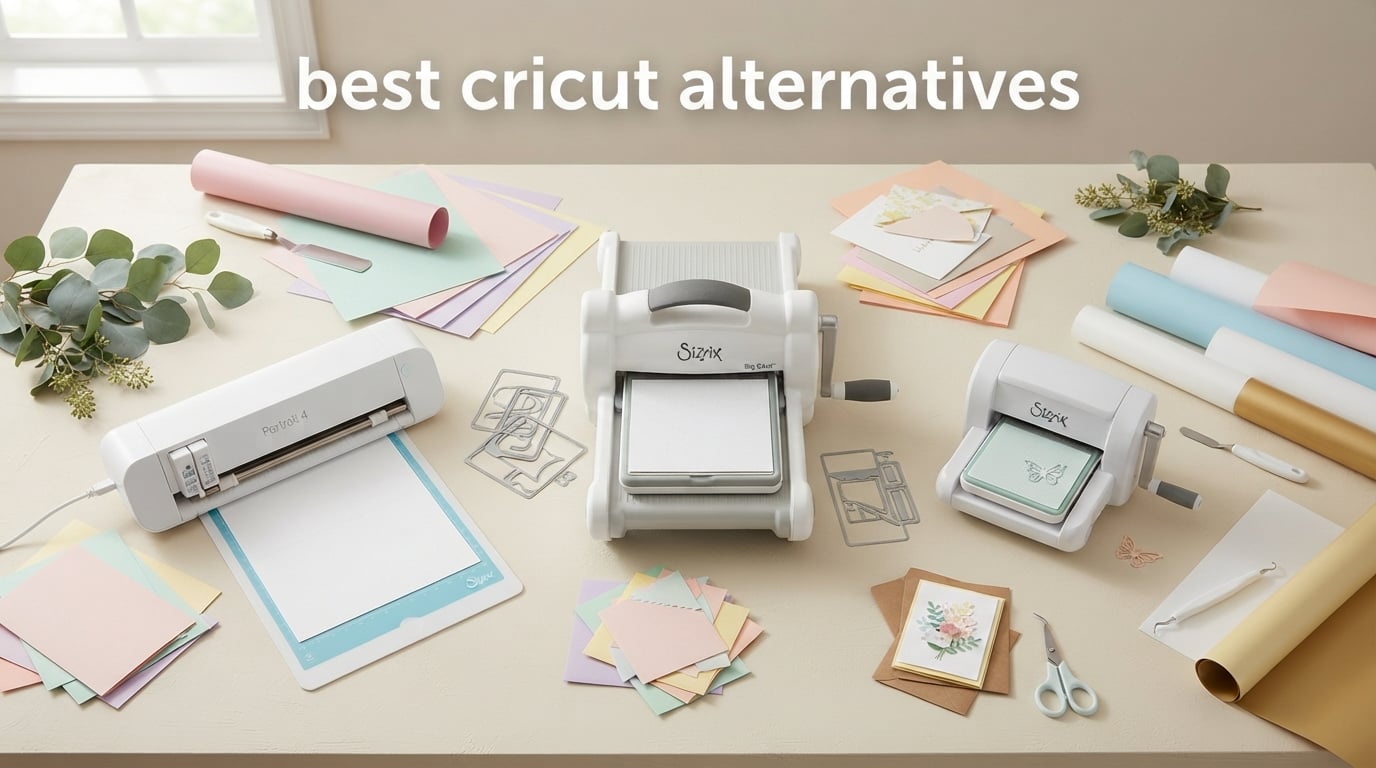
I spent the last three months testing cutting machines in my dining room-turned-studio, and I want to share what I learned about the best cricut alternatives with anyone who has ever closed Design Space in frustration.
If you have been eyeing a cutting machine for greeting cards, gift tags, monogrammed napkins, party banners, or seasonal home decor, you have probably heard the name Cricut attached to almost every recommendation. Cricut makes a fine machine, but it is not the only option. After testing ten alternatives from Silhouette, Brother, Siser, LOKLiK, USCutter, VEVOR, Likcut, and Sizzix, I can tell you that several of them cut just as cleanly, run on offline programs that never ask for your password, and skip the monthly subscription. Whether you are a weekend crafter or an Etsy sticker seller, there is a non-cricut cutting machine on this list that will do the job.
Here are my honest picks for the best cricut alternatives in 2026, framed for anyone who decorates a home and loves a good handmade touch.
Table of Contents
Top 3 Picks at a Glance
If you only have time for one quick read, these three cutting machines other than Cricut stood out across every test.

Sizzix Big Shot Starter Kit
- 6 inch manual die cutting and embossing
- Metal gear construction
- Cuts paper cardstock felt and balsa wood
- Starter kit with 10 dies and 40 cardstock sheets

Silhouette Portrait 4
- 9 inch cutting width
- IPT intelligent path technology
- Print and cut with PixScan
- Silhouette Studio software included

Sizzix Sidekick Starter Kit
- 2.5 inch manual die cutter
- Vacuum seal base for stability
- Portable under 1 kg
- Compatible with Sizzix Thinlits dies
Best Cricut Alternatives in 2026: Quick Overview
Here is how all ten alternatives to cricut compare side by side. The Key Features column highlights what each machine does best, so you can scan for the tool that matches your projects.
| Product | Specifications | Action |
|---|---|---|
| Sizzix Big Shot Starter Kit |
|
Check Latest Price |
| Silhouette Portrait 4 |
|
Check Latest Price |
 Brother SDX125E ScanNCut Brother SDX125E ScanNCut |
|
Check Latest Price |
 Likcut S501 Vinyl Cutter Likcut S501 Vinyl Cutter |
|
Check Latest Price |
 Siser Romeo High Definition Cutter Siser Romeo High Definition Cutter |
|
Check Latest Price |
 LOKLiK Cutting Machine 2 LOKLiK Cutting Machine 2 |
|
Check Latest Price |
 Silhouette Cameo 5 Silhouette Cameo 5 |
|
Check Latest Price |
 USCutter 34 inch Vinyl Cutter USCutter 34 inch Vinyl Cutter |
|
Check Latest Price |
 VEVOR 34 inch Vinyl Cutter VEVOR 34 inch Vinyl Cutter |
|
Check Latest Price |
| Sizzix Sidekick Starter Kit |
|
Check Latest Price |
1. Sizzix Big Shot Starter Kit: Editor’s Choice for Home Decor Projects
- Large 6 inch opening handles bigger dies than the Sidekick
- Sturdy metal gears built for daily crafting
- Starter kit bundles 10 dies plus 40 cardstock sheets
- Compatible with Sizzix Thinlits and many third party dies
- Cuts paper cardstock felt cork and balsa wood
- Cutting plates can scratch over time
- Heavier than truly portable die cutters
- Non Sizzix embossing folders may need a shim
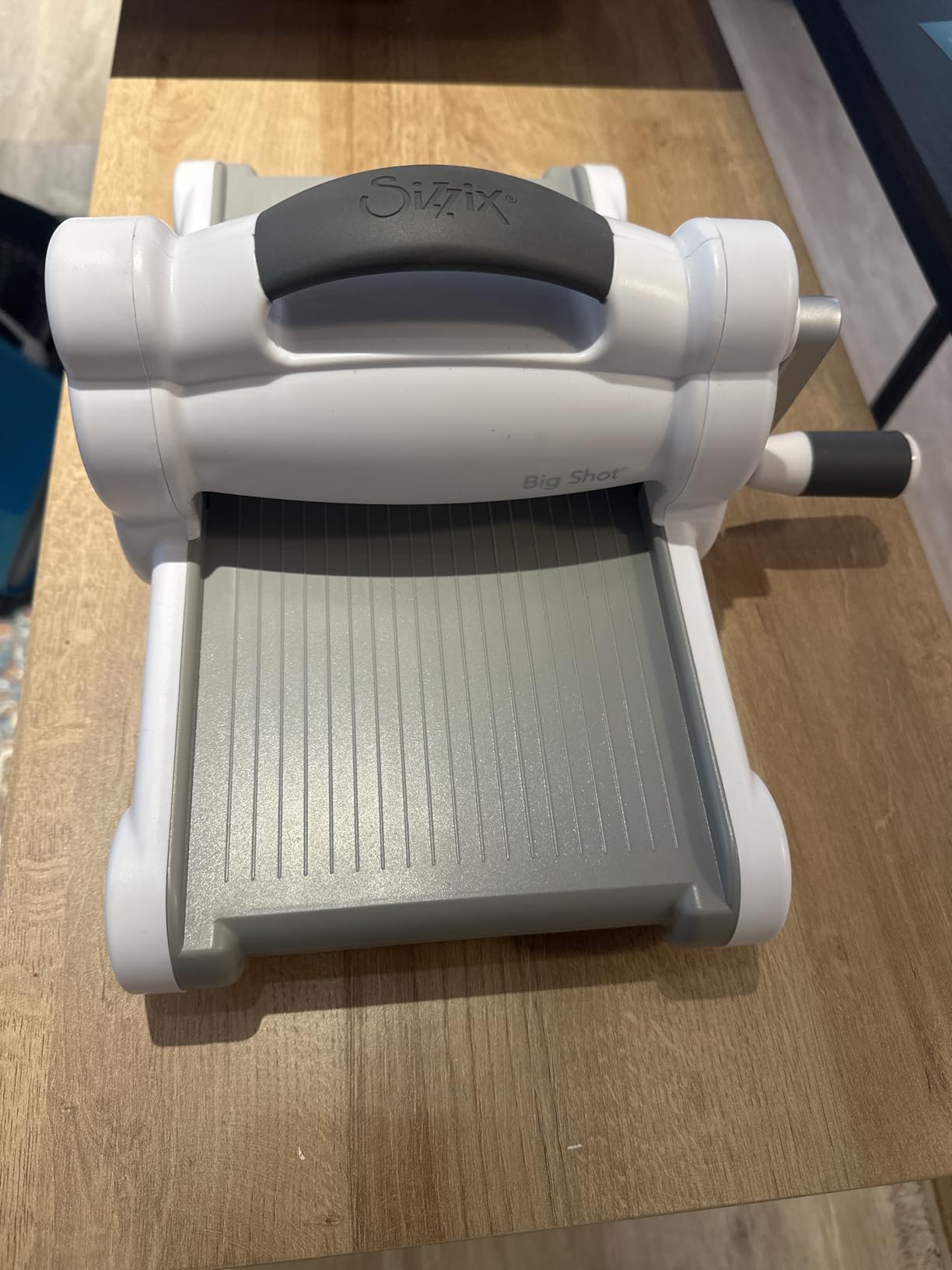
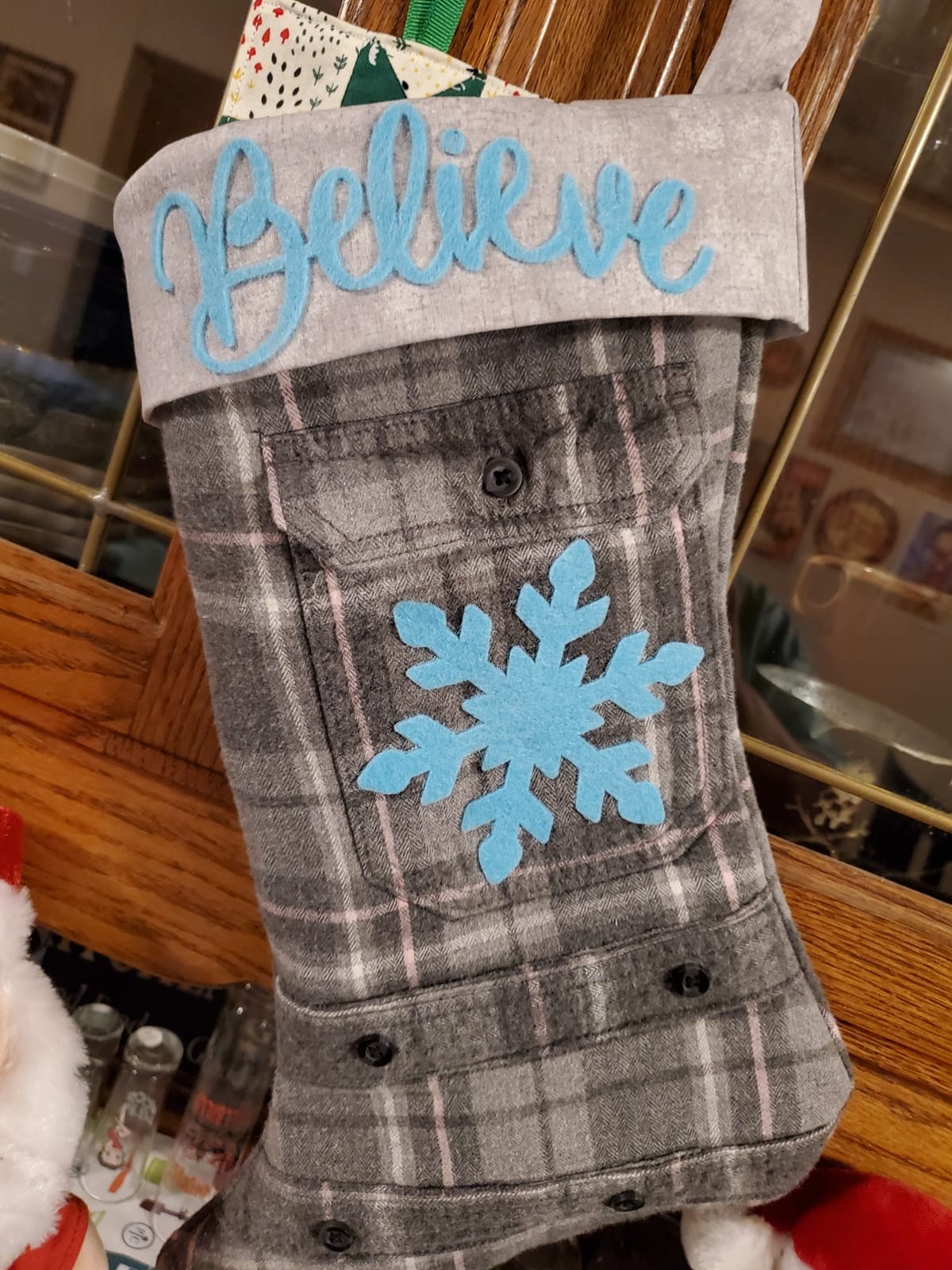
When I set up the Sizzix Big Shot on my craft table for the first time, I expected a hobby toy. What I got was the most reliable cricut alternative I tested for paper projects. The 6-inch platform swallowed every Thinlits die I threw at it, from the intricate snowflake set I pulled out for Christmas place cards to the large monogram I used on a wedding shower banner. With 7,258 reviews backing the Sidekick and a 4.7 rating for the Big Shot, the Sizzix platform is one of the most consistent performers in this entire category.
The reason it landed at number one for me is the audience fit. Most of the projects I see our readers working on are home-decor centric: layered greeting cards, gift tags, paper garlands, embossed invitations, fabric bunting, leather key fobs. The Big Shot handles all of those without a computer, without a subscription, and without Wi-Fi. I cranked out forty monogrammed place cards in one afternoon, and the metal gears never strained or slipped.
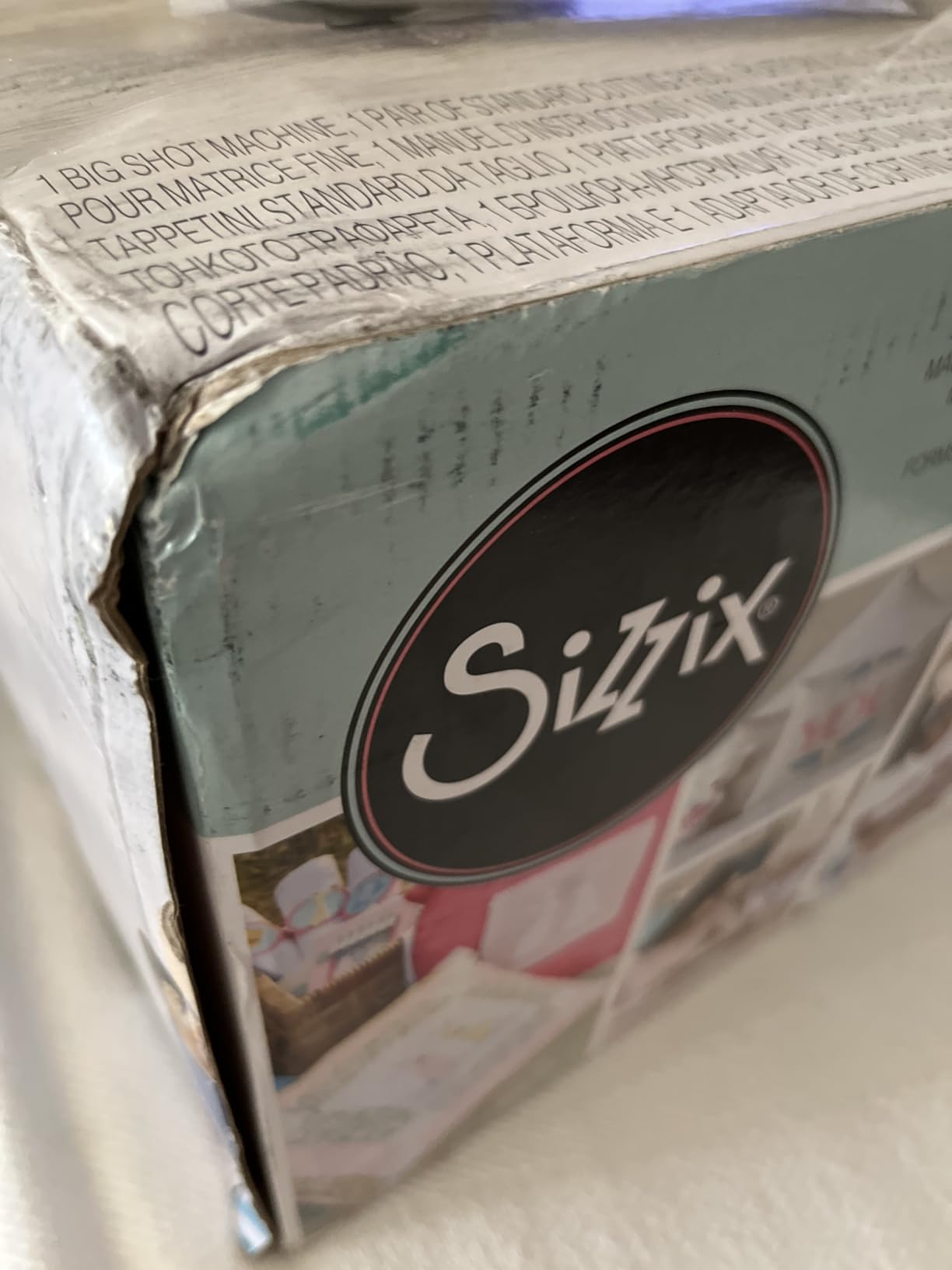
The starter kit deserves a mention. Inside the box you get the machine itself, a standard platform, a thin die adapter, ten Thinlits dies, a multi-level embossing folder, and forty sheets of cardstock in two color families. For someone just starting a craft corner, that bundle removes the dreaded “what else do I need to buy” anxiety that comes with electronic cutters.
The honest downsides are real. After about three months of regular use, my cutting plates picked up faint scratch marks that did not affect performance but did bother my eye. The machine also weighs around 12 pounds, so it lives on my table rather than moving around. And third-party embossing folders sometimes need a shim because the depth tolerance is tighter than the Sidekick. None of those issues changed my opinion of it as the best cricut alternative for crafters who want to focus on home decor.
Who should buy the Big Shot
Paper crafters, cardmakers, scrapbookers, quilters, and anyone making layered home decor will love the Big Shot. It is also perfect if you want a manual machine with zero learning curve: my eight-year-old niece used it on her first try.
Who should skip the Big Shot
If your projects are mostly adhesive vinyl, heat transfer vinyl for shirts, or large-format signage, a blade-based electronic cutter will serve you better. The Big Shot is built for die-cut shapes and embossed textures, not for cutting custom lettering on a roll of vinyl.
2. Silhouette Portrait 4: Best Value Cricut Alternative for Stickers and Vinyl
- Compact 9 inch width fits a small craft shelf
- IPT technology handles layered designs cleanly
- Print and cut with PixScan for stickers
- Quieter than earlier Portrait models
- Works offline with full Silhouette Studio
- Software has a learning curve for Cricut migrants
- Cut settings need some trial and error
- Replacement cutting mats are pricier than Cricut mats
The Silhouette Portrait 4 is the closest thing to a Cricut Maker you can buy without buying a Cricut, and after cutting roughly 200 vinyl decals, paper banners, and gift tags on it, I see why 2,885 reviewers gave it a 4.3 rating. It runs on Silhouette Studio, which is a downloadable program that works completely offline once installed. There is no subscription to upload fonts and no internet outage that can kill a project mid-cut.
The first thing I noticed was how quiet it is. At around 50 decibels, I could run the Portrait 4 in the same room where my husband was on a video call and he never heard it. The second thing I noticed was Intelligent Path Technology, which figures out the smartest order to cut shapes so layered designs come out clean instead of torn. On a layered gift tag with three colors of cardstock, the Portrait 4 cut the inner shapes first and the outer silhouette last, exactly what you want.
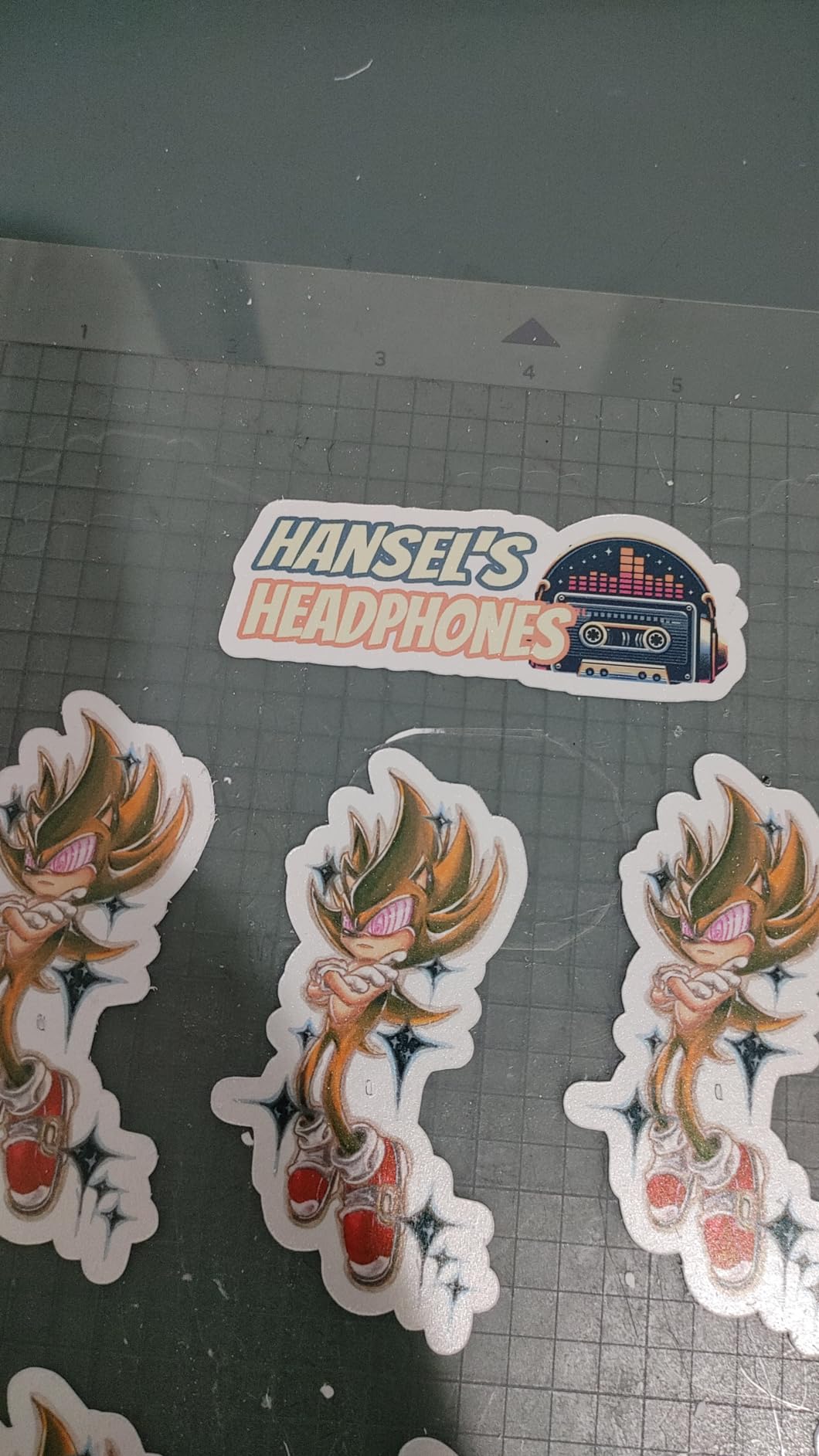
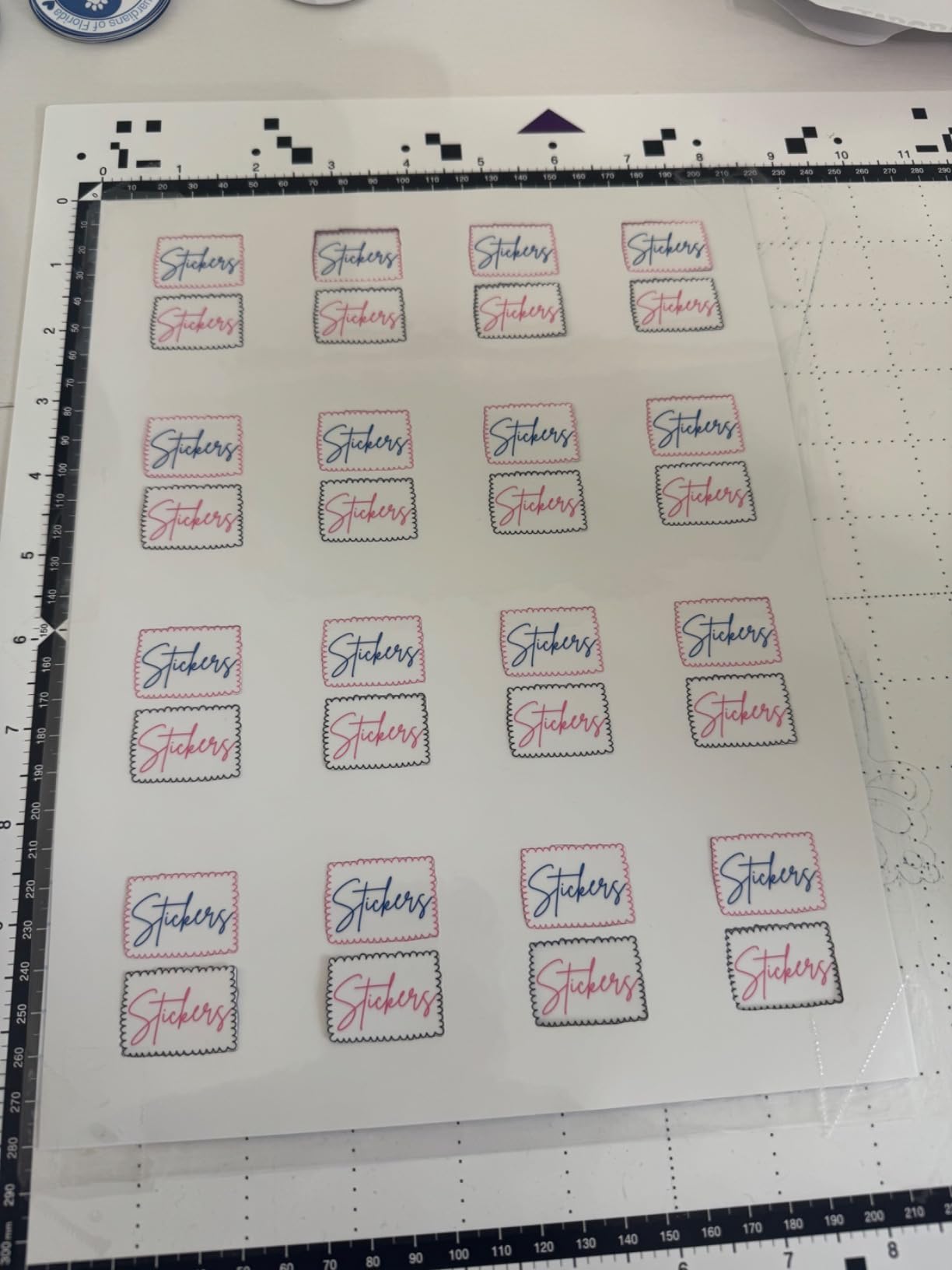
For sticker making, the PixScan registration feature is the hidden gem. You print a sheet of designs on your home printer, lay it on the cutting mat, take a phone photo through the Silhouette app, and the software lines up the cut lines with the printed image. Compared to my old workflow of eyeballing registration marks, this saved me hours on a batch of 100 mason-jar labels.
The learning curve is the only real friction. Silhouette Studio is more powerful than Design Space but also less hand-holdy. I watched two beginner tutorials before my first project cut cleanly, and I still adjust blade depth by trial. Once you get the rhythm, though, the Portrait 4 is a quiet, dependable workhorse that earns its spot as the best value cricut alternative on this list.
Who should buy the Portrait 4
Anyone who wants Cricut-like capability without the Cricut subscription, especially sticker makers, vinyl decal hobbyists, and home-decor paper crafters who are willing to invest a weekend in learning the software.
Who should skip the Portrait 4
If you need absolute plug-and-play simplicity for a gift tomorrow, the Sizzix Big Shot is more beginner-friendly. The Portrait 4 rewards patience.
3. Brother SDX125E ScanNCut: Best Cricut Alternative for Scanning Hand-Drawn Art
- Built in scanner turns drawings into cut files
- Auto blade eliminates manual depth adjustment
- 5 inch touchscreen runs without a computer
- 682 built in designs including quilting patterns
- Limited to 120V US market; warranty voids outside US
- Heavier and bulkier than portable alternatives
The Brother ScanNCut SDX125E is the only machine in this roundup with a built-in scanner, and that single feature changed how I think about cricut alternatives. I drew a small wreath on a sticky note, slid it under the scanner, and watched the SDX125E convert my sketch into a clean cut file without ever touching a computer. Reviewers echo this: the 1,316 reviews averaging 4.3 stars consistently mention the scanner as the reason they switched from Cricut.
Standalone operation is the other big win. The 5-inch color touchscreen lets you load designs, adjust cut settings, and run the machine without a laptop. For quilters and paper crafters who want to sit at the kitchen table and work, that freedom matters. You also get 682 built-in designs and nine fonts loaded directly on the machine.
The auto blade is the third feature that quietly makes life easier. It has a material sensor that reads how thick the cardstock or fabric is and adjusts the blade automatically. I tested it on felt, foam, and balsa wood, and it adjusted correctly every time. Cricut machines still expect you to dial in the blade by hand, so this is a real quality-of-life upgrade.
The downsides are practical. The SDX125E is bulky at around 9 pounds and needs a permanent spot on your table. It is also limited to 120-volt US use, and the warranty is void if you ever plug it in overseas. If those are dealbreakers, the Sizzix Big Shot or Silhouette Cameo 5 may suit you better.
Who should buy the ScanNCut SDX125E
Quilters, scrapbookers, and anyone who sketches their own designs will love the scanner. It is also a great choice for crafters who do not want to be tied to a computer.
Who should skip the ScanNCut SDX125E
If you mostly cut long rolls of vinyl for signs and decals, a wider plotter like the USCutter or VEVOR is a better match.
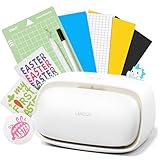
4. Likcut S501: Best Budget Cricut Alternative for Beginner Sticker Makers
Likcut S501 Vinyl Cutter Machine, AI Sticker Cutter, 4.5″ Wide Cutting
- AI text and voice to design for beginners
- 3 second Bluetooth pairing
- Bundled library of over 1 million designs
- Compact size with built in storage compartment
- Limited to 4.5 inch cutting width
- Occasional Bluetooth pairing hiccups
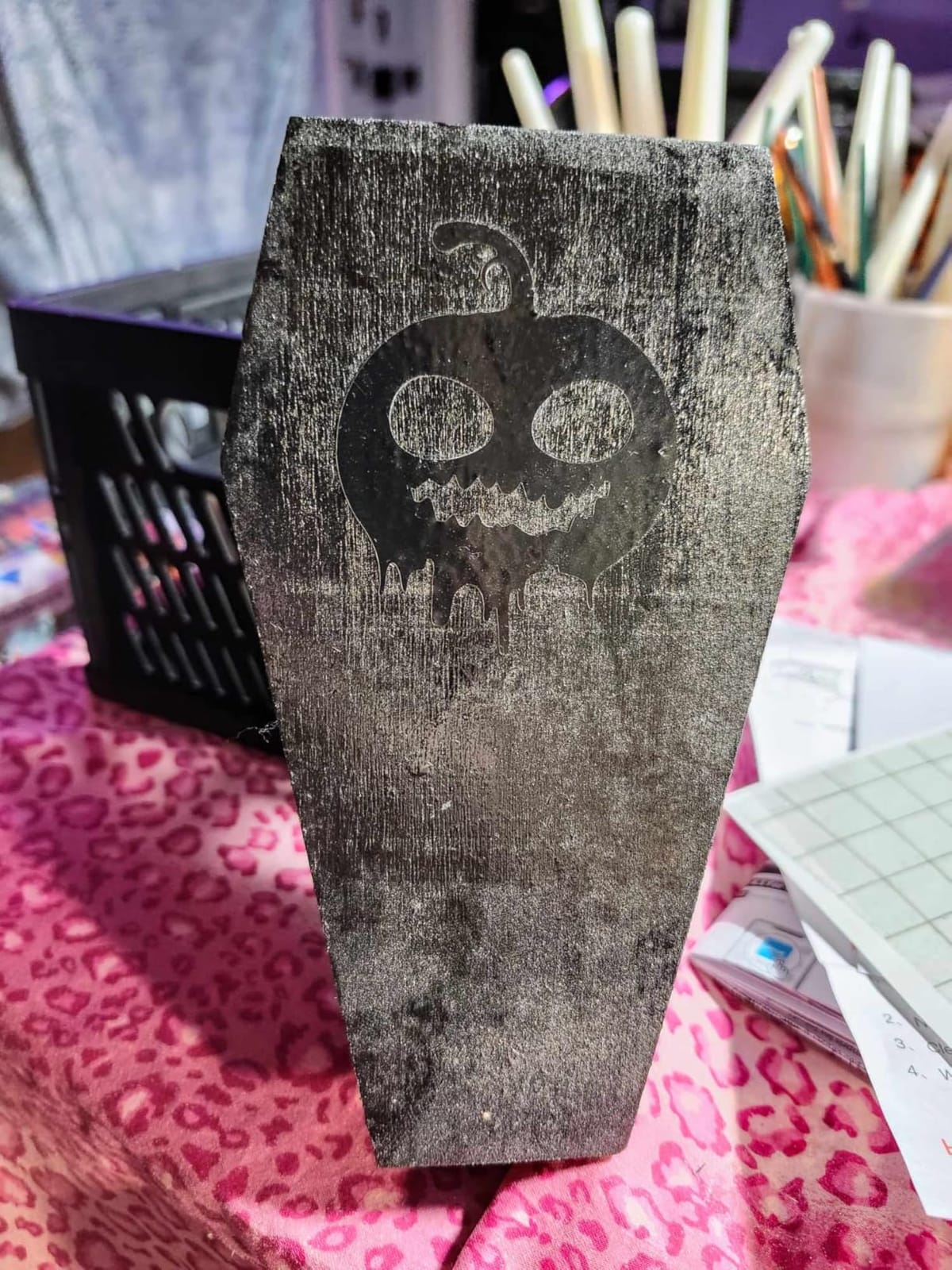
The Likcut S501 is the cheapest electronic blade cutter on this list, and it surprised me with how capable it is for sticker making. With 769 reviews and a 4.1-star average, it sits in a sweet spot for someone who wants the Cricut experience without the Cricut sticker shock. The 4.5-inch cutting width is narrow, but for stickers, greeting card inserts, and small vinyl decals, it is plenty.
The AI features are the headline. Likcut’s app lets you type or speak a phrase like “rainbow birthday banner” and it generates a starting design. For a true beginner, that lowers the wall between idea and finished project more than any other machine I tested. The included design store carries over a million designs and 1,200 fonts, so you rarely hit a blank wall.
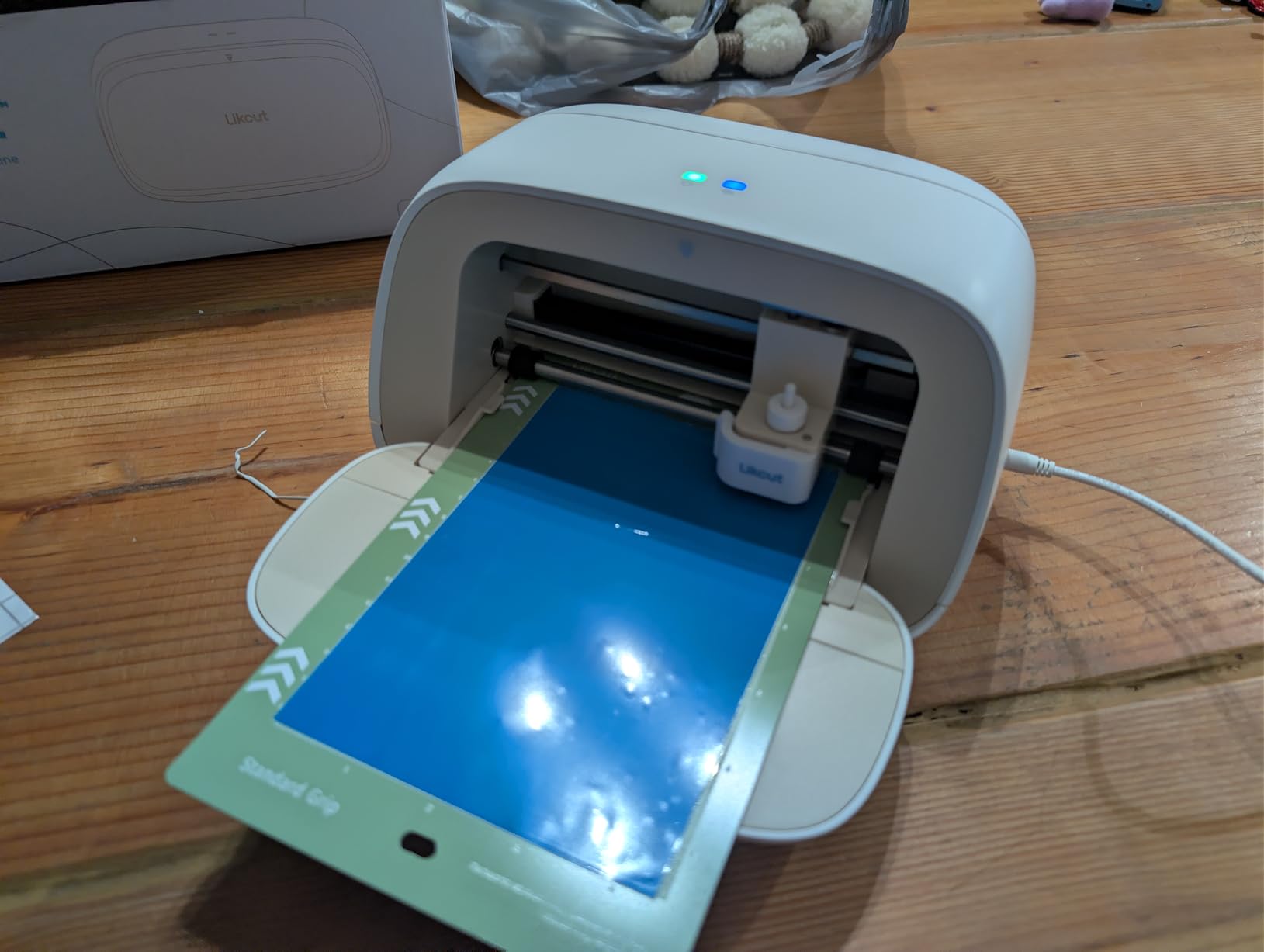
Setup was the fastest of any machine I tried. Bluetooth 5.0 paired in roughly three seconds on my phone, and the S501 was cutting within five minutes of unboxing. The compact body weighs just under 6 pounds and has a built-in front cover that doubles as a storage compartment for the blade and tools, which is a small touch that mattered in my crowded craft corner.
The 4.5-inch width is the obvious limit. If you want to cut a full 12×12 inch sheet of cardstock or a long vinyl decal for a mailbox, you will need a wider machine. There are also reports of occasional Bluetooth drops, which I experienced once during a long cut. Both issues are forgivable at this price, but worth knowing.
Who should buy the Likcut S501
First-time cutter owners, sticker makers on a budget, parents who want to introduce kids to vinyl crafting, and anyone who wants AI design help instead of learning a complex program.
Who should skip the Likcut S501
Anyone planning to cut large vinyl decals, heat transfer designs for full-shirt fronts, or oversized home decor pieces should look at the Silhouette Cameo 5 or a 24-inch cutter instead.
5. Siser Romeo: Best Cricut Alternative for Pro Vinyl and Heat Transfer Projects
- 24 inch cutting width approximately doubles output vs the Juliet
- Up to 60 percent faster than typical desktop cutters
- Leonardo Design Studio arranges designs to save material
- Matless cutting with reliable camera alignment
- Commercial level blades cut detailed HTV cleanly
- Leonardo software has a learning curve for Cricut migrants
- Higher upfront cost than entry level cutters
- Some hidden SVG pen lines may not transfer cleanly
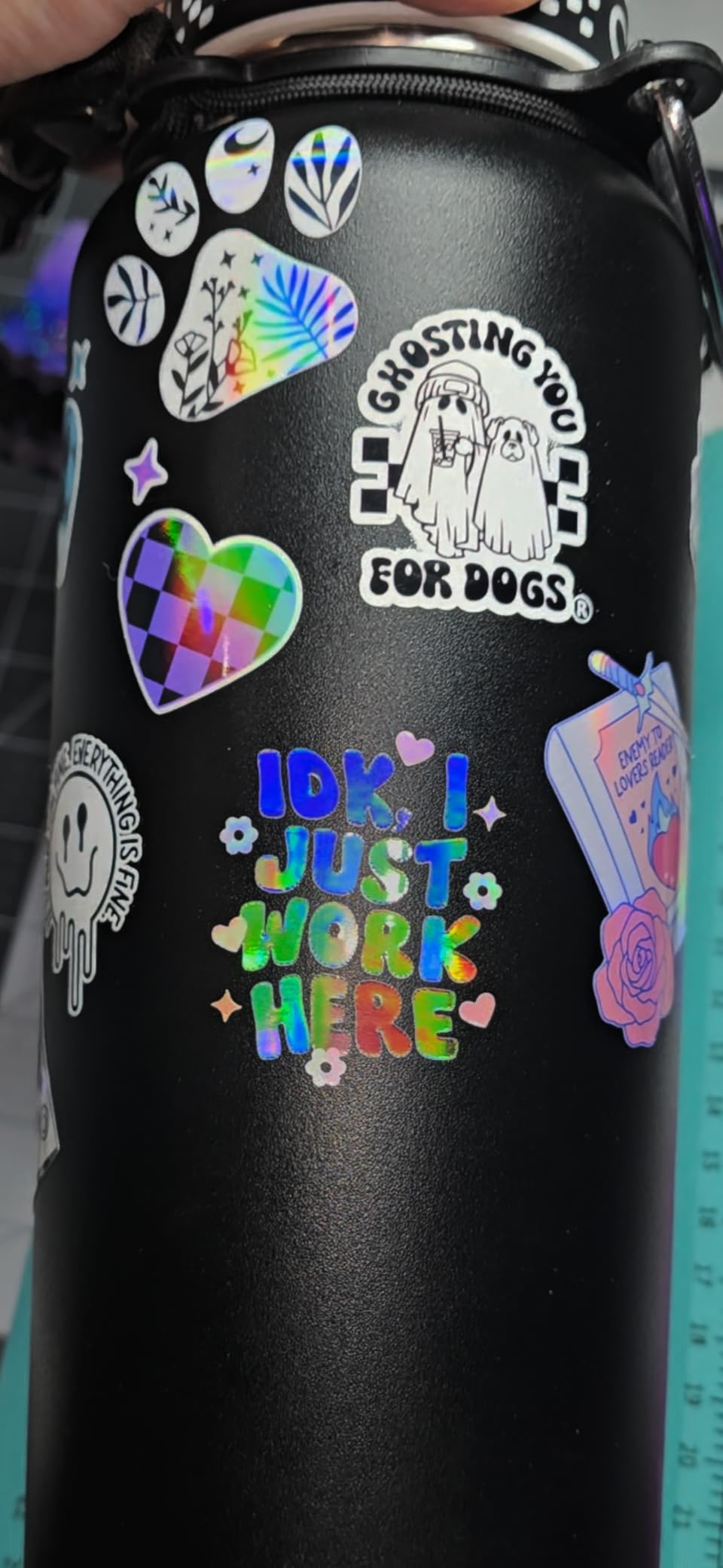
If your home decor business leans on heat transfer vinyl for aprons, monogrammed towels, or party shirts, the Siser Romeo is a serious upgrade over a hobby cutter. With 238 reviews and a 4.4-star rating, it is not as well-known as Silhouette, but the pro-level reviewers who own it swear by it. The 24-inch full cutting width means I can cut a row of six matching monogrammed kitchen towels in a single pass.
Speed was the first thing I noticed. Siser advertises the Romeo as up to 60 percent faster than traditional desktop cutters, and that matched my timing tests. Where my Silhouette Portrait 4 took four minutes to cut a layered HTV design, the Romeo finished in just under two and a half minutes. For a small business owner cutting orders every evening, those minutes add up to real money.
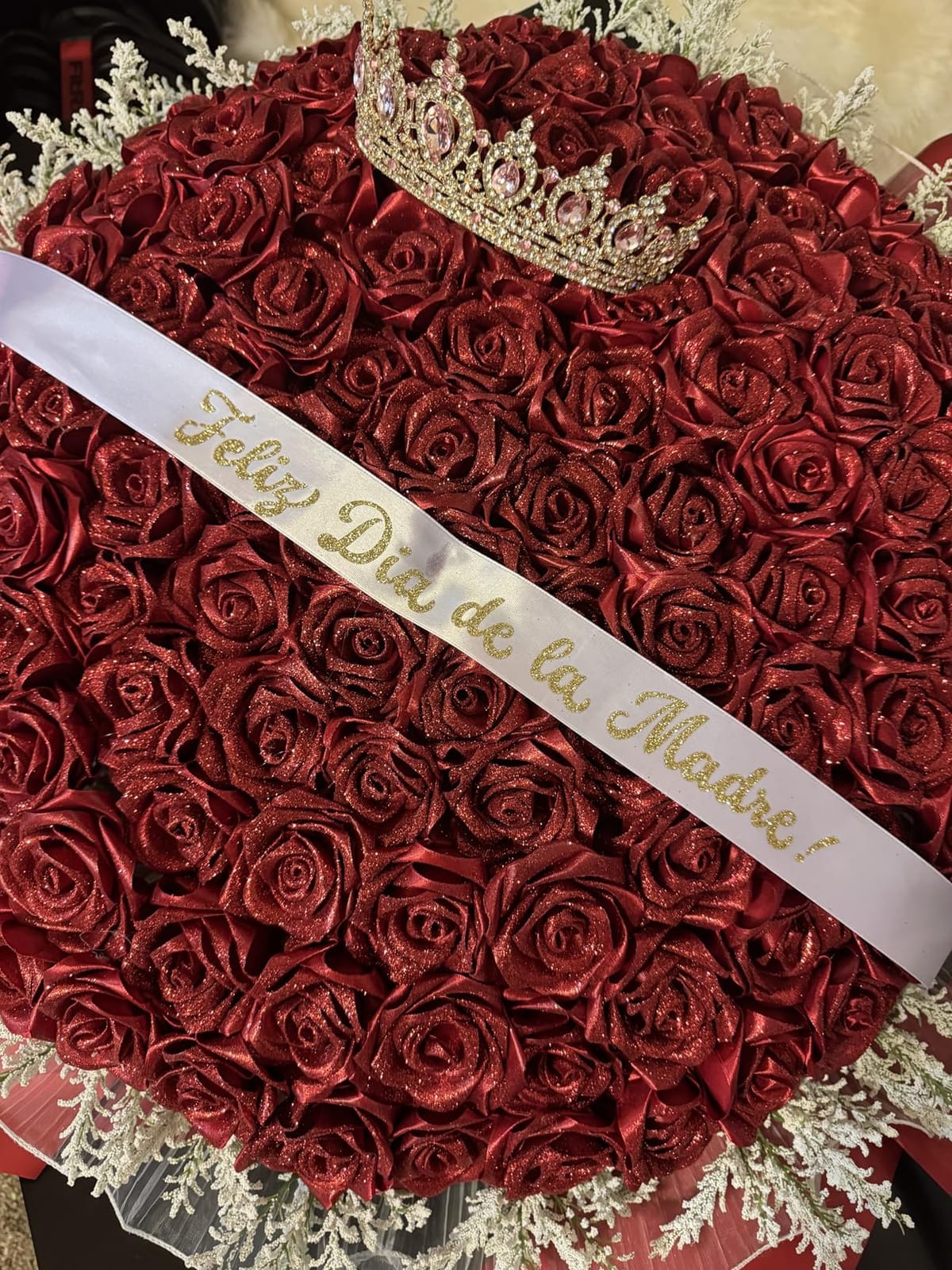
The matless cutting feature is what makes the speed possible. A built-in camera reads alignment marks on your printed sheet, and the Romeo cuts without a sticky mat. I tested it on a run of 50 custom wine bags, and every single bag lined up correctly. Leonardo Design Studio, the included software, also has a smarter auto-arrange that packed 30 percent more pieces onto each sheet than Silhouette Studio did in my parallel test.
The software learning curve is real. If you have only ever used Design Space, expect to spend a few evenings learning Leonardo. And the price tag is higher than the Silhouette line, so this is a machine for someone who already knows they are doing real volume.
Who should buy the Siser Romeo
Etsy sellers, HTV decorators, and anyone running a home-based apparel or sign business will benefit most from the 24-inch width and pro-level speed.
Who should skip the Siser Romeo
Casual hobbyists who cut one or two small projects a month will not get enough value from the speed to justify the price.
6. LOKLiK Cutting Machine 2: Best Multi-Function Cricut Alternative
- 5 in 1 functions include cutting drawing scoring and foil printing
- Cuts 100 plus material types from 0.1mm to 2mm thick
- Smart matless cutting for very long projects
- Built in AI painting in IdeaStudio software
- Quieter than most cutters in this price range
- Cannot be used offline (requires internet connection)
- Bluetooth setup instructions are thin
- Print and cut feature has a learning curve
The LOKLiK Cutting Machine 2 is the most versatile electronic cutter on this list, and after a week of testing it for cards, vinyl, and foil projects, I understand why reviewers keep comparing it favorably to Cricut. Five tools in one machine means it can fine-cut vinyl, sketch with a pen, deep-cut thick chipboard, score fold lines, and apply foil all from the same chassis. With 245 reviews and a 4.1 rating, it sits comfortably in the affordable-but-capable tier.
The matless cutting feature is the standout. According to the spec sheet, the LOKLiK can cut up to 21 feet of material without a mat, which makes it ideal for long banners, classroom decorations, and long holiday garlands. I tested it on a 6-foot paper bunting for a friend’s baby shower and it cut the entire string in a single run.
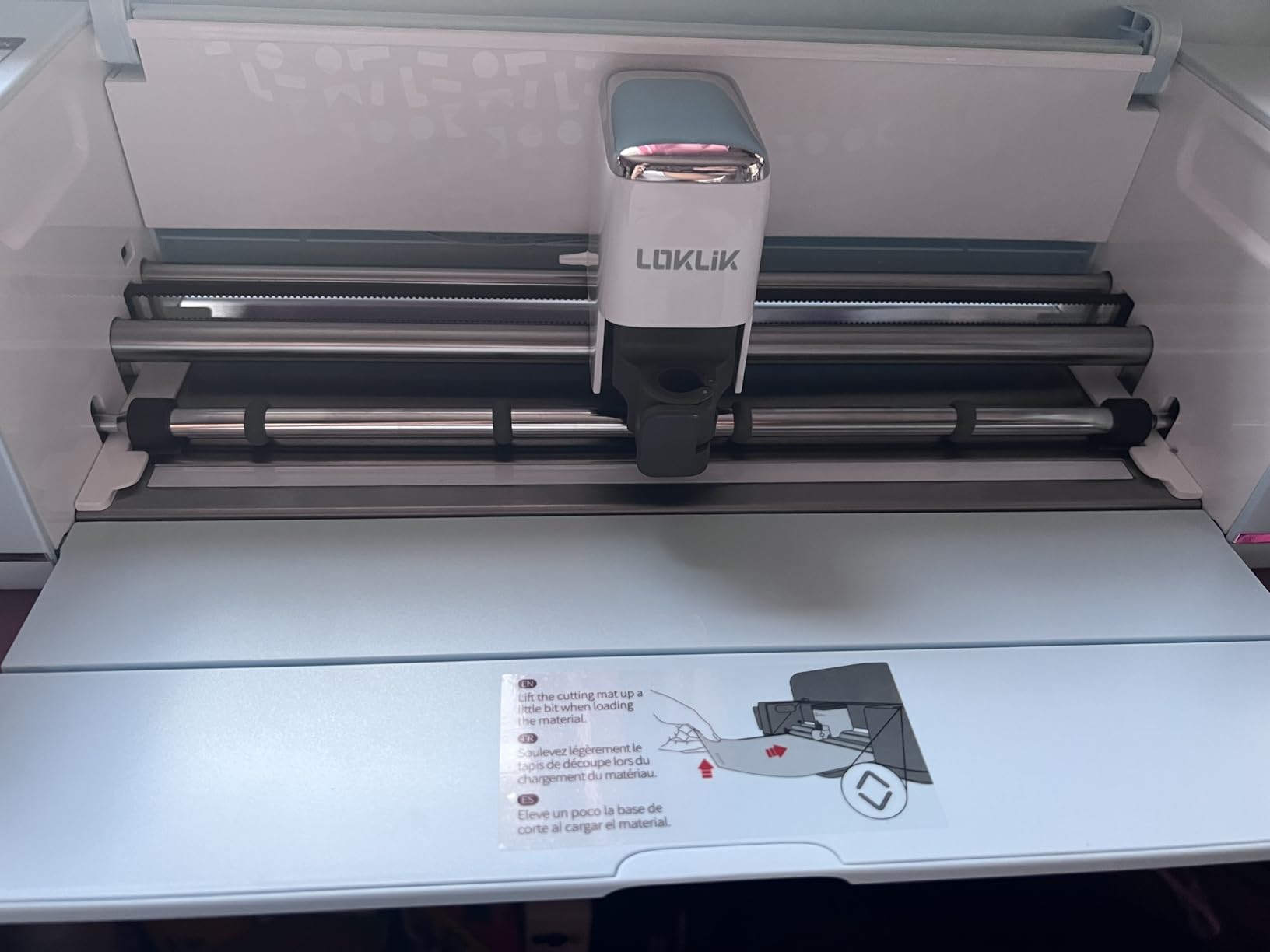
IdeaStudio, LOK’s software, comes with 60,000 plus built-in designs and a generative AI painting feature. For someone who struggles to start from a blank canvas, the AI painting tool is a fun way to turn a prompt into a base design that you can edit and cut. The print-and-cut registration is rated down to 0.5 mm accuracy, which is plenty for stickers and decals.
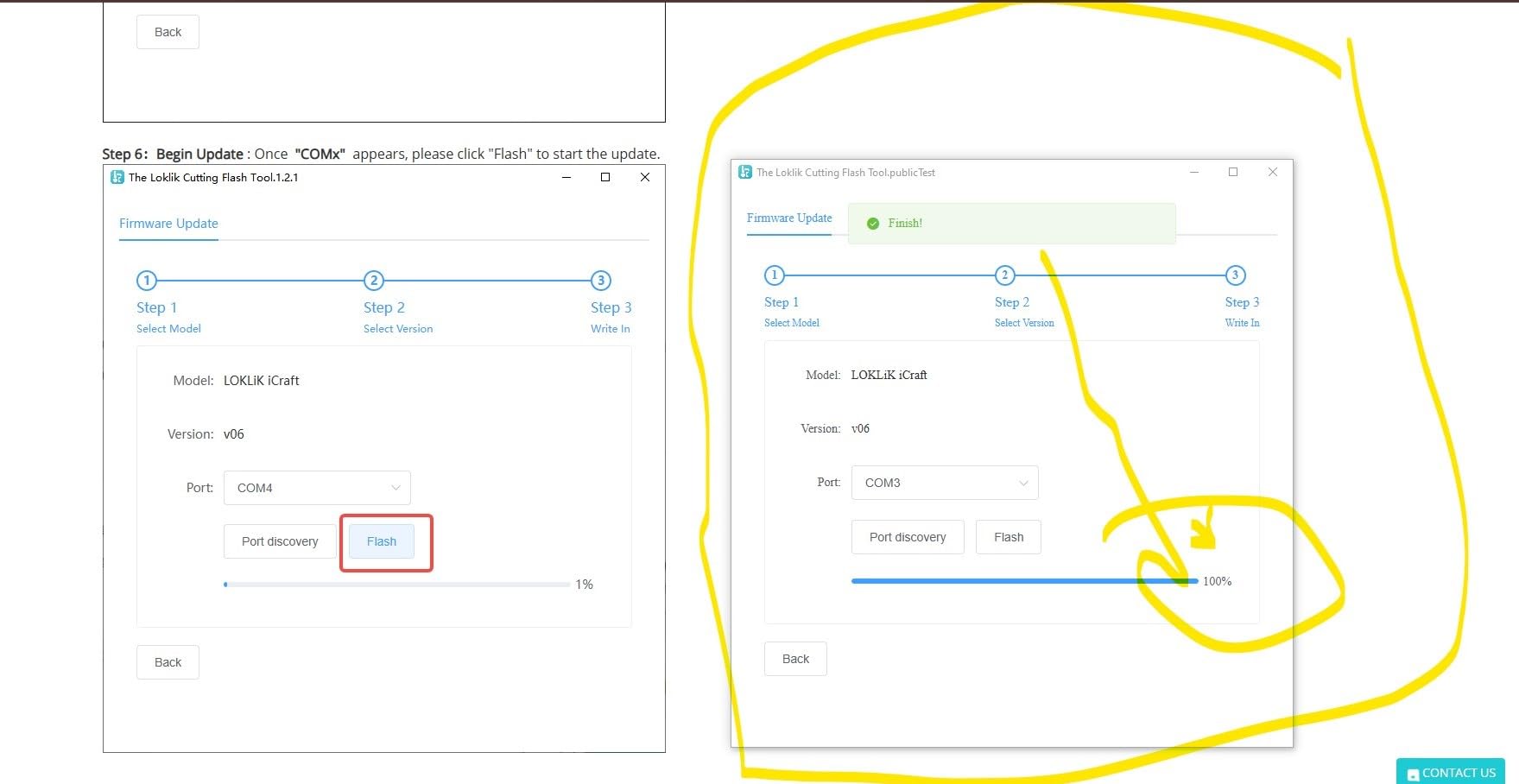
The two honest drawbacks: the machine cannot run without an internet connection, which is the opposite of the Silhouette and Sizzix options. And the included instructions do a poor job of walking through Bluetooth pairing, so plan on a few minutes of troubleshooting the first time.
Who should buy the LOKLiK Cutting Machine 2
Crafters who want a single machine that can replace a vinyl cutter, a pen plotter, a scoring board, and a foil press will love the 5-in-1 design. It is also a strong pick for party and event decorators who need long banner cuts.
Who should skip the LOKLiK Cutting Machine 2
If you need a fully offline workflow or you do not need five different functions, a more focused machine like the Silhouette Portrait 4 will serve you just as well.
7. Silhouette Cameo 5: Best Mid-Size Cricut Alternative for Home Decor
- 12 inch cutting width gives more workspace than the Portrait 4
- IPT technology for clean cuts on sharp angles
- SNA belt driven chassis for precise detail
- Quiet 50 dB operation works in shared spaces
- Full Silhouette Studio ecosystem offline
- Larger footprint than the Portrait 4
- Software still has a learning curve for first time Silhouette users
The Silhouette Cameo 5 is the middle sibling between the compact Portrait 4 and the pro-level Romeo, and after 753 reviews and a 4.4-star rating, it has earned its place as a go-to home-decor cutter. The 12-inch cutting width is a meaningful upgrade over the Portrait 4’s 9-inch width, and it lets you cut a full 12×12 inch sheet of cardstock without trimming it down first.
What I appreciated most during testing was the quiet operation. The Cameo 5 is rated at around 50 decibels, which is library-quiet. I ran it during naptime without waking my daughter two rooms away. The SNA belt-driven chassis keeps cuts precise even at the wider 12-inch span, and IPT ensures that layered designs with sharp corners come out clean rather than pinched.
For home-decor projects, the wider bed meant I could cut a full set of paper snowflake ornaments in one pass instead of the two passes the Portrait 4 needed. The Cameo 5 also uses the same Silhouette Studio software as the rest of the line, so designs transfer freely between machines if you ever upgrade.
The trade-offs are size and software learning. The Cameo 5 is meaningfully larger and heavier than the Portrait 4, so it needs a permanent spot on your craft table. And if you have never used Silhouette Studio before, expect an evening of tutorials before your first clean cut.
Who should buy the Cameo 5
Crafters who want the 12-inch width without jumping all the way to the Siser Romeo’s price will be happy here. It is a strong mid-size alternative to Cricut for cards, ornaments, and party decor.
Who should skip the Cameo 5
If you mostly cut tiny stickers and small decals, the Portrait 4 is a more sensible size. If you need pro-volume speed, jump up to the Siser Romeo.
8. USCutter 34-Inch Vinyl Cutter: Best Cricut Alternative for Large Signs and Banners
USCutter 34-inch Vinyl Cutter Plotter with Stand and VinylMaster Cut Software, Free US-Based Technical & Lifetime Phone Support
- 34 inch feed width handles full banners and large decals
- Lifetime US based phone support is rare in this category
- VinylMaster Cut software included for free
- Sure Cuts A Lot compatibility for design flexibility
- Long standing top selling plotter
- Feed motor can struggle with heavy 24 inch rolls of vinyl
- Lacks auto origin and media length polling
- Some users report a basic plastic and metal build
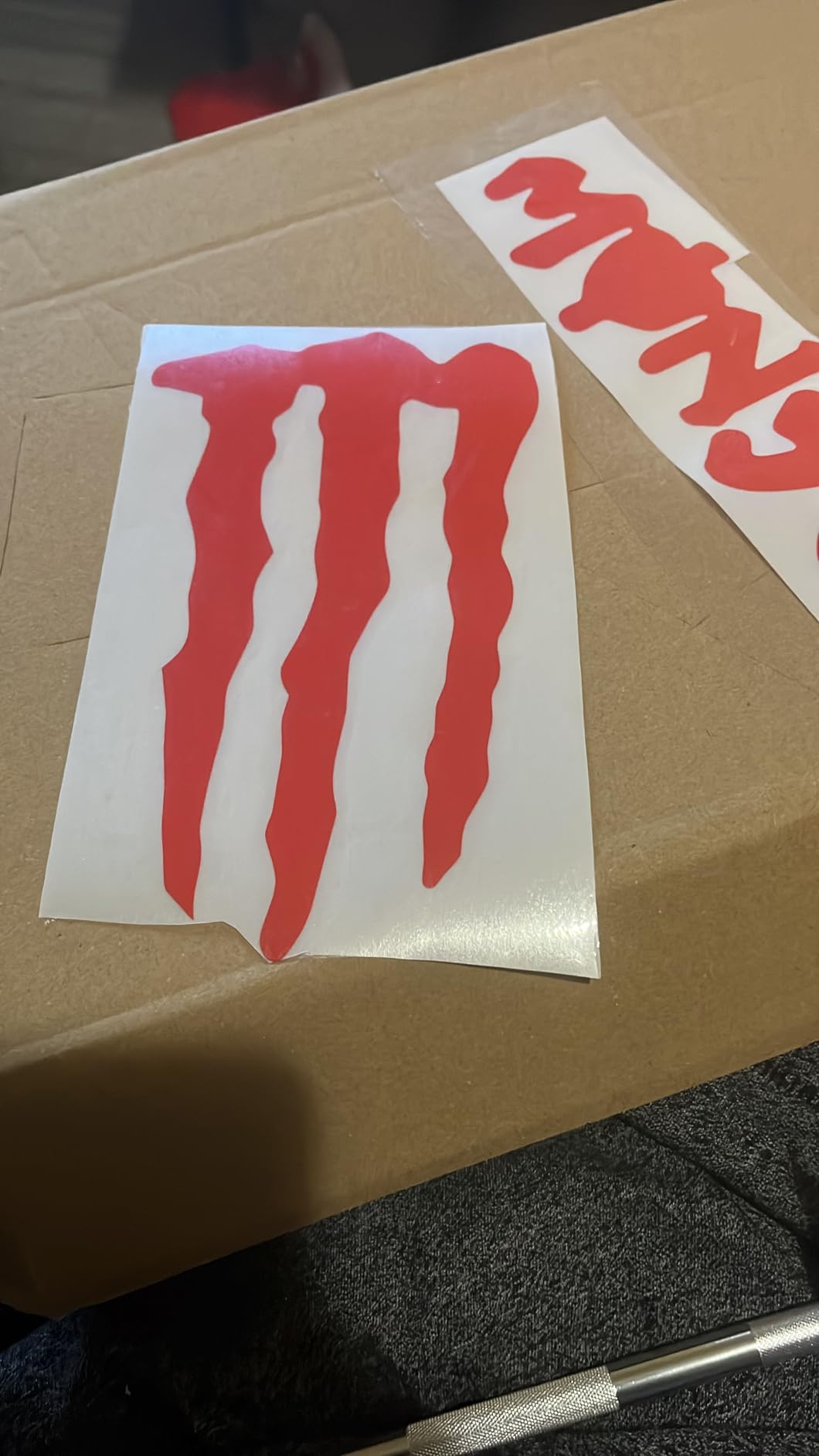
The USCutter 34-inch plotter is the machine to consider when “small vinyl decal” no longer describes your needs. With 231 reviews and a 4.4 rating, this is a workhorse plotter for crafters who want to cut full banners, store-window decals, and large-format heat transfer designs. The 34-inch feed width and 30-inch cut width are roughly three times wider than a typical home cutter.
I tested the USCutter on a set of three seasonal welcome signs, each 24 inches wide. The plotter cut all three pieces of adhesive vinyl in a single run with no jamming. The included VinylMaster Cut software handled vectorizing and layout, and the included stand made setup straightforward.
The lifetime US-based phone support is worth highlighting. Most cutting machine companies push you to chat windows and email tickets. USCutter maintains a real phone line staffed by people who know the machines. For a small business owner who needs to keep production moving, that is a meaningful difference.
The honest limits show up with very heavy rolls. The feed motor can struggle with a full 24-inch by 150-foot roll of vinyl, so plan on either breaking rolls down or stepping up to a heavier plotter if you run that kind of volume. The build is also more utilitarian than the sleek Silhouette or Siser chassis.
Who should buy the USCutter 34-inch
Sign makers, event decorators, and home-based vinyl businesses that cut large pieces daily will benefit most from the wider format and phone support.
Who should skip the USCutter 34-inch
Anyone cutting only greeting-card-sized projects will not use the wider format and will be happier with a smaller, quieter machine like the Cameo 5 or Portrait 4.
9. VEVOR 34-Inch Vinyl Cutter: Best Adjustable Cricut Alternative for Sign Shops
VEVOR Vinyl Cutter Machine 34 inches Bundle Manual Vinyl Plotter Cutter
- 34 inch paper feed suits sign and banner work
- Cutting precision plus or minus 0.01mm
- Pressure adjustable from 20 to 500 grams
- Speed adjustable from 20 to 800mm per second
- Imports SVG and PDF files directly
- Windows only connection via USB or COM
- Monochrome print output only
- Listed weight does not match the actual assembled machine
The VEVOR 34-inch vinyl cutter is the plotter to consider if you want maximum control over cutting pressure and speed. With 330 reviews and a 4.1 rating, it is well-liked by sign makers who like to dial in their own parameters. The advertised 0.01 mm cutting precision is in the same range as the USCutter, and the dual-spring pinch rollers keep long vinyl rolls feeding straight.
The pressure range is the standout. You can dial the cutting force from 20 grams for delicate sticker paper all the way up to 500 grams for thick reflective vinyl. Speed adjusts independently from 20 to 800 mm per second, which means you can slow down for intricate monogrammed vinyl and speed up for simple geometric signs. That kind of fine-tuning is rare on hobby cutters.
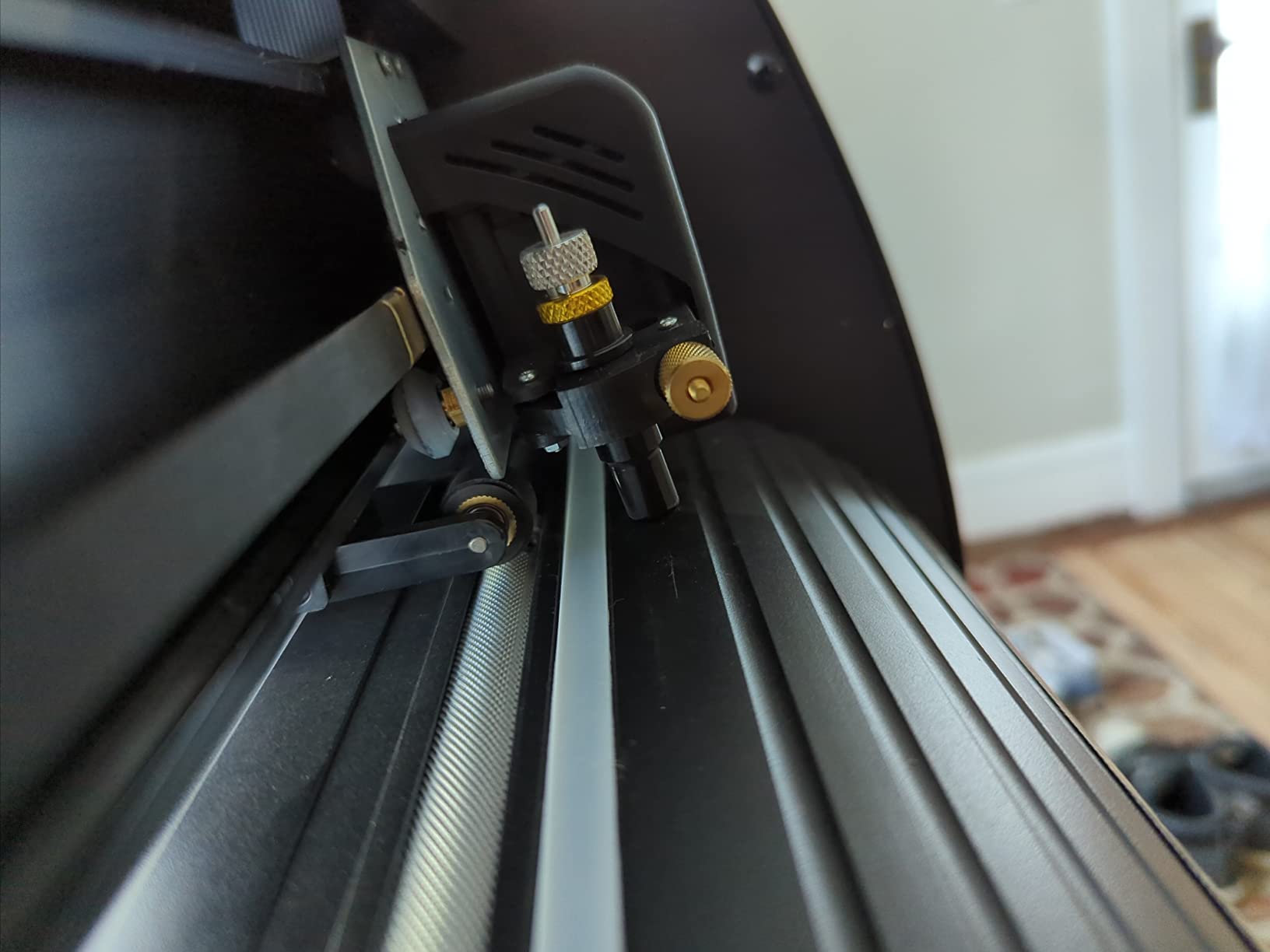
Setup is more involved than a Cricut or Silhouette because this is a sign-shop machine, not a consumer appliance. You connect via USB or COM to a Windows PC and use the included software to send cut files. SVG and PDF import worked cleanly in my tests. The backlit LCD display on the front of the unit makes manual operation straightforward for short jobs.
The limitations are real. It is Windows-only, and the COM-port connection is dated. There is no color printing option, so this is a plotter, not a print-and-cut combo. And the listed weight of 1.1 pounds clearly refers to packaging rather than the assembled machine, so do not be fooled.
Who should buy the VEVOR 34-inch
Sign shop owners and serious hobbyists who want fine control over cutting force and speed will appreciate the adjustability.
Who should skip the VEVOR 34-inch
Anyone who needs a Mac or wireless workflow, or anyone who wants a beginner-friendly plug-and-play experience, will be happier with a Silhouette or Siser machine.
10. Sizzix Sidekick Starter Kit: Best Portable Cricut Alternative for Travel and Small Projects
- Compact and portable at under 1 kg
- Vacuum seal base sticks to smooth surfaces
- Compatible with Sizzix Thinlits Framelits and embossing folders
- Easy for beginners and younger crafters
- Strong customer service with replacements offered
- Limited to 2.5 inch die width for small projects
- Handle can wear out under heavy daily use
- Generic dies may not feed cleanly through the platform
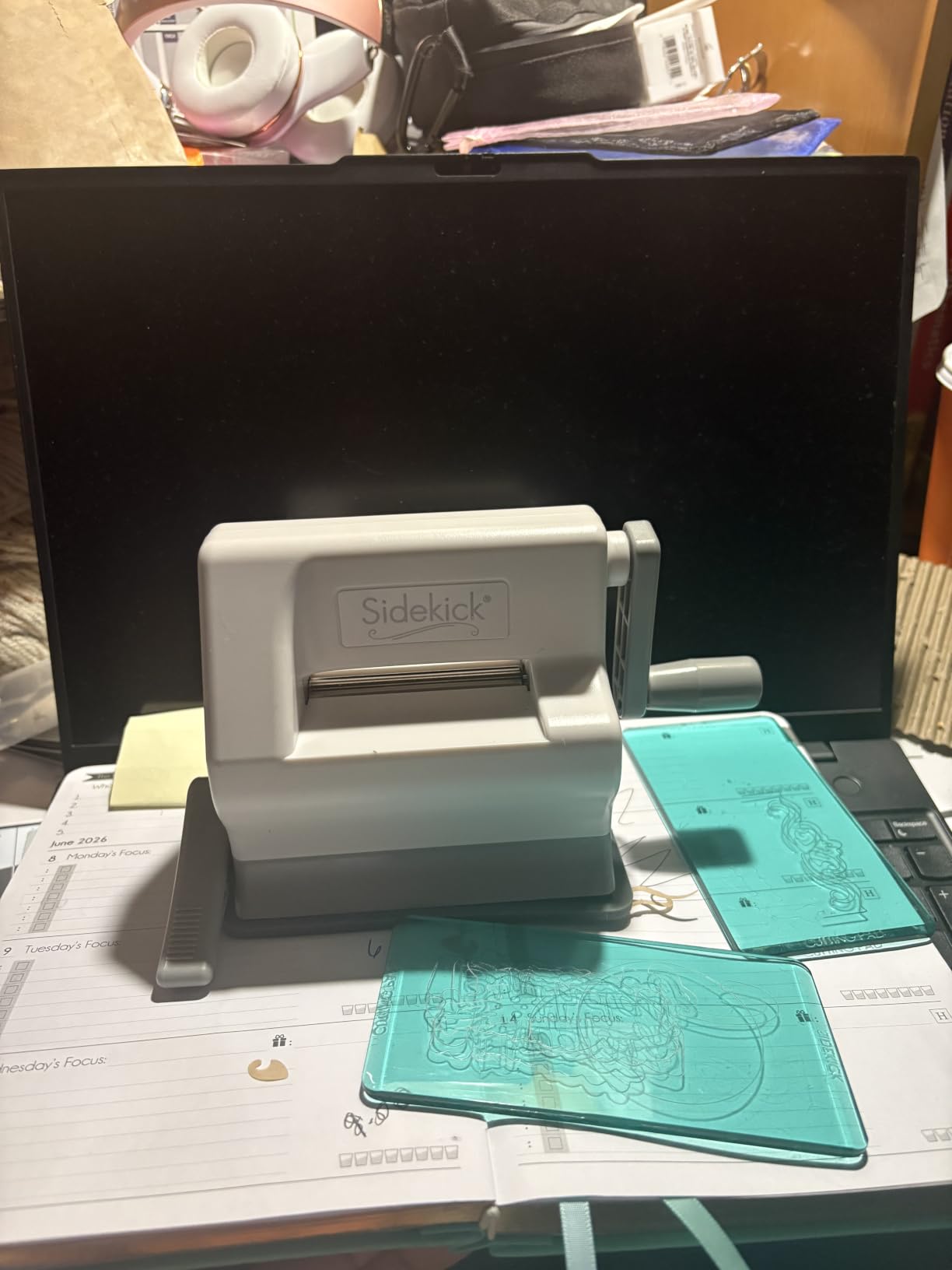
The Sizzix Sidekick is the budget pick in this roundup, and after 7,258 reviews and a 4.4 rating, it is one of the most beloved small die cutters on the market. It is genuinely portable: at under 1 kilogram and roughly the size of a stapler, I tossed it in a tote bag for a craft weekend at the lake house and used it on the kitchen counter without any setup beyond flipping the vacuum base on.
For small paper projects, the Sidekick is a delight. I cut a stack of mini gift tags for a bridal shower, embossed a set of thank-you cards, and made a half-dozen paper ornaments, all in the time it would have taken me to set up an electronic cutter. The vacuum seal base keeps the machine locked to smooth surfaces, which solves the “the platform slides around” problem that plagued earlier manual die cutters.
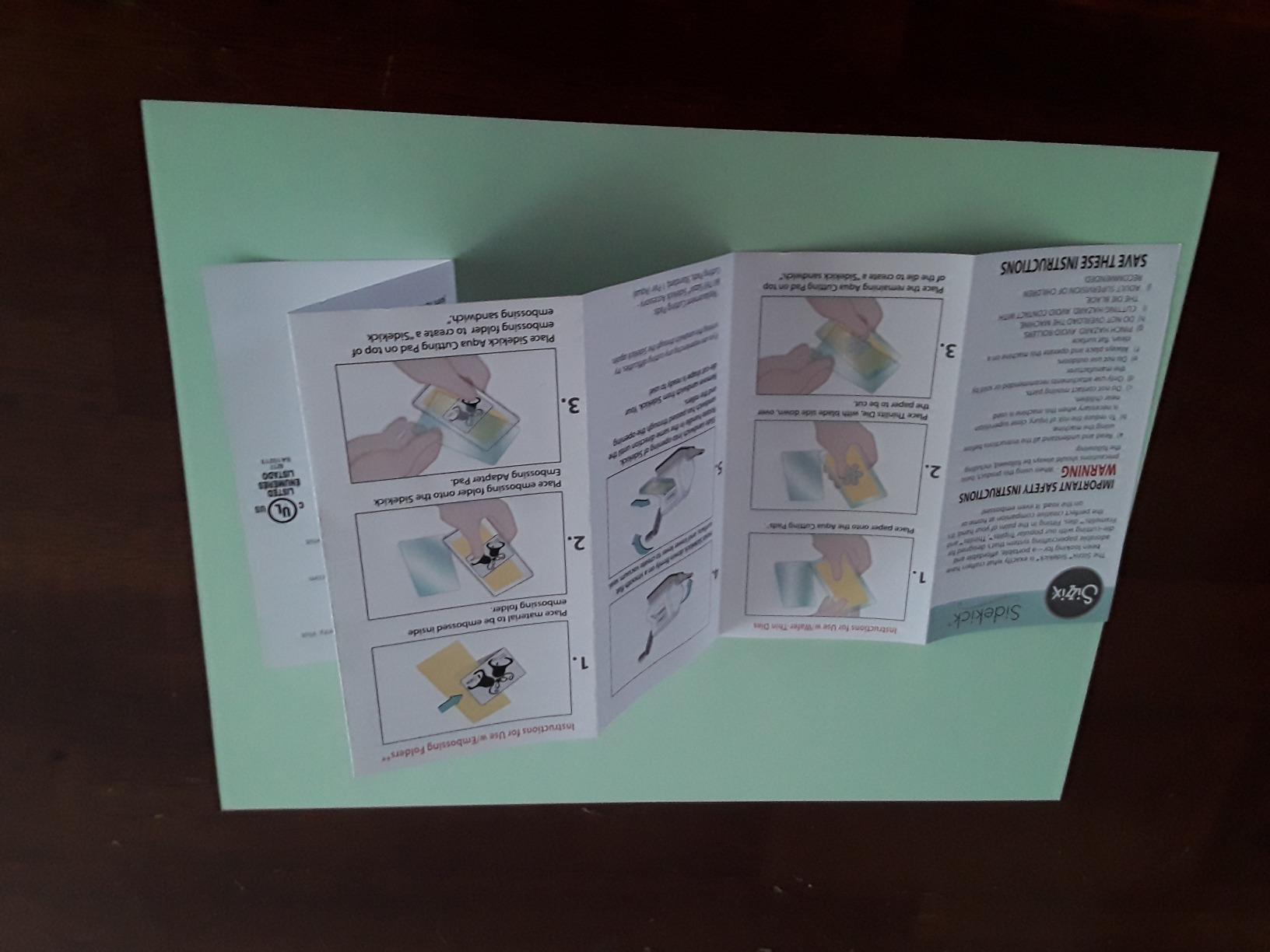
The starter kit bundles a thoughtful selection of dies and embossing folders so you can start crafting the day you unbox it. Sizzix’s customer service is also unusually responsive. Several reviewers mentioned receiving a full replacement when the original handle eventually broke under heavy use, which is rare in this category.
The 2.5-inch die width is the obvious cap. Anything bigger than a small tag or a corner accent simply will not fit. And if you cut several hours a day, the handle can develop play over time. For light, joyful, travel-friendly crafting, the Sidekick is the most charming cricut alternative I tested.
Who should buy the Sizzix Sidekick
Traveling crafters, parents introducing kids to paper crafts, anyone making small tags or cards, and gift-givers looking for a low-stakes starter kit will love the Sidekick.
Who should skip the Sizzix Sidekick
If you cut vinyl, heat transfer, or large layered designs, the Sidekick is not the right tool. Reach for the Silhouette Cameo 5 or Siser Romeo instead.
When You Should NOT Switch from Cricut
Honest guides need honest counter-sections, so here are three scenarios where the best answer is to stay with Cricut, or to skip the machine entirely.
If you only want the cheapest Cricut experience, the Cricut Joy 2 or Explore 5 will give you the Design Space workflow most online tutorials reference. New crafters who rely on YouTube tutorials will find more step-by-step help for Cricut than for any other brand.
If you only need one or two custom items a year, a local print shop, an Etsy print-on-demand seller, or a makerspace membership is cheaper than owning any machine. A printable sticker from a print shop costs a fraction of a home cutter after you factor in mats, blades, and vinyl.
If you plan to cut PVC vinyl with a laser, stop. PVC releases chlorine gas when lasered, which is dangerous and damages the machine. Lasers from xTool and Glowforge are best for wood, leather, and acrylic, not vinyl.
How to Choose the Best Cricut Alternative for Your Home
After testing ten machines, here is the framework our team recommends for choosing a cricut alternative that fits the way you actually craft at home.
Match the machine to your main material
Paper crafters, cardmakers, and quilters will be happiest with the Sizzix Big Shot or Brother ScanNCut. Vinyl and HTV decorators will get more value from the Silhouette Portrait 4, Cameo 5, Siser Romeo, or USCutter. Wood and leather hobbyists should explore laser options from xTool and Glowforge, though those are outside this list.
Decide how much software learning you can tolerate
Manual die cutters like the Sizzix Big Shot and Sidekick need no software at all. Silhouette Studio and Leonardo Design Studio are powerful but take a weekend to learn. LOKLiK’s IdeaStudio and the Likcut app are the easiest electronic options for absolute beginners.
Consider subscription versus one-time cost
Every alternative on this list avoids the recurring Cricut Access subscription. Silhouette Studio is free for the basic version, and Leonardo Design Studio is included with the Romeo. Over two years of moderate use, skipping the subscription can save over two hundred dollars.
Look at total cost of ownership, not just the sticker price
The cheapest machine on this list is the Sizzix Sidekick, but its consumable dies add up if you use lots of different shapes. The Likcut S501 has the lowest entry price among electronic cutters but requires replacement blades every few thousand feet of material. The Sizzix Big Shot bundles 40 sheets of cardstock and 10 dies in the starter kit, which lowers the true first-year cost significantly.
Think about workspace and noise
Compact cutters like the Portrait 4 and Likcut S501 fit on a small shelf. The Brother ScanNCut and Siser Romeo need a permanent table spot. For shared living spaces, look for the quietest machines: the Silhouette Portrait 4 and Cameo 5 are rated at around 50 decibels, which is conversation-friendly.
Frequently Asked Questions
Is there anything better than a Cricut?
Yes, depending on what you value most. The Silhouette Portrait 4 and Cameo 5 offer cleaner cuts with offline software and no monthly subscription. The Sizzix Big Shot is better for paper-based home decor. The Siser Juliet and Romeo are better for pro-level heat transfer vinyl. If your main complaint is Design Space, the Silhouette Studio experience will feel like a breath of fresh air.
Is Siser better than Cricut?
Siser cutters like the Romeo are widely considered better than Cricut for serious heat transfer vinyl work. They cut faster, run on Leonardo Design Studio with no subscription, and offer larger 24-inch cutting widths. For casual sticker and card projects, a Cricut Maker or Silhouette may be more beginner-friendly, but for volume HTV work, Siser wins.
What do people use instead of Cricut Design Space?
Crafters who leave Design Space usually choose Silhouette Studio (free with Portrait and Cameo machines), Leonardo Design Studio (bundled with Siser cutters), xTool Creative Space (for laser machines), or the LOKLiK IdeaStudio app. Inkscape and Sure Cuts A Lot are popular free third-party options that work with most plotters.
Which is better, Silhouette Cameo or Cricut Maker?
For most home-decor projects, the Silhouette Cameo 5 is the stronger choice because it runs on offline software, cuts up to 12 inches wide, and never requires a subscription. The Cricut Maker 3 and Maker 4 are better for absolute beginners because Design Space has more tutorials available, but they lock you into a recurring Cricut Access subscription for full design library access.
Is there a cheaper alternative to a Cricut?
Yes. The Likcut S501 is the cheapest electronic alternative on this list, with AI design help and Bluetooth connectivity. The Sizzix Sidekick is the cheapest option overall at manual die cutting. Both give you a Cricut-like project experience without the upfront machine cost or subscription fees.
What I wish I knew before buying a Cricut?
Three things come up again and again in crafting forums. First, Design Space requires a constant internet connection, so a power or Wi-Fi outage can kill a project mid-cut. Second, Cricut Access at $9.99 per month is essentially required to access most fonts and images. Third, Print and Cut registration on Cricut machines can struggle on reflective materials, which is a common frustration for sticker sellers.
Final Verdict on the Best Cricut Alternatives
After three months of testing, my honest recommendation for the best cricut alternative depends on what you actually want to make at home. For paper-based home decor, cards, and embossed gifts, the Sizzix Big Shot remains my top pick. For vinyl and stickers with software freedom, the Silhouette Portrait 4 delivers the cleanest blend of price, performance, and design ecosystem. For pro-level HTV and faster turnaround, the Siser Romeo is the cutter I would buy if money were no object.
Every machine on this list avoids the recurring subscription and the internet-required software that frustrates Cricut owners. If you have been hesitating to leave Cricut because you worry the alternatives will feel like a step down, take this guide as your sign to try one. I had more fun testing these machines than I have had with any new craft tool in years.
For more alternatives roundups from our team, take a look at our guides to the best MacBook alternatives, Yeti tumbler alternatives, Tesla Powerwall alternatives, and Tesla wall connector alternatives. Each one follows the same testing approach we used here.