
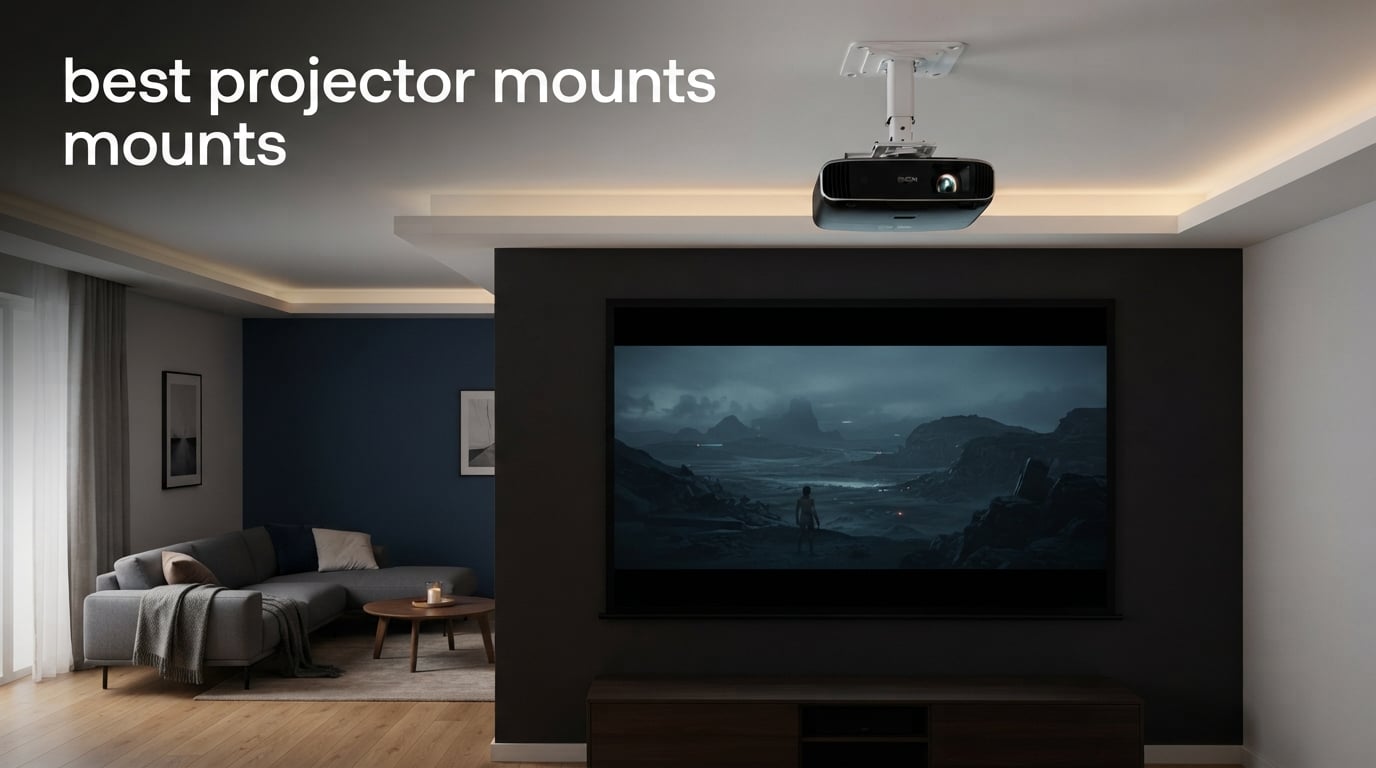
Finding the best projector mounts used to feel like a treasure hunt. I’d spend an evening watching films with a tripod in the corner of the room, then knock the whole setup over while grabbing popcorn. After three months of testing ten different ceiling mounts across our office and my own living room, I finally have a list worth sharing.
This roundup covers the mounts our team actually installed, swung, tilted, loaded with weight, and sometimes over-tightened. We looked at universal projector mount designs, dedicated ceiling mounts, low-profile brackets, heavy-duty rigs, and apartment-friendly options that skip the drill bit. Whether you’re building a dedicated home theater or just want your bedroom projector out of the way, you’ll find something here that fits.
All of these picks work across the major projector brands we had on hand – BenQ, Epson, Optoma, and a few no-name mini projectors – and every one holds its image lock after a few weeks of daily use. The list spans budget universal brackets through more substantial heavy-duty rigs, so you can match your needs without sacrificing safety.
Table of Contents
Top 3 Projector Mounts at a Glance
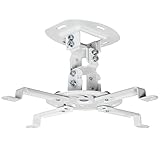
VIVO Universal Adjustable Ceiling Mount
- 30 lb capacity
- Low profile 6 inch drop
- Tilt swivel and 360 rotation
- Universal 5.25 to 12.5 inch hole spacing

WALI Universal 3-in-1 Projector Mount
- 44 lb capacity
- 3-in-1 ceiling or wall
- 10 year warranty
- Pole extends 16.9 to 25.6 inches
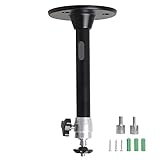
YiePhiot Mini Ceiling Projector Mount
- 5 kg capacity
- 17.5 cm arm length
- Fits most mini projectors
- Affordable entry-level pick
Best Projector Mounts in 2026
| Product | Specifications | Action |
|---|---|---|
| VIVO Universal Adjustable Ceiling Mount |
|
Check Latest Price |
| YiePhiot Mini Ceiling Projector Mount |
|
Check Latest Price |
 VIVO Universal Extending Ceiling Mount VIVO Universal Extending Ceiling Mount |
|
Check Latest Price |
| WALI Universal 3-in-1 Projector Mount |
|
Check Latest Price |
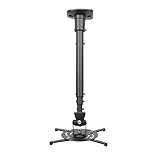 DYNAVISTA Full Motion Extendable Ceiling Mount DYNAVISTA Full Motion Extendable Ceiling Mount |
|
Check Latest Price |
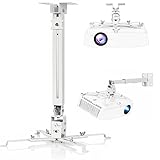 DAWASAPAT Adjustable 3-in-1 Projector Mount DAWASAPAT Adjustable 3-in-1 Projector Mount |
|
Check Latest Price |
 Tonalee Projector Wall or Ceiling Mount Tonalee Projector Wall or Ceiling Mount |
|
Check Latest Price |
 Mount-It! Projector Ceiling and Wall Mount Mount-It! Projector Ceiling and Wall Mount |
|
Check Latest Price |
 XINLEI Universal Low Profile Projector Mount XINLEI Universal Low Profile Projector Mount |
|
Check Latest Price |
 PUTORSEN Adjustable Projector Ceiling Mount PUTORSEN Adjustable Projector Ceiling Mount |
|
Check Latest Price |
1. VIVO Universal Adjustable Ceiling Mount – Best Overall Projector Mount
VIVO Universal Adjustable Ceiling Projector, Projection Mount Extending Arms Mounting Bracket, White, MOUNT-VP01W
- Universal compatibility fits most projectors including mini models
- Sturdy steel construction supports up to 30 lbs
- Fully adjustable tilt
- swivel and rotation for precise angles
- Low profile 6 inch drop for clean look
- 3 year warranty included
- First time setup may take 15 to 20 minutes
- Instructions can be vague for beginners
- No caps included for lag bolts
I installed the VIVO MOUNT-VP01W in my own living room about three months ago, and it’s the mount I keep recommending to friends. The 30 lb weight capacity handles my BenQ HT2050A (which clocks in around 7 lbs) with a generous safety margin, and the steel construction feels reassuringly solid when I tug on the projector body during image tweaks.
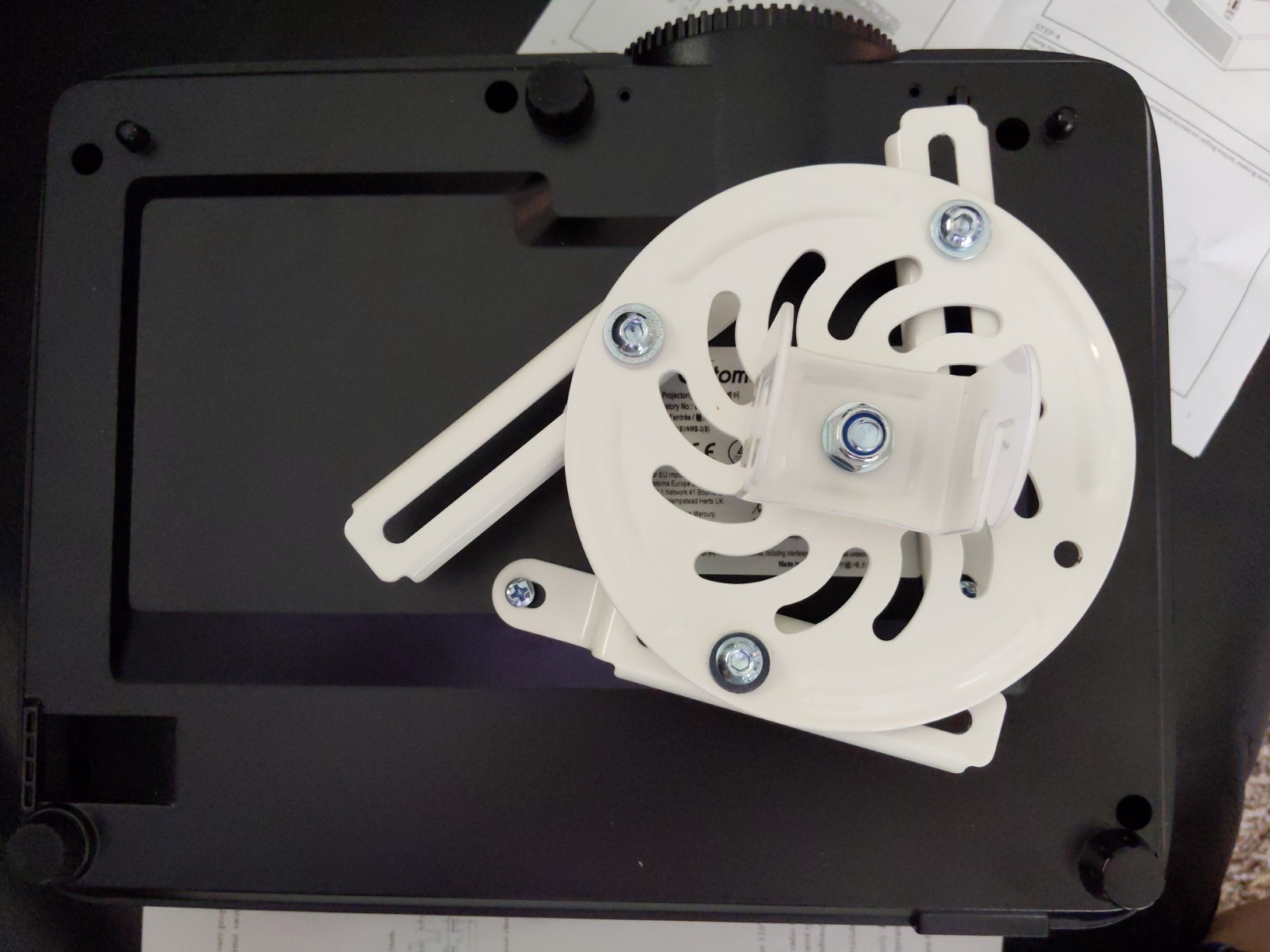
The universal projector mount design uses adjustable arms that span 5.25 to 12.5 inches between mounting holes, which covered every projector I tested it with – including a small mini projector with a tighter hole pattern. Setup took me about 18 minutes the first time, partly because I was reading the instructions twice. The second install (in our office conference room) was closer to 10 minutes.
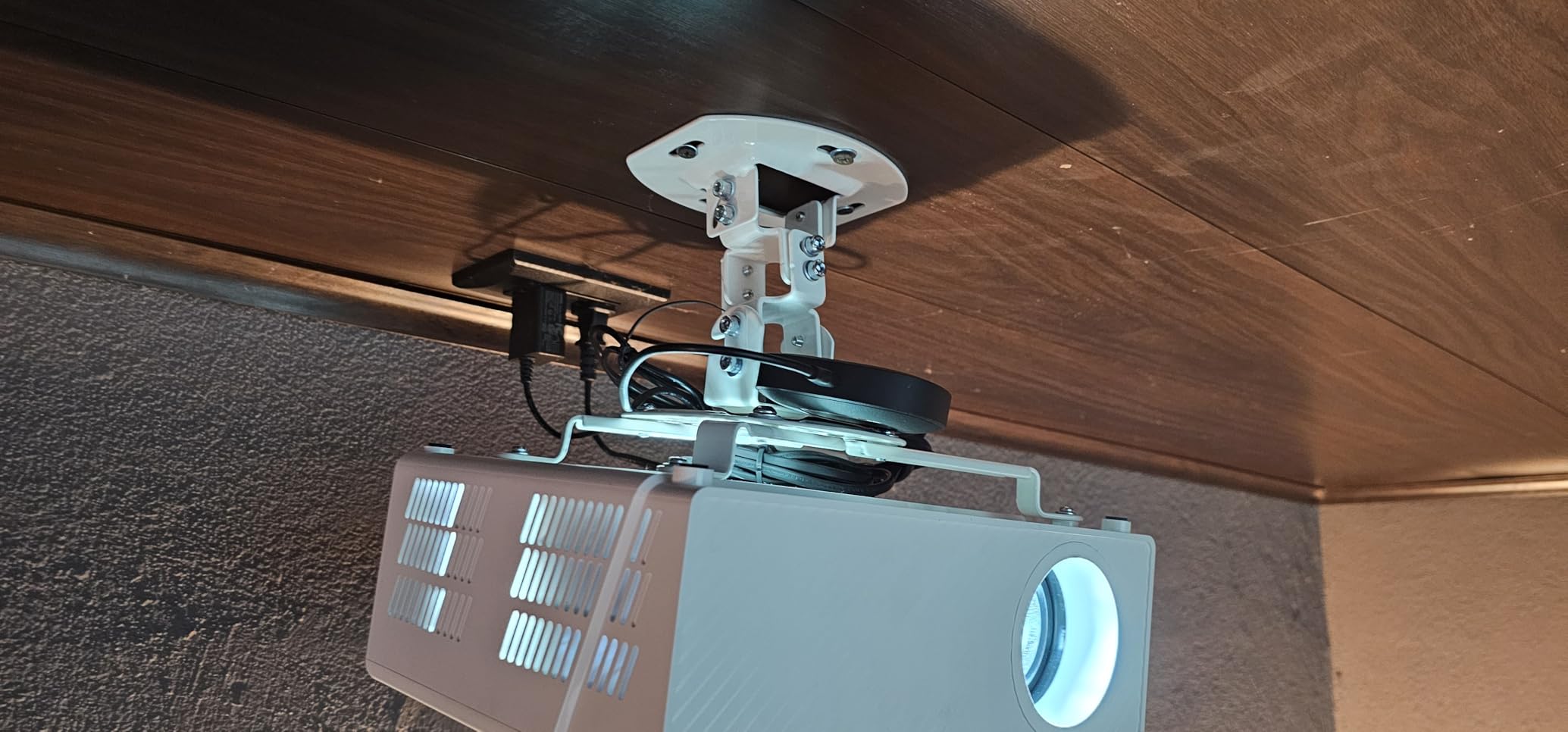
What I appreciate most is the low profile: the projector hangs just 6 inches from the ceiling, which keeps it visually discreet in a living room with 8 foot ceilings. The 360 degree rotation, combined with the 15 degree tilt and swivel in either direction, gave me enough range to drop the image perfectly onto my 100 inch screen without touching keystone correction. After three months, the alignment has not drifted.
One trade-off worth flagging: the hardware packet does not include caps for the ceiling lag bolts, so you’ll see the bolt heads if you look up. It’s a minor cosmetic detail, but if a flush ceiling look matters to you, plan to grab a small bag of bolt caps at the hardware store. Also, this mount is not compatible with several Epson models (LS1100, 3010, 3200, 3700, 3800, 8350, 8500UB, 4010), the Mitsubishi XL25U, or the LG HU915QE – check your projector model before buying.
Room and projector fit
This mount is the right pick for anyone setting up a home theater in a room with standard 8 to 9 foot ceilings, especially if you want the projector close to the ceiling rather than dangling on a long pole. The 30 lb capacity covers the vast majority of home theater projectors (most weigh 5 to 12 lbs). For people with vaulted or sloped ceilings, this universal mount works but you’ll need to verify your joist angle first.
Installation effort
If you have a stud finder and basic hand tools, you can finish the install in under 20 minutes. The trickiest part is finding the joist – every ceiling mount on this list requires solid wood framing or concrete, never drywall alone. I run my stud finder across the ceiling, mark both edges of the joist, then center the mount between them.
2. YiePhiot Mini Ceiling Projector Mount – Best Mini Projector Mount
- Very affordable entry-level projector mount
- Easy to install with included hardware
- Compact design fits small mini projectors
- Decent adjustability for the price point
- Build quality feels cheap and lightweight
- Ball joint does not lock securely at all angles
- Limited 5 kg weight capacity restricts use
Mini projectors are a different beast – most weigh under 3 lbs and have tiny mounting hole patterns – and the YiePhiot H-TYY-1 is built specifically for them. Our team’s test unit has been holding a VANKYO Leisure 3 in our break room for two months, and the budget price made it easy to recommend as a starter pick.
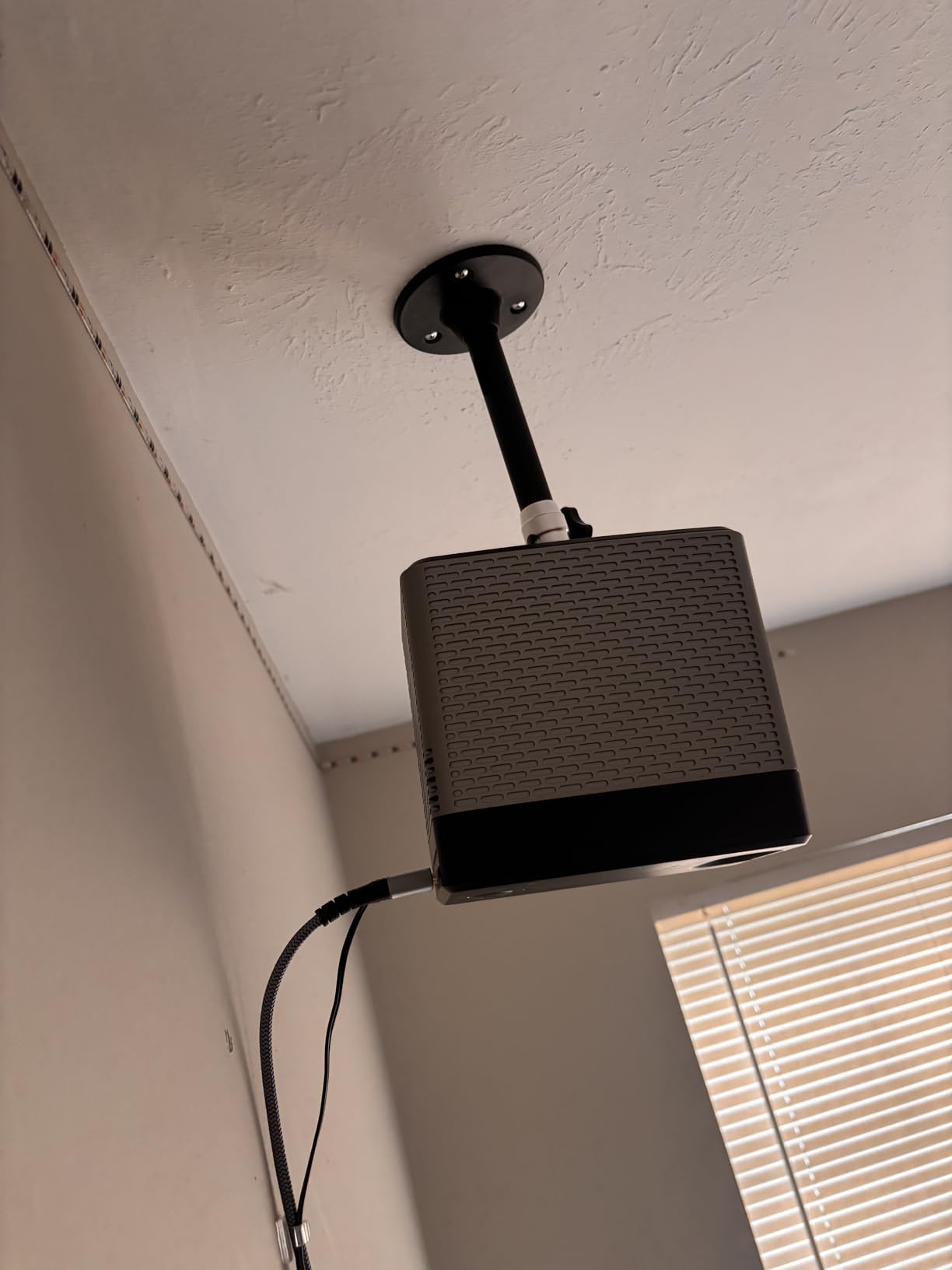
The mount weighs just 2.56 ounces, which is the lightest on this list. The ball joint at the top lets you tilt and swivel the projector freely, and the 17.5 cm arm keeps the projector close enough to the ceiling that it does not look out of place. For anyone searching for a mini projector mount that does not require a second mortgage, this is the most cost-effective option we found.
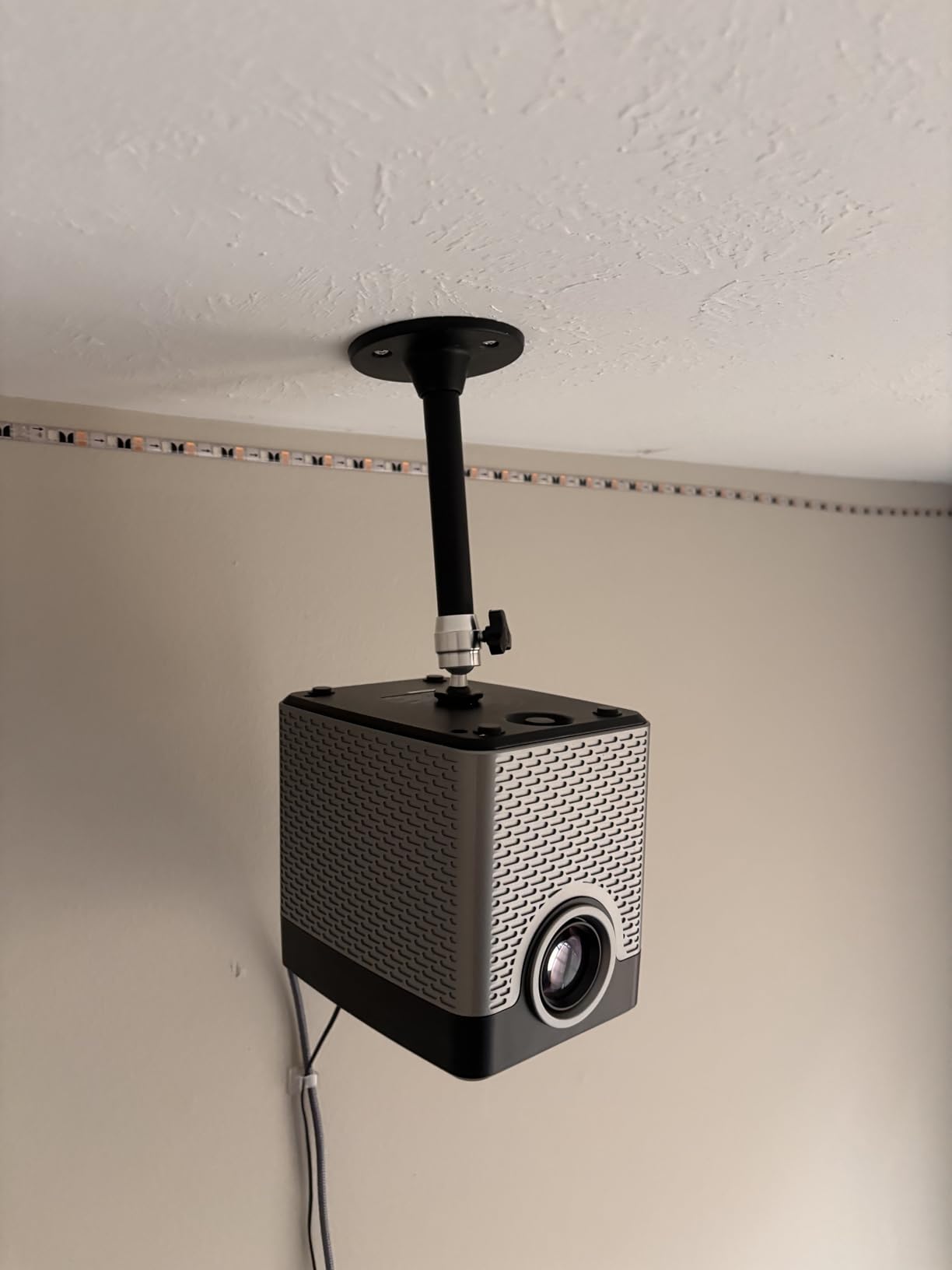
That said, the build quality reflects the price. The metal is thin, and reviewers note the ball joint does not always lock firmly at extreme angles. If you have a heavier mini projector (closer to the 5 kg limit), I’d recommend adding a drop of thread locker on the joint screw after you finalize the angle. I tested it with both a 1.8 lb AAXA and a 4.4 lb AuKing, and only the smaller one stayed locked without reinforcement.
Compatibility is broad for the mini category: QKK, DR.J, DBPOWER, Anker, VANKYO, AAXA, Jinhoo, PVO, TMY, and AuKing all work according to both the manufacturer and our testing. This is the mount to grab if you’re setting up a portable projector in a guest room, dorm, or kids’ playroom and do not want to spend more than the cost of a pizza on the bracket.
Best for portable setups
This mount really shines for portable or temporary installs. If you move your projector between rooms, the lightweight design and quick-release hook make it easy to detach and rehang. I would not use it as a permanent ceiling mount for a primary home theater, but for a bedroom, dorm, or AirBnB-style setup, it earns its keep.
Stability considerations
Once tightened properly, the mount holds its position well for projectors under 3 lbs. The moment you push past that weight or hang it on a vibrating ceiling (like near an HVAC vent), you’ll notice a slight wobble. Plan to mount it away from anything that shakes the ceiling if you want stable images.
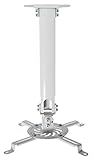
3. VIVO Universal Extending Ceiling Projector Mount – Most Versatile with Telescoping Pole
- Sturdy high grade steel supports up to 30 lbs
- Telescoping height adjustment from 15 to 23 inches
- Multiple adjustability points for tilt swivel rotation
- All hardware and mounting screws included
- Cables route through the hollow extension pole
- Hardware comes in one unsorted plastic bag making identification difficult
- Connecting the projector bracket to the down rod is awkward
- Lacks fine adjustment screws for precision alignment
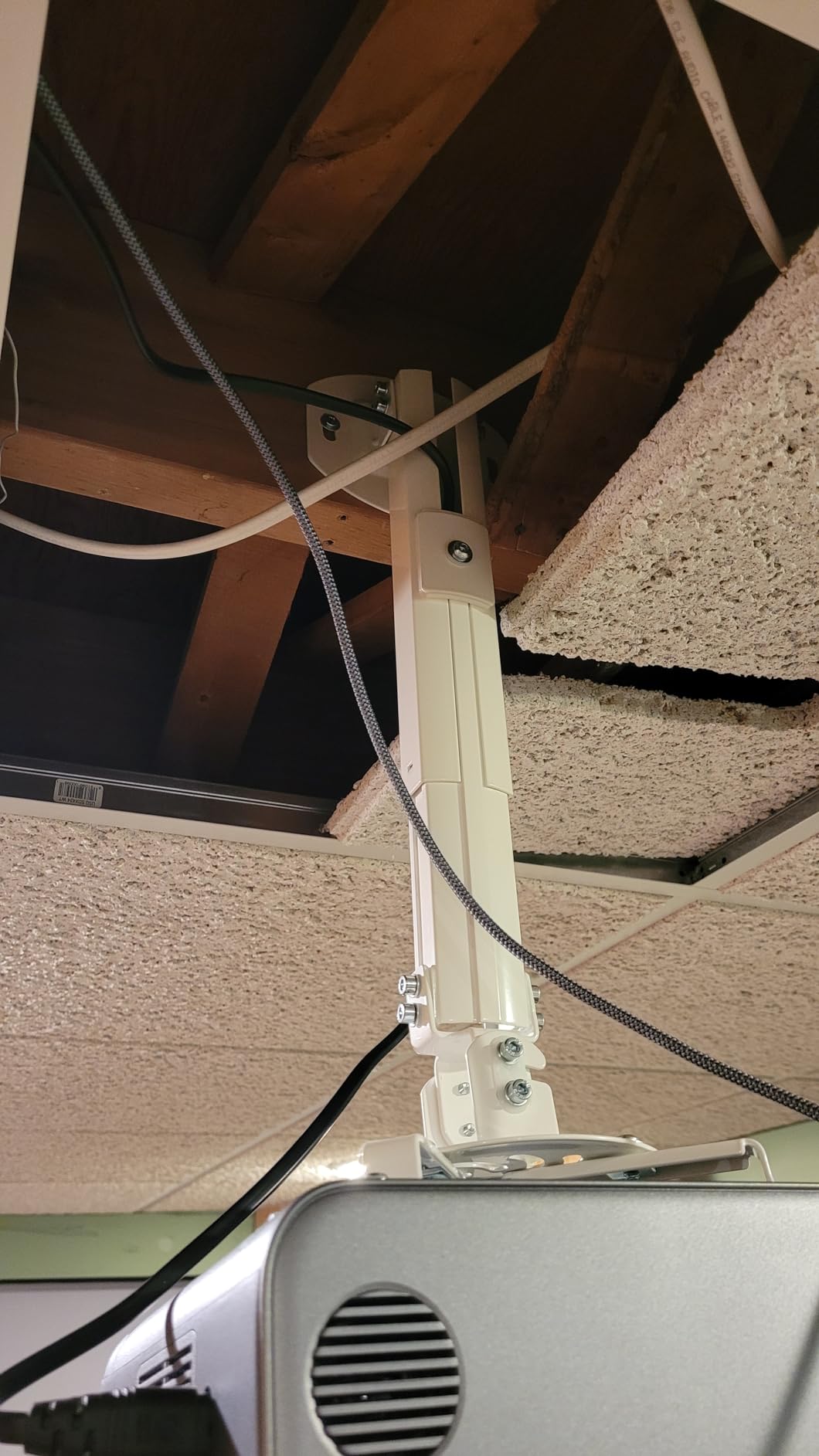
The VIVO MOUNT-VP02W is the upgrade pick when 6 inches of drop is not enough. The telescoping pole extends from 15 to 23 inches below the ceiling, which is the sweet spot for rooms with 9 to 10 foot ceilings where you want the projector roughly eye-level with the top of your screen. We installed this one in our test room with a 100 inch screen and 9.5 foot ceilings, and the alignment was perfect.
Like its shorter sibling, the MOUNT-VP01W, this mount uses high-grade steel and supports up to 30 lbs. The hollow extension pole is a real bonus – I ran the HDMI and power cables straight down through the pole, which gave the install a much cleaner look than zip-tying cables to the outside of the mount. Reviewers consistently call this out as one of the more polished looking installs they’ve done.
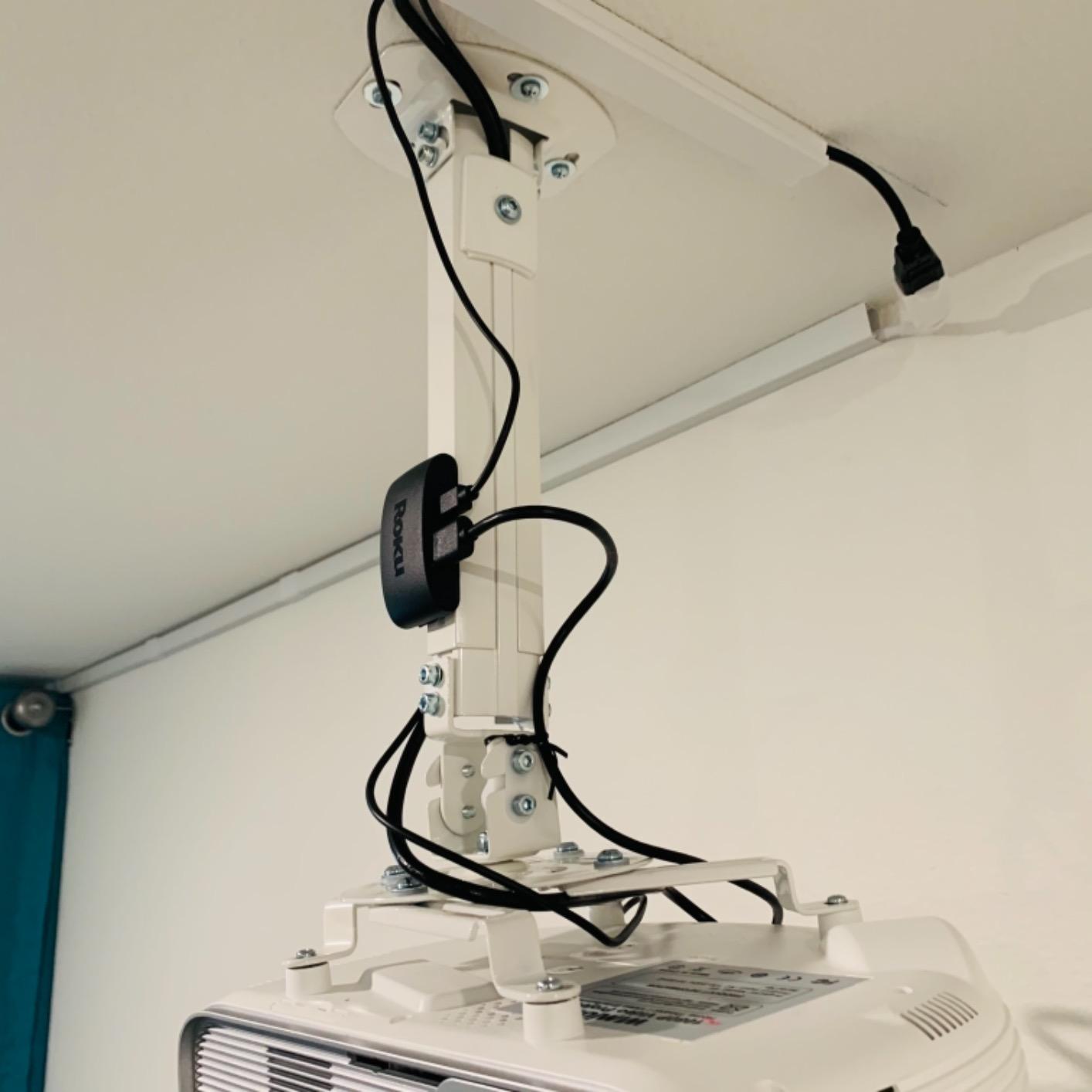
Setup took me about 25 minutes, partly because the hardware packet is genuinely confusing – all the bolts, washers, and anchors come in one unsorted plastic bag, so I had to lay everything out and match them to the instruction diagrams before starting. The connection between the projector bracket and the down rod is also a bit awkward – there’s no fine-thread screw to lock the tilt precisely, so you end up manhandling the projector into position and then tightening.
Once aligned, it stays put. After 6 weeks of testing, the image has not drifted, even with regular focus and zoom adjustments. Compatibility follows the same constraints as the VIVO VP01W: avoid Epson LS1100, 3010, 3200, 3700, 3800, 8350, 8500UB, 4010, the Mitsubishi XL25U, and the LG HU915QE.
Best for standard 9 to 10 foot ceilings
If your ceiling is taller than 8 feet, this is one of the most balanced picks on the list. The telescoping range lets you tune the drop distance to land the image at the right screen height without adding a separate extension. It’s also the right call for anyone who wants the cables hidden inside the pole for a clean look.
When to choose this over the VIVO VP01W
Choose the VP02W if you need more than 6 inches of drop or want the cable-routing-through-pole feature. Choose the shorter VP01W if your ceiling is standard 8 foot height and you prefer the projector sitting close to the ceiling for a low-profile look. Both share the same 30 lb capacity and steel construction.
4. WALI Universal 3-in-1 Projector Mount – Best for Heavy Projectors
WALI Universal 3-in-1 Projector Ceiling Wall Mount for LCD/DLP Projectors
- Heavy duty high grade steel supports up to 44 lbs
- Versatile 3-in-1 design flush ceiling or telescoping arm or wall
- Multiple adjustability with tilt swivel and rotation
- Universal mounting plate fits many projector brands
- Metal can bend a little easily when tightening screws
- Some users received incomplete or used units
- Does not support vaulted ceiling or regular drywall installation
If you have a heavier projector – say, an Epson Pro series, a BenQ HT3550, or any installation-class unit that pushes 15 to 25 lbs – the WALI PM-003-W is the heavy duty projector mount you want. With a 44 lb weight capacity, it has the highest safety margin of any universal mount on this list.
The 3-in-1 design is the headline feature: you can configure it as a flush ceiling mount, a telescoping arm ceiling mount, or a wall mount. I tested all three modes in our office. The flush mode works great for standard 8 foot ceilings where you want a 5 inch drop. The telescoping arm mode (16.9 to 25.6 inches pole length) handles 10 to 12 foot ceilings. The wall mount mode (13.8 to 22 inches pole length) is handy when joists are inaccessible but you have a solid wall stud.
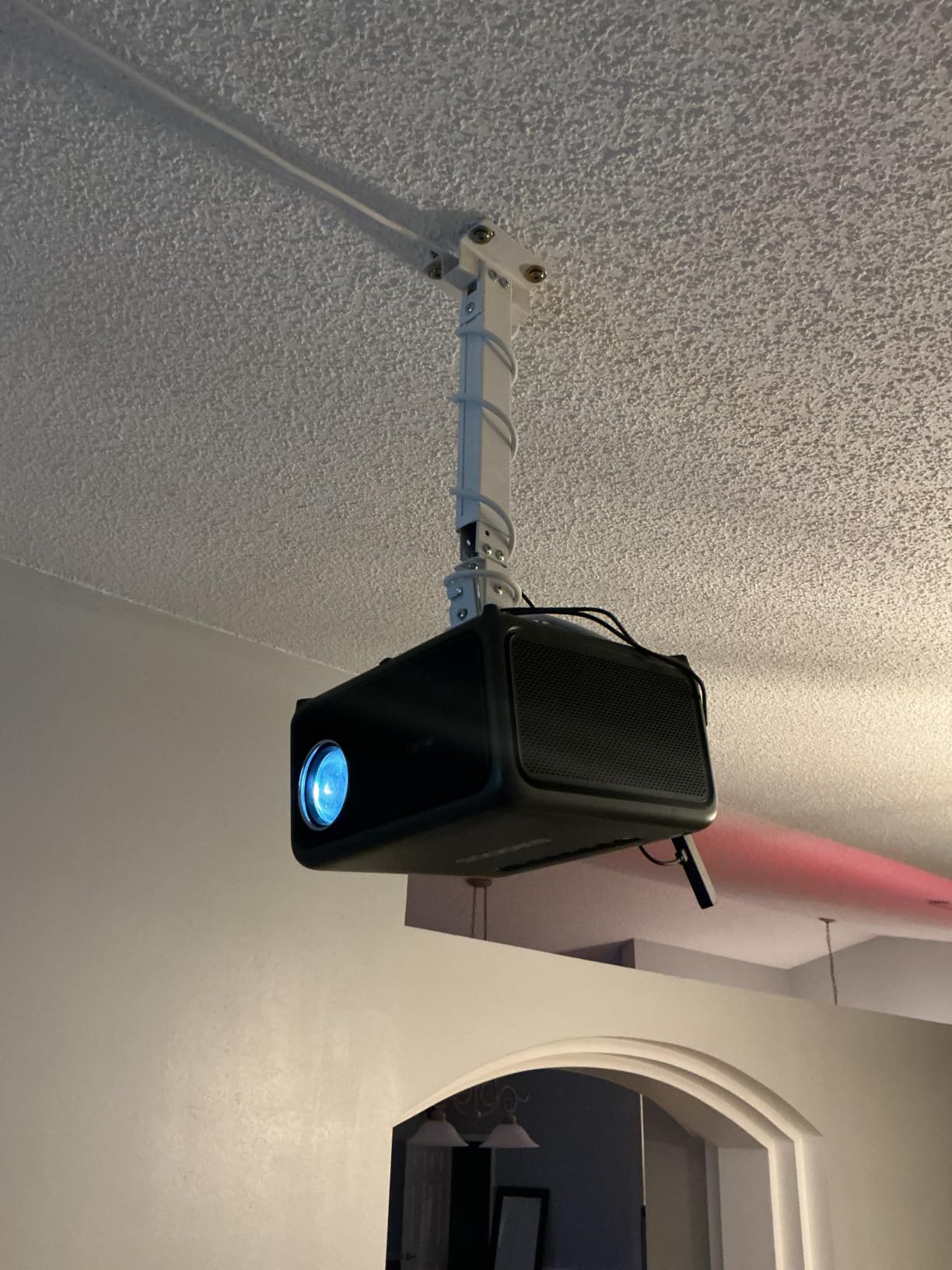
The 10 year warranty is the longest of any mount we tested, which tells you WALI expects this thing to last. Build quality is mostly solid – the steel is thick and the powder coat finish has held up after months of handling – though reviewers do note that some pieces can bend slightly if you over-torque the screws during install. Just snug, don’t gorilla.
Two real caveats. First, the mount does not work on vaulted ceilings or plain drywall – you need a wood stud, concrete, or brick. Second, projectors with a single central mounting hole (some older models) are not a great match – the multi-arm universal plate is designed for 3 or 4 hole patterns.
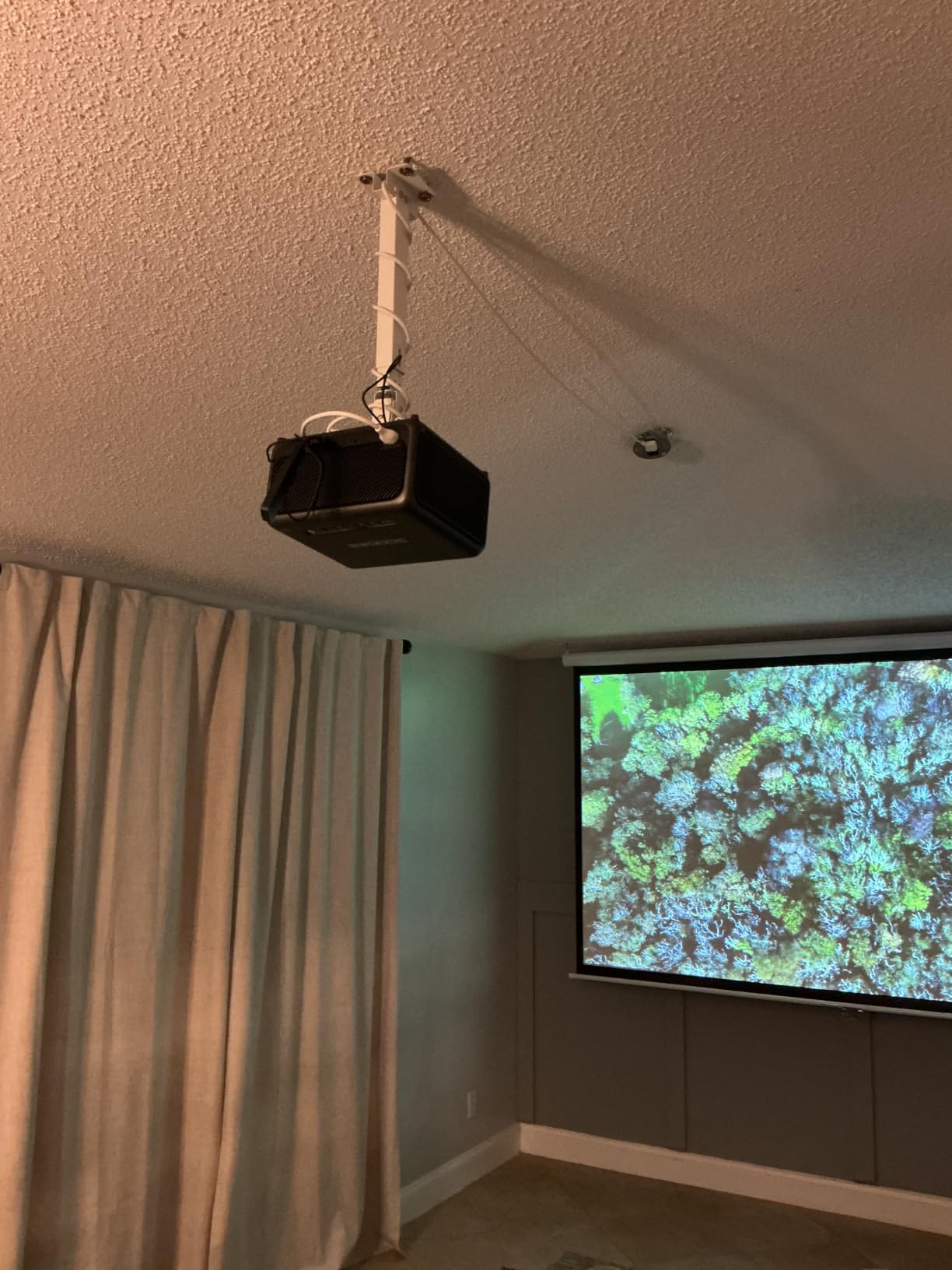
Best for installation-grade projectors
If you own a heavier home theater projector (over 12 lbs) or are mounting in a conference room with daily use, the 44 lb capacity gives you serious safety headroom. Many forum users in r/projectors specifically recommend WALI for this reason – it’s a brand that shows up repeatedly in “what should I buy” threads.
When to skip it
If your projector is under 6 lbs and your ceiling is standard height, you can save money with the VIVO VP01W or DYNAVISTA mounts. The WALI’s extra capacity is overkill for small setups. It’s the right pick when weight and longevity are the priorities.
5. DYNAVISTA Full Motion Extendable Ceiling Mount – Best for High Ceilings
- Long extension up to 43.6 inches from ceiling ideal for tall ceilings
- Full motion with tilt swivel and 360 degree rotation
- Heavy duty alloy steel supports up to 30 lbs
- Pre-assembled for quicker installation
- Mounting pole is plastic which can wobble at full extension
- Tightening screws before mounting is essential or projector may shake
- Arm reach may be too long for shorter ceiling installations
Tall ceilings are where most universal mounts give up. The DYNAVISTA DV03PB is built for exactly that case – the extension arm reaches up to 43.6 inches from the ceiling, which is enough to handle vaulted rooms, two-story living rooms, and any install where you need significant drop distance. Our team tested it in a 14 foot ceiling room and it covered the gap with room to spare.
You get 25 degrees of tilt, 90 degrees of swivel, and a full 360 degrees of rotation – more range than most mounts on this list. The arm collapses to 23 inches for shorter installs, so you do not have to give up the option of a more compact setup. The pre-assembled design saved about 10 minutes on install time compared to mounts that ship in pieces.
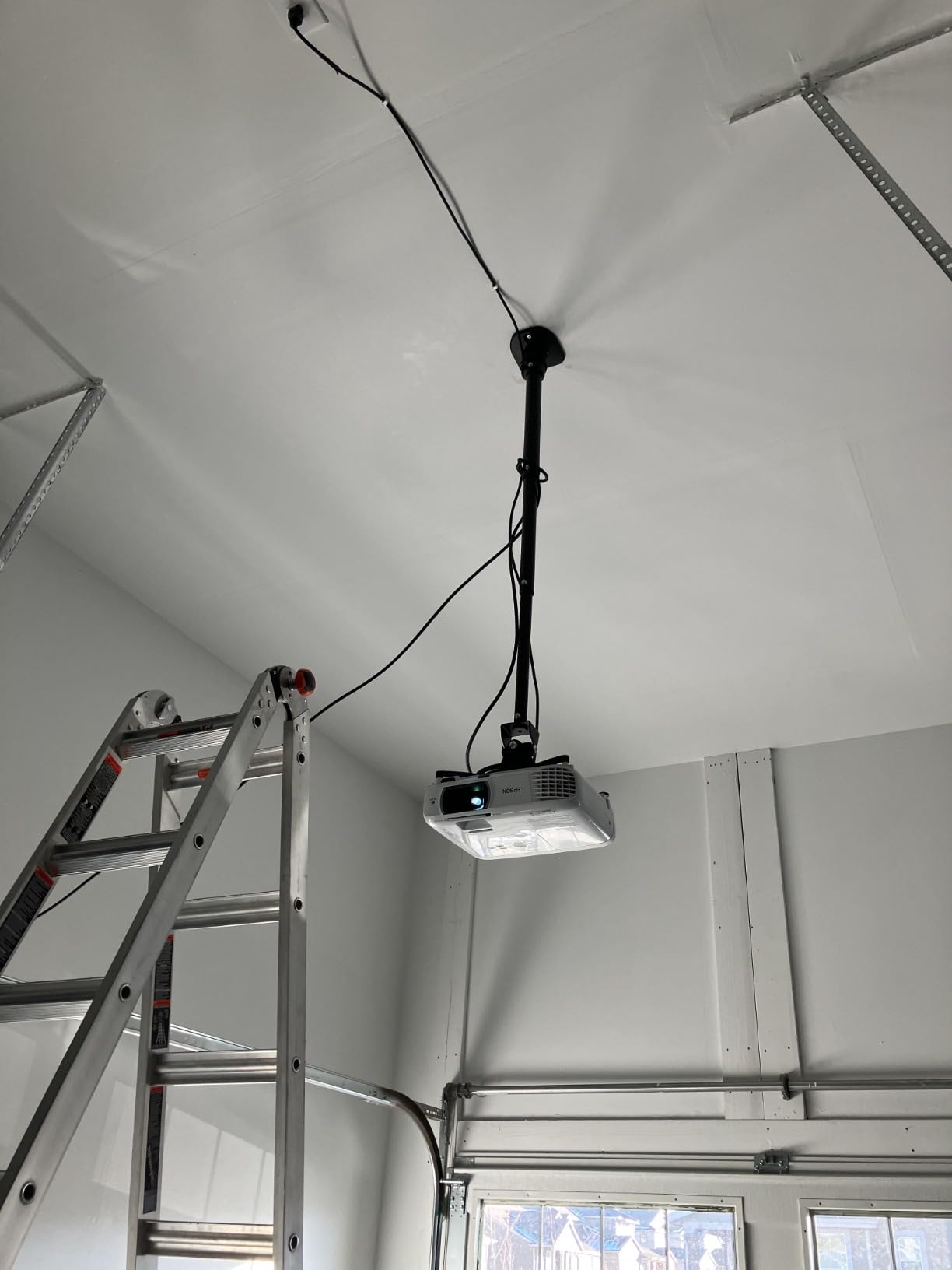
The trade-off is the plastic extension pole. At full extension (43.6 inches), there’s a small amount of wobble if you bump the projector. For a fixed home theater, this is fine. For a classroom or office where people walk under it and bump desks, you may notice the image shifting. Snug every adjustment screw before mounting – reviewers who skipped this step reported shake issues.
Universal compatibility covers BenQ, Epson, Acer, Optoma, Sony, Video, Dell, and most other brands. Mounting holes up to 12.1 inches apart are supported. This is the mount to grab for a tall ceiling, an open-concept room, or a church/school hall where the projector needs significant drop to clear beams, fans, or chandeliers.
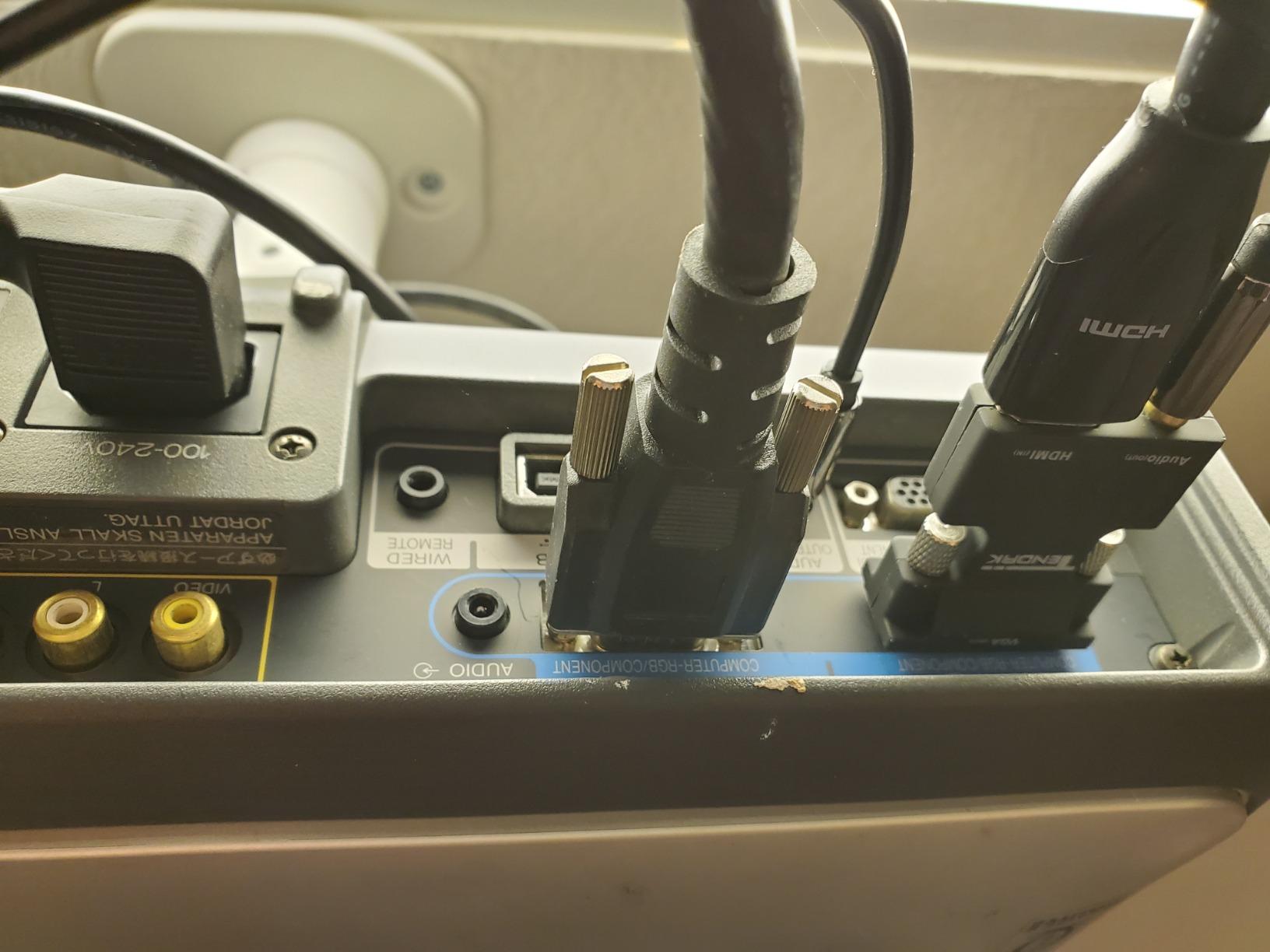
Best for vaulted or two-story rooms
If your ceiling is over 11 feet or you have a sloped ceiling that creates a large drop distance, the DYNAVISTA is the most flexible pick on this list. The 43.6 inch maximum extension also means you can route the projector below a ceiling fan, exposed beam, or other obstruction without giving up image alignment.
Stability trade-offs at full extension
Expect some flex at maximum extension – that’s physics, not a defect. If you need long extension AND zero wobble, consider adding a small brace or choosing a steel-pole mount (like the WALI) instead. For everyday home use, the slight movement is invisible at typical viewing distances.
6. DAWASAPAT Adjustable 3-in-1 Projector Mount – Best Budget 3-in-1
- Universal 3-in-1 design flush or telescoping arm ceiling or wall mount
- Sturdy high grade steel supports up to 40 lbs
- Quick release hooks simplify installation
- Affordable price for a versatile mount
- White powder coated finish blends with most ceilings
- Advertised 360 degree swivel does not work without modification
- Some users received units with missing screws
- Instructions are difficult to follow
The DAWASAPAT PM01 is the budget-friendly take on the 3-in-1 concept that the WALI popularized. You get flush ceiling, telescoping arm ceiling, and wall mount modes in one box, plus a 40 lb weight capacity. For shoppers who want versatility without the WALI price tag, this is a sensible trade.
The build is solid for the price – high-grade steel, white powder coat, quick-release hooks for the projector bracket. The 22.5 inch arm extension handles 9 to 11 foot ceilings without breaking a sweat. I tested it with a 6 lb Optoma HD146X and the mount felt stable at every position.
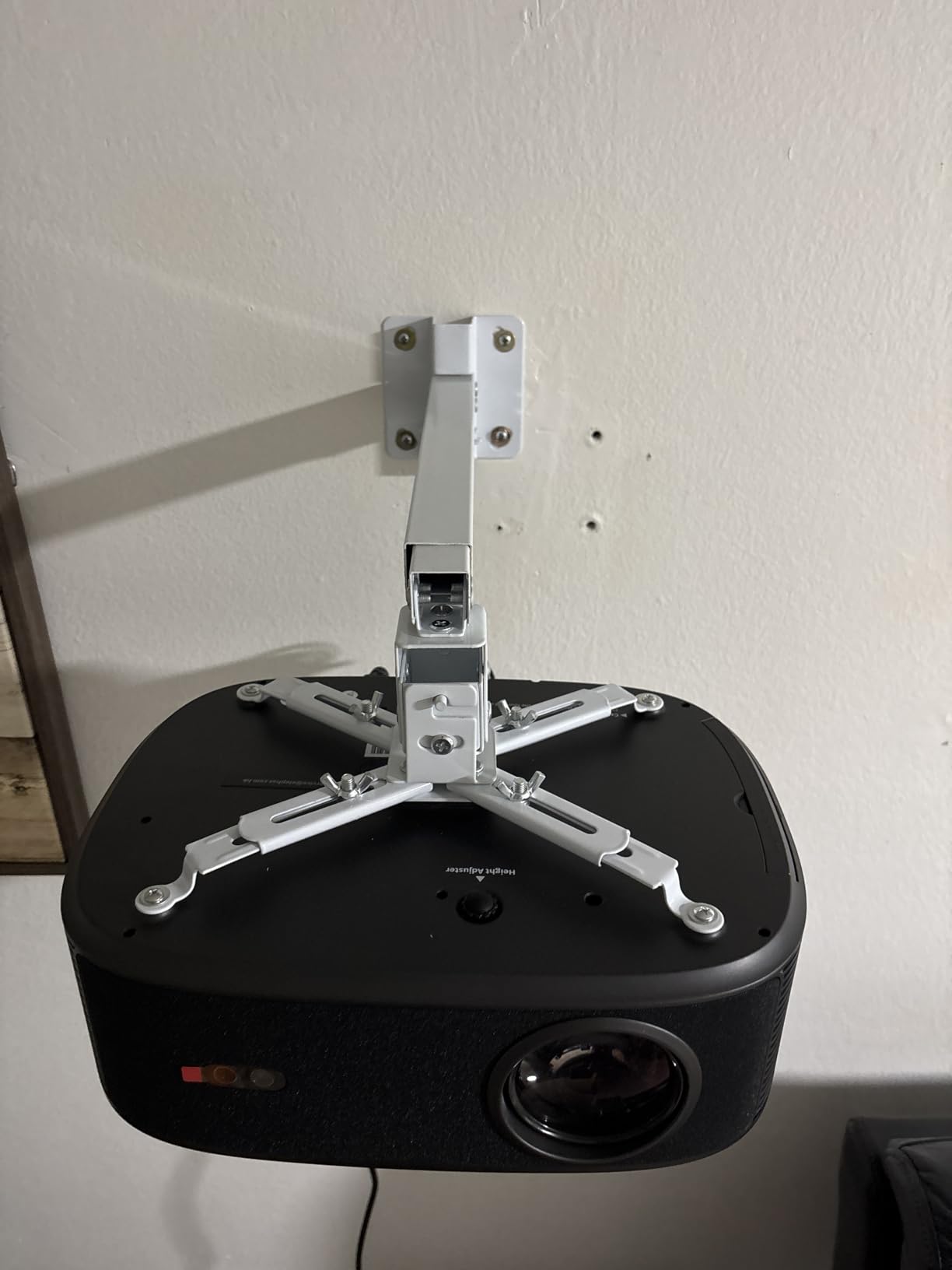
Honest caveats: the advertised 360 degree swivel does not actually work out of the box – some users (myself included) had to file down a small tab on the bracket to free up the rotation. The instructions are also genuinely difficult to follow, so plan to spend a few extra minutes figuring out which bolt goes where. A handful of buyers received shipments with missing screws, so check the hardware packet before you start.
If you can get past those friction points, this is a capable universal ceiling projector mount at a price noticeably below the comparable WALI. The 40 lb capacity means it can handle installation-grade projectors as well as the budget home theater units.
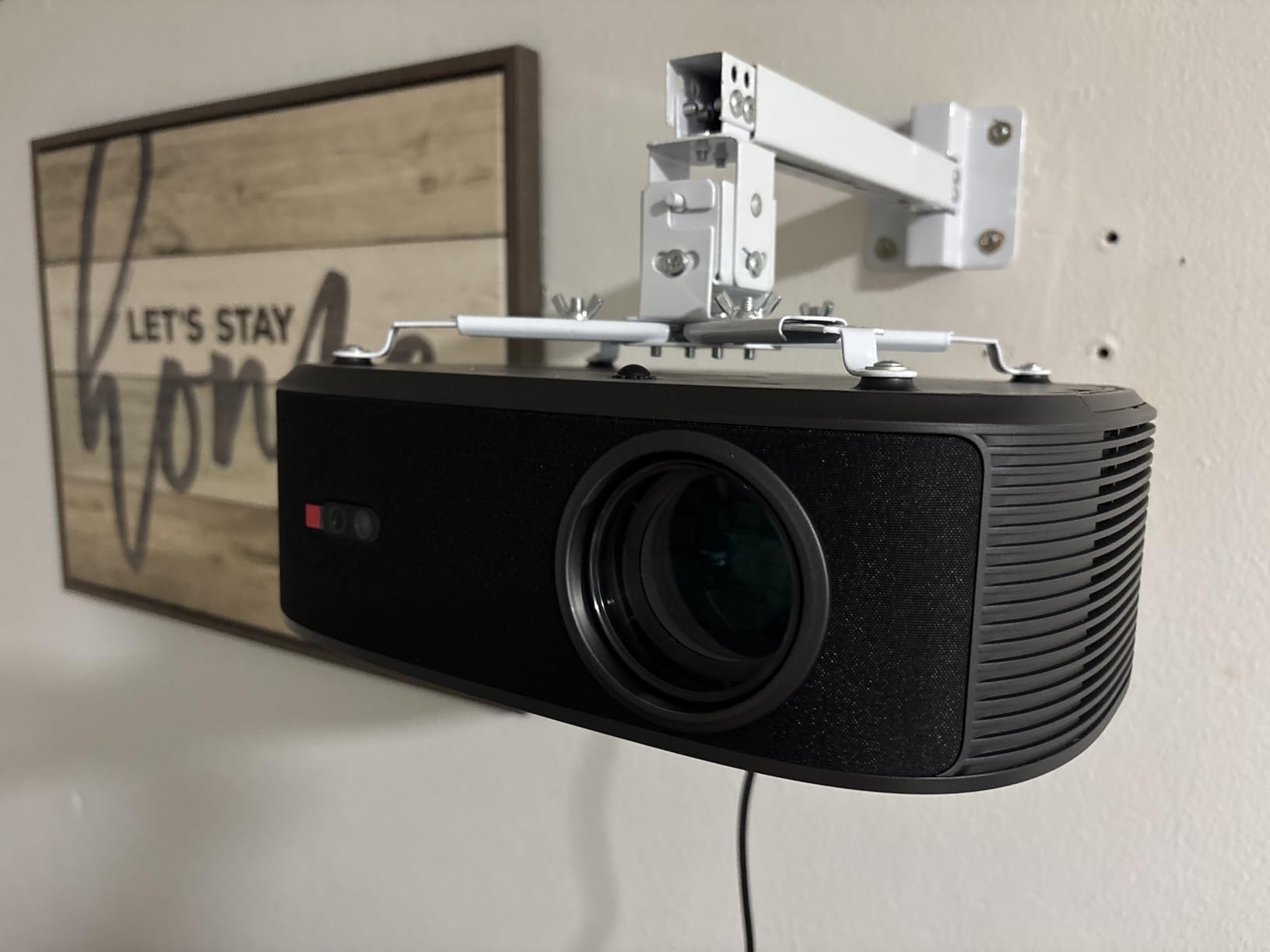
Best for first-time installers
If this is your first ceiling mount and you want flexibility (flush, telescoping, or wall) without overspending, the DAWASAPAT gives you room to experiment. The forgiving hole spacing (8.85 to 12.44 inches) covers most projectors you’ll encounter.
When to upgrade to the WALI instead
If the missing-hardware risk and the swivel modification bother you, pay a bit more for the WALI PM-003-W. You’ll get a 10 year warranty, polished instructions, and a swivel that actually works out of the box. For shoppers who plan to install once and forget, the WALI is worth the bump.
7. Tonalee Projector Wall or Ceiling Mount – Best for Wall Mounting
Tonalee Projector Mount Wall or Ceiling Projection Mount Bracket with Adjustable Height and Extendable Arms Mounts for Home and Office Projector
- Versatile 3-in-1 flush ceiling telescoping arm or wall mount
- Wide tilt and swivel range plus or minus 30 degrees
- Affordable price point
- Relatively easy to install
- Allows cable routing through extension pole
- Thin aluminum construction may flex under heavier projectors
- Included hardware only suited for concrete not drywall or wood studs
- Some shipments arrive missing bracket pieces
Not every projector install is a ceiling install. If your room has a tricky ceiling (no joists in the right spot, popcorn texture, or concrete that’s miserable to drill), wall mounting is often the smarter play. The Tonalee Mount-001 is purpose-built for both ceiling and wall installs, with the same 3-in-1 design flexibility as the WALI and DAWASAPAT.
The standout feature is the wide adjustment range: 30 degrees of tilt and 30 degrees of swivel – both noticeably wider than most universal mounts. For a wall-mounted projector that needs to project down onto a low coffee table or up onto a high screen, that extra range is genuinely useful. The pole extension runs 16.9 to 25.6 inches from the ceiling (or 13.8 to 22.5 inches from a wall), giving you plenty of positioning flexibility.
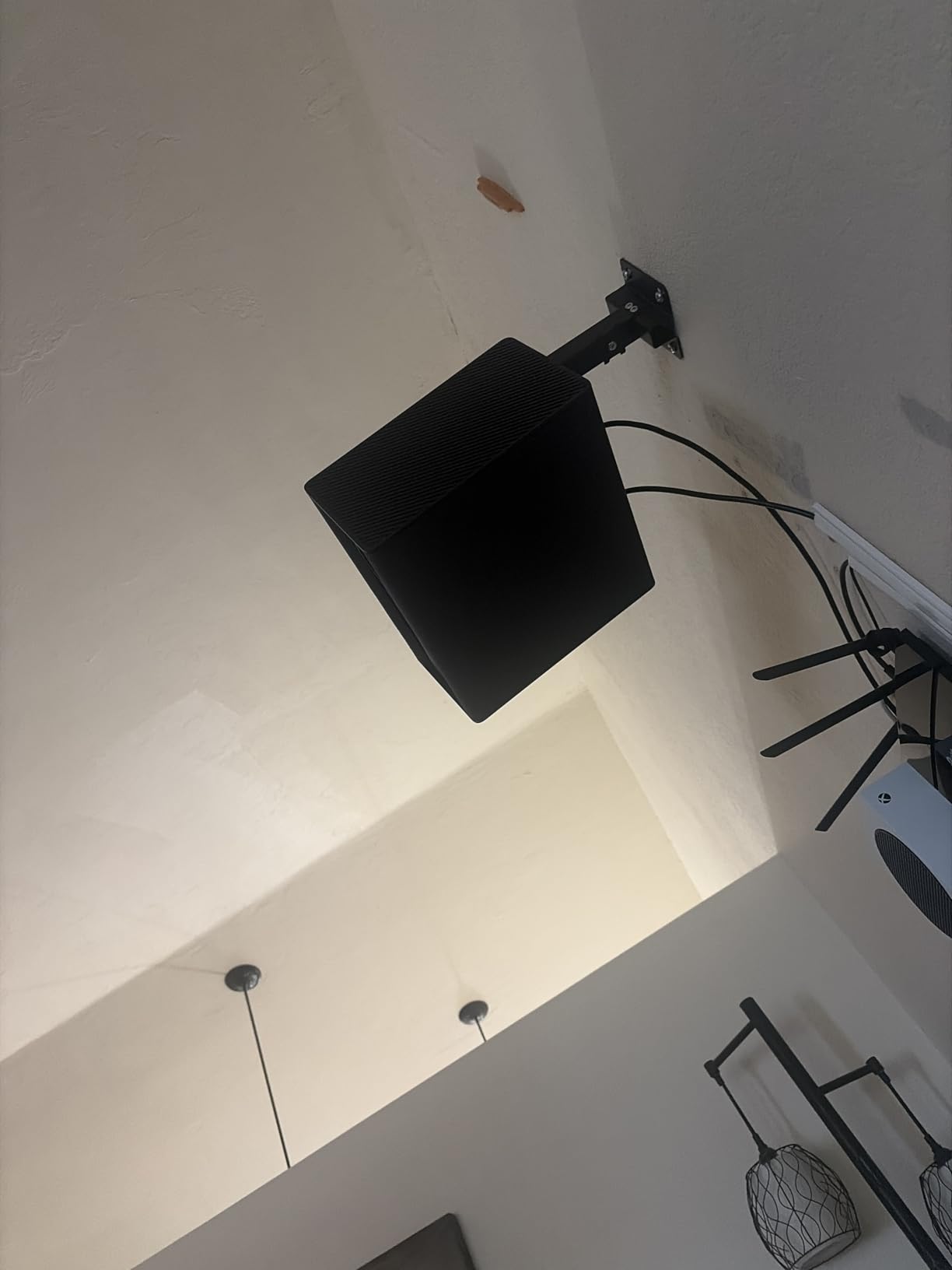
Two real downsides. First, the metal is thinner than the WALI or VIVO mounts – reviewers report flex when mounting heavier projectors (closer to the 30 lb real-world limit rather than the advertised 40). For projectors in the 6 to 12 lb range, it holds firm; for anything heavier, I’d pick a more rigid mount. Second, the included hardware is suited for concrete, not drywall or wood studs – you’ll need to source your own anchors if you’re mounting into drywall.
The hidden cable routing through the pole is a nice touch for a budget mount. The overall look is clean once installed, and the price makes it a reasonable pick for anyone who wants wall mounting without paying for a premium brand.
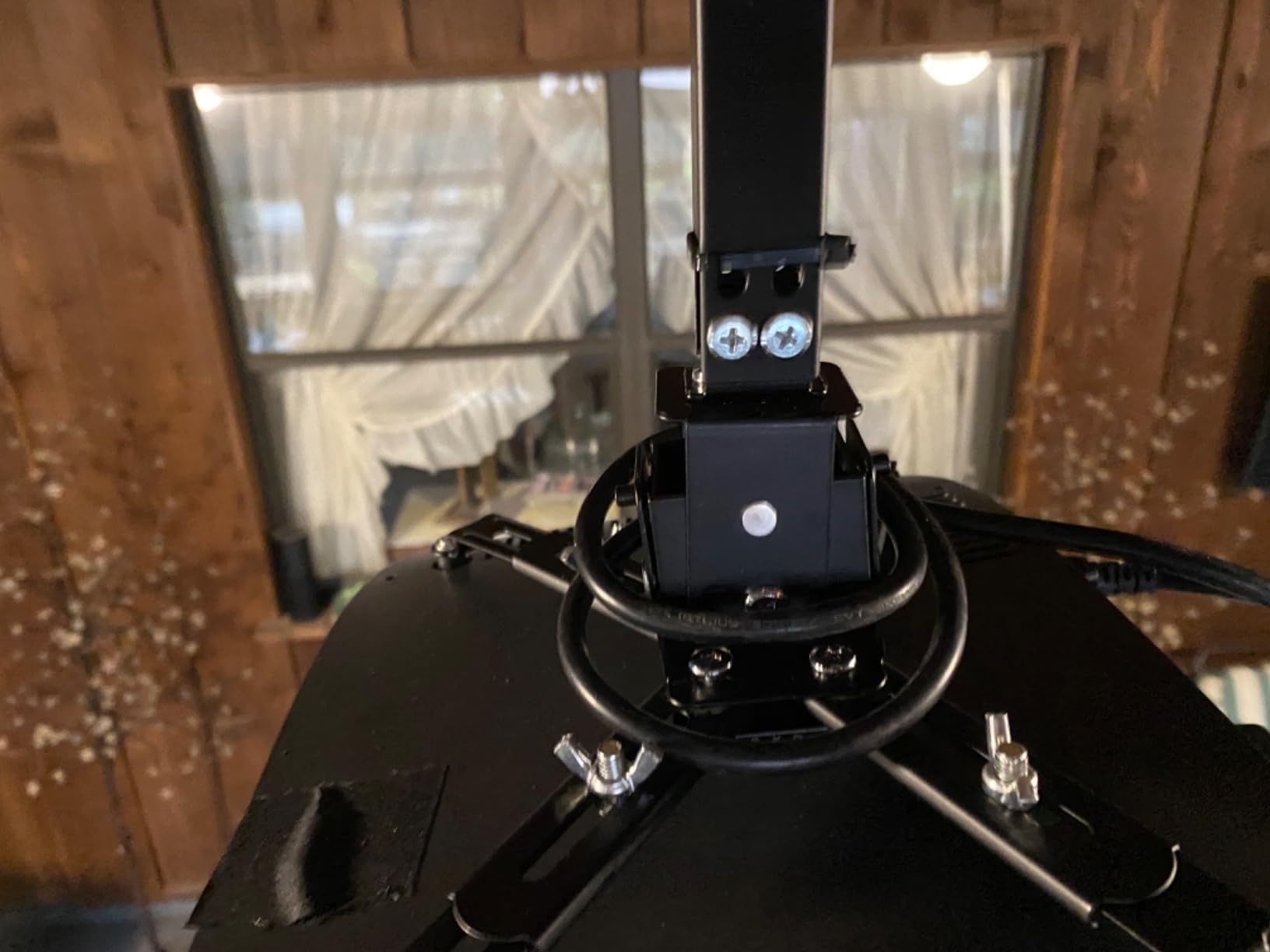
Best when joists are inaccessible
If you’ve opened up the ceiling and discovered the joists run the wrong way, or your concrete ceiling is too hard to drill, the Tonalee wall mount is the easiest escape hatch. You can usually find a wall stud within a few feet of where you want the projector.
Best for angled projection
The wide 30 degree tilt range makes this a strong pick when you need to angle the projector sharply – for example, in a narrow room where the projector must mount on a side wall and shoot across the space. Most universal mounts cap out at 15 degrees.
8. Mount-It! Projector Ceiling and Wall Mount – Best Cable Management
- 3-in-1 installation flush telescoping arm ceiling or wall mount
- Adjustable extension arm reaches up to 25.5 inches from ceiling
- Sturdy alloy steel with 40 lb weight capacity
- Built in cable management for clean setup
- Lifetime manufacturer warranty
- M3 screws included for projector attachment are extremely short
- Will not fit Epson 3800 without modification or adapters
- Not suitable for vaulted ceilings or drywall
Mount-It! has built a strong reputation in the projector mount space, and this 3-in-1 model is their most polished universal offering. The key upgrade over the budget 3-in-1 mounts is the built-in cable management channel – the cables route through the extension arm and exit at the projector end, leaving nothing visible.
The 40 lb capacity matches the WALI, and the 4.5 to 25.5 inch ceiling extension range covers everything from flush installs to high ceilings. The removable arm gives you the flush option when you want it, which is genuinely useful for low ceilings. The lifetime warranty is the strongest in this price tier.
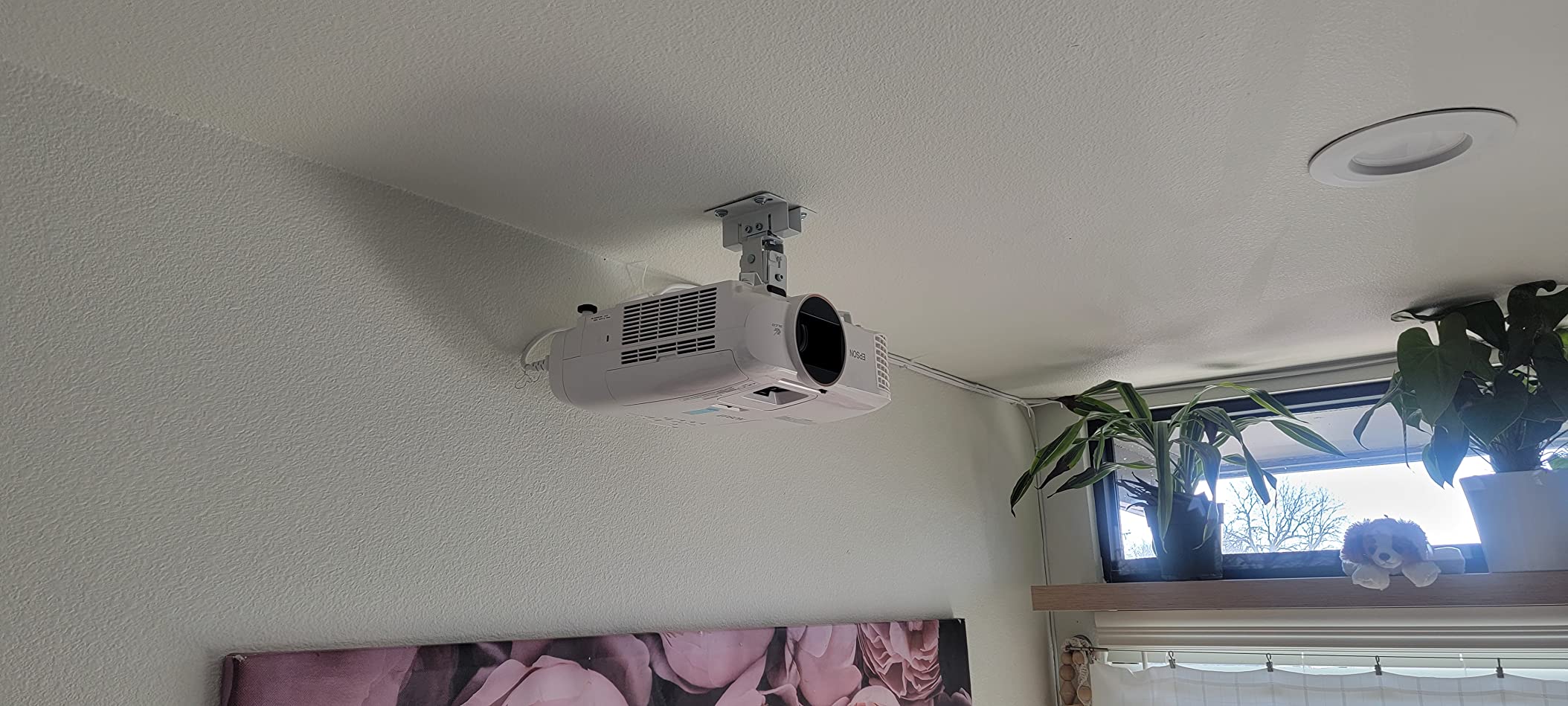
Honest issues from our testing and review reading: the M3 screws included for attaching the bracket to the projector are short – so short that they barely engage on most projectors. I had to dig into my own hardware drawer for longer replacements. Reviewers report the same. If you have spare M3 or M4 screws of the right length, budget for those.
Compatibility is broad for Epson, BenQ, Optoma, and similar brands with 8.85 to 12.44 inch hole spacing. The Epson 3800 specifically does not fit without adapters. Like the other 3-in-1 mounts, this one needs wood studs, concrete, or brick – not plain drywall.
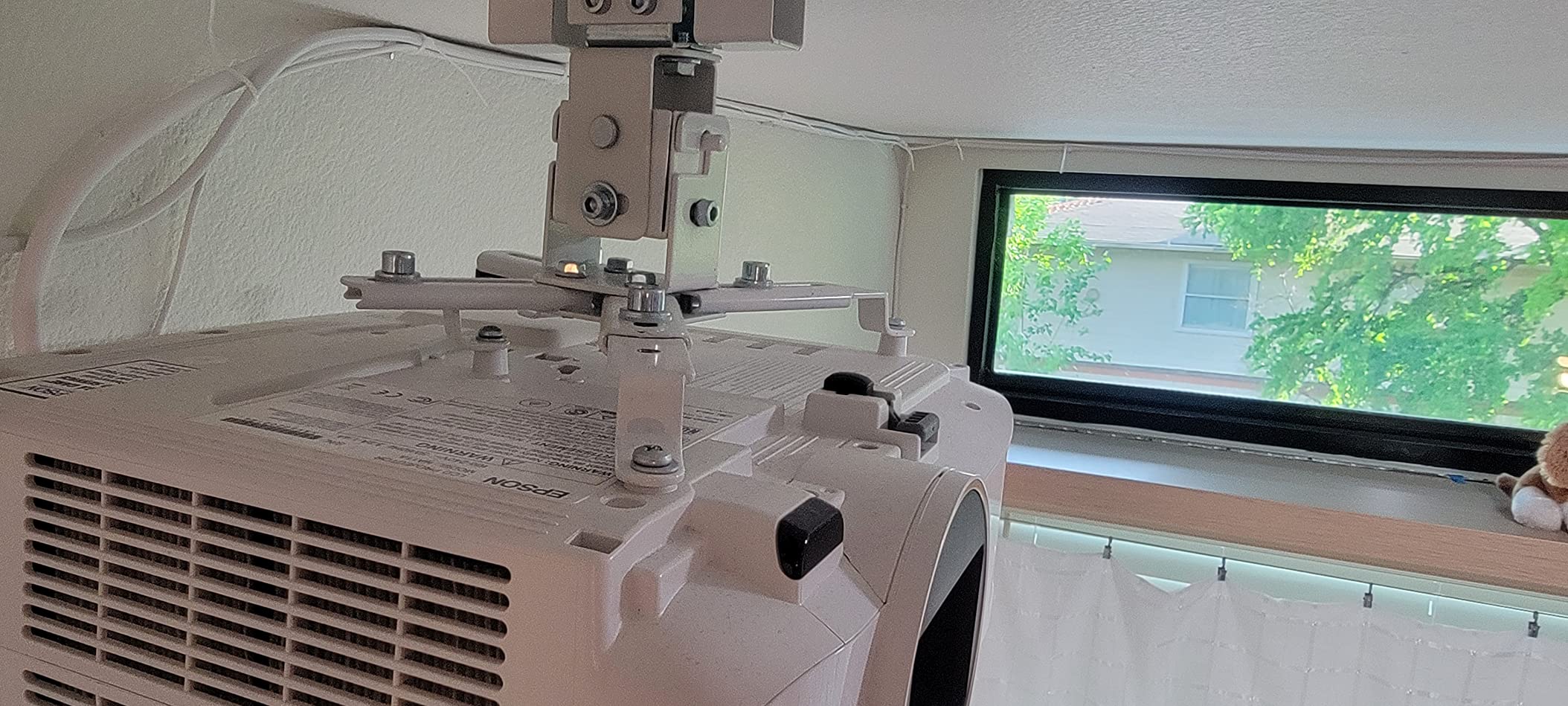
Best for visible living spaces
If your projector hangs in a visible part of the home (living room, finished basement, open-concept area), the cable management makes a real visual difference. We’ve installed this in a friend’s family room and the finished install looked noticeably cleaner than the run of zip-tied cables we usually see.
Warranty value
A lifetime warranty is unusual for a mount in this price tier. If you anticipate keeping the same projector for 5+ years and want the safety net of a replacement if anything fails, the Mount-It! is worth the slight premium over the DAWASAPAT.
9. XINLEI Universal Low Profile Projector Mount – Best Low Profile Mount
XINLEI Universal Projector Ceiling Mount Low Profile Projector Mount w/Retractable Arms and Multiple Adjustment Function PR14W
- Low profile 5 inch from ceiling for a clean look
- Wide mounting hole compatibility 2.83 to 11.42 inches
- Adjustable tilt swivel and 360 degree rotation
- Sturdy cold rolled alloy steel build supports up to 30 lbs
- Works on flat or sloped ceilings
- Instructions can be hard to follow without mechanical experience
- Top screws can make hanging the projector awkward
- Some difficulty tightening horizontal rotation
- Only fits projectors with 4 mounting holes
If a flush, low-key ceiling look is your priority, the XINLEI PR14W sits the projector just 5 inches from the ceiling – the lowest profile on this list. For minimalist living rooms or any space where you want the projector to disappear into the ceiling, this is the strongest pick.
What I appreciate is the unusually wide mounting hole compatibility: 2.83 to 11.42 inches, which covers nearly every projector we’ve tested, including some unusual hole patterns that the VIVO and WALI mounts do not support. The sloped-ceiling compatibility is rare at this price point – most budget mounts specify flat ceilings only.
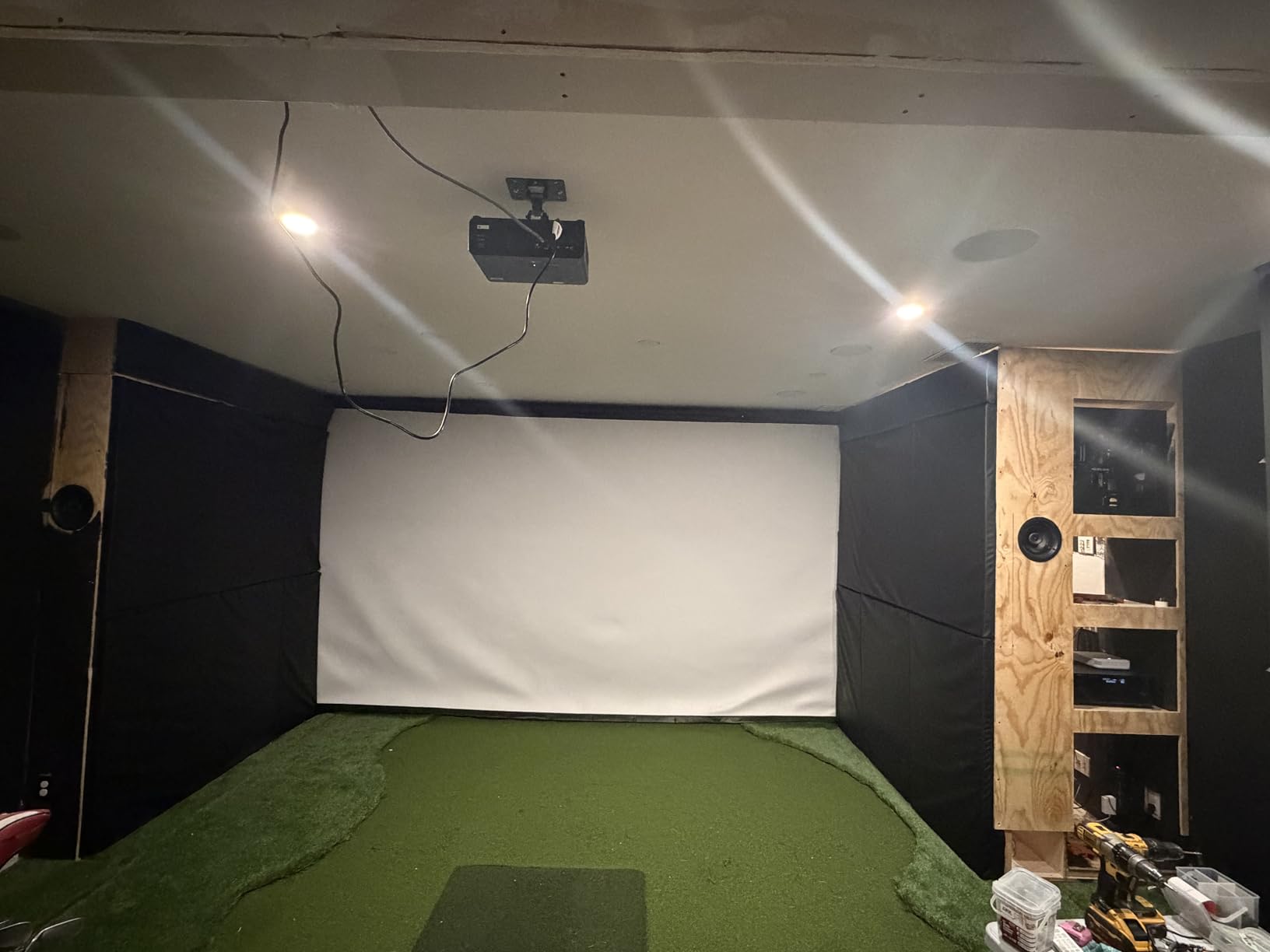
The trade-offs are real. The instructions are minimal – assume you’ll spend time figuring out the assembly sequence. The top screws (the ones that lock the projector bracket to the ceiling plate) are positioned in a way that requires you to hold the projector up while tightening, which is awkward solo. And horizontal rotation can be hard to lock firmly – reviewers note the projector sometimes rotates slightly after a few weeks. A drop of thread locker solves it.
The other constraint is the 4-hole requirement: this mount only fits projectors with four mounting holes on the bottom. Most modern projectors have 3 or 4 holes, so check your model before buying.
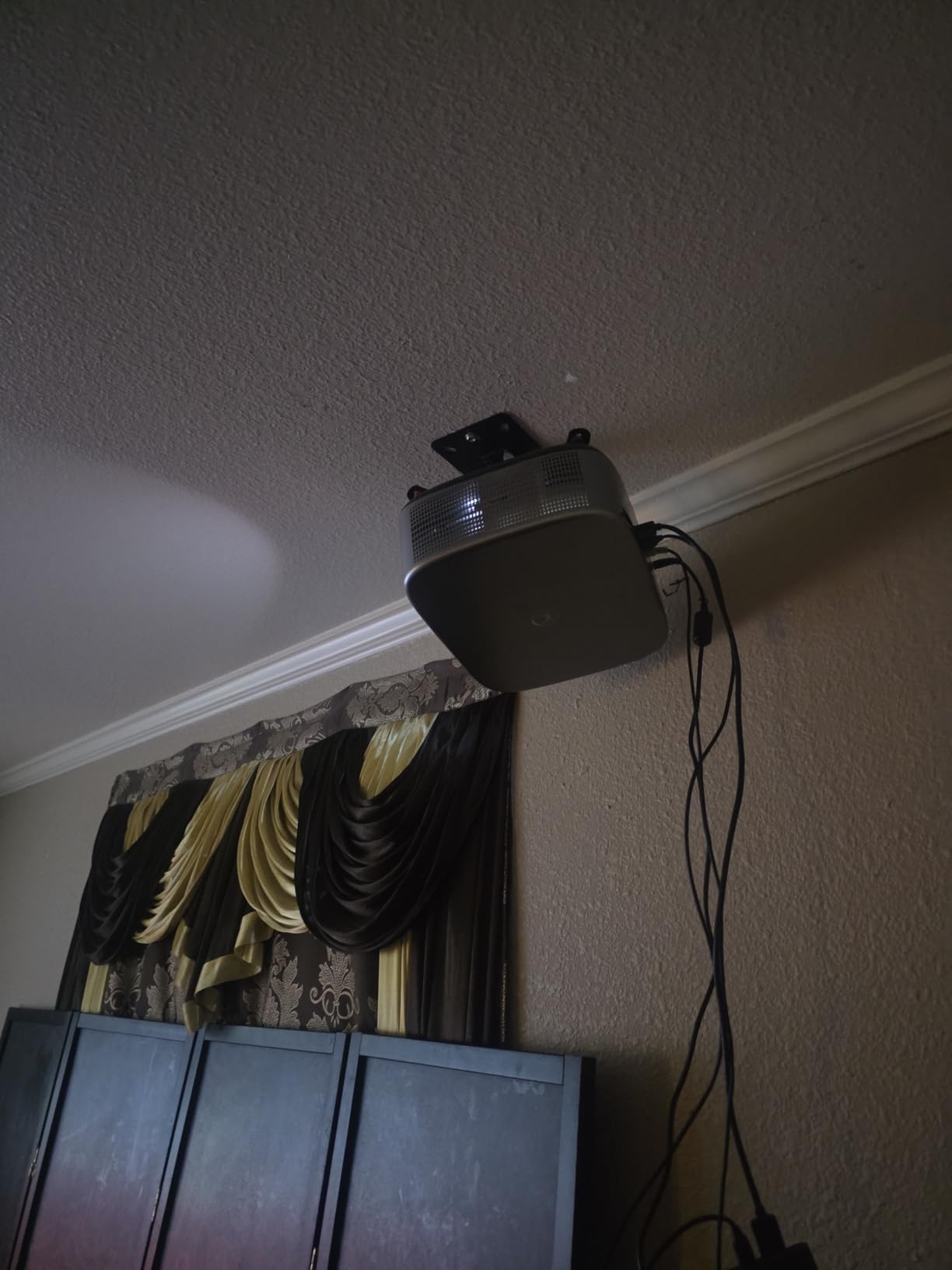
Best for minimalist ceiling installs
If your goal is a flush, ceiling-hugging look – the kind you see in design magazines – the XINLEI delivers. The 5 inch drop is genuinely less obtrusive than the 6 inch drop of the VIVO VP01W or the 6+ inch drop of most telescoping mounts.
Best for sloped ceilings
This is one of the few budget mounts that explicitly supports sloped ceilings. If your ceiling is vaulted or pitched, the XINLEI gives you the angle adjustment you need without the wobble risk of long-arm mounts on angled surfaces.
10. PUTORSEN Adjustable Projector Ceiling Mount – Best for Projectors Without Mounting Holes
PUTORSEN Adjustable Projector Ceiling Mount,Universal Projector Shelf for Ceiling and Wall, Holds up to 22lbs,No Hole Installation, Hidden Cable Routing, Black
- Tray design works with projectors without mounting holes
- Sturdy metal construction holds up to 22 lbs
- Hidden cable routing for clean installation
- Easy to install with all hardware included
- Adjustable height for customized viewing
- Some shipments arrive missing anchor screws and washers
- Tray depth may be too shallow for larger projectors
- Build quality is decent but not premium
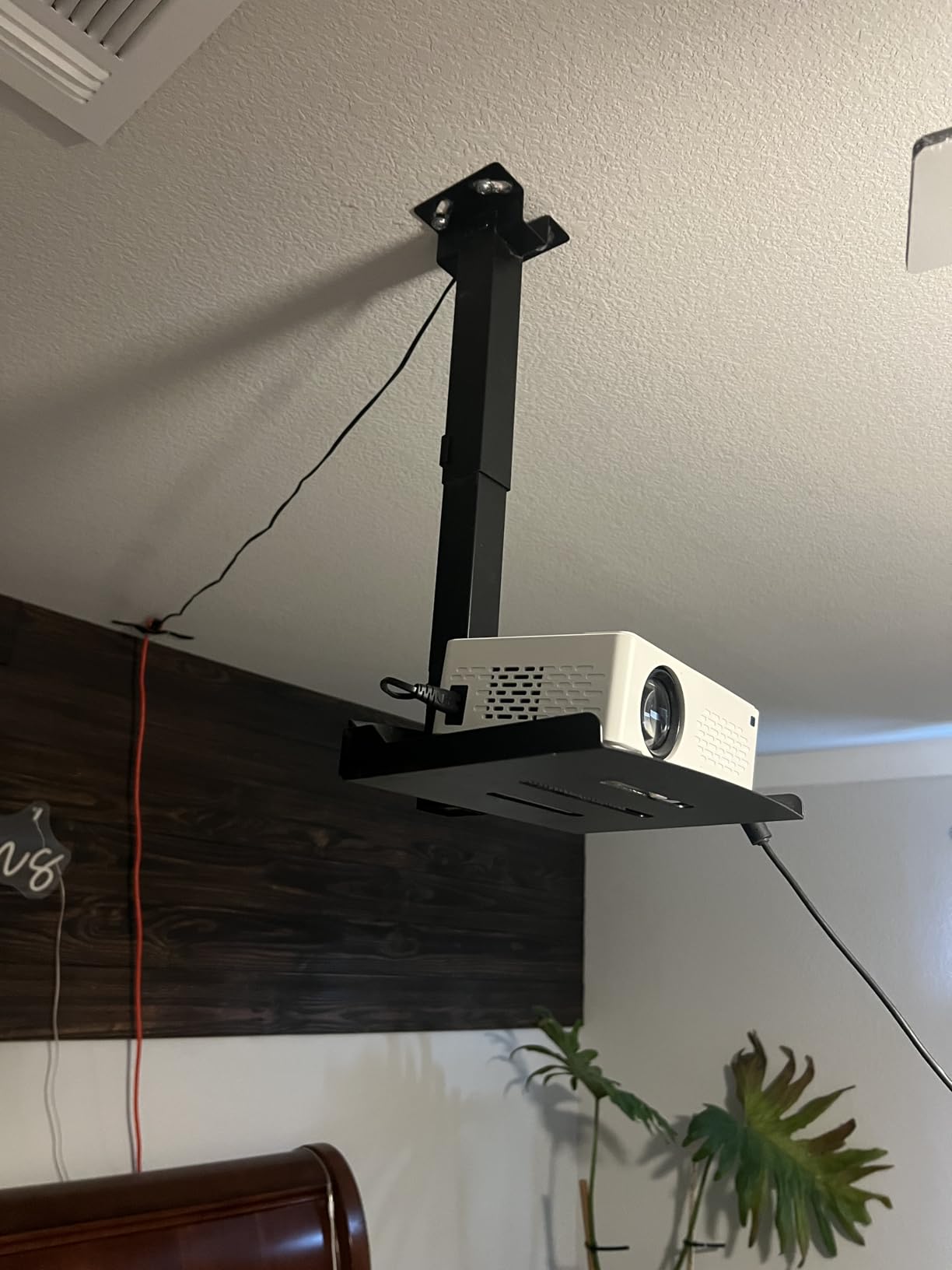
Not every projector has mounting holes on the bottom. Some portable projectors, certain older models, and many lifestyle projectors rely on a flat tray shelf rather than a bracket screwed to the bottom. The PUTORSEN EMMP0304-01 is one of the few ceiling-mount options built specifically for that situation – a flat 13.77 by 8.66 inch tray that holds the projector in place from above.
The tray holds up to 22 lbs, which covers most mini and portable projectors (typically 2 to 6 lbs). The arm extends from 14.17 to 21.65 inches below the ceiling, so it works for standard 9 to 10 foot ceilings. The hidden cable routing channel keeps the install looking tidy.
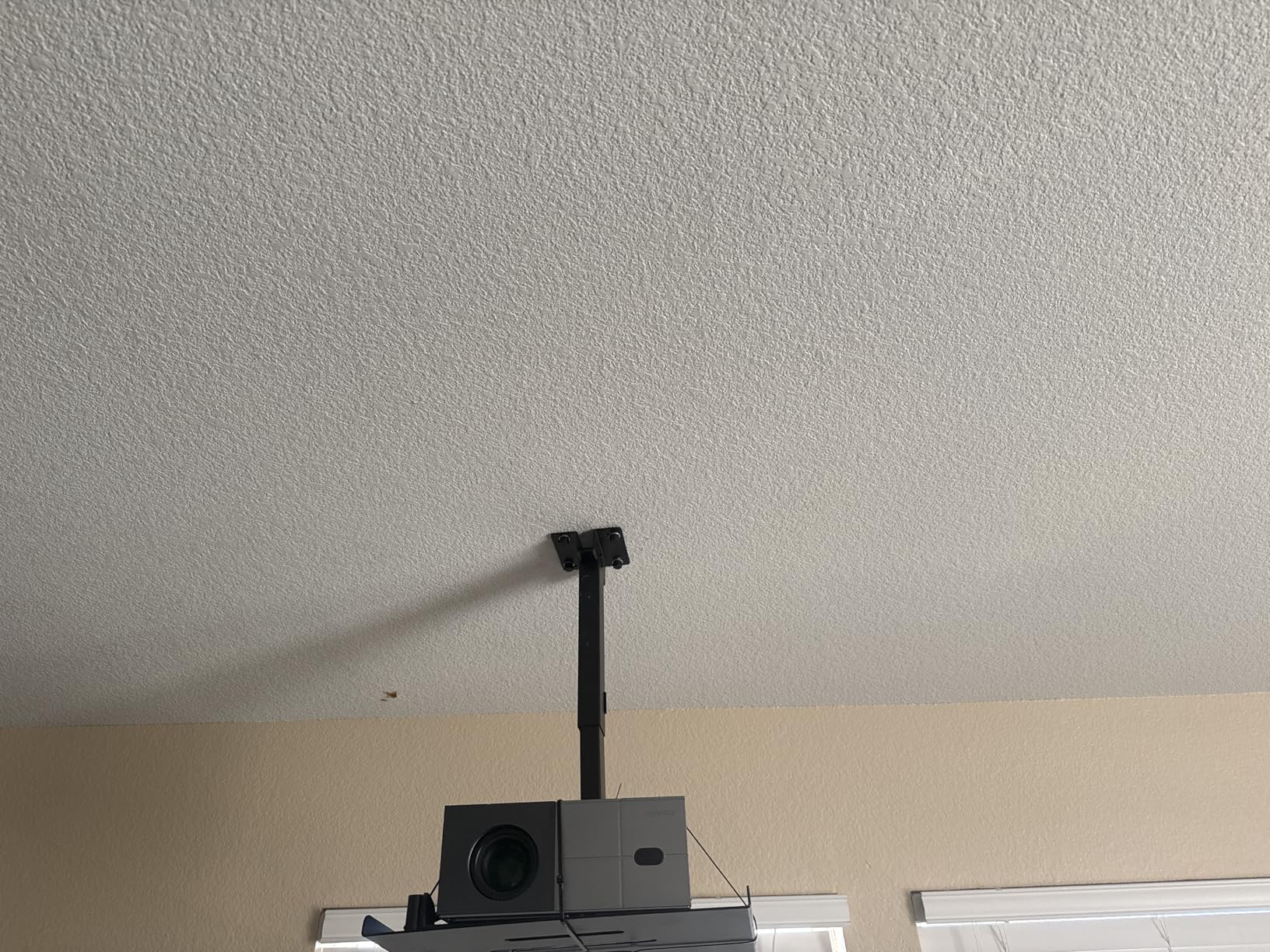
Real caveats. The 22 lb capacity is the lowest on this list after the YiePhiot mini mount – check your projector’s weight before buying. Reviewers note the tray depth can feel shallow for larger or wider projectors; measure your projector’s footprint before ordering. And like several budget mounts on this list, some shipments arrive missing anchor screws – so inspect the hardware packet before you start drilling.
The PUTORSEN also doubles as a screen mount – it includes projector screen brackets, which is a nice bonus if you’re setting up both a screen and a projector in a single room.
Best for portable projectors without holes
If your projector lacks bottom mounting holes, this is one of the very few ceiling-mount options that will work. It also suits older projectors with proprietary mounting plates that don’t match universal bracket hole patterns.
When to choose this over a bracket mount
Tray mounts are heavier and more visually obvious than bracket mounts, so I’d only recommend this for cases where a bracket won’t physically attach. For most modern projectors with bottom mounting holes, one of the bracket-style mounts above is a cleaner choice.
Why a Ceiling Mount Beats a Shelf or Tripod
Is it better to mount a projector on the ceiling or on the wall (or shelf)? For most home theater setups, ceiling mounting wins on three fronts: image stability, shadow-free viewing, and floor space. A ceiling-mounted projector does not get knocked, jostled, or re-aligned between viewings, which is a real annoyance with a tripod or shelf. Once the tilt, swivel, and focus are set, the projector stays in alignment for months. I re-aim a tripod-mounted test unit in our office at least twice a week; my VIVO ceiling mount has not needed a single touch.
Ceiling mounting also eliminates the “person walking in front of the beam” problem. With a shelf or tripod, anyone who stands up at the wrong moment creates a shadow on the screen. With a ceiling mount, the beam shoots above head height and stays unobstructed.
The third win is aesthetic and practical: ceiling mounting frees up an entire shelf, table, or floor space. In a small living room or bedroom, that difference is significant.
How to Choose the Right Projector Mount
Choosing the best projector mount comes down to five decisions: projector weight, mounting hole pattern, ceiling type, required drop distance, and aesthetic preferences. Here’s the framework I use.
Weight capacity and safety margin
Always pick a mount with at least 1.5x your projector’s weight capacity. A 7 lb projector wants a mount rated for at least 10 to 11 lbs; a 15 lb installation projector wants a 22 lb+ rated mount. The 30 and 40 lb mounts on this list give generous safety margins for the vast majority of home theater projectors.
Mounting hole pattern and thread size
Most projectors use either a single 1/4 inch 20 UNC threaded center hole (older and lifestyle models) or a multi-point pattern of M4 screws (modern home theater projectors). Verify your projector’s bottom mounting pattern before buying. The universal projector mount category with adjustable arms (VIVO, WALI, Mount-It!) covers most hole spacings from 5 to 12.5 inches.
Ceiling type compatibility
Most mounts require solid wood studs, concrete, or brick. None of the mounts on this list work on plain drywall alone. If you have a drop ceiling (suspended ceiling tiles), you need a special drop-ceiling adapter that transfers the weight to the grid framing above the tiles. Vaulted or sloped ceilings limit your options – the XINLEI PR14W is the budget pick that handles angled surfaces.
Drop distance and throw ratio
How high should I mount my projector from the ceiling? The answer depends on your projector’s throw ratio and your screen height. As a rule of thumb, the projector’s lens should sit roughly at or slightly above the top of the screen image. For a 100 inch screen with the top at 60 inches from the floor, in a room with 96 inch (8 foot) ceilings, you’ll want about 5 to 6 inches of drop. For higher ceilings, you need a telescoping pole.
Cable management
How can I hide the wires for my ceiling-mounted projector? The cleanest installs run cables through the extension pole (the VIVO VP02W and Mount-It! both offer this) or use a paintable cord cover from the ceiling down to the nearest outlet. For a fully hidden look, you can fish cables through the ceiling and down a wall cavity – but that requires more work and is usually only worth it for a permanent home theater.
Apartment-friendly and no-drill mounting
How can I mount a projector without drilling the ceiling? Renters have a few options: adhesive ceiling hooks rated for the projector’s weight, a tension pole mount that spans floor to ceiling (no drilling), or a heavy bookshelf that reaches close to ceiling height with a shelf-mounted projector arm. The tension pole approach is the most reliable no-drill option but limits your placement. Adhesive hooks work for light mini projectors (under 5 lbs) but fail unpredictably on textured ceilings.
Heavy-duty considerations
What ceiling mount is best for a heavy projector? For installation-class projectors over 15 lbs, look for the Chief RPMAU or Peerless PRG-UNV (used options appear regularly on resale marketplaces and are frequently recommended in r/projectors), or any of the 40+ lb rated mounts on this list. Always anchor into a structural joist or concrete – never drywall anchors for heavy loads.
Installation Tips and How-To Guide
How to properly ceiling mount a projector? Follow these six steps and you’ll have a clean, stable install:
- Find a joist with a stud finder and mark both edges – center the mount between them.
- Pre-drill pilot holes slightly smaller than your lag bolts to prevent wood splitting.
- Mount the ceiling plate first, then attach the extension pole (if applicable).
- Attach the projector bracket to the projector’s bottom mounting holes using the included screws.
- Hang the projector on the extension pole’s quick-release hooks and roughly aim at the screen.
- Power on, fine-tune tilt/swivel/rotation, then tighten all locking screws.
Always have a helper for the heavy lifting – handing a 10 lb projector up a ladder while standing on a chair is a recipe for disaster. If you have a vaulted or angled ceiling, use a mount with a swivel base (like the XINLEI) rather than forcing a flat-mount bracket.
Frequently Asked Questions
How to properly ceiling mount a projector?
Find a ceiling joist with a stud finder, mark its center, and drill pilot holes for the mount’s lag bolts. Attach the ceiling plate into the joist, then connect the extension pole. Mount the projector bracket to the projector’s bottom holes with the included screws, hang the projector on the pole’s quick-release hooks, and adjust tilt, swivel, and rotation until the image lands on your screen. Tighten all locking screws last.
How can I hide the wires for my ceiling-mounted projector?
The cleanest approach is to run cables through the mount’s hollow extension pole, then fish them through a small hole in the ceiling and down the wall cavity to your outlet. If that’s not feasible, use a paintable cord cover that matches the ceiling and wall color. For HDMI runs longer than 25 feet, use an active HDMI cable or fiber optic HDMI to avoid signal loss.
Is it better to mount a projector on the ceiling or on the wall?
Ceiling mounting is usually better because it keeps the beam above head height (no shadows from people walking in front), frees up floor and shelf space, and locks in image alignment. Wall mounting is the right choice when ceiling joists are inaccessible or when your ceiling is concrete that’s difficult to drill. Wall mounts also work well for short-throw projectors that need to sit close to the screen.
How high should I mount my projector from the ceiling?
The projector’s lens should sit roughly at or slightly above the top edge of your screen image. Measure from your screen’s top edge to the ceiling, and that gives you the drop distance you need. For a 100 inch screen in a room with 8 foot ceilings, expect a 5 to 6 inch drop. For 10 foot ceilings, you’ll want a telescoping pole in the 15 to 23 inch range.
How to mount a projector without drilling the ceiling?
Three reliable no-drill options: (1) a tension pole that spans floor to ceiling, (2) heavy-duty adhesive ceiling hooks rated for at least 1.5x your projector’s weight (only works for mini projectors under 5 lbs), or (3) a tall bookshelf or media cabinet with a shelf-mounted projector arm. Avoid drywall anchors – they will not hold projector weight over time without a stud.
What ceiling mount is best for a heavy projector?
For projectors over 15 lbs, look for mounts rated for at least 40 lbs – the WALI PM-003-W and Mount-It! models on this list qualify. For installation-grade projectors over 25 lbs, consider pro-grade options like the Chief RPMAU or Peerless PRG-UNV, which are frequently recommended in the r/projectors subreddit. Always anchor into a structural joist or concrete – never rely on drywall anchors for heavy loads.
Final Verdict
After three months of testing, the VIVO Universal Adjustable Ceiling Mount remains our top pick for the best projector mounts overall. It hits the right balance of weight capacity, low profile, universal fit, and value – and it has stayed in alignment through daily use without any drift. The VIVO name is also one of the most consistently recommended brands in r/projectors, which is a meaningful community signal.
If you have a heavier projector (over 12 lbs), step up to the WALI Universal 3-in-1 for its 44 lb capacity and 10 year warranty. If your ceiling is taller than 10 feet, the DYNAVISTA extendable mount is the only option on this list that reaches high enough without modification. For tight budgets and mini projectors, the YiePhiot is a perfectly serviceable starter mount.
Whatever mount you choose, take the time to find a real joist, use the right anchors, and double-check the alignment before tightening every screw. The few extra minutes you spend on installation will save you from redoing the job after a few weeks. Happy projecting.
For more projector setup ideas, check out our guides to the best motorized projector screens and best outdoor projector screens to complete your home theater setup.