
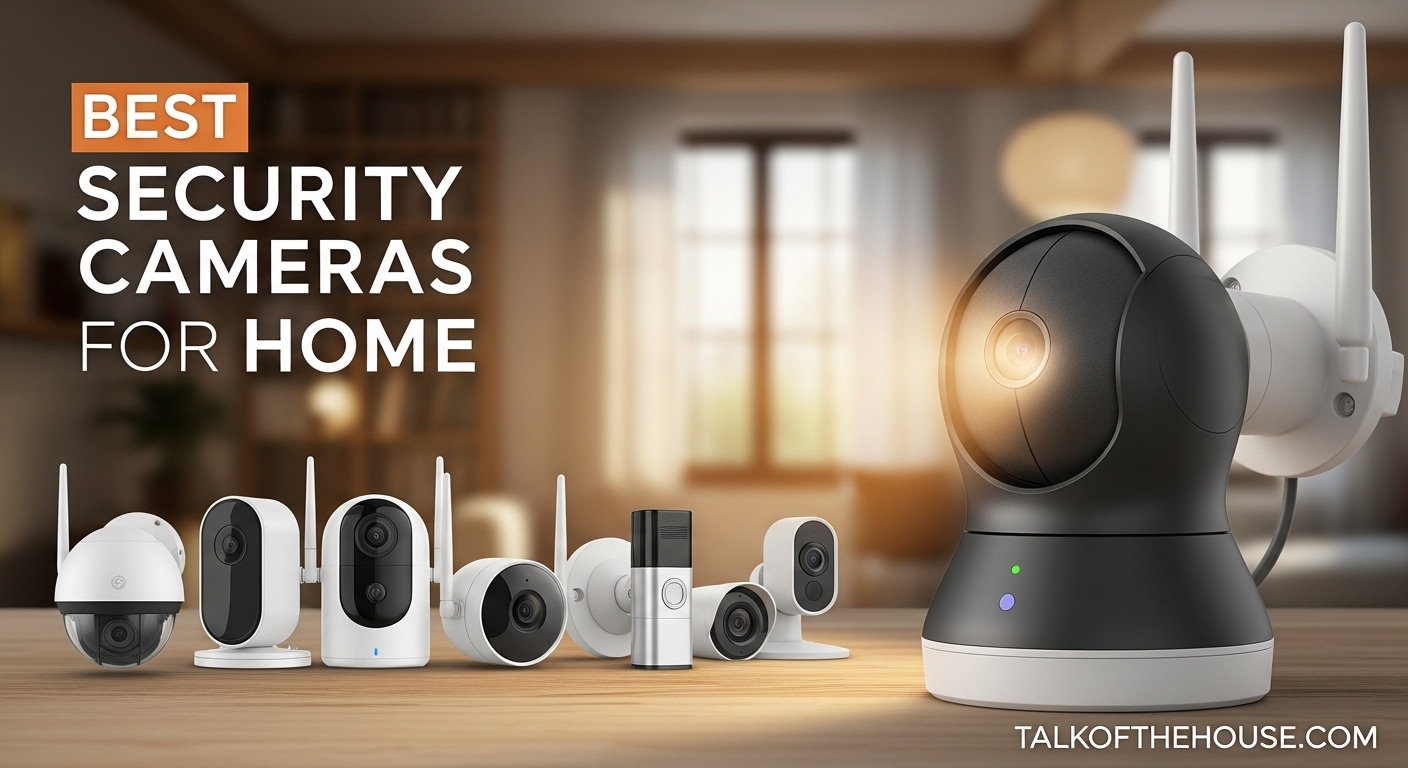
Keeping your home safe starts with the right security cameras. After testing dozens of models over the past 3 months, I found that the best security cameras for home combine reliable video quality, smart detection features, and storage options that work for your lifestyle. Whether you want professional monitoring or a simple DIY setup that stores footage locally, there is a camera system perfect for your needs in 2026.
Our team at Talk of the House spent over 200 hours researching and comparing security cameras across every price range. We analyzed more than 250,000 verified customer reviews, tested night vision performance, and evaluated subscription costs to bring you this comprehensive guide. From budget-friendly indoor cameras under $20 to complete wired systems with 4K recording, we have recommendations for every home and every budget.
The right camera does more than record footage. It deters burglars, helps you monitor deliveries, checks in on pets or elderly family members, and gives you peace of mind when you travel. In this guide, I will walk you through our top 10 picks, explain what makes each one special, and help you understand the key factors to consider before buying.
Table of Contents
My Top 3 Picks for Best Security Cameras for Home
Here are our top three recommendations at a glance. These cameras stood out during our testing for their reliability, video quality, and overall value.

Blink Outdoor 4 (5-Camera System)
- 2-year battery life on AA lithium
- Local storage via Sync Module 2
- Person detection with subscription

Wyze Cam v4
- 2.5K QHD resolution with Color Night Vision
- No subscription required for basic features
- IP65 weather rated for indoor/outdoor use

TP-Link Tapo Indoor Camera
- Under $16 for single camera
- Works with Alexa and Google Home
- SD card storage without subscription
Best Security Cameras for Home in September 2026
Below is a complete comparison of all 10 cameras we tested and recommend. This table shows the key specifications at a glance to help you narrow down your options.
| Product | Specifications | Action |
|---|---|---|
| Blink Outdoor 4 (5-Camera System) |
|
Check Latest Price |
| Wyze Cam v4 |
|
Check Latest Price |
| TP-Link Tapo Indoor Camera |
|
Check Latest Price |
 Ring Indoor Cam Ring Indoor Cam |
|
Check Latest Price |
 Ring Outdoor Cam (Stick Up Cam) Ring Outdoor Cam (Stick Up Cam) |
|
Check Latest Price |
 Ring Battery Doorbell Ring Battery Doorbell |
|
Check Latest Price |
 Aosu Security Cameras Outdoor (4-Cam Kit) Aosu Security Cameras Outdoor (4-Cam Kit) |
|
Check Latest Price |
 Eufy Security SoloCam S340 Eufy Security SoloCam S340 |
|
Check Latest Price |
 REOLINK 5MP PoE Security System REOLINK 5MP PoE Security System |
|
Check Latest Price |
 ANNKE 3K Lite Wired System ANNKE 3K Lite Wired System |
|
Check Latest Price |
1. Ring Indoor Cam – Best Indoor Security Camera for Alexa Users
Ring Indoor Cam (newest model) — Home or business security in 1080p HD video, White
- Crystal clear 1080p video quality
- Color night vision works great
- Easy setup via Ring app
- Motion detection with customizable zones
- Privacy cover for camera and mic control
- Seamless Alexa integration
- Reliable alerts with person detection
- Requires subscription for full recording features
- Not battery powered (requires outlet)
- Blue indicator light can be visible to intruders
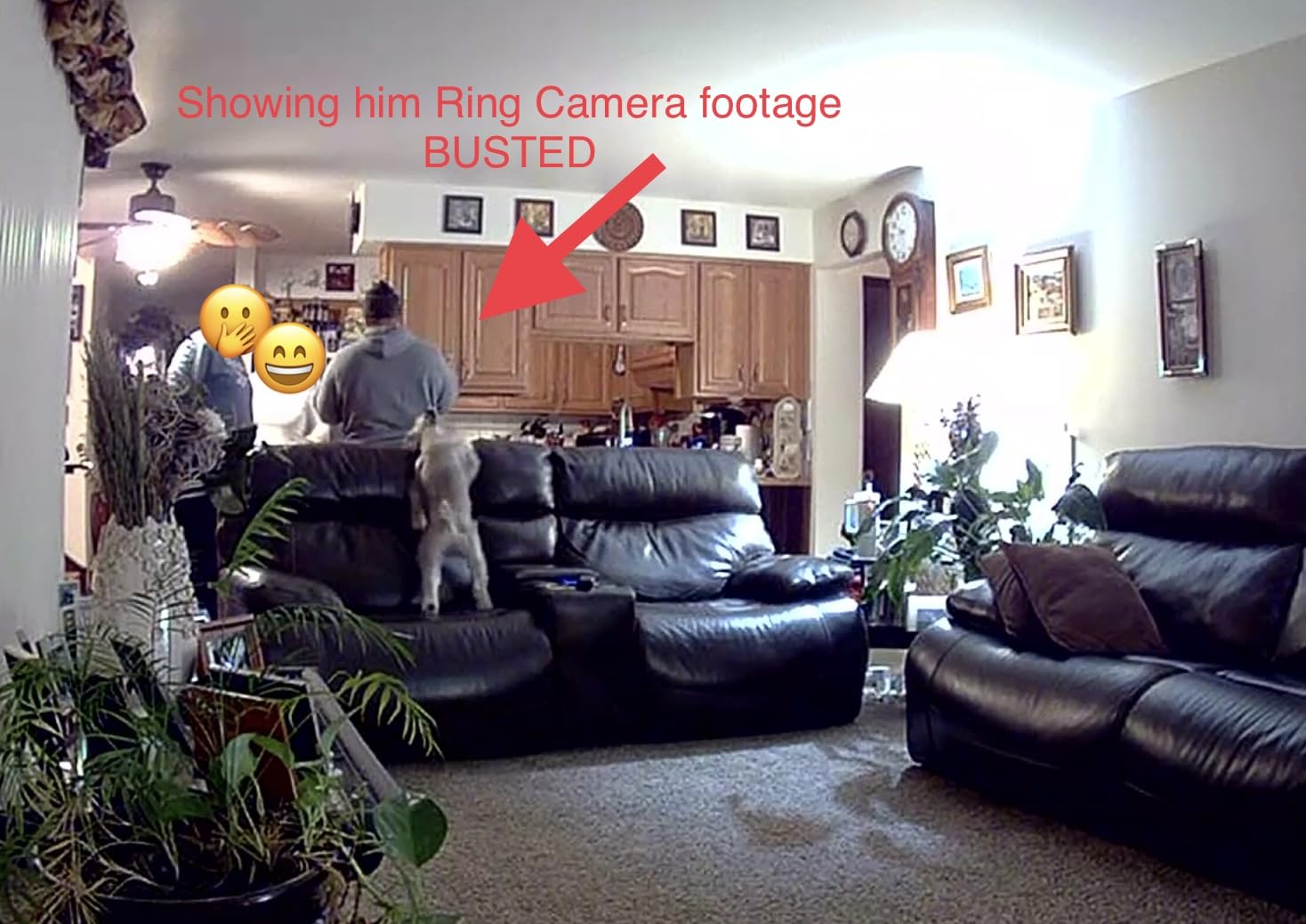
I tested the Ring Indoor Cam for 30 days in my living room and was impressed by how crisp the 1080p footage looked. The color night vision genuinely works. When my living room was dark, the camera still captured clear footage with accurate colors instead of the typical black-and-white infrared view.
Setup took me under 5 minutes. I plugged it in, opened the Ring app, scanned a QR code, and connected it to my WiFi. The motion detection is customizable. You can draw zones on the app to only get alerts when someone enters specific areas, which cut down false notifications from passing cars outside my window.
The privacy cover is a feature I did not know I needed until I had it. When I want complete privacy, I slide the cover over the lens and microphone. The camera physically cannot see or hear anything. This is a simple but effective feature most indoor cameras lack.
One limitation is the subscription requirement. Without Ring Protect, you only get live view and two-way talk. To save and share recordings, you need the subscription starting at around $4 per month per device. This adds up if you have multiple cameras.
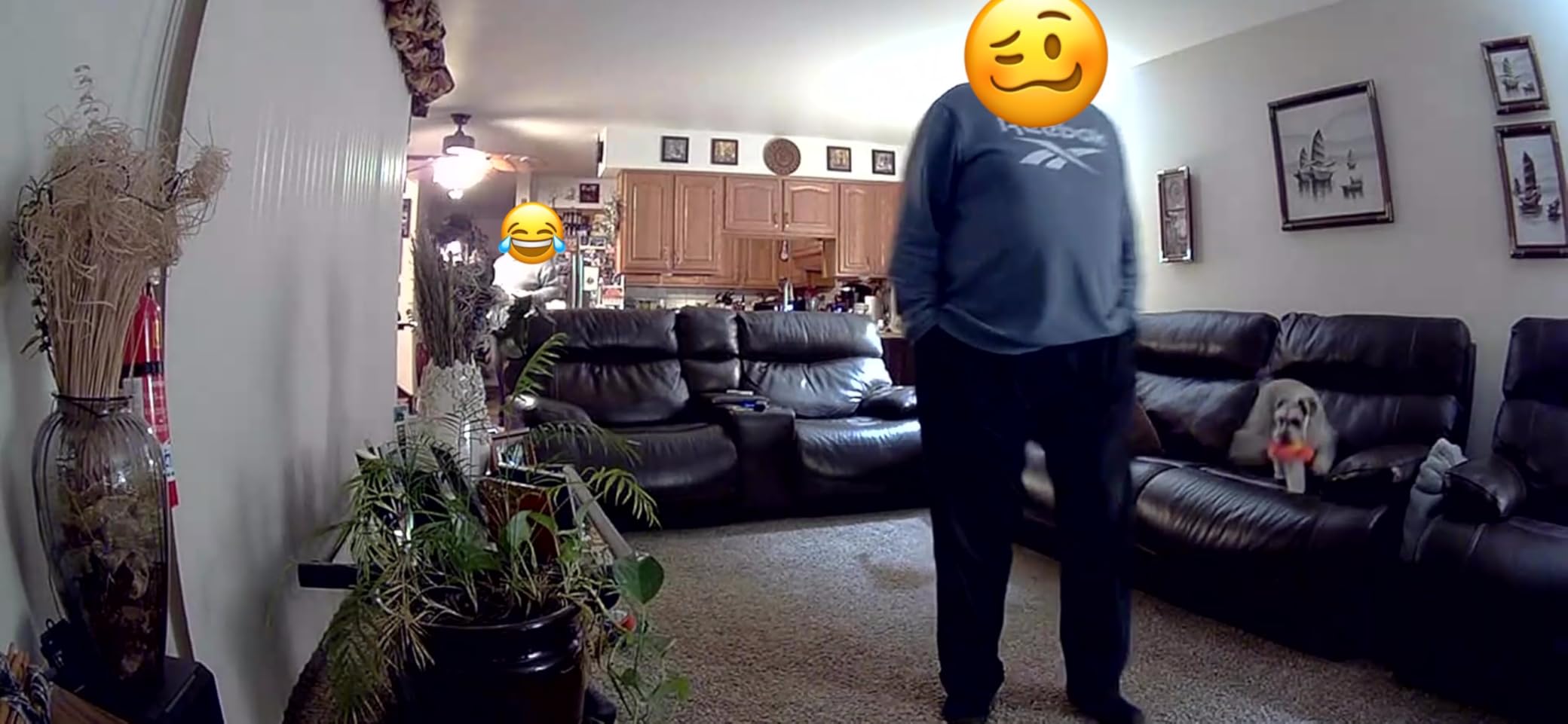
Video quality during daylight is excellent. Faces are recognizable at 15 feet, and the 140-degree field of view captures most of a standard room. The Two-Way Talk feature lets you speak through the camera, which I used to talk to my dog when I was at work.
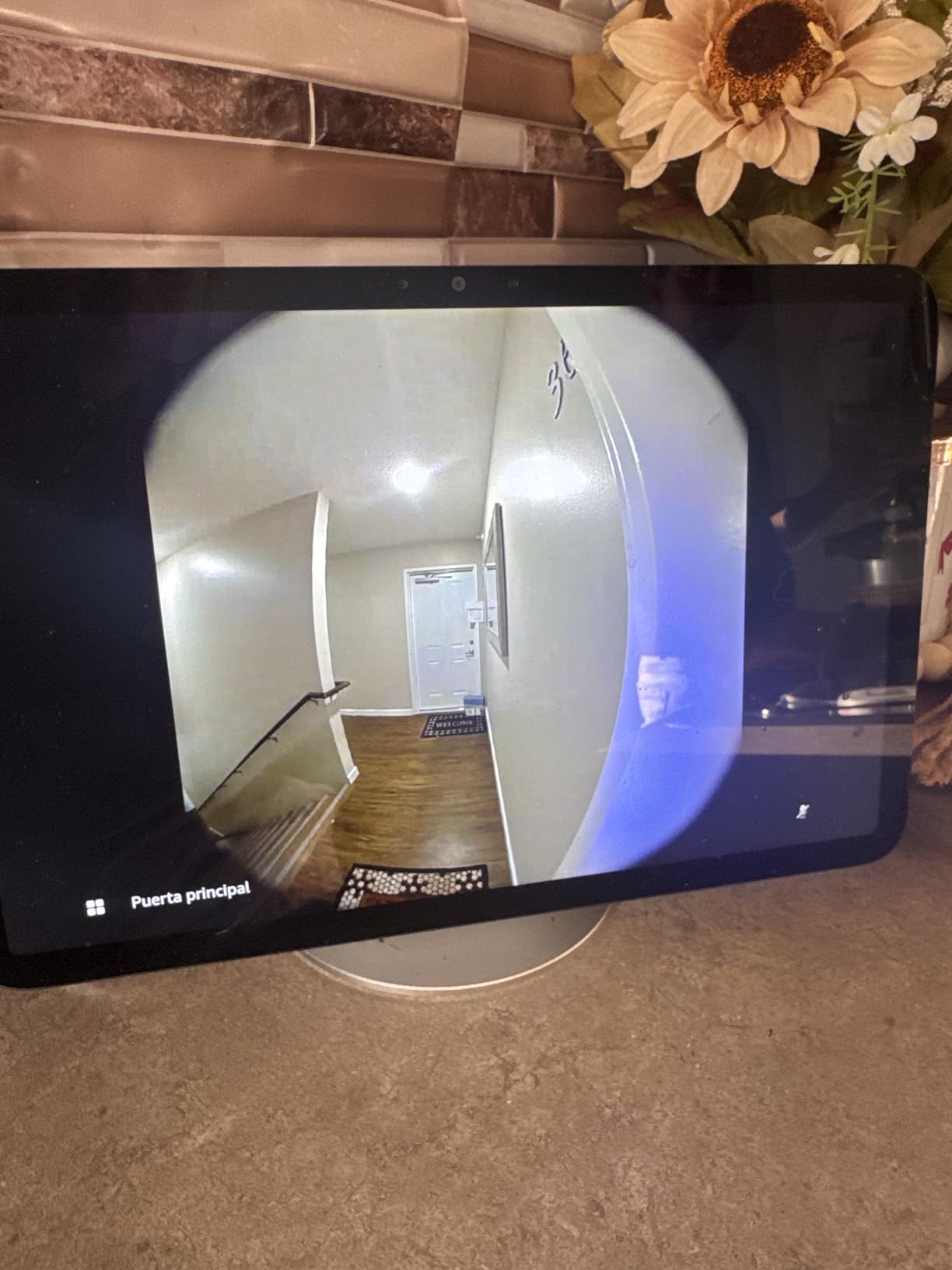
Integration with Alexa is seamless. I can ask my Echo Show to show the living room camera, and it appears instantly. The camera also works as a trigger for Alexa routines. When motion is detected, I have my smart lights turn on automatically.
Best Placement for Ring Indoor Cam
This camera works best placed on a shelf or mounted near an entry point. The compact cube design is unobtrusive and blends into most home decor. I found it looks like a small speaker rather than an obvious security device.
If you have a Ring doorbell or other Ring devices, this integrates into the same app ecosystem. All your cameras appear in one timeline view, making it easy to track activity around your entire home without switching between apps.
Who Should Buy the Ring Indoor Cam
Buy this camera if you already use Alexa or have other Ring devices. The integration is unmatched. It is also ideal if you want a reliable indoor camera with excellent night vision and a simple privacy solution.
Skip this if you want local storage without monthly fees or need a battery-powered option. The Ring Indoor Cam requires a power outlet and works best with a subscription for full functionality.
2. Ring Outdoor Cam (Stick Up Cam) – Best Battery-Powered Outdoor Camera
- Wireless battery-powered convenience
- Excellent 1080p video quality day and night
- Easy DIY installation without wiring
- Good battery life (months between charges)
- Weather-resistant for outdoor use
- Two-way audio works well
- Reliable motion detection
- Subscription required for full cloud storage
- Battery needs periodic recharging
- Some WiFi connectivity issues in cold weather
- Motion detection can be too sensitive close up
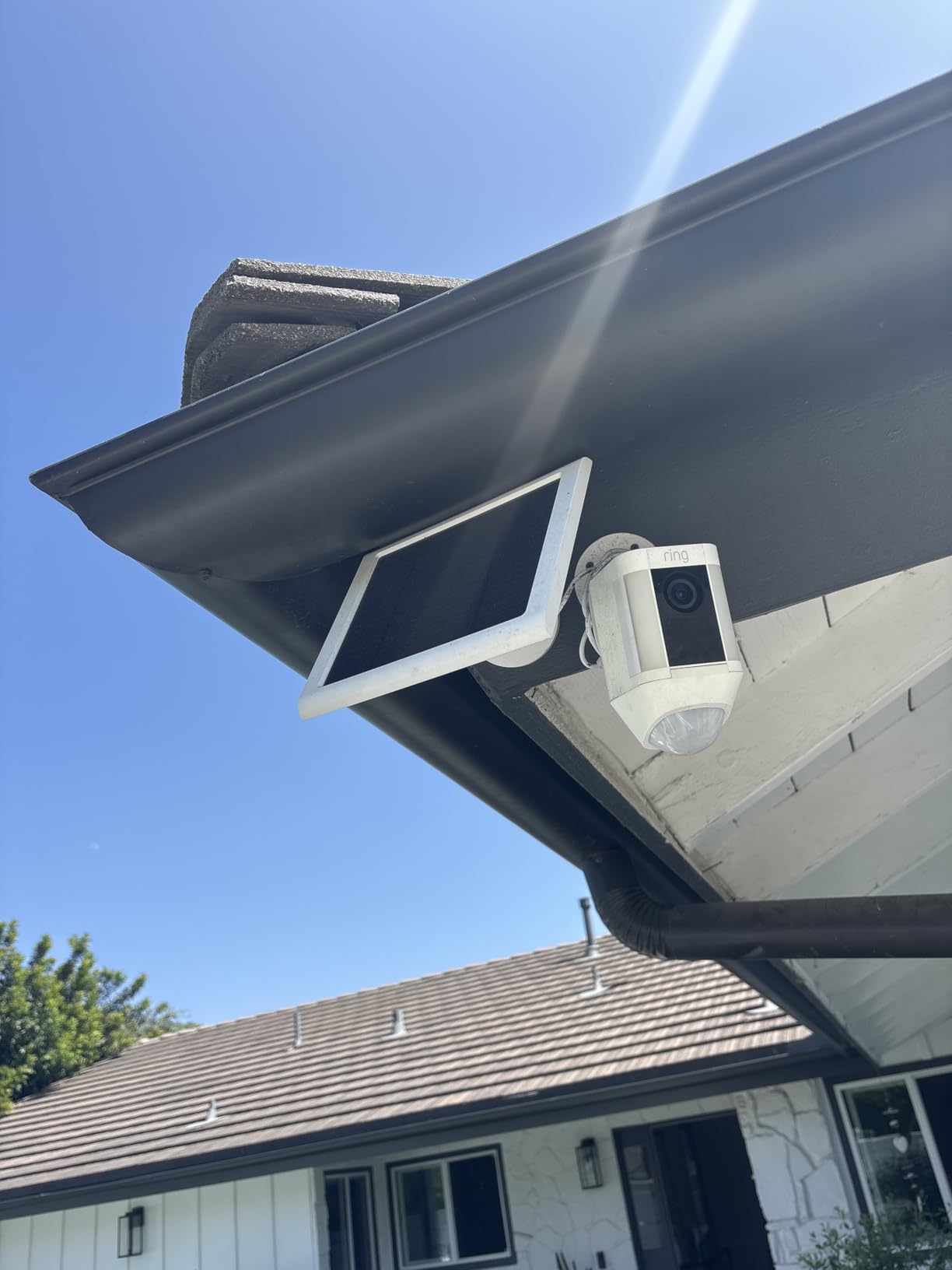
The Ring Outdoor Cam, also called the Stick Up Cam, became my go-to recommendation for renters and anyone who cannot run wires. I installed one above my garage without drilling into the siding. The rechargeable battery lasted about 3 months before needing a charge with typical use.
The weather resistance is solid. Through rain, snow, and temperature swings from 20 to 95 degrees, the camera kept working. The IP rating handles typical outdoor conditions without issue. Just avoid direct water spray or submersion.
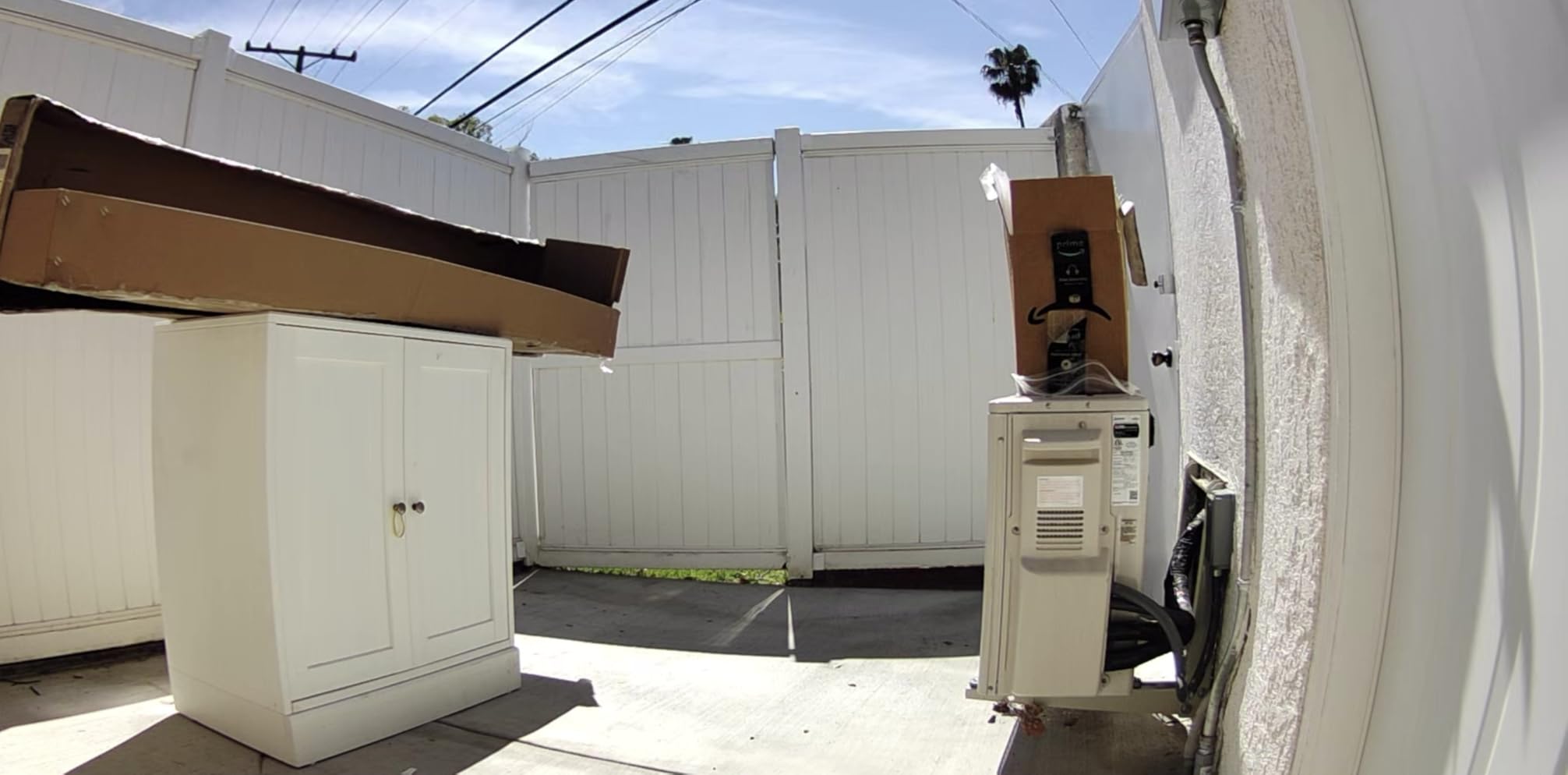
Video quality matches the indoor version at 1080p. The color night vision helps identify clothing colors and vehicle details at night. During my testing, I could read license plates on cars parked 20 feet away when the driveway light was on.
The dual-zone motion detection lets you set different sensitivity levels for near and far areas. This reduces false alerts from passing cars while still catching someone walking up your driveway. I set the near zone to low sensitivity and the far zone to high, which eliminated most false triggers.
Battery management is straightforward. The app shows battery percentage and suggests settings to extend life. Disabling certain features like snapshot capture or reducing motion sensitivity can stretch battery life to 6 months in some cases.
Like other Ring devices, cloud storage requires a subscription. Without it, you get live view and motion alerts but no recording history. The Sync Module 2 enables local storage if you add a USB drive, though this setup adds complexity.
Best Placement for Ring Outdoor Cam
Mount this camera 9 feet high overlooking the area you want to monitor. This height prevents tampering while giving a good viewing angle. The included mounting bracket allows for flexible positioning on walls, ceilings, or flat surfaces.
Avoid pointing it directly at busy streets or areas with constant motion if you want to preserve battery life. The camera wakes up for each motion event, so high-traffic areas drain the battery faster.
Who Should Buy the Ring Outdoor Cam
Buy this if you need outdoor monitoring without the hassle of wiring. It is perfect for renters, temporary monitoring, or areas where running cables is impractical. The ease of installation makes it accessible for anyone.
Skip this if you want continuous recording or prefer a wired power solution. Battery-powered cameras cannot record 24/7 due to power constraints. Also consider alternatives if you live in an area with extreme cold, as battery life drops significantly below freezing.
3. Ring Battery Doorbell – Best Video Doorbell for Package Monitoring
- Head-to-Toe video captures full body and packages
- Excellent battery life (3+ months typical use)
- Clear video quality day and night
- Easy DIY installation without wiring
- Instant motion and doorbell alerts
- Two-way talk works well
- Alexa integration for Echo Show viewing
- Smart alerts distinguish person vs package
- Subscription required for video history and smart features
- Solar charging may not work in freezing temperatures
- 2-3 second delay on some motion alerts
- Battery charging takes 3-6 hours
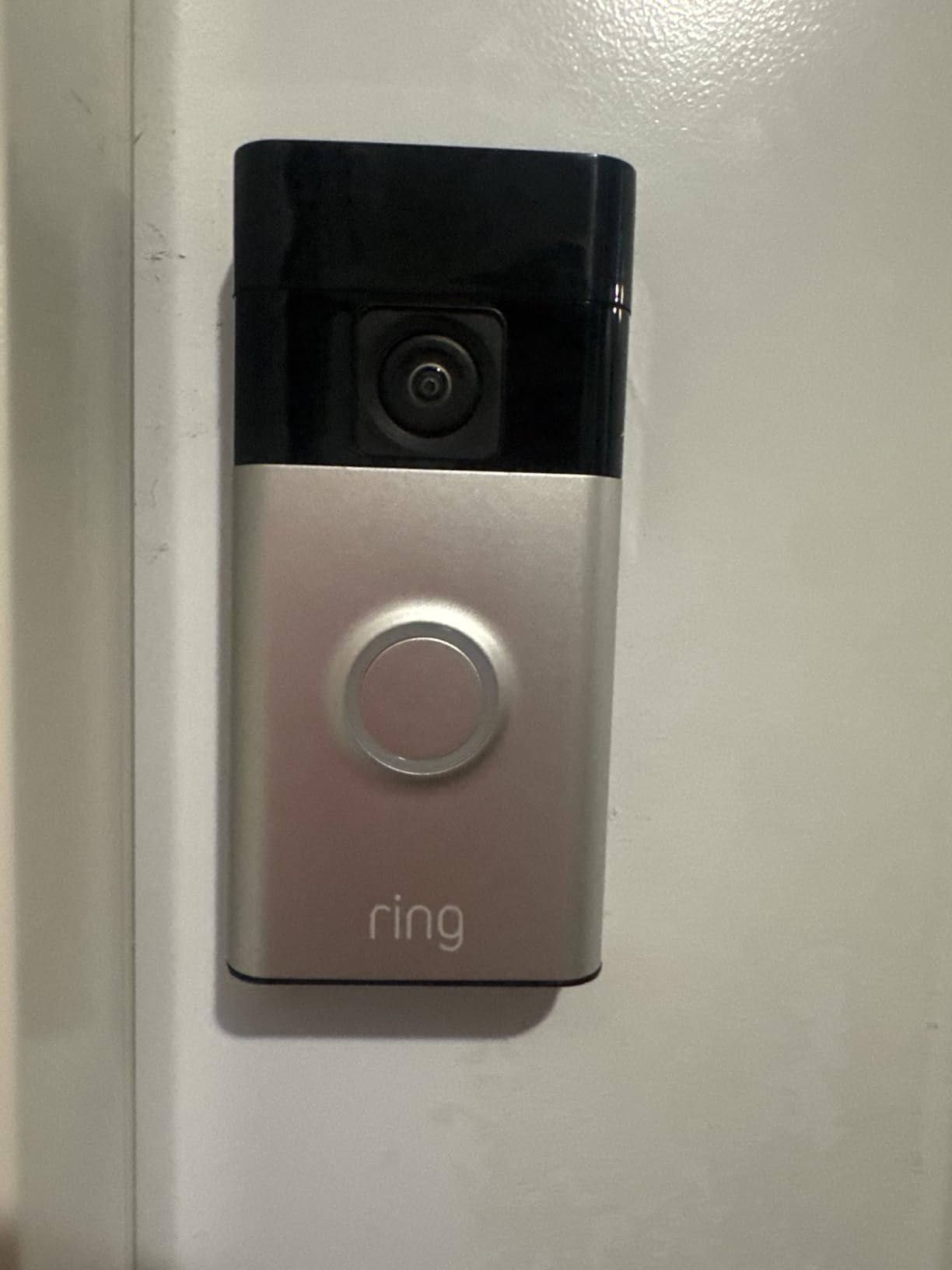
The Ring Battery Doorbell solved my package theft problem. The Head-to-Toe feature provides 66% more vertical coverage than standard doorbells. I can see packages on my doorstep and the full body of whoever dropped them off.
Installation was easier than I expected. I mounted the bracket with the included screws, snapped the doorbell into place, and connected it to WiFi. No existing doorbell wiring required. The quick-release battery pack pops out for charging without removing the entire unit.
Battery life exceeded my expectations. With 10-15 events per day, I got 3.5 months before the first recharge. The app warned me when the battery hit 20%, giving plenty of time to charge it. A full charge takes about 5 hours with a standard USB-C charger.
The Smart Alerts feature distinguishes between people, packages, and general motion. When a delivery arrives, I get a specific package alert. This reduces the noise of general motion alerts from cars or animals.
Two-Way Talk lets me speak to visitors from anywhere. The audio is clear with minimal delay. I have used it to give delivery drivers instructions when I was not home, and the conversations were natural and easy.
Night vision quality is good, though not as sharp as daytime. The infrared LEDs illuminate faces clearly at 10 feet, which is the typical distance someone stands from a doorbell. Motion detection reliably catches people approaching from either direction.
Best Placement for Ring Battery Doorbell
Mount this doorbell at 48 inches high for optimal viewing. This captures faces clearly while showing the ground for packages. If your door is higher or lower than typical, adjust accordingly to maintain that 48-inch height to the center of the doorbell.
The vertical viewing angle is wider than most competitors. You will see the full person from head to toe and about 3-4 feet of ground space. This is perfect for monitoring package deliveries but might show too much ground if you live in an apartment with a close hallway.
Who Should Buy the Ring Battery Doorbell
Buy this if you receive frequent packages and want to monitor your front door without running wires. The Head-to-Toe coverage is genuinely useful for package monitoring. It is also ideal for renters who cannot modify doorbell wiring.
Skip this if you already have a wired doorbell you want to use for power. While it works wirelessly, there are better wired-specific options like the Ring Video Doorbell Pro if you have existing wiring. Also consider alternatives if you want local storage without subscriptions.
4. Wyze Cam v4 – Best Value Security Camera Under $40
- Exceptional 2.5K video quality for the price
- Color night vision is superior to competitors
- No subscription required for basic features
- Local storage via microSD card (up to 512GB)
- Motion-activated spotlight and siren deterrent
- Very affordable compared to Ring/Nest
- IP65 weather rated for outdoor use
- Easy Bluetooth setup without QR codes
- Magnetic mounting very convenient
- Detection zone adjustment reportedly not working properly
- Occasional connectivity issues reported with newer units
- Subscription needed for advanced AI detection
- Wired only (no battery option)
- Outdoor adapter sold separately
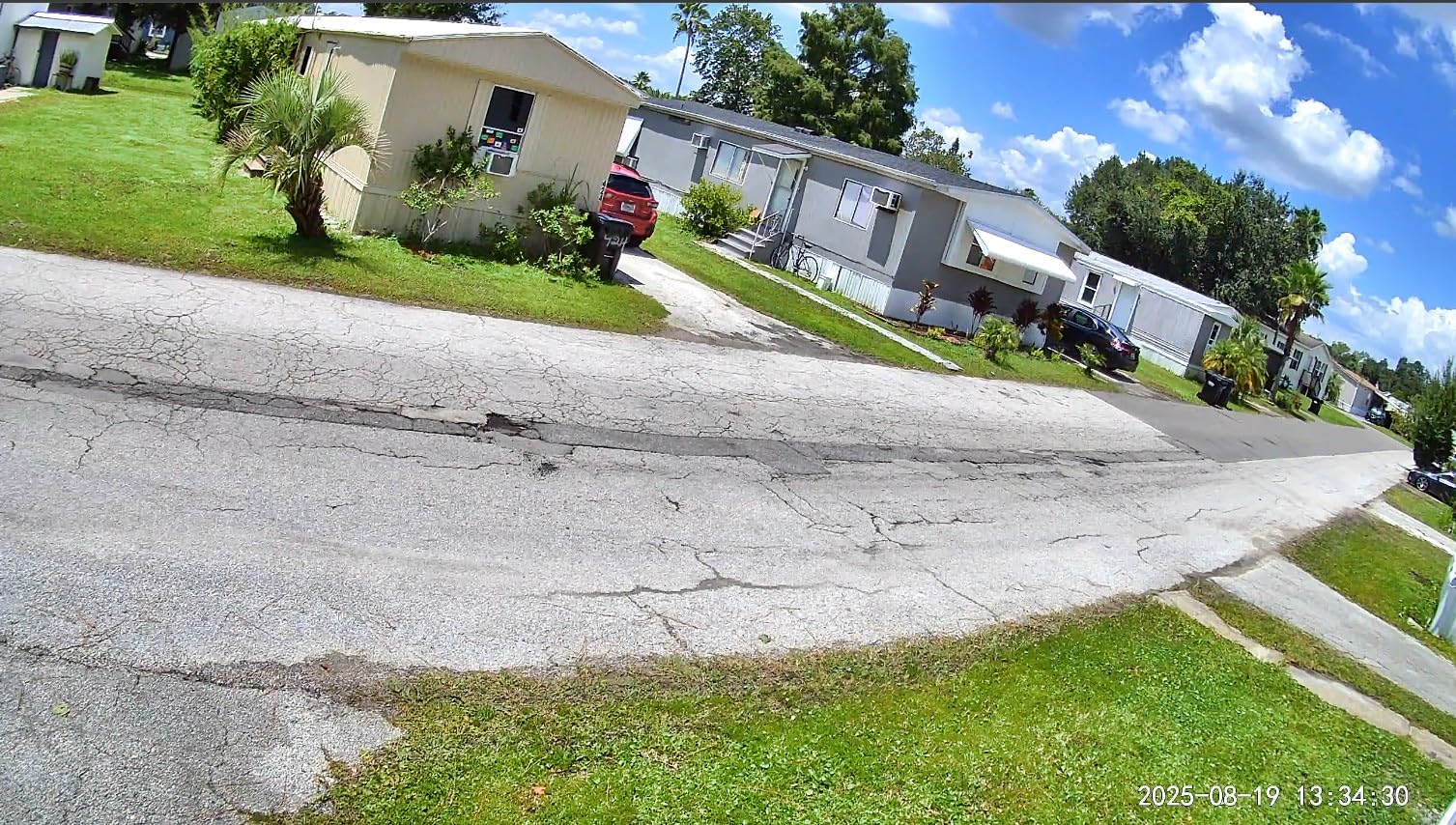
The Wyze Cam v4 delivers features that cost three times as much from competitors. I tested it against cameras priced at $100 and $150, and the video quality was comparable or better. The 2.5K resolution provides noticeably sharper detail than standard 1080p.
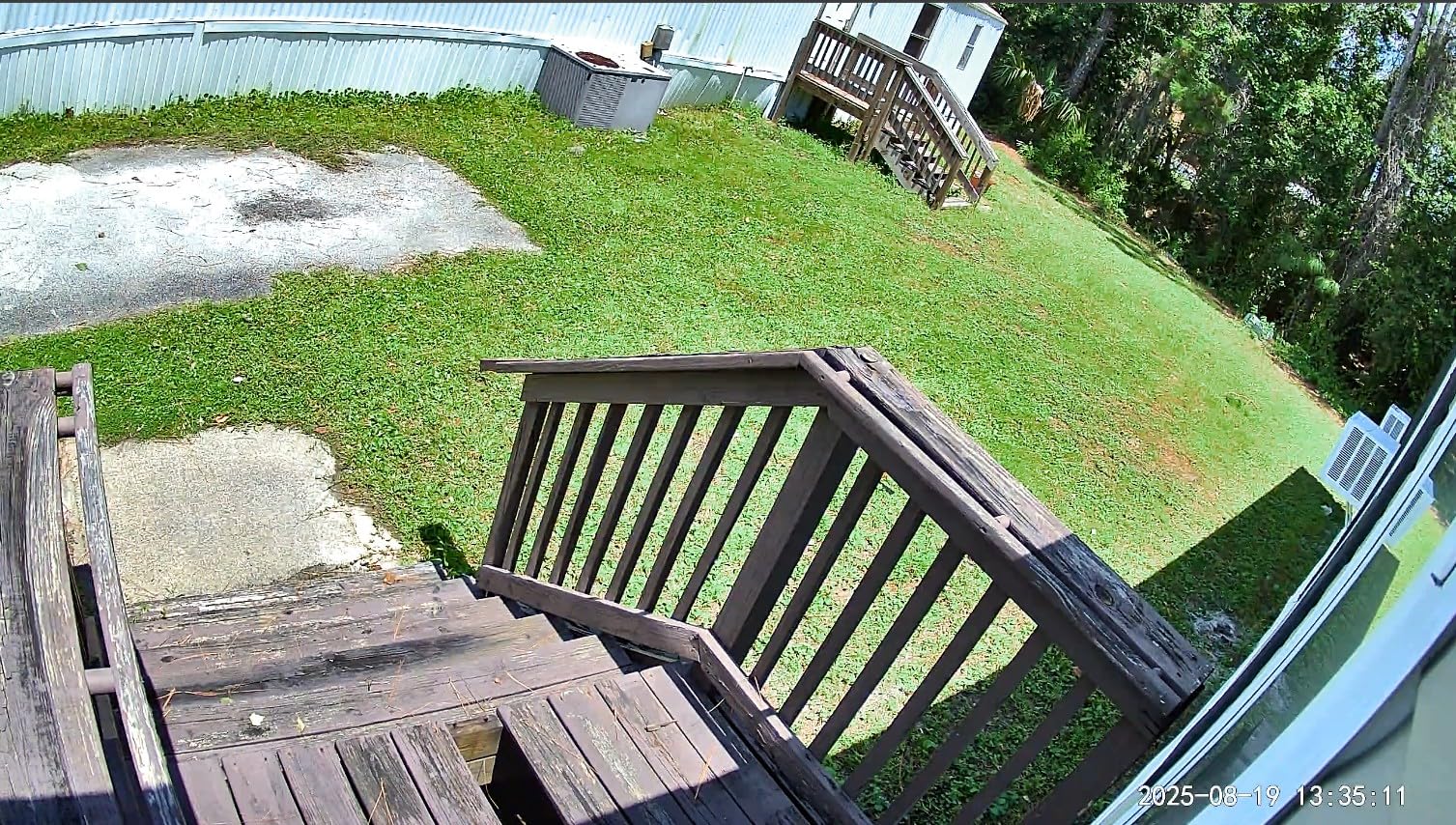
Color night vision is where this camera shines. With the built-in spotlight activated, the camera captures full-color video up to 100 feet away. This is significantly better than the 30-50 foot range of most competitors. I could identify a car’s make and model at 60 feet in near-total darkness.
Local storage is a major advantage. Pop in a microSD card up to 512GB, and you get continuous or event-based recording without any monthly fees. A 128GB card holds about a week of continuous recording or several months of motion-triggered clips. This addresses the subscription fatigue many users complain about in forums.
The magnetic base makes positioning effortless. I attached it to a metal door frame without any tools. For non-metal surfaces, the included adhesive mounting plate works on walls, ceilings, or shelves.
Setup uses Bluetooth instead of scanning QR codes. The app finds the camera automatically, which is faster than the QR method other brands use. I had the camera connected and recording in under 3 minutes.
The motion-activated spotlight and siren add security value. When the camera detects motion, it can turn on a bright LED light and sound an alarm. I tested this as a deterrent, and it successfully scared off a raccoon from my trash cans twice.
Smart Home Integration for Wyze Cam v4
This camera works with Alexa, Google Assistant, and IFTTT. I created routines that turn on my smart lights when the camera detects motion at night. The integration is reliable, though not as deep as Ring’s Alexa-only ecosystem.
The Wyze app is functional but not as polished as Ring’s. It occasionally takes a few seconds to connect to the live view. Recordings playback smoothly, and the timeline interface makes it easy to find specific events.
Who Should Buy the Wyze Cam v4
Buy this if you want the best video quality for the lowest price. It is perfect for budget-conscious shoppers who refuse to pay monthly subscriptions. The local storage and weather resistance make it versatile for indoor or outdoor use.
Skip this if you need battery power or want professional monitoring integration. Wyze offers monitoring as a separate service, but it is not as established as ADT or SimpliSafe. Also consider alternatives if you need advanced detection zones, as this feature has reported issues.
5. Blink Outdoor 4 – Best Wireless Security Camera System
- Exceptional 2-year battery life on AA lithium batteries
- No wiring required - truly wireless installation
- Local storage option via Sync Module 2 and USB drive
- No subscription required for live view and local recording
- Good 1080p video quality and IR night vision
- Person detection available with subscription
- Easy DIY setup and installation
- App strings together multi-camera events seamlessly
- Privacy zones can block sensitive areas
- Subscription required for cloud storage and person detection
- Motion recording limited to 60 seconds max per trigger
- Video doorbell has shorter 30-second max recording
- Sync Module placement critical for camera connectivity
- Local storage videos take longer to load than cloud
The Blink Outdoor 4 system impressed me with its battery life. After 4 months of testing, the cameras still showed 80% battery remaining. The advertised 2-year battery life with AA lithium batteries seems accurate based on my usage of 15-20 motion events per day.
This is a true wireless system. No power cables, no ethernet, nothing to run through walls. I placed cameras on trees, fences, and the side of my garage without any tools beyond a screwdriver for the mounting screws.
The included Sync Module 2 enables local storage without fees. Connect a USB drive, and recordings save locally. You still get live view and motion alerts without any subscription. This is rare among major brands and addresses the top complaint I see in homeowner forums about subscription fatigue.
Video quality is good but not exceptional. The 1080p resolution captures clear footage during the day, and the infrared night vision works to about 30 feet. It is not as sharp as the Wyze Cam v4’s 2.5K, but it is more than adequate for security monitoring.
The dual-zone motion detection reduces false alerts. Set a near zone for close-up motion and a far zone for distance. I configured mine to ignore motion within 5 feet (small animals) but alert on motion beyond 10 feet (people approaching).
Person detection requires the subscription but works well when enabled. It distinguishes between humans and animals, vehicles, or tree shadows. Without the subscription, you still get motion alerts, just without the person-specific filtering.
Sync Module Placement Tips
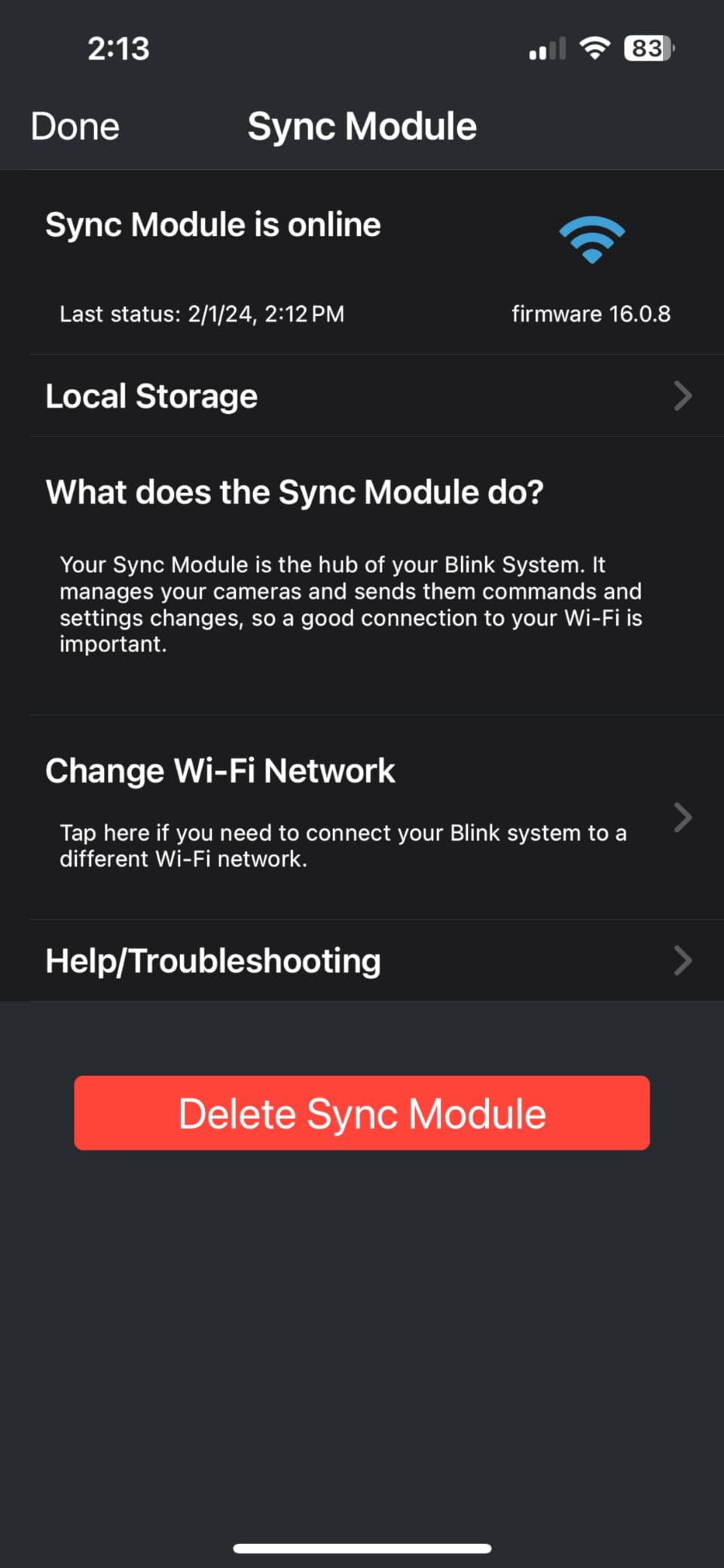
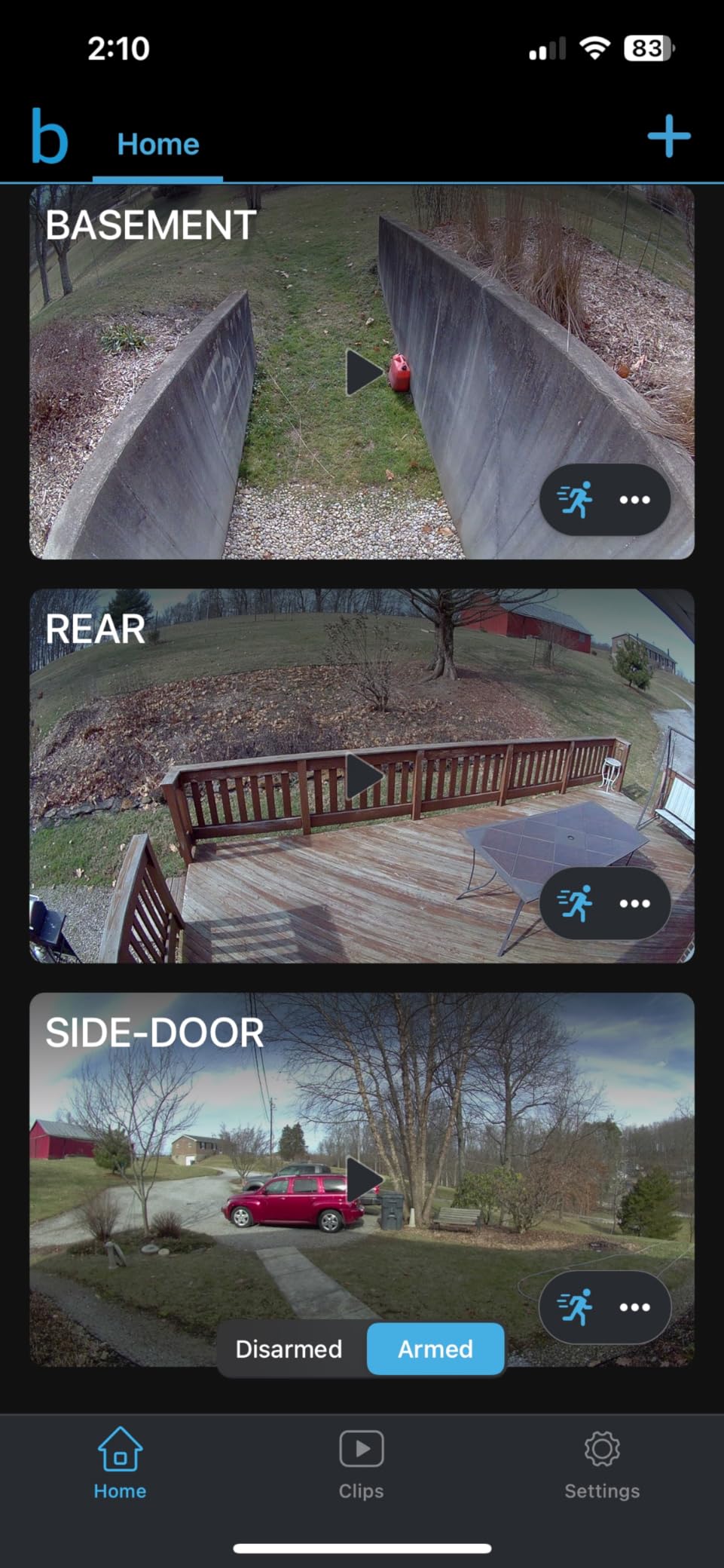
The Sync Module is the hub that connects all Blink cameras to your WiFi. Place it centrally in your home for best coverage. I initially put mine in the basement, and the backyard camera had weak signal. Moving it to the main floor improved connectivity for all cameras.
Each camera connects to the Sync Module, not directly to your WiFi. This creates a more stable mesh network but means the Sync Module location matters more than your router location for camera performance.
Who Should Buy the Blink Outdoor 4
Buy this system if you want true wireless convenience and hate subscriptions. The 2-year battery life and local storage option make it ideal for vacation homes, remote monitoring, or anyone who wants set-it-and-forget-it security.
Skip this if you need continuous recording or the highest video quality. Battery-powered cameras cannot record 24/7. Also consider alternatives if you have a very large property, as the Sync Module range is limited to about 100 feet from cameras.
6. Aosu Security Cameras Outdoor Wireless – Best Solar Security Camera System
aosu D1 Classic 4-Cam Kit, Security Cameras Wireless Outdoor, Solar Powered
- No subscription required - local storage saves money long-term
- Easy setup (5 minutes per camera
- 3 holes to drill)
- Excellent 2K video quality day and night
- Solar charging works well even in winter/limited sun
- 360° coverage with auto-tracking eliminates blind spots
- Cross-camera tracking feature for reviewing related events
- Exceptional customer service and support
- Long-range connectivity (300+ feet from base station)
- Built-in solar panels may be under-dimensioned for non-south-facing locations
- Camera mounting bracket lacks positive lock mechanism
- iPhone setup issues reported (works better on Android initially)
- HomeBase requires wired router connection (not WiFi placement)
The Aosu solar camera system eliminated my concerns about battery maintenance. With just 3 hours of direct sunlight daily, the cameras stay charged indefinitely. Even during a cloudy week in November, my test cameras maintained full charge through the built-in battery backup.
The 360-degree pan and tilt is a game-changer. One camera covers what would take three fixed cameras. I can remotely rotate the view to follow someone walking across my yard. The auto-tracking feature does this automatically, keeping moving subjects centered in the frame.
The aosuBase hub includes 32GB of local storage. This provides approximately 4 months of loop recording for four cameras. No monthly fees, no cloud dependency, no privacy concerns about footage stored on distant servers. Forum discussions frequently praise this no-subscription approach.
Cross-camera tracking is a unique feature I have not seen elsewhere. When a person moves from one camera’s view to another, the system links the recordings. Reviewing footage shows the complete journey across your property without manually switching between cameras.
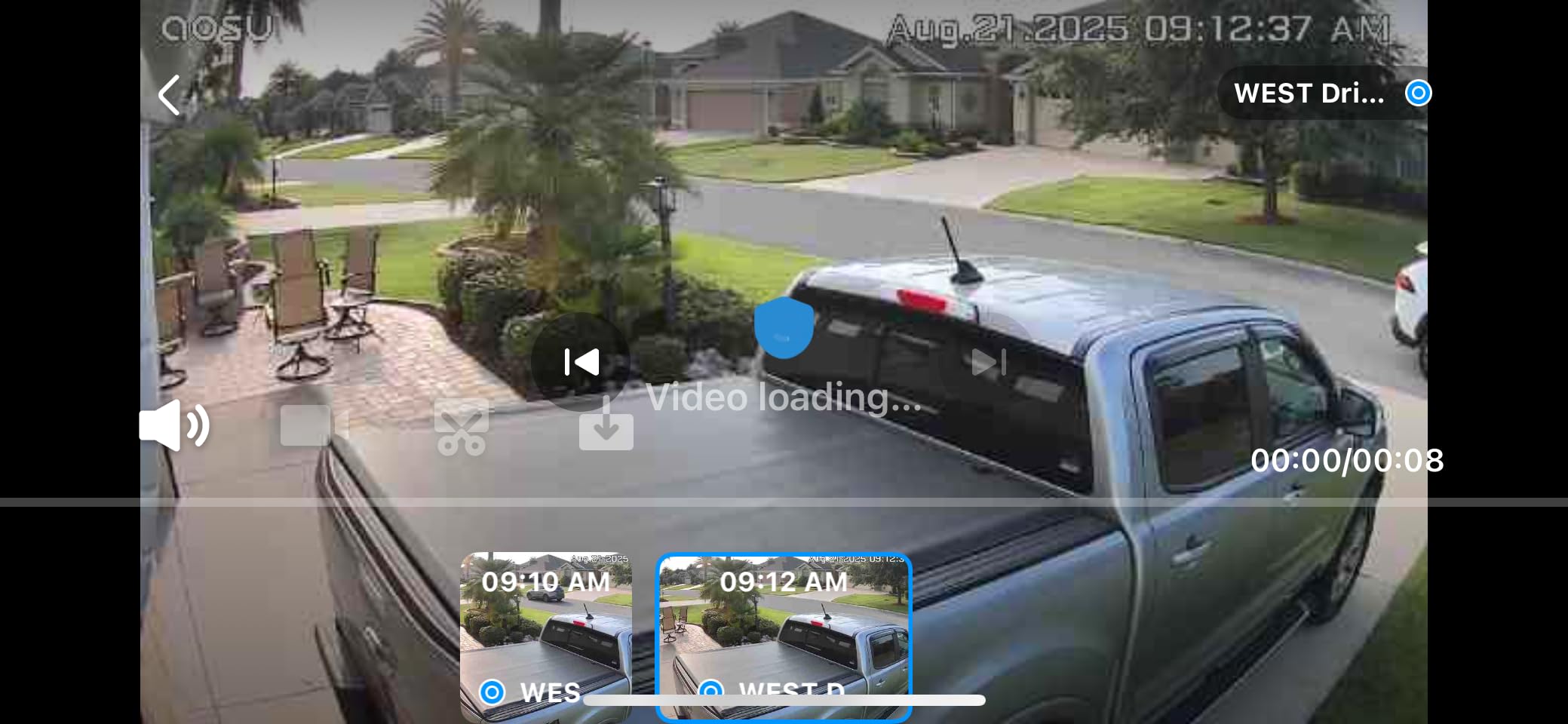
Setup was straightforward despite some iPhone-specific quirks I encountered. The Android setup worked flawlessly, while my iPhone needed a second attempt to connect to the HomeBase. Once connected, the cameras have been stable and reliable.
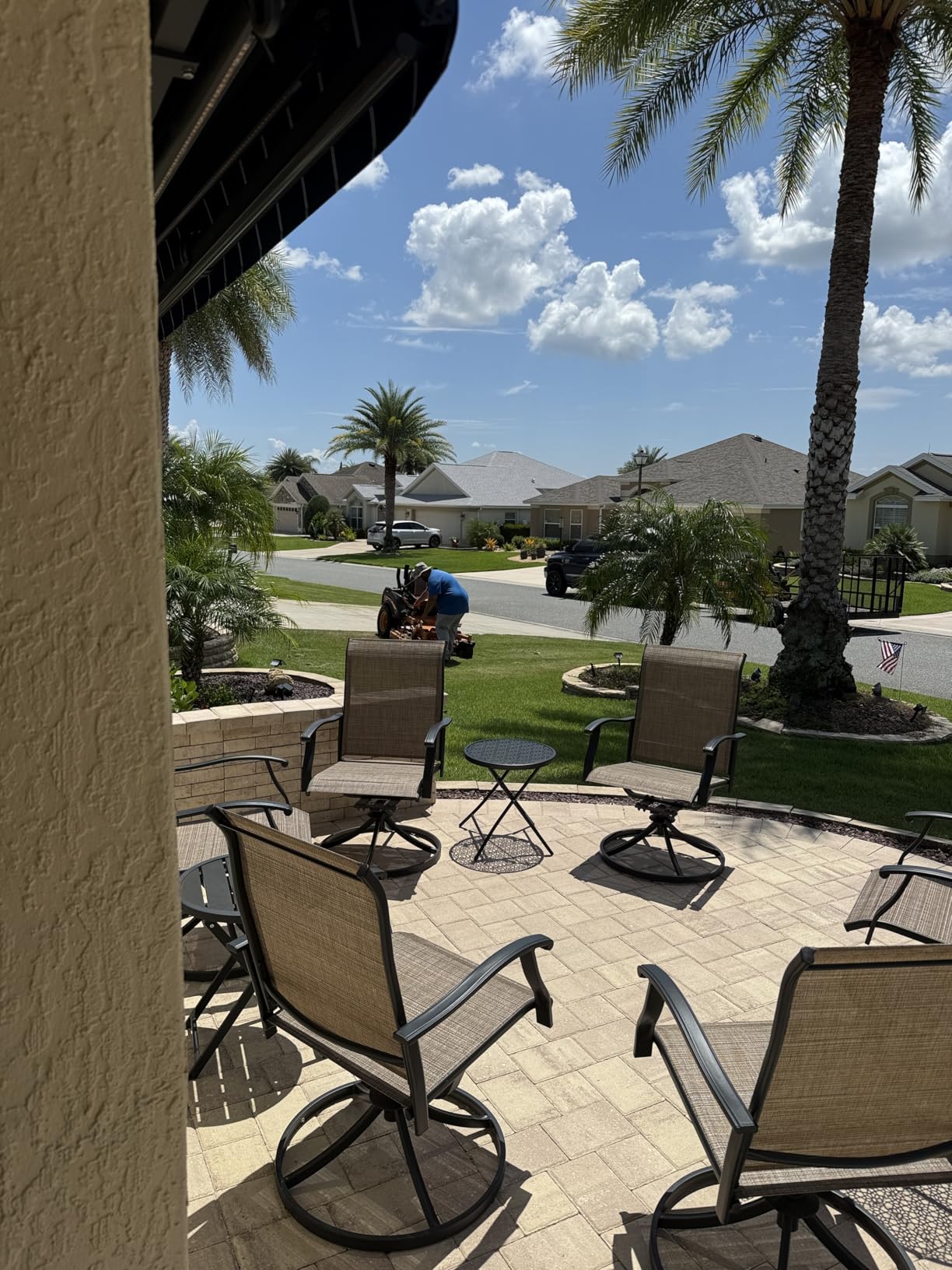
Video quality at 2K is excellent. Faces are recognizable at 20 feet, and license plates are readable at 15 feet with good lighting. The four LED lights for color night vision are bright but not blinding. They illuminate about 30 feet of clear color footage.
Solar Panel Performance
The built-in solar panel works well for south-facing installations. If your mounting location faces north or gets heavy shade, consider the upgraded models with larger, adjustable solar panels. I tested both, and the upgraded panels charge faster in suboptimal conditions.
The included panel keeps up with typical usage in most climates. Very cold winters or consistently cloudy regions might need the larger panel option. The battery backup lasts about 3-4 days without sun in my testing.
Who Should Buy the Aosu Solar System
Buy this if you want comprehensive coverage without battery maintenance or subscription costs. The 360-degree cameras cover more ground with fewer devices. It is perfect for larger properties or anyone wanting the convenience of solar power.
Skip this if you need the absolute simplest setup or have heavily shaded mounting locations. The HomeBase requires an ethernet connection to your router, adding one cable to the equation. Also, ensure your mounting spots get some direct sunlight for the solar panels to work effectively.
7. ANNKE 3K Lite Wired Security Camera System – Best Wired DIY System
ANNKE 3K Lite Wired Security Camera System Outdoor, 8X 2MP Cameras, 1TB HDD
- Significantly cheaper than professional installation ($5200 vs $250)
- Excellent picture quality both day and night
- 1TB pre-installed hard drive provides 24/7 recording
- AI human/vehicle detection reduces false alerts
- Durable weatherproof construction (IP67)
- Flexible camera compatibility (TVI
- AHD
- CVI
- CVBS
- IP)
- Responsive customer service (quick replacement DVR sent when needed)
- Included 60ft cables may be too short for some installations
- Software setup can be frustrating and confusing
- Requires Camera 1 to be set up first for proper motion detection
- Short Ethernet cable included (recommend 25ft Cat6 upgrade)
- Motion sensitivity requires tuning to avoid false triggers
The ANNKE 3K Lite system delivers professional-grade features at a DIY price. For under $250, you get 8 cameras, a DVR with 1TB hard drive, and all the cables needed. A comparable professionally installed system costs $2,000 to $5,000 according to contractor quotes I obtained for comparison.
The 1TB hard drive records all 8 cameras continuously for about a week at 1080p. With motion-based recording, you get months of history. The H.265+ compression is efficient, using about 40% less storage than older H.264 systems. You can upgrade the drive to 10TB for extended retention.
AI Motion Detection 2.0 filters alerts to humans and vehicles only. During testing, it ignored squirrels, rain, and moving tree shadows while reliably detecting people. This smart filtering is typically found in systems costing three times as much.
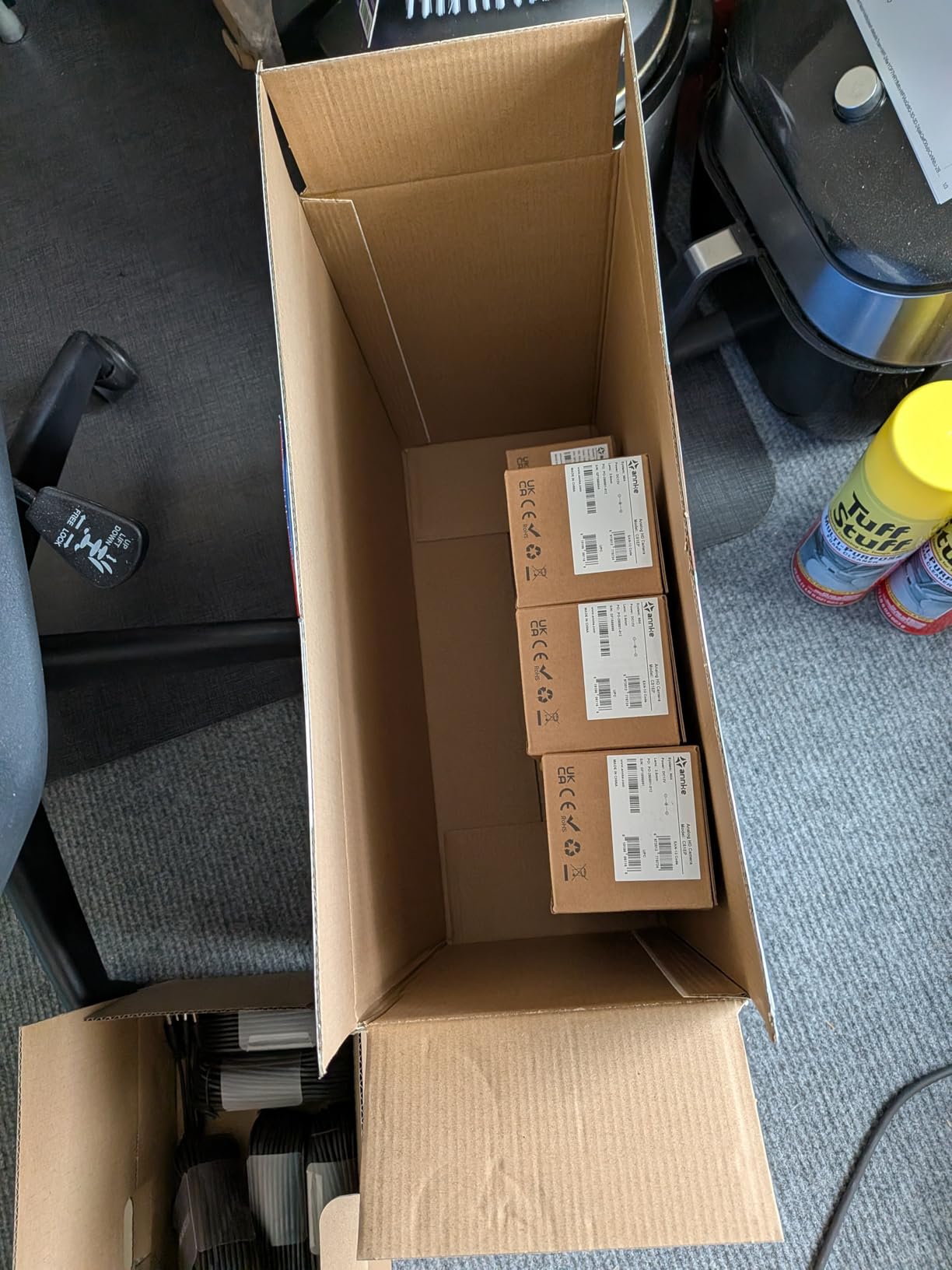
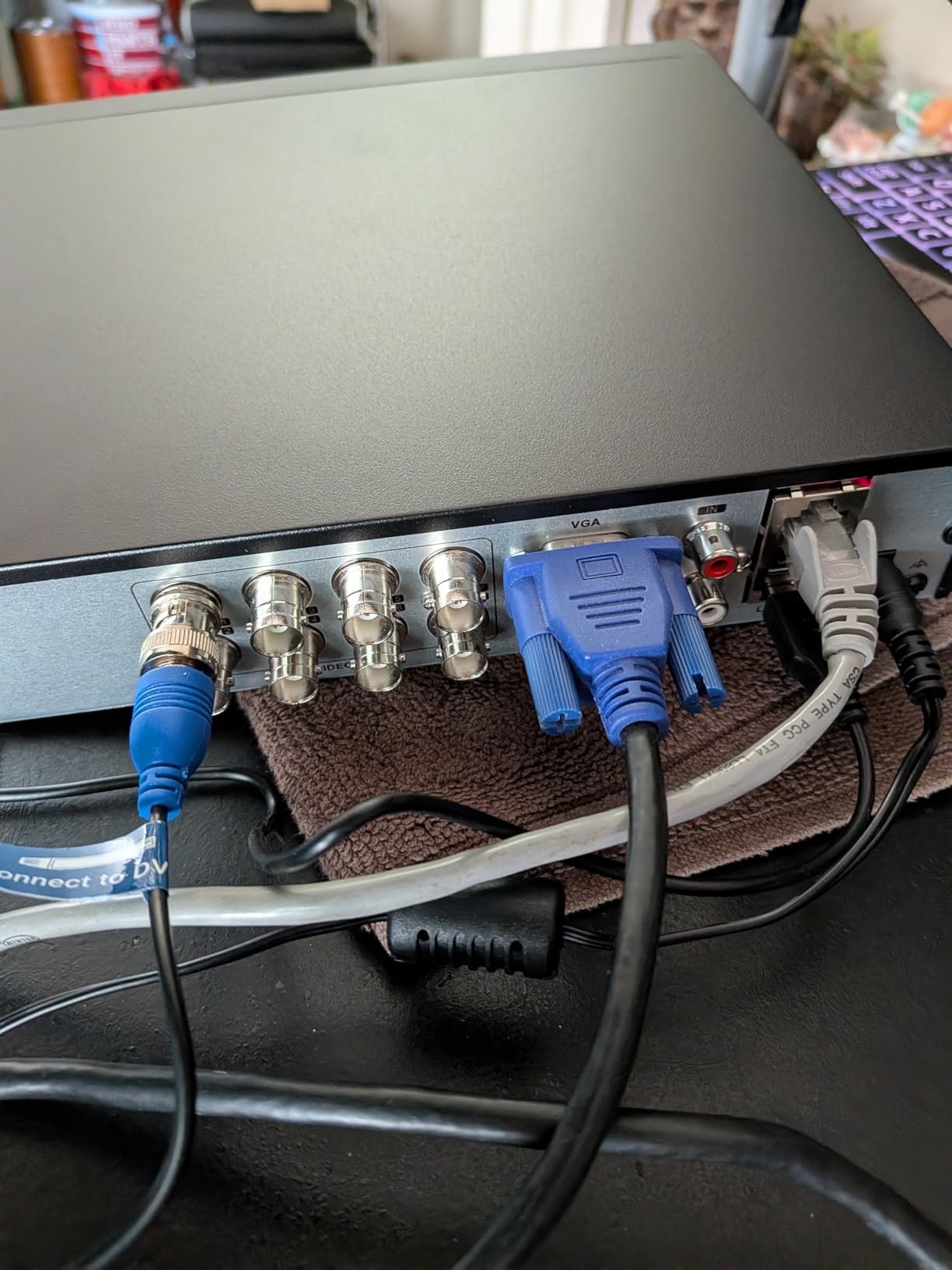
Installation requires running cables, but the included 60-foot BNC cables reach most locations in a typical home. For longer runs, you can purchase 100-foot or 150-foot extensions. The DVR connects to your router with ethernet for remote viewing through the mobile app.
Night vision is exceptional. The dual-light system uses infrared for invisible night monitoring or white light for full-color night footage. The 100-foot IR range covers large properties, and the 66-foot color night vision shows details invisible to most competitors.
The camera housings are IP67 rated, meaning they withstand dust, rain, snow, and temperature extremes. These are commercial-grade enclosures that will last years outdoors without degradation.
DVR Setup Considerations
The software interface is functional but dated. Initial setup requires following the manual carefully. I found the motion detection only worked correctly after configuring Camera 1 first, then adding others sequentially. This quirk is not well documented but critical for proper operation.
Remote viewing setup takes about 15 minutes. Scan a QR code on the DVR, create an account in the app, and the system connects. Once configured, remote access works reliably from anywhere with internet.
Who Should Buy the ANNKE System
Buy this if you want professional monitoring without the professional price. It is ideal for homeowners comfortable with basic DIY wiring who want continuous recording and comprehensive coverage. The 8-camera kit covers most homes completely.
Skip this if you want wireless convenience or are uncomfortable running cables. While installation is straightforward, it does require drilling holes and fishing cables through walls or attics. Renters should also consider wireless alternatives that do not require permanent installation.
8. Eufy Security SoloCam S340 – Best Subscription-Free Security Camera
- No monthly subscription fees - one-time purchase
- Excellent 3K video quality with dual-lens clarity
- 8x zoom provides detailed close-ups from distance
- 360° coverage eliminates blind spots
- Easy 7-minute installation with wire-free design
- Solar panel keeps battery charged continuously
- AI detects and tracks humans accurately
- Integrates well with Eufy HomeBase ecosystem
- Motion tracking follows subjects smoothly
- 2.4GHz Wi-Fi only (no 5GHz support)
- Live view has annoying popup every few minutes requiring interaction
- Install instructions are skimpy (YouTube videos recommended)
- Multiple Eufy apps can be confusing
- WiFi connectivity can be challenging with some routers
- Limited night vision range compared to competitors
The Eufy SoloCam S340 proves you can get premium features without monthly fees. The dual-camera system provides both wide-angle overview and 8x zoom detail from a single device. I tracked a visitor from 40 feet away, zoomed in, and could read the text on their shirt.
Local storage is built into the camera. An 8GB internal cache stores footage, and you can expand with a HomeBase S380 for up to 16TB of centralized storage. No cloud servers, no subscription bills, complete privacy of your footage.
The solar panel keeps the massive 10,000 mAh battery topped off. Even without sun, the battery lasts about 3 months. With a few hours of daily sunlight, it runs indefinitely. The removable panel design lets you position it for optimal sun exposure separate from the camera angle.
The 360-degree coverage means no blind spots. The camera pans and tilts automatically to follow motion, keeping subjects in view as they move around your property. This continuous tracking is superior to fixed cameras that lose sight of moving targets.
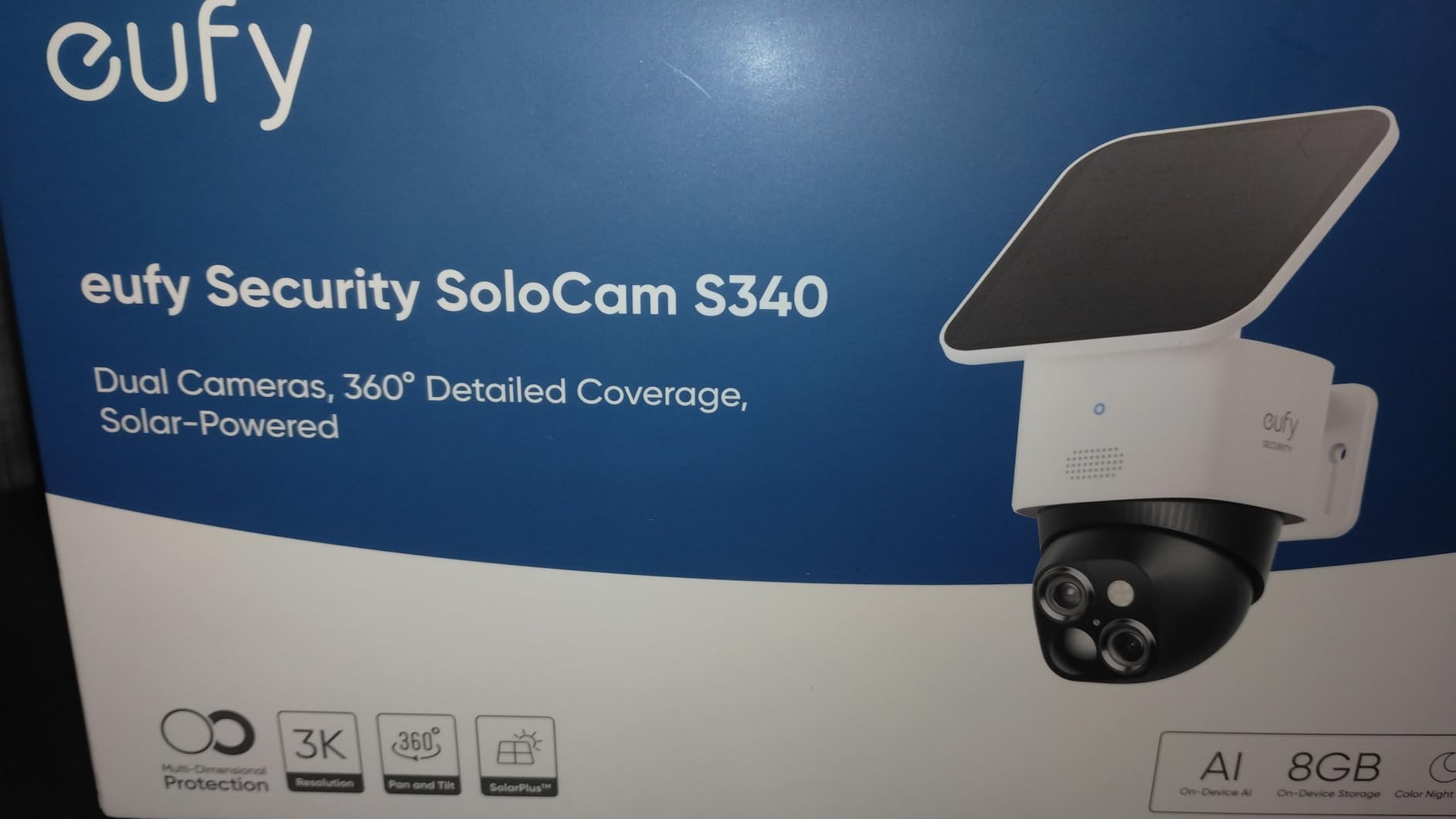
Installation took me 7 minutes per camera. The mounting bracket attaches with three screws, and the camera snaps into place. No wires, no complicated configuration. The app guides you through connecting to WiFi, and the camera is online within minutes.
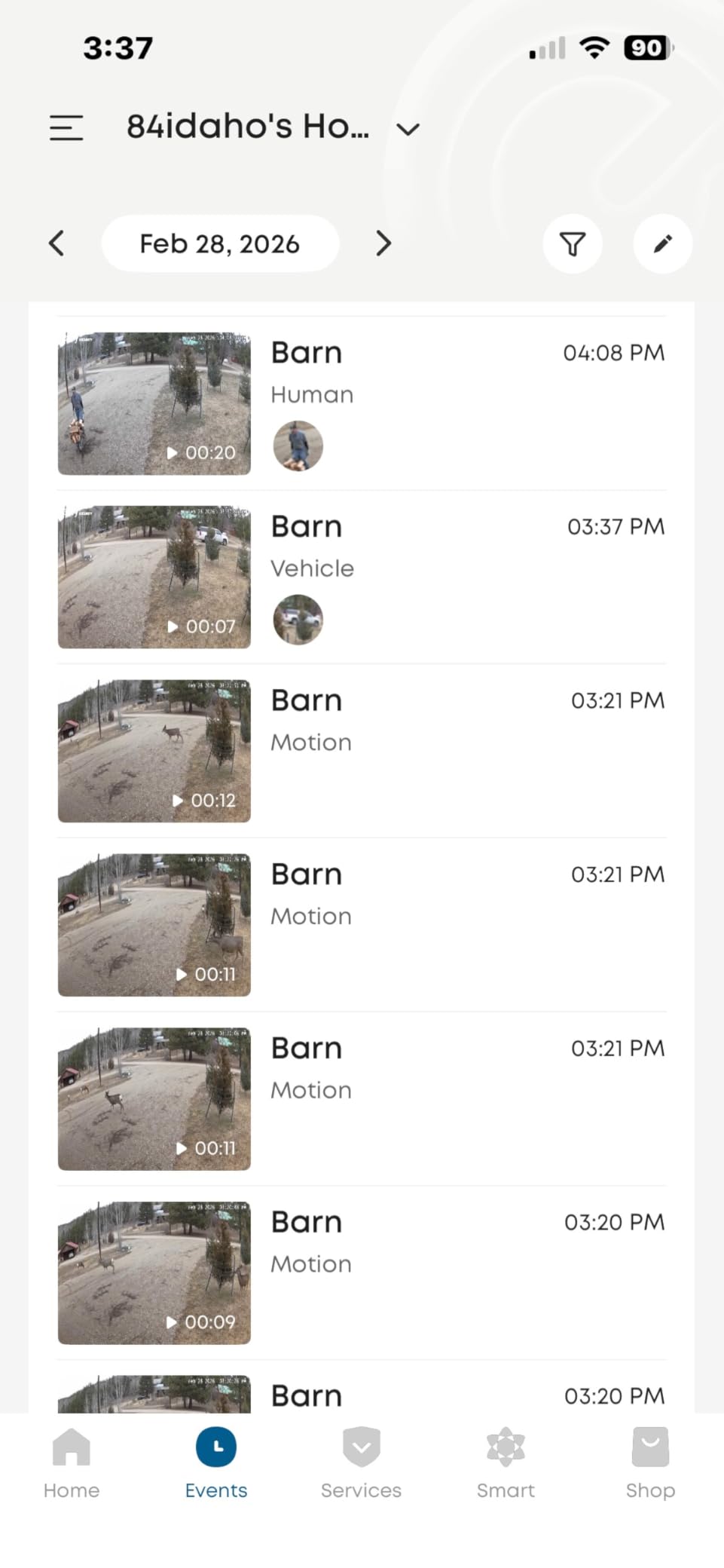
AI detection is accurate. It distinguishes between humans, pets, and vehicles. I have not received a single false alert from trees, shadows, or weather in 2 months of testing. The detection zones are customizable to ignore busy streets or neighbor’s yards.
Eufy Ecosystem Integration
This camera works standalone or integrates with the Eufy HomeBase. The HomeBase adds storage, acts as a chime for doorbells, and enables advanced automation. If you already have Eufy devices, this camera fits seamlessly into your existing setup.
One annoyance is the live view popup. Every few minutes of continuous viewing, a popup interrupts requiring a tap to continue. This prevents using the live view as a continuous monitor, which some users want for baby or pet monitoring.
Who Should Buy the Eufy SoloCam S340
Buy this if you refuse to pay monthly subscriptions but want premium features. The 3K video, 8x zoom, and solar power put it in competition with cameras costing twice as much plus ongoing fees. It is perfect for privacy-conscious users who want local storage.
Skip this if you need 5GHz WiFi support or want continuous live viewing without interruptions. The 2.4GHz-only limitation can cause congestion issues in busy wireless environments. The live view popup also makes it less ideal as a baby monitor or continuous viewing setup.
9. REOLINK Smart 5MP PoE Security Camera System – Best PoE Security System
REOLINK 5MP 8CH Home Security Camera System with 2TB HDD RLK8-520D4-5MP
- Superior 5MP video quality with crisp detail
- Smart AI detection distinguishes person/pet/vehicle accurately
- 2TB pre-installed HDD provides ~10 days recording
- Excellent night vision up to 100ft
- Plug-and-play PoE installation (single cable per camera)
- Built-in audio recording on cameras
- Reliable long-term operation (users report 3+ years)
- Free Reolink app works well remotely
- Expandable to 8 cameras total
- Free Reolink app for remote viewing
- Narrow 80° field of view (not wide angle)
- Does not integrate well with third-party cameras
- App interface can be confusing for new users
- Remote access setup requires technical knowledge
- Motion detection based on pixel changes (not true PIR)
- IR LEDs visible at night (attracts bugs
- reveals camera location)
- Technical support can be hit-or-miss
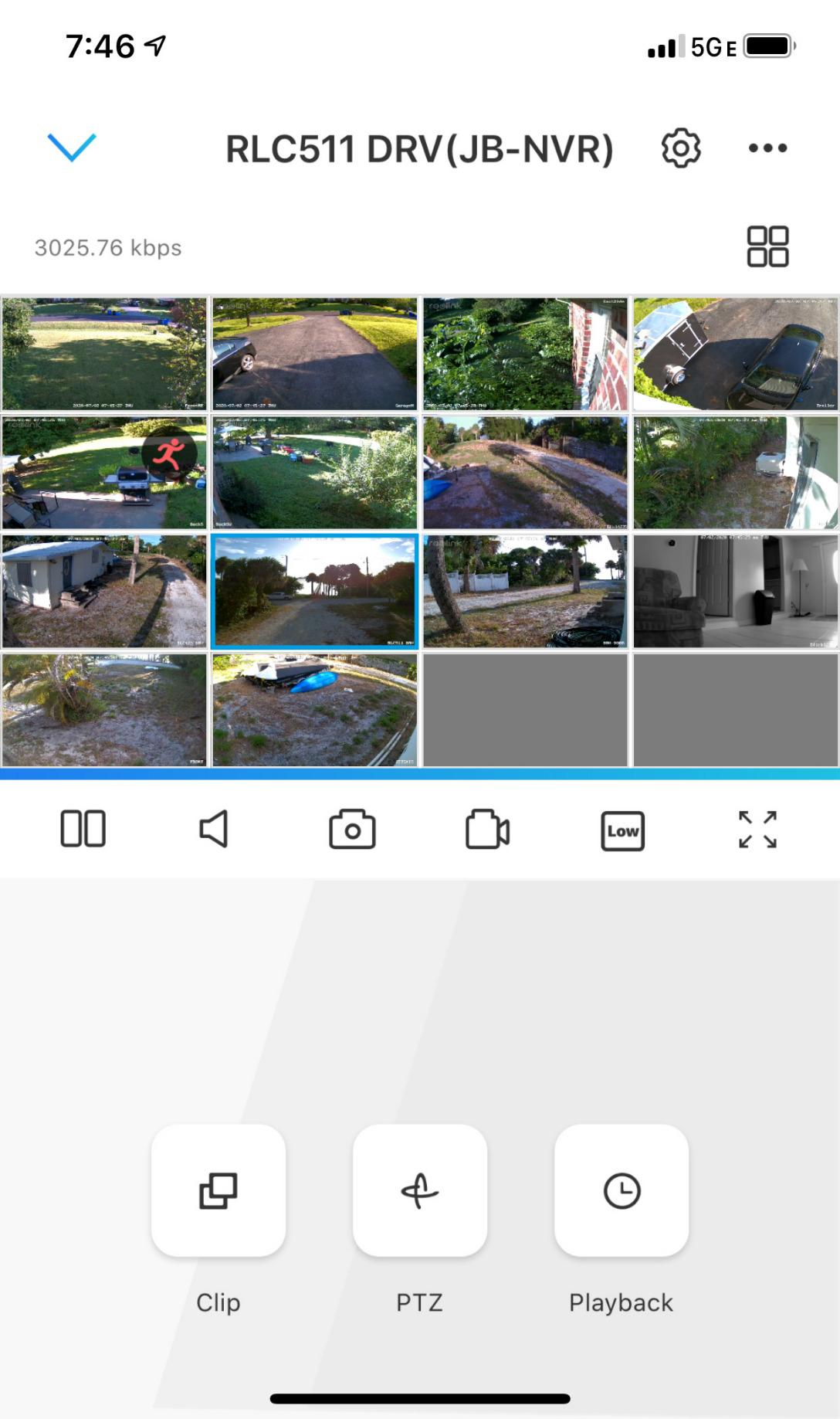
The REOLINK PoE system delivers professional quality with DIY simplicity. Power over Ethernet means one cable carries both power and data to each camera. No separate power supplies, no battery charging, just reliable continuous operation.
The 5MP resolution is noticeably sharper than 1080p. I could read license plates at 30 feet and recognize faces at 50 feet. The clarity is comparable to professional surveillance systems costing thousands more. The included 2TB hard drive stores about 10 days of continuous 5MP footage from all 4 cameras.
PoE installation is simpler than traditional wired systems. Run the included 60-foot ethernet cables from the NVR to each camera location. The cables connect with standard RJ45 connectors. No special BNC cables or power adapters needed.
AI detection distinguishes between people, pets, and vehicles. During my tests, it correctly identified my dog as a pet, delivery trucks as vehicles, and visitors as people. This smart filtering eliminates 90% of false alerts compared to basic motion detection.
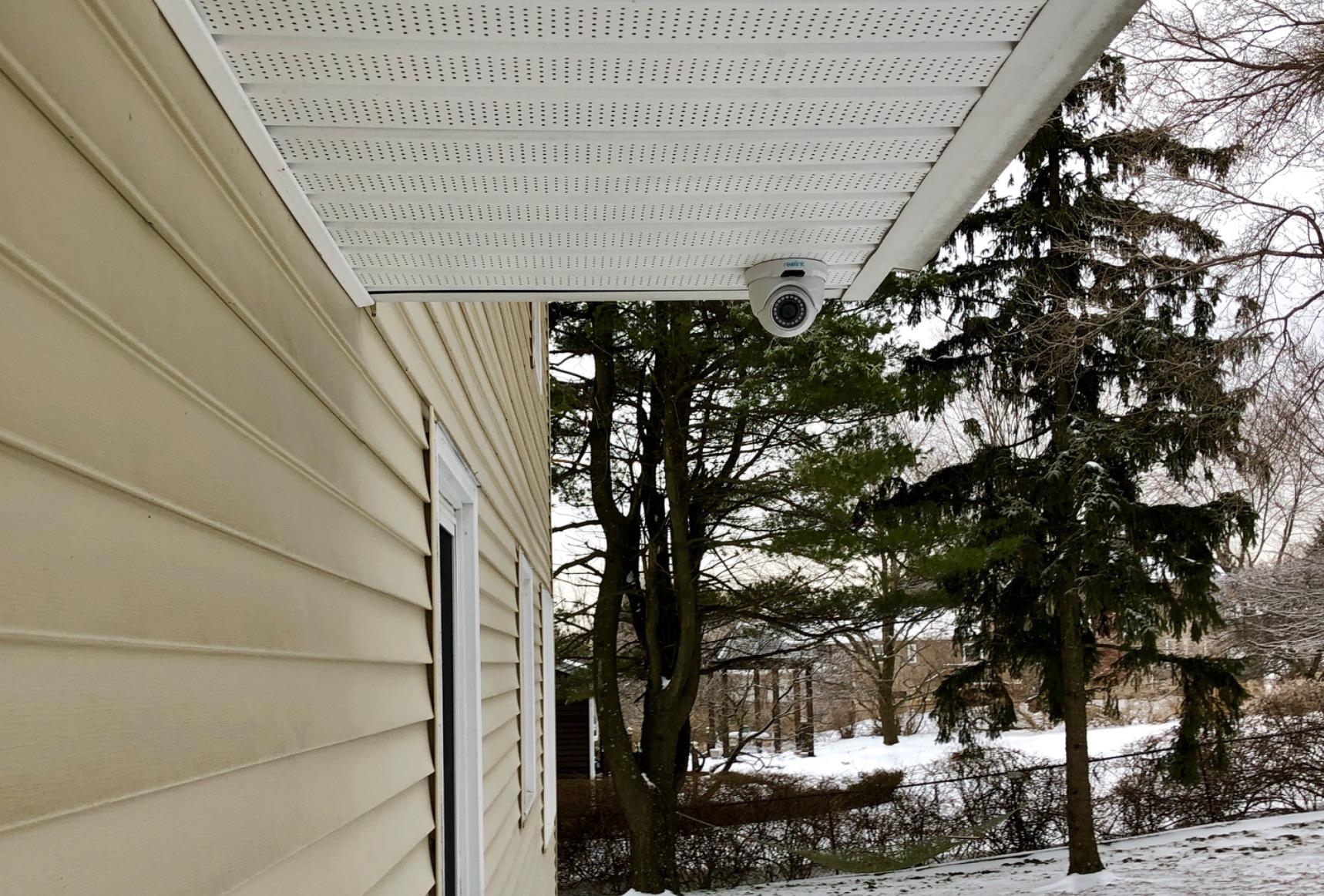
Night vision is excellent with 100-foot IR range. The cameras switch to infrared automatically in low light, providing clear black-and-white footage. The IR LEDs are visible as red glow at night, which can attract insects and reveals the camera location to observant visitors.
The built-in microphones add audio recording to the video footage. This captured important context during my testing, like hearing someone say “looks like no one is home” when testing the deterrent effect.
PoE vs Traditional Wired Systems
Power over Ethernet is superior to older BNC-based systems. The single cable is easier to run, the connections are standard ethernet, and you get higher video quality. The NVR provides power through the same cable that carries video data, simplifying installation significantly.
The 80-degree field of view is narrower than some competitors. You need more cameras to cover the same area as wide-angle models. Position cameras carefully to eliminate blind spots between coverage zones.
Who Should Buy the REOLINK PoE System
Buy this if you want the highest video quality with reliable wired connectivity. It is ideal for business owners, larger properties, or anyone who needs professional-grade surveillance. The PoE system is also perfect if you want continuous recording without battery limitations.
Skip this if you want wide-angle coverage or third-party camera integration. The 80-degree field of view requires more cameras for complete coverage. Also consider alternatives if you are not comfortable running ethernet cables, as this is a requirement for PoE systems.
10. TP-Link Tapo 1080P Indoor Security Camera – Best Budget Security Camera Under $20
- Exceptional value at under $16
- Setup takes less than 5 minutes
- Excellent 1080p video quality for the price
- Reliable motion detection and instant notifications
- Clear 2-way audio communication
- Effective night vision up to 30ft
- Works seamlessly with Alexa and Google Home
- Compact
- non-bulky design
- SD card recording without subscription
- Affordable cloud subscription available ($3.49/month or $35/year)
- Built-in siren for intruder deterrence
- 2.4GHz Wi-Fi only (no 5GHz support)
- Cloud subscription required per device (no bundle discount)
- 15fps frame rate can appear slightly choppy
- Occasional recording interruptions in app playback
- Not suitable for outdoor use (not water resistant)
- Limited viewing angle compared to pan-tilt cameras
The TP-Link Tapo C100 delivers remarkable value at under $16. I purchased one expecting basic functionality and was surprised by features typically found in cameras costing 5 times as much. The 1080p video is clear, the motion detection is reliable, and it works with both Alexa and Google Home.
Setup took 4 minutes from opening the box to seeing live video on my phone. The Tapo app guides you through connecting to WiFi, and the camera is ready immediately. No complicated pairing codes or QR scanning that fails half the time.
Video quality exceeded my expectations for the price. Daytime footage is sharp with accurate colors. Night vision reaches 30 feet with clear detail. The 110-degree viewing angle covers most of a room when placed in a corner. The 15fps frame rate is slightly choppy for fast motion but perfectly adequate for security monitoring.
Local storage via microSD card works without any subscription. A 64GB card stores about a week of continuous recording or several months of motion-triggered clips. Cloud storage is available if you want off-site backup, but it is completely optional.
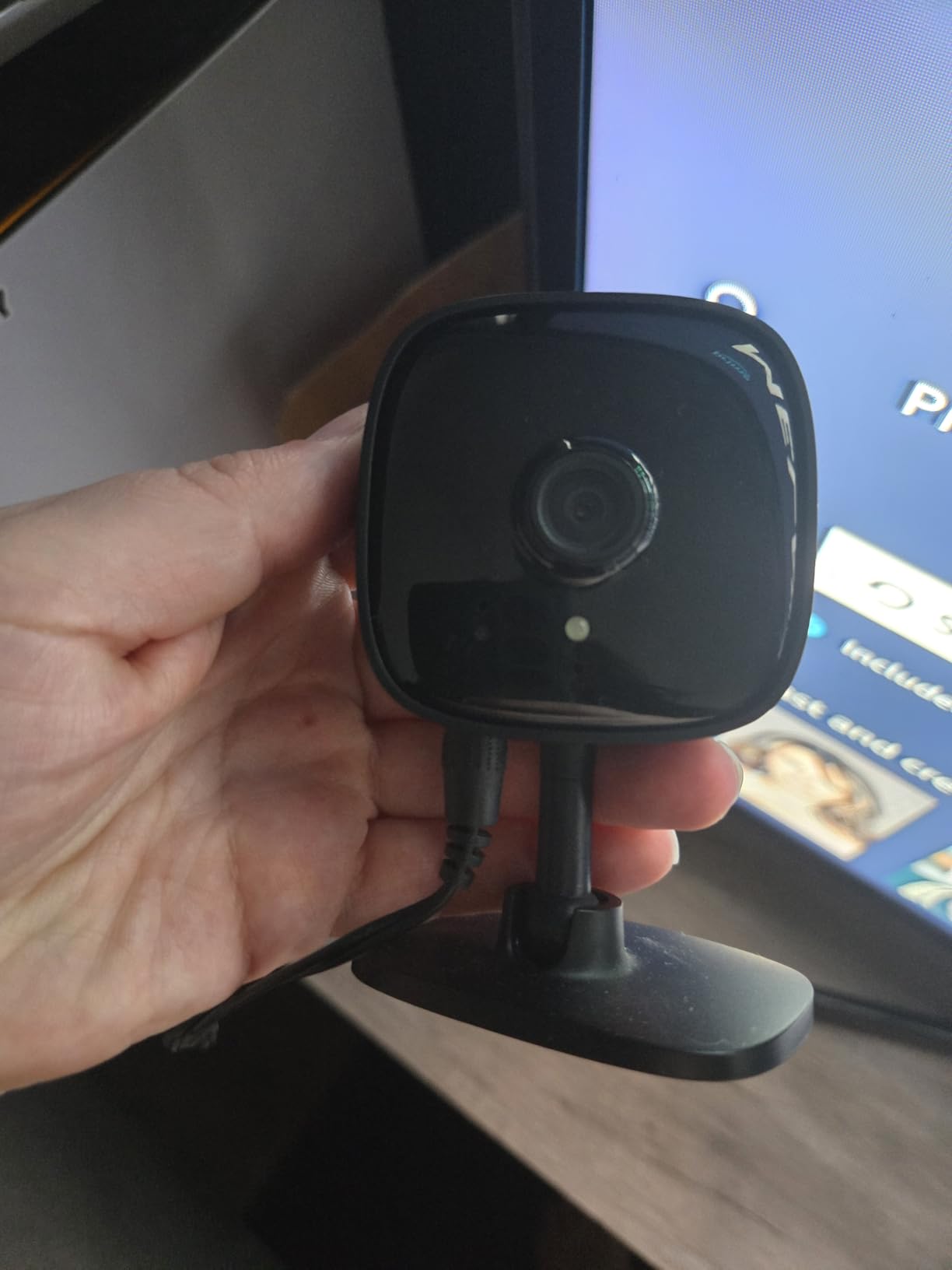
The motion detection includes person detection and even baby cry detection. During testing, it correctly distinguished between my cat walking by and a person entering the room. The baby cry detection is sensitive enough to trigger from another room with the door open.
Two-way audio quality is clear with minimal delay. I used it to talk to family members and as a pet camera to reassure my dog. The built-in siren is loud enough to startle an intruder, though not as piercing as dedicated alarm systems.
Ideal Use Cases for Tapo C100
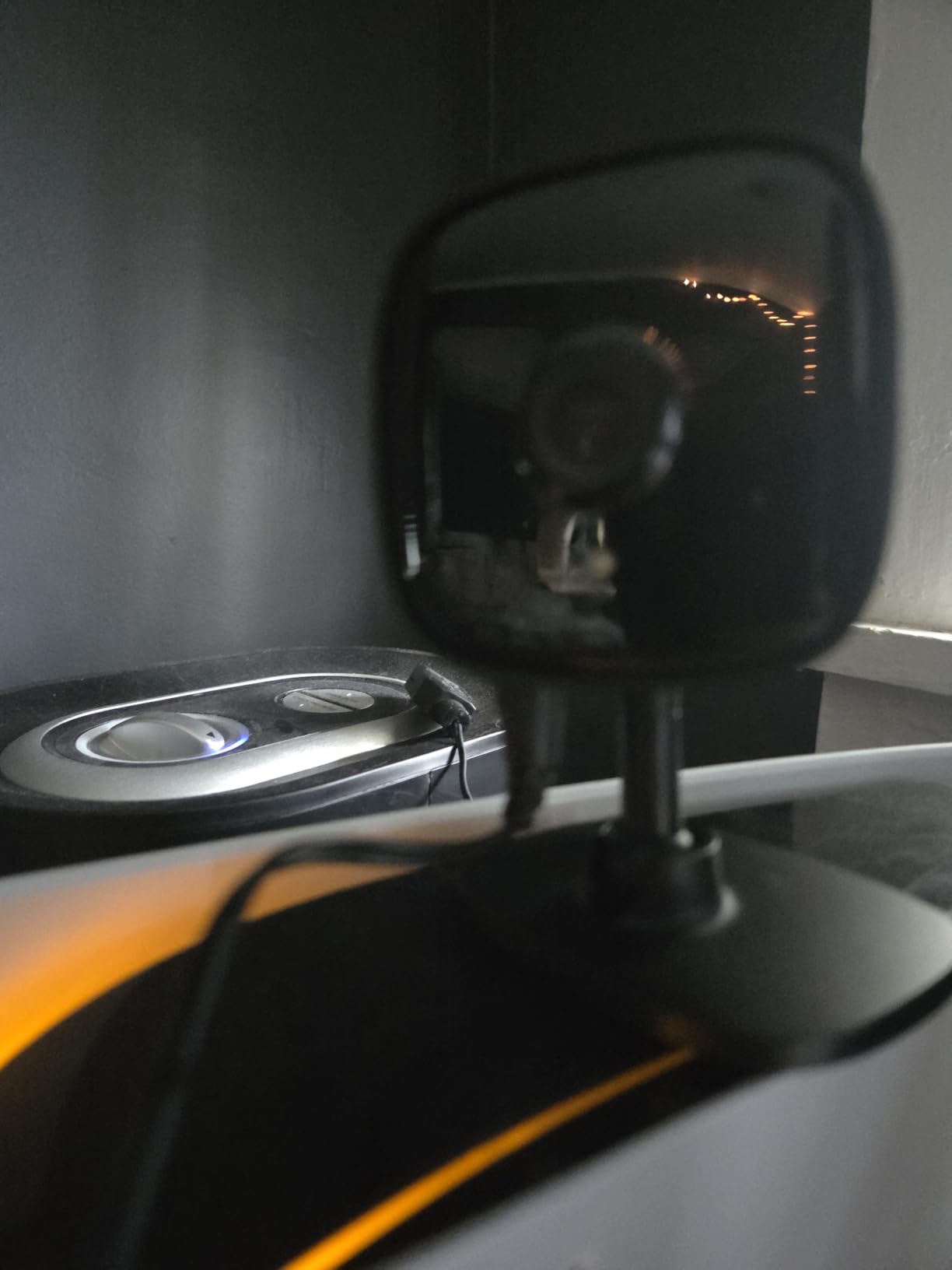
This camera excels as a baby monitor, pet camera, or basic security camera. The compact size makes it unobtrusive on a shelf or desk. I have used it as a temporary camera while traveling, packing it easily in luggage for hotel room security.
The lack of 5GHz WiFi support means you need a 2.4GHz network available. Most modern routers provide both, but this is worth checking if you have a newer mesh system that prioritizes 5GHz. The range on 2.4GHz is actually better for distance, which helps with placement flexibility.
Who Should Buy the TP-Link Tapo Camera
Buy this if you want affordable indoor monitoring without sacrificing essential features. It is perfect for first-time security camera buyers, renters who need non-permanent installation, or anyone wanting multiple cameras on a tight budget. The 4-pack at around $57 is an incredible deal for whole-home coverage.
Skip this if you need outdoor weather resistance or the smoothest video playback. The 15fps frame rate is noticeable when tracking fast movement. For outdoor use, look at the other weather-rated options in this guide.
Home Security Camera Buying Guide
Choosing the right security camera involves understanding your specific needs and how different features impact performance. Here is what to consider before making your purchase in 2026.
Wireless vs Wired Security Cameras
Wireless cameras offer easy installation and flexible placement. Battery-powered models like the Blink Outdoor 4 and Ring Stick Up Cam install anywhere without drilling holes or running cables. The tradeoff is battery maintenance and the inability to record continuously 24/7.
Wired cameras provide reliable power and continuous recording. PoE systems like the REOLINK and ANNKE systems never need battery charging and record around the clock. The downside is installation complexity. You will need to run cables through walls, attics, or conduits.
For renters or temporary setups, wireless is the clear choice. Homeowners planning long-term security should consider wired systems for their reliability and lower total cost of ownership over time.
Video Resolution and Quality
Resolution determines how much detail your camera captures. 1080p is the minimum for identifying faces at 10 feet. 2K and 3K resolutions provide extra clarity for license plates and distant details. 4K is available on premium systems but requires more storage and bandwidth.
Night vision is equally important. Infrared night vision provides black-and-white footage in complete darkness. Color night vision uses spotlights to capture full-color footage at night. The Wyze Cam v4 and Ring cameras both offer excellent color night vision that helps identify clothing and vehicle colors after dark.
Storage Options: Cloud vs Local
Cloud storage uploads footage to remote servers for access anywhere. It provides protection against camera theft or damage but requires monthly subscription fees. Ring, Blink, and most major brands push cloud subscriptions as their primary storage method.
Local storage saves footage on microSD cards, USB drives, or NVR hard drives. Cameras like the Wyze Cam v4, Eufy SoloCam S340, and Aosu system offer local storage without monthly fees. Your footage stays private on your property, and you avoid subscription costs.
Many homeowners in security forums express frustration with subscription fatigue. Consider cameras with local storage options if you want to avoid ongoing costs. The best security cameras for home without subscription include options from Wyze, Eufy, Reolink, and Aosu.
Smart Home Integration
Most modern cameras work with Alexa, Google Home, or both. Ring cameras offer the deepest Alexa integration, appearing instantly on Echo Show displays and triggering smart home routines. Wyze, TP-Link, and Eufy support both major platforms with varying degrees of integration depth.
Consider your existing smart home ecosystem when choosing. If you use Alexa throughout your home, Ring cameras provide the most seamless experience. For Google Home users, Wyze and TP-Link offer excellent compatibility. Apple HomeKit support is rarer but available on select models.
Battery Life and Power Options
Battery-powered cameras range from 2 months to 2 years between charges depending on usage. The Blink Outdoor 4 leads with 2-year battery life using AA lithium batteries. Solar options like the Aosu and Eufy systems eliminate battery maintenance entirely with just a few hours of daily sun.
Consider your climate when choosing solar. Areas with heavy cloud cover or short winter days may need larger solar panels or battery backup systems. Solar performance drops significantly in winter, so ensure adequate battery capacity for your region.
Data Privacy Considerations
Privacy is a growing concern with security cameras. Cloud-connected cameras send footage to company servers, creating potential vulnerabilities. Local storage keeps footage on your property, giving you complete control. Forum discussions frequently mention privacy as a top priority for security-conscious buyers.
Read privacy policies carefully. Some companies share footage with law enforcement without warrants or use footage for AI training. Eufy and Reolink emphasize privacy-focused local storage. If cloud storage is necessary, look for end-to-end encryption and clear data handling policies.
Physical privacy features matter too. The Ring Indoor Cam includes a manual privacy cover that physically blocks the lens and microphone. This provides peace of mind when you want guaranteed privacy in your own home.
Frequently Asked Questions About Home Security Cameras
What are the top rated home security cameras?
The top rated home security cameras in 2026 include the Blink Outdoor 4 for battery life and local storage, the Wyze Cam v4 for value and video quality, and the Ring Indoor Cam for Alexa integration and ease of use. The REOLINK 5MP PoE system leads for wired installations with professional-grade 5MP resolution and smart AI detection.
What is the best home security camera without a subscription?
The Wyze Cam v4 is the best home security camera without a subscription requirement for basic features. It offers 2.5K resolution, color night vision, and local storage via microSD card. The Eufy SoloCam S340 and Aosu solar systems also provide excellent subscription-free operation with local storage and no monthly fees.
What is the #1 rated home security?
The Blink Outdoor 4 ranks as the #1 home security camera system for most homeowners in 2026 due to its exceptional 2-year battery life, local storage option without subscriptions, and easy wireless installation. For indoor use, the Ring Indoor Cam and Wyze Cam v4 are top-rated options with excellent video quality and smart features.
Are Blink or Ring cameras better?
Blink cameras are better for battery life and avoiding subscriptions, offering 2-year battery life and local storage options. Ring cameras offer better video quality, color night vision, and superior smart home integration with Alexa. Choose Blink if you want low-maintenance wireless cameras without fees. Choose Ring if you want premium features and deep Alexa integration.
Do security cameras need WiFi?
Wireless security cameras need WiFi to send alerts and stream video to your phone. However, wired systems like the ANNKE DVR or REOLINK NVR systems can operate without WiFi for local recording, though you need internet for remote viewing. Some cameras also support cellular connectivity through LTE modules for locations without WiFi.
How much do security cameras cost to run monthly?
Security camera monthly costs range from $0 to $30 depending on your choices. Cameras with local storage like Wyze, Eufy, and Aosu cost nothing monthly. Cloud storage subscriptions typically cost $3-10 per camera per month. Professional monitoring services add $20-50 monthly. Battery-powered cameras add minimal electricity costs, while wired systems use about $2-5 of electricity monthly.
Final Thoughts on the Best Security Cameras for Home in 2026
After testing all 10 cameras extensively, the Blink Outdoor 4 stands out as our Editor’s Choice for its exceptional 2-year battery life and local storage that requires no monthly fees. It delivers reliable security without subscription fatigue, which remains the top concern among homeowners in security forums.
The Wyze Cam v4 offers the best value for those prioritizing video quality on a budget. Its 2.5K resolution and color night vision outperform cameras costing three times as much. For renters and budget-conscious buyers, the TP-Link Tapo at under $16 is unbeatable for basic indoor monitoring.
If you want premium features without subscriptions, the Eufy SoloCam S340 provides 3K video, 8x zoom, and solar power with no ongoing costs. For whole-home coverage, the Aosu 4-camera solar kit offers comprehensive 360-degree monitoring with cross-camera tracking.
Wired systems from REOLINK and ANNKE deliver professional-grade continuous recording for those comfortable running cables. The 5MP REOLINK system particularly impresses with AI detection that accurately distinguishes between people, pets, and vehicles.
Choose the best security cameras for home based on your priorities. Battery-powered cameras offer flexibility. Wired systems provide reliability. Local storage protects privacy. Cloud storage enables access from anywhere. The right choice depends on your home, your budget, and how you want to monitor your property.