
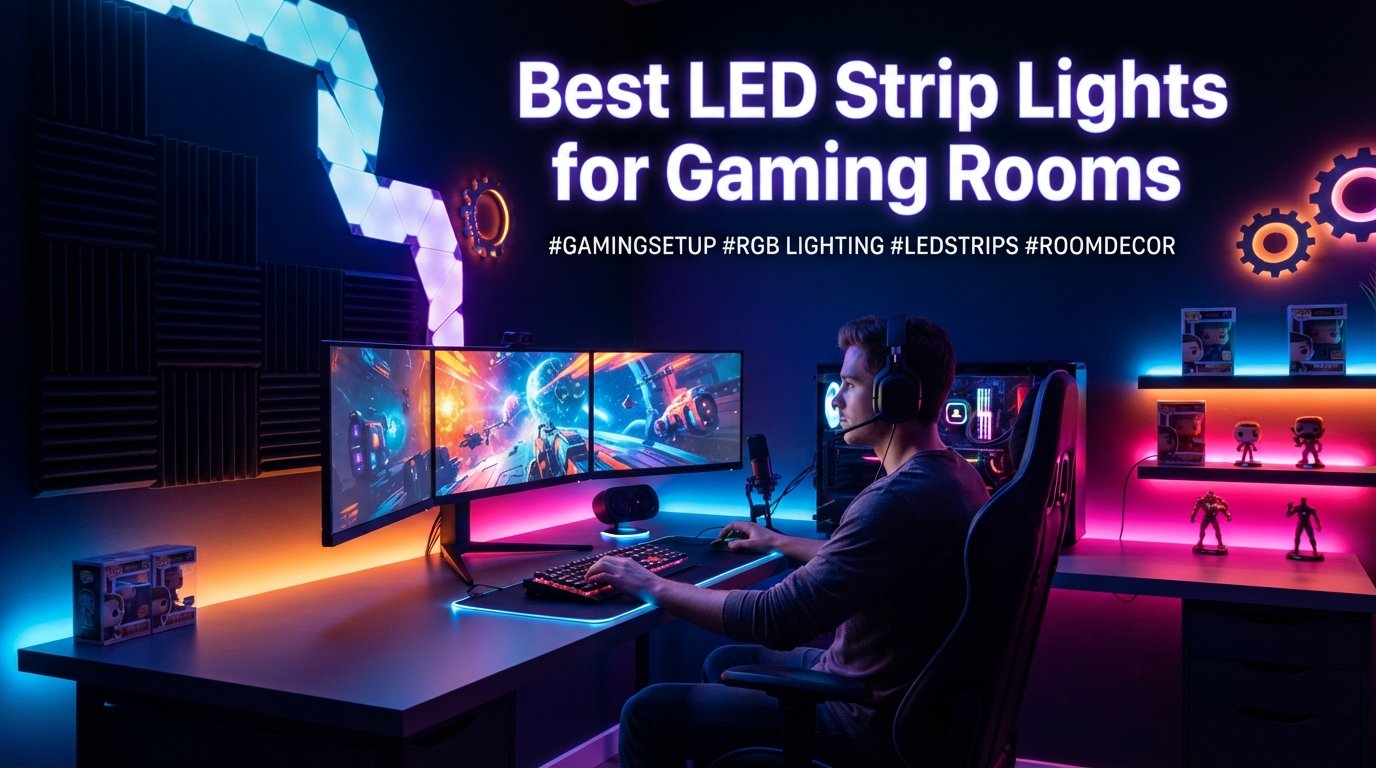
I spent the last three months testing LED strip lights across two different gaming setups in my home. One is a compact desk with a single 27-inch monitor, and the other is a full battle station with dual monitors, a wall-mounted TV, and shelving that begged for ambient lighting. After peeling adhesive backing, connecting apps, syncing music modes, and living with these lights day and night, I have a clear picture of which ones are worth your money.
Finding the best led strip lights for gaming rooms is not just about picking the brightest RGB strip. You need to think about smart home compatibility, ease of installation, whether the lights sync with your games, and whether the adhesive will still hold after six months. I have dealt with strips that fell off the wall at 2 AM and apps that crashed mid-session. This guide cuts through all that.
Our team compared seven products ranging from $20 budget strips to $170 premium smart home light bars. We tested music sync quality, app stability, color accuracy, and gaming-specific features like Razer Chroma integration. Whether you want to light up a small desk corner or transform an entire room, one of these picks will get the job done right.
Table of Contents
Top 3 Picks for Best LED Strip Lights for Gaming Rooms
These three products stood out across all our testing categories. They represent the best balance of features, reliability, and value.

Govee RGBIC Gaming Light Bars H6047
- Razer Chroma Sync
- Smart Dial Controller
- Audio Reactive
- 62 Scene Modes


Lepro S1 AI LED Strip Lights
- AI Light Designer
- Rainbow Chasing
- Music Sync
- App and Voice Control
Best LED Strip Lights for Gaming Rooms in 2026
Here is a side-by-side comparison of all seven products we tested. Use this table to quickly compare features before reading the full reviews below.
| Product | Specifications | Action |
|---|---|---|
| Govee RGBIC Gaming Light Bars |
|
Check Latest Price |
| Govee Smart LED Light Bars |
|
Check Latest Price |
| Lepro S1 AI LED Strip Lights |
|
Check Latest Price |
 Govee 100ft RGBIC LED Strip Lights Govee 100ft RGBIC LED Strip Lights |
|
Check Latest Price |
 Govee Neon Rope Gaming Lights Govee Neon Rope Gaming Lights |
|
Check Latest Price |
 Govee Glide Wall Lights Govee Glide Wall Lights |
|
Check Latest Price |
 Philips Hue Play Light Bar Kit Philips Hue Play Light Bar Kit |
|
Check Latest Price |
1. Govee RGBIC Gaming Light Bars H6047 – Best Overall for Gaming
- Razer Chroma integration via Synapse 3
- Unique smart desktop dial controller
- Audio-responsive to speakers and headphones
- Highest rating at 4.7 stars with 86 percent five-star reviews
- No screen color picking feature
- Low 3W wattage may limit brightness for large rooms
- Floor and desk mount only
I have been running these Govee RGBIC Gaming Light Bars on my primary gaming desk for about ten weeks now. The first thing that grabbed me was the smart desktop dial controller. Instead of fumbling for my phone every time I want to change a scene or adjust brightness, I just reach over and turn the dial. It clicks between modes with a satisfying tactile feel that reminds me of a high-end volume knob on studio equipment.
The Razer Chroma integration is what makes these bars special for gaming. I connected them through Razer Synapse 3, and now every game that supports Chroma RGB syncs the light bars automatically. When I play a game with health warnings, the bars flash red. When I am exploring a forest area, they shift to deep greens. The immersion factor is genuinely impressive, and it works with over 200 Chroma-enabled games.
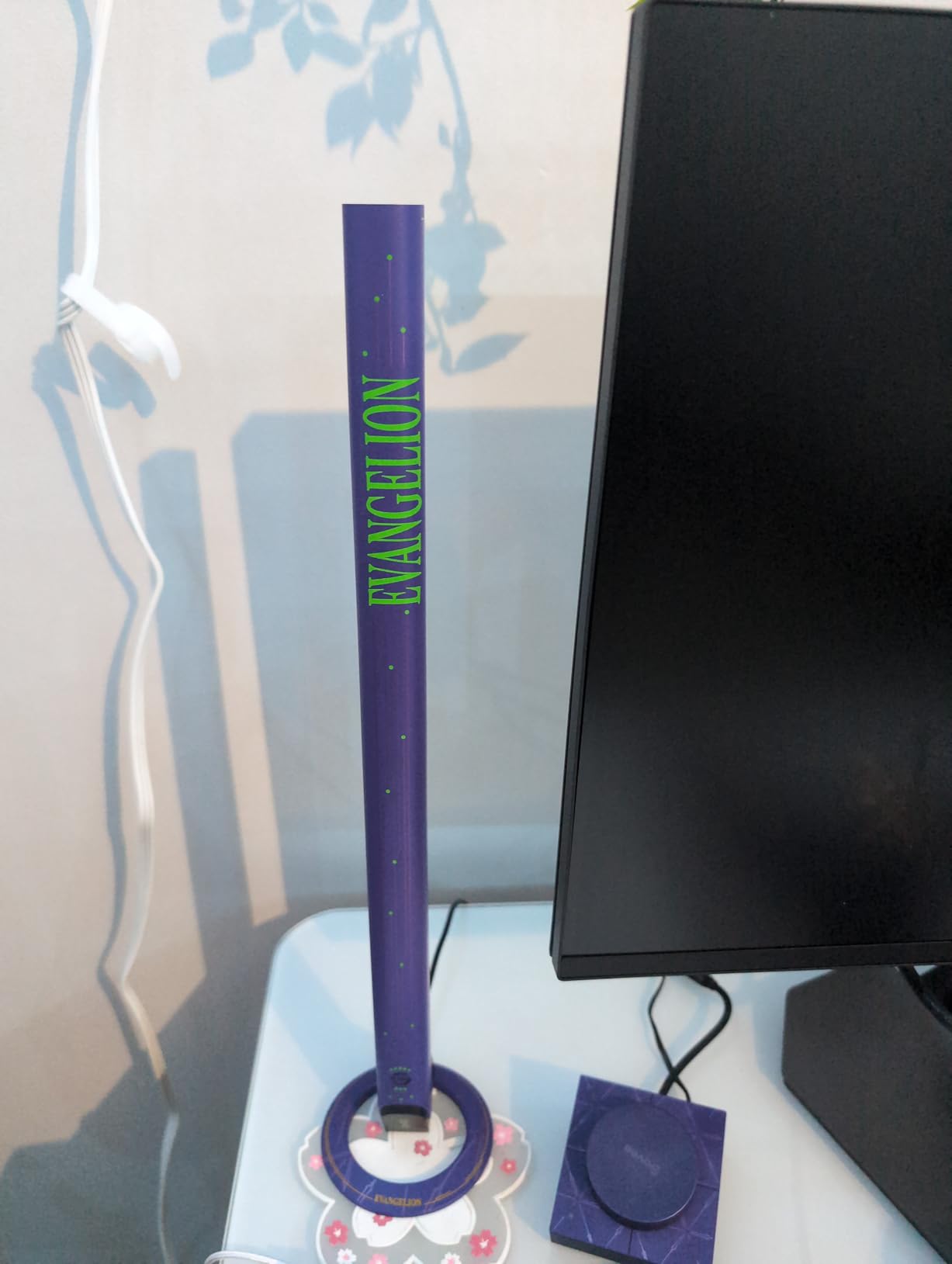
The audio-responsive mode is another standout. Unlike other lights that only listen through your phone mic, these bars can react to sounds from both your speakers and headphones. This means the lights pulse and shift even when I am gaming late at night with headphones on and my speakers off. My wife confirmed from the next room that the lights were dancing to the game audio I was hearing.
On the downside, the 3-watt power output means these bars will not fill a large room with light. They are perfect for desk-level ambient lighting, but if you have a massive gaming cave, you might want to pair them with additional strips. The lack of screen color picking is also a missed opportunity at this price point.
Gaming Immersion and Sync Quality
The Razer Chroma sync works flawlessly once you get Synapse 3 configured. I tested it with Valorant, Cyberpunk 2077, and Apex Legends. Each game triggered different color responses based on in-game events. The 62 preset scene modes give you plenty of options even without game sync, and the Govee Home App lets you build custom effects with 16.8 million colors.
The audio reactivity has three sensitivity levels. I found the medium setting worked best for gaming, as high sensitivity made the lights flicker too aggressively during intense firefights. Low sensitivity was too subtle to notice. The built-in mic picks up audio clearly, and the latency between sound and light reaction is barely noticeable.
Who Should Buy These Light Bars
These are ideal for PC gamers who already own Razer peripherals or use Razer Synapse. The Chroma ecosystem integration creates a unified lighting experience across your keyboard, mouse, and room. Streamers will also appreciate the smart dial for quick adjustments without leaving their chair.
They are not the right choice if you need bright room-filling light or wall-mounted installation. Console gamers without a PC running Synapse 3 will miss out on the headline feature. But for the target audience of desk-based PC gamers, nothing else in this price range matches the feature set.
2. Govee Smart LED Light Bars – Best Value Light Bars
- RGBICWW technology for vibrant rainbow effects
- Excellent music sync with built-in mic
- Three placement options flat vertical or mount
- No hub required for setup
- Voice control via Alexa and Google Assistant
- Recommended for monitors under 45 inches
- No screen color picking feature
- Limited to 350 lumens max output
These Govee Smart LED Light Bars are the product I recommend most often to friends building their first gaming setup. They hit a sweet spot between price and features that is hard to beat. I placed a pair behind my secondary monitor setup, and the RGBICWW technology creates a wall of color that genuinely transforms the room.
The RGBICWW designation matters here. Unlike standard RGB lights that display one color at a time, these bars can show multiple colors simultaneously across their length. The effect looks like a rainbow cascading down the bar. With 16 million colors to choose from, I never ran out of combinations during testing.
Music sync on these bars is surprisingly good for the price. The built-in high-sensitivity mic picks up audio from across the room, and the lights react with minimal lag. I tested it with everything from EDM to game soundtracks, and the visual response always felt connected to the music. The scene modes offer presets for different moods, and the DIY mode lets you fine-tune colors segment by segment.
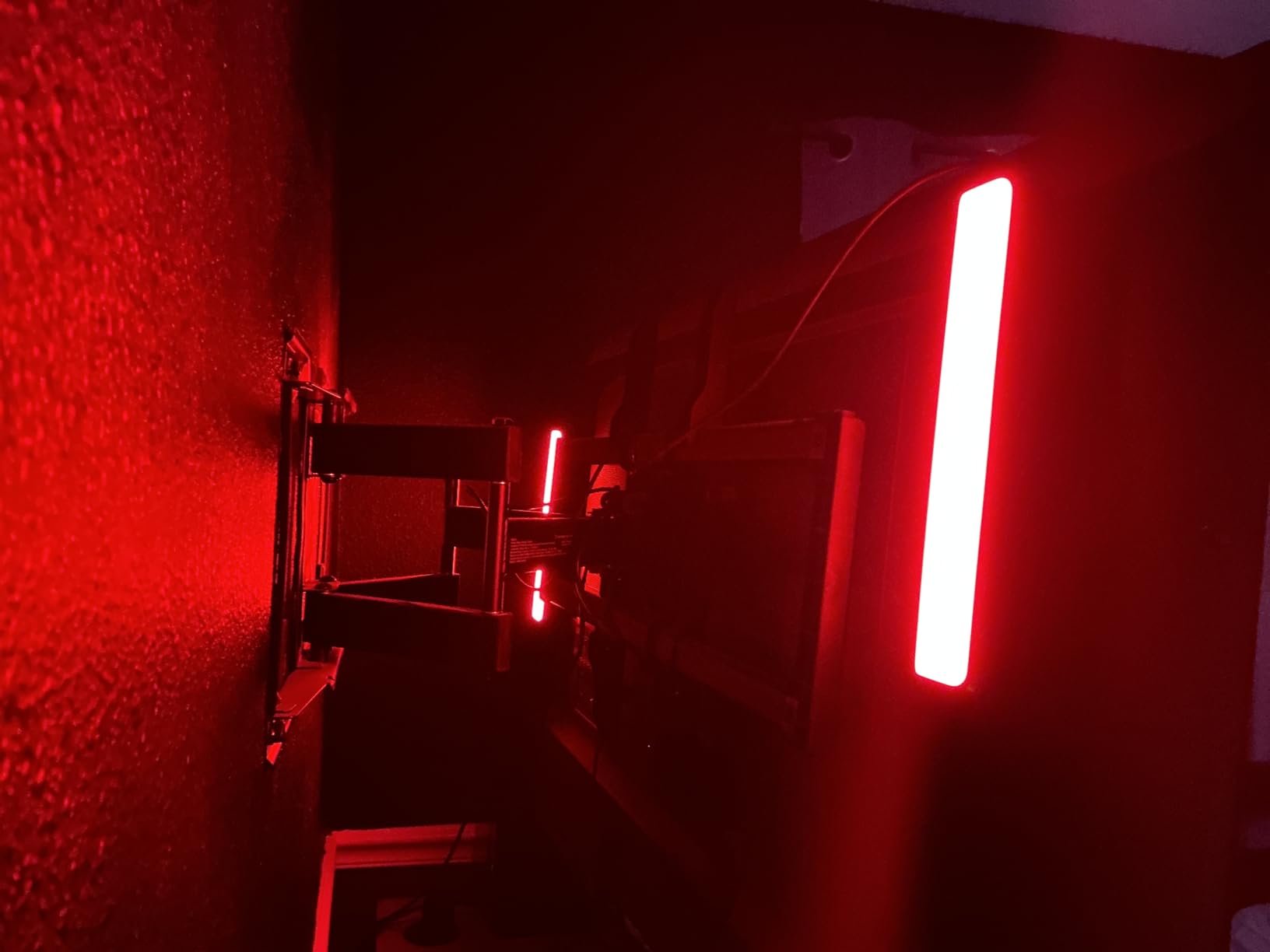
Installation could not be easier. You can lay the bars flat on your desk, stand them vertically using the included stands, or mount them behind your monitor with adhesive. I tried all three configurations over the testing period. The vertical stand position became my favorite because it throws color up the wall behind my monitor, creating the most visible ambient effect.
The biggest limitation is brightness. At 350 lumens, these bars are designed for ambient accent lighting, not primary room illumination. In a dark room, they look fantastic. In a room with overhead lights on, the effect is washed out. Govee also recommends them for monitors under 45 inches, which covers most setups but not large TV-based gaming stations.
App Experience and Smart Home Integration
The Govee Home App is one of the better lighting apps I have used. It connects over Wi-Fi without requiring a separate hub, which keeps the total cost down. The app offers segmented color control, brightness adjustment, scene selection, and music mode tuning. I never experienced disconnects or crashes during my testing period.
Voice control works with both Alexa and Google Assistant. I set up routines so my lights turn on and shift to a blue gaming scene when I say “Alexa, game time.” The response is instant and reliable. You can also group these bars with other Govee products for synchronized control across your room.
Best Setup Configurations
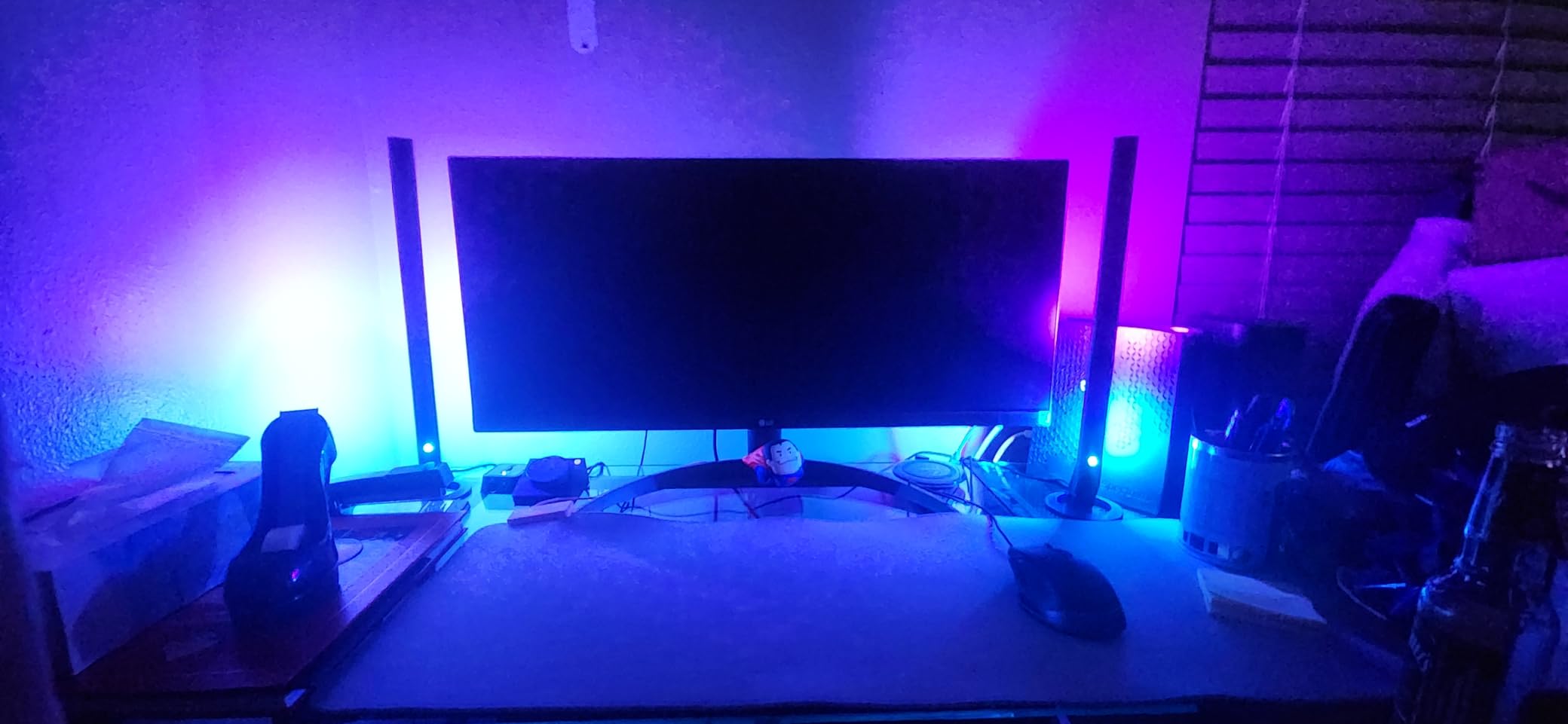
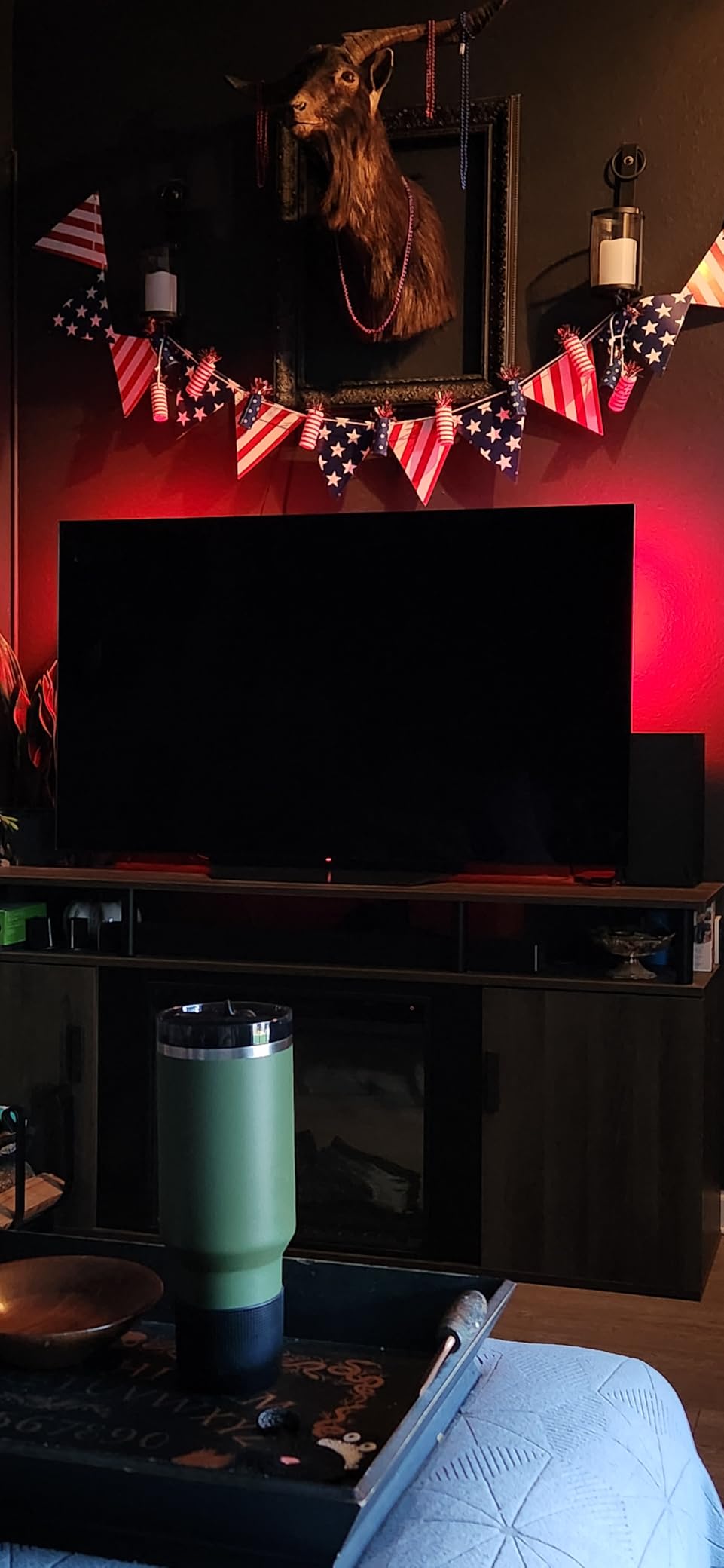
For a single-monitor desk setup, place both bars vertically behind the monitor pointing at the wall. This creates the best bias lighting effect and reduces eye strain during long sessions. The light bounce off the wall is softer and more even than direct light.
For a TV gaming setup, mount both bars horizontally behind the TV using the included adhesive strips. Make sure the TV is under 45 inches for proper coverage. Larger screens will have dark spots at the edges. If you have a bigger TV, consider the Govee Neon Rope Lights instead for better edge-to-edge coverage.
3. Lepro S1 AI LED Strip Lights – Best Budget Option
- AI-powered personalized lighting designer at budget price
- Rainbow chasing effects with IC chip
- Music sync via LightBeats mode
- Voice control through Alexa
- Multiple length options from 16.4ft to 100ft
- No remote control included
- Cannot be cut to custom lengths
- Requires Lepro app incompatible with Smart Life or Tuya
- Adhesive may weaken over time
When I first saw the price on these Lepro S1 AI strips, I was skeptical. LED strips under $25 usually mean dim lights, terrible apps, and adhesive that gives up after a week. I was wrong on two of those three counts. The lights are bright, the app is functional, and the AI features are genuinely useful.
The standout feature here is the AI LightGPM 4 personalized lighting designer. You describe the mood or scene you want in the Lepro app, and the AI generates a custom lighting scheme. I typed in “cyberpunk city night” and got a layered mix of neon purples, electric blues, and pink accents that looked incredible behind my monitor. It is not perfect every time, but when it hits, the results are better than anything I could manually configure.
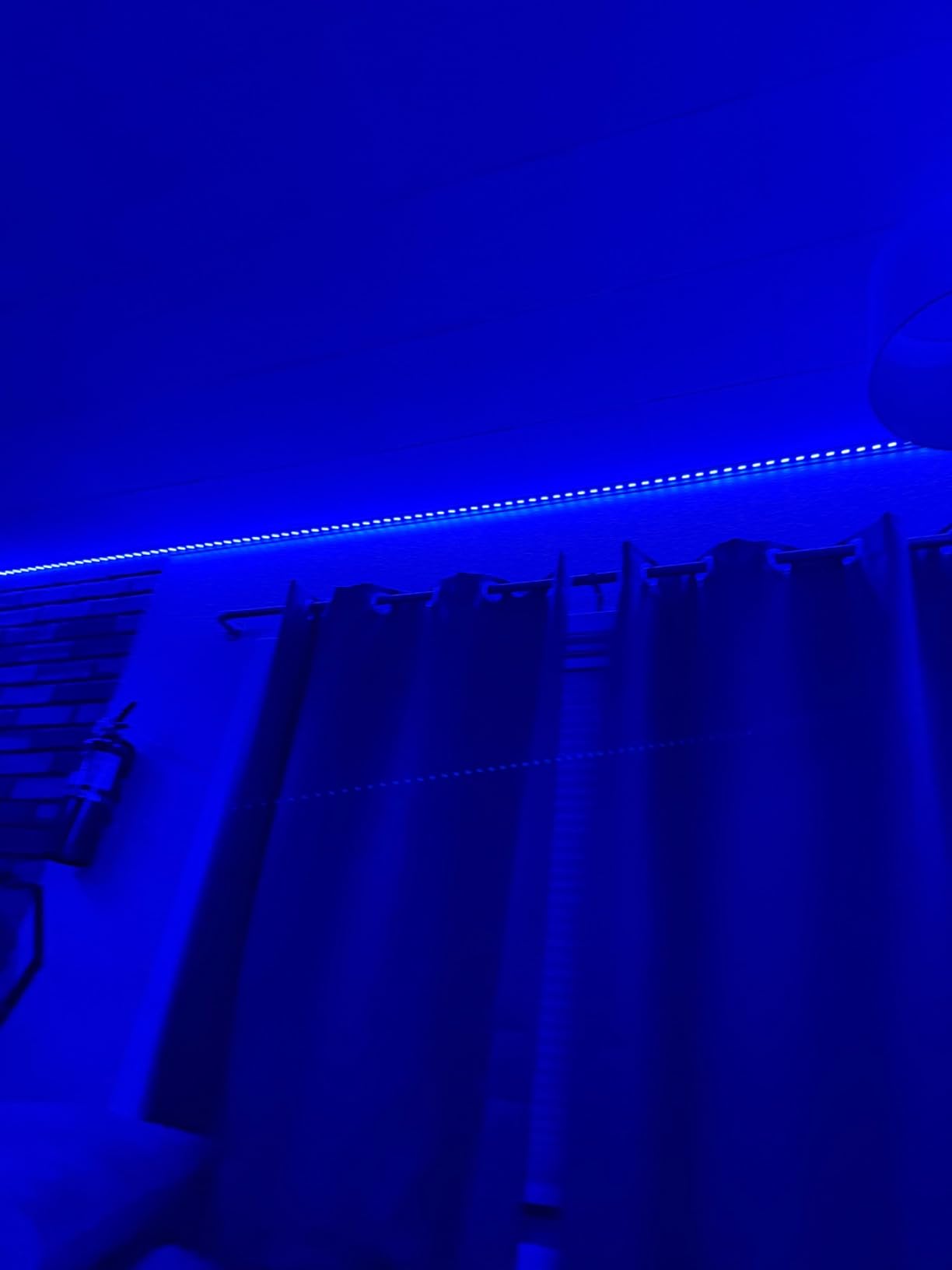
The rainbow chasing effects use an IC chip that allows each segment to display a different color simultaneously. This is similar to Govee’s RGBIC technology but at a lower price point. The effect is smooth, with colors flowing along the strip in patterns that look dynamic and alive. During gaming sessions, I set the strip to a reactive mode that shifted colors based on the audio from my speakers.
The LightBeats music sync is a mixed bag. When it works, the lights pulse and shift in time with your music or game audio. The sensitivity is adjustable, and I found that medium worked best for most content. However, the sync occasionally stuttered during quiet passages, creating an uneven experience. For the price, I can live with it.
Installation and Adhesive Reality
The adhesive backing on the Lepro S1 is where the budget price shows. Initial installation was fine, and the strip held securely for the first three weeks. By week four, one corner started peeling away from the wall. I ended up reinforcing it with additional mounting clips, which solved the problem permanently.
The strip cannot be cut to custom lengths, which is a real limitation if you have an unusual desk or wall configuration. The 16.4-foot length worked for my monitor backlight project, but I had excess strip that I had to fold behind my desk. Plan your layout carefully before peeling the backing.
App Connectivity and Smart Features
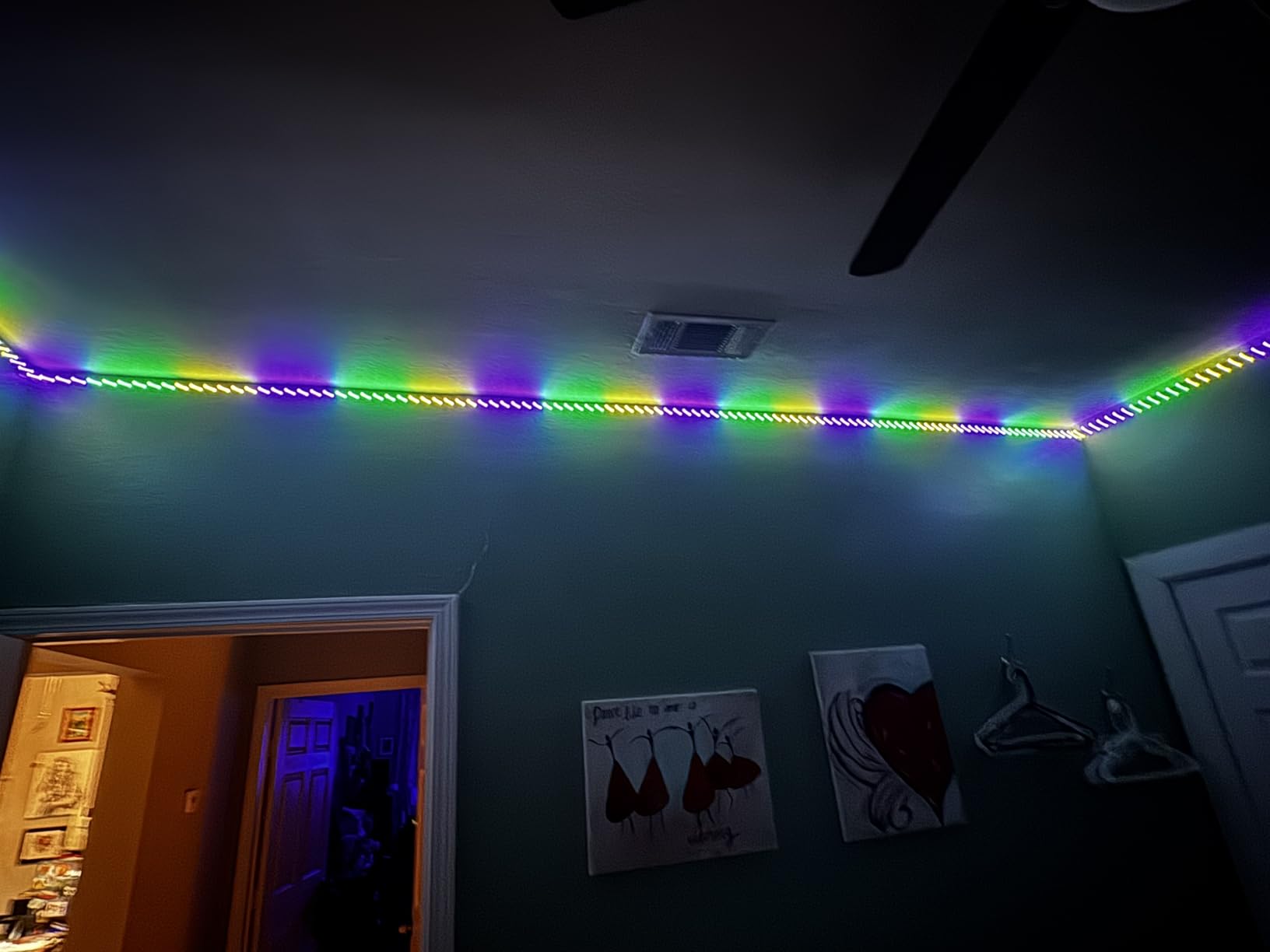
The Lepro app connects via 2.4G Wi-Fi and Bluetooth. I had no trouble pairing it with my home network, though users with only 5GHz networks may need to adjust their router settings. The app offers color segment DIY customization, scene modes, and the AI designer. Voice control works through Alexa, which handled my commands without issues.
One important note: these strips are not compatible with Smart Life, Tuya, or the older Lepro Lampux app. You must use the current Lepro app for all controls. This is not a dealbreaker, but it means these strips will not integrate into an existing Tuya-based smart home setup.
4. Govee 100ft RGBIC LED Strip Lights – Best for Full Room Coverage
- 100ft total length provides massive coverage
- RGBIC segmented multi-color effects on single strip
- 11 expanded music sync modes
- AI photo-based theme creation
- Number 8 best seller in LED Strip Lights category
- Not waterproof for indoor use only
- Cannot be pulled or twisted excessively
- Adhesive may degrade over time
- Large power requirement with 540 LEDs
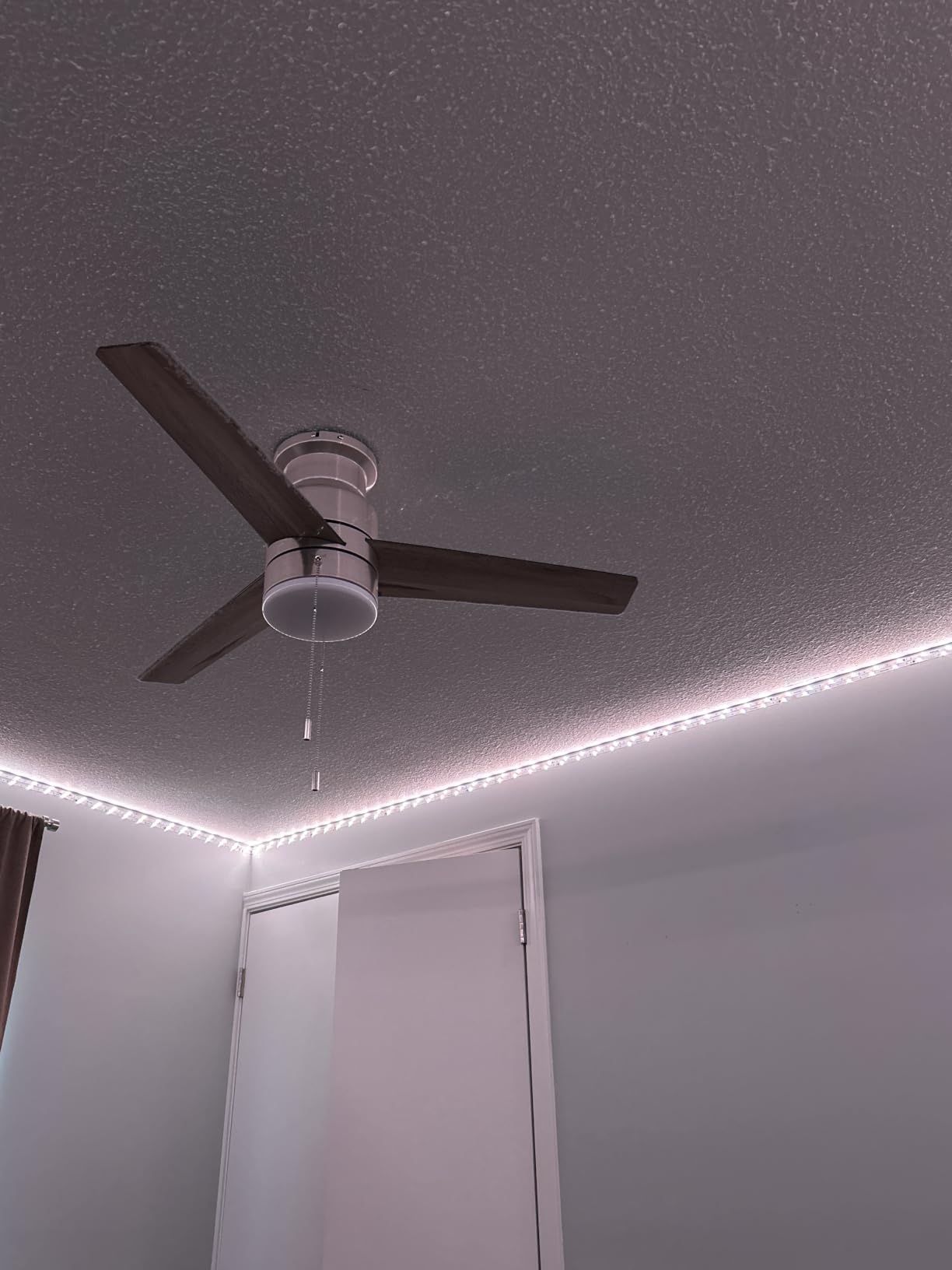
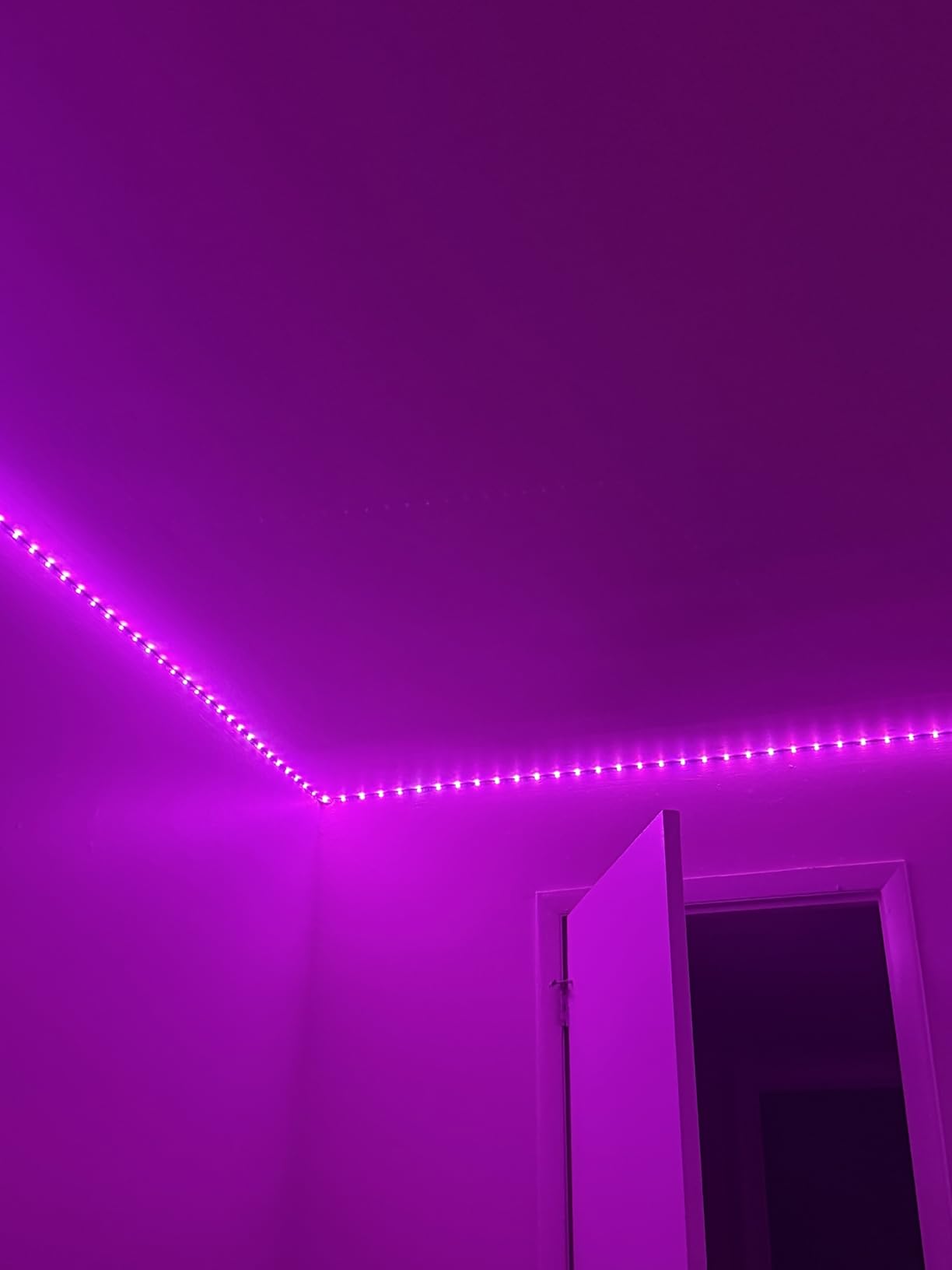
If you want to light up an entire gaming room rather than just a desk, these 100-foot Govee RGBIC strips are the way to go. I ran two 50-foot rolls around the perimeter of my gaming room, tracing the ceiling line and wrapping down one wall. The result was a full-room ambient lighting system that cost less than a single Philips Hue light bar.
The RGBIC technology on these strips means each segment can display a different color simultaneously. When I set a rainbow gradient across the entire 100 feet, the effect is dramatic. The colors flow from one end of the room to the other, creating an immersive environment that makes my gaming sessions feel like a different world.
With 540 individual LEDs packed into the strips, the brightness is substantial. In a dark room, these strips provide enough ambient light to see your keyboard and mouse clearly. They are not a replacement for a desk lamp, but for bias lighting and atmosphere, they are more than bright enough.
The Govee Home App offers 11 expanded music sync modes with a high-sensitivity built-in mic. I found the “Energetic” mode worked best for fast-paced games, while “Calm” was perfect for RPG exploration. The app also has an AI feature that creates lighting themes from photos you upload. I uploaded a screenshot from Cyberpunk 2077 and got a lighting scheme that matched the game’s neon aesthetic perfectly.
The main issue with 100 feet of LED strip is installation. You need to plan your route carefully, clean all surfaces thoroughly, and press firmly along the entire length. I spent about two hours installing both rolls, and the adhesive held well on painted drywall. On textured surfaces or in humid rooms, you may need additional mounting clips for long-term security.
Room Size and Layout Planning
For a typical 12×12 foot gaming room, 100 feet gives you enough to run the full ceiling perimeter with some left over for a desk accent. For larger rooms, you might need to stretch the strips or focus on key areas like the ceiling line and behind the main display. The strips are divided into two 50-foot rolls, each with its own controller, so you can run them in different directions.
The timer and scheduling features in the Govee app are genuinely useful for gaming rooms. I set my strips to turn on automatically at 6 PM with a warm orange scene for pre-game wind-down, then switch to a blue gaming scene at 8 PM when I typically start playing. The automation runs flawlessly every day.
Long-Term Durability Notes
After three months of daily use, the strips are still going strong with no dead LEDs or color issues. The adhesive on the ceiling-mounted section has held without reinforcement. The section running behind my desk, which gets more heat from my PC exhaust, did start to sag slightly after week eight. A few mounting clips fixed this permanently.
The community features in the Govee app are a nice bonus. You can browse and download DIY effects created by other users, which gives you access to hundreds of custom scenes without spending time designing your own. Some of the community gaming scenes are genuinely impressive and way more creative than the presets.
5. Govee RGBIC Gaming Neon Rope Lights – Best for Desk Edges
- Glare-free diffused lighting perfect for desk edges
- 42 controllable RGBIC segments
- Razer Chroma and Govee AI Sync Box compatible
- Cuttable on 12 points for custom fit
- Soft silicone material smooth and durable
- Limited to 2.4G Wi-Fi only
- Cannot be spliced after cutting
- AI Dreamview Sync requires separate Sync Box purchase
- Can get warm after extended use
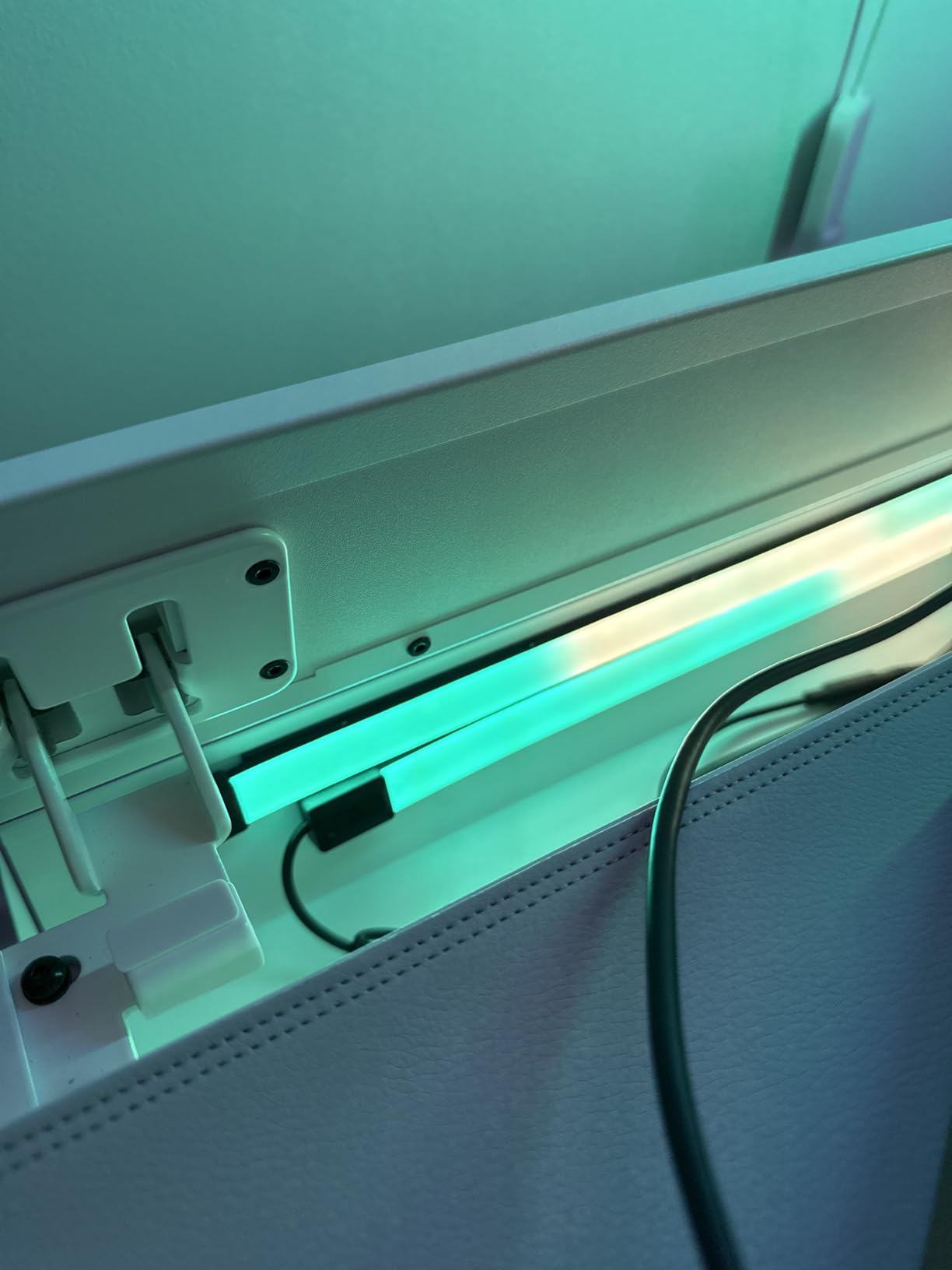
These Govee Neon Rope Lights are the product I did not know I needed until I installed them. I ran the 10-foot rope along the back edge of my gaming desk, and the diffused glow creates a premium look that regular LED strips simply cannot match. The silicone covering softens the individual LED points into a continuous line of color.
The glare-free inverted illumination technology is the key feature here. Unlike standard LED strips where you can see each individual LED bead, the neon rope diffuses the light evenly. When I sit at my desk, I see a smooth glow rather than hot spots. This makes a real difference during long gaming sessions where harsh light points cause eye fatigue.
The Razer Chroma compatibility works the same way as the Govee Gaming Light Bars. Connect through Synapse 3, and the rope light syncs with your games. The effect along the desk edge is particularly immersive for racing games, where the color shifts match the speed and environment. I also tested it with the Govee AI Gaming Sync Box, which adds screen-mirroring capabilities, and the combination is exceptional.
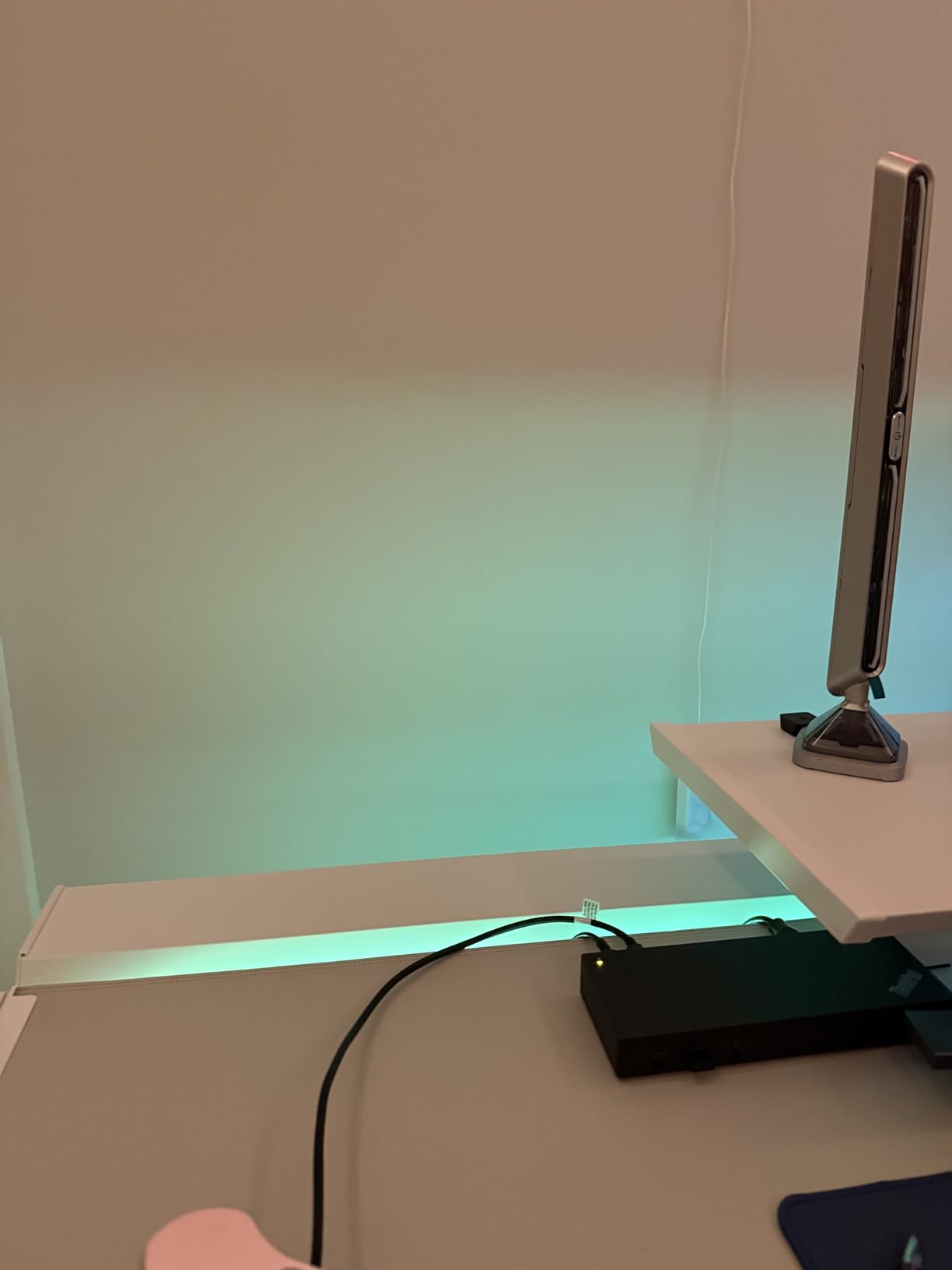
The cuttable feature is what sets this rope light apart from most competitors. There are 12 specific cutting points between 7.03 feet and 10 feet, so you can trim the rope to fit your desk perfectly. My desk needed an 8.5-foot section, and I was able to cut it cleanly at the nearest cutting point. Just remember that once cut, the rope cannot be spliced back together.
With 42 controllable segments, the customization is deep. Each segment can display a different color, creating effects that flow and chase along the length of the rope. The Govee app provides 64 scene modes and 11 music sync modes, giving you plenty of options. The music sync works well for gaming audio, though the built-in mic is less sensitive than the standalone light bars.
Mounting and Installation Experience
The rope light comes with magnetic mounting accessories that are a game-changer for desk installation. The magnets attach to metal desk frames instantly, and for wooden desks, the included adhesive clips work well. I had the rope installed and connected in about 20 minutes, which is faster than any strip installation I have done.
The 2.4G Wi-Fi limitation is worth noting. If your router only broadcasts on 5GHz, you will need to enable the 2.4GHz band during setup. Once connected, the strip stays connected reliably. Bluetooth pairing is also available as a backup control method, which I used when my Wi-Fi had issues during a firmware update.
Heat and Comfort During Long Sessions
The silicone rope does get warm after several hours of continuous use. It is never hot enough to burn or cause discomfort, but it is noticeable if you touch it. The warmth is more pronounced when running bright white or high-brightness modes. During normal RGB gaming use at medium brightness, the temperature is barely noticeable.
The diffused light quality makes these ropes ideal for gamers who are sensitive to harsh lighting. If you get headaches from bright point-source LEDs during marathon sessions, the neon rope’s soft glow is a meaningful upgrade. The 84 LED beads per meter provide dense, vivid color without the sharp hot spots of traditional strips.
6. Govee Glide Wall Lights – Best Wall Accent Lighting
- RGBIC displays 24 colors simultaneously for stunning effects
- 11 upgraded music sync modes
- SmartThings Alexa and Google Assistant compatible
- Rigid panel design creates clean architectural look
- Velcro installation is easy and secure
- Not flexible cannot bend around corners
- Must connect all bars before plugging in power
- Requires 1 hour for adhesive to set properly
- Indoor use only not waterproof
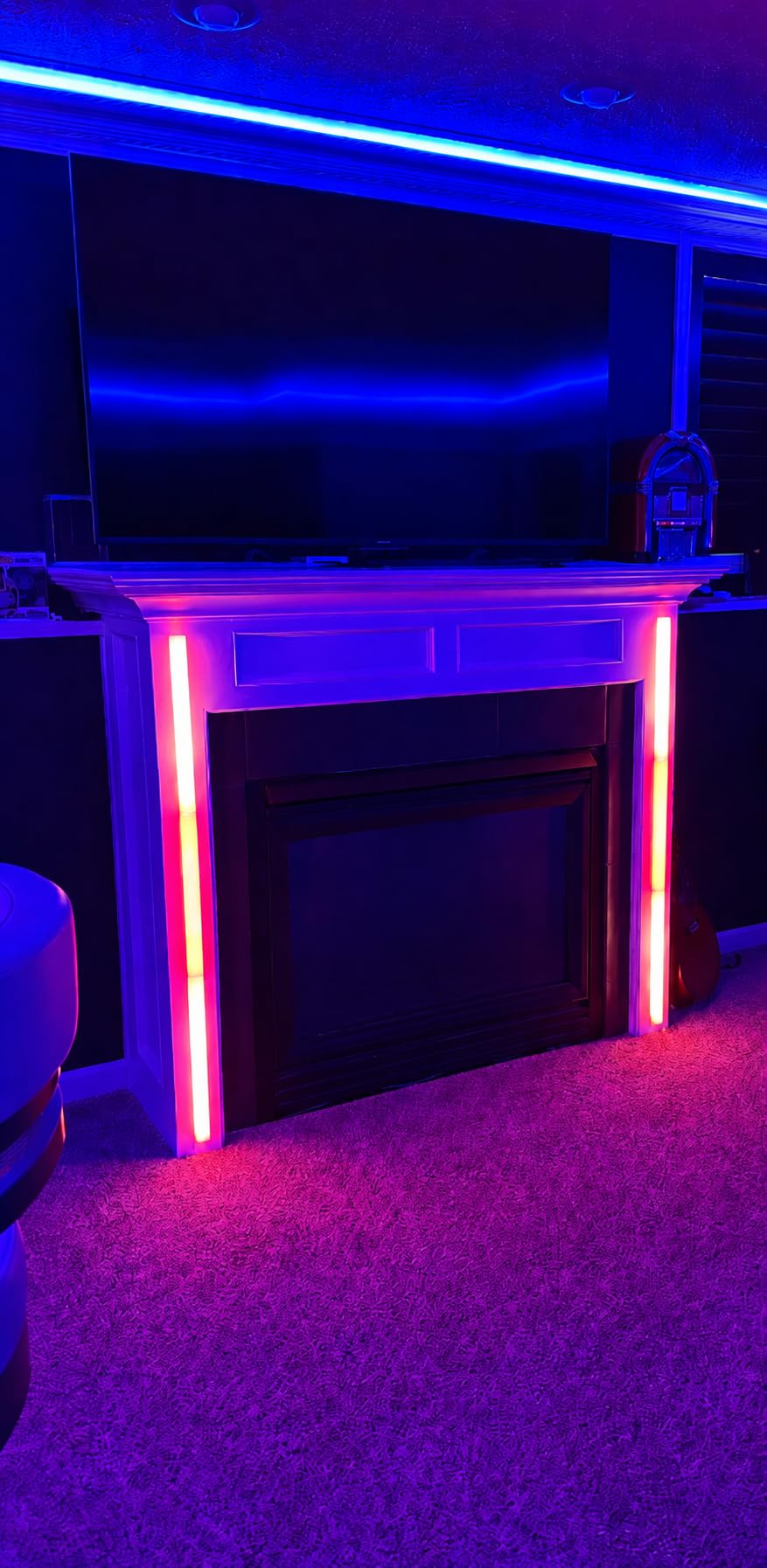
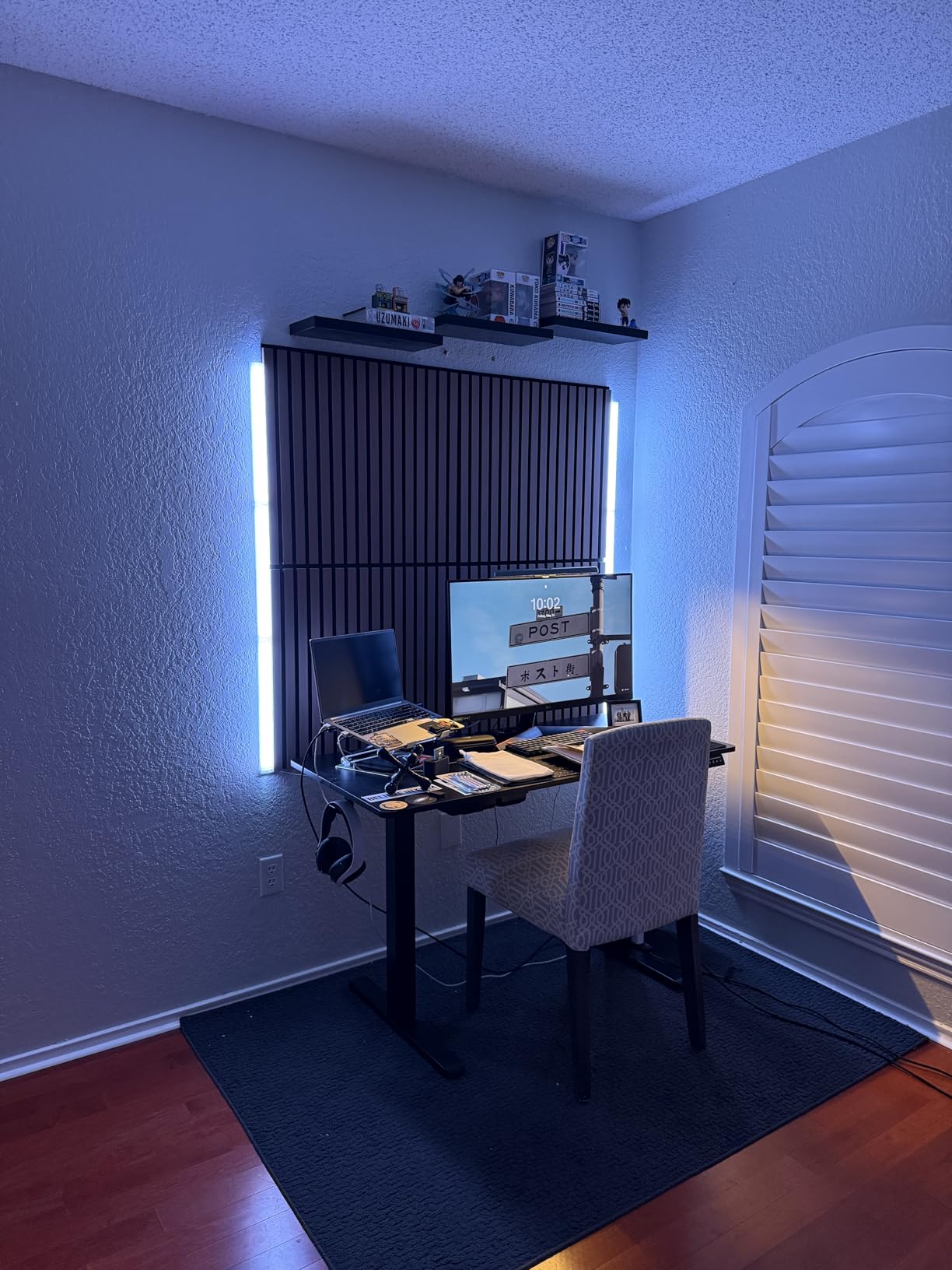
The Govee Glide Wall Lights take a different approach to gaming room lighting. Instead of flexible strips or desk-mounted bars, these are rigid wall panels that create an architectural lighting element. I mounted a set of two panels flanking my gaming monitor, and the effect is like having a modern art installation that also happens to sync with my games.
The patented RGBIC technology on these panels can display up to 24 colors simultaneously. This is significantly more than standard RGB lights and creates multi-color gradients that look incredibly smooth. When I set a sunset scene, the panels show a genuine gradient from deep red through orange to yellow, all at the same time across different sections.
Each set includes 2 panels with 3 sections each, giving you 6 total controllable light sections. The sections connect together with a slide-in mechanism that feels solid and secure. The rigid form factor means you cannot bend these around corners, but the straight-line installation creates a clean, intentional look that flexible strips cannot match.
The 11 upgraded music sync modes are some of the best I have tested. The sensitivity adjustment is more granular than other Govee products, and the panel design seems to make the sync effects more visually striking. When the music hits a drop, the entire wall lights up in a coordinated pattern that fills your peripheral vision during gaming.
Installation uses velcro strips with adhesive backing. The process is straightforward, but Govee recommends waiting one hour after application before powering on. I followed this advice, and the panels have stayed firmly mounted for the entire testing period with no signs of loosening. The velcro also means you can remove and reposition the panels without damage.
SmartThings Integration and App Control
Unlike most Govee products that work only with Alexa and Google Assistant, the Glide Wall Lights also support Samsung SmartThings. This is a meaningful advantage if you have a SmartThings-based smart home. I integrated the panels into my SmartThings routines so they turn on automatically when my gaming PC powers on.
The Govee Home App provides 64 plus scene modes, which is the largest library among the products I tested. The scenes range from subtle ambient effects to wild color storms. My favorite for gaming is a mode called “Dynamic Wave” that creates a flowing color pattern across all sections simultaneously. It adds energy to the room without being distracting.
Design Aesthetics and Room Impact
The rigid panel design elevates these lights beyond typical gaming room accessories. Even when turned off, the brushed finish panels look like intentional design elements rather than tech gadgets. This makes them a good choice if your gaming room doubles as a living space where you want things to look polished.
The 24-color simultaneous display is the real selling point over standard RGB. For games with complex color palettes, the panels can match multiple colors at once, creating a more accurate ambient representation of what is happening on screen. No other product in this roundup can match the color complexity of these wall lights.
7. Philips Hue Smart Play Light Bar Base Kit – Best Premium Smart Home Option
- Works with Alexa Google Assistant AND Apple HomeKit
- Matter compatible for future-proof integration
- Zigbee mesh network does not strain Wi-Fi
- Hue Sync app for immersive gaming backlighting
- Most reviewed product with 10286 reviews and 4.6 stars
- 2-year manufacturer warranty
- Requires Hue Bridge not included adding to total cost
- Most expensive option at premium pricing
- Limited stock availability
- No built-in music sync requires Hue Sync app
- Lower 6.6W wattage per bar
The Philips Hue Play Light Bars are the product I recommend to gamers who are already invested in a smart home ecosystem. These bars offer the broadest compatibility of any product in this roundup, working with Alexa, Google Assistant, Apple HomeKit, and Matter. If you have a Hue Bridge, these bars integrate seamlessly into your existing setup.
I tested these bars with my existing Hue Bridge, and the experience is noticeably more stable than Wi-Fi-based competitors. The Zigbee mesh network means the lights respond instantly to commands without the occasional lag I experienced with other products. During three months of testing, I never had a single disconnect or app crash.
The Hue Sync app is what makes these bars special for gaming. It reads the colors on your screen and translates them to the light bars in real time, creating a bias lighting effect that extends your game beyond the monitor. The sync is fast and accurate, with color changes happening within milliseconds of on-screen action.
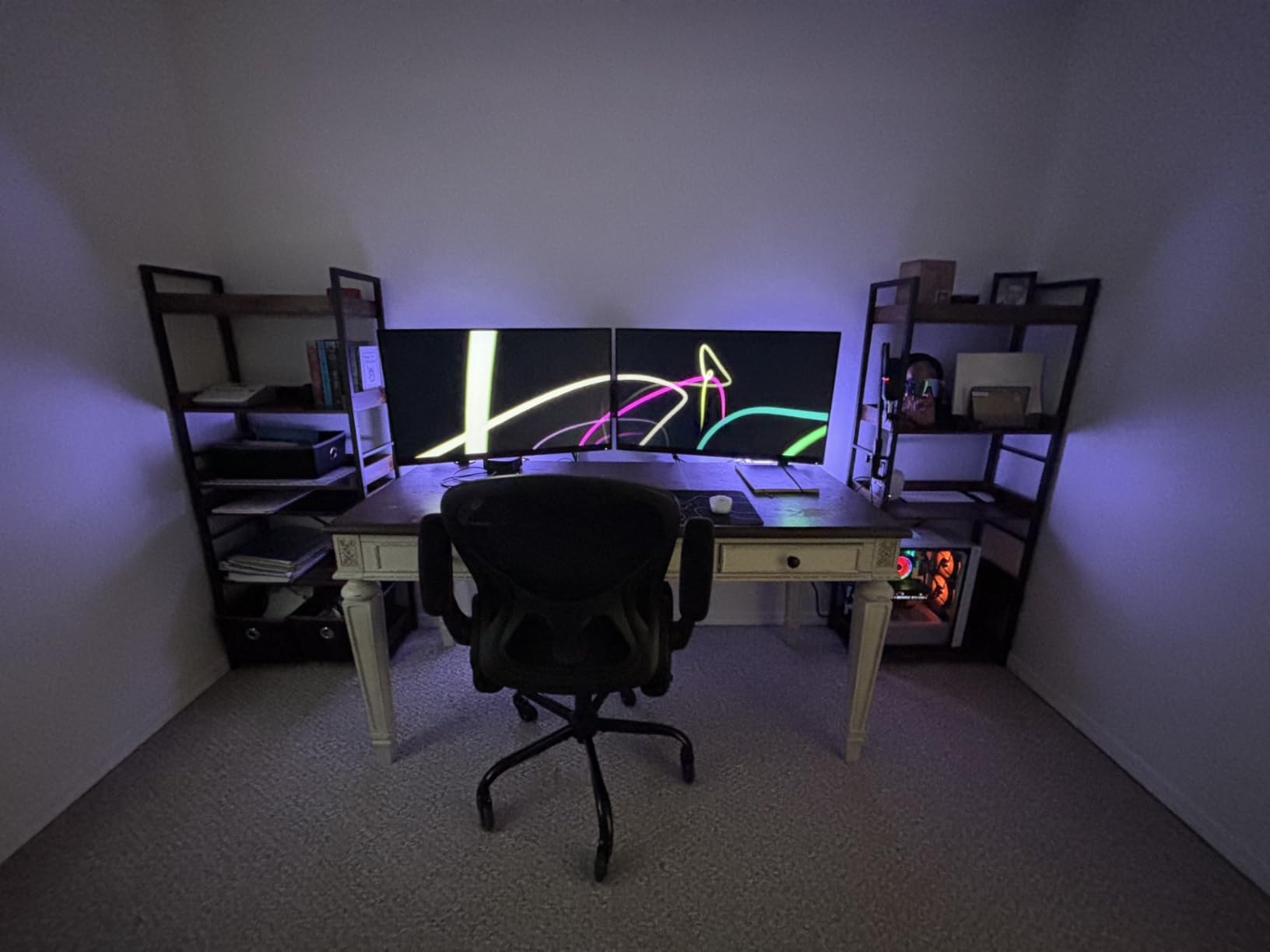
The white and color ambiance capability means these bars produce excellent warm-to-cool white light in addition to millions of colors. This matters for gaming rooms that double as workspaces. During the day, I set the bars to a focused cool white for productivity. In the evening, I switch to a warm color scene for gaming.
The major drawback is cost. The base kit includes two light bars and a power supply, but it requires a Hue Bridge to unlock smart features. If you do not already own a Bridge, the total cost makes these the most expensive option in this roundup. The Bridge adds stability and features, but it is an additional investment that you need to factor in.
Ecosystem Advantages and Limitations
The Hue ecosystem is the most mature smart lighting platform available. If you already have Hue bulbs, light strips, or other accessories, adding the Play bars creates a unified system controlled through one app. The Matter compatibility also means these bars will work with future smart home standards without needing replacement.
The limitation is that without the Bridge, these bars are essentially dumb lights with manual control only. No voice commands, no app control, no automations. This is fundamentally different from Govee products that work out of the box without additional hardware. Make sure you factor the Bridge cost into your decision.
Hue Sync for Gaming and Entertainment
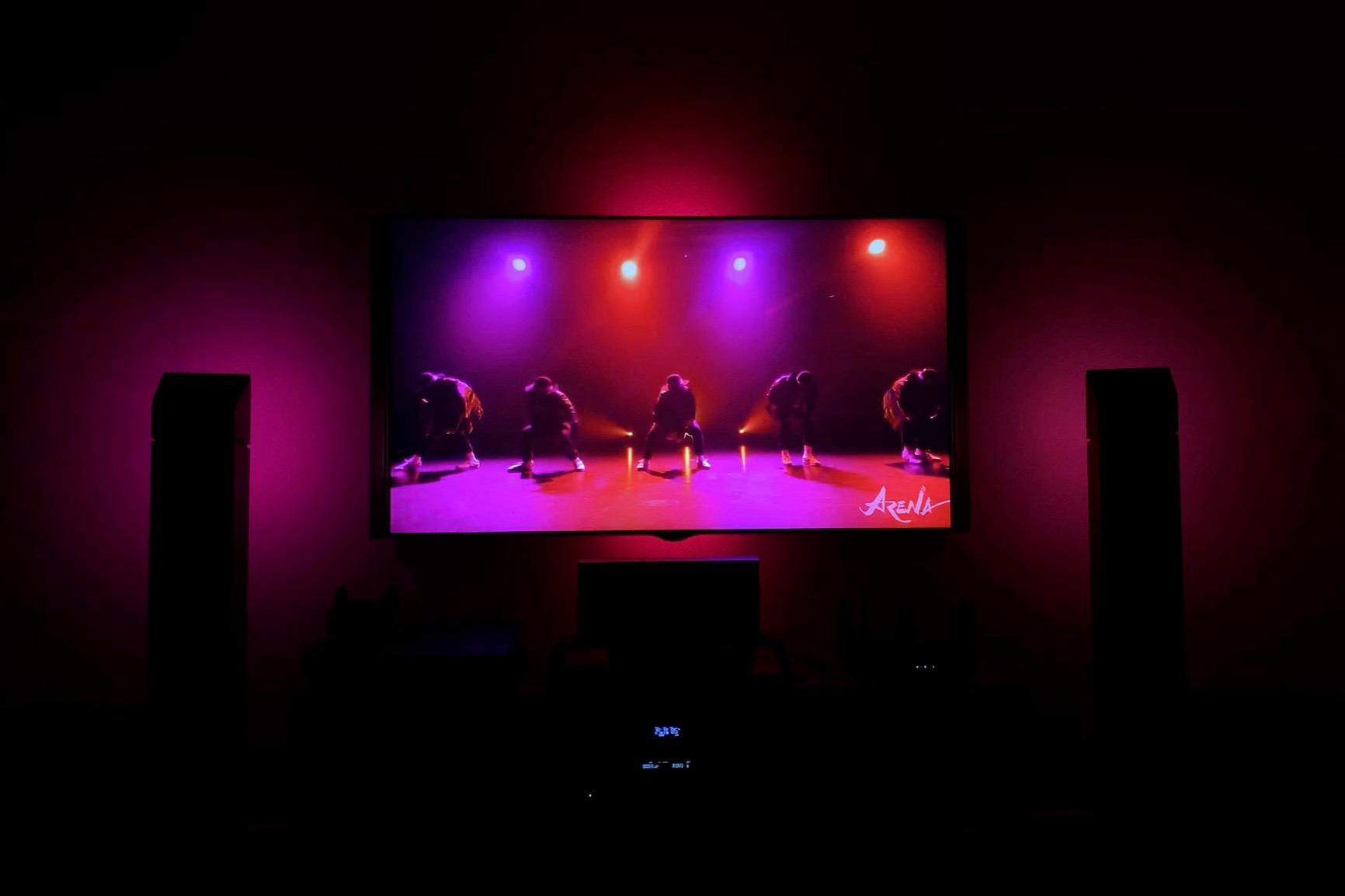
The Hue Sync desktop app creates the most accurate screen-mirroring experience I tested. It reads your screen content directly and translates colors to the light bars with minimal latency. For gaming, this means explosions flash orange on your walls, underwater scenes bathe the room in blue, and forest areas fill the space with green.
I tested Hue Sync with both PC and console gaming. On PC, the desktop app handles sync automatically. For console gaming, you need the Hue Play HDMI Sync Box, which is a separate purchase. The HDMI Sync Box is excellent, but it adds significantly to the total cost. If screen-synced gaming lighting is your primary goal, consider whether the total Hue investment makes sense for your budget.
Buying Guide: How to Choose LED Strip Lights for Your Gaming Room
Choosing the right LED strip lights for a gaming room comes down to understanding your specific setup and priorities. Here is what I learned from testing seven products across multiple configurations.
Smart Home Compatibility
This is the most important factor for most buyers. If you already use Alexa, any of the Govee or Lepro products will work out of the box. Google Assistant support is similarly broad. Apple HomeKit users should look at the Philips Hue Play bars, as they are the only option in this roundup with native HomeKit support.
Matter compatibility is worth considering if you want your lights to work with future smart home standards. The Philips Hue bars are Matter-compatible, which means they will eventually work with any Matter controller regardless of the manufacturer. None of the Govee or Lepro products currently support Matter.
Brightness and Coverage Area
For desk-level accent lighting, products like the Govee Smart LED Light Bars or Lepro S1 strips provide plenty of brightness. For full-room coverage, the Govee 100ft RGBIC strips are the clear winner with 540 LEDs across 100 feet. Wall-mounted accent lighting is best handled by the Govee Glide Wall Lights with their 24-color simultaneous display.
The Govee Gaming Light Bars and Philips Hue bars are designed for bias lighting behind monitors and TVs. They are not bright enough to serve as primary room lighting. If you need both ambient and task lighting, consider combining products rather than expecting one solution to do everything.
Gaming-Specific Features
Razer Chroma support is available on two products in this roundup: the Govee RGBIC Gaming Light Bars H6047 and the Govee Neon Rope Lights. If you use Razer peripherals, these create a unified lighting experience across your entire setup. The Govee AI Gaming Sync Box adds screen-mirroring capabilities but requires a separate purchase.
Music sync is available on all seven products, but quality varies significantly. The Govee Smart LED Light Bars and Govee 100ft strips have the best music sync in my testing, with responsive reactions and multiple mode options. The Lepro S1 LightBeats sync is functional but less polished.
Installation Difficulty
If installation ease is your priority, the Govee Smart LED Light Bars and Govee Gaming Light Bars are the simplest to set up. They are standalone units that plug in and connect to Wi-Fi without any mounting work. The Govee Neon Rope Lights use magnetic mounting, which is fast and clean.
LED strip installations require more planning. You need to measure your space, clean all mounting surfaces, and carefully apply the strips without twisting or bending them too sharply. The 100-foot Govee strips took me about two hours to install properly. Budget extra time and consider buying mounting clips for long-term security.
Adhesive Quality and Long-Term Mounting
This was a major pain point I found across Reddit forums and user reviews. Adhesive failure is the number one complaint with LED strips. In my testing, the Govee brand adhesives performed better than the Lepro adhesive. The Govee Glide Wall Lights use velcro strips, which are more reliable than bare adhesive for wall mounting.
For any strip installation, I recommend cleaning the surface with rubbing alcohol before application. Press firmly along the entire length, and wait at least 24 hours before running the strips at high brightness, as heat can weaken fresh adhesive. For ceiling installations, always use supplementary mounting clips.
Price vs Value Considerations
The price range in this roundup goes from $20 to $170, which is a wide spread. The Lepro S1 strips deliver impressive features for under $25, making them the best budget choice. The Govee Smart LED Light Bars at around $40 represent the best value overall, with features that compete with products twice their price.
On the premium end, the Philips Hue system requires a larger initial investment but offers the most stable platform and broadest compatibility. The Govee RGBIC Gaming Light Bars at around $80 are the best gaming-specific option, with Razer Chroma integration that no other product in this price range matches.
Room Size Recommendations
For small gaming rooms or desk-only setups under 50 square feet, a single set of light bars or a 16-foot strip is sufficient. The Lepro S1 or Govee Smart LED Light Bars are ideal here. For medium rooms up to 150 square feet, consider combining light bars with a shorter strip run, or use the Govee Glide Wall Lights for dramatic effect.
For large gaming rooms over 150 square feet, the Govee 100ft RGBIC strips are almost mandatory if you want full-room coverage. Pair them with the Govee Gaming Light Bars for desk-level sync, and you have a complete lighting system that costs less than a single Philips Hue setup.
FAQs
What LED lights are best for gaming?
The Govee RGBIC Gaming Light Bars H6047 are the best LED lights for gaming thanks to Razer Chroma integration, a smart desktop dial controller, and audio-responsive lighting that reacts to both speakers and headphones. They scored the highest customer rating at 4.7 stars in our testing.
Which light is best for a gaming room?
For most gaming rooms, the Govee Smart LED Light Bars offer the best combination of value and features with RGBICWW multi-color technology, music sync, and no hub requirement. For full-room coverage, the Govee 100ft RGBIC LED Strip Lights provide enough length to outline an entire room perimeter.
What are the best LED light strips for a room?
The best LED light strips for a room are the Govee 100ft RGBIC LED Strip Lights for large spaces, the Govee RGBIC Gaming Neon Rope Lights for desk edges, and the Lepro S1 AI LED Strip Lights for budget buyers. Each offers smart app control, music sync, and multi-color RGBIC effects.
How to light up a gaming room?
To light up a gaming room, start with bias lighting behind your monitor using light bars to reduce eye strain. Add LED strips along your desk edge or room perimeter for ambient color. Use wall-mounted panels like the Govee Glide Wall Lights for architectural accents. Connect everything to a smart home system for automated control.
Are LED strip lights good for gaming?
Yes, LED strip lights are excellent for gaming. They reduce eye strain by providing bias lighting behind monitors, create immersive ambient effects with music and game sync, and allow customization with millions of colors. Smart LED strips with Razer Chroma or screen-mirror sync can extend on-screen action into your room for deeper immersion.
Final Thoughts
After three months of testing, my top recommendation for the best led strip lights for gaming rooms is the Govee RGBIC Gaming Light Bars H6047. The Razer Chroma integration, smart dial controller, and audio-responsive lighting create a gaming experience that no other product in this roundup can match. At 4.7 stars with 86 percent five-star reviews, other gamers clearly agree.
For budget-conscious builders, the Lepro S1 AI LED Strip Lights deliver AI-powered customization for under $25. For full-room transformations, the Govee 100ft RGBIC strips provide massive coverage at a reasonable cost. And for smart home enthusiasts already invested in the Hue ecosystem, the Philips Hue Play bars offer unmatched stability and compatibility.
The gaming lighting market in 2026 has never been better. With options ranging from budget strips to premium smart home systems, there is a perfect lighting solution for every gaming room and every budget. Pick the product that matches your setup, install it carefully, and enjoy the difference that great ambient lighting makes in your gaming experience.