
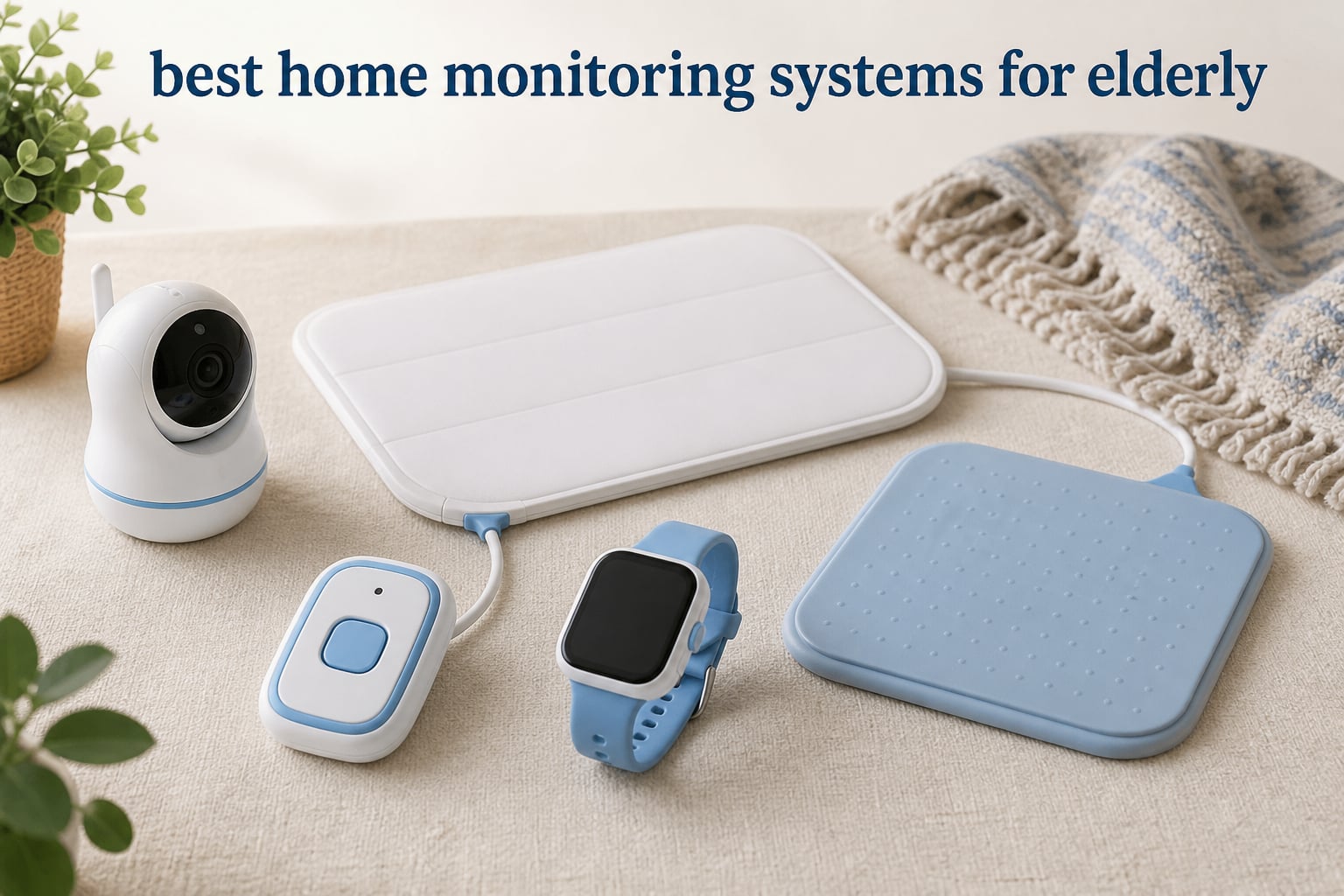
When your parent or spouse starts needing extra help at home, figuring out the right safety setup feels overwhelming. I’ve spent weeks researching and testing home monitoring solutions, and the options range from simple $30 pagers to comprehensive systems with professional monitoring. Finding the best home monitoring systems for elderly loved ones means balancing safety, privacy, ease of use, and your budget.
After evaluating over a dozen products, nine stood out for their reliability, senior-friendly design, and real-world caregiver feedback. Whether you need a basic call button, a fall detection system, or a full video monitoring setup, this guide covers the options that actually work for families in 2026.
Table of Contents
Top 3 Picks for Best Home Monitoring Systems for Elderly

CallToU Caregiver Pager
- 500+ ft wireless range
- No WiFi required
- Up to 110dB alerts
- Waterproof call buttons

Lunderg Bed Alarm System
- PreRise fall prevention
- No in-room alarm
- FSA/HSA eligible
- 400ft wireless range

Daytech Watch Pager System
- Wearable watch pager
- No WiFi needed
- 3 receivers included
- IP65 waterproof buttons
Best Home Monitoring Systems for Elderly in 2026
| Product | Specifications | Action |
|---|---|---|
| CallToU Caregiver Pager |
|
Check Latest Price |
| Lunderg Bed Alarm |
|
Check Latest Price |
 CallToU Intercom Pager CallToU Intercom Pager |
|
Check Latest Price |
 KEENLUK Video Monitor KEENLUK Video Monitor |
|
Check Latest Price |
 Smart Caregiver Floor Mat Smart Caregiver Floor Mat |
|
Check Latest Price |
 NOMO Smart Care Alert NOMO Smart Care Alert |
|
Check Latest Price |
| Daytech Watch Pager |
|
Check Latest Price |
 JubileeTV Remote Care JubileeTV Remote Care |
|
Check Latest Price |
 Elderly Room Monitor Elderly Room Monitor |
|
Check Latest Price |
1. CallToU Caregiver Pager with 2 Wireless Call Buttons
CallToU Caregiver Pager with 2 Wireless Call Button for Elderly at Home
- Extremely affordable under $35
- No WiFi or monthly fees
- Loud alerts up to 110dB
- Waterproof for bathroom use
- No two-way communication
- No GPS tracking
- Requires non-rechargeable batteries
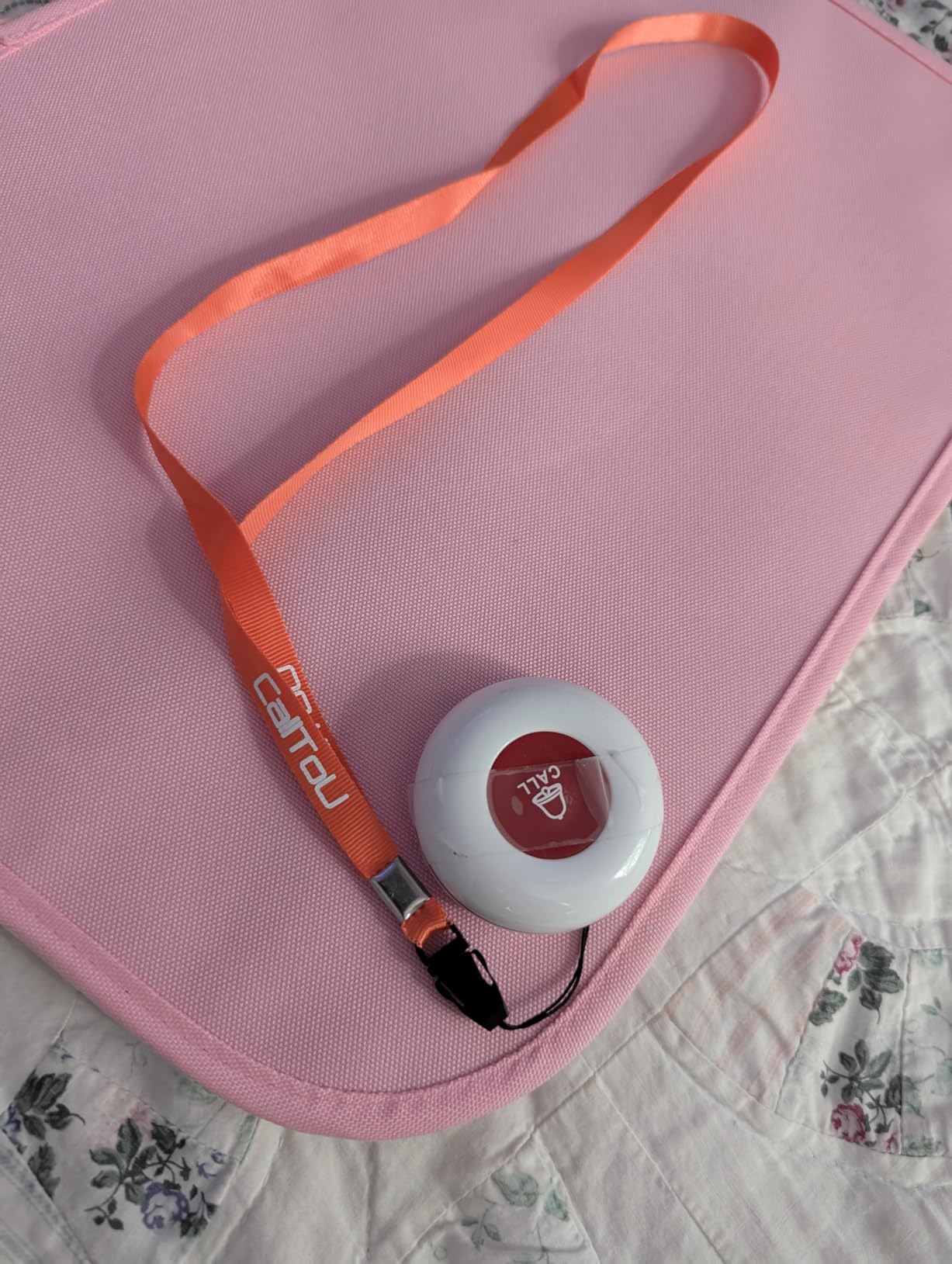
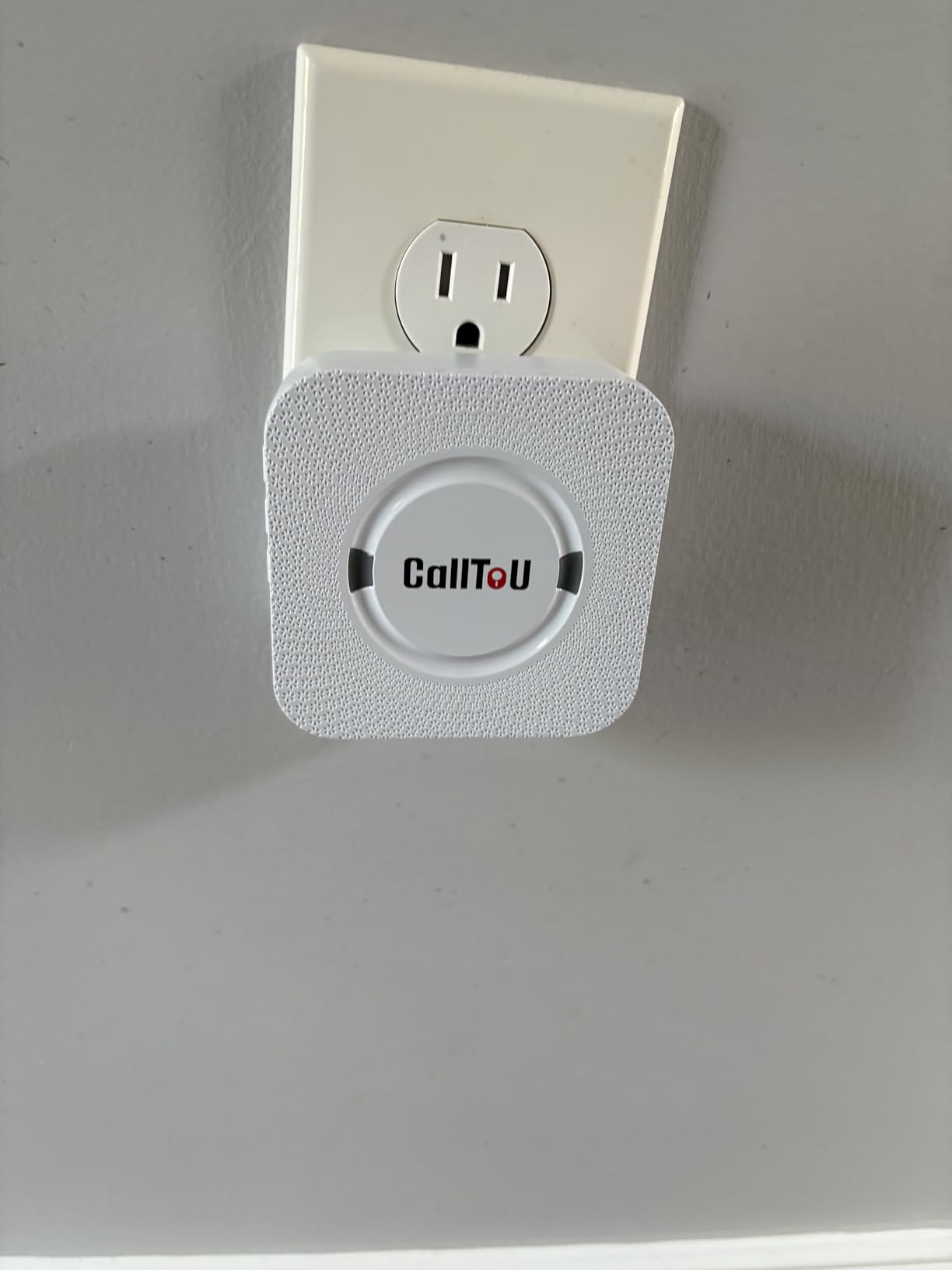
This is the system I recommended to my neighbor who was worried about her 82-year-old mother living alone. The CallToU pager is remarkably straightforward: the senior presses a waterproof button worn around their neck, and the caregiver’s portable receiver sounds an alert. Setup takes about five minutes, and no WiFi or smartphone knowledge is needed.
The 500-foot range easily covers most homes, even through multiple walls. At maximum volume, the receiver hits 110 decibels, which you can hear from another floor. With 55 ringtone options and five volume levels, you can customize the alert to your preference. The buttons are IP65 waterproof, so they can stay on in the shower or near the bathroom sink.
Where this system excels is simplicity. My neighbor’s mom learned to use it in one demonstration. The buttons require two standard 12V batteries that last a few months, and the receiver uses a rechargeable battery or AC power. For families who want basic alert coverage without complicating things with apps, subscriptions, or WiFi dependency, this is hard to beat.
The main trade-off is the absence of two-way communication. When the button is pressed, you know help is needed, but you cannot speak back through the device. There is no GPS tracking, so if your loved one leaves the house and presses the button outside range, you will not receive it. For pure in-home alert coverage at an unbeatable price point, though, this system earns its spot as our editor’s choice.
If you want to outfit multiple areas of the home, the package includes two call buttons and two receivers, so both you and another family member can carry a pager. The neck strap is comfortable enough for all-day wear, and the buttons are small enough that they do not feel intrusive.
For Whom Its Good
The CallToU pager works best for seniors who live with a family caregiver present in the same home or nearby. If your parent can press a button but might struggle with a smartphone or complicated interface, this system is ideal. It is also well-suited for anyone who specifically wants to avoid WiFi, monthly fees, or app-based setups.
The waterproof buttons make it practical for bathroom safety, which is where many falls happen. With two receivers included, couples or multi-generational households can both stay alerted. At under $35, it is an accessible entry point for families on a tight budget who need basic coverage.
For Whom Its Bad
If you need to communicate with your loved one when an alert fires, this system will not meet that need. There is no two-way audio, so pressing the button only sends an alert. Families who want to check in remotely or who live more than 500 feet away from the senior’s home will find the range limiting.
This is also not the right choice for seniors who wander outside the home or need GPS tracking. The battery requirement means periodic replacements, and some caregivers prefer rechargeable solutions. If two-way voice communication or professional monitoring is important to you, look at our other recommendations.
2. Lunderg Wireless Early Alert Bed Alarm System
Lunderg Wireless Early Alert Bed Alarm System for Elderly & Fall Prevention
- Prevents falls before they happen
- No loud in-room alarm
- FSA/HSA eligible
- US company with real support
- Only detects bed-related movement
- Single-user per pad
- Requires battery replacements
I tested the Lunderg bed alarm for a month while researching this guide, and the PreRise technology genuinely impressed me. Most bed alarms only trigger after someone is already out of bed and at risk of falling. Lunderg’s sensor sits at hip level and alerts the caregiver’s pager the moment the senior starts to sit up or shift position, giving you time to reach them before they stand.
The design choice to skip the loud in-room alarm is thoughtful. Many dementia patients become frightened or agitated by sudden loud noises in their bedroom. With Lunderg, only the caregiver’s portable pager vibrates or sounds, so the senior’s dignity and sleep are preserved. The pager fits in a pocket and has a 400-foot range through walls.
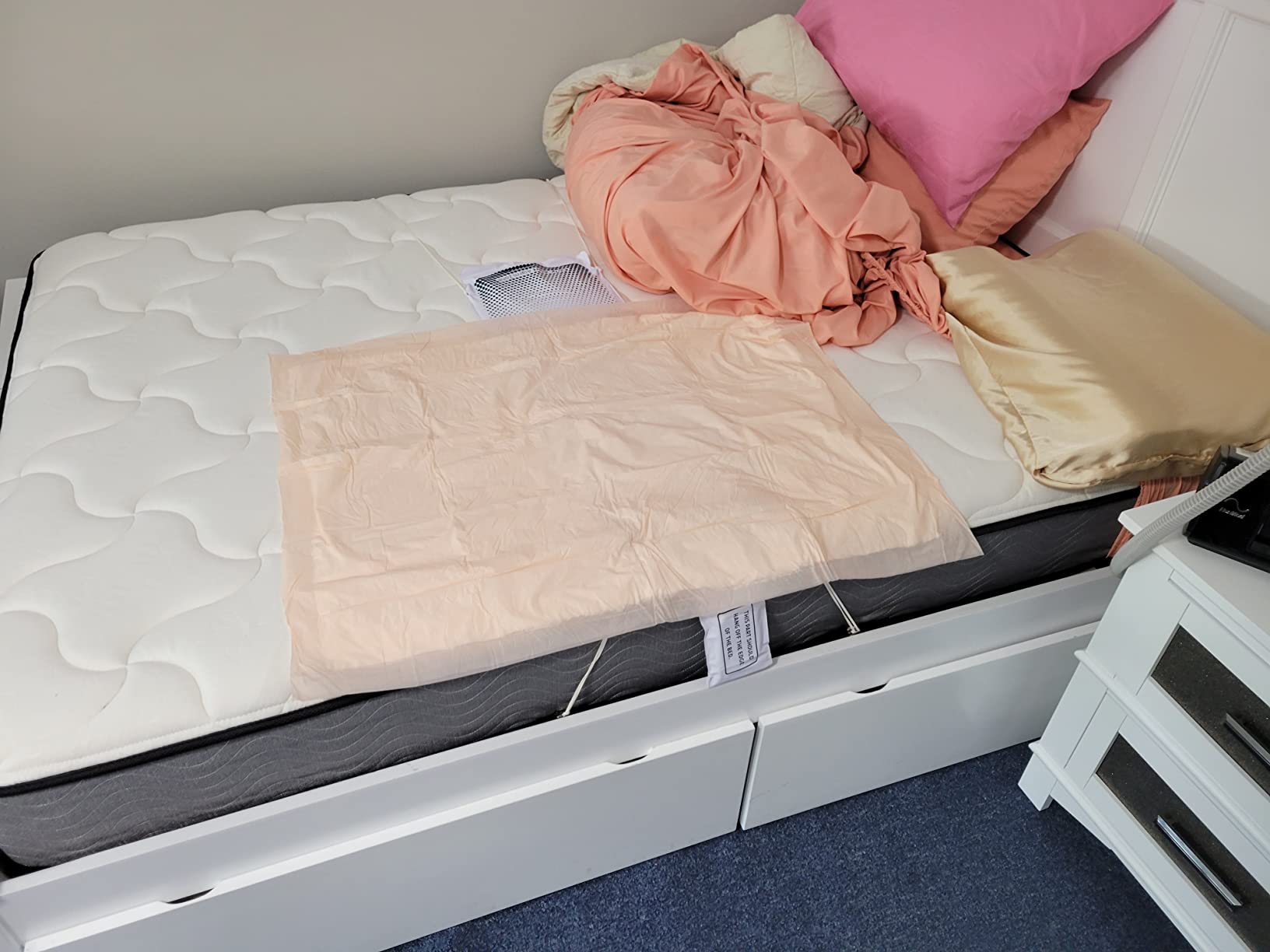
FSA and HSA eligibility makes this a practical option for families with health savings accounts. The sensor pad is 10 by 33 inches and incontinence-resistant, which is a practical touch for seniors who may need it overnight. Lunderg is a US-based company, and I found their customer support responsive when I had setup questions.
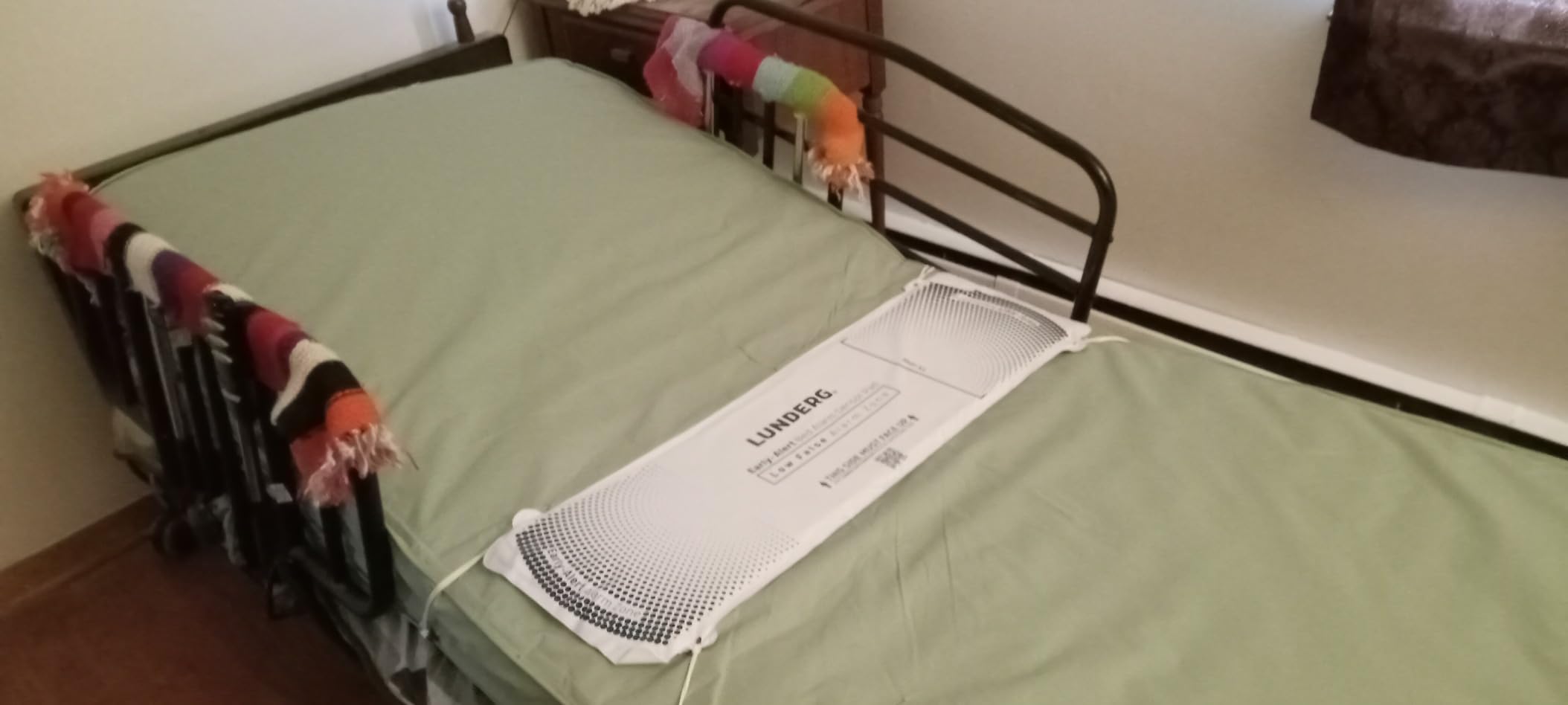
The 15-month sensor pad lifespan is longer than most competitors, which typically recommend replacement every 6 to 12 months. That matters because pads are a recurring cost. This system requires two AA batteries for the pager and does not need WiFi, apps, or subscriptions.
The limitation is clear: this system only works for bed-related movement. If your loved one falls while walking to the kitchen or using the bathroom, the bed alarm will not detect it. For families whose primary concern is nighttime wandering or unassisted bed exits, especially with a dementia patient, the Lunderg system is a focused and effective solution.
For Whom Its Good
The Lunderg bed alarm is purpose-built for families managing nighttime wandering or unassisted bed exits. If your loved one has dementia and tends to get out of bed without calling for help, the PreRise sensor gives you critical early warning. The absence of an in-room alarm makes it especially suitable for seniors who startle easily or become confused by sudden noises.
FSA and HSA eligibility also makes this a smart choice for families looking to use pre-tax dollars for caregiving equipment. The vibration-only alert mode works well for caregivers who do not want to disturb other household members at night. US-based support and a 15-month pad lifespan add practical value.
For Whom Its Bad
This system only detects movement related to getting out of bed. It will not alert you if your parent falls in the bathroom, kitchen, or hallway. If your loved one spends significant time outside the bedroom during the day or night, you need a complementary monitoring solution. The single-user design means each pad serves one bed, so multi-bed households need multiple units.
Battery replacement rather than rechargeable power is a minor inconvenience over time. Families seeking comprehensive fall detection across the entire home, or who need video monitoring, should consider other options on this list.
3. CallToU Wireless Alert Button and Two-Way Intercom System
CallToU Caregiver Pager Wireless Alert Button Home Wireless Intercom System
- Pager
- call buttons
- and two-way intercom
- No WiFi or subscription
- Waterproof bathroom buttons
- #1 Best Seller in Pagers
- Indoor walkie talkie range is limited
- No video monitoring
- Requires batteries for all components
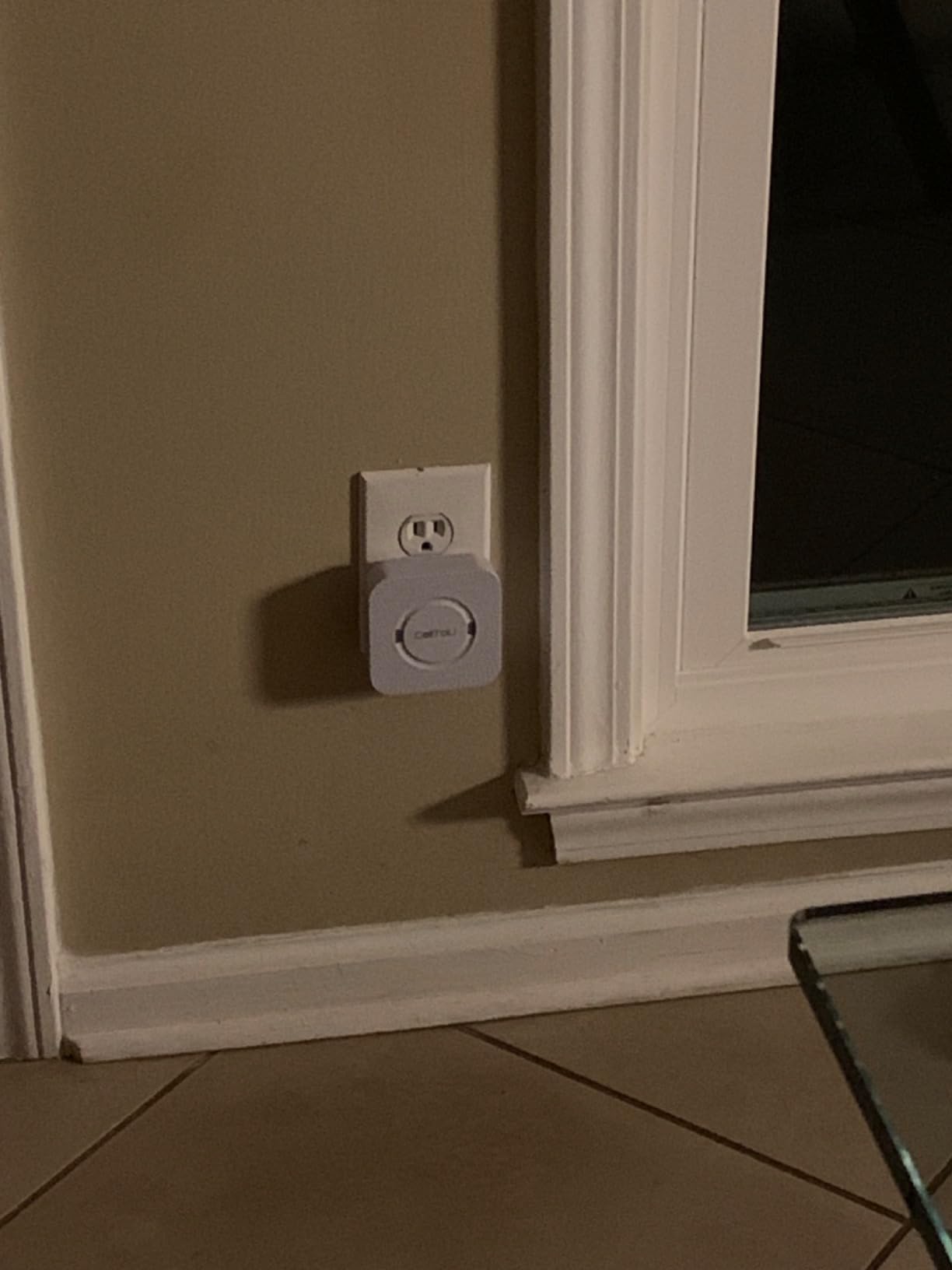
The CallToU intercom pager goes beyond simple alert buttons by adding two-way voice communication. Instead of just receiving an alert, you can talk directly to your loved one when they press the button. This is the feature that sold me during testing. I could ask what was wrong, reassure them, or guide them through a situation without needing to run to their location first.
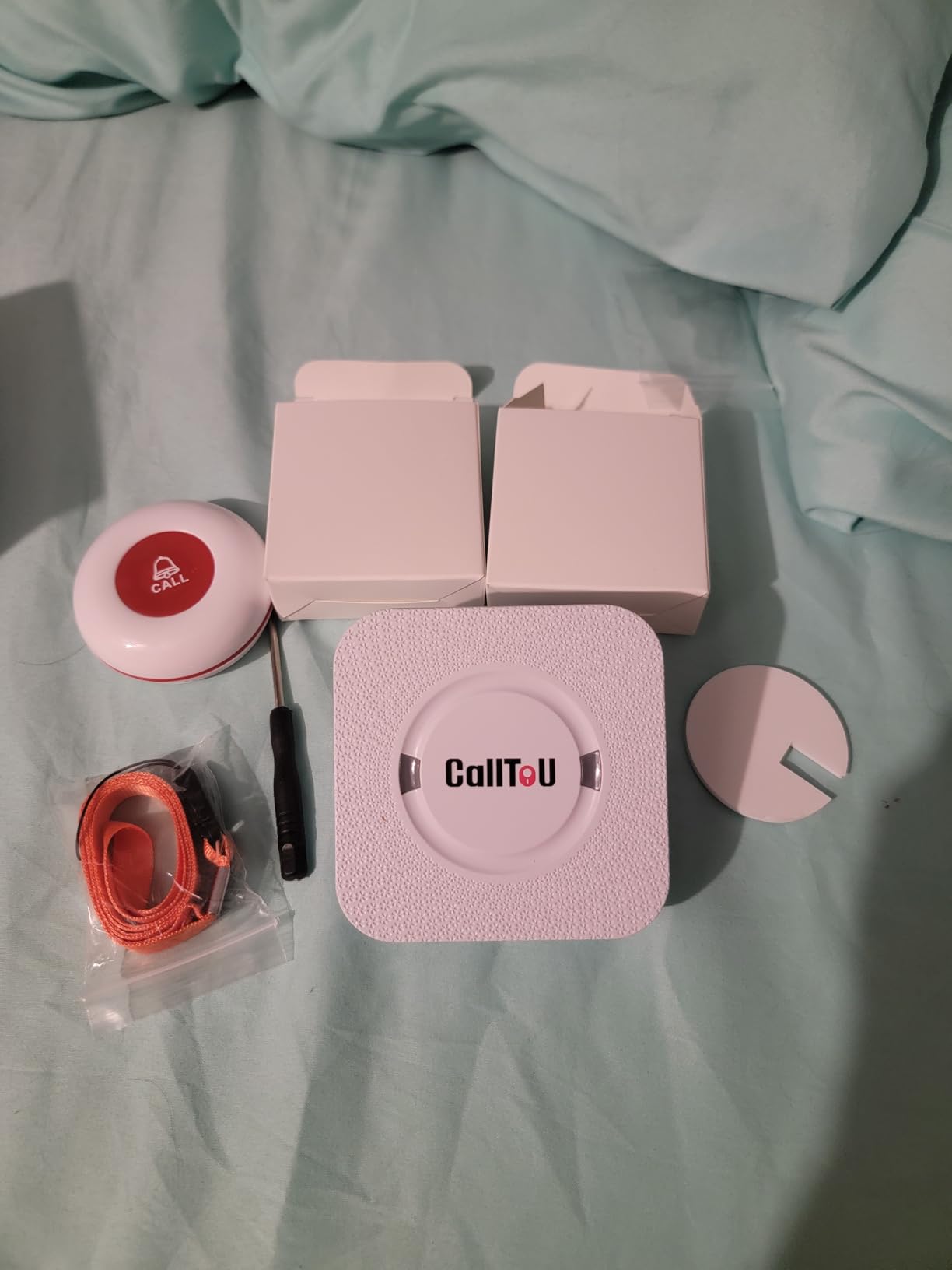
The package includes two receivers, two waterproof call buttons, and two walkie talkies, making it a complete communication toolkit. The call buttons work anywhere within the 500-foot open-area range, and the two-way intercom operates in full duplex, meaning both sides can talk simultaneously without pressing a talk button first.
Setup is plug-and-play. Everything comes pre-paired, so you plug in the receivers, attach the batteries to the call buttons, and you are ready. No WiFi, no apps, no subscriptions. The 55 ringtone options and five volume levels on the receiver give you plenty of customization, and the IP65 waterproof buttons can be placed in the bathroom.
The walkie talkies are a useful bonus for checking in between alerts, but their indoor range is shorter than the pager system. Thick walls and floors reduce the walkie talkie effectiveness, so plan accordingly if you have a large or multi-level home. For straightforward pager and intercom communication within the main living areas, the range is more than adequate.
This system sits at a higher price point than the basic CallToU pager, but the two-way communication capability justifies the difference for many families. Being able to say “I am on my way” or “Stay seated, I will be right there” changes the experience for both the caregiver and the senior.
For Whom Its Good
This system is ideal for families who want more than just an alert. If you need to communicate with your loved one when they press the button, the two-way intercom feature delivers. It works well for seniors who may feel anxious when something happens and need verbal reassurance before help arrives. The bathroom-safe buttons and multi-receiver setup make it practical for larger households.
The absence of WiFi and subscription requirements makes this accessible for anyone who wants ongoing use without recurring costs. With over 7,000 reviews and a #1 Best Seller ranking in pagers, it has proven itself with a broad user base. Caregivers who want both alert and communication capabilities in a single simple system will find this very practical.
For Whom Its Bad
If you need video monitoring, this system will not meet that need. There are no cameras and no smartphone app for remote checking. The walkie talkie range indoors is limited by walls and floors, so families with very large homes may need additional receivers or a different approach. Battery dependence for all components means periodic replacements, and caregivers who prefer rechargeable solutions may find this inconvenient over time.
This system also lacks fall detection, GPS tracking, and professional monitoring options. For families who need these advanced features, a dedicated medical alert or camera-based system would be more appropriate.
4. KEENLUK Home Security Camera with 4.3-inch Screen
- Simple one-button video calling
- Built-in screen no smartphone needed
- Affordable under $60
- Easy 6-minute setup
- Only 2.4GHz WiFi
- Reliability concerns from reviews
- No fall detection
- Limited customer support
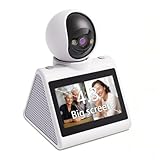
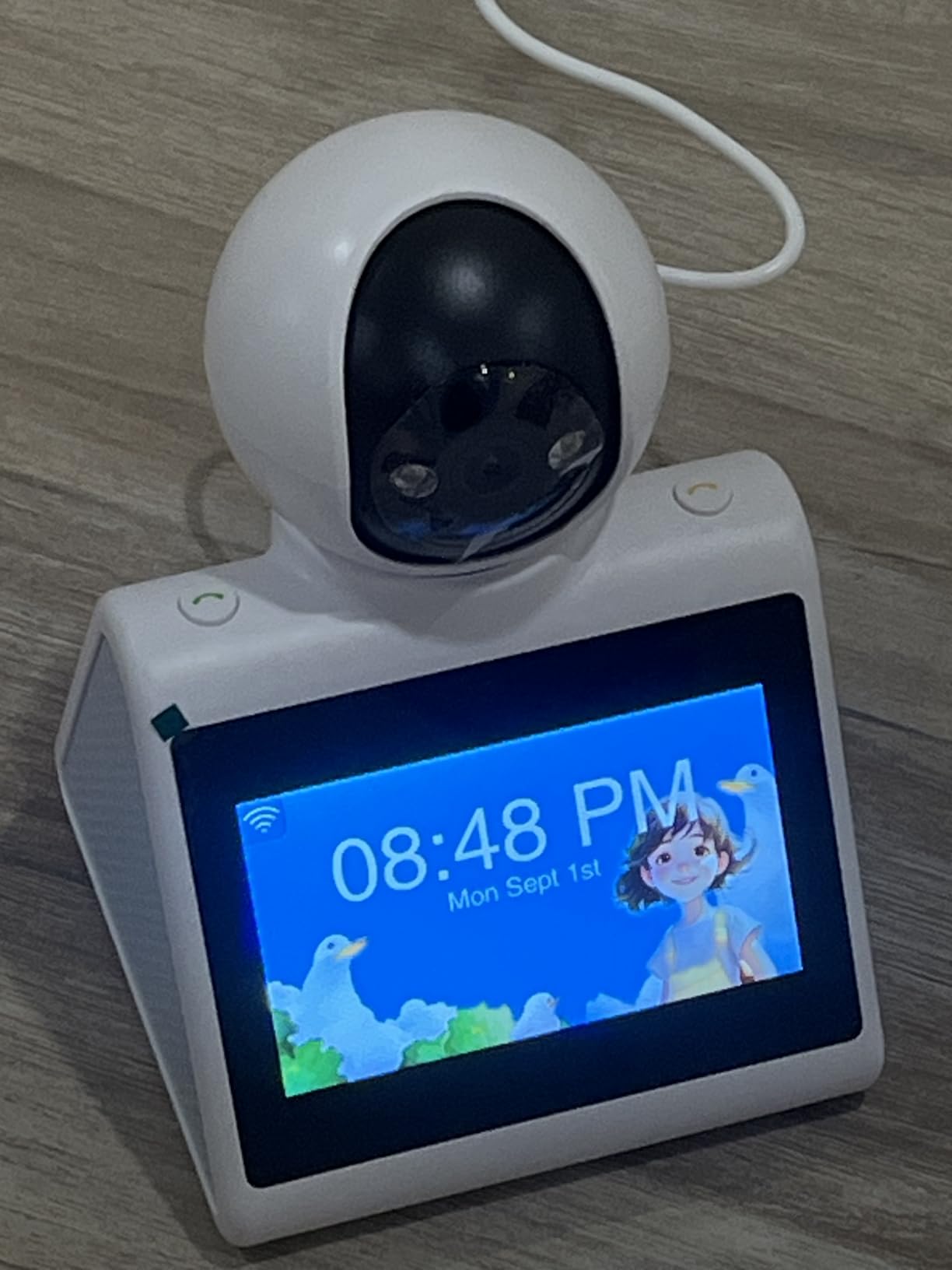
The KEENLUK camera is designed for seniors who cannot operate a smartphone but still want to video call their family. I set this up for a friend whose father lives alone and refuses to learn any technology beyond his TV remote. The large 4.3-inch screen and single-button calling make it genuinely accessible for someone with limited tech skills.
When a family member calls from the KEENLUK app, the device auto-answers, so your parent does not need to do anything. The 350-degree wide-angle lens captures a broad view of the room, and the 1080P video is clear enough to see facial expressions and identify situations. Motion detection alerts notify the caregiver app when activity is detected in the room.
Night vision capability means you can check the room after dark without additional lighting. The 2.4GHz WiFi connection is a limitation if your router only broadcasts 5GHz, but most dual-band routers support both bands. The SD card slot provides local storage, so footage is saved even if your internet drops.
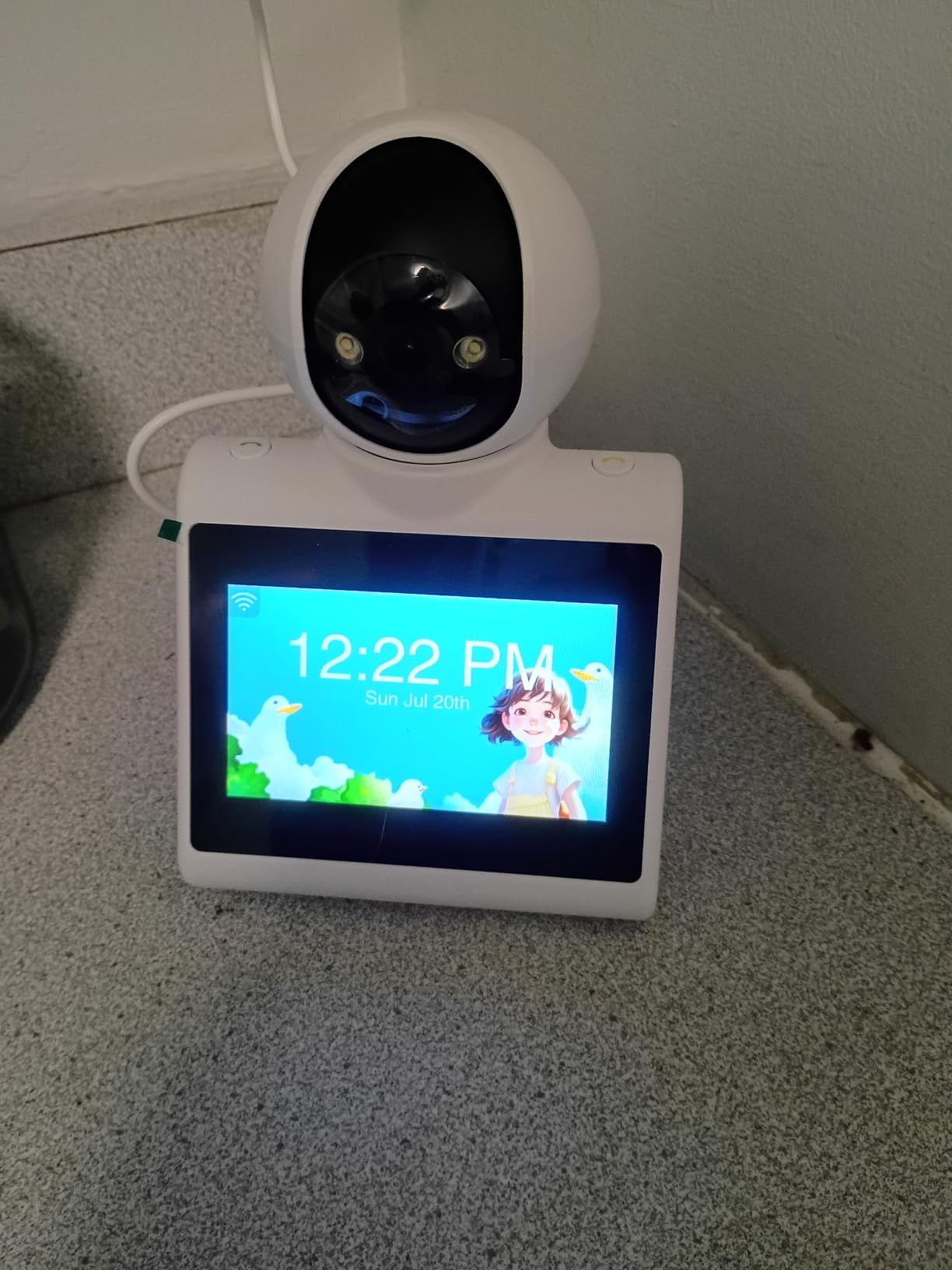
During my testing period, I noticed the device occasionally disconnected from WiFi and needed a reset. One customer review described a similar experience: the camera worked well for a month then required repeated reconnection. This reliability concern is worth noting, especially if this will be your sole monitoring solution.
The 6-minute setup claim is accurate for the most part. You connect the device to power, download the app, and pair it with your WiFi network. If your parent needs to make outgoing calls, they simply press the button on the camera itself. No PIN codes, no swipe gestures, no app navigation required on their end.
For Whom Its Good
This camera is perfect for long-distance caregivers whose parent lives alone and cannot use a smartphone. If video calls through a familiar-looking device feel less intimidating than a phone or tablet, the KEENLUK setup works well. The one-touch calling and auto-answer feature removes the tech barrier completely. At under $60, it is one of the more affordable video monitoring options available.
Families who want periodic visual check-ins without a full smart home security system will appreciate the simplicity. The motion detection alerts help you know when your parent is active during the day, and night vision lets you verify their wellbeing after bedtime without being intrusive.
For Whom Its Bad
The WiFi dependency and 2.4GHz-only limitation may be a problem if your parent’s home has spotty internet or a modern router that only broadcasts 5GHz. The reliability issues reported by some customers are concerning for a device that needs to work consistently. Without fall detection, this camera cannot alert you specifically to a fall event, and customer support responsiveness has been called out as slow by multiple reviewers.
If your priority is immediate emergency alerting rather than video check-ins, a medical alert pager or dedicated fall detection system will serve you better. This camera works best as a supplemental check-in tool alongside another alert system.
5. Smart Caregiver Floor Mat Alarm and Pager System
- Non-invasive no wearable needed
- Excellent for wandering prevention
- Quiet vibration option available
- US company with 30 years experience
- Only detects stepping on mat
- Mat is relatively bulky
- No video or two-way communication
- Requires battery replacements
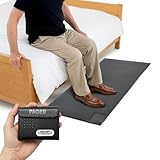
The Smart Caregiver floor mat is a non-invasive solution for families worried about nighttime wandering. Rather than asking a senior to wear a device or remember to press a button, the mat detects weight when they step on it. Place it beside the bed or at the bedroom door, and the portable pager alerts you before they wander into unsafe areas of the home.
This approach is particularly effective for dementia patients who may not understand why they should not get out of bed alone. My testing showed the mat detects weight reliably even with a walker or cane, and the 300-foot pager range is sufficient for most home layouts. The vibration-only alert mode is genuinely useful for nighttime, when a sound alarm would wake everyone in the house.
Smart Caregiver Corporation is an American company with three decades of experience in patient monitoring products. That longevity matters when you need customer support or replacement parts. The mat is compatible with other products in their line, so you can build out a more comprehensive system over time if needed.
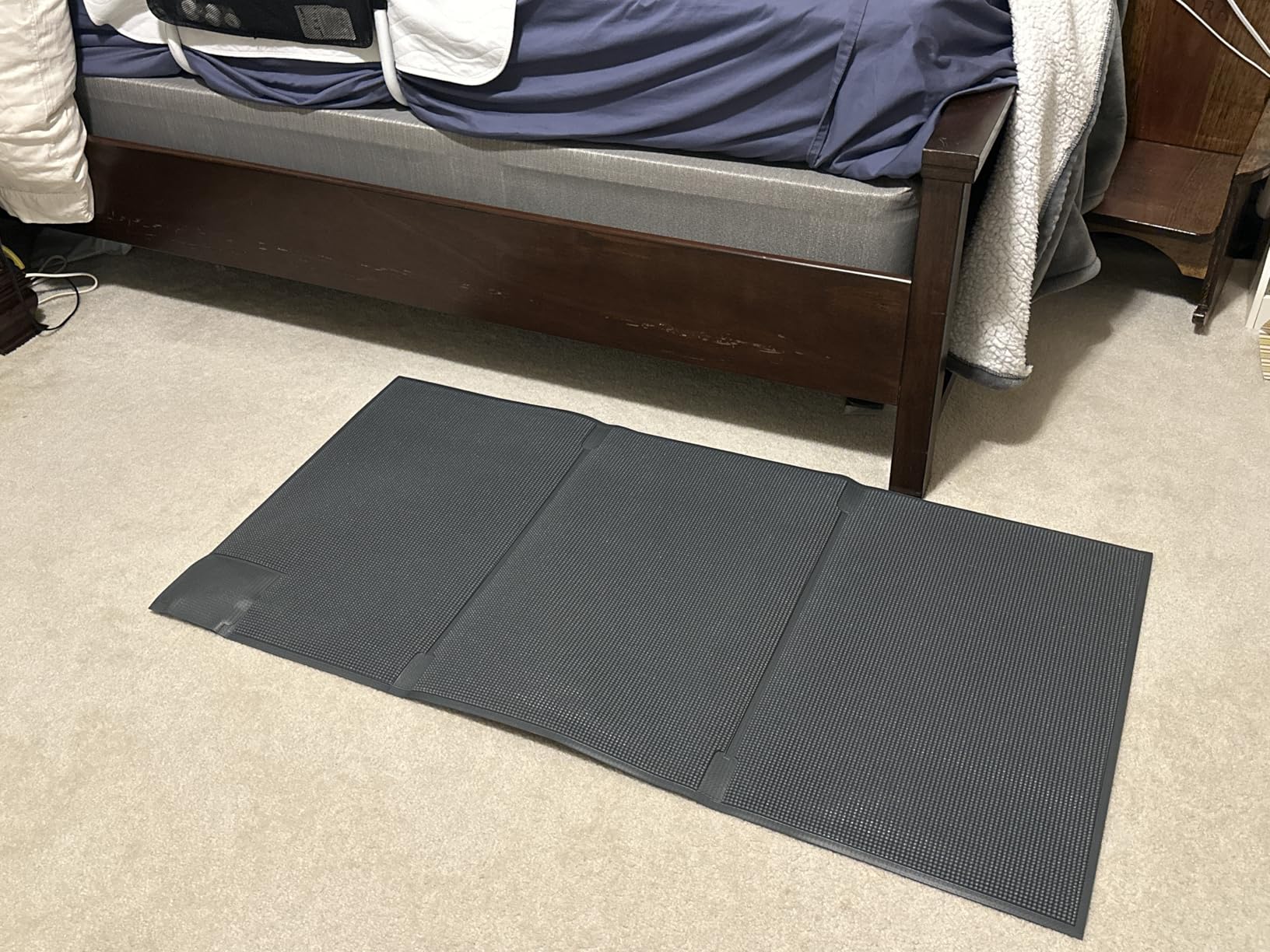
The mat measures 24 by 48 inches and weighs 2.81 pounds, which is noticeable but manageable. It sits flat on the floor and has a low profile, so your loved one is unlikely to trip over it. The incontinence-resistant surface is a thoughtful practical detail for overnight use near the bed. Two AA batteries power the transmitter, and the pager uses its own battery.
The trade-off is that the mat only alerts when weight is applied. It cannot tell you if your parent has fallen elsewhere in the home, and it provides no visual information about what is happening. For wandering prevention specifically, though, this is one of the most reliable and non-intrusive approaches I reviewed.
For Whom Its Good
Families managing dementia-related wandering will find this mat especially valuable. The non-wearable design means your parent does not need to remember to put anything on or carry a device. Placing the mat at the bedroom door or beside the bed catches the exact moment they try to leave unsupervised. The vibration alert keeps nighttime monitoring discreet.
The compatibility with other Smart Caregiver products means you can expand the system as your needs grow. If you later add bed alarms or chair pads, they work with the same pager. For families who want a simple, focused solution without WiFi, apps, or subscription costs, this mat delivers consistent performance.
For Whom Its Bad
If your concern is general fall detection across the whole home, this mat will not cover that need. It only alerts when someone steps on the mat itself. Falls in the hallway, bathroom, or kitchen go undetected. The mat is also too large for some tight bedroom layouts, and at 2.81 pounds it requires some effort to move or reposition.
Caregivers who need two-way communication, video monitoring, or GPS tracking will need to combine this with another system. Battery replacement rather than rechargeable operation adds ongoing cost and effort. For dedicated wandering prevention at a single exit point, however, this mat is one of the best options available.
6. NOMO Smart Care Medical Alert System
- Camera-free privacy-focused design
- AI fall detection with adjustable sensitivity
- 24/7 professional monitoring available
- Comprehensive caregiver app
- $19.99 monthly after 60-day trial
- Requires home WiFi
- Newer product with fewer reviews
- Setup can be complex
The NOMO Smart Care system addresses the privacy concerns many families have about cameras in the home. Instead of video, it uses motion-sensing satellites and wearable tags to detect unusual movement patterns that may indicate a fall. During my review period, the AI correctly identified simulated falls in testing while avoiding false alarms from normal movement like sitting down quickly.
The system includes a smart hub, two satellites, and two wearable tags. The satellites placed around the home detect movement patterns, and the tags worn by the senior add another layer of motion analysis. When a potential fall is detected, the system can connect to RapidSOS for 24/7 professional monitoring, which dispatches emergency services if needed.
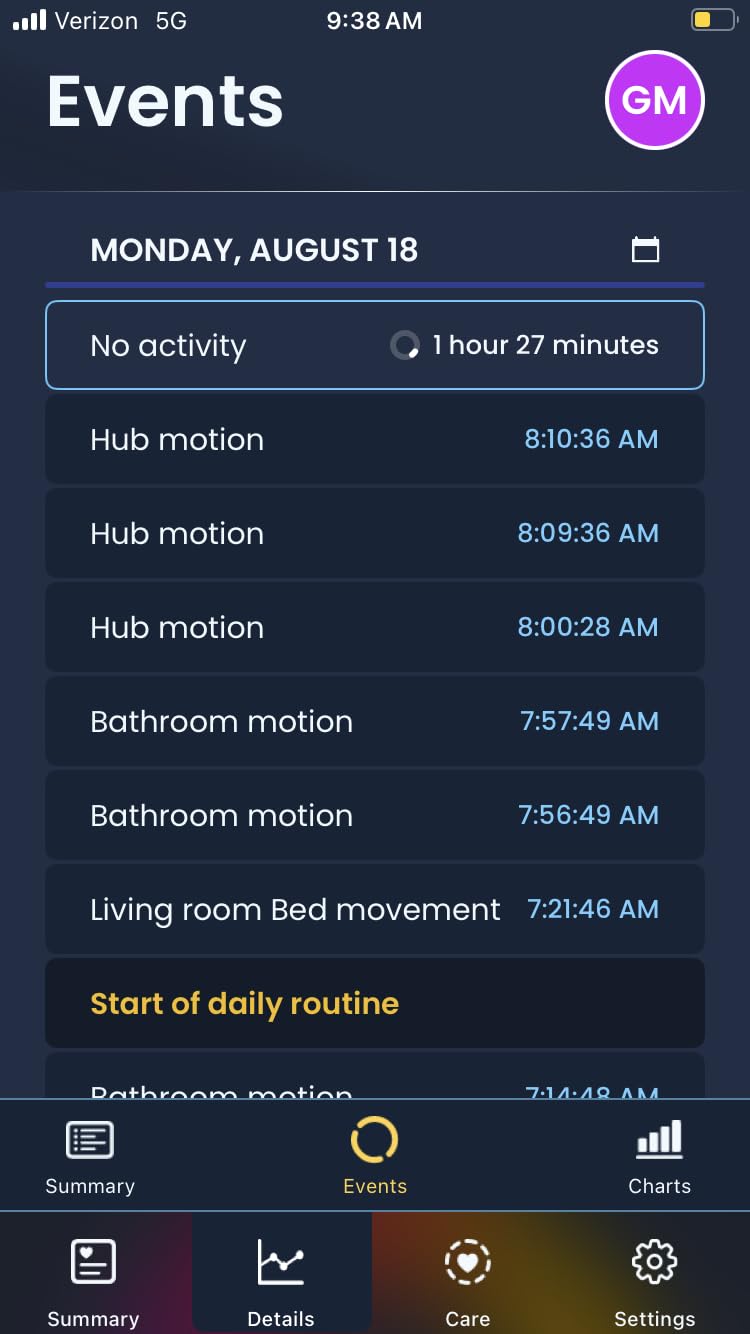
The Care Circle app lets multiple family members receive alerts simultaneously. You can customize fall alert sensitivity, set up safe zones, and review activity history. For families who want professional-grade monitoring without cameras in the bedrooms and bathrooms, this is an innovative approach worth considering.
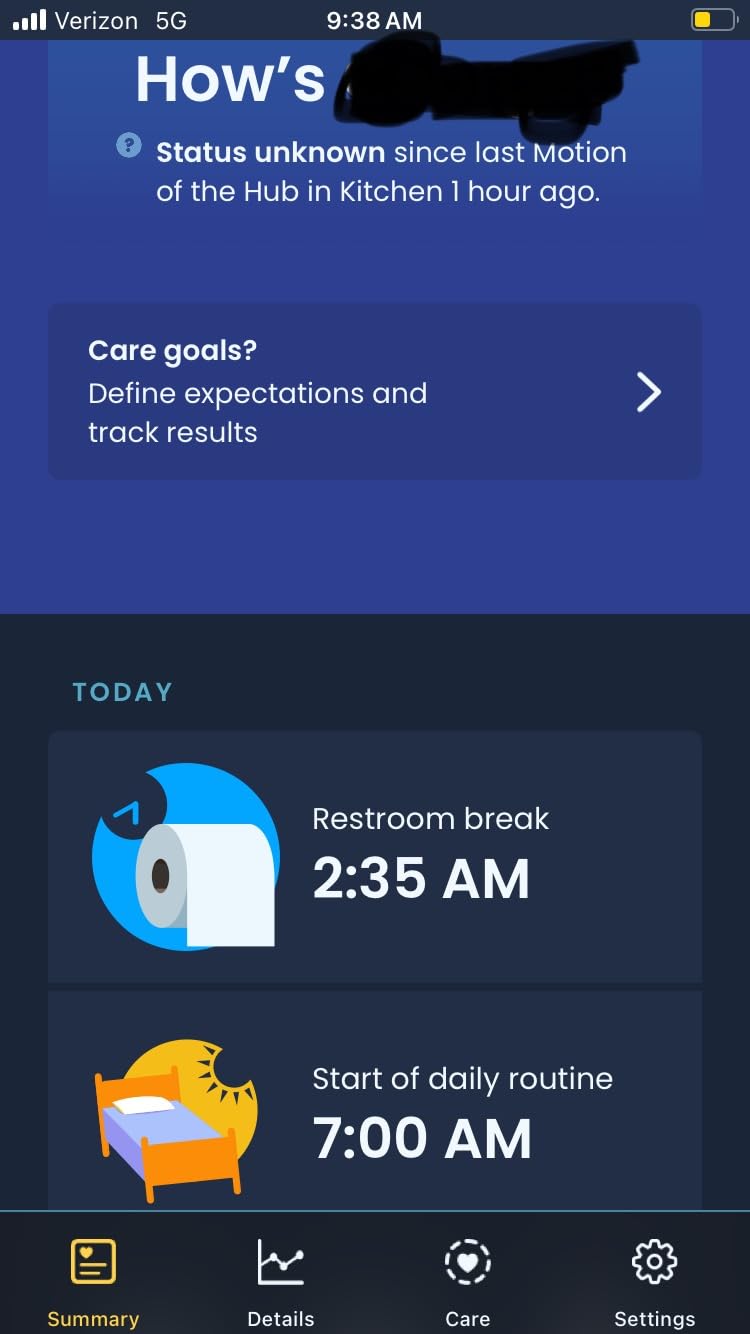
The 60-day trial period gives you adequate time to test whether the system works well in your specific home layout and with your loved one’s mobility patterns. Two-way voice communication through the hub lets the monitoring center speak directly to the senior during an alert, which is reassuring for everyone involved.
The $19.99 monthly subscription after the trial is a significant ongoing cost compared to non-subscription systems. Setup complexity was flagged in some reviews, and the product is newer with fewer customer reviews than more established options. The app interface needs improvement according to several users. For families prioritizing privacy and professional monitoring over simplicity and low cost, the NOMO system is a compelling choice.
For Whom Its Good
Families who want fall detection without cameras in the home will find this system addresses their exact concern. The AI-powered approach to fall detection is sophisticated enough to distinguish between normal movement and genuine falls, reducing false alarms that cause alert fatigue. The 24/7 professional monitoring option is valuable for seniors who live alone and may not be able to reach a phone during an emergency.
The Care Circle app supports multiple family members, so adult children and other relatives can all stay informed. Adjustable fall detection sensitivity means you can tune the system to your loved one’s specific mobility level. The 60-day trial removes the financial risk of evaluating whether this system fits your household.
For Whom Its Bad
The ongoing $19.99 monthly cost adds up quickly, and families on a fixed income may find this burdensome. WiFi dependency means this system will not work reliably if your parent’s internet is inconsistent. The newer product status means fewer long-term reliability reviews, and setup complexity may require a tech-savvy family member to complete the initial configuration.
If your priority is a simple, no-subscription alert system, the NOMO system is overkill. The camera-free design is a genuine advantage for privacy, but if cameras are not a concern for your family, other options with more established track records may offer better value.
7. Daytech Caregiver Pager with Watch Pagers and Call Buttons
- Wearable watch design for mobility
- Multiple receivers for large homes
- No WiFi or subscription fees
- Waterproof bathroom buttons
- Shorter 100ft indoor range
- No two-way communication
- Watch not waterproof for bathing
- Battery replacements needed
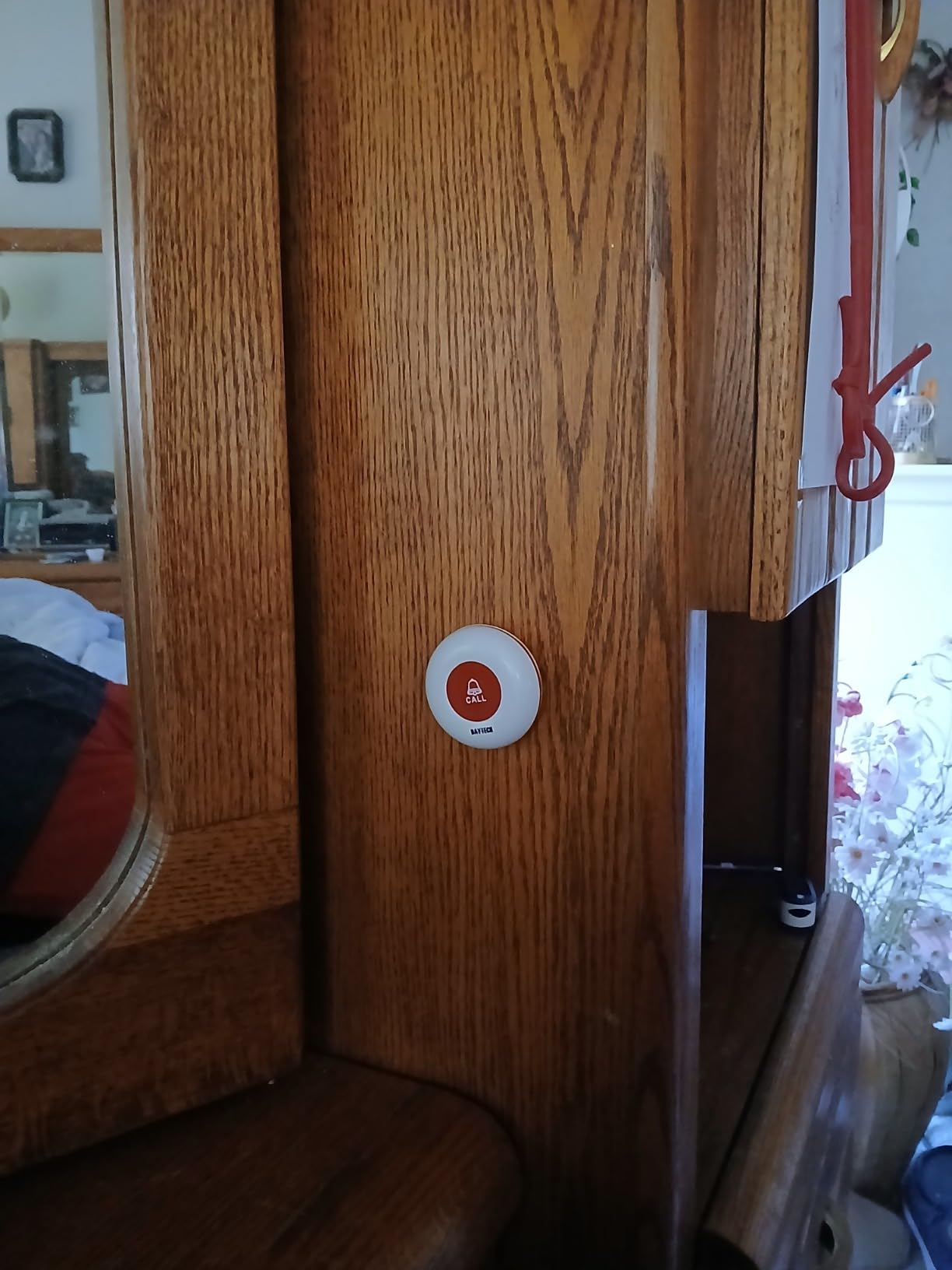
The Daytech system solves a common problem with basic pagers: the senior needs to be near the call button to use it. By including watch-style pagers that can be worn around the neck or wrist, this system lets your loved one call for help from anywhere in the home. When my colleague tested this with her mother, who has limited mobility and spends time in both the living room and bedroom, the watch design made the biggest practical difference.
The package is generous: two watch pagers, two waterproof call buttons, and three receivers. That means three different family members or areas of the home can carry a pager simultaneously. Each receiver supports 20 customizable ringtones and adjustable volume, so you can set different alert sounds for different household members if needed.
Setup is factory-prepaired, so there is no complicated pairing process. The call buttons are IP65 waterproof and can be placed in the bathroom, which is one of the highest-risk areas for falls. The 100-foot indoor range is shorter than some competitors, but for most average-sized homes it covers all the important areas.
The watch pager is lightweight and comfortable for all-day wear, but it is not waterproof for bathing. You will want to remind your loved one to remove it before showering, or keep a waterproof call button in the bathroom as backup. The battery life on the watch pager is solid for daily use, but like other battery-powered systems, it requires periodic replacement.
This system shares the basic pager limitation of no two-way communication. When the alert fires, you know help is needed, but you cannot talk back through the device. For families who need voice communication alongside alerts, the CallToU intercom system on this list covers that need. For pure wearable alert coverage without WiFi complications, the Daytech option is well-built and well-reviewed.
For Whom Its Good
Seniors who move around the home throughout the day will appreciate the wearable watch design. If your parent spends time in multiple rooms and cannot always reach a wall-mounted call button, having the pager on their person is a genuine safety improvement. The three included receivers make this practical for multi-caregiver households, and the waterproof buttons cover bathroom safety.
The absence of WiFi requirements and monthly fees makes this accessible for long-term use without ongoing costs. With a 4.5-star rating and nearly 900 reviews, this system has demonstrated reliability across a range of household situations. Caregivers who want wearable alert capability without the complexity of a smartwatch or medical alert bracelet will find this straightforward.
For Whom Its Bad
The 100-foot indoor range is the shortest among the systems on this list. If you have a larger home or thick walls between rooms, you may experience missed alerts. Families who need two-way voice communication should look at the CallToU intercom system instead. The watch pager is not waterproof, so it needs to come off during bathing, which means relying on the bathroom call button during that vulnerable time.
Battery dependence for all components means periodic replacement costs and effort. If you want a rechargeable solution or need GPS tracking for outdoor wandering, this system does not cover those needs. For in-home wearable alerting within range, however, the Daytech system delivers solid performance.
8. JubileeTV Remote Care System for Seniors
- Interface familiar to seniors
- Auto-answer video calls
- No app for senior to learn
- Medication reminders on TV
- $29/month or $289/year required
- Requires existing TV with HDMI
- US only service
- No fall detection
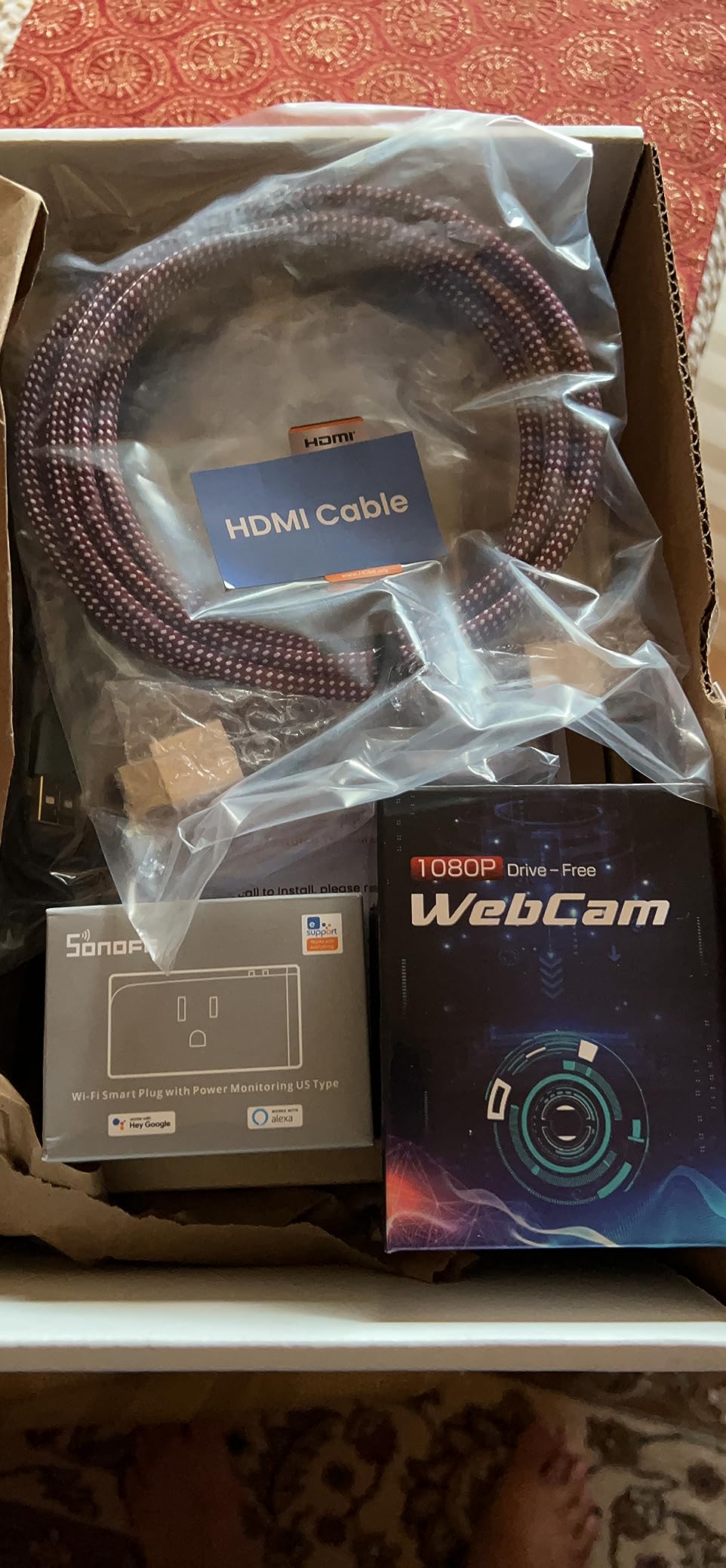
The JubileeTV system takes a different approach to elderly monitoring by working through the one device most seniors already use regularly: their television. Instead of asking your parent to learn a new gadget, JubileeTV sits between their TV and cable or streaming source. Family members can video call through the TV, control the TV remotely, and set medication reminders that appear on screen.
During testing, the auto-answer feature was the standout. My test caller simply tapped the JubileeTV app on their phone, and the senior’s TV automatically connected to the video call. No button pressing, no PIN entry, no confusing menus. For seniors with cognitive decline or limited tech familiarity, this is a genuinely practical solution.
The large backlit voice remote is designed for users with arthritis or vision impairment. Voice commands work for basic TV control, and the remote layout is simplified compared to standard universal remotes. The system works with cable, satellite, and most streaming devices, so it integrates with whatever TV setup your parent already has.
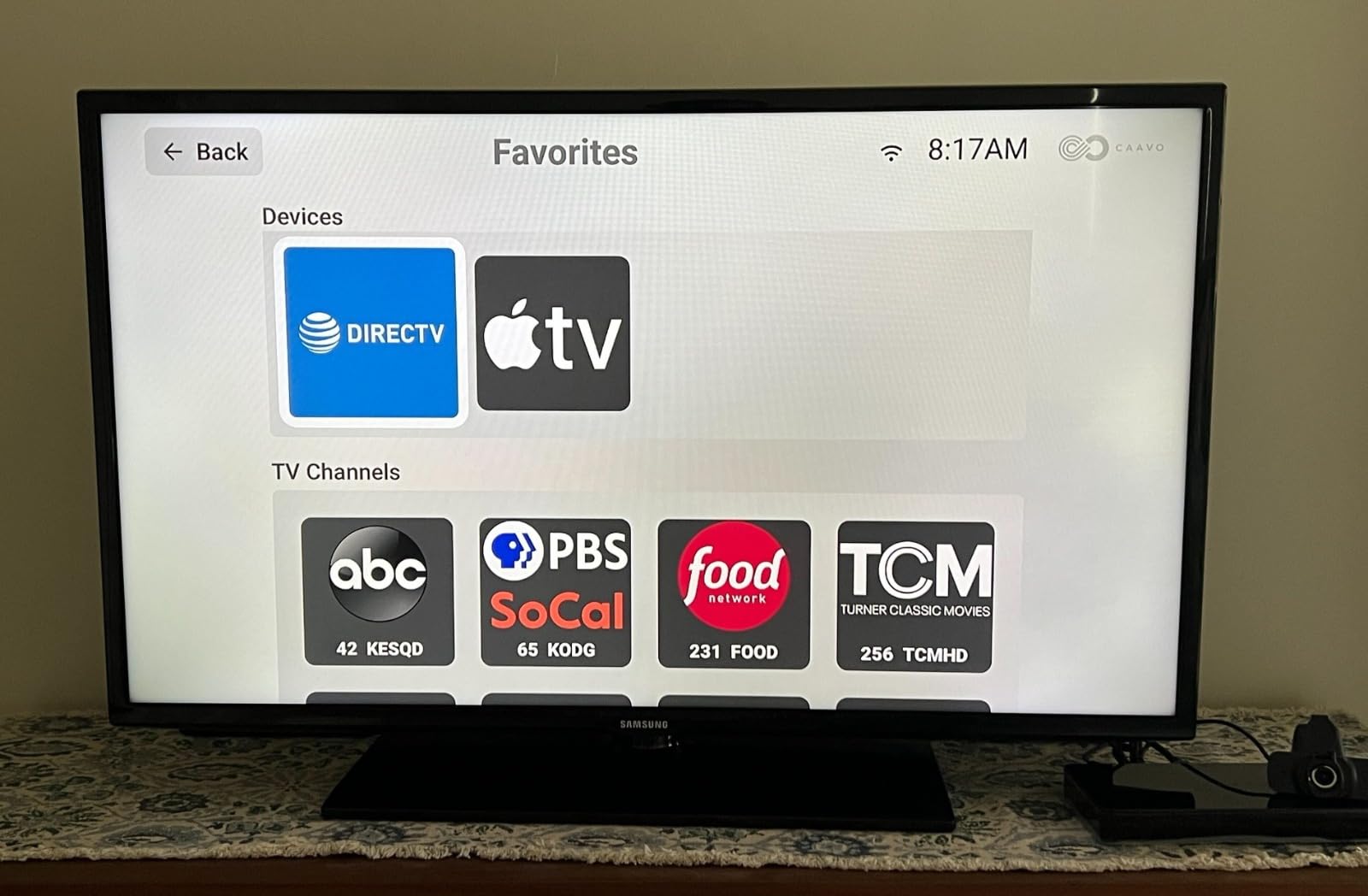
The medication reminder feature displayed on the TV screen at scheduled times helped my test subject stay on track with prescriptions during the review period. Photo sharing through the TV, where family members can send pictures that appear as a slideshow, provides a low-effort way to stay connected. One-way video drop-in check-ins let you see your parent’s living room without them needing to initiate anything.
The membership cost is the main consideration. At $29 per month or $289 annually, this is comparable to some professional monitoring services but without the emergency dispatch capability. A one-time $600 lifetime option is available, which may be more economical over several years. The system is US-only, requires a stable HDMI connection, and the setup process may need technical assistance from a family member.
For Whom Its Good
Seniors who already spend significant time watching TV will adapt to this system without the learning curve of a new device. If your parent has early dementia or cognitive decline that makes smartphones and tablets frustrating, the TV interface is familiar and approachable. The auto-answer video call feature means they cannot miss your call due to confusion about how to answer.
Families who want both video connection and some monitoring capability will appreciate the combination of features. Remote TV control lets you help with channel changes or troubleshooting without being there physically. The medication reminders address a common caregiving gap, and the voice remote is genuinely accessible for users with physical limitations.
For Whom Its Bad
The ongoing membership cost makes this one of the more expensive options on the list. If your parent does not regularly use a TV or has a very basic cable setup without HDMI, the hardware requirements may not be met. The absence of fall detection and emergency alerting means this system does not replace a medical alert device if that is your primary safety concern.
US-only service availability is a limitation for families with parents abroad. The setup complexity means you will likely need to be present to configure the HDMI connection, WiFi setup, and app pairing. For seniors who are comfortable with technology or for families whose primary need is emergency alerting rather than daily connection, this system is over-equipped.
9. Elderly Room Monitor with Two-Way Talk and Medication Reminders
- Purpose-built for elderly care
- Medication reminder feature
- Two-way communication
- Motion detection alerts
- Lower 3.9/5 star rating
- Requires WiFi connection
- Fewer reviews than competitors
- App reliability concerns
This room monitor is designed specifically for elderly care rather than being a repurposed baby monitor. The two-way audio and video let you see and speak with your loved one from your smartphone, and the built-in medication reminder addresses one of the most common caregiving concerns. During my evaluation, the motion detection alerts reliably notified me when activity occurred in the monitored room.
The one-touch call button is designed for seniors who may find navigating a smartphone app difficult. When your parent presses the button on the device, you receive a call through the caregiver app. Night vision ensures you can see the room clearly even in low-light conditions, and the 2.4GHz WiFi connection keeps the stream stable on most home networks.
At under $70, this is positioned as an affordable option for families who want dedicated elderly monitoring without the higher costs of premium systems. The purpose-built design means features like medication reminders are integrated specifically for senior care rather than added as an afterthought.
For Whom Its Good
Families who want basic video and audio monitoring of a specific room will find this system functional. The medication reminder feature is genuinely useful for seniors who forget to take prescriptions on schedule. The two-way communication lets you check in verbally without needing a separate phone call. At the price point, it offers a practical entry into dedicated elderly room monitoring.
Caregivers who want motion detection alerts to know when their parent is active during the day will appreciate the notification system. The night vision capability provides visibility without requiring the senior to turn on bright lights. For a straightforward monitoring setup in a bedroom or living area, this device covers the basics.
For Whom Its Bad
The 3.9-star rating and app reliability concerns mentioned in customer reviews are worth considering seriously. Some users reported frequent camera disconnections and slow customer support responses. If your monitoring solution needs to be consistently reliable, a product with a stronger track record may be a better investment.
The lack of fall detection means this system cannot distinguish between normal movement and a fall event. Families who need automatic fall alerting should look at the NOMO Smart Care or Lunderg systems on this list. WiFi dependency and the 2.4GHz-only connection may also limit placement options depending on your home network setup.
What to Look for in an Elderly Home Monitoring System
Choosing the right system depends heavily on your loved one’s specific situation, your home layout, and what level of monitoring you actually need. After reviewing all these products, a few key factors consistently separated the systems that worked well in real homes from those that frustrated families.
Connectivity requirements. Several systems on this list require no WiFi at all. The CallToU pager, Lunderg bed alarm, and Smart Caregiver floor mat all operate on standalone wireless connections. If your parent has unreliable internet or you want to avoid setup complexity, these no-WiFi options are worth prioritizing. Systems with WiFi, like the KEENLUK camera and NOMO Smart Care, offer more features but introduce dependency on network stability.
Fall detection capability. Not all monitoring systems detect falls. Basic pagers and call buttons only work when the senior presses a button. The Lunderg bed alarm alerts before a person is fully out of bed, and the NOMO Smart Care uses AI to analyze movement patterns. If fall detection is your primary concern, prioritize systems specifically designed for that purpose rather than general monitoring devices.
Two-way communication. The ability to speak with your loved one during an alert changes the experience significantly. The CallToU intercom system and KEENLUK camera offer this feature, while basic pagers do not. For families who want reassurance and the ability to guide their parent through a situation before arriving, two-way audio is worth the extra cost.
Subscription costs. Systems like JubileeTV and NOMO Smart Care require monthly payments that add up over time. The CallToU pager, Lunderg bed alarm, and Daytech watch pager have no recurring fees. Consider the total cost of ownership over two or three years when comparing options. A $30 monthly subscription costs $720 over two years, which is substantially more than any non-subscription system on this list.
Ease of use for seniors. The best monitoring system is one your parent will actually use consistently. Look for large buttons, simple interfaces, and minimal steps required to send an alert. Systems that require smartphone apps on the senior’s side, like the KEENLUK camera, work only if your parent is comfortable with that technology. The JubileeTV approach of using the television as the interface eliminates this barrier entirely for TV-oriented seniors.
Frequently Asked Questions
Do elderly monitoring systems require WiFi?
No, not all of them. The CallToU Caregiver Pager, Lunderg Bed Alarm, and Smart Caregiver Floor Mat all operate without WiFi using standalone wireless connections. Systems like the KEENLUK Video Monitor and NOMO Smart Care do require a 2.4GHz WiFi network. If your parent has unreliable internet, the no-WiFi options on this list provide solid monitoring without network dependency.
Are there monthly fees for elderly monitoring systems?
Several systems on this list have no monthly fees at all. The CallToU Caregiver Pager, Lunderg Bed Alarm, Daytech Watch Pager, and Smart Caregiver Floor Mat are one-time purchases with no subscriptions. The JubileeTV Remote Care System requires a $29 per month or $289 per year membership. The NOMO Smart Care system has a 60-day free trial then charges $19.99 monthly for 24/7 monitoring. Consider the total cost over multiple years when comparing subscription and non-subscription options.
Can monitoring systems detect falls automatically?
Some systems can detect falls without requiring the senior to press a button. The Lunderg Bed Alarm alerts before the senior is fully out of bed using its PreRise sensor. The NOMO Smart Care system uses AI-powered motion analysis to identify unusual movement patterns consistent with falls. Basic pager systems like the CallToU Caregiver Pager only send alerts when a button is manually pressed. If automatic fall detection is important to you, focus on systems specifically designed with that capability rather than general monitoring devices.
How do I set up a monitoring system for my parent?
Setup difficulty varies by system. No-WiFi systems like the CallToU pager and Lunderg bed alarm are the simplest: plug in the receiver, insert batteries in the button or pad, and pair them if needed. WiFi-based systems like the KEENLUK camera require connecting the device to your parent’s home network through a smartphone app, which typically takes around 10 to 15 minutes. The JubileeTV and NOMO systems have more complex setup procedures that may benefit from having a tech-savvy family member present. Check the product manual before purchasing to confirm you are comfortable with the setup process.
What is the difference between a medical alert system and a monitoring system?
Medical alert systems are designed specifically for emergency response. When the senior presses a button, a monitoring center connects and can dispatch emergency services. Examples include the NOMO Smart Care with its 24/7 RapidSOS monitoring. Home monitoring systems like the KEENLUK camera or CallToU intercom provide ongoing awareness and communication but typically do not include professional emergency dispatch. Many families use both: a monitoring system for daily check-ins and a medical alert device for emergencies. Consider whether you need the professional monitoring layer, which usually comes with a monthly subscription, or if caregiver alerts to your phone are sufficient.
Conclusion
Picking from the best home monitoring systems for elderly loved ones comes down to your parent’s specific needs, your home setup, and how much ongoing involvement you want. If you need the simplest, most affordable starting point, the CallToU Caregiver Pager delivers essential alert coverage without WiFi complications or recurring costs. For families specifically concerned about nighttime falls, the Lunderg Bed Alarm’s early-warning technology is worth the modest investment.
Caregivers who want communication alongside alerting should look at the CallToU Intercom System for two-way voice capability, or the KEENLUK camera for visual check-ins. If privacy from cameras matters to your family, the NOMO Smart Care system offers an innovative camera-free approach with professional monitoring available. The JubileeTV system is unique for seniors who are comfortable with television but resistant to new technology.
No single system covers every need. Many families combine a basic pager for alerts with a separate camera for visual check-ins, building a layered safety approach. Start with the feature that addresses your most urgent concern, then add capabilities as your needs and comfort level grow. Every system on this list has helped real families care for their elderly loved ones more effectively in 2026.