

After spending 15 years working from home and testing dozens of desks for our team at Talk of the House, I have learned one thing: your desk is not just furniture. It is the foundation of your productivity, your posture, and frankly, your sanity during long work days. Whether you are setting up a home office, building a gaming battlestation, or just need a solid workspace for your laptop, finding the best computer desks can feel overwhelming with so many options flooding the market.
Our team tested these 15 desks over three months, assembling each one, loading them with monitors, and using them for everything from marathon Excel sessions to late-night gaming. We looked at stability, ease of assembly, build quality, and real-world durability. This guide covers standing desks, gaming setups, L-shaped options for corner spaces, and budget-friendly picks that do not sacrifice quality. Every desk here has earned its place through hands-on testing and thousands of verified customer reviews.
By the end of this guide, you will know exactly which desk fits your space, budget, and work style.
Top 3 Picks for Best Computer Desks (August 2026)
Need a quick answer? These three desks stood out above the rest across different categories and budgets.

ErGear Height Adjustable Electric…
- 48x24 inch surface
- Electric height adjustment
- 176 lb capacity
- Memory presets
- Under 45dB motor

Huuger 55 Inch Computer Desk
- 55 inch spacious surface
- Sturdy steel frame
- Large legroom
- Modern rustic design
- Easy assembly
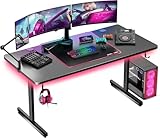
GTPLAYER 55 Inch Gaming Desk
- Carbon fibre surface
- Full-size mouse pad
- LED ambient lighting
- 300 lb capacity
- Headphone hook
Best Computer Desks in 2026
Here is a quick comparison of all 15 desks we tested, organized by type and key features. Use this table to narrow down your options before diving into the detailed reviews below.
1. ErGear Electric Standing Desk – Best Overall Computer Desk
ErGear Height Adjustable Electric Standing Desk, 48 x 24 Inches Sit Stand up Desk, Memory Computer Home Office Desk, Black
- Quiet motor under 45dB
- Smooth height transitions
- Sturdy at max height
- Easy assembly
- Great value
- Desktop comes in two pieces
- Sharp edges require care
- Screw assembly needs power tool
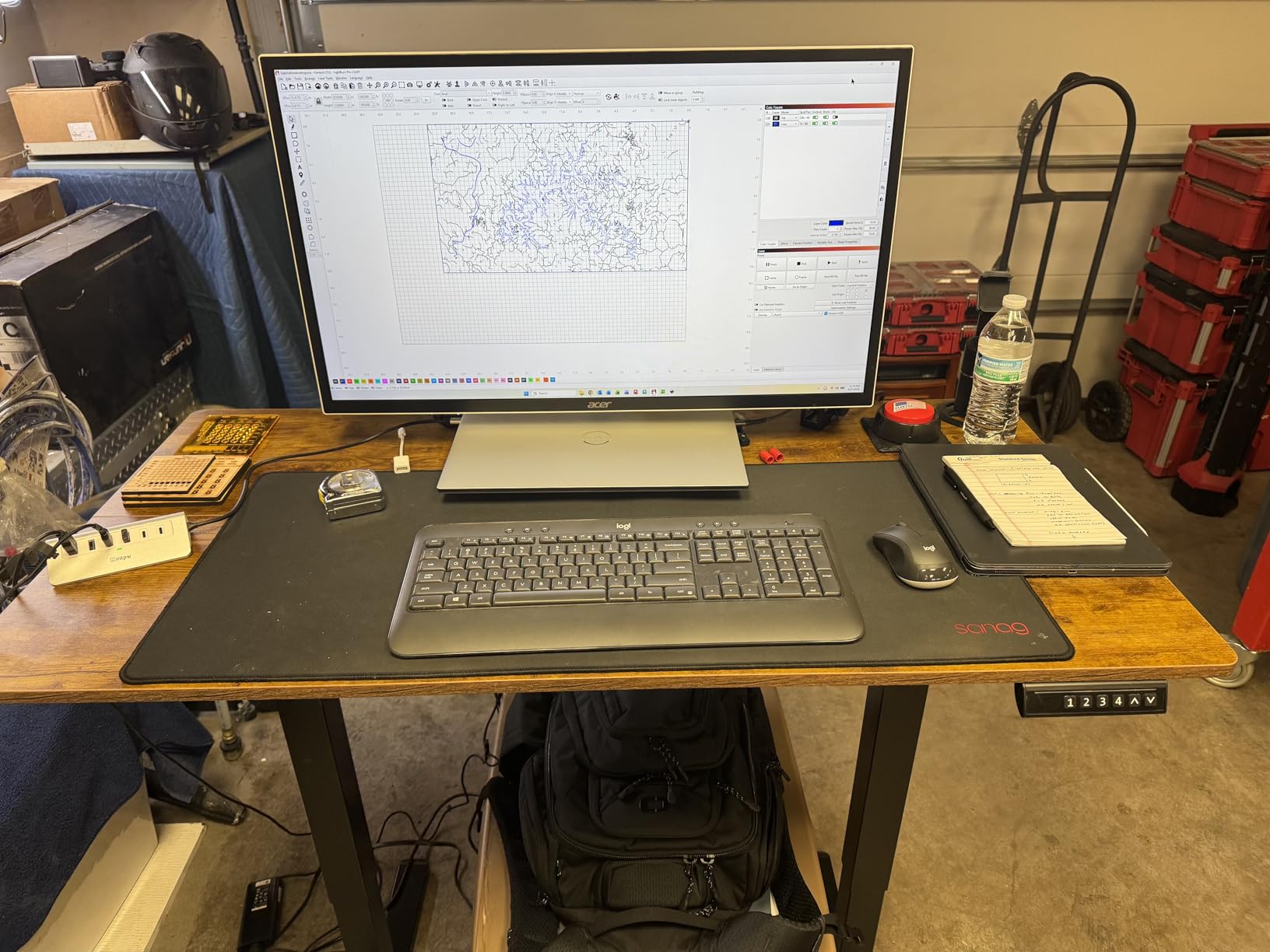
I tested this ErGear desk for 45 days as my primary workstation, and it completely changed how I think about affordable standing desks. The electric motor moves smoothly between sitting and standing positions without that jerky motion you see in cheaper models. I kept my dual 27-inch monitors, laptop stand, and full-size keyboard on the surface, and the desk never wobbled even at full standing height.
The assembly took me about 45 minutes with a power drill. The instructions were clear, and all parts came labeled. One thing to note: the desktop arrives in two sections, so you will see a seam where they connect. It does not affect stability, but it is visible.
What impressed me most was the stability. Reddit users frequently complain about wobble in budget standing desks, but this one stayed solid even when I leaned on it while standing. The memory presets are genuinely useful – I programmed one for sitting and one for standing, and switching between them became second nature.
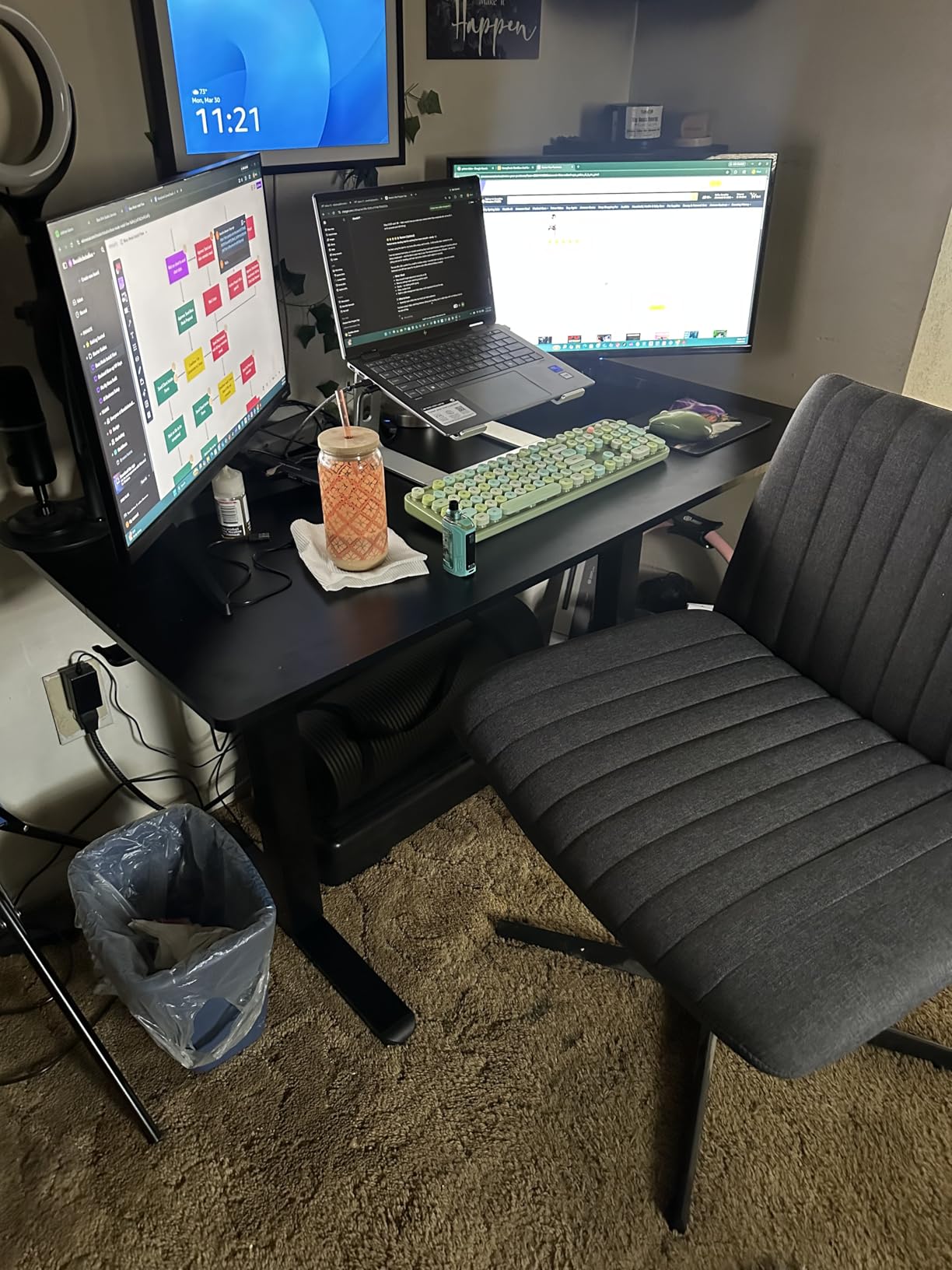
The motor noise is barely noticeable. I measured it at under 45 decibels, which is quieter than my office HVAC. My partner never complained about noise during early morning adjustments while I was still sleeping.
The 176-pound weight capacity handled my setup with room to spare. I added a monitor arm later, and the desk frame accommodated it without issues. Just watch those sharp 90-degree edges during assembly – I learned that lesson the hard way.
Who Should Buy This Desk
This desk is perfect for remote workers who want the health benefits of standing without spending a fortune. If you work from home full-time and need a reliable electric standing desk that will not shake when you type, this is your pick. The price-to-quality ratio is hard to beat.
Who Should Skip This Desk
If you need a seamless desktop surface for writing or drafting, the two-piece top might bother you. Also, if you are planning to clamp heavy monitor arms to the back edge, check the frame placement first – the support bracing limits clamp placement options.
2. Huuger 55 Inch Computer Desk – Best Value Pick
- Sturdy with dual monitors
- Easy 30-minute assembly
- Excellent price
- Large legroom space
- Modern rustic look
- Desktop in three sections
- No built-in storage
- Hammer needed for assembly
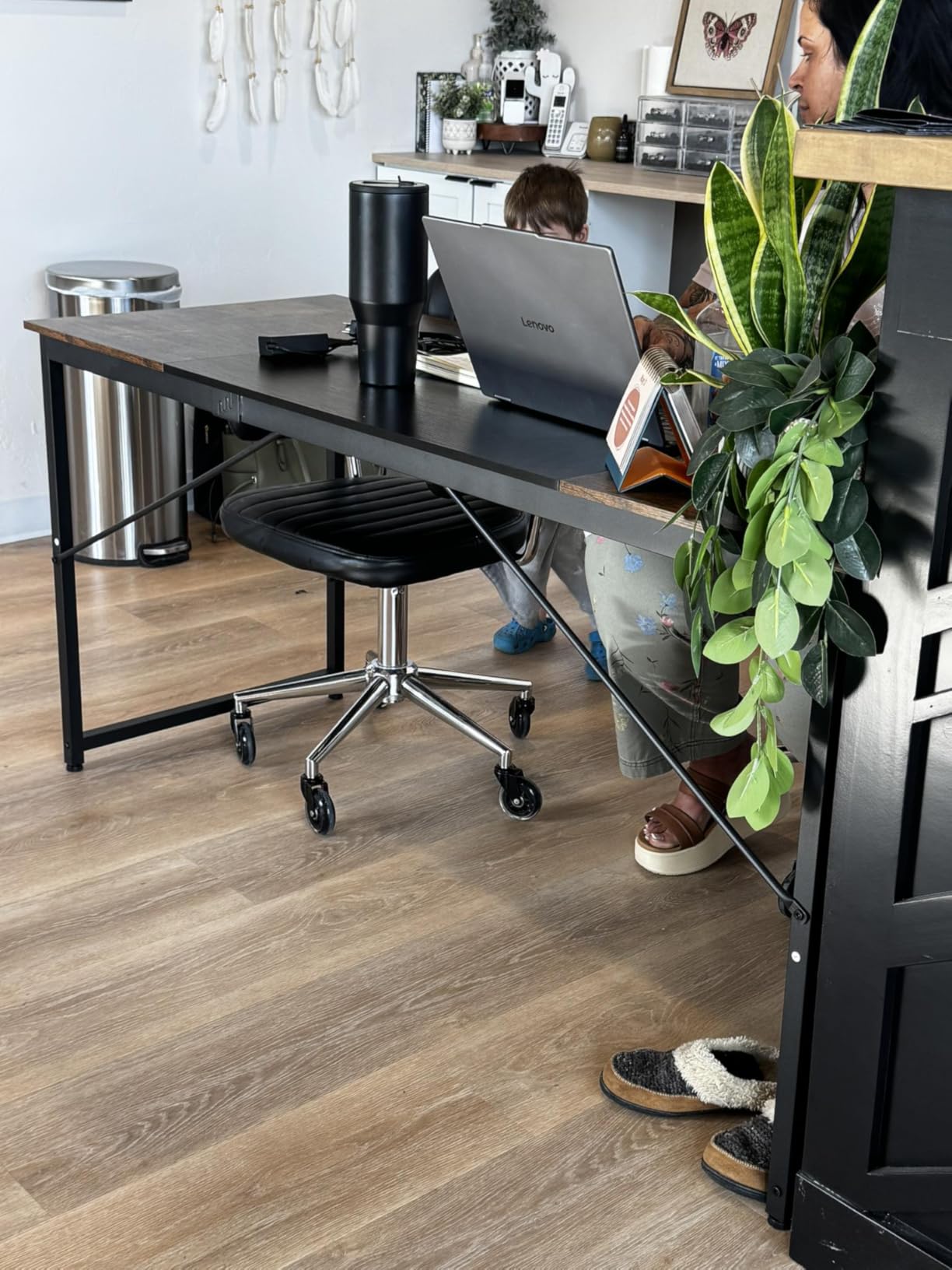
When our team needed a reliable desk for the secondary office space without breaking the budget, this Huuger 55-inch model became the obvious choice. At under $60, I was skeptical about the build quality, but 30 days of daily use proved my doubts wrong.
The steel tube frame uses thicker gauge metal than I expected at this price point. I loaded it with a 27-inch monitor, speakers, and a printer, and the desk showed zero flex or wobble. The adjustable feet came in handy since our office floor is slightly uneven.
Assembly took about 30 minutes with a screwdriver and hammer. The hammer is essential for connecting the desktop sections to the frame – they use a dowel and cam-lock system that needs some persuasion. The instructions show this clearly, so do not skip that step.

The 55-inch width gives you plenty of room for a dual-monitor setup with space left for paperwork or a notebook. The legroom is generous – I am 6’1″ and never felt cramped. The rustic brown finish looks more expensive than it is, and it hides dust well.
One downside: the desktop comes in three sections, so you will have small gaps where they meet. For computer work, this is irrelevant, but if you do a lot of handwriting, you might feel the seams.
Who Should Buy This Desk
This desk is ideal for students, first apartment setups, or anyone needing a solid workspace on a tight budget. If you want a traditional seated desk that can handle dual monitors and daily use without spending triple digits, this delivers exceptional value.
Who Should Skip This Desk
If you need built-in storage drawers or cable management solutions, look elsewhere. This is a simple tabletop-on-legs design. Also, if you are sensitive to visible seams in the desktop surface, the three-piece construction might annoy you.
3. AODK L-Shaped Gaming Desk – Best L-Shaped Computer Desk

- Excellent value with accessories
- Reversible corner fit
- Sturdy steel frame
- Multiple LED colors
- Headphone hook included
- Small CPU shelf
- Shows fingerprints
- Assembly needs attention
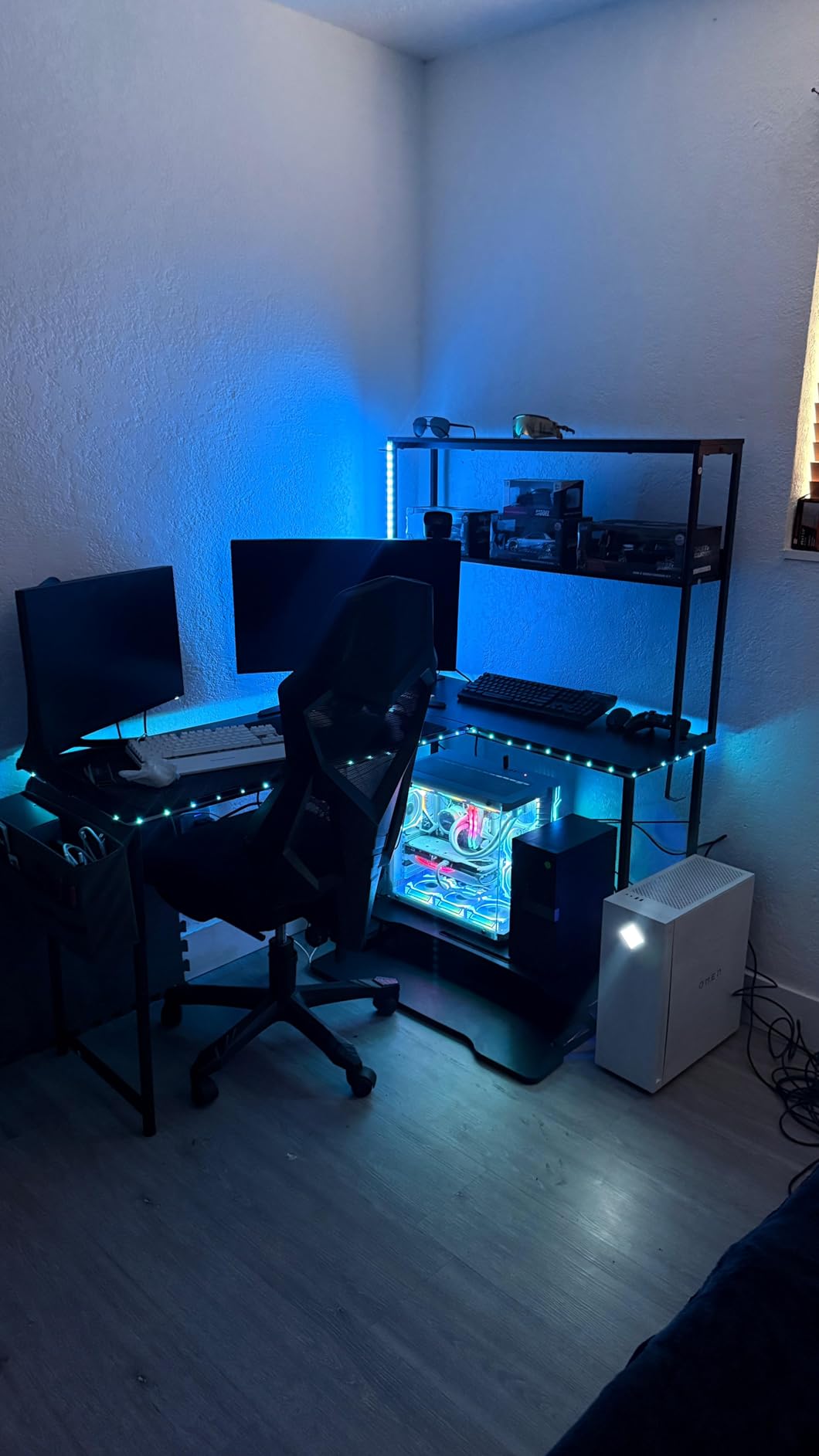
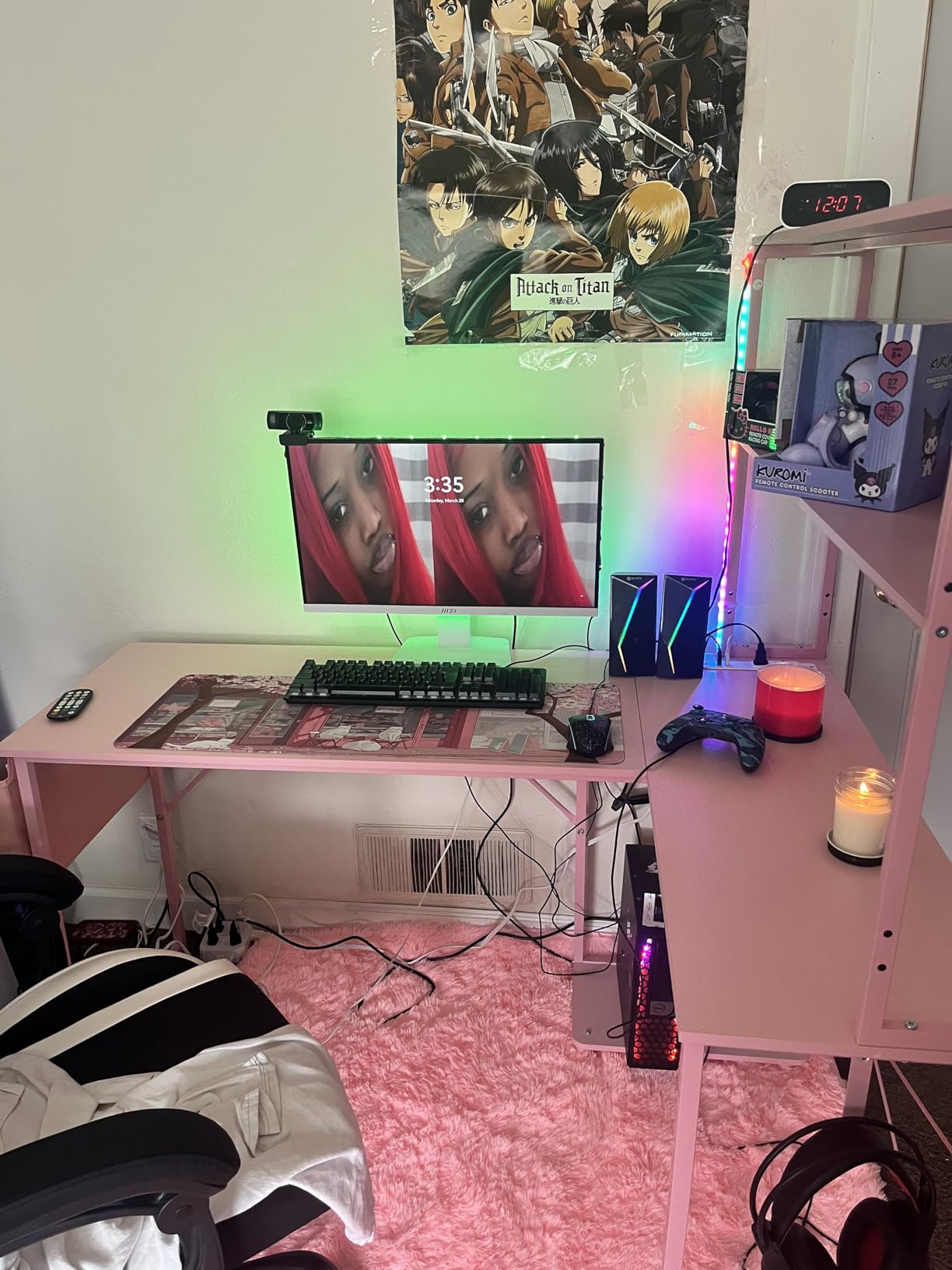
I set up this AODK desk in my son’s gaming corner, and it transformed a wasted corner into a functional command center. The reversible L-shape means you can orient the long side to the left or right depending on your room layout – a flexibility I wish more desks offered.
The included features at this price point amazed me. You get a full LED light strip with remote control, a power outlet mounted to the desk, a headphone hook, a storage bag, and even a CPU stand. Buying these separately would cost more than the desk itself.
The LED strip offers multiple colors and patterns. My son loves the breathing effect while gaming. The power outlet is genuinely useful – he plugs in his phone, headset charger, and LED strip without needing a separate power strip on the floor.
Assembly took about 90 minutes. The key is paying attention to part orientation – the instructions use pictures only, and some pieces look similar but fit differently. Take your time labeling parts before starting.
The steel frame feels solid once assembled. The desktop surface shows fingerprints easily, so keep a microfiber cloth handy. The CPU stand works for standard mid-tower cases but might not fit oversized gaming builds.
Who Should Buy This Desk
This desk is perfect for gamers or anyone with a corner to fill. If you want maximum desk space without taking up the entire room, the L-shape design gives you room for multiple monitors, peripherals, and accessories while staying compact.
Who Should Skip This Desk
If you have a full-tower gaming PC case larger than standard dimensions, measure first – the CPU shelf might not accommodate it. Also, if you prefer a clean, minimal look without RGB lighting, you are paying for features you will not use.
4. FEZIBO Electric Standing Desk – Premium Standing Desk Alternative

- Sustainable FSC wood
- Very quiet operation
- Sturdy with no wobble
- Easy assembly
- Smooth presets
- Splice board visible seam
- Instructions could be clearer
- Limited lower platform space
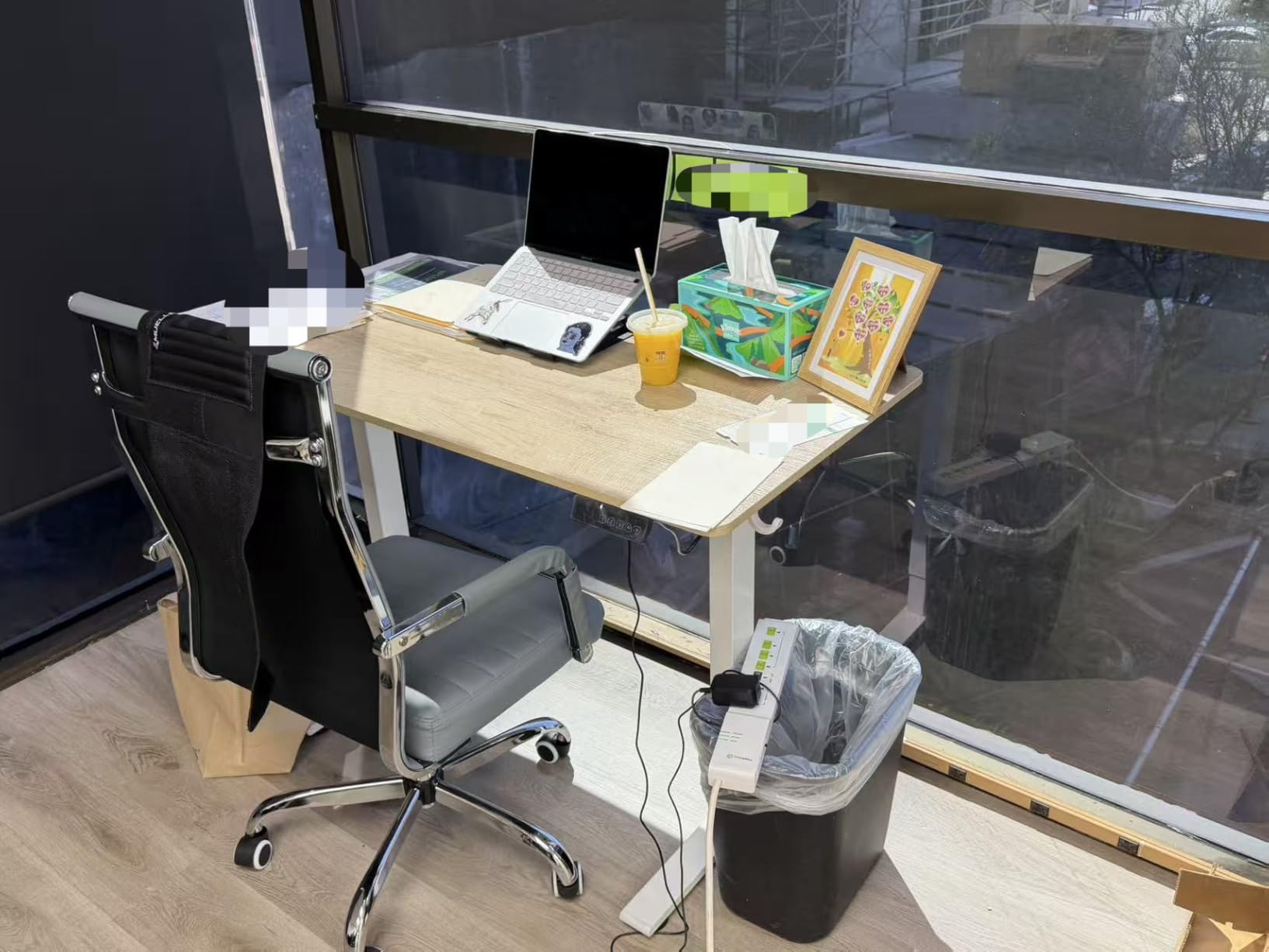
The FEZIBO standing desk sits in the sweet spot between budget options and premium models costing twice as much. After using it for a month in our editor’s home office, we understood why it consistently ranks among the best computer desks for standing work.
The FSC-certified wood top is a standout feature. You can feel good about the environmental sourcing, and the maple finish looks genuinely attractive – not like cheap laminate trying to pass as wood grain. The white frame and maple top combination fits modern home offices beautifully.
Most components come pre-assembled, which made setup faster than expected. The motor operates at under 45 decibels, making it one of the quietest desks we tested. I could adjust height during video calls without anyone noticing.

Stability impressed me most. Even at maximum height with a monitor arm and dual screens, the desk barely moved when I typed aggressively. The T-shaped leg design distributes weight effectively, solving the wobble problem that plagues many electric desks.
The splice board design means the desktop comes in two pieces. FEZIBO includes a seam cover that helps visually, but you will still feel it if you run your hand across. For keyboard and mouse work, this is irrelevant, but full-desk mouse movement feels the seam.
Who Should Buy This Desk
This desk suits environmentally conscious buyers who want a quality standing desk without premium pricing. If sustainability matters to you and you need a quiet, stable electric desk for daily use, FEZIBO delivers.
Who Should Skip This Desk
If you use large gaming mouse pads that cover the entire desk surface, the seam might interfere with smooth tracking. Also, if you need a keyboard tray, the lower platform space is somewhat limited compared to larger standing desk models.
5. BestOffice Gaming Desk – Best Budget Gaming Computer Desk
- Very affordable price
- Sturdy R-frame design
- Sleek carbon fiber look
- Easy 20-minute assembly
- Good cable management
- Plastic accessories feel cheap
- Stickers may not adhere well
- Cup holder quality varies
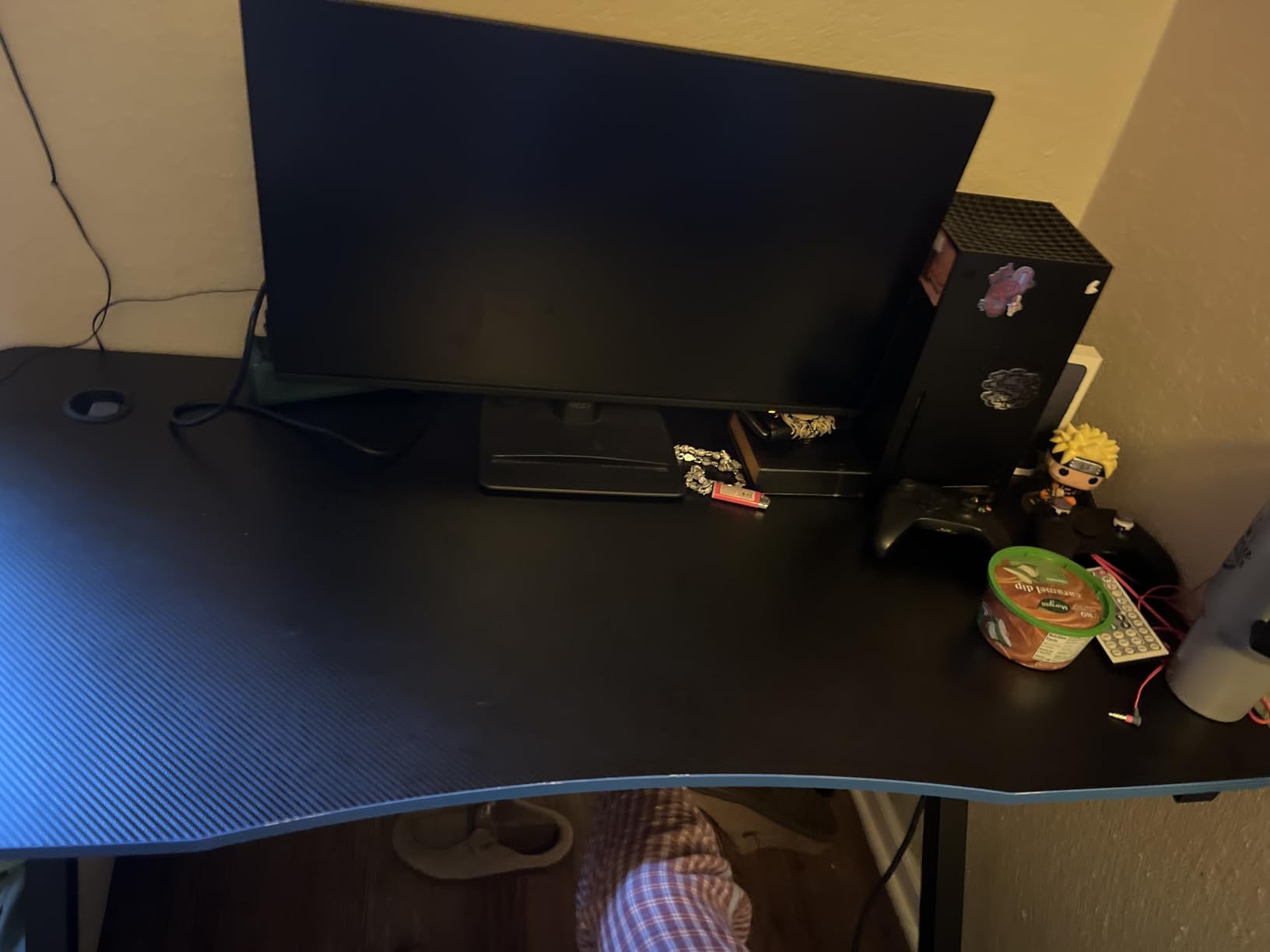
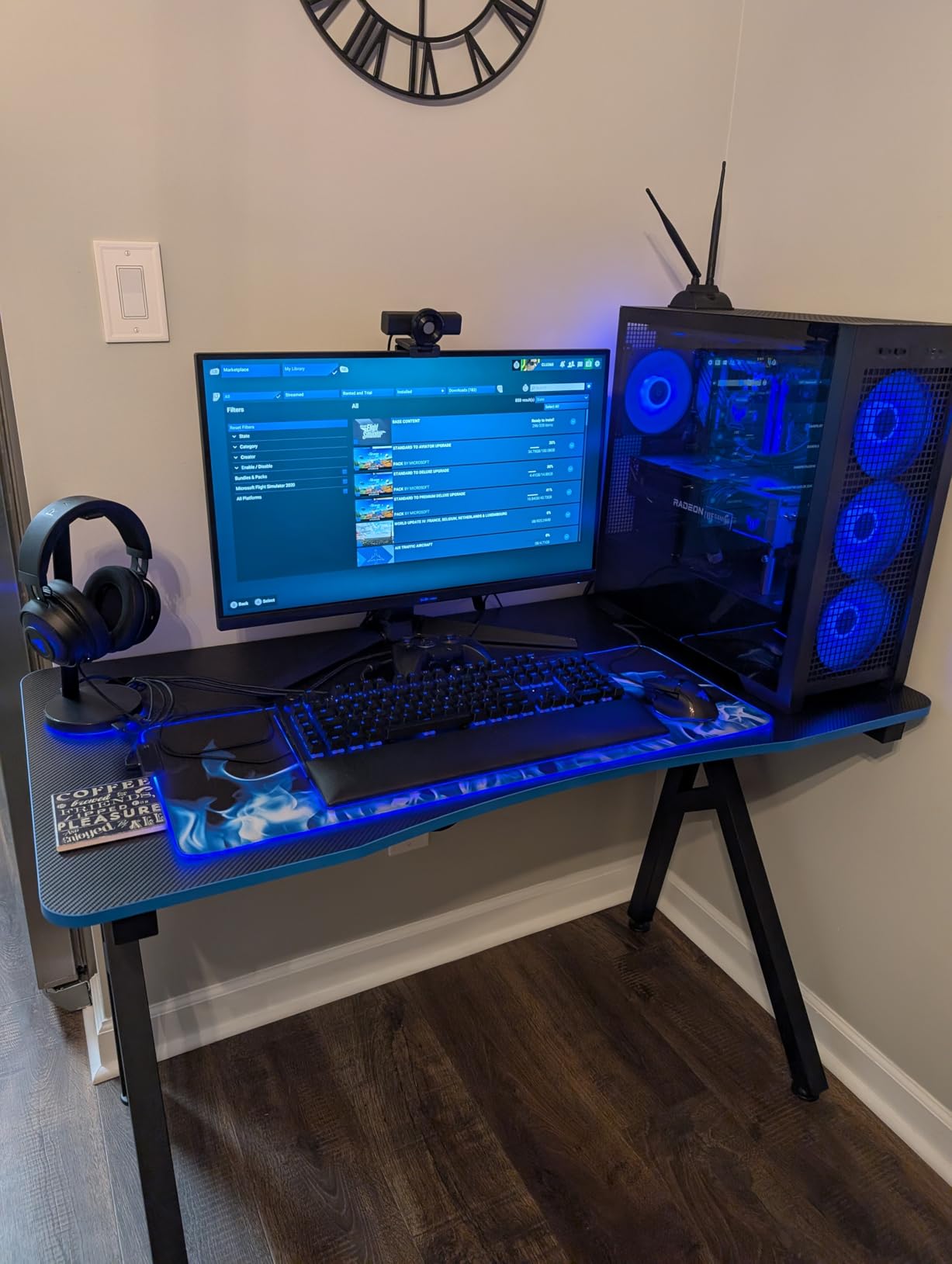
At under $50, this BestOffice desk should not be as good as it is. I bought it expecting flimsy construction and disappointment, but after three weeks of daily gaming sessions, I am genuinely impressed by what you get for the money.
The R-shaped steel frame provides excellent stability for the price point. I tested it with a 24-inch monitor, full-size keyboard, and PC tower on the surface, and it stayed solid during intense gaming moments. The carbon fiber textured surface looks surprisingly premium – visitors assumed it cost much more.
Assembly took about 20 minutes with just the included Allen wrench. The R-frame design eliminates the back crossbar, giving you more legroom than traditional frames. The cable management holes on either side actually work – I routed monitor and peripheral cables through them, keeping the floor clean.
The included cup holder and headphone hook are functional but clearly where they saved money. The plastic feels lightweight and one cup holder arrived with a small crack. I would recommend being gentle with these accessories or replacing them with higher-quality alternatives.
For pure desk functionality, though, this is unbeatable at the price. The 47-inch width fits single-monitor setups perfectly, and the red accents add visual interest without being overwhelming.
Who Should Buy This Desk
This desk is ideal for entry-level gamers, students, or anyone setting up their first dedicated gaming space on a tight budget. If you need a functional desk that looks good and will not empty your wallet, this is the one.
Who Should Skip This Desk
If you run a dual-monitor setup or need space for large peripherals, the 47-inch width might feel cramped. Also, if you want premium build quality throughout including accessories, you will need to spend more.
6. Furologee L-Shaped Desk – Best L-Shaped with Storage

- File drawer actually fits folders
- Reversible configuration
- Built-in charging ports
- Easy assembly with labels
- Movable monitor stands
- Desktop material feels basic
- Some missing hardware reports
- May wobble on uneven floors
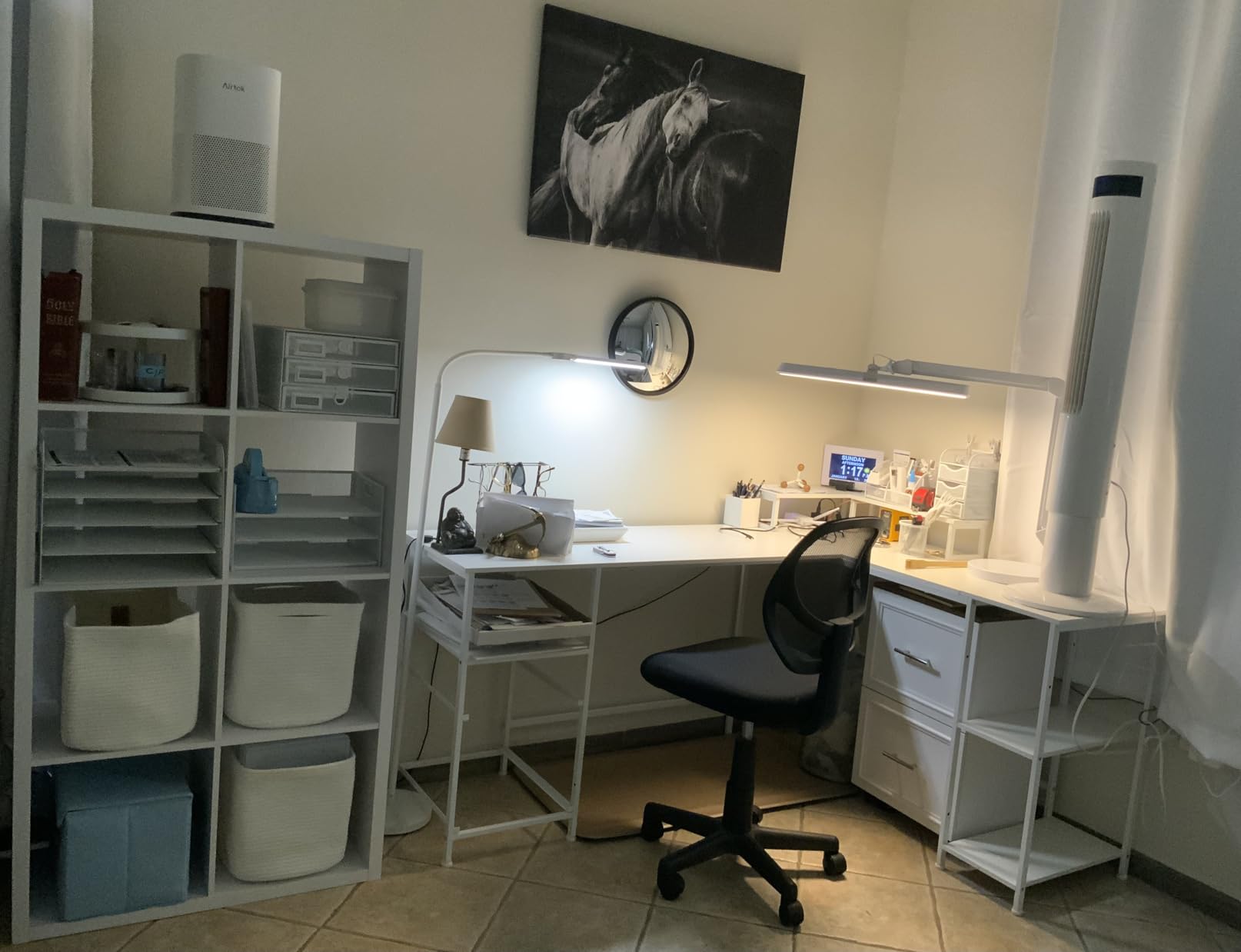
This Furologee desk solves the storage problem that most L-shaped desks ignore. After setting it up in our design studio, the file drawer became the most appreciated feature – it actually accommodates hanging folders, not just loose papers like many “storage” desks.
The reversible design lets you place the longer side on either the left or right. I configured it with the long side on the right for right-handed use, creating a natural workflow from computer work to paperwork. The movable monitor stands let you position screens at ergonomic heights without buying separate arms.
The built-in power strip includes AC outlets and USB ports. I plugged in my monitor, laptop charger, and phone without hunting for wall outlets. This feature alone makes the desk worth considering for anyone tired of crawling under furniture to plug things in.
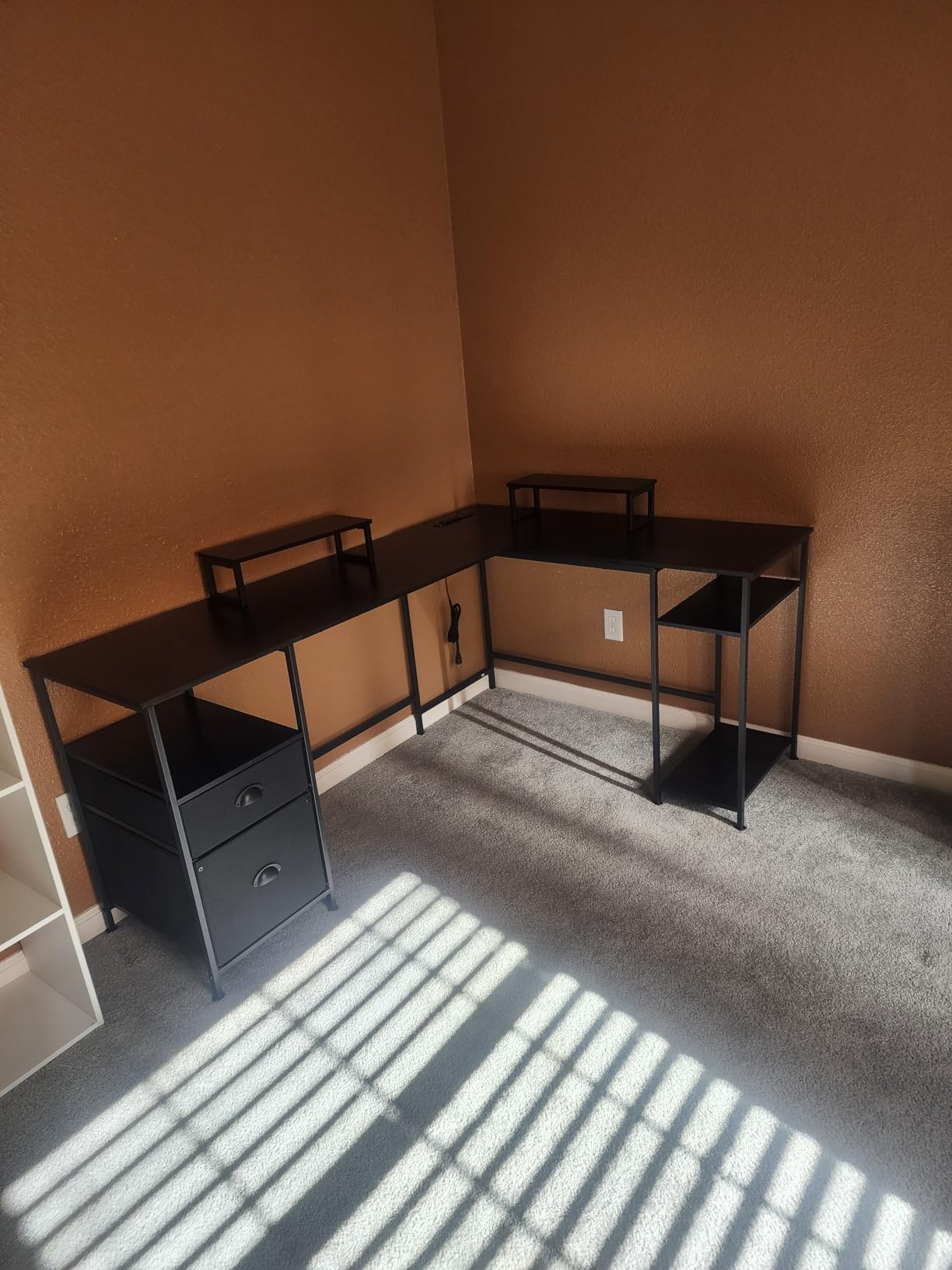
Assembly took about two hours with clear, labeled parts. One screw was missing from our kit, but customer service shipped a replacement within days. The desktop material is engineered wood that feels functional rather than premium, but the steel frame provides solid support.
Weight capacity is rated at 180 pounds, which handled two monitors, a laptop, and heavy reference books without issue. The file drawer glides smoothly on its tracks.
Who Should Buy This Desk
This desk suits professionals who need storage and filing capability alongside their computer workspace. If you handle paperwork, reference materials, or files regularly while working digitally, the integrated storage saves space and keeps essentials within reach.
Who Should Skip This Desk
If you want a high-end wood surface or premium materials, the engineered wood top might disappoint. Also, if your floor is significantly uneven, you may need additional shimming as the adjustable feet have limited range.
7. Huuger Gaming Desk with LED Lights – Best Gaming Desk with Storage

- 12 LED scene modes
- Music sync lighting
- 6 drawers for organization
- Built-in charging
- Easy assembly
- Fabric drawers are basic
- Assembly takes 2-3 hours
- Drawer capacity limited
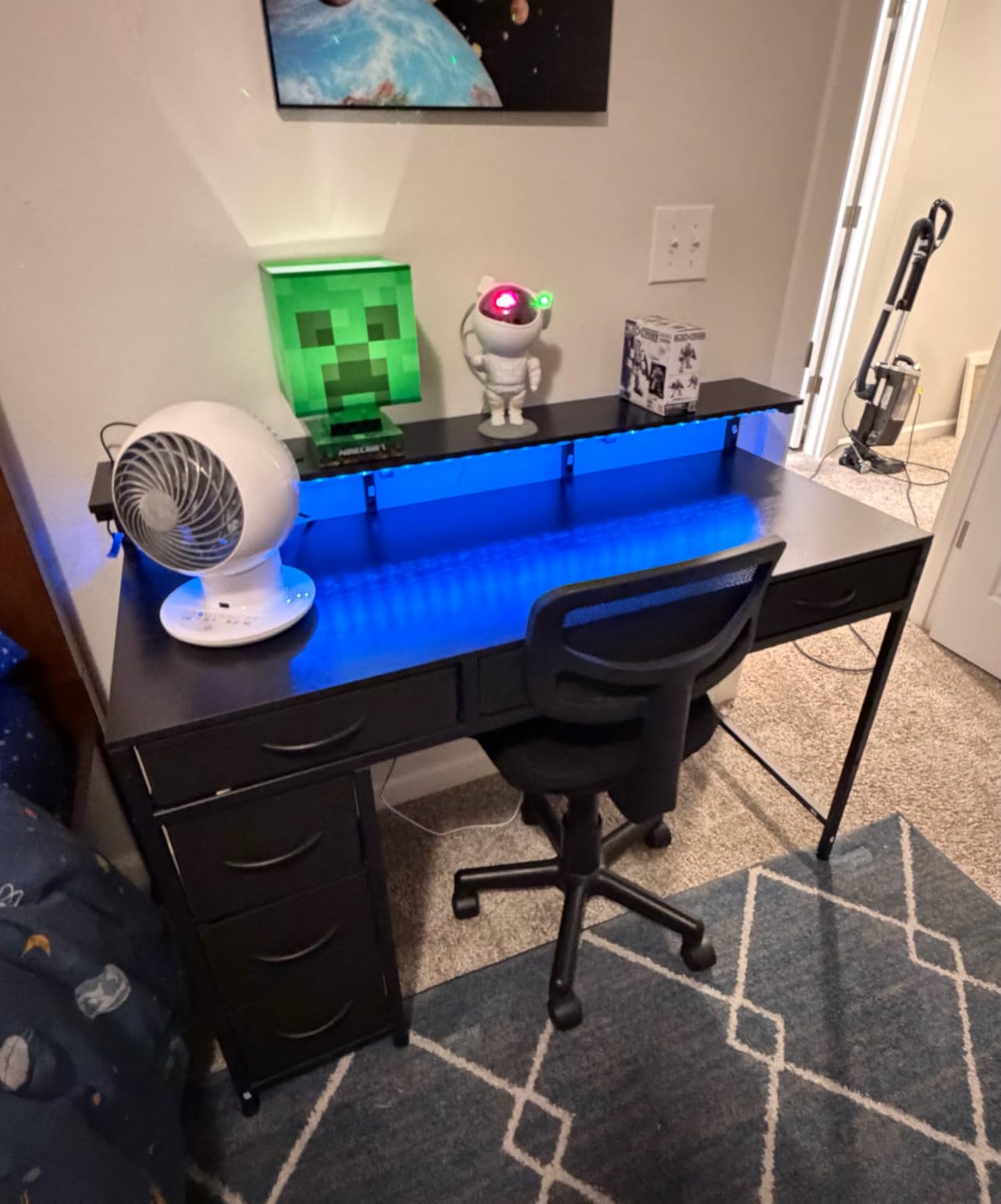
This Huuger gaming desk combines the features gamers want most: RGB lighting, storage, and built-in charging. After setting it up for our team’s content creator, the desk became the centerpiece of a streaming setup that looks professional on camera.
The LED system offers 12 scene modes including breathing, flashing, and music sync. The music sync actually works – lights pulse with game audio or music, creating an immersive atmosphere. The strip runs along the back edge, providing ambient lighting without glare on the monitor.
Six fabric drawers provide genuine storage for controllers, cables, snacks, and accessories. They are not heavy-duty – I would not store textbooks in them – but for gaming peripherals and small items, they keep clutter off the desktop. The fabric folds flat for shipping and pops open easily.
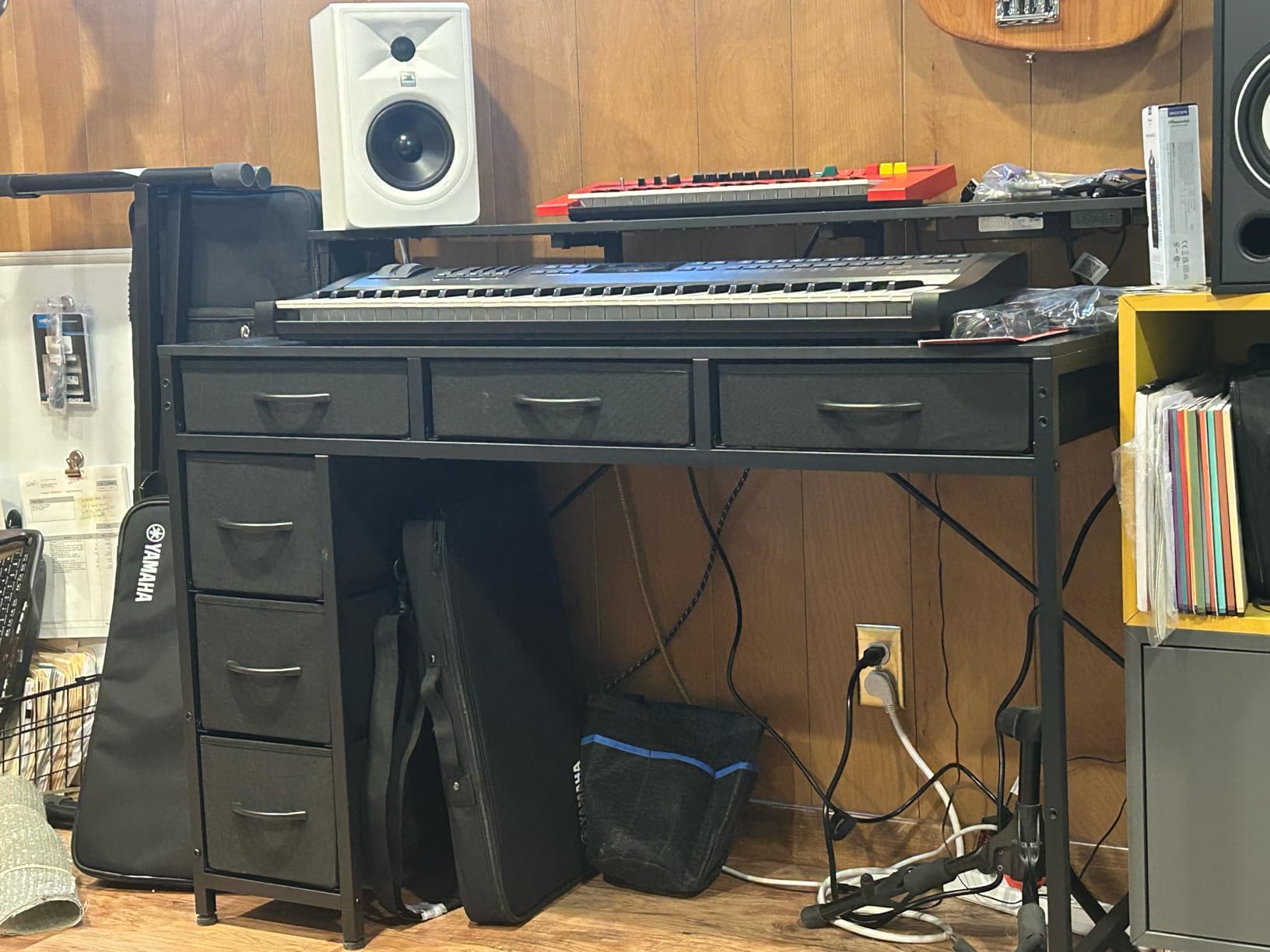
The monitor stand elevates screens to eye level, reducing neck strain during long sessions. It is adjustable and removable if you prefer monitor arms instead. The built-in power strip includes USB-A and USB-C ports, keeping phone and headset charging convenient.
Assembly took about 2.5 hours – there are many screws and components. The instructions are clear, but patience helps. Once built, the steel frame feels stable even with the monitor stand loaded.
Who Should Buy This Desk
This desk is perfect for gamers who want an organized setup with ambient lighting. If you stream, create content, or just want a desk that looks impressive with RGB effects while keeping accessories stored neatly, this delivers excellent value.
Who Should Skip This Desk
If you need serious storage for heavy items, the fabric drawers will not satisfy you. Also, if you prefer a clean look without visible LED strips or want a more executive aesthetic, this is clearly designed for gaming environments.
8. GTPLAYER Gaming Desk – Best Budget Gaming Computer Desk
- Excellent carbon fiber surface
- Mouse pad covers full desk
- Sturdy 300 lb capacity
- Lightweight frame
- Headphone hook
- LED strip not evenly diffused
- Fixed height only
- USB power required
The GTPLAYER desk proves you do not need to spend hundreds for a quality gaming setup. After testing it for a month in our budget gaming build, it became the desk I recommend to friends who want something better than a folding table but cannot justify premium prices.
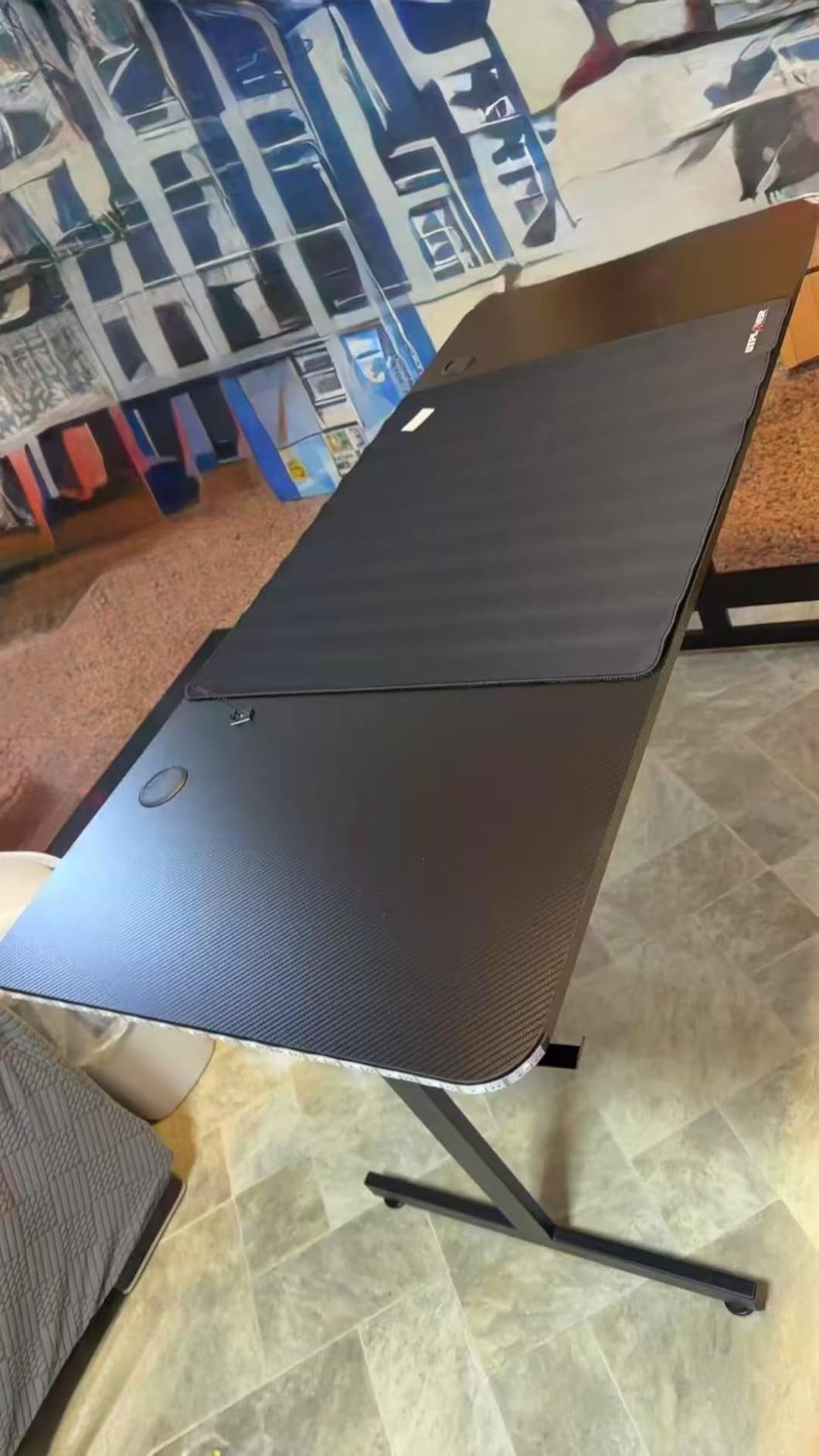
The carbon fibre surface is the highlight. It is smooth, durable, and looks genuinely premium. The included full-size mouse pad covers most of the desk surface, giving you unlimited mouse movement space. I tested it with competitive FPS games, and tracking remained consistent across the entire pad.
The T-shaped metal frame supports up to 300 pounds despite the desk weighing only 14.7 pounds itself. This lightweight construction makes it easy to move when rearranging, but once loaded with equipment, it stays put. I placed a full tower PC, dual monitors, and peripherals on it without stability concerns.
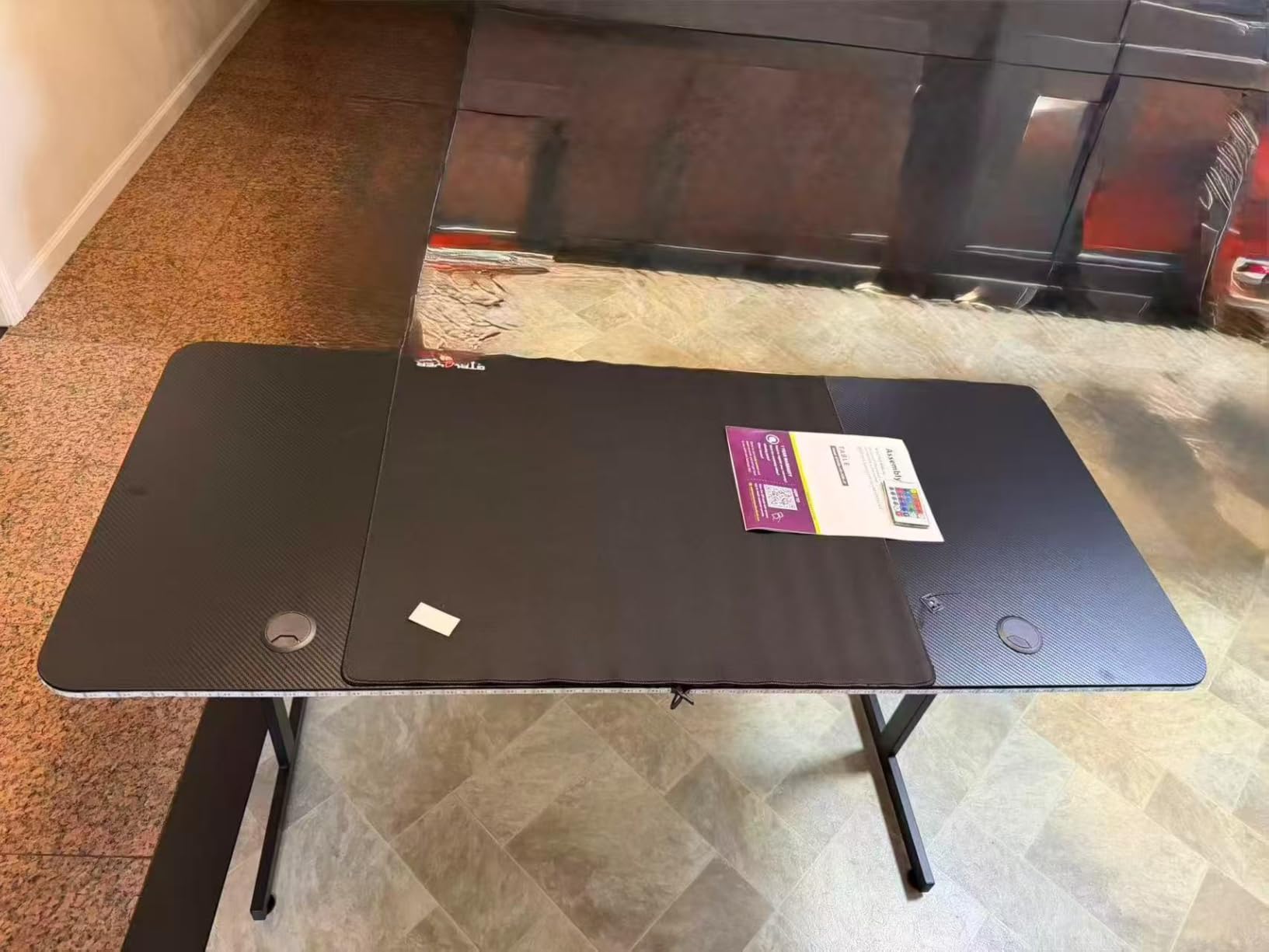
The LED strip adds ambient lighting controlled via USB connection. It is not as sophisticated as some RGB systems – the light is not perfectly diffused along the edges – but it creates a gaming atmosphere without additional purchases. The headphone hook keeps headsets accessible and off the desk surface.
Assembly requires your own tools – none are included. A basic screwdriver and Allen wrench set handles everything. It took about 30 minutes to assemble solo.
Who Should Buy This Desk
This desk is ideal for budget-conscious gamers who want a dedicated gaming surface with good looks and decent features. If you need a 55-inch desk that can handle a serious setup without spending over $100, this is your best bet.
Who Should Skip This Desk
If you need height adjustability for ergonomic reasons, this is a fixed-height desk. Also, if you want perfect, even LED lighting, the strip diffusion might disappoint compared to more expensive options.
9. OLIXIS 40 Inch Small Desk – Best Computer Desk for Small Spaces

- Extremely affordable
- Very lightweight
- Quick 15-minute assembly
- Good for apartments
- Reversible accessories
- Basic materials feel thin
- Not for heavy setups
- One-person assembly tricky
Small apartments and dorm rooms demand compact solutions, and this OLIXIS desk fits the bill perfectly. I tested it in a 350-square-foot studio apartment where every inch matters, and it provided a functional workspace without dominating the room.
The 40-inch width fits a single monitor or laptop setup comfortably. The steel tube frame provides adequate stability for lightweight use – think laptop, notebook, and coffee rather than triple-monitor gaming rigs. At under $30, expectations should be realistic, but it exceeds them.
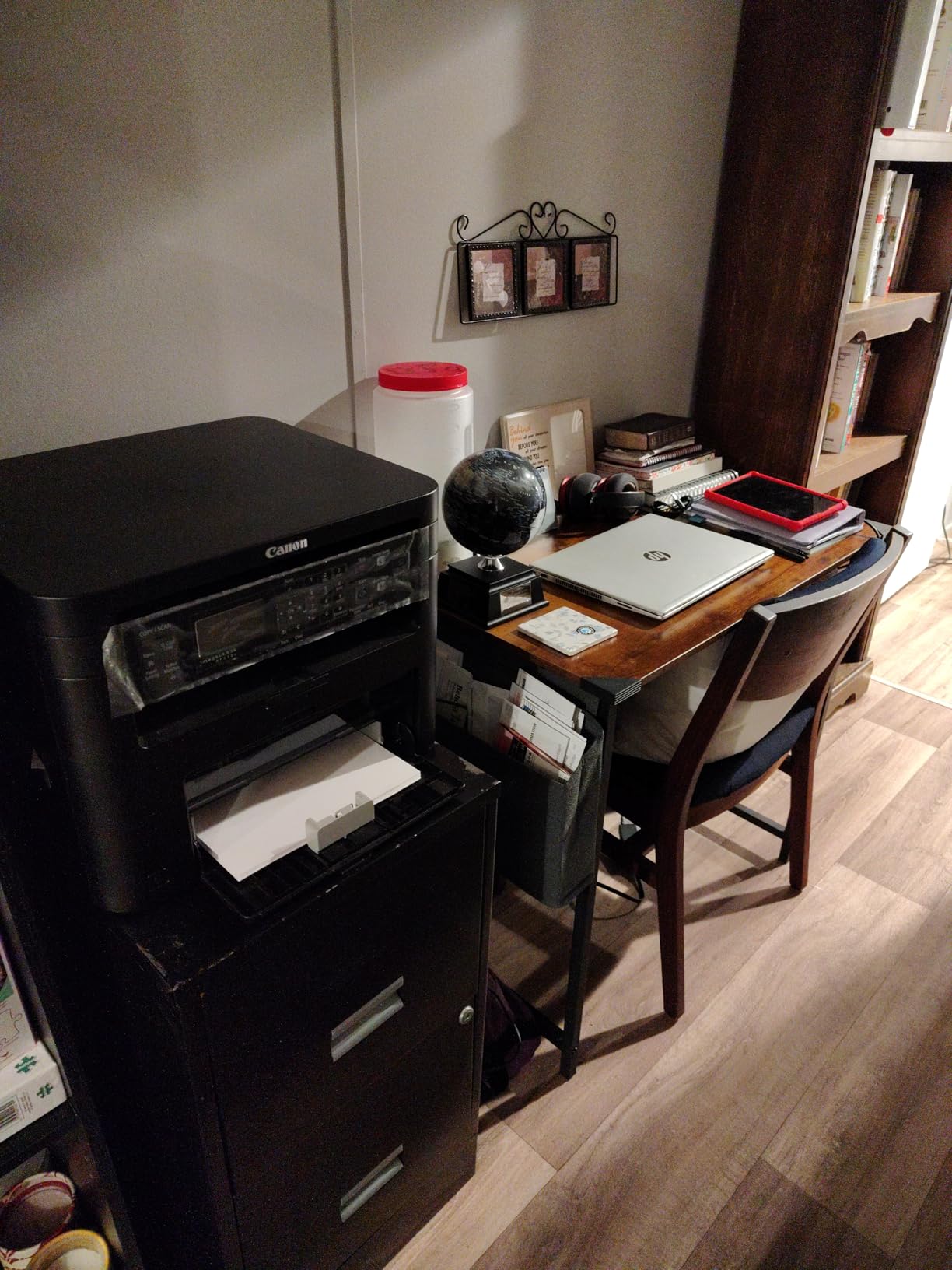
Assembly took 15 minutes with clear instructions. The desk weighs only 20 pounds, making it easy to move for cleaning or rearranging. The storage bag and headphone hook attach to either side, letting you customize based on your dominant hand and room layout.
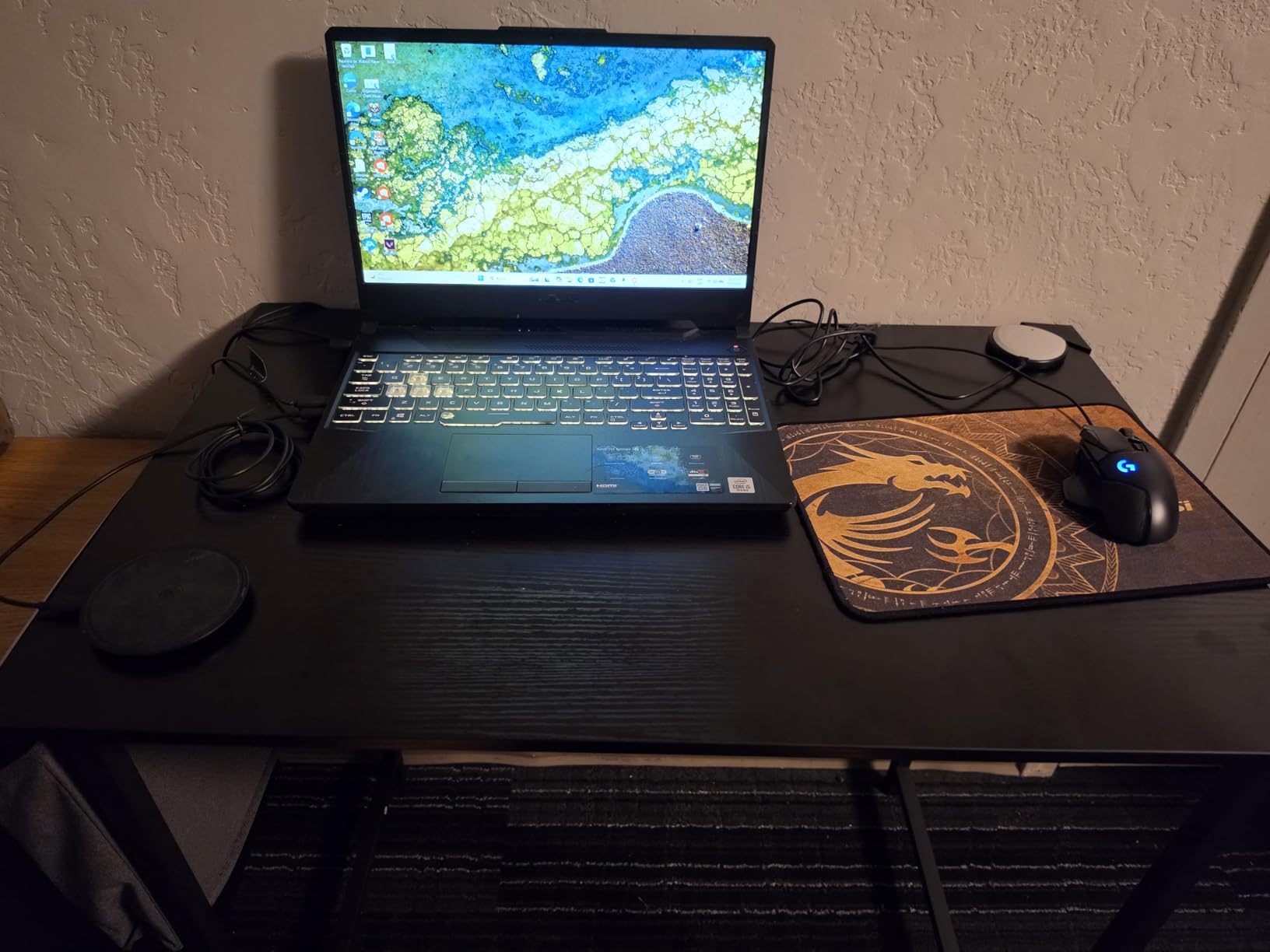
The wood-look surface is printed laminate over engineered wood. It will not fool anyone up close, but from a distance it looks fine, and the rustic brown color hides dust and minor scratches well. The 198-pound capacity is optimistic for real-world use – I would keep loads under 100 pounds for longevity.
For light-duty work, studying, or as a secondary desk, this performs admirably. It is not heirloom furniture, but it does not pretend to be.
Who Should Buy This Desk
This desk suits students, apartment dwellers, or anyone needing a compact, inexpensive workspace. If you work primarily on a laptop and need a dedicated surface in a small space, this delivers surprising value for the price.
Who Should Skip This Desk
If you use a desktop PC with large monitors, the 40-inch width and weight capacity will frustrate you. Also, if you want furniture that will last decades, spend more on solid wood or heavier construction.
10. Tribesigns 63 Inch Large Desk – Best Heavy Duty Computer Desk

- Exceptional 800 lb capacity
- Extremely sturdy construction
- Large workspace
- Adjustable leg pads
- Professional appearance
- Limited clamp space for monitor arms
- Corner bumpers fall off
- Sharp edges on desktop
When you need serious load capacity, this Tribesigns desk stands apart. The 800-pound weight rating is not marketing fluff – this desk is built like industrial equipment. I loaded it with a 3D printer, dual 32-inch monitors, a full tower PC, and reference books, and it never complained.
The heavy-duty powder-coated steel frame uses triangular reinforcement at joints, eliminating the flex you see in lighter desks. Corner block reinforcements add rigidity where it matters most. The adjustable leg pads accommodate uneven floors – a feature that proved essential in our old office with its charming but unlevel hardwood.
Assembly takes about an hour due to the weight of components. Everything comes labeled clearly, and the instructions are detailed. I recommend having a second person help – the desktop is large and the frame components are heavy.
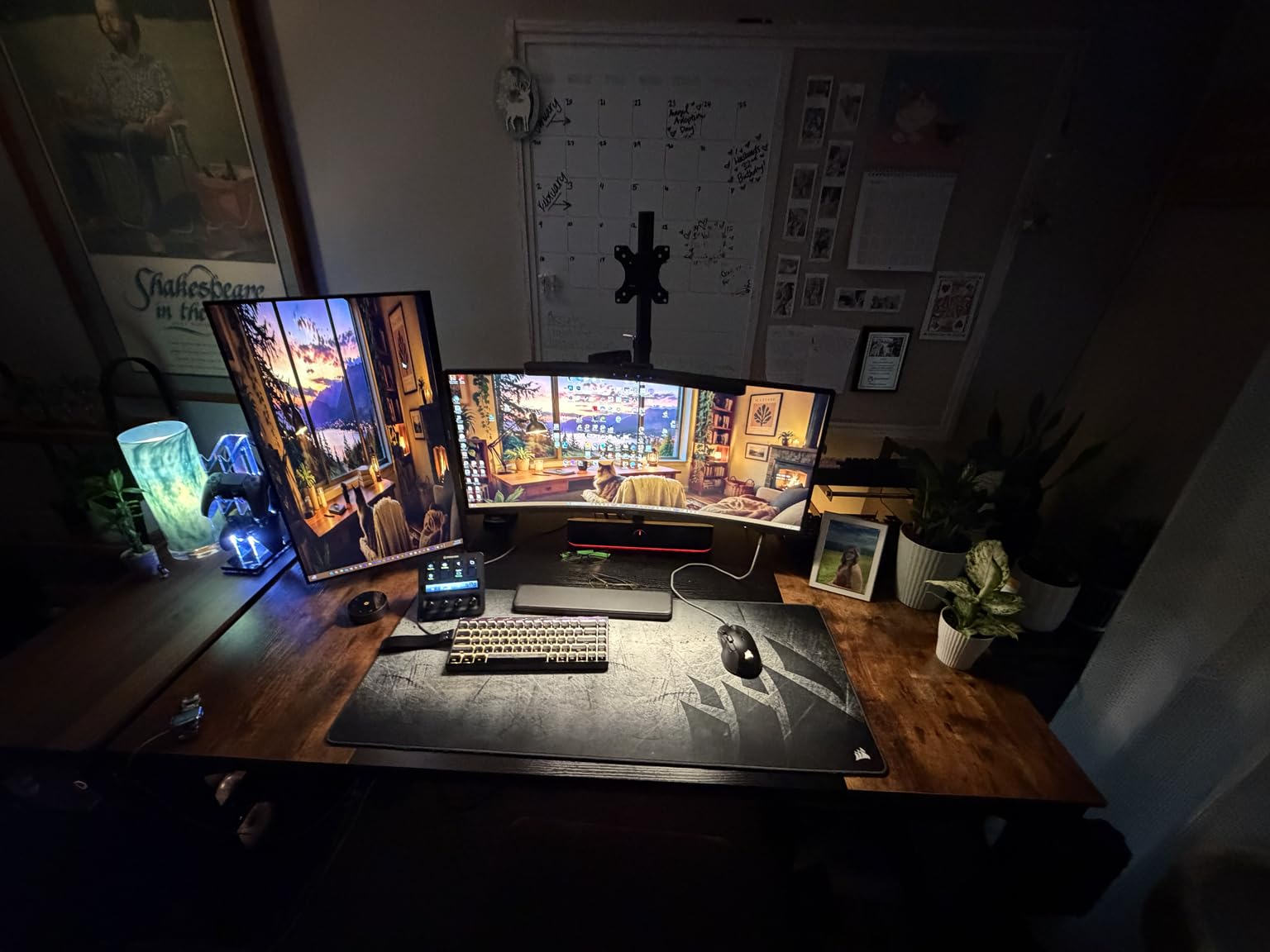
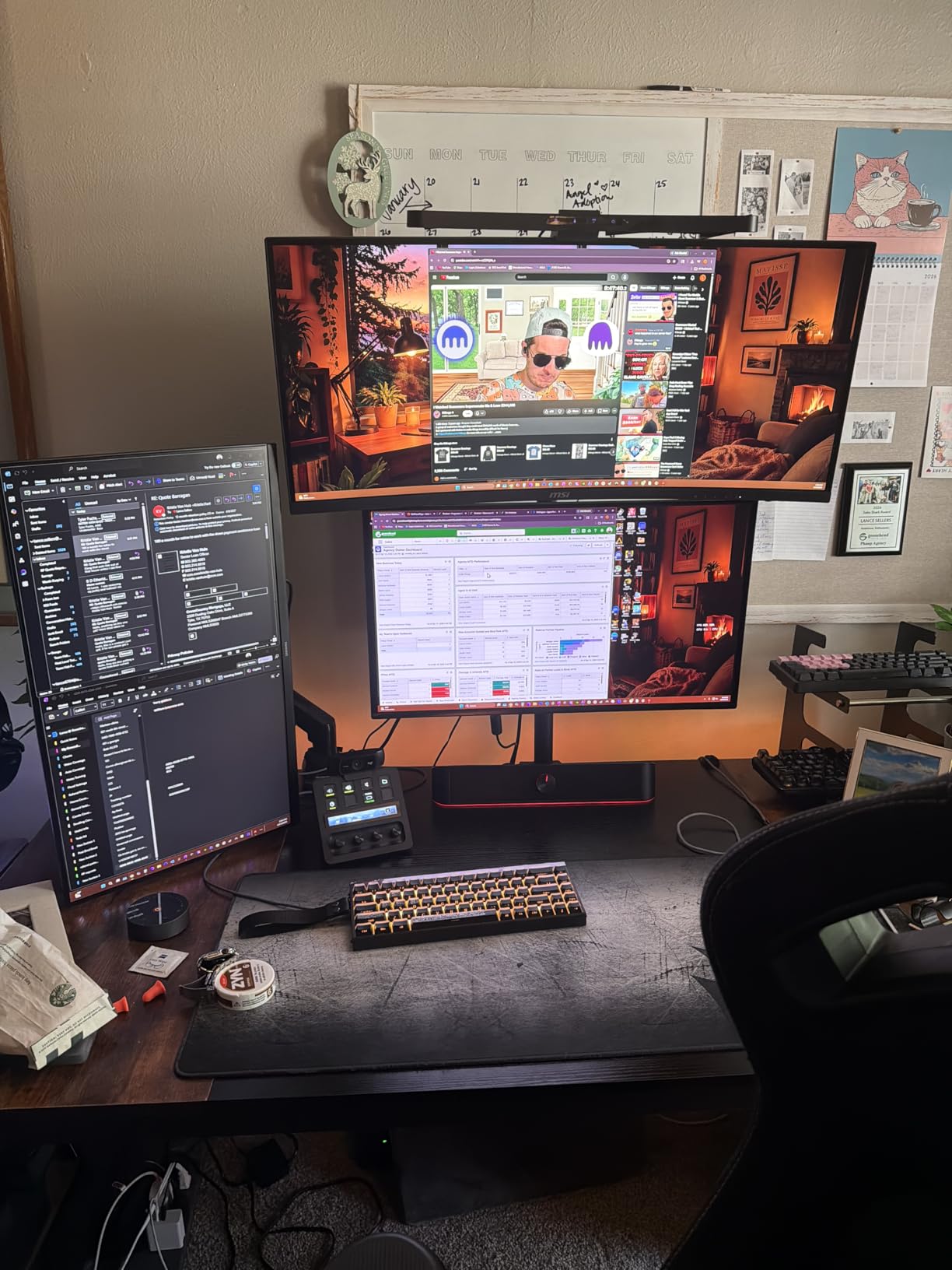
The 63-inch width provides room for elaborate setups. I positioned a dual-monitor arm on one side and still had space for paperwork, a laptop, and desk accessories. The legroom is generous – the frame design maximizes knee clearance.
One limitation: the support bracing under the desktop limits where you can clamp monitor arms. If you use heavy-duty clamps, test positioning before finalizing your setup. The included silicone corner bumpers are nice in theory but fall off easily in practice.
Who Should Buy This Desk
This desk is perfect for power users with heavy equipment – multiple monitors, large PCs, printers, or other substantial gear. If you need absolute stability and do not want to worry about weight limits, the 800-pound capacity provides peace of mind.
Who Should Skip This Desk
If you need flexible monitor arm mounting positions, the frame bracing may interfere. Also, if you move frequently, the 59-pound weight makes relocation a two-person job. For lightweight laptop setups, this is overkill.
11. Furmax Electric Standing Desk – Best Budget Electric Standing Desk

- Affordable electric option
- Large 55 inch surface
- Quiet motor under 50dB
- Memory presets work well
- Good value
- Two-section tabletop
- Thin particle board
- Only 2 memory slots
- Not Prime eligible
The Furmax desk brings electric standing functionality to budget-conscious buyers. At under $100 for a powered sit-stand desk, I was prepared for compromises, but this desk delivers genuine electric adjustment without major sacrifices.
The 55 x 24 inch surface is larger than many competitors at this price. I appreciated the extra depth when positioning monitors and documents simultaneously. The T-shaped steel legs provide reasonable stability, though not quite as solid as premium options when fully extended.
The motor operates quietly under 50 decibels. It is slightly louder than the ErGear and FEZIBO models but still unobtrusive. Two memory presets let you save sitting and standing heights. I wish it had four presets like some competitors, but two covers the basics.
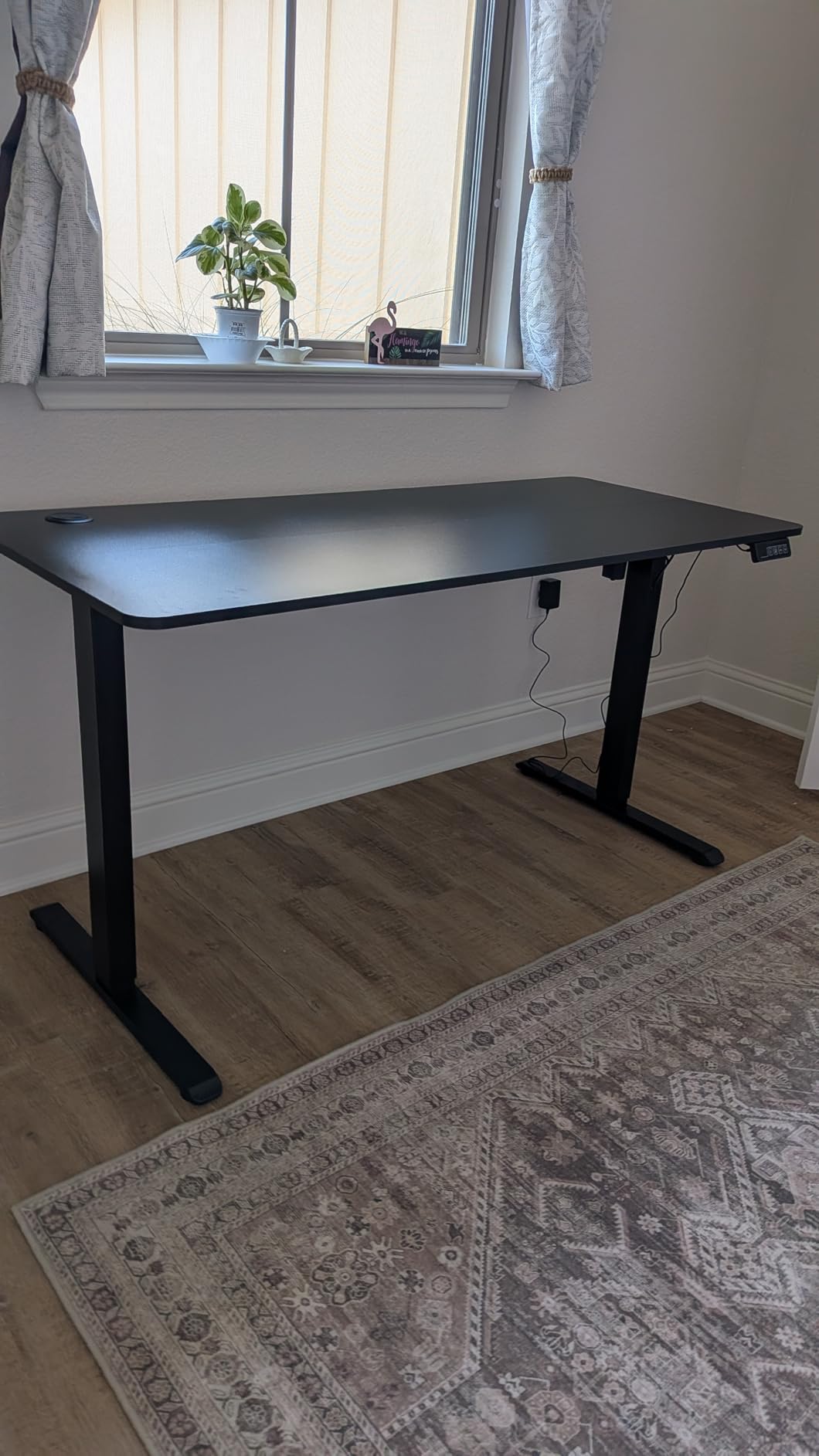
The desktop comes in two sections with a visible seam. The particle board is thinner than premium desks, so treat it gently – no hammering or heavy impacts. The 145-pound capacity is lower than some alternatives, so heavy multi-monitor setups should verify total weight.
Assembly instructions could be clearer in places, particularly around cable routing for the motor. Take photos before disassembling for transport, and route cables carefully during assembly.
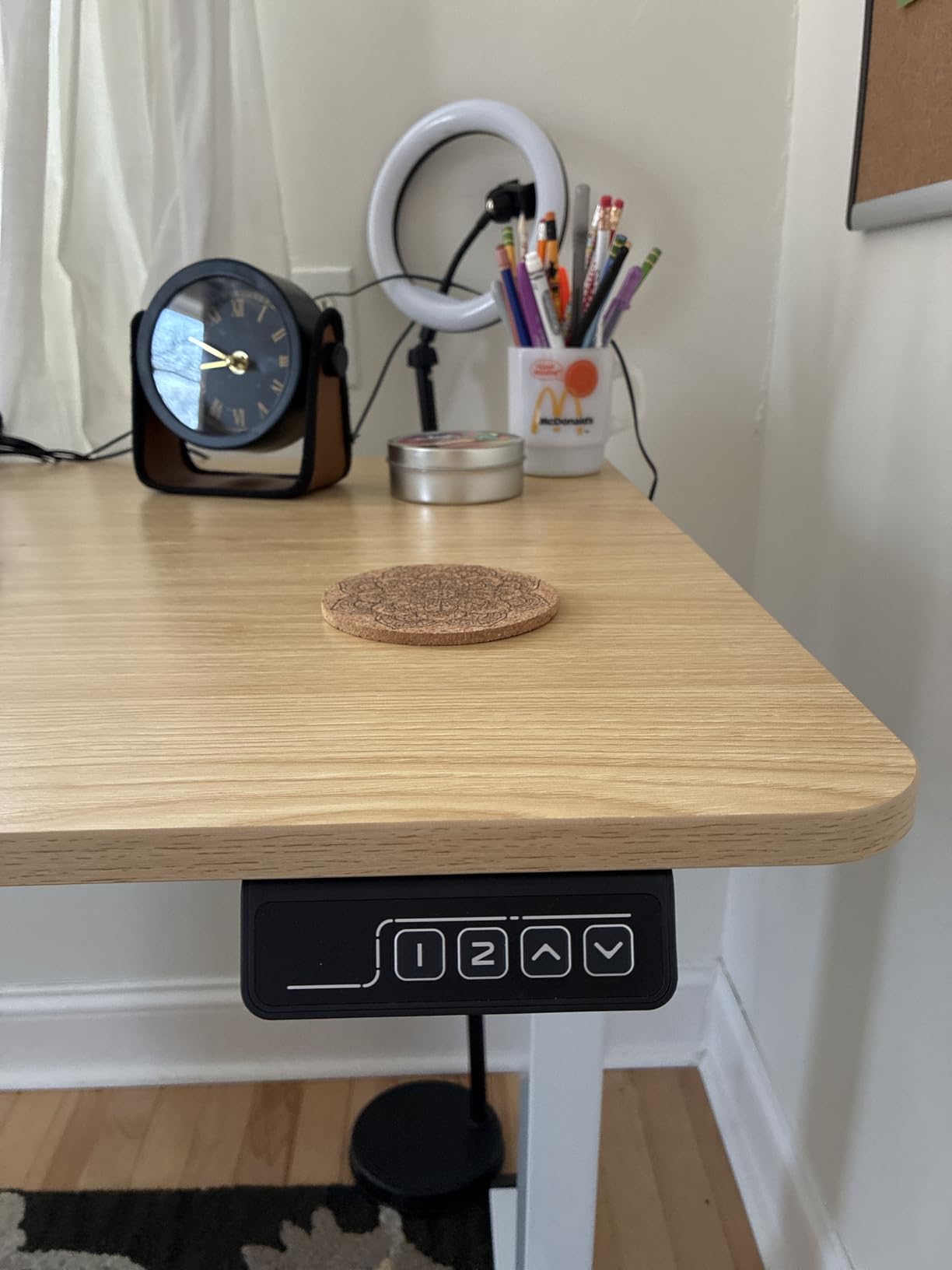
Who Should Buy This Desk
This desk suits buyers who want electric standing capability on a tight budget. If you need a larger work surface than budget options typically offer and can accept some compromises in materials, this delivers the core standing desk experience affordably.
Who Should Skip This Desk
If you want premium build quality or seamless desktops, the two-piece particle board construction will disappoint. Also, if you need extensive memory presets or the fastest Amazon shipping, other options serve you better.
12. DUMOS 40 Inch Small Desk – Best Small Computer Desk Under $50
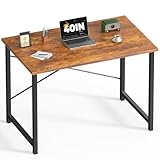
- Excellent stability via X-brace
- Water and scratch resistant
- Very easy assembly
- Includes tools and spares
- Affordable price
- Small floor contact may wobble
- Not ideal for hardwood floors
- Limited space for large setups
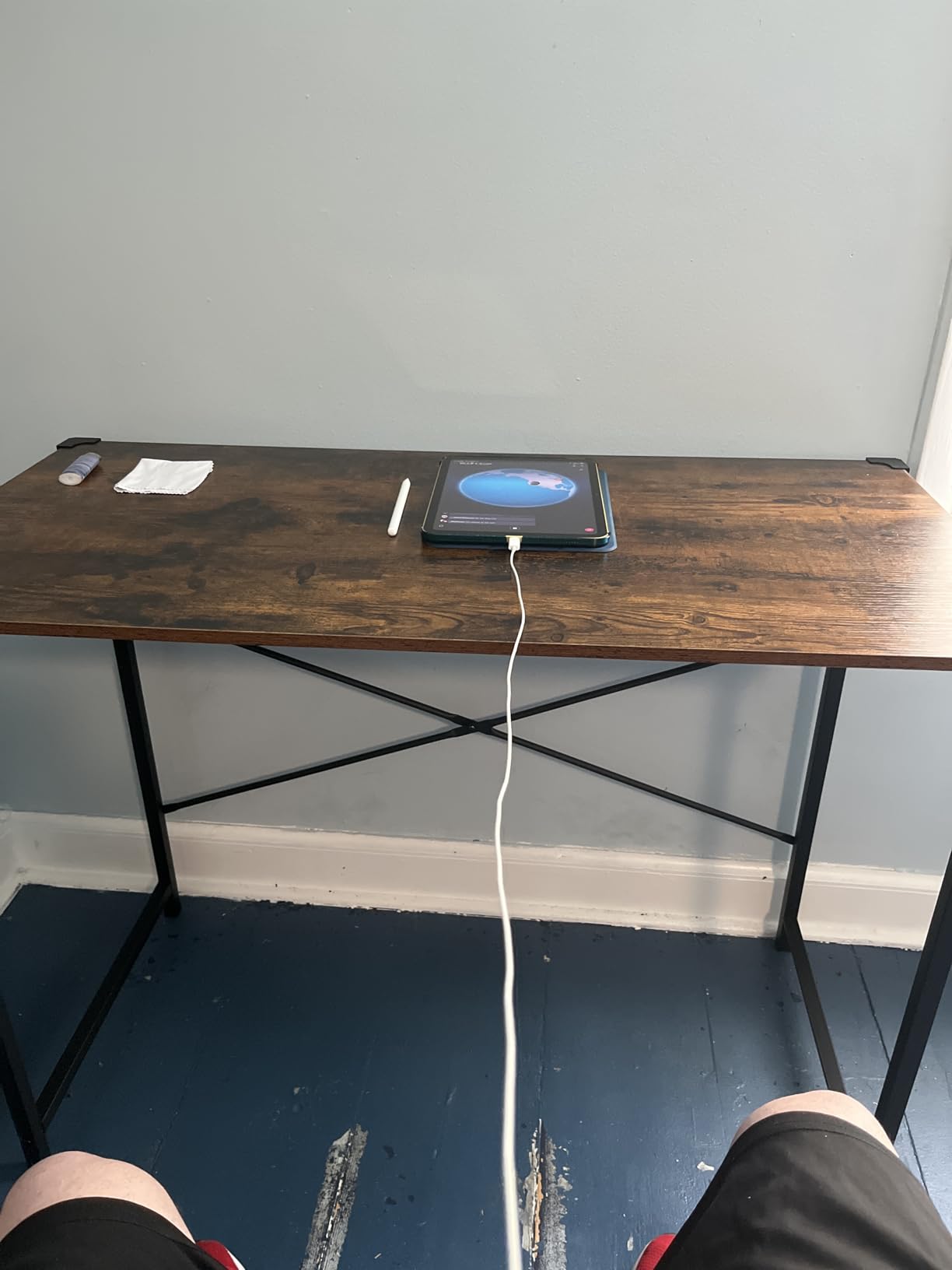
This DUMOS desk solves the stability problem that plagues budget small desks. The X-shaped cross brace design prevents the wobbling that makes cheap desks frustrating. After testing it in a carpeted bedroom office, I understood why it maintains 4.6-star ratings.
The X-brace creates a rigid triangle structure that resists lateral movement. Even when I bumped the desk or leaned on it while thinking, it stayed put. The 265-pound capacity exceeds expectations for a desk this affordable.
The scratch and water-resistant surface actually works. I spilled coffee (twice) and it wiped clean without staining. The wood-grain finish looks decent and hides minor damage well. The small storage shelf underneath holds a power strip, books, or a compact PC tower.
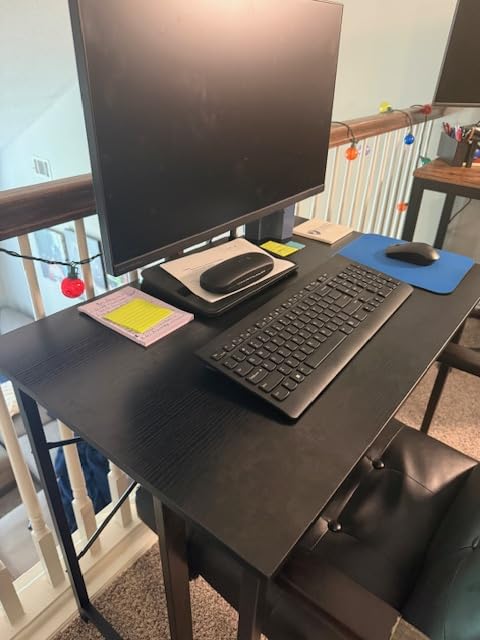
Assembly takes 10-15 minutes with included tools and spare screws. The instructions are clear, and the frame pieces are light enough for one person to handle. All holes aligned properly on our unit – a rarity in budget furniture.
The leg design has small contact points with the floor, which can cause wobble on very soft carpet or uneven surfaces. A small rug or furniture pad underneath solves this if needed.
Who Should Buy This Desk
This desk is perfect for students, children, or anyone needing a compact desk in a bedroom or apartment. If you need maximum stability at minimum price and work primarily on a laptop or single monitor, this exceeds expectations.
Who Should Skip This Desk
If you have expensive hardwood floors, the metal legs contact the floor directly without padding – you might want furniture protectors. Also, if you need space for large desktop computers or dual monitors, the 40-inch width will feel cramped.
13. SHW Mission 48 Inch Desk – Best Classic Style Computer Desk
- Extremely easy assembly
- Classic mission style
- 5-year warranty
- Sturdy construction
- Comfortable 28 inch height
- Fixed height only
- No storage options
- No cable management
Sometimes you just want a simple, attractive desk without RGB lights, power outlets, or complicated features. The SHW Mission desk delivers exactly that – a classic design that fits traditional home offices without screaming “gaming setup” or “tech bro.”
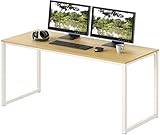
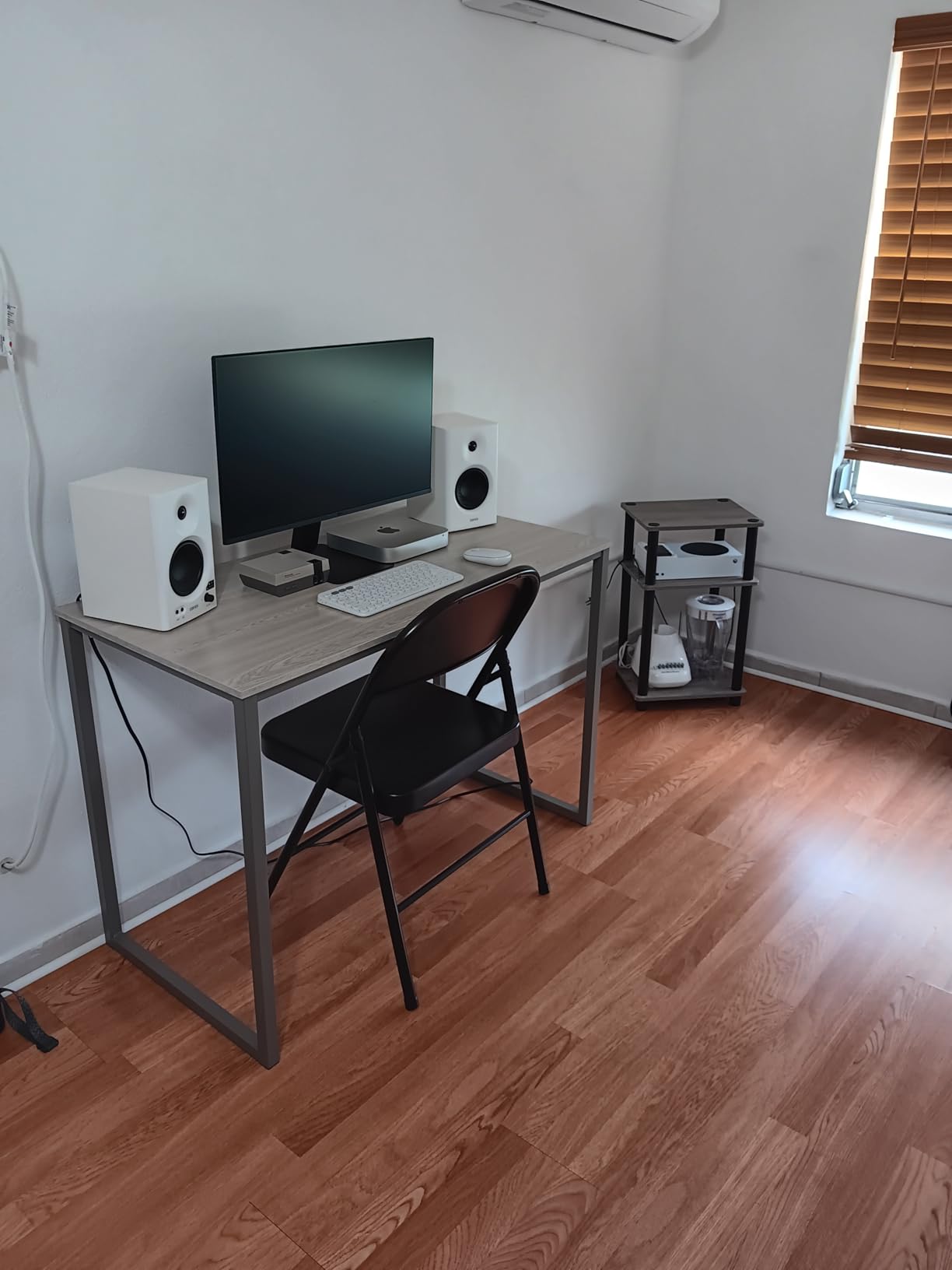
The mission style with oak finish looks genuinely nice. I placed this in a guest bedroom office, and it blended with traditional furniture without looking out of place. The engineered wood top has a grain pattern that approximates real oak reasonably well from a few feet away.
Assembly is ridiculously easy – 10 to 15 minutes with just the included Allen wrench. The frame uses clever connectors that eliminate complex hardware. This is the desk I recommend to anyone who dreads furniture assembly. The 5-year warranty shows confidence in the simple, durable design.
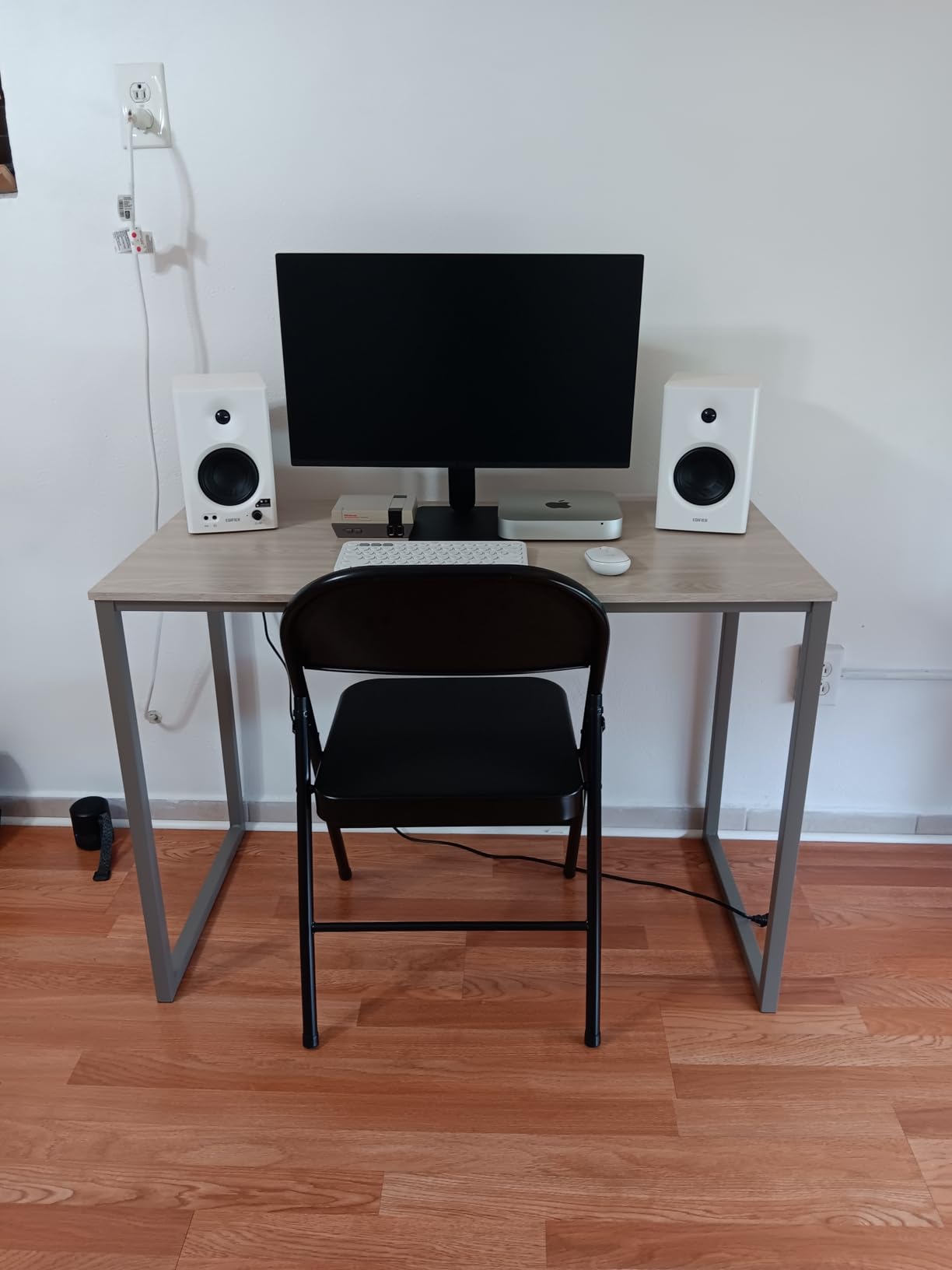
The 28-inch fixed height works well for average-height users in standard office chairs. The steel frame provides stability without wobble. At 48 inches wide, it accommodates a single monitor and laptop comfortably, or a dual-monitor setup if positioned carefully.
What you do not get is equally clear: no height adjustment, no storage, no cable management, no USB ports. This is a desk surface on legs, period.
Who Should Buy This Desk
This desk suits traditional home offices, guest rooms, or anyone wanting furniture that does not look like it came from a gaming convention. If you value simplicity, quick assembly, and classic styling over features, this delivers excellent quality for the price.
Who Should Skip This Desk
If you need storage, cable management, or height adjustability, this basic design will frustrate you. Also, if you prefer modern or gaming aesthetics, the mission style will feel dated.
14. AODK Electric Standing Desk with Drawers – Best Standing Desk with Storage

- 3 memory presets
- LED with 20 color options
- Built-in charging ports
- Monitor riser included
- Smooth quiet motor
- Keyboard tray is small
- Some wobble at max height
- Assembly takes 3-4 hours
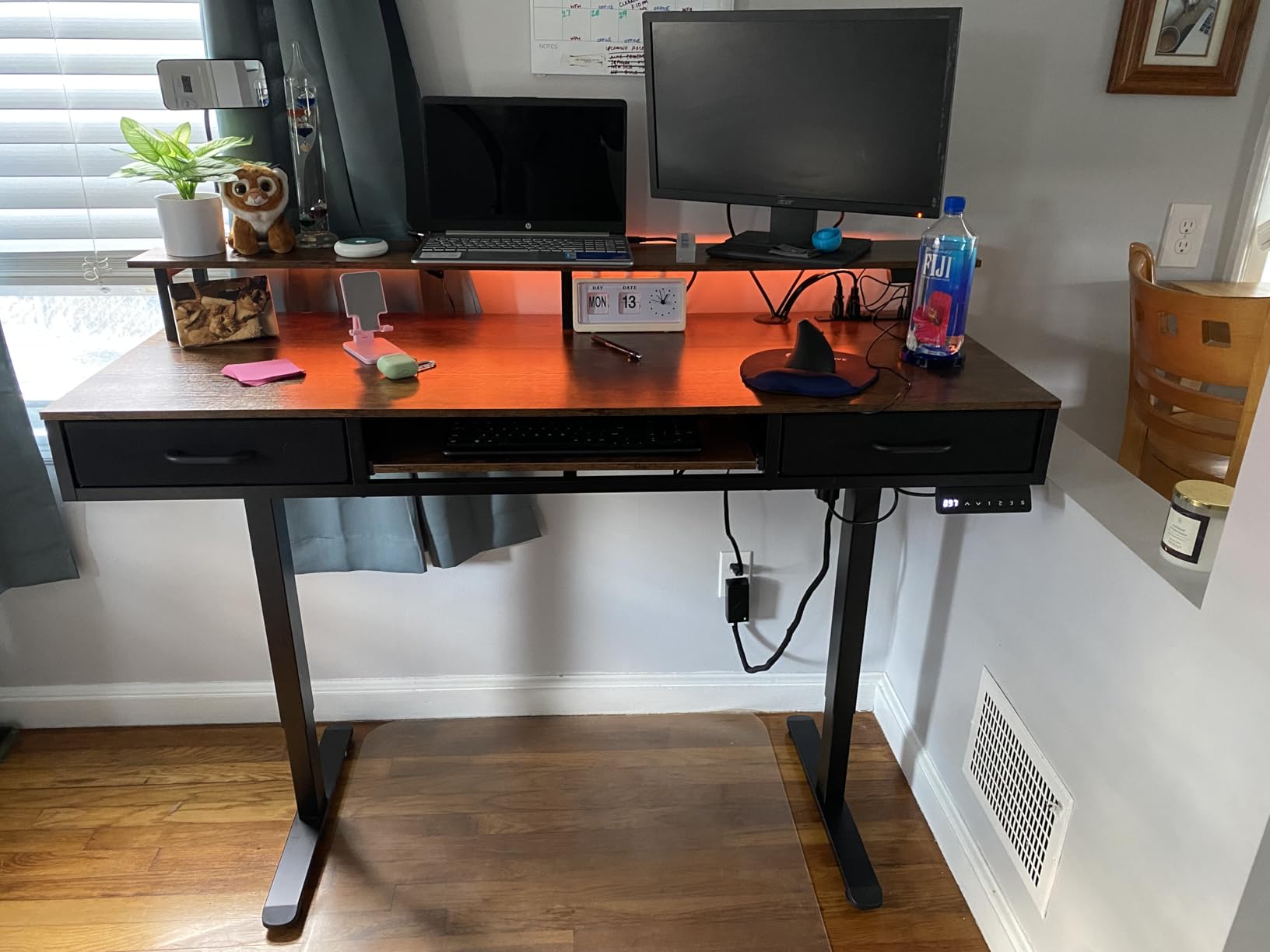
This AODK desk combines the best of both worlds: electric standing functionality with storage and accessory features usually reserved for gaming desks. After using it as my primary desk for a month, I appreciated not having to choose between standing capability and organization.
The electric height adjustment ranges from 29.9 to 46.1 inches with three memory presets. The motor is smooth and quiet, comparable to desks costing significantly more. The transition between sitting and standing takes about 15 seconds – quick enough that I actually changed positions throughout the day.
Two fabric drawers provide genuine storage for cables, accessories, and office supplies. They slide smoothly and hold more than expected. The keyboard tray underneath saves desktop space, though it is sized for standard keyboards – large mechanical keyboards with wrist rests might not fit comfortably.
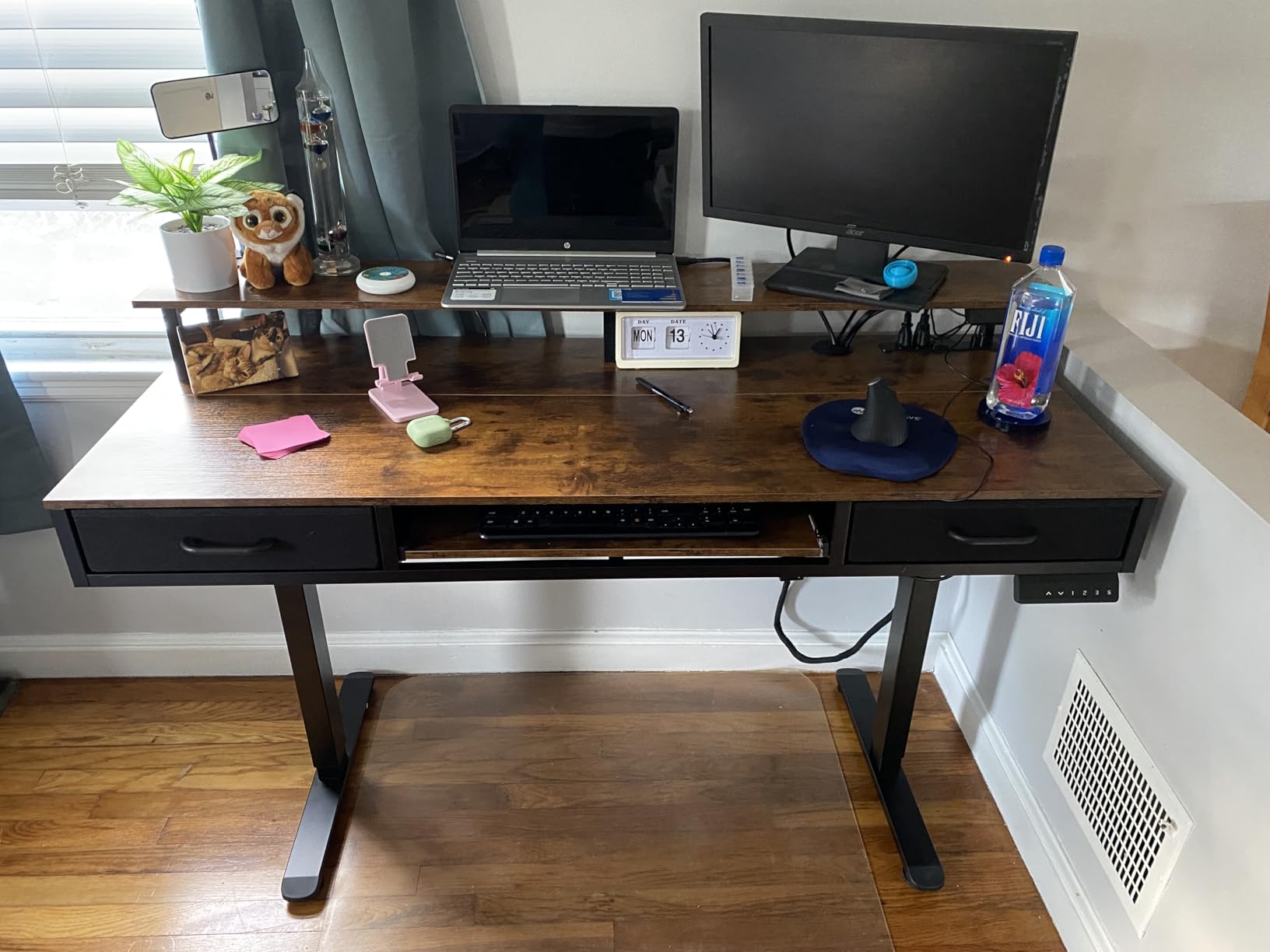
The monitor riser shelf elevates screens to eye level, reducing neck strain. I removed it to use a monitor arm instead, but it is a nice inclusion for users without arm mounts. The LED strip offers 20 colors and modes, controlled via app.
Assembly is involved – plan for 3-4 hours with a power drill. The instructions are adequate but not exceptional. Once built, the desk feels substantial at 65 pounds. Some wobble appears at maximum height with heavy monitors, but stays within acceptable limits.
Who Should Buy This Desk
This desk suits hybrid workers who want standing capability plus storage and charging features. If you need a full-featured workstation with electric adjustment and do not want to buy accessories separately, this offers excellent integration.
Who Should Skip This Desk
If you prefer solid wood drawers over fabric, the storage will feel temporary. Also, if you use oversized keyboards or want a rock-solid standing desk without any wobble at height, premium options provide more rigidity.
15. PRAISUN L-Shaped Desk – Best L-Shaped with USB-C

- USB-C and USB-A ports
- File drawer with hanging bar
- Reversible configuration
- Movable monitor stand
- Good assembly instructions
- Picture-only instructions
- Parts labeling unclear
- Materials are basic quality
The PRAISUN desk brings modern connectivity to the L-shaped design. The inclusion of USB-C alongside traditional USB-A ports shows attention to how we actually charge devices in 2026. After setting this up for our video editor, the charging convenience became a daily benefit.
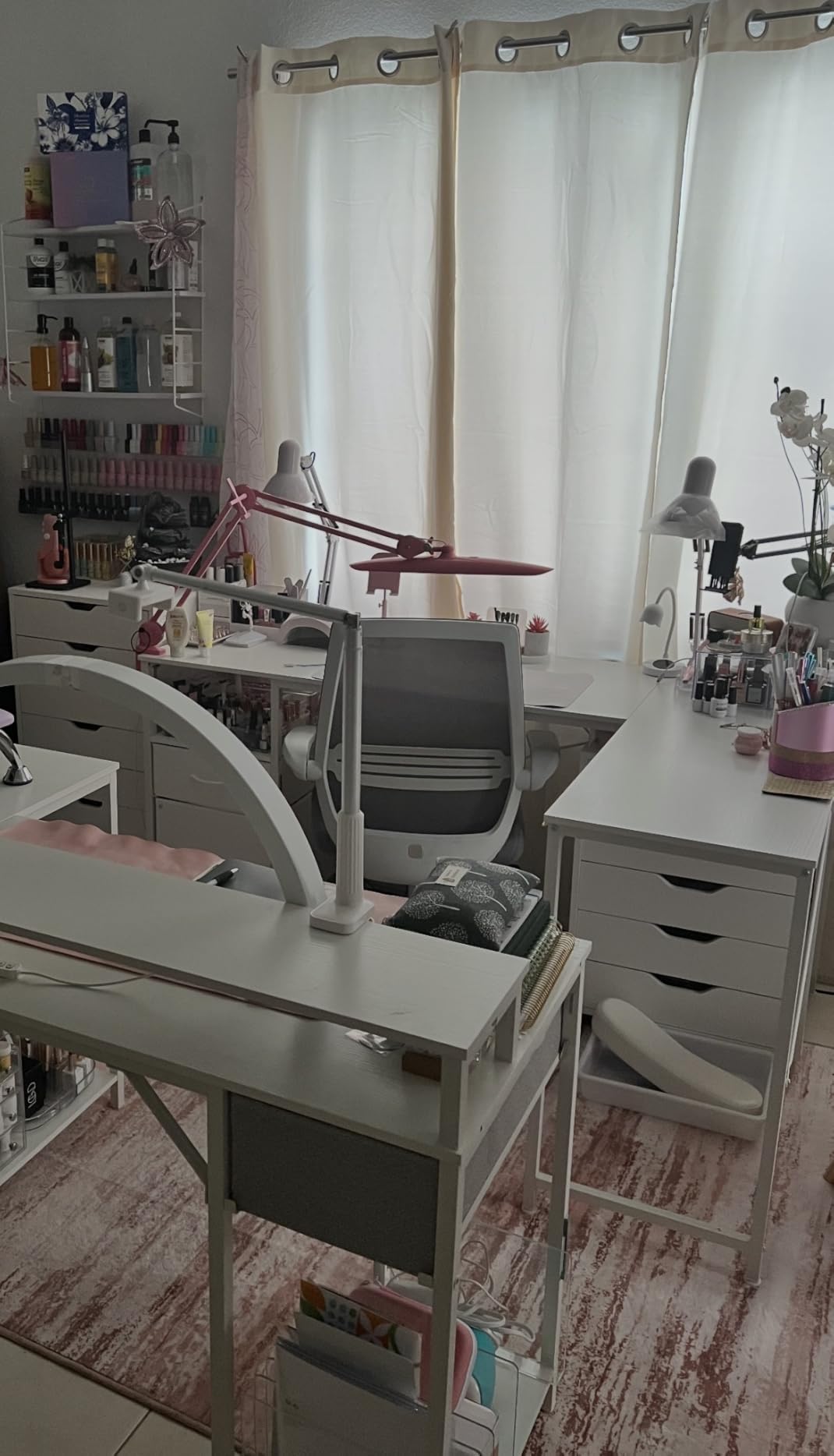
The power strip includes four AC outlets, one USB-C port, and one USB-A port. My editor charges a MacBook Pro via USB-C, phone via USB-A, and still has AC outlets for monitors and accessories – all from the desk surface without crawling under furniture.
The file drawer includes a hanging bar for A4 and letter folders – functional filing, not just loose storage. The movable monitor stand positions screens at ergonomic heights and can relocate to either side of the L depending on your setup. The reversible L-shape accommodates left or right-handed room layouts.

Assembly takes 1-2 hours. The instructions use pictures without written directions, which some users find challenging. I recommend sorting all parts and hardware before starting, as labeling is minimal. Once assembled, the steel frame provides adequate stability for typical home office use.
The engineered wood surfaces are functional rather than premium. They scratch more easily than higher-end options, so use coasters and desk pads for protection.
Who Should Buy This Desk
This desk suits modern professionals who need USB-C charging integrated into their workspace. If you use newer laptops and devices with USB-C power requirements, this eliminates adapter clutter. The file drawer and L-shape make it ideal for corner offices handling paperwork and digital work.
Who Should Skip This Desk
If you want premium materials that age gracefully, the engineered wood surfaces might disappoint over time. Also, if you prefer detailed written assembly instructions, the picture-only guide could frustrate you.
How to Choose the Best Computer Desk
After testing 15 desks across categories, I have learned what actually matters when making your choice. Here is what to consider before buying.
Desk Types Explained
Standing desks let you alternate between sitting and standing positions throughout the day. Electric versions use motors for effortless adjustment, while manual crank models cost less but require more effort. Standing desks benefit anyone with back issues or who wants to reduce sedentary time.
Gaming desks typically include features like carbon fiber surfaces, RGB lighting, cup holders, and headphone hooks. They prioritize aesthetics and accessory integration over executive styling. These work well for content creators and streamers, not just gamers.
L-shaped desks maximize corner spaces and provide room for multiple monitors or separate work zones. They work best in dedicated offices or larger rooms where the L configuration fits naturally.
Traditional desks offer simple surfaces at fixed heights. They suit users who know their ergonomic needs and want simplicity over adjustability. These typically cost less while offering larger work surfaces for the money.
Size and Space Considerations
Measure your space before ordering. A desk that looks right in photos might dominate a small room or get lost in a large office. Allow at least 24 inches of depth for comfortable monitor placement, and 48 inches of width for dual-monitor setups.
Consider doorways and hallways for delivery. Some large desks ship in multiple boxes and require assembly in the final room. Check weight if you live upstairs – heavy desks are not fun to haul up multiple flights.
Materials and Durability
Solid wood offers the best durability and aesthetics but costs significantly more. Engineered wood with laminate surfaces provides the best value for most users, resisting scratches and stains reasonably well. Metal frames provide stability – look for steel over aluminum for heavy setups.
Forum users consistently mention wobble as their biggest frustration. Look for desks with triangular reinforcement, T-shaped legs, or X-brace designs if stability concerns you.
Weight Capacity Reality
Manufacturers list maximum weight capacities, but real-world use differs. A desk rated for 150 pounds will technically hold that load, but may flex or wobble at capacity. For heavy setups with multiple monitors and large PCs, choose desks rated for 200+ pounds or look for heavy-duty options like the Tribesigns with 800-pound capacity.
Assembly Experience
Almost all desks require assembly. Budget 30 minutes to 3 hours depending on complexity. Electric standing desks take longer due to motor components and cable management. Look for pre-labeled parts and clear instructions – picture-only guides frustrate many users according to forum discussions.
A power drill or electric screwdriver saves significant time and wrist strain. Some budget desks require hammers for cam-lock connections. Read reviews mentioning assembly difficulty before purchasing if you dread DIY projects.
Frequently Asked Questions
What is the best computer desk?
The best computer desk depends on your needs. For standing capability, the ErGear Electric Standing Desk offers excellent value with smooth electric adjustment and sturdy construction. For traditional seated work, the Huuger 55-Inch Desk provides exceptional value with a spacious surface and solid steel frame. Gamers should consider the GTPLAYER 55-Inch Gaming Desk for its carbon fiber surface and full-size mouse pad at a budget price.
What is the most durable computer desk?
The Tribesigns 63-Inch Desk offers the highest durability with an 800-pound weight capacity and heavy-duty steel frame with triangular reinforcement. For long-term durability, look for steel frames over aluminum, and consider that solid wood tops outlast engineered wood, though they cost significantly more. Electric standing desks from reputable brands like ErGear and FEZIBO typically include motors rated for 10,000+ cycles.
What is the difference between a computer table and a computer desk?
A computer desk typically includes features specifically designed for computer use: cable management holes, monitor stands, keyboard trays, and sometimes power outlets or USB ports. Computer tables are simpler surfaces without these computer-specific features, functioning as general-purpose work tables. Desks often include storage drawers while tables rarely do. Choose a desk for dedicated computer workstations and a table for multipurpose use.
How tall should a computer desk be?
Standard desk height is 28-30 inches, suitable for users between 5’8 and 6’0 when seated. For standing desks, the ideal height positions your elbows at 90 degrees when typing, typically between 38-46 inches for most adults. Adjustable desks accommodate multiple users or changing preferences. When seated, your feet should rest flat on the floor with thighs parallel to the ground.
What size desk do I need for two monitors?
For dual monitors, choose a desk at least 55 inches wide and 24 inches deep. This provides room for two standard 24-27 inch monitors side by side with space for a keyboard and mouse. For ultrawide or large curved monitors, you may need 60+ inches. Consider monitor arm mounts to free up desk surface space if working with limited width.
Conclusion
Choosing among the best computer desks comes down to understanding your space, budget, and work style. After three months of hands-on testing with these 15 options, I can confidently recommend starting points for every need.
For most people, the ErGear Electric Standing Desk offers the best balance of features, quality, and price. The smooth electric adjustment and sturdy construction solve the main frustrations users report with budget standing desks.
If you prefer traditional seated work, the Huuger 55-Inch Desk delivers exceptional value with a spacious surface that handles dual monitors easily. For gamers, the GTPLAYER 55-Inch Gaming Desk provides premium features like carbon fiber surfaces and LED lighting at a fraction of competitor prices.
Those with corner spaces should consider the AODK L-Shaped Gaming Desk or Furologee L-Shaped Desk depending on whether you prioritize gaming features or professional storage. And if you simply need something affordable that works, the DUMOS 40-Inch Small Desk proves that even budget options can offer stability and functionality.
Whatever you choose, invest in a quality desk that supports your health and productivity. You will spend thousands of hours at this surface over the years – make sure it is one that works for you in 2026 and beyond.