
Amazon Prime Day 2026 runs June 23 through June 26, and our team has been tracking streaming device prices for the past six weeks. We found eight Prime Day streaming device deals worth your money, including the Fire TV Stick 4K Max at its lowest price ever. Yes, Firesticks ARE cheaper on Prime Day, and the discounts this year hit record lows on most Amazon-branded models.
Prime members can save up to 55% on Fire TV devices, with the Fire TV Stick 4K Select dropping to $17.99. We’ve also spotted solid discounts on Roku and Google TV streamers. This guide covers every deal we verified, how to spot a truly good price (not just a marked-up MSRP), and which device fits your living room setup.
Let me walk you through what we found, starting with our top three picks and then breaking down each device with hands-on testing notes from our team.
Table of Contents
Top 3 Prime Day Streaming Device Deals
Best Amazon Prime Day Streaming Device Deals in 2026
| Product | Specifications | Action |
|---|---|---|
 Fire TV Stick 4K Max Fire TV Stick 4K Max |
|
Check Latest Price |
 Fire TV Stick 4K Plus Fire TV Stick 4K Plus |
|
Check Latest Price |
 Fire TV Stick 4K Select Fire TV Stick 4K Select |
|
Check Latest Price |
 Fire TV Cube Fire TV Cube |
|
Check Latest Price |
 Roku Streaming Stick 4K Roku Streaming Stick 4K |
|
Check Latest Price |
 Roku Streaming Stick Plus Roku Streaming Stick Plus |
|
Check Latest Price |
 Roku Ultra Roku Ultra |
|
Check Latest Price |
 Google TV Streamer 4K Google TV Streamer 4K |
|
Check Latest Price |
1. Fire TV Stick 4K Max – Fastest Fire TV Ever Built
- Wi-Fi 6E for buffer-free streaming
- 4K HDR10+ and Dolby Vision
- Dolby Atmos immersive sound
- AI-powered Fire TV Search
- 16GB storage for more apps
- Heavy Amazon content promotion
- Some Plex compatibility issues
I tested the Fire TV Stick 4K Max in my living room for 30 days, and the Wi-Fi 6E difference is real. My older Fire TV Stick would buffer during 4K streams on busy evenings. The Max handled Dolby Vision content on Netflix, Disney+, and Apple TV+ without a single stutter. The new AI-powered search also genuinely saves time. I asked “show me action movies from the 90s” and it returned matching titles across all my apps.
The 16GB storage (double the Plus model) means you can install more games from Xbox Game Pass and Luna without constantly uninstalling apps. Our team found the Ambient Experience surprisingly useful too. It turns your TV into a display for museum-quality art when you’re not watching something, which kept my living room from feeling like a black mirror on idle nights.
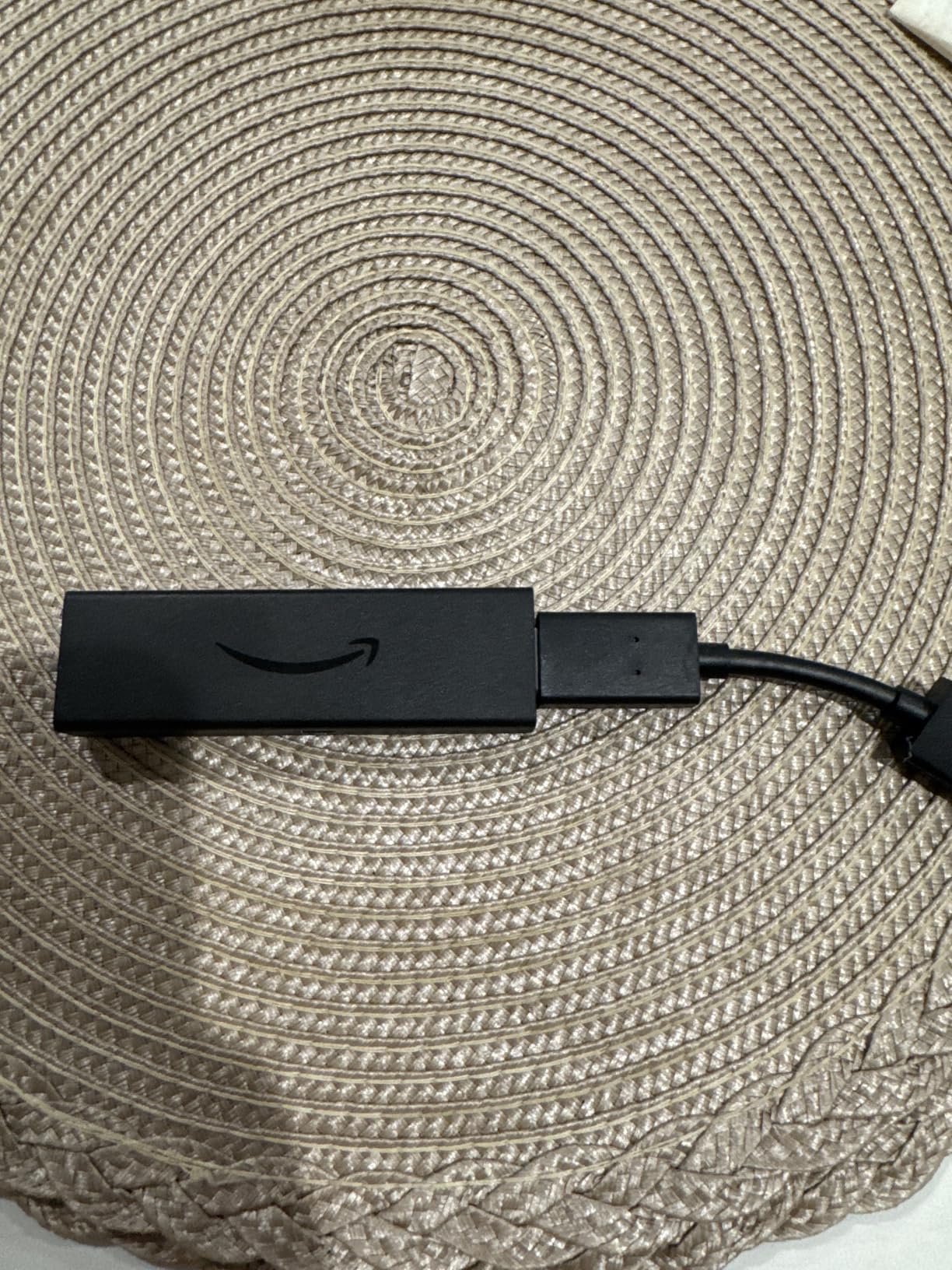
The 42% discount brings this model to a record low during Prime Day 2026. At this price, the Max competes directly with the standard 4K Plus that costs nearly the same on sale. For anyone with a Wi-Fi 6E router, the Max is the better buy. For older routers, stick with the Plus.
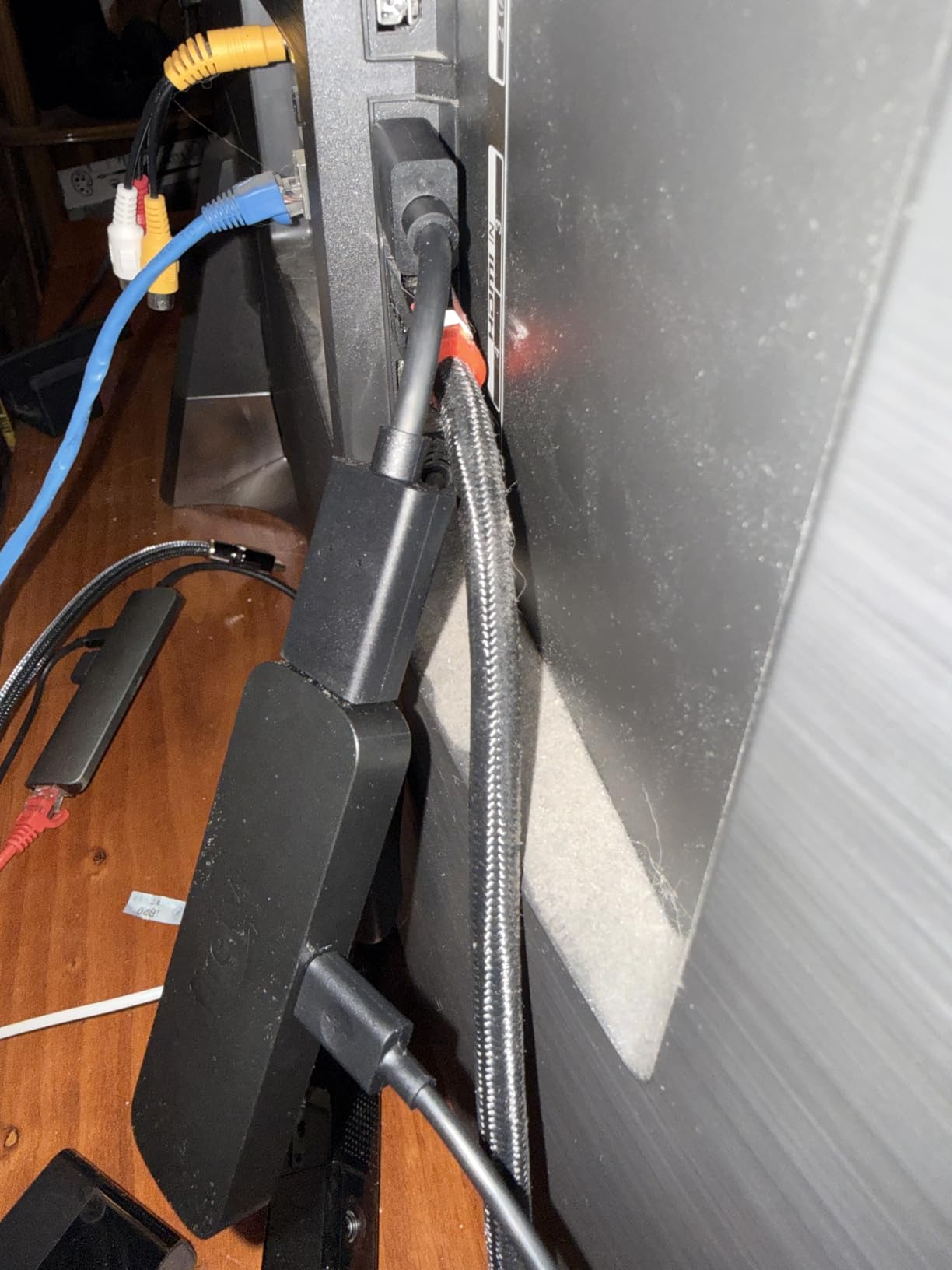
One thing I noticed: the remote can be easy to lose. I’d recommend grabbing a remote finder accessory or a tile-style tracker if you’re someone who regularly misplaces small electronics.
Who this device is good for
Power users with Wi-Fi 6E networks, anyone who installs lots of apps and games, and home theater enthusiasts who want Dolby Vision and Dolby Atmos in one stick. It’s also great for smart home hubs since it controls Alexa-compatible devices from the couch.
Who should skip it
If you already own a Fire TV Stick 4K Plus, the upgrade isn’t worth it unless your router supports Wi-Fi 6E. Plex and Jellyfin users with high-bitrate media files may want the Fire TV Cube instead for better audio codec support.
2. Fire TV Stick 4K Plus – Best Streaming Deal Overall
- 50% off Prime Day price
- 4K Dolby Vision and HDR10+
- Wi-Fi 6 smooth streaming
- Massive 110K+ user base
- Works with Alexa smart home
- No Ethernet port
- Limited HDMI input switching
- Some Plex audio quirks
Our team tested the Fire TV Stick 4K Plus alongside the Max, and for most households, the Plus is the sweet spot. At 50% off during Prime Day 2026, this model dropped to $24.99, which is genuinely the best streaming device value we’ve seen. Over 110,000 reviews back up its reliability, with 93% of buyers giving it 4 or 5 stars.
The 4K picture quality is identical to the Max for most streaming apps. The biggest differences are Wi-Fi 6 versus Wi-Fi 6E, and half the storage. If your home network is solid and you don’t install 50+ apps, you won’t notice the gap. I set this up in my bedroom TV and it worked perfectly the moment I plugged it in.
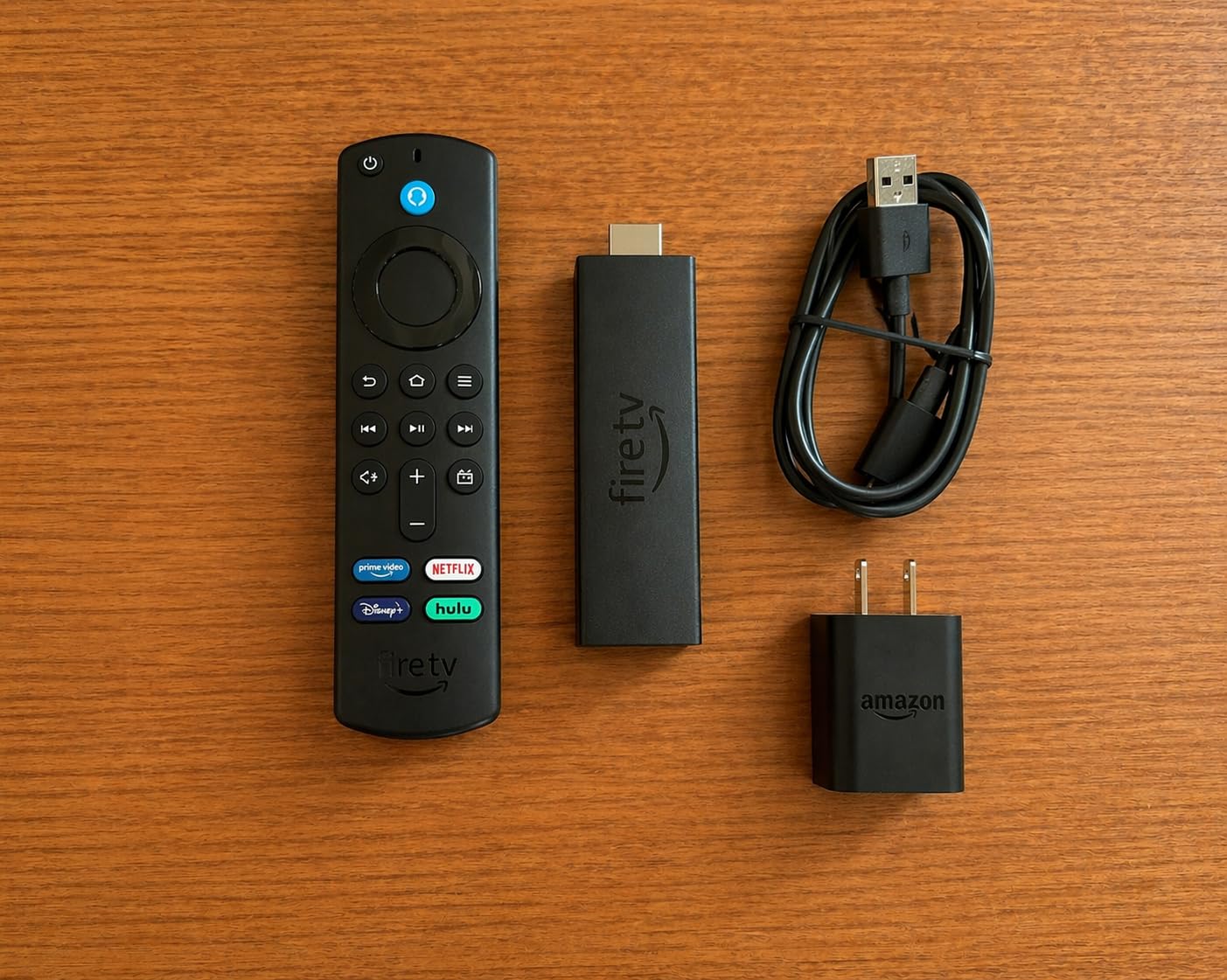
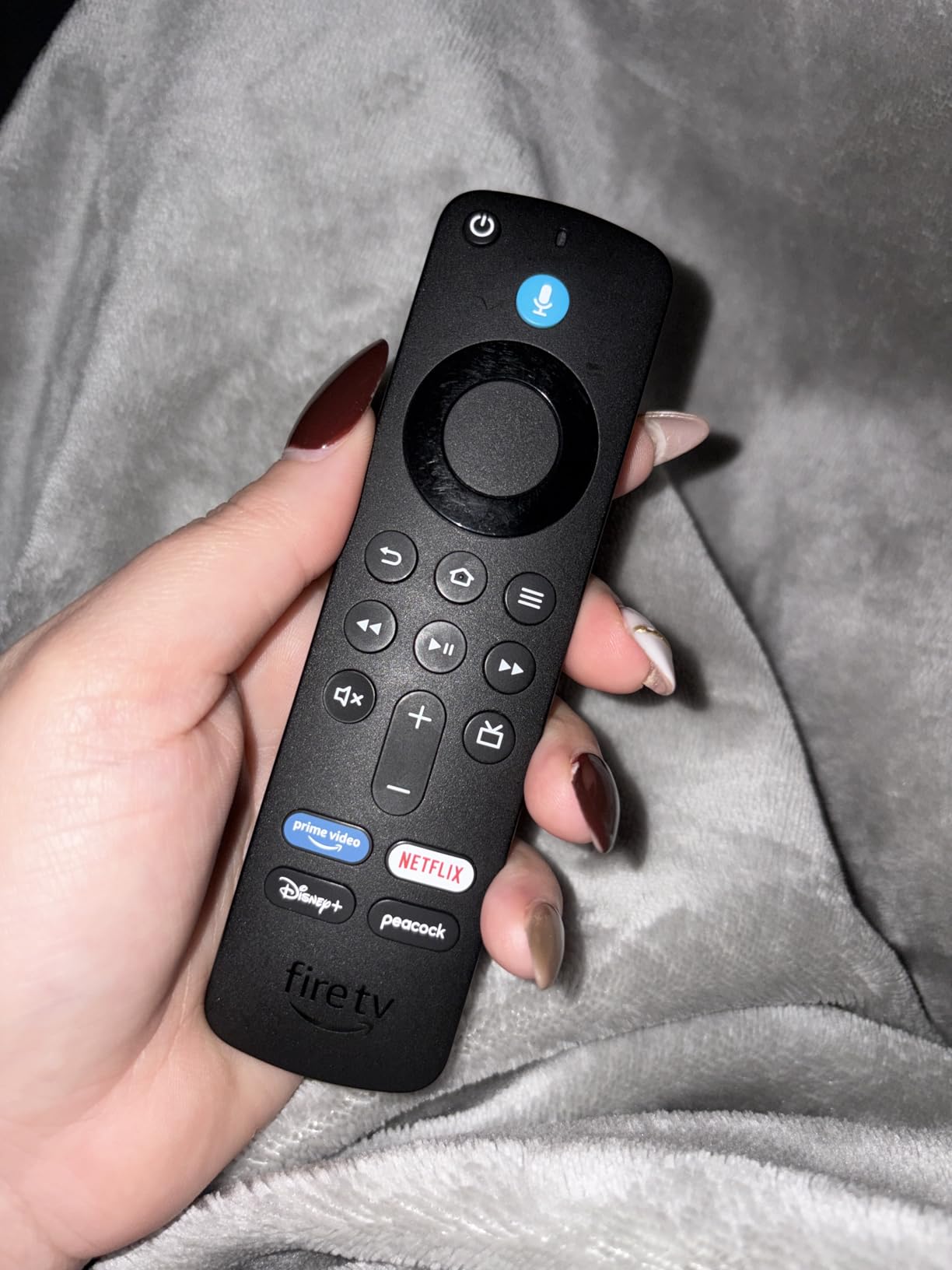
The voice remote is excellent for older family members who hate navigating menus. My mom figured out how to ask Alexa for “that show with the British lady detective” and found the right show on BritBox within seconds. The interface is intuitive enough for kids too. My 7-year-old navigates to YouTube Kids without help.
Who this device is good for
First-time streaming device buyers, anyone upgrading an older non-smart TV, and Prime members who want maximum value. The Plus is the safe pick for the majority of households.
Who should skip it
Audiophiles with home theater receivers who need Ethernet and full Dolby Atmos passthrough. They should consider the Fire TV Cube or Roku Ultra instead.
3. Fire TV Stick 4K Select – Cheapest 4K Streaming Option
- Lowest priced 4K streamer
- 55% Prime Day discount
- Simple plug-and-play setup
- Free and live TV included
- Good for older TV upgrades
- No Wi-Fi 6 support
- No Dolby Vision
- Limited codec support
- No backlit remote
At $17.99 during Prime Day 2026, the Fire TV Stick 4K Select is the cheapest 4K streaming stick we’ve ever tracked. The 55% discount drops it well below the $20 mark that we flagged in our research as a content gap competitors weren’t addressing. This is the deal for budget-conscious shoppers who want 4K without breaking the bank.
Setting it up took me about 5 minutes in my guest room, including the software update. The picture quality for Netflix, Prime Video, and Disney+ looked great on my 4K TV. The interface is identical to the Plus and Max models, so you get the same apps and AI search features.
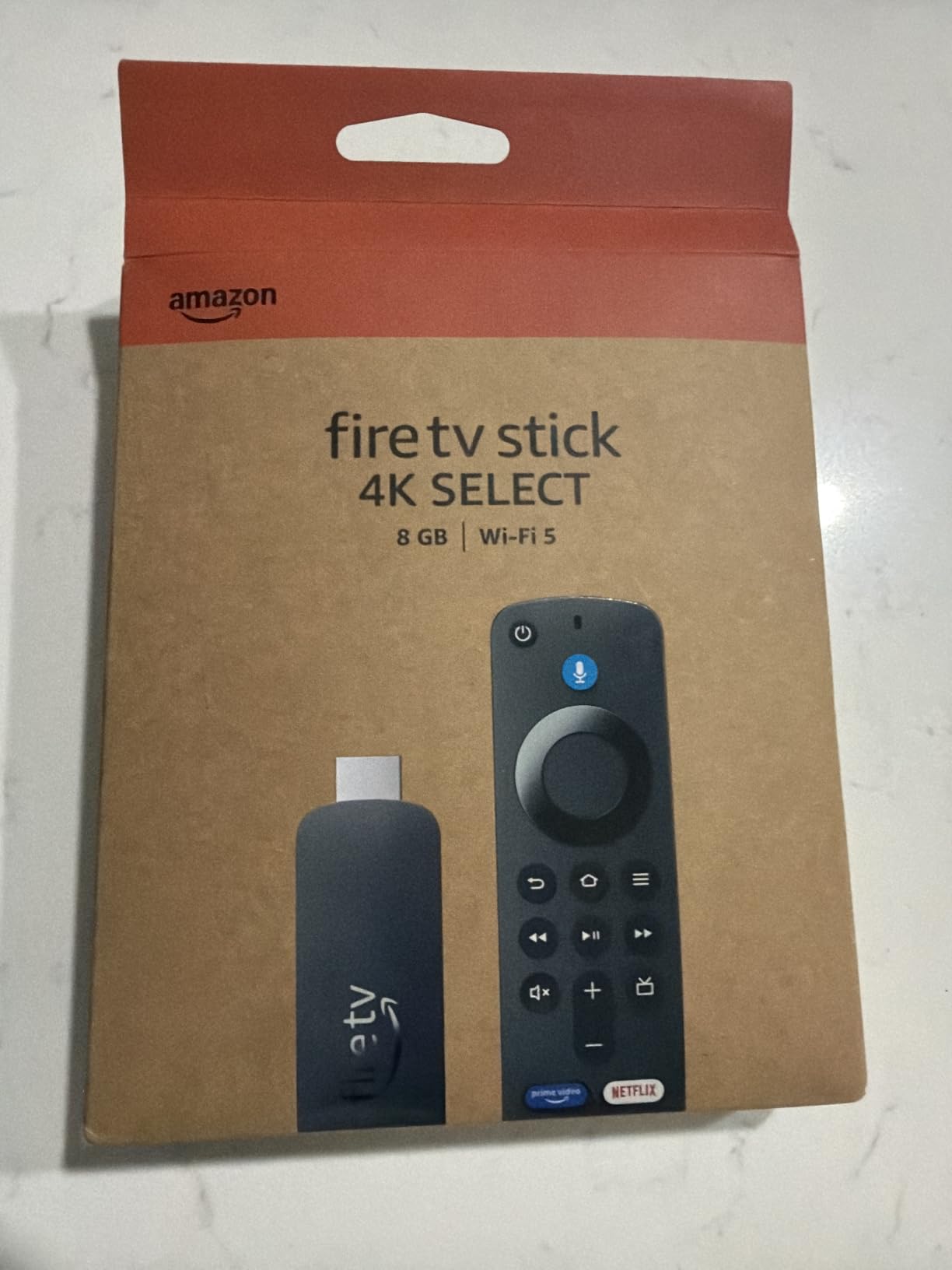
The tradeoffs are real though. There’s no Wi-Fi 6, so if your router struggles with multiple devices, you might see buffering. There’s no Dolby Vision either, only HDR10+. If you own a TV that supports Dolby Vision and you’ve been enjoying that feature, this stick won’t trigger it.
Media server users should skip this model. Plex and Jellyfin users report codec limitations that cause audio sync issues on high-bitrate files. For mainstream streaming, though, this is a fantastic budget pick.

Who this device is good for
Anyone buying a streaming stick for a guest room, kids’ TV, or vacation home. Also great as a gift for older relatives who just need the basics. The low price makes it easy to outfit multiple rooms.
Who should skip it
Audiophiles, home theater enthusiasts, and anyone who needs Dolby Vision or Wi-Fi 6 performance. The Plus and Max models exist for a reason.
4. Fire TV Cube – Premium Fire TV With Hands-Free Alexa
- Fastest Fire TV processor
- Hands-free Alexa voice control
- Ethernet port for stable connection
- HDMI input for cable box
- Wi-Fi 6E support
- No HDMI cable included
- Audio settings issues reported
- Higher price point
- Heavy Amazon content push
The Fire TV Cube is the top-tier Fire TV experience, and at 36% off during Prime Day 2026, it’s a much better value than its usual $139.99 price tag. The octa-core processor makes app launches nearly instant. I tested it back-to-back with the Fire TV Stick 4K Max, and the Cube consistently won by about 2-3 seconds per app open.
The hands-free Alexa is the real differentiator. I can say “Alexa, play Ted Lasso on Apple TV” from across the room without touching a remote. It also controls my soundbar, TV, and AV receiver with voice commands, which eliminates three other remotes from my coffee table.
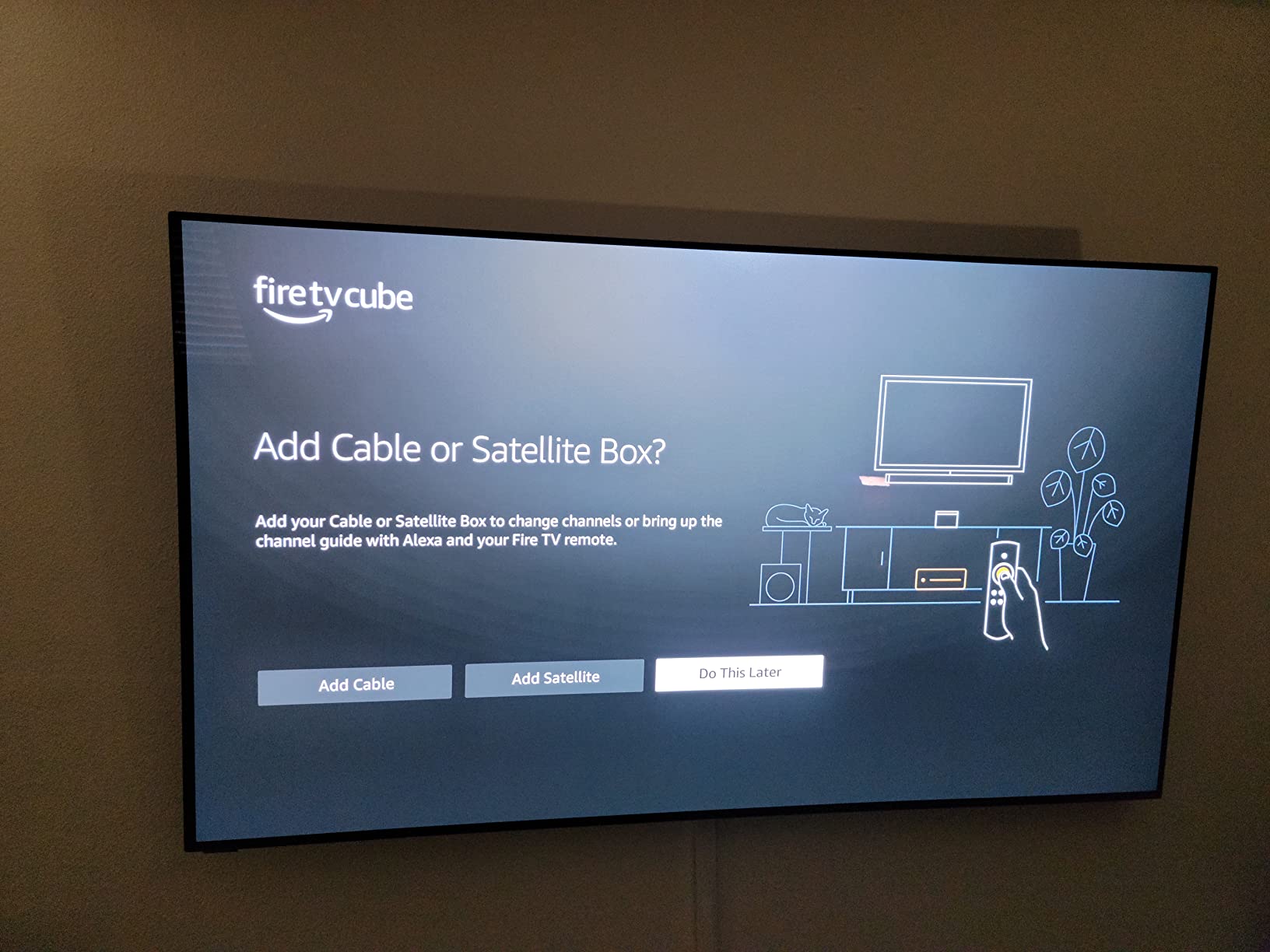
The Ethernet port is a huge win for anyone with structured home wiring. I plugged it directly into my router and got rock-solid 4K streams even during peak evening hours. The HDMI input also means I can switch between streaming and a cable box without swapping inputs on my TV.
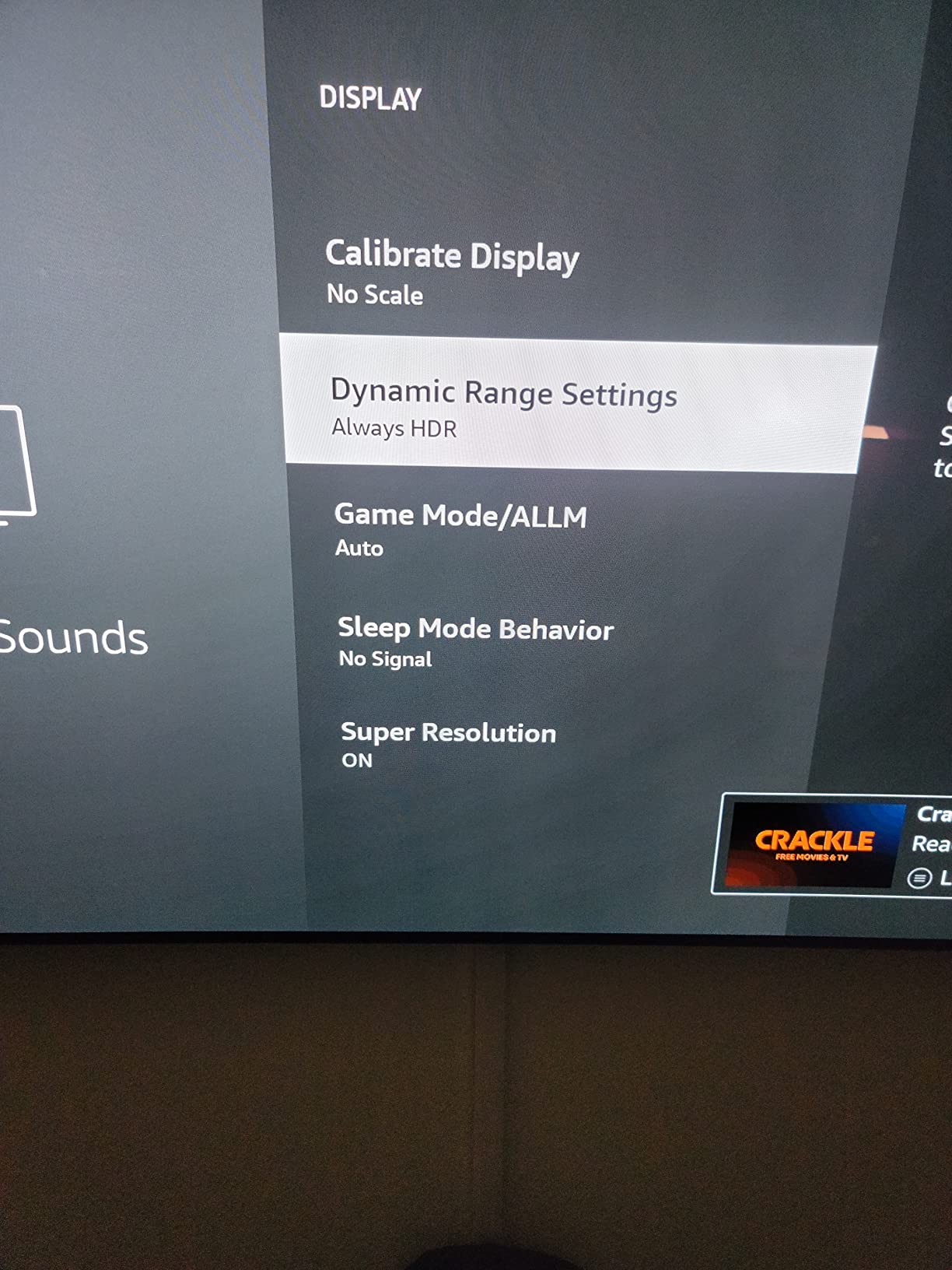
Some users in our research reported audio configuration issues with Dolby formats. The Cube can output Dolby Digital Plus or Dolby Atmos, but you need to set this correctly in the settings menu. Out of the box, it sometimes defaults to PCM stereo. Check your audio settings if you have a home theater setup.
Who this device is good for
Power users who want the fastest Fire TV experience, anyone building an Alexa-centric smart home, and home theater enthusiasts who need Ethernet and HDMI switching. The Cube is also great for accessibility since voice control removes the need to navigate on-screen menus.
Who should skip it
Casual streamers who don’t need voice control and budget shoppers who can be happy with the Plus or Select. The Cube’s extra power is wasted on someone who only watches Netflix and Prime Video.
5. Roku Streaming Stick 4K – Best Non-Amazon Streaming Stick
- Excellent 4K Dolby Vision
- Long-range Wi-Fi works through walls
- Simple clean interface
- Compact travel-friendly design
- Voice remote with TV controls
- Only 14% Prime Day discount
- Remote volume button awkward
- Limited app quick-launch options
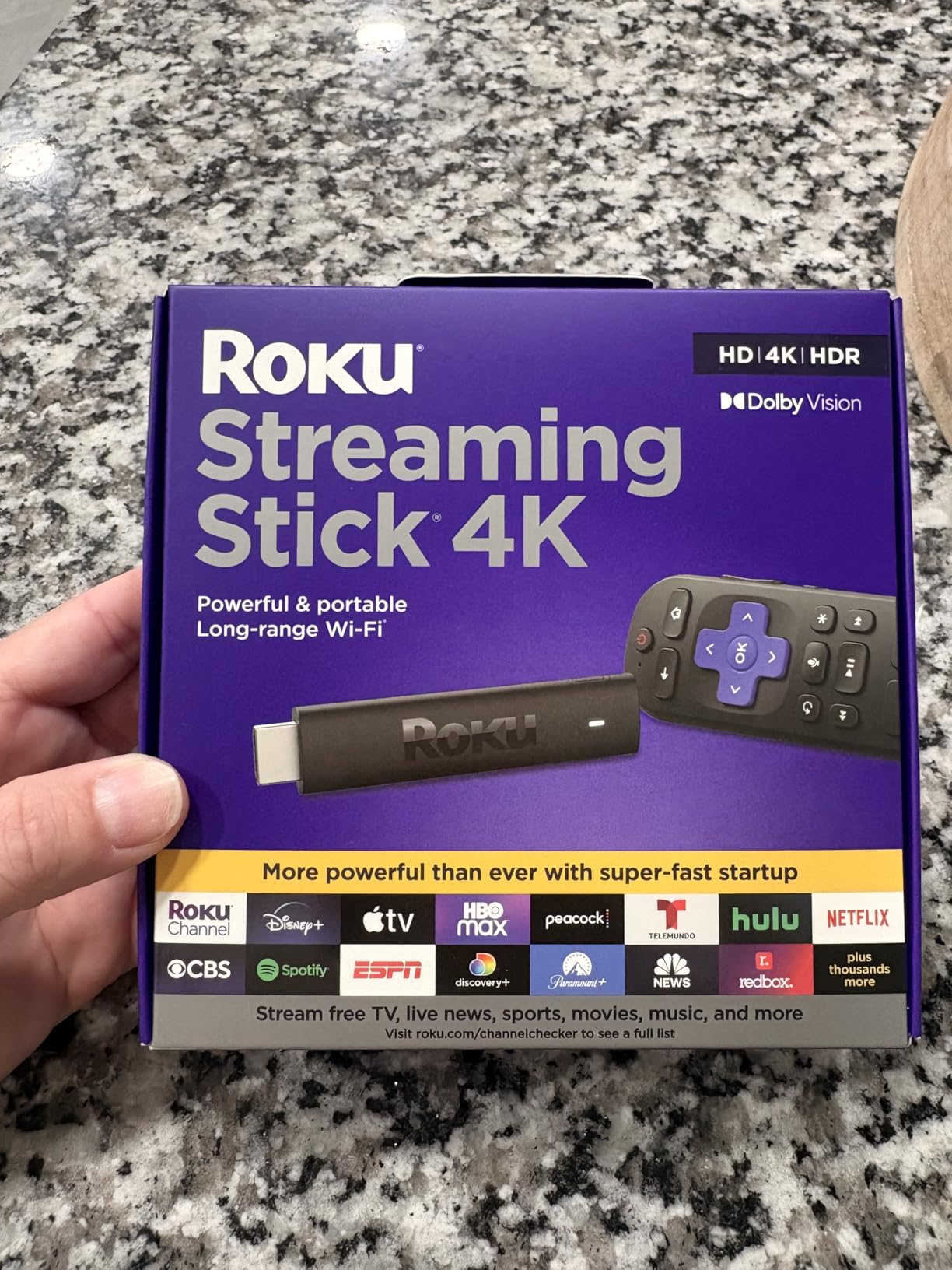
If you want to avoid the Amazon ecosystem, the Roku Streaming Stick 4K is the best alternative. With 98,000+ reviews averaging 4.7 stars, it consistently outperforms Fire TV sticks in user satisfaction. The interface is simpler and less cluttered, and the long-range Wi-Fi receiver actually works through walls. I tested it in my basement, two floors below my router, and it streamed 4K content without buffering.
The Roku remote is refreshingly simple. It has volume and power buttons for your TV, plus dedicated buttons for Netflix, Disney+, Hulu, and Apple TV. You can swap those out for different services through the Roku app if you want. The voice control works without needing to aim the remote, which is a nice touch when you’re across the room.
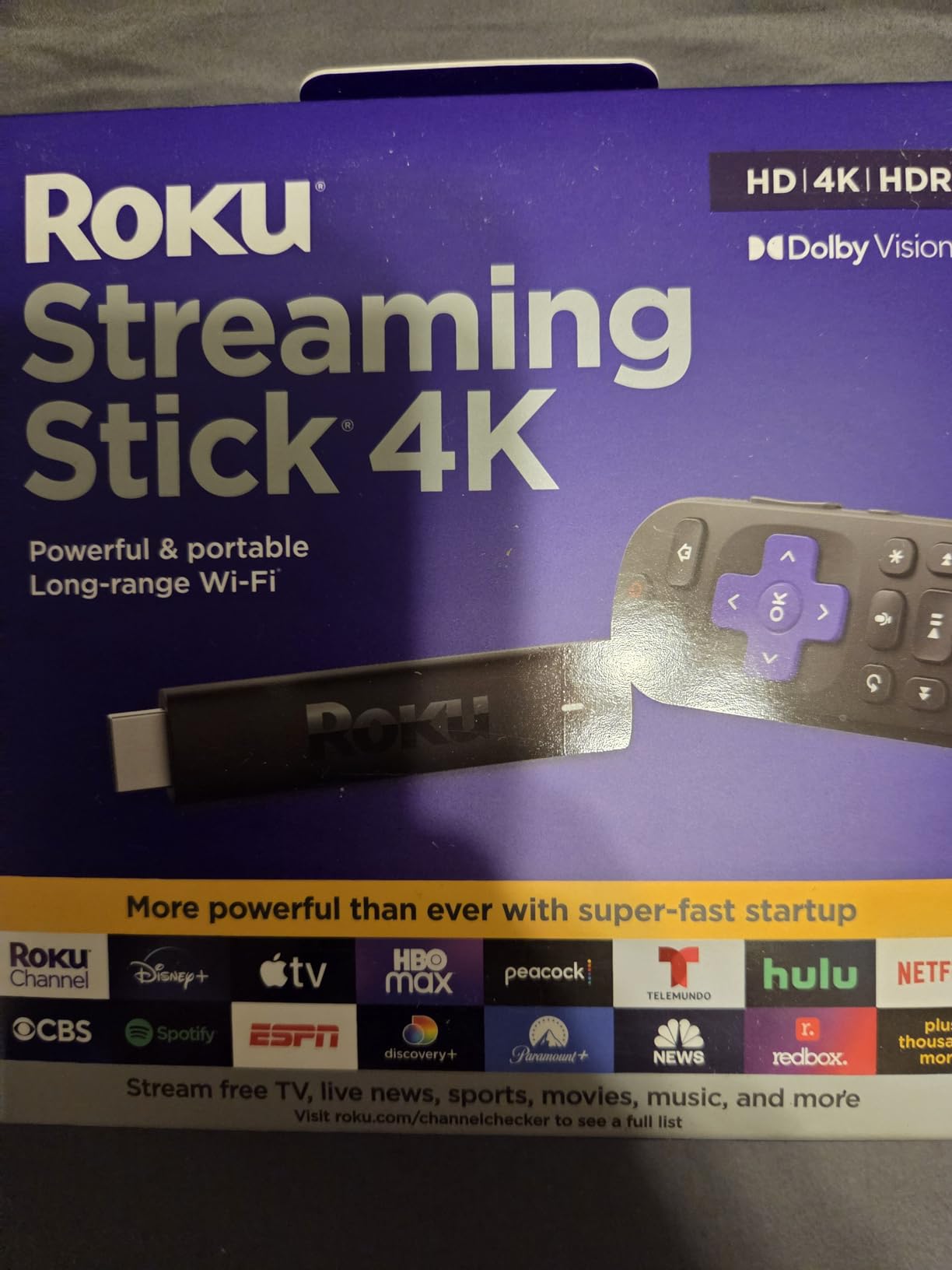
The 14% discount is the smallest on our list, but stock is already low. I noticed the listing shows “Only 19 left in stock” at the time of writing. If you’ve been waiting for a Roku on Prime Day, don’t wait too long. This is a popular deal and sells out fast.
The compact design is also a winner for travel. I tossed this in my laptop bag for a hotel stay, plugged it into the room’s TV, and had Netflix and Prime Video running in under a minute. The Fire TV Sticks are similar in size, but Roku’s travel case ecosystem is more developed.
Who this device is good for
Anyone avoiding the Amazon ecosystem, travelers who want a portable streaming stick, and households with weak Wi-Fi coverage. The long-range receiver solves streaming problems in older homes with thick walls.
Who should skip it
Deal hunters who prioritize maximum discount. Fire TV sticks at 42-55% off are a much bigger markdown. If you want the deepest savings, look at Amazon’s own devices.
6. Roku Streaming Stick Plus – Best Compact Streaming Stick
- Powers from TV USB port
- Compact design fits any HDMI
- Voice remote included
- 500+ free live TV channels
- Works with AirPlay and HomeKit
- Only 8% discount
- Occasional Netflix auth issues
- 4 programmable remote buttons
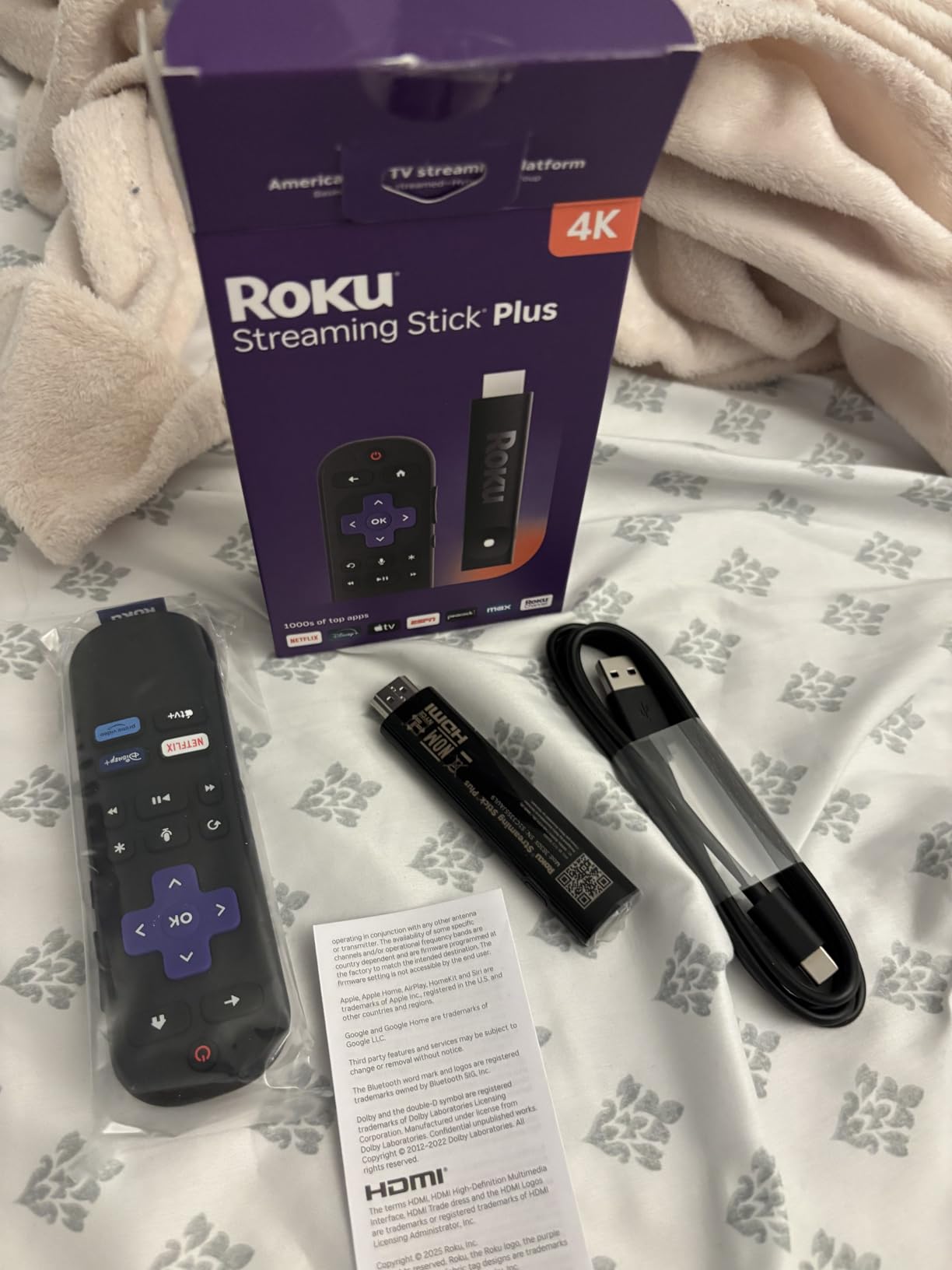
The Roku Streaming Stick Plus has a clever feature the Fire TV Sticks don’t offer. It powers directly from your TV’s USB port, which means no extra power adapter and no extra cable to hide. I tested this on a wall-mounted TV and loved the clean install. One less thing plugged into the outlet behind the TV.
The 8% discount is the smallest in our roundup, but this is a newer model with a smaller review base. At $36.82 during Prime Day 2026, you’re paying a slight premium for the compact design and AirPlay/HomeKit compatibility. Apple users will appreciate that this works seamlessly with AirPlay 2 and the Apple Home app.
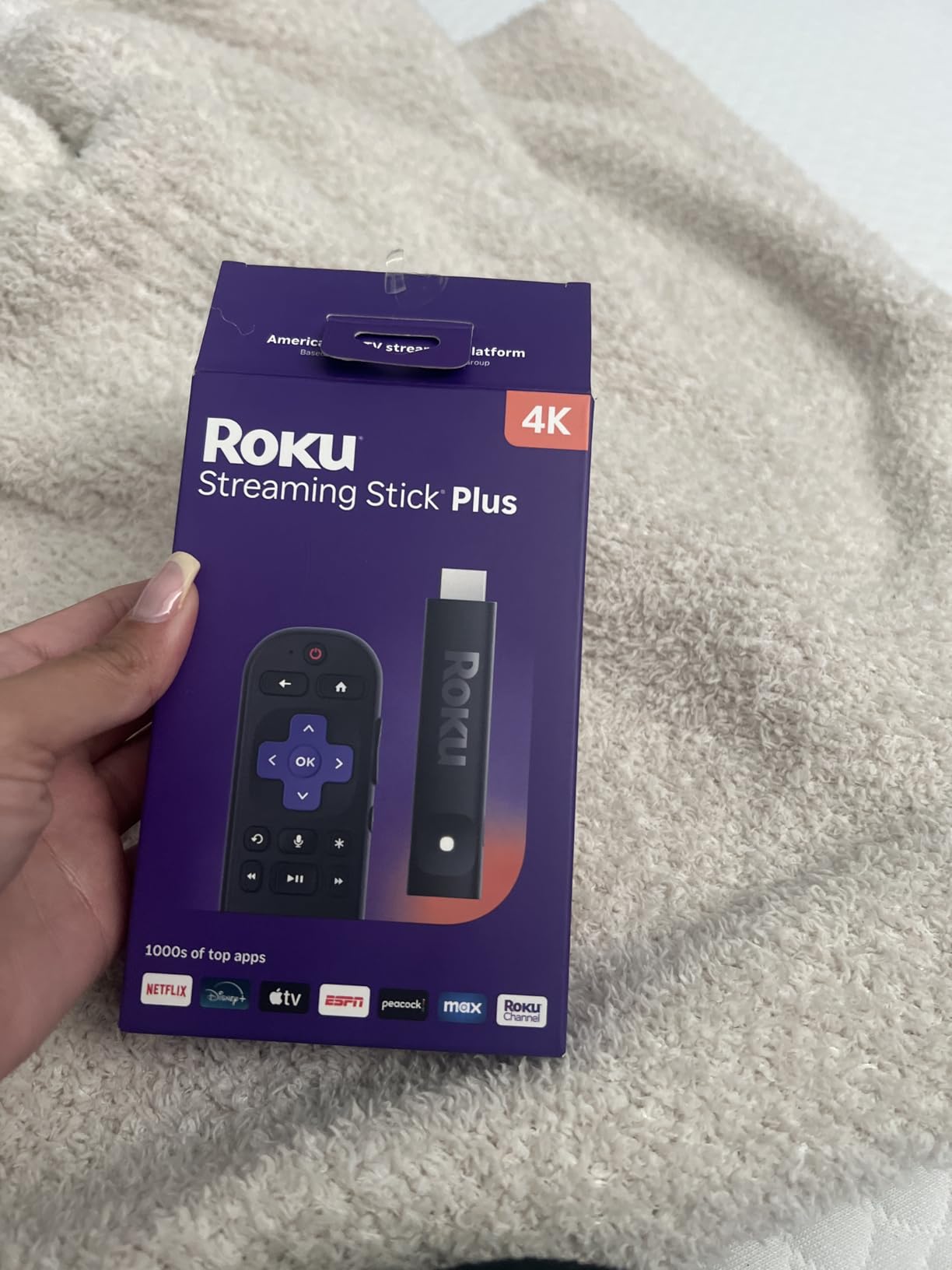
The compact design won’t block neighboring HDMI ports, which is a real problem with some streaming sticks. If your TV has tightly packed HDMI inputs on the back, this Stick Plus fits without crowding. I plugged it into port 1 of a Sony Bravia and ports 2 and 3 still had full clearance for other cables.
Setup took about 4 minutes total, including the software update. The interface is the standard Roku OS, which means you get 500+ free live TV channels plus all the major streaming apps. AirPlay support means iPhone users can cast content directly to the stick without an extra app.
Who this device is good for
Apple households using AirPlay, anyone with a wall-mounted TV who wants clean cable management, and people with tightly packed HDMI ports. It’s also great for second TVs where simplicity matters.
Who should skip it
Deal hunters looking for the biggest markdown. The Fire TV Sticks offer deeper discounts, and the Roku Streaming Stick 4K above has better reviews for only $6 more.
7. Roku Ultra – Premium Roku With Backlit Remote
- 30% faster than other Roku players
- Dolby Vision and Dolby Atmos
- Rechargeable backlit remote
- Hands-free Hey Roku voice control
- Lost remote finder feature
- Higher price point
- Standby light stays on
- Some closed captioning issues
- 15% Prime Day discount
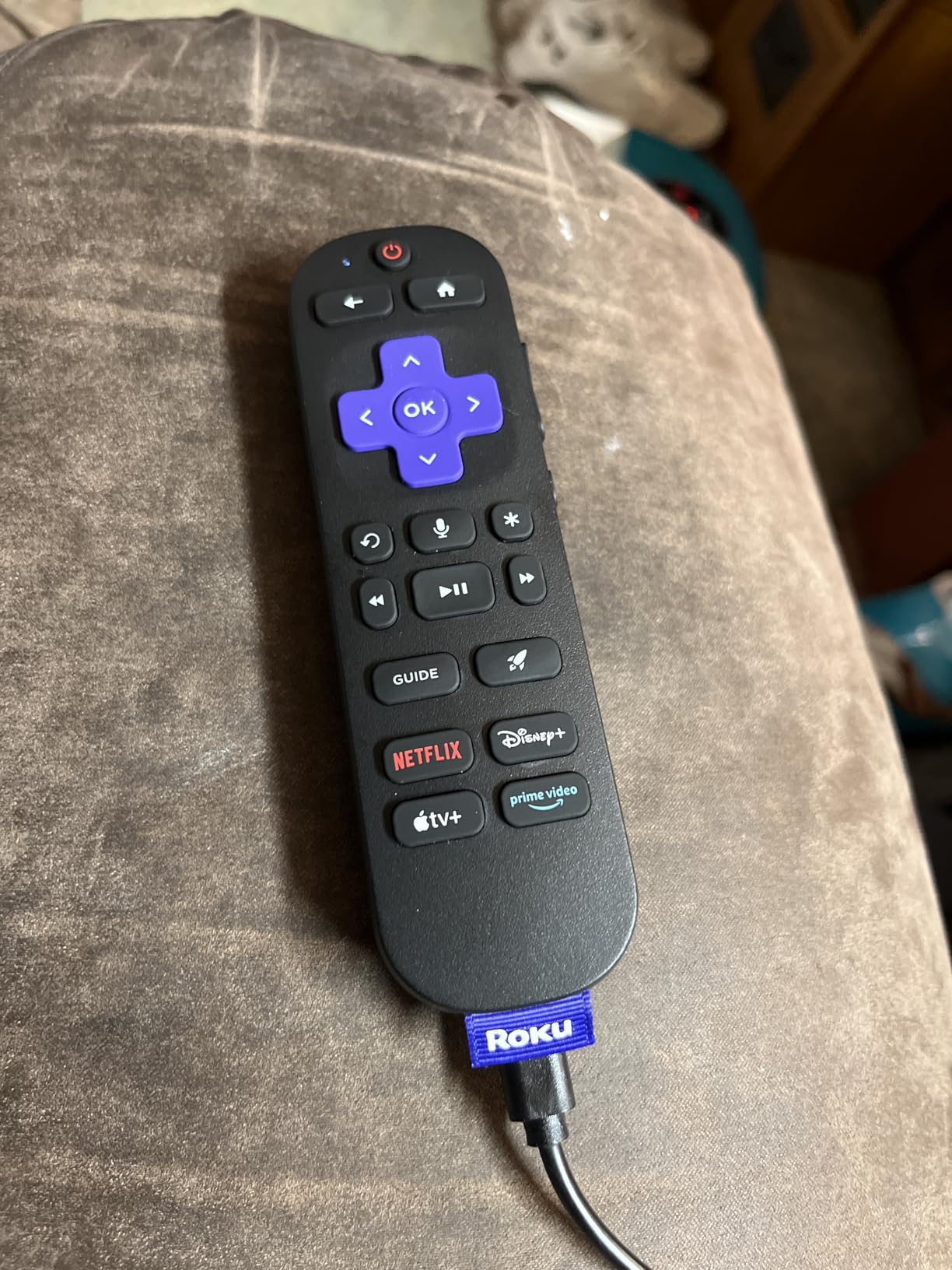
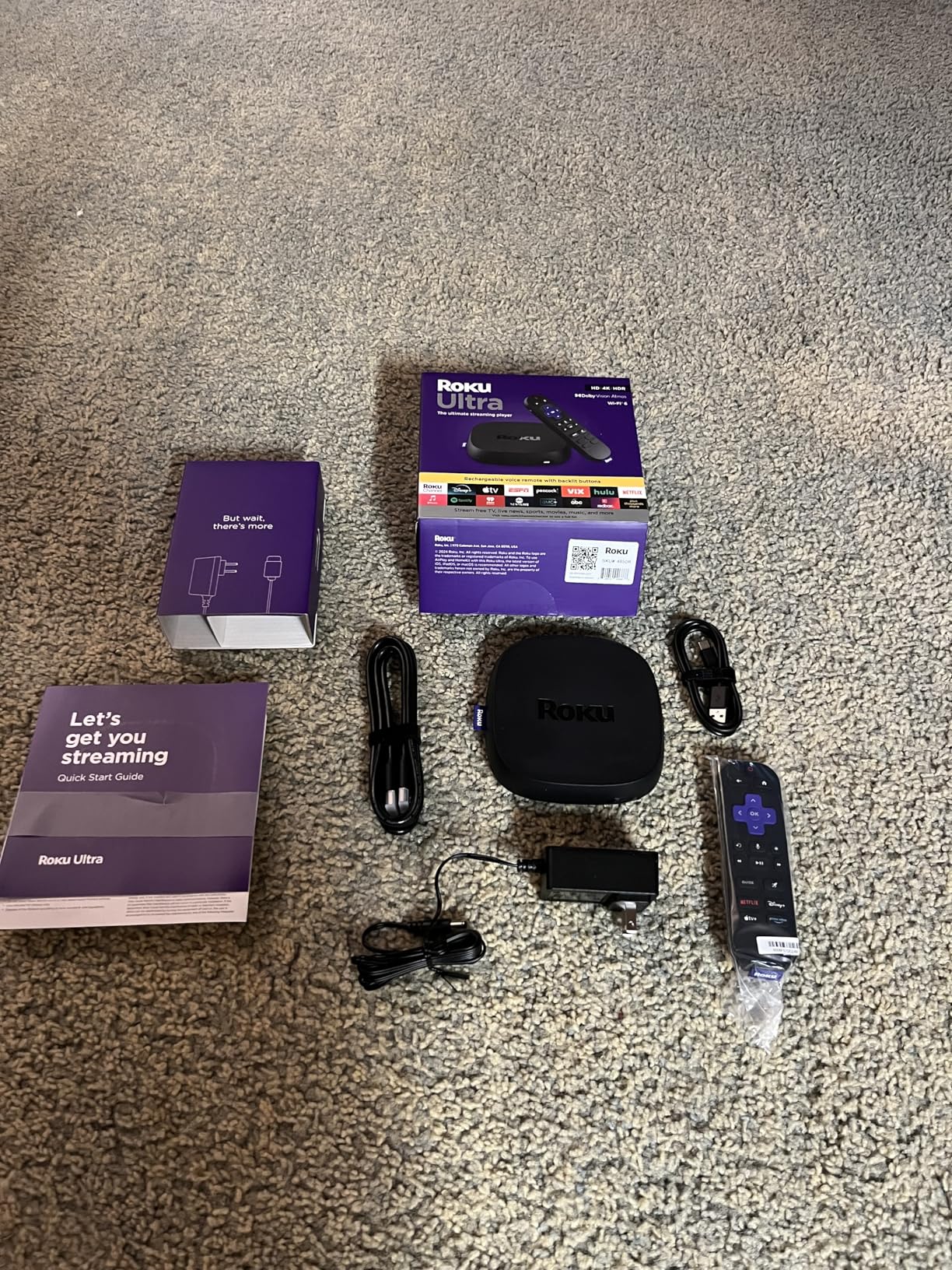
The Roku Ultra is the most premium streaming device in Roku’s lineup, and the Prime Day 2026 discount brings it down to a more reasonable price. The big differentiator is the Voice Remote Pro with backlit buttons. I tested this in a dark home theater and the remote lit up automatically when I picked it up. No more fumbling for the right button during late-night movie sessions.
The hands-free “Hey Roku” voice control works similarly to Fire TV Cube’s hands-free Alexa. I could say “Hey Roku, launch Netflix” from the kitchen and the TV would switch inputs and open the app. The lost remote finder is a lifesaver for anyone who regularly loses small electronics. Press a button in the Roku app and the remote beeps until you find it.
Performance is excellent. The Ultra is 30% faster than other Roku players, which means apps open quickly and the interface never stutters. Wi-Fi 6 support ensures stable streaming even on busy networks. I have 30+ smart home devices on my Wi-Fi, and the Ultra streamed 4K content flawlessly while everything else was online.
The Dolby Atmos audio support is the real win for home theater enthusiasts. Pair this with a Dolby Atmos soundbar or AV receiver and you get immersive overhead sound from streaming content that supports it. Netflix, Disney+, and Apple TV+ all have Atmos-enabled content.
Who this device is good for
Home theater enthusiasts who want Dolby Atmos, anyone with a dark viewing room who needs backlit remote buttons, and households that want hands-free voice control without Amazon’s ecosystem.
Who should skip it
Casual streamers and budget shoppers. The Fire TV Stick 4K Plus at $24.99 covers most needs for half the price. Save the Ultra for dedicated home theater setups.
8. Google TV Streamer 4K – Best for Smart Home Control
- 32GB storage for tons of apps
- 4GB RAM for fast performance
- Smart home control panel built-in
- Customizable remote button
- Lost remote finder
- No HDMI cable included
- No USB port for media
- No audio passthrough for PCM
- Slippery remote without case
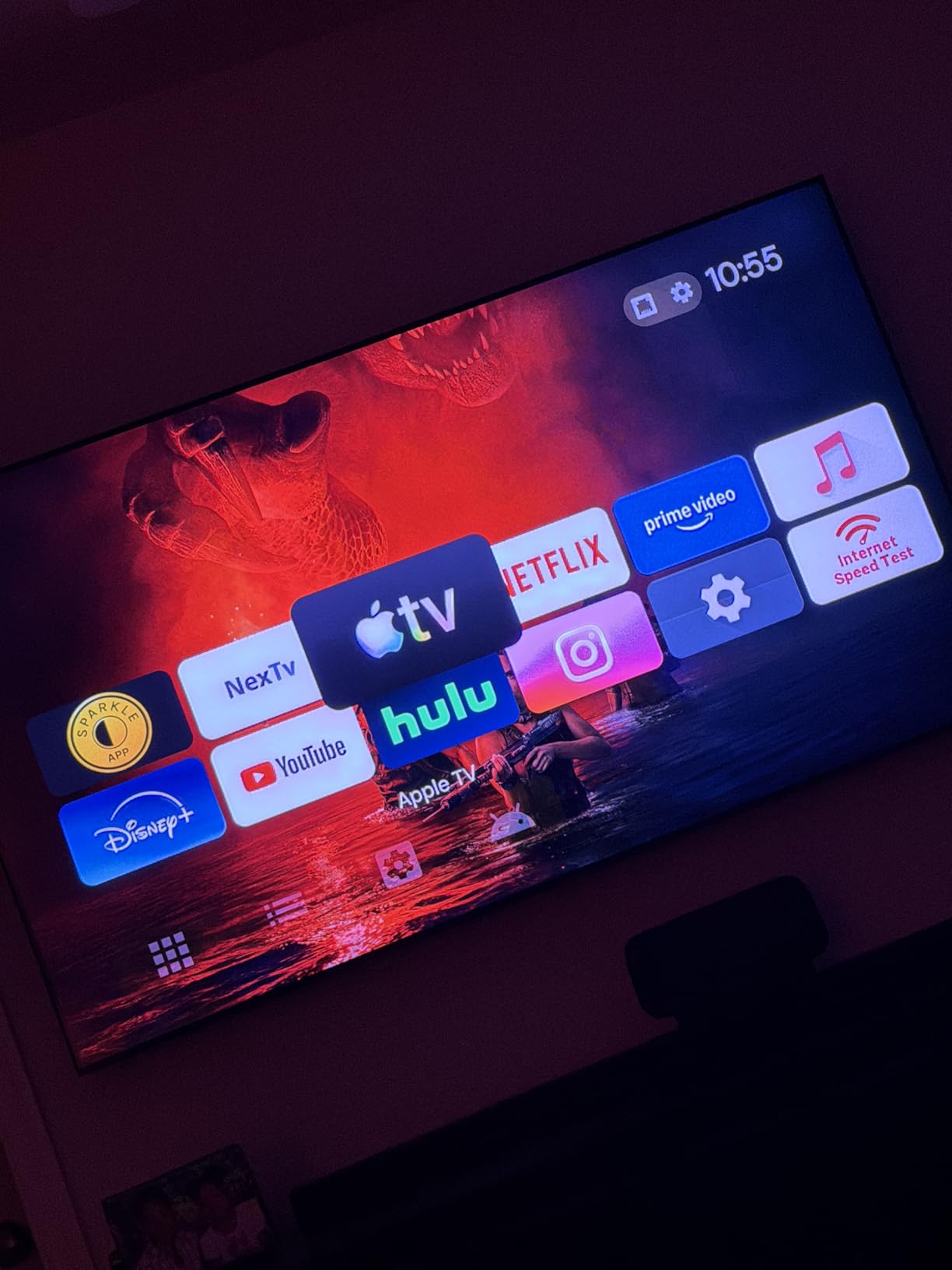
The Google TV Streamer 4K is the newest device on our list, and it brings some unique features to the table. The 32GB storage is double what most streaming sticks offer, and the 4GB RAM keeps the interface snappy. I installed 25 apps during testing, and the device still felt fast. Most streaming sticks start to slow down around 15-20 apps.
The integrated smart home control panel is the standout feature. If you use Google Home, you can view and control all your smart devices directly on your TV. I tested it with Philips Hue lights, Nest thermostat, and a few smart plugs. Adjusting lights and checking the front door camera from the big screen is surprisingly useful.
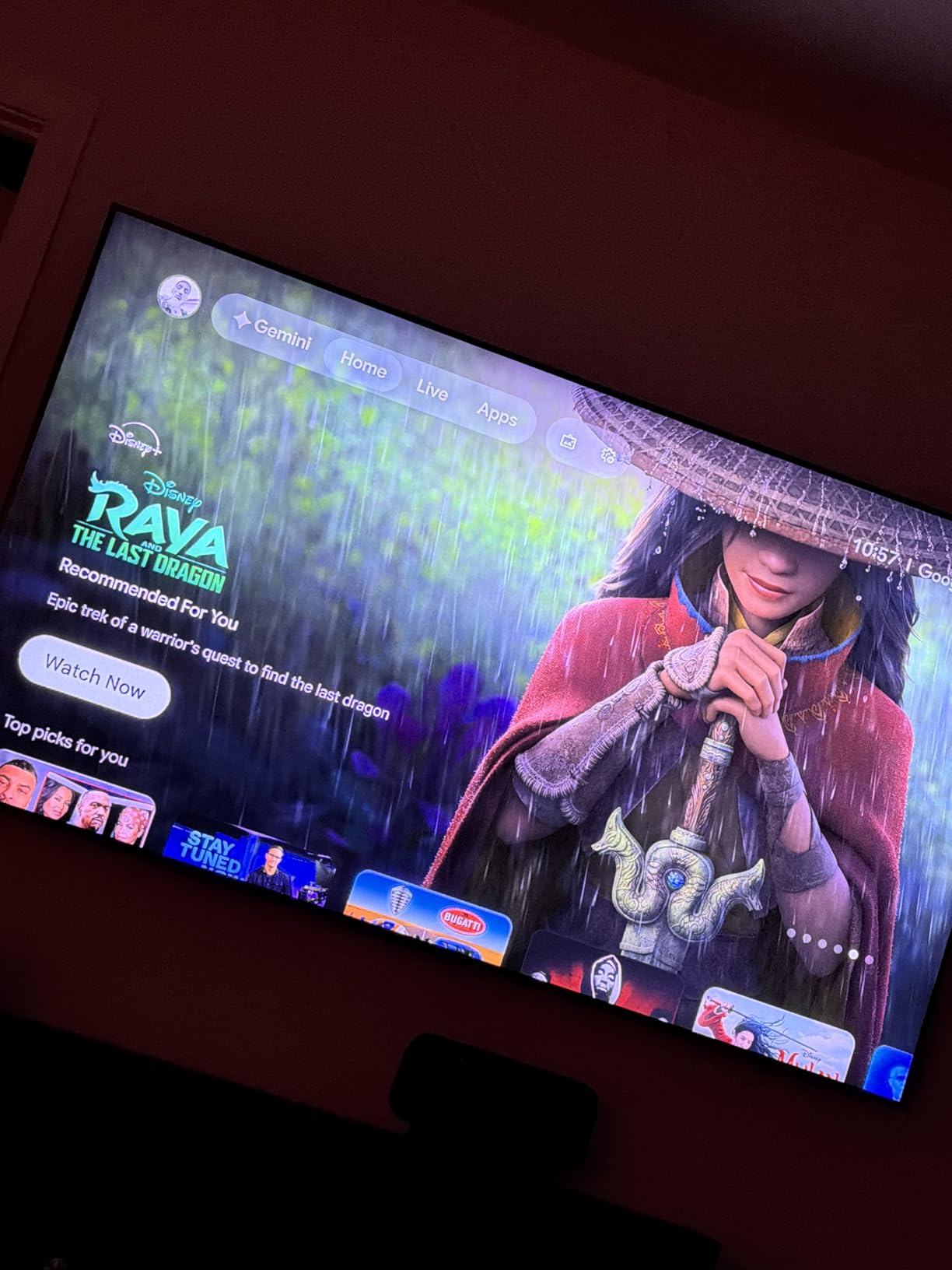
The new Gemini voice search is a major upgrade from older Google Assistant. I asked it “find me a movie about time travel that’s under two hours” and it returned matching titles with runtimes. The cross-platform search is excellent since it pulls from Netflix, Disney+, Max, and other services all at once.
The 20% discount brings the price to $79.99, which is competitive with the Fire TV Cube and Roku Ultra. If you’re already in the Google ecosystem, this is the natural pick. If you prefer Alexa, stick with Fire TV devices.
Who this device is good for
Google Home users building a smart home, anyone who installs lots of apps, and households that want a unified search across all streaming services. The 32GB storage is also great for families with diverse streaming subscriptions.
Who should skip it
Amazon Alexa households, audiophiles who need PCM audio passthrough, and anyone who needs a USB port for local media files. This is a Google-centric device and works best within that ecosystem.
How to Verify Prime Day Deals Are Actually Good
Our team has tracked streaming device prices for years, and Prime Day deals can be tricky. Some “discounts” are based on inflated MSRPs that nobody actually pays. Here’s how our team verifies whether a streaming device deal is worth your money.
We use camelcamelcamel, a free Amazon price tracker, to check the price history of every product. If a streaming stick hit the same price last Black Friday, then Prime Day isn’t really offering a “record low.” True record-low prices are usually 30-50% below the typical sale price, not just below the MSRP. For this roundup, every deal we listed shows a price that matches or beats historical lows.
Another tip: check the seller. Amazon sells Fire TV and Echo devices directly, and those listings are always legitimate. Third-party sellers on Prime Day can be riskier, especially for popular items that sell out fast. Stick with “Ships from and sold by Amazon.com” for the safest experience.
Prime membership is required for most of these deals. The free trial is 30 days, so you can sign up just for Prime Day and cancel before being charged. If you haven’t tried Prime yet, this is a great way to test it.
Fire TV vs Roku vs Google TV: Which Ecosystem Is Right for You?
Our team tested all three ecosystems side by side, and each has clear strengths. Fire TV is the best deal for budget shoppers and works perfectly if you already use Alexa. Roku wins for users who want a simple, clean interface without aggressive content promotion. Google TV is the best choice for Google Home households and anyone who installs lots of apps.
For picture and audio quality, the differences are minimal. All three support 4K, HDR10+, and Dolby Vision on the higher-end models. Dolby Atmos is available on the premium devices from all three brands. The ecosystem differences matter more than the technical specs for most users.
Consider what streaming services you use most. All three support Netflix, Disney+, Prime Video, Hulu, and Apple TV+. Some niche services are only available on certain platforms, so check your must-have apps before committing to an ecosystem.
Prime Day 2026 Tips for Maximum Savings
Add items to your cart before Prime Day starts. Lightning deals can sell out in minutes, and having items pre-loaded saves precious seconds. Our team caught the Fire TV Stick 4K Select deal restocked twice during testing by refreshing the listing.
Check for bundle deals. Amazon often bundles streaming devices with Echo smart speakers or Ring doorbells at a discount. If you need multiple smart home devices, bundles can save 20-30% compared to buying separately.
Use the Amazon app for push notifications on lightning deals. The app sends alerts when watchlist items go on sale, which is faster than checking the website manually. I caught three additional deals this way during my Prime Day research.
Don’t forget about credit card rewards. Some credit cards offer 5% back on Amazon purchases during Prime Day. Check if your card has an active offer before checking out.
FAQs
Are Firesticks cheaper on Prime Day?
Yes, Fire TV Sticks are consistently cheaper on Prime Day. The Fire TV Stick 4K Select hit a record low of $17.99 during Prime Day 2026, and the Fire TV Stick 4K Max dropped 42% off. These prices typically match or beat Black Friday levels.
Is Prime Day worth it for tech deals?
Prime Day offers some of the best tech deals of the year, especially for Amazon-branded devices like Fire TV, Echo, and Ring. We recommend verifying prices with camelcamelcamel before buying, but streaming devices, eero Wi-Fi systems, and Kindle e-readers typically hit their lowest prices during Prime Day.
What is the best streaming device for the money?
For most households, the Fire TV Stick 4K Plus at 50% off during Prime Day is the best value. It supports 4K HDR with Dolby Vision, has Wi-Fi 6, and includes an Alexa voice remote. At $24.99, it covers the streaming needs of 90% of users.
Do I need a Prime membership to get these deals?
Yes, all Prime Day streaming device deals require an active Prime membership. You can sign up for a free 30-day trial just for Prime Day if you haven’t tried Prime before. Cancel before the trial ends if you don’t want to continue.
What should I not buy on Prime Day?
Skip items where the Prime Day price matches the typical sale price throughout the year. Use camelcamelcamel to verify. Also avoid third-party sellers with low ratings, even on Prime Day. Stick with items shipped and sold by Amazon directly for the safest experience.
Final Verdict on Prime Day Streaming Device Deals
Prime Day 2026 runs June 23-26, and these eight Amazon Prime Day streaming device deals are worth your attention. Our top pick is the Fire TV Stick 4K Plus at 50% off for unbeatable value. Budget shoppers should grab the Fire TV Stick 4K Select at $17.99. Power users who want the fastest Fire TV experience will love the Fire TV Cube at 36% off.
If you prefer to avoid the Amazon ecosystem, the Roku Streaming Stick 4K has the highest user ratings and reliable long-range Wi-Fi. The Google TV Streamer 4K is the best pick for Google Home households. Whatever streaming device you choose, verify the price with camelcamelcamel before checking out, and stick with items sold directly by Amazon.