
The Samsung Odyssey OLED G6 is the gaming monitor worth watching most closely during Amazon’s Prime Big Deal Days, because a 27-inch QD-OLED panel at 240Hz with a 0.03ms response time is the kind of upgrade you notice on the first match rather than the fiftieth. The AOC Q27G41ZE covers players who want the most speed per pound, and the SANSUI 34-Inch Curved is the one to look at if an ultrawide is what you actually want.
Prime Big Deal Days runs October 6-7, 2026, and the offers across all ten of these gaming monitors change through the event, so use the buttons below to see the current figure before you commit. Every pick here is chosen on the specs and the owner feedback, not on a sale badge.
Table of Contents
Our Top 3 Picks for Best Amazon Prime Big Deal Days Gaming Monitor Deals

Samsung Odyssey OLED G6
- QD-OLED 1440p panel
- 240Hz with 0.03ms response
- FreeSync Premium
- HDR10 at 400 nits

SANSUI 34-Inch Curved
- 34-inch 3440x1440 curved VA
- 240Hz with 1ms MPRT
- HDR400 at 450 nits
Best Amazon Prime Big Deal Days Gaming Monitor Deals Compared (2026)
| Product | Specifications | Action |
|---|---|---|
| Samsung Odyssey OLED G6 |
|
Check Deal Price |
 AOC Q27G41ZE AOC Q27G41ZE |
|
Check Deal Price |
| SANSUI 34-Inch Curved |
|
Check Deal Price |
 SANSUI 27-Inch 200Hz SANSUI 27-Inch 200Hz |
|
Check Deal Price |
 Samsung Odyssey G55C Samsung Odyssey G55C |
|
Check Deal Price |
 SANSUI 32-Inch 1080p SANSUI 32-Inch 1080p |
|
Check Deal Price |
 LG UltraGear 27GS60QC LG UltraGear 27GS60QC |
|
Check Deal Price |
 AOC Q27GAZD AOC Q27GAZD |
|
Check Deal Price |
 Alienware AW3425DWM Alienware AW3425DWM |
|
Check Deal Price |
 MSI MPG 321URX MSI MPG 321URX |
|
Check Deal Price |
How We Chose
Every monitor here was compared on the specs that decide how a game actually looks and feels: panel type, resolution, refresh rate, response time, adaptive sync, HDR support, brightness, connectivity and warranty. Owner ratings and review counts on Amazon carried real weight too. Data checked October 2026.
1. Samsung Odyssey OLED G6: Editor’s Choice
Samsung 27″ Odyssey OLED G6 (G61SH) QD-OLED, QHD (1440P) Gaming Monitor
- QD-OLED 1440p picture with a 1:1000000:1 contrast ratio and 400 cd brightness
- Pantone Validated colour covering 0.99 gamut
- 240Hz with 0.03ms response time
- OLED Safeguard burn-in mitigation
- Height-adjustable stand with pivot tilt and swivel
- One HDMI port only for console hookup
- OLED panels are not the right choice in a very bright room
Best all-round picture in the group. Owners buying this one keep mentioning the same two things: the 240Hz refresh rate and how saturated the colours look on a QD-OLED panel, with 1.07 billion shades of colour behind the Pantone Validated calibration.
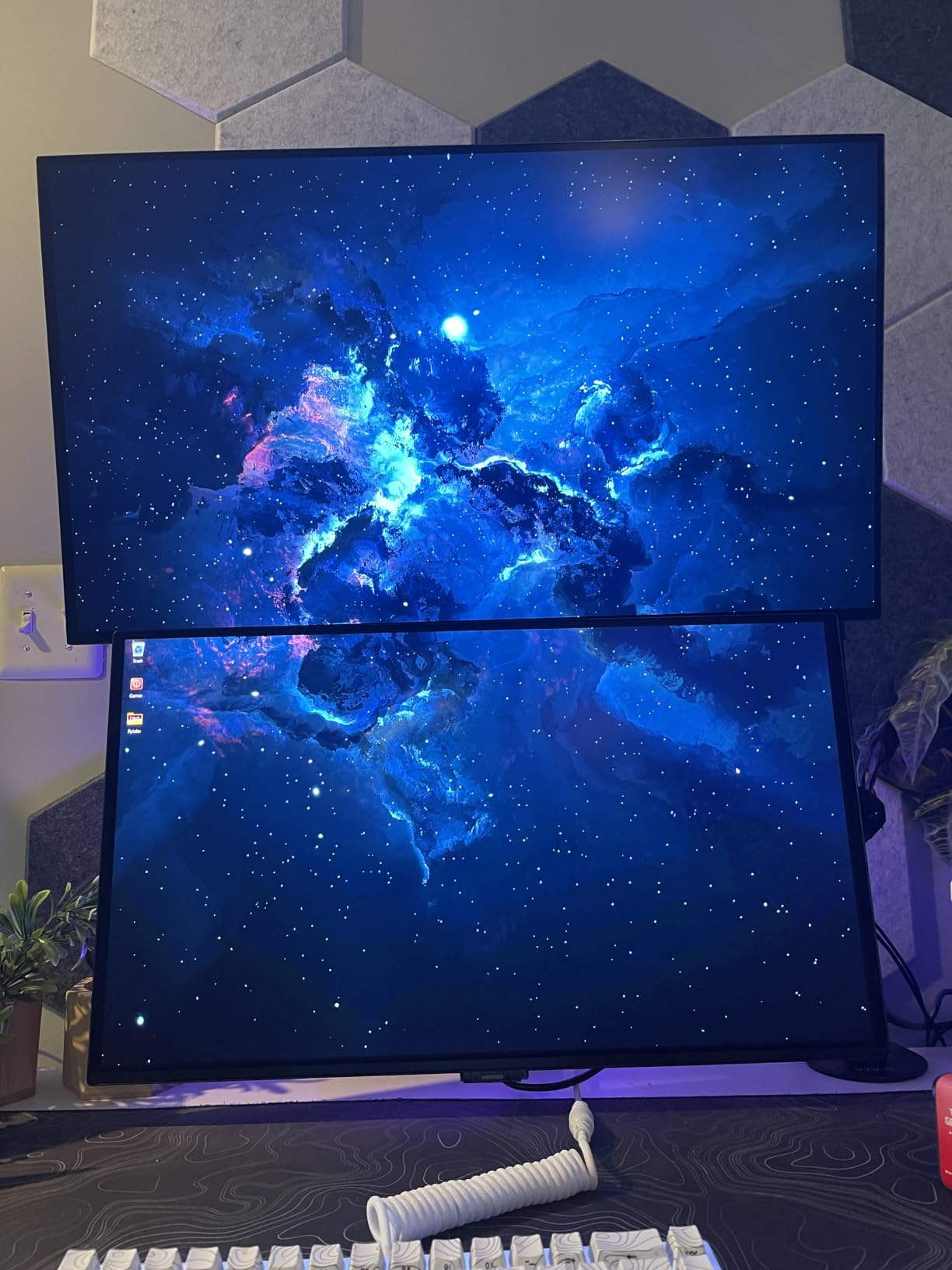
The spec sheet is unusually complete for the money. 0.03ms response time means motion in a shooter or a racing game resolves cleanly, and the 1:1000000:1 contrast ratio gives you blacks that an IPS panel simply cannot reach, which is exactly what you notice in a dark corridor or a night scene.
Where it fits less neatly is a bright room with a window behind you. Reviewers point out that OLED panels hold less sustained brightness than a good VA or LED screen, and the listing gives you 400 cd brightness with an anti-glare finish rather than a matte, non-reflective layer.
Connectivity is the one place to look before you buy. There is a single HDMI port alongside DisplayPort, so if you plan to run a console and a PC at the same time you will need an HDMI switch, or you should look at the LG UltraGear 27GS60QC instead, which carries two HDMI ports.
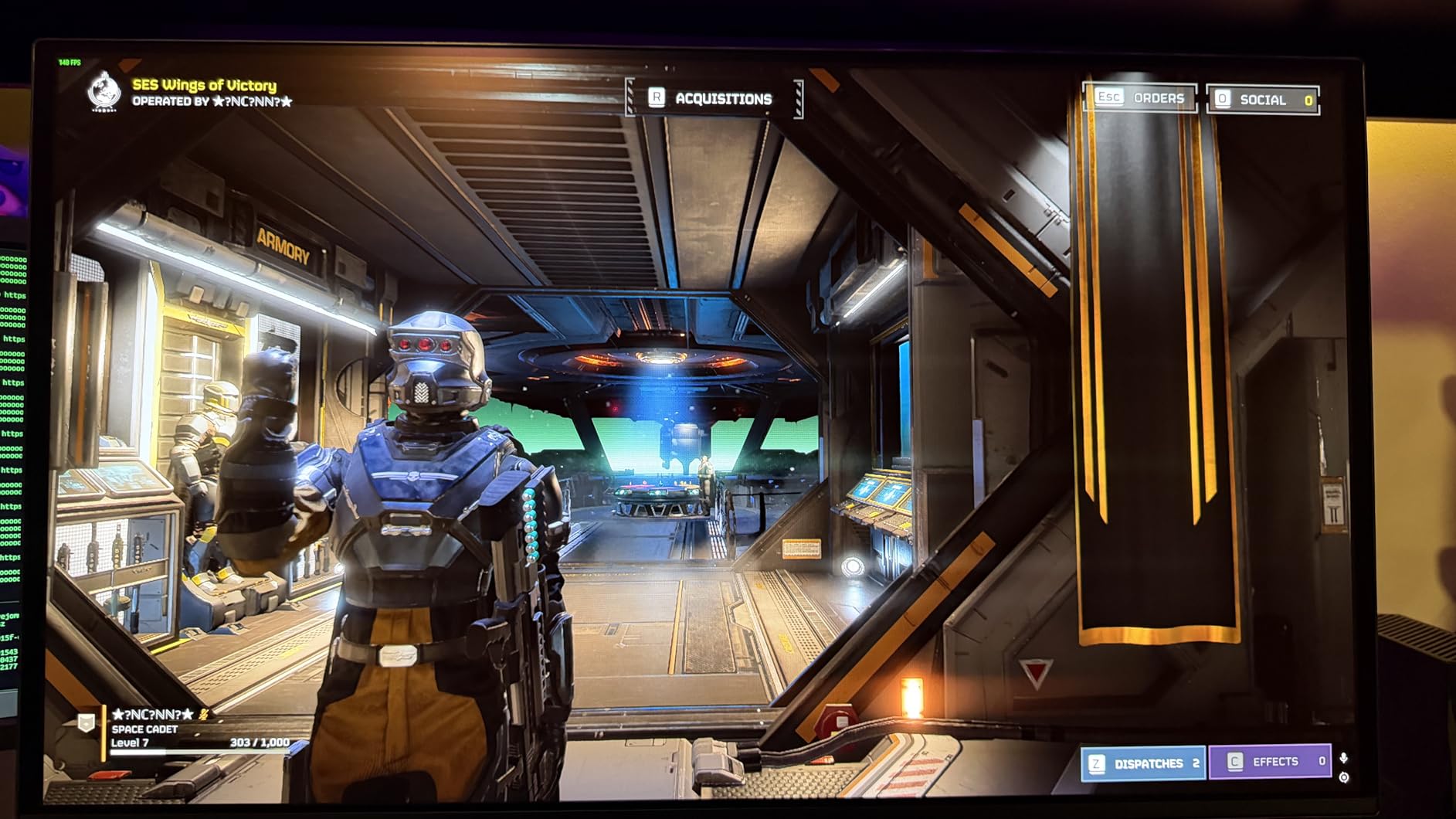
Good to know: the stand adjusts for height, pivot, tilt and swivel, which is rare at this level, and the three-year manufacturer warranty is double what several rivals in this list carry.
2. AOC Q27G41ZE: Best Value
- 240Hz native with overclocking up to 260Hz
- Adaptive sync works with both AMD and NVIDIA cards
- DisplayPort 1.4 plus two HDMI 2.0 ports and an audio out
- Three-sided frameless design
- Shadow Control and Game Mode presets
- Tilt adjustment only with no height or swivel
- 300 cd brightness and 1000:1 contrast are typical for IPS
The spec sheet you get per pound here is hard to argue with. A 2560×1440 IPS panel running at 240Hz, with overclocking that pushes the refresh rate to 260Hz, sits well below anything with an OLED panel in the list, and the ratings back it up at 4.6 across more than 550 owner reviews.
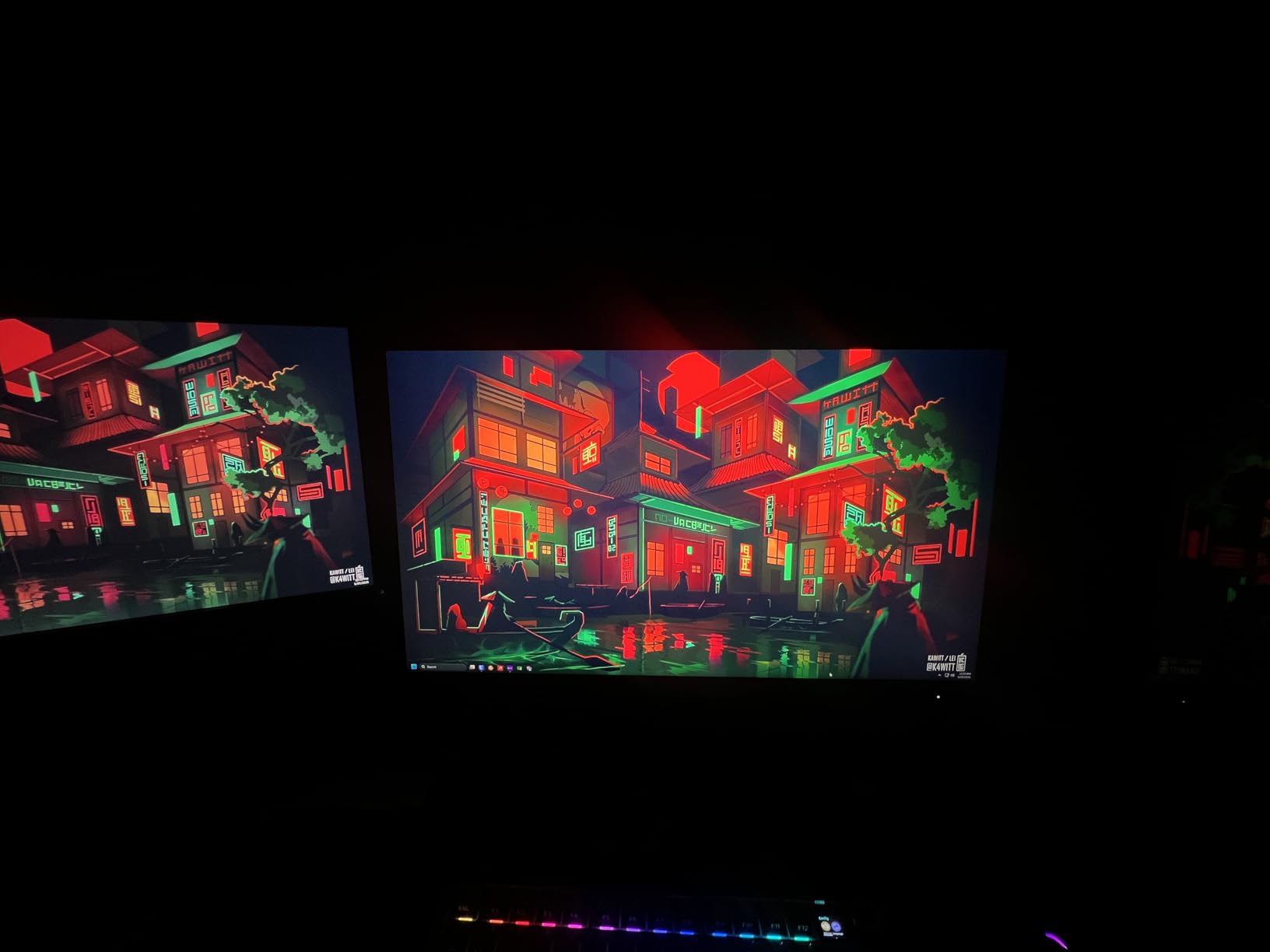
What makes it a safe buy rather than just a cheap one is the sync support. It lists FreeSync and G-SYNC Compatible, so it will handle variable refresh with an AMD card or an NVIDIA one without you swapping panels or adapters.
The three-sided frameless look is nicer than the price suggests, and Shadow Control plus Game Mode presets are the kind of small touches that get left out of budget monitors. Reviewers also mention that 0.3ms MPRT response keeps motion clean at speed.
The trade-off owners report is physical. The stand tilts from minus 3 to plus 21 degrees and does nothing else, so you cannot raise the screen to eye level without a riser. Brightness at 300 cd and a 1000:1 contrast ratio are ordinary IPS numbers, which is fine in a dim room and mediocre next to a window.
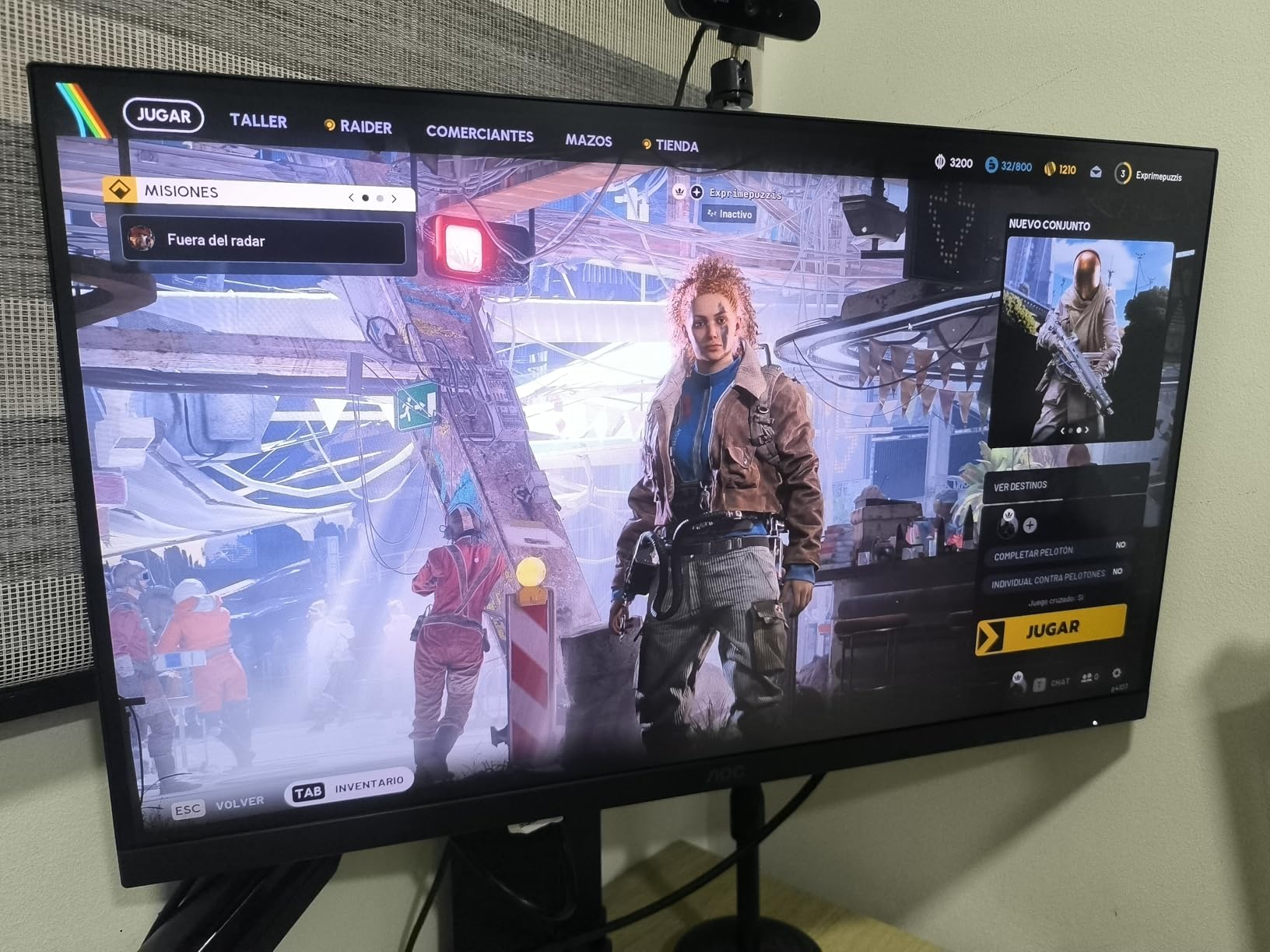
Compared with the SANSUI 27-Inch 200Hz: the AOC reaches a higher refresh ceiling and has better port selection, while the SANSUI is the cheaper way into a curved 1440p panel. If your GPU is not pushing past 200 frames per second, the extra headroom here goes unused.
3. SANSUI 34-Inch Curved: Best for Ultrawide Setups
SANSUI 34 Inch Curved Monitor 240Hz UWQHD 3440×1440 Gaming Monitor
- 3440x1440 curved VA at 240Hz with 1ms MPRT
- 450 cd brightness and 3000:1 contrast
- Two HDMI 2.1 and two DisplayPort 1.4 ports
- Picture-in-picture and side-by-side modes
- AI crosshair and sniper scope tools
- Stand height cannot be adjusted
- Some units show backlight bleed in dark scenes
A 21:9 curve at 240Hz, and the cheapest route into one. Multiple owners confirm the advertised 3440×1440 resolution and 240Hz refresh rate show up as expected in their GPU control panels, which is not always true at this end of the market.
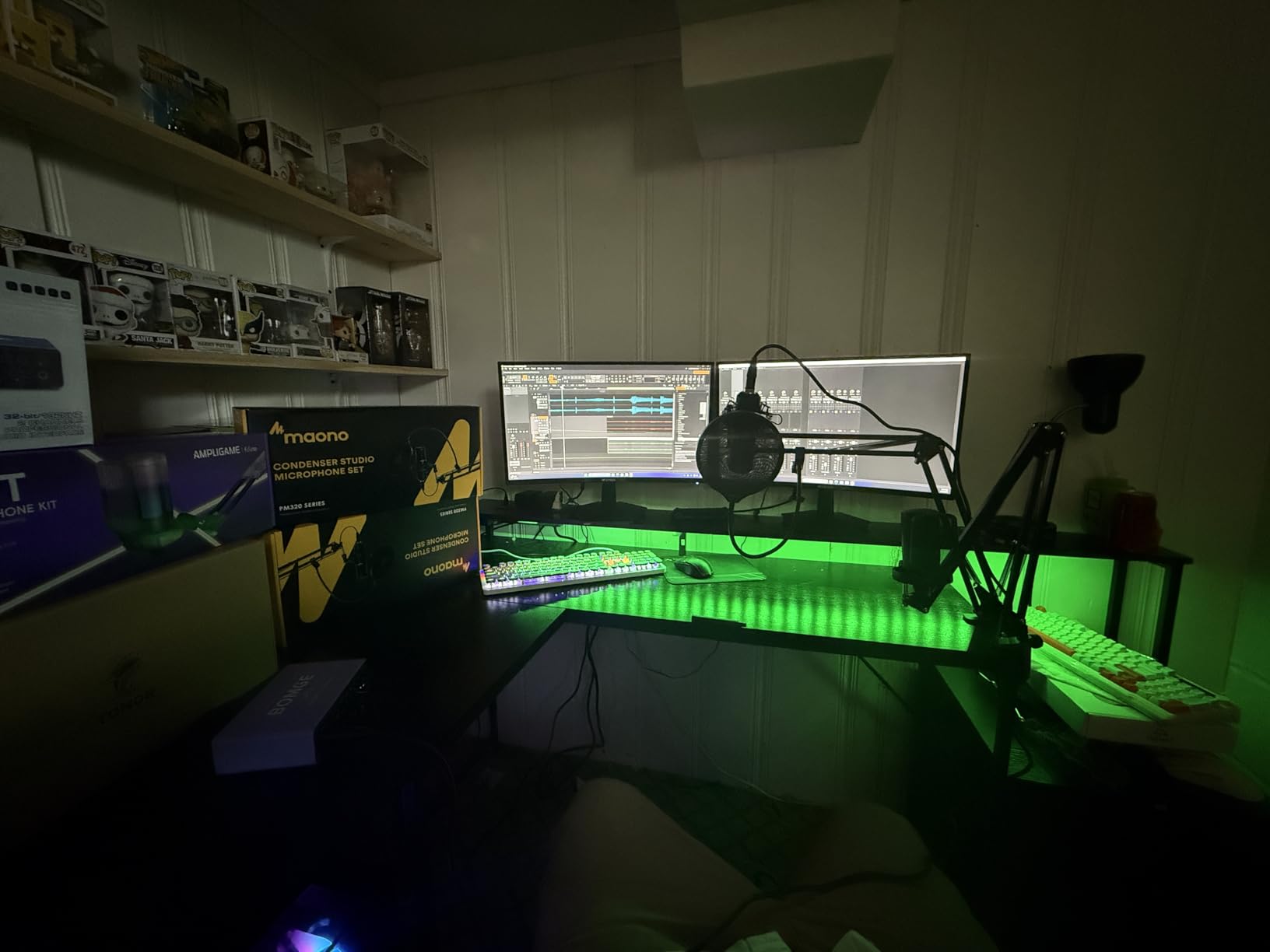
The 1500R curve wraps far enough to put the edges of a racing game or a strategy map comfortably in peripheral vision, and the extra width makes split-screen work genuinely useful rather than a stunt. Owners mention the AI crosshair and sniper scope tools more than once as a bonus for shooters.
HDR400 with 450 cd brightness is a modest certification, but the VA panel’s 3000:1 contrast is the best native contrast figure among the LED screens in this list, and it holds up better in a dim room than the 1000:1 IPS panels here.
The recurring complaint is the stand. Height does not adjust, so the panel sits low, and several buyers report backlight bleed and clouding visible in dark scenes. Colours also tend to run warm out of the box, which means a quick calibration pass is part of setup.
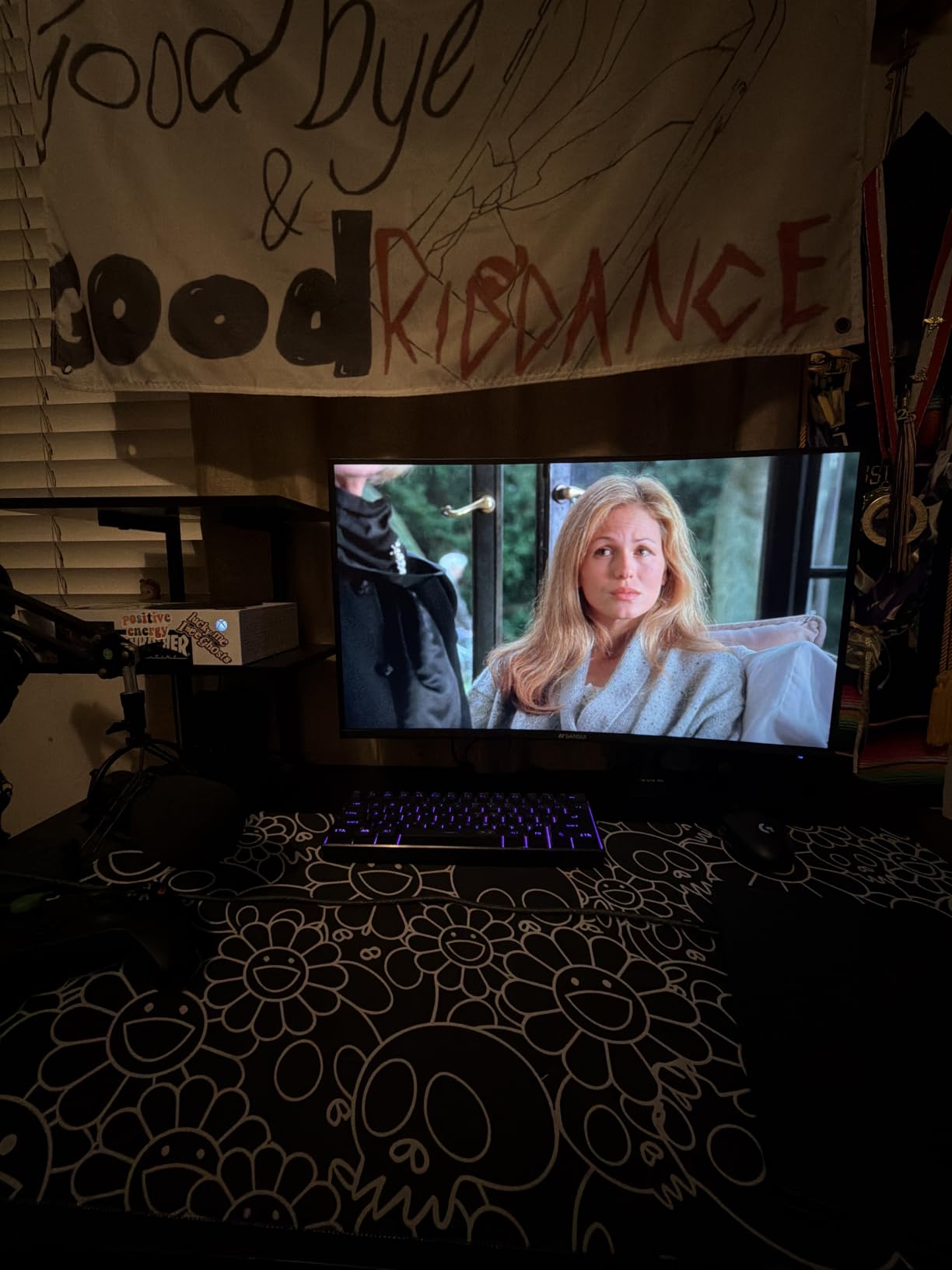
Watch the desk before you commit. At 31.77 inches wide, this needs a real desk, and a monitor arm helps more than usual when the base is the fixed-height kind. The one-year warranty is the shortest here, so the dead-pixel question is the one worth asking.
4. SANSUI 27-Inch 200Hz: Budget Pick
- Most-reviewed monitor in the group with more than 7600 ratings
- 200Hz refresh with 1ms MPRT on a curved 1440p panel
- 5000:1 contrast ratio and 90% DCI-P3 coverage
- Crosshair timer and shadow booster tools
- VESA 100x100mm mount and Kensington lock
- HDMI inputs top out at 144Hz so DisplayPort is needed for 200Hz
- 300 nits is low for HDR
- No speakers and a tilt-only stand
The entry point that most first-time builders end up buying. With a 4.5 star average across more than 7600 owner reviews, this is the most tested monitor on the list by a wide margin, and that volume of feedback is itself worth something when you are buying sight unseen.
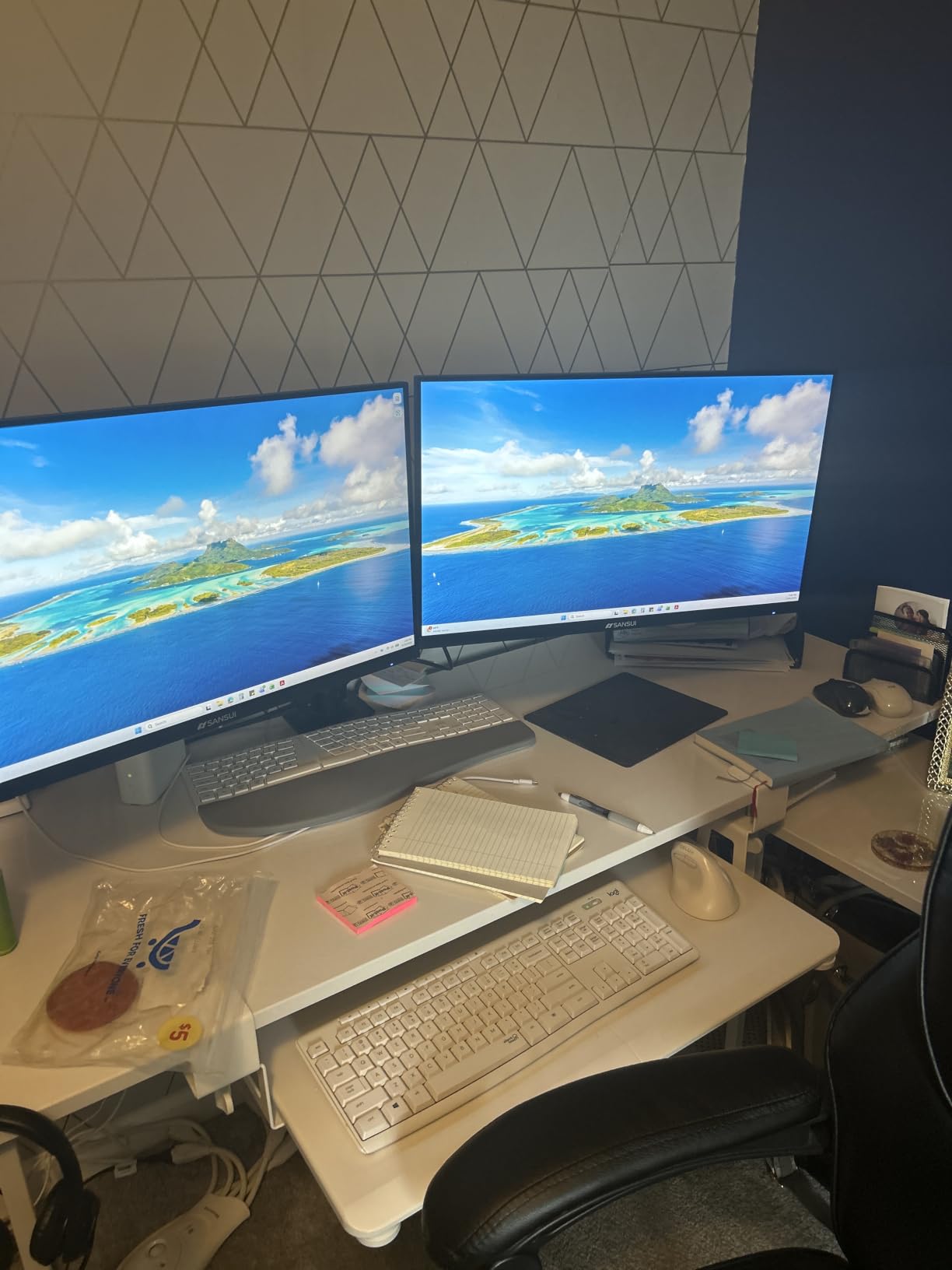
On paper the 5000:1 contrast rating is unusually good for the money, and a 1500R curve at 27 inches is a subtle wrap rather than a dramatic one, which suits desks that are not deep. The gaming tools, a crosshair, a timer and a shadow booster that lifts dark areas, are included rather than sold separately.
Owners regularly note that the colours need adjusting on arrival, which is normal for a panel in this class and takes a few minutes in the on-screen menu. The bigger practical issue is the port split: both HDMI inputs cap at 144Hz, so a PC needs the DisplayPort inputs to reach the full 200Hz.
Brightness of 300 nits means the HDR mode here is a checkbox rather than a feature. Buy it for the refresh rate and the resolution, not the picture.
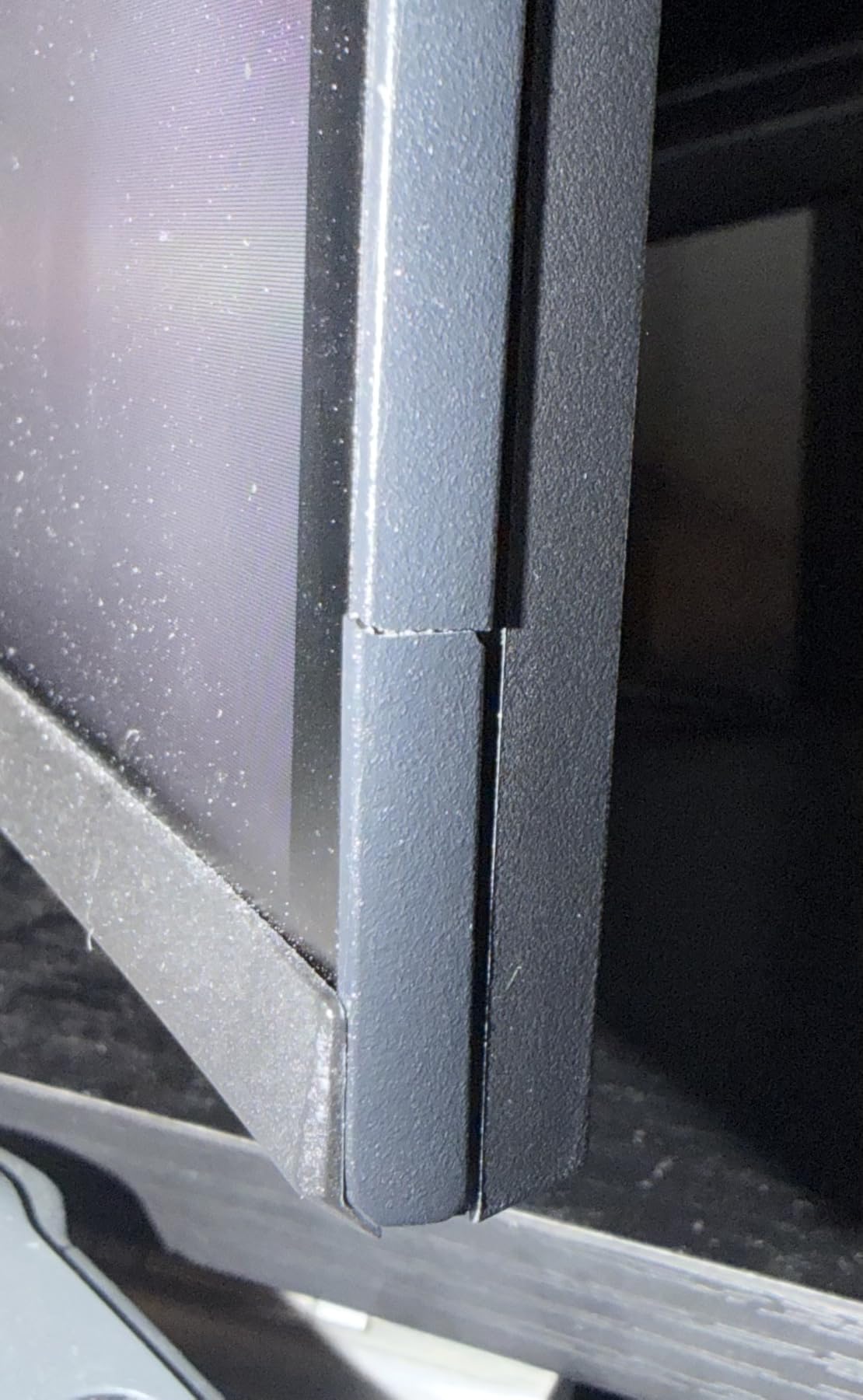
Skip it if your desk is shared with work you need to read. 1440p at 27 inches is comfortable, but the modest brightness and the need to calibrate colours make it a worse choice than the AOC Q27G41ZE for anyone who does eight hours of documents as well as gaming.
5. Samsung Odyssey G55C: Best for a Big 1440p Screen
Samsung 32″ Odyssey (G55C) Series QHD 1000R Curved Gaming Monitor,
- 32 inches of 2560x1440 at 1.7x the pixel density of Full HD
- 1000R curve sits close for a wrapped feel
- 165Hz with 1ms MPRT and AMD FreeSync
- HDR10 with Eye Saver Mode and flicker reduction
- DisplayPort cable and stand in the box
- Single HDMI port
- Glossy finish picks up reflections in a bright room
- One-year warranty and a 165Hz ceiling
More screen than the 27-inch options, at a refresh rate that suits most GPUs. A 32-inch panel at 2560×1440 gives you about 1.7 times the pixel density of Full HD, and the 1000R curve is one of the tightest here, which pulls the edges in closer than the gentler curves on the SANSUI models.
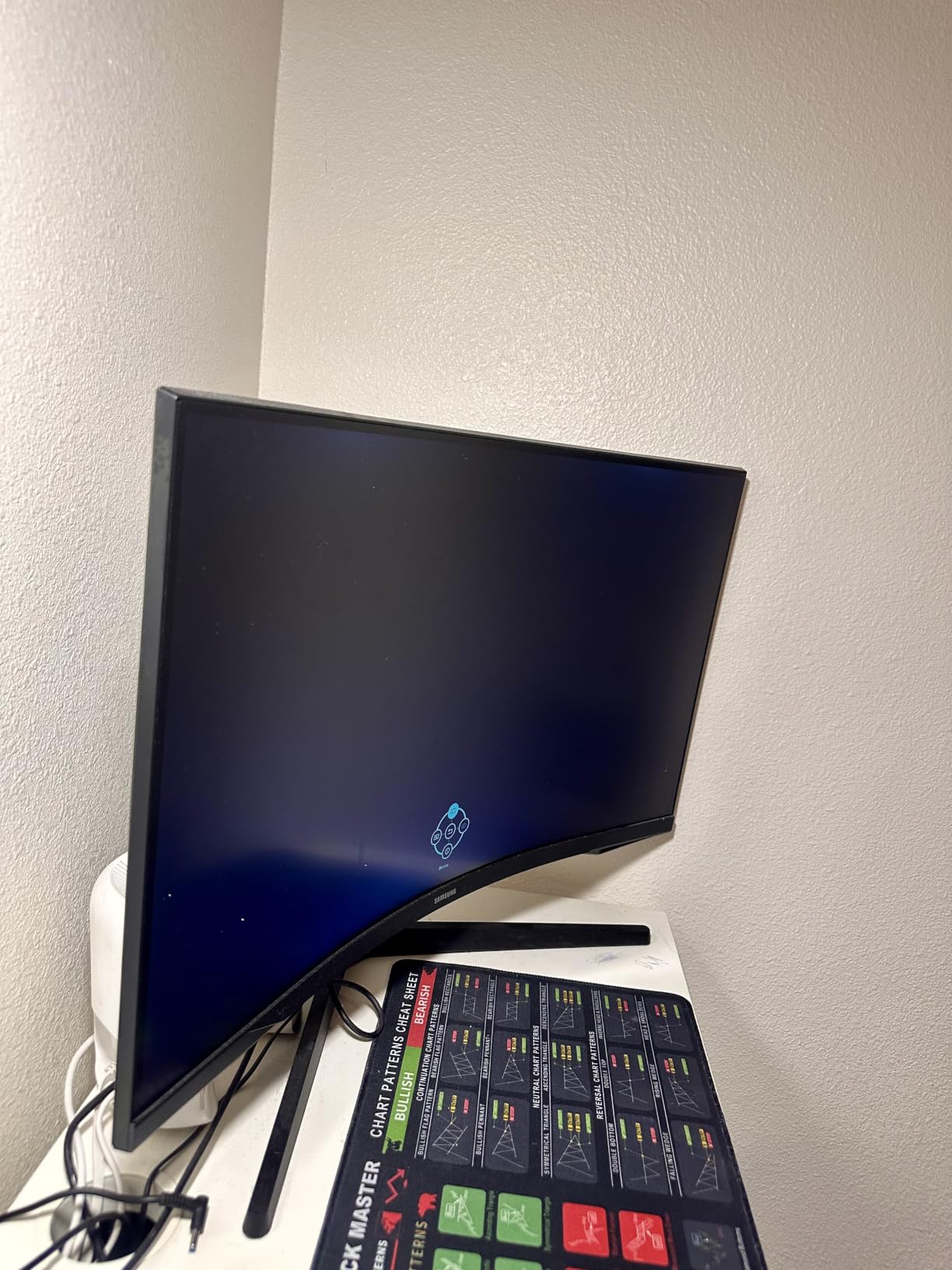
At 11.5 pounds this is a solidly built screen, and the box includes the DisplayPort cable, power cord and stand, which is more than some rivals manage. Owners like the FreeSync stability and the Eye Saver Mode for long sessions.
Two things pull it down. The 165Hz ceiling is below the 180Hz, 200Hz and 240Hz panels elsewhere in this list, so it will feel dated within a couple of years. The glossy screen finish also means overhead lights and windows reflect straight back at you.
There is a single HDMI port, and the 300 cd brightness pairs with 2500:1 contrast, which is respectable for an LED panel but nowhere near the contrast of the OLED options.
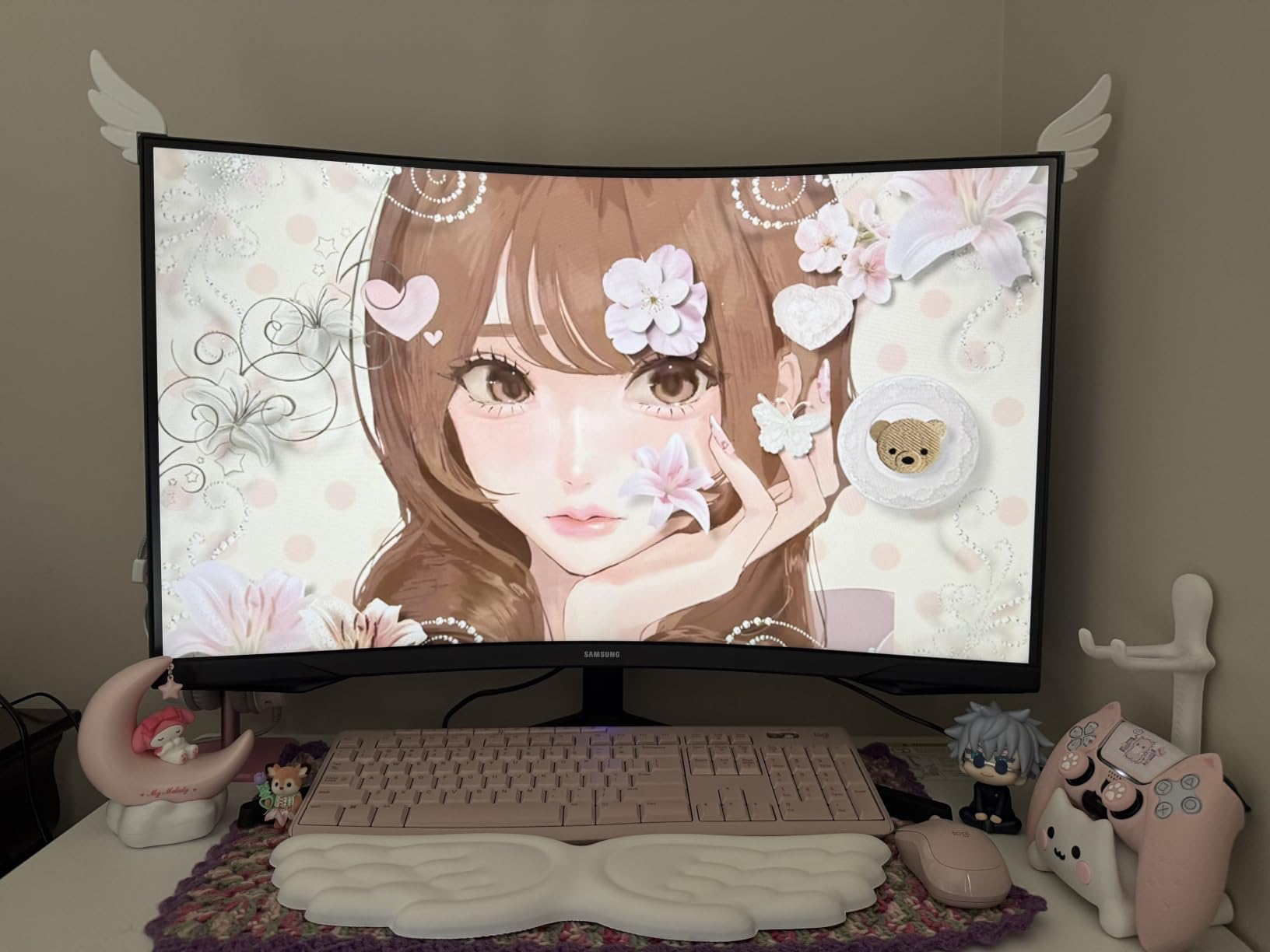
Good to know: a 32-inch 1440p screen means you sit a little further back than you would at 27 inches. If your desk is under about 28 inches deep, check the fit before buying, and consider a 27-inch model instead.
6. SANSUI 32-Inch 1080p: Best for Console Play
SANSUI 32 Inch Curved 240Hz Gaming Monitor High Refresh Rate, FHD 1080P
- 32 inches of 1920x1080 running at 240Hz
- Both HDMI and DisplayPort 1.4 reach the full 240Hz
- Earphone jack and VESA 100x100mm wall mounting
- Anti-flicker and low blue light modes for long sessions
- Metal stand and a DisplayPort cable in the box
- 1080p stretched across 32 inches reduces pixel density
- No height or swivel adjustment and no speakers
- 300 cd brightness is modest
A big, fast screen for a console-first living room. A 1500R curve across 32 inches at 240Hz is exactly what a sofa-distance setup wants, and owners mention that it works well with an Xbox and other consoles by name.
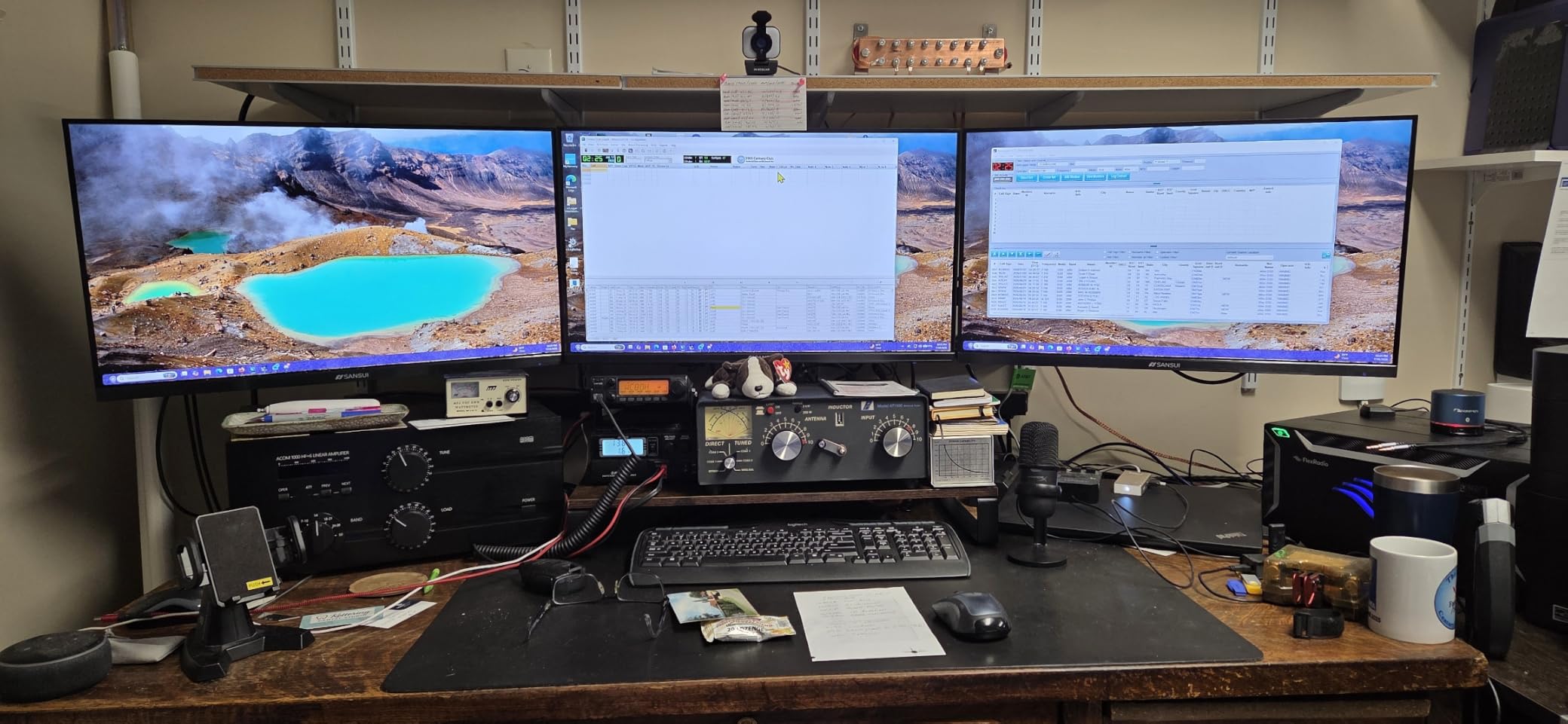
The port setup is unusually generous for the money. Both the HDMI and the DisplayPort 1.4 inputs reach the full 240Hz, which is not something you can say for the SANSUI 27-Inch 200Hz, where HDMI stops at 144Hz. A 3.5mm earphone jack is included, and there is no built-in speaker to work around.
The honest weakness is the resolution. Stretching 1920×1080 across 32 inches gives you roughly 69 pixels per inch, so text looks soft and fine detail in a 4K source is smoothed away. For a console at its native output it is fine; for a PC desktop, you will notice.
Stand adjustment is tilt only, and at 3500:1 contrast with 300 cd brightness the picture is decent but plain.
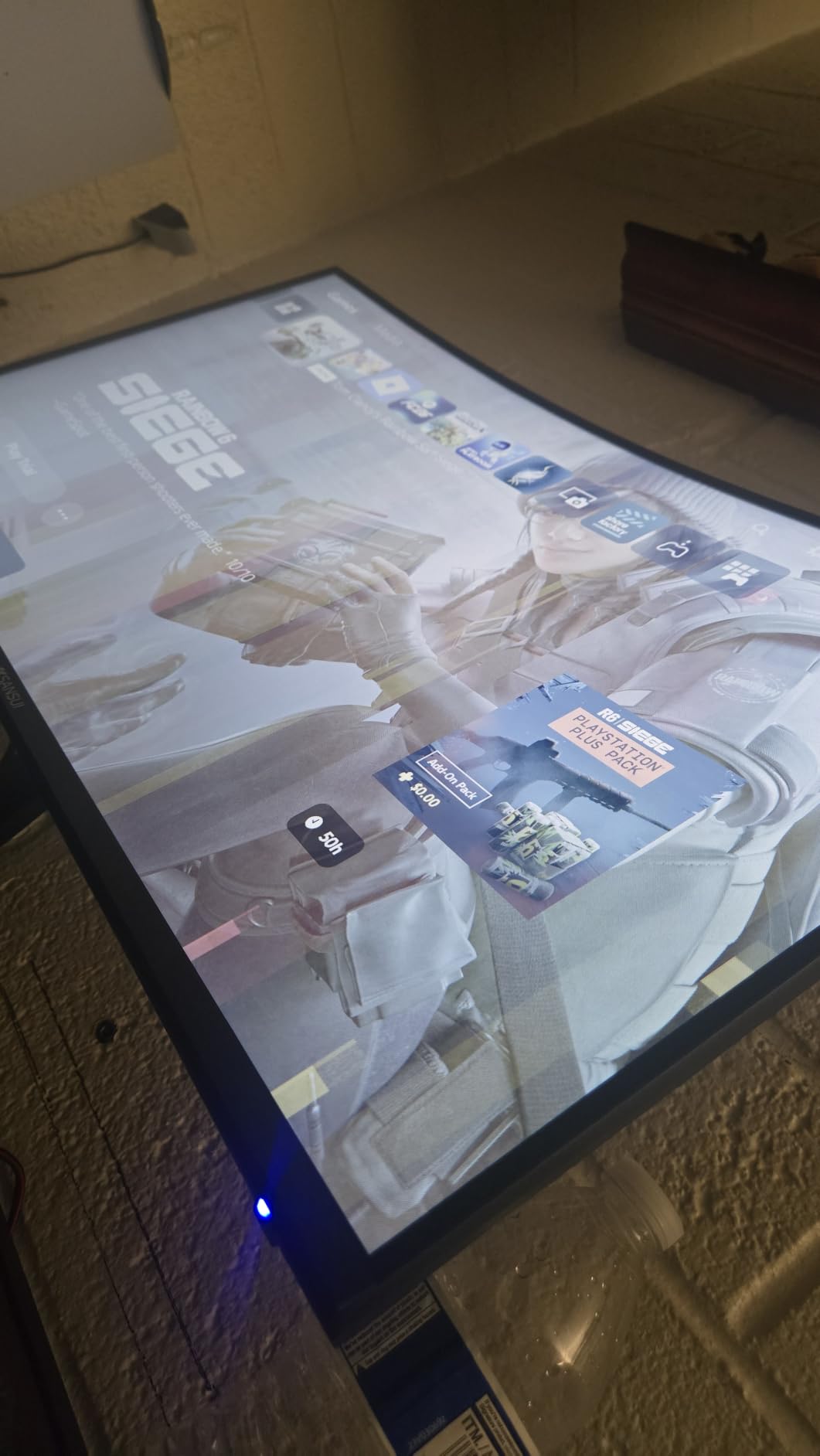
Compared with the LG UltraGear 27GS60QC: the LG is a 1440p panel with a second HDMI port, so it wins on a desk setup with a PC in the mix. Choose the SANSUI when the monitor lives in a lounge and the console is the only source.
7. LG UltraGear 27GS60QC: Best for PS5 and PC
- Two HDMI ports plus DisplayPort and a headphone output
- 180Hz with 1ms GtG response and AMD FreeSync
- Virtually borderless three-side design
- HDR10 with up to 99% sRGB coverage
- Black Stabilizer and an FPS counter for shooters
- Auto-brightness cannot be switched off and responds slowly
- Some owners report HDMI handshake dropouts
- 1000:1 contrast is low for the panel type
Two HDMI ports is the whole argument. Everything else here is a well-balanced 27-inch 1440p panel at 180Hz with 1ms GtG response, but the port layout is what makes this the easiest screen to share between a console and a PC without a switch box.
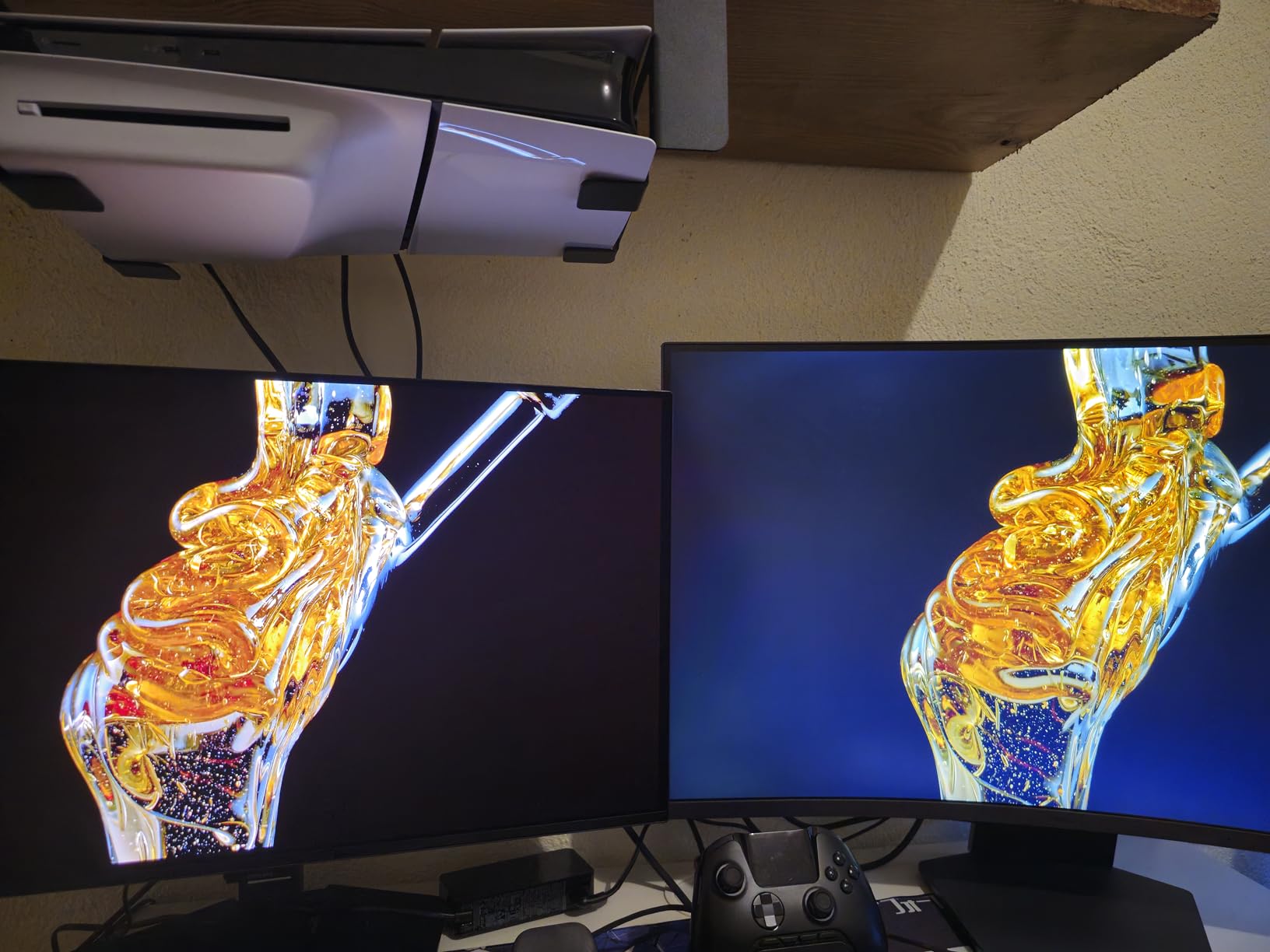
Owners report it hits 144Hz over HDMI with both a PS5 and a laptop dock, and at 10.6 pounds and 19 watts it draws less power than several larger screens here. The Black Stabilizer lifts shadow detail in dark games, and the FPS counter is a small thing competitive players appreciate.
Two issues come up repeatedly. The auto-brightness feature cannot be disabled and takes a moment to react when the light in the room changes, which is distracting in a dark gaming session. Some units also report HDMI handshake problems, including a black screen on start-up or a drop to the wrong resolution.
At 1000:1 contrast and 300 cd brightness this is a plain LED picture, and the 1000R curve is tight enough that some buyers find it visually strong on a screen this size.
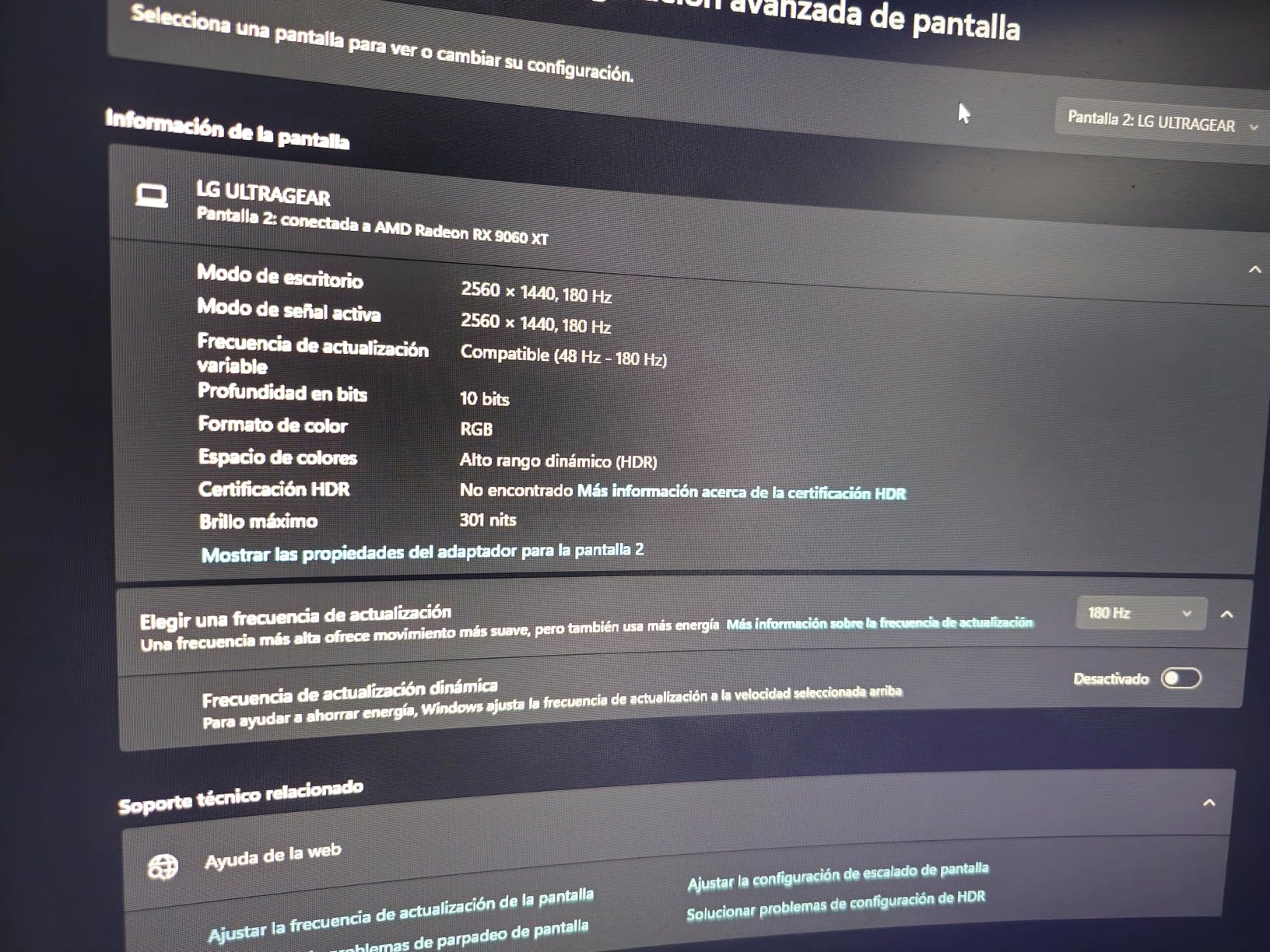
Good to know: the box includes the monitor and a power adapter only, so budget for your own cable if you are not reusing one.
8. AOC Q27GAZD: Best for Photo and Video
AOC 27″ Gaming Monitor QHD 240Hz QD OLED NVIDIA G-SYNC Compatible Q27GAZD
- Colour coverage of 147.6% sRGB and 110.2% DCI-P3,240Hz with 0.03ms GtG response
- HDR400 True Black with 1500000:1 contrast
- Anti-glare coating and flicker-free operation
- Three-year manufacturer warranty
- Burn-in risk for static on-screen elements
- Single HDMI port and no height adjustment listed
- Brightness not stated and typically lower than LED in HDR
The colour numbers make this a creator’s screen as much as a gaming one. Coverage of 147.6% sRGB and 110.2% DCI-P3 goes beyond what the Samsung Odyssey OLED G6 specifies, and buyers single out the deep blacks and the colour accuracy after calibration.
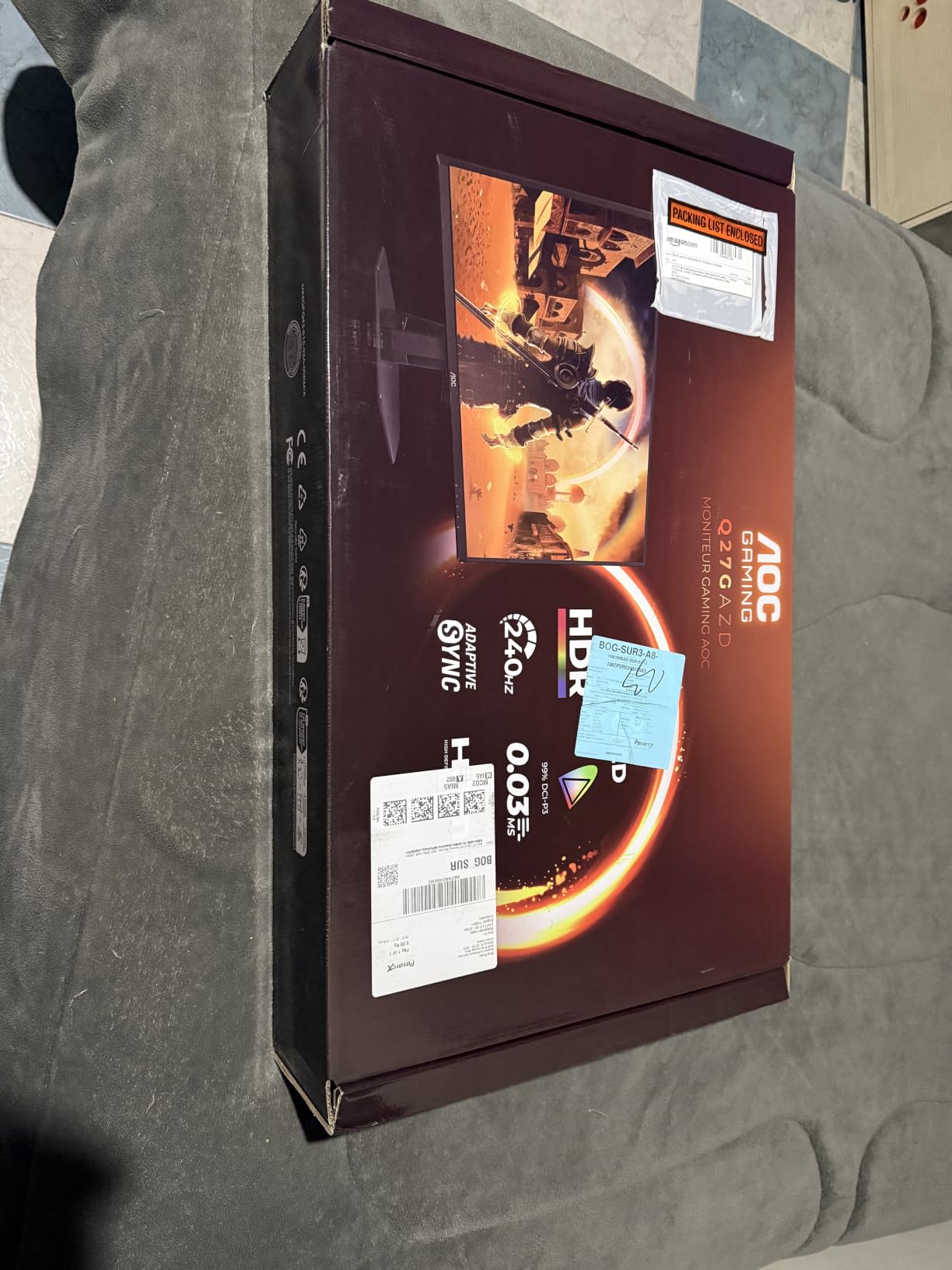
Motion performance is identical in headline terms to the Samsung, with 240Hz and a 0.03ms GtG response time, and the adaptive sync is listed as G-SYNC Compatible for NVIDIA cards, so it works on either side of the fence. An HDMI cable is included in the box.
The listing is vague in two places. Brightness is not stated, and OLED screens generally peak lower in HDR than a bright LED panel, so treat HDR400 True Black as a contrast-led feature rather than a brightness one. Height adjustment is not mentioned, so check the stand before you commit to a seated position.
Like every OLED here, static elements carry a burn-in risk over time. Screen savers and a dark interface go a long way toward avoiding it.
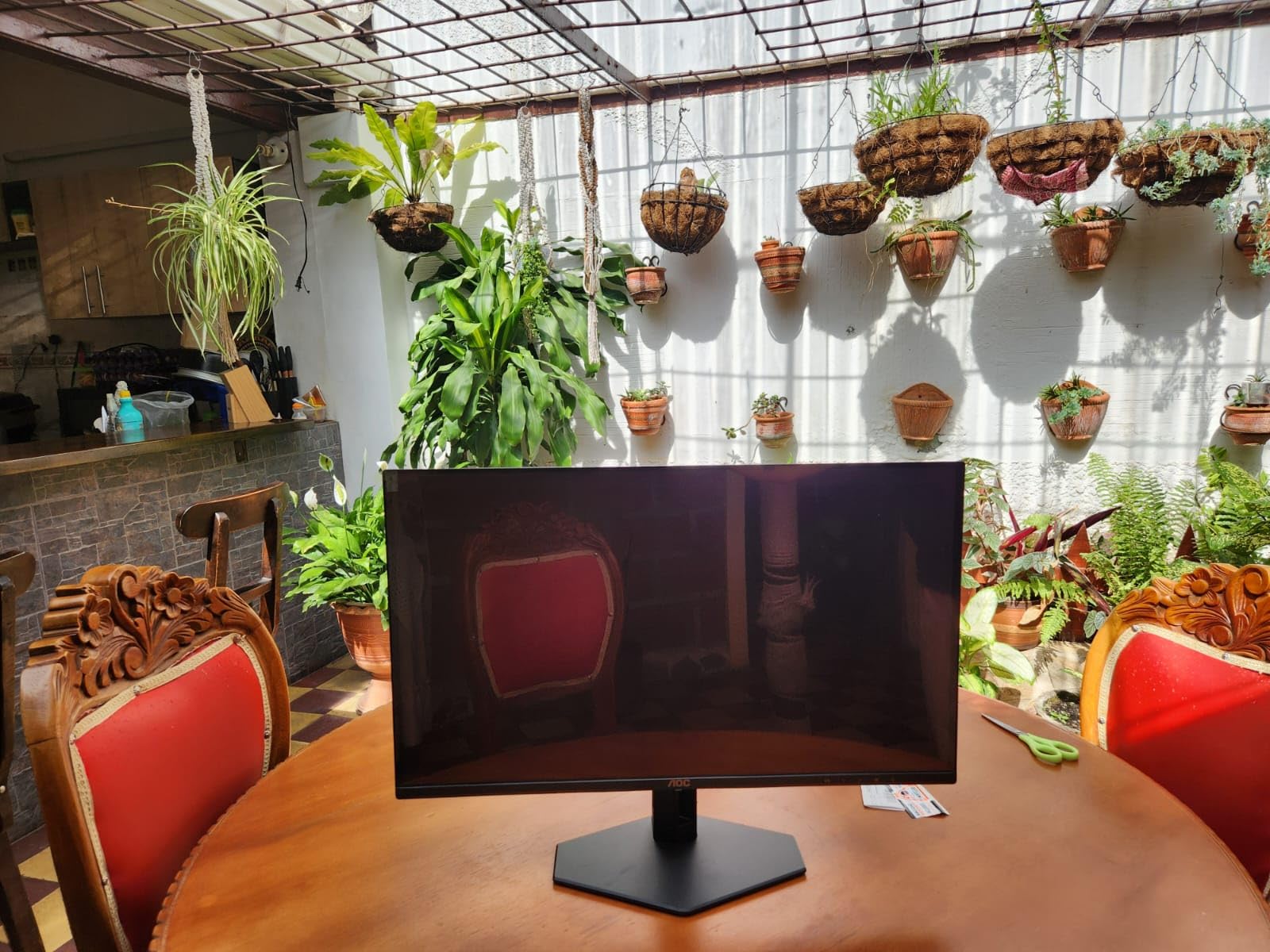
It is the same panel size and the same headline refresh rate as the Samsung Odyssey OLED G6, so the decision comes down to stand and stated brightness. The Samsung gives you a figure of 400 cd and a stand that adjusts for height, which is the reason it leads this list. This one lists no brightness number at all, so budget for a screen that peaks lower in bright scenes.
9. Alienware AW3425DWM: Best for Work and Play
Alienware 34 Curved Gaming Monitor – AW3425DWM – 34-inch WQHD 180Hz 1ms Display, 1500R, AMD FreeSync Premium, VESA AdaptiveSync.
- 34-inch 1500R 21:9 panel at 3440x1440
- Height and tilt adjustable stand
- FreeSync Premium plus VESA Adaptive Sync
- DisplayHDR 400 with 95% DCI-P3 and 400 cd brightness
- USB and Bluetooth alongside HDMI and DisplayPort
- 21 pounds needs a sturdy desk or a good mount
- 180Hz is below several rivals at this size
- 95% DCI-P3 is limited for professional colour work
Built for people who game and work on the same desk. At 3440×1440 across 34 inches, this gives you roughly twice the usable width of a 16:9 screen, which is enough for a document, a chat window and a game at once without a second monitor.
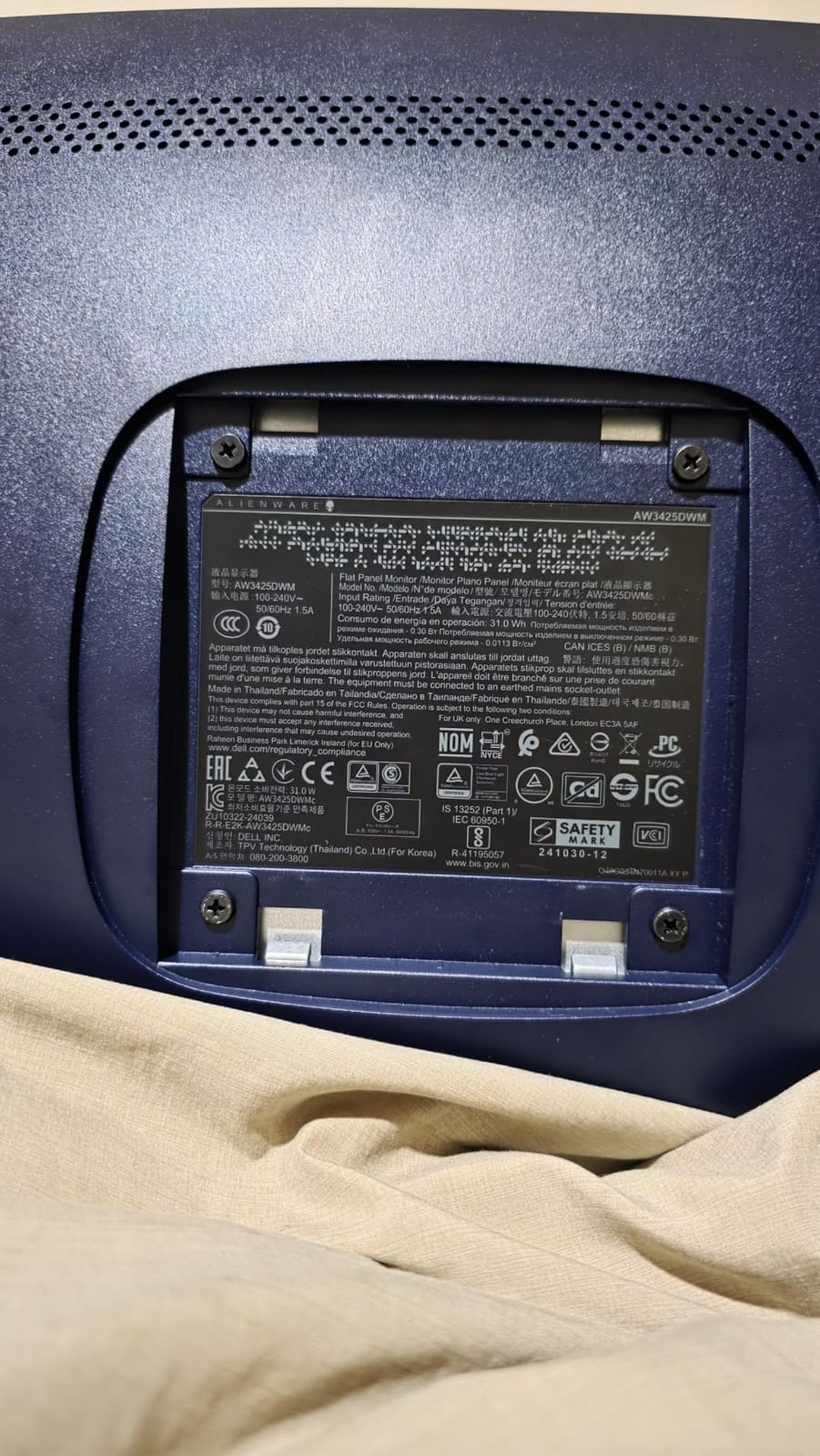
The stand adjusts for height and tilt, which solves the problem that stops several cheaper ultrawides here being comfortable, and the box includes a stand riser, base, HDMI cable and a VESA cover. USB and Bluetooth connectivity let you keep a keyboard and mouse on one cable.
FreeSync Premium and VESA Adaptive Sync handle variable refresh, and the DisplayHDR 400 certification with 400 cd brightness is the strongest HDR claim among the LED panels in this list.
Weight is the practical issue at 21 pounds. Plan a mount or a desk that can take it, and check the depth of your workspace before ordering because a 21:9 panel needs room. Colour coverage of 95% DCI-P3 is fine for general work but short of a colour-grading standard.
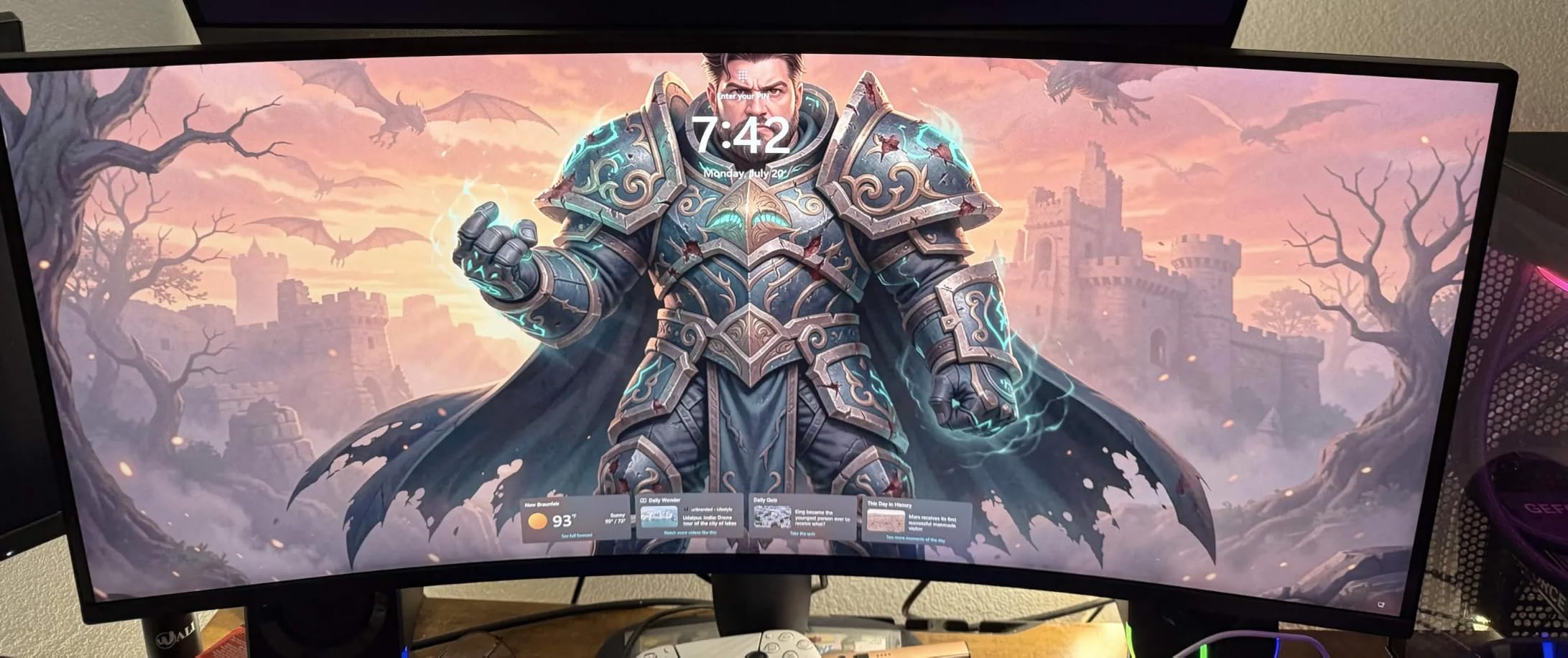
Compared with the SANSUI 34-Inch Curved: you are trading 60Hz of refresh rate and a lot of contrast for a far better stand, a three-year warranty and a calmer owner-review record. Choose the Alienware for a mixed work and play desk, the SANSUI for a dedicated gaming station.
10. MSI MPG 321URX: Best for 4K Gaming
- 4K QD-OLED at 240Hz with 0.03ms response
- 10-bit colour with 99% DCI-P3 and Delta E of 2 or better
- 90W USB Type-C powers and connects a laptop on one cable
- KVM switch with picture-in-picture and console mode
- OLED Care 2.0 burn-in mitigation
- 4K at 240Hz needs a high-end GPU to use fully
- 27.2 pounds and a wide base
- No built-in speakers
The most demanding screen on the list, in the best possible way. A 31.5-inch 4K QD-OLED running at 240Hz with a 0.03ms response time is the only combination here that covers high-resolution work and competitive motion at the same time.
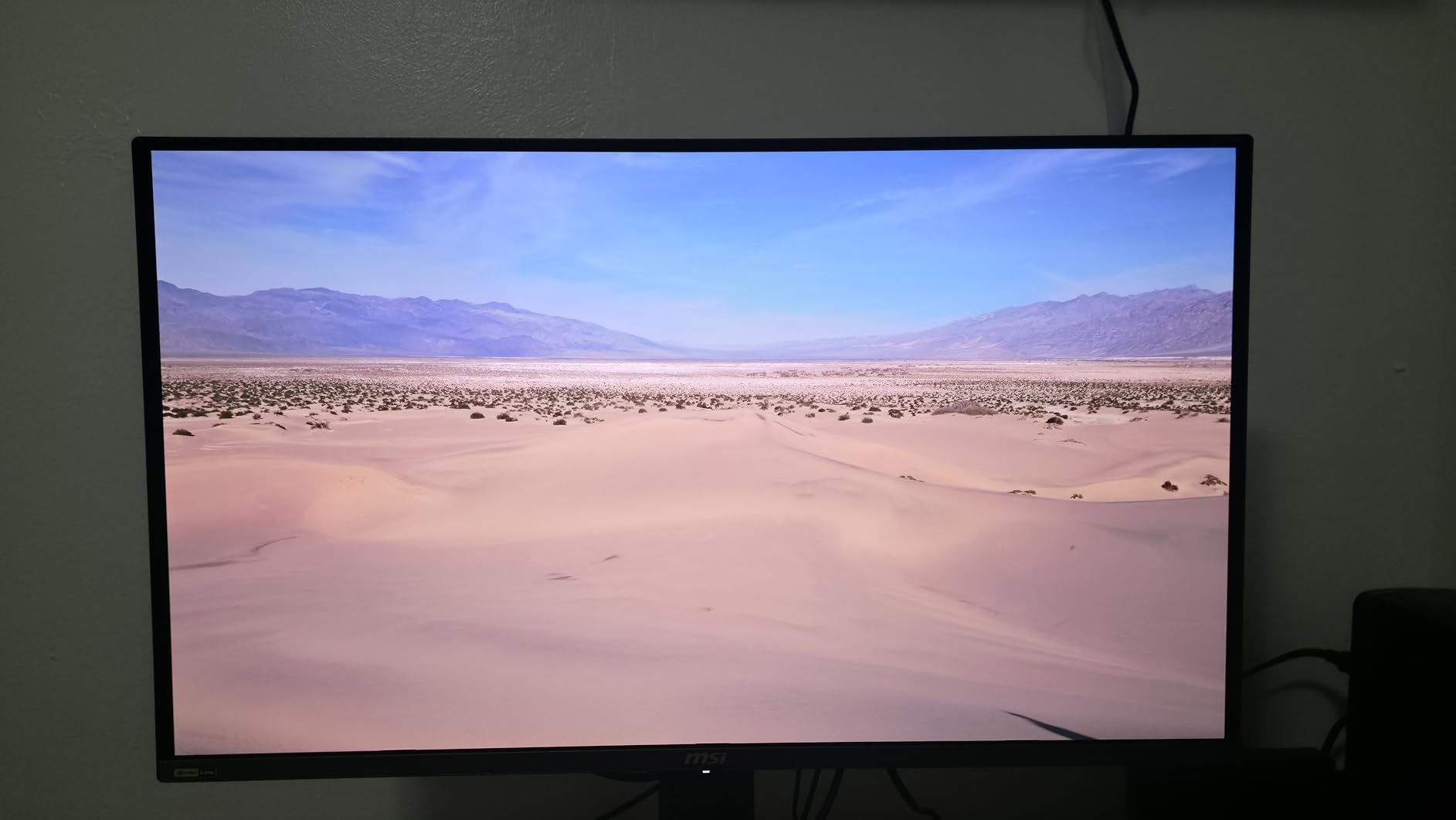
Colour is handled properly for prosumer work: 10-bit rendering across 1.07 billion colours, 99% DCI-P3 coverage and a stated Delta E accuracy of 2 or better. Owners describe the jump from an IPS panel as dramatic, particularly in HDR.
The 90W USB Type-C port is the sleeper feature. It powers and connects a laptop from a single cable, and the KVM switch lets you move between two machines without unplugging a keyboard. HDMI 2.1, DisplayPort 1.4a and USB Type-C cover the inputs.
Be honest about your GPU. Pushing 4K at 240Hz needs a top-tier card, and most systems will sit at 120 to 165 frames per second in demanding titles, which wastes the panel’s ceiling. At 27.2 pounds with a wide base, this also demands a proper desk, and OLED Care 2.0 handles the panel refresh cycles quietly.
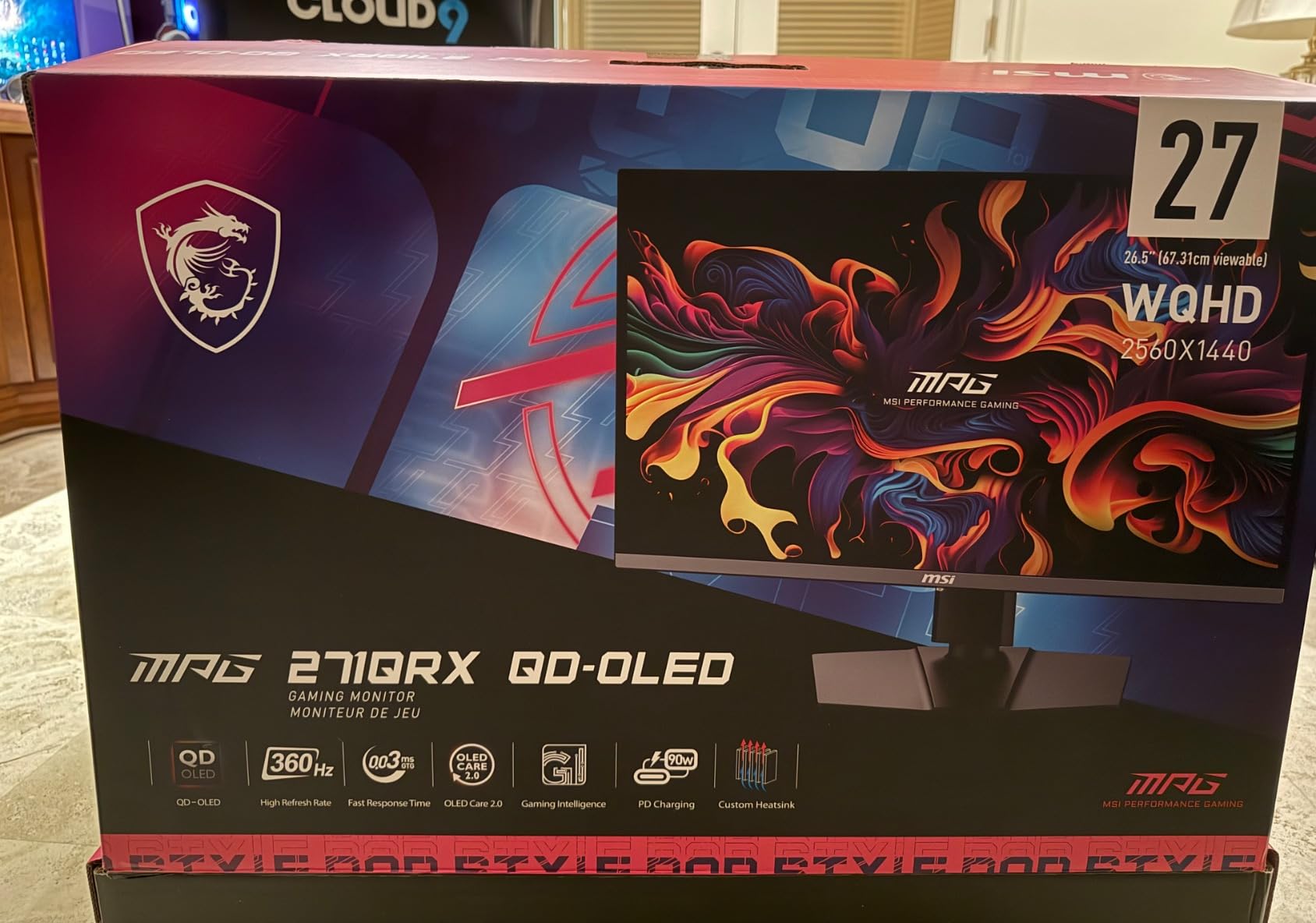
Buy this one only if your card is driving high frame rates at 4K. Against the Samsung Odyssey OLED G6 you are trading a 1440p panel for a 4K one and adding USB-C power delivery, at a far higher tier of spend, and a mid-range system will settle at 120 to 165 frames per second either way. If that is your situation, the Odyssey delivers a more sensible upgrade.
How to Choose Gaming Monitors During Prime Big Deal Days
How to Choose a Gaming Monitor for Your Resolution Needs
1080p, 1440p and 4K are three different products, not three prices for the same one. 1080p at 32 inches is fine for consoles and light PC gaming but pixels get visible at desk distance, while 1440p at 27 inches is the current sweet spot for PC play and costs a mid-range card almost nothing to drive. 4K sharpens everything but asks far more of your GPU, and if you also play on a television in the same room, our picks for gaming TVs at every budget cover the large-screen side of the same decision.
How to Choose a Gaming Monitor for Refresh Rate
Refresh rate is a ceiling, not a promise, and buyers regularly end up paying for a number their GPU cannot reach. 120Hz and 144Hz suit console output and mid-range cards, 165Hz and 180Hz are comfortable all-rounders, and 240Hz or higher only makes sense with a high-end GPU in competitive shooters. Match the panel to your hardware rather than the other way round.
How to Choose Response Time and Motion Clarity
Two numbers get quoted and they measure different things. GtG is the pixel transition, while MPRT is a measured moving response that includes backlight strobing, and a 0.03ms GtG on an OLED is not the same claim as a 1ms MPRT on an LED. Below roughly 1ms MPRT, differences are hard to see in normal play, so judge the panel on smearing and ghosting in fast games rather than the printed figure.
How to Choose Gaming Monitor Features
Adaptive sync is the feature that actually changes how games feel, and FreeSync or G-SYNC Compatible covers both AMD and NVIDIA cards here. HDR deserves scepticism below HDR600, since 400-level certifications rarely deliver a visible brightness jump. Also check the gaming extras, and whether the stand adjusts for height, because a screen you cannot raise is a screen you will want to replace sooner.
How to Choose Gaming Monitor Size and Connectivity
27 inches at 16:9 is the safe default; 32 inches at the same resolution needs a deeper desk and a longer viewing distance, and 34-inch 21:9 ultrawides need both. Check desk depth before a 34-inch model, and consider monitor arms for standing desks if you want the height range the stand cannot give you. Where you have no riser, simple monitor stands solve the same problem for less. The rest of the desk matters too, particularly if you also spend hours seated in it, where our roundup of gaming chairs for big and tall users is worth a look. On ports, count them against your sources: two HDMI ports matter if a console shares the desk, and DisplayPort is the one to confirm if you plan to use a refresh rate above 144Hz.
How to Shop Gaming Monitor Deals During the Sale
Read the listing carefully, because monitor deals are full of near-identical SKUs. Check the model number in the fine print, because the same family name covers 27-inch and 32-inch versions and different panel types, and confirm which cables and the stand are in the box before you assume. Look at who sells and who sends the item, and whether the offer is new or a renewed unit. Most of these deals need an active Prime membership, and the figures move through the two days of the event, so an offer you watched yesterday may not be the one you find today.
- Confirm the exact model number, not just the product family name
- Match the refresh rate to what your GPU can actually deliver
- Count HDMI and DisplayPort inputs against every device you plan to connect
- Check whether the stand adjusts for height before you accept the viewing position
- Confirm the warranty length, which ranges from one year to three across this list
- Look at brightness in nits and the HDR level before trusting an HDR badge
Frequently Asked Questions
When does Amazon Prime Big Deal Days run in 2026?
Amazon Prime Big Deal Days runs October 6-7, 2026, a 48-hour window that Amazon has confirmed. Monitor offers inside it typically start when the event opens and can end early once an offer runs its course, so the earlier evening of day one is usually when the deepest cuts on popular panels appear.
Do I need Prime to buy a gaming monitor during Prime Big Deal Days?
Most offers during the event are reserved for Prime members, though a free trial counts and can be started in minutes if you are not signed up. A small number of deals apply to everyone, but the wider selection behind the member pricing is where the gaming monitors are.
What refresh rate is best for gaming monitors?
For most players, 144Hz to 180Hz is the point where motion stops feeling soft and the cost of the panel stops being obvious. Move to 240Hz or higher only if a high-end GPU can feed it frame rates in the hundreds during competitive games. For consoles, 120Hz is the practical ceiling.
Is a 4K gaming monitor worth it for a PC or console?
On a PC it is worth it if your graphics card can hold high frame rates at 4K, because the extra sharpness shows in text, menus and open worlds. On a console, 4K at 120Hz needs HDMI 2.1, so check the port list before buying. A 1440p panel at 240Hz often looks more impressive in play.
Should I choose a gaming monitor with HDR?
Only when it is genuinely bright. HDR400 and HDR600 panels deliver better blacks and contrast but rarely a visible brightness jump, while HDR1000-class screens make a real difference. If HDR is your main reason for a new monitor, look at the brightness figure in nits rather than the certification badge.
Are Amazon Prime Big Deal Days gaming monitor deals usually limited to Prime members?
They usually are. Almost all monitor offers inside the event are priced for Prime members, with a free trial counting toward the requirement, and a smaller set of offers open to everyone. Membership also brings faster delivery options during the two days the event runs.
Final Verdict: Best Amazon Prime Big Deal Days Gaming Monitor Deals
Buy the Samsung Odyssey OLED G6 if you want the best picture in the group and can live with one HDMI port; it is the pick to watch most closely during the sale. If the budget is tighter, the AOC Q27G41ZE is the value answer, giving a 1440p panel at up to 260Hz with adaptive sync for both AMD and NVIDIA cards. The SANSUI 27-Inch 200Hz is the cheapest sensible starting point and the most reviewed monitor here.
Beyond those, the SANSUI 34-Inch Curved and Alienware AW3425DWM cover 34-inch ultrawide needs from opposite ends, fast and inexpensive versus adjustable and better built. The LG UltraGear 27GS60QC suits a shared console and PC desk because of its two HDMI ports, the SANSUI 32-Inch 1080p suits a console-first lounge, the AOC Q27GAZD is the pick for colour work, and the MSI MPG 321URX is the 4K and 240Hz choice for a high-end card. Check the current figures on each listing before you commit, and buy the one that matches your hardware rather than the highest number on the box.