

The Sceptre C248W 24-inch is the monitor we would watch most closely during Prime Big Deal Days this October, because it does the ordinary things well and has the largest owner base of any display in this list at more than 22,000 reviews. If your desk is a home office rather than a gaming rig, the Acer KB272 G0bi 27-inch is the safer buy, with an IPS panel and a three-year warranty. Competitive players should look at the SANSUI 32-inch, which pairs a 240Hz panel with a 1500R curve. The sale itself runs October 6-7, 2026, and most offers need a Prime membership.
Table of Contents
Our Top 3 Picks for Best Amazon Prime Big Deal Days Monitor Deals

Sceptre C248W 24-inch
- 1800R curved VA panel
- 98% sRGB color coverage
- Two HDMI ports plus VGA

SANSUI 32-inch 240Hz
- 240Hz with 1ms MPRT response
- 1500R curve at 32 inches
- DisplayPort 1.4 and HDMI

Acer KB272 G0bi 27-inch
- IPS panel at 99% sRGB
- 120Hz with FreeSync support
- Three-year parts and labor warranty
Best Amazon Prime Big Deal Days Monitor Deals Compared (2026)
| Product | Specifications | Action |
|---|---|---|
| Sceptre C248W 24-inch |
|
Check Deal Price |
| SANSUI 32-inch 240Hz |
|
Check Deal Price |
| Acer KB272 G0bi 27-inch |
|
Check Deal Price |
 Samsung Odyssey G55C 32-inch Samsung Odyssey G55C 32-inch |
|
Check Deal Price |
 AOC Q27G41ZE 27-inch AOC Q27G41ZE 27-inch |
|
Check Deal Price |
 Samsung Odyssey G51F 27-inch Samsung Odyssey G51F 27-inch |
|
Check Deal Price |
 Dell SE2426H 24-inch Dell SE2426H 24-inch |
|
Check Deal Price |
 Dell S2725QS 27-inch Dell S2725QS 27-inch |
|
Check Deal Price |
 Samsung Odyssey OLED G6 27-inch Samsung Odyssey OLED G6 27-inch |
|
Check Deal Price |
 Alienware AW3425DW 34-inch Alienware AW3425DW 34-inch |
|
Check Deal Price |
 Dell S2725DSM 27-inch Dell S2725DSM 27-inch |
|
Check Deal Price |
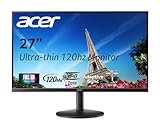 Acer SB273 G0bi 27-inch Acer SB273 G0bi 27-inch |
|
Check Deal Price |
How We Chose
We compared the specifications that decide whether a monitor suits a desk: panel type, native resolution, refresh rate, brightness, contrast, port selection, stand adjustment and warranty. Alongside those numbers we read owner reviews and ratings on Amazon for every model, paying close attention to the complaints that repeat. The data was checked in October 2026.
1. Sceptre C248W 24-inch: Editor’s Choice for Everyday Desks
- Immersive 1800R curve
- 98% sRGB color coverage
- Two HDMI ports plus VGA input
- Built-in speakers included
- VESA wall mount ready at 6 pounds
- 75Hz feels dated for fast games
- Speakers are light on bass
- Tilt-only stand with no height or swivel
This is the pick that keeps earning its place, and not because it wins a spec sheet. With more than 22,000 reviews and a 4.6 average, it is by a wide margin the most thoroughly owner-tested display here, which means its strengths and its limits are both well documented.
The wrap is the reason people buy it. At 1800R, a 24-inch screen curves enough to pull the edges of a racing game into your peripheral vision, and the 3000:1 VA contrast gives blacks noticeably deeper than an IPS panel manages at this level.
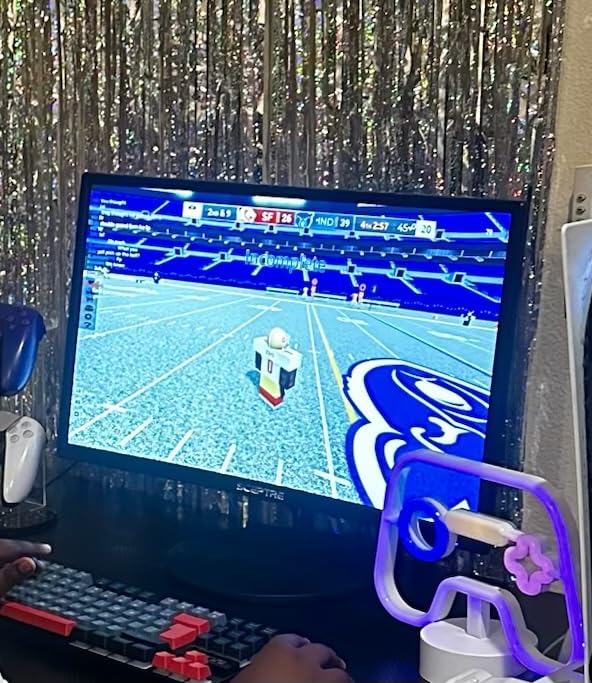
Standout points:
- 98% sRGB coverage, unusual on a curved VA panel at this level
- Two HDMI inputs plus legacy VGA, so a console and a PC can share it
- Built-in speakers, which removes one small box from a small desk
- Wall mount ready, and light enough at 6 pounds to move without help
The trade-off is the refresh rate. At 75Hz this is not a competitive gaming panel, and owners report that some units default to 60Hz over HDMI until you change the graphics setting. Compare it with the Dell SE2426H 24-inch if you want 144Hz in the same footprint.
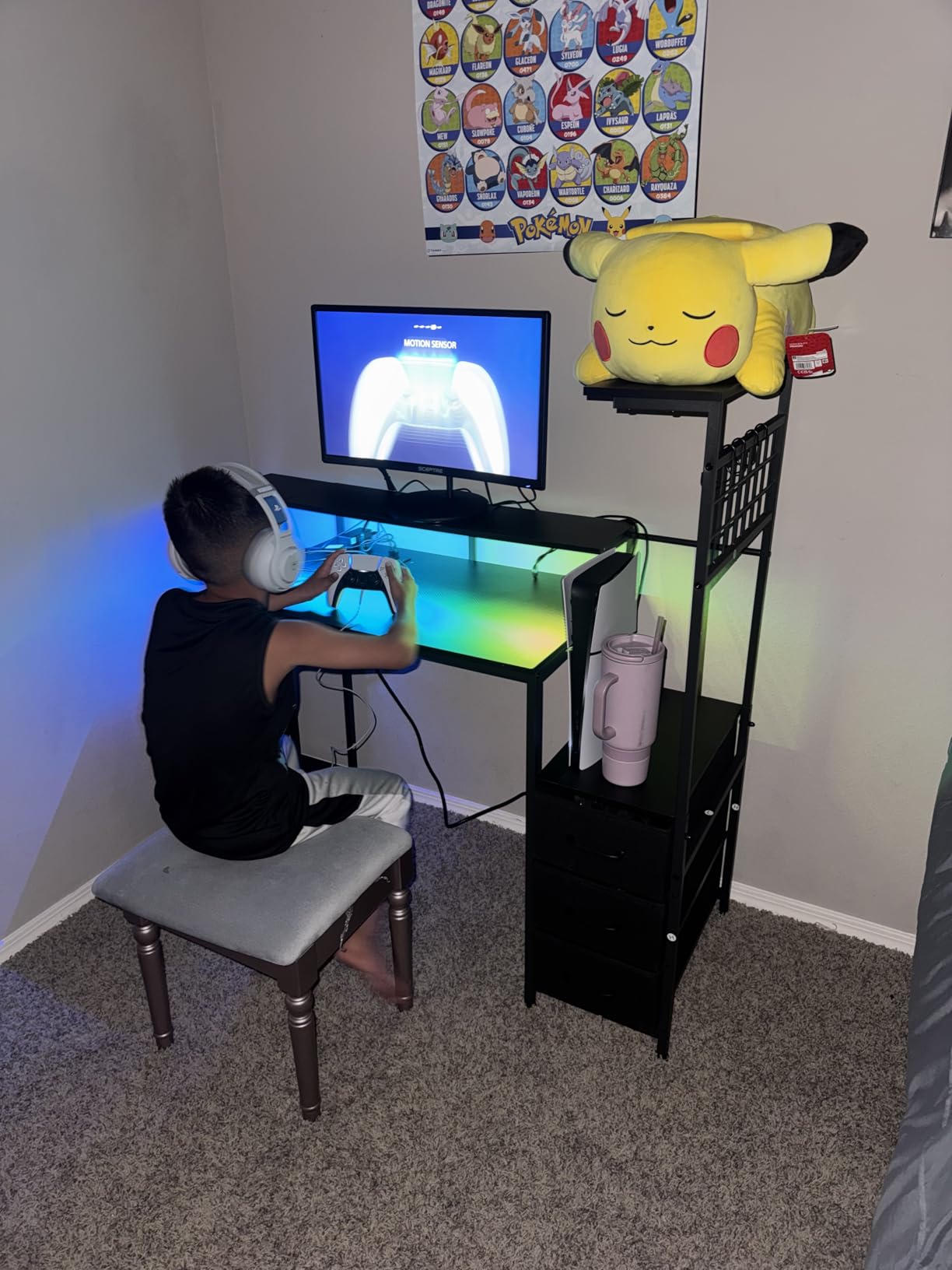
Good to know: the included stand tilts only, so if you sit tall or stack the screen on a riser, budget for one of our recommended monitor stands or an arm.
2. SANSUI 32-inch 240Hz: Best for High Refresh
SANSUI 32 Inch Curved 240Hz Gaming Monitor High Refresh Rate, FHD 1080P
- 240Hz refresh with 1ms MPRT response
- 1500R curve across a 32-inch panel
- 125% sRGB and 300 cd brightness
- DisplayPort 1.4 and HDMI rated to 240Hz
- Anti-flicker and low blue light modes
- No built-in speakers
- Full HD resolution at 32 inches
- Tilt-only stand with no height or swivel
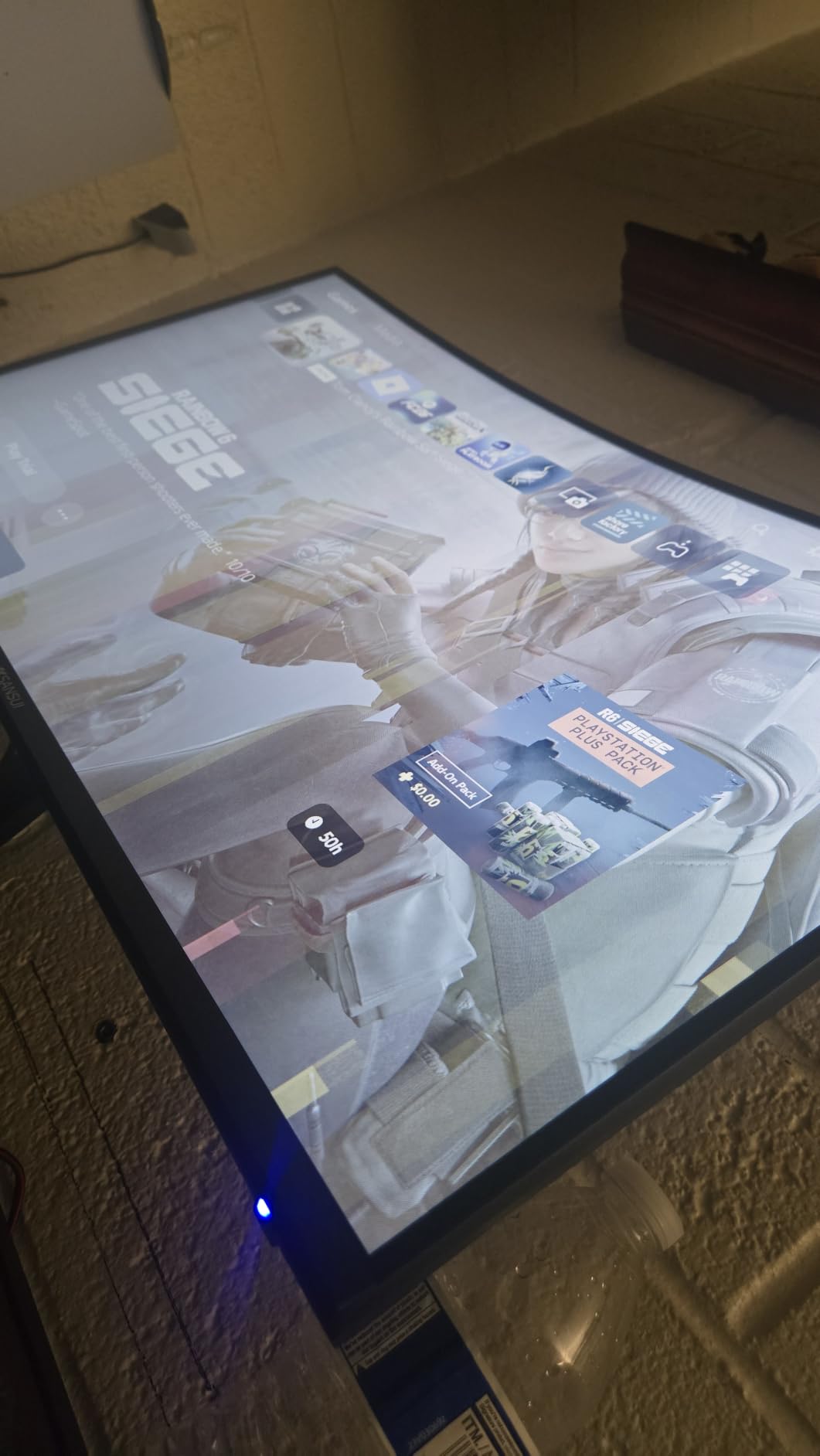
Buy the SANSUI 32-inch if motion smoothness is the whole point of the upgrade. Nothing else in this list pushes 240Hz at 32 inches for this little, and the 1ms MPRT figure is the number competitive players look at first.
The curve is 1500R, which is gentler than the Sceptre’s 1800R and easier to sit in front of for a full evening. Colour is quoted at 125% sRGB with 300 cd brightness, and the panel carries anti-flicker and low blue light modes for long sessions.
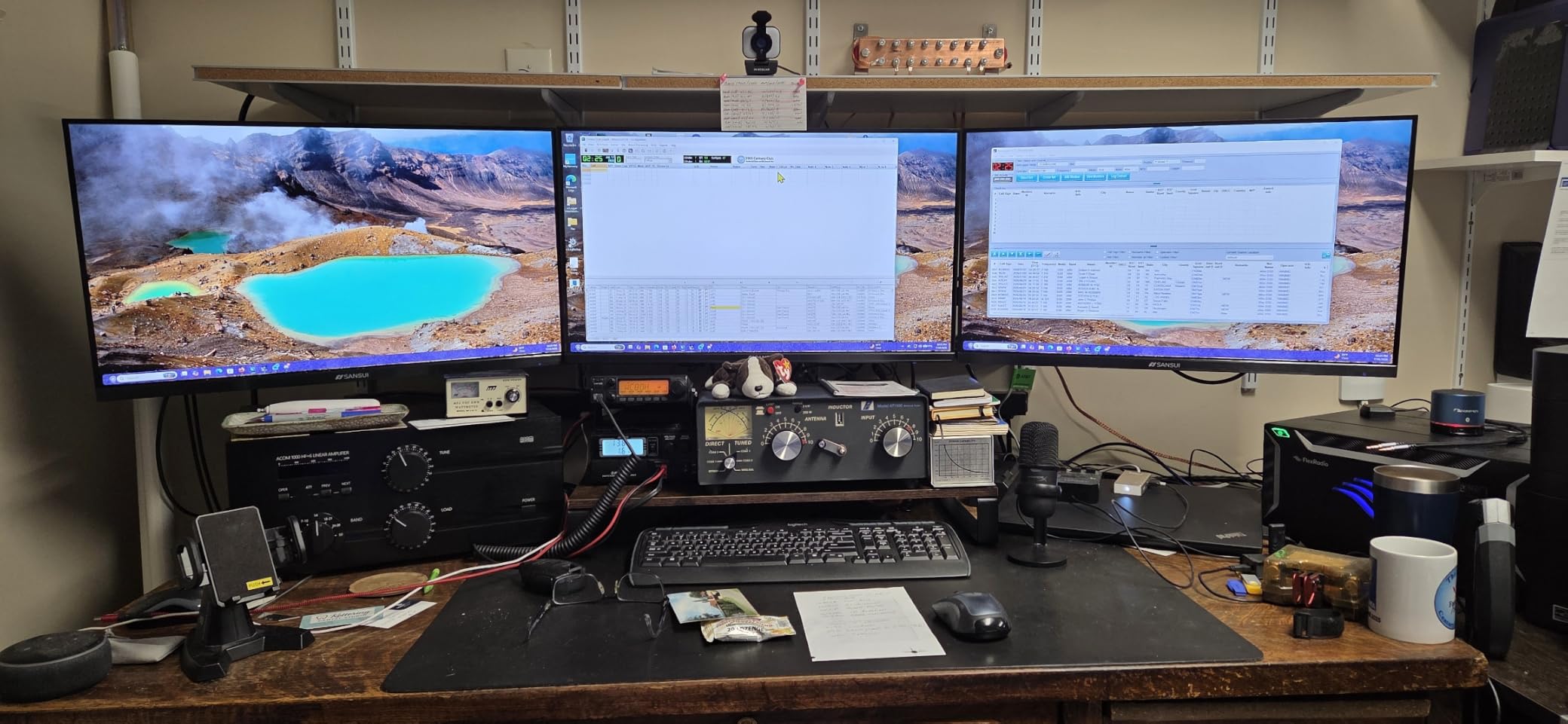
Both DisplayPort 1.4 and HDMI are rated to accept 240Hz input, and there is a 3.5mm headphone jack on the back. There is no built-in audio, so plan on headphones or external speakers.
What gives owners pause is resolution. This is a Full HD panel stretched across 32 inches, so text on a desktop and fine details in a strategy game will look softer than on the QHD models further down. Owners also mention occasional dead pixels and firmware issues arriving out of the box, and the warranty covers one year with a 30-day return window.
Skip it if you edit photos or read long documents at native scaling. For that, the Samsung Odyssey G51F 27-inch gives you QHD pixels and an adjustable stand for a similar step up in outlay.
3. Acer KB272 G0bi 27-inch: Best for Home Office
Acer 27in FHD 1920×1080 IPS 120Hz Gaming Monitor | Office KB272 G0bi
- IPS panel with 99% sRGB coverage
- 120Hz with 1ms VRB response
- Adaptive-Sync smooths tearing
- Three-year parts and labor warranty
- Draws only 18 watts in normal use
- Only one HDMI port alongside legacy VGA
- Tilt-only stand with no height or swivel
- 250 nit brightness is modest
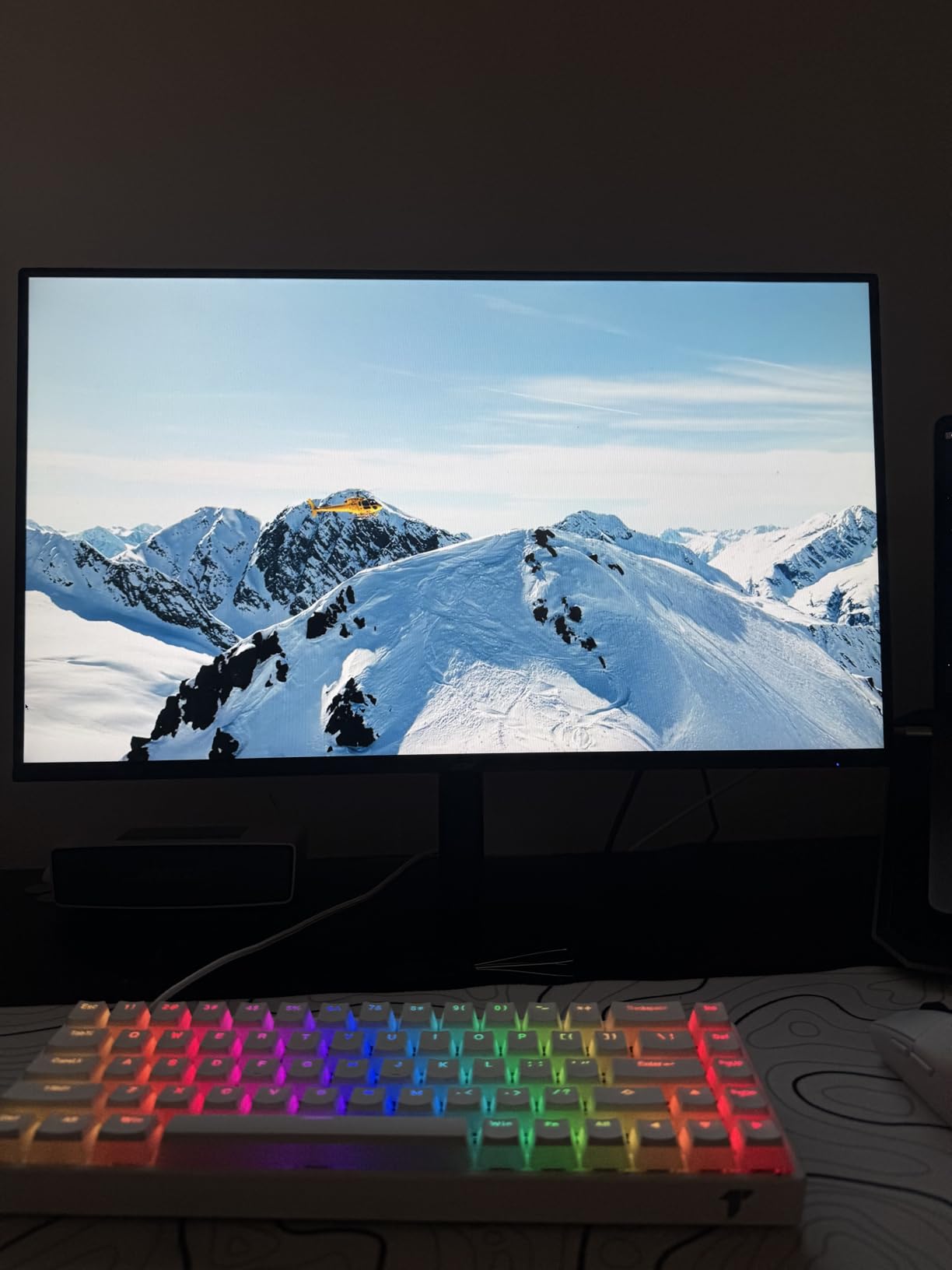
For spreadsheets, email and long documents, the Acer KB272 G0bi is the one we would put on a shared home office desk. The IPS panel holds 99% sRGB coverage with wide viewing angles, which means the picture does not shift or wash out when you lean back in the chair.
Owners rate it at 4.6 across more than 2,000 reviews, and the reason is unglamorous reliability rather than headline features. A three-year parts and labor warranty runs well past what most budget monitors carry, and the panel pulls about 18 watts in typical use.
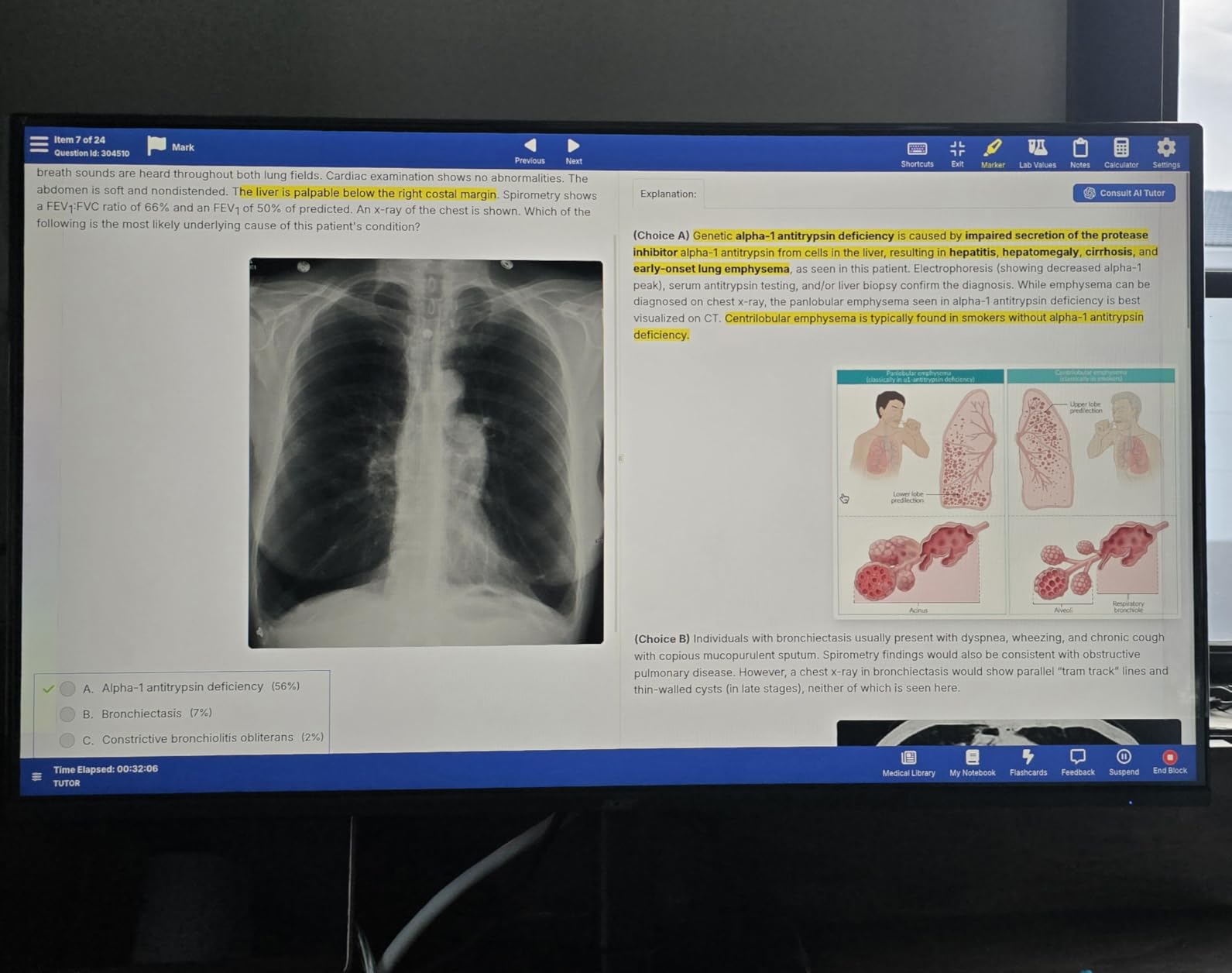
Refresh rate is 120Hz with a 1ms VRB response and Adaptive-Sync support, so casual gaming and scrolling both feel smooth. The port selection is the weak point: one HDMI input and a legacy VGA socket, so swapping between a laptop and a desktop means replugging cables.
Brightness is quoted at 250 nits, which is fine in a normal room and marginal in a sunlit one. Owners also flag that the tilt-only stand cannot be raised, so if the desk is deep and you sit low, this will sit slightly high.
Compared with the Acer SB273 G0bi further down this list, the two share the same panel size and refresh rate, but the SB273 adds far more on-screen display presets for long evening reading sessions.
4. Samsung Odyssey G55C 32-inch: Best for Big-Screen Gaming
Samsung 32″ Odyssey (G55C) Series QHD 1000R Curved Gaming Monitor,
- QHD gives 1.7x the pixel density of Full HD
- 1000R curve fills peripheral vision
- 165Hz with 1ms MPRT response
- HDR10 reveals detail in dark scenes
- Eye Saver Mode trims blue light and flicker
- Only a single HDMI port
- Glossy finish picks up room reflections
- Tilt-only stand with no height or swivel
The G55C solves the problem that stops people buying big screens: it is 32 inches and still sharp. QHD at that size gives roughly 1.7 times the pixel density of Full HD, so desktop text holds together and menus stay legible.
Gaming performance is the reason it exists. The panel runs at 165Hz with a 1ms MPRT response, and AMD Radeon FreeSync keeps the frame rate locked to the card so you are not reading about tearing after the fact. HDR10 support pulls detail out of dark scenes that SDR leaves crushed.
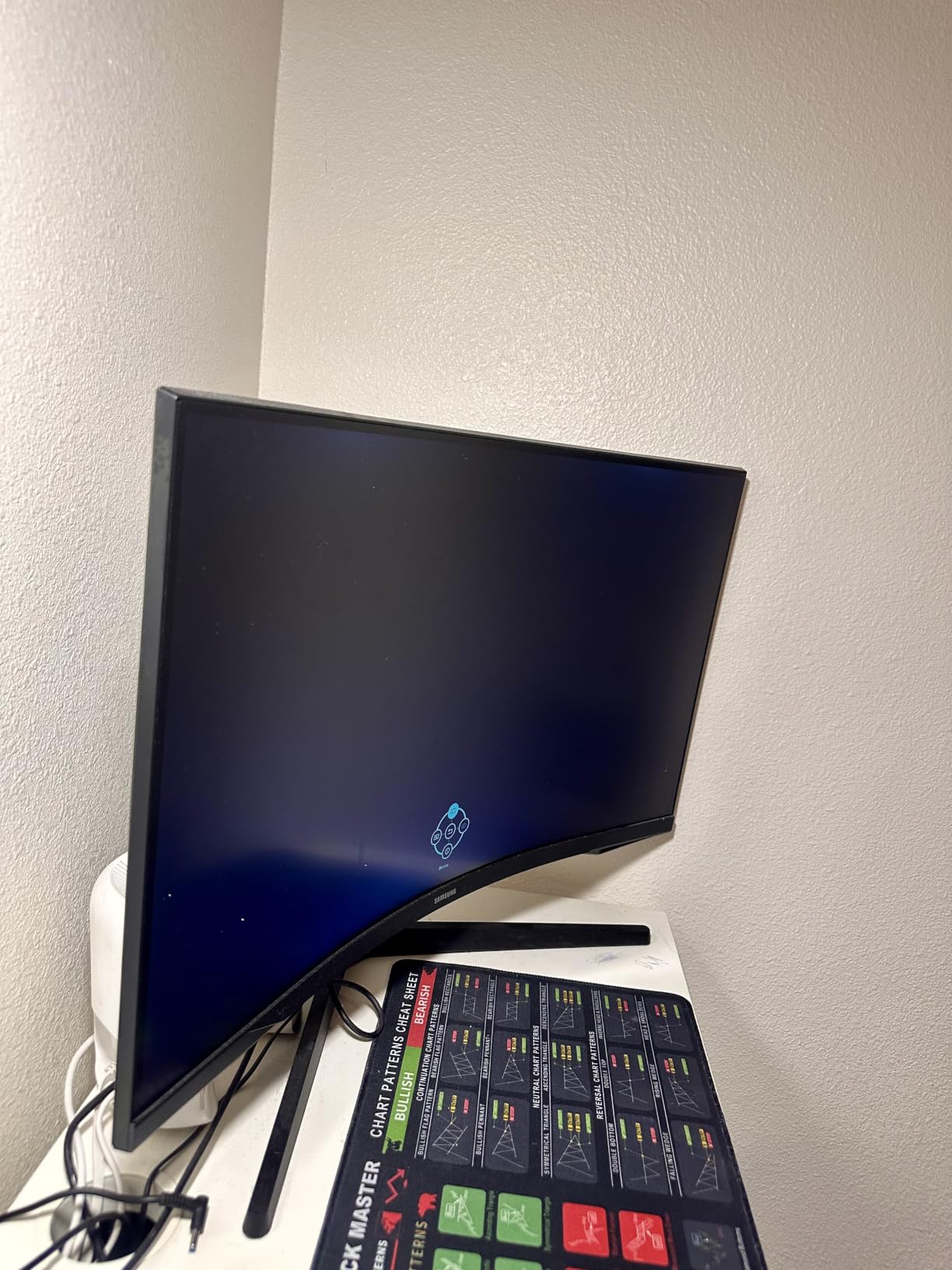
Owners like the 1000R curve and the eye comfort settings, which Samsung calls Eye Saver Mode. The recurring gripes are physical rather than electronic: the glossy screen finish mirrors lamps and windows, and the stand tilts without rising, swivelling or pivoting.
One more detail worth checking before you commit. There is a single HDMI port, so if you plan to connect a console and a PC at the same time you will be reaching behind the screen more often than you would like.
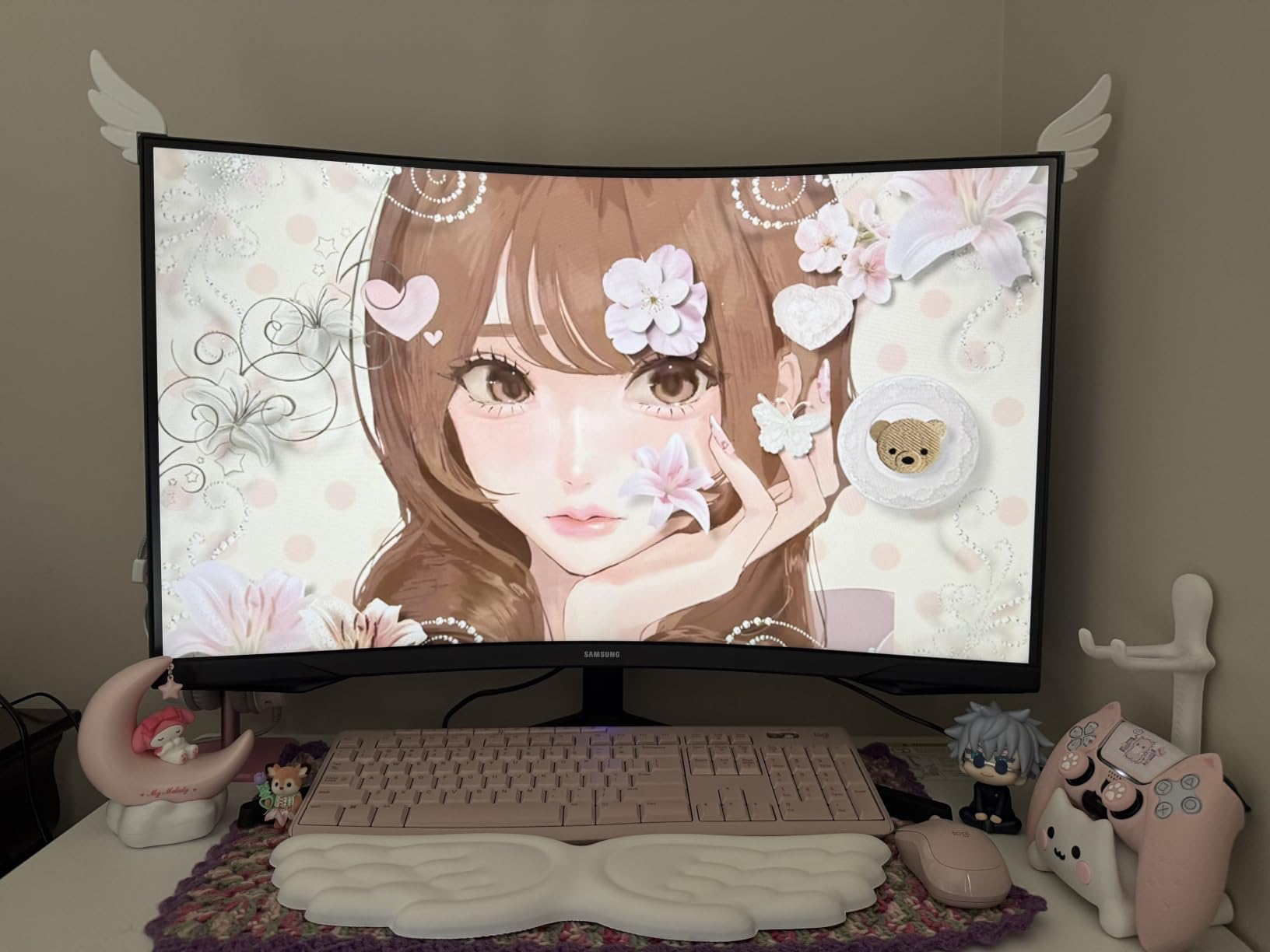
Good to know: at 11.5 pounds with a wide base, this wants the centre of a desk rather than a corner. The Dell S2725DSM 27-inch covers similar ground at a smaller footprint if your desk is narrow.
5. AOC Q27G41ZE 27-inch: Best for Competitive Gaming
AOC 27″ Gaming Monitor QHD 260Hz Overclocked IPS NVIDIA G-SYNC Q27G41ZE
- QHD IPS panel with wide viewing angles
- 240Hz native with 0.3ms MPRT response
- Adaptive-Sync works on AMD and NVIDIA cards
- DisplayPort 1.4 plus two HDMI 2.0 ports and audio out
- Three-year manufacturer warranty
- Tilt-only stand with no height or swivel
- 1000:1 contrast is typical for IPS
- No built-in speakers
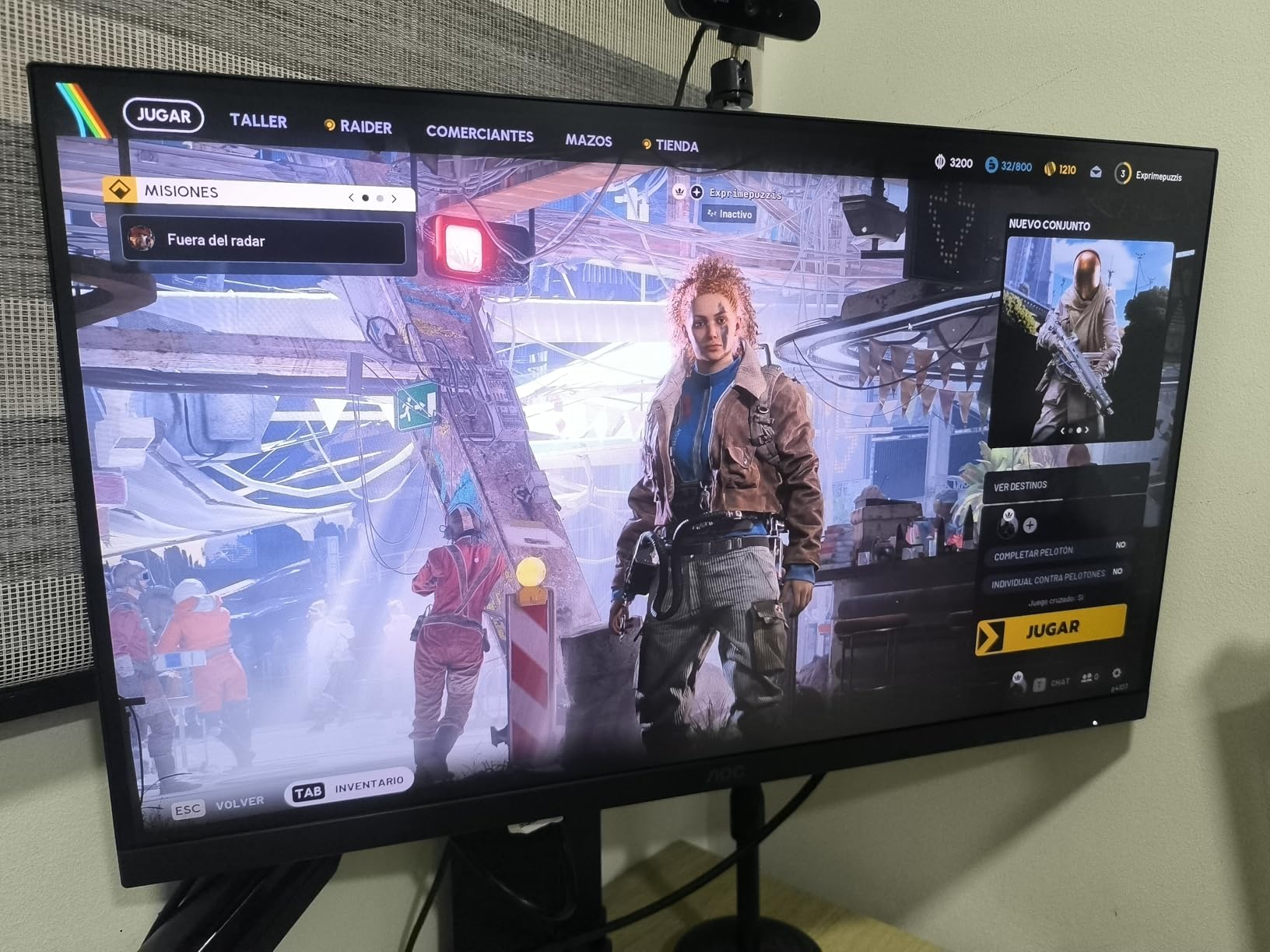
If you play shooters and want the fastest QHD motion without moving up to an OLED panel, this is the display to watch. It runs a 240Hz native refresh over DisplayPort with a 0.3ms MPRT response, and it accepts overclocking above that if your card and cable cooperate.
Adaptive-Sync is listed for both AMD and NVIDIA GPUs, so you do not have to pick a brand of graphics card before you pick a monitor. That is a practical advantage over the other 240Hz option in this list, the SANSUI 32-inch, which pairs the same refresh rate with a softer Full HD panel.
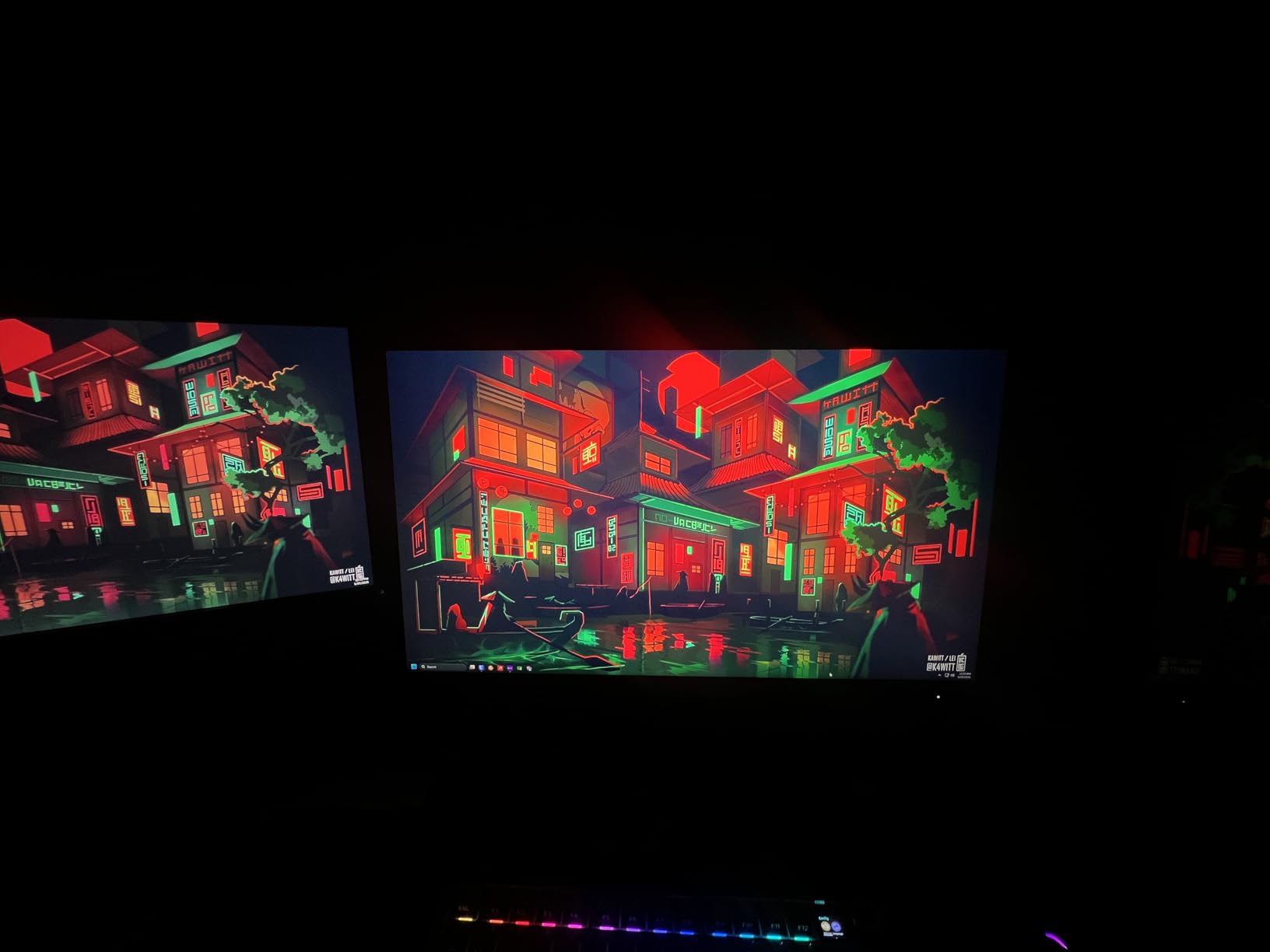
Ports are unusually generous for a gaming screen: DisplayPort 1.4, two HDMI 2.0 inputs and an audio out for a headset. Shadow Control and Game Mode presets sit in the on-screen menu alongside a graphical interface.
The trade-offs are the ones every fast IPS panel carries. Contrast is 1000:1, which means dark scenes sit grey next to a VA or OLED panel, and the glossy coating picks up reflections. Reviewers also note the stand tilts from -3 to +21 degrees and does nothing else.
Skip it if you also edit photos. A dedicated creative display handles colour work better, and colour accuracy matters more here than raw speed.
6. Samsung Odyssey G51F 27-inch: Top Rated
- QHD sharpness at 1.7x Full HD density
- 180Hz with 1ms response
- HDR10 for brighter highlights and shadow detail
- Stand adjusts for height and pivot
- Black Equalizer brightens dark in-game areas
- On-screen menu is described as clunky
- Colour needs adjustment out of the box
- Some VA black smearing in dark scenes
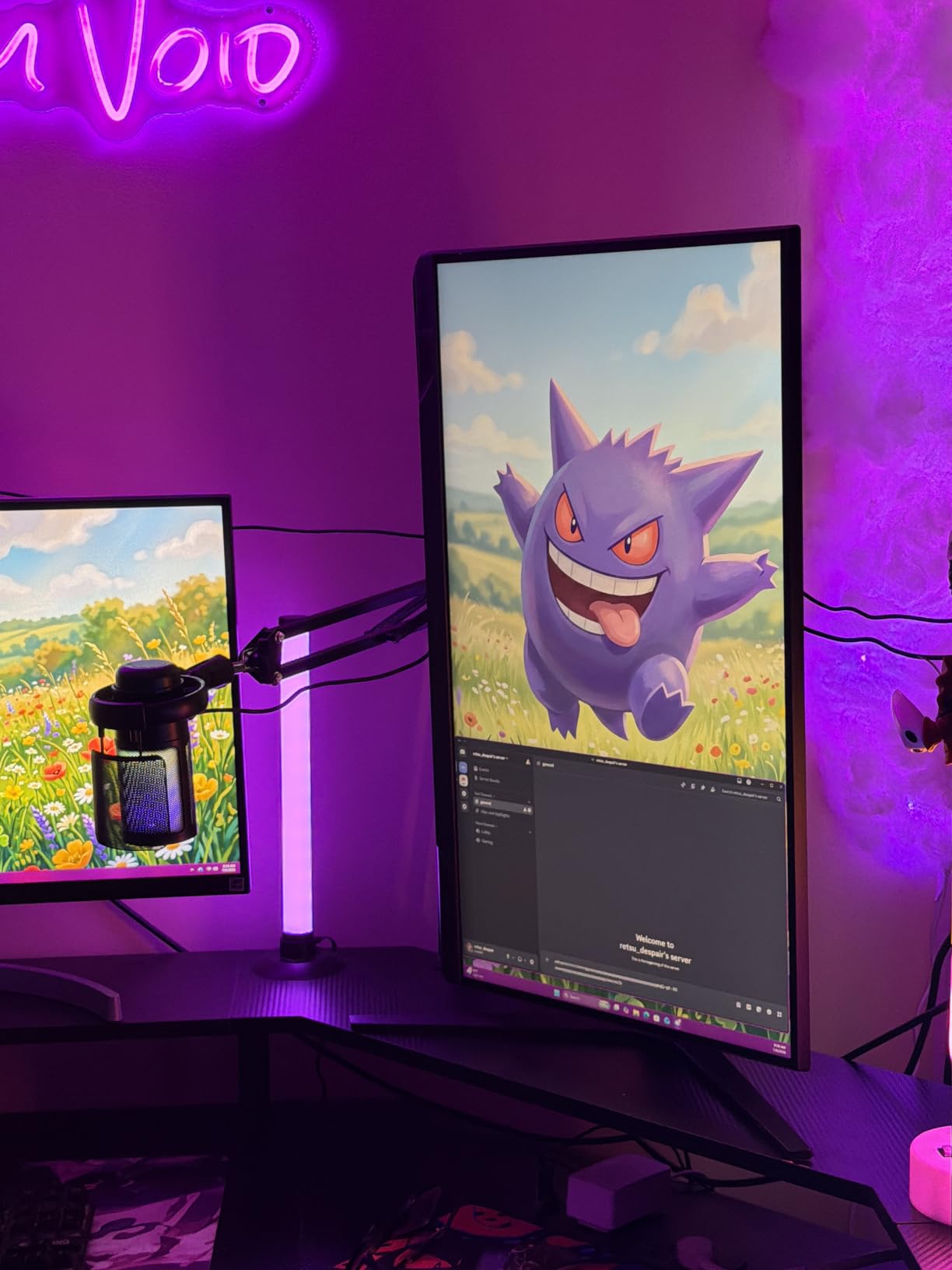
At 4.7 stars across 590 reviews, the G51F carries the highest rating of any model here and the largest review base among those models. It is a straightforward QHD gaming monitor that does the small things properly.
The stand is the standout. It adjusts for height, pivot and tilt, and owners say the metal base assembles without tools. Most monitors at this level are tilt-only, which is why the Dell S2725DSM 27-inch a few sections down earns its place on a similar basis.
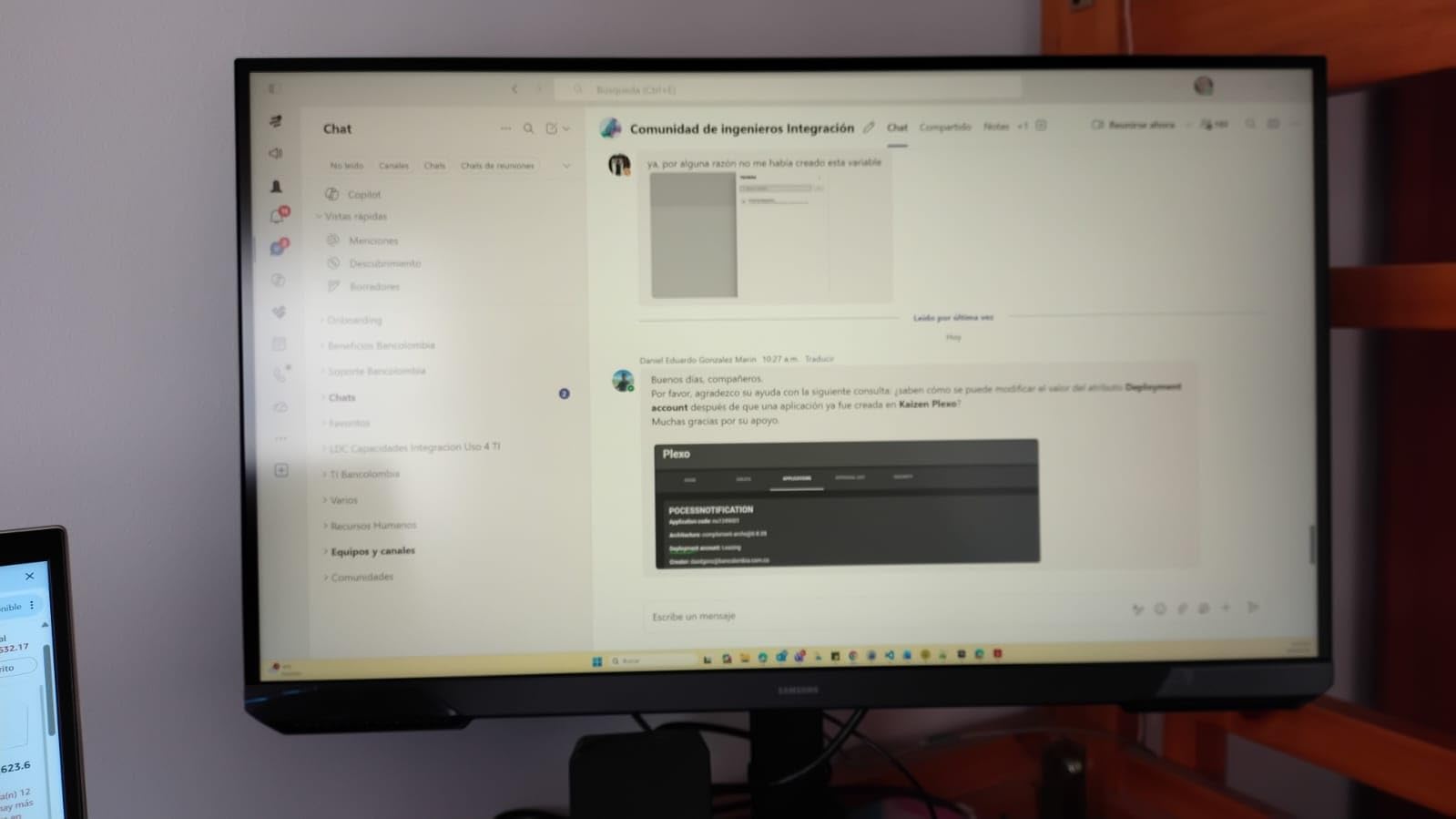
Specification-wise you get QHD at 1.7 times Full HD pixel density, 180Hz with a 1ms response, HDR10 and AMD FreeSync. The Black Equalizer setting brightens shadowed areas so you can spot an enemy crouched in a dark corridor.
Owners report three small annoyances: the on-screen menu is clunky and documents refresh rate changes poorly, the standby light is bright enough to notice at night, and colours need adjusting before they are accurate. Some also see VA black smearing in dark scenes, which is the usual trade for the 3000:1 contrast.
A few buyers mentioned units turning up in damaged or previously opened packaging. Keep the outer box if you can, because damage in transit is difficult to argue after the fact.
7. Dell SE2426H 24-inch: Budget Pick
- 144Hz refresh with 1ms MPRT response
- IPS colour stays consistent across 178 degree angles
- TUV 3-star eye comfort certification
- Two HDMI ports for multiple devices
- Draws only 13.3 watts
- Tilt-only stand with no height or swivel
- Listed 8ms response is higher than the 1ms MPRT figure
- No built-in speakers
Two things make the Dell SE2426H the least risky entry on this list: it sits at the bottom of the price range, and it holds a 4.7 rating with 336 reviews. Buyers tend to describe it as unremarkable in exactly the way a first monitor should be.
A 144Hz IPS panel at 23.8 inches gives noticeably smoother scrolling and menus than a 60Hz screen, and the 178 degree viewing angles mean it works in a shared room where someone might sit off to the side. TUV Rheinland 3-star certification handles the blue light question for long evenings.
Two HDMI ports are more than most monitors this size include, and an HDMI cable comes in the box. Power draw is quoted at 13.3 watts, the lowest on this list.
The honest catch is the response time. The listing advertises 1ms MPRT, which is a backlight strobe measurement, while the underlying panel response is listed at 8ms. Read it as responsive for casual gaming and not as an esports panel.
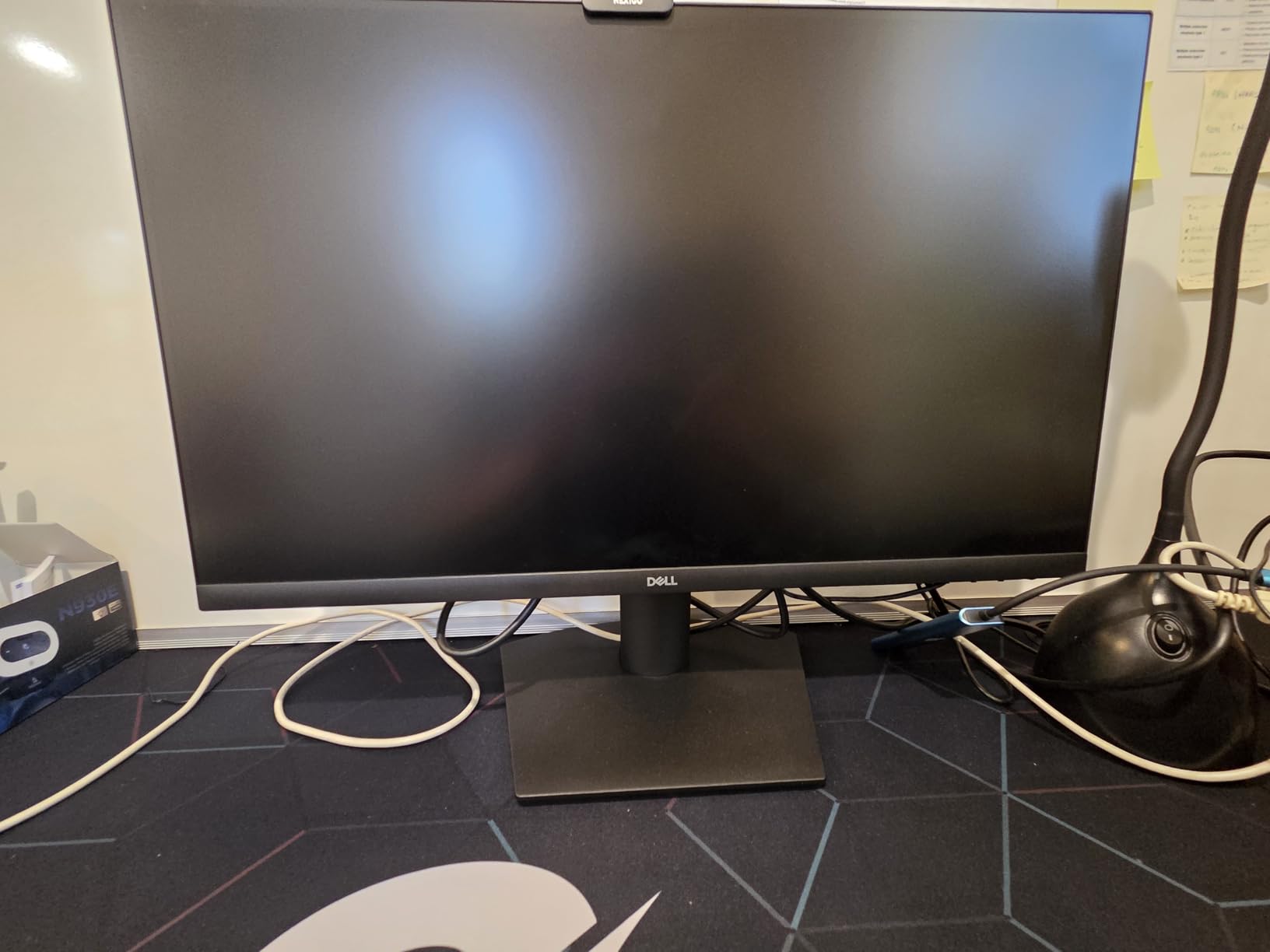
Good to know: the quick start guide is printed in tiny type, and some buyers hit a language selection prompt on first power-up. Neither is serious, but both make the first five minutes less smooth.
8. Dell S2725QS 27-inch: Most Versatile
- 4K sharpness makes text and menus crisp at 27 inches
- 120Hz refresh smooths scrolling and motion
- 350 nits with 1500:1 contrast and 99% sRGB
- Fully adjustable stand with height swivel and pivot
- Re-engineered built-in speakers
- Noticeable ghosting in fast competitive games
- No USB-C connection or built-in USB hub
- Basic HDR despite being HDR ready
This is the pick for anyone whose work involves reading small type all day. At 27 inches and 3840×2160, text in a spreadsheet or a code editor lands close to the sharpness of print, and 120Hz makes scrolling feel like a laptop screen rather than a desktop one.
Owners repeatedly call it one of the more affordable 4K 120Hz monitors they could find, and they rate it at 4.4 across more than 1,000 reviews. Brightness is quoted at 350 nits with 1500:1 contrast and 99% sRGB coverage, and the stand adjusts for height, swivel, pivot and tilt with VESA 100×100 mounting.
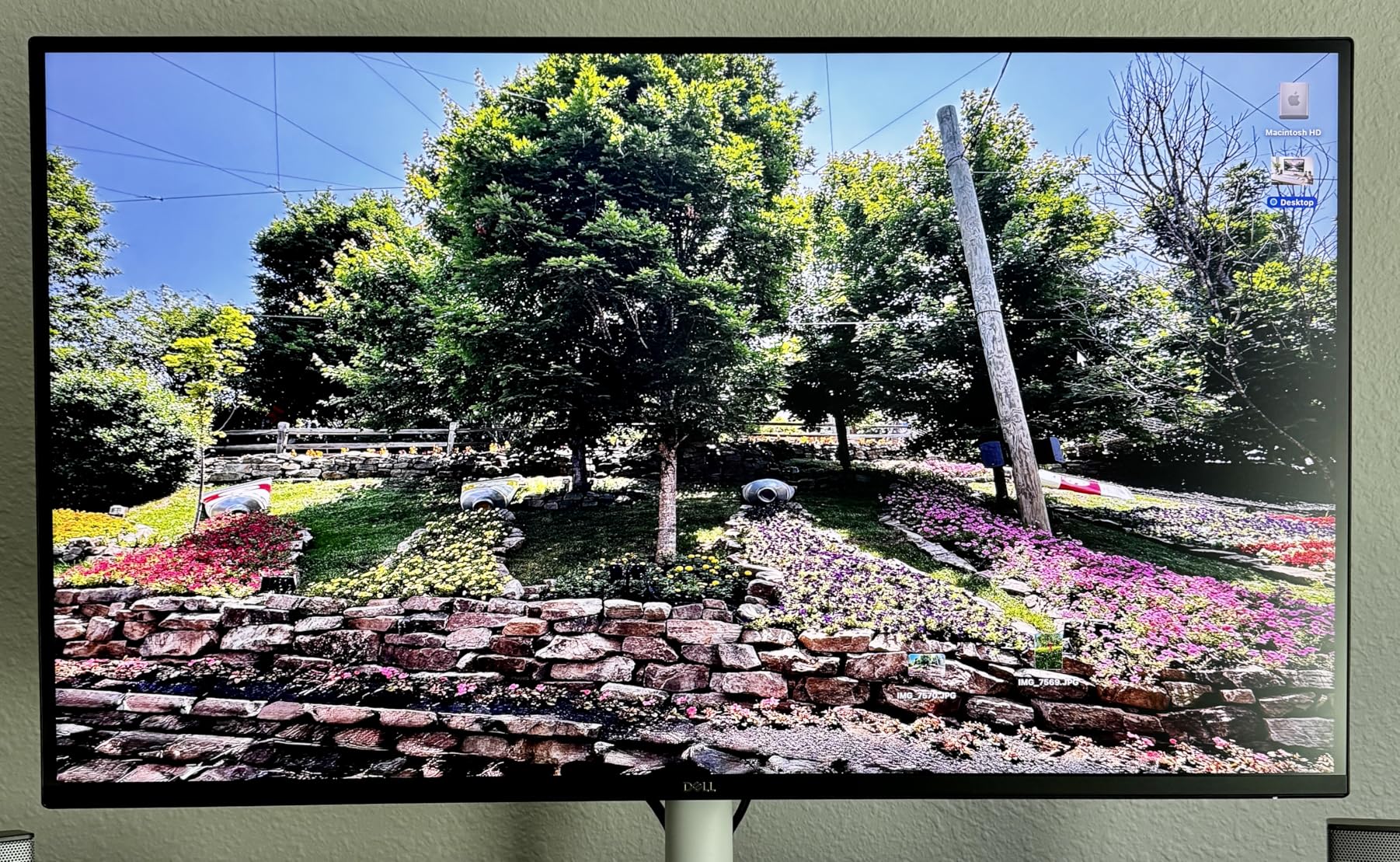
The re-engineered built-in speakers are genuinely more capable than the usual pair, which removes the need for a soundbar on a small desk. ComfortView Plus cuts blue light output to 35 percent or lower.
What holds it back is gaming responsiveness and connectivity. Owners report noticeable ghosting in fast first-person shooters, there is no USB-C input or USB hub, and no headphone jack, so you are limited to HDMI, DisplayPort and the built-in audio. HDR support is basic too.
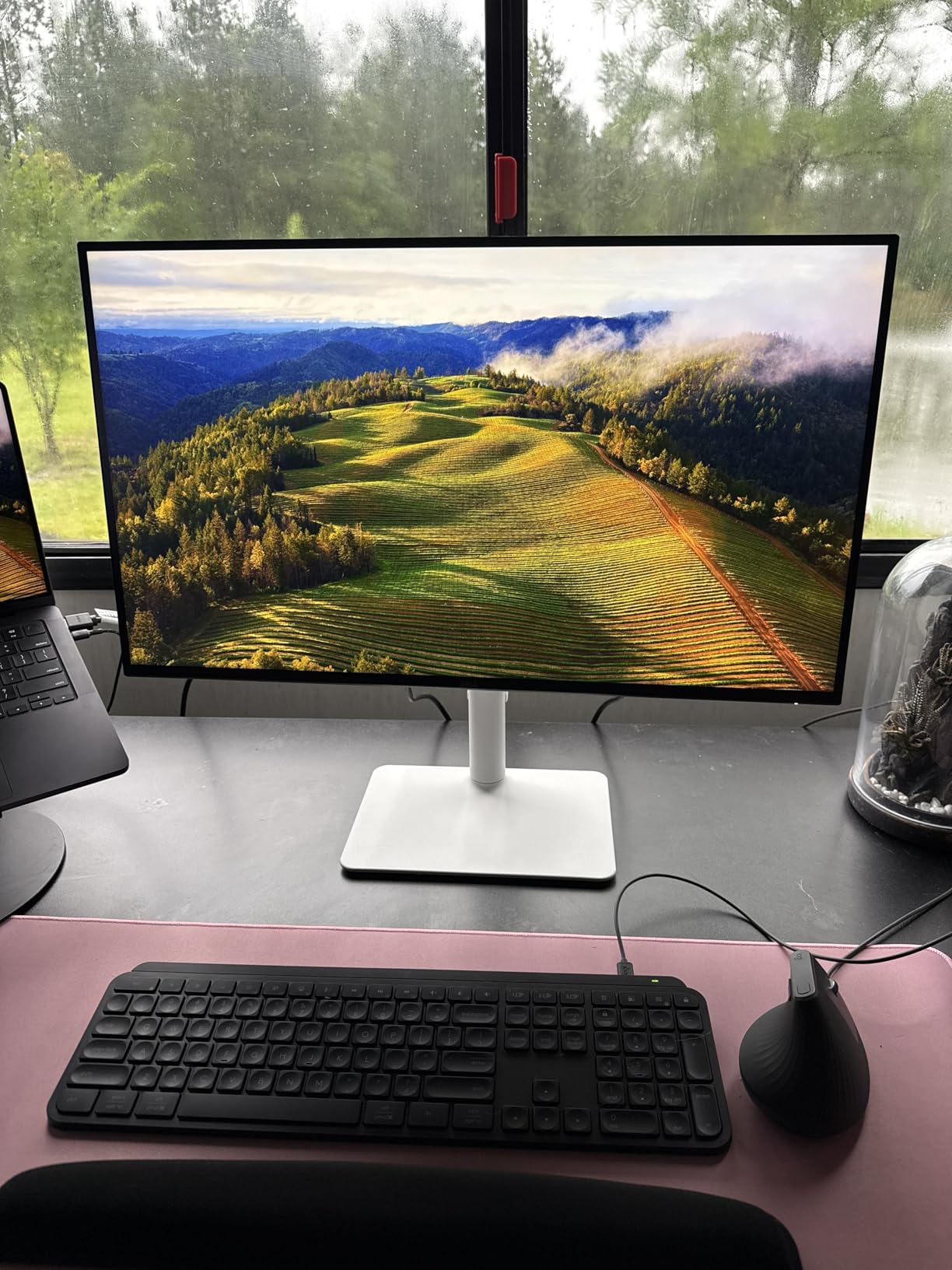
One practical warning: 4K at 120Hz needs a graphics card and cable that can carry it. If Windows only offers 60Hz, that is the connection rather than the monitor.
9. Samsung Odyssey OLED G6 27-inch: Best for OLED Gaming
Samsung 27″ Odyssey OLED G6 (G61SH) QD-OLED, QHD (1440P) Gaming Monitor
- QD-OLED contrast reaches 1000000 to 1 at 400 cd
- 240Hz with 0.03ms response
- Pantone Validated with over 2100 colors
- OLED Safeguard thermal modulation guards against burn-in
- Height-adjustable stand that pivots and swivels
- Only one HDMI port alongside DisplayPort
- OLED panels carry long-term burn-in risk
- Draws 78 watts against far less for LCD
The jump from an LCD panel to this one is bigger than any other step in the list. A QD-OLED panel rated at a million-to-one contrast ratio means black is genuinely black, and at 240Hz with a 0.03ms response the motion handling is a category apart from anything else at this size.
Colour accuracy is the other argument for it. The screen is Pantone Validated across more than 2,100 colours and 110 skin tone shades, and Glare Free coating keeps room reflections off a glossy-black surface that would otherwise show every lamp in the room.
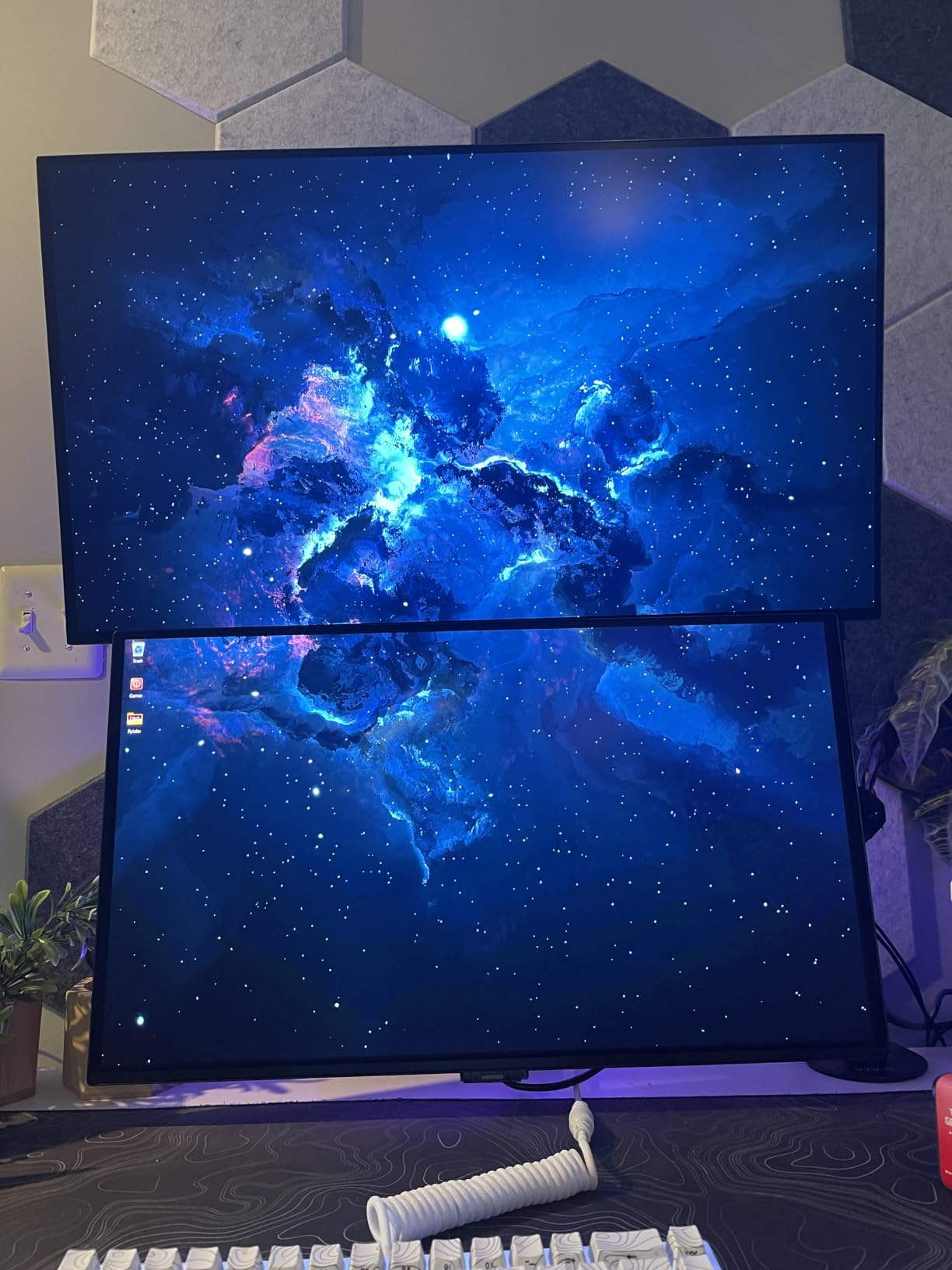
Burn-in is the question every OLED buyer asks, and Samsung answers it in part with OLED Safeguard, which modulates panel temperature to reduce the risk. Owners report a 4.6 average from 236 reviews, and the warranty runs three years.
Two things to weigh. There is a single HDMI port, and the panel draws 78 watts, well above the LCD alternatives. Brightness is quoted at 400 nits, which is respectable but below what some competing QD-OLED panels manage.
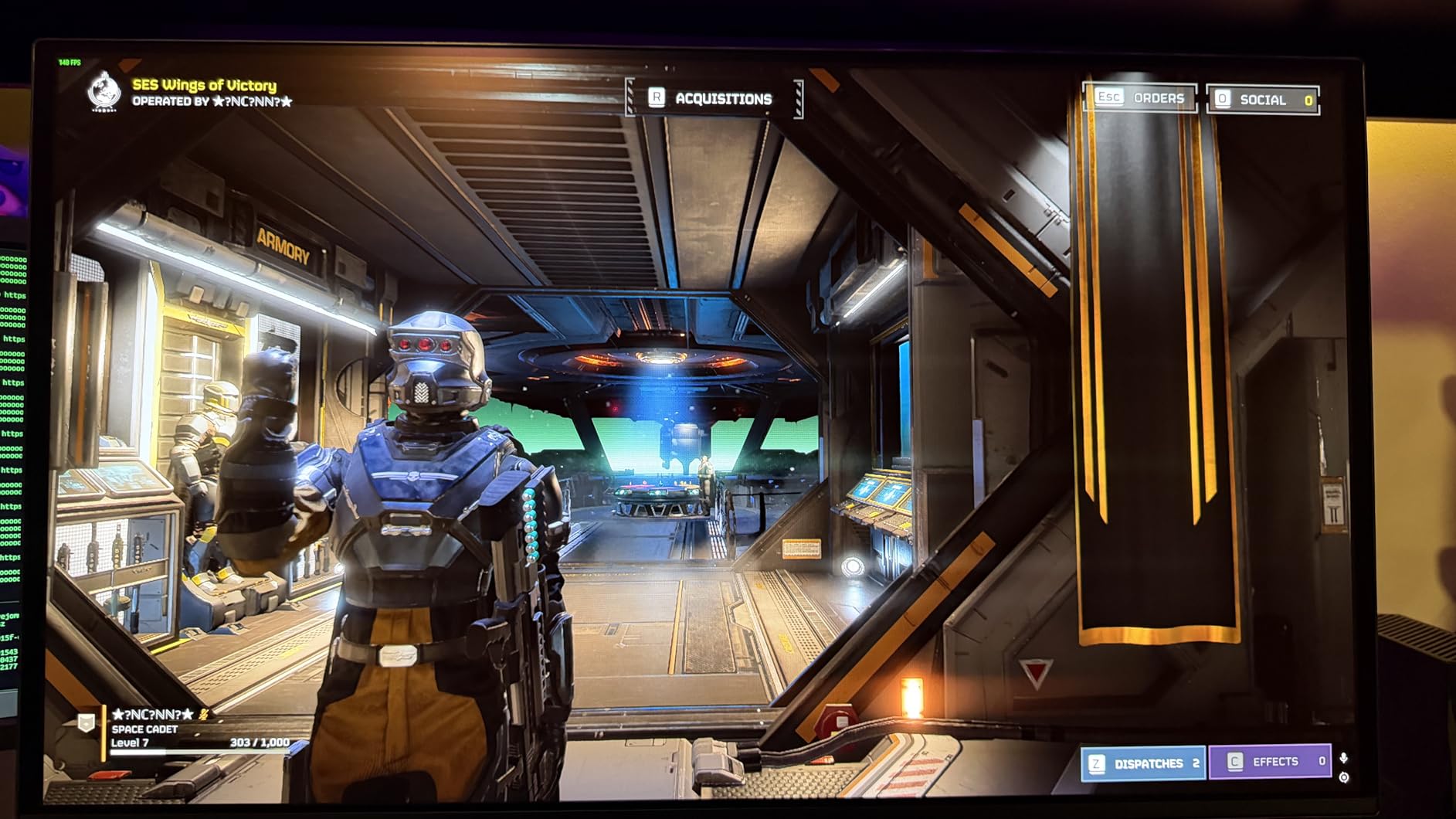
Good to know: if you keep the same static desktop menu or a stock ticker pinned all day, an LCD is the calmer choice. For games and video, the panel advantage is large enough to justify the difference.
10. Alienware AW3425DW 34-inch: Best for Ultrawide
- 34.2-inch QD-OLED ultrawide at 3440x1440
- 1800R curve widens the field of view
- 240Hz with 0.03ms response
- 99.3% DCI-P3 coverage with Delta E under 2
- DisplayHDR TrueBlack 400 with 1000 nit peak brightness
- OLED burn-in risk over the long term
- Needs a capable GPU to drive 3440x1440 at 240Hz
- Heavy at 20 pounds to move and mount
A 34.2-inch 21:9 screen does something a 16:9 monitor cannot: it shows a full game field, a timeline and a reference window without a second panel. On a productivity desk it replaces the two-monitor arrangement that eats an arm’s width of space.
The panel underneath is QD-OLED at 3440×1440, running 240Hz with a 0.03ms response. Colour coverage is quoted at 99.3% DCI-P3 with Delta E under 2, and VESA DisplayHDR TrueBlack 400 certification comes with 1000 nits of peak HDR brightness.
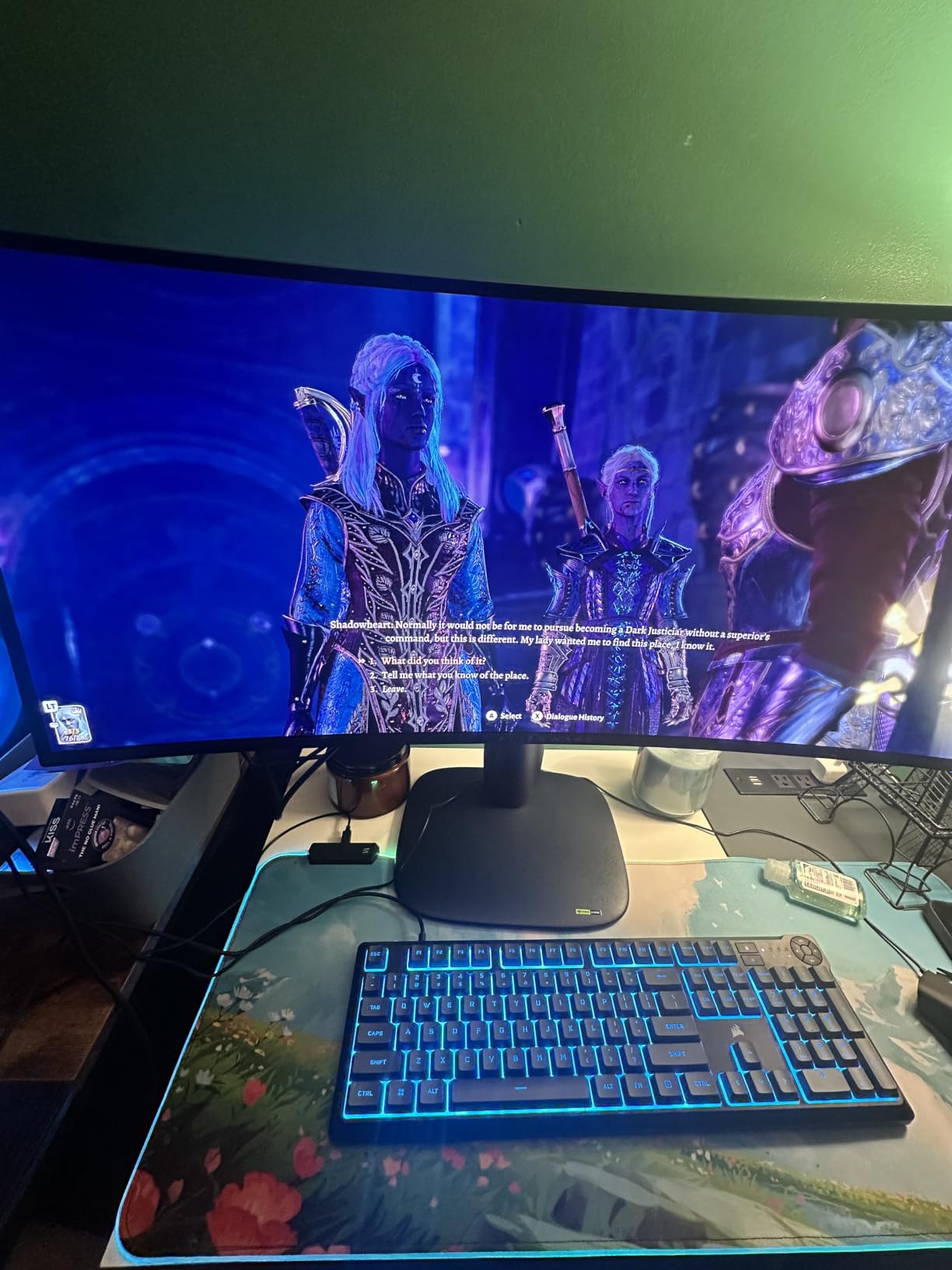
Sync support is as broad as it gets here: NVIDIA G-Sync Compatible, AMD FreeSync Premium Pro and VESA AdaptiveSync are all listed, so the monitor adapts to whichever card you own. DisplayPort, HDMI and USB connectivity are included, and the box carries both video cables plus a microfibre cloth.
Owners rate it 4.5 across 377 reviews and repeatedly single out the 1800R curve for immersion. The caveats are size and power: at 20 pounds this is a two-person lift, and driving 3440×1440 at 240Hz realistically wants a high-end graphics card.
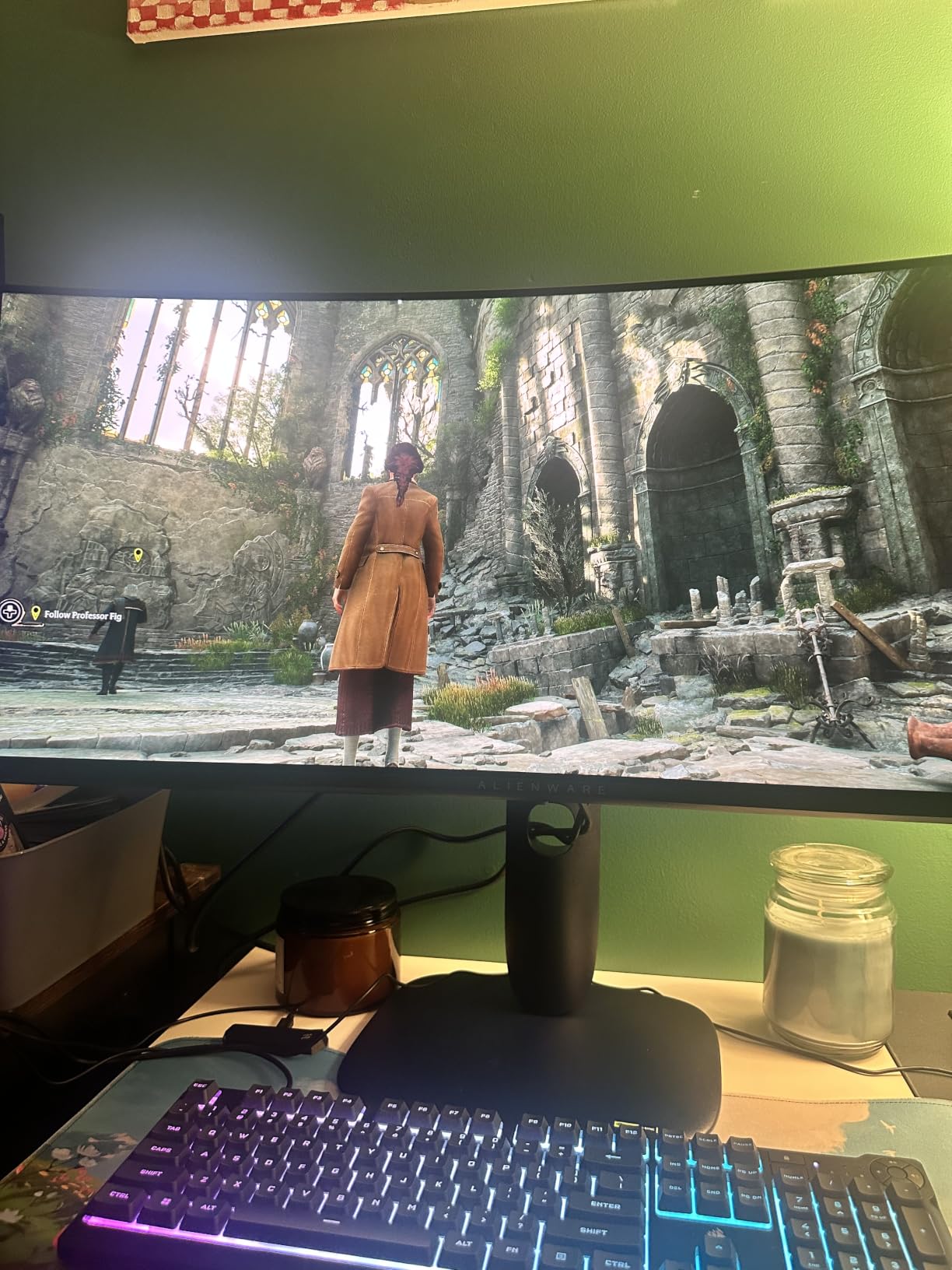
Measure before you buy. A 34-inch ultrawide needs roughly 32 inches of desk width, and most need an arm rather than the supplied stand. Our guide to monitor arms for standing desks covers the mounting side.
11. Dell S2725DSM 27-inch: Best for Multitasking
- QHD with 1500:1 contrast for clear depth
- 144Hz refresh with 1ms MPRT response
- Dual 3W speakers with a wider frequency range
- Four-star TUV eye comfort certification
- Full height tilt pivot and swivel adjustment
- Listed 8ms response is above the 1ms MPRT figure
- Only one HDMI port
- No USB hub or USB-C connectivity
Two documents side by side, a browser and a chat window, a spreadsheet and a video call: QHD at 27 inches is the format that handles it without shrinking everything. The Dell S2725DSM pairs that resolution with a 144Hz refresh and 350 nits of brightness.
Unlike most monitors its size, it ships with dual 3W speakers that owners single out for covering a wider frequency range than typical built-ins. That removes the small desk speaker entirely for podcasts, calls and music.
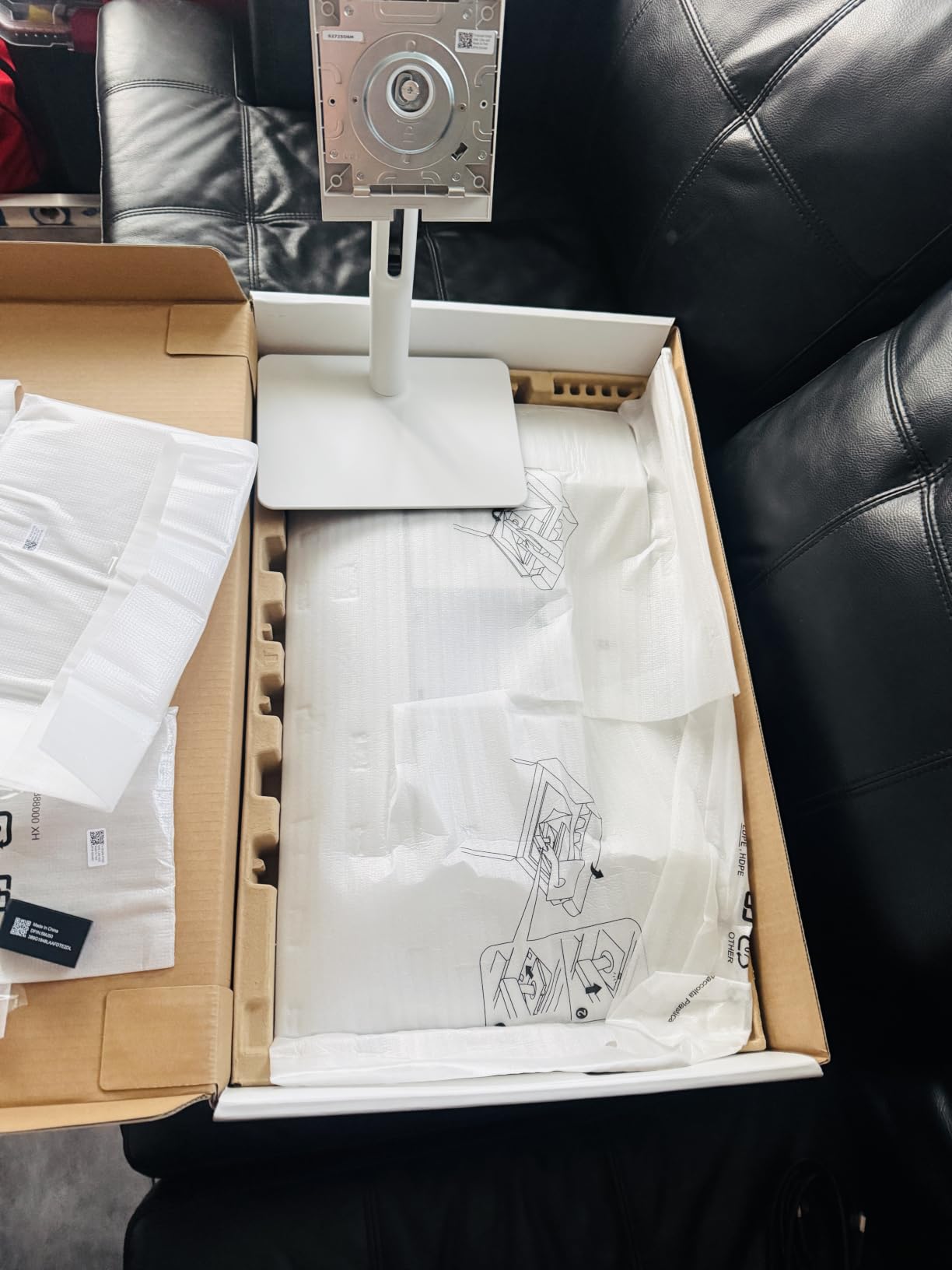
The stand adjusts for height, tilt, pivot and swivel, which matters more over years of daily use than any single spec. Four-star TUV certification reduces blue light, and Dell Display and Peripheral Manager handles the workspace layout in software.
Connectivity is the limitation: one HDMI port, DisplayPort 1.4 and no USB hub or USB-C. If your laptop has only USB-C and you want one-cable docking, this is the wrong screen, and none of the picks here solves that.
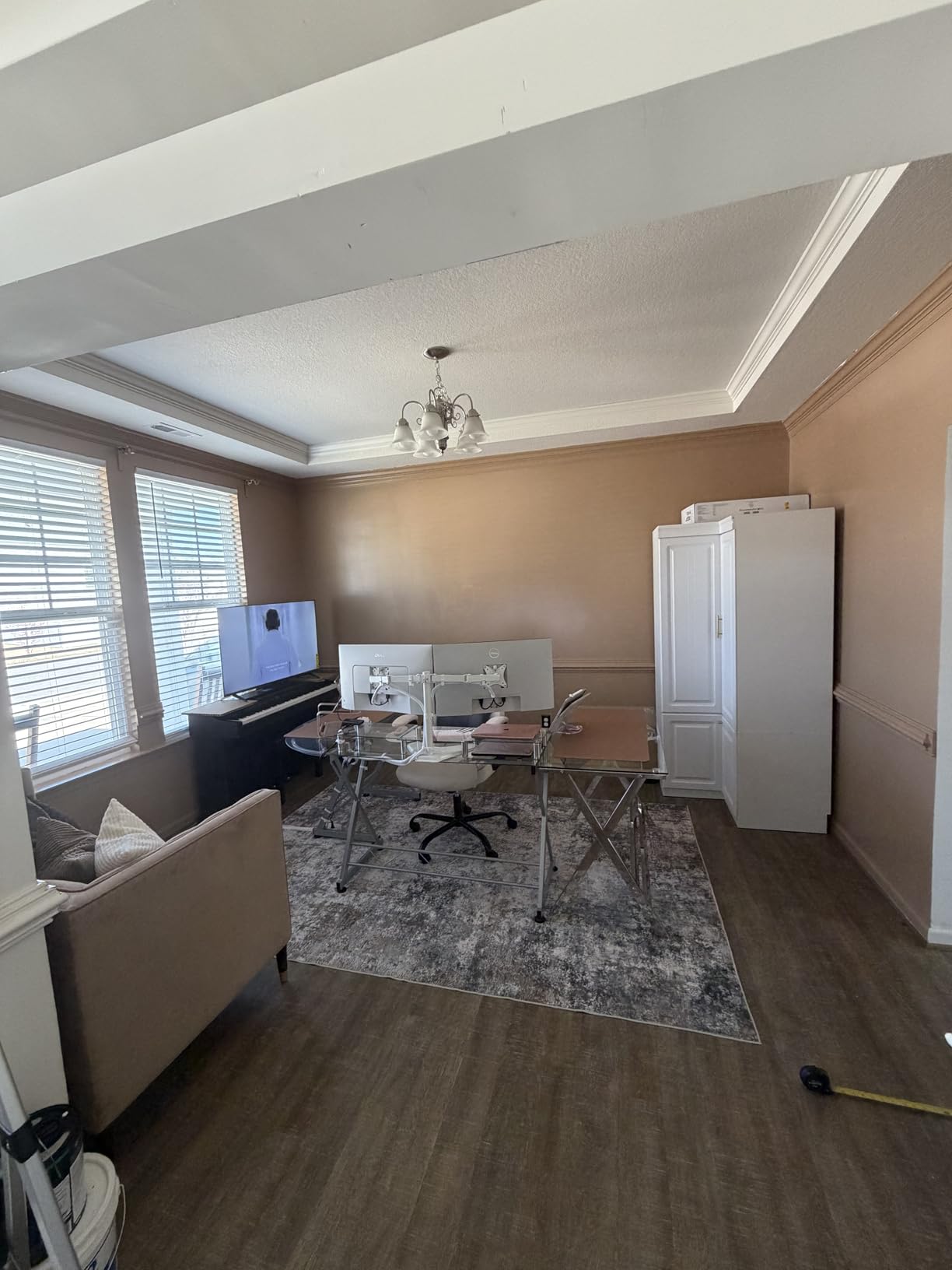
Owners note the underlying 8ms response sits above the advertised 1ms MPRT figure, so treat it as a productivity and casual gaming screen rather than a competitive one. At 14.1 pounds it is one of the heavier 27-inch models here.
12. Acer SB273 G0bi 27-inch: Best for Eye Comfort
- Zero-frame design maximises edge-to-edge visibility
- 120Hz with 1ms VRB response
- Extensive presets for reduced blue light and black boost
- Savable display settings
- Three-year parts and labor warranty
- Tilt-only stand with no height adjustment
- One HDMI port plus legacy VGA
- No built-in speakers
- Single rear button doubles as the power control
The SB273 G0bi is the pick when screen time is measured in hours rather than minutes. The on-screen menu is the reason: it carries presets for reduced blue light, warm and cool light, and a black boost mode that lifts shadow detail in dim rooms, and you can save your own combinations.
It holds a 4.7 rating across 334 reviews, and buyers describe setup as close to effortless. Several mention swapping it in for an older display without powering the old one down, which suggests the box contents are sensible and the zero-frame design needs little adjusting once it is up.
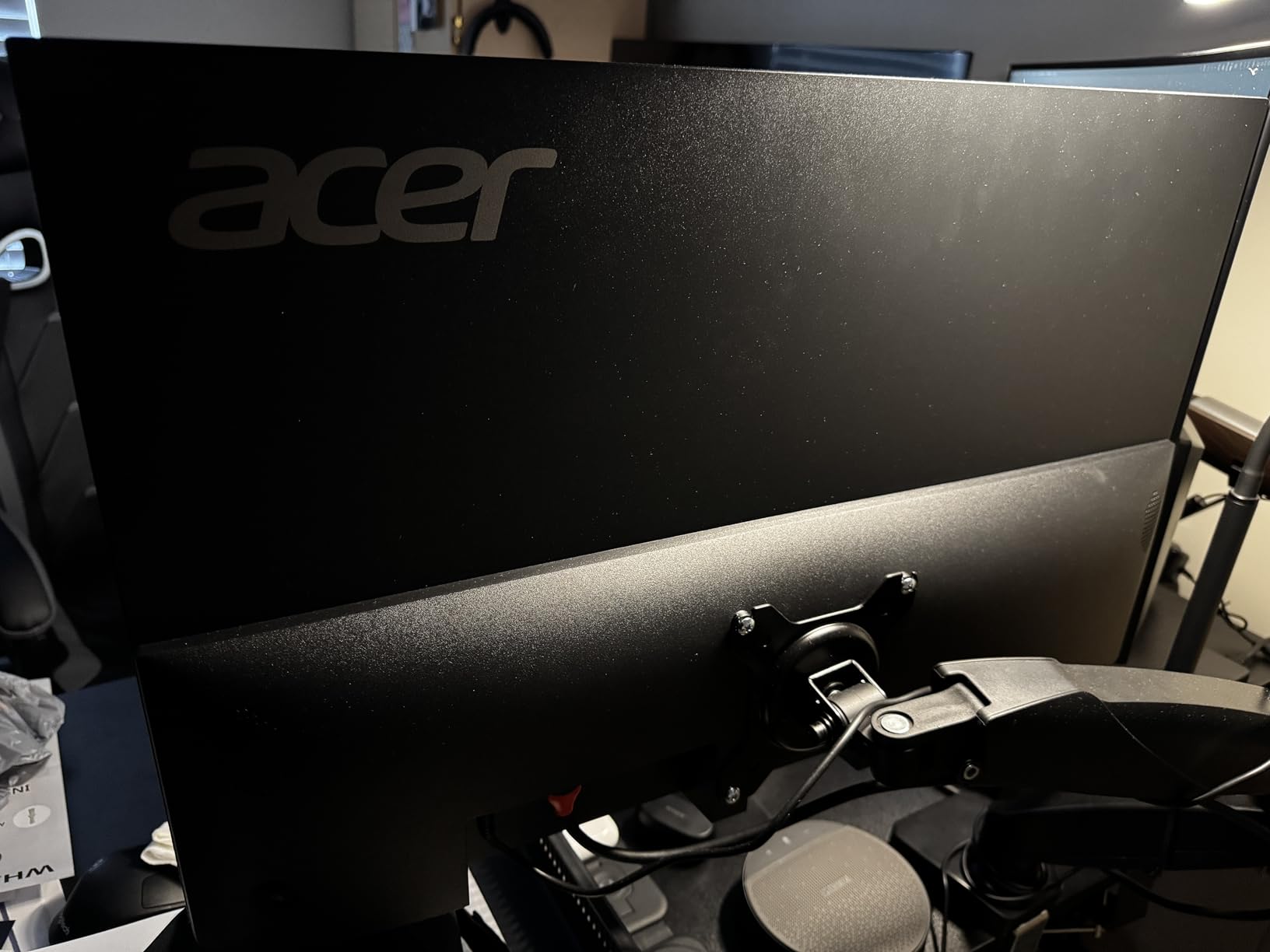
Underneath it is a 27-inch IPS panel at 1920×1080 with 99% sRGB coverage, a 120Hz refresh and a 1ms VRB response. An HDMI cable is included and the stand has no wobble, which sounds minor until you have typed on a display that rocks.
The trade-offs mirror the Acer KB272 G0bi earlier in the list, since these two share a panel family. Tilt-only stand, one HDMI port alongside legacy VGA, no speakers, and a single rear joystick that doubles as the power button and needs holding to switch off.
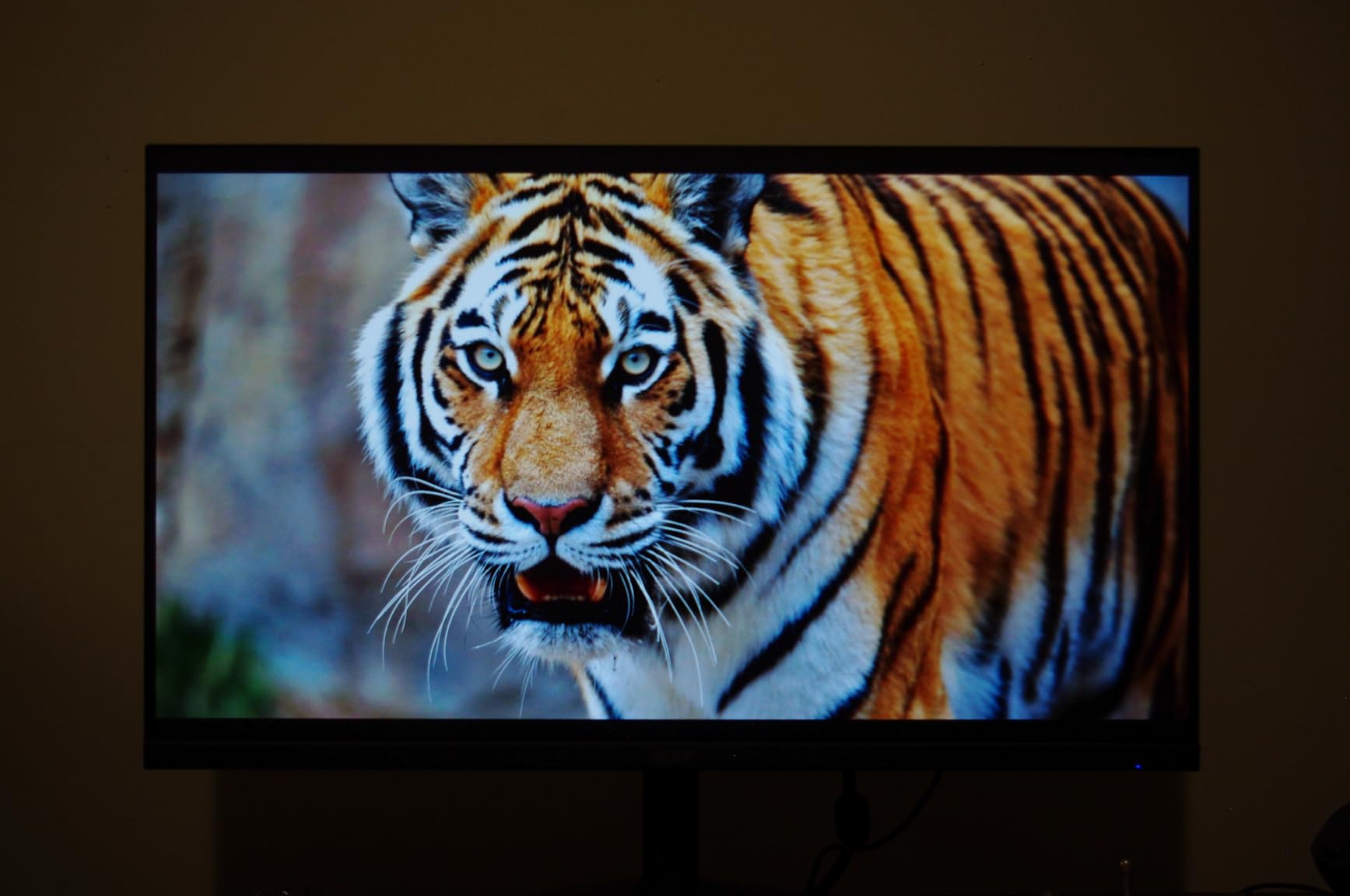
Compared with the Acer KB272 G0bi, pick this one for the display presets and the zero-frame bezel, and pick the KB272 for its slightly higher 250 nit brightness rating and lighter frame.
How to Choose Monitors During Prime Big Deal Days
How to Choose a Monitor Size and Resolution
Match the panel to the desk and to where you sit. A 24-inch screen works at arm’s length on a small desk, 27 inches is the standard for desk work, 32 inches needs about 28 inches of desk width, and a 34-inch ultrawide wants closer to 32 inches before you even reach for an arm. Viewing distance matters as much as width: anything beyond 30 inches should be 1440p or 4K, because Full HD across that distance makes text soft. Our picks here cover both ends, from the Dell SE2426H 24-inch to the Alienware AW3425DW 34-inch.
How to Choose a Gaming Monitor
Refresh rate is the first number to read, and 144Hz is the practical floor for most players. Above that, look at the response time figure and how it is measured: MPRT values from a backlight strobe read better than the underlying panel response, which is why two monitors here advertise 1ms while listing 8ms and 5ms. Adaptive-Sync matters more than brand here, and any of the FreeSync or G-Sync compatible panels will remove tearing. The AOC Q27G41ZE 27-inch and Samsung Odyssey OLED G6 27-inch cover the fast end.
How to Choose a Monitor for Work and Creative Projects
Colour accuracy and stand adjustability decide this. Look for 99% sRGB coverage or better, and check whether the stand adjusts for height and swivel rather than tilt alone, since eight hours in a chair exposes a badly placed screen quickly. Photo and video work pushes toward wider gamuts and factory calibration. None of the picks here includes a USB-C dock with power delivery, so if you want one-cable working, budget for a separate dock. For the wider colour question, our photo editing monitors guide covers it in more depth.
How to Check Monitor Connectivity and Features
Count the ports before you commit, and check their version rather than their number. You want DisplayPort 1.4 for high refresh at QHD or above, HDMI 2.0 or 2.1 for a console, and a 3.5mm headphone output if you do not want to use built-in speakers. Two HDMI inputs let a laptop and a console share a screen. Note also whether the monitor has a USB hub, and whether the stand offers height adjustment, because a tilt-only stand will not sit right for most people.
How to Shop Monitor Deals During the Sale
Check the model number on the listing, not just the marketing name, because monitor lines get refreshed with nearly identical titles. Confirm the diagonal size and the native resolution in the specification block, then read what is in the box: some listings ship a cable, some do not. Look at whether the offer is sold and dispatched by Amazon or by a third-party seller, and whether the item is new or renewed. Offers shift through the event and most need a Prime membership, so compare the price on the listing against what the same model number costs elsewhere before you commit.
- Confirm the exact model number matches what you researched
- Check size, native resolution and refresh rate in the spec block
- Read what is included in the box before ordering extra cables
- Note whether the seller and shipper are Amazon
- Check the refresh rate your graphics card and cable can actually drive
- Keep the packaging until the panel passes an inspection at home
Frequently Asked Questions
When do Amazon Prime Big Deal Days monitor deals run?
Amazon Prime Big Deal Days runs October 6-7, 2026, a 48 hour window covering the whole event. Monitor offers typically appear when the event opens and change through the two days, so the models worth checking early are the popular budget and gaming panels. Have your preferred model numbers ready before the window opens.
Do I need Prime to buy a monitor during Prime Big Deal Days?
Most offers require a Prime membership, though a free trial counts and some coupon deals apply to everyone. Prime members also get the fastest delivery and the easiest return window, which matters most when a monitor arrives with a panel you do not like. Check the eligibility line on each listing before you assume.
What specifications should I check before choosing a monitor deal?
Check panel type, native resolution, refresh rate, response time, brightness, port selection and stand adjustment. Also confirm the diagonal size matches your desk and that your graphics card and cable can drive the resolution and refresh rate you want. Anything sold as HDR ready is worth verifying separately.
Are Prime Big Deal Days monitor offers real or based on inflated MSRP?
List price is not a reliable guide. Compare the current price against what the same model number has cost on other retailers over recent months rather than against a struck-through figure on the listing. Fixed specification pages also tell you more: a genuine change of generation usually moves the model number and the spec block together.
Should I wait for Black Friday instead of buying during Prime Big Deal Days?
If you need a monitor now, or if a deal reaches a price you have already seen, Prime Big Deal Days is a reasonable point to commit. Waiting suits you better if your current screen still works and you want the widest possible range of panel generations to choose from. Ultra-wide and OLED models often move on both events.
Final Verdict: Best Amazon Prime Big Deal Days Monitor Deals
Watch the Sceptre C248W 24-inch most closely during Prime Big Deal Days, because its curved VA panel, its pair of HDMI ports and its enormous owner base make it the least complicated upgrade on this list. The Acer KB272 G0bi 27-inch is the pick for a shared home office desk where an IPS panel and a three-year warranty matter more than refresh rate. The Acer SB273 G0bi 27-inch goes one step further on display presets for anyone reading for hours at a stretch.
The Dell SE2426H 24-inch is the entry point, and the Dell S2725DSM 27-inch or Samsung Odyssey G51F 27-inch cover most work desks with QHD sharpness and a stand that actually moves. For gaming, the SANSUI 32-inch 240Hz handles motion on a smaller budget, the AOC Q27G41ZE 27-inch takes it competitive, the Samsung Odyssey G55C 32-inch keeps resolution sharp at a bigger size, and the Samsung Odyssey OLED G6 27-inch is the picture-quality step up. The Alienware AW3425DW 34-inch answers a different question entirely for anyone who wants one screen instead of two.
Check the model numbers against the listings before the window opens, and use the buttons above to see the current price on each one.