

The Apple iPad 11 A16 is the pick most worth watching during this year’s Prime Big Deal Days, and it earns the top spot for a simple reason: it is the only current-generation iPad in this lineup that handles a full school day of notes, video calls and streaming without an aging processor in the way. For anyone who wants more screen than a phone but not the bulk of a laptop, it is the one to watch.
Two alternatives serve narrower needs. The Apple iPad 9 Renewed covers households that only need reading, streaming and light browsing. The Apple iPad 7 Renewed is the lowest-cost way into the iPad ecosystem. Prime Big Deal Days runs October 6-7, 2026, and offer levels shift through the event, so treat this list as a shortlist rather than a price sheet.
Our Top 3 Picks for Best Amazon Prime Big Deal Days iPad Deals in 2026


iPad 9 Renewed
- A13 Bionic chip
- 10.2-inch Retina display
- 64GB storage
- 90-day limited warranty
Best Amazon Prime Big Deal Days iPad Deals Compared
| Product | Specifications | Action |
|---|---|---|
| iPad 11 A16 |
|
Check Deal Price |
| iPad 9 Renewed |
|
Check Deal Price |
 iPad 7 Renewed iPad 7 Renewed |
|
Check Deal Price |
 Magic Keyboard Magic Keyboard |
|
Check Deal Price |
 Apple Pencil Pro Apple Pencil Pro |
|
Check Deal Price |
 Apple Pencil USB-C Apple Pencil USB-C |
|
Check Deal Price |
How We Chose
We compared the specifications that decide an iPad purchase: processor generation, screen size and resolution, storage, weight, battery rating and stylus or keyboard support. Alongside those specs we read the owner reviews on each listing, since renewal condition and accessory compatibility show up there far more clearly than in the spec sheet. Data was checked on October 2026, and offers change during the event.
1. Apple iPad 11 A16: Editor’s Choice for Most Households
- Fast A16 chip handles split-screen multitasking
- All-day battery for classes and commuting
- Light 1.05 lb body
- Sharp 11-inch Liquid Retina display with True Tone
- Works with Apple Pencil USB-C and Magic Keyboard Folio
- 128GB fills up fast with media and documents
- No stylus case or keyboard in the box
- Screen brightness trails a laptop display
The pick for anyone buying one tablet and expecting it to last several years. It is the only new-generation iPad here, and that distinction matters more than any single spec: the A16 chip drives multiple apps at once without the hesitation older silicon shows under load.
Owners across nearly 29,000 reviews single out three things repeatedly: speed, battery life and how light it is at 1.05 pounds. That combination is what makes it work as a shared family device. A student can carry it in a backpack all day, hand it to a parent for video calls in the evening, and still have charge left.
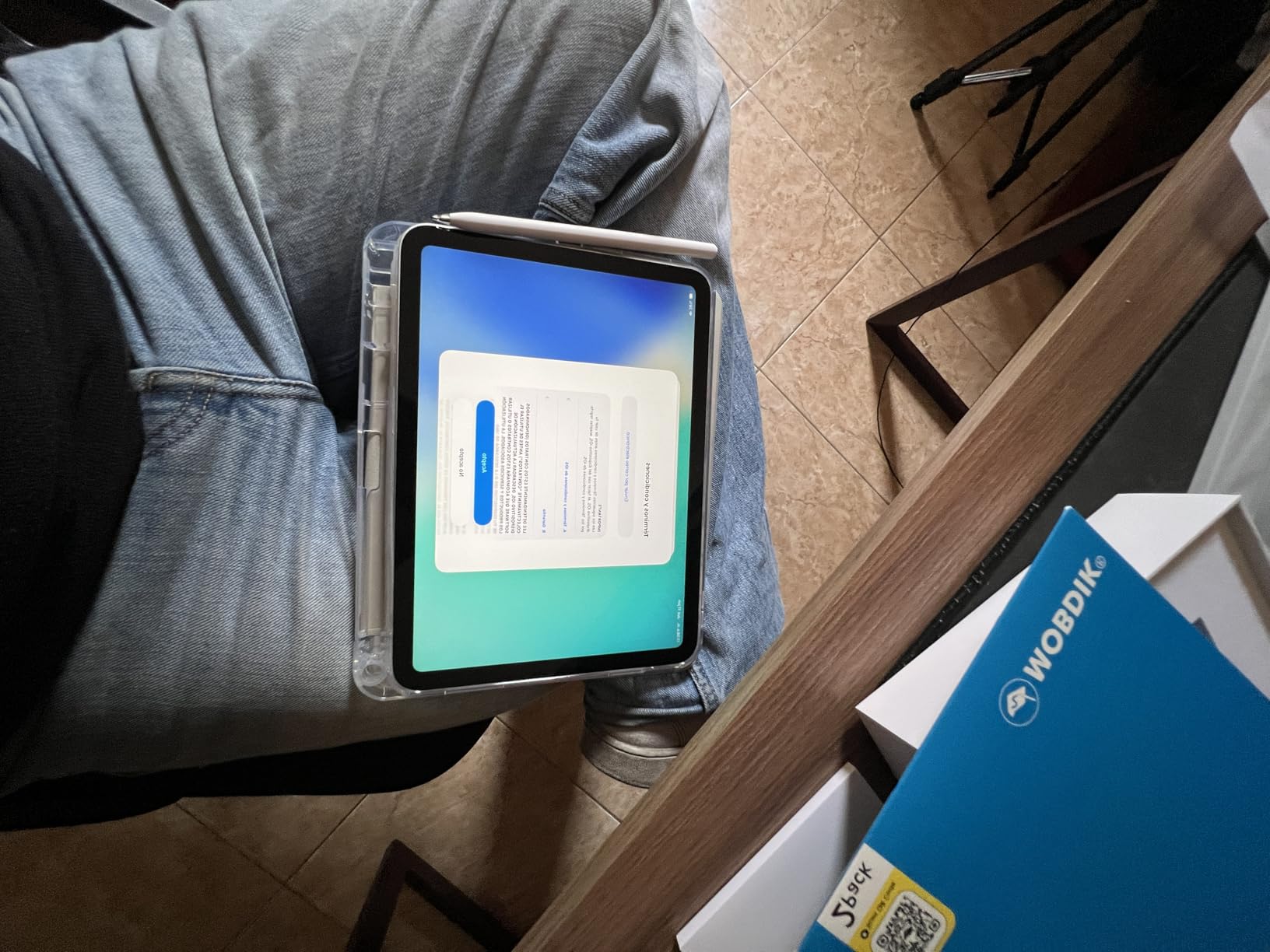
The 11-inch Liquid Retina screen with True Tone is the practical sweet spot for this list. It is large enough for split-screen with a notes app beside a document, small enough to prop on a kitchen counter for recipes, and the weight does not punish you for holding it one-handed on a train.
Storage is where owners push back hardest. 128GB is fine for apps and a course’s worth of PDFs, but photos and downloaded video fill it faster than most people expect. If the household will be shooting video or downloading a lot of media, look at the accessories in this list that support it rather than planning on cloud storage alone.
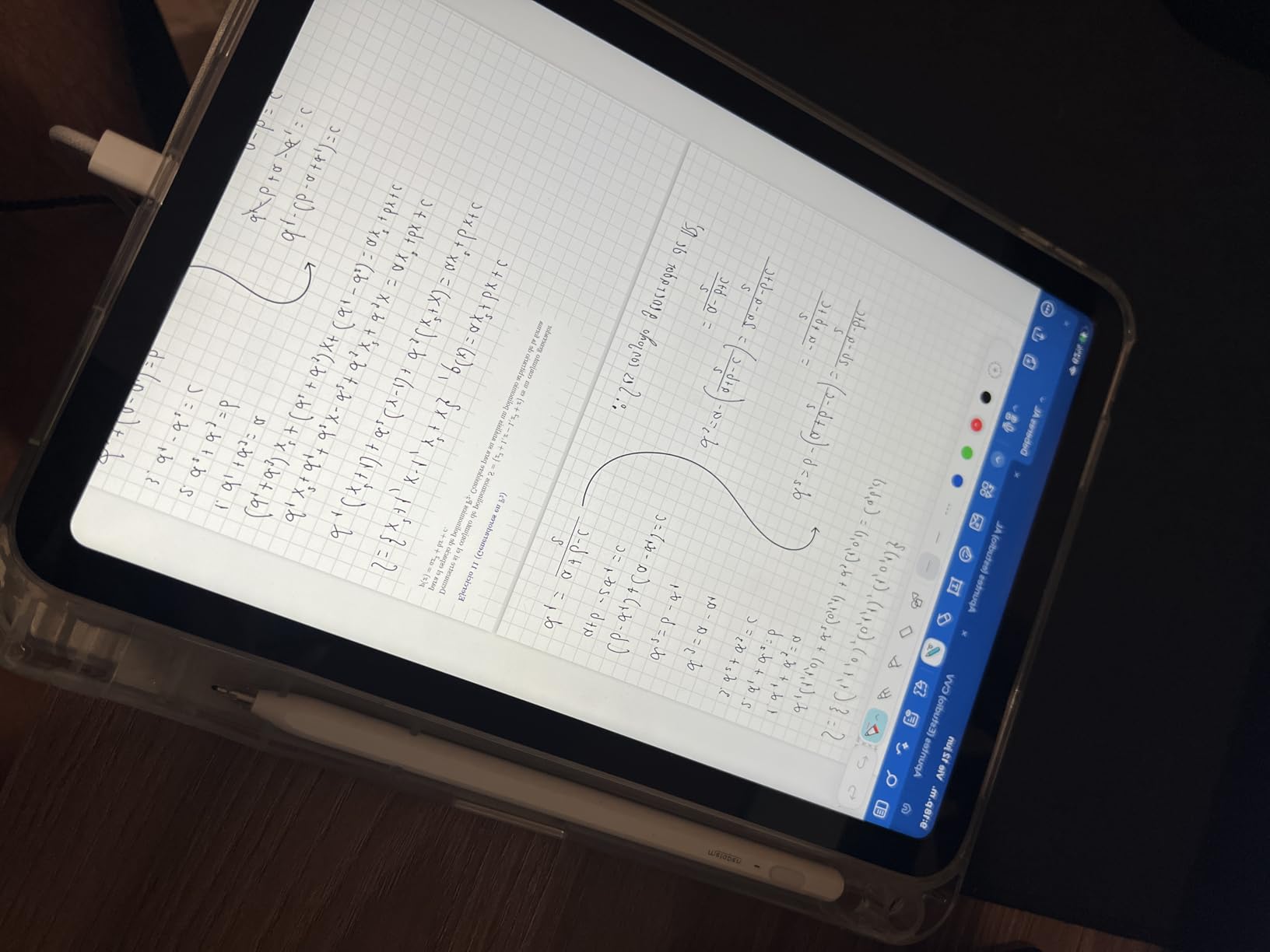
Good to know: Touch ID sits in the top button, not on the display, and it handles unlocking, app sign-in and Apple Pay. If you draw or annotate regularly, pair it with the Apple Pencil USB-C further down this list. If you want to type, the Apple Pencil USB-C and an inexpensive keyboard case cover most needs; the Magic Keyboard here does not fit this model.
2. Apple iPad 9 Renewed: Best Value
- 2021 hardware with the A13 Bionic chip
- Charger and adapter included in the box
- 10.2-inch Retina display at 2160x1620
- Up to 10 hours of battery for basic tasks
- Renewed condition varies unit to unit
- 90-day limited warranty rather than a full year
- Lightning port instead of USB-C
A middle path: a full-size screen and a recent-enough chip without the newest-model money. Renewed units of this generation carry roughly 4,900 reviews at 4.3 stars, and that score reflects a specific kind of satisfaction, since people expected less and got a tablet that works.
Compared with the iPad 11 A16 at the top of this list, the differences are the ones you notice only under pressure. The A13 Bionic is a generation behind, so heavy multitasking stutters sooner, and the 64GB of storage fills faster. In exchange you keep a 10.2-inch Retina panel at 2160×1620, and the listing includes a charger and adapter, which newer iPads do not.
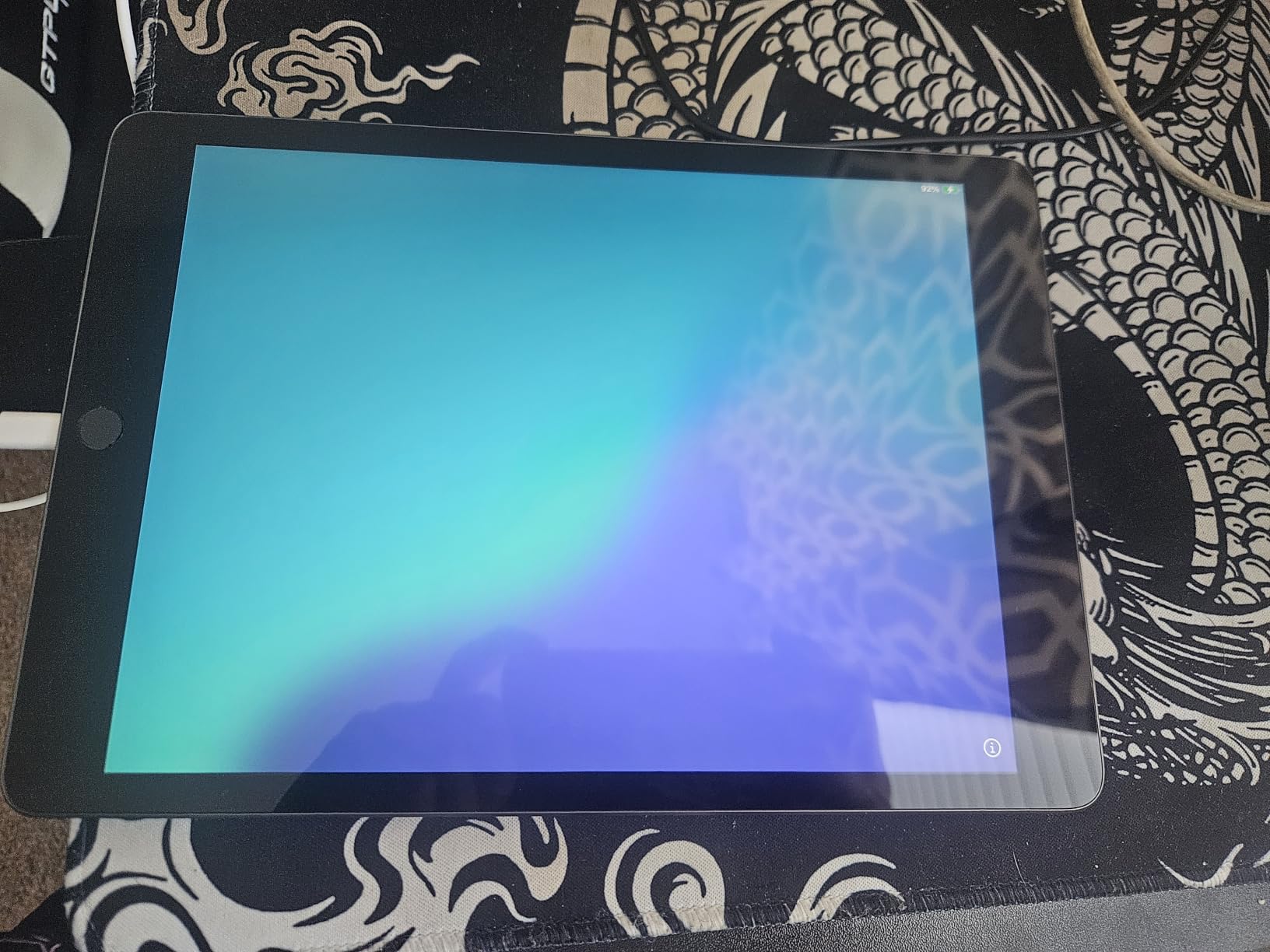
Scenario worth considering: a second or third tablet for a busy household, a screen for a child to watch shows on while you work, or a first iPad for someone who is not sure they will use it heavily. Those are the situations where a 2019 chip still feels current, because the tasks never asked for more.
Buy something else if you need Apple Pencil Pro gestures or the newest games. Renewed condition also varies, and the warranty here is 90 days limited, so factor a possible replacement into the plan. The Apple iPad 7 Renewed below goes lower still if the budget is the deciding factor.
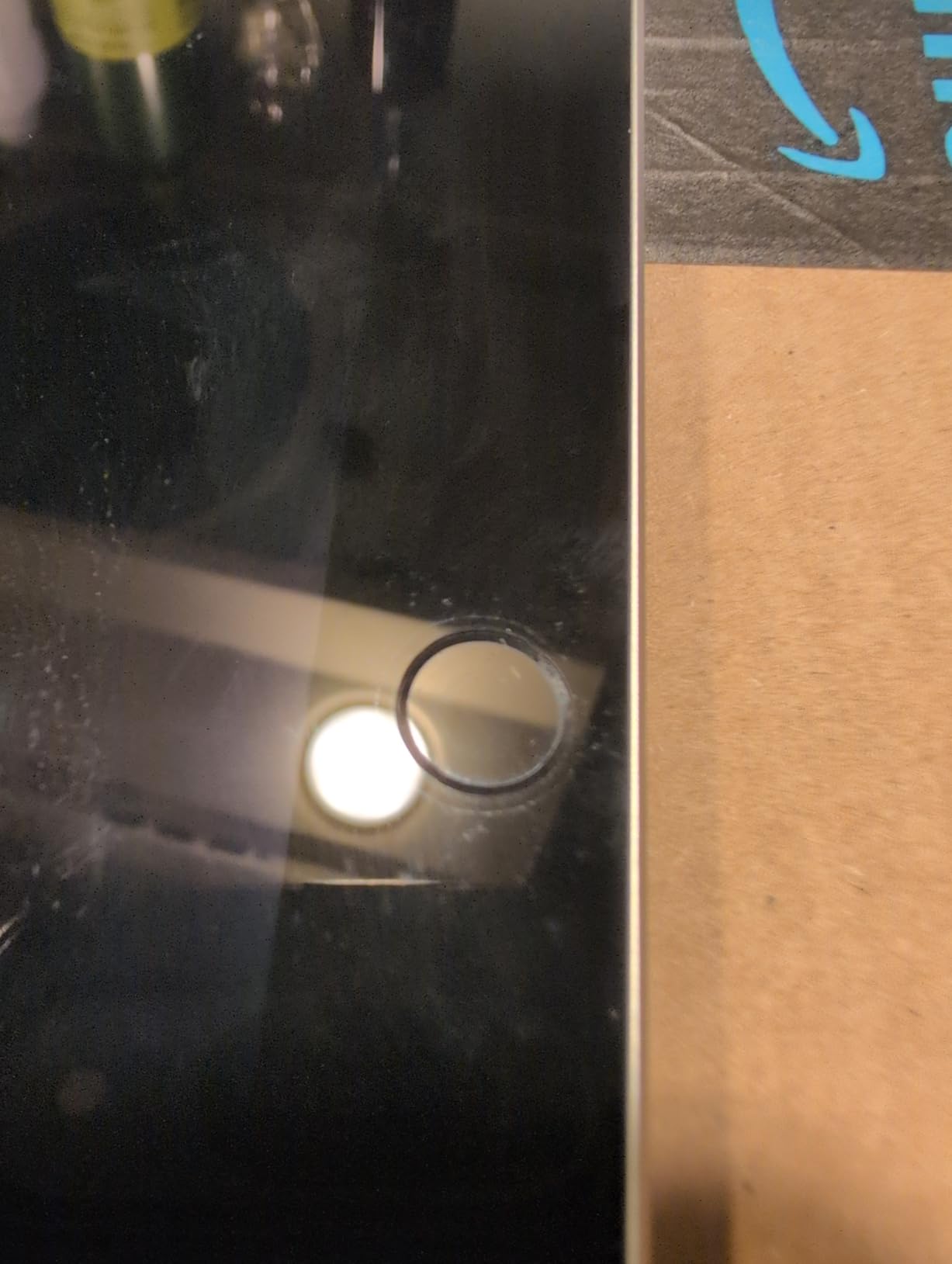
Good to know: this model uses a Lightning connector, so the USB-C chargers and power banks you already own for a phone will not charge it. Budget for the included cable, and note that Lightning-era iPads do not accept Apple Pencil Pro.
3. Apple iPad 7 Renewed: Most Versatile
- Lowest-cost entry into the iPad lineup
- 10.2-inch LCD at 2048x1536 and 500 nits
- Headphone jack and Smart Connector included
- Up to 10 hours of battery for basic tasks
- 32GB is very tight for modern apps and media
- A10 Fusion chip struggles with heavy multitasking
- Renewed units vary in condition with a 90-day warranty
The cheapest route into owning an iPad, with clear limits on what it can do. Roughly 16,200 owners have reviewed it at an average of 4.1 stars, and that rating describes the trade precisely: a functional tablet that people are comfortable handing to a child for reading and streaming.
This is a 2019 model. The A10 Fusion chip manages reading, streaming, email and light browsing without complaint, and the 10.2-inch LCD at 2048×1536 is bright enough at 500 nits for most rooms. Two features outlive their age: a 3.5mm headphone jack and the Smart Connector for keyboard and stylus support, both of which newer iPads dropped from the base model.
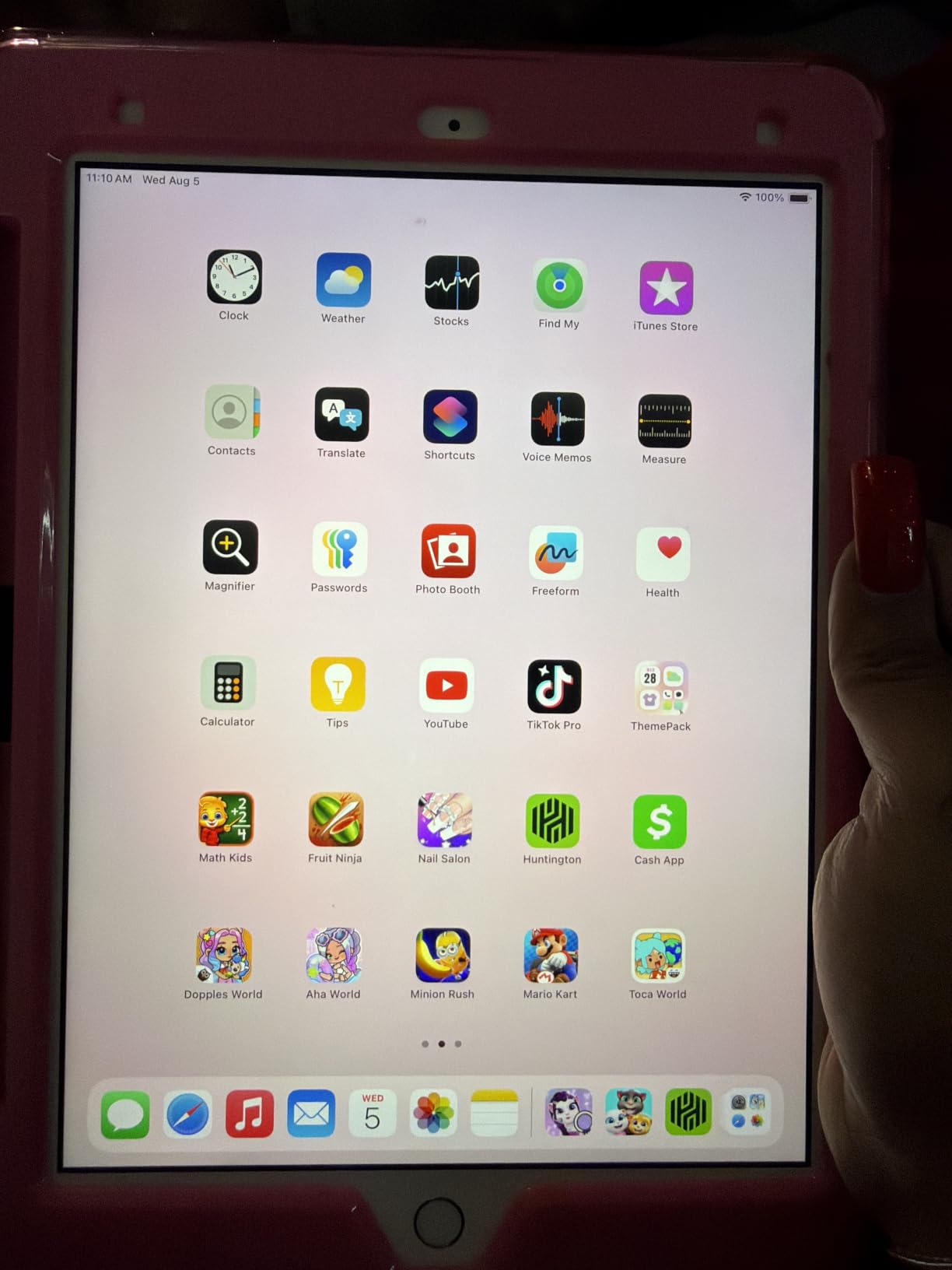
The trade-off is 32GB of storage, and it is a real one. That figure disappears quickly once a few streaming apps and photo libraries are installed, and owners name it as the most common reservation in reviews. Set expectations realistically: this is a screen for the kitchen, the bedside table or a child’s schoolwork, not a media library.
Skip it if you want to run demanding multitasking or keep the device for many years. Compared with the iPad 9 Renewed above, the step up buys a newer chip and twice the storage, which matters if more than one person will use the tablet.

Good to know: the box includes a USB data cable but no wall adapter, and the listing states a 90-day limited warranty with condition varying between units. Renewed hardware is graded, so treat this one as a straightforward everyday device rather than a collector’s piece.
4. Apple Magic Keyboard: Best for Typing
- Quiet responsive scissor keys with backlighting
- Built-in trackpad handles Multi-Touch gestures
- Adjustable cantilever viewing angle
- USB-C pass-through charging while attached
- Folds to protect the front and back
- Adds noticeable weight and bulk
- Fits specific iPad Pro and Air generations only
- No included battery
Owners rate this 4.7 across more than 12,000 reviews, and they keep pointing at the same two things. The typing feels like a real keyboard, and the trackpad behaves the way a trackpad should rather than the way a touchscreen imitation does.
That combination is what turns an older tablet into something laptop-shaped. The floating cantilever design adjusts to whatever angle you are working at, the scissor mechanism with backlit keys stays quiet enough for shared rooms, and the Multi-Touch trackpad with haptic feedback handles cursor movement so you stop tapping constantly.
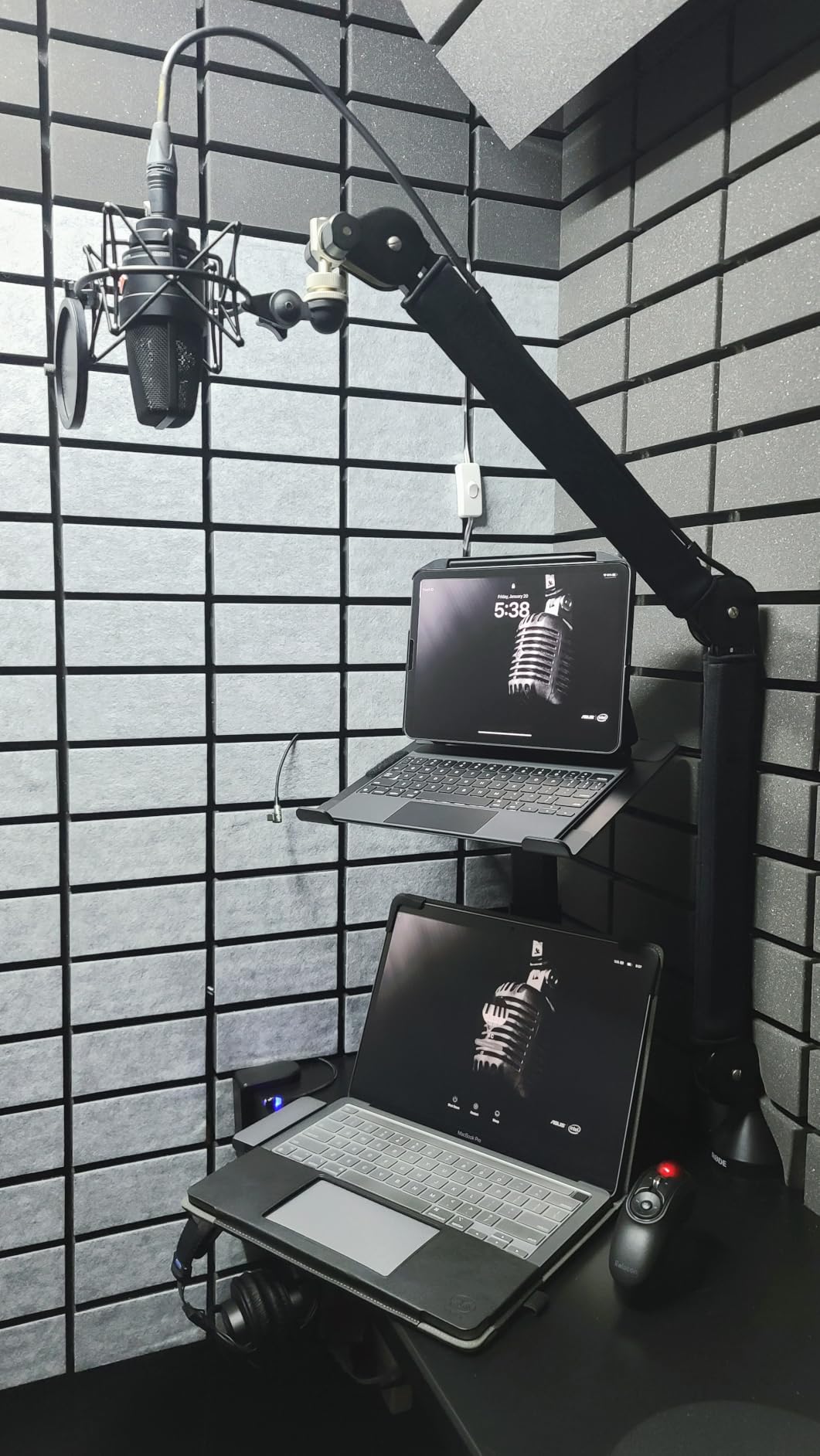
Compatibility is the deciding factor, and it is narrower than people expect. This model covers iPad Pro 11-inch from the 1st through 4th generation and iPad Air 4th gen, 5th gen and M2. It does not fit the Apple iPad 11 A16 at the top of this list, which uses the Magic Keyboard Folio instead. Check the model year before committing.
A USB-C port on the keyboard handles pass-through charging, so the tablet keeps working while it is attached. No charging or pairing step is needed; it attaches magnetically and works immediately, which removes one of the usual setup chores.
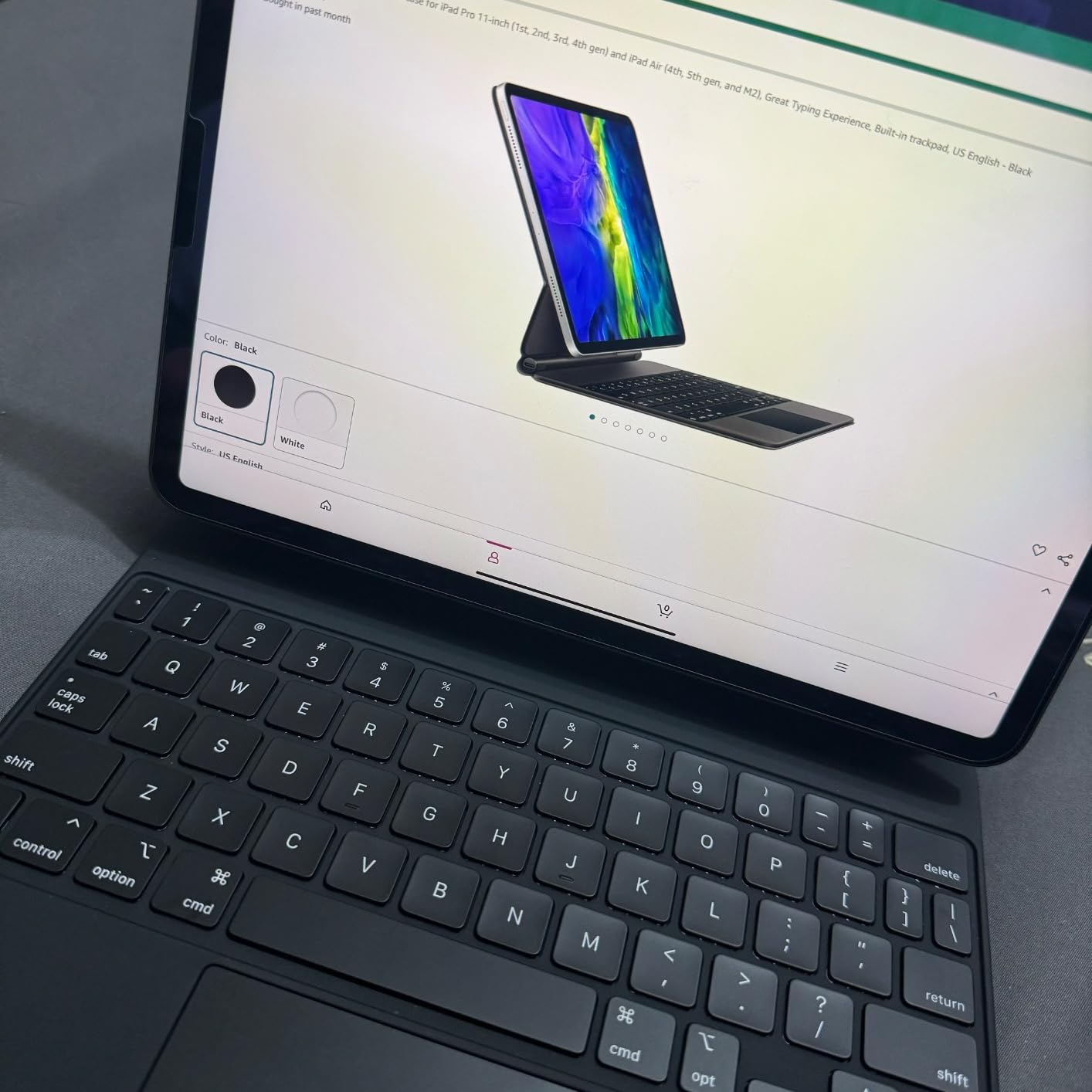
Pick something else if you want a stylus as well, since this is a keyboard only. For newer Pro and Air models the Apple Pencil Pro below is the matching pen. If you mainly read and watch rather than type, an accessory like this is more than you need.
5. Apple Pencil Pro: Best for Drawing
Apple Pencil Pro: Latest Model – Device Compatibility Check Required
- Tilt and pressure sensitivity for natural line weight
- Squeeze and barrel roll gestures speed up tool changes
- Haptics confirm tool changes by feel
- Magnetic attachment charges and pairs it
- Low latency input
- Works only with recent M4 and M5 Pro Air and mini models
- Not compatible with Lightning-era iPads
- Sold separately with nothing included
Tilt and pressure sensitivity give line weight that responds the way a real pen does, and roughly 10,500 owners rate that combination at 4.6 stars. For anyone who draws, shades or does detailed illustration work, those two features are the reason to spend more here rather than on the cheaper pen below.
The squeeze and barrel roll gestures are what separate it from every budget stylus. A squeeze of the barrel switches tools mid-stroke, the haptic buzz confirms the change by feel so your eyes stay on the canvas, and Apple Pencil hover previews a mark before you commit on supported models.
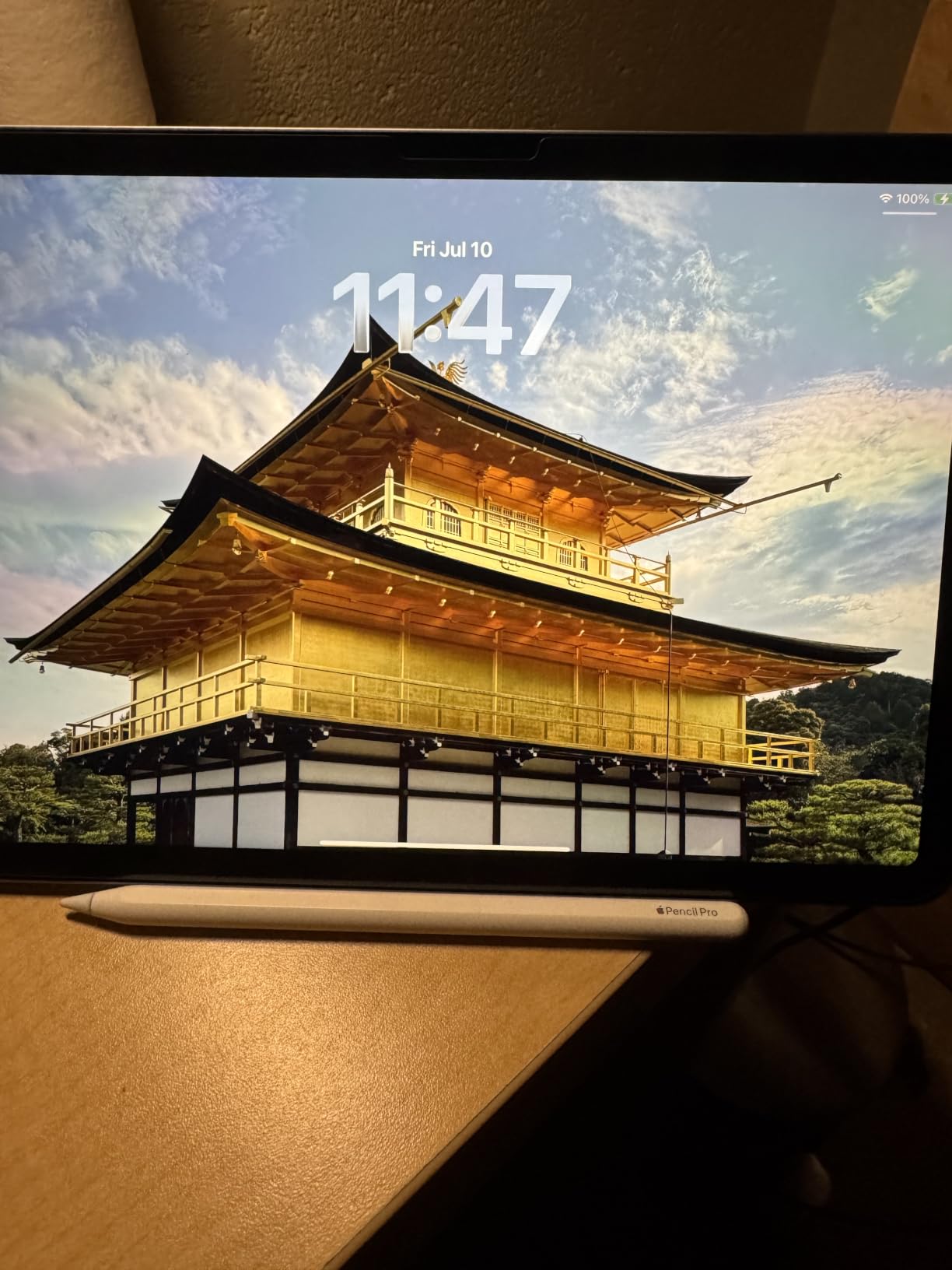
At 0.68 ounces it is light enough for long sessions, and the flat edge lets you tap between tools against a surface. It attaches, pairs and charges magnetically to the iPad side, and Find My support helps locate a pencil that gets left in a bag.
Compatibility is the trap here, and it is the single caveat reviewers repeat. It works with M4 and M5 iPad Pro models, M2 through M4 iPad Air models and the iPad mini with A17 Pro. It does not work with the two renewed iPads in this list or with the Apple iPad 11 A16, all of which pair with the USB-C Pencil further down.
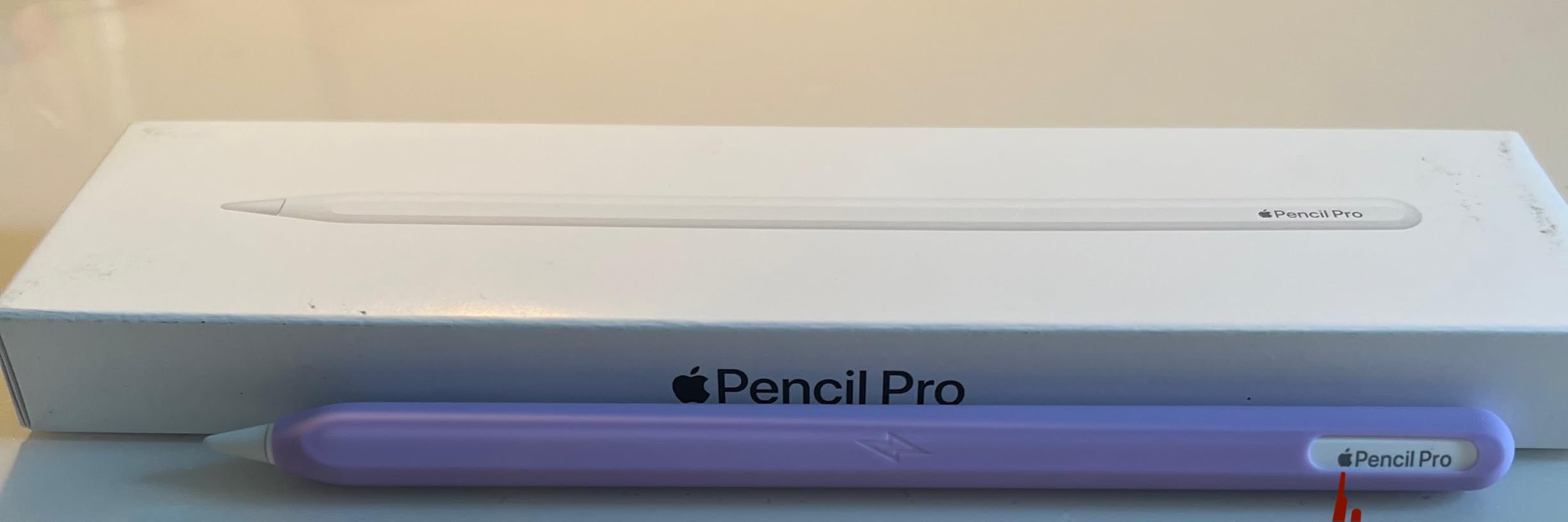
Compared with the Apple Pencil USB-C, you are buying pressure sensitivity, hover and the gesture system with this one. If you are annotating documents rather than illustrating, the cheaper pen is the better fit and works with more of the iPads you might own later.
6. Apple Pencil USB-C: Best for Note-Taking
- Tilt sensitivity for natural line weights
- Excellent palm rejection on supported iPads
- USB-C charging works with a case attached
- Flat edge magnetically stores on the iPad side
- Works across a wide range of current iPads
- No pressure sensitivity for advanced shading
- No inductive charging and the included cable is short
- Compatibility lists are easy to misread
Handwriting, lecture notes and document annotation are what the Apple Pencil USB-C is built around, and over 12,300 owners rate it 4.5 stars for exactly that. It is also the only stylus here that covers every current iPad model in this list, which matters more in a house than on a workbench.
Tilt sensitivity gives you variable line weights and shading, and palm rejection means you can rest your hand on the screen while writing without stray marks. The USB-C charging port hides under a sliding cap, so charging still works when a case is fitted.
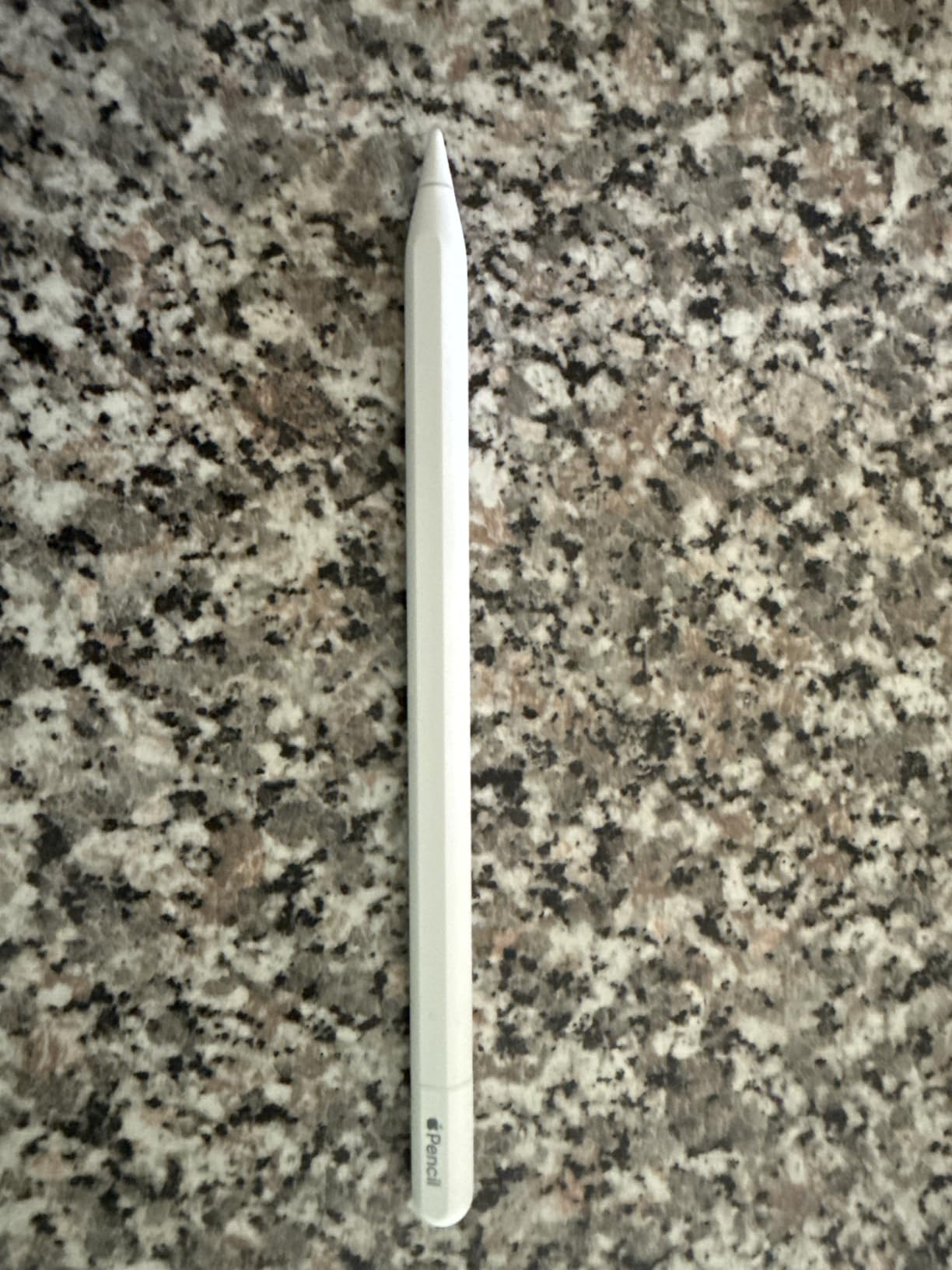
Compatibility is broader than the Apple Pencil Pro. This pen covers current iPad Pro models including M4 and M5, iPad Air from the M2 through M4 plus the 4th and 5th generation, the iPad with A16, the iPad mini with A17 Pro, and the iPad 10th generation. That makes it the one to buy if the household owns more than one iPad.
The trade-offs are stated plainly in owner reviews. There is no pressure sensitivity, so advanced digital art shading is out of reach, and pairing happens over USB-C rather than inductively, which means a cable is involved and the included one runs short.
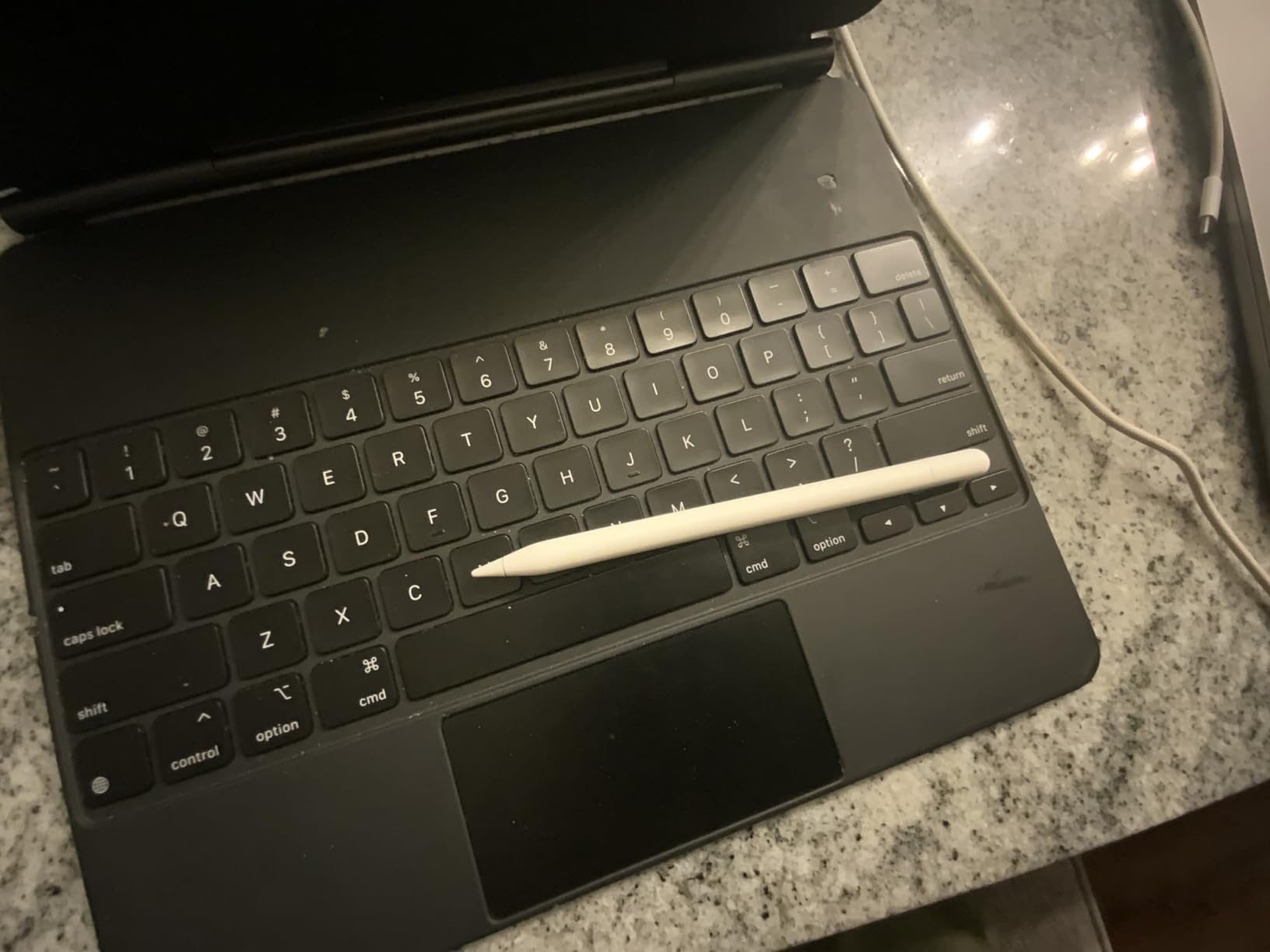
Compared with the Apple Pencil Pro above, you give up hover, the squeeze gestures and pressure response in exchange for compatibility with more models. Before buying either, match the model year on your iPad against the compatibility list on the listing.
How to Choose iPads During Prime Big Deal Days
How to Compare iPad Performance and Storage
Processor generation predicts how long a tablet stays useful. Anything on the A16 chip or newer handles split-screen multitasking and demanding apps for years; the A13 Bionic in the iPad 9 Renewed is comfortable for reading and browsing; the A10 Fusion in the iPad 7 Renewed is built for light tasks only.
Set a storage floor based on what you actually do. 128GB suits a student with cloud storage and streamed video. 64GB works if you mostly read and browse. At 32GB, expect to manage storage constantly and keep photos off the device.
How to Choose the Right iPad Display and Size
An 11-inch screen at roughly 1 lb is the balance point for most homes: large enough for two apps side by side, light enough to carry all day. The 10.2-inch models in this list are smaller and slightly heavier, which suits a fixed spot on a desk or a lap.
Resolution matters less than people expect, but brightness does. The iPad 7 Renewed’s LCD runs at 500 nits, which reads well indoors and struggles outdoors. Check whether you will mostly use the tablet inside before paying for a brighter panel.
How to Evaluate iPad Battery Life and Portability
Weight matters more than battery capacity for a tablet you carry. At 1.05 and 1.1 lb, the iPads in this list are all light enough for a full day of commuting and classes. The renewed models are rated at up to 10 hours for basic tasks, while the iPad 11 A16 is described as all-day.
Older Lightning-era iPads need their own cable. If you travel with one USB-C charger, the Lightning port on the iPad 9 Renewed is a genuine inconvenience to plan around.
How to Check iPad Accessories and Compatibility
Every stylus and keyboard in this list has a narrow compatibility list, and this is where buyers most often end up with something that does not fit. The Apple Pencil USB-C covers the widest range of current models. Apple Pencil Pro works only with M4 and M5 iPad Pro, M2 through M4 iPad Air, and the iPad mini with A17 Pro.
Keyboards are stricter still. The Magic Keyboard in this list covers iPad Pro 11-inch, 1st through 4th generation, plus iPad Air 4th and 5th generation and M2. The iPad 11 A16 needs the Magic Keyboard Folio rather than this one. Confirm the model year on the iPad setting before ordering any accessory.
How to Shop iPad Deals During the Sale
Check the model number and storage capacity on the listing rather than the marketing name, since several iPads share a screen size and generation label. Renewed listings state their warranty in days rather than years, and condition wording can be vague, so read the condition note in full. Look at who sells and ships the device: the retailer and the shipper can differ. Most offers in this event need a Prime membership, with a free trial counting, and pricing shifts through October 6-7, 2026.
- Match the model year on your iPad to the accessory compatibility list before buying a stylus or keyboard.
- Confirm the storage capacity listed matches the one you actually want; it cannot be upgraded later.
- For renewed units, read the condition wording and note the warranty length in days.
- Check the seller and shipper separately, especially on renewed listings.
- Confirm Prime membership status if you want free fast delivery during the event.
- Re-check pricing on the day of purchase, since offers change across October 6-7, 2026.
Frequently Asked Questions
When does Amazon Prime Big Deal Days 2026 run and do I need Prime?
Prime Big Deal Days runs October 6-7, 2026. Most of the offers need a Prime membership, and a free trial counts toward that requirement. Apple itself rarely runs sale events, so nearly every iPad offer you will see comes from a retailer rather than from Apple.
Which product on this Amazon Prime Big Deal Days iPad deals list should a student buy, and does it include accessories?
Start with the Apple iPad 11 A16 for a student who will type notes and stream video all day. The Apple iPad 9 Renewed and Apple iPad 7 Renewed suit reading and light browsing. The last three picks are accessories: the Magic Keyboard, Apple Pencil Pro and Apple Pencil USB-C, each of which fits only certain models, so check your iPad first.
Is an Amazon Renewed iPad worth buying?
It can be, if your needs are light. Renewed iPads in this list are 2019 and 2021 models rated 4.1 and 4.3 by owners, and both come with a 90-day limited warranty rather than a full year. Condition varies between units, so buy one for reading and streaming rather than for demanding work.
Should I buy an iPad now or wait for Black Friday?
Most iPad offers at this event are modest on Pro-tier models, so if your target is a recent or renewed iPad, Prime Big Deal Days is a reasonable point to act. If you can wait, checking price history tools later in the season can reveal whether this event beat what other retailers did. Accessories such as styluses and keyboards often move more than the tablets themselves.
Which Apple Pencil works with my iPad?
The Apple Pencil USB-C fits the widest range of current models, including the iPad with A16, iPad Air from the M2 through M4, iPad mini with A17 Pro and the iPad 10th generation. Apple Pencil Pro is limited to M4 and M5 iPad Pro, M2 through M4 iPad Air and iPad mini with A17 Pro. Neither works with the renewed Lightning-era iPads in this list.
Final Verdict: Best Amazon Prime Big Deal Days iPad Deals
Buy the Apple iPad 11 A16 if you want one tablet that covers study, work calls and streaming and expect to keep it for years. It is the pick worth watching most closely as this event runs.
Buy the Apple iPad 9 Renewed for a second or third family tablet where light browsing, reading and streaming are the workload. Buy the Apple iPad 7 Renewed, our budget pick, when the lowest cost of owning an iPad matters most and usage stays simple.
For accessories, pick the Apple Magic Keyboard if you already own an older 11-inch iPad Pro or a compatible iPad Air and want to type. Pick the Apple Pencil Pro, our best for drawing pick, for illustration and pressure-sensitive work on a recent model. Pick the Apple Pencil USB-C, our best for note-taking pick, for the widest compatibility across current iPads.
Check the model year on your iPad before ordering any accessory, and re-check the offer on the day you buy.