

The Amazon Fire 7 Kids bundle is the tablet worth watching first during Amazon’s October sale, because the kid-proof case, a year of ad-free Kids+ content and the parent controls all arrive in the same box. Buyers wanting a bigger screen should look at the Fire HD 10, and the Fire HD 8 is the one that fits a carry-on. Prime Big Deal Days runs October 6-7, 2026, with early offers live before the event opens.
The picks below are framed the way we think about any tablet purchase: which room it lives in, who uses it, and whether the advertised offer is a genuine reduction or a routine saving wearing a deal badge. Prices move through the event, so use the buttons to see the current figure for each tablet.
Our Top 3 Picks for Best Amazon Prime Big Deal Days Tablet Deals (October 2026)


Amazon Fire HD 10
- 10.1 inch 1080p display
- Up to 13-hour battery
- 25% faster than the last model

Best Amazon Prime Big Deal Days Tablet Deals Compared
| Product | Specifications | Action |
|---|---|---|
| Amazon Fire 7 Kids |
|
Check Deal Price |
| Amazon Fire HD 10 |
|
Check Deal Price |
| Amazon Fire HD 8 |
|
Check Deal Price |
 Samsung Galaxy Tab A11+ Samsung Galaxy Tab A11+ |
|
Check Deal Price |
 Samsung Galaxy Tab S10 Lite Samsung Galaxy Tab S10 Lite |
|
Check Deal Price |
 Apple iPad 11-inch Apple iPad 11-inch |
|
Check Deal Price |
 Apple iPad Air M4 Apple iPad Air M4 |
|
Check Deal Price |
 Amazon Fire HD 8 Kids Pro Amazon Fire HD 8 Kids Pro |
|
Check Deal Price |
 Amazon Fire HD 10 Kids Amazon Fire HD 10 Kids |
|
Check Deal Price |
 Samsung Galaxy Tab S10 FE Samsung Galaxy Tab S10 FE |
|
Check Deal Price |
How We Chose
Every tablet here was compared on the same fields: screen size and resolution, memory and storage, battery claims, stylus support, app-store restrictions and what owners actually say about living with it. Ratings and review counts came from the Amazon listings and were checked on October 2026. Where a bundle includes a case or a subscription, that counts as part of the value.
1. Amazon Fire 7 Kids: Editor’s Choice for Ages 3-7
- Kid-proof case survives repeated drops
- Parent Dashboard handles age filters and time limits
- Up to 10 hours of battery
- One year of ad-free Kids+ content included
- Fits small hands and a travel bag
- Usable storage after the operating system is well under 16 GB
- Kids+ library can feel overwhelming to manage
- Setup can feel slightly slow out of the box
The pick that leads this list for the smallest family member. The Fire 7 Kids is aimed squarely at children aged three to seven, and everything in the box points at that age band rather than at a spec sheet: a wraparound case, a year of ad-free Kids+ books and games, and a Parent Dashboard that sets age filters and time limits from a phone.
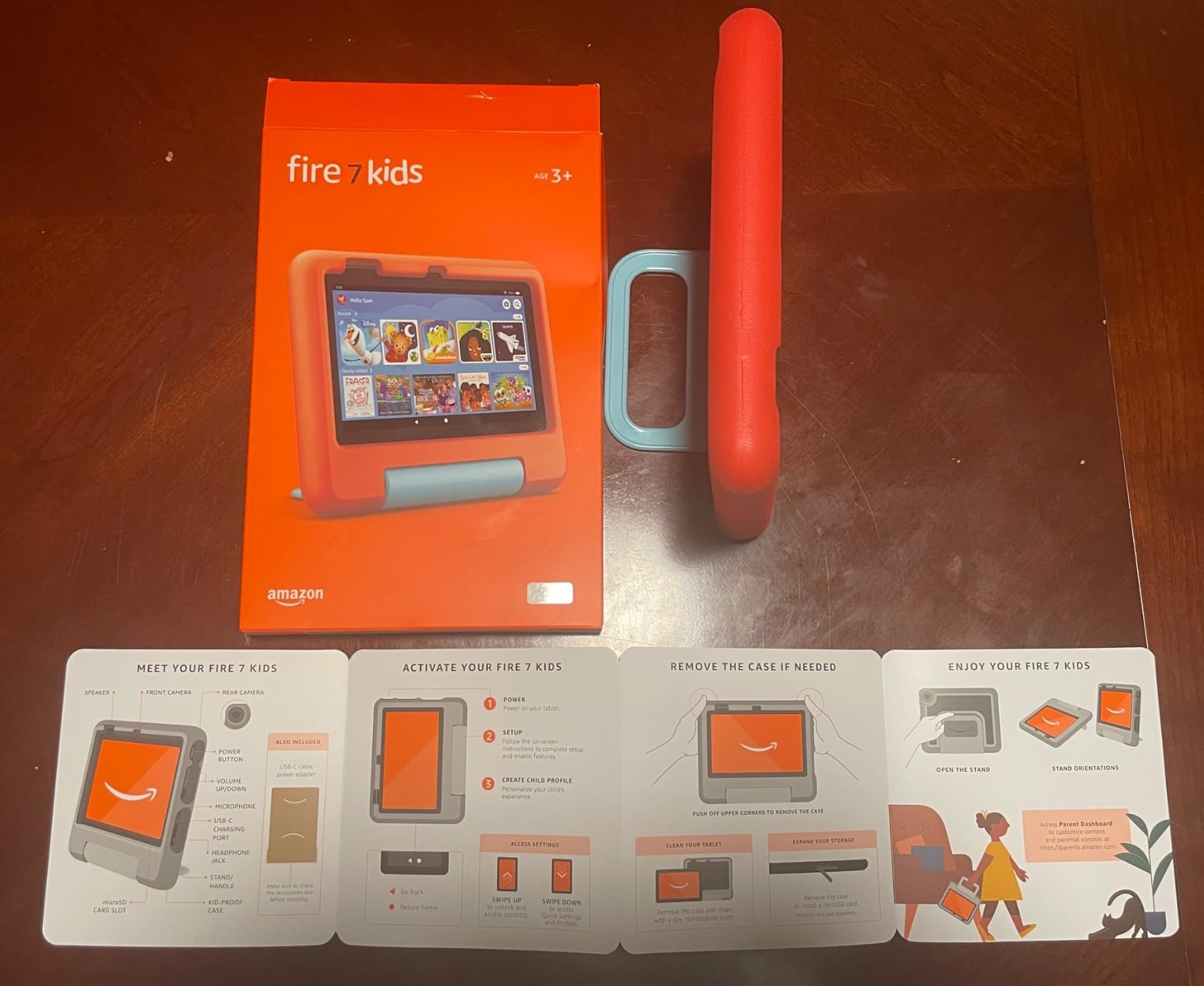
Owners consistently single out the case as the reason these survive. Reviews describe the tablet absorbing drops from a kitchen counter and still starting up, which matters more than it sounds when the device spends its life in small hands. Battery life is listed at up to 10 hours, which parents say covers a full day of games and video without a charger in the bag.
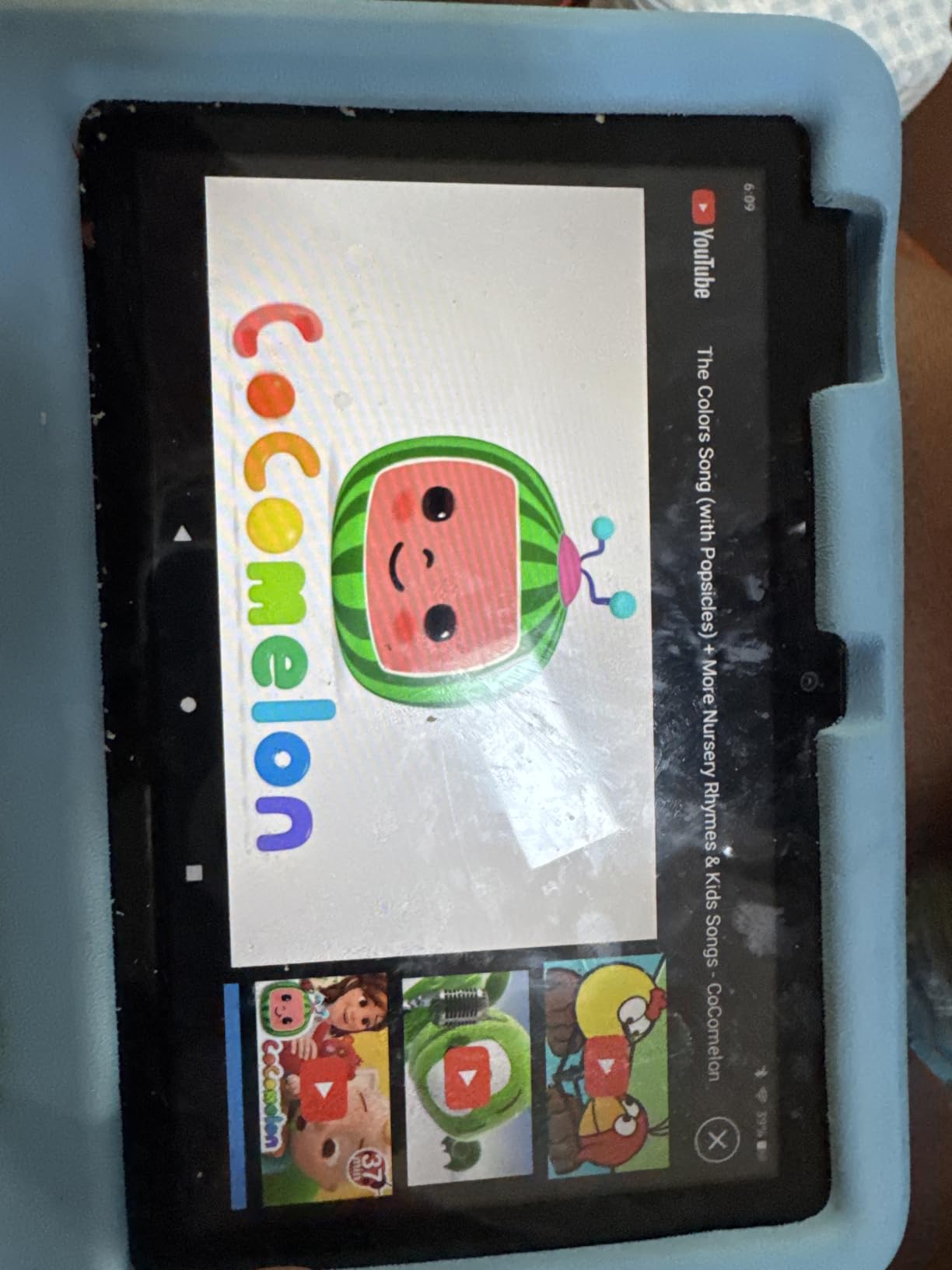
The honest drawback is storage. Sixteen gigabytes sounds generous until the operating system takes its share, and reviewers repeatedly report far less usable room than the number on the box. A microSD card can add up to 1 TB, though several owners found the setup process and Amazon’s help material confusing.
- Age range of 3-7 with content filters that grow as the child does
- 2-year worry-free guarantee with free replacement
- Blue and Red case options in the listing
If the child is past about seven, step up to the Fire HD 8 Kids Pro further down instead. For travel and grandparents who mainly want video calls, the Fire HD 8 is the more portable option.
2. Amazon Fire HD 10: Best Value for Sofa Streaming and Reading
- Sharp 1080p display for video and reading
- 25% faster than the previous generation
- Up to 13 hours of battery
- Works with earlier Fire HD 10 keyboard cases
- 5 MP front camera for video calls
- Amazon Appstore only with no Google Play
- Advertisements appear when the screen wakes
- Some owners report battery below the stated figure
Best value: a 10.1 inch 1080p screen, an octa-core chip and 13-hour battery claim from the most-reviewed tablet on the list. Long-term owners describe it as dependable and noticeably sharper and quicker than earlier Fire models, which is why it carries the largest review count of anything here at more than 44k ratings.
Amazon lists the updated model as 25% faster than the generation before it, and reviewers talk about smooth touch response and quick setup rather than the stutter that used to define the line. A strengthened aluminosilicate glass front is claimed to survive 2.7 times the tumble testing of a 2022 Galaxy Tab A8, which matters for a device that lives on a sofa cushion.
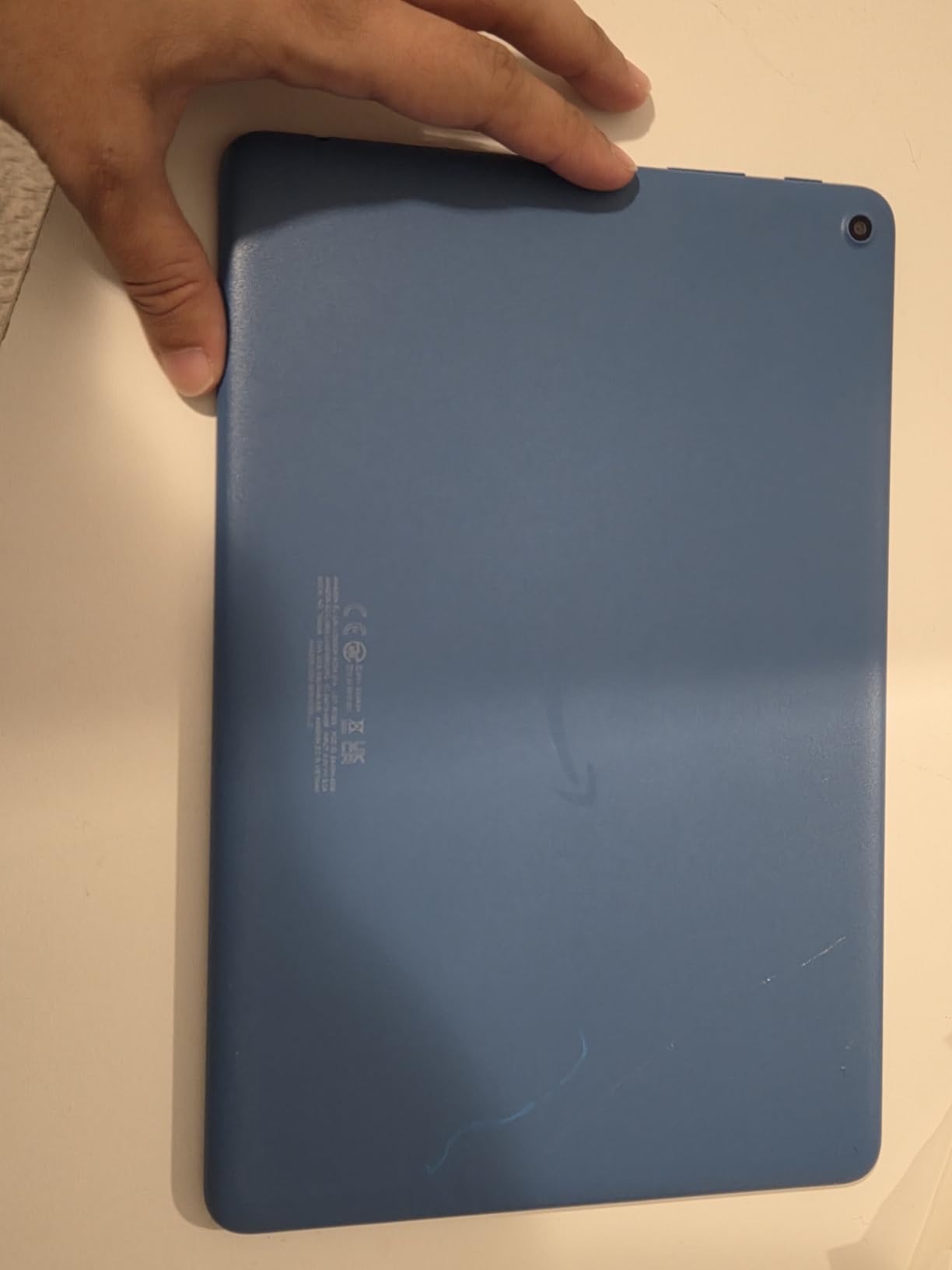
Two trade-offs come up in reviews more than any other. The app store is Amazon’s own, so phone apps from Google Play are simply missing, and advertisements appear on the lock screen when the device wakes. Opting out of those costs extra, so budget for it if the tablet will sit on a coffee table where guests can see the screen.
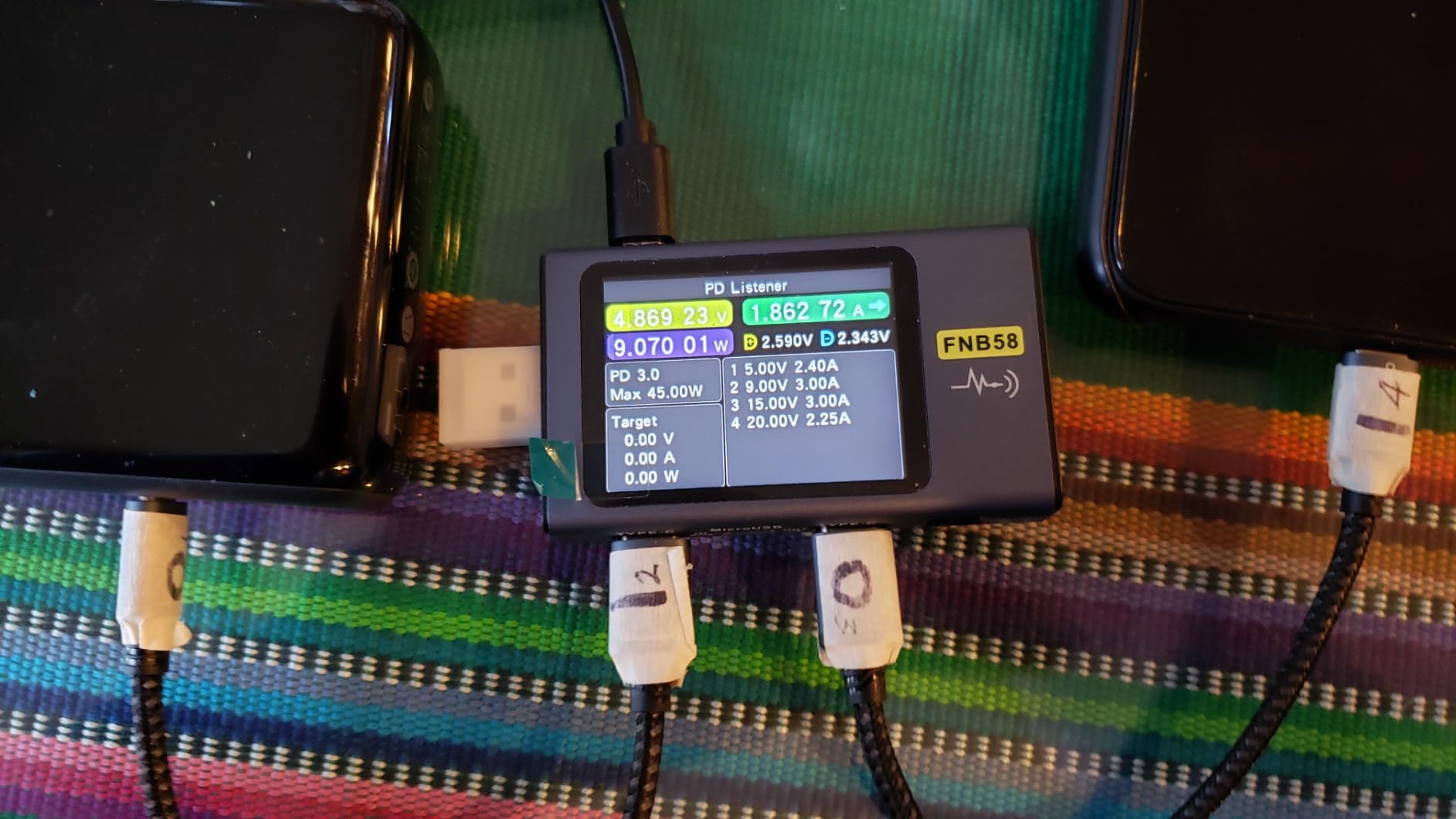
Good to know: existing Fire HD 10 keyboard cases still work, so a household that already owns one is not starting from scratch. Battery results vary, and some owners report real-world figures below the advertised 13 hours, so treat that number as a ceiling.
Where this pick differs from the Fire HD 8 is size and sharpness, not speed. If the tablet lives in a bag rather than on a sofa, the smaller screen is the better trade.
3. Amazon Fire HD 8: Best for Travel and Carry-On
- Compact body that fits a carry-on or a small hand
- 4 GB memory and a hexa-core chip keep it responsive
- 64 GB is generous at this size
- Up to 13 hours of mixed use
- Alexa handles music weather and lists
- 8 inch HD panel is modest beside 1080p models
- Google Play is not supported
- Some streaming services need a paid subscription
This is the one to pack. Buyers call it dependable and portable, with an updated hexa-core processor and up to 4 GB of memory, twice what the 2022 version shipped with. Sixty-four gigabytes of storage is unusually generous for a tablet this size, and expandable storage of up to 1 TB is available separately.
The 8-inch panel is HD rather than Full HD, and that is the reason reviewers recommend this for travel and bedside reading rather than for watching a film on a big screen. Text stays legible at arm’s length, which is what a long flight actually needs.

A 5 MP rear camera handles the occasional snapshot, and Alexa covers music, news, weather, reminders and shopping lists without opening an app. Battery life is listed at up to 13 hours of reading, browsing, video, gaming and music, which comfortably covers a long travel day.
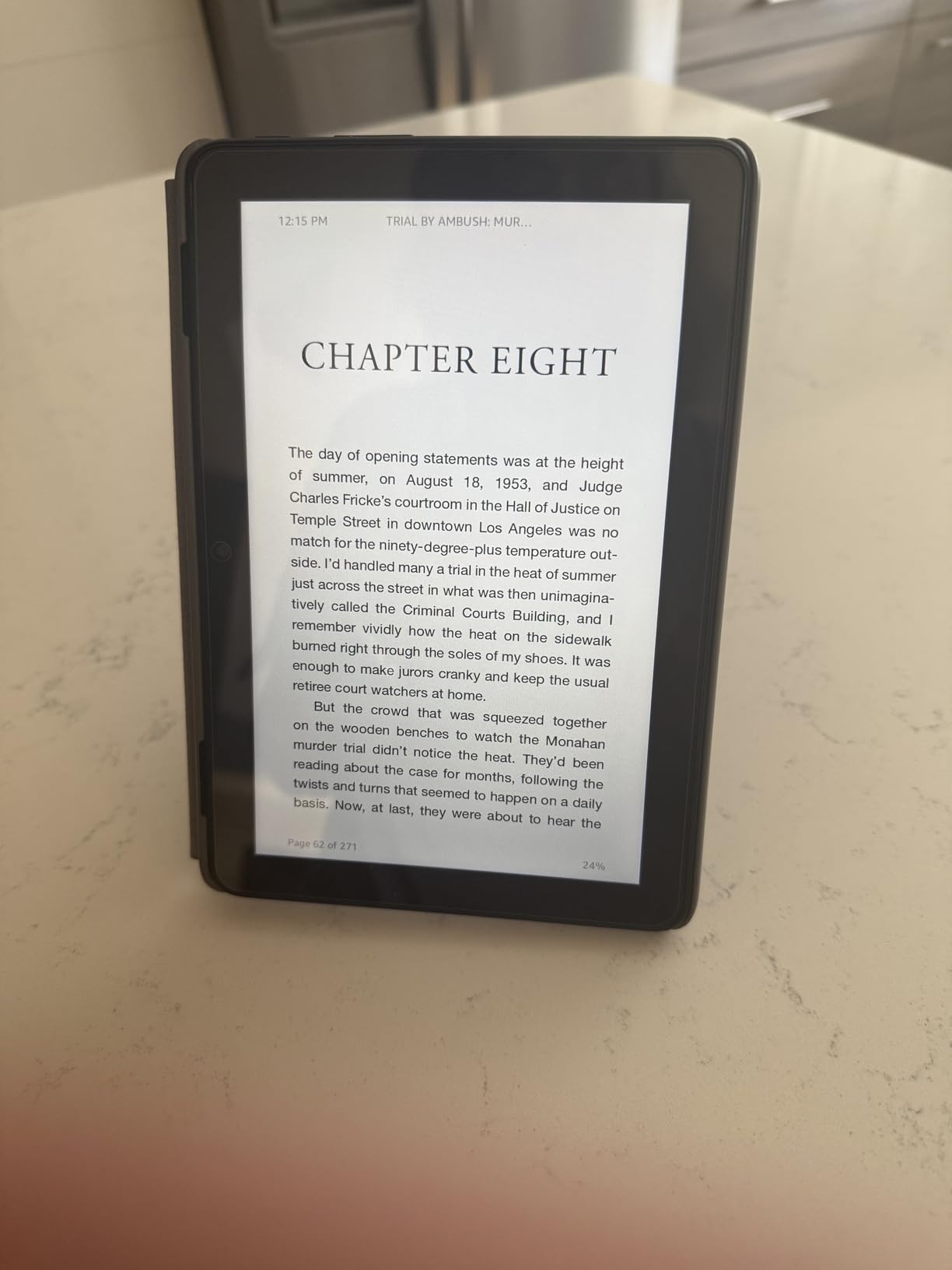
Compared with the Fire HD 10, you trade screen resolution for portability and for twice the storage. Compared with an iPad, you give up the app catalogue, and owners are clear that Google Play is not supported on Fire OS.
Skip this pick if the tablet will be used for reading long PDFs with fine print. For that, the Galaxy Tab S10 Lite or the iPad 11-inch handles documents better.
4. Samsung Galaxy Tab A11+: Best for Whole-Household Streaming
- 11 inch screen with a smooth 90Hz refresh rate
- Quad speakers with Dolby Atmos
- 6 GB RAM handles a busy household
- Storage expands through microSD
- Two-year manufacturer warranty
- No power adapter in the box
- LCD resolution trails higher-end tablets
The first full Android tablet on this list, and the first with the app flexibility most people assume they get with a tablet. Owners treat it as a well-rounded family device: bright enough for a kitchen, quick enough for schoolwork, and light enough at 1.1 pounds to move between rooms without thinking about it.
The 11-inch LCD runs at 1920 x 1200 with a refresh rate up to 90Hz, which owners single out as noticeably smoother than the budget screens it competes with. Quad speakers with Dolby Atmos make it a better couch tablet than most Fire models, where audio is the weaker part of the package.
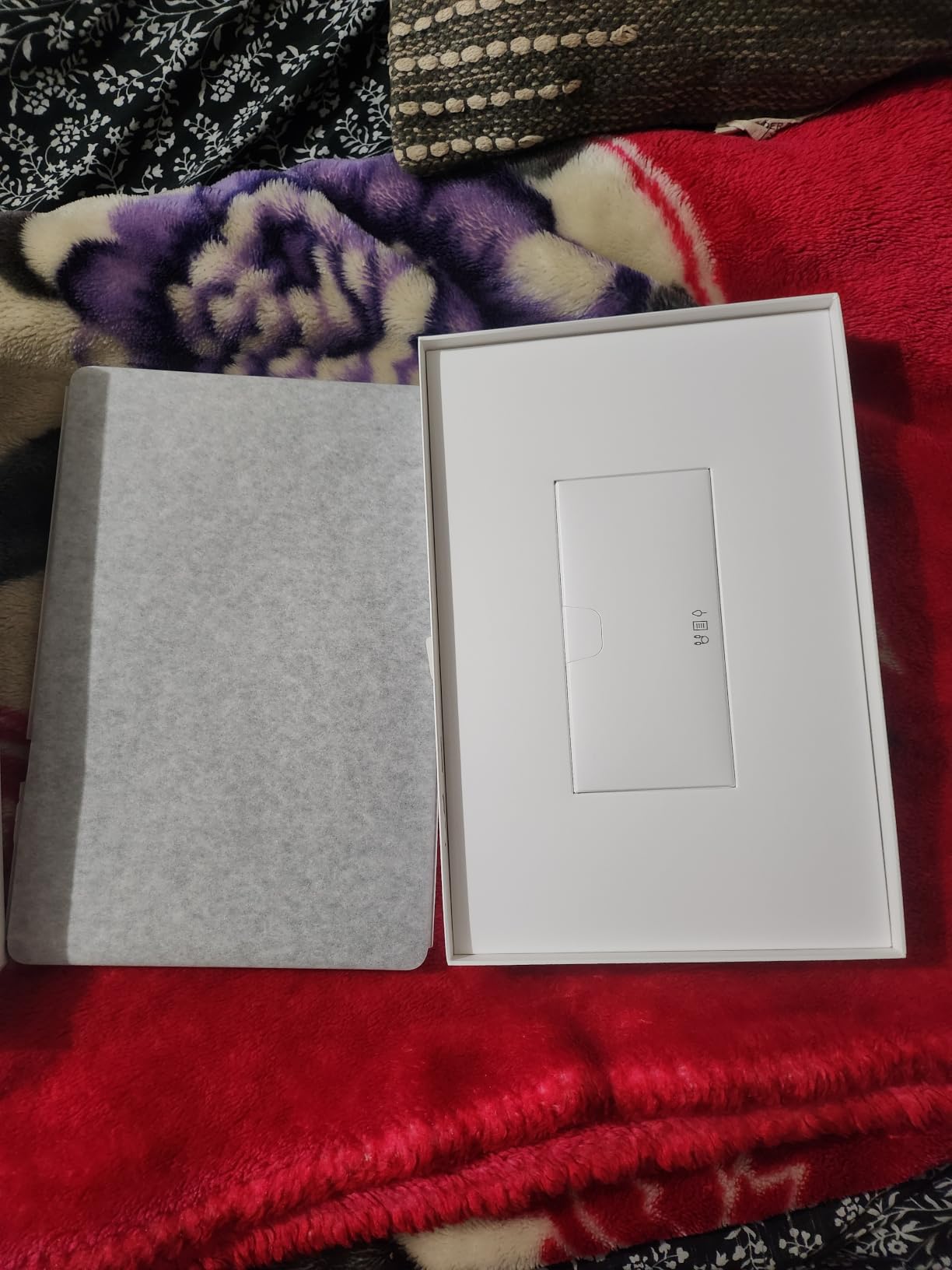
Six gigabytes of RAM and 128 GB of storage handle several apps at once without complaint, and a microSD card adds more when needed. Google Gemini and Circle to Search are built in, along with a 5 MP front camera for video calls.
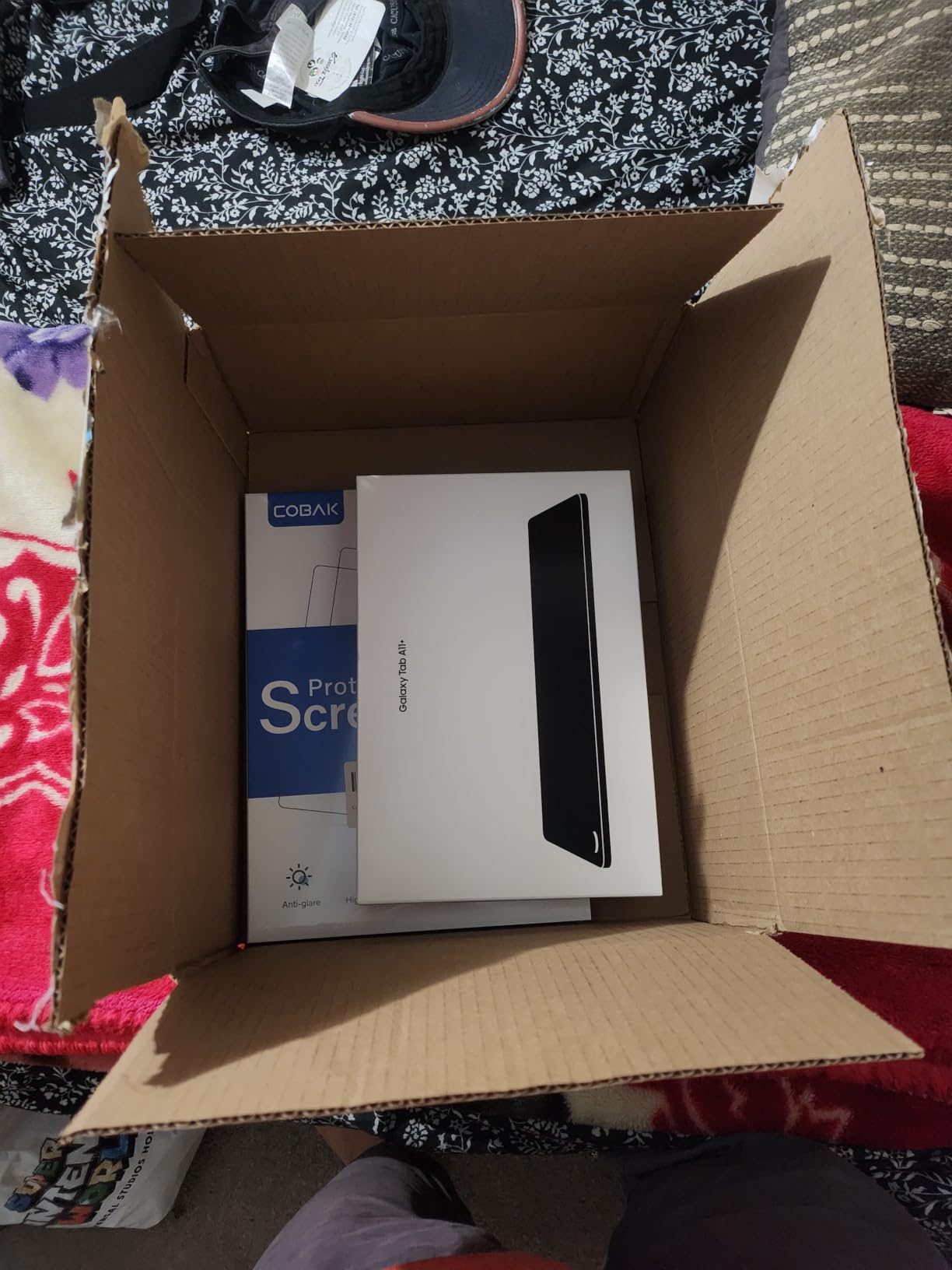
Two practical notes for anyone comparing this during the sale. A charging cable is in the box but no power adapter, so plan on using a spare one from home. The panel is LCD rather than the sharper AMOLED found higher up Samsung’s range, which is the main thing you give up.
Owners who want the stylus should look at the Tab S10 Lite or S10 FE below, where a pen is already in the box.
5. Samsung Galaxy Tab S10 Lite: Best for Note-Taking
- S Pen included and never needs charging
- Up to 16 hours of battery
- Exynos 1380 with 6 GB RAM for multitasking
- Storage expands to 2TB through microSD
- Slim build at 1.2 pounds
- Standard S Pen rather than the Pro version
- LCD rather than the AMOLED panel above it
- A few early units have reported hardware problems
The bundled stylus is the reason this tablet exists. The S Pen comes in the box, works with minimal lag and never needs charging, so a student writing lecture notes or sketching ideas is not hunting for a spare battery. That single detail removes the accessory cost that trips up iPad buyers.
Underneath, an Exynos 1380 chip and 6 GB of RAM handle multitasking comfortably, and the 8000 mAh battery is rated at up to 16 hours. Vision Booster adjusts brightness for outdoor reading, and Circle to Search plus the AI Hot Key handle quick lookups without opening an app.
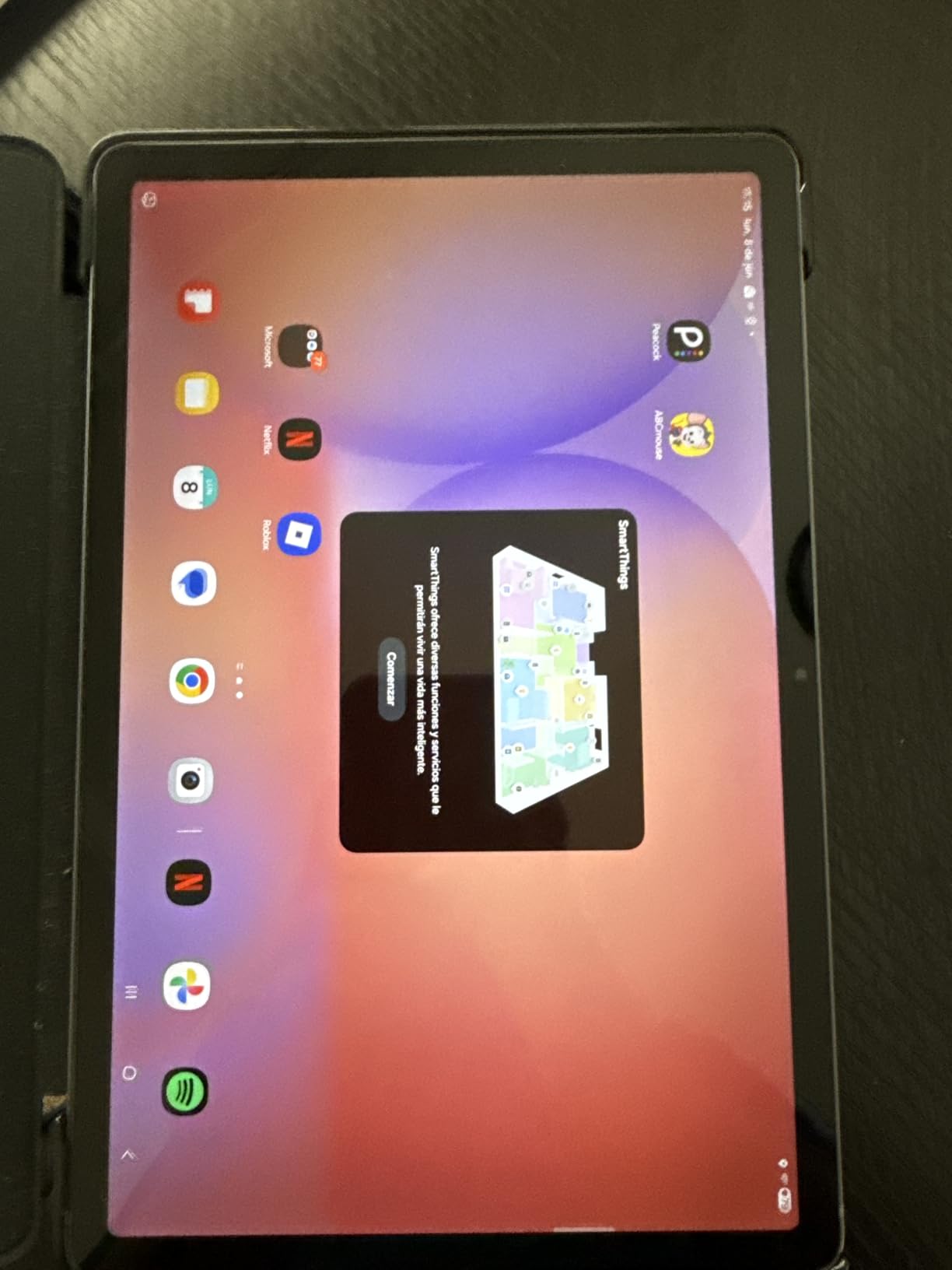
Compare with the Galaxy Tab A11+ above and the difference is the pen, the longer battery claim and a brighter, sharper 2112 x 1320 panel at 90Hz. At 1.2 pounds and a quarter-inch thick, it disappears into a tote bag.
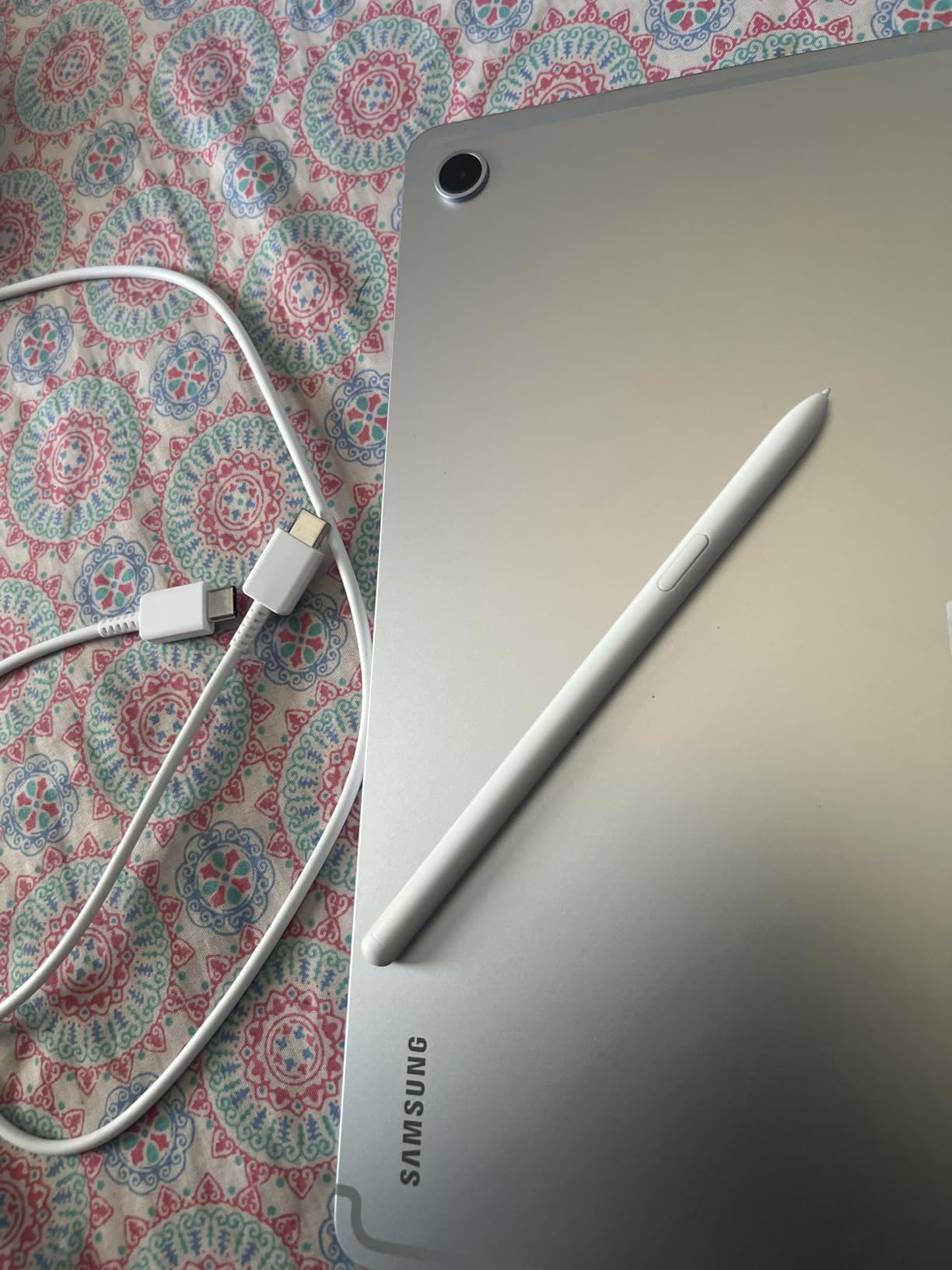
Owners rate this as a balanced, premium-feeling device, with the criticism reserved for details: the pen is the standard S Pen rather than the Pro version, the screen is LCD rather than AMOLED, and a small number of buyers reported hardware reliability problems on an early unit. Check the return window and keep the packaging if you are buying during a busy event.
For anyone who needs water resistance rather than note-taking, the Tab S10 FE is the one with an IP68 rating.
6. Apple iPad 11-inch: Top Rated for All-Round Family Use
- A16 chip keeps apps and multitasking quick
- Battery covers a full day of mixed use
- Just over a pound and thin
- 12MP Center Stage front camera
- Touch ID in the top button
- 128 GB fills quickly with media and apps
- Apple Pencil and Magic Keyboard cost extra
- Maximum brightness is good rather than exceptional
Among the highest-rated tablets on the list, at 4.7 stars across more than 29k ratings, the iPad 11-inch is the one most owners describe as the default pick for a household that wants a single device for school, streaming and everything between. The A16 chip launches apps instantly and keeps split-screen work smooth.
Battery life is the quiet hero. Owners report a full day of mixed use on one charge, and at just over a pound with a 0.28-inch profile it is easy to carry between a kitchen counter and a bedside table without thinking about it.
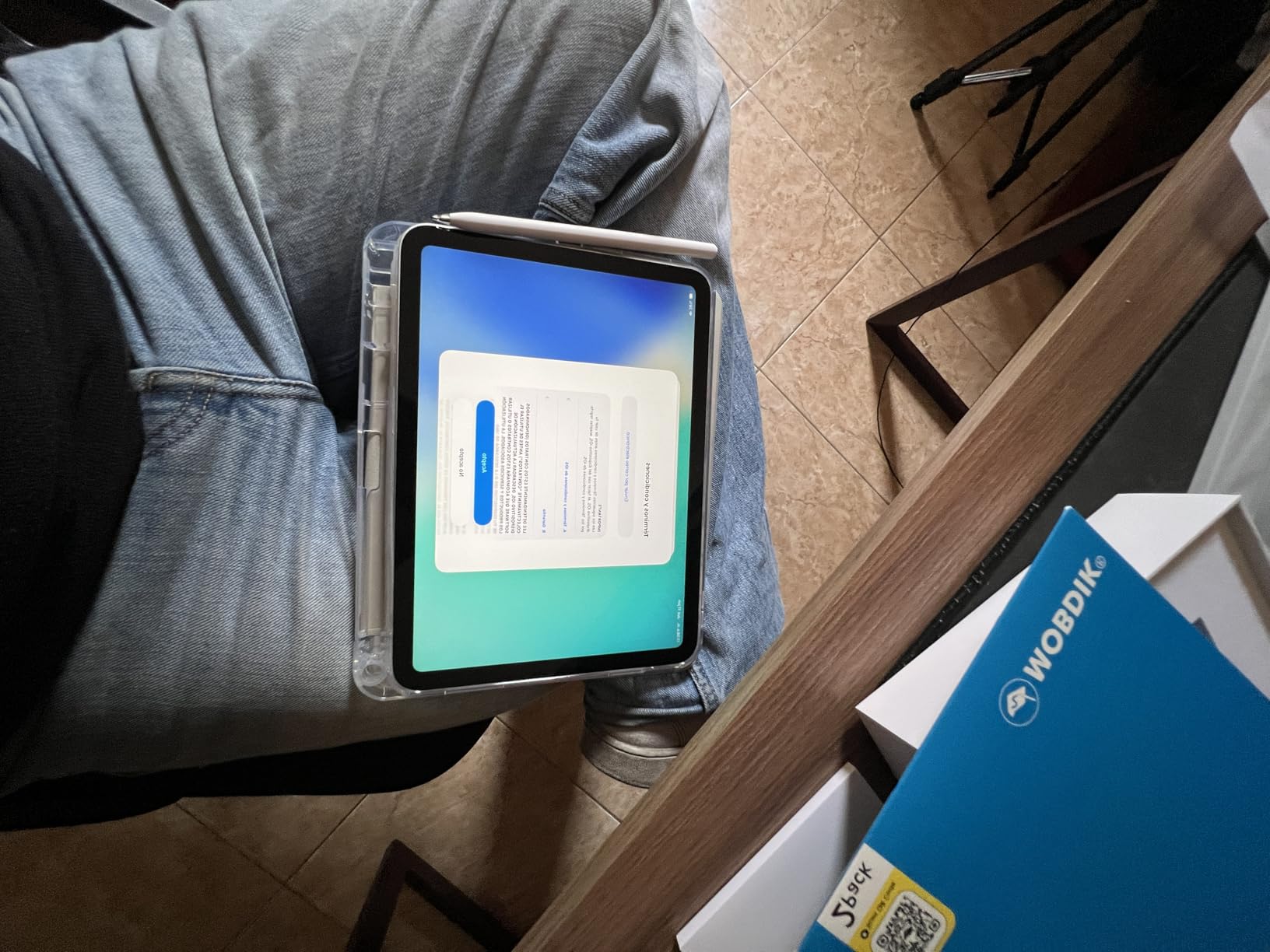
The 11-inch Liquid Retina display runs True Tone and adjusts to ambient light, which makes long reading sessions more comfortable. A 12MP Center Stage front camera keeps you framed on video calls, and Touch ID in the top button handles unlock, sign-in and Apple Pay.
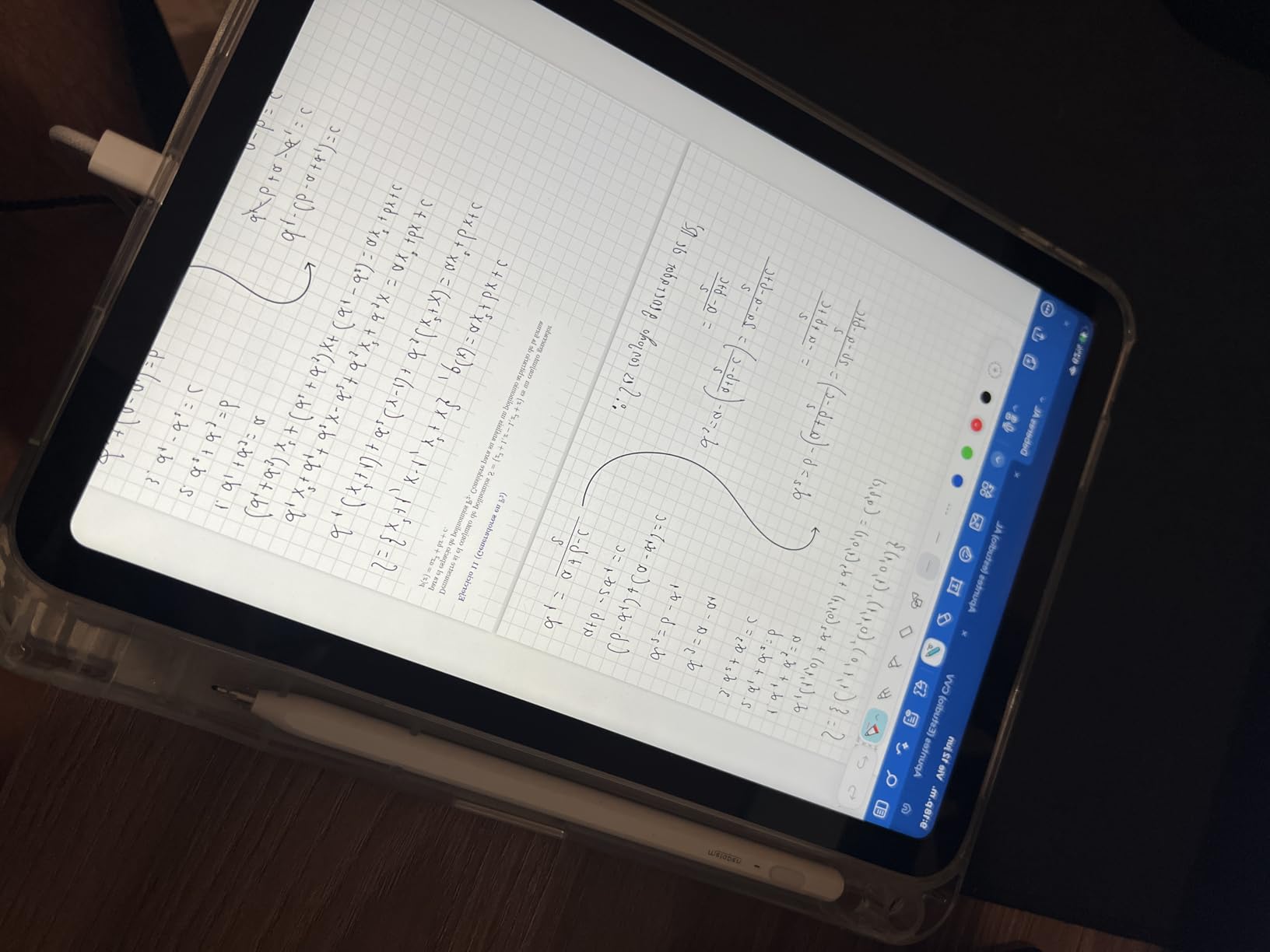
Two costs sit outside the tablet. Apple Pencil and Magic Keyboard are separate purchases, and 128 GB fills quickly once video libraries and a few large apps are installed, so owners frequently recommend stepping up a storage tier if that matters. Screen brightness is rated good rather than exceptional, which shows most in a sunroom.
Pick the iPad Air M4 below instead if you want the newest wireless standard and more headroom for multitasking.
7. Apple iPad Air M4: Best for Heavy Multitasking
- M4 chip handles multitasking without stutter
- Wi-Fi 7 with the N1 networking chip
- P3 wide color with True Tone
- Just over a pound
- Apple Intelligence runs on device
- Higher storage tiers cost considerably more
- Not the Ultra Retina XDR panel of the Pro
- Pencil Pro and Magic Keyboard sold separately
The step-up middle ground in Apple’s line, and the pick for a household running several windows at once. Owners credit the M4 chip with flagship-class performance in a thin, portable chassis, and the flexible windowing system in iPadOS makes side-by-side documents genuinely usable rather than a demo.
Wi-Fi 7 with the N1 networking chip is the practical upgrade over the base iPad, and it shows when moving large files or streaming to a TV. Apple Intelligence features run on device, and the display adds P3 wide color plus ultralow reflectivity for bright rooms.
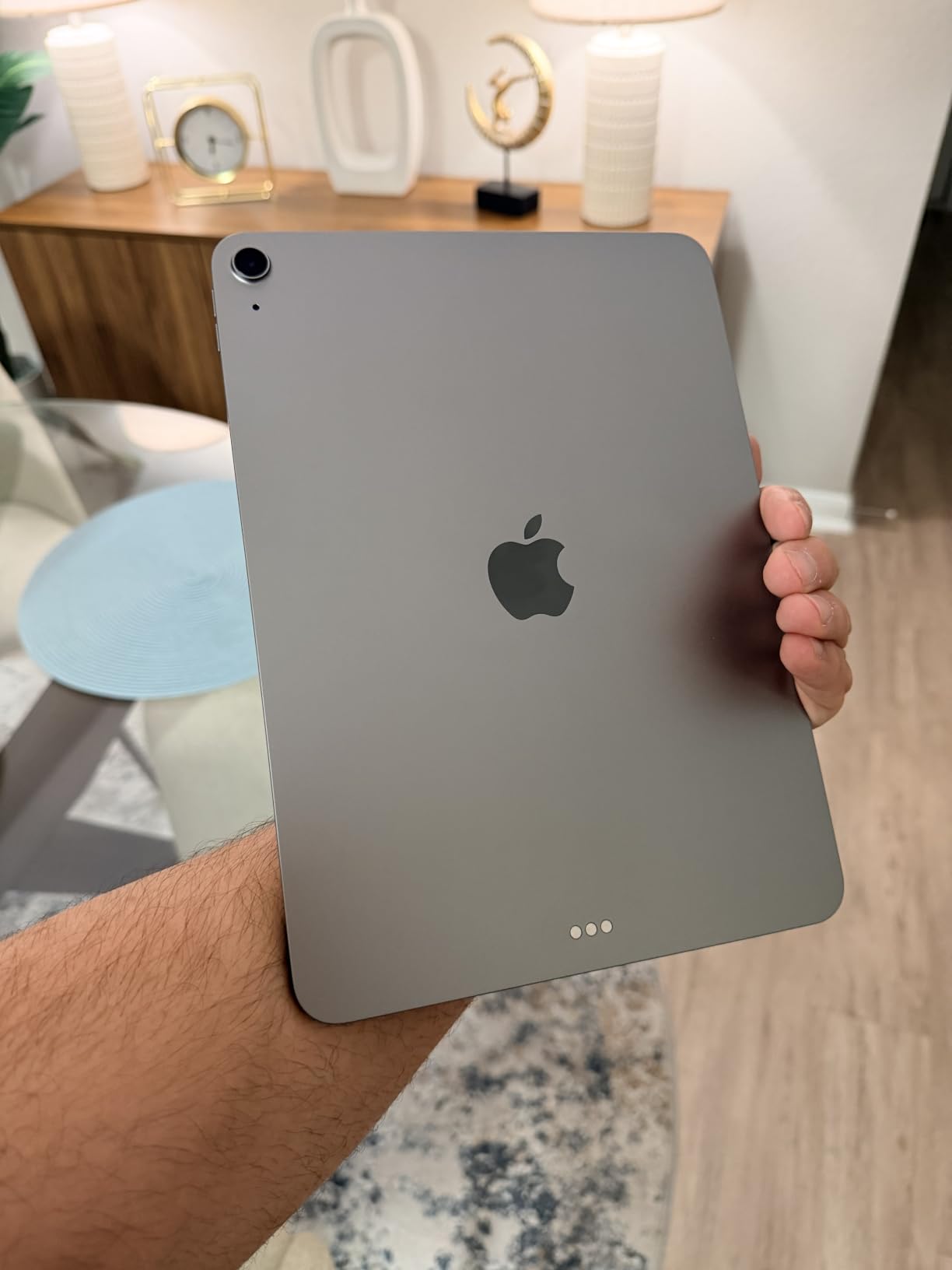
At roughly a pound and a quarter of an inch thick, it is lighter than most 11-inch tablets on this list. The 12MP Center Stage front and 12MP Wide rear cameras record 4K video, and Touch ID is built into the button.
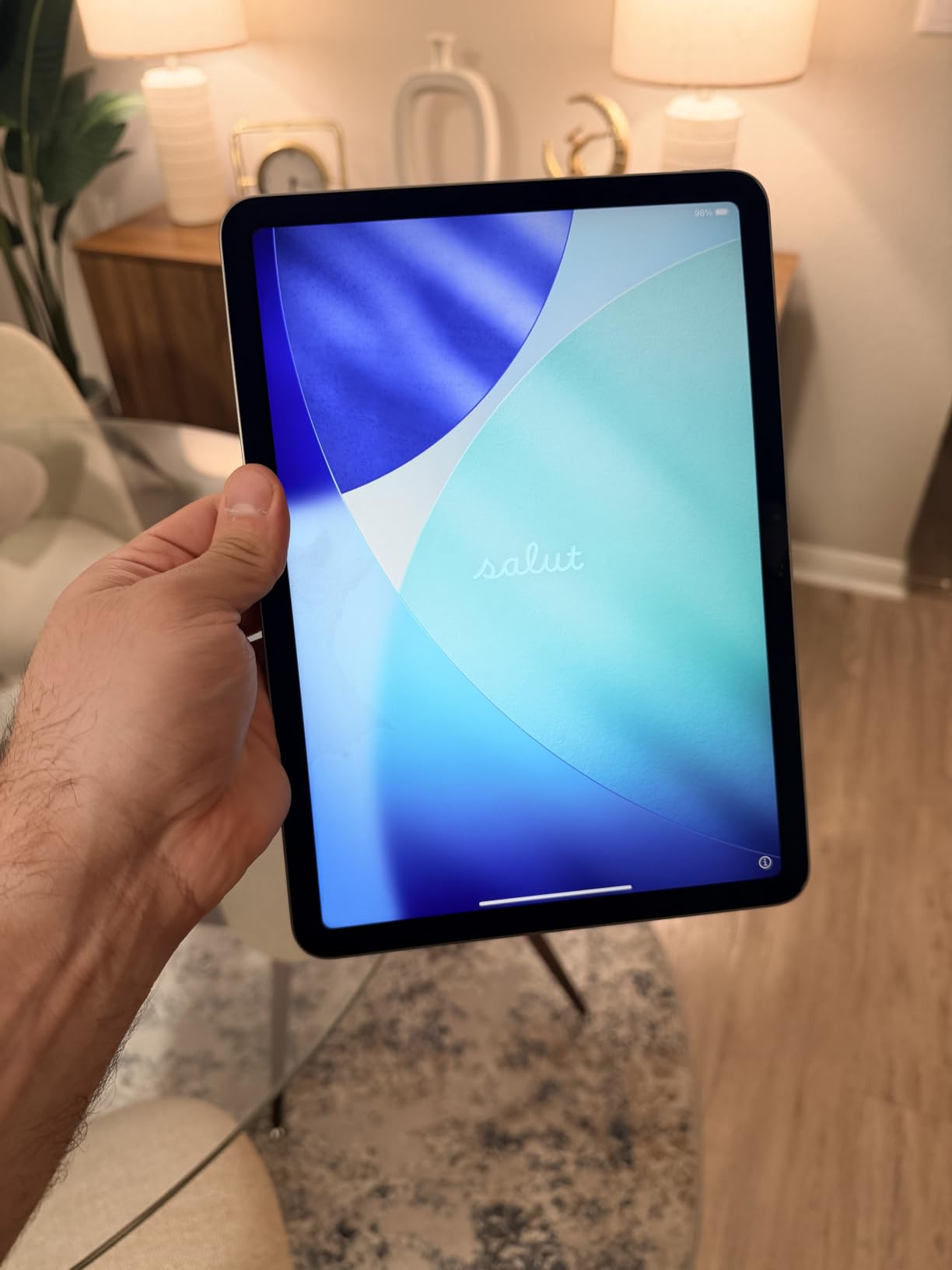
The extra spend goes into the chip and the networking rather than the screen, since this is the Liquid Retina panel rather than the Ultra Retina XDR display used on the Pro tier. Storage starts at 128 GB and the higher tiers cost considerably more, which is where most of the price difference actually lives.
Compared with the iPad 11-inch above, you are paying for headroom you may not use. If a week of normal family use never opens more than two apps at once, the base iPad is the smarter buy.
8. Amazon Fire HD 8 Kids Pro: Best for School Age
- Slim case handles repeated drops and throws
- Up to 13 hours through long car trips
- Parent dashboard controls apps and screen time
- Brighter screen than earlier Fire models
- Two-year worry-free replacement
- YouTube Kids cannot be downloaded
- Kids interface is busy on screen
- Amazon Appstore only with no Google Play
Built for the six-to-twelve bracket, and the first Fire kids tablet on this list with 64 GB of storage. Parents point to the Parent Dashboard as the real upgrade: it now handles app restrictions and volume limits directly, without a third-party control app, which is what most of them were missing before.
The same hexa-core chip and up to 4 GB of memory sit inside, with a battery listed at up to 13 hours. Reviews mention long car trips and heavy daily use without a recharge, and the 8-inch screen is described as brighter and crisper than earlier Fire generations.
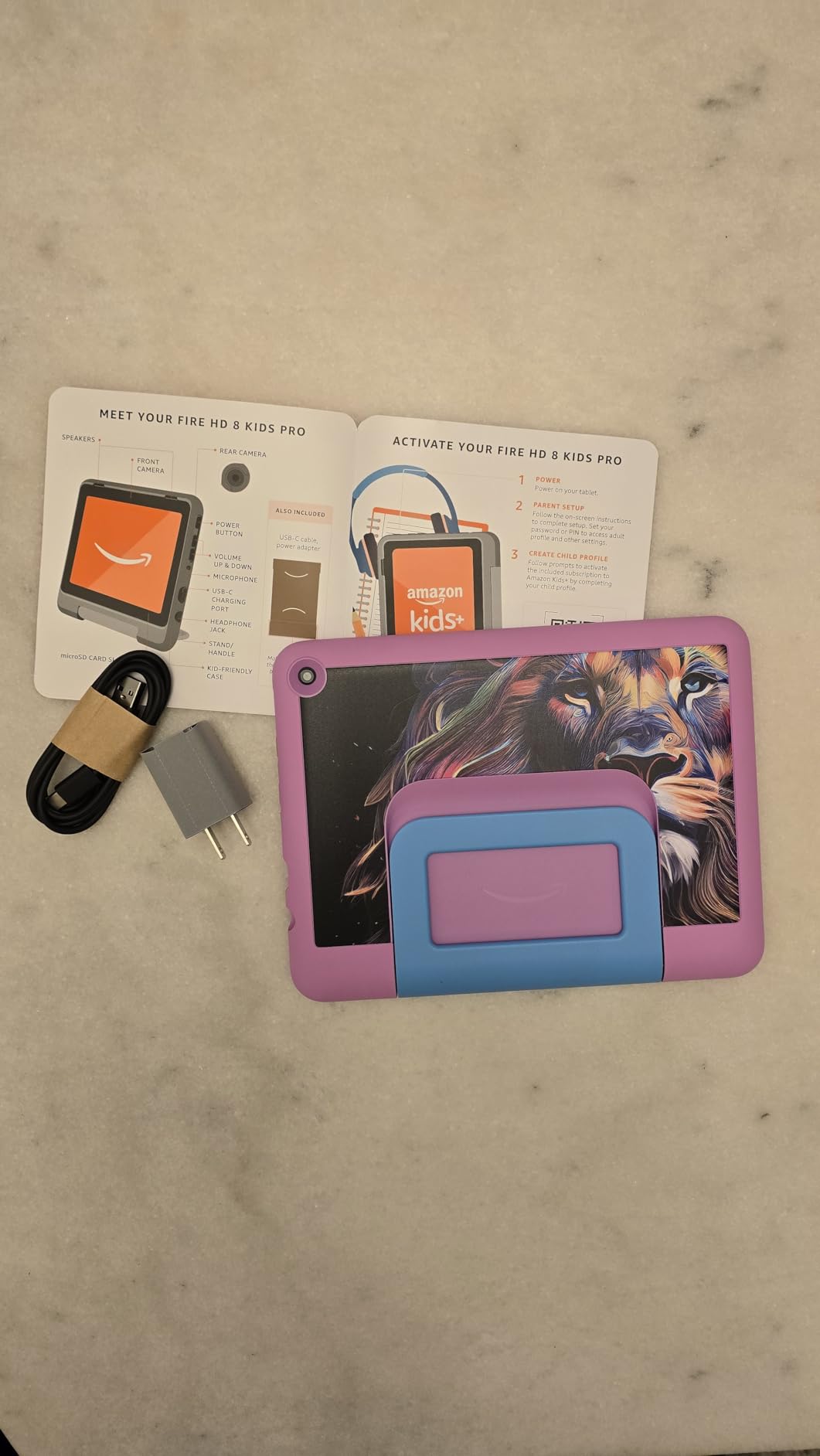
The case here is slimmer than the Fire 7 Kids version, which suits an older child’s hands but means less padding in the corners. A two-year worry-free guarantee covers replacement if the device is damaged, which is the reason many families buy this way.
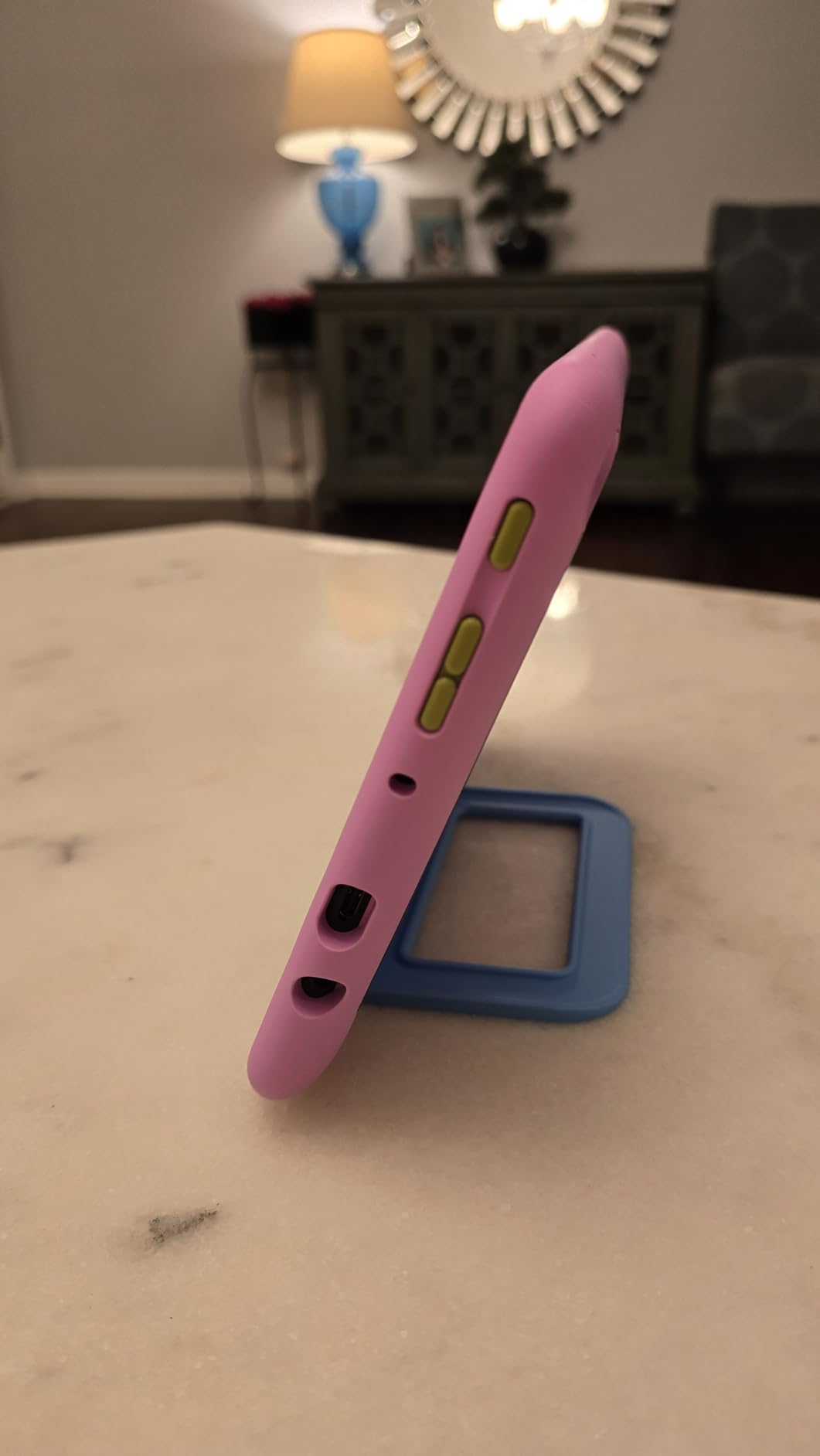
Owners do raise the same two complaints every time: YouTube Kids cannot be downloaded on this model, and the child-facing interface is visually busy with many elements on screen at once. If a child navigates by wandering, take a look at the Fire HD 10 Kids below, where the larger display is easier to read from a floor.
The Google Play absence is the wider Fire OS limitation and applies to every Amazon tablet here.
9. Amazon Fire HD 10 Kids: Best for Little Ones Who Need a Big Screen
- Case survives car impacts and drops
- 10.1 inch 1080p screen for young children
- Parent controls manageable from a phone
- Up to 13 hours and 25% faster than the prior model
- Disney Princess and Mickey Mouse versions
- 32 GB fills up after downloads
- Kids interface is visually cluttered
- No Google Play
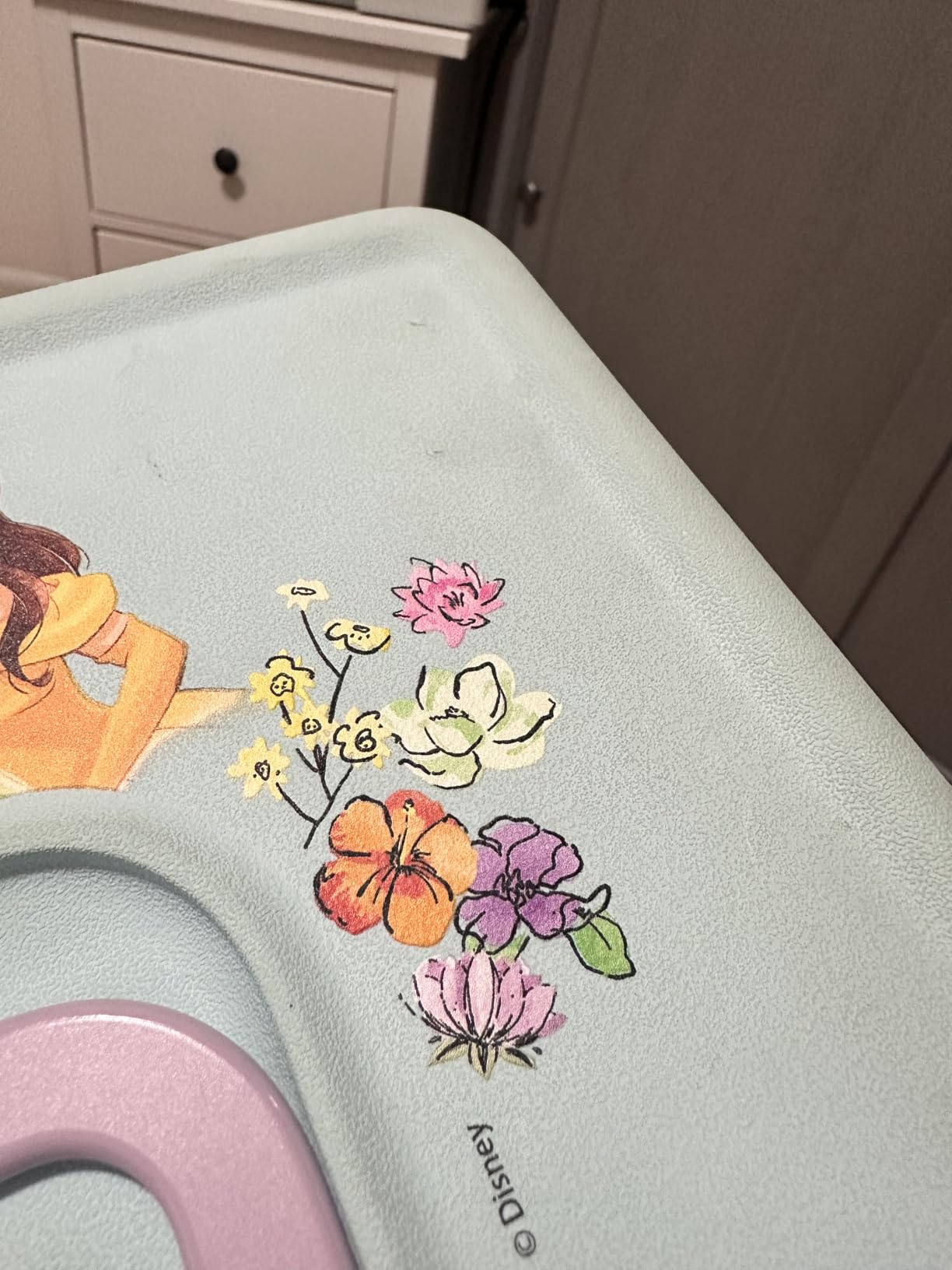
Owners of this one tell stories about the case. Reviews describe devices that survived being run over by a car and still worked, which is a strange thing to brag about but says more about the intended use than any spec does. The 10.1-inch 1080p screen is the reason to choose this over the 8-inch kids models: a three-year-old holding it on a carpet can actually see what is on screen.
Under the Disney case, the hardware is 25% faster than the previous generation with 3 GB of RAM, and battery life is listed at up to 13 hours. A year of ad-free Kids+ content comes in the box, and age-based filters grow with the child.
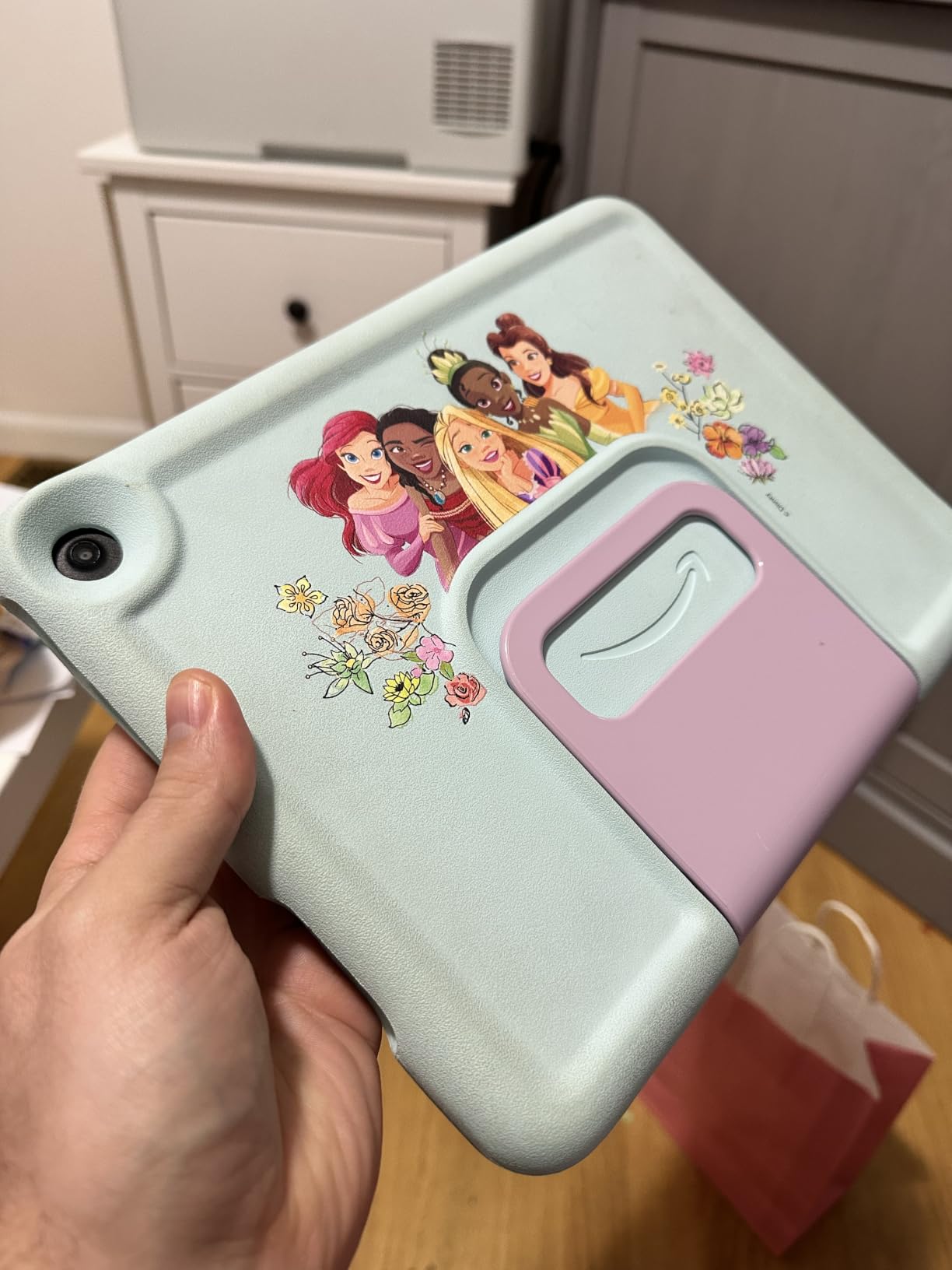
Two things catch people out. Thirty-two gigabytes goes quickly once apps and video content are downloaded, so think about the microSD expansion up to 1 TB before filling it. And the parent controls are now genuinely manageable from a phone, including approving app downloads, which earlier models made awkward.
Compared with the Fire 7 Kids at the top of this list, you are buying screen size and a year of subscription rather than a smaller, lighter body. Compared with the Galaxy Tab A11+, you gain the kid-proof case and lose the wider app catalogue.
10. Samsung Galaxy Tab S10 FE: Best for Water and Dust
- 2K+ 90Hz display with a bundled S Pen
- Up to 20 hours of battery
- IP68 water and dust resistance
- 8 GB RAM plus a bundled 128 GB SD card
- Fingerprint sensor in the power button
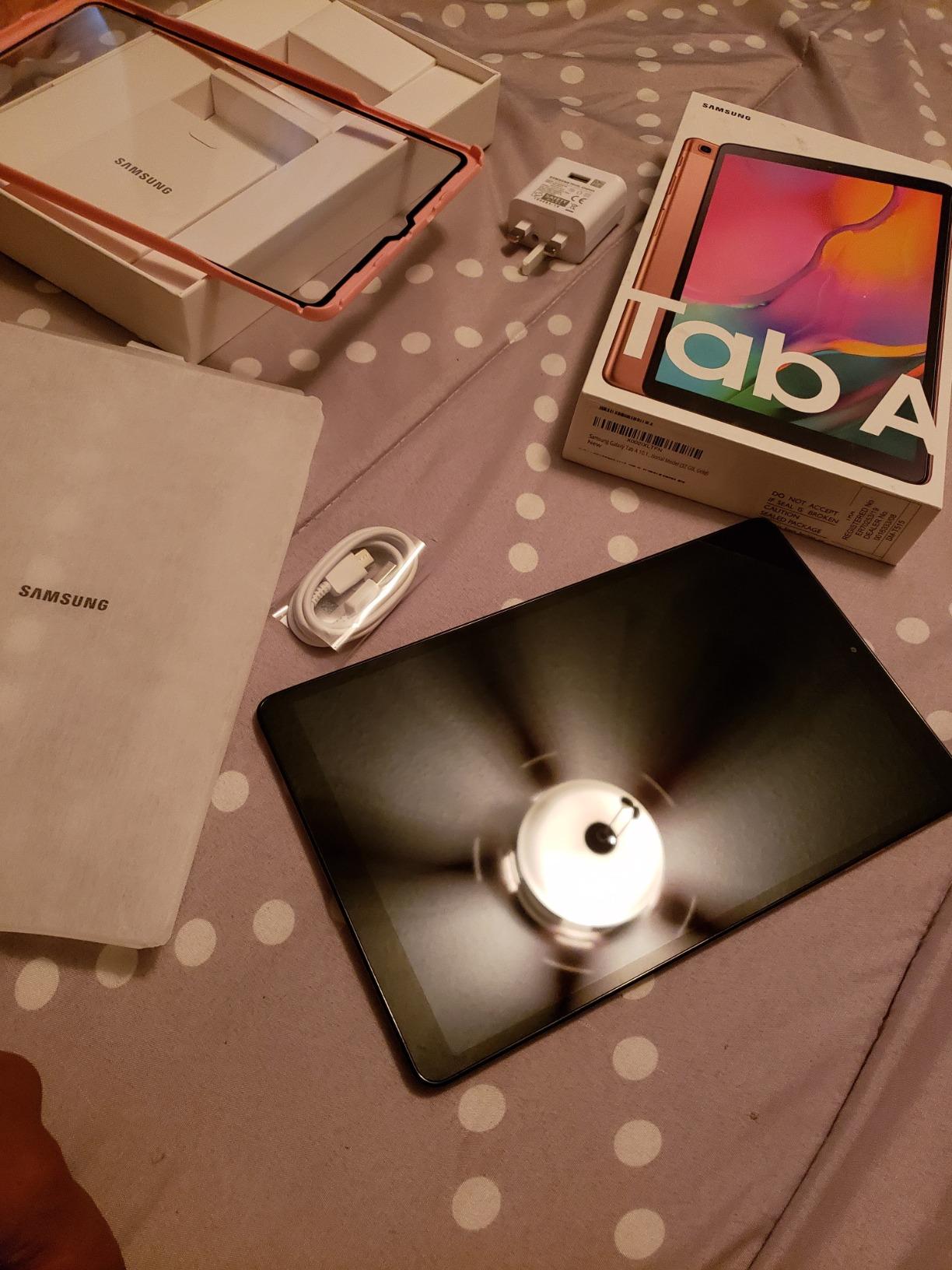
- Charger not included in the box
- Glossy panel shows reflections and fingerprints
- Exynos 1580 is mid-tier for heavy gaming
The only tablet on this list with a stated water and dust rating. IP68 protection covers spills, dust and a kitchen counter, which is why this is the pick for anyone who does not want to think about spills or sand.
The display is the sharpest in the group at 2304 x 1440 across a 10.9-inch glossy touchscreen running at 90Hz, and the S Pen attaches magnetically for drawing, note-taking and math with no charging required. Owners praise it as an all-round tablet for study, creative work and streaming.
Battery life is listed at up to 20 hours, the longest claim here, with fast charging when it runs down. A 128 GB SD card is bundled, which brings total storage to 256 GB, and 8 GB of RAM leaves room for heavy multitasking.
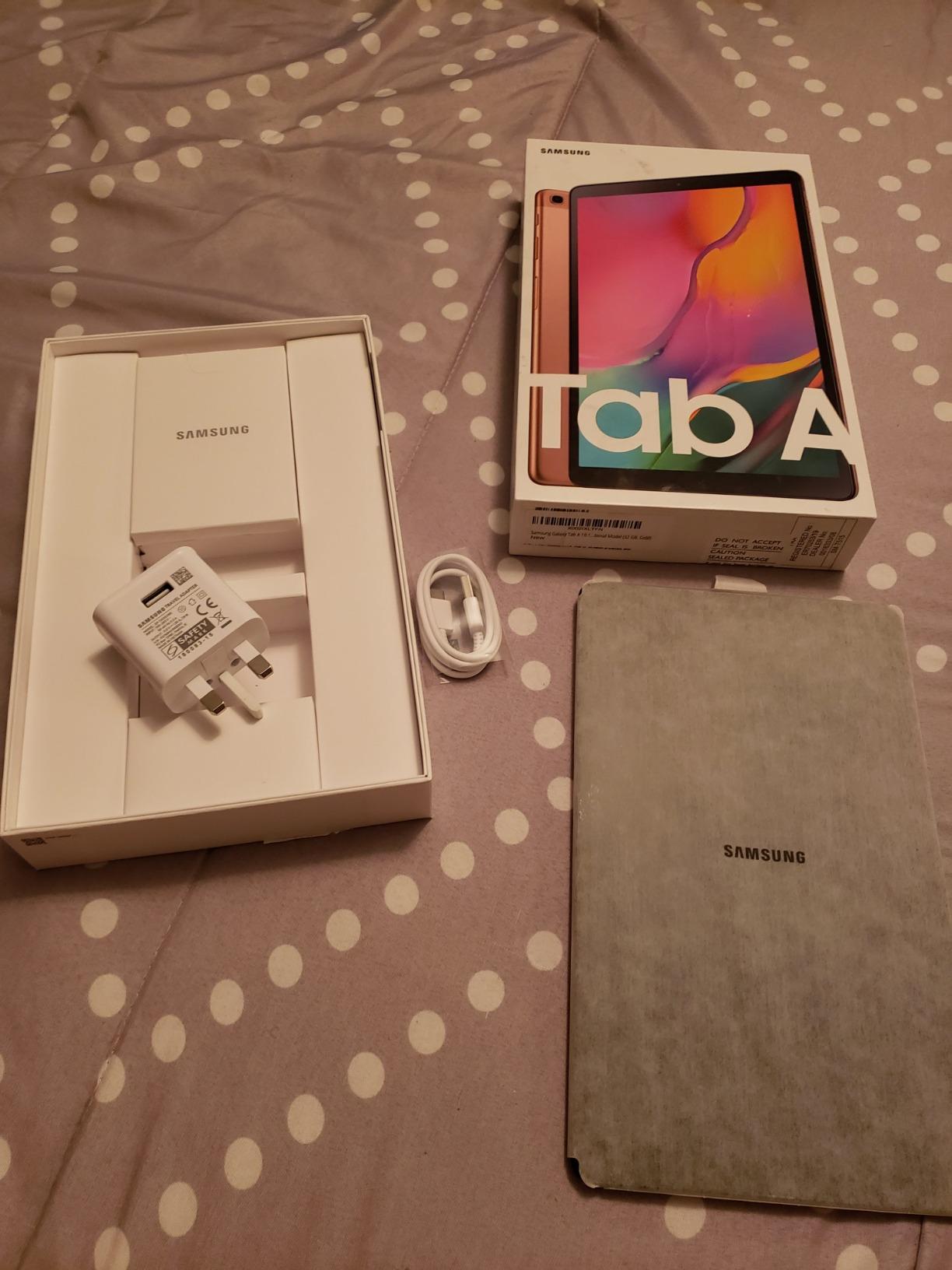
The trade-offs are honest ones. No charger is in the box, only a power cable. The glossy panel picks up reflections and fingerprints in a bright kitchen, where a matte-style screen would be easier to read. And the Exynos 1580 is a mid-tier chip, so dedicated gaming tablets will feel faster.
A fingerprint sensor sits in the power button for fast unlock, and 4K UHD video records from the 13 MP rear camera. Compared with the Tab S10 Lite, you gain water resistance, storage and battery, and give up a little lightness.
How to Choose Tablets During Prime Big Deal Days
Performance and Everyday Speed
For browsing, video calls, streaming and homework, 4 GB of memory and a current-generation chip are enough, which covers every tablet on this list. Heavier work changes the picture: the iPad Air M4 and the iPad 11-inch run Apple silicon that stays smooth with several windows open, while the Exynos 1580 in the Galaxy Tab S10 FE is the least suited to intensive multitasking.
Anyone setting one up for a parent or an older relative should also weigh interface simplicity over raw power. Our picks for simpler setups are covered in our guide to tablets for seniors, where large text and predictable navigation matter more than a benchmark score.
Display Size and Screen Quality
Eight inches is a handheld size that fits a hand and a carry-on. Ten to eleven inches is the sweet spot for a sofa, a kitchen counter or a desk, and everything in the middle of this list sits there. Resolution matters as much as size: the Fire HD 8 and the Fire HD 8 Kids Pro use HD panels, while the Fire HD 10, both kids 10-inch models, the Tab A11+ and the iPads run Full HD or better.
A matte-style anti-glare screen is the feature to look for if the tablet lives somewhere bright or gets read for long stretches. For younger children, screen size beats resolution, and buying advice for that age group is in our roundup of the best tablets for kids on a budget.
Battery Life and Charging
Advertised figures are ceilings, not guarantees. The Galaxy Tab S10 FE claims up to 20 hours, the Galaxy Tab S10 Lite 16 hours, and the Fire HD 10 family 13 hours, while owners of the Fire HD 10 report real figures below the stated number in daily use. Judge a tablet by whether it survives your longest day out, not by the headline.
Charger inclusion varies more than it should. The Galaxy Tab A11+ and Galaxy Tab S10 FE include a cable and no power adapter, so add one to your list if you do not have a spare.
Accessories, Connectivity, and Compatibility
If you intend to write or draw, check for a stylus in the box. The Galaxy Tab S10 Lite and Galaxy Tab S10 FE include an S Pen that needs no charging, and the Fire HD 10 supports pressure-sensitive input with Amazon’s own stylus sold separately. Apple’s tablets work with Apple Pencil models and the Magic Keyboard, all purchased separately.
Connectivity follows the same pattern. The iPad Air M4 carries Wi-Fi 7 with the N1 chip, the iPad 11-inch has Wi-Fi 6, and the Samsung models cover standard Wi-Fi with Bluetooth. Storage expansion runs through microSD on the Fire tablets, the Galaxy Tab S10 Lite and the Tab A11+, while the iPads have no card slot at all.
How to Shop Tablet Deals During the Sale
Before you click through, read the model code in the listing title, not just the family name. Fire tablets in particular cycle through near-identical names, and Galaxy and iPad listings vary by storage size, colour and model year.
Confirm whether the offer is new or renewed, check who sells the item and who fulfils the order, and look at what the bundle actually contains, since a case and a subscription change the comparison more than the storage size does. Most offers on this event need a Prime membership, and pricing changes through the two days.
A short checklist before you buy
- Confirm the exact model number, storage size and colour in the listing
- Check whether the offer is the ads-on listing or the ad-free variant
- Verify the seller and delivery partner, and treat renewed condition with caution
- Look at what the bundle includes: case, stylus, headphones or subscription
- Confirm a power adapter is in the box, or plan to bring one from home
- Have a Prime membership ready, since most offers are tied to it
Frequently Asked Questions
When does Amazon Prime Big Deal Days run?
Amazon Prime Big Deal Days runs October 6-7, 2026, with early offers published in the days before the event starts and thousands more added when it opens. Most offers on these tablets need a Prime membership, and a free trial counts.
Which of the Best Amazon Prime Big Deal Days Tablet Deals is best for kids?
For children aged 3-7, the Amazon Fire 7 Kids bundle is the pick, since the case and a year of ad-free Kids+ content are included. Older children suit the Fire HD 8 Kids Pro, and a three-year-old who needs a bigger screen is better served by the Fire HD 10 Kids.
How can I tell which tablet model is included in a Prime Big Deal Days offer?
Read the model number in the listing title rather than the family name, since several tablets share almost identical names. Then confirm the storage size, colour and whether the bundle adds a case or subscription, and check whether the seller is Amazon or a third-party marketplace.
Why do Fire tablets show ads on the lock screen?
Fire tablets are sold in an ads-on version and an ad-free version, and the cheaper listing is the ads-on one, which shows sponsored tiles when the screen wakes. Buying the ad-free variant of the same model removes them at a higher upfront cost, so factor that into the comparison.
Do I need a Prime membership to buy during the sale?
Most offers on this event are tied to a Prime membership, though a free trial counts for the length of the trial. Shop without one and you will see different pricing on many of the tablets listed here, particularly the Fire models.
Should I buy a Wi-Fi-only or cellular tablet?
Wi-Fi-only is the better buy for most households, since tablets spend their life at home on the same network as the laptop and the television. Cellular adds a monthly bill and a carrier agreement for a benefit most families never use, and none of the tablets on this list require it.
Final Verdict: Best Amazon Prime Big Deal Days Tablet Deals
The tablet worth watching most closely during this sale is the Amazon Fire 7 Kids, the Editor’s Choice, because the case, the subscription and the parent controls all land in one box at a level no iPad or Galaxy tablet on this list reaches. For a household that wants one device for adults rather than a child, buy the Amazon Fire HD 10, the Best Value pick, and accept the ads and the restricted app store as the trade. For travel, the Amazon Fire HD 8, Best for Travel, fits a carry-on and carries 64 GB.
Match the rest to the job. The Fire HD 10 Kids suits the youngest children who need a large screen, the Fire HD 8 Kids Pro fits school age, and the Galaxy Tab A11+ is the family streaming option with proper speakers and a full Android app catalogue. Buyers who write or draw should take the Samsung Galaxy Tab S10 Lite for Note-Taking or the Galaxy Tab S10 FE for Water and Dust. The iPad 11-inch is the Top Rated all-round choice, and the iPad Air M4, Best for Multitasking, is the step up for anyone running several apps at once. Check the listing details above, then use the buttons to see the current figure during the event.