

Eero mesh systems are the least fussy way to kill dead zones in a house that runs over more than one floor, and Amazon sets the price on its own hardware. The eero 6 is the pick worth watching: it covers up to 1,500 sq. ft., handles 75-plus devices and carries far more owner reviews than anything else on this list. Homes on gigabit-plus service should look at the eero Pro 6E 3-pack instead, and anyone starting a fresh network in 2026 can enter Wi-Fi 7 at the eero 7 3-pack. Prime Big Deal Days runs October 6-7, 2026.
Our Top 3 Picks for Best Amazon Prime Big Deal Days eero Deals (October 2026)


Best Amazon Prime Big Deal Days eero Deals Compared
| Product | Specifications | Action |
|---|---|---|
| eero 6 |
|
Check Deal Price |
 eero Pro 6E 3-Pack eero Pro 6E 3-Pack |
|
Check Deal Price |
| eero 7 3-Pack |
|
Check Deal Price |
 eero Pro 7 3-Pack eero Pro 7 3-Pack |
|
Check Deal Price |
 eero Max 7 2-Pack eero Max 7 2-Pack |
|
Check Deal Price |
 eero Outdoor 7 eero Outdoor 7 |
|
Check Deal Price |
 Like-New eero 1st Gen Like-New eero 1st Gen |
|
Check Deal Price |
 Like-New eero Pro 6 Like-New eero Pro 6 |
|
Check Deal Price |
How We Chose
Specs first: Wi-Fi generation, band count, Ethernet port speed, rated coverage and how many devices each kit holds. Then owner ratings and review volume on Amazon, since a network product that needs support is worse than one that does not. Data checked on October 2026.
1. eero 6: Editor’s Choice for Most Homes
- Covers up to 1500 sq ft and 75+ devices
- Setup described as quick even by non-technical buyers
- Per-device monitoring in the eero app
- Expands into a full mesh later
- Only one spare Ethernet port
- Minority of owners report streaming dropouts
- Wi-Fi 6 is the older standard
Most of the reason to buy mesh is coverage, and this is where the eero 6 is hard to argue with. A single node is rated at up to 1,500 sq. ft. on a 22-foot radius and supports internet plans up to 900 Mbps, which covers the large majority of cable and fiber connections. Owners overwhelmingly describe setup as close to instant, and the app handles per-device monitoring without any manual fiddling.
The built-in smart home hub is the detail that gets overlooked. Instead of buying a separate hub, compatible devices pair through Alexa, which matters in a house already full of locks, bulbs and sensors.
- Up to 1,500 sq. ft. of coverage from a single node
- Supports internet plans up to 900 Mbps
- 75-plus simultaneous connected devices
- TrueMesh routing picks the cleanest path for each device
The trade-off owners report most often is the single spare Ethernet port, so a wired TV or console beyond the first device means adding a cheap unmanaged switch. A smaller group mention intermittent streaming dropouts on their setup. Compared with the eero 7 3-Pack, you give up the 2.5 GbE ports and Wi-Fi 7 headroom, but for most homes the coverage is identical and the setup is less to think about.
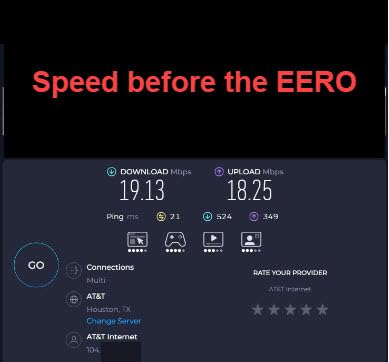
Good to know: the eero app walks the whole setup, so have your network password to hand before you start.
2. eero Pro 6E 3-Pack: Most Versatile for Gigabit-Plus Plans
- 6 GHz band for lower latency
- 2.5 GbE port on every node
- 6000 sq ft across three nodes
- 100+ devices supported
- Two Ethernet ports per node
- No separate SSIDs for 2.4 and 5 GHz
- Some owners report reboot loops
Skip this one if your plan tops out at gigabit. If it does not, the 6 GHz band is the whole argument: it is wide, uncongested and gives older Wi-Fi 6 devices a cleaner path to the gateway. The three nodes together are rated at up to 6,000 sq. ft. and 100-plus devices, with a 2.5 GbE port on each one.
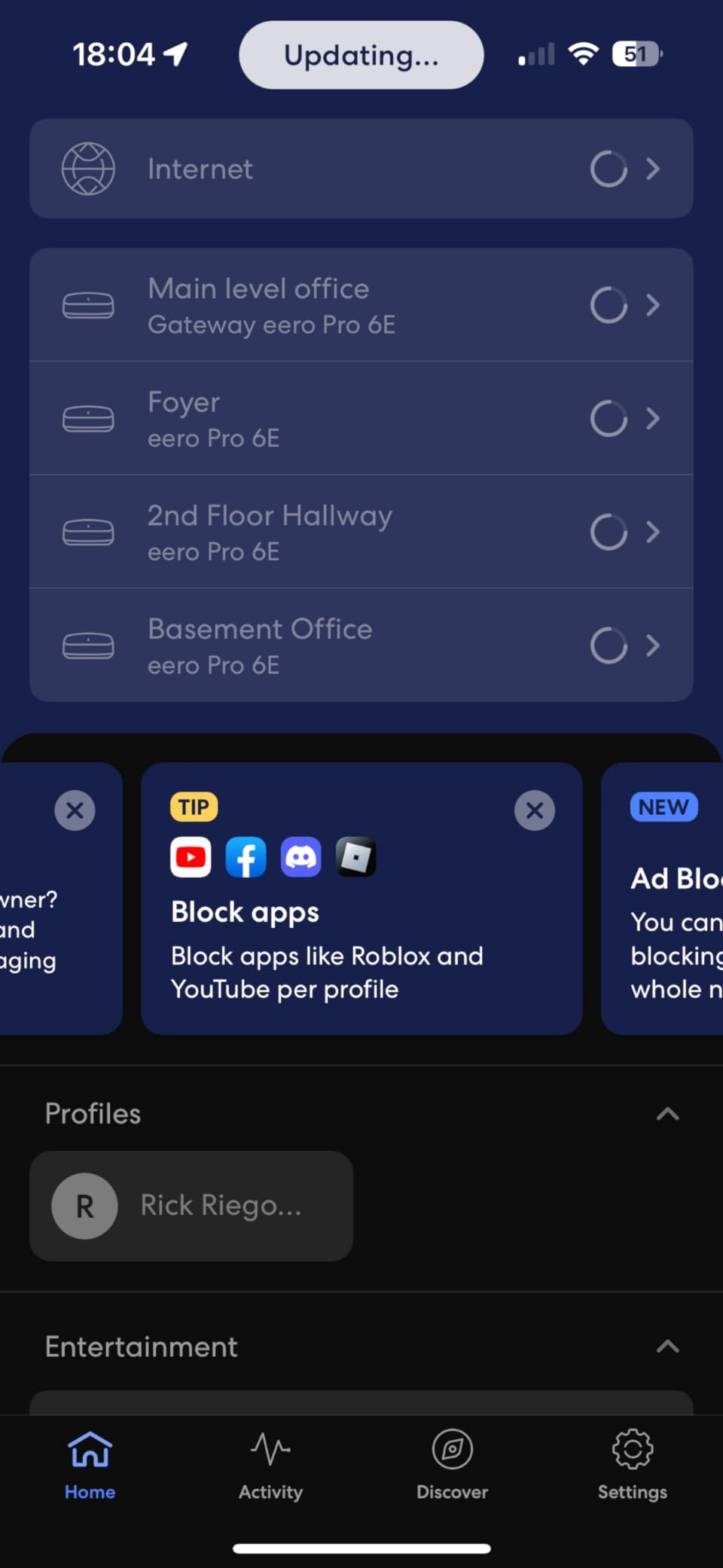
Owners point out that it mixes cleanly with earlier eero hardware, so an existing eero 6 can join this mesh without drama. Reviewers also like that wired throughput holds up where an older gateway fell short, which is exactly the situation on a 2 Gbps fiber line.
- Up to 2.5 Gbps plan support, wired at 1 Gbps and wireless at 1.6 Gbps
- Backward compatible with previous eero generations
- App dashboard with device alerts and network analytics
What owners complain about: two Ethernet ports per node, no way to put the 2.4 GHz and 5 GHz bands on separate network names, and a visible group who hit units stuck in reboot loops that support could not resolve. Compared with the eero 7 3-Pack, you trade the newest band support for better wireless reach across floors.
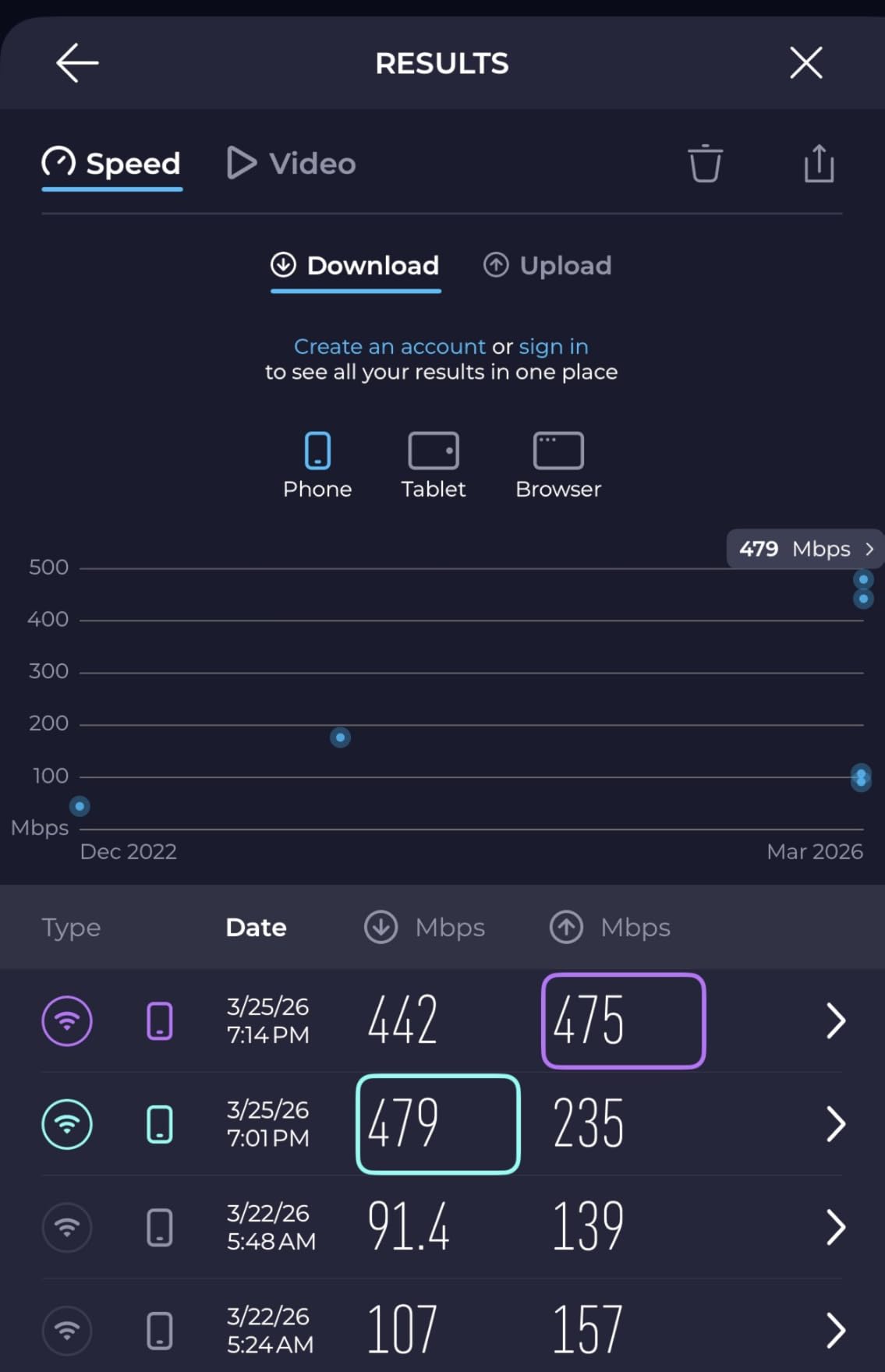
Installers report that power ordering can eat an evening: power up the modem before the nodes, not the other way round.
3. eero 7 3-Pack: Best Value for a New Wi-Fi 7 Network
- Entry point into Wi-Fi 7 mesh
- Two 2.5 GbE ports on every node
- 120+ devices and 6000 sq ft
- Three-year warranty
- Dual-band rather than tri-band
- Two ports per node
- Richest features sit behind eero Plus
This is the pick for someone setting up a network in 2026 and expecting to keep it for years. It is the entry point into Wi-Fi 7 mesh in this lineup, and it does not skimp on the ports: two auto-sensing 2.5 GbE ports per node, with wireless speeds up to 1.8 Gbps across three nodes covering 6,000 sq. ft. and 120-plus devices.
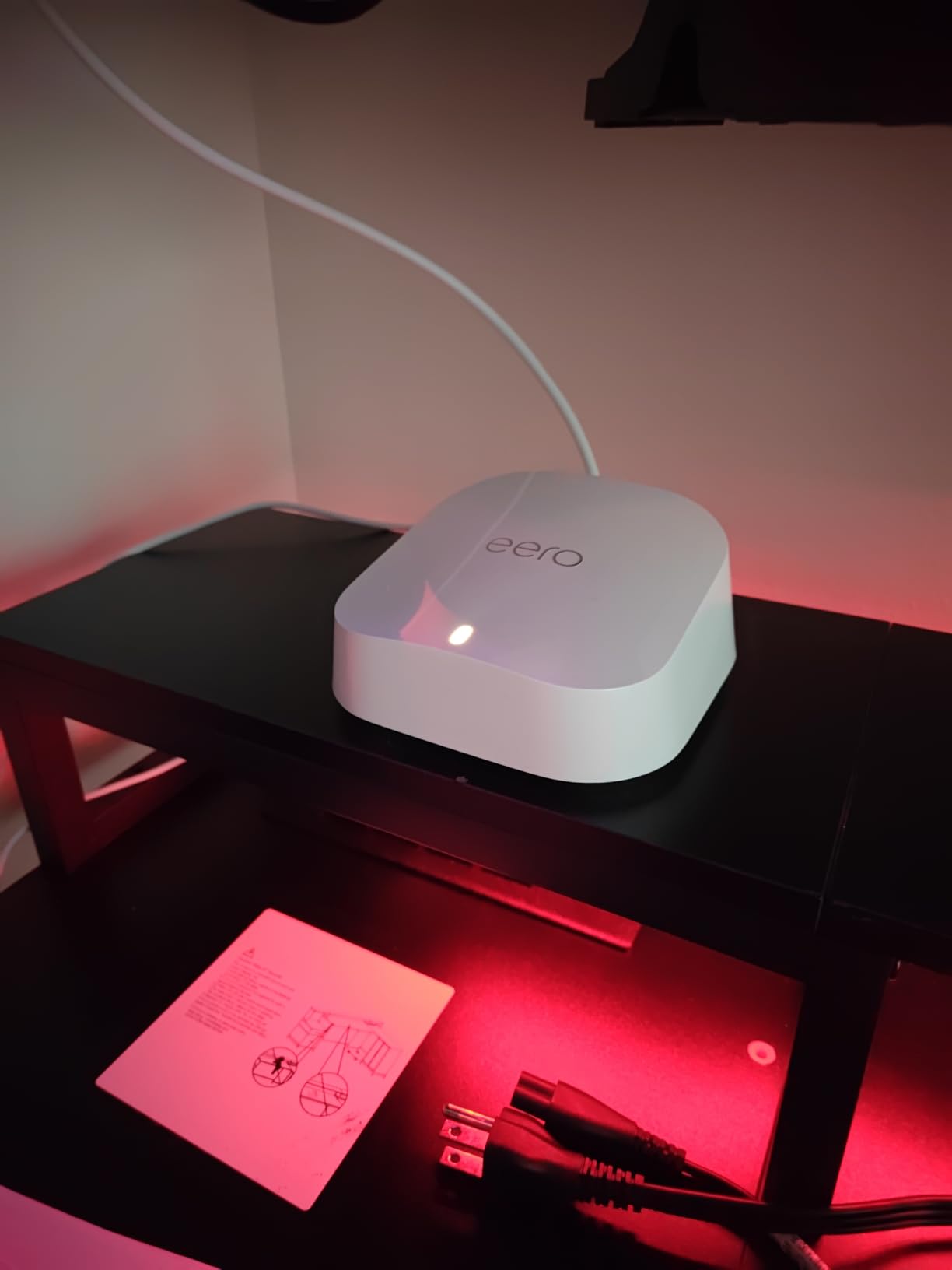
Owners rate the software highly. Firmware updates handle themselves, TrueMesh with TrueRoam and TrueChannel keeps devices on the cleanest link, and the whole thing is backward compatible with earlier eero generations, so an older node can fill a gap in a hallway.
- Multi-link operation support, a Wi-Fi 7 feature older kits lack
- Three-year warranty, longer than the older generations carry
- Works with any previous eero hardware in the same network
The honest catch is the dual-band design. Without a dedicated backhaul radio, a difficult layout with thick walls can perform worse than a tri-band kit in the same house. Owners also note the richest management and security features need the eero Plus subscription. The eero Pro 7 3-Pack is the same idea with a tri-band radio and 5 GbE ports, if your service plan justifies it.
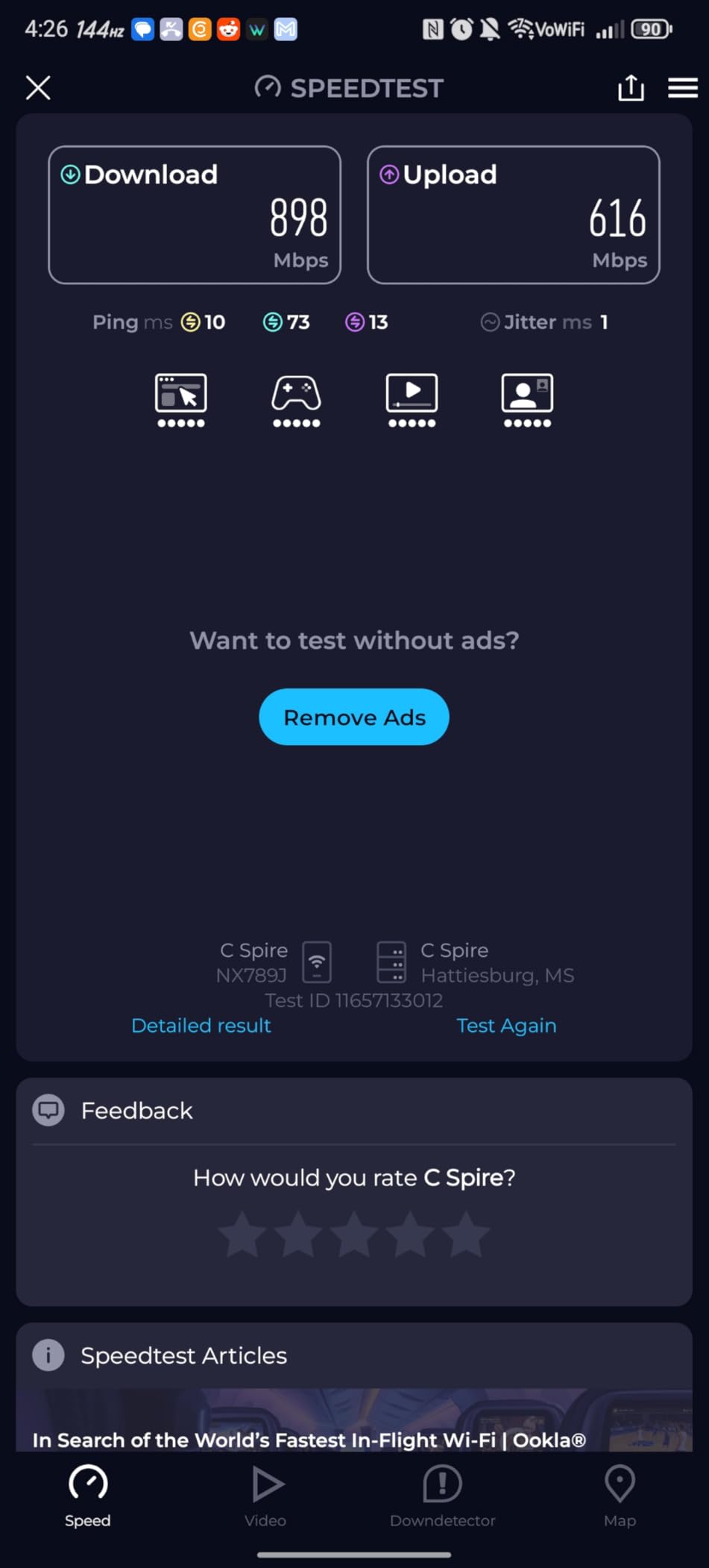
You will not see most of the headline speed gains until your phones, laptops and TVs are Wi-Fi 7 capable, so judge it on the ports and the warranty instead.
4. eero Pro 7 3-Pack: Best for Multi-Gig Homes
Amazon eero Pro 7 tri-band mesh Wi-Fi 7 router (newest model) – Supports internet plans up to 5 Gbps, Coverage up to 6,000 sq. ft., 3-pack
- Two 5 GbE ports on every node
- Dedicated tri-band backhaul
- 600+ devices supported
- Three-year warranty
- Costs well beyond dual-band kits
- Two ports per node
- Advanced security needs eero Plus
Bandwidth is the reason this exists. Plans up to 5 Gbps, wireless up to 3.9 Gbps, and two auto-sensing 5 GbE ports on each of the three nodes. Device capacity is the other headline: 600-plus connected devices across 6,000 sq. ft., which puts it in range for a busy smart home or a small office rather than a family house.
Reviewers single out the tri-band backhaul as the feature that holds multi-gig speeds up over the air, which is where dual-band kits tend to give ground. TrueMesh software reduces dead spots across floors, and the kit works with earlier eero hardware if you are expanding a network that already has nodes in it.
- 5 GbE ports on every node rather than one or two 2.5 GbE ports
- Dedicated backhaul radio for multi-gig wireless between nodes
- Backward compatible with all previous eero generations
The cost is the obvious objection, and owners say so plainly: for the same square footage of coverage, a dual-band kit is a fraction of the spend. Two ports per node still means a switch for extra wired gear, and the advanced security and management tools sit behind eero Plus. If your service is 2 Gbps or lower, the eero 7 3-Pack covers the same ground without the premium.
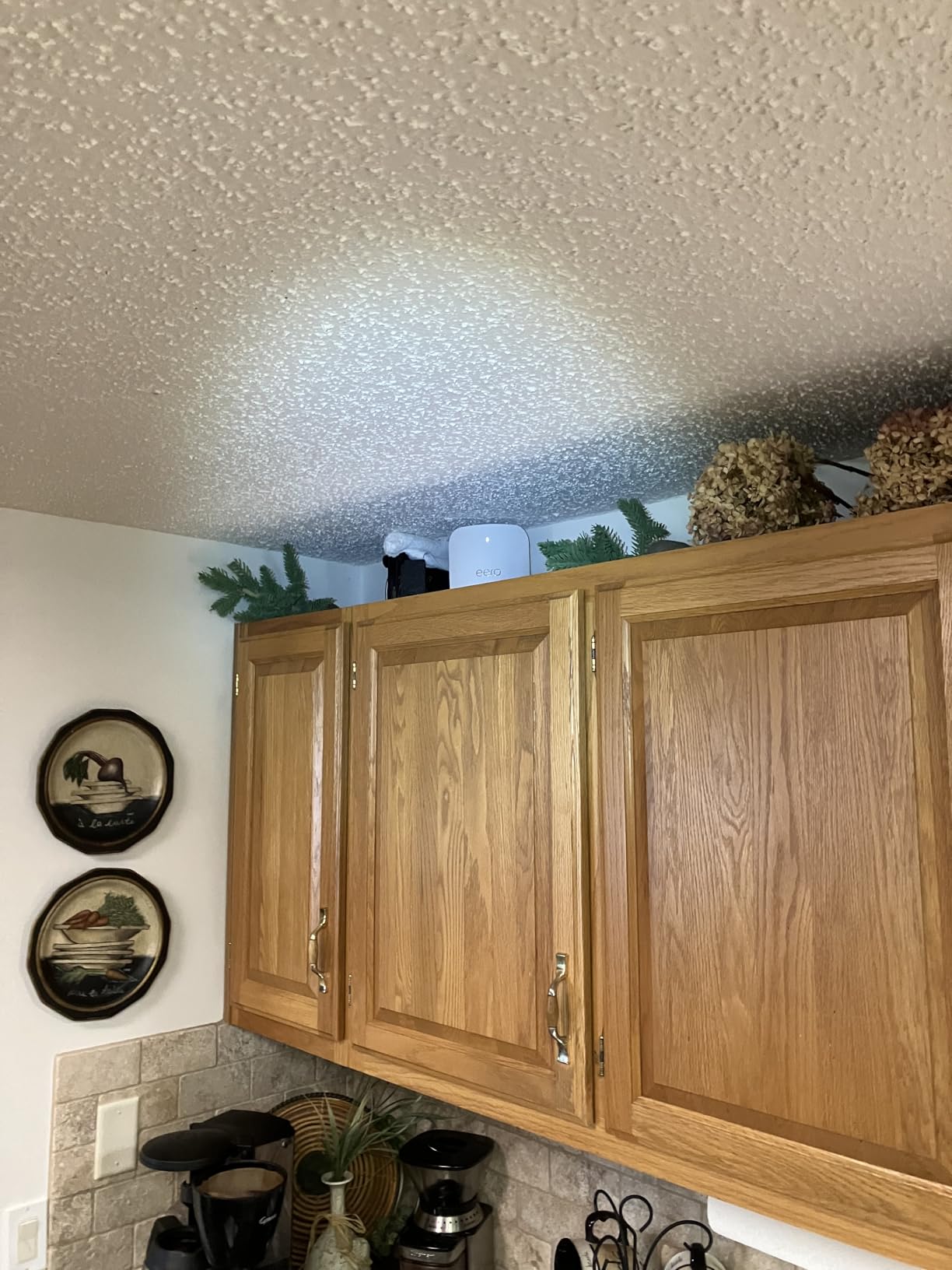
Existing 1 Gbps switches and cabling will cap what you can actually push through, however fast the nodes are, so check the wiring before ordering three.
5. eero Max 7 2-Pack: Best for 10 Gbps Service and Smart Home Hubs
Amazon eero Max 7 mesh wifi system (newest model) – Supports internet plans up to 10 Gbps, Coverage up to 5,000 sq. ft., Connect 500+ devices, 2-pack
- Two 10 GbE ports per node
- Thread plus Matter and Zigbee hub
- 500+ devices and 5000 sq ft
- Setup under ten minutes for owners
- Highest cost in the eero line
- Older switches cap the gains
- No import from a non-eero mesh
Wired speeds up to 9.4 Gbps and wireless up to 4.3 Gbps, from two nodes covering 5,000 sq. ft. and 500-plus devices. It is the only kit here that acts as a smart home hub for Thread, Matter and Zigbee devices, and owners running high-capacity plans report the speed difference over earlier eero nodes is obvious rather than marginal.
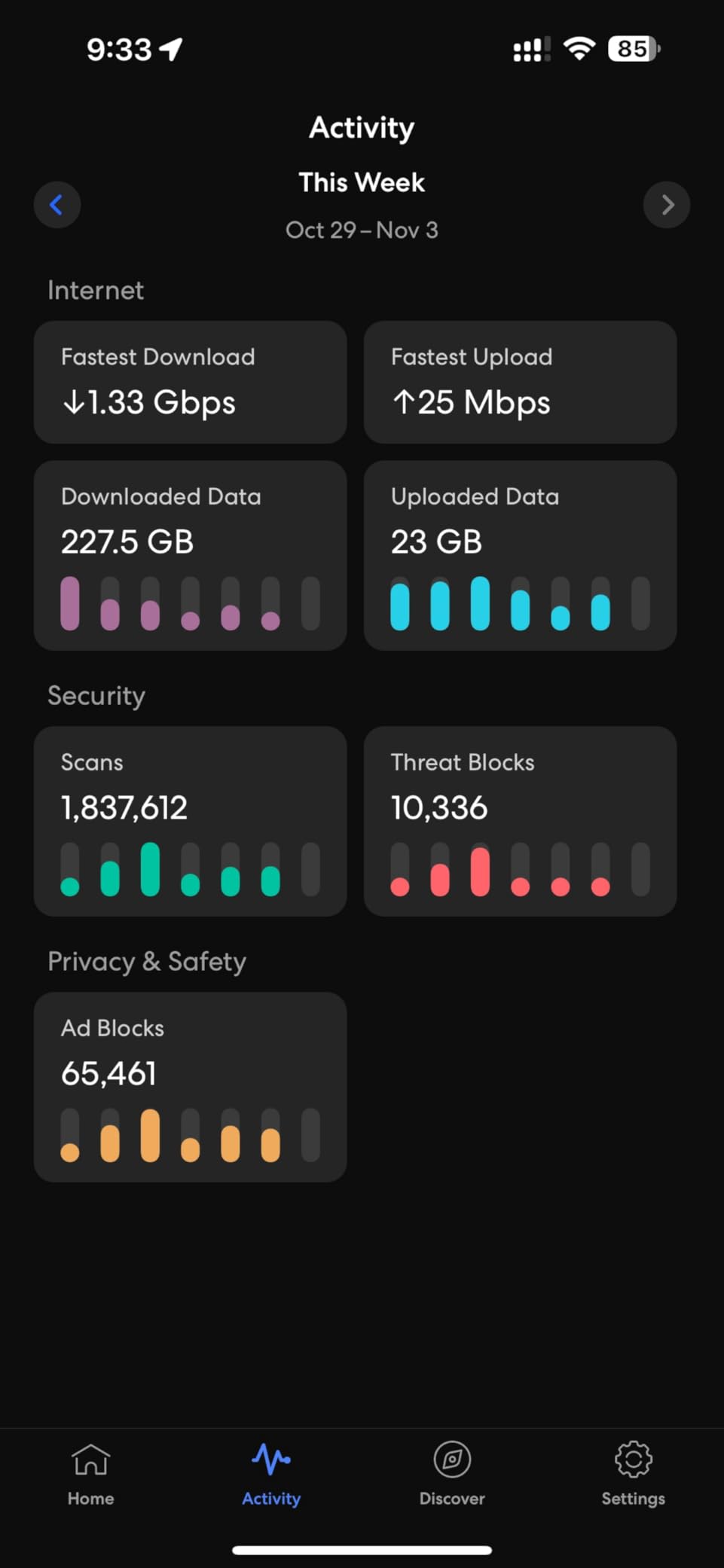
The 2-pack is a sensible starting shape here. Two nodes with multi-gigabit backhaul between them cover a typical large home, and the app-guided setup is reported as taking under ten minutes while keeping existing network settings. Support is also praised more often than with other models on this list.
- Two 10 Gigabit Ethernet ports on every node
- Thread, Matter and Zigbee hub built in
- Designed for AR, VR and cloud gaming at low latency
- Three-year warranty with automatic updates
Owners are blunt about the two real limits. Existing 1 Gbps switches and cabling will hold the gains back no matter what the nodes do, and migrating from a non-eero mesh system is not supported, which has left some buyers with a broken smart home. A smaller group report VPN traffic that will not connect without routing through the guest network. Compared with the eero Pro 7 3-Pack, you pay more for wired headroom and the hub, and give up a node.
A 10 Gbps plan is what makes the Max 7 sensible. On gigabit service those extra ports are headroom you will not use, and the eero 7 3-Pack covers the same ground.
6. eero Outdoor 7: Best for Outdoor Coverage
- IP66 rated for year-round mounting
- Up to 15000 sq ft of outdoor coverage
- AC or PoE+ power options
- PoE+ adapter included
- Limited Ethernet options per node
- Advanced security needs eero Plus
- Often needs indoor nodes alongside it
Everyone on this list stops at the back door. This one is rated to keep going, with up to 15,000 sq. ft. of outdoor coverage on a 70-foot radius and an IP66 rating tested from minus 40 to 131 degrees. That covers a patio, a garden camera, a pool house or an outbuilding where indoor nodes never reach.
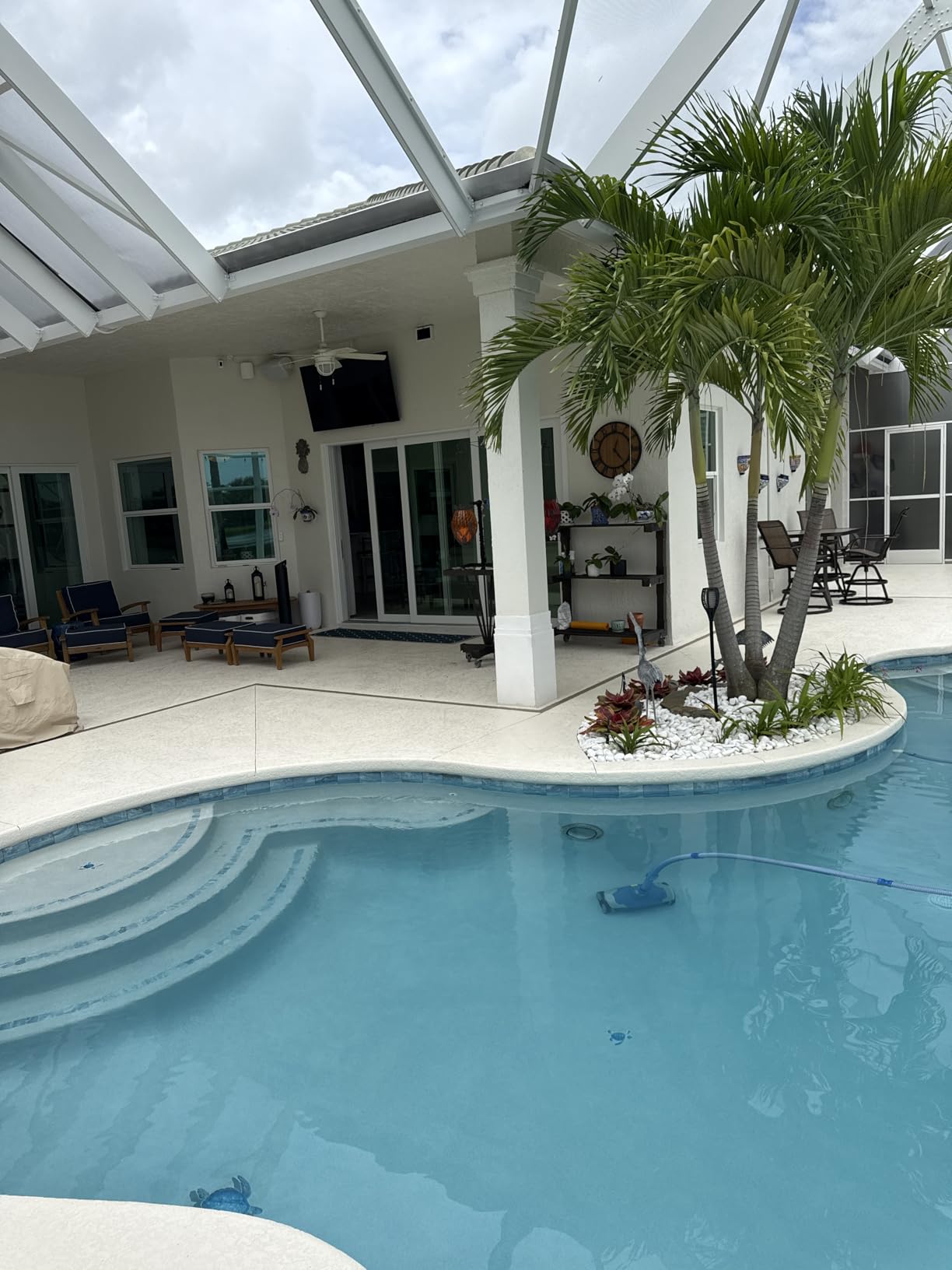
Power is handled two ways, AC or Power over Ethernet, and a 30W PoE+ adapter comes in the box, so the node does not have to sit near an outlet. It joins the same app as the indoor nodes and mixes with earlier eero hardware, which means an existing network simply adopts it.
- IP66 dust, rain and snow protection for year-round placement
- Up to 100-plus connected devices outdoors
- Wi-Fi 7 wireless speeds up to 2.1 Gbps
- Backward compatible with all previous eero generations
Owners rate it well for a focused job, and the limits are physical rather than electronic. Each node has limited Ethernet options, the advanced security features need eero Plus, and a single unit often needs an indoor node or two to keep coverage even. Proper weatherproof cabling and mounting are part of the job, not an extra.
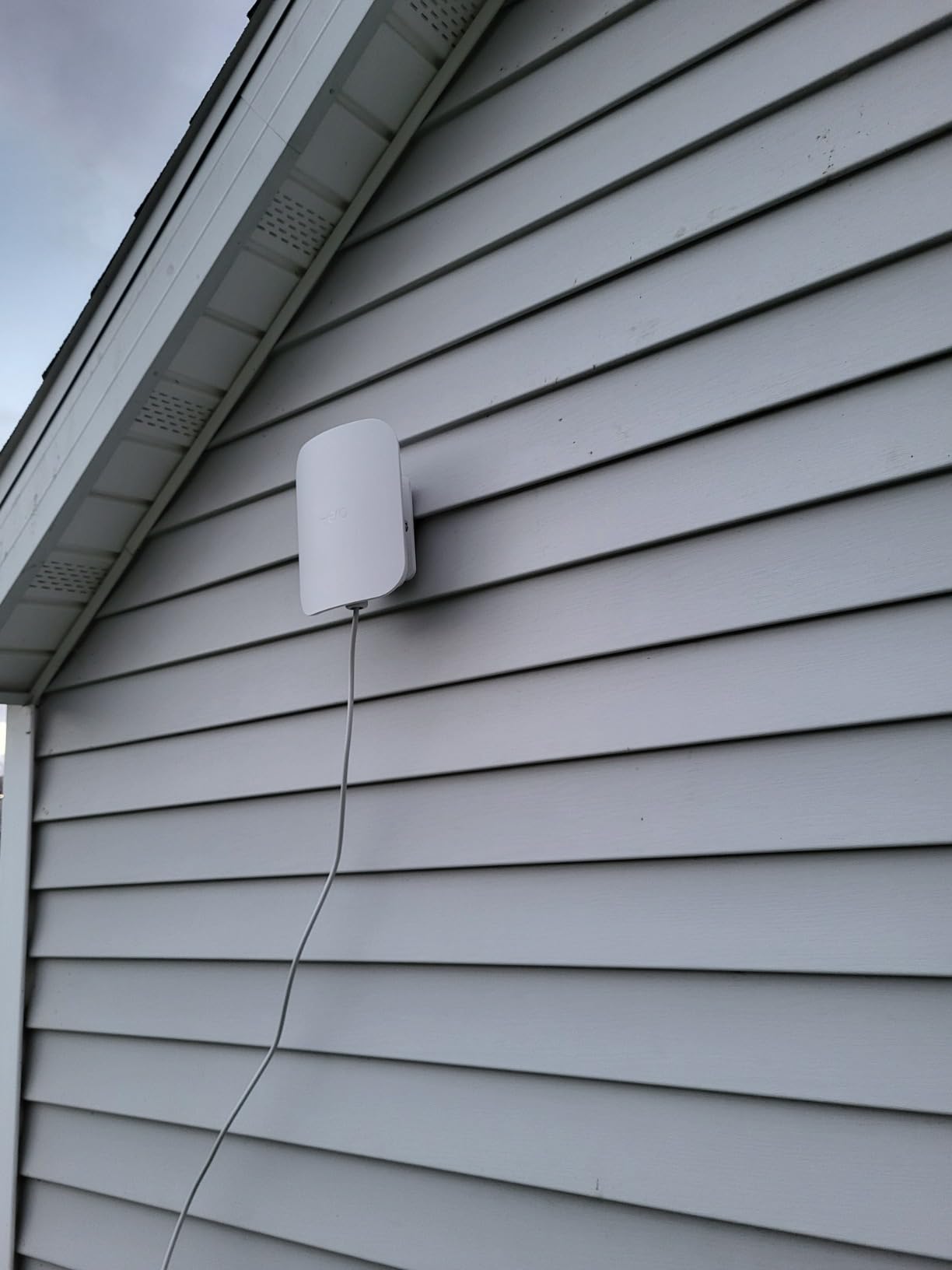
It is a single node, so treat it as an addition to an indoor mesh rather than as a whole-home system on its own.
7. Like-New eero 1st Gen: Budget Pick for Small Homes
- Lowest cost in this lineup
- Certified refurbished with same warranty
- Two Ethernet ports included
- Works as a cheap extra node
- Wi-Fi 5 tops out around 550 Mbps
- Needs an existing modem to activate
- Occasional missing power cord
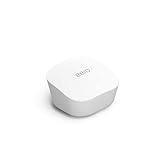
This is the cheapest way into the eero ecosystem, and the ceiling on it is plain: Wi-Fi 5, up to 550 Mbps, 1,500 sq. ft. For a small flat or a cottage on a modest plan, that is enough. Certified refurbished units are tested and certified to look and work like new and carry the same limited warranty as a new device.
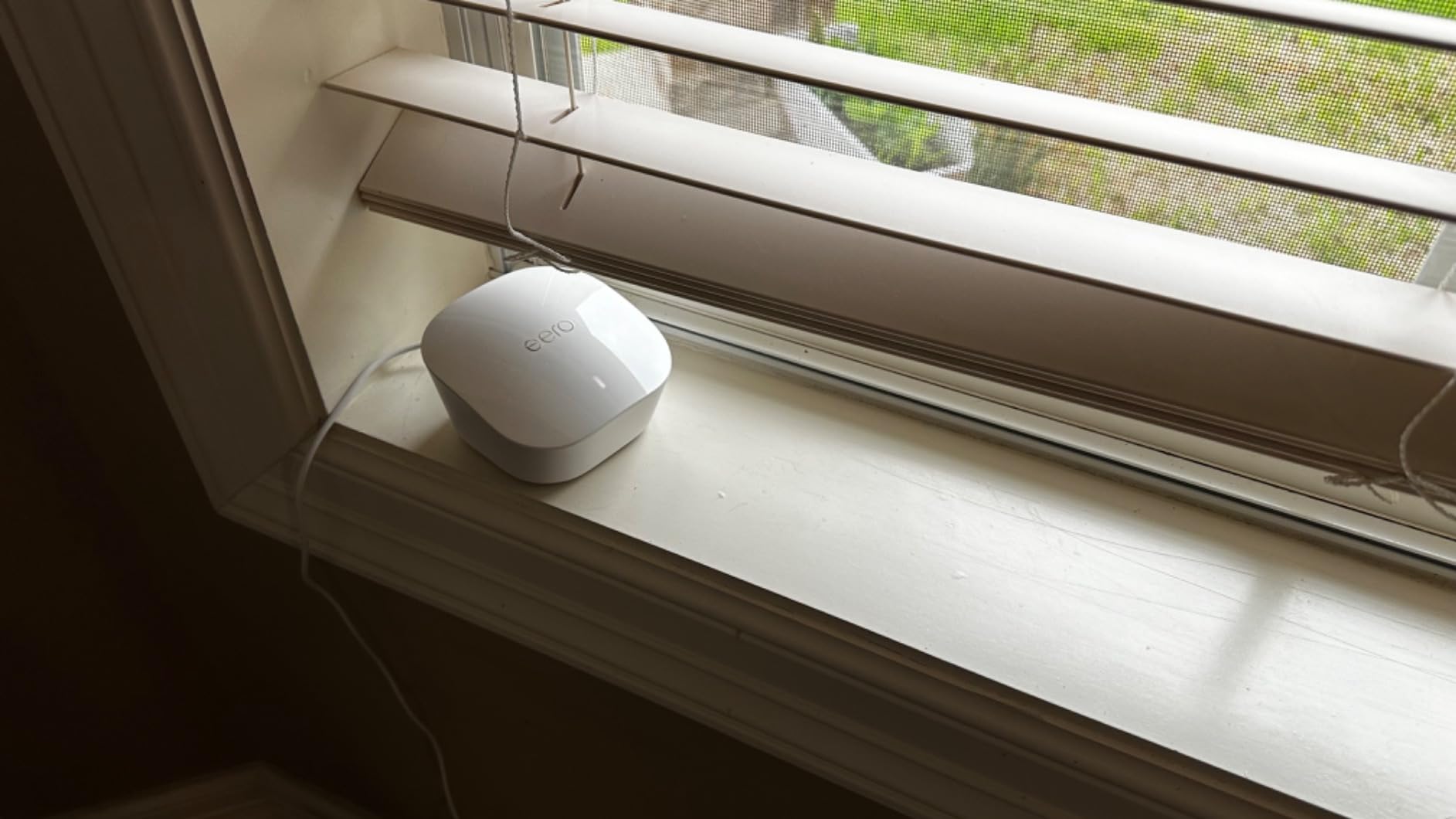
Owners point out two Ethernet ports, which is one more than the current eero 6 offers, and the ability to slot it into an existing eero mesh as a cheap extra node in a garage or loft. Setup through the app takes minutes, and it replaces an ISP-supplied router at most major providers.
- Best value in this list for coverage under 1500 sq ft
- Two Ethernet ports, so one wired device needs no switch
- Works with most major internet service providers
- Alexa network profile management supported
The main drawback is not the price but the condition and the generation. It needs an existing modem or router to activate rather than working from scratch, and some buyers had to re-save a DHCP setting in advanced options to pick up a connection. Refurbished units may also arrive in generic Amazon-branded boxes, and there are occasional reports of a missing power cord.
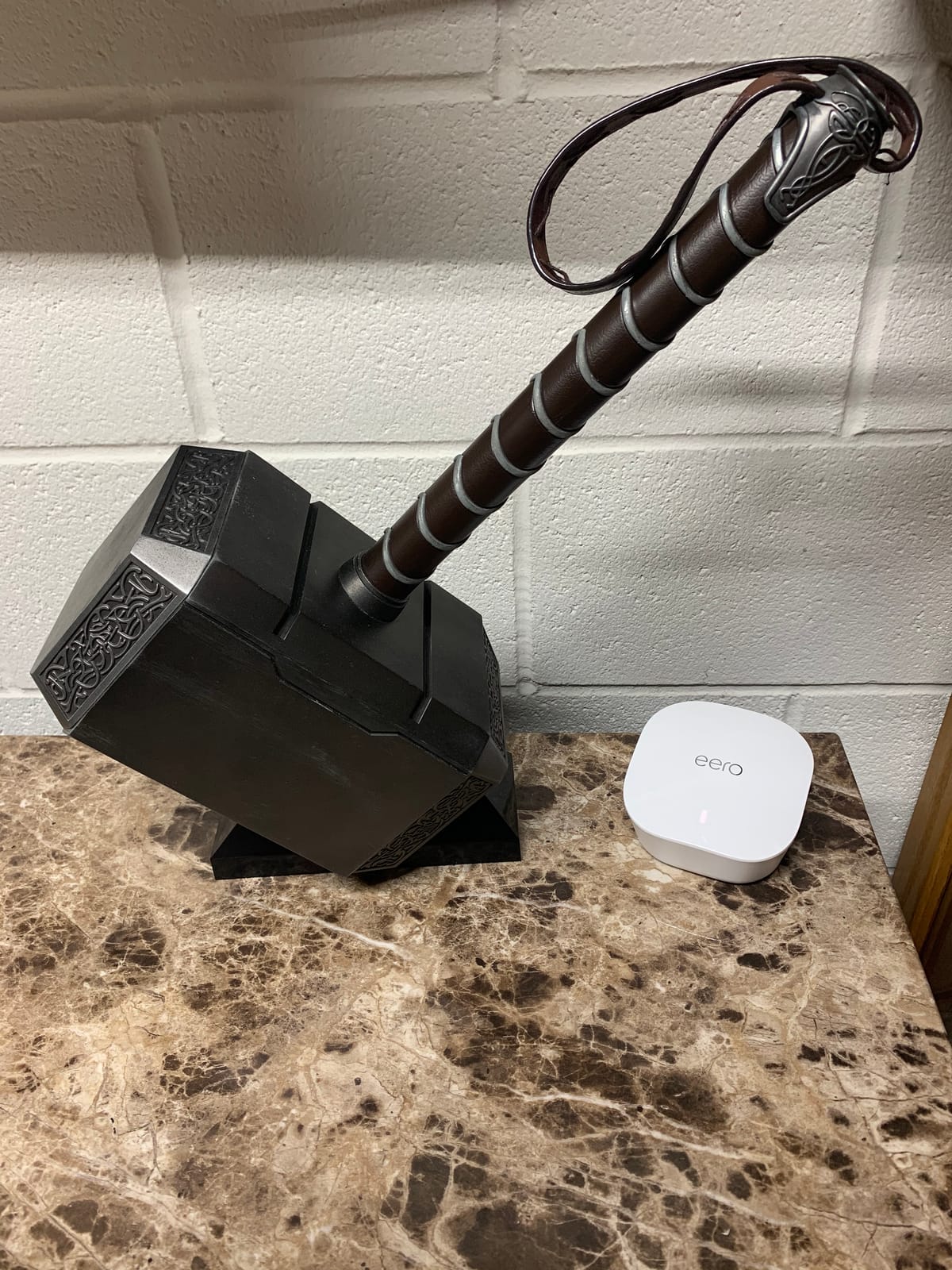
For a second node in an existing eero network, this is the cheapest way to fill a gap in a garage or loft without changing anything else in the mesh.
8. Like-New eero Pro 6: Best for Tri-Band Coverage on a Budget
Like-New Amazon eero Pro 6 tri-band mesh Wi-Fi 6 router with built-in Zigbee smart home hub
- Tri-band radio with dedicated backhaul
- Covers 2000 sq ft per node
- Built-in smart home hub
- Owners report stable roaming between nodes
- No physical reset button
- Remote access cannot be disabled
- Refurbished units may lack a power cable
Where the budget pick gives up the newer radio, this one keeps it. Tri-band Wi-Fi 6 with a dedicated backhaul radio, up to 2,000 sq. ft. per node, wireless speeds up to a gigabit, and the same built-in smart home hub as the current eero 6. Refurbished units come with the same limited warranty as new ones.
Owners running several of these across a property report the node-to-node connections holding steady and devices roaming cleanly between them, which is where a dual-band kit tends to falter in a long building or across floors. The app finds every node and updates firmware without manual steps, and adding units later is straightforward.
- Dedicated backhaul radio holds gigabit speeds better than dual-band kits
- 75-plus connected devices supported per node
- Cross-compatible for mesh expansion
- Free customer support seven days a week
The complaints are consistent and small. There is no physical reset button, so a hard reset means deleting the network in the app and starting again. Remote access cannot be fully turned off, and activating the guest network can slow the main one. Refurbished units have occasionally arrived without a power cable, and Wi-Fi 6 will not keep pace with the Wi-Fi 7 kits in a home full of new devices.
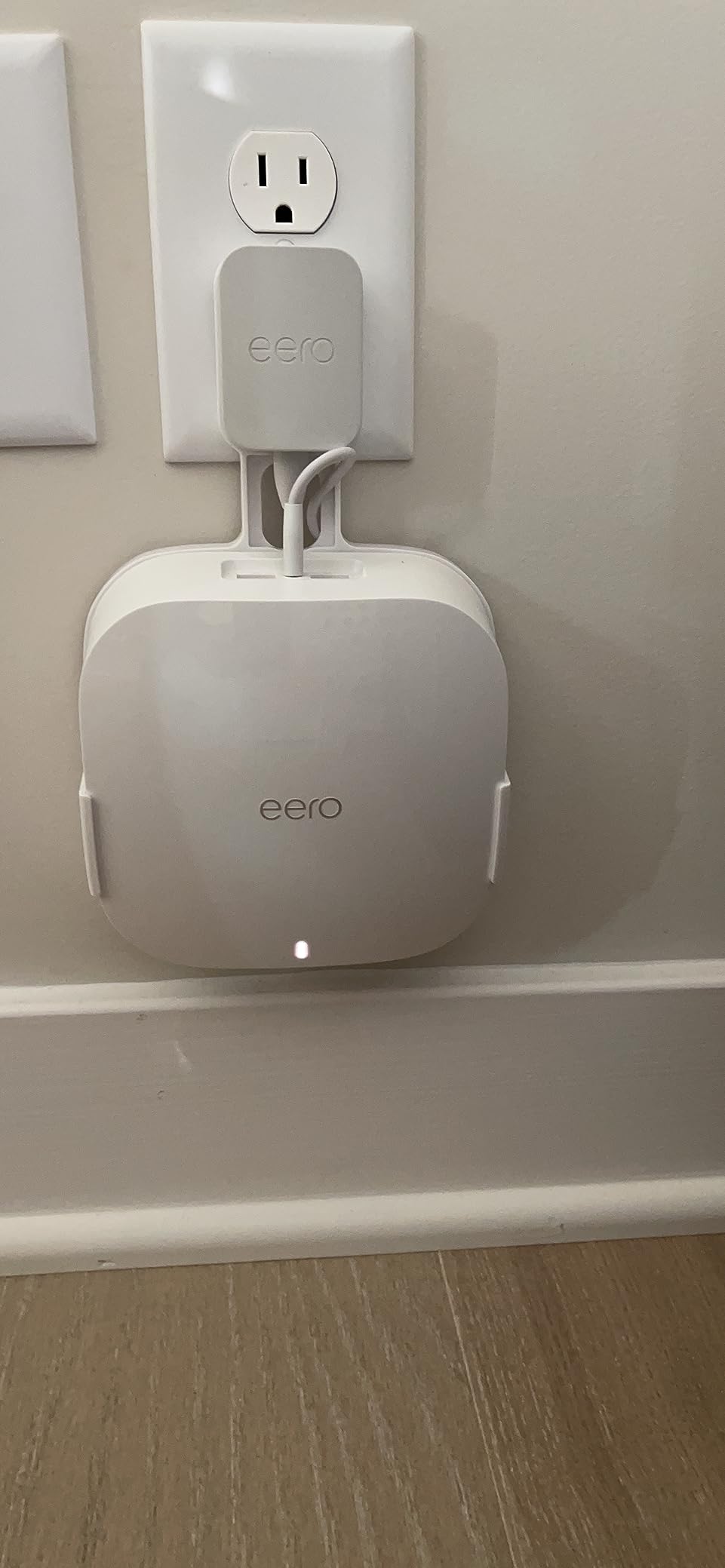
A pair of these covers a large house or a farm building without moving into Wi-Fi 7 pricing, and owners running several across a property say the backhaul radio is what keeps it steady.
How to Choose Mesh Wi-Fi Systems During Prime Big Deal Days
Match the System to Your Home Size
Judge coverage by floor area and construction, not by square footage alone. Under 1,500 sq. ft. on one floor needs a single node; 2,000 to 3,000 sq. ft. over two floors needs two; 3,500 sq. ft. or more across three levels wants three. Thick plaster, brick and foil-backed insulation cut reach, so move up a tier in those homes. The eero 6 covers a single floor, while the three-node kits here cover up to 6,000 sq. ft.
Check Wi-Fi Generation and Device Capacity
Wi-Fi 6 handles a normal household easily. Wi-Fi 6E adds the 6 GHz band, and Wi-Fi 7 adds multi-link operation, but you need matching client devices to see the gain. Compare device capacity too: 75-plus devices fits most homes, while 120-plus, 500-plus and 600-plus cover smart homes and small offices. Check the ceiling on your internet plan, since a 900 Mbps node cannot feed a 2 Gbps line.
Compare Wireless and Ethernet Options
Port speed decides what you can plug in. This lineup runs from a single gigabit port on the eero 6, through 2.5 GbE on the Pro 6E and eero 7, to 5 GbE on the Pro 7 and 10 GbE on the Max 7. A tri-band radio with a dedicated backhaul holds multi-gig throughput between nodes, where a dual-band kit gives some of it back. If your house already has Ethernet run, a switch is worth adding rather than paying for another node.
Review App Features and Ongoing Costs
Setup runs through the eero app on both new and refurbished hardware, with automatic updates on every model here. The advanced layer is different: Advanced Security, ad blocking, parental controls, Malwarebytes, 1Password and VPN sit behind the optional eero Plus subscription. None of the picks need it to deliver coverage, so treat it as an add-on only if you want those tools.
How to Shop Mesh Wi-Fi Deals During the Sale
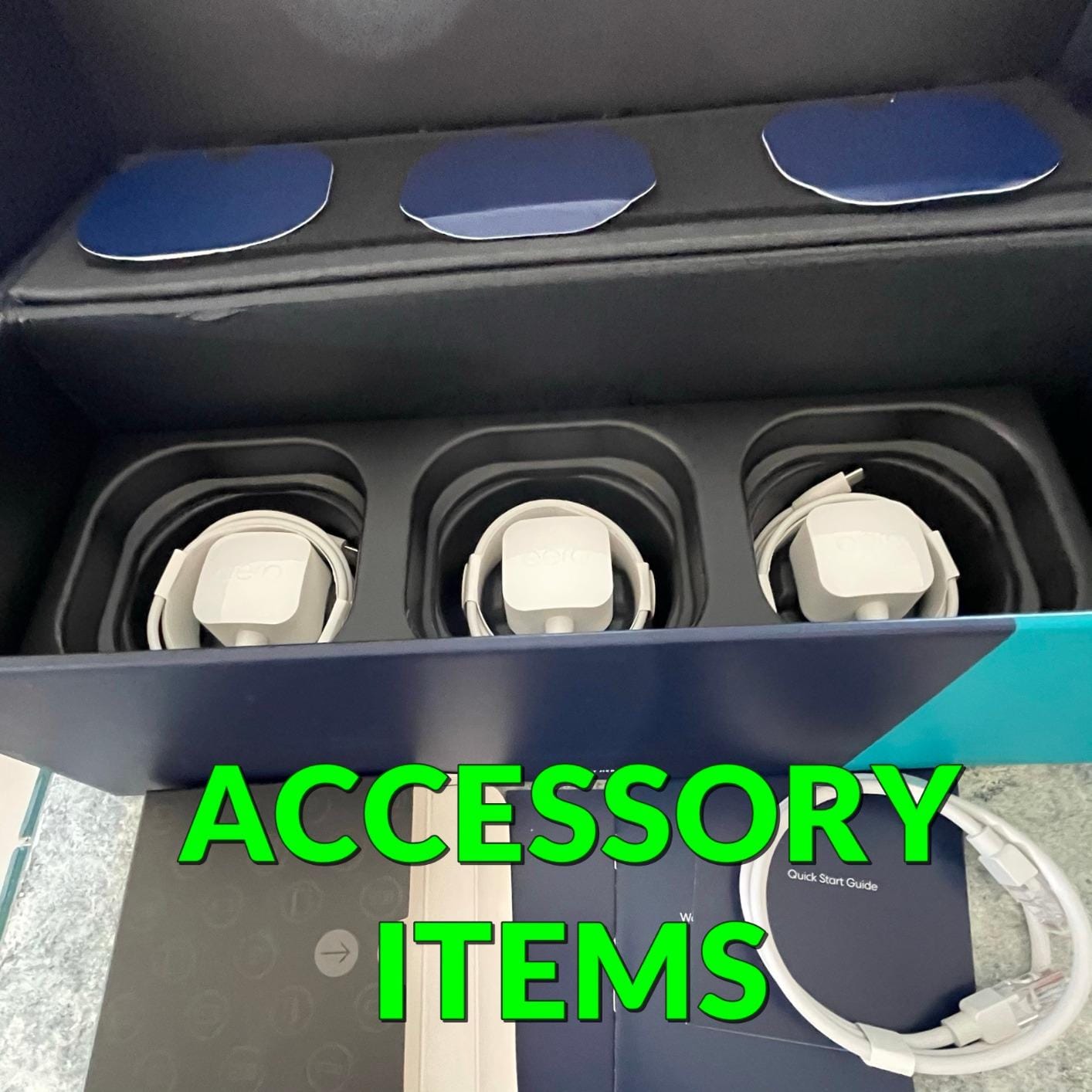
On an eero listing, check the exact generation and pack size first, because eero 6, eero 7 and the refurbished units look similar in a thumbnail and differ on paper. Read who sells the item and who sends it, confirm the box contents include a power adapter, and note whether the unit is new, Like-New refurbished or part of a multi-pack. Most offers on this category need a Prime membership, a free trial counts, and prices move through the event.
- Confirm the model generation and pack size before buying
- Check the seller and shipper on the listing, not just the brand name
- Verify the box contents and included power adapter
- Note whether the unit is new or Like-New refurbished
- Most offers need a Prime membership, and a free trial counts
- Expect offers to change through the event, so re-check the listing
Frequently Asked Questions
When does Amazon Prime Big Deal Days run in 2026, and which eero deals are worth watching?
Prime Big Deal Days runs October 6-7, 2026, starting at 12:01am Pacific on the 6th and lasting 48 hours, with new offers dropping at midnight, 8am and 1pm Pacific on both days. The eero picks worth watching are the eero 6 for most homes, the eero Pro 6E 3-pack for gigabit-plus plans and the eero 7 3-pack for a new Wi-Fi 7 network. Offers change through the event, so check the listing again before you buy.
Do you need Prime to get the best Amazon Prime Big Deal Days eero Deals?
Most offers in this category need a Prime membership, and a free trial counts toward the price. Some mesh Wi-Fi deals are open to everyone, but the deeper cuts on Amazon-owned hardware like eero are usually tied to membership. If you are not sure it is worth it, start a trial before the event and cancel the same day if you do not keep using it.
How many mesh Wi-Fi nodes does a large home need?
Plan on one node per 1,500 to 2,000 sq. ft. of floor area, and add one for each additional floor you need covered. A 2,500 sq. ft. two-story home usually does well with two nodes, while 3,500 sq. ft. or more across three levels generally wants three. Thick walls and foil-backed insulation reduce reach, so buy the larger kit rather than placing nodes poorly.
Can a new mesh Wi-Fi system replace an older home router?
Yes, an eero system replaces an ISP-supplied router on most major providers, including fiber, cable and DSL. You connect one node to the modem and set it up through the eero app. Migrating an existing non-eero mesh network is not supported, so devices on the old system have to be reconnected by hand.
Do any mesh Wi-Fi features require a paid subscription?
Advanced Security, ad blocking, parental controls, Malwarebytes, 1Password and VPN sit behind the optional eero Plus subscription on the newer models. Coverage, speed, mesh roaming and automatic updates work without it, so you do not need a subscription to get the network working well.
Final Verdict: Best Amazon Prime Big Deal Days eero Deals
Buy the eero 6 if you want one node that covers a normal house, sets up in minutes and keeps a built-in smart home hub. Buy the Like-New eero 1st Gen as the budget alternative when coverage under 1,500 sq. ft. and a sub-550 Mbps plan is genuinely all you need. The eero 7 3-Pack is the pick for a fresh Wi-Fi 7 network, the eero Pro 6E 3-Pack for gigabit-plus service and large homes, and the eero Pro 7 3-Pack or eero Max 7 2-Pack when 5 Gbps or 10 Gbps service and a Thread or Matter hub are on the plan. For yards and outbuildings, add the eero Outdoor 7, and for a big property on a budget, pair up Like-New eero Pro 6 nodes.
Check the listing for the exact generation and pack size when the event opens, and use the buttons above for the current price.