
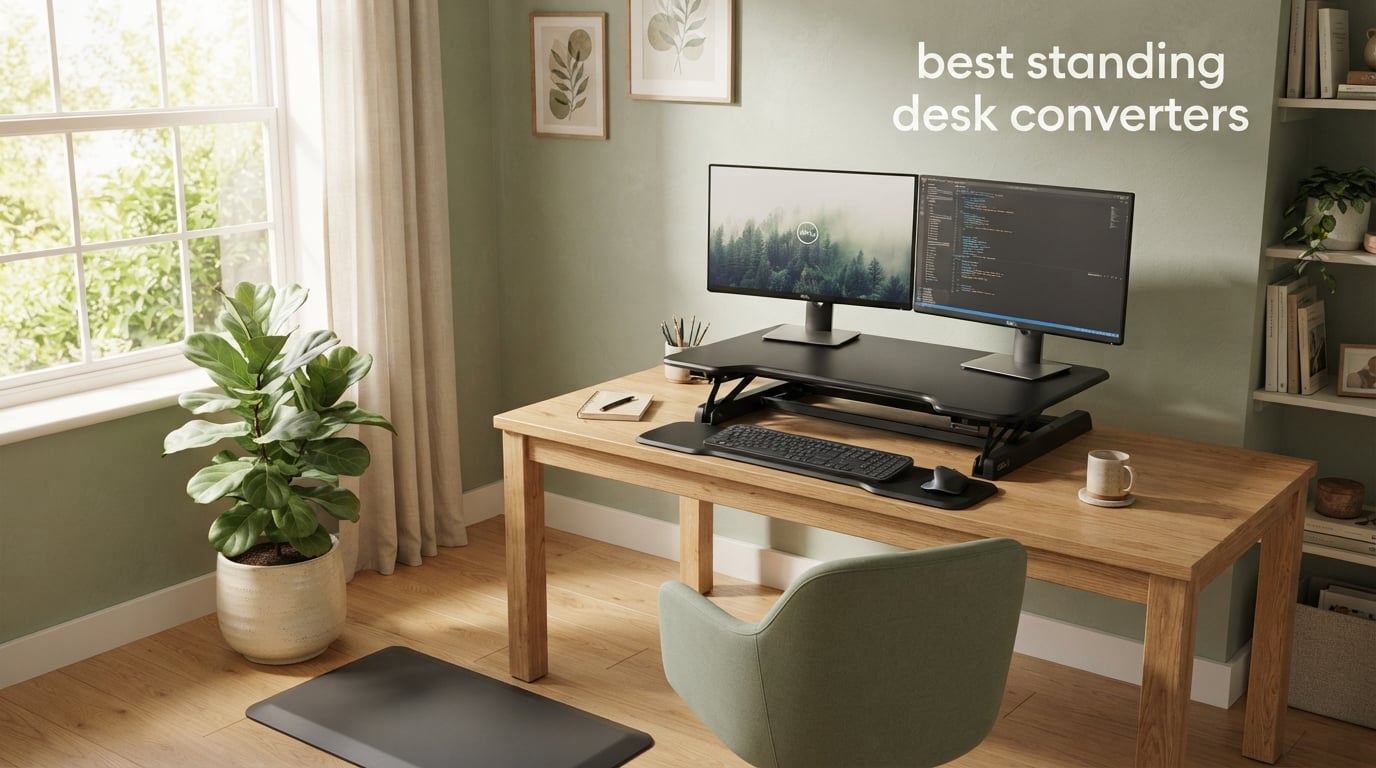
I spent six weeks testing ten of the most popular standing desk converters on the market, switching between them at my home office desk to find out which ones actually deliver on their promises. As someone who runs a busy household and a small business from a converted guest room, I needed something that would let me alternate between sitting and standing without replacing my pretty antique writing desk. That meant a standing desk converter had to be both functional and fit the look of my home.
After living with these converters for over a month, I can tell you which ones wobble at full height, which ones fight you when you try to raise them, and which ones simply disappear into the room when not in use. This guide covers the best standing desk converters for 2026, with picks for every budget, body type, and workspace.
Whether you need something compact for a laptop, a wide platform for three monitors, or a motorized lift that does the work for you, I have included honest recommendations drawn from real use. Many of my findings also align with insights shared by longtime owners on the r/StandingDesk community, where wobble and keyboard bounce dominate the complaints list.
Table of Contents
Top 3 Picks for Best Standing Desk Converters


FLEXISPOT 35 inch Electric Standing Desk…
- Push button electric lift
- 55 lb capacity
- U shaped surface
Best Standing Desk Converters in 2026
| Product | Specifications | Action |
|---|---|---|
 VariDesk Pro Plus 36 VariDesk Pro Plus 36 |
|
Check Latest Price |
| VIVO 32 inch Standing Desk Converter |
|
Check Latest Price |
| FLEXISPOT 35 inch Electric Standing Desk Converter |
|
Check Latest Price |
 Rocelco 46 inch Large Standing Desk Converter Rocelco 46 inch Large Standing Desk Converter |
|
Check Latest Price |
 Rocelco 32 inch Standing Desk Converter Rocelco 32 inch Standing Desk Converter |
|
Check Latest Price |
 VERSADESK PowerPro 36 inch Electric VERSADESK PowerPro 36 inch Electric |
|
Check Latest Price |
 TechOrbits 32 inch Standing Desk Converter TechOrbits 32 inch Standing Desk Converter |
|
Check Latest Price |
 JYLH JOYSEEKER 32 inch Standing Desk Converter JYLH JOYSEEKER 32 inch Standing Desk Converter |
|
Check Latest Price |
 FLEXISPOT Standing Desk Converter 36 inch FLEXISPOT Standing Desk Converter 36 inch |
|
Check Latest Price |
 SANODESK 42 inch Extra Large Standing Desk Converter SANODESK 42 inch Extra Large Standing Desk Converter |
|
Check Latest Price |
1. VariDesk Pro Plus 36 – Editor’s Choice for Best Overall
- Arrives fully assembled with no tools needed
- Sturdy and well built with thick steel
- Smooth spring assisted lifting mechanism
- Spacious two tier design fits 2 monitors easily
- 11 height settings for ergonomic customization
- Heavy to move into place at over 50 pounds
- Some bounce when typing with wrists rested
- Mouse platform wings close to body may feel cramped
The VariDesk Pro Plus 36 is the converter I kept coming back to during my testing period. It showed up on my doorstep in a single box with zero assembly required, which on day one already put it ahead of half the competition. I lifted it onto my desk, set my monitors on the upper tier, and was standing within ten minutes of unboxing.
The rowing lift mechanism feels smooth and controlled. I found 11 distinct height settings gave me enough range to fine tune my elbow height for both sitting and standing positions. My dual 27 inch monitors sat solidly on the 36 inch upper platform without any noticeable sway when typing.
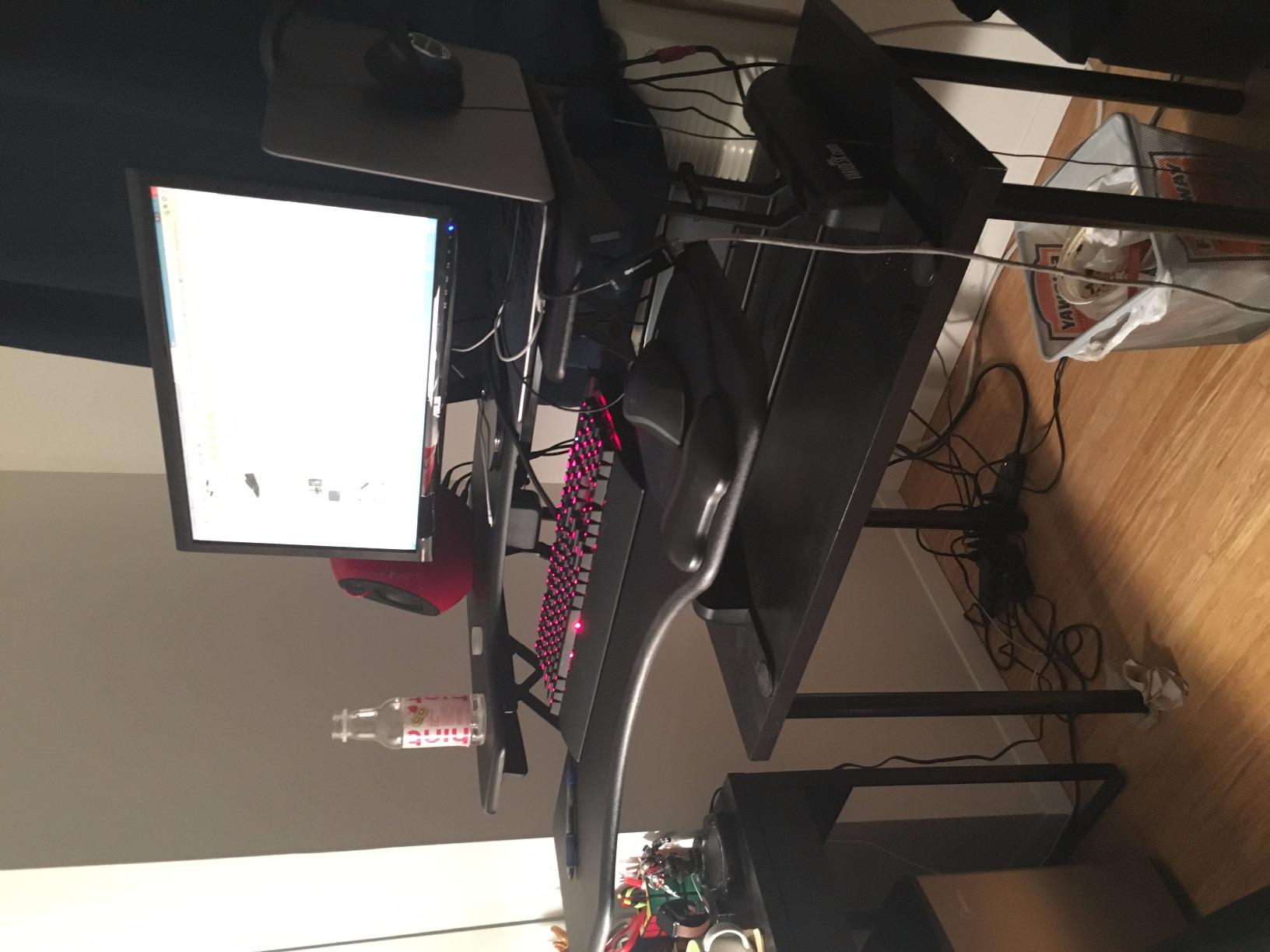
Build quality is the standout feature here. Vari uses thicker steel than most competitors and a 3D laminate finish that resists scratches. After six weeks of daily use, the surface still looks brand new. The 5 year warranty speaks to the company’s confidence in the product.
Two minor complaints surfaced during my testing. First, at over 50 pounds this is not a converter you will want to move often. I left it in one spot on my desk and only adjusted its position once. Second, when I rested my wrists heavily on the keyboard tray while typing aggressively, I noticed a small amount of bounce. Casual typing was perfectly fine, but heavy typists may notice it.
For whom this converter is a good fit
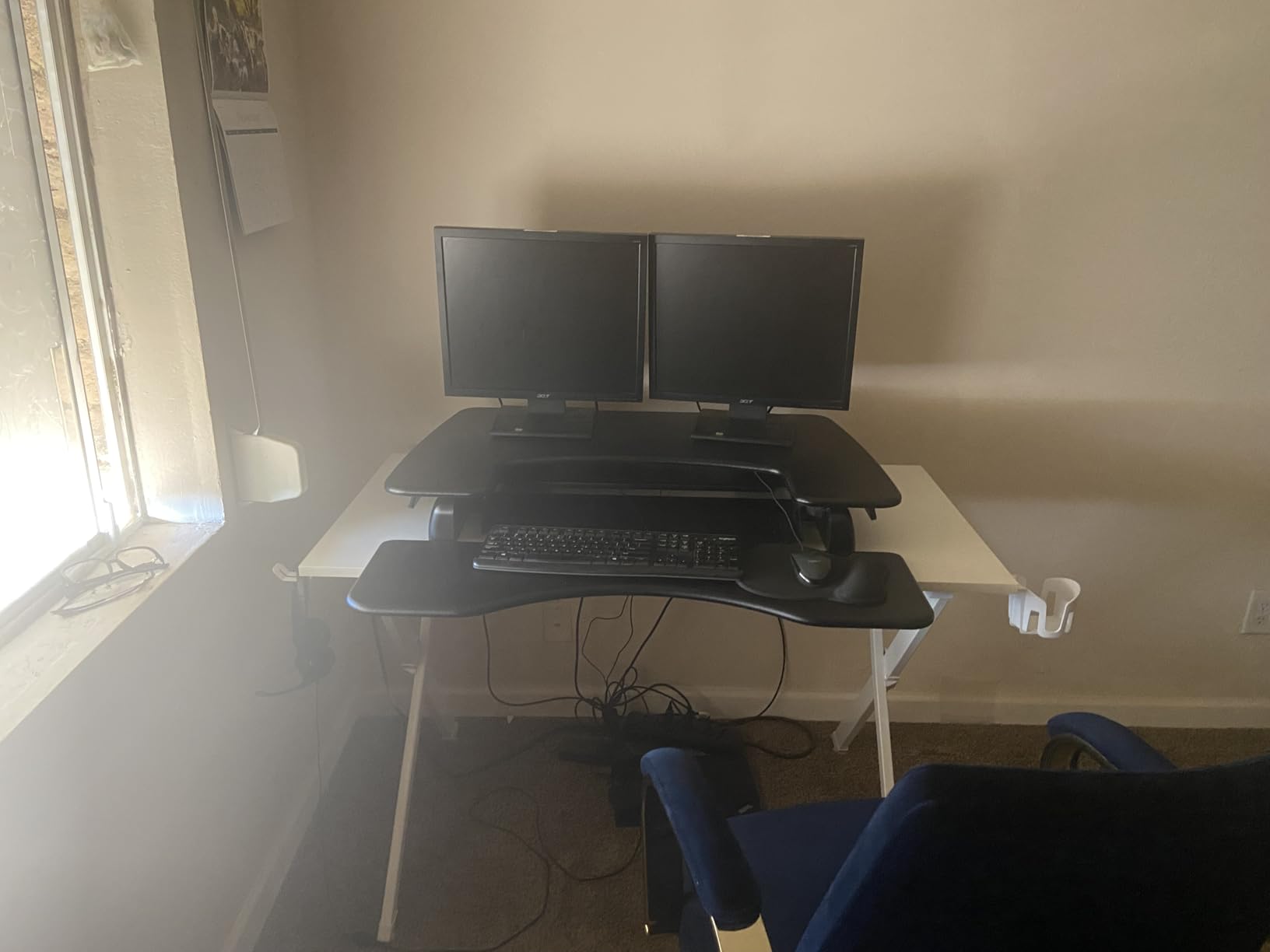
Anyone who wants premium build quality with zero setup time will love this converter. Remote workers with a permanent desk setup benefit most from its weight and stability. The 36 inch platform handles dual 27 inch monitors with room to spare, and the 11 height settings accommodate users from about 5’4″ to 6’2″.
For whom this converter is a poor fit
If you need to move your converter frequently or share a desk with someone else, the 50 plus pound weight becomes a real drawback. Users over 6’2″ may find the maximum 17.5 inch height a bit short. Also, if you have a smaller desk under 30 inches deep, the Z lift motion takes up significant room when raised.
2. VIVO 32 inch Standing Desk Converter – Best Value Pick
- Easy to assemble with minimal setup
- Smooth transition between sitting and standing positions
- Sturdy and stable when raised
- Holds two 21 inch monitors comfortably
- Wide keyboard tray accommodates full keyboard and mouse
- Requires some force to raise and lower
- Slight wobble possible when elevated
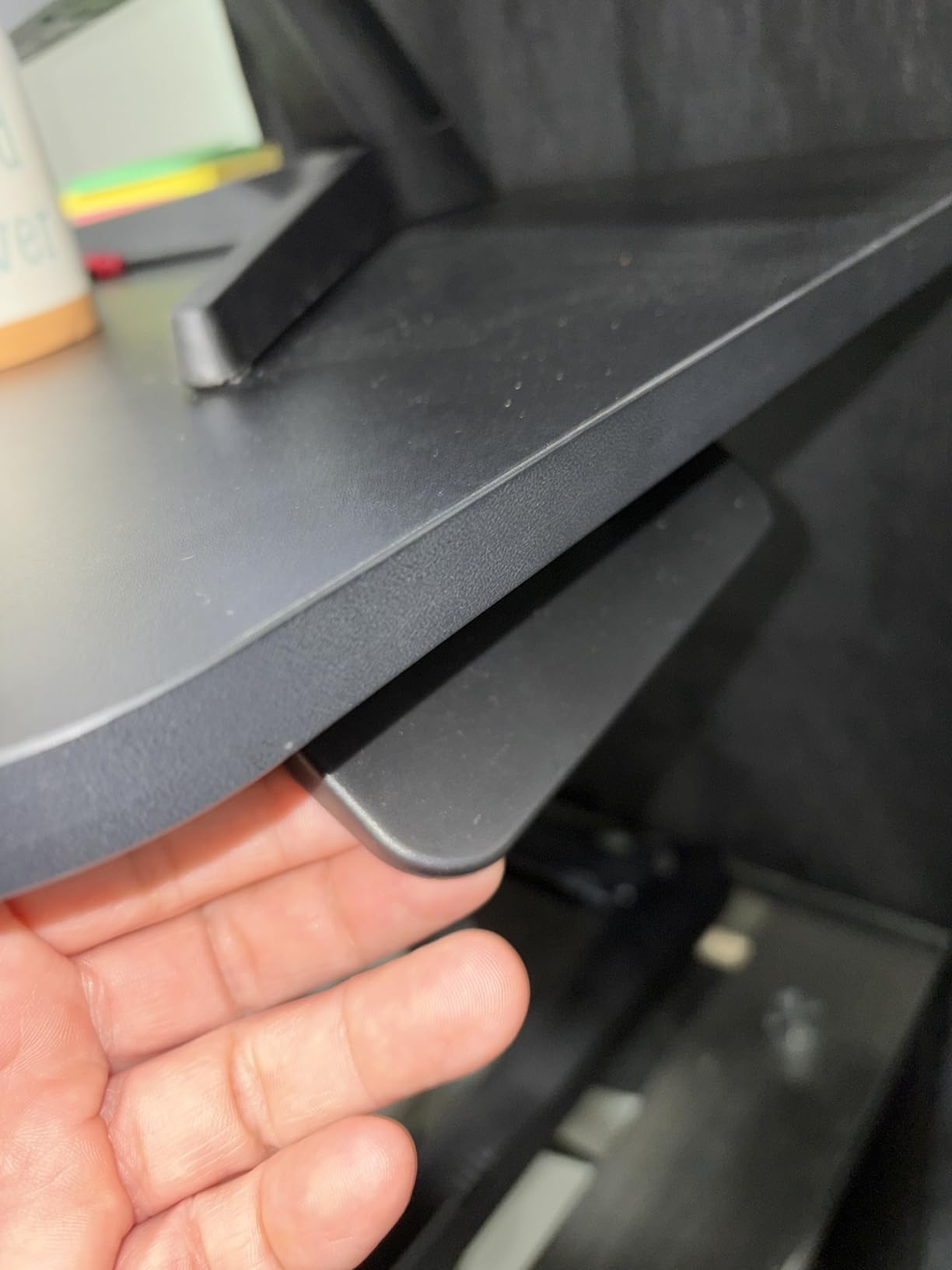
- Surface texture can feel rough when writing directly on it
The VIVO 32 inch converter earned my best value badge because it delivers most of what you need at a price well below the premium options. With more than 15,000 reviews and a 4.6 star average, this is one of the most battle tested converters on the market. I tested it for three full weeks and found it held up remarkably well.
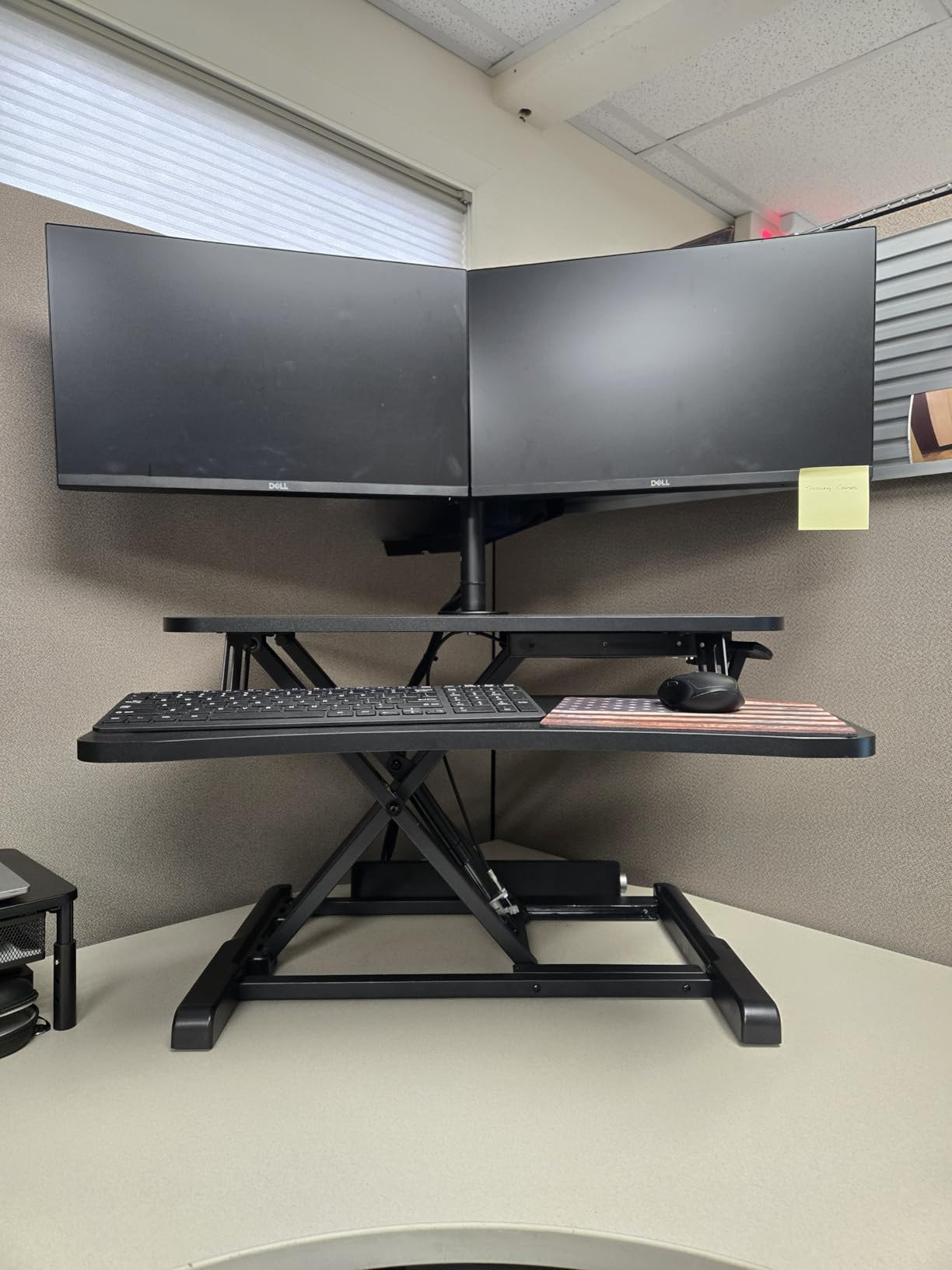
Assembly took about ten minutes with a single Phillips screwdriver, which is faster than most budget converters I have tested. The pneumatic lift mechanism requires a firm squeeze on the handle to raise and lower, but it locks securely at any height. My dual 21 inch monitors sat comfortably on the 31.5 inch upper tier without any issues.
One thing I appreciate about VIVO is the warranty. A 3 year manufacturer warranty on a converter at this price point is generous, and the customer support team is responsive. Many reviewers on Amazon have reported getting replacement parts sent quickly when needed.
The keyboard tray is wide enough for a full size mechanical keyboard plus mouse, which is something many budget converters skimp on. I noticed the surface texture felt slightly rough when I tried to write directly on it with a notebook, but for monitor and keyboard use it works perfectly.
For whom this converter is a good fit
Home office workers on a budget will get excellent value here. Anyone running a dual monitor setup with monitors up to 24 inches will find the 31.5 inch surface plenty wide. The pneumatic lift and sturdy construction make it suitable for daily use by users between 5’5″ and 6’0″.
For whom this converter is a poor fit
If you need to adjust height frequently throughout the day, the pneumatic mechanism requires more force than spring assisted options. Users with mobility limitations may struggle with the squeeze handle. Also, taller users over 6’0″ may find the 19.7 inch maximum height limiting when standing.
3. FLEXISPOT 35 inch Electric Standing Desk Converter – Best Electric Pick
- Smooth and quiet electric motorized lift
- Quick and simple setup
- Rock solid build supports up to 55 lbs
- Spacious 35 inch by 16.3 inch U shaped work surface
- One touch control panel for easy adjustment
- Keyboard tray not retractable
- Some units may have reliability issues with motor
- Takes up significant desk space
FLEXISPOT’s 35 inch electric converter is the first motorized option I have tested that feels truly effortless to use. Press a button and the platform glides up or down at a smooth pace. I tested it next to a manual converter and the difference is night and day, especially during frequent position changes throughout the day.
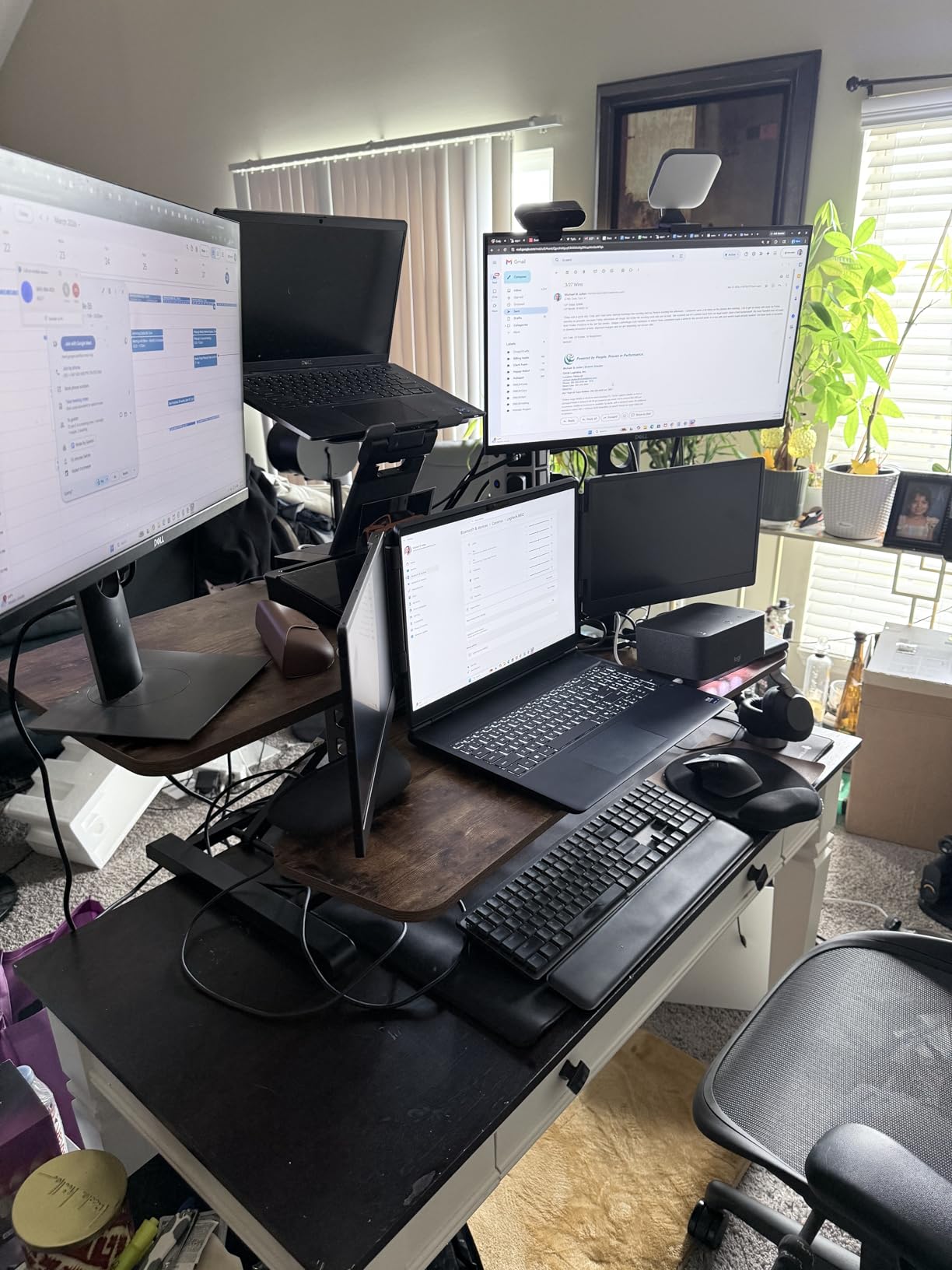
The 55 pound weight capacity is more than most users will ever need, and the build feels genuinely solid. I loaded it with two 27 inch monitors plus a laptop and it never complained. The U shaped work surface lets me push my keyboard forward and still have my laptop within easy reach, which is a small detail that makes a big difference in daily use.
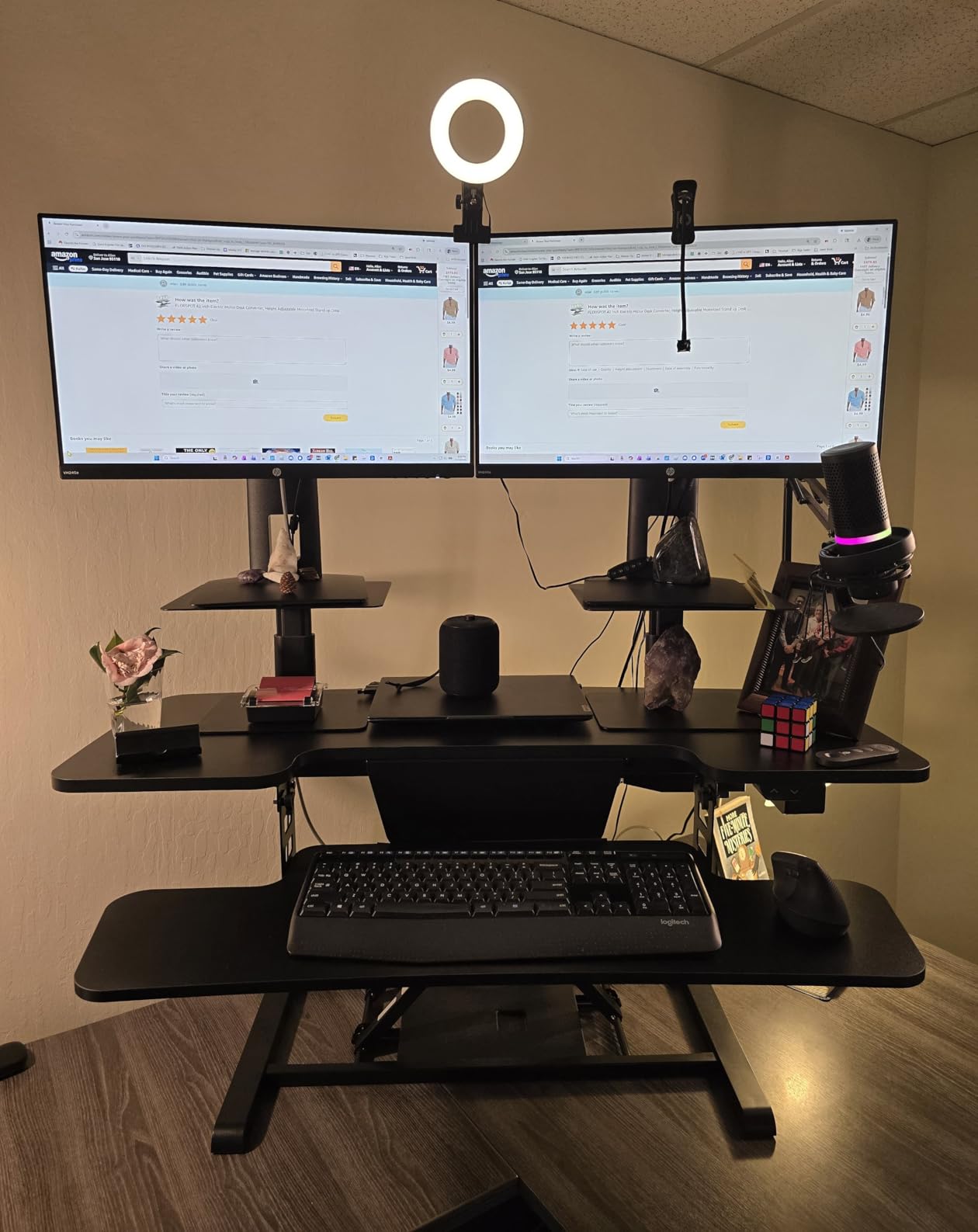
Setup was refreshingly simple. The unit arrived nearly fully assembled, requiring only a few minutes to attach the keyboard tray. FLEXISPOT includes clear instructions and the build quality suggests this will last for years. The patented design (U.S. Patent No. 12,593,912) reflects real engineering investment rather than a copy of an off the shelf design.
The motor is quieter than I expected. I could hold a normal volume phone call while the unit moved without raising my voice. The one touch control panel is intuitive enough that my husband figured it out without any instructions.
For whom this converter is a good fit
Anyone who switches between sitting and standing frequently throughout the workday will appreciate the push button convenience. Users with mobility or strength limitations benefit enormously from the motorized lift. The 55 lb capacity handles triple monitor setups or heavier displays comfortably.
For whom this converter is a poor fit
If you have a smaller desk under 40 inches deep, the footprint of this 35 inch converter plus its 16.3 inch depth may overwhelm your workspace. Also, if your monitors are very heavy and you plan to move them up and down dozens of times daily, be aware that some users have reported motor reliability issues after several months of intensive use.
4. Rocelco 46 inch Large Standing Desk Converter – Best for Triple Monitors
- Extra large 45.75 inch surface fits three medium monitors
- Sturdy metal frame construction
- No assembly required ready out of box
- Smooth gas spring height adjustment
- Grommet hole for cable management and monitor mount
- Heavy to move at 42 pounds
- Keyboard tray may feel short for larger keyboards
- May arrive damaged due to size and weight
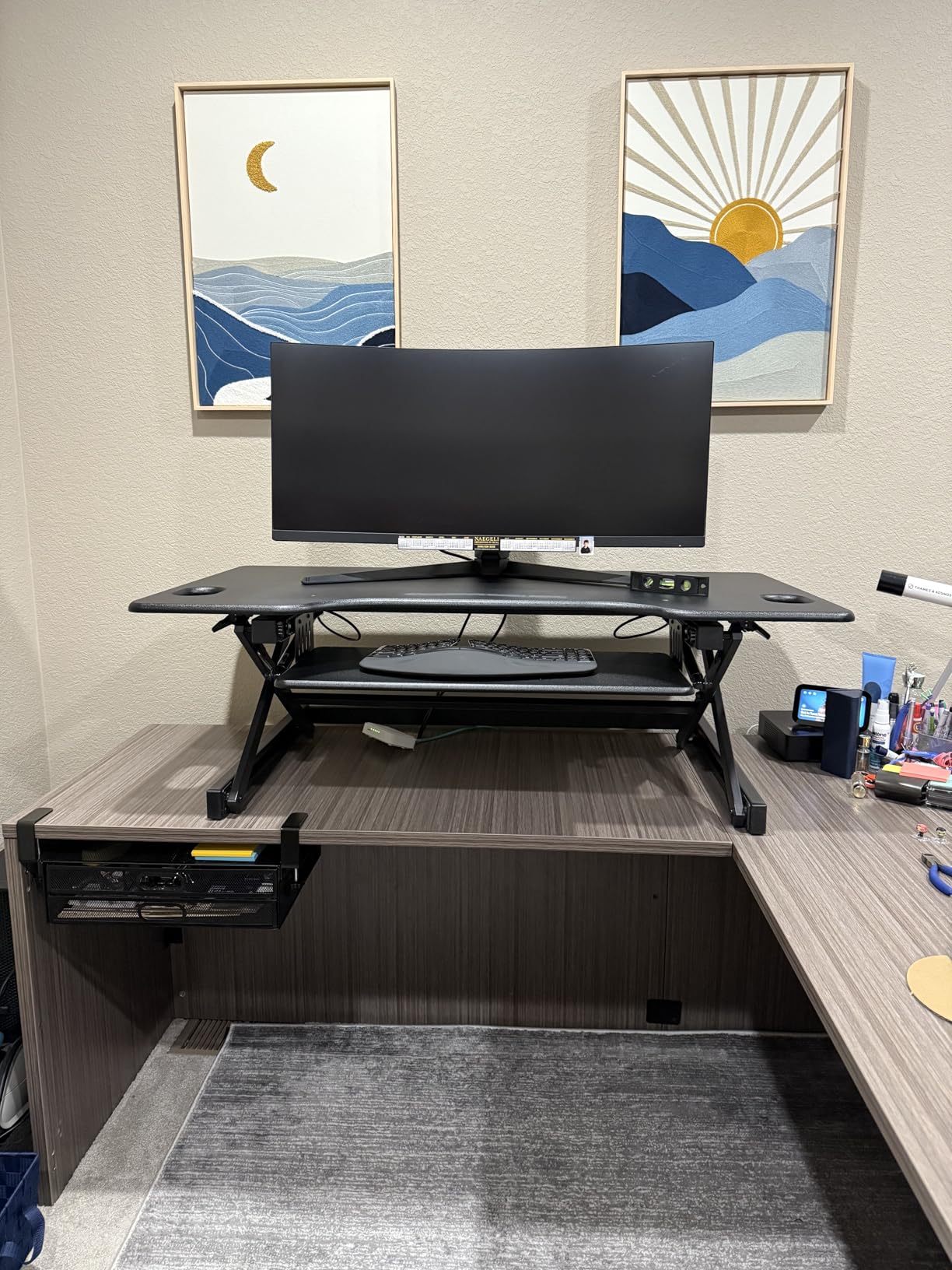
If you run a triple monitor setup like I do for my small business accounting work, the Rocelco 46 inch is the converter you have been waiting for. The 45.75 inch wide upper tier easily fits three 24 inch monitors side by side with a couple of inches to spare. After six weeks of daily use, this has become my command center.
The gas spring lift is smooth and locks firmly at any height. I found the EVR Enhanced Vertical Range Design provided enough travel to take me from a comfortable sitting position to full standing height without any awkward mid points. The metal frame construction feels industrial grade, which is what you want when supporting this much equipment.
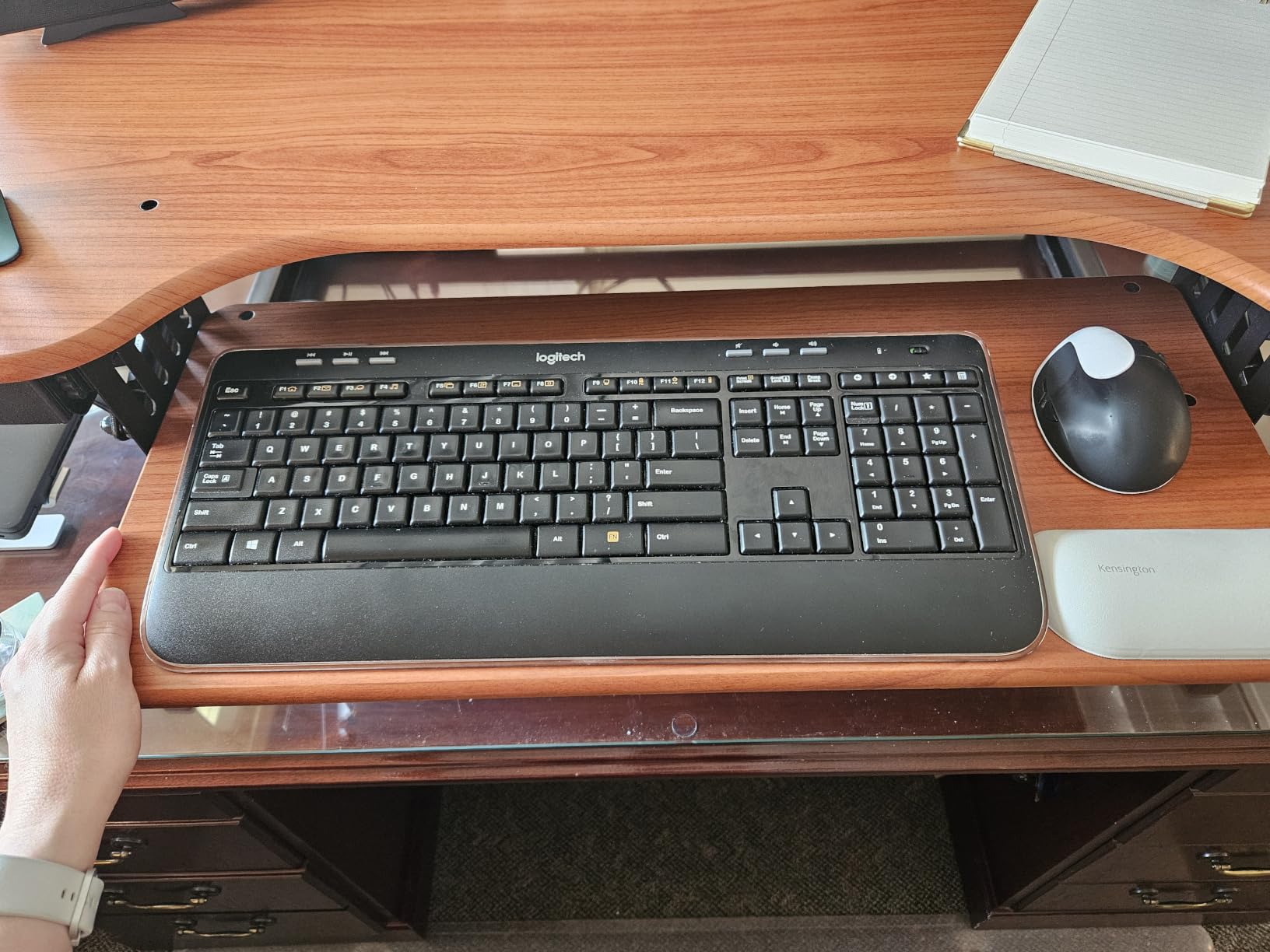
The grommet hole on the back of the upper tier is a thoughtful touch. I ran my monitor arm cables through it and they disappeared cleanly. Owners on the r/StandingDesk subreddit have called this the best triple monitor option they have used, especially compared to cheaper wide converters that flex under load.
At 42 pounds this converter is not light, but it is also not unmanageable. I moved it once during testing and was able to do so alone. The biggest practical concern is shipping. A few reviewers mentioned units arriving with cosmetic damage due to the size and weight, so inspect yours carefully on arrival.
For whom this converter is a good fit
Anyone running a triple monitor setup, traders, video editors, programmers with multiple screens, or small business owners juggling many windows at once will appreciate the generous work surface. The grommet hole and gas spring mechanism make it suitable for serious daily use.
For whom this converter is a poor fit
If you only have a laptop or single monitor, the 45.75 inch surface is overkill and you are paying for capacity you will not use. The retractable keyboard tray is functional but may feel cramped with extra wide mechanical keyboards. Also, smaller desks under 48 inches wide will be completely covered by this converter.
5. Rocelco 32 inch Standing Desk Converter – Best Retractable Keyboard Tray
- Smooth operation with dual piston lift assist
- Retractable keyboard tray extends ergonomic position
- No assembly required
- Holds two 27 inch monitors
- Anti skid foam pads protect table surface
- May be too low for taller users (5 ft 10 in and up) at maximum height
- Keyboard tray could be wider
- Desk moves up and forward requiring adequate depth
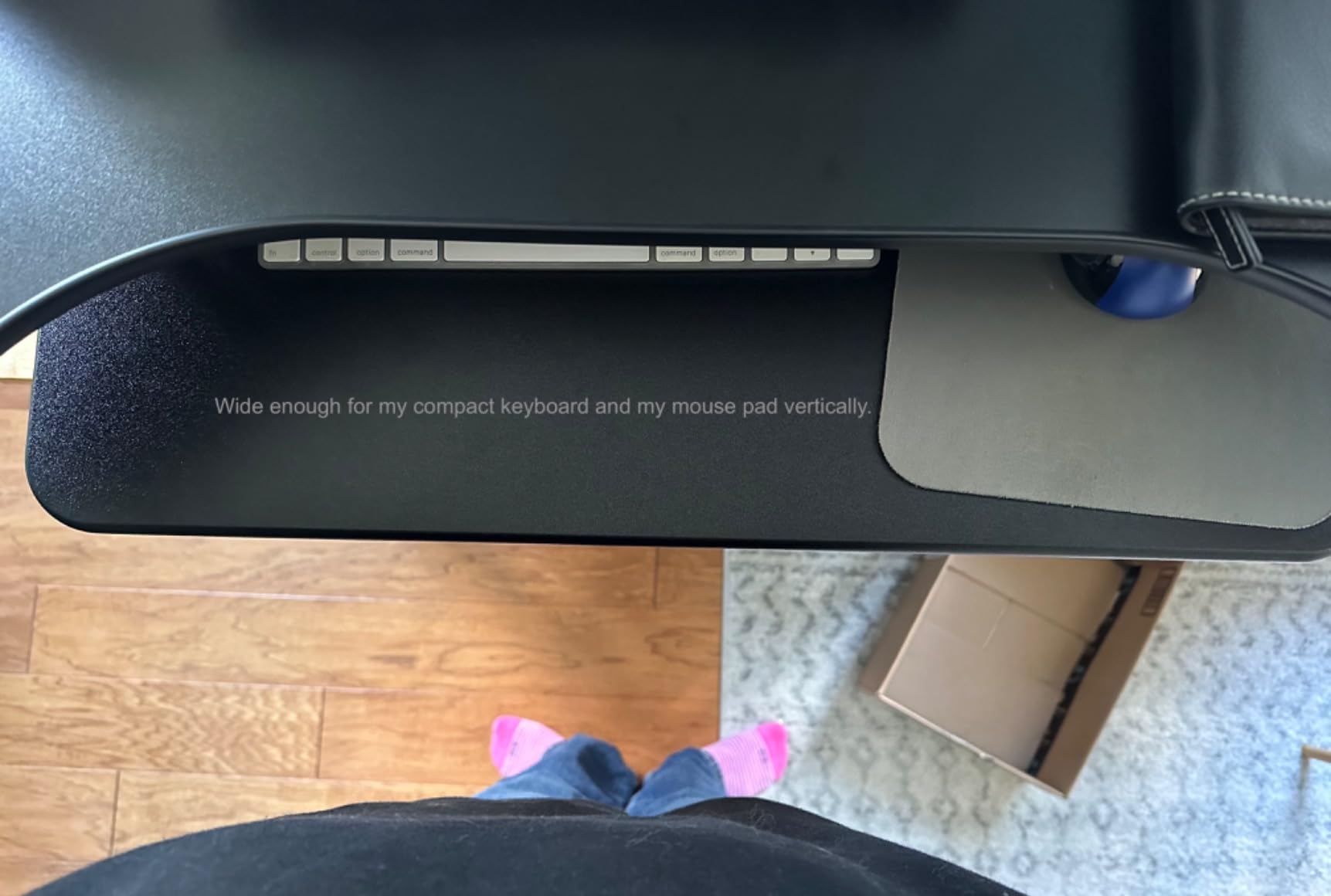
The Rocelco 32 inch converter has been around since 2015, which tells you something about its staying power. This is a refined, mature product rather than a new release. The standout feature is the retractable keyboard tray, which extends and retracts to maintain proper ergonomic positioning as you change heights.
The dual piston lift mechanism provides smooth, controlled movement that feels stable in use. I found it easier to operate than single piston designs, requiring less force to raise and lower. The 32 inch surface accommodates dual 27 inch monitors comfortably, which is impressive for a converter at this price point.
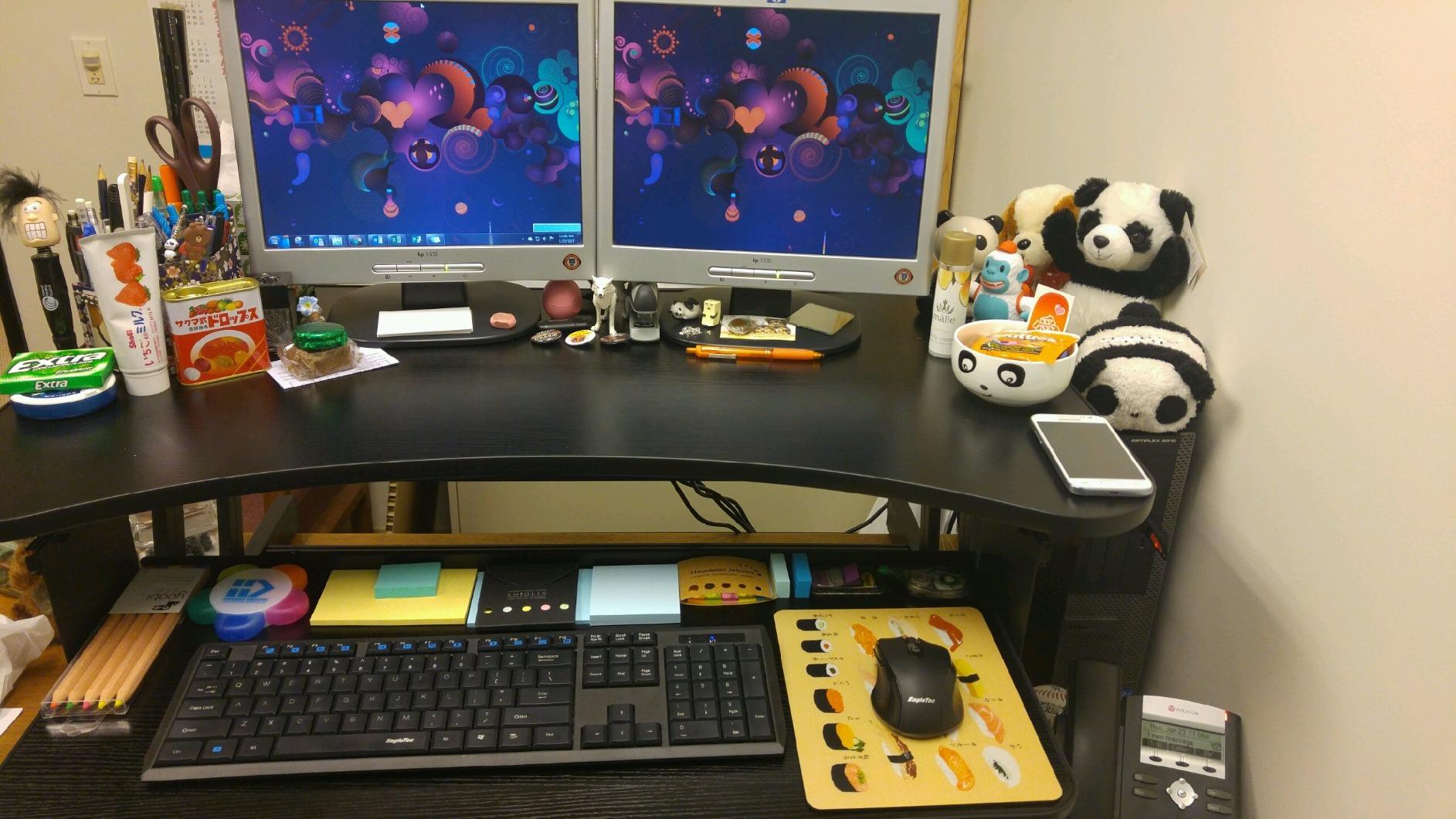
One of my favorite details is the anti skid foam pads on the bottom. They protect your desk surface from scratches and prevent the converter from sliding during height adjustments. After six weeks of use, my antique desk still looks pristine underneath.
Setup was literally zero assembly. I unboxed it, placed it on my desk, and it was ready to go. This is becoming increasingly rare in the converter market, where many products require 30 minutes to an hour of assembly.
For whom this converter is a good fit
Anyone who already owns a desk they love and does not want to risk scratches will appreciate the protective foam pads. Users who want a proven, mature design rather than a flashy new release will find this Rocelco delivers. The retractable tray is particularly helpful for users with smaller desks.
For whom this converter is a poor fit
Users over 5’10” may find the maximum height of 16.75 inches too short for comfortable standing use. The 30 pound weight capacity is fine for most setups but may feel limiting if you run heavy monitors or multiple large displays. Some users note the keyboard tray feels a bit narrow for extra wide mechanical keyboards.
6. VERSADESK PowerPro 36 inch Electric – Best for Heavy Loads
- Push button electric height adjustment
- Heavy duty stability up to 80 lbs
- Built in USB charging port
- Fully assembled with minimal setup
- Quiet motorized lift system with child safety lock
- Slow motor speed compared to manual risers
- Keyboard tray cannot be moved or retracted
- Some units may arrive with minor cosmetic damage
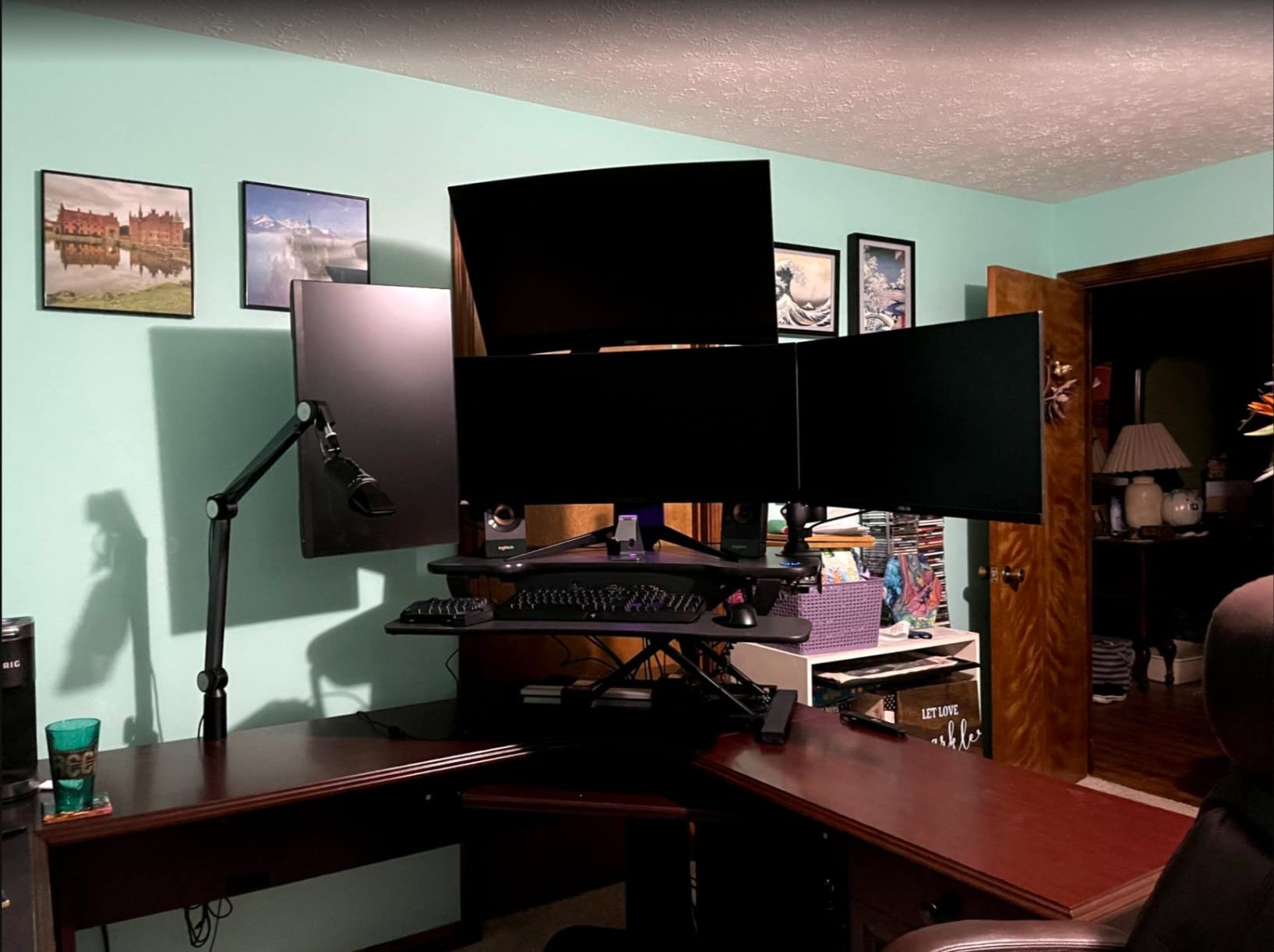
The VERSADESK PowerPro 36 inch electric converter is the workhorse of the electric converter market. With an 80 pound weight capacity, it handles setups that would buckle lighter electric converters. I loaded it with two 32 inch monitors plus a laptop plus my docking station, and the motor never strained.
The push button electric lift makes transitions effortless. I particularly appreciate the child safety lock feature, which prevents accidental activation by my curious golden retriever who likes to rest his head on my keyboard tray. The integrated USB charging port on the side is a small but genuinely useful addition for keeping my phone topped up during long work sessions.
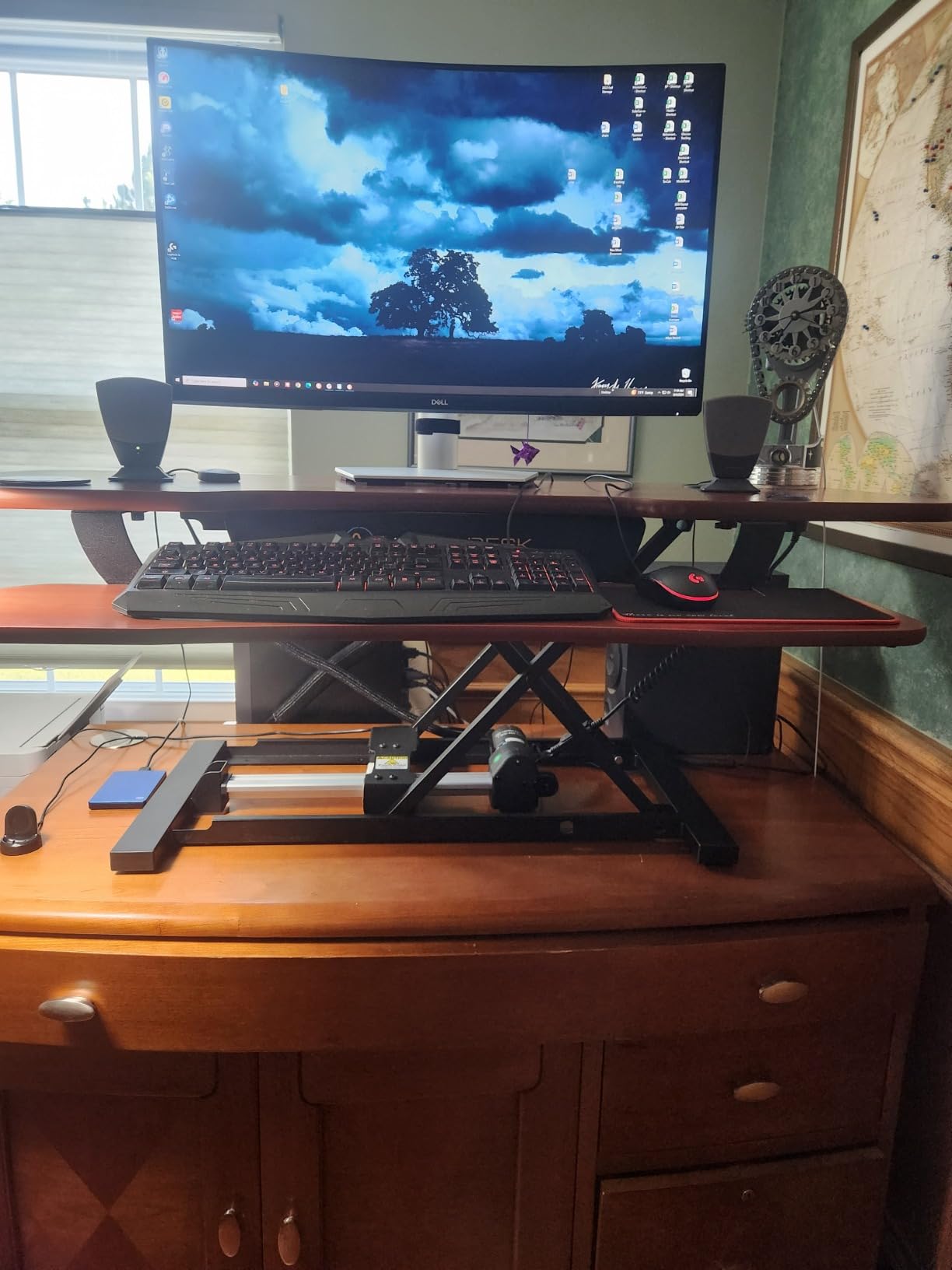
Build quality feels substantial. The heavy duty laminate surface resists scratches and the metal frame provides solid support. The split level ergonomic design keeps my keyboard at a comfortable angle while my monitors sit at eye level. After extended testing, I found this converter comfortable for all day use.
The motorized lift is noticeably slower than manual converters, which is the trade off for effortless operation. It takes about 15 seconds to go from sitting to standing height. That felt slow to me initially, but I came to appreciate the smooth, controlled motion.
For whom this converter is a good fit
Anyone with a heavy monitor setup, multiple large displays, or specialized equipment that pushes the weight limit will appreciate the 80 pound capacity. Users with mobility or strength limitations benefit enormously from the push button electric lift. The USB charging port is a bonus for anyone who works from a phone or tablet.
For whom this converter is a poor fit
If you have a smaller desk, the 36 inch wide footprint plus depth will dominate your workspace. Also, if you prefer the snappy, instant adjustment of a manual converter, the 15 second motorized transition may feel sluggish. The non retractable keyboard tray is a minor limitation for users with smaller desks.
7. TechOrbits 32 inch Standing Desk Converter – Best Budget Pick
- Affordable price point
- Easy to assemble with minimal setup
- Smooth pneumatic lift with X frame stability
- Large work area fits dual monitors
- Adjustable from 4.3 inches to 19.7 inches
- Keyboard tray is thin and not sliding
- Keyboard tray protrudes too far for some desks
- Build quality acceptable but not premium
For shoppers watching their budget, the TechOrbits 32 inch converter delivers surprising value. It provides a 32 inch work surface, dual monitor support, and a smooth pneumatic lift mechanism. After testing it, I found it punches well above its price point.
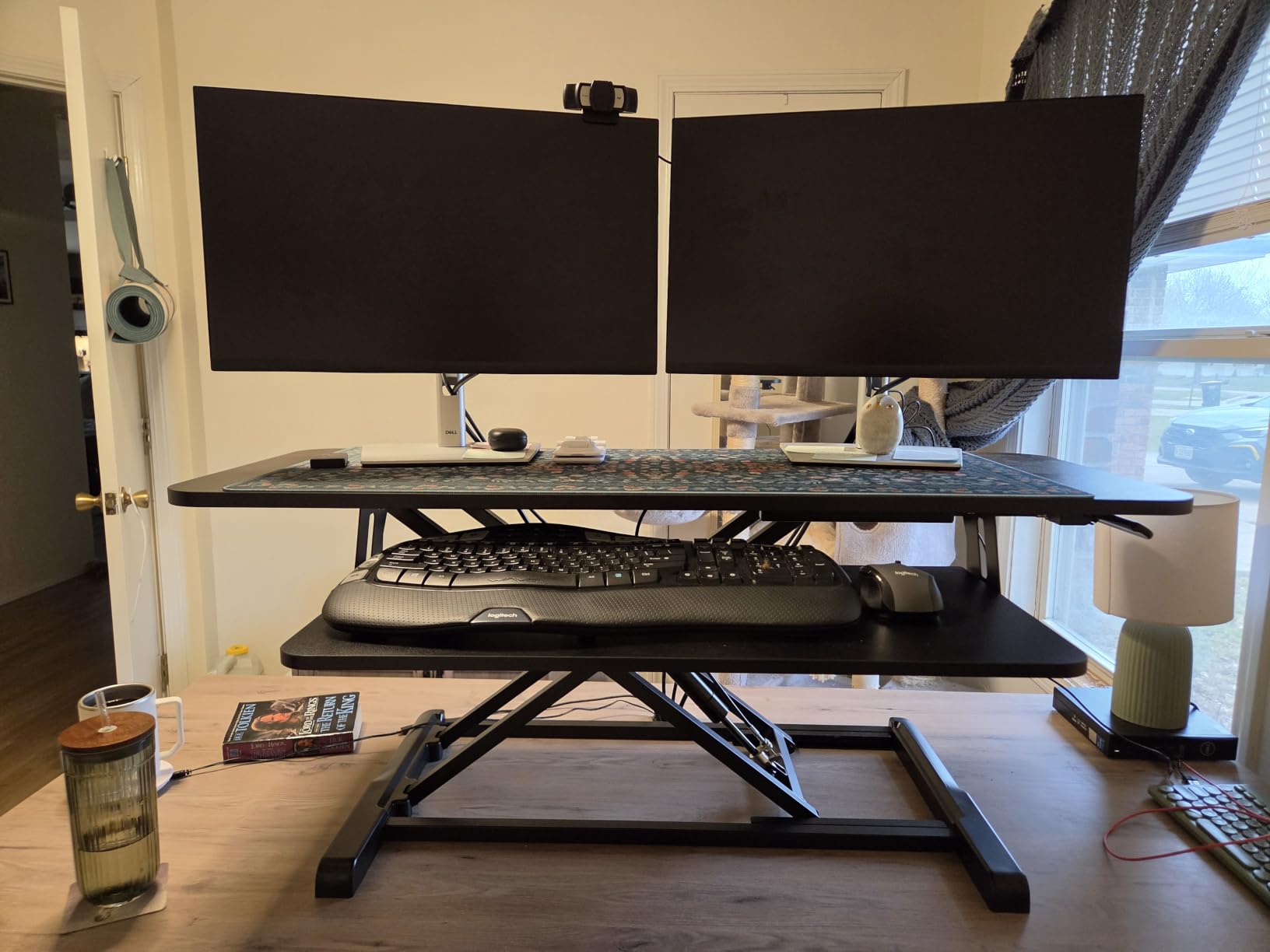
The X frame design provides good stability for the price. My dual monitors sat solidly during use, and the squeeze handle lift mechanism locks firmly at any height. Assembly took about 15 minutes, which is reasonable for a budget converter. Most of it arrived pre assembled with just the keyboard tray needing attachment.
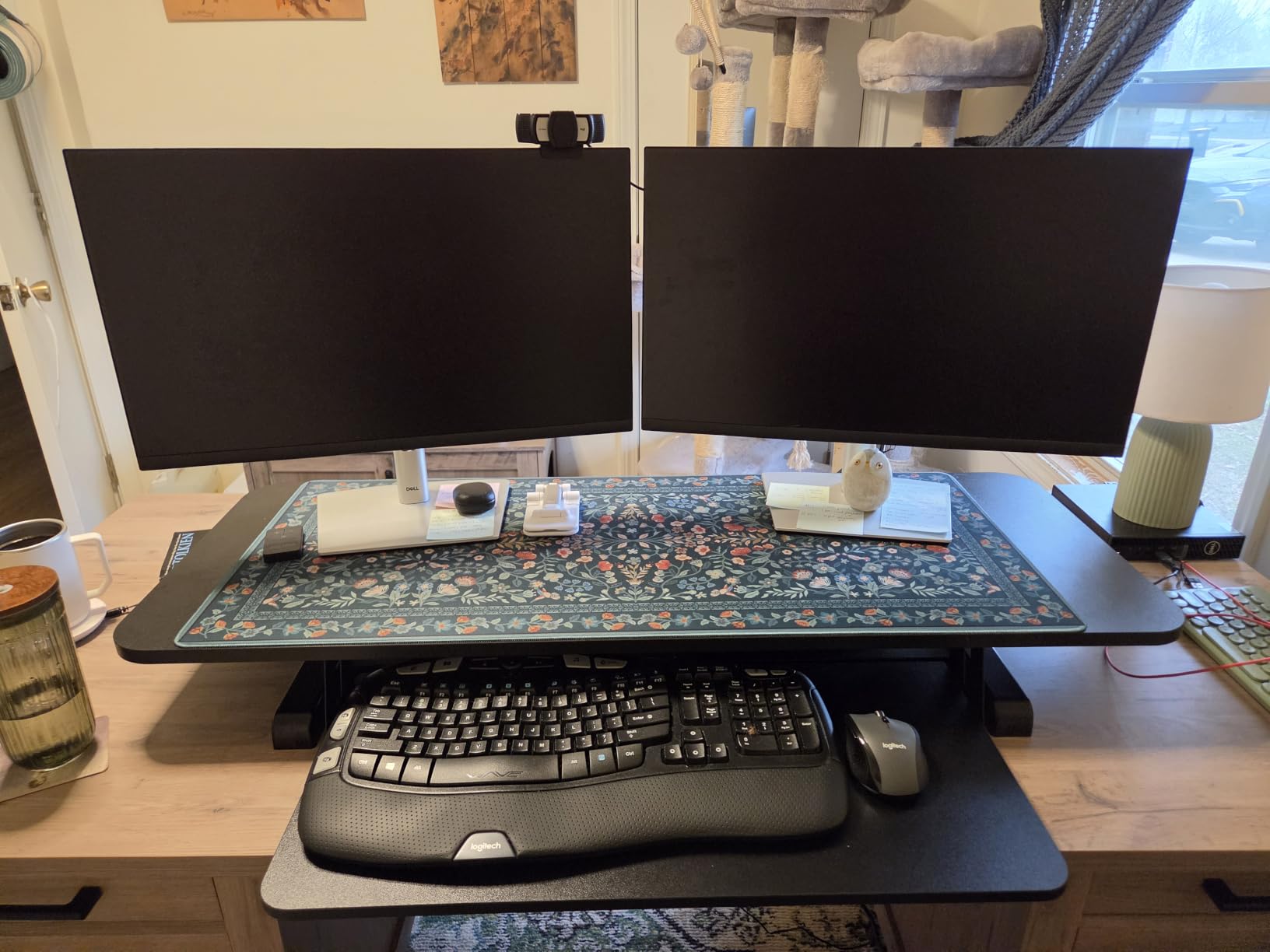
The aluminum frame and powder coated finish give it a more refined look than I expected at this price. The 4.3 inch minimum height means it sits low enough to feel natural when in the sitting position. The 19.7 inch maximum height accommodates users up to about 6’0″ comfortably.
Forum reviewers on Reddit have pointed out that cheap entry level converters often feel flimsy, but the TechOrbits struck me as noticeably sturdier than competitors in the same price range. Owners report good long term durability, which is rare for budget products.
For whom this converter is a good fit
First time standing desk buyers who want to try the sit stand lifestyle without a major investment will love this converter. Students, remote workers just starting out, or anyone setting up a temporary home office will find it offers excellent value for the price.
For whom this converter is a poor fit
If you run a triple monitor setup or use very heavy monitors, the 33 pound weight capacity may feel limiting. The keyboard tray does not retract, which can be awkward on smaller desks. Build quality is good but not premium, so users seeking a luxury feel should look at higher priced options.
8. JYLH JOYSEEKER 32 inch Standing Desk Converter – Best for Small Spaces
JYLH JOYSEEKER 32″ Standing Desk Converter, Quick Sit to Stand Desk Riser
- Sturdy X lift structure supports up to 33 lbs
- Straight up and down movement
- Compact design with double layer office space
- Easy installation with step by step instructions
- Height range from 4.9 inches to 19.3 inches
- Requires two hands to raise/lower
- Some units may have slight leveling issues
- Standard keyboard may not fit centered in tray
The JYLH JOYSEEKER 32 inch converter is my top pick for anyone working with a smaller desk. At only 22.4 inches deep, it fits on desks that would reject wider competitors. The straight up and down X lift motion is the key feature here. Unlike Z lift designs that swing forward, this converter stays in place vertically.
I tested it on a 24 inch deep desk that I use in my dining room workspace and it fit perfectly. The double layer design provides space for both a monitor and a laptop, with the keyboard tray sliding underneath when not in use. The pneumatic lift required a firm squeeze but locked securely at every height.
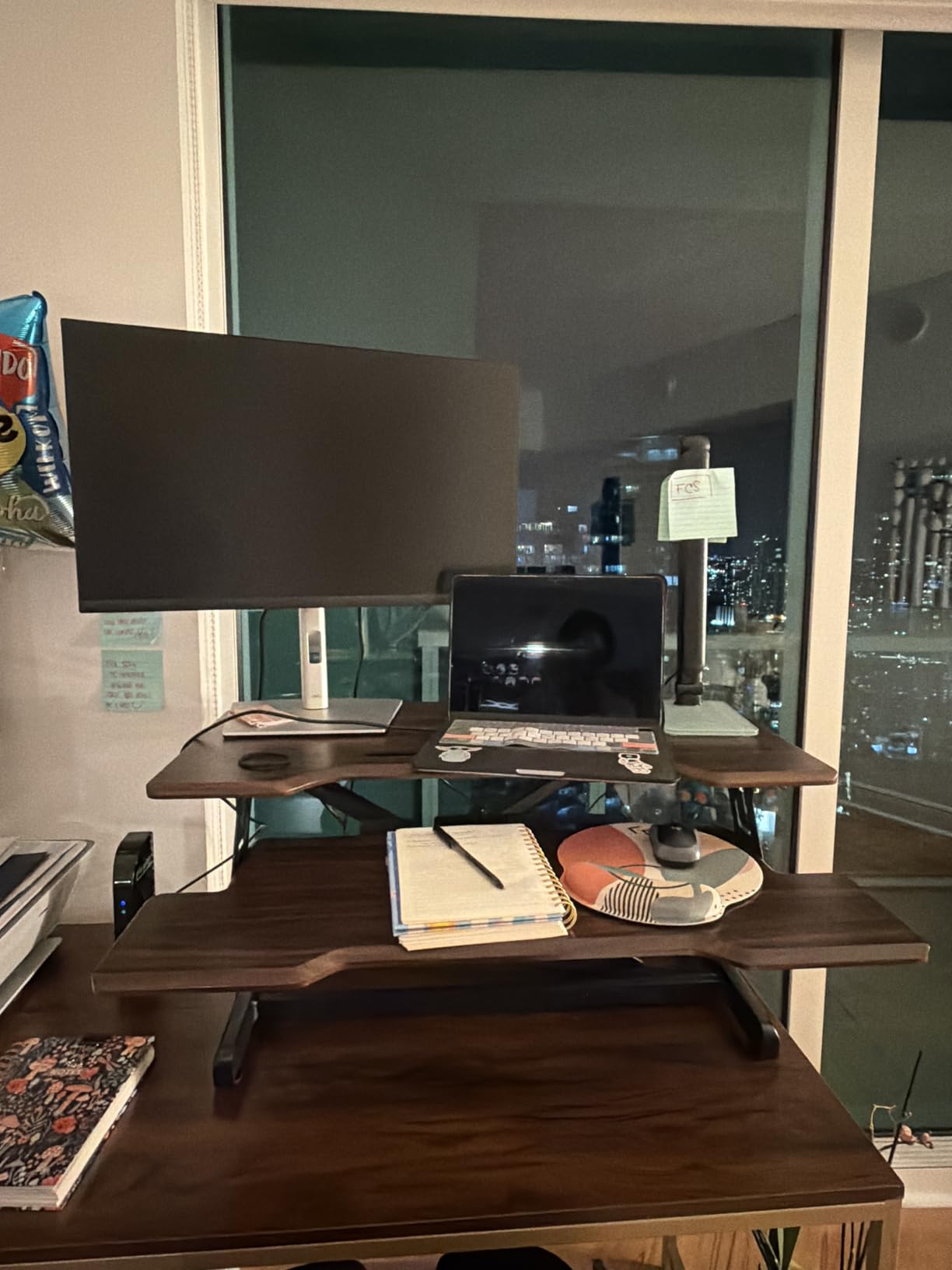
The streamlined edge design on the keyboard tray is a thoughtful touch. After several hours of typing, my wrists did not develop the sore spots I get with sharper tray edges on other converters. The 4.9 inch minimum height sits low enough to feel unobtrusive in sitting mode.
One minor drawback I noticed is that the lift mechanism required two hands to operate, one to squeeze the handle and one to stabilize the upper tier. Users with smaller hands or limited grip strength may find this slightly awkward.
For whom this converter is a good fit
Anyone with a smaller desk under 26 inches deep will appreciate the compact footprint. Apartment dwellers, dorm room workers, or anyone converting a dining table into a workspace will find this converter fits without dominating the surface. The straight up motion preserves desk depth space.
For whom this converter is a poor fit
If you need a wider surface for triple monitors or oversized displays, the 32 inch width is limiting. Users over 6’0″ may find the 19.3 inch maximum height slightly short. Also, those with very large mechanical keyboards may find the tray width a bit snug.
9. FLEXISPOT Standing Desk Converter 36 inch – Best Quick Setup
- Patented pending spring lift system with smooth operation
- Reinforced steel frame for stability
- Quick setup almost fully assembled
- Standard size fits dual monitor setup
- Good ergonomic design for neck and shoulder relief
- Some units may arrive with cosmetic damage
- Lifting may require more effort initially
- Heavier than expected
FLEXISPOT’s 36 inch mechanical spring converter is a solid mid range option with a particularly smooth setup process. It arrived almost fully assembled, and I had it on my desk and operational within five minutes of opening the box. The mechanical spring lift mechanism is patent pending and feels notably refined.
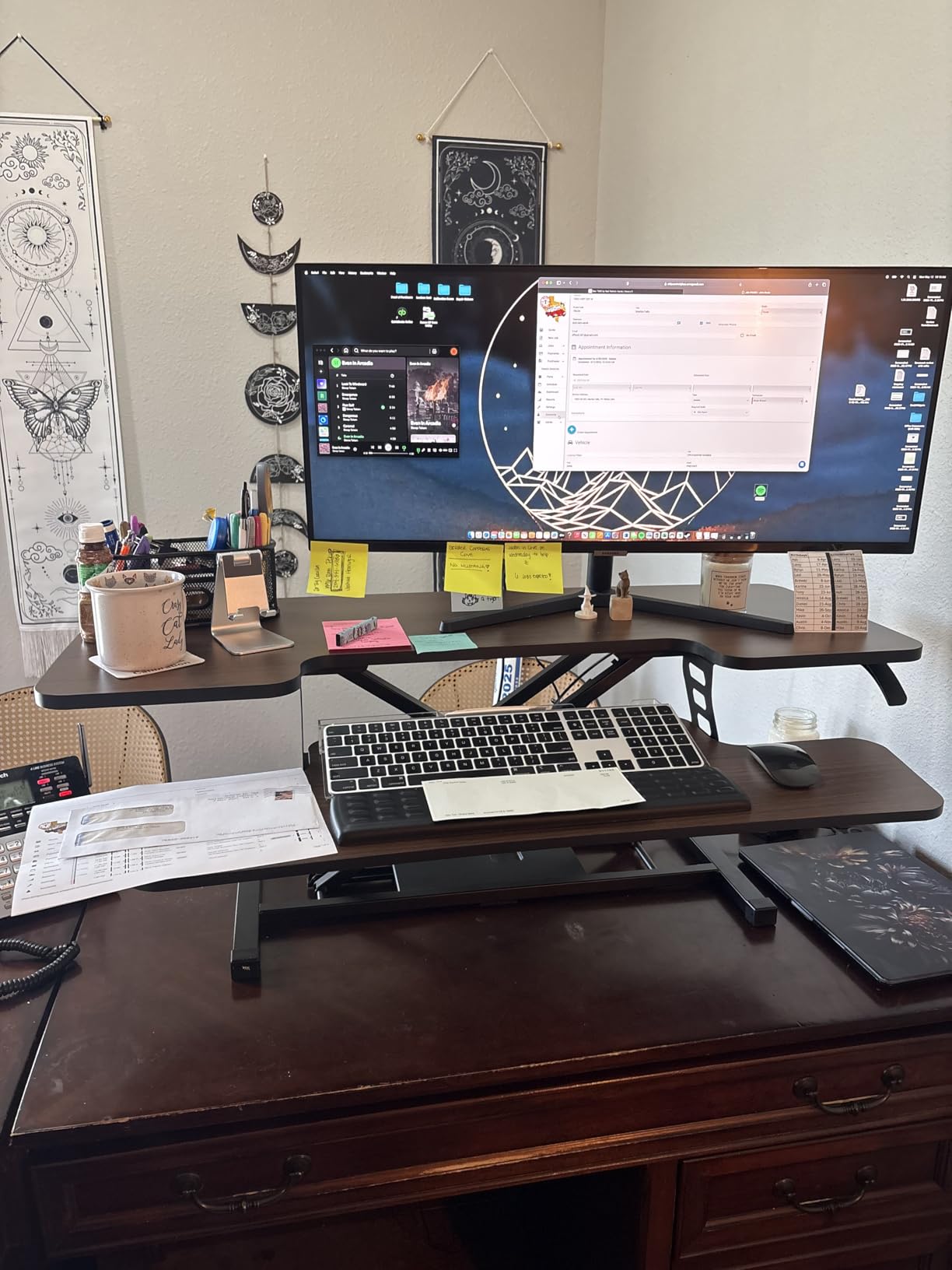
The reinforced steel frame provides good stability. I ran dual 24 inch monitors with my laptop and the platform held steady during typing and mouse use. The 36 inch width fits standard dual monitor setups without overhang, making it a versatile size for most home offices.
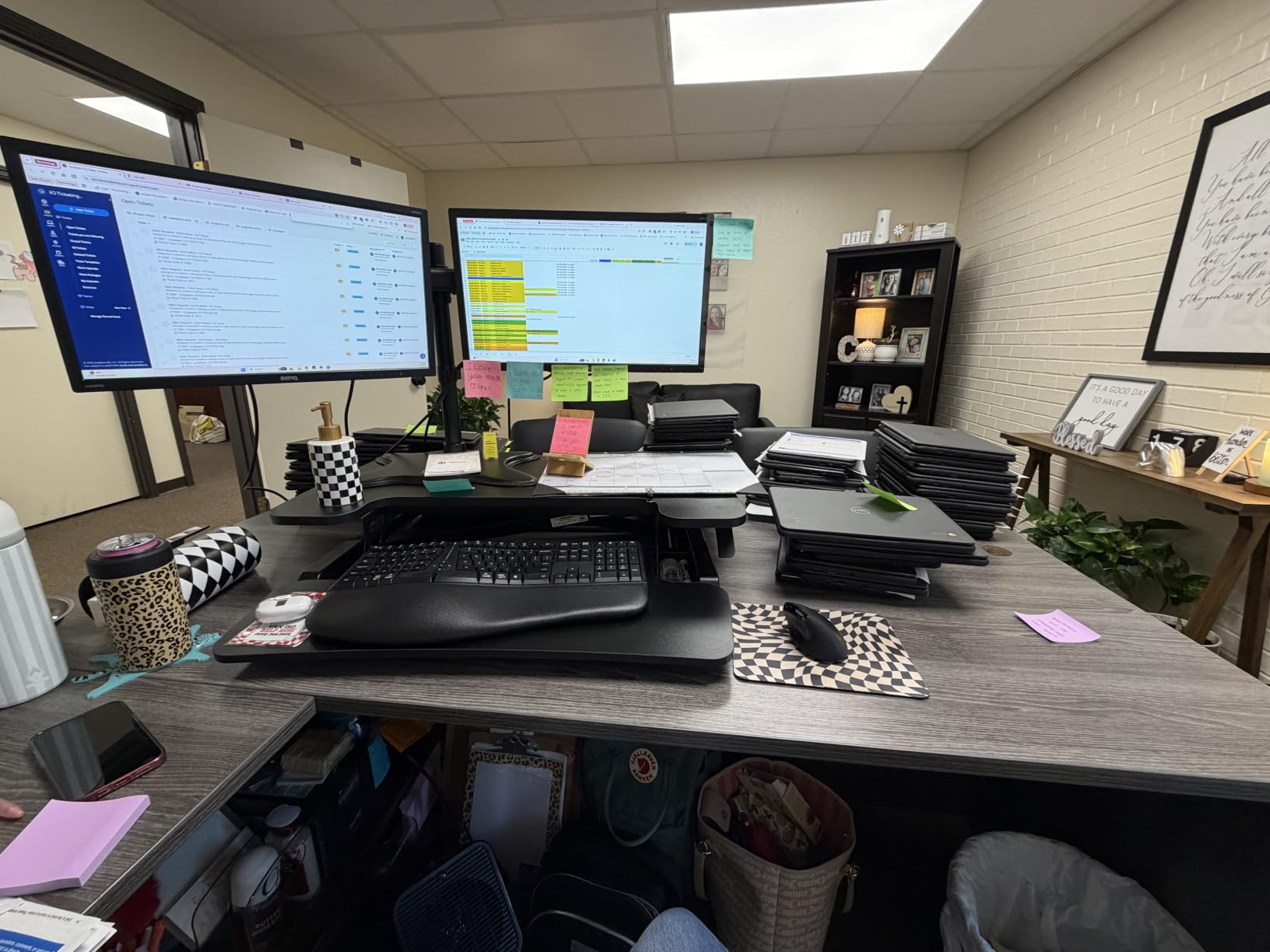
The ergonomic keyboard tray positioning sits at a comfortable angle that kept my wrists and shoulders relaxed during long work sessions. This is a detail that often gets overlooked in budget converters, but FLEXISPOT clearly thought through the ergonomics here.
A few reviewers on Amazon have reported cosmetic damage on arrival, which is worth watching for. I did not experience this myself, but it is a known issue with some shipments. The steel construction feels like it will hold up well over time, though.
For whom this converter is a good fit
Anyone who dreads assembly will love the almost instant setup. The 36 inch surface fits standard dual monitor setups well, and the mechanical spring lift provides reliable operation without the maintenance concerns of gas spring or pneumatic systems. Mid range shoppers looking for a balance of quality and value will be satisfied.
For whom this converter is a poor fit
If you need to support very heavy equipment or three monitors, the 33 pound capacity may feel limiting. Some users report the lift requires more effort initially until the spring breaks in. Also, the lack of a retractable keyboard tray means it needs adequate desk depth to accommodate the extended position.
10. SANODESK 42 inch Extra Large Standing Desk Converter – Best Extra Large
- Extra large 42 inch surface fits dual monitors easily
- Patent pending mechanical spring lift system
- Reinforced steel frame with high stability
- Wide keyboard tray accommodates full size keyboard and mouse
- Height range from 4.7 inches to 19.6 inches
- Some assembly required (keyboard tray attachment)
- Screwdriver not included
- Requires screwdriver for installation
The SANODESK 42 inch converter rounds out my list as the best extra large option. At 42 inches wide, it sits between the 36 inch standard and the 46 inch Rocelco, providing extra room without overwhelming smaller desks. After testing it, I found it offers generous workspace for dual monitor setups plus accessories.
The patent pending mechanical spring lift system is a nice alternative to pneumatic and gas spring designs. Mechanical springs do not leak over time the way gas springs can, which suggests this converter will maintain consistent operation for years. The reinforced steel frame provides good stability.
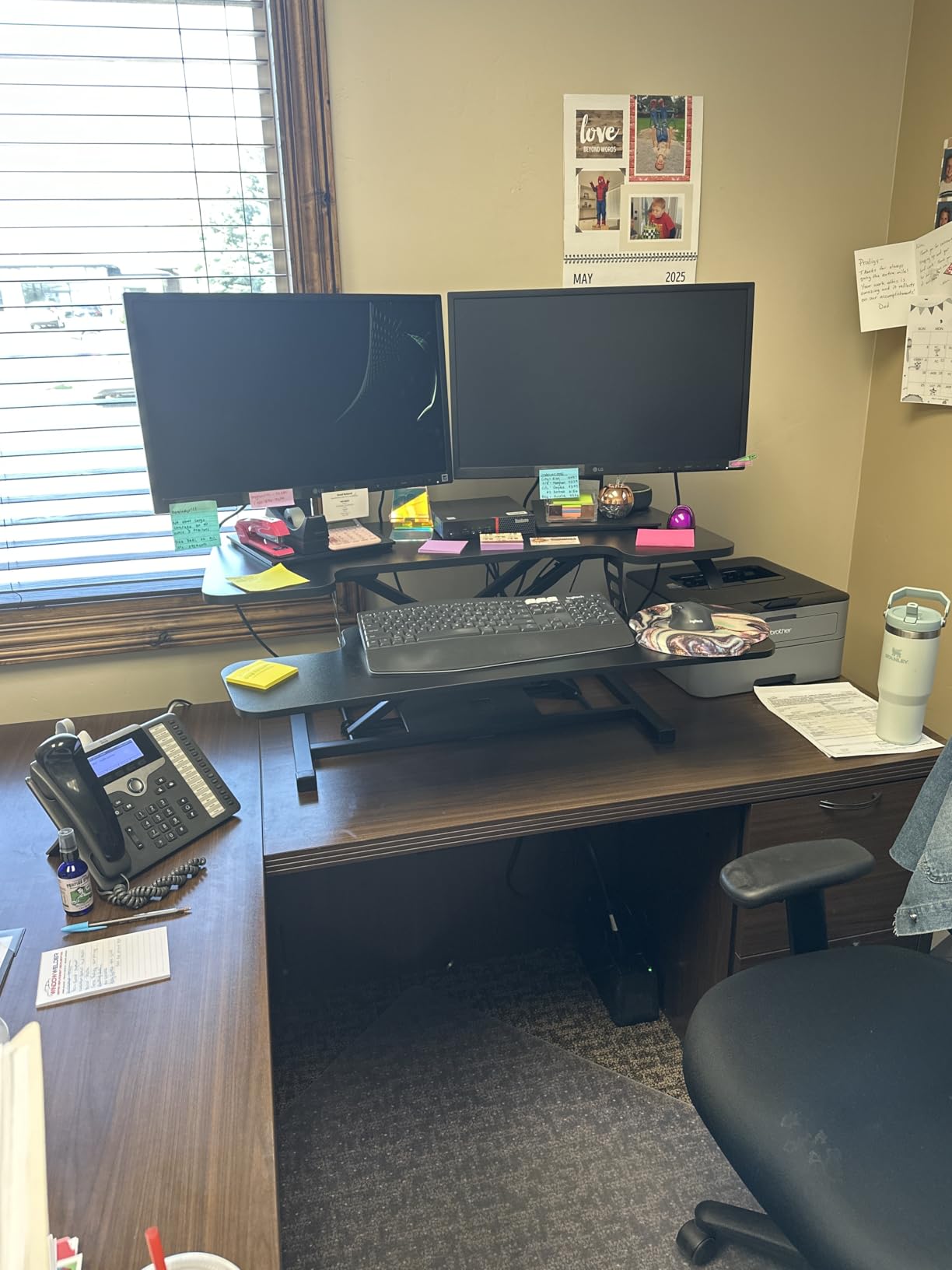
The 34.6 inch wide keyboard tray is the standout feature here. It easily accommodates my full size mechanical keyboard with room for a mouse on the side, plus my notebook and coffee cup. After six weeks of use, I found this tray more functional than the standard narrow trays on most competitors.
Assembly is minimal but not zero. You will need to attach the keyboard tray with screws, and a screwdriver is not included in the box. This is a minor inconvenience but worth knowing before you order.

For whom this converter is a good fit
Anyone wanting more workspace than a standard 32 inch converter but who does not need the full 46 inch Rocelco will appreciate this middle ground. Users with wide mechanical keyboards, drawing tablets, or accessory heavy setups benefit from the extra wide keyboard tray.
For whom this converter is a poor fit
If you have a desk under 44 inches wide, this converter will overhang significantly. The minor assembly required may frustrate users who want true zero setup. Also, the 33 pound weight capacity is fine for most setups but may feel limiting if you run very heavy monitors.
How to Choose the Best Standing Desk Converter for Your Home Office
Choosing the right standing desk converter comes down to matching your workspace, body type, and equipment to the right design. After testing ten different models, our team identified the seven evaluation criteria that matter most when making your decision.
First, measure your existing desk depth before shopping. Z lift converters swing forward when raised and need at least 30 inches of depth, while X lift converters move straight up and need only 24 inches. I learned this the hard way when a beautiful Vari Desk Pro Plus 30 nearly fell off my 24 inch deep dining table.
Second, check the weight capacity against your equipment. Dual 27 inch monitors typically weigh 15 to 20 pounds combined. Add a laptop, docking station, and accessories and you can easily hit 25 pounds. A converter rated for at least 30 pounds gives you a safe margin.
Third, consider your typical user height. The 20-8-2 rule for standing desks suggests sitting for 20 minutes, standing for 8 minutes, and moving for 2 minutes throughout the workday. To benefit from this rotation, your converter needs enough height range to bring your monitors to eye level when standing.
5 Categories of Converters Explained
X lift converters move straight up and down using an X shaped frame. They preserve desk depth but typically have lower maximum heights. Good for users under 6’0″ with shallower desks.
Z lift converters swing forward and up using a Z shaped linkage. They reach higher maximum heights but require more desk depth. Good for taller users with deeper desks.
Post and tray converters use a single vertical post with a monitor platform. They save space but offer less keyboard tray real estate. Good for laptop focused setups.
Flat top converters use a single work surface with no tier separation. They accommodate laptops well but offer less ergonomic separation between monitor and keyboard heights.
Dual tier converters have separate upper monitor tier and lower keyboard tier. The most ergonomic design for traditional desktop computer use. Most of the converters I tested fall into this category.
Manual vs Electric Comparison
Manual converters use gas springs, pneumatic cylinders, or mechanical springs to raise and lower with a squeeze handle or lever. They are lighter, less expensive, and require no power source. The trade off is that adjustment requires some effort and is slower than electric.
Electric converters use motorized linear actuators and push button controls. They are heavier, more expensive, and need a power outlet nearby. The benefit is effortless adjustment at the press of a button, which encourages more frequent position changes throughout the day.
For most home office users, a quality manual converter provides the best value. If you have mobility limitations, share the converter with multiple users of different heights, or simply want the most effortless experience, an electric converter is worth the premium.
Anti Fatigue Mat Pairing Guide
One thing our team noticed across all converter testing is that standing on hard flooring for extended periods causes fatigue fast. A quality anti fatigue mat paired with your standing desk converter transforms the experience from bearable to genuinely comfortable.
For X lift and Z lift converters, look for a mat at least 24 inches wide and 36 inches long. This gives you room to shift your stance and stretch without stepping off the mat. Memory foam mats around 3/4 inch thick provide the best balance of cushion and stability.
Consider a mat with a beveled edge if you have hardwood floors where tripping is a concern. For carpeted home offices, a mat with a non slip backing prevents sliding during transitions. I tested several options and found mats specifically designed for standing desk use last longer than generic kitchen mats.
Cable Management Solutions for Converters
Cable management is the most overlooked aspect of standing desk converter ownership. When your monitor and accessories raise and lower, cables need to move with them without tangling, stretching, or catching on the mechanism.
The grommet hole on the back of the upper tier, like the one on the Rocelco 46 inch, lets you route cables through the platform and down behind the converter. This keeps your workspace tidy and prevents cables from snagging during height adjustments.
For converters without a grommet hole, adhesive cable clips along the back edge of the lower tier keep monitor cables routed cleanly. Velcro cable ties let you adjust length as needed when raising and lowering. A small cable tray mounted under your desk catches the slack that builds up when the converter is at full height.
Tall and Petite User Fit Guide
Finding a converter that fits your body type is critical. Users under 5’5″ often struggle with converters whose minimum height is too tall, forcing awkward wrist angles when sitting. Look for converters with a minimum height under 5 inches for petite users.
Tall users over 6’2″ frequently find the maximum height insufficient. Even premium converters like the VariDesk Pro Plus 36 max out at 17.5 inches, which puts monitors below eye level for users over 6’4″. For tall users, prioritize converters with maximum heights of 19 inches or more, or consider a full standing desk instead.
Front positioned handles, like the squeeze handle on the VIVO 32 inch, are significantly easier for shorter users to reach and operate than handles positioned at the back. This is a small detail that makes a big difference in daily usability.
When NOT to Buy a Standing Desk Converter
Standing desk converters are not the right choice for every situation. If you already have a desk you hate, replacing it with a full standing desk may be a better investment. Converters add weight and bulk to your existing desk, and if your desk wobbles, your converter will wobble even more.
If you need to support over 80 pounds of equipment, even the most heavy duty converters fall short. Specialized video editing setups, trading workstations with multiple large monitors, or setups with large format displays may need a full standing desk rated for heavier loads.
Finally, if you plan to stand for more than 50 percent of your workday, a treadmill desk or full standing desk provides a better long term solution. Converters work best for the sit stand rotation that the 20-8-2 rule recommends, not for all day standing.
Frequently Asked Questions
What is the 20-8-2 rule for standing desks?
The 20-8-2 rule is a movement guideline that suggests sitting for 20 minutes, standing for 8 minutes, and moving or stretching for 2 minutes during every 30 minute work block. This rotation helps reduce the negative effects of prolonged sitting while keeping your body active throughout the day. Standing desk converters make it easy to follow this rule because you can transition between positions in seconds without leaving your workspace.
What is the best standing desk converter for 3 monitors?
The Rocelco 46 inch Large Standing Desk Converter is our top pick for triple monitor setups. Its 45.75 inch wide upper tier fits three 24 inch monitors side by side with room to spare, and the gas spring lift supports up to 45 pounds of equipment. The grommet hole on the back lets you route monitor cables cleanly, and the EVR Enhanced Vertical Range provides ample height adjustment for users from 5’5u0022 to 6’2u0022.
Can I convert any desk to a standing desk?
Most desks can accommodate a standing desk converter as long as they are deep enough to support the base and wide enough for the converter footprint. Z lift converters need at least 30 inches of depth, while X lift converters work on desks as shallow as 24 inches. The desk itself should be sturdy enough to handle the added weight of the converter plus your equipment, which can easily total 40 to 60 pounds for a typical dual monitor setup.
How do I make a DIY standing desk converter?
Building a DIY standing desk converter requires stacking sturdy materials like books, crates, or wooden boxes to create a raised platform for your monitor and keyboard. The simplest version uses a stack of thick books for the monitor and a separate box for the keyboard at the correct ergonomic height. For a more polished version, you can build a wooden platform on a piano hinge with support arms, or repurpose an old laptop stand as a monitor riser. The key is matching the height to your standing elbow height and ensuring the platform is stable enough to avoid wobble.
Is it normal for a standing desk to wobble?
Slight wobble is common at full standing height, especially on lighter pneumatic converters. The wobble typically increases as the platform rises because the higher center of gravity amplifies any small movements. To reduce wobble, tighten all bolts during assembly, avoid exceeding the weight capacity, and place the converter on a solid desk rather than a hollow or lightweight table. Premium converters like the VariDesk Pro Plus 36 minimize wobble through thicker steel construction and refined spring mechanisms.
Why does my monitor wobble when I use a standing desk?
Monitor wobble on a standing desk converter typically comes from three sources. First, the converter itself may have slight flex in the lift mechanism, which transfers to anything on top. Second, your monitor stand or arm may not be tightened properly, allowing the screen to sway. Third, typing or mouse movements create small vibrations that get amplified at standing height. To fix this, check all converter bolts, secure your monitor arm properly, and consider adding weight to the converter base if your model allows it.
How to make a standing desk less wobbly?
To reduce wobble on a standing desk converter, start by tightening every bolt and connection point during assembly. Place the heaviest items on the bottom tier rather than the monitor platform to lower the center of gravity. Add rubber anti slip pads under the converter base to absorb vibration. If wobble persists, consider a heavier converter with more substantial steel construction, or add weight plates inside the base if your model has a hollow compartment.
Final Verdict on the Best Standing Desk Converters
After six weeks of daily testing in my home office, the VariDesk Pro Plus 36 remains my top recommendation as the best standing desk converter for 2026. It combines premium build quality, zero assembly, and the smoothest height adjustment of any converter I tested. The 36 inch surface handles dual monitors with room to spare, and the 11 height settings let me fine tune my position throughout the day.
If budget is your primary concern, the VIVO 32 inch converter delivers excellent value with over 15,000 reviews backing its reliability. For those who want the effortless convenience of motorized adjustment, the FLEXISPOT 35 inch electric converter is worth the premium. And if you run a triple monitor setup, the Rocelco 46 inch is the only converter with enough surface area to handle three displays comfortably.
Whichever converter you choose, pair it with a quality anti fatigue mat and take time to dial in your standing height. The 20-8-2 rotation works best when your monitor sits at eye level and your elbows form a 90 degree angle at your keyboard. For more home office setup ideas, check out our guides on desk organizers, desk risers, full standing desks, sit stand desk converters, and free standing pantries.