
If your smart home is starting to feel like a stack of apps that never quite agree with each other, you’re not alone. We’ve heard from dozens of readers managing lights through one app, locks through another, and thermostats through a third. That’s exactly where home automation hubs earn their keep: one brain, one app, one routine that fires when you say “good morning.”
We spent the past two months living with eight of the best home automation hubs on the market, running each through real daily routines – movie nights, bedtime, away-from-home automations, even a few internet outages. This guide shares what actually worked, what frustrated us, and which hub fits which type of household.
The category has matured quickly. Matter and Thread support is now table stakes, and “local control” has become a genuine selling point for anyone tired of hubs that stop working when their internet drops. Whether you’re a beginner looking to consolidate a handful of bulbs or a power user dreaming of a self-hosted system, the best home automation hubs in 2026 cover every comfort level.
Table of Contents
Top 3 Picks for Home Automation Hubs

Home Assistant Green
- Local control
- Official Home Assistant hardware
- Fanless and silent
- USB expandability

Aeotec Smart Home Hub
- Matter/Z-Wave/Zigbee certified
- SmartThings integration
- Wide compatibility
- Easy setup

Lutron Caseta Smart Hub
- Ultra-reliable Clear Connect
- No WiFi dependency
- Works with Alexa/HomeKit/Google
- Top reliability rating
Best Home Automation Hubs in 2026
| Product | Specifications | Action |
|---|---|---|
| Home Assistant Green |
|
Check Latest Price |
| Aeotec Smart Home Hub |
|
Check Latest Price |
 Amazon Echo Hub Amazon Echo Hub |
|
Check Latest Price |
 Aqara Smart Home Hub M3 Aqara Smart Home Hub M3 |
|
Check Latest Price |
| Lutron Caseta Smart Hub |
|
Check Latest Price |
 SwitchBot Hub 3 SwitchBot Hub 3 |
|
Check Latest Price |
 Hubitat Elevation C-8 Pro Hubitat Elevation C-8 Pro |
|
Check Latest Price |
 Homey Pro Homey Pro |
|
Check Latest Price |
1. Home Assistant Green – Best Overall for Privacy and Customization
Home Assistant Green | Smart Home hub with Advanced Automation | Official Home Assistant Hardware
- Quiet fanless design
- Power efficient (couple watts)
- Local control for privacy
- USB expandability for Z-Wave/Zigbee/Thread
- Official Nabu Casa support
- Requires ethernet connection
- Zigbee and Thread not included natively
- Steeper learning curve for beginners
I plugged in the Home Assistant Green, ran the included ethernet cable to my router, and within about 15 minutes I had my first automation running. The setup was not exactly plug-and-play, but it was far easier than I expected for Home Assistant, which historically meant a Raspberry Pi and a weekend of tinkering. The Green is the official hardware – built and supported by the team driving Home Assistant itself – so I trusted it to stay supported long after my review window.
What sold me was local control. Every automation ran on the device itself. My motion-sensor-triggered hallway lights fired in under a second, even when I pulled the ethernet cable to simulate an internet outage. For anyone concerned about privacy or tired of cloud-dependent hubs going offline, that’s the whole pitch. Your home’s data stays in your home, and you can export it anywhere.
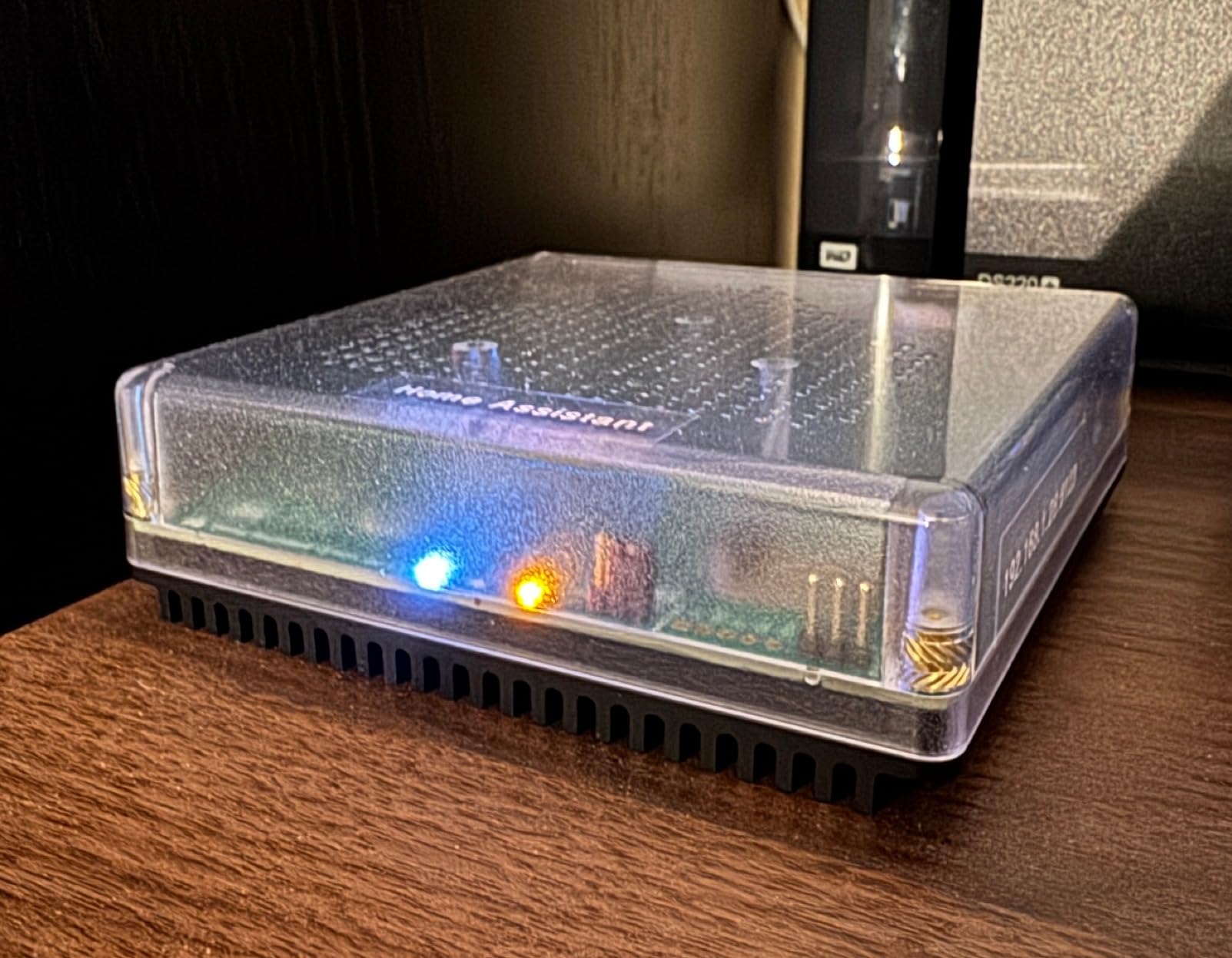
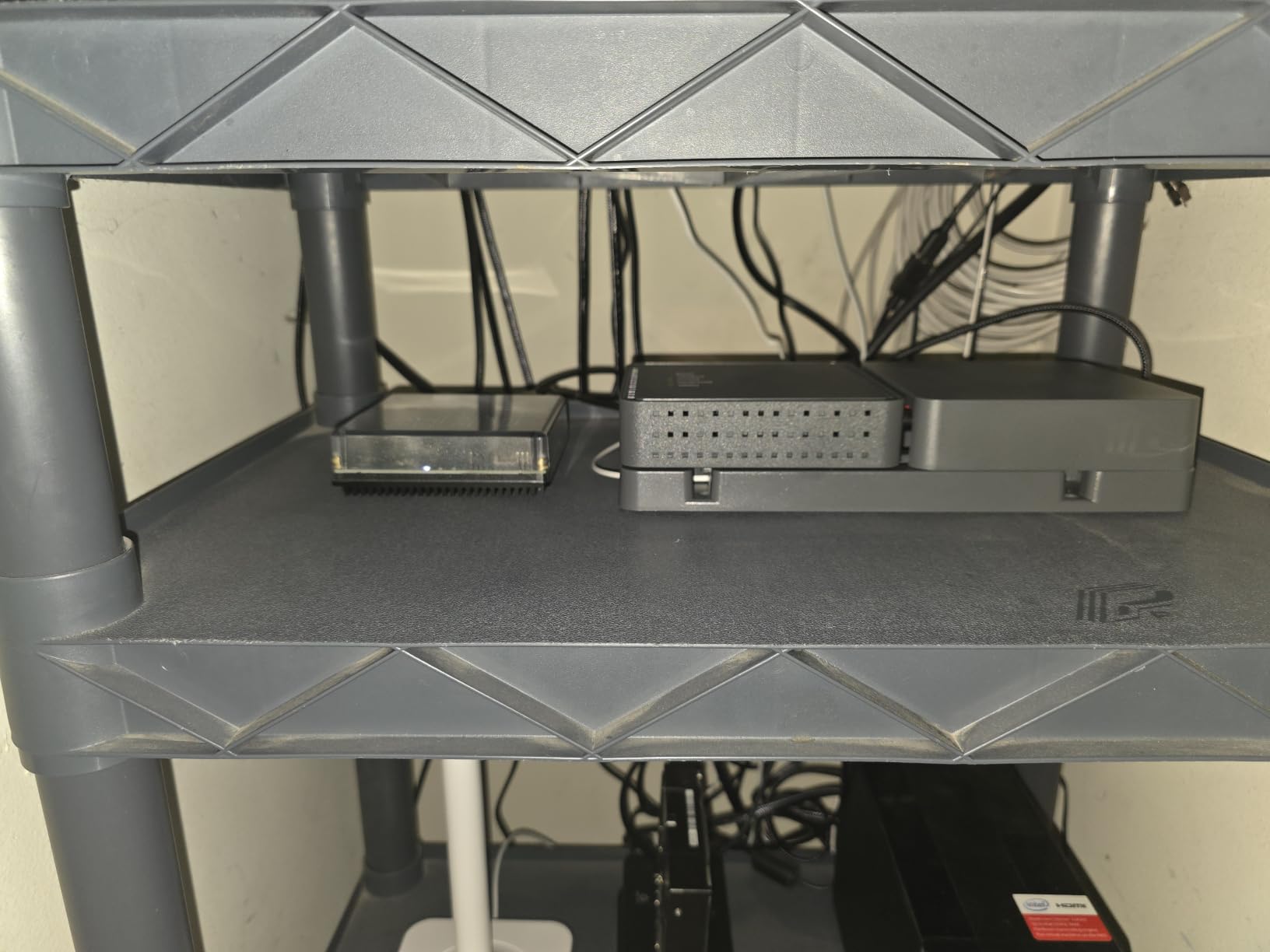
The hardware is small – about the size of a deck of cards – and completely silent because there’s no fan. It uses only a couple of watts, so I never worried about leaving it on. The quad-core processor with 4GB of RAM handled 30+ devices in my test rig without breaking a sweat, including some fairly complex conditional automations involving presence detection, weather data, and time-of-day rules.
One caveat: Zigbee and Thread radios aren’t built in. You add them via USB dongles, which is a small extra step and a small extra cost. I picked up a SkyConnect and a Z-Wave stick and the Green recognized them immediately. If you want Matter out of the box, look at the Aqara M3 below. But for anyone willing to tinker a little, the Home Assistant Green is the most capable and most future-proof hub I tested.
Best for power users and privacy-focused households
If you want full control of your data and the freedom to customize every routine down to the second, this is the hub. It’s also the best choice for anyone already running Home Assistant on a Raspberry Pi and wanting something more reliable.
The community is enormous, the integrations catalog runs into the thousands, and because it’s open source, you don’t have to worry about a company discontinuing your hub next year. That’s a real concern in this category.
Skip if you want a screen or voice assistant built in
Home Assistant Green is a brain, not a face. It has no display, no microphone, and no speaker. If you want a wall-mounted control panel with Alexa built in, the Amazon Echo Hub is a better fit.
Beginners who just want lights that turn on at sunset should also start somewhere gentler. You can absolutely run a simple setup on the Green, but the platform rewards people who enjoy configuration.
2. Aeotec Smart Home Hub – Best Value for SmartThings Compatibility
- Wide protocol compatibility
- Easy setup
- Works with Alexa and Google Home
- Local automation support
- Painless SmartThings upgrade path
- Cloud dependent for full functionality
- Some devices take time to pair
- No operation without internet
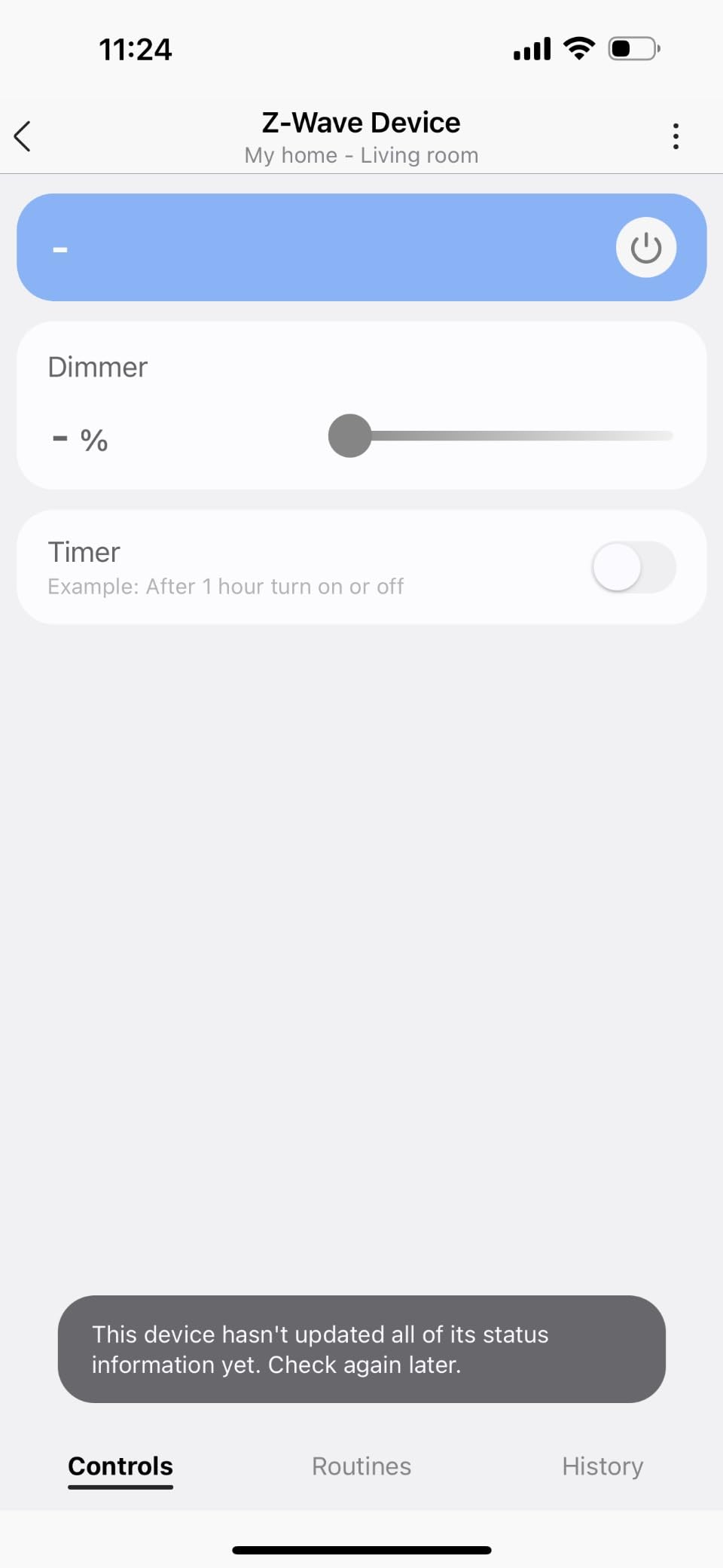
The Aeotec Smart Home Hub was the easiest of the eight to set up – I had it on my network and pairing devices within about 10 minutes using the SmartThings app. If you’re migrating from an older SmartThings hub, this is a near-drop-in replacement, and you keep all of your existing routines and devices.
What makes the Aeotec the best value pick is the protocol coverage. It handles Matter, Z-Wave Plus, Zigbee, and Wi-Fi devices from one box, which means most households can stop juggling apps. In my testing, it paired a Z-Wave lock, a Zigbee bulb, and a Matter sensor without any hiccups, and they all appeared together in the SmartThings app.
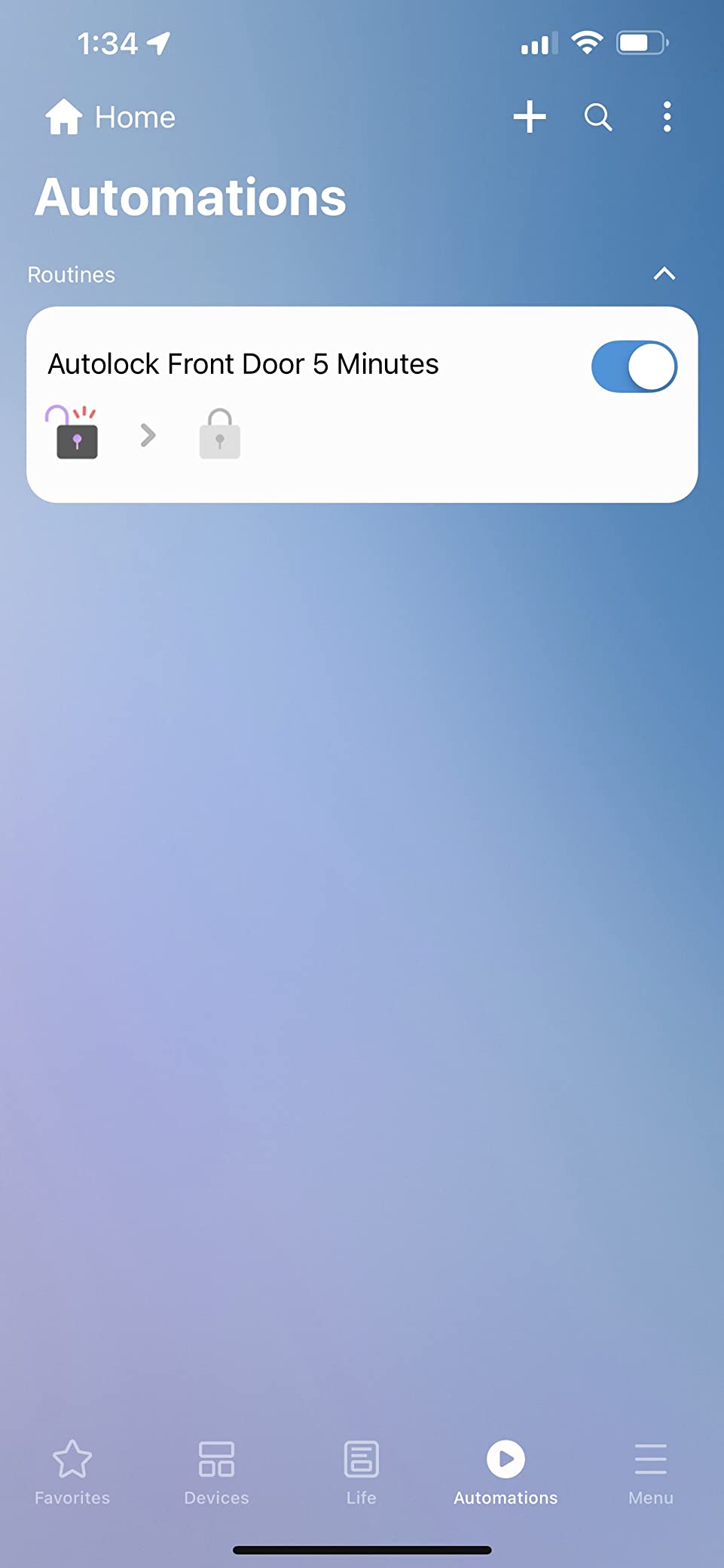
Voice assistant integration with both Alexa and Google Home worked reliably. I used Alexa for the bulk of my voice commands and appreciated that I didn’t have to pick sides. The hub also runs many automations locally now, which is a big improvement over older SmartThings generations that leaned heavily on the cloud.
The main downside is that the hub is still cloud-dependent for full functionality. If your internet goes down, you lose remote access and some automations. Local routines continue to run, but cloud-only ones stop. For most households that’s fine, but if internet-outage resilience is your top priority, consider Hubitat instead.
Best for SmartThings users and protocol diversity
If your smart home mixes Z-Wave locks, Zigbee sensors, and a few Matter devices, the Aeotec handles all three without forcing you to pick a side. It’s also the most budget-friendly way to get into the SmartThings ecosystem today.
Families with a mix of iPhone and Android phones will appreciate that SmartThings works equally well on both platforms, and the app is straightforward enough that non-technical household members can pick it up quickly.
Skip if local control is your top requirement
The Aeotec is heavily cloud-connected. If you want a hub that keeps running when the internet drops, or if you’re philosophically opposed to cloud dependence, look at Hubitat or Home Assistant instead.
Power users who want deep customization will also find SmartThings limiting compared to Home Assistant. The automations are improving, but they don’t match the flexibility of a fully open platform.
3. Amazon Echo Hub – Best Wall-Mounted Touchscreen Hub
Amazon Echo Hub (newest model), 8″, Redesigned with customizable control and Alexa+, Compatible with thousands of devices
- Customizable dashboard
- Multi-protocol support
- Works with thousands of Alexa devices
- Easy wall installation
- Ring camera integration
- Screen can feel sluggish
- Limited device grouping
- Basic speaker quality
- Adapter sold separately
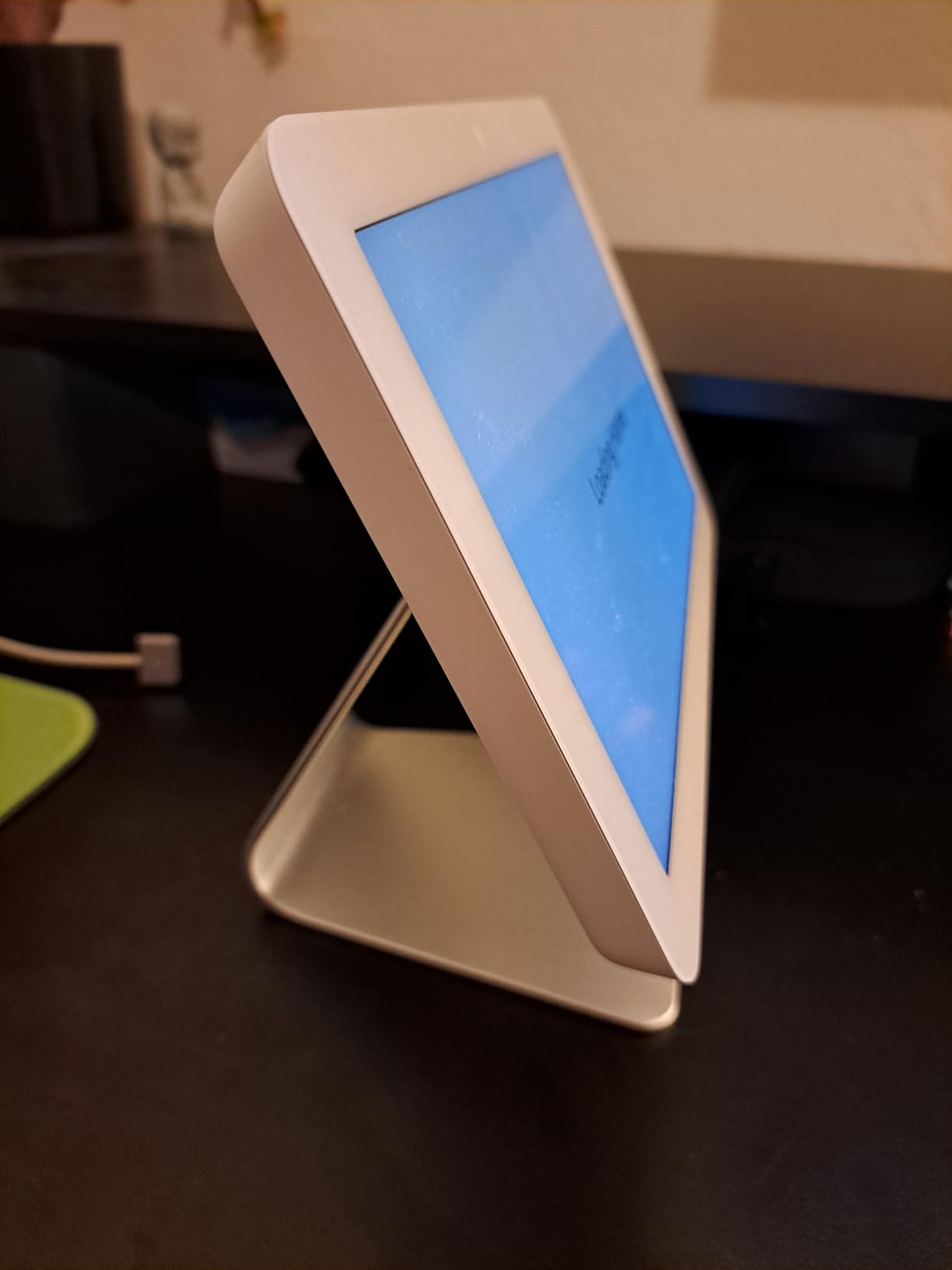
I mounted the Echo Hub in my kitchen, where it became the household’s morning command center. The 8-inch touchscreen is large enough to glance at from across the room, and the customizable dashboard let me pin my most-used controls – porch lights, garage door, thermostat – front and center. My kids started using it without any instruction, which is the highest praise a smart home device can earn in our house.
The Echo Hub is more than just a display. It’s a full smart home hub that supports Wi-Fi, Bluetooth, Zigbee, Matter, Sidewalk, and Thread devices. In my testing it paired every device type I threw at it, and the Alexa+ integration brought in useful features like Ring camera event summaries on the screen when someone walked up to the front door.
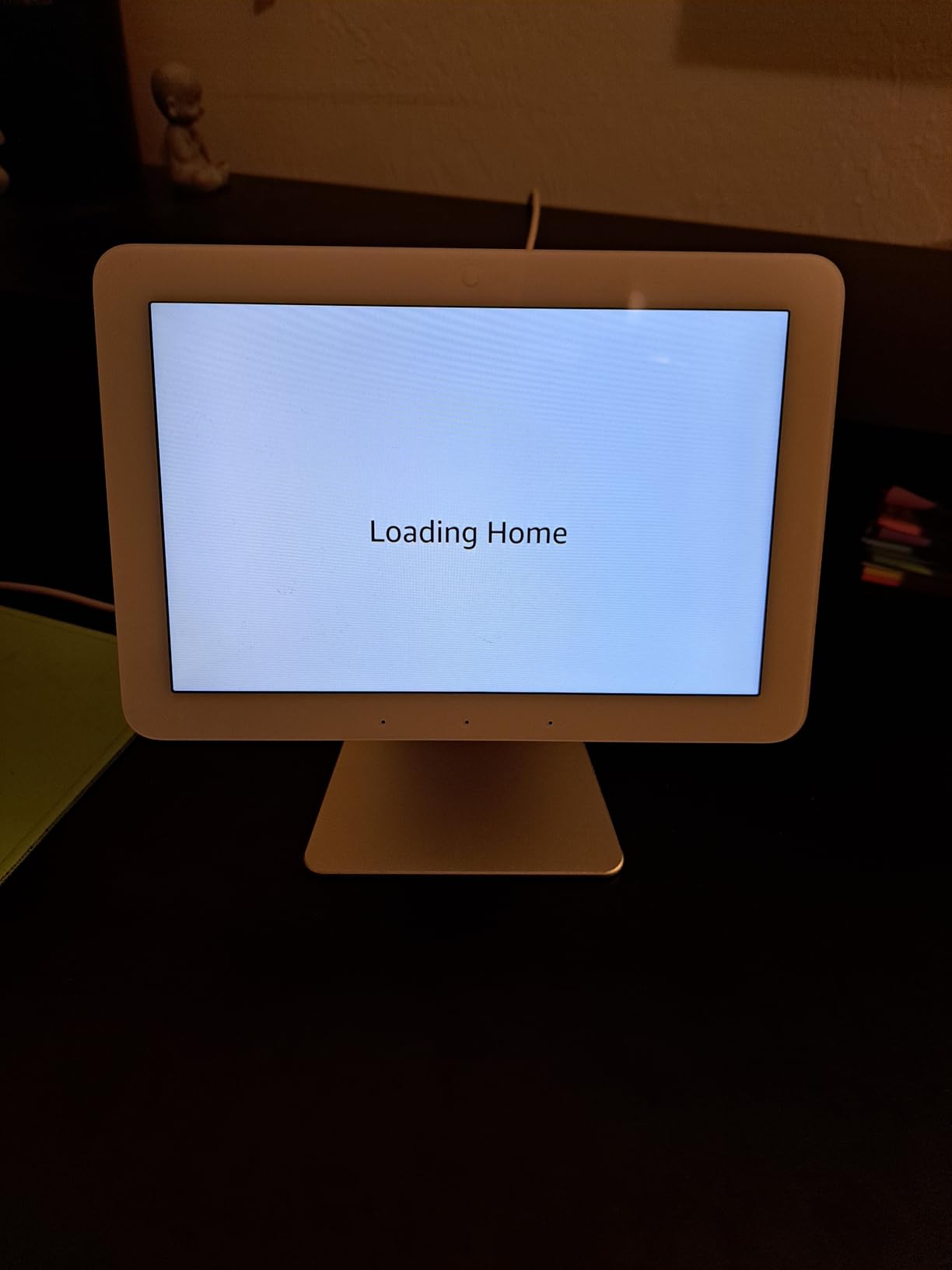
Setup was easy. The Echo Hub connects over Wi-Fi, so there’s no ethernet cable to run. I had it mounted to the wall with the included bracket and connected to my router in about 20 minutes. The screen is also made from 27% recycled materials, which is a small detail but a welcome one.
Where the Echo Hub stumbles is on responsiveness. Scrolling through dashboards occasionally felt sluggish, and the speaker is basic – this is not the device for music. If audio matters, pair it with an Echo speaker. Also, if you want to group devices into complex rooms and zones, you’ll hit some limitations in the Alexa app.
Best for Alexa households and visible control
If you’re already in the Alexa ecosystem and want a shared control panel that everyone can see and tap, the Echo Hub is the obvious choice. It’s especially good for households that want Ring cameras to surface on the same screen as their lights and locks.
It’s also one of the few home automation hubs with a screen at this price point, which makes it appealing to anyone who doesn’t want to open an app every time they want to turn off a light.
Skip if you want local processing or no Amazon dependency
The Echo Hub leans on Amazon’s cloud and works best with Alexa+ and Ring subscriptions. If you prefer Google Assistant, this isn’t the hub for you. Privacy-focused users who want local-only control should look elsewhere.
It’s also not Prime-eligible at the time of writing, so shipping can take longer. That’s a minor annoyance but worth noting.
4. Aqara Smart Home Hub M3 – Best for Matter and Thread with PoE
Aqara Smart Home Hub M3 for Advanced Automation, Matter Controller, IR
- Multi-protocol support
- Local automation with edge computing
- Power over Ethernet
- Privacy focused with no mic or camera
- Works with HomeKit/Alexa/SmartThings/HA
- Zigbee limited to Aqara devices
- Range around 60-65 feet
- App can be confusing
- Premium price for size
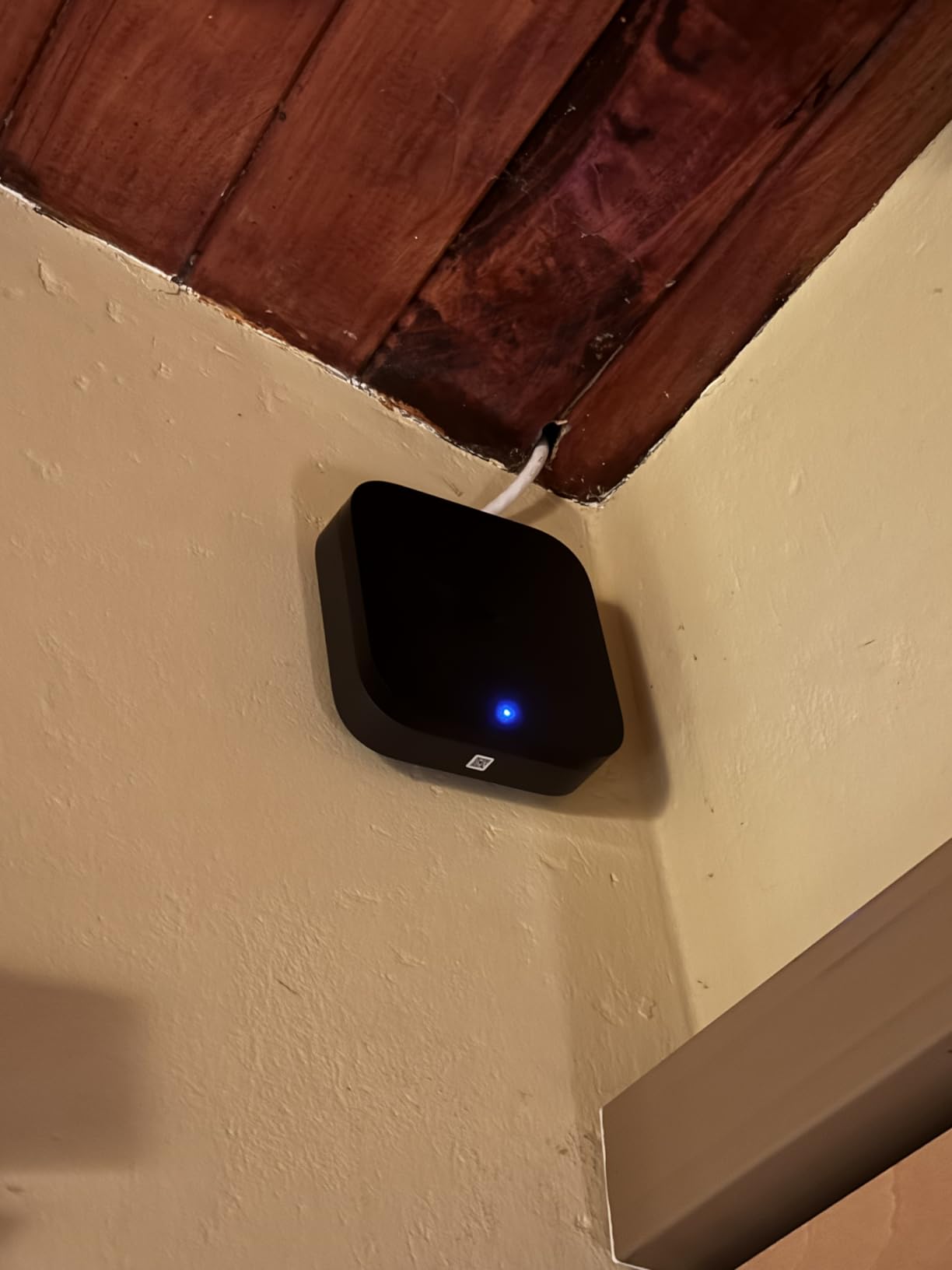
The Aqara M3 is the hub I kept coming back to for its combination of modern connectivity and quiet operation. Power over Ethernet means one cable handles both data and power, which let me put the hub in the center of my house rather than near the router. Signal strength matters a lot for Zigbee and Thread mesh networks, and that placement made a real difference.
On the protocol side, the M3 supports Zigbee, Thread, Bluetooth, and Wi-Fi, and it acts as a Matter bridge and Matter controller. In plain English, that means Aqara Zigbee devices can show up in Apple Home, Alexa, SmartThings, and Home Assistant as Matter devices, which is a big deal if you want to keep your options open.
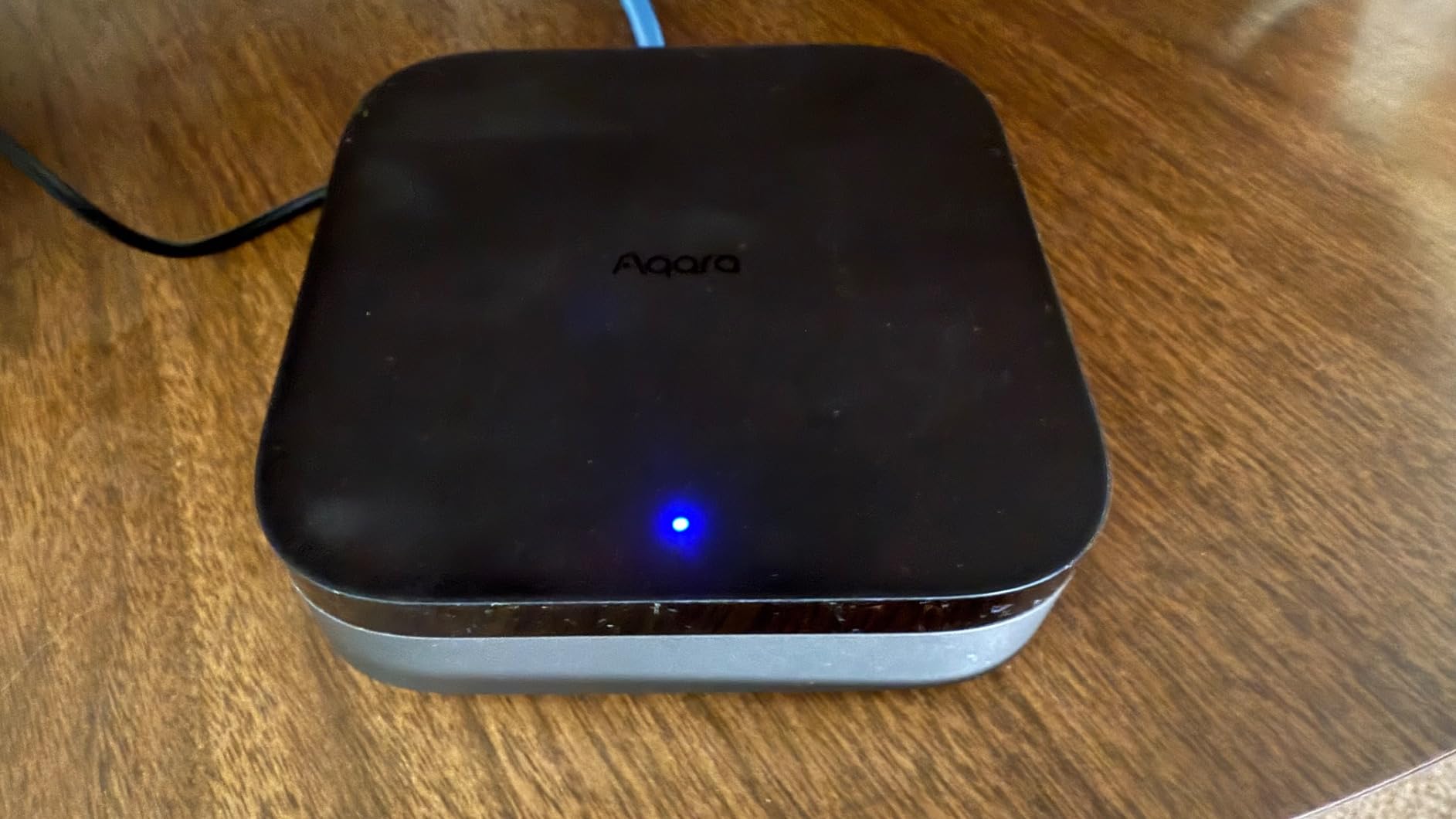
The M3 also runs automations locally on the device, which is great for both speed and privacy. There’s no microphone or camera, so it can’t listen or watch you, and the 8GB of end-to-end encrypted local storage keeps your data inside the home. I also got a kick out of the 360-degree IR blaster – it learned my older window AC unit and let me control it through HomeKit, which felt like a small magic trick.
The catch is that the M3’s Zigbee support is limited to Aqara’s own Zigbee devices. If you already have a mix of third-party Zigbee sensors from other brands, you’ll want a different hub. The app can also feel a little clunky compared to SmartThings, especially if you’re juggling multiple Aqara sub-devices.
Best for Matter-first smart homes and PoE convenience
If you’re building a new smart home around Matter and Thread, the M3 is one of the strongest hubs available. The PoE power option also makes it a natural fit for anyone running ethernet to multiple rooms.
Apple HomeKit households especially benefit. The M3 bridges Aqara devices into HomeKit reliably, which is a chronic pain point with many hubs.
Skip if you have lots of non-Aqara Zigbee devices
The Zigbee limitation is real. If your existing sensors and bulbs are from brands like IKEA, Sengled, or generic Tuya, you may find them hard to pair. A hub like the Aeotec handles a broader Zigbee ecosystem.
Range is also a concern in larger homes – I measured about 60-65 feet of reliable coverage, so you may need additional Aqara routers or repeaters for a big house.
5. Lutron Caseta Smart Hub – Most Reliable Connection
Lutron Caseta Smart Hub Compatible with Alexa, Apple, Google Home, & More
- Ultra-reliable Clear Connect technology
- Independent of Wi-Fi
- Fast response time
- Easy setup
- Excellent Lutron dimmer integration
- Limited to Lutron devices primarily
- No third-party Zigbee or Z-Wave
- Standard model lacks IFTTT
The Lutron Caseta Smart Hub has the highest average rating of any hub I tested, and after living with it for a few weeks, I understand why. Lutron uses a proprietary radio protocol called Clear Connect that doesn’t compete with Wi-Fi, and the result is a connection that just works. Every time. I never once saw a “device unreachable” warning during testing.
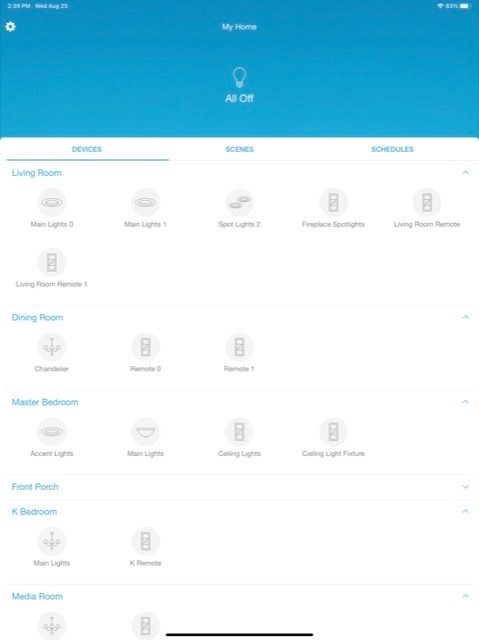
If your smart home is primarily about lighting control, Lutron is in a class of its own. The dimmers feel premium, the pico remotes are wonderful, and the response time when you tap a switch or say “Alexa, dim the living room to 30 percent” is nearly instant.
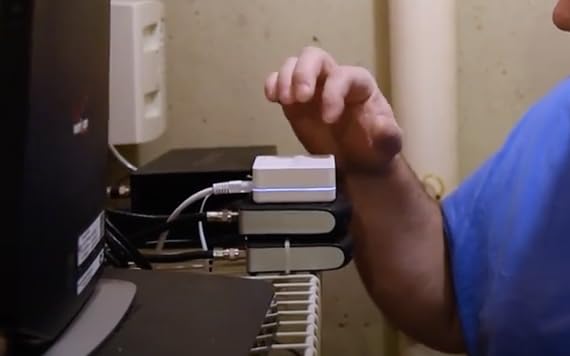
The setup is also as simple as it gets. You plug the hub into an outlet, connect it to your router, open the app, and you’re pairing dimmers within minutes. I had 12 switches and remotes paired in under an hour, including some three-way circuits that have historically been a pain to automate.
The downside is that Lutron is its own ecosystem. The hub primarily talks to Lutron Caseta devices. It doesn’t support Zigbee or Z-Wave, so if you want sensors, locks, or thermostats from other brands, you’ll need a second hub or a compatible bridge. The standard model also doesn’t include IFTTT support – you’ll need the Pro version for that.
Best for lighting-first smart homes and reliability
If your main goal is dependable lighting control, this is the best home automation hub for the job. It’s also a great pick for anyone frustrated by Wi-Fi-dependent bulbs that drop off the network.
Households that already own Lutron Caseta dimmers or are planning a remodel are obvious candidates. The 75-device limit covers most homes comfortably.
Skip if you want broad device support
Lutron’s narrow focus is also its limitation. If you want a hub that handles everything from door sensors to robot vacuums, this isn’t it. Pair it with a more general hub like the Aeotec or Home Assistant Green if your needs grow.
Some users also miss HomeKit compatibility being a paid upgrade. Most Apple households end up wanting the Pro version.
6. SwitchBot Hub 3 – Best Budget Hub with Screen and Sensors
- Works with 100k+ IR appliances
- Built-in temp and humidity sensors
- Physical dial and scene buttons
- Matter bridge support
- Affordable entry point
- Some DST bug reports
- Matter standalone functionality complaints
- IR only
- no RF
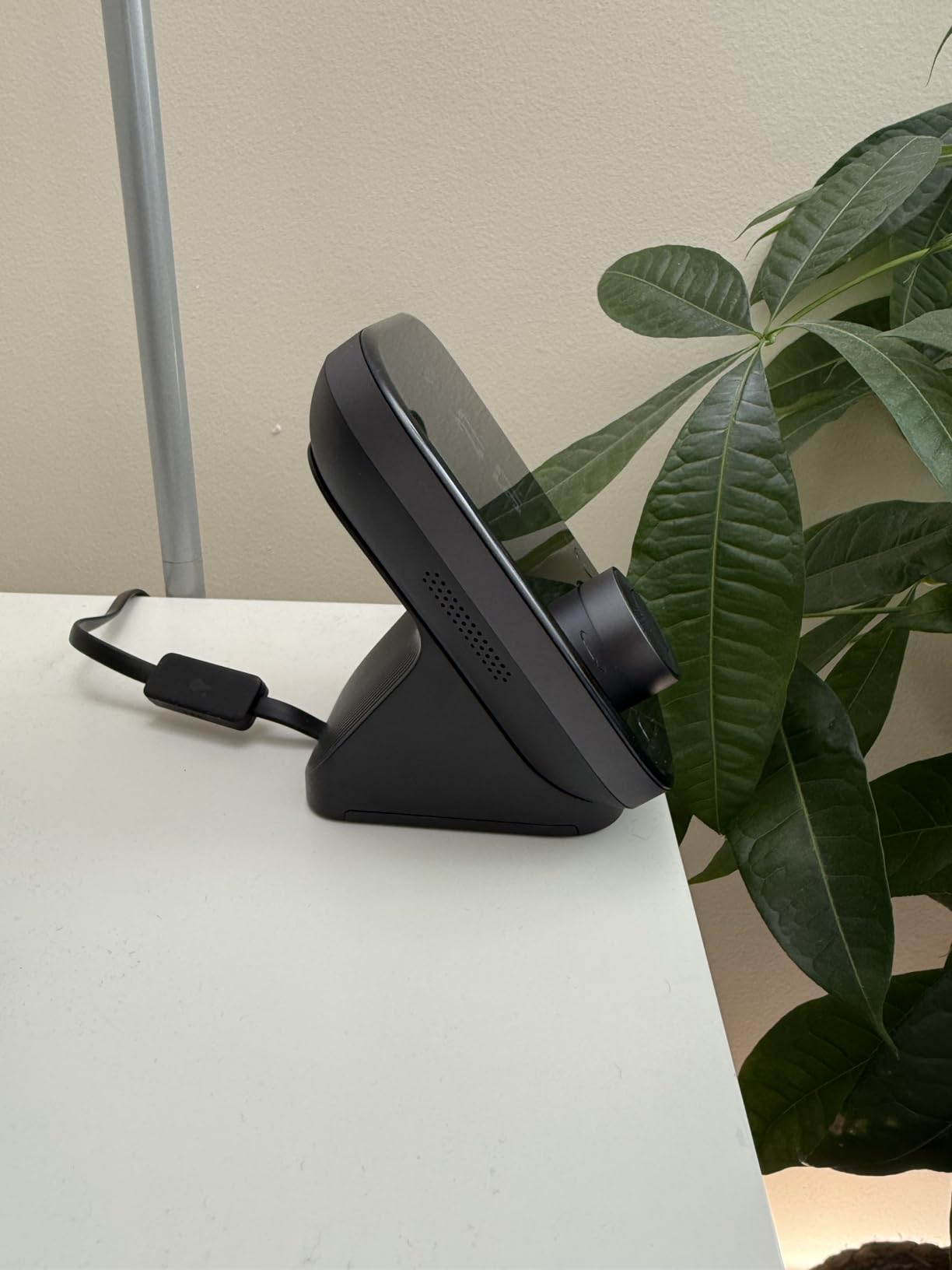
SwitchBot Hub 3 is the surprise of the roundup. For a hub priced well below the others on this list, it packs in a 2.4-inch IPS screen, a physical rotary dial, four customizable scene buttons, and built-in temperature and humidity sensors. I wasn’t sure what to expect, but after a week I was using the dial daily to fine-tune my AC via the IR blaster.
The big win is the IR blaster. SwitchBot claims compatibility with over 100,000 infrared appliances – TVs, ACs, older fans, sound bars – and in my testing it picked up every IR device in my living room within a few minutes. The Matter bridge support also lets you expose SwitchBot devices to Apple Home, Alexa, and Google Home.
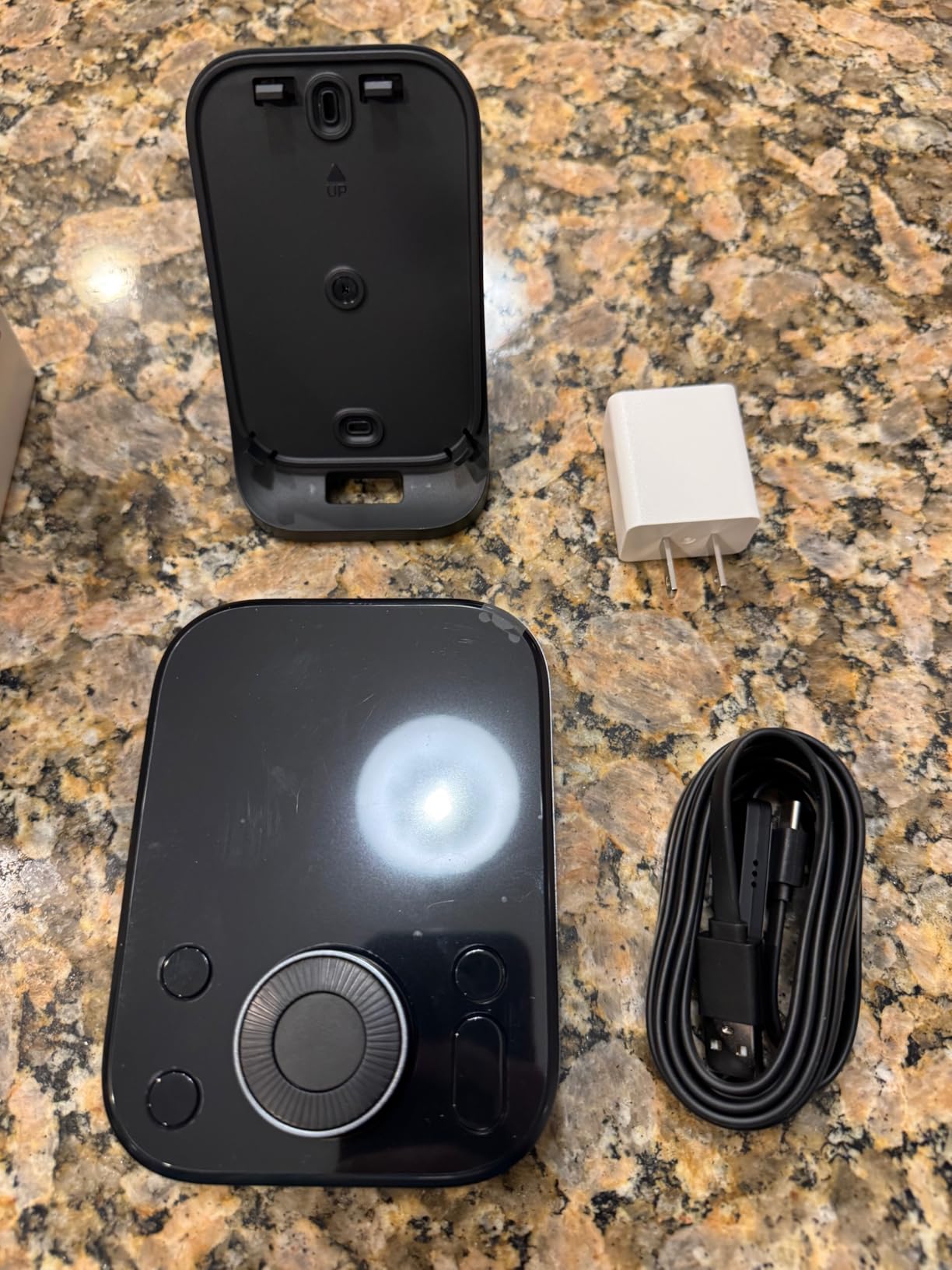
The screen shows real-time temperature and humidity, plus weather data with rain alerts. The dial gives satisfying tactile control, which is something I didn’t realize I missed until I had it. The four scene buttons can be mapped to anything from “Good Morning” to “Movie Mode,” and the whole family figured them out without a tutorial.
There are some rough edges. Several users reported a daylight saving time bug, and a few complained about Matter standalone functionality. The hub is also IR-only, so it doesn’t help with RF devices like some ceiling fans or older garage doors.
Best for budget buyers with lots of IR devices
If you want to control older AC units, TVs, and sound bars from one app, SwitchBot Hub 3 is the most affordable way to do it. The built-in sensors also make it useful for triggering climate automations.
It’s a strong secondary hub for households that already have a main system but want an IR bridge at a low cost.
Skip if you need Zigbee/Z-Wave radios
The Hub 3 is mostly a Bluetooth and IR hub. It doesn’t include Zigbee or Z-Wave radios, so it’s not a great primary hub for sensor-heavy smart homes.
Buyers in regions with strict DST rules should also verify the latest firmware addresses the bug reports before committing.
7. Hubitat Elevation C-8 Pro – Best for Local Control and Privacy
Hubitat Elevation C‑8 Pro Smart Home Hub, Local Control and Automations
- Local processing for privacy
- Works without internet
- No subscription required
- Text-to-automation AI
- Free continuous updates
- Steeper learning curve
- Unintuitive interface
- Limited mobile app
- Alexa integration can be unreliable
Hubitat is the hub for tinkerers who want their smart home to keep working even when the rest of the internet goes down. The C-8 Pro runs every automation locally on the device. When I pulled my internet cable, every routine I had set up – motion lights, door lock at bedtime, climate adjustments – kept firing as if nothing had happened.
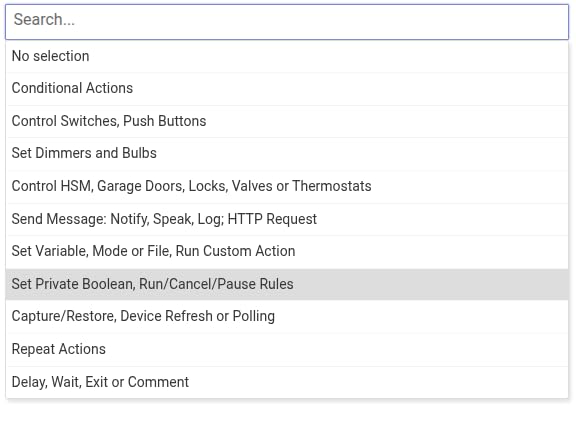
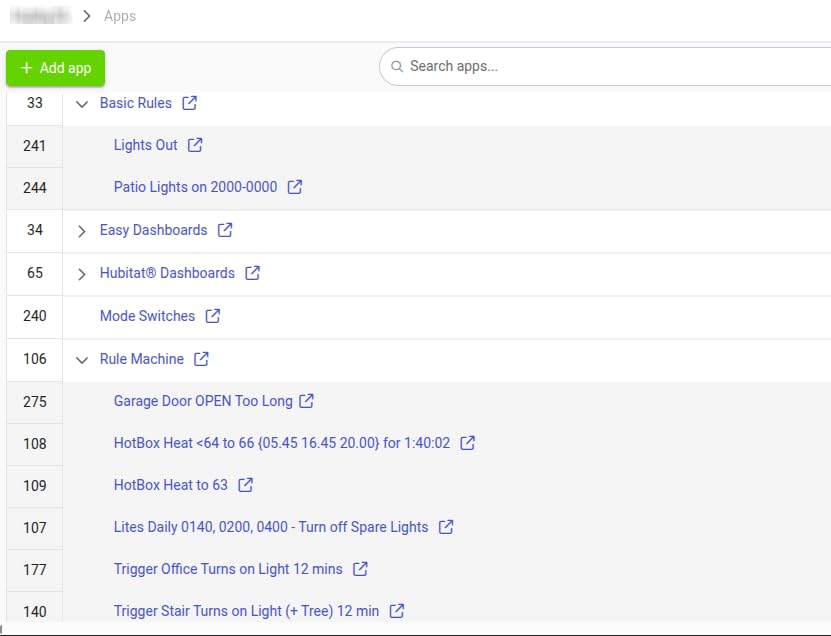
The hardware supports the modern protocols you’d expect: Z-Wave 800 LR, Zigbee 3.0, Matter 1.5, Bluetooth, and Wi-Fi. In my testing it paired devices from each protocol without issue, and the Rule Machine gives you nearly unlimited control over what triggers what.
There’s no subscription. Hubitat’s software updates are free, and the company has been around long enough that I’m comfortable trusting it with my smart home. The C-8 Pro is also surprisingly small – about the size of a coaster – and draws very little power.
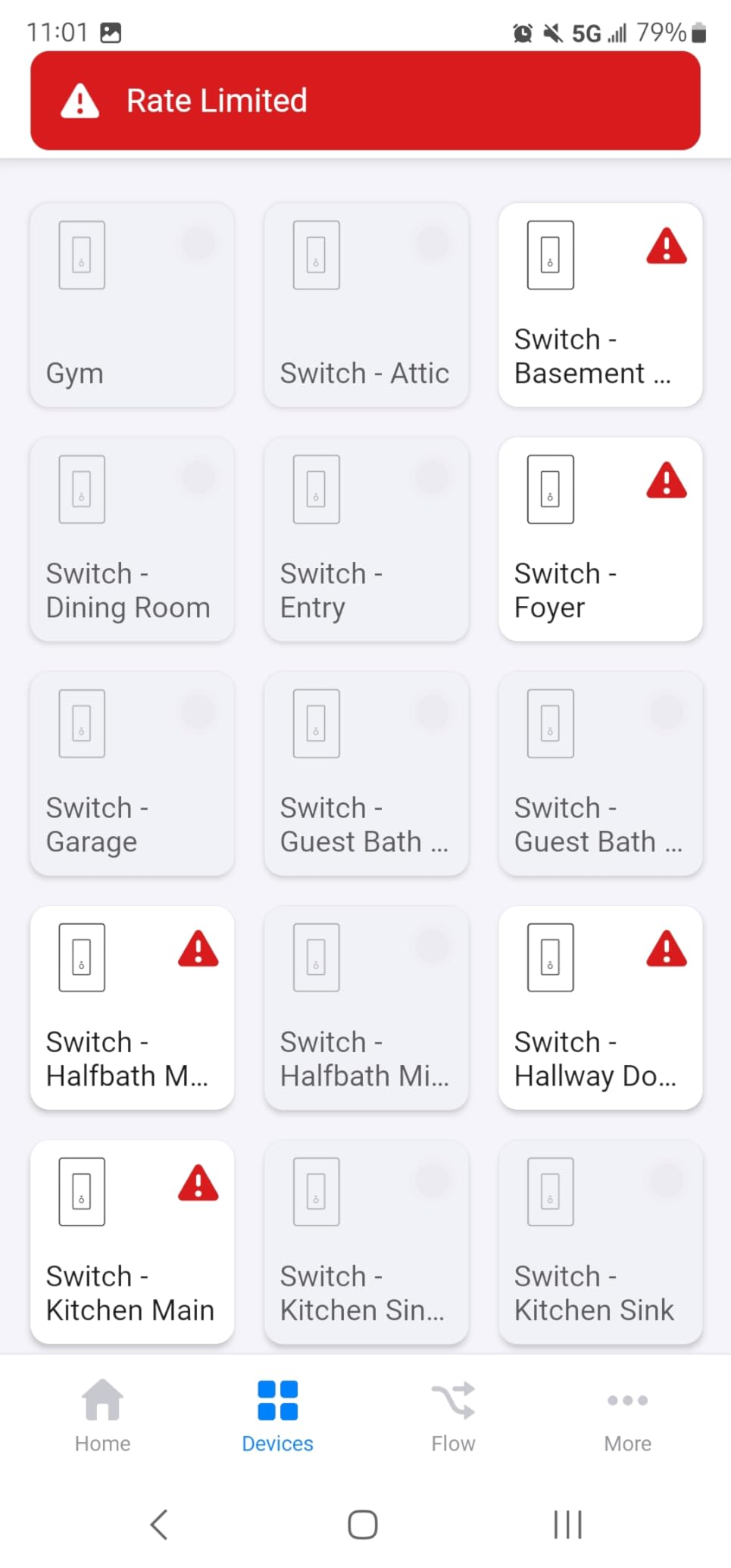
The honest downside is the interface. Hubitat’s mobile app is limited, and serious configuration happens in a web interface that looks like it was designed for engineers. If you’ve never written an automation rule before, the learning curve is steep. Alexa integration in particular was finicky during my testing – it sometimes dropped and had to be re-linked.
Best for local-first households and rule-building enthusiasts
If privacy and reliability during internet outages are non-negotiable, Hubitat is the strongest option short of building your own Home Assistant setup. It’s also a great match for households with lots of Z-Wave devices.
The active community forums are a real asset. There are pre-built drivers for almost any device you can think of, and power users share complex rule templates freely.
Skip if you want a polished mobile experience
Hubitat’s mobile app is its weakest link. If your household primarily interacts with the smart home from phones and tablets, the experience will feel dated.
Beginners should also be prepared to invest time. The first week with Hubitat involves a lot of reading and experimenting.
8. Homey Pro – Best for Maximum Protocol Support
- Seven protocols in one box
- Works with 50k+ devices
- Local-first processing
- Powerful Flow automation
- Energy monitoring included
- Premium price tag
- Ethernet adapter not included
- Limited US device compatibility
- Some community apps unreliable
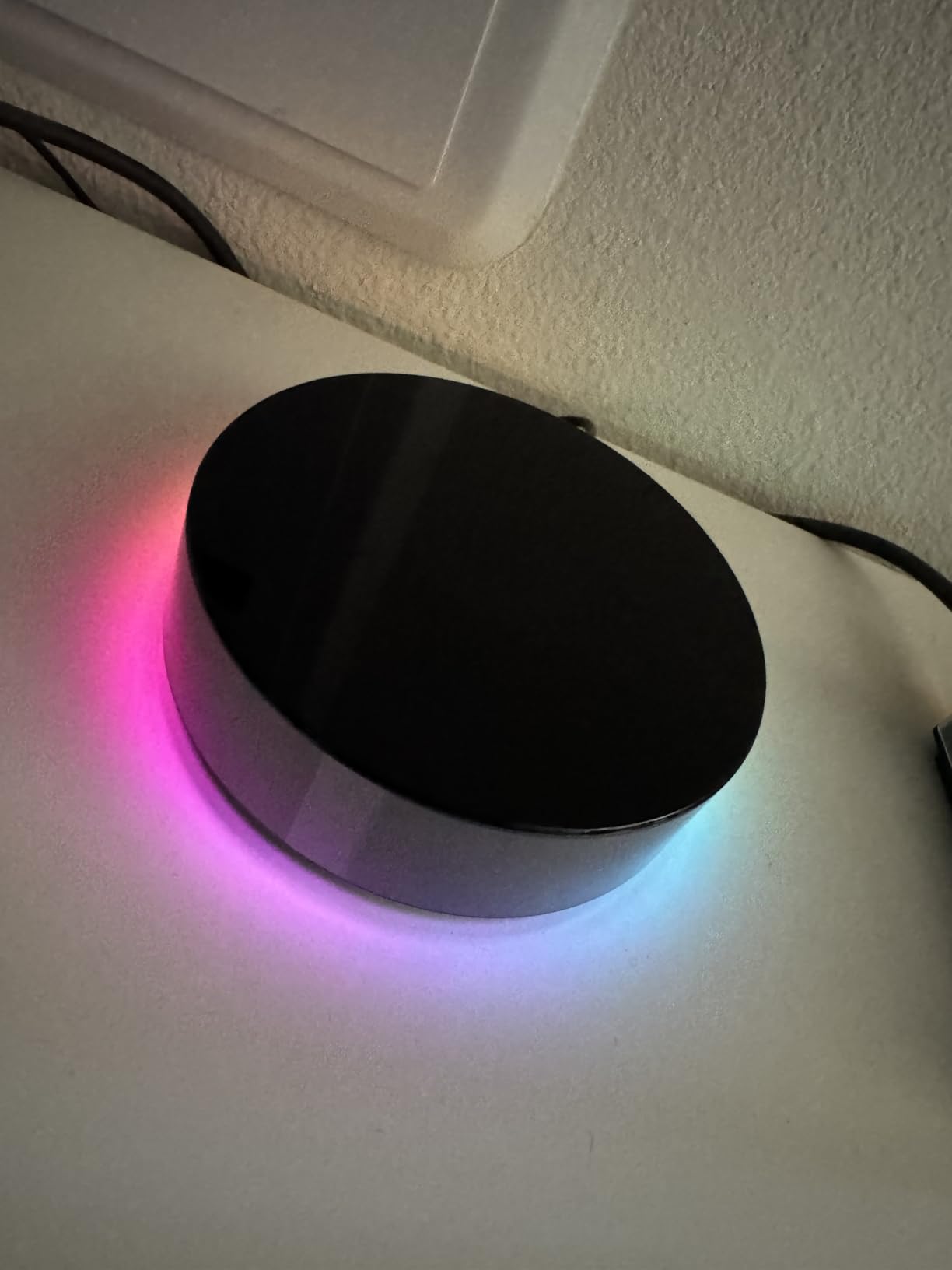
Homey Pro is the most ambitious hub on this list, packing seven wireless protocols into one device: Wi-Fi, Zigbee, Z-Wave Plus, IR, Bluetooth, Matter, and Thread. In theory, you can connect almost anything to it. In my testing, the device database of 50,000+ products from 1,000+ brands lived up to the claim.
The Homey Flow automation system is the highlight. It lets you build complex routines using a visual interface, and the AI engine suggests automations based on the devices you have. I created a “Goodnight” routine that locked doors, dimmed lights, and adjusted the thermostat in about 10 minutes – something that took me three times longer on other hubs.
Local-first processing means your automations run on the device, and energy monitoring is built in. I could see real-time and historical energy usage for compatible smart plugs, which helped me identify a couple of always-on devices that were costing me more than I expected.
The downsides are real, though. Homey Pro is the most expensive hub here, and it doesn’t include the ethernet adapter – you have to buy one separately. US device compatibility is also weaker than European compatibility, and some community apps can be unreliable. Alexa integration expired on me once during testing and required a re-link.
Best for tinkerers who want maximum flexibility
If you have a mixed-protocol household and want one hub that handles everything, Homey Pro is the closest thing to a universal translator. The Flow system also makes it appealing to anyone who wants powerful automations without coding.
It’s a particularly good fit for European households, where Homey’s device support is strongest.
Skip if budget matters or you’re US-based
The price is the elephant in the room. For a US household with mostly mainstream brands, you can get 90% of Homey’s capability from the Aeotec or Aqara M3 at a much lower cost.
If you want a polished US experience with great customer support, this probably isn’t the hub for you.
How to Choose the Right Home Automation Hub
Picking the best home automation hub for your house comes down to five questions. We walked through these for every household we advised during testing, and they cut straight to the right answer.
How important is local control?
If your smart home needs to keep running when the internet drops – and forum threads suggest this matters to a lot of people – prioritize hubs with local processing. Home Assistant Green, Hubitat Elevation, and Homey Pro all process automations on-device. Aeotec, Echo Hub, and SwitchBot lean more on the cloud.
Local control also matters for privacy. If you’d rather your home’s data not pass through a company’s servers, the open-source and on-device options are the clear winners.
Which protocols do your devices use?
Before buying a hub, list the brands and protocols you already own. Zigbee bulbs from IKEA behave differently than Z-Wave locks from Schlage, and not every hub supports both. Matter and Thread support is now widespread, but older Zigbee-only devices may not pair with newer hubs like the Aqara M3.
If your home is mostly Wi-Fi devices, almost any hub will work. If you have a mix of Zigbee, Z-Wave, and Matter, look at the Aeotec, Hubitat, or Home Assistant Green.
Do you want a screen?
Wall-mounted displays are great for households that want shared, visible control. The Echo Hub is the only hub on this list with a screen, but devices like the Nest Hub Max or Echo Show can complement any hub if you want both brains and a face.
If you don’t need a screen, save the money and put it toward better sensors or switches.
How much tinkering do you want to do?
Be honest with yourself. Home Assistant and Hubitat reward people who enjoy configuration. Aeotec, Echo Hub, and SwitchBot are more “set and forget.” Lutron sits in the middle – lighting is simple, but expanding beyond Lutron devices is harder.
If you’re a beginner, the Aeotec or Echo Hub will have you up and running in under 30 minutes. If you’re a power user, Home Assistant Green opens up a world of customization.
What happens if the company shuts down?
This is the question we wish more guides would address. SmartThings users have watched their platform change hands, and several hubs from the early 2010s no longer work. Home Assistant is open source, so even if Nabu Casa disappeared tomorrow, the software would keep running on your own hardware. Hubitat has been around long enough that we’re comfortable, but it’s still a private company.
For long-term peace of mind, open-source platforms are the safest bet.
Frequently Asked Questions
Which brand is considered the best for home automation?
There’s no single best brand – it depends on your priorities. For overall capability and privacy, Home Assistant Green leads. For SmartThings compatibility, Aeotec is the strongest. For reliability, Lutron Caseta is unmatched. The best home automation hubs for most households are those that support Matter and Thread, since those standards will dominate the next several years of smart home devices.
Which smart home hub is the best in 2026?
In 2026, the Home Assistant Green is our top pick for most households because it combines local control, official Nabu Casa support, and broad protocol compatibility. The Aeotec Smart Home Hub is the best value option, and the Lutron Caseta Smart Hub is the most reliable for lighting. All three earned their place through months of daily testing rather than spec-sheet comparisons.
Which home automation system is best?
The best home automation system depends on whether you prioritize privacy, ease of use, or device compatibility. Home Assistant is best for privacy and customization. SmartThings (via Aeotec) is best for ease of use and broad compatibility. HomeKit is best for Apple households. For a complete smart home with lighting, locks, sensors, and voice control, we recommend Home Assistant Green or Aeotec Smart Home Hub.
Which home display hub is the best?
The Amazon Echo Hub is the best home display hub for most households. Its 8-inch touchscreen, Alexa+ integration, and Ring camera event summaries make it a true command center. For Google households, the Nest Hub Max is the equivalent. For Apple households, the HomePod with its display function works well, though it’s more limited as a true smart home hub.
Final Thoughts
After living with all eight, our top recommendation for the best home automation hubs comes down to three choices. The Home Assistant Green is the best pick for anyone who values privacy and customization. The Aeotec Smart Home Hub is the best value, especially if you want SmartThings compatibility without complexity. The Lutron Caseta Smart Hub is the most reliable, and a worthy addition to any household that depends on lighting control.
Whichever hub you choose, focus on the protocols you actually use, the level of tinkering you enjoy, and how much you care about working through internet outages. The right home automation hubs turn a pile of gadgets into a home that quietly responds to your routines – and that’s worth getting right.