
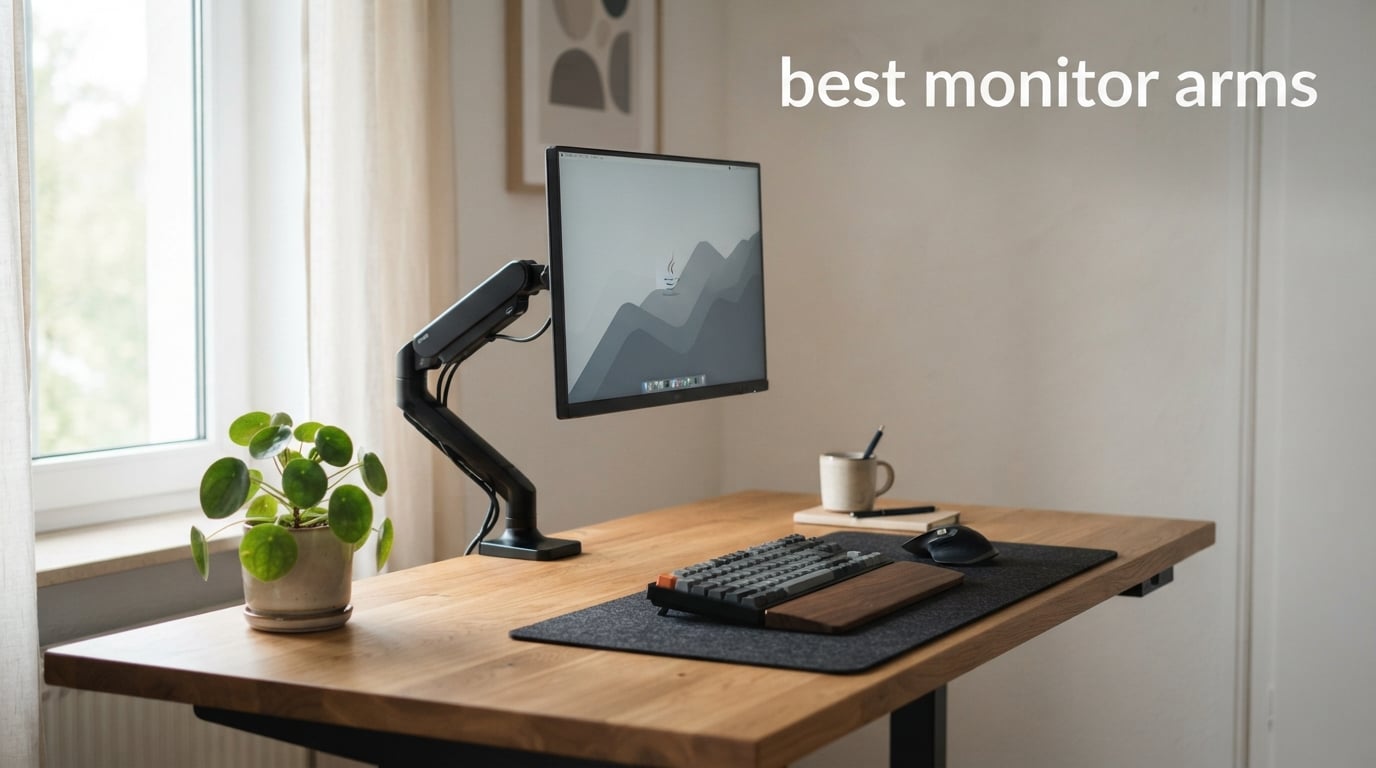
If you spend eight hours a day staring at a screen that sits at the wrong height, your neck and shoulders will let you know about it. I learned this the hard way after years of stacking books under my monitor and calling it an ergonomic setup. Switching to a proper desk mount changed everything, and finding the best monitor arms became a personal mission.
Our team spent weeks testing 12 different monitor arms, ranging from budget-friendly gas spring options under $25 to premium dual-monitor setups designed for ultrawide screens. We focused on real-world factors that matter: ease of installation, how smoothly the arm moves, whether it holds position without sagging, and how well it handles different monitor weights and sizes.
This guide covers single and dual monitor arms from brands like VIVO, HUANUO, MOUNTUP, WALI, Amazon Basics, MSI, and EVEO. Whether you need a budget pick for a home office, a heavy-duty mount for a 40-inch ultrawide, or a dual setup for productivity, we have you covered. Let us find the right monitor arm for your desk in 2026.
Table of Contents
Top 3 Picks for Best Monitor Arms

VIVO Single Ultrawide Monitor Arm
- Fits 13-38 inch screens
- 22 lbs capacity
- Heavy duty clamp
- Cable management

HUANUO FlowLift Dual Monitor Stand
- Dual arm setup
- 13-32 inch support
- No drift gas spring
- Cable management

MOUNTUP Single Monitor Desk Mount
- 17-32 inch screens
- 17.6 lbs capacity
- 20k cycle tested
- 10 year warranty
Best Monitor Arms in 2026
| Product | Specifications | Action |
|---|---|---|
| VIVO Single Ultrawide Monitor Arm |
|
Check Latest Price |
 HUANUO FlowLift Pro Monitor Arm HUANUO FlowLift Pro Monitor Arm |
|
Check Latest Price |
| MOUNTUP Single Monitor Mount |
|
Check Latest Price |
 WALI Single Monitor Mount WALI Single Monitor Mount |
|
Check Latest Price |
 Amazon Basics Gas Spring Arm Amazon Basics Gas Spring Arm |
|
Check Latest Price |
 NB SmooVex Mechanical Spring Mount NB SmooVex Mechanical Spring Mount |
|
Check Latest Price |
 MSI MAG MT101G Gas Spring Arm MSI MAG MT101G Gas Spring Arm |
|
Check Latest Price |
 VIVO Premium Aluminum Ultrawide Mount VIVO Premium Aluminum Ultrawide Mount |
|
Check Latest Price |
 VIVO Gas Spring Articulating Arm VIVO Gas Spring Articulating Arm |
|
Check Latest Price |
 VIVO Dual Monitor Desk Mount VIVO Dual Monitor Desk Mount |
|
Check Latest Price |
| HUANUO FlowLift Dual Monitor Stand |
|
Check Latest Price |
 EVEO Premium Dual Monitor Mount EVEO Premium Dual Monitor Mount |
|
Check Latest Price |
1. VIVO Single Ultrawide Monitor Arm – Heavy Duty Full Motion Mount
- Very sturdy steel construction
- Easy installation with clear instructions
- Handles ultrawide monitors up to 38 inch
- Excellent cable management system
- 20k+ reviews back its quality
- Limited 90 degree bend per joint
- Clamp may mar desk surfaces without protection
I installed the VIVO STAND-V001 on my home office desk with a 34-inch ultrawide monitor, and the first thing that struck me was the build quality. The all-steel construction feels substantial in your hands. This is not a flimsy budget arm that wobbles every time you touch the screen.
Installation took me about 15 minutes from unboxing to having my monitor floating. The heavy duty C-clamp fits desks up to 3.25 inches thick, which covers most desks on the market. VIVO includes a grommet mount option too, so you have flexibility depending on your desk setup. The detachable VESA plate made lining up the mounting holes straightforward.
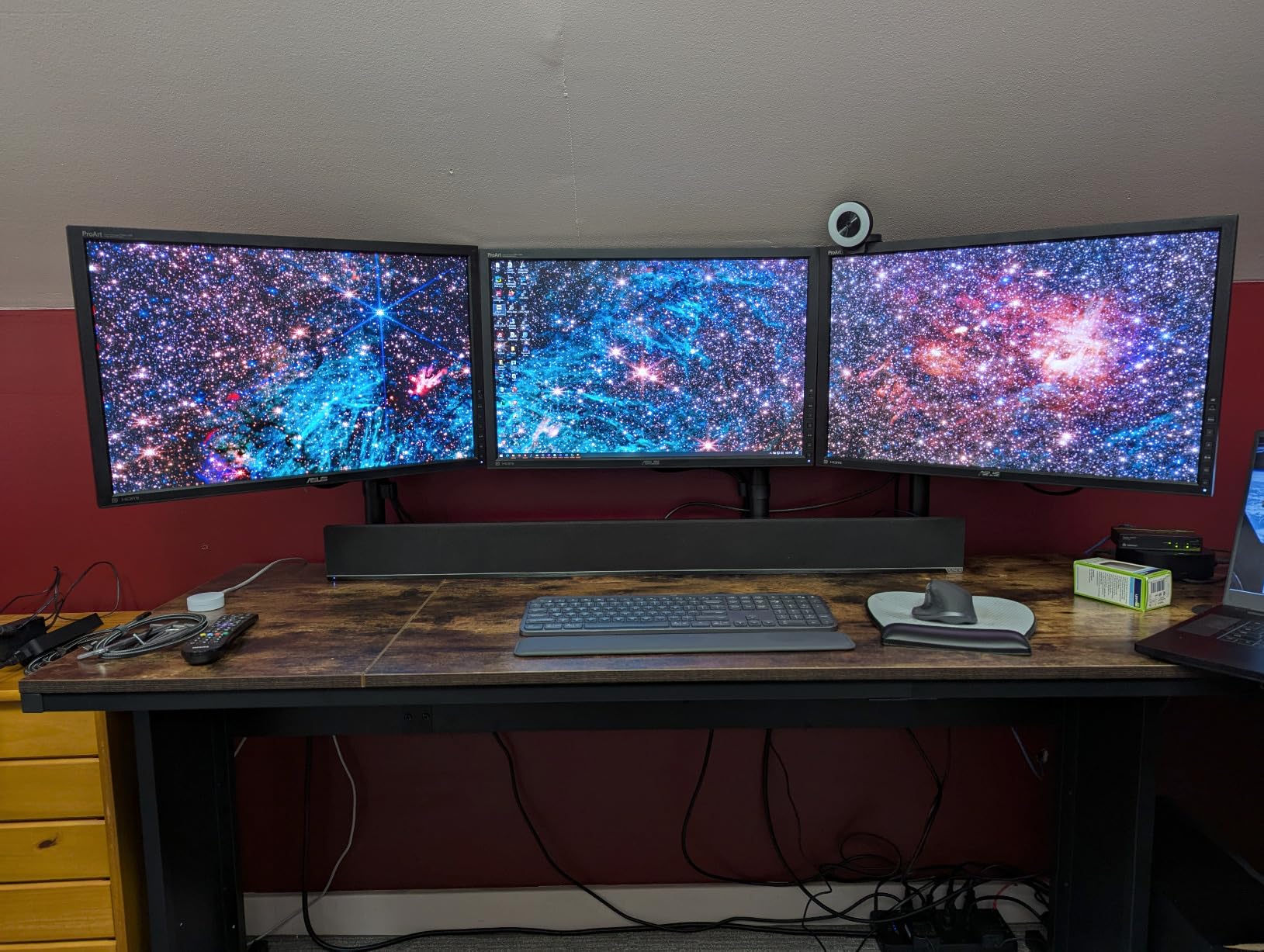
The articulation range covers what most people need. You get plus 90 to minus 90 degree tilt, full 360 degree swivel, and 360 degree rotation. I was able to switch my monitor between landscape and portrait mode without tools. The 16-inch height adjustment along the center pole gave me plenty of range to get my screen at eye level.
One thing to note is that each joint has a 90 degree bend limit. This means the arm reaches well but is not infinitely articulating. For most single-monitor setups, this is perfectly fine. The integrated cable management clips along the arms and center pole kept my HDMI and power cables tidy.
Best Desk Compatibility
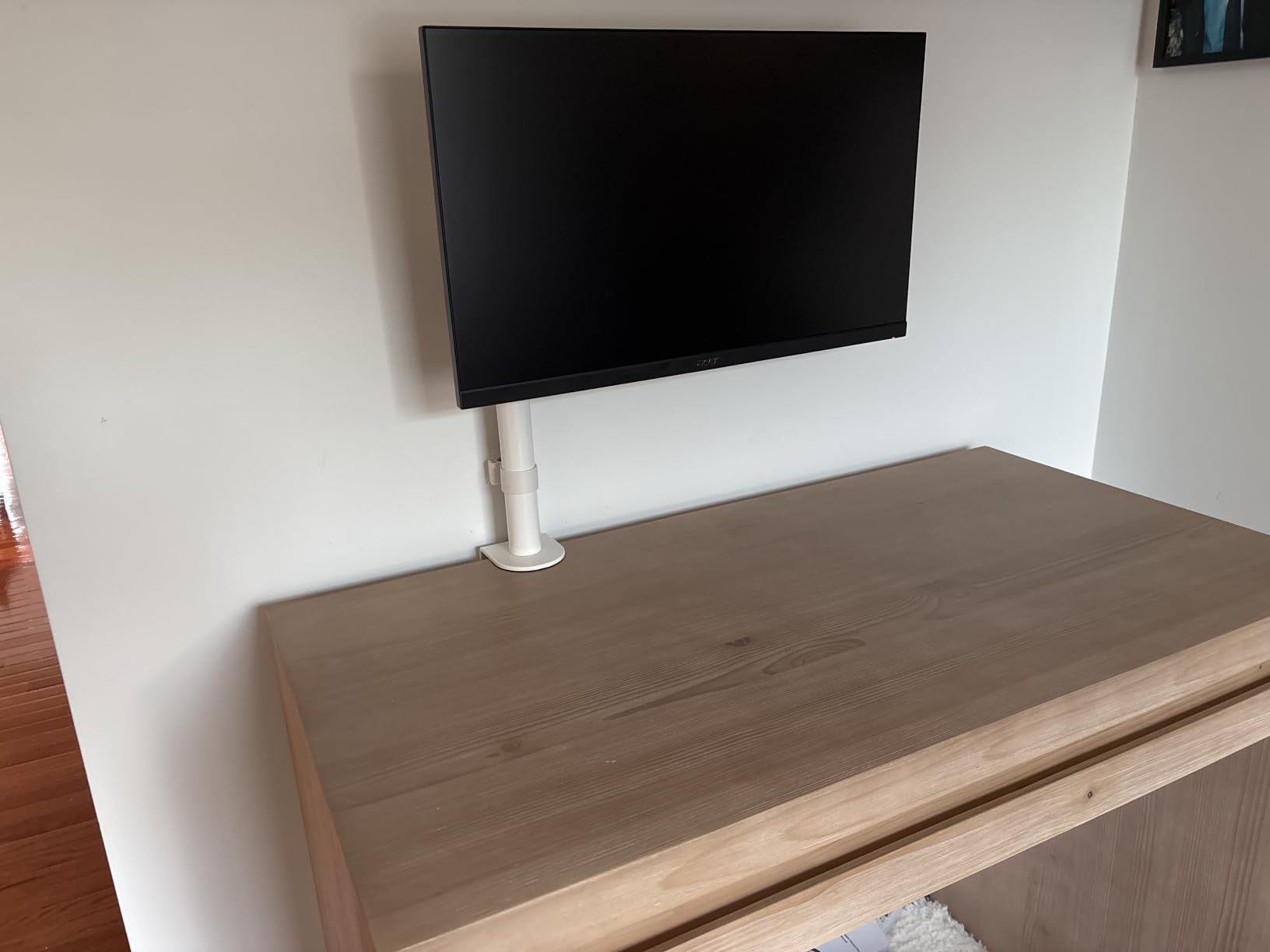
The VIVO STAND-V001 stands out for its ability to fit thick desks up to 3.25 inches. Many budget monitor arms max out at 2 inches, which rules out butcher block desks and thick hardwood surfaces. The heavy duty clamp on this model handles thicker desks that other arms simply cannot accommodate.
The grommet mount option adds even more flexibility if your desk has a pre-drilled cable hole. I appreciate that VIVO includes all the hardware for both mounting methods in the box. This is one of the best monitor arms for people who want maximum desk compatibility without spending over $40.
Long Term Durability
With over 20,000 reviews and a solid 4.5-star rating, the VIVO STAND-V001 has proven its staying power. The 3-year warranty provides peace of mind that goes beyond what most budget brands offer. Users consistently report the arm holding position without sagging even after months of daily use.
The mechanical joint design means there are no gas springs to lose tension over time. You may need to tighten the Allen bolts occasionally, but that is standard maintenance for any mechanical arm. This makes it a reliable long-term investment for your home office.
2. HUANUO FlowLift Pro Monitor Arm – MechaSpring Technology
- MechaSpring technology for extended life
- ACA-endorsed ergonomic design
- PrecisionView tension adjustment window
- Tool-free snap-in VESA plate
- Lifetime warranty
- Tension adjustment takes time to dial in
- Cable management could be improved
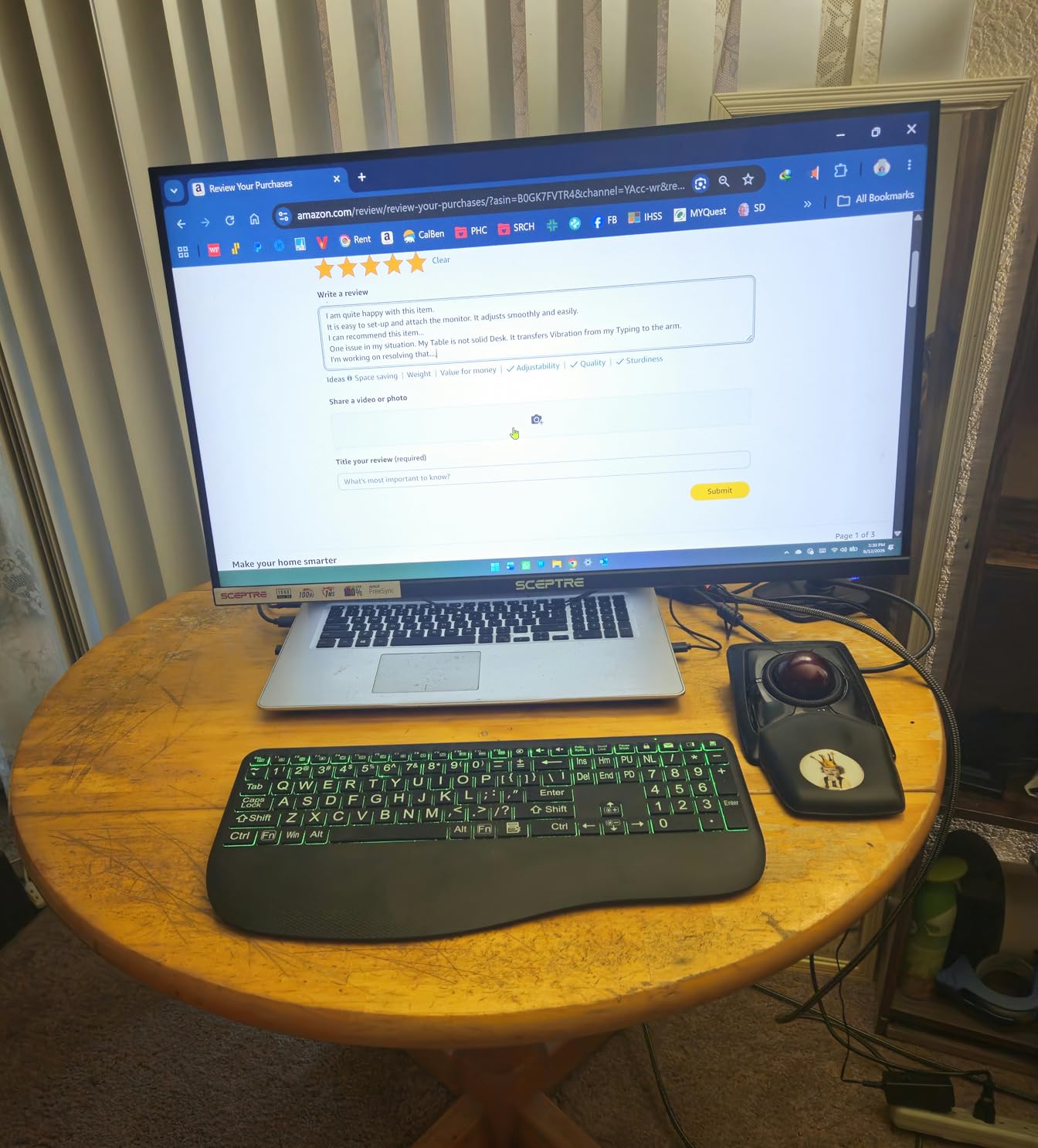
The HUANUO FlowLift Pro caught my attention with its MechaSpring technology. HUANUO claims this mechanical spring design lasts twice as long as traditional gas springs. After testing it for several weeks, the movement feels consistently smooth without the gradual sagging that gas spring arms sometimes develop.
The PrecisionView tension adjustment window is a standout feature. Instead of guessing whether you have the tension dialed in correctly, you can actually see the setting through a small window on the arm. This takes the trial and error out of setting up a new monitor mount, which I found genuinely helpful during installation.
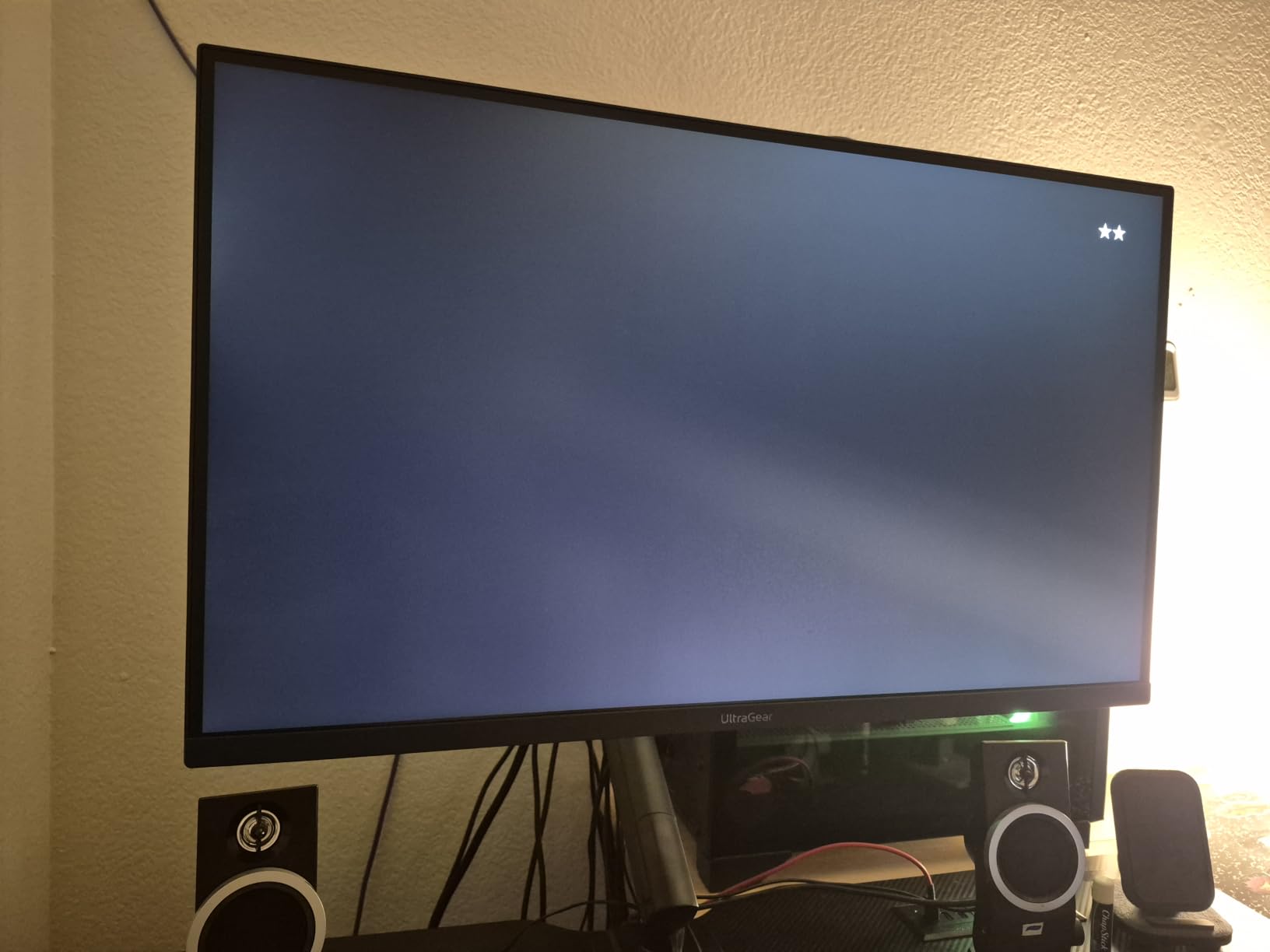
Installation was quick thanks to the tool-free snap-in VESA plate. I had my 27-inch monitor mounted and positioned in under 10 minutes. The LockSteady system with TUV Rheinland certification gave me confidence that the arm would hold my monitor securely. The 90 percent metal construction feels premium in hand.
The arm supports monitors from 13 to 32 inches and weights from 4.4 to 19.8 pounds. That covers a wide range of standard monitors. The ACA endorsement for ergonomic design tells you this arm has been evaluated by chiropractic professionals for proper ergonomic support.
Innovative Tension System
The MechaSpring system is the real differentiator here. Traditional gas springs can lose pressure over time, especially in hot environments or after years of use. The mechanical spring in the FlowLift Pro eliminates this concern entirely. You get consistent tension from day one through year five.
The PrecisionView window makes adjusting for different monitor weights straightforward. You simply turn the adjustment dial until the indicator lines up with your monitor weight range. No more tiny adjustments followed by checking if the monitor drifts. This feature alone saves 20 minutes of frustration during setup.
Who Should Consider This
This arm is ideal for anyone who wants gas spring convenience without the long-term reliability concerns. If you plan to keep your monitor arm for years, the MechaSpring technology gives you peace of mind. The lifetime warranty is exceptional at this price point and shows HUANUO’s confidence in the design.
The main trade-off is the cable management system, which several users note could be better. I used some adhesive cable clips alongside the built-in management to keep things tidy. For the build quality and lifetime warranty, this is one of the best monitor arms you can get under $30.
3. MOUNTUP Single Monitor Desk Mount – Budget Champion
- Outstanding value for money
- Very sturdy alloy steel construction
- Smooth one-finger repositioning
- Excellent cable management
- 10 year warranty support
- Instruction manual could be clearer
- Rotation requires significant force
- Plastic covers can be brittle
The MOUNTUP Single Monitor Desk Mount is the kind of product that makes you question why anyone would spend more. At under $20, it delivers features that arms twice the price struggle to match. Over 15,000 Amazon reviewers agree, giving it a solid 4.4-star rating.
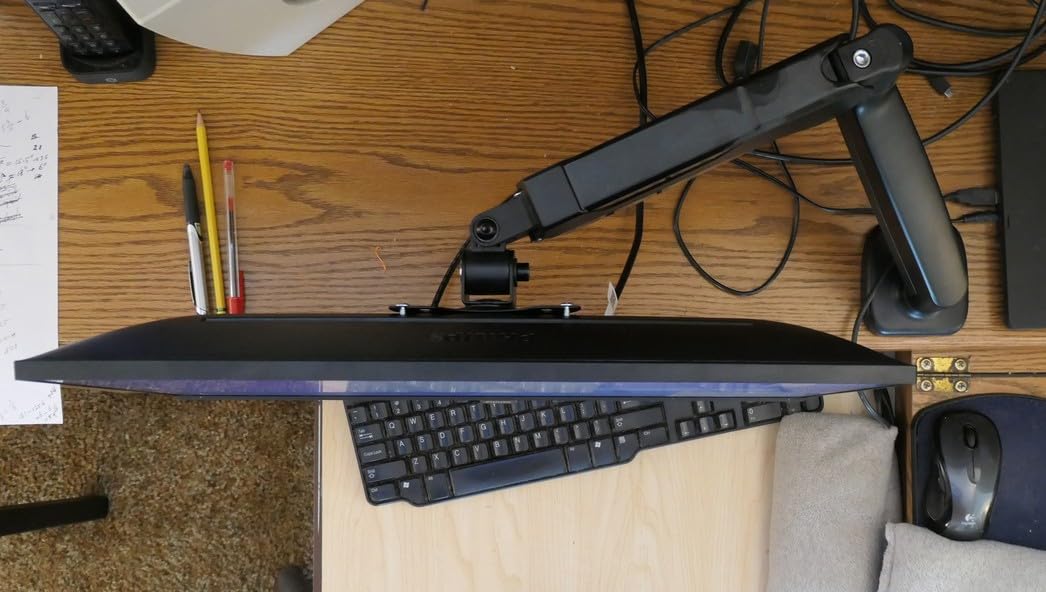
I set this up with a 24-inch monitor in about 15 minutes. The alloy steel construction feels rigid and secure. Full motion adjustment means you get tilt from minus 45 to plus 90 degrees, 180-degree swivel, and full 360-degree rotation. The arm extends up to 19.6 inches and offers 16.5 inches of height adjustment.
What impressed me most was the smoothness of movement. I could reposition the monitor with one finger once the tension was dialed in. The tension system has been tested for over 20,000 cycles, which suggests it will hold up well over time. That is durability testing usually reserved for premium arms.
The cable management on this arm deserves praise. MOUNTUP includes clips along the arm that keep your cables organized and hidden. Many budget arms treat cable management as an afterthought, but MOUNTUP clearly put thought into this detail. The 10-year warranty support is remarkable for the price.
Setup and Tension Adjustment
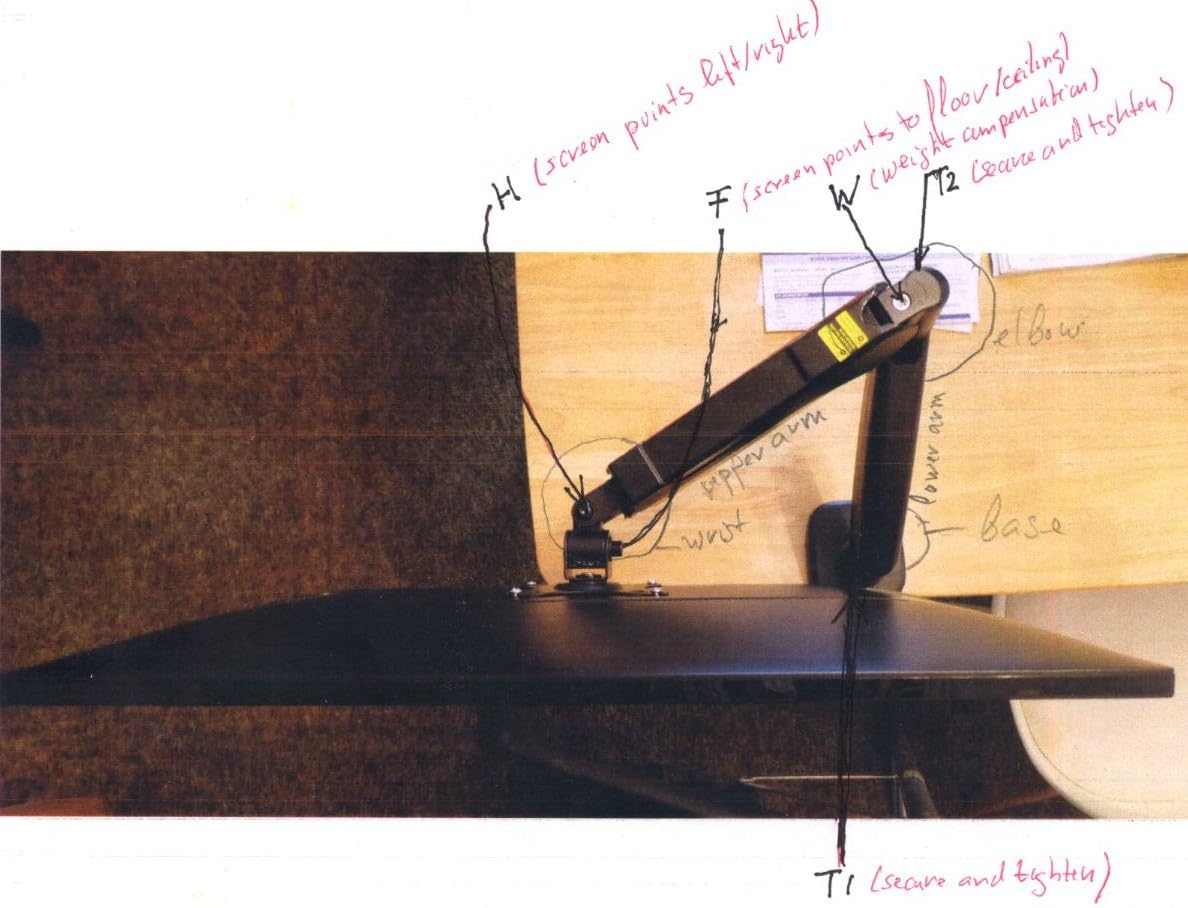
The instruction manual is the weakest point of this product. Several users, myself included, found the directions confusing. The good news is that the actual assembly is intuitive once you look at the parts. Start by attaching the base to your desk, then mount the arm, and finally attach your monitor.
Tension adjustment requires patience on any gas spring arm, and the MOUNTUP is no exception. Use the included Allen wrench to fine-tune the tension until your monitor stays exactly where you position it. Once dialed in, the arm holds position beautifully without any drift.
Limitations to Know
The rotation mechanism requires more force than other arms I tested. If you switch between landscape and portrait frequently, this could be annoying. The plastic covers on the joints can also feel brittle, so be gentle when snapping them into place during installation.
Despite these minor issues, the MOUNTUP delivers incredible value. For anyone looking for the best monitor arms on a tight budget, this is the one to get. The 10-year warranty and 20,000-cycle tested tension system give you confidence it will last.
4. WALI Single Monitor Mount – Wide Compatibility
WALI Adjustable Single Monitor Arm for 13-34 inch Screens, up to 26.4 lbs
- Wide monitor compatibility up to 34 inch
- High 26.4 lbs weight capacity
- Raises 17.3 inches above desk
- 20k cycle durability tested
- 10 year warranty
- Requires careful tension adjustment
- Some reports of wobble over time
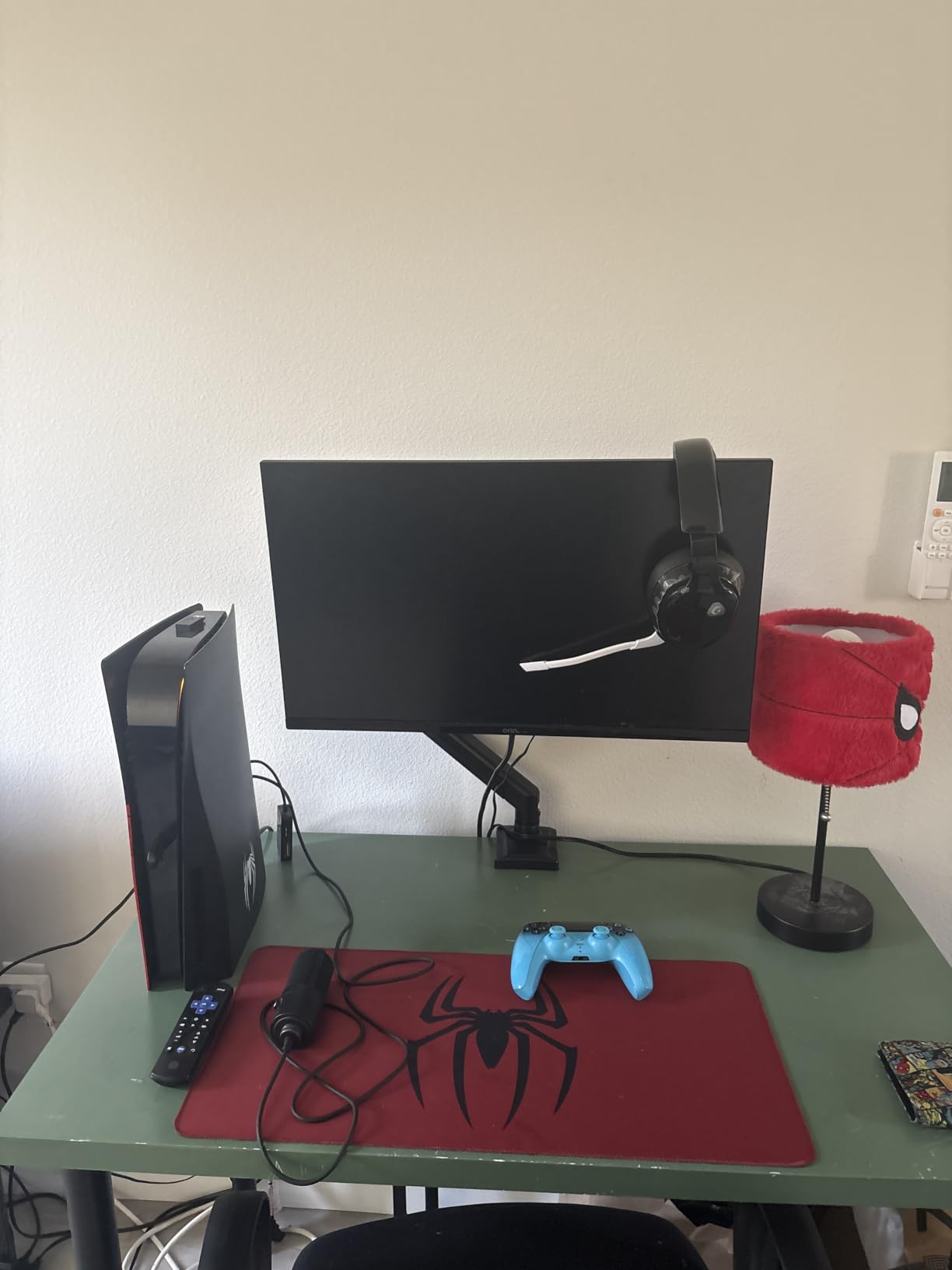
The WALI Single Monitor Mount earned its spot on this list with an impressive height range and weight capacity. It raises your monitor up to 17.3 inches above the desk surface, which is one of the tallest ranges I have tested. For tall users or anyone with a high desk, this extra reach makes a real difference.
I mounted a 32-inch curved monitor on this arm without any issues. The 26.4-pound capacity for flat screens and 19.8-pound capacity for curved screens gives you plenty of headroom. The arm extends up to 19.3 inches, giving you flexibility to push the monitor back when you need desk space.
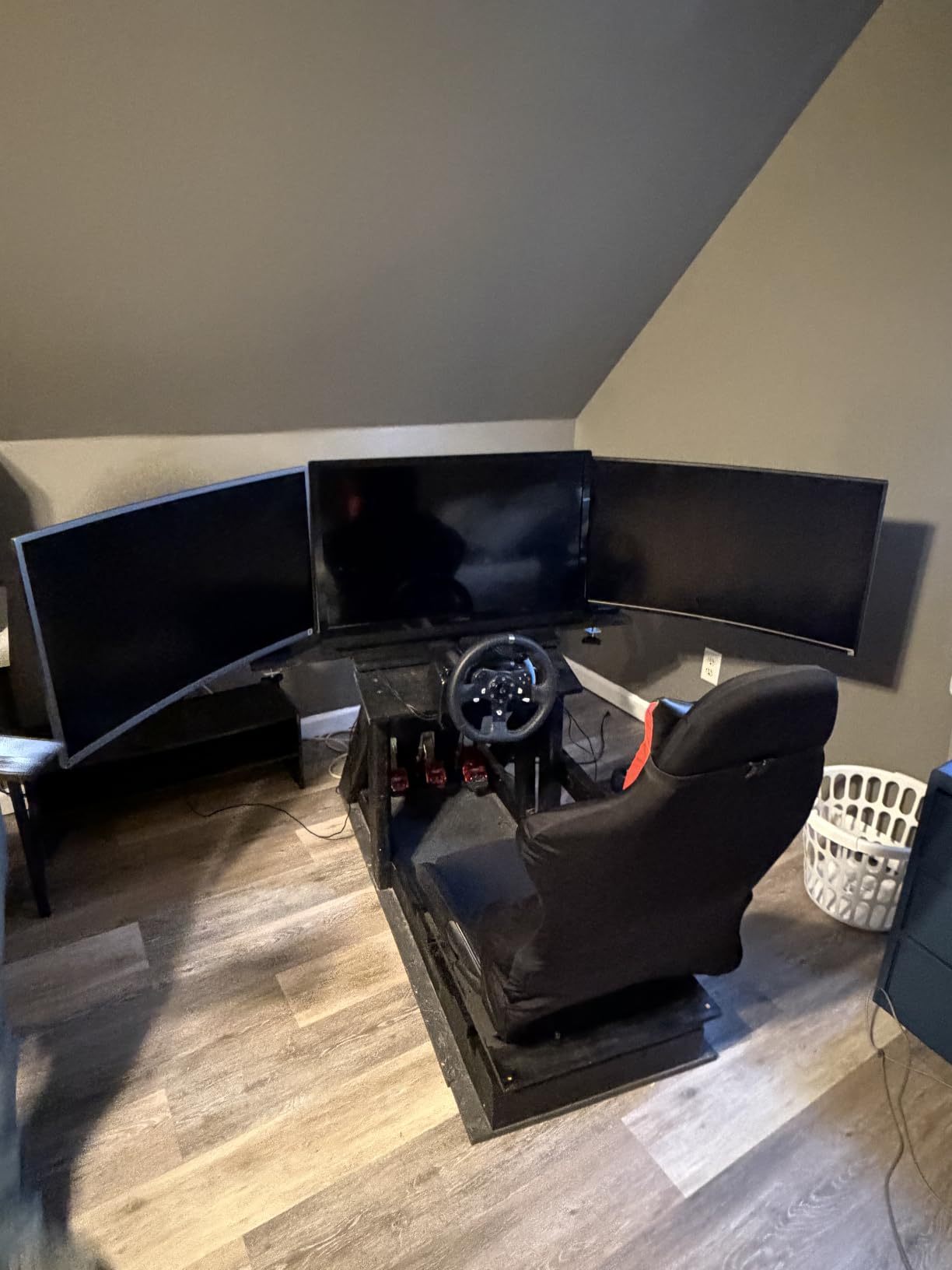
The full motion adjustment covers tilt from minus 45 to plus 70 degrees, plus-minus 180-degree swivel, and full 360-degree rotation. I found the movement range more than adequate for daily use. The built-in cable management keeps things organized, though it is basic compared to some premium options.
WALI has tested the core mechanism for over 20,000 cycles, which matches the testing standards of more expensive arms. The 10-year warranty provides long-term confidence. With nearly 2,000 reviews and a 4.3-star average, this arm has built a solid reputation among budget-conscious buyers.
Best for Tall Users
If you are over 6 feet tall, most monitor arms simply do not raise your screen high enough for proper ergonomic positioning. The WALI addresses this with its 17.3-inch height range above the desk. That extra few inches can be the difference between neck strain and comfortable viewing.
I tested this arm at various heights and found it stable even at full extension. Some budget arms get wobbly when fully extended, but the WALI maintained good rigidity. Just be sure to properly tighten all joints during installation to minimize any movement.
Weight Capacity Considerations
The 26.4-pound capacity is impressive for an arm at this price. This means you can use it with heavier gaming monitors or displays with built-in speakers. Just note that curved monitors have a lower 19.8-pound limit due to the different weight distribution.
Some users report developing a slight wobble over time. This is common with any budget arm and usually means the tension needs readjusting. WALI includes the Allen wrench you need for this. With proper maintenance, this arm should serve you well for years.
5. Amazon Basics Gas Spring Single Monitor Arm
- Reliable Amazon Basics quality
- Sturdy aluminum build
- Smooth gas spring adjustments
- Good cable management system
- Easy installation
- Joints may feel stiff initially
- Requires proper tension adjustment
- Limited to 27 inch monitors only
The Amazon Basics Gas Spring Monitor Arm brings the reliability of the Amazon Basics brand to the monitor mount category. With over 4,000 reviews and a 4.4-star rating, it has earned its place as a trusted option. The aluminum construction feels solid and looks clean on any desk.
I tested this arm with a 27-inch monitor that weighs about 12 pounds. The gas spring mechanism provided smooth, tool-free adjustment once I dialed in the tension. The arm extends up to 20.5 inches, giving you plenty of reach. Tilt ranges from minus 90 to plus 85 degrees with plus-minus 90-degree swivel.
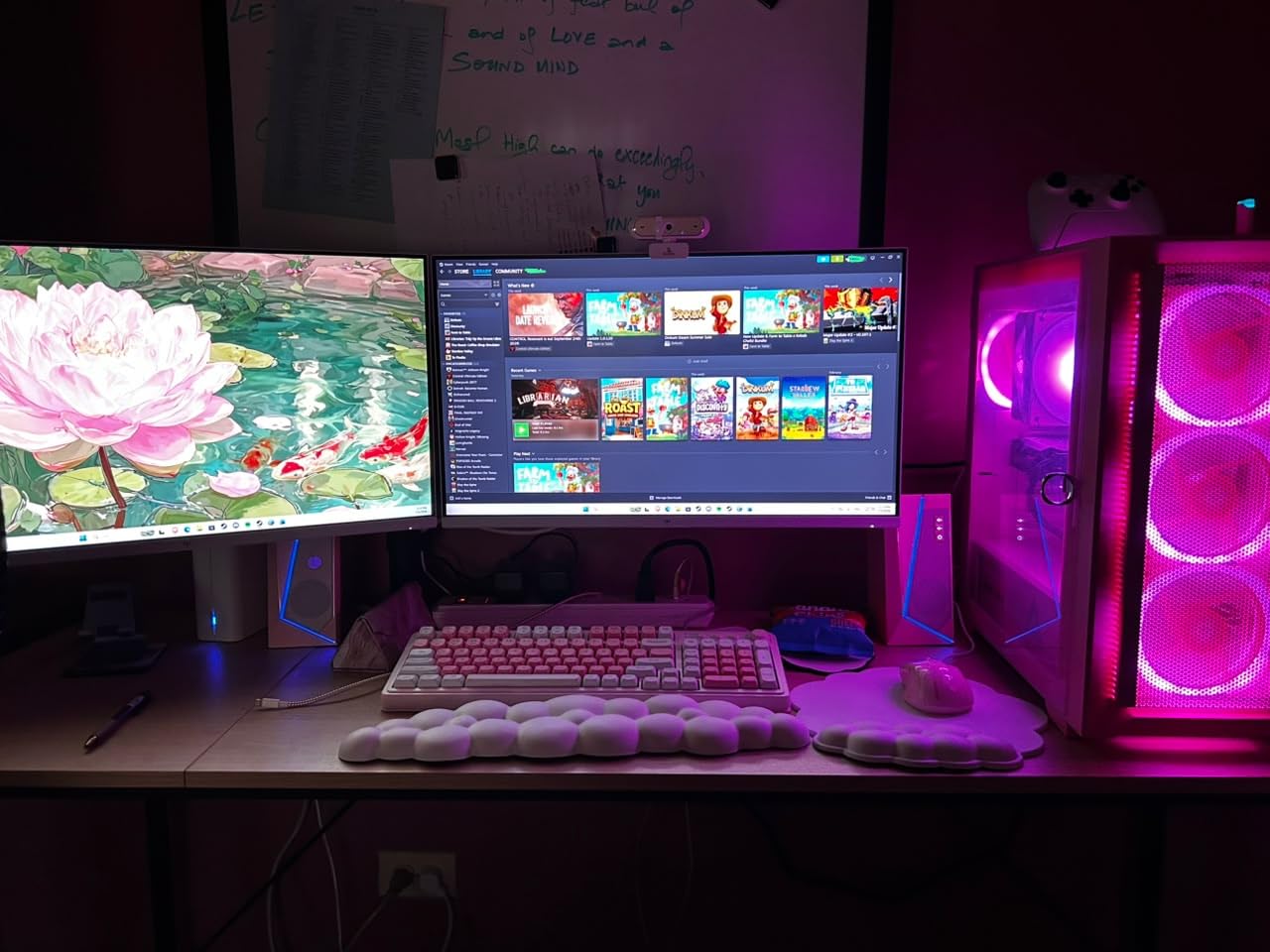
One thing I noticed is that the joints felt stiff out of the box. This is actually intentional since Amazon Basics pre-tightens the joints for secure transport. After loosening the joints slightly and setting the tension for my monitor weight, the movement became smooth and natural.
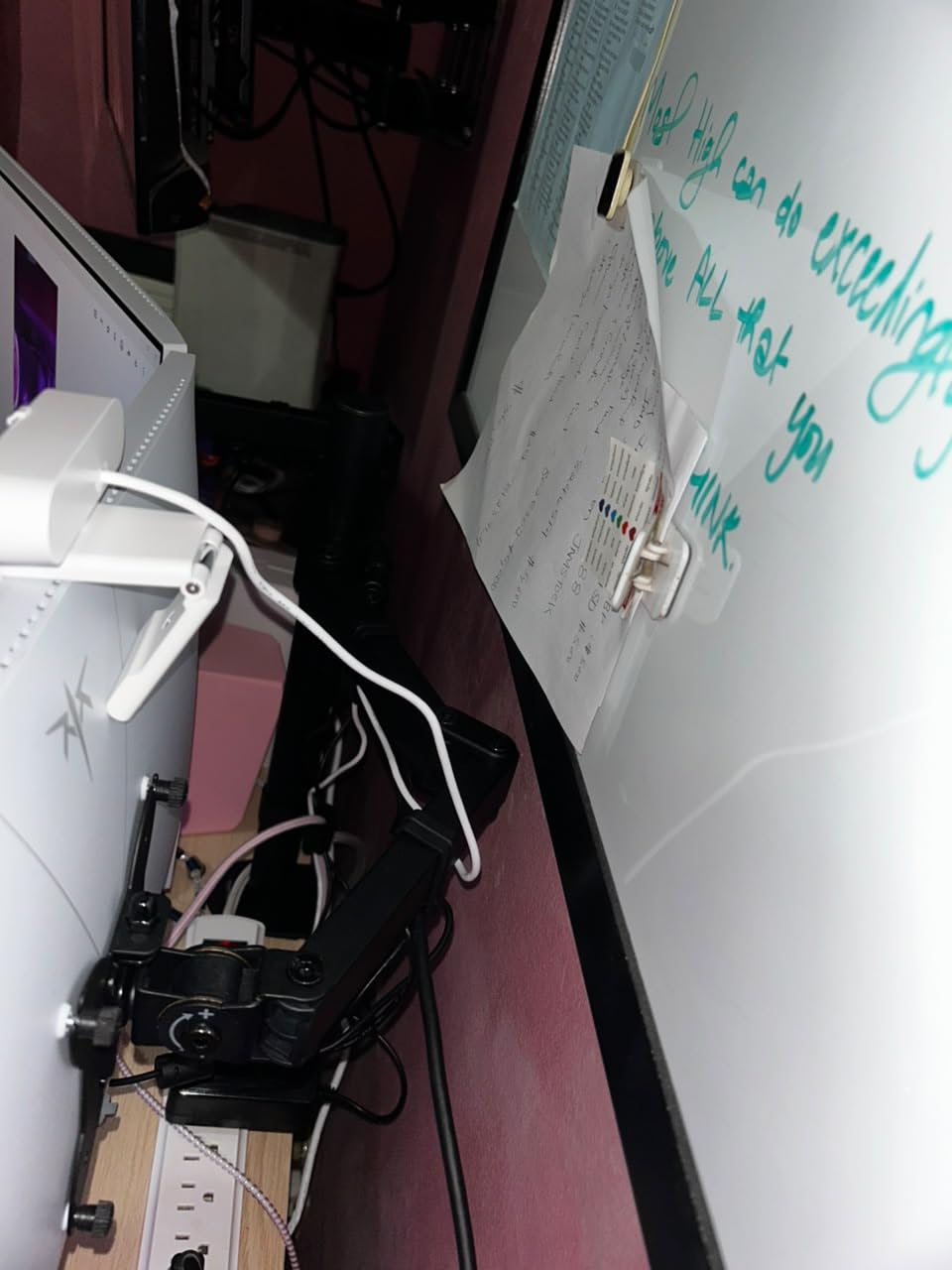
The cable management system is one of the better ones I have used in this price range. There are designated channels along the arm that keep your cables hidden and organized. The VESA plate is compatible with both 75x75mm and 100x100mm patterns, covering the vast majority of monitors.
Size and Weight Limitations
The main limitation of this arm is that it only supports monitors up to 27 inches and 15.4 pounds. If you have a large gaming monitor or ultrawide, you will need a different option. For standard office monitors and most home setups, this capacity is perfectly adequate.
The gas spring works best with monitors in the 8 to 14 pound range. Lighter monitors may not have enough weight to compress the spring properly, while heavier monitors near the 15.4-pound limit may feel less stable. Find the sweet spot and this arm performs beautifully.
Value Proposition
Amazon Basics products are known for delivering good quality at competitive prices, and this monitor arm is no exception. While the 1-year warranty is shorter than competitors offering 10-year coverage, the Amazon Basics return policy provides additional protection. The build quality suggests it should last well beyond the warranty period.
For anyone who wants a reliable gas spring arm from a brand they recognize, this is a safe choice. It may not have the innovative features of newer brands, but it does the basics extremely well.
6. NB SmooVex Mechanical Spring Monitor Mount
- Innovative mechanical spring design
- No gas leakage concerns ever
- Less sagging over time
- Smooth articulating movement
- Highest rated at 4.6 stars
- Limited review count at 364
- Newer product on market
- Only 2 year warranty
The NB SmooVex Monitor Mount represents the next generation of monitor arm technology. Instead of a traditional gas spring, it uses a new-generation mechanical spring system that eliminates the biggest long-term concern with monitor arms: gas leakage. This is the highest-rated arm in our roundup at 4.6 stars.
I was immediately impressed by how smooth the movement feels. The mechanical spring provides consistent resistance throughout the full range of motion. There is no sudden drop or bounce when you release the monitor, which can happen with gas springs that are not properly tensioned.
The slim arm design takes up less visual space on your desk compared to thicker gas spring arms. NB Ergonomic has clearly focused on clean aesthetics. The 230mm height travel gives you over 9 inches of vertical adjustment, which covers most users’ needs for proper ergonomic positioning.
The tilt range goes from minus 25 to plus 90 degrees with plus-minus 90-degree rotation. The arm fits monitors from 17 to 32 inches with standard VESA 75x75mm or 100x100mm patterns. Both C-clamp and grommet mounting options are included.
Mechanical vs Gas Spring
This is the core decision when choosing a modern monitor arm. Gas springs have been the standard for years because they provide smooth, effortless adjustment. However, they can lose pressure over time, especially in warm environments. When a gas spring fails, the arm becomes difficult or impossible to adjust.
The mechanical spring in the NB SmooVex sidesteps this issue entirely. Mechanical springs do not leak or lose pressure. The trade-off is that the movement may feel slightly different from a gas spring, with more consistent resistance throughout the range. I found it took about a day to get used to the feel, and then I preferred it.
Long-Term Confidence
With only 364 reviews, this is a newer product that has not yet built the massive review base of established options. However, the 4.6-star average is impressive for any product in this category. The 2-year warranty is shorter than some competitors, which is worth noting.
If you are willing to be an early adopter of mechanical spring technology, the NB SmooVex offers something genuinely different from every other arm on this list. The no-sag promise is compelling for anyone planning a long-term desk setup.
7. MSI MAG MT101G Gas Spring Monitor Arm
- Gas spring tool-less adjustment
- Quick release VESA plate for easy swaps
- Versatile clamp and grommet options
- Good tilt swivel and rotation range
- MSI brand gaming quality
- Newer product with limited reviews
- Smaller brand presence in monitor arms
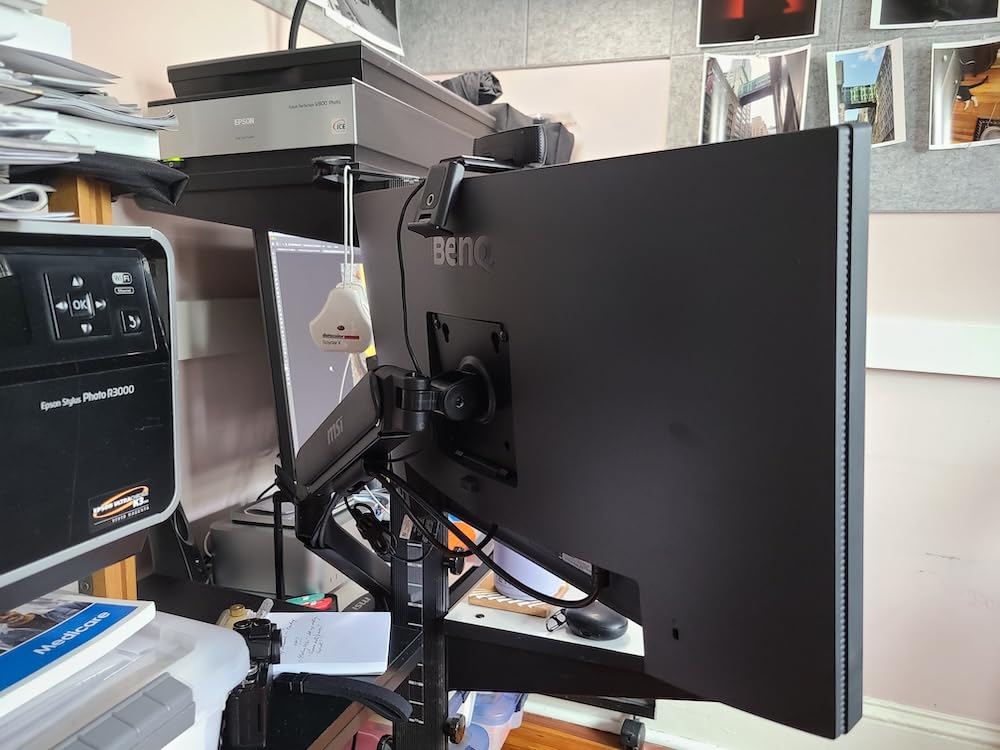
The MSI MAG MT101G brings MSI’s gaming brand credibility to the monitor arm space. If you already have MSI gaming peripherals, this arm matches the aesthetic and build philosophy. The gas spring mechanism provides smooth, tool-free monitor positioning that gamers and productivity users alike will appreciate.
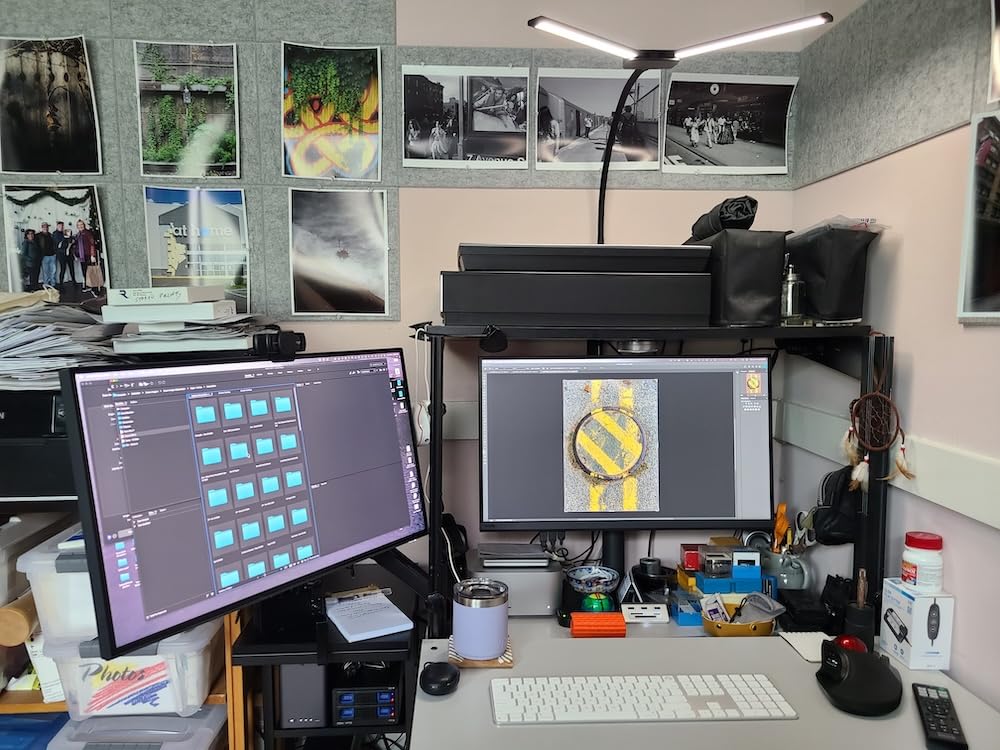
I tested this arm with a 32-inch gaming monitor weighing about 18 pounds. The 22-pound capacity handled it without strain. The gas spring adjustment allowed me to find the perfect height and angle for both gaming and work sessions. Tilt ranges from plus 80 to minus 45 degrees, swivel is plus-minus 90 degrees, and rotation is plus-minus 180 degrees.
The quick release VESA plate is one of my favorite features on this arm. You can attach the VESA plate to your monitor first, then slide it onto the arm and lock it in place. This makes monitor swaps or adjustments much easier than arms where you have to screw the monitor directly onto the mounted arm.
The clamp base accommodates desk thicknesses from 10 to 75mm, while the grommet base works with 10 to 45mm thicknesses. This covers a wide range of desk types including gaming desks with thicker surfaces. The VESA compatibility covers both 75x75mm and 100x100mm patterns.
Gaming Setup Integration
For gamers, the MSI MAG MT101G integrates well with a gaming desk setup. The matte black finish matches most gaming peripherals. The gas spring allows you to quickly adjust your monitor position between different games or when switching between gaming and productivity tasks.
The 3-year warranty is competitive with other options in this price range. MSI is a well-established gaming brand, so you have more confidence in their customer support compared to unknown Amazon brands. The 78 percent 5-star rating from early reviewers is encouraging.
Quick Release Convenience
The quick release VESA plate deserves special mention because it solves a real pain point. On most monitor arms, you have to hold your monitor in one hand while screwing it onto the mounted arm with the other. This is awkward and sometimes requires two people.
With the MSI quick release system, you attach the plate to your monitor first, then simply click it onto the arm. To remove the monitor, press the release lever. This makes cleaning, cable changes, or monitor upgrades significantly easier. It is a small feature that makes a big difference in daily usability.
8. VIVO Premium Aluminum Ultrawide Monitor Mount
- Handles ultrawide monitors up to 40 inch
- Premium aluminum construction
- Lift engine for smooth height adjustment
- Supports both flat and curved screens
- Built-in weight gauge for easy setup
- Higher price than standard mounts
- Moderate demand ranking
The VIVO Premium Aluminum Ultrawide Monitor Mount is built specifically for large ultrawide monitors up to 40 inches. If you have a 34-inch, 38-inch, or even 40-inch ultrawide that other arms cannot handle, this is your answer. The premium aluminum construction and lift engine arm set it apart from standard mounts.
I mounted a 38-inch curved ultrawide on this arm and it handled the weight beautifully. The 26.4-pound capacity for flat screens and 24.2-pound capacity for curved screens covers even the heaviest ultrawide monitors. The lift engine arm provides 9.6 inches of smooth height adjustment with counterbalance technology.
The built-in elbow spring gauge is a thoughtful feature. You can see the weight setting at a glance and adjust it precisely for your monitor. This eliminates the guesswork that makes setting up other arms frustrating. The quick-release VESA bracket makes attaching and removing your monitor simple.
The full motion articulation includes plus 90 to minus 90-degree tilt, 180-degree swivel, and 180-degree rotation. The integrated cable management covers keep your cables hidden inside the arm for a clean look. The clamp fits desk thicknesses from 0.39 to 2 inches.
Ultrawide Monitor Support
Not all monitor arms can handle ultrawide displays safely. Ultrawide monitors have different weight distribution than standard screens, with more weight spread horizontally. The VIVO STAND-V101BB is specifically engineered for this challenge with its counterbalance lift engine.
Users with 34-inch and 38-inch ultrawides consistently rate this arm highly. The premium aluminum construction provides the rigidity needed for large displays. If you have invested in an ultrawide monitor, this arm ensures it is mounted safely and adjustably.
Build Quality and Aesthetics
The premium aluminum build is immediately noticeable when you unbox this arm. It feels more like a professional-grade product than a budget mount. The matte black finish looks clean on any desk and the integrated cable covers create a polished appearance.
The 3-year warranty from VIVO matches their other premium products. With nearly 1,000 reviews and a 4.6-star rating, this arm has proven itself among ultrawide monitor owners. It costs more than standard mounts, but the build quality and ultrawide-specific design justify the investment.
9. VIVO Gas Spring Articulating Monitor Arm
- Gas spring for smooth tool-less adjustments
- Perfect counterbalance in all directions
- Premium aluminum construction
- Portrait and landscape support
- Detachable VESA face plate
- Short 3 month warranty period
- Lower 5-star rating at 70 percent
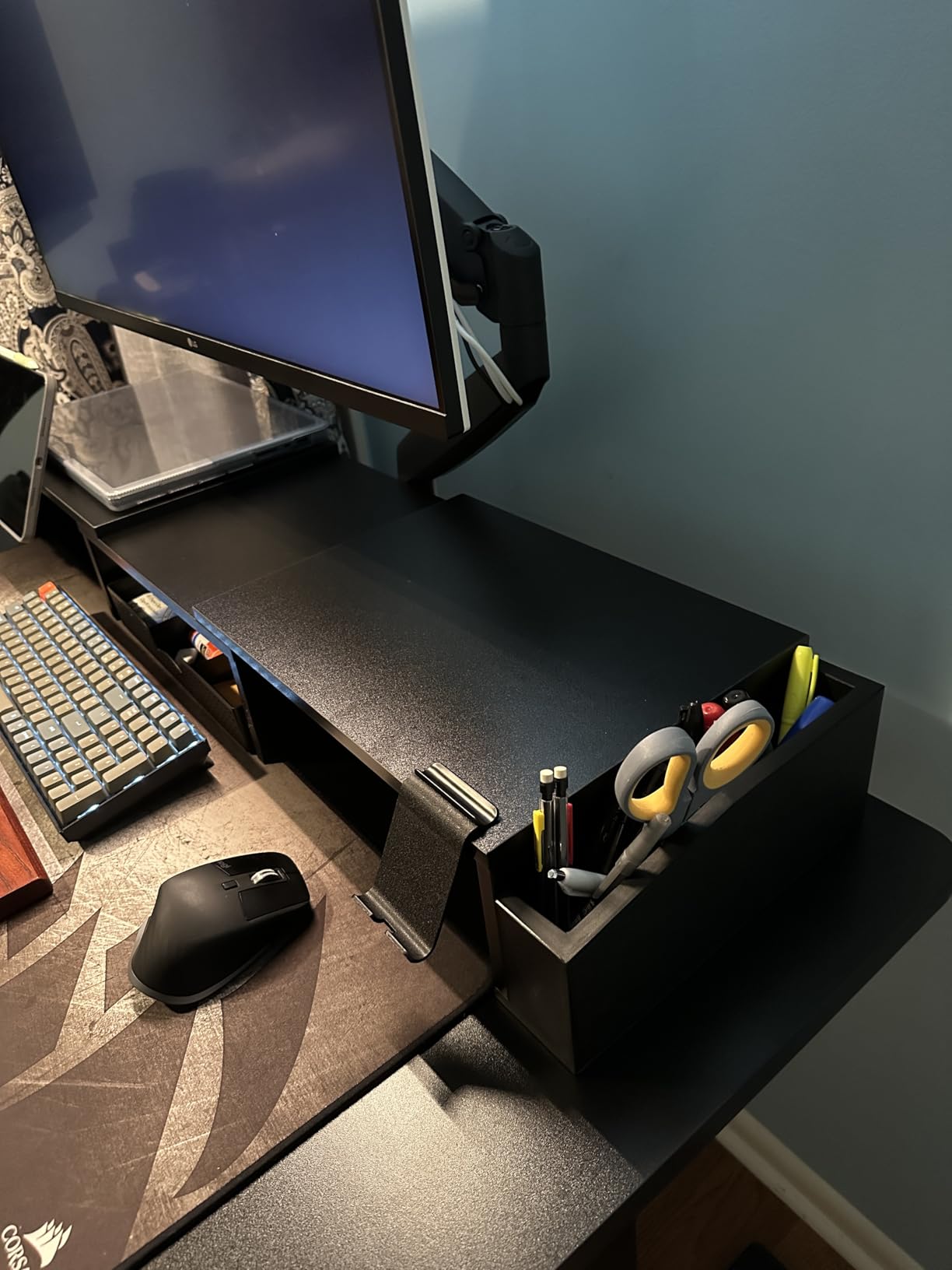
The VIVO Gas Spring Articulating Monitor Arm offers the smooth, effortless adjustment that gas spring technology is known for. The perfect counterbalance in all directions means your monitor floats wherever you guide it. This is the kind of arm that makes you wonder how you ever worked without one.
I used this arm with a 27-inch monitor for several weeks. The gas spring provided buttery smooth movement in every direction. I could raise, lower, tilt, and swivel the monitor with one hand. The 90-degree tilt and 90-degree swivel cover the range most users need for daily positioning adjustments.
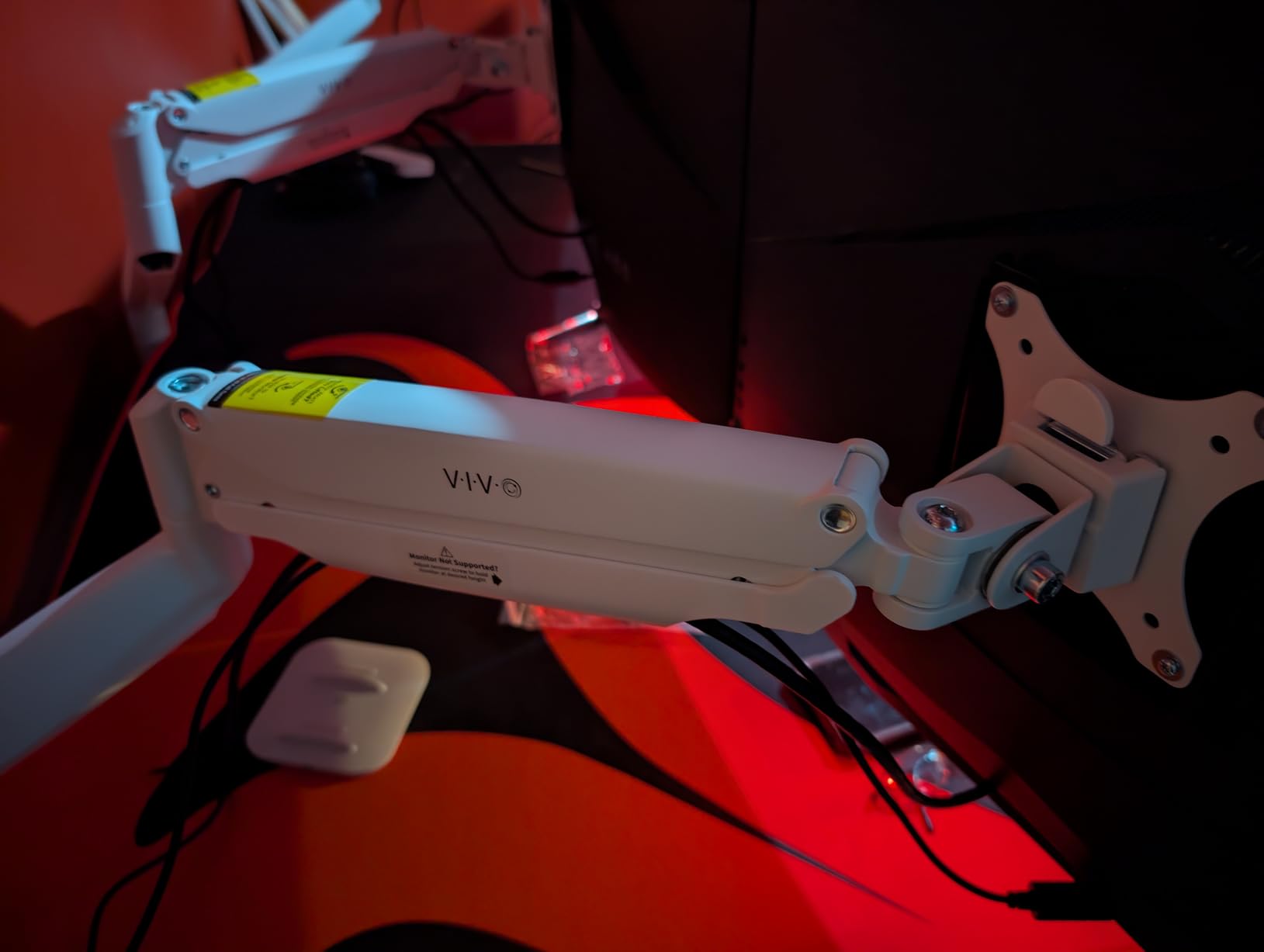
The arm supports monitors from 2.2 to 20 pounds, which is a wide range. The heavy duty C-clamp fits desks from 0.5 to 3 inches thick. I appreciate the detachable VESA face plate, which lets you attach the plate to your monitor first before sliding it onto the arm.
The premium aluminum construction matches the build quality of VIVO’s higher-end mounts. Portrait and landscape orientation support means you can switch your monitor orientation for coding, reading, or document review. The 75x75mm and 100x100mm VESA compatibility covers most monitors.
Gas Spring Performance
The gas spring in this VIVO arm delivers the premium experience that gas spring technology promises. Once properly tensioned for your monitor weight, the arm holds position perfectly. No drift, no sag, no need to constantly readjust. This is what a good gas spring arm should feel like.
The key is spending the time to get the tension right during initial setup. VIVO includes clear instructions for adjusting the tension based on your monitor weight. Once dialed in, you get the effortless floating monitor experience that makes gas spring arms so popular.
Warranty Considerations
The 3-month warranty is the shortest on this list and worth noting. This is significantly shorter than the 3-year and 10-year warranties offered by other VIVO products. It may reflect the older design of this particular model or the gas spring component longevity expectations.
Despite the short warranty, the build quality suggests this arm will last much longer. The 70 percent 5-star rating is slightly lower than other VIVO mounts, possibly related to warranty concerns. If you want the gas spring experience from VIVO, this arm delivers, but consider the warranty when making your decision.
10. VIVO Dual Monitor Desk Mount – Best Dual Value
- Best seller rank 4 in category
- Holds two monitors up to 22 lbs each
- Incredible value for dual setup
- Full articulation with tilt swivel rotate
- 60k reviews prove reliability
- Maximum screen size 30 inches
- Occasional reports of missing hardware
The VIVO Dual Monitor Desk Mount is the best-selling dual monitor arm on Amazon with over 60,000 reviews. It holds the number 4 best seller rank in Computer Monitor Arms. If you need a dual monitor setup on a budget, this is the arm that consistently delivers.
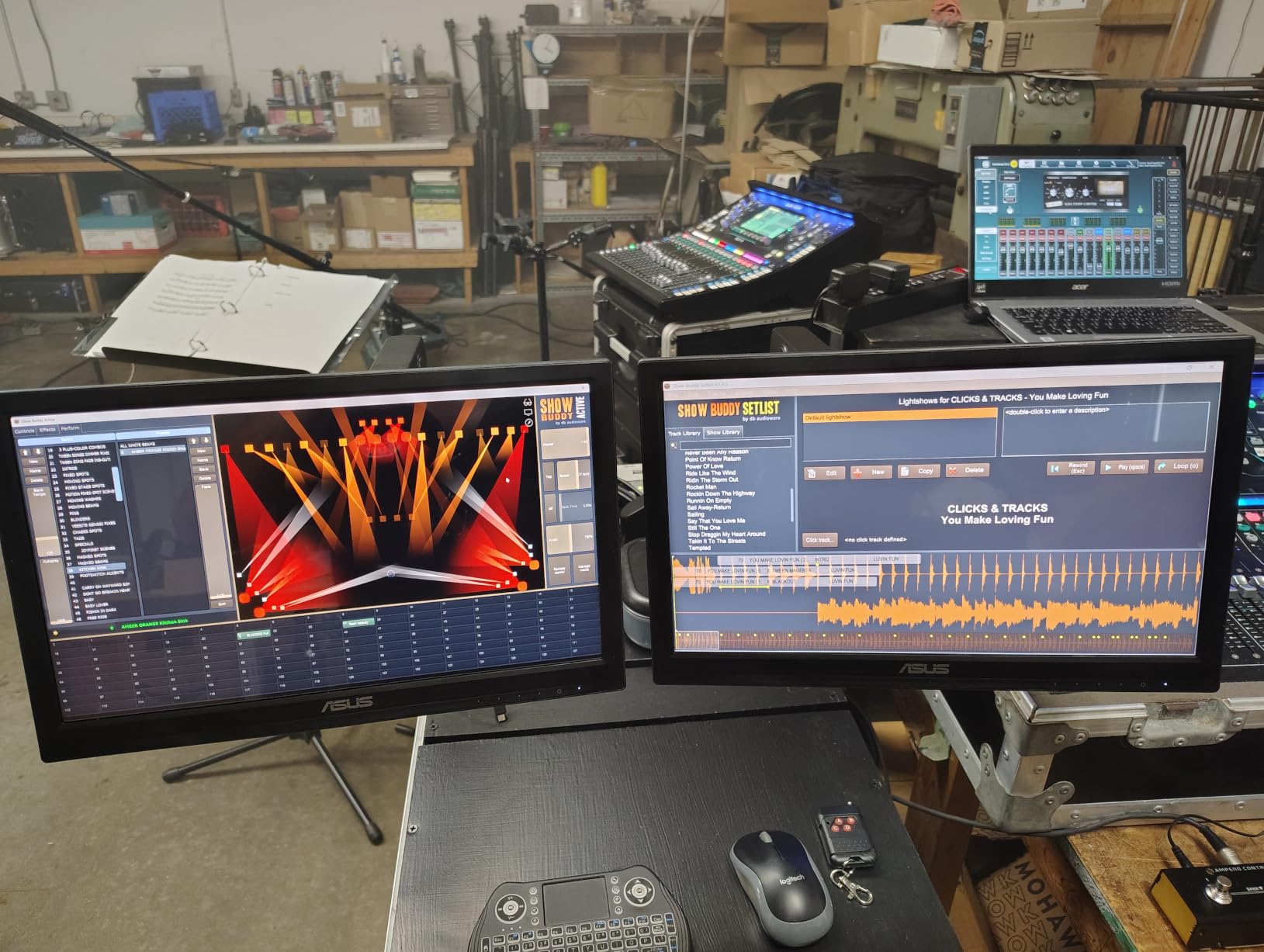
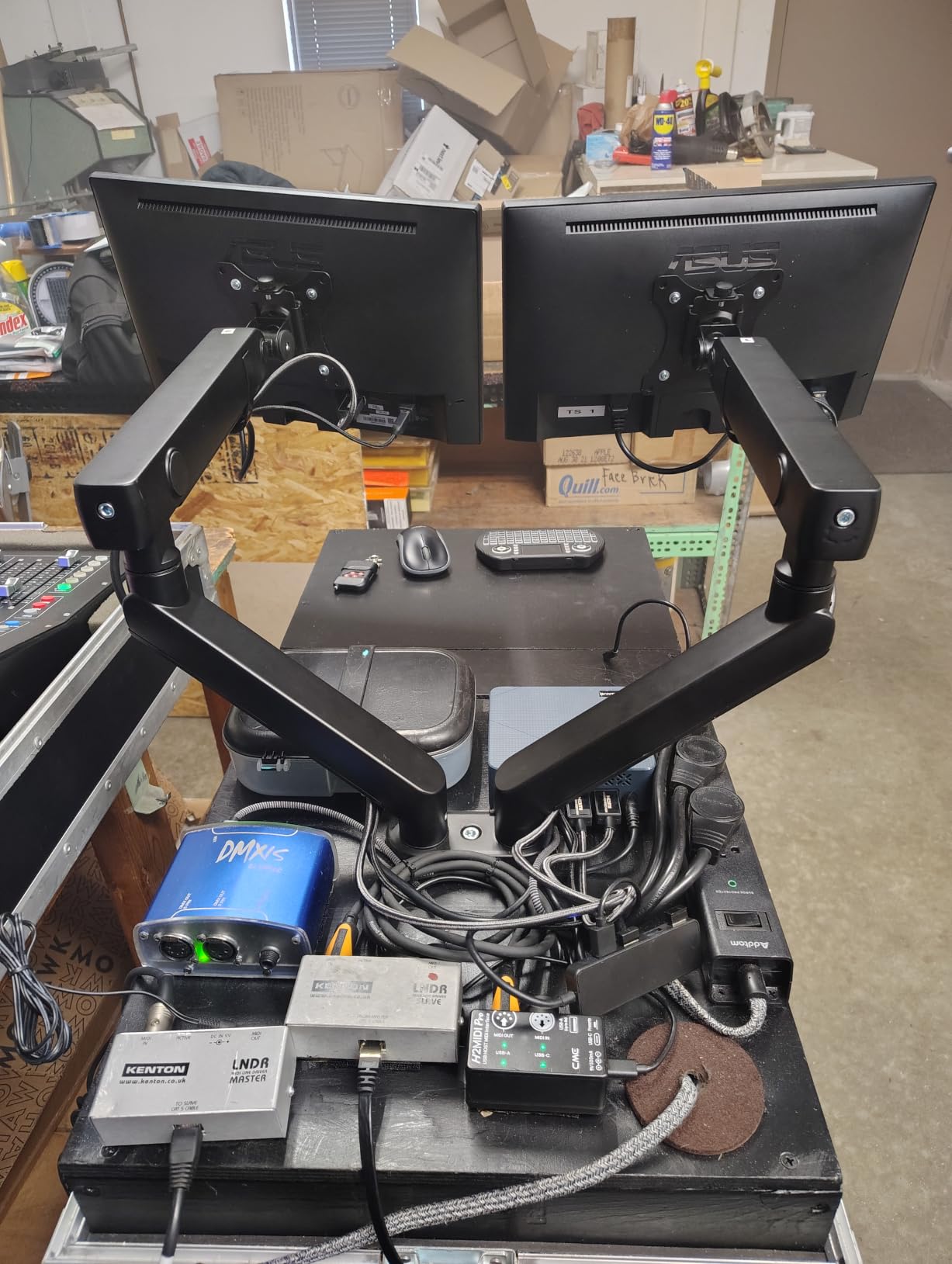
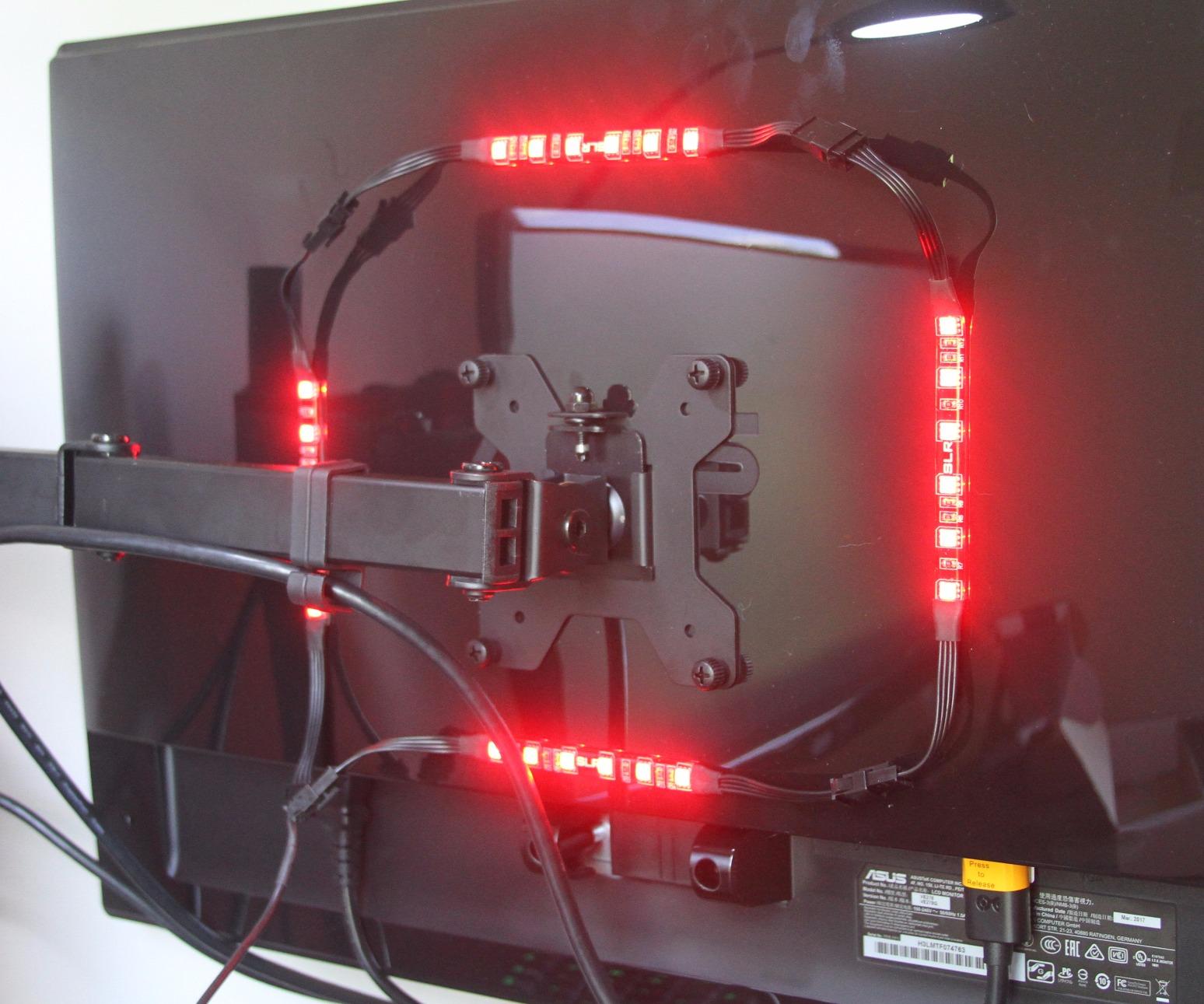
I set this up with two 27-inch monitors for a productivity workstation. Each arm holds up to 22 pounds, which covers most standard monitors. The heavy duty steel construction provides excellent stability even with two monitors extended outward. The center pole design allows height adjustment along its full length.
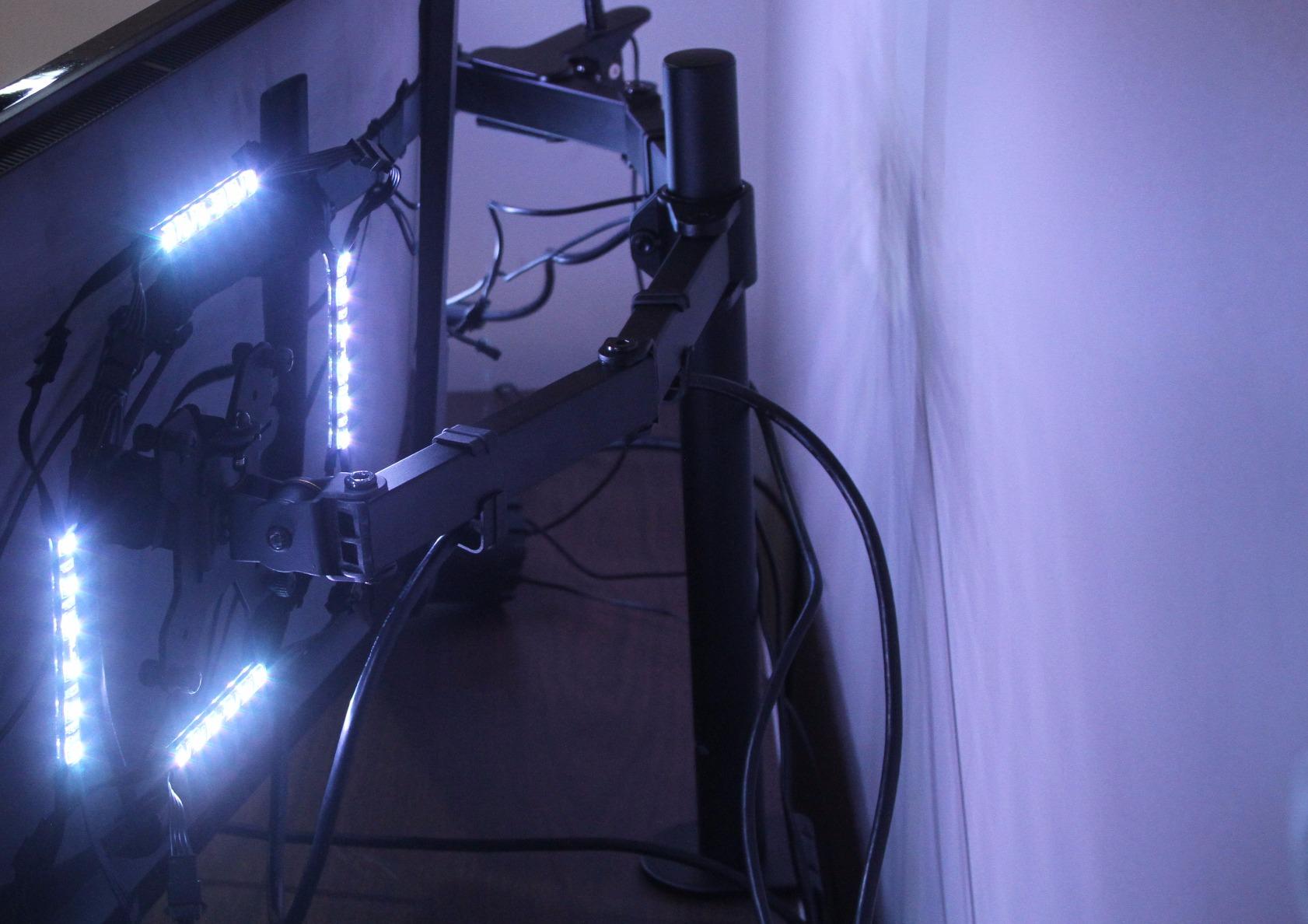
The full articulation on each arm includes plus 90 to minus 90-degree tilt, 180-degree swivel, and 360-degree rotation. I was able to position both monitors exactly where I wanted them. The cable management clips along the arms and center pole kept the power and video cables organized.
The heavy duty C-clamp fits desks up to 3.25 inches thick. VIVO also includes a grommet mount option. The detachable VESA bracket plates make installing each monitor straightforward. The 3-year warranty provides solid coverage for a product at this price point.
Dual Monitor Value Champion
Getting a dual monitor arm for under $35 is remarkable value. Many dual arms cost $100 or more. The VIVO STAND-V002 proves you do not need to spend a fortune to get a reliable dual monitor setup. With 76 percent 5-star ratings across 60,000 reviews, the quality speaks for itself.
The main limitation is the 30-inch maximum screen size per monitor. If you have two 32-inch monitors, you will need to look at the HUANUO FlowLift Dual or EVEO options instead. For dual 24-inch or 27-inch monitors, this arm is ideal.
Stability with Two Monitors
A common concern with dual monitor arms is stability. Two monitors create more torque and leverage on the base, which can cause wobble. The VIVO addresses this with its heavy duty steel construction and a substantial center pole. I noticed minimal wobble even with both arms fully extended.
The key is proper installation. Make sure the base clamp is tightened firmly and all joints are secured for your monitor weight. Once properly set up, this arm provides a rock-solid dual monitor foundation that rivals arms costing three times as much.
11. HUANUO FlowLift Dual Monitor Stand – Best Dual Overall
- Number 1 best seller in category
- Gas spring arms hold position perfectly
- No drift no sag performance
- Frees up tremendous desk space
- 5 year manufacturer warranty
- Cable management rails require detaching to route
- May hit wall on non-L-desk setups
- Less freedom than two independent arms
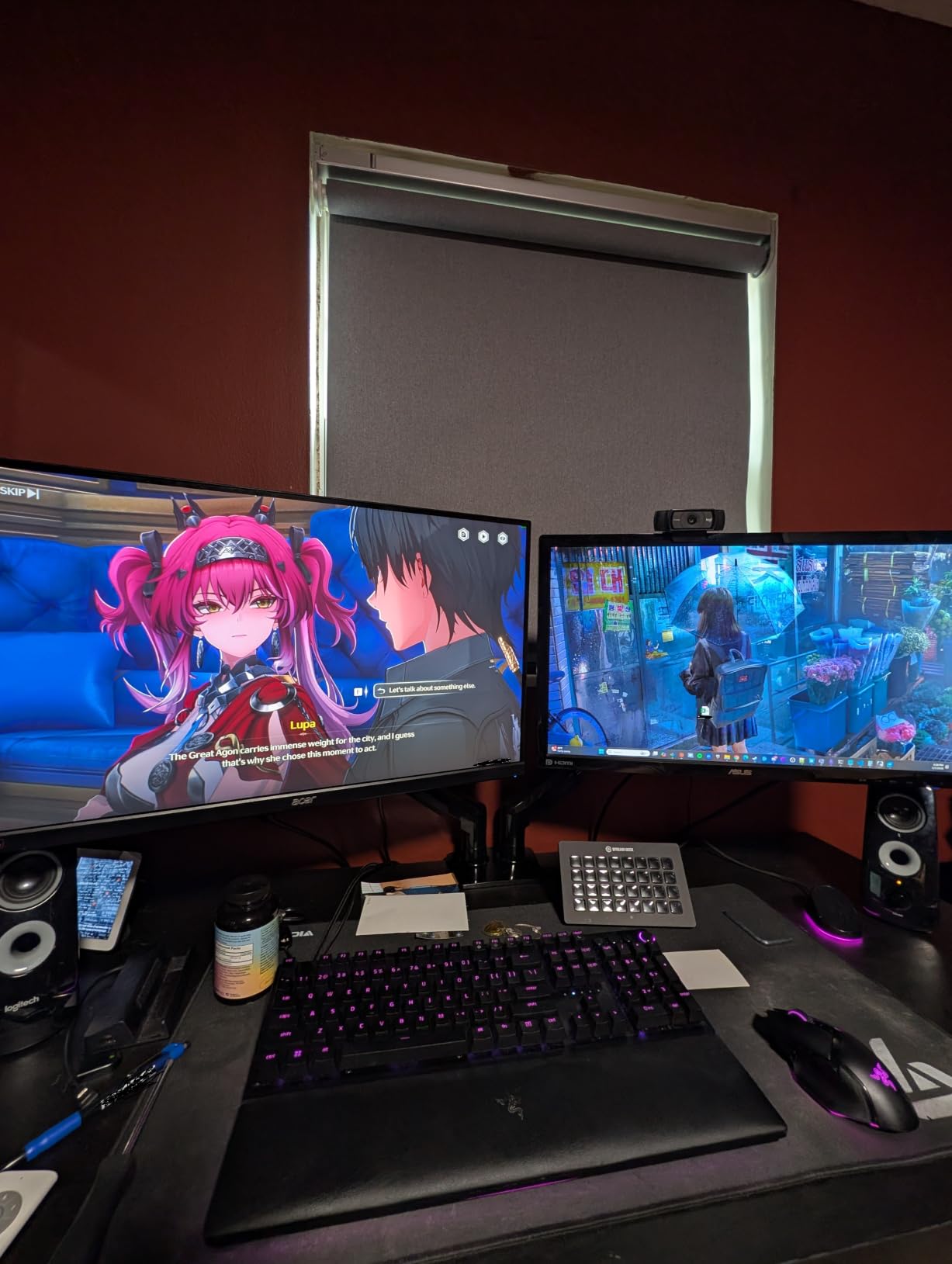
The HUANUO FlowLift Dual Monitor Stand is the number 1 best seller in Computer Monitor Arms on Amazon. With over 34,000 reviews and a 4.6-star rating, it has earned its place as the best dual monitor arm for most people. The gas spring arms provide the smooth, drift-free adjustment that users demand.
I replaced my two single monitor arms with this dual stand and the difference was immediate. The dual C-clamp structure provides a more secure attachment than single-clamp designs. My two 27-inch monitors felt rock-solid in every position. The gas powered arms work exactly as described, holding position with no drift or sag.
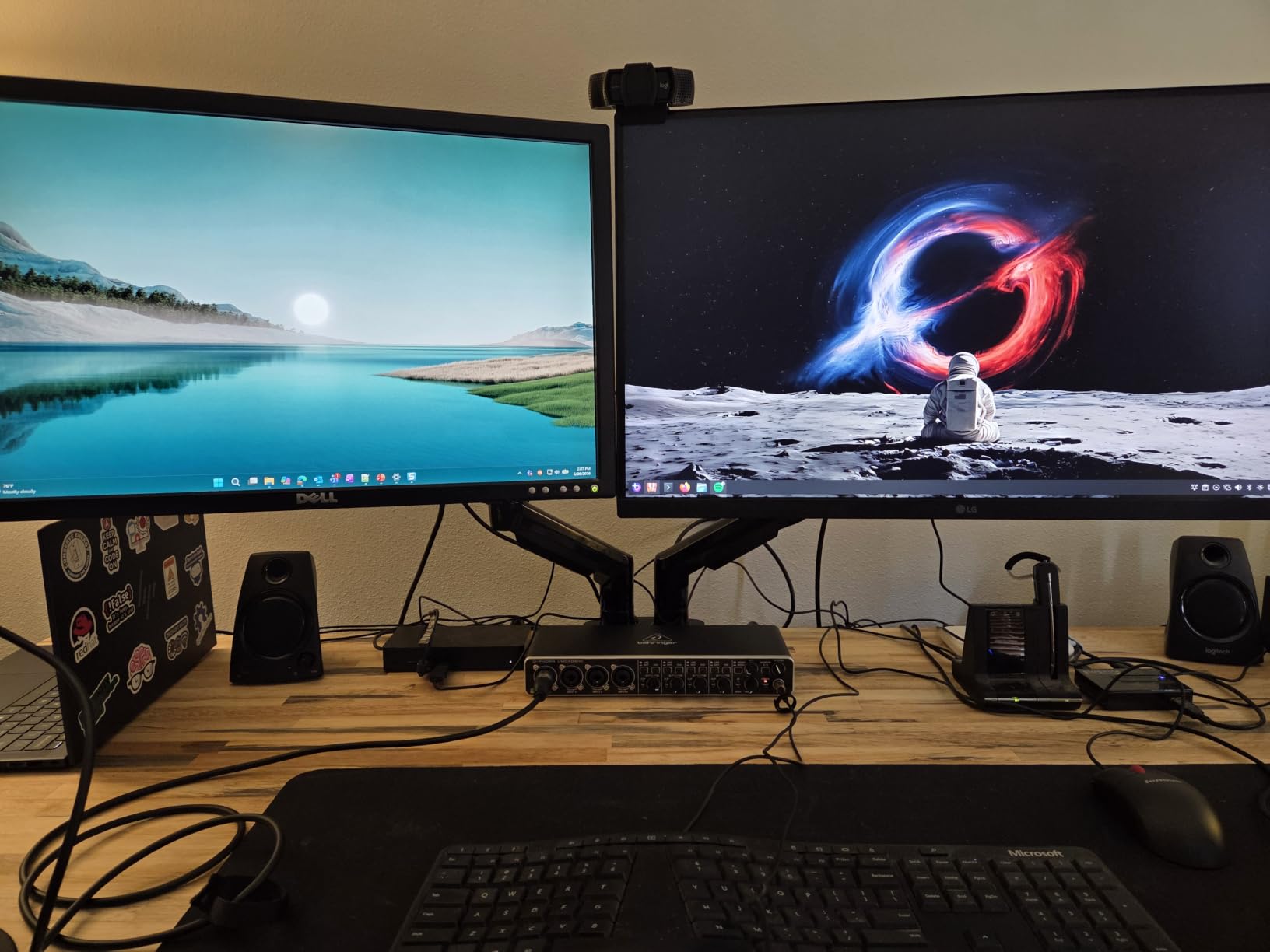
The arm supports two monitors from 13 to 32 inches each, with each arm handling 4.4 to 19.8 pounds. The tilt range is plus 85 to minus 50 degrees, swivel is plus-minus 90 degrees, and rotation is a full 360 degrees. Height adjustment goes up to 15.75 inches, giving you plenty of vertical range.
The built-in cable management guides keep your cables organized along the arms. The dual clamp fits desks from 0.59 to 3.54 inches thick. The 5-year manufacturer warranty is one of the best in the dual monitor arm category, giving you long-term peace of mind.
Gas Spring Performance at Scale
Gas spring arms really prove their worth in a dual monitor setup. Being able to adjust both monitors with one hand each is a game-changer for productivity. The HUANUO FlowLift gas springs are well-tuned and hold their position perfectly, which 79 percent 5-star reviewers confirm.
The key advantage over mechanical arms is the effortless floating feel. You guide the monitor where you want it and it stays. No need to loosen bolts or adjust tension after initial setup. This makes the FlowLift ideal for shared workstations where multiple people need to adjust the monitors.
Dual Arm vs Two Single Arms
This is a common question on forums. A dual arm like the FlowLift uses a single base with two arms, which takes up less desk space than two separate single arms. However, it offers slightly less positioning freedom since both arms share a central pole.
I found the FlowLift sufficient for side-by-side dual monitor setups. If you need monitors in vastly different positions or angles, two independent single arms may be better. For most standard dual monitor configurations, the FlowLift provides better value and a cleaner desk appearance.
12. EVEO Premium Dual Monitor Mount
- 5 minute quick installation
- Sturdy alloy steel construction
- 360 degree rotation and full swivel
- Ergonomic design reduces neck strain
- 2 year manufacturer warranty
- Less flexible than independent arms
- Higher price than other dual options
The EVEO Premium Dual Monitor Mount targets users who want a step up in build quality and design from budget dual arms. The alloy steel construction and gas spring mechanism provide a premium feel. With over 5,000 reviews and a 4.5-star rating, it has established itself as a reliable choice.
Installation was genuinely quick. I had both monitors mounted and positioned in about 5 minutes, which is faster than any other dual arm I tested. The desk clamp accommodates thicknesses from 0.39 to 1.97 inches, while the grommet option handles 0.39 to 1.56 inches. EVEO includes all necessary hardware for both methods.
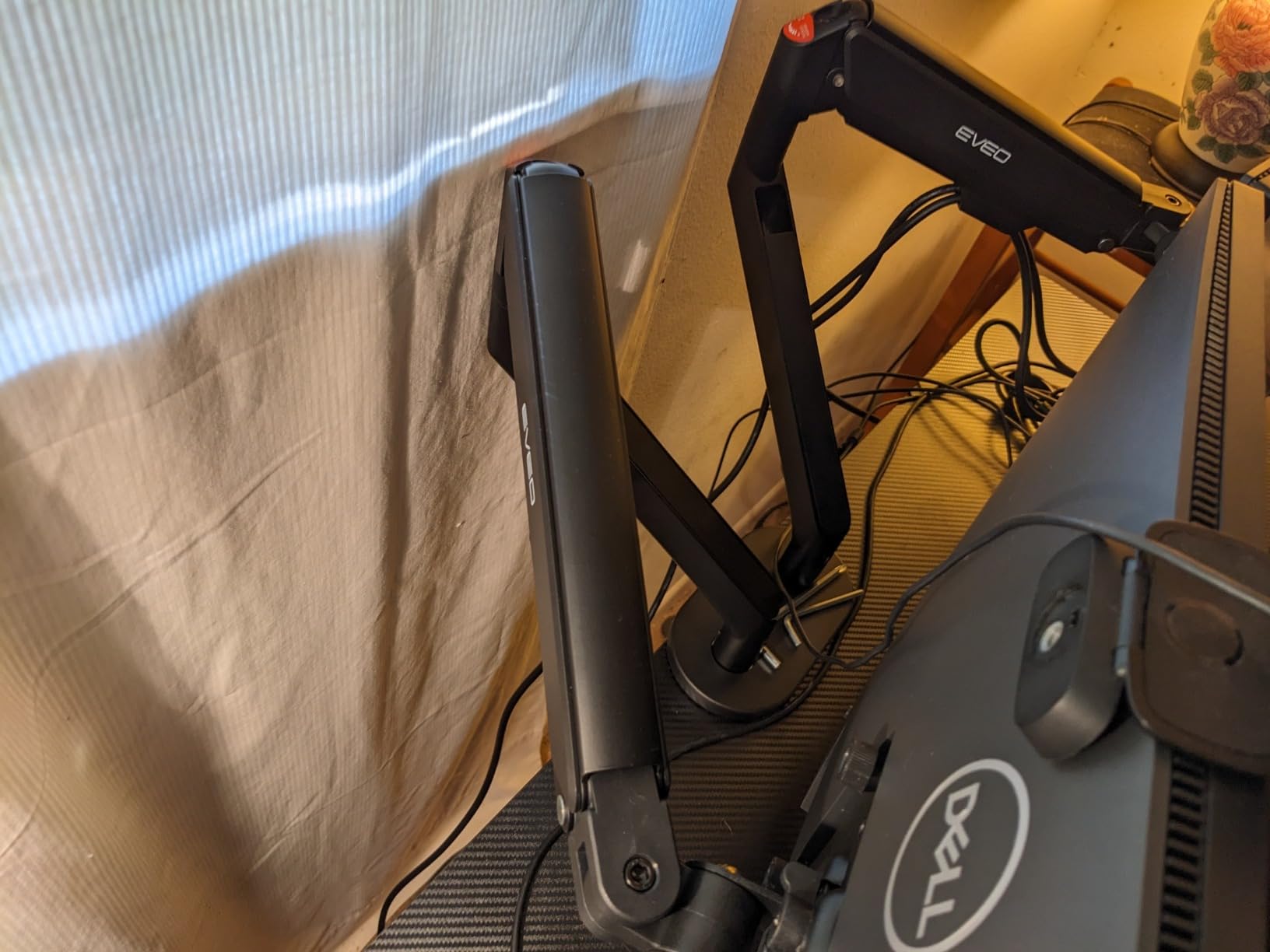
The arm supports two monitors from 14 to 32 inches with VESA 75x75mm or 100x100mm patterns. The 360-degree rotation and plus 90 to minus 90-degree swivel give you full control over monitor positioning. I was able to set up an angled dual monitor configuration for a command center style desk.
The ergonomic design is where the EVEO distinguishes itself. The arm is designed to alleviate neck and back strain by making it easy to position monitors at the correct ergonomic height and angle. The gas spring allows tool-free height adjustments so you can fine-tune throughout the day.
Premium Build Quality
The alloy steel construction on the EVEO feels noticeably more substantial than budget dual arms. The fit and finish are clean, with no rough edges or misaligned components. This is the kind of build quality you expect from a premium product, and it justifies the higher price.
The 2-year manufacturer warranty provides decent coverage. While not as long as the 5-year warranty on the HUANUO FlowLift Dual, it is reasonable for a product at this quality level. EVEO’s focus on ergonomic design sets it apart from value-oriented options.
Installation Simplicity
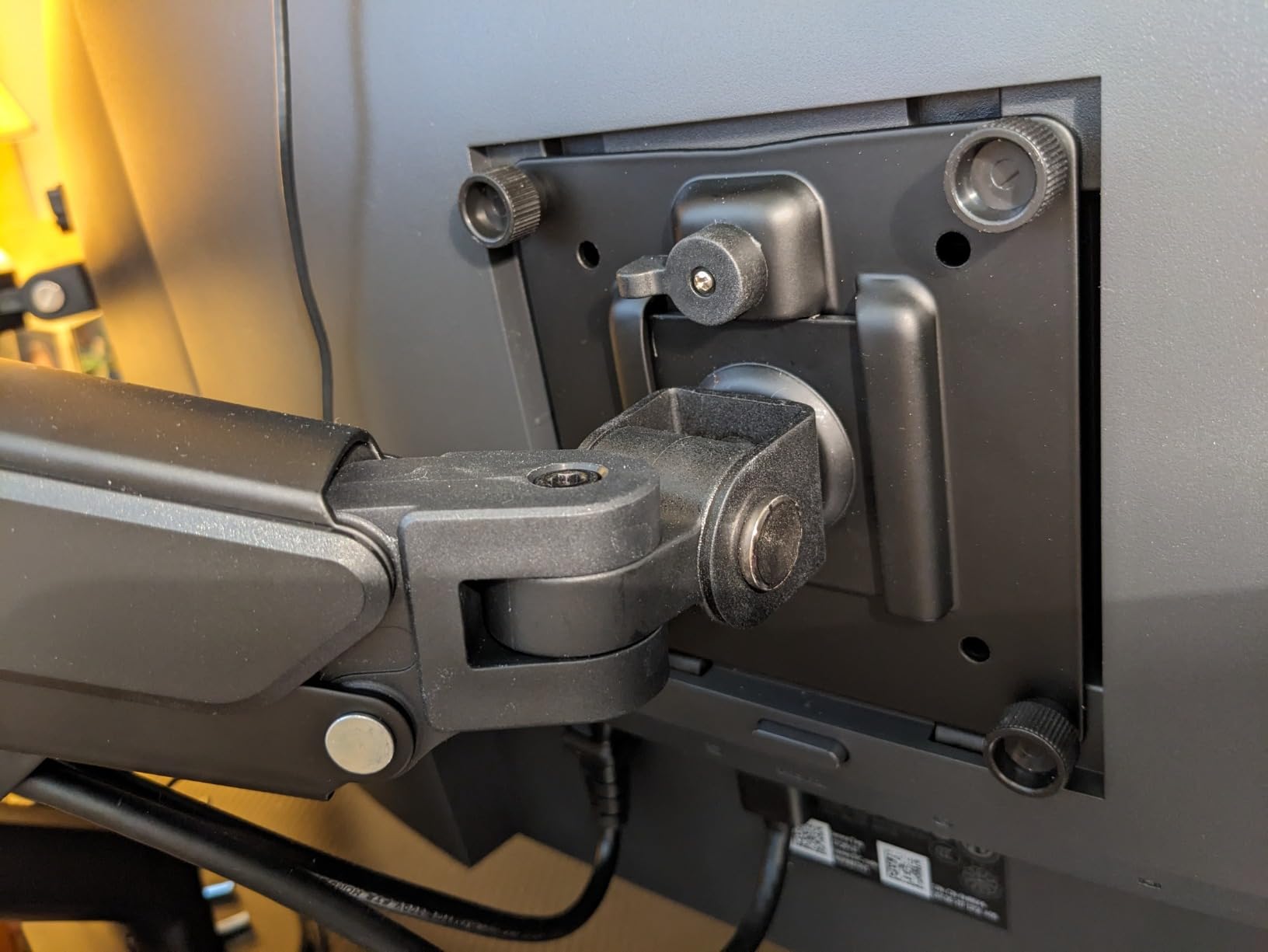
The 5-minute installation claim is legitimate. EVEO has streamlined the setup process with pre-assembled components and clear instructions. The detachable VESA plates let you attach them to your monitors first, then click them onto the arms. This design choice eliminates the awkward balancing act of mounting monitors solo.
If you want a premium dual monitor arm that is easy to install and built to last, the EVEO is worth the investment. The ergonomic benefits of proper dual monitor positioning cannot be overstated, and this arm makes achieving that setup straightforward.
How to Choose the Best Monitor Arm for Your Desk
Choosing the right monitor arm comes down to a few key factors. Get these right and you will have a mount that serves you for years. Get them wrong and you will be dealing with a wobbly screen or an arm that cannot hold your monitor.
VESA Compatibility
VESA is the mounting hole pattern on the back of your monitor. The two most common sizes are 75x75mm and 100x100mm. Every arm on this list supports both patterns. Before buying, check your monitor’s specifications or measure the hole spacing on the back. Most modern monitors are VESA compatible, but some ultra-thin models may require an adapter plate.
If your monitor does not have VESA holes, you will need a VESA adapter kit. These are available for most popular monitor models. Check the manufacturer’s website or search for your monitor model plus VESA adapter.
Weight Capacity
This is the most critical spec to get right. Your monitor must fall within the arm’s weight range. Too light and the spring will push the monitor up. Too heavy and the arm will not hold position. Always weigh your monitor without the stand, as the listed weight may include the base.
Most standard 24 to 27-inch monitors weigh between 8 and 15 pounds. Ultrawide monitors can weigh 20 to 30 pounds. Gaming monitors with built-in speakers tend to be heavier. Check the monitor specifications for the weight without the stand.
Gas Spring vs Mechanical Spring
Gas springs provide smooth, effortless adjustment and are the most popular type. They allow you to move the monitor with one hand and have it stay in place. The concern is that gas springs can lose pressure over years of use, especially in warm environments.
Mechanical springs, like the MechaSpring in the HUANUO FlowLift Pro and the NB SmooVex, do not lose pressure. They may feel slightly different during adjustment but offer better long-term reliability. This is an emerging technology that may replace gas springs in coming years.
Clamp Mount vs Grommet Mount
Most arms offer both options. A C-clamp attaches to the edge of your desk without drilling. A grommet mount passes through a hole in your desk, providing a more permanent and centered attachment. If your desk has a pre-drilled cable hole, a grommet mount is usually the better choice.
Check the desk thickness compatibility before buying. Budget arms typically fit desks up to 2 inches thick. The VIVO STAND-V001 and STAND-V002 handle desks up to 3.25 inches thick, which covers butcher block and thick hardwood surfaces.
Desk Protection
Forum users frequently ask about desk damage. The truth is that any clamp can potentially dent or mark your desk surface over time. Use the included felt pads or rubber protectors between the clamp and your desk. For expensive desks, consider placing a thin piece of wood or felt between the clamp and surface.
Do not over-tighten the clamp. Tighten until the arm is secure but not cranked down with all your strength. Check the clamp periodically to ensure it has not loosened from desk vibrations or temperature changes.
Cable Management
Good cable management keeps your desk looking clean and prevents cables from catching when you adjust the arm. Look for arms with integrated cable channels or clips. The MOUNTUP and HUANUO FlowLift arms have particularly good cable management systems.
For arms with basic cable management, adhesive cable clips are an inexpensive upgrade. Route your power and video cables along the arm using these clips for a clean, professional appearance.
Standing Desk Compatibility
Monitor arms work well with standing desks, but consider the weight. A monitor arm adds 3 to 11 pounds to your desk’s load. Most standing desks handle this without issue, but check your desk’s weight capacity if you have a lighter-duty model.
Gas spring arms are particularly good for standing desks because you can adjust your monitor height without tools as you transition between sitting and standing. The smooth adjustment makes it easy to find the right position in both postures.
FAQs
What is the best monitor arm?
The VIVO Single Ultrawide Monitor Arm (STAND-V001) is our top pick for best monitor arm overall. It handles screens up to 38 inches, supports 22 pounds, fits desks up to 3.25 inches thick, and has over 20,000 positive reviews. For dual setups, the HUANUO FlowLift Dual Monitor Stand is the best overall choice.
What is the best cheap monitor arm?
The MOUNTUP Single Monitor Desk Mount at under $20 is the best budget monitor arm. It supports 17 to 32 inch monitors up to 17.6 pounds, features a 20,000-cycle tested tension system, and includes a 10-year warranty. With over 15,000 reviews, it delivers outstanding value for money.
Is a monitor arm worth it?
Yes, a monitor arm is absolutely worth it for anyone who works at a desk for extended periods. It improves ergonomics by allowing precise screen positioning to reduce neck and back strain, frees up significant desk space, and makes it easy to adjust for sitting versus standing. Most quality arms pay for themselves in comfort and productivity gains within weeks.
Are monitor arms compatible with my monitor?
Most modern monitors are VESA compatible with either 75x75mm or 100x100mm mounting hole patterns. Check your monitor specifications for VESA compatibility. All 12 monitor arms in our guide support both VESA patterns. If your monitor lacks VESA holes, adapter plates are available for most popular models.
Are monitor arms compatible with my desk?
Most monitor arms use a C-clamp that fits desk edges from 0.5 to 3.25 inches thick, or a grommet mount that fits through a pre-drilled cable hole. Check your desk thickness and whether you have a grommet hole before purchasing. The VIVO arms on our list accommodate the thickest desks at up to 3.25 inches.
Will a monitor arm damage my desk?
A properly installed monitor arm should not damage your desk. Always use the included rubber or felt pads between the clamp and desk surface. Do not over-tighten the clamp, and check periodically that it has not loosened. For expensive desks, place a thin felt pad or piece of cardboard between the clamp and surface for extra protection.
Do monitor arms wobble?
Quality monitor arms should not wobble when properly installed and tensioned. Budget arms may develop slight wobble over time, which is usually fixed by tightening the joints or readjusting the tension. Heavier monitors at full arm extension will naturally have more movement. Choose an arm rated well above your monitor weight for maximum stability.
Should I buy a $25 monitor arm on Amazon?
Budget monitor arms under $25 can work well for lightweight monitors, but expect compromises in build quality, cable management, and long-term durability. The arms in our guide under $25, like the HUANUO FlowLift Pro and MOUNTUP, offer good value because they have strong review bases and warranties. Avoid unknown brands with fewer than 100 reviews at the lowest price points.
Final Thoughts on the Best Monitor Arms for 2026
Finding the best monitor arms comes down to matching the arm to your specific setup. For most people, the VIVO Single Ultrawide Monitor Arm (STAND-V001) is the best all-around choice with its versatility, build quality, and proven track record. If you need a dual setup, the HUANUO FlowLift Dual Monitor Stand is the number 1 best seller for good reason.
Budget shoppers should look at the MOUNTUP Single Monitor Desk Mount, which delivers incredible value under $20 with a 10-year warranty. Ultrawide monitor owners will want the VIVO Premium Aluminum mount designed specifically for 40-inch screens. And anyone interested in the latest technology should consider the NB SmooVex with its innovative mechanical spring that eliminates gas leakage concerns.
Whichever arm you choose, the ergonomic benefits of getting your monitor off your desk and into the proper position are immediate and significant. Your neck, shoulders, and back will thank you. Happy mounting from all of us at Talk of the House.