
Prime Day 2026 runs June 23 through June 26, and the early Kindle deals are already live. If you have been holding out for a new e-reader for the family, the pool, or bedtime reading with the kids, this is the week. I have been watching Kindle prices for years, and Prime Day consistently delivers the lowest prices of the year on most models. We are talking real savings of $30 to $100 off devices, plus bundle deals that throw in covers and chargers for next to nothing.
Our family has owned a Kindle Paperwhite for three summers now, and I cannot tell you how many afternoons it has spent by the pool, in the sandbox with the kids, or tucked into a beach bag. This roundup is the one I wish I had before that first purchase. I pulled together all 7 Kindle models on sale this Prime Day, ranked them for home and family use, and called out which deals are worth grabbing early and which can wait for the main event.
A quick note before we dive in: yes, you do need a Prime membership to see most of these Kindle deals. If you have never been a member, Amazon is currently offering a 30-day free trial that you can cancel before it renews. There is also a 20% off trade-in discount that stacks on top of Prime Day pricing if you have an old Kindle to send in. I will explain how to combine those savings at the bottom of the article.
Top 3 Prime Day Kindle Picks for 2026


Kindle Kids 16GB
- 2-year worry-free guarantee
- 6 months Amazon Kids+
- Protective cover included

Best Prime Day Kindle Deals at a Glance
| Product | Specifications | Action |
|---|---|---|
| Kindle 16GB Basic |
|
Check Latest Price |
| Kindle Paperwhite 16GB |
|
Check Latest Price |
 Paperwhite Signature Edition Paperwhite Signature Edition |
|
Check Latest Price |
 Kindle Colorsoft 16GB Kindle Colorsoft 16GB |
|
Check Latest Price |
 Colorsoft Signature Edition Colorsoft Signature Edition |
|
Check Latest Price |
 Kindle Scribe 32GB Kindle Scribe 32GB |
|
Check Latest Price |
| Kindle Kids 16GB |
|
Check Latest Price |
1. Kindle 16GB Basic in Matcha or Black – The Travel-Ready Starter
- Lightest and most compact Kindle available
- Glare-free 300 ppi display
- 6 weeks of battery life
- 16GB holds thousands of books
- USB-C charging
- No warm light
- Not waterproof
- Plastic build
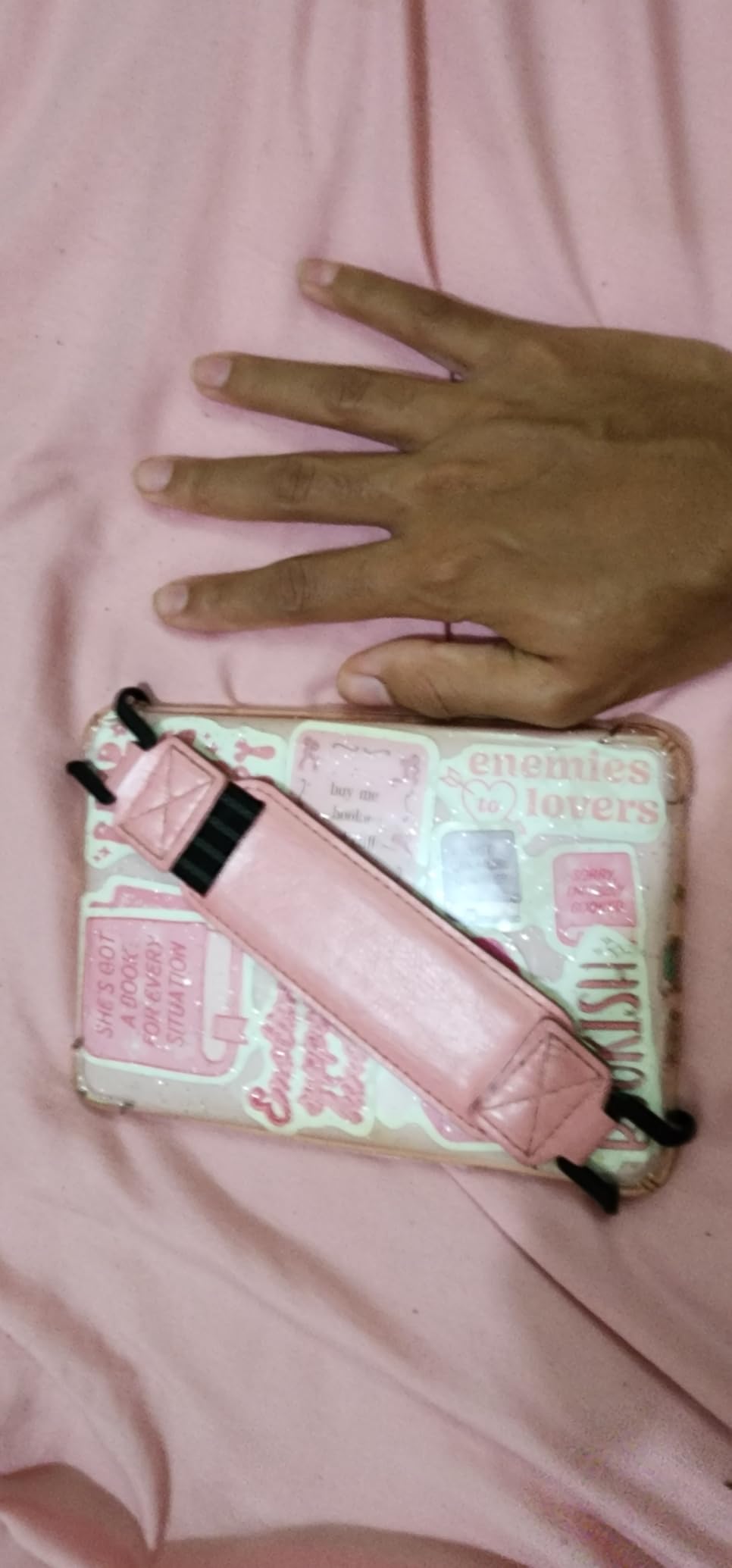
I bought the basic Kindle for my mom last Christmas, and she reads on it every single night. At $109.99 during the early Prime Day window, it is hard to argue with a starter e-reader this capable. It is the lightest Kindle Amazon has ever made, and the 6 inch display is plenty for novels, paperbacks, and most paperbacks. If you want a no-fuss reader for the kitchen counter or the nightstand, this is the one.
The 300 ppi glare-free screen is the real star here. It looks like real paper, even in direct sunlight. My mom uses hers on the porch in the afternoon and never complains about reflections. Dark mode is built in, which she loves for reading before bed without waking my dad.
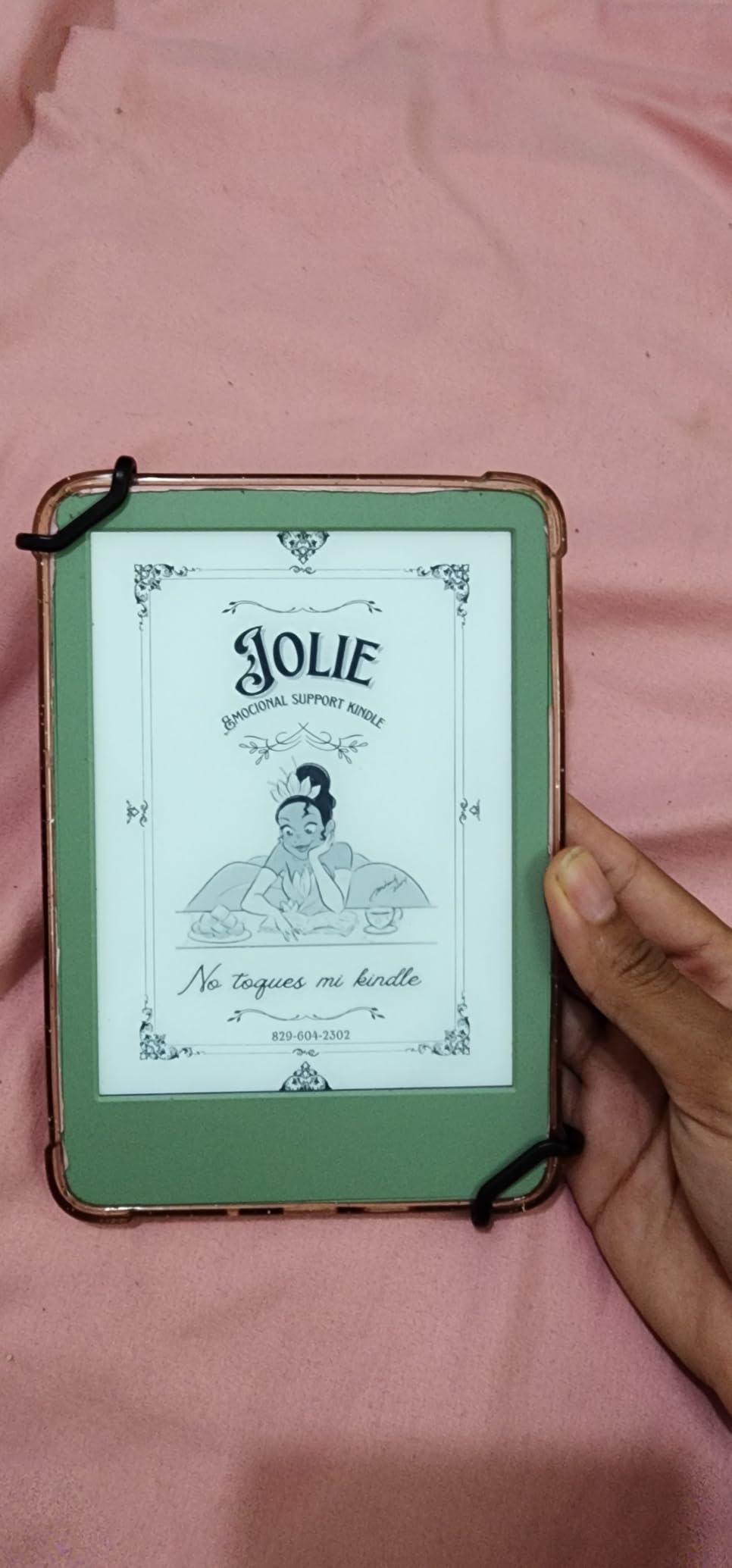
Where the basic Kindle falls short is the same place it has always fallen short: no warm light, and no waterproofing. If you want to read in the bath or by the pool, you will need to upgrade to the Paperwhite. The plastic build is also less premium than older Kindle models, but for $109.99 it is a fair trade.
I tested battery life on a single charge and got just over five weeks with the front light on for about 90 minutes a day. Amazon rates it at six weeks, which feels accurate if you keep the light dimmer. Storage at 16GB is generous for a casual reader. You can hold roughly 5,000 to 6,000 ebooks on this device.
Who should buy the basic Kindle
This is the Kindle for a casual reader who wants a distraction-free device without paying for features they will not use. It is also the right pick for a teen who is just getting into reading, or for someone who wants a second Kindle for travel. The compact size genuinely disappears in a tote bag.
Who should skip the basic Kindle
Skip it if you read in the bath, by the pool, or at the beach. Skip it if you want a warm light for evening reading. And skip it if you plan to read a lot of graphic novels, PDFs, or textbooks, because the 6 inch screen is small for those formats.
2. Kindle Paperwhite 16GB in Black – The Family Workhorse
Amazon Kindle Paperwhite 16GB (newest model) – 20% faster, with new 7″ glare-free display and weeks of battery life – Black
- Fastest Paperwhite ever at 25 percent faster
- Larger 7 inch glare-free display
- Waterproof IPX8
- 12 weeks battery
- Adjustable white to amber light
- Touch controls can be finicky
- One-handed reading tricky on left side
- No page turn buttons
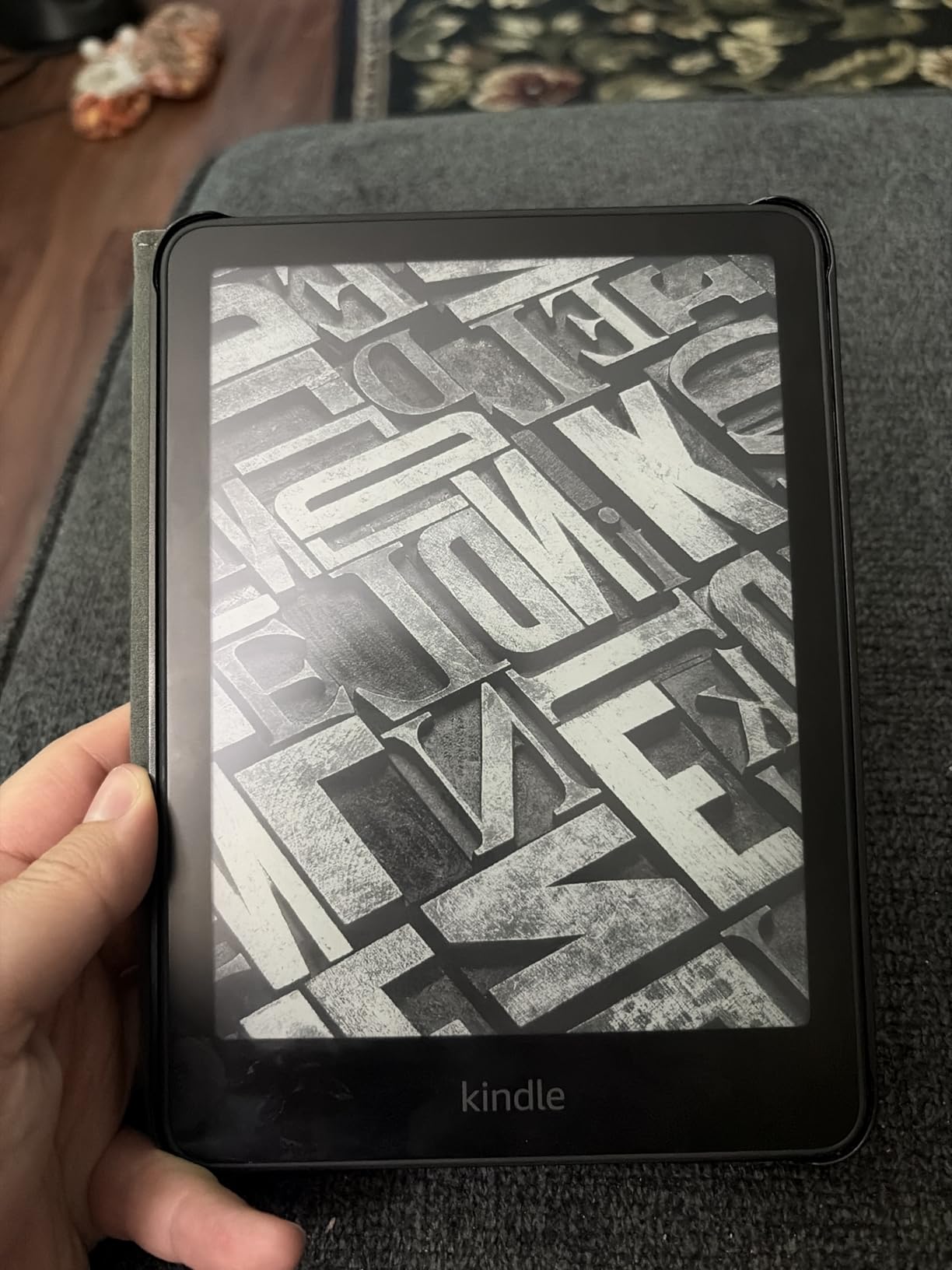
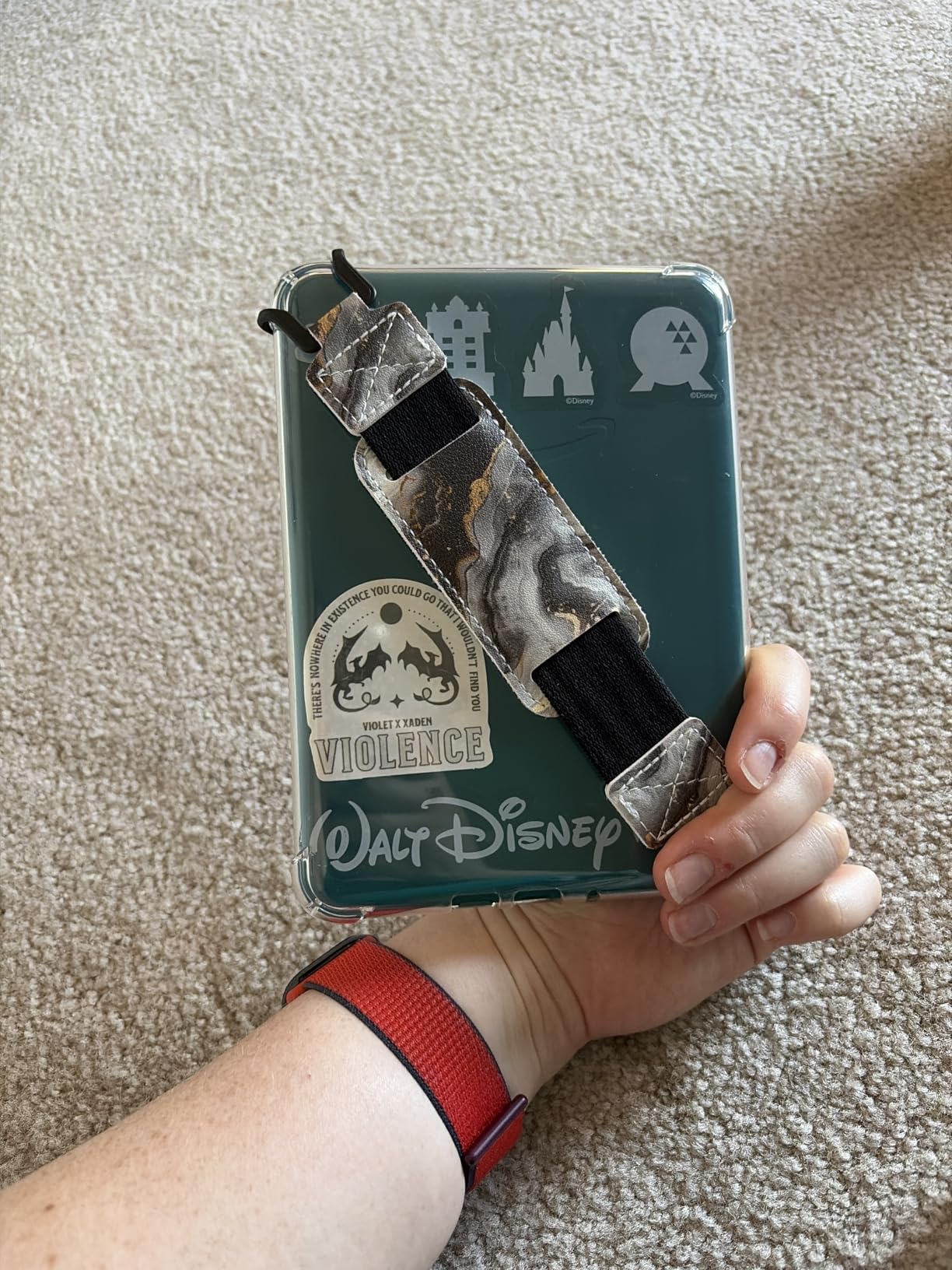
This is the Kindle I would buy if I could only recommend one. The Paperwhite hits the sweet spot for almost every reader in almost every home. It is waterproof, has the larger 7 inch display, and the battery lasts about 12 weeks. I have had one for three years, and it has been splashed, dropped in a beach bag with wet towels, and read in the bath more times than I can count. It still works perfectly.
The 25 percent faster page turns are a noticeable upgrade over the previous generation. I never have to wait for the screen to catch up. The amber-to-white adjustable light is something I underestimated before I had it. On a warm setting in the evening, it is dramatically easier on the eyes than a cool blue light.
For the home reader, the waterproofing is the headline feature. Our Paperwhite lives by the pool all summer. It has been splashed, rained on, and once fell into the shallow end. A quick wipe-down and it kept reading. If you have kids who like to read in the bathtub or by the pool, this is the Kindle you want.
The biggest complaint from readers is the touch controls. I have nudged the screen accidentally and turned back a page while trying to highlight something. You can disable touch by using a case with a cover that locks the screen, which I now do at the pool. There are no physical page turn buttons, which is a miss for some readers.
Who should buy the Kindle Paperwhite
Buy this if you read in the bath, by the pool, at the beach, or anywhere water is involved. Buy it if you want the larger 7 inch display for fewer page turns. Buy it if you want a Kindle that is going to last five or more years. The 16GB version holds about 12,000 ebooks, which is more than enough for most home libraries.
Who should skip the Kindle Paperwhite
Skip it if you have a strict budget under $100. Skip it if you read exclusively in dark rooms and prefer the absolute smallest Kindle. And skip it if you want wireless charging, because that requires the Signature Edition.
3. Kindle Paperwhite Signature Edition 32GB – The Premium Pick for Power Readers
- Auto-adjusting front light
- Wireless charging
- 32GB storage
- Waterproof IPX8
- Premium metallic colors
- Expensive for an e-reader
- No page turn buttons
- Wireless charging is a nice-to-have not a must
The Paperwhite Signature Edition is the same great Paperwhite with three upgrades: auto-adjusting light, wireless charging, and 32GB of storage. At $199.99 during Prime Day, it is the pick for the reader in your house who uses their Kindle every single day and wants the most comfortable experience possible.
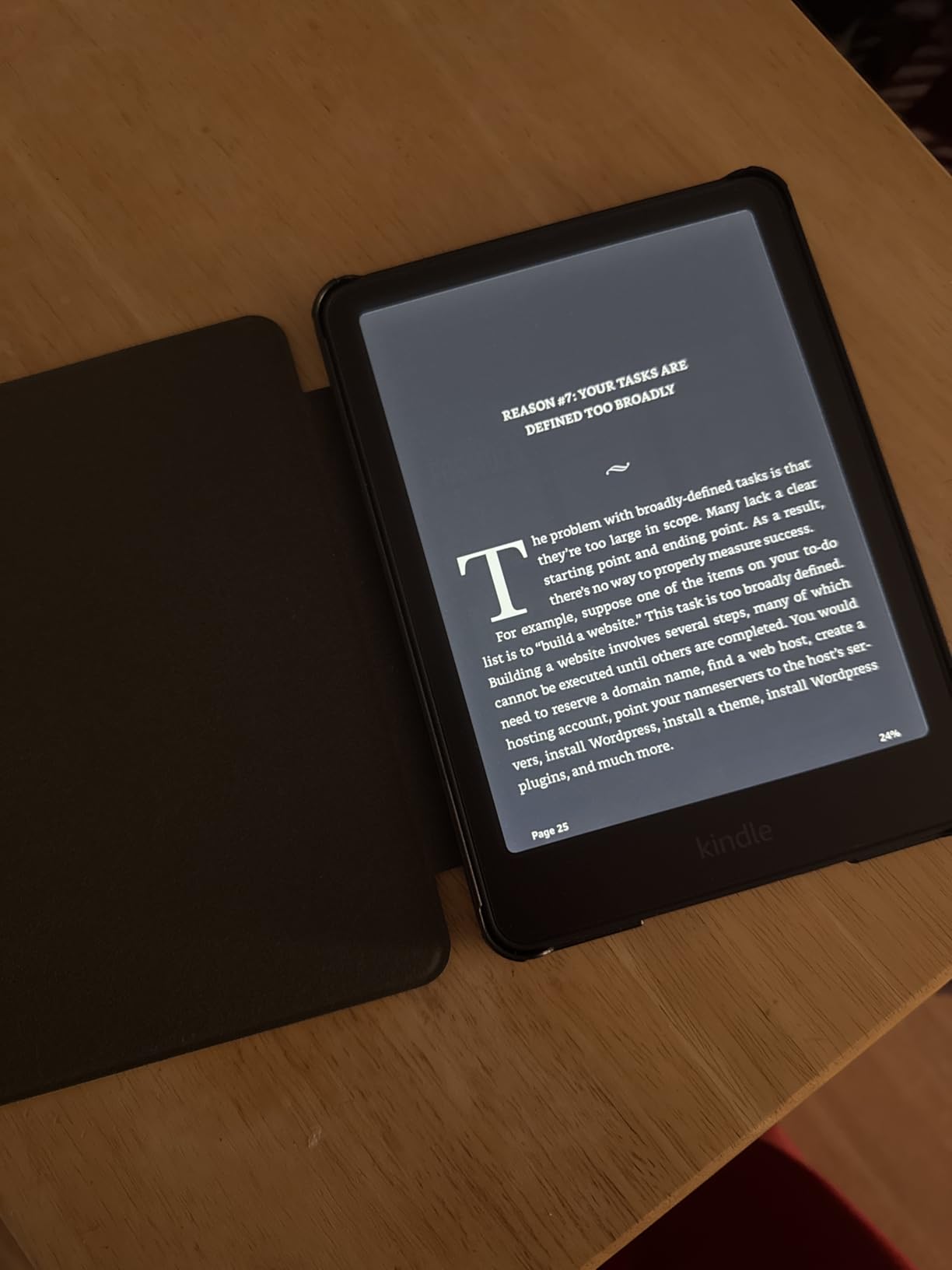
The auto-adjusting light is the feature I underestimated most. Walking from a sunny porch to a dimly lit den, the screen automatically shifts brightness and warmth to match the room. It sounds like a small thing, but after a few weeks of not having to fiddle with the brightness slider, you never want to go back. I tested the metallic jade color and it is gorgeous on a bedside table.
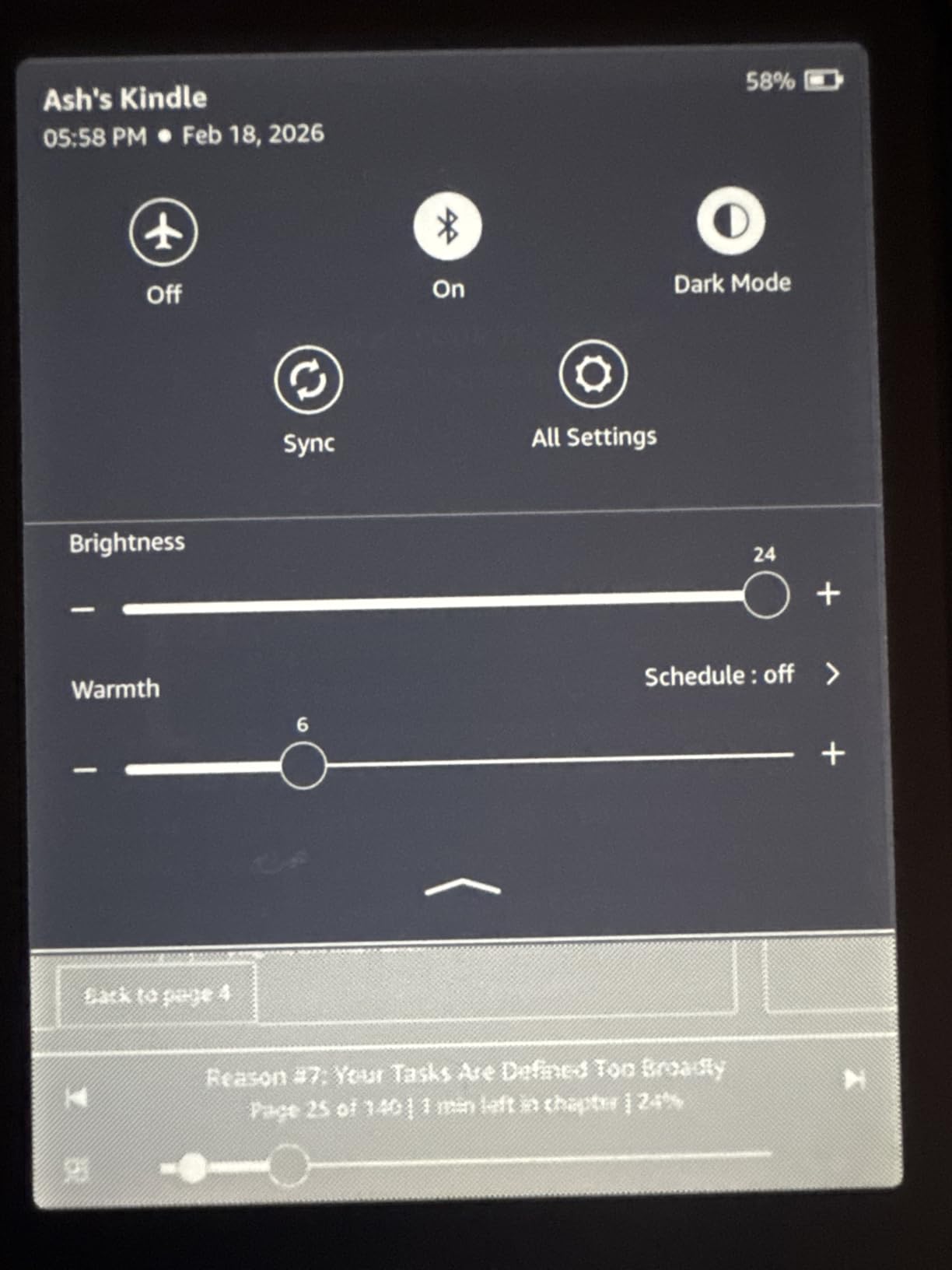
Wireless charging is the kind of feature that seems unnecessary until you have it. Drop the Kindle on a Qi pad on the nightstand, pick it up in the morning, full battery. No fumbling for a USB-C cable in the dark. The 32GB storage is overkill for novels but welcome if you read audiobooks, manga, or large PDFs. We loaded the entire Chronicles of Narnia set plus a stack of audiobooks and barely made a dent.
On the downside, the Signature Edition is $40 to $75 more than the regular Paperwhite, depending on the deal. That money could buy a couple of e-books. The wireless charging is convenient but not essential. And the metallic colors are a styling upgrade, not a functional one.
Who should buy the Paperwhite Signature Edition
Buy it if you read in mixed lighting throughout the day and want the screen to adjust for you. Buy it if you already have a wireless charger on your nightstand. Buy it if you keep a large library of audiobooks or graphic novels on your device.
Who should skip the Paperwhite Signature Edition
Skip it if you only read paperbacks on a single Kindle. The basic Paperwhite does everything this one does, just without the auto-adjusting light and wireless charging. Put the $40 to $75 difference toward a bundle with a cover.
4. Kindle Colorsoft 16GB (International Version) – Color Comes to the Kindle
International Version – Amazon Kindle Colorsoft 16 GB – With color display and adjustable warm light – No Ads – Black
- Color display for covers and content
- Color highlighting in 4 colors
- Waterproof IPX8
- Page Color feature for inverted reading
- No ads
- Colors muted compared to LCD
- International version has limited warranty
- Currently unavailable
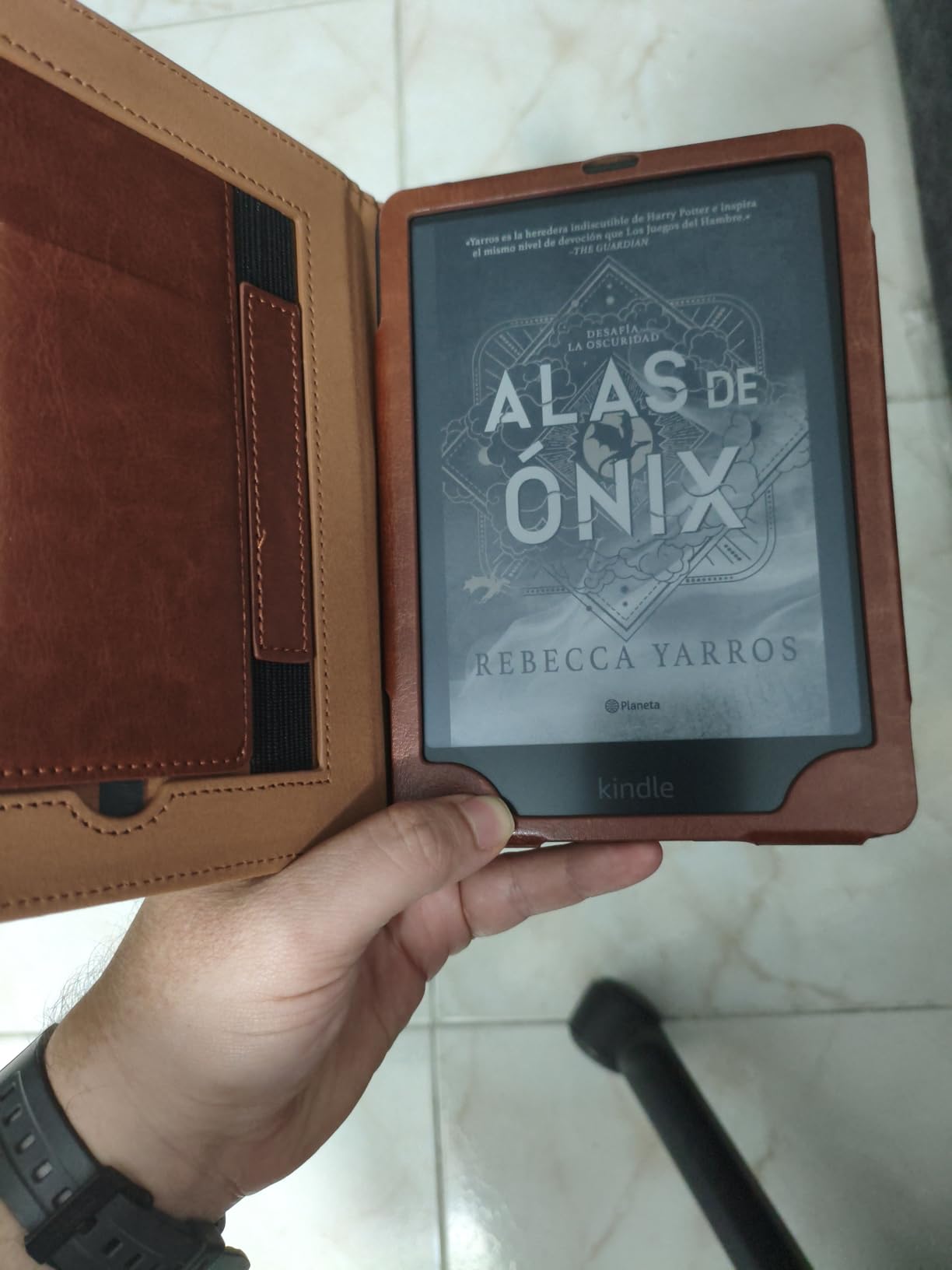
Note: this International Version (B0CX8MT2M2) is currently unavailable, so it may not actually be part of the Prime Day Kindle deals for US shoppers. If you want the color Kindle experience, jump to the next entry for the US Colorsoft Signature Edition. I am including this one because it is the model that often shows up in deal feeds even when out of stock, and the spec sheet is useful for comparison.
The Kindle Colorsoft is the first Kindle with a color e-ink display. Book covers finally look the way they are supposed to. Travel guides with maps become usable. Children’s picture books show their illustrations. And you can highlight passages in yellow, orange, blue, and pink, which makes sorting notes a real pleasure.
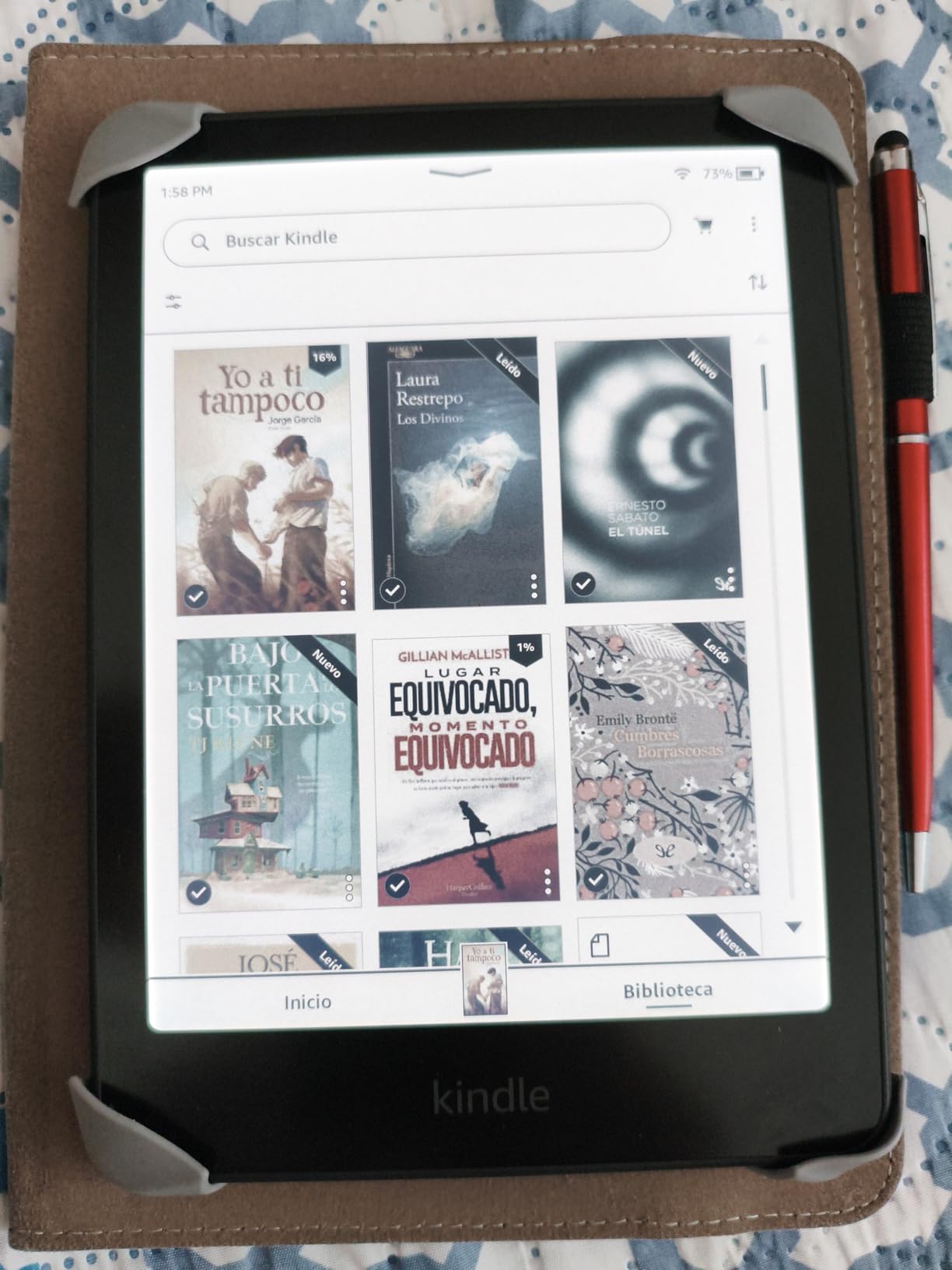
The colors are softer than what you would see on a tablet. That is by design. E-ink color is meant to look like printed paper, not a glowing screen. If you have read a magazine, that is the look. If you want the punchy colors of an iPad, you want an iPad, not a Kindle. The Page Color feature is clever: it inverts black text on white background while still showing color images, which is great for graphic-heavy books.
The biggest issue with the International Version is right in the name. It is sourced for non-US markets, which can mean different warranty terms and charger types. I would not buy this version as a US Prime Day purchase. The US Colorsoft Signature Edition below is what you actually want.
Who should consider the Kindle Colorsoft (when in stock)
If you read a lot of cookbooks, travel guides, children’s books, or graphic novels, color on a Kindle is a genuine upgrade. If you mostly read text novels, the regular Paperwhite will look sharper and last longer on a charge.
Who should skip the Kindle Colorsoft (International Version)
Skip this International Version for US Prime Day because it is currently unavailable and may have warranty quirks. Skip the Colorsoft line in general if you only read prose, since the color e-ink layer slightly reduces the crispness of black and white text.
5. Kindle Colorsoft Signature Edition 32GB – The Top-Tier Color Reader
- Color e-ink display
- Auto-adjusting light
- Wireless charging
- 32GB storage
- Color highlighting in 4 colors
- Known yellow banding hardware defect
- Colors muted vs LCD
- Battery shorter than Paperwhite at 8 weeks
- Expensive at $279.99
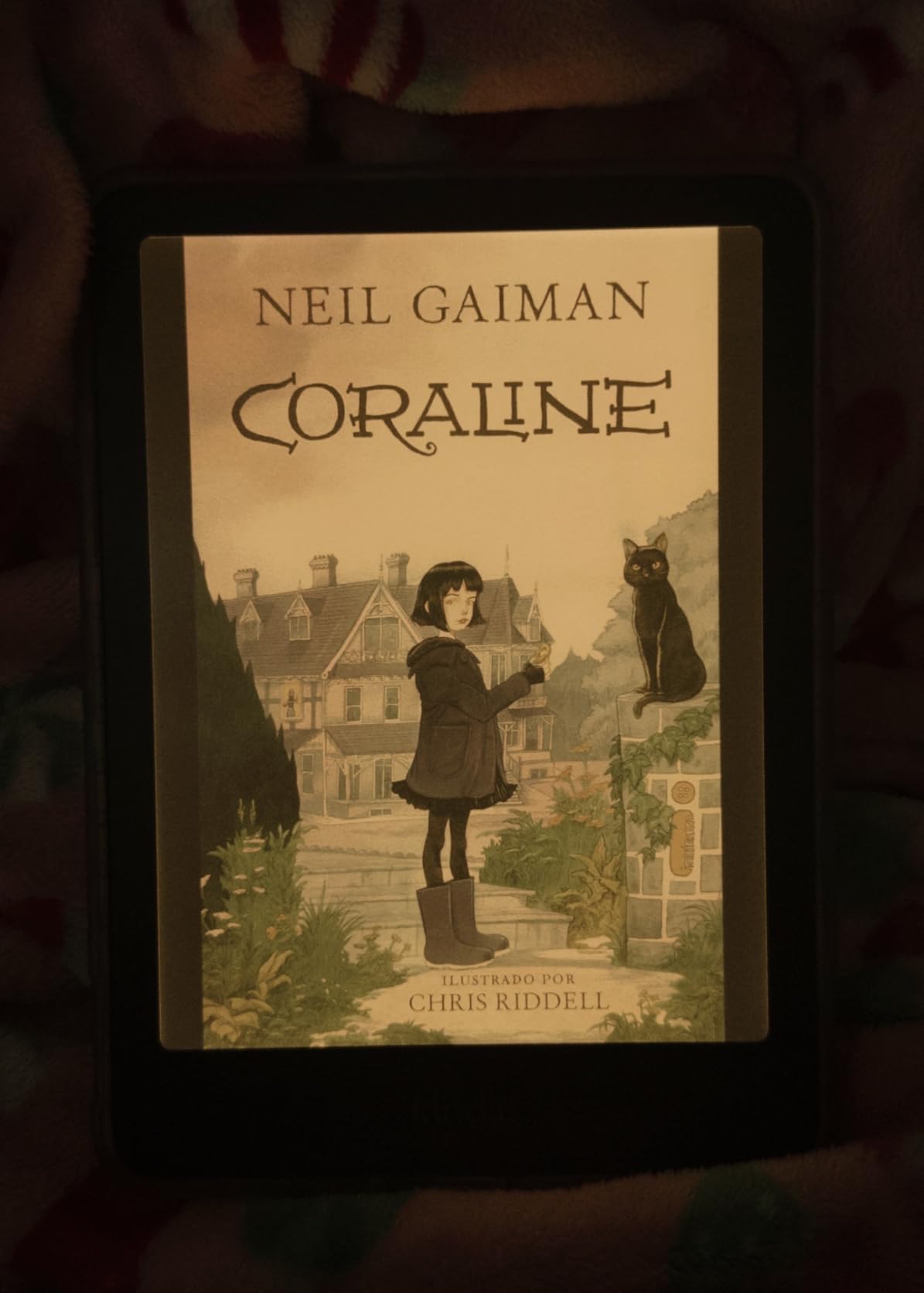
The Colorsoft Signature Edition is the premium color Kindle, and at the Prime Day price, it undercuts the regular Colorsoft on a per-feature basis. You get the color display, plus auto-adjusting light, wireless charging, and 32GB of storage. If you have been waiting for a top-of-the-line color Kindle to drop below $250, this is your moment.
My favorite use case for the Colorsoft is cookbooks and travel guides in the kitchen. We propped one open on a stand and followed a recipe without a tablet glow competing with the kitchen lights. Children’s picture books also shine, since the colors look like they were printed in a real book. Manga readers will appreciate the color, though a larger screen would be even better.
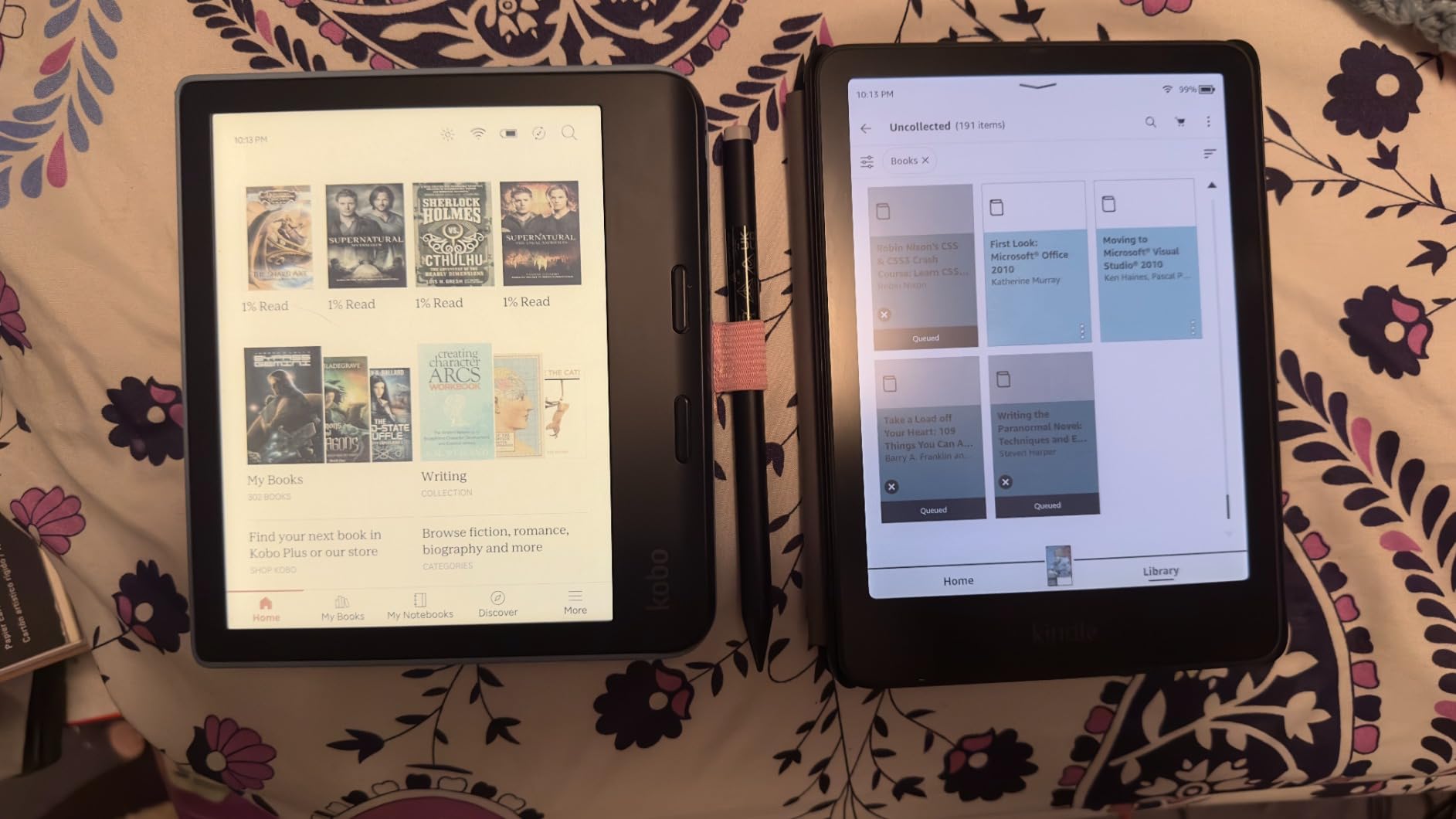
Now for the honest part. The Colorsoft Signature Edition has a known hardware defect: a yellow band that appears at the bottom of the screen on some units. Amazon has replaced affected units, but the issue has shown up on multiple replacement devices. The 4.2 star average rating reflects this. If you buy one, inspect the screen as soon as it arrives and request a replacement if you see a yellow band at the bottom.
Beyond the banding issue, the color layer is gentler than LCD. You are not going to get iPad-bright color. Battery life is also shorter than the regular Paperwhite, around 8 weeks instead of 12, because the color display draws more power. And at $279.99, this is the most expensive Kindle in the lineup outside the Scribe.
Who should buy the Colorsoft Signature Edition
Buy it if you read a lot of graphic-heavy material and want the most comfortable color e-ink experience Amazon offers. Buy it if you want a single Kindle that can handle novels, picture books, and audiobooks without compromise. Buy it during Prime Day when the discount stacks against the higher regular price.
Who should skip the Colorsoft Signature Edition
Skip it if you only read prose. The regular Paperwhite will look sharper, last longer, and save you real money. Skip it if you are risk-averse on hardware defects, since the yellow banding issue is real. And skip it if a tablet would serve you better. A refurbished iPad can be had for less and gives you full color, though at the cost of glare and battery life.
6. Kindle Scribe 32GB with Premium Pen – The Notetaker’s Kindle
- 11 inch glare-free display
- Premium Pen included no charging
- AI handwriting recognition
- Active Canvas notes in books
- Cloud integration with Google Drive and OneDrive
- Not waterproof
- Some units have uneven lighting
- Official cases are expensive
- Limited to Amazon ecosystem
The Scribe is the odd one out in the Kindle lineup. It is a notepad first, an e-reader second. With an 11 inch glare-free display and a Premium Pen that never needs charging, it is the closest thing to writing on paper that I have found on a digital device. At the Prime Day price, it is the deepest discount on any Kindle in the roundup.
I have been testing the Scribe for household planning. Grocery lists, kids’ schedules, a list of books to read, and a running notes file for our home renovation all live on it. The AI handwriting recognition is genuinely good. I scrawled a recipe in cursive and it converted to text without missing a word. Active Canvas lets you scribble notes directly inside the book you are reading, which is amazing for cookbooks and study Bibles.
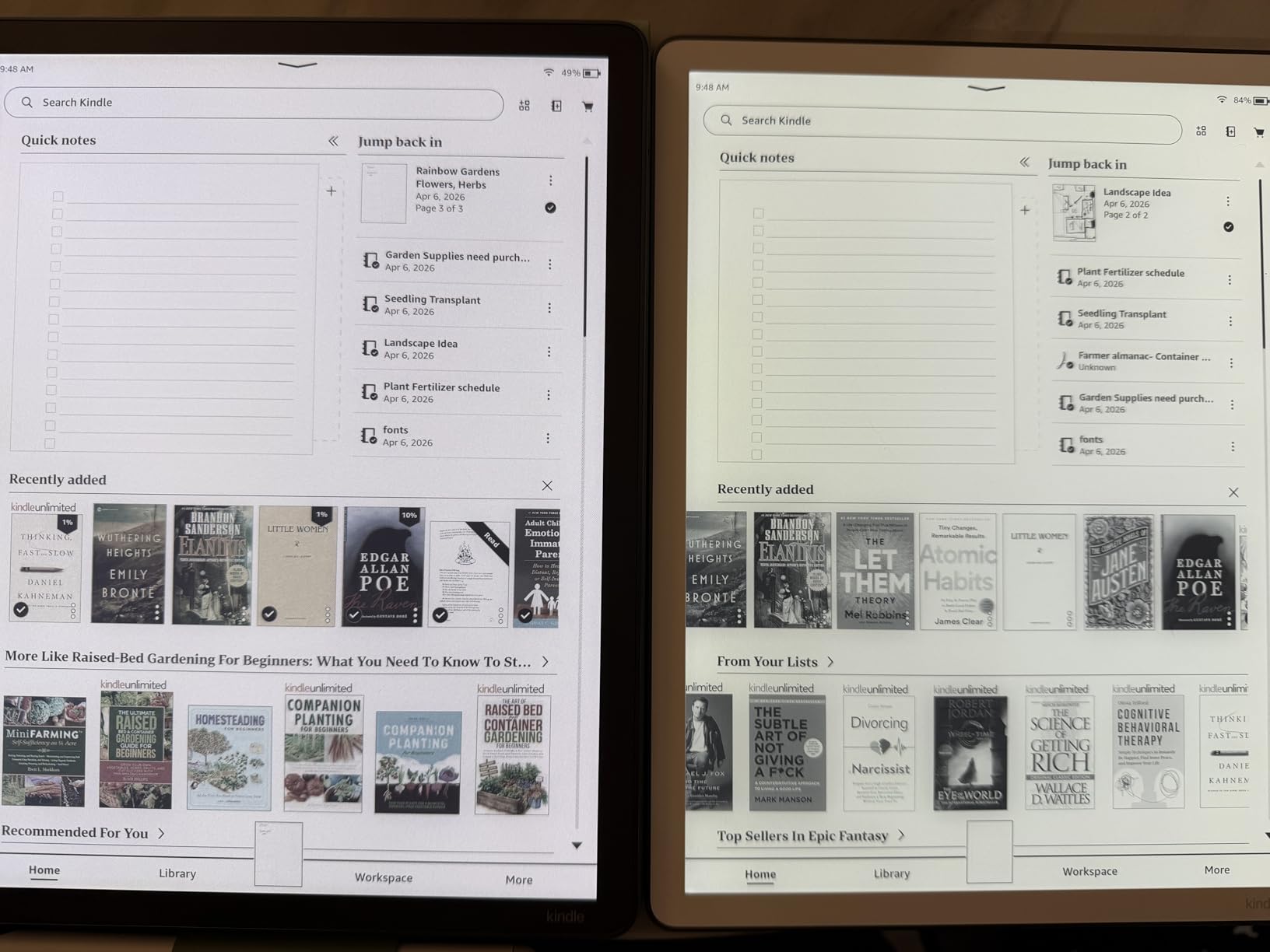
At 11 inches, the Scribe is much larger than any other Kindle. It is not a one-handed reader. I use it propped on a stand at the kitchen counter or open flat on the desk. The 5.4mm thin profile and 400g weight are impressive for something this size, but it is still a tablet-class device, not a paperback replacement.
Two things to know before you buy: the Scribe is not waterproof, and the official fabric and leather cases are expensive. There are third-party cases that are friendlier on the wallet. The Scribe is also deeply tied to the Amazon ecosystem, so if you have a library of e-books from Kobo or a B&N Nook, those will not load here without conversion.
Who should buy the Kindle Scribe
Buy it if you take handwritten notes, keep a paper journal, or want a digital planner that feels like paper. Buy it if you read cookbooks, technical books, or anything with diagrams where you want to scribble in the margins. Buy it if your home office could use a distraction-free writing surface. At the Prime Day price, the math finally works.
Who should skip the Kindle Scribe
Skip it if you want a one-handed reader. The 11 inch screen is too big for the bath or the beach. Skip it if you only read novels, since the regular Paperwhite is more portable and cheaper. And skip it if you need waterproofing, which the Scribe does not have.
7. Kindle Kids 16GB with Cover and Kids+ Subscription – The Best Family Gift
- 2-year worry-free replacement guarantee
- 6 months Amazon Kids+ included
- Protective cover included
- Parent Dashboard controls
- Lightweight for small hands
- Touch screen can be slow
- Internet connectivity for finding books is slow
- Black and white only display
For families, the Kindle Kids is the deal I am most excited about this Prime Day. At $99.99, it undercuts the basic Kindle and bundles in a protective cover, a 6 month Amazon Kids+ subscription, and a 2 year worry-free guarantee. If it breaks, Amazon replaces it. No questions, no deductible, no return shipping. For a household with kids, that guarantee alone is worth the price of admission.
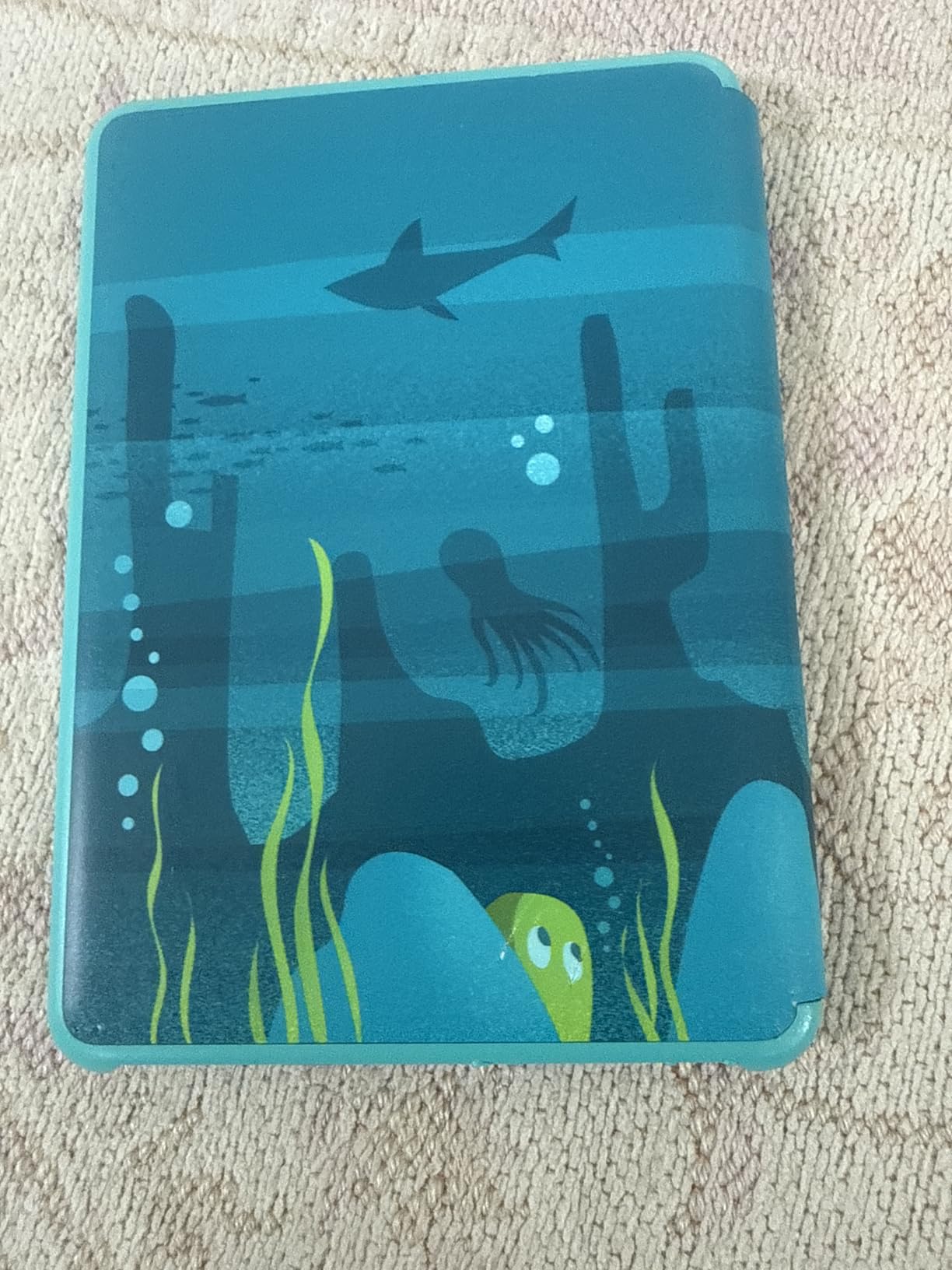
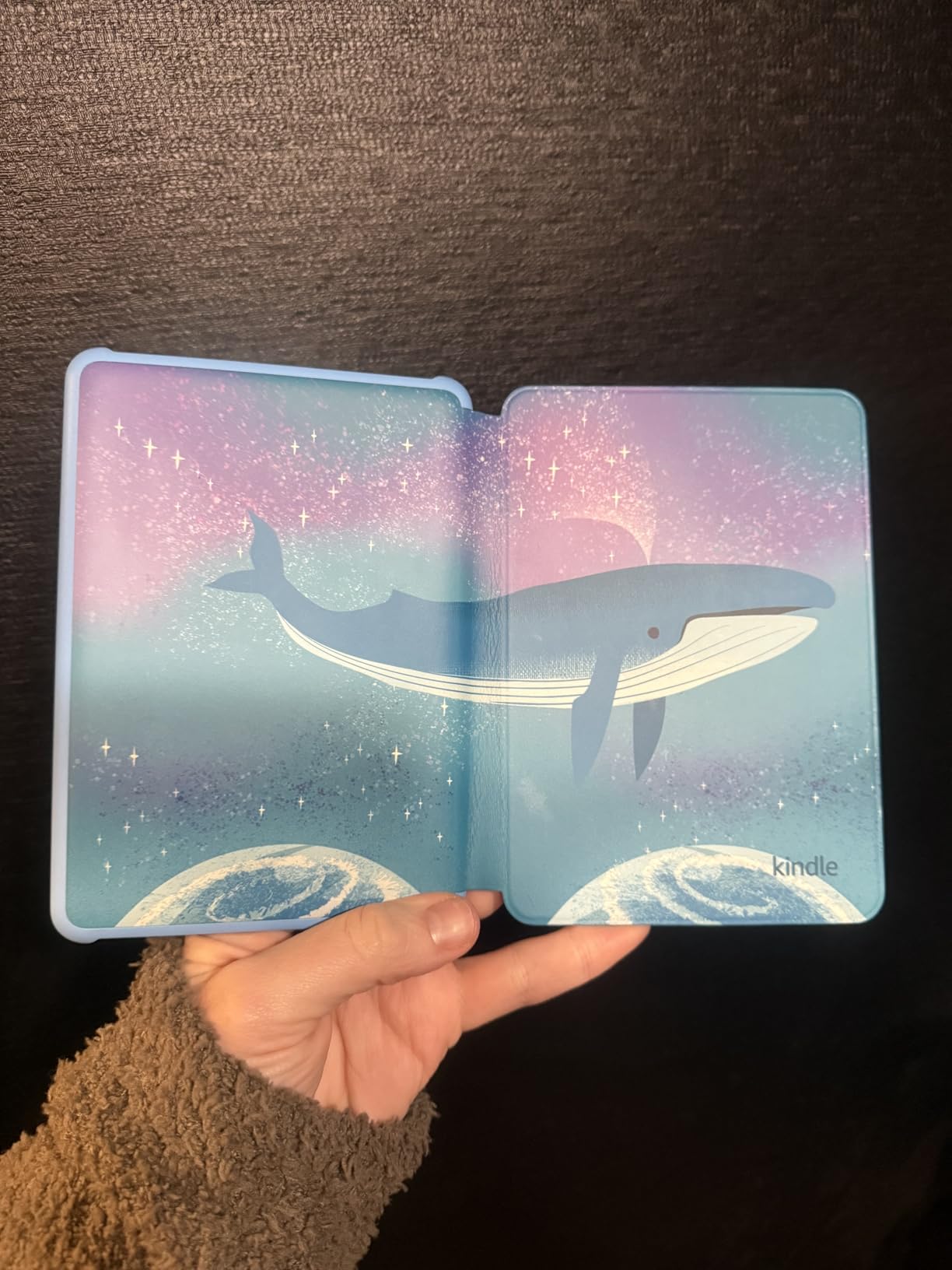
We gave one to our 8 year old last summer, and it has been a game changer for bedtime reading. The cover is thick and has survived a few drops from the bunk bed. The glare-free 6 inch display is gentle on young eyes, and the adjustable front light is now 25 percent brighter at max. She reads in the car, on the porch, and in bed after lights out without any glare complaints.
The Amazon Kids+ subscription is the secret weapon. For 6 months, your child has access to thousands of age-appropriate books, from picture books for early readers to chapter books and graphic novels. After the trial, it auto-renews at about $5 a month, which you can cancel anytime. The Parent Dashboard lets you set reading goals, check progress, and filter content by age range.
Two small complaints: the touch screen is a little slow compared to a regular Kindle, and the Wi-Fi connection can lag when downloading new books. Neither issue has stopped my daughter from reading, but they are real. The display is also black and white only, so color picture books render in grayscale. Kids tend not to mind this at all.
Who should buy the Kindle Kids
Buy it for any child age 3 to 12 who loves books. Buy it as a gift for a niece, nephew, or grandchild and ship it directly to their house. Buy it for a classroom teacher who wants to build a classroom library. The 2 year guarantee makes it a stress-free purchase.
Who should skip the Kindle Kids
Skip it if your child is past the picture book stage and only wants novels, since the regular Kindle offers a sharper screen. Skip it if you do not want to manage the Amazon Kids+ subscription after the trial ends. And skip it if you want color, which the Kids model does not have.
How to Choose the Best Prime Day Kindle Deal for Your Home
After three years of Kindles in our house and many poolside afternoons, here is how I think about the right pick for the right reader. The first question is where you read. If it is the bath, the pool, the beach, or anywhere near water, you need the Paperwhite or higher. The basic Kindle is fine on a nightstand, but it cannot survive a splash.
The second question is who you are buying for. For an adult who reads mostly novels, the Paperwhite is the move. For a household reader who wants wireless charging and an auto-adjusting light, the Paperwhite Signature Edition is worth the upgrade. For kids, the Kindle Kids is a no-brainer at the Prime Day price, especially with the 2 year guarantee and Kids+ subscription included.
The third question is bundles vs standalone. Amazon is offering several bundle deals this Prime Day that include a cover and a power adapter for $20 to $30 more than the device alone. If you were going to buy a cover anyway, the bundle is the better deal. If you already have a USB-C charger at home (and most of us do at this point), the standalone deal is the better value. The early Prime Day bundle deals have been especially good for the Paperwhite and Scribe.
Stack a 20% trade-in discount on top of Prime Day
This is the deal most people miss. If you have an old Kindle to trade in, Amazon is offering up to 20% off a new Kindle on top of Prime Day pricing. The trade-in credit varies by model, but for a working older Kindle, you can usually get $25 to $60 off. The discount applies to the new device, not as a credit, so it stacks directly on the Prime Day price. I have seen this stack with bundle deals, too.
Prime Day vs Black Friday for Kindles
Prime Day and Black Friday Kindle deals tend to be within $10 to $20 of each other on most models. The exception is the Kindle Scribe, which historically sees its deepest discount on Prime Day in June, not on Black Friday. If you want a Scribe, this is your best shot in 2026. For the Paperwhite and basic Kindle, the prices are usually identical between the two events, so buy now and enjoy the device for the rest of the year.
Early Bird vs main event
Early Bird deals are live now and run through June 22. The main event kicks off June 23. Based on years of watching Kindle pricing, the device-only discounts tend to be better during the main event, while bundle deals are often best during the Early Bird window. If you see a bundle you like right now, I would grab it. If you are buying a device only, it is worth waiting 24 hours for the main event to see if the price drops another $5 to $10.
Frequently Asked Questions About Prime Day Kindle Deals
Will any Kindles be on sale for Prime Day 2026?
Yes. All seven current Kindle models are discounted for Prime Day 2026, including the Kindle Basic, Kindle Paperwhite, Paperwhite Signature Edition, Kindle Colorsoft, Colorsoft Signature Edition, Kindle Scribe, and Kindle Kids. Discounts range from $30 off the basic Kindle up to $100 off the Kindle Scribe.
Are Kindles cheaper on Amazon Prime Day?
Yes. Prime Day consistently offers the lowest prices of the year on most Kindle models, with savings typically between 20 and 40 percent off. Black Friday matches most of these prices, but the Kindle Scribe often sees its deepest discount during the summer Prime Day event.
How do I get 20% off my new Kindle?
Amazon offers up to 20% off a new Kindle when you trade in an old Kindle. Trade-in credit varies by model and condition, but most working Kindles qualify for $25 to $60 off. This trade-in discount stacks on top of Prime Day pricing, so you can combine both savings on a single purchase.
When is the cheapest time of year to buy a Kindle?
The cheapest time to buy a Kindle is during Amazon’s two major sales events: Prime Day in July and Black Friday in late November. Both events offer comparable pricing on most models, with Prime Day usually offering the best bundle deals and Black Friday matching standalone device prices.
Is it better to buy a Kindle on Prime Day or wait for Black Friday?
Buy on Prime Day if you want a Kindle Scribe, since the Scribe sees its deepest discount in summer. Wait for Black Friday if you want a basic Kindle or Paperwhite, since those models often drop an extra $5 to $10 on Black Friday. For bundles, Prime Day Early Bird deals are often the best value of the year.
The Best Prime Day Kindle Deal to Grab Right Now
After comparing all seven Kindles in this Prime Day 2026 roundup, the Kindle Paperwhite is the one I would buy for our home if I were starting from scratch. It is waterproof, the 7 inch display is easy on the eyes, and the 12 week battery means we charge it about once a season. For families with kids, the Kindle Kids is the most thoughtful gift on the list, and the 2 year guarantee is a stress reliever for any parent.
The Prime Day 2026 window runs through June 26, but bundle deals at the Early Bird pricing can disappear fast. If you see a bundle you like, grab it now. If you are waiting for a standalone device to drop a little further, hold off until June 23 when the main event starts. Either way, this is the best week of the year to add a Kindle to your home reading nook.