
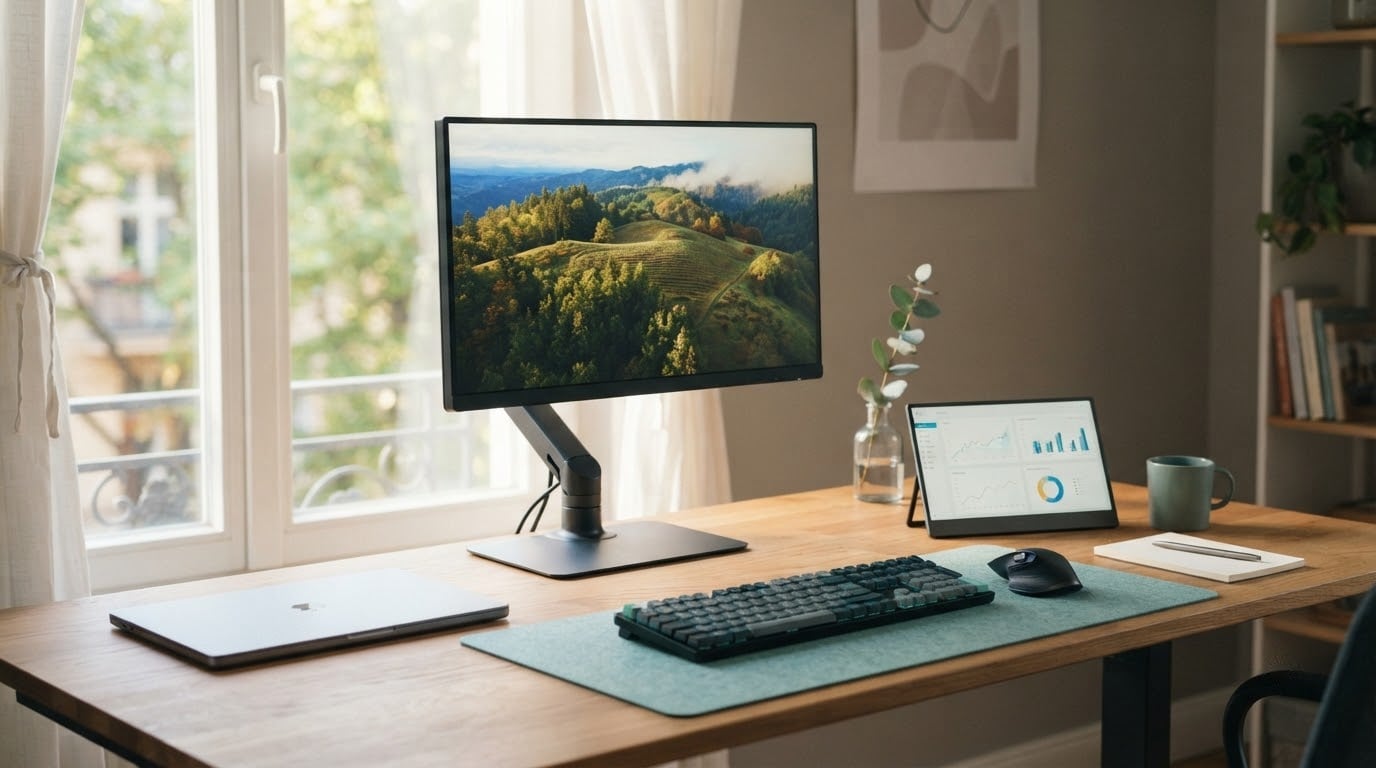
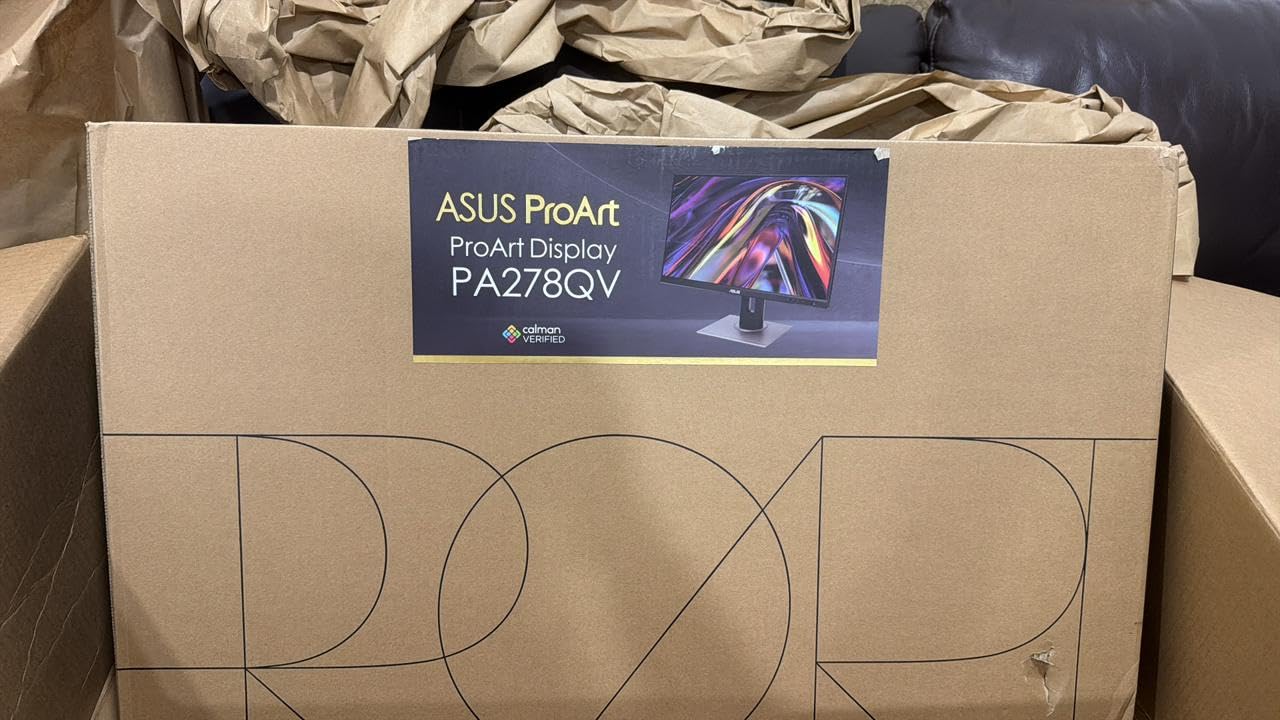
If you edit photos, cut video or spend long stretches in an app that punishes a washed-out screen, the ASUS ProArt PA278QV is the one to watch during Prime Big Deal Days. It ships factory calibrated to a Delta E under 2 and covers 100% of sRGB, which is a sharper deal proposition than another percentage off a panel that guesses at color.
The ASUS VA27DQ is the sensible second choice for anyone setting up a home office, and the ASUS TUF VG27AQ3A is the gaming answer at 1440p and 180Hz. Amazon’s Prime Big Deal Days sale runs October 6-7, 2026, and offers shift during those two days, so every pick below is framed as the configuration worth watching rather than a fixed deal.
Our Top 3 Picks for Best Amazon Prime Big Deal Days ASUS Deals (October 2026)

ASUS ProArt PA278QV
- Factory calibrated to Delta E under 2
- Full sRGB and Rec. 709 coverage
- Stand adjusts tilt pivot swivel and height
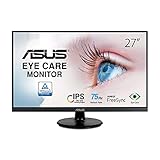
ASUS VA27DQ
- 27-inch IPS at 1080p
- FreeSync with HDMI DisplayPort and VGA
- Built in 2W stereo speakers

ASUS TUF VG27AQ3A
- 1440p at 180Hz with 1ms response
- FreeSync Premium and G-SYNC compatible
- ELMB Sync for motion clarity
Best Amazon Prime Big Deal Days ASUS Deals Compared
| Product | Specifications | Action |
|---|---|---|
| ASUS ProArt PA278QV |
|
Check Deal Price |
| ASUS VA27DQ |
|
Check Deal Price |
| ASUS TUF VG27AQ3A |
|
Check Deal Price |
 ASUS ROG Scope II 96 ASUS ROG Scope II 96 |
|
Check Deal Price |
 ASUS Chromebook Flip CX1 ASUS Chromebook Flip CX1 |
|
Check Deal Price |
 ASUS ZenScreen MB169CK ASUS ZenScreen MB169CK |
|
Check Deal Price |
 ASUS ROG Falchion Ace HFX ASUS ROG Falchion Ace HFX |
|
Check Deal Price |
 ASUS TUF Gaming F16 ASUS TUF Gaming F16 |
|
Check Deal Price |
 ASUS ROG Strix G16 ASUS ROG Strix G16 |
|
Check Deal Price |
 ASUS TUF Gaming A16 ASUS TUF Gaming A16 |
|
Check Deal Price |
How We Chose
We compared the specifications owners actually notice: panel resolution and refresh rate, color coverage, switch type and latency, processor and graphics pairing, and the warranty length. Alongside the specs we read the Amazon owner reviews for each listing and weighted what buyers keep praising against what they keep flagging. Data checked October 2026.
1. ASUS ProArt PA278QV: Best for Color-Critical Work
- Factory Calman Verified with a Delta E under 2 accuracy figure
- 100% sRGB and 100% Rec. 709 coverage
- Stand adjusts for tilt pivot swivel and height
- DisplayPort HDMI DVI-D and a USB hub
- Flicker-free backlight with a blue light filter
- 75Hz refresh rate is modest
- 350 cd/m2 brightness is low for HDR work
- Bundled cables add desk clutter
The pick that makes the rest of this list make sense. Owners who grade footage or retouch stills tend to describe the same two things: the color is right out of the box, and the stand moves. Both come from the spec sheet, not from luck.
The ProArt Preset and Palette customization is the quiet feature for anyone working across several clients. You can hold a few calibrated profiles on the monitor itself and switch between them instead of recalibrating every time a different project arrives.
- Factory Calman Verified with a Delta E under 2 accuracy figure
- 100% sRGB and 100% Rec. 709 coverage on a 27-inch WQHD IPS panel
- Brightness rated at 350 cd/m2 with flicker-free backlighting
- A USB hub alongside DisplayPort, HDMI, DVI-D and Mini DisplayPort
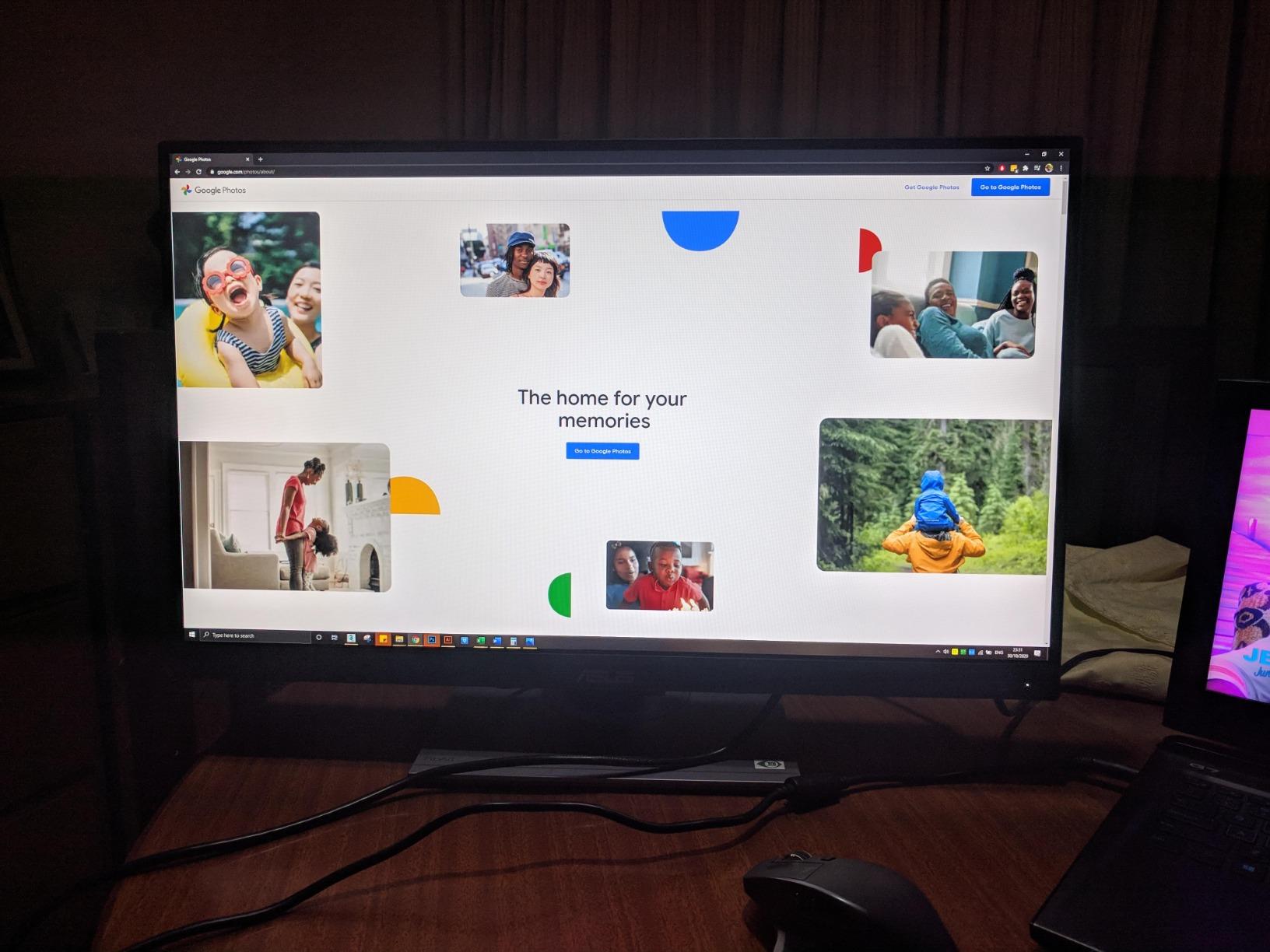
The practical trade-off is refresh rate. At 75Hz this panel is built for still work, not for motion. If your day includes a competitive shooter or a lot of video scrubbing at speed, the ASUS TUF VG27AQ3A runs at 180Hz and is the better fit.
One more detail worth knowing before checkout: the five-year warranty needs online registration to extend beyond the standard three years. The pre-calibration report and the DisplayPort-to-miniDP cable both arrive in the box, so you can set the panel up with the calibration numbers that shipped with it.
Good to know: the panel accepts a VESA wall mount, so the desk stand is not the only option if you would rather reclaim the desk space for a laptop and a keyboard.
2. ASUS VA27DQ: Best for a Home Office
ASUS VA27DQ 27 Inch 1080P Computer Monitor, HDMI, DisplayPort, VGA, Speaker
- 27-inch IPS panel with 178-degree viewing angles
- FreeSync works with both NVIDIA and AMD cards
- HDMI DisplayPort and legacy VGA inputs
- TV Rheinland certified flicker-free and low blue light
- Frameless design with VESA mounting
- 250 cd/m2 brightness is dimmer than most 27-inch panels
- 75Hz and 1080p leave little gaming headroom
- Tilt-only stand with no height or swivel
Somewhere between a second screen for spreadsheets and a full desk upgrade sits the VA27DQ, and at 4.6 stars across 2,230 reviews it is the most proven pick in the group.
Two inputs plus VGA is the argument. Plenty of home offices still have a legacy projector or an older docking station that only speaks VGA, and this monitor takes all three without an adapter.
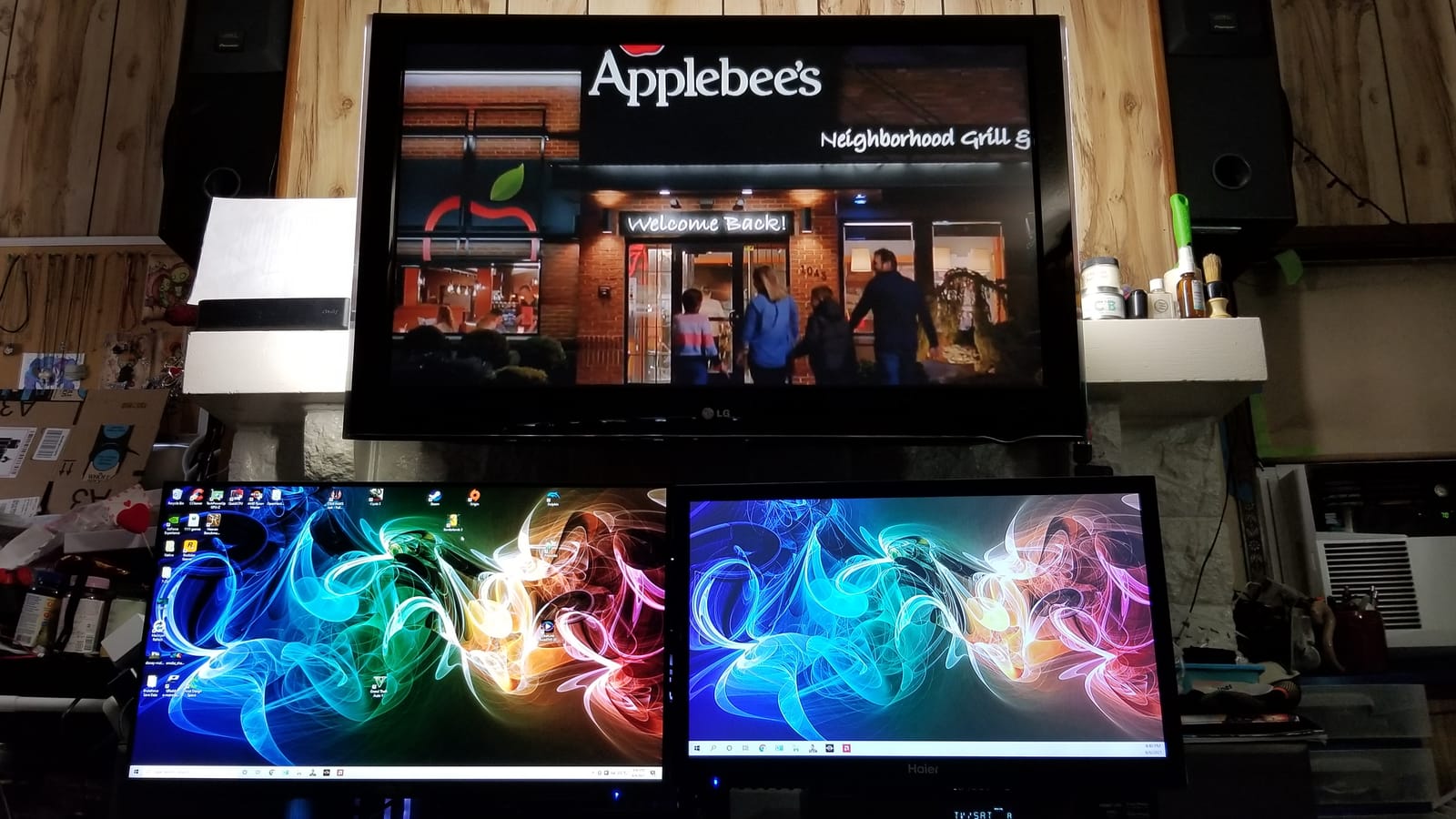
The stand is the compromise worth checking against your desk. It tilts but does not raise or swivel, so if you sit at a fixed eye level and share the screen with someone, the ASUS ProArt PA278QV handles that better with a fully adjustable stand.
For eye comfort across a long workday, the flicker-free and low blue light certification is the bit that shows up in reviews more than any spec sheet would suggest. Brightness at 250 cd/m2 is adequate in a normal room and marginal in a bright one.
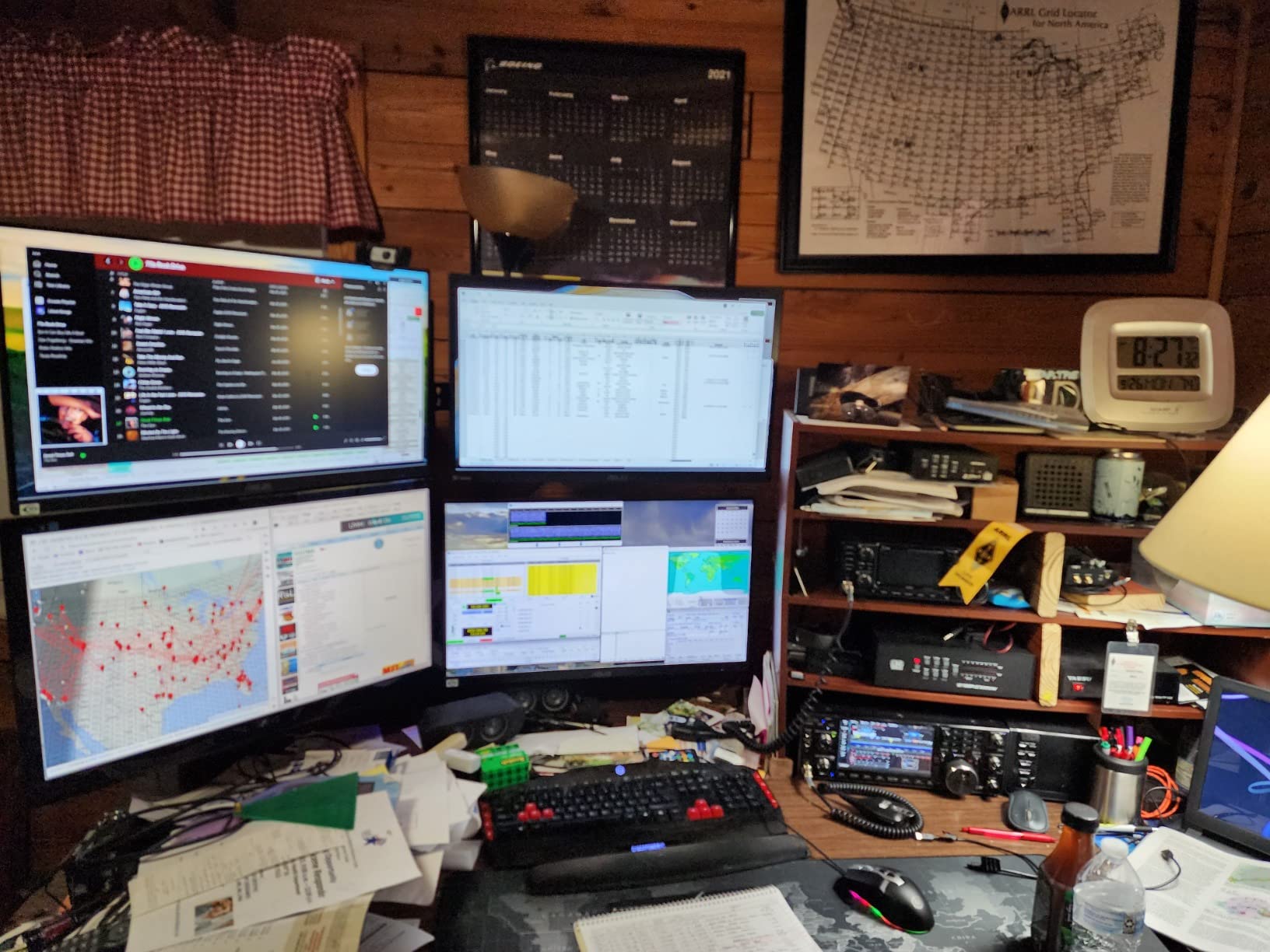
Good to know: the box carries an HDMI cable and a power cord, so you are not hunting for extras on the morning you set it up.
3. ASUS TUF VG27AQ3A: Best for High-Refresh Gaming
ASUS TUF Gaming VG27AQ3A 27 Inch 1440p 180Hz G-SYNC Gaming Monitor
- 2560 x 1440 at 180Hz on a Fast IPS panel
- 1ms response with virtually no ghosting
- FreeSync Premium and G-SYNC compatible
- ELMB Sync reduces ghosting at high frame rates
- Two HDMI 2.0 ports plus DisplayPort 1.4 for 2K 180Hz
- Built in 2W speakers are quiet and tinny
- Stand has tilt and swivel only with no height adjustment
- HDR 400 is too dim to show a visible difference
Owners treat this as the value 1440p high-refresh panel, and the VRR support explains why. FreeSync Premium with G-SYNC compatibility means it works cleanly on either an AMD or an NVIDIA card without hunting through settings.
ELMB Sync is the feature that gets mentioned in competitive play, where motion clarity matters more than colour fidelity. The racing preset in the on-screen display is a one-click way to tune overbright frames in racing games.
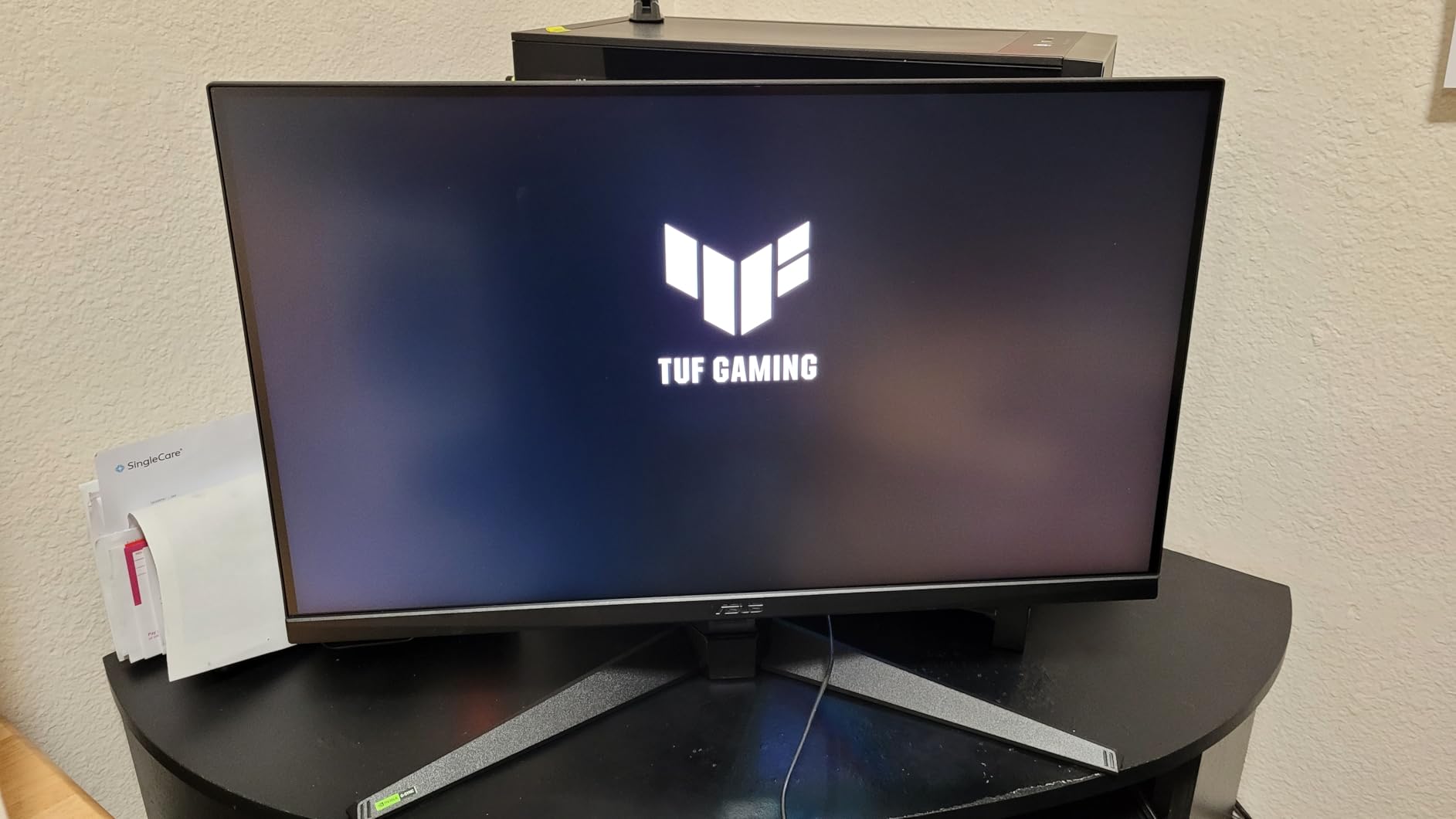
Compared with the ProArt PA278QV, the trade is explicit. The ProArt buys colour accuracy and a stand that adjusts in four directions; this one buys 180Hz and a faster response time. Editors doing colour work should take the ProArt, and anyone playing shooters should take this.
Skip the built-in speakers. Several reviews describe them as thin and quiet, and at 2W each they are fine for system beeps and little else.

The DisplayPort cable and an L-shaped screwdriver are both in the box, which matters if you would rather mount it on a 100×100 arm than use the stand it arrives with.
4. ASUS ROG Scope II 96: Best for Typing With a Number Pad
- 96% layout keeps a full number pad in a compact footprint
- Tri-mode with Bluetooth 2.4GHz and wired
- Up to 1500 hours of battery in 2.4GHz mode
- Factory-lubed ROG NX Snow linear switches
- Dampening foam gives a muted typing sound
- Not water resistant
- 1-year warranty is short
- Wireless mode needs regular charging for latency-critical play
Most compact keyboards make you give up the number pad. This one keeps it and adds only about a centimeter of width over a tenkeyless board, which is why spreadsheet work and gaming can share one device.
The switches are hot-swappable and arrive pre-lubed, so the board is usable straight out of the box and still replaceable later. Sound-dampening foam and switch pads give it a low, muted thock rather than the sharp clatter many linear boards produce.
- Bluetooth across three paired devices, 2.4GHz SpeedNova, or USB wired
- Up to 1,500 hours of battery life in 2.4GHz wireless mode
- PBT keycaps, per-key RGB and a detachable wrist rest
- Pre-programmed F1 to F5 hotkeys plus a multi-function control wheel
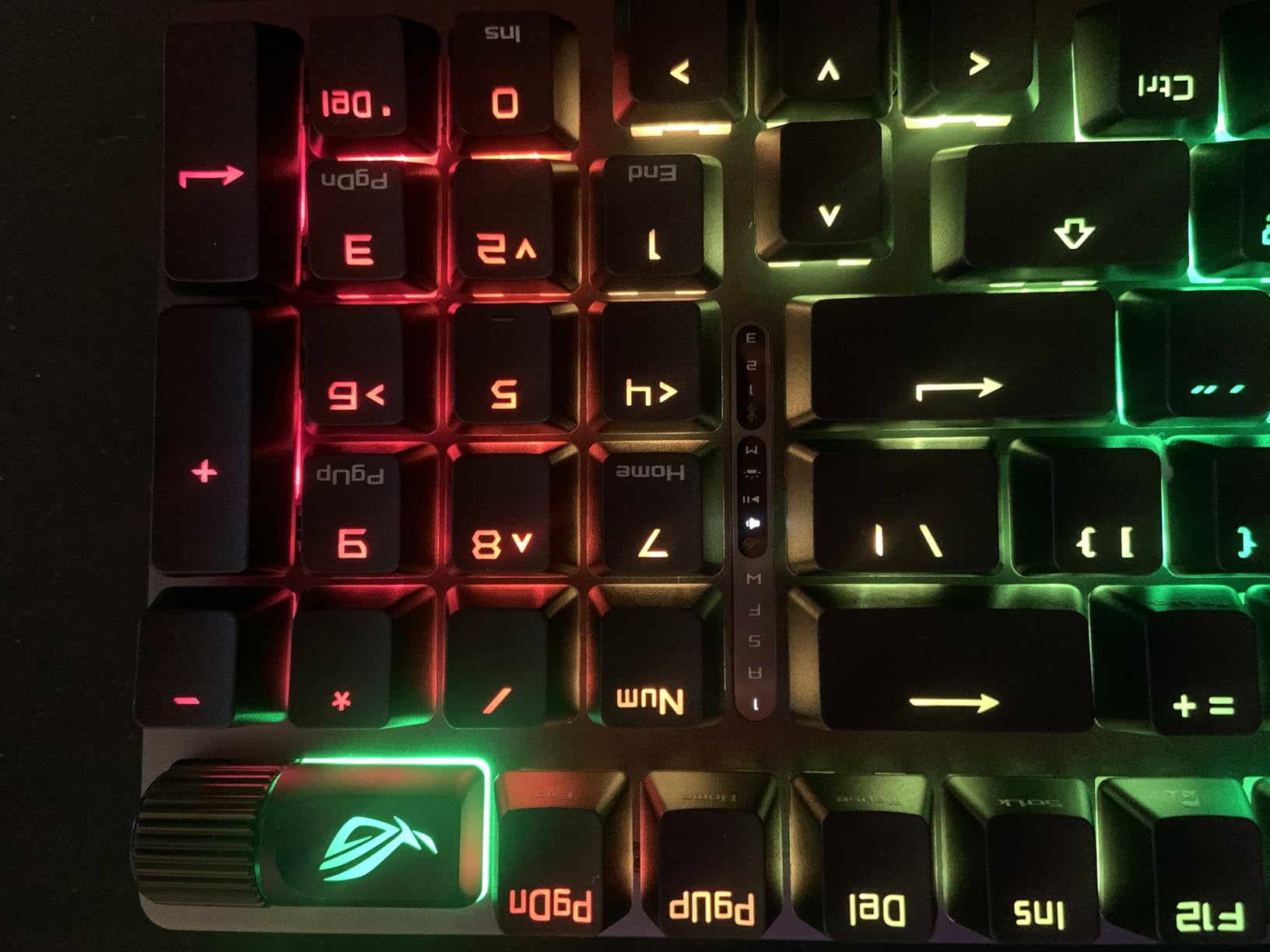
For competitive shooters specifically, the ROG Falchion Ace HFX is the more specialised board, with magnetic switches and 8000 Hz polling. This Scope II is the one for people who want one keyboard that handles spreadsheets in the morning and games at night.
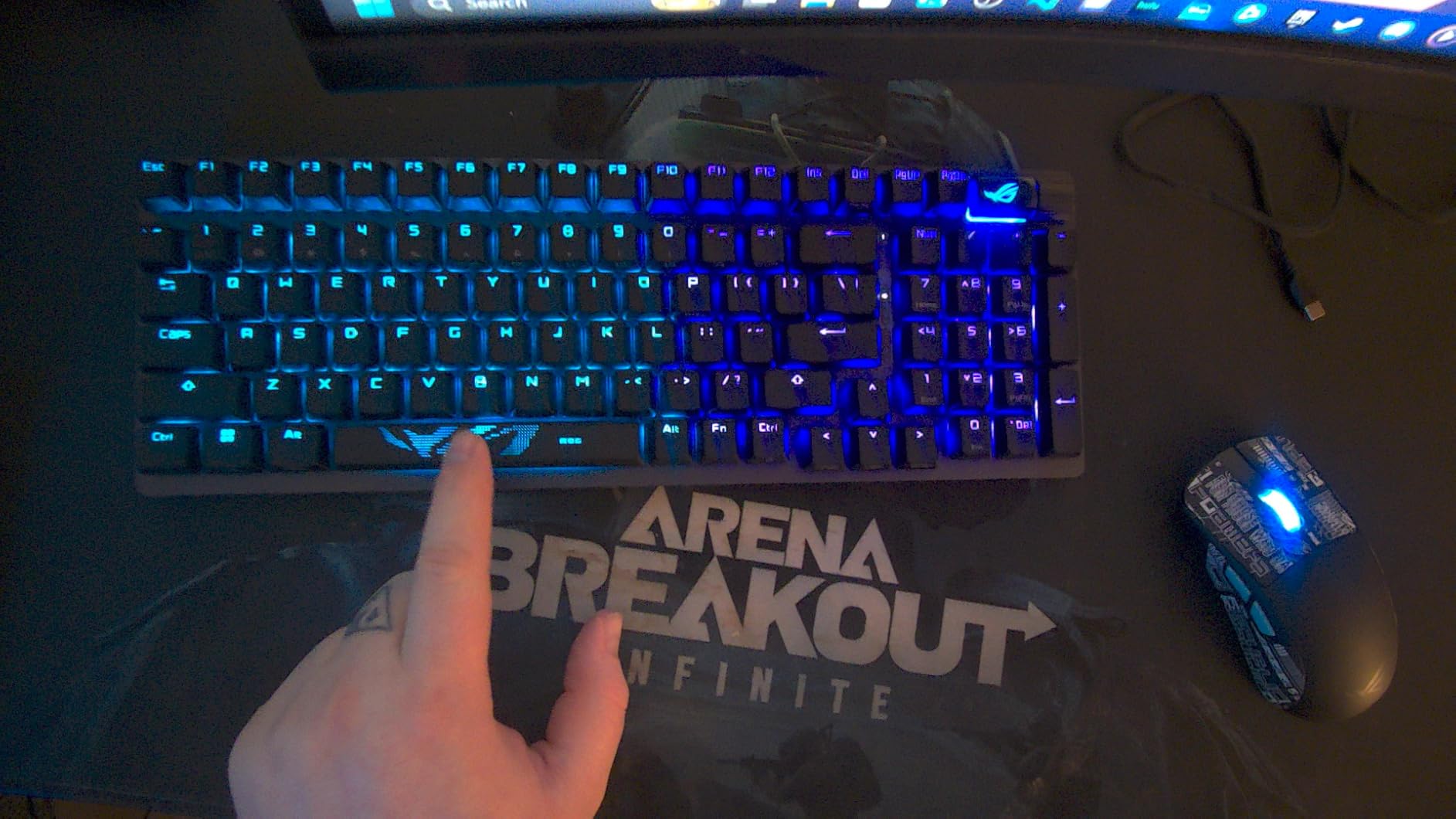
Worth knowing the board works with both Windows and macOS, and the control wheel handles volume and media without pulling you out of a match.
5. ASUS Chromebook Flip CX1: Best for Students
- 14-inch FHD NanoEdge touchscreen that flips 360 degrees
- 3.6 pounds and MIL-STD-810H tested
- Up to 11 hours of stated battery life
- Wi-Fi 6 and Bluetooth 5.2 with a microSD reader
- ChromeOS handles updates and security itself
- Celeron N4500 is an entry processor and struggles with many tabs
- 128GB eMMC is small for large files
- 8GB RAM is the maximum
A convertible touchscreen at this weight is the whole pitch. It goes from laptop to tent to tablet without accessories, which matters when the study surface is a kitchen table or a shared library desk.
ChromeOS keeps the maintenance burden at zero, and the up-to-11-hour battery figure means it survives a full day of classes without a charger. That matters more than raw processing power for the audience this machine targets.
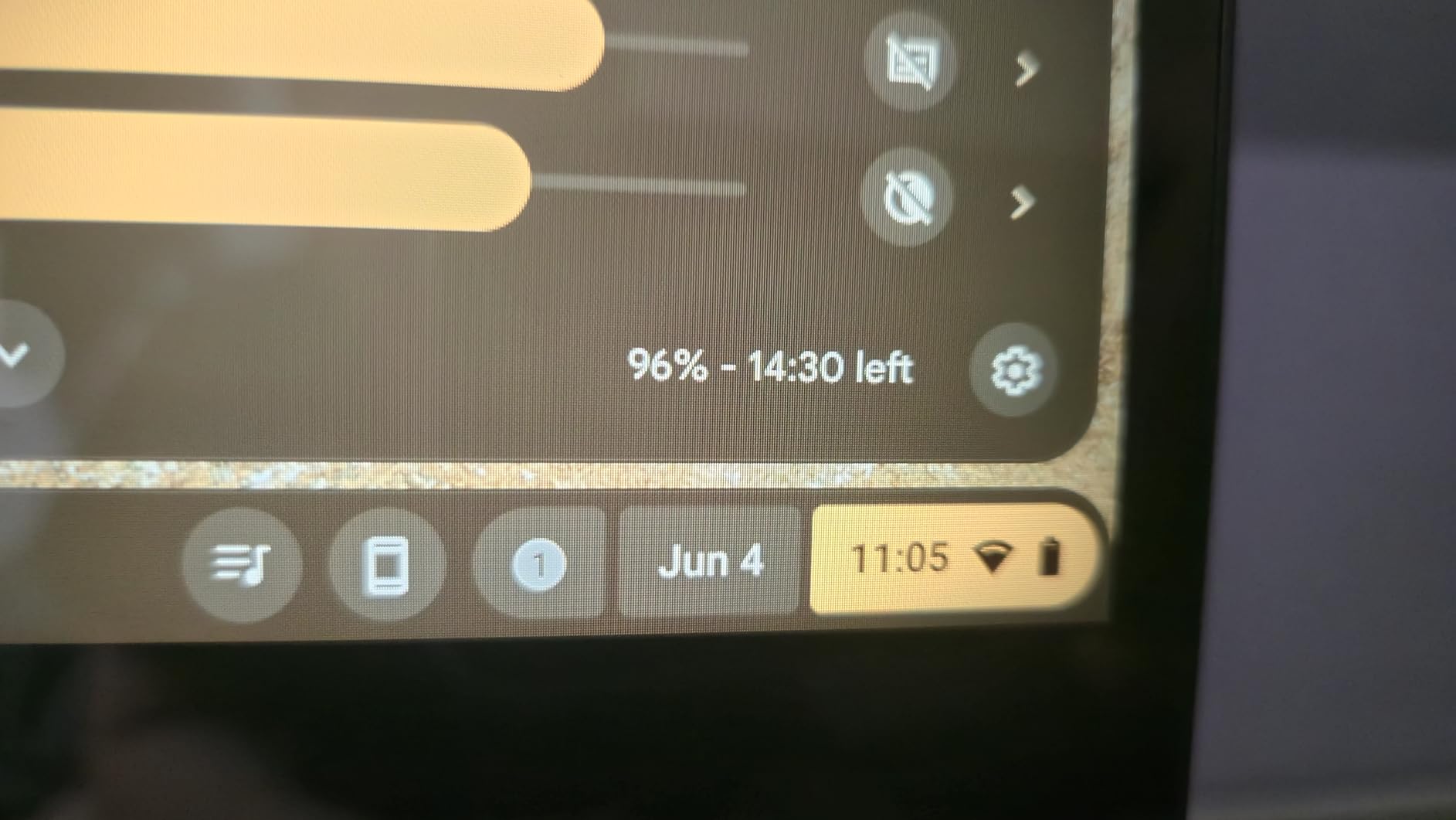
Be honest about the limits before you buy it. The Intel Celeron N4500 is an entry-level chip, 128GB of eMMC is not much if you keep large media locally, and 8GB of RAM is the ceiling. It handles browsing, streaming, docs and web-based coursework well. It does not handle heavy multitasking.
Three months of Google One AI Premium come attached to the listing, which conveniently covers the stretch where most people are still working out whether AI features earn their keep.
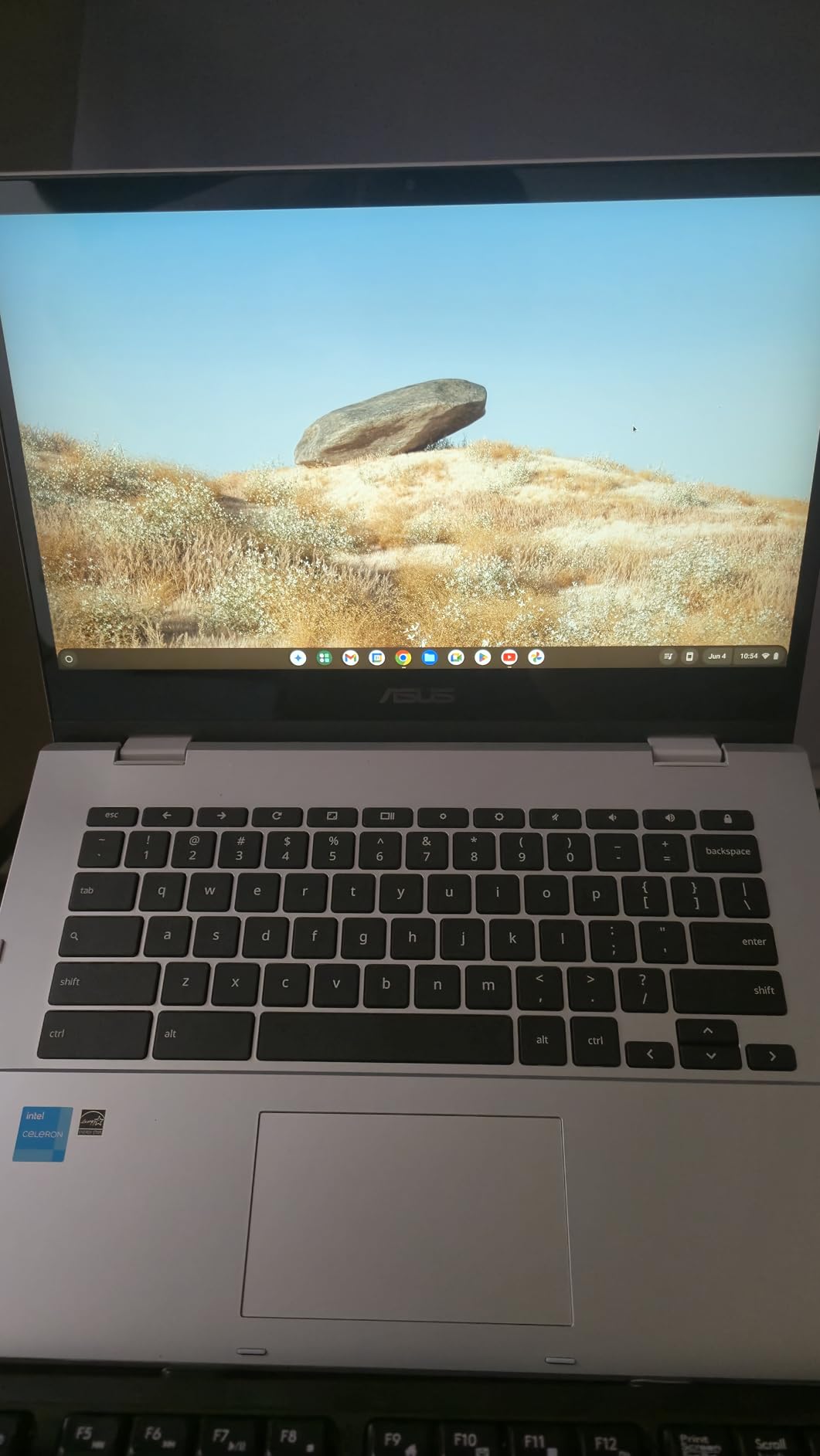
Storage and charging are both covered without adapters, thanks to the microSD reader and the two USB-C ports on the left edge.
6. ASUS ZenScreen MB169CK: Best for Travel
- Single USB-C cable handles both power and video
- 11.8mm profile at 0.78kg fits a standard backpack
- 15.6-inch FHD IPS anti-glare display at 300 nits
- 360-degree kickstand plus a tripod socket
- DisplayWidget software rotates portrait and landscape
- 60Hz refresh rate with no HDR
- 300 nits is dim outdoors or in bright rooms
- Only one USB-C port so there is no power passthrough
This is the easiest setup in the whole roundup. One USB-C cable from the laptop and you have a second display, powered and receiving video at the same time.
The 11.8mm profile is the number that decides it. At 0.78kg it disappears into a bag, and the anti-glare IPS panel means it stays readable in a bright room in a way a glossy panel would not.
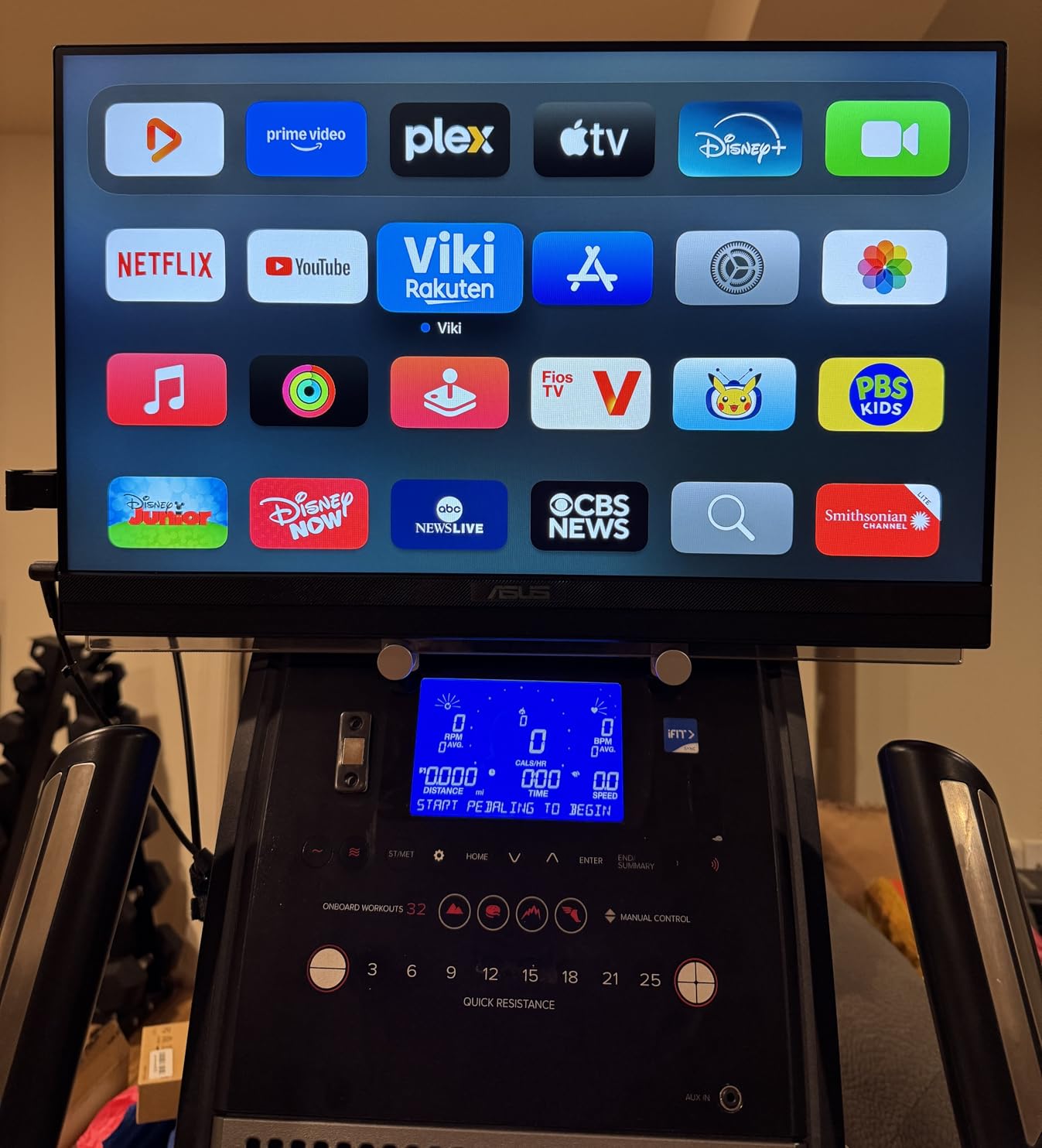
The catch is that a single port means no passthrough. If your laptop charges through one USB-C port and has only one, this screen and a charger compete for the same socket. Check your port count before committing.
The auto-rotate DisplayWidget software swaps the image when you turn the panel, which is the feature that turns it from a second screen into a vertical reference display for long documents. Next to the ROG Strix G16 for a full desktop setup, this is the opposite end of the scale.
There is a tripod socket in the base as well, so on a cramped desk it can go up on a small stand instead of relying on the kickstand.
7. ASUS ROG Falchion Ace HFX: Best for Competitive FPS
- Hall Effect magnetic switches with 0.1-4.0mm adjustable actuation
- Rapid Trigger and Speed Tap smooth out strafing in shooters
- 8000 Hz polling cuts input delay to 0.125ms
- 65% layout at 12.4 inches frees desk space for the mouse
- Dual USB-C ports switch between two PCs instantly
- Five-layer dampening and a silicone gasket mount
- Wired only with no wireless option
- No dedicated F1-F12 row and functions sit on the FN layer
- RGB profiles need Armory Crate and cannot be saved on the board
Rapid Trigger is the feature that changes how a shooter feels. Instead of waiting for a key to travel and reset, the board releases the instant you move back, which removes the delay that haunts counter-strafing.
Speed Tap mode takes it further for players who prefer tapping. Both are toggleable, so you can keep the traditional feel for other genres and switch when a match starts.
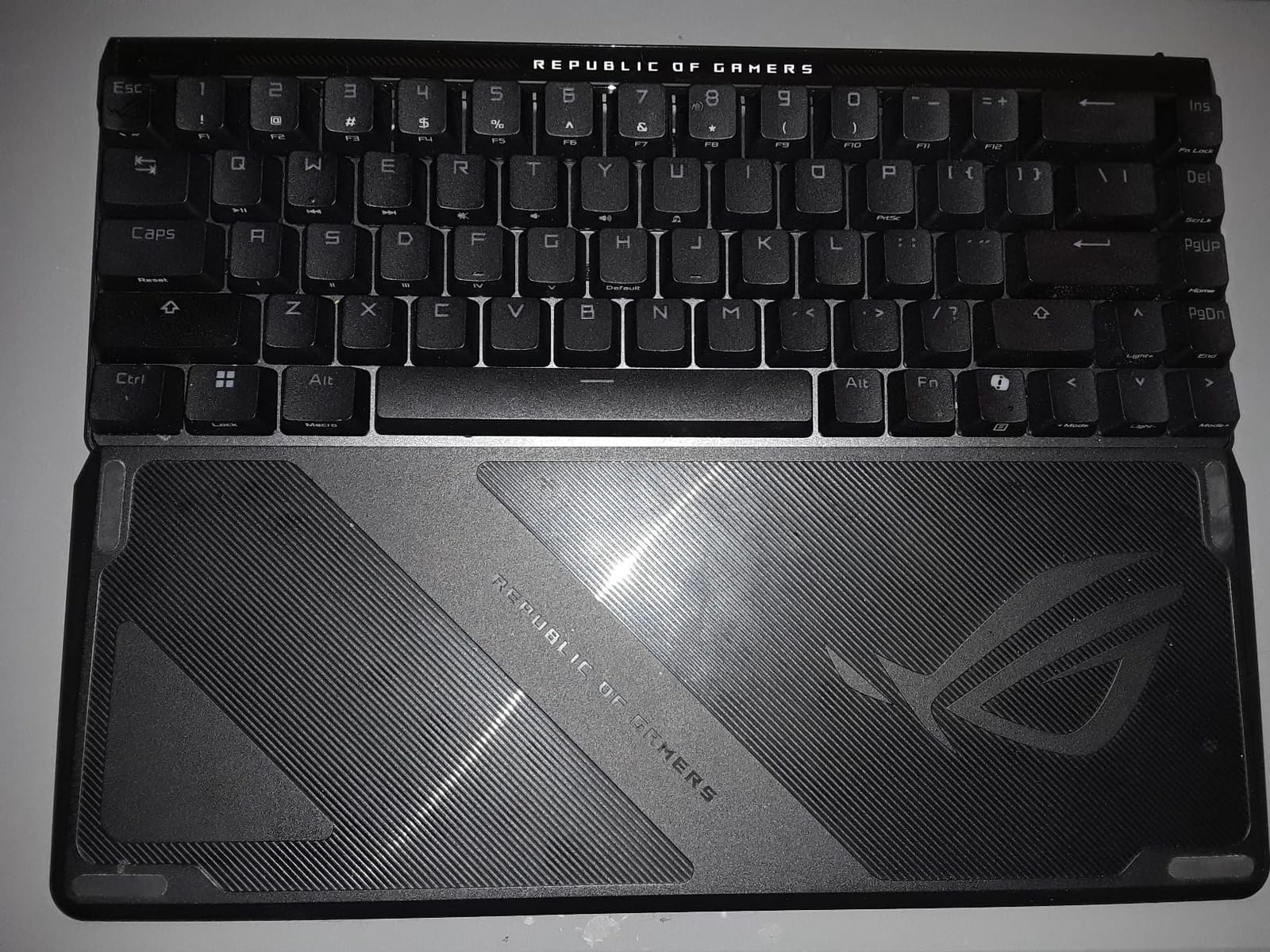
The 65% footprint at 12.4 inches is genuinely short, and it puts a lot of desk back under your mouse arm. Dual USB-C means a laptop and a desktop can both stay connected with a single press.
Two things to know first. The board is wired only, so it stays on your desk rather than travelling with you. And there is no dedicated function row, which is fine once you get used to it but irritates anyone coming from a full-size board. If you work in spreadsheets daily, the ROG Scope II 96 keeps its number pad and its F row.
Good to know: the included protective cover doubles as a tray mount, which is a tidy way to keep the desk clear between sessions.
8. ASUS TUF Gaming F16: Best for Mainstream Gaming
- RTX 4050 laptop GPU running at 115W with Advanced Optimus
- 16:10 FHD+ 144Hz IPS-level panel covering 100% sRGB
- 16GB DDR5 memory and a 512GB PCIe Gen4 SSD
- MIL-STD-810H tested chassis
- Arc Flow fans with four exhaust vents and five heat pipes
- RTX 4050 is an entry GPU for demanding 4K or heavy ray tracing
- 16GB of memory is soldered
- FHD+ panel is softer than the 2.5K options in the range
At 115W the RTX 4050 runs closer to its full allowance than most thin machines manage, and Advanced Optimus switches the GPU off entirely when you are not gaming, which is where the battery time comes from.
The 16:10 panel is the quietly better decision than a 16:9 screen at the same resolution. Taller means more space in a browser or an editor with the lid open, and 144Hz is enough to make fast movement feel clean.
- Intel Core 5 210H processor with the RTX 4050 laptop GPU
- 16GB DDR5 at 5200 MHz and a 512GB PCIe Gen4 SSD
- Adaptive-Sync on a 100% sRGB panel, with HDMI 2.1 output
- Wi-Fi 6 and three USB ports for peripherals
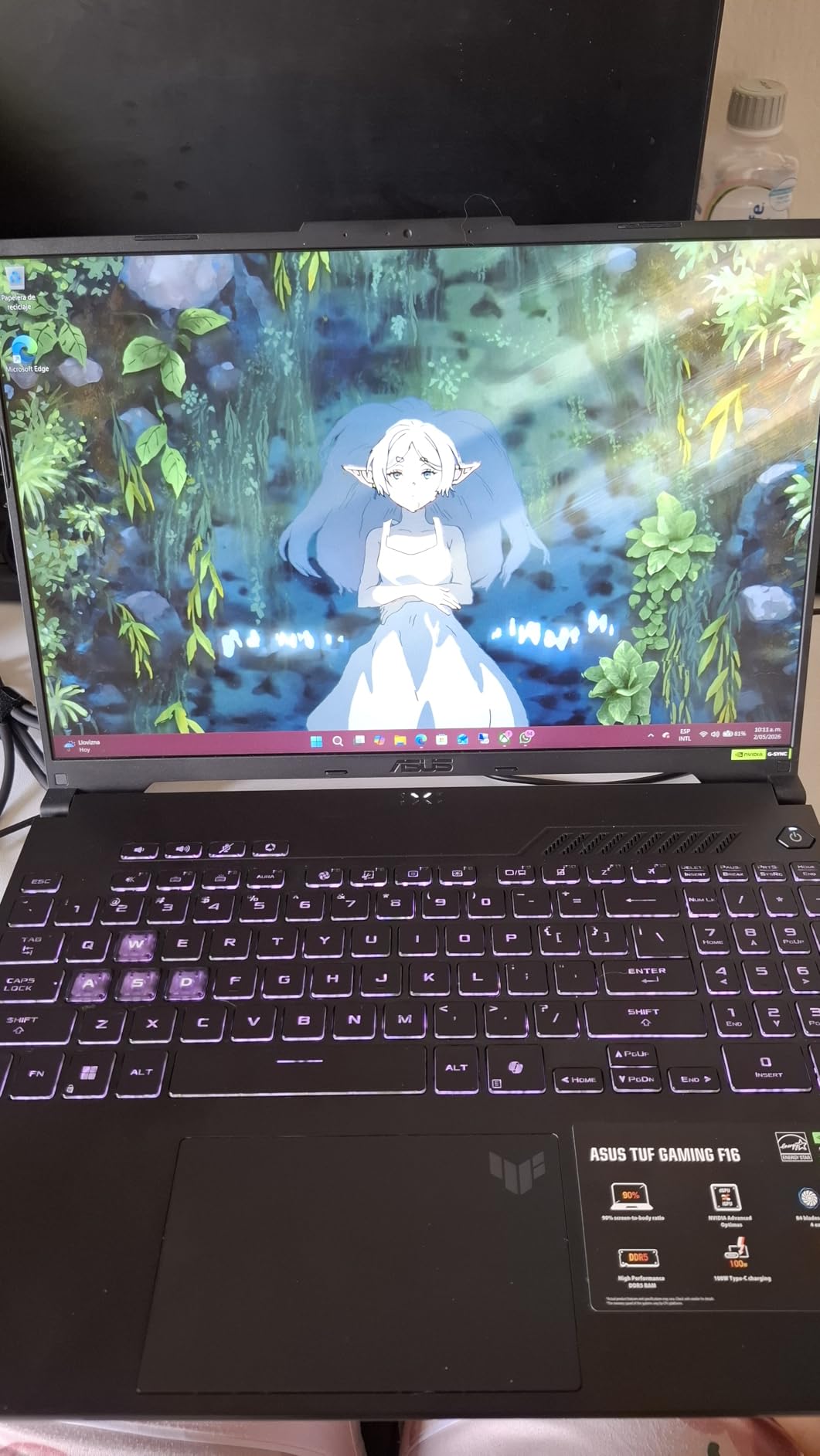
Owners are clear about where the ceiling sits. The RTX 4050 handles 1080p and 1440p gaming well with DLSS and will not carry 4K at high settings or heavy ray tracing. If that is what you want, the ROG Strix G16 with an RTX 5070 Ti is the step up.
The understated grey finish and embossed TUF logo are worth a mention if you use the machine for work as well as play, because it does not read as gaming hardware at a meeting.
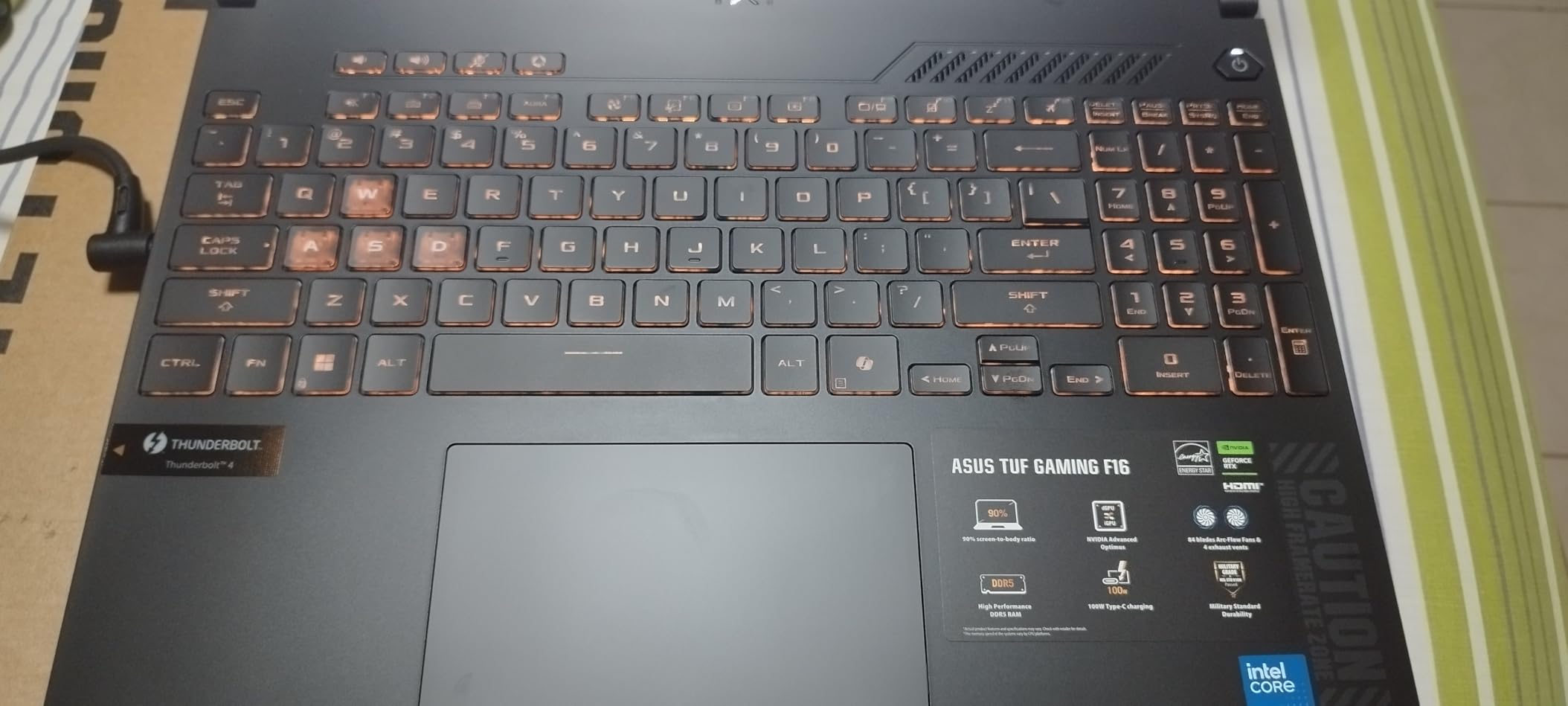
The anti-dust filter in the Arc Flow cooling setup is the part to watch over time if the machine lives in a dusty room, since it is the first thing that affects noise and thermals.
9. ASUS ROG Strix G16: Best for High-End Gaming
- RTX 5070 Ti on Blackwell with DLSS 4 and Max-Q
- Intel Core Ultra 9 275HX with 24 cores
- 32GB DDR5-5600 memory and a 1TB PCIe Gen4 SSD
- ROG Nebula 16:10 2.5K panel at 240Hz and 3ms with 500 nits
- Vapor chamber with tri-fan and Conductonaut liquid metal cooling
- Premium pricing sits well above mainstream gaming laptops
- Only one USB port and one Thunderbolt port listed
- 5.8 pounds is heavy to carry
The Nebula panel is the reason to look twice. 2.5K at 240Hz with a 3ms response and 500 nits of peak brightness is the display most people describe as the best part of this machine, and reviews single it out consistently.
Underneath, 32GB of DDR5-5600 memory and a 1TB Gen4 SSD mean the machine stays comfortable with large libraries rather than becoming the bottleneck that a 32GB configuration eventually becomes.
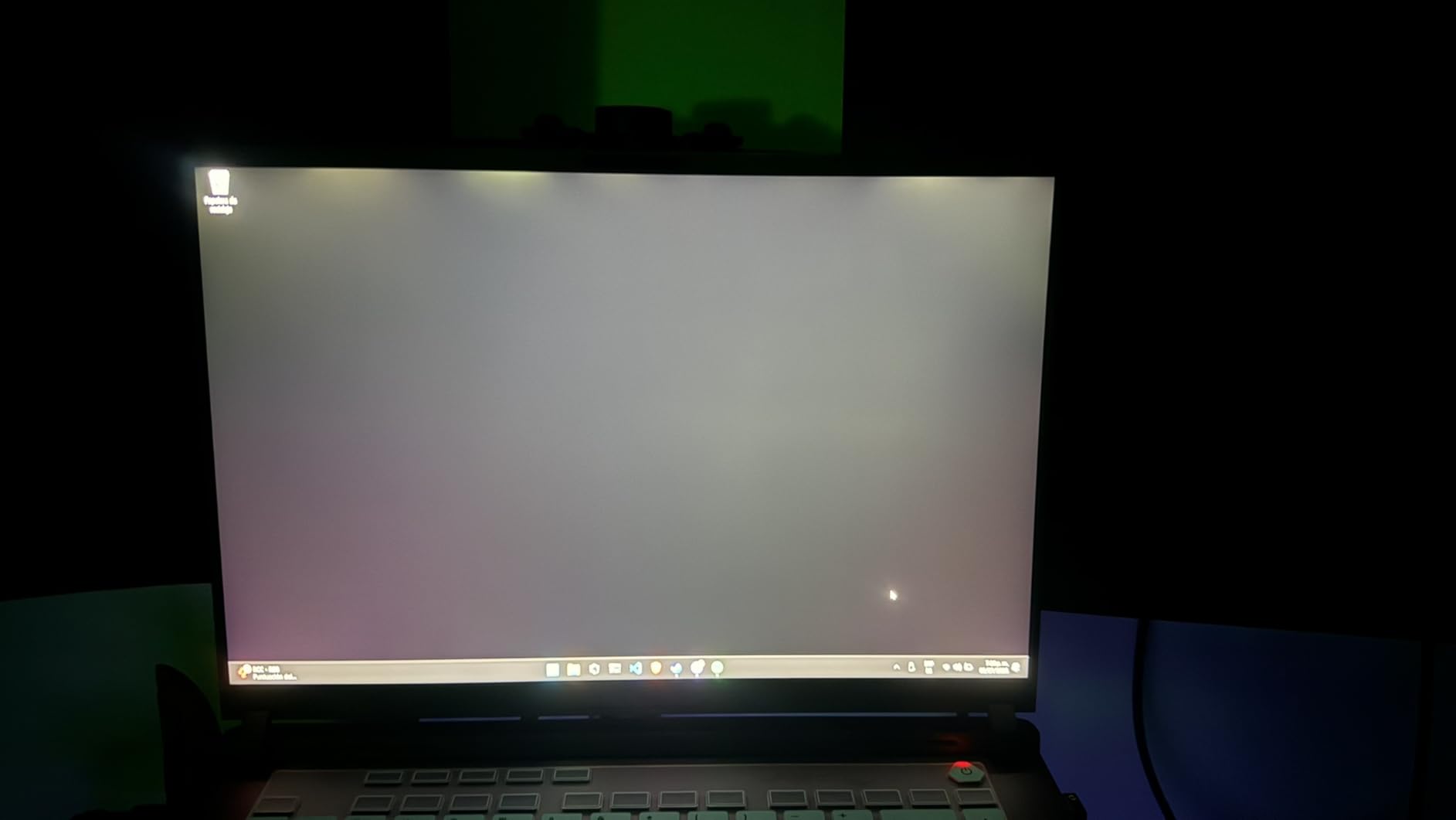
The cost is size. At 5.8 pounds this is a machine that lives on a desk, and the port count is thinner than the specification sheet suggests, with one USB port and one Thunderbolt port listed for peripherals. A dock is close to essential.
The full-surround RGB light bar has a Stealth Mode that switches it off, which is the setting to use before a meeting or on a flight.
Good to know: Wi-Fi 7 is fitted here, so a matching router gives you the full benefit rather than falling back to the previous standard.
10. ASUS TUF Gaming A16: Best for AMD Buyers
- AMD Ryzen 7 7445HS from 3.2GHz to 4.7GHz
- 16-inch Full HD+ high refresh display with anti-glare
- 16GB DDR5 expandable to 64GB
- 512GB SSD with a backlit keyboard
- Spill-resistant keyboard and TUF build quality
- RTX 4050 is an entry GPU for demanding titles
- FHD+ is softer than 2.5K panels in the same range
- Listing lists only two USB ports
- 7 pounds is heavy for a 16-inch laptop
This is the pick for anyone who prefers AMD silicon or simply wants memory they can add later. The 16GB DDR5 config supports expansion up to 64GB, and on the TUF Gaming F16 the memory is soldered, so that option is closed there.
The Ryzen 7 7445HS runs from 3.2GHz up to 4.7GHz, which is enough headroom for games and for compiling work without dropping into the awkward middle of the range.
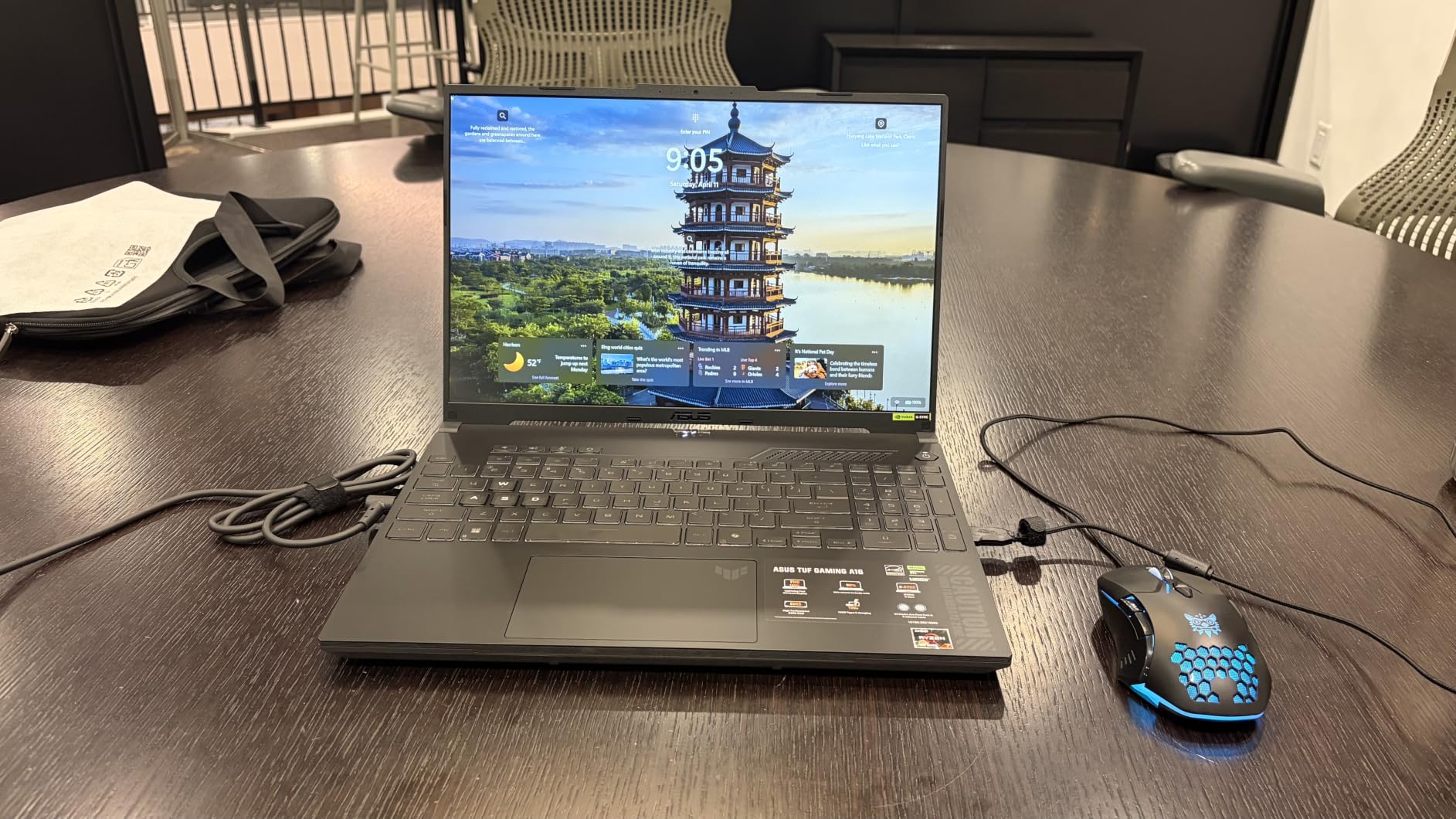
Two honest caveats. Seven pounds is heavy for a machine this size, so it is a desk laptop rather than a portable one. And the listing gives only two USB ports with no battery figure, which makes it worth confirming the exact configuration on the product page before you commit.
The backlit keyboard and spill-resistant deck are small things that show up as compliments in reviews, and the display carries an anti-glare coating that helps in a bright room.
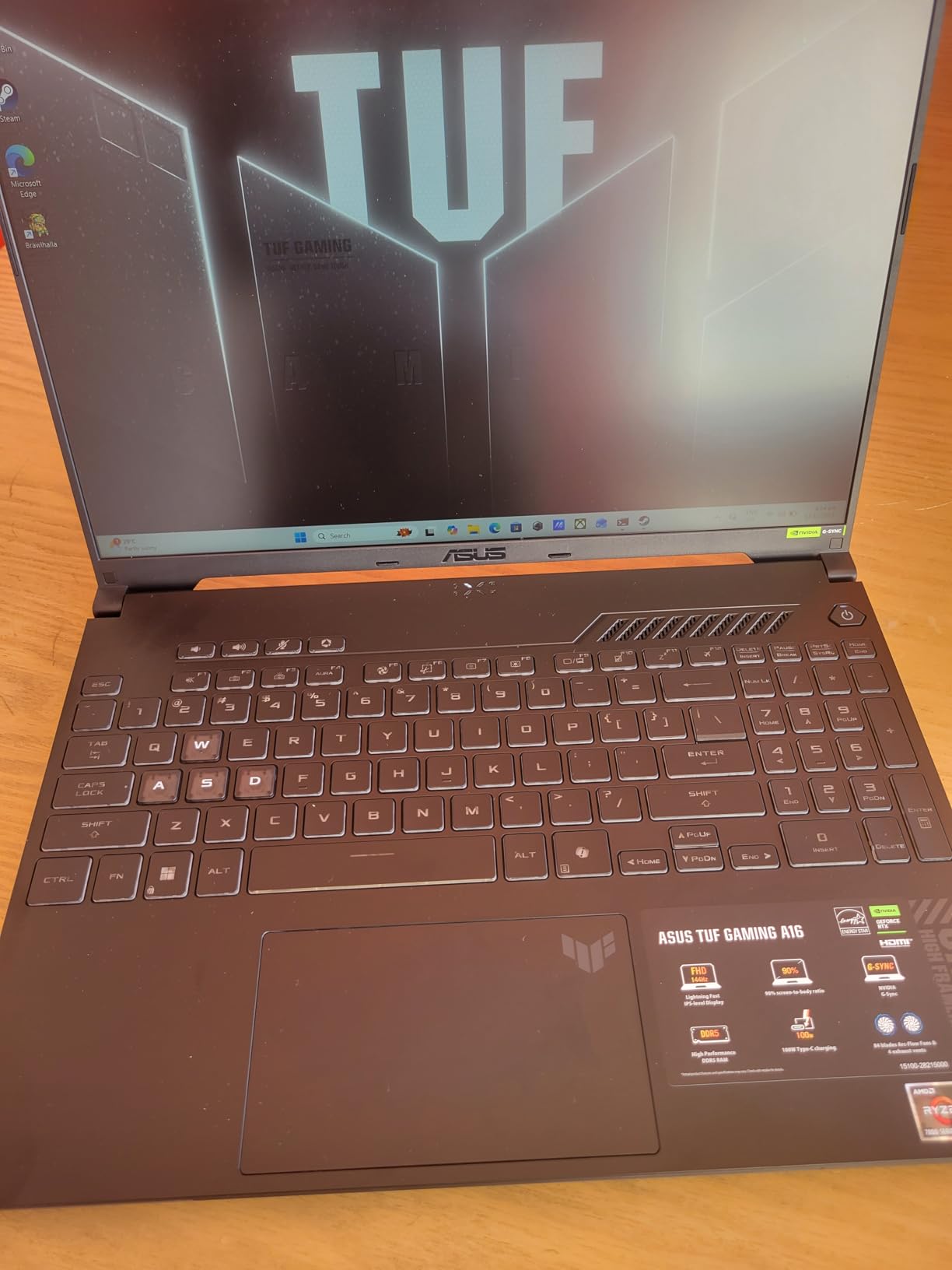
The anti-glare coating on the display earns its keep when a desk sits near a window, which is the usual arrangement in a home setup rather than an office.
How to Choose ASUS Deals During Prime Big Deal Days
Match the product type to the job
Monitors, keyboards, Chromebooks and laptops compete for completely different budgets, so decide what kind of device you need before comparing anything. The ProArt PA278QV and the VA27DQ are desk screens, the ZenScreen MB169CK is a travel screen, the Chromebook Flip CX1 is a web machine, and the three laptops here run Windows for anything heavier.
Check the panel before the discount
For monitors, resolution and refresh rate are the two numbers that decide whether a deal is a real upgrade. 1080p suits documents and spreadsheets, 1440p at 180Hz or more suits competitive play, and colour work wants the coverage figure rather than either of those.
Look at ports, not just specifications
The VGA input on the VA27DQ, the USB hub on the ProArt PA278QV and the dual USB-C ports on the ROG Falchion Ace HFX each remove a real friction point, and each would normally need an adapter without them. Check the port list against the equipment you already own before you order.
Treat weight as a hard limit
Anything under 4 pounds can go in a bag without a second thought. A 5.8-pound gaming laptop or a 7-pound machine stays on a desk, and that changes which model fits your day more than any specification does.
Read what owners flag, not what the box promises
The recurring complaints on these listings are consistent and useful: dim panels on the VA27DQ and MB169CK, a tilt-only stand on the VA27DQ and VG27AQ3A, a missing function row on the Falchion Ace HFX, and soldered memory on the TUF Gaming F16. None of them are dealbreakers, and all of them are things you can decide about before buying.
How to Shop ASUS Deals During the Sale
Check the model number on the listing, not just the marketing name. ASUS uses near-identical family names across generations, and store-exclusive variants can carry different panels or memory for a similar-looking name. Look for what is in the box, since ProArt monitors ship with a calibration report and cables and laptops ship with the charger only. Read the seller line before you commit, because marketplace listings on a legitimate-looking laptop can come from a third party with its own warranty terms. Most offers during the event need an active Prime membership, and a free trial counts. Configurations and offers change through the sale, so confirm the exact model on the listing at the moment you order.
- Match the model number in the listing to the one you compared, not just the family name
- Confirm the seller and read who handles the warranty
- Check whether the listing is new or renewed before you compare offers
- Verify the screen specification, since similar names can hide different panels
- Confirm what ships in the box, especially cables and chargers
Frequently Asked Questions
When does Prime Big Deal Days run in 2026?
Amazon’s Prime Big Deal Days runs October 6-7, 2026, as a two-day event focused on early holiday pricing. Most offers need an active Prime membership, and a free trial counts. Offers change during those two days, so the exact configuration and seller are worth confirming on the listing at the moment you order.
Do I need Prime membership to get ASUS deals during Prime Big Deal Days?
Most Prime Big Deal Days offers require an active Prime membership, and a 30-day free trial counts toward that. A small number of ASUS accessories carry no membership requirement, but laptops and monitors generally sit behind the membership gate. If you are not sure you would use Prime otherwise, weigh the membership against what you would buy during the event before assuming it pays for itself.
Are the best Amazon Prime Big Deal Days ASUS deals worth buying?
Savings vary by product and shift through the event, so treat any listing as a snapshot rather than a promise. The useful check is whether the model number on the listing matches the one you compared, since similar family names can hide a different panel or memory configuration. Confirm the seller and the warranty terms at the moment you order.
Which ASUS laptop line is the best to buy in 2026?
Vivobook covers everyday productivity, Zenbook is the thinner premium line, TUF Gaming sits in the mainstream gaming tier and ROG Strix carries the high-end hardware. In this roundup, the TUF Gaming F16 covers mainstream gaming, the ROG Strix G16 covers high-end, and the Chromebook Flip CX1 covers web-based work for students. Match the line to the workload rather than the badge.
Should I wait for Black Friday instead of buying during Prime Big Deal Days?
Prime Big Deal Days falls in early October and Black Friday arrives roughly seven weeks later, so waiting means holding your budget longer for uncertain additional savings. For accessories such as keyboards and monitors, either week can work. For a laptop you need now, the October window is the more practical of the two.
Final Verdict: Best Amazon Prime Big Deal Days ASUS Deals
Buy the ASUS ProArt PA278QV if you edit images or grade video, since the factory calibration and adjustable stand are the difference between a screen you trust and one you correct. Pick the ASUS VA27DQ for a home office where the port list matters more than the panel. The ASUS TUF VG27AQ3A is the gaming screen answer at 1440p and 180Hz, and the ROG Scope II 96 covers anyone who wants a wireless mechanical board with a number pad, while the ROG Falchion Ace HFX is the specialist pick for competitive shooters. Students get the Chromebook Flip CX1, travellers get the ZenScreen MB169CK, and the TUF Gaming F16, ROG Strix G16 and TUF Gaming A16 cover mainstream, high-end and AMD-preferring gaming setups respectively.
Compare the current sale listings against these specifications, then confirm the exact model number, seller and configuration on the product page before you order.