
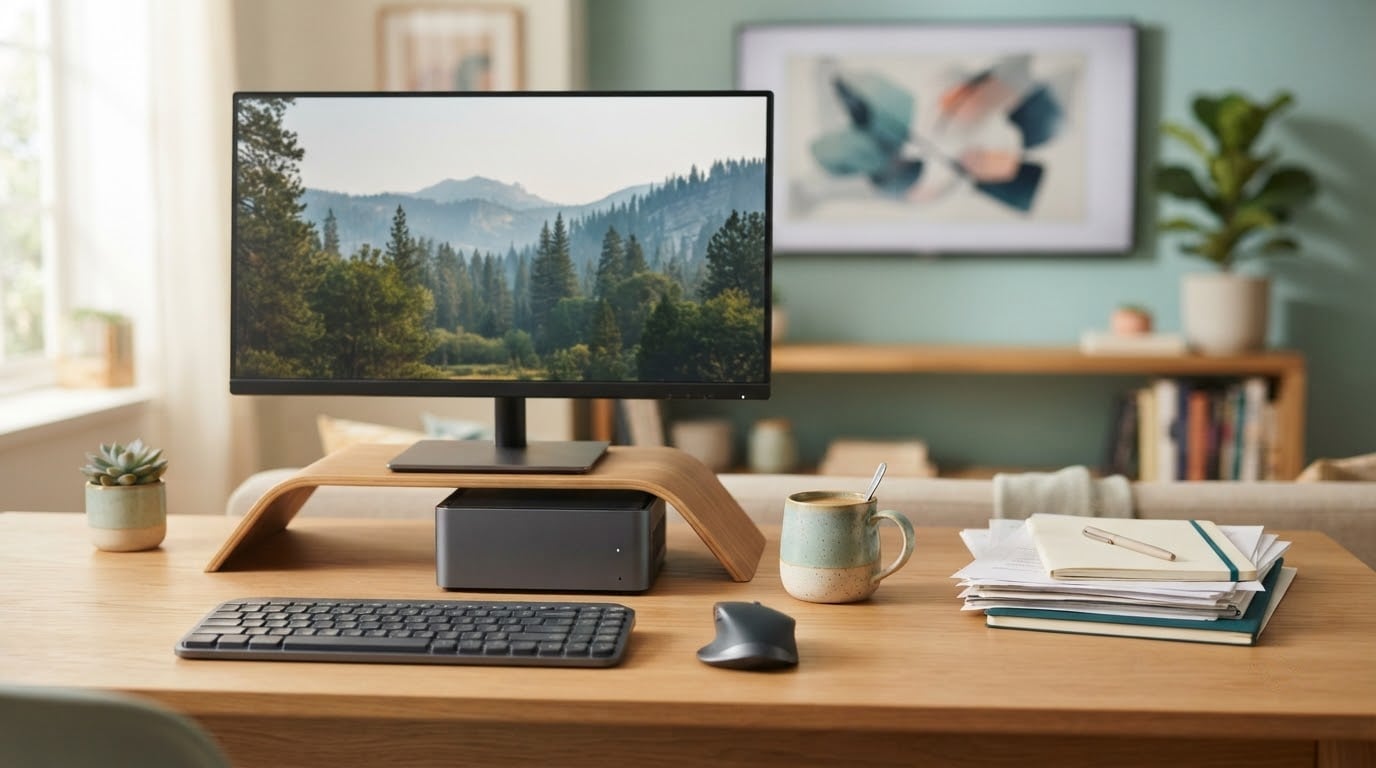
A lot of people shopping mini PCs during Amazon’s Prime Big Deal Days are really shopping for a second computer that fits behind a monitor, and the KAMRUI Pinova P2 is the one worth watching first: a Zen 3 chip with four cores and eight threads, three 4K screens driven at once, and a fan owners describe as near-inaudible, all in a case under two inches tall.
For a smaller budget, the Beelink SER3 is the value pick with memory you can actually replace, and the Beelink SER5 is the one to watch if you want six cores for multitasking and light editing. Prime Big Deal Days runs October 6-7, 2026, and offers change through the event, so treat everything here as the hardware worth watching rather than a fixed price list.
Table of Contents
Our Top 3 Picks for Best Amazon Prime Big Deal Days Mini PC Deals
The three below cover the most ground: a compact desktop that drives three 4K screens and stays silent, a budget box whose memory you can replace later, and a six-core workhorse for anyone who keeps too many windows open.

KAMRUI Pinova P2
- Ryzen 3 7330U 8 threads
- Triple 4K output
- 28W and near-silent
- Two M.2 slots


Beelink SER5
- Ryzen 5 5500U 12 threads
- RAM upgradeable to 64GB
- 480GB NVMe plus SATA bay
Best Amazon Prime Big Deal Days Mini PC Deals Compared
Every machine below is judged on the same fields: what it is genuinely good for, what chip drives it, how much memory and storage you get, and how it connects to the rest of your desk. No prices, because they move during the sale.
| Product | Specifications | Action |
|---|---|---|
| KAMRUI Pinova P2 |
|
Check Deal Price |
| Beelink SER3 |
|
Check Deal Price |
| Beelink SER5 |
|
Check Deal Price |
 Bmax B1 Plus Bmax B1 Plus |
|
Check Deal Price |
 Beelink MINI S12 Beelink MINI S12 |
|
Check Deal Price |
 ACEMAGIC K1 ACEMAGIC K1 |
|
Check Deal Price |
 BOSGAME P3 Lite BOSGAME P3 Lite |
|
Check Deal Price |
 BOSGAME P3 Pro BOSGAME P3 Pro |
|
Check Deal Price |
 GEEKOM A6 GEEKOM A6 |
|
Check Deal Price |
 Bmax B3 Pro Bmax B3 Pro |
|
Check Deal Price |
How We Chose
We compared the specifications that decide whether a compact computer is useful: processor generation and core count, whether the memory can be replaced, storage expansion, display outputs, networking, power draw and warranty length. We also read the owner reviews on each listing for the things specs never reveal, such as fan noise, boot failures and how support responded when something went wrong. Data checked on October 2026.
1. KAMRUI Pinova P2: Best Overall for Everyday Computing
- Zen 3 chip with 8MB L3 handles heavy multitasking at 28W
- Three 4K displays driven at once
- Two M.2 slots for storage up to 4TB total
- Near-silent cooling in a 1.63 inch metal case
- VESA mount bracket in the box
- 16GB LPDDR4 memory is soldered
- Radeon integrated graphics are not suited to serious gaming
- 256GB drive is small out of the box
The one to watch if you want a single compact machine that does everything. The Ryzen 3 7330U is a Zen 3 part with four cores, eight threads and 8MB of L3 cache, which is a different class of chip from the Intel N-series boxes further down this list. Owners put it through heavy multitasking and it holds together.
What separates it from the crowd is display handling. One HDMI 2.0, one DisplayPort 1.4 and one USB 3.2 Gen2 Type-C means three 4K screens at 60Hz, plus six USB ports in total. For a home office where a laptop screen, a second panel and a borrowed projector are all in play, that saves dongles.
The other quiet win is physical. At 5.04 by 5.04 by 1.63 inches and 573 g, it fits on a small shelf or behind a display, and a VESA mount is included. Storage is the part that needs planning: the 256GB drive is small, but there are two M.2 2280 slots and owners have run storage up to 4TB total, so you are not stuck with what ships.
Skip it if you need to add memory later. The 16GB of LPDDR4 is soldered, which is exactly the ceiling owners complain about when a compact machine ages out. If you want upgradeable memory instead, the Beelink SER3 takes 32GB, and the Beelink SER5 goes to 64GB.
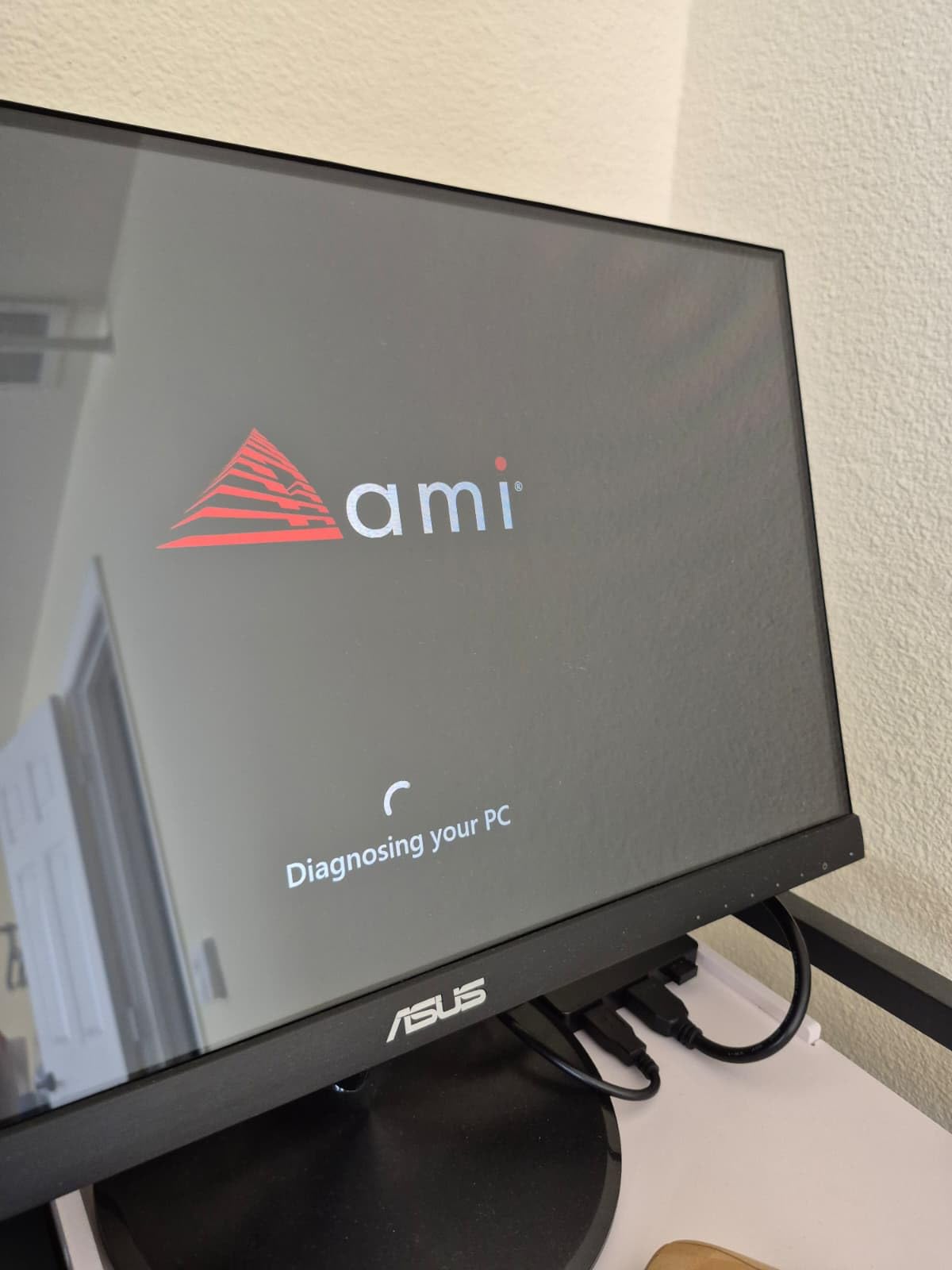
At 28W the machine is cheap to leave running, and owners call the cooling near-inaudible even under load, which matters if it sits in the room with you.
2. Beelink SER3: Best Value With Upgradeable Memory
- 16GB DDR4 RAM upgradable to 32GB in two slots
- 500GB M.2 PCIe 3.0 SSD for fast boots
- Dual HDMI supports two 4K displays
- Gigabit LAN plus dual-band WiFi
- 3-year warranty with lifetime technical support
- Ryzen 3 3200U is a 2019 generation two-core chip
- Radeon Vega 3 graphics limit gaming and video editing
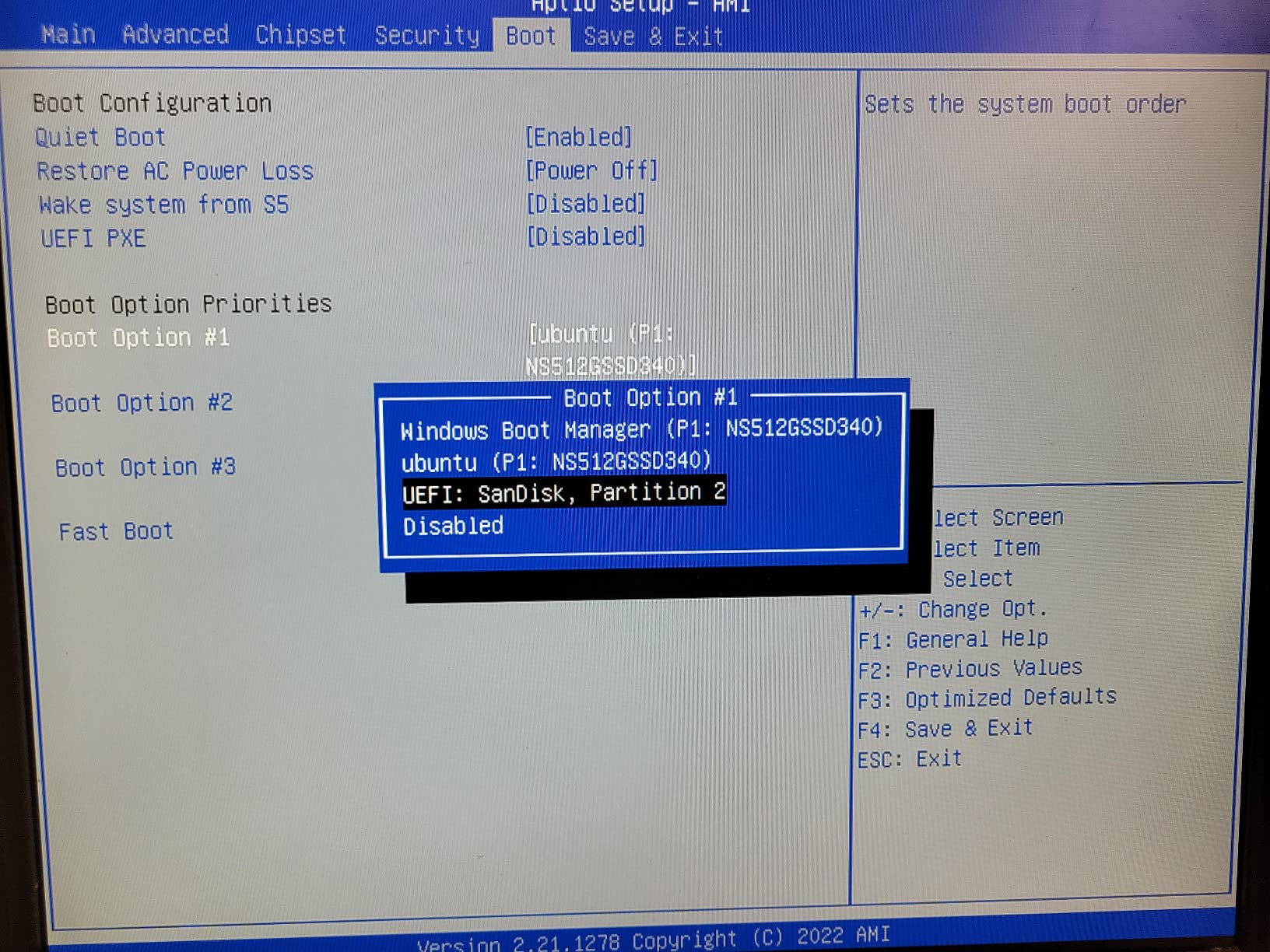
Best when you want to buy once and add memory later without opening a warranty fight. Two accessible DDR4 slots mean the 16GB installed can go to 32GB, which is the upgrade path most budget boxes refuse to offer.
Storage is handled well for the money too, with a 500GB M.2 PCIe 3.0 drive that boots and copies files at proper NVMe speeds. Four USB 3.2 ports, two HDMI outputs and a 3.5mm jack cover a normal desk without an adapter.
The honest caveat is the processor. Ryzen 3 3200U is a 2019 two-core, four-thread design, and paired with Radeon Vega 3 graphics it will feel slow the moment you open twenty tabs, edit a video or try a modern game. For document work, browsing, a media server and light streaming, it is comfortable. For anything creative, look at the Beelink SER5.
Compared with the KAMRUI Pinova P2, you trade eight threads and three display outputs for replaceable memory and a longer warranty. Buyers who plan to keep a machine for years tend to prefer that trade, and the three-year warranty with lifetime technical support is longer than most compact PCs at this level.
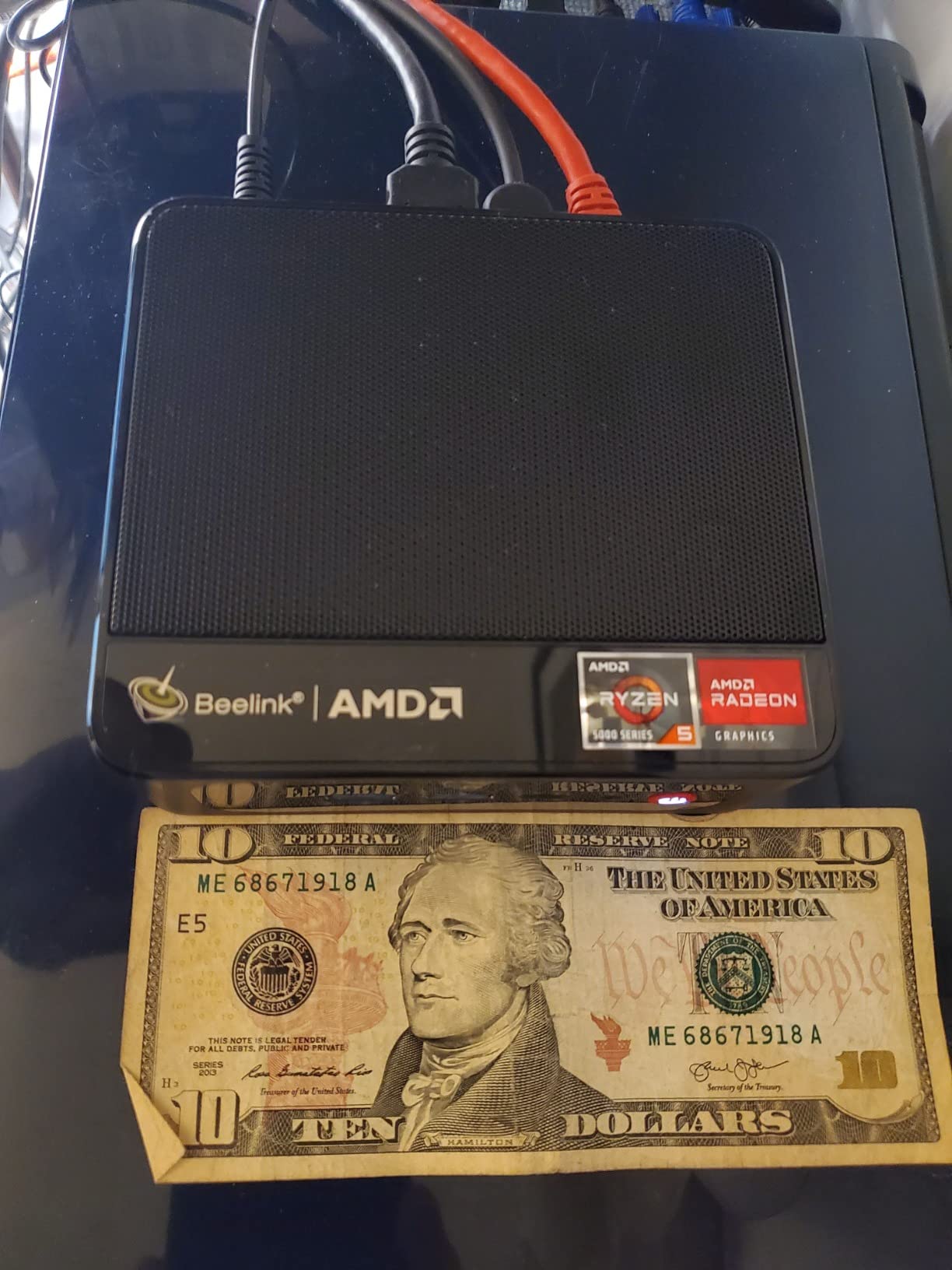
Beelink support has historically supplied a Windows activation key when asked, so a fresh install does not have to start with a nag screen.
3. Beelink SER5: Best for Multitasking and Light Editing
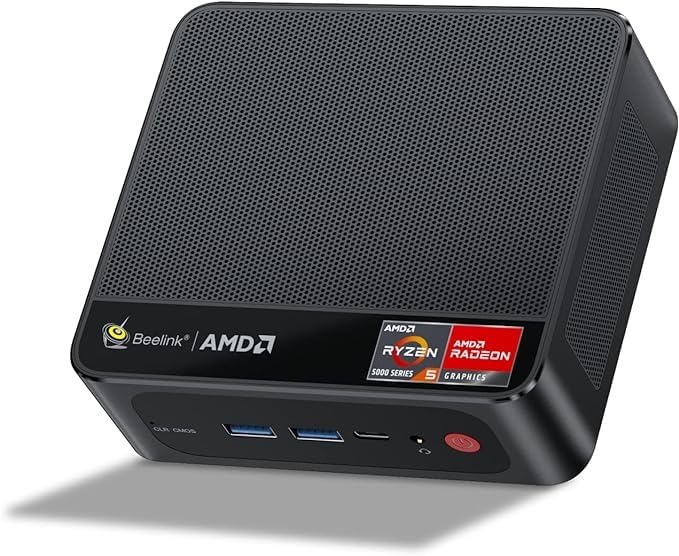
- Ryzen 5 5500U with 6 cores and 12 threads
- Dual-channel 16GB DDR4 upgradable to 64GB
- 480GB NVMe SSD plus a 2.5-inch SATA bay
- Triple 4K output across HDMI and DisplayPort and USB-C
- WiFi 6 and 2.5G LAN
- Integrated Radeon graphics are weak for demanding games
- Fan becomes audible under sustained load
The most convincing all-rounder here if your day involves more than one window at a time. Six cores and twelve threads is enough headroom to run a spreadsheet, a browser with real research in it and a video call without the machine stalling.
The memory configuration matters more than the number. Sixteen gigabytes in dual-channel rather than a single 32GB stick is the detail experienced owners point out, because single-channel memory quietly costs you graphics and multi-core performance. Here you also have two slots and room to 64GB.
Storage is a 480GB M.2 PCIe 4.0 NVMe drive, and there is a 2.5-inch SATA bay underneath for a second disk. That combination is the one most owners praise, since a laptop-class machine usually gives you one slot and no bay at all.
Where it loses is noise under sustained work, which several reviews mention after long editing or compiling sessions. If your machine lives in a bedroom or you take calls from the same desk, read the Beelink MINI S12 section next and weigh the quietness against the chip speed.
Windows 11 is pre-installed without bloatware, which saves an afternoon of deleting software nobody asked for. Reviewers also raise the same point about cooling: quiet at a desk, audible once a heavy job runs for a while.
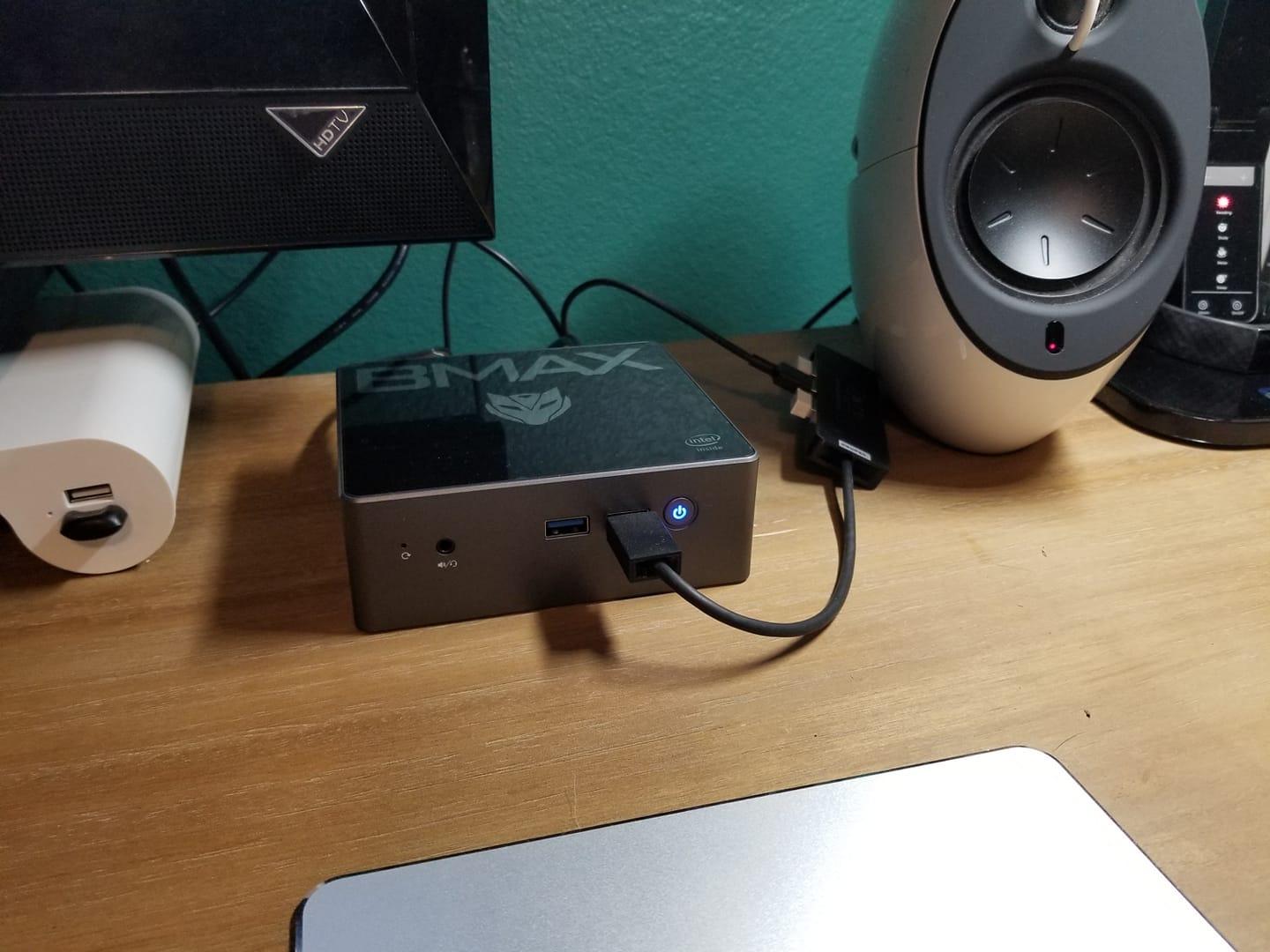
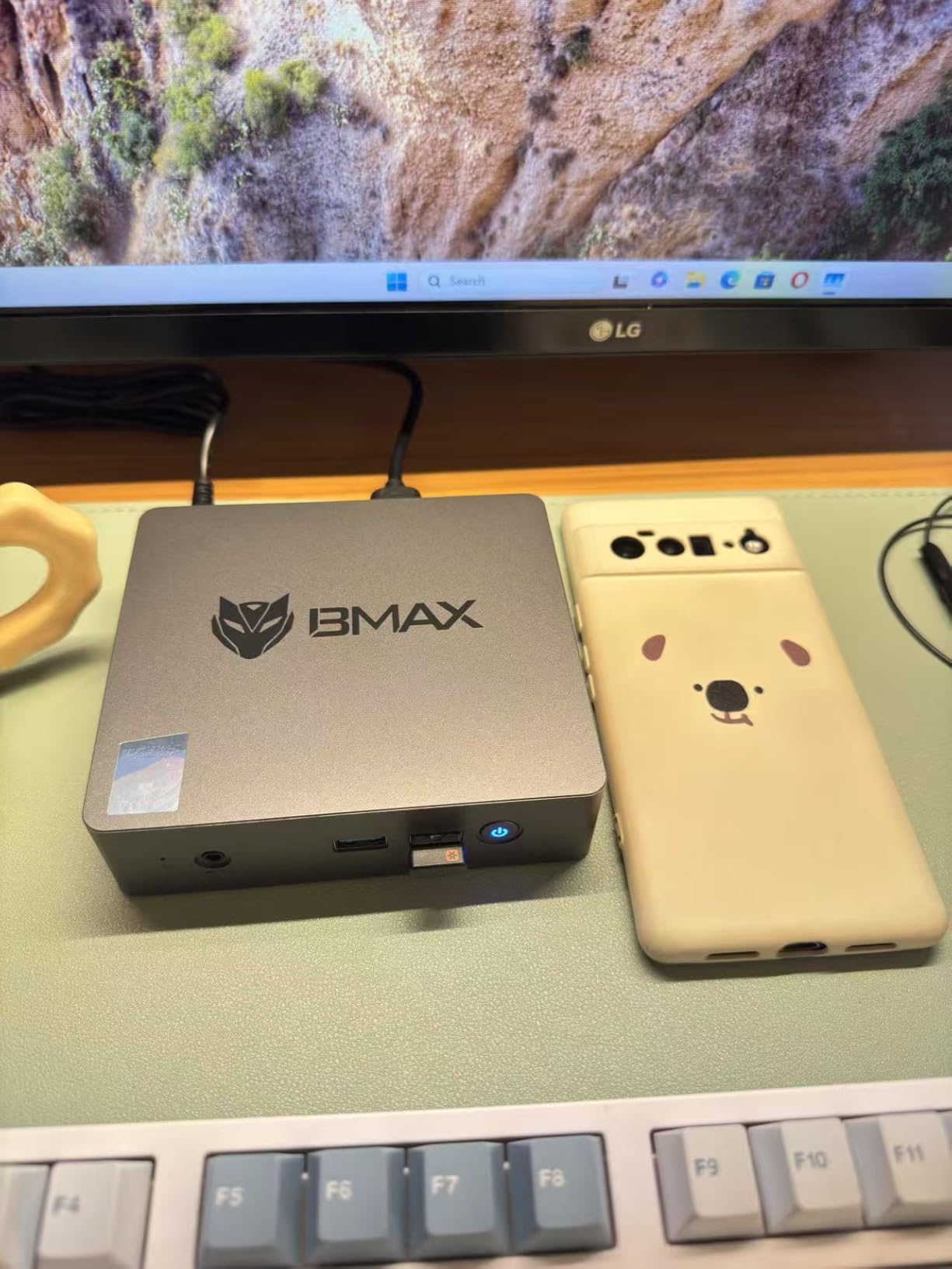
4. Bmax B1 Plus: Best for the Smallest Budget
- Under half a pound and 1.4 inches thick
- Dual M.2 slots for storage up to 2TB
- Handles browsing and documents and 1080p streaming
- F9 one-click restore and VESA bracket included
- No preinstalled bloatware
- 6GB LPDDR3 RAM is soldered and cannot be upgraded
- 128GB eMMC storage is small
- Celeron J3355 struggles with Windows updates
Buy this one if the goal is a cheap second computer for browsing, documents and a television in the spare room. At 4.2 by 4.1 by 1.4 inches and under half a pound, it is small enough to hide behind a monitor or mount on the back of one.
The storage story is better than the memory story. Two M.2 slots, one SATA and one NVMe, mean you can add a proper drive instead of living on the 128GB of eMMC that ships, and owners push total storage up to 2TB. The F9 one-click restore is a genuine convenience when a family member inevitably breaks something.
Be realistic about the rest. Six gigabytes of soldered LPDDR3 is the bare minimum, and the Celeron J3355 is a low-power chip that reviews describe as struggling with Windows updates and heavy multitasking. It is a light-duty machine, and treating it like a main computer is where buyers get disappointed.
Compared with the Bmax B3 Pro listed tenth, you get a slightly newer tablet-class chip and Bluetooth 5.0 instead of 4.x, at the cost of half the storage. Choose the B1 Plus for a desk machine and the B3 Pro for a box that never leaves the living room.
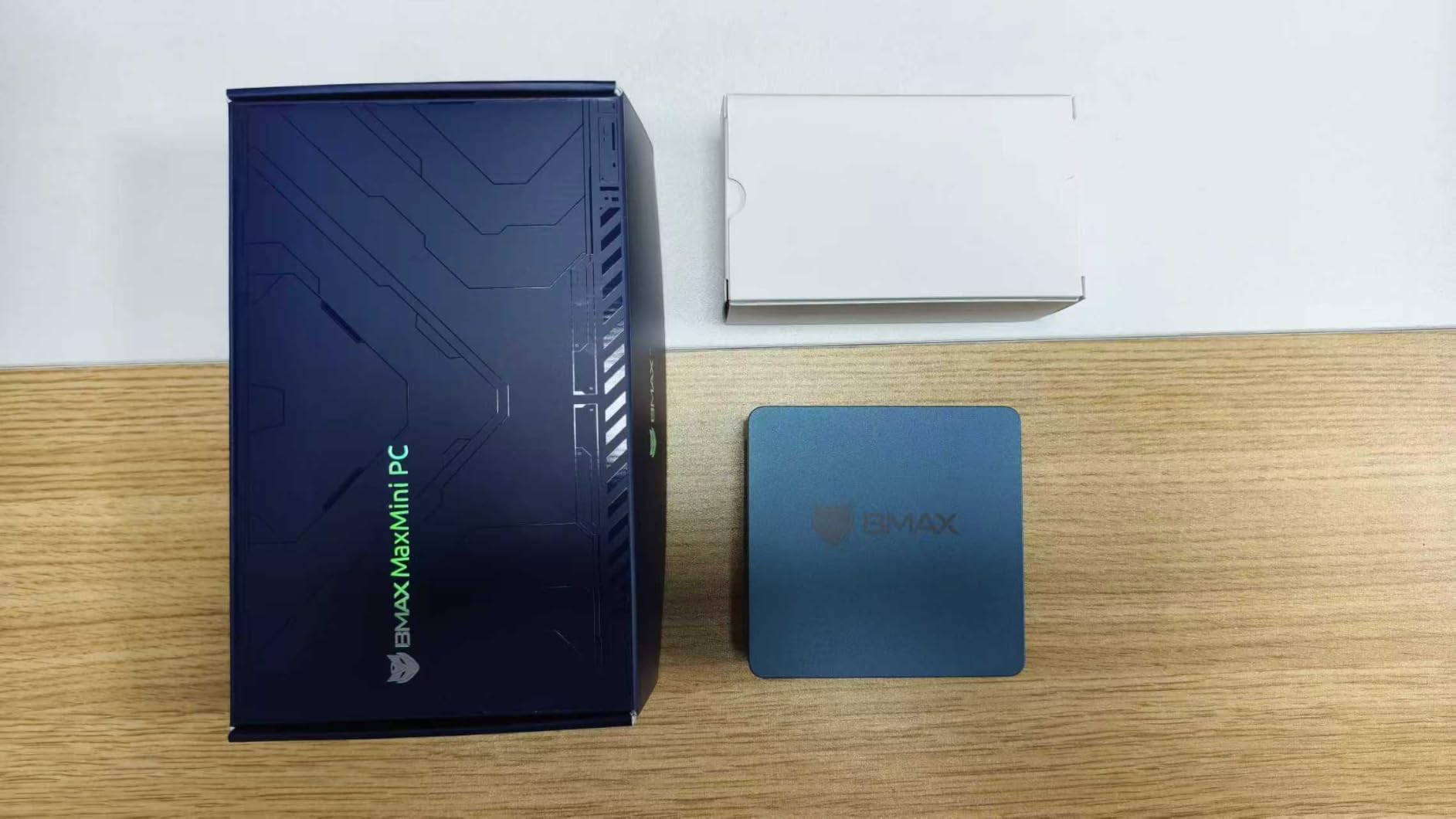
Worth remembering: the one-year warranty is the shortest on this list, so keep the packaging and test the machine thoroughly inside the return window.
5. Beelink MINI S12: Best for 24/7 Media and NAS Use
- 2.5GbE plus a second network port for NAS use
- Quiet and low power for continuous running
- Popular as a Linux server or home media node
- Dual 4K output over two HDMI
- VESA wall-mount bracket included
- One memory slot caps upgrades at 16GB
- Intel N95 graphics are entry-level for 3D work
- Some units reported boot or storage failures after arrival
This is the one to watch if the machine will run all day, every day. Owners frequently set this box up as a small home server, a network storage node under a Linux distribution, or an always-on download and browsing machine, and the reasons are practical: a 2.5GbE port, a second network port, and a low power draw that keeps a year of running costs modest.
Wireless is modern for the price, with WiFi 6 and Bluetooth 5.2, and two HDMI 2.0 outputs drive dual 4K screens if you want the machine to double as a desktop when needed. The VESA bracket is in the box, which matters when the machine lives behind furniture.
The limitation to plan around is the single memory slot. Sixteen gigabytes is the ceiling and reaching it means replacing the installed stick, not adding to it. Several reviews also report units that failed to boot or had storage problems soon after arrival, so test everything early and keep the packaging.
Against the KAMRUI Pinova P2 this is a different animal rather than a better one. The Pinova P2 has more threads, more display outputs and two M.2 slots; the MINI S12 has faster networking, lower power draw and a track record as an always-on box.
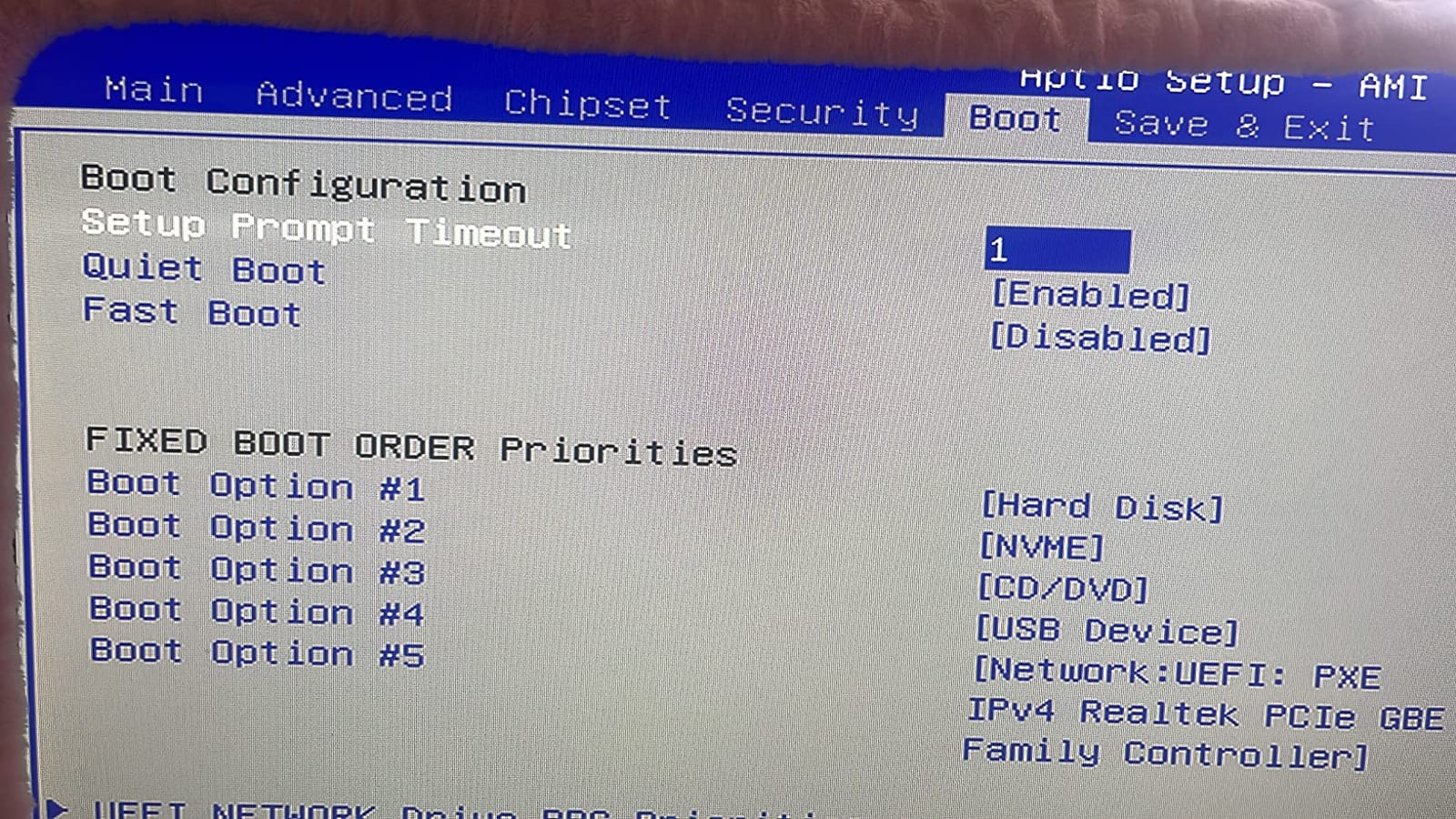
Beelink support has supplied activation keys when buyers asked, which matters here, since a server role usually means reinstalling the system more than once.
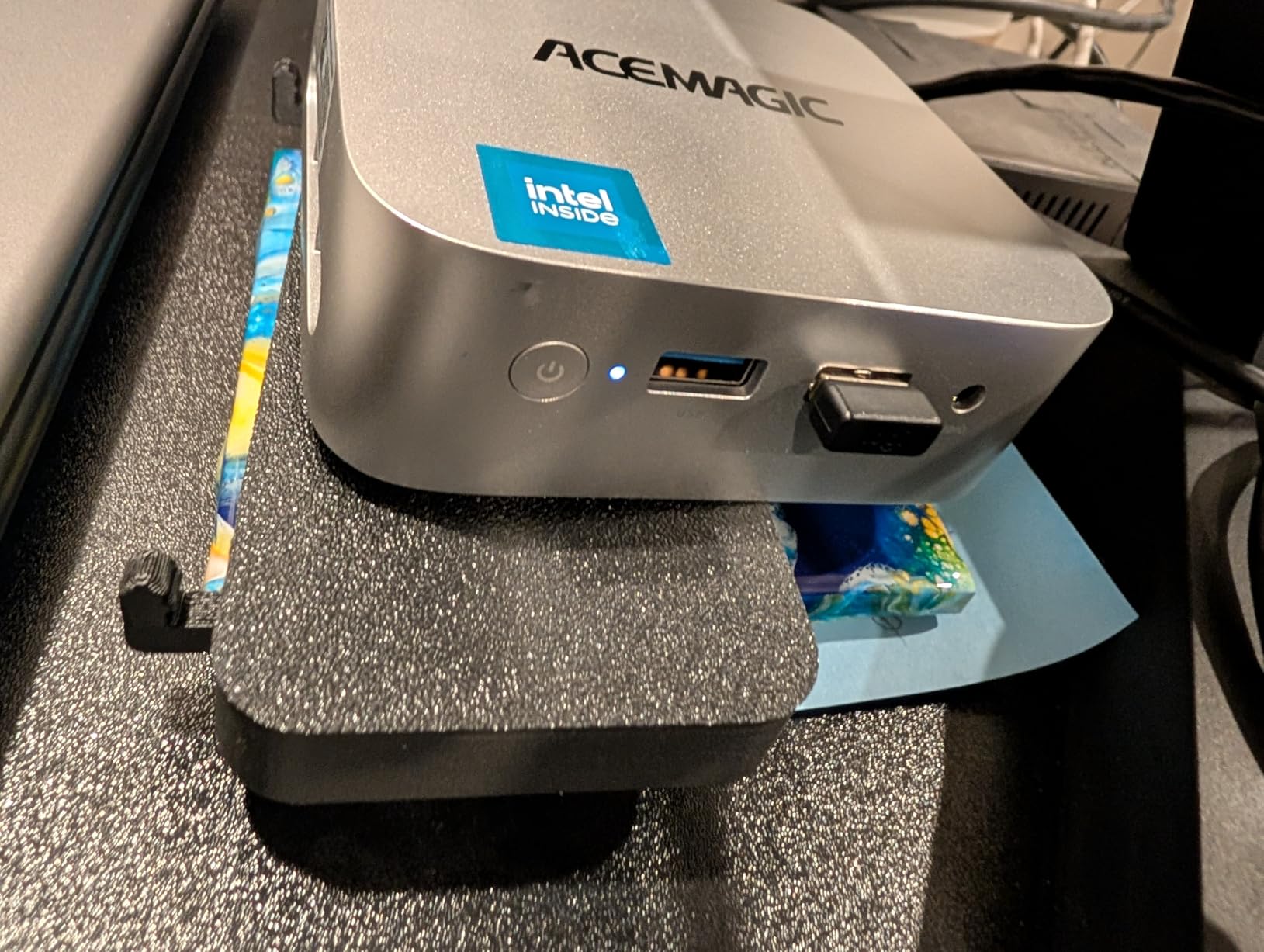
6. ACEMAGIC K1: Best for a One-Cable Desk
- Ryzen 3 7330U outperforms N-series chips for the money
- Built-in power supply means a single cable at the desk
- Triple 4K output via HDMI and DisplayPort and USB-C
- Very quiet axial fan cooling at 28W
- Windows 11 Pro with 3-year quality assurance
- 16GB LPDDR4 memory is soldered
- WiFi 5 and Bluetooth 4.2 are dated
- 256GB storage with no second drive included
The cleanest desk in this list, and it runs on the same Zen 3 chip as our top pick. The Ryzen 3 7330U gives four cores and eight threads, and reviews single out how far ahead it sits compared with N95, N100 and older 3200U class machines for similar money.
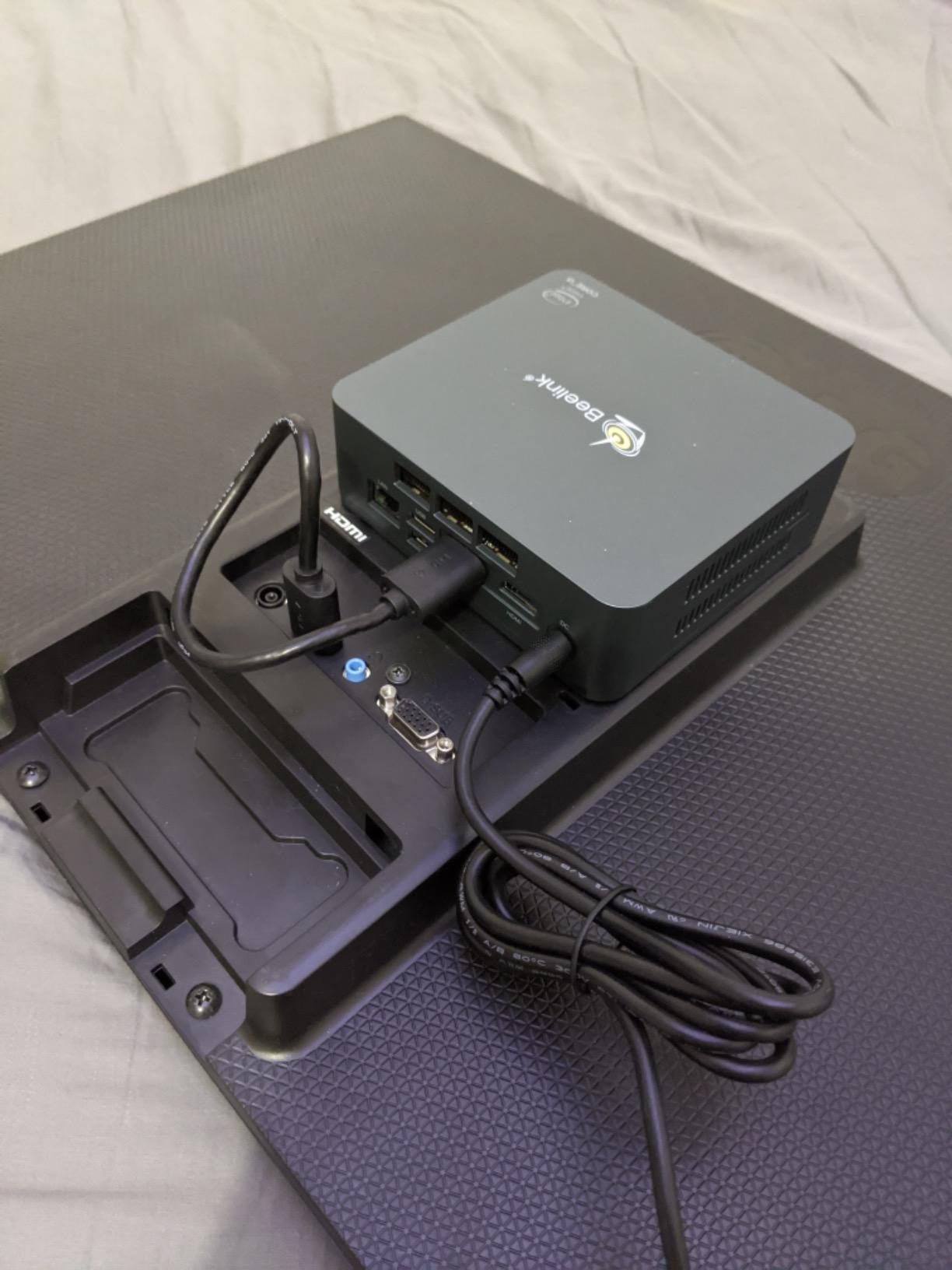
The reason to pick this over the KAMRUI Pinova P2 is the built-in power supply. There is no brick on the floor and a single cable behind the monitor, which turns a tidy workstation into a properly tidy one. At 28W with a quiet axial fan, it also suits a bedroom or a shared office where fan noise is the deciding factor.
Triple 4K output across HDMI 2.0, DisplayPort 1.4 and a USB-C port gives you the same monitor flexibility as the Pinova P2, and the case is a near-identical 5.04-inch square.
The trade-offs are memory and wireless. The 16GB of LPDDR4 is soldered, so there is no path to more later, and WiFi 5 with Bluetooth 4.2 is old next to the WiFi 6 and 6E machines further down. If you run wired, that matters little. If you rely on wireless, pick the Beelink MINI S12 instead.
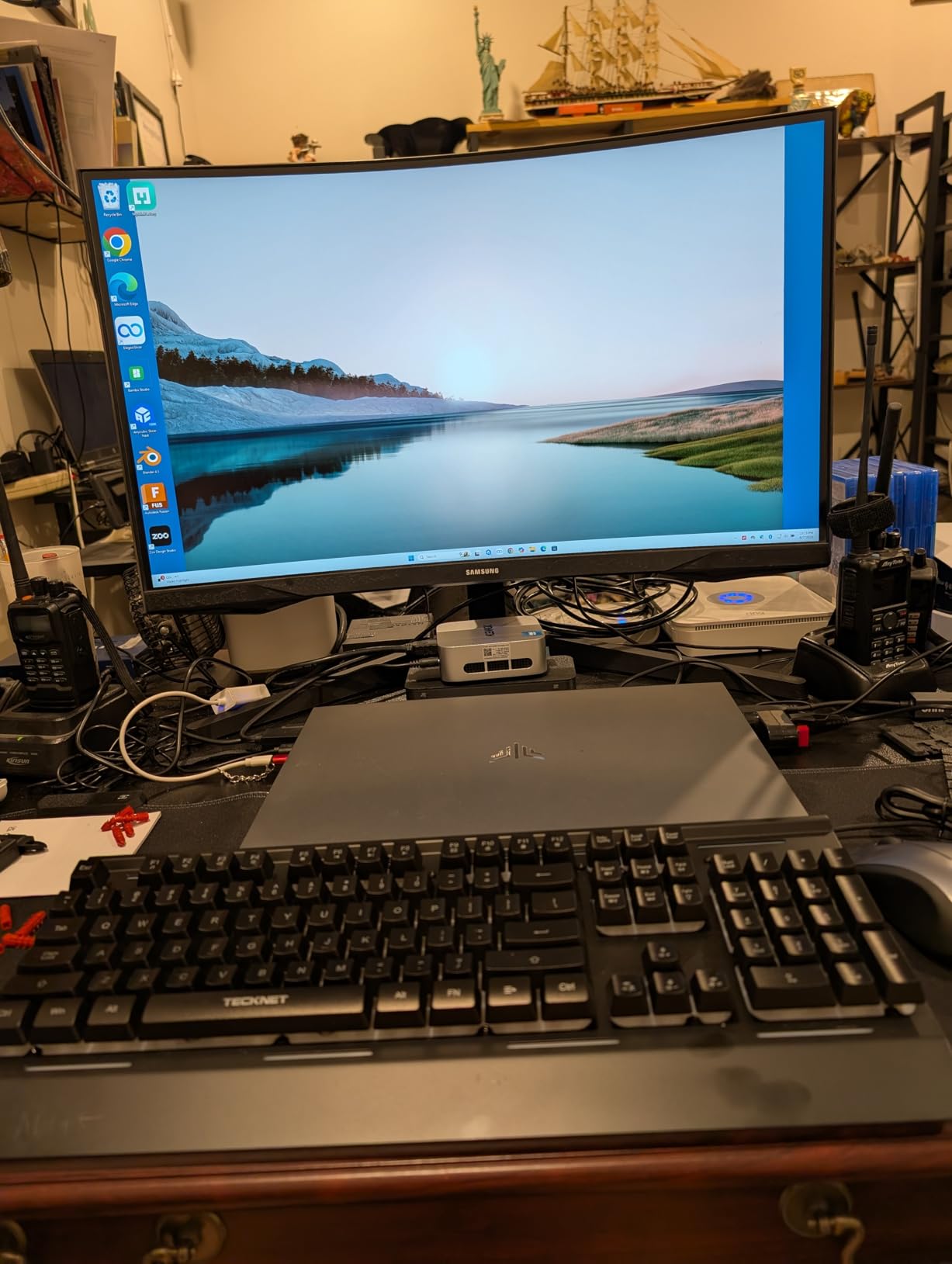
It comes with Windows 11 Pro and a three-year quality assurance period, longer than the one-year cover common on budget compact PCs.
7. BOSGAME P3 Lite: Best for NAS and Networking
- Ryzen 7 6800H with 8 cores and 16 threads
- 32GB dual-channel DDR5 upgradable to 64GB
- 1TB NVMe SSD with two M.2 slots up to 8TB
- USB4 port supports eGPUs and 8K output
- Dual 2.5GbE ports ideal for soft routing
- Fan noise is audible and constant on some units
- Support responses were slow and warranty claims denied on a failing drive
- Shared Radeon 680M memory limits heavy video editing
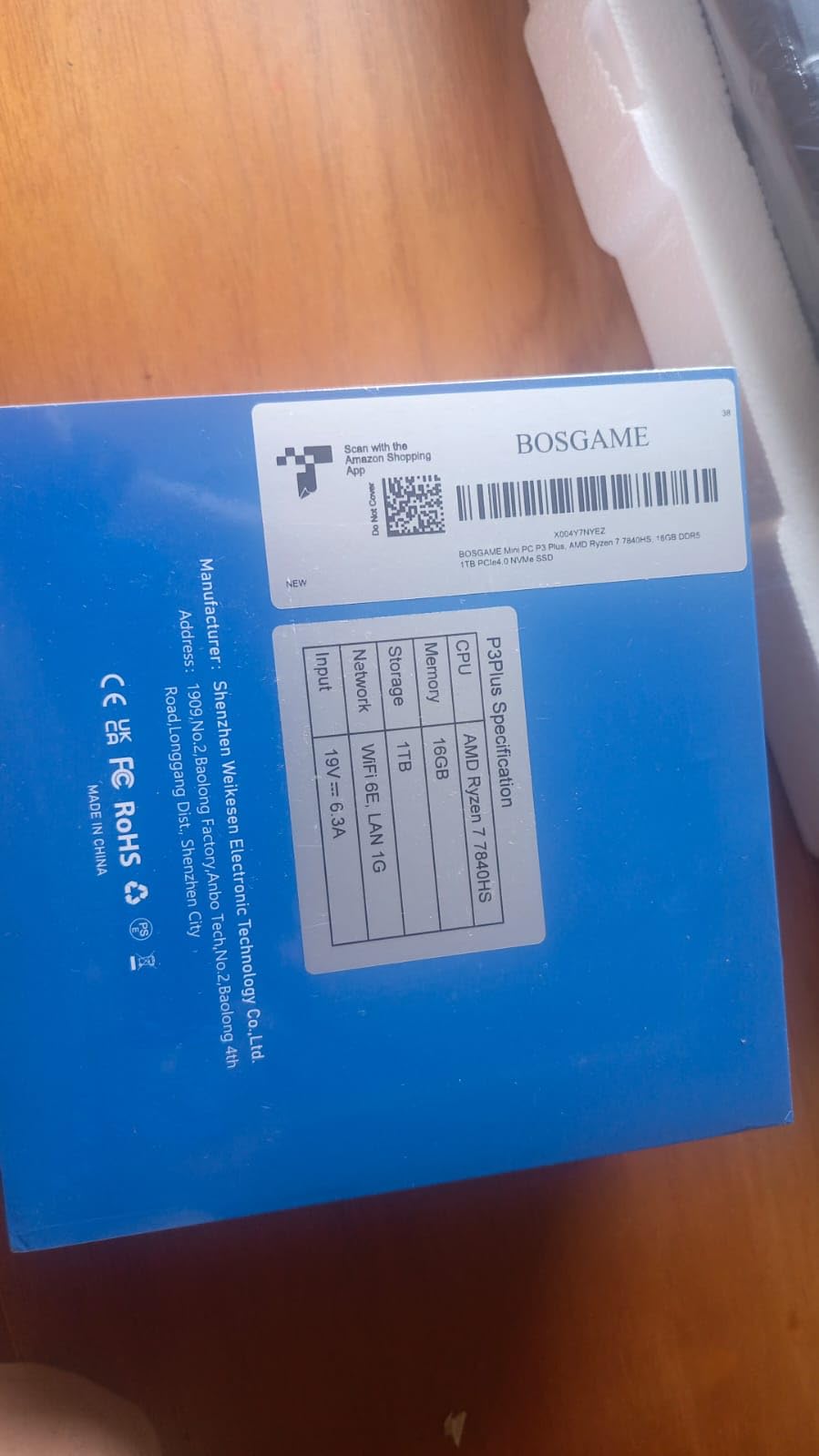
Two network ports on one compact box is the headline here, and it changes what the machine is for. Dual 2.5GbE makes soft routing, firewall duties and direct network storage attachment straightforward, and the 40Gbps USB4 port opens the door to an external graphics card if a project needs more graphics than the integrated Radeon 680M provides.
Performance is well above the entry-level machines. Eight cores and sixteen threads at up to 4.75GHz, backed by 32GB of dual-channel DDR5 that can grow to 64GB and two M.2 slots for storage up to 8TB. Windows 11 Pro is pre-installed and TPM 2.0 is included, which matters for business and virtual machine use.
Two things give owners pause. A minority report constant fan noise, and one reviewer returned a unit over it, so this is not the machine for a silent bedroom desk. More seriously, reviews describe slow support responses and a denied warranty claim on a failing drive, and the warranty is one year rather than three.
If support and acoustics matter more than raw core count, the GEEKOM A6 at number nine uses the same 6800H silicon with an aluminium chassis, a three-year warranty and upgradeable memory.
At 45W under load it is one of the thirstiest machines here, which is a fair trade for the networking and processing headroom.
8. BOSGAME P3 Pro: Best for Gaming and 8K Video
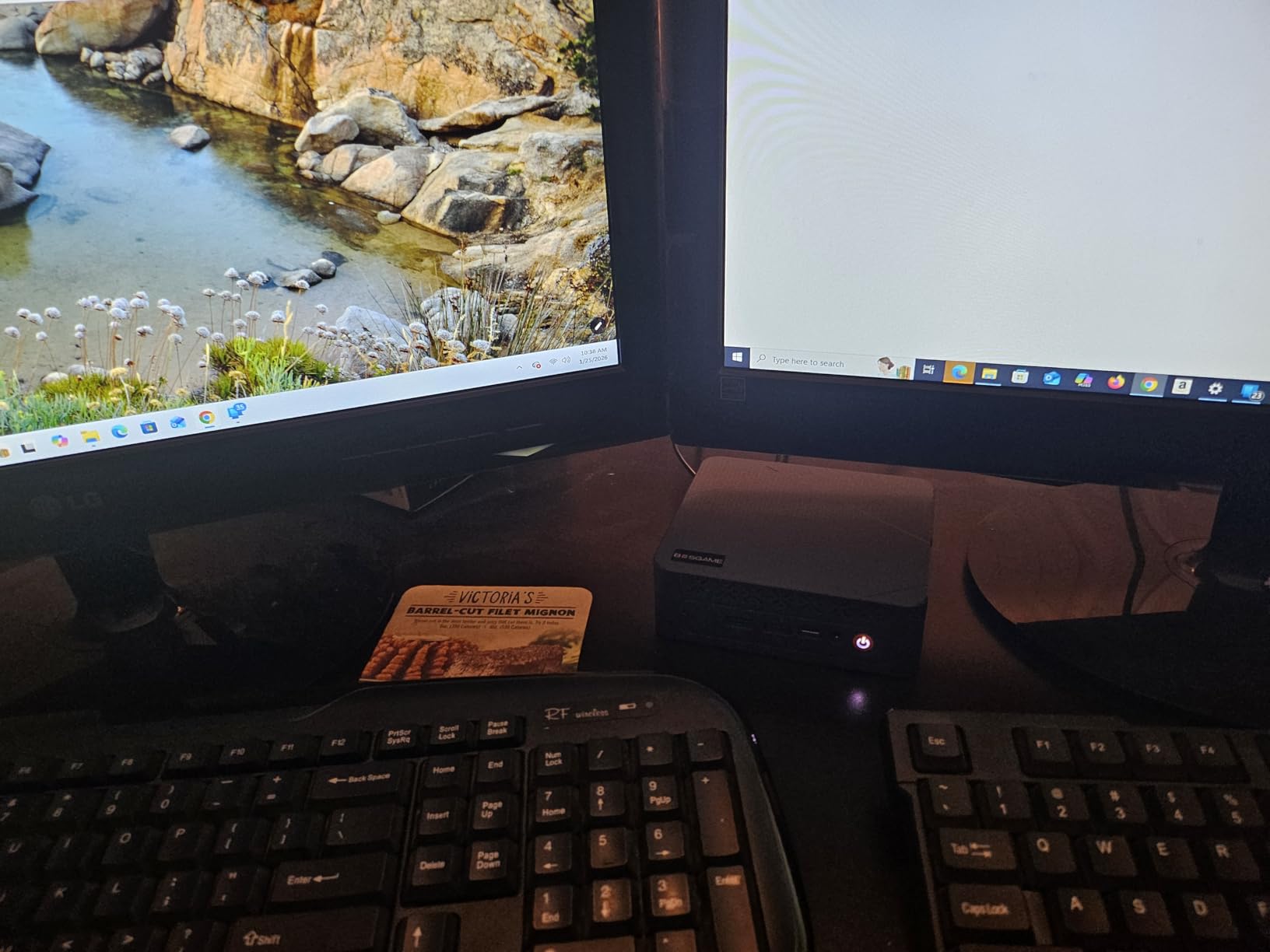
- Ryzen 9 7940HS reaching 5.2GHz is the fastest chip here
- Radeon 780M with 8 graphics cores
- 1TB PCIe 4.0 SSD with room for a second drive
- Display output supports resolution up to 8K
- Dual Gigabit LAN with WiFi 6E
- 16GB of memory feels tight for modern games
- Not a substitute for a dedicated GPU in demanding titles
The fastest processor in this roundup, and the one to watch if gaming or video work is the point. The Ryzen 9 7940HS runs eight cores and sixteen threads up to 5.2GHz, which is several hundred megahertz faster on paper than any other chip here, and the Radeon 780M with eight graphics cores is the strongest integrated graphics in the group.
That combination is enough for mainstream titles at 1080p and light 4K streaming, and the listed display support reaches up to 8K across HDMI, DisplayPort and USB4 outputs. Storage is a 1TB PCIe 4.0 NVMe drive with room for a second, and networking is dual Gigabit LAN plus WiFi 6E.
Set expectations properly. Sixteen gigabytes of DDR5 is the weakest part of the package, and buyers regularly note it feels tight in modern games even though upgrade paths exist. And no compact PC without a discrete graphics card will match a proper gaming tower, so this suits casual and older titles rather than new releases at high settings.
Compared with the GEEKOM A6, you get a faster chip and better graphics but less memory out of the box. Compared with the Bmax B1 Plus at number four, it is a completely different class of machine for a completely different budget.
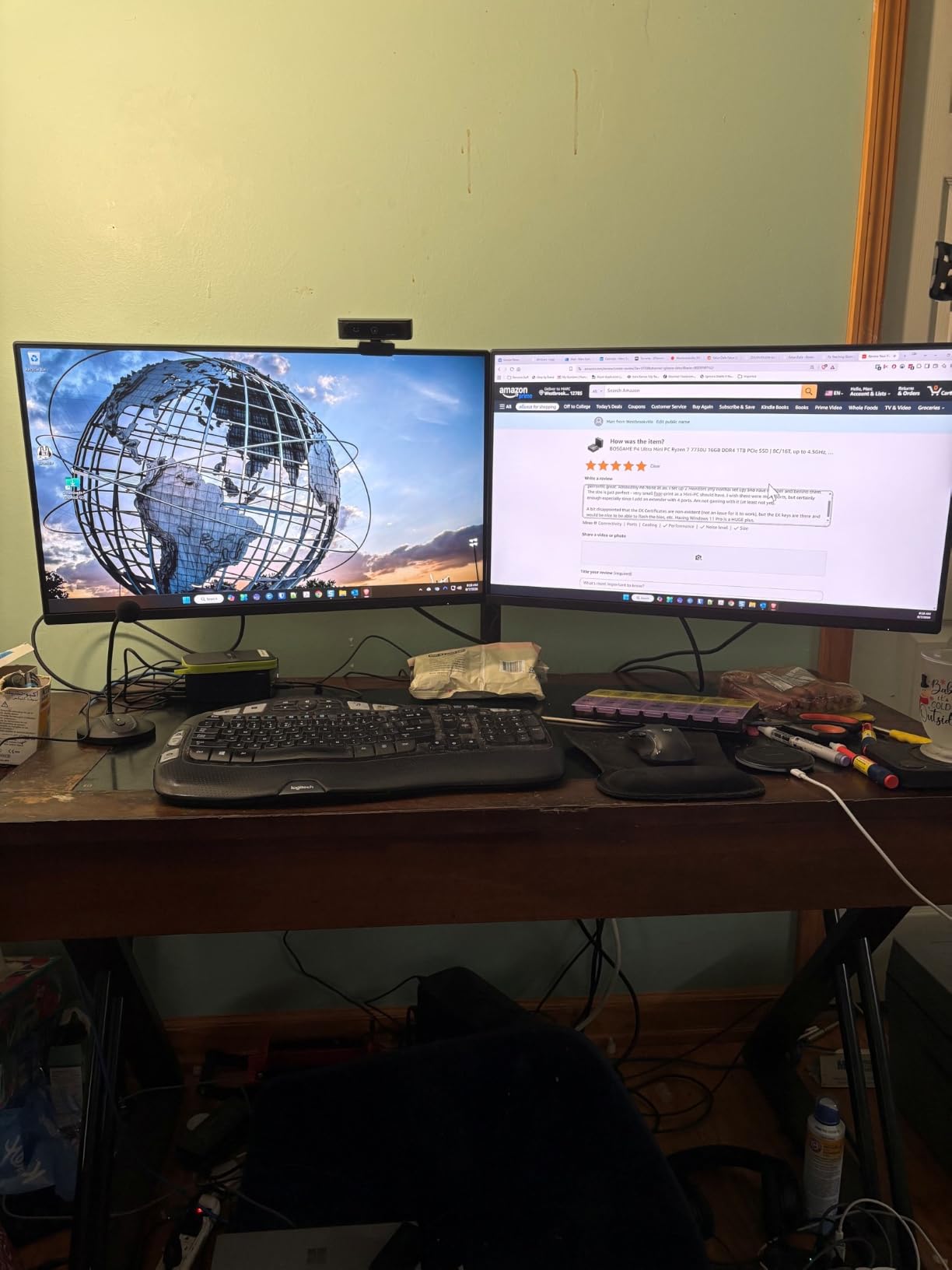
Listings for this model vary on the memory configuration, so confirm the installed RAM and the maximum supported capacity on the page before ordering.
9. GEEKOM A6: Best for Build Quality and Quiet Operation
- Ryzen 7 6800H holds 45W without thermal throttling
- 16GB DDR5 sits in dual slots upgradable to 64GB
- Aluminium alloy chassis runs cool and under 35dB
- USB4 at 40Gbps plus quad 4K display support
- 3-year warranty is longer than most rivals
- One USB 2.0 port remains in the port mix
- Integrated graphics are weak for GPU-heavy gaming
- Bios offers limited tuning options
For people who open their computers and notice how they are built, this is the one. The aluminium alloy chassis at 4.41 inches square runs cool and stays under 35dB, which owners coming from plastic budget boxes notice immediately. The VESA mount is included.
The specifications are properly balanced too. A Ryzen 7 6800H holds a 45W sustained load without throttling, sixteen gigabytes of DDR5 sits in dual slots that grow to 64GB, and a 1TB PCIe 4.0 NVMe drive is a fast one. Quad 4K display support means four screens, which few machines at this size manage.
Rear-mounted dual USB-C includes a 40Gbps USB4 port, so a single cable can carry video, data and power to a laptop-style monitor, and networking is 2.5Gbps Ethernet with WiFi 6E and Bluetooth 5.4. The three-year warranty is meaningfully longer than the one-year cover on several budget rivals here.
Owners do report the usual small compromises: one port in the mix is still USB 2.0, the bios offers few tuning options compared with a full desktop board, and there are isolated reports of units freezing soon after purchase. Test hard in the return window.
At 45W it draws more than the low-power boxes here, so expect it to cost more to run continuously than the Beelink MINI S12.
10. Bmax B3 Pro: Best as an HTPC Behind the TV
- 6W power draw suits continuous media duty
- Dual M.2 slots allow storage up to 4TB
- Dual HDMI 2.0 drives two 4K monitors
- Windows 11 Pro included with VESA mount
- Auto power on and wake on LAN features
- Dual-core N4500 struggles with anything beyond basic tasks
- 8GB LPDDR4 memory is effectively fixed
- Only 1-year manufacturer warranty
A media player that costs almost nothing to keep switched on. Six watts is the lowest power draw of any machine in this roundup, which is the whole argument when the computer lives behind a television and runs for hours every evening.
Dual HDMI 2.0 outputs drive two 4K panels at 60Hz, and the listed AV1 decoding support is useful on current streaming services. Storage is a 256GB M.2 2280 drive with two M.2 slots that owners have filled up to 4TB, so a media library can grow without buying a new machine.
The limits are obvious. A dual-core Intel N4500 handles office documents, browsing and media playback and little else, and reviews are blunt about it struggling with heavy web use. The 8GB of LPDDR4 is fixed in place, and the warranty runs one year.
Choose the Beelink MINI S12 instead if the same always-on role needs more headroom and better networking, or the ACEMAGIC K1 if the box will also serve as a daily desktop. Both idle at higher power draw than this one.
Auto power on and wake on LAN mean it can start itself after a power cut without anyone walking over to press a button.
How to Choose Mini PCs During Prime Big Deal Days
Processor and Everyday Performance
Processor generation decides how long the machine stays useful, more than any other single spec. Four cores and eight threads is the floor for comfortable office work, browsing and video calls; the Zen 3 chips here sit a tier above that, and the Ryzen 9 7940HS in the BOSGAME P3 Pro is the fastest of the group at up to 5.2GHz. For light creative work, photo editing and casual gaming, look for the Radeon 780M or 680M class integrated graphics rather than the entry-level N-series chips.
Memory and Storage Configuration
Sixteen gigabytes of memory is the practical minimum for Windows 11 and a browser with real use in it, and 32GB is where multitasking stops fighting back. Check whether the memory sits in replaceable slots or is soldered on, because that is the difference between a machine that grows and one that does not: the Beelink SER3 reaches 32GB, the Beelink SER5 reaches 64GB, while the KAMRUI Pinova P2 and ACEMAGIC K1 are fixed at 16GB. On storage, 256GB fills quickly, so favour machines with two M.2 slots or a 2.5-inch bay, as the Beelink SER5 and Bmax B3 Pro both offer.
Ports, Connectivity and Display Support
Count the displays you actually run before buying, not the ports on the box. Two HDMI ports cover a laptop-style setup, three outputs add flexibility for a borrowed projector or a second panel, and the GEEKOM A6 goes as far as quad 4K. Faster networking is worth paying attention to if you run network storage or move large files: the Beelink MINI S12 and BOSGAME P3 Lite both carry 2.5GbE, with the latter adding a second port for routing duties.
Size, Noise and Power Efficiency
A compact computer earns its place by fitting somewhere a tower cannot. Every machine here measures under five inches square and a little over two inches tall at most, which covers a monitor shelf, a cabinet or behind a television. Noise and power draw are the quieter differentiators. Machines that run continuously should draw as little as possible, and the Bmax B3 Pro at 6W and the Beelink MINI S12 are the economical choices, while the 45W machines are better suited to occasional use. Check what owners say about fan noise before committing, since it is the complaint that most often ends in a return.
Operating System, Warranty and Listing Details
Verify what actually ships. Some listings here include Windows 11 Pro, others a standard Windows install or a local-account setup, and the difference matters if you want domain features or a clean reinstall. Warranty length ranges from one year to three years across this list, and a longer warranty is real insurance on components that are not individually replaceable. During the sale, read the model number, the memory figure and the seller name carefully, because listings for the same machine change over time.
How to Shop Mini PC Deals During the Sale
Mini PC listings shift during the event, so check four things before you commit: the processor generation and core count in the title, whether the memory and storage figures match what you need, who is selling and shipping the unit, and whether the configuration is new or renewed. A shortened model name is common, so compare the specification lines rather than the headline. Most offers in this category need a Prime membership, with a free trial counting, and pricing changes through the two days. If a listing shows a percentage saving, treat it as a prompt to check the specification lines, not as a reason to skip them.
- Check the core and thread count first; it decides whether the machine stays useful.
- Confirm whether memory is replaceable or soldered before you buy.
- Count display outputs against the screens you actually run.
- Match power draw to how long the machine stays switched on.
- Read owner reviews for fan noise and early failures, not just for speed.
- Confirm the model number, memory figure and seller before the event ends.
Frequently Asked Questions
What are the Best Amazon Prime Big Deal Days Mini PC Deals?
The best Amazon Prime Big Deal Days Mini PC Deals are the KAMRUI Pinova P2 for everyday desktop use, the Beelink SER3 for a lower budget with upgradeable memory, and the Beelink MINI S12 for low power 24-7 running. Each covers a different need, so the best mini PC deals in the sale depend on whether you want speed, replaceable memory or the lowest running cost. Check the current price on each listing before buying.
When does Prime Big Deal Days run and do I need Prime to buy?
Prime Big Deal Days runs October 6-7, 2026, and most offers during it need an Amazon Prime membership, with a free trial counting. Some offers run for the whole period and others end partway through the event, so offers can change while it is still on. Everything in this roundup is worth watching rather than confirmed at a fixed price.
How much RAM should a mini PC have for everyday use?
Sixteen gigabytes is the practical minimum for Windows 11, browsing with many tabs and document work. Thirty-two gigabytes suits heavier multitasking, large spreadsheets and light photo or video editing. Also check whether memory is replaceable, since soldered memory cannot grow later and several compact PCs cap out at 16GB for good.
Is a mini PC powerful enough for work from home?
Yes, for browsing, video calls, documents, spreadsheets and light editing, a compact PC handles a normal working day comfortably. A Ryzen 5 or Ryzen 7 class chip with 16GB of memory gives the most headroom for many windows and applications at once. Very heavy video editing, large data work and GPU-driven tasks still call for a full desktop.
Should I choose a barebone or preconfigured mini PC?
A preconfigured machine arrives with memory, storage and an operating system, which suits most people shopping during a short sale event. A barebone unit costs less and lets you choose the memory and drive, but you must buy them separately and install them yourself. Only pick a barebone if you already know the exact parts you want and have time to fit them.
How do I check that a mini PC sale listing is the correct model?
Check the model number and the specification lines rather than the headline, since compact PC listings often abbreviate names. Confirm the processor, the installed memory and storage, the display outputs and who is selling and shipping the unit. Listing details can change during the event, so re-read the page before you pay and keep the packaging in case anything arrives wrong.
Final Verdict: Best Amazon Prime Big Deal Days Mini PC Deals
Buy the KAMRUI Pinova P2 if you want one compact machine for everything, since its Zen 3 chip, three 4K outputs and near-silent 28W cooling make it the broadest pick here. Buy the Beelink SER3 if you are on a tighter budget and want memory you can replace later, and the Beelink MINI S12 if the machine will run around the clock behind a screen.
For heavier multitasking and light editing, the Beelink SER5 is the balanced option, and the ACEMAGIC K1 gives you the same chip class with a single-cable desk. Choose the BOSGAME P3 Lite for network storage and routing, the BOSGAME P3 Pro for gaming and 8K video, and the GEEKOM A6 for build quality and quiet operation. At the bottom of the list, the Bmax B1 Plus is a very small second computer, and the Bmax B3 Pro is a media player that barely registers on the electricity meter.
Whatever you pick, read the specification lines and the owner reviews before you pay, then check the current price on the listing during the event.