
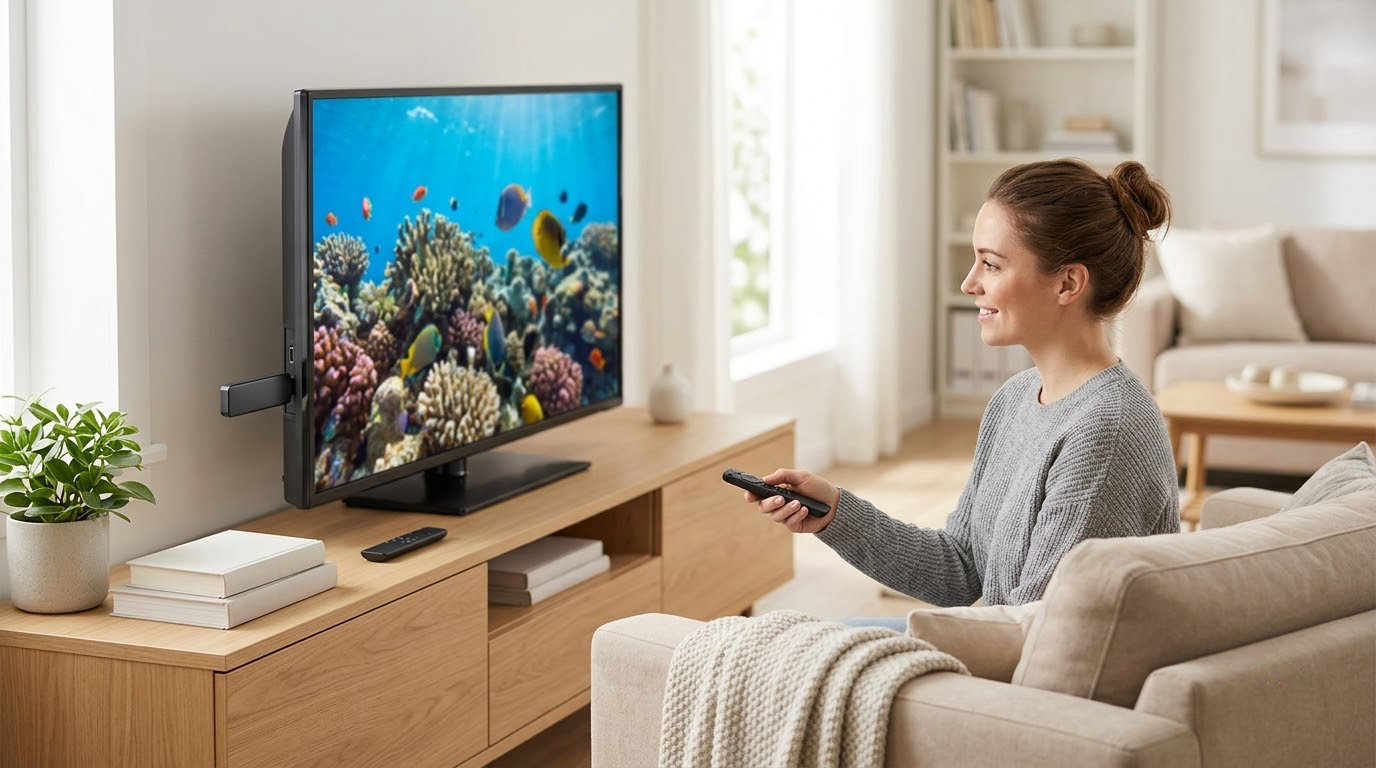
Prime Big Deal Days is Amazon’s two-day autumn sale, and the Roku lineup is one of the easiest things on the list to get right because so much of it is a straight upgrade on what you already own. The Roku Streaming Stick 4K leads our picks: it handles Dolby Vision and HDR10+, its long-range Wi-Fi receiver copes with rooms far from the router, and it is the model most people end up keeping for years. If your television is 1080p or you want the simplest possible setup, the Roku Streaming Stick HD is the value pick. If you are replacing the television itself rather than adding a box, the TCL 55-inch 4-Series puts Roku OS into a 55-inch screen with four HDMI ports.
Prime Big Deal Days runs October 6-7, 2026, and most offers on these devices need a Prime membership, so it is worth knowing which model you actually want before the window opens.
Our Top 3 Picks for Best Amazon Prime Big Deal Days Roku Deals in 2026

Roku Streaming Stick 4K
- Dolby Vision and HDR10+
- Long-range Wi-Fi receiver
- 16 GB storage


Best Amazon Prime Big Deal Days Roku Deals Compared
| Product | Specifications | Action |
|---|---|---|
| Roku Streaming Stick 4K |
|
Check Deal Price |
| Roku Streaming Stick HD |
|
Check Deal Price |
| TCL 55-inch 4-Series Roku TV |
|
Check Deal Price |
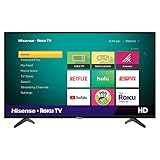 Hisense 32-inch H4 Roku TV Hisense 32-inch H4 Roku TV |
|
Check Deal Price |
 Roku Ultra Roku Ultra |
|
Check Deal Price |
 Roku Streambar SE Roku Streambar SE |
|
Check Deal Price |
 Roku Ultra LT Roku Ultra LT |
|
Check Deal Price |
 Roku 32-inch Select Series TV Roku 32-inch Select Series TV |
|
Check Deal Price |
 Roku 50-inch Select Series TV Roku 50-inch Select Series TV |
|
Check Deal Price |
 Roku 55-inch Plus Series TV Roku 55-inch Plus Series TV |
|
Check Deal Price |
How We Chose
We compared the specs that actually decide whether a streaming device suits a room: panel or output resolution, HDR formats, wired connectivity options, remote design and warranty length. Alongside those we read the owner reviews on Amazon, because the recurring complaints (Ethernet gaps, remote battery drain, soft menus) are what separate two similar sticks. Ratings and review counts were checked in October 2026.
1. Roku Streaming Stick 4K: Best Overall
- Dolby Vision and HDR10+ picture
- Long-range Wi-Fi receiver for distant rooms
- Compact body that clears neighbouring HDMI ports
- One remote handles TV power and volume
- Only 1 GB of RAM
- No Ethernet port
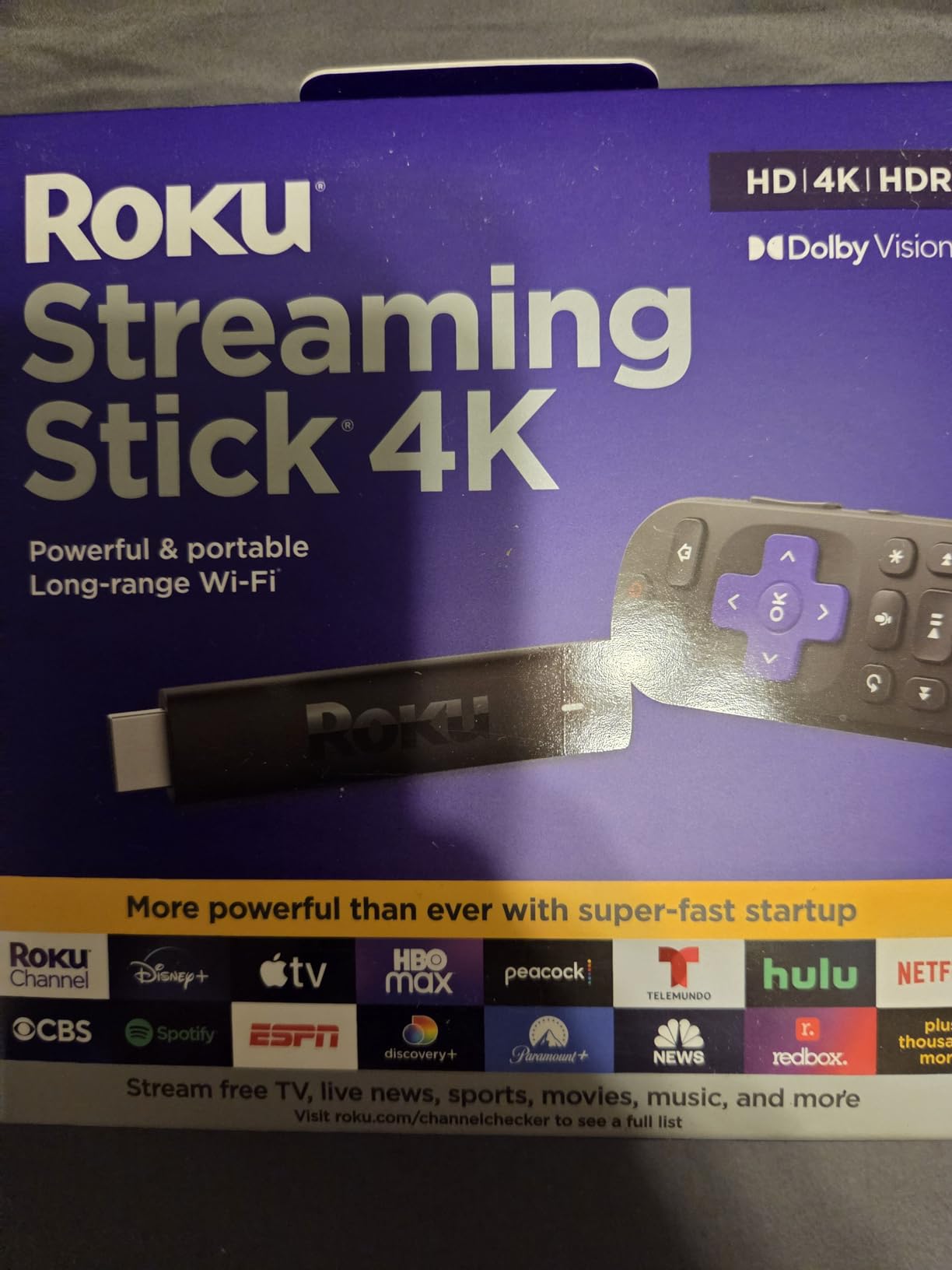
The stick most households should buy. It sits at 4K output up to 2160p at 60fps and handles both Dolby Vision and HDR10+, so it does not waste a 4K television the way a 1080p stick would.
What stands out is the long-range Wi-Fi receiver built into the power cable. In a house where the router sits in a hallway and the television is at the back of the lounge, that is often the difference between a clean stream and a buffering one.
Some points worth knowing before you commit:
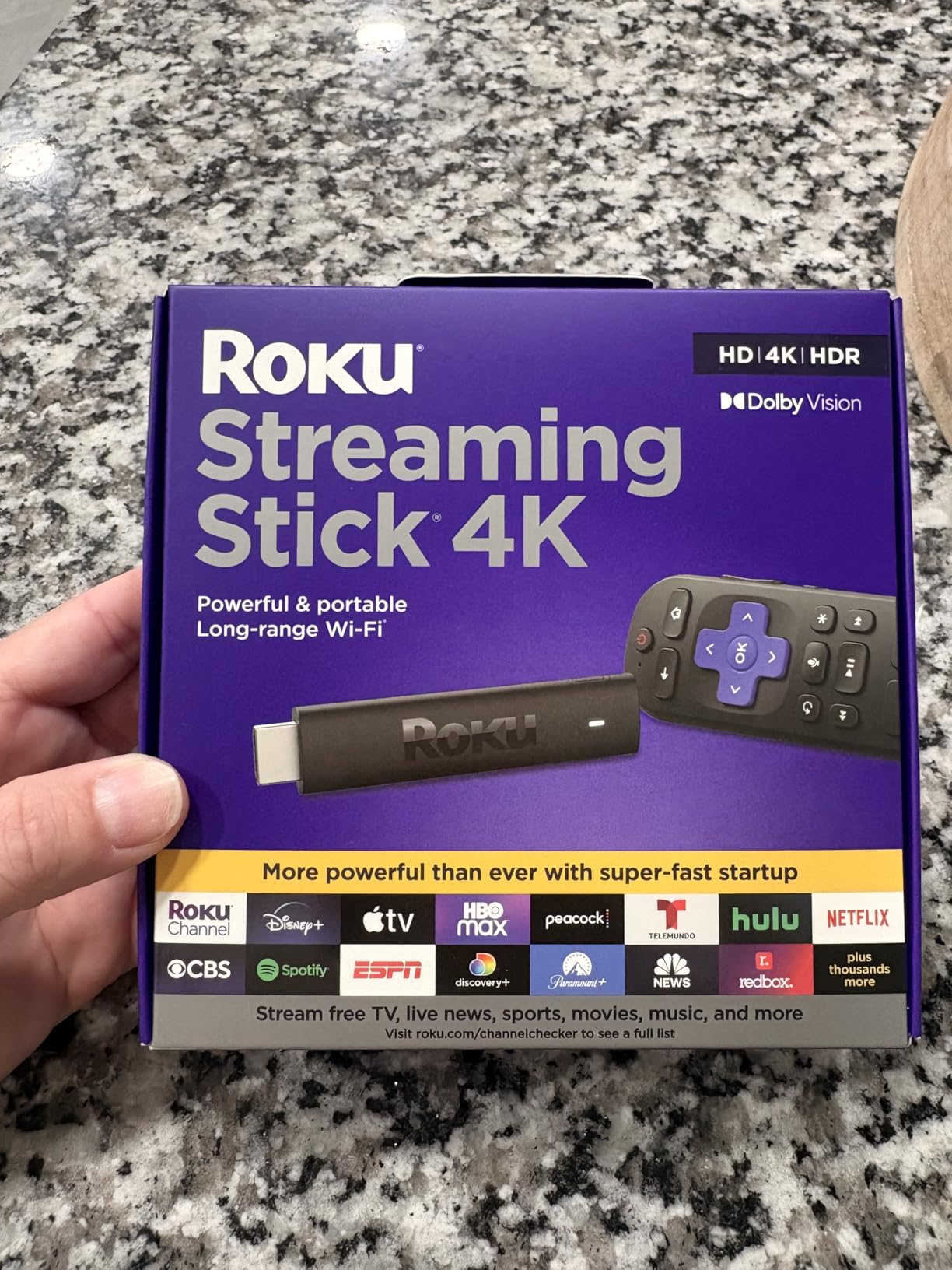
- Decode for H.264, H.265, AV1 and VP9, with HDR10 and HDR10+ on top
- 16 GB of storage and 1 GB of RAM
- Measures 3.7 by 0.8 by 0.45 inches and weighs just 25.54 g
- Voice remote with power, volume and mute buttons included
- One-year limited hardware warranty
Compared with the Roku Streaming Stick HD, you are paying for output resolution rather than extra features, and the two share the same basic shape. Owners do point out the 1 GB of memory is modest next to pricier boxes, and there is no Ethernet, which is the argument for the Roku Ultra when a room is far from the router.
2. Roku Streaming Stick HD: Budget Pick
- Powers from the television with no wall outlet
- Single remote for TV power and volume
- Works with AirPlay and HomeKit plus Alexa and Google Home
- Travel-friendly size at 60 g
- 1080p only with no 4K or HDR output
- No Ethernet port
Buy this one when the television is 1080p, when the setup lives in a bedroom or guest room, or when you want something that packs into a bag for hotel televisions. It draws power from the television itself, which means one cable instead of three.
Owners keep mentioning the smart-home compatibility: AirPlay, HomeKit, Alexa and Google Home all work, which matters if casting matters more than resolution. It is also the easiest stick here to hand to someone who does not want a second remote on the coffee table.
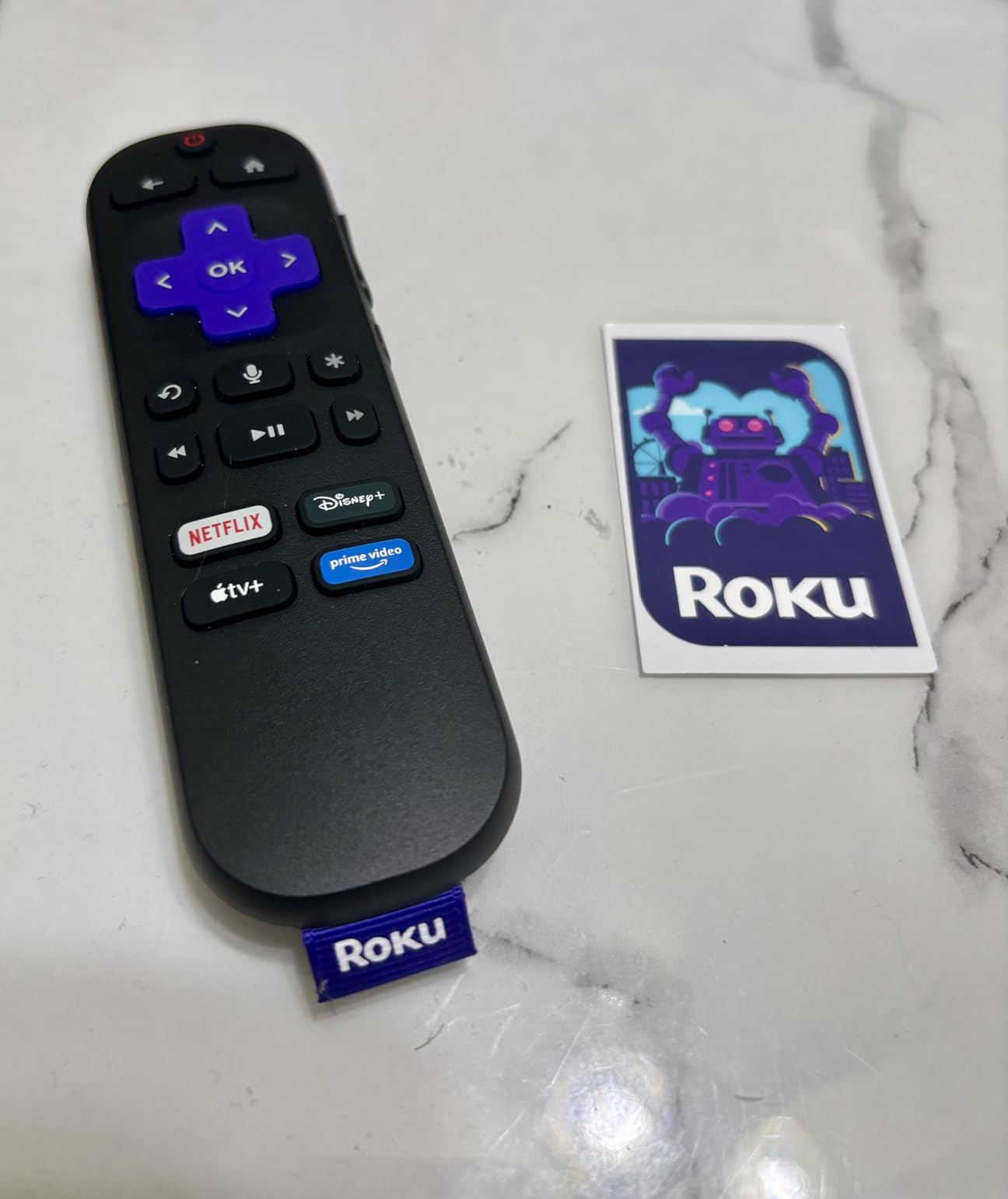
Good to know: it decodes H.264 and AV1 at 1920×1080, and it measures 3.7 by 0.8 by 0.5 inches at 60 g. Nothing here supports 4K, so if you already own a 4K panel, the Roku Streaming Stick 4K is the better use of the same sale.
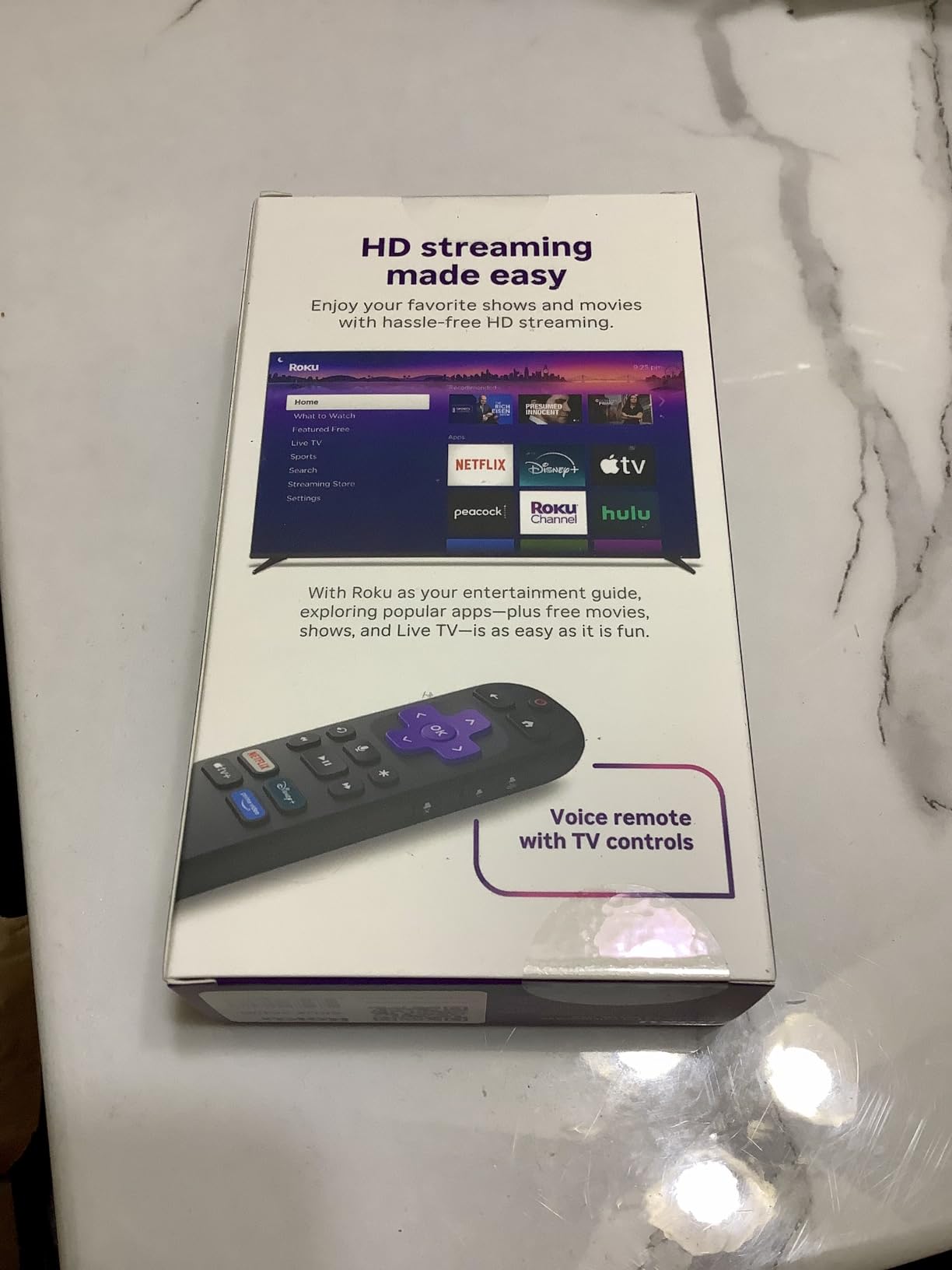
Where it falls short against the Roku Ultra is speed and wired networking. That only becomes a real problem on a busy home network or a very weak signal.
3. TCL 55-inch 4-Series Roku TV: Best for a Big Screen
TCL 55″ Class 4-Series 4K UHD HDR Smart Roku TV – 55S435, 2021 Model
- Roku OS built in with no separate box
- Four HDMI ports plus Ethernet and optical audio
- Hands-free voice control with Alexa and Google Assistant
- Broadcast tuner and live channel guide
- 60Hz refresh rate is basic for sports
- Modest two-speaker audio
- 2021 model year
This is the pick for a living room where the television itself needs replacing. The Roku OS home screen comes built in, so there is no stick to hide behind the panel and no extra remote to lose.
Connection options are unusually generous for a television at this size: four HDMI inputs, plus Ethernet, optical audio and a USB port. That matters if a soundbar, a game console and a record player are all competing for the same sockets.
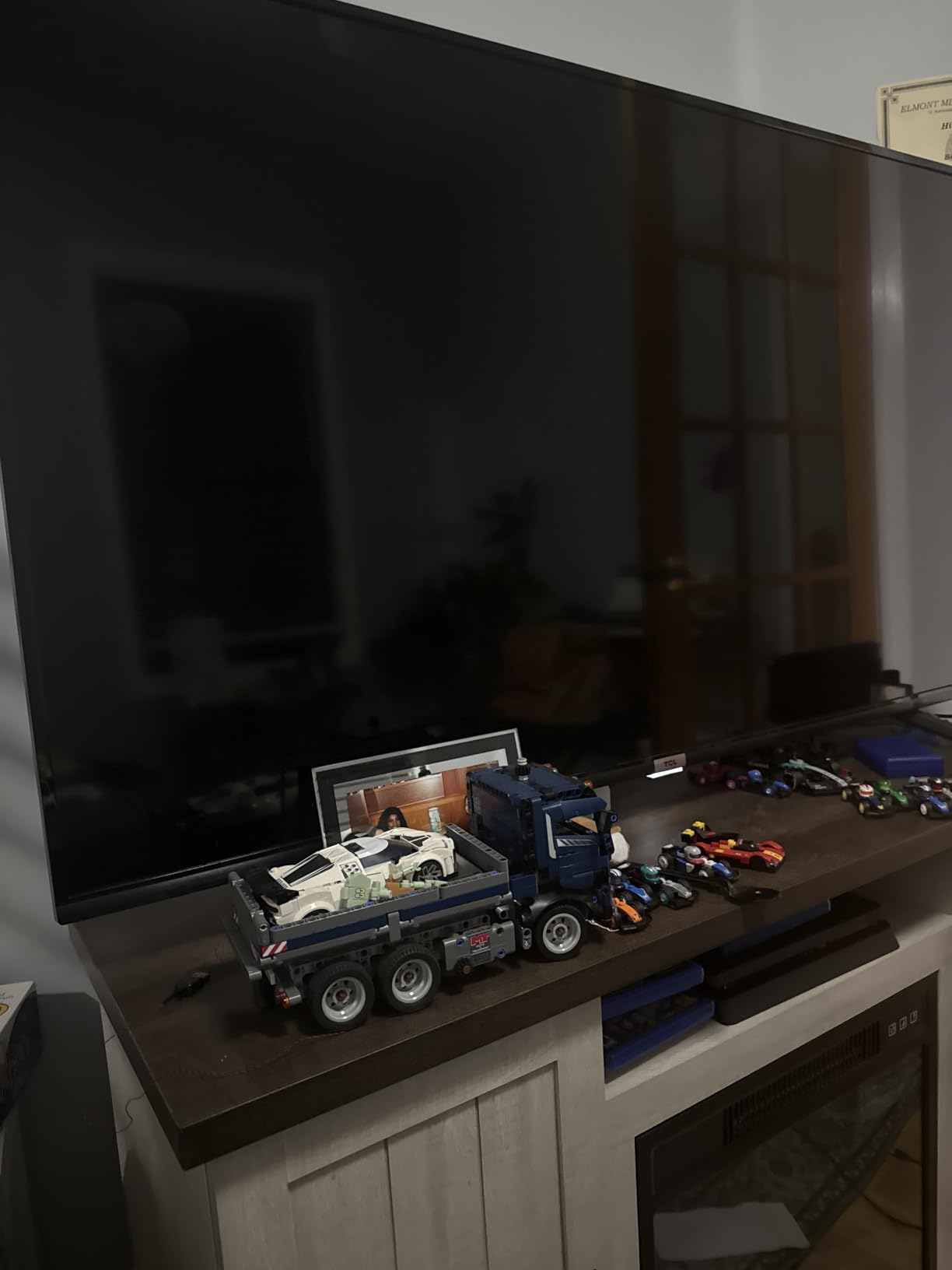
Two honest caveats. The 60Hz refresh rate is fine for films and everyday watching but shows up during fast sport and console games, and the two built-in stereo speakers are unremarkable for a 55-inch screen.
Because it is a 2021 model year, compare it carefully against newer sets on picture processing before committing. Against the Roku 50-inch Select Series, this screen is larger but the panel is a standard LED rather than QLED.
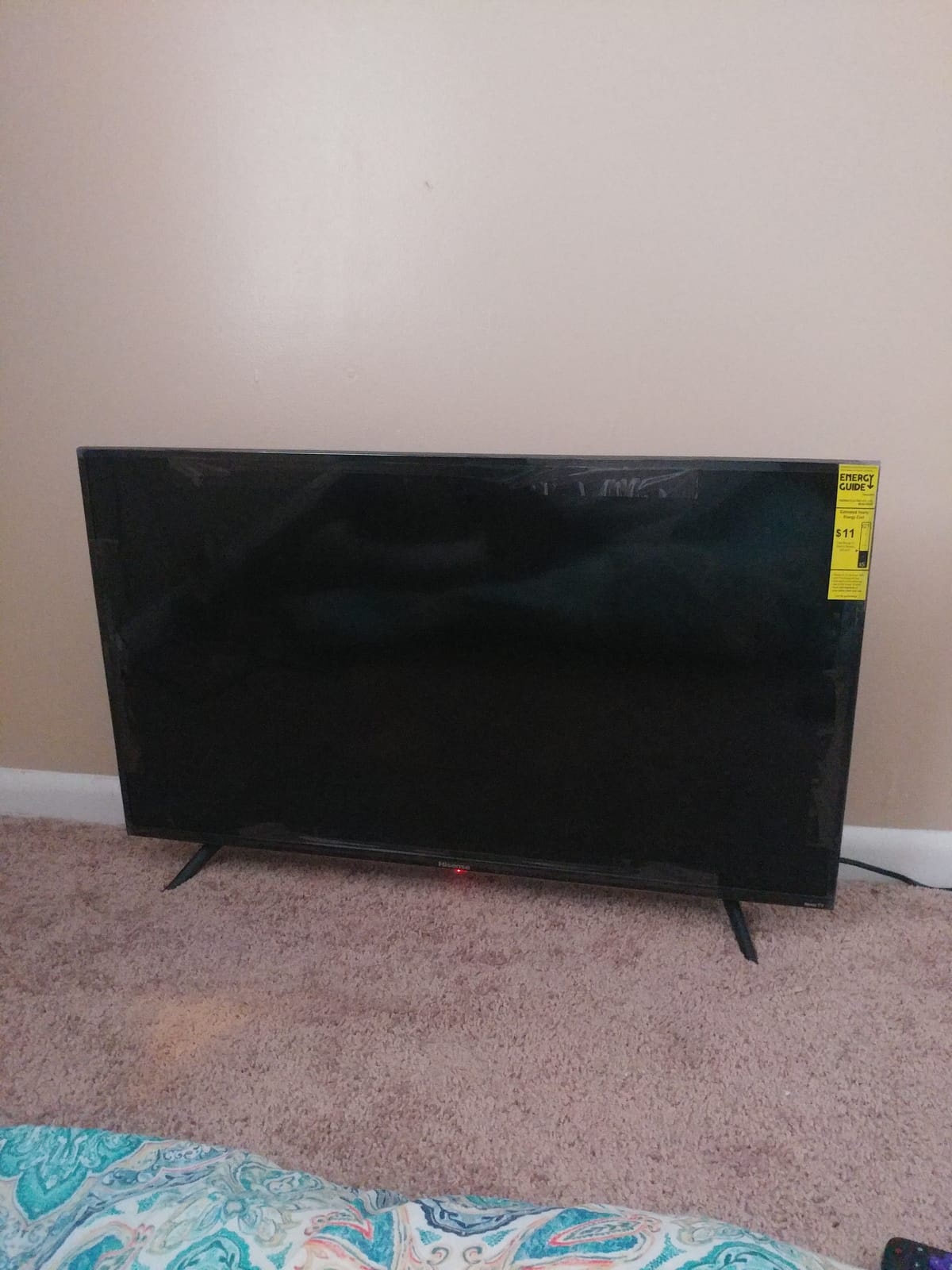
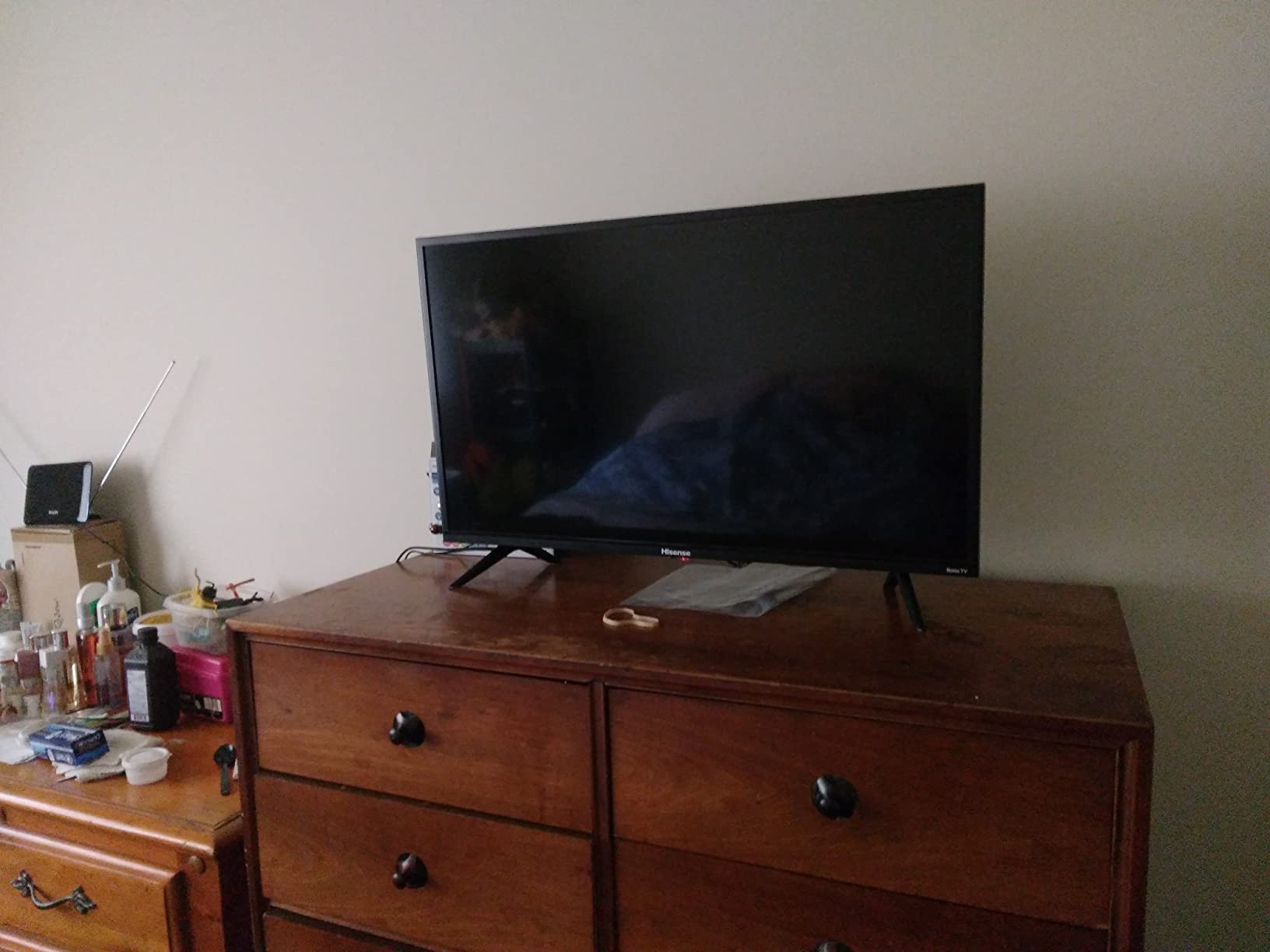
4. Hisense 32-inch H4 Roku TV: Best Value
Hisense 32-Inch Class H4 Series LED Roku Smart TV with Alexa Compatibility (32H4F, 2020 Model)
- Full Roku TV experience in a small footprint
- Motion rate 120 processing for fast content
- Voice control with Alexa or Google Assistant
- Wall mountable on a 200 x 200 mm pattern
- 720p is the lowest resolution tier
- 32-inch screen with 1000:1 contrast
- 2020 model year
A small second screen for a guest room, a child’s bedroom or an office is exactly what this is for. It weighs 8 pounds and carries Roku OS, so the interface is identical to the big sets in this list.
Owners point to the motion rate 120 image processing as the pleasant surprise, since the panel itself is only 60Hz. Voice control works through Alexa or Google Assistant, and there are three HDMI ports plus a USB socket.
The 720p panel is the honest limitation. Standard-definition content looks fine; anything shot in 4K is downscaled, and the 1000:1 contrast ratio will not do a bright room justice.
Compared with the Roku 32-inch Select Series, you give up 1080p resolution and a more recent model year, but you keep the same software. If the set is going in a dim room at moderate size, that trade is worth making.
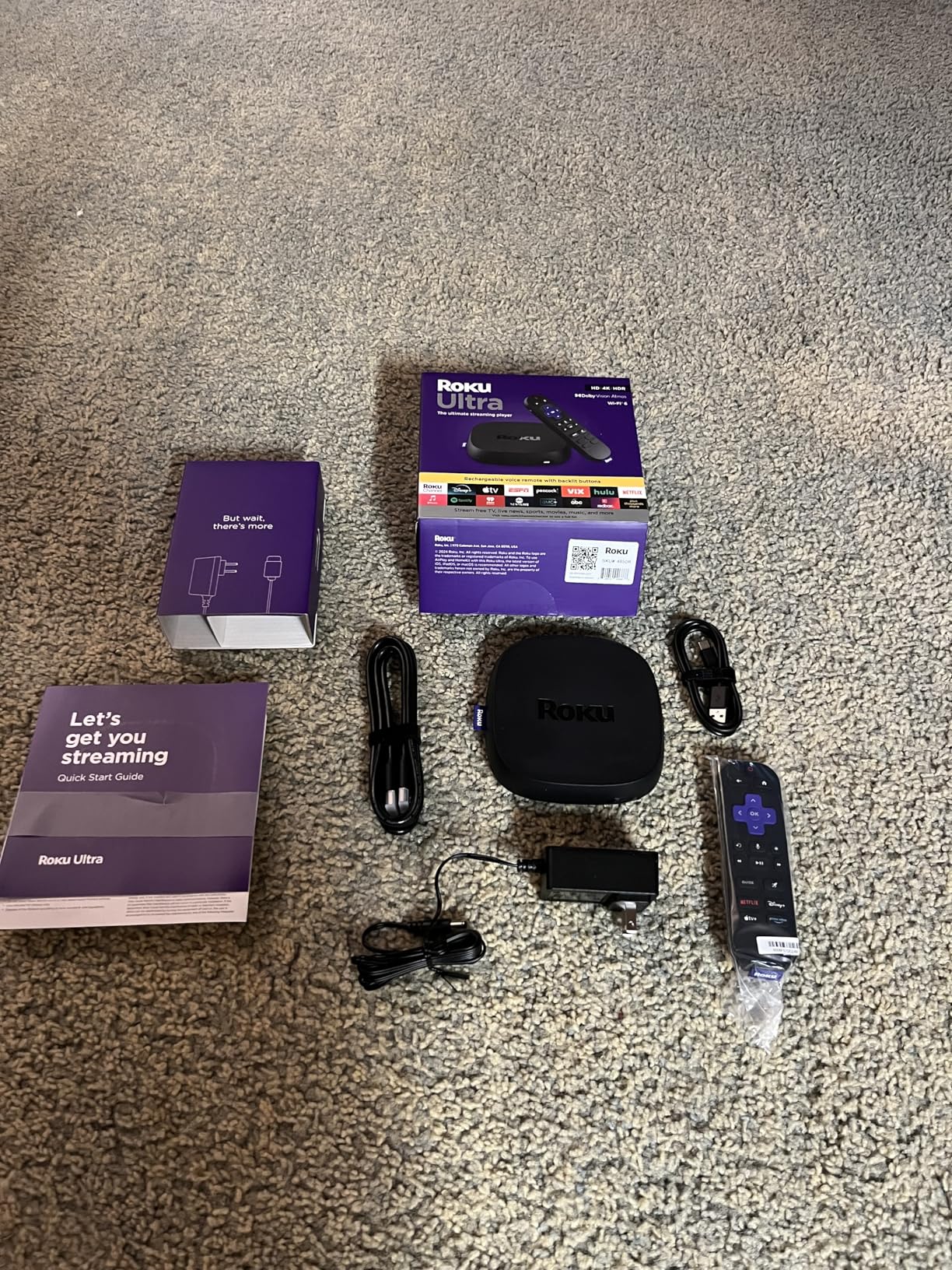
5. Roku Ultra: Most Versatile
- About 30% faster interface than other Roku players
- Wi-Fi 6 plus a wired Ethernet port
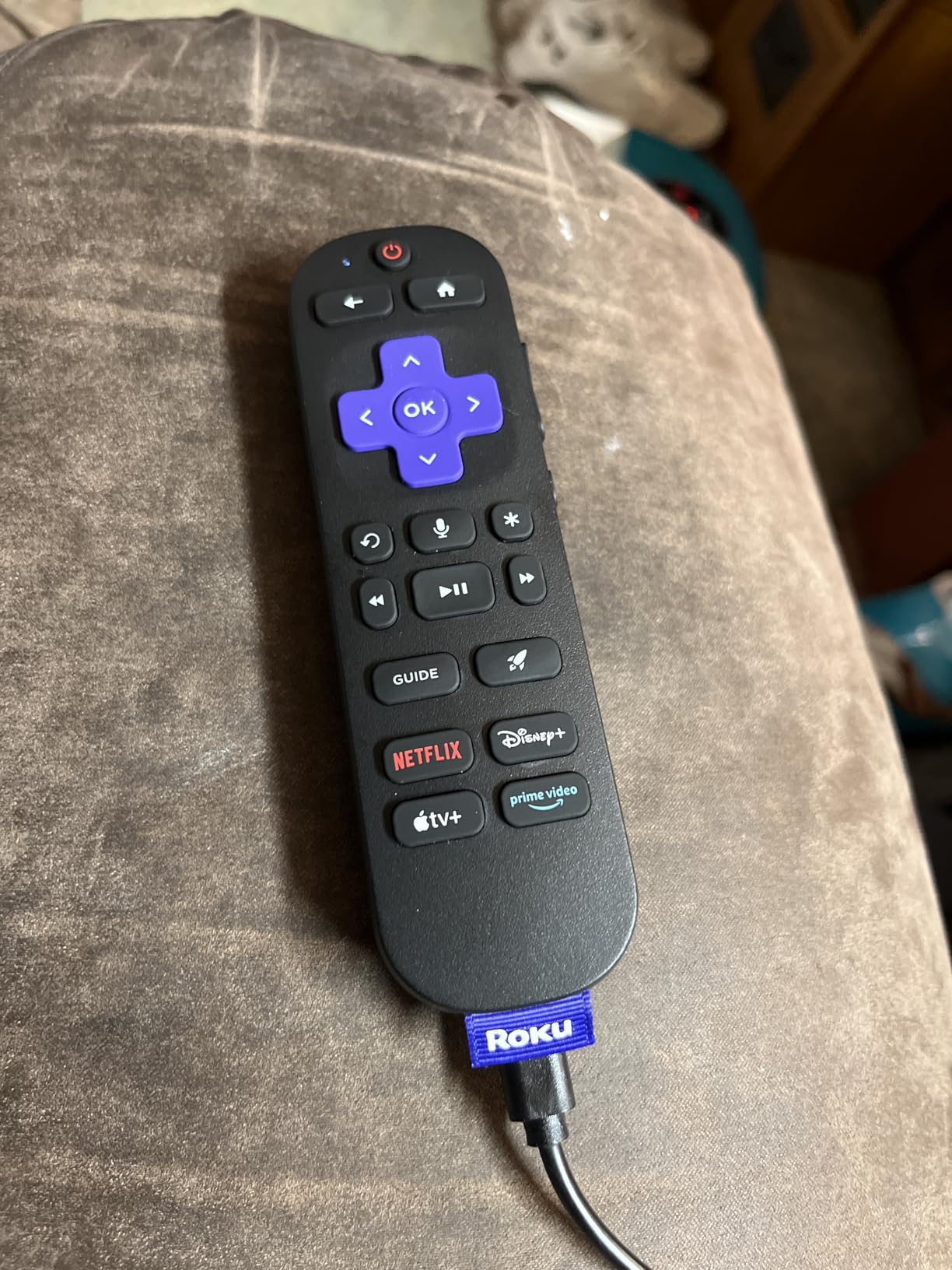
- Rechargeable backlit Voice Remote Pro with remote finder
- Bluetooth headphone mode for private listening
- Rechargeable remote can lose pairing
- Thin setup documentation
- Some YouTube playback audio sync reports
This is the device to buy for a parent whose house has weak wireless, because it is the only player in this roundup with both Wi-Fi 6 and a real Ethernet port. Plugging in a cable removes buffering caused by signal strength entirely.
Roku rates the interface about 30% faster than on other Roku players, and the box carries 4K at 3840 x 2160 with Dolby Vision, HDR10+ and Dolby Atmos. The Voice Remote Pro charges over USB-C, has backlit buttons and can be located with the built-in remote finder.
The two-year warranty is longer than anything else in the list, which matters on the priciest device. Setup documentation is thin, and some owners report language defaults needing adjustment before first run.
Skip it if your television is 1080p or your network is strong, because the Roku Streaming Stick 4K covers most of the same picture formats at a fraction of the outlay. The trade is speed and connectivity, not picture quality.
6. Roku Streambar SE: Best for Sound
- Two-in-one streamer and compact soundbar
- Automatic volume leveler and speech clarity for dialogue
- Single HDMI cable suits TVs with few inputs
- Bluetooth pairing for wireless headphones
- Included remote lacks TV power and volume buttons
- Modest bass for a full-size soundbar
- Minor YouTube audio and video sync reports
Flat-panel speakers are the reason people buy this. The Streambar SE is a 4K HDR Roku streamer and a compact soundbar in one 9.6 by 3.5 by 2.4 inch box, with two front-facing speakers and a dedicated bass port.
For living rooms where dialogue gets lost, the automatic volume leveler and enhanced speech clarity are the features owners mention most. It also solves a practical problem: a single HDMI cable to a projector, a monitor or an older television with limited inputs.
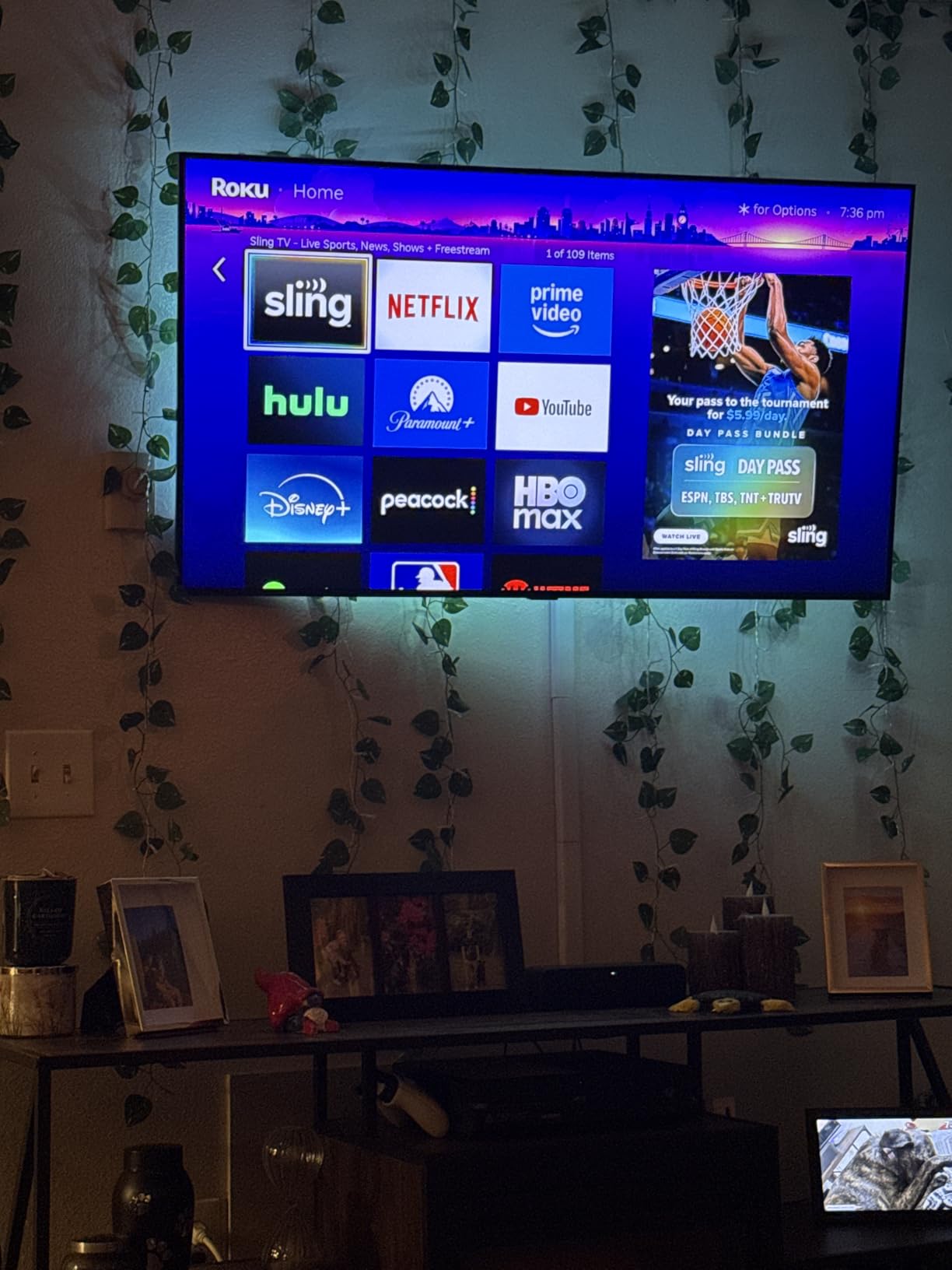
Good to know: the remote that comes in the box has no TV power or volume buttons, so you may end up using the television’s own remote anyway. Bass is present but not deep, and the unit holds 4 GB of storage with 1 GB of RAM.
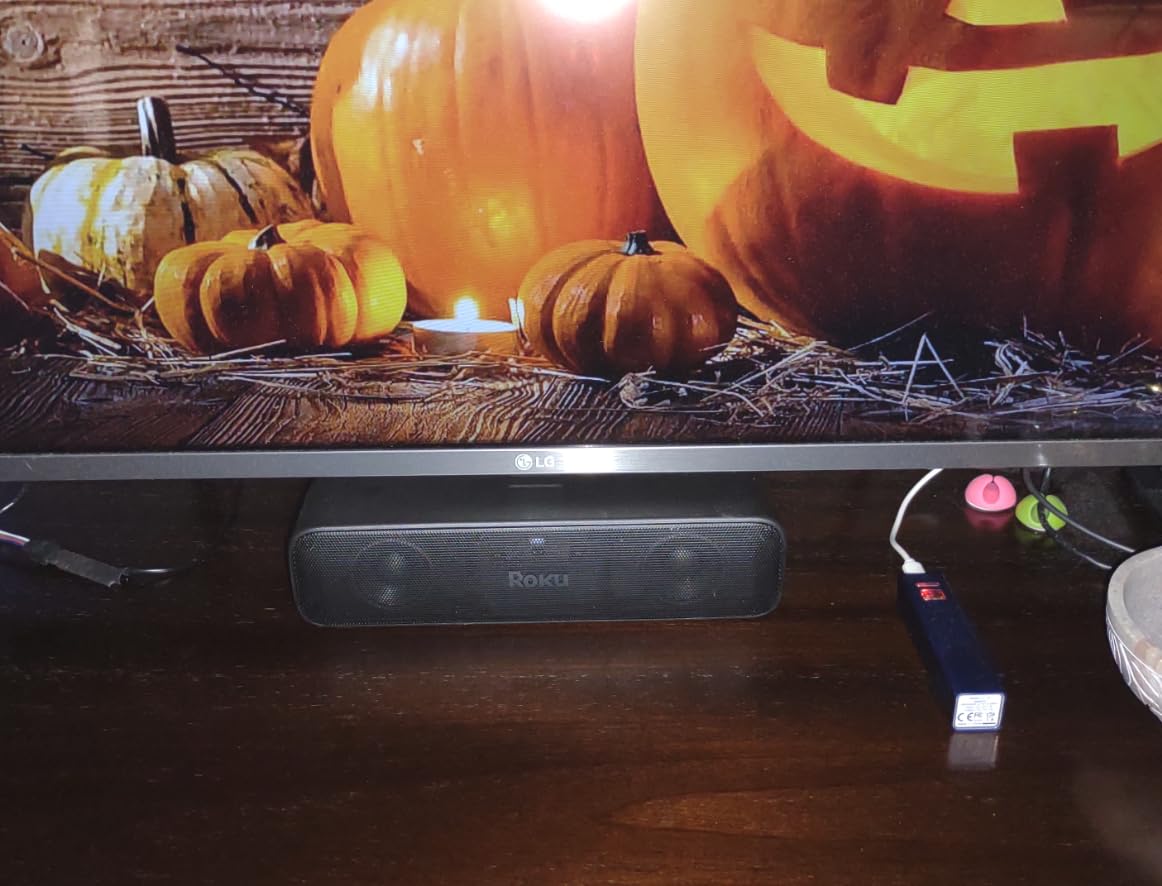
Against the Roku Streaming Stick 4K, the Streambar SE is the better choice if sound is the weak point in the room and the worse one if you already own a soundbar. Compared with the Roku 55-inch Plus Series, you get much less speaker output for far less money.
7. Roku Ultra LT: Best for Ethernet
- Ethernet port alongside Wi-Fi for a stable connection
- Quad-core processor with noticeably faster app launches
- Headphone jack on the remote plus included earbuds
- 4K HDR10 and Dolby Vision at a mid-tier outlay
- Voice remote reported to drain batteries quickly
- Locked to the Roku ecosystem
- Weighs 1.4 pounds so it is less travel-friendly
This is the middle ground between the stick and the Roku Ultra: an Ethernet port, a quad-core processor and 4K output, in a 6 by 4 by 2 inch box. It suits a study, a den or a second television where a wired connection is available.
The private listening feature is the detail that separates it. The voice remote has a 3.5mm headphone jack and earbuds are included, so late-night watching does not need a soundbar or Bluetooth pairing.
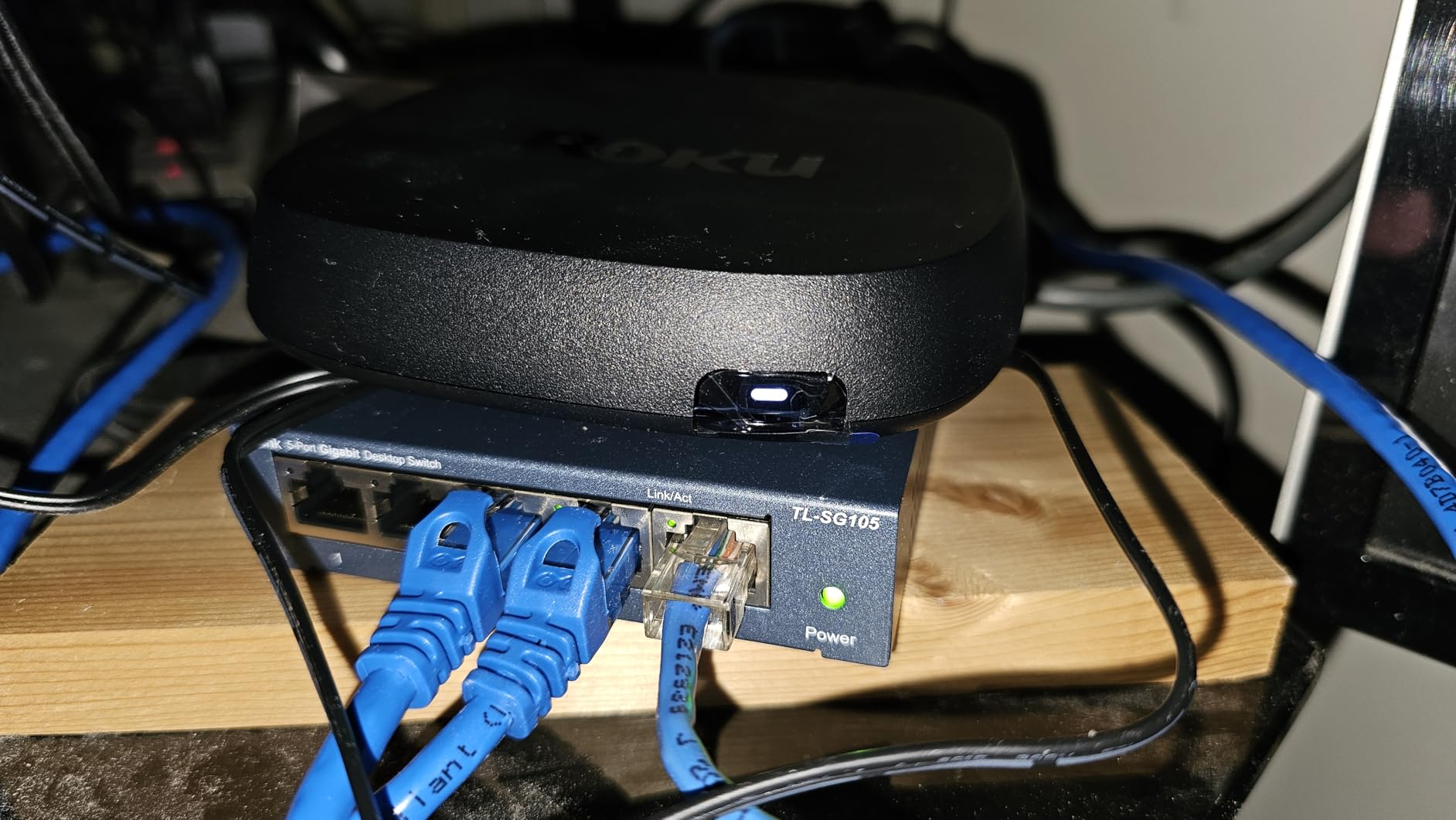
Owners report speed noticeably better than older streaming boxes when launching apps, and the Ethernet option is the reason most of them bought it. The most repeated complaint is the voice remote running through batteries quickly.
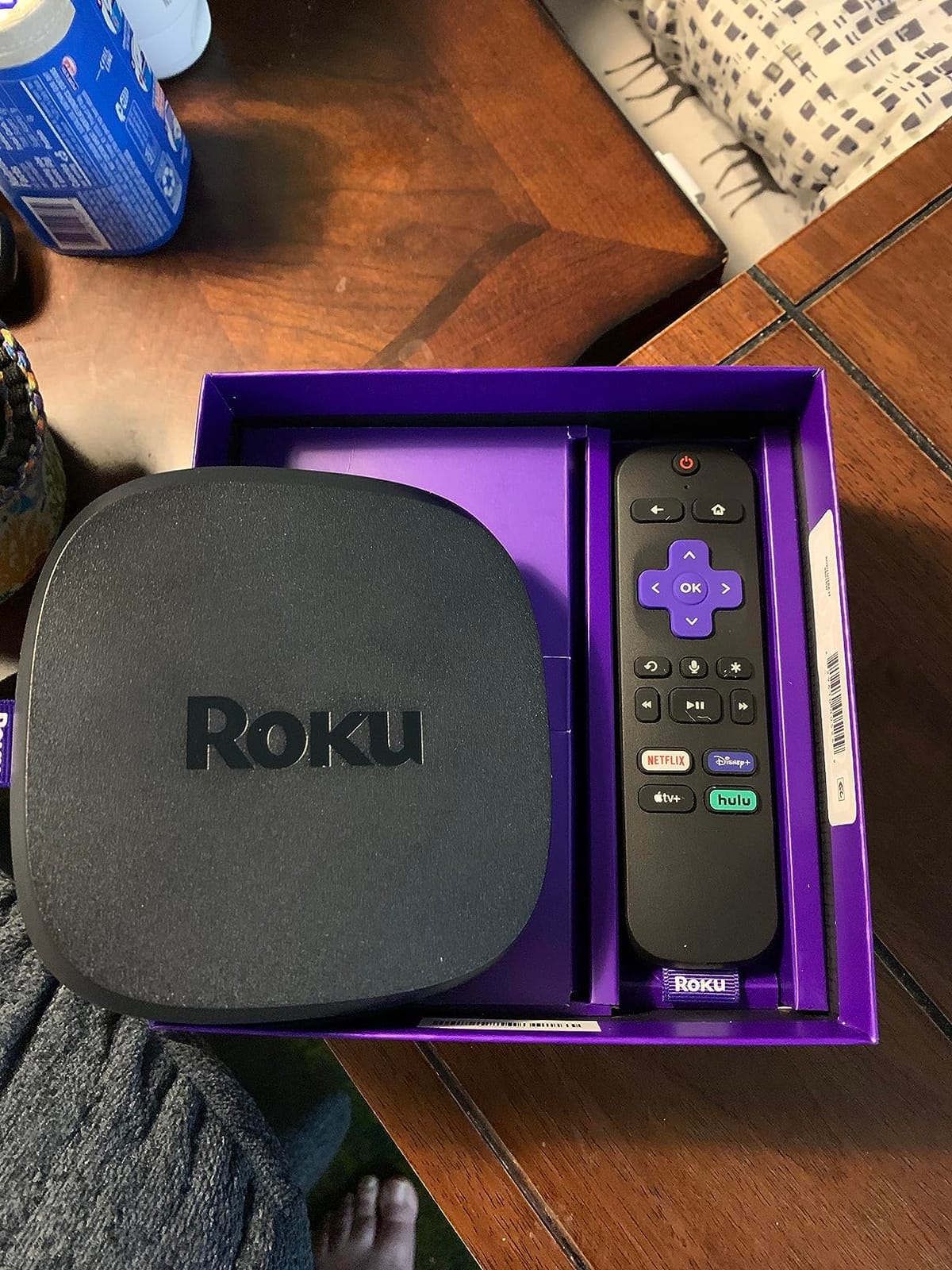
Pick the Roku Ultra instead if you want rechargeable backlit buttons and Bluetooth headphone mode rather than a wired jack. Pick the Roku Streaming Stick 4K if you want something small enough to travel with.
8. Roku 32-inch Select Series TV: Best for Bedrooms
- Roku Smart Picture tuning on a bright 1080p panel
- Very quick setup for existing Roku account holders
- Light 7.7 lb body that is easy to wall mount
- Bluetooth Headphone Mode plus AirPlay and Miracast
- Entry-level picture with limited audio settings
- Menus can look soft even at full resolution
- Software updates cannot be paused
Bedrooms, dorms and small offices are the natural homes for this set. It measures 28.3 inches wide, weighs 7.7 pounds and mounts on a standard 200 x 200 mm pattern, which makes a second screen easy to install on a wall bracket.
Owners who already use Roku say setup is quick because the account and app subscriptions carry over. Bluetooth Headphone Mode is a genuine late-night benefit, and voice control works with Roku Voice, Siri, Alexa and Google Assistant.
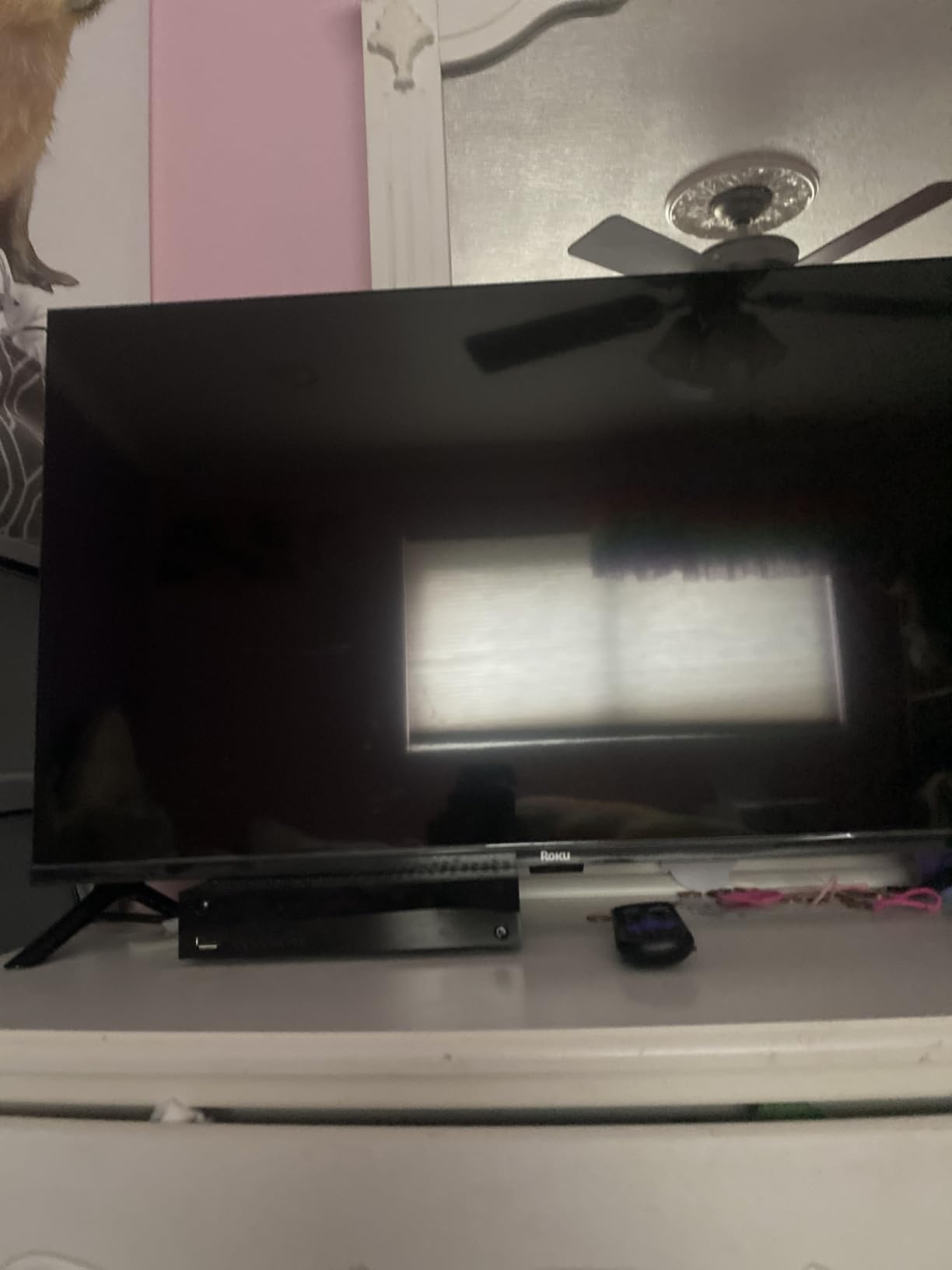
Two things to know: menus can look soft because they are rendered below the panel’s full resolution, and the factory picture mode can appear dark until you adjust it. The Dolby Audio system is 2.1 channels at 14 watts.
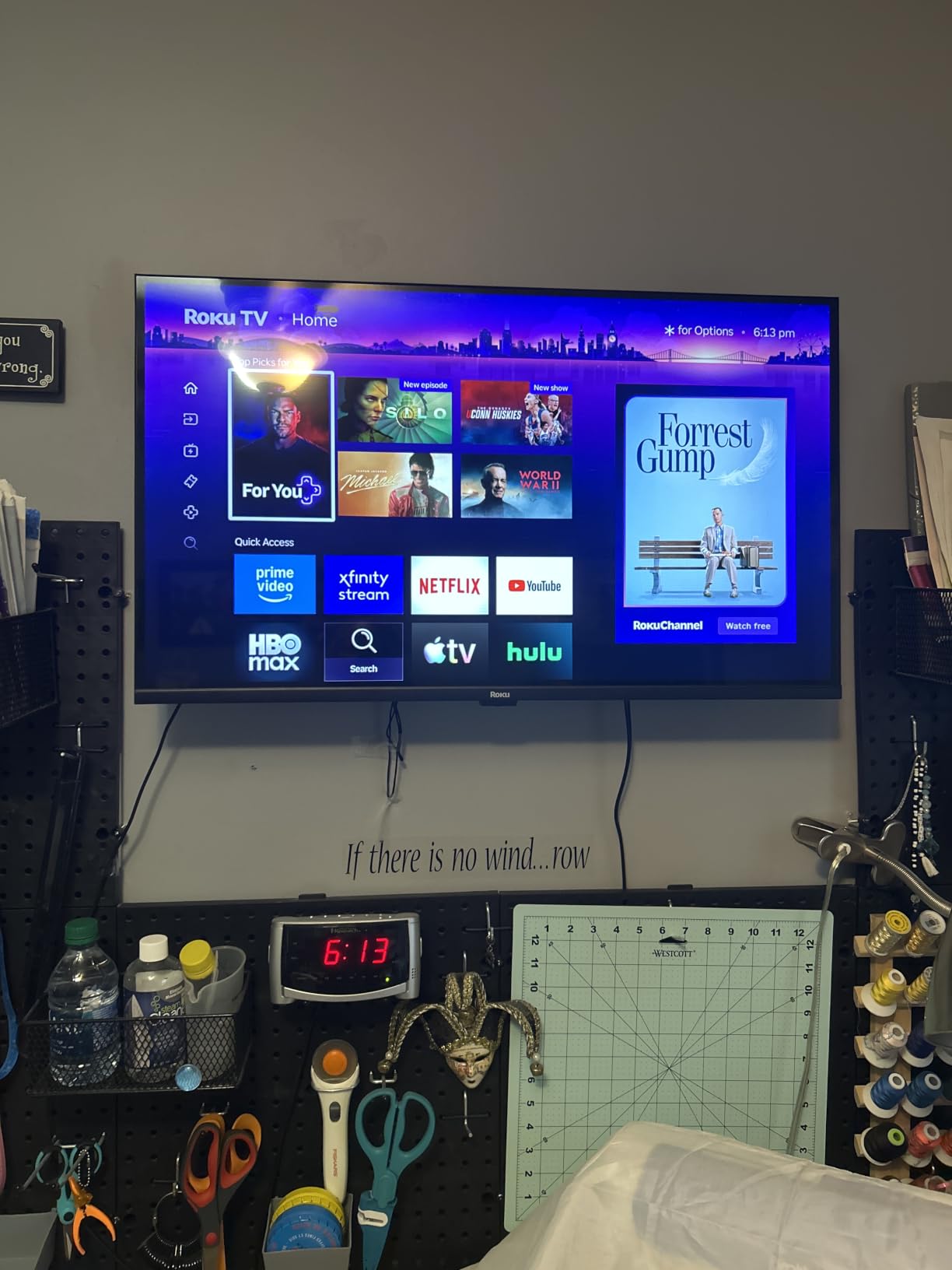
Against the Hisense 32-inch H4, this set gives you 1080p instead of 720p on a current model year. Against the Roku 50-inch Select Series, it is the small-screen option rather than the color upgrade.
9. Roku 50-inch Select Series TV: Best for QLED
- QLED panel with HDR10 and HDR10+ color
- Light 16.8 lb body that is easy to move and mount
- Transfers subscriptions and apps from an older Roku TV
- Enhanced voice remote with shortcuts and remote finder
- 60Hz refresh with basic built-in stereo audio
- QLED gains do not carry to every scene
- Updated home screen divides long-time users
A 50-inch QLED panel with HDR10 and HDR10+ lands in the middle of this list, and it is the one to watch if color matters more than size. At 16.8 pounds it is light enough to carry between rooms or mount yourself.
Roku Smart Picture handles signal cleanup, and the enhanced voice remote includes personal app shortcuts plus a lost remote finder. Owners replacing an older Roku TV report that subscriptions and apps transfer across automatically, which removes the main headache of upgrading.
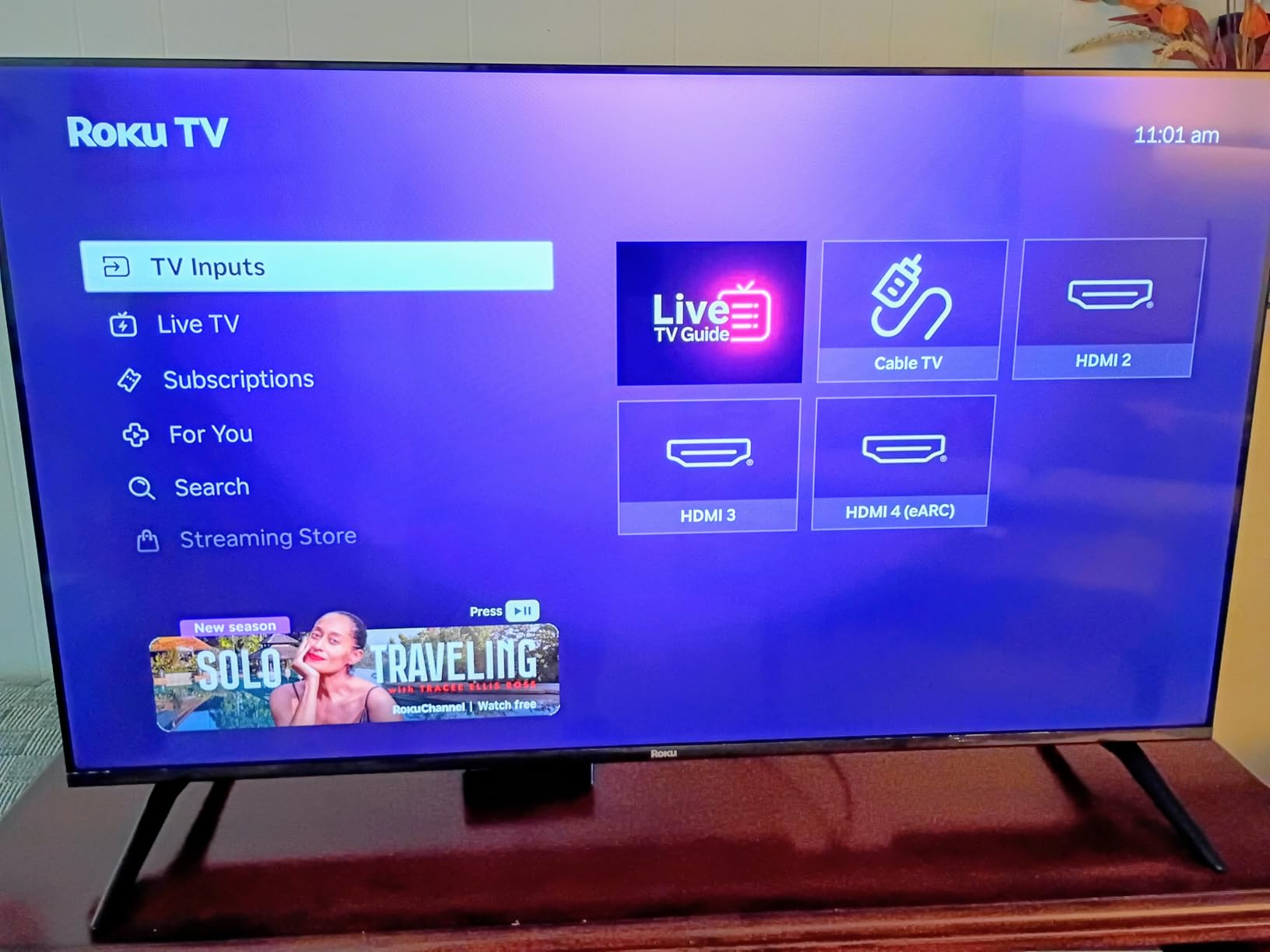
The 60Hz refresh rate and 20-watt stereo system are modest, and some long-time Roku users dislike the redesigned home screen layout. As always with a panel step up, the difference is clearest in a dim room rather than a bright one.
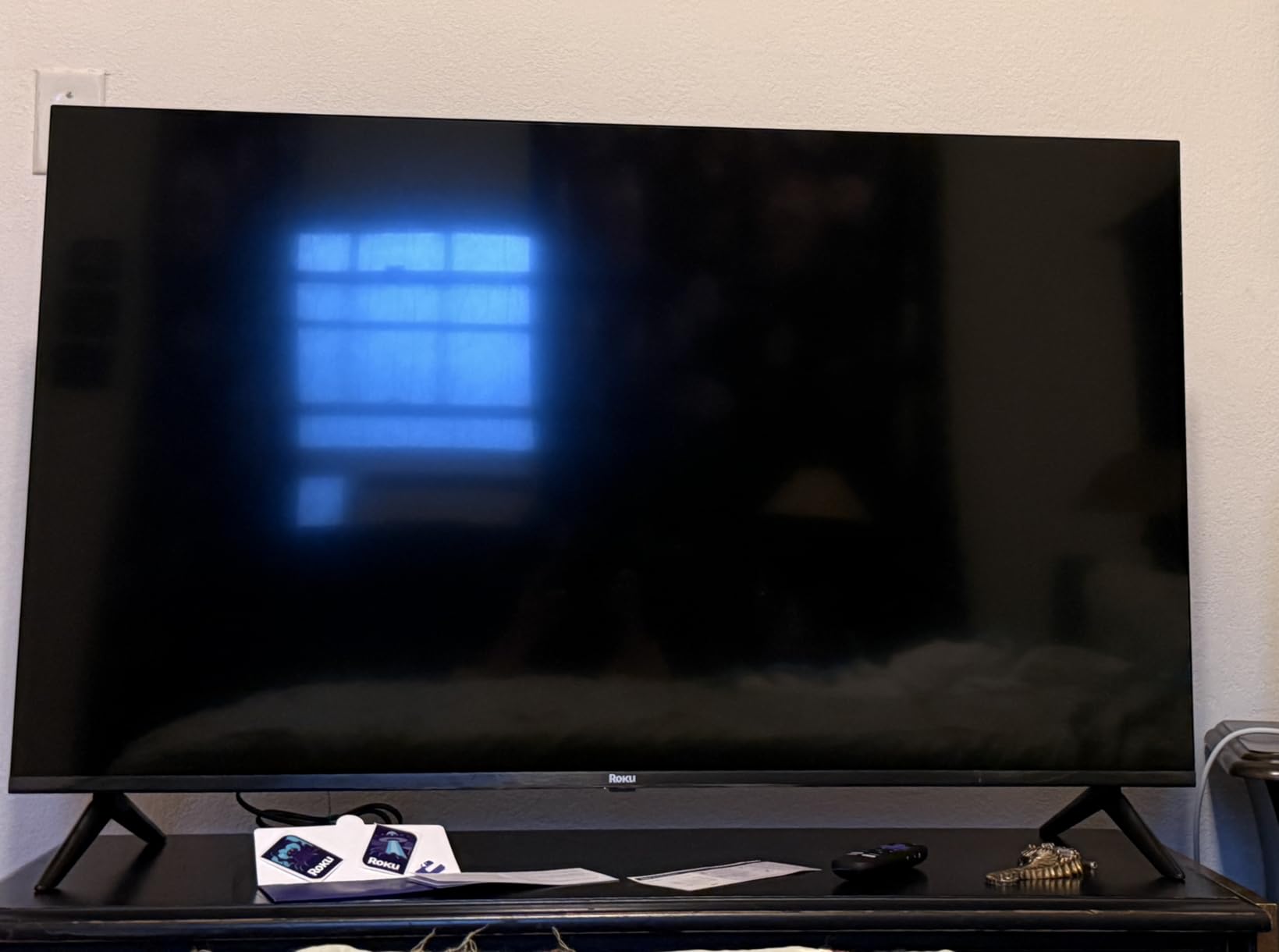
Compared with the Roku 55-inch Plus Series, you get a smaller screen and a standard QLED panel instead of Mini-LED with Dolby Vision and a built-in subwoofer. Compared with the TCL 55-inch 4-Series, you get a more recent model year and better color.
10. Roku 55-inch Plus Series TV: Best for Mini-LED HDR
Roku 55-Inch Plus Series Smart TV – 4K QLED Mini-LED TV – RokuTV
- Mini-LED local dimming with a QLED panel and Dolby Vision
- Dolby Atmos with a built-in subwoofer at 50 watts
- Four HDMI ports plus eARC and RJ-45 Ethernet
- Roku Smart Picture Max AI per-scene tuning
- No native DTS-HD MA playback from media libraries
- Rear speakers can sound muffled against a wall
- Large 300 x 300 mm mount and rear subwoofer limit placement
This is the top of the television range in this roundup, and the only one with Mini-LED backlighting behind a QLED panel using full array local dimming. That combination is what holds black levels down in a bright living room.
The audio is unusual for a television: Dolby Atmos across 4.1 channels at 50 watts, with a built-in subwoofer. Owners consistently single that out as the reason the set sounds good without a separate soundbar.
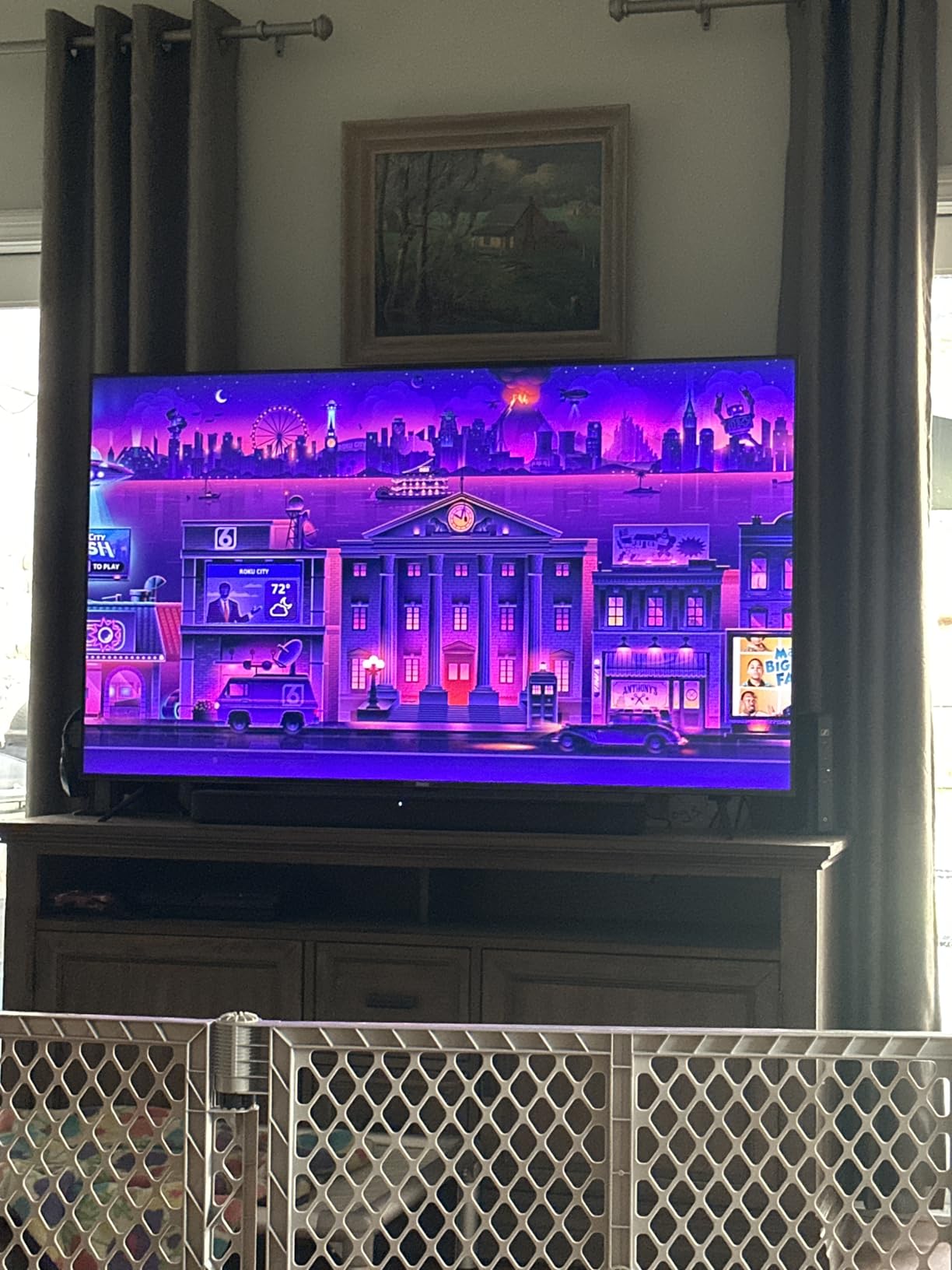
Connection count is generous for the size: four HDMI ports including eARC, plus optical, RJ-45 Ethernet and USB-C. It weighs 27.4 pounds, so plan the stand or mount before it arrives.

Owners running their own media library report that DTS-HD MA audio does not play natively, and rear-firing speakers can sound muffled when the set sits tight against a wall. Leave a gap behind it. With the newest model years in this list still carrying lower review counts, owners here are a smaller but generally positive group.
How to Choose Roku Devices During Prime Big Deal Days
Pick a Player or a Roku TV First
If you already own a working television, buy a player. If the set is the problem, or you want a second screen, a Roku TV gives you the platform built in with no box to hide. Never buy a 4K player for a 1080p panel; the extra formats go unused.
Match Output to Your Television
Look at native resolution first. 1080p suits the Roku Streaming Stick HD and the Roku 32-inch Select Series; 4K suits the Roku Streaming Stick 4K and the Roku Ultra. For HDR, Dolby Vision and HDR10+ cover the widest range of streaming apps, while HDR10 alone is the older baseline.
Check Wi-Fi and Wired Options
Wireless streaming needs a signal that reaches the room. Only the Roku Ultra and the Roku Ultra LT in this list carry an Ethernet port, and the Roku Streaming Stick 4K’s long-range Wi-Fi receiver helps in the opposite situation. Weak wireless in an older house is the single most common reason owners upgrade.
Consider Voice Controls and Remote Features
All ten support voice control of some kind, but the remotes differ sharply. The Roku Streaming Stick 4K and HD remotes include power and volume buttons so one remote runs the whole room; the Streambar SE remote does not. Rechargeable backlit buttons and a lost remote finder appear on the Roku Ultra and on the newer Roku TVs.
Confirm the Model Number and Box Contents
Match the model number in the listing before you commit: the Streaming Stick 4K is 3820R2, the Streaming Stick HD is 3840R, the Roku Ultra is 4850R, and the TVs carry size-prefixed codes such as 32R3E5 and 55R6C7. Check what is in the box too, since the Streaming Stick 4K ships with a power adaptor, batteries, a USB cable and a voice remote, while the Roku Ultra LT includes an HDMI cable and earbuds instead.
How to Shop Roku Deals During the Sale
Roku model codes change between generations but not always in an obvious way, so verify the exact model number and the model year before buying. For televisions, confirm the screen size and panel type, since two sets from the same family can differ by resolution alone. Look at what the listing includes, whether the item is new, and who sells and ships it. Most offers during this event need a Prime membership, and pricing shifts through the two days, so check the button’s current price rather than relying on a number you saw earlier.
A short checklist before you click:
- Native resolution of your television against the device output
- Ethernet port if the room has weak wireless or a cable run
- Remote power and volume buttons if only one remote is acceptable
- Exact model number and model year in the listing
- Box contents, especially HDMI cables, remotes and batteries
- Seller, shipper and whether your Prime membership covers the offer
Frequently Asked Questions
When does Amazon Prime Big Deal Days run in 2026?
Amazon Prime Big Deal Days runs October 6-7, 2026. Offers on Roku players, Roku TVs and the Streambar appear across those two days and pricing can shift within the window, so it is worth checking the current price on the listing more than once.
Do you need Prime to buy a Roku device during Prime Big Deal Days?
Most offers during the event are limited to Prime members, and a free trial counts for the length of the trial. A small number of Roku products run at a reduced price for everyone, but those are not guaranteed across the whole lineup.
Which Roku device is best for watching 4K movies and TV shows?
The Roku Streaming Stick 4K is the best starting point, since it outputs 4K at up to 2160p at 60fps with Dolby Vision and HDR10+. Choose the Roku Ultra instead if your router is far from the television and you want an Ethernet port for a steadier stream.
Is every Roku device compatible with the same streaming services?
Every device here runs Roku OS, so the major apps are available across the lineup. Larger streaming services sometimes drop support for older hardware, and some apps skip the 1080p models, so check the specific apps you use before settling on a budget stick.
Can you use a Roku device with any smart television?
Yes. All the players in this roundup connect through a single HDMI port and work with any television that has one, including older non-smart sets. A Roku TV is a different thing: it is a complete television with Roku OS built in, not an add-on for another screen.
What should I check before buying Best Amazon Prime Big Deal Days Roku Deals?
Check the model number and model year in the listing, the native resolution of your television, whether you need an Ethernet port, and what the box actually contains. Also confirm who sells and ships the item and whether a Prime membership is required for that offer.
Final Verdict: Best Amazon Prime Big Deal Days Roku Deals
The Roku Streaming Stick 4K is the one worth watching during Prime Big Deal Days: Dolby Vision, HDR10+, a long-range Wi-Fi receiver and a 4.7 rating across roughly 99,000 reviews make it the safe choice for almost any television. For a 1080p set, a second room or a bag you travel with, the Roku Streaming Stick HD is the budget-friendly alternative and needs no extra power cable.
Buy the Roku Ultra if your wireless is weak enough that an Ethernet port would solve a real problem, and the Roku Ultra LT if you want the wired option plus a headphone jack on the remote at a lower outlay. Choose the Roku Streambar SE when the room’s weak point is sound rather than picture. If you are replacing the television, the TCL 55-inch 4-Series covers a large room, the Roku 32-inch Select Series fits a bedroom, the Roku 50-inch Select Series adds QLED color, and the Roku 55-inch Plus Series is the Mini-LED and Dolby Atmos option.
Check the current price on each listing during October 6-7, 2026, and confirm the model number before you order.