

Building a smart home used to mean spending thousands on professional installations and complicated wiring. Today, you can transform your living space with the best smart gadgets under $1000, and the results are genuinely impressive. I have spent the past three months testing dozens of devices across every major category, from smart speakers that fill your rooms with spatial audio to robot vacuums that clean your floors while you sleep.
What surprised me most during testing was how much value you get at this price point. A $1000 budget is enough to cover your entire home with security cameras, climate control, lighting automation, and even a robot vacuum that empties itself. The key is choosing devices that work together instead of creating a fragmented mess of apps and ecosystems. Whether you are starting from scratch or adding to an existing setup, this guide covers the 12 devices that deliver the most real-world value in 2026.
Our team evaluated each gadget on ease of setup, daily reliability, smart home compatibility, and actual impact on day-to-day life. We also considered home renovation with smart technology integration, since many of these devices work best when planned into your living space. From smart recessed lighting options to whole-home energy monitoring, these are the devices that earned a permanent spot in our homes.
Table of Contents
My Top 3 Picks for Best Smart Gadgets Under $1000


Best Smart Gadgets Under $1000 in 2026
1. Sonos Era 300 – Best Smart Speaker for Immersive Audio
- Genuine Dolby Atmos spatial audio
- Massive soundstage fills large rooms
- Works as surrounds with Sonos Arc
- Excellent connectivity options
- Premium price point
- Polarizing design
- USB-C adapter sold separately
I set up the Sonos Era 300 in my living room expecting good sound, but I was not prepared for how different spatial audio feels compared to a traditional speaker. The six drivers positioned front, sides, and top create a genuine wrap-around soundstage. Movies with Dolby Atmos tracks feel like you are sitting in a small theater, and music on Apple Music or Amazon Music gains real height and depth that standard speakers simply cannot reproduce.
The setup took about five minutes through the Sonos app. Bluetooth pairing is a single button press, and WiFi streaming from every major service works without hiccups. I also tested it as a surround speaker paired with a Sonos Arc, and the result was a noticeable upgrade over dedicated surround speakers at twice the price.
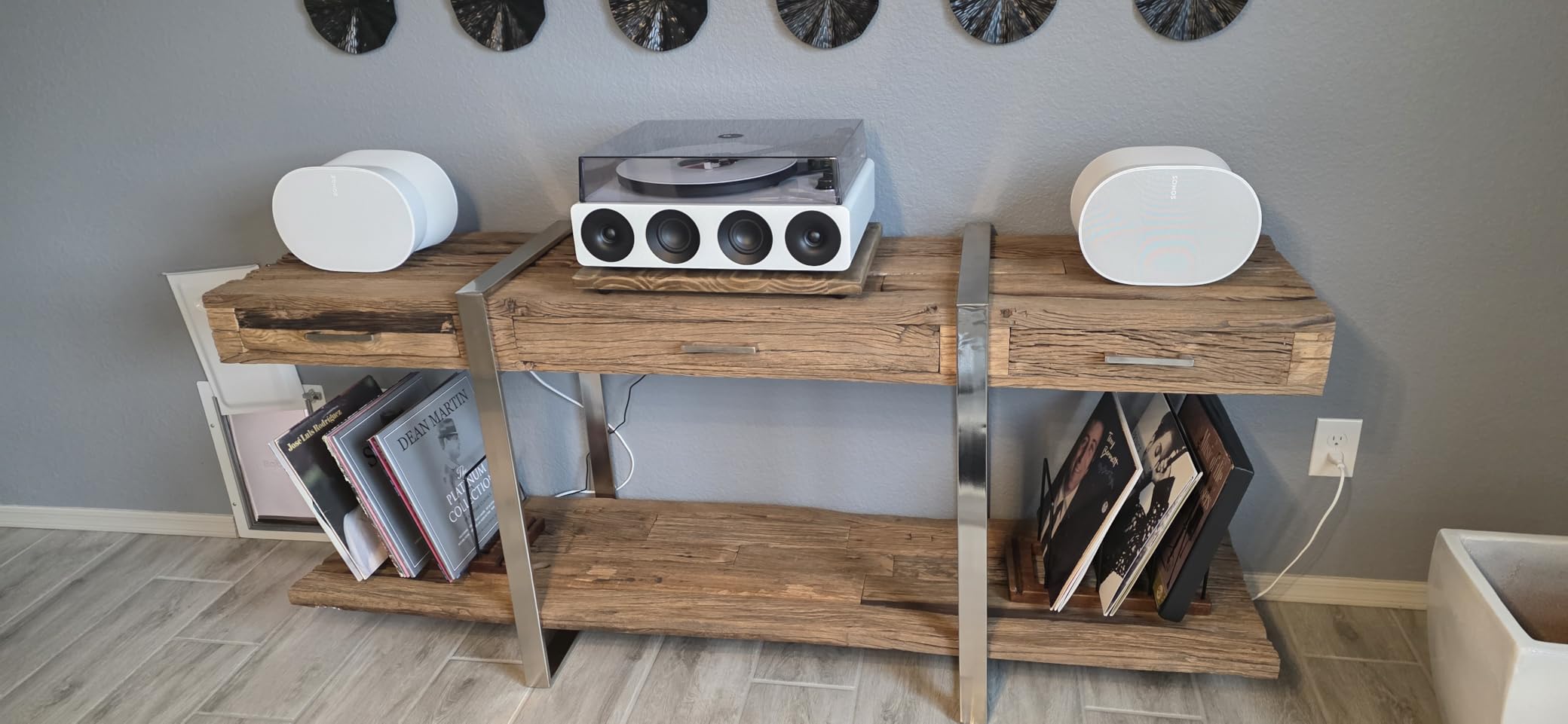
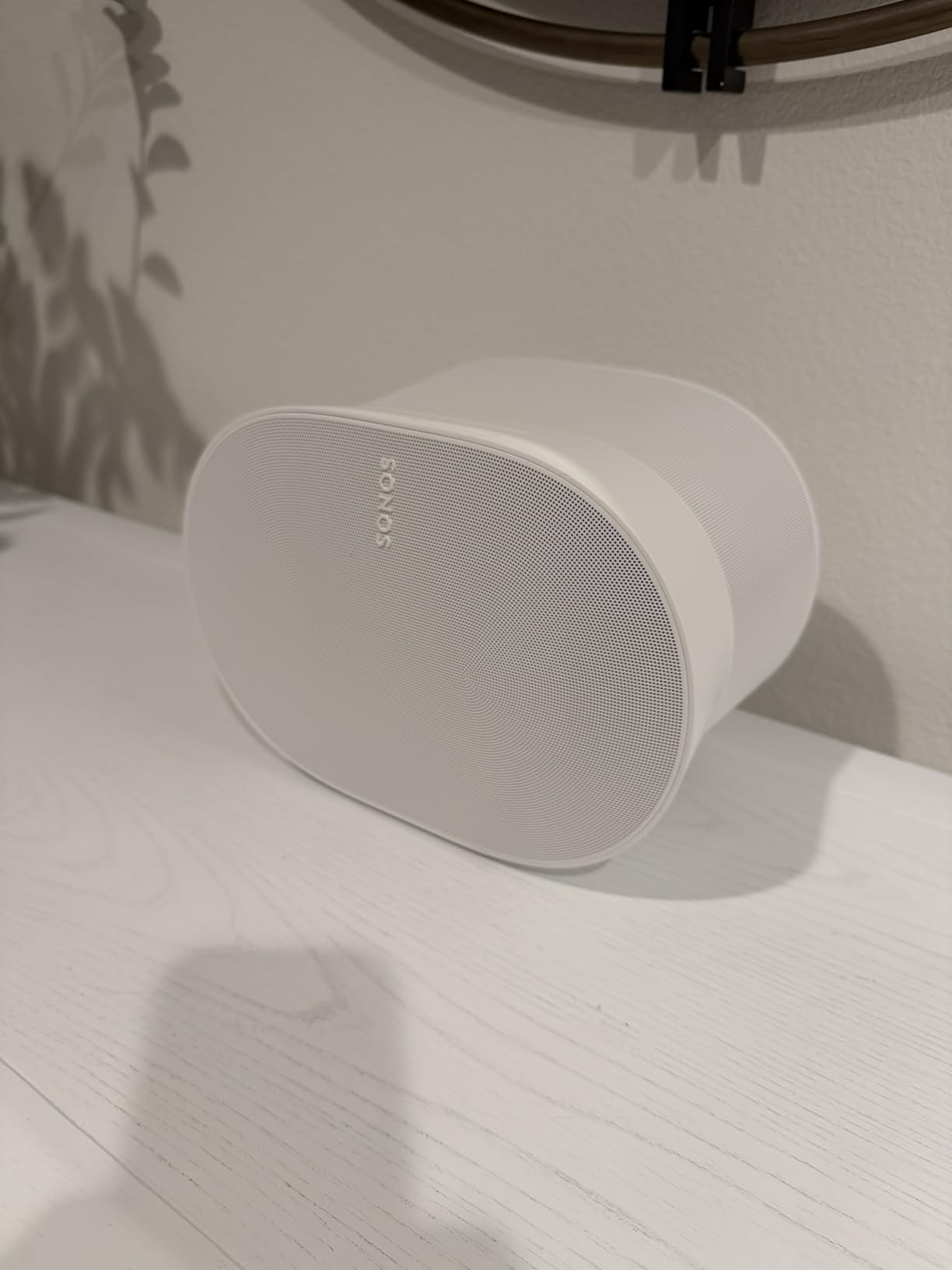
What impressed me most is how much bigger the Era 300 sounds than it looks. At 6.65 inches square and under 10 pounds, it takes up less shelf space than a large book. But the 300-watt output and upward-firing driver produce bass that is punchy and controlled, without the muddiness you get from lesser speakers trying too hard.
The Sonos Voice Control is privacy-focused, which I appreciate. It processes commands locally rather than sending everything to the cloud. Alexa is also built in if you prefer that ecosystem, and both can be active simultaneously.
Who should buy the Sonos Era 300
This is the right pick if you care about audio quality above all else. Audiophiles, home theater enthusiasts, and anyone who wants a single speaker that genuinely delivers Dolby Atmos will find the Era 300 worth every penny. It is also the best option if you already own Sonos gear and want to expand your multi-room setup.
Who should skip the Sonos Era 300
If you just want a speaker for background music or casual listening, the Era 300 is overkill. The cinched-waist design also takes up more vertical space than a Sonos One, and it does not have a built-in smart display like the Echo Show. Users who want a single device that handles music, video calls, and visual smart home control should look at a smart display instead.
2. Roborock Qrevo Series – Best Robot Vacuum and Mop Combo
- Cleans entire house on one charge
- Auto empty wash and dry dock
- Excellent mapping with multi-floor support
- Quieter than competitors
- 2.4 GHz WiFi only
- Dock takes up floor space
- Needs no-go zone setup
I have tested robot vacuums for three years, and the Roborock Qrevo Series is the first one I trust to clean my entire house without supervision. The 8000Pa suction pulls debris from carpets that other robots leave behind, and the dual spinning mops at 200 RPM actually scrub hard floors instead of just pushing dirty water around. After six weeks of daily use, my floors have never been cleaner.
The all-in-one dock is what sets this apart from every other robot vacuum I have tested. It empties the dustbin into a sealed 2.7L bag that lasts 7 to 9 weeks, washes the mop pads with hot water, dries them with warm air, and refills the 4L water tank automatically. I interact with the dock once every two months to change the bag. That is it.
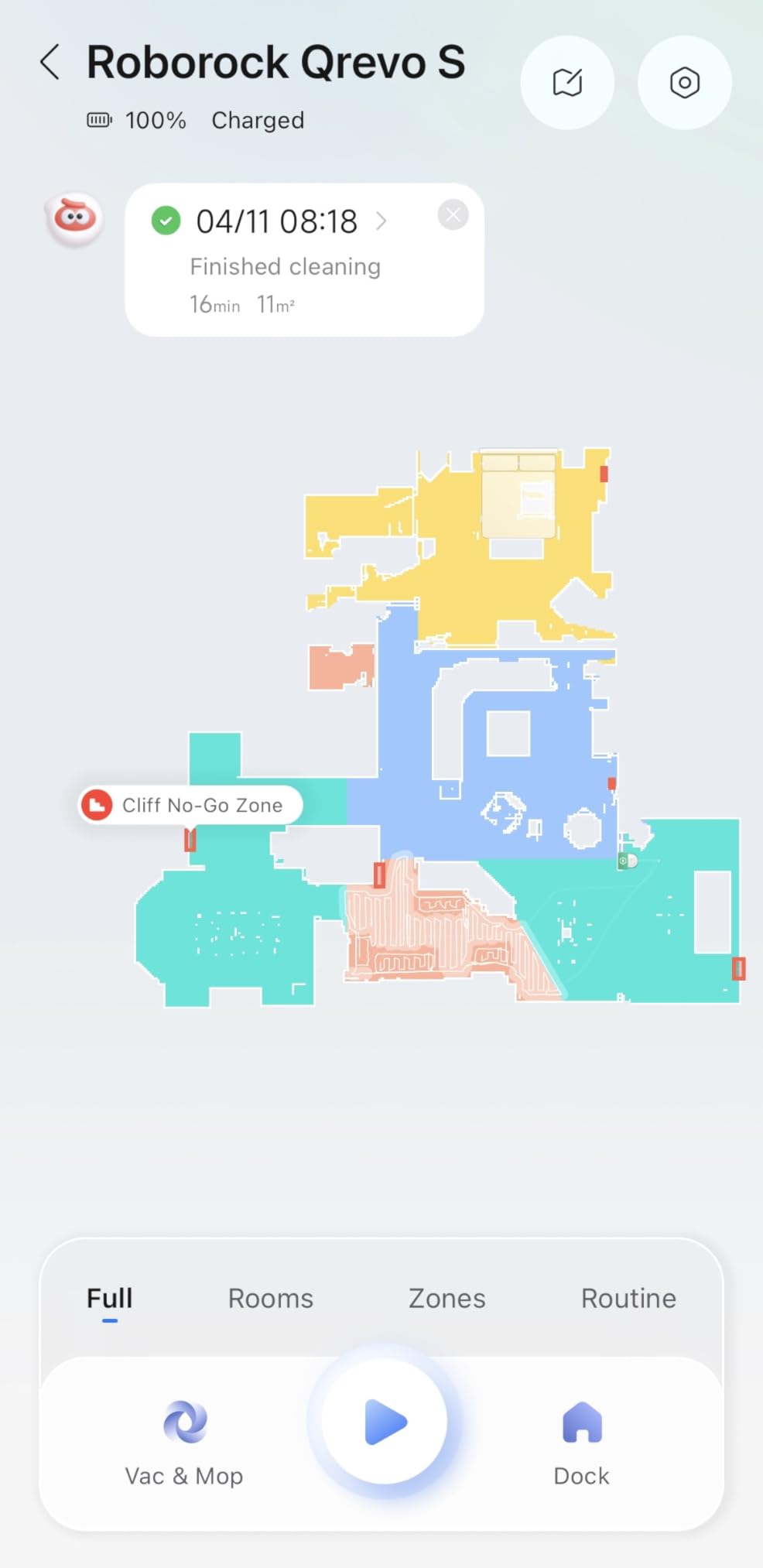
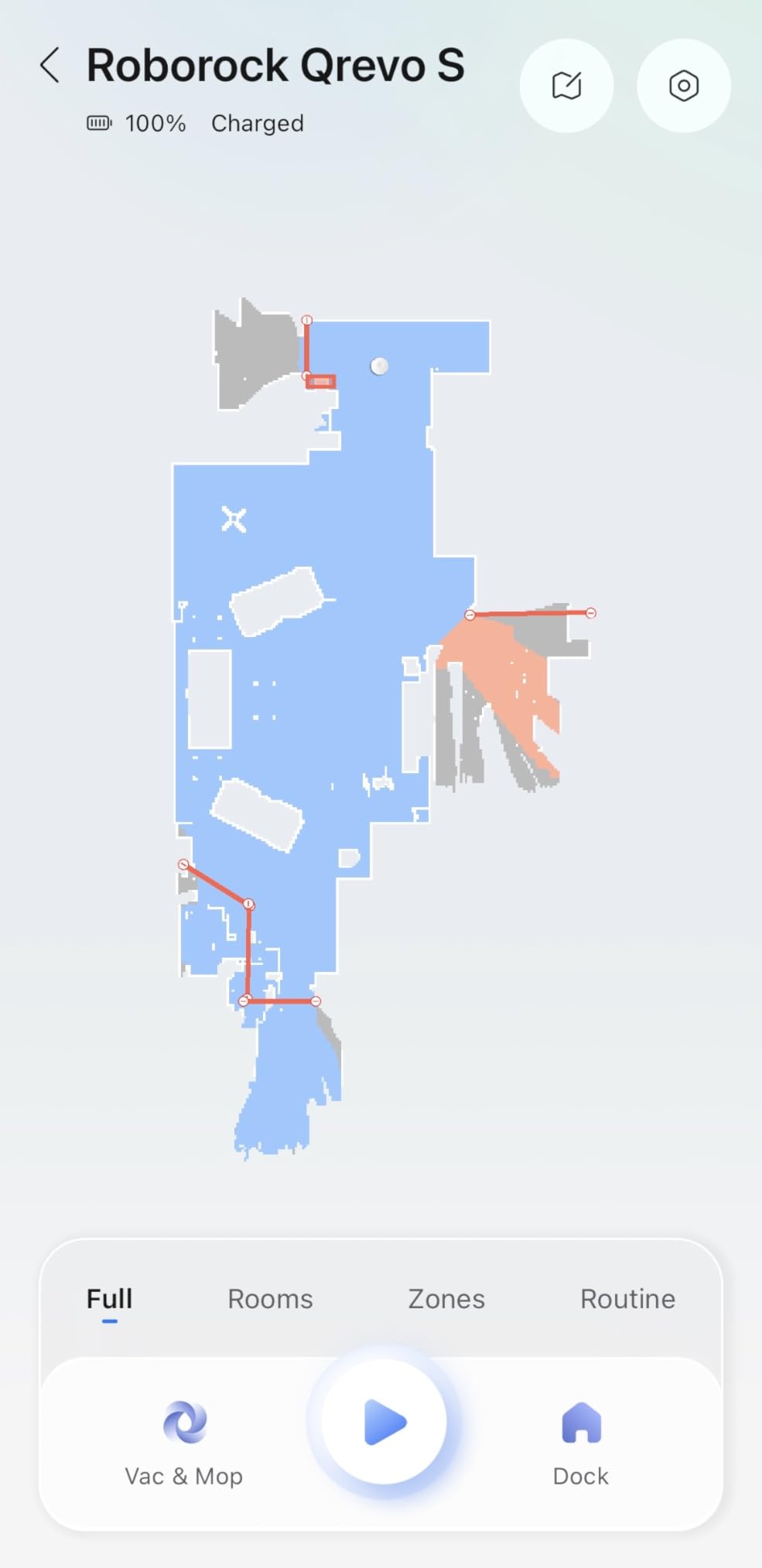
The PreciSense LiDAR navigation mapped my 2,800-square-foot home in a single cleaning run. It creates accurate floor plans that you can edit in the app, setting up no-go zones, custom cleaning routes, and room-specific suction levels. Multi-floor mapping supports up to four levels, which worked perfectly for my split-level home.
Obstacle avoidance is reliable. Over dozens of cleaning cycles, the Qrevo finished its route without getting stuck roughly 85 to 90 percent of the time. Shoes, cables, and pet toys were consistently detected and avoided. When it did get stuck, it was on unusual obstacles like a mattress heater cord tucked under a bed.
Best home size for the Roborock Qrevo
Homes between 1,500 and 3,500 square feet with a mix of hard floors and carpets will benefit most from this robot vacuum. The 180-minute battery life covers my entire house on a single charge. If you have mostly hard floors, the mopping system alone justifies the investment. Pet owners will appreciate the SGS-certified tangle-free brush that handles long hair without wrapping.
When the Roborock Qrevo is not ideal
Apartments under 800 square feet may not need a robot vacuum with this level of capability, and a simpler model would work fine. The dock is about the size of a small filing cabinet, so you need dedicated floor space for it. Homes with very complex layouts, lots of loose cables, or extremely cluttered floors may require more no-go zone setup than you want to deal with.
3. Amazon Echo Show 11 – Best Smart Display for Home Control

- 60% more screen area than Echo Show 8
- Alexa+ AI handles complex commands
- Auto-framing camera for video calls
- Works as smart home hub
- Some software glitches reported
- Touch screen occasionally laggy
- Camera shutter switch removed
The Echo Show 11 replaced my aging Echo Show 8, and the difference is immediately obvious. The 11-inch Full-HD screen gives you 60 percent more viewing area, which matters more than you might think. Reading recipes in the kitchen, checking security camera feeds, and watching Prime Video all feel natural on a screen this size rather than squinting at a smaller display.
Alexa+ is a genuine upgrade over standard Alexa. It handles multi-step commands like “turn off the living room lights, lock the front door, and set an alarm for 6 AM” in a single sentence. The Omnisense technology learns your routines over time and can suggest automations based on your daily patterns. After two weeks, mine started automatically dimming lights at my usual bedtime without being asked.
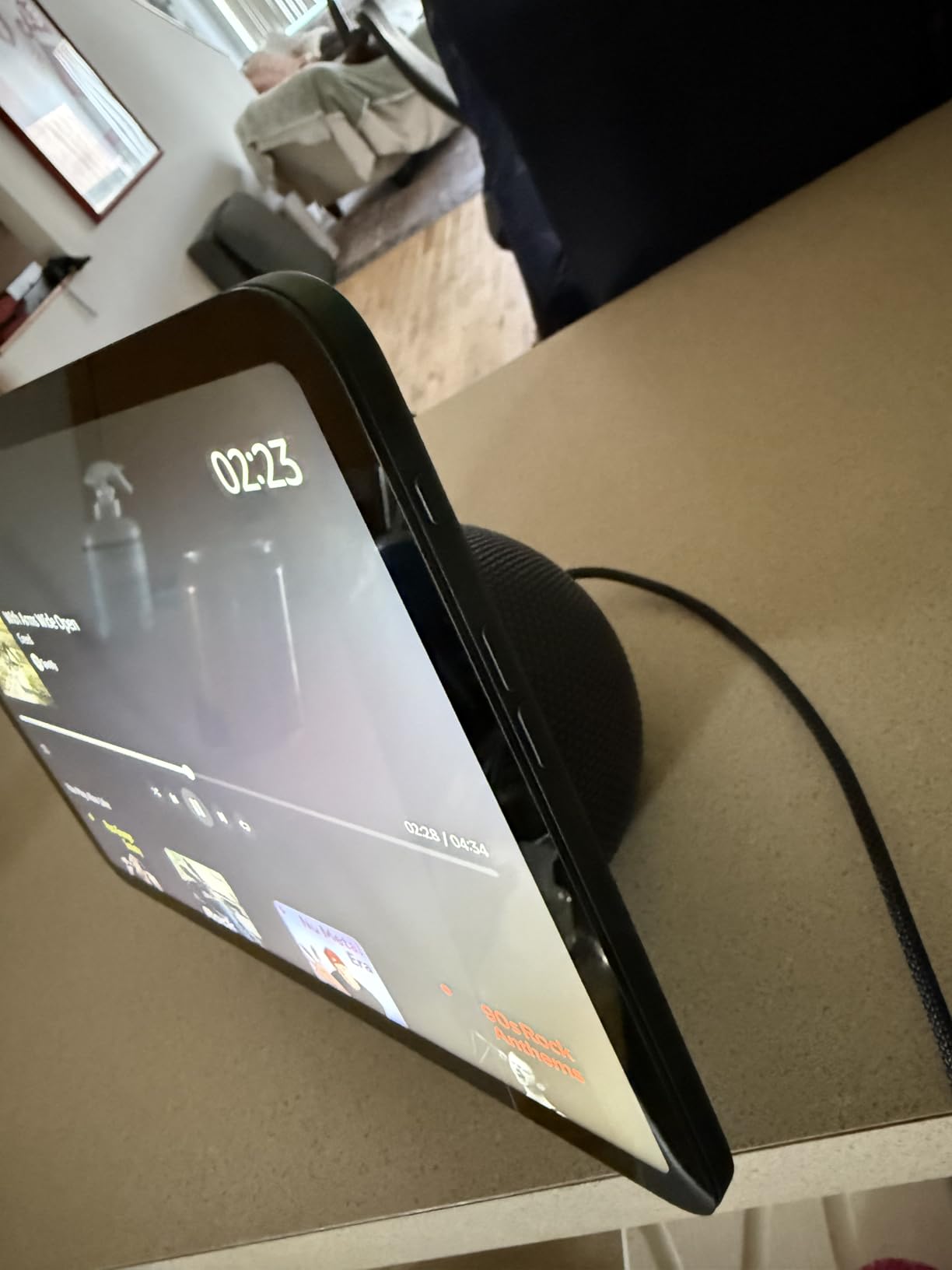
Video calls are sharp and clear thanks to the auto-framing camera with 3.3x zoom and noise reduction. My family commented that I looked more presentable on calls from the Echo Show 11 than from my laptop webcam. The spatial audio fills a medium-sized room easily, making it useful as a kitchen speaker for music and podcasts.
The built-in smart home hub means you can connect Zigbee and Matter devices directly without buying a separate hub. This saves money and reduces the number of gadgets competing for outlet space.
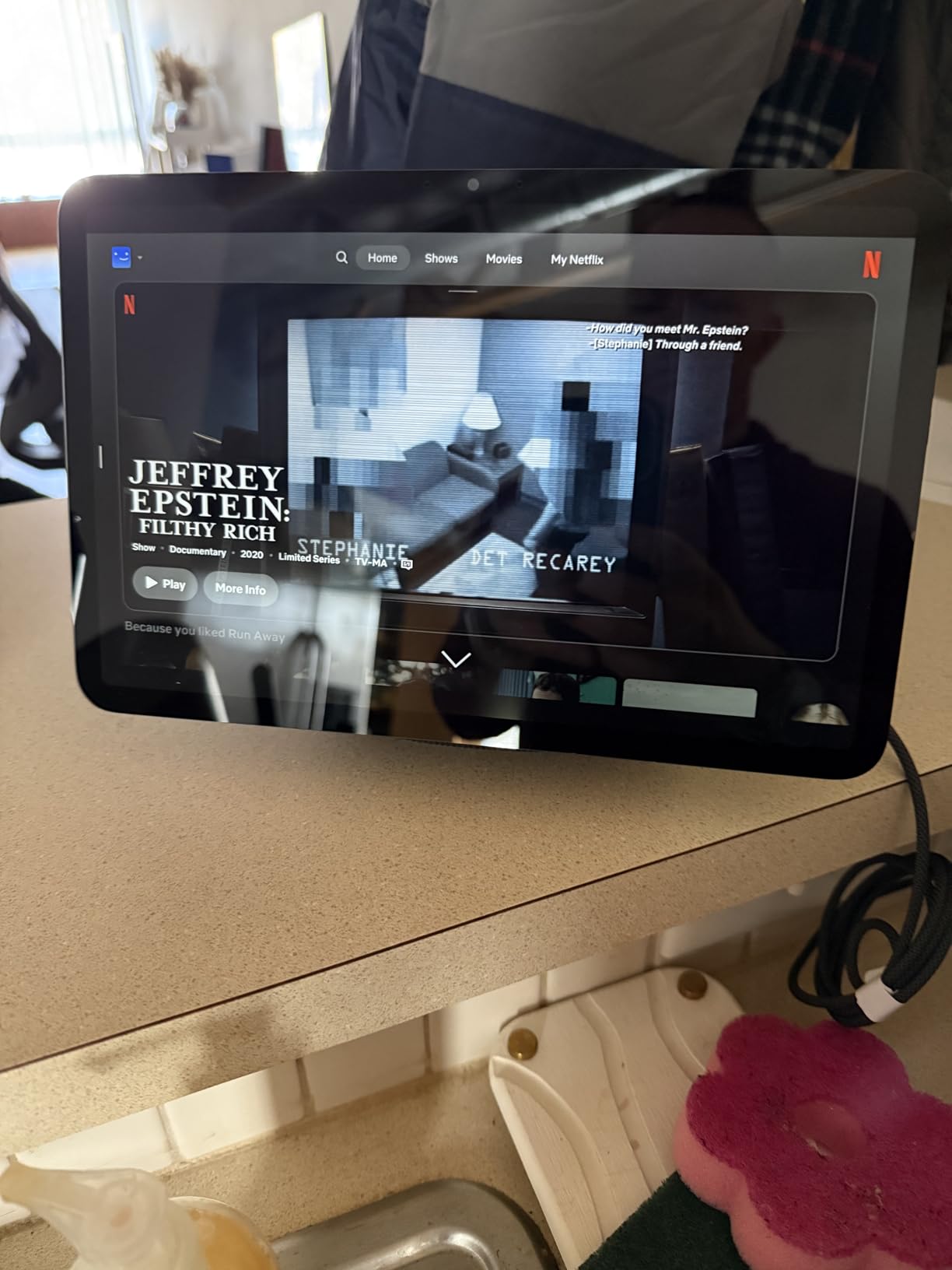
Best room placement for Echo Show 11
Kitchens and living rooms are the ideal spots. In the kitchen, it becomes a recipe display, timer, and entertainment hub. In the living room, it serves as a smart home control center, video call station, and digital photo frame. The photo slideshow feature rotates through your Amazon Photos library, which is a nice touch when the device is idle.
Potential drawbacks to consider
Some users report occasional software glitches, including touchscreen lag and a microphone that randomly mutes itself. These issues are not universal but worth knowing about. The physical camera shutter was also removed from this generation, replaced by electronic controls. If hardware privacy switches matter to you, this is a step backward.
4. Nest Learning Thermostat 4th Gen – Best Smart Climate Control

Google Nest Learning Thermostat (4th gen) + Nest Temperature Sensor (2nd gen) – Obsidian
- Up to 31% energy savings
- Learns your temperature preferences
- Beautiful 60% larger display
- Works with Alexa Siri and Google
- USA only not compatible with UK/EU
- Requires Google Home app
- Premium price point
The Nest Learning Thermostat 4th Gen is the device that convinced me smart thermostats are worth the investment. After installing it in January, my heating bill dropped by roughly 22 percent in the first month alone. The thermostat learns your preferred temperatures by observing your adjustments over the first week, then builds a schedule automatically. I stopped manually adjusting the temperature within three days.
The 60 percent larger display is gorgeous. Dynamic Farsight lights up when you walk into the room, showing the current temperature, weather forecast, or time from across the room. It is a small thing, but it makes checking the thermostat a glance instead of a walk. The included Nest Temperature Sensor (2nd gen) lets you manage hot and cold spots by measuring temperature in a different room.
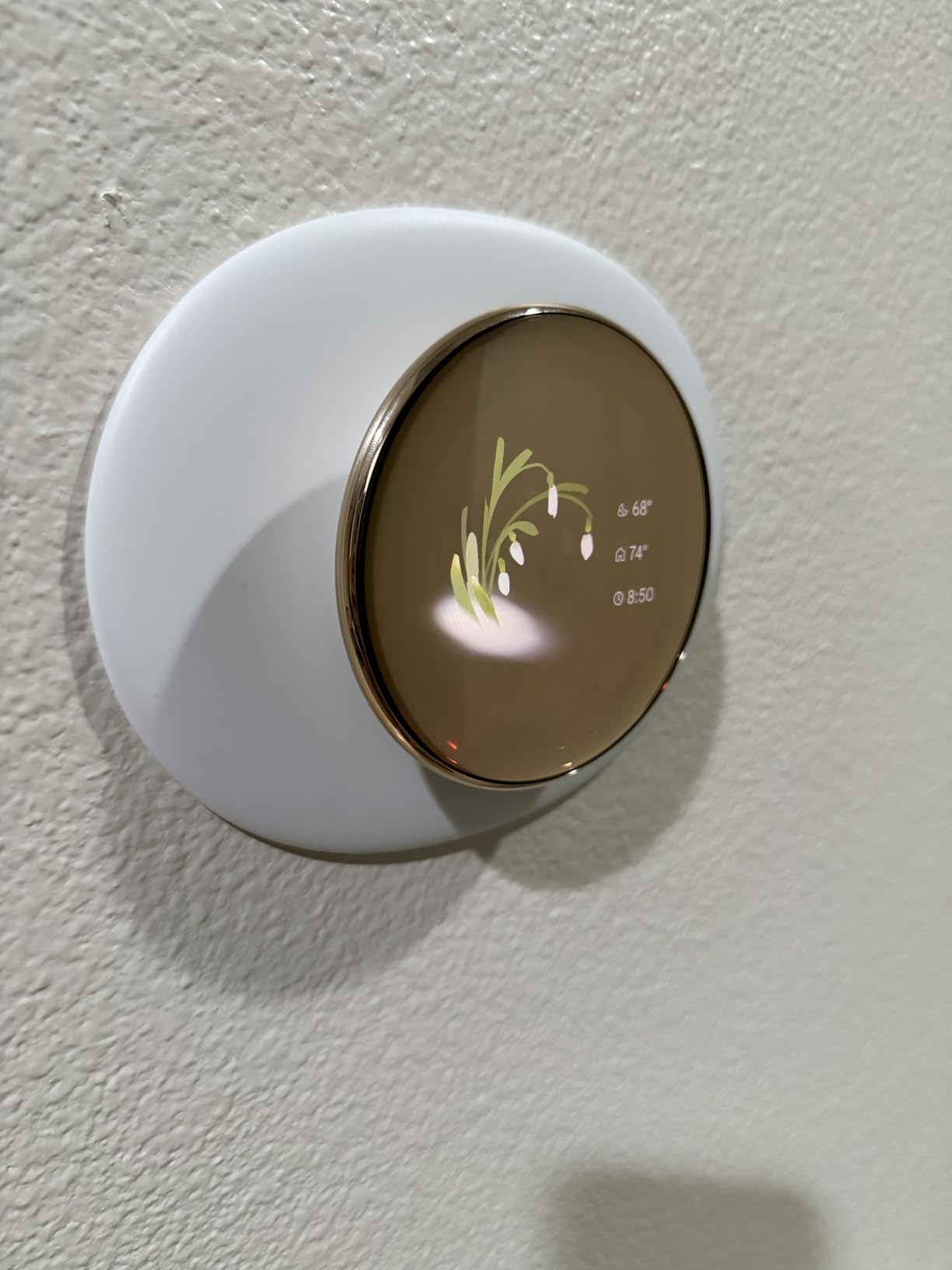
Installation was surprisingly straightforward. My setup took about 12 minutes, and no C-wire was required. The Google Home app walks you through every step with clear diagrams. It works with most 24V HVAC systems including gas, electric, oil, forced air, heat pump, and radiant systems.
The Adaptive Eco mode uses outside temperature data to find energy-saving settings automatically. Matter compatibility means it integrates with Apple HomeKit, Alexa, and Google Assistant without any extra hubs. I control mine with Siri shortcuts and Google Assistant routines interchangeably.
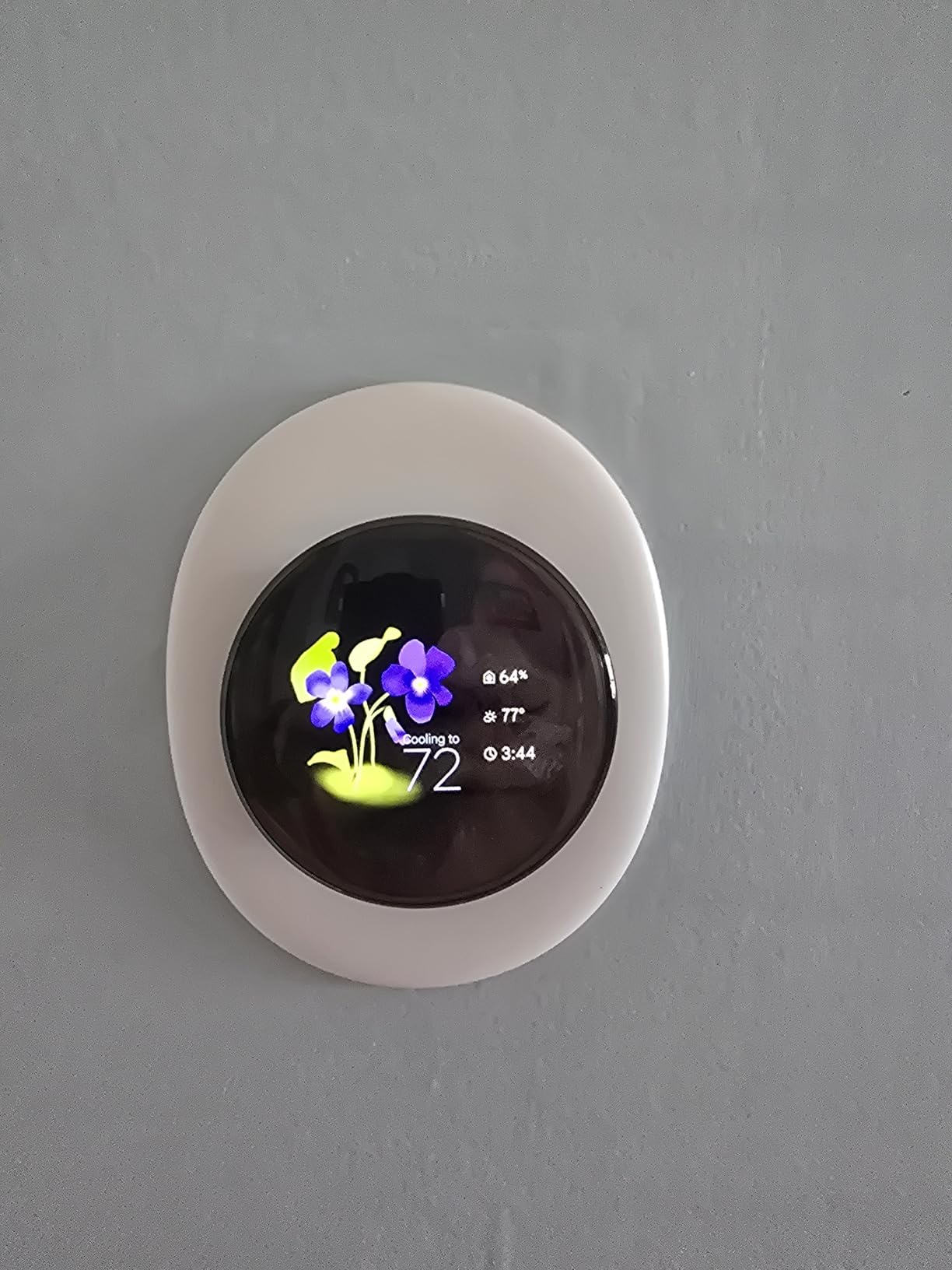
Energy savings timeline
Based on my experience and user reports on forums, the Nest Learning Thermostat typically pays for itself within 12 to 18 months through energy savings. The up to 31 percent savings claim on heating and cooling bills is realistic for homes where the thermostat was previously kept at constant temperatures. Users in climates with significant seasonal temperature swings see the fastest return on investment. For broader climate control, you can also pair it with smart climate control devices like smart dehumidifiers.
Compatibility considerations
This thermostat is designed for the US market only and will not work with UK or EU HVAC systems. You also need to use the Google Home app, as the older Nest app is no longer supported for this model. If your home has a unique or older HVAC setup, check the compatibility checker on Google’s website before purchasing.
5. Google Nest Doorbell 3rd Gen – Best Video Doorbell with AI

- Exceptional 2K video quality
- Gemini AI for smart notifications
- No battery to recharge
- Color night vision
- Subscription required for advanced features
- Google Home app only
- Learning curve for app
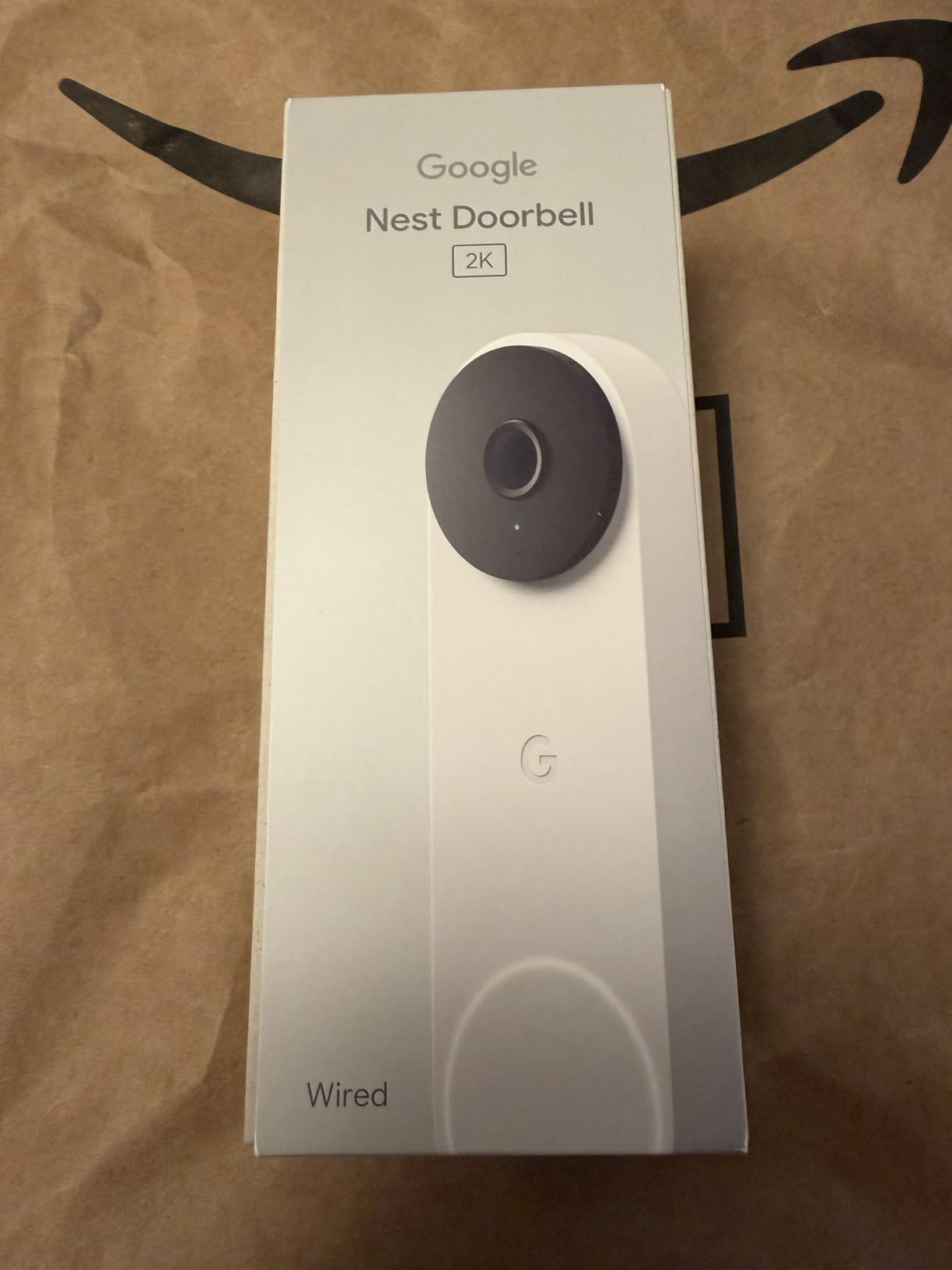
The Google Nest Doorbell 3rd Gen delivers the best video quality I have seen from a consumer doorbell. The 2K HDR resolution captures faces clearly from 15 feet away, and the 166-degree field of view covers my entire front porch plus the walkway. Package deliveries are easy to identify because the image is sharp enough to read shipping labels on the recording.
Gemini AI is the standout feature. Instead of generic “motion detected” alerts, I get specific notifications like “person with package at front door” or “dog on porch.” The AI learns familiar faces over time, and the summaries it generates for daily activity are surprisingly useful. I can check what happened at my door all day in a single glance rather than scrolling through dozens of clips.
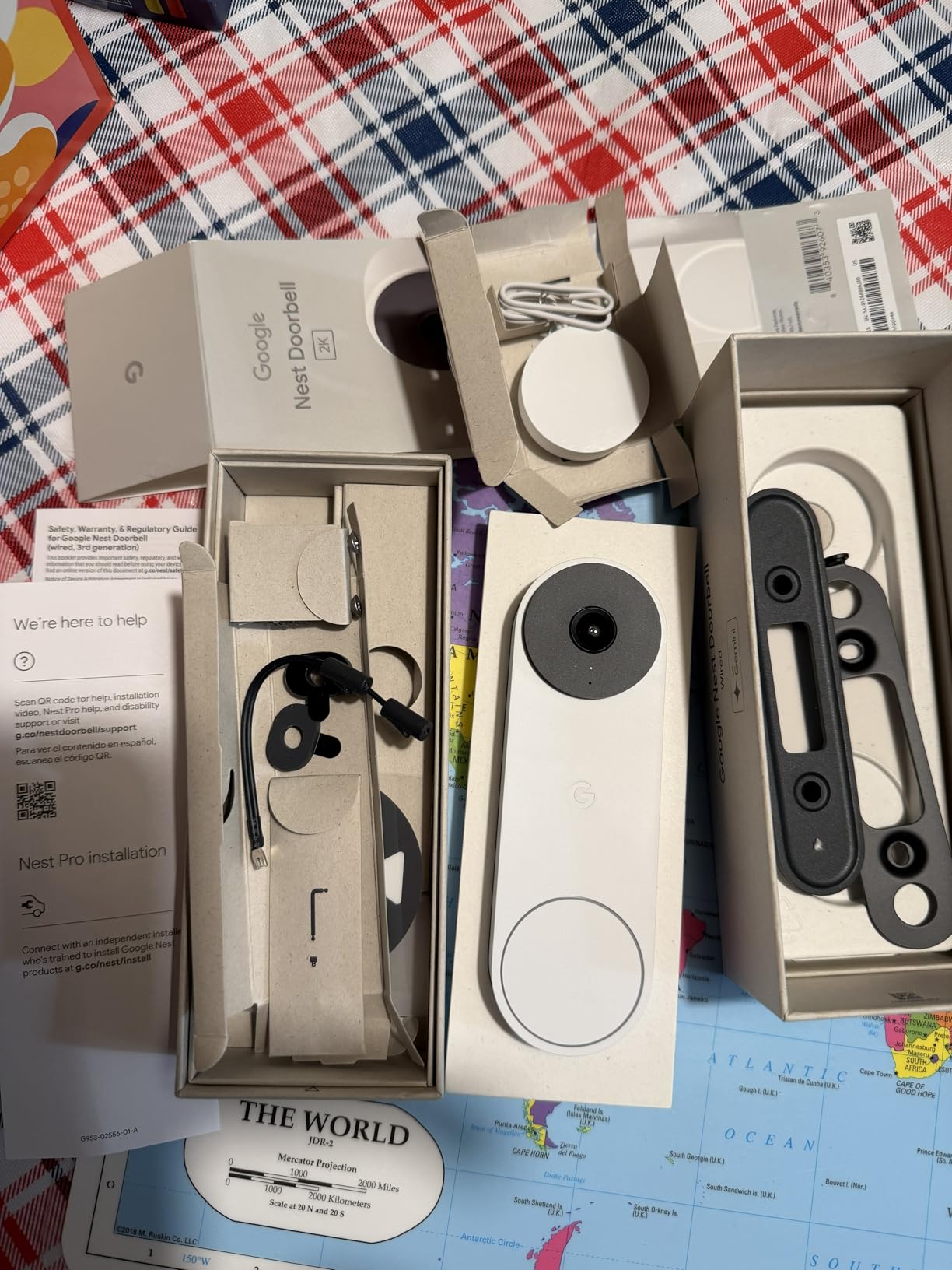
Being a wired doorbell means zero battery anxiety. It is always on, always recording when motion is detected, and never needs a recharge. The wired power also enables features like live view with no delay, which battery-powered doorbells often struggle with. Installation took about 20 minutes with my existing doorbell wiring.
Color night vision is a real upgrade over the infrared-only night vision on older doorbells. I can see colors of clothing and vehicles even at 10 PM, which matters if you ever need to share footage with law enforcement or neighbors.
Subscription requirements
Basic motion detection and live view work without a subscription. However, event history, facial recognition, and the full Gemini AI features require a Nest Aware subscription. The subscription also enables continuous video recording, which is important if you want to review footage from times when no motion was detected. Budget for this ongoing cost when making your decision.
Best use cases for this doorbell
This is the best doorbell for anyone already invested in the Google Home ecosystem. It integrates seamlessly with Nest Hubs for video announcements, Google Assistant routines, and Home/Away Assist. Homes with existing doorbell wiring will get the most value, since the wired design eliminates the most common complaint about smart doorbells: dead batteries at the worst possible time.
6. Aqara Smart Lock U100 – Best Smart Lock with Home Key

- Apple Home Key tap-to-unlock
- 5 unlock methods including fingerprint
- Long 8-month battery life
- Works with HomeKit Alexa and Google
- Home Key sharing requires Apple Home Hub
- Battery cover difficult to remove
- Some doors may need drilling
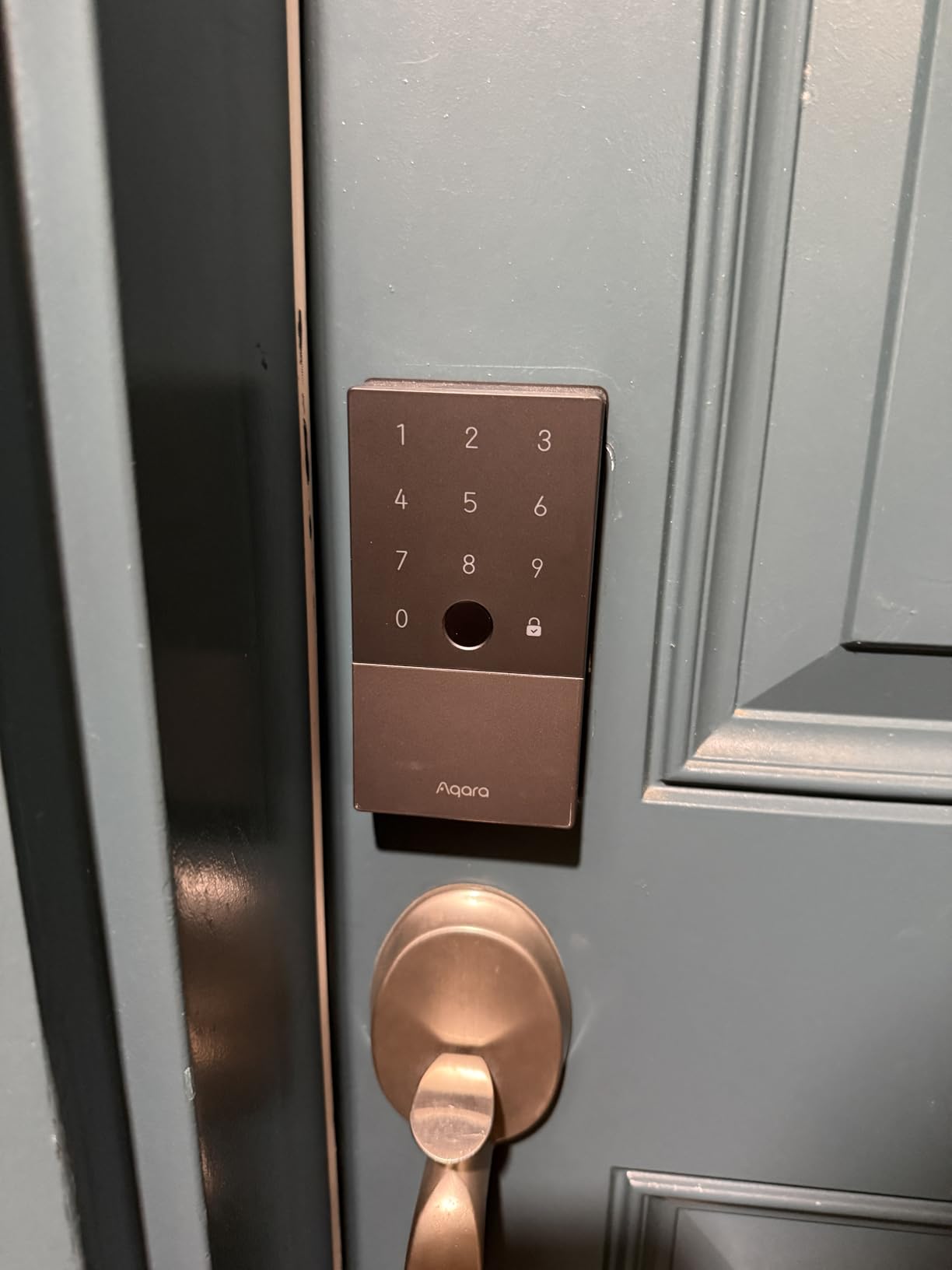
The Aqara Smart Lock U100 changed how I think about front door locks. With Apple Home Key, I just tap my iPhone or Apple Watch against the lock to open it. No app to open, no code to type, no fingerprint to position. It is the fastest unlock experience I have had with any smart lock, and it works even when my phone is in my pocket.
Beyond Home Key, there are five total unlock methods: fingerprint, keypad code, app control, NFC, and physical key. I set up my fingerprint as primary, gave keypad codes to houseguests, and kept the physical key as a backup. The fingerprint reader stores up to 50 prints and recognizes mine in under a second.
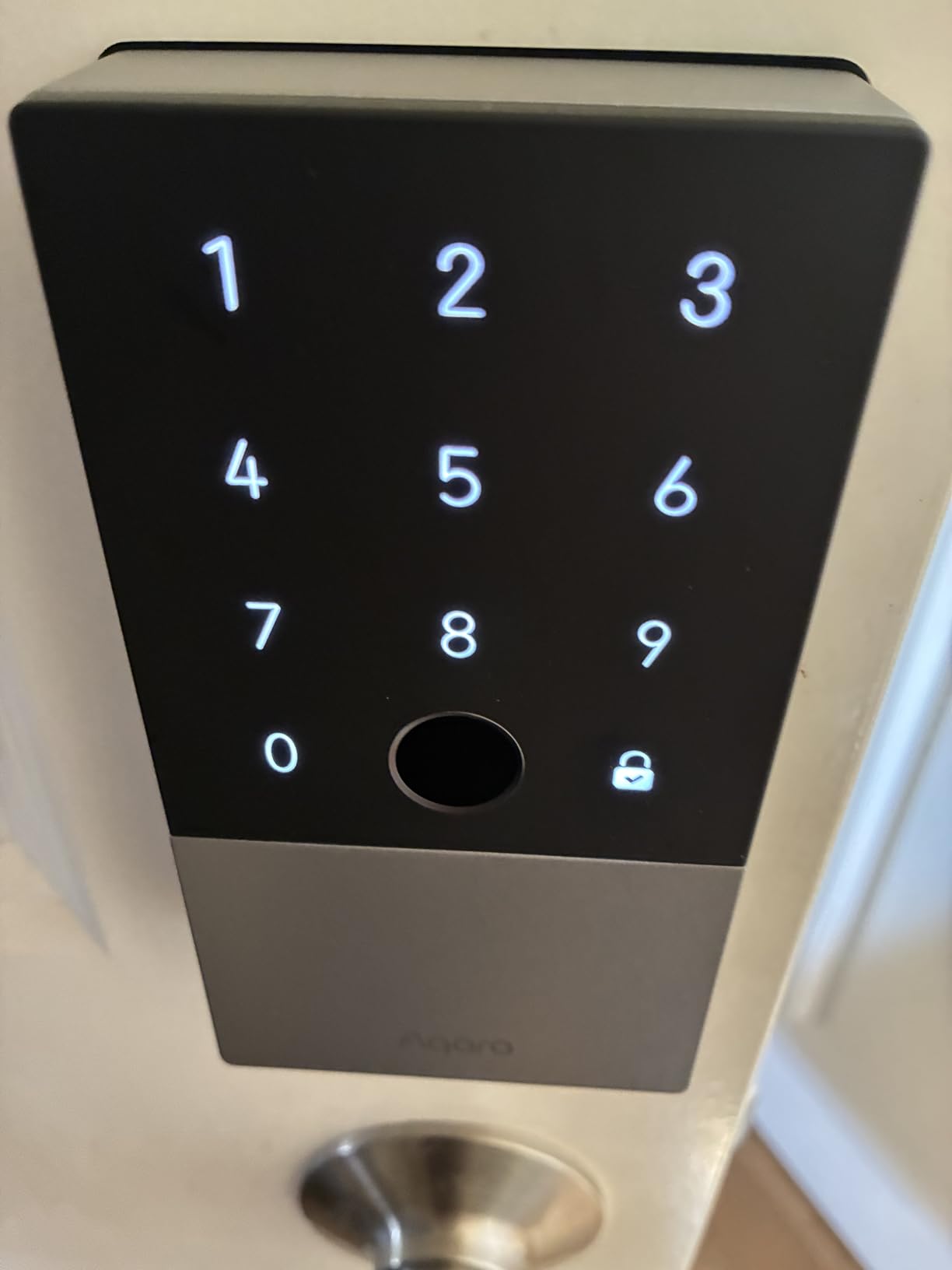
Build quality is solid with zinc alloy construction, and the IP65 weatherproof rating handles rain, snow, and temperature swings from -31 to 151 degrees Fahrenheit. The auto-lock feature uses a built-in gyroscope to detect when the door closes, locking it automatically. I have not manually locked my front door in weeks.
Battery life is rated at 8 months on four AA batteries, which are included. There is also a USB-C emergency charging port on the bottom if the batteries die while you are away from home.
Best ecosystem fit for the Aqara U100
iPhone users will get the most from this lock thanks to Apple Home Key and HomeKit integration. However, it also works with Alexa, Google Assistant, and IFTTT, so Android users are not left out. If you use an Aqara Hub, you can set up advanced automations like turning on lights when the door unlocks or sending alerts if it is left open for more than five minutes.
Installation challenges to expect
Most standard doors will accept this lock without modification, but some users report needing to drill or enlarge the existing bore hole. Check your door measurements against the product specifications before ordering. The battery cover can also be stiff to remove, though this is a minor annoyance that only matters when you change batteries twice a year.
7. Govee Tree Floor Lamp – Best Smart Lighting for Ambiance
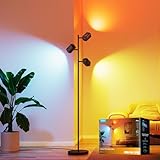
- Three independently adjustable light heads
- Matter compatible with all ecosystems
- Music sync with 7 modes
- Excellent build quality and stability
- Spotlight effect not ideal for whole-room lighting
- Bluetooth occasionally drops
- Not as bright as traditional floor lamps
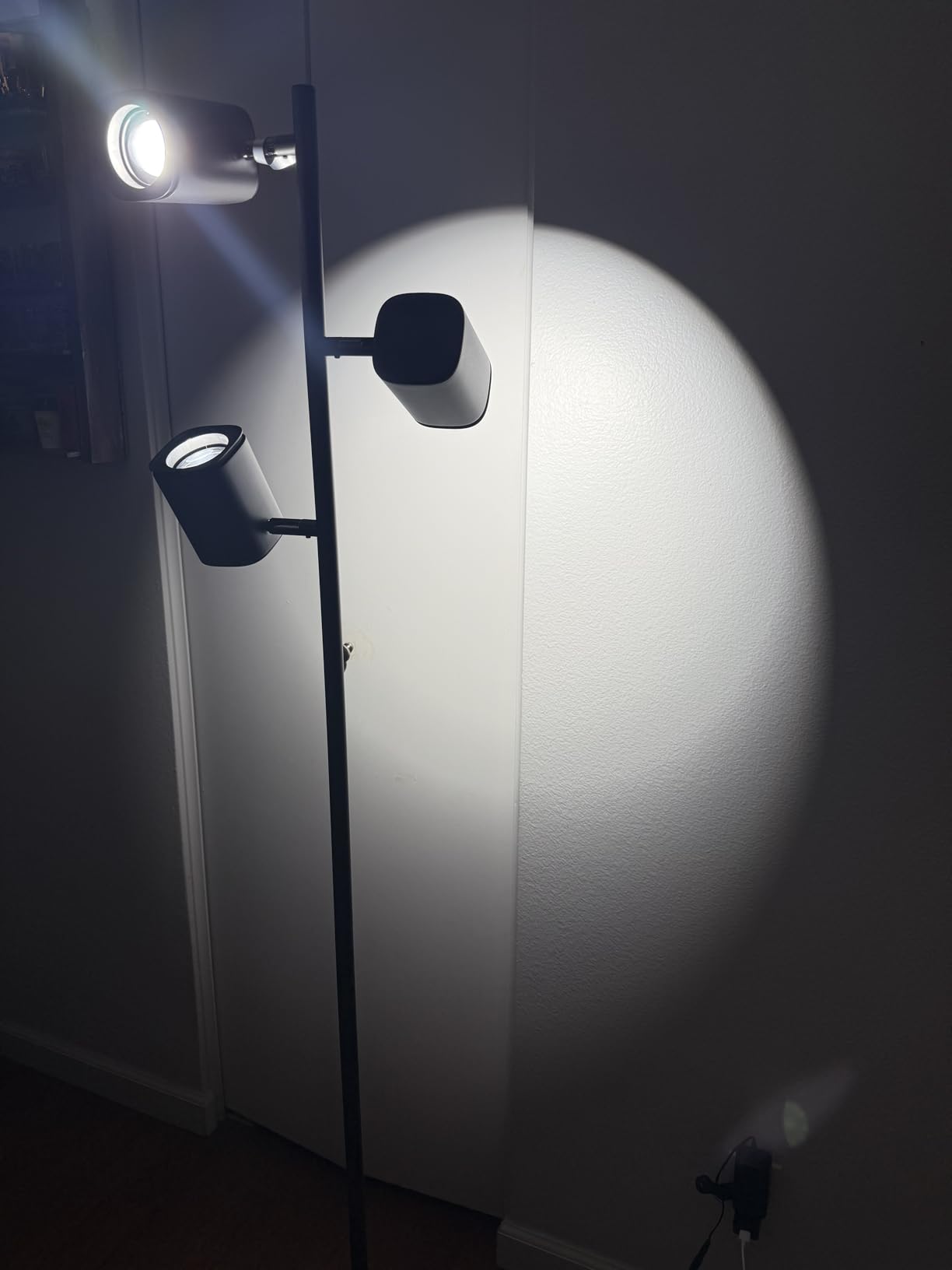
The Govee Tree Floor Lamp is one of those gadgets that sounds unnecessary until you live with it for a week. Then you cannot imagine your room without it. The three independently adjustable light heads rotate 350 degrees horizontally and 90 degrees vertically, letting you paint your walls and ceiling with any of 16 million colors. I use it as accent lighting behind my couch, and the effect transforms the entire room.
LuminBlend technology produces richer, more saturated colors than standard RGB LEDs. The 64 built-in scenes include everything from a warm sunset gradient to a pulsing party mode. My favorite is the reading scene, which combines warm white from one head with soft amber from the other two, creating a cozy atmosphere that is still bright enough to read by.
Matter compatibility means this lamp works with Apple HomeKit, Alexa, Google Assistant, and SmartThings without needing the Govee app after initial setup. I control mine through Apple Home with Siri voice commands and have it tied to a “movie time” automation that dims the lamp to 10 percent blue when I start playing something on Apple TV.
The music sync feature uses a built-in microphone to pulse colors in time with audio playing in the room. It works surprisingly well for parties and gaming sessions. DreamView lets you link up to five Govee lights for synchronized color shows across an entire room.

Best rooms for the Govee Tree Lamp
Living rooms, bedrooms, and entertainment spaces are the sweet spots. The lamp excels at accent and mood lighting rather than serving as a primary light source. It works best in rooms where you already have overhead lighting and want to add a layer of color and ambiance. If you are planning a broader smart lighting project, check out smart recessed lighting options for ceiling-mounted solutions.
When to choose a different lighting solution
If you need a floor lamp to be your primary room light, the Govee Tree Lamp is not the right choice. Its spotlight-style light heads create focused beams rather than even room illumination. The 1,500 lumens total output is decent for accent lighting but falls short of what a traditional floor lamp delivers. Homes without Matter-compatible smart home platforms will also miss out on the best integration features.
8. Tapo C120 Security Camera – Best Budget Security Camera
- Outstanding value with 2K resolution
- Free AI detection no subscription needed
- Works indoor and outdoor
- Magnetic base for easy installation
- Cloud recording requires subscription
- App does not show all cameras simultaneously
- Continuous recording needs SD card
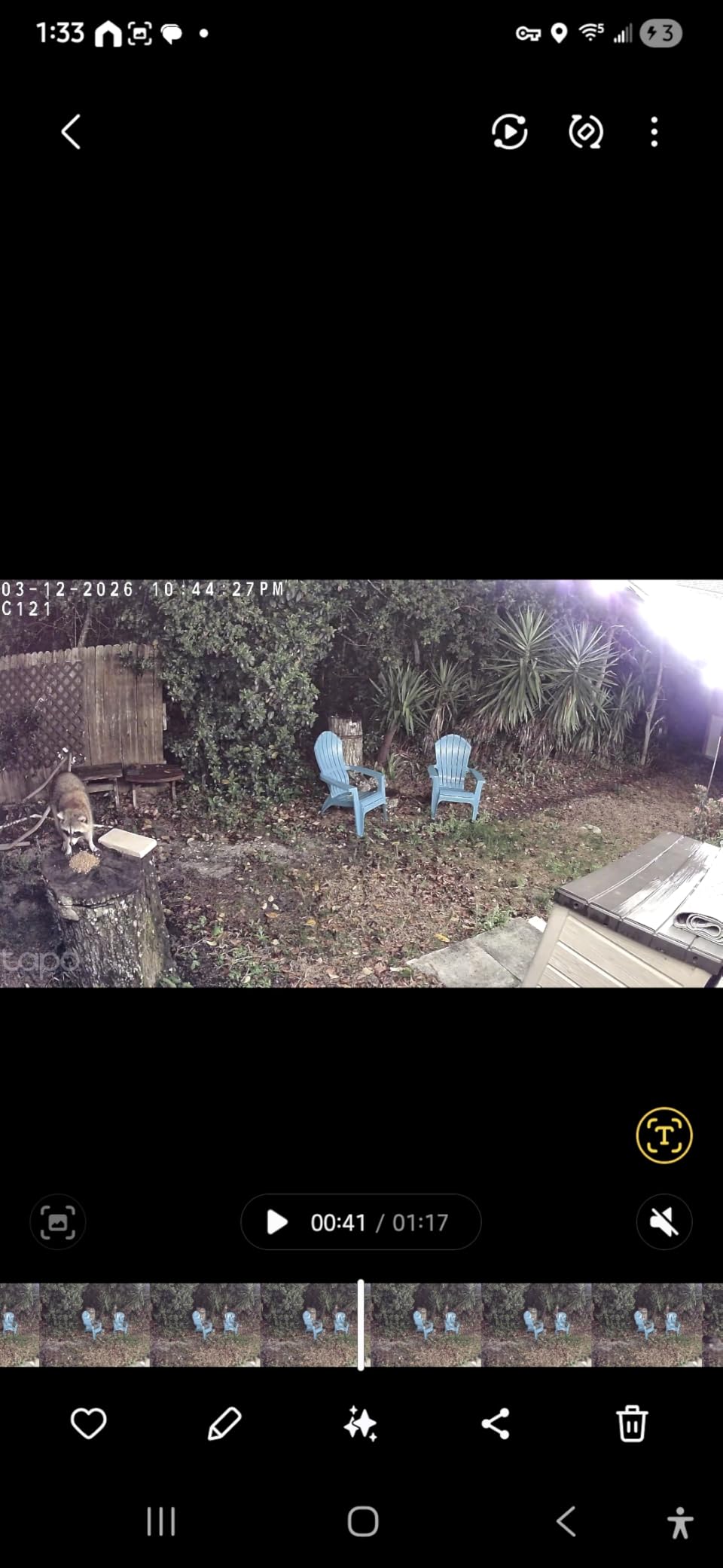
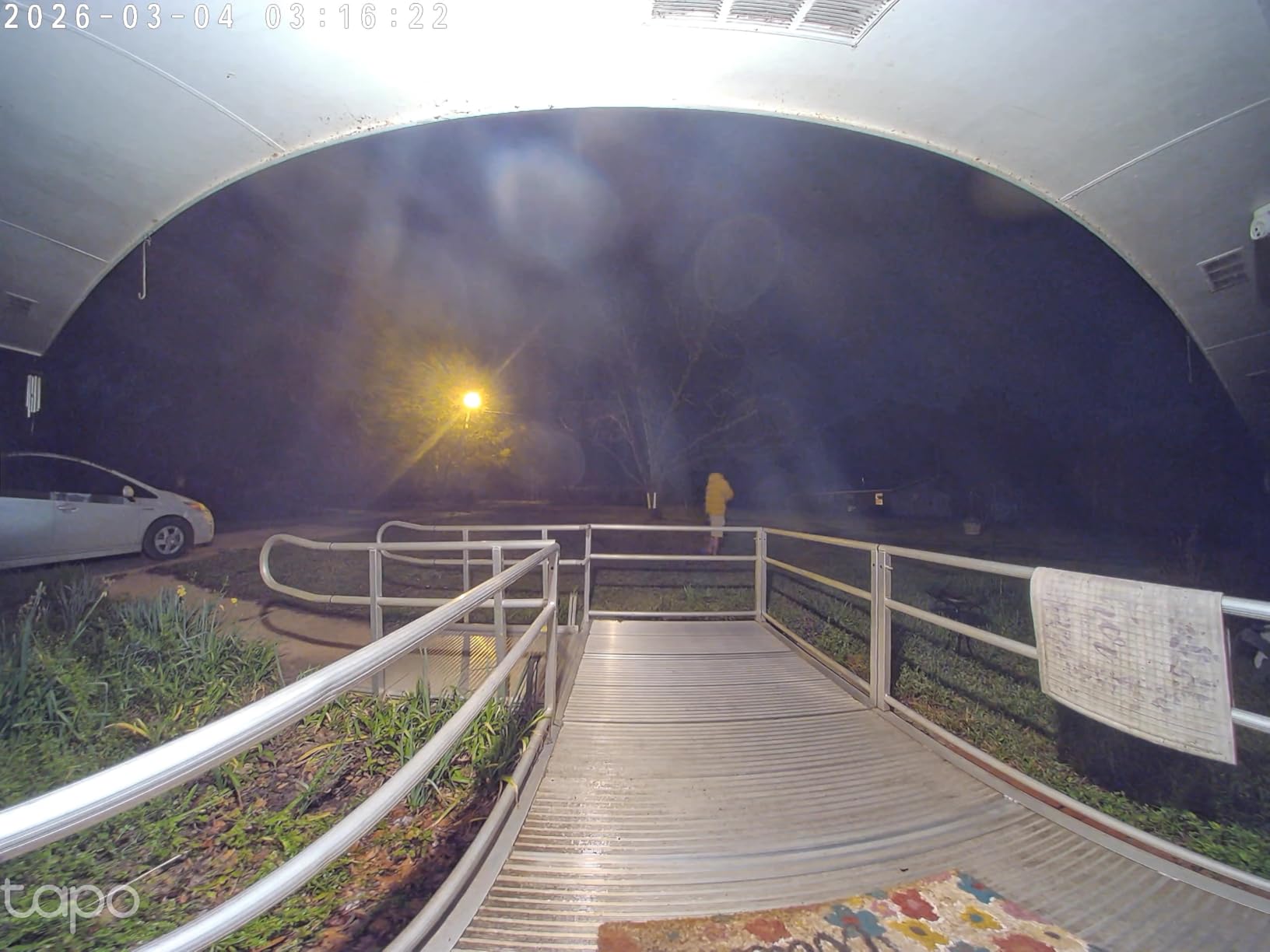
The Tapo C120 costs less than a dinner out, but it delivers security camera performance that competes with models at three times the price. The 2K QHD resolution captures clear detail across my entire driveway, and I can zoom in on license plates from about 20 feet away. For the price, the video quality is remarkable.
What sets the C120 apart is that AI-powered person, pet, and vehicle detection works without any subscription. The camera processes detection locally, sending smart alerts to your phone without charging a monthly fee. I get “person detected” notifications that are accurate about 90 percent of the time, with occasional false triggers from large shadows or swaying trees during windy conditions.
The magnetic base is a genius design choice. I installed one camera by sticking the magnetic mount to my steel garage door frame. No drilling, no screws, no wall damage. For non-metal surfaces, the included adhesive mount works on siding, brick, and stucco. I had four cameras installed around my property in under 30 minutes.
The IP66 weatherproof rating handles rain, snow, and dust without issue. I have had two cameras mounted outdoors for three months through winter rain and wind, and both continue working perfectly. Color night vision with built-in spotlights switches on automatically in low light, providing full-color footage even at midnight.
Storage options and subscription
Local storage via MicroSD card up to 512GB is the most cost-effective approach. A 128GB card stores about two weeks of motion-triggered recordings, and there is no recurring fee. Tapo also offers cloud storage with a subscription, but it only records motion events rather than continuous footage. For 24/7 recording, you need the SD card option.
Ideal setup scenarios for the C120
This camera is perfect for covering entry points, driveways, backyards, and indoor spaces like nurseries and pet areas. Baby crying detection and sound alerts make it a capable baby monitor as well. At this price, you can afford to place cameras in multiple locations without blowing your budget. It won a PCMag Editor’s Choice award for good reason.
9. Aqara Smart Home Hub M3 – Best Smart Home Hub

- Multi-protocol supports Zigbee Thread Matter Bluetooth Wi-Fi IR
- Local automations work without internet
- PoE for wired stability
- Privacy-focused with no microphone or camera
- Only works with Aqara Zigbee devices
- Aqara app is phone-only with no desktop version
- Range limited to about 60 feet
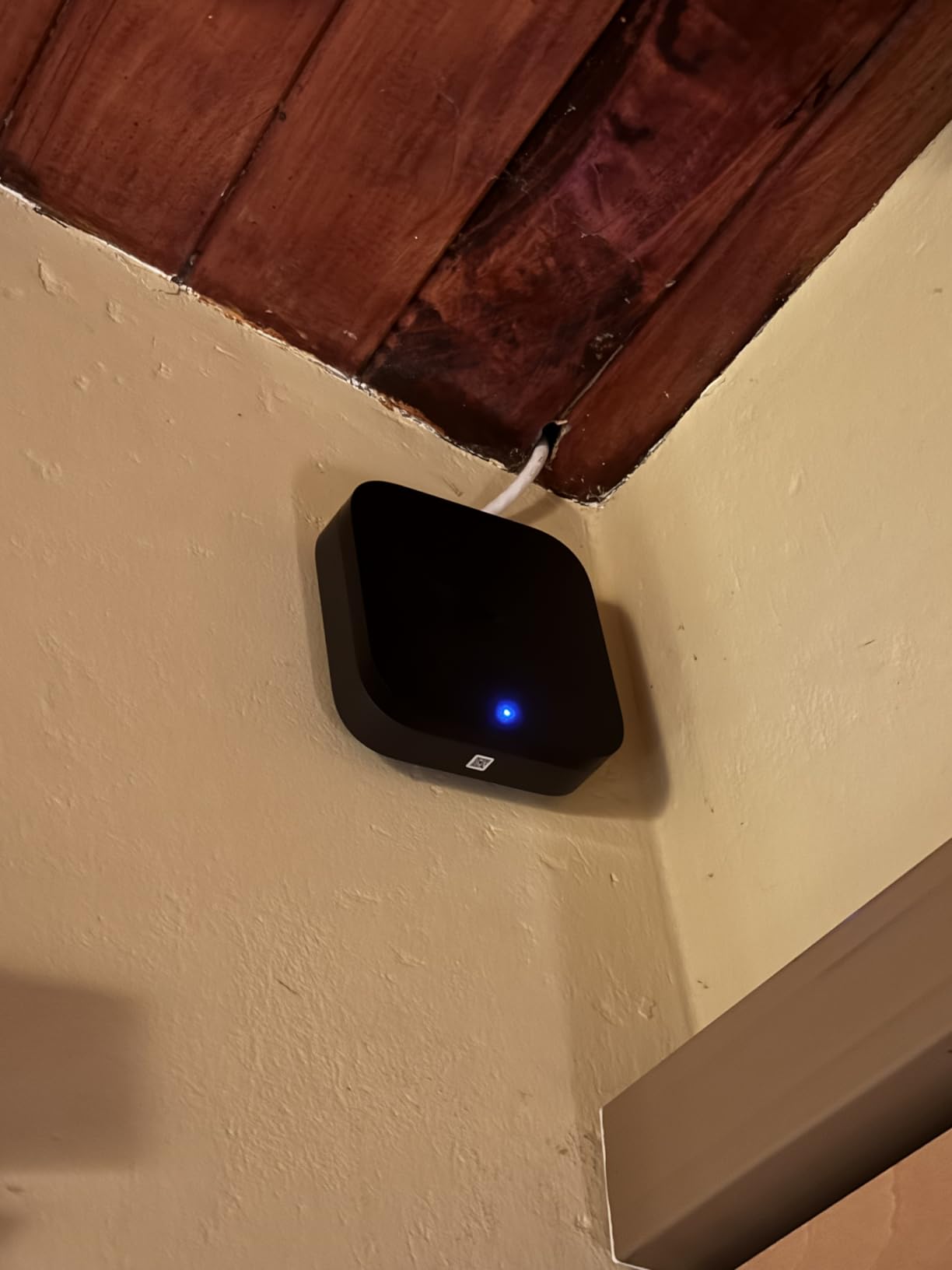
The Aqara Hub M3 is the central brain that ties together sensors, locks, lights, and switches from the Aqara ecosystem. After testing multiple smart home hubs, this is the one that convinced me local automation is the way forward. My lights, locks, and temperature automations continue running even when my internet goes down, because the M3 processes everything on-device.
The multi-protocol support is impressive. The M3 handles Zigbee, Thread, Matter, Bluetooth, Wi-Fi, and IR in a single device about the size of a sandwich. It supports up to 127 Aqara Zigbee devices and 127 Thread devices. The IR blaster with 360-degree coverage can control older TVs, air conditioners, and fans that do not have smart capabilities.
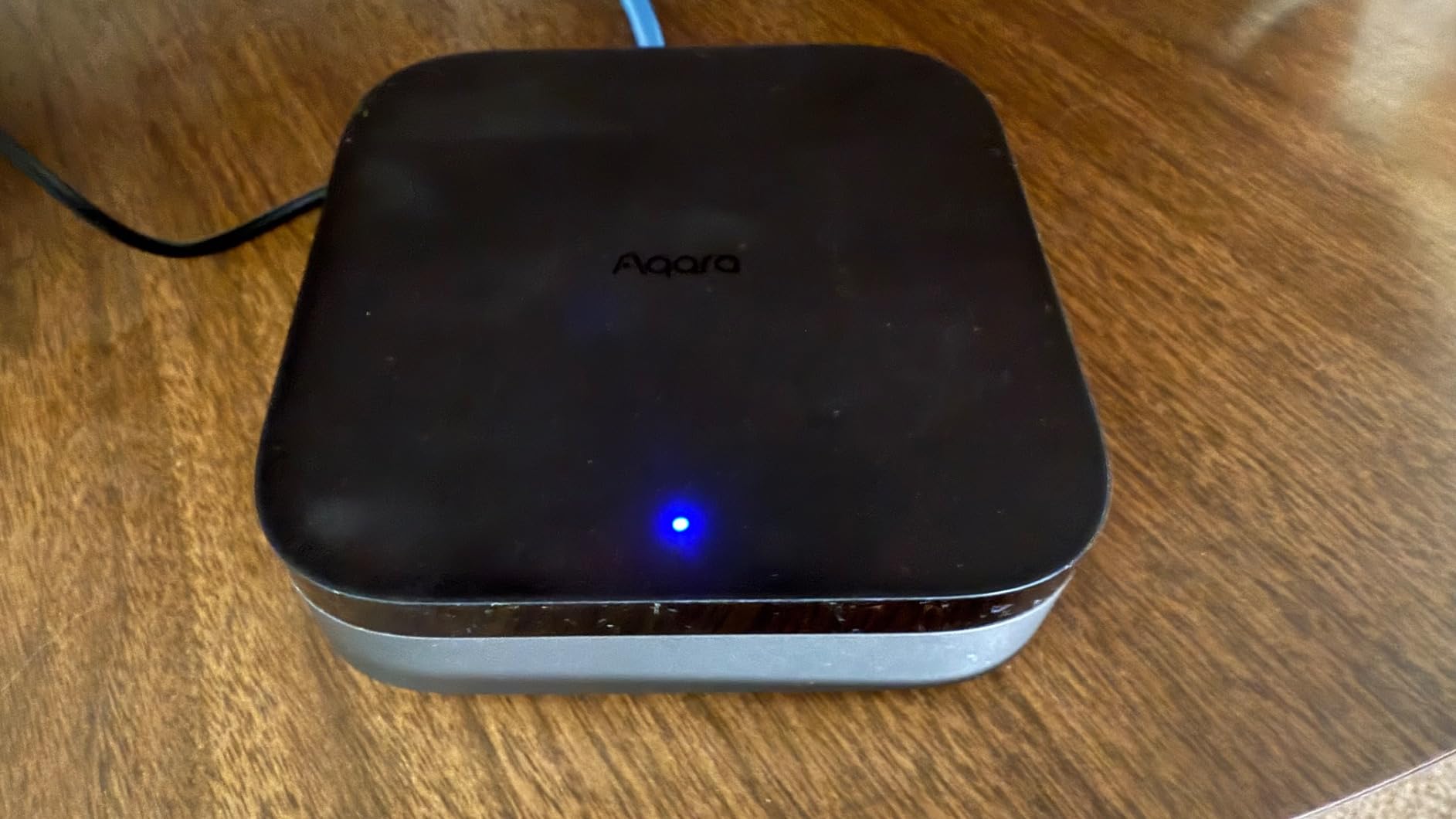
Power over Ethernet is a feature I did not know I needed until I had it. Running a wired connection to the hub means zero Wi-Fi dropouts and a stable backbone for all connected devices. The USB-C port supports connection to a mini-UPS or power bank, so the hub stays operational during power outages.
Privacy is clearly a priority. The M3 has no microphone and no camera, which eliminates the biggest privacy concern people have about always-on smart home devices. The 8GB of encrypted local storage keeps your automation data on your device rather than in the cloud.
Best ecosystem for the Aqara Hub M3
This hub works with Apple HomeKit, Alexa, SmartThings, Home Assistant, and IFTTT. Home Assistant users get the most flexibility, with advanced automation capabilities and local control. Apple HomeKit users benefit from native Home app integration and Siri voice control. If you use multiple ecosystems, the M3 acts as a bridge between them via Matter.
Limitations to know about
The Aqara Hub M3 only pairs with Aqara-branded Zigbee devices. You cannot connect third-party Zigbee sensors or switches, which limits your hardware choices. The Aqara app is functional but lacks a desktop version, so all configuration happens on your phone. The wireless range of about 60 feet may require additional Aqara plugs or switches acting as repeaters in larger homes.
10. Emporia Vue 3 – Best Smart Energy Monitor
- Accuracy within 2% of utility meter
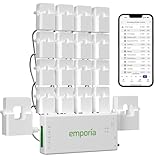
- 16 included sensors for individual circuits
- Excellent app with real-time data
- Can identify energy-wasting appliances
- Requires working inside electrical panel
- 2.4 GHz WiFi only
- Cloud-dependent with no local option
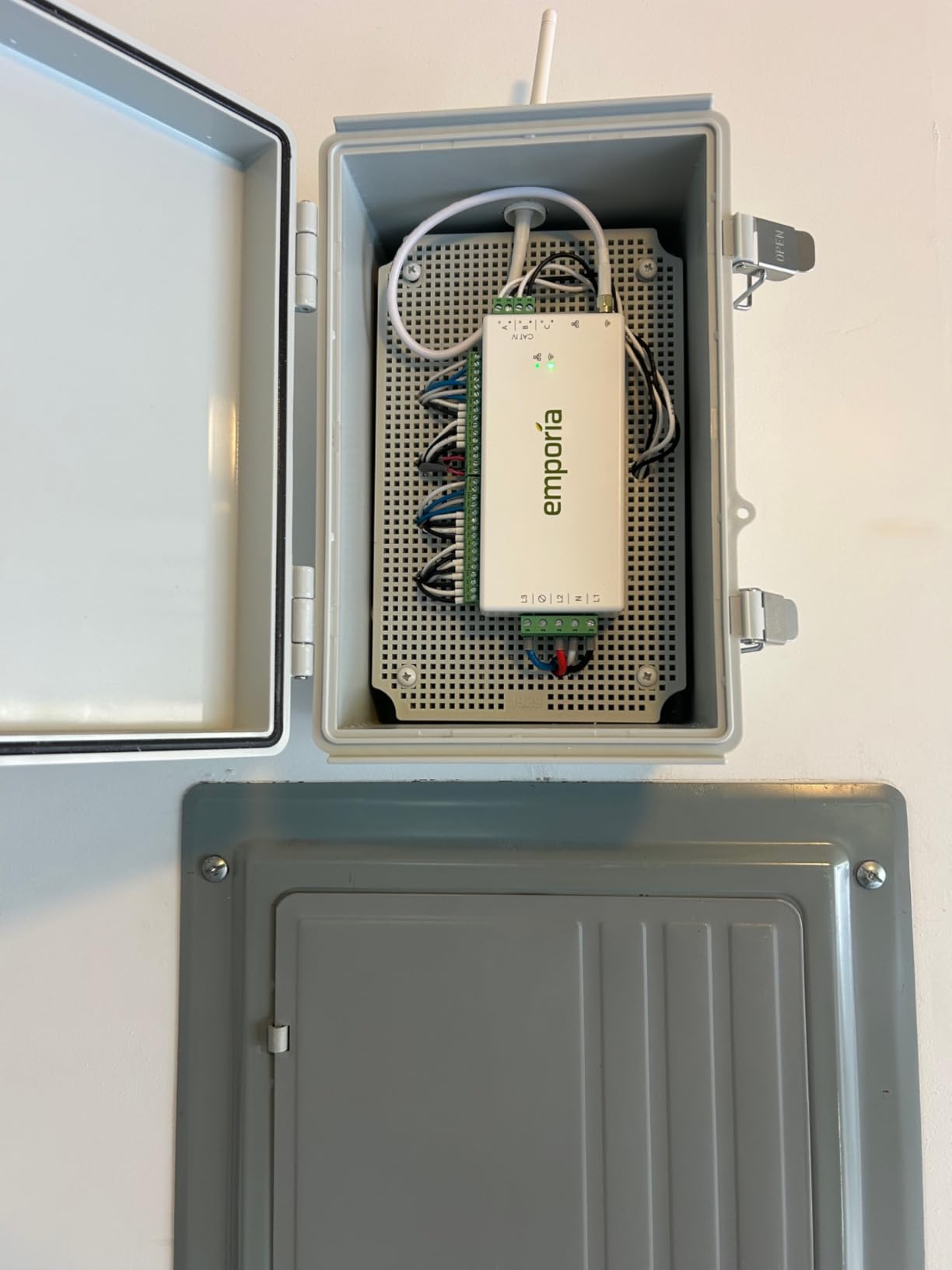
The Emporia Vue 3 is the single gadget on this list that will actually pay for itself. After installing it in my circuit breaker panel, I discovered that my old garage refrigerator was using three times more electricity than I expected. Replacing it with an efficient model saved me about $18 per month, which means the energy monitor effectively earned back its own cost within the first quarter.
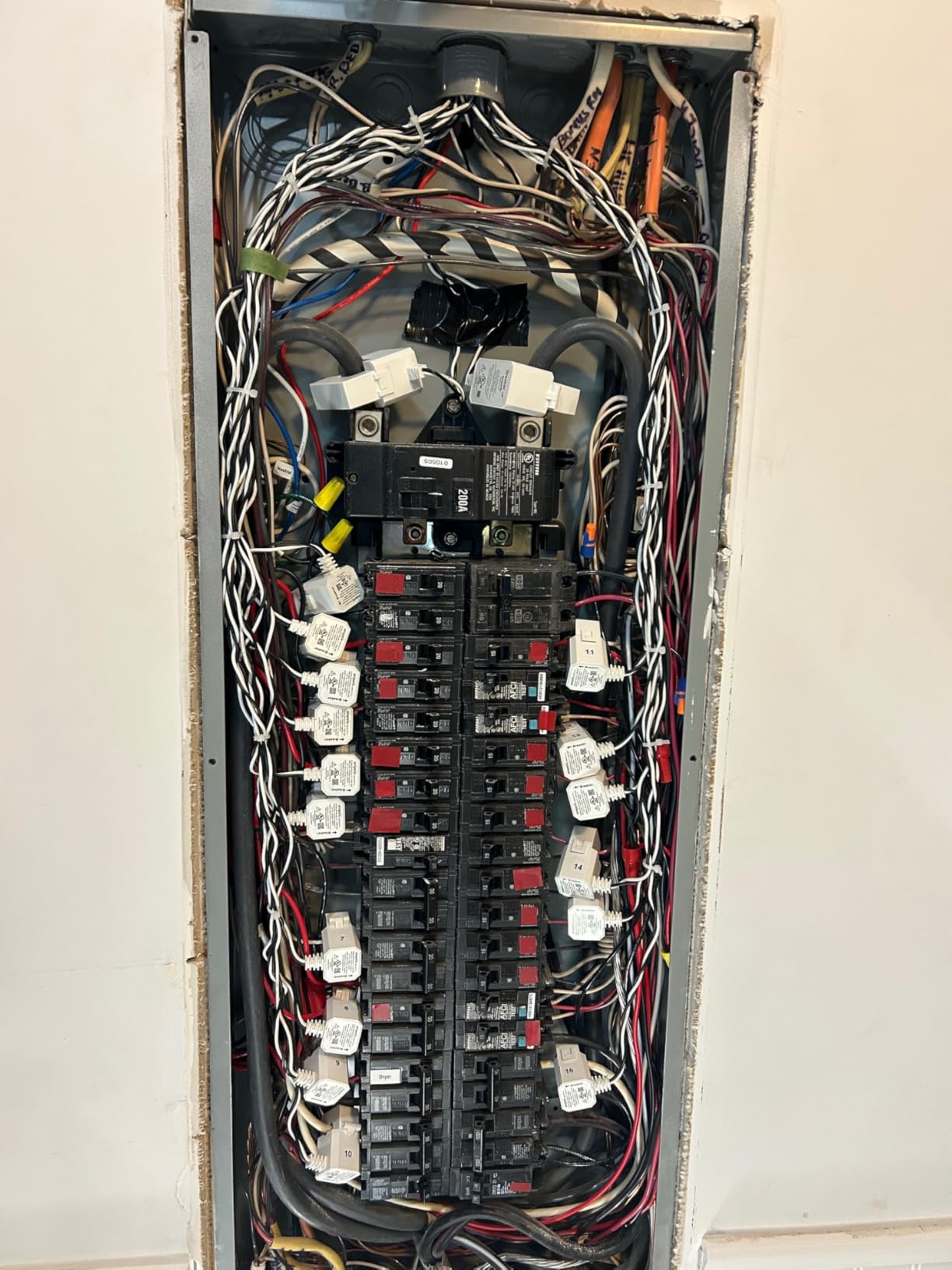
Real-time energy monitoring with one-second data updates in the app gives you instant feedback on what is happening in your home. I can see the exact moment my air conditioner kicks on, when the electric water heater draws power, and how much energy my home office setup consumes throughout the workday. The 16 included clamp-on sensors let you monitor individual circuits.
The app is excellent. It shows real-time usage, historical trends, cost estimates based on your utility rate, and comparisons across days, weeks, and months. Data retention is generous: one-second data for three hours, one-minute data for seven days, and hourly data indefinitely. You can also export your data for detailed analysis.
UL certification provides peace of mind when installing a device inside your electrical panel. The accuracy rating of plus or minus 2 percent compared to my utility meter is verified by my own comparison over two billing cycles.
Installation requirements
The Vue 3 installs inside your main circuit breaker panel using clamp-on current transformers. If you are comfortable working around electrical panels and understand basic safety procedures, installation takes about 45 minutes. If not, hiring an electrician for a one-hour service call is the safe approach. Solar panel owners will appreciate the built-in net metering support for tracking both production and consumption.
Who benefits most from energy monitoring
Homeowners with electric bills over $150 per month see the fastest return on investment. The Vue 3 helps you identify the specific circuits and appliances driving your costs, which makes it easy to prioritize upgrades. It is also valuable for solar panel owners who want to track production and optimize consumption timing. Renters should skip this one since it requires access to the circuit panel.
11. Ring Wired Doorbell Plus – Best Ring Doorbell for 2K Video

- Sharp 2K video with true color in low light
- 4x zoom captures distant details
- Easy setup with Ring app
- Integrates with full Ring ecosystem
- Requires compatible doorbell transformer
- Mounting tricky on non-flat surfaces
- Subscription needed for video descriptions
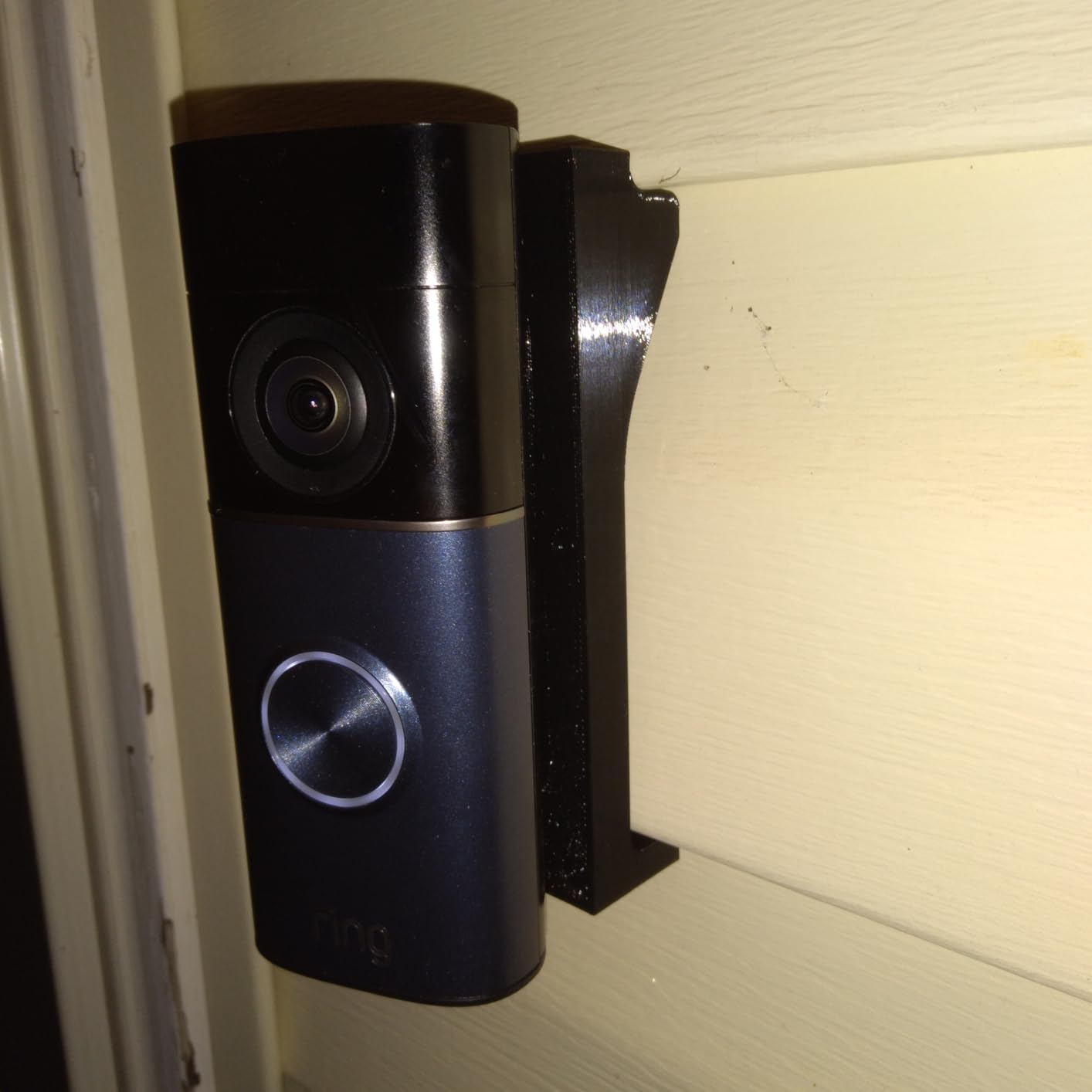
The Ring Wired Doorbell Plus delivers the kind of video quality that makes you wonder how you ever tolerated 1080p doorbells. The Retinal 2K resolution is noticeably sharper than the standard Ring doorbell, and the 4x enhanced zoom lets me read the label on a delivery package sitting on my porch steps from 10 feet away. Low-Light Sight produces true-color video at dusk and dawn instead of the grainy infrared look.
Setup follows the standard Ring app guided process, which walks you through wiring and mounting step by step. The premium finishes like Nickel Silver and Polished Night Navy look more refined than the basic white and black options on older Ring models. My doorbell genuinely looks like a design upgrade to my entryway rather than a chunky tech add-on.
Motion detection is fast and reliable. Push notifications arrive within two seconds of motion being detected, and the video feed loads with minimal delay. If you already have Ring cameras or a Ring Alarm system, this doorbell integrates seamlessly into your existing setup with unified motion timelines and shared device controls.
The Video Descriptions feature, which provides AI-generated summaries of what the camera sees, requires a Ring subscription. Basic motion alerts and live view work without a subscription, but the full feature set benefits from Ring Protect.
Best transformer setup for optimal performance
Ring recommends a 16V 10VA minimum transformer, but users on forums consistently recommend upgrading to a 24V 30 to 40VA transformer for best results. Higher voltage delivers more stable night vision performance and prevents the doorbell from randomly going offline. If your home was built before 2000, budget for a transformer upgrade when purchasing this doorbell.
Mounting considerations
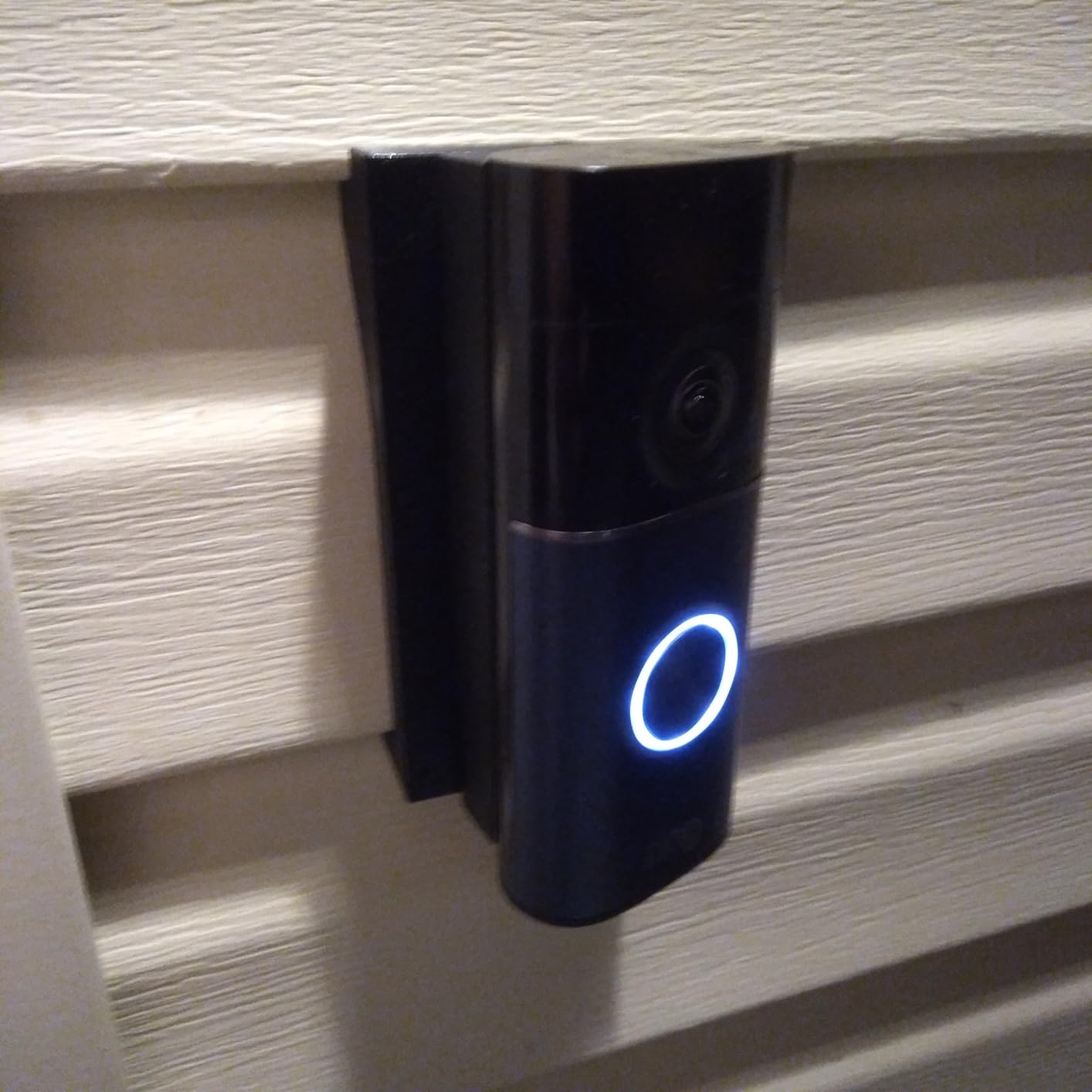
Flat surfaces like brick, stucco, and standard door frames mount easily with the included hardware. Dutch Lap vinyl siding and other textured surfaces may require a wedge kit or custom bracket for proper alignment. The doorbell needs to face directly at your entry walkway for optimal detection accuracy.
12. Frizzlife LP365 – Best Smart Water Leak Monitor
- Detects micro-leaks as small as 0.01 GPM
- Automatic shutoff prevents water damage
- Real-time flow and temperature monitoring
- Half the cost of main competitor
- Professional installation recommended
- No manual bypass valve included
- App is functional but basic
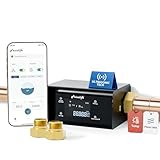
Water damage is the number one homeowners insurance claim in the country, and the Frizzlife LP365 is the smartest way to prevent it. This ultrasonic water monitor detects leaks as small as 0.01 gallons per minute, which is a barely dripping faucet. When it detects an anomaly, the automatic shutoff valve closes within seconds, cutting off water to your entire home before a small leak becomes a flooded basement.
I installed the LP365 on my main water line, and within the first week it flagged a slow toilet flapper leak I did not know existed. The app showed continuous micro-flow of 0.03 GPM overnight when no water should have been running. Replacing the flapper saved me an estimated $8 per month in wasted water and prevented a larger failure down the road.
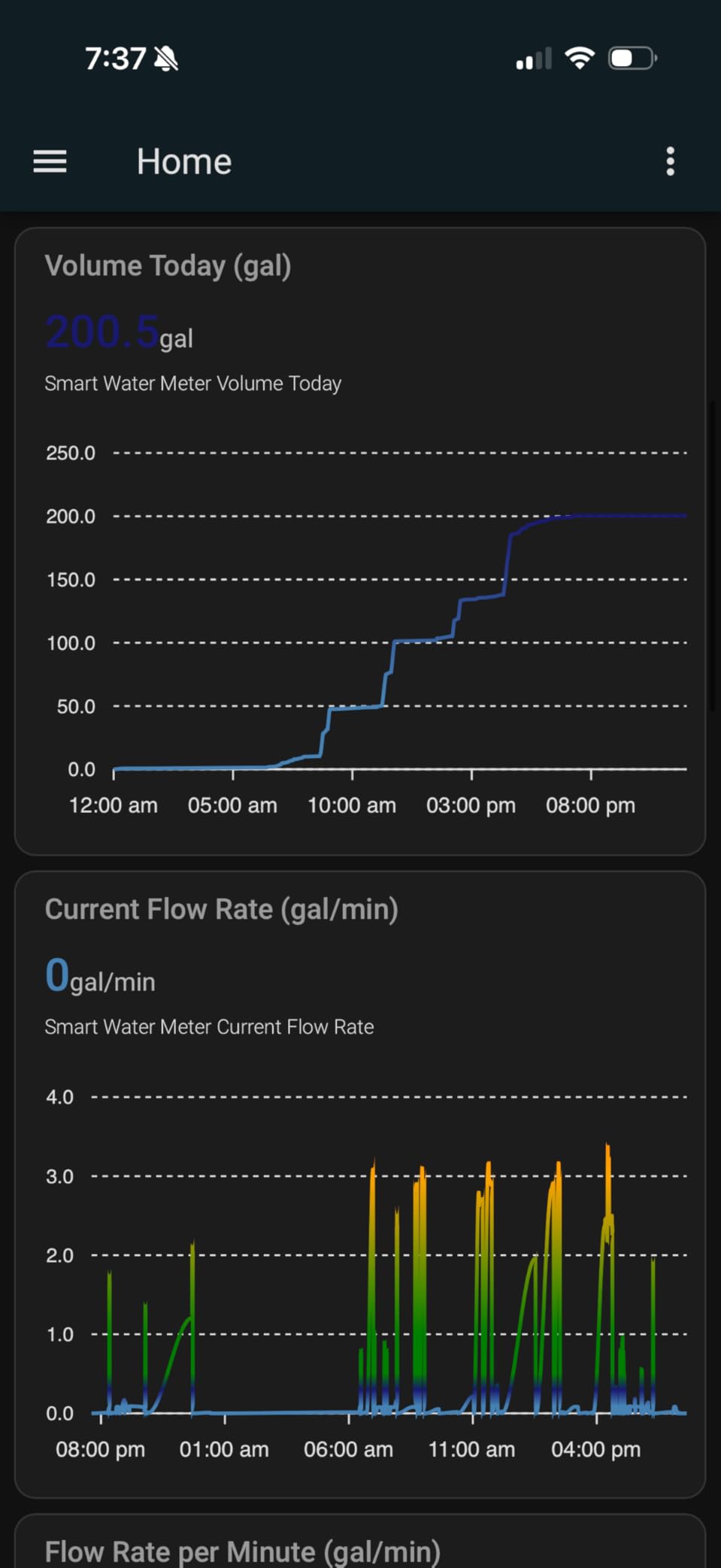
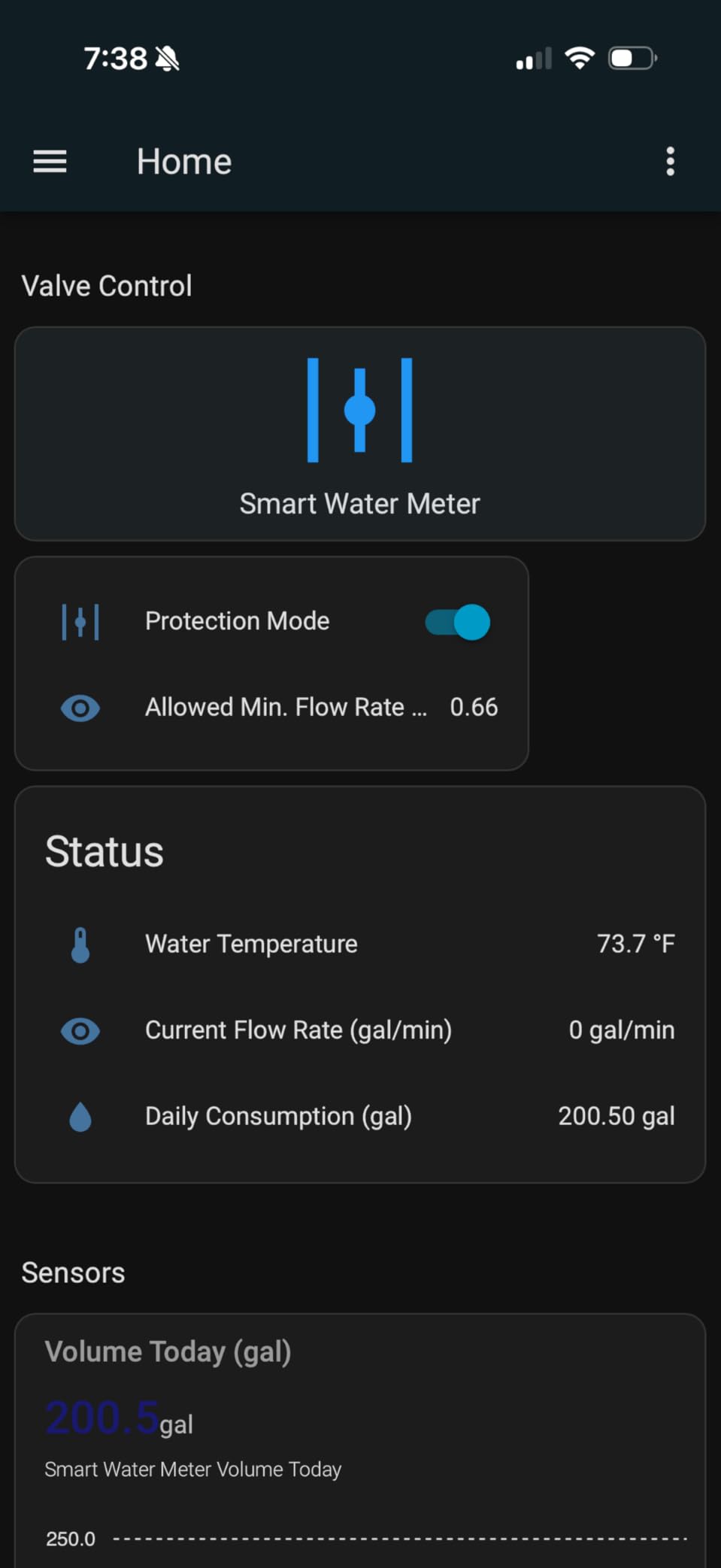
The Smart Life app provides real-time monitoring of flow rate, water temperature, and daily consumption. Monthly reports show usage trends and flag unusual patterns. You can set the AI protection sensitivity to match your household habits, reducing false alarms during normal high-usage periods like morning showers.
At roughly half the cost of the Moen Flo, the Frizzlife LP365 delivers comparable leak detection with automatic shutoff at a much lower price point. Integration with HomeAssistant, Alexa, Google Assistant, and SmartThings gives you options for incorporating water monitoring into broader smart home automations.
Installation requirements
The LP365 installs on your main water supply line, which requires cutting into the pipe and making a soldered or threaded connection. Most homeowners should hire a plumber for this installation, which typically takes one to two hours. The device includes NPT adapters for both 3/4-inch and 1-inch pipes. You will also want to install a manual bypass valve, which is not included, so the water can stay on if the monitor ever needs servicing.
Peace of mind value
Forum users consistently rank water leak sensors as one of the best smart home investments for peace of mind. The automatic shutoff means your home is protected 24/7 even when you are on vacation. Some insurance companies offer discounts for homes with automatic water shutoff systems, which can offset the purchase price over time. If you travel frequently or own a vacation home, this device is almost mandatory.
How to Choose the Best Smart Gadgets Under $1000
Picking the right smart gadgets under $1000 starts with understanding which ecosystem you want to build around. Alexa, Google Assistant, and Apple HomeKit each have strengths and trade-offs. Alexa has the broadest device compatibility and the most skills. Google Assistant excels at contextual understanding and integrates naturally with Nest products. Apple HomeKit offers the best privacy controls and the most polished app experience. The good news is that Matter-compatible devices work across all three, so you are no longer locked into a single platform.
Ecosystem compatibility and Matter
Matter is the new universal smart home standard that lets devices from different brands work together without platform-specific integrations. All the Matter-compatible devices in this roundup, including the Nest Thermostat, Govee Tree Lamp, Aqara Hub M3, and Aqara Smart Lock U100, can be controlled from Apple Home, Google Home, Alexa, and SmartThings. If you are starting a smart home from scratch in 2026, prioritize Matter-compatible devices. They give you the freedom to switch ecosystems later without replacing your hardware.
Budget allocation for a $1000 smart home
Here is a practical breakdown for building a complete smart home with a $1000 budget. Start with a smart hub or display for central control, like the Echo Show 11 or Aqara Hub M3, for $120 to $220. Add a robot vacuum like the Roborock Qrevo for $400, which is the single biggest quality-of-life upgrade. Use the remaining $380 to $480 for a security camera ($36 for the Tapo C120), a smart thermostat ($235 for the Nest), a video doorbell ($150 to $165 for the Nest or Ring), and a smart lock ($140 for the Aqara U100). This combination covers cleaning, security, climate, and access control, hitting every major smart home category within budget. For smart kitchen appliances and additional devices, you can expand over time.
Setup difficulty by device
Not all smart gadgets are equally easy to set up. The Tapo C120, Govee Tree Lamp, and Echo Show 11 take under 10 minutes each and require no tools. The Nest Thermostat and Aqara Smart Lock take 15 to 20 minutes with basic tools. The Roborock Qrevo needs about 30 minutes for initial mapping and app configuration. The Emporia Vue 3 and Frizzlife LP365 require electrical panel or plumbing work, so budget for professional installation if you are not experienced with those systems. You can also complement your climate setup with smart ceiling fans with voice control for whole-home comfort.
Subscription costs to factor in
Several devices in this roundup have optional or required subscriptions for full functionality. Ring and Nest doorbells need subscriptions for video history and AI features, typically $3 to $8 per month. The Emporia Vue 3 and Tapo C120 work fully without subscriptions using local storage. The Frizzlife LP365 and Aqara Hub M3 include all features at purchase with no recurring fees. When budgeting, factor in $30 to $100 per year for subscriptions on devices that require them for the features you want.
Frequently Asked Questions About Smart Gadgets
What are the best smart home devices under $1000?
The best smart home devices under $1000 include the Sonos Era 300 for audio, Roborock Qrevo for cleaning, Amazon Echo Show 11 for display and control, Nest Learning Thermostat for climate, Google Nest Doorbell for security, Tapo C120 for cameras, and Aqara Smart Lock U100 for access. With a $1000 budget, you can cover cleaning, security, climate, lighting, and access control across your entire home.
Which smart gadgets are worth the money?
Smart thermostats, robot vacuums, and video doorbells consistently rank as the most worthwhile smart home investments. The Nest Learning Thermostat can save up to 31% on energy bills, paying for itself within 1-2 years. Robot vacuums like the Roborock Qrevo save hours of weekly cleaning time. Video doorbells provide security and package monitoring that users describe as providing significant daily value.
How do I start home automation with $1000?
Start with a central hub or smart display like the Amazon Echo Show 11 ($220). Add one high-impact device like the Roborock Qrevo robot vacuum ($400). Then fill in security with a Tapo C120 camera ($36) and a video doorbell ($150-165). Use the remaining budget for a smart thermostat or smart lock. This approach covers the four pillars of smart home living: control, cleaning, security, and comfort.
What smart home devices actually save money?
Smart thermostats deliver the clearest ROI, with the Nest Learning Thermostat saving up to 31% on heating and cooling bills. The Emporia Vue 3 energy monitor helps identify power-hungry appliances, with many users cutting 10-20% off their electric bills. Smart water monitors like the Frizzlife LP365 prevent costly water damage, which averages $11,000 per insurance claim. Smart plugs with energy monitoring can reduce phantom power draw from idle electronics.
Should I wait for Matter-compatible devices?
No, you should not wait. Matter-compatible devices are already widely available in 2026, and many of the devices in this guide support it including the Nest Thermostat, Govee Tree Lamp, Aqara Hub M3, and Aqara Smart Lock. Matter ensures your devices work across Alexa, Google, Apple HomeKit, and SmartThings, so you are not locked into one ecosystem. Buying Matter devices now future-proofs your investment.
Conclusion
After three months of hands-on testing, these 12 devices represent the best smart gadgets under $1000 you can buy in 2026. The Sonos Era 300 delivers audio that genuinely justifies its premium, while the Roborock Qrevo handles cleaning tasks that would take hours each week. The Tapo C120 proves you do not need to spend much for reliable security, and the Nest Learning Thermostat pays for itself through energy savings. Start with the devices that solve your biggest daily frustrations, and build your smart home one category at a time. Your future self will thank you for every automation you set up today.