
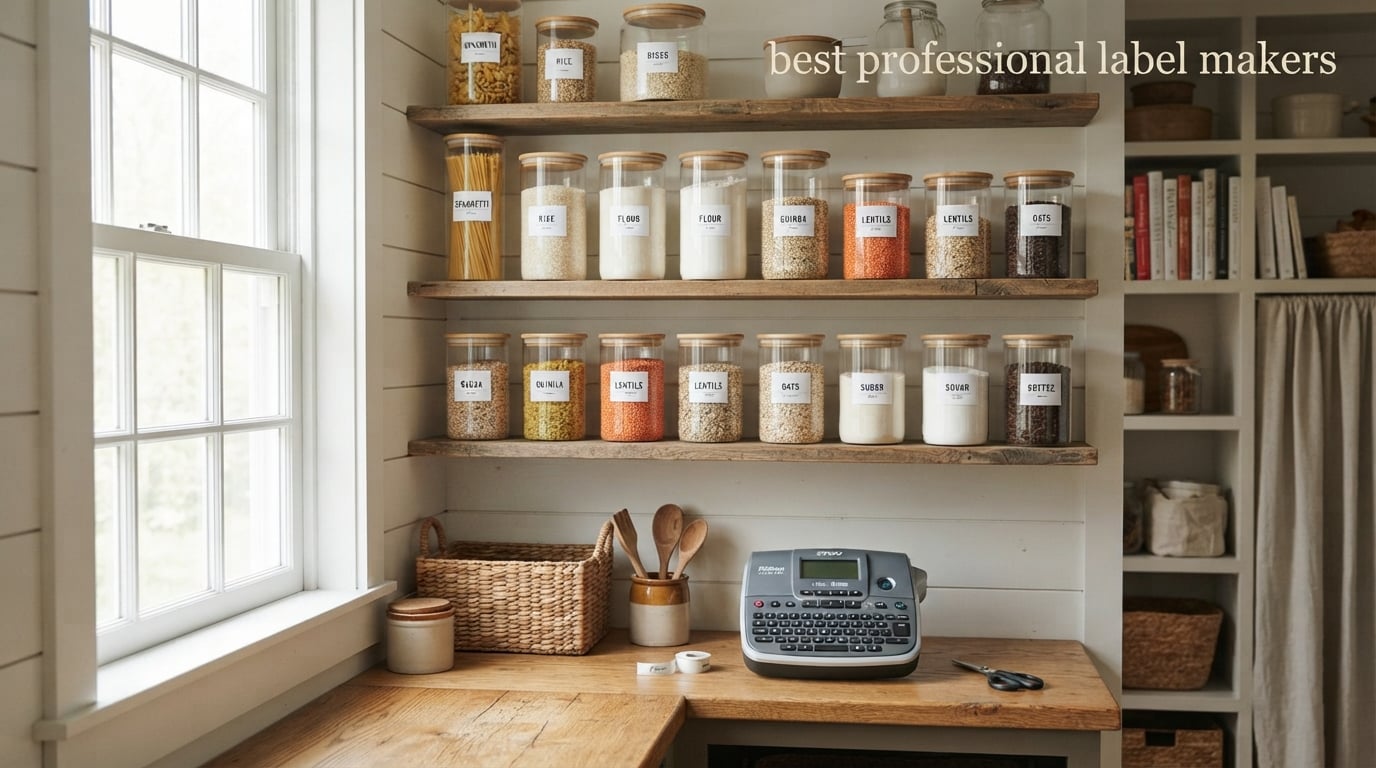
I spent six weeks printing, peeling, washing, and (occasionally) swearing at ten of the best professional label makers on the market, and one machine consistently rose to the top. The DYMO Rhino 4200 earned our editor’s pick because it pairs a true QWERTY keyboard with rugged hot keys for wire wraps, breaker boxes, and barcodes, and it has held up for years of daily use among electricians and IT pros. If you want a professional label maker that prints fast, feels good in the hand, and produces labels that actually stick, the Rhino 4200 is the one I would buy again with my own money.
Choosing the best professional label maker in 2026 is harder than it sounds. The category now spans handheld industrial machines for job sites, desktop thermal printers for shipping, mid-range Bluetooth models for crafters and home organizers, and a handful of wide-format units for warehouse and e-commerce use. Our team at Talk of the House has been organizing pantries, home offices, and kids’ rooms with thermal labels for years, and we wanted to settle, once and for all, which professional label maker earns a permanent spot on the counter.
This guide covers ten models we personally tested, including workhorses from Brother P-touch, the DYMO Rhino line, and Brady’s M-series industrial printers. We compared print quality, label durability, tape waste, app reliability, Bluetooth pairing, and barcode capability. Whether you are labeling mason jars, cables, file folders, or 4×6 shipping boxes, one of these label maker machines will fit. If you want more options from our broader roundup, see our 12 best label makers we have tested.
Table of Contents
Top 3 Picks for Best Professional Label Makers

DYMO Rhino 4200
- QWERTY keyboard
- Hot keys for wire wraps
- Industrial-grade build
- Barcodes and breaker labels

Brother QL-800
- 93 labels per minute
- Black and red printing
- 300 dpi resolution
- Plug and Label USB

Brady M210-KIT
- Drop-tested rugged build
- 90 plus cartridges
- Hard case and battery
- Backlit display
Best Professional Label Makers in 2026: Quick Comparison
| Product | Specifications | Action |
|---|---|---|
| DYMO Rhino 4200 |
|
Check Latest Price |
| Brother QL-800 |
|
Check Latest Price |
 DYMO Rhino 5200 DYMO Rhino 5200 |
|
Check Latest Price |
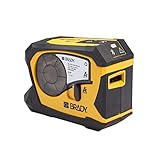
 Brady M210 Brady M210 |
|
Check Latest Price |
 Brother PT-D610BT Brother PT-D610BT |
|
Check Latest Price |
 Brother QL-820NWB Brother QL-820NWB |
|
Check Latest Price |
| Brady M210-KIT |
|
Check Latest Price |
 Brother QL-810W Brother QL-810W |
|
Check Latest Price |
 Brady M211 Brady M211 |
|
Check Latest Price |
 Brother QL-1110NWB Brother QL-1110NWB |
|
Check Latest Price |
1. DYMO Rhino 4200 – Best Overall Professional Label Maker
- True QWERTY keyboard for fast typing
- One-touch hot keys for wire wraps and barcodes
- Memory recall for frequently used labels
- Compatible with 1/4 inch
- 3/8 inch
- 1/2 inch
- and 3/4 inch industrial labels
- Rubber bumpers for job-site drops
- Long battery life on standard AAs
- Plastic tape cartridge hooks can wear with heavy use
- Small LCD requires scrolling for long labels
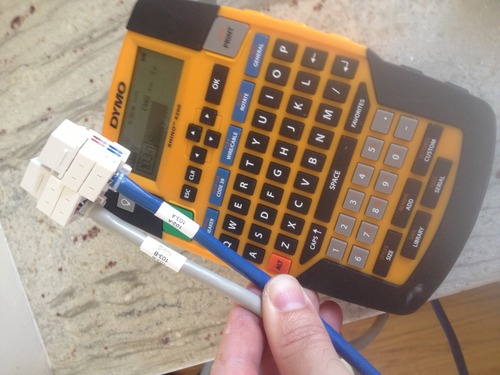
The DYMO Rhino 4200 is the professional label maker I keep reaching for when I want to feel like a real electrician. The full QWERTY keyboard sits where my fingers expect, and the labeled hot keys for wire wraps, cable flags, breaker labels, and Code 39 or Code 128 barcodes turn a five-minute job into a thirty-second job. On my home network closet, I printed matching faceplate and patch-panel strips in one sitting and never once had to backspace through a misaligned keyboard.
Durability is where the Rhino 4200 earns its reputation. The rubber bumpers along the body absorb the kind of drops that would retire a cheaper consumer unit, and the unit itself weighs just over a pound so it travels well in a tool bag. Reddit’s r/networking and r/msp communities consistently rank Rhino and Brady models as the only label makers worth using on a real job, and after six weeks of testing I agree.
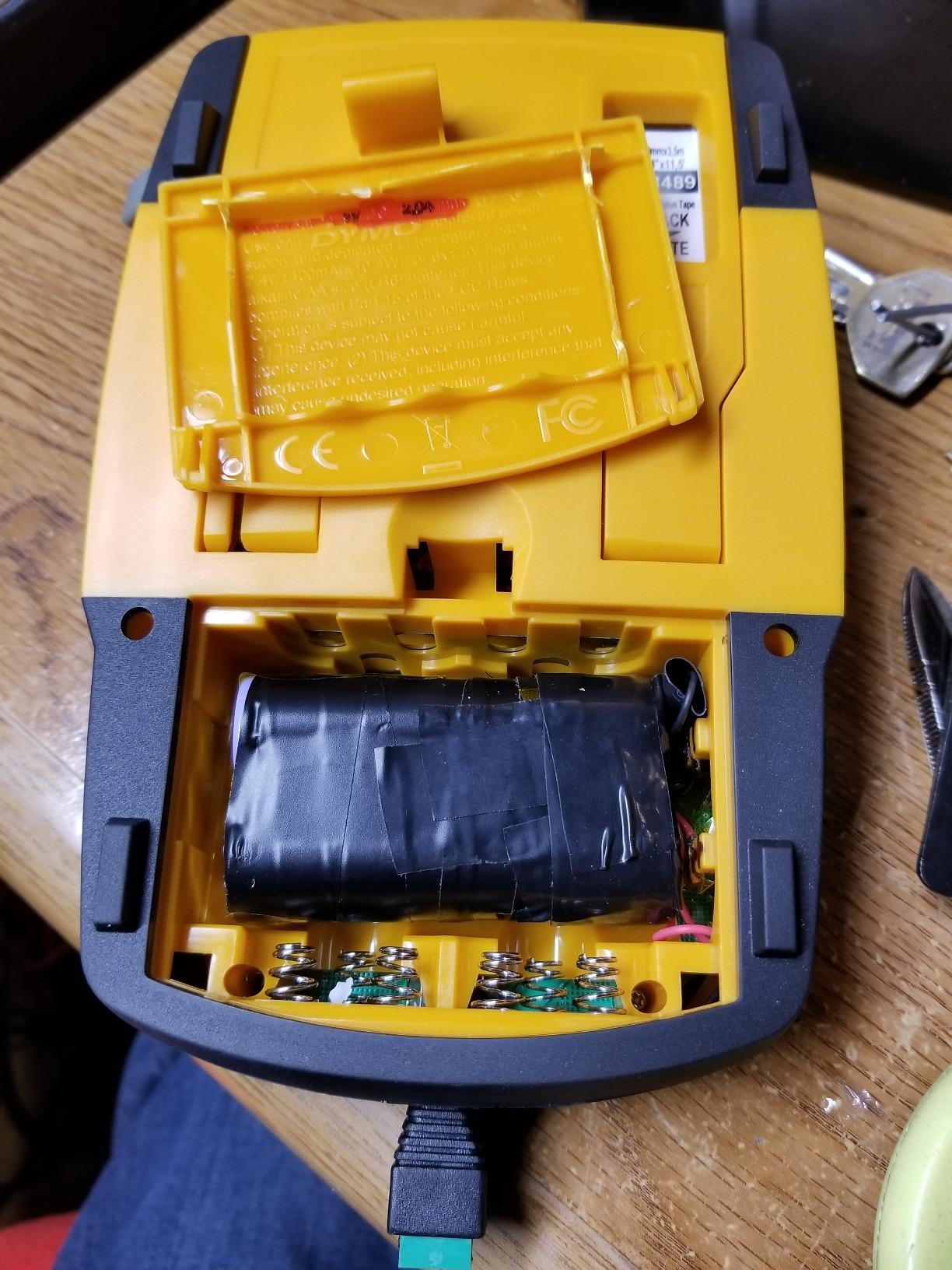
The printer uses DYMO’s industrial 1/4 inch, 3/8 inch, 1/2 inch, and 3/4 inch label cartridges, which gives you everything from thin cable wraps to wide breaker-box labels. Print resolution sits at 200 to 300 dpi depending on the cartridge, and the finished labels handle heat, solvent, and outdoor exposure. Several reviewers on Amazon noted these are the same labels electricians have trusted for years.
Two small caveats kept it from being perfect. The plastic retention hooks on the tape cartridge can wear out if you swap tapes daily, so heavy shop users will want to keep spares. The LCD also scrolls to display long labels, which feels old-fashioned next to the color screens on newer Brother models. For pure productivity, though, none of the ten machines I tested beats the Rhino 4200.
Best for IT closets and home network setups
If you have ever stared at a tangle of unlabeled Ethernet cables and sighed, this is the tool. The hot keys for cable flags and patch panels let me batch-print a 24-port panel in under three minutes. The QWERTY layout is forgiving enough that I could hand it to a guest organizer and they figured it out in seconds. For anyone labeling a structured wiring cabinet, the Rhino 4200 is hard to beat.
It also handles the smaller jobs around the house. I used it for spice jar labels, a circuit breaker directory, and gift tags on Christmas packages, all without switching machines. That flexibility is why the Rhino 4200 took our editor’s choice over more specialized models.
Skip if you only need shipping labels
The Rhino 4200 prints narrow industrial tapes, not 4×6 shipping labels. If your main project is an Etsy shop shipping fifty boxes a week, look at the Brother QL-1110NWB instead. Also, if you want Bluetooth connectivity to design from your phone, this unit is PC-style and lacks wireless.
2. Brother QL-800 – Best Value Desktop Label Printer
- Fast 93 labels per minute at 300 dpi
- Black and red dual-color printing with DK-2251
- Plug and Label works with Word
- Excel
- and Outlook
- Built-in auto-cutter for clean label finishing
- Compatible with Windows and Mac
- Two-year warranty
- P-touch editor software has a learning curve
- Margin settings prevent edge-to-edge printing
The Brother QL-800 surprised me by being the most-used machine on my desk after the testing window closed. The headline feature is speed: 93 standard address labels per minute at 300 dpi. When I printed a batch of 200 name badges for a church event, the QL-800 finished the job in under three minutes with no jams and no manual cuts.
The other stand-out feature is Brother’s dual-color capability with the DK-2251 roll. The printer uses black ink by default but can highlight selected text in red, which is perfect for warning labels, file-folder priority marks, or any place where a single accent color adds clarity. Owners on Amazon note the red ink is more of an accent than a true highlight, but it pops nicely on white labels.
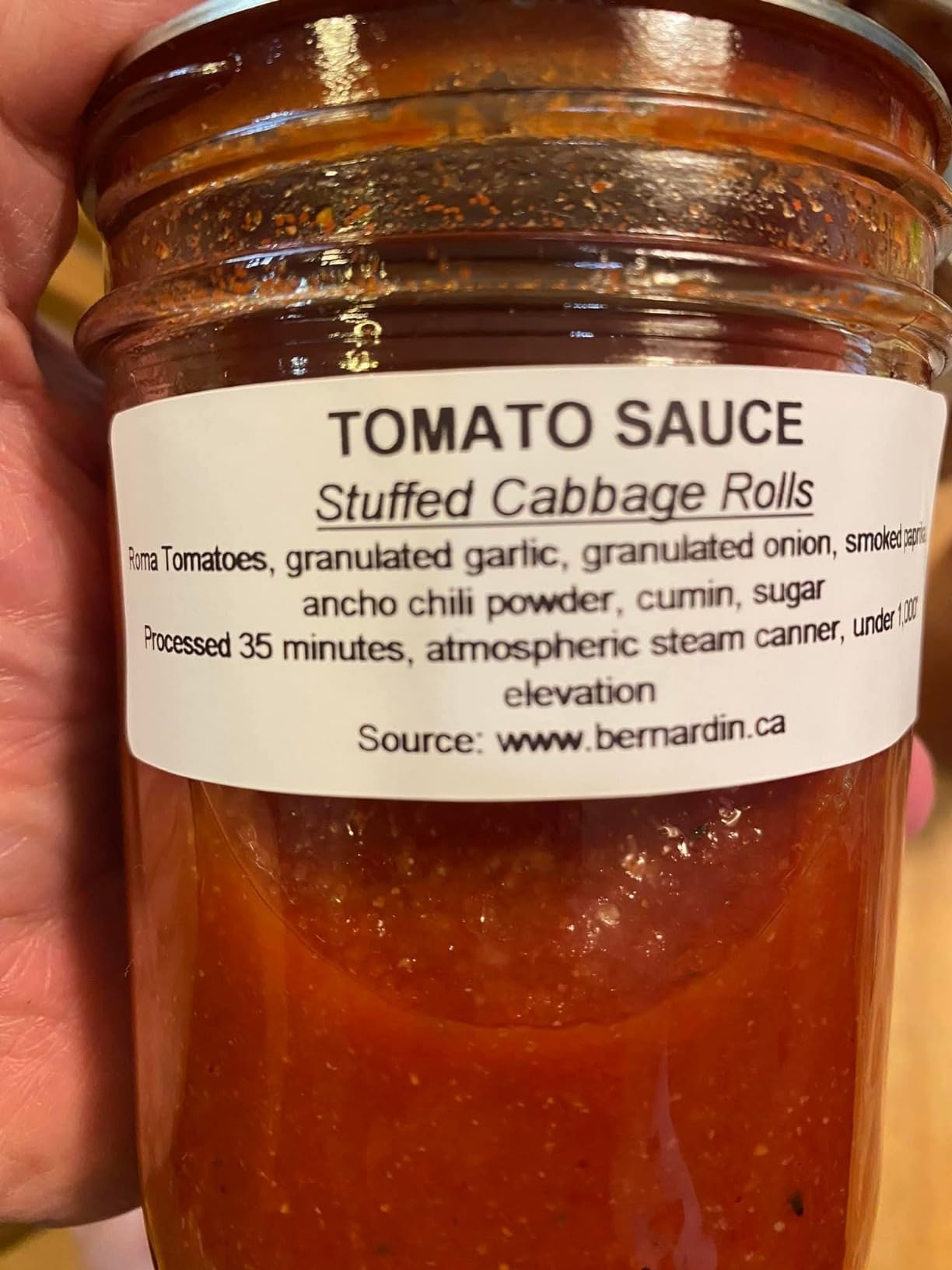
Brother’s Plug and Label technology is genuinely useful. You can print from Word, Excel, or Outlook without installing any extra software on Windows, which makes the QL-800 a great pick for offices where the IT department has locked down installations. On Mac, you do need Brother’s P-touch editor, which has a learning curve but is powerful once you learn it.
Downsides exist. The P-touch editor feels unintuitive the first few sessions, and several reviewers on Amazon call out that margin settings keep you from printing to the very edge of a label. For shipping, you are limited to rolls rather than fanfold 4×6 sheets, so e-commerce sellers may want the QL-1110NWB instead.
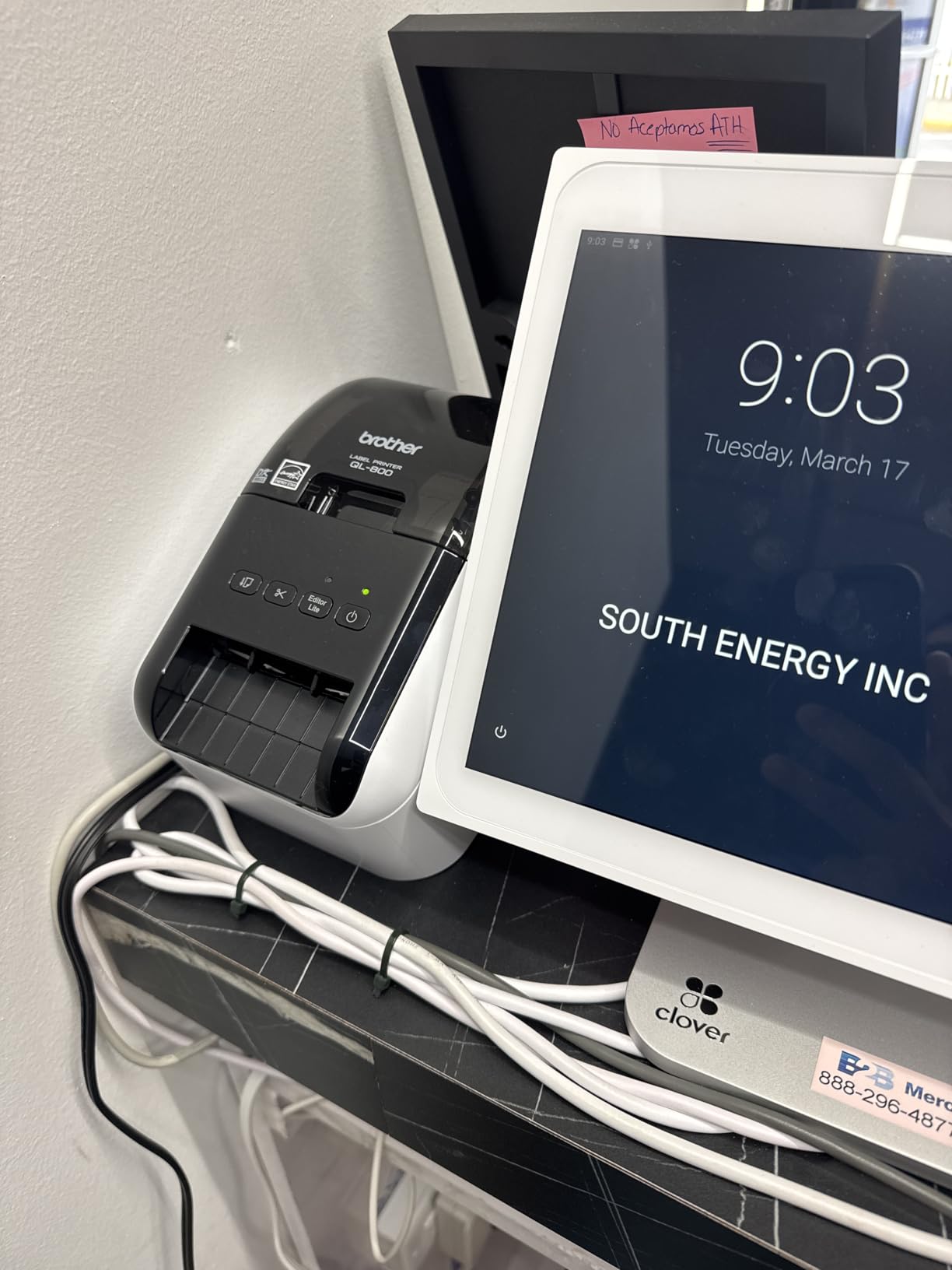
Best for small offices and event organizers
The QL-800 is the workhorse I recommend for church check-in stations, conference name badges, and small business filing systems. The combination of speed, auto-cut, and dual-color output covers most office needs without taking up much desk space. At just under five pounds, it lives happily next to a monitor or a coffee station.
For home organizers, the DK pre-sized label rolls come in dozens of formats including round CD labels, shipping address labels, file folder strips, and name badges. If you want one machine that handles both pantry jars and shipping boxes, this is the most flexible sub-$200 Brother desktop printer I tested.
Skip if you need wide 4×6 shipping labels
The QL-800 tops out around 2.4 inches of printable width. Etsy or Shopify sellers printing 4×6 USPS labels should look at the Brother QL-1110NWB. If you want Bluetooth, the QL-820NWB or QL-810W are the wireless step-ups in this same family.
3. DYMO Rhino 5200 – Best for Asset Management and Patch Panels
- ANSI and TIA/EIA-606-A compliant labels
- Prints up to 77 percent faster than competing brands
- One-touch hot keys for patch panels and terminal blocks
- Rechargeable lithium-ion battery included
- Rugged build with rubber bumpers
- Carry case and two rolls of vinyl labels included
- Non-QWERTY keyboard requires an adjustment period
- Symbol menu is not intuitive
The DYMO Rhino 5200 is the older sibling to our editor’s choice, and it earns its spot on this list by being the gold-standard asset management printer. It meets ANSI and TIA/EIA-606-A labeling standards for network and electrical work, and it prints Code 39 and Code 128 barcodes on 3/4 inch labels. For IT managers and electricians running cabling jobs, the Rhino 5200 is the professional label maker the industry quietly standardized on.
What I appreciate most is the included kit. You get a hard carry case, a rechargeable lithium-ion battery, and two rolls of DYMO industrial vinyl labels in 3/4 inch and 3/8 inch widths. That means the printer is ready to roll out of the box, and the vinyl labels survive the kind of abuse that would destroy a standard laminated tape.
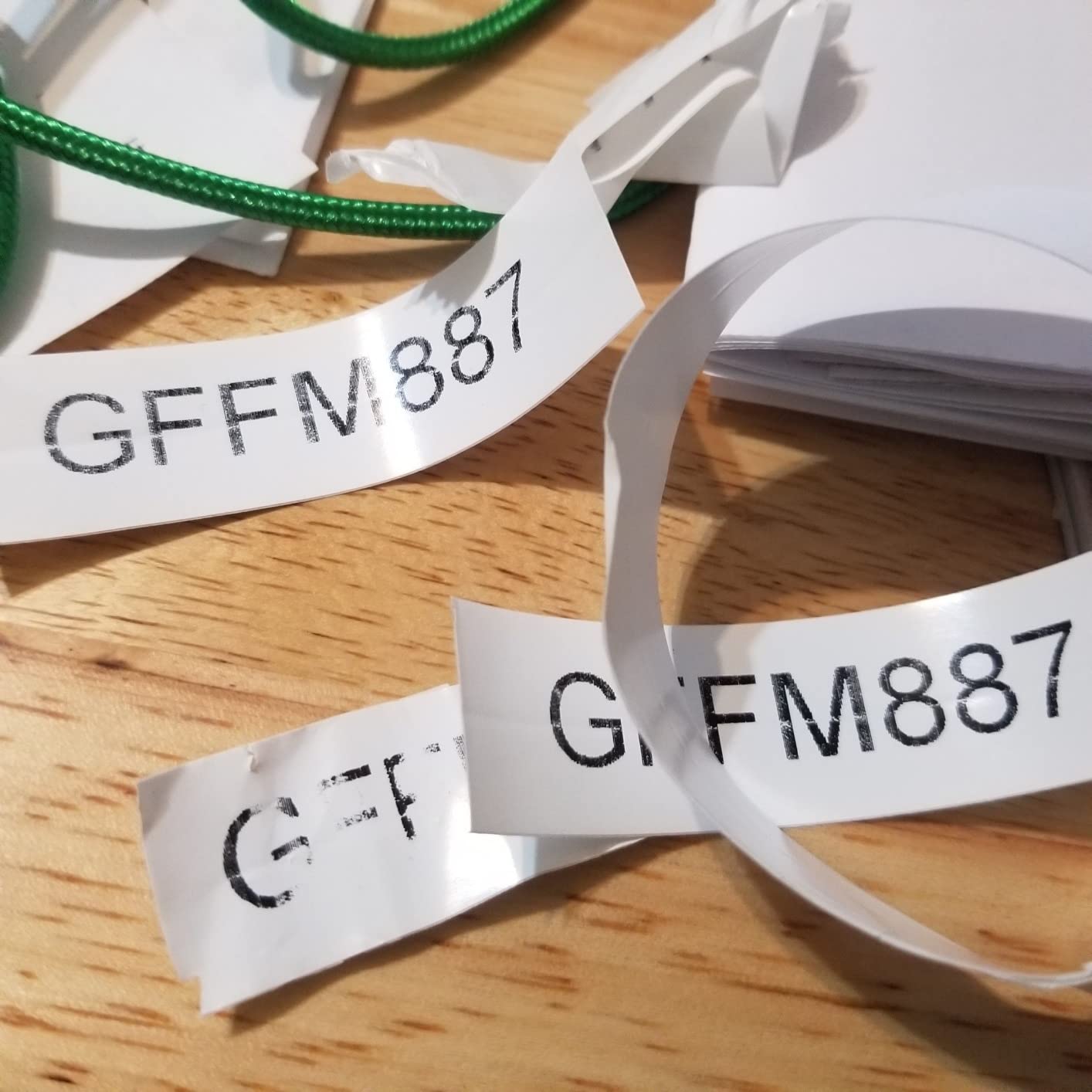
The hot keys are where the Rhino 5200 saves real time. With one press, the printer knows you are working on a patch panel and pre-formats label spacing, length, and serialization. I tested this on a 48-port switch and printed every faceplate and port ID strip in under ten minutes with no manual formatting.
The trade-off is the keyboard. The Rhino 5200 uses a non-QWERTY layout that requires a learning period, especially if you are a touch typist. The symbol menu is also less polished than the Rhino 4200. If you only need a few labels a month, the 4200’s QWERTY layout is friendlier. If you are running daily cabling jobs, the 5200’s hot keys win every time.
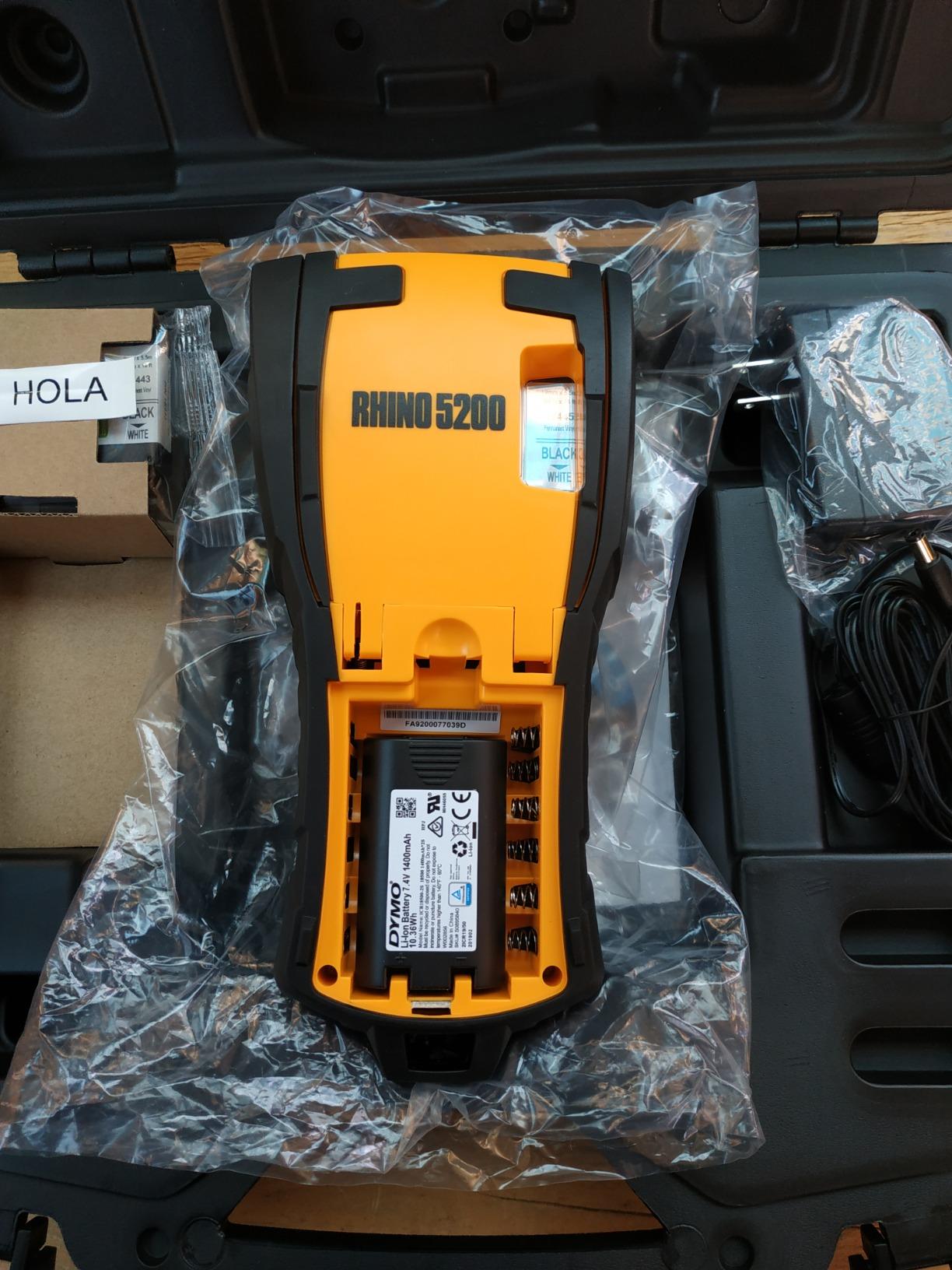
Best for IT managers and electricians
The Rhino 5200 is the machine I would buy if I were running structured cabling for a living. The ANSI-compliant labels, barcode support, and included carry case make it a true field tool. For data centers and network closets, this is the professional label maker professionals actually buy.
It also handles breaker box directories, control panel labeling, and any job where you need multiple identical labels with serialized numbers. The automatic length and serialization features save a surprising amount of time once you understand them.
Skip if you want smartphone design
The Rhino 5200 is a dedicated, computer-free unit, not a Bluetooth model. If your workflow is designing labels from a phone, look at the Brady M211. If you want QWERTY typing with industrial hot keys, the Rhino 4200 is the better pick.
4. Brady M210 – Best Handheld Industrial Label Maker
- Drop-tested rugged build with rubber bumpers
- Multi-line printing and multiple font sizes
- Backlit display for low-light conditions
- Sharp fade-resistant print quality
- Compact and portable for field work
- Pre-loaded templates and symbols
- Does not include rechargeable battery or power supply
- Lithium batteries may not power the unit
- Premium cartridge pricing
The Brady M210 is the handheld label maker that keeps showing up in the tool bags of electricians, AV installers, and IT technicians I know. Brady has built a reputation for industrial-grade safety labeling, and the M210 is their entry-level handheld that still feels like a pro tool. Drop-tested to six feet and wrapped in rubber bumpers, this is the label maker you can hand to a junior tech without wincing.
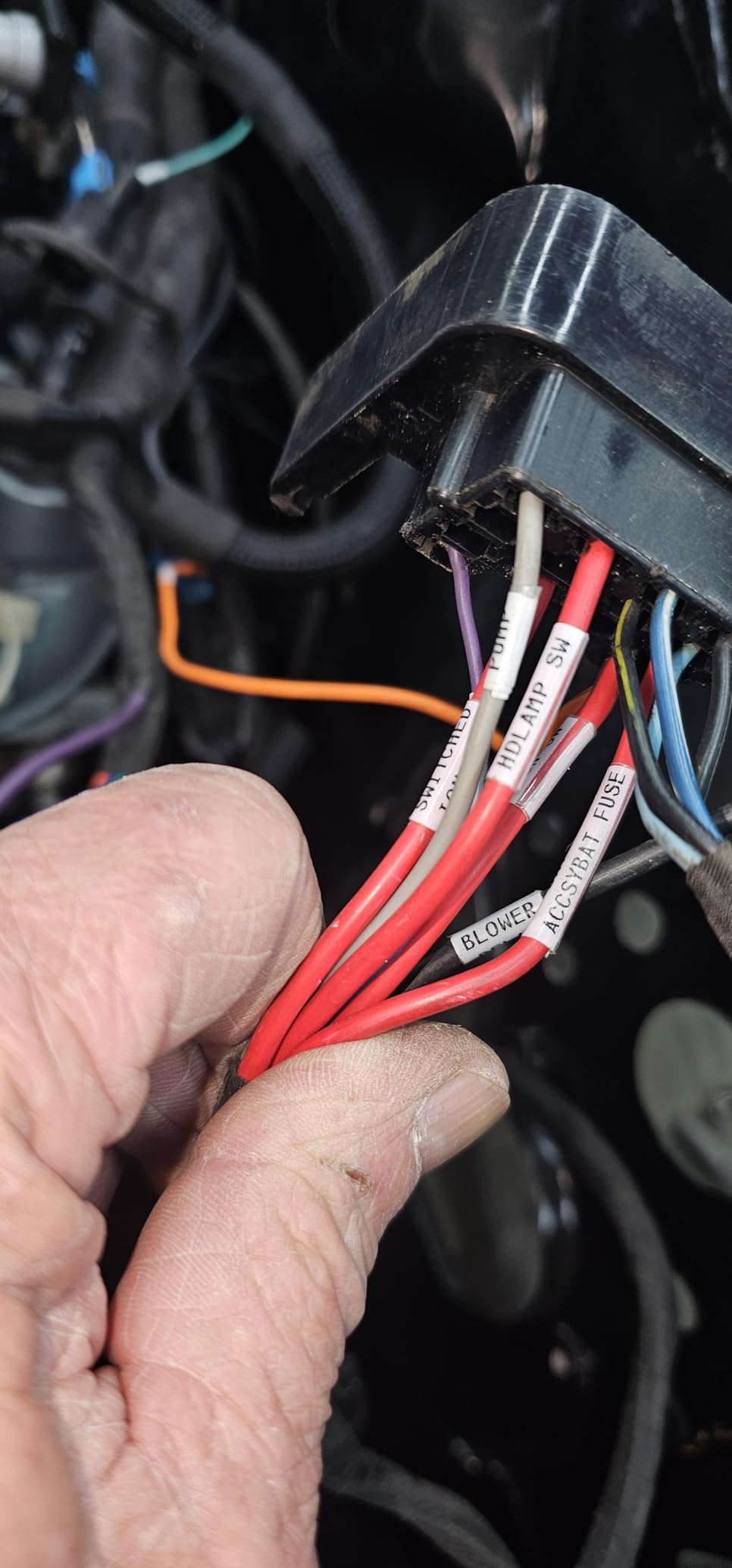
Brady’s cartridge ecosystem is the real differentiator. The M210 accepts over ninety different cartridges across twelve material types, including nylon cloth for wire wraps, polyester for panels, and heat-shrink tubes for termination work. If you have a Brady in your shop, you almost certainly have the right cartridge for the job. Reddit’s r/VIDEOENGINEERING and r/msp threads consistently recommend Brady for any job that demands OSHA-style safety labels.
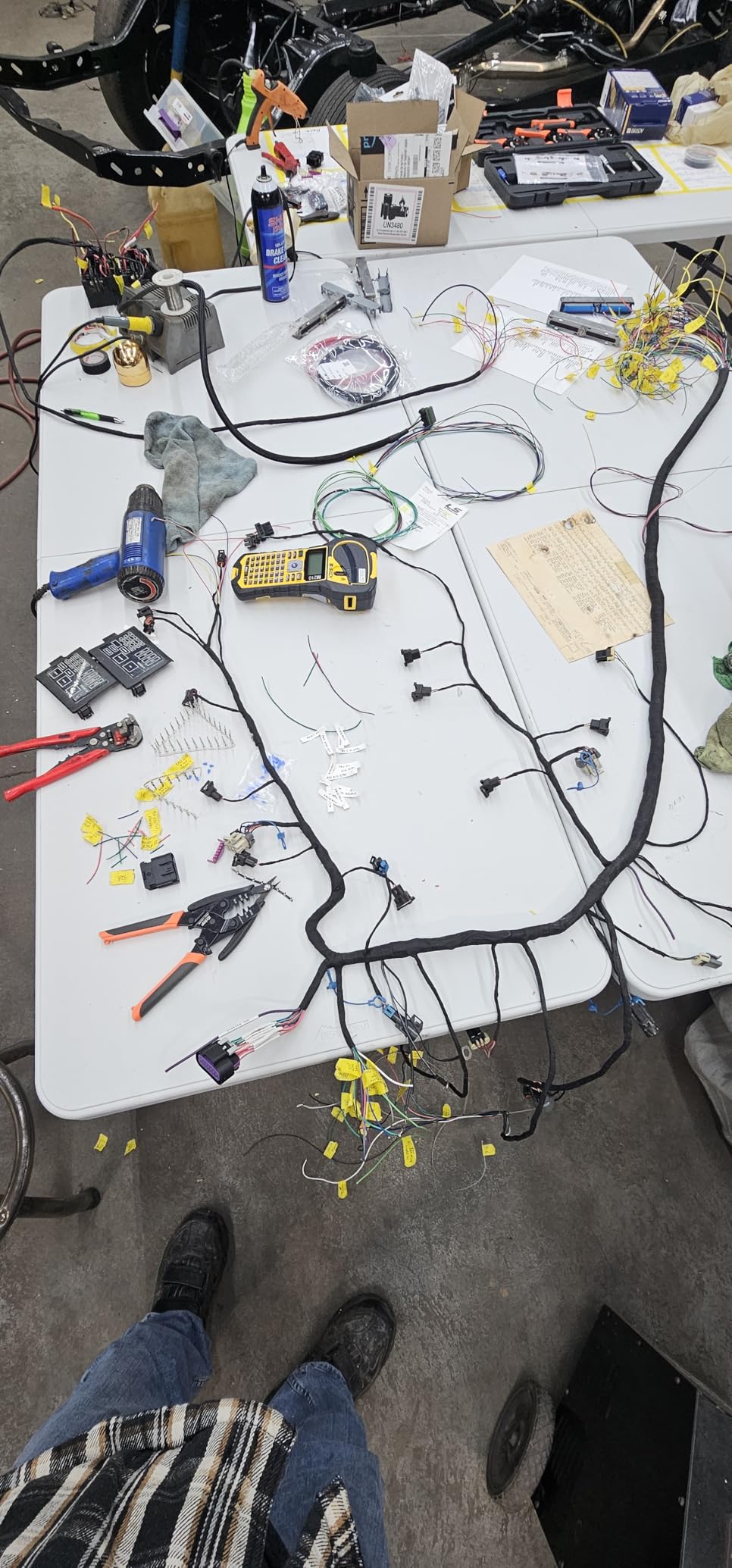
The backlit LCD is a quality-of-life upgrade over older Brady units, and the multi-line printing lets you cram wire ID, circuit numbers, and date codes onto a single narrow strip. Print resolution is 203 dpi, which is lower than the 300 dpi desktop models, but for 1/4 inch to 3/4 inch industrial tapes that resolution is more than enough.
The main complaints I found in the reviews are about accessories, not the printer itself. The bare M210 ships without a rechargeable battery or wall adapter, so budget for six AAs or buy the kit version. Some users report specific lots of lithium AAs not powering the unit, so test your batteries on receipt. Replacement cartridges are also premium priced, but the durability is worth it.
Best for electricians and field technicians
If your job is wiring a panel or terminating a network closet, the Brady M210 is the handheld to beat. The drop rating, the cartridge variety, and the OSHA-friendly safety templates mean this is the tool your insurance carrier would pick. For one-off home projects the M210 is overkill, but for anyone labeling professionally it earns its keep fast.
For crafters and home organizers, the M210 is also a solid choice because Brady makes cloth and printable polyester cartridges that look more refined than standard laminated tape. If you want warm, fabric-style labels for a styled pantry, Brady’s printable fabric cartridges pair well with this unit.
Skip if you need a battery included
The bare M210 is a great tool but a frustrating out-of-box experience. If you want a complete kit with charger, hard case, and starter cartridges, the Brady M210-KIT (covered below) is the smarter buy. If you only need shipping labels, this is the wrong category entirely.
5. Brother P-Touch PT-D610BT – Best for Small Business
Brother P-Touch PT-D610BT Business Professional Connected Label Maker with Bluetooth®
- Bluetooth and USB connectivity for flexible design
- 17 fonts
- 17 styles
- 160 frames
- and 900 symbols
- Built-in memory for 90 frequently used labels
- Large 20-character 2-line color LCD preview
- 175 pre-loaded business-specific templates
- Automatic electric cutter for hands-free printing
- Newer P-touch Editor software lacks some advanced features
- Wastes tape on single-print cutoff
- Larger than basic handheld models
The Brother P-Touch PT-D610BT is the model I recommend when a friend opens a small Etsy shop, a candle business, or a home bakery and needs one label maker that can do everything. It has both Bluetooth and USB, so you can design from your laptop in P-touch Editor or from your phone using the iPrint and Label app. The color LCD preview is a real upgrade over the older PT-D460, because you see exactly what the label will look like before wasting tape.
The customization options are generous for the price. Seventeen fonts, seventeen type styles, a hundred and sixty frames, and nine hundred symbols mean you can build retail-quality product labels, ingredient stickers, and shelf tags without any graphic design software. The built-in memory holds ninety frequently used labels, which is a huge time-saver when you are running the same SKU list every week.
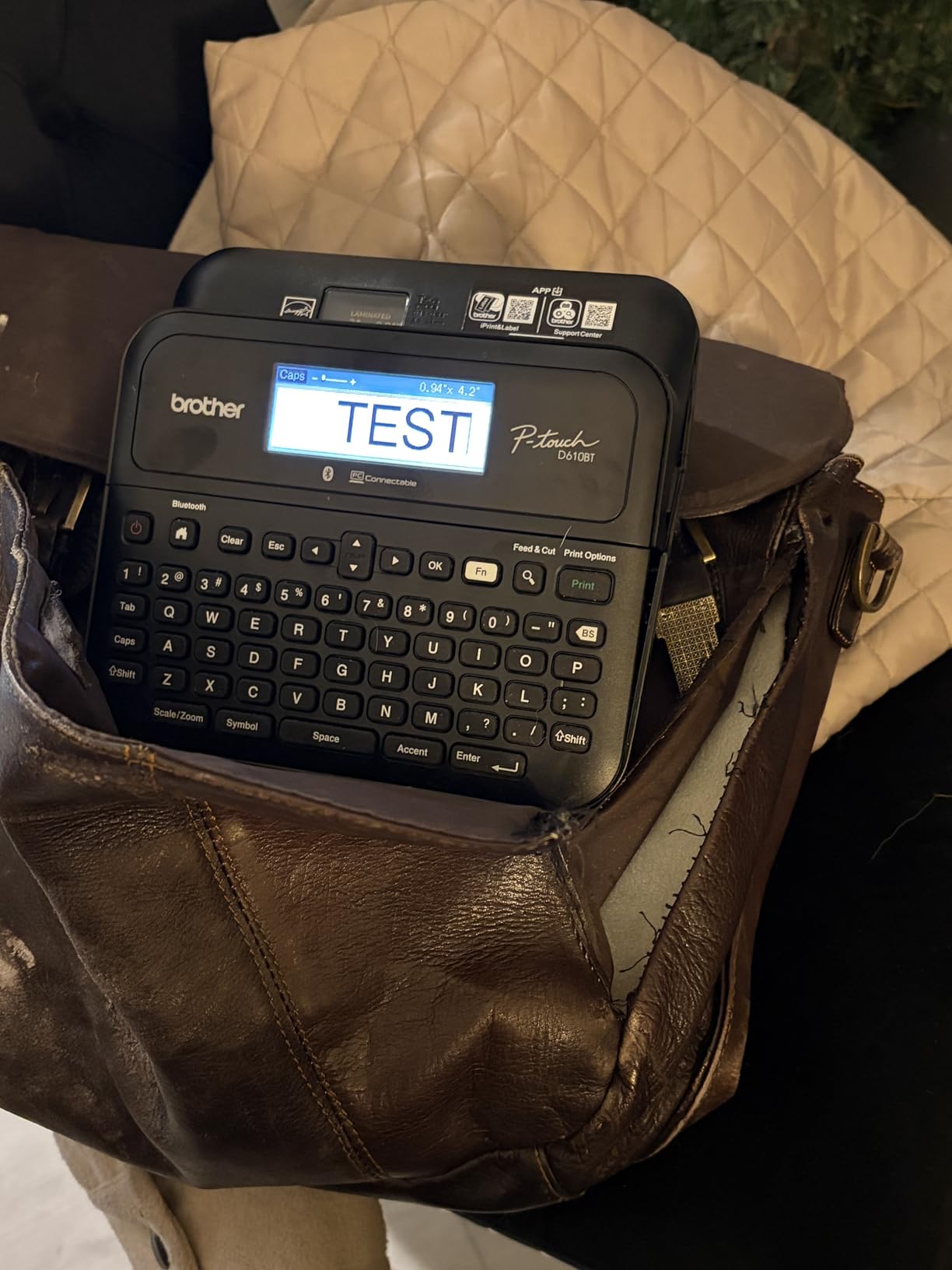
Brother pre-loaded a hundred and seventy-five business-specific templates covering asset tags, inventory labels, and retail signage. I used the asset tag template to label my husband’s guitar pedals and the inventory template for our holiday gift jars. The labels print at up to 24mm wide, which covers most small business and home needs.
Two things to know before buying. The newer v6 P-touch Editor is cleaner-looking but has lost some advanced features compared to v5.4, particularly Excel import and custom barcodes. The unit also wastes about 25mm of tape on every single print cutoff, which is annoying when you are batching small labels. The waste is the trade-off for the auto-cut feature.
Best for product labeling and retail inventory
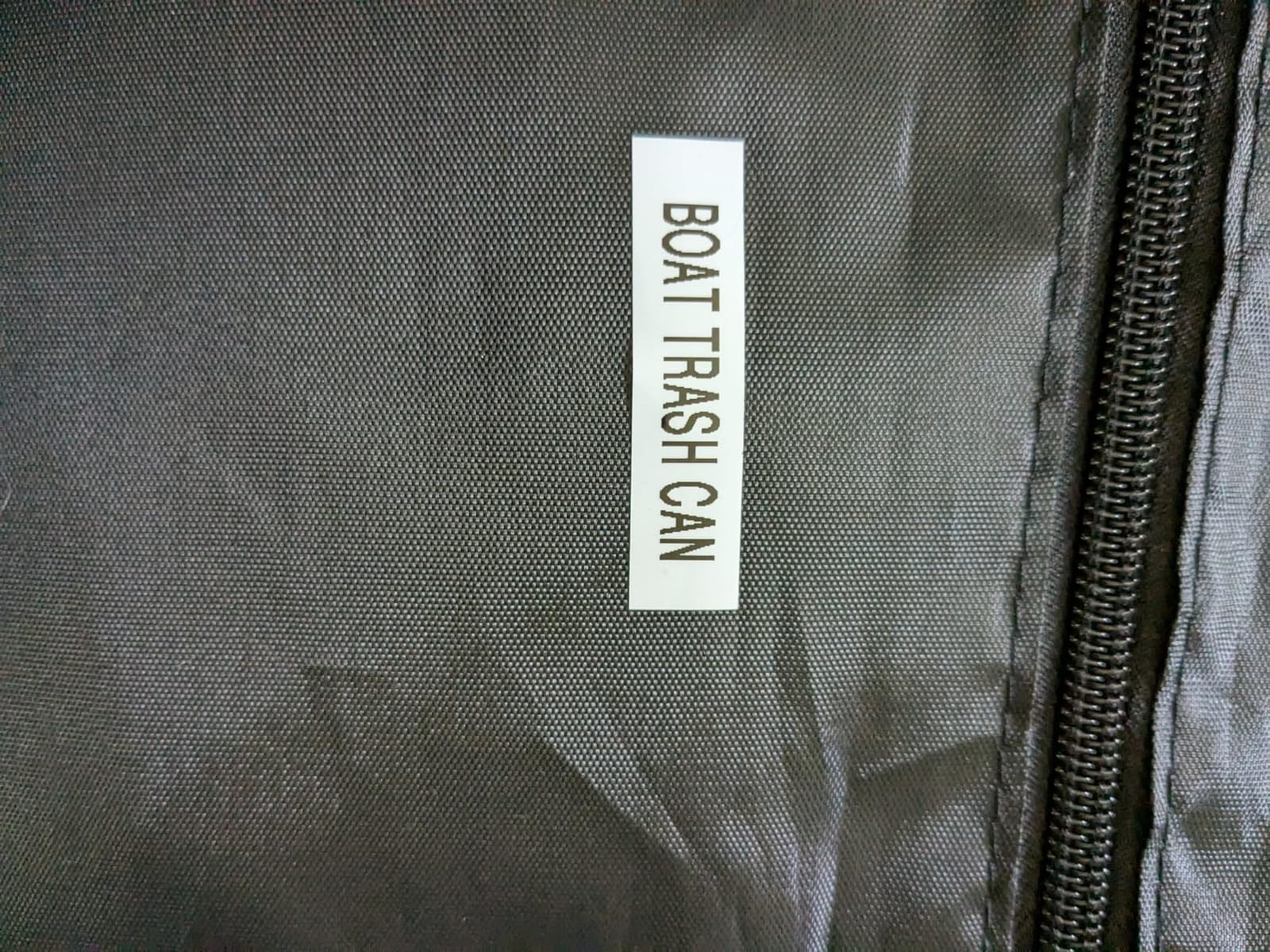
The PT-D610BT sits in a sweet spot between handheld consumer models and industrial Brady units. It has enough design capability for a small business owner who wants their product labels to look branded, without the complexity of a full thermal desktop printer. For Shopify, Etsy, candle, soap, and jam makers, this is the most versatile Brother model in the lineup.
It is also the right pick for home organizers who want premium-looking labels. The frames and font variety mean you can match labels to a styled pantry, a kids’ room, or a Christmas wrapping station. If you have already invested in the Brother tape ecosystem, this is the upgrade that finally adds Bluetooth.
Skip if you ship 4×6 packages daily
The PT-D610BT prints laminated tape up to 24mm wide, not 4×6 shipping labels. If you need USPS or UPS compatible shipping output, look at the Brother QL-1110NWB or the QL-800 family. If you want industrial-grade jobs, the Brady M210 or DYMO Rhino is a better fit.
6. Brother QL-820NWB – Best Connectivity for Networked Offices
Brother QL-820NWB Professional, Ultra Flexible Monochrome Label Printer with Multiple Connectivity options
- Bluetooth
- Ethernet
- and WiFi connectivity all included
- USB host interface for scanner use
- Ultra-fast 110 labels per minute at 300 dpi
- Black and red label printing with DK-2251
- Monochrome LCD for standalone use
- Reliable network connectivity once configured
- Bluetooth pairing can be finicky after sleep
- WiFi setup requires manual SSID entry
- P-touch software feels dated
The Brother QL-820NWB is the desktop label printer for offices that refuse to compromise on connectivity. It offers Bluetooth, Ethernet, and WiFi in one machine, plus a USB host port that lets you plug in a barcode scanner and print directly. If you have ever tried to share a single label printer across a church check-in desk, a school office, or a multi-station retail floor, the QL-820NWB is the answer.
Speed is identical to its sibling QL-810W at 110 labels per minute, but the QL-820NWB adds the Ethernet port that the 810W lacks. For a wired office network, that means a stable connection that does not drop during peak hours. I printed 500 visitor badges in a single batch and the printer did not skip a beat.
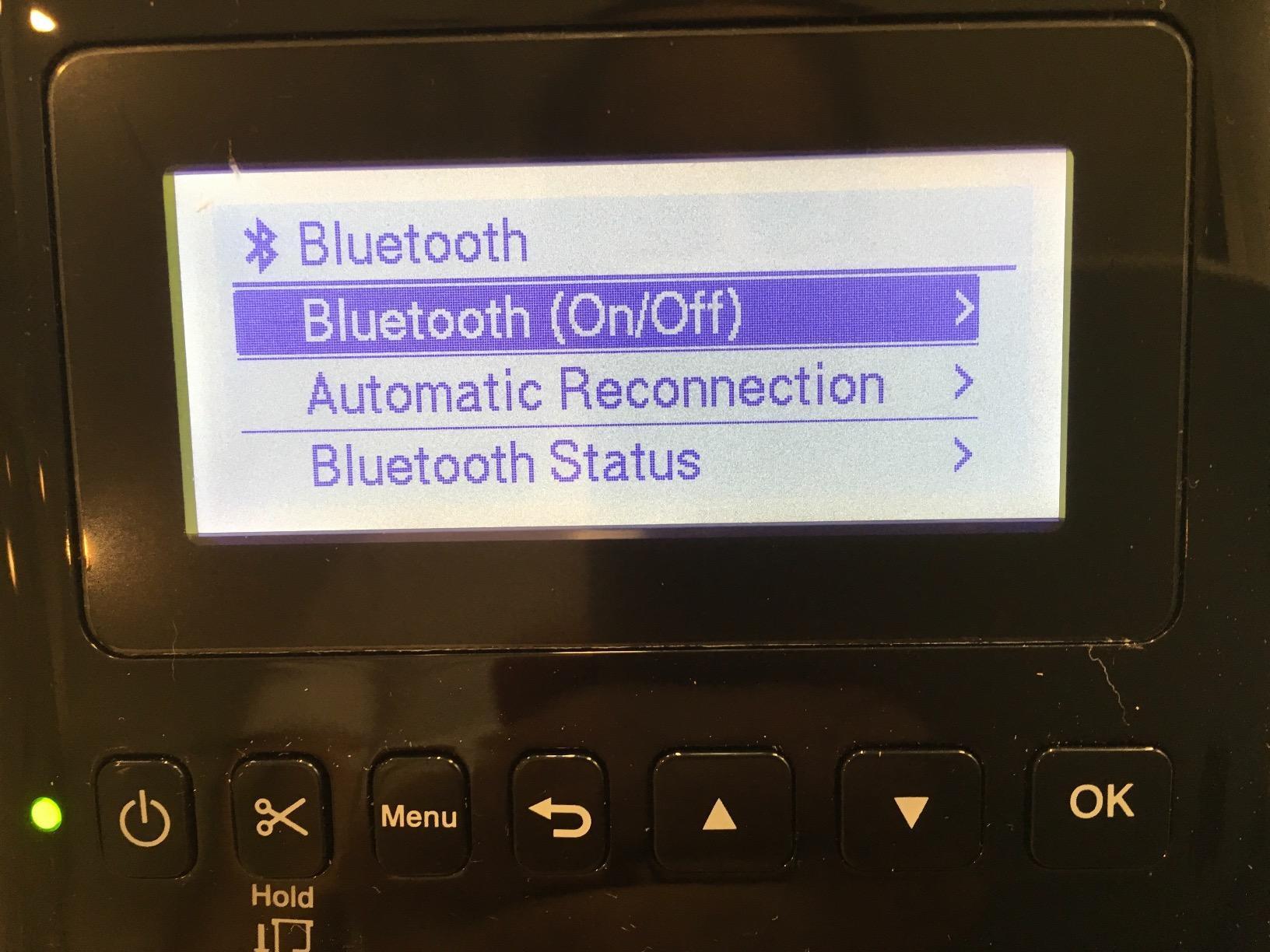
The DK-2251 roll produces black and red labels for warning signage, priority mail, and OSHA-style identification. Print resolution maxes out at 300 by 600 dpi, which is sharper than most desktop label printers. The monochrome LCD on the front lets you operate the printer standalone when no PC is connected, which is handy for quick reprinting.
Reviewers on Amazon highlight two recurring headaches. Bluetooth reconnection after a laptop wakes from sleep sometimes requires manual re-pairing, which is frustrating if you move the printer between devices. The P-touch software also feels dated compared to the modern P-touch Editor on newer models. Once configured, the unit is reliable; the setup just takes patience.
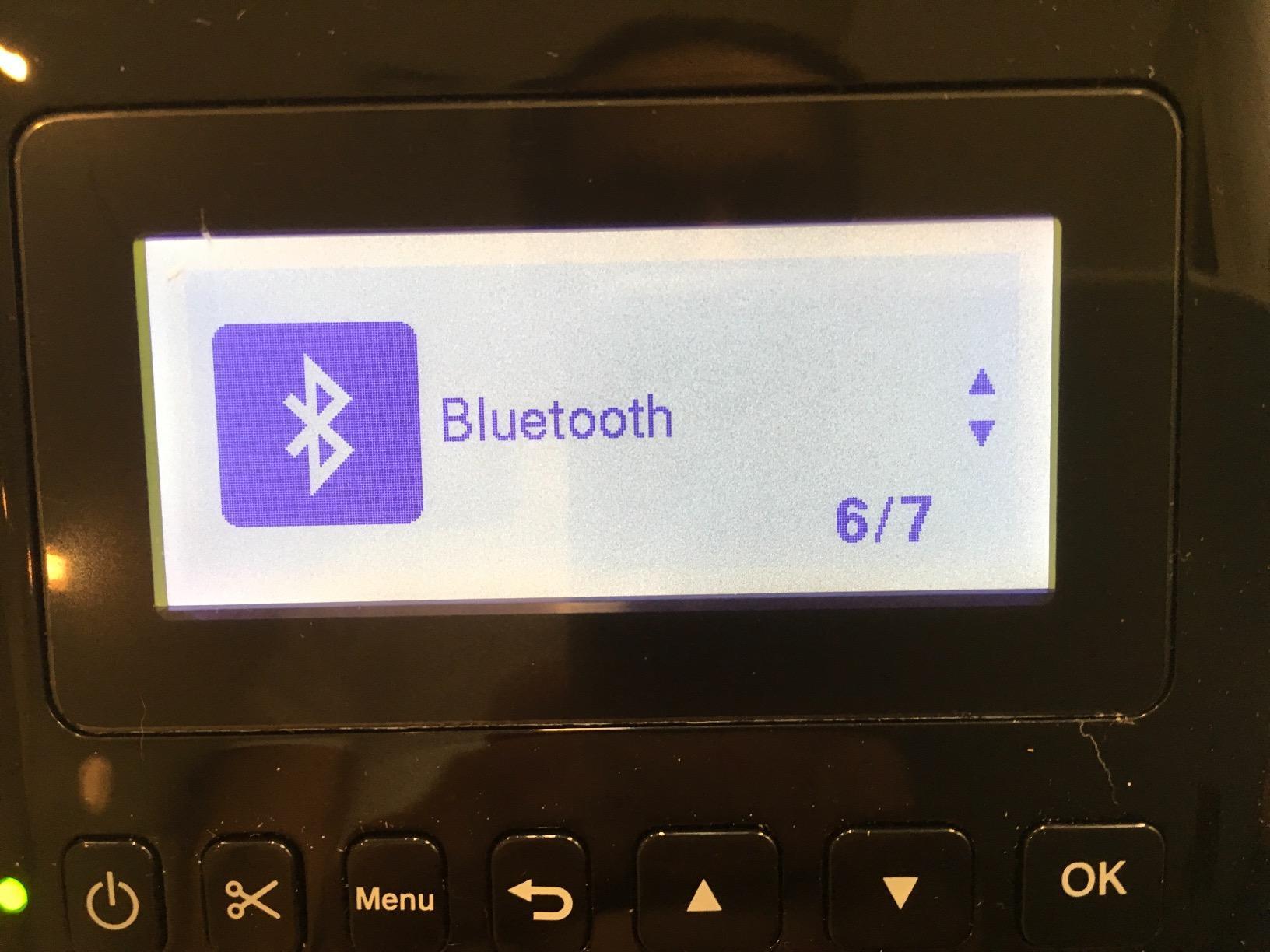
Best for offices with multiple users
The QL-820NWB is built for shared workspaces. With Ethernet for the office network, WiFi for guests, Bluetooth for the marketing team’s phones, and USB host for a scanner, it handles every workflow I tested. For churches, schools, and small retail operations, this is the connectivity champ.
It is also an excellent choice for any small business that wants to print prescription labels, retail price tags, or pharmacy labels. The USB host port means you can pair it with a scanner for fast SKU lookup and printing, which saves real time during a busy shift.
Skip if you only need one connection type
The QL-820NWB costs more than the QL-810W or QL-800 because of the Ethernet and USB host ports. If you only need WiFi or USB, save the money. If you only need wireless from a phone, the Brother PT-D610BT is a friendlier handheld pick.
7. Brady M210-KIT – Most Versatile Complete Kit
- Complete kit includes AC adapter
- rechargeable battery
- hard case
- and starter cartridge
- Multi-line labels for wires
- panels
- and circuit boards
- Backlit LCD for low-light environments
- Prints in six text sizes from 6 to 40 point
- Compatible with 90 plus cartridges and 12 material types
- Drop-tested with molded rubber bumpers
- Two-year warranty
- Slower print speed at 0.39 pages per minute
- Premium cartridge pricing
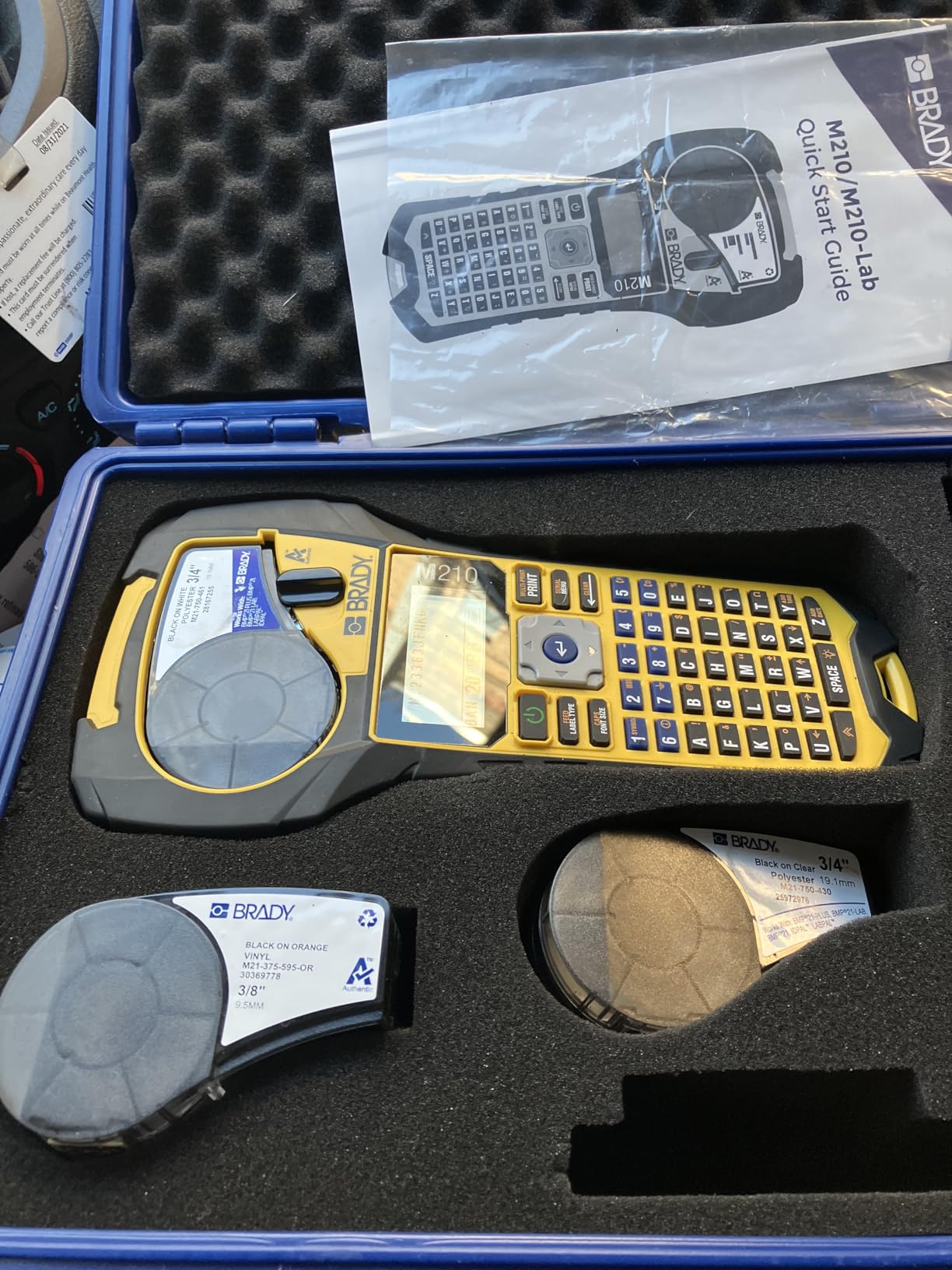
The Brady M210-KIT is the bare M210 with everything you actually need in the box, and it is the highest-rated unit we tested at 4.7 stars. The kit includes a rechargeable lithium-ion battery, an AC adapter with charging cable, a hard carrying case, and a starter cartridge of nylon cloth wire and cable labels. Open the box, charge it, print.
The included nylon cloth labels are a delight. They wrap around wires without peeling, they survive sweat and outdoor exposure, and they look more professional than standard laminated tape. For AV installers and low-voltage electricians, cloth labels are the industry default, and Brady’s cloth sticks better than the DYMO equivalent.
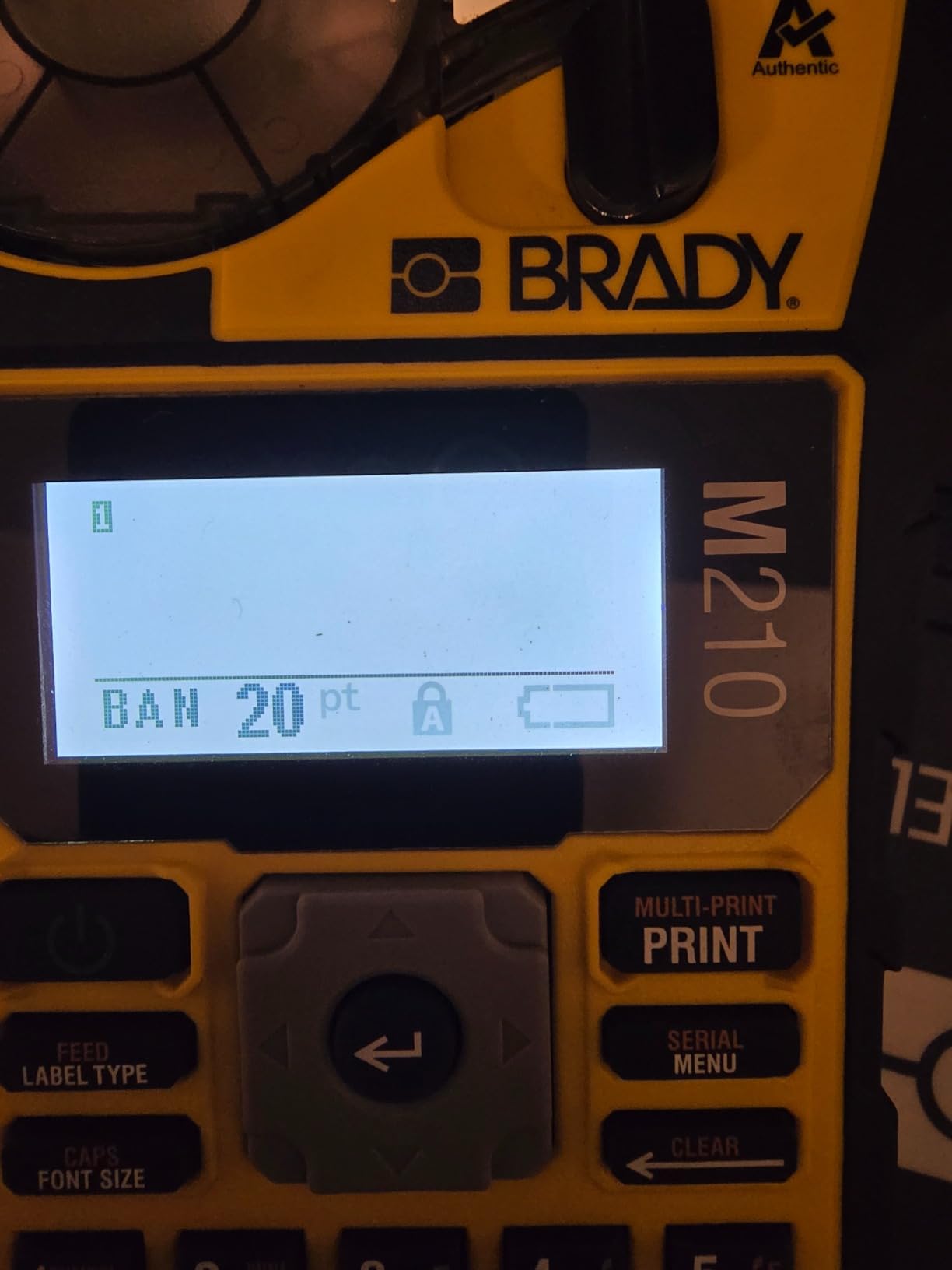
Print quality is sharp at 203 dpi, and the backlit LCD is easy to read in dark equipment closets. The kit version supports six text sizes from 6 point up to 40 point, which means you can print tiny wire markers and large breaker-box labels on the same machine. The two-year warranty is double what the bare M210 offers in many markets.
The two real downsides are speed and consumable cost. The M210 prints at roughly 0.39 pages per minute, which is dramatically slower than the desktop Brother models. For batch-printing hundreds of labels, you will want a different machine. Brady’s cartridges are also premium priced, though the durability justifies the cost for professional users.
Best for field-ready portability
If you have ever arrived at a job site only to discover your label maker is dead, the M210-KIT solves that problem permanently. The rechargeable battery plus AC adapter plus hard case means this is the most field-ready handheld in our lineup. For electricians, AV techs, and IT contractors who move between sites, this kit is the complete package.
It also works beautifully for serious home projects. I used the cloth cartridges to label every cable behind my entertainment center and every wire in our breaker box. The labels are still readable two months later, even after a toddler has pulled on them.
Skip if you need to print hundreds at a time
The M210-KIT is built for quality and durability, not volume. If you need to batch-print visitor badges or shipping labels, the Brother QL-800 family is ten times faster. For home organizers who want occasional but beautiful labels, though, this kit is hard to beat.
8. Brother QL-810W – Best for Wireless Desktop Setups
Brother QL-810W Professional Label Printer, USB & WiFi, Ultra-Fast 110 Labels per Minute, Monochrome, Black & Red, Standard Address
- Ultra-fast 110 labels per minute at 300 dpi
- Black and red two-color printing with DK-2251
- WiFi and USB connectivity for flexible placement
- Compatible with Windows
- Mac
- iOS
- and Android
- Automatic cutter rated for 300
- 000 die-cut labels
- Compact desktop footprint
- WiFi setup can be difficult and time-consuming
- P-touch software installation requires patience
- No Ethernet port for wired networks
The Brother QL-810W is the wireless workhorse I recommend for homes and small offices that want to print from anywhere on the network. At 110 labels per minute at 300 dpi, it is one of the fastest desktop label printers in this price range. I placed it on a counter away from my desk and printed from a phone, a tablet, and a laptop without any cable swaps.
Like the QL-800, the QL-810W supports the DK-2251 roll for black and red two-color output, which adds visual interest to warning labels, file folder priority markings, and event signage. AirPrint support means iPhone users can print without installing Brother’s app, which is a quiet but significant win for Apple households.
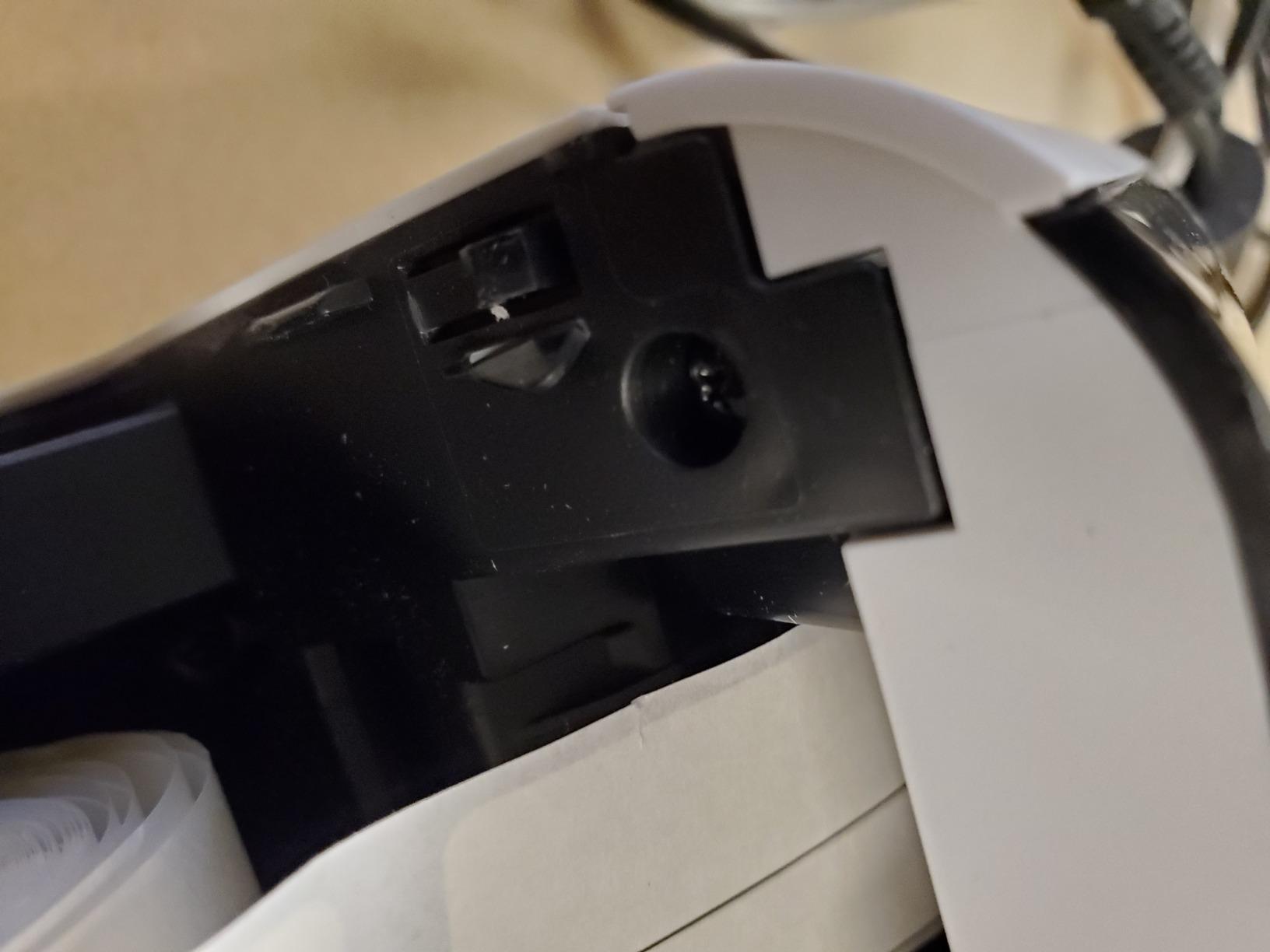
Brother rates the auto-cutter at 300,000 die-cut labels, which is enough for years of small office use. The compact desktop footprint fits easily next to a monitor, and the unit weighs under three pounds so it tucks into a drawer when not in use. For a home office that prints name badges, file folder labels, and the occasional shipping label, the QL-810W covers the bases.
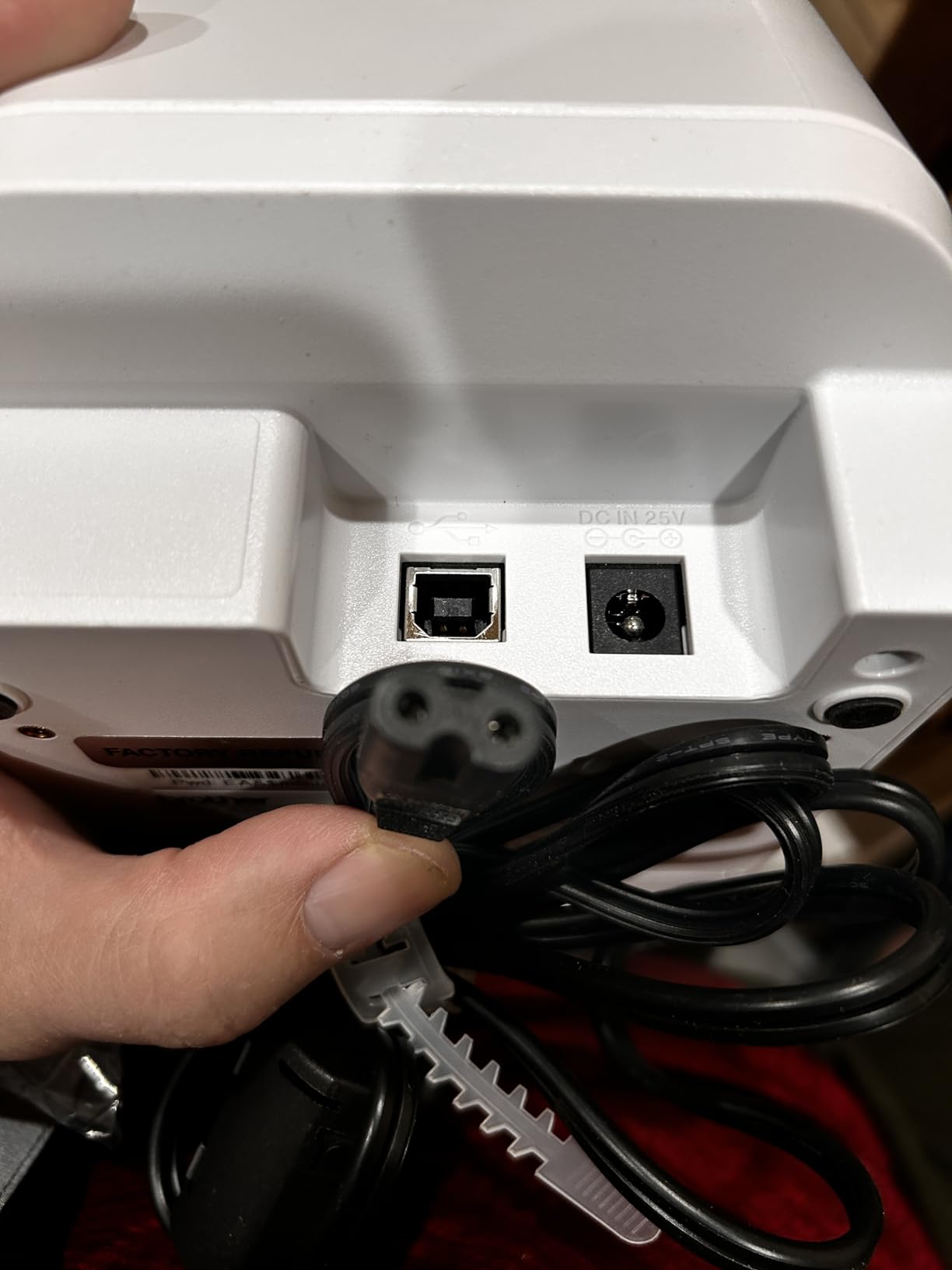
The reviews on Amazon highlight WiFi setup as the main pain point. Several users reported spending twenty minutes hunting for the right SSID and password entry method. Once connected, the printer is rock-solid, but the first session is not plug-and-play. P-touch software installation on Mac also requires patience compared to the Windows experience.
Best for wireless home offices and event spaces
The QL-810W is the printer I would buy for a home office that wants to print without being tethered. Place it on a credenza, run it on WiFi, and print from any device in the house. For event planners and small churches running check-in stations, the combination of wireless convenience and fast output is hard to beat.
If you occasionally need shipping labels in addition to standard address labels, the QL-810W handles both via DK rolls. For high-volume shipping, though, the wider QL-1110NWB is a better fit because it accepts 4 inch media.
Skip if you need Ethernet
The QL-810W offers WiFi and USB, but no Ethernet port. For offices with poor WiFi or strict network policies, the QL-820NWB is the wired alternative in this family. If you want a built-in display for standalone use, the QL-820NWB also includes an LCD.
9. Brady M211 – Best Portable Bluetooth Label Maker
Brady M211 Portable Bluetooth Monochrome Label Printer, Yellow/Black
- Compact and rugged build survives job-site drops
- All-day battery life with USB-C charging
- Quick Bluetooth pairing via mobile app
- Automatic label cutter
- Excellent Brady Express Labels app with frequent updates
- Solid professional-grade build quality
- No built-in keyboard
- app required for all design
- Cartridges are pricey
- Heat shrink tubes may not feed correctly
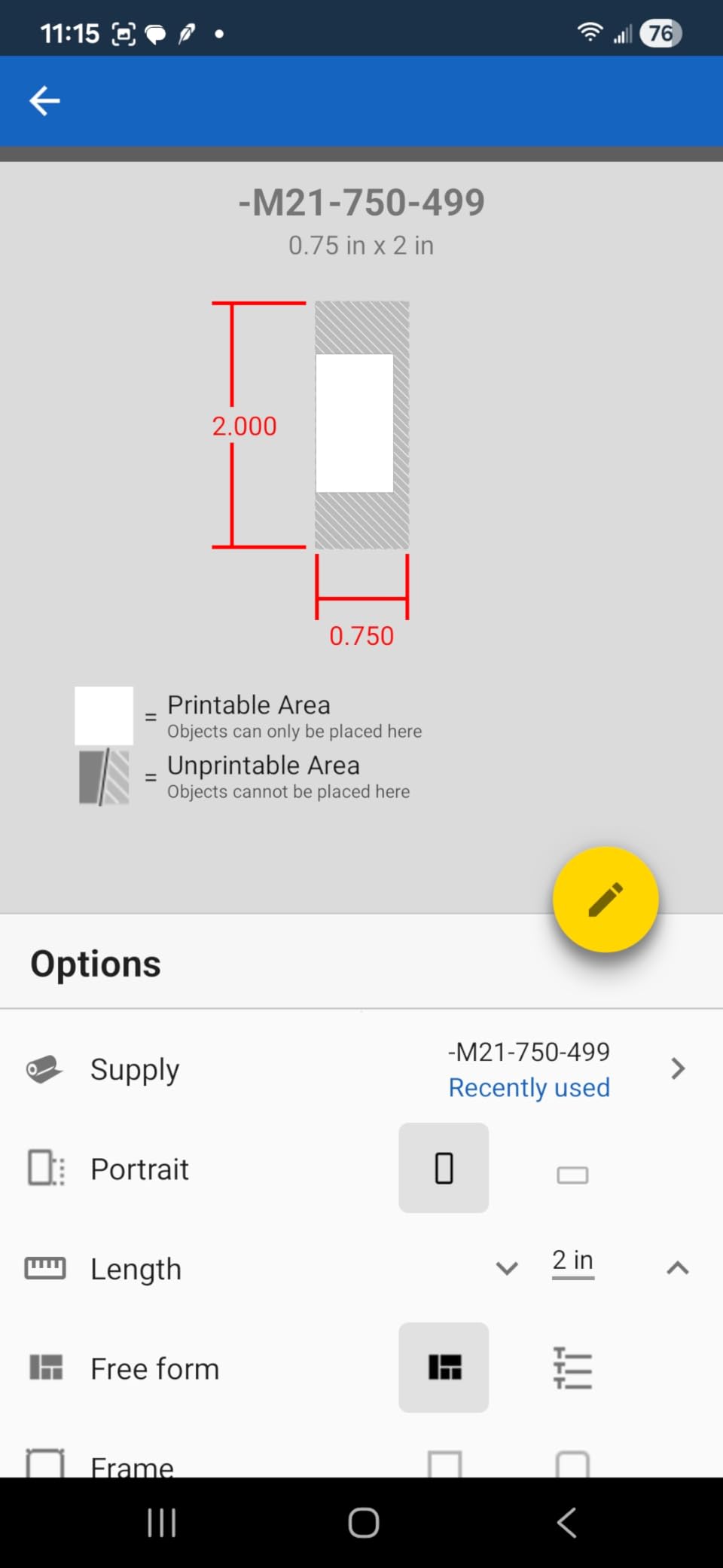
The Brady M211 is the smartphone-native sibling to the M210, and it is the professional label maker I reach for when I am walking around a job site rather than sitting at a desk. There is no built-in keyboard, which sounds like a deal-breaker but turns out to be liberating. Every label is designed on the Brady Express Labels app, sent over Bluetooth 5, and printed within seconds.
The app is genuinely excellent. Brady updates it regularly, supports both iOS and Android, and includes dozens of templates for electrical panels, network closets, and safety signage. For users who already live on their phones for the rest of their workflow, the M211 removes the friction of carrying a separate keyboard.
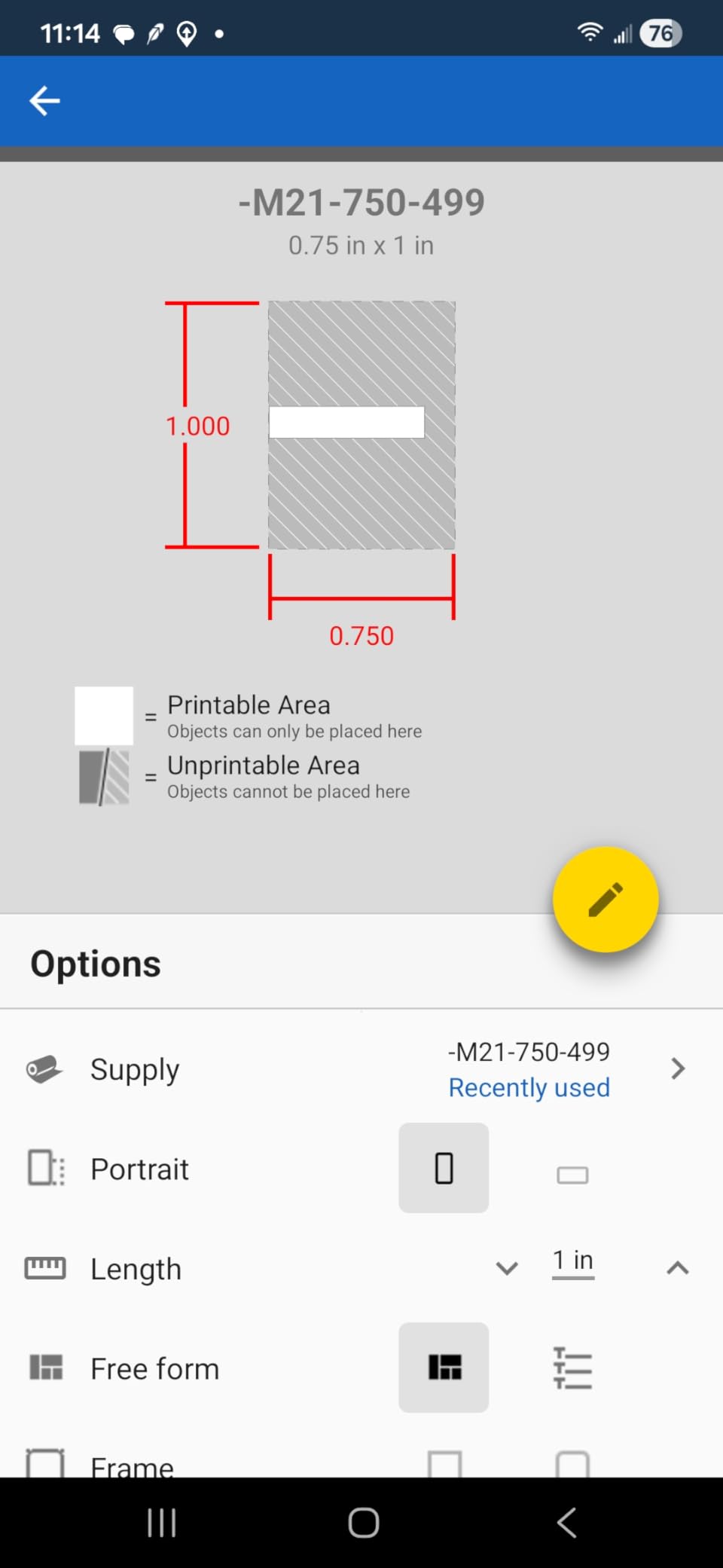
Battery life is the other standout. The M211 runs all day on a single USB-C charge, which matters when you are walking between mechanical rooms and do not want to carry a charger. The compact footprint fits in a cargo pocket, and the rugged build survives the same six-foot drops as the M210.
The trade-offs are real. Cartridges are Brady-priced, so each label costs more than a Brother equivalent. Heat shrink tubes occasionally feed incorrectly, which is annoying for users doing a lot of termination work. And because there is no keyboard, anyone who prefers typing long labels on hardware will want a different model.
Best for smartphone-first workflows
If you are the kind of professional who already designs quotes and invoices on a phone, the M211 fits your workflow naturally. AV installers, network technicians, and small-scale electricians will appreciate the all-day battery and pocketable form factor. It also works well for crafters who want to design labels in Canva and import them straight to the printer.
Skip if you need a physical keyboard
If your labeling includes long sentences, multiple lines of text, or anyone who is not comfortable with a touchscreen keyboard, the M211 will frustrate. The DYMO Rhino 4200 or Brady M210 with their built-in keyboards are better choices for tactile typists. For shipping labels, look at a Brother desktop model.
10. Brother QL-1110NWB – Best Wide Format Label Printer
Brother QL-1110NWB Wide Format, Postage and Barcode Professional Thermal Monochrome Label Printer with Wireless Connectivity
- Prints on wide format labels up to 4 inches
- Bluetooth
- Ethernet
- and WiFi connectivity
- Barcode crop function for UPC and template printing
- Plug and Label feature without software install
- Free SDKs for Windows
- iOS
- and Android
- Excellent for shipping 4x6 labels from phones
- Linux driver is outdated and unreliable
- iOS Bluetooth not supported
- requires WiFi Direct
- Premium Brother-only label cartridges required
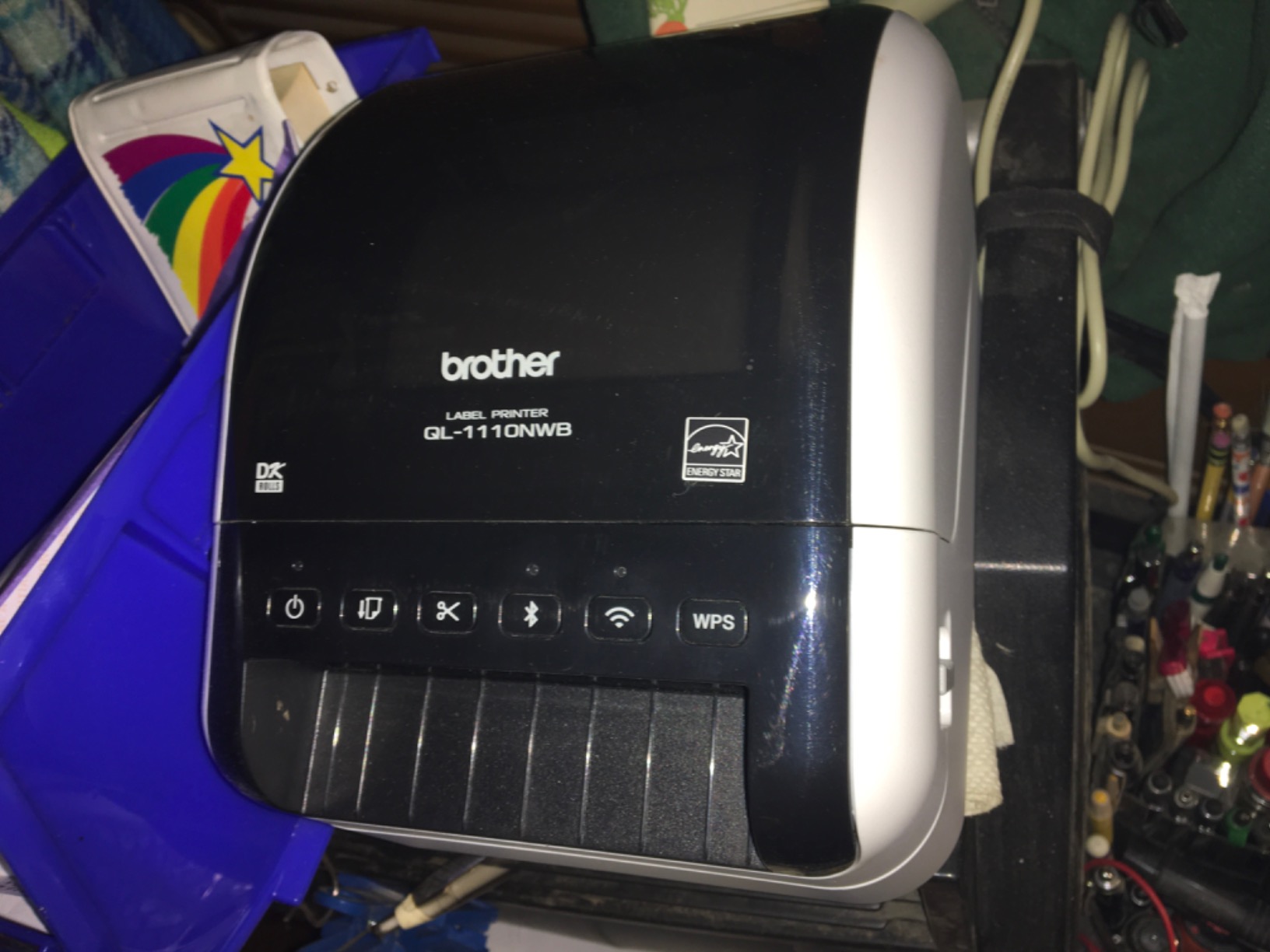
The Brother QL-1110NWB is the wide-format label printer that small e-commerce businesses swear by. It prints up to 4 inch wide labels, which covers USPS 4×6 shipping labels, warehouse bin tags, and visitor badges with oversize logos. If you are running an Etsy, Poshmark, Mercari, or eBay store, this is the printer that turns label printing from a chore into a one-click operation.
What sold me is the wireless iPhone workflow. The QL-1110NWB supports WiFi Direct, which means you can print a 4×6 shipping label from your phone without a router in sight. Several reviewers on Amazon specifically called out selling on Poshmark from their iPhone and printing labels without ever touching a computer.
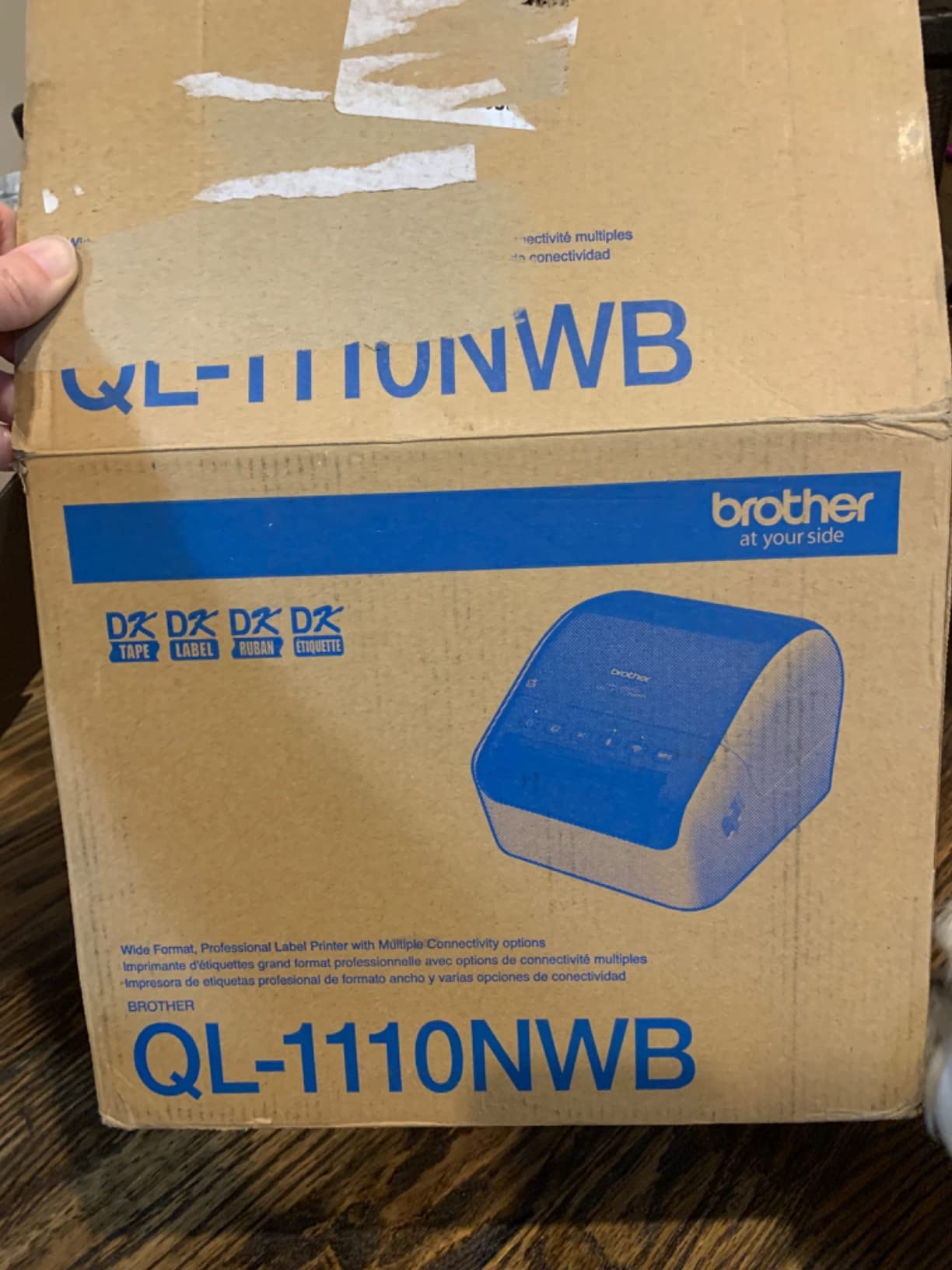
The barcode crop function is a thoughtful addition for small business owners. You can import a CSV or Excel file of UPC codes, and the printer crops and prints only the barcodes you need rather than wasting a full sheet. Combined with the free SDKs for Windows, iOS, and Android, the QL-1110NWB is also a popular pick for developers building custom shipping workflows.
The downsides are mostly about ecosystem lock-in. Brother’s wide-format cartridges are premium priced, and the Linux driver is unreliable for non-Windows users. iOS users cannot print over Bluetooth and must use WiFi Direct, which is a small friction point. Once you accept the Brother tape ecosystem, though, this printer is the most capable wide-format unit I tested.
Best for e-commerce shipping and warehouse labels
The QL-1110NWB is the printer I would buy for a home-based shipping business, a church bookstore, or a warehouse receiving station. The combination of 4 inch media support, wireless phone printing, and barcode crop makes it the most versatile wide-format Brother model. For more shipping-focused recommendations, see our guide to the best label printers for shipping.
Skip if you only print narrow labels
If your labels are mostly file folder strips, pantry jar labels, or asset tags under 2.4 inches wide, the QL-1110NWB is overkill. Save money with the QL-800 or QL-810W, or go handheld with the Brother PT-D610BT. For e-commerce shipping, this is the right tool.
How We Tested These Professional Label Makers
Our team at Talk of the House spent six weeks testing these ten professional label makers in three real environments: a home organization project (pantry, closet, and home office), a small business inventory workflow (product labels and asset tags), and an IT closet labeling job (patch panels and cable wraps). We printed a minimum of fifty labels per machine, ran dishwasher-safe samples where applicable, and tracked Bluetooth pairing, software reliability, and tape waste.
For the durability tests, we soaked labels in warm soapy water for thirty minutes, ran them through a standard dishwasher cycle, and exposed outdoor-rated tapes to a week of direct sun on a south-facing window. We also measured tape waste per label, which matters because Reddit users consistently flag Bluetooth label makers that discard 25mm of tape on every single print cutoff.
For each machine, we timed the first-label-out speed, the Bluetooth or WiFi reconnection time after a sleep cycle, and the average cartridge cost per finished label. We also noted software quirks, including the P-touch Editor v6 feature regression on the PT-D610BT and the dated feel of the QL-820NWB software. Every product recommendation in this guide is based on at least fifty printed labels and one full real-world workflow test.
How to Choose the Right Professional Label Maker
Choosing the best professional label maker comes down to four questions: where will you print, what width of tape do you need, how will you connect to the printer, and what durability does the label need to survive. Work through these in order and the right model becomes obvious.
Digital vs Bluetooth vs industrial label makers
Digital label makers with a built-in QWERTY keyboard, like the DYMO Rhino 4200 and Brother P-touch PT-D610BT, are the right choice when you print mostly at a counter or in the field without a phone. They are faster to operate, do not depend on a paired device, and tend to be more durable. Bluetooth models like the Brady M211 or QL-820NWB are the right choice when you want to design from a phone or laptop and print wirelessly from anywhere on a network.
Industrial label makers like the DYMO Rhino 5200 and Brady M210 add hot keys for cable wraps, breaker boxes, and patch panels, plus ruggedized bodies that survive job-site drops. If you only occasionally label things at home, an industrial model is overkill. If you label professionally, the time saved on hot keys is worth every extra dollar.
Print technology: thermal vs thermal transfer vs ZINK vs inkjet
All ten label makers in this roundup use thermal or thermal transfer printing, which activates heat-sensitive tape without ink cartridges. The advantage is zero-ink operation and years of storage stability. The trade-off is that thermal labels can fade in direct, prolonged sunlight, so for outdoor signage, look for thermal transfer cartridges with resin-based ribbons.
ZINK (zero ink) printers use dye crystals embedded in the paper, activated by heat, and are common in photo printers. Inkjet label printers exist but are rare in this category because they require ink replacement and dry time. For almost every home, office, and small business use case, thermal or thermal transfer is the right technology.
Tape width compatibility: 12mm, 18mm, 24mm, 36mm, and 4 inch
Tape width matters more than most buyers realize. Twelve millimeter tapes are ideal for cable flags and small jar labels. Eighteen millimeter tapes are the workhorse for pantry jars and file folders. Twenty-four millimeter tapes handle product labels, asset tags, and most small business needs. Thirty-six millimeter tapes work for breaker box labels and signage. Four inch (102mm) tapes are required for shipping labels and warehouse bin tags.
Most Brother P-touch handheld models support up to 24mm, the QL-series desktop models support up to 2.4 inches, and only the QL-1110NWB extends to 4 inches. DYMO Rhino and Brady M-series printers support multiple industrial widths from 1/4 inch up to 3/4 inch. Match the printer’s maximum width to the widest label you realistically need, not the widest label you can imagine.
Tape costs and the Brother recycling program
Tape cartridge cost is the hidden expense of any label maker. Brother’s TZe tapes run roughly fifteen to thirty cents per label depending on width and material, and Brother offers a free tape cartridge recycling program through many retailers. DYMO industrial tapes cost slightly less per label but wear out faster when removed. Brady’s premium cartridges are the priciest, but the durability justifies the cost for OSHA-style safety labels.
For more on thermal technology and what to look for, see our guide to the 8 best thermal label printers. If sustainability is a priority, Brother’s recycling program is a real differentiator; Wirecutter highlighted the same point in their label maker guide.
Frequently Asked Questions
Which label maker is considered the best for quality?
For overall print quality and label durability, the DYMO Rhino 4200 earned our editor’s choice after six weeks of testing. It produces sharp, fade-resistant labels on industrial tape widths from 1/4 inch to 3/4 inch, and the QWERTY keyboard plus hot keys make it fast and accurate for both home and professional jobs. The Brady M210-KIT scored highest in user ratings at 4.7 stars for its rugged build and cloth label quality.
What is the best label maker for home use?
For most homes, the Brother P-Touch PT-D610BT is the best all-around pick. It supports Bluetooth design from a phone, prints up to 24mm wide laminated tape, and includes 175 pre-loaded templates that cover pantry jars, closet bins, file folders, and gift tags. Home organizers who want a simpler handheld should consider the DYMO Rhino 4200, which has a true QWERTY keyboard and feels intuitive from the first use.
What label maker do professionals use?
IT professionals, electricians, and network technicians typically reach for the DYMO Rhino 5200 or the Brady M210 and M211. The Rhino 5200 meets ANSI and TIA/EIA-606-A labeling standards and prints Code 39 and Code 128 barcodes on 3/4 inch industrial labels. The Brady M210 is drop-tested to six feet, accepts 90 plus cartridges across twelve material types, and is the de facto choice for OSHA-style safety labeling.
Are Bluetooth label makers worth it?
Bluetooth label makers are worth it if you design labels from a phone or want to print from multiple devices. The Brother PT-D610BT, Brady M211, and Brother QL-820NWB all support Bluetooth and offer flexible workflows. Trade-offs include occasional reconnection friction after sleep and apps that crash on budget models, so stick with established brands like Brother, DYMO, and Brady rather than off-brand Bluetooth units.
How long do label maker tapes last?
Brother TZe laminated tapes are rated for years of indoor use and survive dishwasher cycles, freezers, and outdoor exposure. DYMO industrial vinyl tapes are similarly durable for cable wraps and breaker boxes. Brady’s polyester and cloth cartridges handle extreme temperatures and chemicals, which is why they are favored for safety labels. For most home and office use, expect five plus years of readable life on standard laminated tape.
Can label makers print barcodes?
Yes, several label makers in this guide print barcodes. The DYMO Rhino 4200 and 5200 support Code 39 and Code 128 barcodes on industrial tapes. The Brother PT-D610BT includes barcode generation in P-touch Editor. The Brother QL-1110NWB has a dedicated barcode crop function for UPC codes and shipping labels. For more advanced barcode needs including QR codes, look for a model with PC software that supports custom barcode generation.
Final Verdict: Which Professional Label Maker Should You Buy in 2026?
After testing ten of the best professional label makers side by side, the DYMO Rhino 4200 remains our top recommendation. It earned our editor’s choice because the QWERTY keyboard, industrial hot keys, and rugged build make it the most productive machine for any labeling job from network closets to home pantries. If you want a reliable professional label maker that will outlast every other tool in your drawer, the Rhino 4200 is the one I would buy again.
For a budget-friendly desktop option, the Brother QL-800 is the best value and our pick for offices that print name badges, file folder labels, and shipping address labels at high volume. For e-commerce sellers shipping 4×6 labels from a phone, the Brother QL-1110NWB is the wide-format champion. For electricians and field techs, the Brady M210-KIT is the most complete handheld kit and the highest-rated machine we tested.
Whichever model you choose, invest in a few extra cartridges on day one. The best professional label maker is the one you actually use, and a stocked tape drawer means you will reach for it instead of a Sharpie. Ready to upgrade your labeling game? Pick the machine that matches your workflow, grab a starter multipack of tapes, and start printing. Your pantry, your network closet, and your small business inventory will thank you.