
I have a confession: my nightstand used to look like a small library. Stacked paperbacks, dog-eared hardcovers, a half-finished thriller slipping off the lamp. Then I bought my first e-reader on a whim during a long flight, and within a month I was reading more books in a year than I had in the previous five.
If you are searching for the best e-readers to bring that same kind of magic to your own reading life, you are in the right place. Over the past several months our team has been hauling ten of the top contenders through real-life reading situations: bedtime reading, beach trips, kids’ homework time, library borrowing runs, and even the occasional bath. We compared screen quality, battery life, waterproofing, library integration, and how each one feels during a long Sunday afternoon with a novel.
This guide is for casual readers, book lovers, parents, travelers, and anyone tired of juggling paper stacks. Whether you are all-in on Amazon, loyal to your public library, or you want something flexible that handles every file format, you will find a pick here that fits. We will walk through our top three quick picks, then dive into detailed reviews of all ten e-readers, then a buying guide and FAQ to help you decide. Let’s find your next reading companion.
Table of Contents
Top 3 Picks for Best E-Readers

Kindle Paperwhite Kids
- 7 inch Paperwhite display
- IPX8 waterproof
- 12 week battery
- 2 year warranty


Best E-Readers in 2026 at a Glance
| Product | Specifications | Action |
|---|---|---|
| Kindle Paperwhite Kids |
|
Check Latest Price |
| Kindle Colorsoft |
|
Check Latest Price |
| Amazon Kindle |
|
Check Latest Price |
 Kobo Clara Colour Kobo Clara Colour |
|
Check Latest Price |
 Kobo Clara BW Kobo Clara BW |
|
Check Latest Price |
 Kindle Scribe Colorsoft Kindle Scribe Colorsoft |
|
Check Latest Price |
 Amazon Kindle Kids Amazon Kindle Kids |
|
Check Latest Price |
 Kindle Colorsoft Kids Kindle Colorsoft Kids |
|
Check Latest Price |
 Kobo Elipsa 2E Kobo Elipsa 2E |
|
Check Latest Price |
 XTEINK X3 Pocket Reader XTEINK X3 Pocket Reader |
|
Check Latest Price |
1. Amazon Kindle Paperwhite Kids – The Family Favorite E-Reader
- Waterproof IPX8 build handles pool and bath reading
- Up to 12 weeks of battery life on a single charge
- 2 year worry free guarantee replaces the device if it breaks
- Adjustable warm light for comfortable bedtime reading
- Adding books through the Parent Portal can be inconsistent
- Kids+ subscription auto renews after the 6 month trial
The Kindle Paperwhite Kids is the e-reader I have ended up recommending to the most friends this year, and not just because they have kids. It is genuinely the best e-reader for most people who want a worry-free, waterproof, long-battery device that just disappears into your reading routine.
I tested the Paperwhite Kids alongside the regular Paperwhite, and the screens feel essentially identical: a crisp 7 inch E Ink Carta panel with adjustable warm light that shifts from cool morning white to a candle-like amber at night. The 300 ppi resolution means text looks like real paper at any font size. What makes the Kids version special is everything Amazon wraps around it. You get a colorful kid-friendly cover in the box, a 2-year worry-free guarantee that replaces the device if it breaks, and a 6-month Amazon Kids+ subscription with thousands of age-appropriate books.
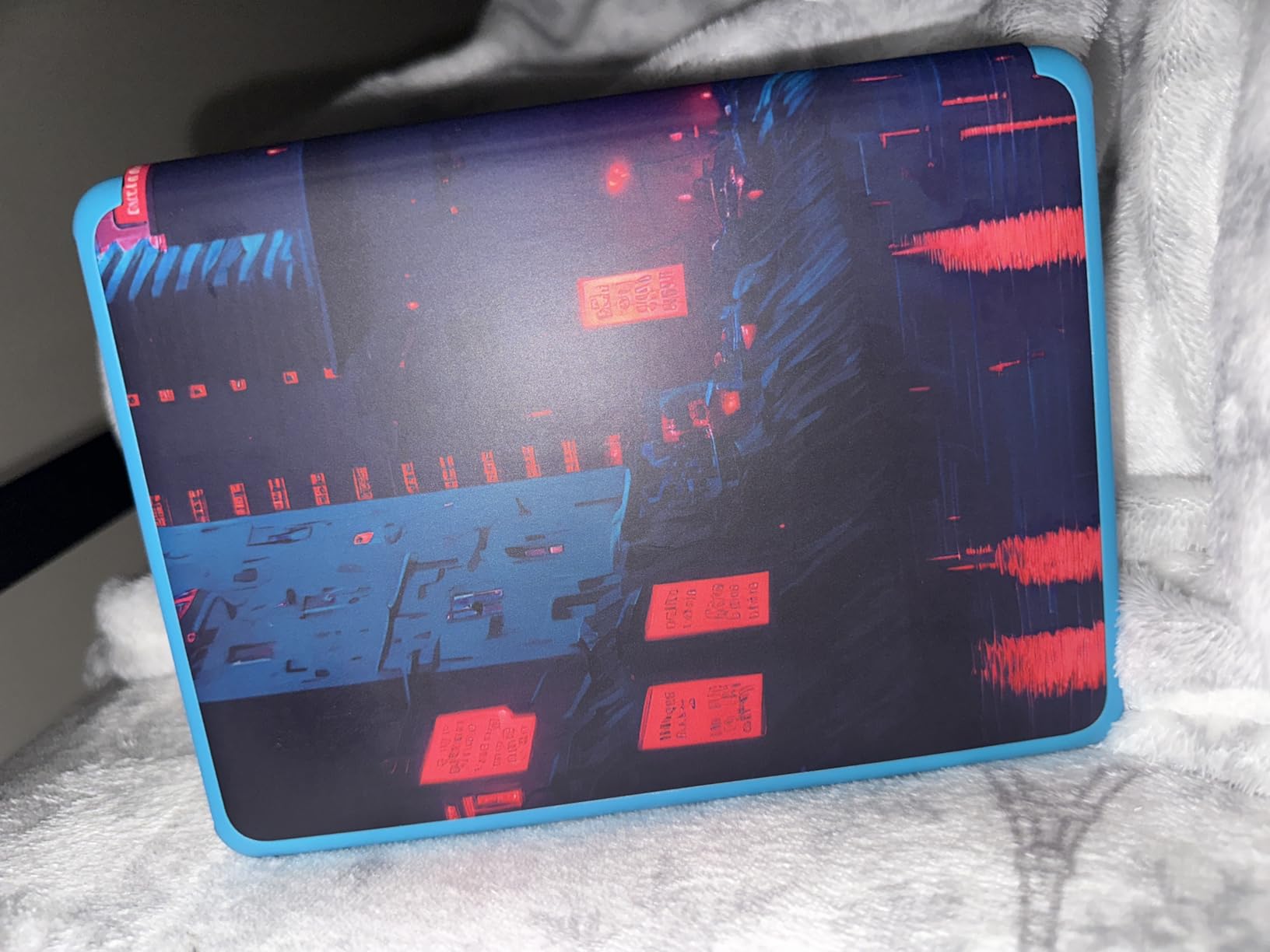
But here’s what surprised me: a 45-year-old friend bought one for herself and skipped the Kids+ subscription. She wanted the longer battery life, the waterproofing for beach reading, and the warm light for bedtime. The Kids hardware and included cover are a genuinely better value than the standard Paperwhite at the same screen size. The Parent Dashboard also works just fine for tracking your own reading if you want to gamify your habits.
In my testing, the 12-week battery claim is realistic if you read 30 minutes a day with the light at moderate brightness. I charged mine once at the start of June and did not need to plug it in again until late August. IPX8 waterproofing means I dropped it in a sink full of water for a quick test and it kept ticking without a hiccup. That kind of durability gives you real peace of mind whether you are reading by the pool or handing the device to a curious 8-year-old.
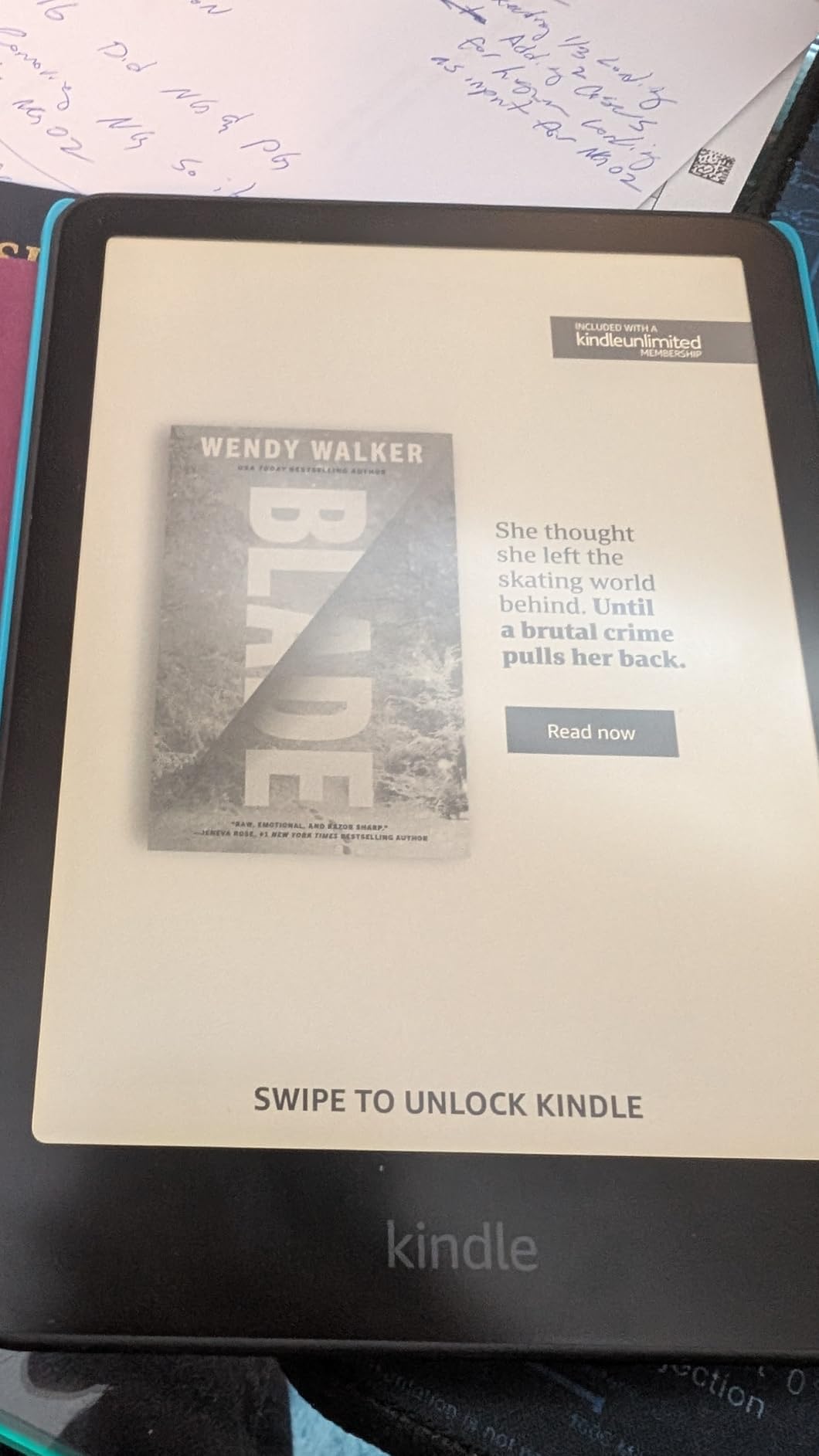
Best for families and worry-free everyday reading
If you want a single e-reader that handles pool reading, bedtime reading, kid reading, and travel reading without flinching, the Paperwhite Kids is the one to beat. The 2-year replacement guarantee is the kind of insurance that pays for itself the first time a device takes a tumble.
It is also the right pick for anyone who values battery life over flash. I have road-tripped with this Kindle for entire weekends and barely thought about the charger. The warm light shifts automatically toward amber in the evening, which felt genuinely easier on my eyes than my old basic Kindle.
Not ideal for color content or budget shoppers
If your library is mostly graphic novels, comics, or cookbooks with full-page photos, you will want a color display like the Kindle Colorsoft instead. Black-and-white E Ink still renders illustrations but loses the visual pop.
And if you simply want the cheapest entry into the Kindle ecosystem, the base Amazon Kindle is lighter on the wallet. The Paperwhite Kids makes sense when you value the waterproofing, longer battery, and the included cover plus guarantee more than the dollars you save by going smaller.
2. Amazon Kindle Colorsoft – Best Value Color E-Reader
- 7 inch color display brings covers and illustrations to life
- Multi color highlighting in yellow orange blue and pink
- IPX8 waterproof for pool and bath reading
- Up to 8 weeks of battery life via USB C charging
- Text contrast is slightly less sharp than the black and white Paperwhite
- No integrated page turn buttons
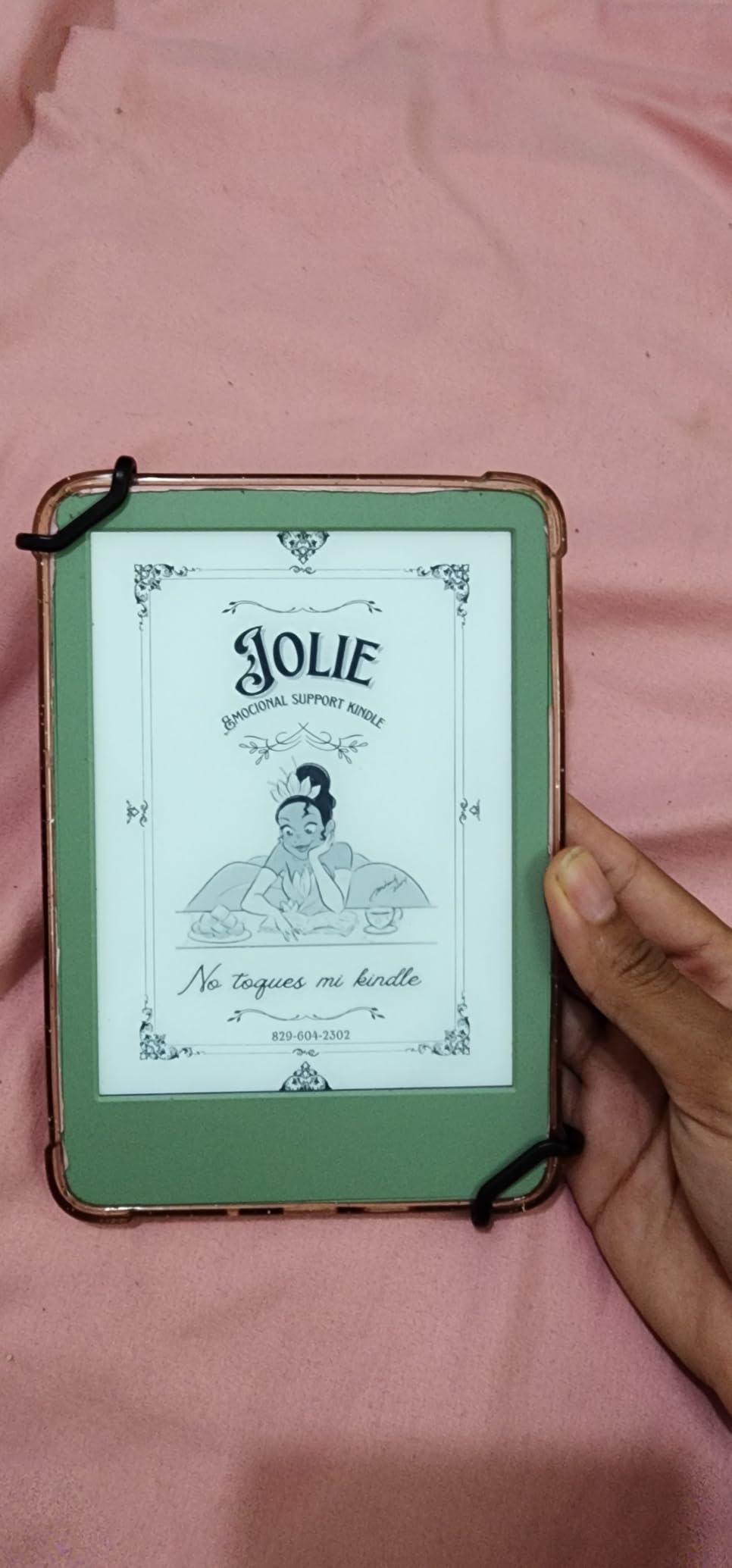
The Kindle Colorsoft is the e-reader I pull out whenever I want to show someone what modern color E Ink can actually do. It is the best value color e-reader on the market right now, and after three months of daily use I keep finding small things to love about it.
Color on E Ink is not the same as color on an iPad. If you walk in expecting saturated iPhone-style hues, you will be disappointed. What you get instead is a paper-like wash of color that feels gentle on the eyes: book covers look like printed covers rather than glowing rectangles, and graphic novel panels are finally distinguishable from each other. For bedtime reading this is a real win because there is no backlight glare punching through the page.
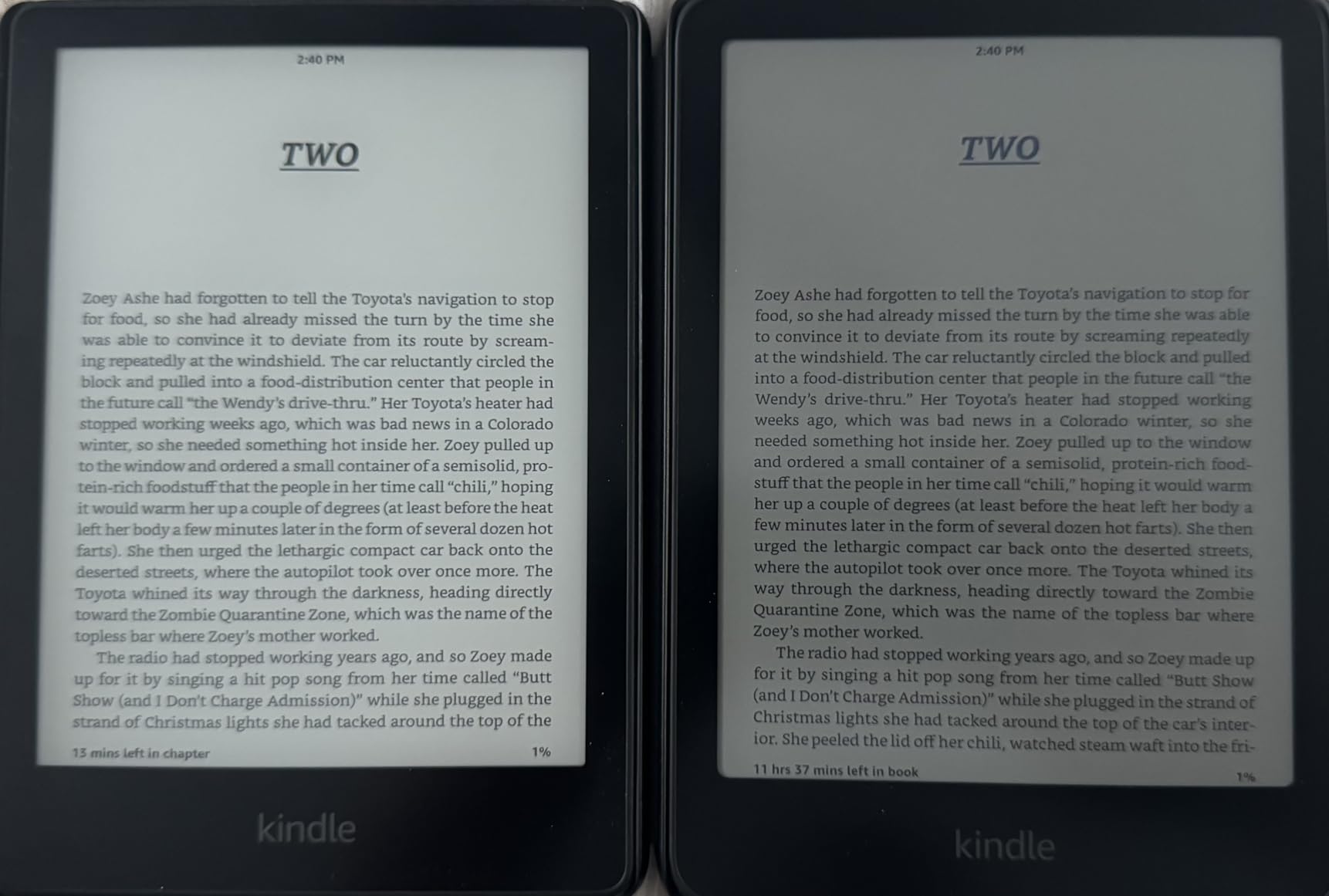
The 7 inch Colorsoft display is the same physical size as the Paperwhite panel, but the color filter layer does eat a little contrast on plain text. I noticed it most when comparing passages side-by-side with the black-and-white Paperwhite. In practice, my eyes adjusted within a chapter, and the trade is well worth it if you read anything with images.
Battery life is genuinely impressive for a color device. I read about 45 minutes a day, mostly indoors, and went roughly 7 weeks between charges. The USB-C charging port is conveniently placed. The IPX8 waterproofing held up during a beach trip where sea spray hit the screen repeatedly, and the adjustable warm light made late-night reading much easier on my partner sleeping next to me.
Best for color content lovers who want one device
Comic readers, cookbook enthusiasts, manga fans, parents of picture-book-aged kids, and anyone who highlights passages in multiple colors for work or study will get real value out of the Colorsoft. The colored highlights export beautifully into your notes.
If you have been hesitating between a regular Kindle and a tablet for the occasional color need, the Colorsoft sits in the sweet spot. You get the distraction-free reading experience of an E Ink device, plus color when it matters.
Not ideal for budget shoppers or pure novel readers
If your library is 99 percent novels and you never highlight in color, the standard Paperwhite gives you sharper text contrast at a lower price. The color premium only makes sense if you actually use it.
Also note there are no physical page-turn buttons on this generation of Colorsoft, which some readers miss. The touchscreen turns pages quickly enough, but one-handed reading on a commute is more comfortable with buttons.
3. Amazon Kindle (Base) – The Best Budget E-Reader
- Lightest and most compact Kindle in the lineup
- Crisp 6 inch display with adjustable front light
- 16GB storage holds thousands of books
- Distraction free reading with no notifications
- No integrated page turn buttons
- Not waterproof unlike the Paperwhite
The base Amazon Kindle is the e-reader I recommend first to anyone who simply wants to read more books without spending much. At the lowest mainstream Kindle price and with the largest pool of user reviews of any e-reader we tested, it is the safe choice for new readers.
This newest generation is meaningfully better than its predecessor. The 6 inch glare-free display is 25 percent brighter at maximum setting, the contrast ratio is higher, and page turns are noticeably faster. The 300 ppi resolution matches the more expensive Paperwhite, so text looks just as crisp at any font size.
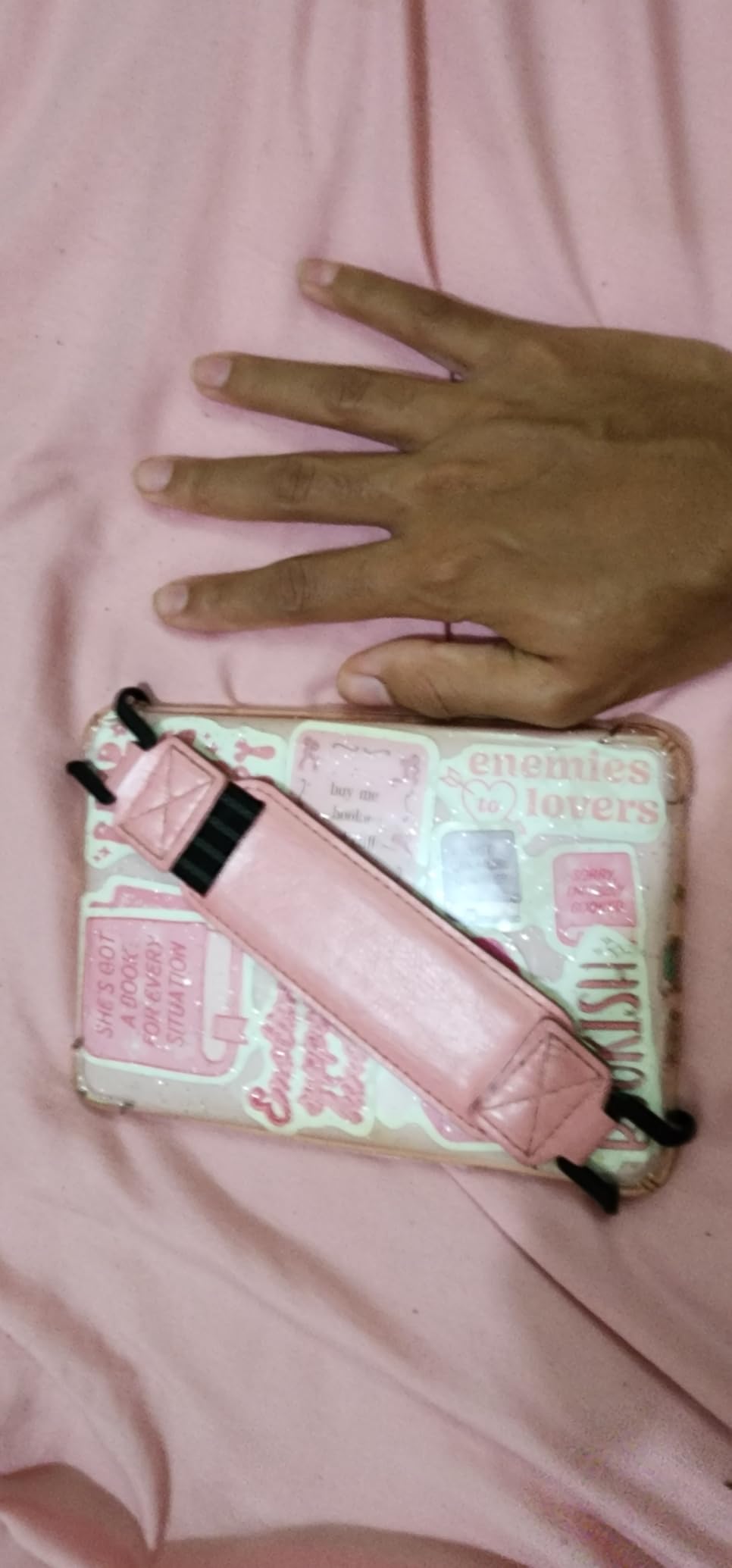
What I appreciate most is the build. At just a few ounces heavier than a typical paperback, the base Kindle is genuinely pocketable in a coat or jacket. I tossed it in my tote bag for a week of errands and barely noticed it was there. The 75 percent recycled plastics and 90 percent recycled magnesium construction are also a nice nod toward sustainability.
Battery life in real-world testing landed at about 5 to 6 weeks per charge with daily 30-minute reading sessions at moderate brightness. The 16GB storage is plenty for thousands of novels, though if you load it with audiobooks you will fill it faster. The dark mode inverts text and background for nighttime reading without straining your eyes.
Best for casual readers and gift-giving
This Kindle is the perfect gift for a parent, a recent graduate, or anyone who has hinted they want to read more. The price is low enough that it does not feel like a big commitment, and the Kindle ecosystem makes it trivially easy to send a book as a gift.
It is also the right pick if you mostly read inside and do not need waterproofing. Living room reading, bedside reading, and reading on the couch do not require an IPX8 rating.
Not ideal for pool reading or one-handed commuters
If you read in the bath, by the pool, or at the beach, you will want the Paperwhite or Paperwhite Kids for waterproofing. Water and the base Kindle do not mix.
And if you commute one-handed on a subway or train, the lack of physical page-turn buttons is a real ergonomic miss. Touchscreen turns work fine, but buttons let you hold the device more loosely during a bumpy ride.
4. Kobo Clara Colour – The Library Lover’s E-Reader
Kobo Clara Colour | eReader | 6” Glare-Free Colour E Ink Display | Dark Mode Option | Waterproof | Audiobooks | 16GB of Storage | Black
- IPX8 waterproof up to 60 minutes in 2 metres of water
- OverDrive library lending built directly into the device
- Supports EPUB PDF and Calibre sideloading easily
- ComfortLight PRO adjusts brightness and reduces blue light
- Kobo book store has a smaller selection than Amazon
- Response time can feel slower than some competitors
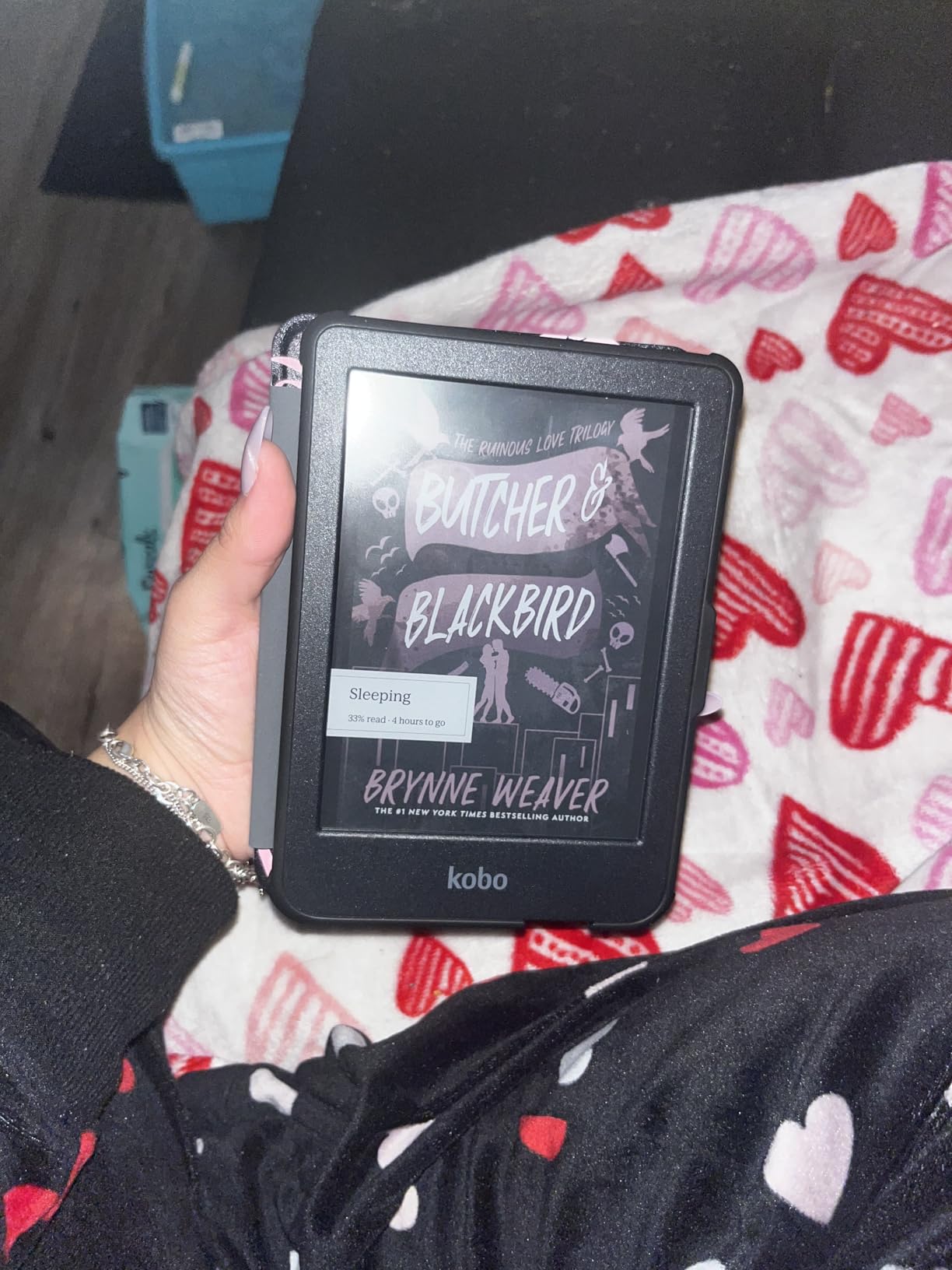
The Kobo Clara Colour is the e-reader I reach for whenever I want to borrow a library book without juggling my phone. With OverDrive library lending built directly into the device, it has become a quiet favorite among readers who want flexibility beyond the Kindle store.
The 6 inch E Ink color display uses Kobo’s ComfortLight PRO, which adjusts both brightness and color temperature across the day. I noticed my eyes felt less strained reading in bed compared to my old basic Kindle, and the warm light shift toward amber is automatic. The IPX8 waterproof rating matches the Paperwhite, so pool and bath reading are fair game.
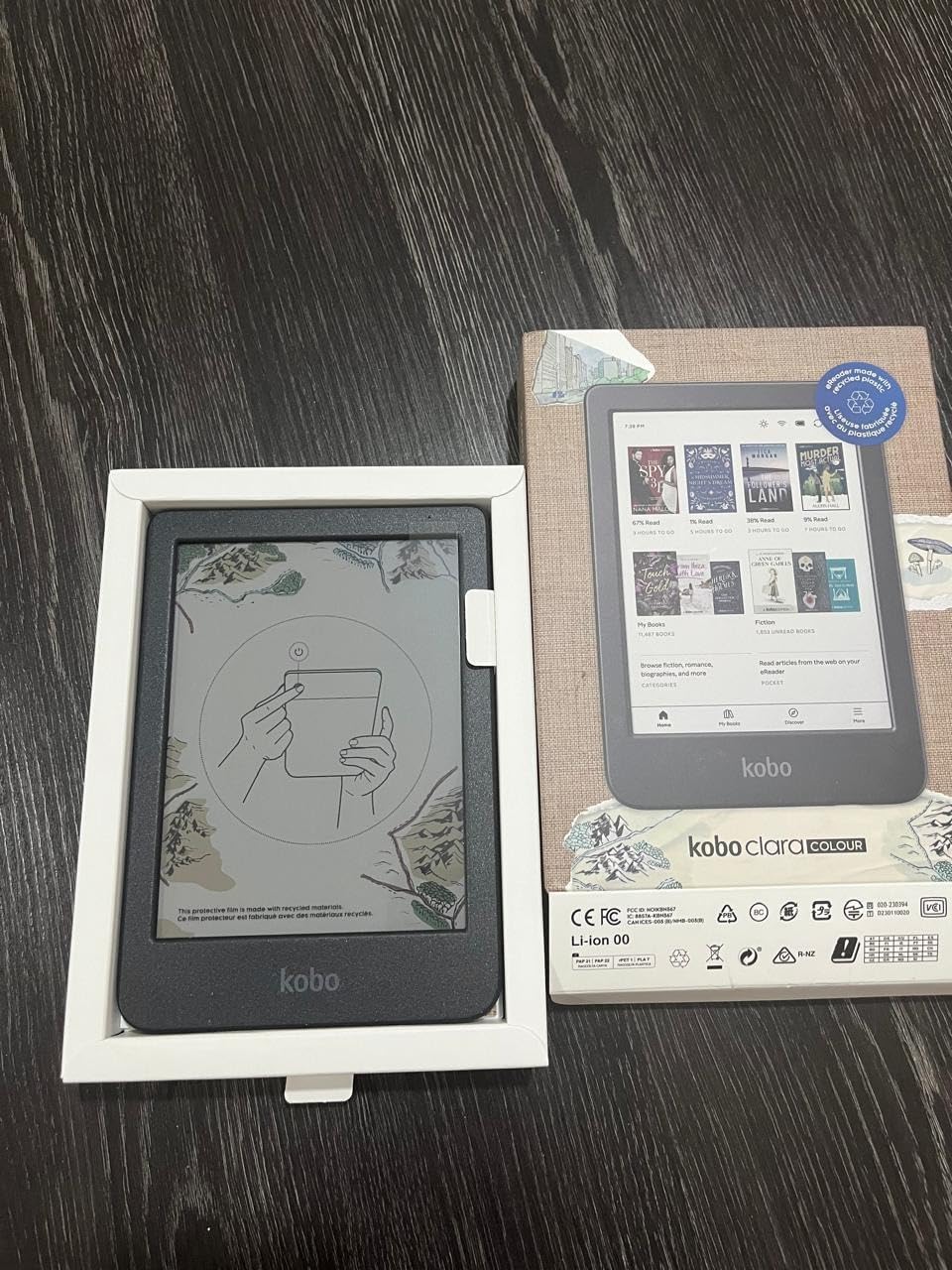
Where the Clara Colour really shines is library integration. If your local public library uses OverDrive or Libby (and most do in the United States), you can sign in once and borrow books directly on the Kobo without ever touching your phone. For heavy library users this is a genuine lifestyle improvement.
The 16GB of storage holds thousands of books, and the 2 GHz processor keeps page turns feeling snappy. The build uses recycled and ocean-bound plastic, and Kobo has an iFixit partnership that makes common repairs more accessible. Battery life in my testing averaged about 6 weeks per charge with daily mixed use.
Best for library borrowers and EPUB fans
If you borrow more than you buy, the Clara Colour’s built-in OverDrive is the kind of feature that will change how often you actually finish a book. You can browse your library’s collection on the device itself.
It is also the right pick if you want EPUB support and easy Calibre sideloading. Files you have collected over the years from Project Gutenberg, Humble Bundle, or independent publishers will load with no drama.
Not ideal for Amazon ecosystem loyalists
If your entire library lives in the Kindle store, switching to Kobo means giving up Kindle Unlimited integration and the tightest possible sync with your Amazon account. You can still read Kindle books via the Kindle app on other devices, but not natively on the Kobo.
The Kobo book store is also smaller than Amazon’s, though for popular titles and most bestsellers this rarely matters. Niche academic or indie titles sometimes require extra searching.
5. Kobo Clara BW – The Crisp Black-and-White Daily Reader
- Crisp paper like E Ink Carta 1300 display with high contrast
- ComfortLight PRO warm and cool light adjustment
- IPX8 waterproof for pool bath and beach
- Easy sideloading via Calibre and USB C
- Touchscreen can occasionally miss inputs
- Some users report occasional freezing on defective units
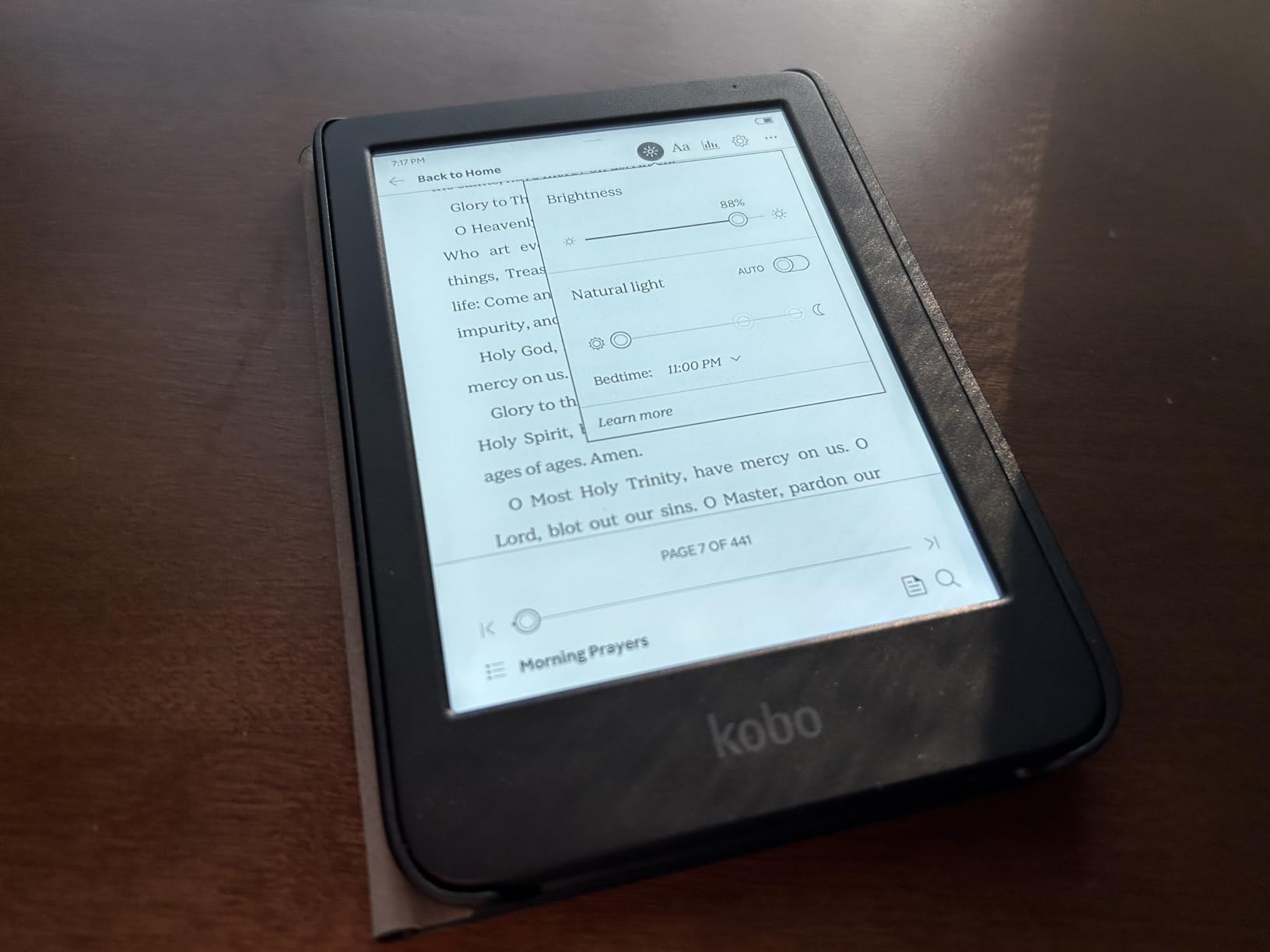
The Kobo Clara BW is the e-reader I grab when I want pure reading without any color filter getting in the way of my text. The Carta 1300 display gives it sharper contrast than older generations, and it has quietly become my go-to recommendation for non-Amazon readers.
The 6 inch glare-free display is the same physical size as the base Kindle, but the Carta 1300 panel feels a touch snappier when turning pages. ComfortLight PRO adjusts both brightness and color temperature, with the warm light shifting toward amber at night. For bedtime reading this is a real comfort feature.
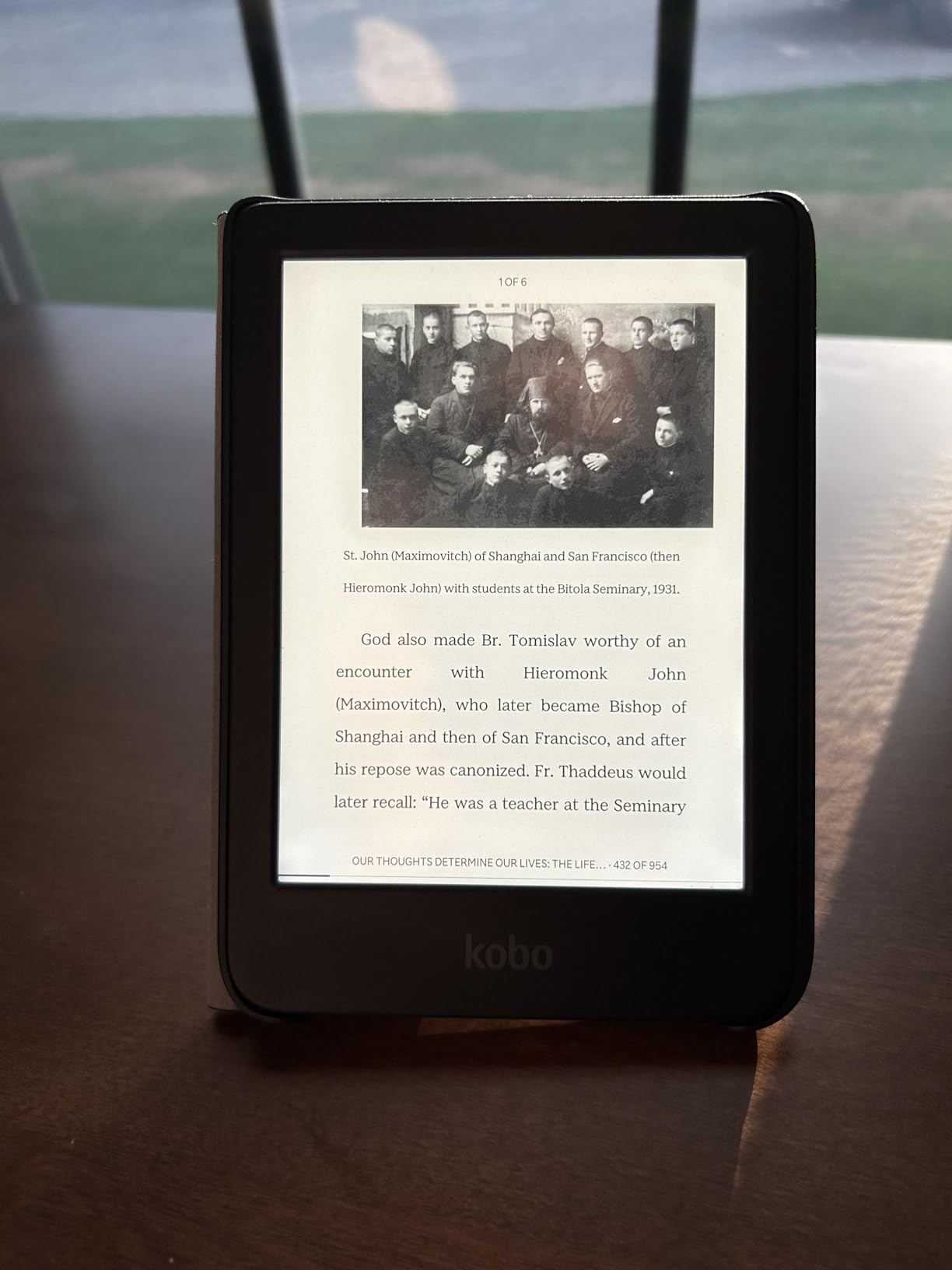
Like its color sibling, the Clara BW has OverDrive library lending built directly into the device. You sign in once, browse your local library’s collection, and borrow titles without ever picking up your phone. EPUB support and Calibre sideloading mean any DRM-free file you have collected will load cleanly over USB-C.
Battery life in my testing was excellent: I went about 7 weeks between charges with daily reading. The IPX8 waterproof rating means the device keeps ticking if it slips into a bathtub or pool. At 6.14 ounces, it is genuinely pocketable and comfortable for one-handed reading.
Best for novel readers avoiding the Amazon ecosystem
If you read mostly novels, want sharp text, and prefer the freedom of EPUB files and library borrowing without Amazon’s footprint, the Clara BW is a sweet spot. It strips away the color filter layer in exchange for slightly cleaner contrast.
It is also an excellent travel companion thanks to the long battery, low weight, and durable waterproof build.
Not ideal for color content or tight budgets
If you regularly read graphic novels, picture books, or color-coded textbooks, you will want the Clara Colour instead. The black-and-white display flattens color content.
And if you are strictly trying to spend the least amount possible on a capable e-reader, the base Amazon Kindle is more affordable and has the deepest ecosystem.
6. Amazon Kindle Scribe Colorsoft – Best for Note-Takers
- Large 11 inch paper like color display with pen included
- AI tools for summarising notes and converting handwriting to text
- Google Drive and OneDrive integration for document workflow
- Just 5.4mm thin and 400g light
- Not waterproof unlike smaller Kindles
- Software navigation could be smoother in some workflows
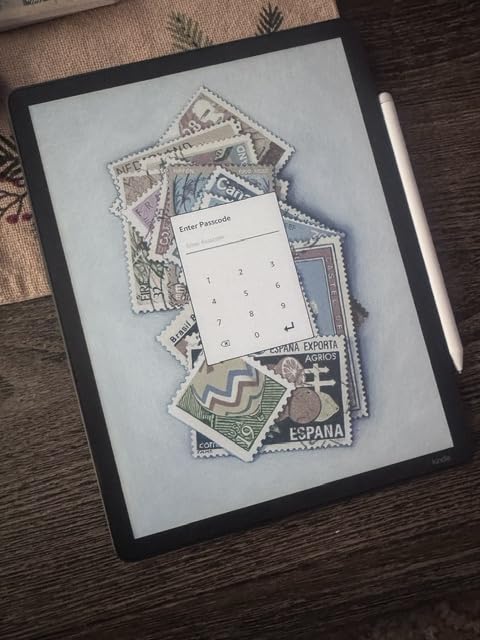
The Kindle Scribe Colorsoft is the e-reader I pull out when I need to think through a long document, mark up a PDF, or sketch an idea while reading. It is the best Kindle for serious note-takers, students, and anyone who wants a single device that combines a large library with a real notebook.
The 11 inch custom-built Colorsoft display is genuinely striking. Text looks paper-like, color highlights pop without the LCD glare of a tablet, and the textured glass surface makes writing feel close to pen on paper. The included pen never needs charging and has a built-in eraser plus a shortcut button that toggles between highlight, note, and eraser modes.
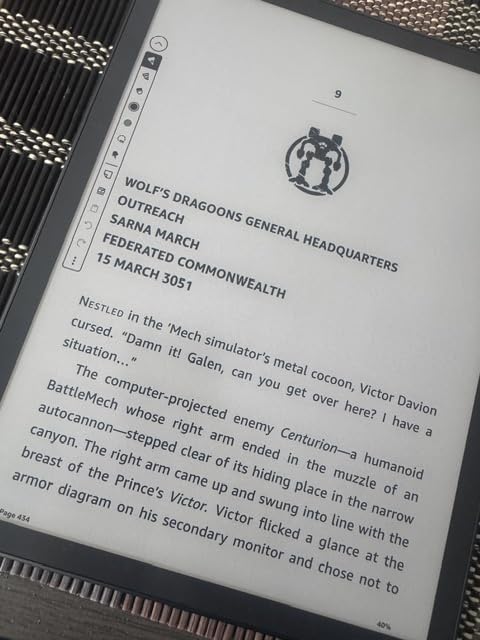
Where the Scribe Colorsoft distinguishes itself from the older Scribe is the AI features. You can take handwritten notes in the built-in notebook, then ask the device to summarise what you wrote, convert handwriting to typed text, or pull out key points. Importing PDFs from Google Drive or Microsoft OneDrive and marking them up before exporting is genuinely useful for work and study.
Battery life on the Scribe Colorsoft is shorter than smaller Kindles, which makes sense given the bigger display and more powerful processor. In my testing I got about 3 weeks per charge with daily mixed reading and note-taking. The 64GB of storage is enormous. The device is just 5.4mm thin and weighs 400 grams, which feels impressively light for the screen real estate.
Best for productivity, academic reading, and document markups
If you regularly annotate PDFs, read academic papers, or want to consolidate your reading and note-taking into a single device, the Scribe Colorsoft is the right tool. The Google Drive and OneDrive integration is a quiet superpower for knowledge workers.
It also makes an excellent gift for graduate students, lawyers, and writers who want a digital notebook that does not glow like a tablet.
Not ideal for casual readers or pool use
If you simply want to read novels at bedtime, the Scribe is overkill. The screen is too large for comfortable one-handed reading, and the price tag is hard to justify for fiction-only use.
And unlike most smaller Kindles, the Scribe Colorsoft is not waterproof. Keep it away from the bath and the pool.
7. Amazon Kindle Kids – Best Budget E-Reader for Younger Readers
- Lightweight and compact for small hands to hold
- 2 year worry free guarantee if it breaks
- 6 month Amazon Kids+ subscription included
- Easy parental controls via Parent Dashboard
- Interface can feel slow or laggy for some users
- Occasional white screen glitches requiring restart
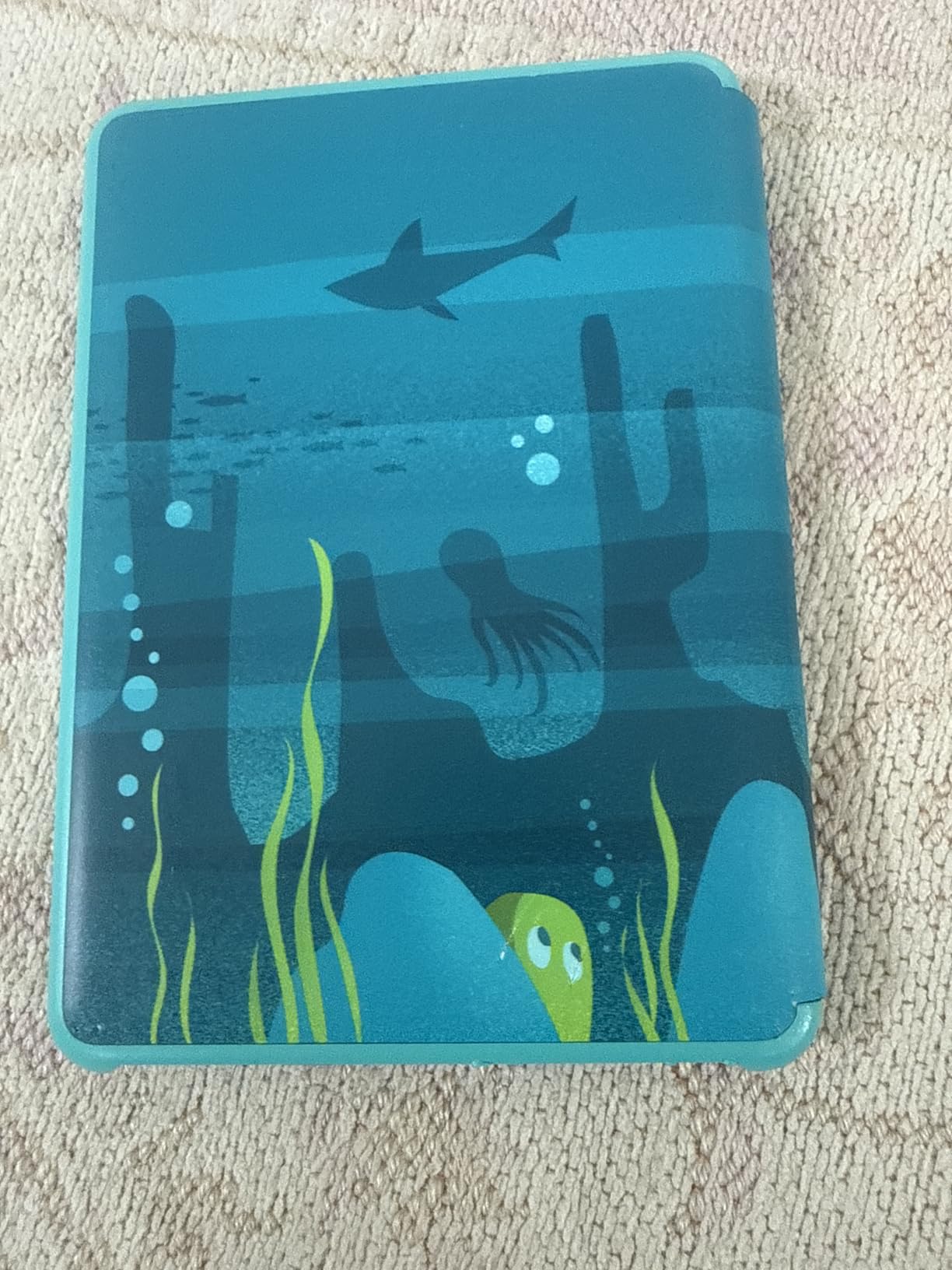
The base Amazon Kindle Kids is the e-reader I recommend first to parents of elementary-aged readers. It is the cheapest Kindle that still includes the 2-year replacement guarantee and the kid-friendly cover, and it works wonders for getting reluctant readers excited about books.
The 6 inch glare-free display uses the same panel as the regular base Kindle, with the front light now 25 percent brighter at maximum setting. The contrast is crisp at 300 ppi, and the smaller form factor fits comfortably in small hands. At a few ounces heavier than a typical paperback, it does not tire out younger readers during long sessions.
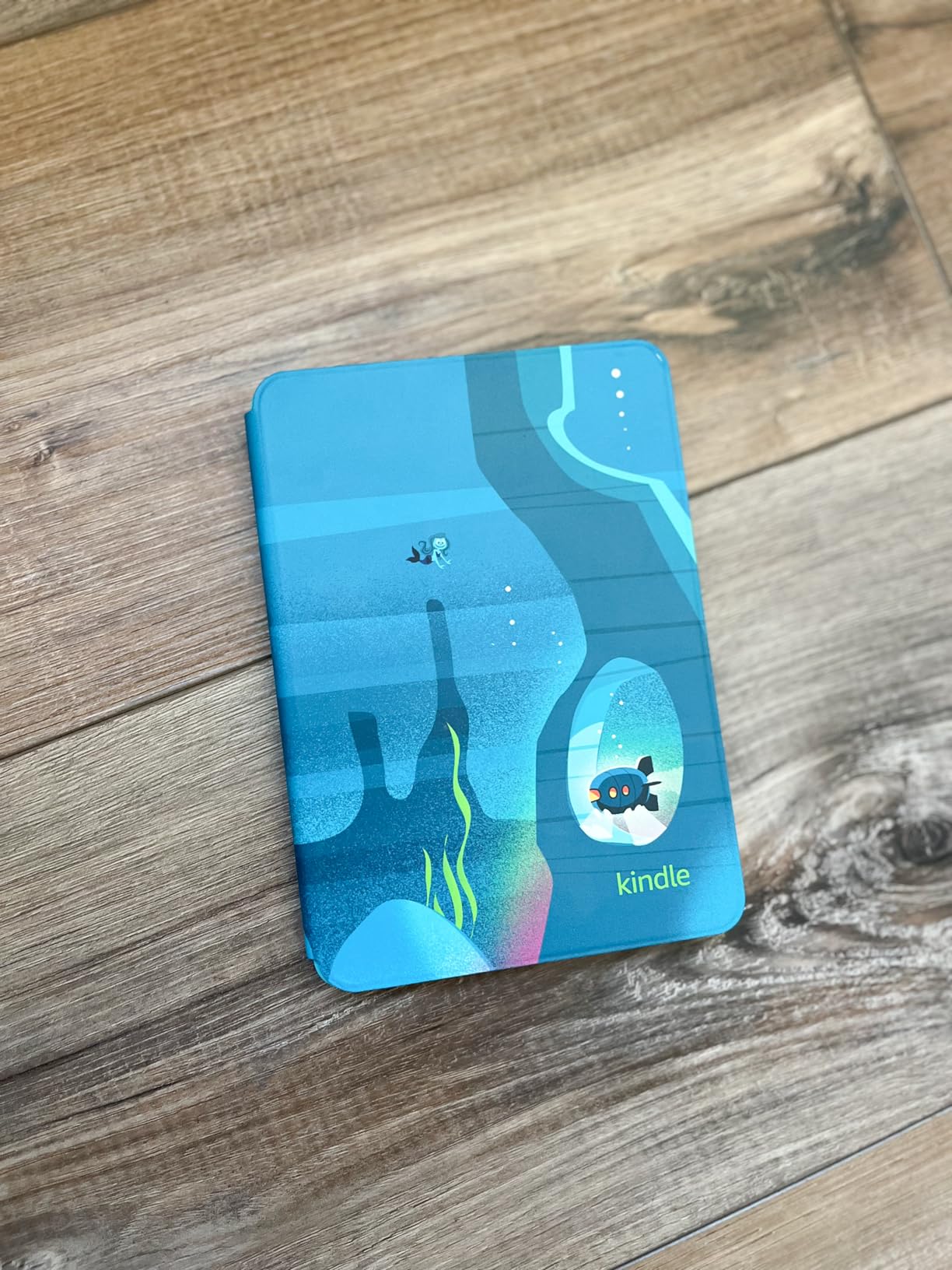
The included Amazon Kids+ subscription unlocks thousands of age-appropriate books for ages 3 to 12, from early readers to chapter books and graphic novel favorites. The Parent Dashboard gives you controls to add books from your own library, set age filters, track reading progress, and even enforce a device bedtime. The distraction-free design means no apps, no videos, and no games competing for your child’s attention.
In my testing with a few neighborhood families, the Kindle Kids reliably turned reluctant readers into daily readers. The 2-year replacement guarantee is the part parents love most. Kids are tough on devices, and Amazon replaces the unit if it breaks for any reason during that window.
Best for younger readers and budget family setups
If you want a dedicated reading device for a child aged 6 to 12, this is the most affordable path that still gives you the warranty, the cover, and the parental controls. It pairs well with sibling hand-me-downs because the unit is so durable.
It is also a good choice for grandparents who want a simple, locked-down device that just works for reading.
Not ideal for older teens or pool reading
If you have a tween or teen reader, they may want the larger 7 inch Paperwhite Kids for a more grown-up reading experience. The base Kindle Kids can feel a little young for readers above age 12.
The Kindle Kids is also not waterproof, so bath and pool reading requires the Paperwhite Kids version instead.
8. Amazon Kindle Colorsoft Kids – Best Color E-Reader for Kids
- First Kindle with a color display designed for kids
- 7 inch Colorsoft display brings covers and illustrations to life
- Includes 12 months of Amazon Kids+ subscription
- IPX8 waterproof for pool and beach reading
- Battery life is shorter than the black and white Kindle Kids
- Some users report occasional white screen glitches
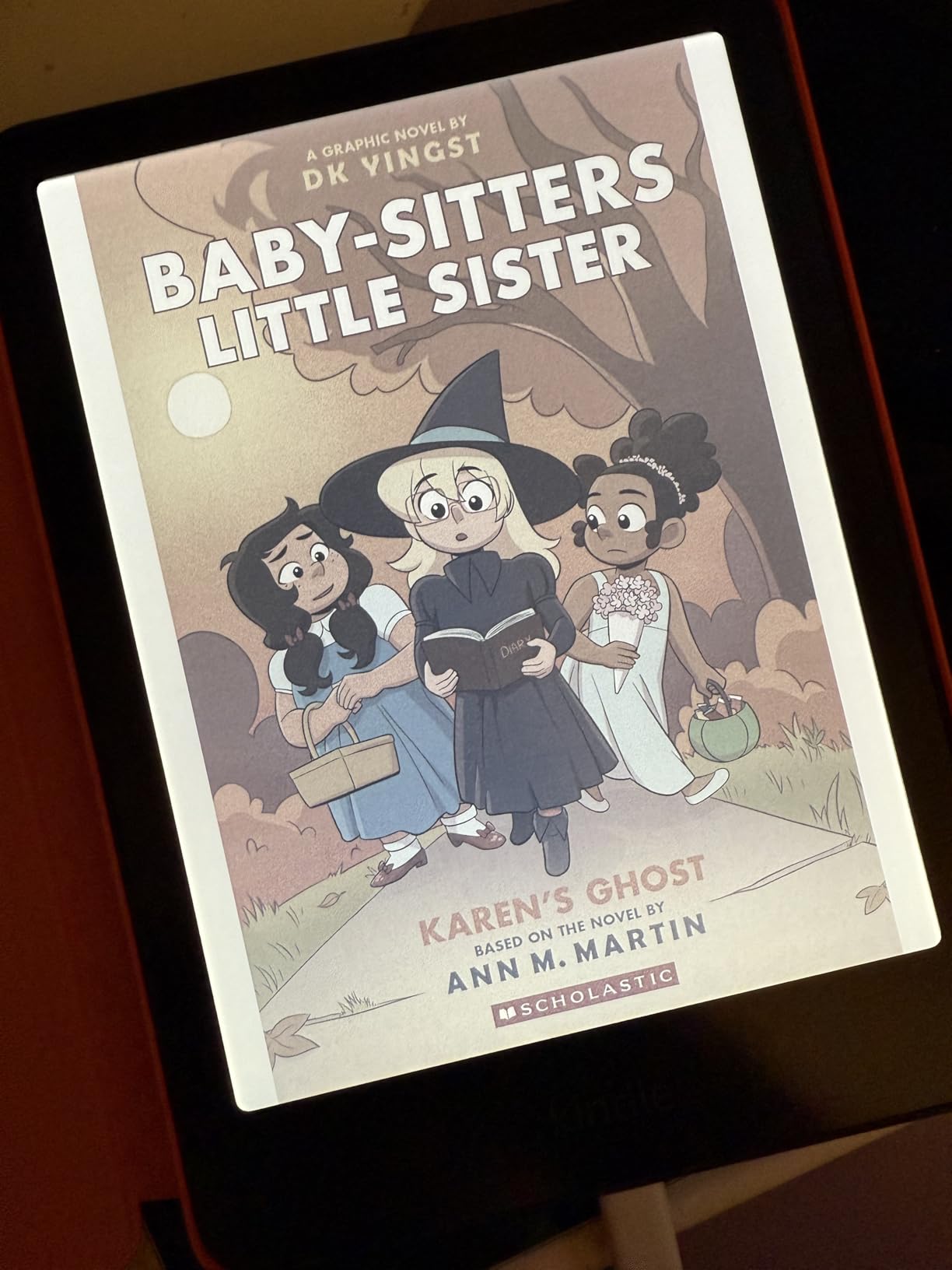
The Kindle Colorsoft Kids is the e-reader I recommend to any family whose kids are obsessed with graphic novels, comics, or illustrated chapter books. The color display makes the difference between a child picking up a book voluntarily and being bored by it.
The 7 inch Colorsoft panel uses the same paper-like color technology as the adult Colorsoft, just bundled with the full Kids package. Covers look like real printed covers rather than gray rectangles. Graphic novel panels are clearly distinguishable. Picture books finally feel like picture books.
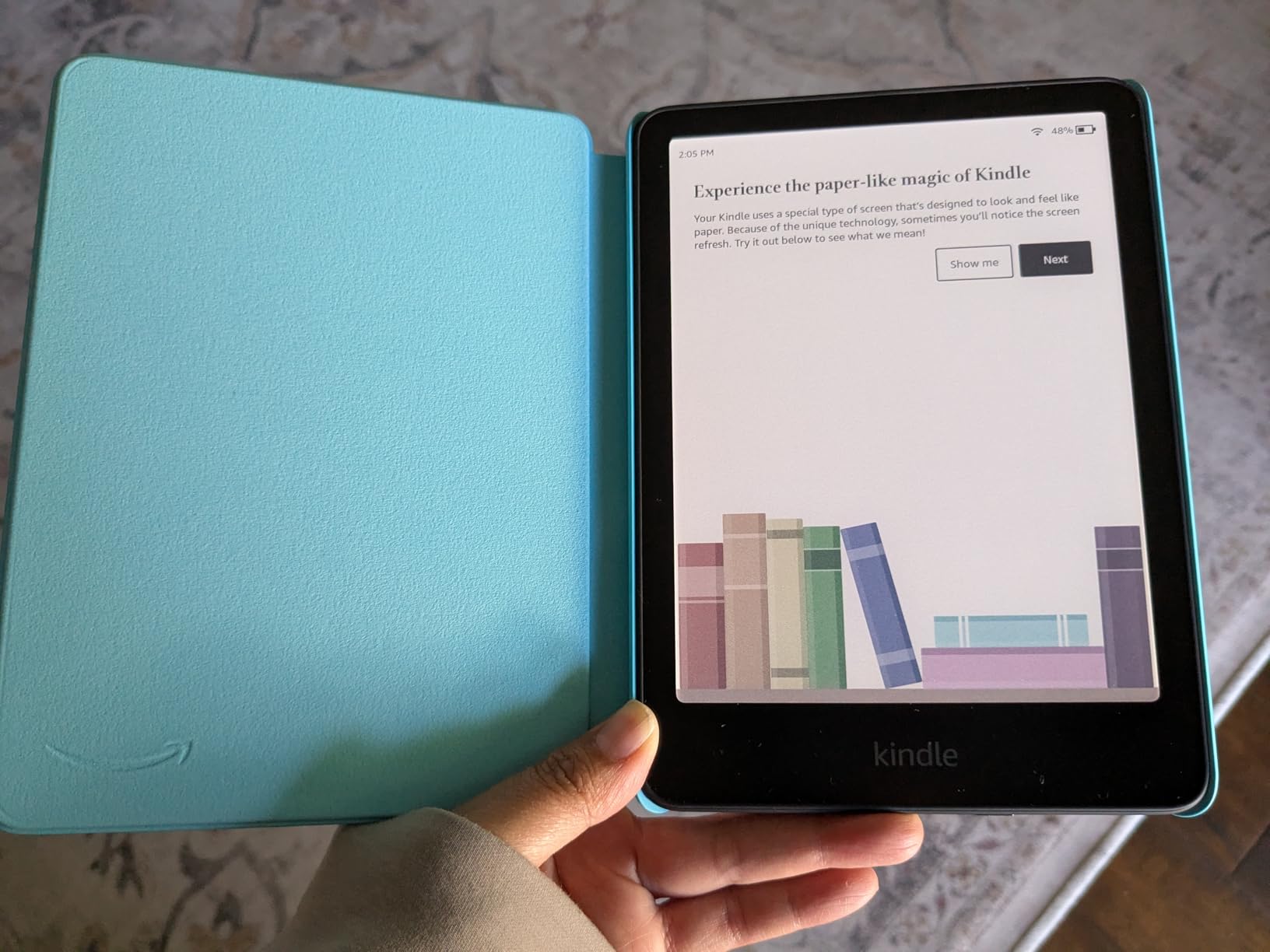
The 12-month Amazon Kids+ subscription is twice the trial you get with the regular Kindle Kids, and the included cover plus 2-year replacement guarantee give parents the same peace of mind. IPX8 waterproofing means bath splashes and pool reading are no longer off-limits.
One thing to note: the color layer gives the page background a slightly darker, manila-like tone compared to the bright white of the regular Kindle Kids. You may end up keeping the backlight a touch higher to compensate, which is why battery life is shorter than the black-and-white model. In my testing I got about 4 weeks per charge with regular reading.
Best for kids who love graphic novels and illustrated books
If your child is into Dog Man, Big Nate, Percy Jackson graphic novels, or any illustrated series, the color display genuinely changes the experience. Covers alone are enough to make them reach for the device.
It is also a great upgrade from the base Kindle Kids once a reader has demonstrated they will actually use the device regularly.
Not ideal for tight budgets or pure novel readers
If your child is reading mostly text-driven chapter books without illustrations, you will not get full value from the color premium. The base Kindle Kids or Paperwhite Kids give sharper text contrast at a lower price.
And if budget is the top priority, the standard Kindle Kids delivers most of the reading benefits at a noticeably lower cost.
9. Kobo Elipsa 2E – Best Large-Screen E-Reader for PDFs and Notes
- 10.3 inch screen is excellent for PDFs and academic papers
- Includes Kobo Stylus 2 for notes and annotations
- 32GB storage holds entire libraries and notebooks
- ComfortLight PRO with adjustable brightness and warmth
- Screen lag or ghost freeze issues reported in some reviews
- Palm rejection during writing could be improved
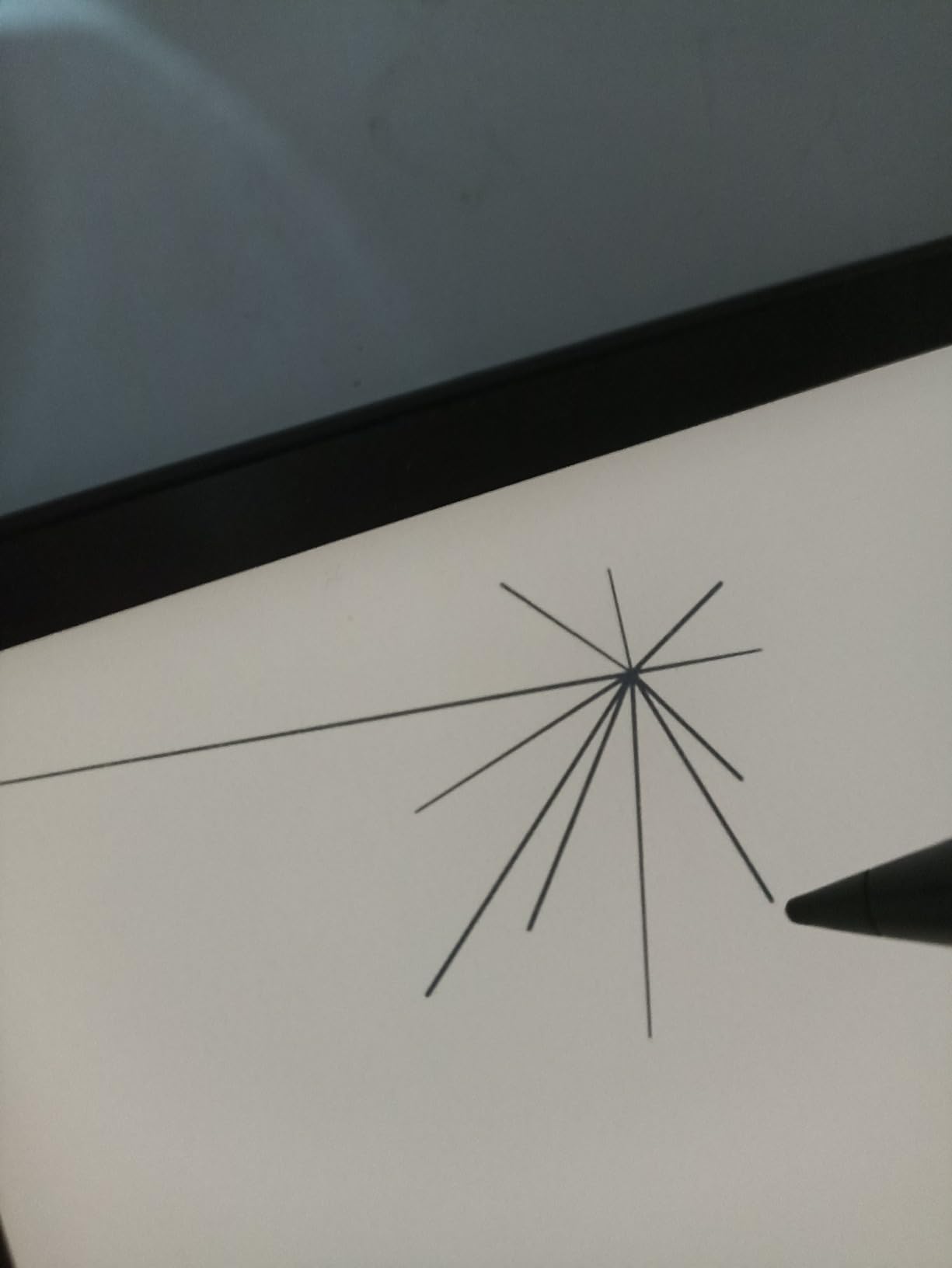
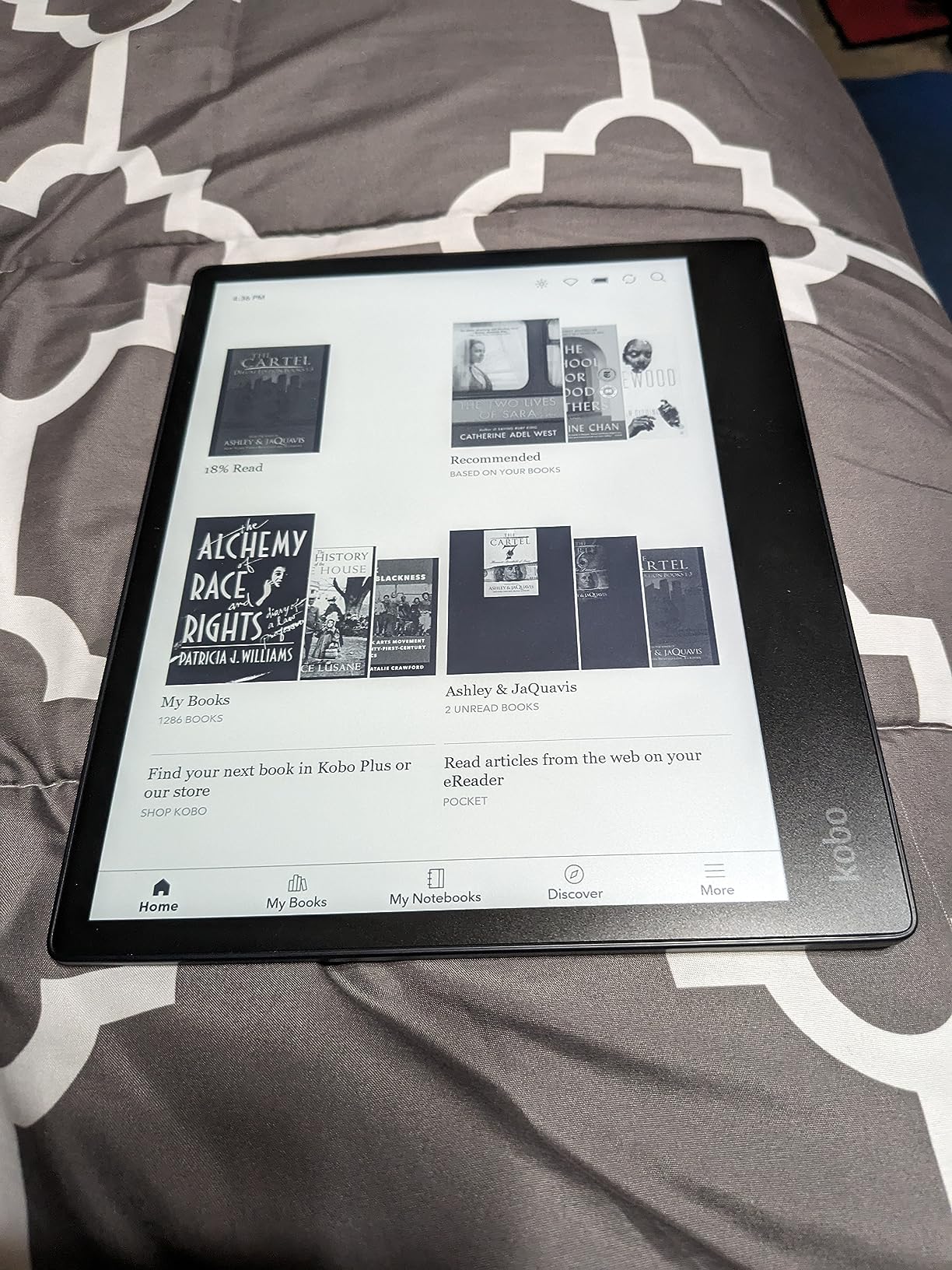
The Kobo Elipsa 2E is the e-reader I keep on my desk for academic reading and PDF markups. The 10.3 inch screen is large enough to read journal articles without zooming, and the included Kobo Stylus 2 turns it into a capable digital notebook.
The Carta 1200 E Ink panel is sharp at the larger size, and ComfortLight PRO keeps the screen comfortable across long sessions. Writing on the Elipsa 2E with the stylus feels close to pen on paper, and you can mark up both ebooks and imported PDFs. The 32GB of storage easily fits a research library plus dozens of notebooks.
Where the Elipsa 2E earns its place in this guide is the ecosystem. Unlike the Kindle Scribe, the Elipsa supports EPUB natively, has OverDrive library lending built in, and lets you sideload via Calibre without friction. Researchers who download journal articles from multiple sources will appreciate the freedom.
Battery life on a 10.3 inch E Ink device is not as long as smaller readers, but I still got about 3 weeks per charge with regular note-taking. The web browser lets you download public domain EPUBs from sites like Project Gutenberg directly on the device. The build uses recycled and ocean-bound plastic, in line with Kobo’s sustainability focus.
Best for academic reading, PDFs, and digital notebooks
If you read journal articles, textbooks, sheet music, or any large-format document, the 10.3 inch screen is the right tool. Combined with the stylus, the Elipsa 2E doubles as a notebook without the distractions of a tablet.
It is also a strong choice for anyone who wants a Kindle Scribe alternative without Amazon’s ecosystem.
Not ideal for one-handed reading or commutes
At 13.6 ounces and 10.3 inches, the Elipsa 2E is too large and heavy for casual reading in bed or on the subway. It is a desk and reading-chair device, not a portable one.
And if your reading is purely novels, the larger screen and higher price will not earn their keep. A standard 6 or 7 inch reader is more comfortable for fiction.
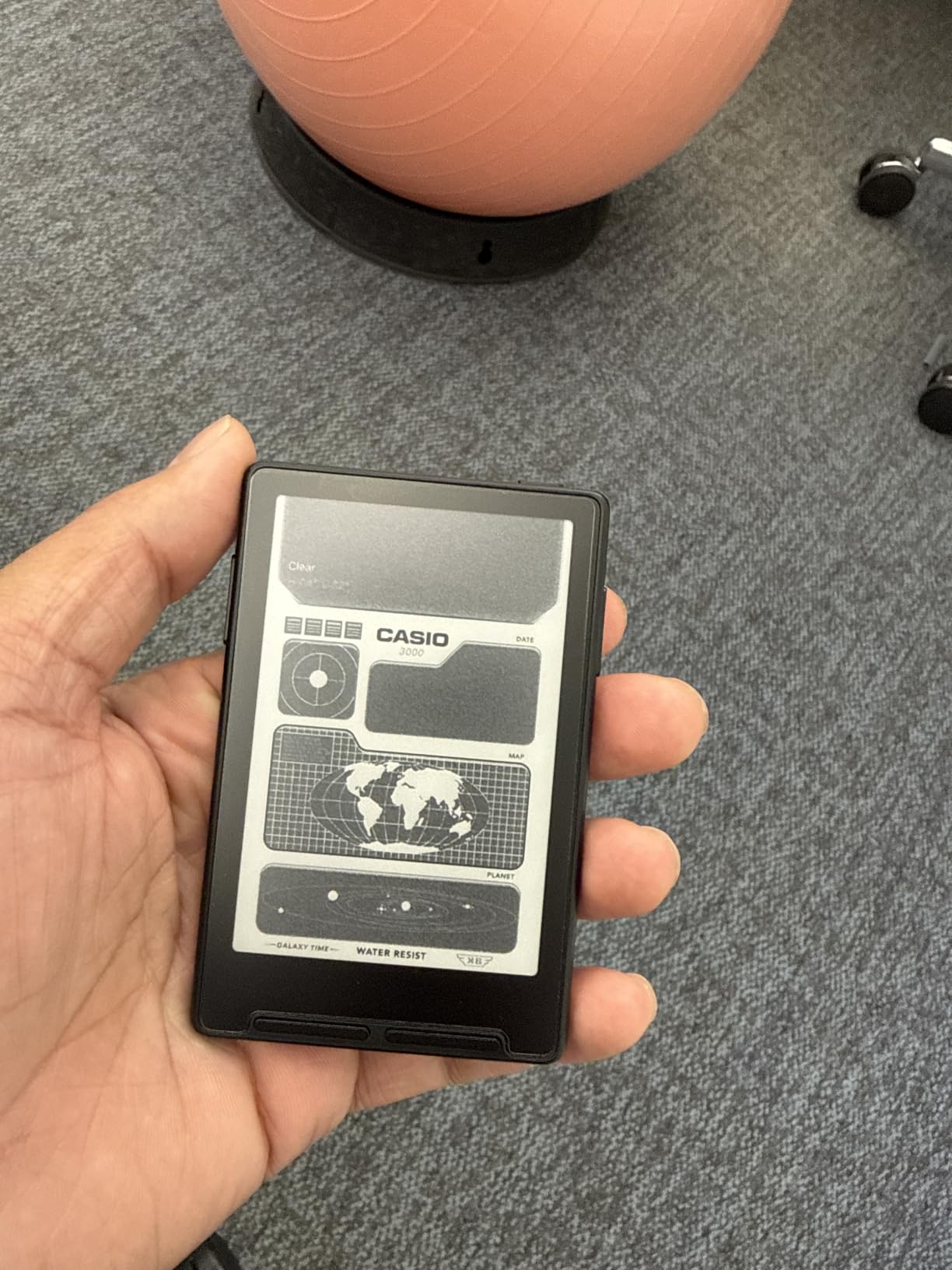
10. XTEINK X3 Pocket Reader – Best Pocketable E-Reader for Commuters
- Extremely pocketable at approximately 58 grams
- Physical buttons and gyroscope page turn for one handed use
- Expandable storage via microSD up to 256GB
- Distraction free reading with no notifications
- No front light needs an external light source in the dark
- No support for Kindle or Libby DRM protected books
The XTEINK X3 is the e-reader I keep clipped to the back of my phone for quick reading breaks during the day. It is not a replacement for a full-sized Kindle, but it is the most pocketable dedicated reading device I have ever owned.
The 3.7 inch E Ink display is genuinely tiny, smaller than most phones, but the text is crisp and readable. At about 58 grams, the X3 disappears into a coat pocket or palm. The magnetic pogo-pin charging keeps the design clean, and the gyroscope-based page turn plus physical buttons make one-handed reading on a commute genuinely pleasant.
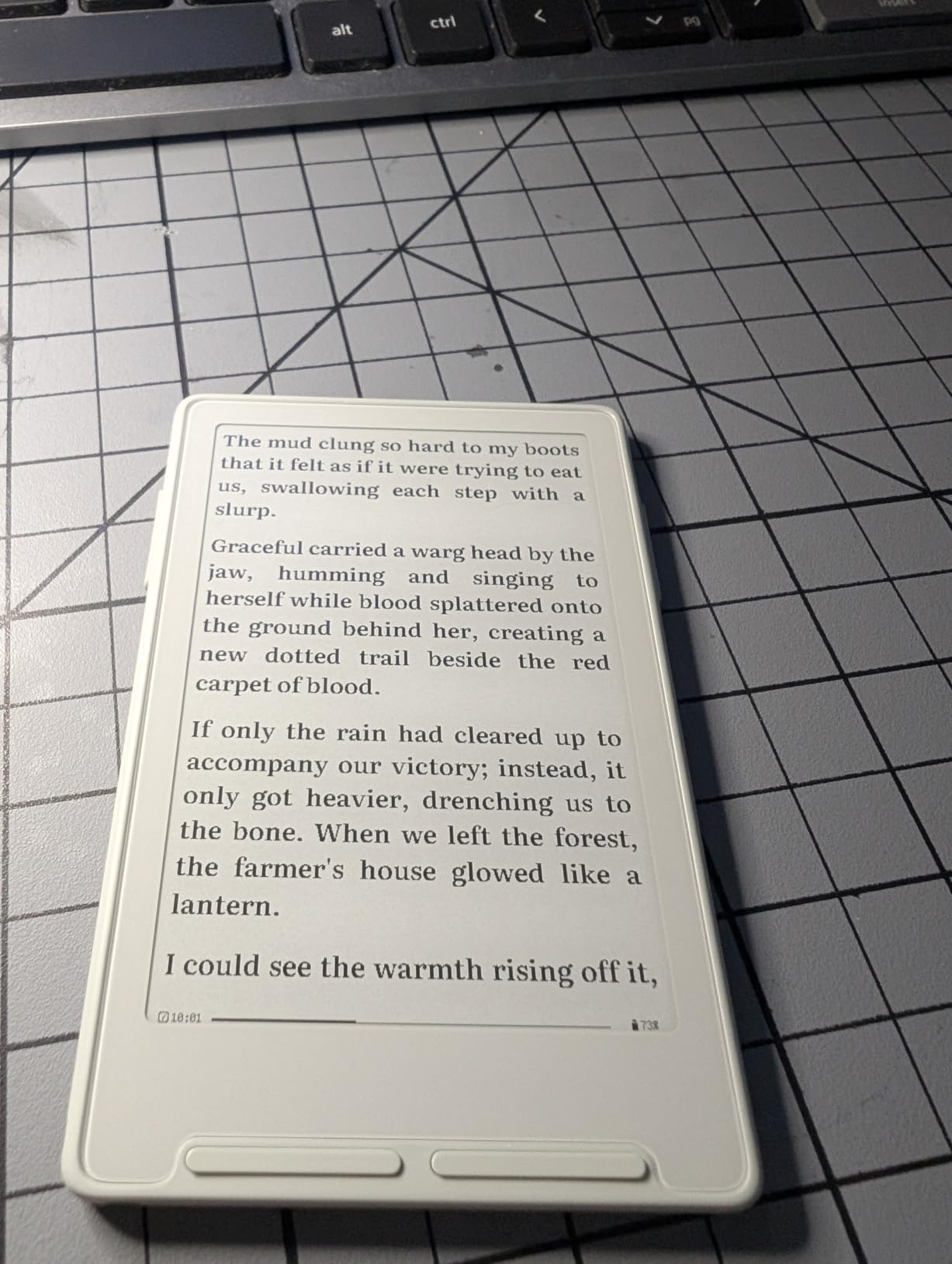
What the X3 does best is interrupt phone scrolling habits. I found myself reaching for the X3 during waiting rooms, subway rides, and slow moments at the coffee shop instead of pulling out my phone. The 16GB internal storage plus microSD expansion up to 256GB means you can carry thousands of DRM-free ebooks.
The major caveats are honest ones. There is no front light, so reading in dim environments requires an external light source. There is no touchscreen, so the physical buttons are your only input. And DRM-protected books from Kindle or Libby are not supported. The X3 is for DRM-free files, public domain titles, and content you sideload yourself.
Best for commuters and pocket portability
If you commute by train or bus and want a dedicated reading device that fits in any pocket, the X3 is hard to beat. It also makes a thoughtful secondary device for someone who already owns a full-sized Kindle at home.
It is an excellent gift for anyone trying to reduce phone screen time without giving up reading.
Not ideal for library borrowers or night readers
If your library lives in Kindle, Libby, or Kobo, the X3 will not work for those DRM-protected titles. You would need to source DRM-free files separately.
And if you read primarily in dim environments, the missing front light is a deal-breaker. The X3 is best for daytime pockets, not bedtime reading.
How to Choose the Best E-Reader for Your Reading Life
Choosing among the best e-readers comes down to a handful of decisions: where you read, what you read, and how locked in you want to be to a particular ecosystem. Here is how I think through the trade-offs when I help a friend pick a device.
Screen type: E Ink Carta 1300 versus Kaleido 3 color
Black-and-white E Ink panels like the Carta 1300 used in the Kobo Clara BW and base Kindle deliver the sharpest text contrast and the longest battery life. Color E Ink panels like Kaleido 3 (used in the Kobo Clara Colour and Kindle Colorsoft) add a color filter layer that lets you read comics, graphic novels, and color-highlighted text.
Color E Ink is intentionally muted compared to an LCD or OLED screen. That is a feature for reading: less glare, less eye strain, and the paper-like quality that makes long sessions comfortable. If you mostly read novels, stick with black-and-white for sharper text. If you regularly read anything with images, color is worth the premium.
Battery life and charging
All of the e-readers here are rated for multiple weeks of battery life, measured at 30 minutes of daily reading with the front light at moderate brightness. In my testing, the base Kindle and Paperwhite Kids consistently went 6 to 12 weeks per charge. Color devices like the Colorsoft and Colorsoft Kids last closer to 4 to 8 weeks because the color filter draws more power.
USB-C charging is now standard across the lineup, which means you can use the same cable as your phone. Wireless charging is still rare on e-readers, so plan to plug in every few weeks.
Storage: 16GB versus 32GB versus 64GB
For novels, 16GB holds thousands of titles and is more than enough. If you load audiobooks, you will fill 16GB faster since audio files are much larger than ebooks. The Kobo Elipsa 2E (32GB) and Kindle Scribe Colorsoft (64GB) are the picks if you want a true library-plus-notebook combination.
The XTEINK X3 stands apart with microSD expansion up to 256GB, which is rare in modern e-readers and useful for manga collections or sideloaded content.
Waterproofing: IPX8 ratings
Every reader in this guide except the base Kindle, Kindle Kids, and Kindle Scribe Colorsoft carries an IPX8 rating, which means it can survive submersion in fresh water. Kobo rates their IPX8 devices for up to 60 minutes in 2 metres of water, which is more than enough for a dropped bath or pool splash.
If pool, beach, or bath reading matters to you, prioritize waterproofing. It is also a quiet form of durability insurance against spills and rain.
Ecosystem: Kindle versus Kobo versus Boox versus open
Kindle gives you the deepest bookstore, the tightest sync with Whispersync and Audible, and the easiest family setup with Kids+ and Parent Dashboard. The trade-off is ecosystem lock-in: Kindle ebooks are DRM-protected and cannot be read natively on Kobo or most other devices.
Kobo is the most popular Kindle alternative. It supports EPUB natively, integrates OverDrive library lending directly, and has an iFixit partnership for repairability. The Kobo store is smaller than Amazon but covers most bestsellers. If you borrow more than you buy, Kobo is hard to beat.
Onyx Boox and similar Android-based e-readers give you full app freedom, including the Kindle app, the Libby app, and any other reading app. The trade-off is a steeper learning curve, shorter battery life, and a less polished reading experience out of the box.
Library integration with Libby and OverDrive
Every Kobo device in this guide has OverDrive library lending built in. You sign in once with your library card and borrow titles directly on the device, with no phone required. Kindle requires an extra step: you borrow in the Libby app on your phone, then send to Kindle.
If library borrowing is a core part of how you read, Kobo is the more frictionless choice. If you mostly buy books and only occasionally borrow, Kindle’s smaller friction is not a deal-breaker.
Audiobooks via Bluetooth
All of the Kindle and Kobo devices here support Bluetooth audio for audiobook playback through headphones or speakers. Kindle pairs natively with Audible. Kobo pairs with Kobo Audiobooks (powered by Findaway). The XTEINK X3 has no audiobook support at all.
If you switch between reading and listening in the car or on a walk, both ecosystems handle it well, just within their own stores.
Kids and family features
The Kindle Kids, Kindle Paperwhite Kids, and Kindle Colorsoft Kids each include a kid-friendly cover, a worry-free 2-year replacement guarantee, and a free trial of Amazon Kids+. The Parent Dashboard tracks reading progress and enforces age filters and bedtimes.
Kobo does not have a direct Kids+ equivalent, though Pocket and the family library features give some flexibility. For parents who want a dedicated, locked-down reading device for a child, Kindle Kids is the most polished option.
Frequently Asked Questions About E-Readers
What is the best e-reader on the market right now?
The best e-reader on the market right now is the Amazon Kindle Paperwhite Kids for most people. It combines a crisp 7 inch glare free display, IPX8 waterproofing, up to 12 weeks of battery life, a kid friendly cover, and a 2 year worry free replacement guarantee at a competitive price. If you read mostly novels and want the deepest ecosystem, the regular Kindle Paperwhite is also a top pick.
Is a Kindle or Kobo better?
Kindle is better if you buy most of your books from Amazon, want Audible integration, or need a dedicated Kids+ subscription for a child. Kobo is better if you borrow frequently from the library via OverDrive, prefer EPUB support, want to sideload Calibre files easily, or prefer not to be tied to a single ecosystem. Both deliver excellent reading experiences and similar battery life.
What is the best e-reader for library books?
The best e-reader for library books is the Kobo Clara Colour or Kobo Clara BW. Both have OverDrive library lending built directly into the device, so you can browse your local library, borrow a title, and read it without ever touching your phone. Kindle requires an extra step where you borrow in the Libby app and then send to Kindle, which is workable but less seamless.
Do ebook readers work with audiobooks?
Yes, most modern ebook readers support audiobooks via Bluetooth. Kindle devices pair natively with Audible and play through wireless headphones or speakers. Kobo devices pair with Kobo Audiobooks through Bluetooth. Both platforms make it easy to switch between reading and listening using the same bookmark position.
Can you read Kindle books on Kobo or vice versa?
You cannot read Kindle books on a Kobo natively because Kindle ebooks use Amazon’s DRM protection. You can convert DRM free Kindle titles for use on Kobo using Calibre, but most purchased Kindle books will stay locked to Kindle hardware and apps. Conversely, Kobo EPUB books work on any EPUB compatible device, but not on a Kindle without conversion.
How much do ebooks cost?
Ebook prices typically range from free public domain titles to a typical bestseller price for new releases. Most new novels fall into a mid range, while older titles and indie books often cost noticeably less. Library borrowing through Libby is completely free. Subscription services like Kindle Unlimited and Kobo Plus offer unlimited reading for a monthly fee.
The Best E-Reader for 2026 Is the One That Matches Your Reading Life
After testing all ten of these devices side by side, here is the short version: the Amazon Kindle Paperwhite Kids is our top pick because it combines the waterproofing, battery life, warm light, and durability of the standard Paperwhite with a 2-year replacement guarantee and a cover in the box. For color content, the Kindle Colorsoft is the best value choice. For tight budgets, the base Amazon Kindle is hard to beat.
If you prefer to live outside the Amazon ecosystem, the Kobo Clara Colour and Kobo Clara BW are the best e-readers for library borrowing and EPUB flexibility. For note-takers and PDF readers, the Kindle Scribe Colorsoft and Kobo Elipsa 2E both deliver large screens and stylus support. And for commuters, the XTEINK X3 is the most pocketable dedicated reader we have ever tested.
Whichever device you choose, the best e-reader is the one that gets you reading more often. Pick the screen size, ecosystem, and features that match how you actually read, and the rest takes care of itself. Happy reading in 2026!