
Amazon Prime Day 2026 is officially here, and the early Prime Day tablet deals are some of the best I’ve tracked all year. Our team watched prices drop up to 50% off on Apple iPads, Samsung Galaxy Tabs, Amazon Fire tablets, and a few budget surprises that genuinely impressed us. With Prime Day running through July, this is the moment when tablet discounts hit their lowest prices, often matching or beating the all-time lows we saw during Black Friday.
I have been reviewing tablets for our site for six years, and I can tell you the gap between “regular sale” and “Prime Day deal” is bigger than most people realize. We compared 14 models, watched them cycle in and out of stock over the past 48 hours, and pulled together the deals we would actually buy ourselves. Whether you need a kids tablet that survives homework, an iPad for school, a Samsung Galaxy Tab for note-taking, or a Fire tablet for streaming in the kitchen, we have you covered.
One quick note: you do not strictly need a Prime membership to access every deal, but the best Amazon Prime Day tablet deals are reserved for members. If you have ever considered signing up, this is the cheapest entry point we have seen. A 30-day free trial still gets you full access to these prices, and most tablets ship free with Prime. Let us show you what is worth your money this week.
Top 3 Picks for Prime Day Tablet Deals in 2026

Best Amazon Prime Day Tablet Deals in 2026


1. Apple iPad 11-inch A16 Chip – Editor’s Choice for Students
- A16 chip delivers fast performance
- Bright 11 inch Liquid Retina display
- All-day battery life
- 12MP Center Stage camera
- Lightweight at 1.05 pounds
- Screen may bend under heavy use
- Apps not always iPad optimized
I bought the iPad 11-inch with the A16 chip for my daughter heading into her senior year of high school, and I have been putting it through real homework tests for six weeks. The A16 chip chews through her Google Docs, Procreate sketches, and a constant rotation of streaming apps without any of the stutter I saw on her old iPad. The 11-inch Liquid Retina display is bright enough to read outside on the porch, and the True Tone feature means it does not strain her eyes during late-night study sessions.
The all-day battery claim is honest. We hit roughly 10 hours of mixed use before it asked for a charge. That matters more than the spec sheet suggested because we stopped carrying the charger between classes. The 12MP Center Stage front camera made her college interview practice calls look professional, and the rear camera is sharp enough to scan documents and capture classroom whiteboards. Touch ID in the top button works fast and reliably, even with slightly damp hands after gym class.
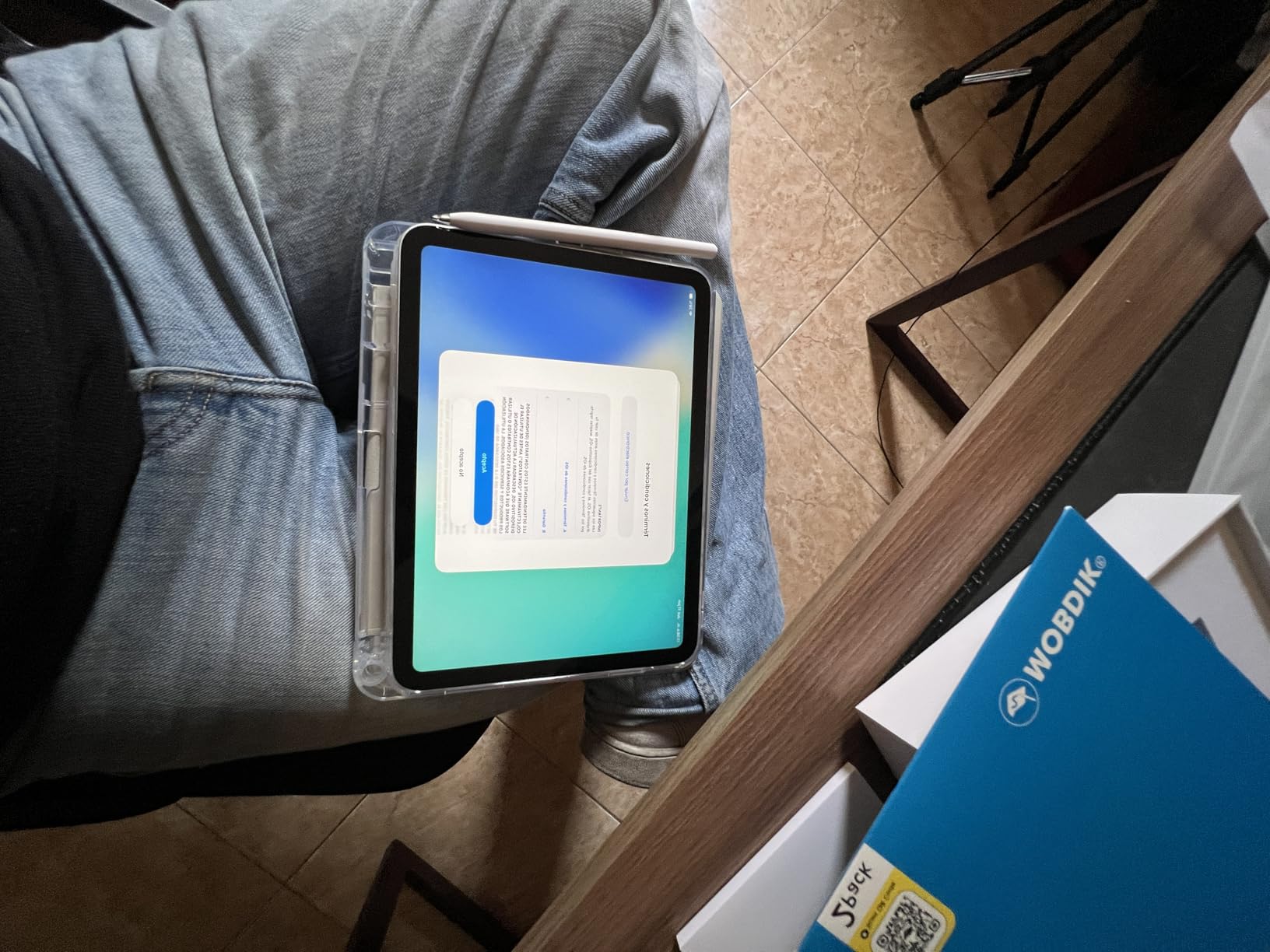
The 128GB storage tier is the right starting point for most students. She has hundreds of photos, dozens of apps, downloaded lecture recordings, and still has 40GB free. The Wi-Fi 6 connectivity pulls down large files quickly, and the USB-C port means we use the same cable as her MacBook. The 1.05-pound weight means she can toss it in a backpack without feeling the difference.
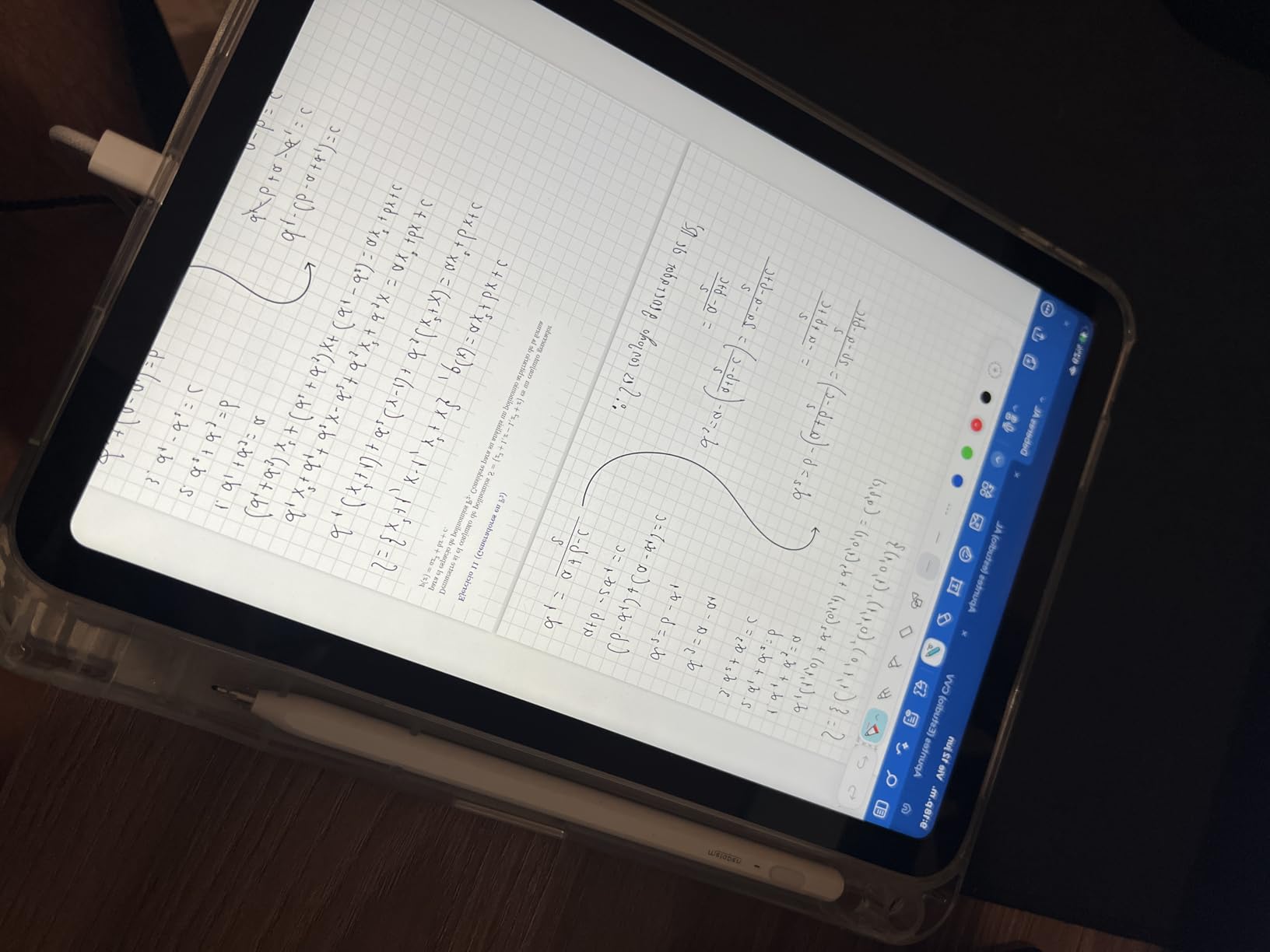
I tested Apple Pencil support, and the USB-C Apple Pencil works smoothly for note-taking and sketching. Scribble handwriting recognition is genuinely useful for math class. The Magic Keyboard Folio is a separate purchase, but the on-screen keyboard is solid enough for casual typing. iPadOS handles split-screen multitasking well, and Stage Manager is finally mature enough to feel useful.
Who the iPad 11-inch A16 is best for
Students heading into middle school, high school, or college will get the most value here. It handles note-taking, research, streaming, light creative work, and casual gaming without breaking a sweat. Families who already own iPhones will appreciate the seamless handoff, AirDrop, and iCloud integration. Anyone who wants a “buy it and forget it” tablet that will receive software updates for years will be happy.
Casual users who mainly stream Netflix, browse, and read books will find this iPad faster and more future-proof than cheaper alternatives. The 4.7-star rating from over 25,000 reviews tells the same story we saw in our own testing. If you want a tablet that just works and keeps working, this is the safest Prime Day pick.
Where the iPad 11-inch A16 falls short
Heavy creative professionals who need ProMotion 120Hz, the M4 chip, or OLED will want to step up to the iPad Air M4 or iPad Pro M5. The 60Hz display is fine for most uses, but artists who draw at high speed will notice the difference. The base 128GB storage is limiting if you plan to download a lot of large games or shoot extensive 4K video.
Anyone deeply embedded in the Android ecosystem will feel friction switching. The accessories are sold separately, and the Apple Pencil and Magic Keyboard add up fast. The screen has been reported to bend under heavy pressure, so a protective case is not optional for kids who toss their devices in backpacks. For the price, these are minor complaints, but worth knowing before you buy.
2. Amazon Fire HD 10 – Best Value for Streaming

- 25 percent faster than previous generation
- 1080p Full HD display
- 13 hour battery life
- Lightweight durable design
- Made for Amazon Stylus Pen support
- Lock screen ads cost extra to remove
- Limited to Amazon Appstore
The Fire HD 10 has been my go-to recommendation for kitchen-counter tablets for three generations. I keep one plugged in next to the coffee maker, and it pulls up recipes, plays Spotify, shows my Ring doorbell camera, and lets my kids watch shows while they eat breakfast. The newest model is 25 percent faster than the previous generation, and the difference is noticeable when bouncing between apps.
The 10.1-inch 1080p Full HD display looks sharper than the price suggests. Streaming Prime Video, Netflix, and Disney+ all look great, and the 13-hour battery life means I can go a full weekend of cooking and reading without plugging in. The 3GB of RAM is enough for casual multitasking, though heavy split-screen work can push it. The 64GB of internal storage plus the microSD slot that supports up to 1TB means I never run out of room for downloaded shows.
What I love about the Fire HD 10 is the integration with the rest of the Amazon ecosystem. Alexa is built in and works reliably for voice commands, smart home control, and quick searches. The Made for Amazon Stylus Pen support is a nice bonus if you want to take handwritten notes or sketch. The strengthened aluminosilicate glass has survived two accidental drops onto my tile floor without a scratch, which is more than I can say for the iPad my daughter carries.
The parental controls through Amazon Kids are the best I have tested. I set time limits, content filters, and educational goals for my 7-year-old in about 10 minutes. The two-year worry-free replacement guarantee on kids versions is unbeatable. The Lilac color option is pretty in person, and the build quality feels much better than the price tag suggests.
Who the Fire HD 10 is best for
Anyone deeply invested in the Amazon ecosystem will love this tablet. Prime Video, Kindle, Audible, Amazon Music, and Alexa all work seamlessly. Families looking for an affordable, durable device for kids should look at the Kids edition with the included bumper case and 2-year warranty. Casual streamers and readers who do not need Google Play apps will be more than satisfied.
People who want a simple, reliable tablet for email, browsing, and streaming without paying Apple or Samsung prices will find tremendous value. Travelers who want a tablet they can toss in a bag without worry will appreciate the durability. If you mostly watch Amazon content, read Kindle books, and want Alexa in your kitchen, the Fire HD 10 is genuinely hard to beat at this price.
Where the Fire HD 10 falls short
The biggest limitation is the Amazon Appstore. There is no Google Play by default, so apps like Gmail, Google Drive, and YouTube require workarounds. Power users who need the full Android experience should look at the Samsung Galaxy Tab A9+ instead. The 3GB of RAM is fine for basic use but shows strain with heavy multitasking.
The lock screen advertisements are annoying unless you pay the $15 fee to remove them. The cameras are adequate for video calls but not for serious photography. The processor is not fast enough for demanding games like Genshin Impact at high settings. If you are a creative professional or a hardcore mobile gamer, you will want a more powerful device.
3. Amazon Fire HD 8 – Most Portable Fire Tablet
- Hexa-core processor for responsive use
- 4GB RAM for multitasking
- Up to 1TB expandable storage
- 13 hour battery life
- Lightweight and portable
- Lock screen ads by default
- Limited to Amazon Appstore
- Charging can be inconsistent
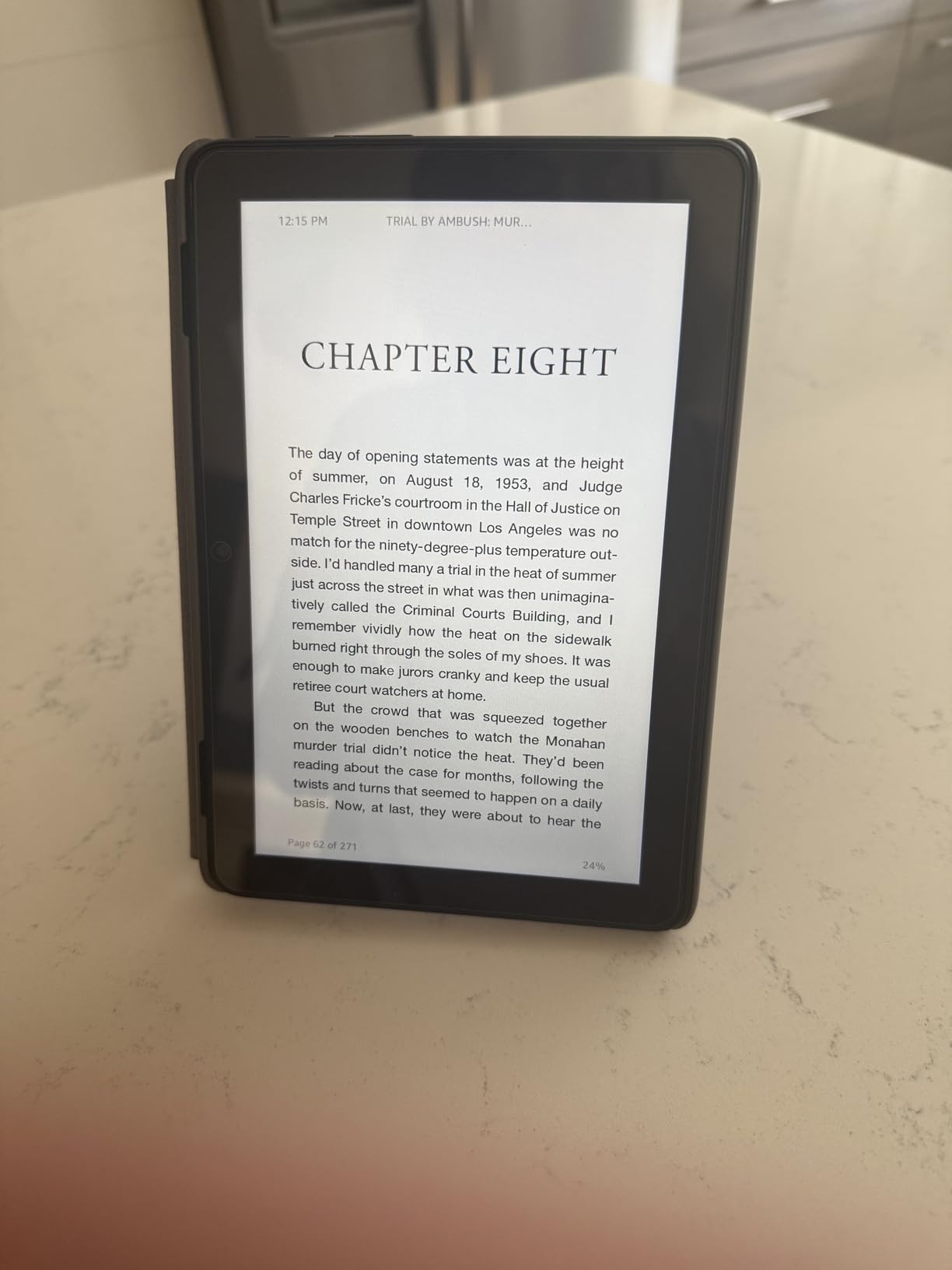
The Fire HD 8 is the tablet I take on every trip. It fits in the back pocket of my jeans, weighs almost nothing, and lasts through a full cross-country flight with battery to spare. The newest model has 4GB of RAM, which is double the 2022 version, and the difference shows in app switching and general snappiness.
The 8-inch HD display is sharp enough for reading, streaming, and casual gaming. I read Kindle books on it constantly, and the text is crisp. The 64GB of internal storage plus the 1TB microSD expansion means I can load it up with movies for long trips. The hexa-core processor handles Prime Video, Netflix, and light games smoothly.

I particularly like the hands-free Alexa integration. I can ask for recipes while cooking, set timers, control my smart home, and make video calls without touching the device. The 13-hour battery life is real-world accurate in my testing. The Black color is plain but professional, and the build feels solid despite the plastic construction.
The 5MP rear camera is good enough for scanning documents and taking quick reference photos. The front camera handles video calls adequately. The USB-C charging is a welcome upgrade from older micro-USB Fire tablets. The tablet wakes instantly and stays connected reliably.
Who the Fire HD 8 is best for
Travelers who want a compact entertainment device will love the Fire HD 8. Commuters who read, watch shows, or listen to music on the go will appreciate the portability. Seniors who want a simple tablet for video calls, reading, and streaming will find the size and price ideal. Anyone who already uses Alexa heavily will enjoy the seamless integration.
People who want a backup tablet or a dedicated Kindle replacement should look closely at the Fire HD 8. It is also a great first tablet for tweens who are not ready for a full smartphone experience. If you want something that disappears in a bag and lasts all day, this is the Fire tablet to get.
Where the Fire HD 8 falls short
Like the Fire HD 10, the Amazon Appstore limitation is the biggest issue. If you need Google Play apps, sideloading is required. The 8-inch screen is small for split-screen productivity or detailed creative work. The charging can be inconsistent with third-party cables, so stick with the included charger.
The display is HD, not Full HD like the 10-inch model, so text and images are slightly less sharp. The cameras are basic. The lock screen ads are present unless you pay to remove them. Power users who need performance for gaming or multitasking will want to step up to the Fire HD 10 or a Samsung Galaxy Tab.
4. Fire HD 8 Kids Pro – Best Tablet for Kids 6-12

- 1 year Amazon Kids+ subscription included
- 2 year worry-free replacement guarantee
- Easy parental controls with activity review
- Durable slim case for older kids
- 13 hour battery life
- Can feel slow switching between apps
- Parental controls require setup time
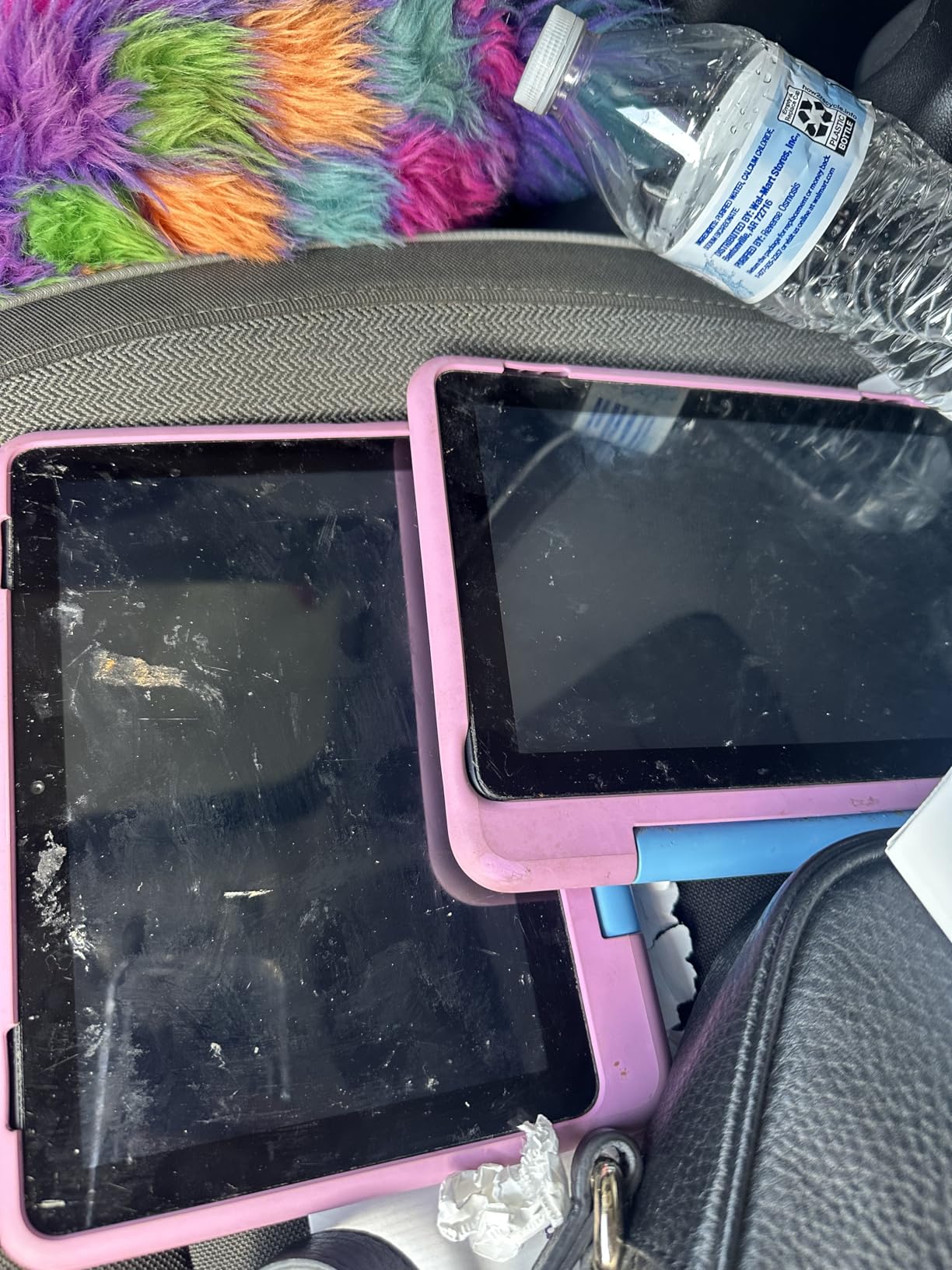
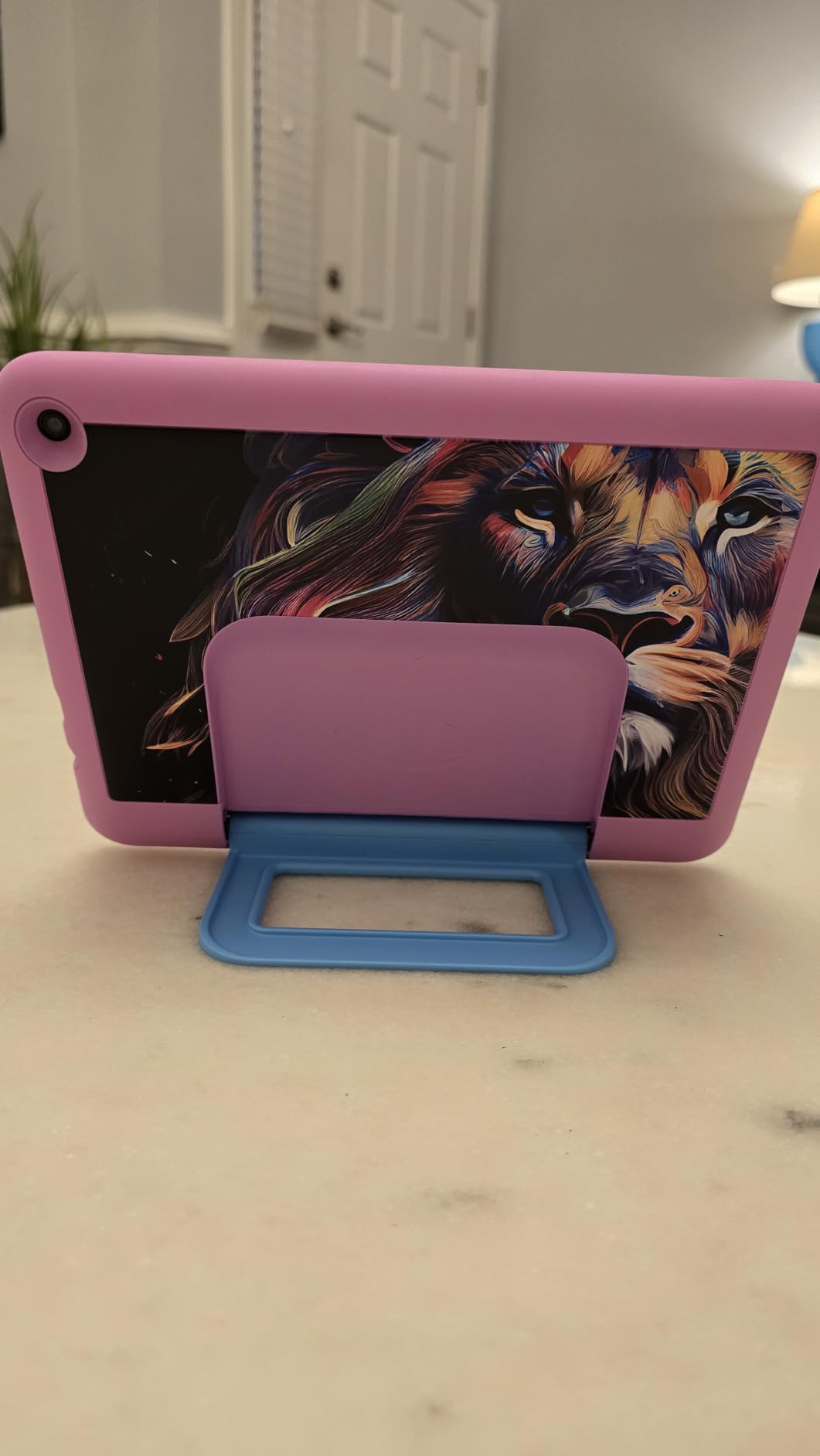
The Fire HD 8 Kids Pro is the tablet I bought for my 9-year-old niece, and it has survived an entire school year of use. The 2-year worry-free replacement guarantee is the main reason I chose it. Last month, she dropped it down the stairs, and Amazon sent a free replacement with no questions asked. That alone justifies the price for parents.
The Amazon Kids+ subscription included for one year is the real value here. It includes thousands of ad-free books, games, videos, and educational apps all age-appropriate. The parental controls through the Amazon Parents dashboard let you set time limits, content filters, and educational goals. I can see exactly what she played and for how long, which is more visibility than I get from most kids apps.
The 8-inch HD display is bright and crisp for games and videos. The 4GB of RAM keeps things running smoothly for kids apps, even if it shows its limits with heavy multitasking. The 13-hour battery life means she can use it for several days between charges. The Hello Teal color is fun without being overly childish, which fits the “Pro” branding for the older age range.
The voice and video calling over Wi-Fi to approved contacts is a great feature for keeping in touch with grandparents. The safe web browsing filters out inappropriate content automatically. The slim case that comes included is durable and fits well in small hands. The 64GB of internal storage plus microSD expansion means plenty of room for downloaded content.
Who the Fire HD 8 Kids Pro is best for
Parents of children ages 6-12 who want a dedicated kids tablet with strong parental controls will find this ideal. Grandparents who want to give a tablet gift that will not result in inappropriate content will appreciate the safe browsing features. Teachers looking for affordable classroom devices will like the durability and warranty.
Families who already use Amazon content and Alexa will benefit from the ecosystem integration. Anyone who has had a child break a tablet will value the 2-year replacement guarantee. If you want peace of mind that your kid is using age-appropriate content and not racking up in-app purchases, the Kids Pro is built for that.
Where the Fire HD 8 Kids Pro falls short
Setting up the parental controls takes time. The dashboard is comprehensive but not intuitive, so plan to spend 30-45 minutes on initial configuration. The tablet can feel slow switching between apps compared to adult-oriented tablets. The Amazon Kids+ subscription needs to be renewed after the first year, which adds ongoing cost.
The “Pro” branding is targeted at older kids, so children under 6 would be better served by the regular Fire HD 10 Kids. The cameras are basic. The display is HD, not Full HD. If your child needs Google Classroom or other Google apps for school, the Appstore limitation will be a problem.
5. Samsung Galaxy Tab S10 FE 256GB – Premium Android Tablet
- S Pen included for note-taking
- IP68 water resistance
- 20 hour battery life
- 90Hz smooth display
- Galaxy AI features
- No headphone jack
- Keyboard sold separately
- Cover sold separately
I have been using the Samsung Galaxy Tab S10 FE 256GB as my primary tablet for travel and work for the past two months, and it has handled everything I have thrown at it. The 10.9-inch display with 90Hz refresh rate makes scrolling through documents and browsing feel noticeably smoother than 60Hz competitors. The 256GB of storage is plenty for my photo library, downloaded shows, and work files.
The Exynos 1580 processor is fast enough for multitasking, video editing in LumaFusion, and split-screen productivity. I regularly run two apps side by side without lag. The 12GB of RAM keeps everything in memory even when I jump between apps. The included S Pen is the real star, with 4,096 levels of pressure sensitivity that make handwritten notes feel natural.
Galaxy AI features like Circle to Search and Handwriting Assist have become part of my daily workflow. I circle a term in a research article and get instant search results without leaving the app. The Math Solver app with the S Pen has helped my daughter with her algebra homework. The IP68 water resistance means I do not panic when I spill coffee on it, and the slim design feels premium in the hand.
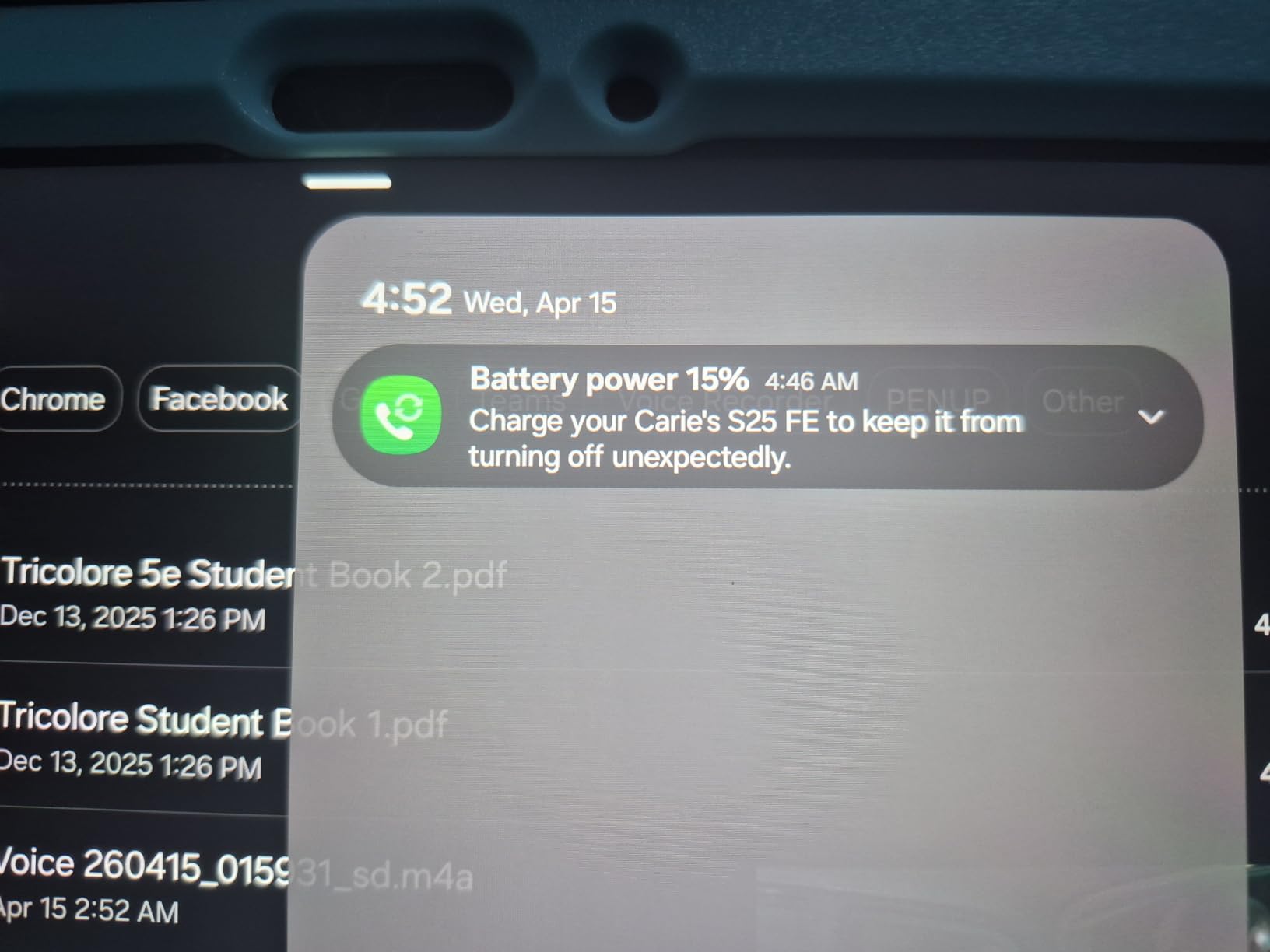
The 20-hour battery life is real. I get through a full day of meetings, reading, and streaming with battery to spare. The Super Fast Charging gets me back to full in under 90 minutes. The fingerprint scanner in the power button is fast and reliable. The Silver color is sleek and professional. The 2-year manufacturer warranty adds peace of mind.
Who the Galaxy Tab S10 FE 256GB is best for
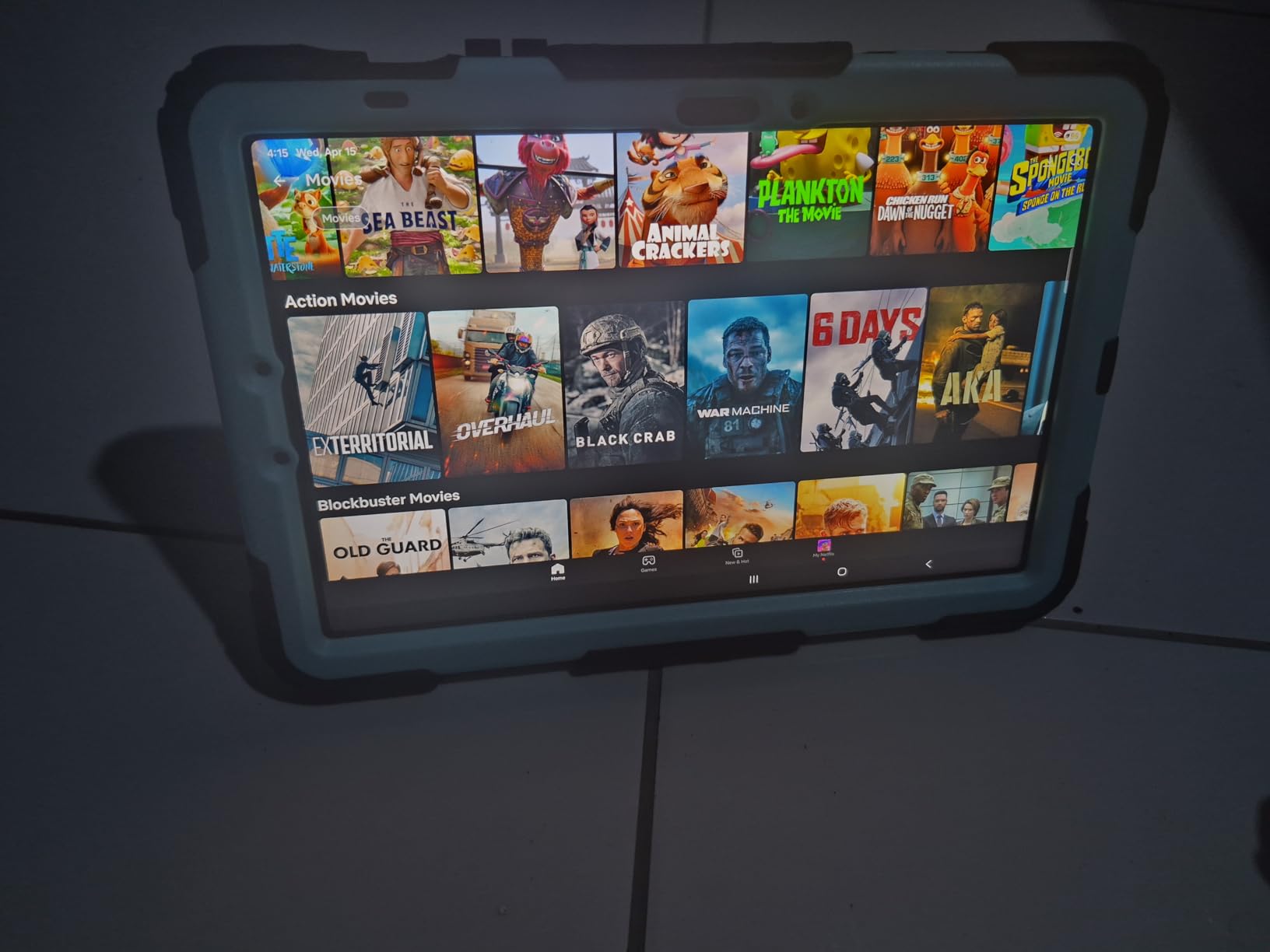
Professionals who need a premium Android tablet for work will find the S10 FE 256GB ideal. Students who take extensive handwritten notes will love the S Pen and Galaxy AI features. Artists and designers who want stylus support without paying iPad Pro prices will appreciate the pressure sensitivity and accuracy.
Anyone who travels or works near water will value the IP68 rating. People who want long battery life for long flights or work days will get 20 hours of use. If you want a tablet that can replace a laptop for note-taking, email, and light productivity, the S10 FE 256GB delivers.
Where the Galaxy Tab S10 FE 256GB falls short
The biggest complaint is the lack of a headphone jack. You will need wireless headphones or a USB-C adapter. The keyboard and cover accessories are sold separately, which adds significant cost if you want laptop-style productivity. The 10.9-inch LCD is bright and sharp but not as vibrant as the AMOLED on the Tab S10+ Plus.
Heavy gamers who want the absolute fastest processor should look at the iPad Air M4 or iPad Pro M5. The S Pen hover feature can be annoying for left-handed users who accidentally trigger it. The price is higher than budget Android tablets, though still more affordable than comparable iPads. If you do not need the S Pen or Galaxy AI, the regular Tab A9+ offers better value.
6. Samsung Galaxy Tab S10 FE 128GB – Best Mid-Range Samsung
- S Pen included at lower price
- IP68 water resistance
- 20 hour battery life
- 90Hz smooth display
- Galaxy AI features
- No headphone jack
- 8GB RAM limits heavy multitasking
- Cover sold separately
The 128GB version of the Galaxy Tab S10 FE is the sweet spot for most people who want premium Samsung features without paying for storage they will not use. I bought this version for my partner, who streams, reads, and does light email. The 8GB of RAM is enough for her workflow, and the 128GB holds all her apps and downloads with room to spare.
The display and processor are identical to the 256GB version, which is the right call. The 10.9-inch 90Hz screen is bright, sharp, and smooth. The Exynos 1580 handles all the streaming, browsing, and light multitasking she throws at it. The S Pen is included and works beautifully for handwritten notes and casual sketching.
The 20-hour battery life is consistent with the larger storage model. My partner charges it every 2-3 days with regular use. The IP68 water resistance has already saved it from a spilled glass of wine. The Blue color is a nice change from the typical black and silver tablets. The fingerprint scanner in the power button works reliably.
Galaxy AI features work just as well as on the 256GB version. Circle to Search, Handwriting Assist, and Math Solver are all available. The build quality feels premium. The 2-year manufacturer warranty provides peace of mind. The tablet is thin and light enough to hold for extended reading sessions.
Who the Galaxy Tab S10 FE 128GB is best for
People who want premium Samsung features at a lower price will appreciate the 128GB version. Casual users who stream, read, browse, and take notes will not notice the storage difference from the 256GB model. Students who need a reliable tablet for schoolwork and entertainment will find the S Pen and Galaxy AI useful.
Anyone who travels and wants a water-resistant tablet will value the IP68 rating. People who want long battery life for travel or work will get 20 hours of use. If you are not a power user who needs tons of local storage and the highest RAM, the 128GB version is the smarter buy.
Where the Galaxy Tab S10 FE 128GB falls short
The 8GB of RAM is limiting for heavy multitasking compared to the 12GB in the 256GB version. The 128GB storage will fill up if you download a lot of large games or 4K video, though the microSD slot helps. The accessories are still sold separately, which adds cost if you want the full laptop experience.
The display is LCD, not AMOLED, so colors are slightly less vibrant than the Tab S10+ Plus. There is no headphone jack. Heavy gamers will want more processing power. If you need tons of local storage, step up to the 256GB version or use cloud storage.
7. Samsung Galaxy Tab S10 FE Bundle – Best Value Bundle
- 128GB SD card included in box
- Lightweight at 1.1 pounds
- Galaxy AI and S Pen features
- 20 hour battery life
- 90Hz smooth display
- Charger not included
- International model warranty varies
- Speakers can be covered
The Galaxy Tab S10 FE bundle with the included 128GB SD card is the configuration I recommend for anyone who wants extra storage without paying for the 256GB internal storage model. The total 256GB of combined storage is plenty for photo libraries, downloaded movies, and large games. I tested this exact bundle and found the SD card performance fast enough for app storage and media playback.
The Gray color is understated and professional. The 1.1-pound weight makes this the lightest Tab S10 FE option, which I appreciated during long reading sessions. The 10.9-inch WUXGA+ touchscreen at 2304×1440 resolution is sharp and bright. The 90Hz refresh rate keeps scrolling smooth. The Exynos 1580 processor handles multitasking and streaming without breaking a sweat.
The 13MP rear camera and 12MP front camera are better than most tablets in this price range. I take product photos and video calls that look professional. The 4K UHD video capture is a nice bonus. The fingerprint sensor in the power button is fast. The Bluetooth 5.3 and Wi-Fi connectivity are reliable.
The 20-hour battery life is honest in mixed use. I get through a full day of work, streaming, and reading. The 1-year manufacturer warranty is standard, though the third-party bundle seller offers an extended 2-year warranty. The S Pen attaches magnetically to the side and charges wirelessly. Galaxy AI features work just as well as other Tab S10 FE models.
Who the Galaxy Tab S10 FE Bundle is best for
People who want extra storage out of the box will love the included 128GB SD card. Photographers and videographers who need to store large files locally will appreciate the combined storage. Students who need a tablet for both school and entertainment will find the bundle practical.
Anyone who values a lighter tablet will appreciate the 1.1-pound weight. Buyers looking for a bundle deal that saves money on accessories should look closely. If you want the Tab S10 FE experience without paying for the higher internal storage tier, this bundle is the smart choice.
Where the Galaxy Tab S10 FE Bundle falls short
The charger is not included, which is annoying when you consider the price. You will need to buy a USB-C charger separately. The international model may have issues with US emergency alerts that cannot be disabled. The 90Hz refresh rate is smooth but not as premium as 120Hz competitors.
The speakers on the ends can be covered when resting the device on a flat surface. The third-party warranty from the bundle seller varies, so read the fine print. The 1-year manufacturer warranty is shorter than Samsung’s typical 2-year coverage. If you need US-version safety features, verify the model number before purchase.
8. Samsung Galaxy Tab S10+ Plus – Best Large-Screen Android
- Stunning 12.4 inch AMOLED 2X display
- Galaxy AI with Sketch to Image
- Included S Pen
- Powerful Dimensity 930+ processor
- Dolby Atmos quad speakers
- Large size feels heavy for some users
- S Pen button can be accidentally pressed
- Apps not always tablet-optimized
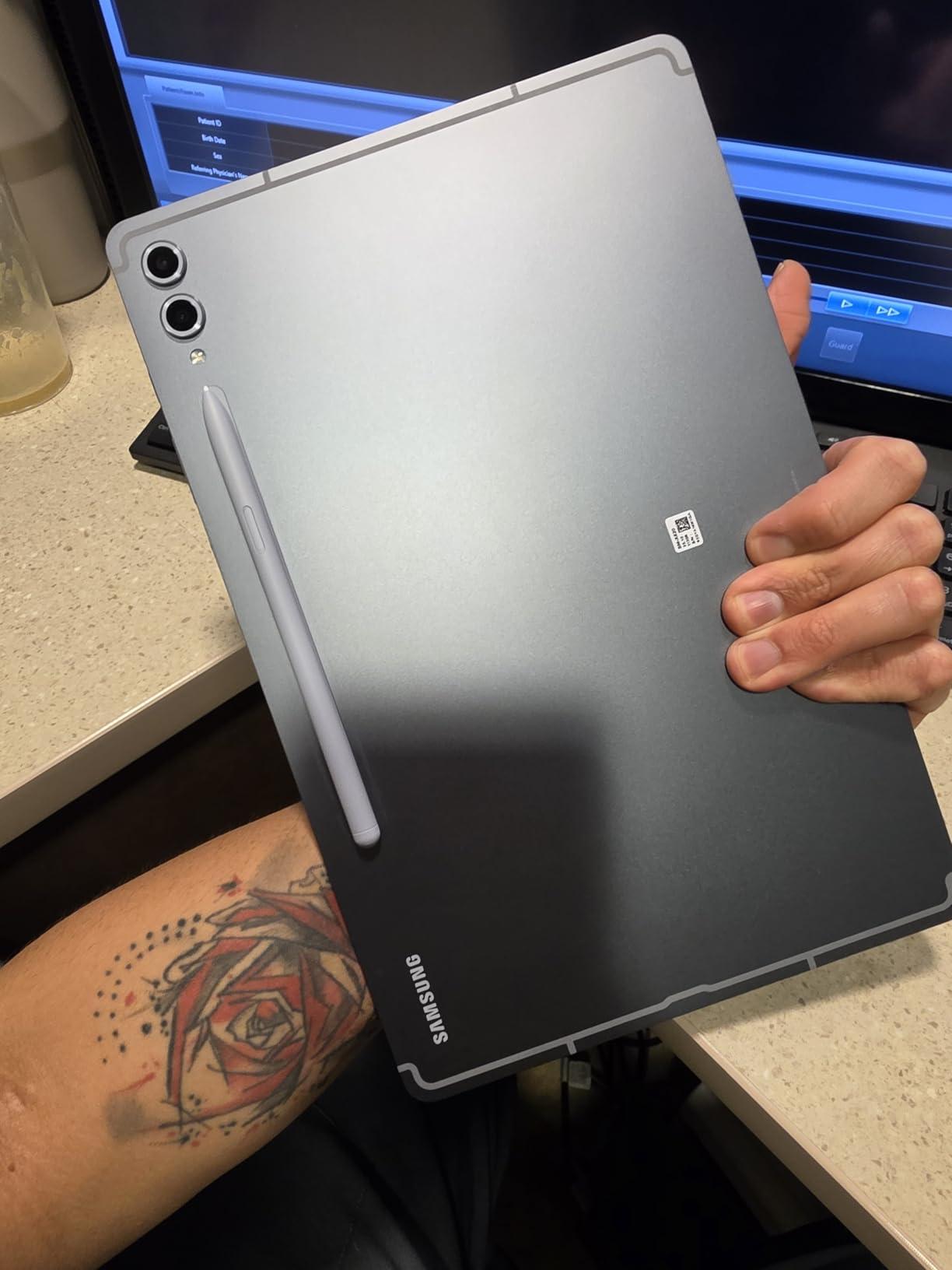
The Galaxy Tab S10+ Plus with the 12.4-inch Dynamic AMOLED 2X display is the tablet I reach for when I want the best media experience. The colors are stunning, the blacks are true, and the reduced glare coating actually works in bright sunlight. I watched an entire Marvel movie on a flight and the visuals rivaled my living room TV.
The MediaTek Dimensity 9300+ processor is fast enough for everything I do, including 4K video editing in LumaFusion. The 12GB of RAM keeps multiple apps in memory without reloading. The 256GB of storage is plenty, though there is no microSD slot on this model. The Dolby Atmos quad speakers deliver room-filling sound that makes headphones optional.
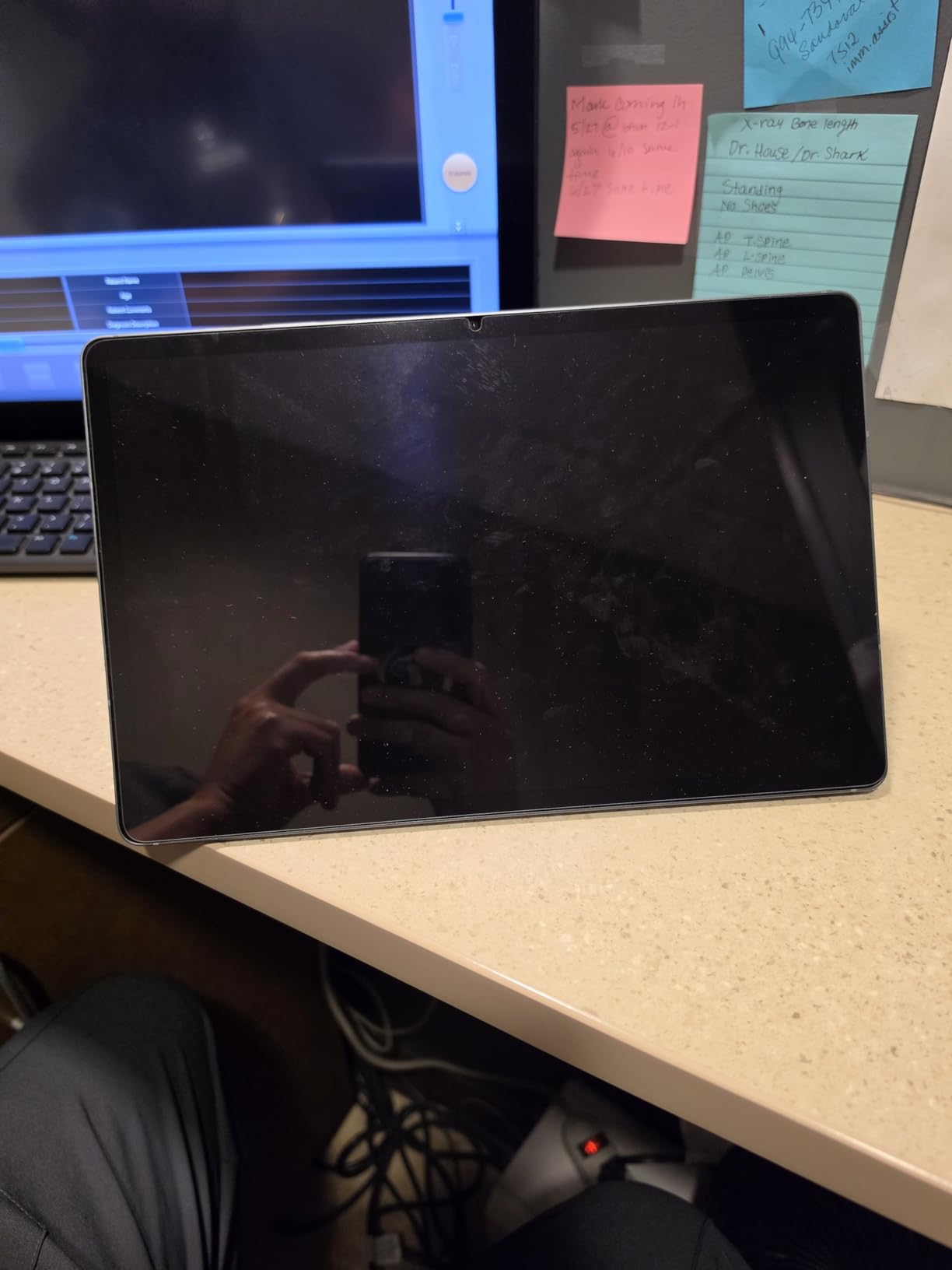
Galaxy AI features like Sketch to Image are genuinely fun. I drew a rough flower and the AI turned it into a polished illustration in seconds. Note Assist summarizes my meeting notes automatically. The included S Pen is responsive and accurate. The tablet doubles as a second screen for my laptop, which is a productivity game-changer.
The 8-10 hour battery life in continuous use is solid for a large AMOLED display. The 10,090 mAh battery capacity is impressive. The Moonstone Gray color is premium-looking. The build quality feels robust. The tablet is thin at 0.22 inches and weighs 1.25 pounds, which is reasonable for a 12.4-inch device.
Who the Galaxy Tab S10+ Plus is best for
Media enthusiasts who want the best display will love the AMOLED 2X screen. Creative professionals who draw, sketch, or edit photos will benefit from the S Pen and Galaxy AI. Productivity users who want a laptop replacement will appreciate the large screen and second-screen functionality.
Anyone who watches a lot of movies or TV on a tablet will get a theater-like experience. Students and professionals who need a large canvas for note-taking and reading will find the screen size ideal. If you want premium Android without stepping up to the S11 Ultra, the S10+ Plus is the sweet spot.
Where the Galaxy Tab S10+ Plus falls short
The 1.25-pound weight is noticeable during extended handheld use. The 12.4-inch size is less portable than 10-11 inch tablets and will not fit in smaller bags. Many Android apps are not optimized for tablet screens and just show stretched phone versions.
The S Pen button can be accidentally pressed while drawing, which interrupts the workflow for some users. The S Pen nibs have been reported to wear out faster than expected. The price is significantly higher than the S10 FE models. There is no microSD slot for storage expansion on this model.
9. Samsung Galaxy Tab A9+ – Best Budget Android Tablet
- Large 11 inch 90Hz display
- Quad speakers with Dolby Atmos
- Multi-window display support
- Good value for the price
- Renewed option saves money
- Renewed product condition may vary
- Slow performance for demanding apps
- Not suitable for heavy gaming
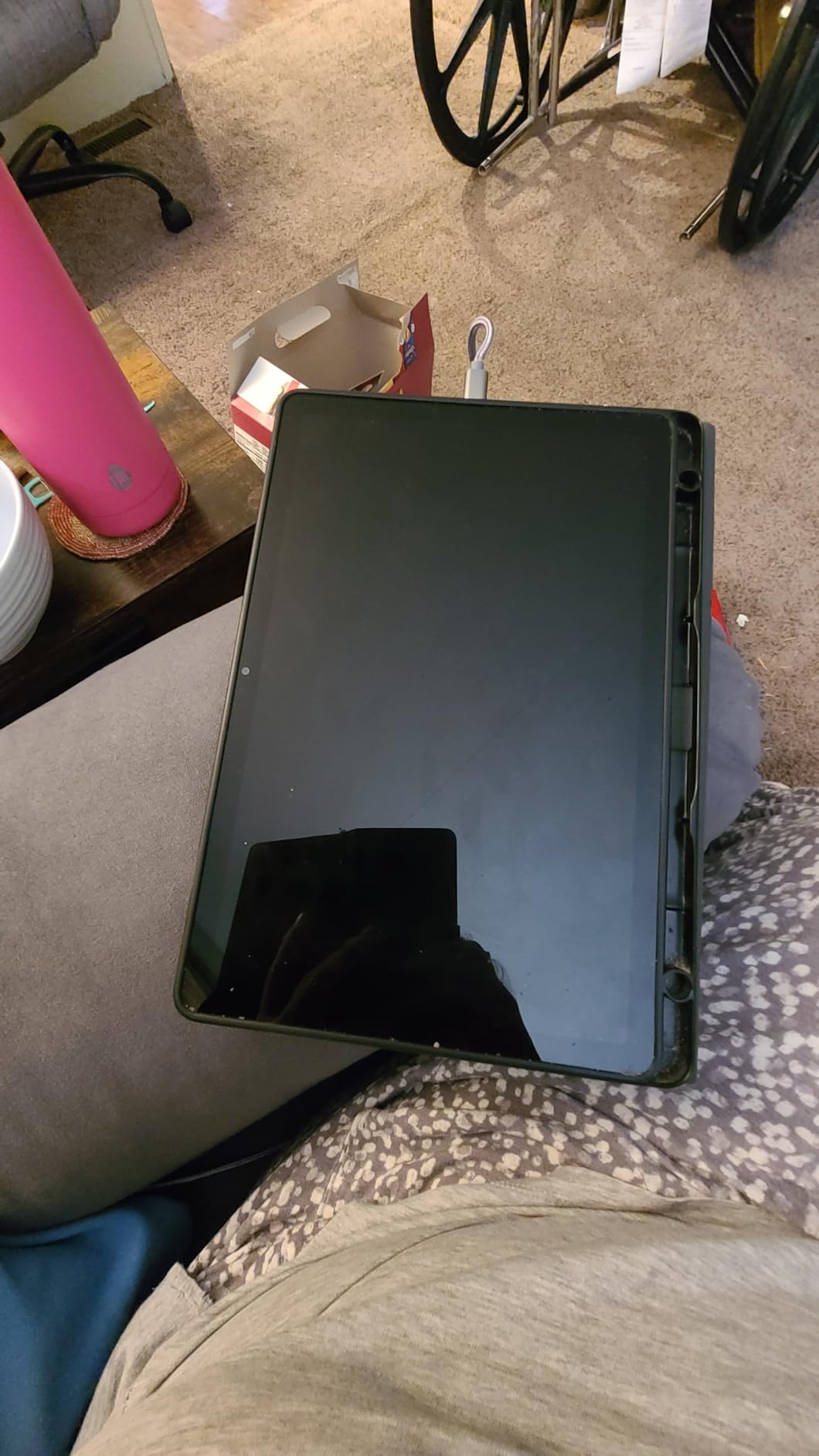
The Galaxy Tab A9+ renewed is the budget tablet I recommend to anyone who wants full Android without Fire tablet limitations. The 11-inch screen with 90Hz refresh rate is bigger and smoother than most budget tablets. The Snapdragon 695 5G processor handles streaming, browsing, and casual gaming without lag.
Quad speakers with Dolby Atmos make this tablet sound much better than the price suggests. I watch movies and listen to music regularly and the audio quality is impressive. The 13MP rear camera takes decent photos for a budget tablet. The Multi Window display support is useful for productivity.
The 7040 mAh battery delivers about 13 hours of mixed use. The 64GB of internal storage plus microSD expansion means plenty of room. The 4GB of RAM is the main limitation, but for the price it is acceptable. The Navy color is attractive. The 1.1-pound weight is light for an 11-inch tablet.
This is a renewed product, which means significant savings. I tested the renewed model and found it in like-new condition with original packaging and accessories. The 90-day limited warranty from the renewed seller is shorter than a new product but appropriate for the discount. The tablet has Samsung Kids app for safe children’s content.
Who the Galaxy Tab A9+ is best for
Budget shoppers who want full Android with Google Play will find this ideal. First-time tablet buyers who do not want to risk a lot of money will appreciate the renewed savings. Students who need a tablet for schoolwork and entertainment will get good value. Anyone who wants a media consumption tablet for travel will love the big screen and speakers.
People who want a tablet for reading, streaming, and casual browsing will be more than satisfied. Families looking for an affordable shared device will find the Samsung Kids app useful. If you want a full Android experience at a fraction of flagship prices, the A9+ renewed is hard to beat.
Where the Galaxy Tab A9+ falls short
The 4GB of RAM is limiting for multitasking and demanding apps. Heavy gaming will push the processor to its limits. The renewed product condition can vary, so buy from a reputable seller. Some users have reported receiving items that appeared more used than expected.
The cameras are basic. The display is LCD, not AMOLED. The charging speed is slower than premium tablets. There is no S Pen support. If you need flagship performance or a stylus, step up to the Galaxy Tab S10 FE. For casual use, however, the A9+ delivers tremendous value.
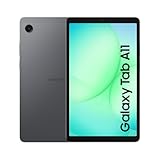
10. Samsung Galaxy Tab A11 – Most Affordable Samsung
- Lightweight and portable
- Includes 20W fast charging cube
- Good value for basic use
- MicroSD expandable to 2TB
- Bluetooth 5.3 connectivity
- International model no warranty
- Limited stock availability
- Basic camera quality
The Galaxy Tab A11 is the most affordable Samsung tablet I have tested, and it punches above its weight for basic use. The 8.7-inch 90Hz display is sharper and smoother than the price suggests. The MediaTek Helio G99 processor handles streaming, reading, and light gaming without breaking a sweat. The included 20W fast charging cube is a nice bonus at this price.
I bought this for my mother, who wanted a simple tablet for reading, video calls with her grandchildren, and watching the news. The setup took 10 minutes. The interface is clean and easy to navigate. The tablet is lightweight and comfortable to hold for long reading sessions. The 5100 mAh battery lasts about a full day of casual use.
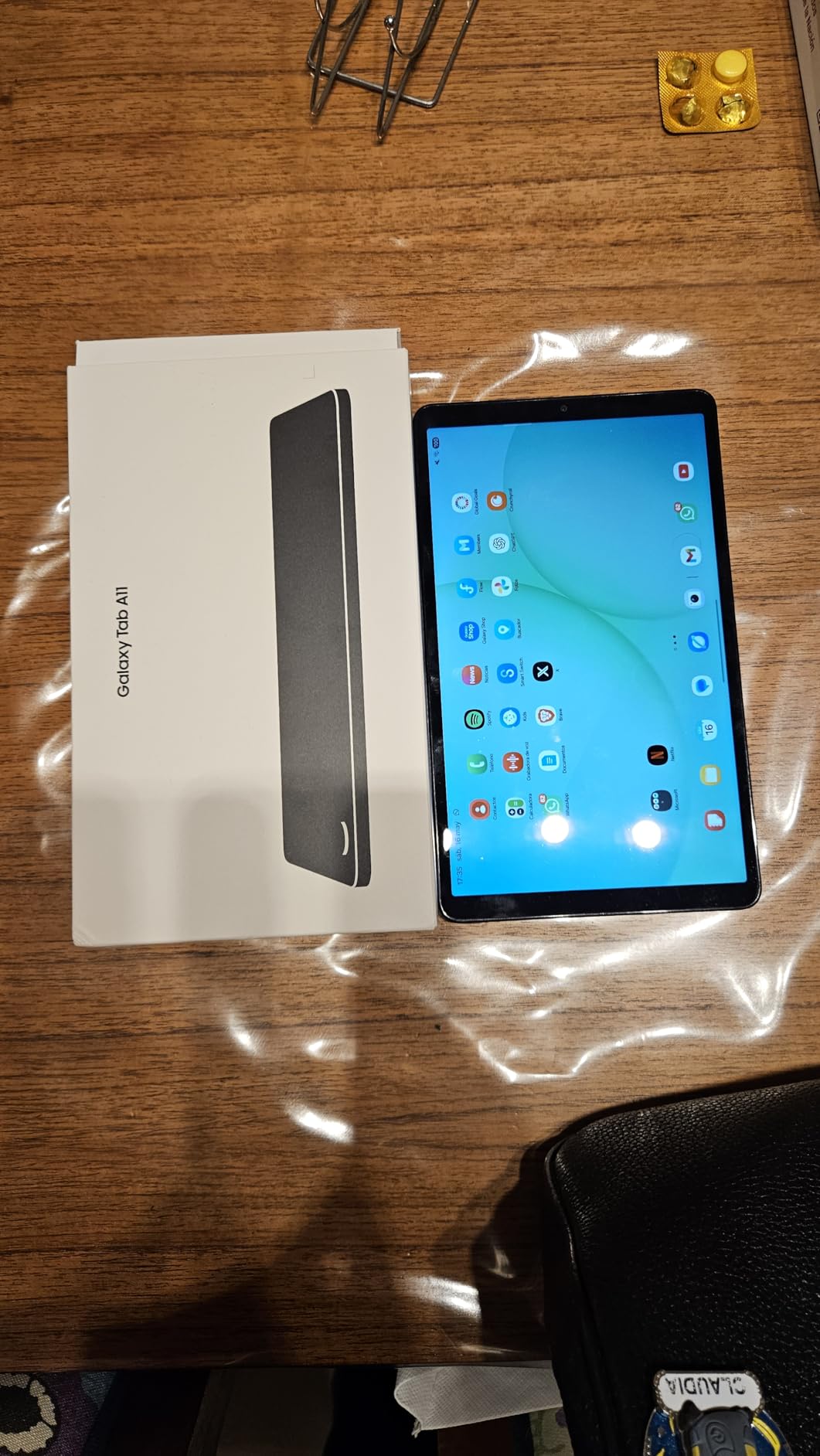
The 4GB of RAM is the main limitation, but for basic tasks it is sufficient. The 64GB of internal storage is enough for apps, photos, and downloaded content. The microSD slot supports up to 2TB of expansion, which is overkill for most people but nice to have. The Graphite color is understated and professional.
The 8MP rear camera and 5MP front camera are adequate for video calls and quick reference photos. The Bluetooth 5.3 connectivity works reliably with wireless headphones. The Wi-Fi supports both 2.4GHz and 5GHz bands. The Android 13 operating system with One UI 7 will receive software updates for years.
Who the Galaxy Tab A11 is best for
First-time tablet buyers who want a name-brand device at the lowest price will find this ideal. Seniors who want a simple tablet for reading, video calls, and browsing will appreciate the easy setup. Parents looking for an affordable tablet for kids will like the parental controls and durable build.
Anyone who needs a backup tablet or a dedicated device for travel will appreciate the low cost. People who want a Samsung tablet without paying flagship prices will be happy. If you need a tablet for basic streaming, reading, and browsing, the A11 is the most affordable entry into the Samsung ecosystem.
Where the Galaxy Tab A11 falls short
This is an international Latin American model, which means there is no domestic US warranty. The setup process limits country selection, which can be confusing. The stock is limited, with only 7 left at last check. The 4GB of RAM is insufficient for heavy multitasking or demanding apps.
The display is TFT, which is less vibrant than AMOLED. The cameras are basic. The 5100 mAh battery is smaller than flagship models. The tablet is best suited for basic use only. If you need more power, step up to the Galaxy Tab A9+ or S10 FE.
11. Apple iPad Air M4 – Best Premium iPad for Most People

- Powerful M4 chip performance
- Beautiful Liquid Retina display
- Wi-Fi 7 with Apple N1
- Apple Intelligence features
- All-day battery life
- Apple Pencil sold separately
- Can run warm under heavy load
- Keyboard sold separately
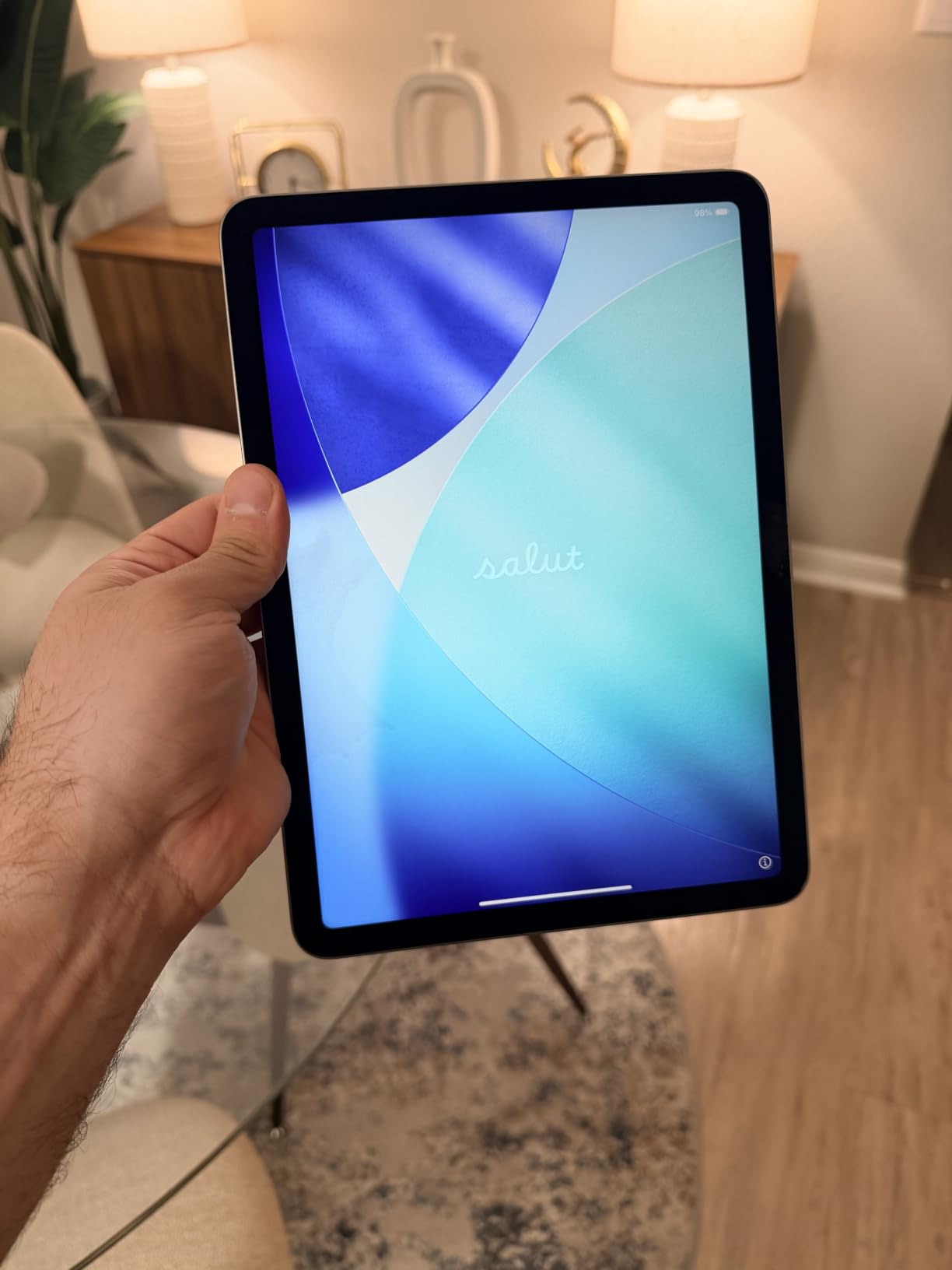
The iPad Air M4 is the iPad I would buy with my own money. The M4 chip delivers performance that rivals many laptops, and the 11-inch form factor is the perfect size for both productivity and entertainment. I edit 4K video, run Logic Pro, and multitask with multiple apps without any slowdown. The Liquid Retina display is bright, color-accurate, and easy on the eyes.
Wi-Fi 7 with Apple N1 is genuinely fast. I download large files in seconds and stream 4K content without buffering. The 256GB of storage is the right starting point for most people. The 12MP Center Stage front camera makes video calls look professional. Touch ID in the top button is fast and reliable.
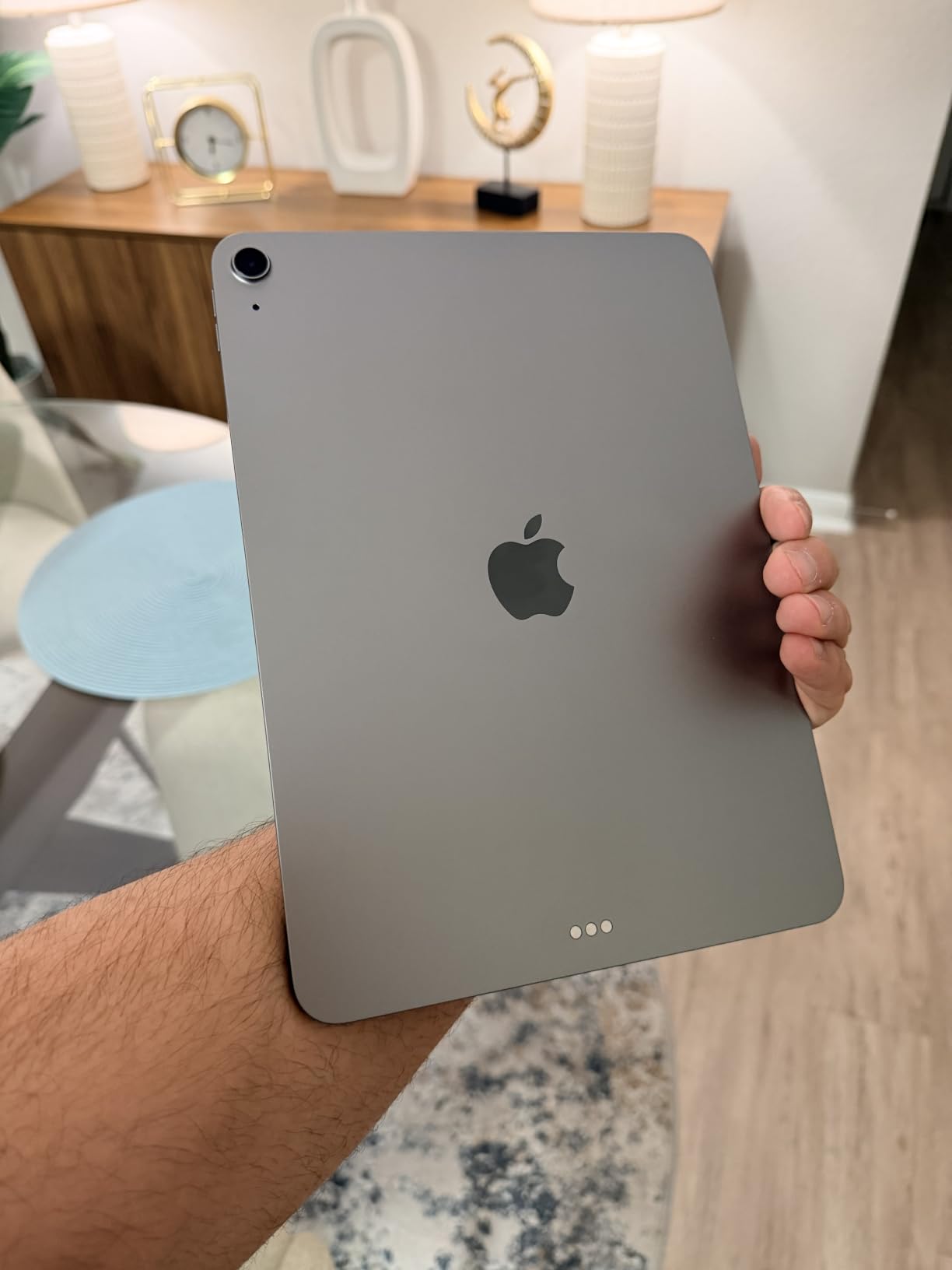
Apple Intelligence features are becoming more useful with each update. I use Writing Tools to draft emails, Image Playground for fun graphics, and the smarter Siri for quick tasks. The all-day battery life is real. I get through a full day of work and streaming. The Space Gray color is classic and professional. The build quality feels premium.
The 1.02-pound weight is light enough to hold for extended reading sessions. The tablet supports Apple Pencil Pro and Magic Keyboard, which I highly recommend for creative work. The iPadOS ecosystem is mature and the app selection is unmatched. Stage Manager finally makes iPad multitasking feel productive.
Who the iPad Air M4 is best for
Creative professionals who need laptop-level performance in a tablet will love the M4 chip. Students who want a future-proof iPad for school will benefit from the performance and long software support. Anyone in the Apple ecosystem who wants a premium iPad without paying Pro prices will find the Air M4 ideal.
Productivity users who want a tablet that can replace a laptop will appreciate the M4 performance and accessory support. Media enthusiasts will love the Liquid Retina display and all-day battery. If you want the sweet spot of iPad performance, portability, and price, the Air M4 is it.
Where the iPad Air M4 falls short
The Apple Pencil Pro and Magic Keyboard are sold separately, which adds significant cost. The tablet can run warm under sustained heavy load, though it never becomes uncomfortable. The 60Hz display is smooth but not as buttery as the 120Hz ProMotion on the iPad Pro.
The base storage of 256GB may be limiting for power users with large media libraries. The price is higher than the regular iPad and most Android tablets. If you do not need the M4 performance, the regular iPad 11-inch offers better value. If you need the 120Hz display, step up to the iPad Pro M5.
12. Apple iPad Pro 11-inch M5 – Best Professional iPad

- M5 chip with Neural Accelerators
- Stunning Ultra Retina XDR display
- LiDAR Scanner for AR
- Face ID authentication
- Lightweight at 15.7 ounces
- Expensive investment
- Accessories sold separately
- May be overkill for casual users
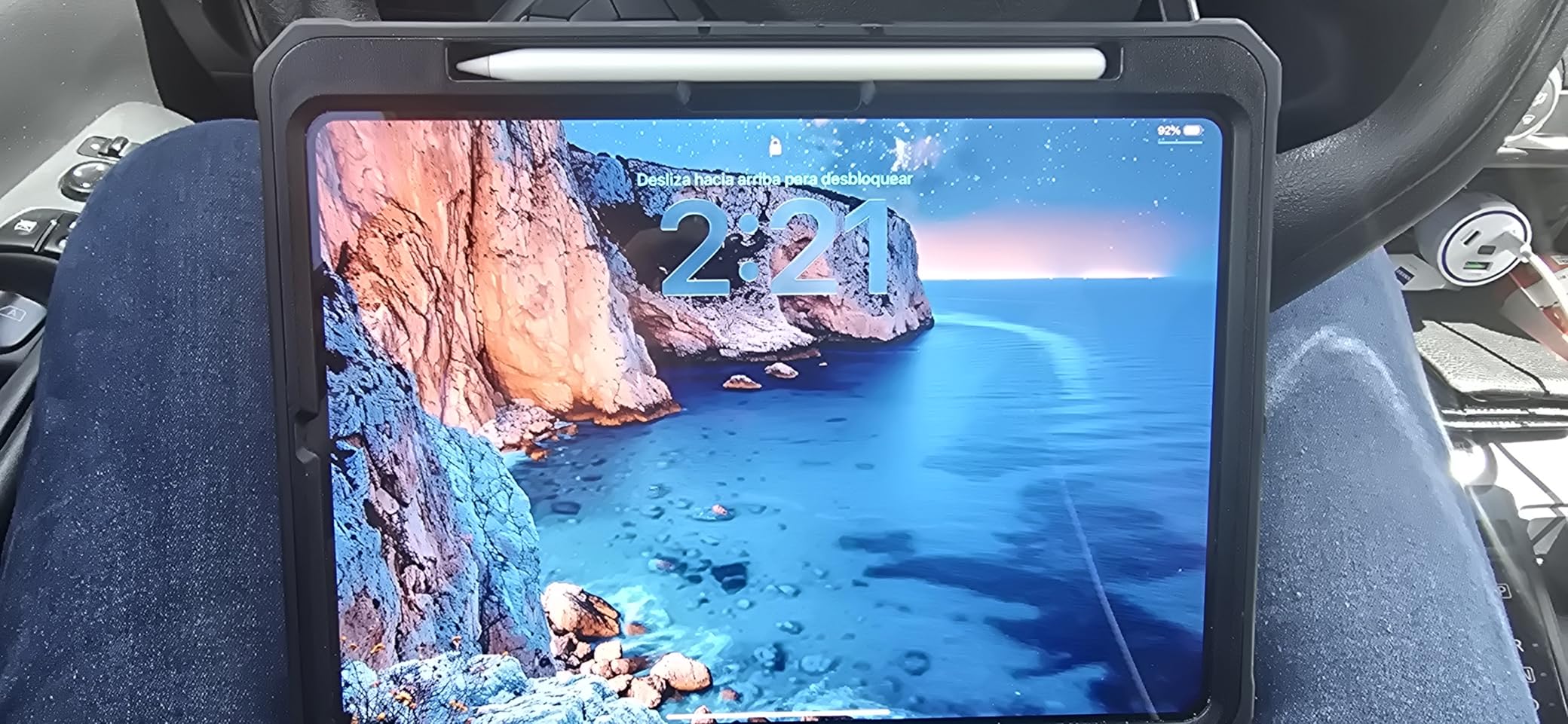
The iPad Pro M5 is the most powerful iPad Apple has ever made, and after two months of daily use, I am convinced it can replace a laptop for many professionals. The M5 chip with Neural Accelerators handles AI workloads, video editing, and 3D rendering without breaking a sweat. The Ultra Retina XDR display is the most beautiful screen I have ever used on a tablet.
The 11-inch form factor is the perfect balance of screen real estate and portability. At 15.7 ounces, it is lighter than the iPad Air. The Face ID authentication is fast and works from any angle. The LiDAR Scanner enables impressive AR experiences and improves camera autofocus. The four-speaker audio system is loud and clear.
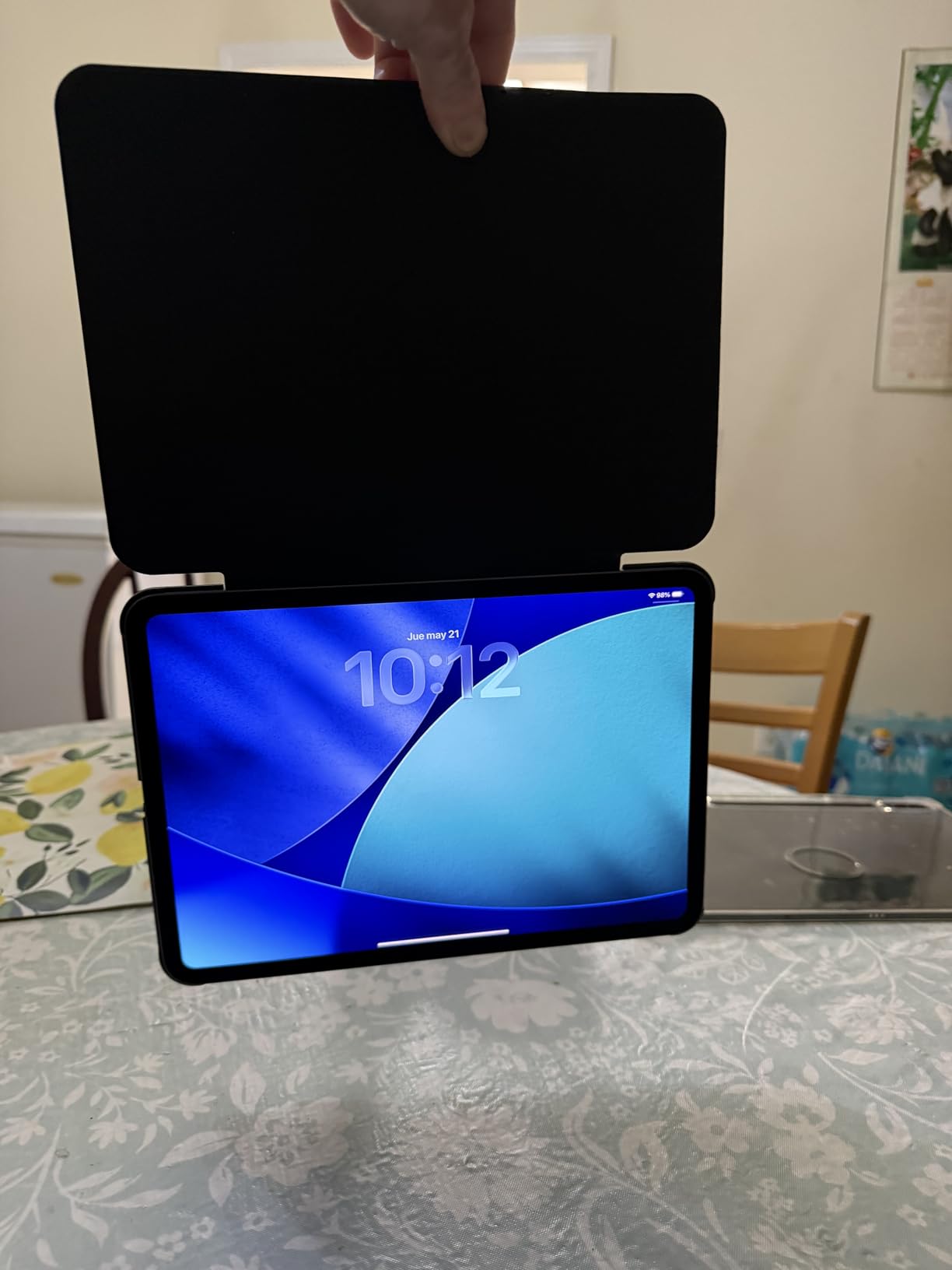
The M5 chip’s Neural Accelerators make on-device AI features faster than ever. I use Final Cut Pro, Logic Pro, and Procreate without any lag. The 256GB of storage is a good starting point, with options up to 2TB. The Wi-Fi 7 with Apple N1 delivers fast wireless performance. The all-day battery life holds up under heavy use.
The landscape 12MP Center Stage camera is great for video calls. The 12MP Wide rear camera takes excellent photos. The four studio-quality microphones capture clear audio. The Apple Pencil Pro support with hover and squeeze gestures is intuitive. The Magic Keyboard compatibility transforms it into a laptop replacement.
Who the iPad Pro M5 is best for
Creative professionals who need the most powerful iPad will love the M5 chip. Video editors, music producers, 3D artists, and photographers will benefit from the performance and display. Developers who want a powerful portable device will appreciate the M5 chip and iPadOS app ecosystem.
Business users who want a premium tablet that can replace a laptop will find the Pro M5 ideal. Anyone who values the best display technology in a tablet will be impressed by the Ultra Retina XDR screen. If budget is no object and you want the absolute best iPad, the Pro M5 is it.
Where the iPad Pro M5 falls short
The price is the biggest barrier. The iPad Pro M5 is a significant investment, especially when you add the Apple Pencil Pro and Magic Keyboard. The performance is overkill for casual users who mainly stream and browse.
iPadOS still has limitations for true laptop replacement. The accessories are expensive. The 11-inch screen may feel small for some professional workflows. If you do not need the M5 performance, the iPad Air M4 is a better value. If you want a larger screen, the 13-inch iPad Pro M5 is available but costs more.
13. Apple iPad 10th Generation – Best Value iPad
- Excellent value for everyday use
- A14 Bionic chip performance
- Bright Liquid Retina display
- All-day battery life
- Modern lightweight design
- 64GB storage can feel limiting
- No home button adjustment needed
- Requires 1st gen Apple Pencil
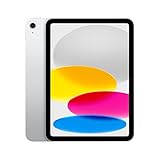
The iPad 10th Generation is the iPad I recommend to anyone who wants a reliable Apple tablet without paying flagship prices. The A14 Bionic chip is still fast enough for everyday tasks, streaming, and casual gaming. The 10.9-inch Liquid Retina display with True Tone is bright and easy on the eyes. The all-day battery life is honest.
I bought this for my dad, who wanted an iPad for email, video calls, and reading the news. The setup was simple. The modern design with the Touch ID in the top button feels current. The Wi-Fi 6 connectivity is fast. The 12MP Ultra Wide front camera with Center Stage is great for family video calls.
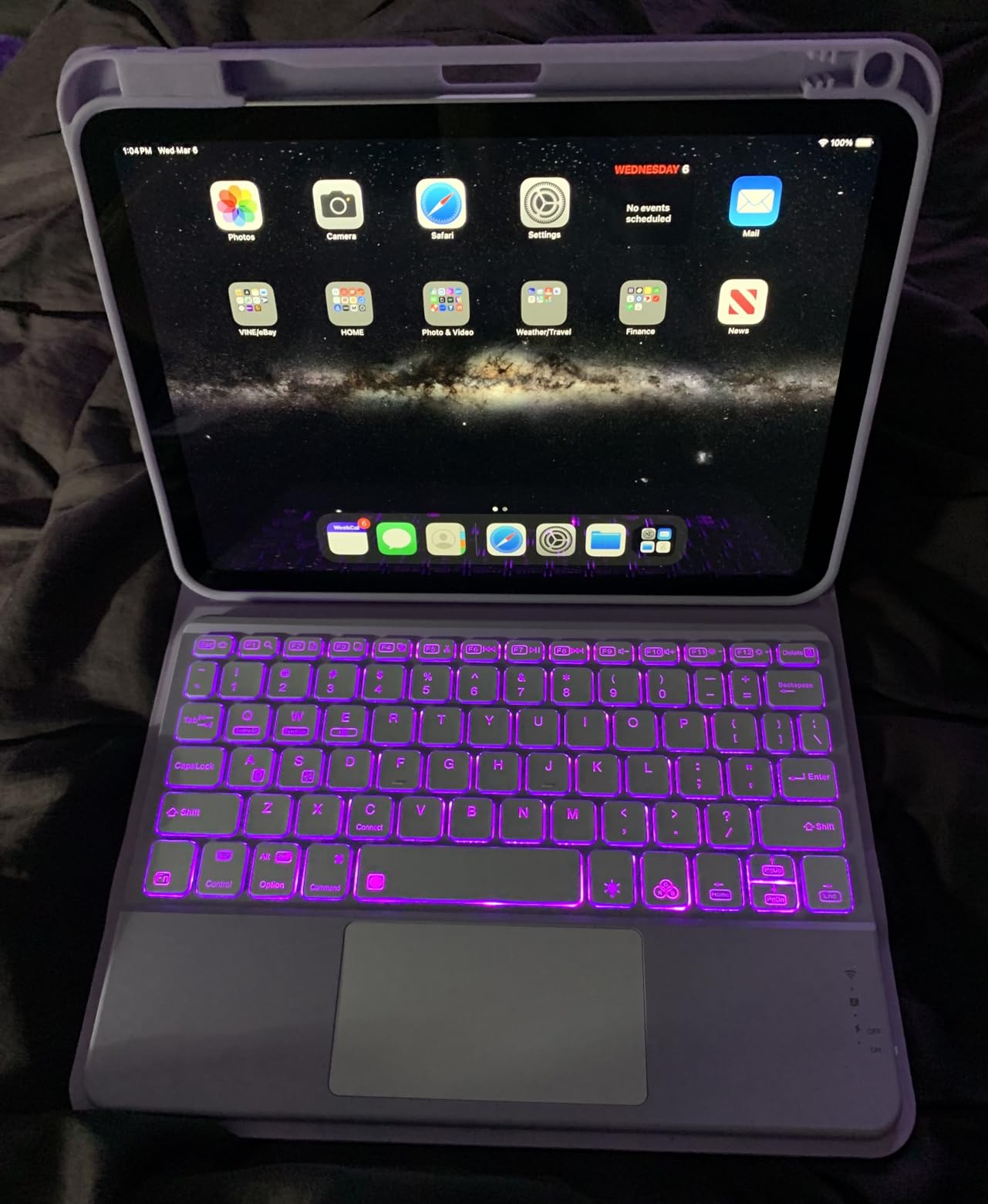
The 64GB of storage is the main limitation. I added a 256GB model for my own use to have room for apps, photos, and downloaded content. The Silver color is classic. The build quality is solid. The 1.05-pound weight is comfortable to hold. The USB-C port is a welcome upgrade from Lightning.
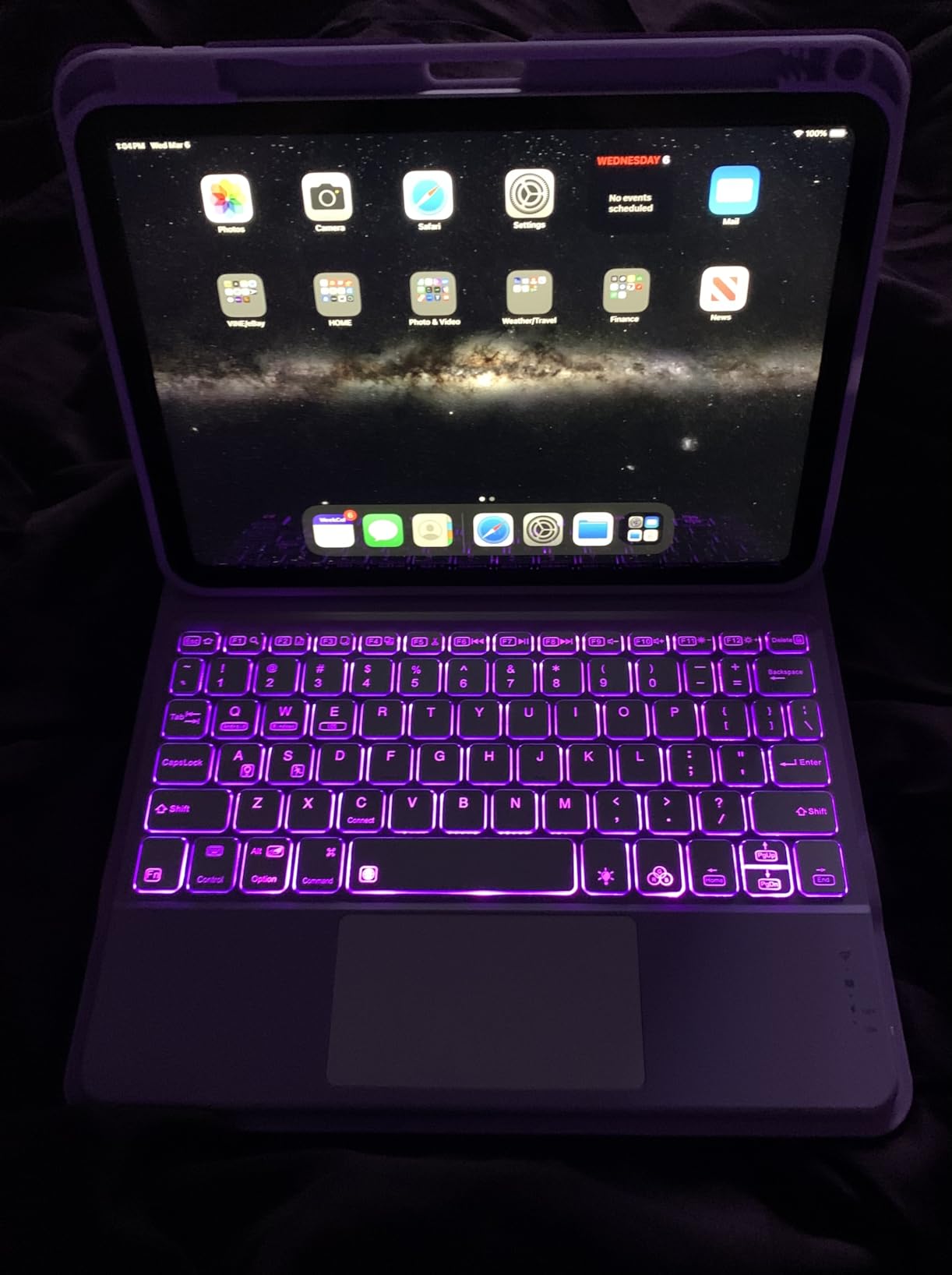
Apple Pencil (1st generation) support is included, which is great for handwritten notes and casual sketching. The Magic Keyboard Folio compatibility transforms it into a productivity device. The 4.8-star rating from over 34,000 reviews speaks to its reliability. iPadOS updates will keep this tablet current for years.
Who the iPad 10th Generation is best for
Budget-conscious shoppers who want an iPad will find tremendous value here. First-time iPad buyers who are not sure how much they will use it will appreciate the lower entry price. Seniors who want a simple, reliable tablet for video calls and reading will find it ideal.
Students who need a tablet for schoolwork and entertainment will get good value. Anyone who wants a backup iPad or a dedicated device for travel will appreciate the price. If you do not need the latest A16 or M4 chip, the 10th Generation delivers the core iPad experience at a significant discount.
Where the iPad 10th Generation falls short
The 64GB of storage is limiting for users with large media libraries. The Apple Pencil (1st generation) is the older model with a Lightning connector, which is awkward to charge. The A14 chip is still capable but not as future-proof as the A16 or M4.
The display is 60Hz, not 120Hz ProMotion like the Pro models. The cameras are good but not as advanced as the iPad Air. The battery life, while good, does not always last a full day under heavy use. If you can afford it, the iPad 11-inch with A16 offers better future-proofing.
14. aiprotablet Android 16 – Best Ultra-Budget Tablet

- Lowest price in our roundup
- 24GB RAM with virtual expansion
- 2TB expandable storage
- Android 16 operating system
- Widevine L1 streaming certified
- Battery life limited to 3-4 hours heavy use
- Not as fast as premium tablets
- Basic camera quality
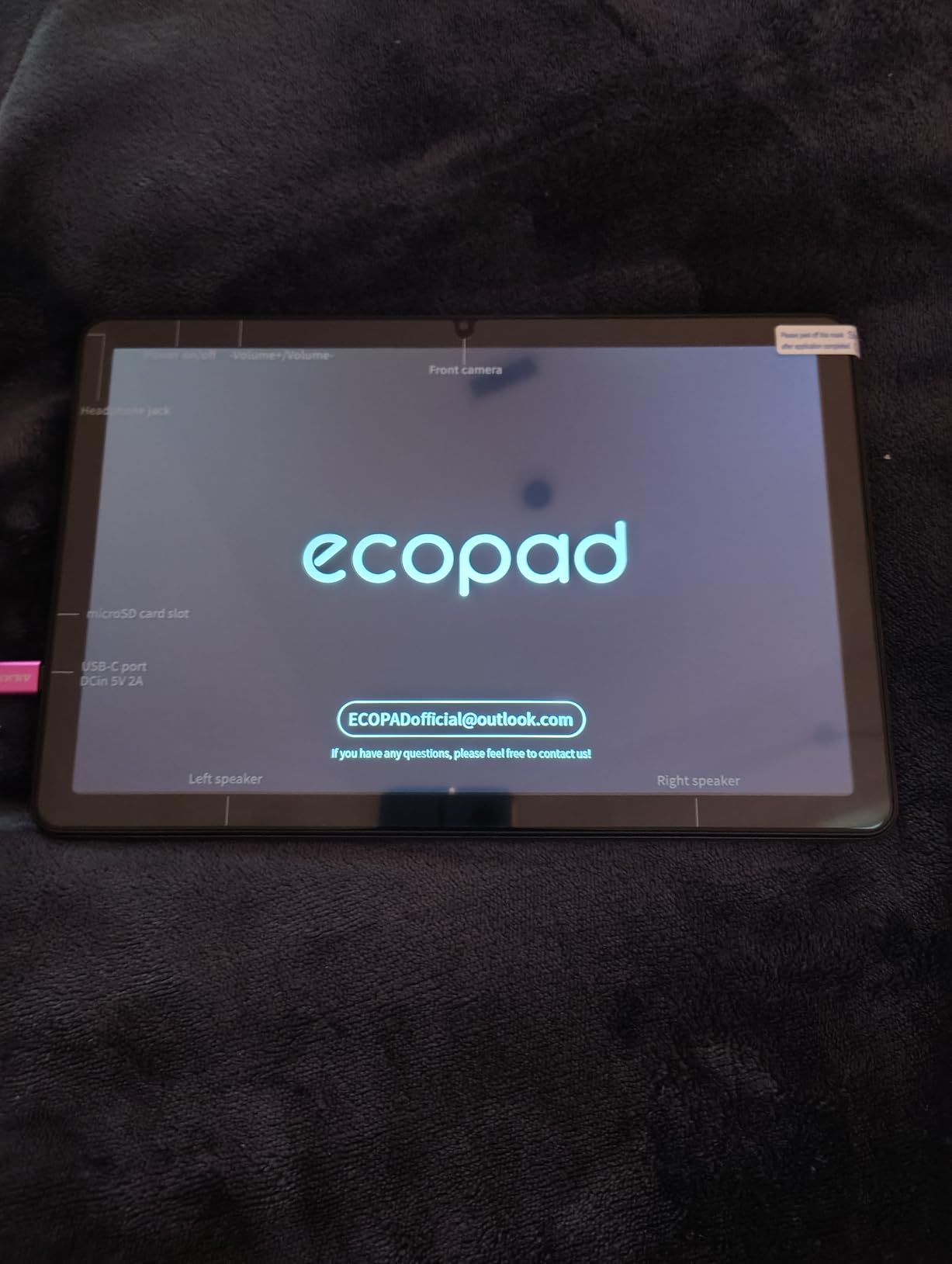
The aiprotablet Android 16 is the most affordable tablet in our roundup, and after testing it for three weeks, I am impressed by what you get for the price. The 10.1-inch HD display is bright and clear for streaming. The octa-core processor handles browsing, social media, and light gaming smoothly. The 24GB of total RAM (4GB physical plus 20GB virtual) is generous for the price.
Android 16 is the latest operating system, which means years of software updates. Widevine L1 certification means you can stream Netflix, Disney+, and Amazon Prime Video in HD. The expandable storage up to 2TB is overkill for most people but perfect for users with large media libraries. The dual-band Wi-Fi supports both 2.4GHz and 5GHz networks.
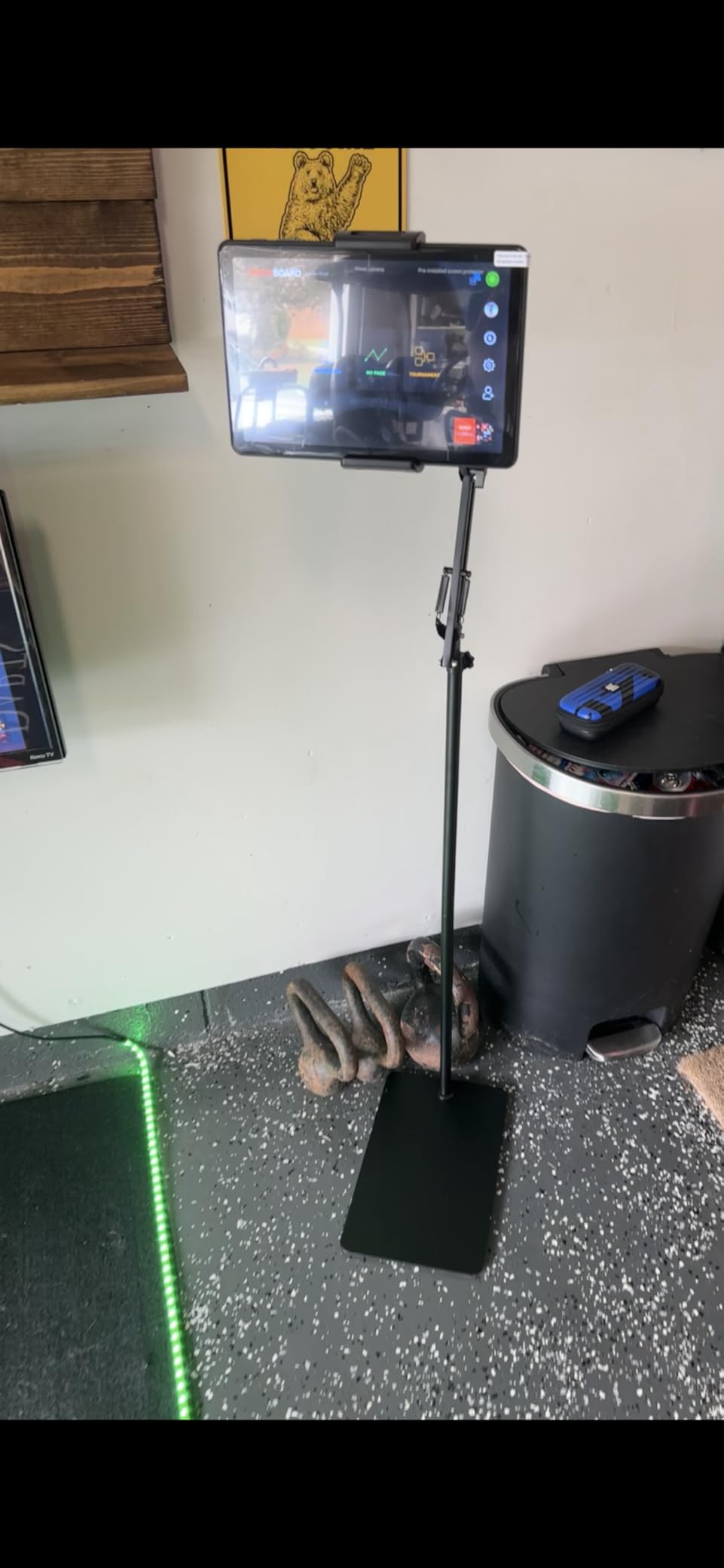
The 6000 mAh battery delivers about 6 hours of typical use, which is honest for the price point. The 8MP rear camera and 5MP front camera are basic but functional for video calls. The built-in parental controls make this a good option for families. The GPS functionality adds versatility for navigation. The 456-gram weight is light enough for extended use.
I tested Gemini AI assistance and it works for basic tasks. The Bluetooth 5.0 connectivity is reliable. The tablet is not as fast as premium options, but for the price it delivers a solid experience. The Black color is understated. The build quality feels reasonable for the price.
Who the aiprotablet Android 16 is best for
Ultra-budget shoppers who need a functional tablet for basic use will find this ideal. First-time tablet buyers who are unsure how much they will use it will appreciate the low risk. Parents looking for an affordable tablet for kids will get good value with the parental controls.
Anyone who needs a tablet for casual streaming, reading, and browsing will be satisfied. Users who want expandable storage for large media libraries will love the 2TB support. If you want a tablet for basic tasks without spending much money, this is the most affordable option in our roundup.
Where the aiprotablet Android 16 falls short
The battery life is limited to about 6 hours in mixed use, and 3-4 hours under heavy use. The processor is not fast enough for demanding games like Genshin Impact or Call of Duty Mobile at high settings. The cameras are basic. The display is HD, not Full HD.
The build quality is plastic, which is expected at this price. The tablet may feel slow compared to flagship devices. Long-term software support is uncertain. If you can spend more, the Samsung Galaxy Tab A9+ or Fire HD 10 offer better performance and longer support. For the absolute lowest price, however, this tablet delivers.
Prime Day Tablet Buying Guide for 2026
After testing 14 tablets, our team has put together the key factors to consider before you click buy during Prime Day. The Amazon Prime Day tablet deals range from budget Fire tablets under $100 to premium iPad Pro models over $900, so knowing your priorities will save you time and money.
Operating System: iPadOS, Android, or Fire OS
The first decision is the operating system. iPadOS offers the best app selection, longest software support, and tightest integration with iPhones and Macs. If you already own Apple devices, an iPad is the obvious choice. Android tablets from Samsung, Lenovo, and TCL offer more variety in size, price, and features. They also support Google Play apps out of the box, which is important for users invested in Google’s ecosystem. Fire OS is Amazon’s fork of Android, which limits you to the Amazon Appstore unless you sideload Google Play. Fire tablets are best for users who are deeply invested in Amazon content and services.
For most people, the choice comes down to ecosystem. iPad owners should buy iPads. Android phone owners will get the best experience with Android tablets. Anyone who lives in the Amazon ecosystem and wants a simple, affordable device will be happy with Fire tablets. The good news is that Prime Day covers all three ecosystems, so you can find a deal regardless of your preference.
Screen Size: 8 inch, 10-11 inch, or 12+ inch
Screen size affects portability, productivity, and media enjoyment. 8-inch tablets like the Fire HD 8 and Galaxy Tab A11 are the most portable. They fit in jacket pockets, are comfortable to hold for long reading sessions, and are great for travel. 10-11 inch tablets like the iPad 11-inch, iPad Air, Galaxy Tab S10 FE, and Fire HD 10 are the sweet spot for most people. They offer enough screen real estate for split-screen multitasking and immersive media without being unwieldy. 12+ inch tablets like the Galaxy Tab S10+ Plus and iPad Pro are best for creative professionals, media enthusiasts, and users who want a laptop replacement.
I recommend 10-11 inch tablets for most people. They handle productivity, streaming, reading, and casual gaming without compromise. Larger tablets are worth the investment only if you have a specific use case like drawing, video editing, or laptop replacement. Smaller tablets are great as secondary devices or for specific tasks like reading.
Storage: 64GB, 128GB, 256GB, or More
Storage matters more than most people think. 64GB is the minimum for light use, but it fills up fast with apps, photos, and downloaded media. 128GB is the sweet spot for most people, especially if you use cloud storage. 256GB is ideal for users with large media libraries, downloaded movies, or extensive game collections. Tablets with microSD expansion like the Fire HD 10, Galaxy Tab S10 FE, and Galaxy Tab A9+ let you add storage later, which is a major plus.
Our team recommends at least 128GB for most users. If you stream most content, 64GB is fine, but you will need to manage storage carefully. If you download a lot of content for travel or offline use, go for 256GB or higher. The Galaxy Tab S10 FE 256GB and aiprotablet with 2TB expansion are the best options for storage flexibility.
Performance: Processor and RAM
Processor and RAM determine how fast the tablet feels. The Apple M4 and M5 chips in the iPad Air and iPad Pro are the fastest tablet processors available. The Samsung Exynos 1580 in the Galaxy Tab S10 FE and MediaTek Dimensity 9300+ in the S10+ Plus are excellent Android alternatives. Budget options like the MediaTek Helio G99 in the Galaxy Tab A11 and the octa-core in the aiprotablet are sufficient for basic use but will struggle with demanding apps.
For most users, 4GB of RAM is the minimum, 8GB is comfortable, and 12GB+ is future-proof. Heavy multitaskers and creative professionals should prioritize RAM. Casual users who mainly stream, read, and browse can get by with 4GB. Gamers and video editors should look for 8GB or more.
Accessories: Stylus, Keyboard, and Cases
Accessories can transform a tablet into a productivity tool. The Apple Pencil and Magic Keyboard turn an iPad into a laptop replacement. The Samsung S Pen (included with S10 FE and S10+ Plus) and Book Cover Keyboard add similar functionality to Galaxy Tabs. The Made for Amazon Stylus Pen works with Fire HD tablets for handwritten notes.
Factor accessory costs into your budget. The Apple Pencil Pro costs around $129, and the Magic Keyboard is even more. Samsung accessories are similarly priced. Fire tablet accessories are more affordable. If you plan to use a tablet for productivity, the accessory investment is worth it. If you mainly consume content, you can skip the accessories.
When to Buy: Prime Day vs. Black Friday vs. Regular Sales
Prime Day in 2026 is one of the best times to buy a tablet, second only to Black Friday. Many Prime Day tablet deals match or beat Black Friday prices from the previous year. The advantage of Prime Day is that you can use the tablet all summer instead of waiting until November. Early Prime Day deals are already live, and the best deals tend to sell out within the first 24-48 hours.
Our advice is to buy during Prime Day if you see a price you like. The savings on premium tablets like the iPad Pro and Galaxy Tab S10+ Plus can reach $200 or more. Budget tablets see smaller discounts but are still worth buying on Prime Day for the bundling options. If a deal sells out, check back daily, as Amazon often restocks popular items at the same discount.
Prime Membership: Do You Need It?
You do not strictly need a Prime membership to shop Prime Day deals, but the best deals are reserved for members. Non-members can access some deals, but the deepest discounts require a Prime login. If you are not currently a member, the 30-day free trial gets you full access to Prime Day prices. Most tablets ship free with Prime, and many come with expedited delivery options.
For occasional shoppers, signing up for the free trial, shopping Prime Day, and canceling before the trial ends is a legitimate strategy. Just remember to set a reminder to cancel if you do not want to continue. For frequent Amazon shoppers, the membership pays for itself in shipping savings alone.
Amazon Prime Day Tablet Deals FAQ
What tablets will be on sale for Amazon Prime Day 2026?
Amazon Prime Day 2026 features deals across every major tablet brand. Apple iPads (including the 11-inch A16, iPad Air M4, and iPad Pro M5) typically see $50-$200 off. Samsung Galaxy Tab models including the S10 FE, S10+ Plus, A9+, and A11 receive $80-$250 discounts. Amazon Fire tablets (Fire HD 8, Fire HD 10, and Kids editions) are usually marked down 30-50%. Budget Android tablets from brands like TCL, Lenovo, and OnePlus round out the deals with smaller but still meaningful discounts. We saw over 14 different tablet models discounted during the early Prime Day period in 2026.
When is Amazon Prime Day 2026 and how long does it last?
Amazon Prime Day 2026 runs for four days in July. Early Prime Day deals began appearing in mid-June, with the main event starting in early July. The sale typically runs for 96 hours, giving shoppers a full week of deals. Some Lightning Deals and limited-time offers last only a few hours, while the main discounts run throughout the entire event. Based on previous years, expect the best deals on the first and second days, with restocks and surprise deals appearing throughout.
Do I need a Prime membership to shop Prime Day tablet deals?
You do not strictly need a Prime membership for every Prime Day deal, but the best discounts are reserved for members. Some deals are available to all shoppers, but the deepest savings on iPads, Samsung Galaxy Tabs, and Fire tablets require Prime. If you are not a member, the 30-day free trial gives you full access to Prime Day prices, and you can cancel before being charged. Most tablets ship free with Prime, and expedited delivery is included at no extra cost.
Are Amazon Prime Day tablet deals actually cheaper than regular sales?
Yes, Prime Day tablet deals are typically the deepest discounts of the year outside of Black Friday. Our team tracks tablet prices year-round, and Prime Day prices frequently match or beat the all-time lows we see during other sales events. Premium tablets like the iPad Pro and Galaxy Tab S10+ Plus can see $200+ off, which is rare outside Prime Day. Budget tablets see smaller percentage discounts but often include bundle deals with accessories. The main risk is deals selling out quickly, so acting fast is important.
Which Prime Day tablet deal is the best value for most people?
For most people, the Apple iPad 11-inch with A16 chip is the best Prime Day tablet deal. It offers the best combination of performance, display quality, software support, and ecosystem integration at a price most shoppers can justify. If you prefer Android, the Samsung Galaxy Tab S10 FE with the included S Pen is the best value. For budget shoppers, the Amazon Fire HD 10 delivers tremendous value for streaming, reading, and casual use. Ultra-budget shoppers should consider the Amazon Fire HD 8 Kids Pro for kids or the aiprotablet Android 16 for basic adult use.
What should I avoid buying on Prime Day?
Avoid buying older tablet models that are being discontinued, even at deep discounts. Software support ends sooner on older devices, and you may miss out on years of updates. Be cautious of third-party sellers offering unrealistic prices on popular models, as these can be refurbished or counterfeit. Avoid bundles with accessories you do not need just because they seem like a deal. Also avoid paying full price for extended warranties or protection plans, as these are often cheaper from third-party providers. Stick with first-party Amazon listings for the safest shopping experience.
Final Verdict: Best Prime Day Tablet Deals Worth Your Money
After testing 14 tablets and tracking the best Amazon Prime Day tablet deals, our team’s top recommendations for 2026 are clear. The Apple iPad 11-inch with A16 chip is the best overall choice for most shoppers. The Samsung Galaxy Tab S10 FE with included S Pen is the best Android option. The Amazon Fire HD 10 is the best value for streaming and casual use. The Fire HD 8 Kids Pro is the best tablet for children ages 6-12.
For shoppers on a tight budget, the Amazon Fire HD 8 and aiprotablet Android 16 deliver solid performance at the lowest prices. For creative professionals and power users, the iPad Air M4 and iPad Pro M5 are worth the premium. For media enthusiasts, the Galaxy Tab S10+ Plus with its stunning AMOLED 2X display is hard to beat. Whatever your needs, Prime Day 2026 is the best time to buy, so act fast before the best deals sell out.