
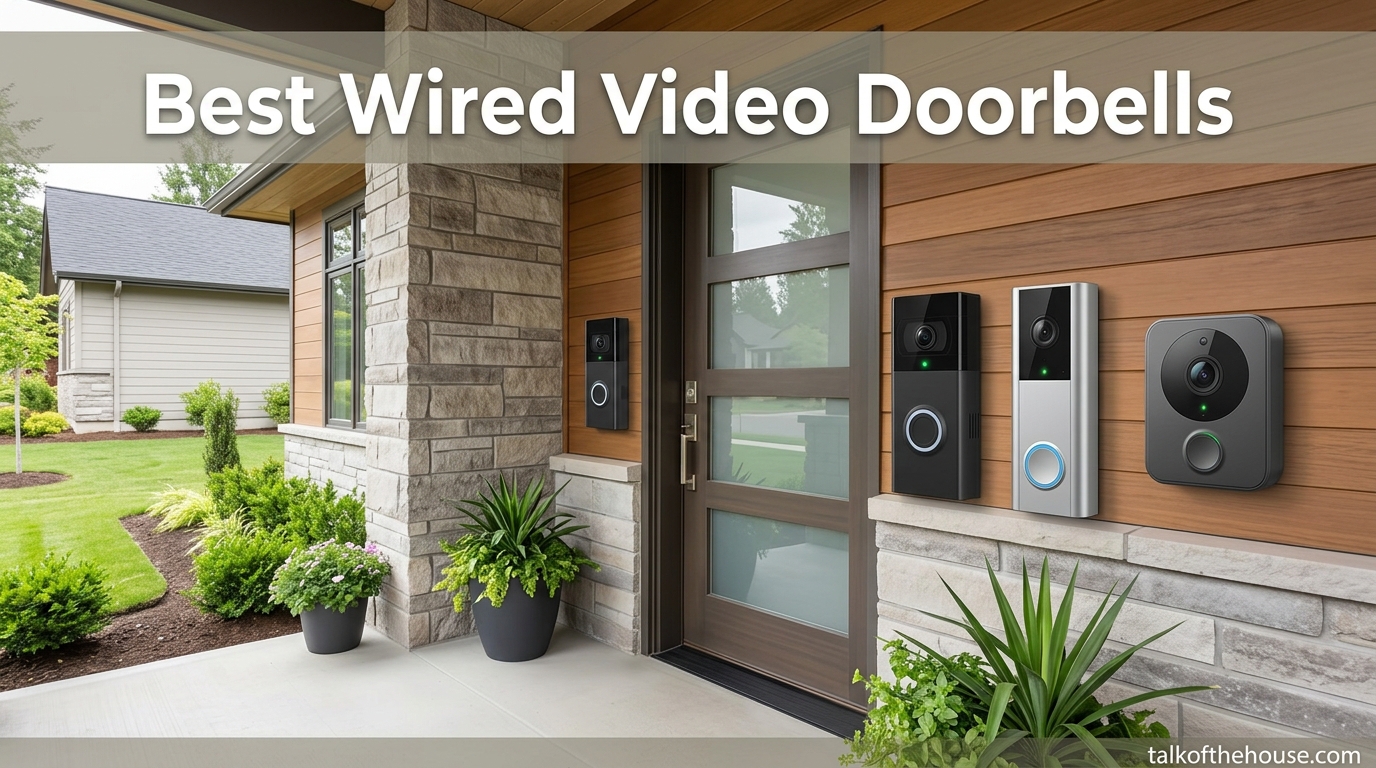
When someone knocks on my front door, I want to know exactly who is standing there before I open it. That peace of mind is exactly what the best wired video doorbells deliver for your home in 2026. Unlike their battery-powered cousins that need recharging every few months, wired models tap right into your home’s existing doorbell wiring for nonstop, always-on power. No dead batteries, no gaps in coverage, no scrambling to charge before a delivery arrives.
Our team spent weeks comparing the top wired video doorbell cameras on the market right now. We looked at everything from video clarity and field of view to smart home compatibility and whether you actually need a monthly subscription to get the most out of each one. Because let’s be honest, the last thing any homeowner wants is another recurring bill eating into the household budget.
Whether you are upgrading an outdated doorbell, building out a full smart home system, or simply want to keep an eye on package deliveries, we have tested and compared six of the best options available. From budget-friendly picks that punch well above their weight to premium models loaded with AI features, this guide covers the full range so you can find the right fit for your home and your wallet.
Top 3 Picks for Best Wired Video Doorbells (September 2026)

Best Wired Video Doorbells in 2026
| Product | Specifications | Action |
|---|---|---|
| Tapo D225 Smart Video Doorbell |
|
Check Latest Price |
 Ring Video Doorbell Wired Ring Video Doorbell Wired |
|
Check Latest Price |
 REOLINK Video Doorbell PoE REOLINK Video Doorbell PoE |
|
Check Latest Price |
 Google Nest Doorbell Wired 3rd Gen Google Nest Doorbell Wired 3rd Gen |
|
Check Latest Price |
 Ring Wired Doorbell Pro Ring Wired Doorbell Pro |
|
Check Latest Price |
 Kasa Smart Video Doorbell KD110 Kasa Smart Video Doorbell KD110 |
|
Check Latest Price |
1. Tapo D225 Smart Video Doorbell – Best Overall Wired Doorbell
Tapo 2K+ Wired or Battery Powered Smart Video Doorbell with Chime, D225
- 180-degree head-to-toe view covers entire door area
- Ring Call feature phones you when pressed
- Free person/vehicle/package detection
- No subscription required for local storage
- Excellent night vision with built-in spotlight
- Battery cannot be removed for charging
- Some connectivity issues reported
- Motion speed setting cannot be disabled
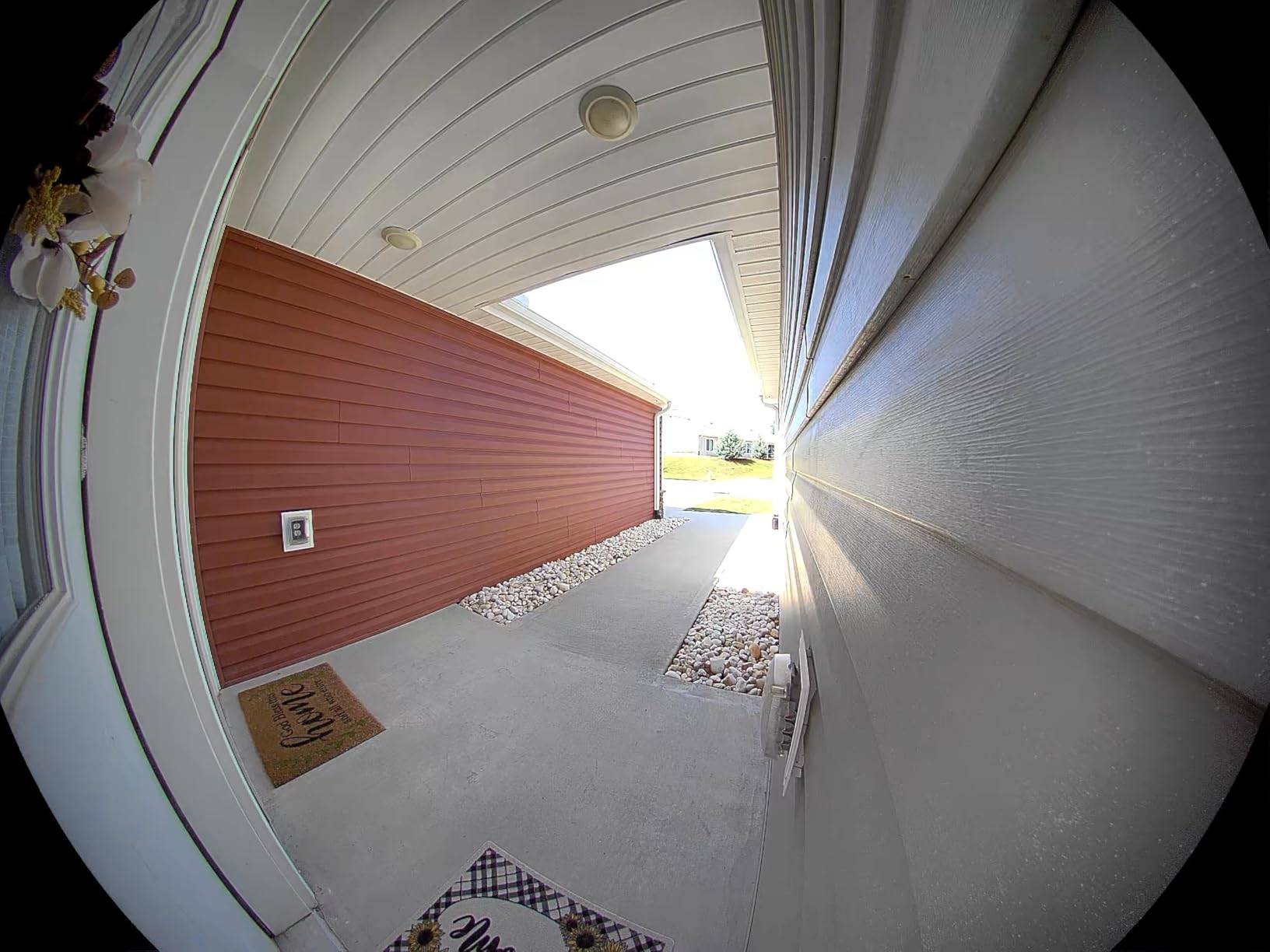
I have been testing the Tapo D225 for about three months now, and it honestly surprised me. The 180-degree head-to-toe field of view is a real standout. I can see packages sitting directly below the doorbell and people’s faces clearly without any weird distortion. Most doorbells in this range give you a 160-degree view at best, so that extra coverage makes a genuine difference for catching porch deliveries.
The Ring Call feature is something I did not know I needed until I had it. When someone presses the doorbell, my phone gets an actual phone call rather than just a push notification. This means I never miss a visitor even if I am away from home or my phone is on silent. The call connects quickly and the two-way audio is crisp enough to have a real conversation with whoever is at the door.
What really sold me on the D225 is the flexibility. You can hardwire it using existing doorbell wiring for continuous power, but it also has a built-in 10,000mAh battery as backup. That means if your power goes out or you want to move it temporarily, the doorbell keeps working. The AI-powered person, vehicle, and package detection all work without paying a monthly subscription, which is a huge win for anyone tired of recurring fees.
On the downside, the battery is internal and cannot be removed. When it needs a charge, you have to take the whole unit off the wall and bring it inside. The setup is also limited to 2.4 GHz Wi-Fi networks, so if your router only broadcasts on 5 GHz, you will need to adjust your settings. These are not dealbreakers by any stretch, but they are worth knowing about before you buy.
Who Should Buy the Tapo D225
If you want one doorbell that does almost everything well without locking you into a subscription, the Tapo D225 is the pick. It is ideal for busy households that get a lot of deliveries, families who want to see the full porch area, and anyone who values flexibility between wired and battery power modes. The free AI detection features put it ahead of competitors that charge monthly for the same capabilities.
Who Should Look Elsewhere
If you are deeply invested in the Google Home ecosystem and want everything under one app, the Nest Doorbell might be a better fit. Similarly, if you want the absolute highest video resolution available and do not mind paying more for it, the Ring Doorbell Pro with its 4K camera is worth a look. Also, anyone without existing doorbell wiring who wants a pure battery experience may prefer a simpler setup.
2. Ring Video Doorbell Wired – Best Value Wired Doorbell
- Easy Alexa integration with customizable ringtones
- Advanced motion detection with customizable zones
- Easy installation with sleek design
- 1080p HD video with night vision
- Works great with Echo devices for alerts
- Only supports 2.4 GHz networks
- Requires Ring Chime or Alexa device for indoor alerts
- Existing doorbell chime becomes useless
- Motion detection can be too sensitive
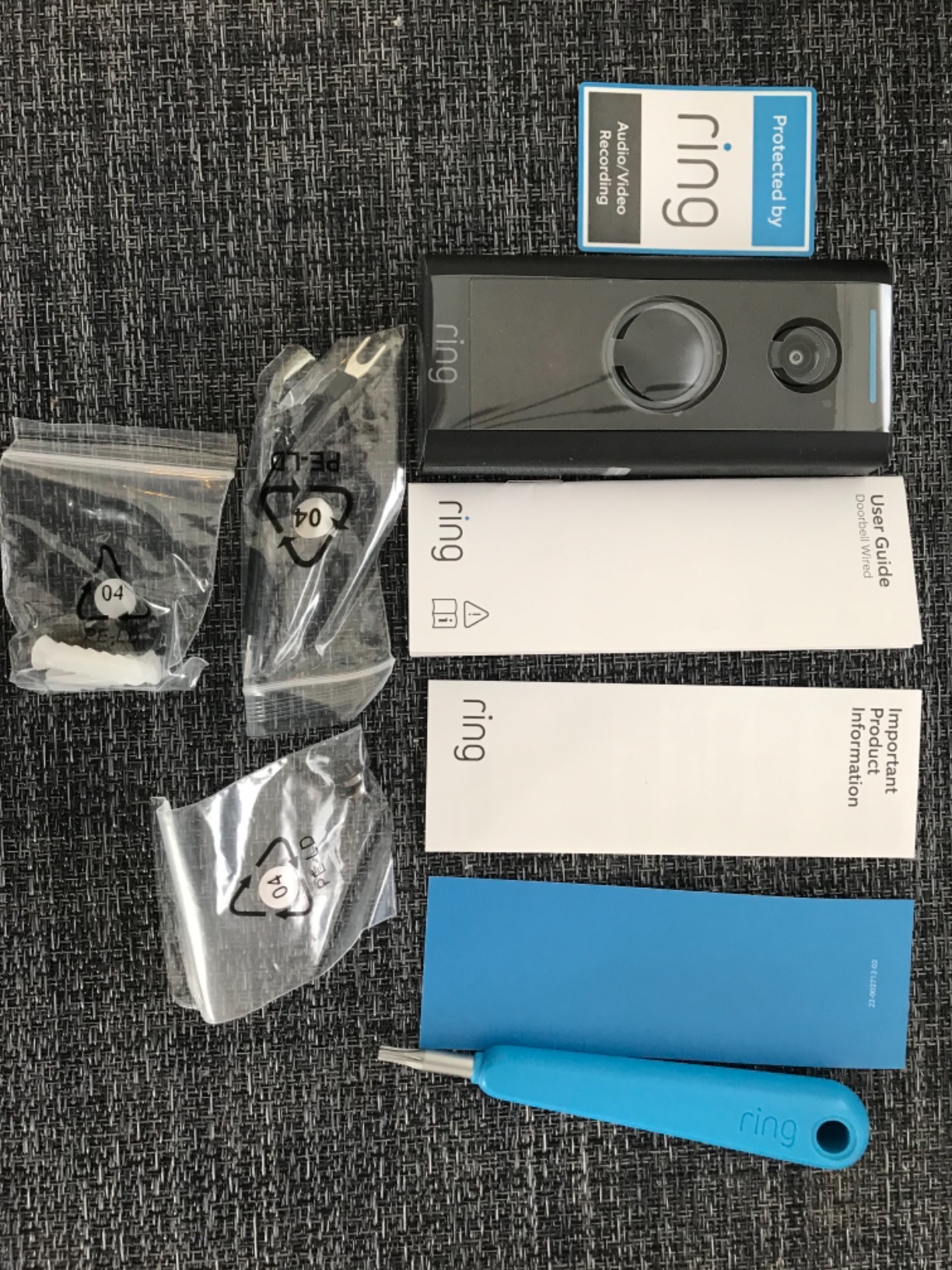
The Ring Video Doorbell Wired is the one I recommend to most friends who ask where to start. With over 82,000 reviews and a solid 4.5-star rating, this is the wired doorbell that proved the concept for millions of homeowners. It is straightforward, reliable, and taps into the extensive Ring ecosystem of cameras, sensors, and alarm systems if you ever want to expand.
Installation took me about 15 minutes from start to finish. I disconnected the two wires from my old doorbell, connected them to the Ring bracket, snapped the doorbell on, and was done. The Ring app walks you through every step, and within minutes I was watching a live HD feed of my front porch on my phone. The night vision is surprisingly clear too, giving a sharp black-and-white image even in pitch darkness.
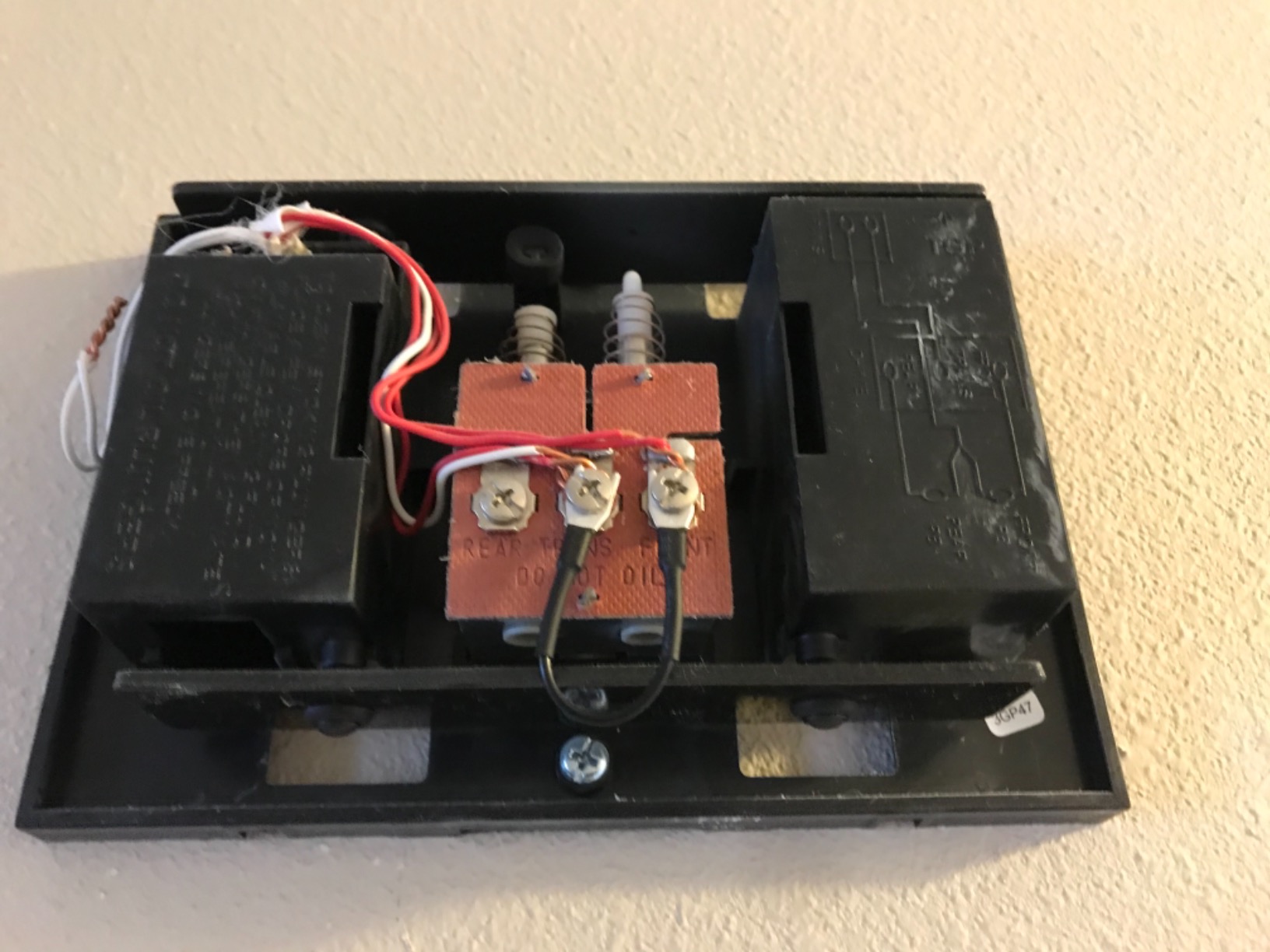
The big thing to understand about this doorbell is that it replaces your existing doorbell chime entirely. You will need either a Ring Chime accessory or an Alexa-enabled device like an Echo Show to hear the doorbell ring indoors. For me, that meant setting up an Echo Dot near my front hall, which actually works great since I get visual and audio alerts throughout the house. But if you love your traditional chime sound, this is something to factor in.
Motion detection works well but can be overzealous. I had cars driving by triggering alerts until I set up a custom motion zone that only covers my porch and walkway. Once I dialed that in, the false alerts dropped significantly. The 1080p resolution is plenty for identifying faces and seeing package labels, though it is not as crisp as the 2K or 4K options on this list. For the price, it gets the job done and then some.
Who Should Buy the Ring Video Doorbell Wired
This is the best wired video doorbell for anyone on a budget who still wants reliable performance and brand trust. If you already own Echo devices or other Ring products, it integrates seamlessly into your setup. First-time smart doorbell buyers who want something easy to install and hard to mess up will feel right at home with this model.
Who Should Look Elsewhere
If you want higher resolution footage for capturing fine details like license plates from a distance, look at the 2K or 4K models on this list. Anyone who strongly prefers local storage without a subscription should consider the REOLINK or Tapo options instead, since Ring’s best features require a Ring Protect plan. Also, if keeping your existing doorbell chime matters to you, the Kasa KD110 is a better fit since it includes its own chime.
3. REOLINK Video Doorbell PoE – Best No-WiFi Wired Doorbell
REOLINK Video Doorbell PoE 2K Wired Outdoor Security Camera with Chime V2
- No subscription fees ever
- Excellent 2K HDR video quality
- 180-degree wide angle view
- Reliable PoE connection no WiFi dependency
- Chime V2 included with 10 tunes
- Requires PoE injector or switch not included
- Cannot record custom quick reply messages
- Small delay when talking through doorbell
- PoE setup may require additional equipment
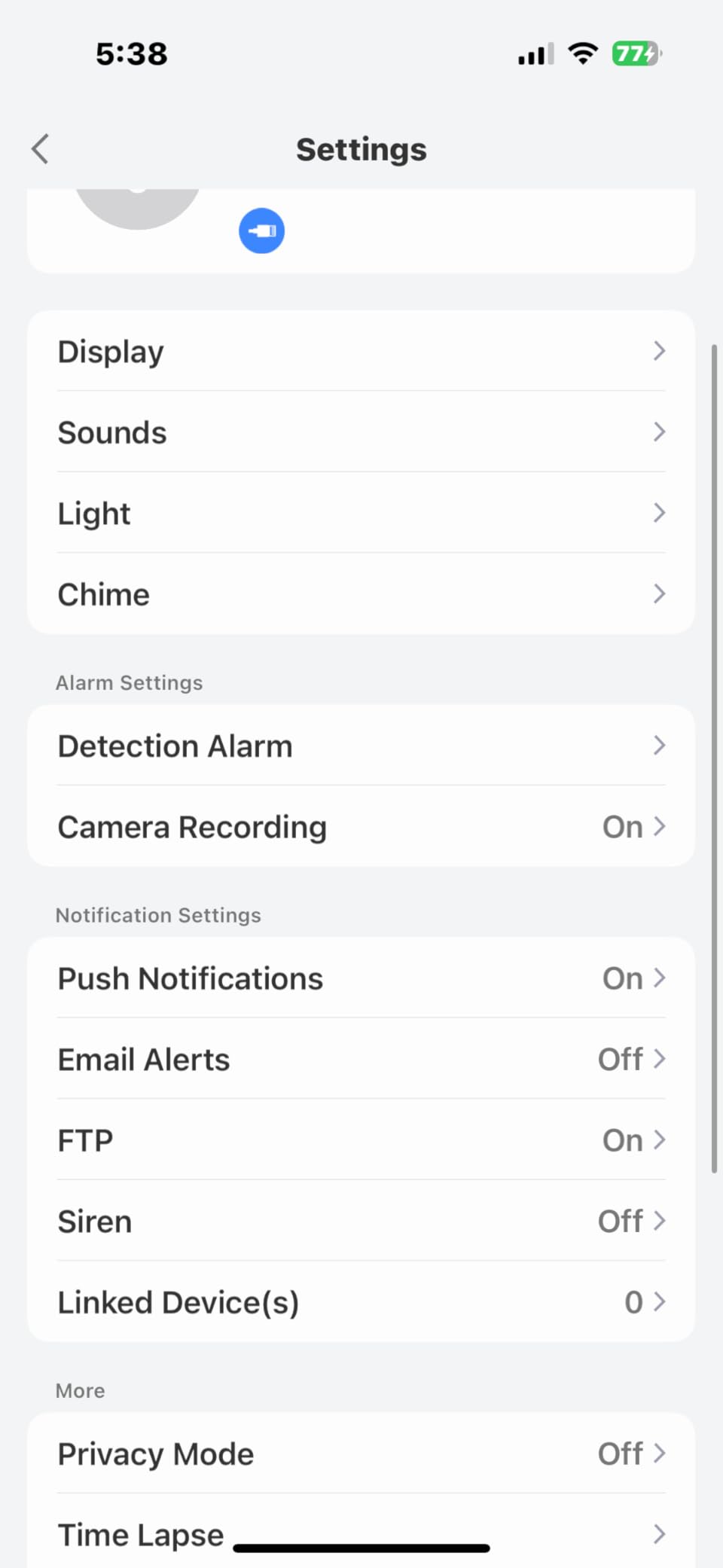
The REOLINK PoE doorbell takes a completely different approach from everything else on this list. Instead of relying on Wi-Fi, it uses Power over Ethernet, which means a single cable handles both data and power. For homeowners who have had Wi-Fi connectivity issues with other smart devices, this is an absolute game-changer. The connection is rock solid because it does not depend on your wireless router at all.
I tested this doorbell on a home where the Wi-Fi signal at the front door was spotty at best. Previous wireless doorbells kept dropping the connection, but the REOLINK maintained a perfect live feed every single time. The 2K video with HDR handles bright sunlight and deep shadows better than most competitors. Faces do not get blown out when the sun is behind visitors, and shadowy areas still show detail.
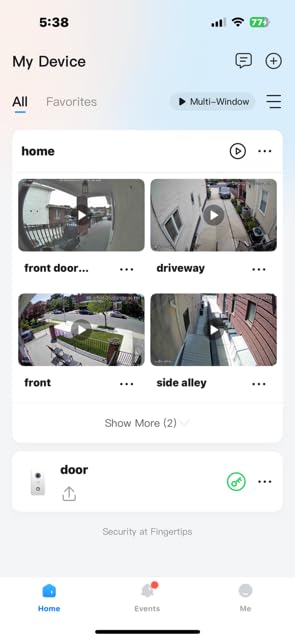
The 4:3 aspect ratio is worth mentioning because it is different from the typical widescreen format. Instead of a wide but short view, you get a taller image that shows visitors from head to toe along with packages on the ground. For anyone who has ordered something and wondered if the delivery driver actually left it, this taller view answers that question at a glance. The pre-roll feature captures 6 seconds of footage before the motion trigger, so you see the full approach.
The trade-off with PoE is the setup. You need to run an Ethernet cable to the doorbell location and use either a PoE injector or a PoE network switch. If you are comfortable with basic networking, this is a weekend project at most. If running cables through walls sounds intimidating, you might want to stick with a Wi-Fi model. Also, the two-way audio has a slight delay that makes real-time conversation feel a bit choppy compared to Ring or Google options.
Who Should Buy the REOLINK PoE Doorbell
This is the best hardwired doorbell camera for anyone who values reliability above everything else. If you have a larger home where Wi-Fi struggles to reach the front door, PoE eliminates that problem entirely. It is also ideal for privacy-minded homeowners who refuse to pay monthly subscription fees and want full control over their footage through local storage, NVR systems, or FTP servers. Tech enthusiasts running Home Assistant setups will find it especially appealing.
Who Should Look Elsewhere
If you are not comfortable running Ethernet cables or buying additional networking equipment, a Wi-Fi doorbell will be simpler to set up. Anyone who wants the smoothest two-way audio experience should look at the Tapo D225 or Ring options. This is also not the best pick if you want deep smart home integration with Alexa or Google Home, since REOLINK’s ecosystem is more focused on standalone security than smart home automation.
4. Google Nest Doorbell Wired 3rd Gen – Best for Google Home Users
Google Nest Doorbell (Wired, 3rd Gen) – 2K Video, Live View – 2025 – Hazel
- Excellent 2K HDR video quality
- Gemini AI provides intelligent notifications
- Facial recognition identifies known visitors
- Package detection alerts
- Works seamlessly with Google Home
- Requires Google Home Premium subscription for advanced features
- More expensive than competitors
- Menu navigation requires too many clicks
- Cannot subscribe via app must use browser first
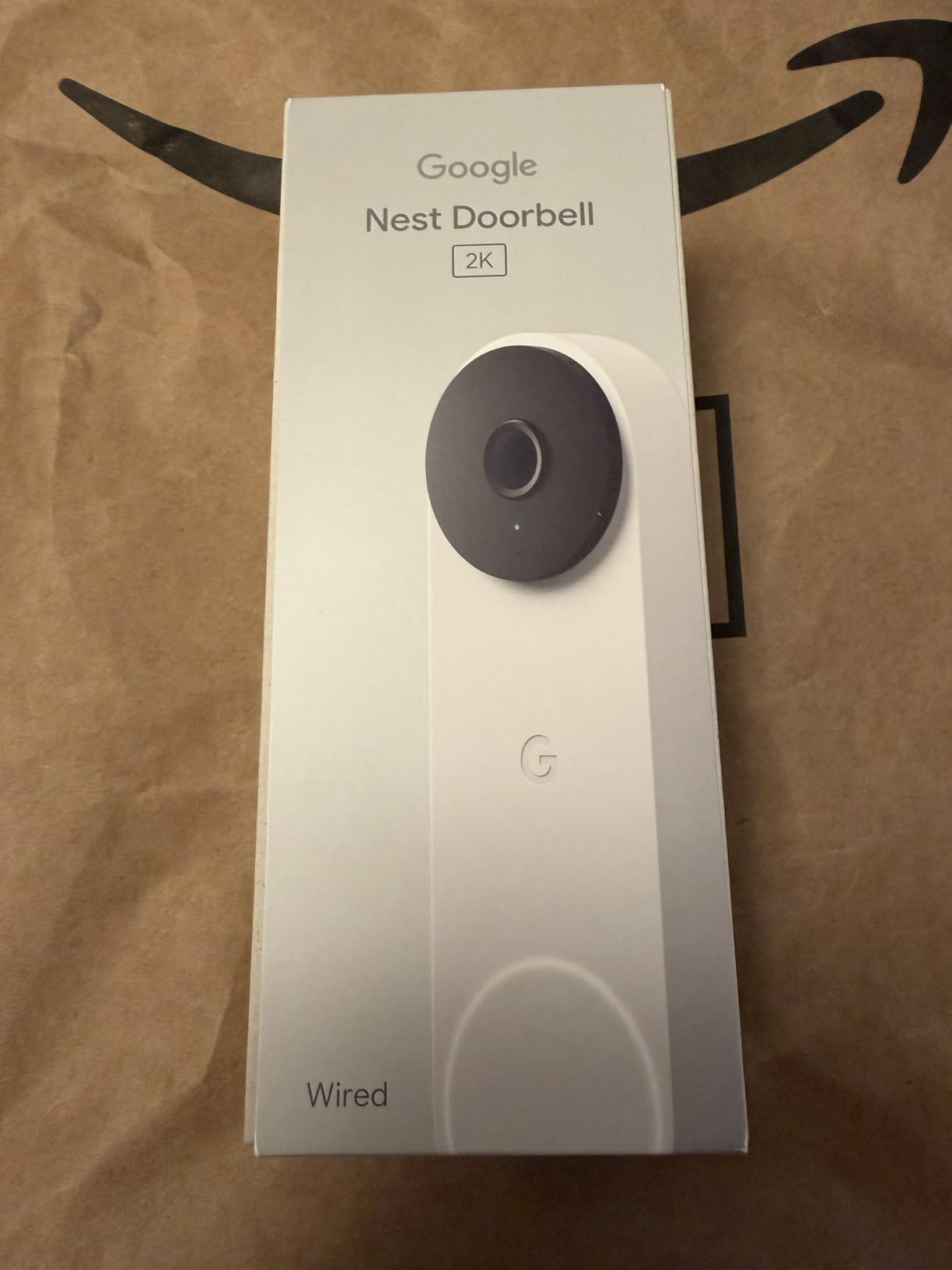
Google’s third-generation wired Nest Doorbell is the one I reach for when someone tells me their entire smart home runs on Google. The 2K HDR video is genuinely impressive, with colors that look natural rather than oversaturated and shadows that retain detail instead of turning into dark blobs. Google has been refining their camera quality for years, and it shows in every frame this doorbell captures.
The Gemini AI integration is what sets this doorbell apart from the rest of the field. Instead of getting a generic “motion detected” notification, the Nest Doorbell tells you specifically what it sees. You get alerts like “person at the front door with a package” or “dog on the porch” or “vehicle in the driveway.” The facial recognition feature, available with a Google Home Premium subscription, can identify people you have previously tagged, so you know if it is a family member, a neighbor, or a stranger before you even look at the camera feed.
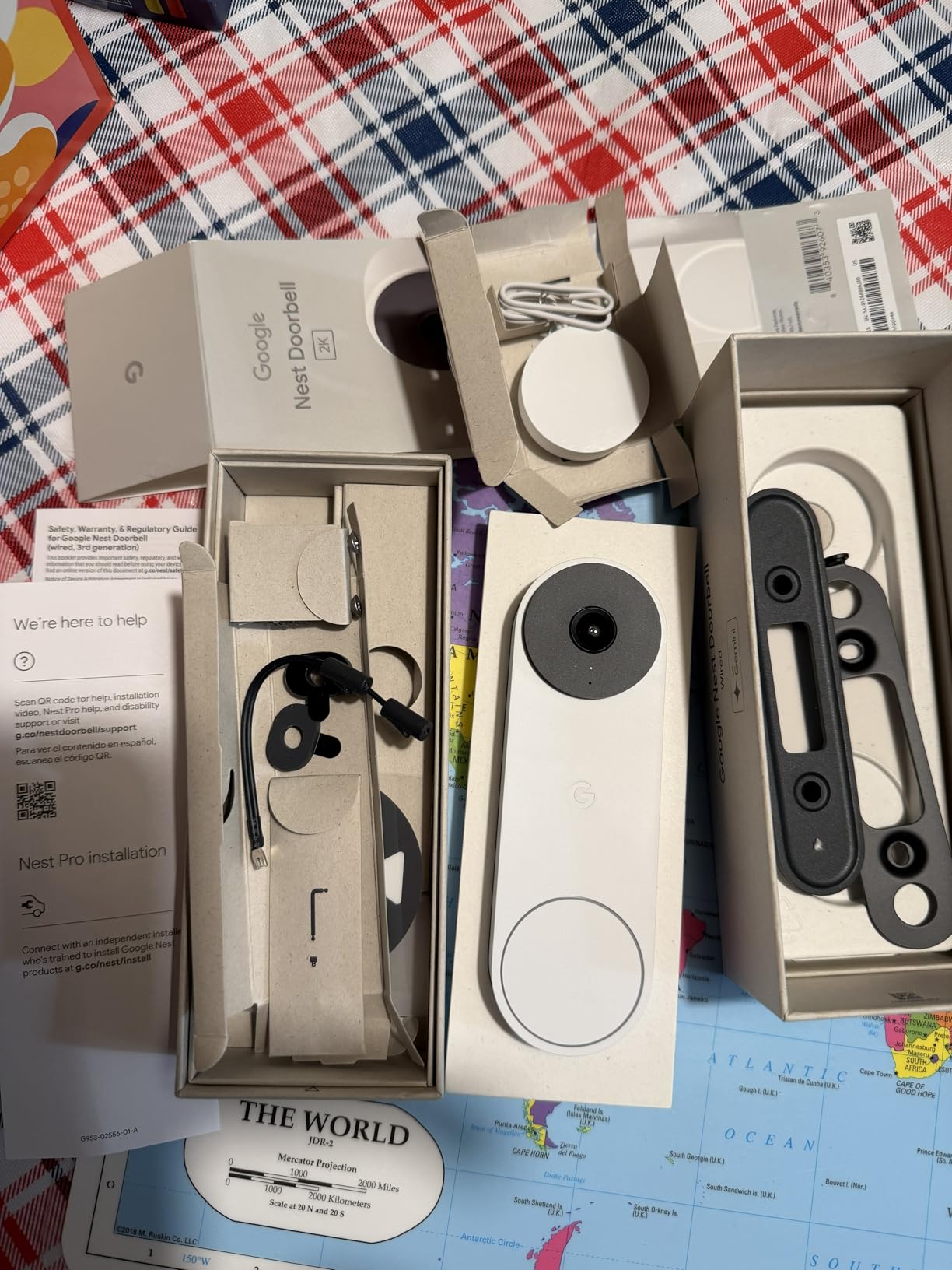
Installation was clean and simple. The doorbell connects to standard 16-24VAC doorbell wiring, which covers most North American homes. The Google Home app guided me through the setup, and within about 10 minutes I had a live feed on my phone and streaming to my Nest Hub display in the kitchen. Being able to say “Hey Google, show me the front door” and instantly see who is there is one of those small conveniences that quickly becomes second nature.
The main drawback is the subscription requirement for the best features. Without Google Home Premium, you still get live view, basic notifications, and three hours of event video history. But the really good stuff, including facial recognition, familiar face alerts, and extended video history, requires the paid plan. At this price point, it would be nice if more of those features were included out of the box. The app interface also feels a bit clunky, requiring more taps than necessary to adjust settings.
Who Should Buy the Google Nest Doorbell
If your home is already set up with Google Home devices like Nest Hubs, Google speakers, or Pixel phones, this doorbell fits perfectly into your existing ecosystem. It is also an excellent choice for anyone who wants the smartest AI notifications available on a wired doorbell. Homeowners who want clear video quality with natural colors and HDR handling will appreciate the consistently good image this camera produces.
Who Should Look Elsewhere
If you want to avoid subscriptions entirely, the REOLINK or Tapo options give you more features without monthly fees. Alexa-centric households will get better integration from Ring or Tapo products. And if you are on a tight budget, this is one of the pricier options on the list, so you can get 80 percent of the same functionality for significantly less with the Ring Video Doorbell Wired.
5. Ring Wired Doorbell Pro – Best 4K Video Quality
- Stunning 4K Retinal video quality
- 10x Enhanced Zoom actually works well
- Ultra-wide 150+ degree field of view
- HDR handles bright sun and shadows well
- Low-light sight provides true color video
- Motion detection limited to about 20-30 ft bubble
- Requires Ring Protect subscription for full features
- Premium price point
- Some users report delay in motion alerts
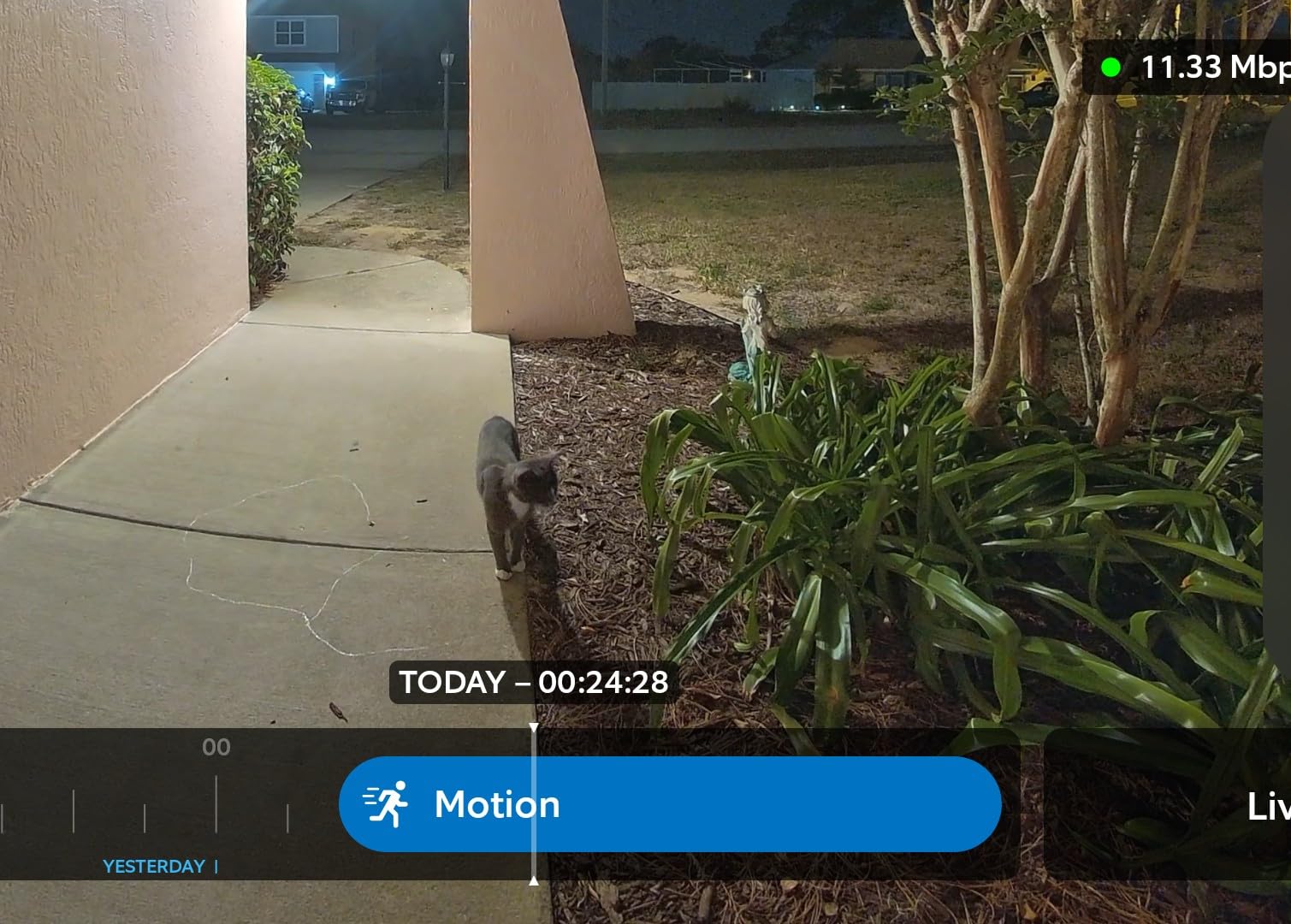
The Ring Wired Doorbell Pro is the newest addition to Ring’s lineup, and it makes one thing abundantly clear: resolution matters. The 4K Retinal video is stunning. When I zoomed in on a package label from about 15 feet away, I could read the shipping address clearly. No other wired doorbell on this list can match that level of detail. If video clarity is your top priority, this is the one to beat.
The 10x Enhanced Zoom is not just a marketing number. It actually maintains image quality when you pinch to zoom in the app, unlike digital zooms on cheaper cameras that turn everything into a pixelated mess. I tested it by zooming in on a car parked across the street and could easily make out the make and model. The HDR performance also impressed me, balancing harsh afternoon sunlight against the shadow of my porch overhang without blowing out either area.
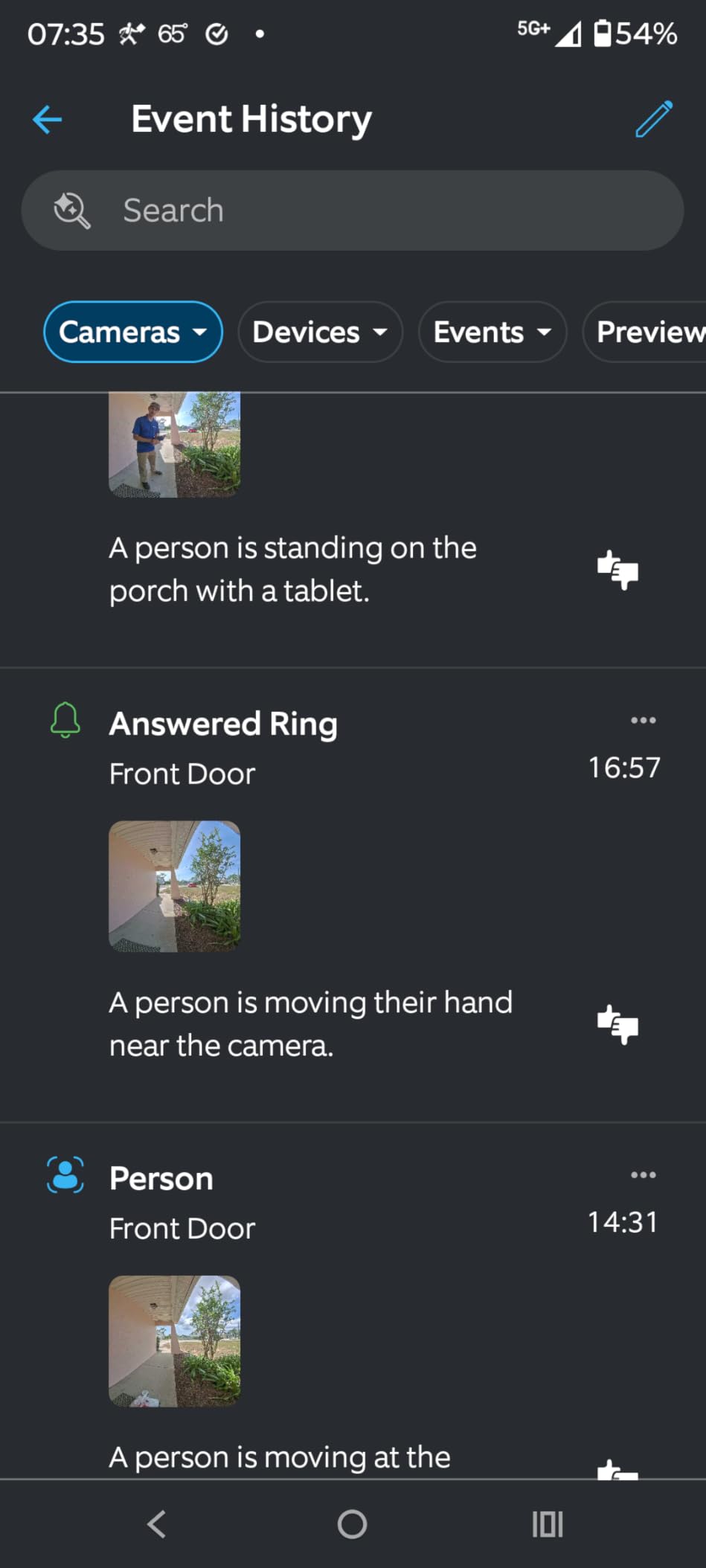
Ring packed a radar-based 3D Motion Detection system into this doorbell, which sounds impressive but has a real limitation. The radar creates a detection bubble of roughly 20 to 30 feet. If you want to catch motion farther away, like someone walking up your driveway, you may find the range too short. On the plus side, within that bubble the detection is extremely accurate and rarely triggers false alerts from trees swaying or shadows moving.
The Low-Light Sight feature is another standout. Instead of switching to infrared black-and-white night vision, this doorbell produces actual color video in near-darkness. I tested it at dusk with only my porch light on, and the footage looked like daytime with slightly muted colors. That color information can make a real difference when trying to identify clothing or vehicle colors after dark. The pre-roll feature also captures 4 seconds of footage before motion is triggered, giving you context that other doorbells miss.
Who Should Buy the Ring Doorbell Pro
This is the best hardwired doorbell camera for anyone who wants the sharpest video possible. If you need to capture fine details like faces from a distance, license plate numbers, or small text on packages, the 4K resolution and 10x zoom deliver. It is also a great upgrade for existing Ring users who want to step up from 1080p without changing their familiar app and ecosystem.
Who Should Look Elsewhere
If you want the widest possible detection range for your driveway or front yard, the radar-based system here has a shorter reach than traditional PIR sensors. Anyone avoiding subscriptions should note that the best Ring features, including video descriptions and extended history, require Ring Protect. At this price point, budget-conscious buyers will get more value from the Tapo D225 or Ring Video Doorbell Wired.
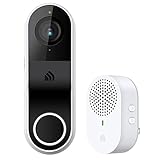
6. Kasa Smart Video Doorbell KD110 – Best Budget 2K Option
Kasa 2K Smart Video Doorbell Camera Hardwired w/Chime, KD110
- 2K resolution with clear image quality
- No subscription required with local SD card storage
- Includes modular chime with multiple tones
- Easy installation and app setup
- Works with Alexa and Google Assistant
- SD card recording is basic at 720p with 5-minute steps
- WiFi connectivity issues reported by some users
- Only supports 2.4 GHz networks
- Motion detection can be overly sensitive
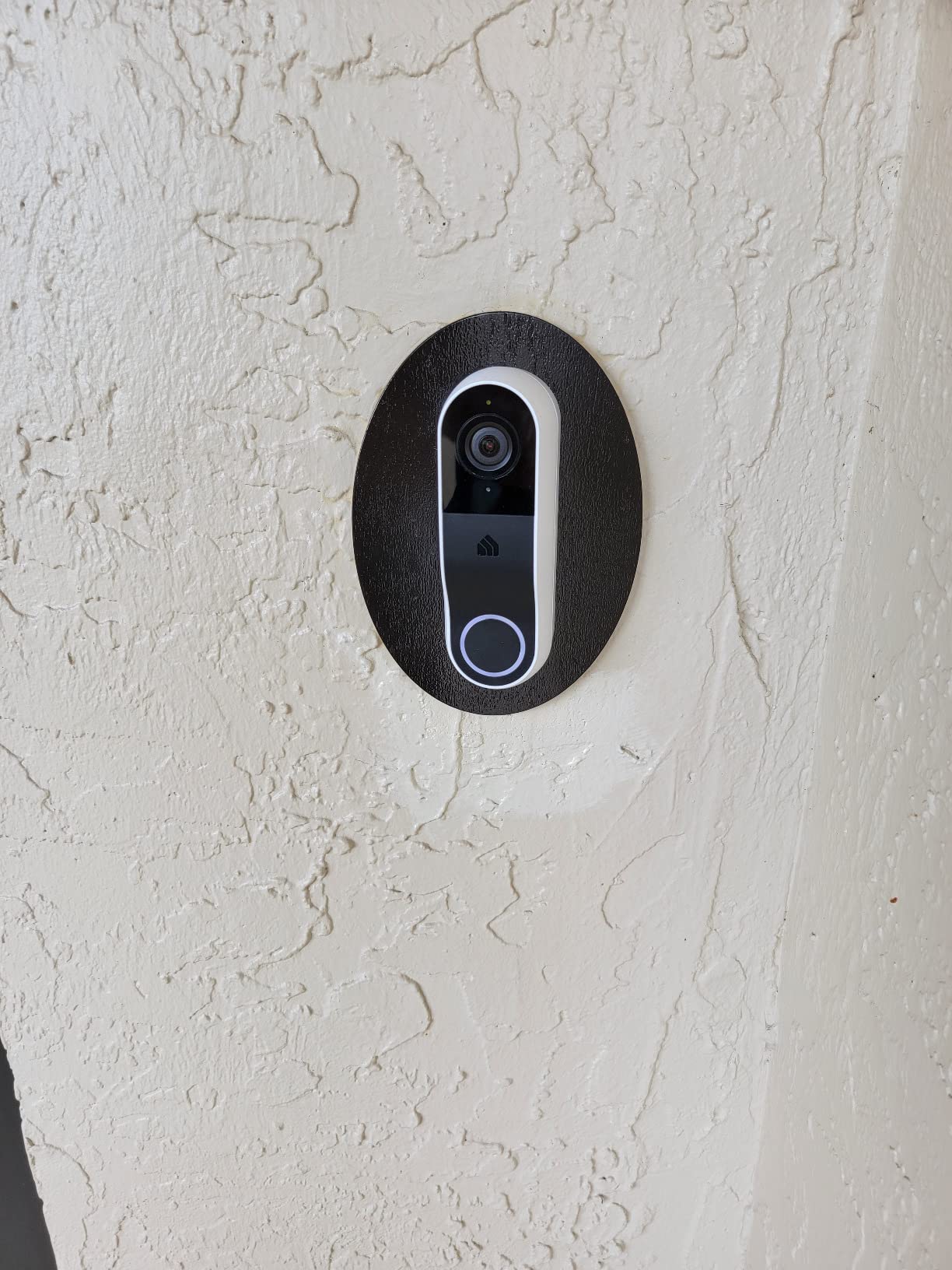
The Kasa Smart Video Doorbell KD110 sits in a sweet spot for anyone who wants 2K resolution and local storage without spending a lot. What caught my attention right away is that TP-Link includes a modular chime in the box, so you do not need to buy a separate accessory to hear the doorbell ring inside your home. That alone saves you the extra purchase that Ring and some other brands require.
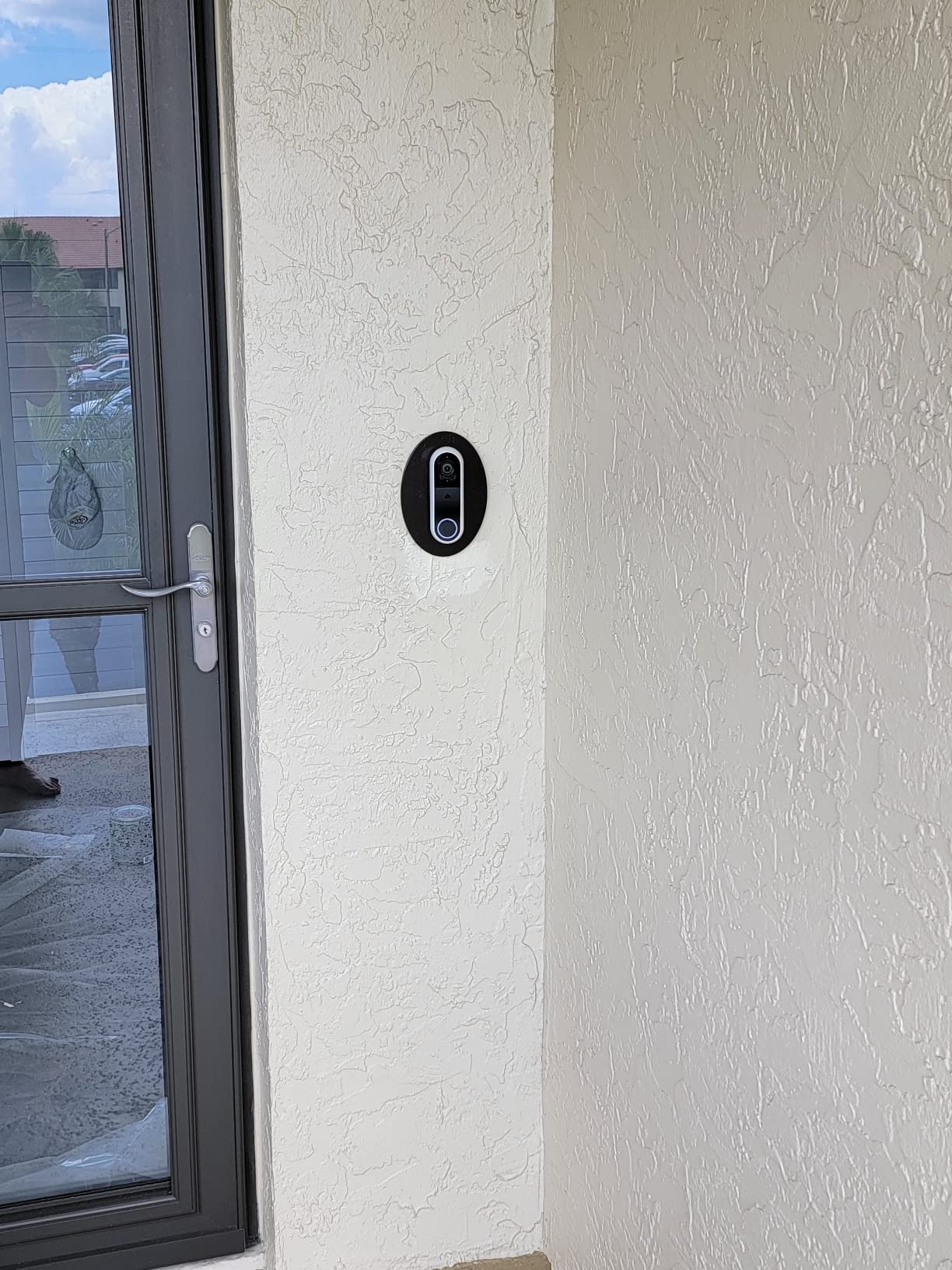
Setting it up was surprisingly smooth. I connected the existing doorbell wires, plugged the included chime into a wall outlet inside, and followed the Kasa app instructions. The whole process took under 20 minutes. The 2K live feed looks sharp during the day with good color accuracy and a 160-degree field of view that covers a standard porch without much distortion around the edges.
Local storage through a microSD card is the KD110’s biggest selling point for anyone tired of monthly fees. Pop in a card up to 256GB and you get continuous recording without paying a dime to a cloud service. However, there is a catch. When you play back recorded footage from the SD card, it drops to 720p resolution and steps through in 5-minute chunks rather than smooth scrubbing. It works for checking if a package arrived, but it is not the best playback experience for reviewing detailed footage.
The Kasa app is functional but not as polished as Ring or Google Home. Motion detection settings require some patience to dial in, and the default sensitivity had my phone buzzing with alerts from passing cars until I created custom activity zones. Wi-Fi connectivity was generally stable during my testing, though some users have reported occasional dropouts. The IP64 weatherproof rating held up fine through a few rainstorms without any issues.
Who Should Buy the Kasa KD110
This is a strong pick for budget-conscious homeowners who want 2K resolution and refuse to pay monthly subscriptions. If you already have Kasa or TP-Link smart home devices, it integrates into that same app ecosystem. The included chime is a real bonus for anyone who wants indoor alerts without buying extra accessories. It is also a solid choice for renters who want something affordable they can easily take with them when they move.
Who Should Look Elsewhere
If smooth, high-resolution playback of recorded footage matters to you, the SD card limitations will be frustrating. The Tapo D225 offers a similar no-subscription experience with better playback and a wider field of view for a bit more money. Anyone who wants the most polished app experience should look at Ring or Google options. And if you need the absolute best video quality, the 4K Ring Doorbell Pro is in a different class entirely.
Buying Guide: How to Choose the Best Wired Video Doorbell
Picking the right wired video doorbell comes down to understanding a few key factors that directly affect how the device will perform at your home. I have installed enough of these to know that the specs on a product page do not always tell the full story. Here is what actually matters when making your decision.
Video Resolution: How Clear Do You Need It?
Most wired doorbells today offer either 1080p, 2K, or 4K resolution. For basic visitor identification and package monitoring, 1080p works fine. You can see faces clearly within about 10 feet. Stepping up to 2K gives you noticeably sharper detail, which helps if your doorbell is mounted high or you want to read labels on packages. The 4K option on the Ring Doorbell Pro is for people who want maximum detail for zooming in on faces, vehicles, or objects from a distance.
Keep in mind that higher resolution means larger video files, which eats into your storage faster. If you are using local storage on a microSD card, a 2K camera will fill up that card quicker than a 1080p one. Balance your need for clarity against your storage capacity.
Field of View: Wider Is Usually Better
The field of view determines how much of your porch, walkway, and surrounding area the camera captures. Anything above 160 degrees is considered wide. The Tapo D225 leads the pack at 180 degrees head-to-toe, which means you see everything from packages on the ground to a tall visitor’s face without tilting the camera. A narrower field of view might miss packages left directly below the doorbell.
Power and Wiring: Know What You Have
Wired doorbells connect to your home’s existing doorbell transformer, which typically supplies 16 to 24 volts of AC power. Before you buy, check your transformer’s voltage rating. Most modern homes have compatible wiring already in place. The REOLINK PoE doorbell is the exception, using Ethernet for both power and data instead of traditional doorbell wiring. If you are comfortable running network cable, PoE offers unmatched reliability. Otherwise, standard hardwired models are much simpler to install.
Storage: Cloud, Local, or Both
This is where the monthly cost conversation starts. Cloud storage requires a subscription that typically runs $3 to $10 per month depending on the brand and how long you want to keep recordings. Ring Protect, Google Home Premium, and Tapo Care all follow this model. Local storage through a microSD card costs nothing beyond the one-time purchase of the card itself. The REOLINK, Kasa, and Tapo D225 all support local storage without requiring a subscription. If you want zero ongoing costs, prioritize models with local storage.
Some doorbells offer both options, letting you use local storage as your primary recording method and cloud as a backup. This gives you the best of both worlds but adds complexity to your setup.
Smart Home Compatibility
If you already have smart speakers, displays, or automation routines set up, make sure your doorbell plays nice with your ecosystem. Ring products work best with Alexa. The Google Nest Doorbell is obviously the top pick for Google Home users. The Tapo and Kasa models work with both Alexa and Google Assistant, making them the most flexible options. The REOLINK stands apart by working with Home Assistant and NVR systems, which appeals to more technically inclined users.
Night Vision Quality
Most wired doorbells use infrared night vision that produces black-and-white footage in the dark. A few models, like the Ring Doorbell Pro with its Low-Light Sight feature, can produce color video even in very dim conditions. Color night vision is significantly better for identifying clothing colors, vehicle details, and other visual evidence. If your porch area is poorly lit, prioritize a doorbell with strong low-light or color night vision capabilities.
Motion Detection and Smart Alerts
Basic motion detection triggers on any movement, which often means false alerts from trees, cars, and shadows. Advanced motion detection uses AI to distinguish between people, vehicles, animals, and packages. This dramatically reduces noise in your notifications. The Tapo D225 and Google Nest Doorbell both offer free AI-powered detection, while Ring requires a subscription for its most advanced motion features. Look for customizable motion zones too, since they let you define exactly which areas of the camera view should trigger alerts.
Installation Difficulty
Most wired doorbells can be installed in 15 to 30 minutes if you have existing doorbell wiring. The process is basically disconnect two wires from your old doorbell, connect them to the new doorbell’s bracket, mount it to the wall, and follow the app setup. You will need a screwdriver and possibly a drill. If you do not have existing wiring, you will need to run new wires or hire an electrician, which adds to the total cost. The REOLINK PoE doorbell requires running Ethernet cable, which is more involved but gives you a more reliable connection.
Frequently Asked Questions
What is the best hardwired video doorbell?
The Tapo D225 Smart Video Doorbell is our top pick for the best hardwired video doorbell. It offers 2K QHD video, a 180-degree head-to-toe field of view, flexible wired or battery power, and free AI-powered person, vehicle, and package detection without any monthly subscription. The Google Nest Doorbell Wired 3rd Gen is the best choice for Google Home users, while the Ring Video Doorbell Wired offers the best value for budget shoppers.
Do wired doorbells need Wi-Fi?
Most wired video doorbells do require Wi-Fi to transmit video footage to your phone and cloud storage. The one exception on our list is the REOLINK Video Doorbell PoE, which uses Power over Ethernet for both power and data, eliminating the need for Wi-Fi entirely. If your front door has a weak Wi-Fi signal, the REOLINK PoE model is your most reliable option.
Can you use a wired doorbell without a subscription?
Yes, several wired doorbells work without a subscription. The REOLINK PoE, Tapo D225, and Kasa KD110 all offer local storage through microSD cards, so you can record and review footage without paying monthly fees. Ring and Google Nest doorbells also function without subscriptions, but you lose access to advanced features like extended video history, facial recognition, and detailed smart alerts.
What are the disadvantages of a wired doorbell?
Wired doorbells require existing doorbell wiring or running new wires, which limits where you can install them. They do not work in homes without a compatible transformer. Your existing doorbell chime may become unusable with some models, requiring a separate chime accessory. Installation is more involved than battery-powered options, and you cannot easily move the doorbell to a different location once it is wired up.
Are wired doorbell cameras better than wireless?
Wired doorbell cameras offer continuous power without recharging, more reliable connectivity, and consistent 24/7 monitoring. Wireless models are easier to install and can go anywhere, but you have to recharge batteries every few months. For permanent home security, wired is generally more reliable. For renters or anyone who wants flexibility, wireless is more convenient.
Conclusion
Finding the best wired video doorbell for your home does not have to be complicated. If you want the best all-around option with no mandatory subscription, the Tapo D225 delivers outstanding value with its 180-degree view, Ring Call feature, and free AI detection. Budget-conscious shoppers can start with the Ring Video Doorbell Wired for proven reliability at an accessible price, while Google Home users will love the Nest Doorbell Wired 3rd Gen and its Gemini AI smarts.
For homeowners who want maximum reliability and zero monthly fees, the REOLINK PoE doorbell is hard to beat. And if video quality is your number one priority, the Ring Wired Doorbell Pro with its 4K camera delivers the sharpest footage available in 2026. Whatever your priorities, a wired video doorbell gives you the constant, dependable security coverage that battery models simply cannot match.